
Sofirn SC21 Pro Flashlight Review
The Sofirn SC21 Pro flashlight has been released, and it offers Anduril user interface, so you get great ramping features and more! Read on!
Official Specs and Features
Here’s a link to the Sofirn SC21 Pro flashlight product page.
Versions
Aside from this being the Pro version (and thus not the original SC21), there’s just one emitter option of the SC21 Pro. This body is available in multiple colors, though. There’s black (seen here), red, and green. Each of those is available as a package with or without a cell, too. The cell (also seen in this review) adds $2, so obviously it’s a good addition.
Price
On Sofirn’s website, it looks like the Sofirn SC21 Pro flashlight is $23.99 without a cell and $25.99 with. The light is also available on Amazon.com for more, but I have a coupon that’ll last this whole month. Here’s an Amazon referral link to the Sofirn SC21 Pro flashlight. The 20% coupon is this: 15IK9Q1E.
Short Review
If you’re an Andúril lover, this is a necessary upgrade. Anyway, the price doesn’t seem to be much if any more than the original (depending on sale prices and whatnot), so there’s no good reason to avoid the Sofirn SC21 Pro flashlight if you’re in the market for a 16340 flashlight. Since Andúril 2 is out, I’d like to see A2 on this light. But this one is decidedly Andúril 1 – bear that in mind! (And despite what the manual you see below says….)
Long Review
The Big Table
| Sofirn SC21 Pro flashlight | |
|---|---|
| Emitter: | Samsung LH351d (5000K) |
| Price in USD at publication time: | $23.99 |
| Cell: | 1×16340 |
| Turbo Runtime Graph | High Runtime Graph |
| LVP? | ? |
| Switch Type: | E-Switch |
| Quiescent Current (mA): | 0.18 |
| On-Board Charging? | Yes |
| Charge Port Type: | USB-C |
| Charge Graph | |
| Power off Charge Port | with cell: all modes
without cell or body: “all modes” (just lower output) |
| Claimed Lumens (lm) | 1000 |
| Measured Lumens (at 30s) | 887 (88.7% of claim)^ |
| Candela per Lumen | 7.6 |
| Claimed Throw (m) | 135 |
| Candela (Calculated) in cd (at 30s) | 202lux @ 5.432m = 5960cd |
| Throw (Calculated) (m) | 154.4 (114.4% of claim)^ |
| Claimed CCT | 5000 |
| Measured CCT Range (K) | 4800-5200 Kelvin |
| Item provided for review by: | Sofirn |
| All my Sofirn reviews! | |
^ Measurement disclaimer: Testing flashlights is my hobby. I use hobbyist-level equipment for testing, including some I made myself. Try not to get buried in the details of manufacturer specifications versus measurements recorded here; A certain amount of difference (say, 10 or 15%) is perfectly reasonable.
What’s Included
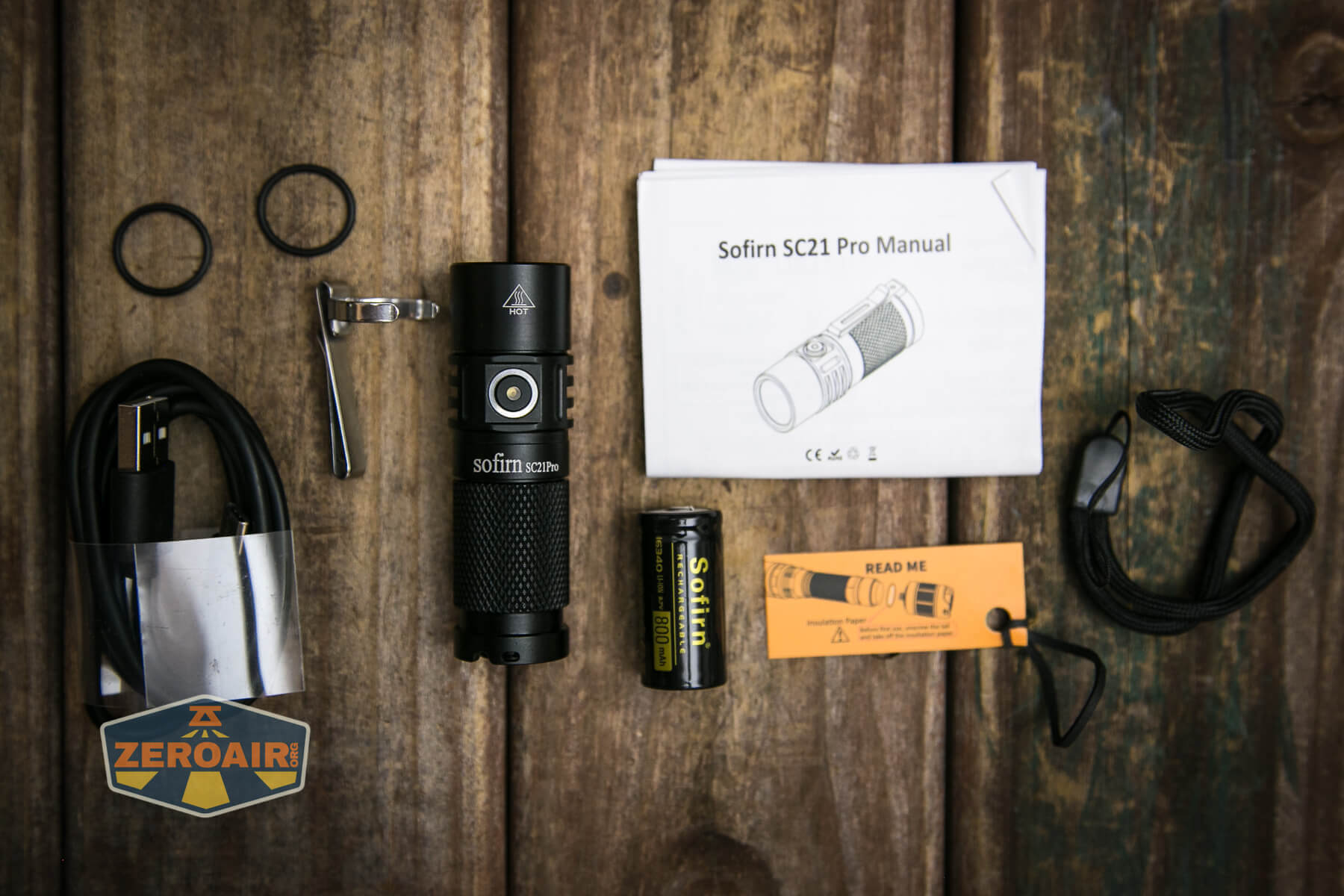
- Sofirn SC21 Pro flashlight
- Sofirn 800mAh 16340 (standard button top)
- Spare o-rings (2)
- Charge cable (USB to USB-C)
- Lanyard
- Pocket clip
- Manual
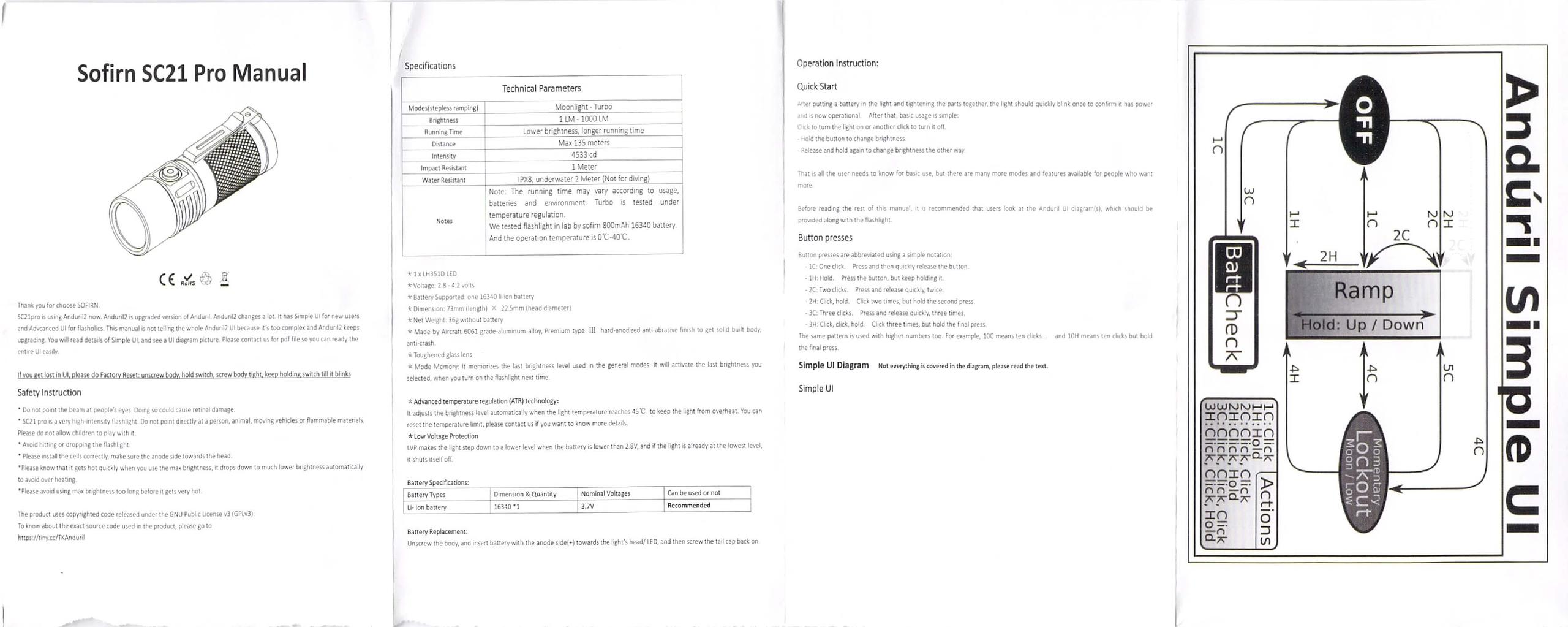
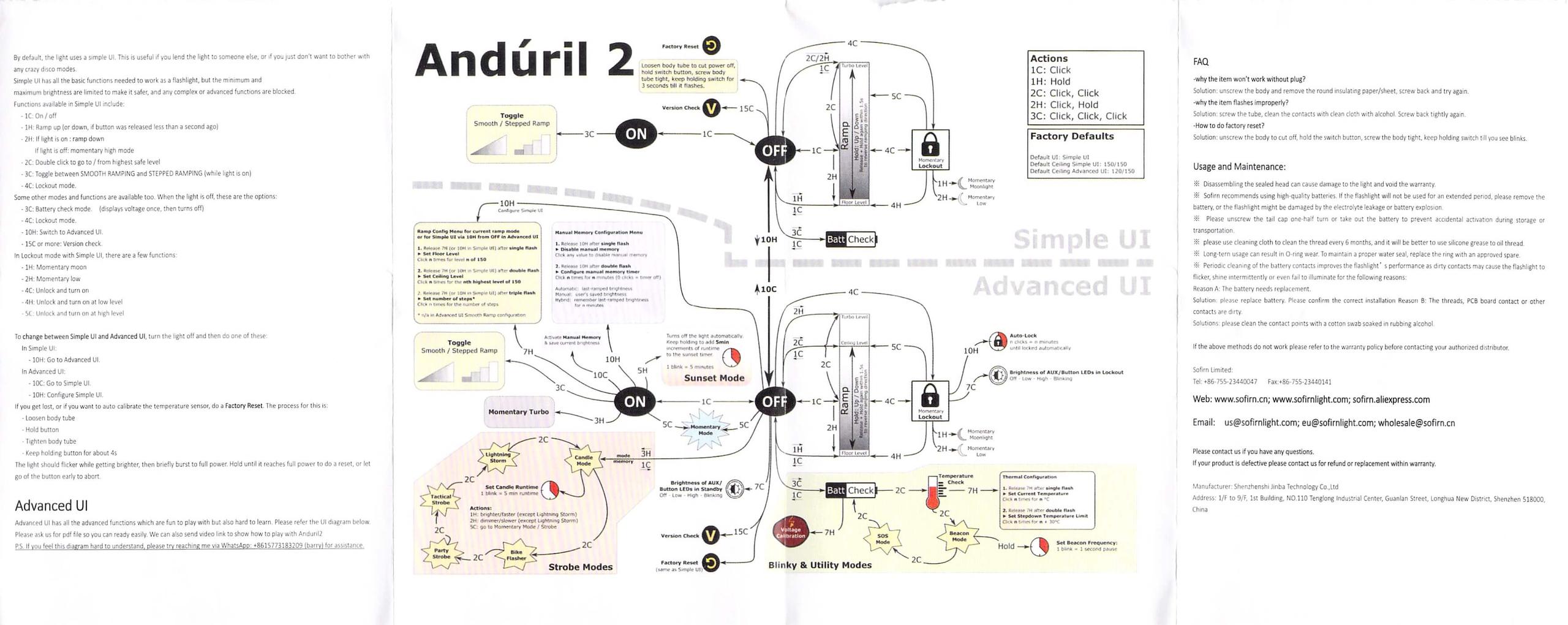
Package and Manual
Build Quality and Disassembly
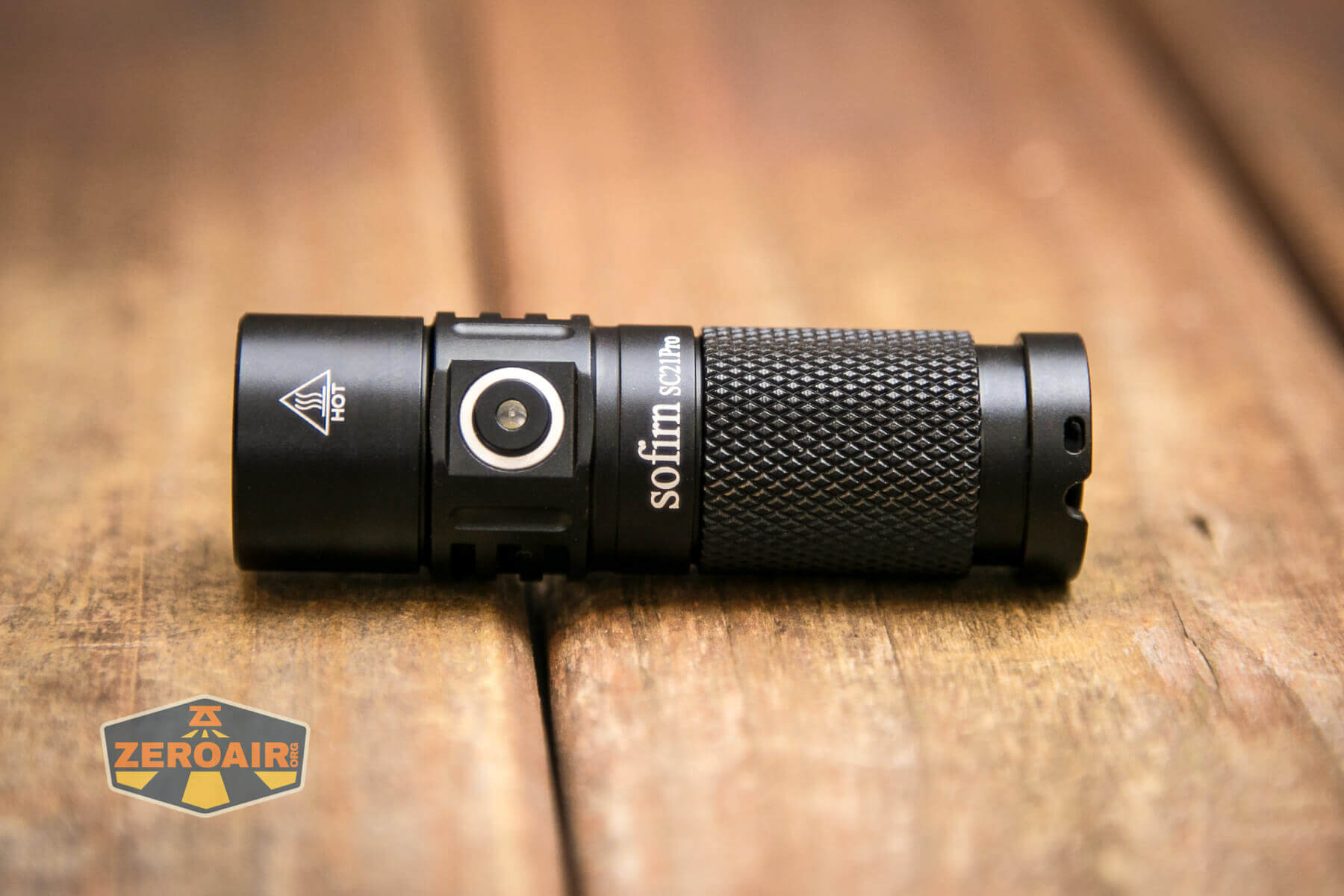
There’s really not much, if anything, different about the SC21 Pro from the SC21. The build quality is still the same, for example.
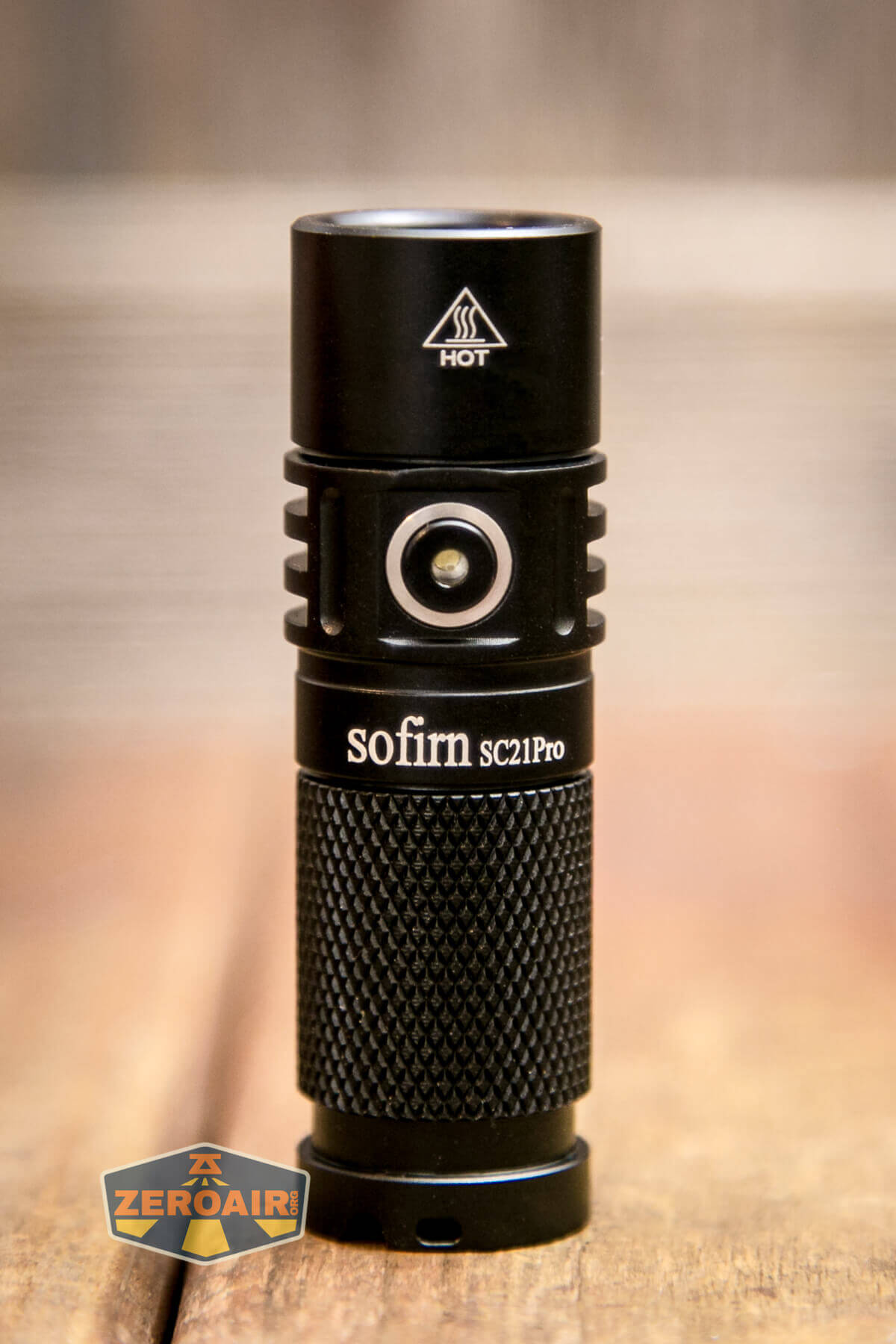
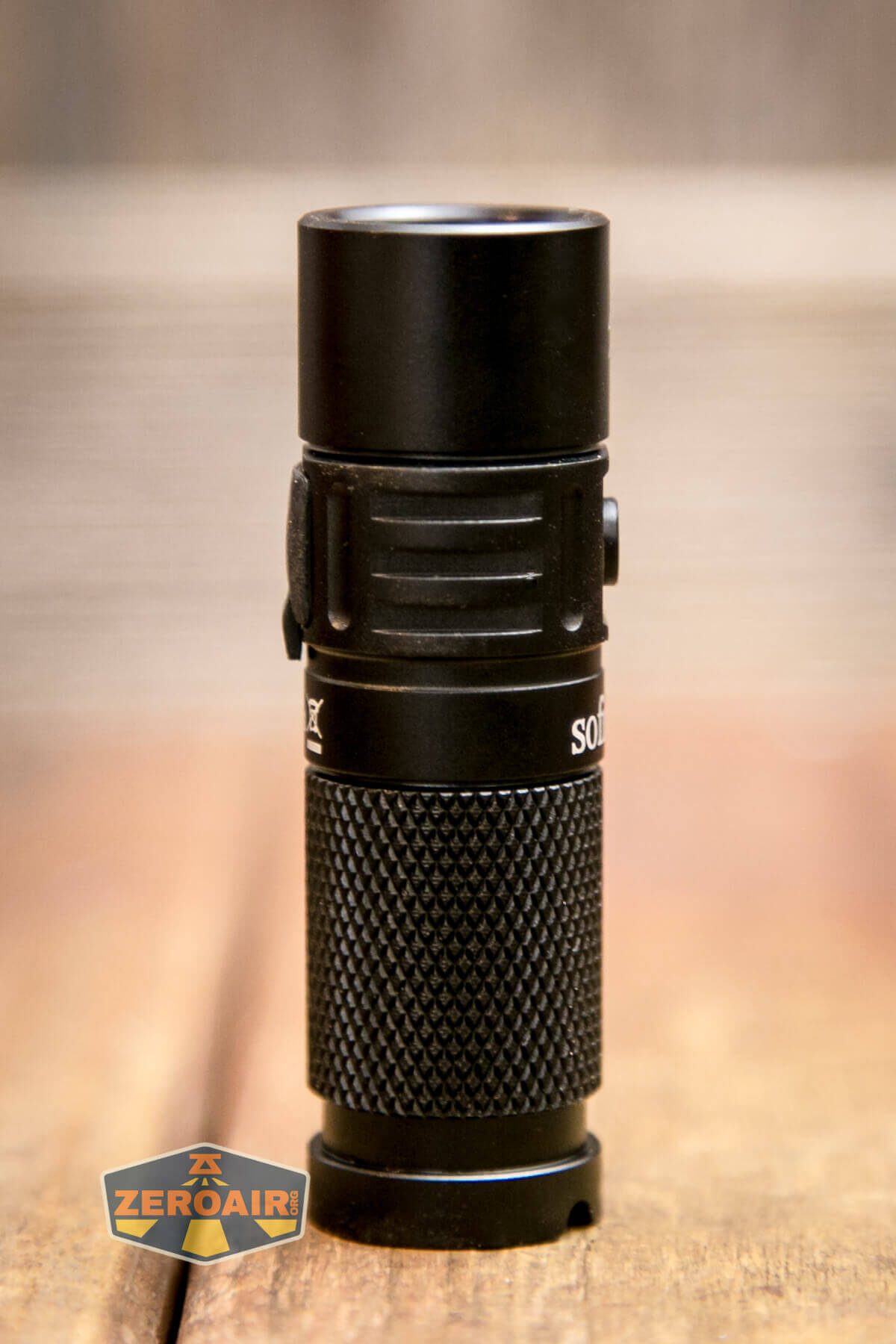
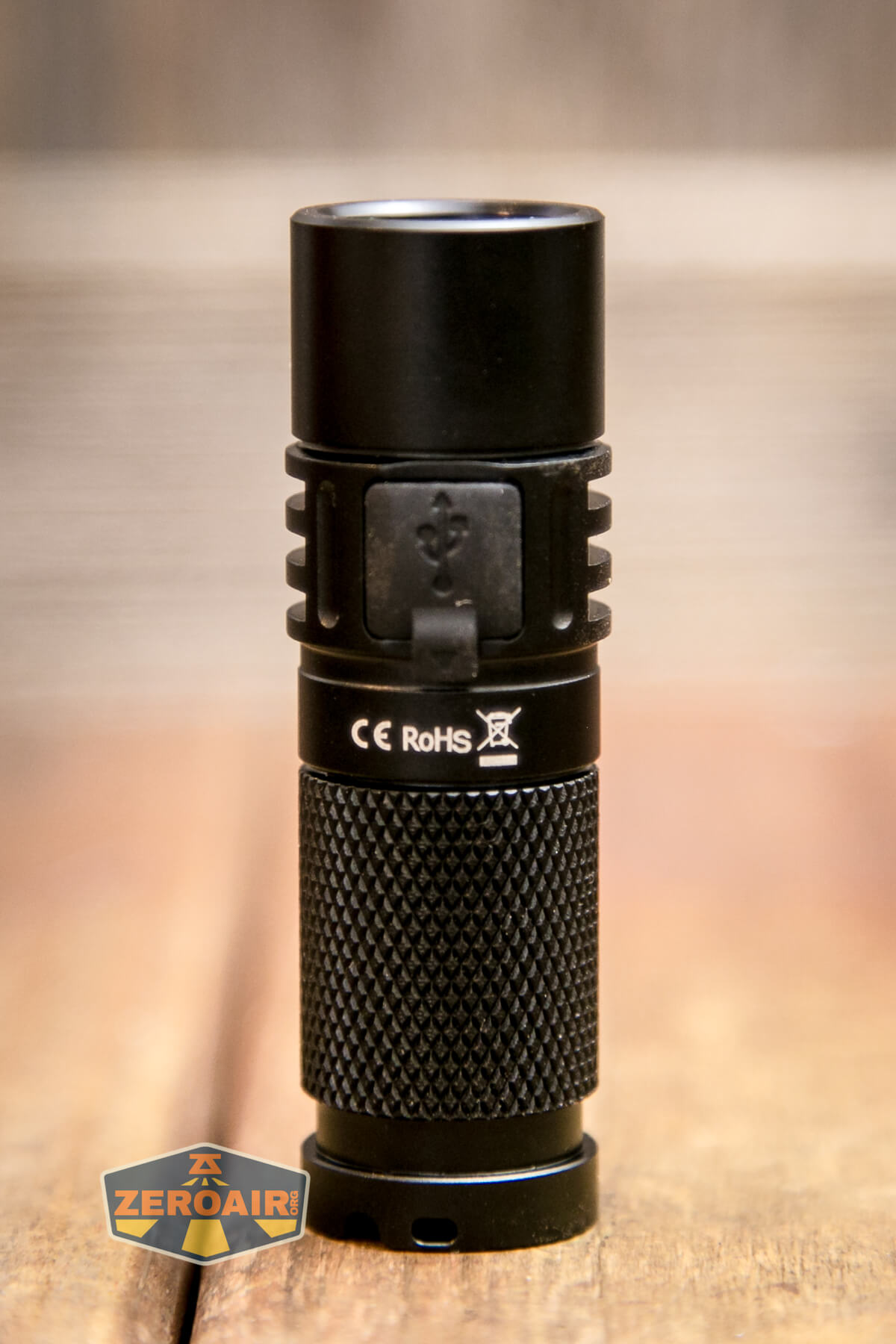
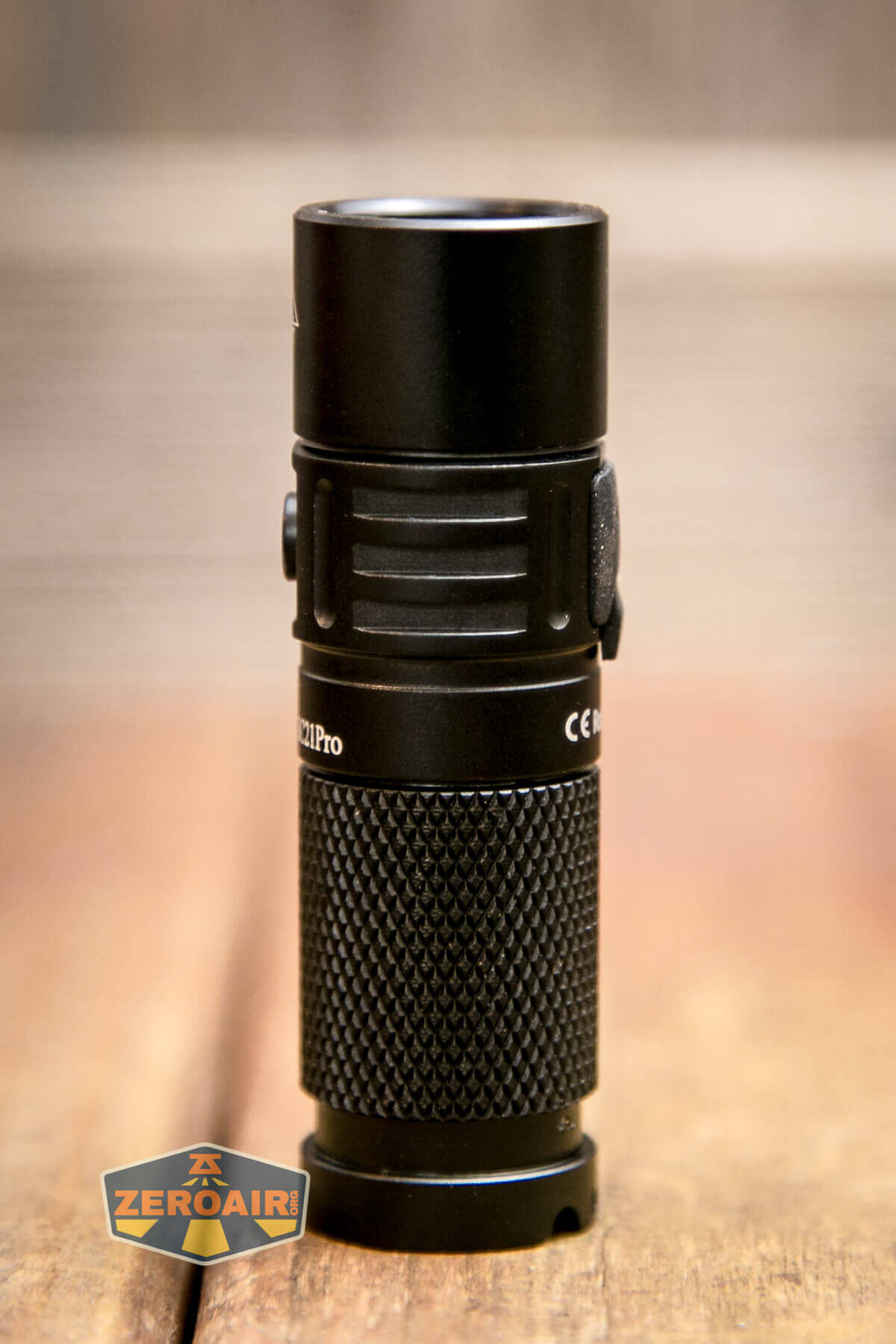
There’s plenty to love in this tiny package. That “sort of aggressive” knurling provides ample grip for swapping the cells and just holding the light in general. The proud switch makes finding it for use very easy.
Here’s the tailcap, which has a little bump out to house the magnet. The edge is also even with this bump out, and allows room for the lanyard holes.
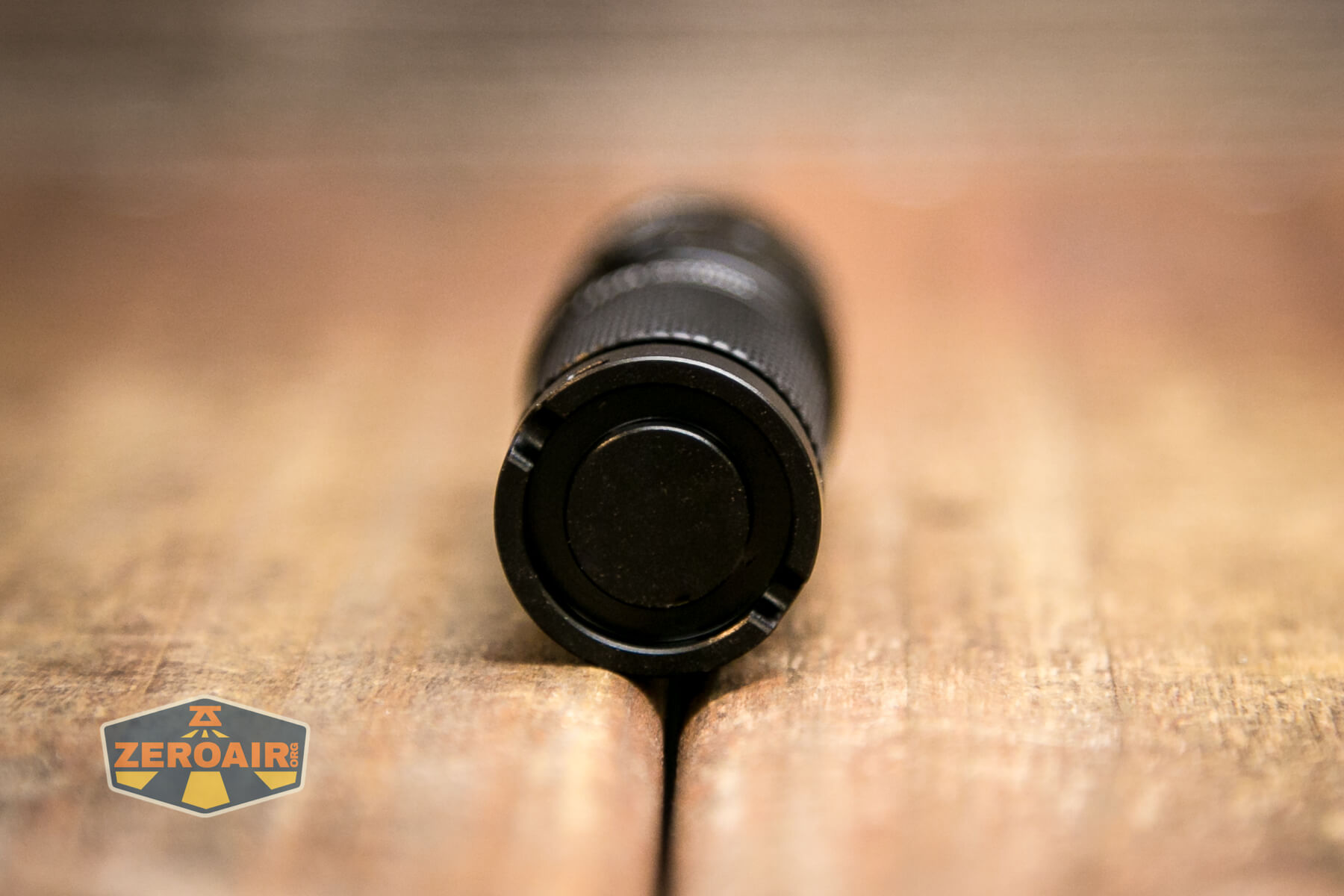
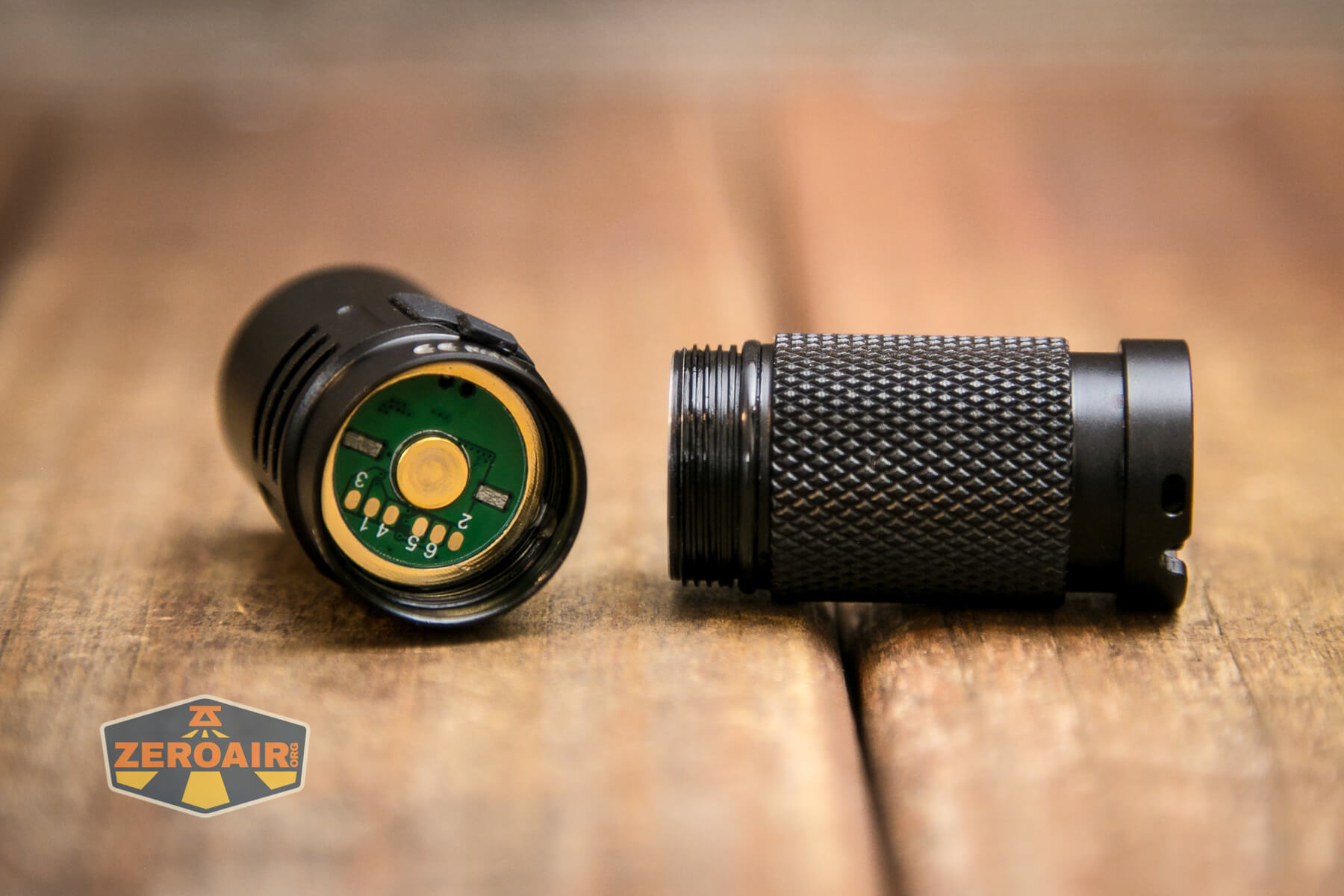
The head comes off the body easily, over smooth anodized threads. Because of this anodization, it’s possible to mechanically lock the light out with a very light loosening of the head. I recommend this, as quiescent current is fairly high here.
Note in the photo below how accessible the flashing pads are. That’s a win for modders – it should be easy to flash in your current build of Andúril if you wish to do that. This is also a major update from the original SC21 – it did not (look to) have flashing pads like this.
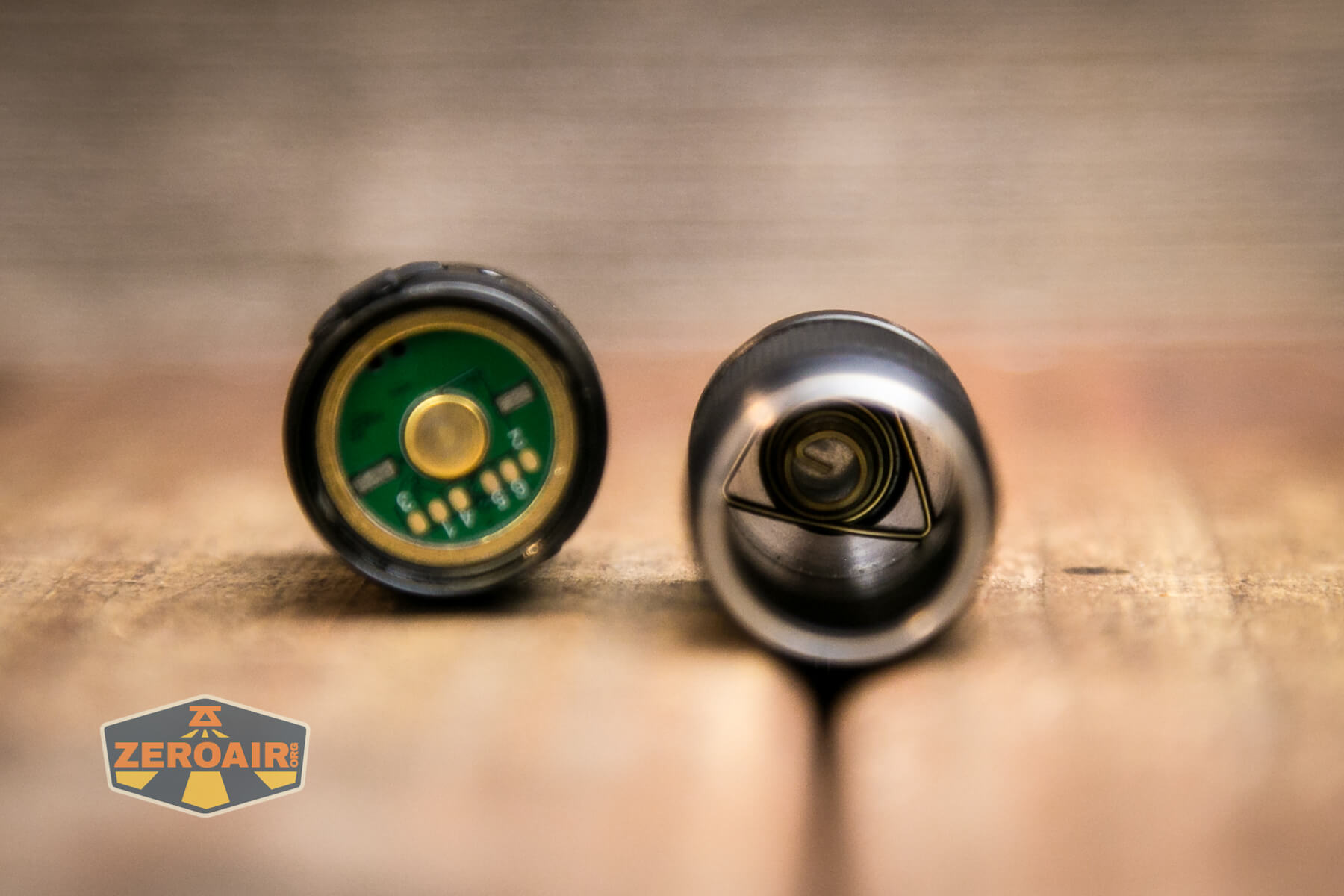
Only the tail end sports a spring; the head has just a brass button. I did not explore the option, but the spring looks to be removable, so you could remove the magnet if you wish.
Size and Comps
Dimensions
Length: 73mm
Body Diameter: 22.5 mm
Weight: 39g (Not including pocket clip or battery)
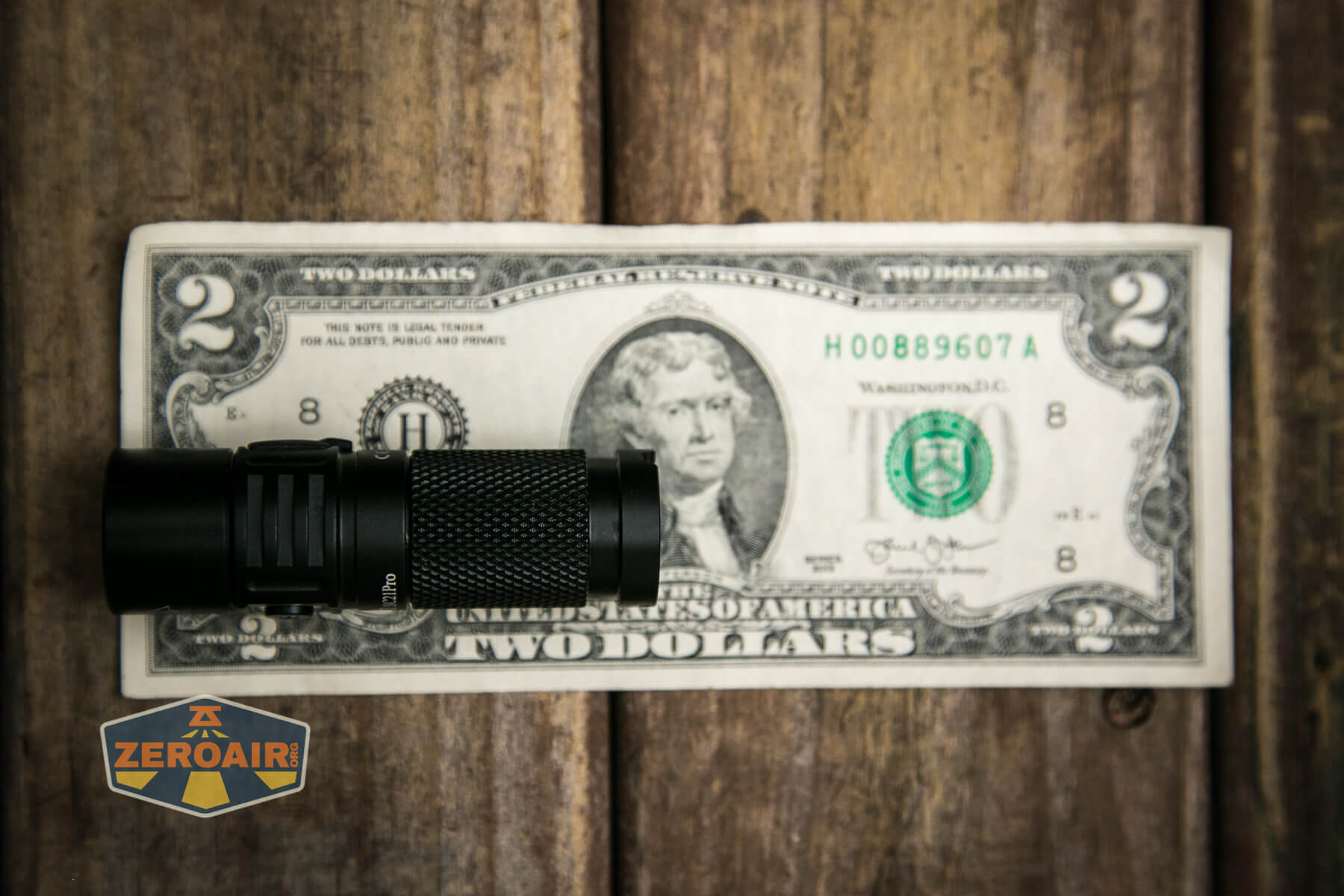
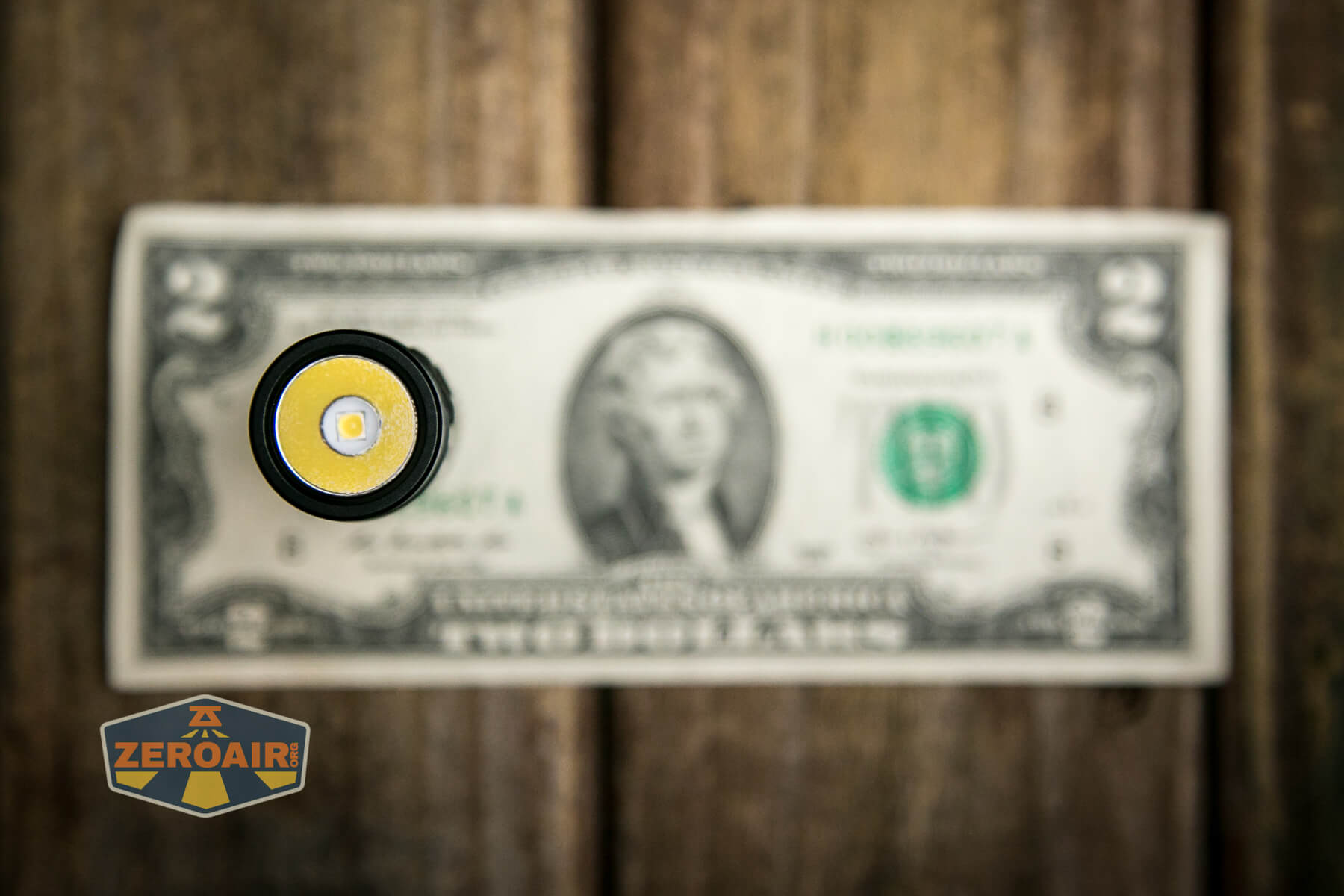
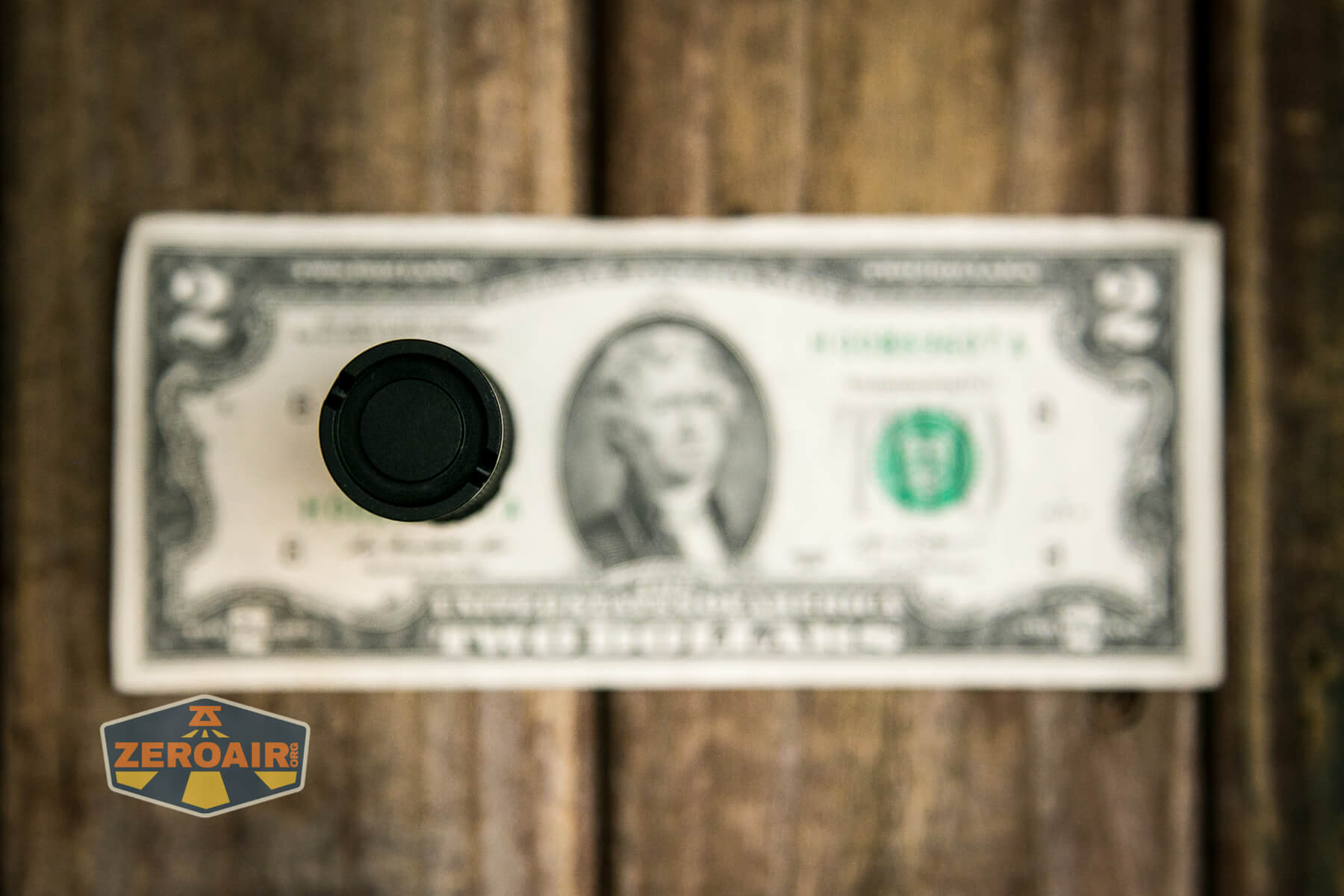
If the flashlight will headstand, I’ll show it here (usually the third photo). If the flashlight will tailstand, I’ll show that here, too (usually the fourth photo).
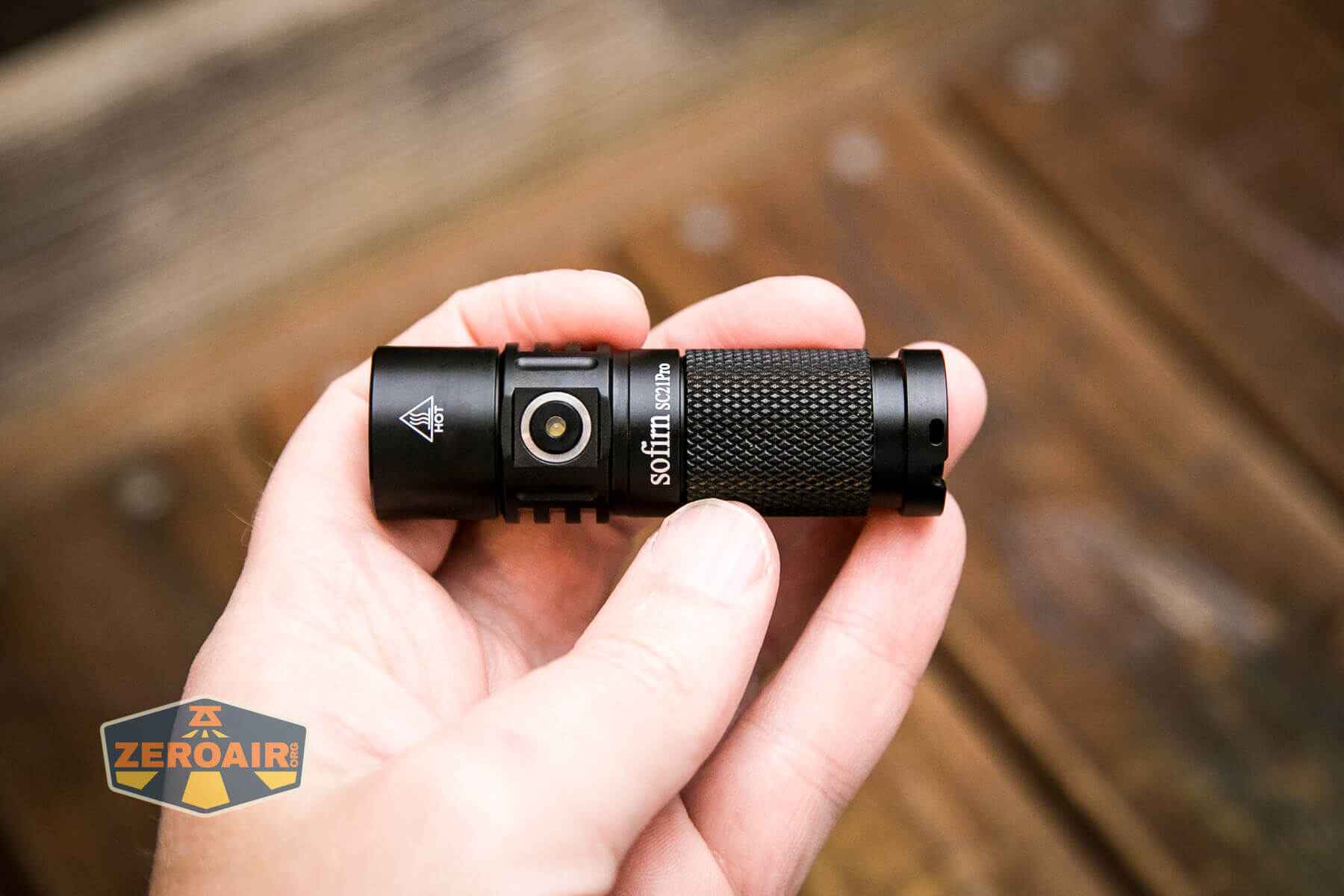
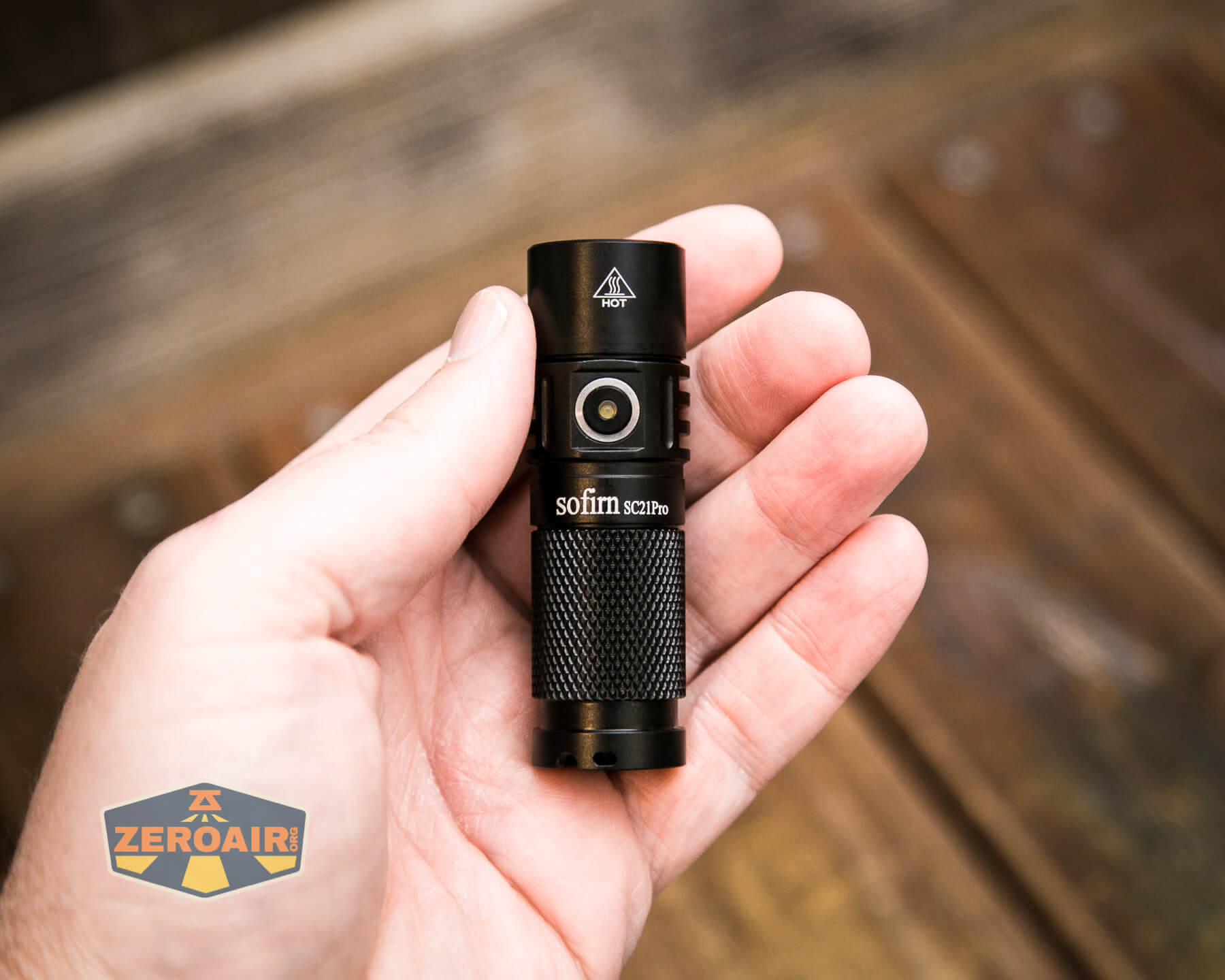
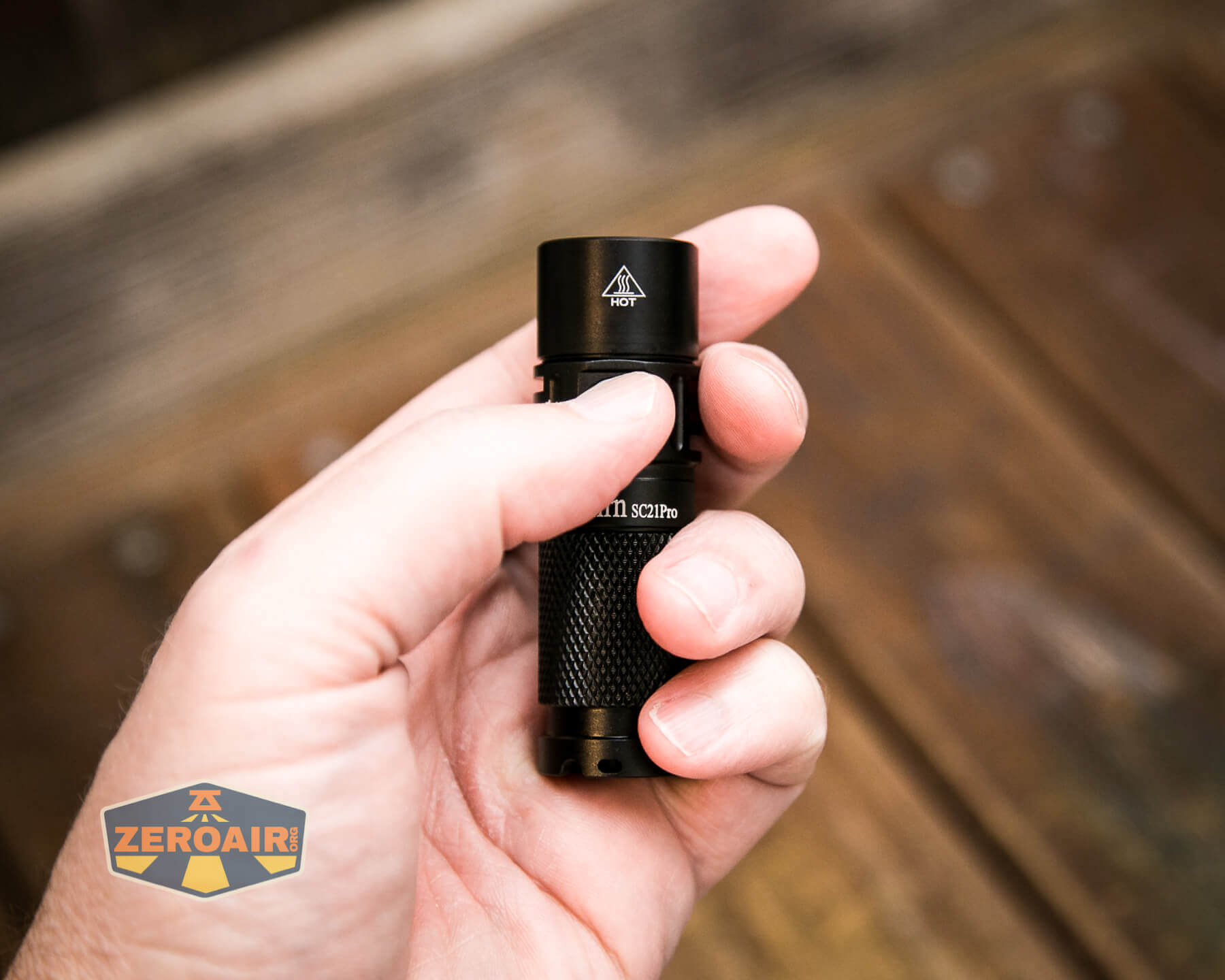
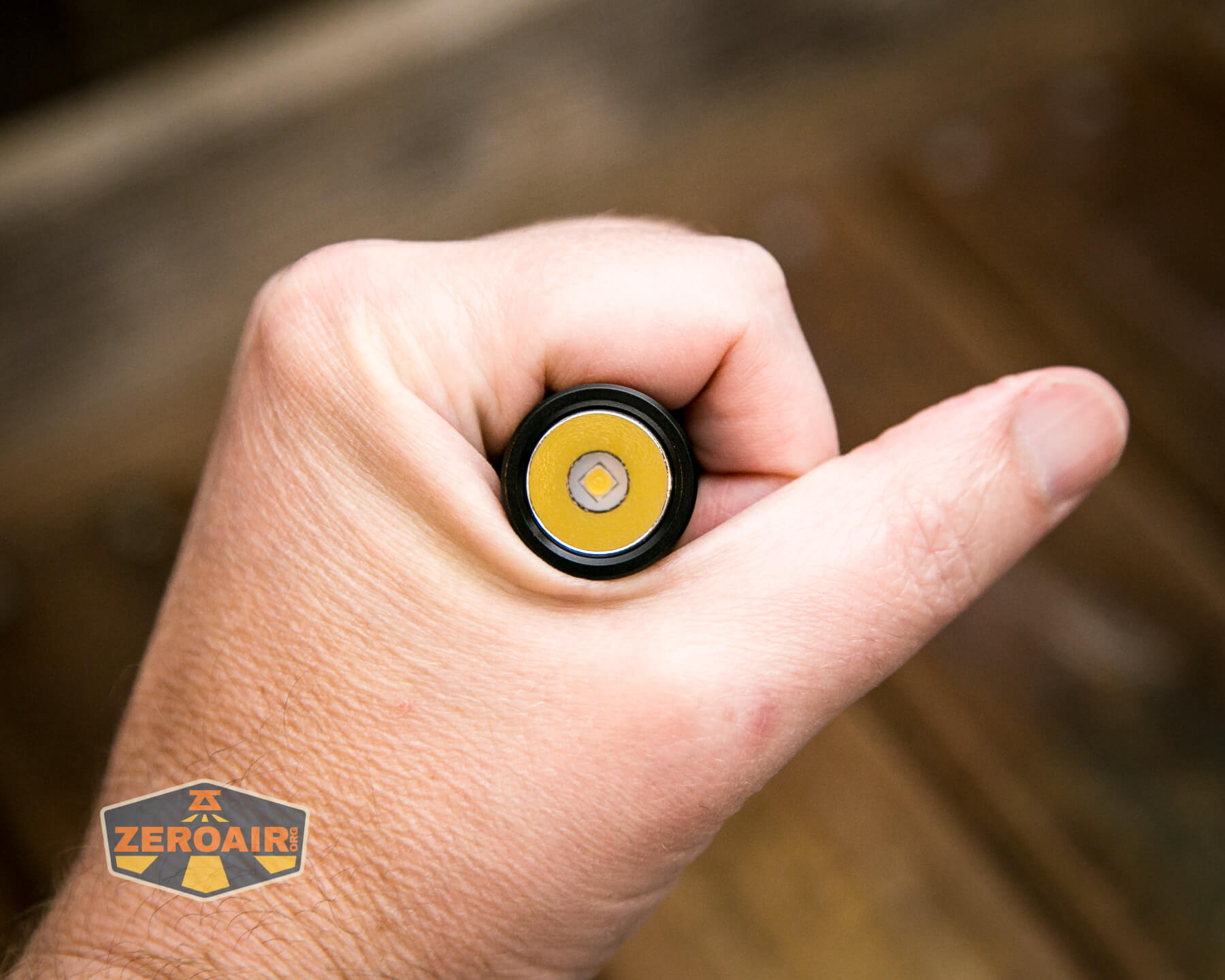
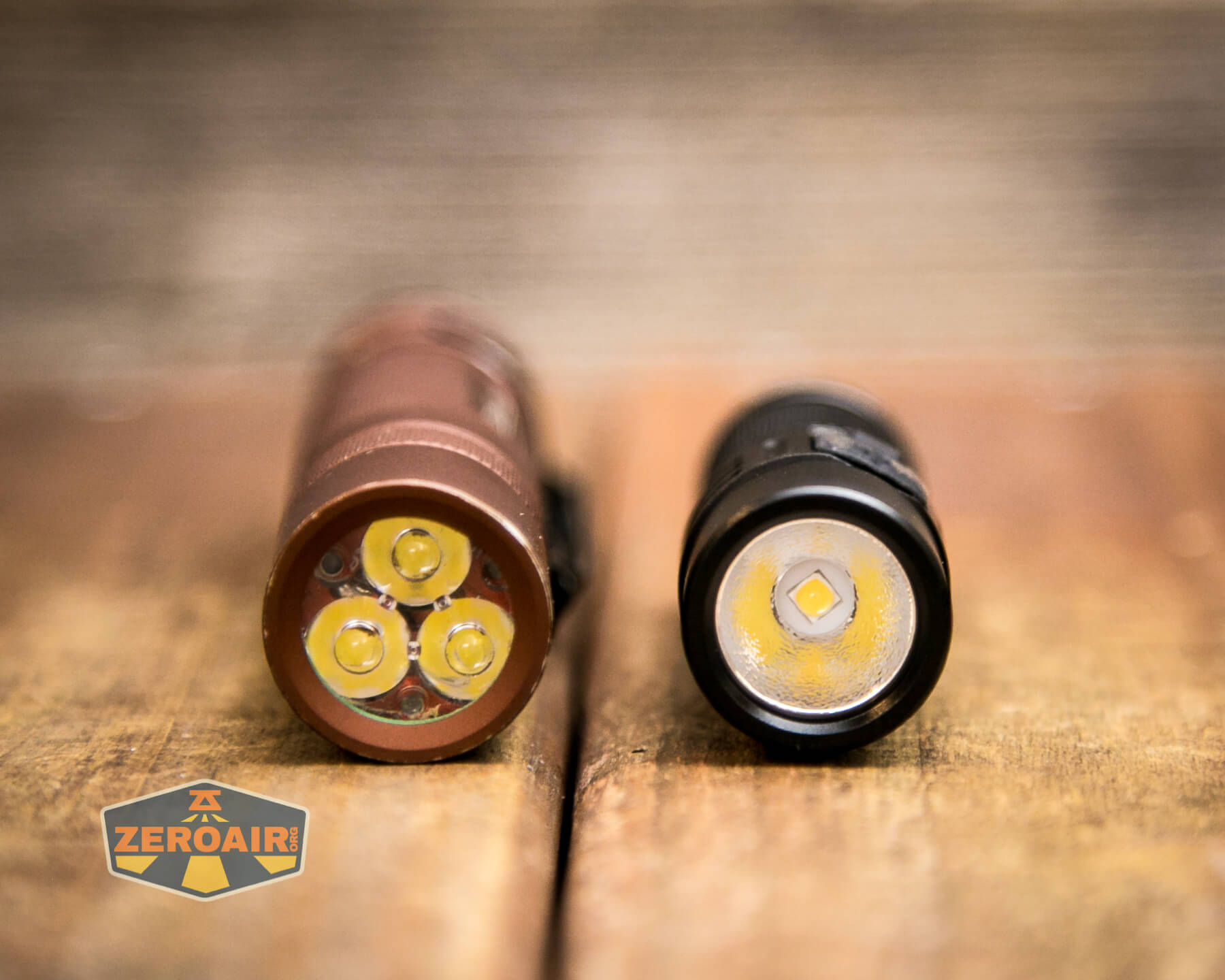
Here’s the test light with the venerable Convoy S2+. Mine’s a custom “baked” edition Nichia 219b triple. A very nice 18650 light.
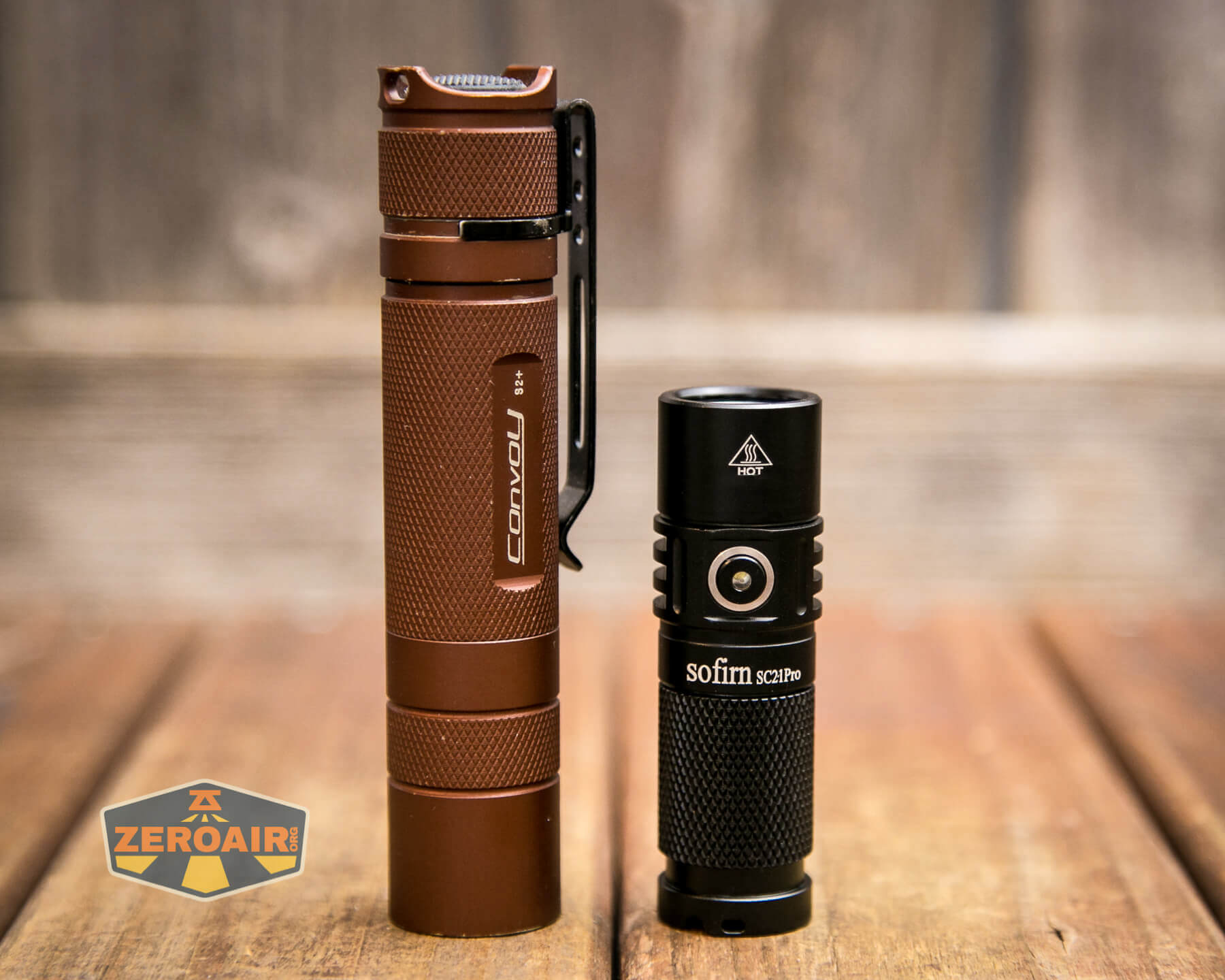
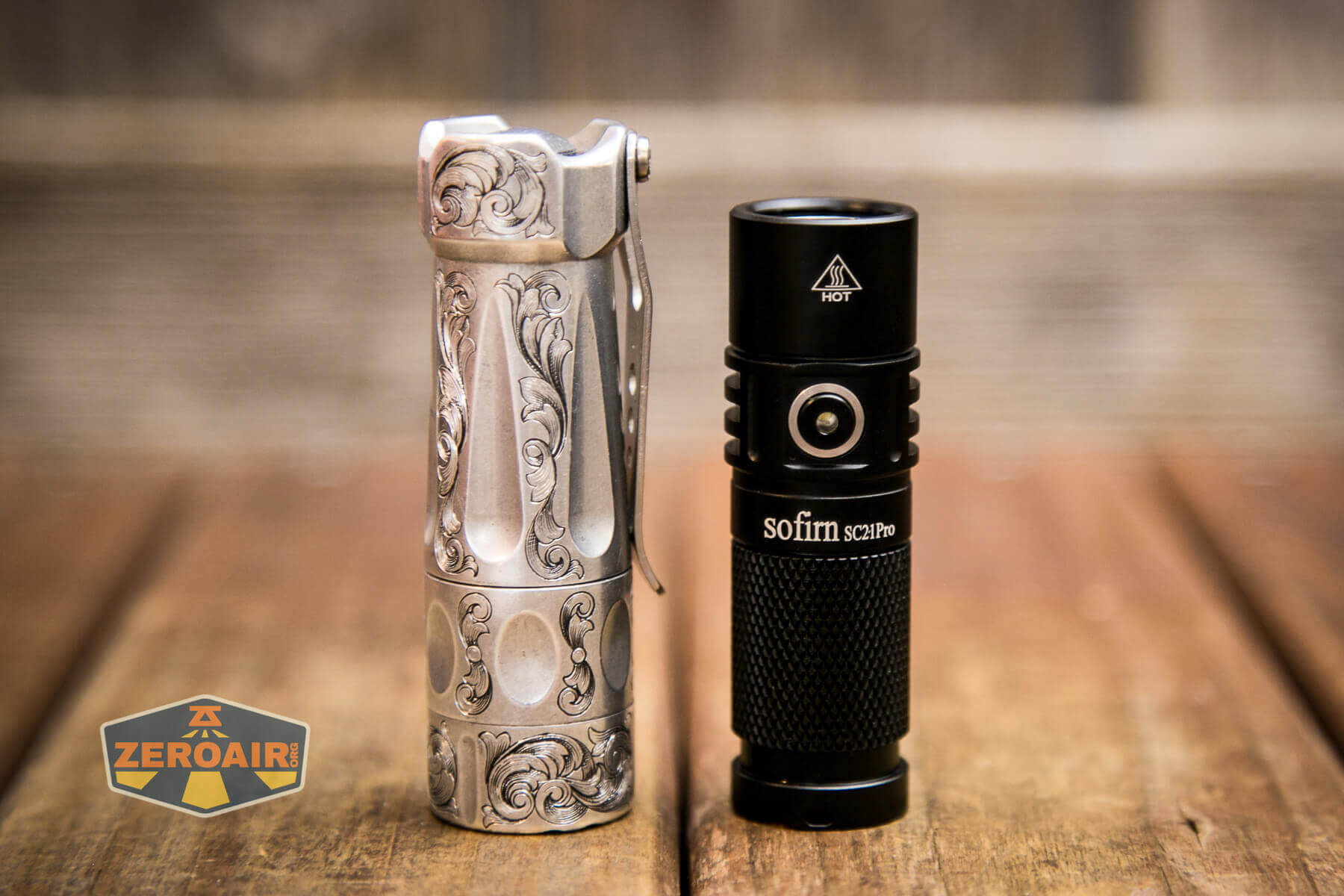
And here’s the light beside my custom-engraved TorchLAB BOSS 35, an 18350 light. I reviewed the aluminum version of that light in both 35 and 70 formats.
Retention and Carry
A friction-fit pocket clip is included, but not installed by default.
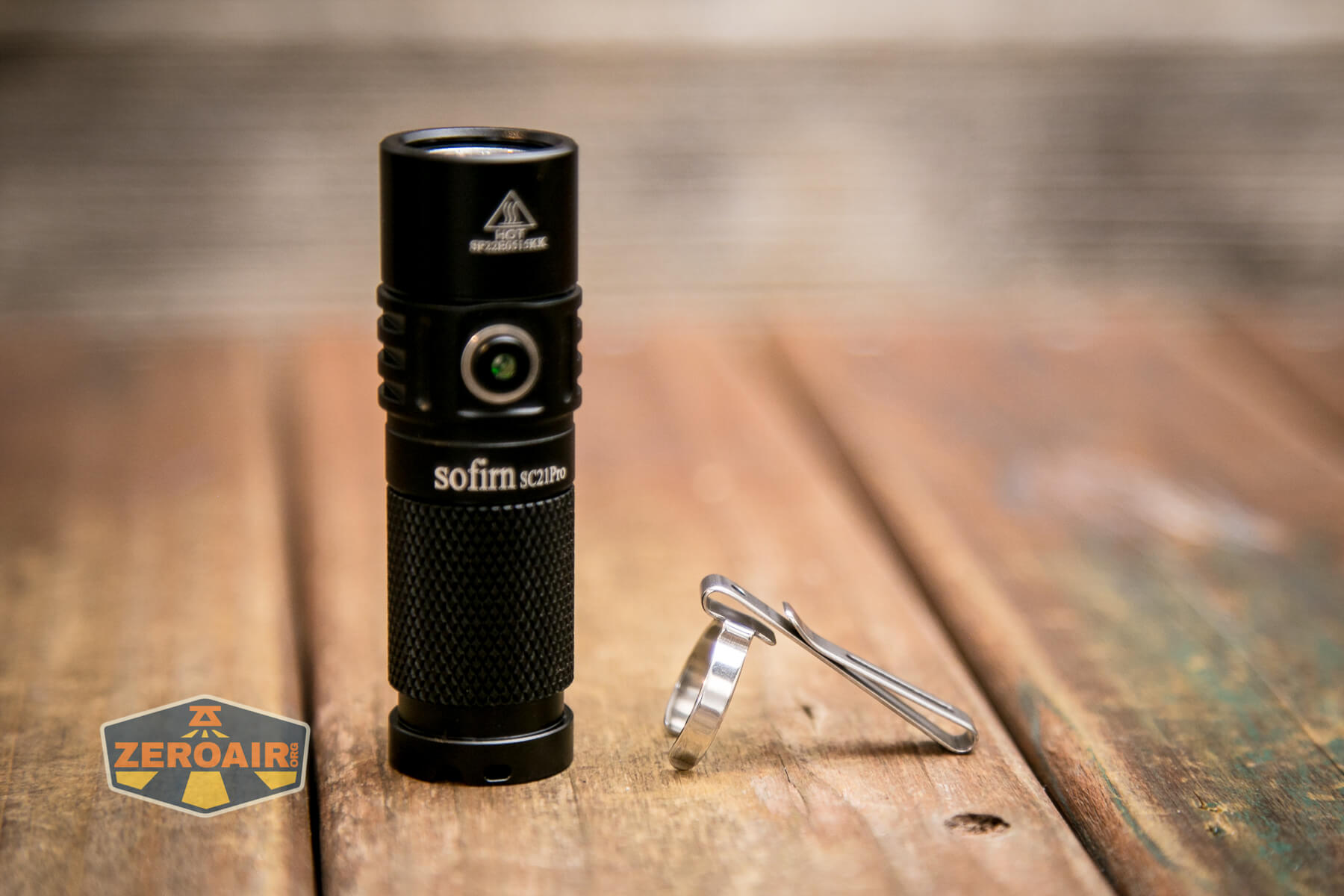
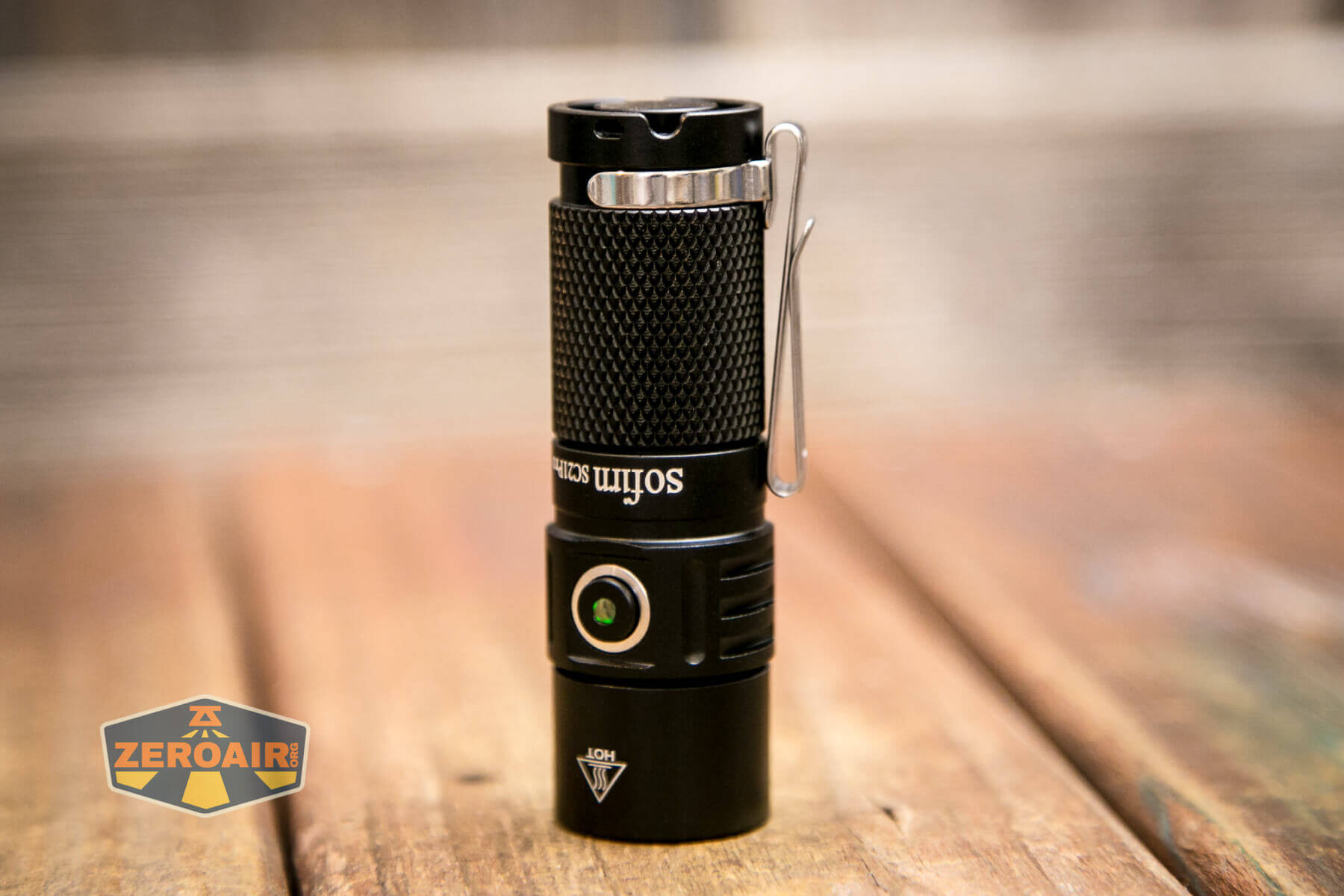
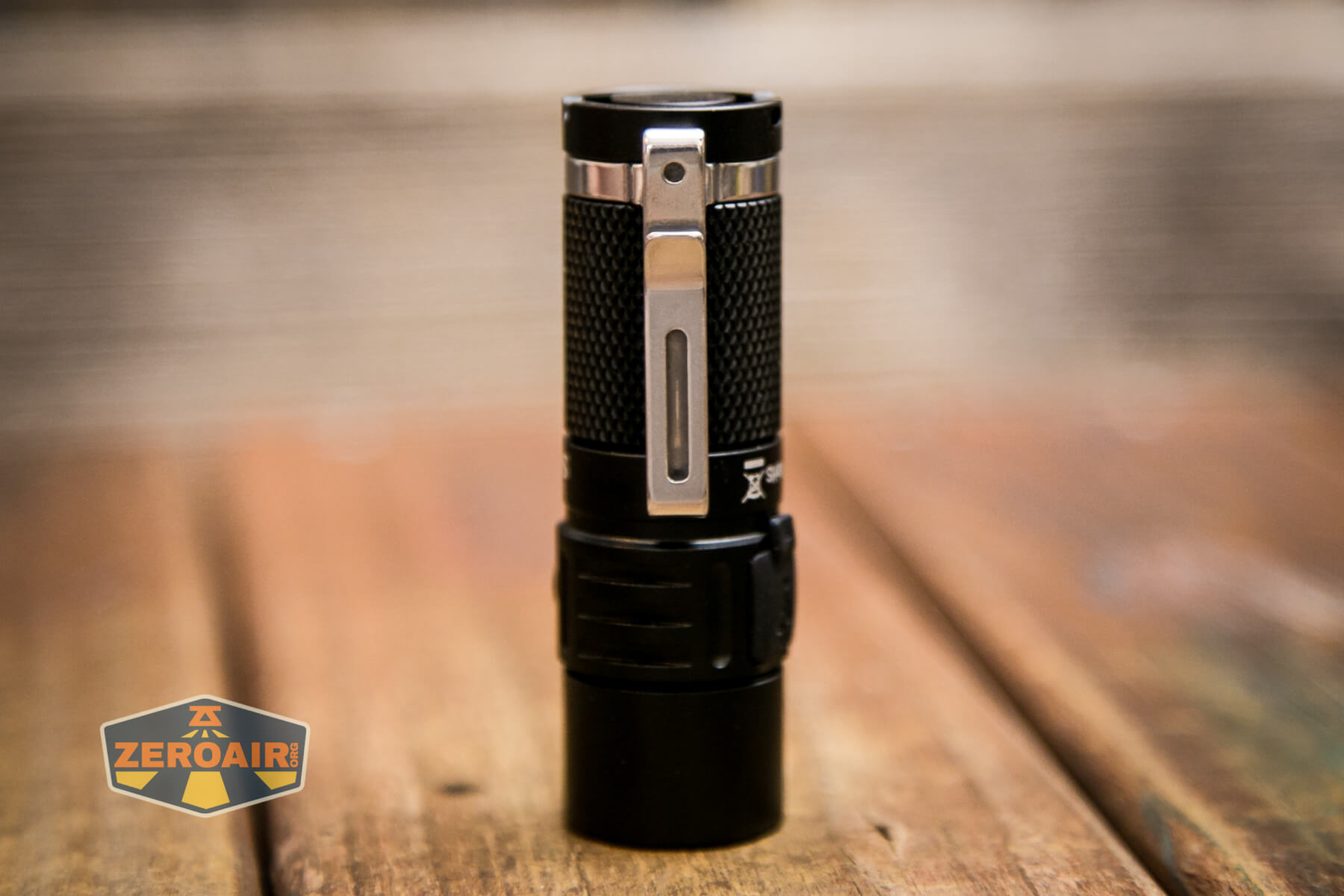
This clip fits only on the tail end of the light but is a two-way clip. I have historically not loved two-way clips, and this is no exception, but the execution here is fairly good. There’s a tradeoff being made, though. The clip is short, which means it doesn’t get in the way of head removal. (This is good – the clip doesn’t scratch the head when twisting.) But the clip is short, so while using this on a cap will work, the Sofirn SC21 flashlight will protrude by almost half of its body length over the front of the bill. Pick your poison?
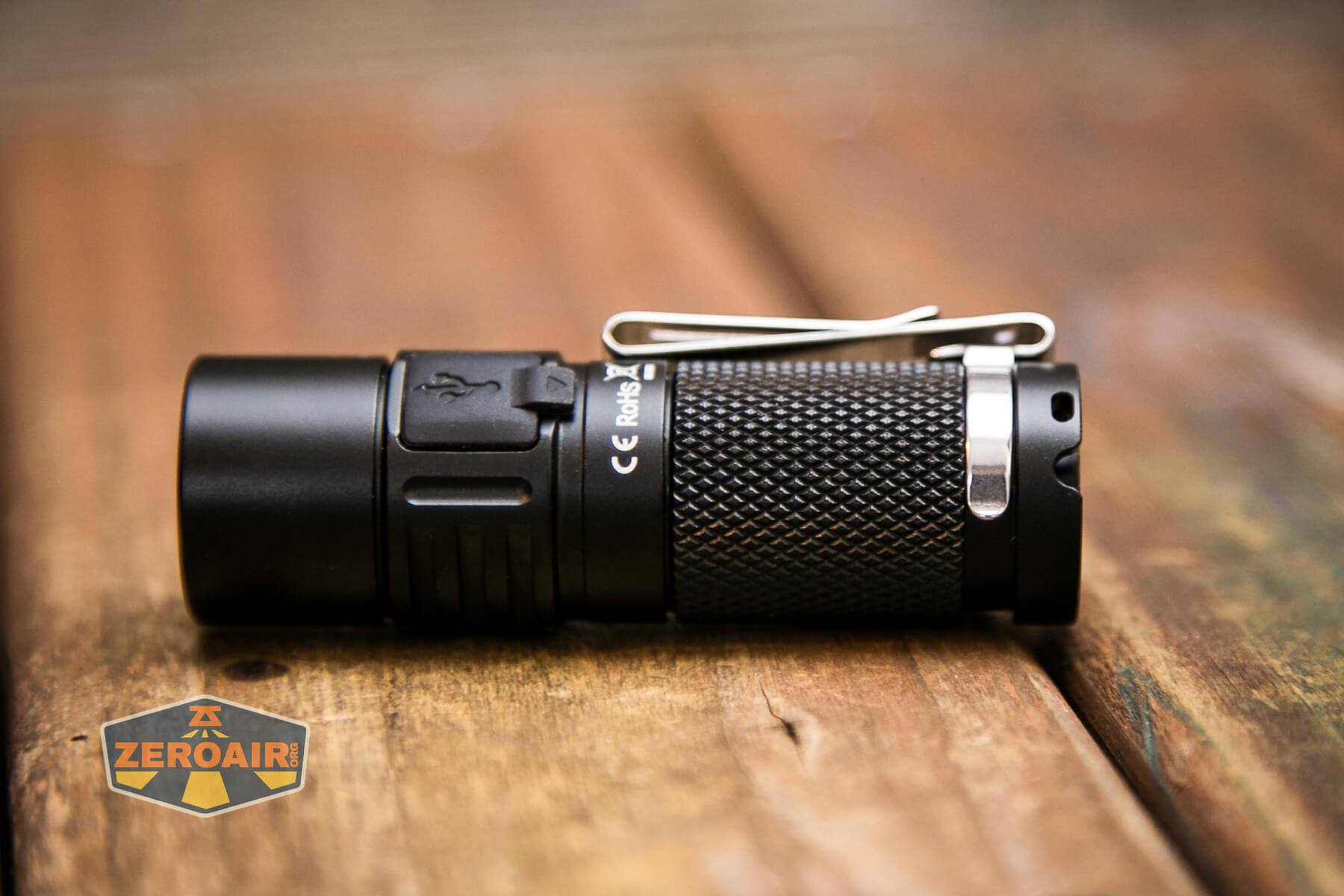
Also included on the Sofirn SC21 flashlight is a couple of lanyard hole attachment points. These are interesting because they feature a gap to allow tailstanding while the lanyard is installed.
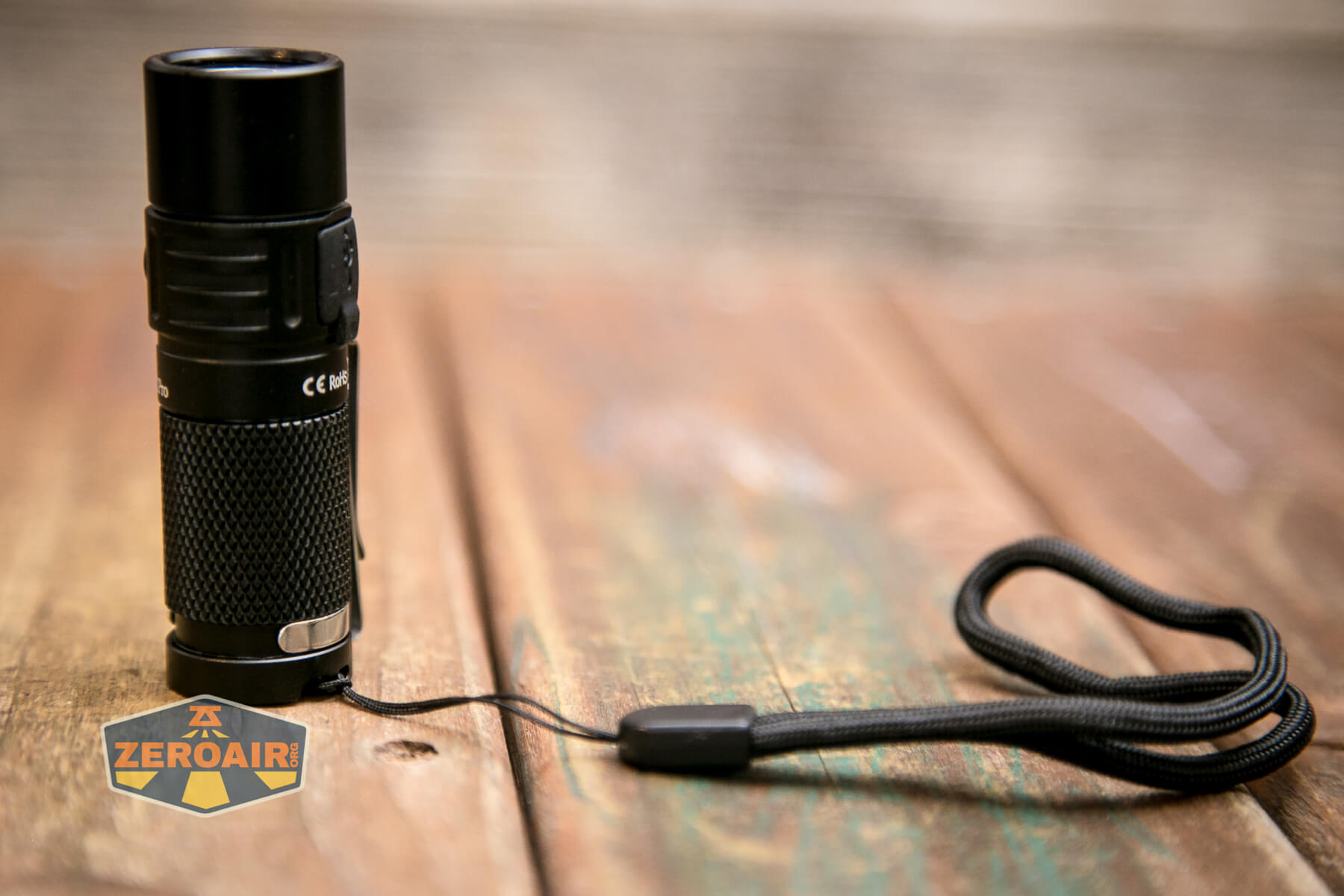
The idea here is great, but in reality, the implementation is less so – just give me two holes for the lanyard to go through, as a Convoy S2+ has, and let’s call it good. Or maybe there’s some other explanation for this setup that I don’t yet know?
The tailcap magnet is easily strong enough to hold the Sofirn SC21 flashlight.
Power and Runtime
The Sofirn SC21 Pro flashlight is powered by a single lithium-ion cell – in this case, a 16340. An appropriate cell is included – an 800mAh button top.
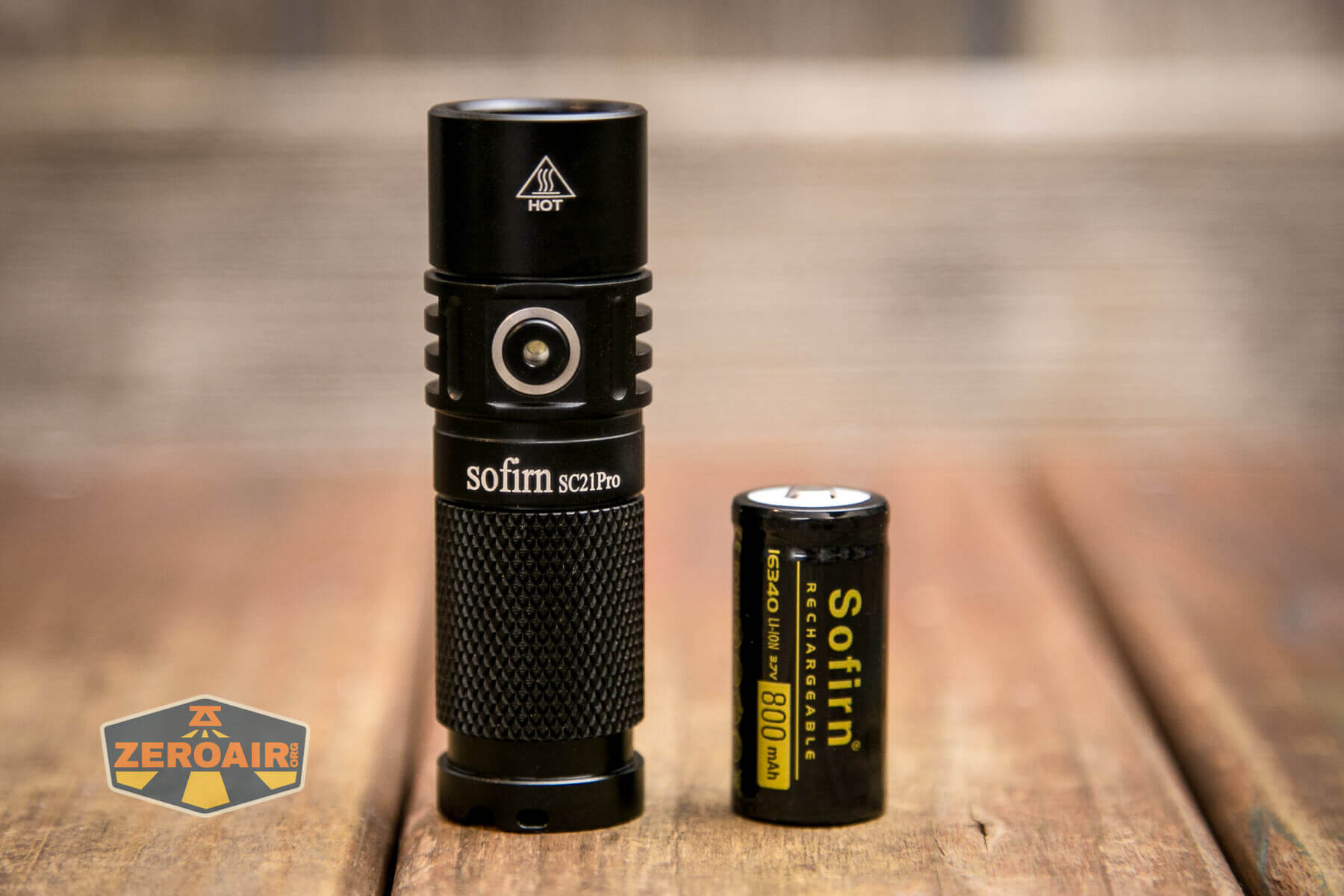
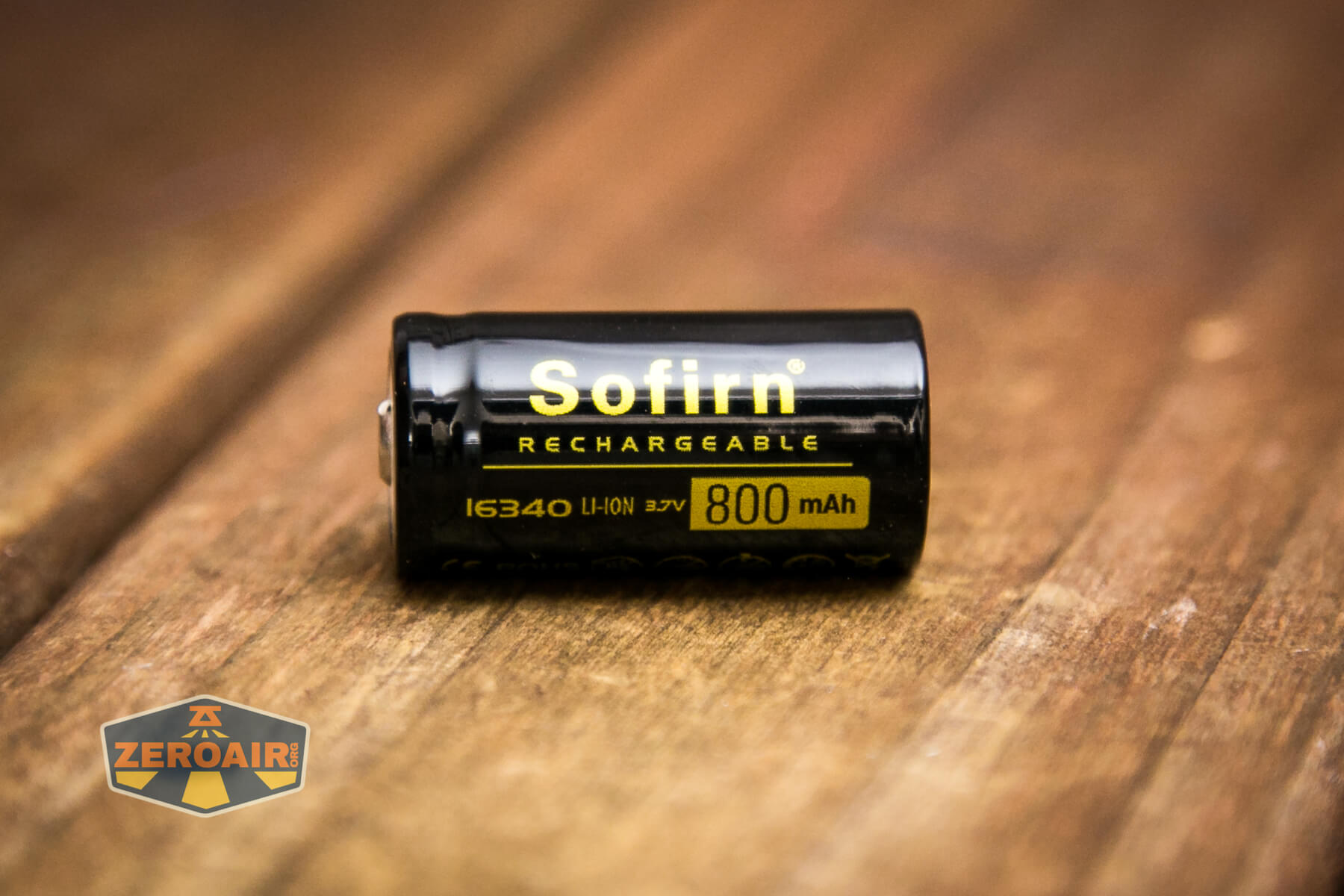
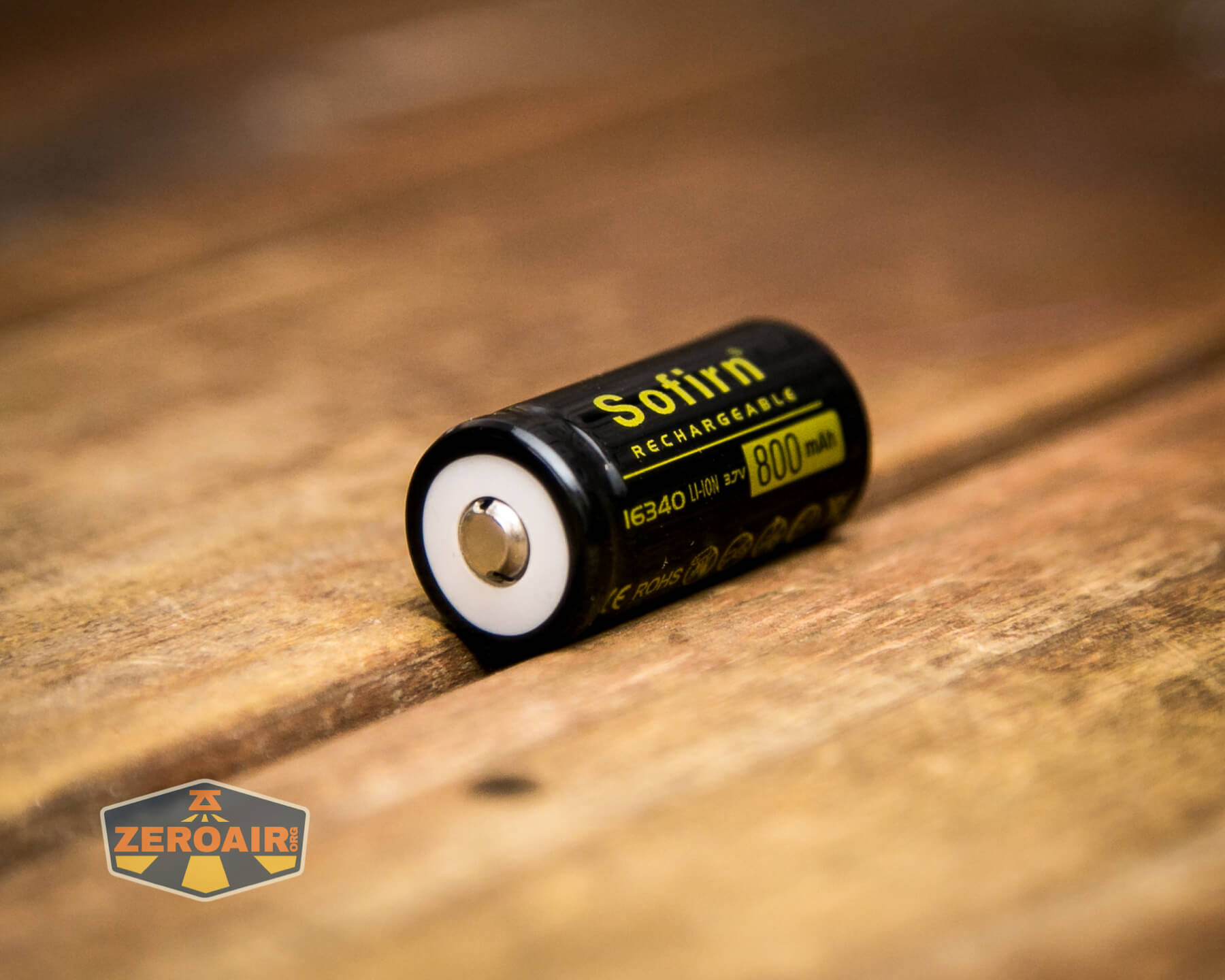
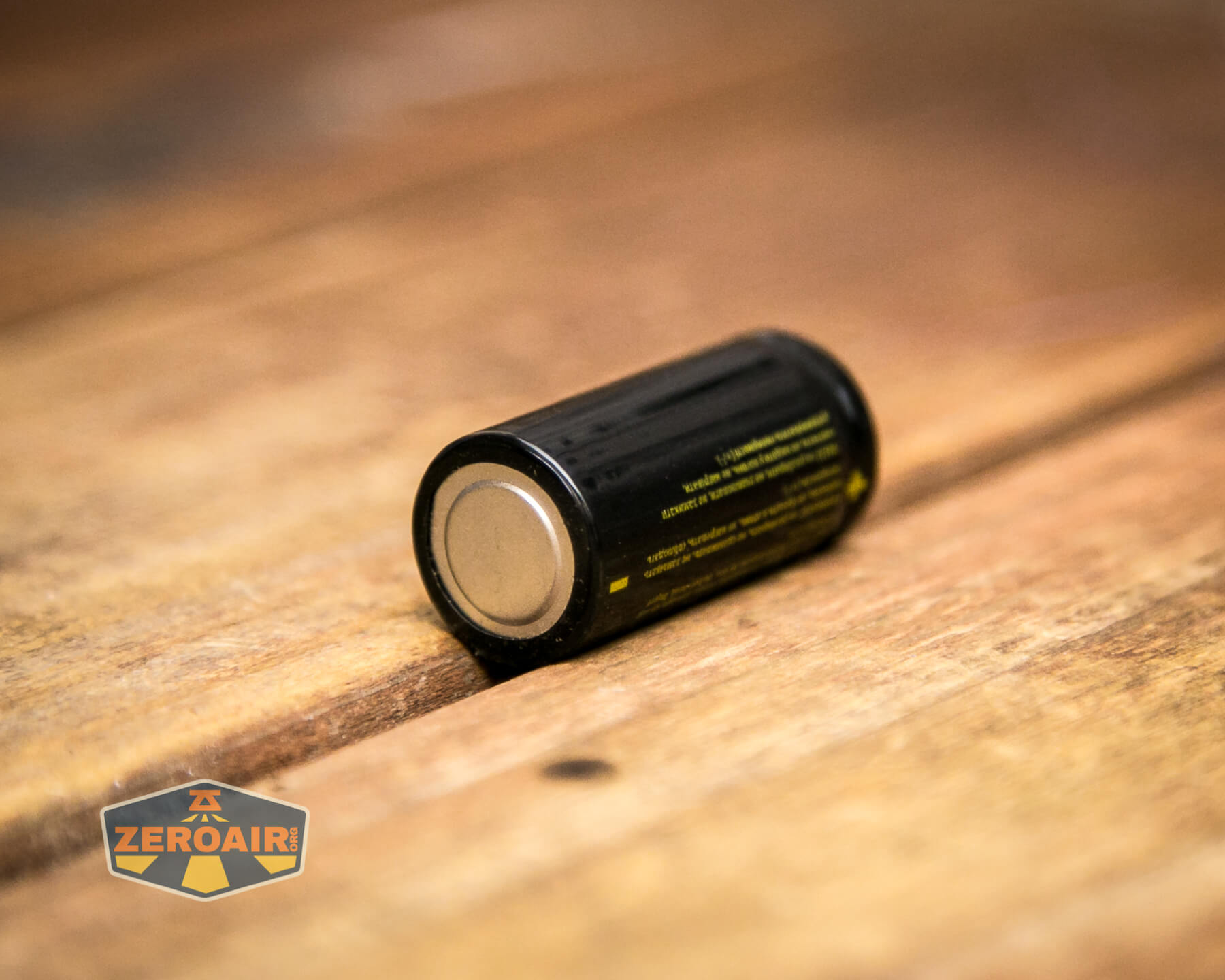
The cell is installed into the light in the usual way – positive end toward the head.
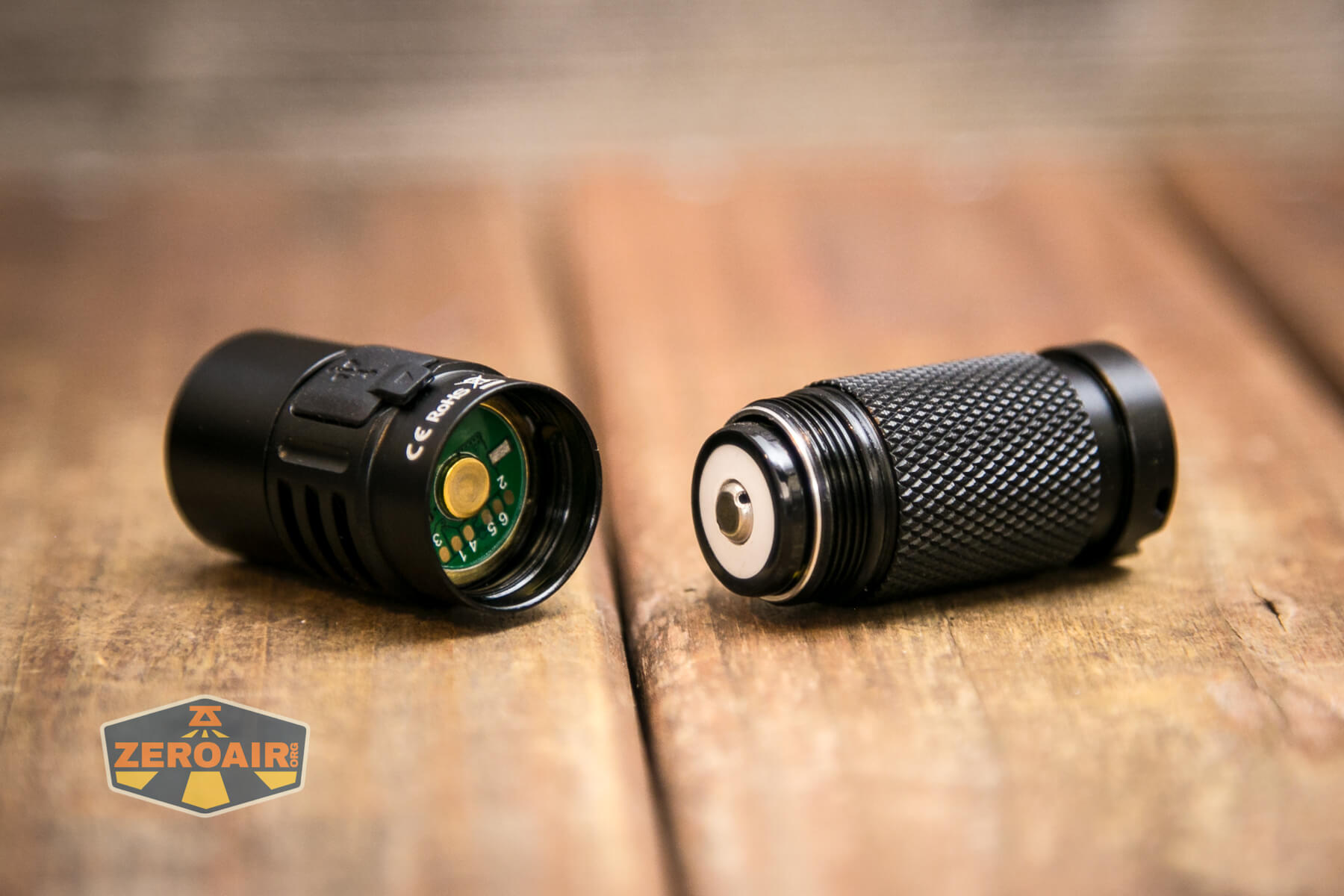
Runtimes follow. Turbo drifts down fairly quickly, but not in such a way that it seems to be gaming the ANSI standard. For all of these runtime tests, I did calibrate Andúril thermal settings before testing.
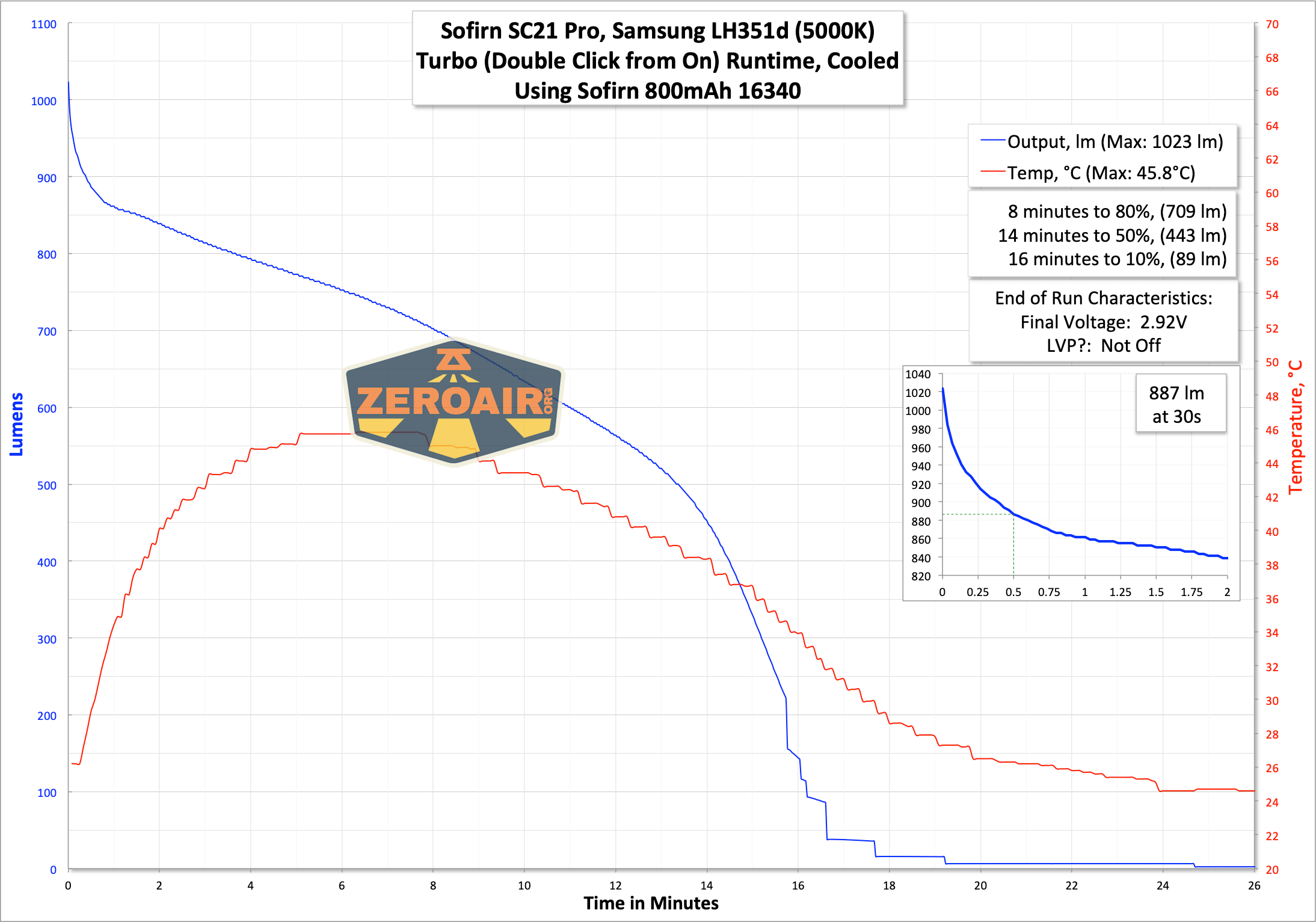
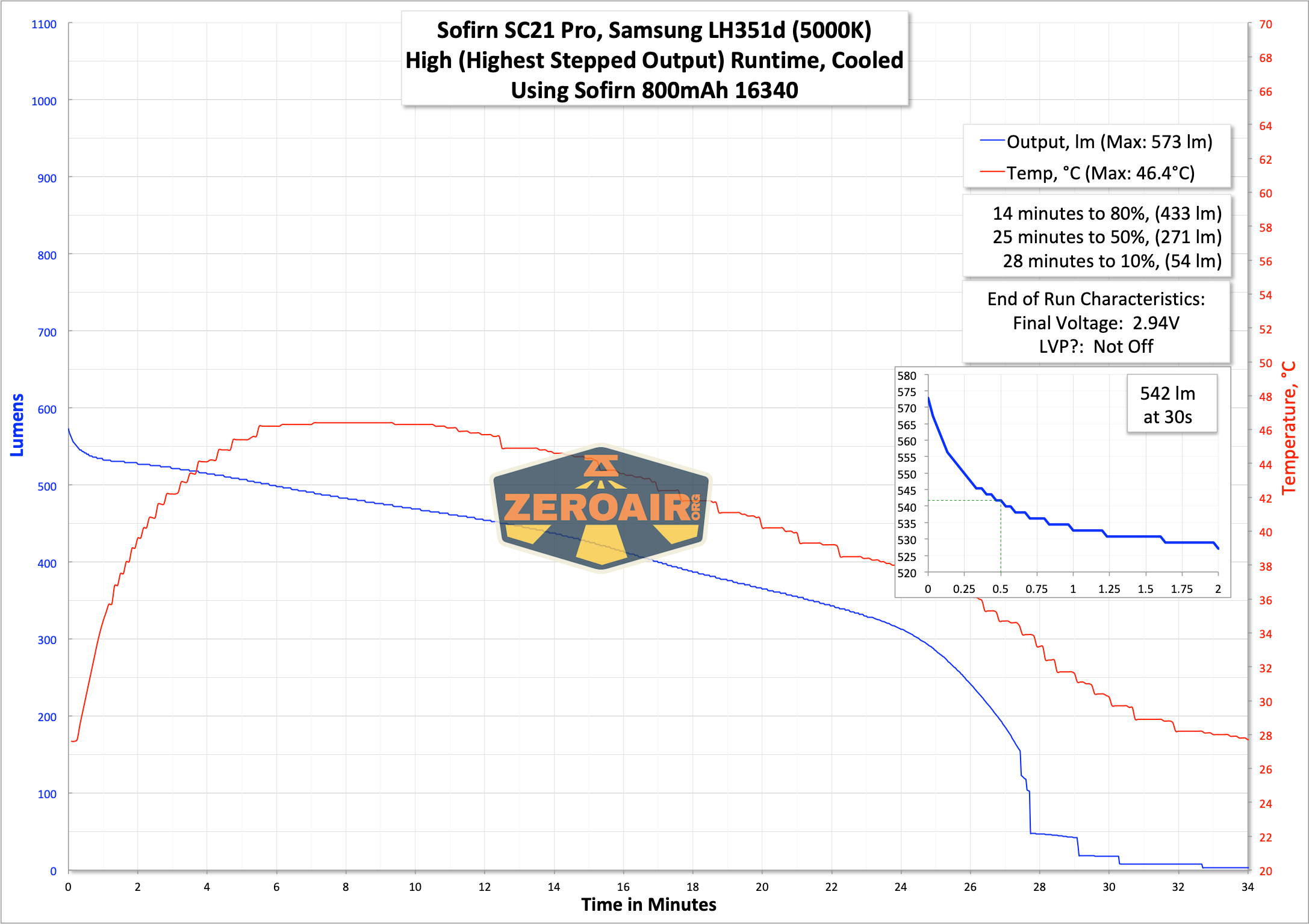
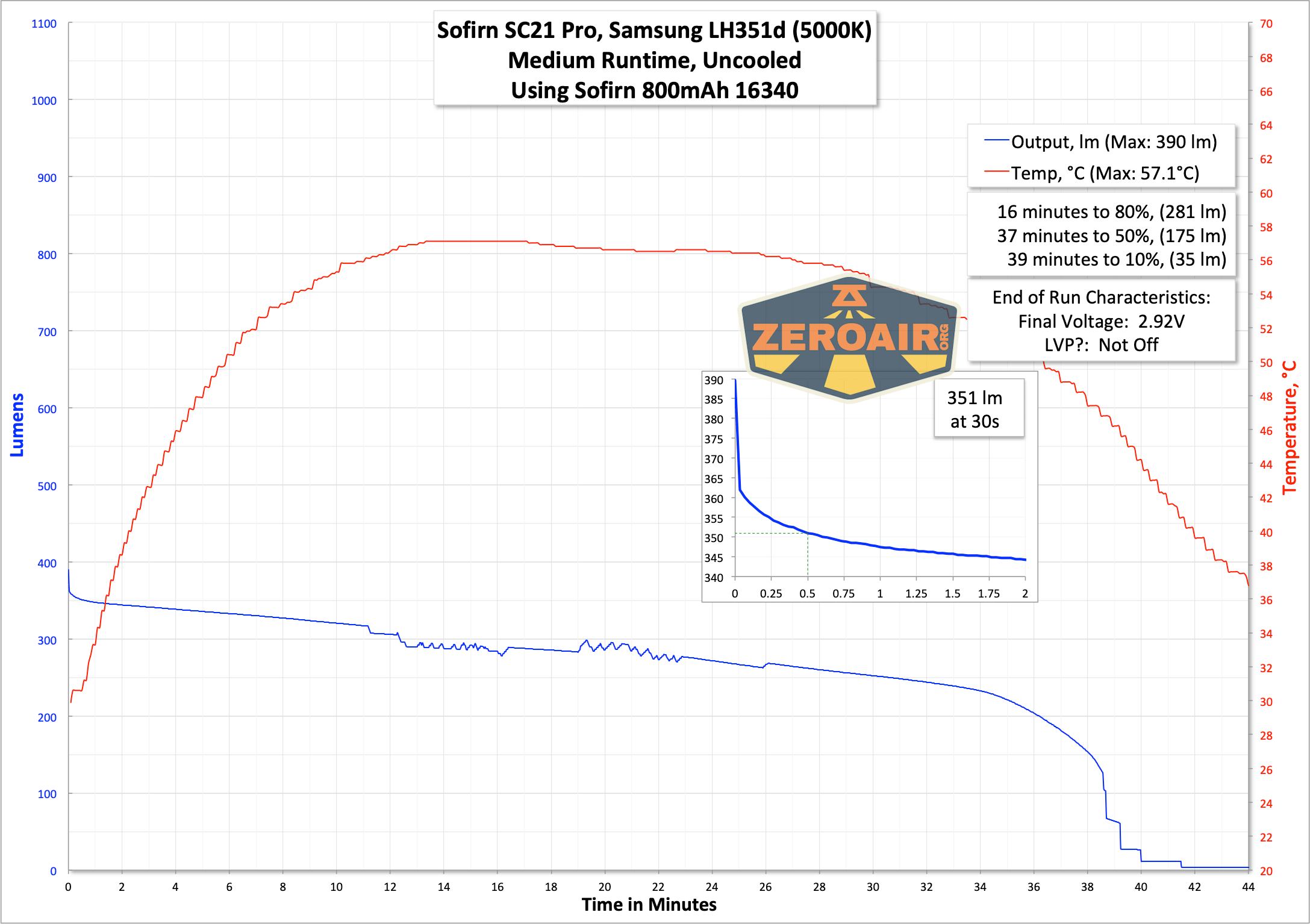
You might like to see my original SC21 review. On those tests, the highest output looks similar to the one above, but the two second-highest outputs are basically flat. That could be a reasonable deciding factor between these two lights. Between having Andúril and having flat output, I might personally pick a flat output.
Charging
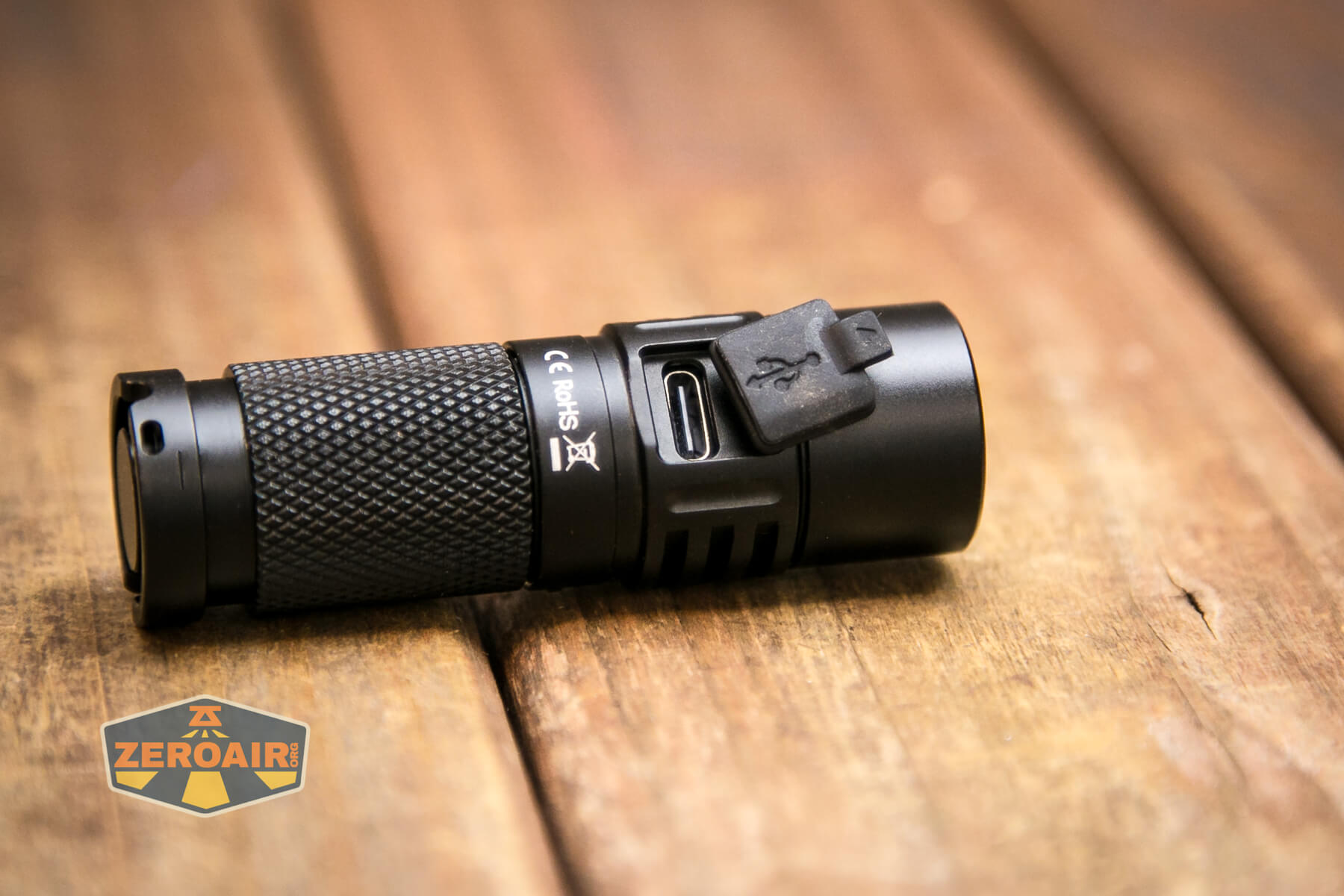
On-board charging is available and happens via this USB-C port in the head. A press-in cover protects the charge port.
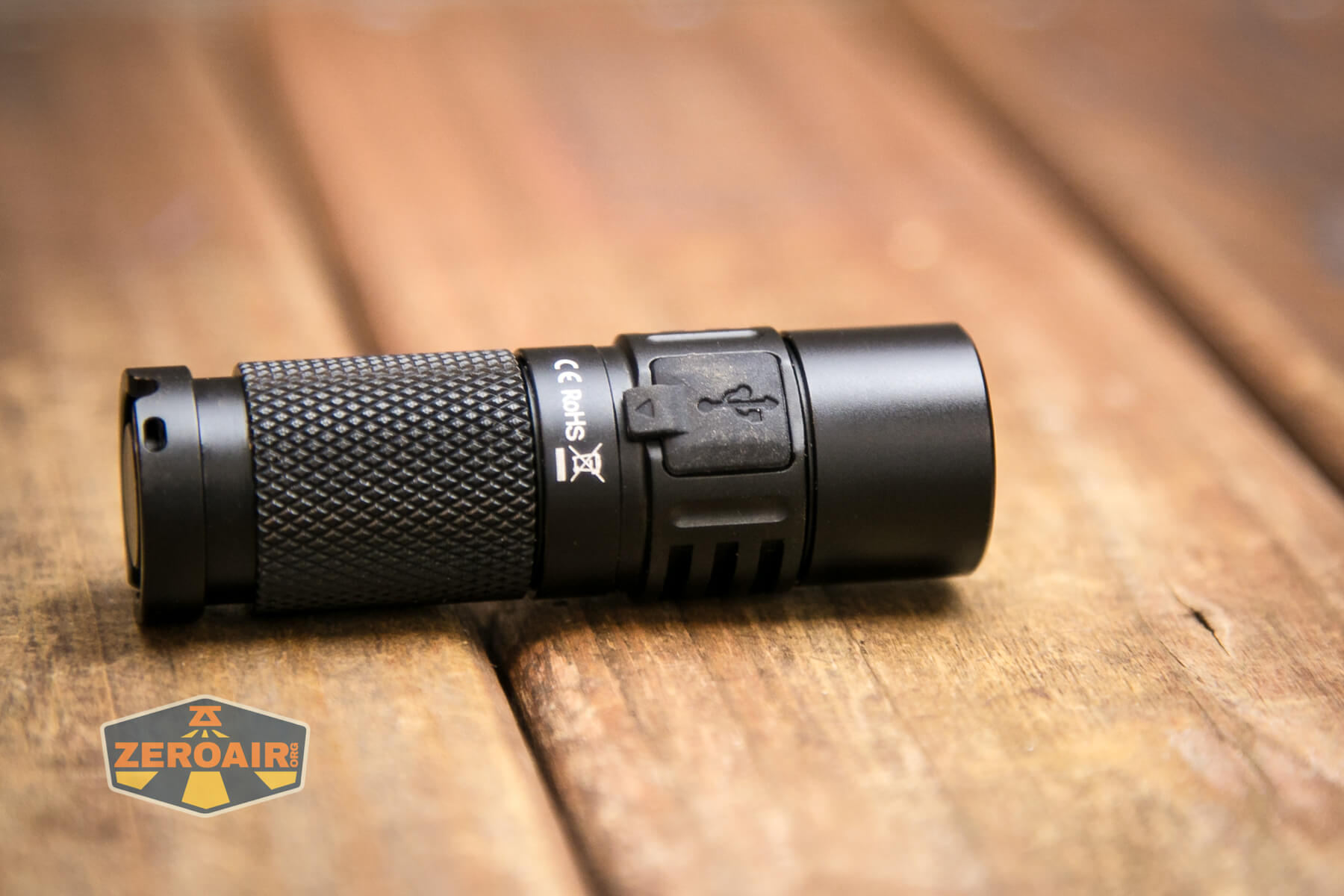
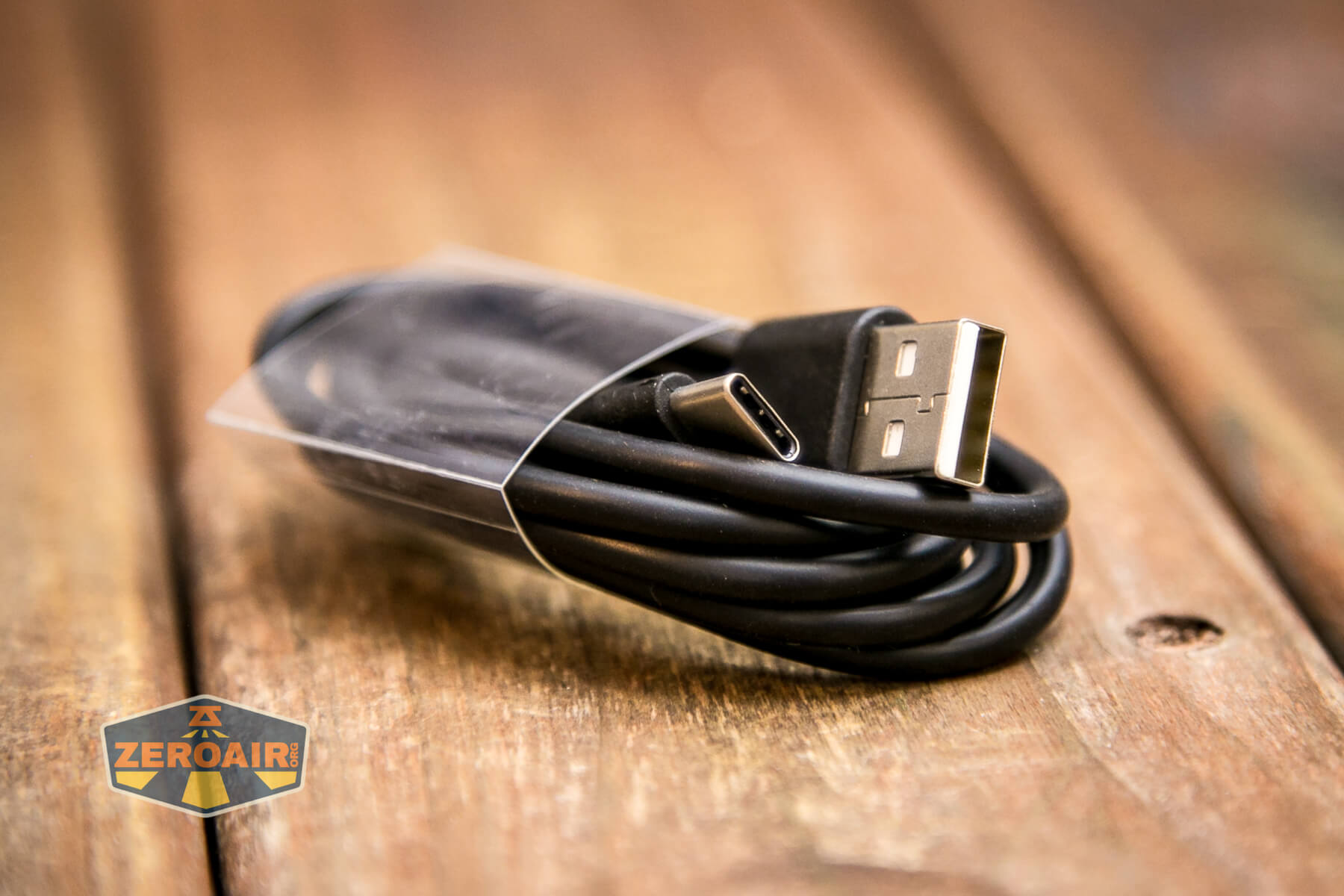
Sofirn includes a quite nice USB to USB-C cable.
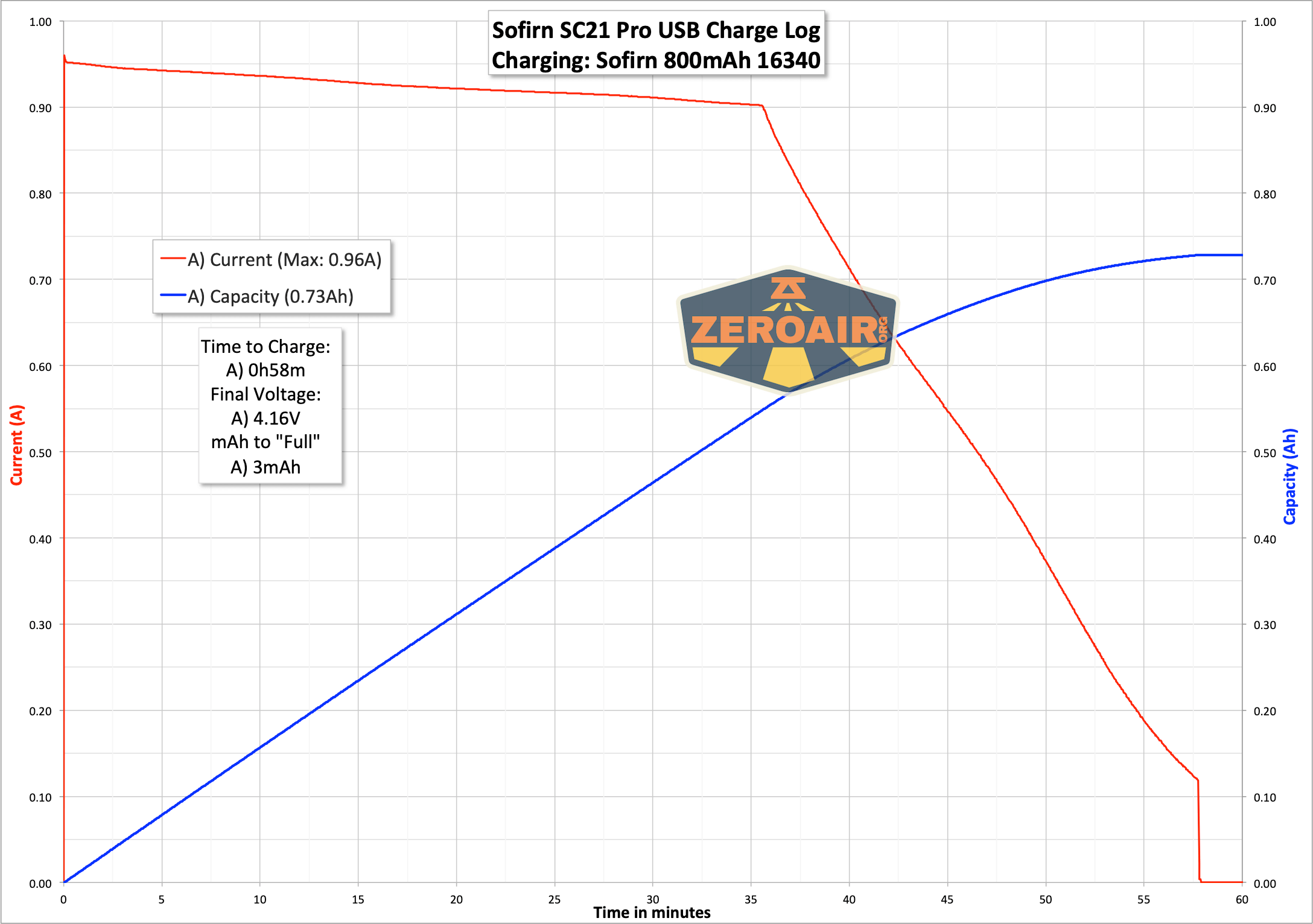
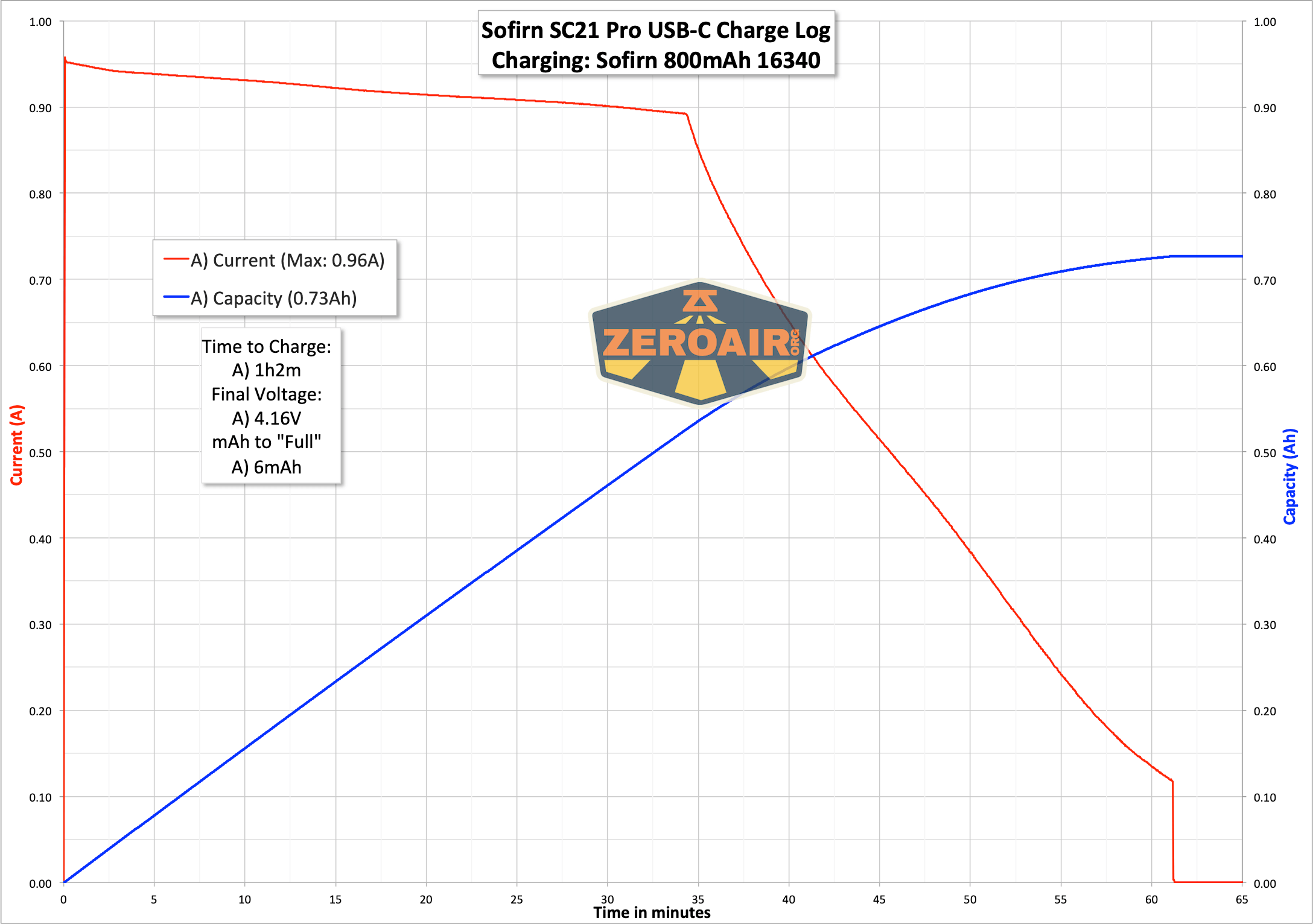
I tested the charge cycle with both USB to USB-C and C to C. The charge looks about the same for either, but it’s good to know that C to C works just fine.
Modes and Currents
| Mode | Mode Claimed Output (lm) | Claimed Runtime | Measured Lumens | Tailcap Amps |
|---|---|---|---|---|
| Double Click Turbo | initial: 1023
30s: 887 |
5.42 | ||
| Highest Stepped | 542 | 2.24 | ||
| 351 | 1.26 | |||
| 246 | 0.64 | |||
| 141 | 0.40 | |||
| 71 | 0.19 | |||
| 25.4 | 0.06 | |||
| Lowest Stepped | 4.1 | low | ||
| Lowest Ramping | 0.20 | low |
Pulse Width Modulation
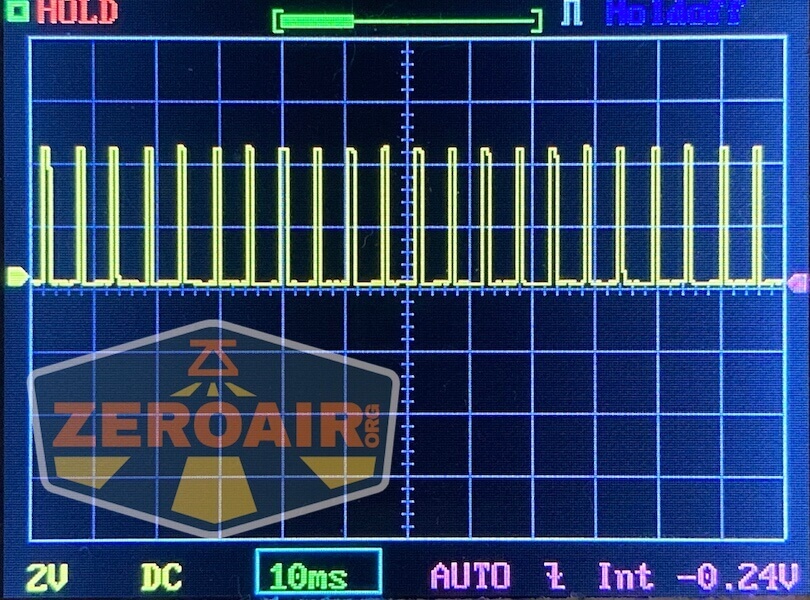
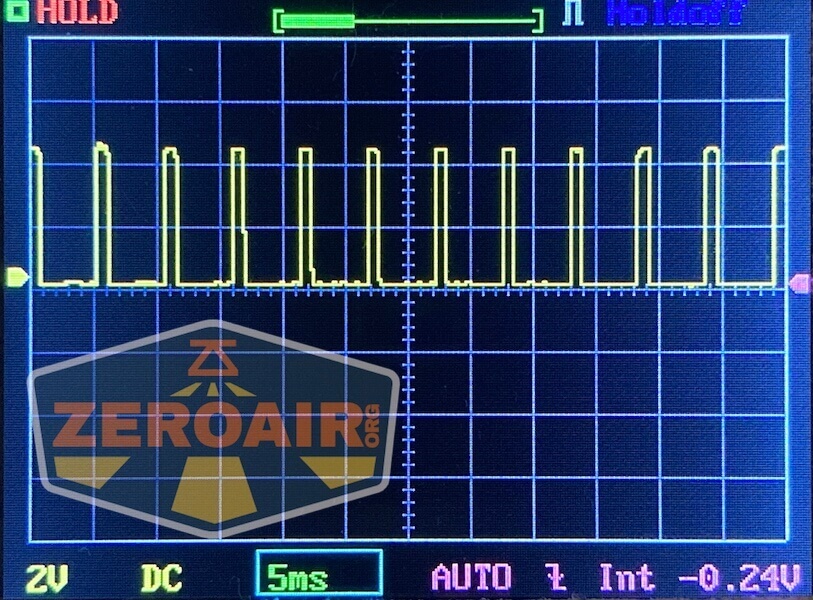
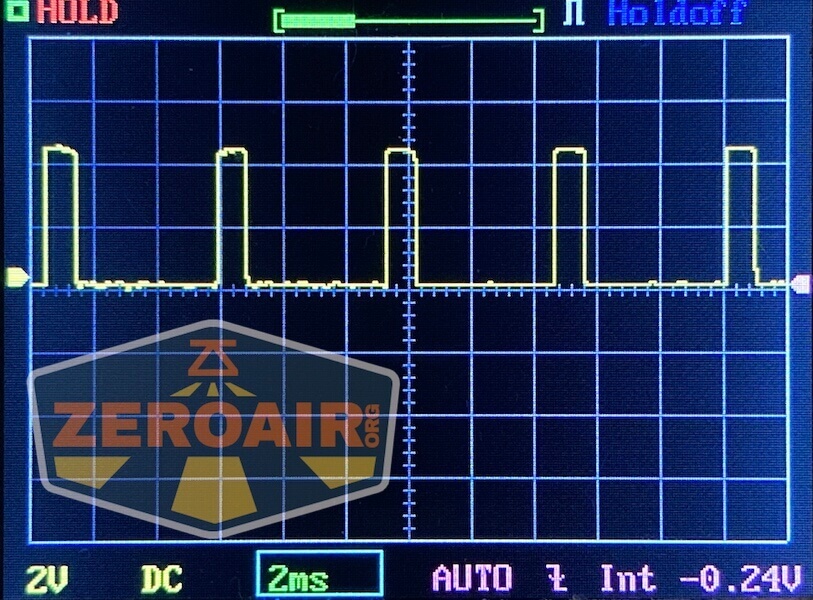
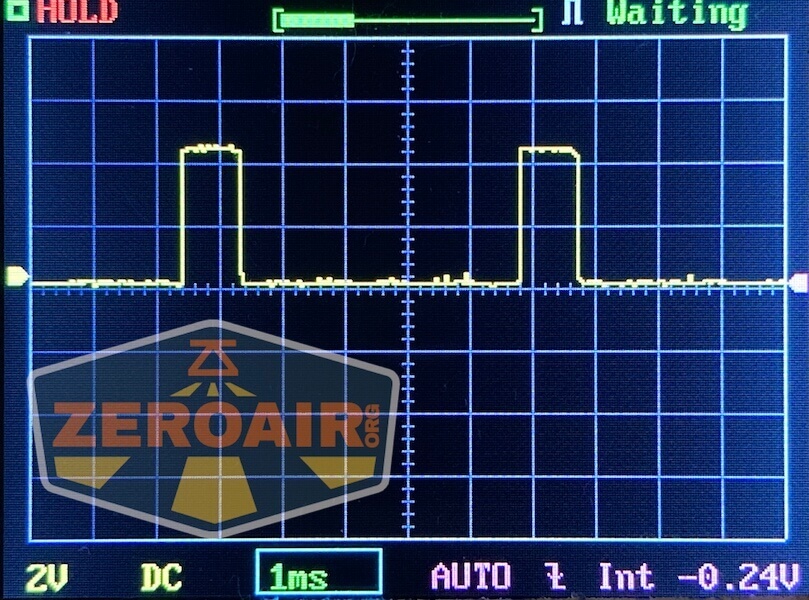
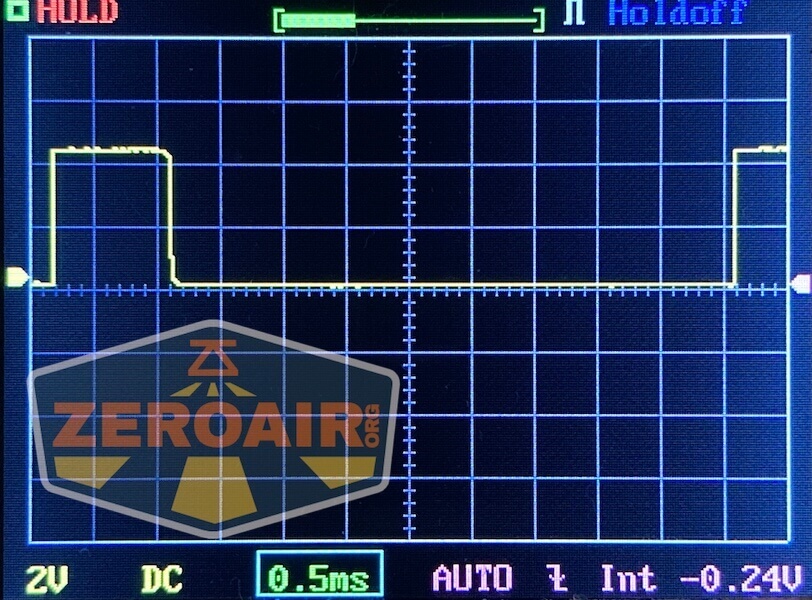
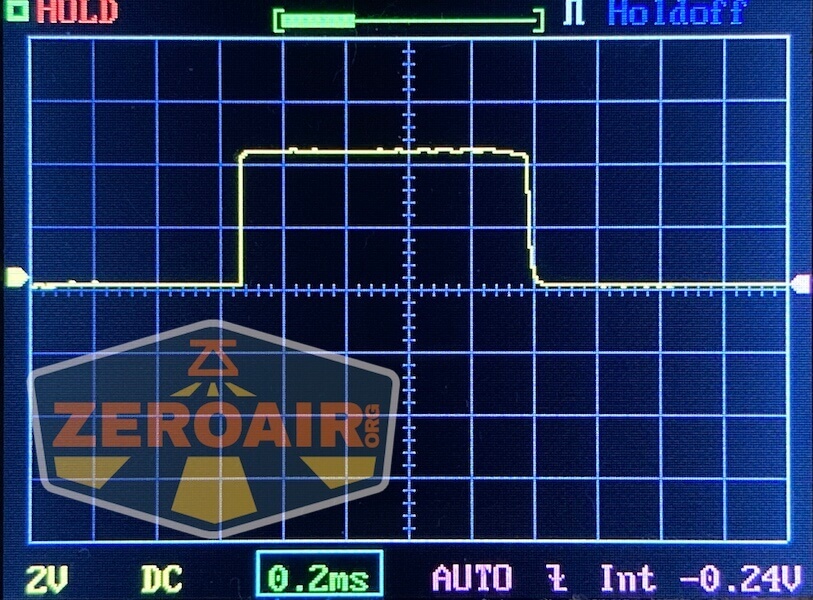
There is PWM on all modes except Turbo (and maybe even on Turbo, but on Turbo, it’s acceptable).
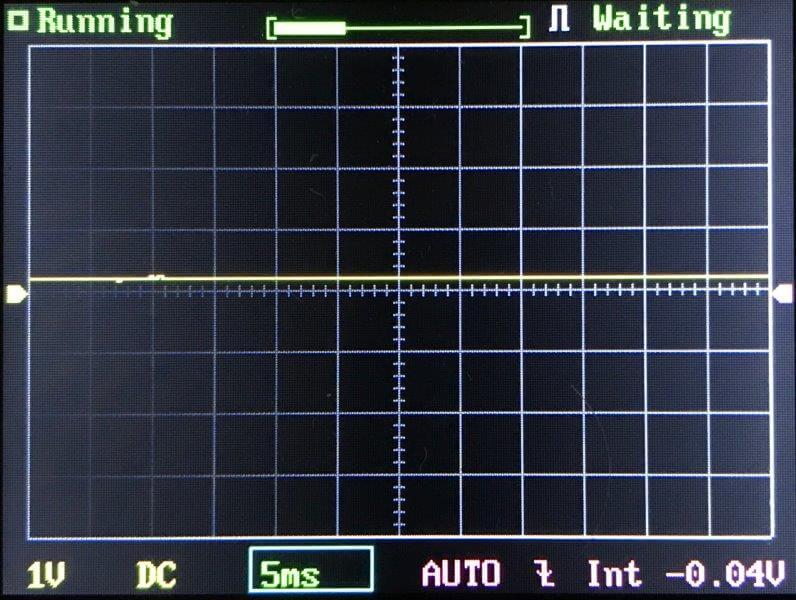
 Here you can see a “baseline” – a chart with almost no light hitting the sensor.
Then there’s the Ultrafire WF-602C flashlight, which has some of the worst PWM I’ve seen. It’s so bad that I used a post about it to explain PWM! Here are multiple timescales (10ms, 5ms, 2ms, 1ms, 0.5ms, 0.2ms) to make comparing this “worst” PWM light to the test light easier. That post also explains why I didn’t test the WF-602C at the usual 50us scale.
User Interface and Operation
The Sofirn SC21 Pro flashlight is controlled by a single switch. It’s an e-switch on the side of the head. Note that the manual says this light has Andúril 2, but my copy definitely has Andúril 1. An easy way to check if a light is Andúril 1 or Andúril 2 is to perform 6C (six clicks) from off. If the light goes into Muggle mode (or “responds in basically any way”) then it’s Andúril 1. The action “6C” does not have a result in Andúril 2.
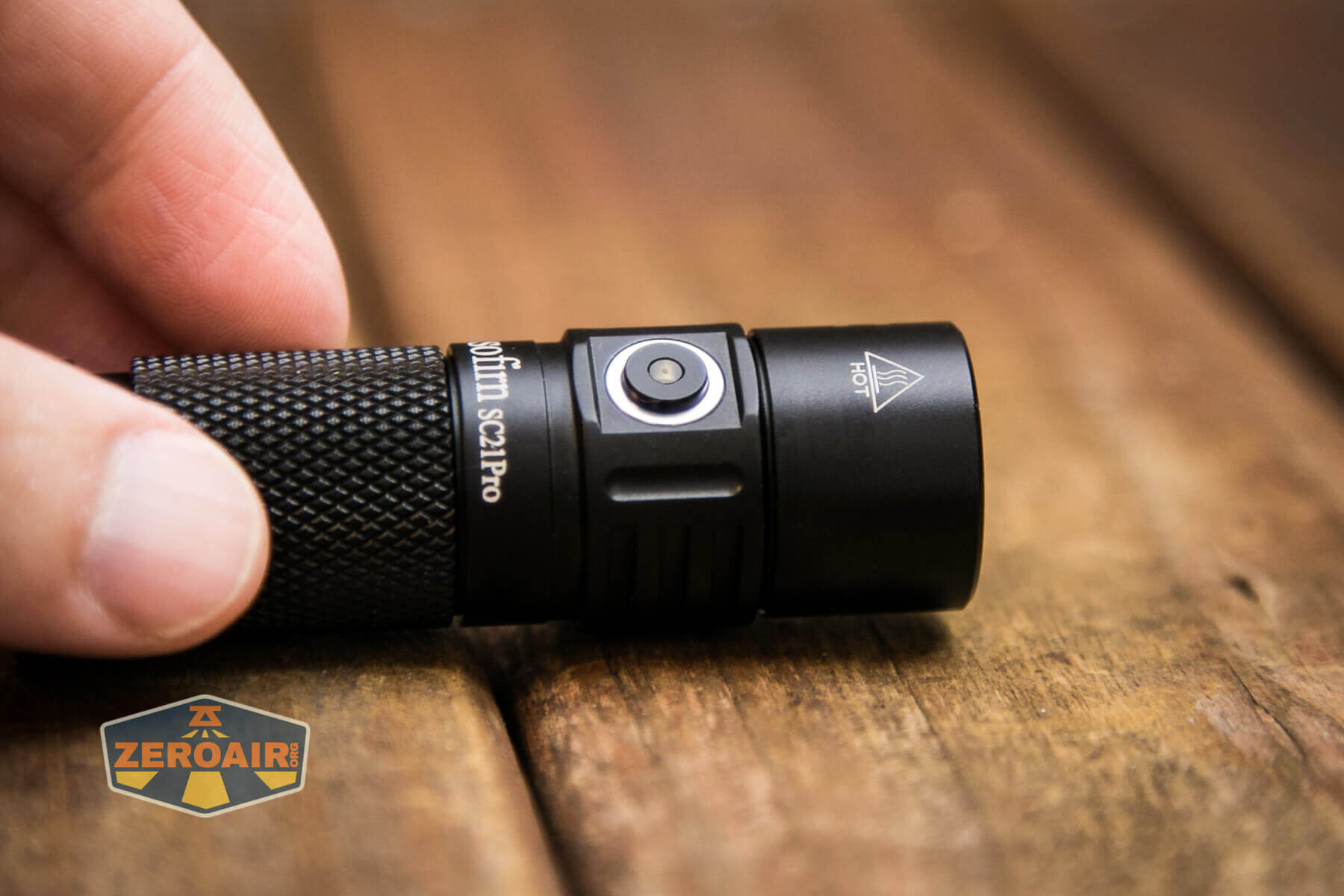
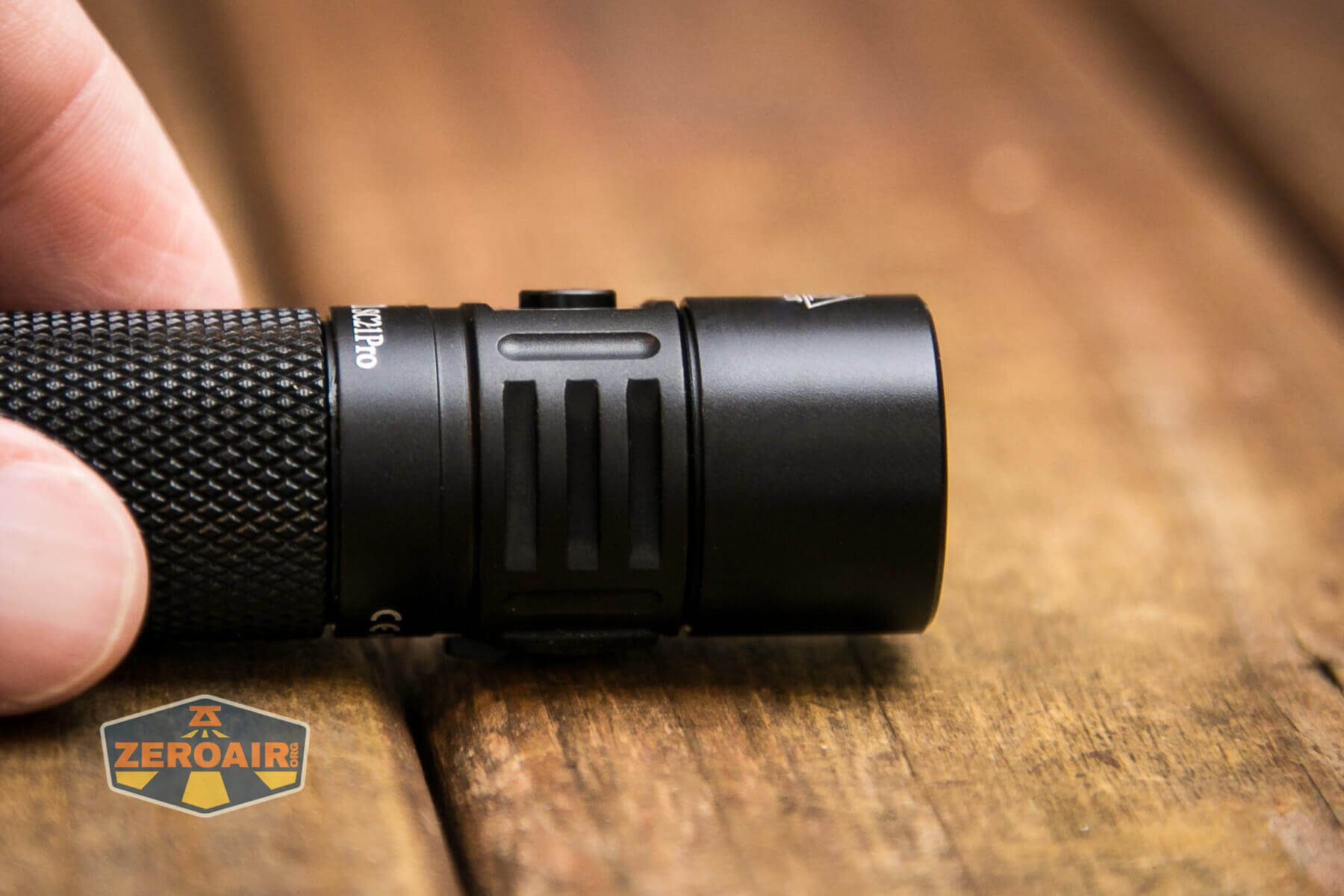
There’s a surprising amount of travel on this switch. It’s also quite proud.
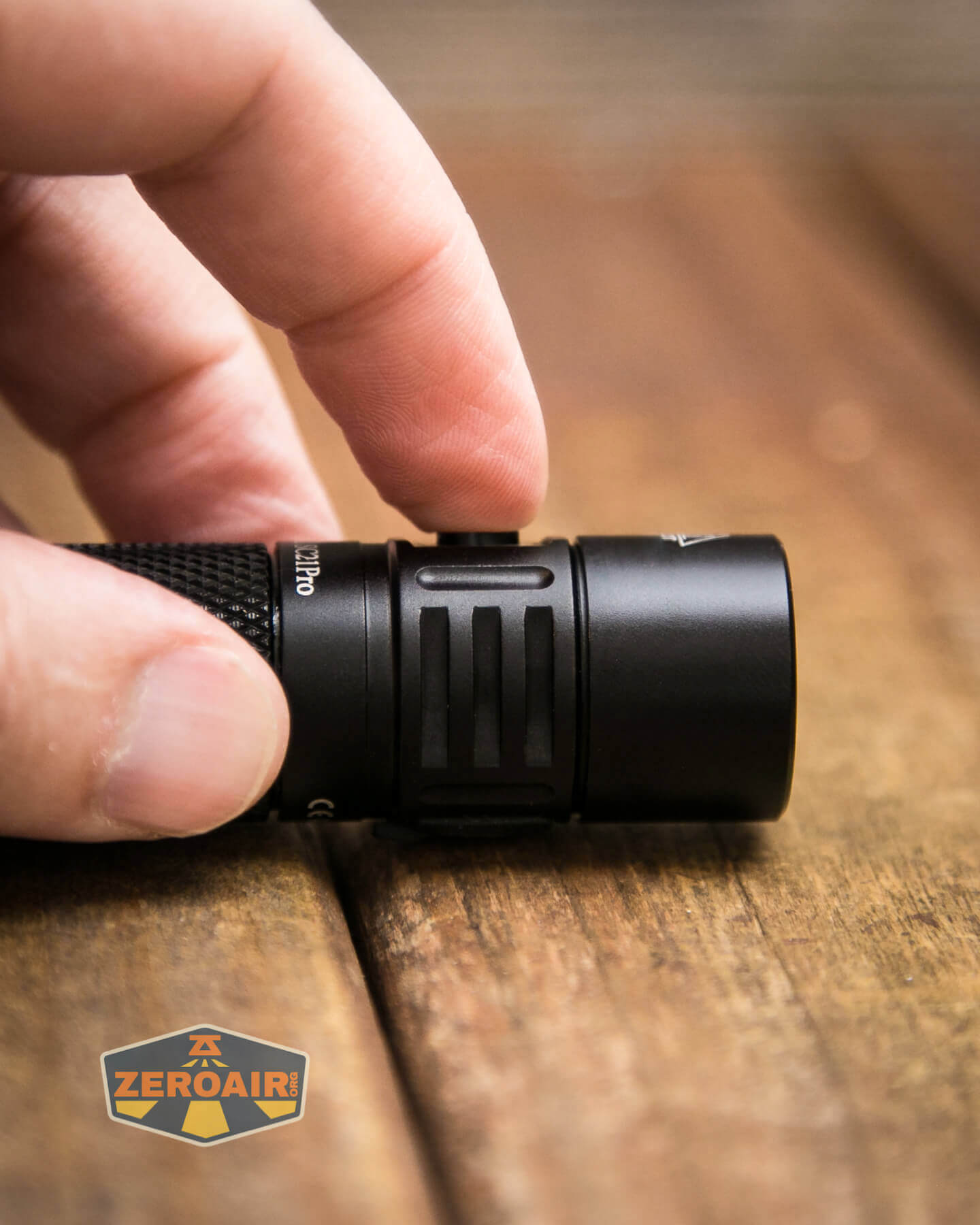
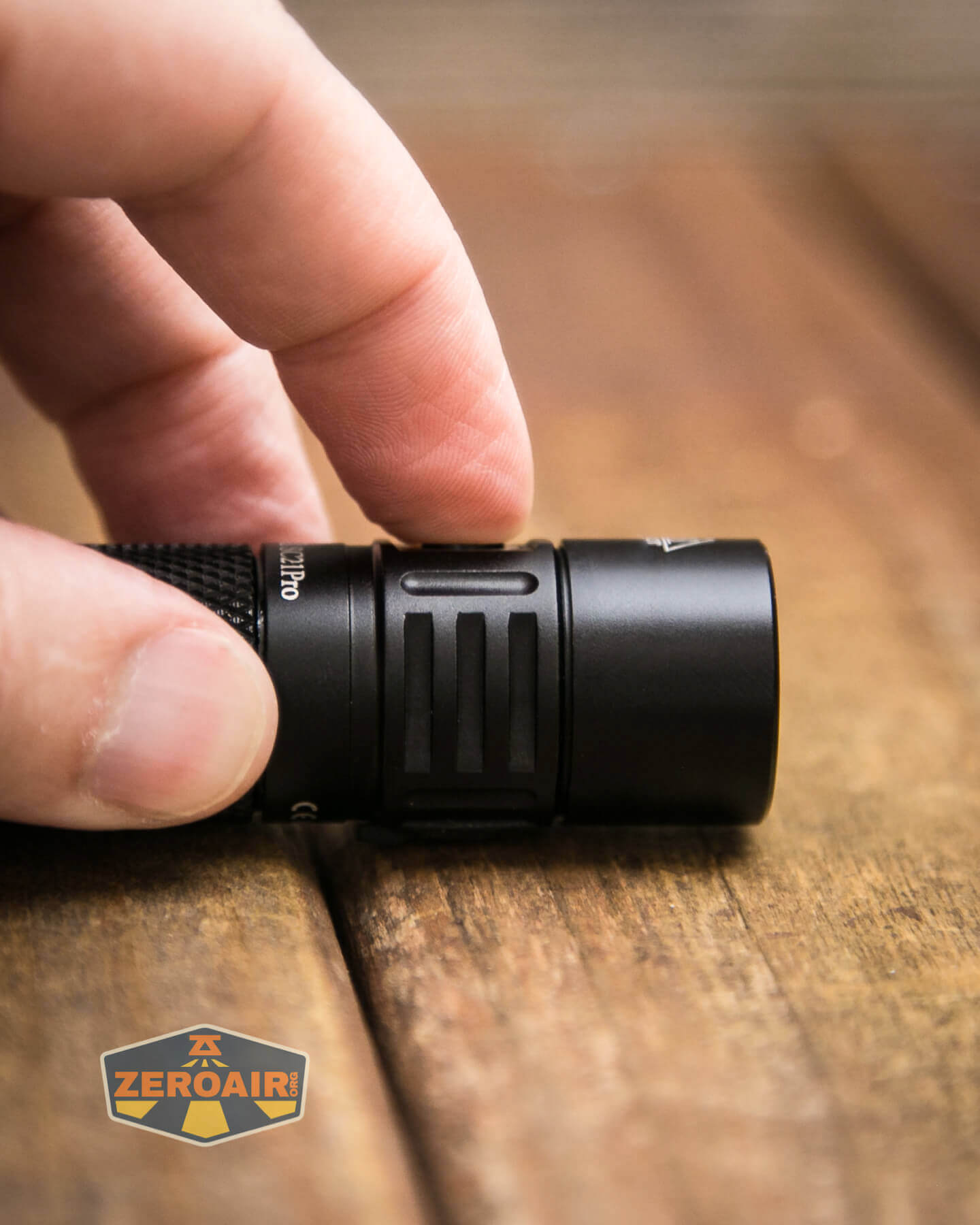
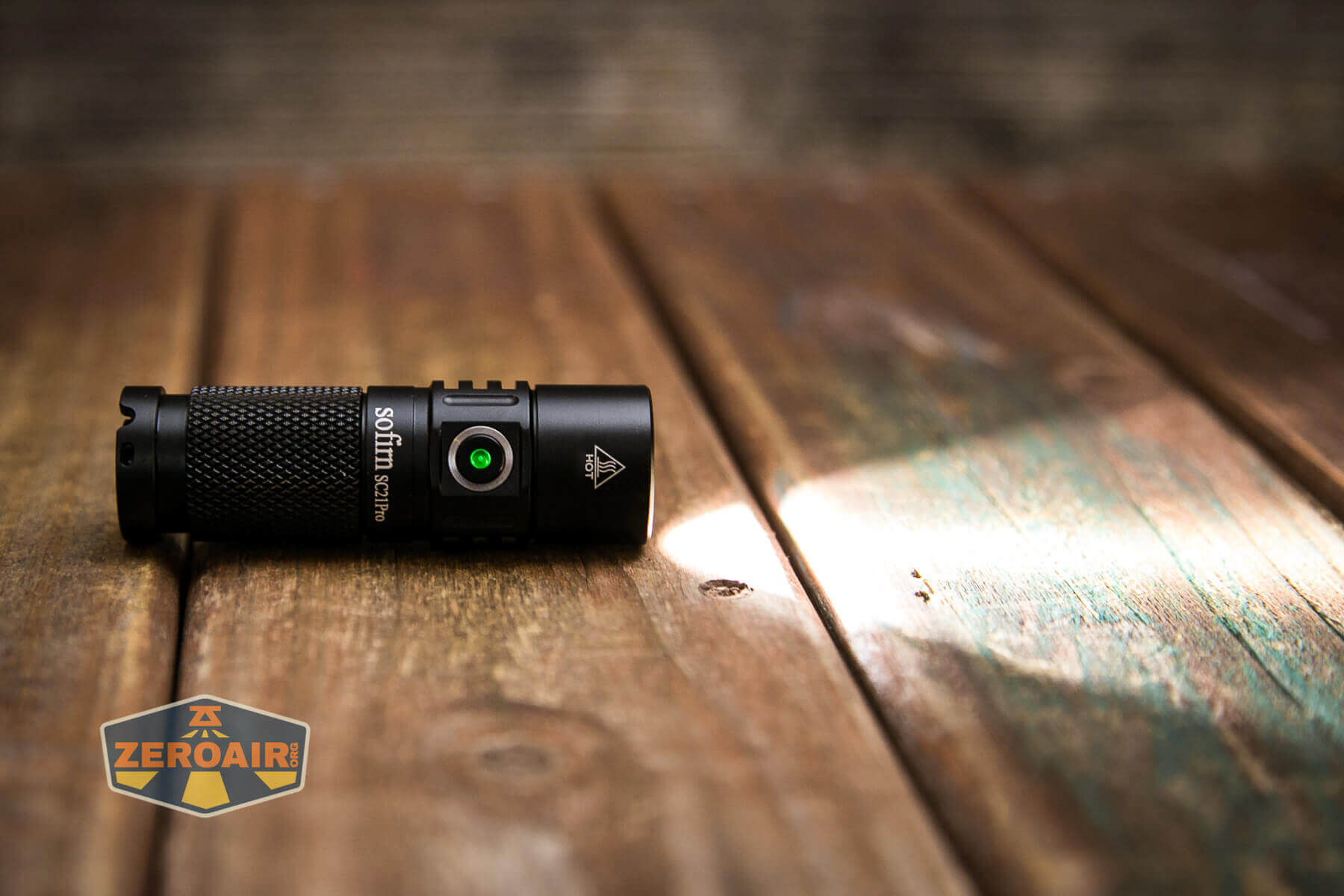
This switch also has indicating features – below it’s seen indicating red for low voltage. Notably, the switch will indicate for 5 seconds after the light is turned on, as follows:
Green: remaining battery power is good
Red: remaining battery power is poor (less than 30%)
Red Flashing: recharge or swap cell immediately.
The user interface here is ToyKeeper’s Anduril, which at this point is very well covered. I’ve reviewed other lights with it, too. Here’s ToyKeeper’s user interface graphic:
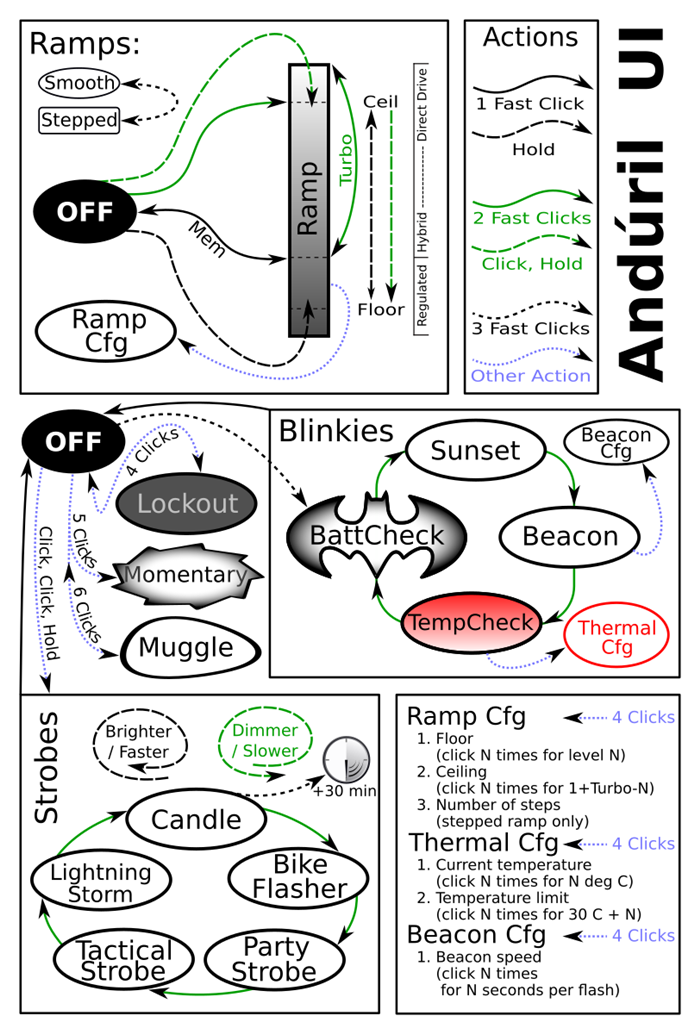
Here’s a sort of generic user interface table for Andúril 1 anyway! Every feature mentioned here might not apply to the Sofirn SC21 Pro flashlight.
| State | Action | Result |
|---|---|---|
| Off | Hold | On (Low) |
| Off | Click | On (Mode Memory) |
| Off | Click 2x | Highest Hybrid Mode |
| Off | Click 3x | Blinkie Mode Group |
| Off | Click 4x | Lockout |
| Off | Click 5x | Momentary |
| Off | Click 6x | Muggle |
| Off | Click, Click, Hold | Strobe Group (Mode Memory Strobe) |
| Strobe Group | Click 2x | Strobe Cycle (Candle > Bike Flasher > Party Strobe > Tactical Strobe > Lightning Storm) |
| Blinkie Mode Group | Click 2x | Blinke Cycle (Sunset > Beacon > TempCheck > BattCheck) |
| On | Click 3x | Switch between Stepped and Smooth Ramp |
| On | Click 4x | Ramp Configuration |
| TempCheck | Click 4x | Thermal Configuration |
| Beacon | Click 4x | Beacon Configuration |
| Lockout | Click 4x | Off |
| Strobe Group | Click | Off |
| (Basically) On | Click | Off |
| Candle | Click 3x | 30-minute timer to off |
| Strobe Group | Hold | Heighten selected mode (Make faster or brighter) |
| Strobe Group | Click, Hold | Lessen selected mode (Make slower or dimmer) |
| On | Click 2x | FET Turbo |
| Ramp Configuration | [Wait for Single flash] Click N time for level N. | Selection of the “Low” you like best by clicking 1, 2, 3, etc. where 1, 2, 3, etc are different levels of low. |
| Ramp Configuration | [Wait for Second flash] Click N time for 1+Turbo-N. | Selection of the “Ceiling” you like best by clicking 1, 2, 3, etc. where 1, 2, 3, etc are different Ceiling levels. |
| Ramp Configuration | [Wait for Third flash] Click for how many steps you want in Stepped mode. | Sets Number of Steps. |
| Thermal Configuration | [Wait for First flash] Click for N times for N degrees C. | Displays Current Temperature. |
| Thermal Configuration | [Wait for Second flash] Click for N times for 30C + N. | Sets Temperature Limit. |
| Beacon Configuration | [Wait for First flash] Click for N times N seconds per flash | Sets Beacon Speed. |
If you want to see how to calibrate the thermals, see this part of the FW1A review.
LED and Beam
One of the most important features of the Sofirn SC21 flashlight is that it features a Samsung LH351d emitter. This is a 5000K temperature, and I applaud the great choice here by Sofirn. This is not an update from the original SC21.
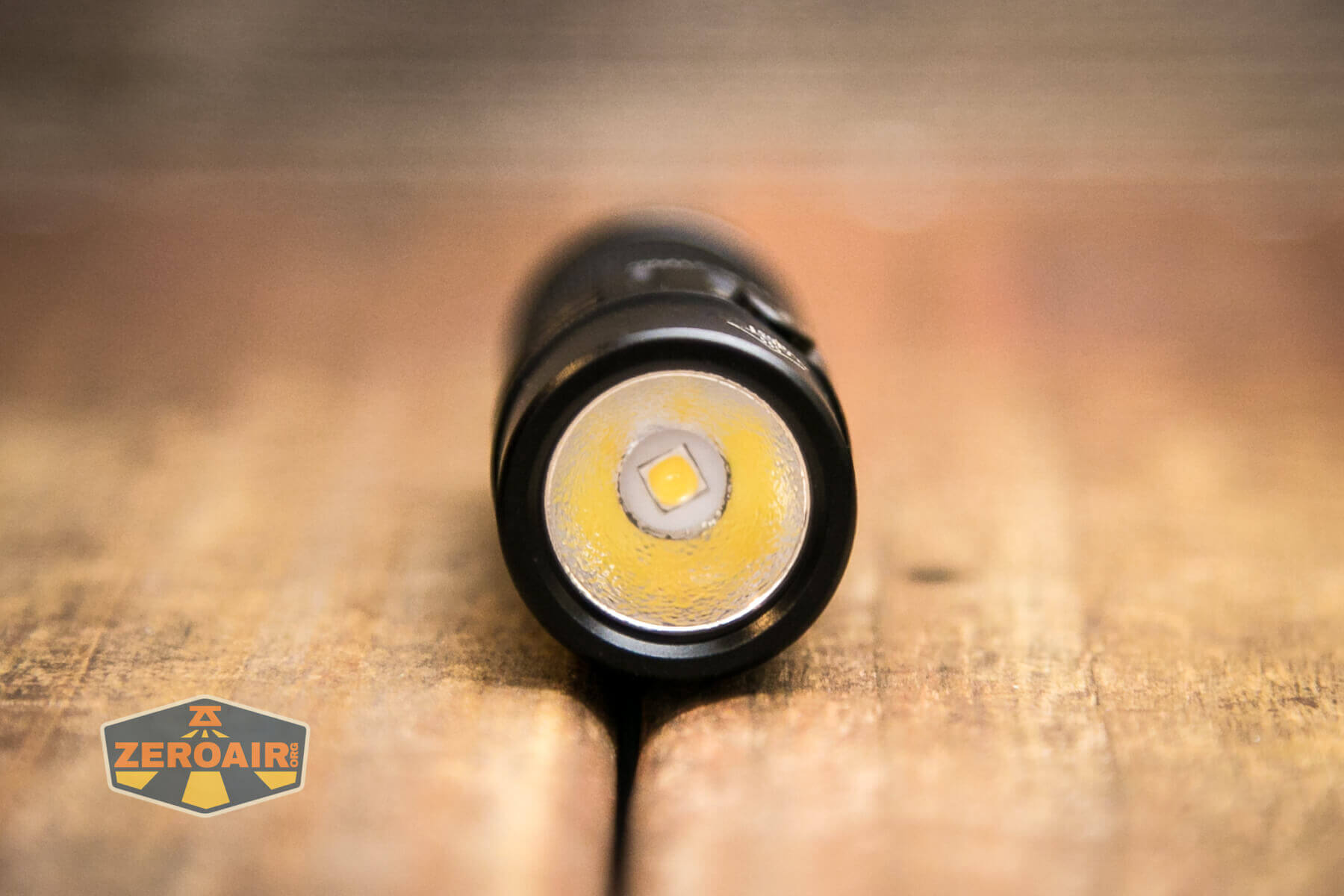
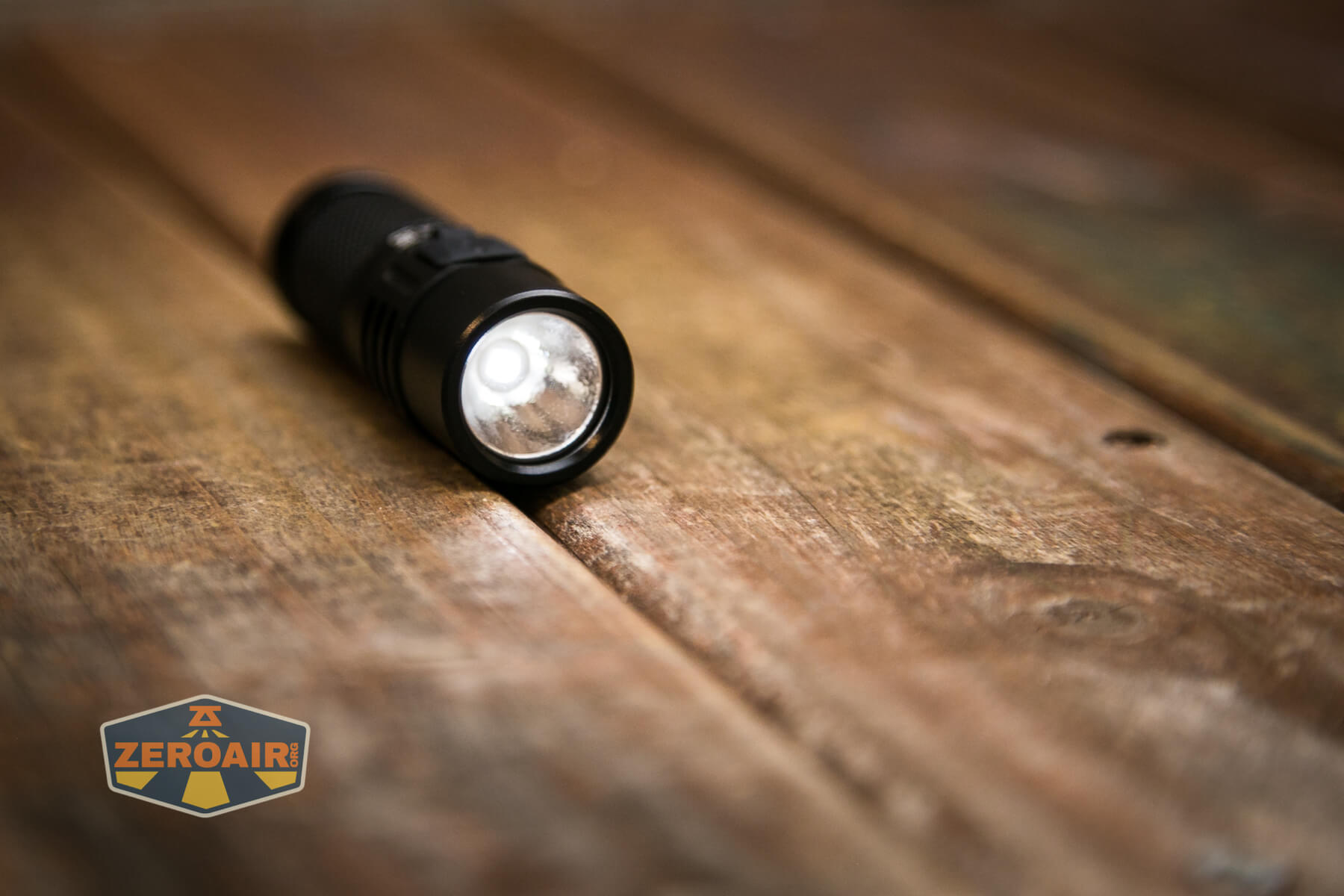
Sofirn didn’t go for “short” on the SC21 Pro and used a nice, deep reflector. This gives a great beam profile.
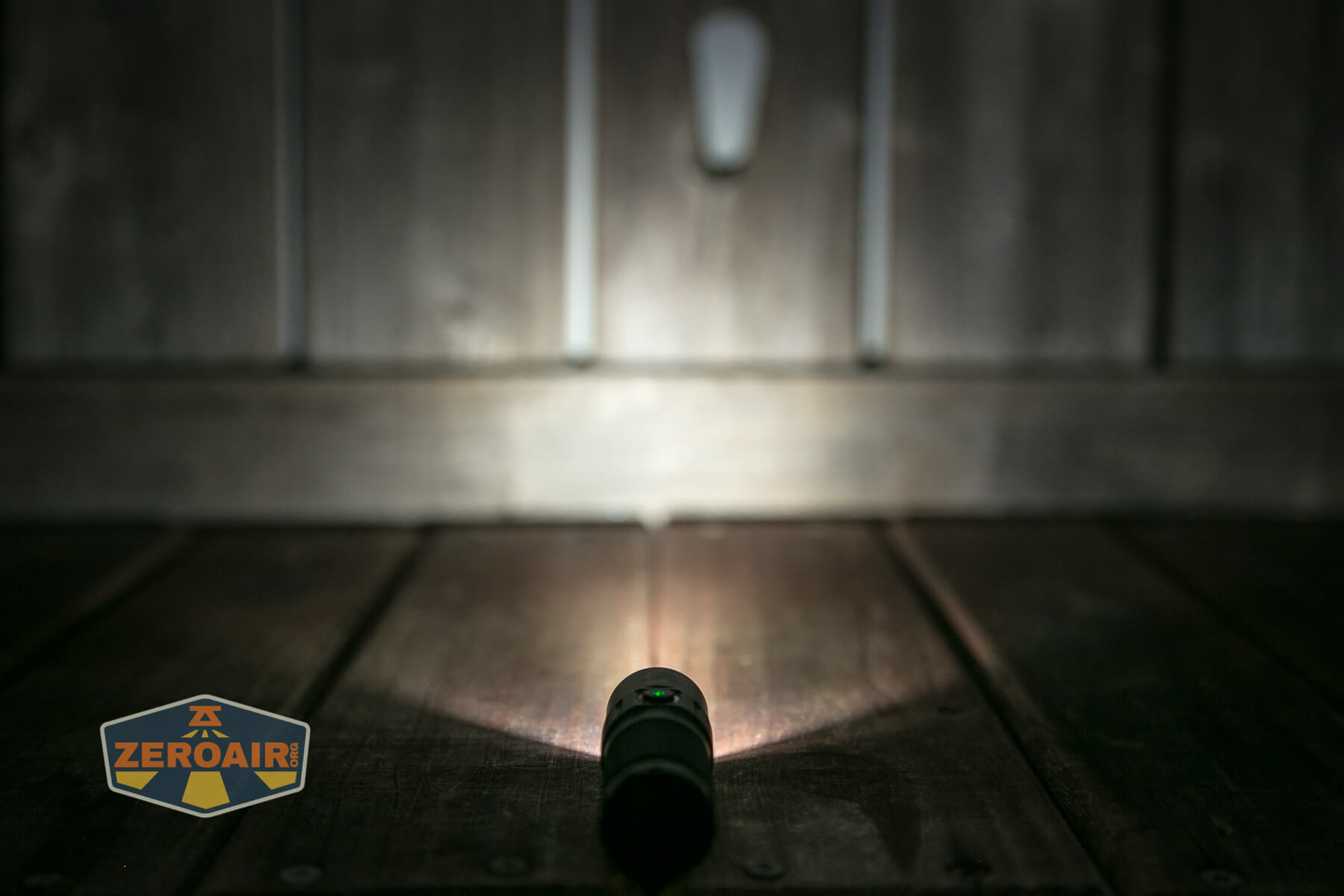
Also, see here that the switch is indicating in green.
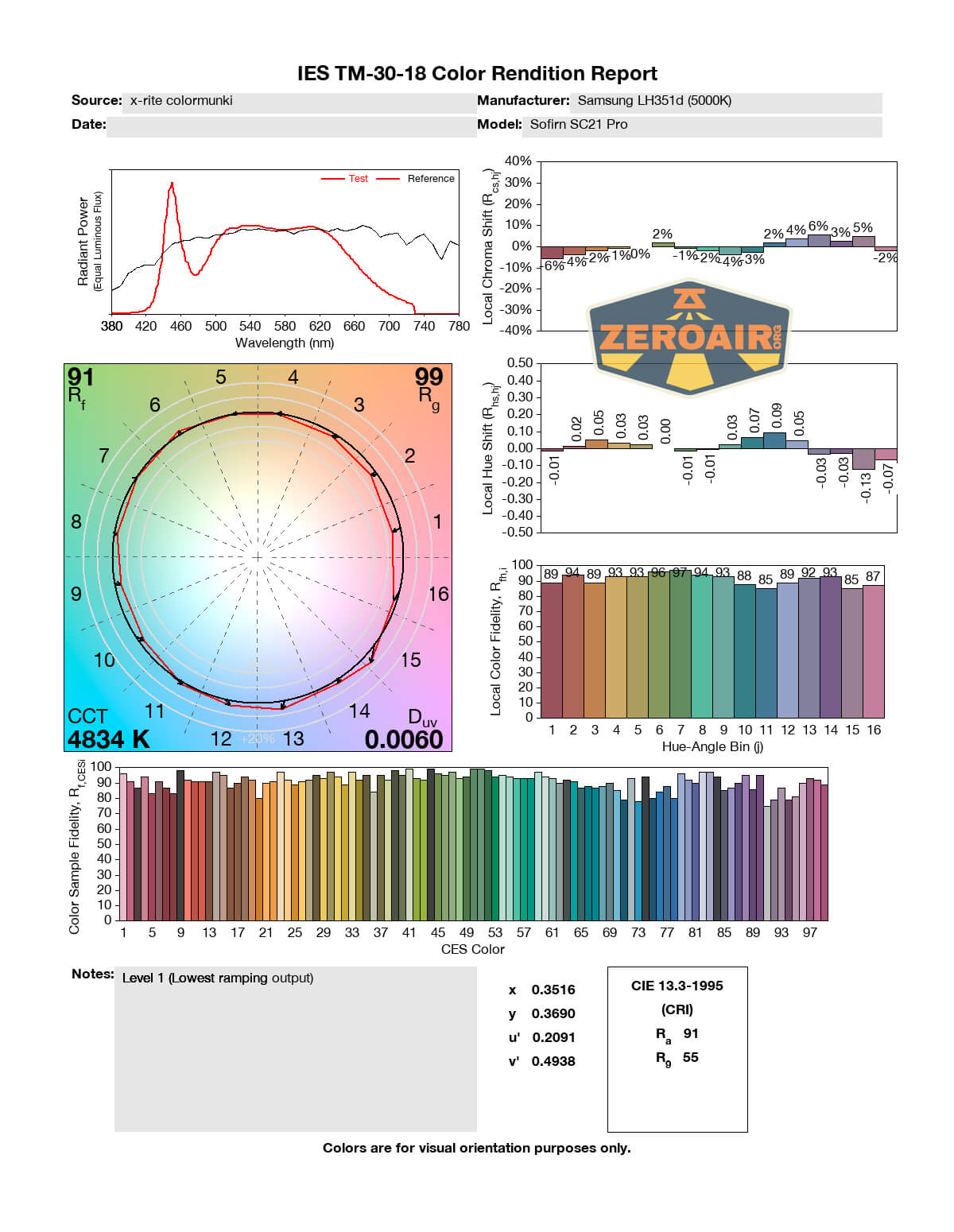
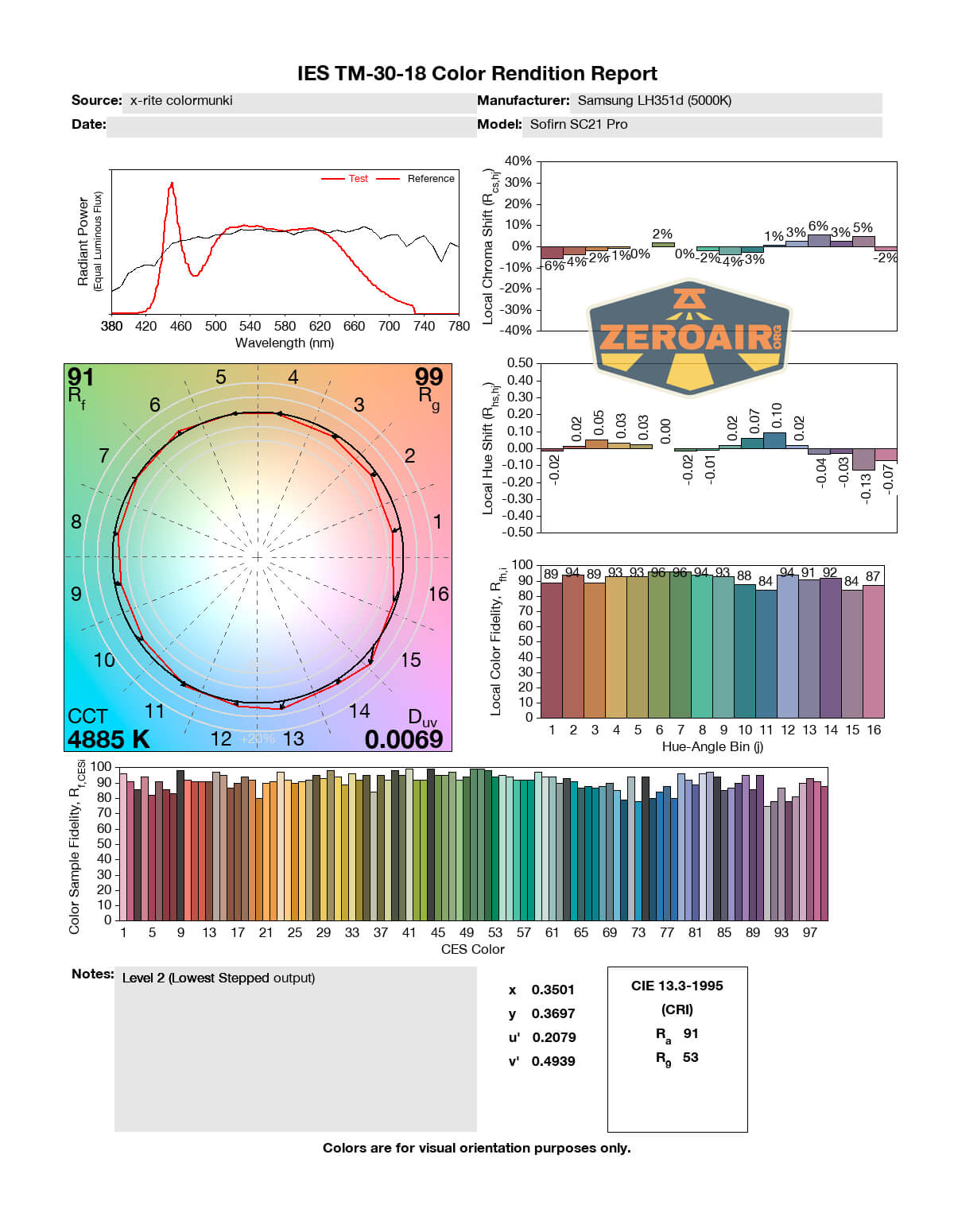
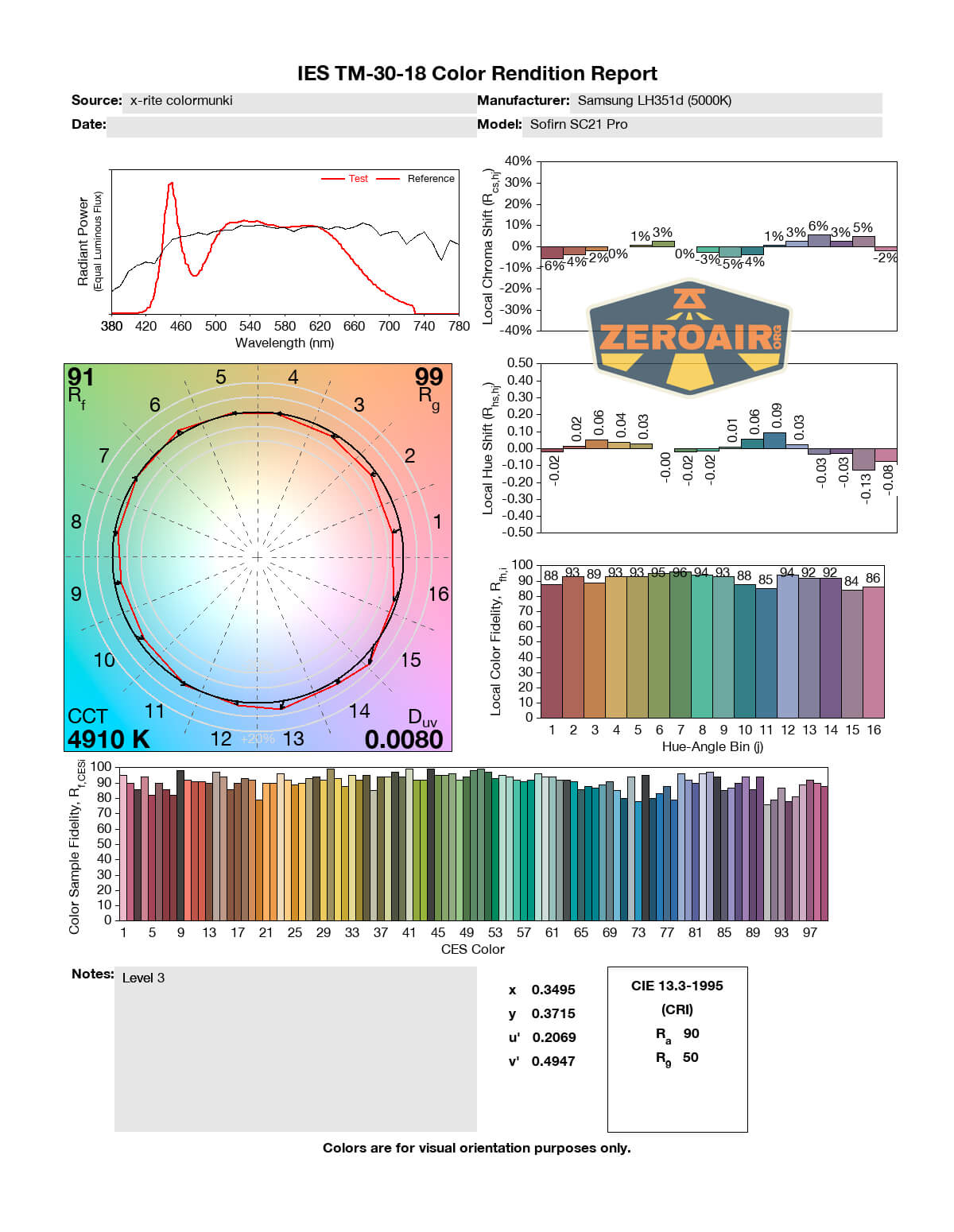
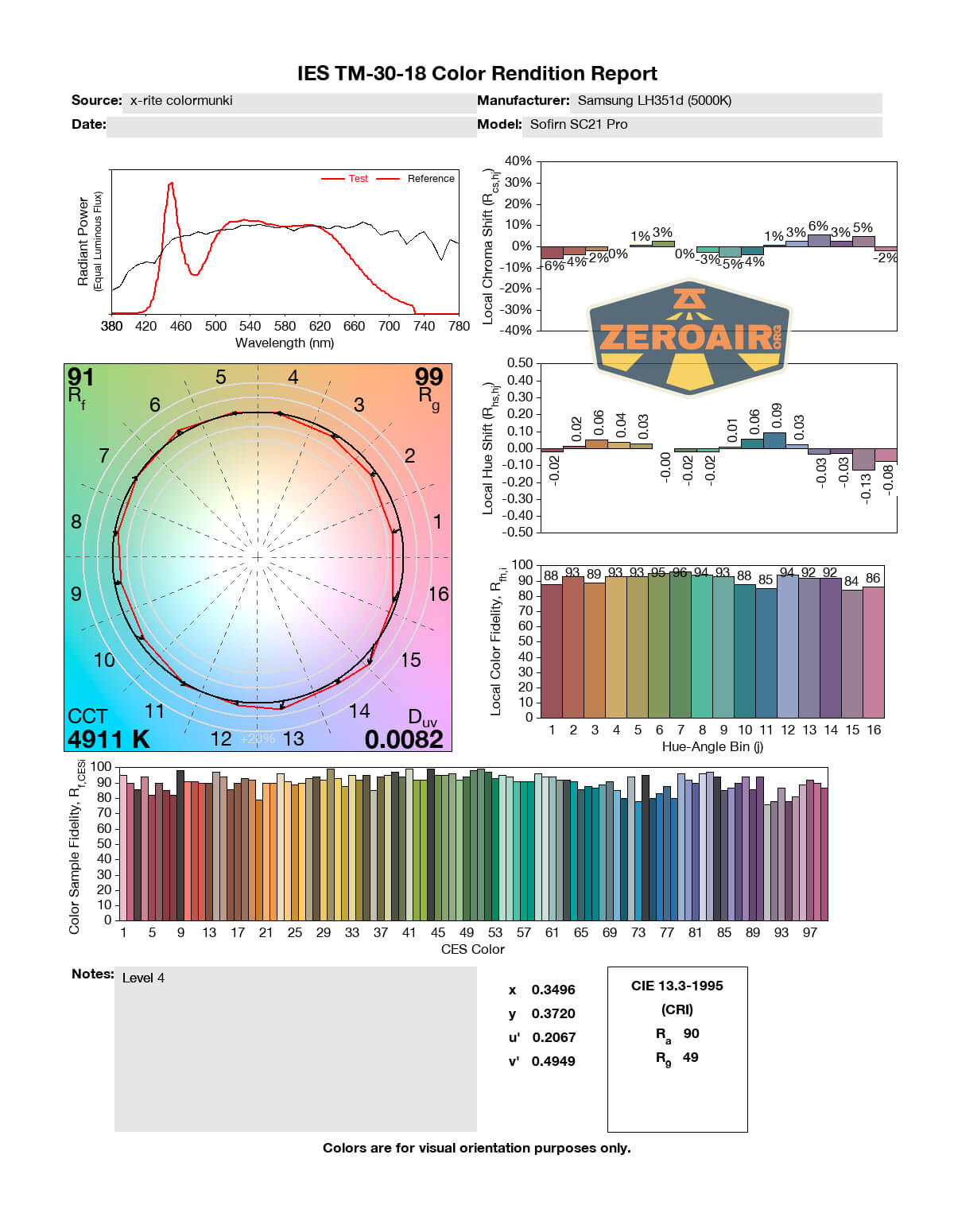
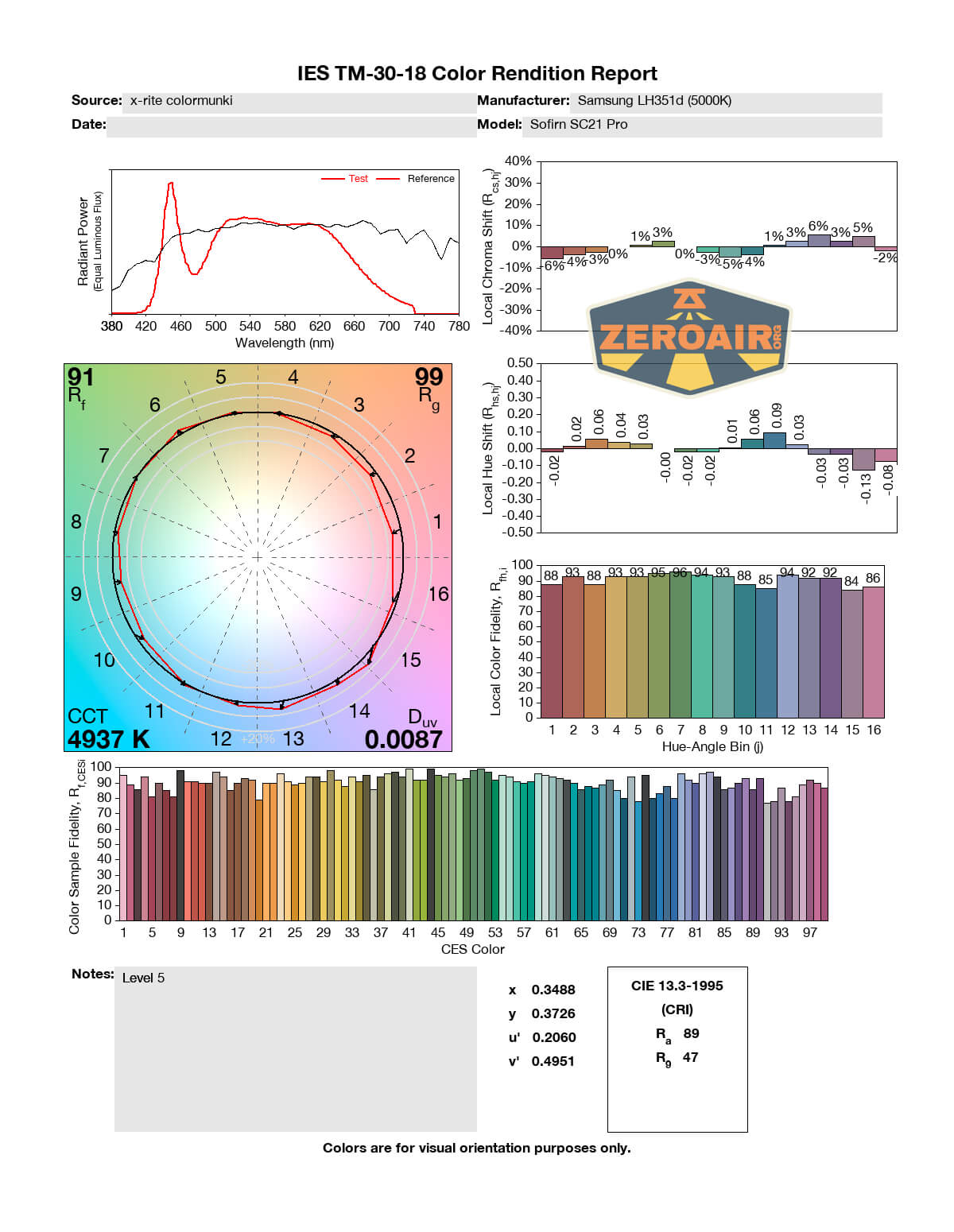
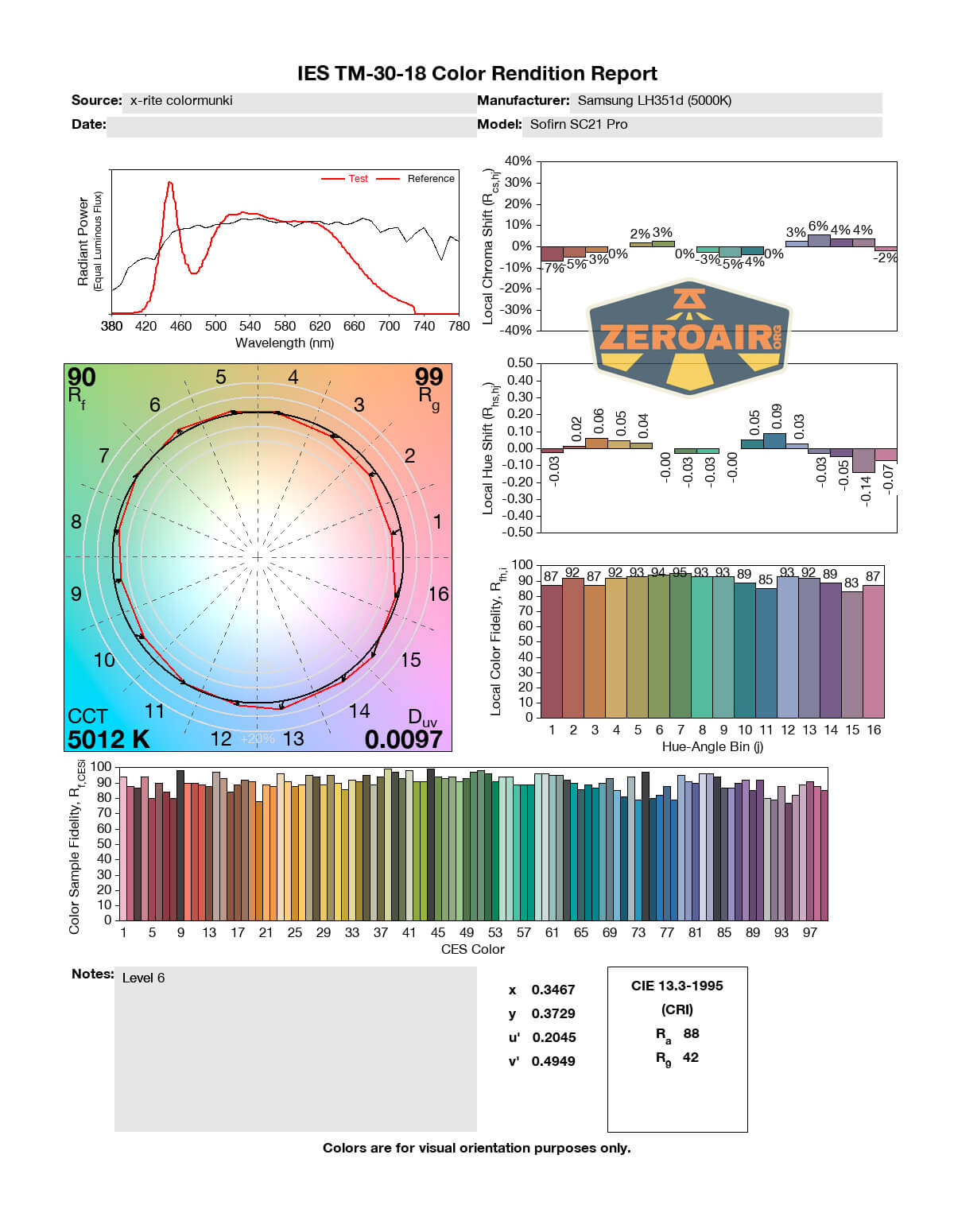
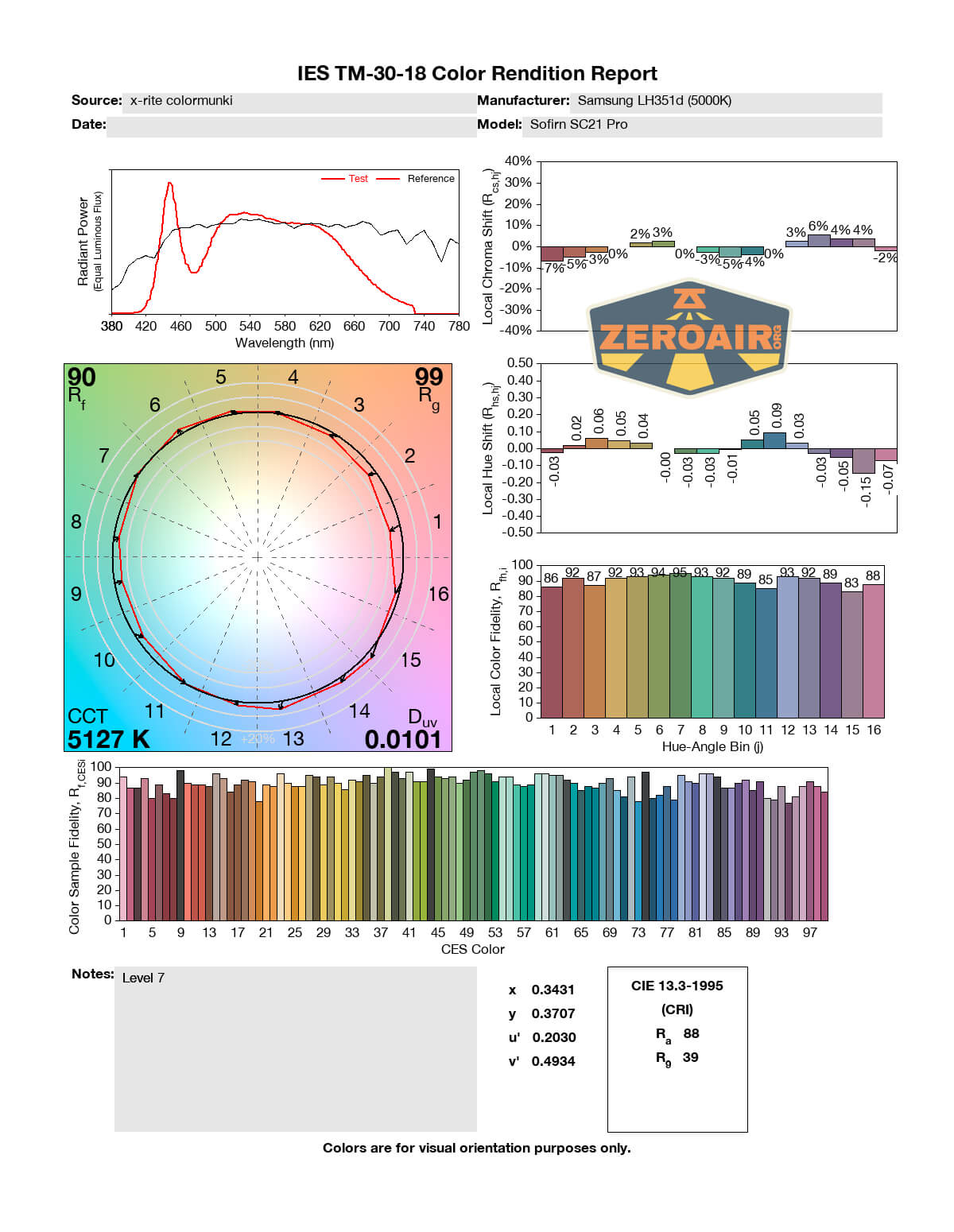
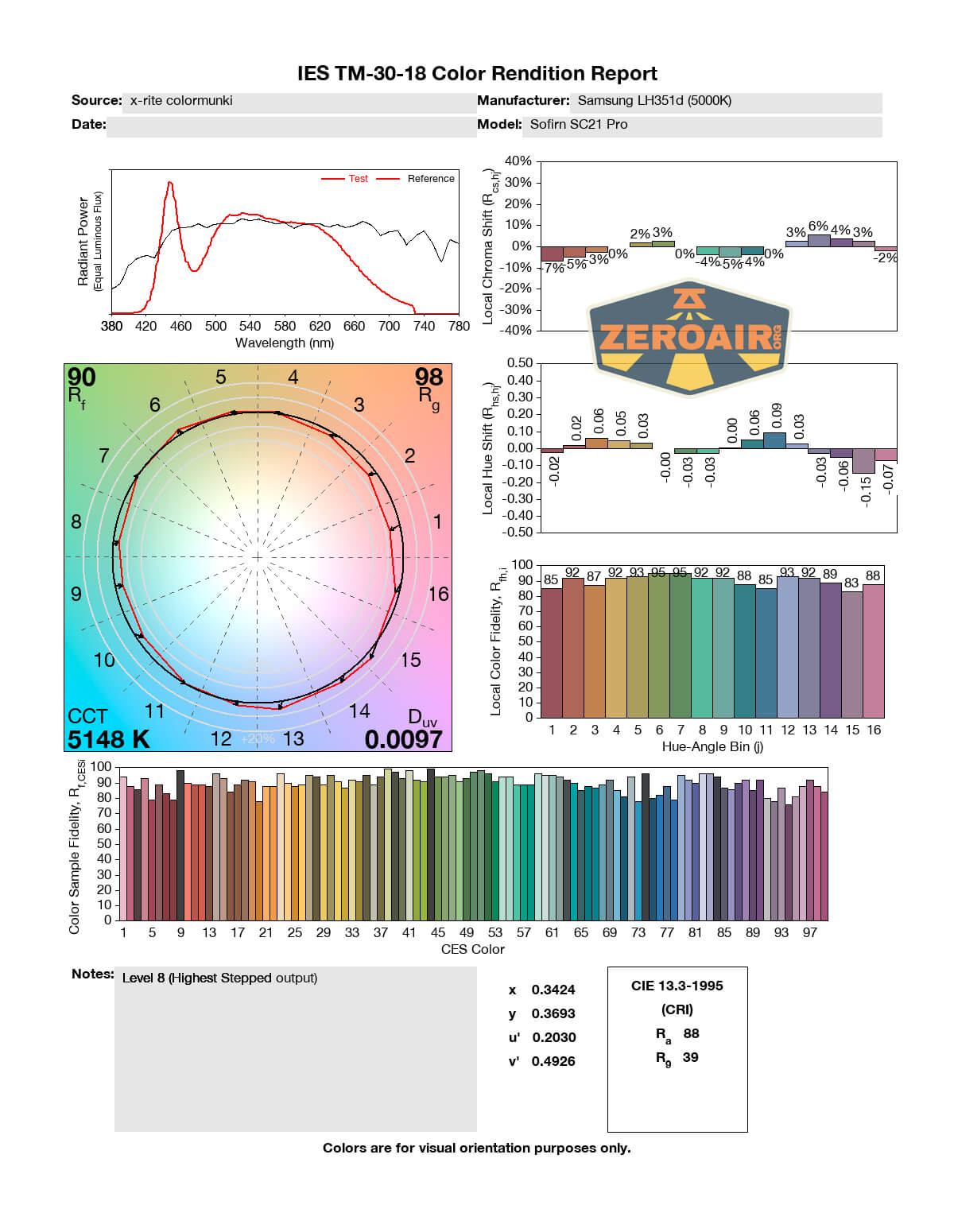
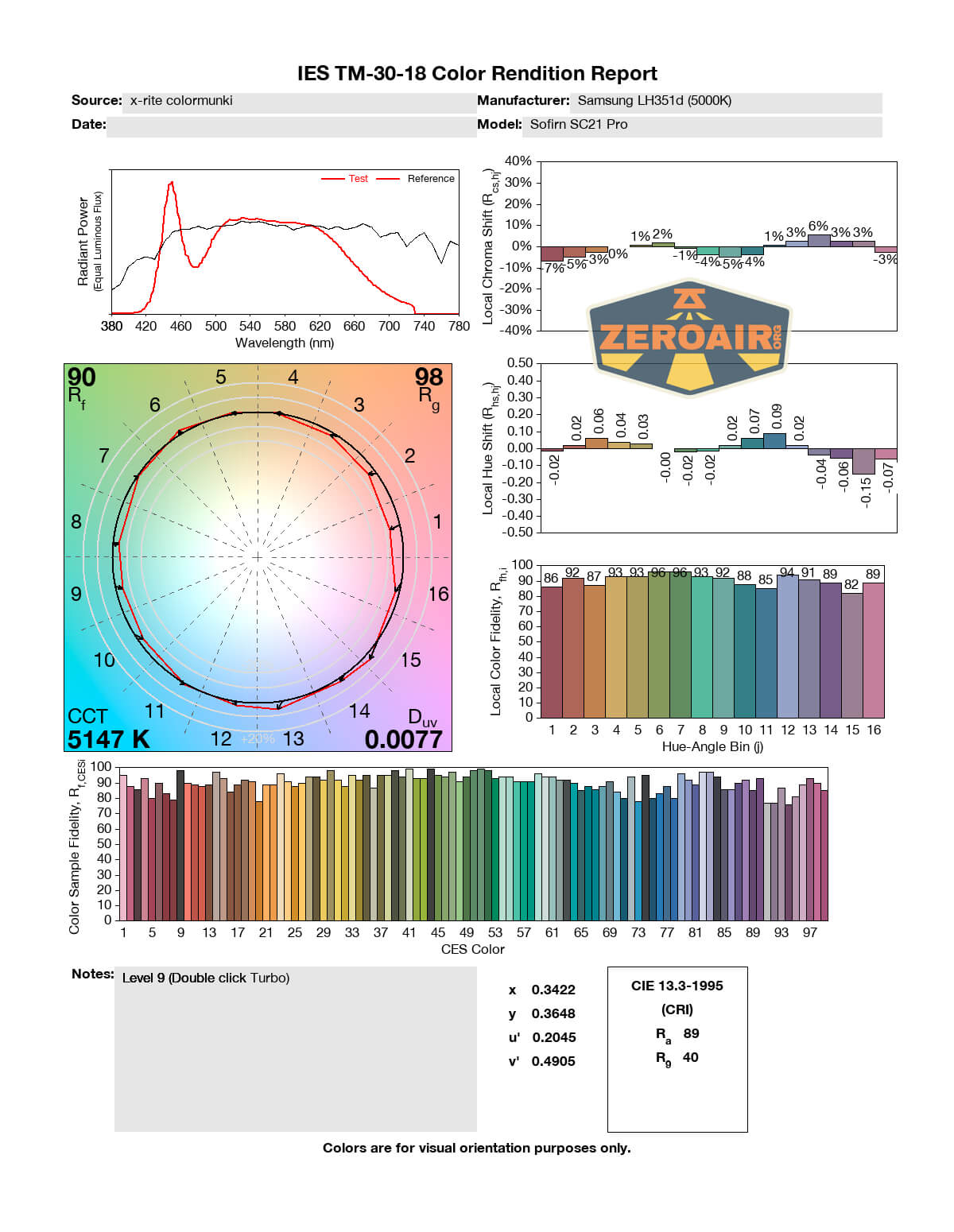
LED Color Report (CRI and CCT)
The readings on this SC21 show a CCT of 4800K to around 5200K and a CRI of around 90. Both of these are good.
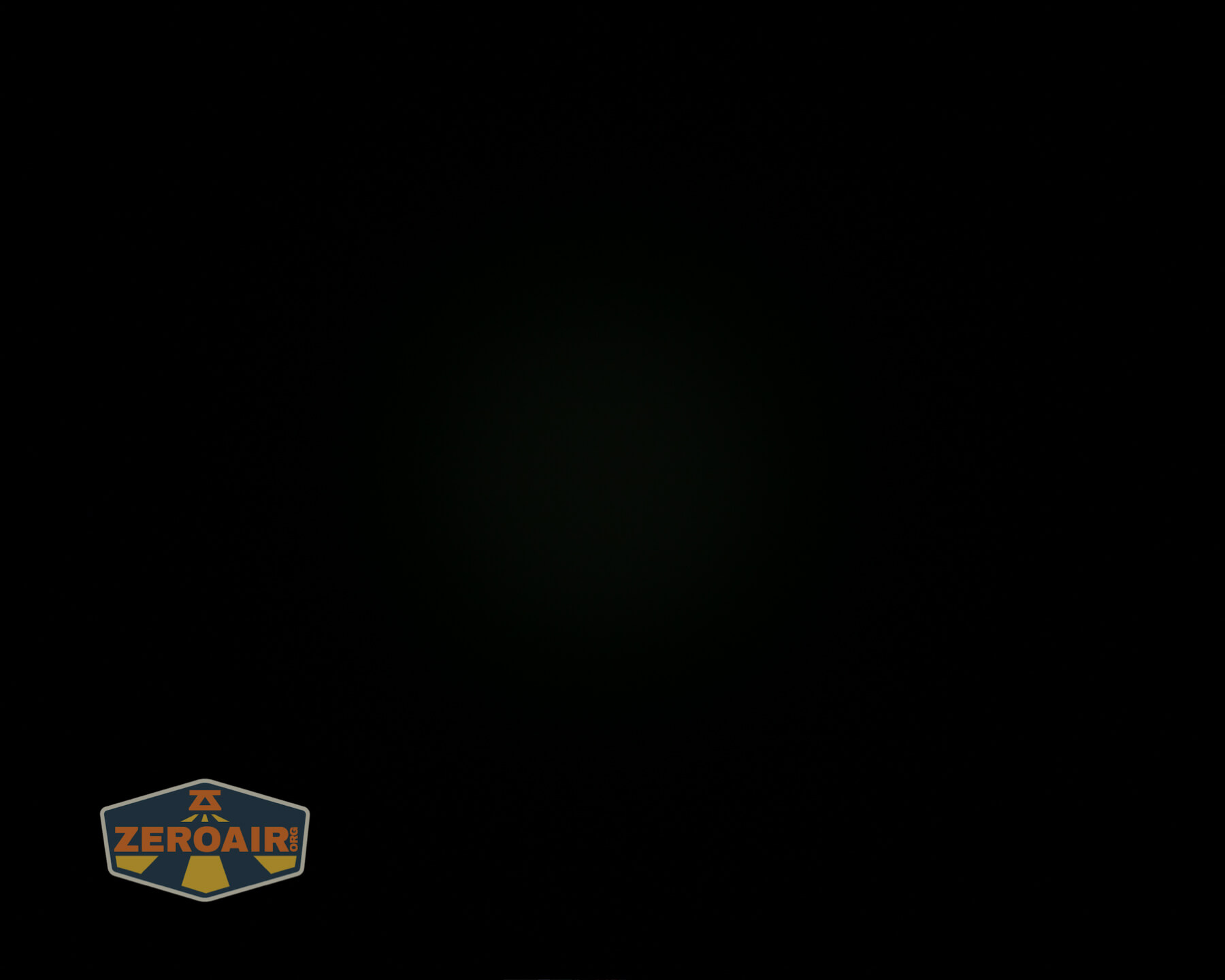
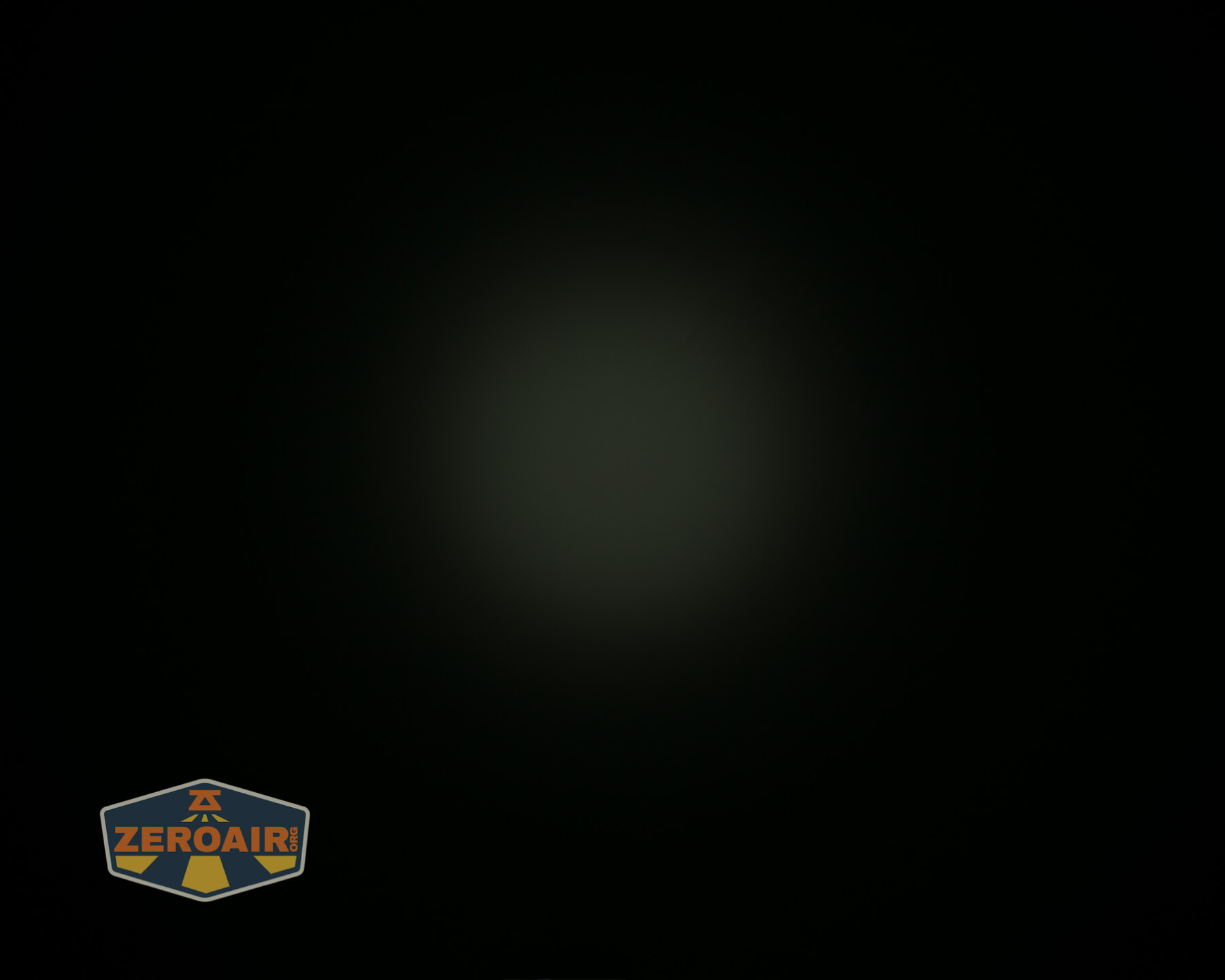
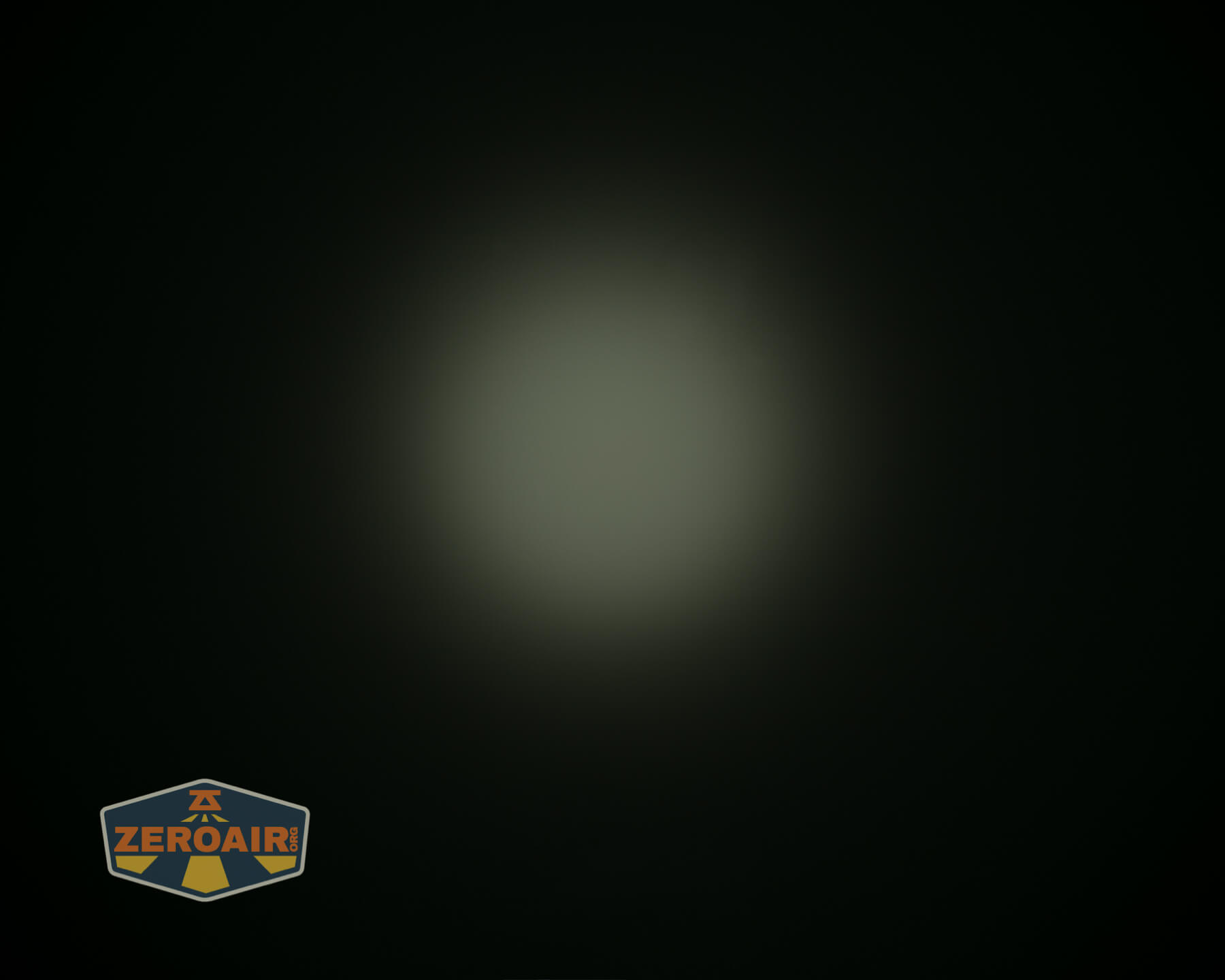
Beamshots
These beamshots always have the following settings: f8, ISO100, 0.3s shutter, and manual 5000K exposure. These photos are taken at floor level, and the beam hits the ceiling around 9 feet away.

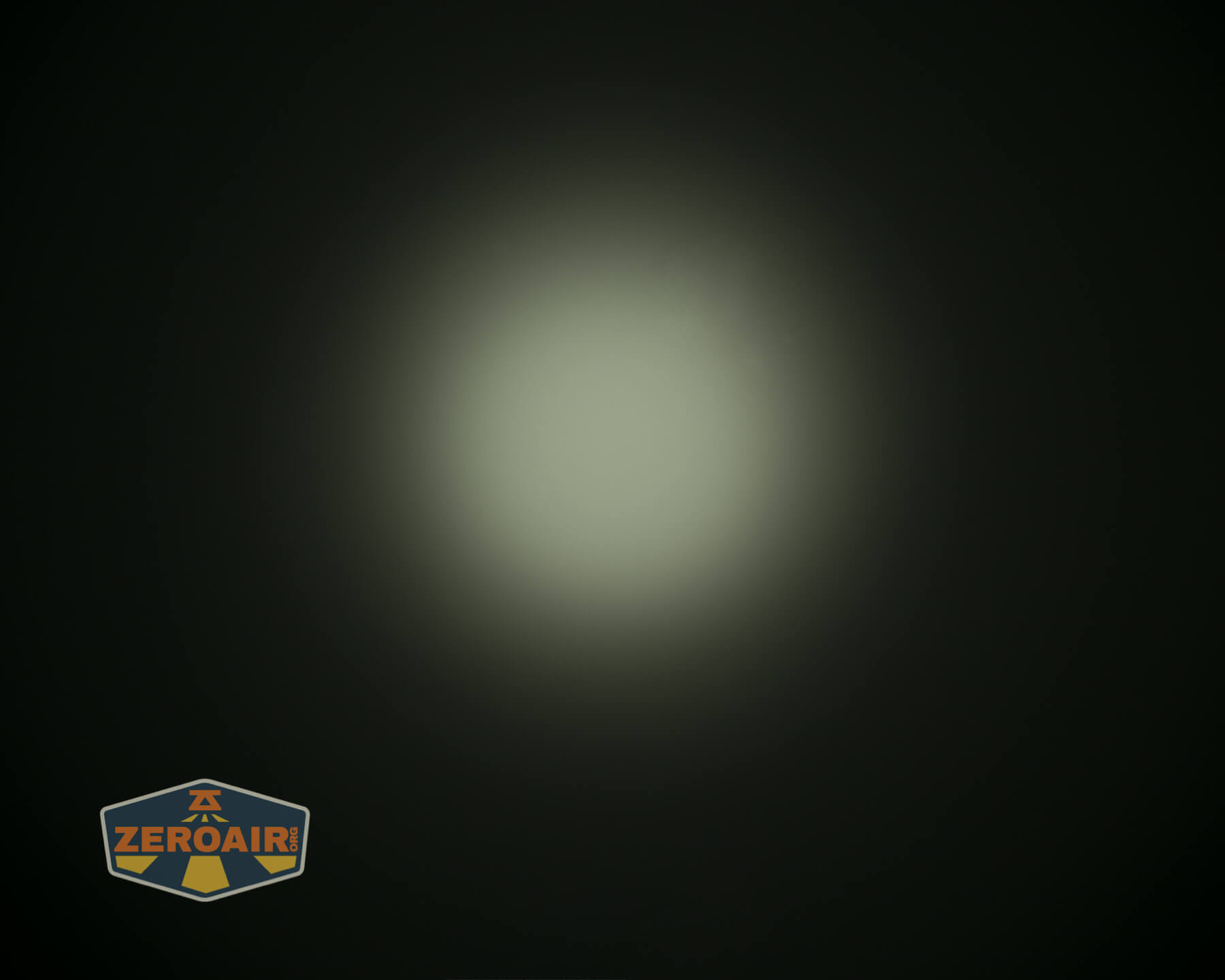
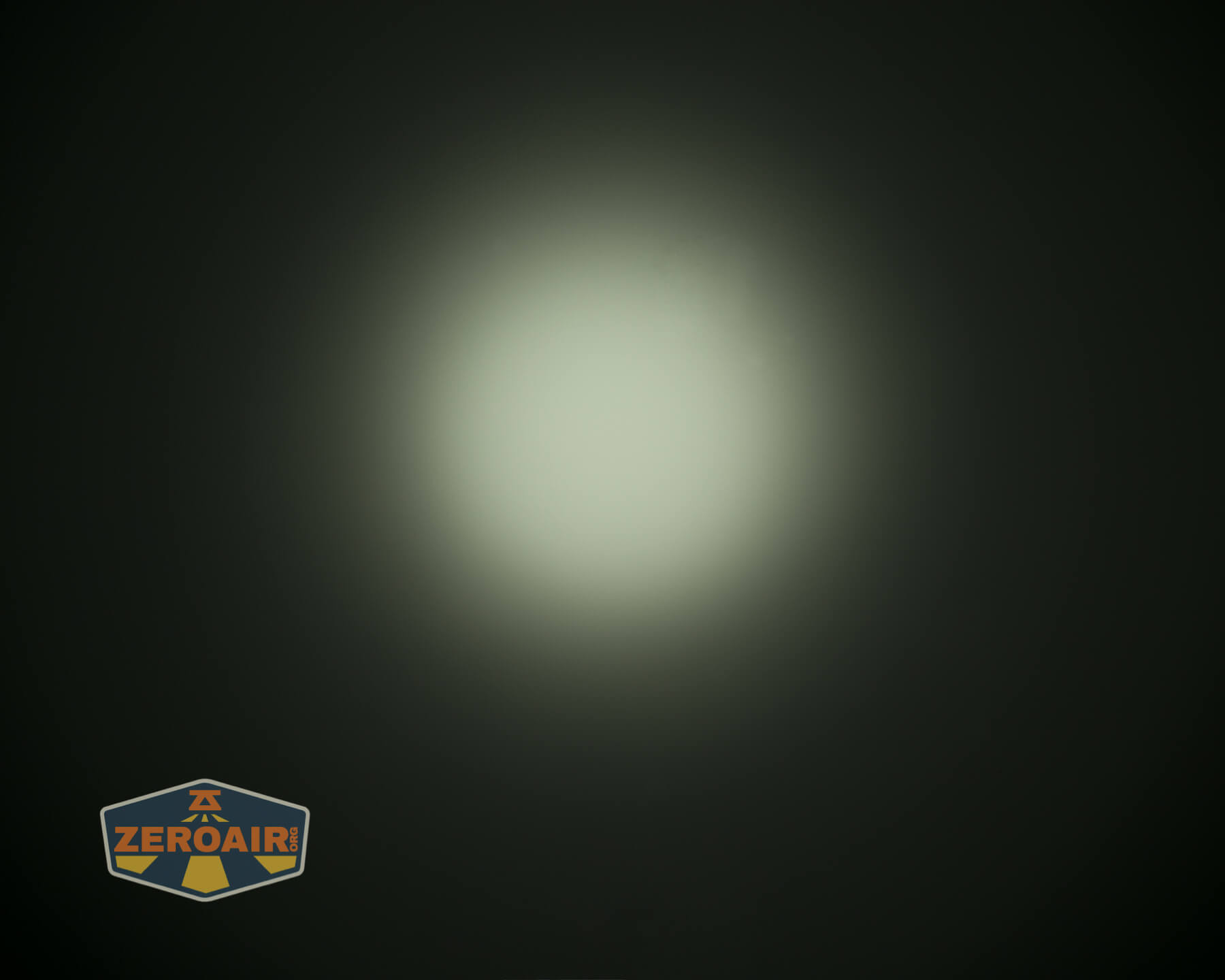
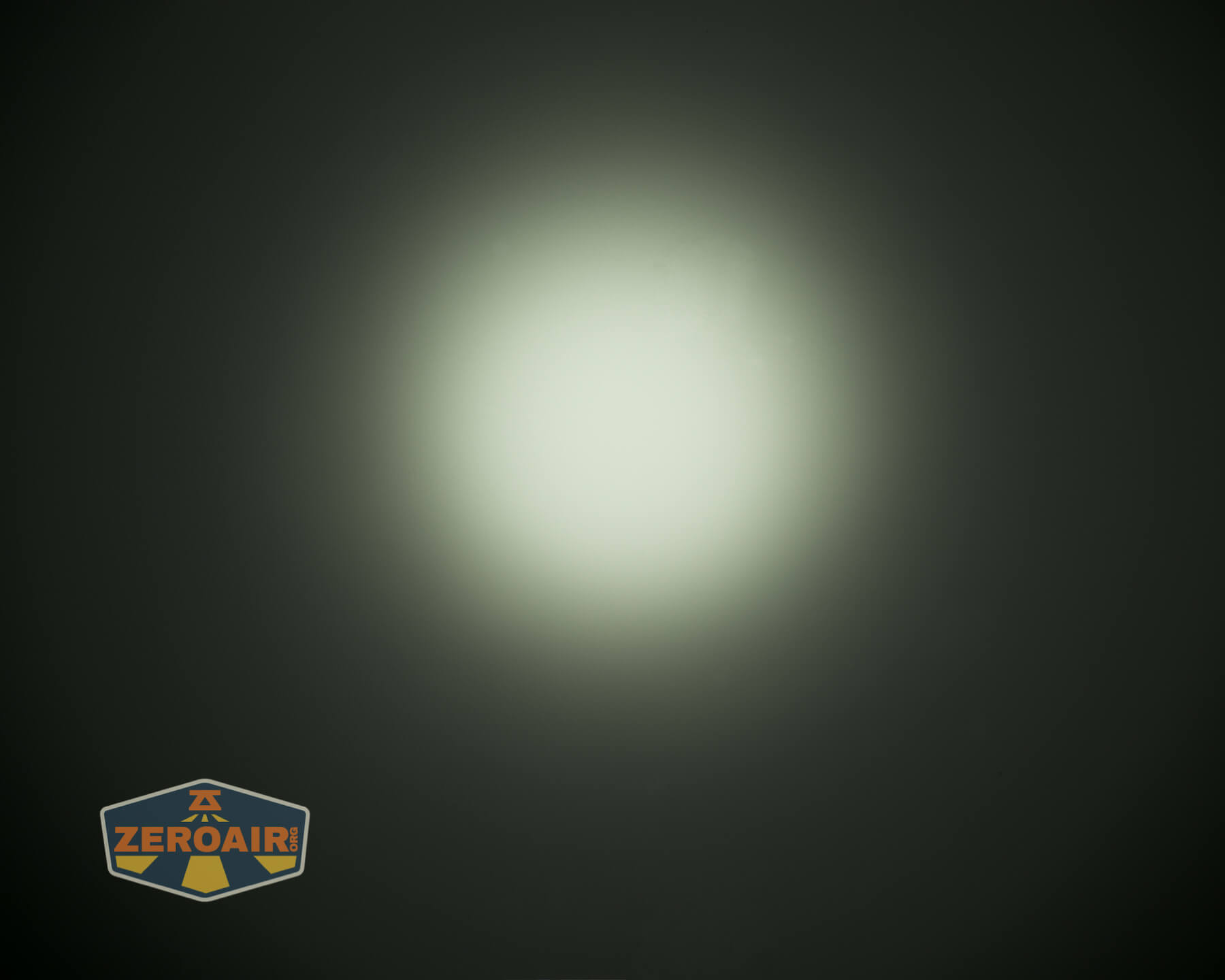
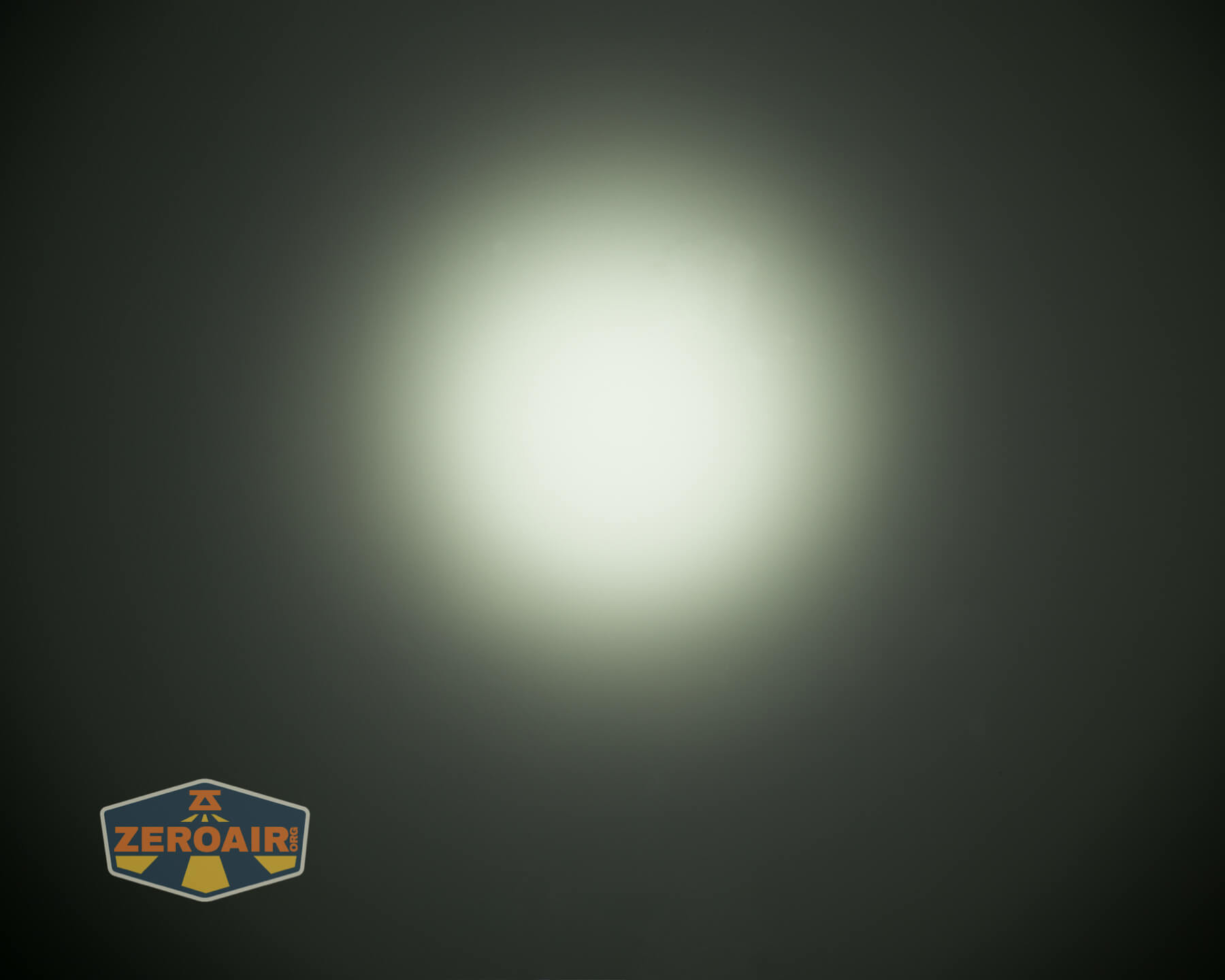
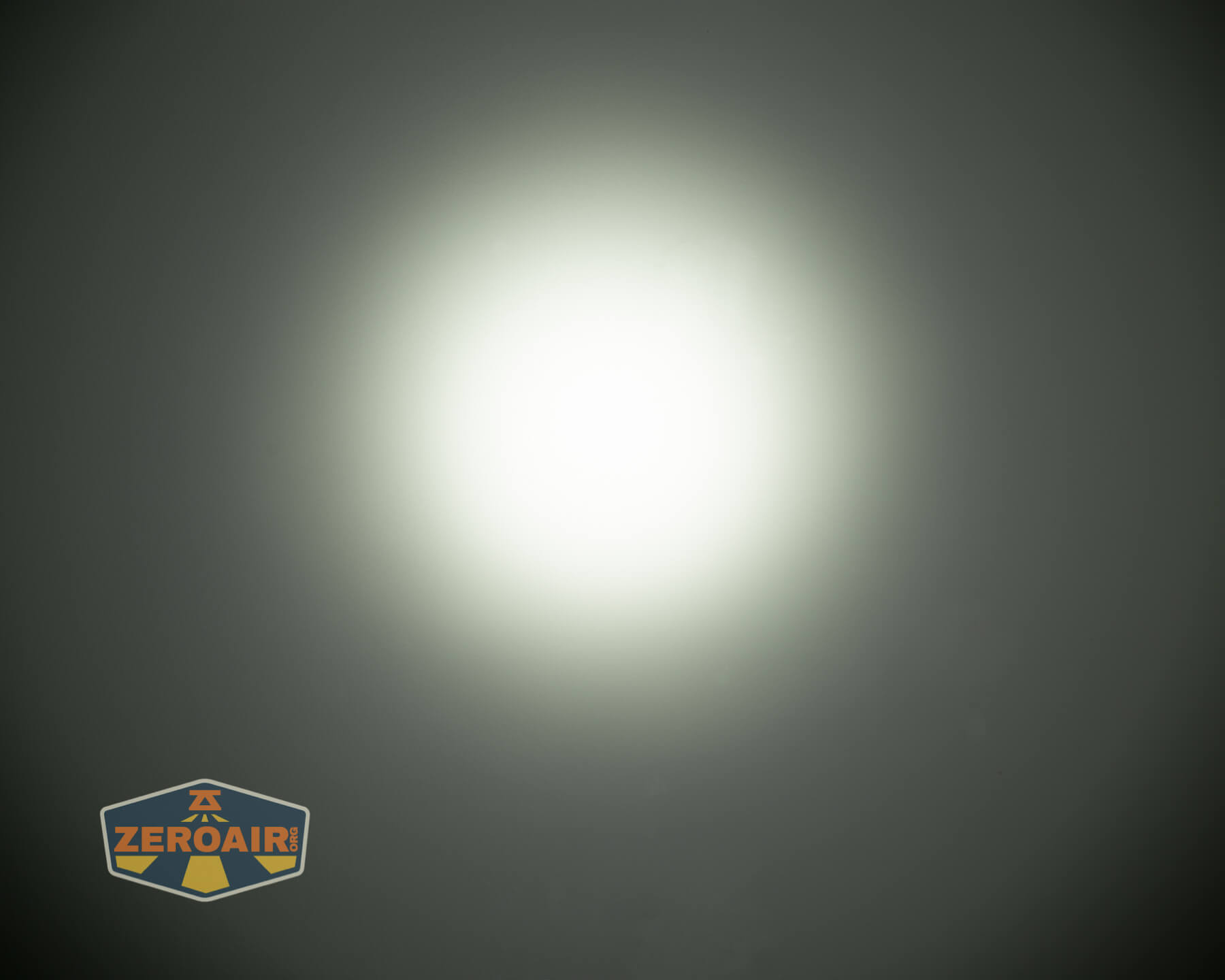
Tint vs BLF-348 (KillzoneFlashlights.com 219b version) (affiliate link)
I keep the test flashlight on the left and the BLF-348 reference flashlight on the right.
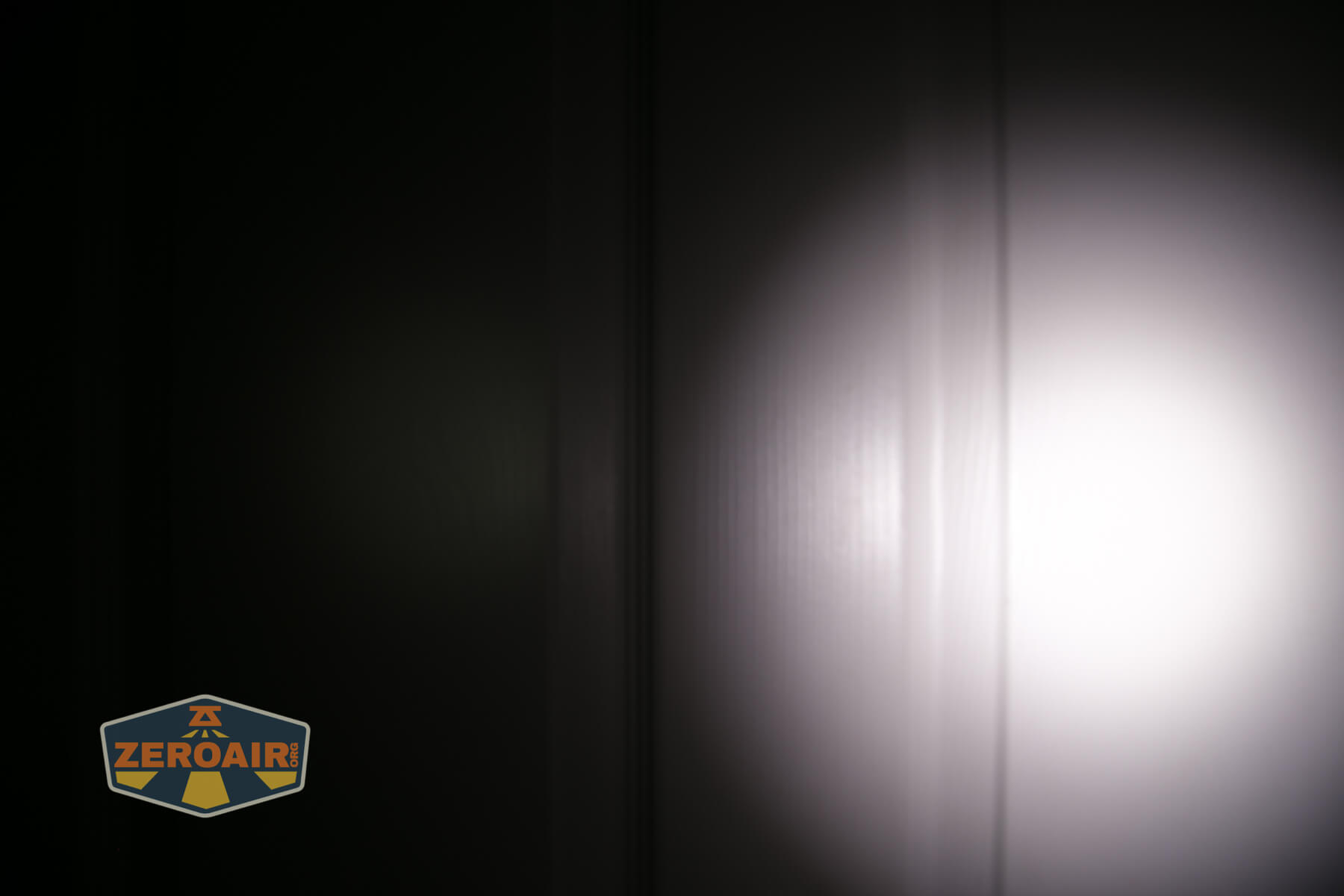
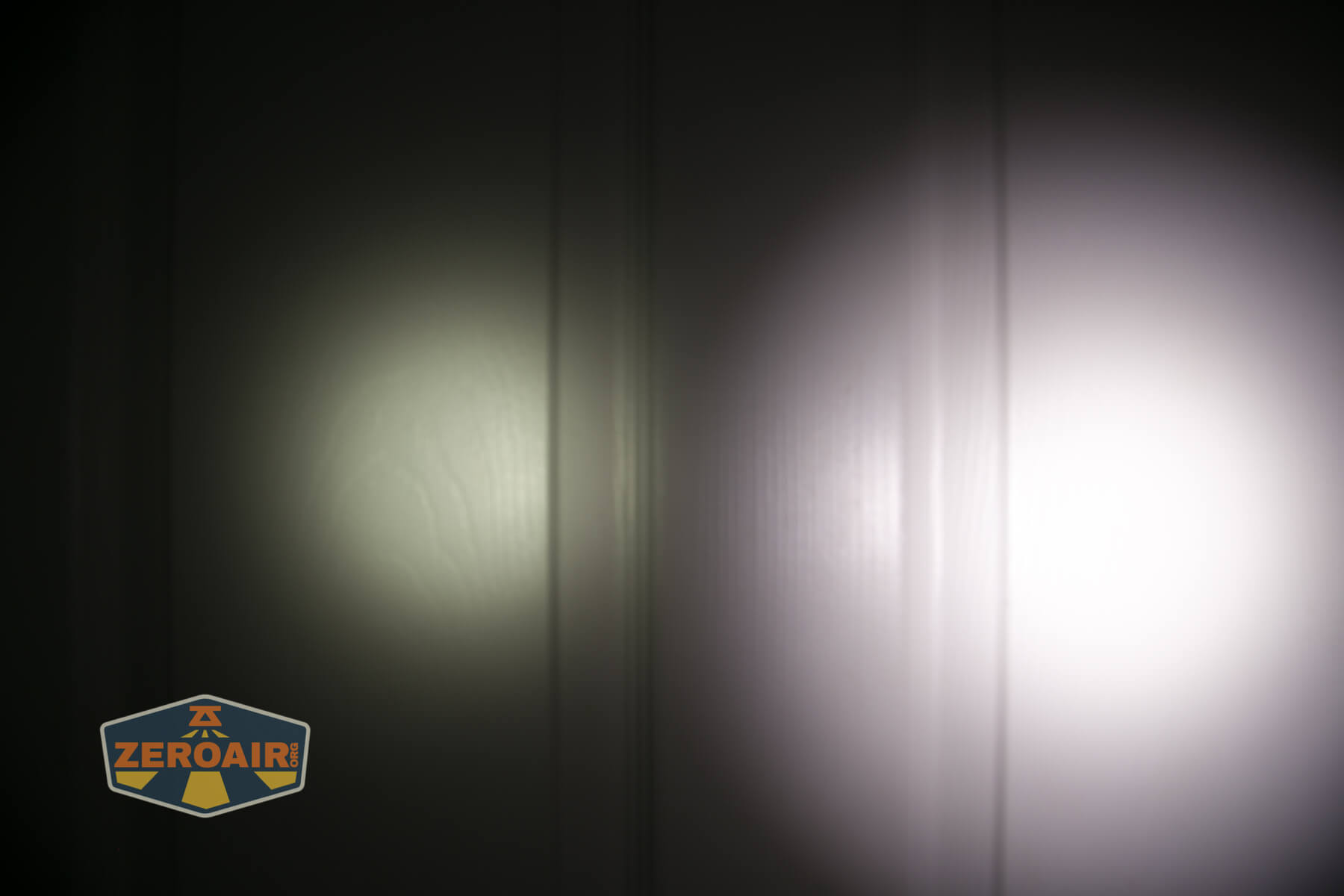
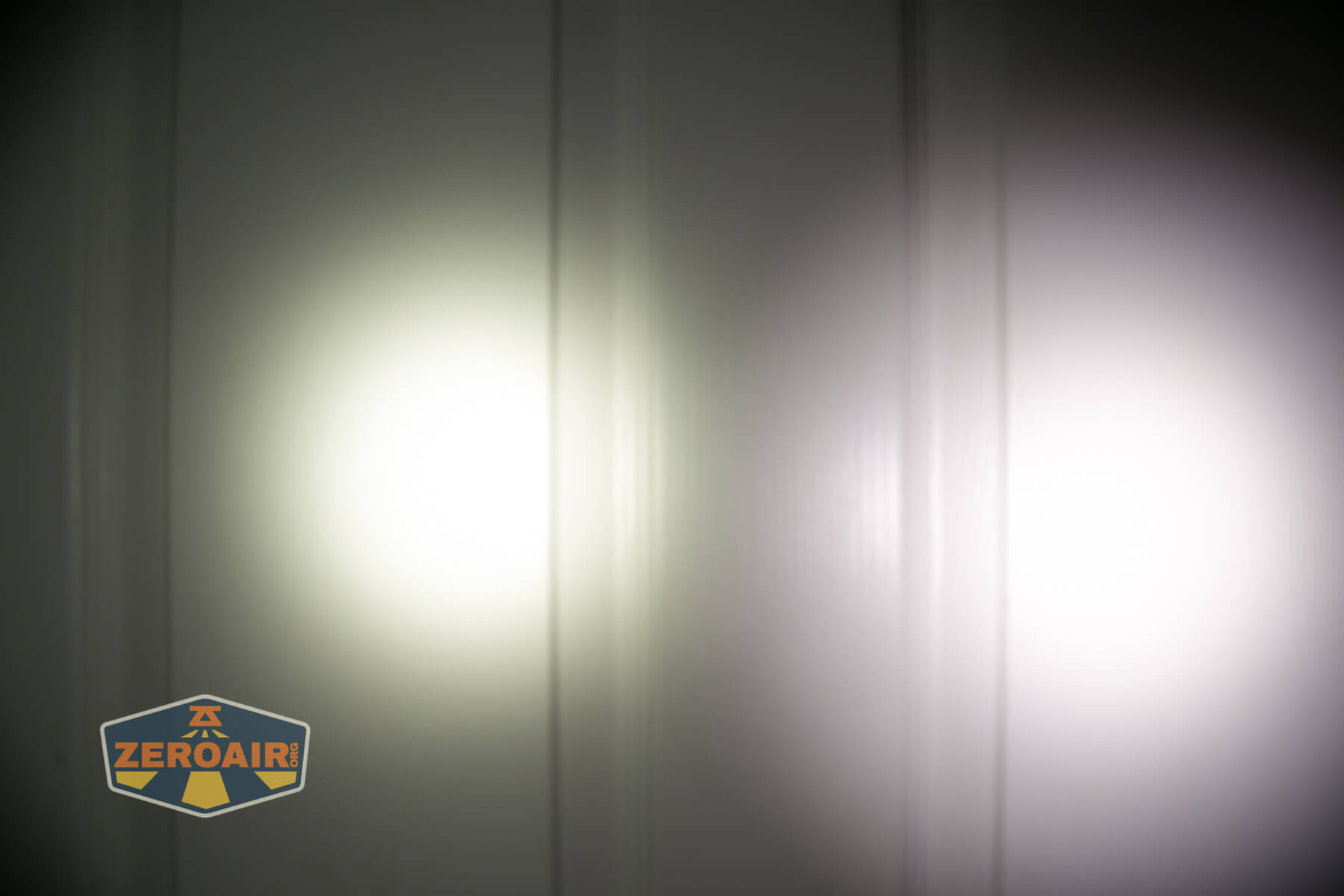
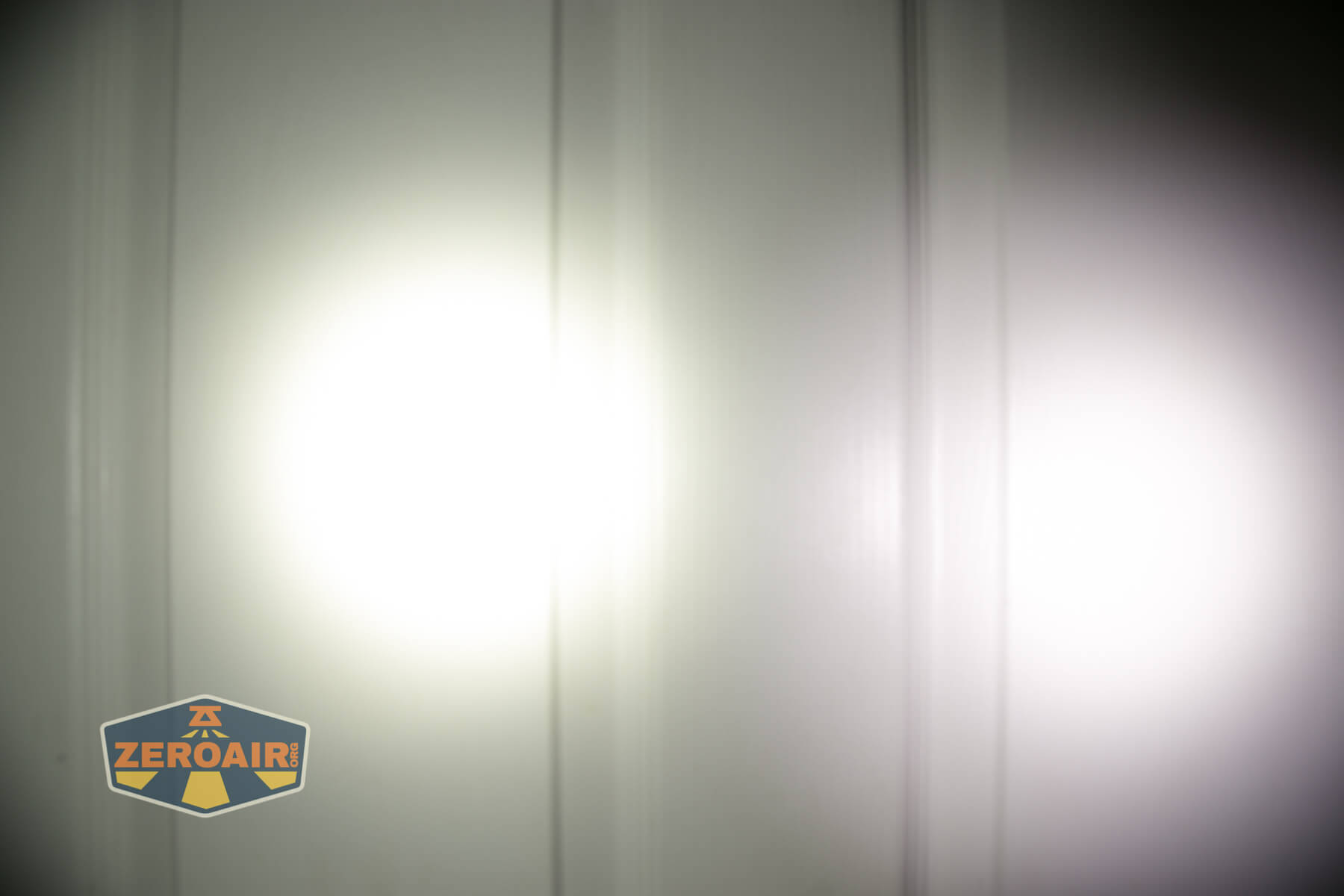
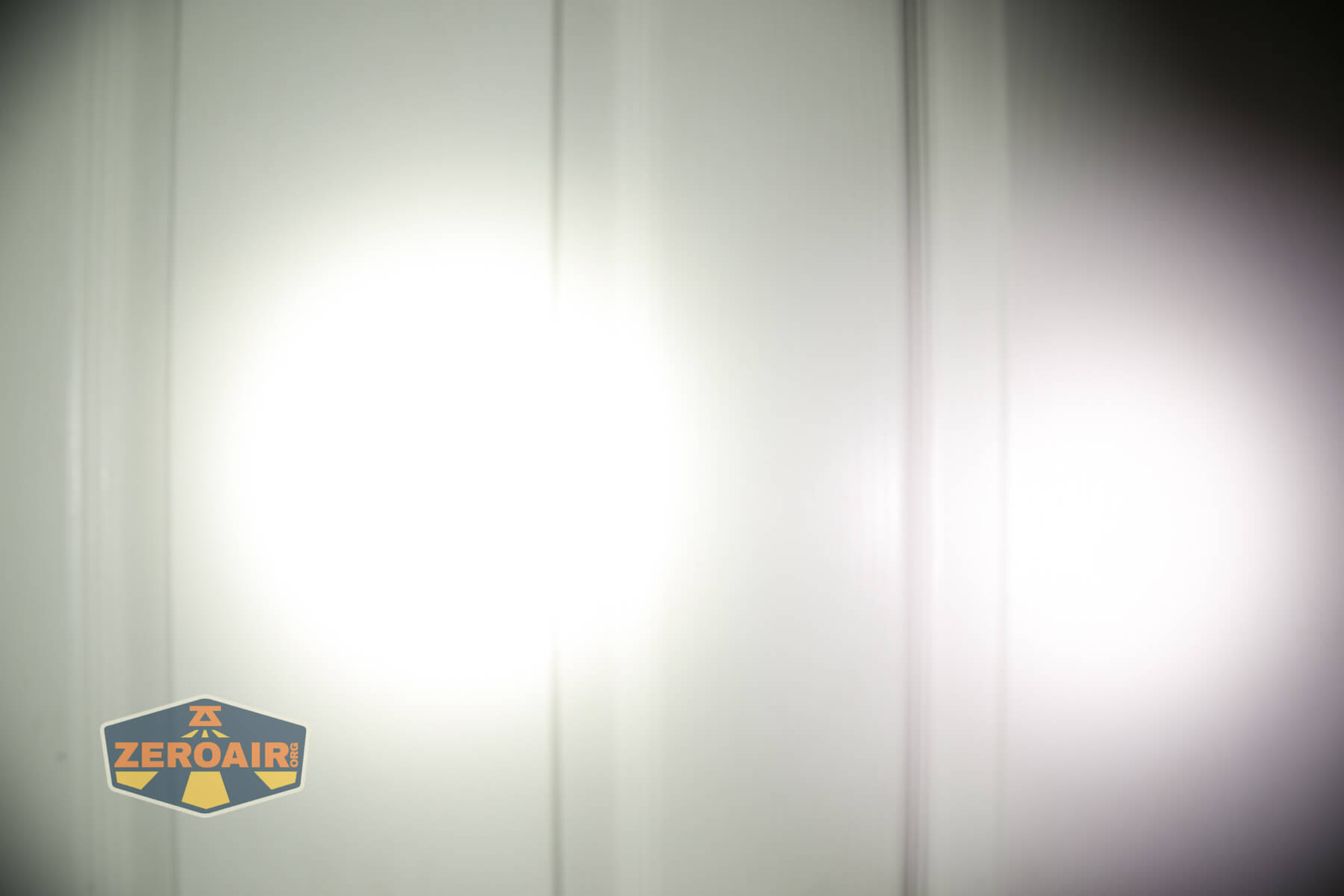
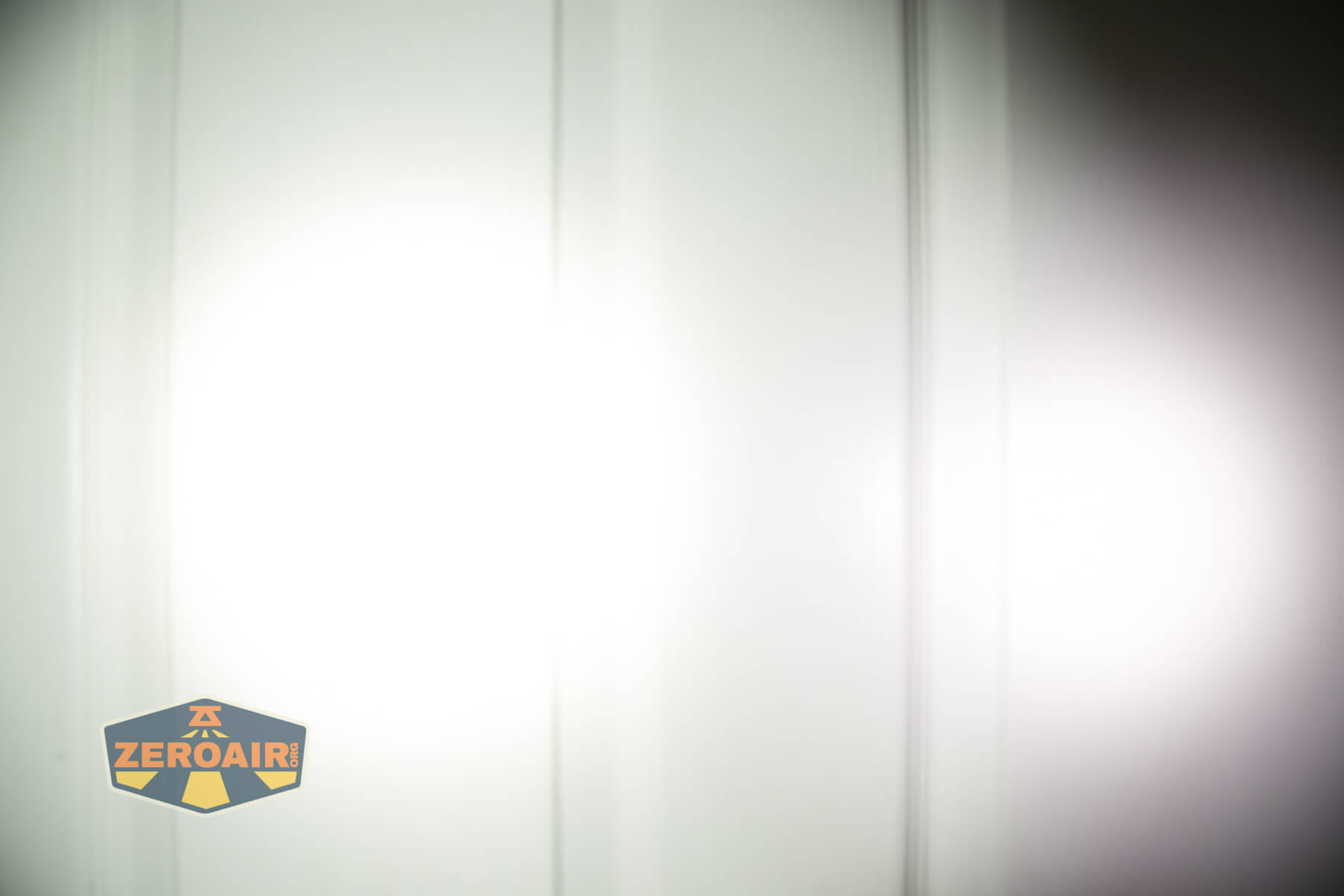



I compare everything to the KillzoneFlashlights.com 219b BLF-348 because it’s inexpensive and has the best tint!
Conclusion
What I like about the Sofirn SC21 Flashlight
- Good to see another 16340 flashlight available!
- User interface offers something for most users (i.e., ramping is there if you want it)
- Switch is proud and easy to find
- The indicator switch is very clear and clean
- The complete package is very good and low-cost
- USB-C charging (and also C to C charging works!)
- Good choice of 5000K emitter
- Nice beam profile
- Andúril user interface
- Looks like flashing pads are very accessible
What I don’t like about the Sofirn SC21 Flashlight
- Two-way pocket clip
- Not Andúril 2. Lights by this point should be shipping with Andúril 2
Notes
- This content originally appeared at zeroair.org. Please visit there for the best experience!
- Please use my Amazon.com referral link to help support zeroair.org!
- Please support me on Patreon! I deeply appreciate your support!
Discover more from ZeroAir Reviews
Subscribe to get the latest posts sent to your email.
Are button top batteries required here? I have a few olight 16340s from my S1R I would like to be able to use in the SC21. Which of those two lights do you prefer, my S1R is first gen, but latter half of that build