

Goblintechkeys Alpha 68 Small Mechanical Keyboard Review
The Goblintechkeys Alpha 68 small mechanical is a 65% layout keyboard with RGB, Bluetooth, and wireless, and offers USB-C, too! Read on for thoughts and photos!
Official Specs and Features
Here’s a link to the Goblintechkeys Alpha 68 small mechanical keyboard product page.
- 68 keys (small mechanical keyboard)
- Dazzling RGB backlight with dynamic effects and sidelight
- Triple mode connection – Bluetooth, 2.4GHz, and wired
- Compatible with Mac and Windows
- Hot-swappable function
- PBT keycaps sublimation
- Linear or Tactile switches
Versions
According to what I see on the Goblintechkeys website right now, there’s only one version of the Alpha 68 small mechanical keyboard available for sale right now. That’s a special “Watermelon” version.
That’s the same board (the Alpha 68) but with a different keycap set.
The Alpha 68 is available with various switches, too. Available now are red and blue Gateron switches, which are linear and clicky, respectively.
Price
Goblintechkeys has a sale going right now but the MSRP of the Alpha 68 Watermelon keyboard is $179 (179ish). There are a lot of configuration options, though, and you could almost certainly find a coupon that brings the price down. Right now, the sale brings the Watermelon down to $139.99. The stackable coupon “MidAugust” brings the price down even further!
A better thing to do would be to order the barebones kit of the Alpha 68 (for $90) then add your switches ($25) and any of the many keycap options that Goblintechkeys has (in the $70 range). Or better yet, do all that and get your own custom printing done on the caps! If you want the specific caps seen in this post, you’ll want to buy the “Classic Coffee” caps, available for all size keyboards.
Short Review
I should mention (somewhere) that Goblintechkeys originally approached me to review just their custom keycaps. I didn’t have a spare board (I do have many boards, but no spare boards) for testing just caps, so they were kind enough to send this whole Alpha 68. I already have the same layout (in fact, I’ve tested very similar before: the Flashquark Horizon Z.) I like this layout quite a bit. These keycaps (again, the main thrust of this review, despite the review covering more, and maybe other parts more in depth) are nice too. In particular, I appreciate that they can be customized fully with anything printed onto them that you want! It’s not even a significant upcharge to get this feature, too!
Long Review
What’s Included

- Goblintechkeys Alpha 68 small mechanical keyboard
- Keycaps
- Keycap puller/switch puller
- Cable (USB to USB-C)
- USB wireless connector
- Brush
- A bunch of paperwork
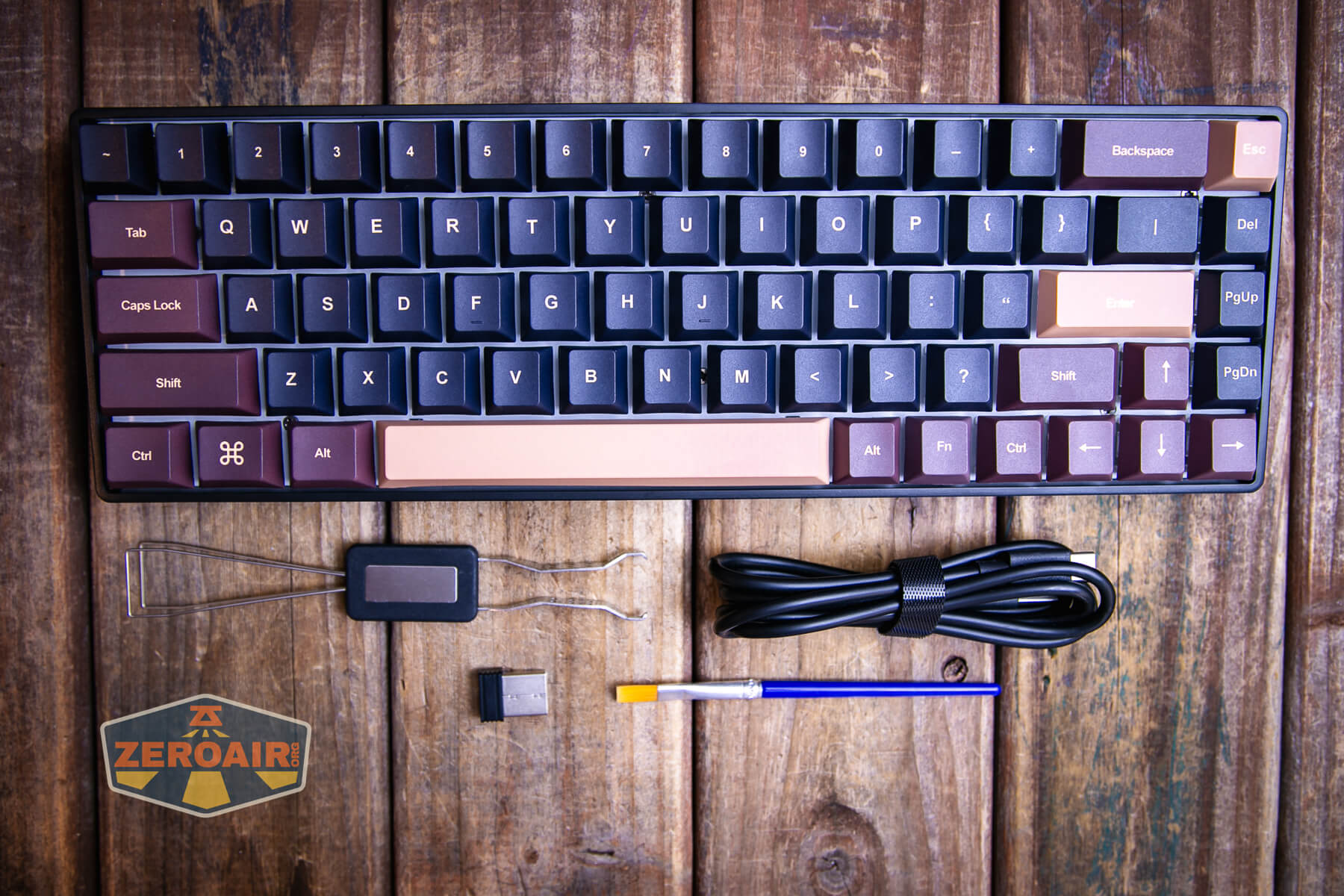
Sorry for the deceiving photo below. The black part isn’t a cap for the brush, it’s the USB connector.

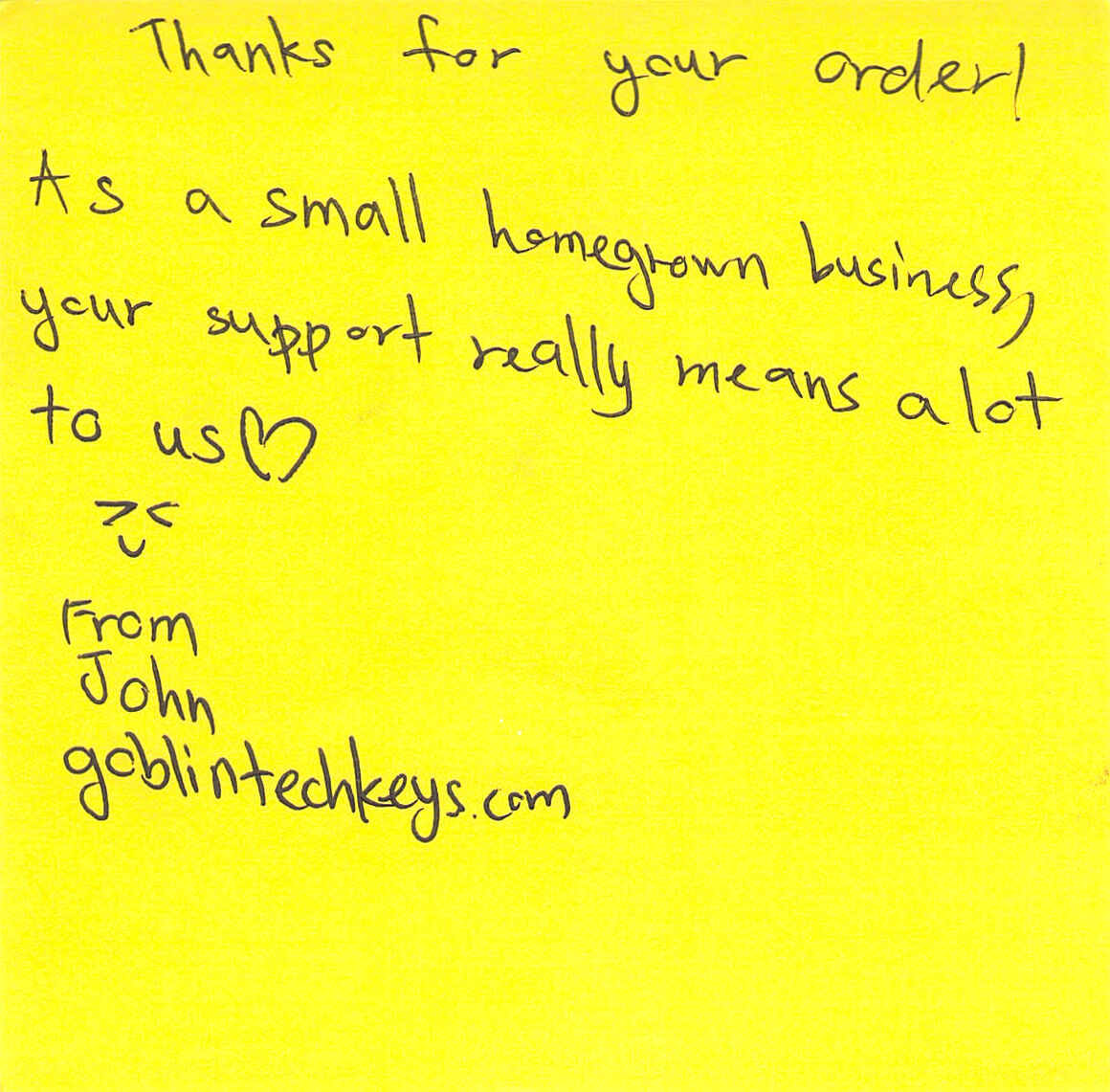
Here’s the paperwork documentation that came with the package.






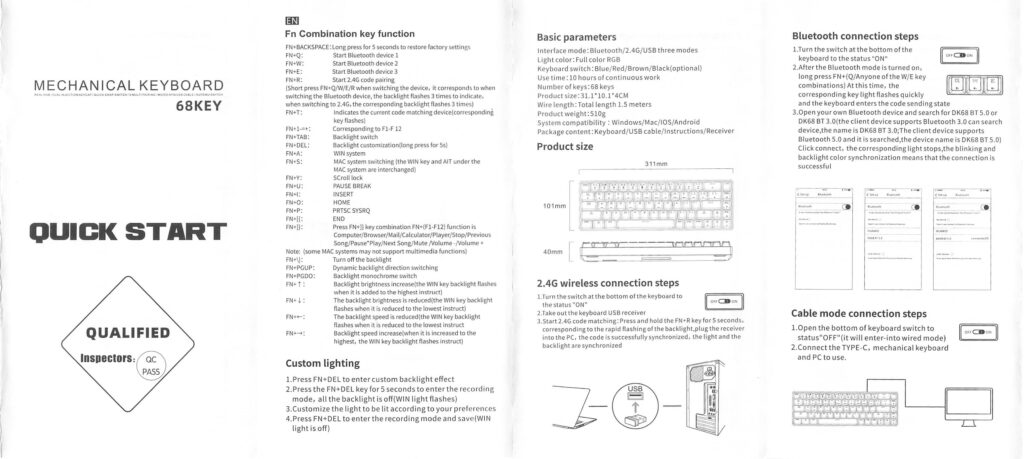
This is the full manual!
Package and Manual

The Goblintechkeys Alpha 68 small small mechanical keyboard ships in a white box that is plastic-wrapped.


Size of this Small Mechanical Keyboard
Length: 330 mm
Width: 115 mm
Height: 30 mm
Weight: 860 g
Those are the official measurements.

Part of what makes this as wide as it is (not too wide, just 330mm) is this extra column of switches. I for one really appreciate these switches, but actually forget to use them about 80% of the time. But PgUp/PgDn and Del are nice to have when you remember they’re there!

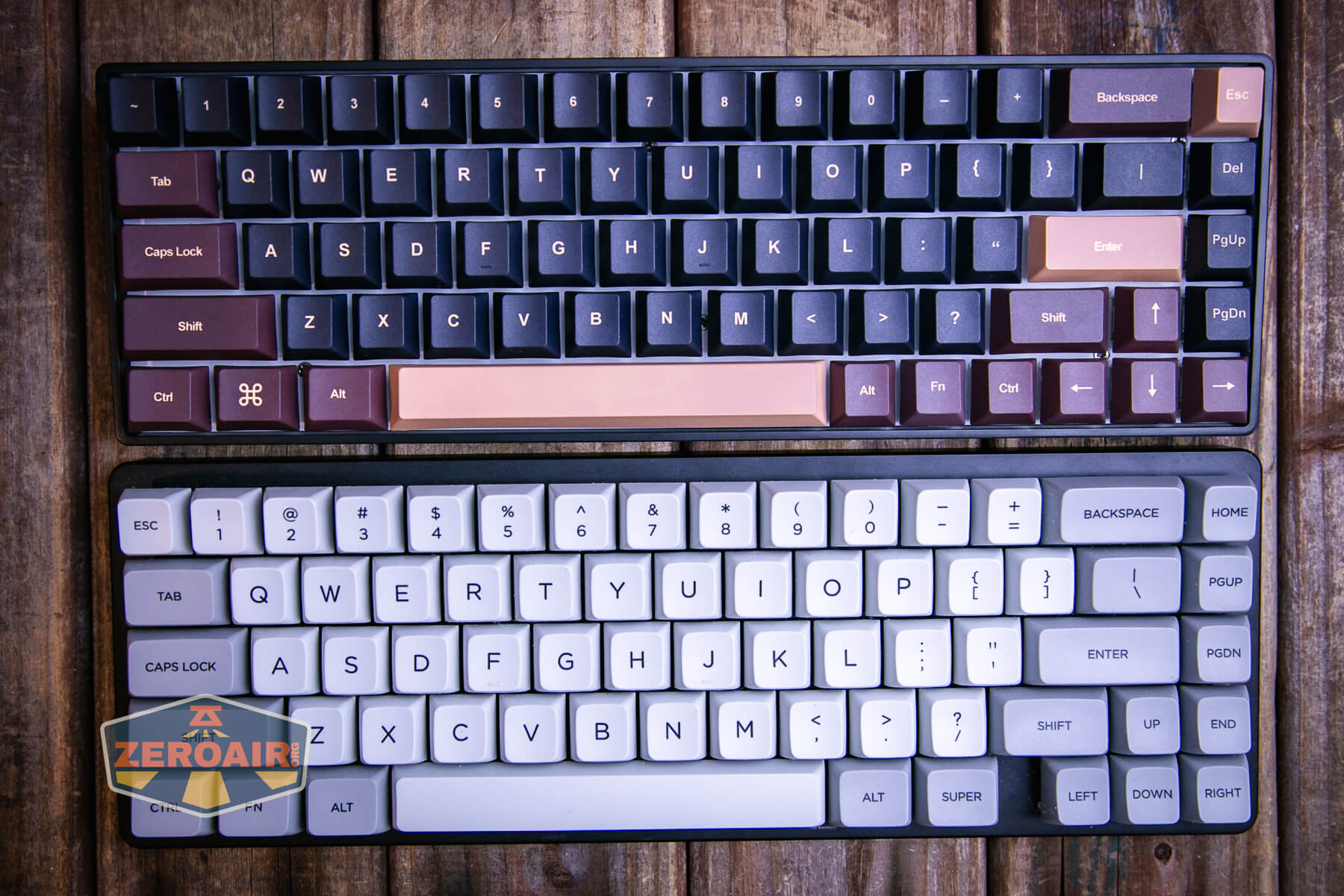
As for size comparisons, below you can see my 0.01 Z70 Pro. It has nearly the same host of switches, but excludes one switch between the arrows and space bar.
Build Quality and Disassembly
Build quality on the Goblintechkeys Alpha 68 small mechanical keyboard is great. I wouldn’t say it’s unusual in build quality – just standard “very good.”

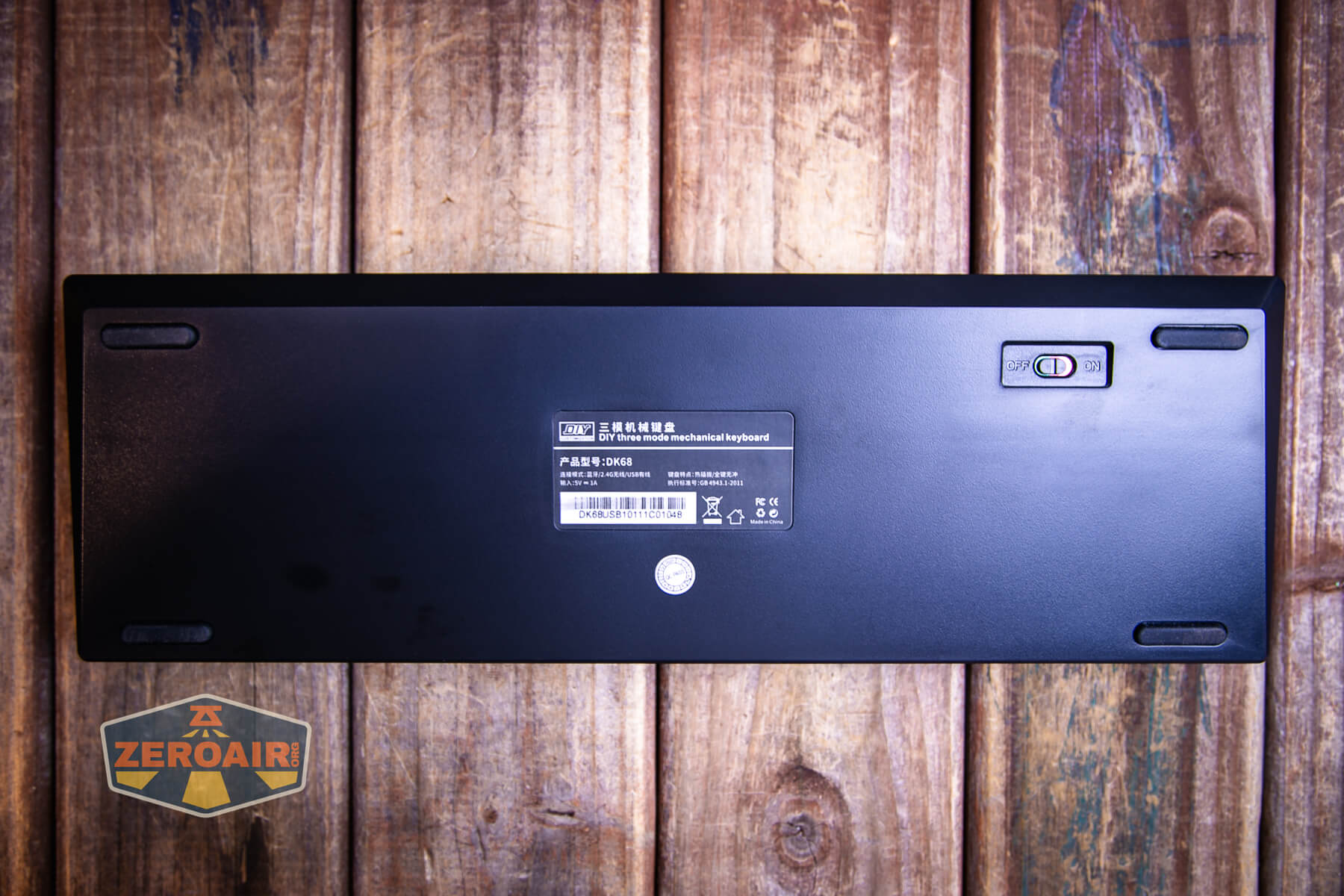
The back of the case here displays the Goblintechkeys Alpha 68 small mechanical keyboard as a “DK68” which is directly available on aliexpress. It’s not really much cheaper to buy there though, as it’s still around $100 and that doesn’t include caps.

Branding by Goblintechkeys is mainly by way of this sticker on the front right side of the board.

The included keycap puller works quite well for the 1u caps. Other sizes take different effort but this puller still works for those, too.
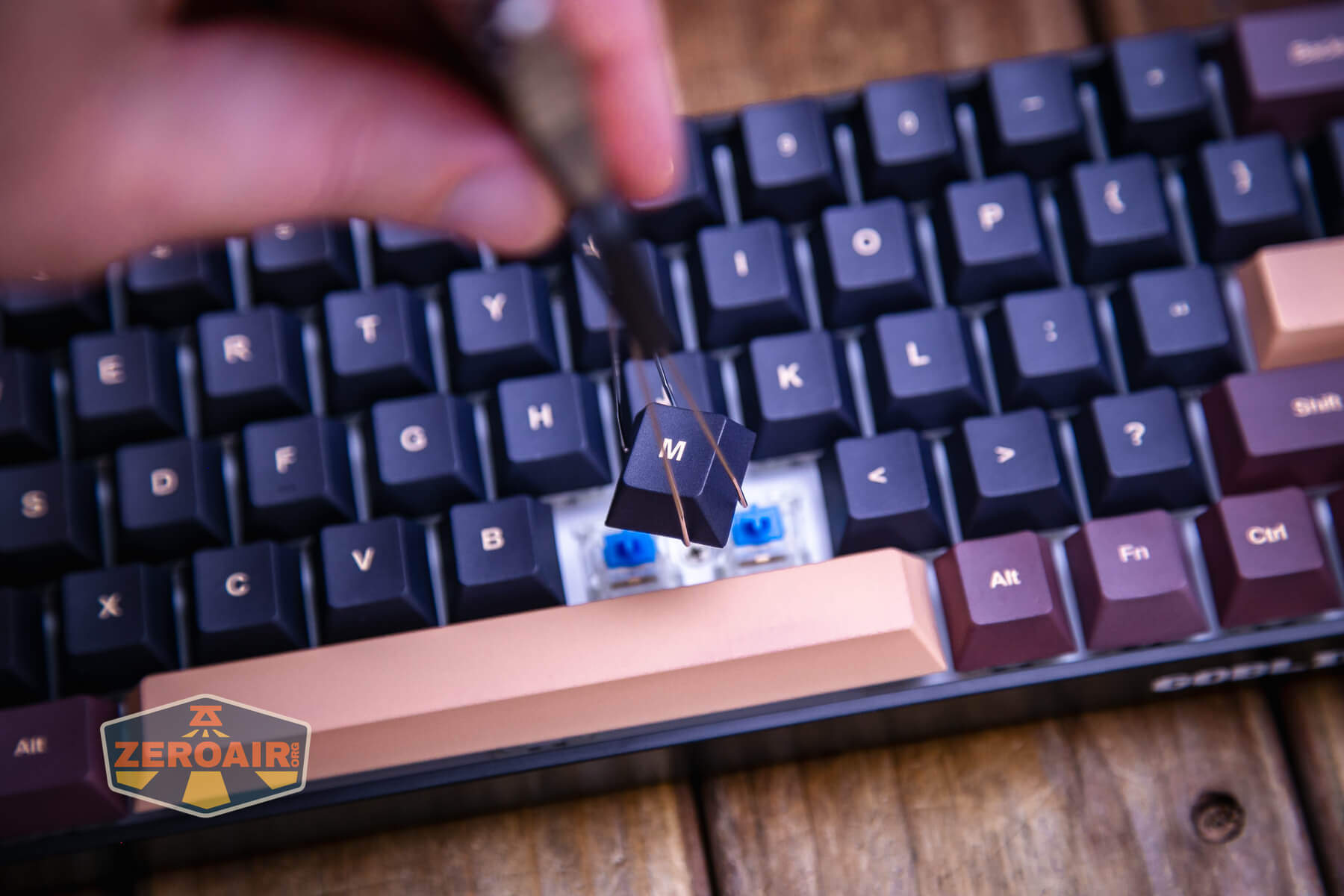
To disassemble the board, you won’t have to remove all the keycaps. All the screws can be accessed by removing a minimal number of caps – 15 or 20, I’d guess. The screws to get into this board are standard Philips screws.
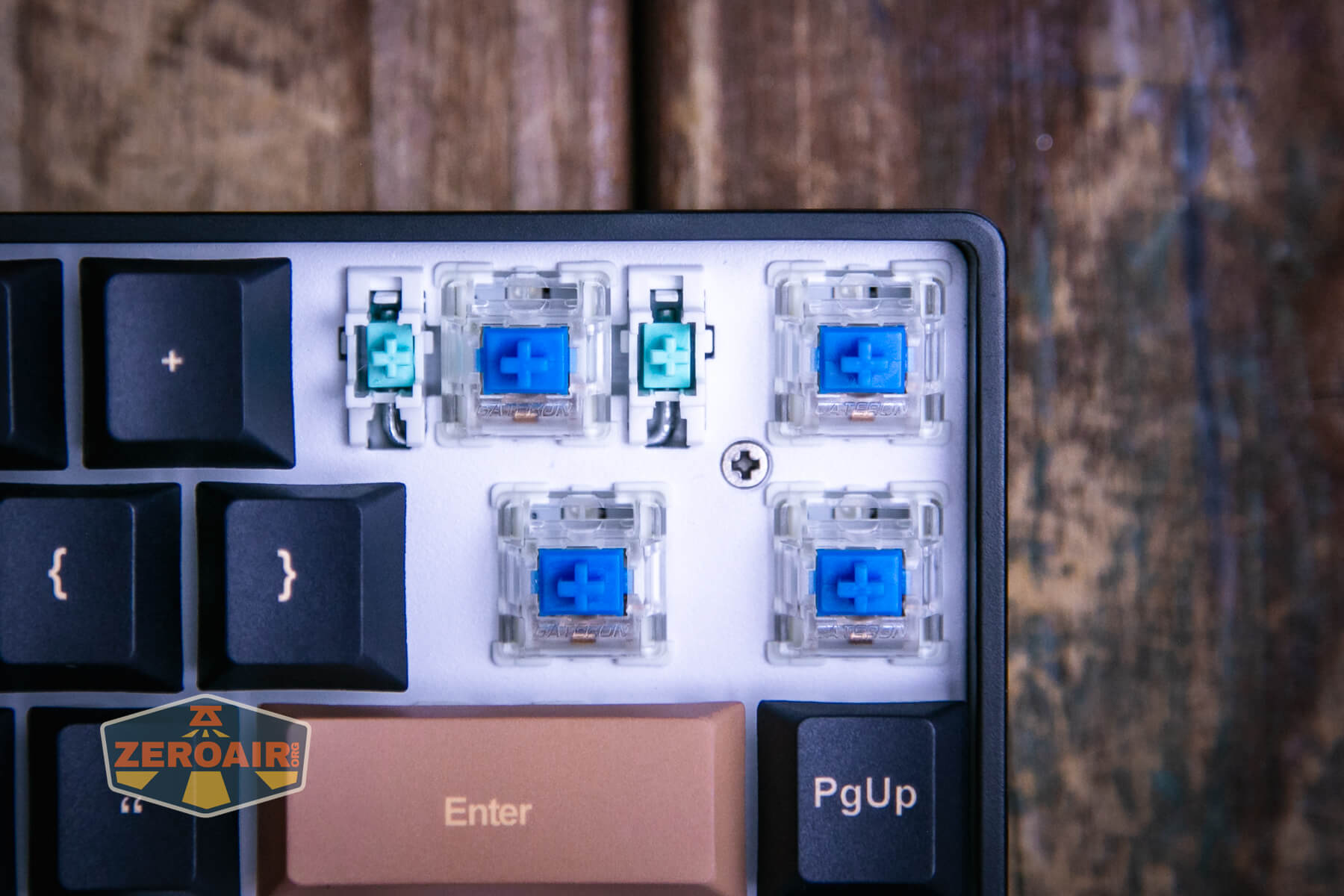
There aren’t many! Only 6 screws hold the PCB to the case.

Accessing this layer of the Alpha 68 reveals some good information about Goblintechkeys – they take the time to dampen this cavity. This effort really shows in the typing experience, too!
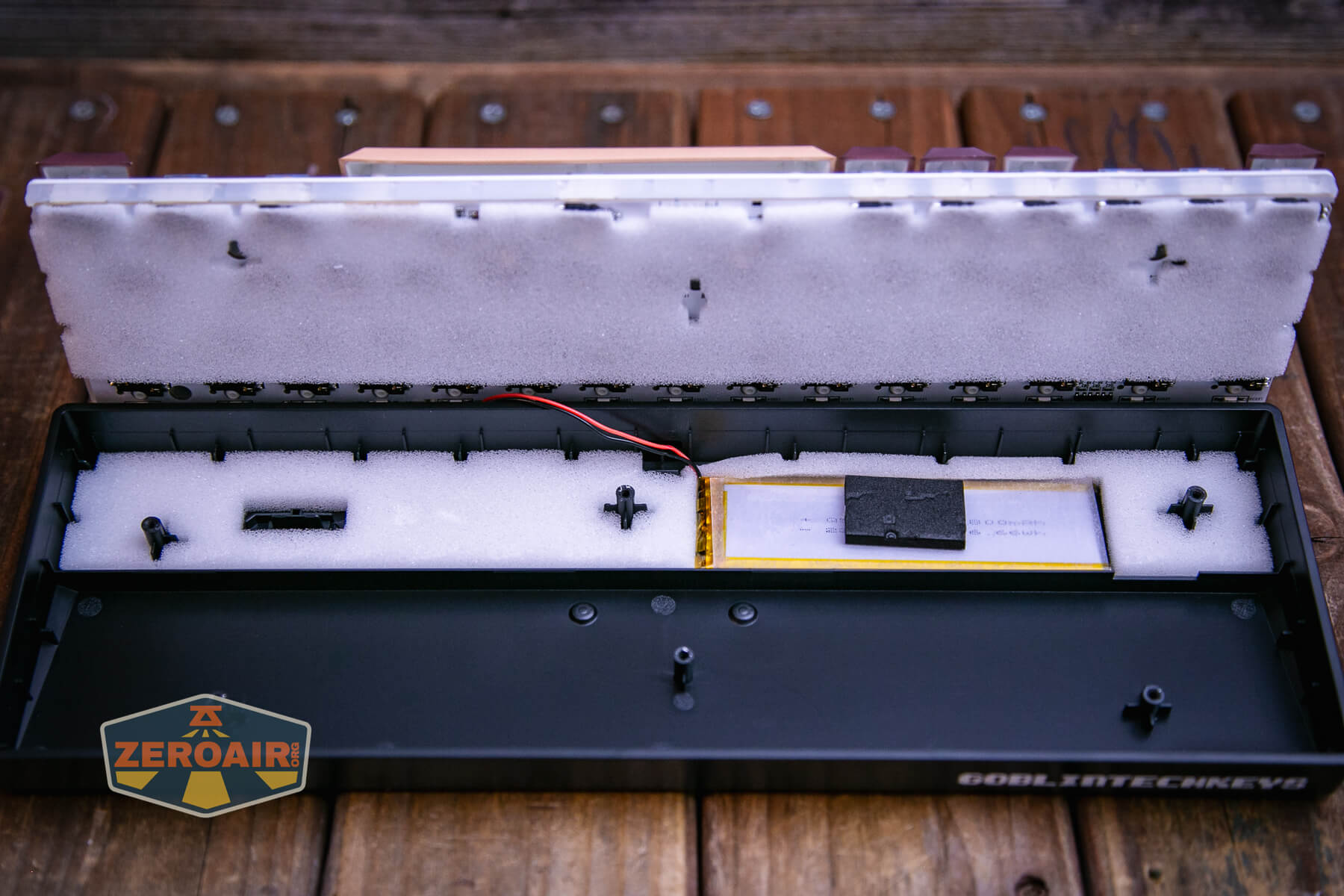
As this is a wireless keyboard, a battery has to be somewhere! It’s here in the case, nicely sandwiched with some foam.
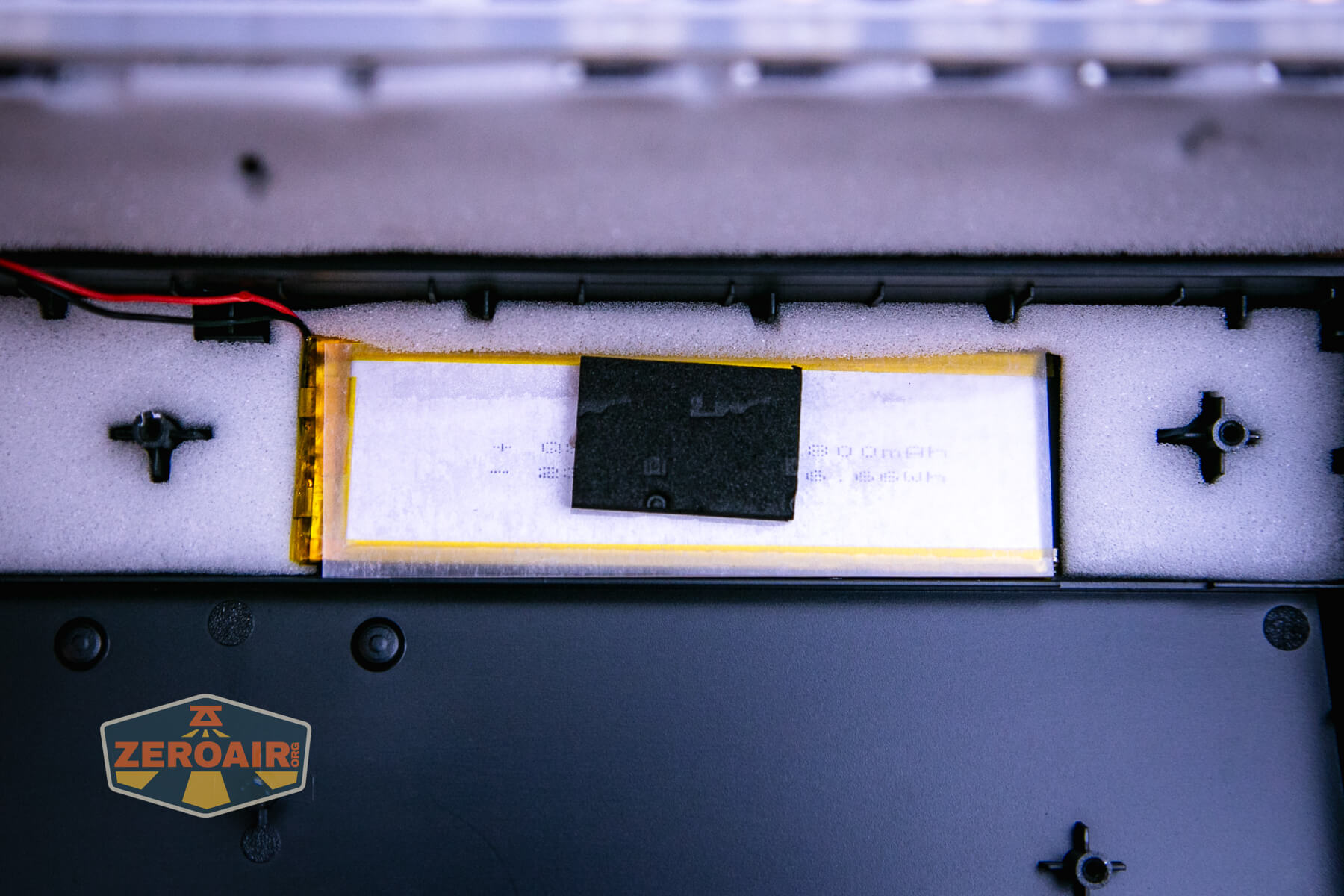
Notably, the foam has cutouts where the screws go through. This is a nice touch.

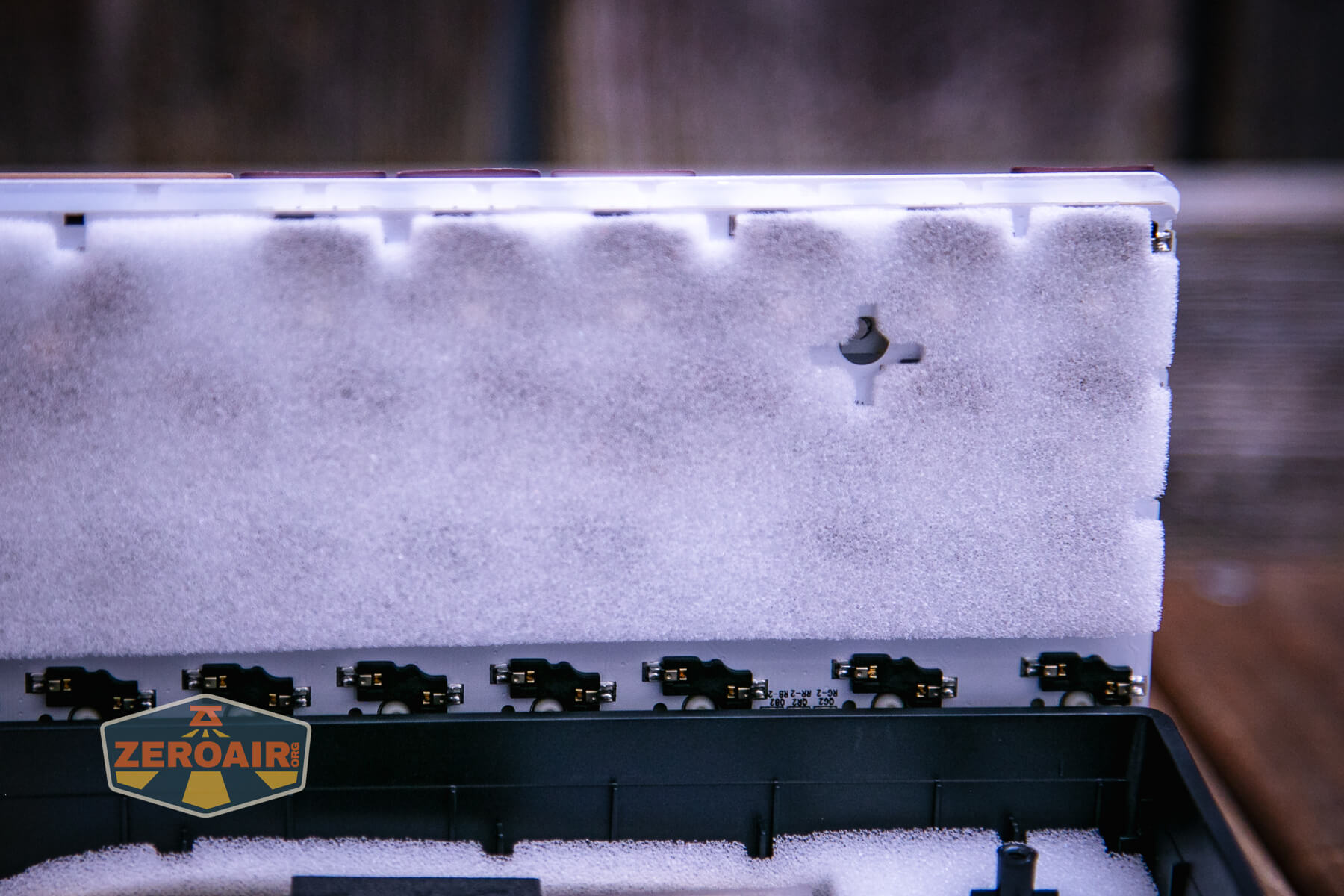
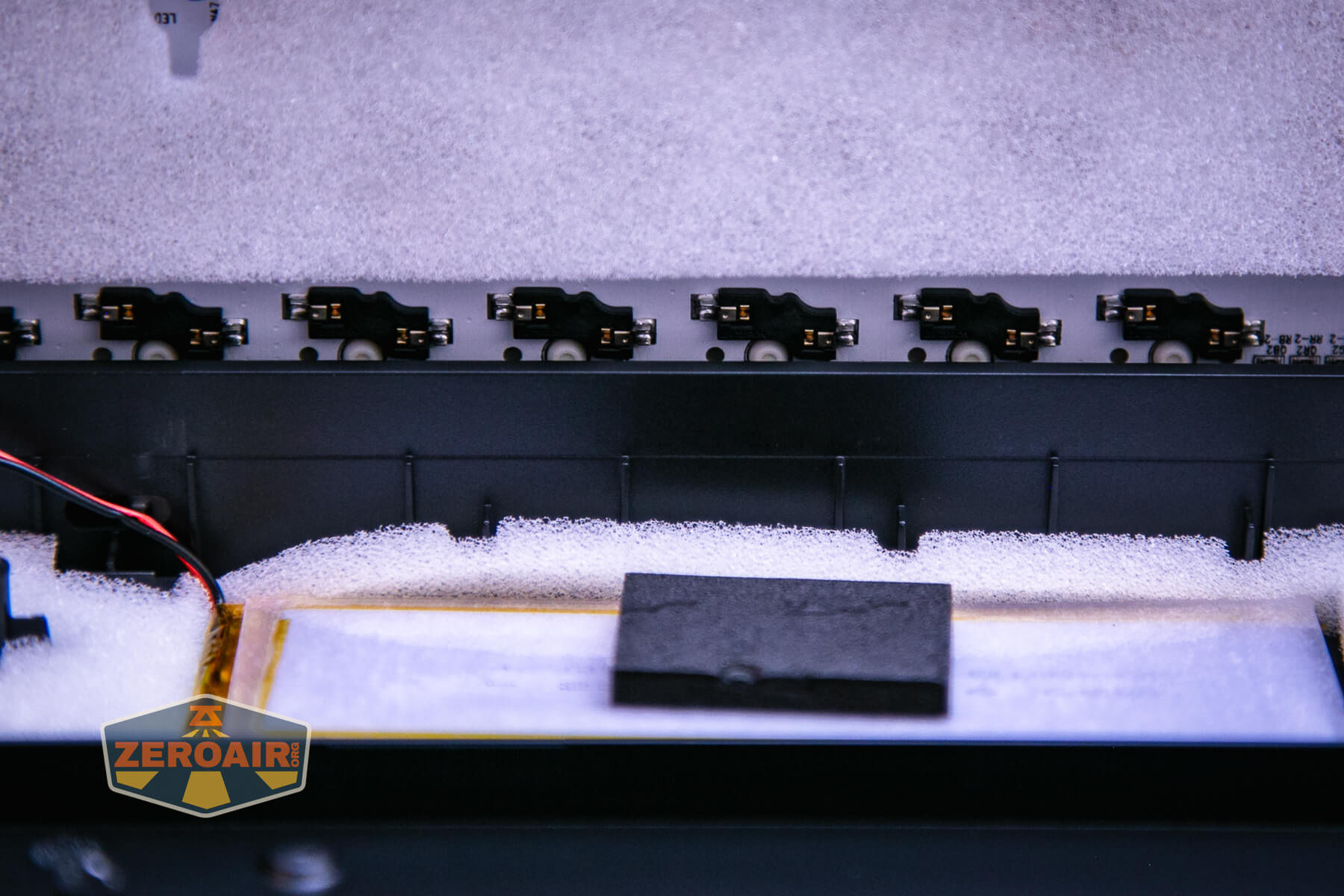
More on these parts later, but here you can simply see a bit of disassembly of the board. I did not remove the battery.


Unlike on some other (sort of similar) boards, putting this one back together worked fine. Lining the USB-C port up to the case went without a hitch.
Case
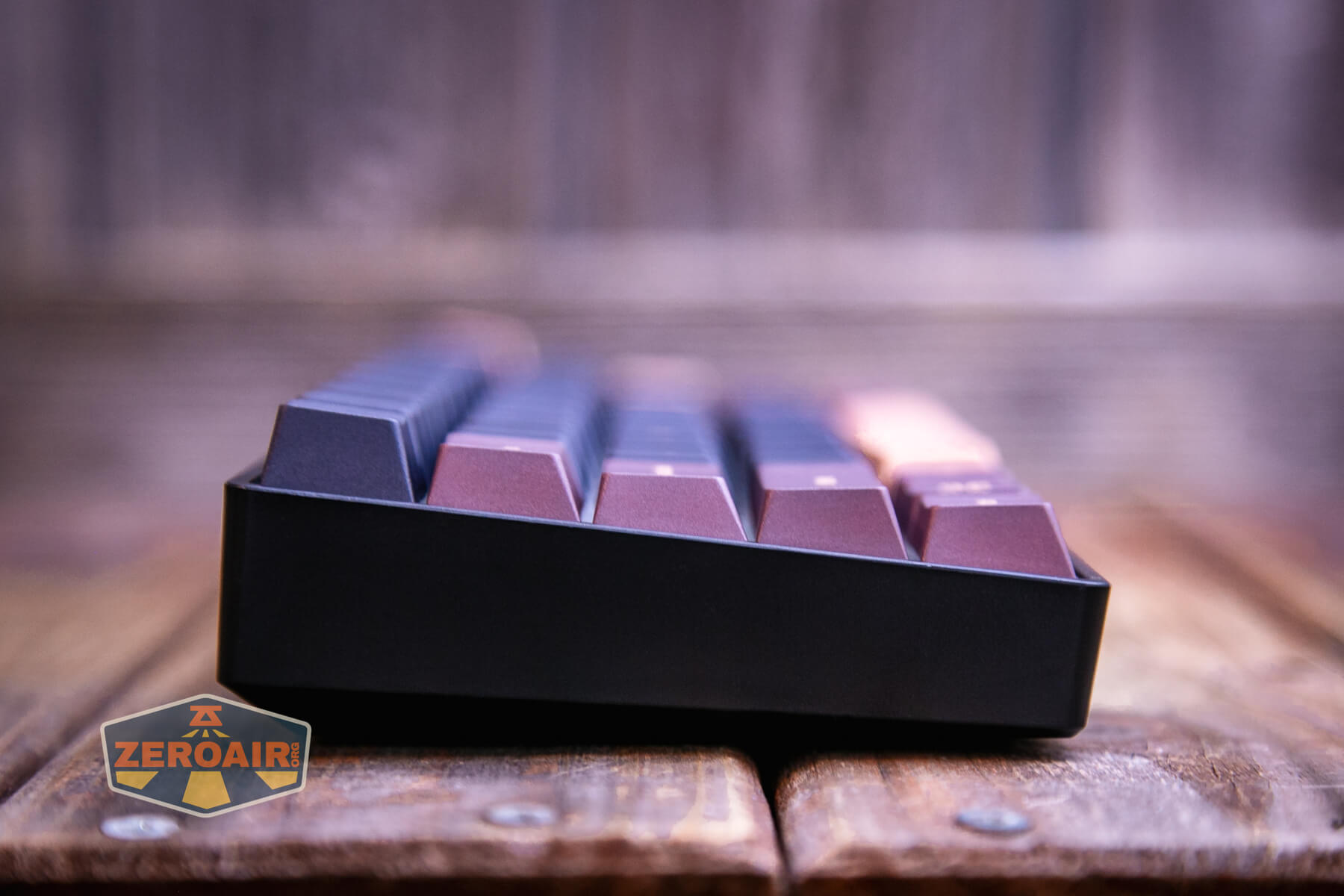
The case here is plastic. That’s about what you’d expect; buying a board like this with a metal case would push the price through the roof, and metal cases are such a personal preference that it’s reasonable you’d add something like that after your initial purchase anyway.
You can get an idea of the screw hole pattern below. I don’t immediately see other metal cases that line up with this specific screw pattern, but I’m nearly sure they exist.
The case has soft feet in the corners, as you’d expect.
PCB / Controller
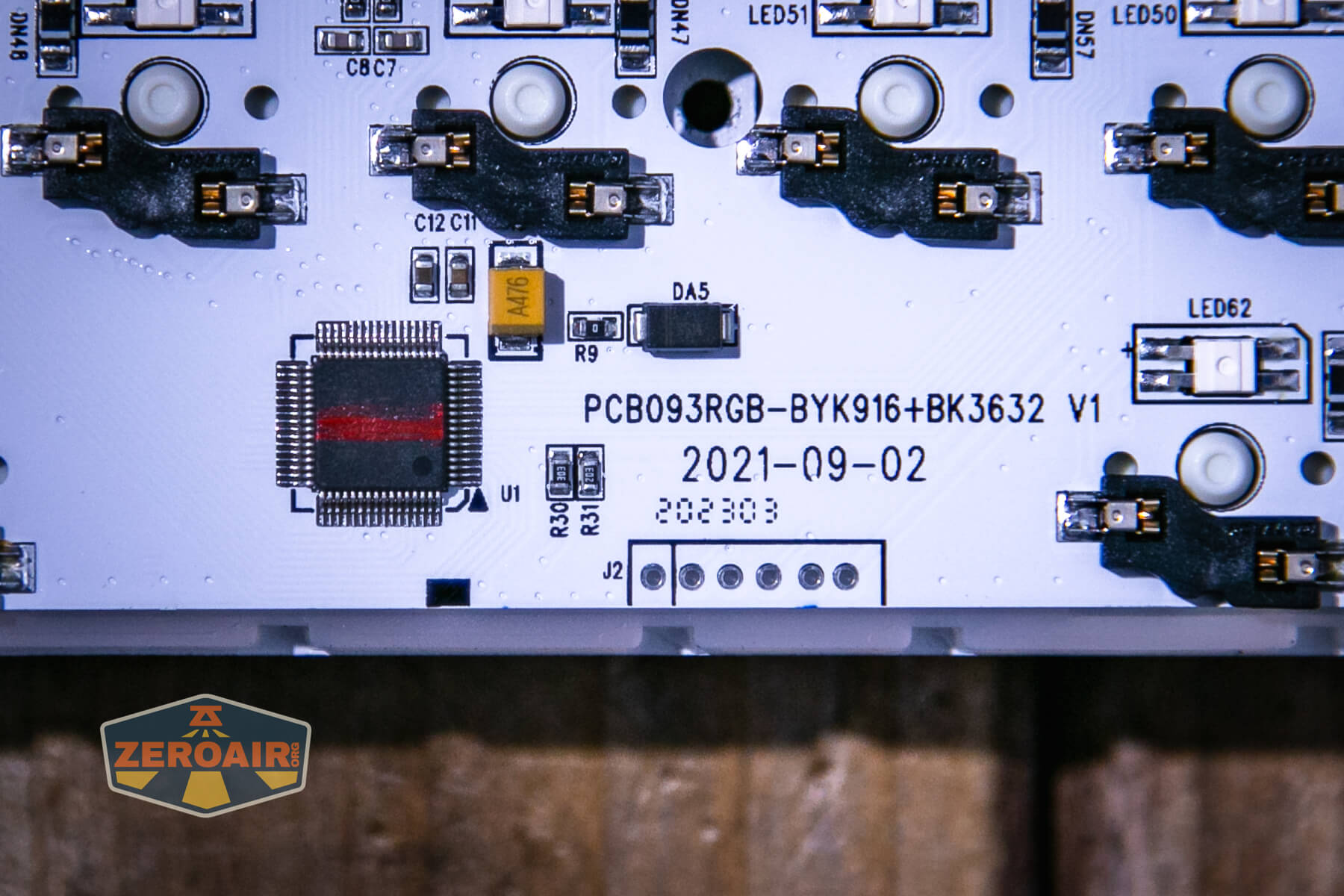
Goblintechkeys uses a nice white PCB on the Alpha 68 mechanical keyboard.
You can get a good look at the hot swap parts below. While the switches aren’t soldered in, many parts are and the soldering looks fantastic. Also in general this is just a very clean board, which I really appreciate.


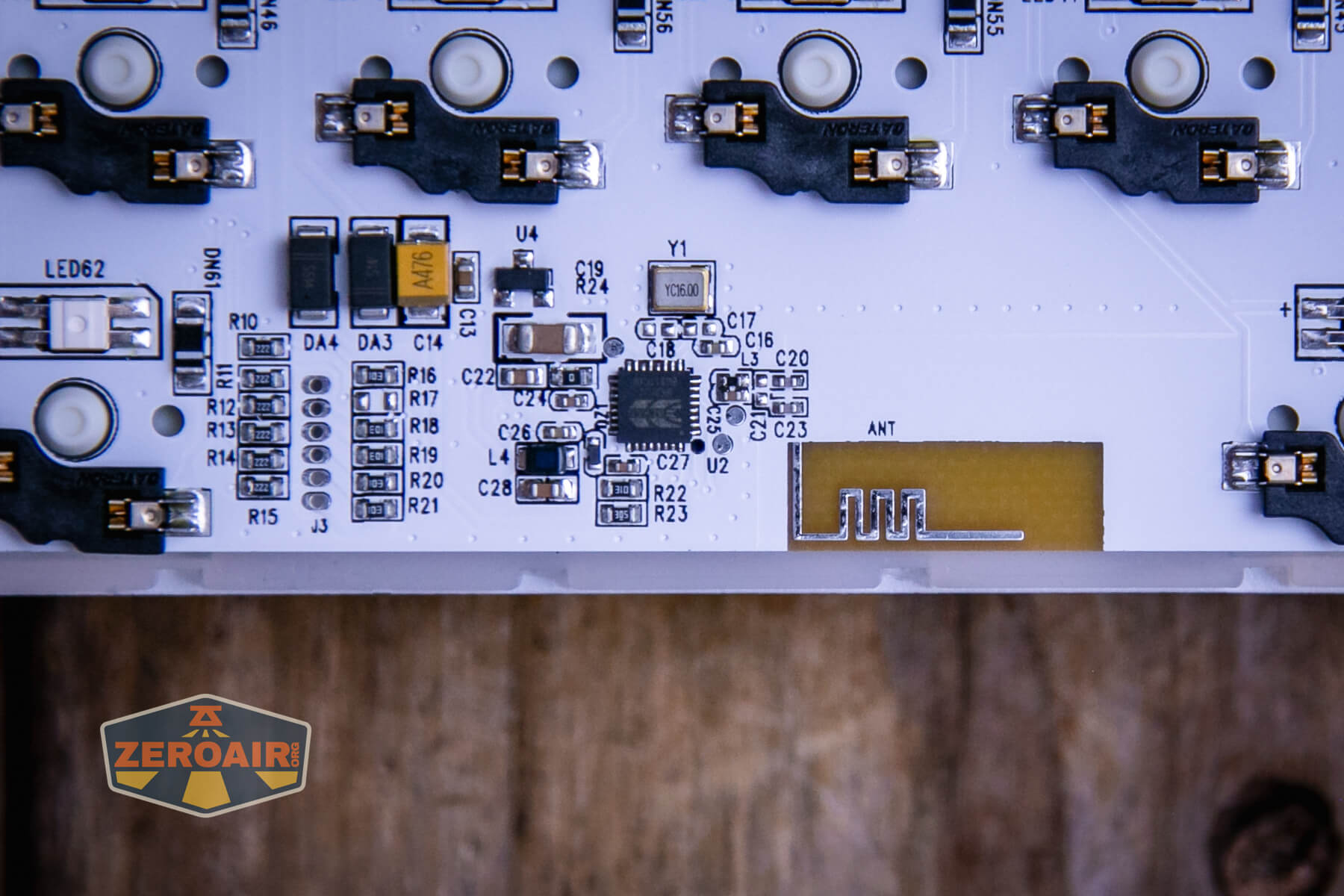
There’s the brains of this board. You can also see some connectors, so if you’re of the ability to flash software, you could probably do so via those pins below.
That little yellow bit below is the antenna (“ANT”).
Layout and Keycaps
Again, the Goblintechkeys Alpha 68 mechanical keyboard is a 65% keyboard. That’s the layout. This layout is similar to a… more “normal”? board size of 60% but with an additional column on the right side that adds delete, page up and down and finishes the arrow array. Esc is there, too.
Otherwise the layout is standard and just like you’d experience in your other keyboards.
Just for fun, I imagined what a blank keycap set would look like. I am nearly sure you could get it printed this way from Goblintechkeys.

As for the keycaps, the caps themselves are Dye-sub PBT. Goblintechkeys says they have an anti-grease coating and they offer a good feel for typing.
One time when removing a keycap, I used the switch remover end of the included accessory. I was a bit careless and ended up scratching the keycap (below). This isn’t a big problem, but you should be aware that the dye-sub can scratch off – it’s a coating. Normal use will not cause this, though!

The caps are Cherry profile, so they shouldn’t have any compatibility issues for most boards, but will certainly fit the boards offered by Goblintechkeys.

I don’t know a ton about dye-sub but was interested to discover that means that dye is sublimated onto these keycaps. Here’s a video describing dye-sub keycaps and benefits and drawbacks:
Of course, one benefit (and mentioned in that video) is that Goblintechkeys can print nearly anything on these caps. They can do it quickly and at a reasonable cost, too! I’m currently looking into a set of caps for all the employees of zeroair.org!!

Life ain’t nothing but Switches and money
The switches used here by Goblintechkeys are Gateron Blues, which are clicky switches.
I can’t say I typically love clicky switches. These are fine, work well, and are perfectly acceptable, but they are very clicky! So if you’re trying to avoid clicky, get the Reds. Reds are linear.
Goblintechkeys includes this keycap puller that has a switch puller on the other side. Since this board has a hot-swap switch feature, you can easily switch between these Blues and whatever other switch you want.


The bigger switches get stabilizers, which you can see below.
Connectivity
Briefly, here are the connection options: Bluetooth, 2.4GHz, and wired.
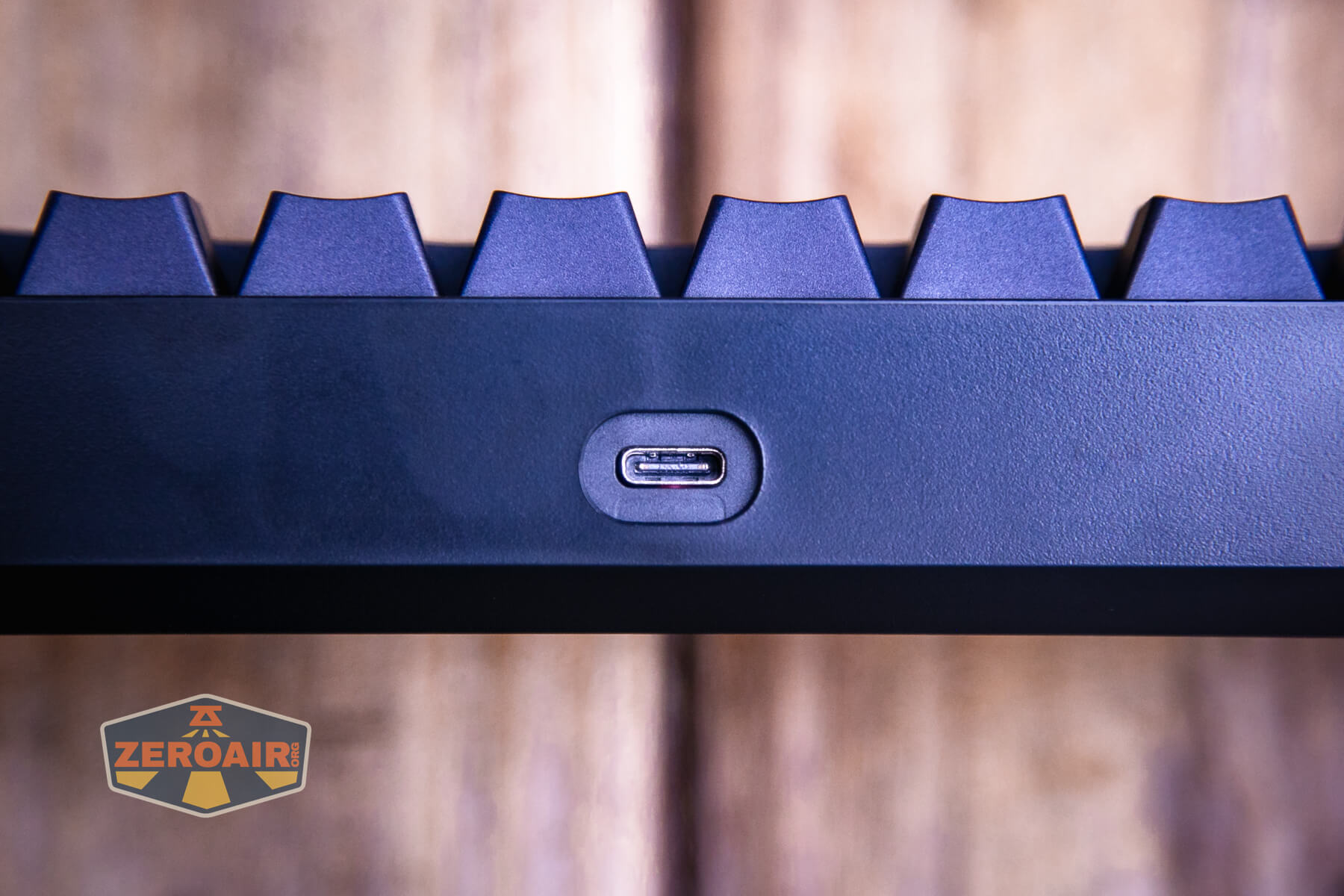
The included wired support is for USB-C, which is nice and current. This C port is right in the center on the back.
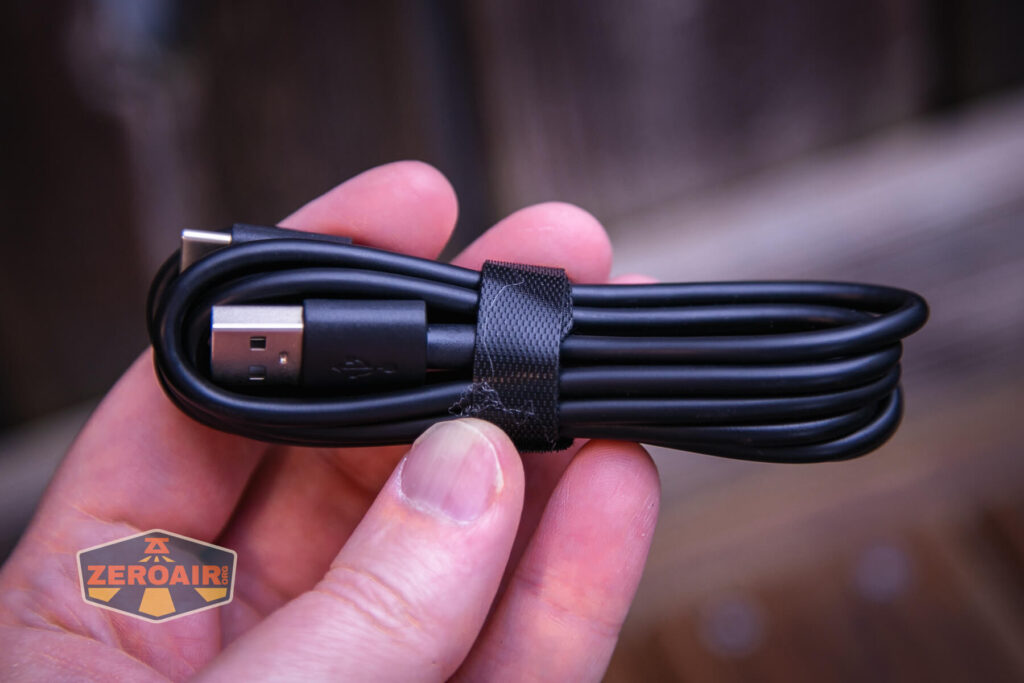
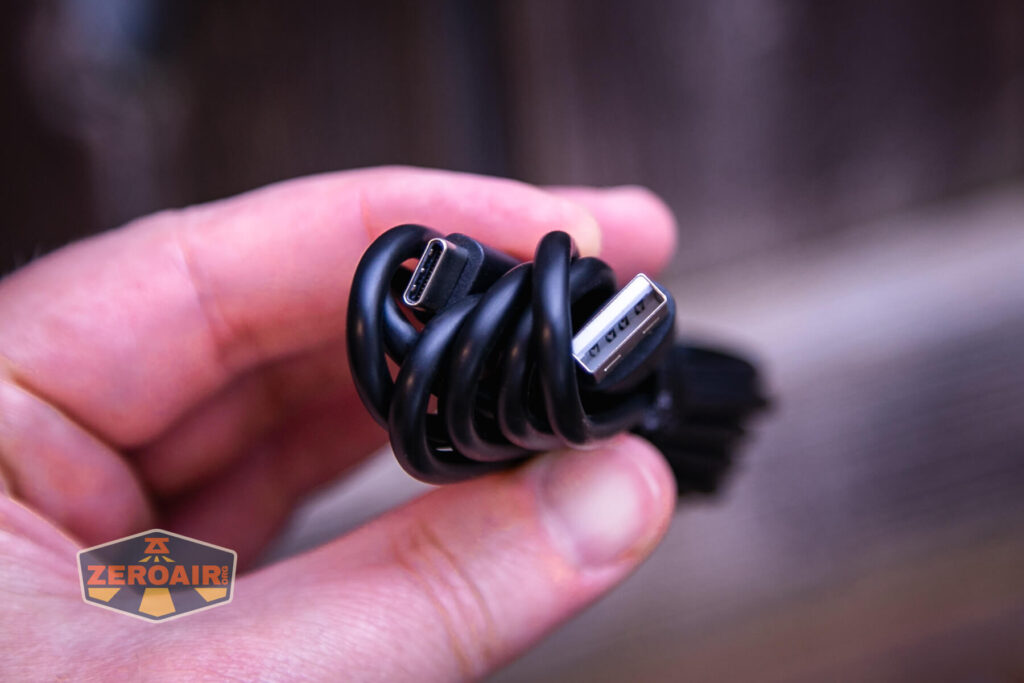
A USB to USB-C cable is included. It’s a nice long cable, too.
Bluetooth is, of course, a little more work. Before getting started, I’d really recommend fully charging the Goblintechkeys Alpha 68 mechanical keyboard. Once charged, tap Fn+R to switch between wired and wireless connectivity. Tapping Fn+Q/W/E (Q, W, or E) will operate the Alpha 68 to save a device in that Bluetooth slot. At this point, I open the Bluetooth menu on my MacBook and see the device, which has a “Pair” clickable beside it. Click Pair. Pairing should then be nearly automatic.
If you don’t use Bluetooth for wireless connectivity, you can use actual wireless for wireless connectivity. That’ll require the little (included) USB plug. Just plug that into your computer and the keyboard should work automatically.
User Interface and Operation
The user interface, as I always say on keyboard reviews, is the switches. Pretty obvious right? But first, you’ll need to turn the keyboard on! If you’re using a wired connection, this switch can be (or even “should” be?) in the off position.
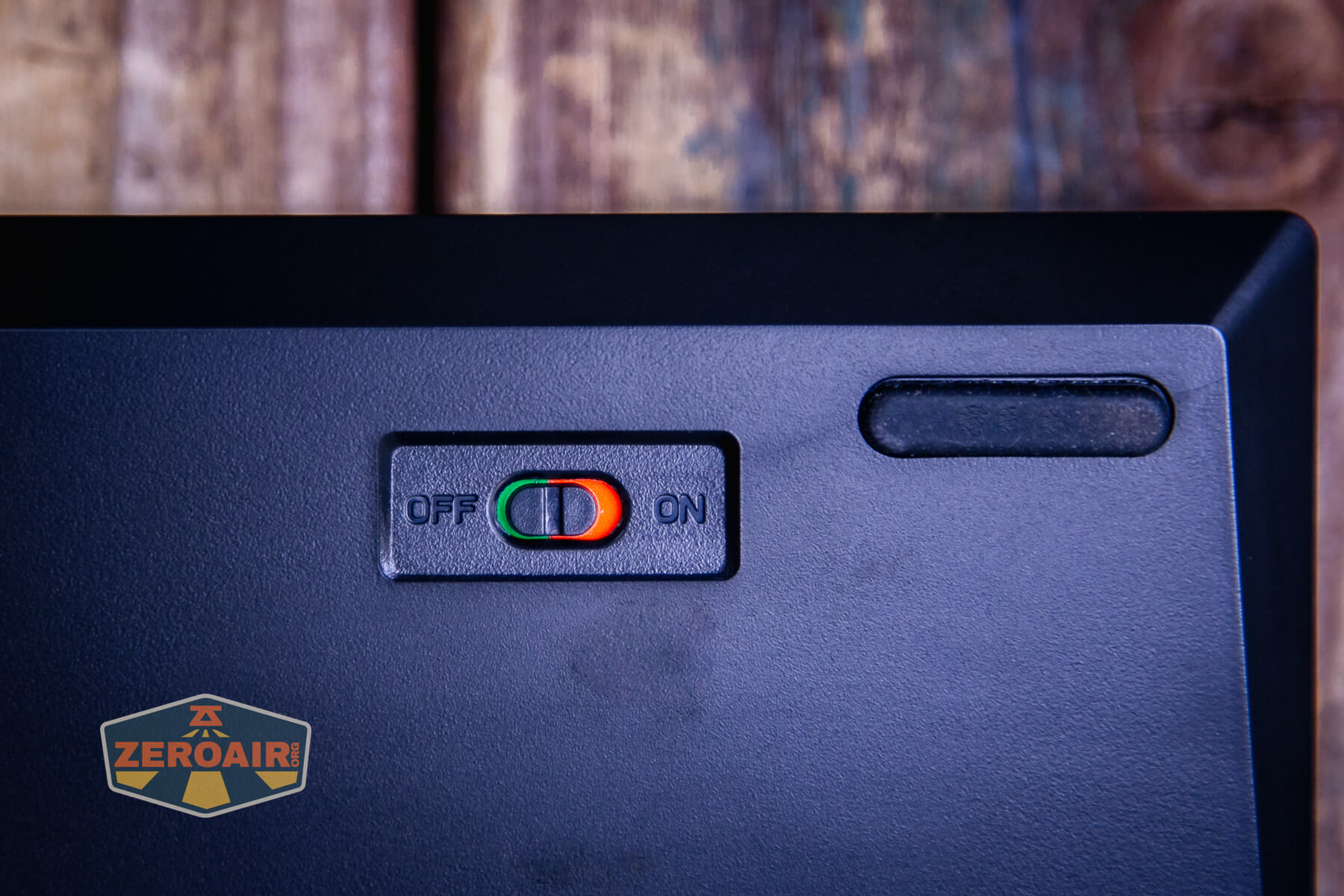
That’s it for the user interface! Most of what you want to know is covered above in the connection section.
Programmability
The Goblintechkeys Alpha 68 mechanical keyboard is not a programmable keyboard, in general. You might be able to program the board via the pins on the PCB, but that’s not your typical GMK programming.
That said, it does seem like the DK68 keyboard can be programmed somehow but I can not find the software to do it. I have seen screenshots of it, but never a link to the software itself. Thus, I’m unsure what programming options exist, if any, and I wouldn’t buy this board for that aspect.
RGB
Each switch has a north-facing RGB LED. Together, they can make quite an array of color features on the Alpha 68.


Conclusion on the Goblintechkeys Alpha 68 mechanical keyboard
What I like
- Size and shape (I do like a 65% keyboard – the extra column is nice)
- USB-C
- Hot-swap switches make customization easy
- Mac compatibility
- There are a ton of keycap options!!
- Keycaps can be printed just about however you like
What I don’t like
- Only clicky and linear switches – my go-to are browns (tactile)!
- Dye-sub can scratch
- Cost
Notes
- This keyboard was provided by Goblintechkeys for review. I was not paid to write this review.
- This content originally appeared at zeroair.org. Please visit there for the best experience!
- For flashlight-related patches, stickers, and gear, head over to PhotonPhreaks.com!
- Please use my Amazon.com referral link to help support zeroair.org!
- Please support me on Patreon! I deeply appreciate your support!