
Motospeed Inflictor Mechanical Keyboard Review
If you need a 104-key mechanical keyboard, the Motospeed Inflictor mechanical CK104 is a great option! This board uses Outemu Reds. Read on for more!
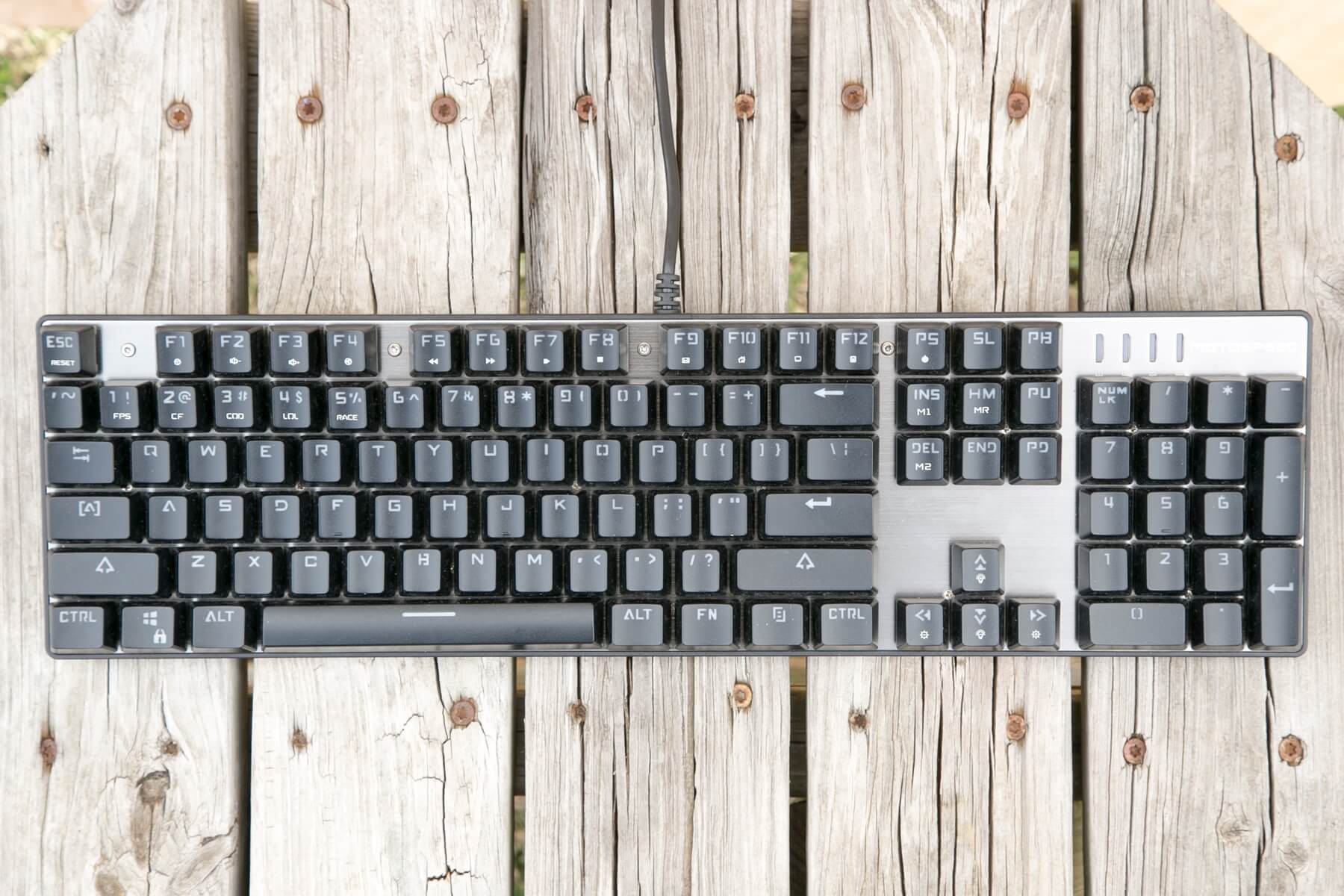
I am not a professional reviewer. I do not get paid for this review. I did receive this keyboard for free, but that will not influence my review of it. And please forgive me if this review is a bit “polished” for me being so new here – as I said, I’ve reviewed a bunch and I really prefer strong structure. I also have a background with mechanicals – I do most of my typing on a Corsair K70 (don’t hate, it’s what work would pay for), with Cherry Speeds, and I just bought an Anne Pro with Browns for home use. Also, I stayed at a Holiday Inn Express last night.
Anyway, let’s see how this ~$45 keyboard performs.
Official Specs and Features
The Motospeed Inflictor CK104 Mechanical Keyboard can be found here. I won’t reiterate them here because generally I’ll cover all that anyway, and I don’t want to clog up the review. I can do that well enough alone.
Motospeed does have an official site, but the CK104 isn’t listed there (that I could find).
Versions
There are three case colors (Silver, Red, and Rose Gold), and two switch options (Red and Blue). Red switches are only available with “Silver”; blue switches are available with all 3. What is shown in this review is red switches with a silver plate.
MSRP
There might be a “real” MSRP somewhere, but it’s hard not to just cite GearBest’s price as the starting point. That price (for this exact board) is $48.48. I have a coupon to take a little off that price: CK104REDS – that makes the price $43.99. I am not sure how long that coupon price will last (typically, GearBest puts a usage limit, or a time limit, or even both).
Short Review
The ergonomics of this board are perfect for me – I’m a touch typist, and I type in the 90wpm range. I like that the FN row is slightly closer, but I do sometimes overshoot and accidentally hit those. The switches are absolutely fantastic except for just a very slight grainy feel in the actuation. But they’re very crisp, and I have had zero issues the whole time using this board. For the price point, I’d consider it pretty hard to beat.
Long Review
What’s Included
- Motospeed Inflictor CK104 mechanical keyboard
- Manual
- Warranty card
Note: No keycap puller is included!
Package and Manual
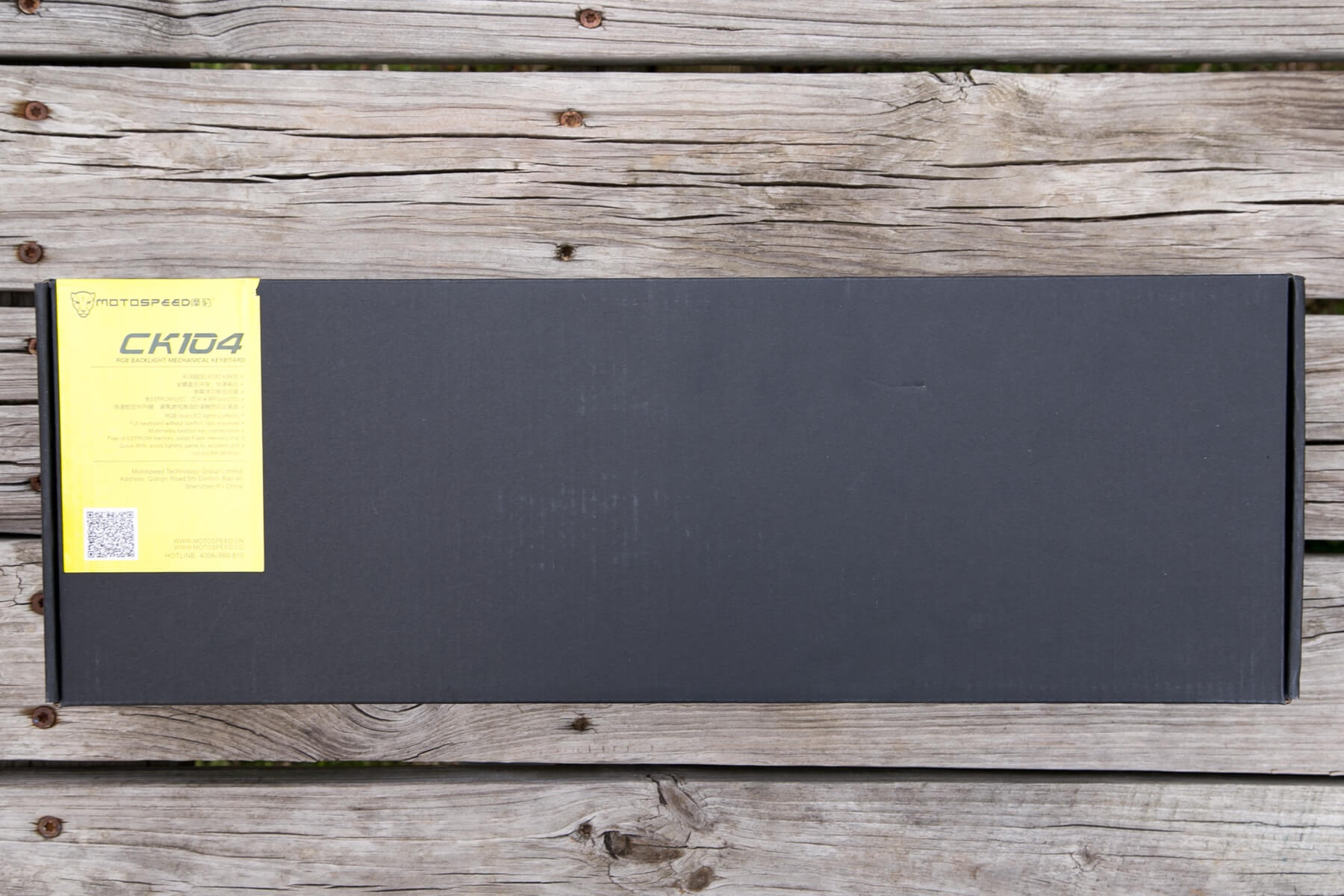
As I say with my flashlight reviews, this keyboard comes in my favorite kind of package. It’s just a simple cardboard box, which has a couple of sticker labels.
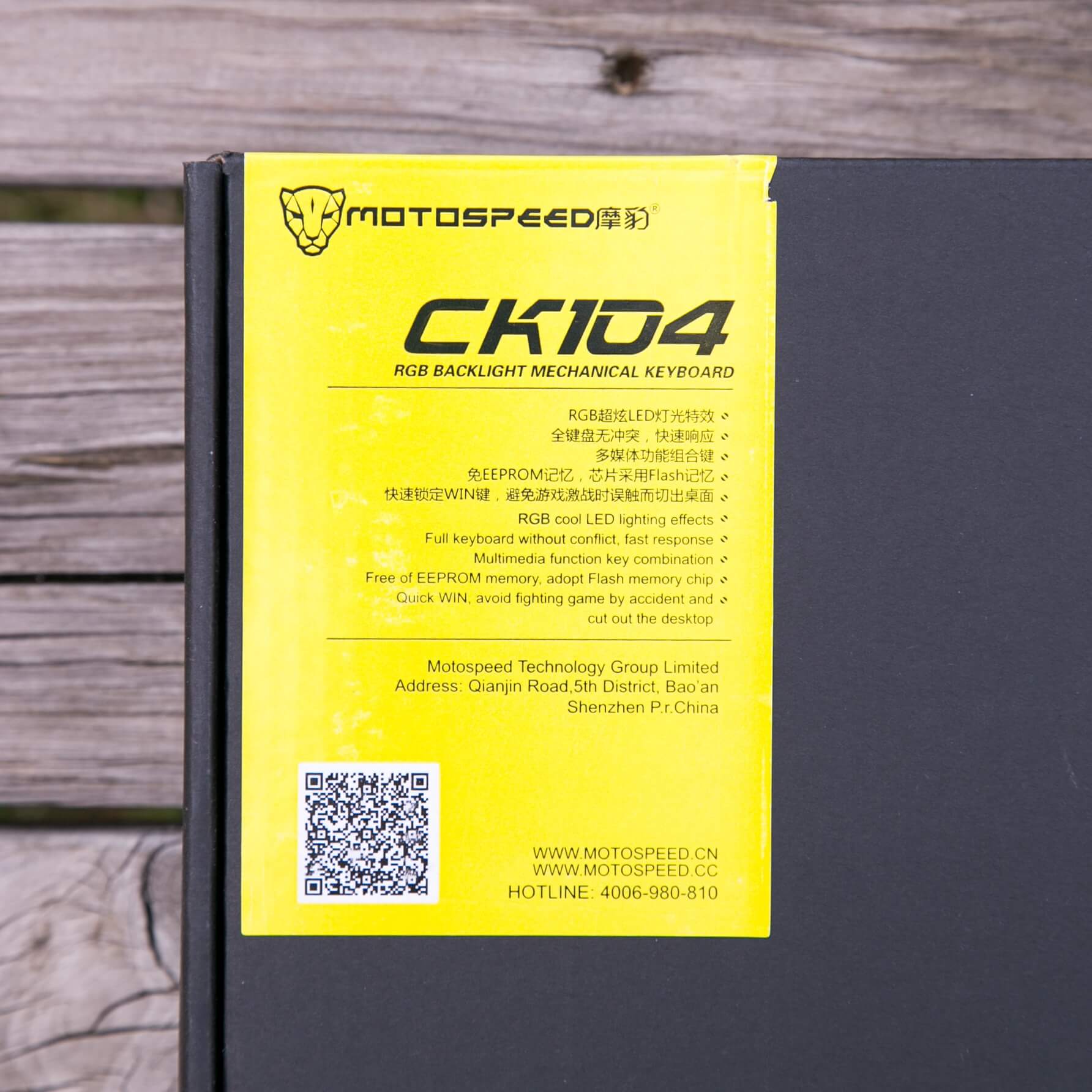
Here’s the label blown up.
Inside the package, the keyboard is held in place by foam end pieces, and covered in a plastic bag.
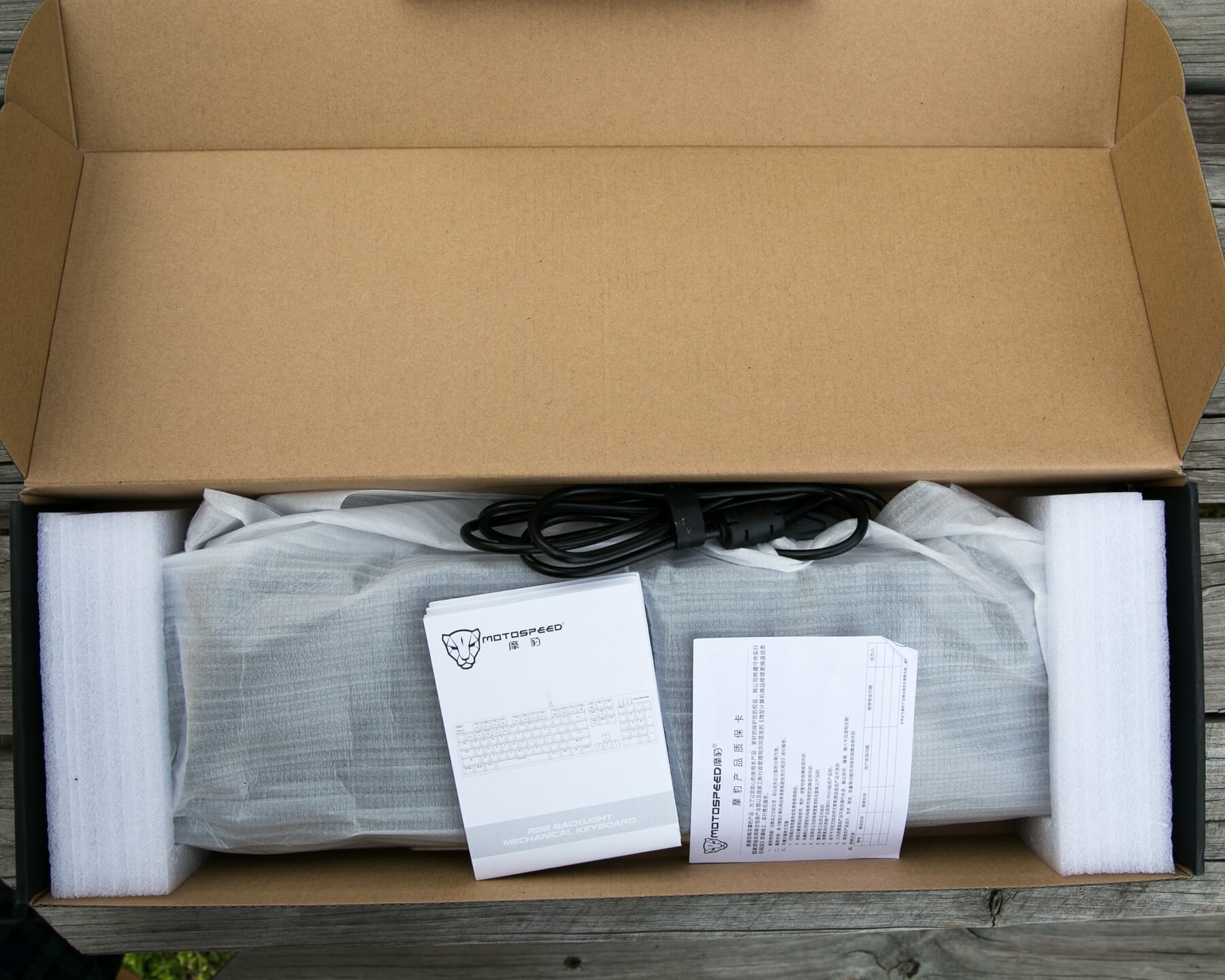
The manual and paperwork lay on top.
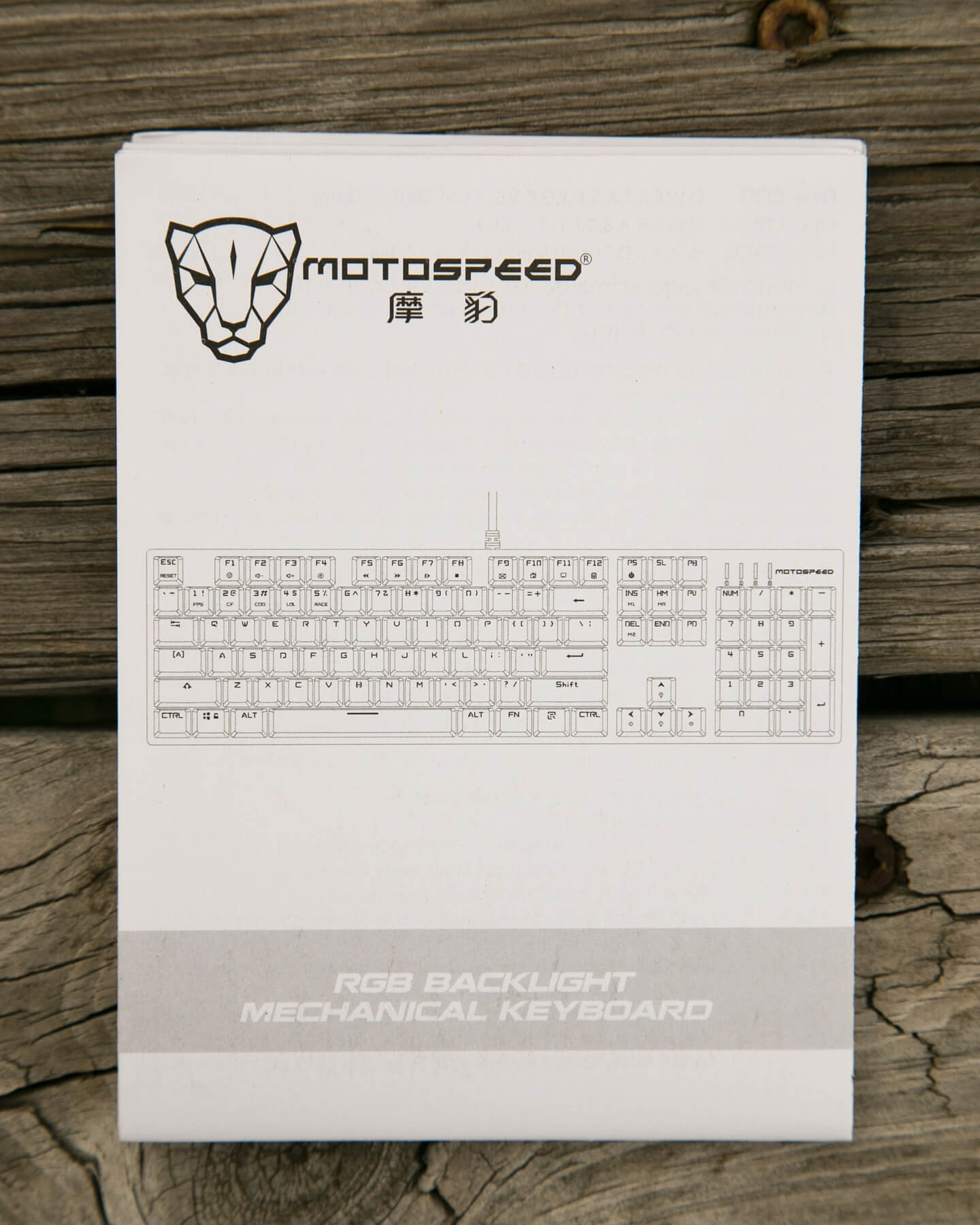
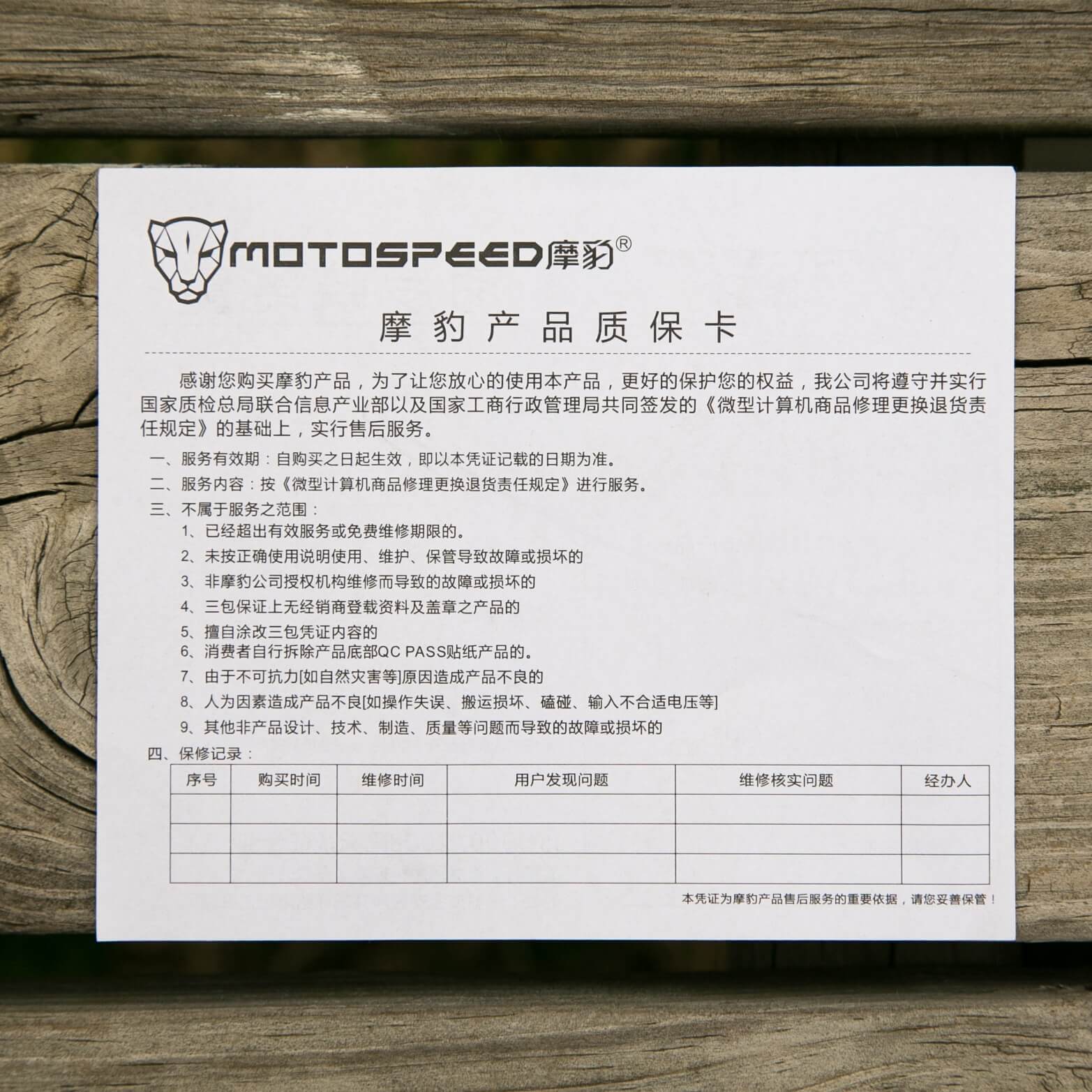
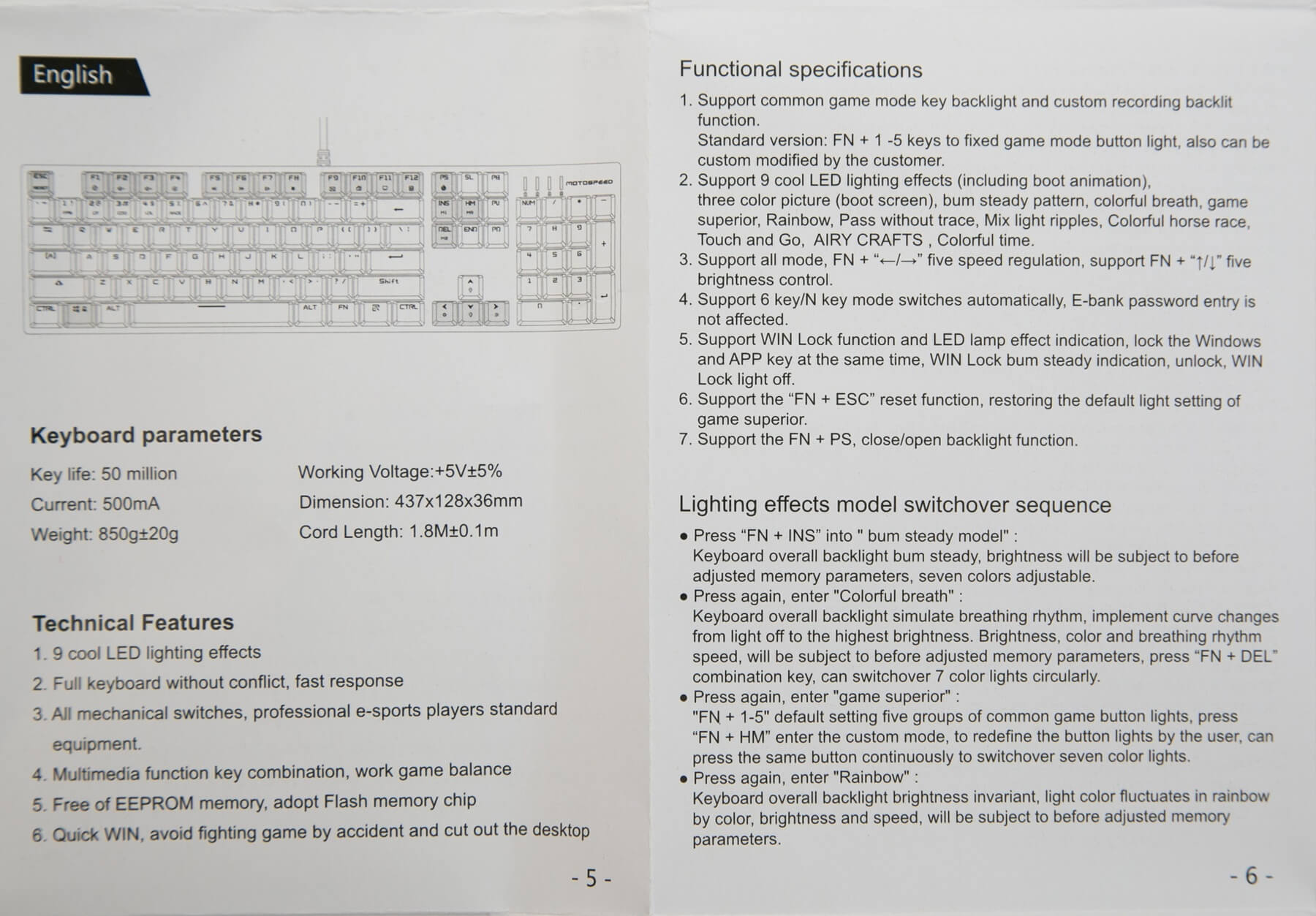
The manual is good. Not too long, but describes what needs to be said. Basically, the verbiage is mainly about the RGB functions of the keyboard, and how to activate and manipulate the lighting. The language is in English, but it’s not English English. There are some phrasings that a user will have to infer meaning from, as the wording isn’t quite right. Still, it can be understood by a reasonable person.


Size
This is a Ten Key (TK) board
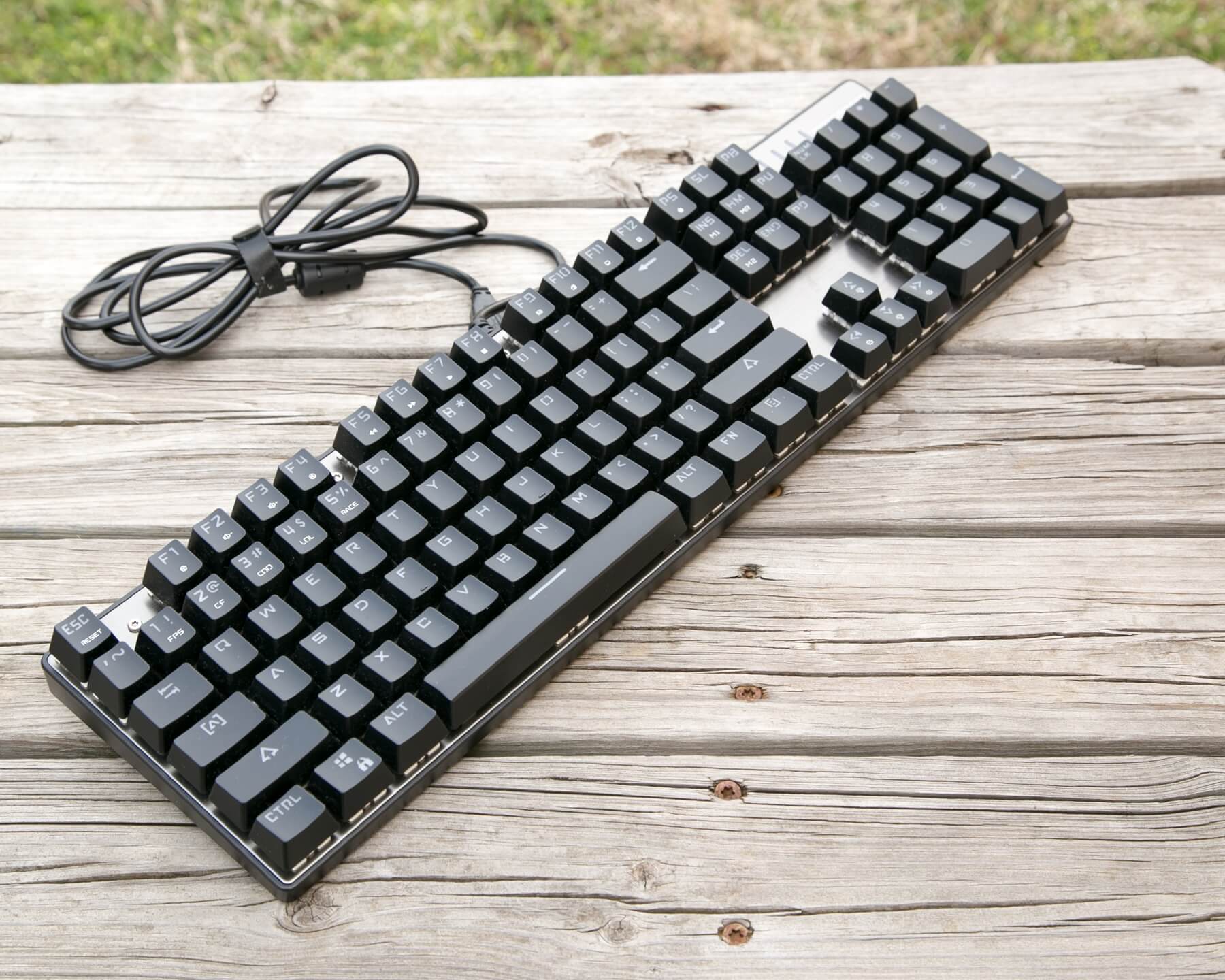
There’s a number pad, a function row, full sized spacebar, and basically everything a full-sized keyboard has. The only slight caveat about size is that the Fn row is not spaced away from the number row, so while the CK104 has the usual host of keys for a TK, the keyed area is smaller than normal. Also, the keyboard is on an aluminum plate, in a plastic case with no surrounding support. So the footprint is especially small. Basically, it ends up being long and narrow. Perfect for Fight Club-esque usage.
Build Quality and Disassembly
Plate and Case
The plate is aluminum, of normal thickness and quality. There’s a brushed finish, which is an absolute magnet for fingerprints, full-sized as it were, which are then quite difficult to remove.
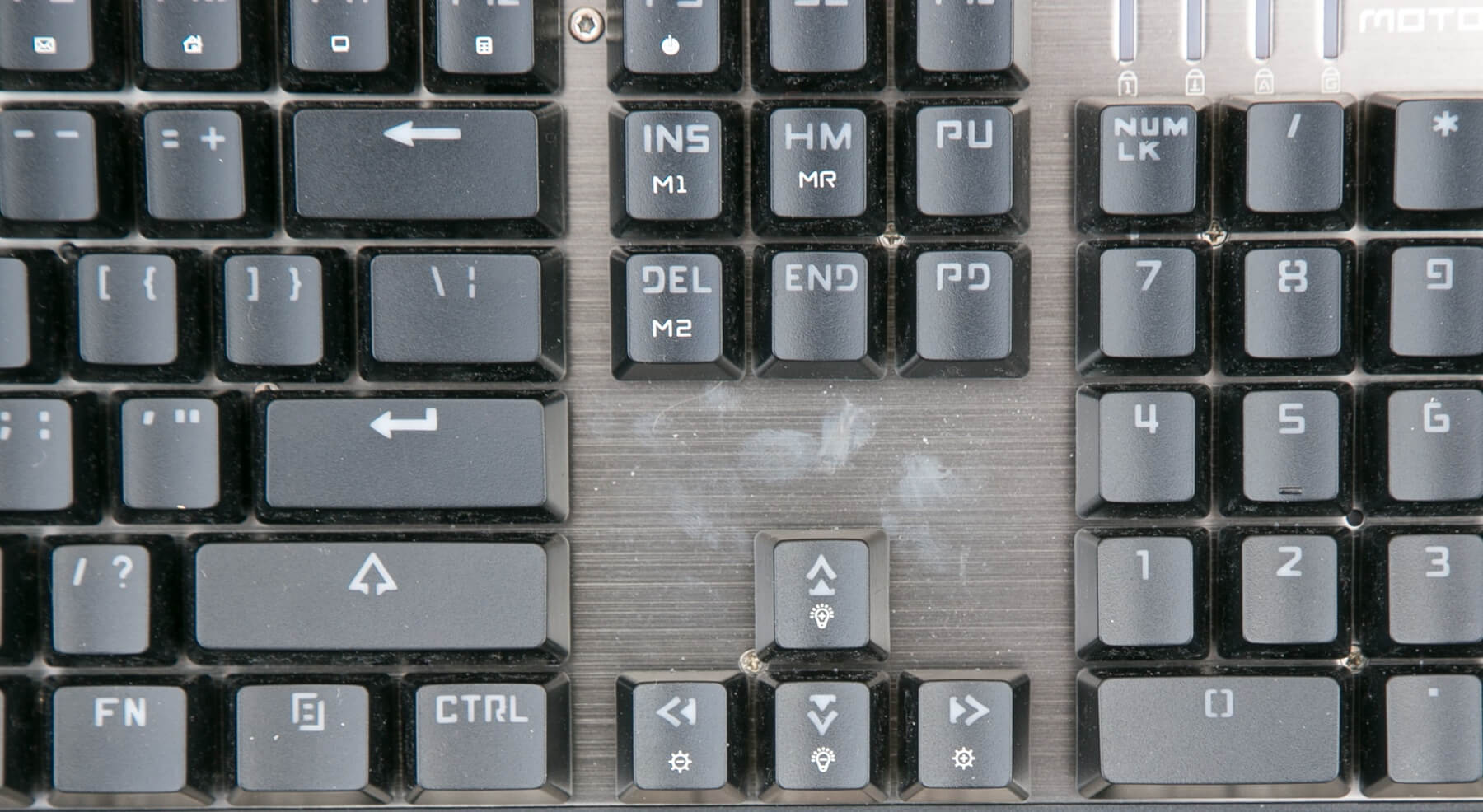
The plate has a printed logo “MOTOSPEED,” but that’s the only text.
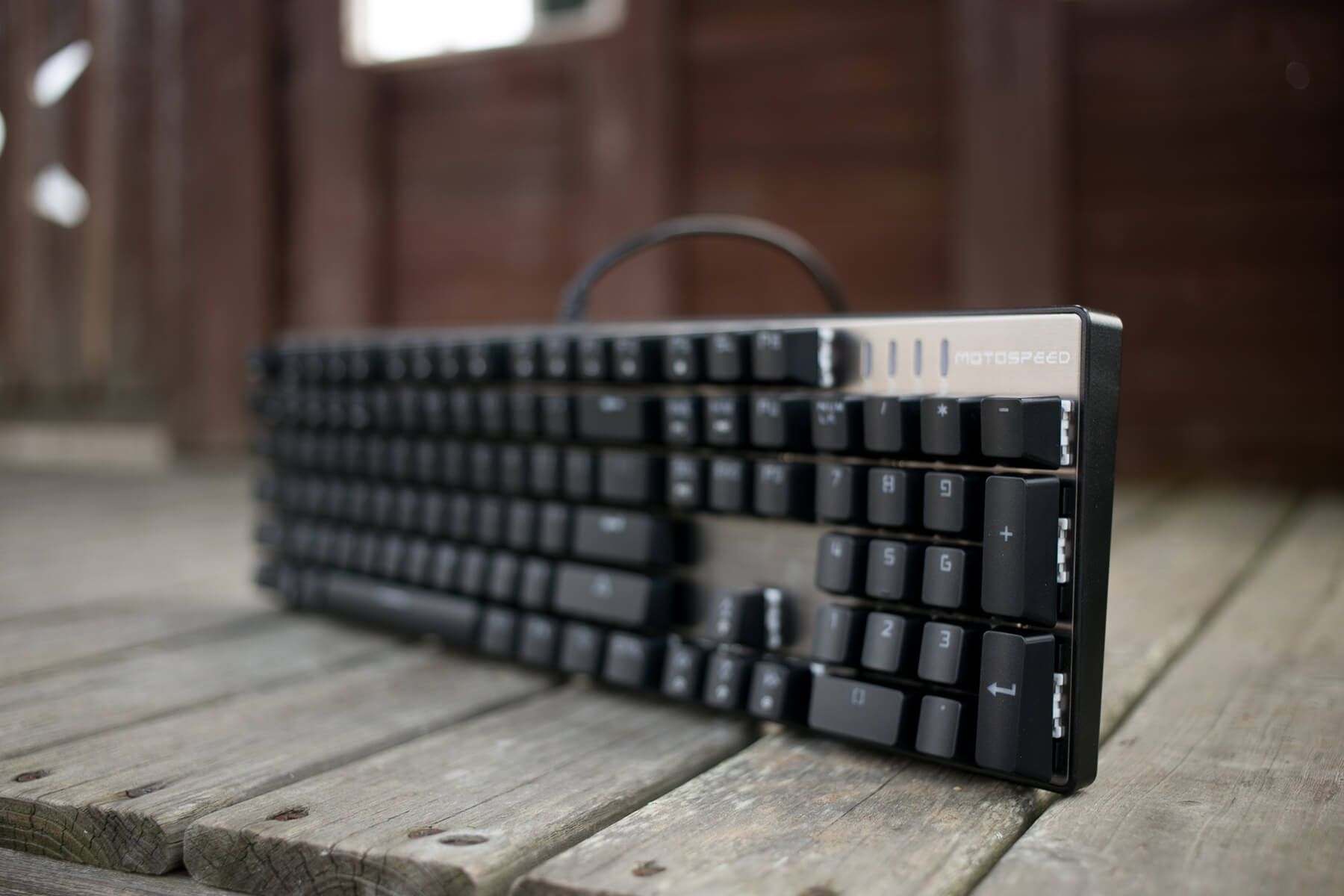
There are markings for caps lock and whatnot.

The case is plastic and is not anything terribly special but it does hold the plate very snugly.

It holds the plate snugly because it’s got a ton (18)

The case also has supports of screw posts for stability.

That overall combination of plastic case and good fitment gives the CK104 a higher quality feel than it might “deserve”. There’s no wrist wrest, but there looks to be three slots where one might fit. There’s also very little “bezel?” sorry I’m not sure what to call this. The case has about 2mm of surround past the plate, but nothing else. (Unlike the K70, for example, which has a much bigger housing (of course, the K70 has a full aluminum plate top, so it’s really different altogether in that regard).
I’ll note that while most of the screws are just Philips screws, the top row is decorative Torx (T8) screws, which are also functional.
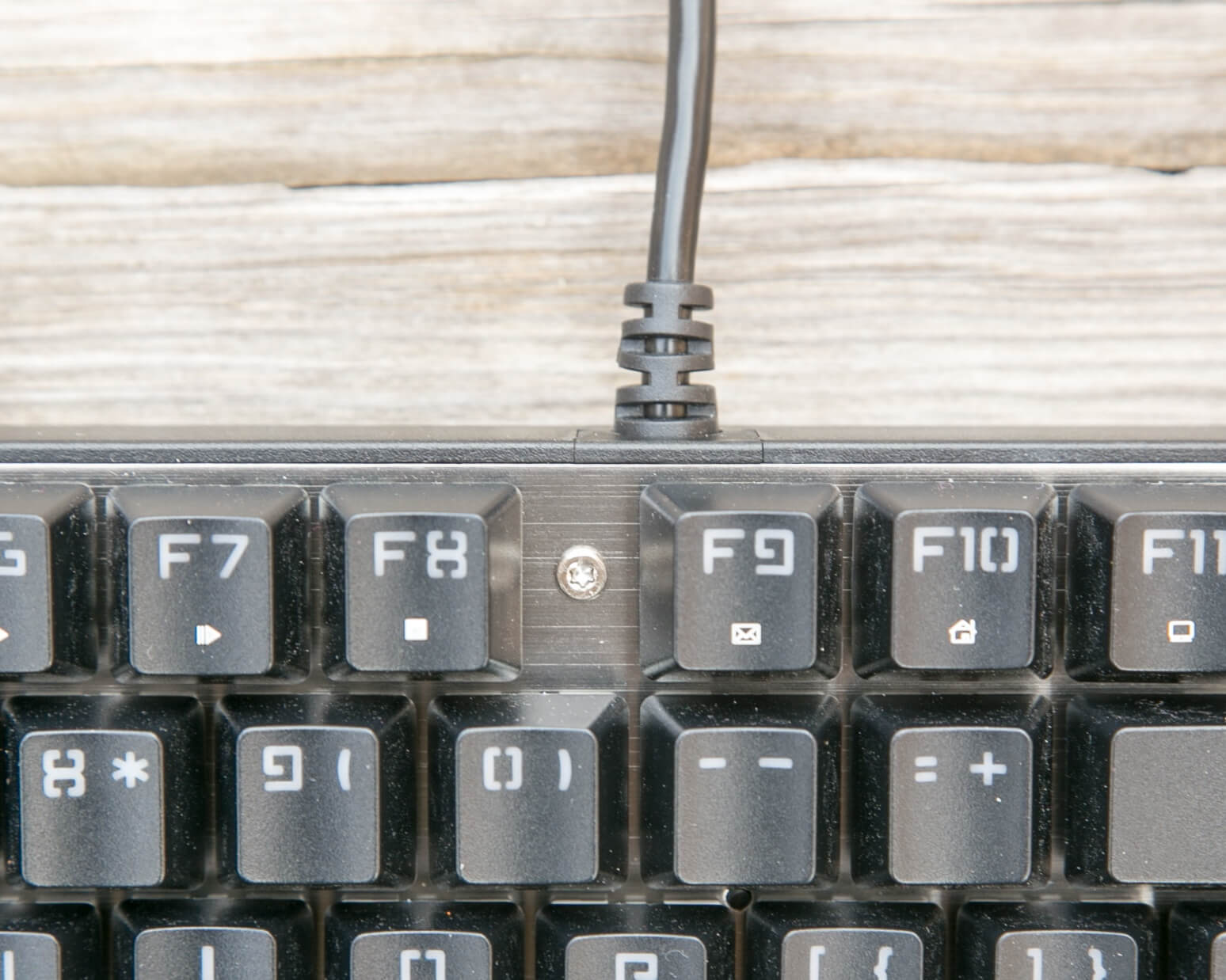
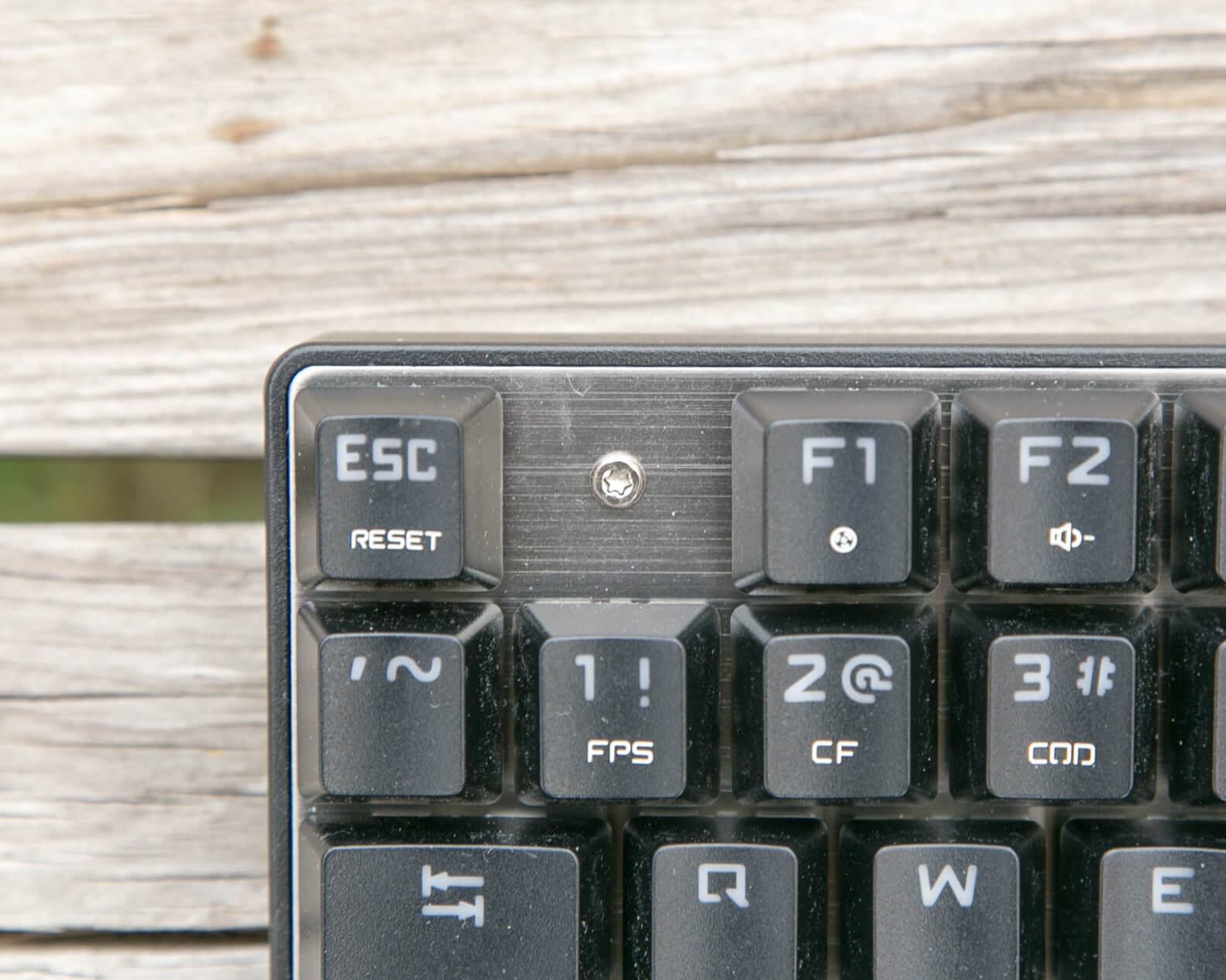
So if you’d like to remove this plate, bear in mind you’ll need two tools.
There are two feet too, which can be in or out.

They raise the back of the board by about 1 cm. Here is the side profile with the feet up, and with the feet down.
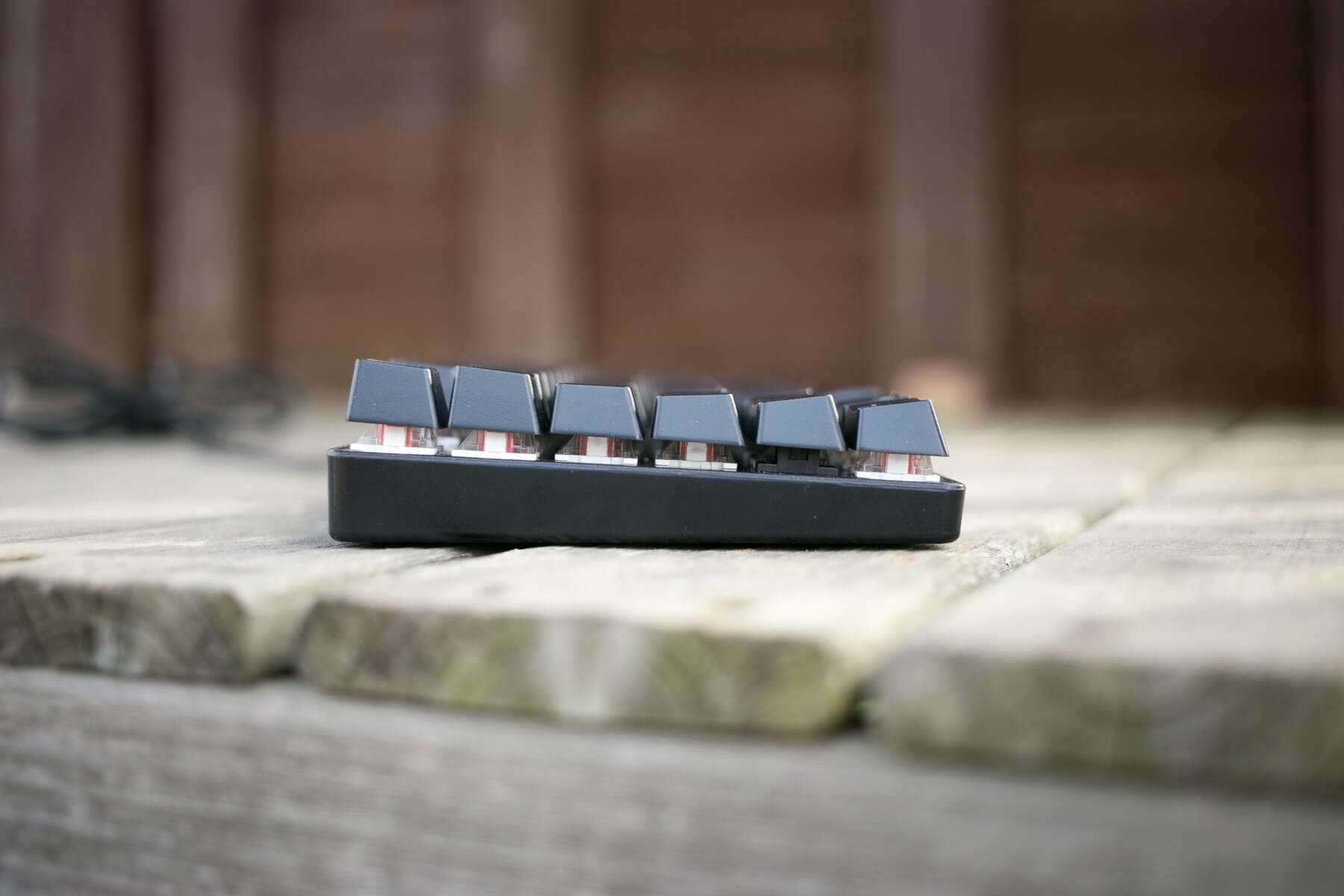

The case doesn’t extend above the plate.
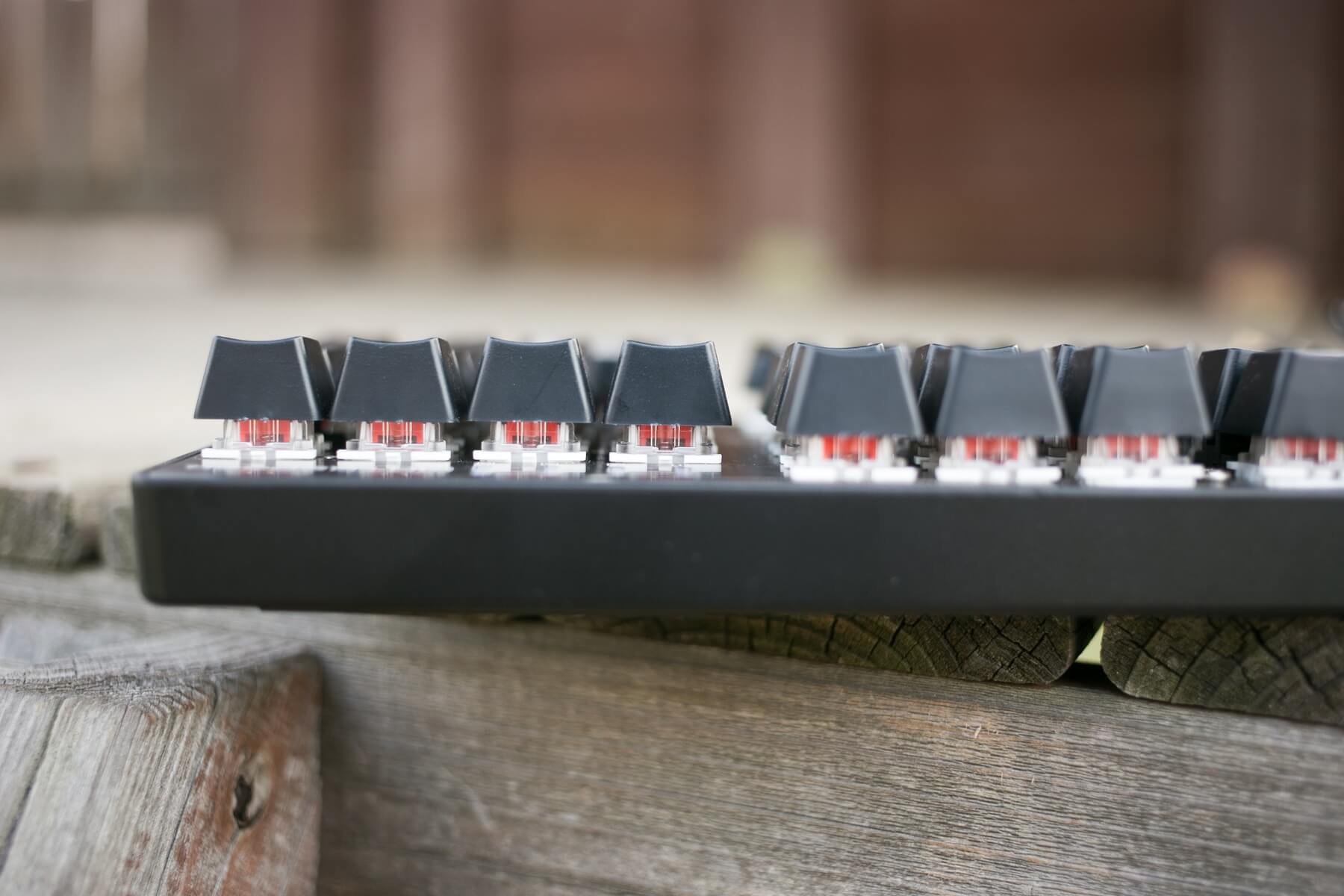
The back of the case has branding, and some specs.
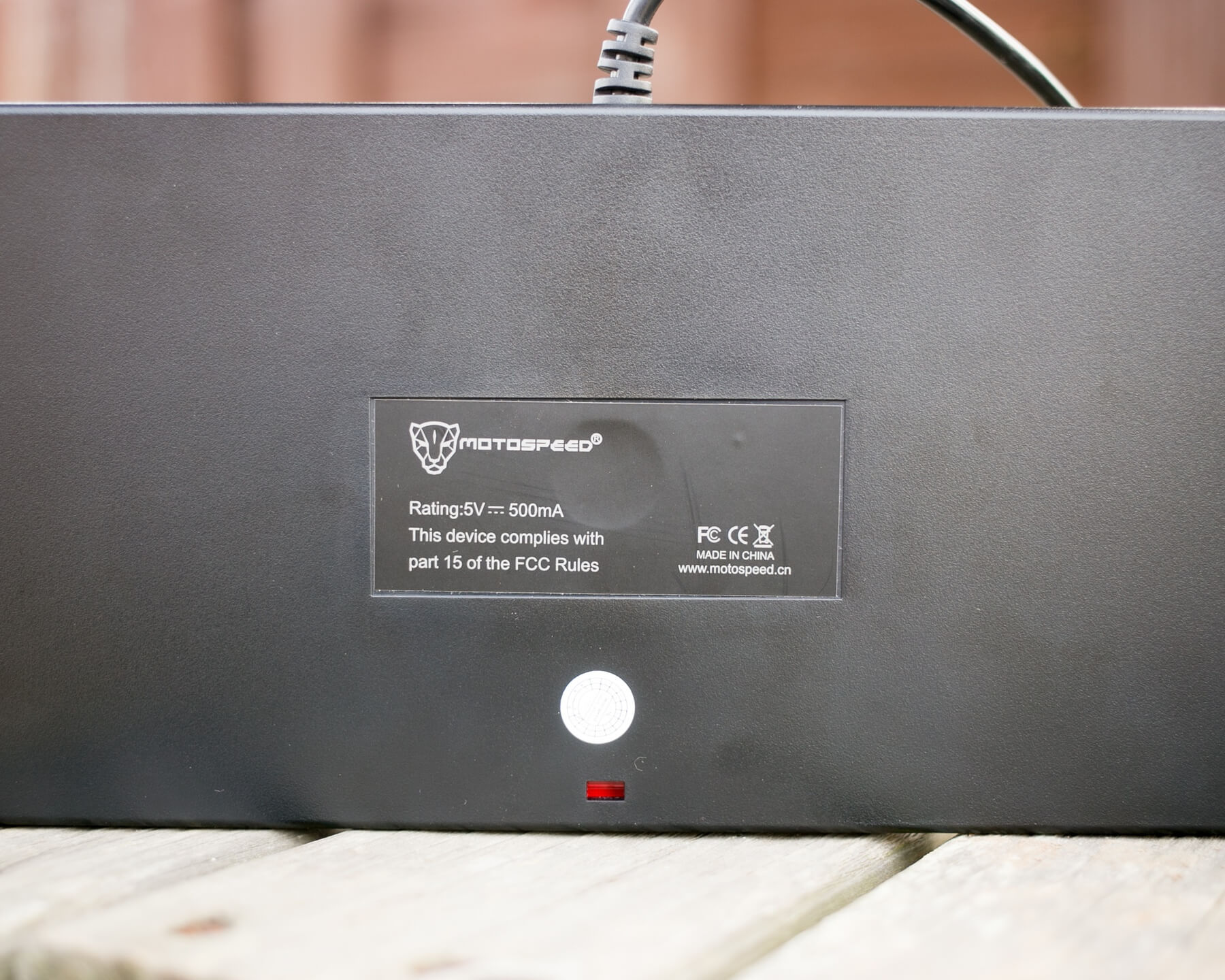
Sorry, I’m a really huge DOF junkie!
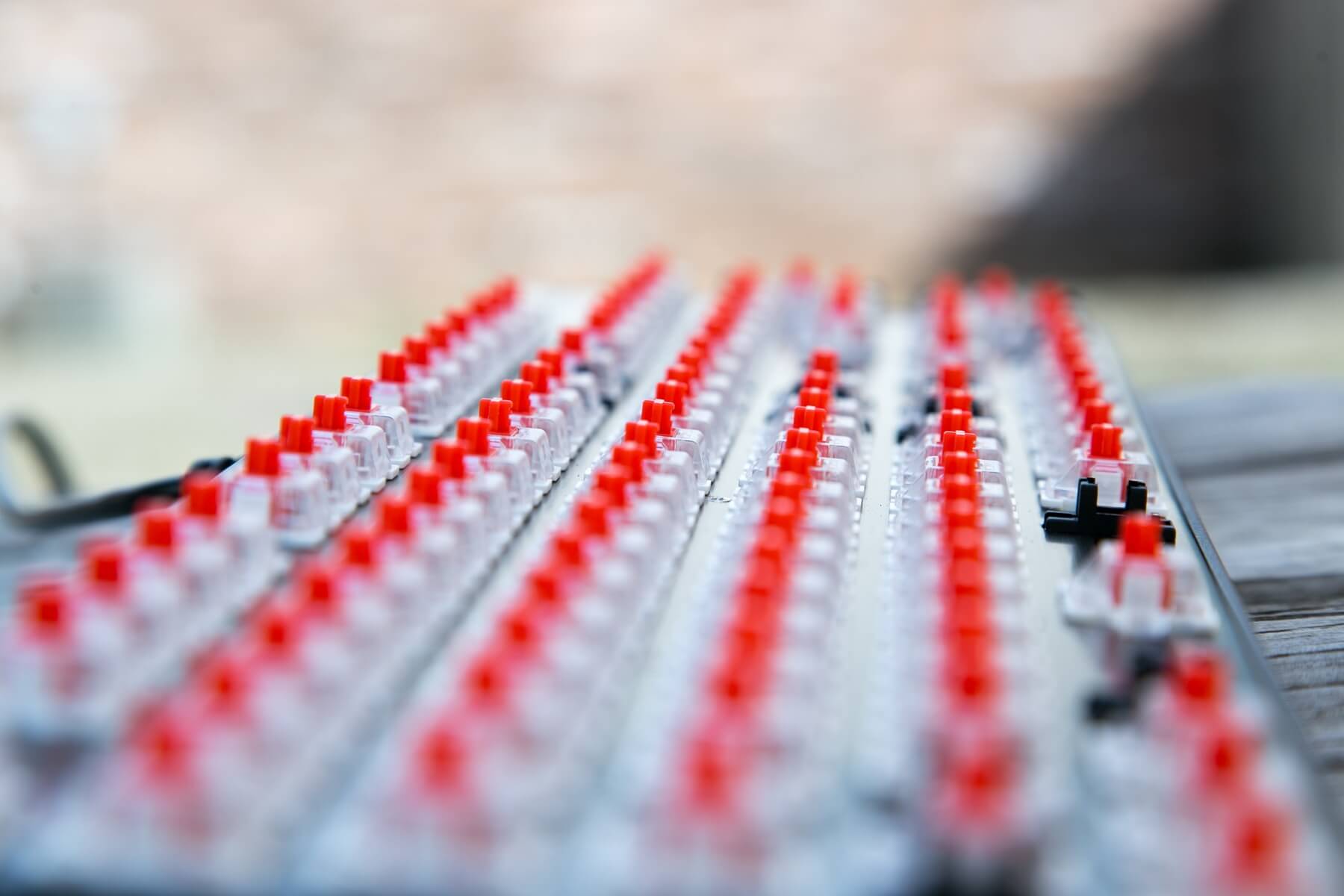
PCB / Controller
The red PCB is a typical mechanical keyboard PCB, nothing special and nothing to write home about.
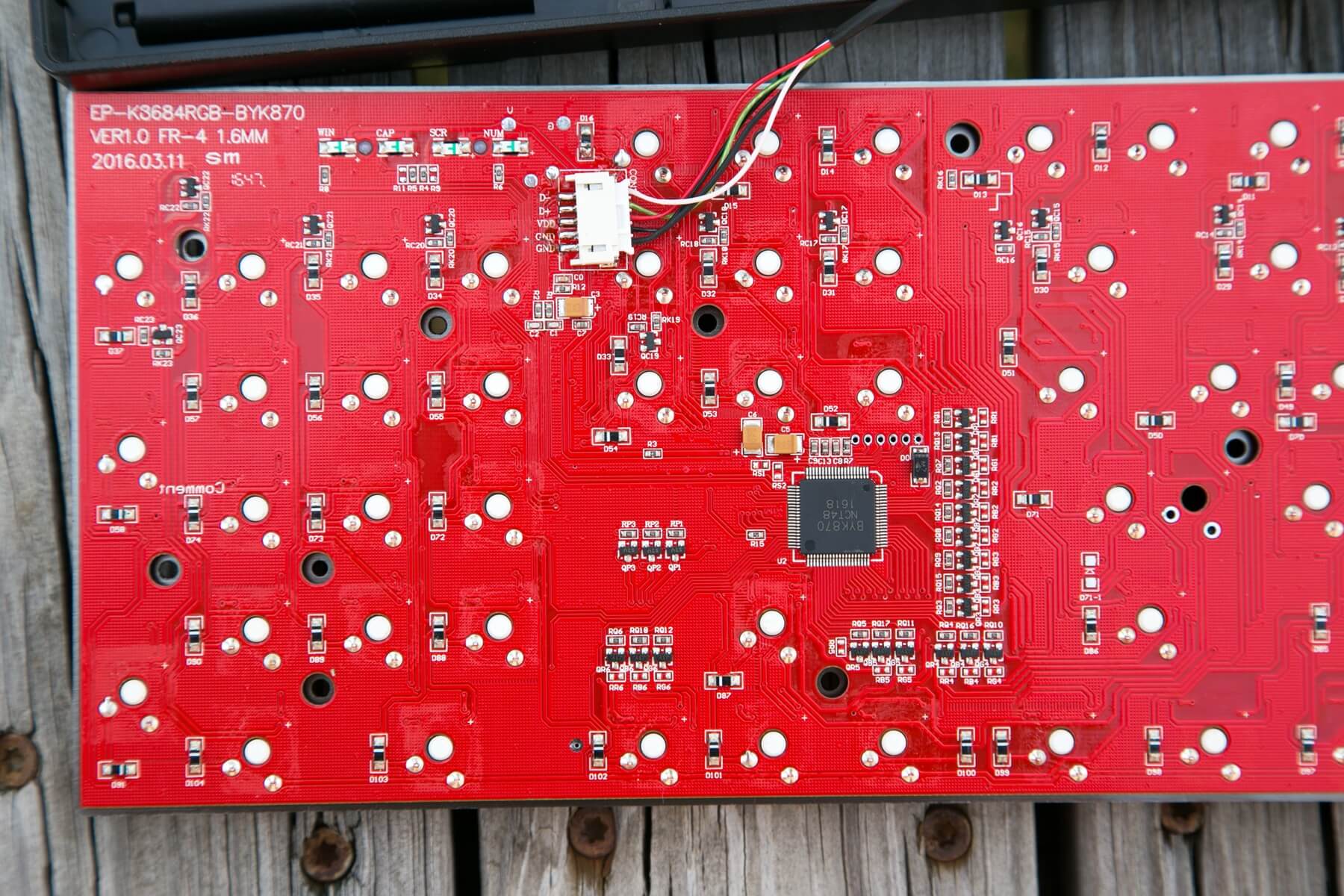
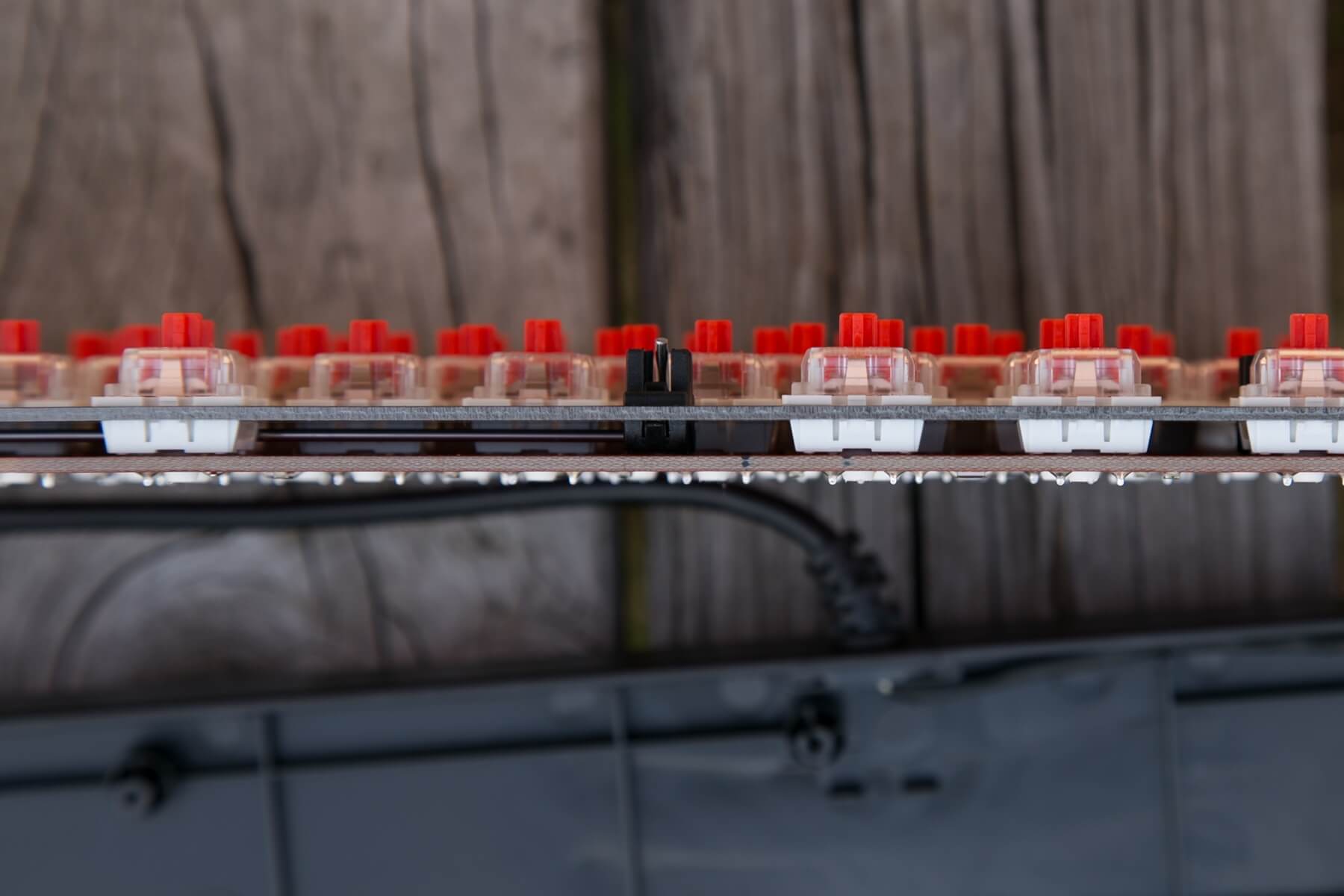
The soldering is well done, and the plate looks to be of nice quality, too. The only even partially suspect soldering is the power cable, and while that’s a bit dirty, it’s not sloppy.
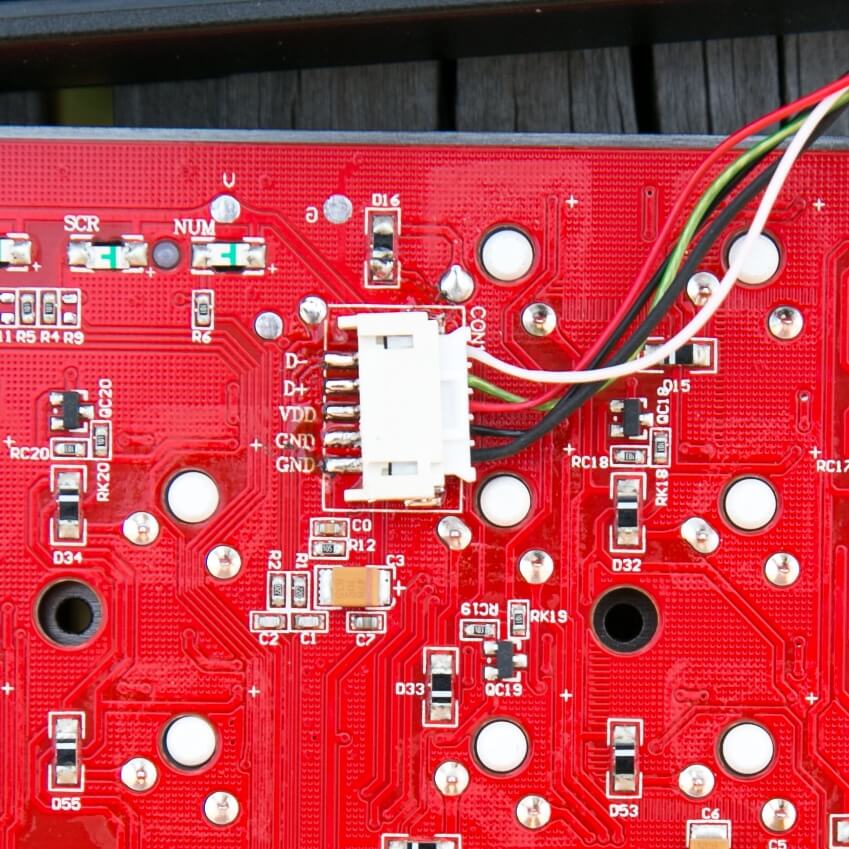
The controller is a BYK870 NCT48 1681.
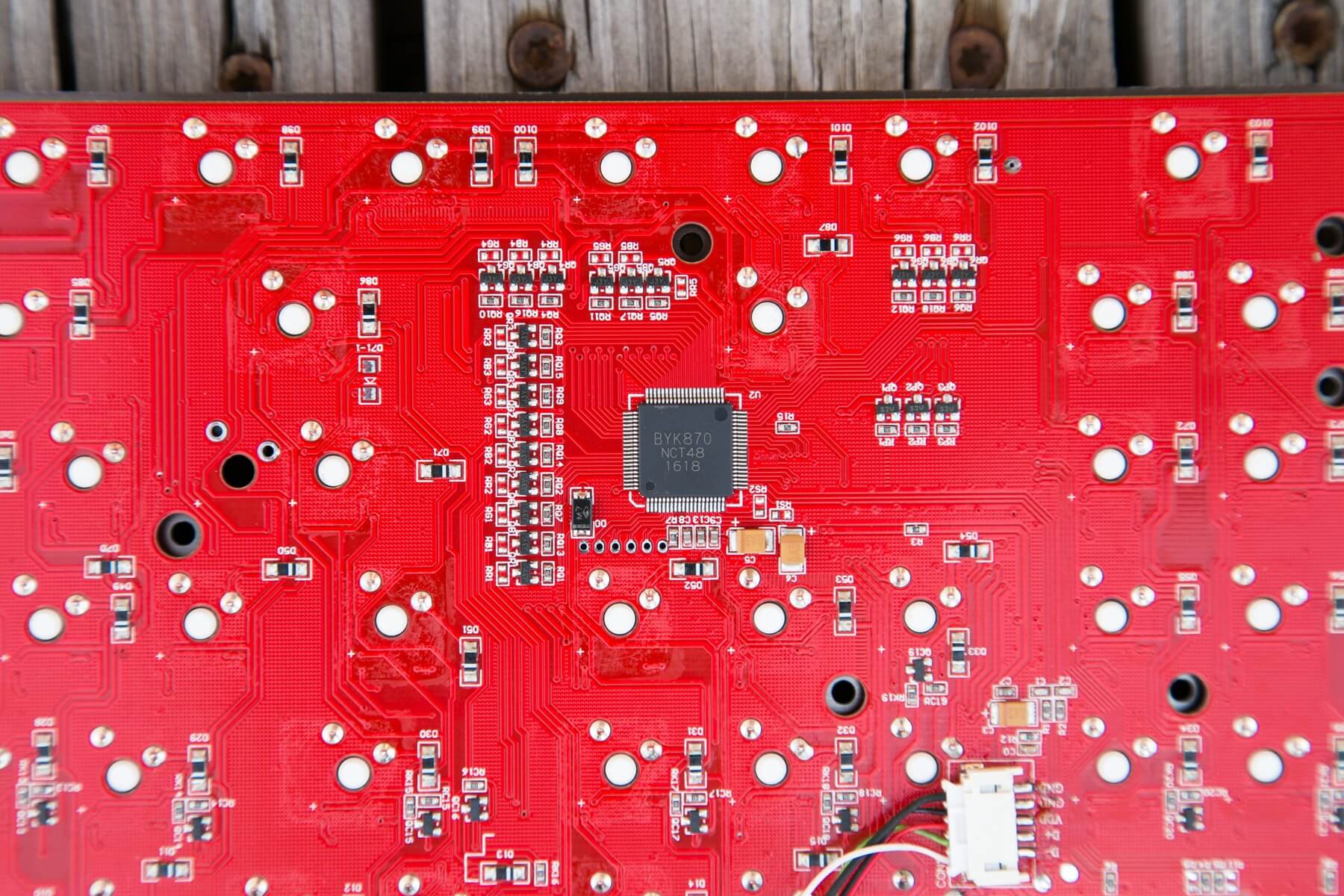
You’d have to know way more than me (not hard) to know much about that chip. But I hope you’ll find that useful. 🙂
The board itself sports full n-key rollover (NKRO) and anti-ghosting. I push a lot of keys, and I type pretty fast, and I have not had any issues at all. I don’t, however, game with a keyboard (well, I play Threes, does that count?). Sorry if you just lost your day to that game. Worth it.
Layout and Keycaps
This is a full 100% keyboard layout, with the only slight variation being that the FN row sits right at the top of the number row without the normal spacing. That’s a difference of maybe 4mm, but I’ve found it to be noticeable. I guess I overshoot when aiming at the NUM row, so sometimes I hit the FN row accidentally. Otherwise, everything is the same as a normal 100% 104 keyboard.
One of my light complaints comes against the keycaps. They’re fine but just fine. They have a decided plasticy feel. This may be more due to the switches than the actual keycap, so I won’t fault the caps too much. But I will fault the font.
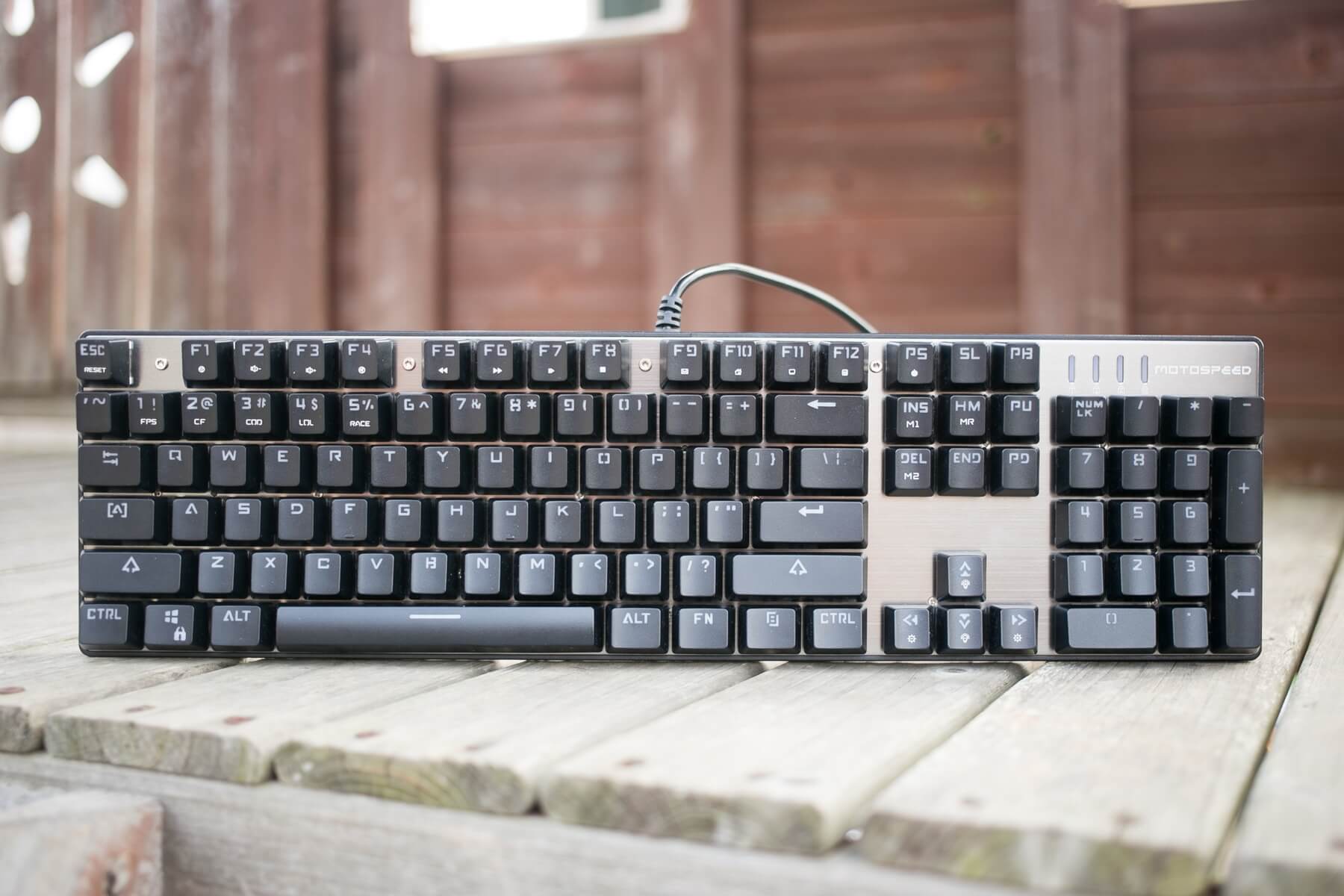
I absolutely hate the font. I’ve let my kids play around with this board a lot, and I’d love to be able to just let them type. But they’ve had to ask me what some keys are, or help finding some keys (they’re fledgling typists). That’s frustrating, dumb, and needless. If the letters looked like the right letters, I probably wouldn’t even dislike the keycaps at all (i.e., I’d overlook the feel).
They are double-shot injection molded, though the white part (the inlay?) is more opaque than white, and isn’t to my taste.
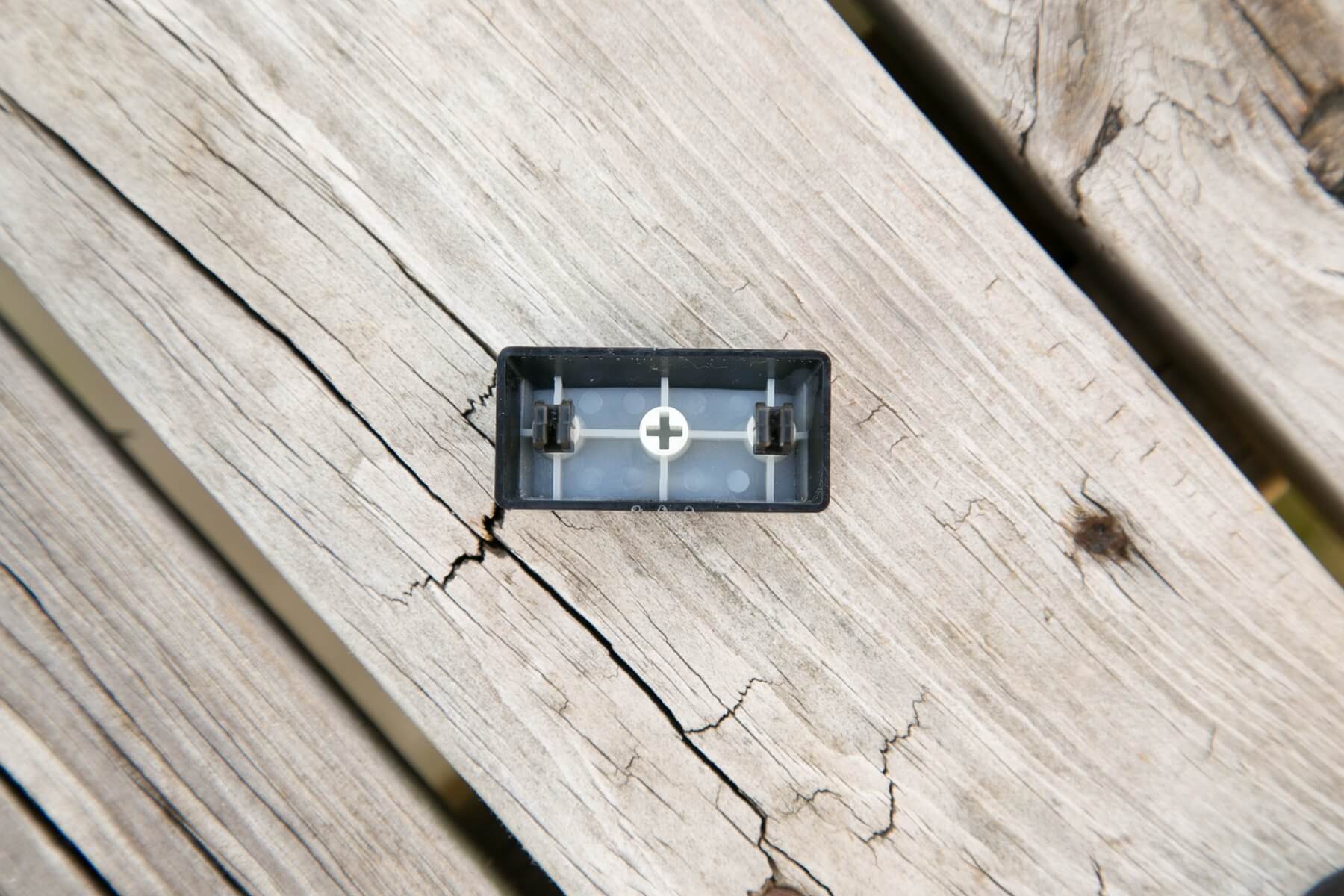
They could be replaced with another keycap set easily.
Life ain’t nothing but Switches and money
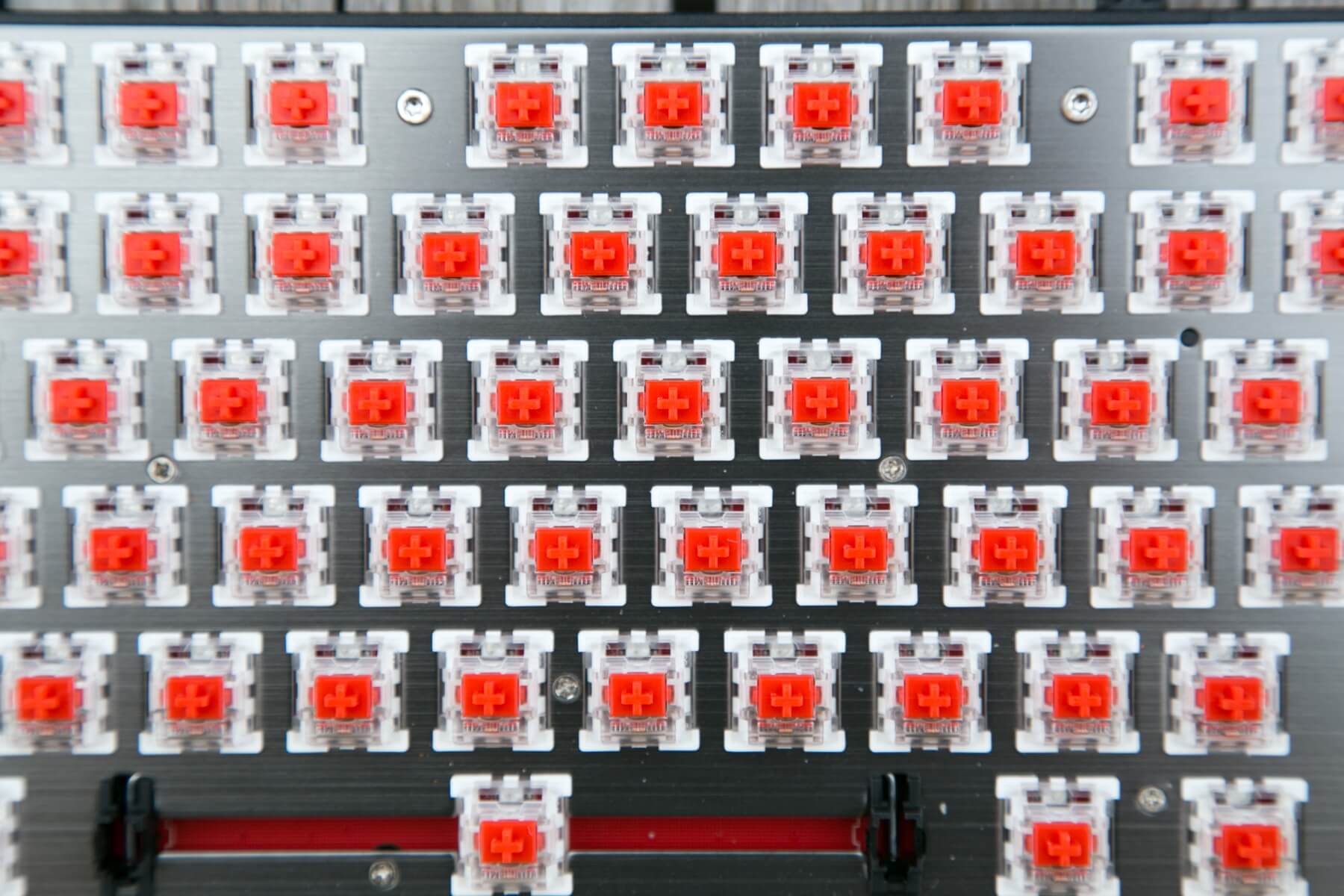
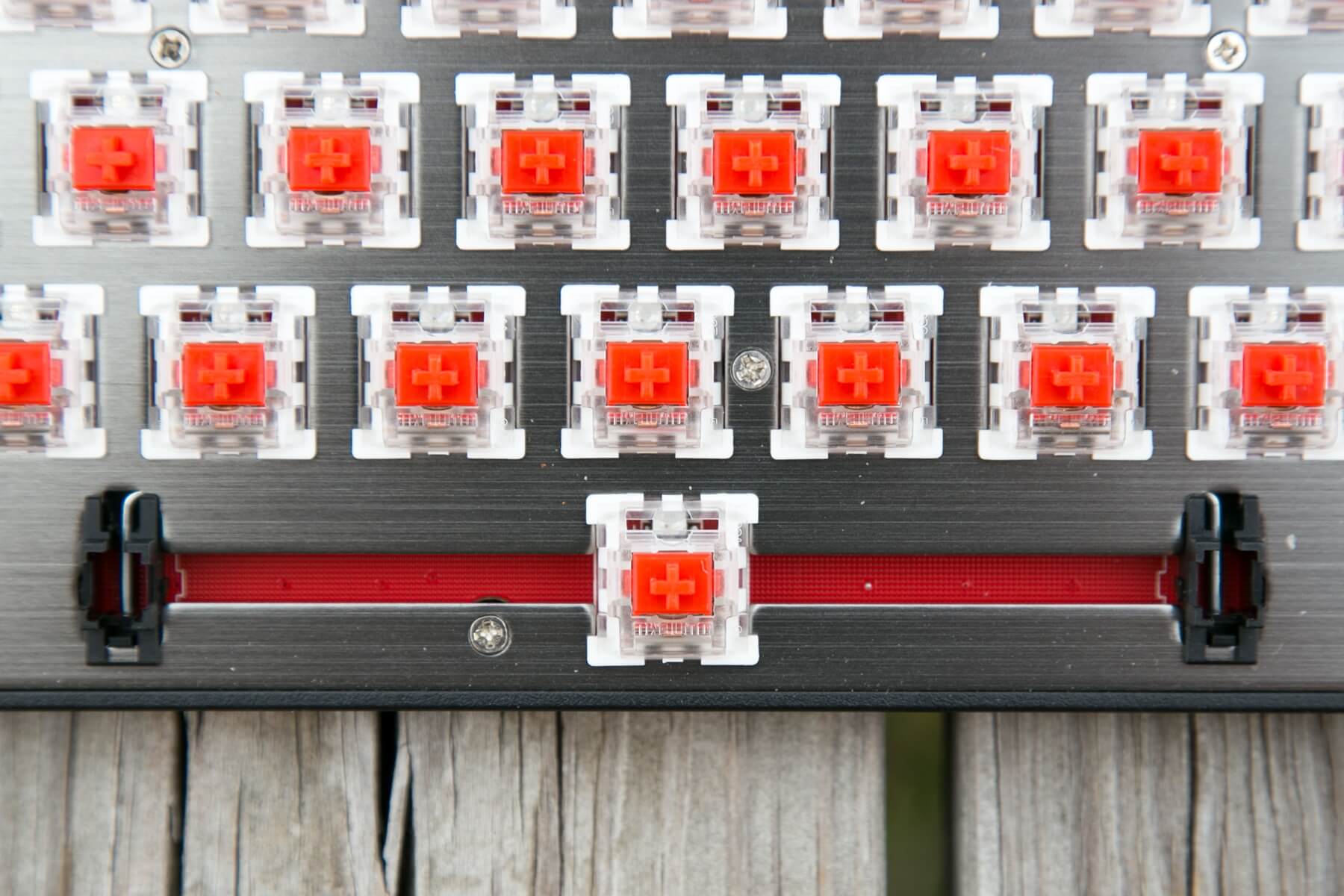
Outemu Reds grace this red PCB.
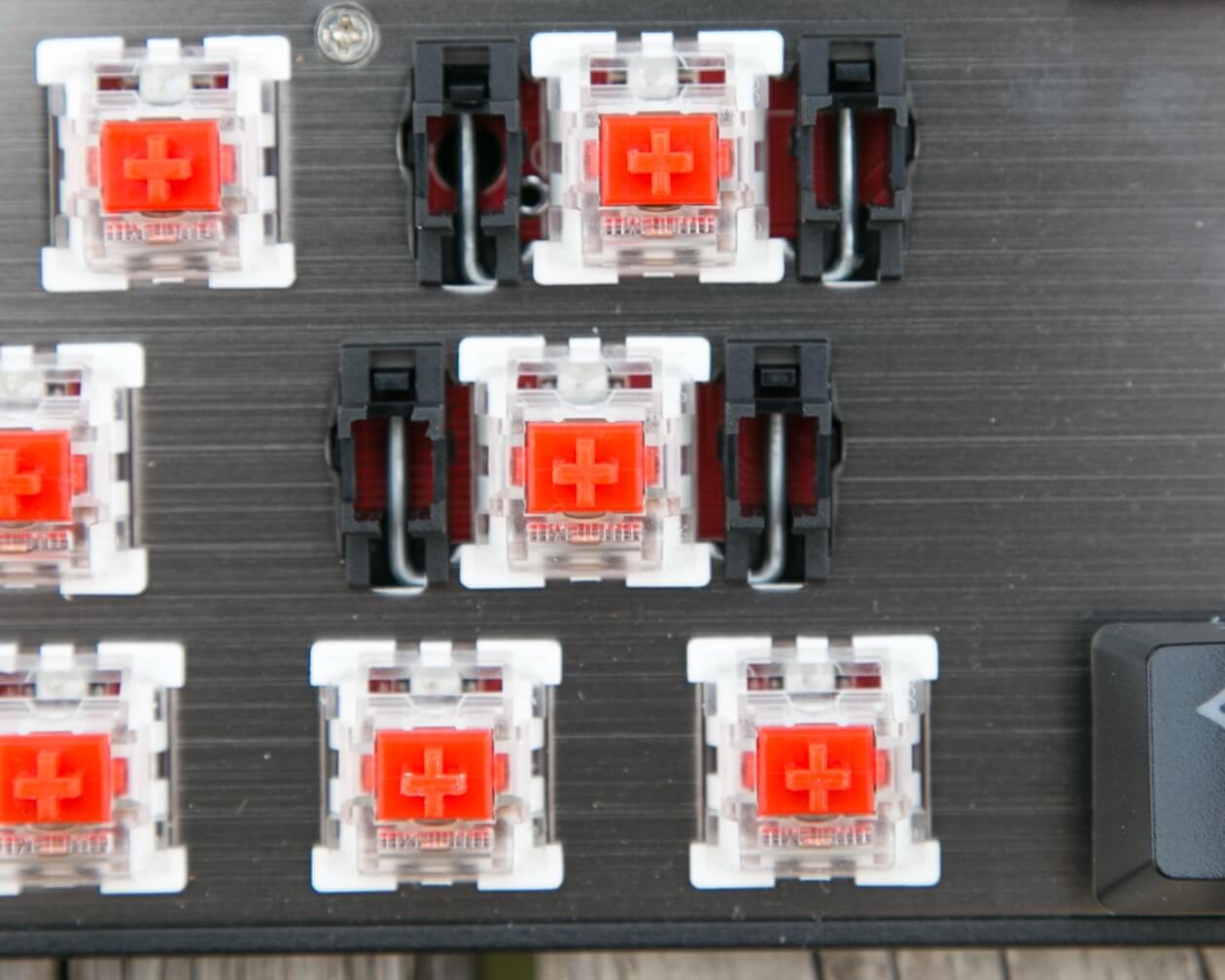
My main board has Cherry Speeds. My secondary board has Gateron Browns. So these Outemu Reds were an interesting difference.
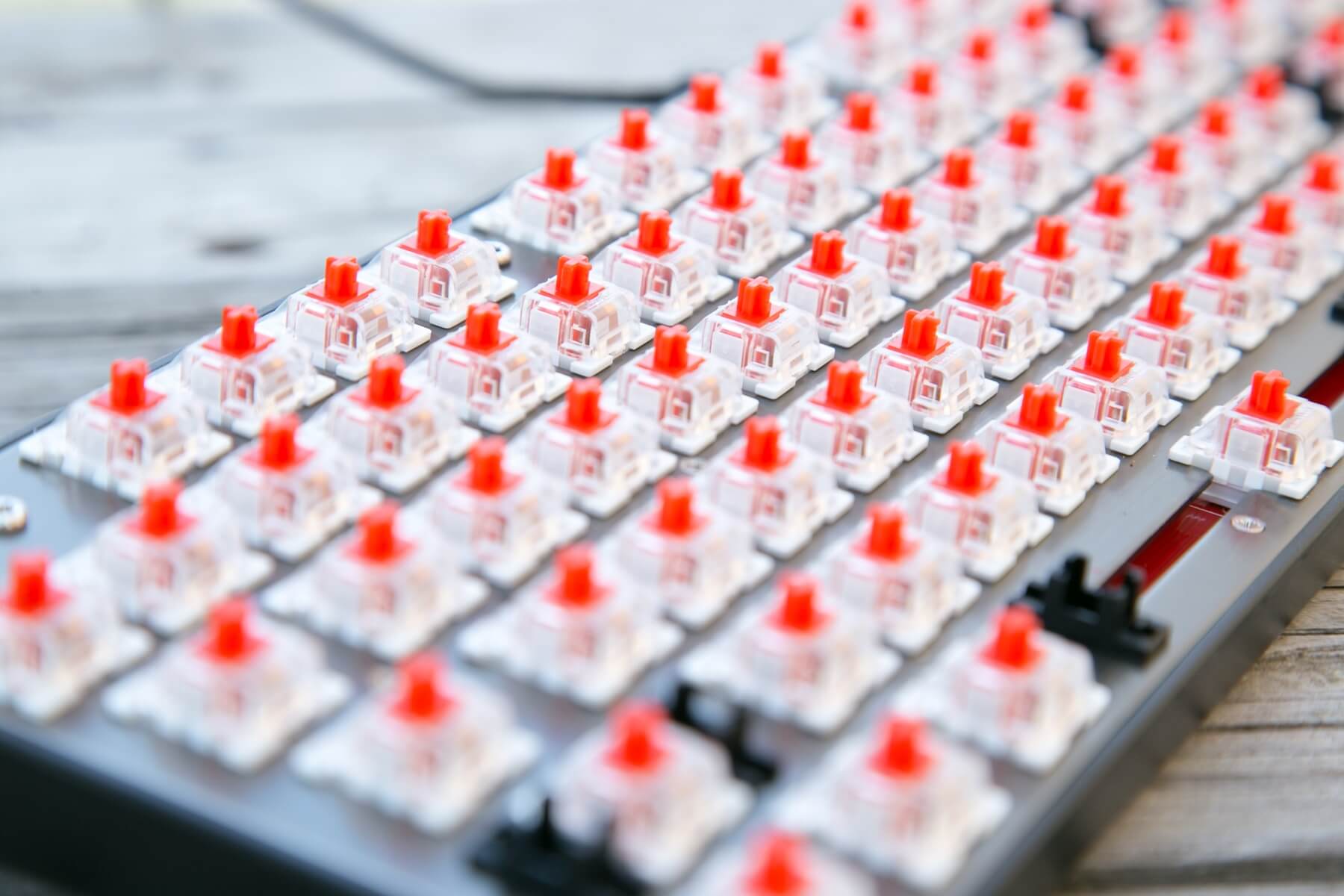
I noticed immediately that they’re scratchy. It’s not bad in the way that makes me hate the board, but it is quite noticeable. They switches work fantastically, though, and I have no problem with them actually registering keystrokes. It’s just that the travel isn’t quite as clean as I want it to be. Would some lube clean that up? I honestly don’t know if it would. I think it’d be a good test, and maybe someday I’ll get around to doing that if I can stop buying and start modding.
All of that said, the Outemu switches aren’t that bad. They’re crisp, have a nice weight to them (waaaay more than these feather-light Cherry Speeds, of course). Here is the keyboard science on those switches, and here’s what they say:
The Outemu Red switch is a relatively smooth linear switch, much firmer and with more total actuation force required than the Cherry MX Red switch. This makes the Outemu Red almost a lighter, less steep version of the Cherry MX Black switch. [source]
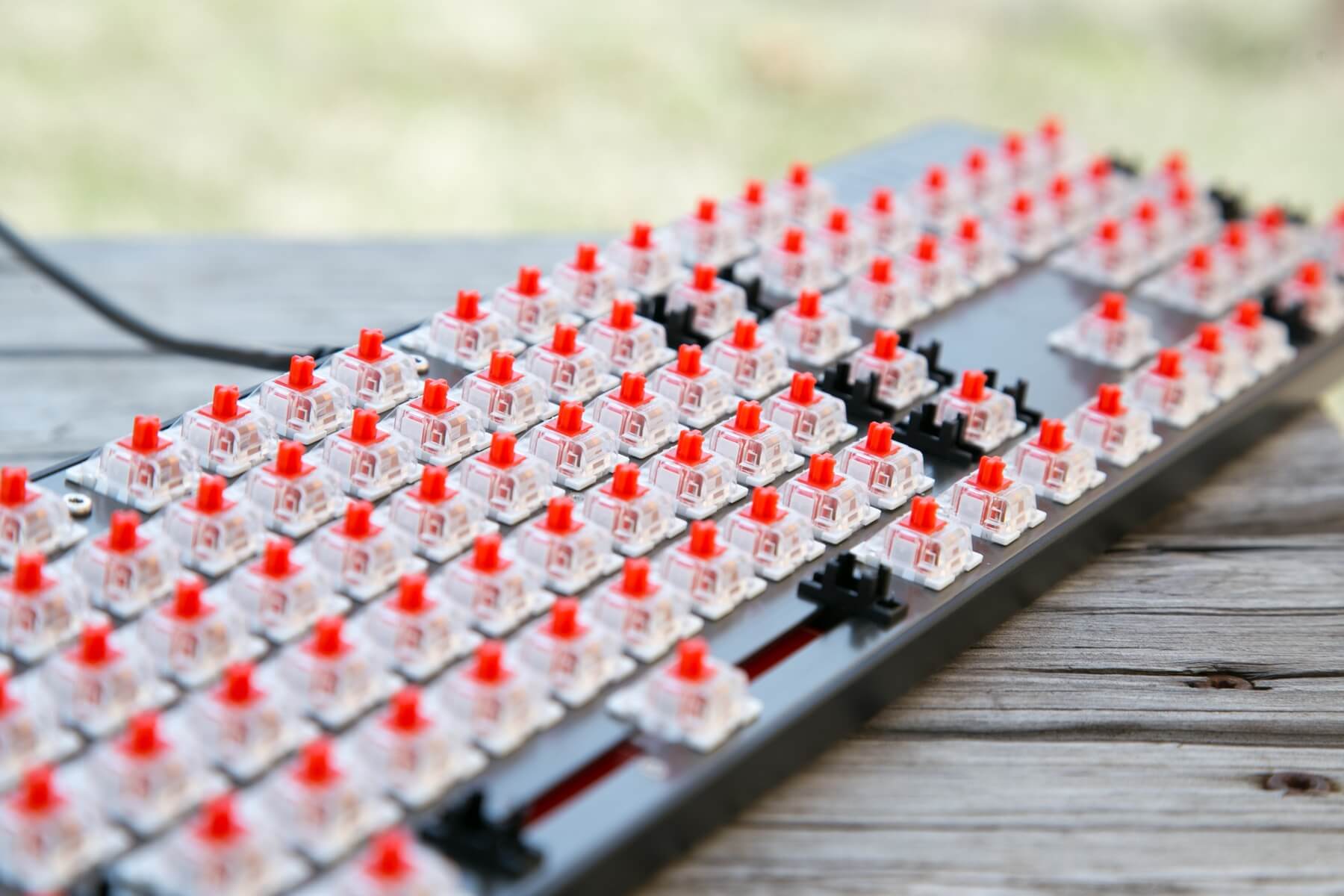
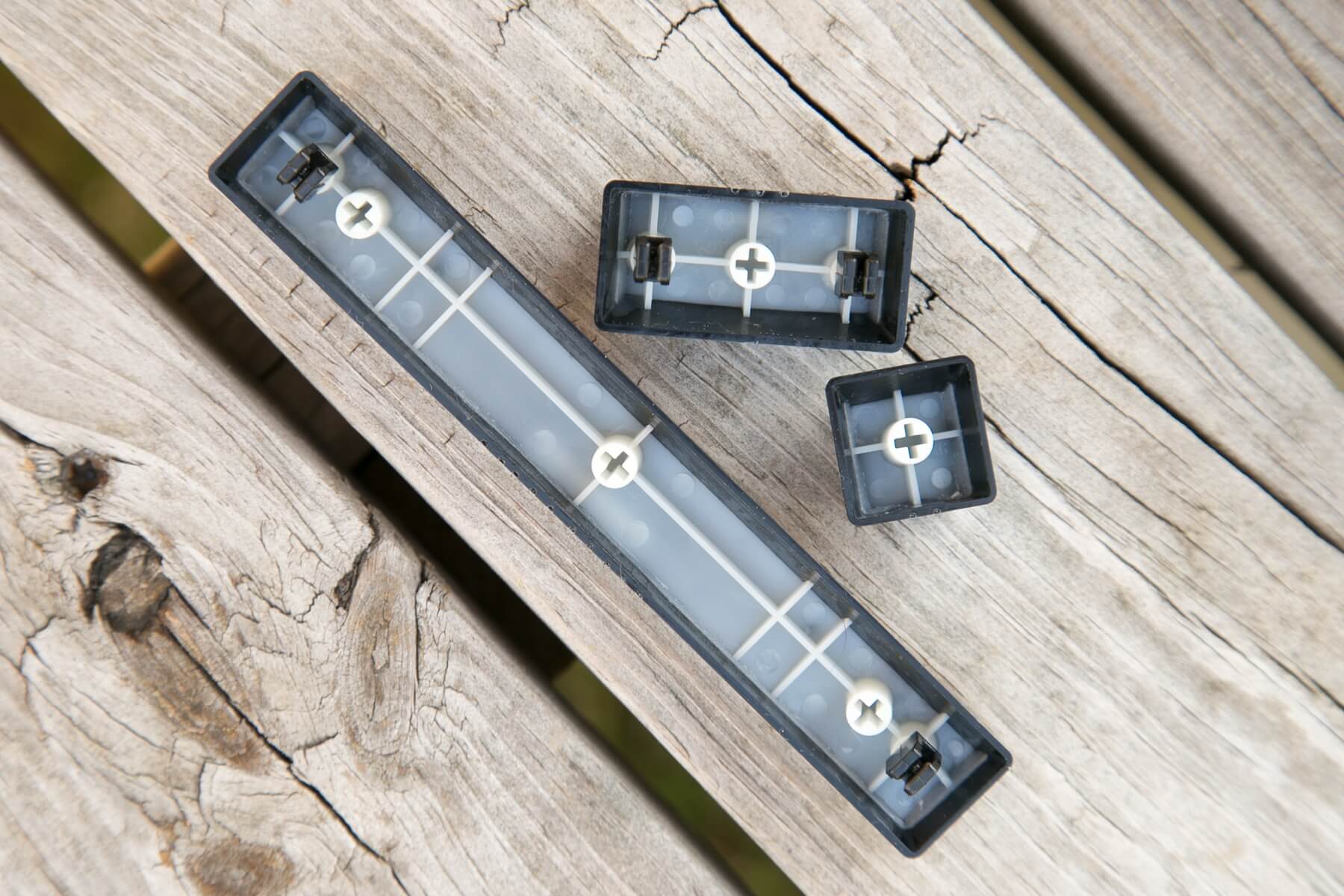
They add that these switches have a 47g activation force and 4mm of travel. The switches have Cherry-style stabilizers, which tend to stay in the cap (but come out easily).
Connectivity
A single USB cable connects this keyboard to your device.
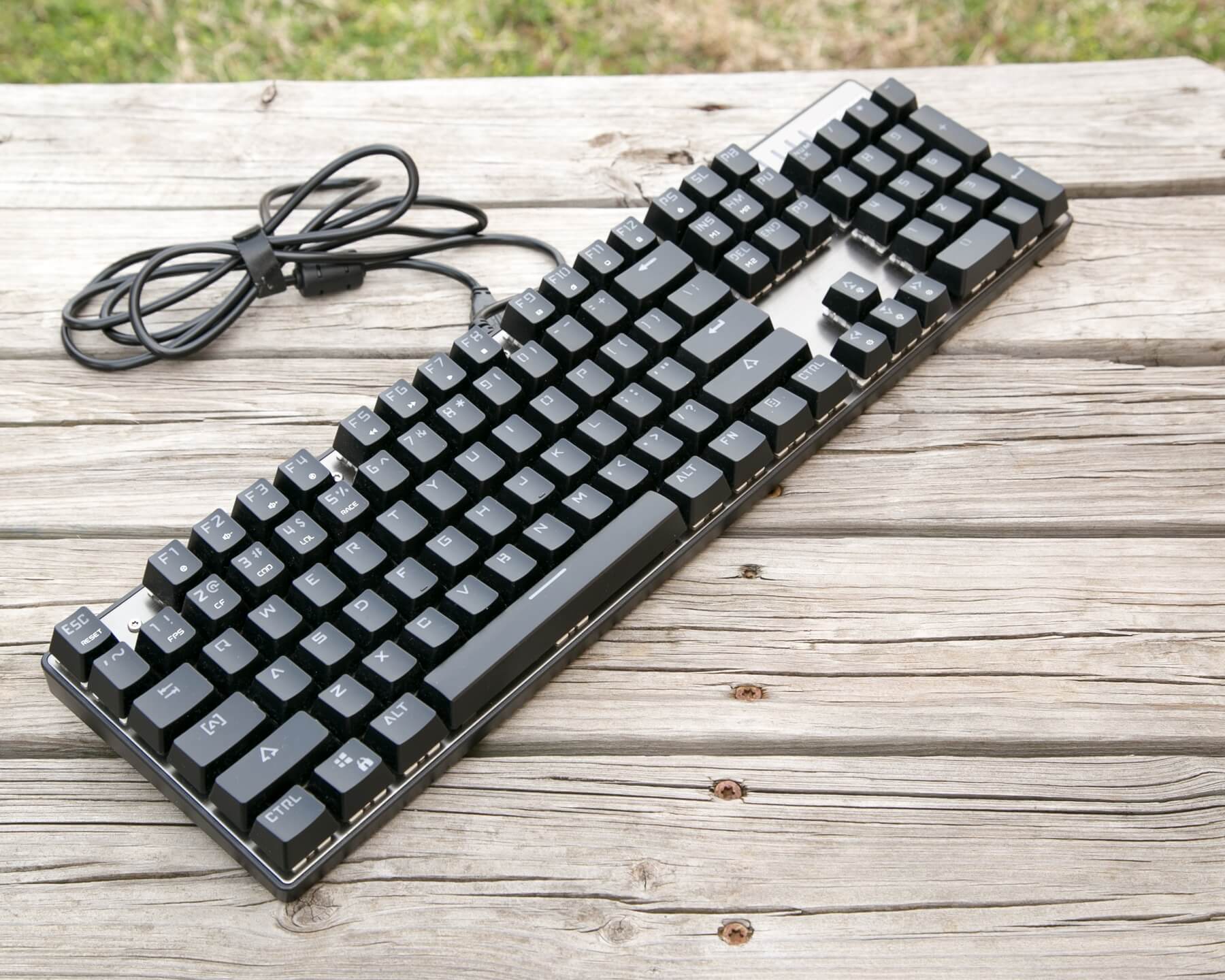
There’s no Bluetooth or anything else.
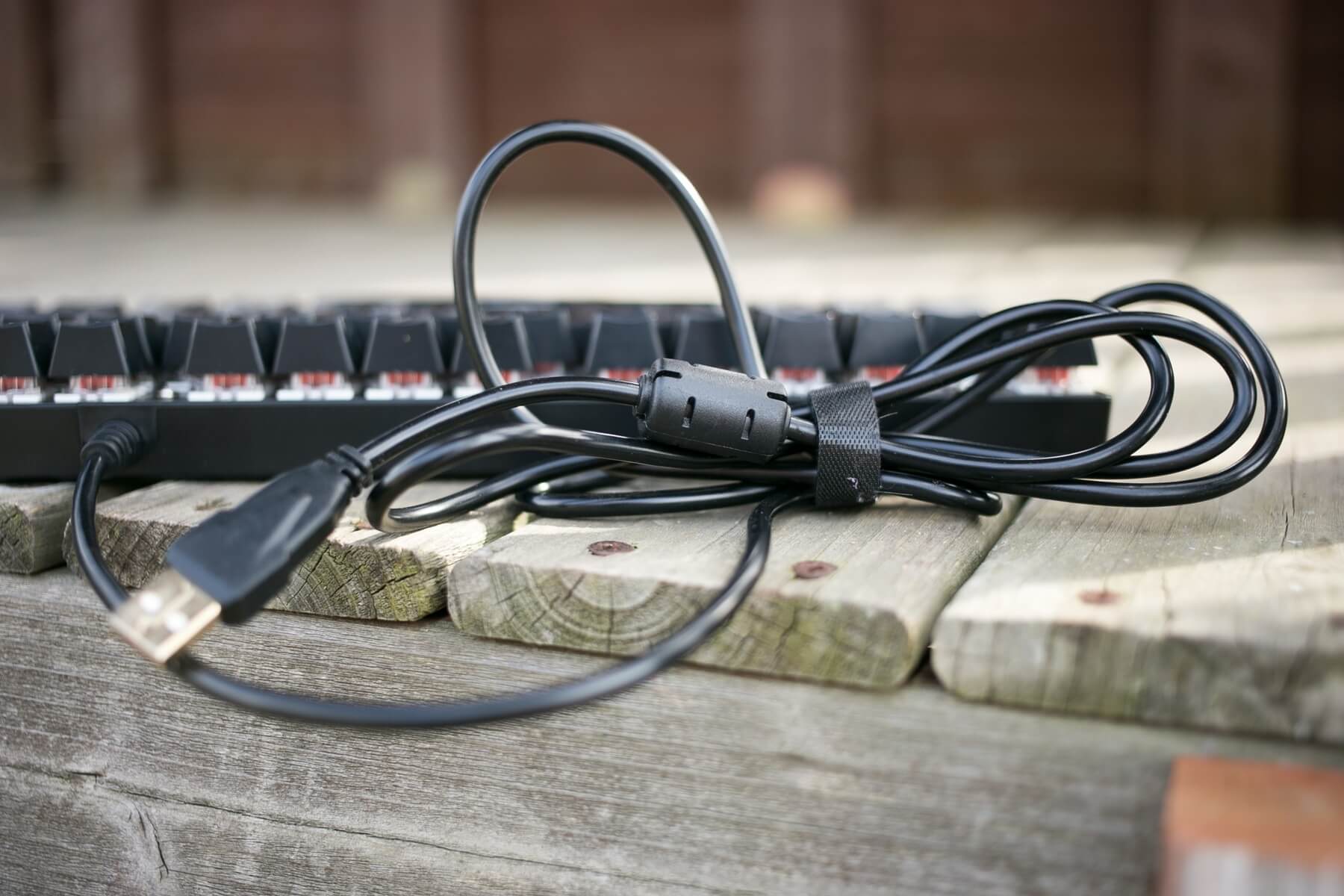
The USB cable is hard-wired and just a regular plastic-coated cable. 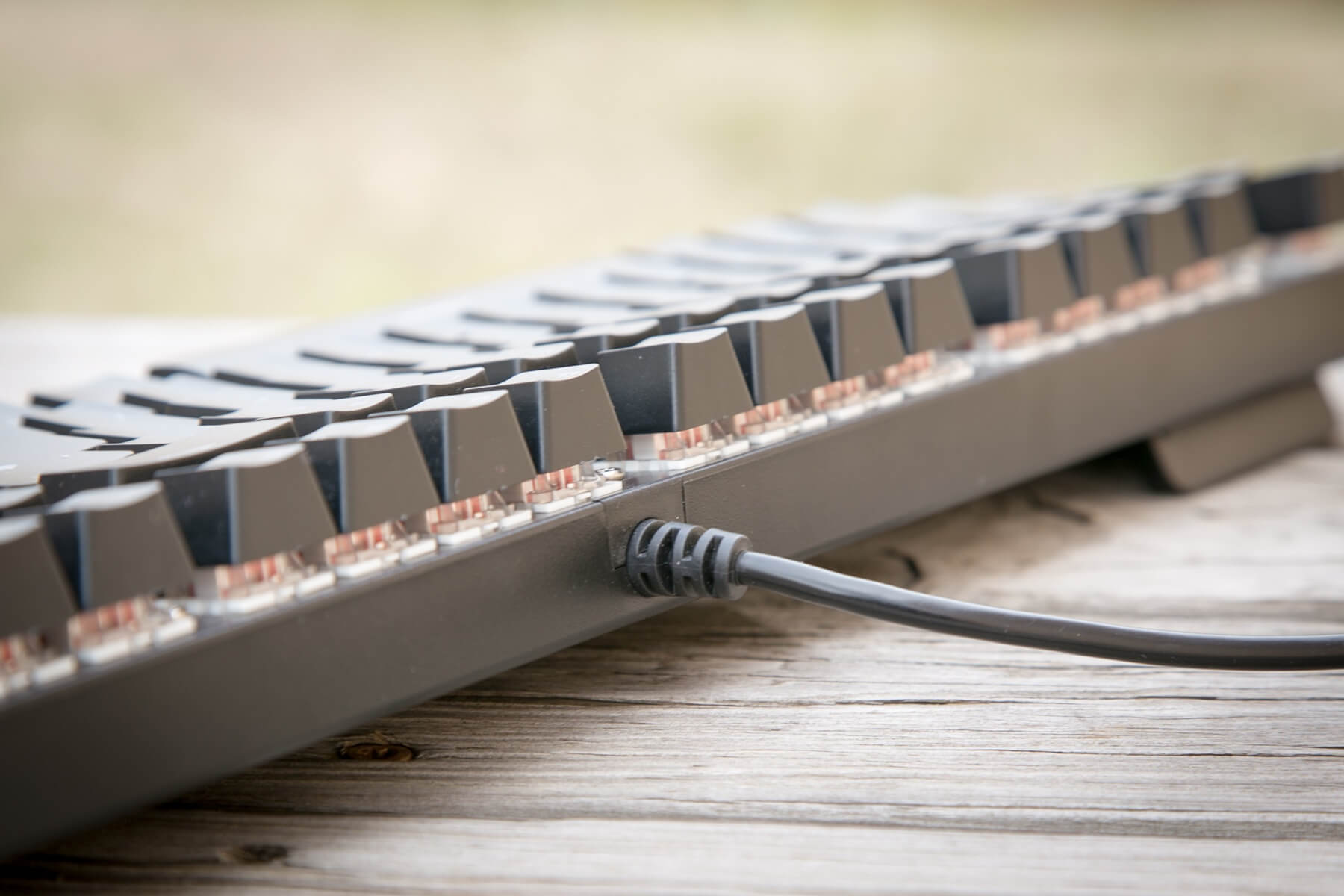
The contacts on the USB plug are quite nice – probably gold-plated.
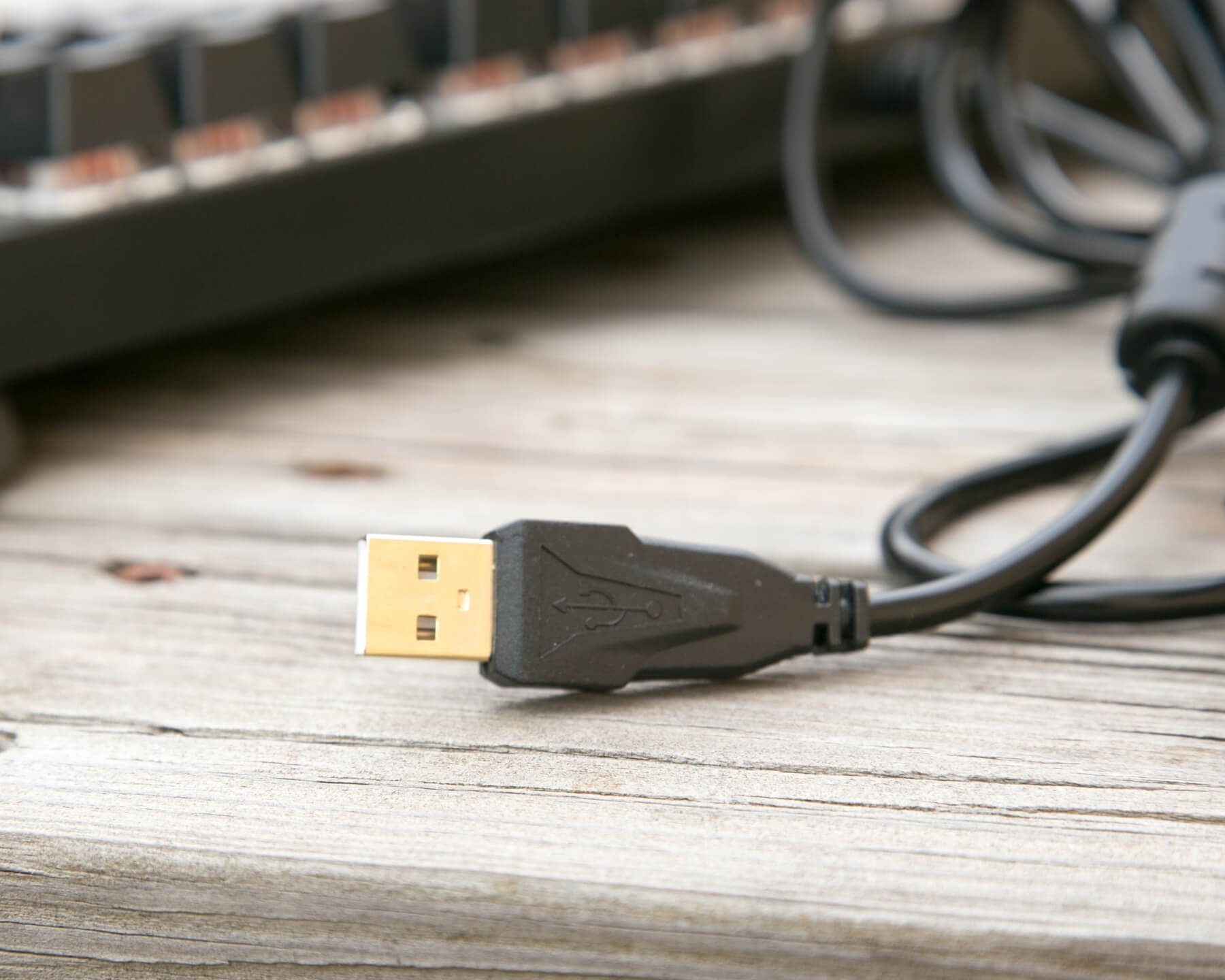
While I might wish this were a USB/micro-USB cable, at this budget price, it’s hard to really complain. Even my K70 doesn’t have that kind of cable.
User Interface and Operation
Input for the keyboard is through the switches. I mean, is that obvious? Fairly obvious. My Anne Pro, though, has an app. My K70, though, has Corsair software sitting in the background, eating 67mb of RAM all the time. But any changes you want to make on the CK104 will be done using keystrokes. There aren’t even any lighting switches to raise/lower the brightness – all that’s done through the function key.
I won’t go through all the settings. The manual does ok with that, and anyway, part of the fun is playing around with how things work. And the manual is easy to understand, though some of their terminology isn’t really what English speakers would call things. For example, I’m not really sure what “bum steady model” is, but I can click through and see. Or “colorful horse race.” It is hard to know which mode you’re on, especially since the wording in the manual is just a little unrelated sometimes to how the mode actually looks. It’d be nice if the click-through was actually done with FN and a specific key. That’d be more accurate since I’d always know what color/mode I’d be getting.
And FN+ ESC can always get the board back to the starting configuration.
RGB
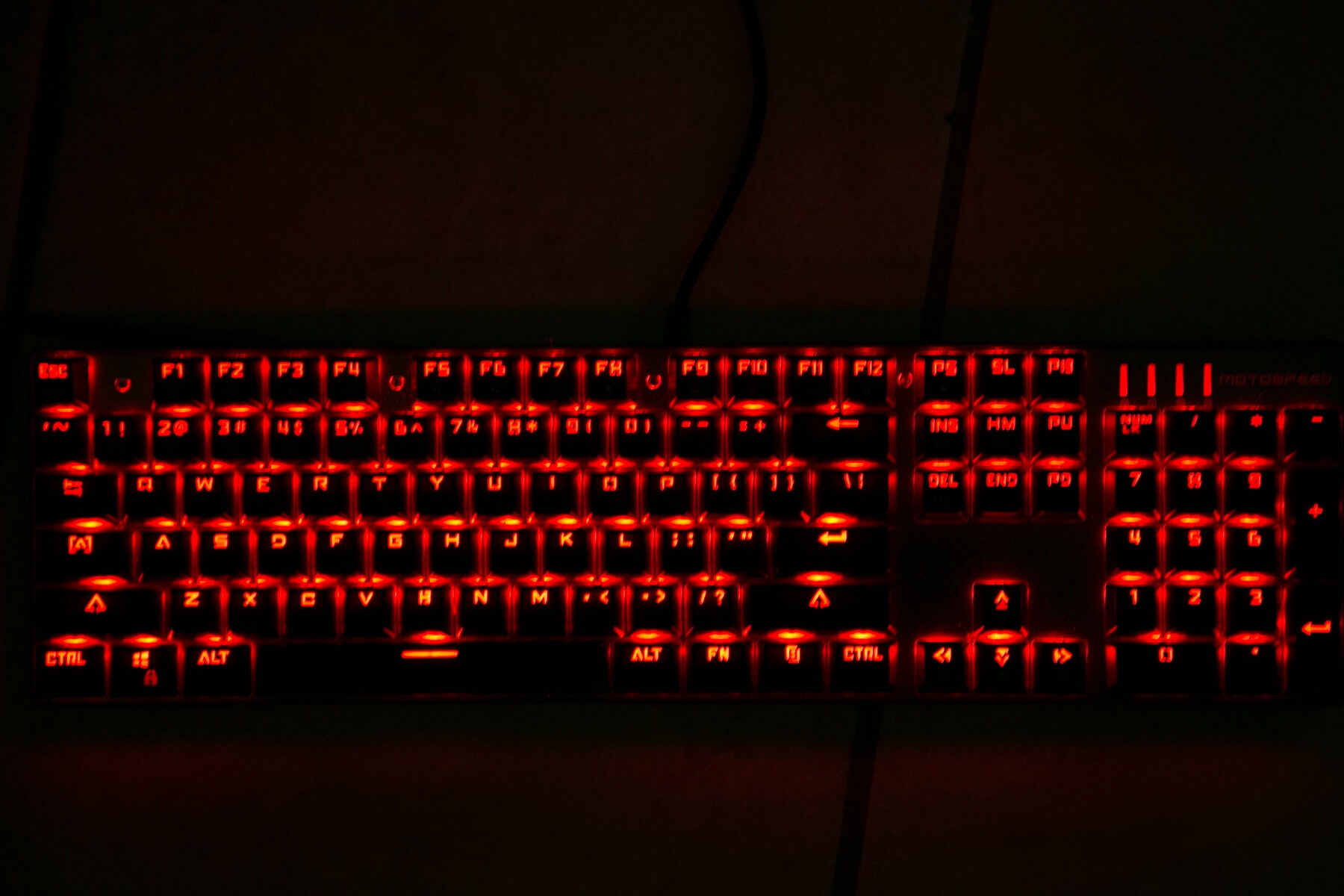
The RGB is a nice addition. And I like it. It works fairly well. It helps show the double-shot aspect pretty well (though I suppose ideally the inlay would be perfectly flush there – it really is, to the touch.)
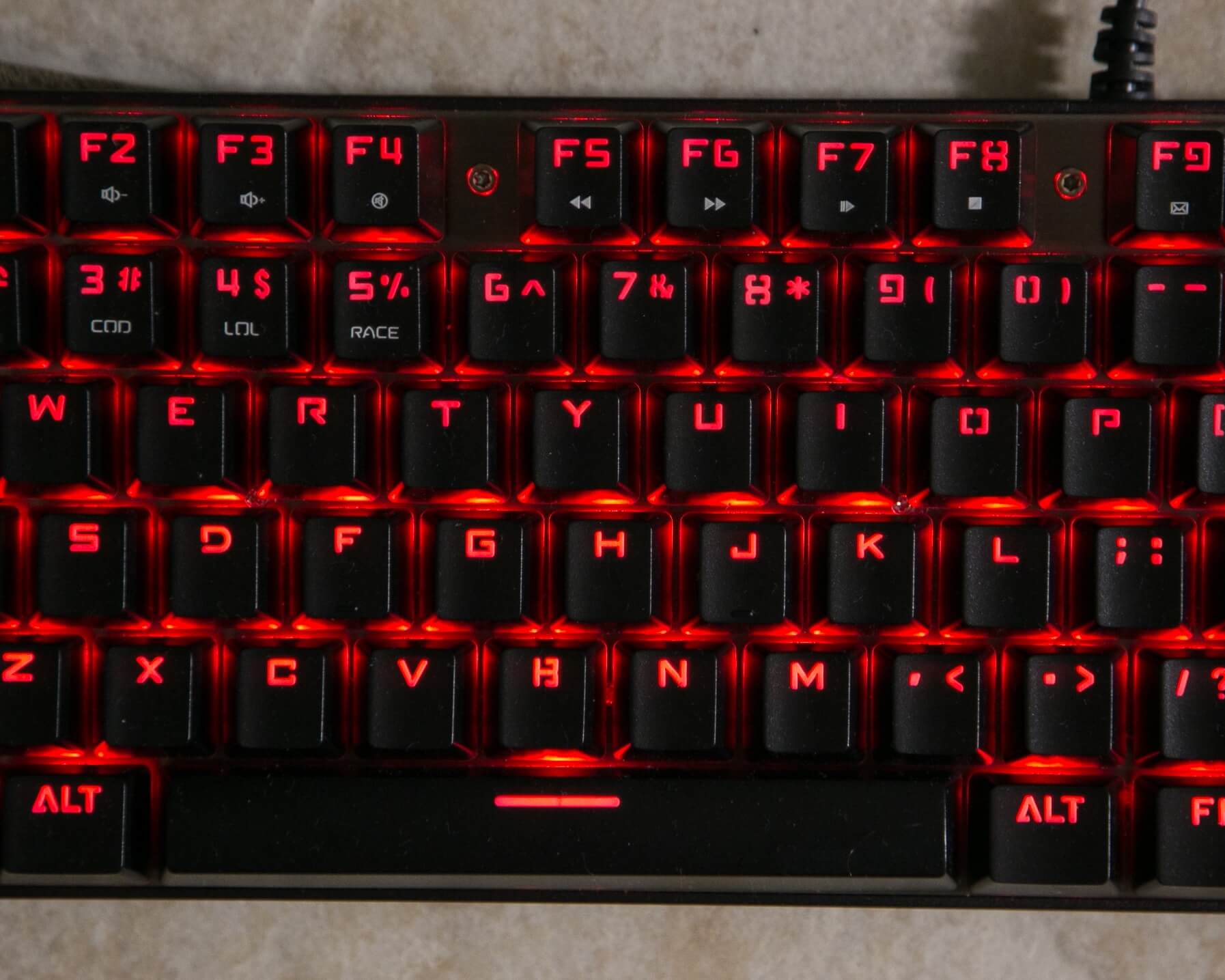
I do have a complaint, though, and that is that the color mixing is just not great. I can display that photographically (and will, later), but:

Here are the primary gaming colorways.
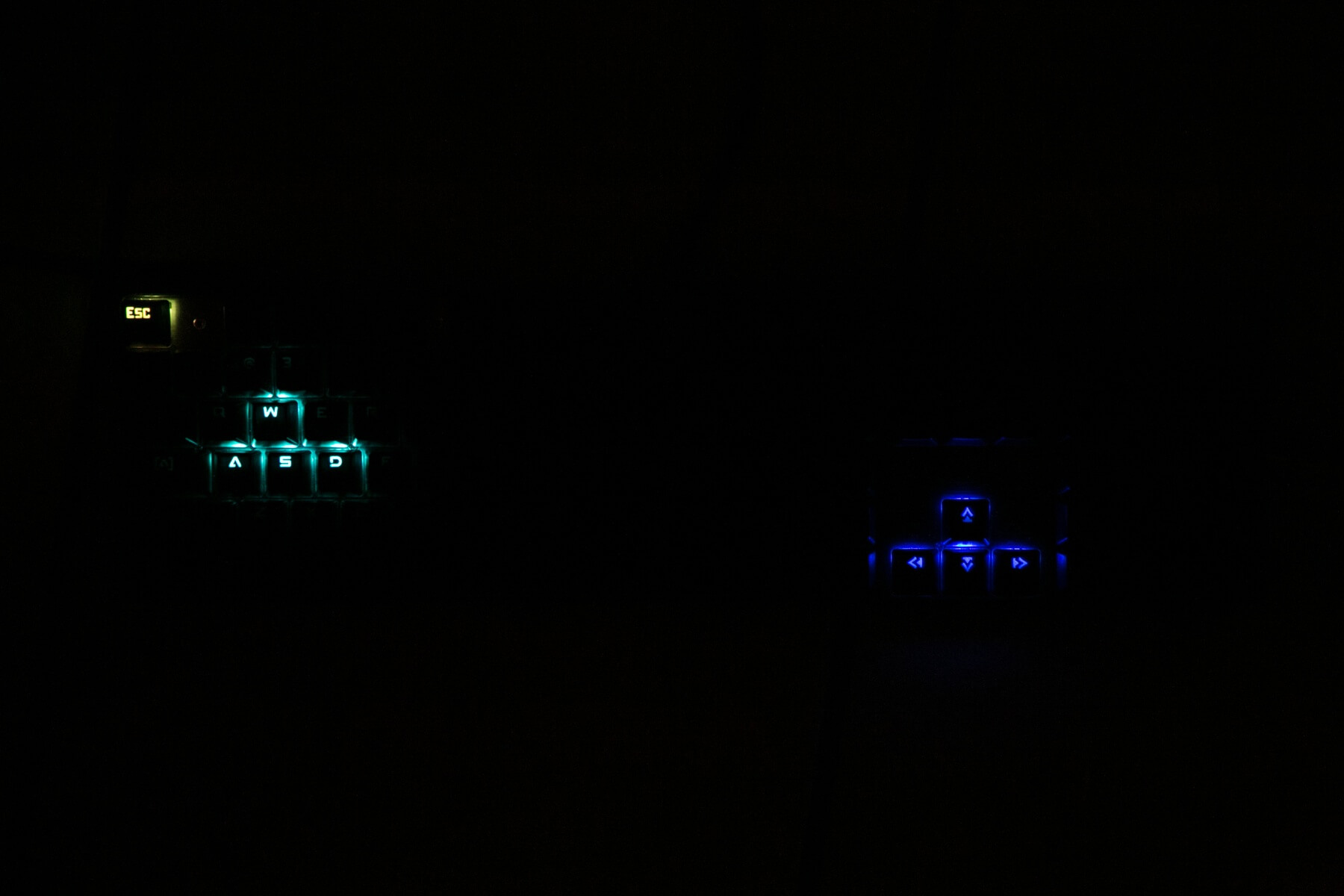

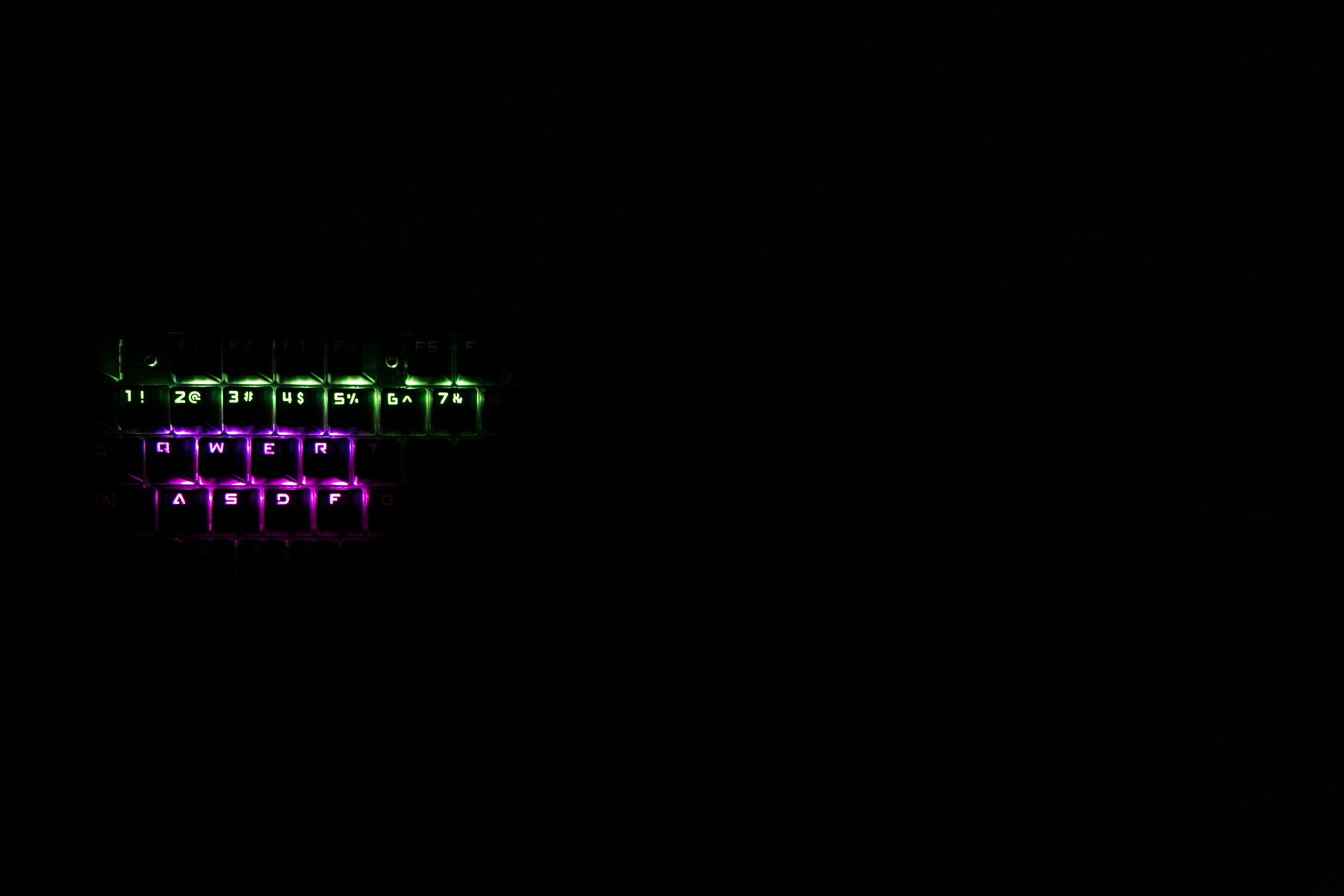
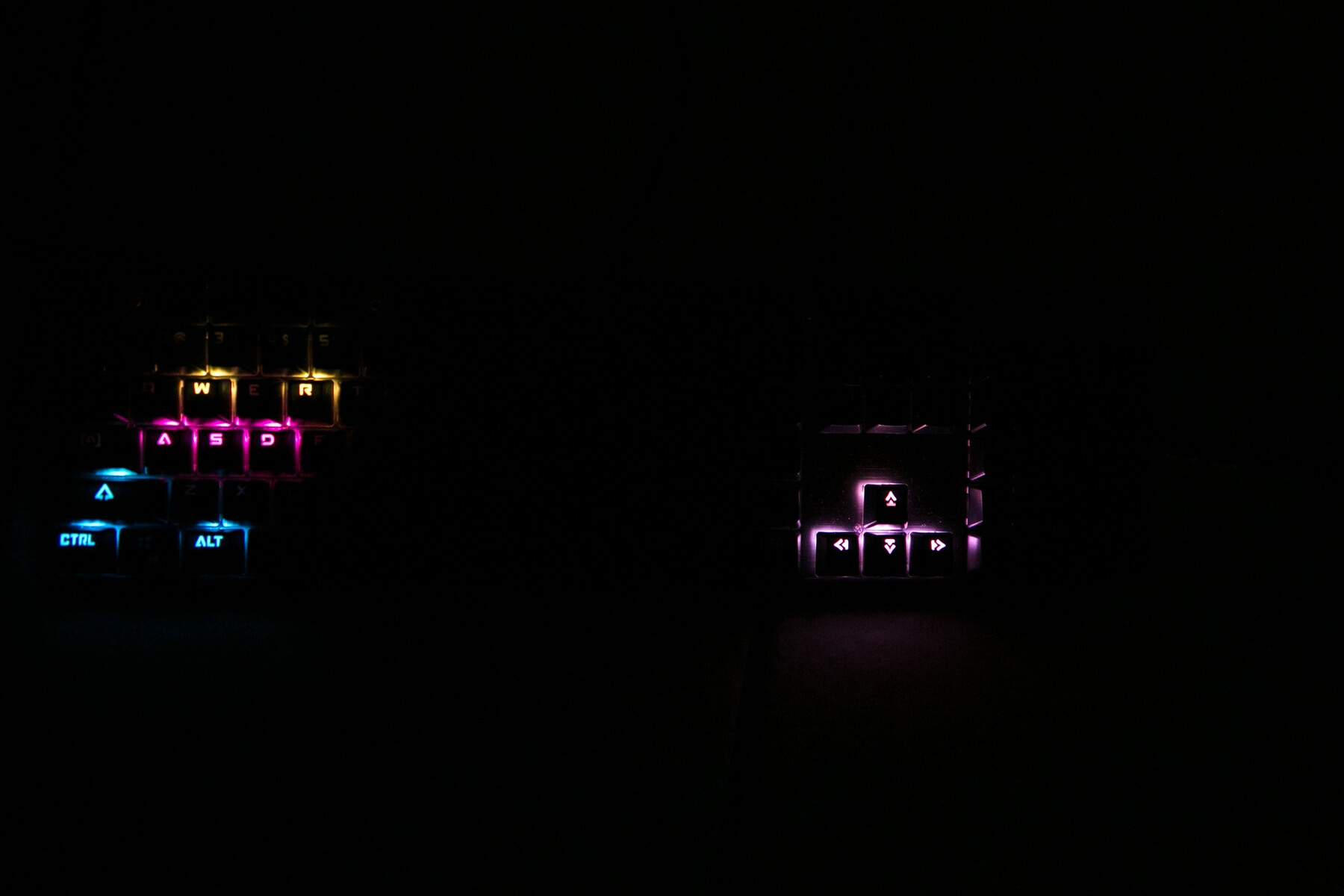
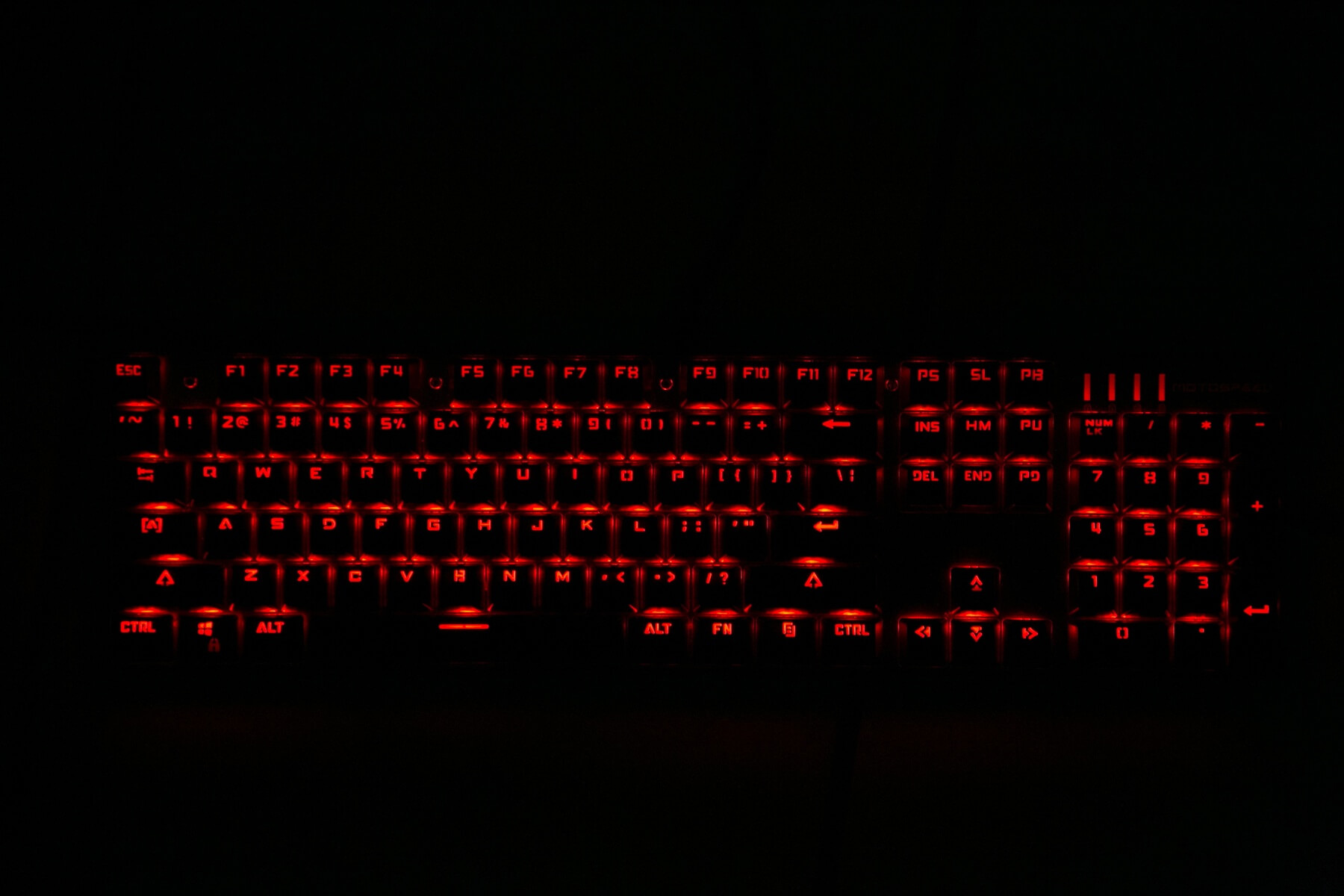
Brightest red
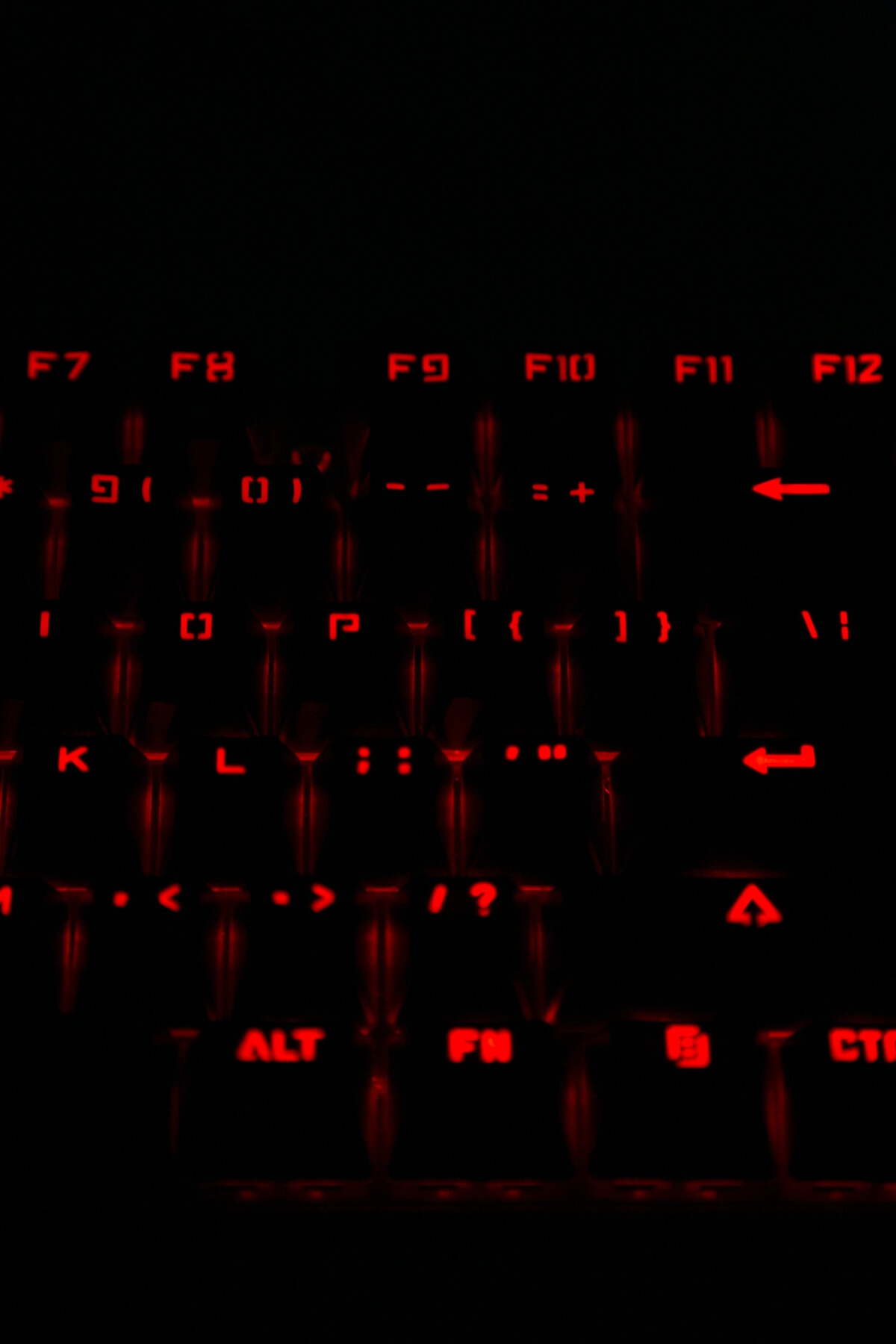
and dimmest red.
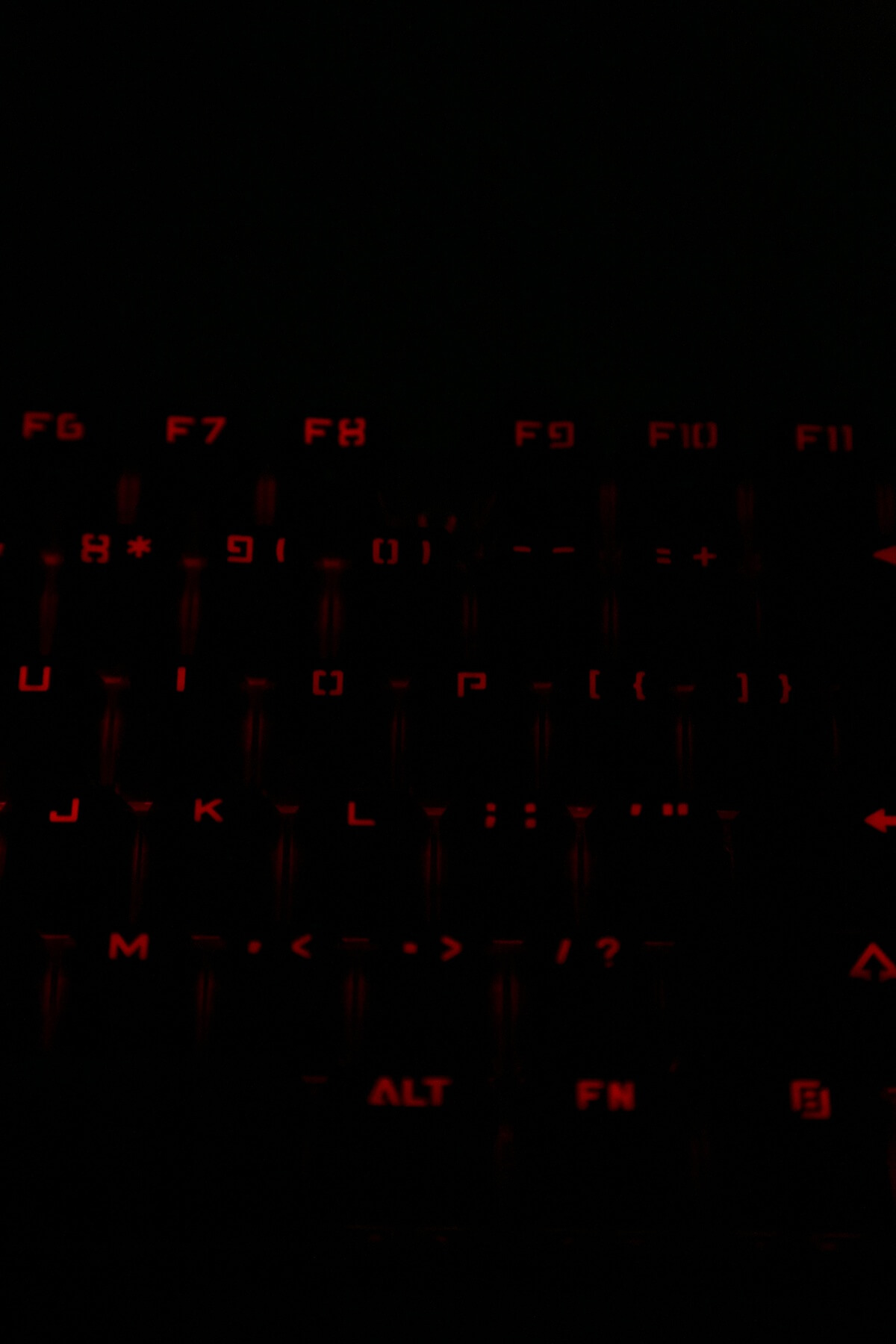
Side view.

Another colorway – I think this one is “colorful horse race.”
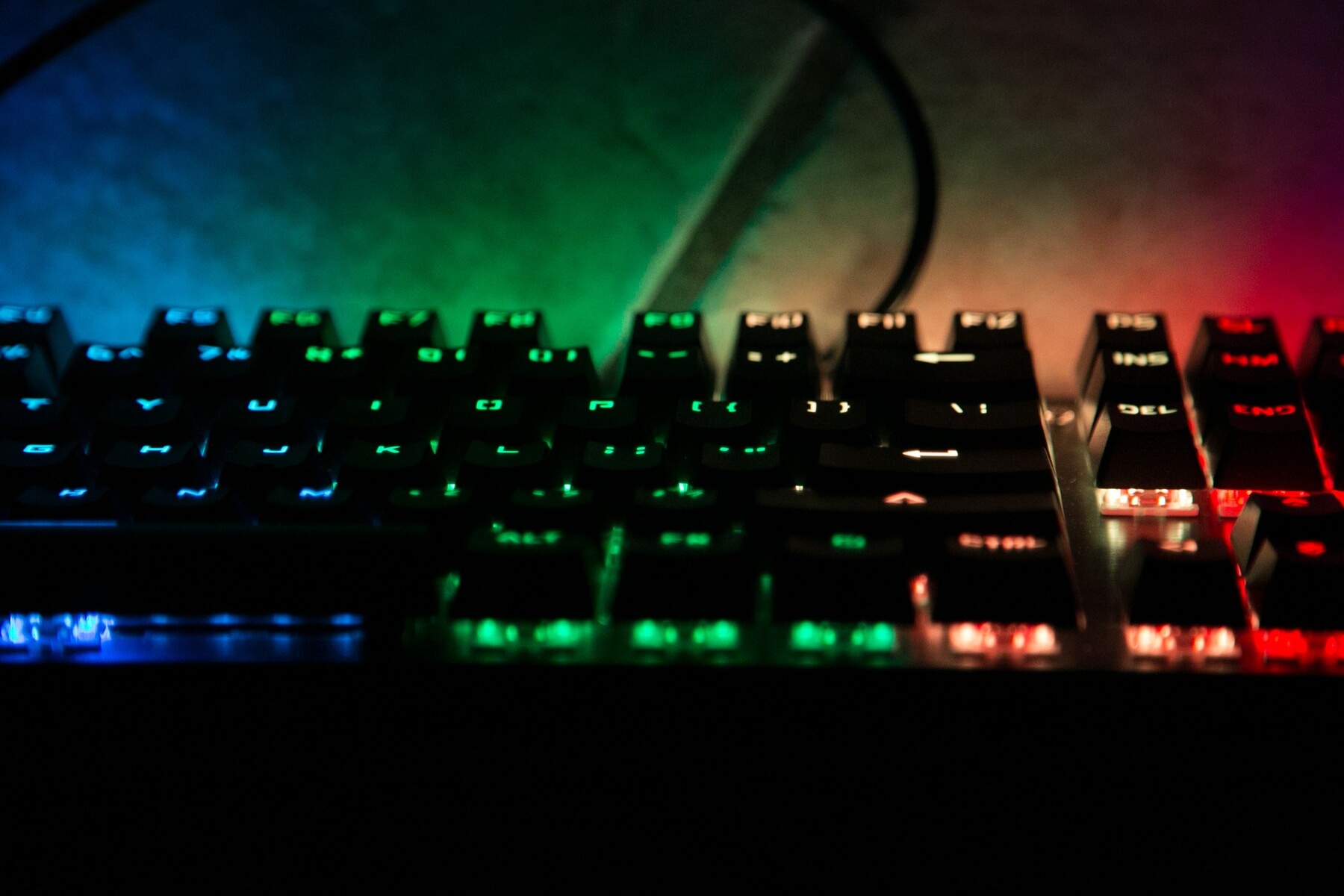

Here are a few videos of some of the modes:
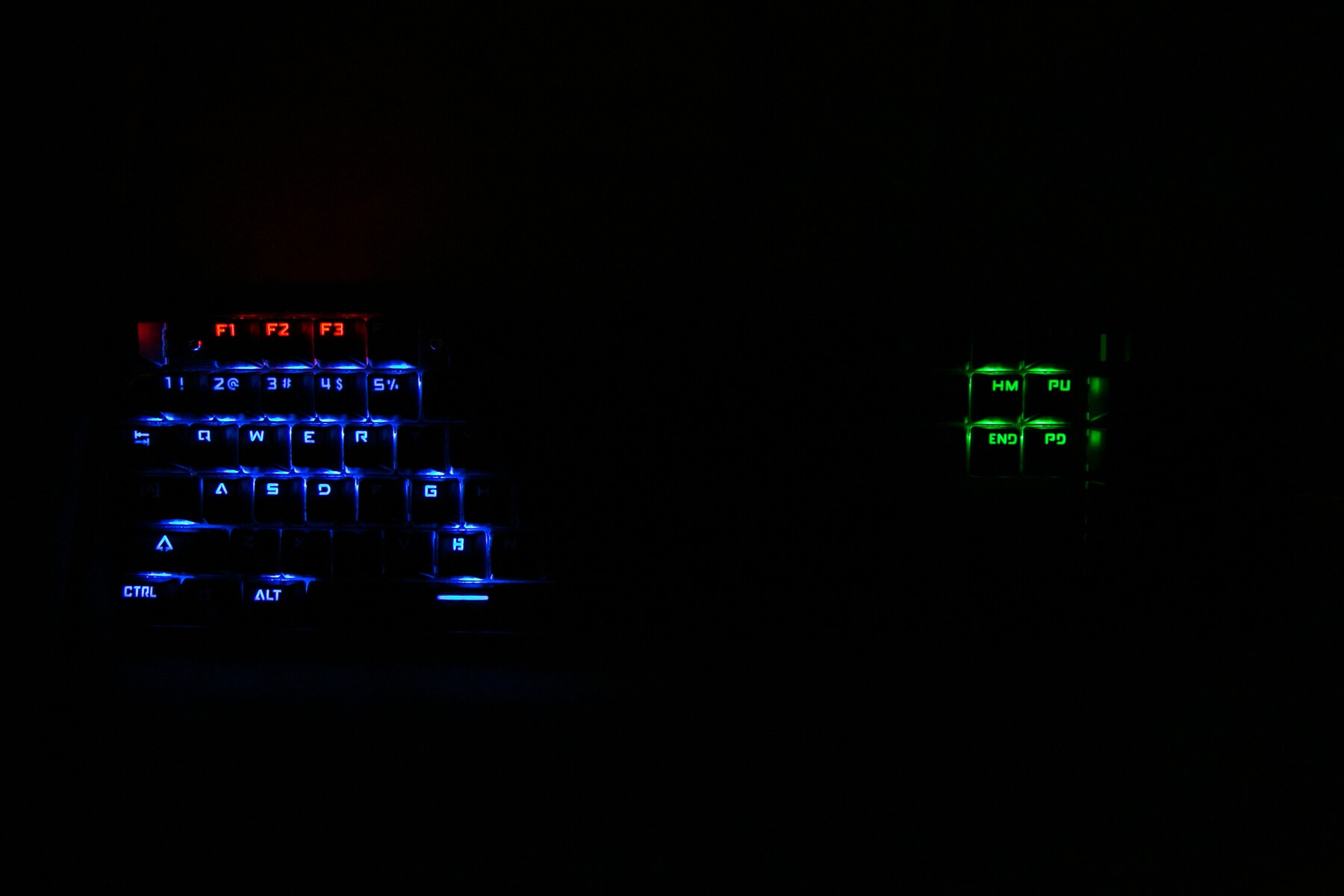
Ah, well, I’m going to get started anyway. The thing about this board (and this bleeds a little over from r/flashlight) is that non-primary colors are made up of a mix of R[ed], G[reen], and B[lue]. So any non-RGB color is some mix of RGB. The way that happens is the controller cycles the component’s primary colors in such a way that we visualize a smooth single [non-primary] color. Good controllers use a high frequency cycle – you may never notice any of the primary colors. This CK104 uses a cycle that I can actually see. (The similarity in this and flashlights is that some flashlights use “PWM” – pulse width modulation – to achieve low modes. Good ones use a very high frequency. Bad ones use a low frequency. PWM lights have two states -off or on. To achieve low modes, the off/on is cycled where on is more or less than off, depending on the mode desired (ie, “low” is more off than on). Low frequency PWM is visible to the naked eye, end rant.
Anyway, this board uses such a slow cycle that I can see it. You may not (I am particularly susceptible to PWM and slow cycle speed, with my Pigeon-like vision). But I can visualize it photographically. Let me explain.
At a low shutter speed (similar to what you or I may have visually), the colors on a board will look solid. If I ramp up the shutter speed, there will come a time when the shutter is cycling faster than the keyboard controller is cycling the individual colors to make a certain color mix. If I keep speeding up the shutter, I can see the cycling more dramatically. At first (closer to human perception shutter speeds), you’ll see the board fully lit, but with some primary (non-mixed) color. Then you’ll see maybe a bunch of different primary colors. As I speed the shutter, you may even notice that the board is dark for some of the time. The transition point between smooth color mix and the camera picking up the primary colors is approximately 1/125 (fairly slow!!). Here are some examples.
Solid red, low brightness, but at 1/1250.
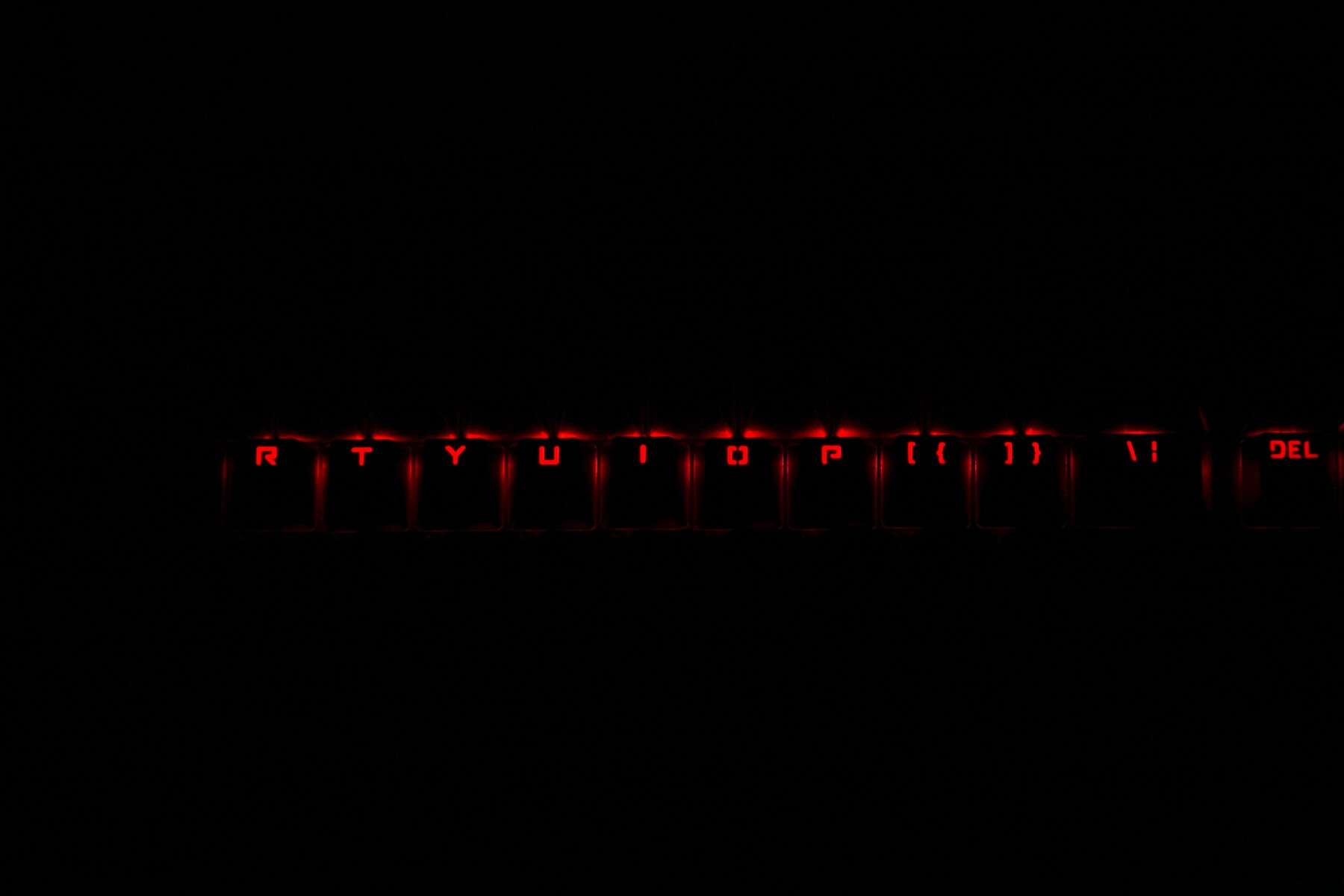
I believe this is “horse chase” again, @ 1/200 sec @ f4, iso 3200.
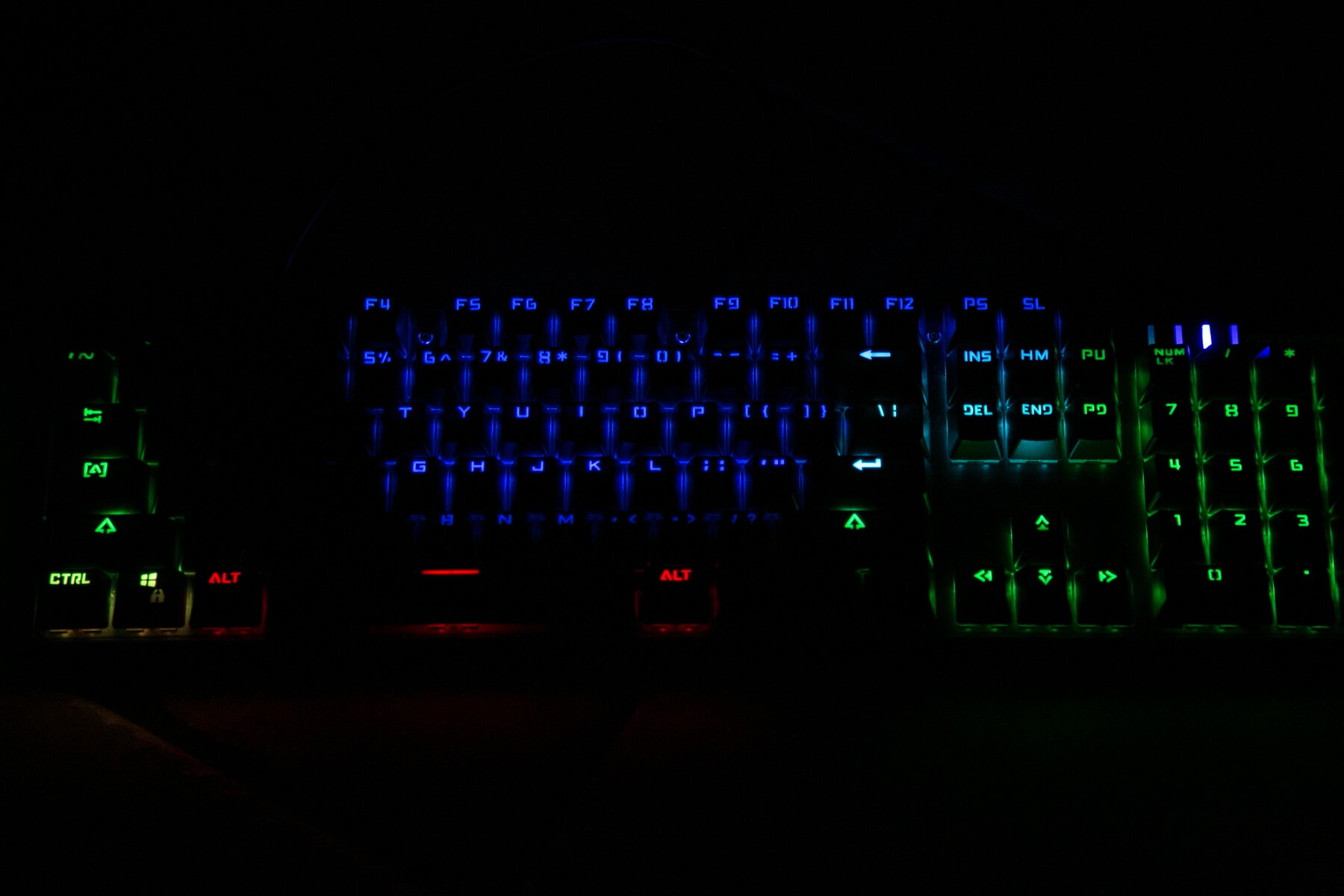
But at 1/125 sec @ f4, iso 3200, the colors appear almost as they should.
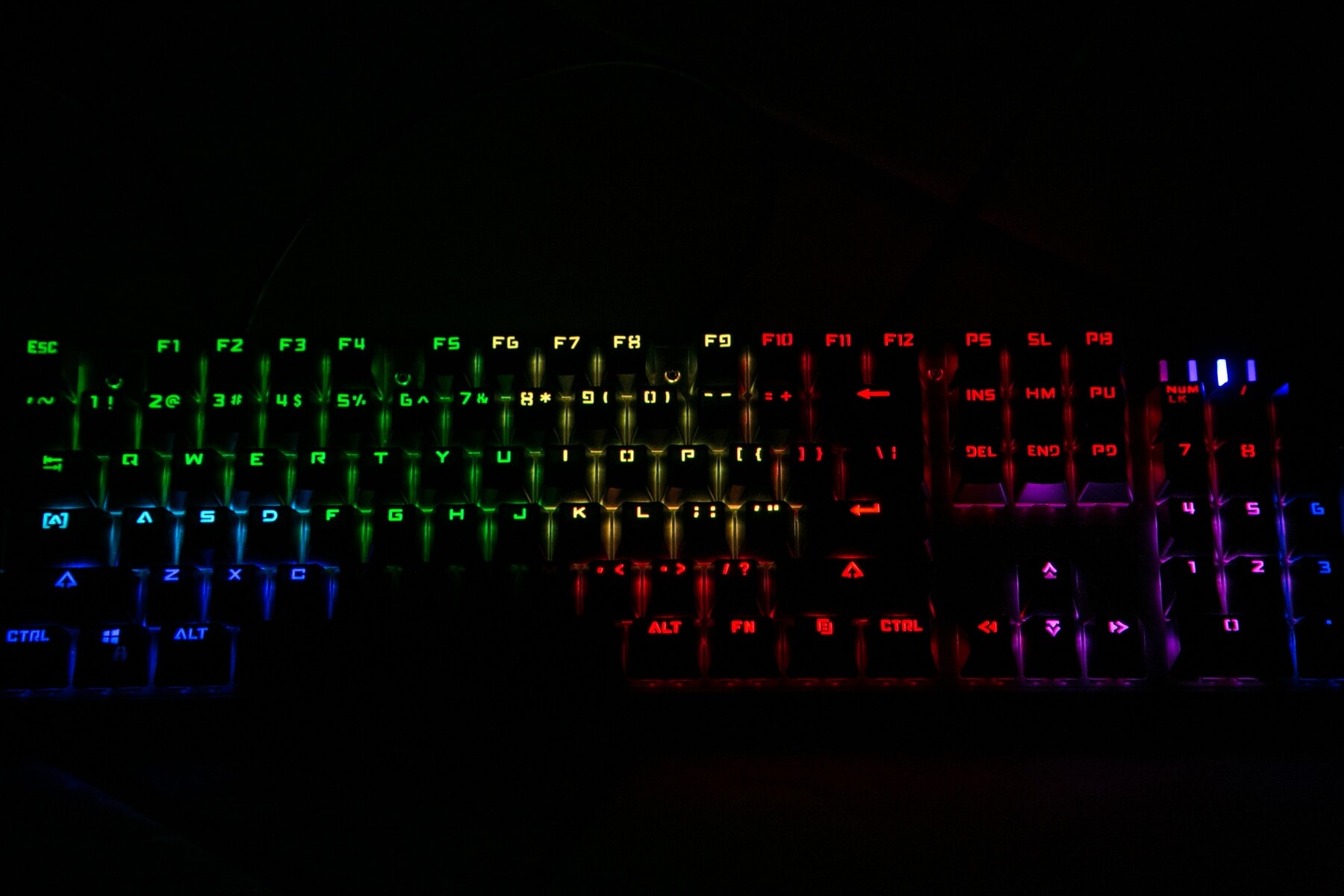
And at even slower shutter speeds, the colors look as we see them.
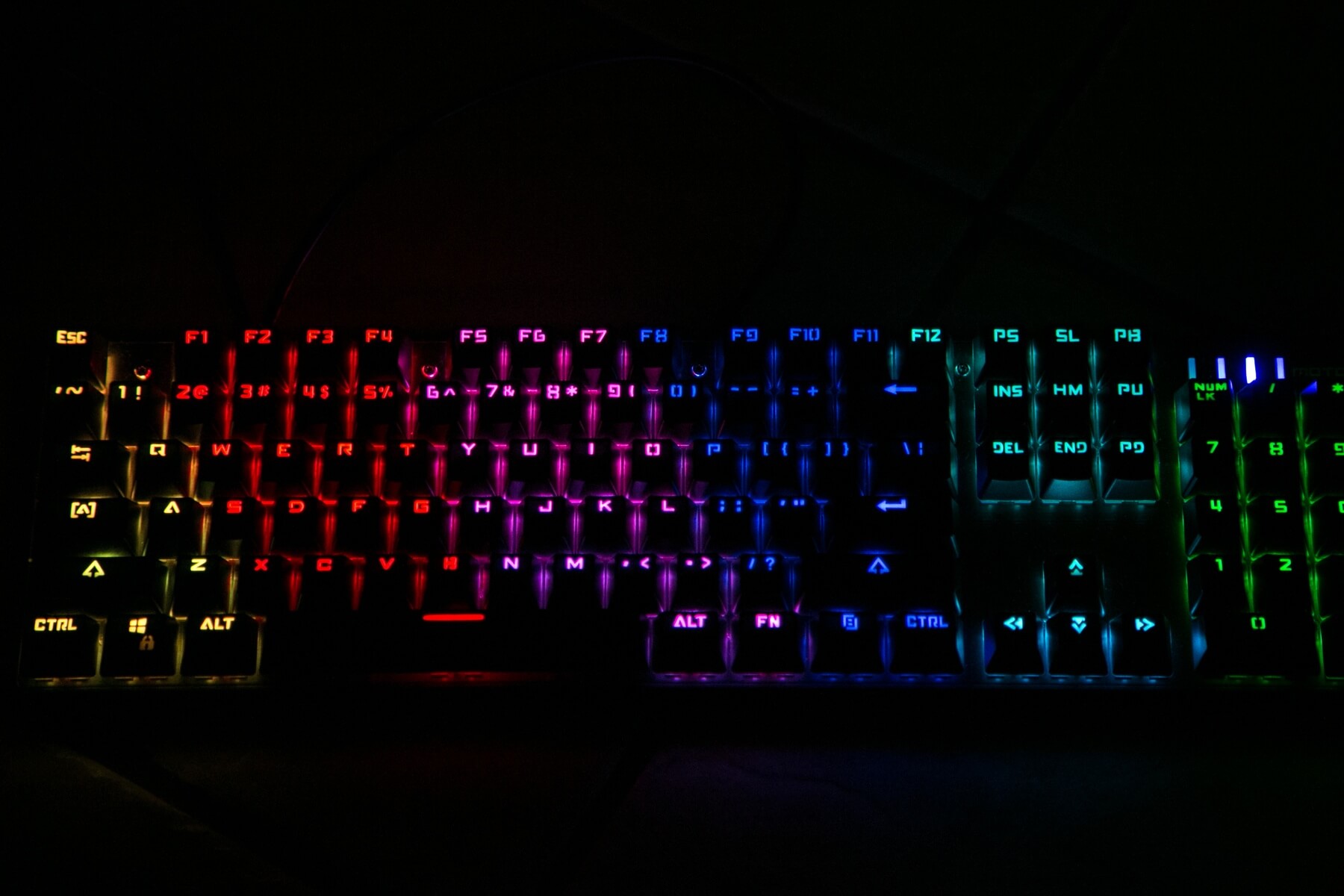
Again at 1/125 sec @ f4, iso 3200 there begins to be some darkened places.
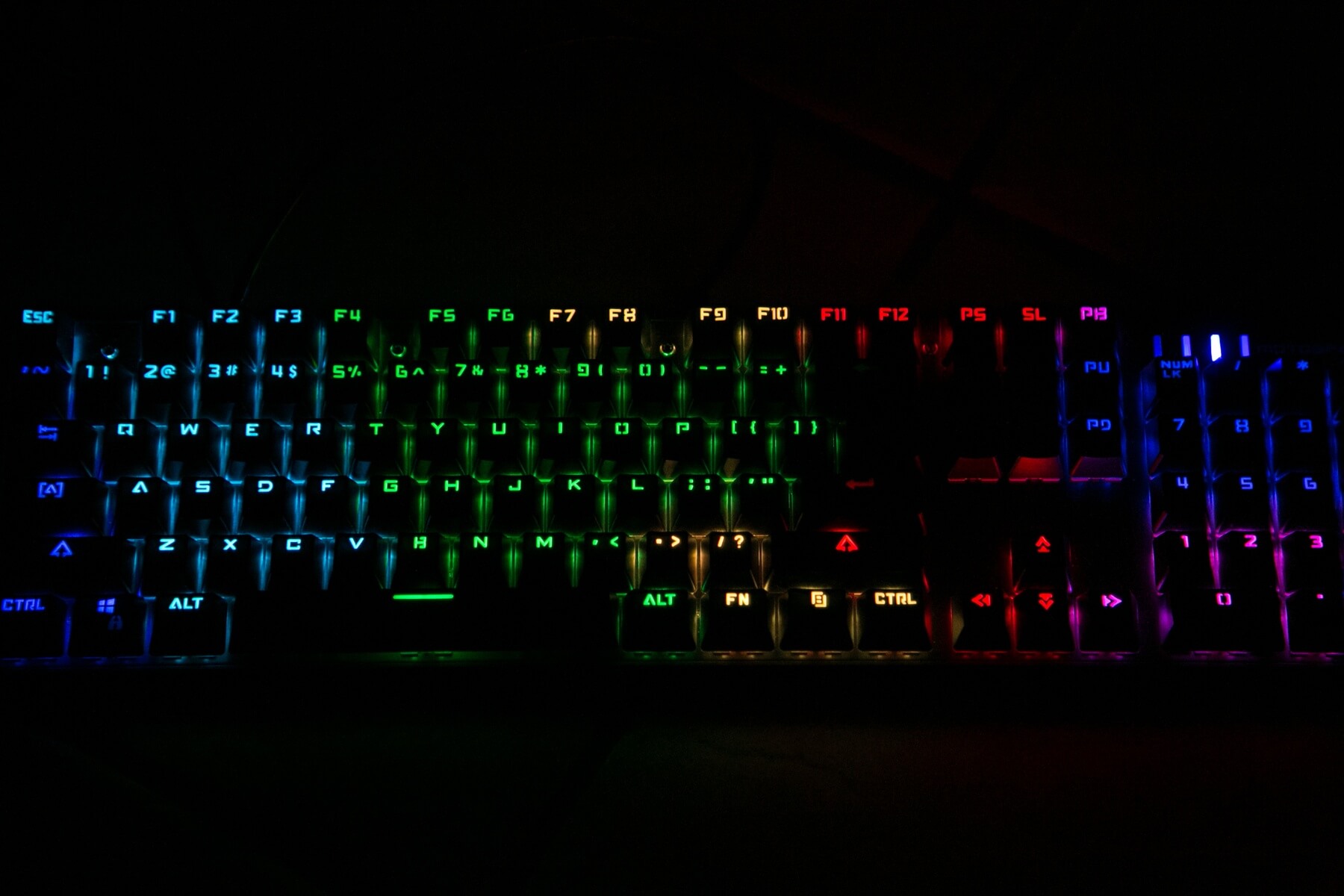
Here is a better comparison. The Anne Pro also has RGB. With primary colors, they look about the same.
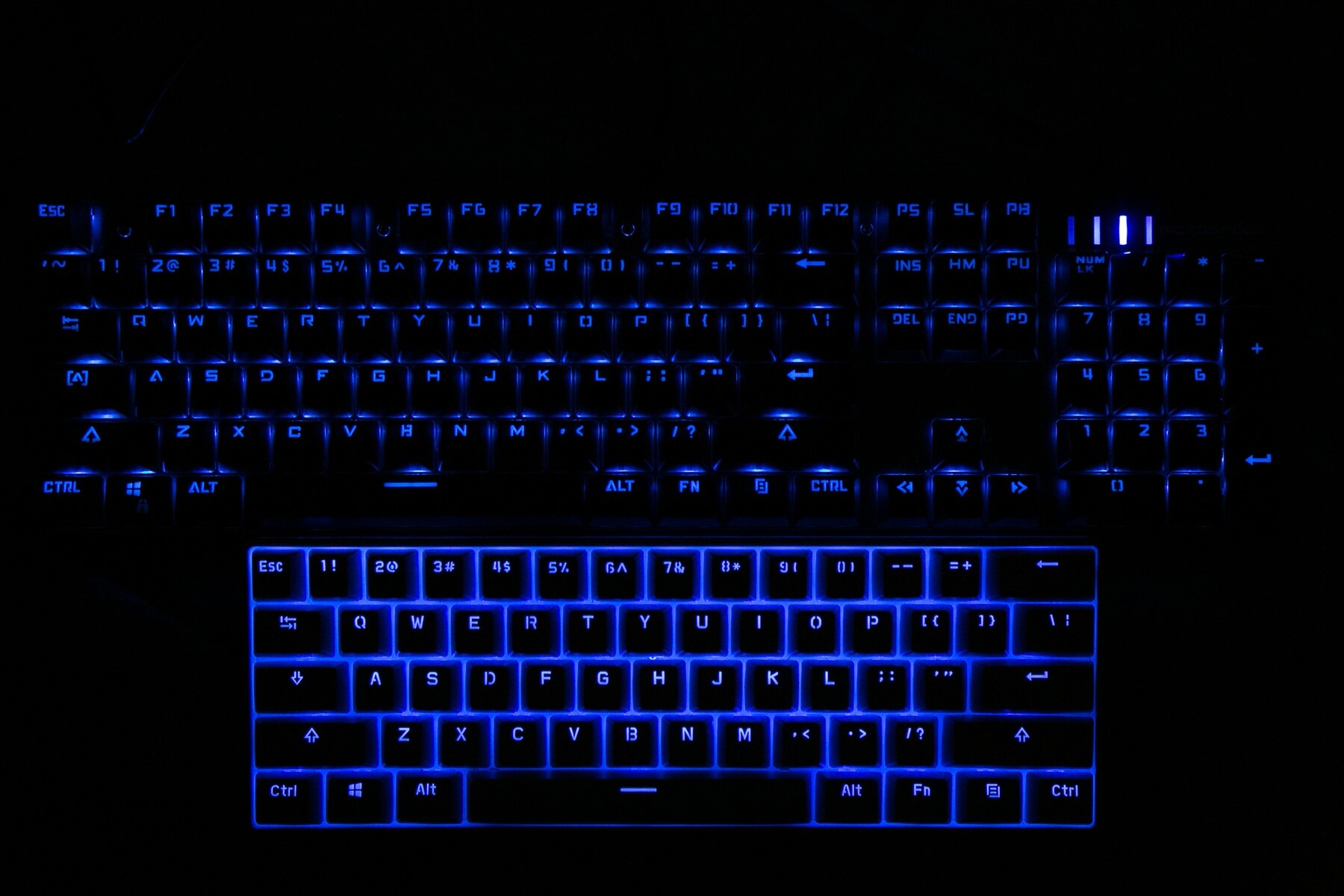
With non-primary (i.e., color mix), they look about the same to the eye (unless you’re sensitive to it!).
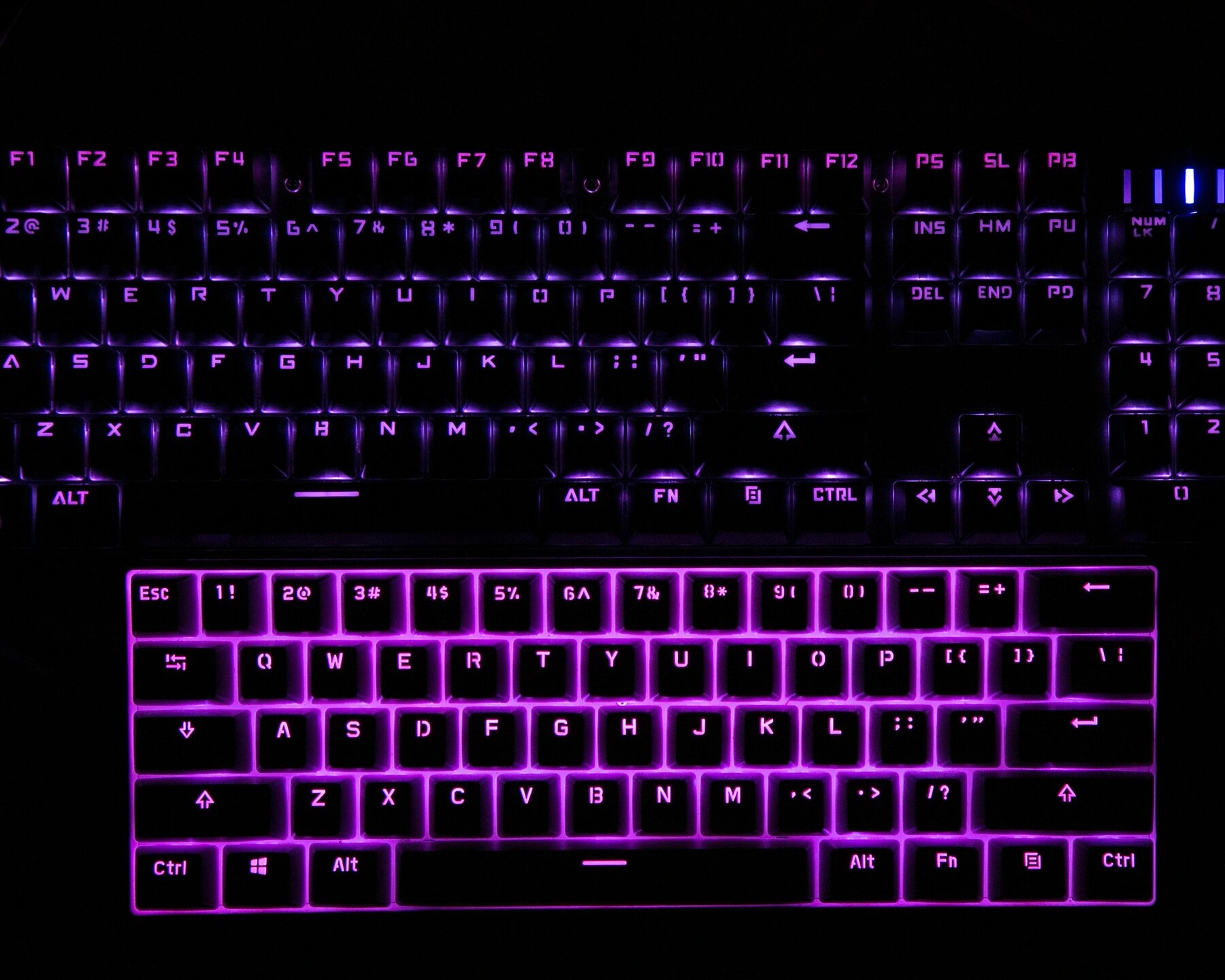
But if we dial the shutter faster, we can see the difference in controllers immediately. Bear in mind that in all of the following sets of photos, the boards were intended to display the same color! (Fuchsia, I guess it’s fuchsia. idk. pinkish something.)
1/125 sec @ f6, iso 6400
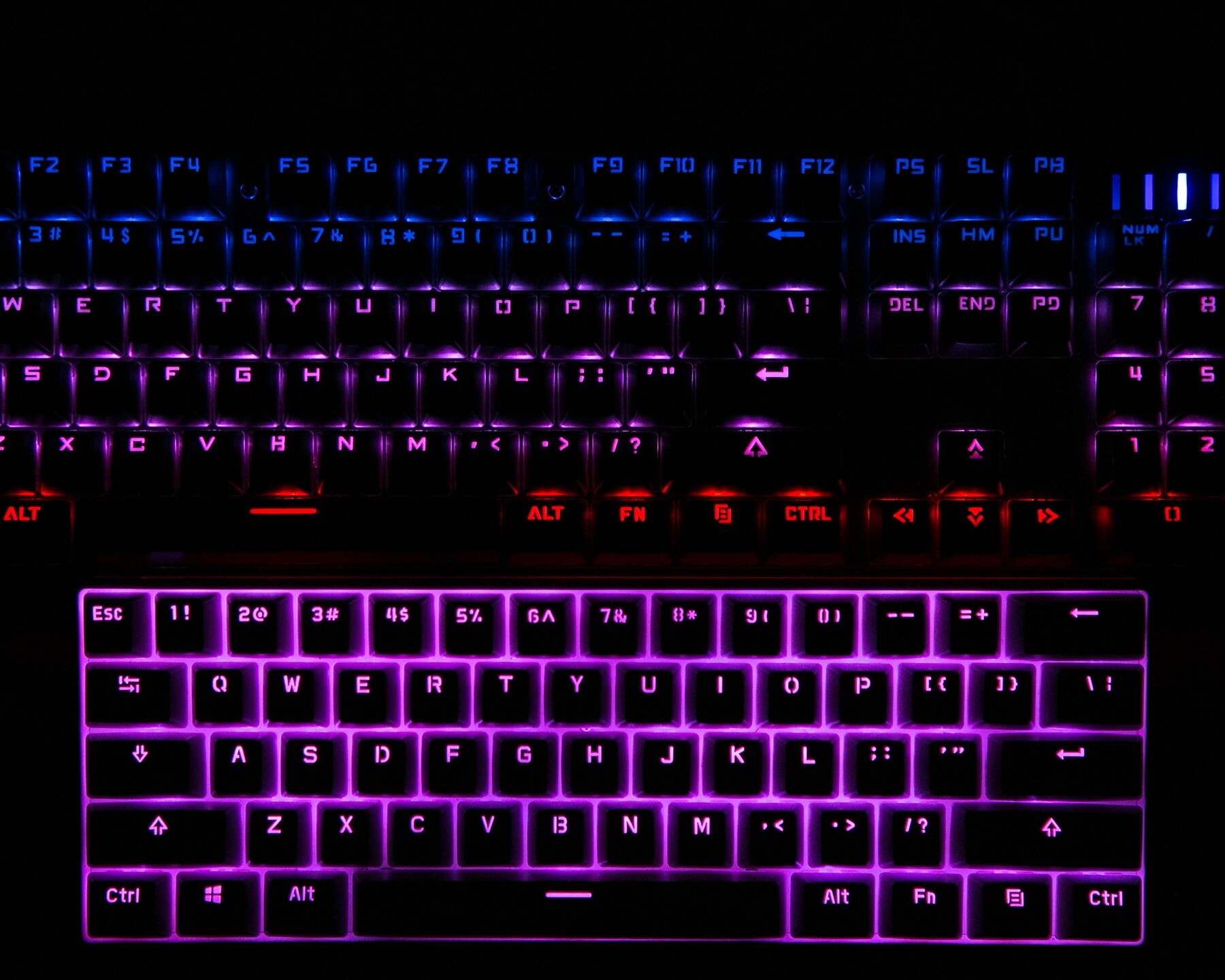
Clearly the Anne Pro is cycling the RGB much faster than the Motospeed, though the CK104 to the eye looks fuchsia too.
1/250 sec @ f4, iso 6400
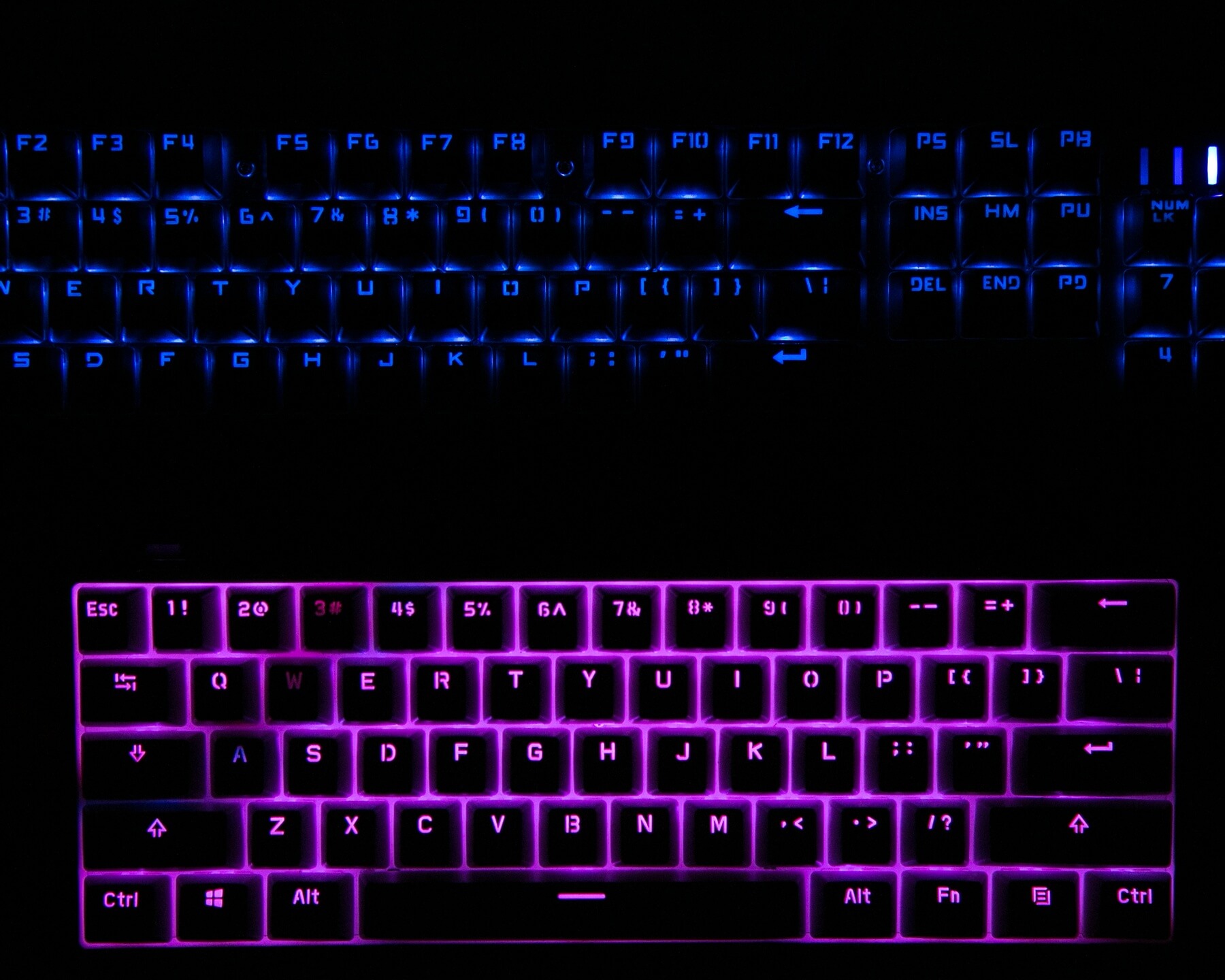
At an even higher shutter speed, we can see the color mix for the Anne pro, and the CK104 is now so slow we can actually see the whole board being one single primary color (with some unlit keys, too). Still, the Anne Pro is doing well because it’s still barely split, and still mostly fuchsia.
1/640 sec @ f4 iso 6400
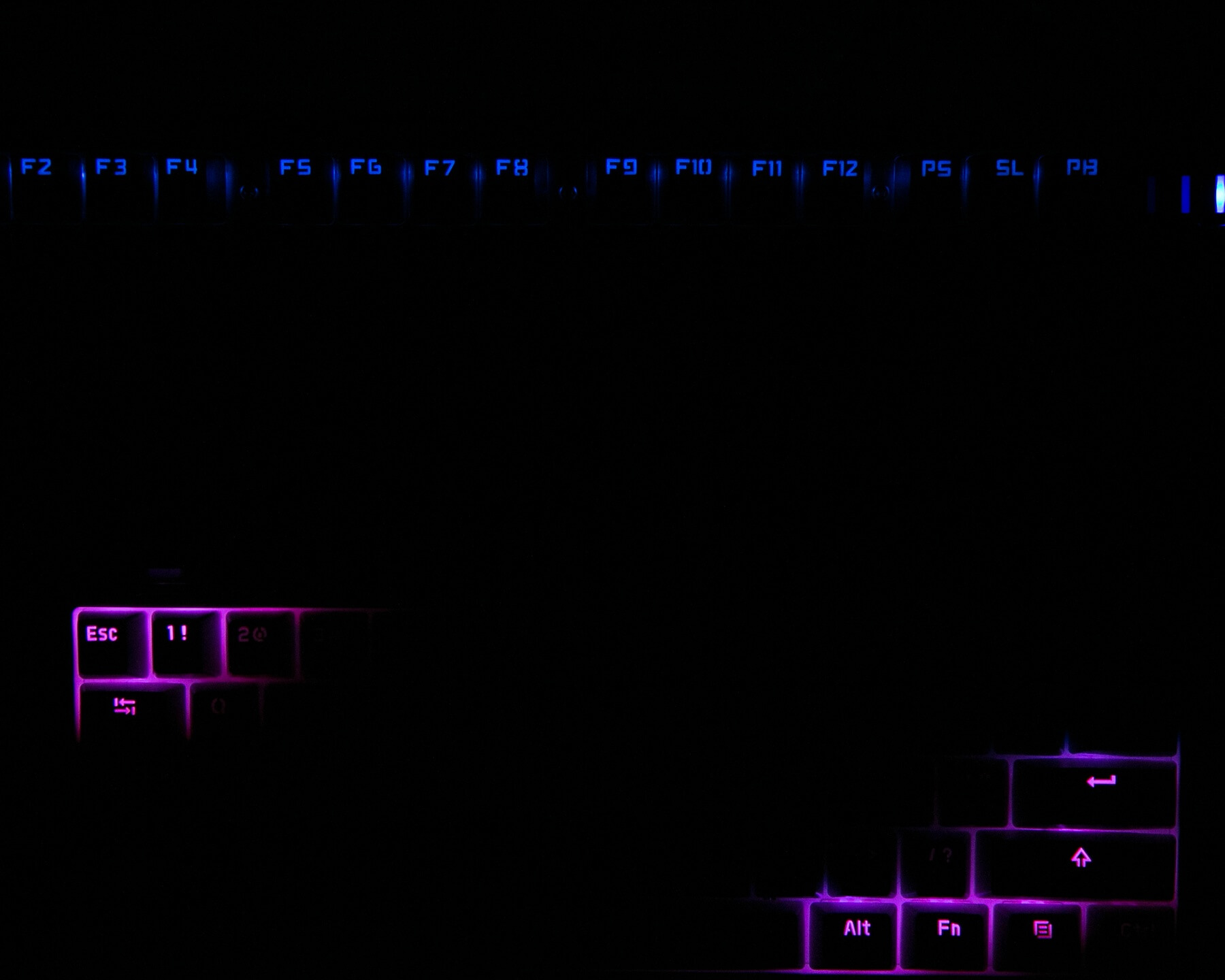
Now we see the Anne pro doing its mixing, but mostly PWM. And the CK104 is too.
Maybe this isn’t a big deal, and I certainly don’t hate the board because of it. But I do wish the controller cycled much faster!!
Even with primary colors on the low brightness setting, PWM can be seen
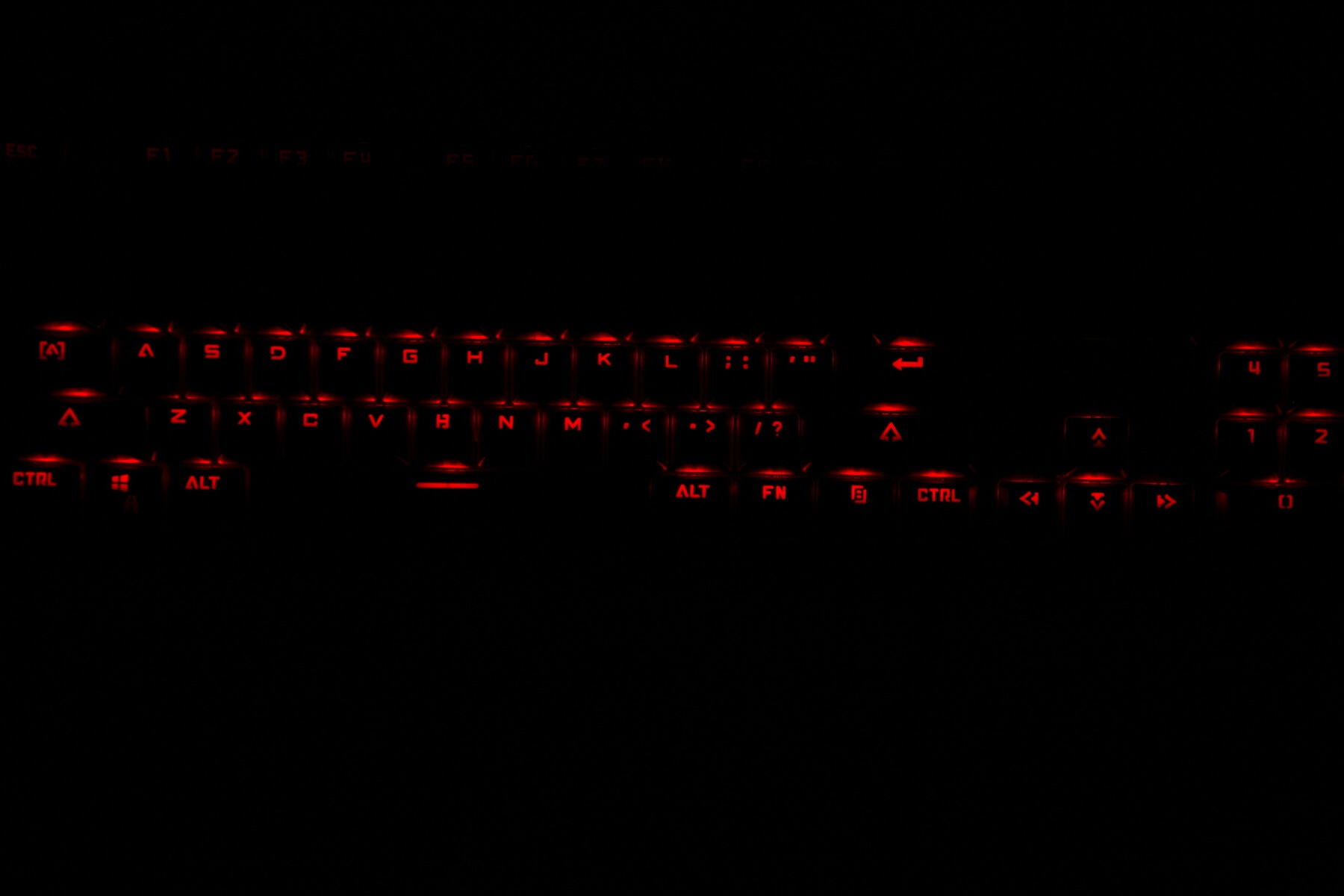
(with a camera). (This isn’t bad, just a demonstration of PWM in general.)

Now, you may all know this. Probably. You’re a smart bunch. But I haven’t seen it demonstrated photographically, so I figured, why not!
Random Comparisons and Competitive Options
Magicforce makes some similar keyboards. There’s also a MantisTek GK1, which looks very similar. In this price range, these boards will probably all be very similar. But the switches on this board are probably a little better. They aren’t a “name brand,” but they’re a “known brand.” At $43, this board is hard to beat.
Conclusion
What I like
- Mechanical nature of the keyboard (ie, it’s a mechanical keyboard)
- RGB
- Size is nice – I like that it’s short and the case has very little bezel
- It’s a joy to type on, ergonomically
- I like the aluminum plate, and the PCB seems to be of high quality.
What I don’t like
- Really, the RGB color mixing bothers me. Not so much though, because I typically just keep the board on red, which is primary anyway.
- It’s hard to spot the FN key when the board is off, and it’s dark… that’s minor. But it’d be nice to have a backlight option so I could always see that key
- The scratchy keys. They aren’t that bad, and lube might help, but compared to my other two boards, it’s noteworthy
Coupon
I have a coupon to take a little off that price: CK104REDS – that makes the price $43.99. I am not sure how long that coupon price will last (typically, GearBest puts a usage limit, or a time limit, or even both).
Parting Shot
Catch me at the Space Bar.
Notes
- Thanks to GearBest for sending this keyboard for the review! I was not paid to write this review.
- This content originally appeared at zeroair.org. Please visit there for the best experience!
- Please use my Amazon.com referral link to help support zeroair.org!
- Please support me on Patreon! I deeply appreciate your support!
Discover more from ZeroAir Reviews
Subscribe to get the latest posts sent to your email.
This is the same keyboard as the Aukey KMG3, not sure who’s manufacturing it at this point. The PCB manufacturer is in India and I can’t find any leads as to who they supply related to the board.
I purchased thru Aliexpress, originally, – easier shipping to NZ/Australia. @zeroair: The Photography in your review added some great Art into my day, Thanks for your work.
Thank you!
Very minor change: The four decorative Torx head screws on my Motospeed CK104 keyboard (Manufactured in January 2020, purchased from an Aliexpress supplier) were definitely T9 size, not the T10 size mentioned in this review.