
Elephone Elenter Game1 UK Mechanical Keyboard
The Elephone Elenter Game1 is a 104-key mechanical keyboard that should be great for gaming. It uses a blue clicky switch for all 104 keys!

Official Specs and Features…
Elephone does have an official site, but it does not seem to include their line of keyboards.
Versions
Elephone has a bunch of keyboards, but as far as I can tell, there’s only one version of this board. An ISO, Ten Key, RGB version, with blue clicky switches.
MSRP
The intended price is somewhere around $60, but GearBest has a flash sale price of $42 right now.
Short Review
The quality of this board is good. If ISO, Ten Key, and click are things you need, then this is an excellent choice for you.
Long Review
What’s Included
- Elephone EleEnter Game1 UK mechanical keyboard
- Manual
- Wrist wrest
Package and Manual
The Game1 ships in a highly printed, well-built box. There are photos of the item, QR codes, and the like on the box. The back even includes nearly the full manual!


Inside the box, the keyboard is well supported with foam. This board shipped safely from China to me in the US – the packaging is fine.

The manual is really nothing to write home about. There’s a lot of info, but the graphics are a bit hard to read. And the graphics are needed, because otherwise the manual doesn’t say which key is being referenced.


Size
This Game1 is 44.10 x 19.50 x 3.70 cm. It’s an average-sized ten-key keyboard. The bezels are slimmer than on my Corsair K70, however, it’s probably on the small side for TK’s.
Build Quality and Disassembly
This is a solid board. The top plate is rounded on the North and South edges. It’s also metal, which gives typing on the board a nice, sturdy feel.
The hard-wired USB 2.0 cable has a gold-plated connector, which is a nice touch. I like removable USB cables better, sure, but at $40ish, this is expected.

The included wrist wrest attaches snugly. It’s a very thin, light wrist rest, though, and nothing special at all.

The bottom of the board has feet that can be kicked out to adjust the angle of the board for more comfortable typing. These are either in or out; there is no middle ground. Thus, there are only two angles possible. The feet are plastic, but held up fine to normal use. I wouldn’t use them as chair legs or anything.
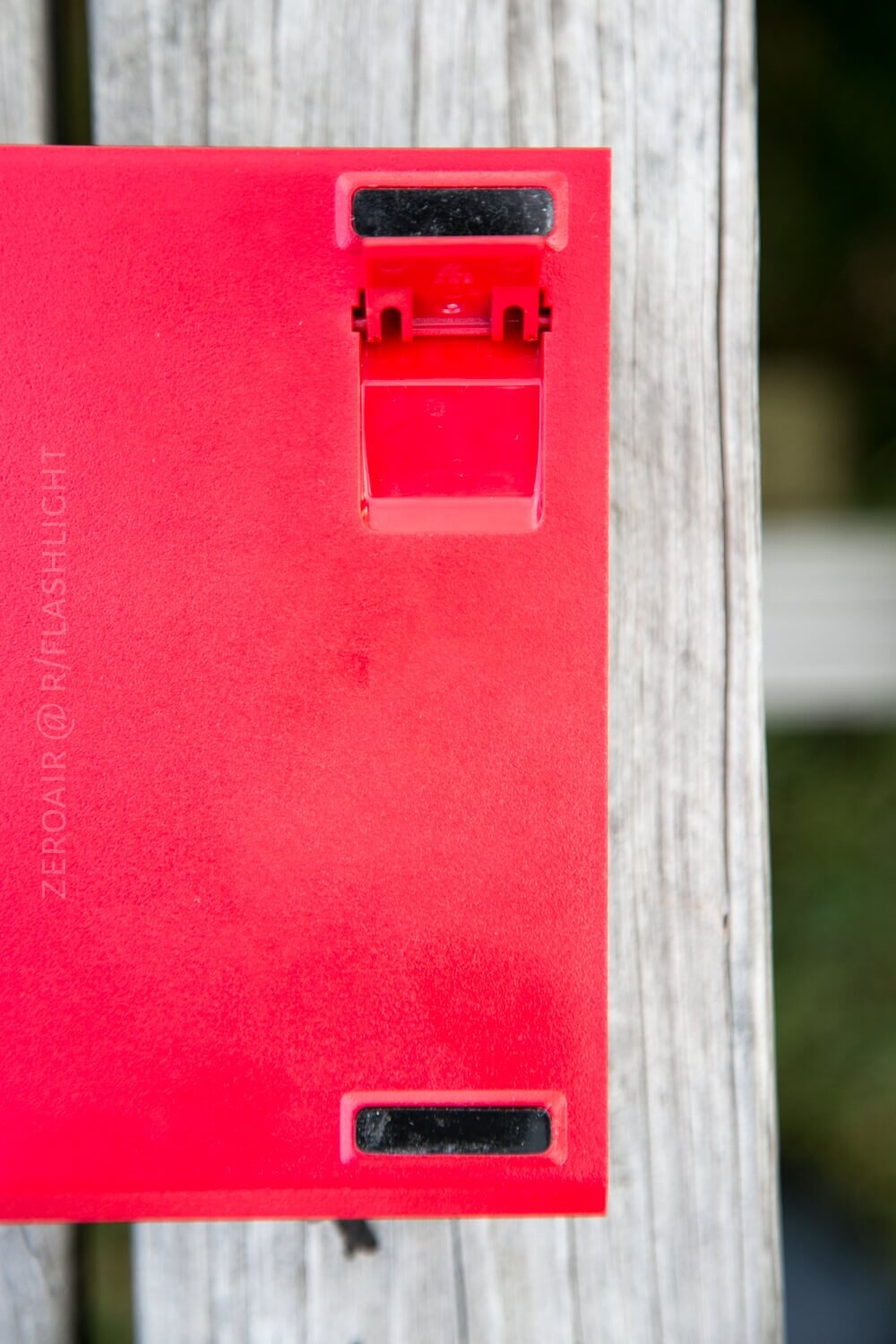

Plate and Case
As stated above, the plate is rolled-edge metal. The bright red case seems to be plastic. The plate itself is very high quality. It’s also all one sees from the top-down view. This is a nice aesthetic.
Below, see the angle the foot provides:


Layout and Keycaps
A traditional ten-key keyboard is the Game1 UK. Even the row spacing is familiar – it’s the same as on my K70. Of course, this Game1 is the UK version, which means it’s an ISO. So, for me as a touch typist, there are a lot of keys in places I wasn’t expecting, and I tended to end up with a bunch of characters I didn’t know. Either way, if you’re looking at this board, you’re probably ok with that. 🙂 Here’s the layout, below:
Life ain’t nothing but Switches and money
Blue switches seem to always mean “clicky,” and in this case, they certainly do. Very, very clicky. Wake-the-kids clicky. Turns out clicky isn’t my thing…. Regardless of what I like, the switches do perform well. I am not sure what brand they are, but it’s not Cherry or Gateron. I don’t believe they’re even Outemu… I’ll have a look – maybe I’ll have to get out my loupe. :

Here’s some clickety clackety goodness.
Connectivity
There’s only one connectivity option on this board. USB 2.0. No Bluetooth or wireless or anything else. It’s plug-and-play, so no worries on it working. Just plug it and it’ll be recognized immediately on most modern computers.
User Interface and Operation
The FN key is used to change anything about the board you might like to change. Mostly, this means cycling through the pre-programmed RGB modes, but one can also manually program RGB as well.
Otherwise, all the keys do what all keys do! Keys gonna key!
RGB
I found the RGB to be fairly limited on this board. It suffers from what I’ve talked about a lot in my board reviews – bad PWM.
There are a bunch of pre-programmed modes. I’ll be honest and say I didn’t really experience them because the print on the manual is so tiny I couldn’t read it, to figure out what modifiers I needed to use to activate those modes! But I did cycle through the gaming modes, which you can see below.


Bad PWM on boards like this is inexcusable for me. I can always see it, and I hate it. If you intend to use RGB on your keyboard, bear in mind that you’ll probably be able to see the color mixing if you use any color except a primary color!
Conclusion
What I like
- It’s a nice ISO layout TK board.
- Clicky keys are what they promise (clicky!)
- The layout is comfortable and standard.
What I don’t like
- Bad PWM on the RGB
- Hardwired cable
Notes
- This keyboard was provided by GearBest.com for review. I was not paid to write this review.
- This content originally appeared at zeroair.org. Please visit there for the best experience!
- Whether or not I have a coupon for this keyboard, I do have a bunch of coupons!! Have a look at my spreadsheet for those coupons.