
JETBeam HR30 Headlamp Review
The JETBeam HR30 headlamp has been available for a while, but it’s neat! It offers 950-lumen output and a red secondary. Read on for testing!
JETBeam HR30 950 Lumen Headlamp Official Specs and Features
Here’s a link to the official product page.
Versions
Just this one version, I believe.
Price
Looks like these are in the $50 to $60 range, and one place you can grab one is through my Amazon referral link!
Short Review
For a headlamp that was released maybe 2 years ago, this has held up pretty well. It offers USB-C charging and comes with a cell. The red secondary is a good bonus, and with either cell type that fits, runtimes should be great.
Long Review
The Big Table
| Emitter: | Luminus SST40 (N5) |
| Price in USD at publication time: | $64.69 at Amazon |
| Cell: | 1×18650 |
| Turbo Runtime Graph | High Runtime Graph |
| LVP? | Yes |
| Switch Type: | E-Switch |
| Quiescent Current (mA): | |
| On-Board Charging? | Yes |
| Charge Port Type: | USB-C |
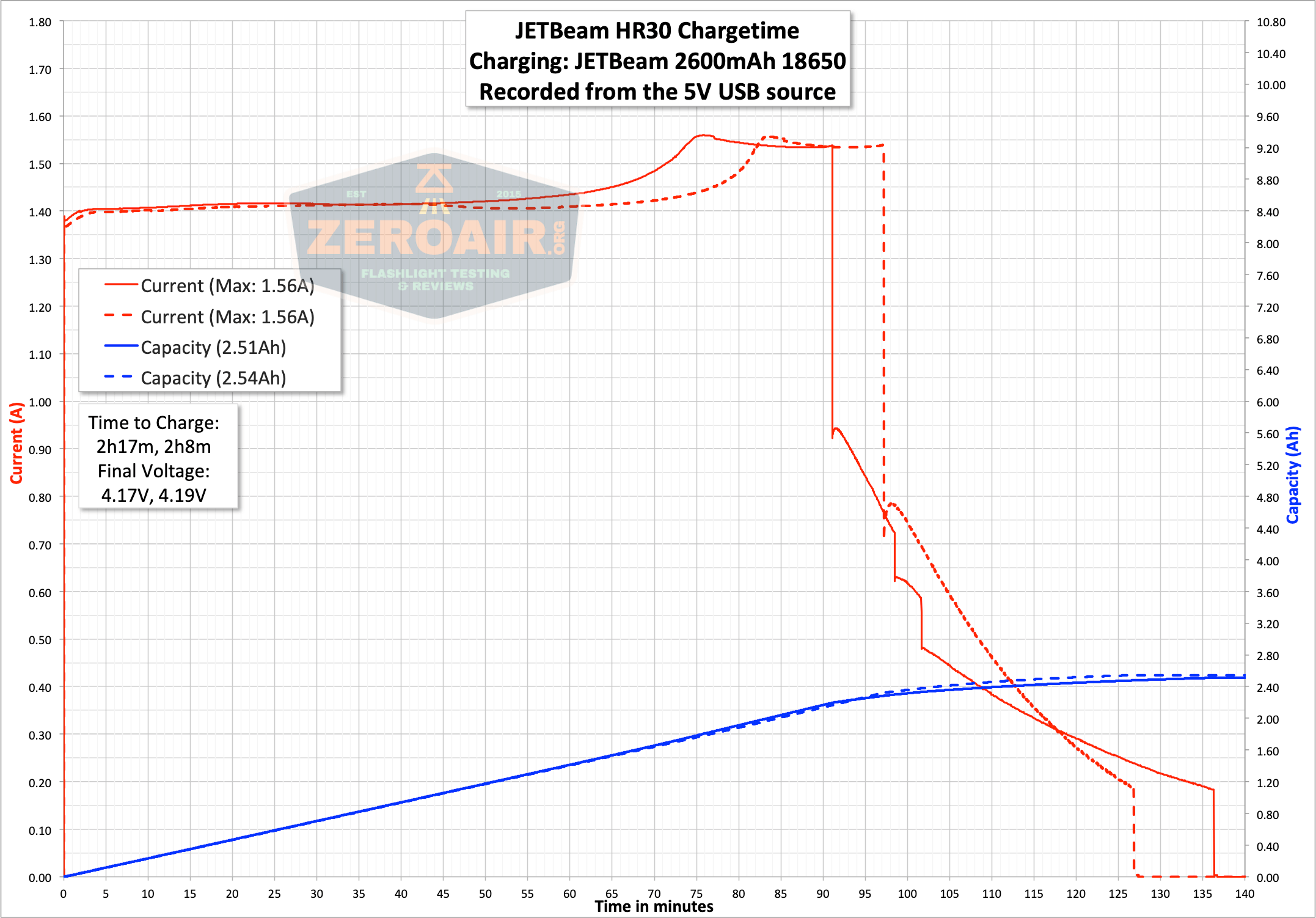
| Charge Graph | |
| Power off Charge Port | All modes with or without cell |
| Claimed Lumens (lm) | 950 |
| Measured Lumens (at 30s) | 889 (93.6% of claim)^ |
| Candela per Lumen | 5.2 |
| Claimed Throw (m) | 120 |
| Candela (Calculated) in cd (at 30s) | 340lux @ 3.61m = 4431cd |
| Throw (Calculated) (m) | 133.1 (110.9% of claim)^ |
| All my JETBeam reviews! | |
^ Measurement disclaimer: Testing flashlights is my hobby. I use hobbyist-level equipment for testing, including some I made myself. Try not to get buried in the details of manufacturer specifications versus measurements recorded here; A certain amount of difference (say, 10 or 15%) is perfectly reasonable.
What’s Included
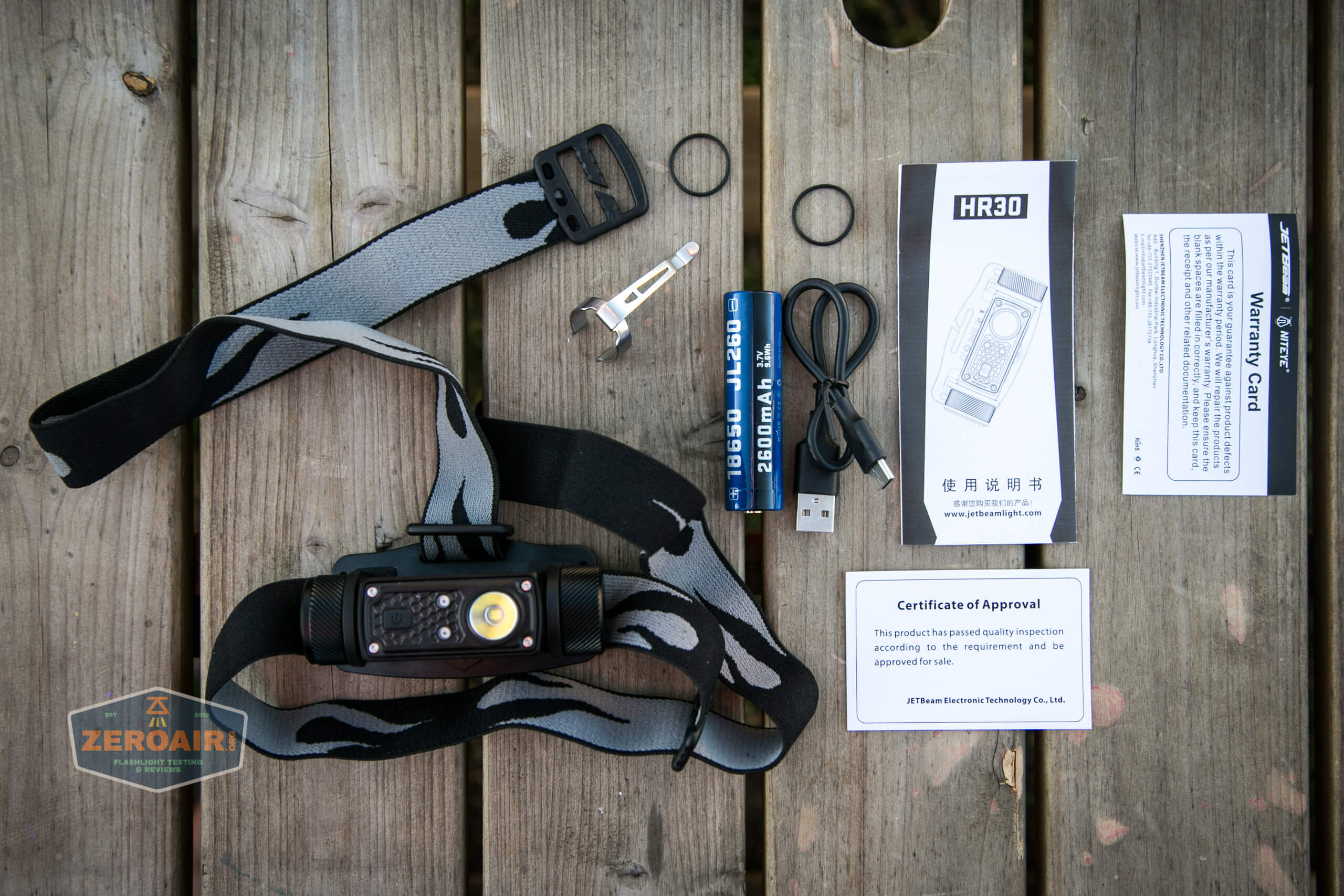
- JETBeam HR30 950 lumen headlamp
- JETBeam 2600mAh 18650
- Charge cable (USB to USB-C)
- Pocket clip
- Headband
- Spare o-rings (2)
- Manual and papers
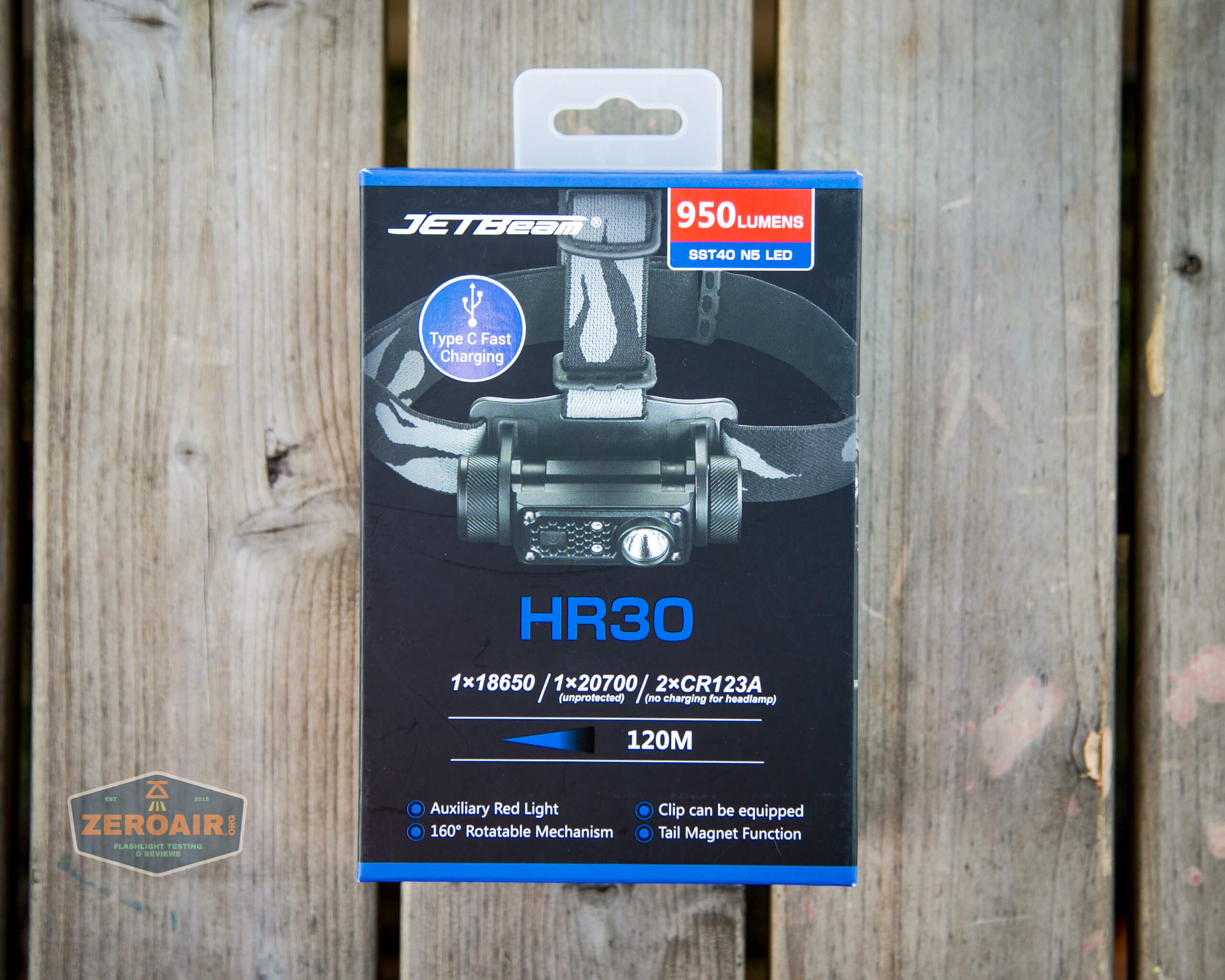
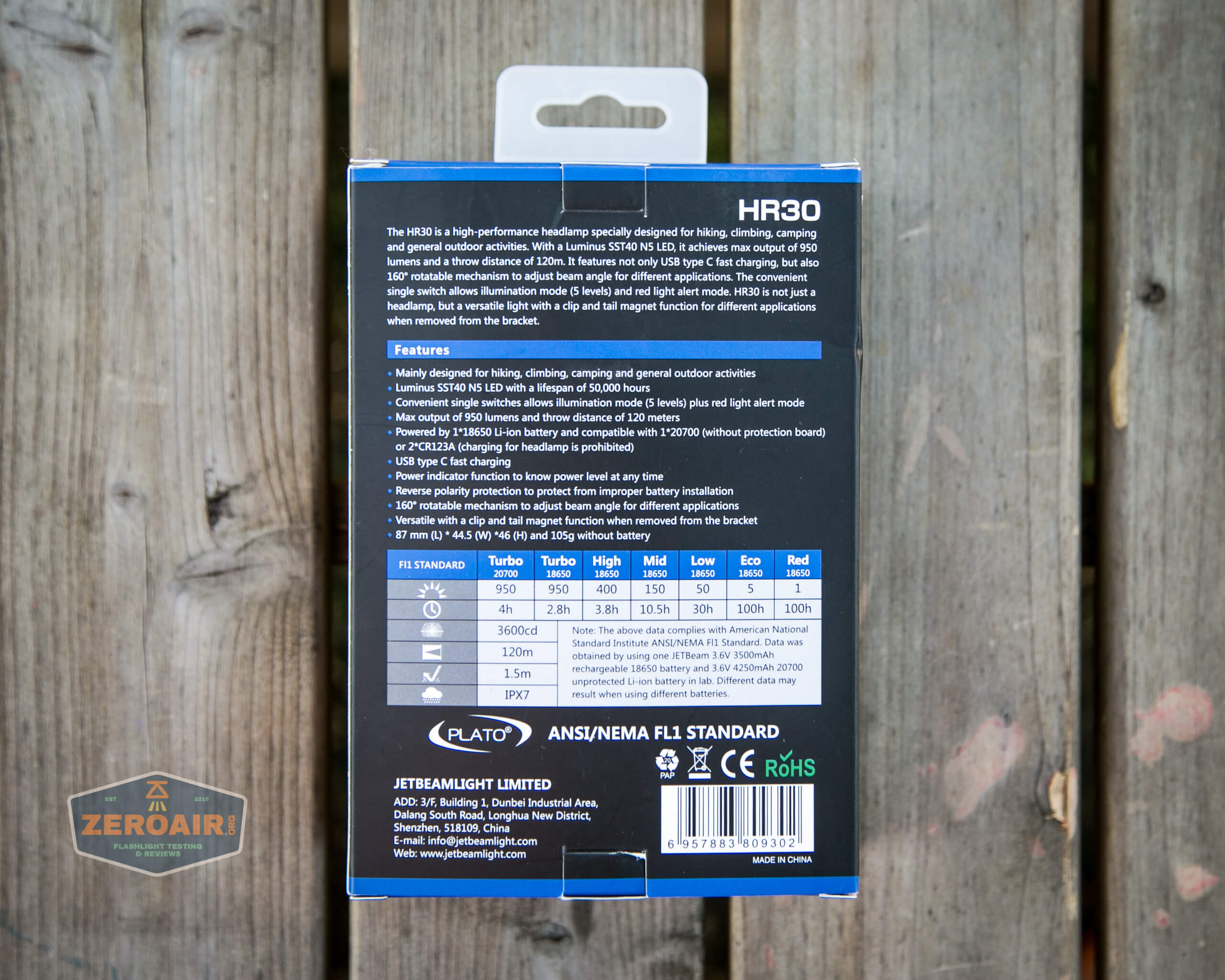
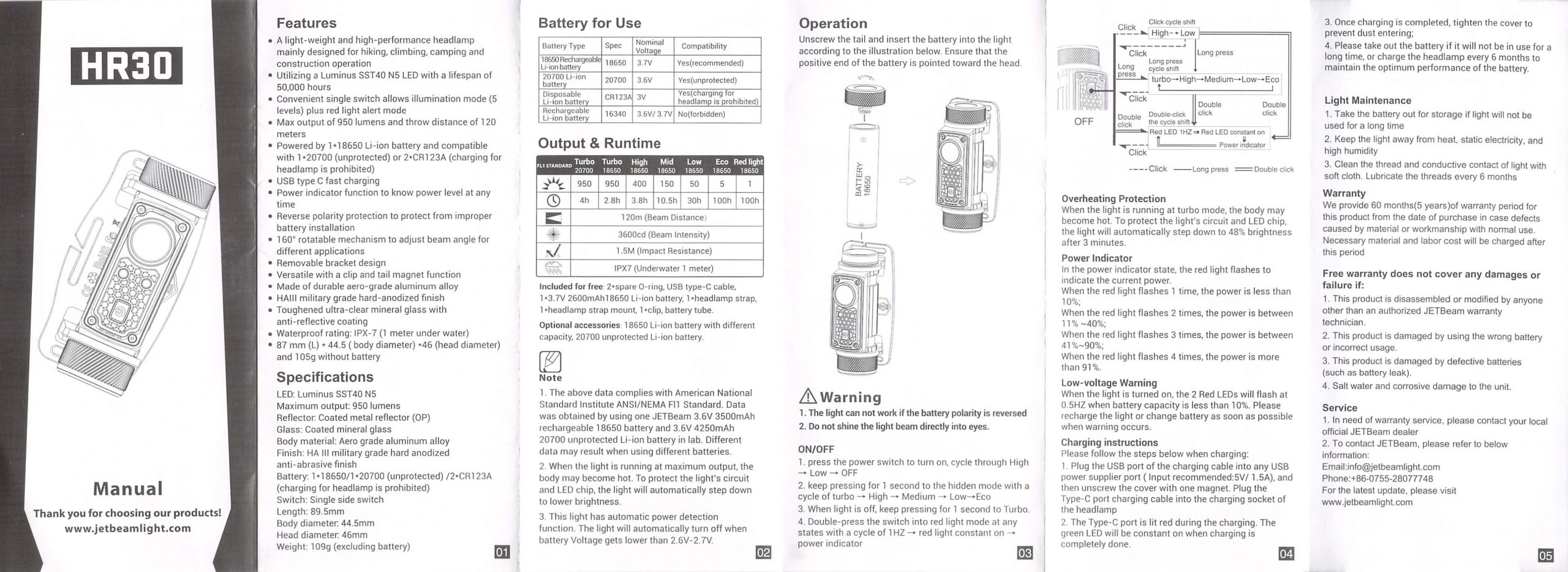
Package and Manual
Build Quality and Disassembly
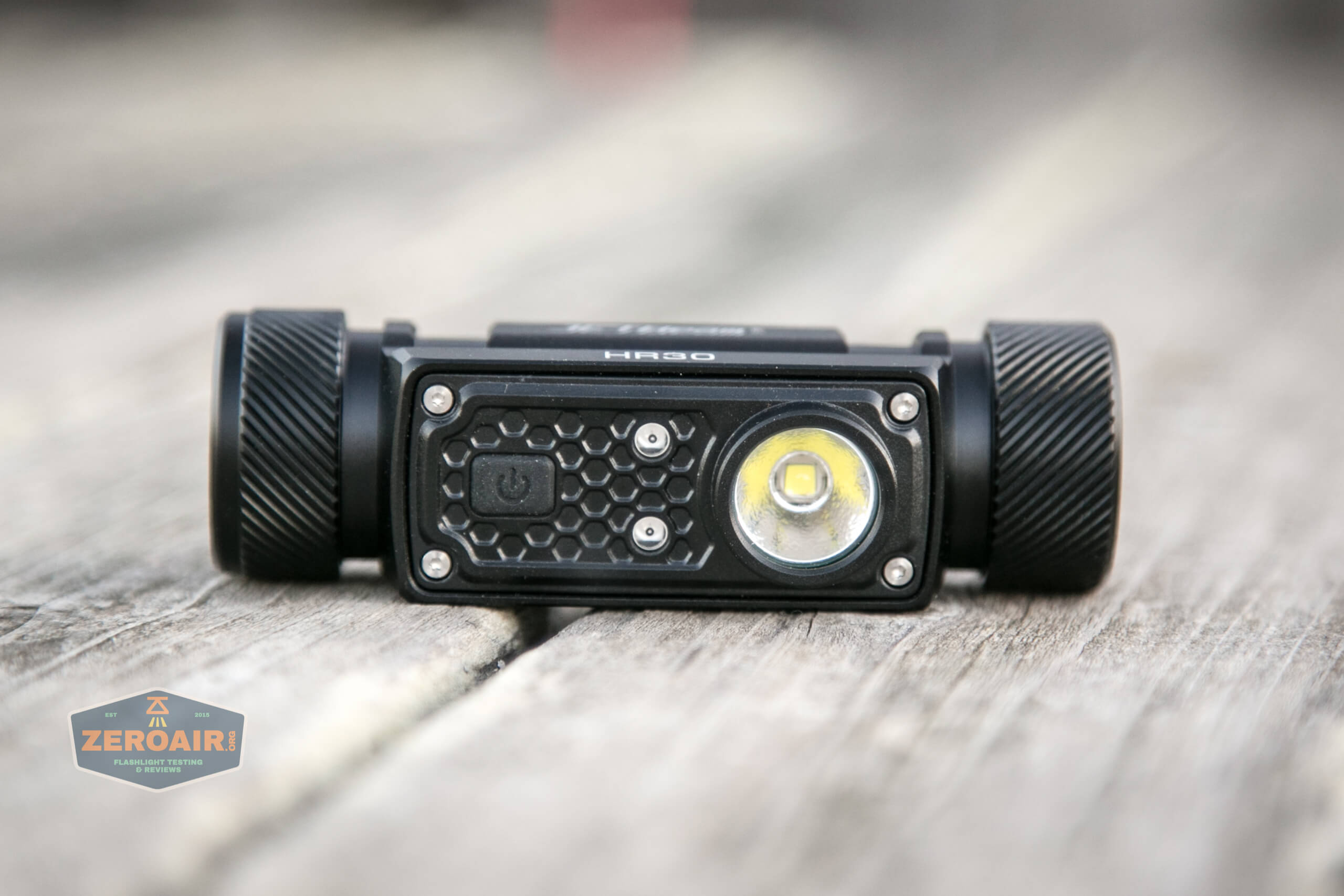
If you’re a fan of the spirals, you’ll like the JETBeam HR30!
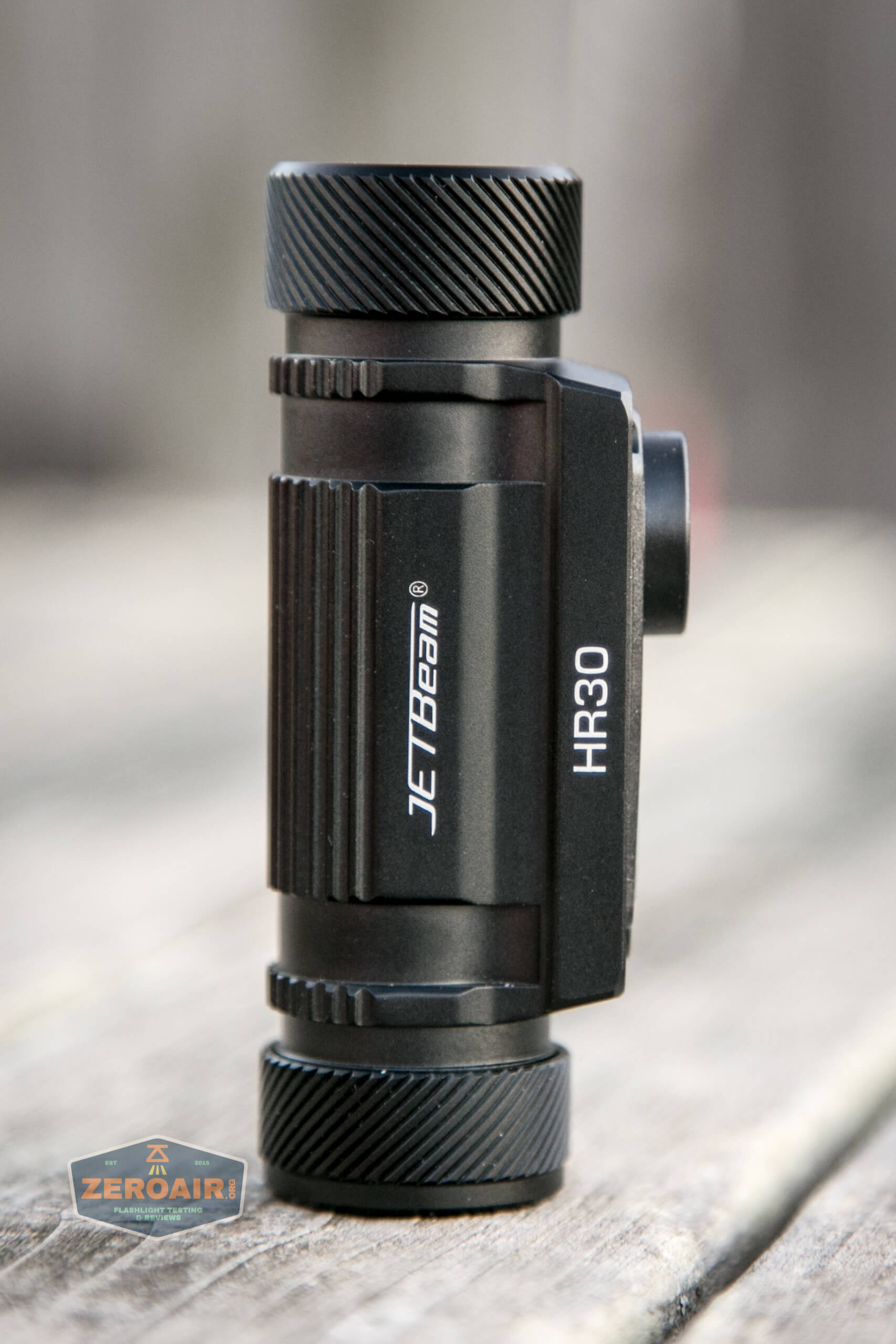
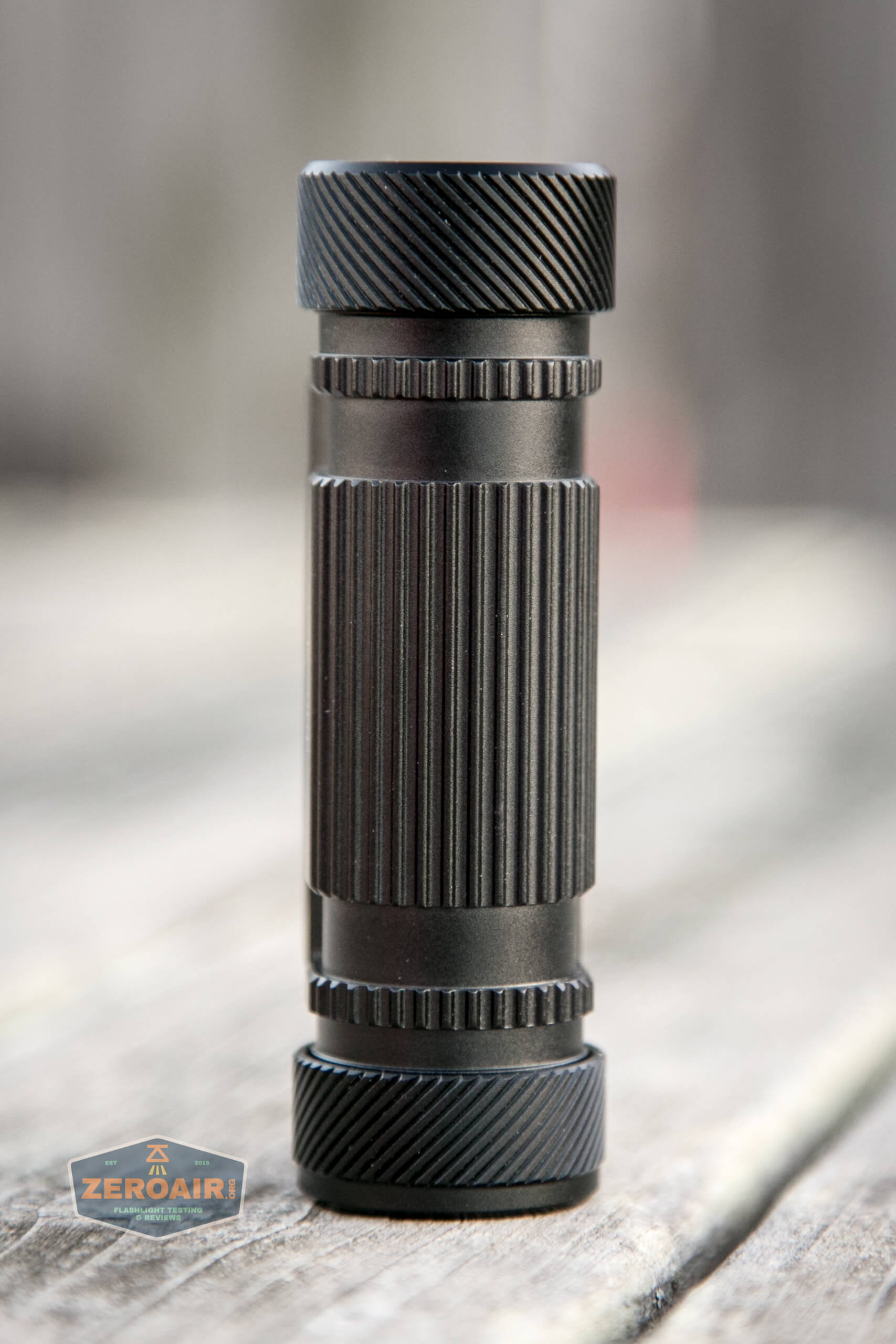
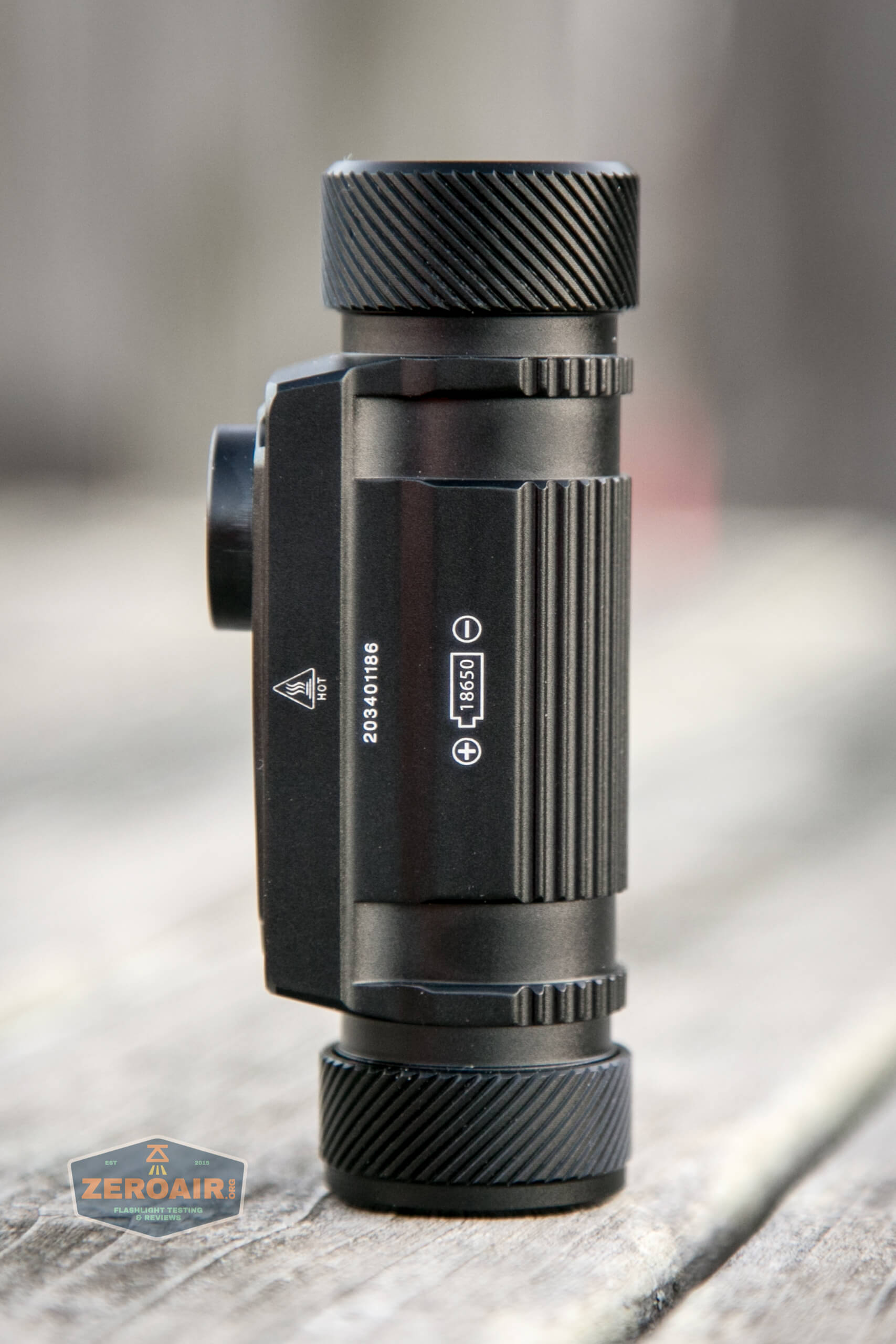
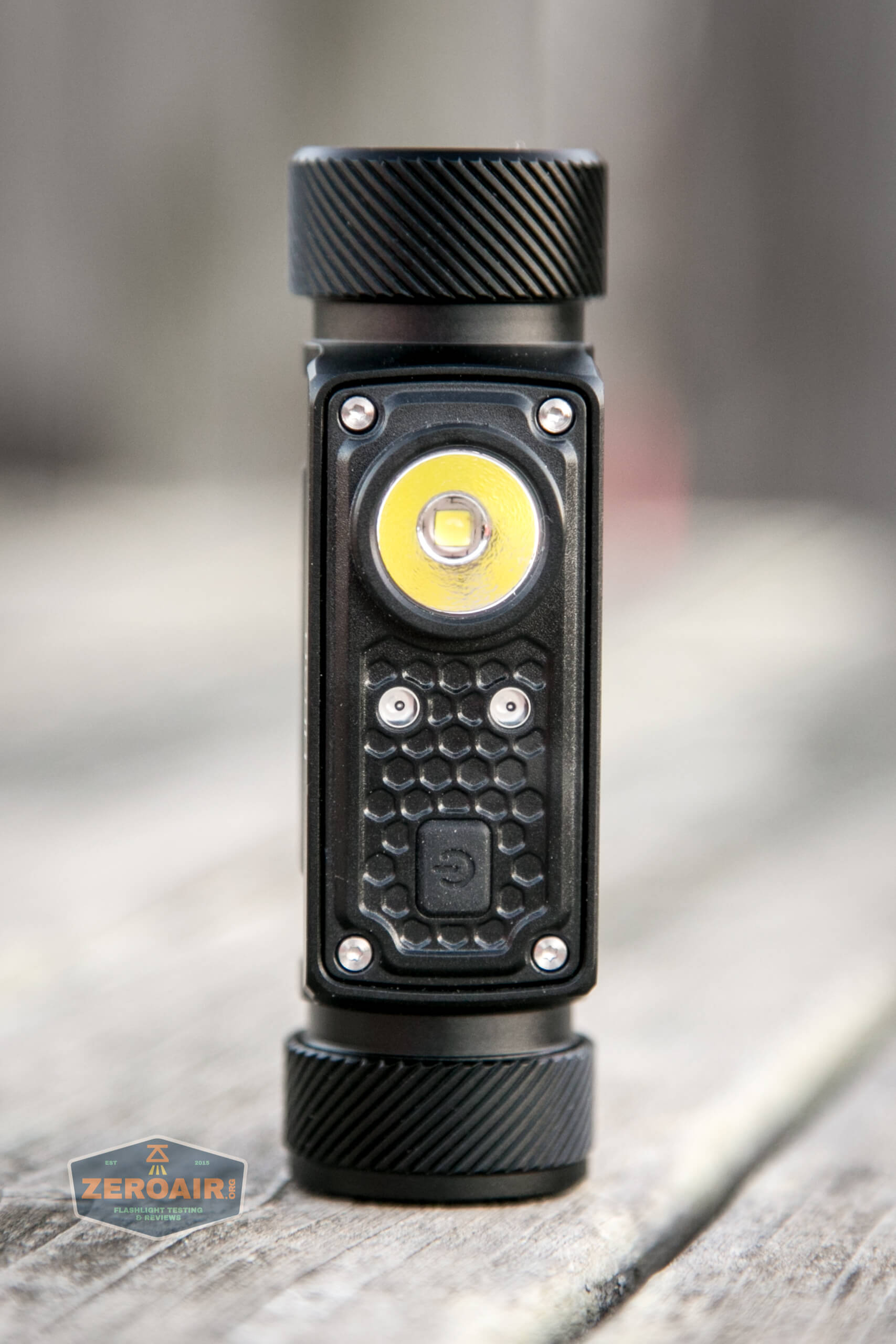
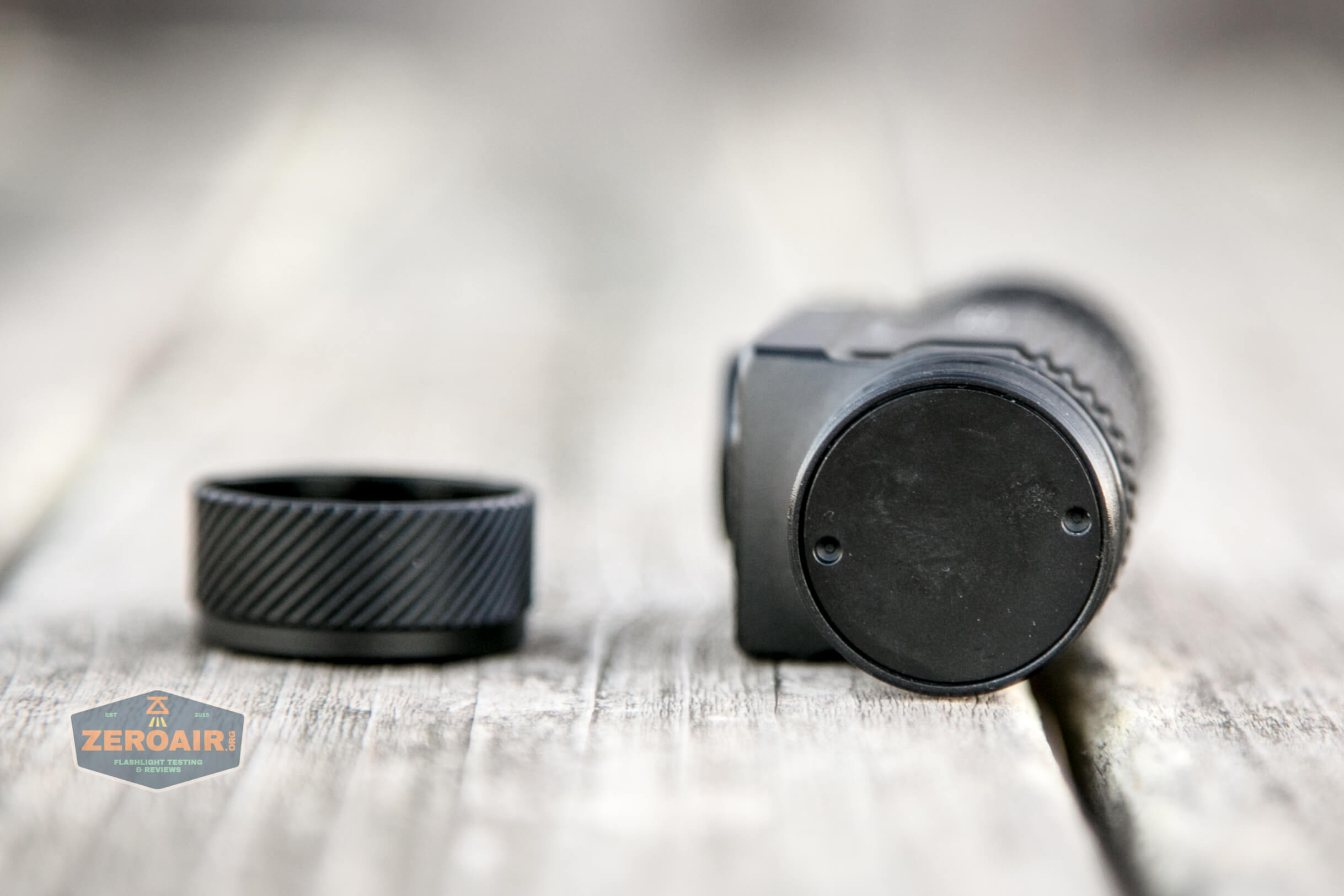
Both tailcaps have spirals, and interestingly, they are in opposite directions.
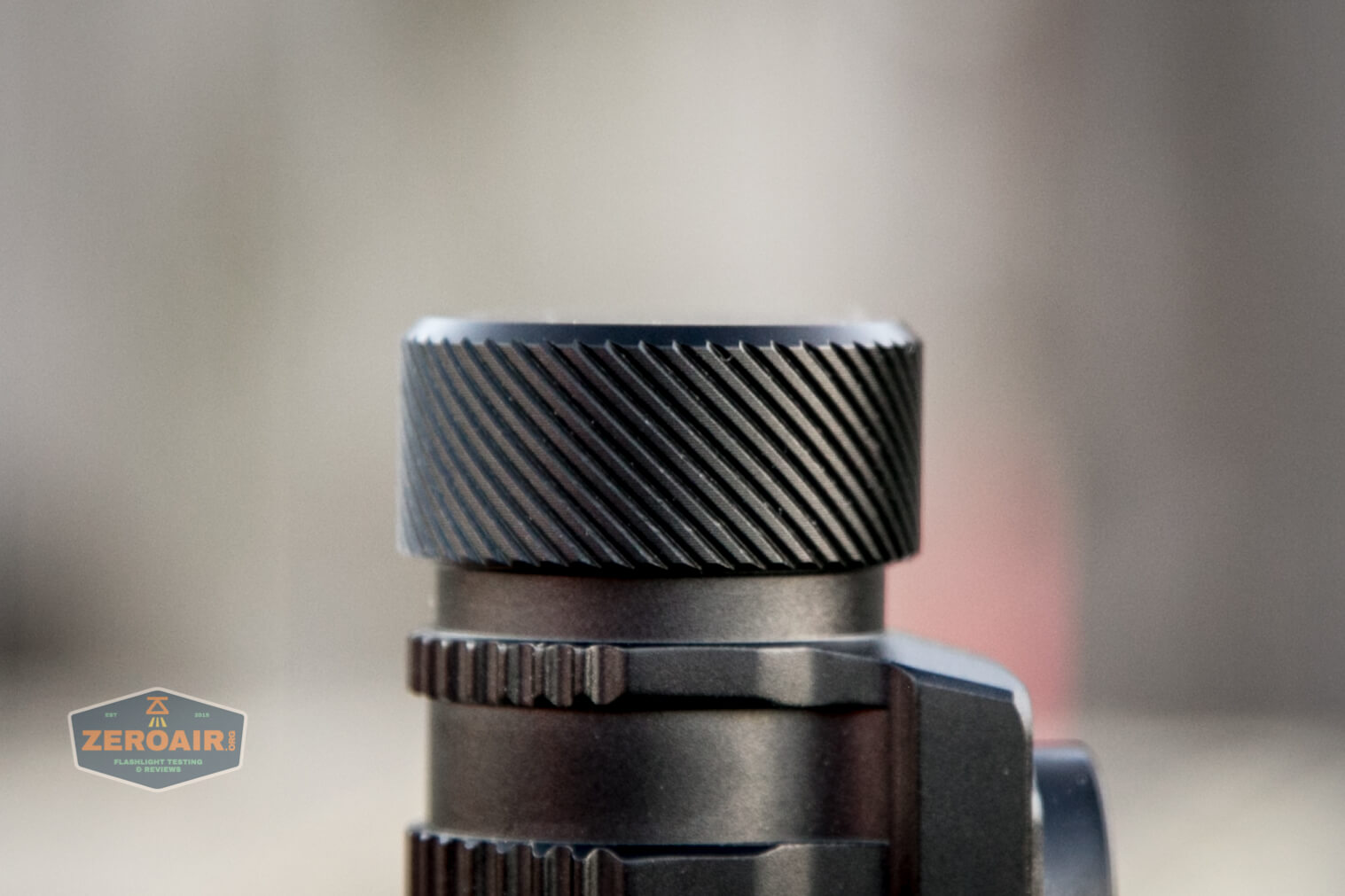
I actually don’t like spirals, and in this case, they don’t seem ideal either – they detract from the ease of tailcap removal.
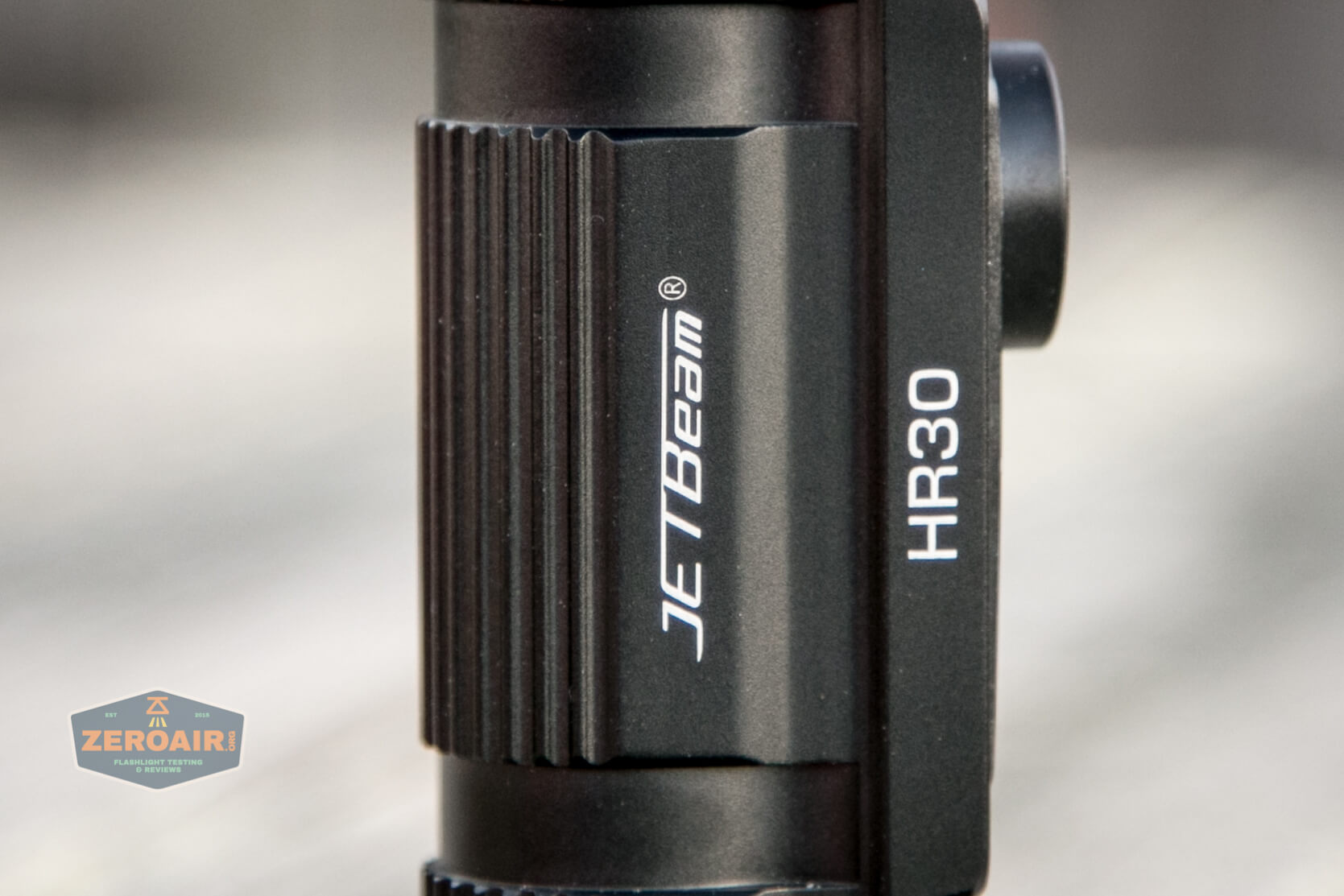
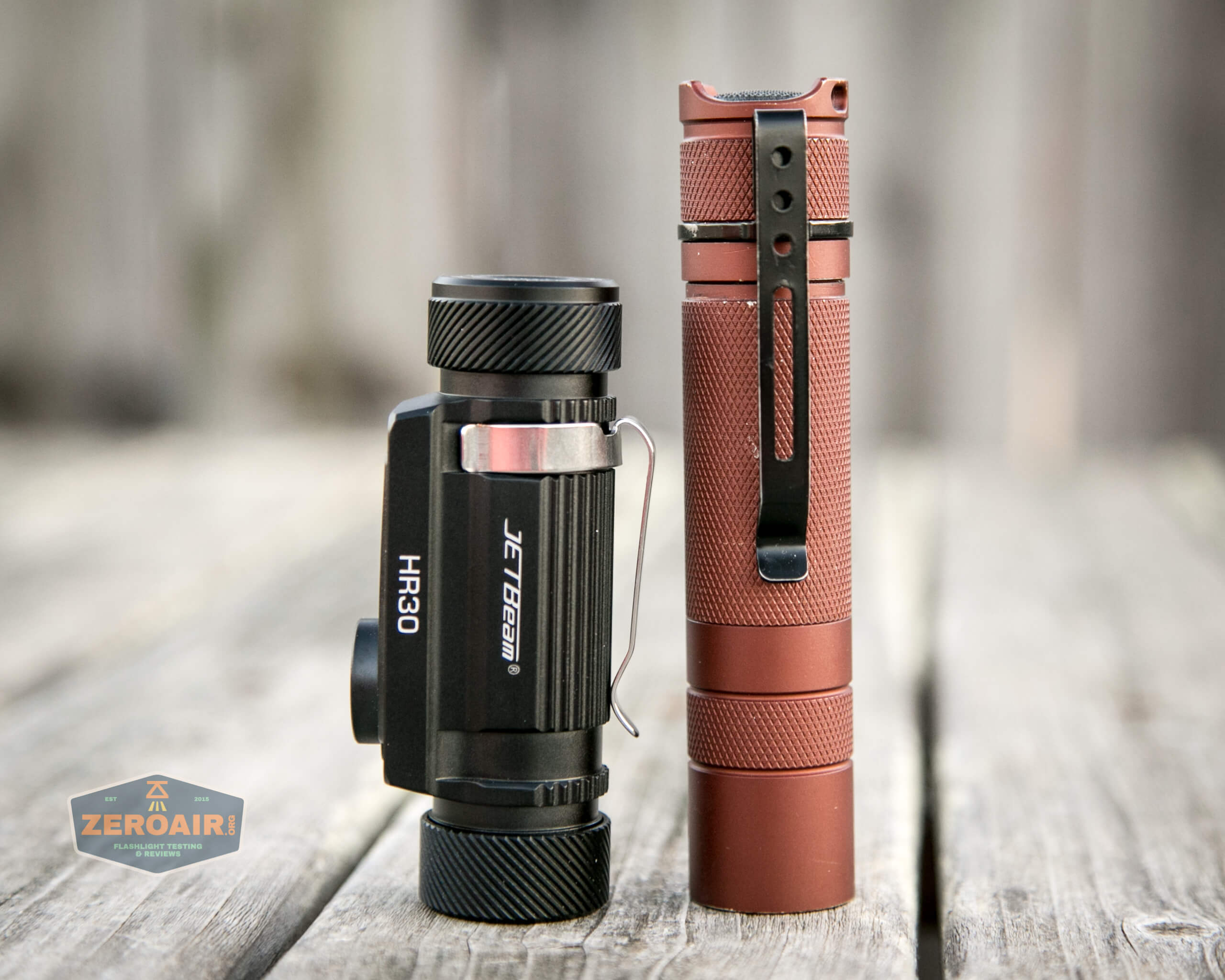
The body has minimal branding, as seen below.
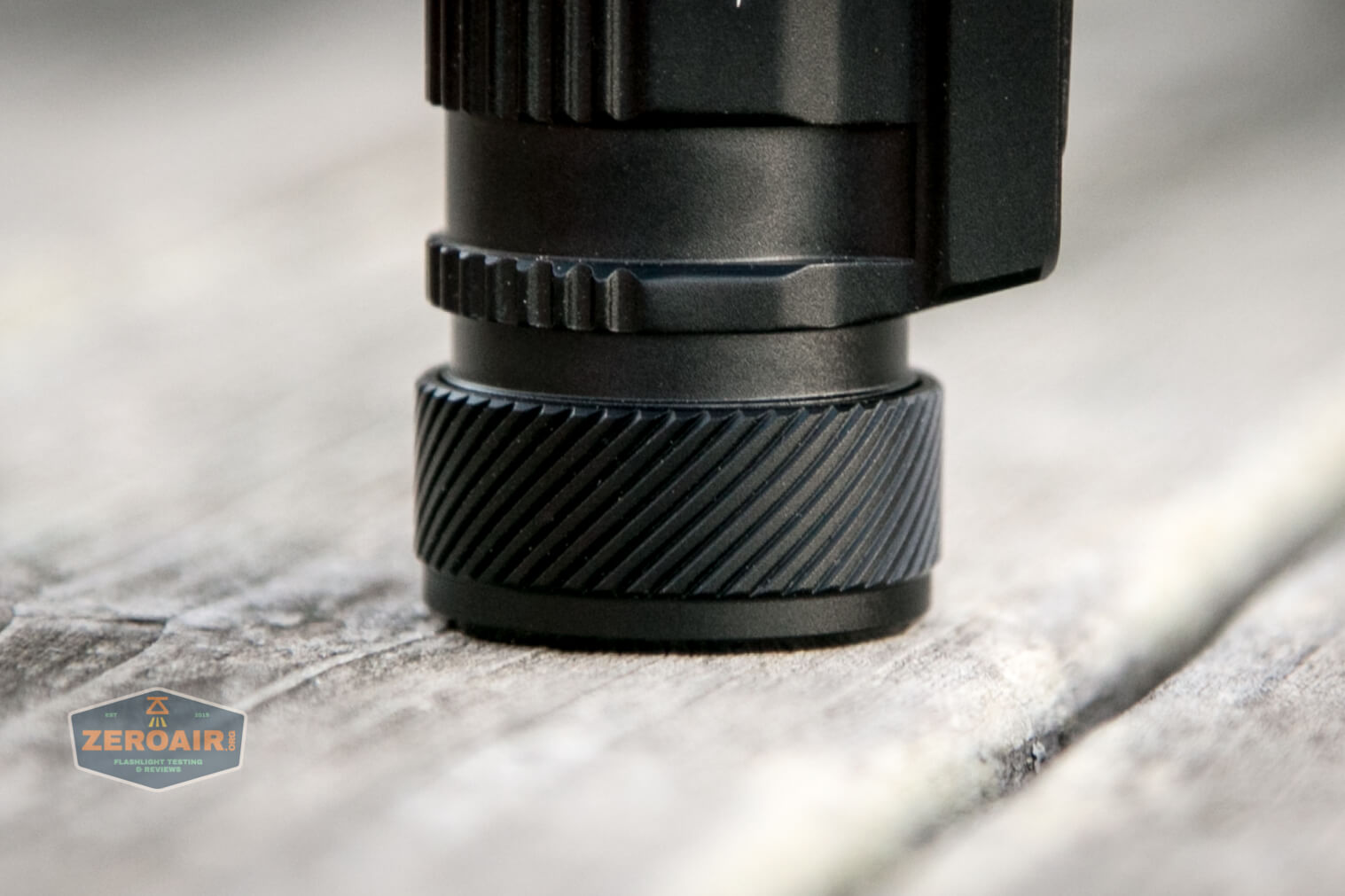
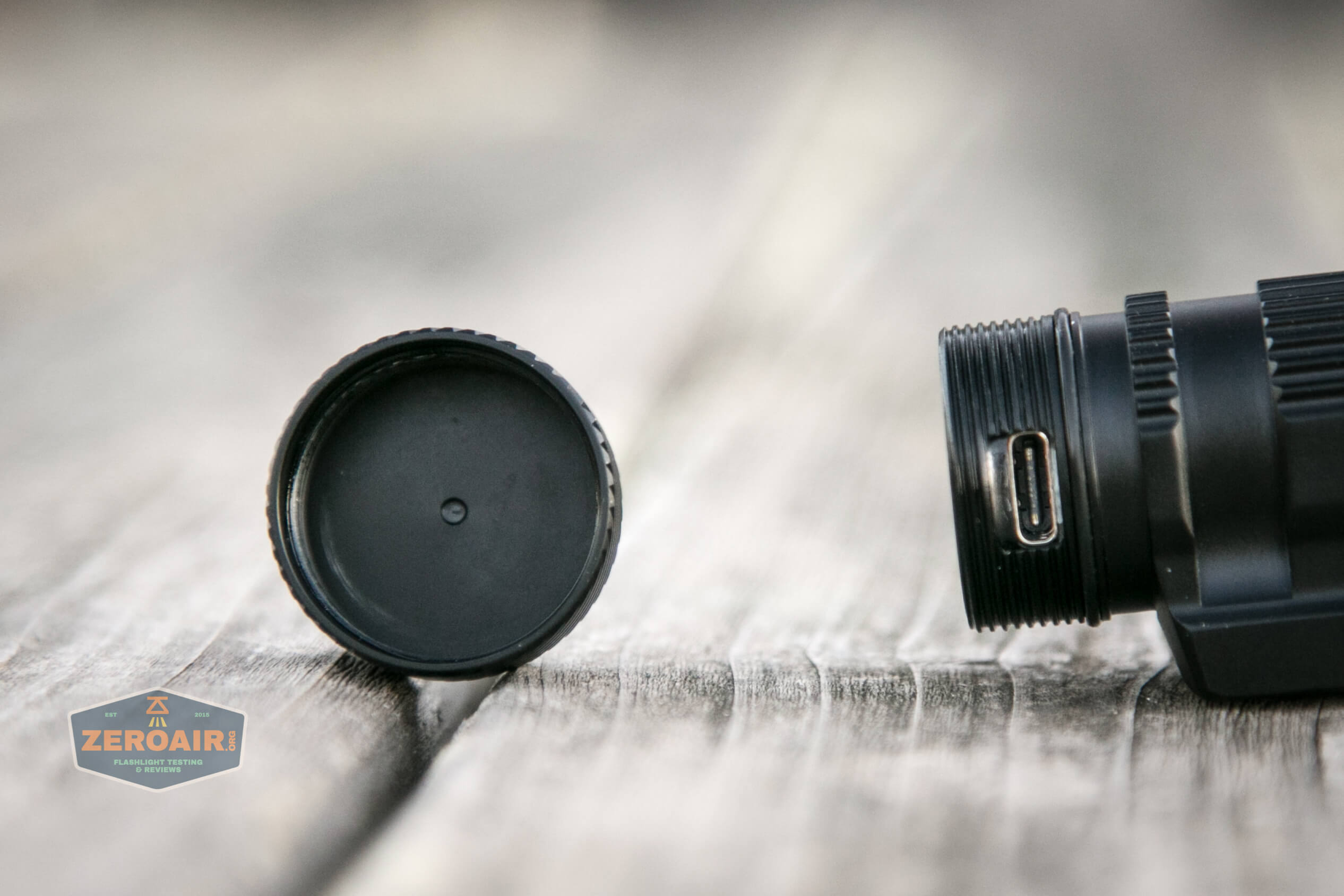
The tailcaps are different – this one (below), which is the USB-C port cover, has spirals that don’t extend to the end of the cap.
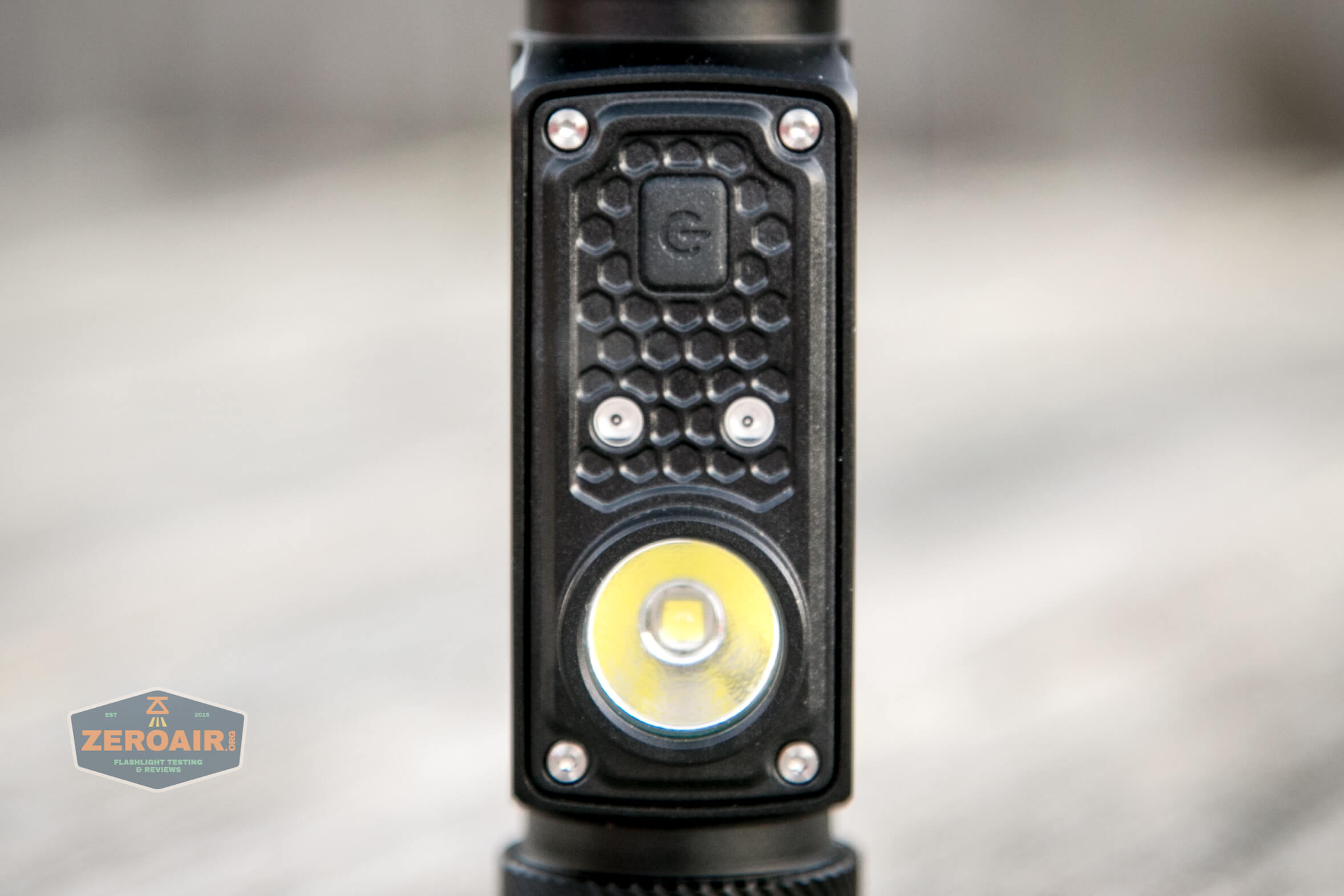
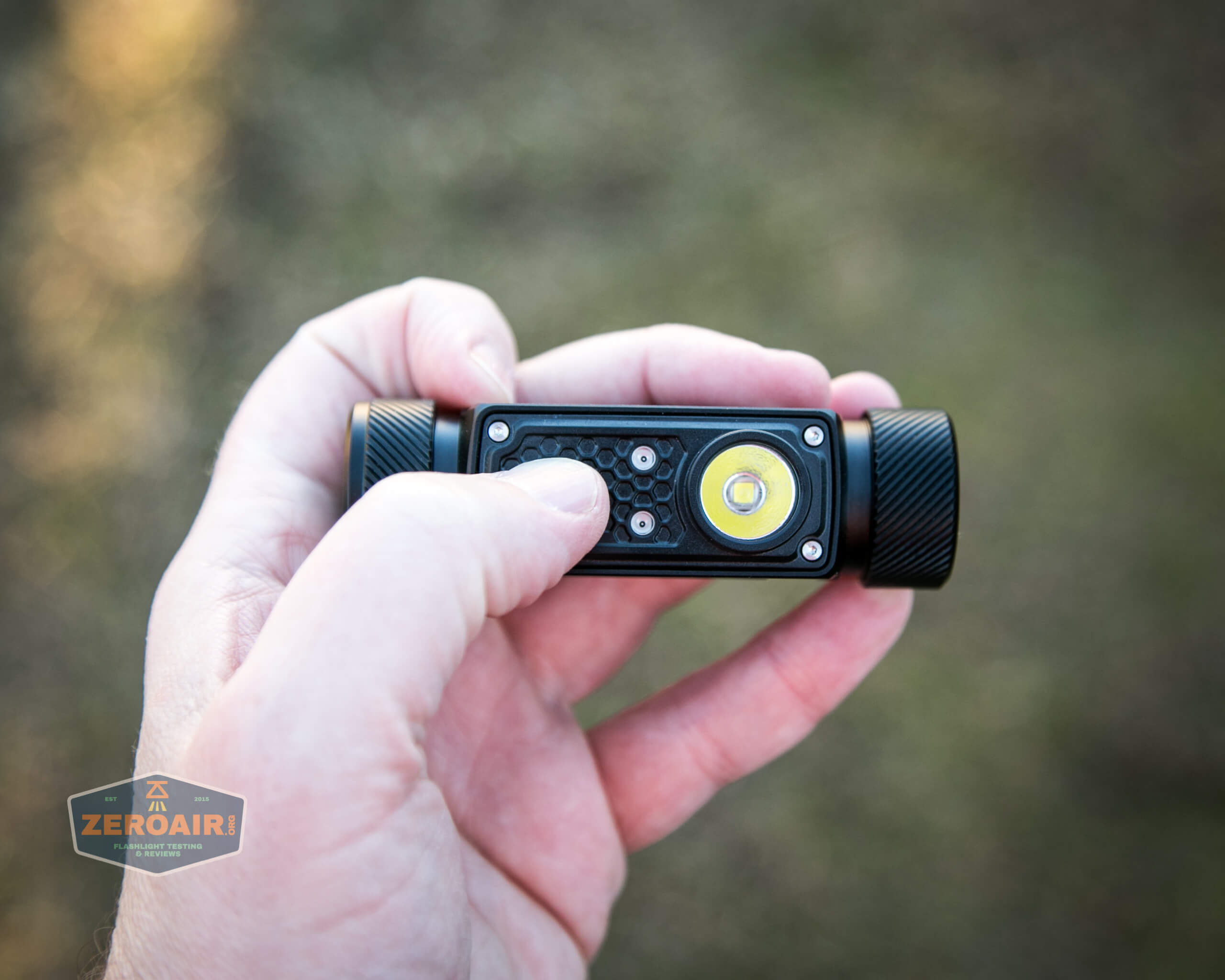
The front plate, which has the e-switch, two red emitters, and the main emitter, is held in place by four TORX screws.
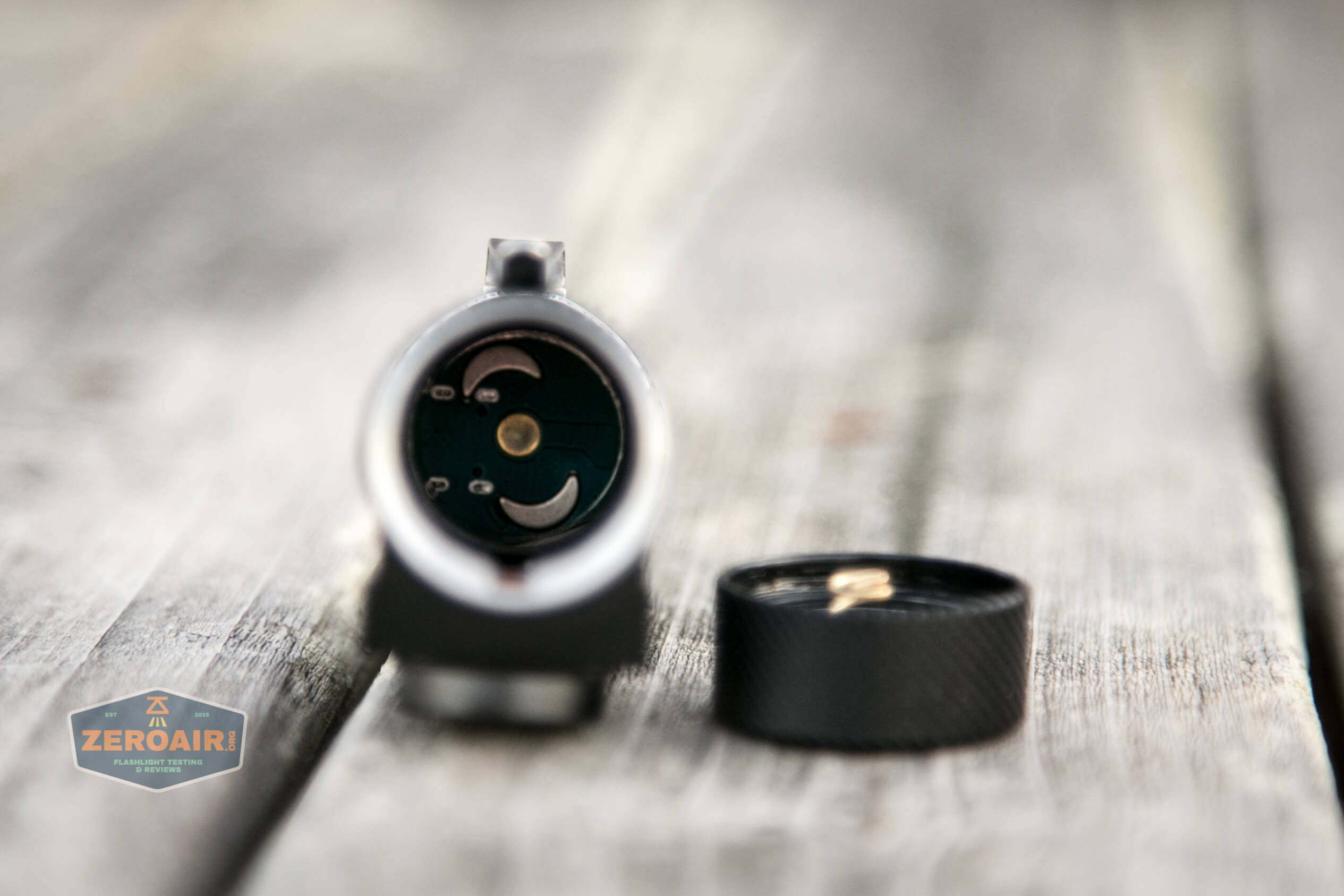
While the threads are the same on both ends, and the tailcaps will physically screw down on the wrong end, the light will not work in that configuration. One has a spring, and the other does not.
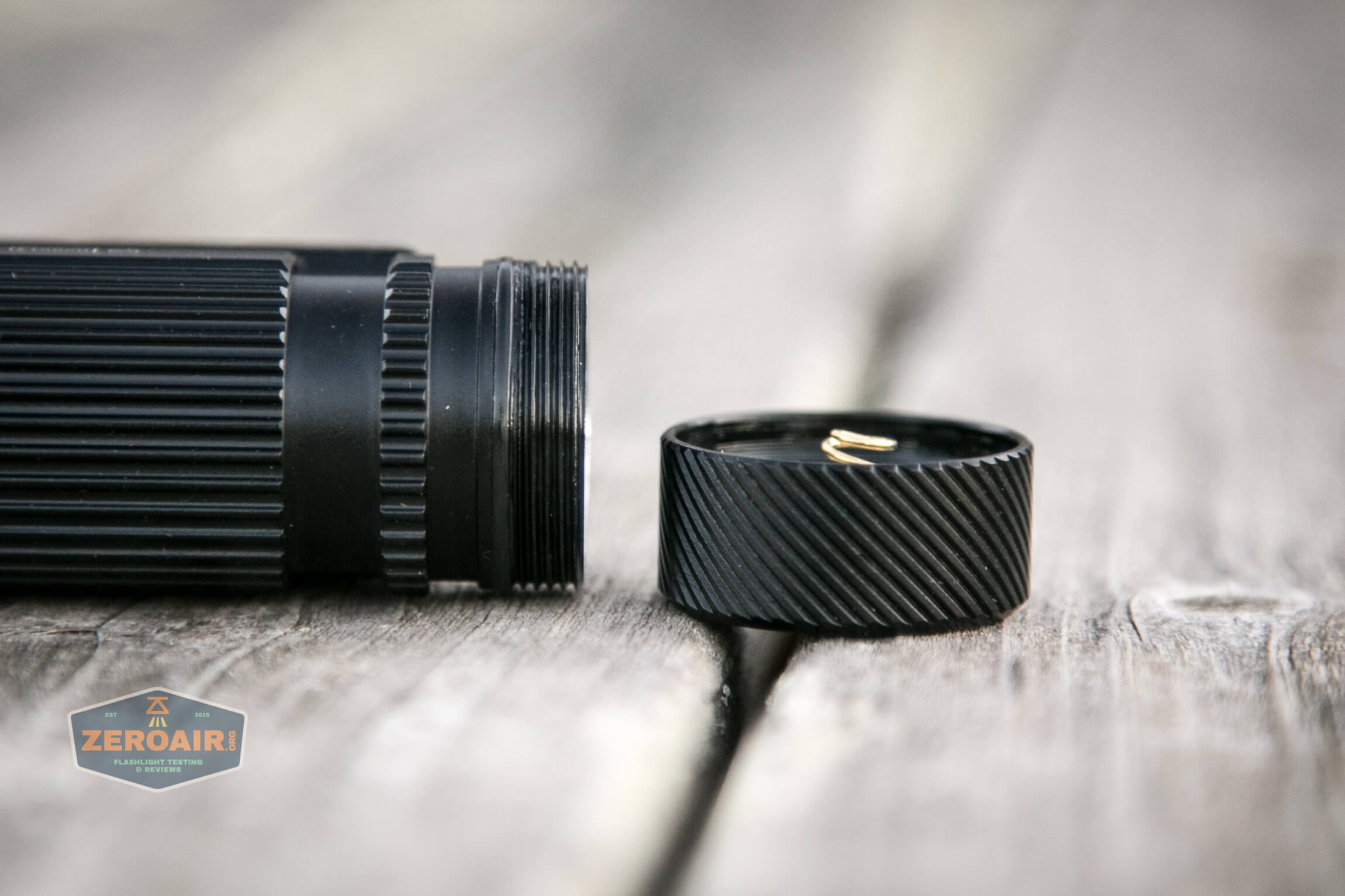
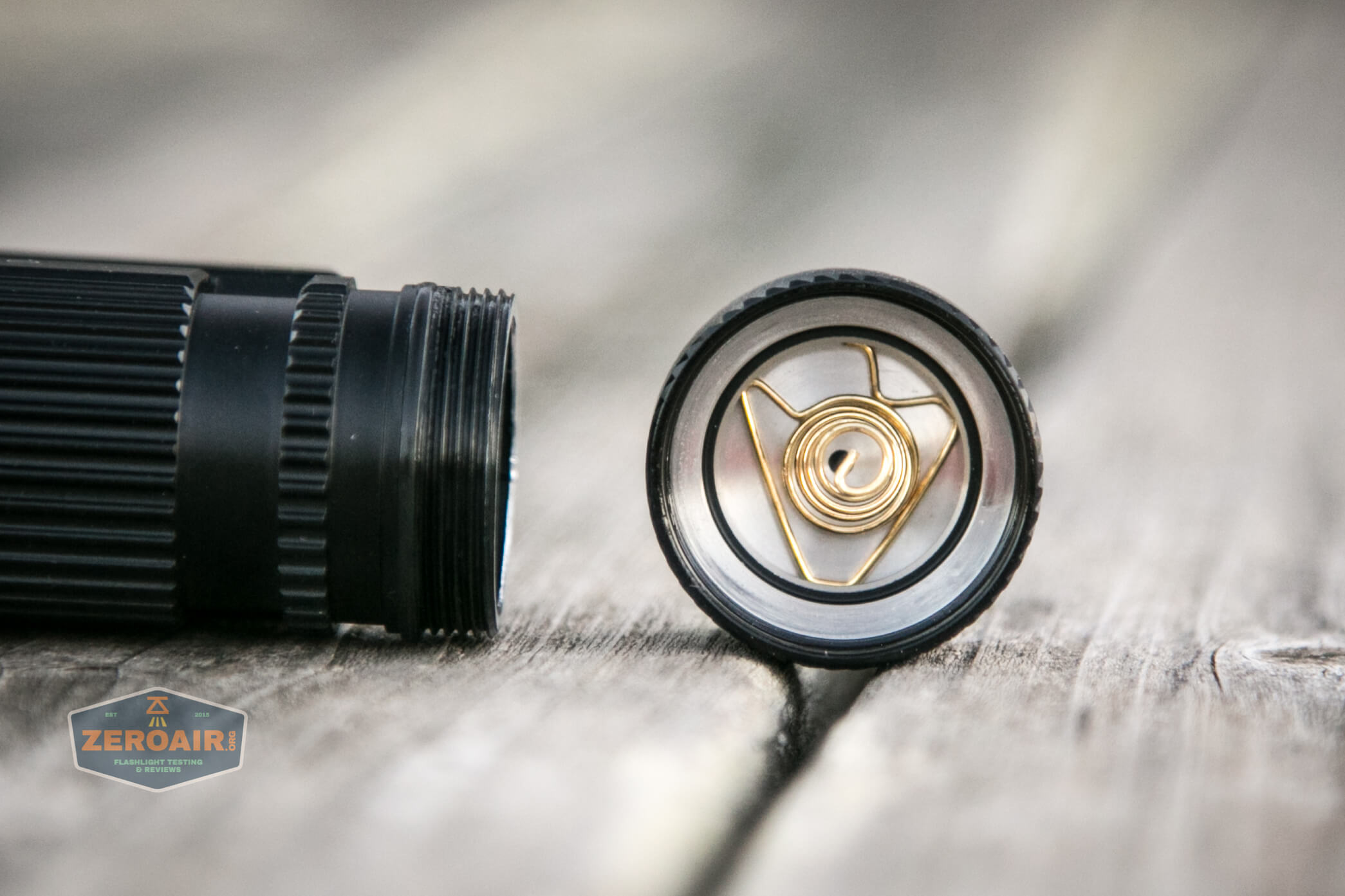
The charge port end doesn’t have a spring and also has much longer threads. These threads (both ends) are very smooth. Anodized and lubed nicely.
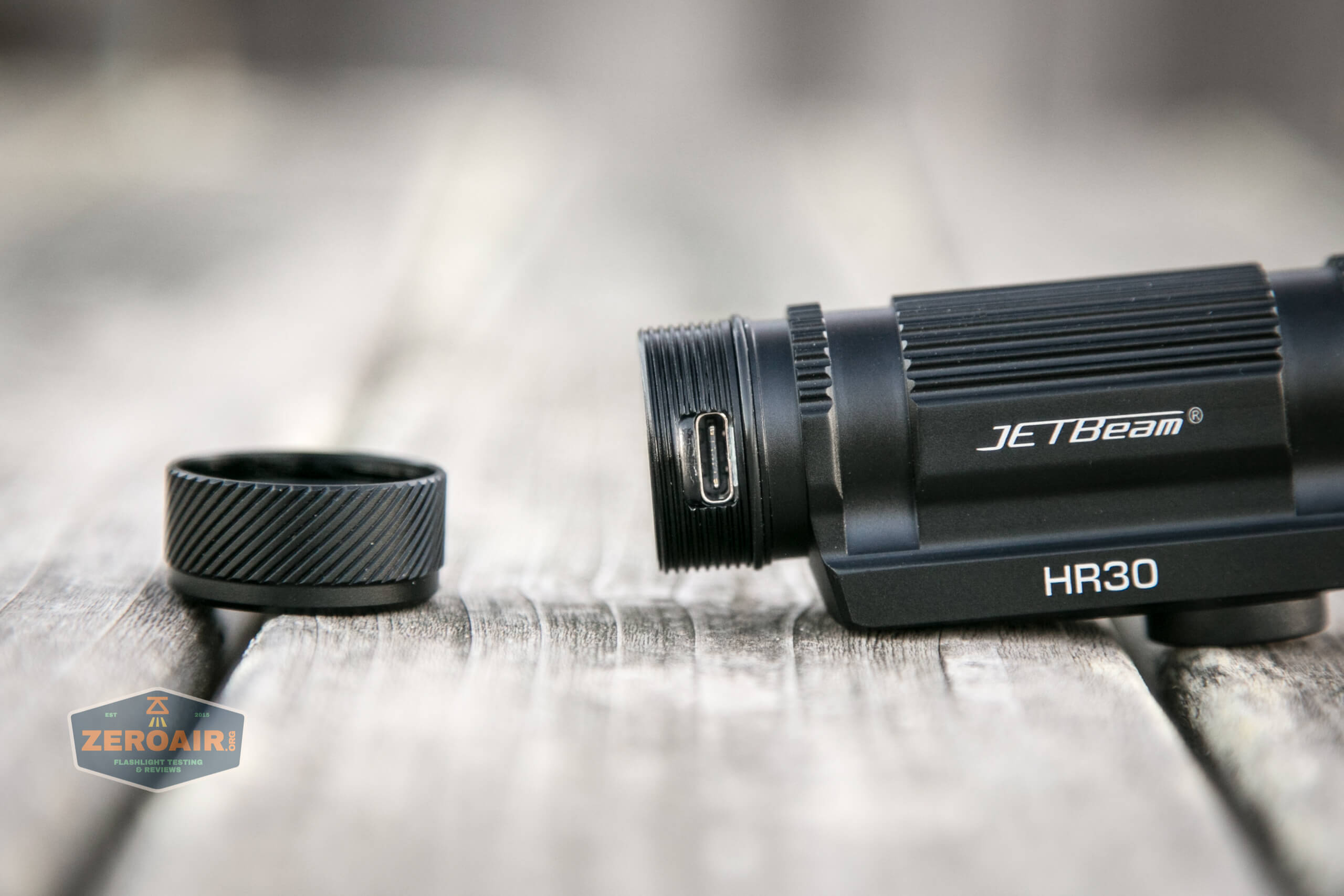
The tailcap on the charge end is what I call “dumb” – no spring, no electronics, etc. Just there to protect the charge port.
Inside the cell tube, you can see the “head” end, which has only a button and no spring.
All in all, this is a solidly built light and feels very robust in hand.
Size and Comps
Length: 87mm
Head Size: 46mm
Weight: 105g(Exclude Battery)
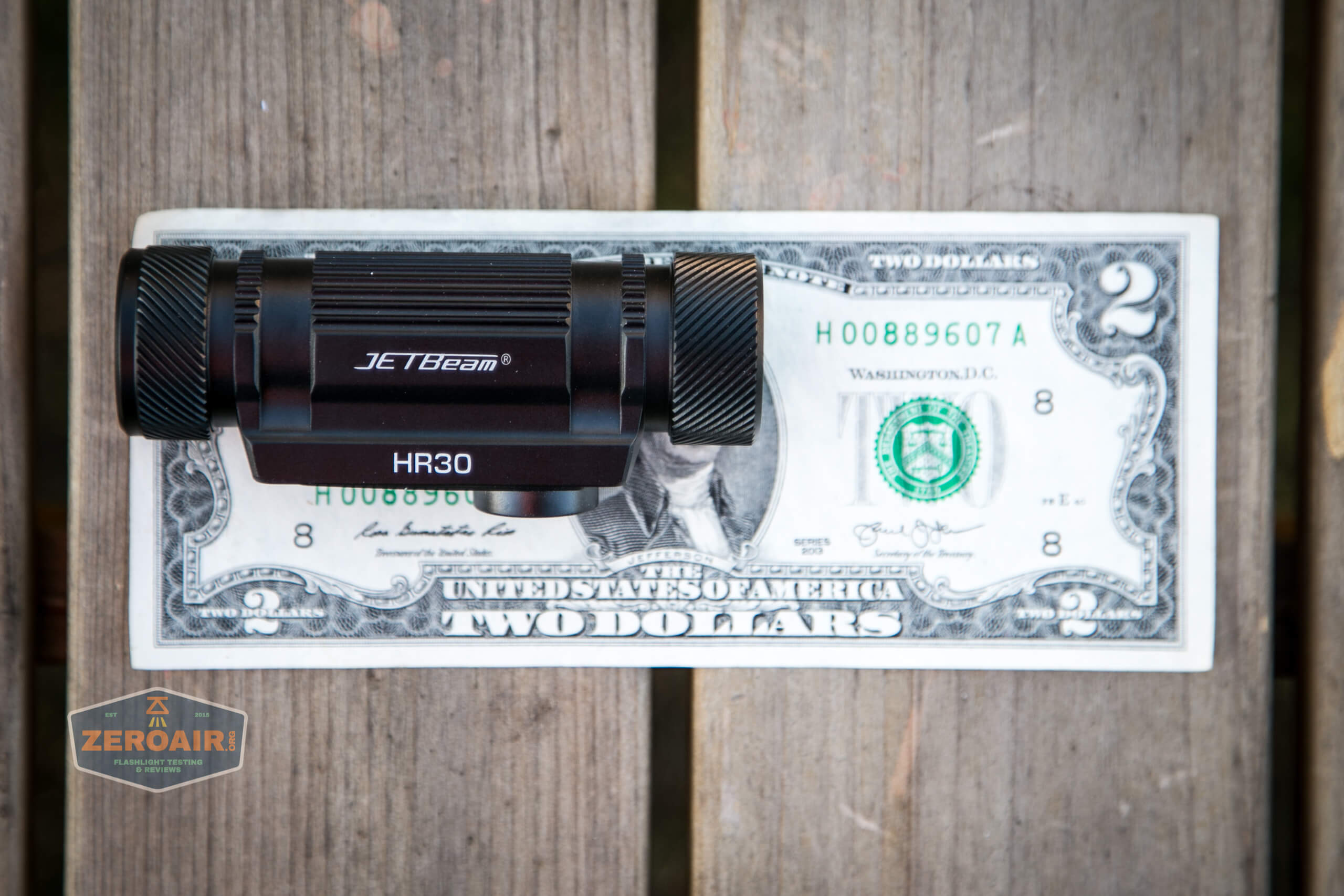
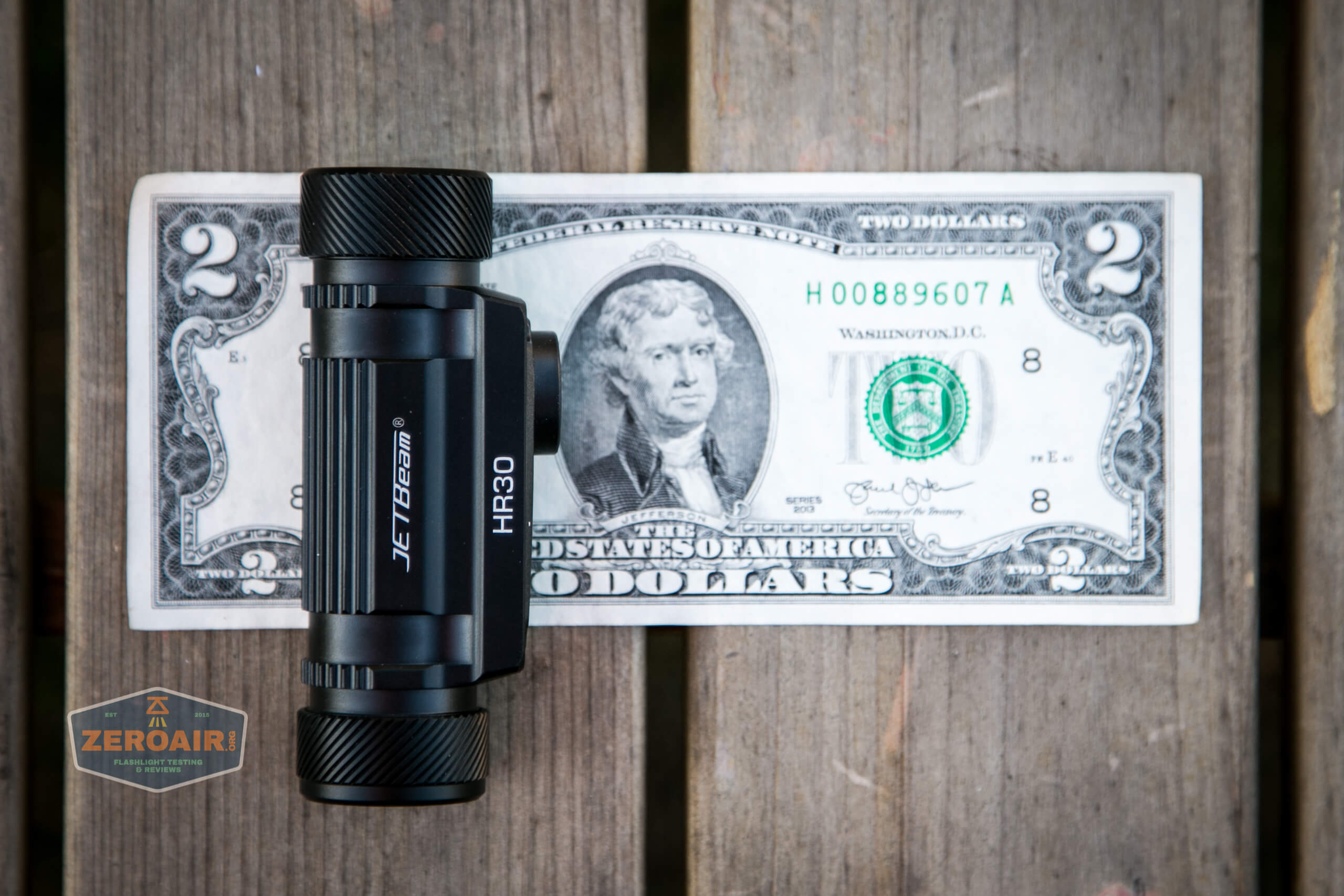
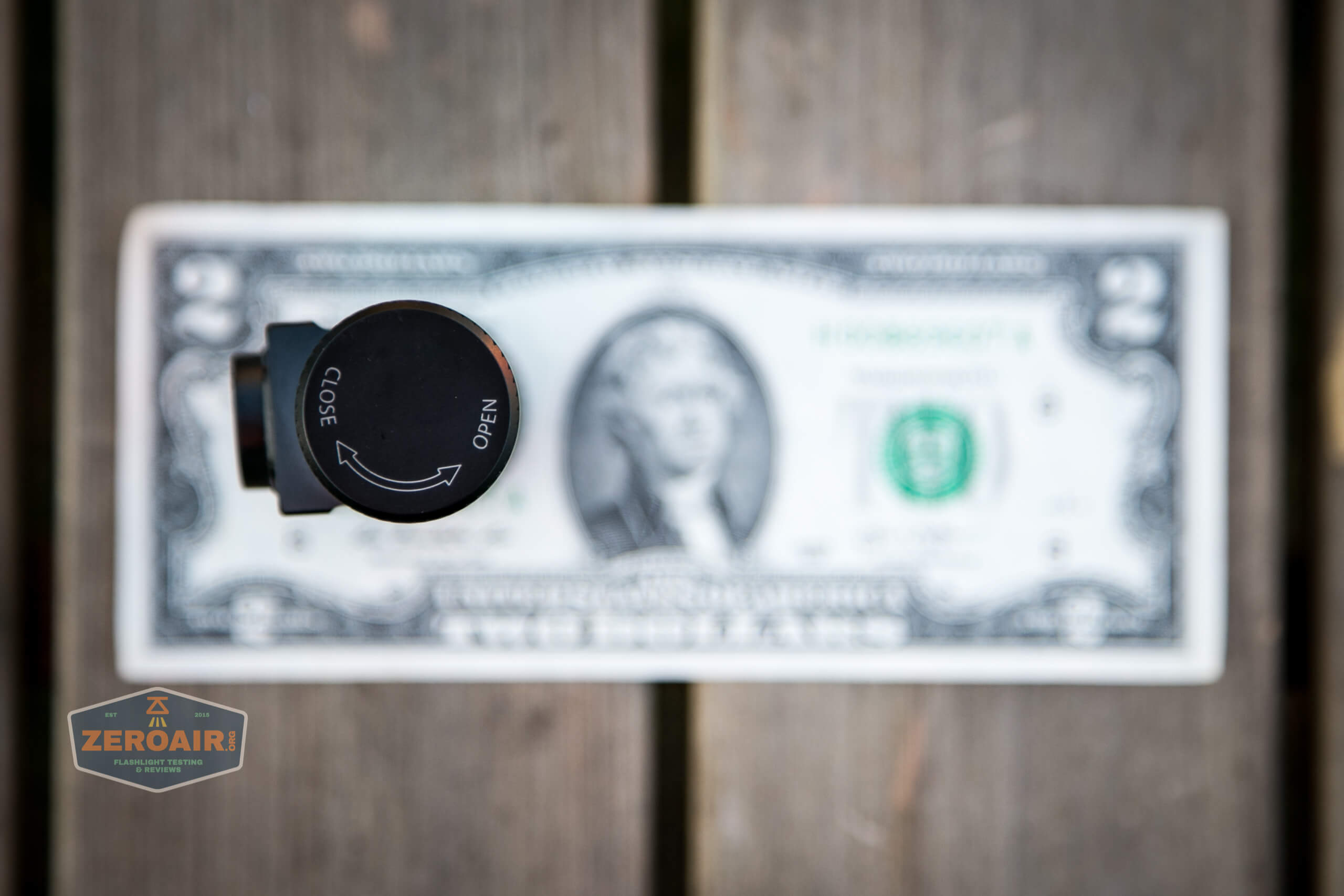
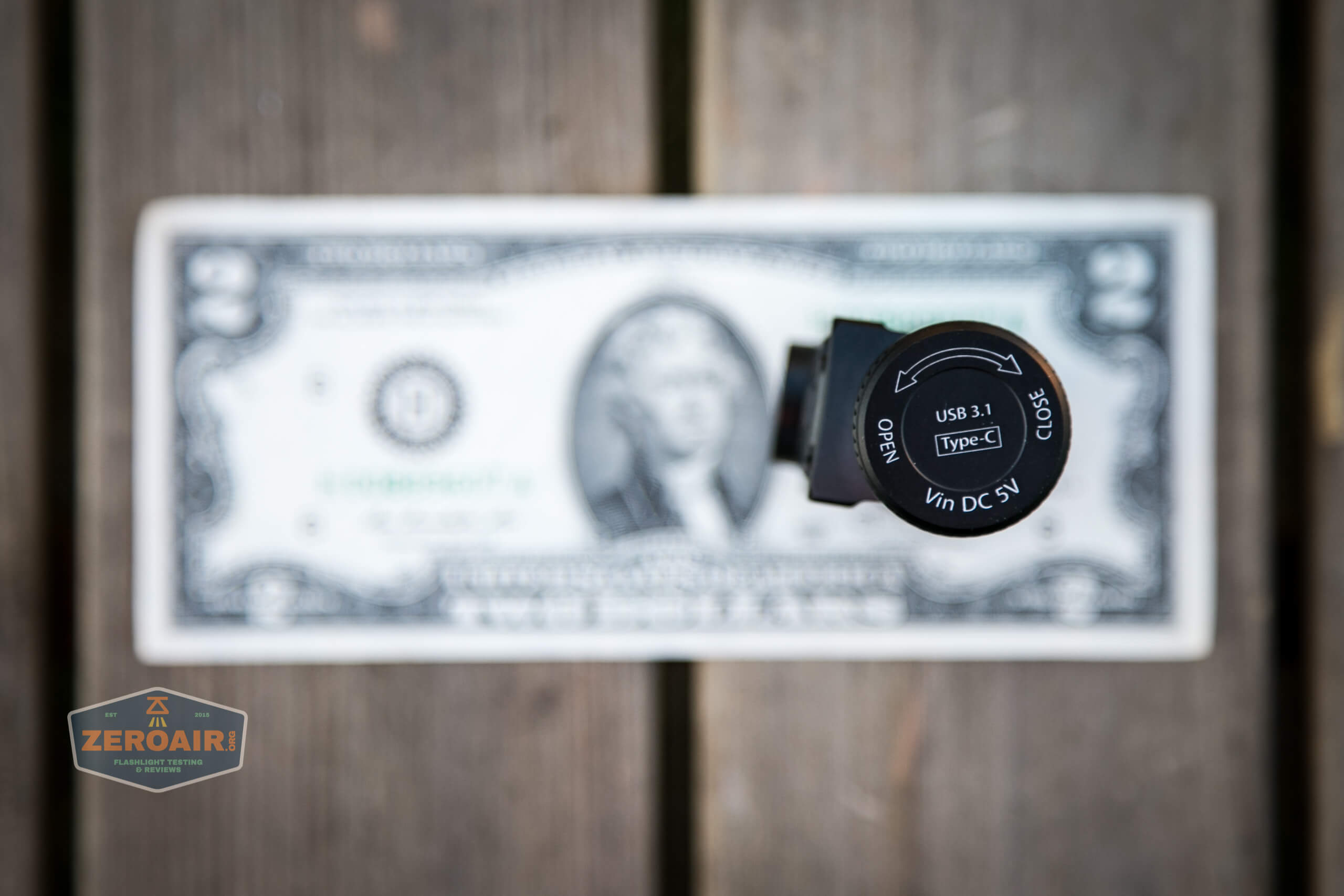
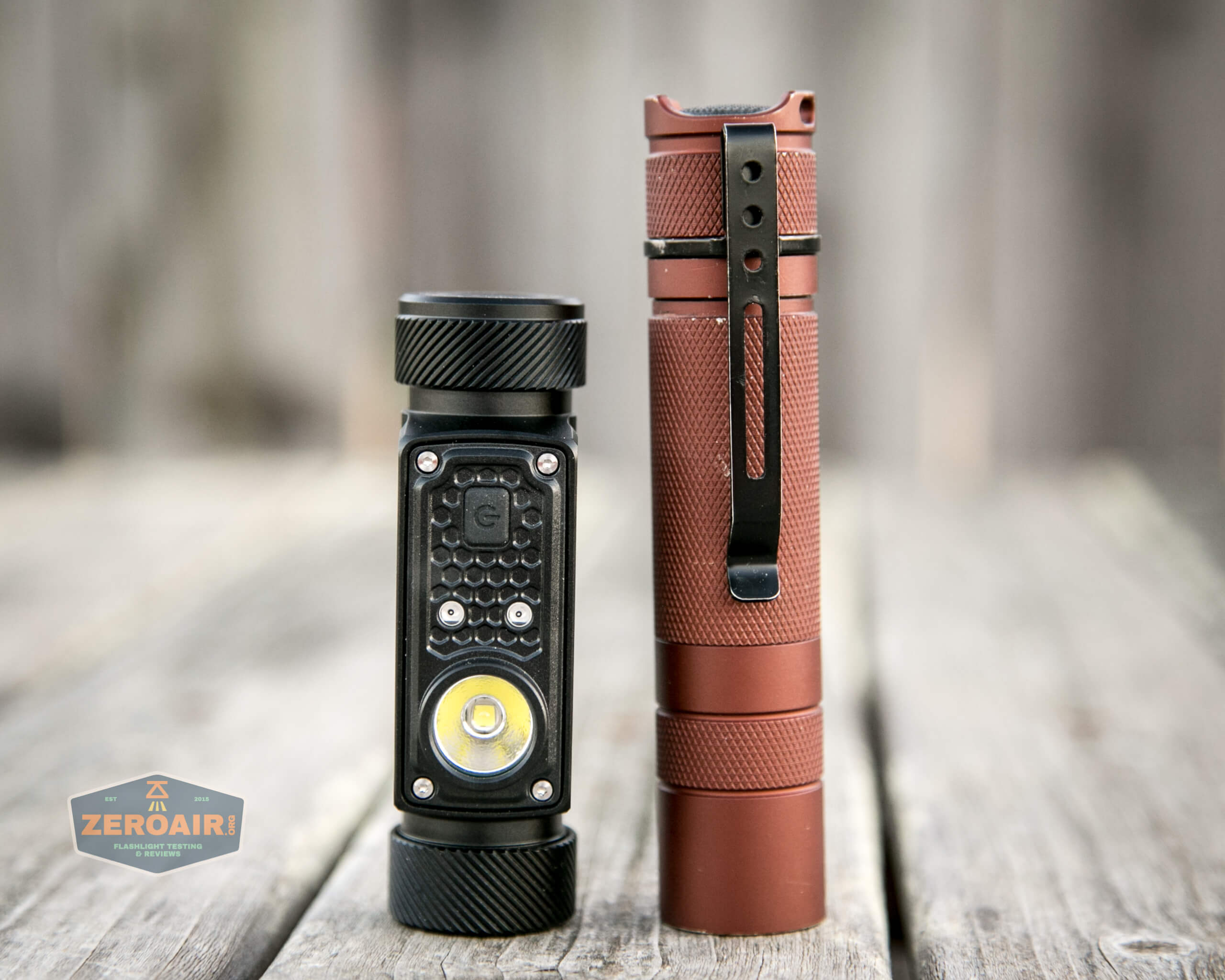
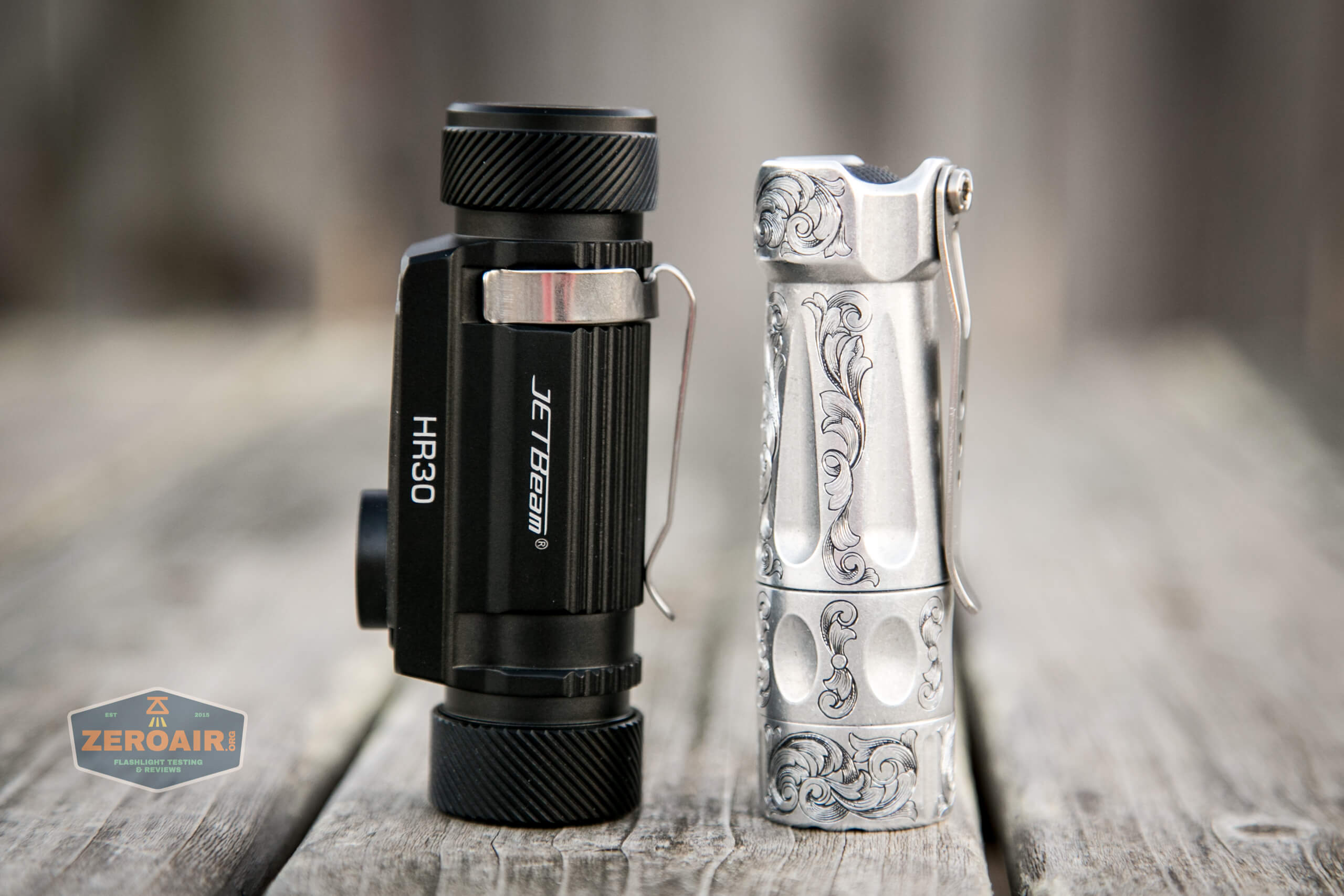
If the flashlight will headstand, I’ll try to show it here. If the flashlight will tailstand, I usually show that here, too.
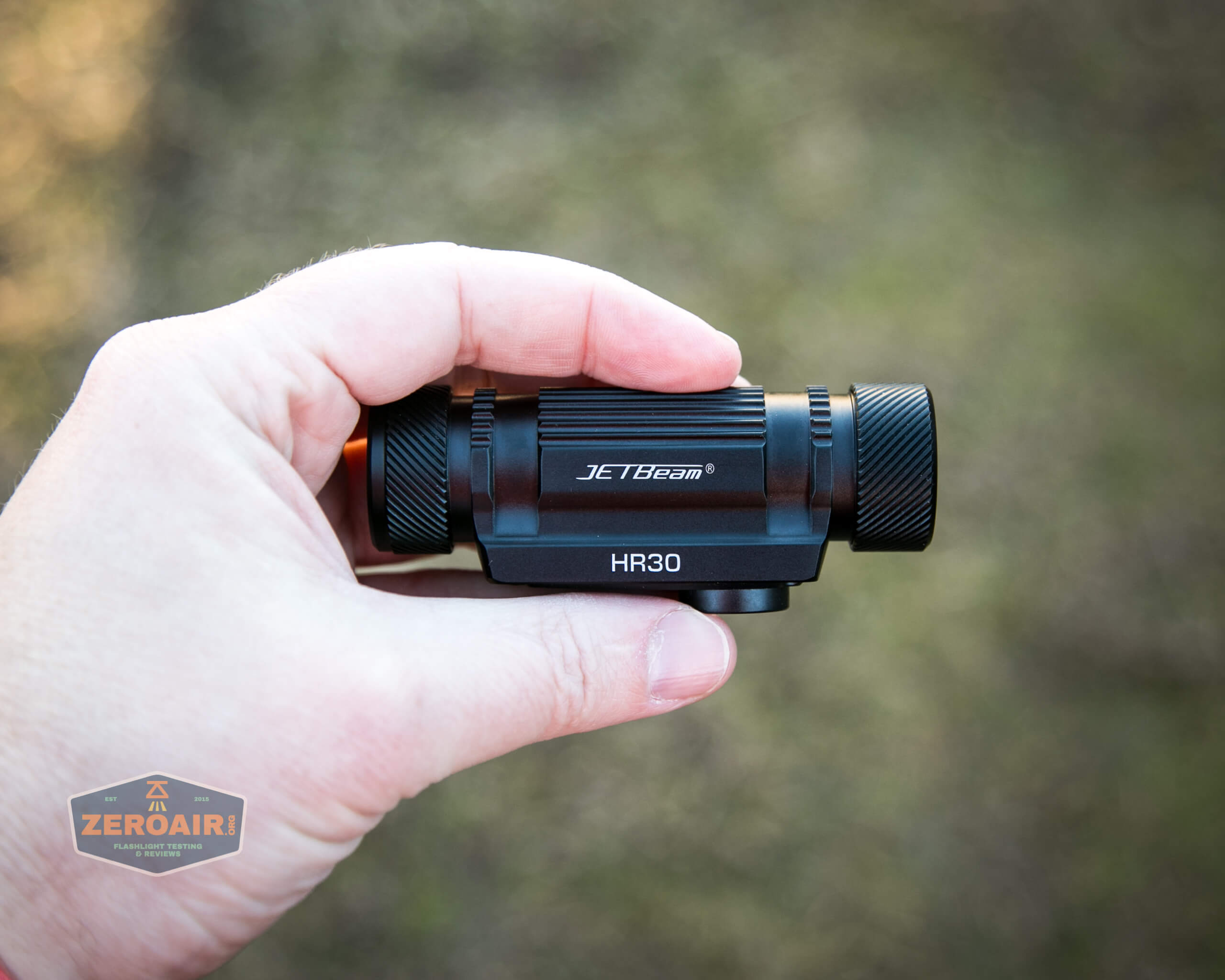
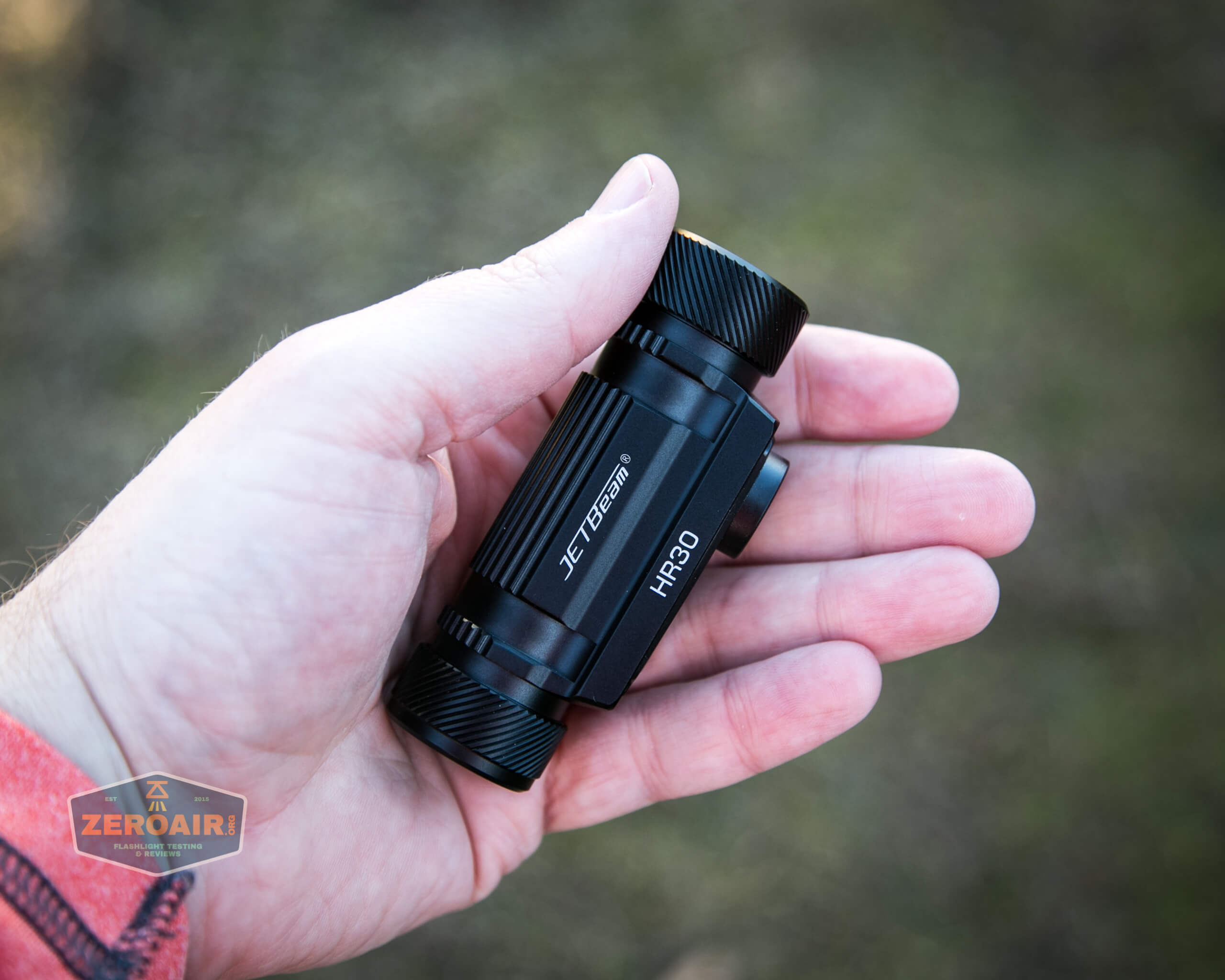
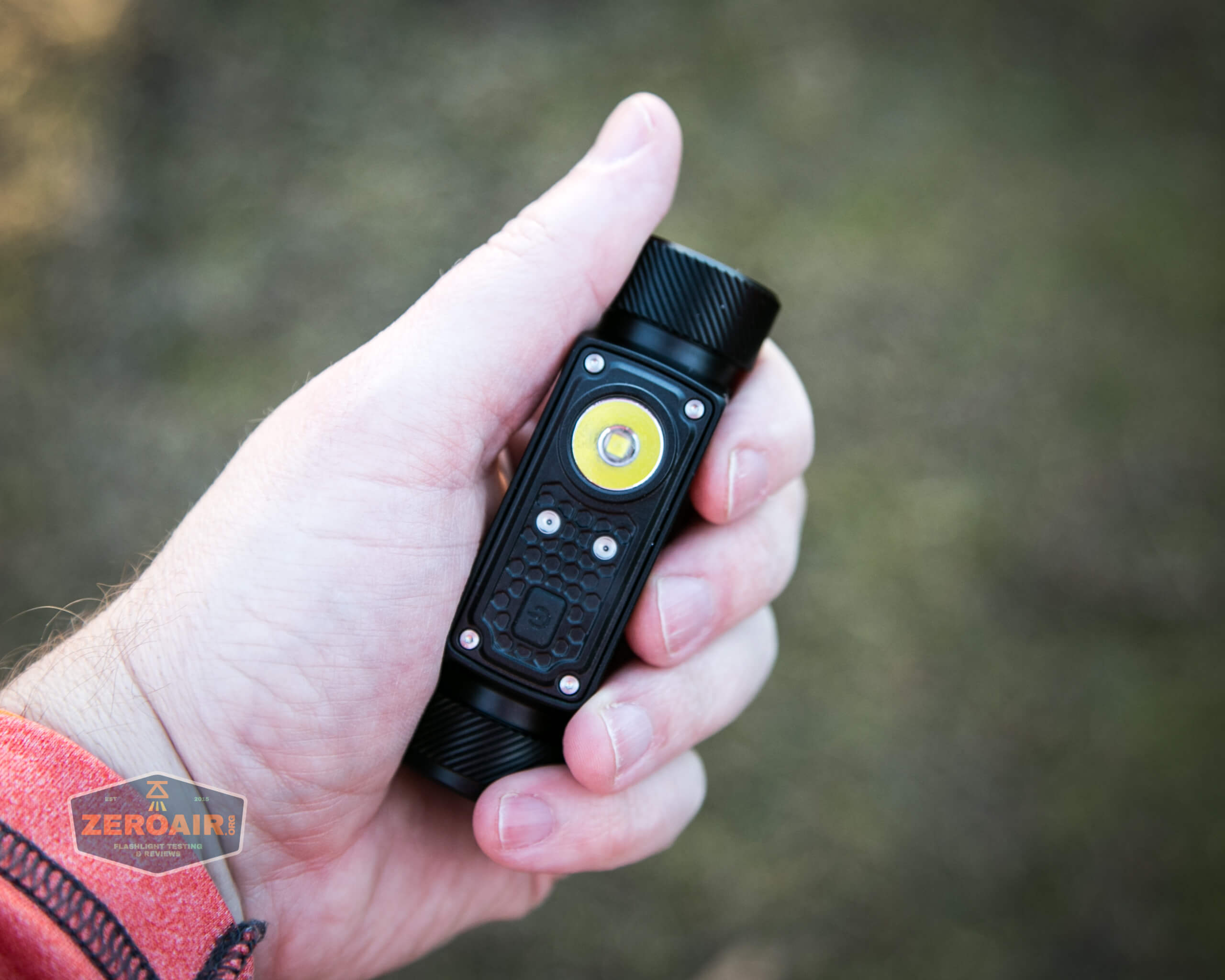
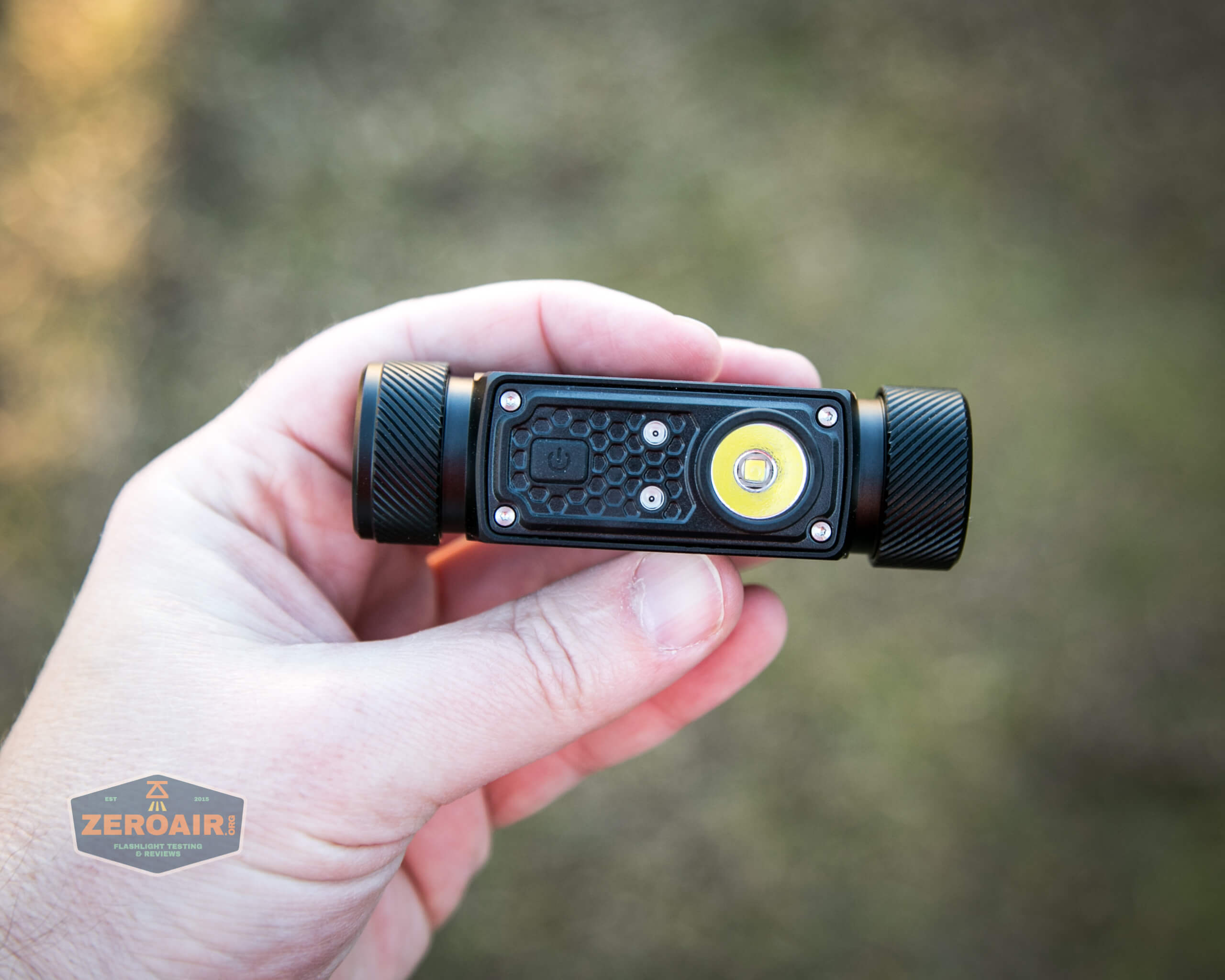
Here’s the test light with the venerable Convoy S2+. Mine is a custom “baked” edition Nichia 219b triple. A very nice 18650 light!
And here’s the light beside my custom-engraved TorchLAB BOSS 35, an 18350 light. I reviewed the aluminum version of that light in both 35 and 70 formats.
Retention and Carry
This is a headlamp, so of course, the primary means of carry will be a headband.
The one JETBeam includes is nice and has an over-the-head strap as well.
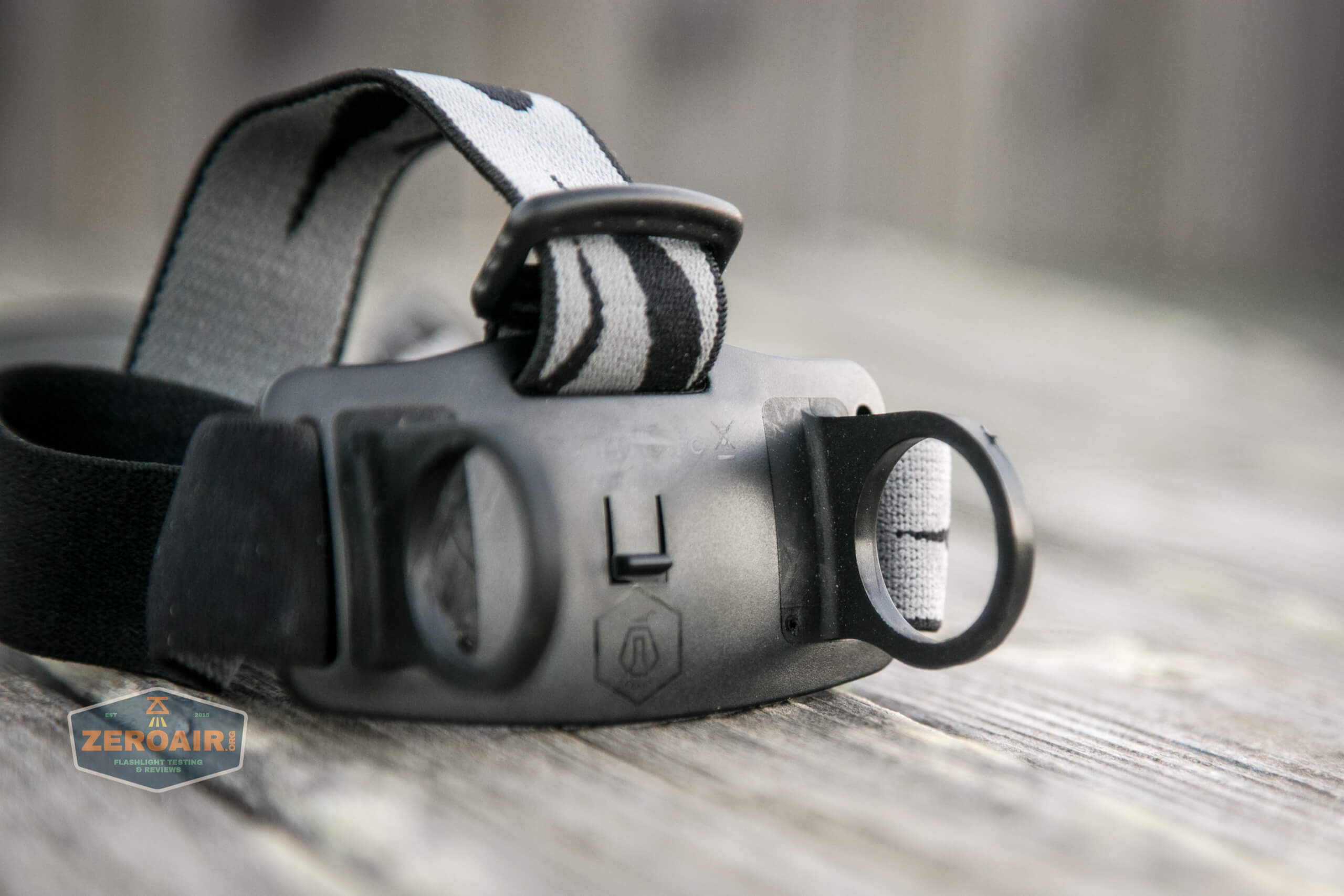
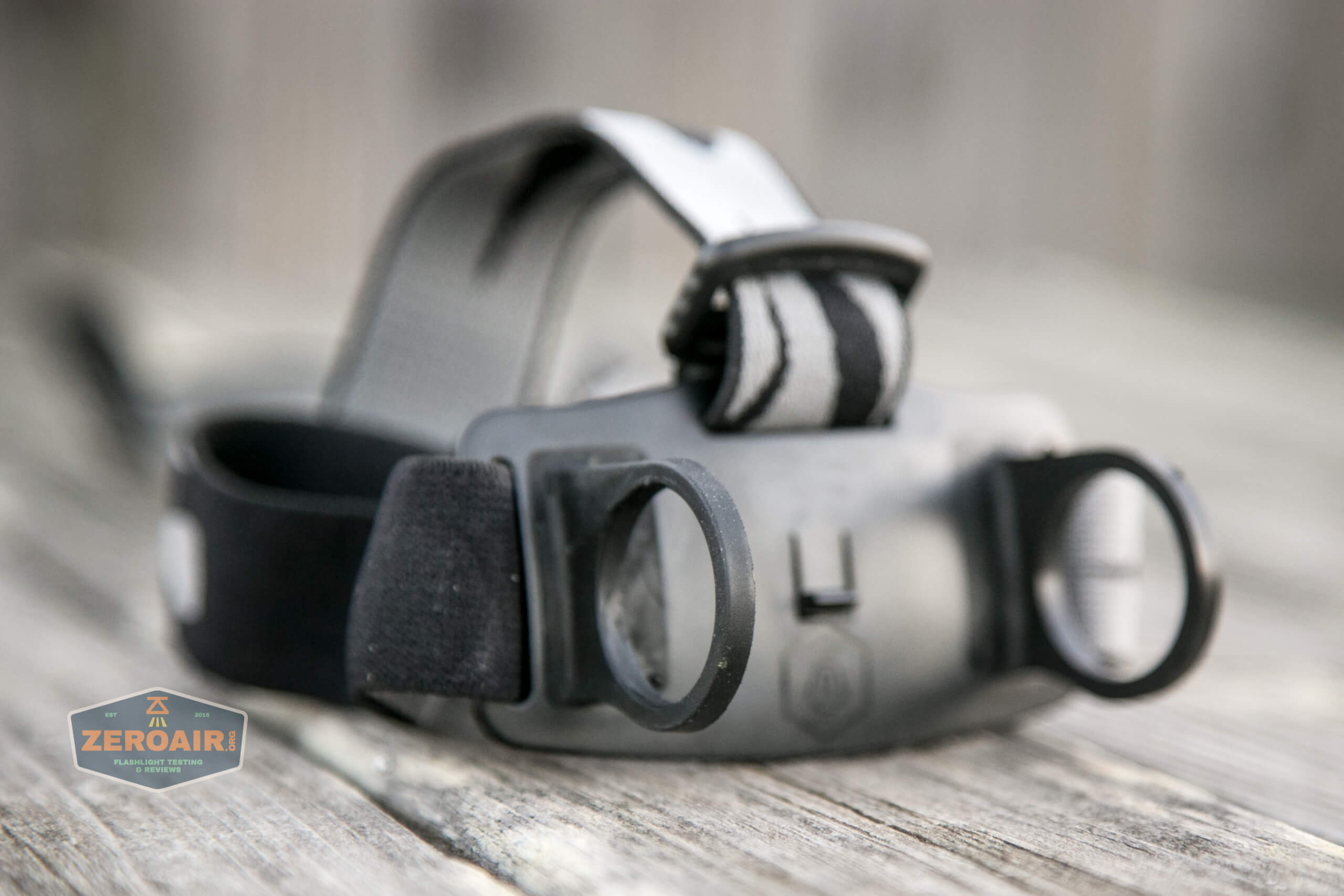
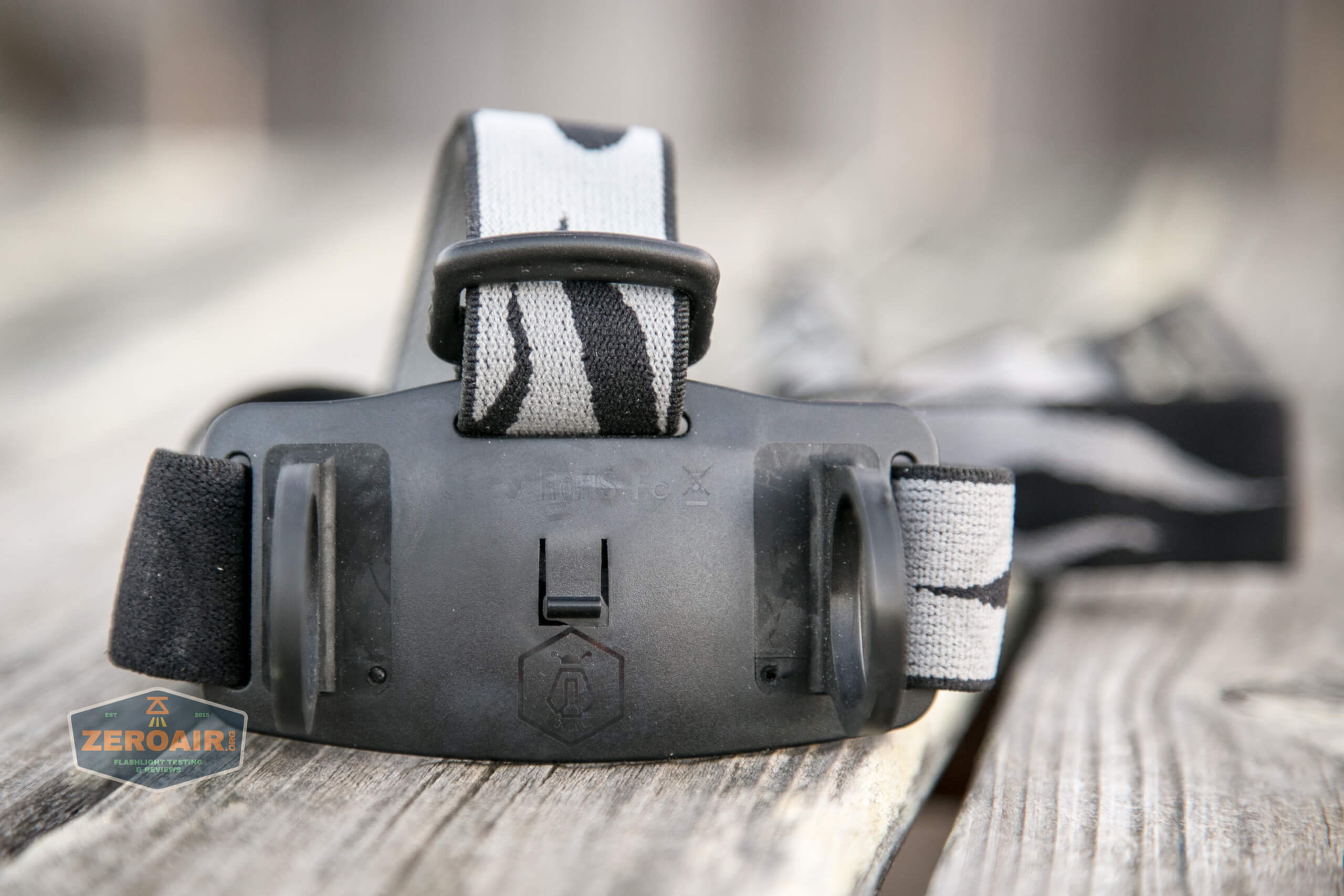
You can see the attachment points above. Both tailcaps have to be removed, and then the headband flexed off the light. This means you have to pull those rings over the lubed threads, which I don’t like. Also, these loops are not a flexible variety, and removing the HR30 really requires some effort.
The headband is comfortable, too.
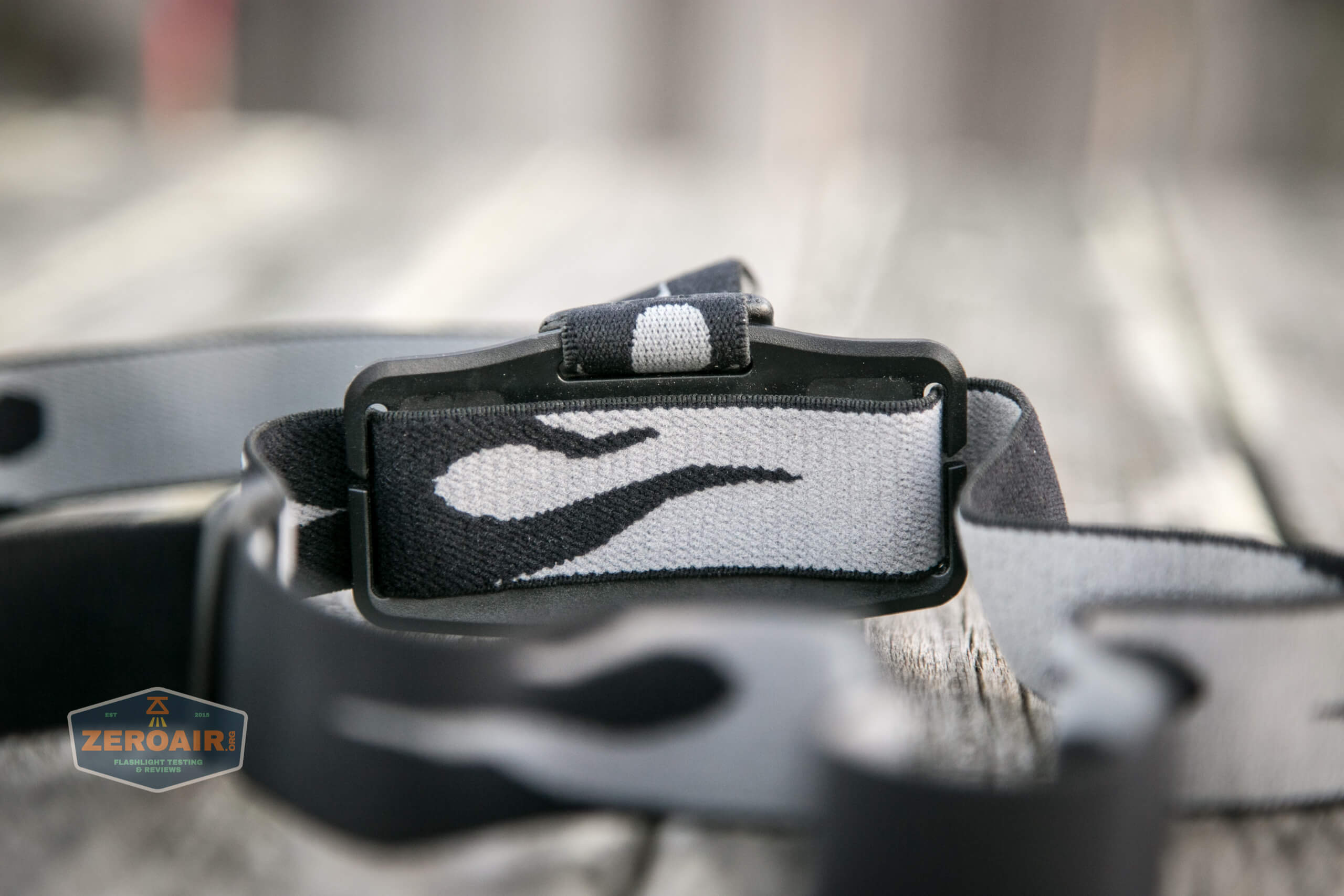
Here’s some detail on the attachment loops.
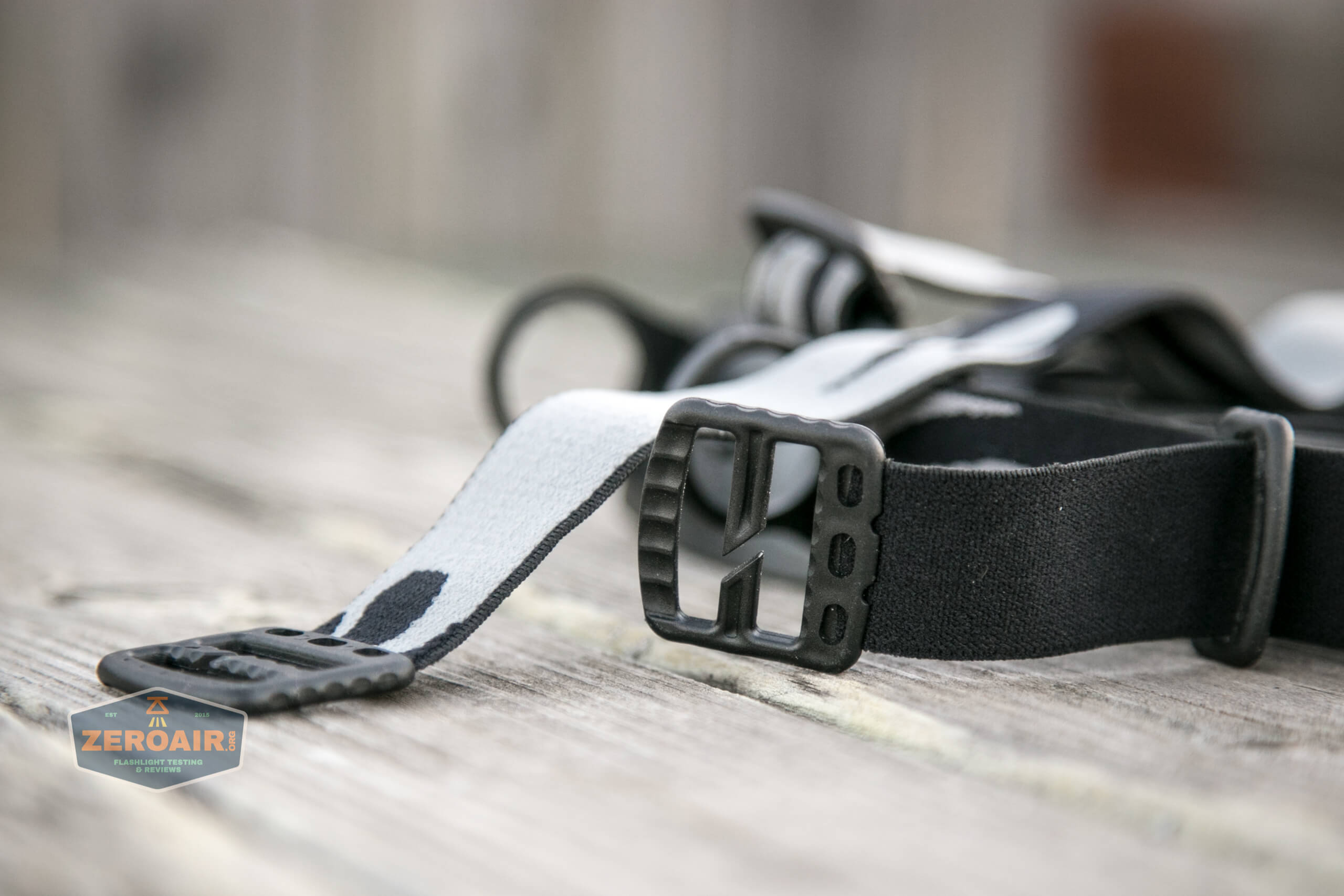
Also included with the HR30 is a friction-fit pocket clip. The pocket clip is designed in such a way that it won’t interfere with the headband loops, but really, it’s hard enough to get the light in and out that you’ll probably pick one or the other setup, and that’ll be that.
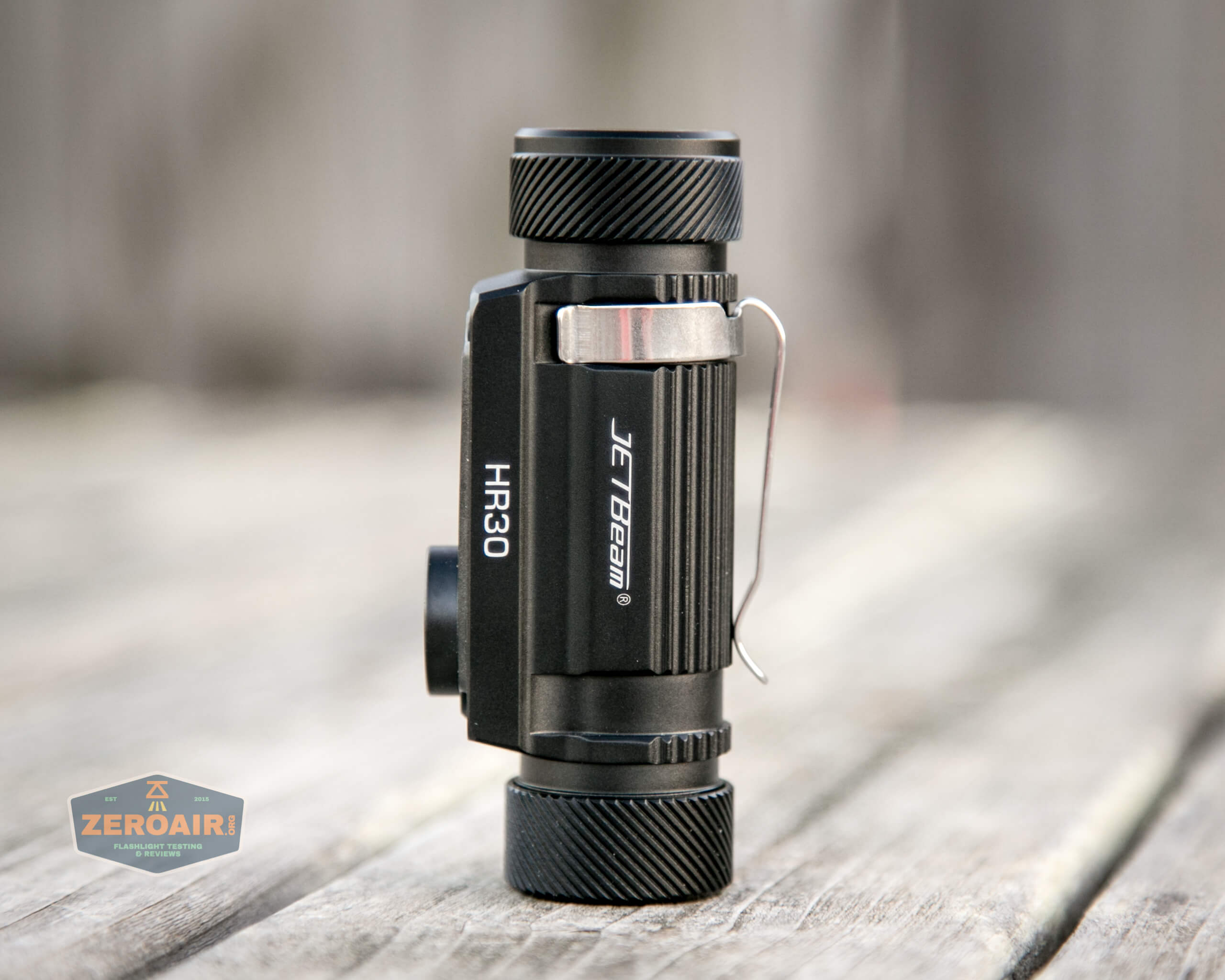
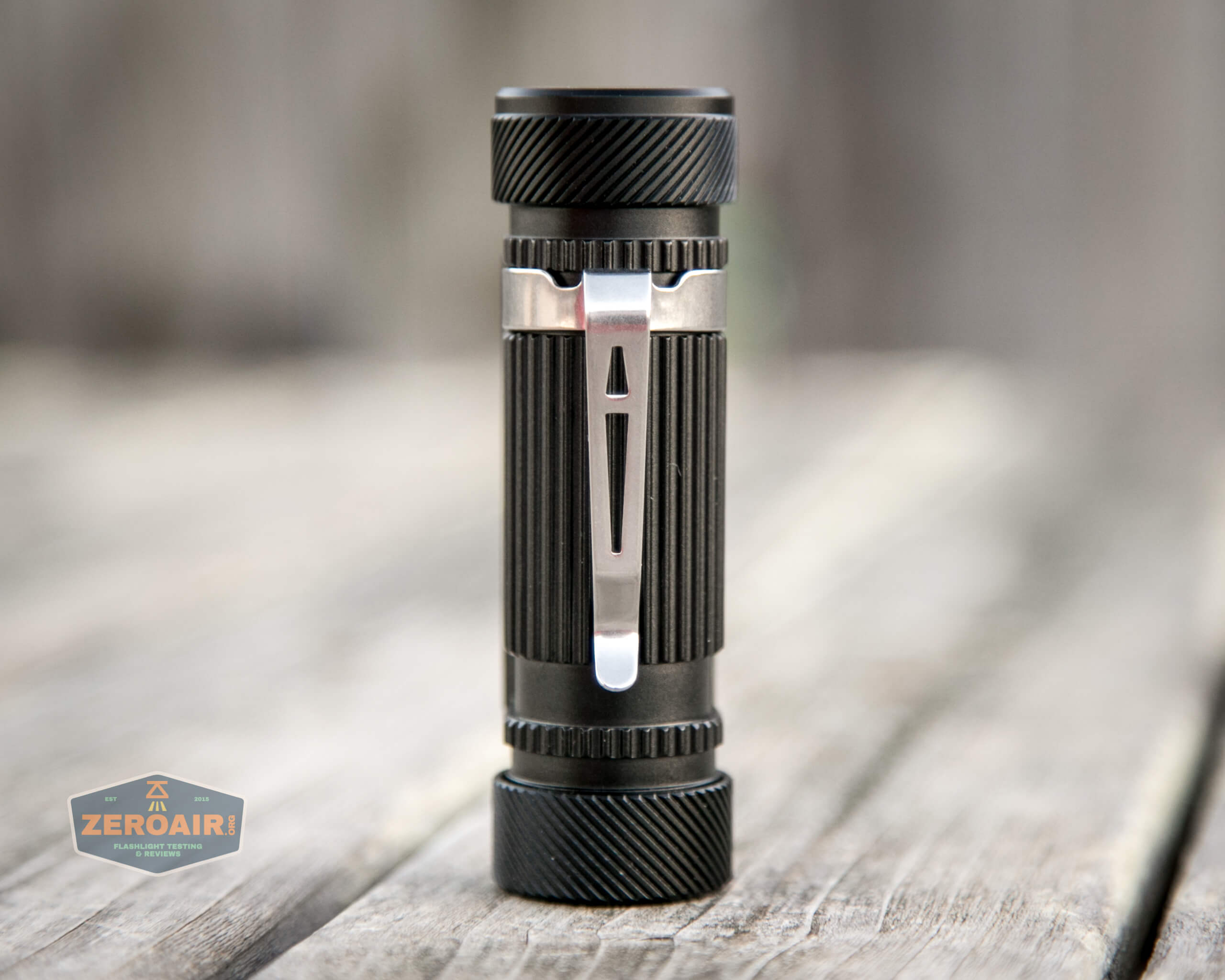
In the pocket clip configuration, this would be a good chest strap, forward-facing light. The clip is a friction-fit clip.
Power and Runtime
The JETBeam HR30 is powered by a single lithium-ion cell. JETBeam includes an appropriate cell – a 2600mAh button top 18650.
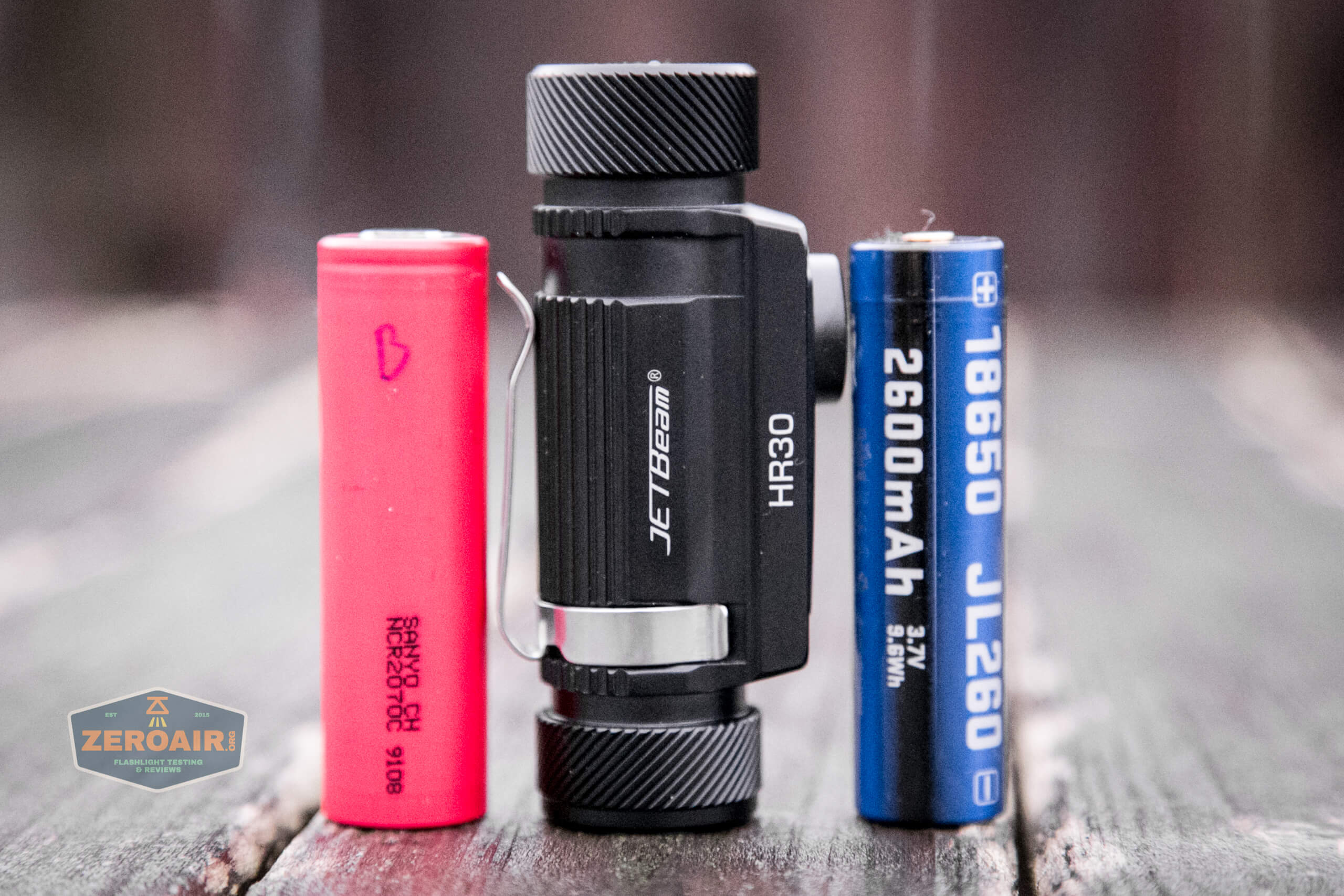
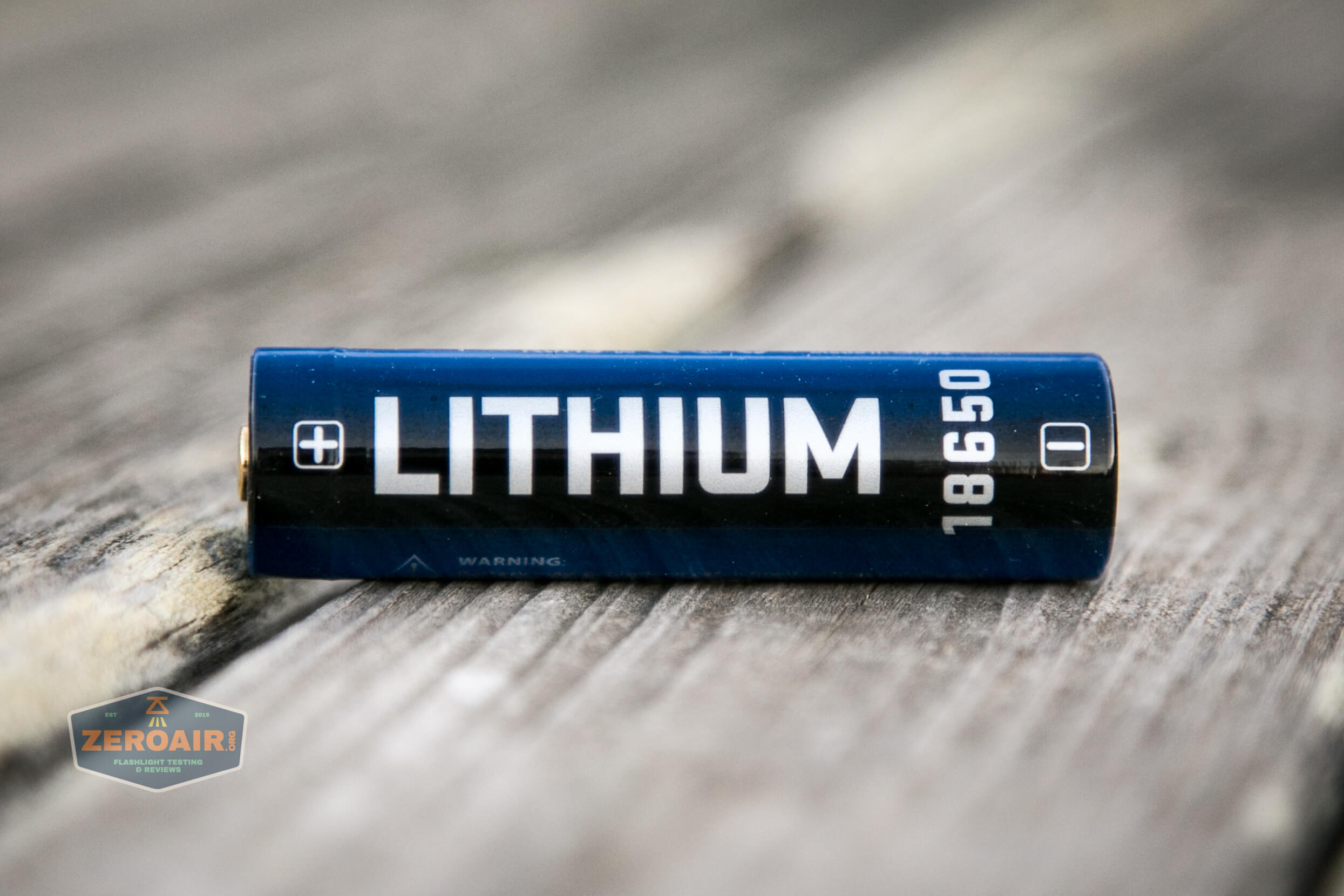
This is a standard 18650.
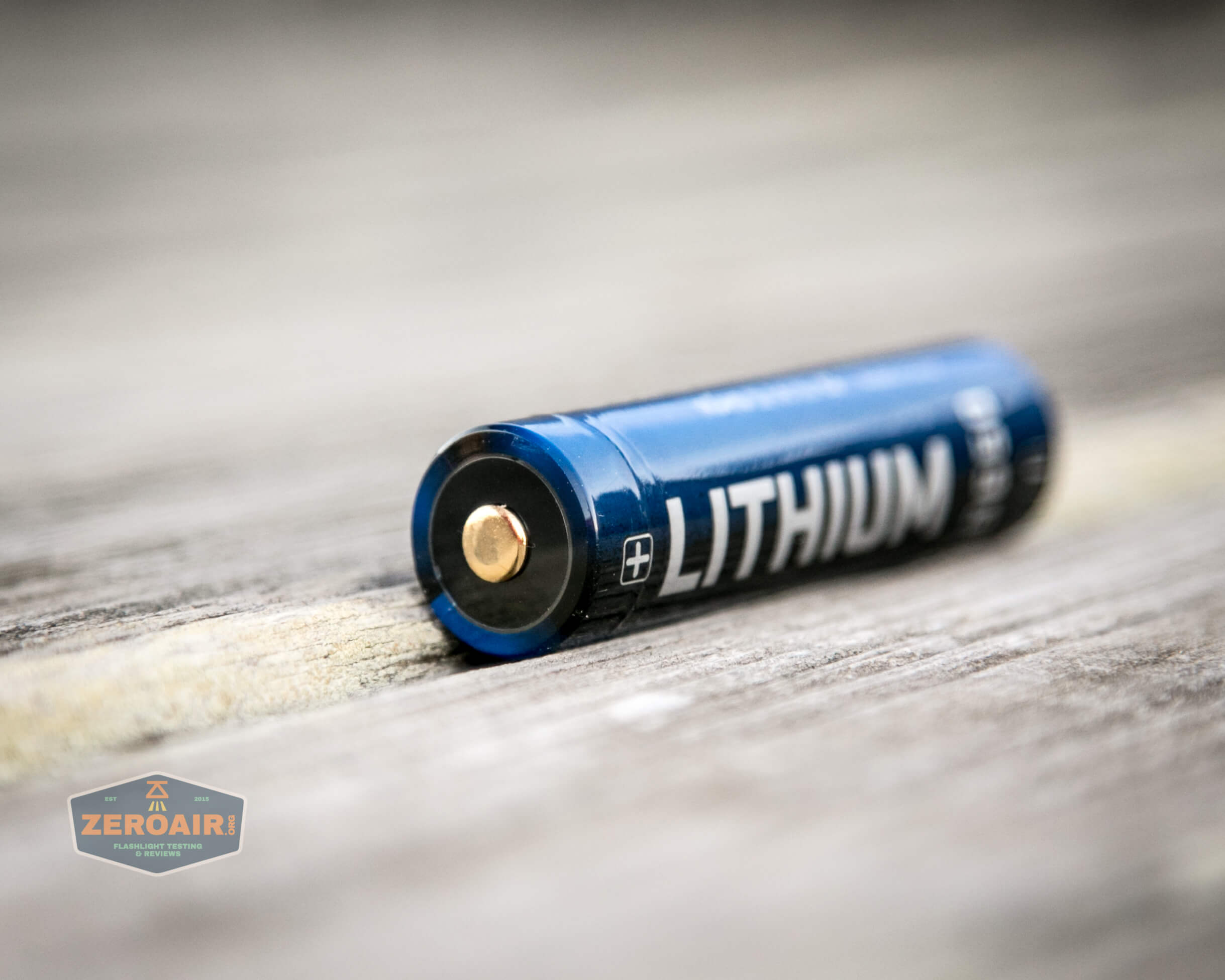
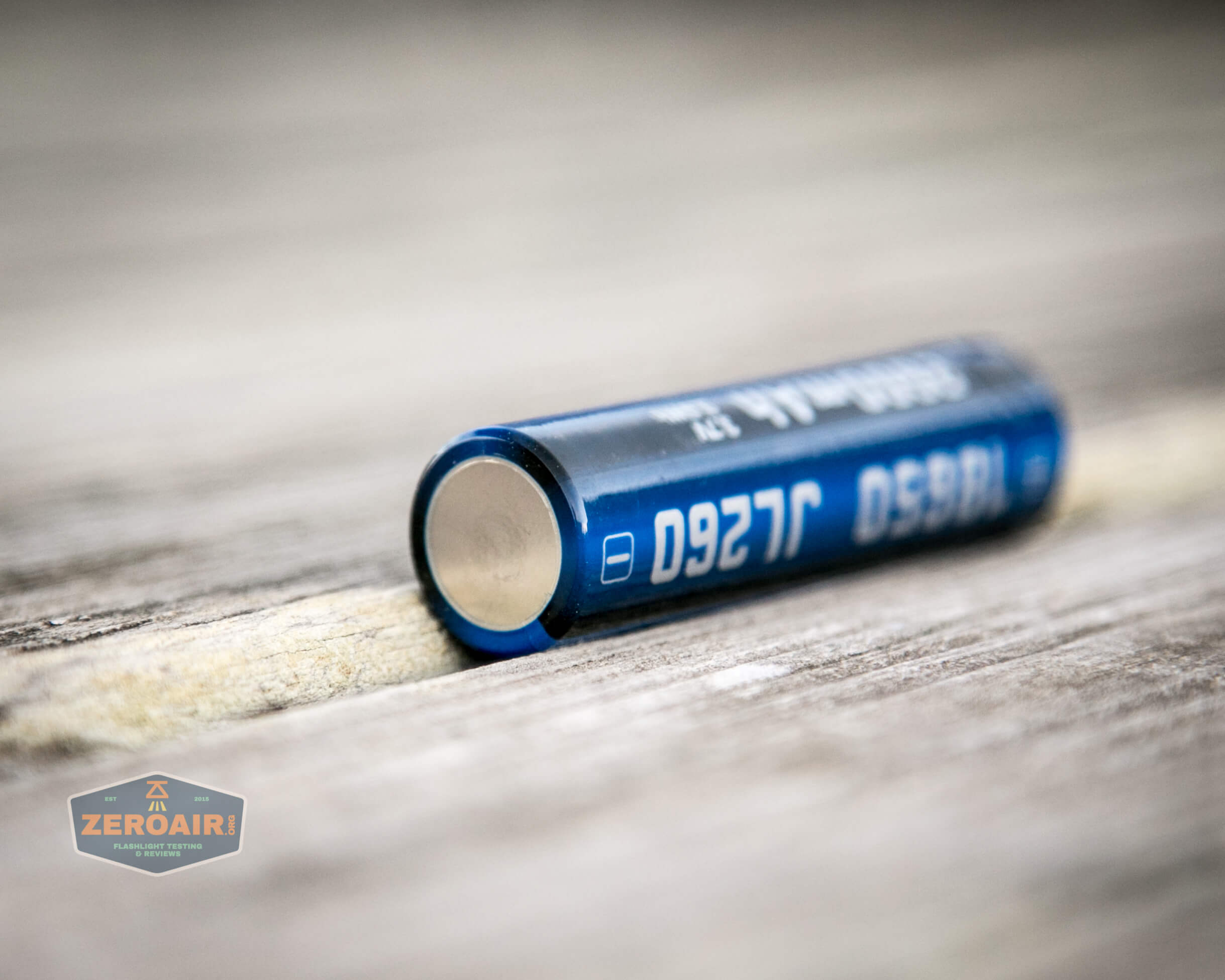
In my initial run-through of photos, I didn’t notice that there’s actually a tiny centering adapter inside there – you can see it below (in some follow-up photos, which aren’t great – sorry!). The 18650 has this plastic ring. Not really necessary for operation, but it prevents cell rattle.
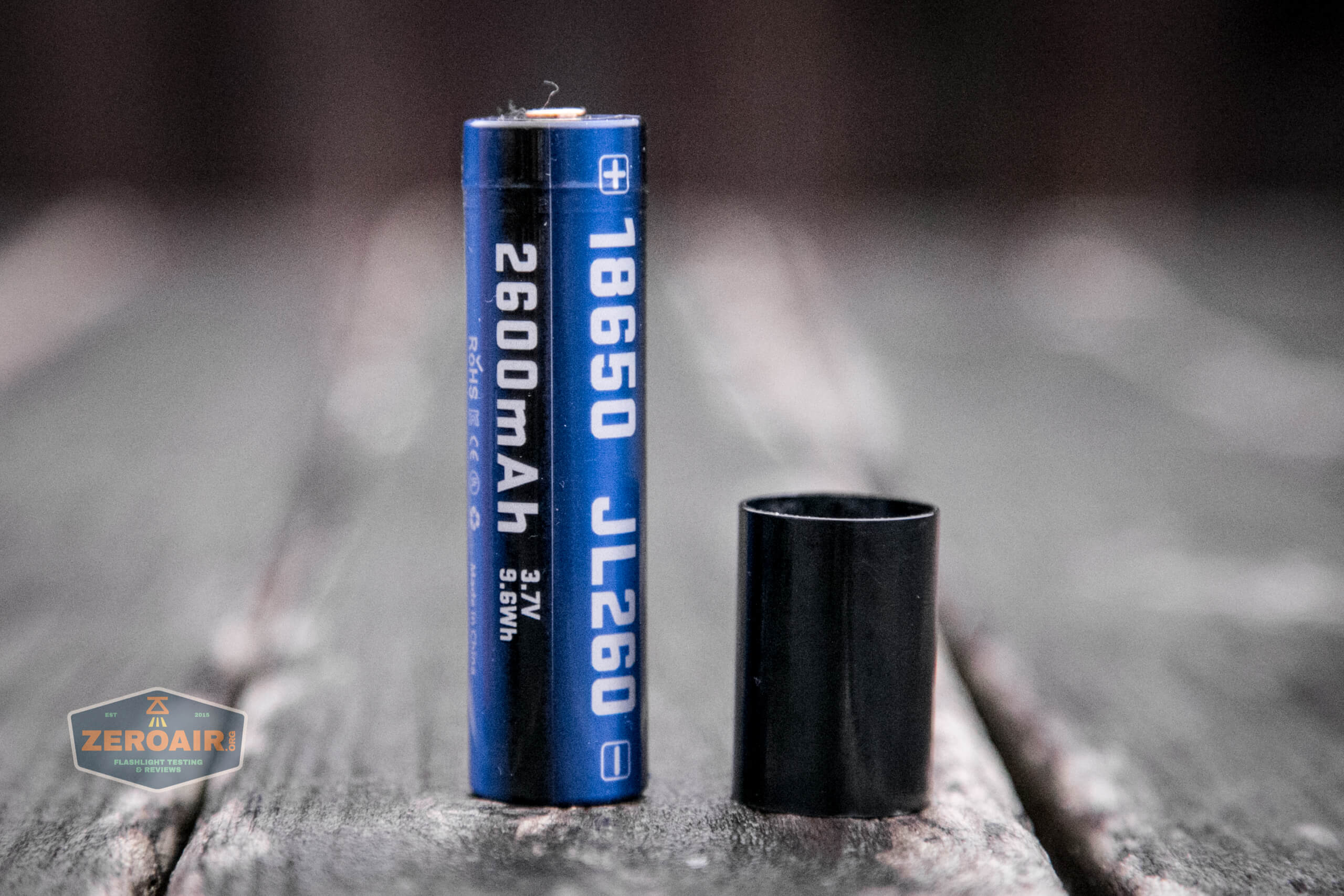
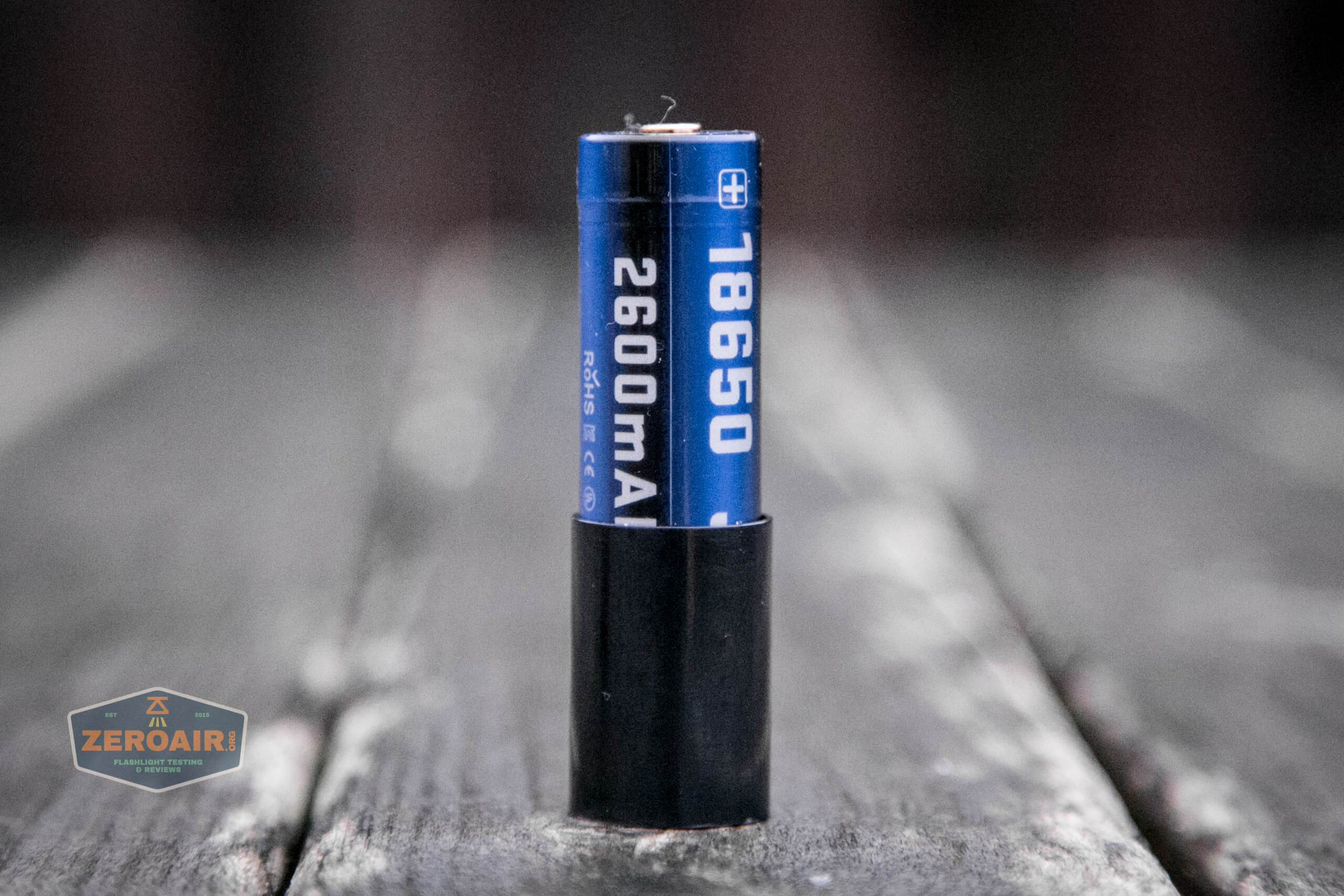
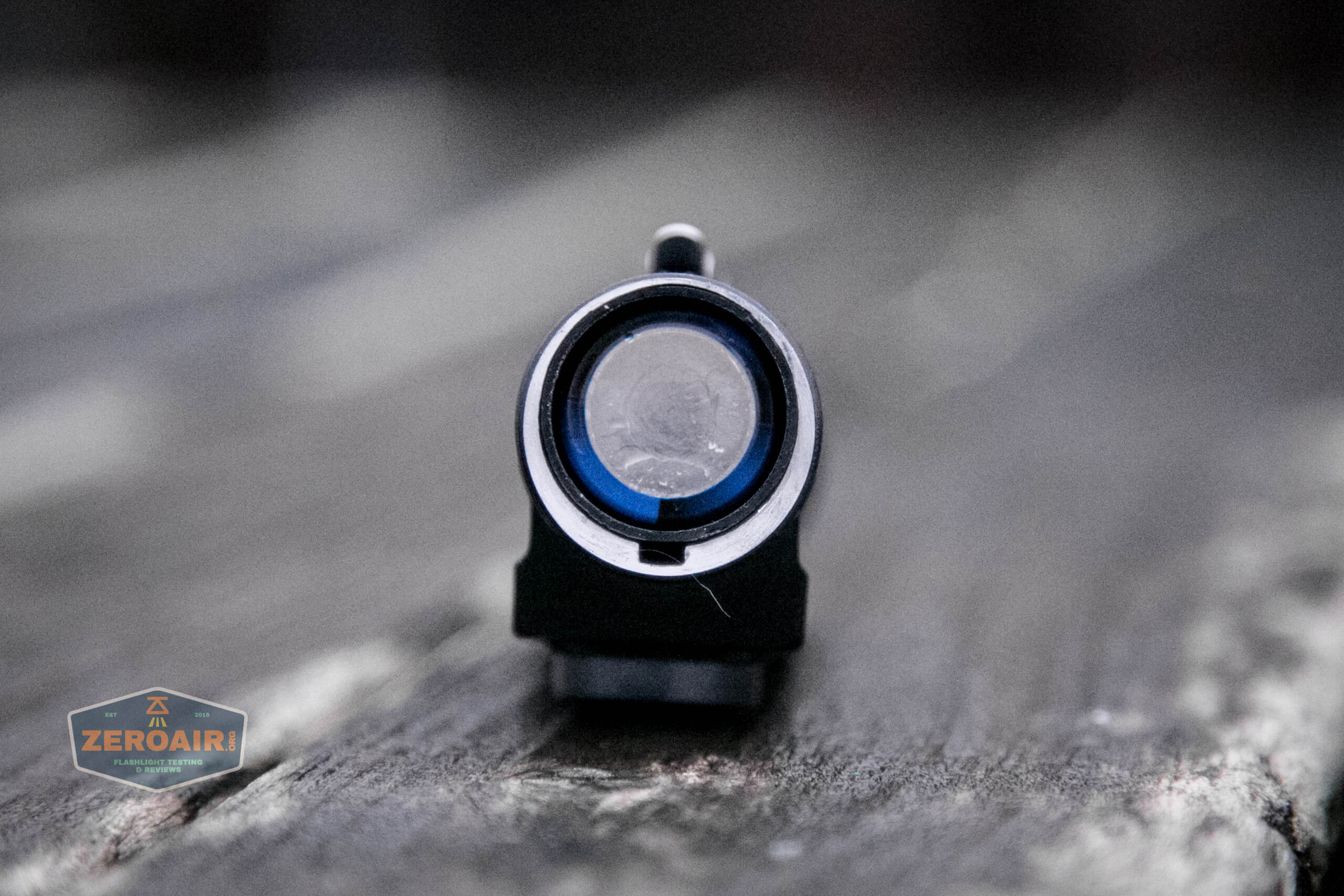
However, with this adapter removed, you’re able to use a 20700 cell. These 20700 cells often have a larger capacity than an 18650, and runtimes will lengthen accordingly. Note that I didn’t have luck fitting all my 20700 cells into the HR30. What I used was this Sanyo 2070C, which I tested and reviewed here.
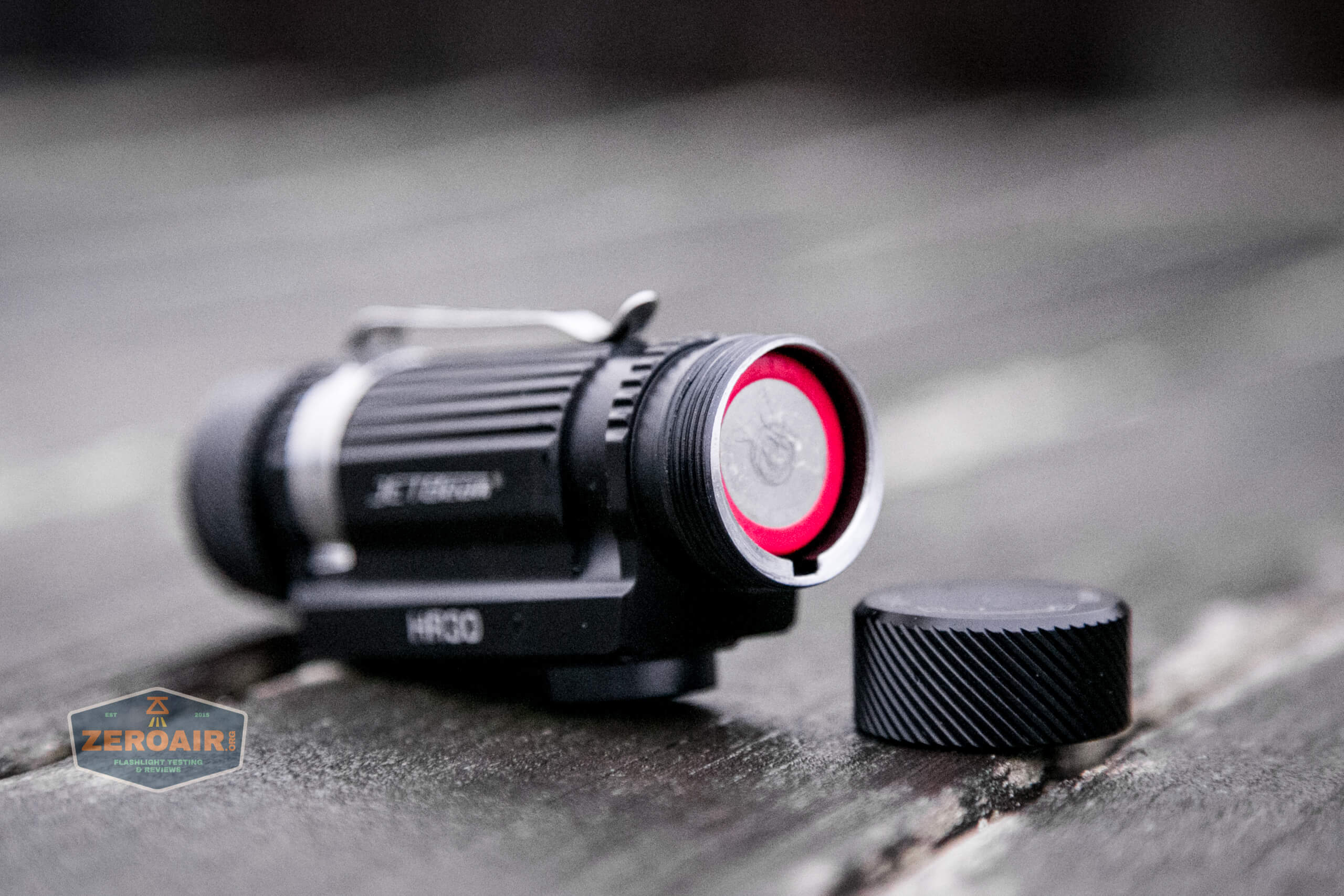
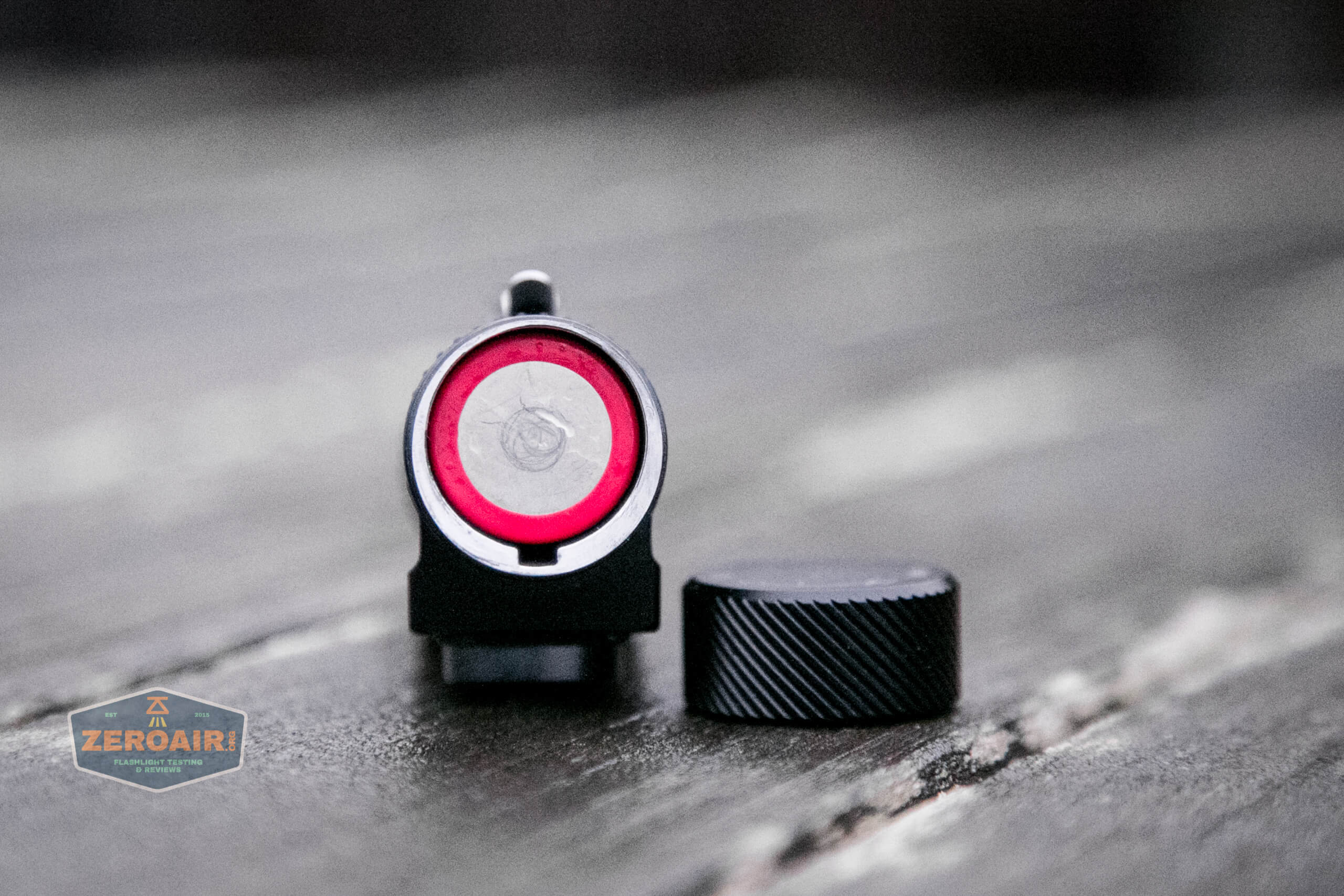
That specific 20700 cell fit fine, but a couple I have by Imren did not – the wrapper is too thick.
I tested the HR30 with only the included 18650. The difference in 18650 and 20700 is academic – runtimes will be longer but not different, just as a runtime with a different capacity 18650 will be shorter or longer depending.
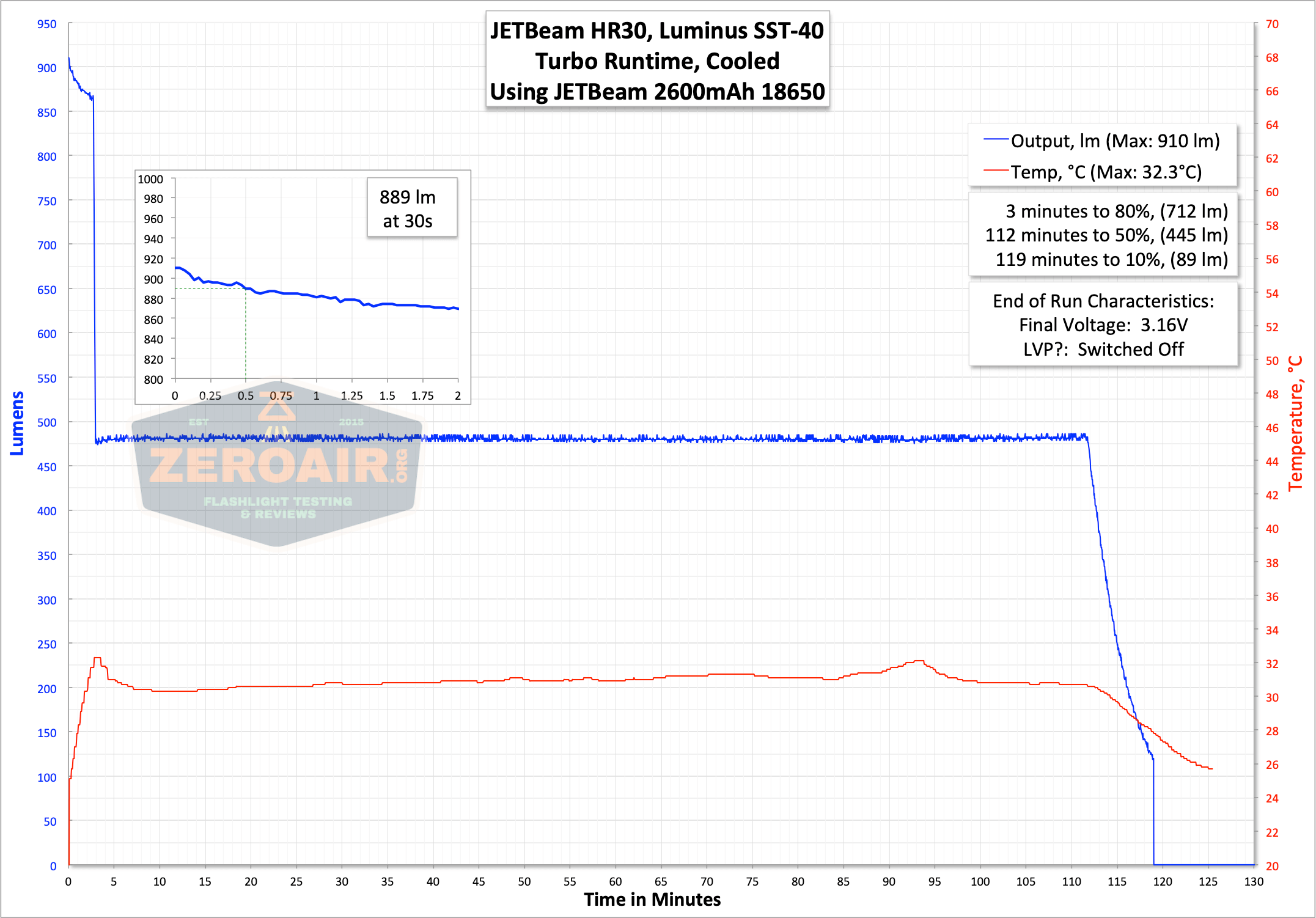
A complete shutdown when the voltage got low was observed. The cell didn’t even get all that low – around 3.1-3.2V. To be honest, there’s not all that much energy in the cell below that anyway, so this voltage is perfectly acceptable.
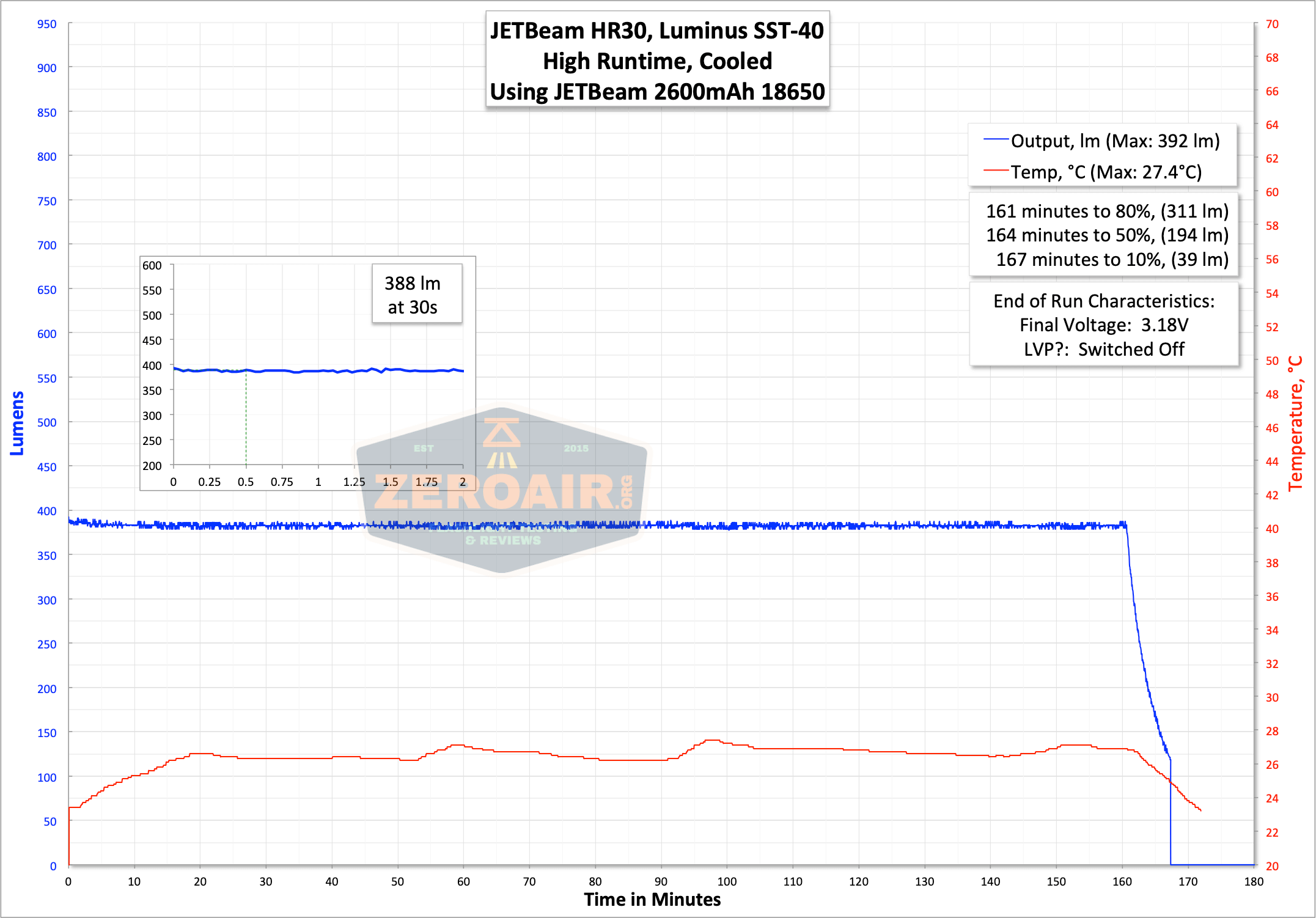
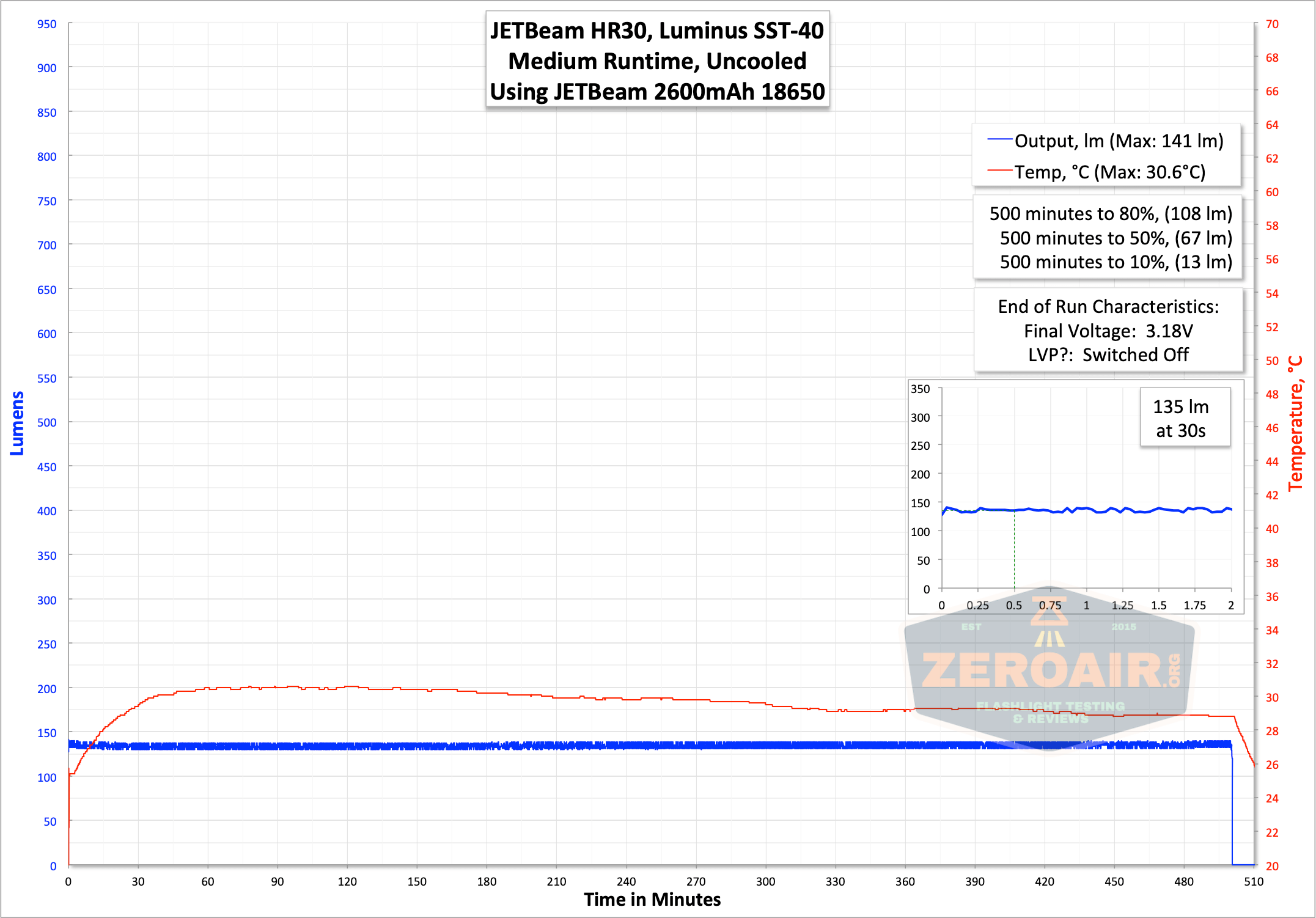
At 2.7V, I observed a flash by the red emitters. This is described as happening “below 10% power.”
There’s also a battery check option – described in the user interface table. Here are the specifics:
Four red flashes: >91% power
Three red flashes: 41%-90% power
Two red flashes: 11%-40% power
One red flash: <10% power
Charging
As mentioned above, the HR30 also has built-in charging. And for an older light (circa 2018?), it’s surprising to see USB-C. The charge port is covered by one of the tailcaps, and the coverage seems secure.
An appropriate cable is included – USB to USB-C.
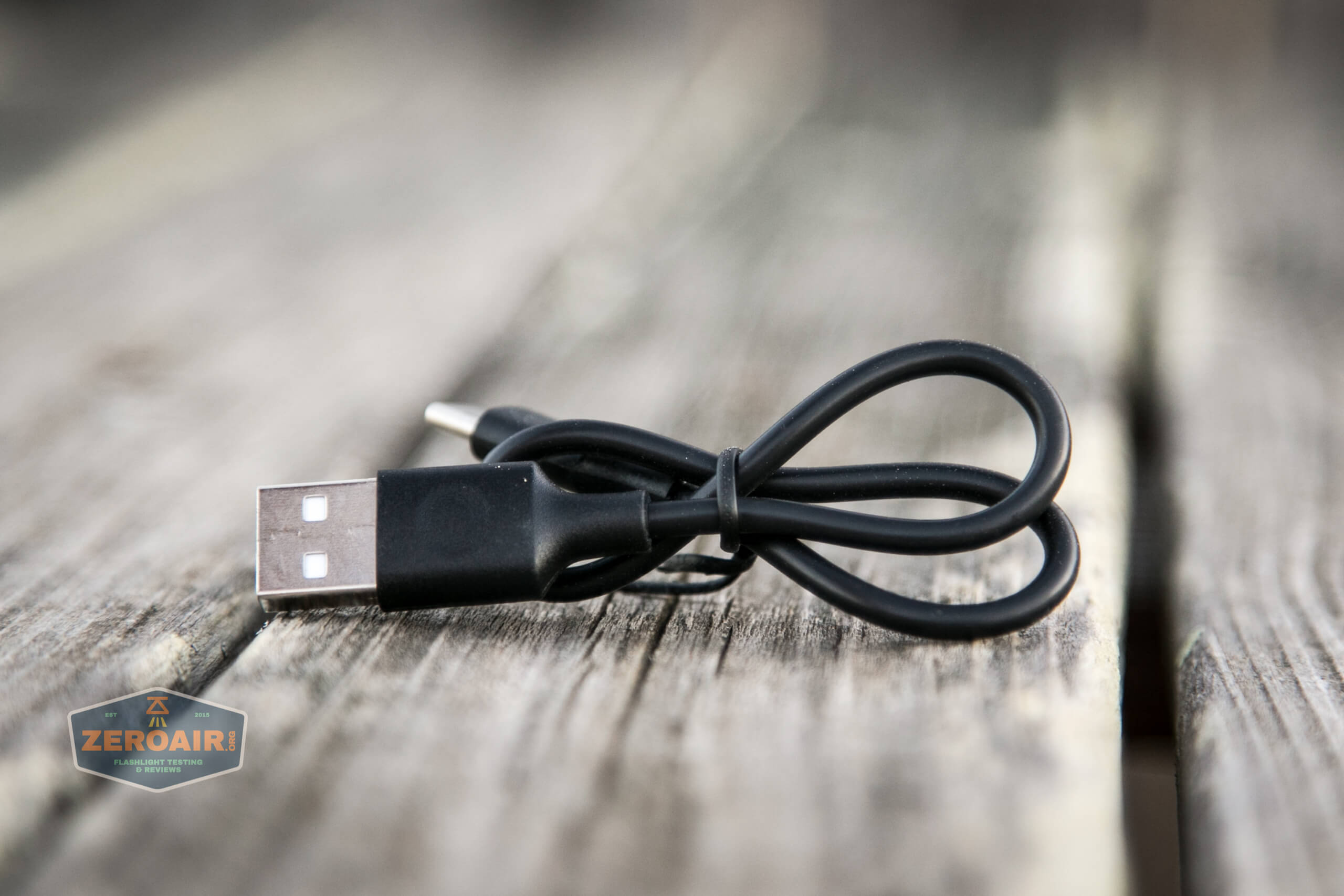
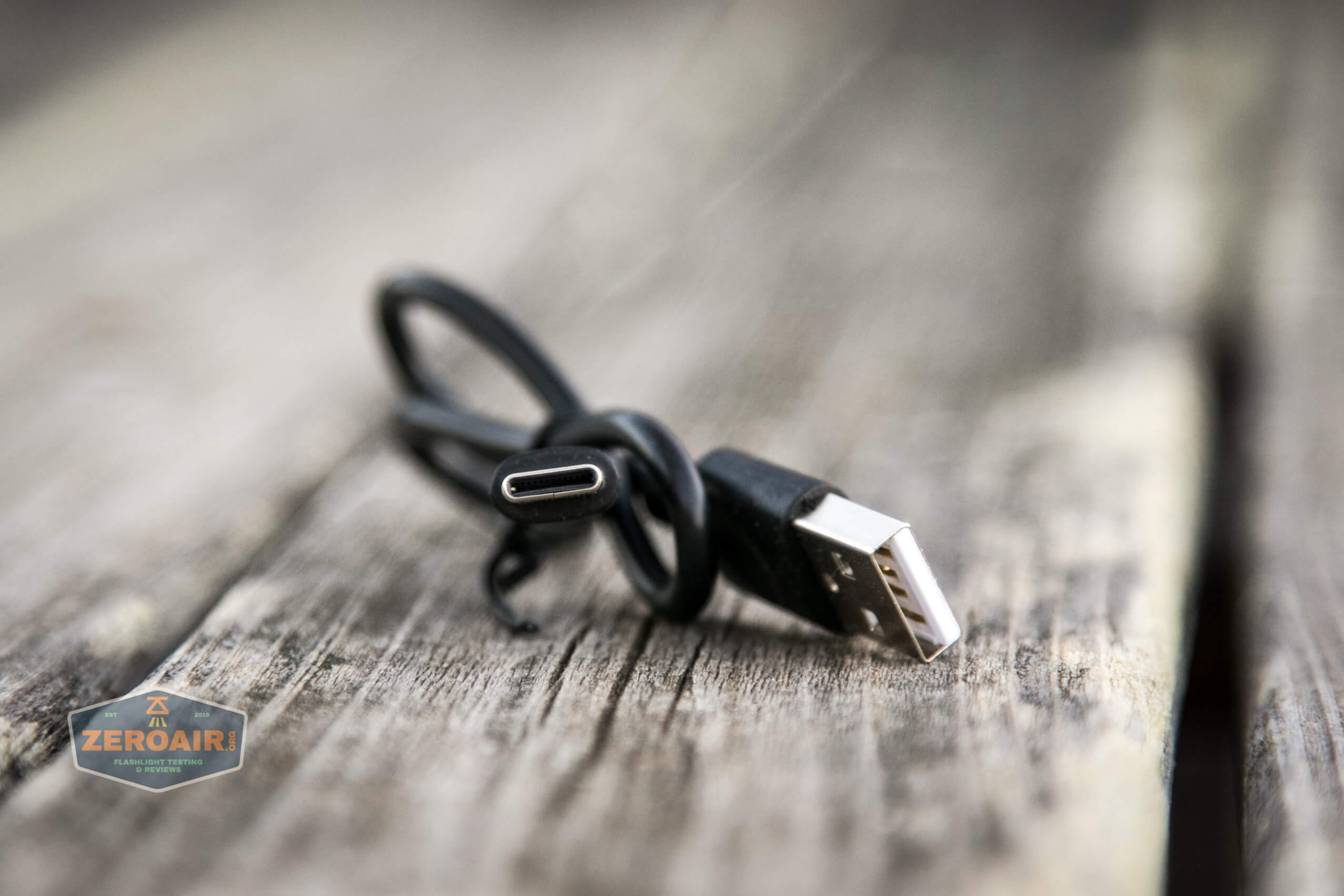
Charging is brisk, at around 1.5A, and takes only around 2 hours. This is pretty quick!
Modes and Currents
| Mode | Mode Claimed Output (lm) | Claimed Runtime | Measured Lumens | Tailcap Amps |
|---|---|---|---|---|
| Turbo | 950 | 2.8h (18650), 4h (20700) | 889 | 2.65 |
| High | 400 | 3.8h | 388 | 0.86 |
| Medium | 150 | 10.5h | 135 | 0.28 |
| Low | 50 | 30h | 0.12 | |
| Eco | 5 | 100h | 0.01 | |
| Red | 1 | 100h | – | 0.03 |
Pulse Width Modulation
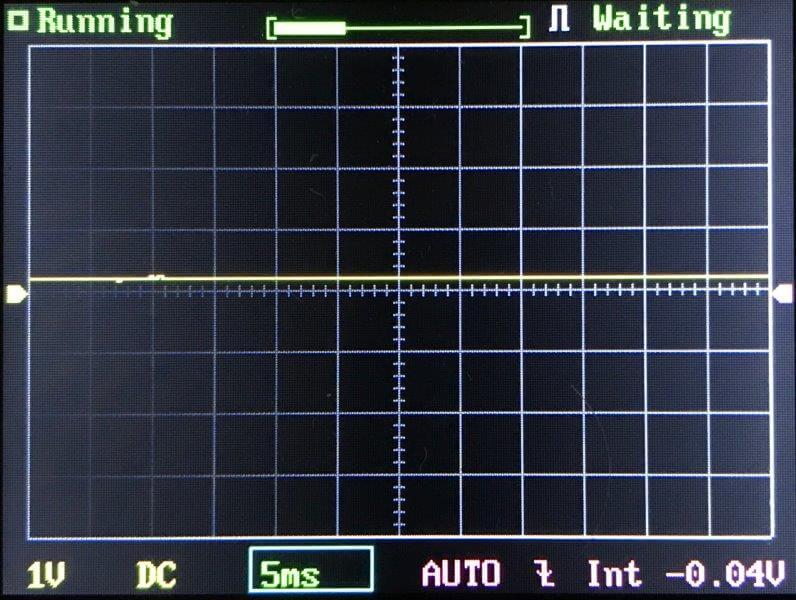
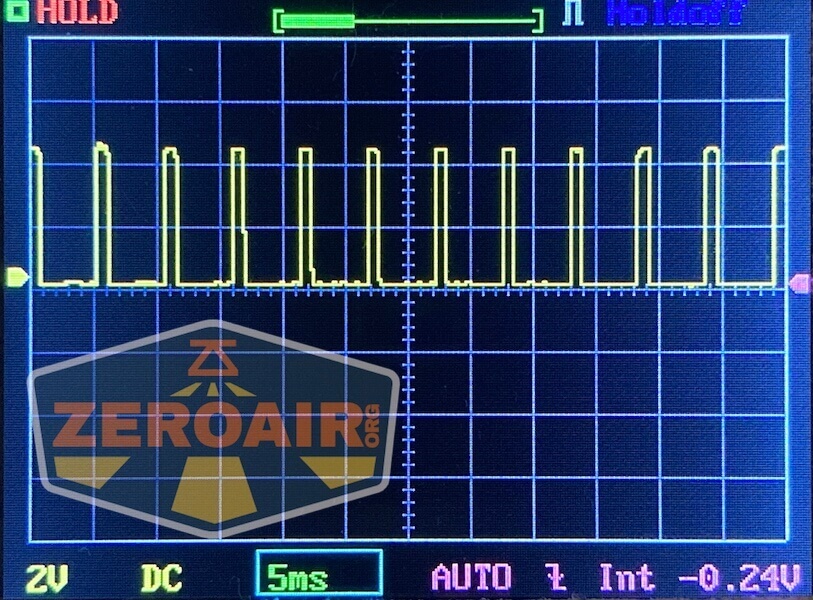
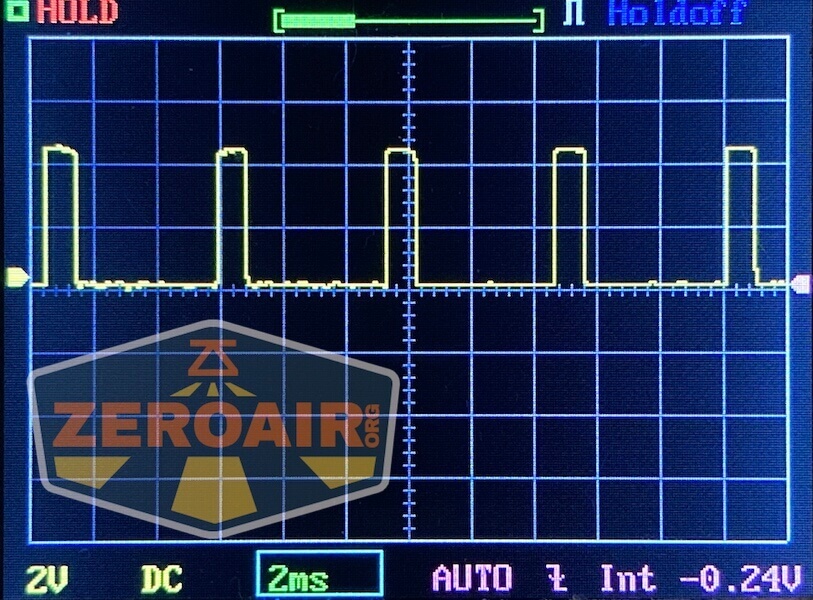
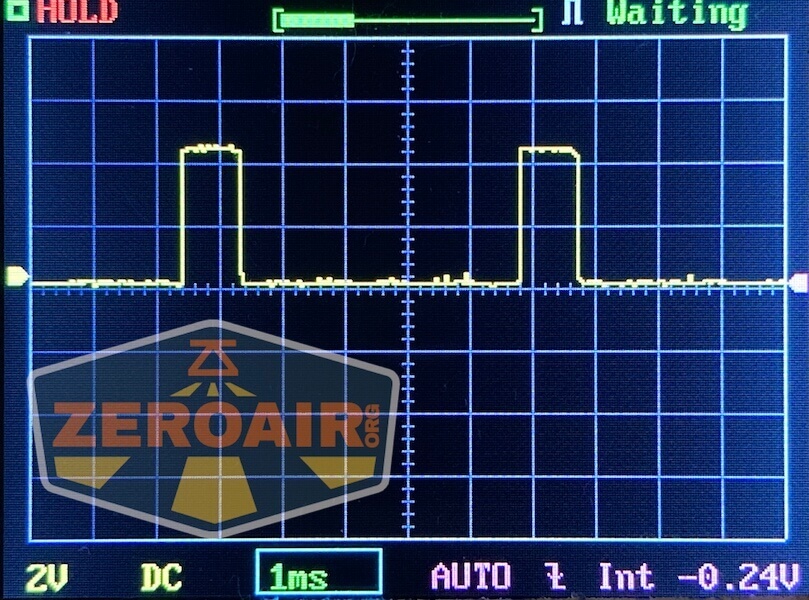
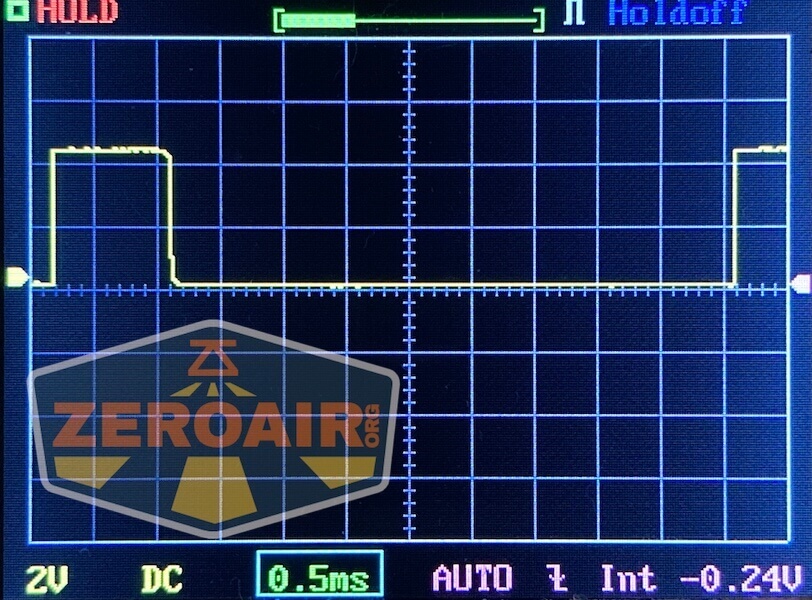
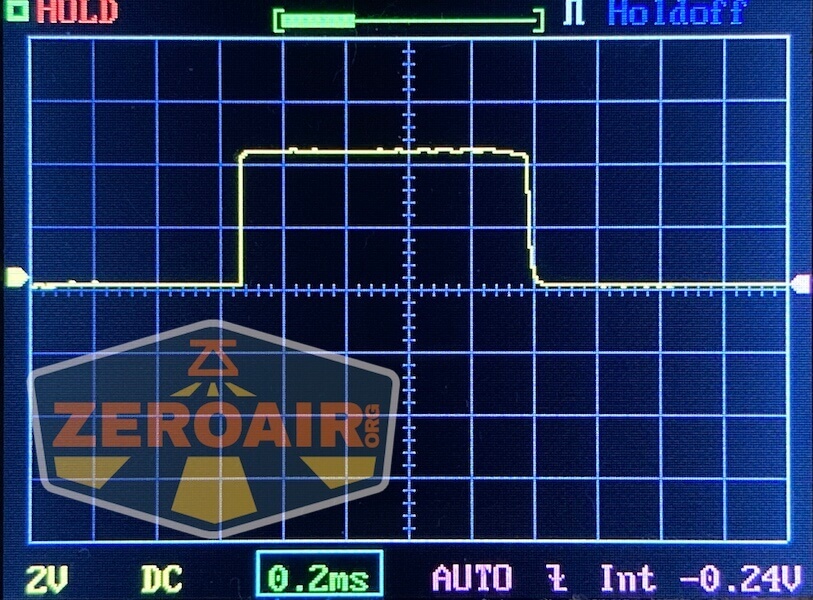
Note that these modes are “highest to lowest” (unusual) and are logged that way below, too. I’m not really sure that these lower modes are exhibiting PWM or just some ripple. Either way, I don’t notice it.

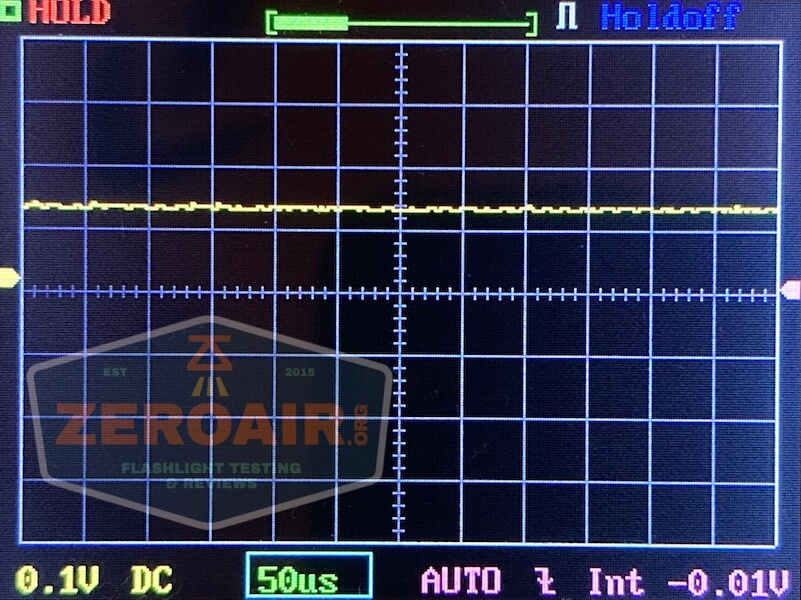
Here you can see a “baseline” – a chart with almost no light hitting the sensor.
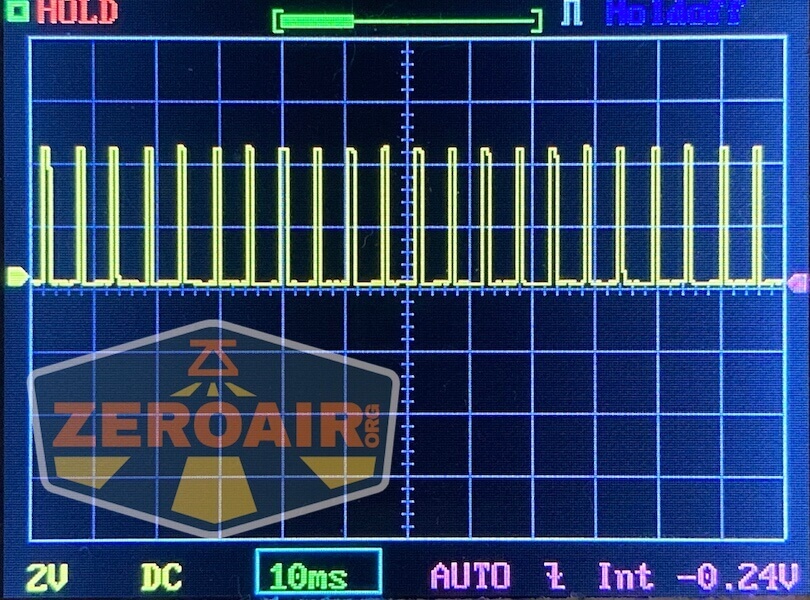
Then there’s the Ultrafire WF-602C flashlight, which has some of the worst PWM I’ve seen. It’s so bad that I used a post about it to explain PWM! Here are multiple timescales (10ms, 5ms, 2ms, 1ms, 0.5ms, 0.2ms) to make comparing this “worst” PWM light to the test light easier. That post also explains why I didn’t test the WF-602C at the usual 50us scale.
User Interface and Operation
There’s a single switch for operation. It’s an e-switch, and it’s right smack on the front.
The switch is also somewhat tiny and relatively “hard.” Not “hard to press” or anything, just feels like it has a lot of resistance somehow.
It’s not a bad switch, but I don’t like it being straight on the front. This location means I have to push directly against my head when pressing the button, and with its high resistance, that is annoying. That switch is also very small, so you must be deliberate with your finger placement.
Here’s a user interface table!
| State | Action | Result |
|---|---|---|
| Off | Click | High |
| High | Click | Low |
| On | Hold | Mode advance downward (Turbo > High > Medium > Low > Off) |
| Off | Hold | Turbo |
| Any | Double Click | Red Flashing |
| Red Flashing | Double Click | Red Steady |
| Red Steady | Double Click | Power indicator^ |
^ Power indicator is described in the Power and Runtime section
LED and Beam
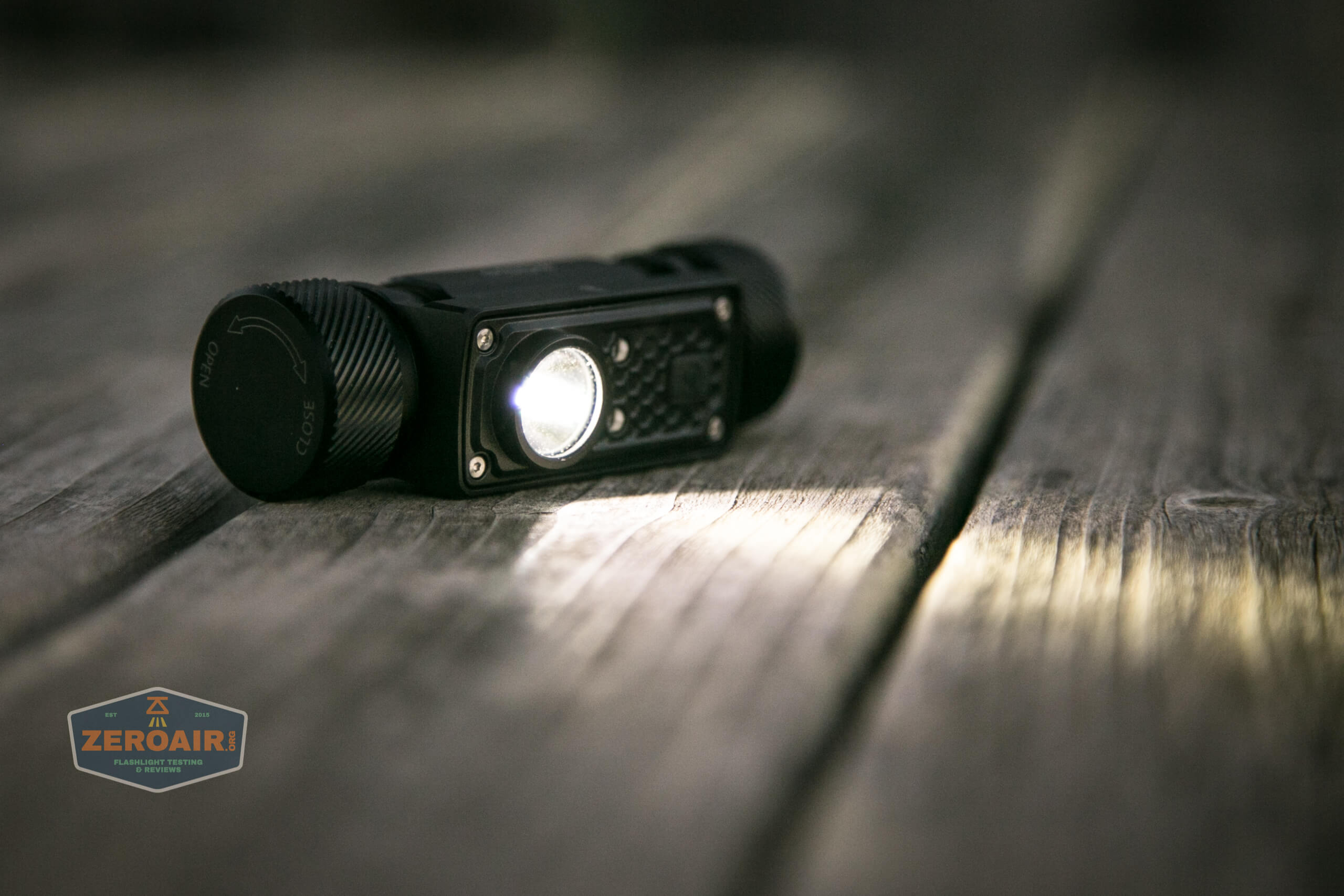
The main emitter seen below is a Luminus SST-40. It’s not stated that I see, but this is a cool white emitter. The main emitter (white) has a shallow, lightly orange-peel reflector.
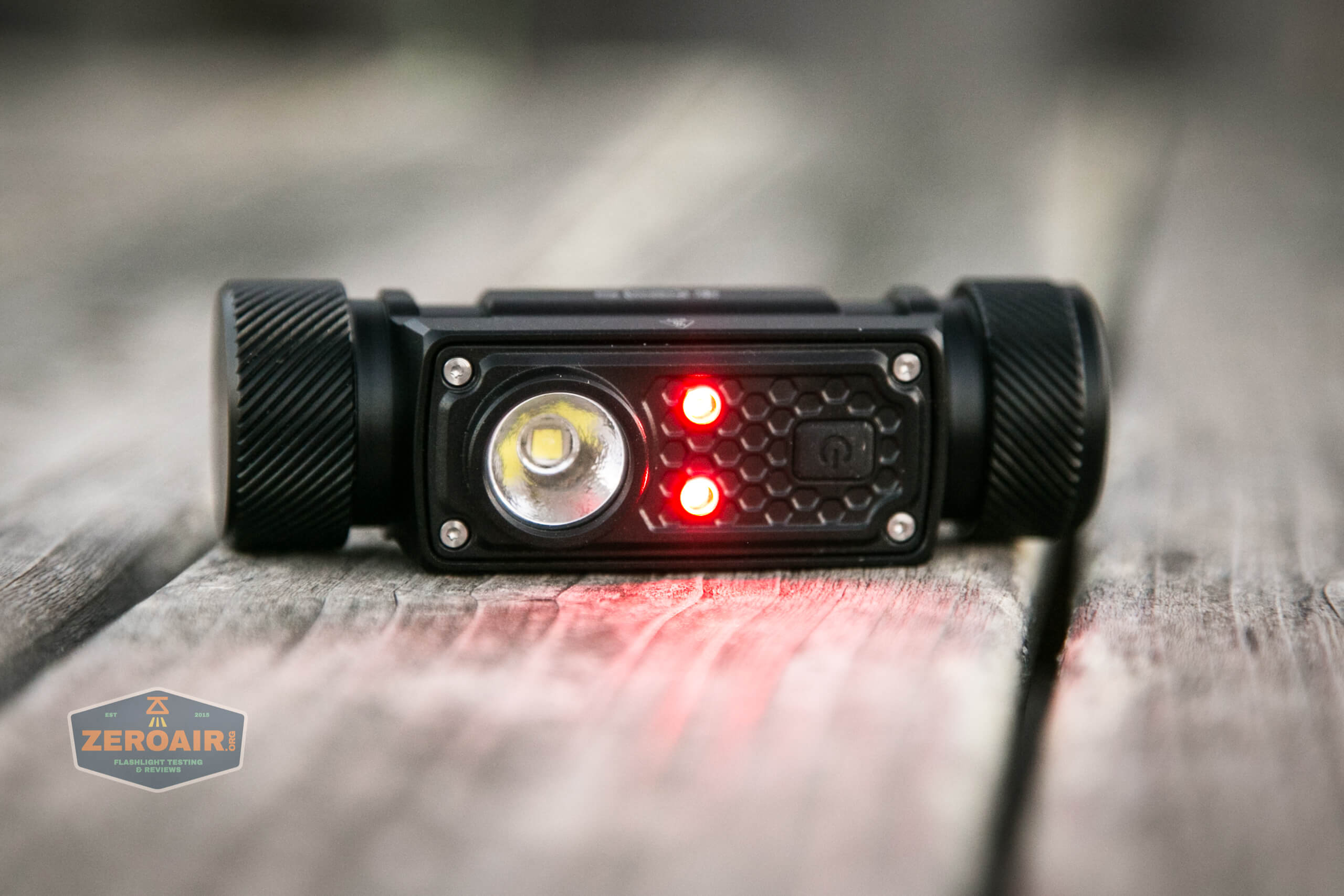
Two red emitters are present, too. These have only one steady mode, aren’t all that bright, and surprisingly have a somewhat bad beam shape. However, for their intended purpose (like reading maps or whatever), they are likely just fine. These two can’t be controlled independently, and the total output is very low.
Beamshots
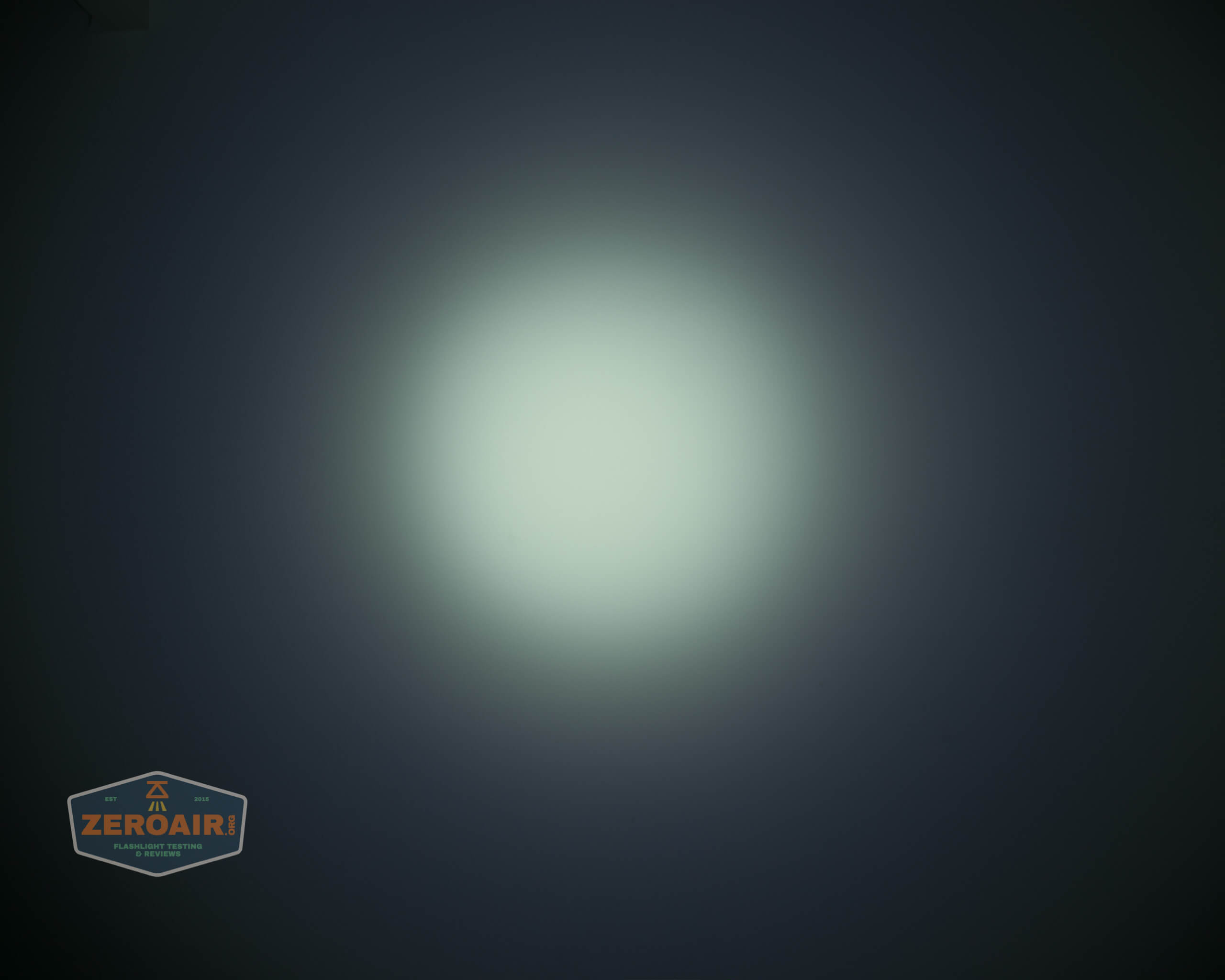
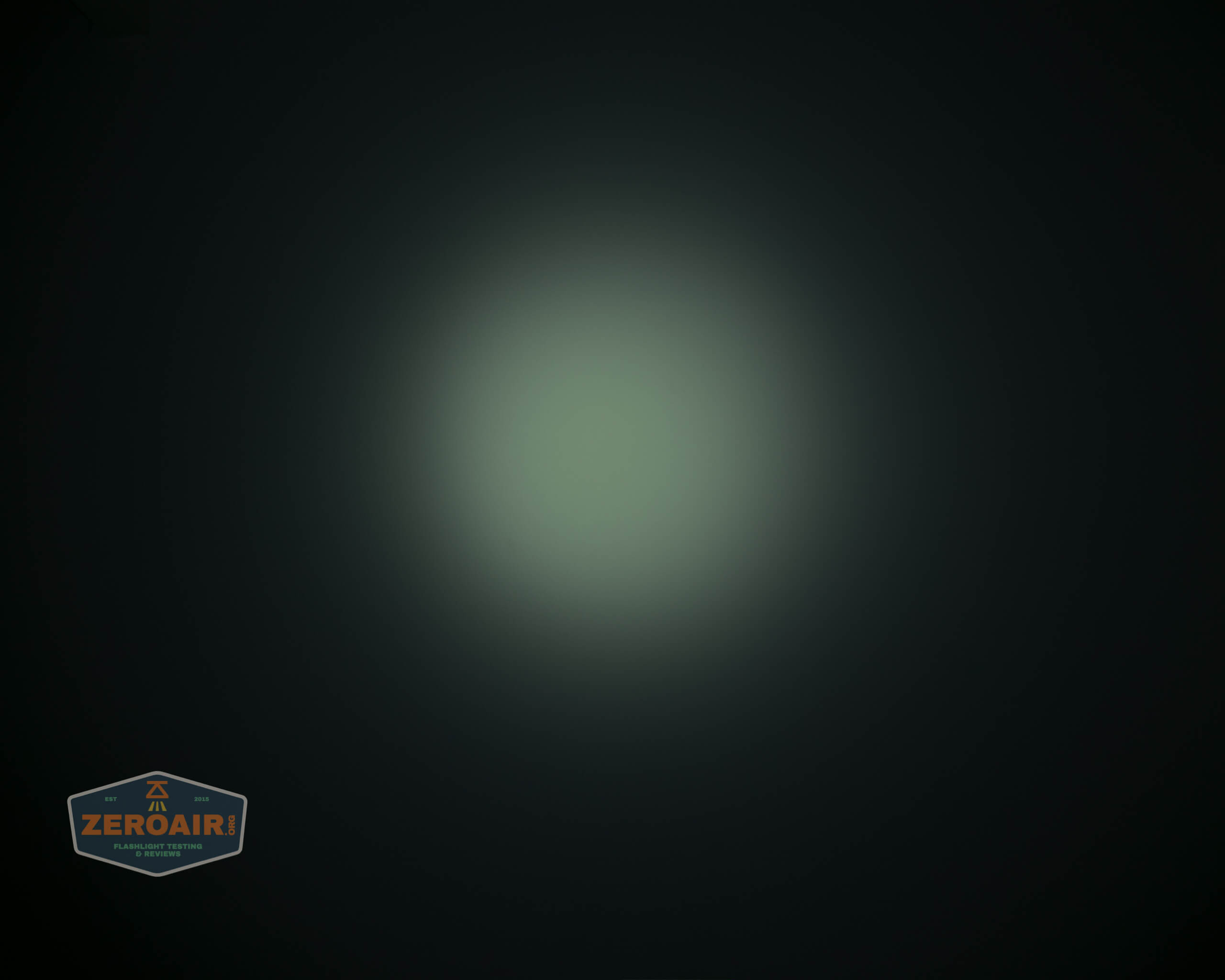
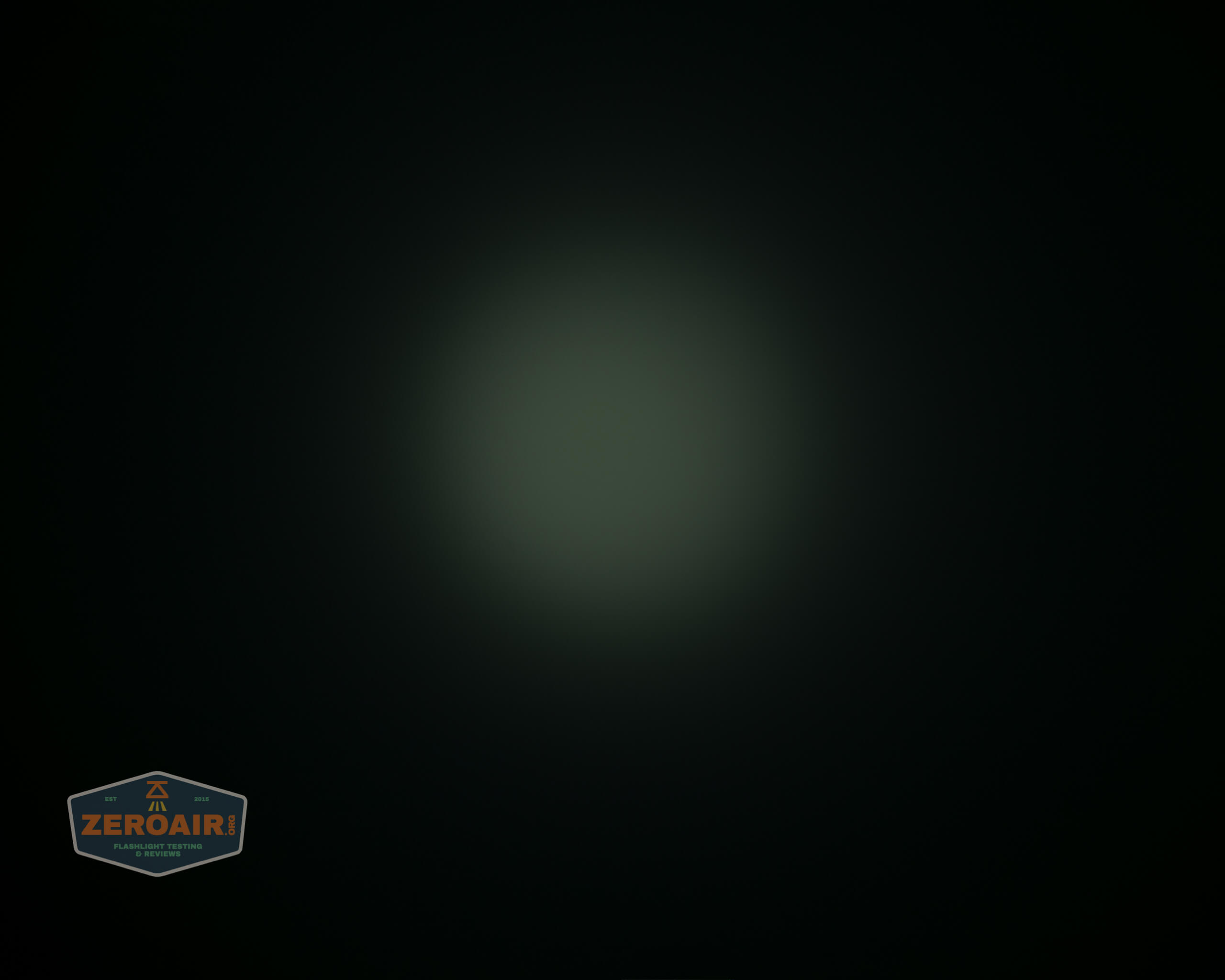
These beamshots always have the following settings: f8, ISO100, 0.3s shutter, and manual 5000K exposure. These photos are taken at floor level, and the beam hits the ceiling around 9 feet away.
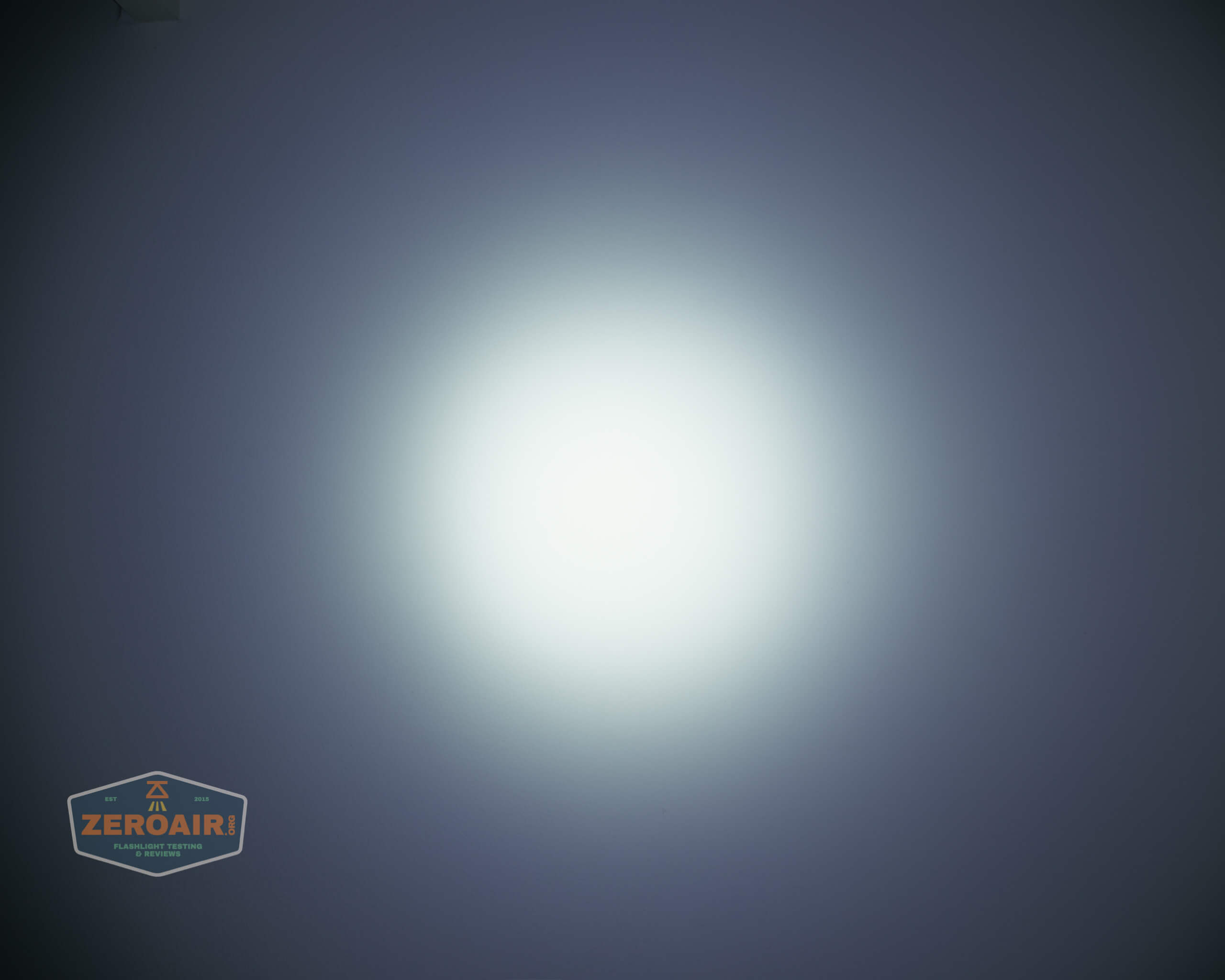

Tint vs BLF-348 (KillzoneFlashlights.com 219b version) (affiliate link)
I keep the test flashlight on the left and the BLF-348 reference flashlight on the right.
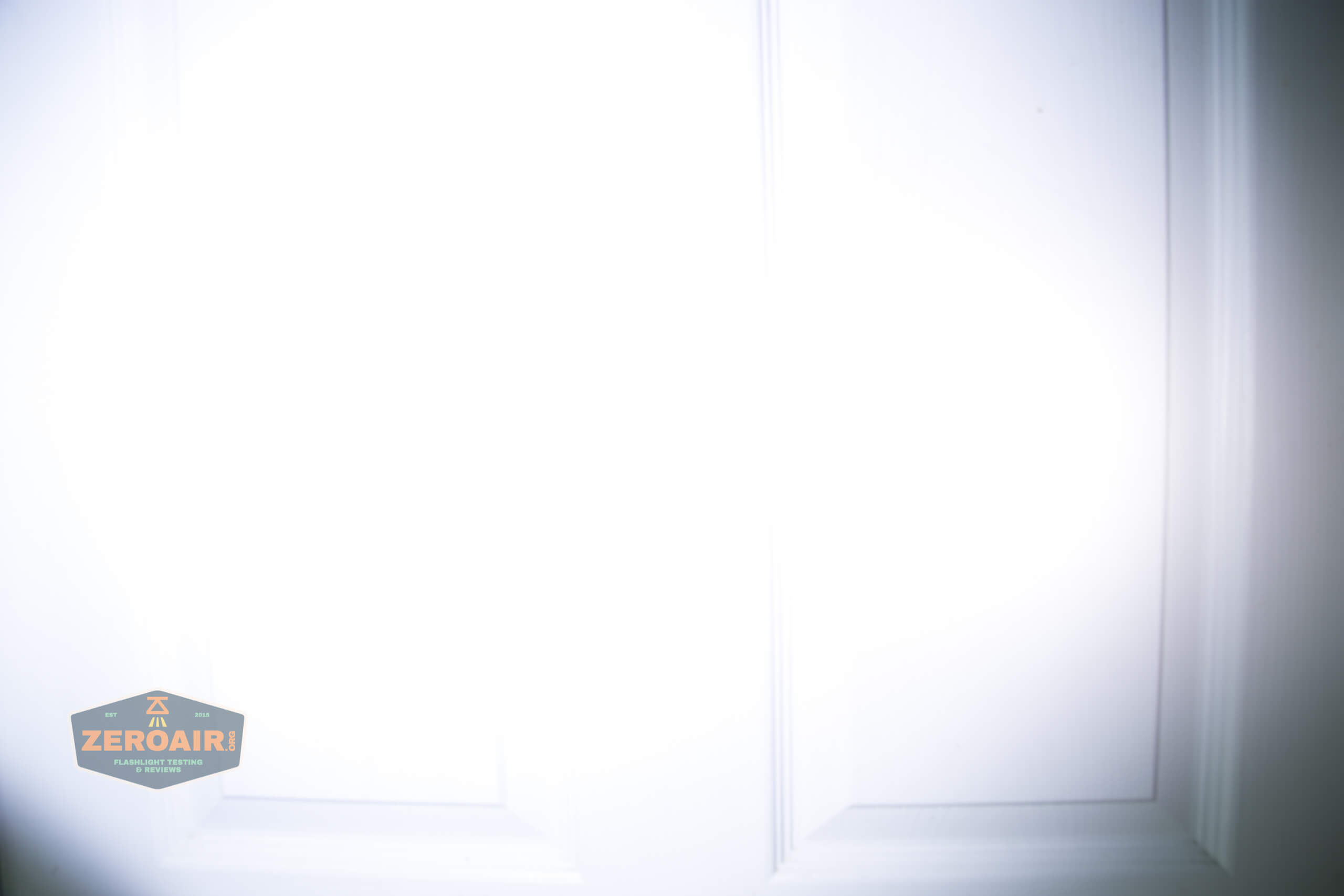
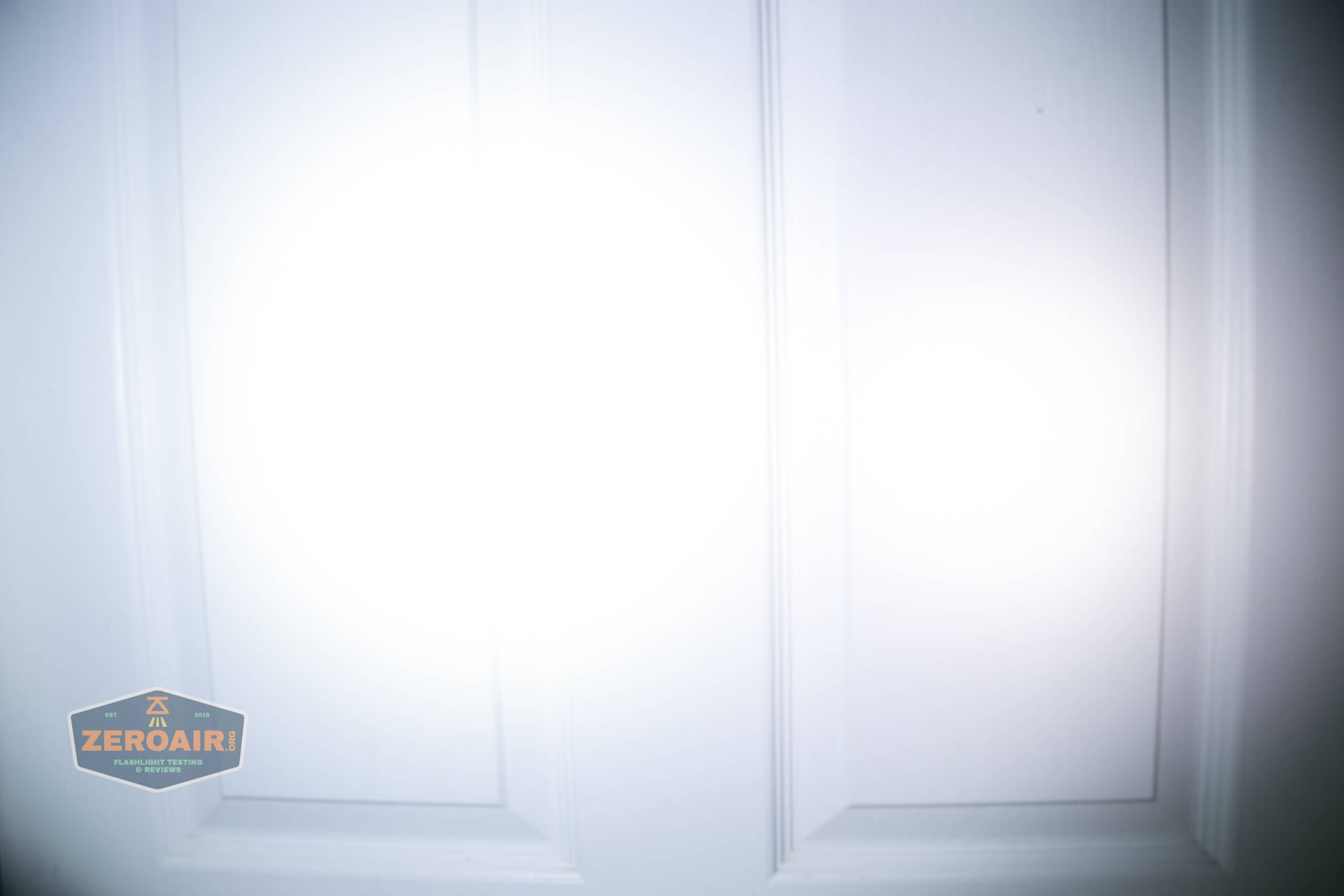
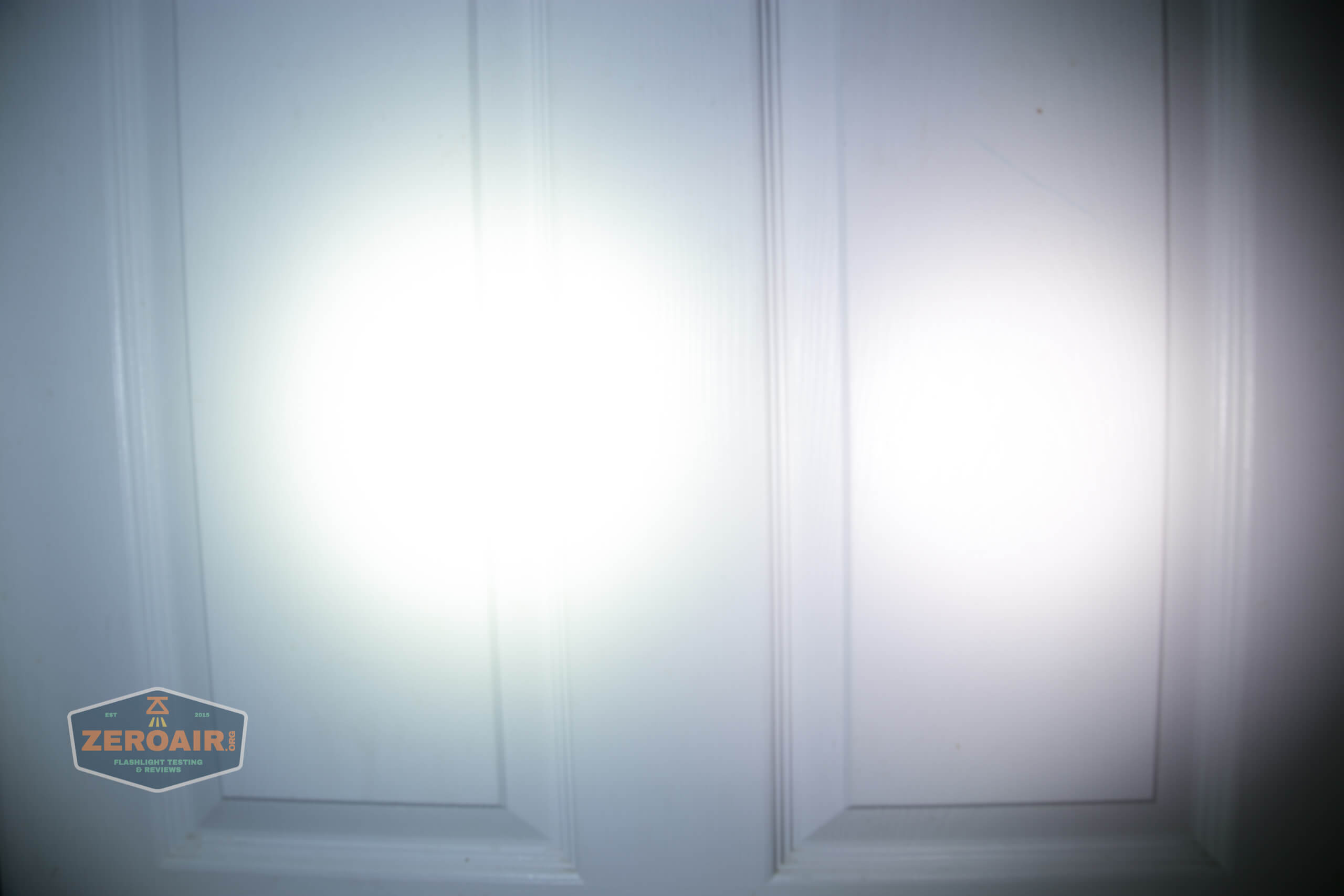
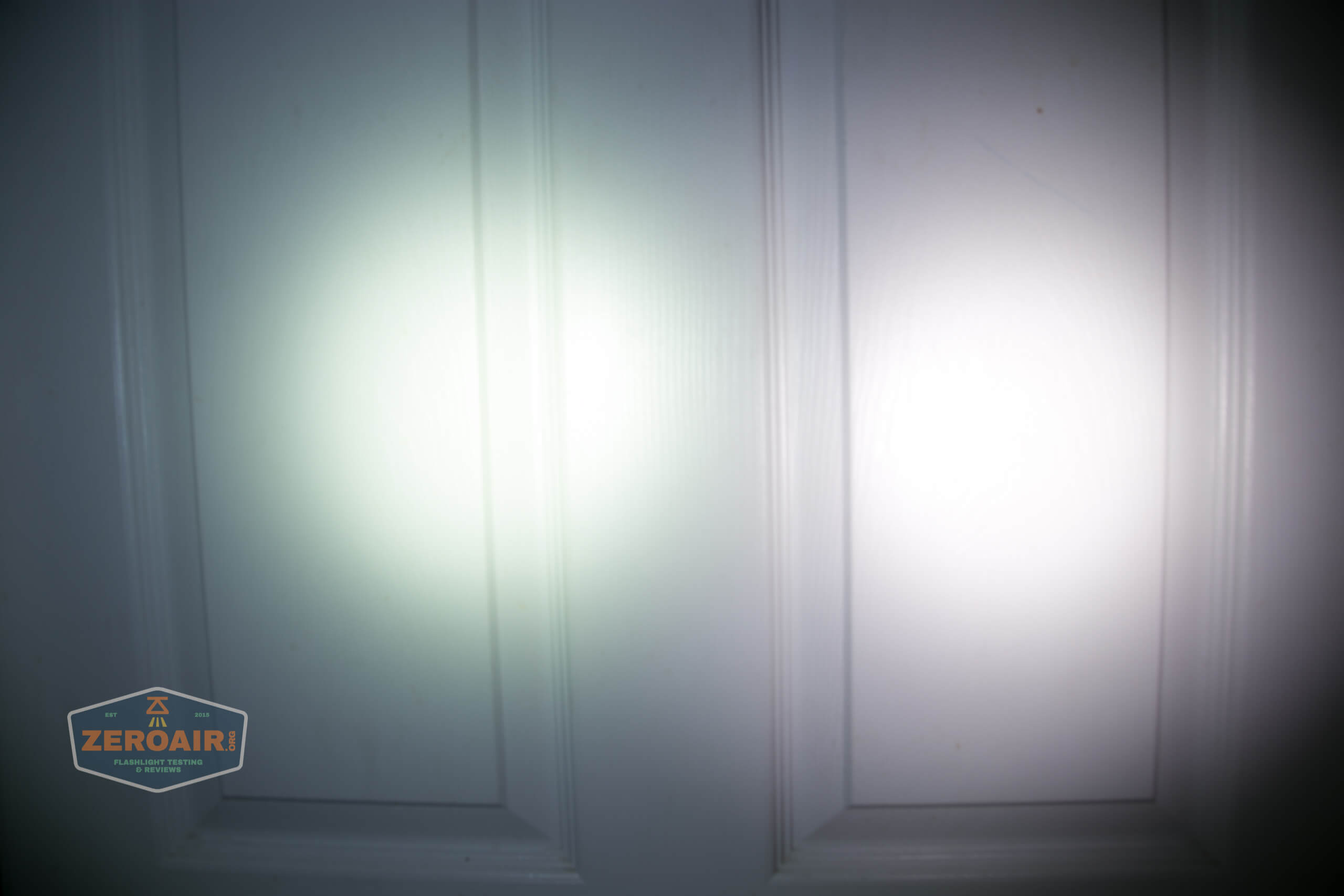
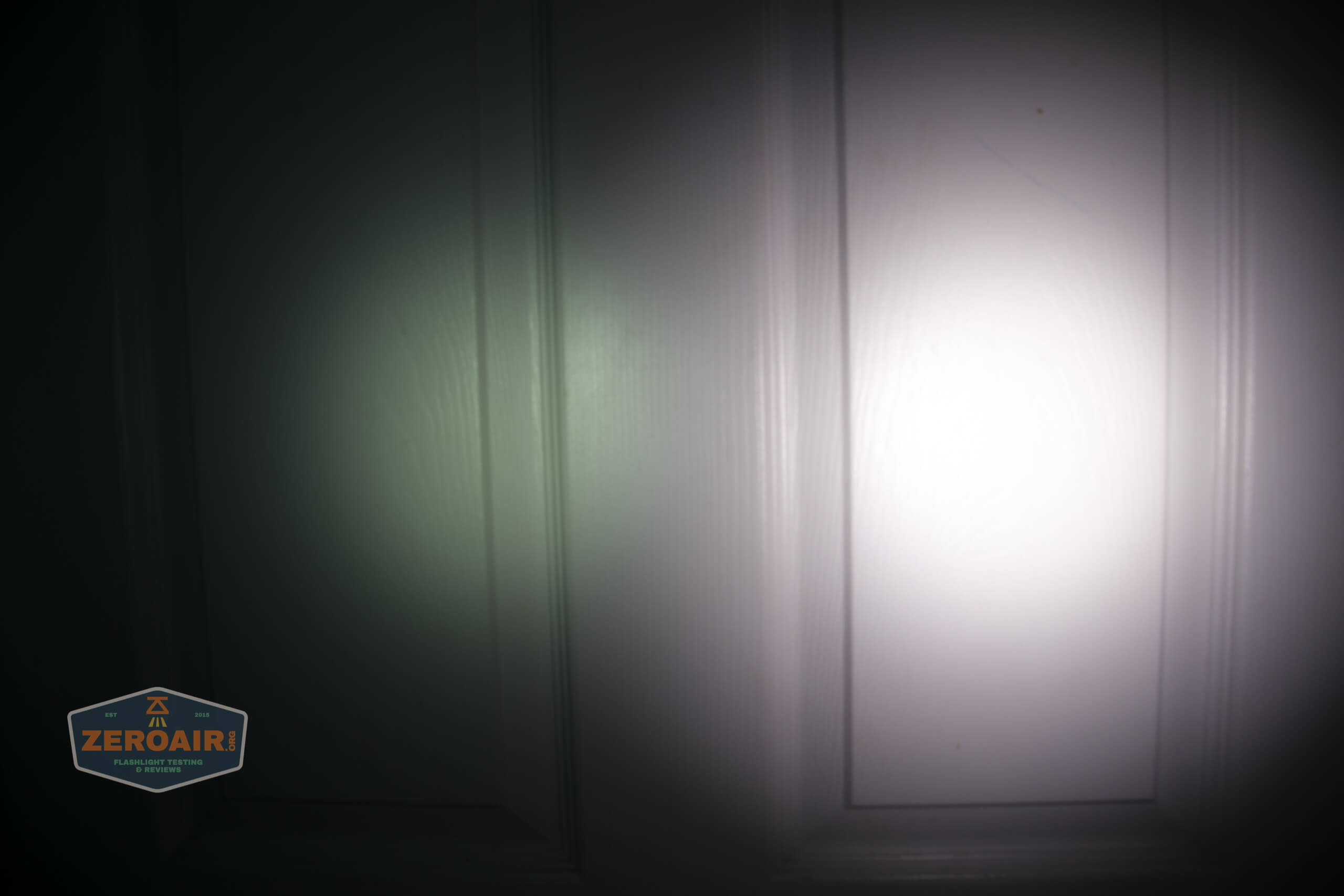
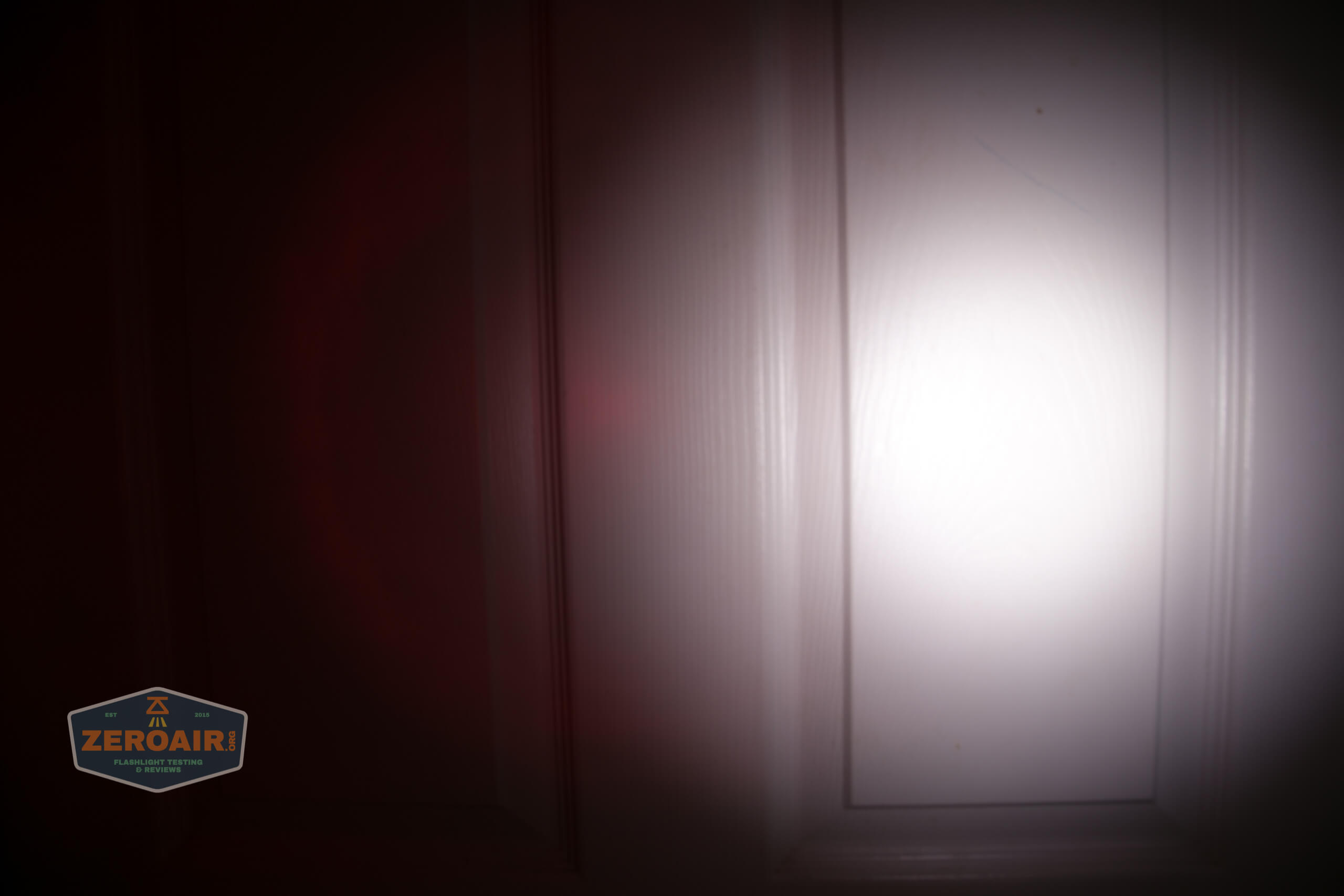
I compare everything to the KillzoneFlashlights.com 219b BLF-348 because it’s inexpensive and has the best tint!
Conclusion
What I like
- Dual emitter setup
- USB-C charging
- Charging is quick
- Complete package
- No PWM
- Works with 20700 cells, providing longer runtimes
What I don’t like
- The switch is hard, and tiny
- Cool white emitter
- Highest to lowest mode groups
- No shortcut to ECO
Notes
- This light was provided by JETBeam for review. I was not paid to write this review.
- This content originally appeared at zeroair.org. Please visit there for the best experience!
- Please use my Amazon.com referral link to help support zeroair.org!
Discover more from ZeroAir Reviews
Subscribe to get the latest posts sent to your email.