

Olight Gober Safety Flashlight Review
Olight released the Olight Gober Safety Flashlight, which is a USB-C charging light offering white, red, green, and blue output! Read on!
Official Specs and Features
Here’s a referral link to the Olight Gober Safety flashlight product page.
Versions
There’s only one version, but it’s available in three body colors. There’s orange (seen here), green, and black.
Price
All three versions sell for $26.96 but seem to be unavailable at the moment. They could be sold through. Here’s a Shareasale link to the Olight Gober Safety flashlight product page.
Probably more important in this wave of Olight products is the Olight Baton 3 Pro. I reviewed one, and can highly recommend it!
Short Review
Of course, I love that this little light is orange – that’s a win for me. It’s even the right orange. If you need something in this category, then this is probably a great item. I can imagine this being great on a dog’s collar, as an around-camp light for the kids or to hang as decoration or nightlight. For much else, this light might be straining to meet your needs.
Long Review
What’s Included

- Olight Gober Safety flashlight
- Charging cable (USB to USB-C)
- Pocket clip mount
- Screwdriver
- Manual
Package and Manual
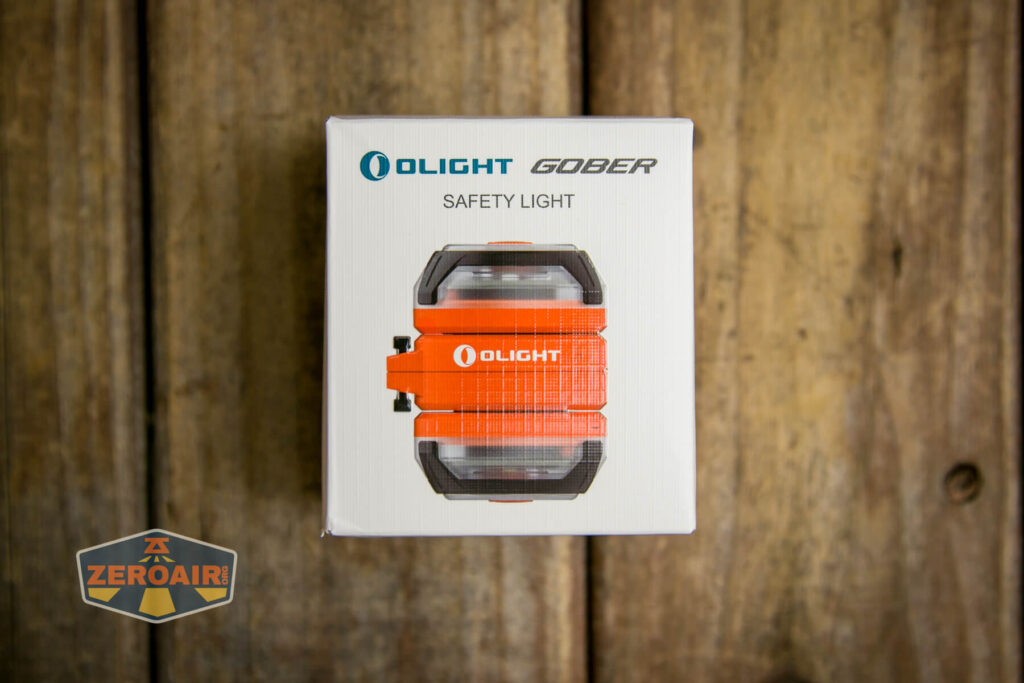
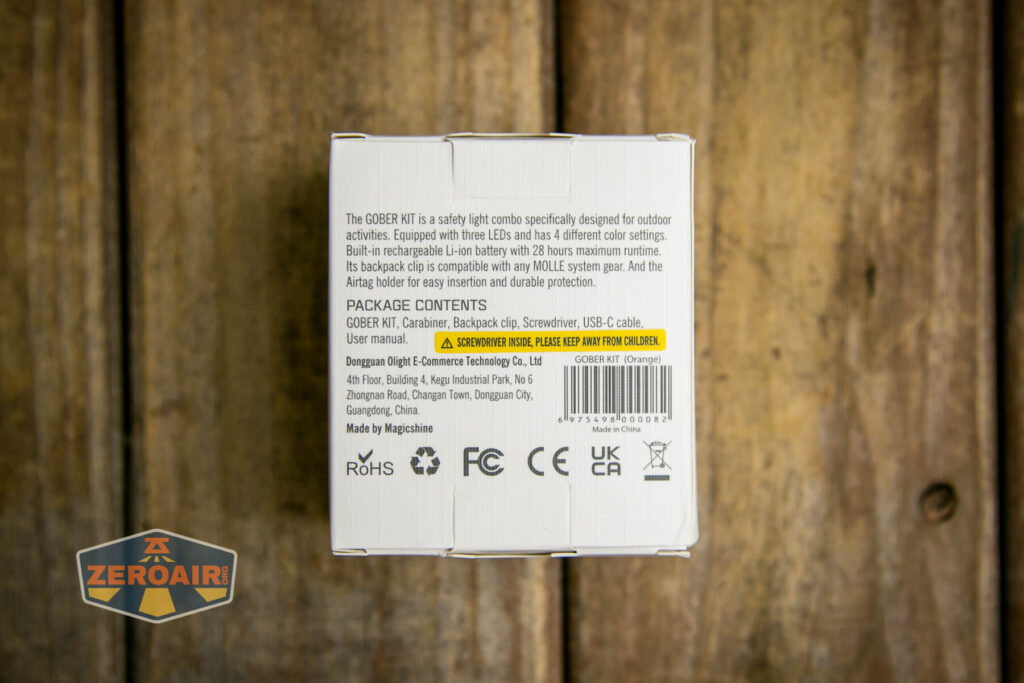
[manual forthcoming]
Build Quality and Disassembly

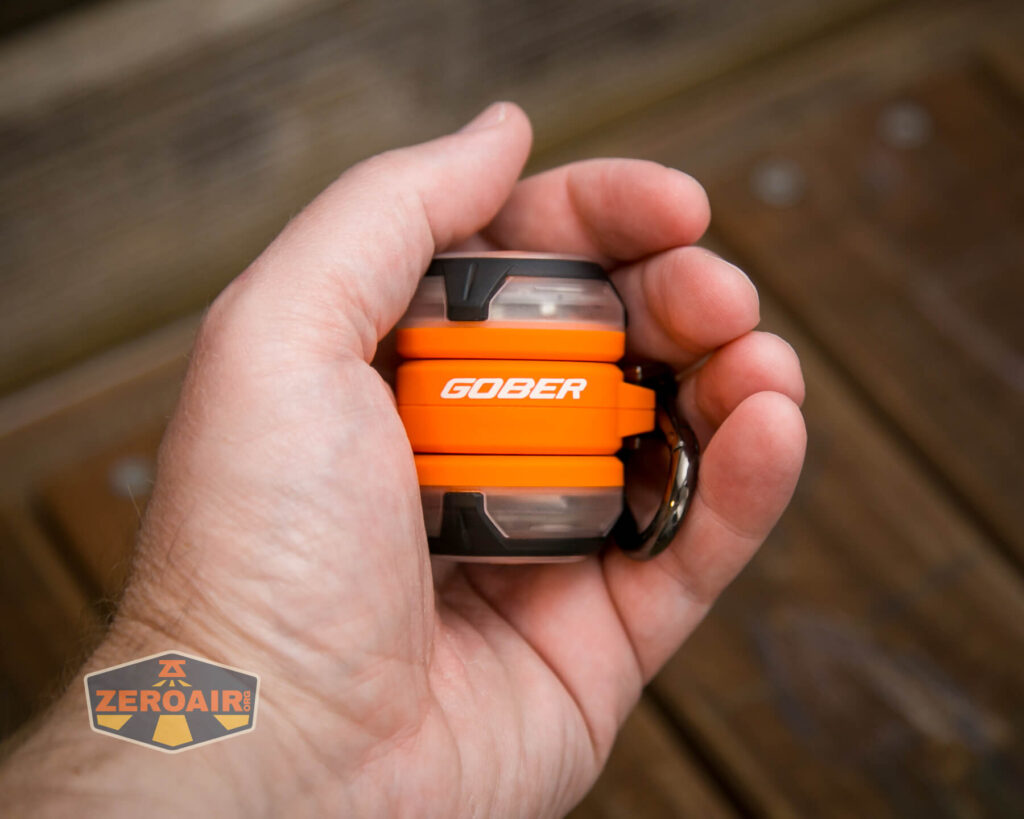
The Olight Gober Safety flashlight is a largely (“mostly”? completely?) plastic light. The build is kind of interesting – it’s really two completely separate lights built into one center connection. This connection has a hanger.
The two lights can be operated completely independently. In fact, they must be operated completely independently. They have separate switches and no common controls.
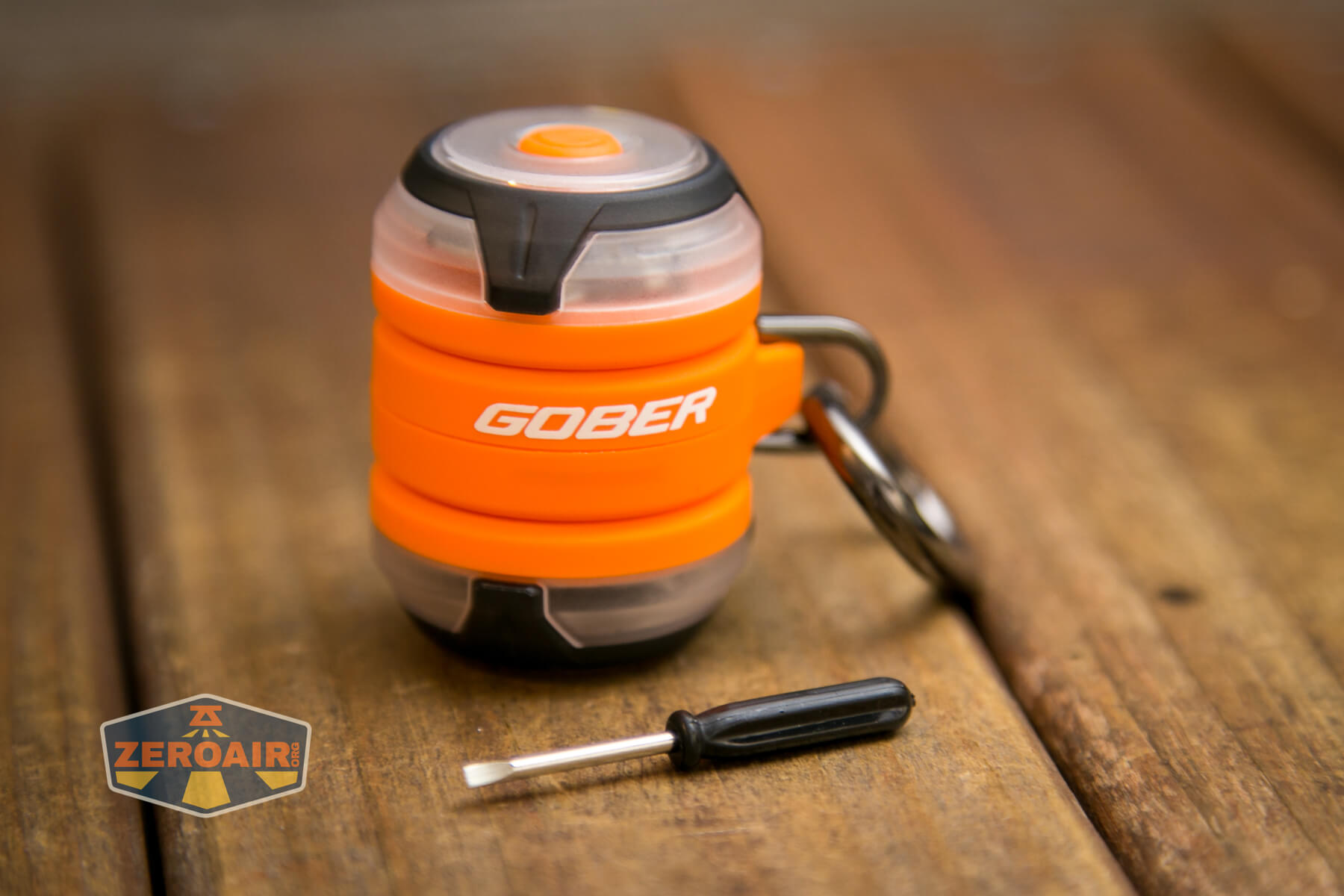
Olight includes this tiny screwdriver. What is this a screwdriver for ants!?
Size and Comps
Weight: 1.41 oz (40 g) (Exclude the carabiner)
Length: 1.5 in (38 mm)
Width: 1.5 in (38 mm)
Height: 1.97 in (50 mm)
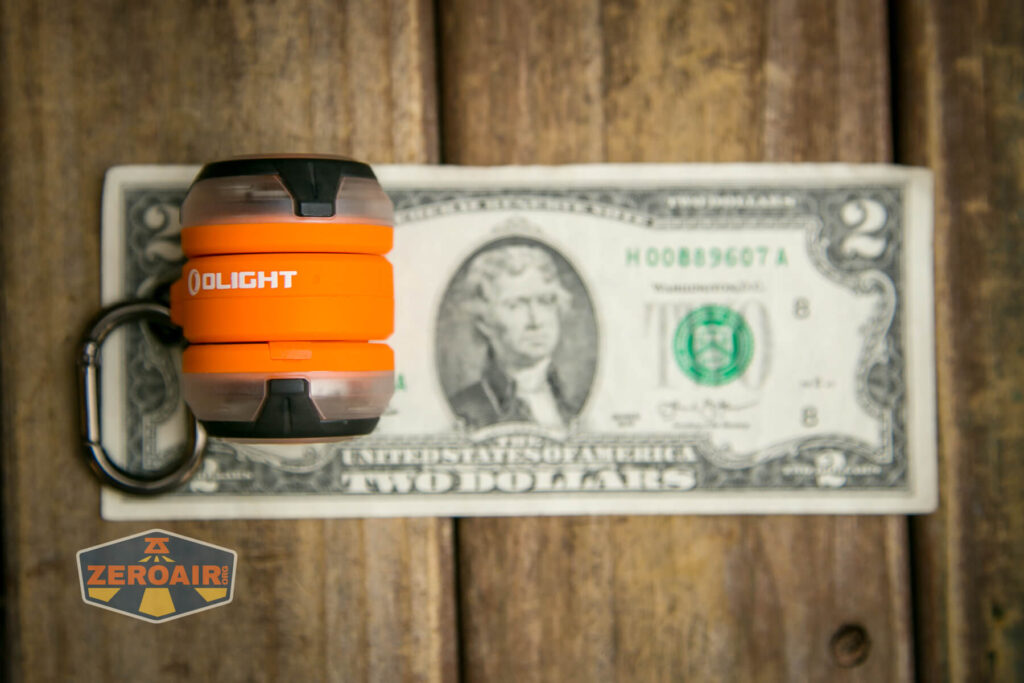
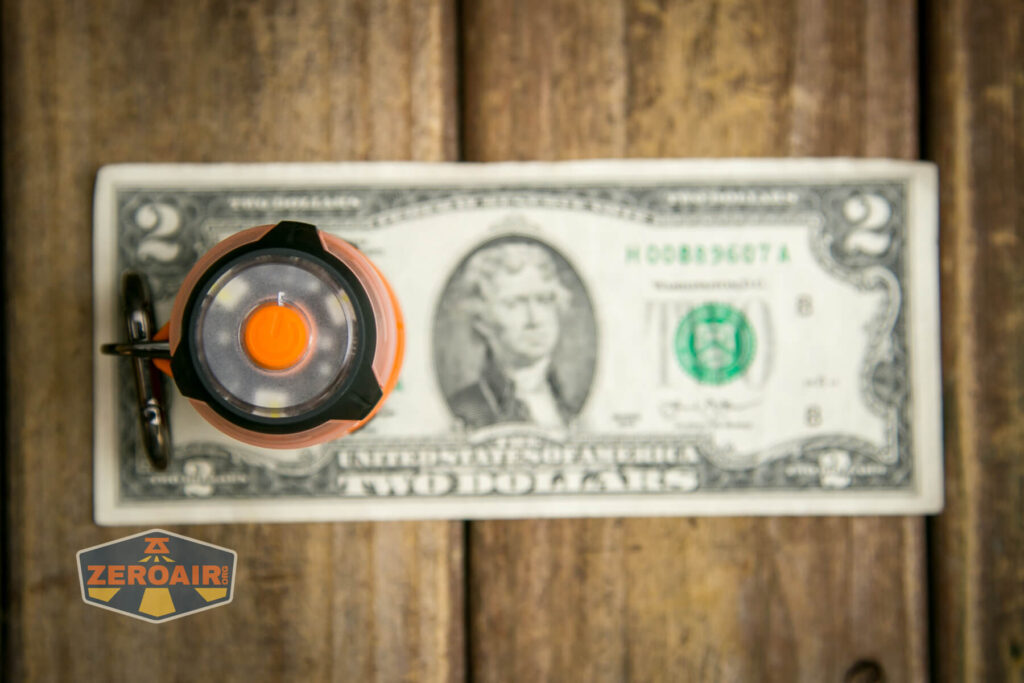
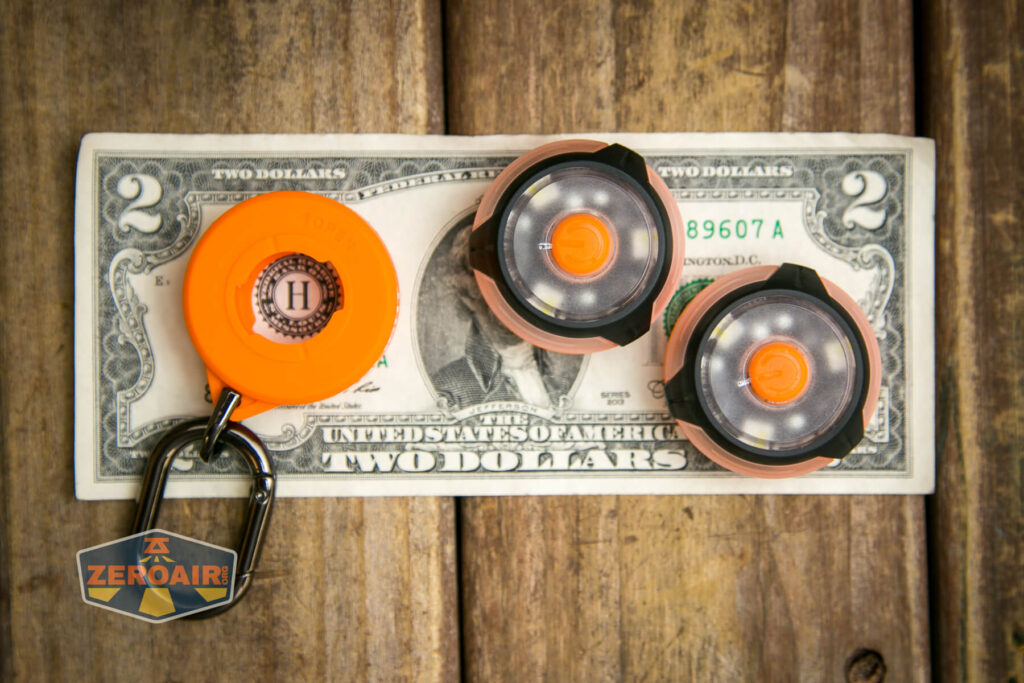
If the flashlight will headstand, I’ll show try to it here. If the flashlight will tailstand, I usually show that here, too.

Here’s the test light with the venerable Convoy S2+. Mine is a custom “baked” edition Nichia 219b triple. A very nice 18650 light!
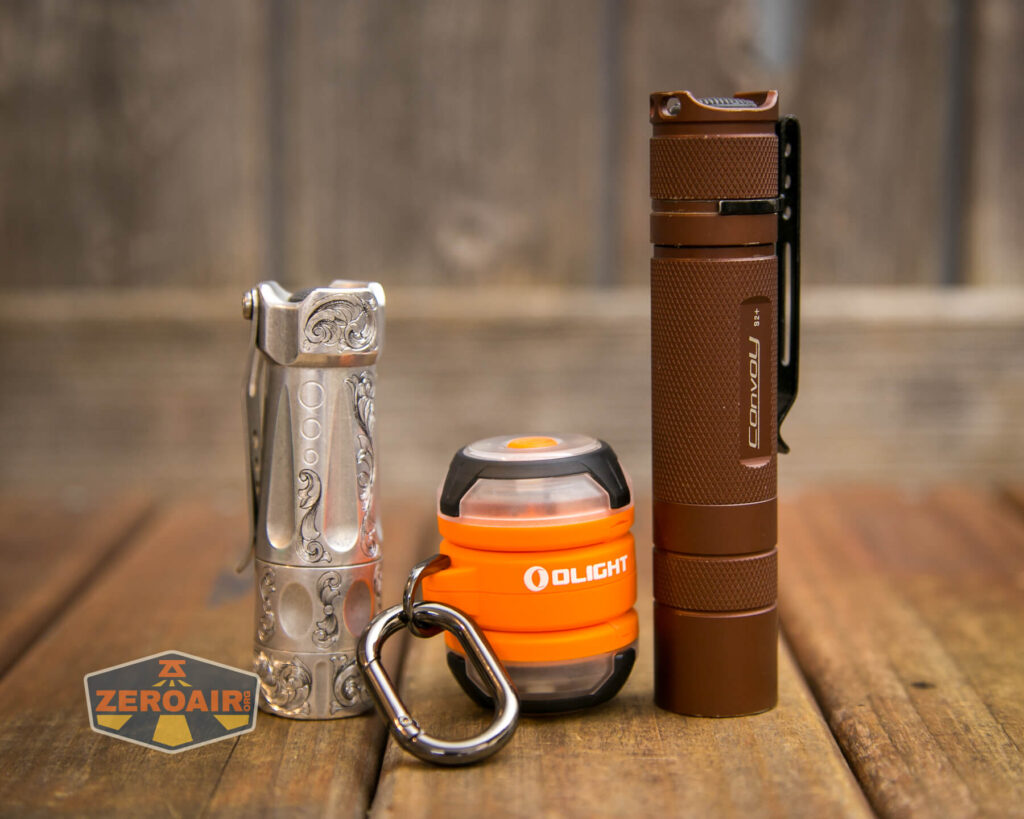
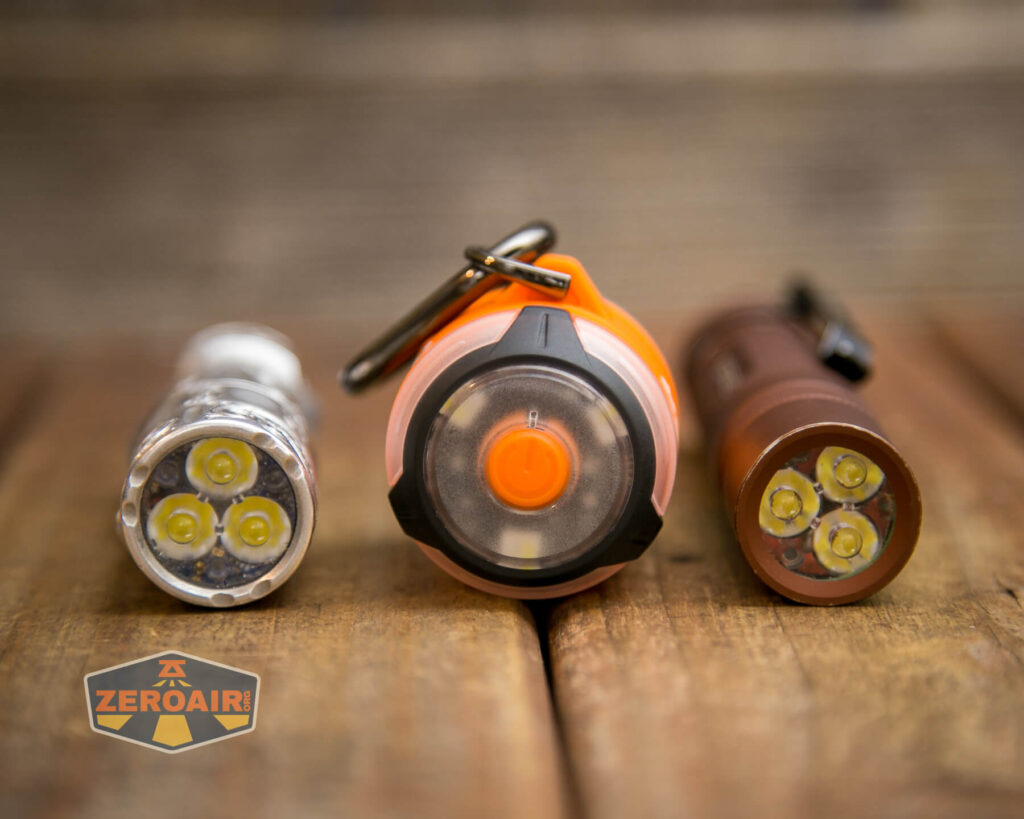
Also seen above is the Olight Gober Safety flashlight beside my custom-engraved TorchLAB BOSS 35, an 18350 light. I reviewed the aluminum version of that light in both 35 and 70 formats.
Retention and Carry
I’ll call it “two ways” for carry of the Olight Gober Safety flashlight. First, and built-in, is the D-ring you can see on the right of the photo below. This doesn’t come off, except in the sense that the two lights may be removed from the center piece.
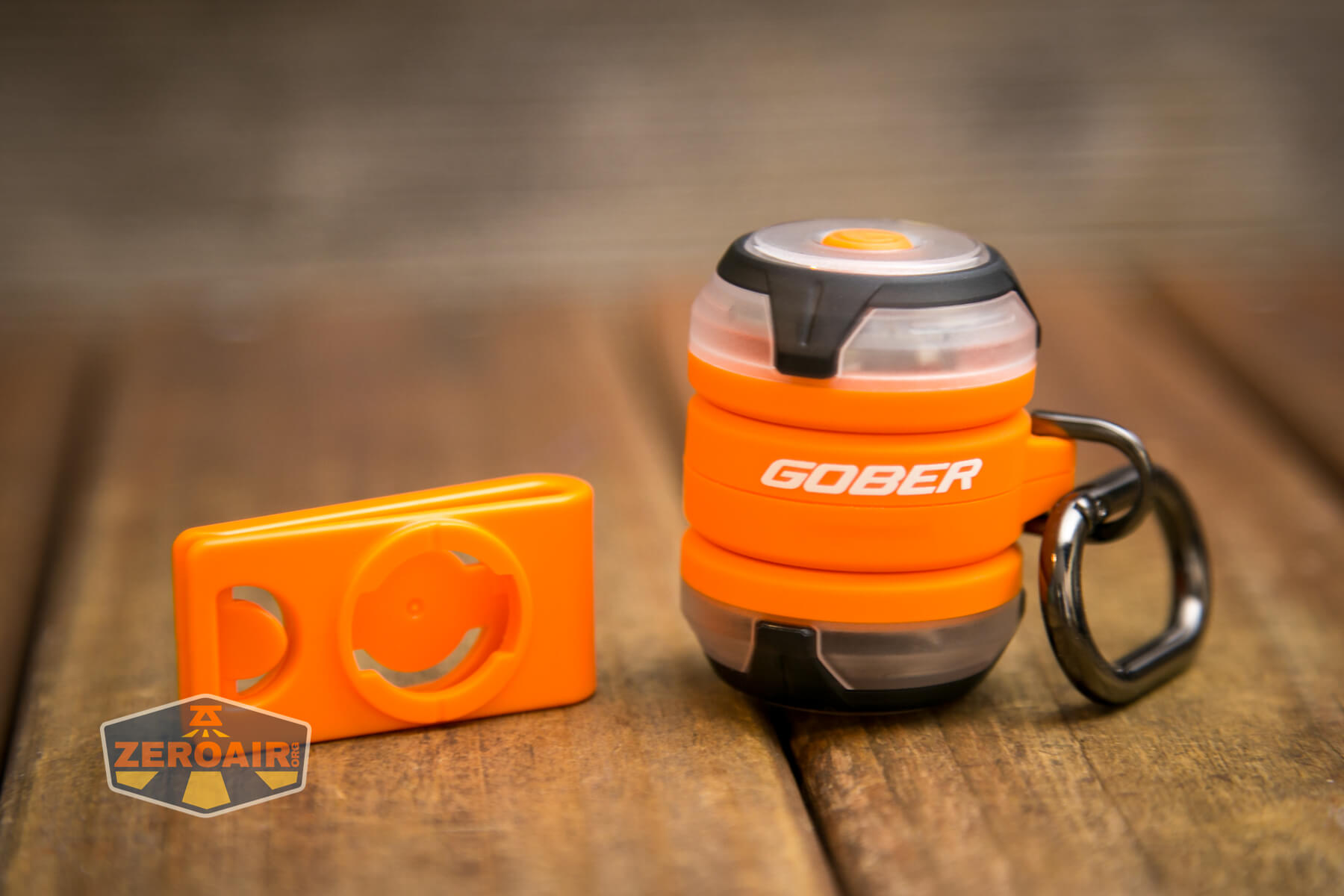
Next is the accessory “pocket clip” (though I would call this more of a lapel attachment, but maybe I’m just posh?). The Gober (or the light parts of the Gober) attach to the clip and the base in the same way.

Power and Runtime
Each of the lights has a built-in LiPO battery. Olight states this a 240mAh – it’s unclear if that’s per side or if it’s total of 240mAh. (It’s almost certainly 240mAh per side.) That should provide a quite reasonable runtime based on the low levels available from the Gober.
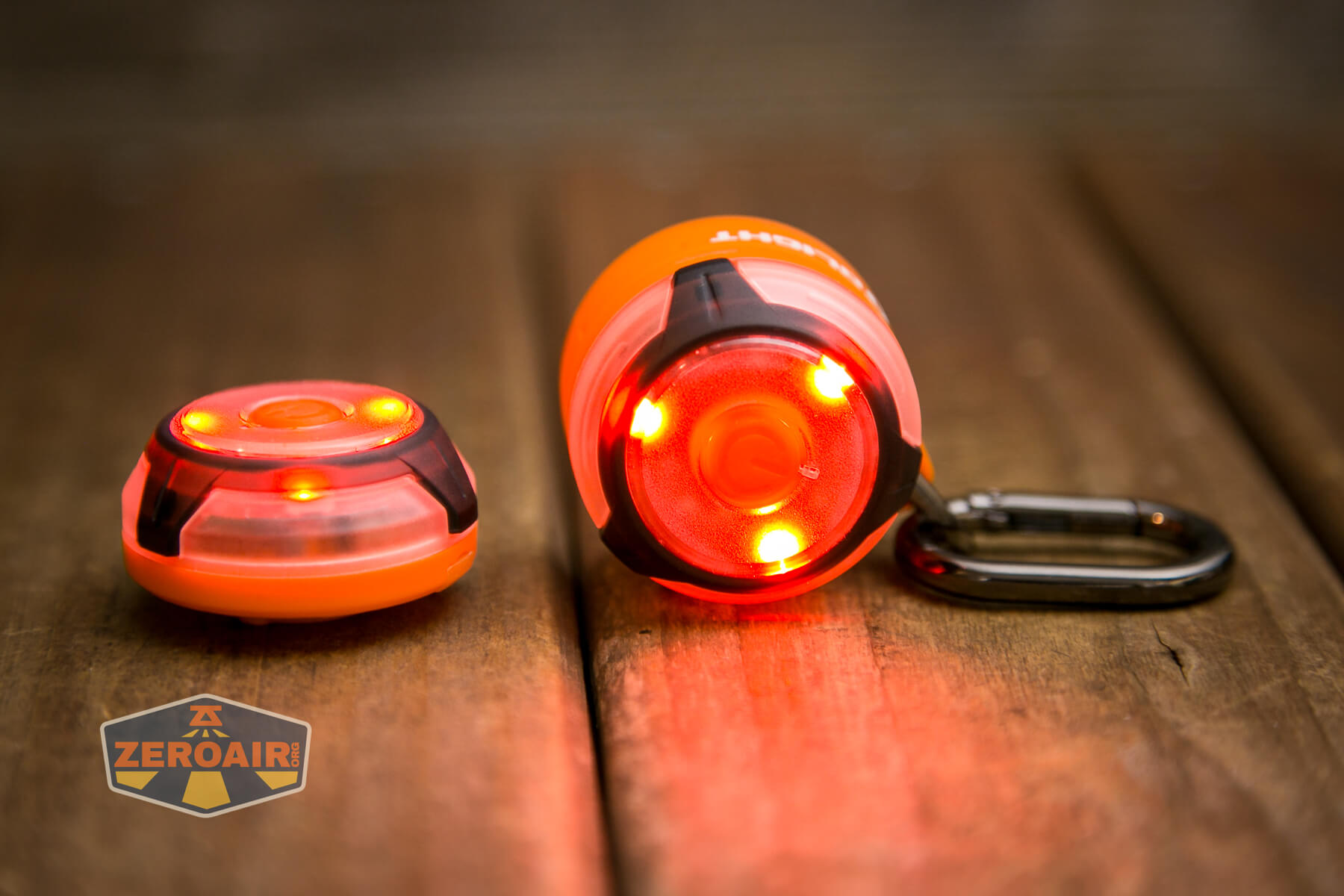
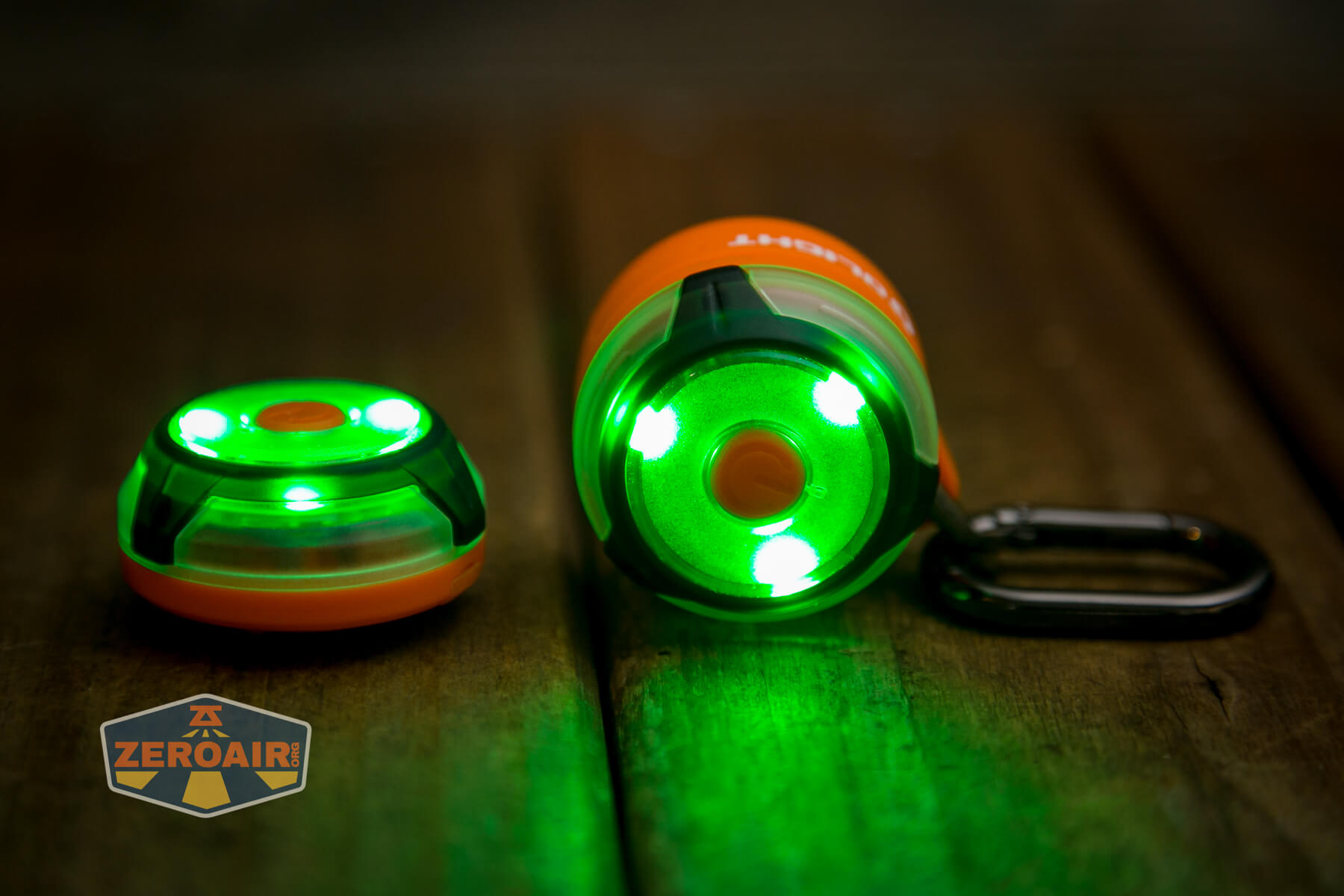
The shortest runtime stated is 11 hours, and that appears to be for any of the steady modes. There are four steady modes: White, Red, Green, and Blue.
Charging
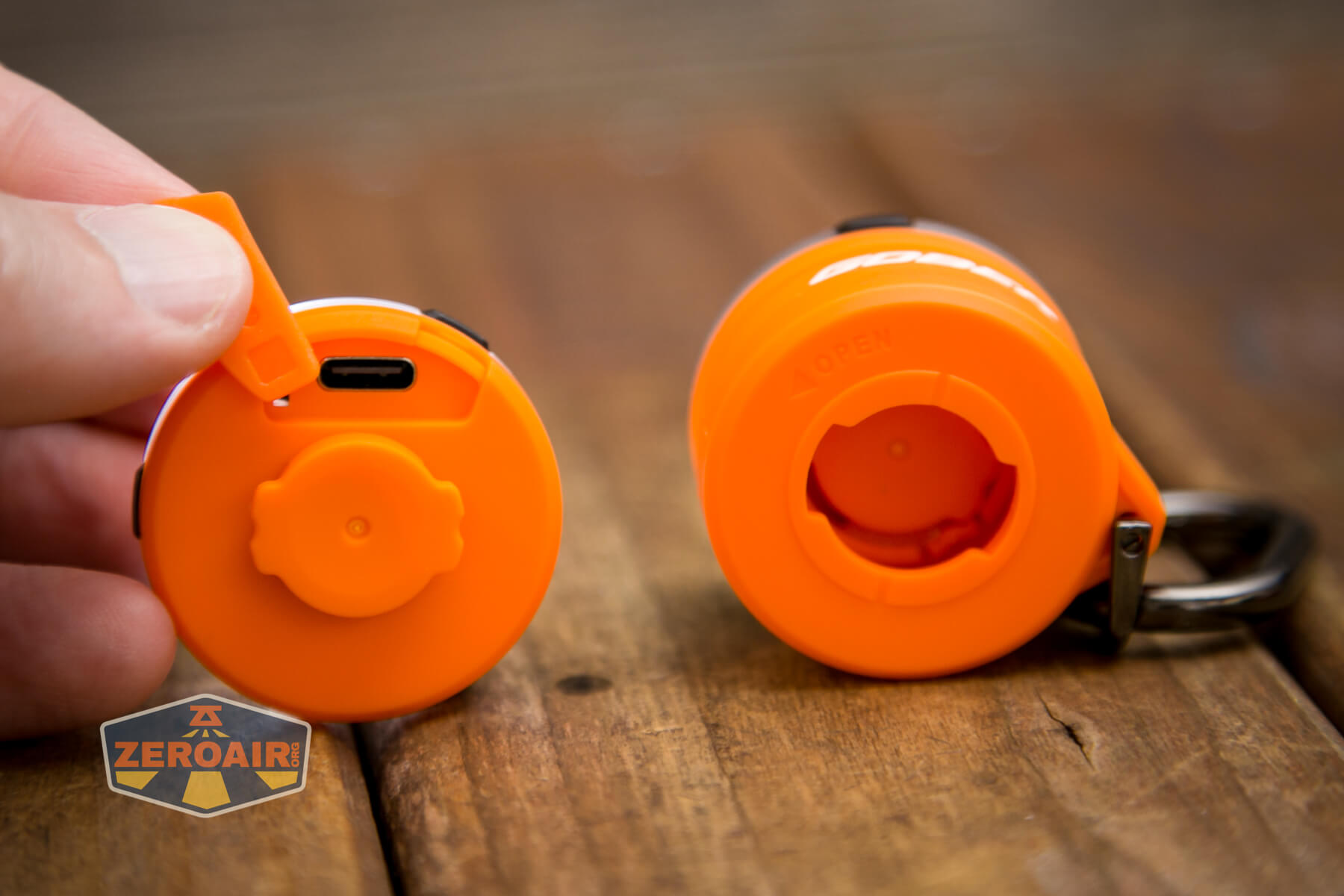
Each light half has a USB-C charging port. In order to access this port, you must remove the light from this keychain base.
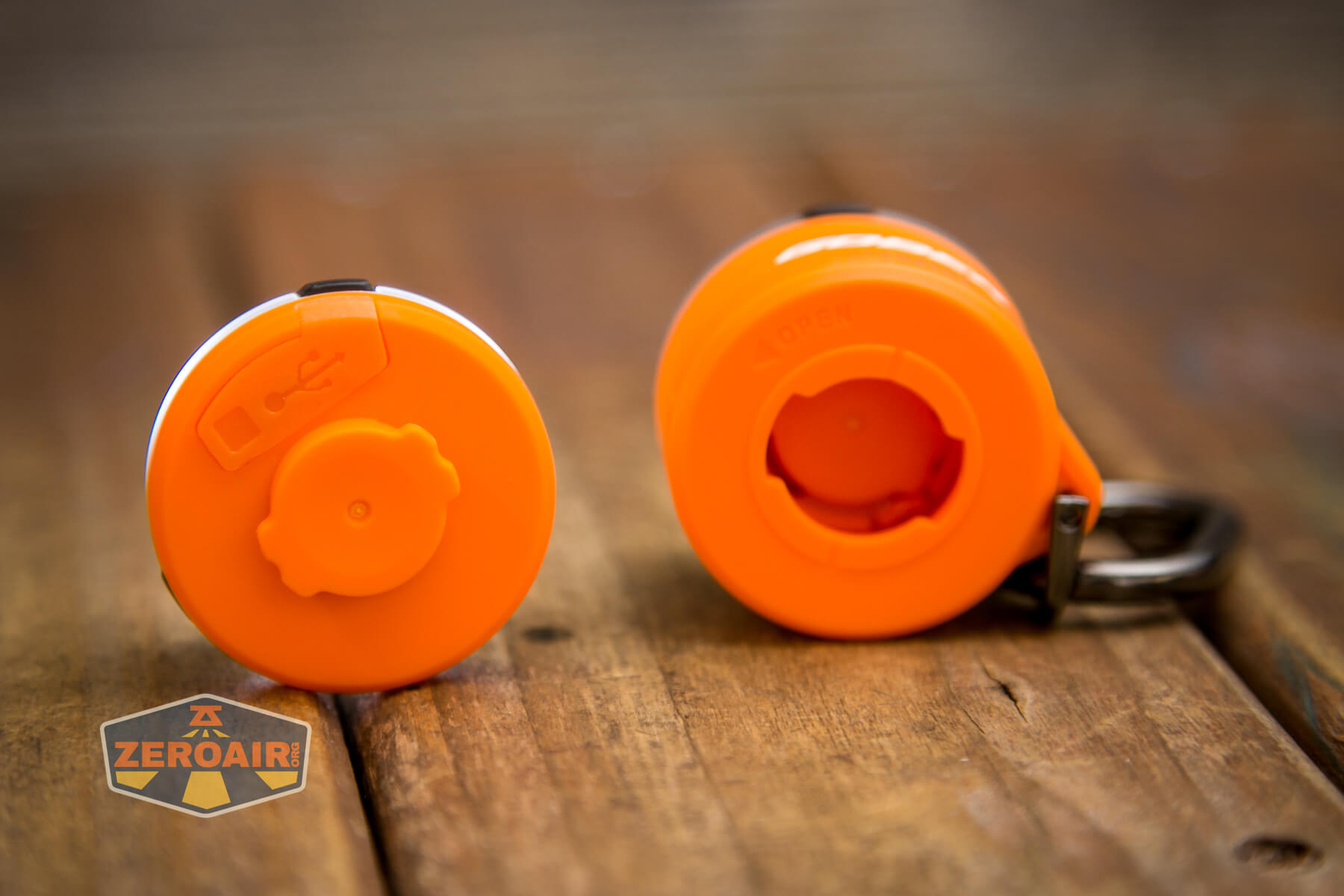
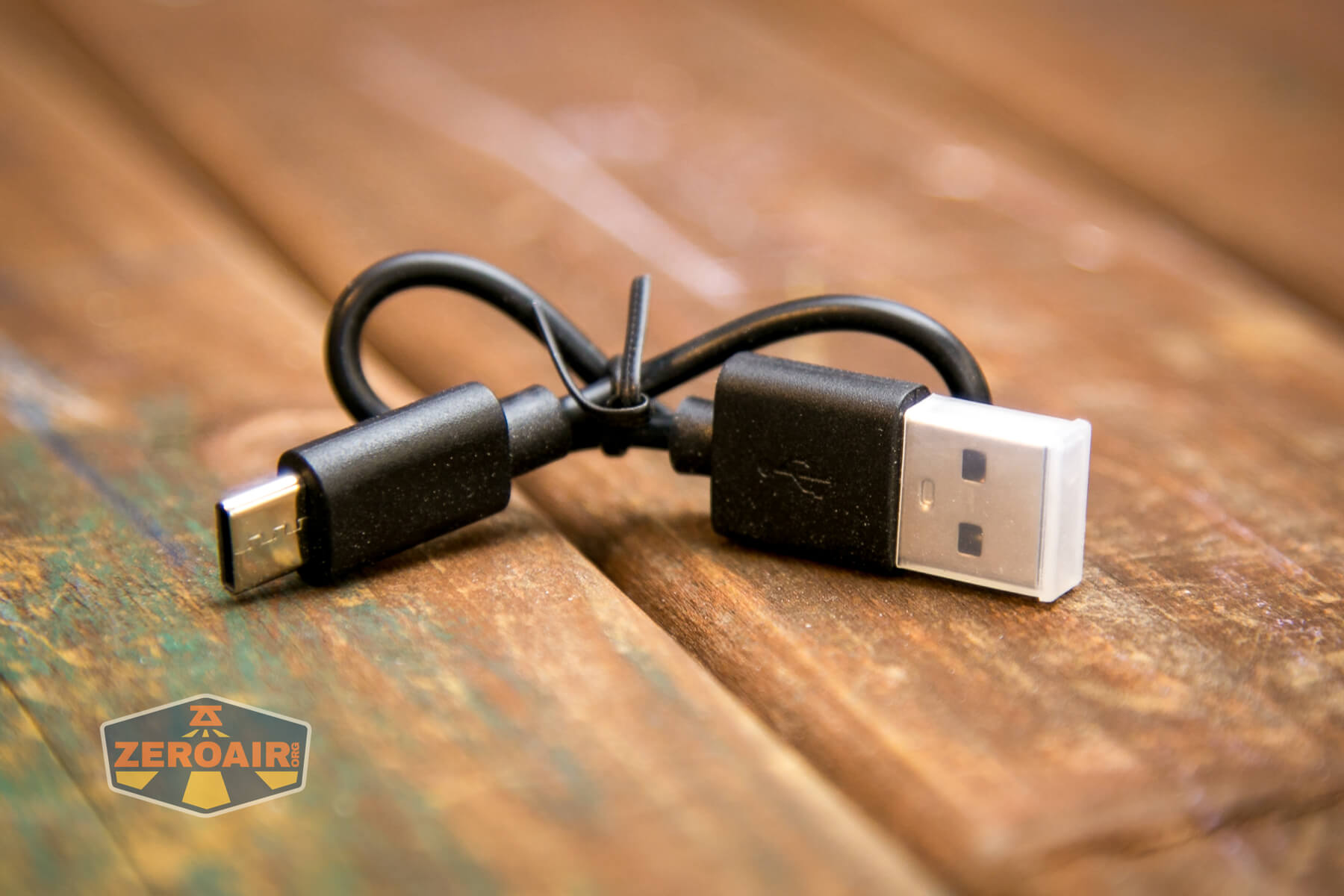
Olight includes a charging cable. It’s a very short USB to USB-C cable.
I won’t say it’s a pain to remove the lights from the base in order to charge, but it’d be neat to have one charging port for each that could be accessed while the lights were on this keychain base.
Pulse Width Modulation
This chart is for the steady white mode. There’s no PWM, which is great.
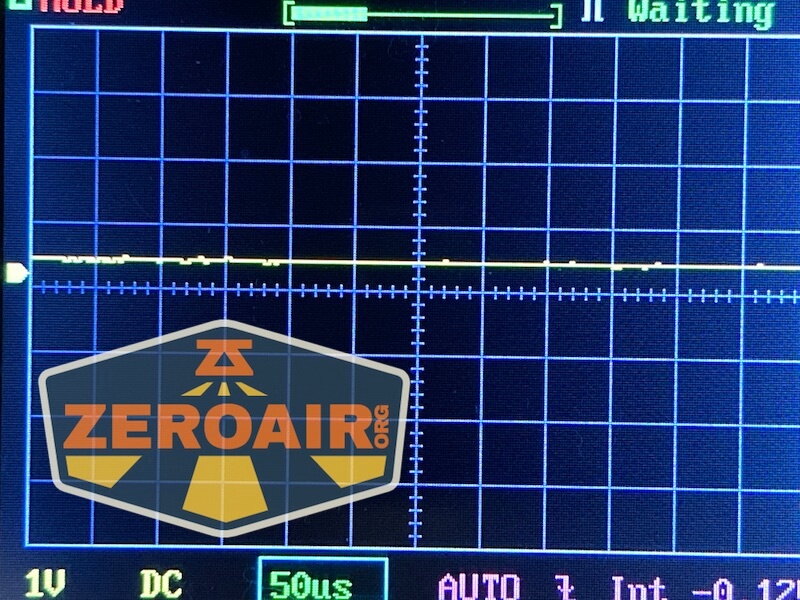
Here you can see a “baseline” – a chart with almost no light hitting the sensor.

Then there’s the Ultrafire WF-602C flashlight, which has some of the worst PWM I’ve seen. It’s so bad that I used a post about it to explain PWM! Here are multiple timescales (10ms, 5ms, 2ms, 1ms, 0.5ms, 0.2ms) to make comparing this “worst” PWM light to the test light easier. That post also explains why I didn’t test the WF-602C at the usual 50us scale.


User Interface and Operation
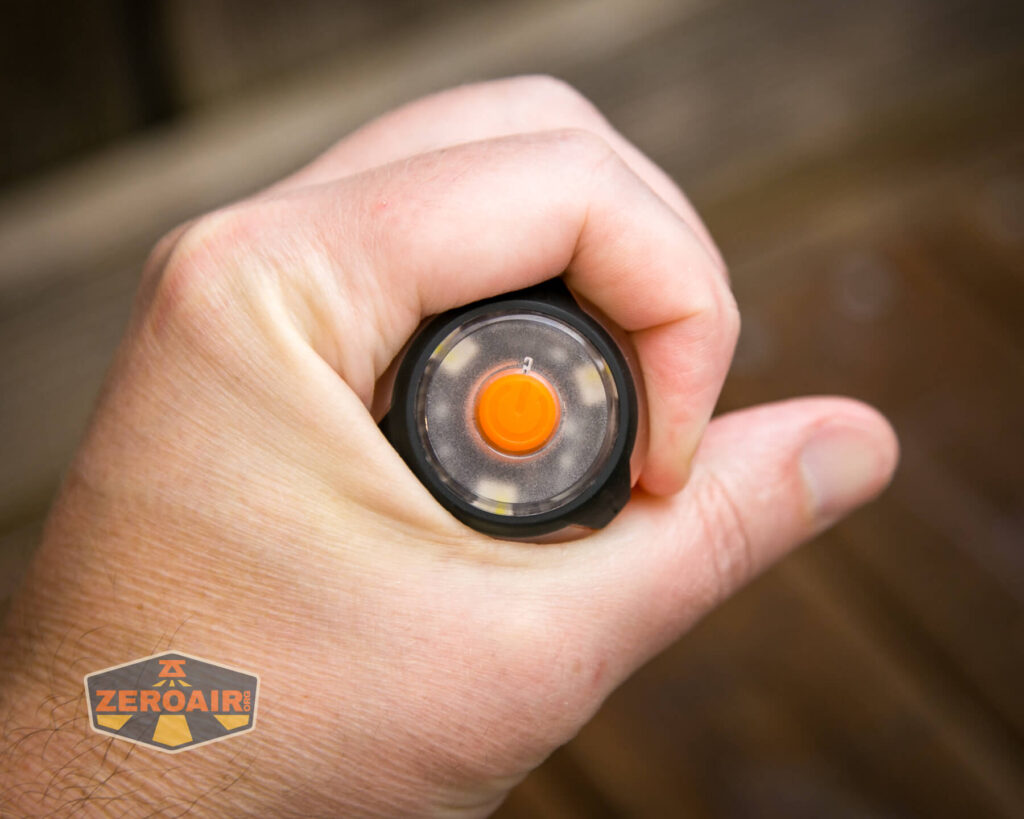
Each of the light parts (the “top” and “bottom” as it were) is controlled separately, and each have their own e-switch.
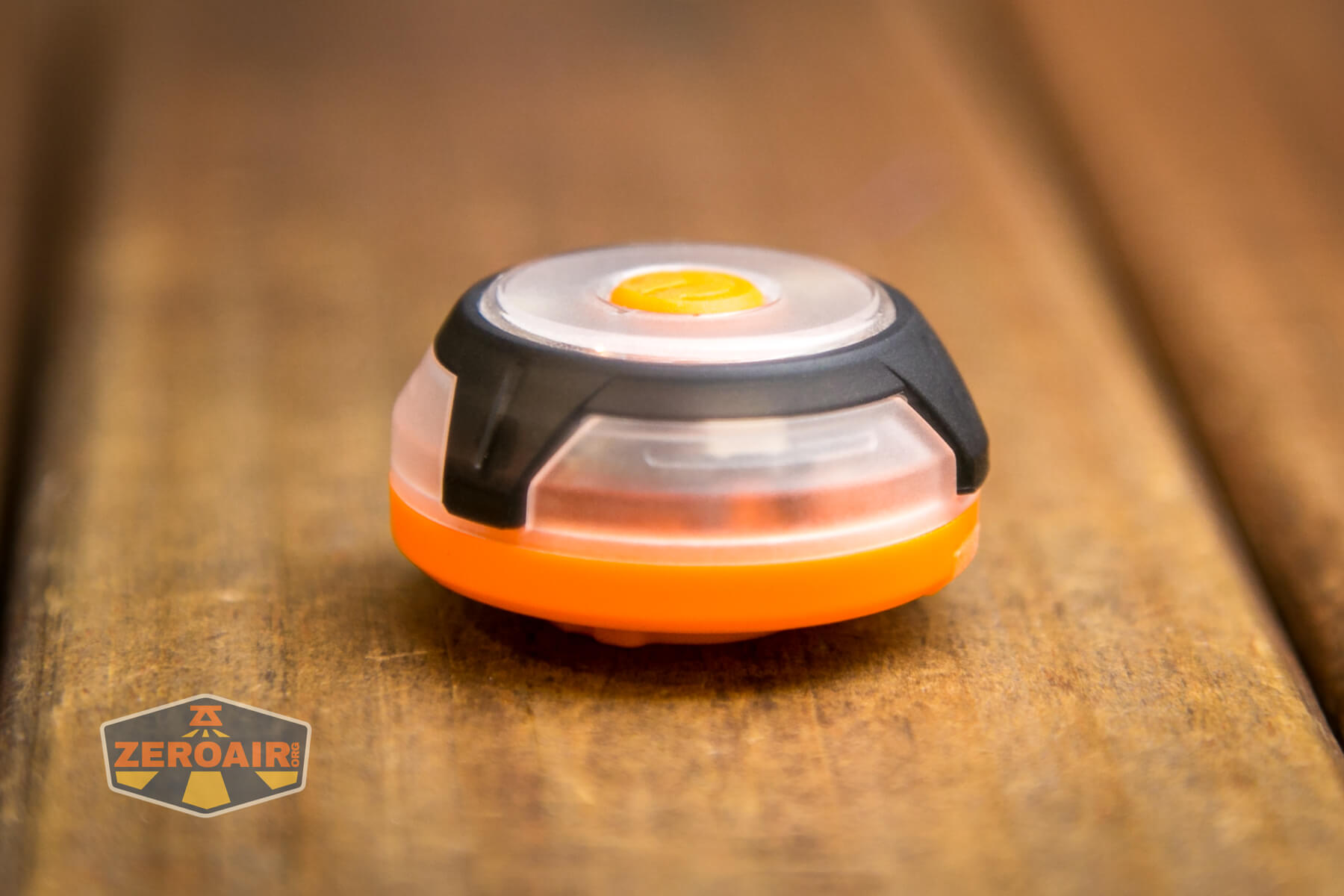
The switch is fine. It’s clicky and has a very low action.
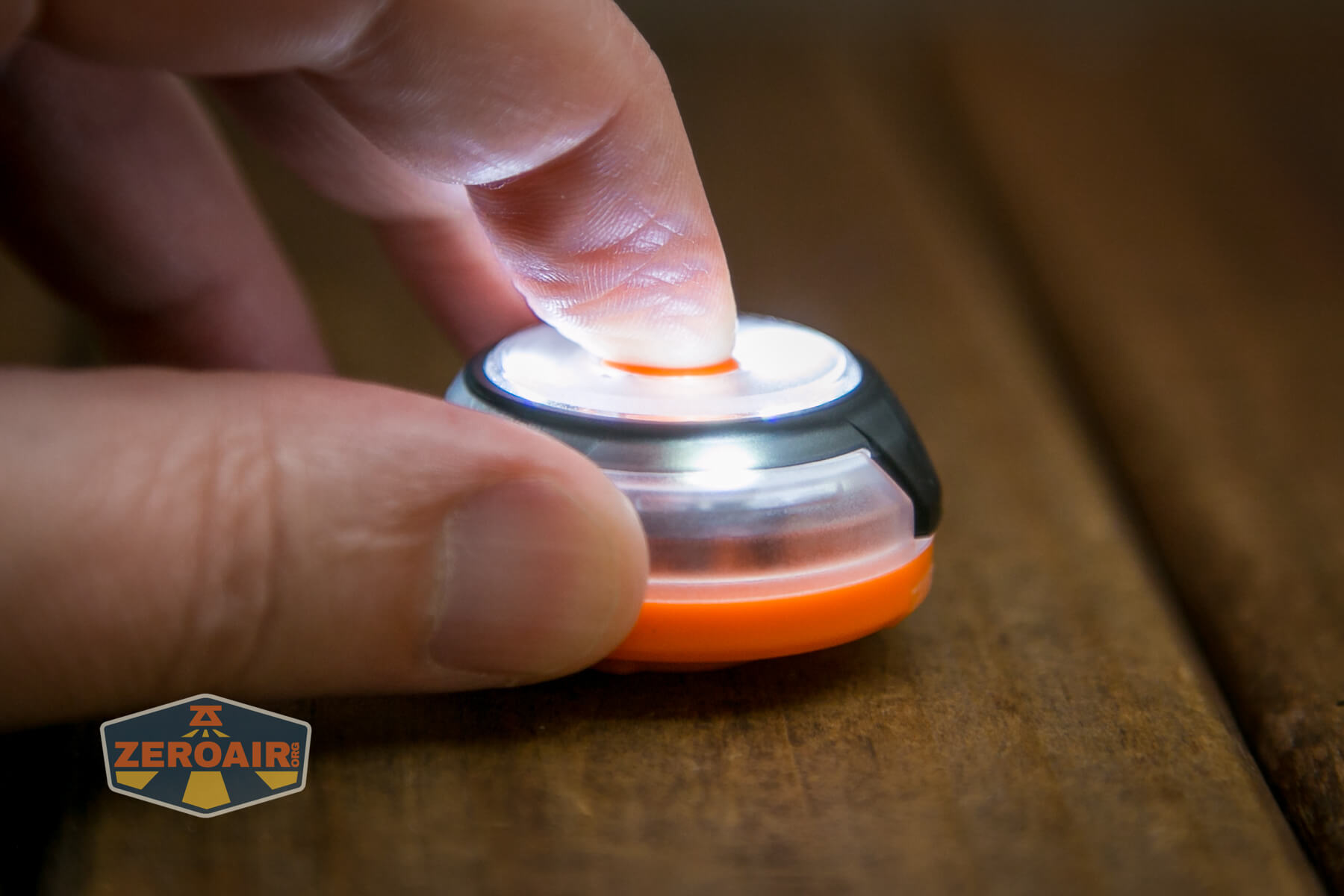
Here’s a user interface table!
| State | Action | Result |
|---|---|---|
| Off | Click | No result |
| Off | Hold | On (Mode Memory) |
| On | Click | Mode advance (White > RGB mix > Red > Green > Blue) |
| On | Double-click | Iterate steady and blinking output for that color |
| On | Triple-click | SOS in red |
| SOS | Click or double-click | Previous mode |
LED and Beam
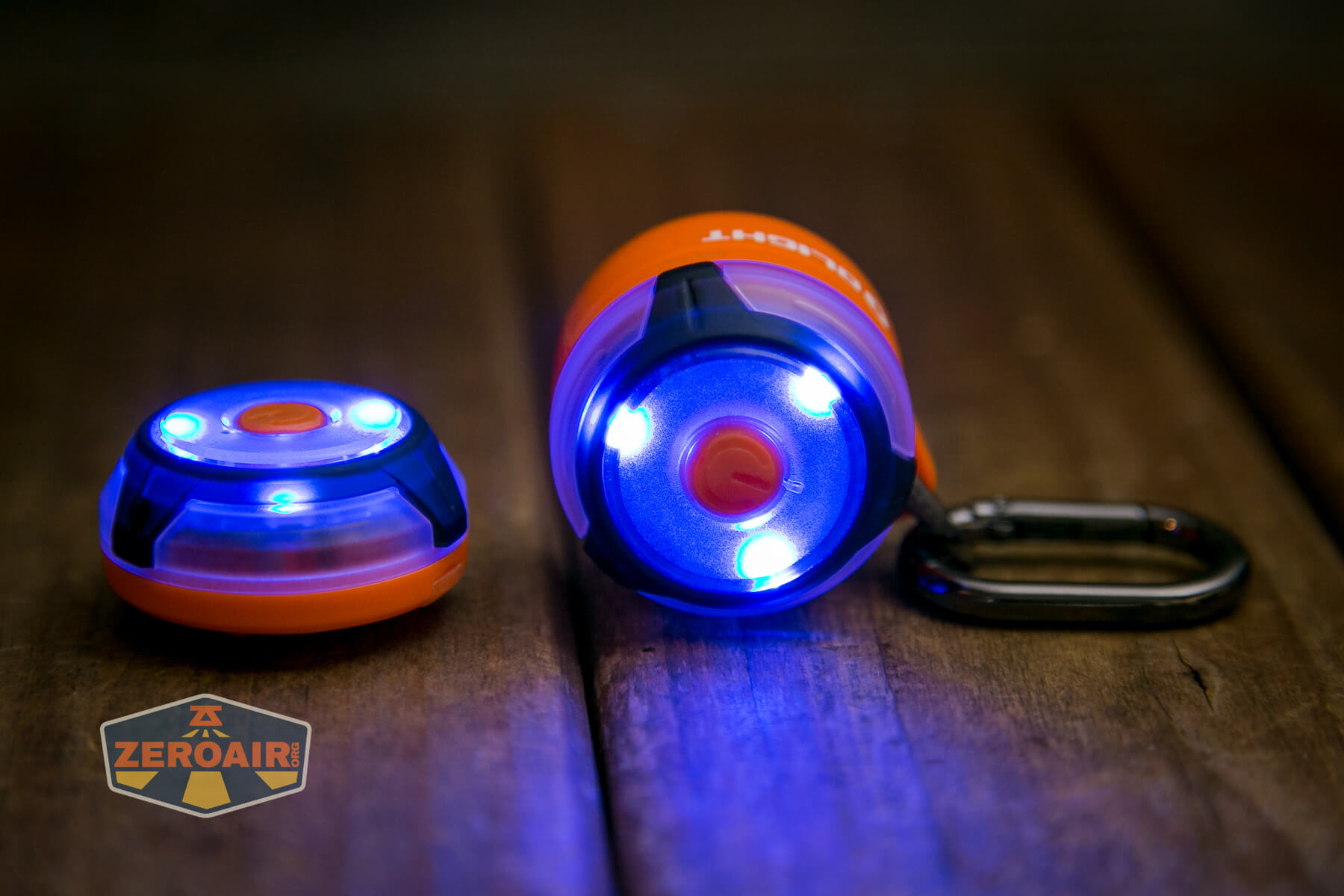
As far as I can tell, there’s no indication of what emitters are used in the Gober. I can say that there are four types though: white, red, green, and blue.
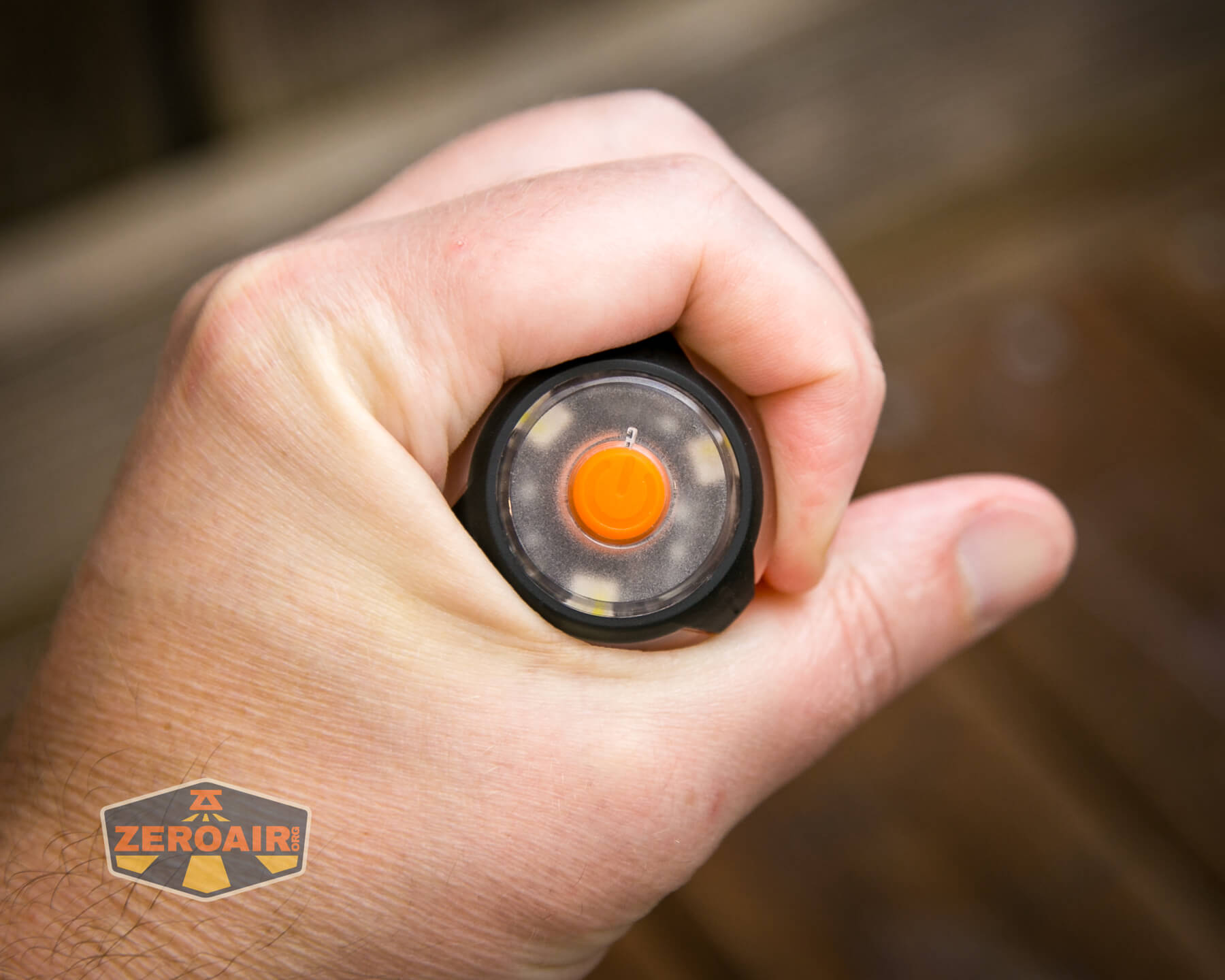
I would guess that the emitters are RGB emitters; white appears to be on the same pad.

Conclusion
What I like
- It’s orange!
- Great utility as an around-the-house or kid-friendly light
- USB-C charging
- Simple user interface
What I don’t like
- USB-C charging only accessed with the light isn’t mounted on anything
Notes
- This content originally appeared at zeroair.org. Please visit there for the best experience!
- Please use my Amazon.com referral link to help support zeroair.org!
- Please support me on Patreon! I deeply appreciate your support!
I have the Olight Gober Kit and I’ve found that the light can’t be charged with a USB-C to USB-C cable from a USB-C charger. They can only be charged from a USB-A socket which continuously outputs 5 volts. Although the Gober has a USB-C port, it can’t be charged from a USB-C socket with any modern charger because it’s not compatible with the Power Delivery (PD) protocol. That’s stupid. Please test this yourself.