

Olight Obulb Plus Lantern Preview
The Olight Obulb Plus Lantern not only offers a Bluetooth user interface but is also bigger than previous Obulbs. Read on!
Official Specs and Features
Here’s a referral link to the Olight Obulb Plus Lantern product page.
Versions
There’s just one Olight Obulb Plus Lantern, but there are options. Namely, body color – black, white, and orange (seen here).
Price
The MSRP of the Olight Obulb Plus Lantern is $69.99, but the introductory price (which lasts just another day or two!) is $48.99.
Quick Note
Along with the Olight Obulb Plus lantern, Olight has a bunch of other new items released right now. Here is a sampling!
Olight Baton 3 Pro in white or Copper. I have the white version and I have to say… it’s very nice. The feel is not at all like I expected – it’s not matte and chalky. It’s much more of a powder coat feel. Here’s a referral link for the Baton 3 Pro.
There’s also a new Marauder Mini color option – OD Green. I love my orange Marauder Mini, and you’ll probably love the green Olight Marauder Mini, too!

Short Review
I have quite a few of these Obulbs. I love them. They’re so useful and versatile. The addition of Bluetooth is certainly neat and in some cases probably very useful. Also, note that the Plus is actually notably bigger than any of the previous versions. That’s useful, too.
Long Review
What’s Included

- Olight Obulb Plus Lantern
- Sticky magnetic mount base
- Manual and papers
- Olight MCC Charger (in my case – the listing says a charging cable is not included)
Package and Manual



Build Quality and Disassembly

There’s no disassembly here – in fact, I’m not even sure where you’d start. Basically, you’d have to break the halves apart.
In any case, the build quality is good. The Obulb Plus is on par with previous Obulbs, but it’s bigger (even “much” bigger, maybe).

One notable difference (and something I’ll cover more below) is that the bottom of this Obulb is not clicky at all – all interaction with the Obulb Plus is through the app or through a capacitive button on top.
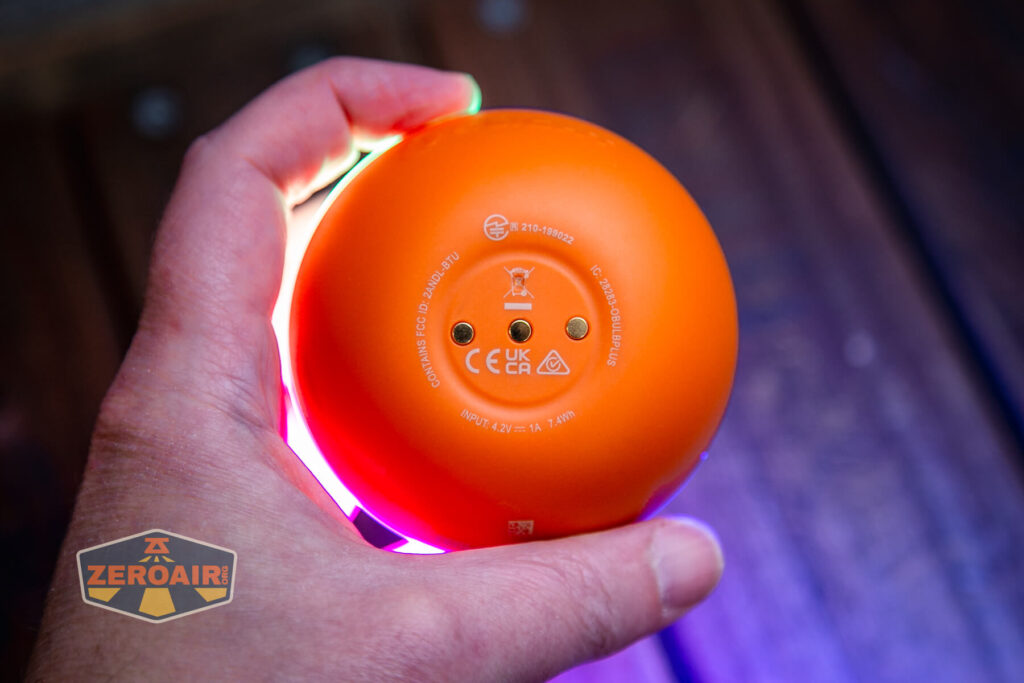
I didn’t test the Olight Obulb Plus Lantern with runtime graphs, and charge graphs… But the photos here can probably give you a great idea if you need one. I can easily recommend Obulbs in general and if you need a bigger size or Bluetooth, then this is a great option!
Size and Comps
Weight: 6.21 oz (176 g) (Including Battery)
Body Diameter: 3.15 in (80 mm)
Height: 2.9 in (73.7 mm)
Here’s the Olight Obulb Plus lantern with a couple of other flashlights – a custom “baked” Convoy S2+ edition Nichia 219b triple. A very nice 18650 light.


Also above on the left is a new feature light!! Laulima Metal Craft sent this titanium Todai for some size comparison photos like the ones above. Laulima has a bunch of incredible items. I’ve tested one (the Laulima Metal Craft Hoku) (the official site for Hoku is here) that was a Friend Fund Friday review. I was impressed enough by that Hoku that I bought a Laulima Metal Craft Diamond Slim (also in tumbled aluminum) (review is upcoming!) These lights by Laulima have impeccable build quality and not only that, they’re quite configurable. There are some (great, actually) default configurations, but Joshua Dawson (of Laulima Metal Craft) is open to ideas and emitter options and the like. I haven’t reviewed this Todai, but I have to say, it feels absolutely fantastic and I love it thus far. (Notably, I love how warm and eggy those emitters look through the TIR.)
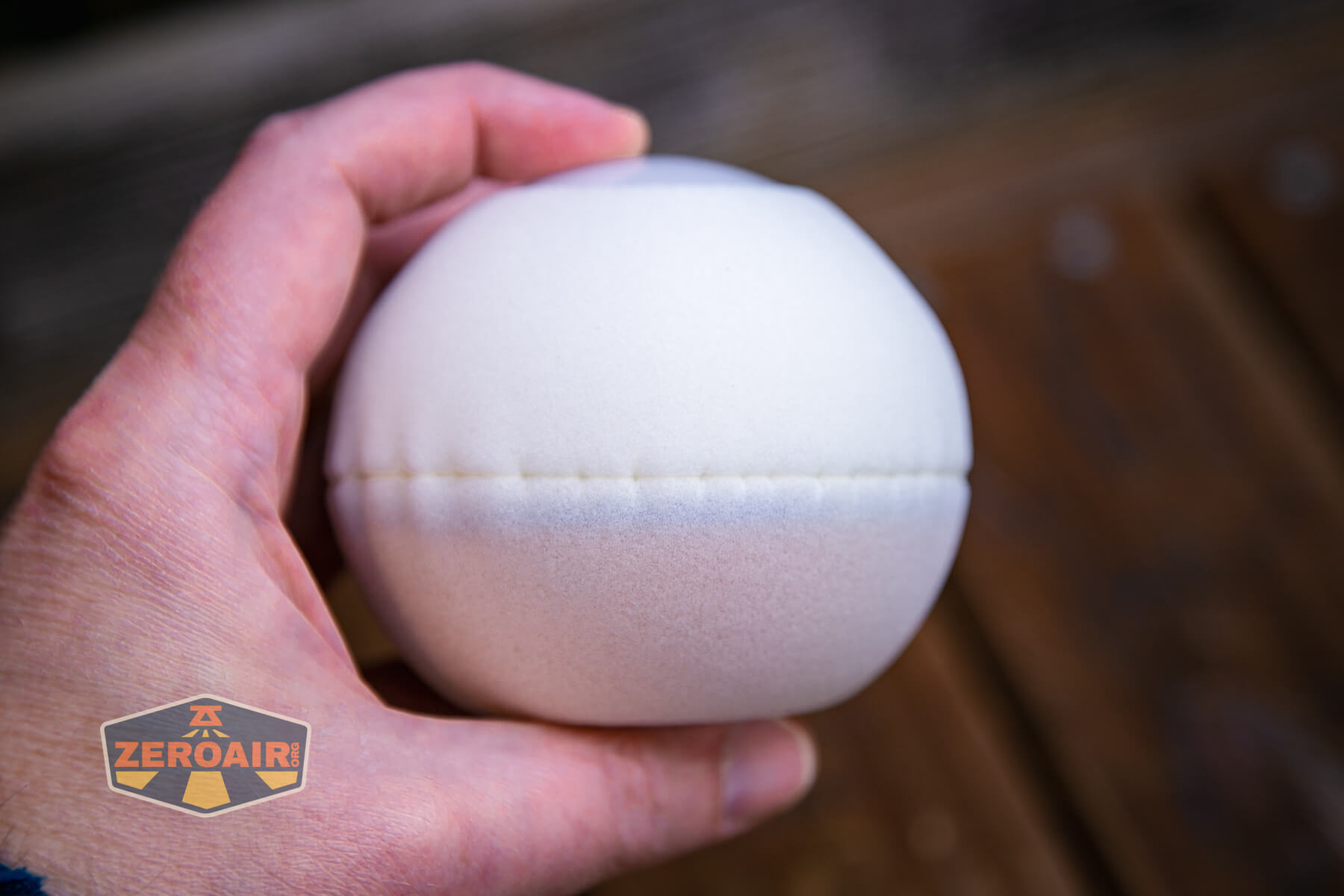
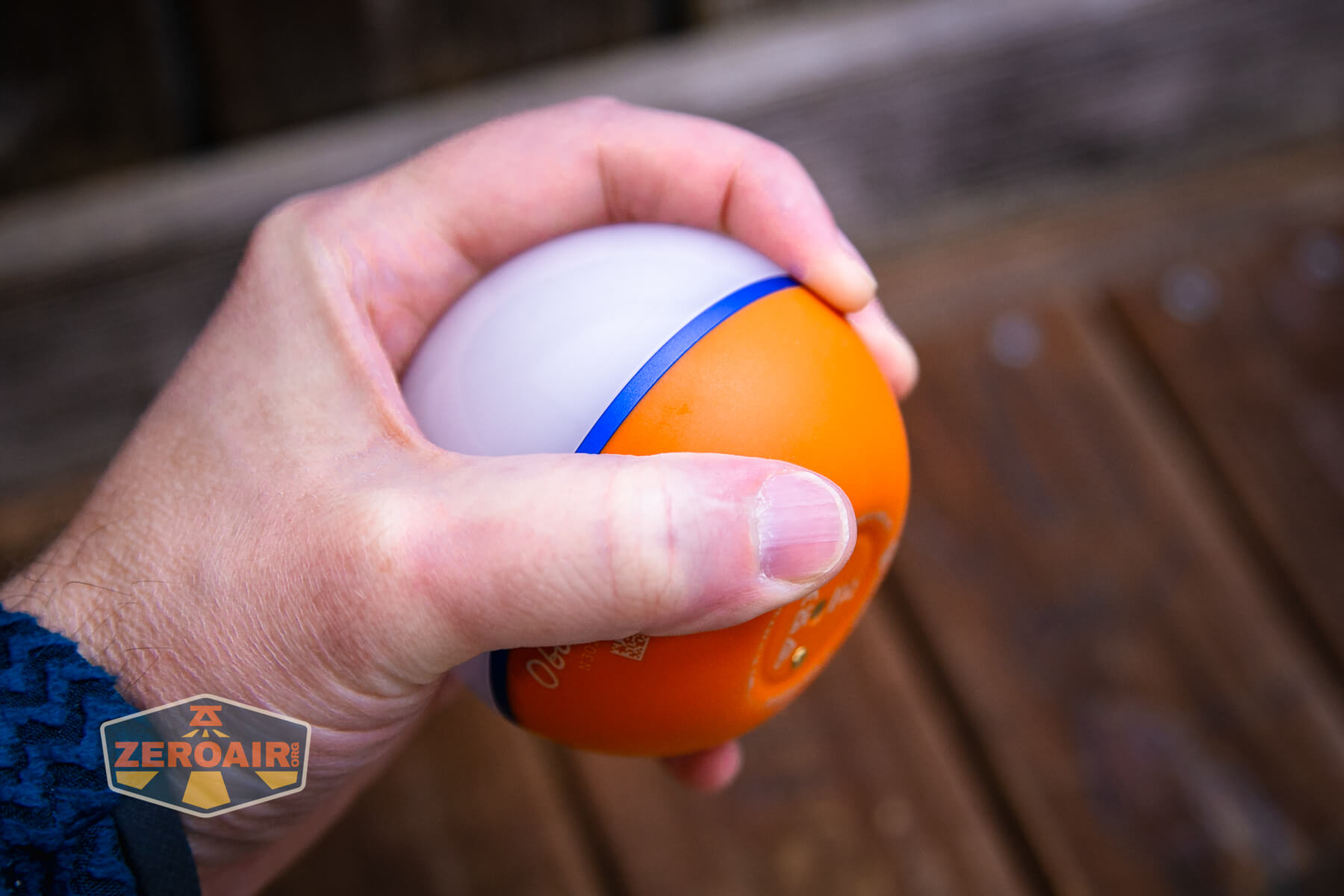
Here’s the Olight Obulb Plus in hand. It’s about the size of a baseball.
Retention and Carry
The magnetic charging base is very useful for attaching the Obulb Plus to things. I wouldn’t say that the Plus is as securely attached to things as the previous (smaller) versions, but it works.

Olight also includes a little sticky base. You can stick this in a place you need the Obulb Plus, and always have a place to put it! It’s convenient.

This thing cleverly has a sticky back, and can be stuck somewhere… Couple that with the magnet base of the Olight Obulb Plus Lantern, and you have a “stick anywhere” (once) base for placing the lantern! I find that to be exceptionally clever.
Of course, the magnetic base of the Obulb Plus itself can be stuck to more places than just this metal sticky thing.
Power and Runtime
While I don’t have any runtime tests for the Olight Obulb Plus Lantern, I can say that the internal (built-in, nonreplaceable) battery is much bigger than on others like the Obulb MC. The MC is 630mAh, while this Pro version is 1650mAh, and this Plus is 2000mh! Quite an increase! Inside, in fact, is a single 26350 cell! (But it’s not replaceable.)
Charging
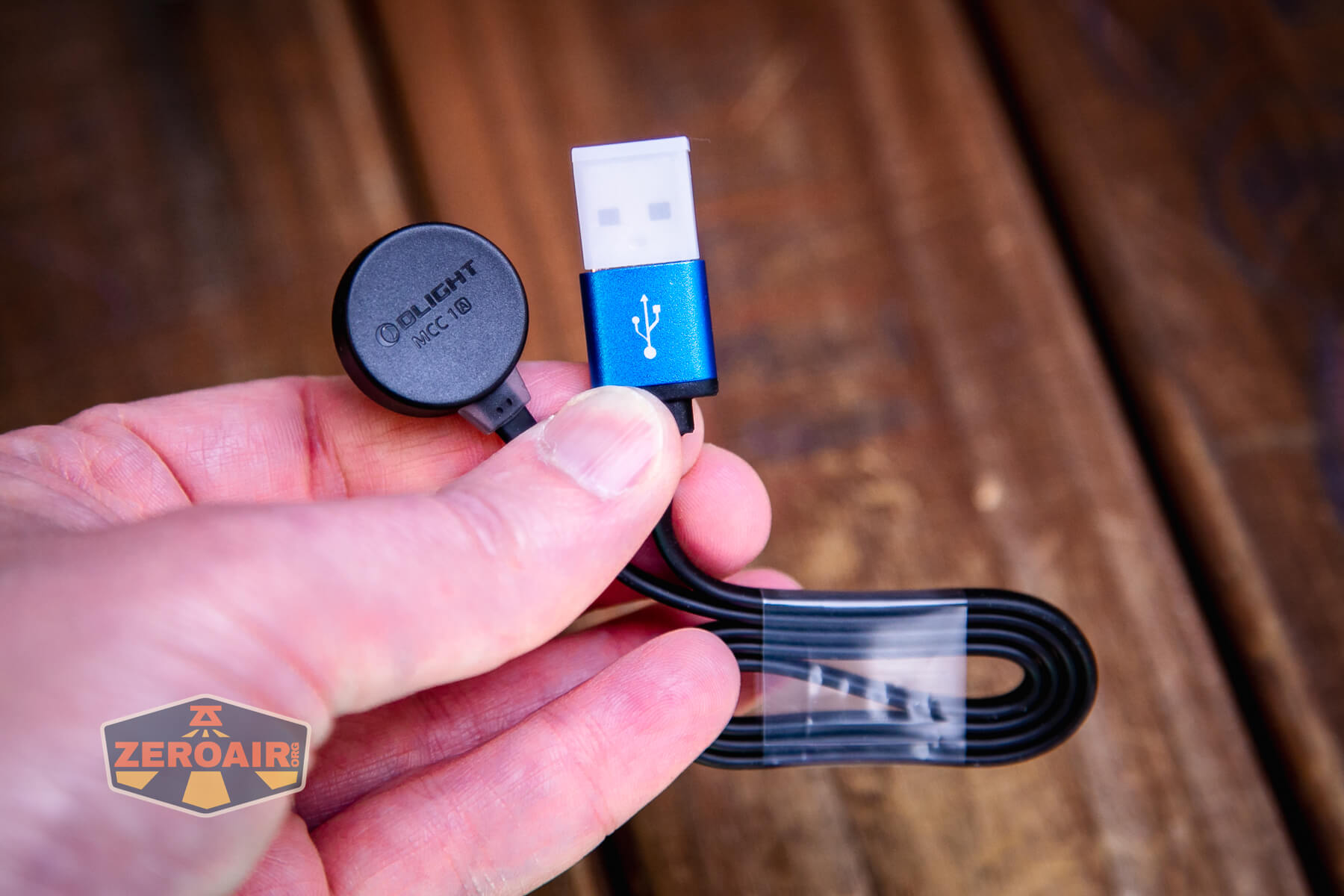
The charging base for the built-in battery in the Olight Obulb Plus Lantern is the standard Olight MCC 1A. This is the same as any other MCC charger, and any of those will work too.
There are also other charging bases available now in the MCC format. One is built into the side of a wall wart, such that the Obulb MC can be used very much like a nightlight. Unfortunately, in what testing I could do (without this type of charger), it does not seem to come on when the power goes off. This would be a great feature.
One more option for charging this Olight (or really “any” Olight with this type of connection) is a charging base that has room for four items at one time. I don’t have one of those either, so no testing on that, too.
User Interface and Operation
Unlike previous iterations of the Obulb, the bottom (seen below) of this Plus model does not serve as a switch.

There are two ways to control the Obulb Plus. First is the power switch at the apex of the Plus.

The other way is the Bluetooth app, which I’ll cover more below.
Bluetooth
Olight added a Bluetooth connection feature to this version! Setup and usage are very easy. I hesitate to say I’m not a huge fan of this app, but… it does work well. It requests access and requires things I really don’t want to do (like microphone access (but read on) and requires a unique login). But if you’re willing to let those two things go, then the app is very good, and fun to play with.
You’ll need a login. This is not the same login as olightstore. Maybe it shouldn’t be, but I do find it annoying that I now have another login to track. One more thing to note is that this isn’t the same app that the Obulb Pro used. I haven’t tested if the Pro can be used with this “Hub” app, though. It’s one more thing not to like – that there are now multiple Olight apps floating around.
Here’s the login screen.

I got this for a while, but I just needed to close the app and reopen it. This was only the first time after initial account creation.
The app should pick up your Plus pretty seamlessly.
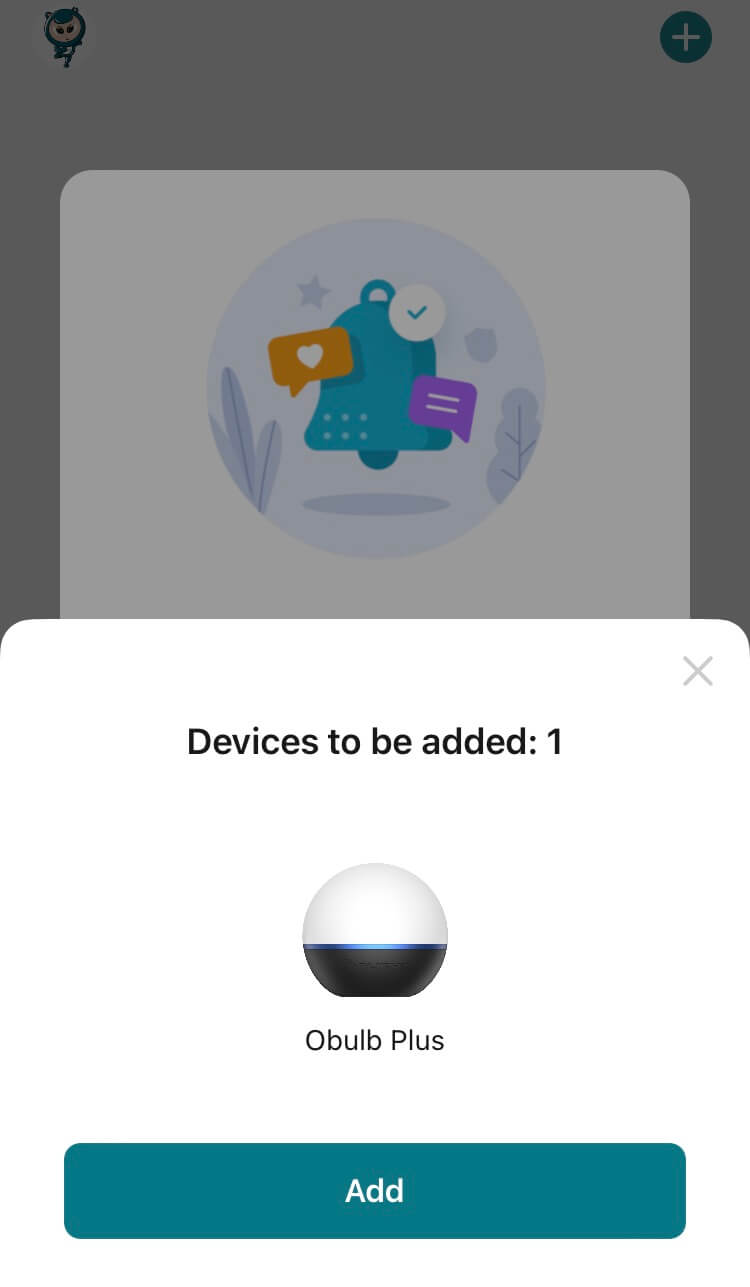
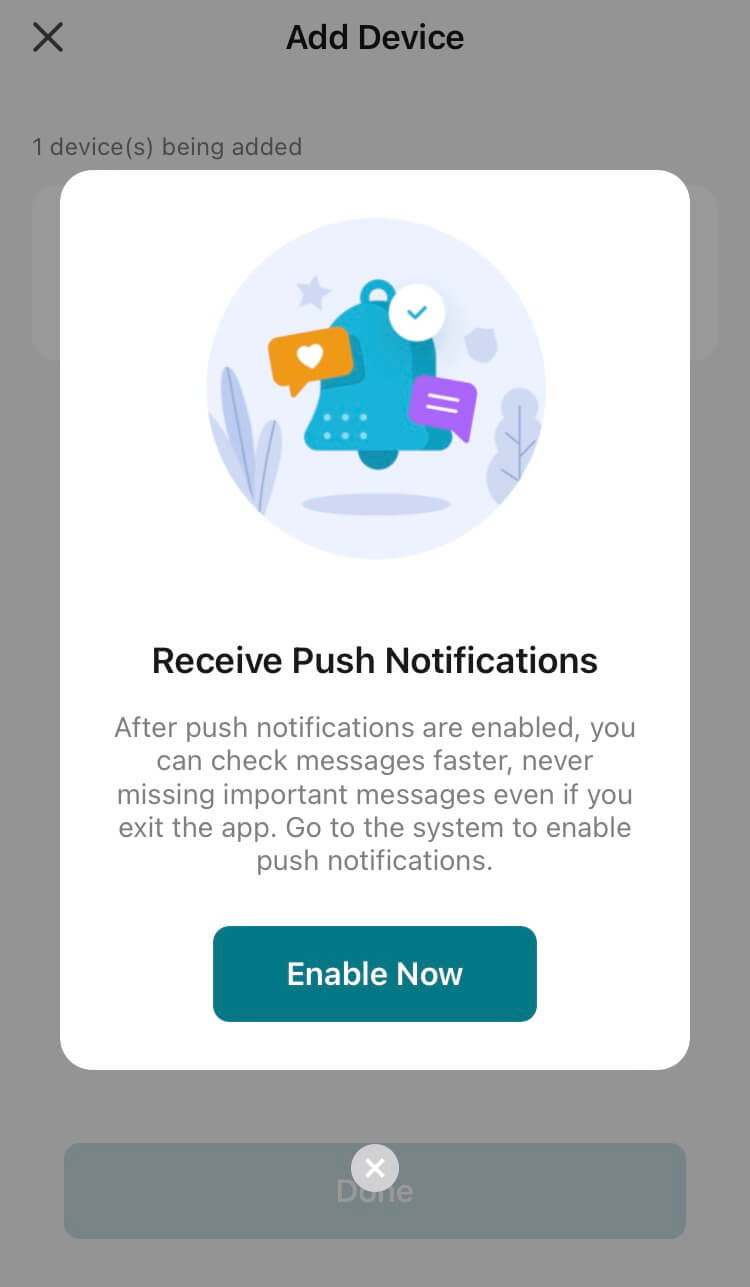
I did not test any push notifications. I don’t know what information the Plus might need to push me.
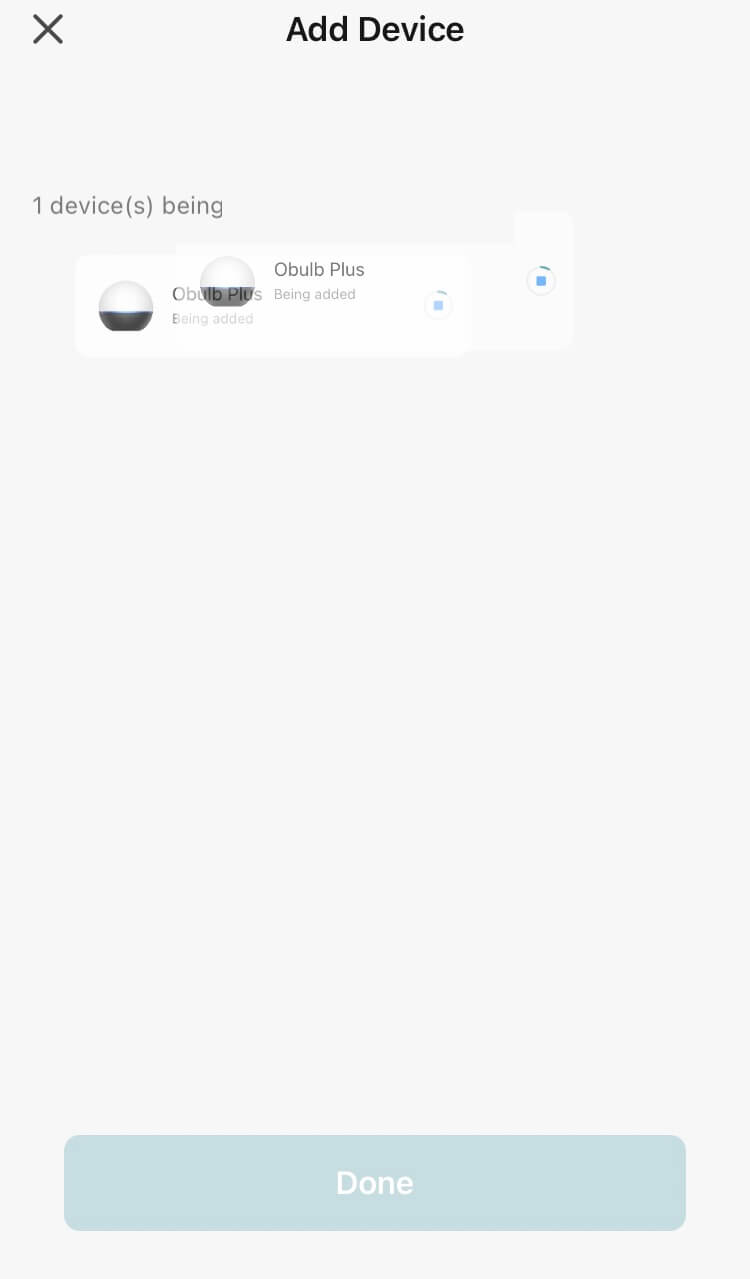
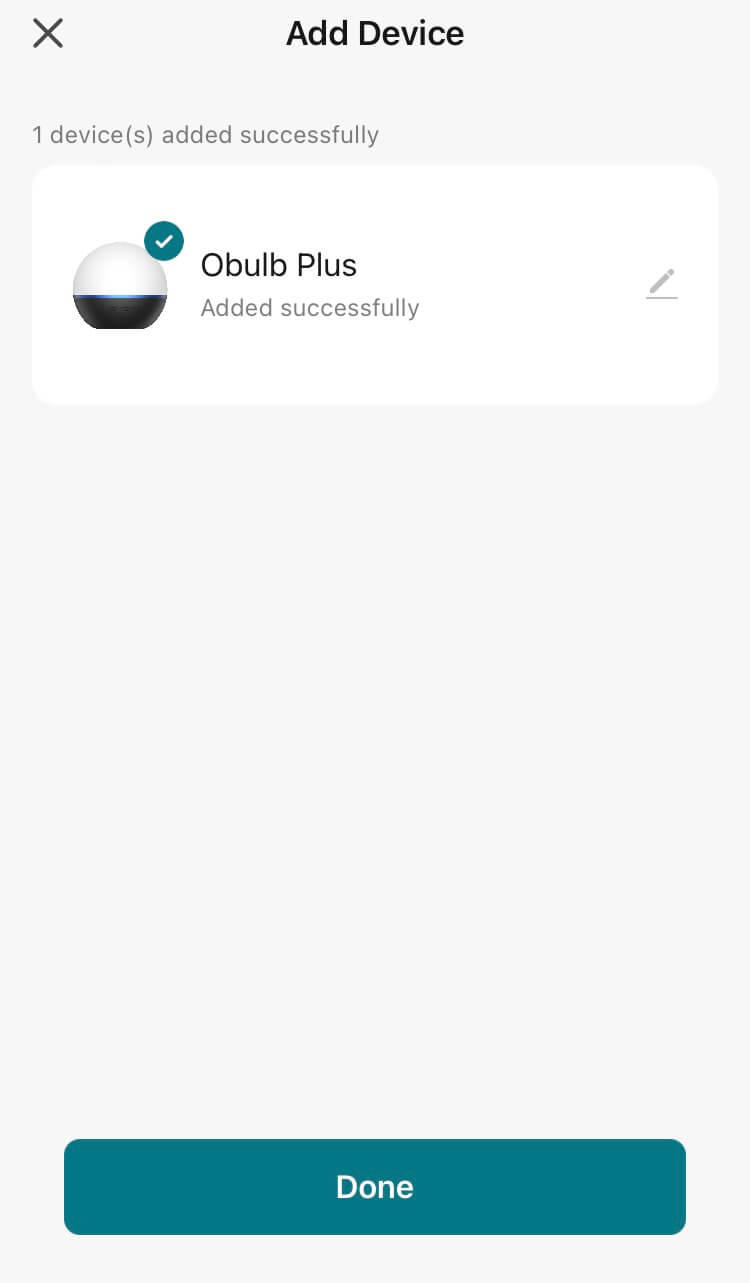
Screenshot is mid-transition (oops). The Plus goes from “being added” to “added” quickly.
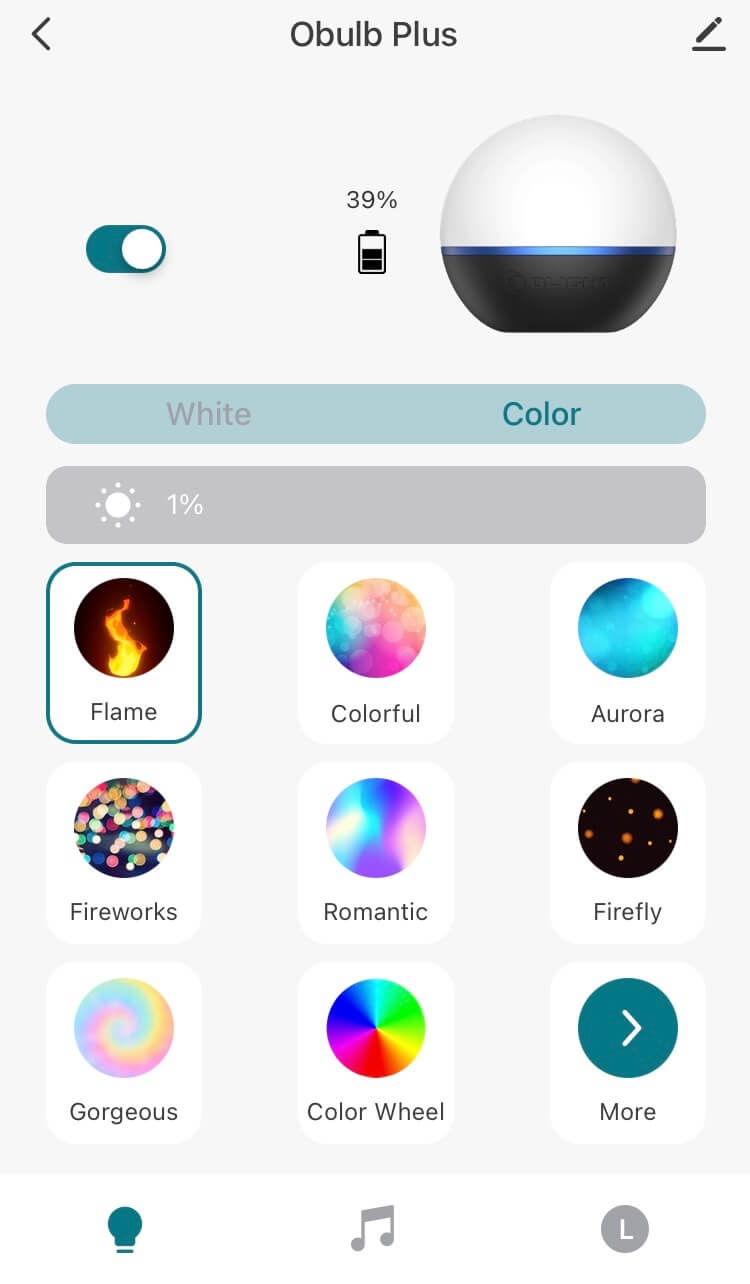
You can see below a bunch of settings. Control for white and any color emitter are separate options. Below, the battery percentage is 39%.

Brightness for color and white are available on their respective screens, too. In the screen below, you can see that the RGB mode selected is surrounded by a blue box.

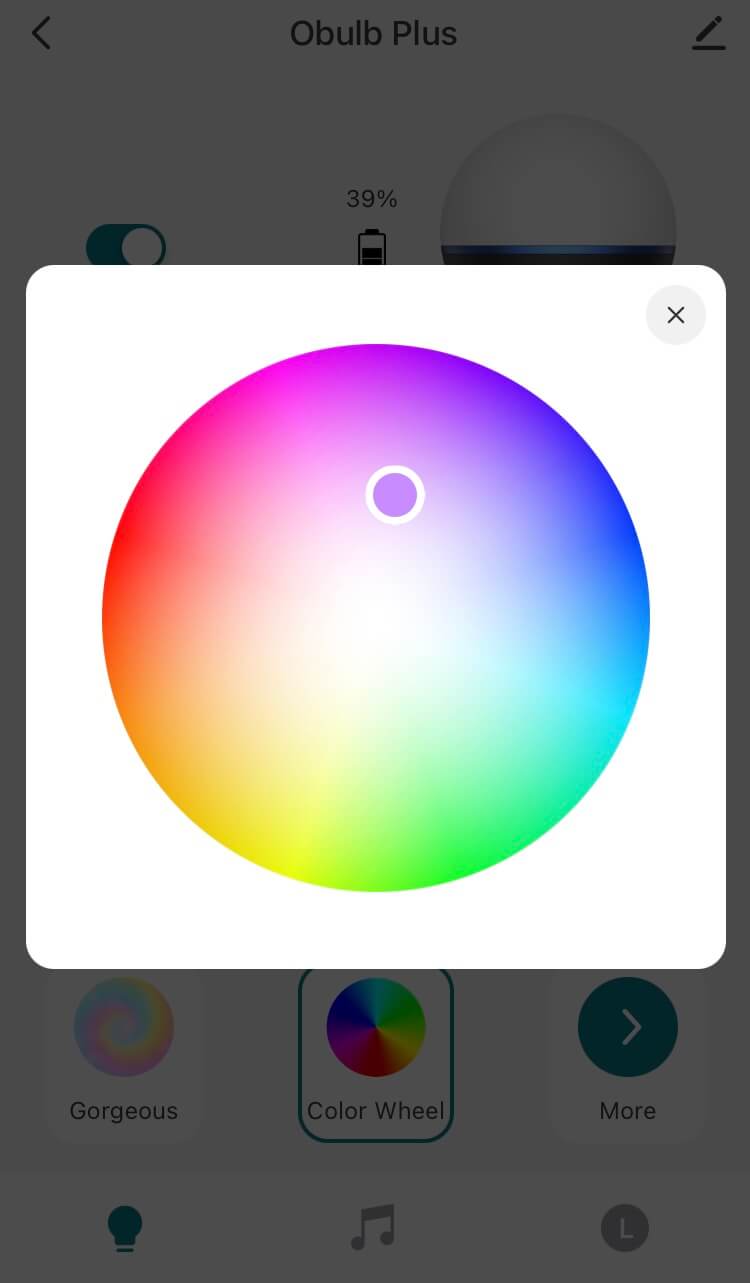
The Color Wheel option allows selection of any specific color (which can also then be controlled for brightness.)
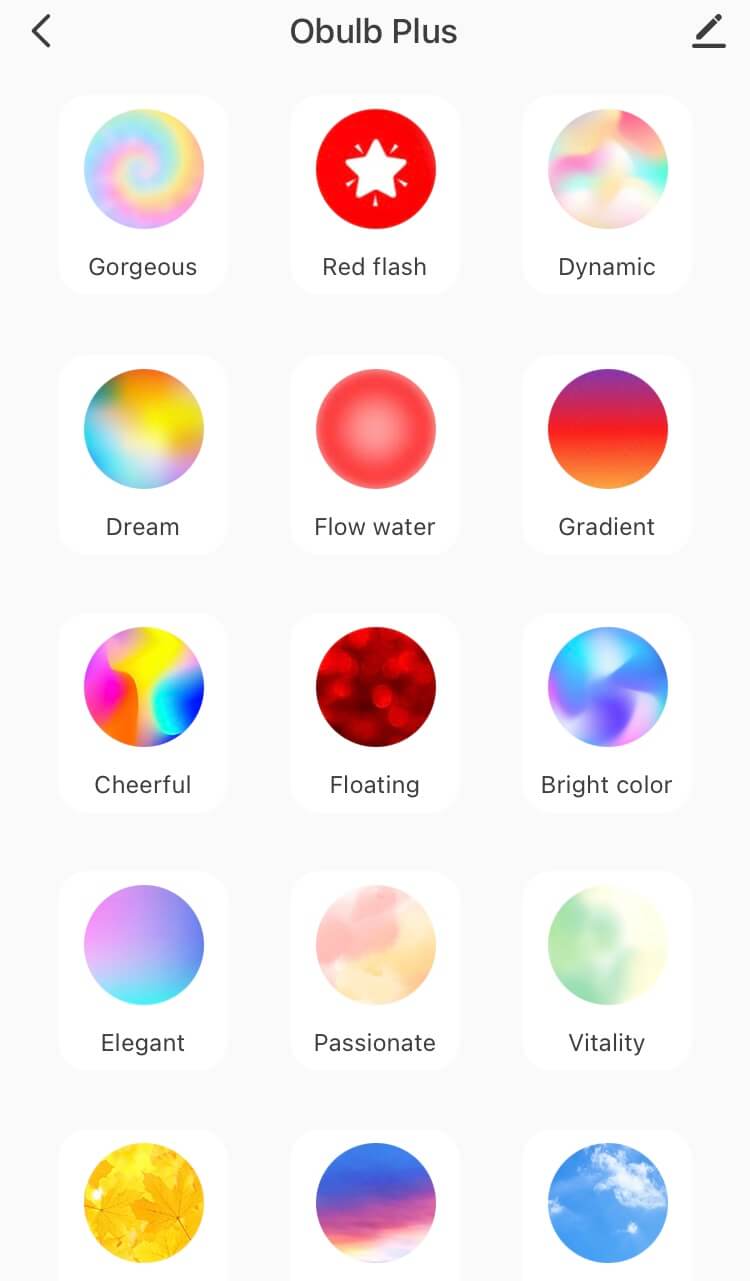
There’s a page 2 of RGB options too. AND you can create your own. These are actually quite fun…
White has three specific output levels – I’m sure you can guess that I love this. But I always prefer four so I’d love a 1%, 25%, 50%, and 100%, for example.
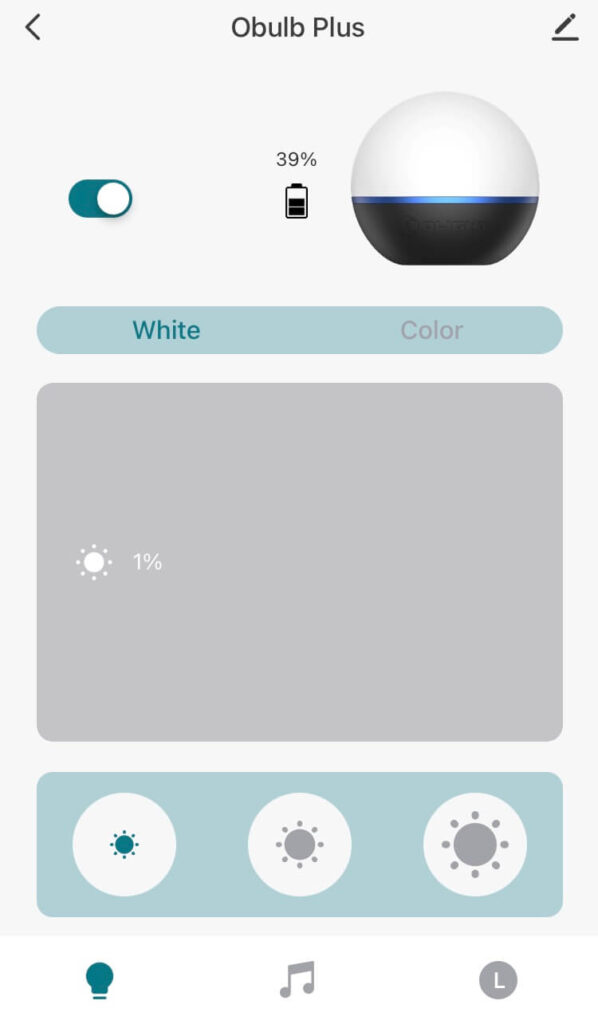
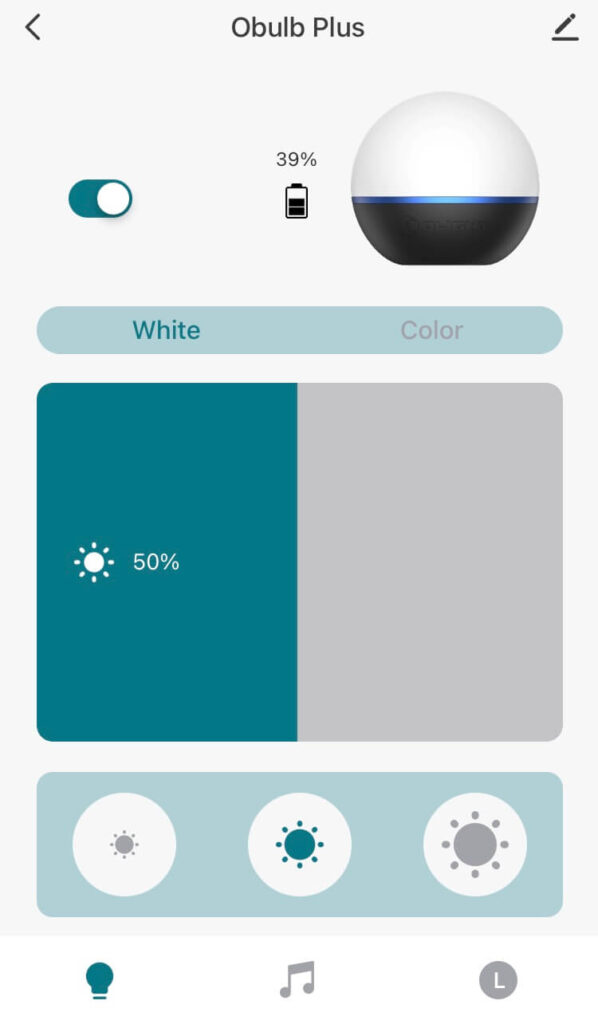
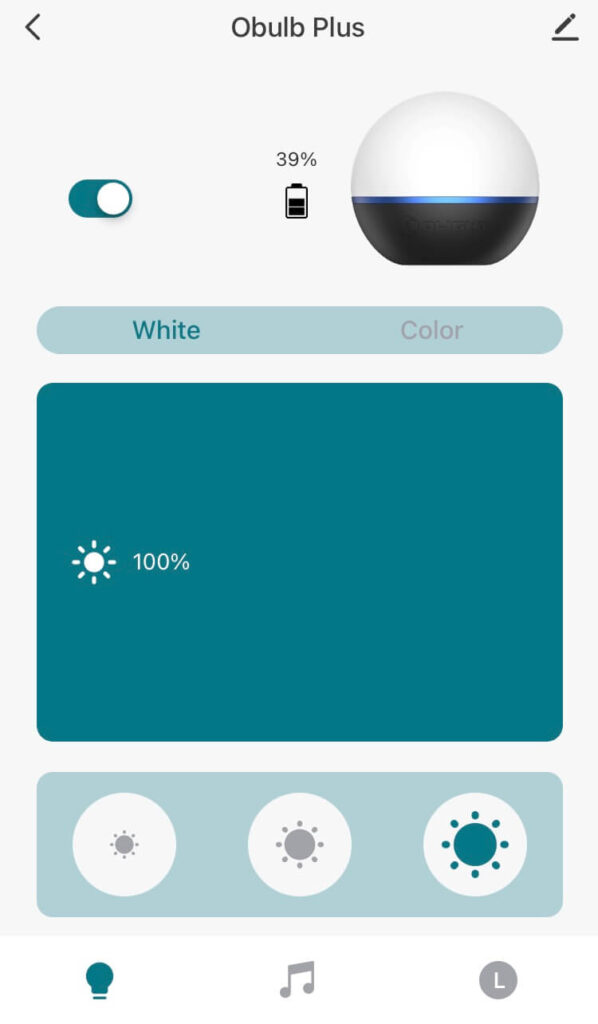
Of course white can also be controlled to any percentage other than those three above if you wish.
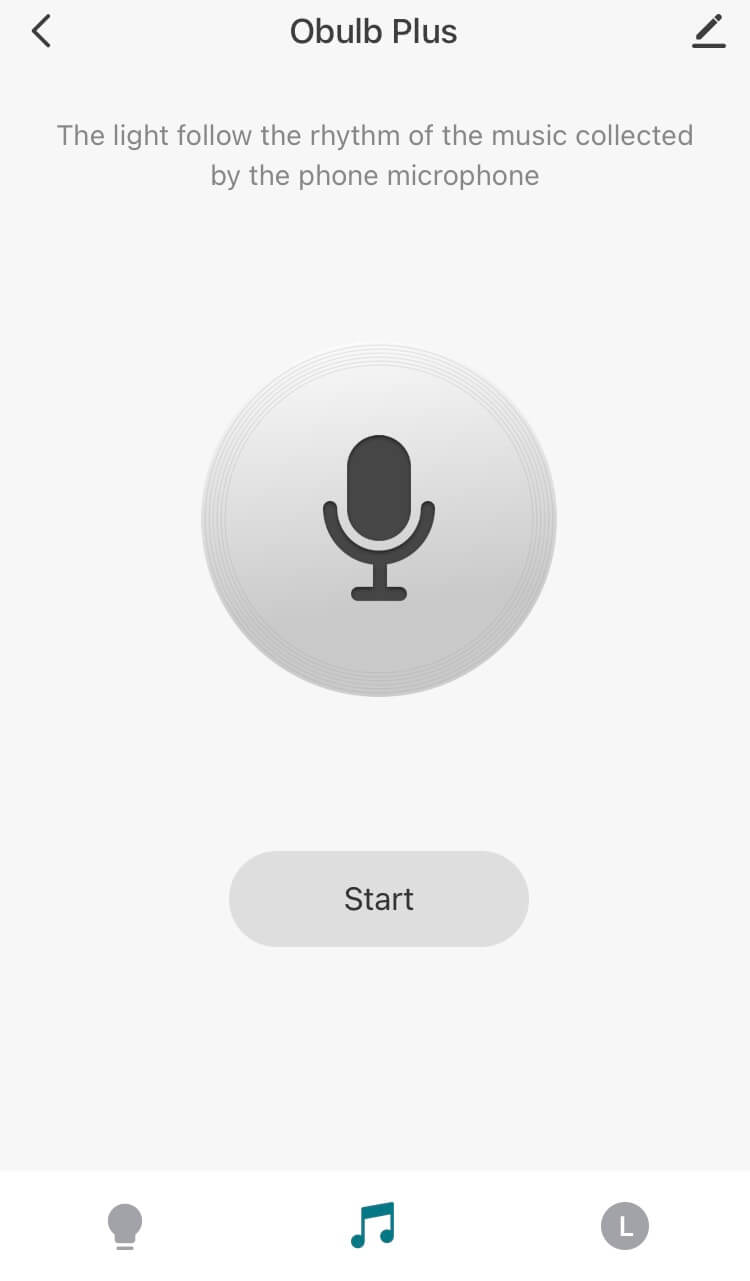
I initially didn’t know what microphone access was for – can this be used like an Alexa or something? No, it’s so the Obulb Plus can respond to music!
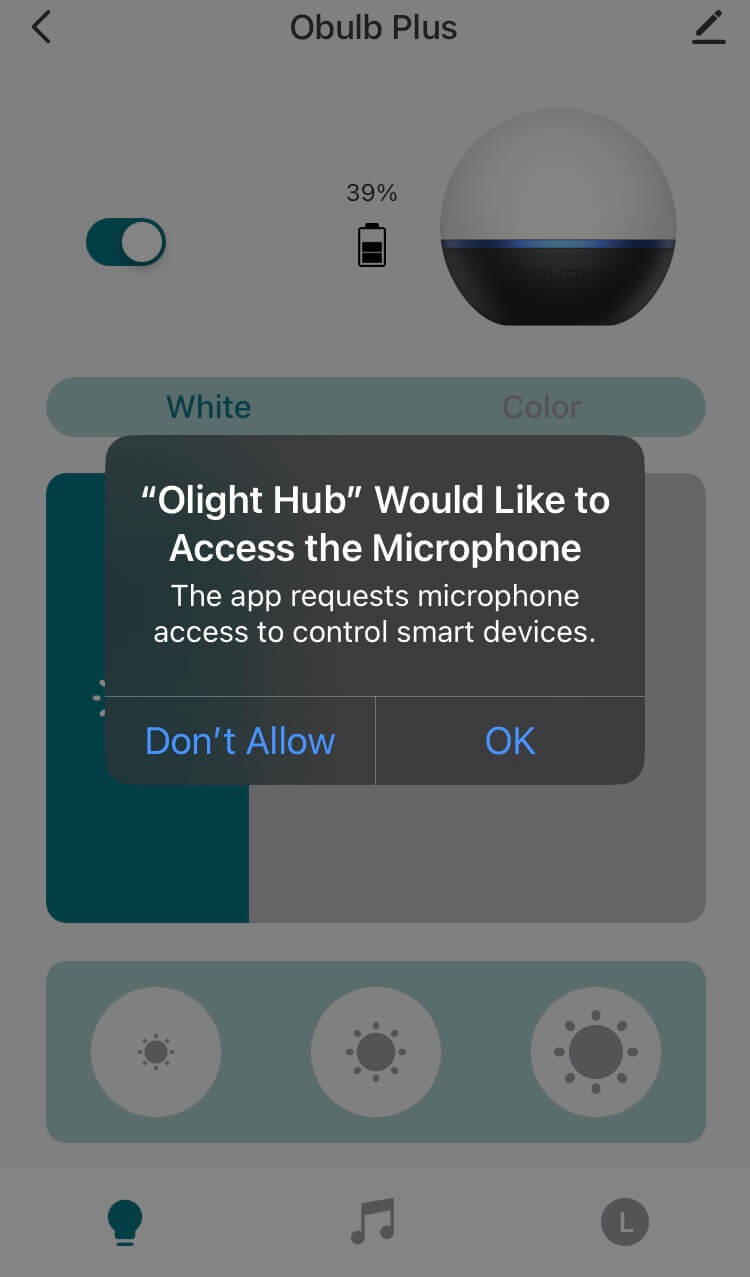
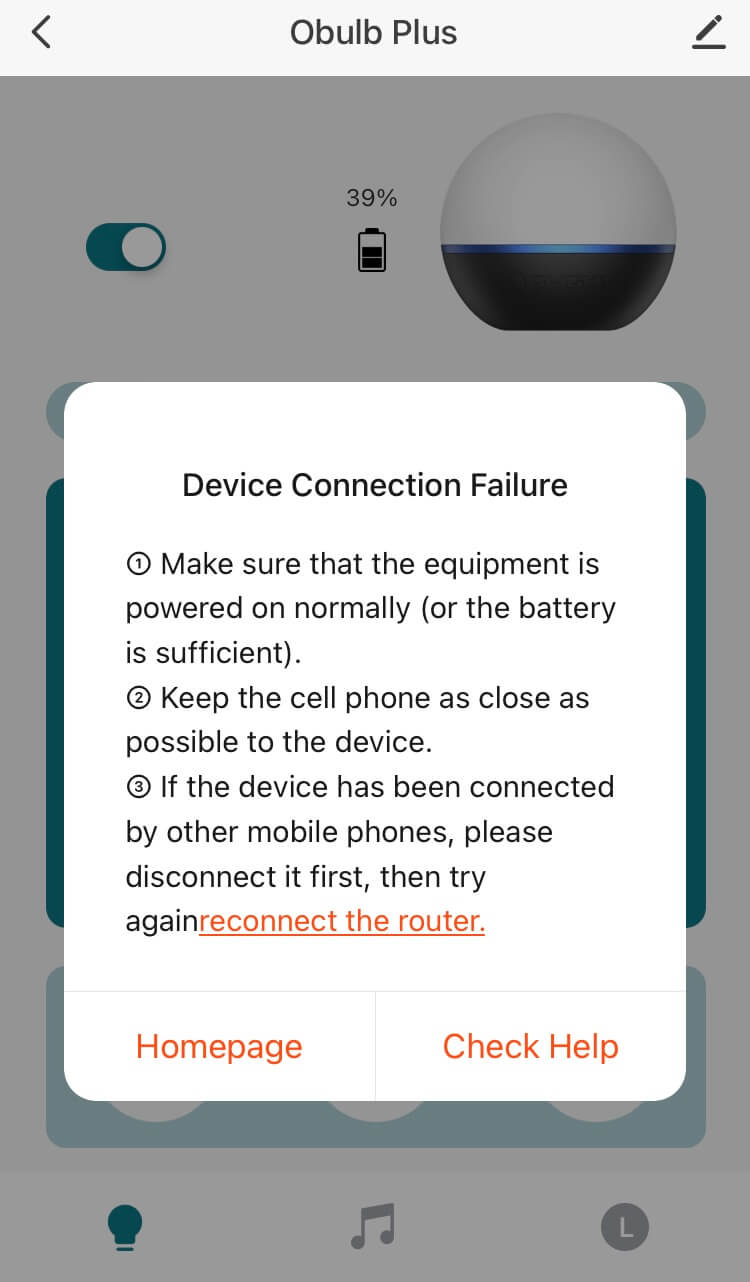
The screen below seemed to happen off and on. I just clicked out and around to escape it, and the Obulb Plus connected quickly.
LED and Beam
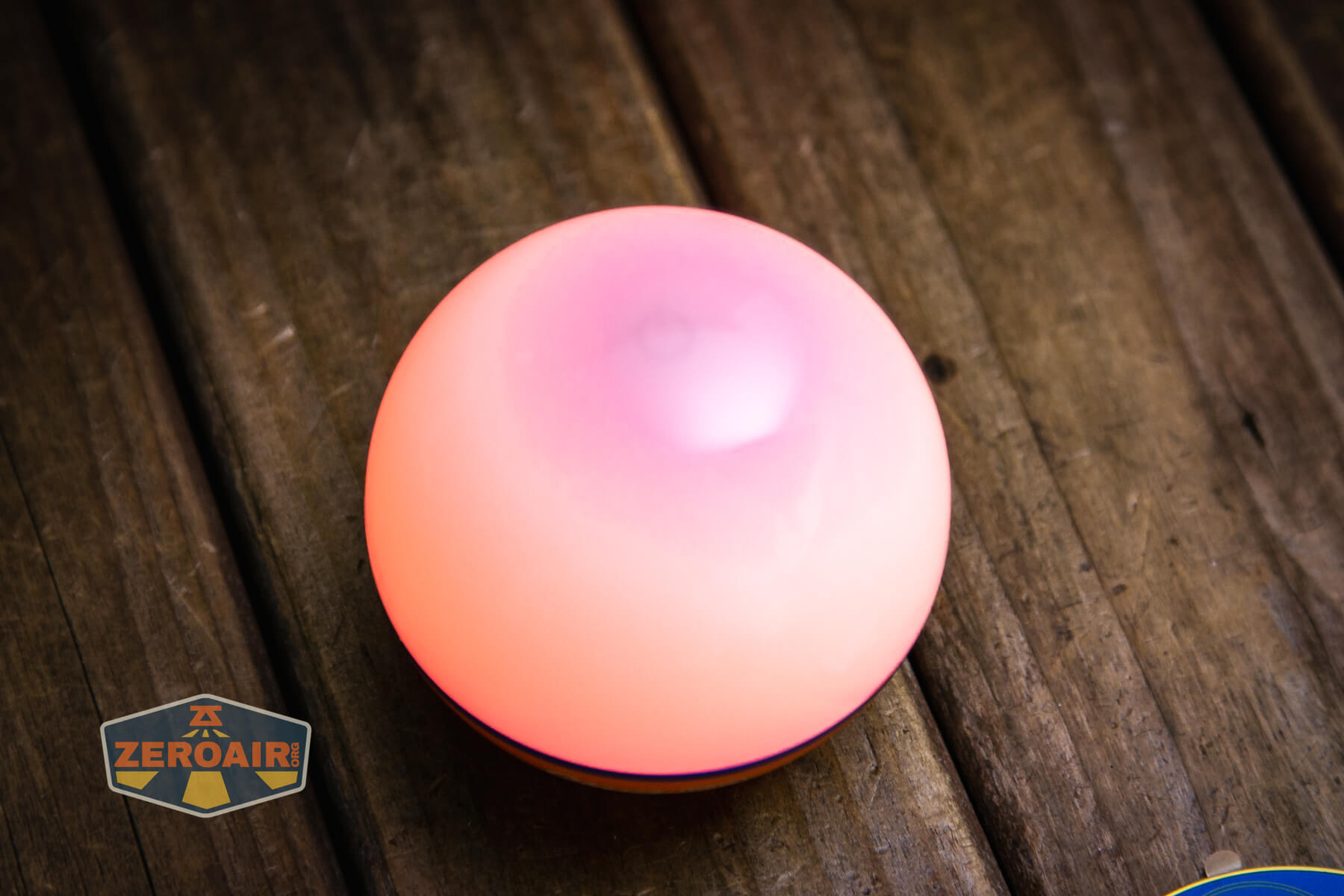
Nothing about the emitters is specified by Olight. There are some interesting outputs below, though.




Conclusion
What I like
- Robust Bluetooth ap
- It floats!
- Easy user interface
- There are some fun modes with the colors
- Magnet base works very well
- Very floody output
What I don’t like
- Pretty much nowhere to hold on to the thing, except to completely hold the thing.
- Output levels are memorized from the Bluetooth app, and it’s not possible to manipulate their percentage without the app (I liked the two white outputs from other Obulbs like the MC!)
Notes
- This content originally appeared at zeroair.org. Please visit there for the best experience!
- Please use my Amazon.com referral link to help support zeroair.org!
- Please support me on Patreon! I deeply appreciate your support!