
Liitokala Lii-500 Charger Review
Liitokala has released the Liitokala Lii-500 Charger, a four-bay charger suitable for lithium-ion and NiMH as well. Read on for thoughts and testing!
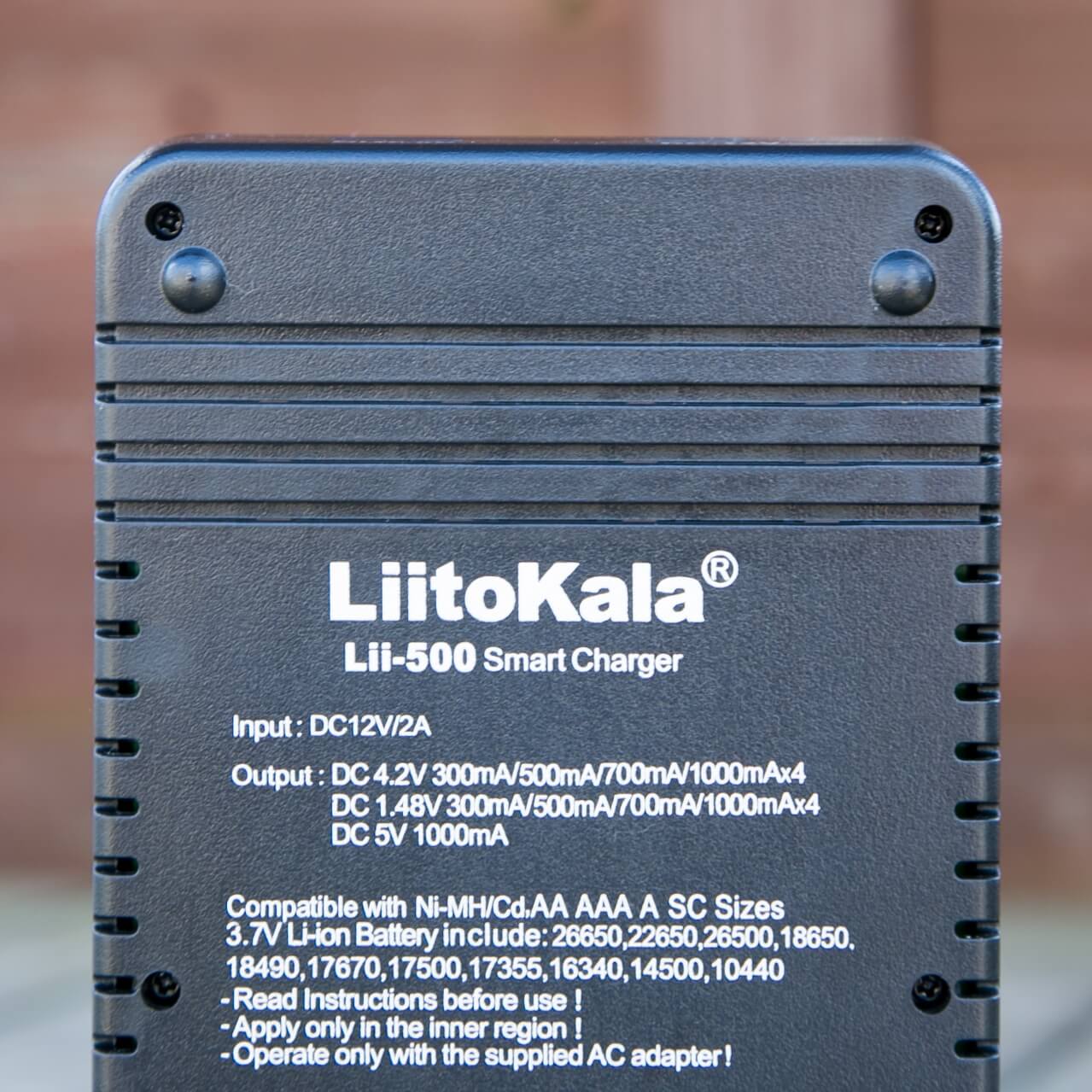
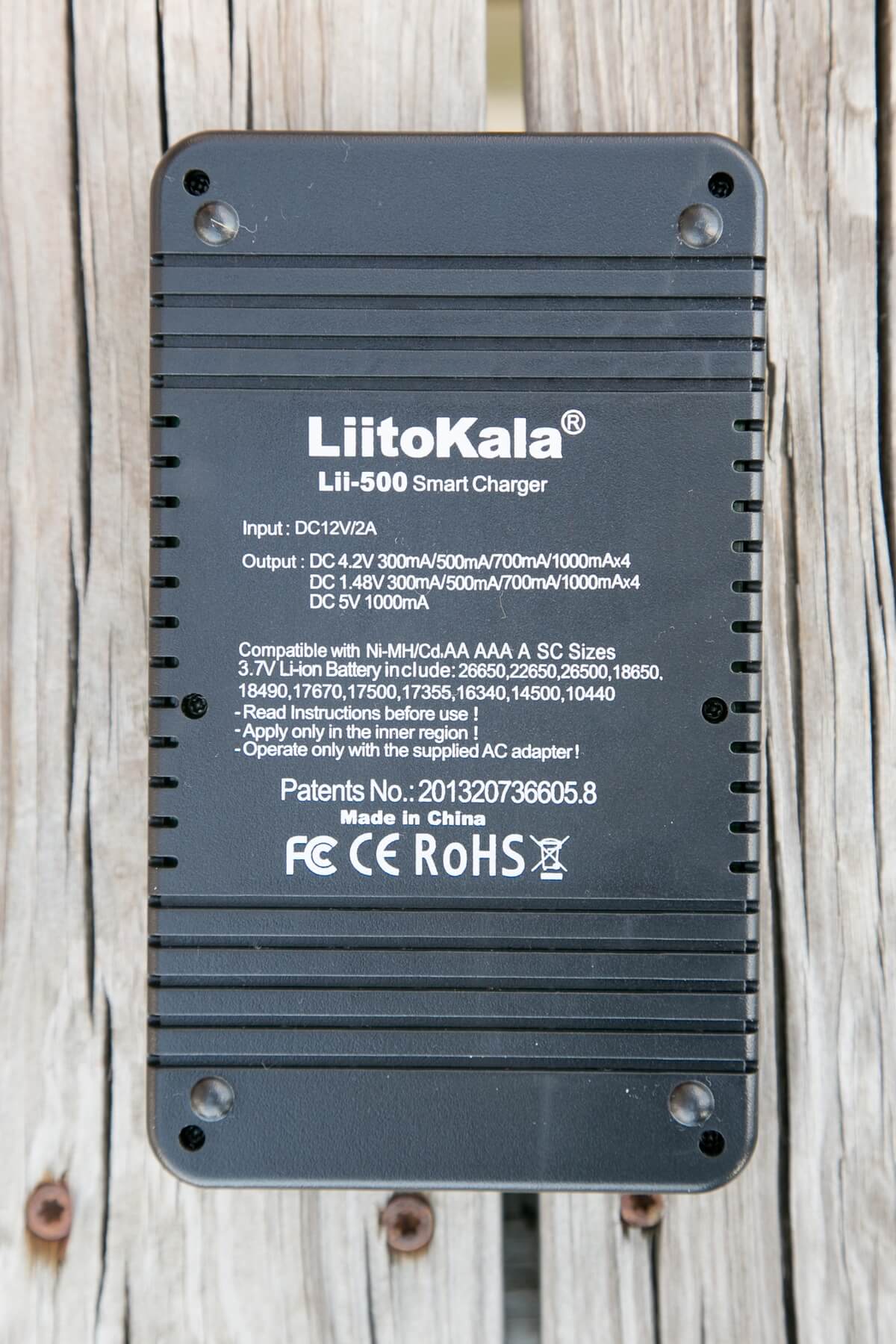
Liitokala Lii-500 Official Specs
Here’s a link to the Liitokala Lii-500 charger product page.
- USB port output load voltage: 4.90-5.30V;
- Output Current: 1000 mA;
- -load current:
- When the load current is 800m A, the port output voltage is 4.80-5.25V;
- stop the output protection voltage: 3.0 ± 0.1V;
- Input: DC12V / 2A
- Constant current output: 4.2V; 300mA/500mA/700mA/1000mA * 4
- Charging cut-off voltage: lithium-ion battery 4.2 ± 0.05V,
- NiMH battery 1.42V
- Constant voltage charging cut-off current:
- External Power Standby current:
The above section contains the manufacturer’s descriptions and claims, not my impressions or results.
Short Review
A very nice 4 bay charger, with a lot of display information shown all on one screen. Max charging rate (per bay) is only 1A, though, so that’s something to consider.
Long Review
Key Features
- 4 bays
- Versatility – charges more than just Li-ion
- Charges many sizes
- LCD display showing all the data on one screen
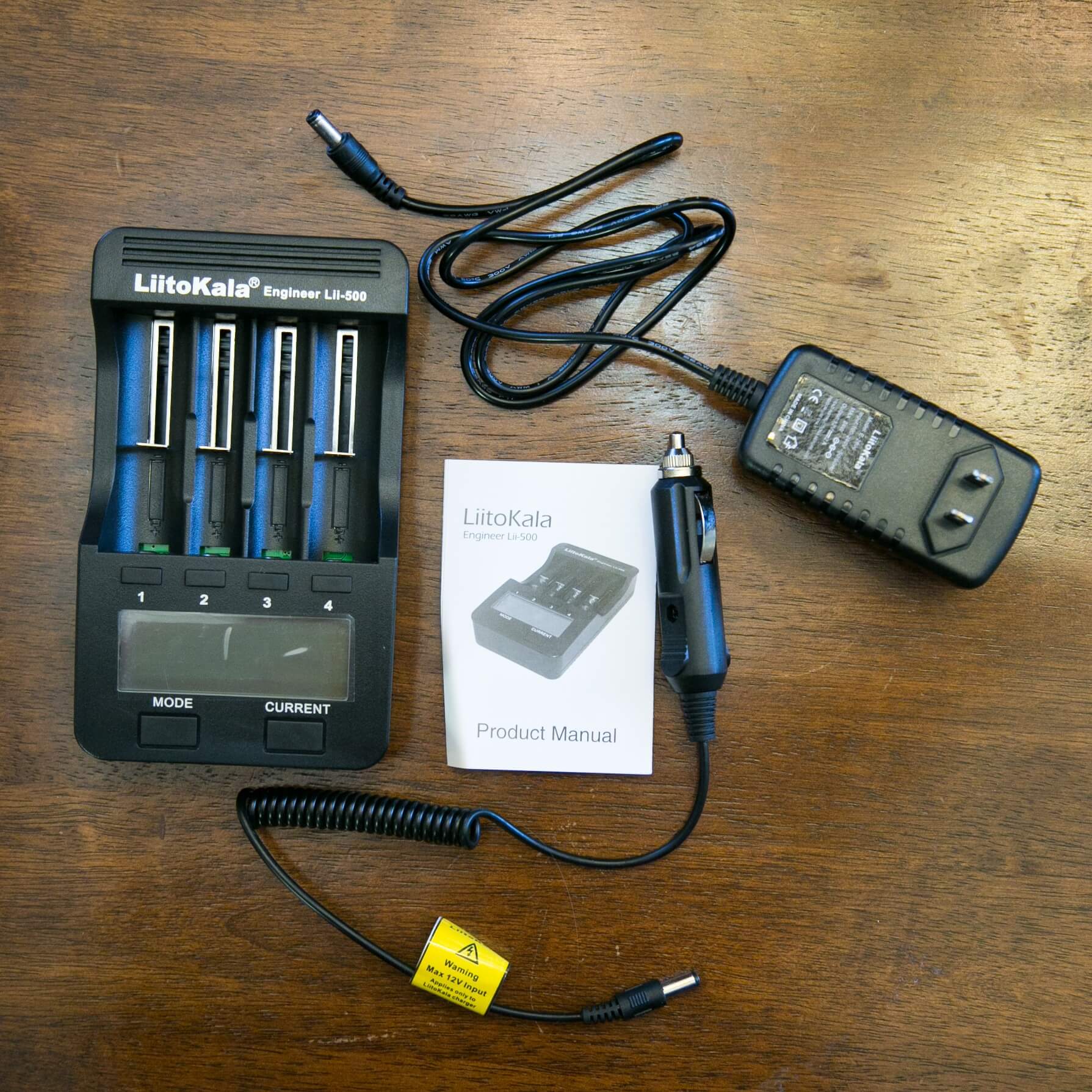
What’s Included
- Liitokala Lii-500
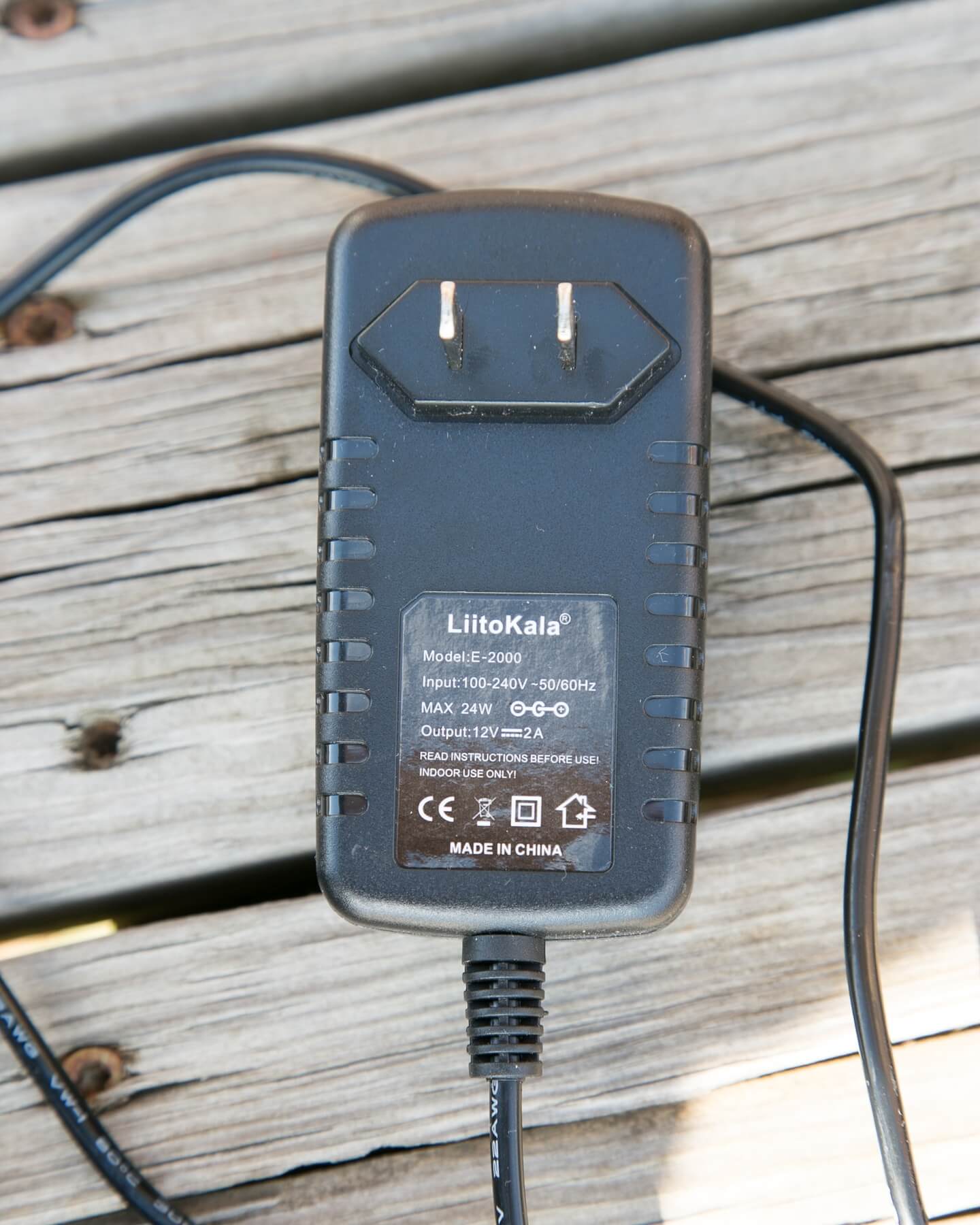
- Wall wart
- Car wart*
- Manual
*”Car wart” isn’t a thing, but that still what I’m going to call it
Manual and Packaging
The 500 comes in a nondescript cardboard box, to which has been added a GearBest inventory sticker.
Inside the box is the charging unit (contained in a bubble wrap pocket, a wall wart (which has a straight cable), and a car wart (which has an accordion/spiral cable).
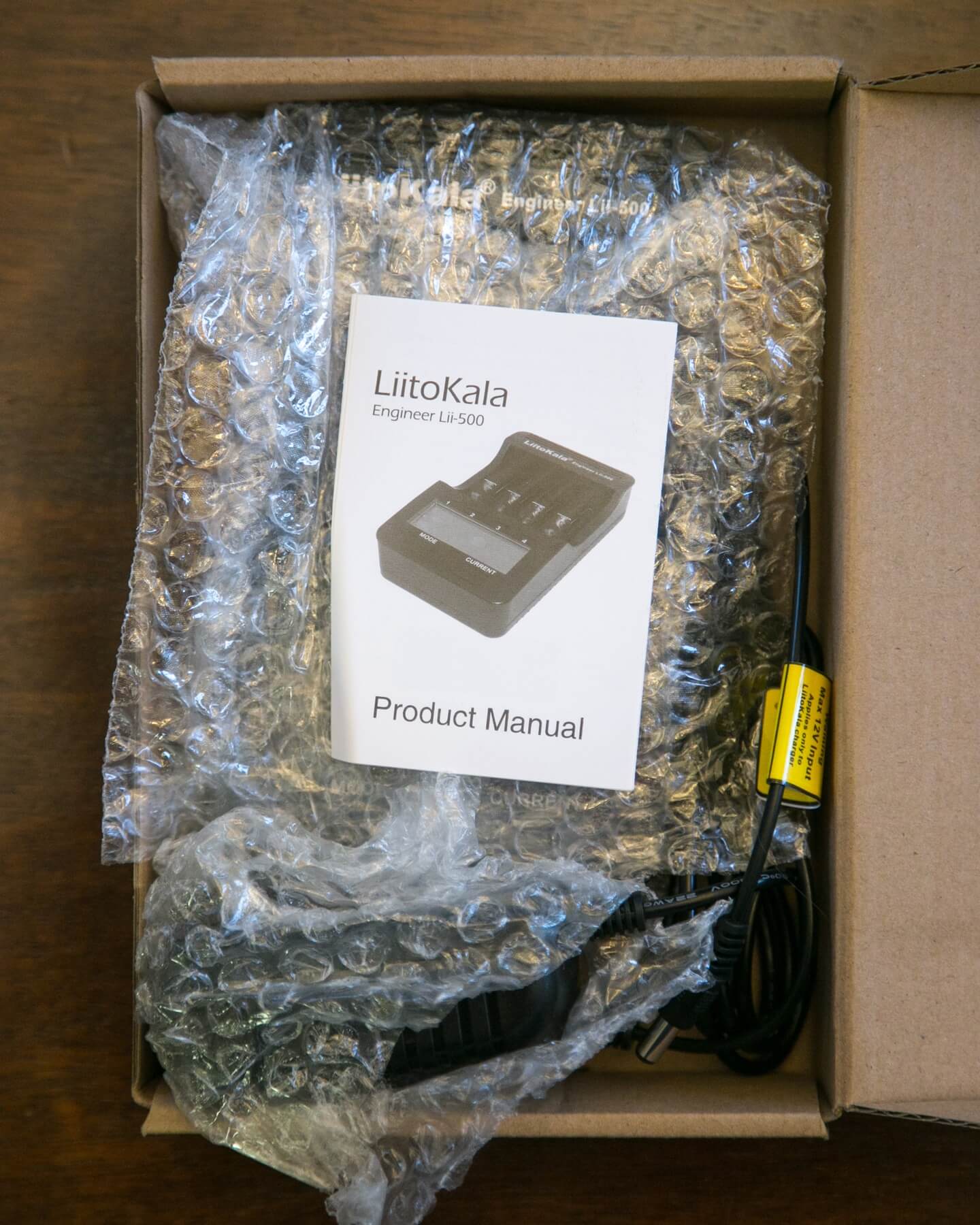
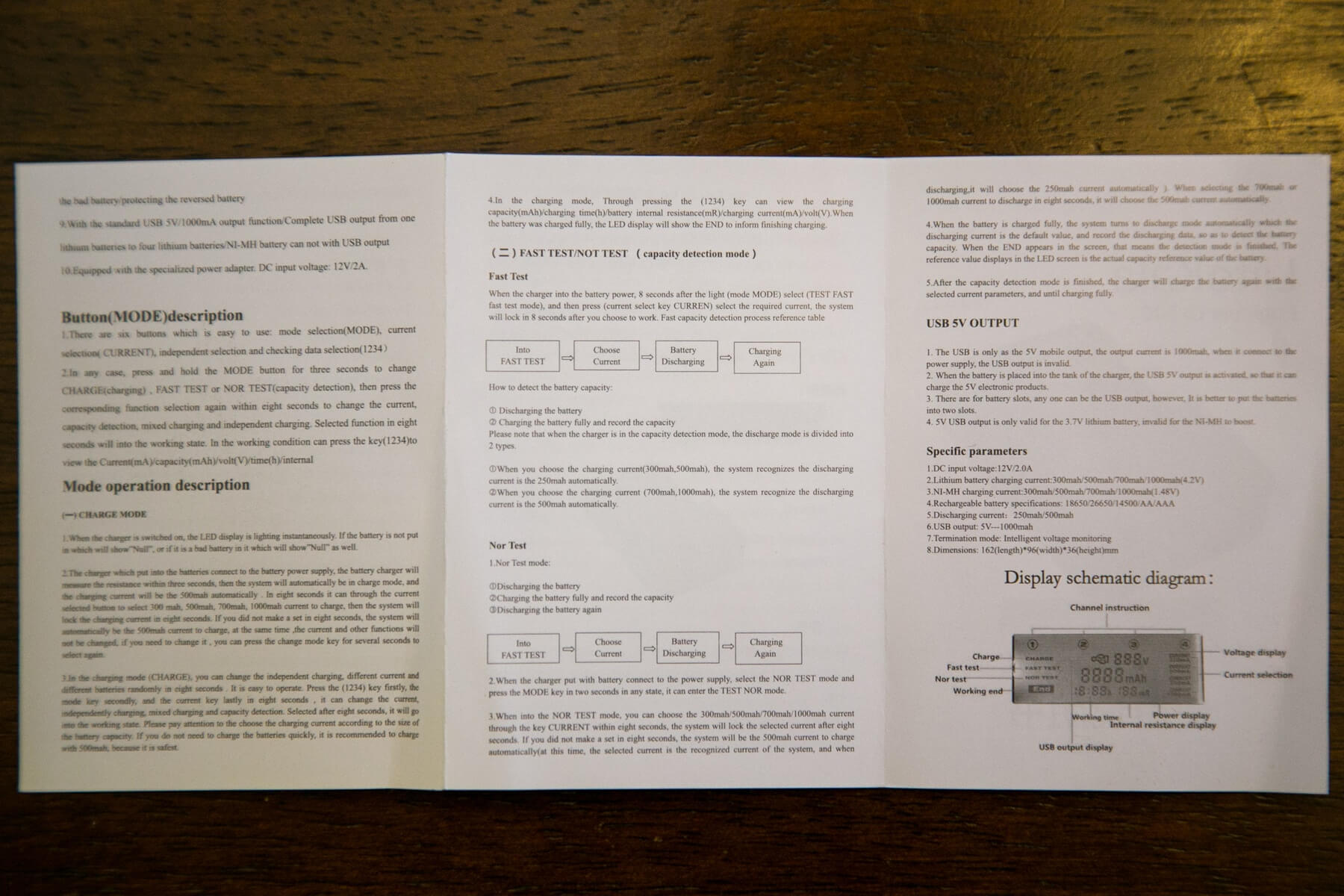
A manual is included, too, and that rounds out the package. 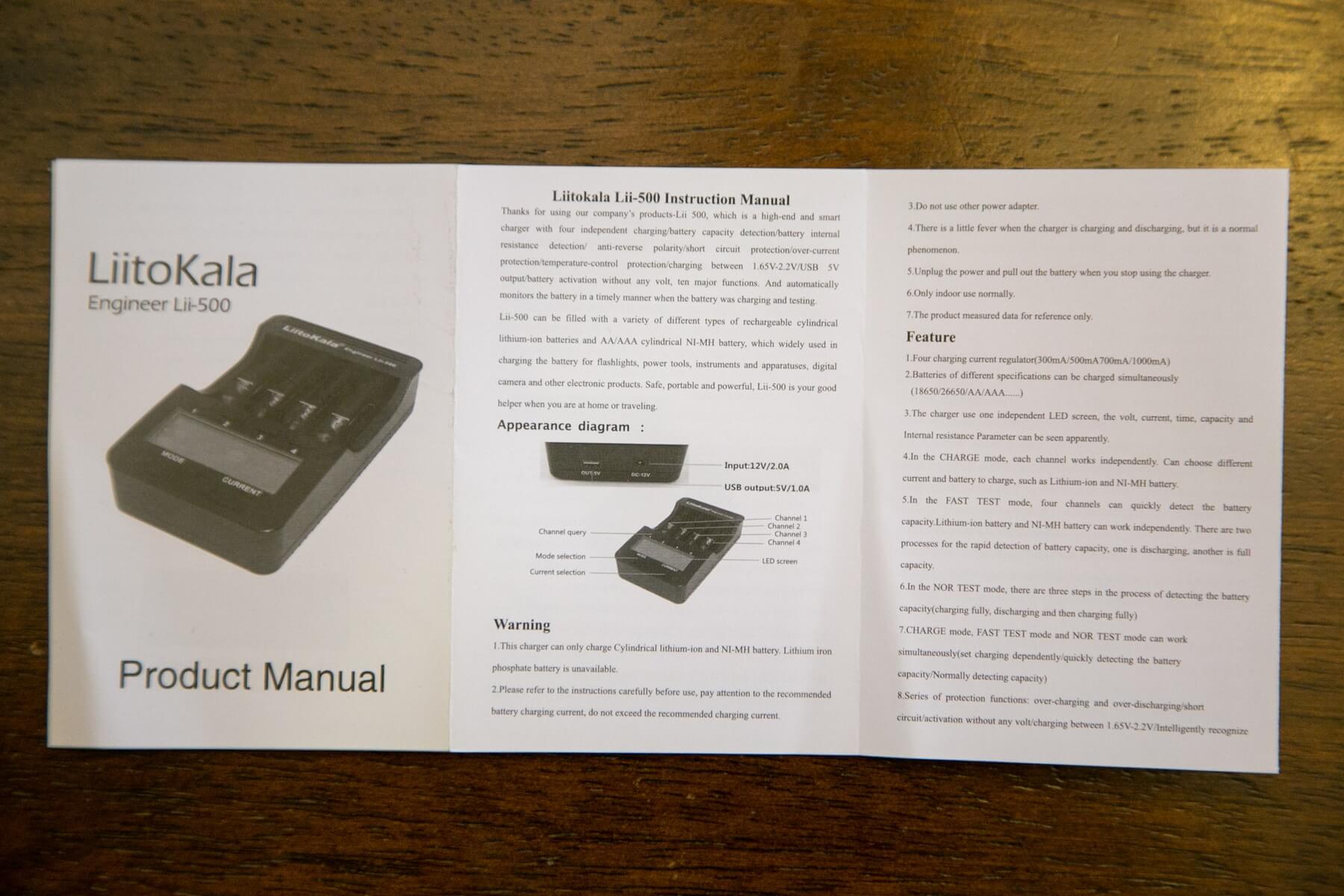
Build Quality and Durability
Unlike some other analyzing chargers I’ve handled, this Lii-500 feels quite sturdy. The slides are smooth and hold cells very snugly (even 34/35 length cells). While the screen isn’t the best screen, it’s quite informative and has a very snug fit.
Philips screws hold the front half to the back half.
There are some hard plastic feet. Unscrewing those gives easy access to the internals. The wall wart is of nice quality.
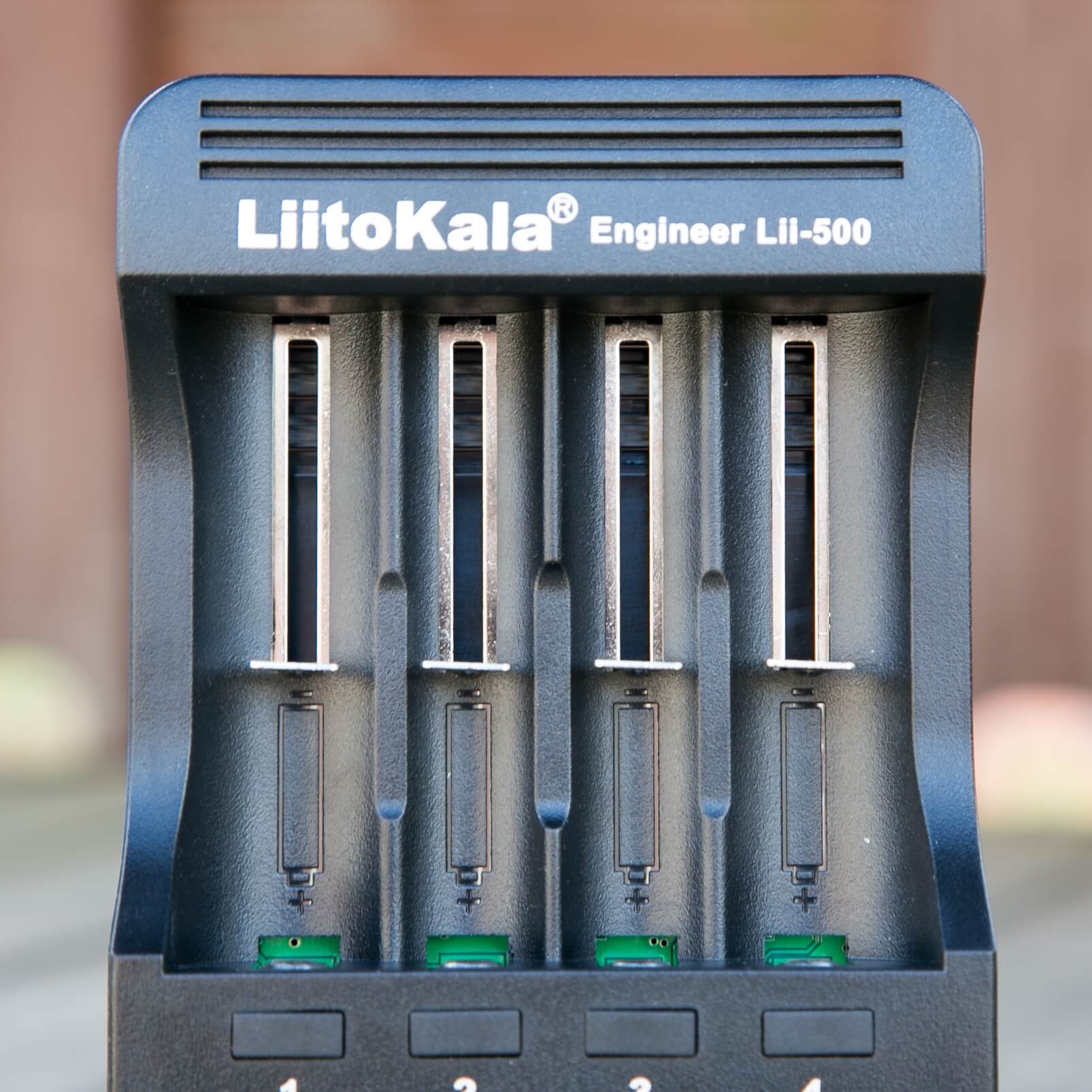
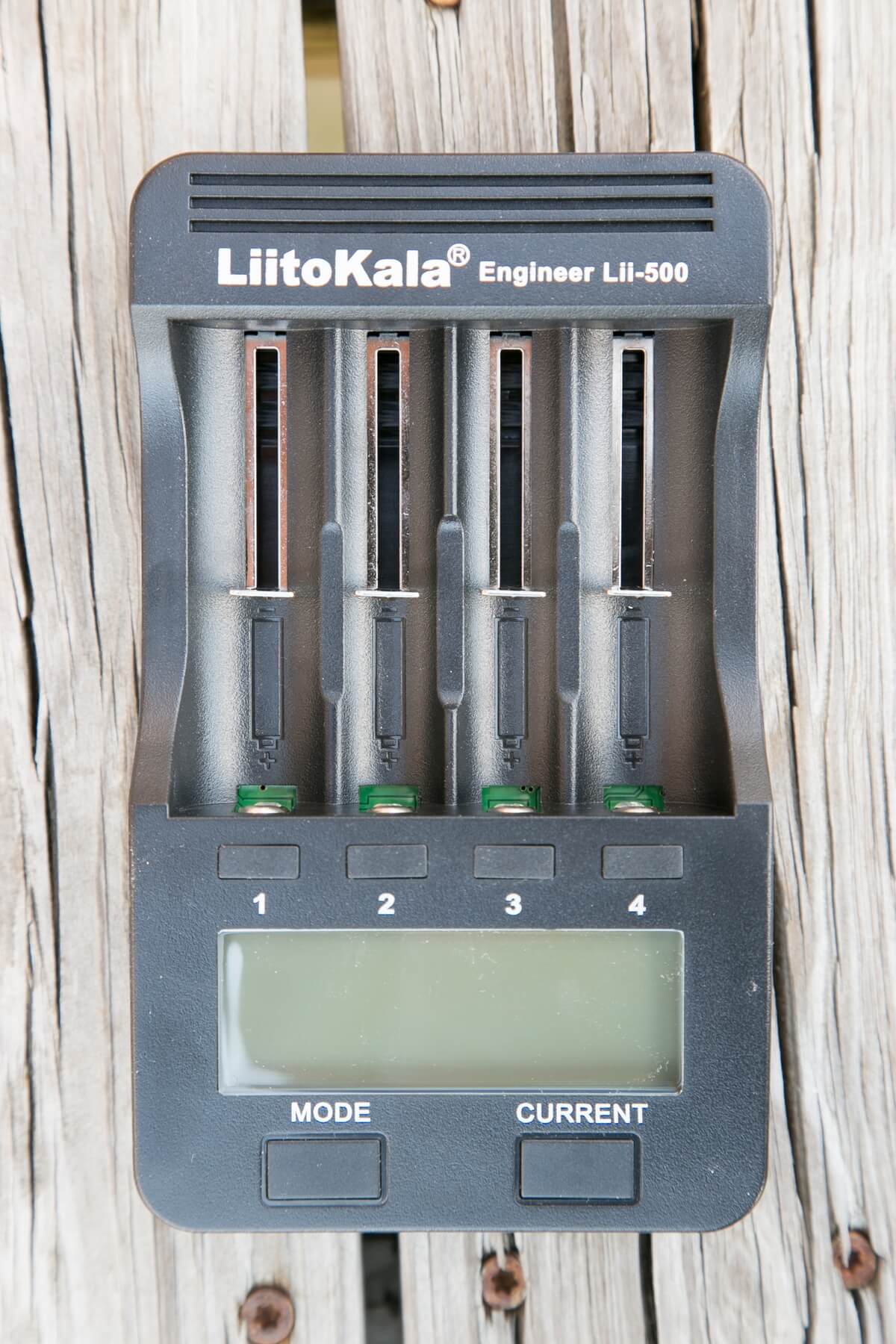
The slides are snug and have nice metal tabs to promote good contact.
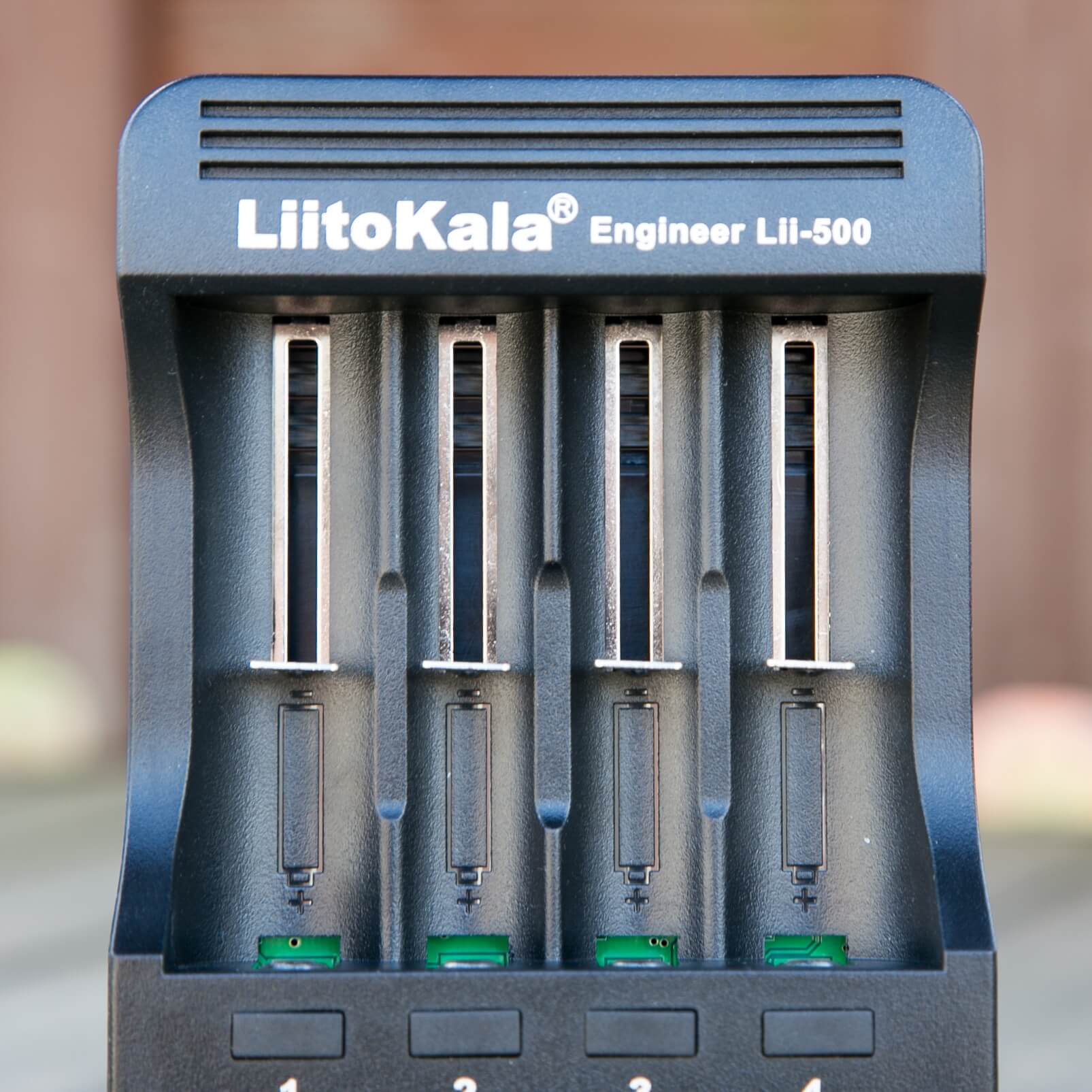
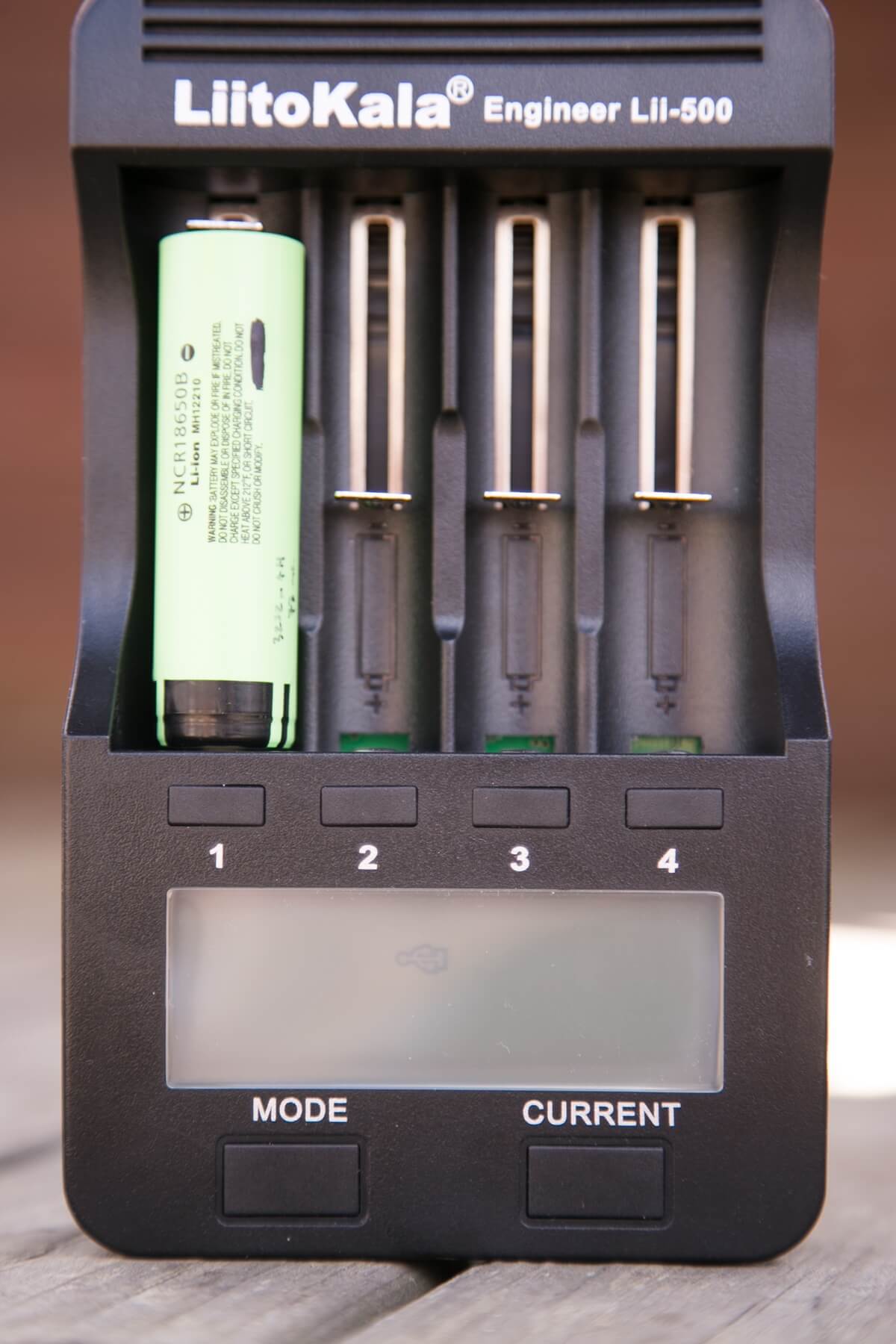
Note the cell orientation shown in that photo… It’s the opposite of any 4 bay charger I’ve ever used – with the positive terminal being toward the bottom of the unit. And while those buttons (1-4) may look slightly “off” or “loose,” they’re really not – they’re quite snug and positively clicky. In fact, all the buttons on this unit are very clicky, to the point of being a bit loud. The ‘car wart’ has a red LED to show activity.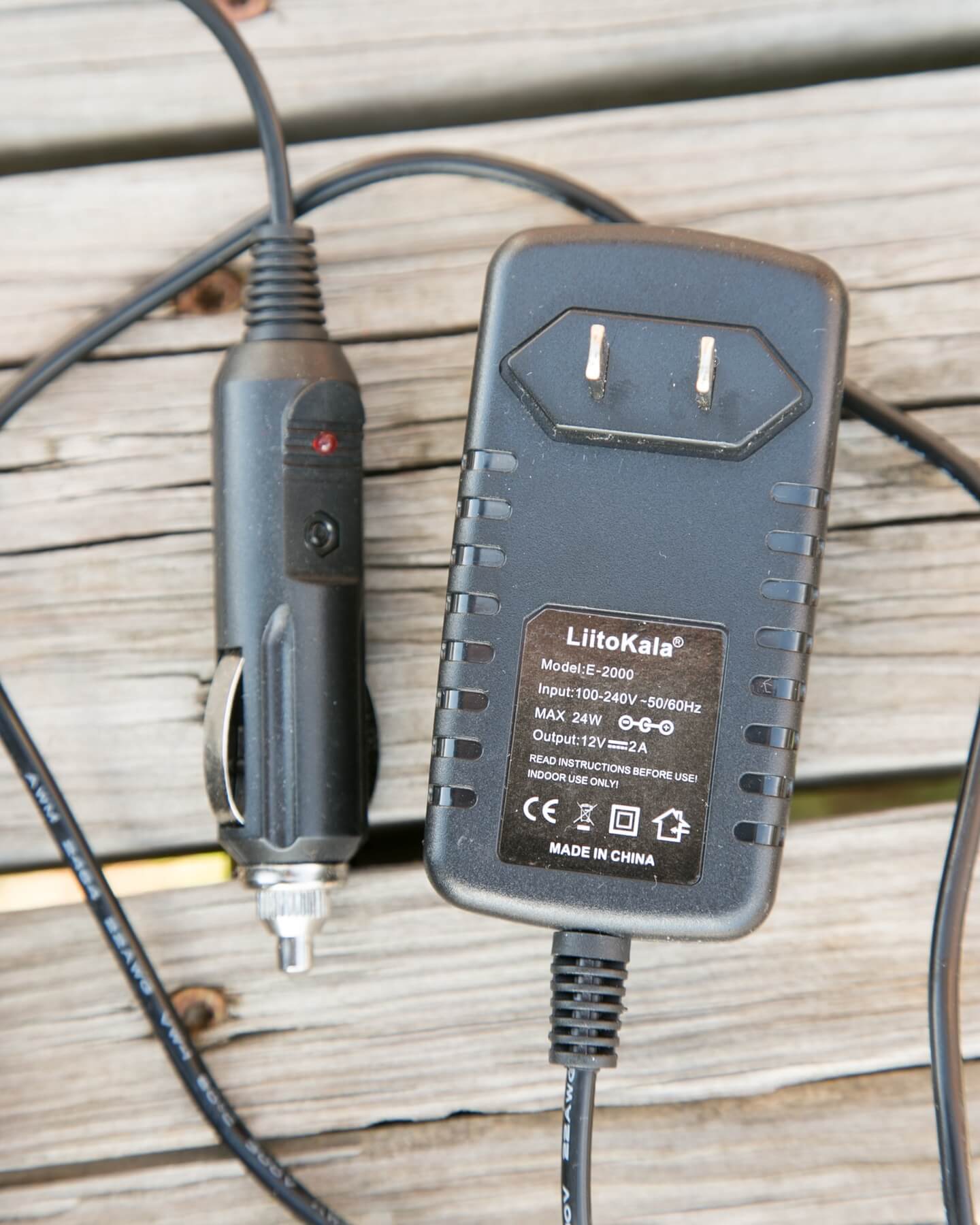
Power
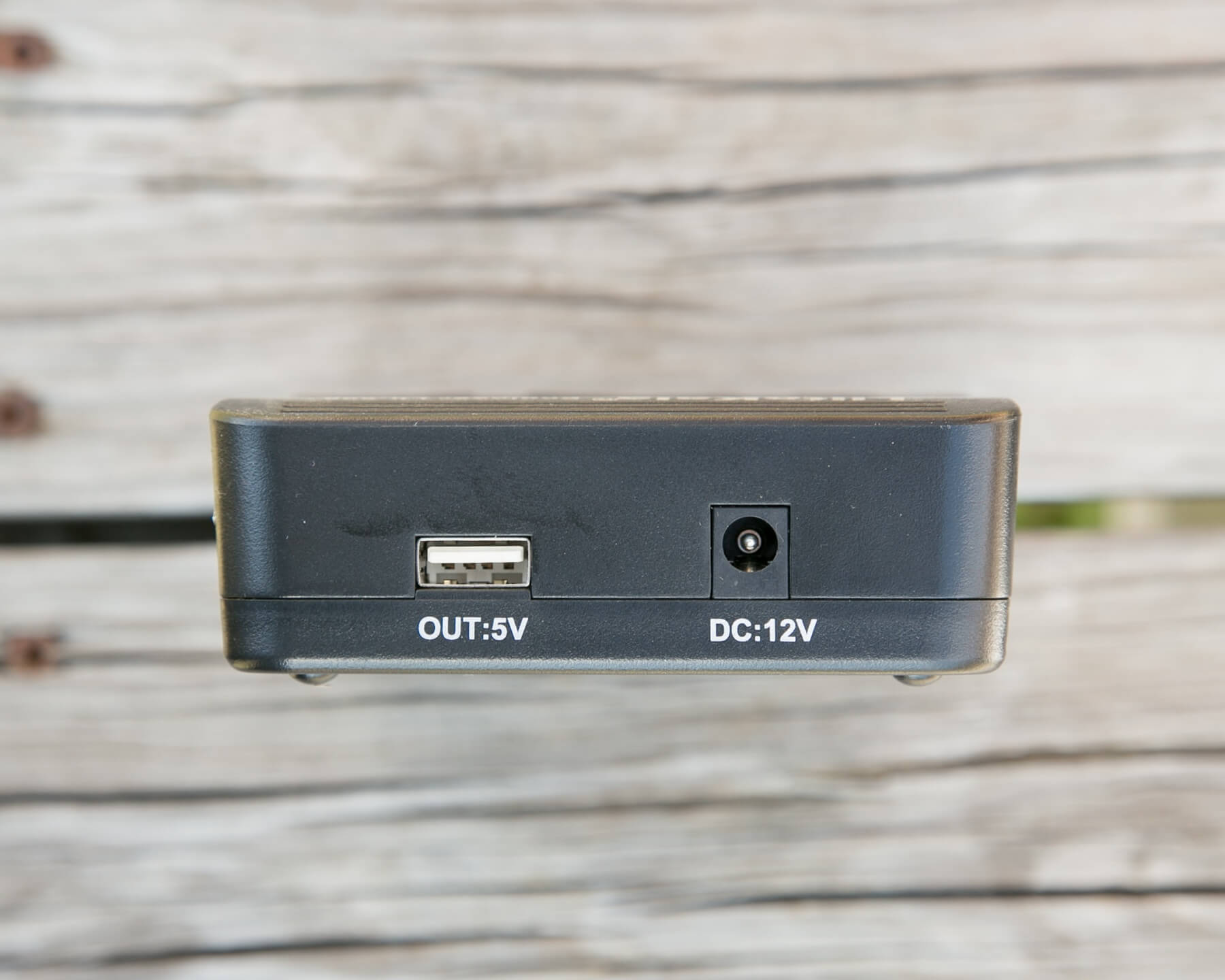
A barrel receptacle accepting 12V DC input is on the top of the unit. Two adapters are provided: A wall wart and an auto adapter for plugging into the cigarette plug. Both are of nice quality. The wall wart is quite large, and it didn’t fit well in my power strip. It did work easily on my wall outlet, though – especially since the plugs aren’t sized to make them directional (ie, the wart will plug in either orientation, up or down).
As for charging cells from this unit, there are 4 charge rate options: 300/500/700/1000mA. These rates can occur for any and every bay concurrently (ie, every cell can be charged at the max rate without worry). The bays can also be set to individual rates (even for cells of the same type). So one 18650 might be charging at 300mA, and another at 1000mA. This is not a problem, and it works quite well.
There’s also a USB out. One thing I immediately found interesting is that the USB out is inactive if the DC-in is connected to the Lii-500. Thus, in order to have an active USB-out, one must unplug the unit from the power source, which also means the only way to power devices from the Lii-500 is by using the cells in any bays in the unit. So the Lii-500 is not a pass-through power supply. It’s also not really a travel supply, so this seems a bit of an unusual combination required. The manual states that USB output will cease when the power source decreases to 3.0V. I found that to be higher, or at least problematic, starting around 3.5V. That was with a single 18650. With all 4 bays full, I doubt this would be as great a concern.
Immediately when the unit is unplugged from AC power, while still containing appropriate voltage cells (~3.0 or higher), the unit displays this screen,
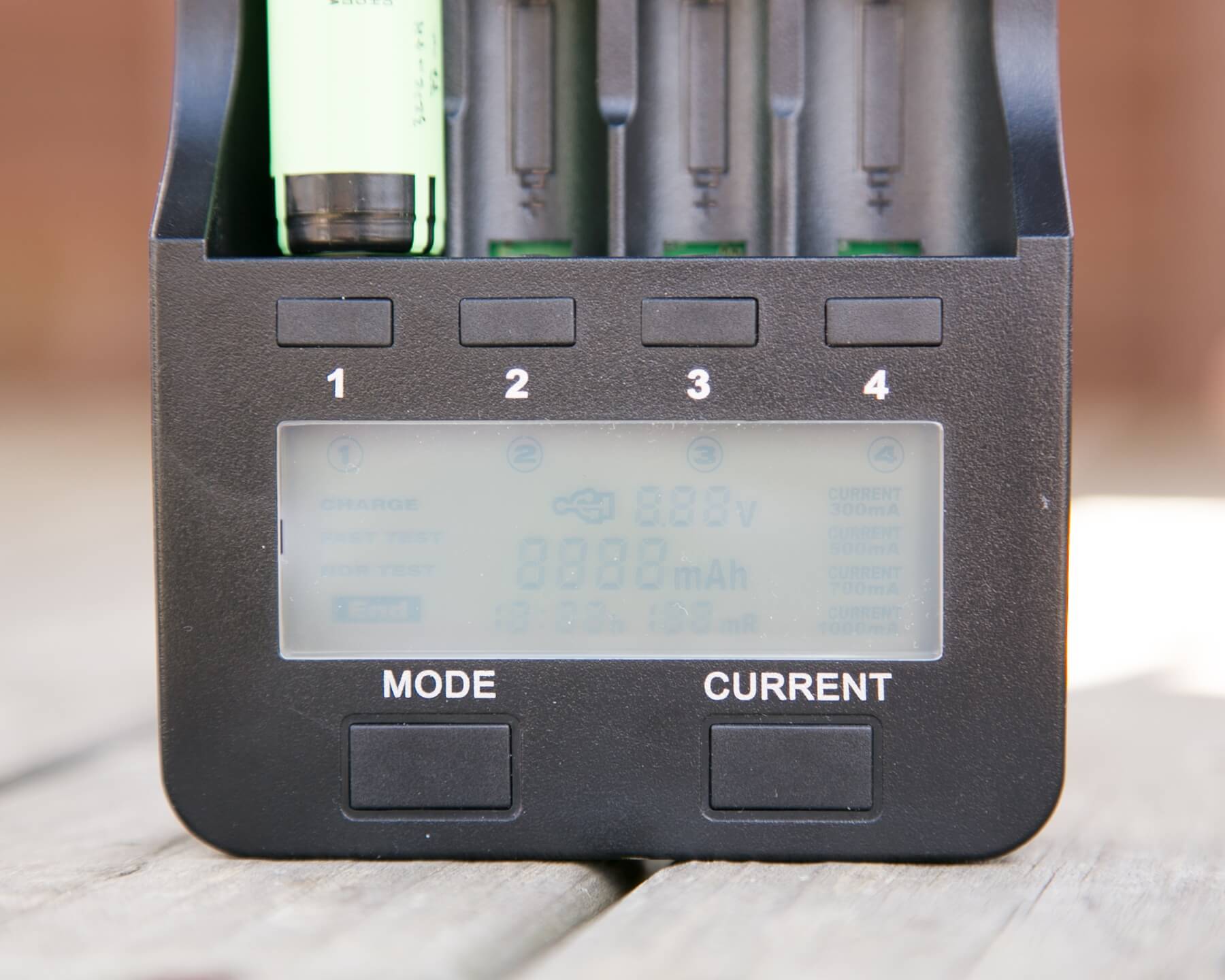
then switches to this screen
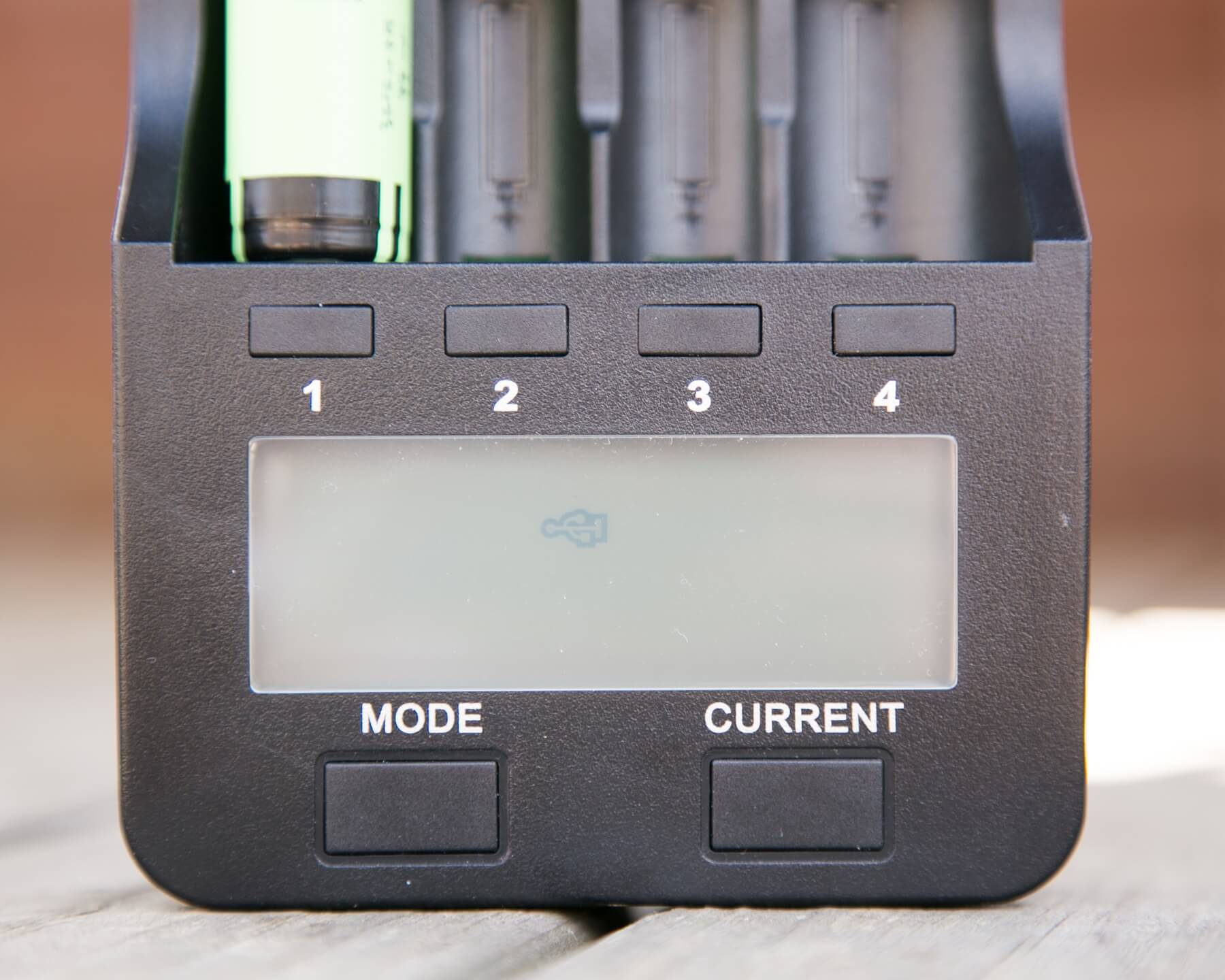
the little USB logo. When the USB logo is displayed, the unit can provide 5V power out through the USB port on the top.
In testing the unit, I found charging to be well done, with certainly no overcharging. My tests ranged from 4.18V to 4.2V for Li-ion, and the final voltage was independent of charge rate (as it should be). I tested and 800mAh Efest Red 18350 cell to have 869mAh using the Nor Test, with the final charge cycle taking 3:26h. The unit read the voltage as 4.20V, but my DMM read it as 4.18 – I wouldn’t be surprised if the DMM inside the Lii-500 was more accurate and higher quality than the DMM I own, so…. take this value for what it’s worth I suppose.
User Interface and Operation
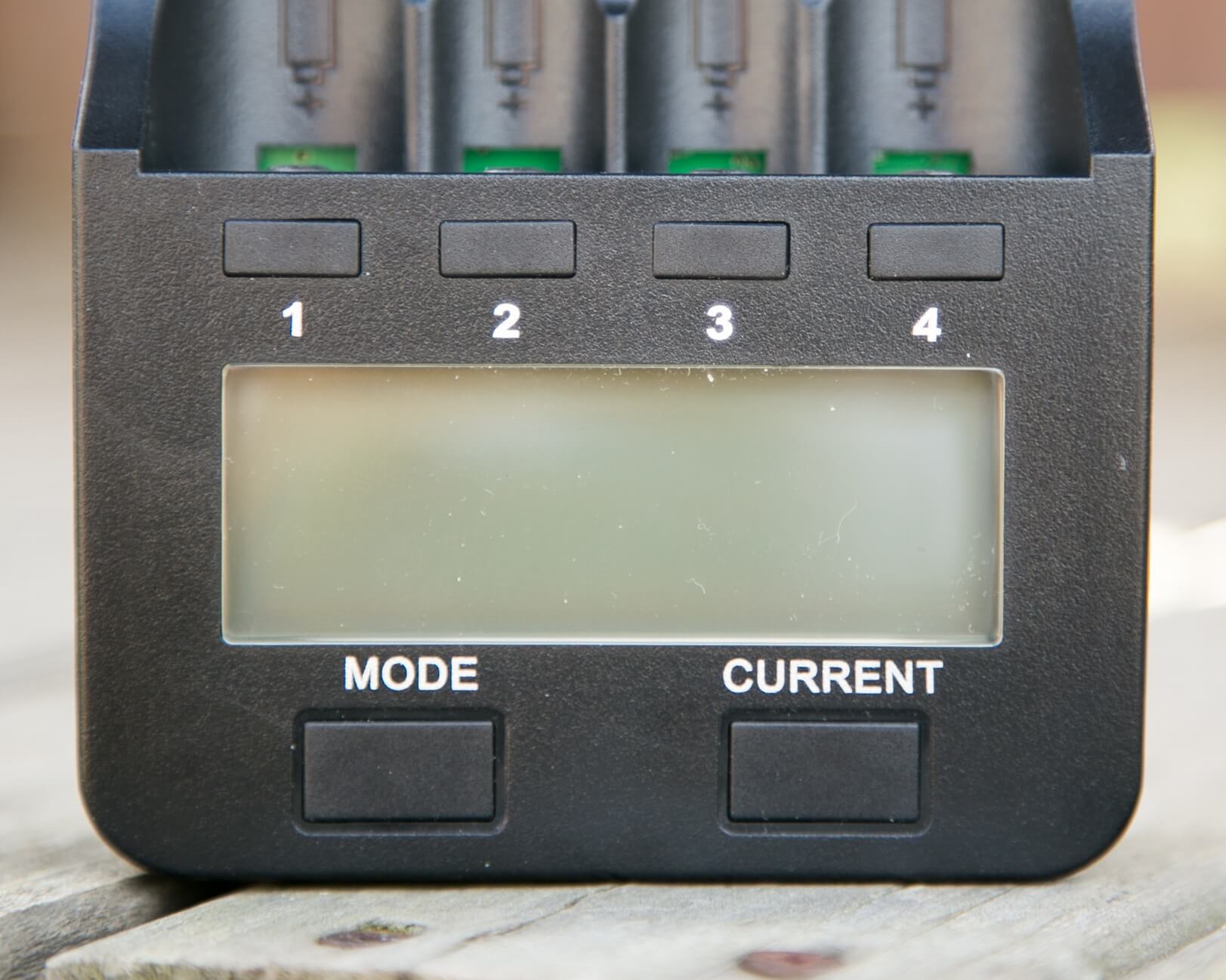
Six buttons are on the top of the Lii-500, but four of those are simply bay selectors, with no other function. The other two are Mode and Current. There’s no mystery here about what these do. The Mode button selects between three options: Charge, Fast Test, and Nor Test. The Current button selects between the possible current options: 300/500/700/1000mA. The Current button is only active when the Mode is option is still flashing. Once the mode has been selected, the current is locked in, too. But by holding down the Mode button (thus activating mode selection), the current can be changed.
Data is displayed on a large lcd display. The data is per cell, so only the information for one cell is showing at one moment. To see the info for another cell, the button for that cell must be clicked. The selected bay is indicated by a circled number on the display, and when any bay is selected, all other bays aren’t displayed on the screen. It would be great if there were a way, for example, to note if any non-selected bay had completed its cycle, without clicking on that bay, or through all the bays. Every mode displays the cell’s internal resistance, which is tested quickly right when the cell is installed in the unit. Every mode also has a running timer from when a cell was placed in, and activity began, in the 0:00h format. (0:59 = 59 minutes, 1:00 = one hour). So not only will the internal resistance always be seen, but the time a cycle has been (or was) active will be displayed too. I find this to be very handy and useful information. Note that it’s time per cycle of any certain mode, not the overall time any mode has taken.
Normally, if there is no cell, but the unit is plugged into the wall, the screen backlight is off, but the display reads “null”. If a button is pressed, the screen lights.
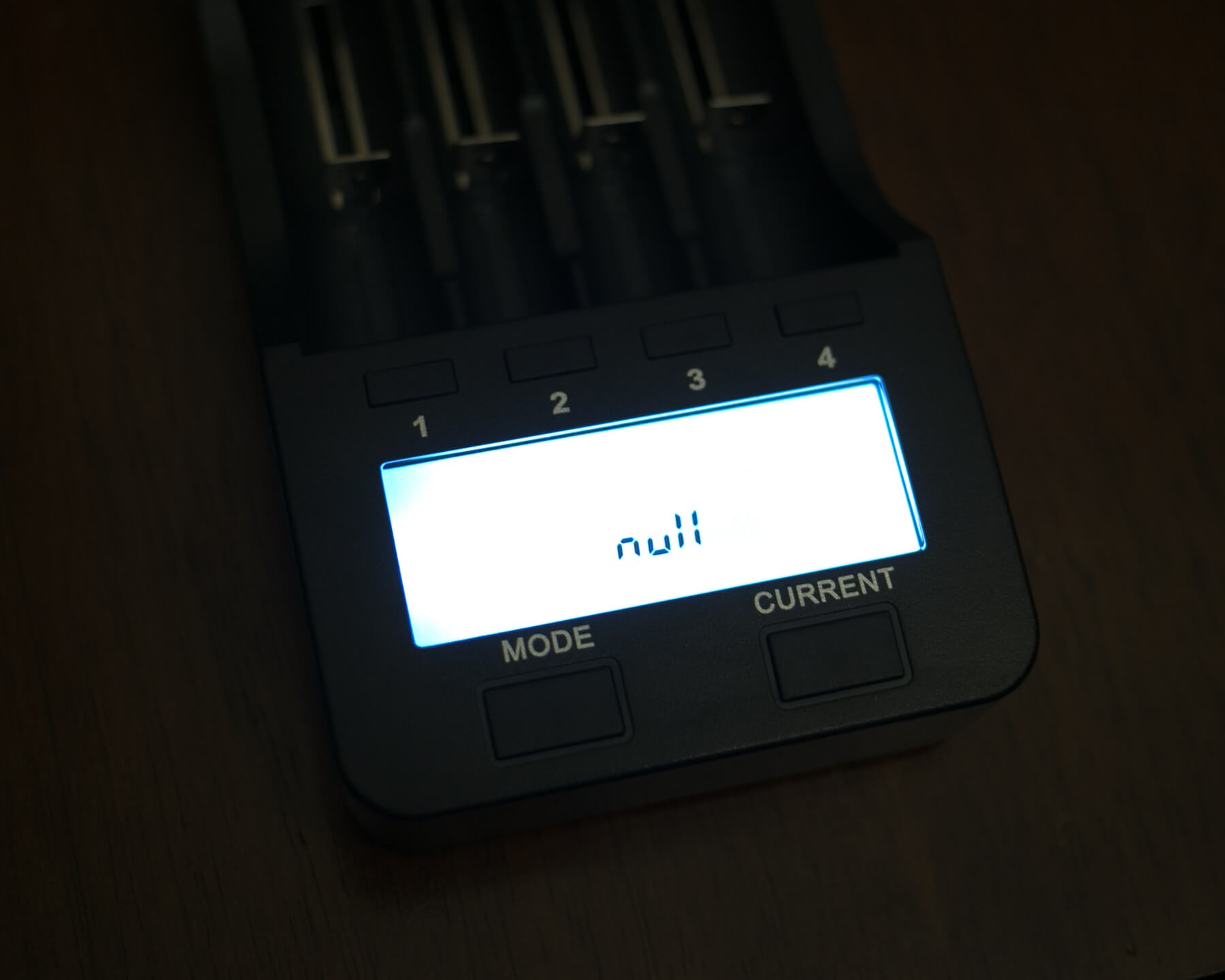
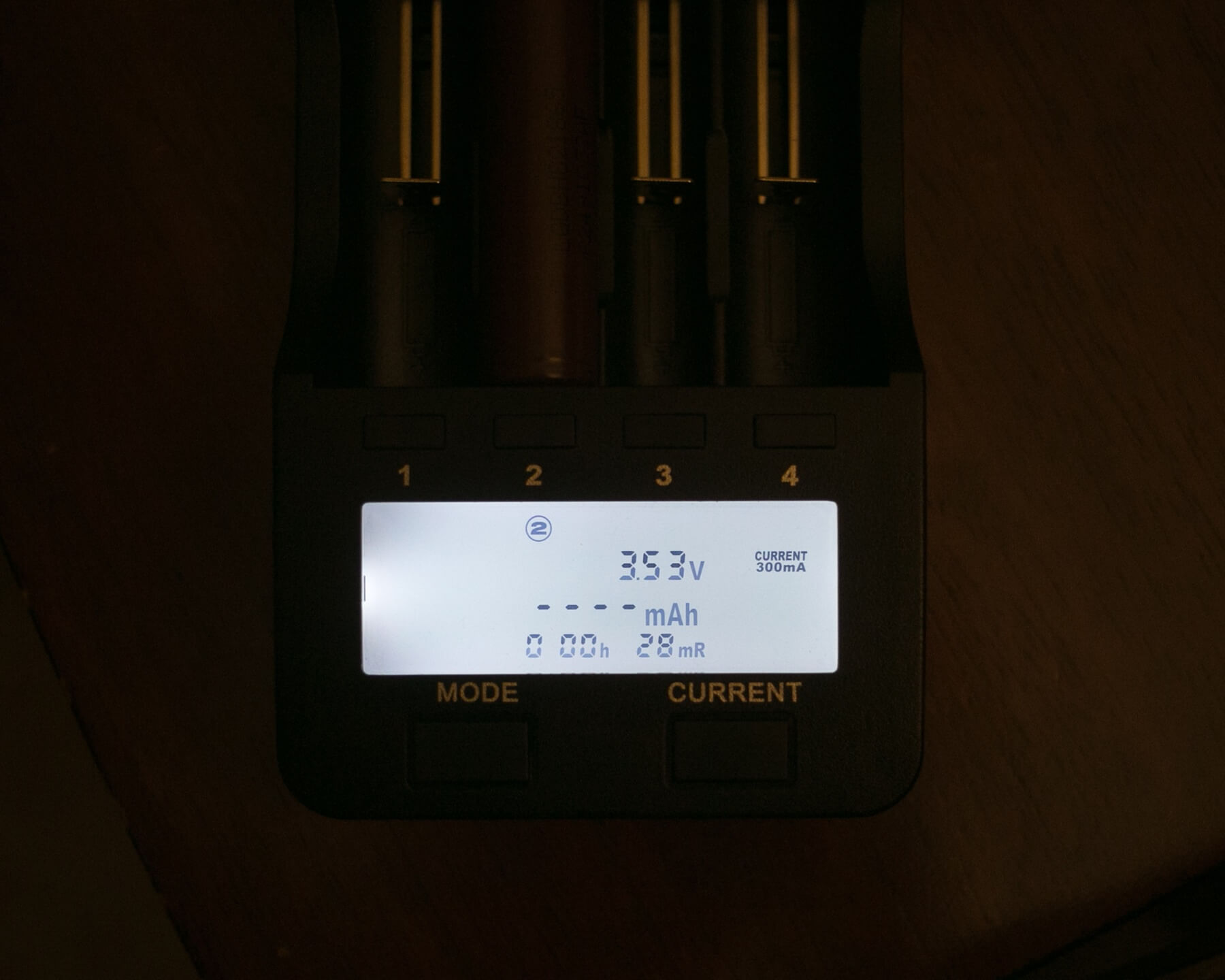
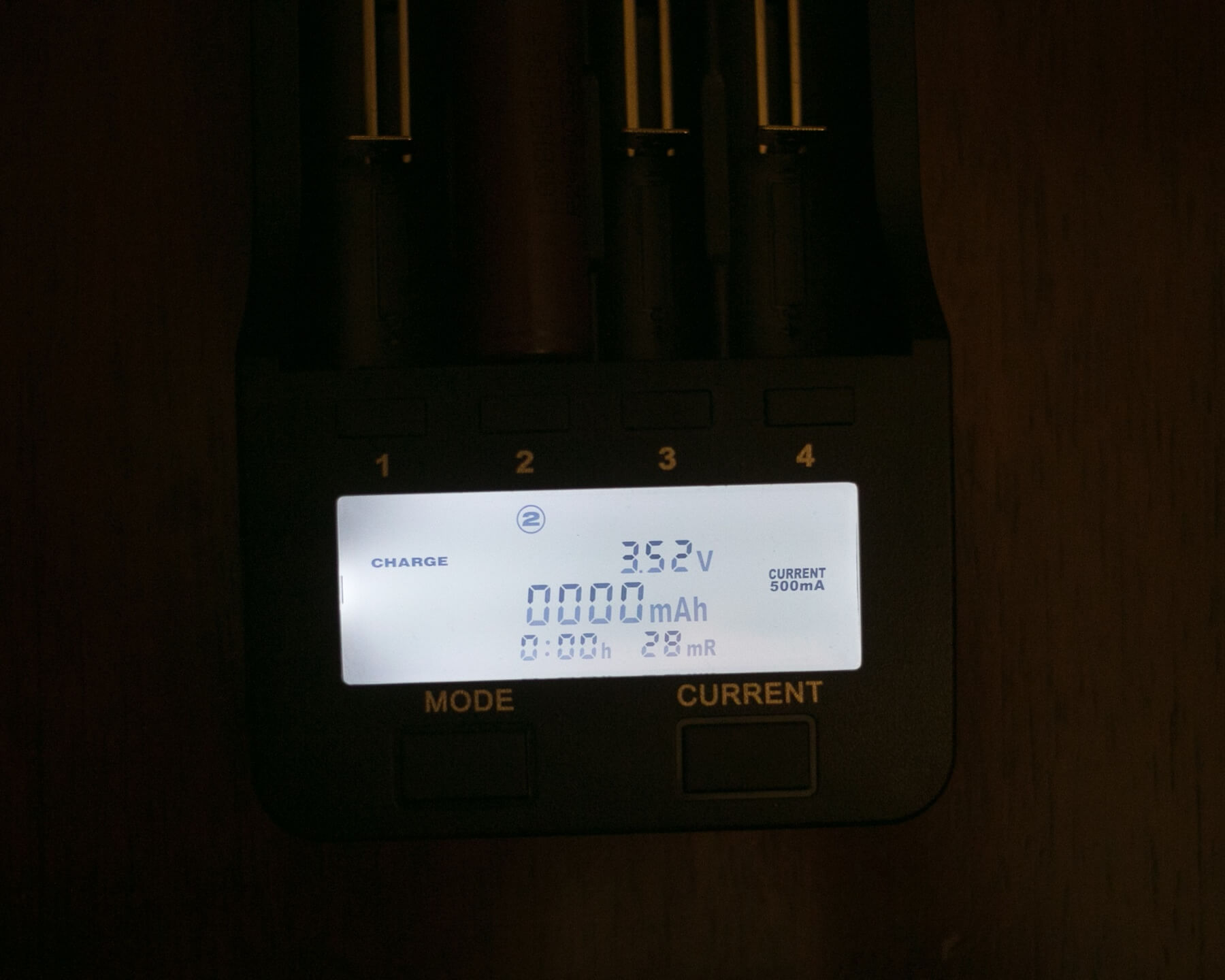
Here’s what the unit looks like with a cell in, while cycling through the modes and currents:
300mAh (but activity hasn’t begun)
Charge/500mAh (charging has begun)
Charge/700mAh (but charging hasn’t begun)
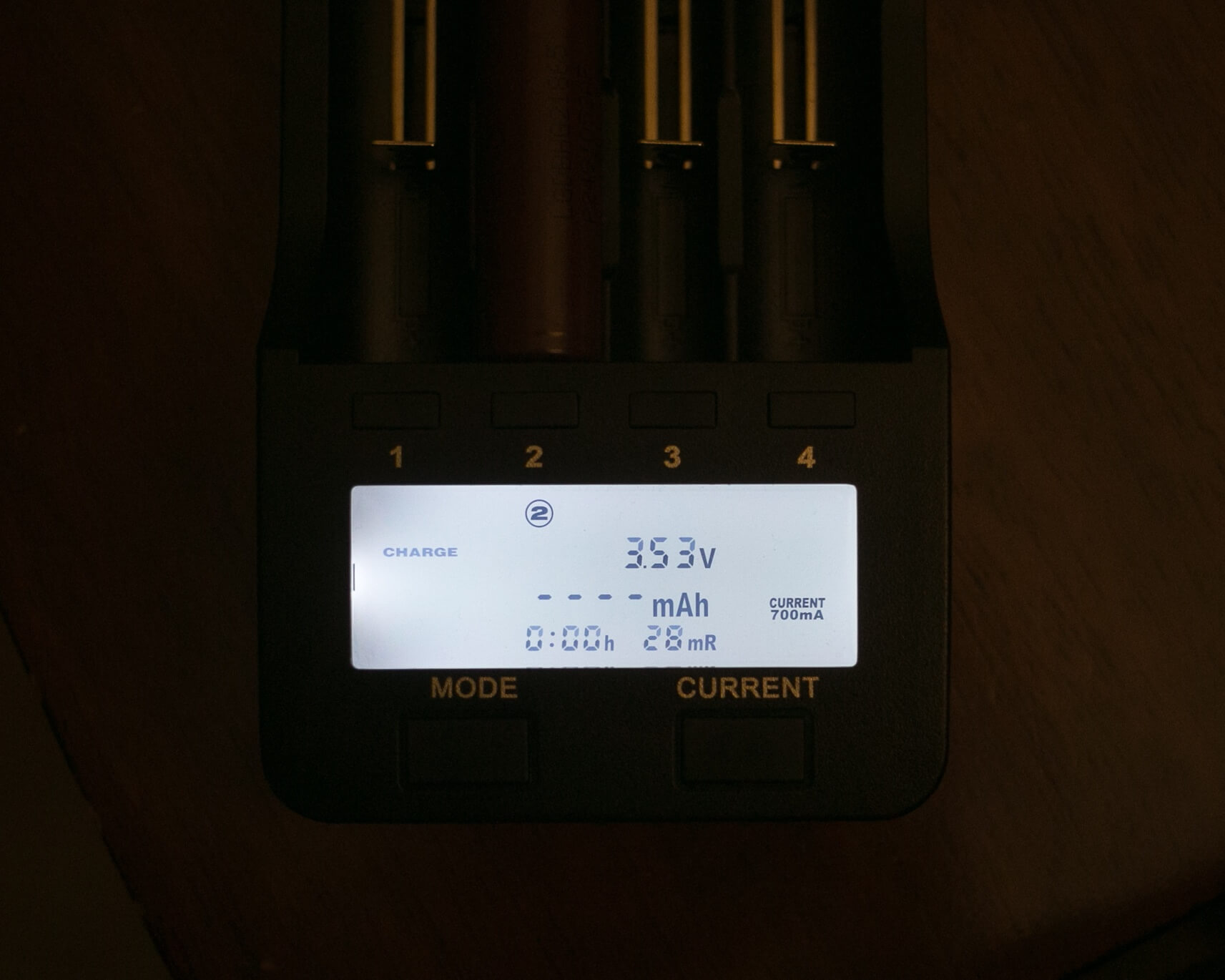
Charge/1000mAh (but charging hasn’t begun)
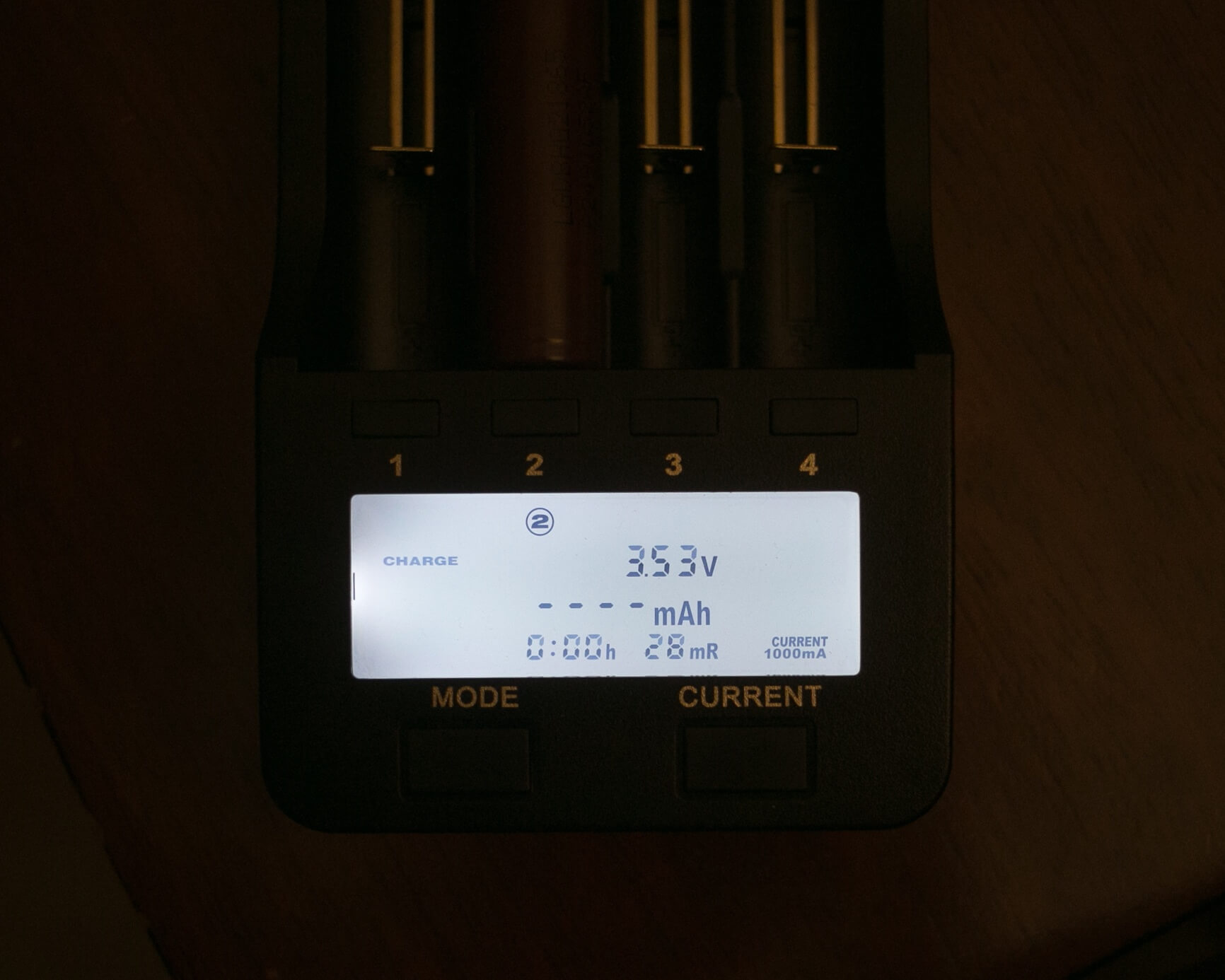
Nor Test/500mAh (but Nor Test hasn’t begun)
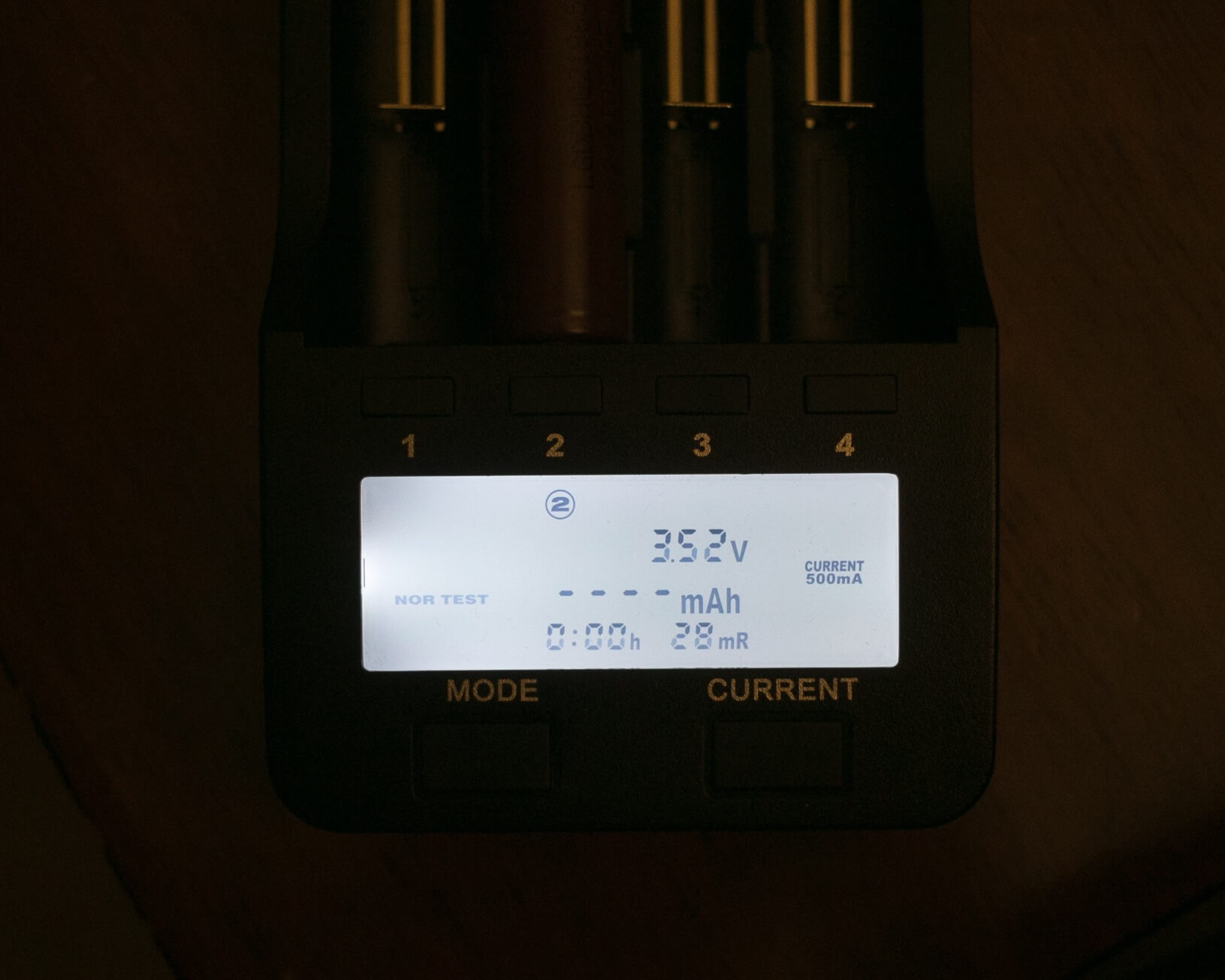
Fast Test/500mAh (but Fast Test hasn’t begun)
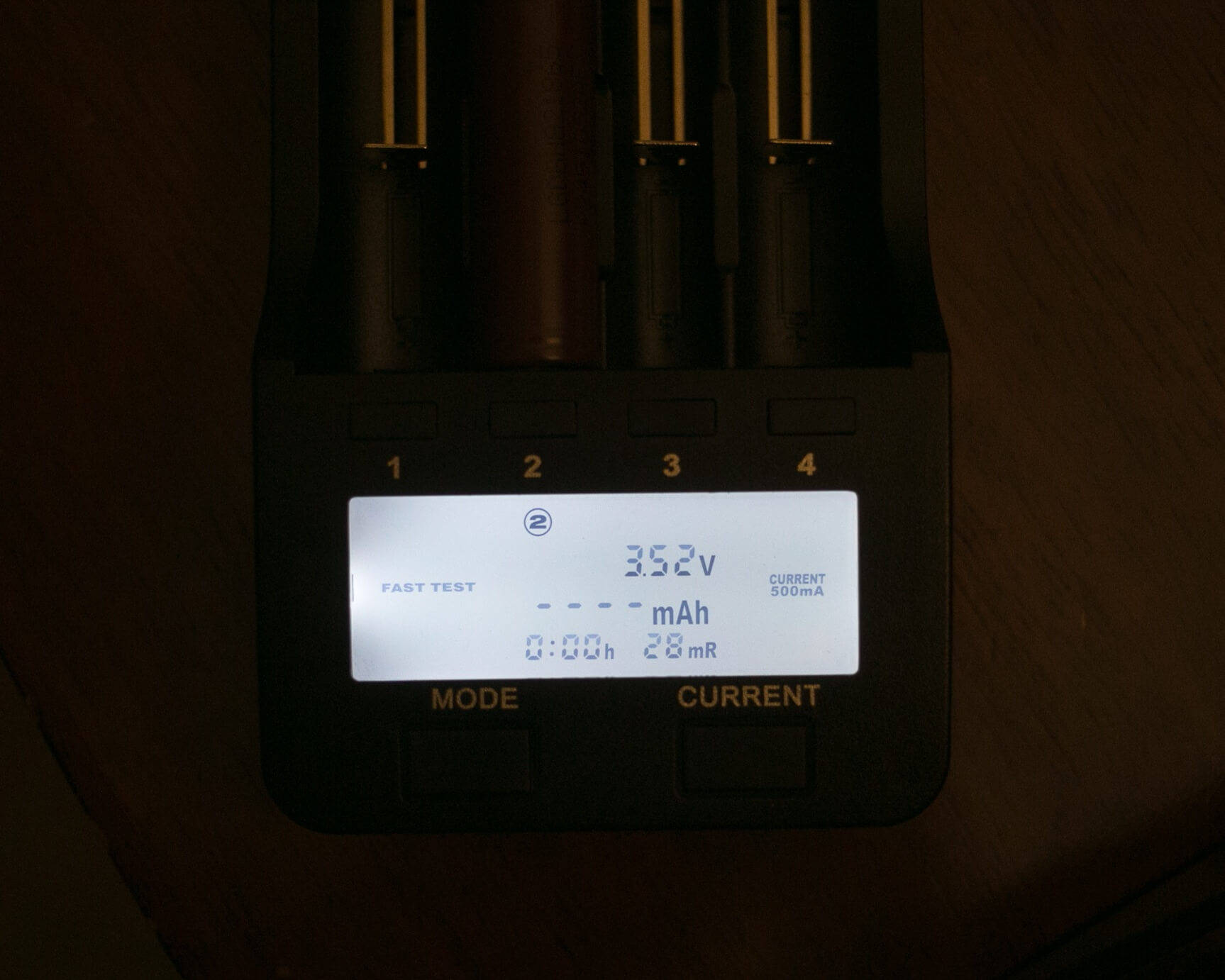
If there are dashes displayed, the activity is still waiting for possible input from the user. If the mAh area of the display has numbers, the unit has begun that cycle.
Now, a little about the actual modes.
Charge is fairly self-explanatory. It’s also the default mode – so if you pop a cell in and do nothing else, your cell will get charged at 500mAh. The mode does flash, so it’s easy to select the other two modes without much effort. And since the mode is flashing, current options can also be clicked through easily.
Fast Test is for a “quick” test of cell capacity. The Lii-500 will:
- Discharge the cell
- Charge the cell fully
- Display on screen the mAh from discharged to charged
This is the “fast test” of the cell capacity.
When selecting Fast Test, the current options are still worded the same (300/500/700/1000), but in reality, if the lower two are selected, the cell is discharged at 250mAh. If the higher two are selected, the cell is discharged at 500mAh. As a result, there is no way to select the lower discharge rate and the higher charge rate, or vice versa.
Nor Test is really not unlike Fast Test, except in this test, the mAh that is discharged is what’s recorded as the capacity of the cell.
- Discharge the cell
- Charge the cell fully
- Discharge the cell fully
- Display on screen the mAh from charged to discharged
- Display “END”
- Continue to charge the cell (from fully discharged to fully charged) at the selected rate (this ending mAh value is not displayed!)
Just like with Fast Test, the current options are still worded the same (300/500/700/1000), but in reality, if the lower two are selected, the cell is discharged at 250mAh. If the higher two are selected, the cell is discharged at 500mAh.
For both of the modes that involve discharging, it’s worth considering the “vents” on the top of the unit. The heat created when the cell is discharging should and does release through these vents. There is no active cooling, only heat passively rising out of these vents.
Also noteworthy is that it’s possible to do any combination of cells and modes and currents (with the above limitations on discharge/charge current) in all bays at the same time. Though I’d probably bear in mind that a discharge cycle for 4 18650s, even at 500mA discharge, is probably going to produce enough heat that…. I’d do them at most in pairs.
Size
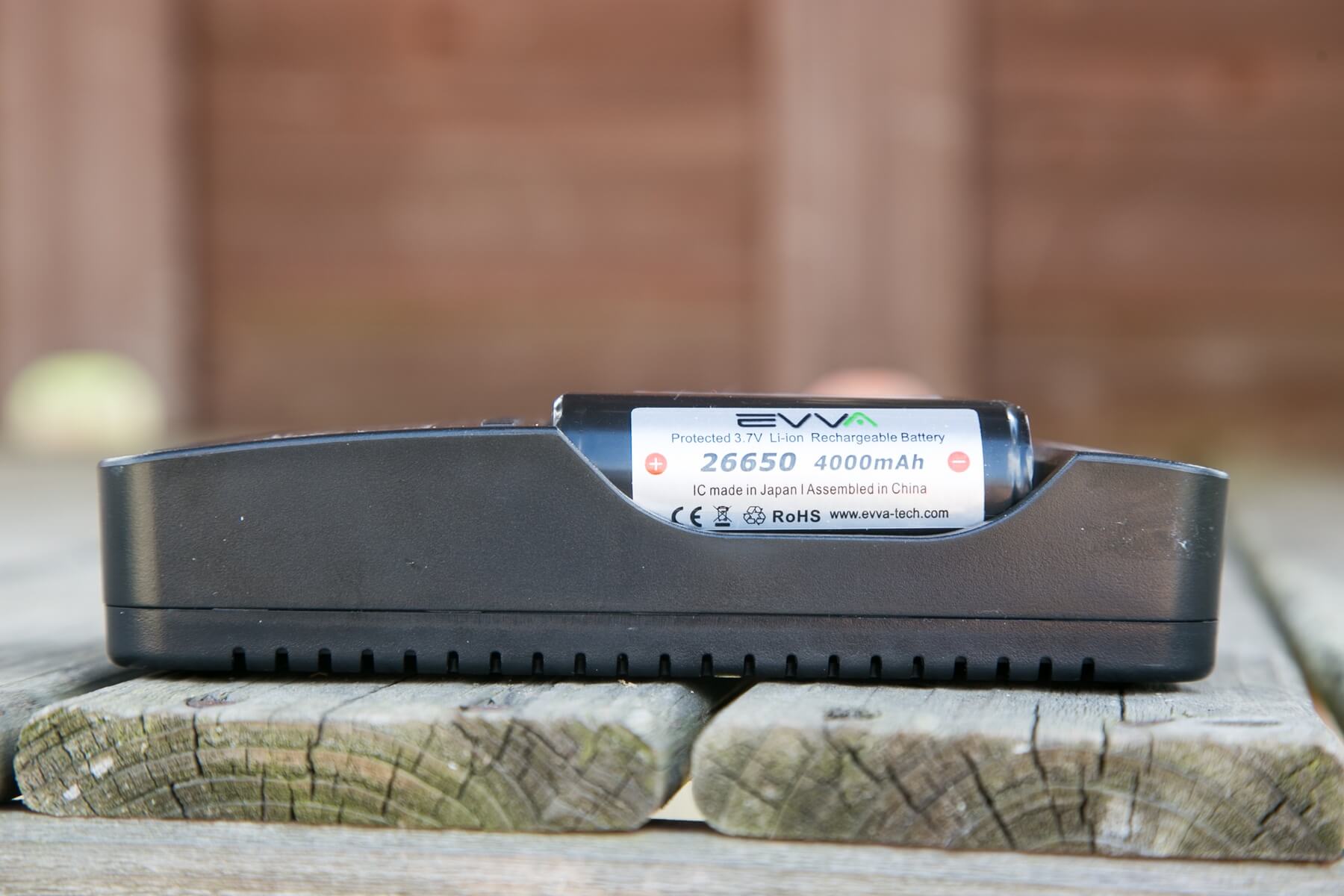
I have one other 4-bay charger, a Nitecore D4. This Lii-500 is longer than that charger, but not off-puttingly so. It’s clearly designed for the cell size of 18mm diameter – those 18650 cells fit side by side perfectly – maybe 1mm between each cell. The unit will also charge a host of other cell sizes (certainly cells smaller than 18650s), including 26650s. I was able to get 2×26650’s comfortably in the unit, but not side-by-side. And with 2×26650’s, 18650s may not be charged at the same time because there’s simply not enough room.
Here are a few shots of the physical characteristics of the unit.
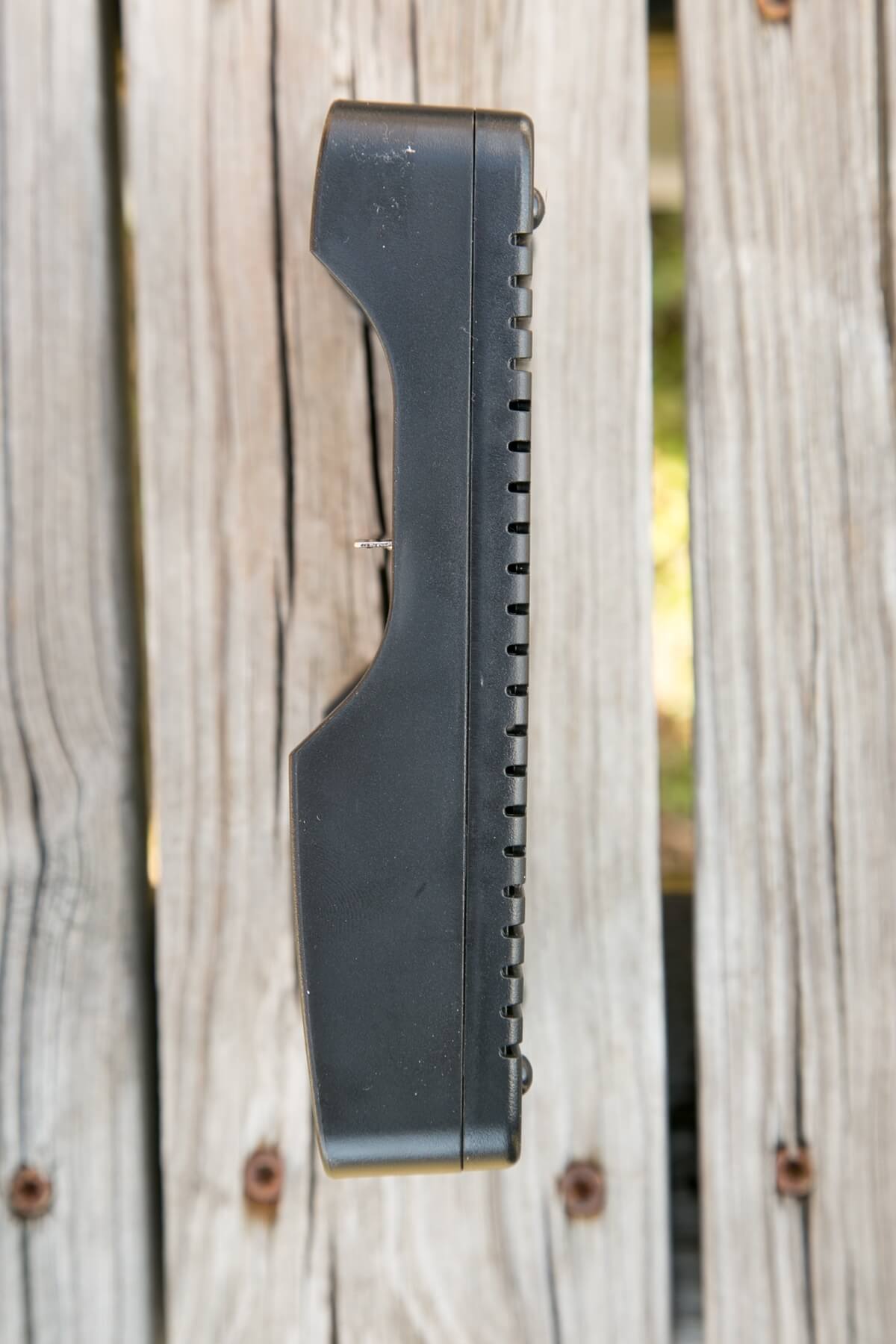
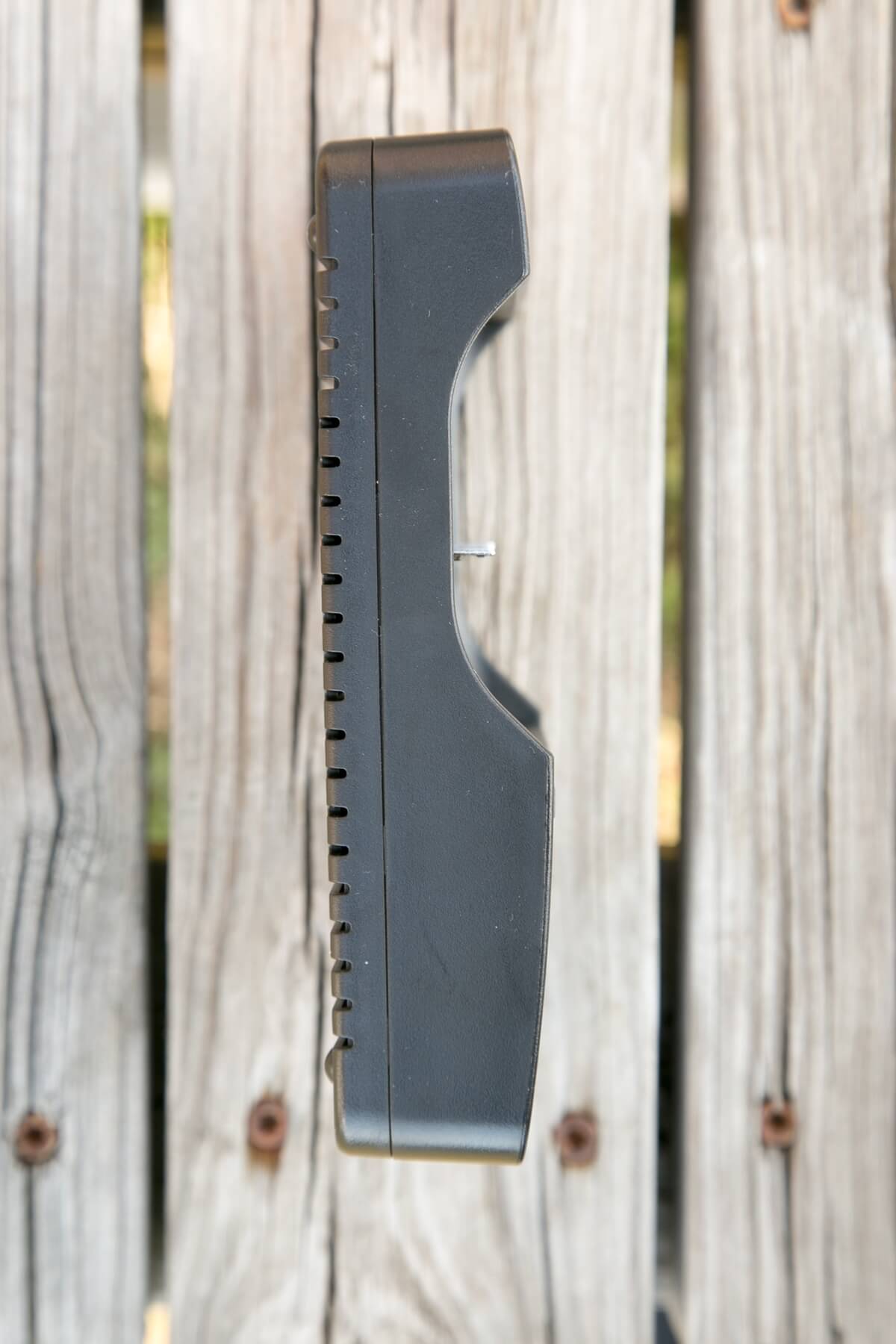
Height of 26650 cells
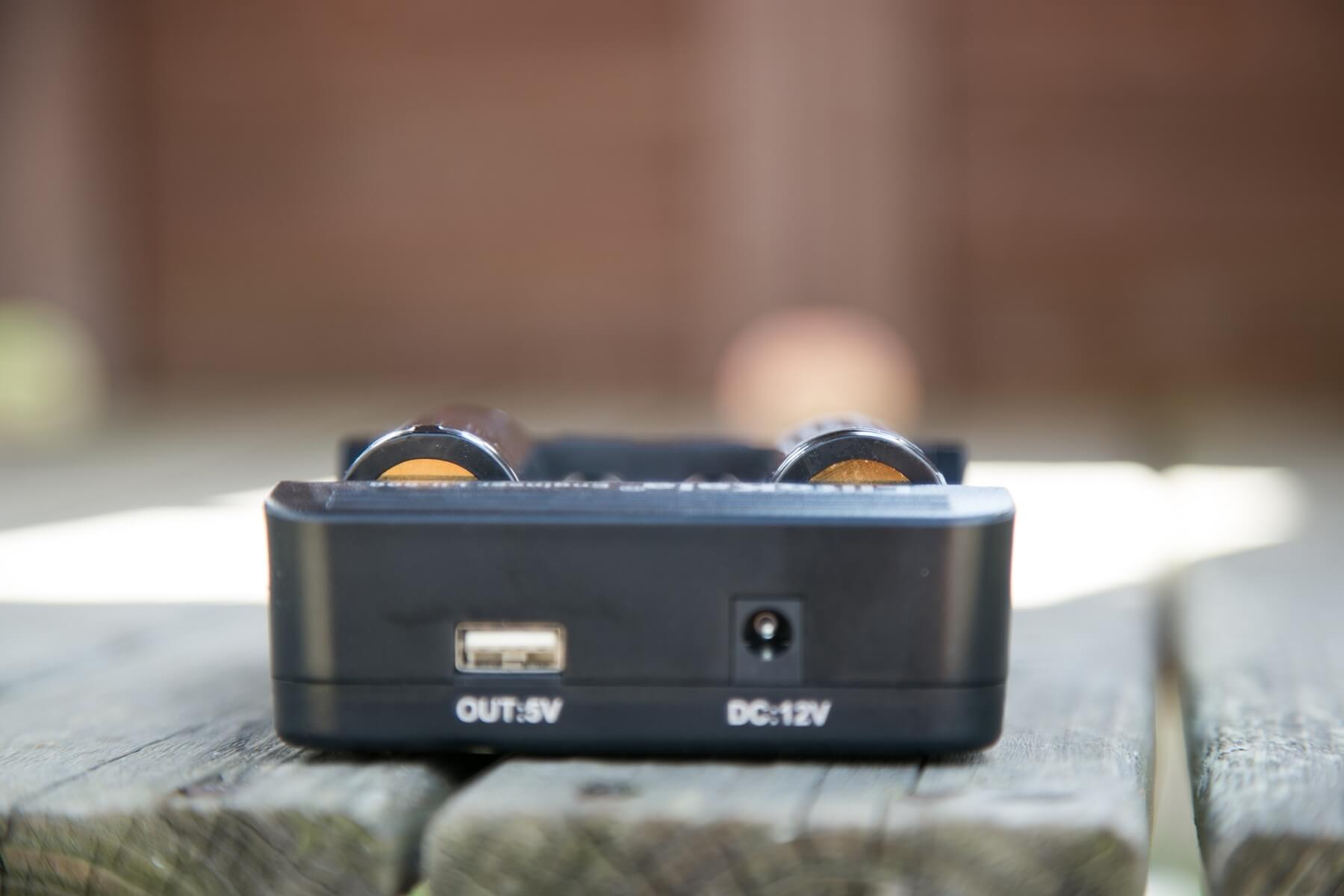
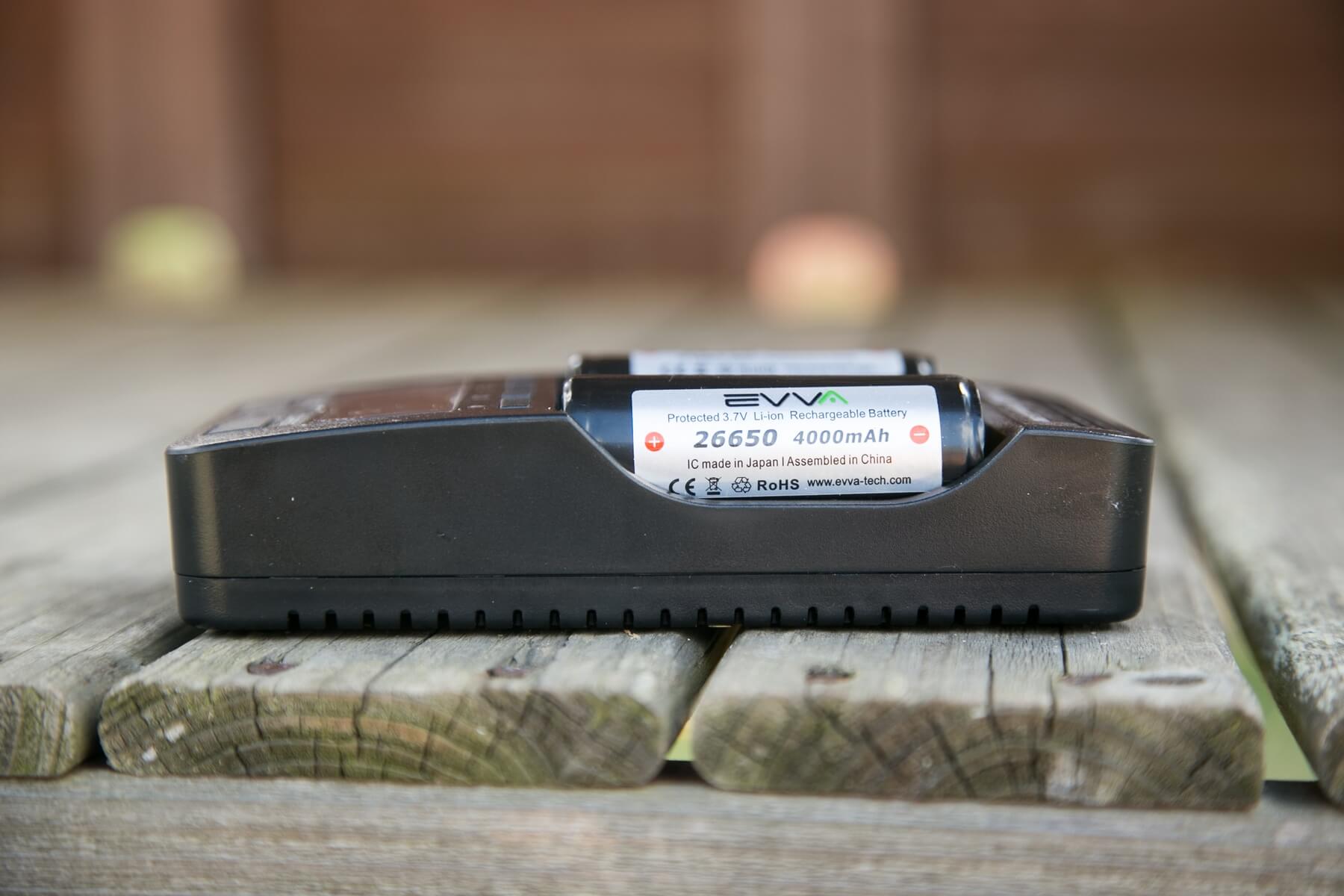
Single 18650 installed.
26650, 14500, AA, 26650 fit easily.
18650, 14500, 18350, AA fit easily.
Conclusion
What I like
-
- Charges quite well (if a little low)
- Inexpensive for 4 bays (and analyzing!)
- Fits 2×26650 (with limitations)
- I love the data it provides
- Sturdy build
- I like that it’s not overcomplicated
What I don’t like
- No passthrough charging
- Bays have an orientation reverse from all other chargers I own
- The screen has info for only one cell at a time
Final Thoughts
I can easily recommend this charger. Liitokala already has a great reputation for chargers, and this one has satisfied my charging/testing needs. I like it quite a bit more than the other analyzing charger I own, so that one will be relegated to work/office duty, and this Lii-500 will stay at home.
Thank you for taking the time to read this non-engineer’s take on this charger. There are more in-depth and technical reviews of this light, and I’ll gladly refer you to Lygte-info for the (much more) technical side.
Notes
- This light was provided by GearBest for review. I was not paid to write this review.
- This content originally appeared at zeroair.org. Please visit there for the best experience!
- Use my amazon.com referral link if you’re willing to help support making more reviews like this one!
Discover more from ZeroAir Reviews
Subscribe to get the latest posts sent to your email.
Pingback: Liitokala Lii-402 Charger Review - ZeroAir Reviews