
Nitecore TUP Keychain Flashlight Review
In the process of expanding their keychain flashlight lineup, Nitecore introduced the Nitecore TUP Keychain Flashlight, a 1000-lumen light with a dual switch interface.
Official Specs and Features
Here’s a link to the Nitecore TUP Keychain Flashlight product page.
Versions
There’s just one version of this light, but it’s available in two body colors: black (seen here) and gray.
Price and Coupon
The TUP is available at nitecorestore.com for $65.
Short Review
This is a fun little light, but it’s too big for my (and probably most) keychain(s). The output is good, and the lack of thermal protection means Turbo can be restarted over and over again, which is an interesting feature (feature might not be the right word). I also like that it’s not round – its shape keeps it from rolling everywhere.
Long Review
The Big Table
| Nitecore TUP | |
|---|---|
| Emitter: | Cree XP-L HD V6 |
| Price in USD at publication time: | $65.00 |
| Cell: | Internal |
| Turbo Runtime | High Runtime |
| LVP? | Warning, Shut off |
| Switch Type: | E-Switch |
| Quiescent Current (A): | – |
| On-Board Charging? | Yes |
| Chargetime | |
| Power off Charge Port with no Cell? | N/A |
| Claimed Lumens (lm) | 1000 |
| Measured Lumens (at 30s) | 1100 (110% of claim)^ |
| Claimed Throw (m) | 180 |
| Candela (Calculated) in cd (at 30s) | 418lux @ 4.89m = 9995cd |
| Throw (Calculated) (m) | 200.0 (111.1% of claim)^ |
| All my Nitecore reviews! | |
^ Measurement disclaimer: Testing flashlights is my hobby. I use hobbyist-level equipment for testing, including some I made myself. Try not to get buried in the details of manufacturer specifications versus measurements recorded here; A certain amount of difference (say, 10 or 15%) is perfectly reasonable.
What’s Included
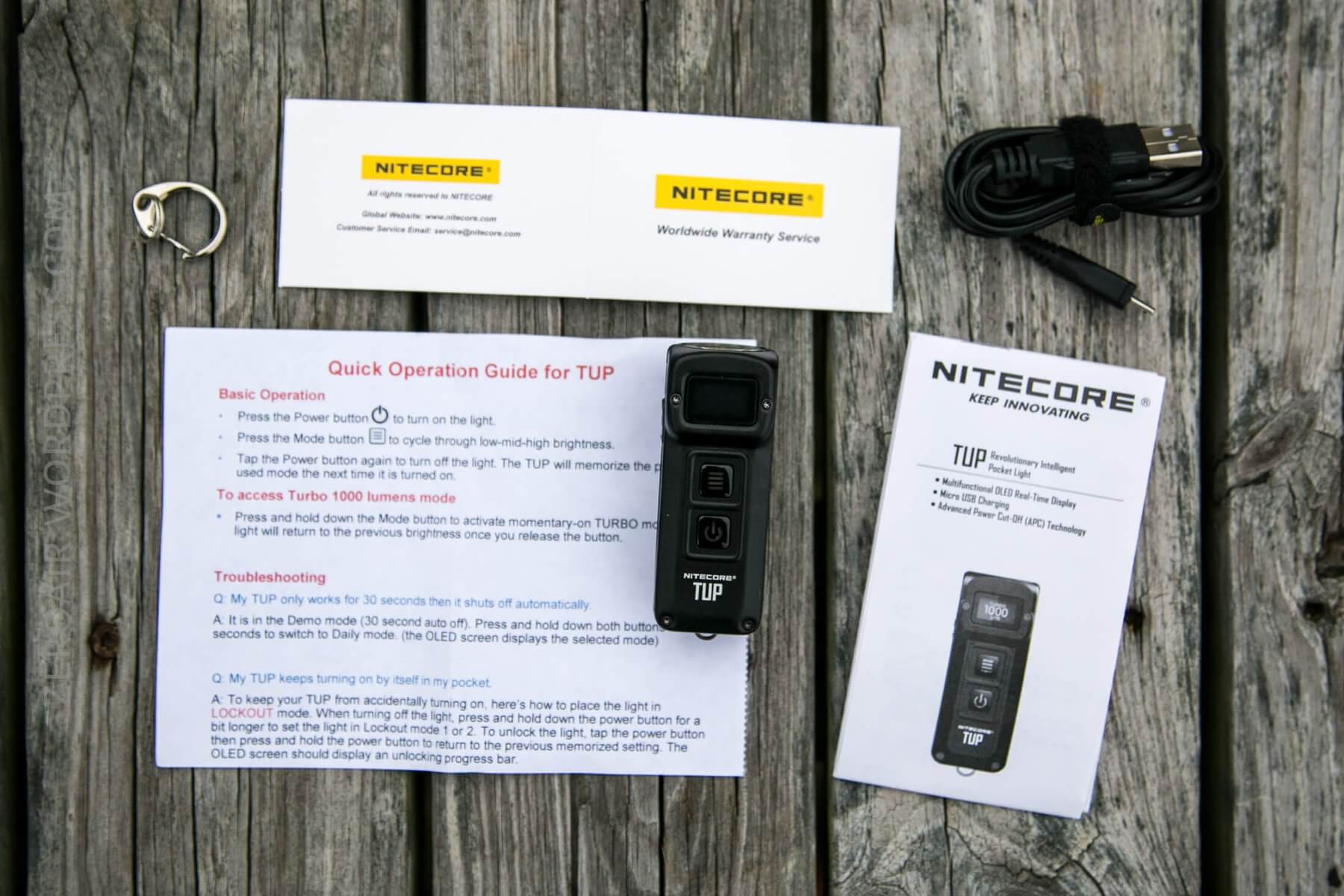
- Nitecore TUP Flashlight
- Charge cable
- Metal ring for connecting to a keychain
- Manual and paperwork
Package and Manual
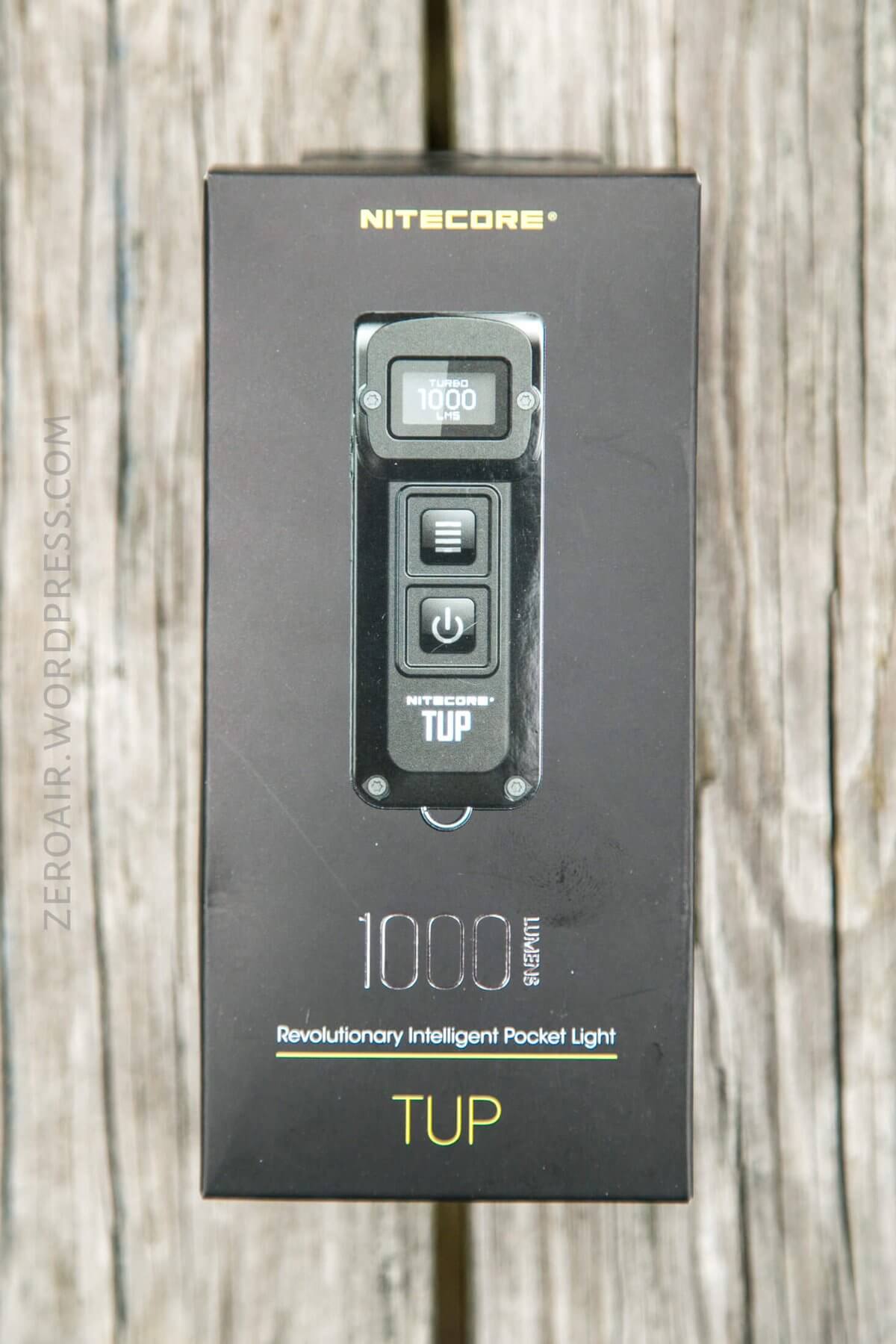
The package is a toned-down version of the Concept series packaging. It’s a box like the old style, but with the (subtler) printing and coloring of the new style.
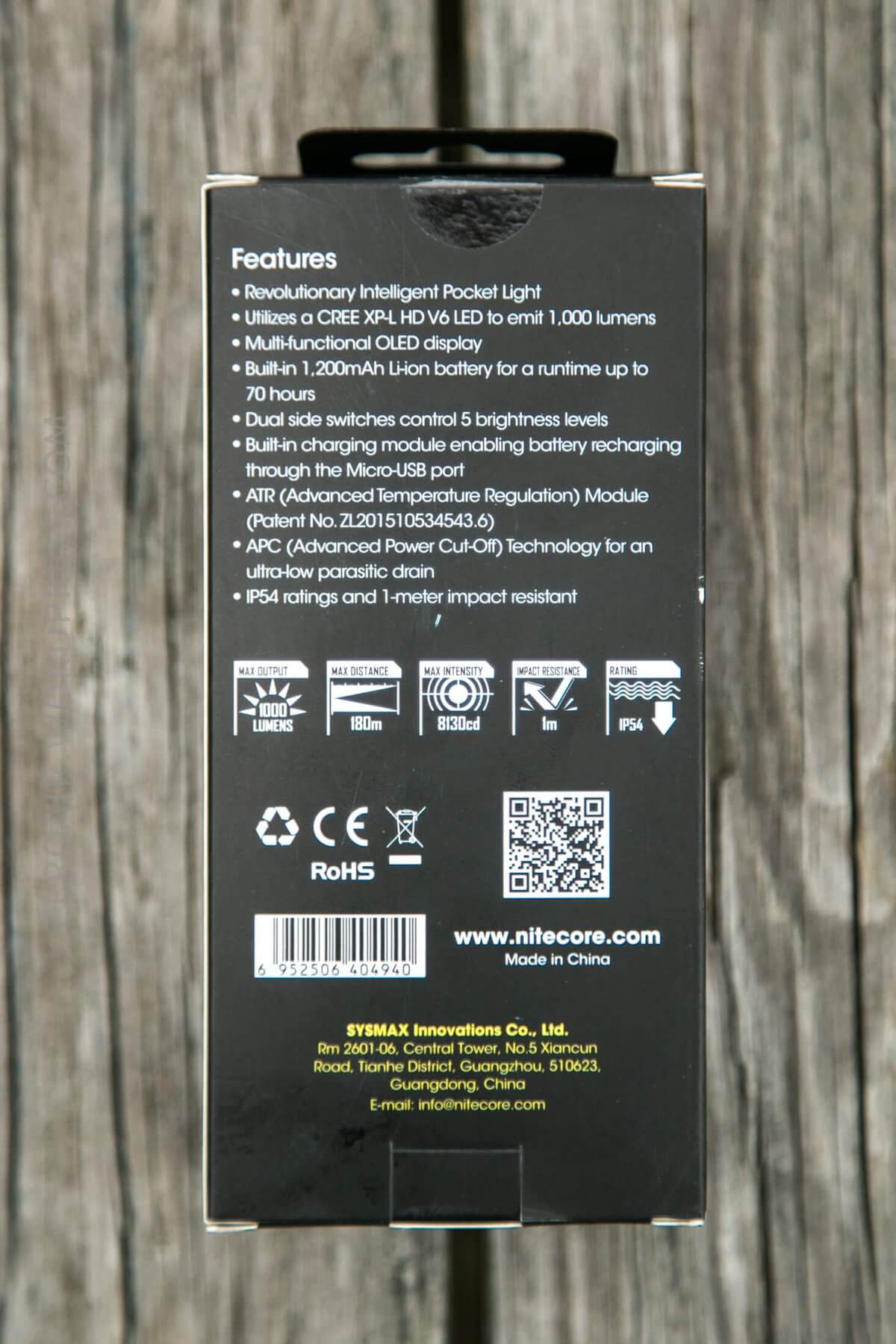
Included was this quick start guide, which was actually helpful, since the light ships in Demo mode.
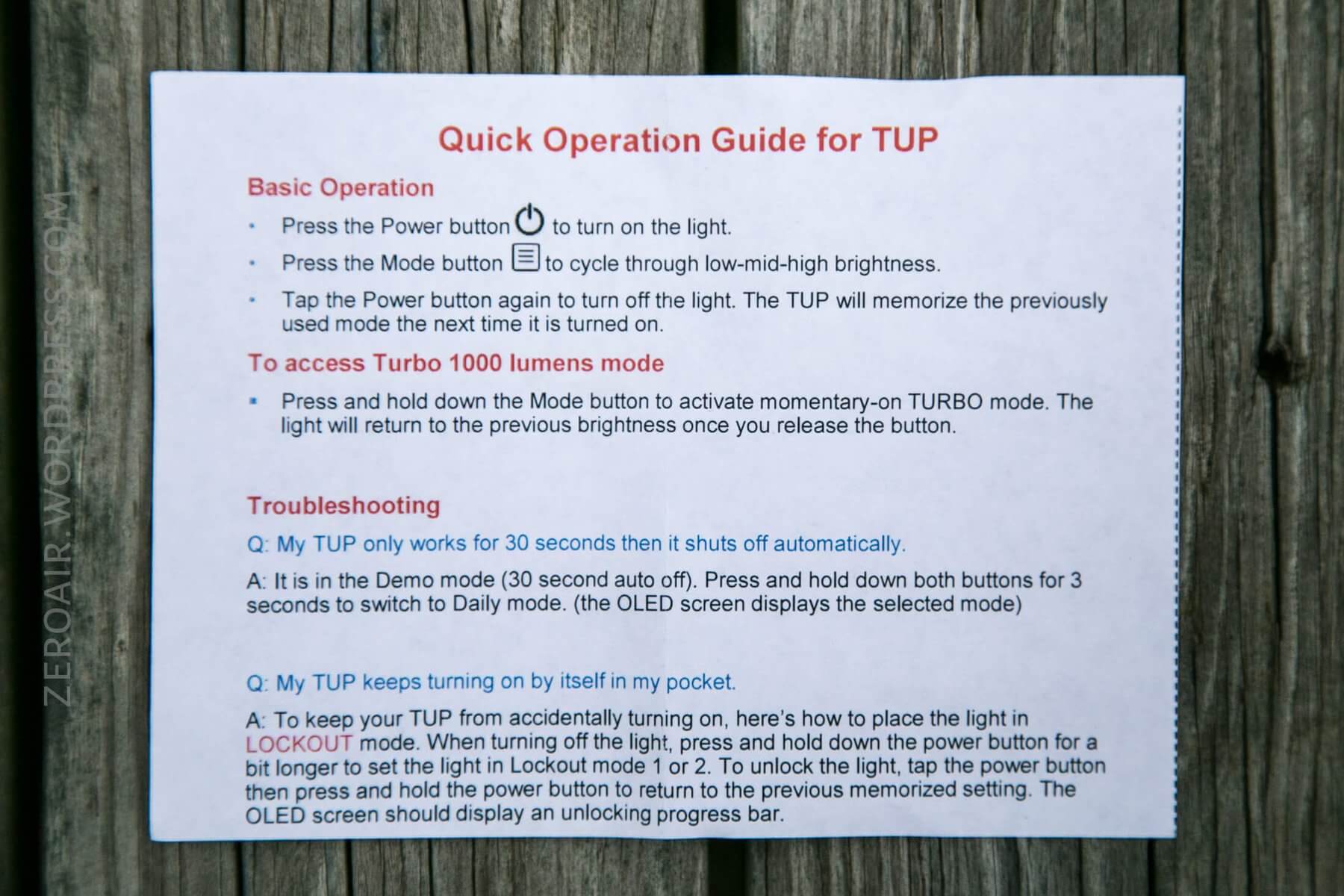
Here’s a PDF manual for the TUP.
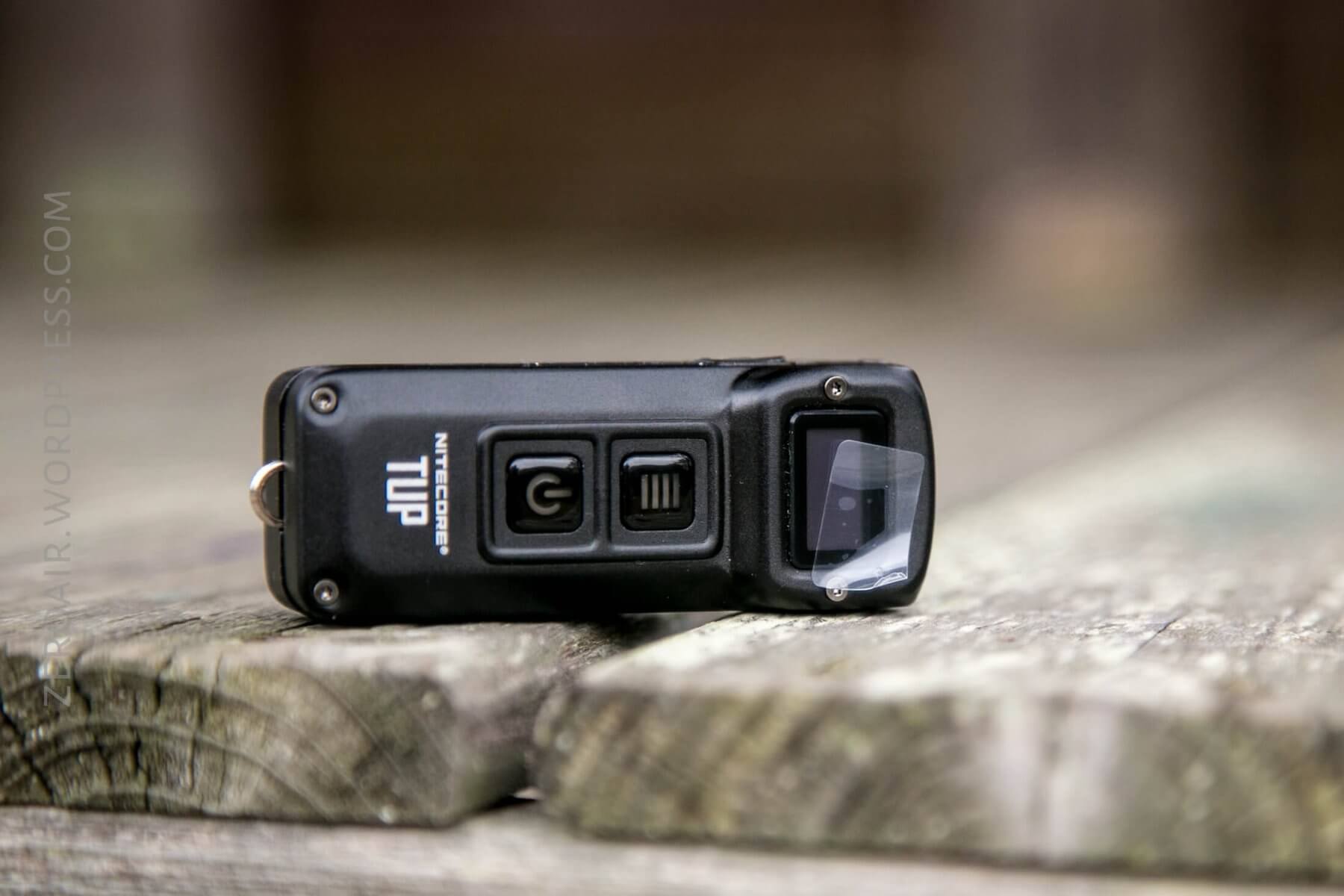
And one final part of the packaging: the OLED has a protective cover, which should be removed.
Build Quality and Disassembly
The TUP feels in hand just about like most of the other Nitecore dual switch keychain lights. Some form of higher-quality seam between the two metal body halves could probably help this to feel like a higher-quality light.
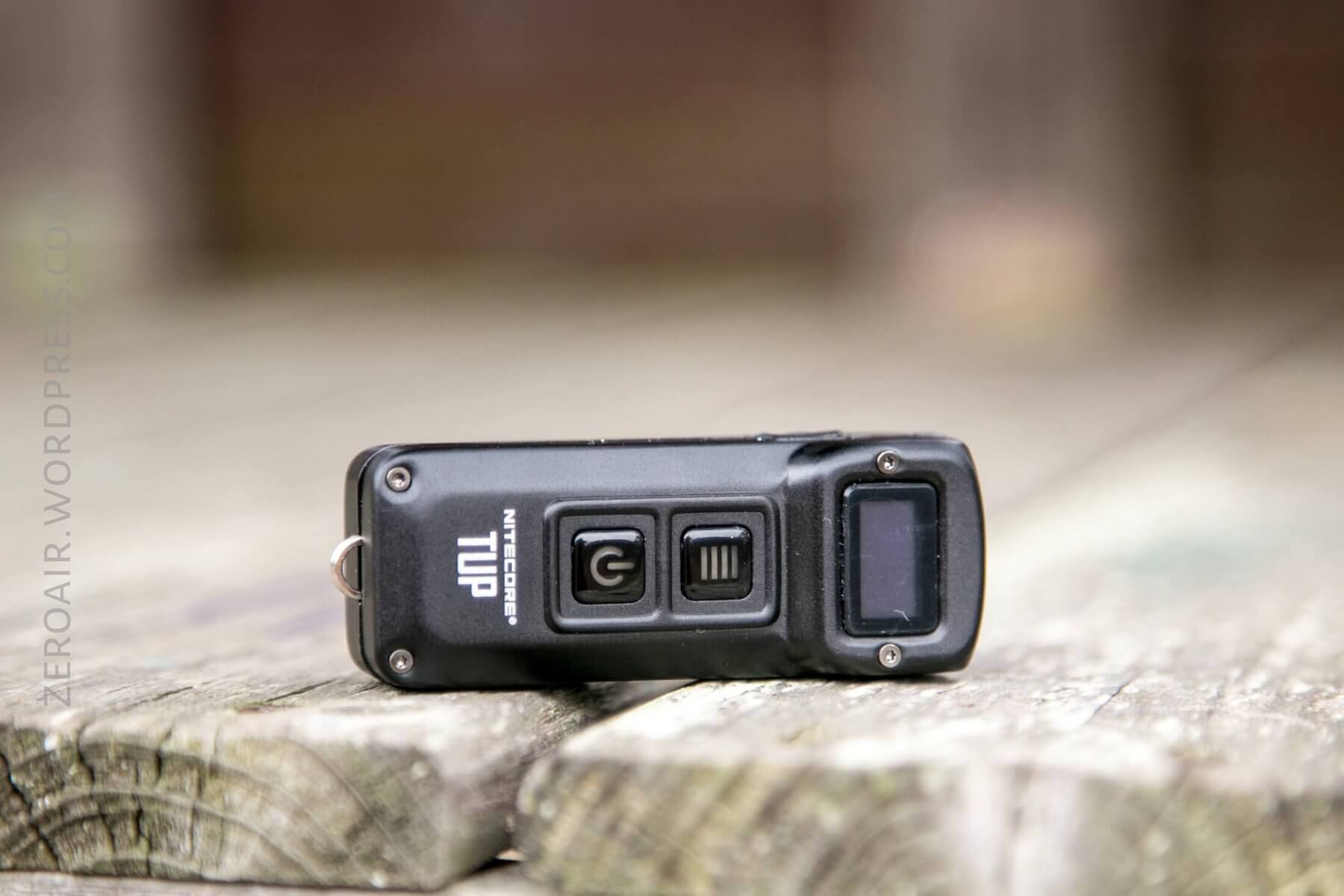
It certainly has an interesting look, though!
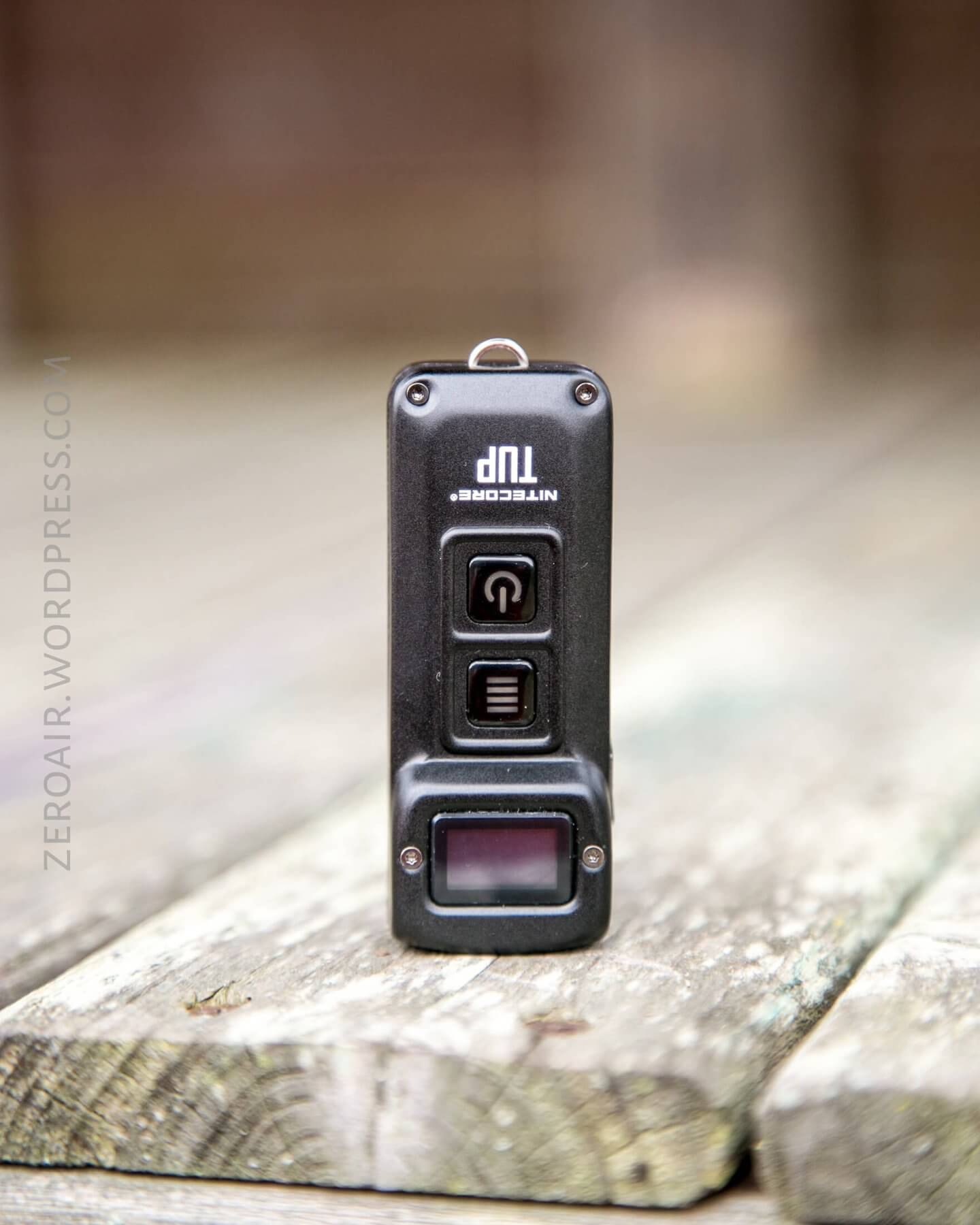
I didn’t do any sort of teardown (it’s been done by others), but both halves are held on by four tiny Torx (or Allen – I’m not sure – they’re very small!)
Size and Comps
Length 70.3 mm / 2.76 in
Head Size 29.5 mm / 1.16 in
Weight 53.2 g / 1.87 oz
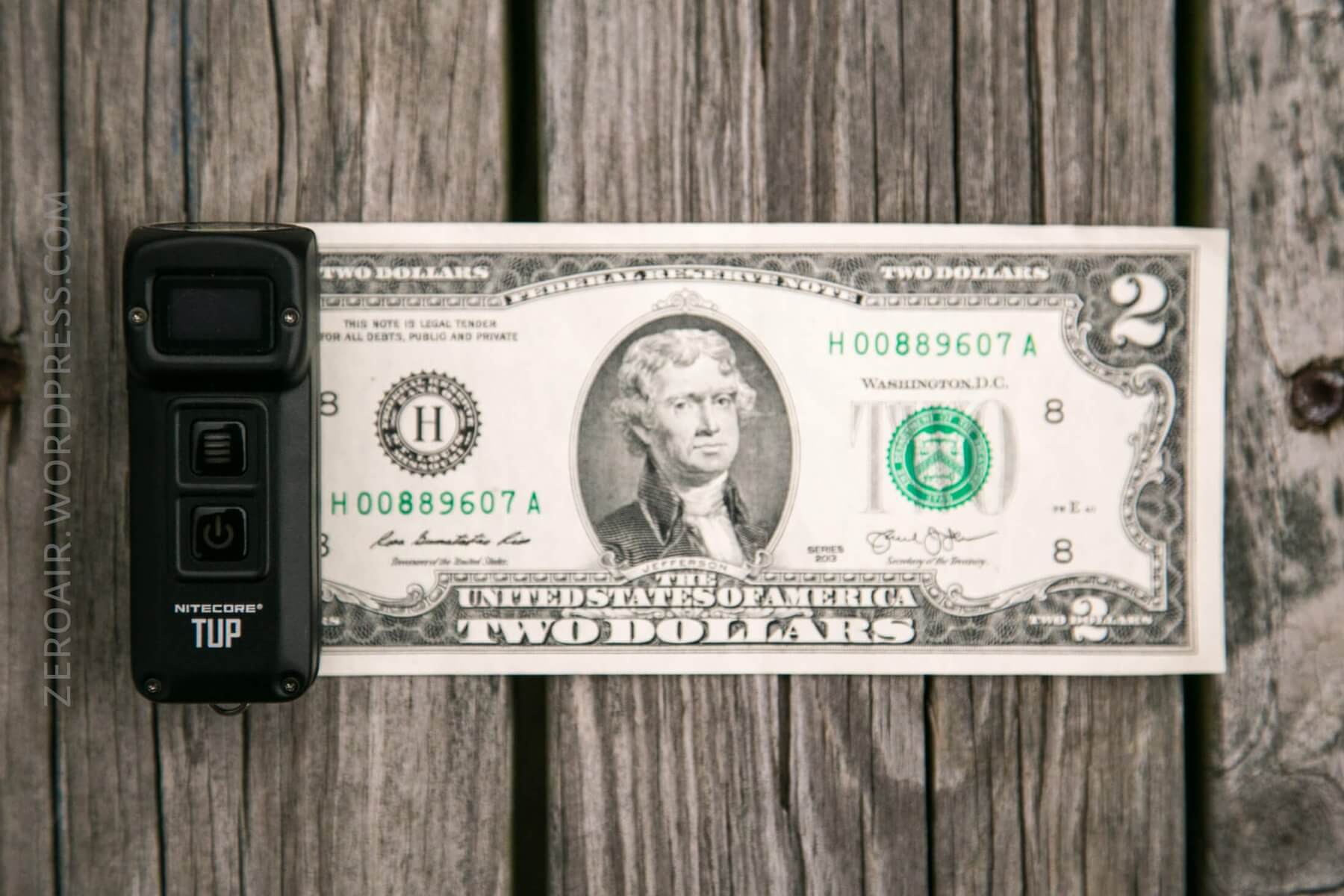
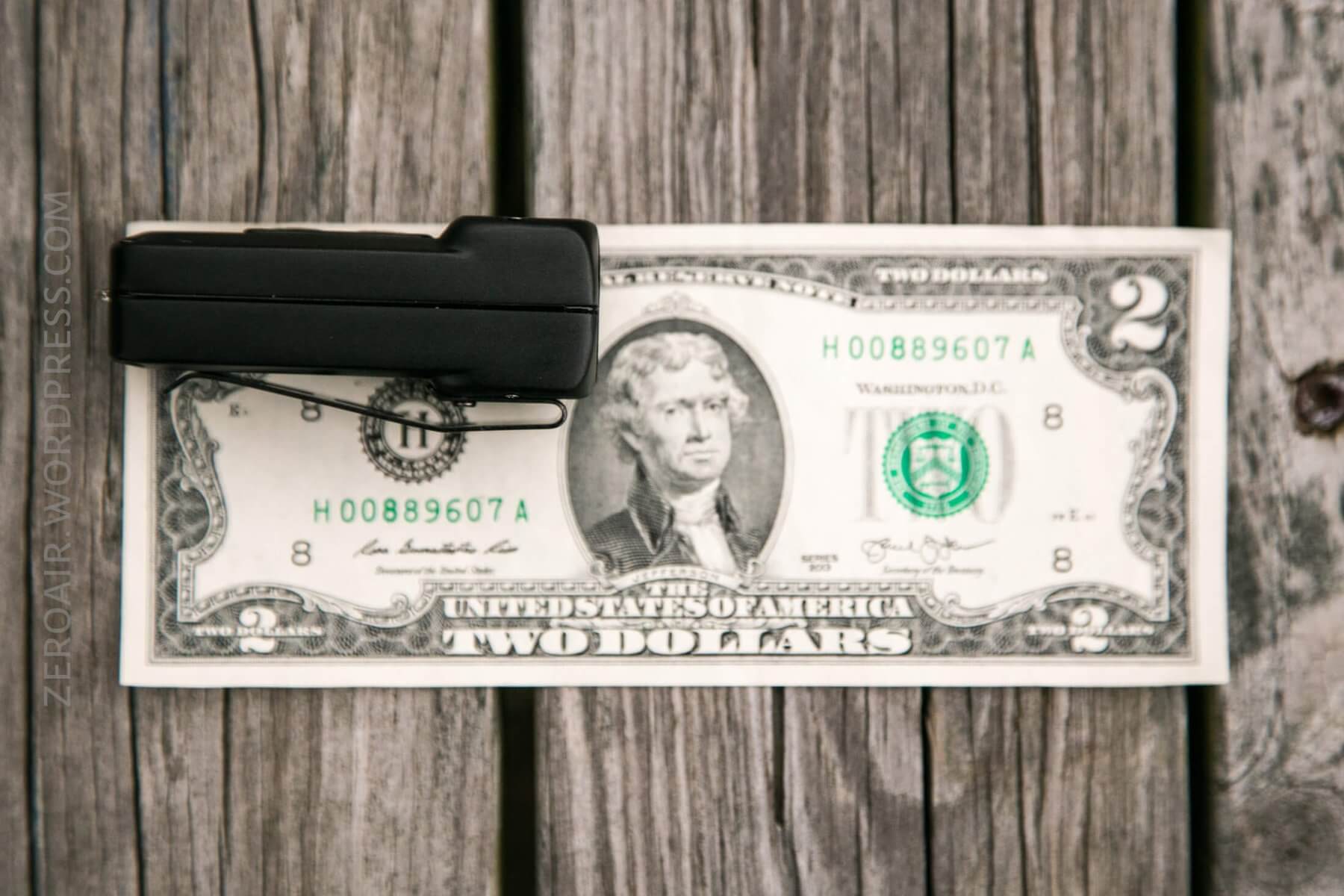
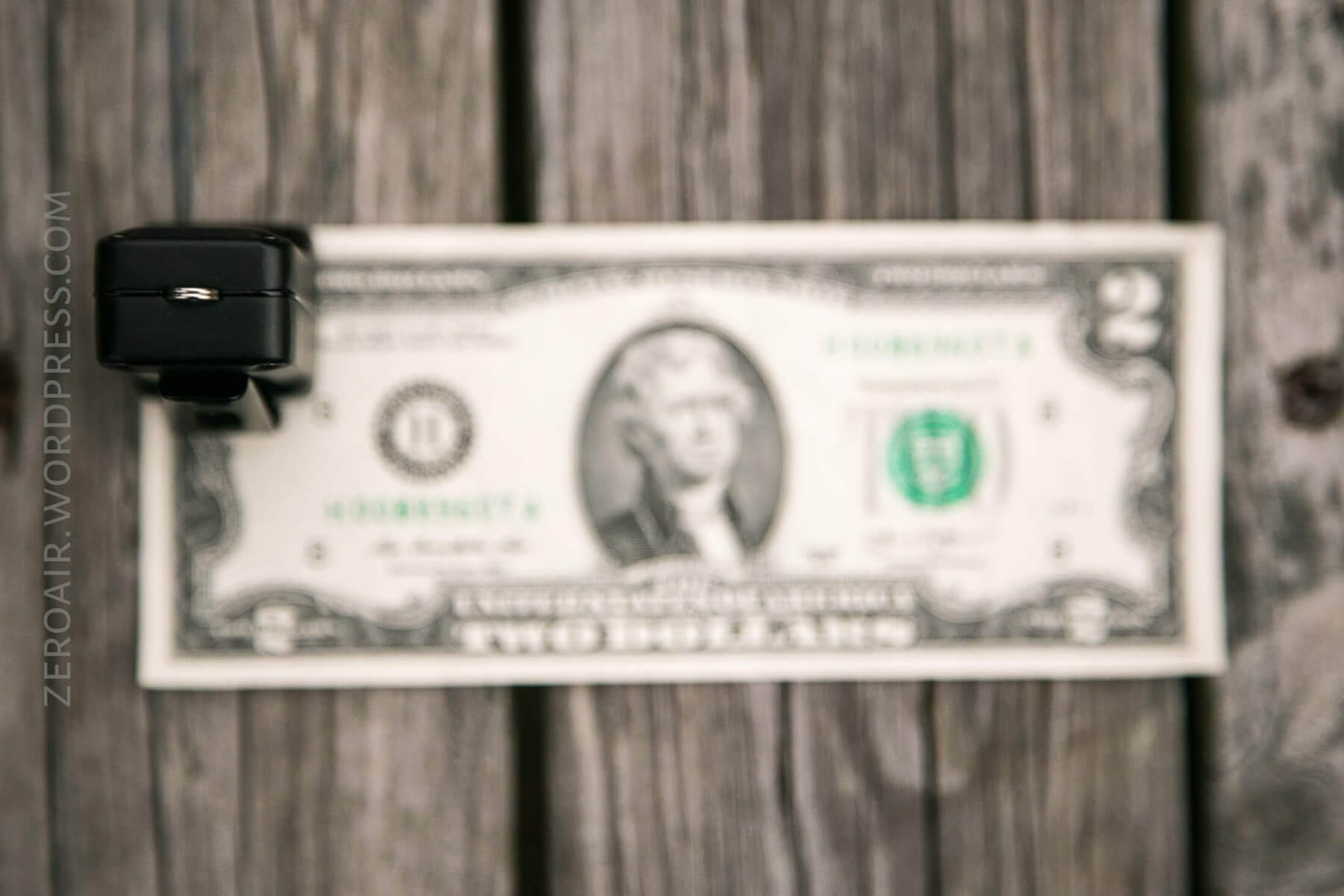
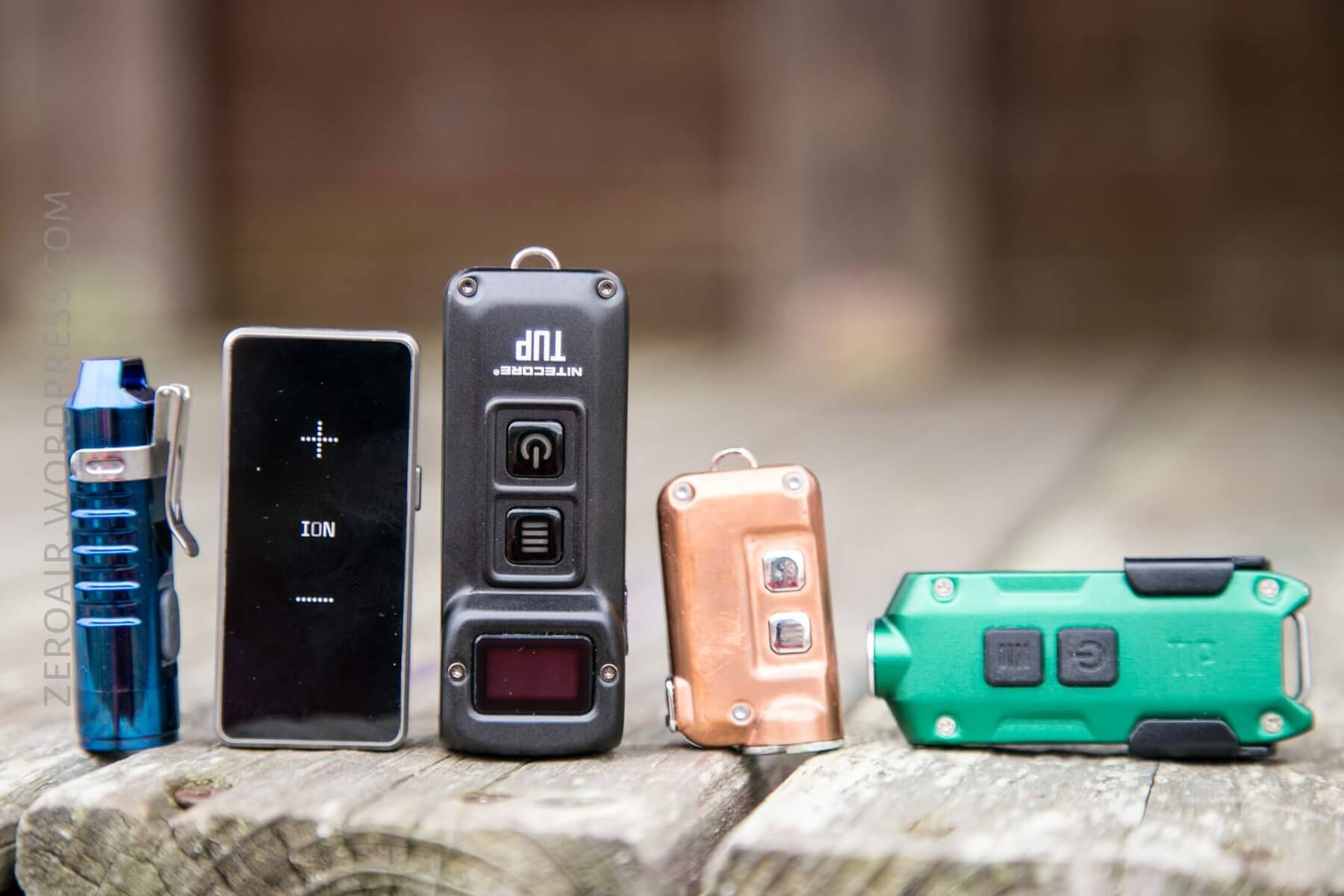
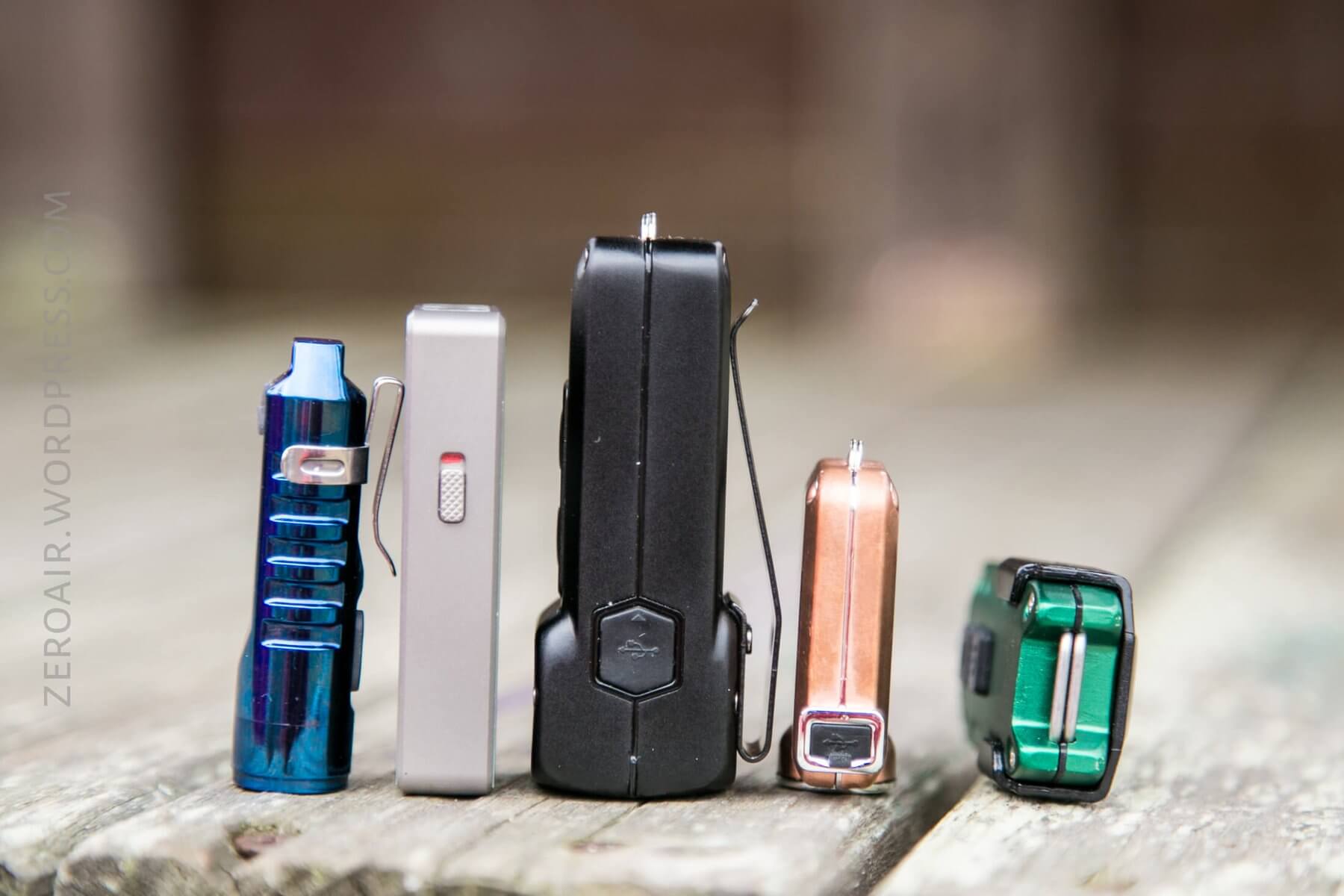
As you can see below, this is larger than these other similar keychain lights. (I don’t actually classify the TUP as a keychain light, to be honest.)
Retention and Carry
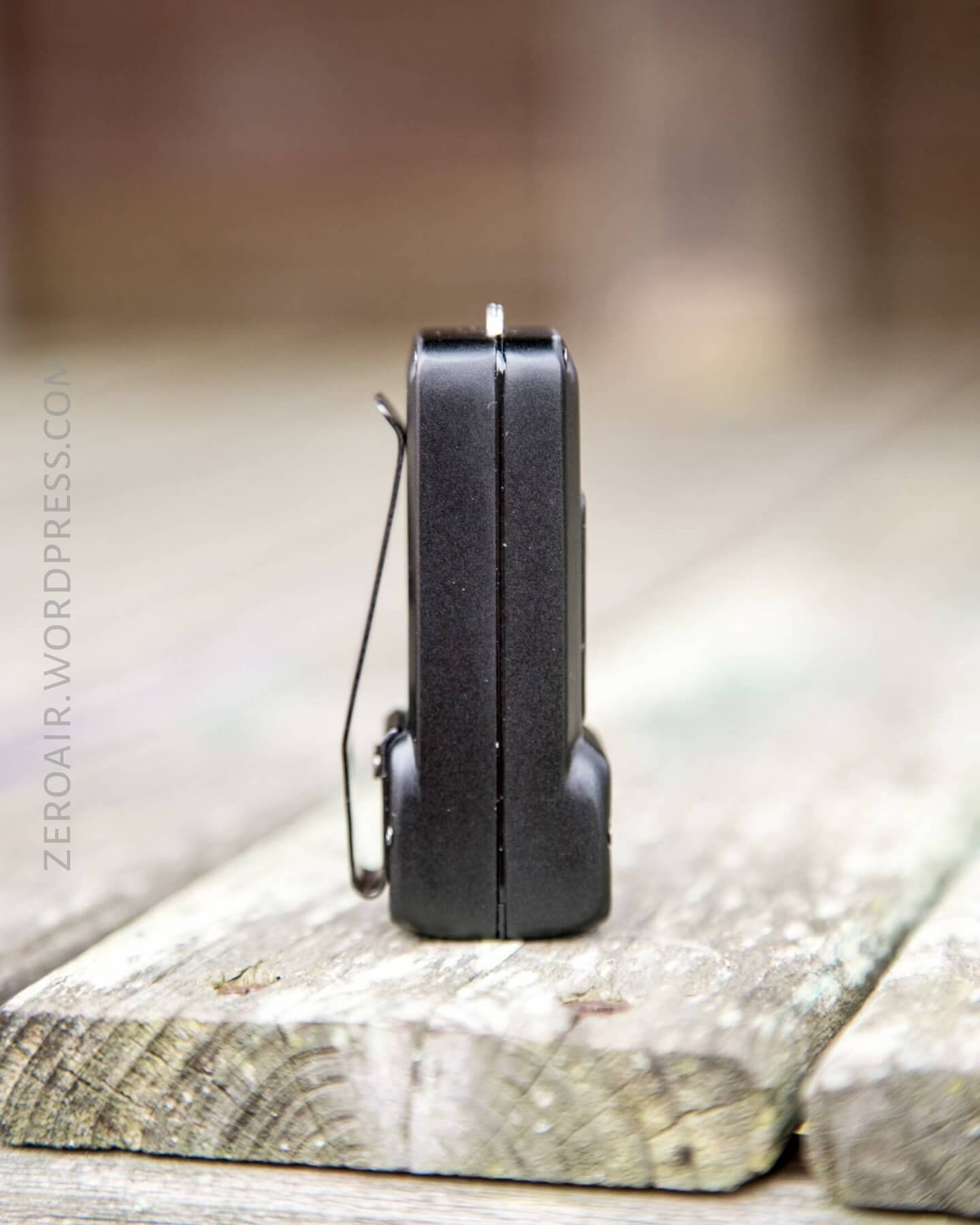
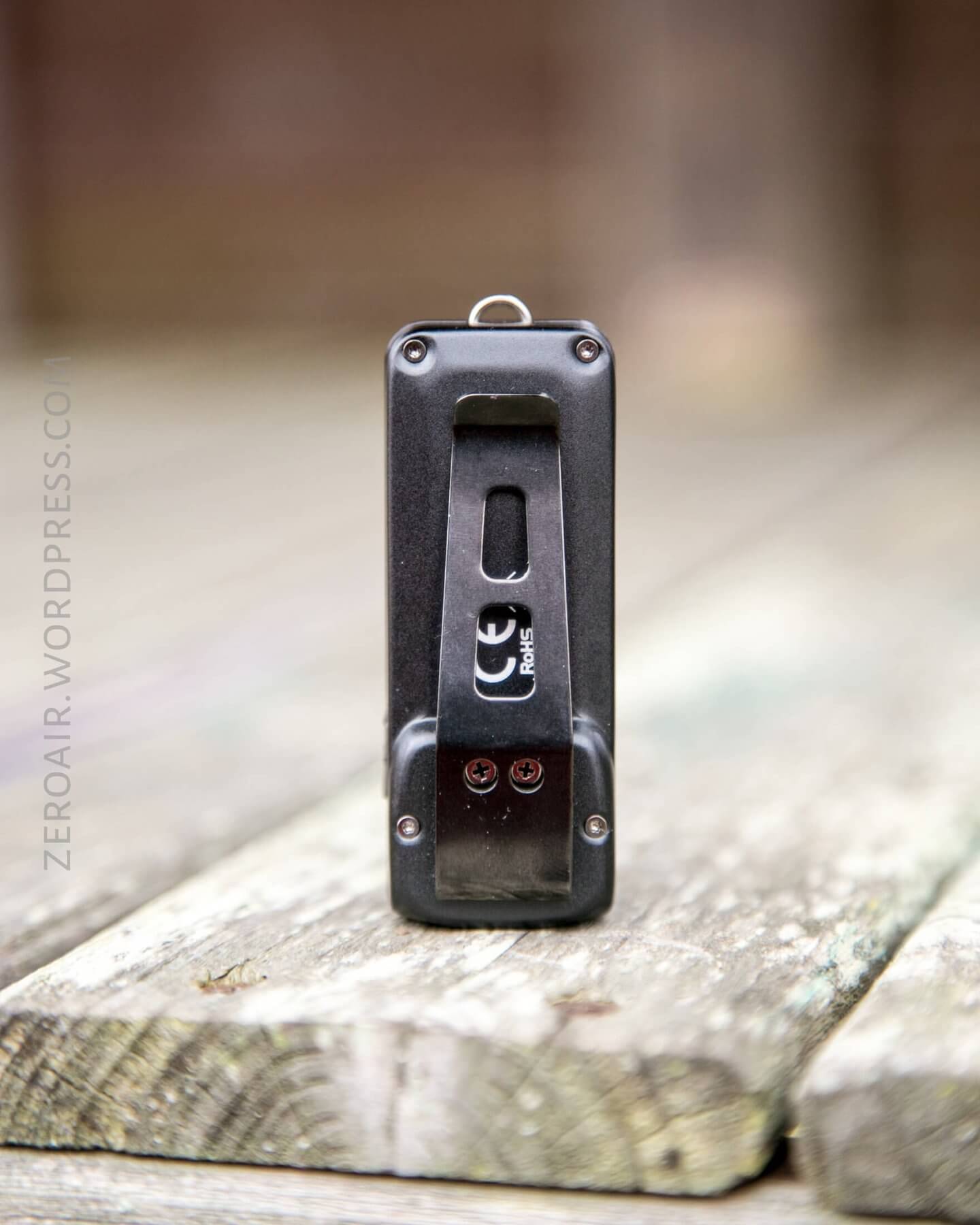
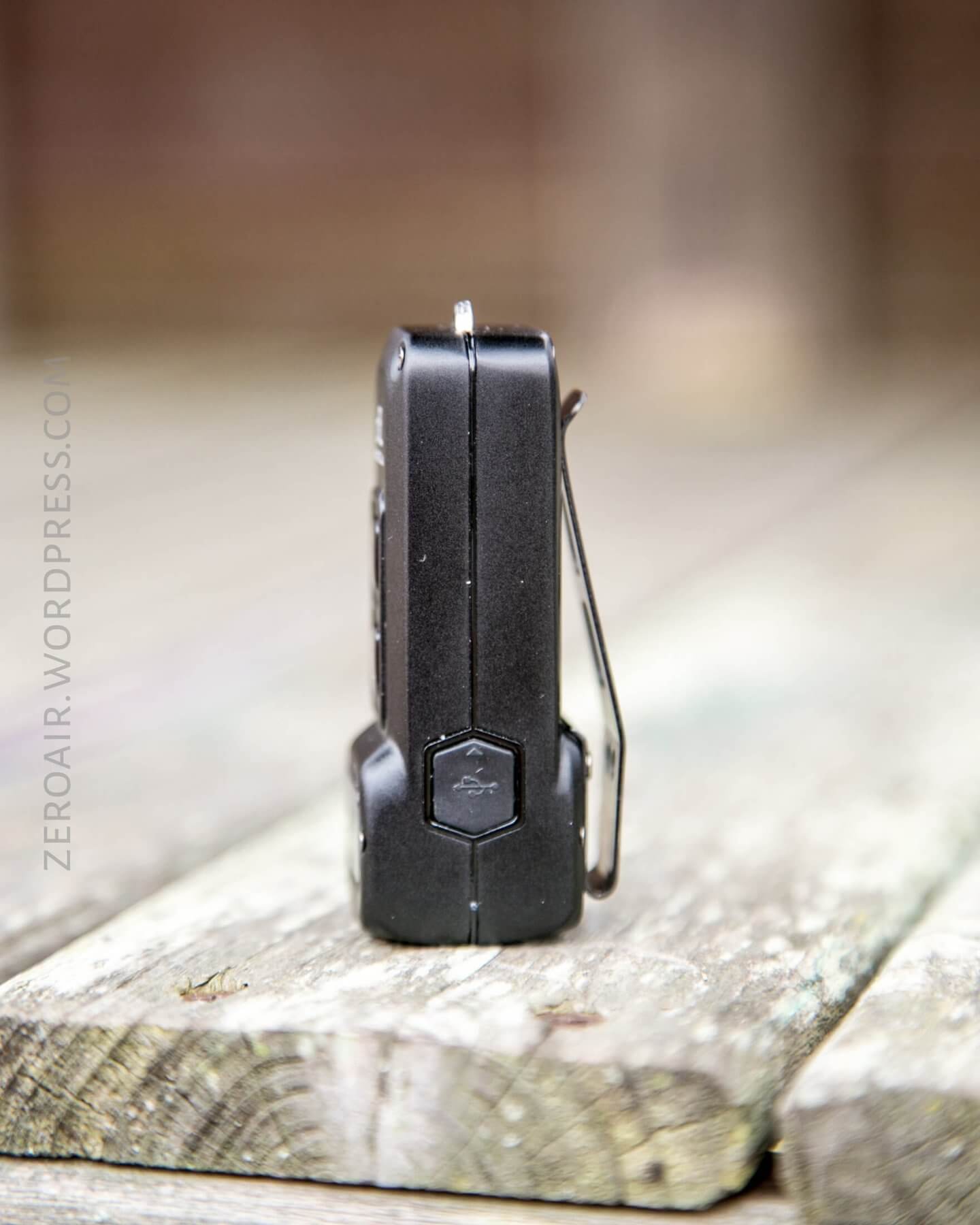
This beefy pocket clip is the main way to carry the light. It’s attached by two Philips screws. It has a reasonable mouth and is deep carry, which is nice. It’s exactly opposite the switches, so using the electronic lockout is an absolute must.
The clip is removable, and when removed, it leaves a very symmetrical light.
Another option for carrying is the metal loop on the tail of the light. The metal clip, which is included, can attach here.
Power and Runtime
The TUP is powered by an internal pouch battery. It has onboard charging via micro-USB (and a cable is included).
The OLED display can be made to show the voltage of the battery when the light is off – just click the mode button.
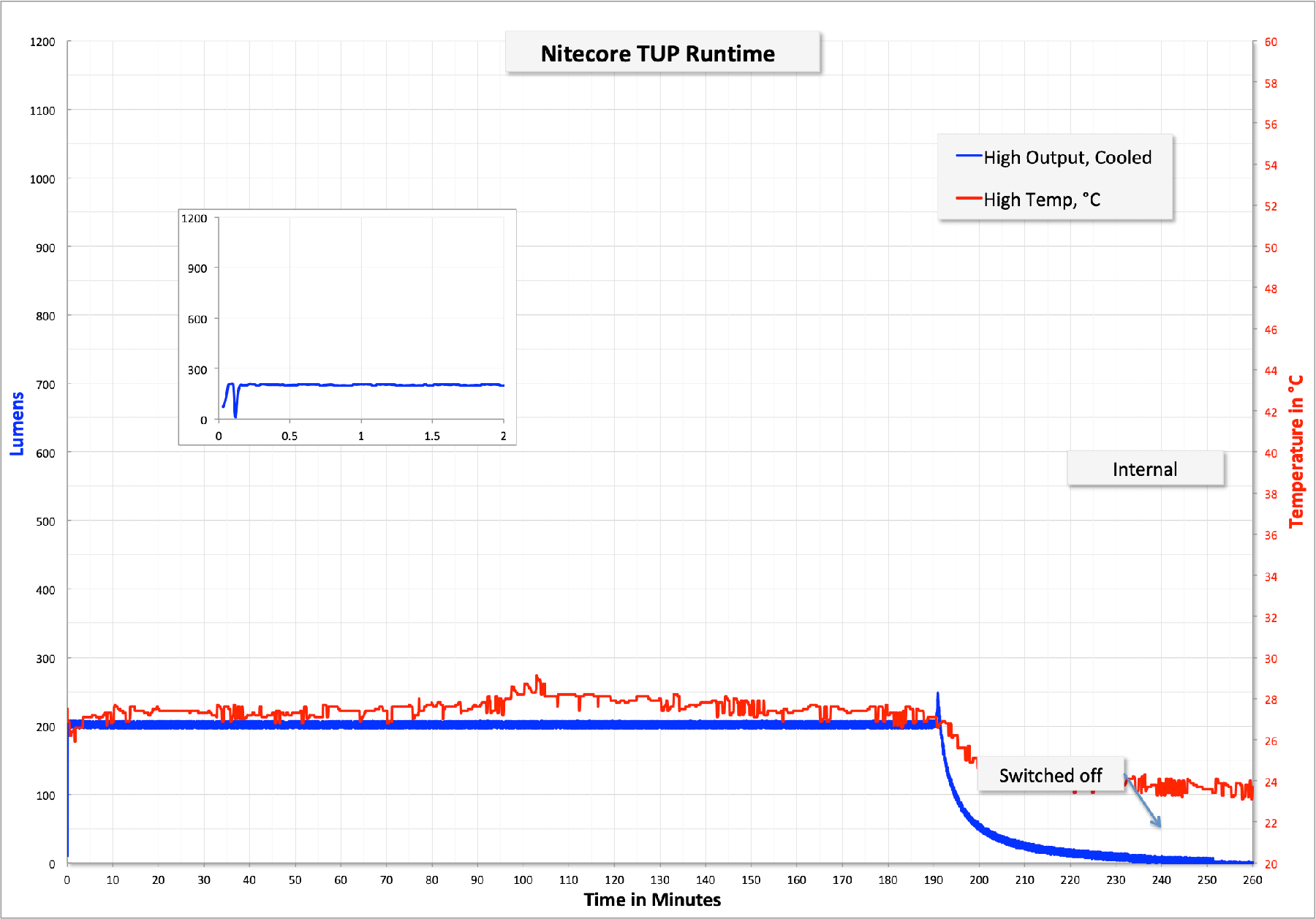
There’s not a “constant Turbo” mode, so for my Turbo test, I just held Turbo until the output dropped to a few hundred lumens, and then hit Turbo again. That’s a bit of a confusing test, probably, but doing it any other way didn’t make a ton of sense. What’s notable about this test is that just for the initial 10 minutes, the Turbo output stays over 1000 lumens! Once I let the light switch to high, then hit Turbo again (70 minutes), the output had dipped to around 800 lumens. While I don’t like this interface (let me leave the light on Turbo!), the output is fairly respectable. Also noteworthy is the temperature – after repeated Turbos, the light was around 54 degrees C. That’s not insignificant. The light was giving a low voltage warning through the OLED when I stopped the test.
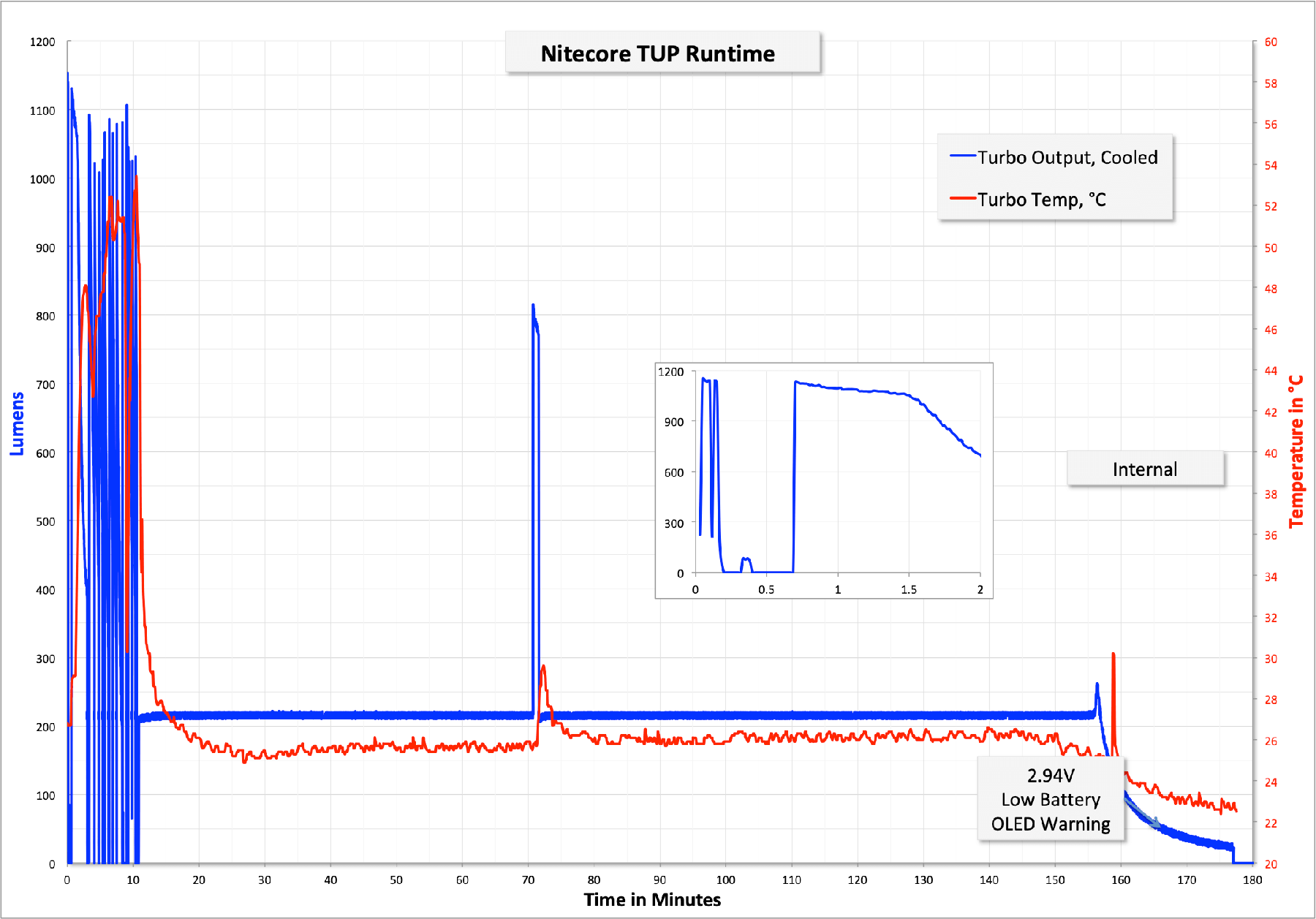
High looks about the same as Turbo, except in this case, I ran the light until it fully shut off on its own. The temp on this mode is a non-factor.
Charging
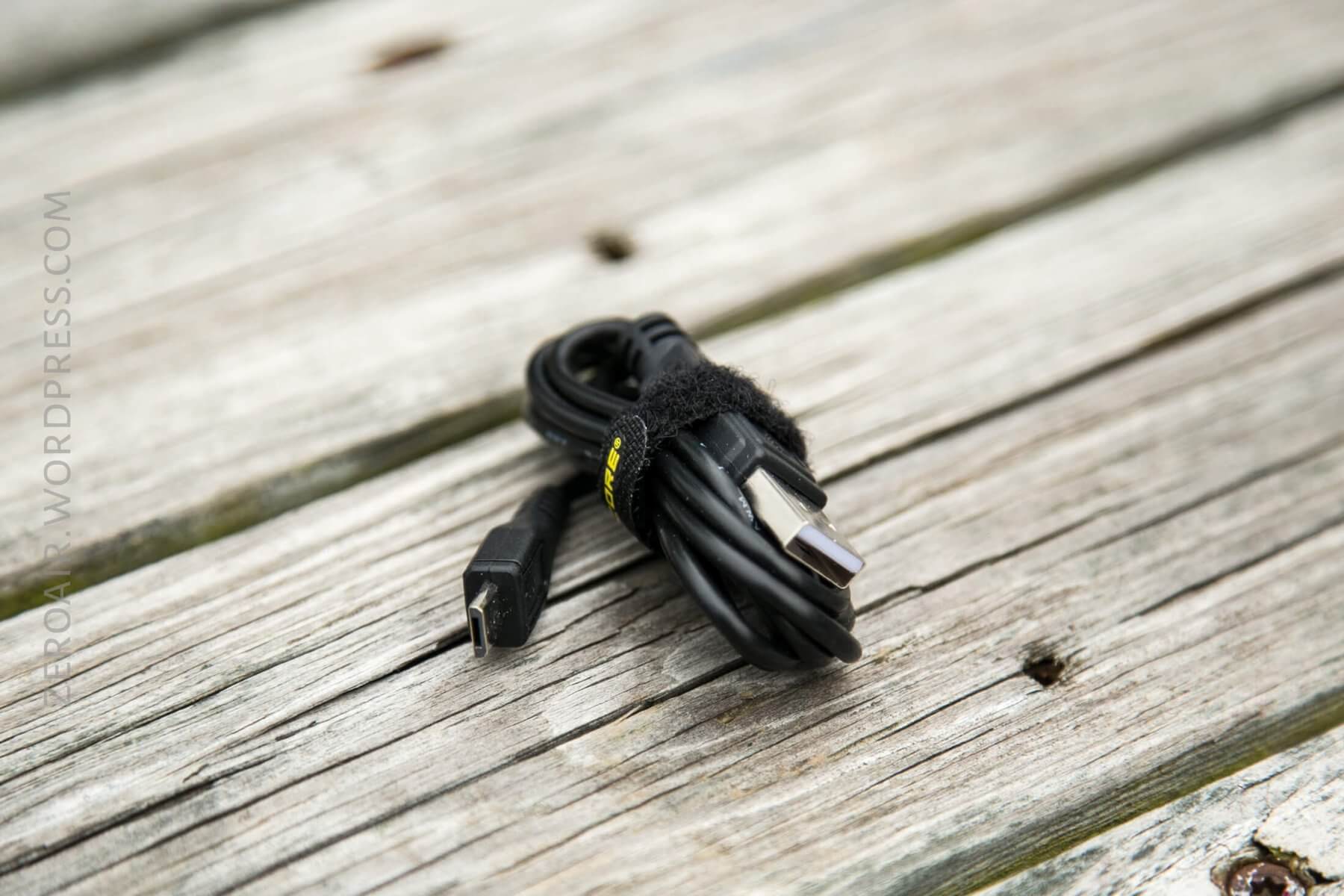
Nitecore includes a nice USB to micro-USB charge cable.
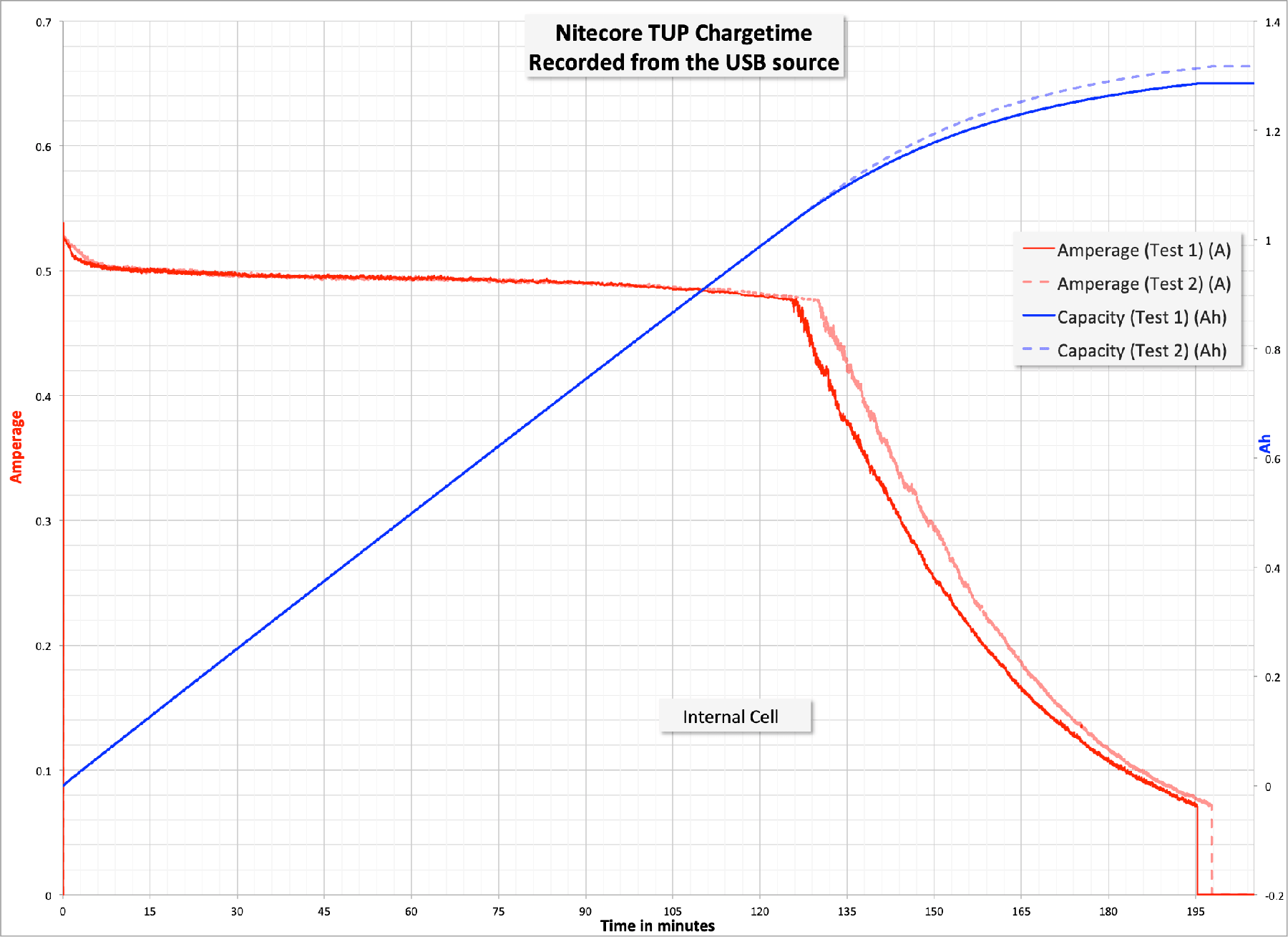
Charging proceeds at around 0.5A, which is probably a good C for this small pouch cell.
User Interface and Operation
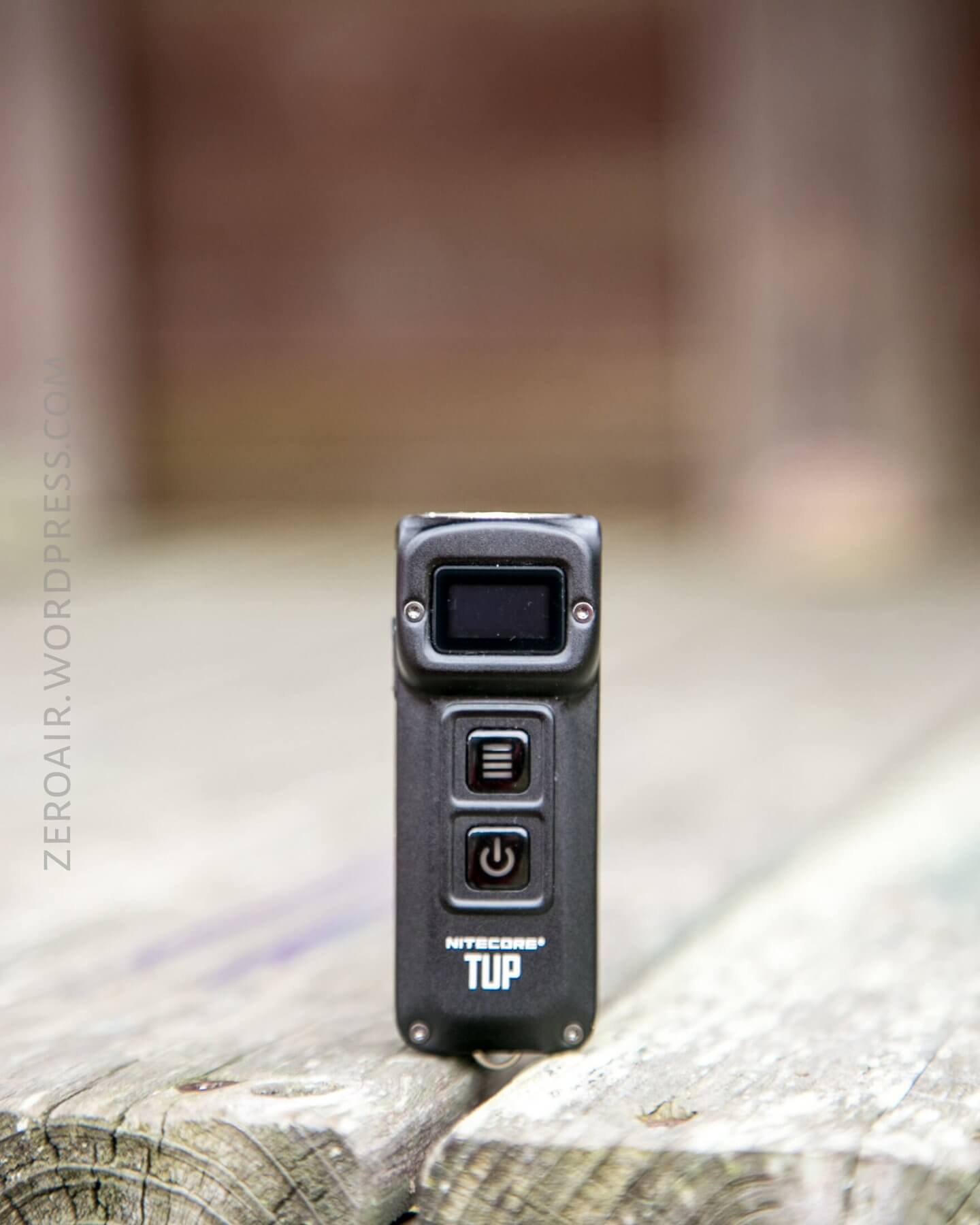
There are two buttons for the TUP interface. The buttons look just like the other keychain lights from Nitecore, but I believe the user interface is different. They’re e-switches and have blue indications behind them.
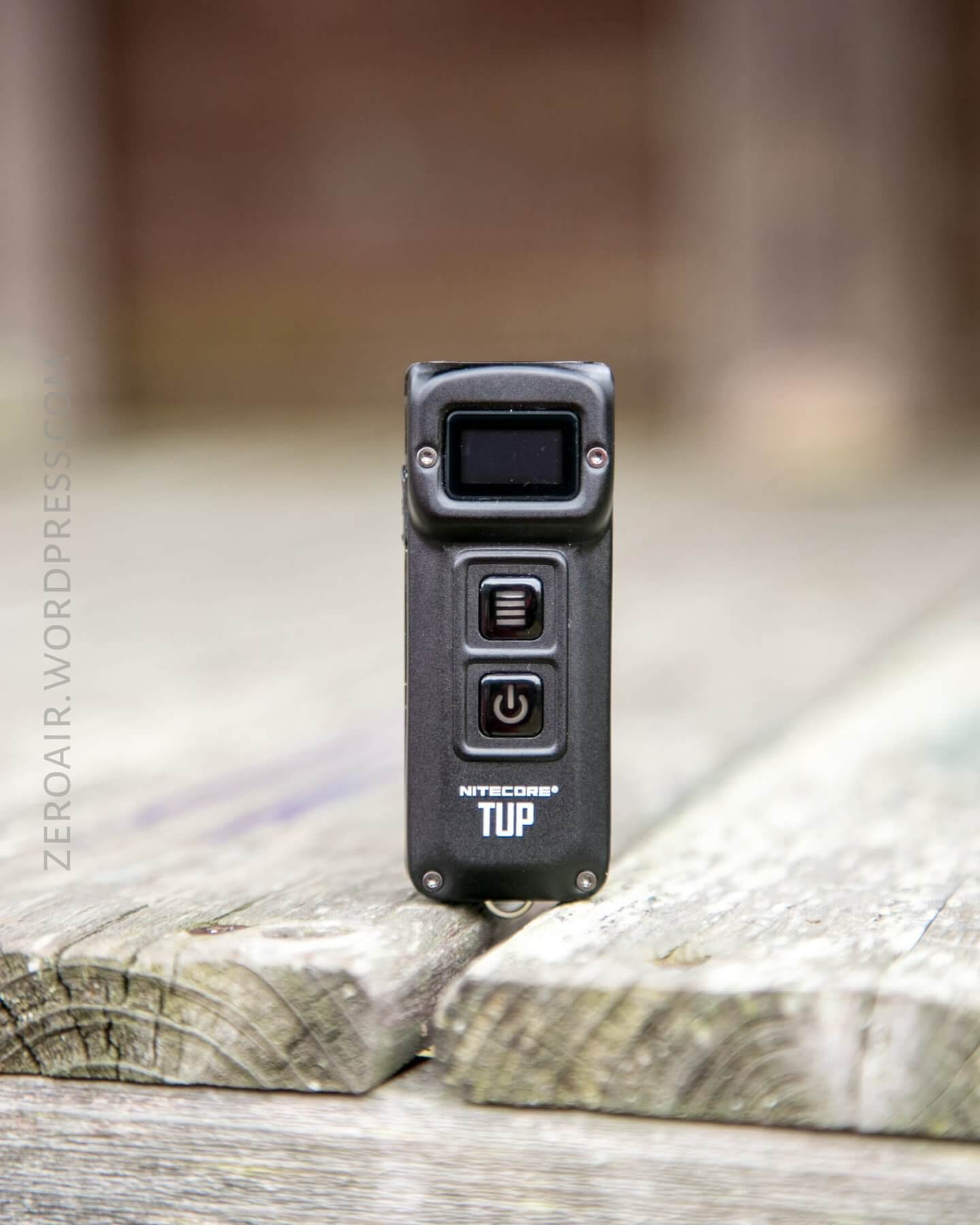
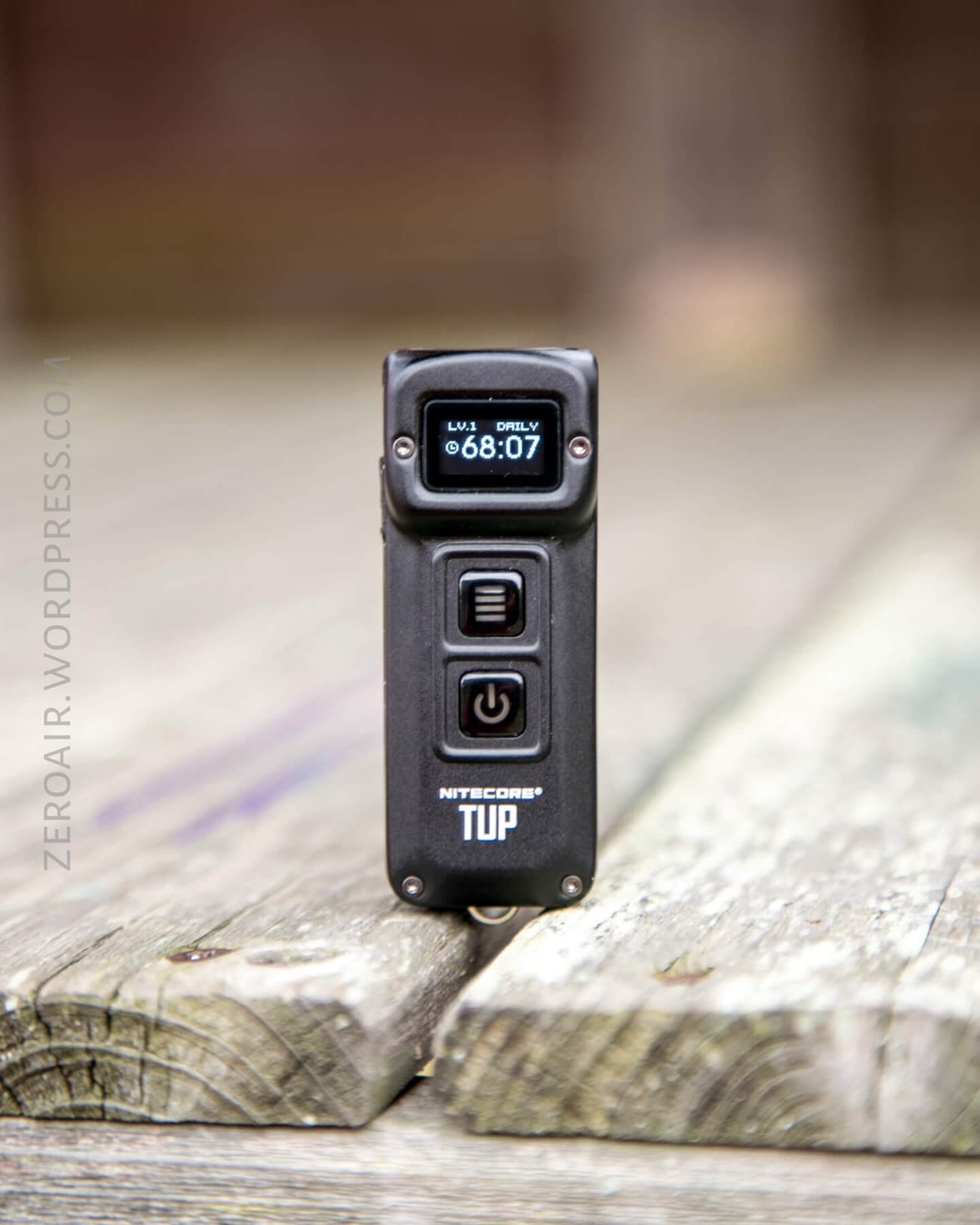
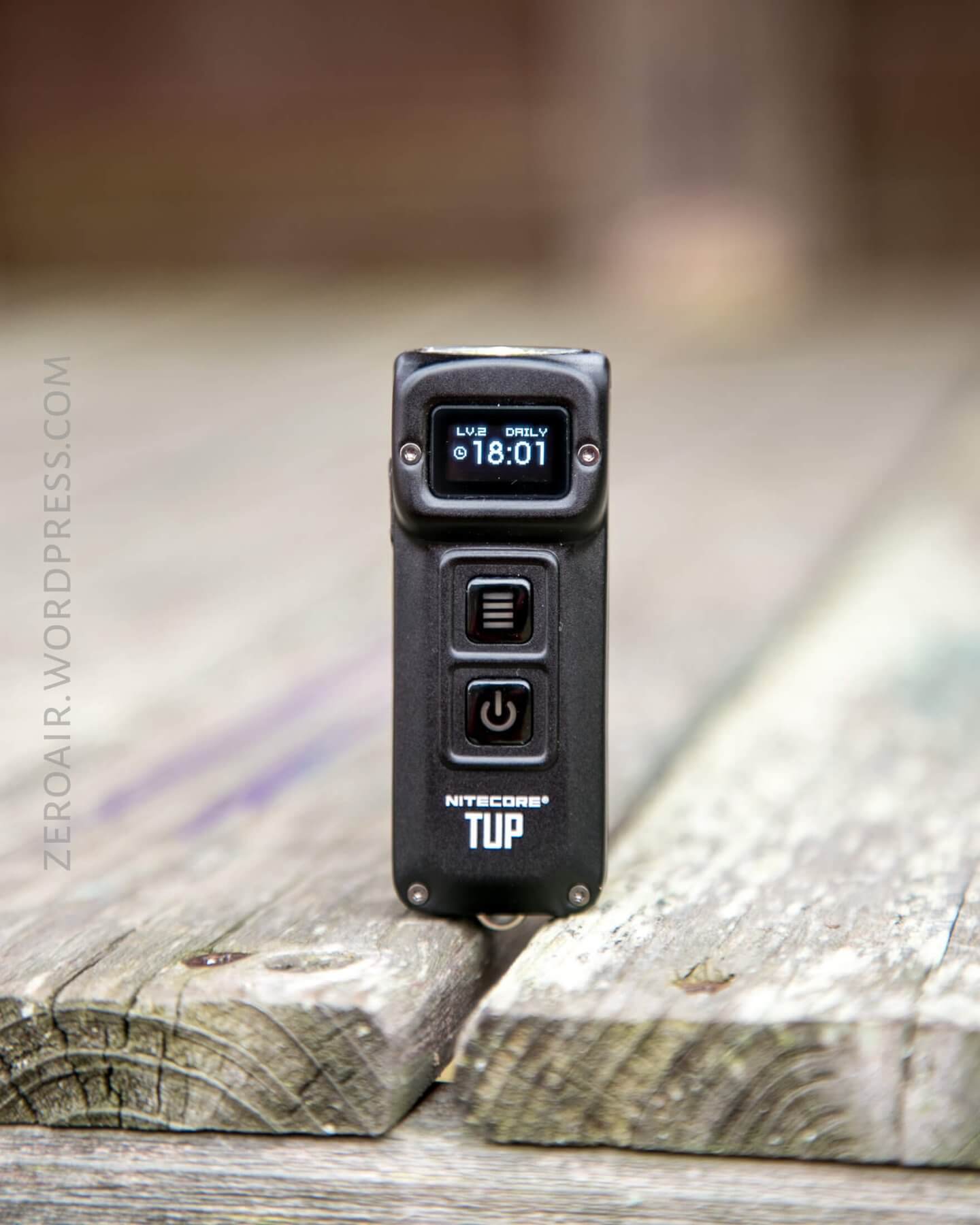
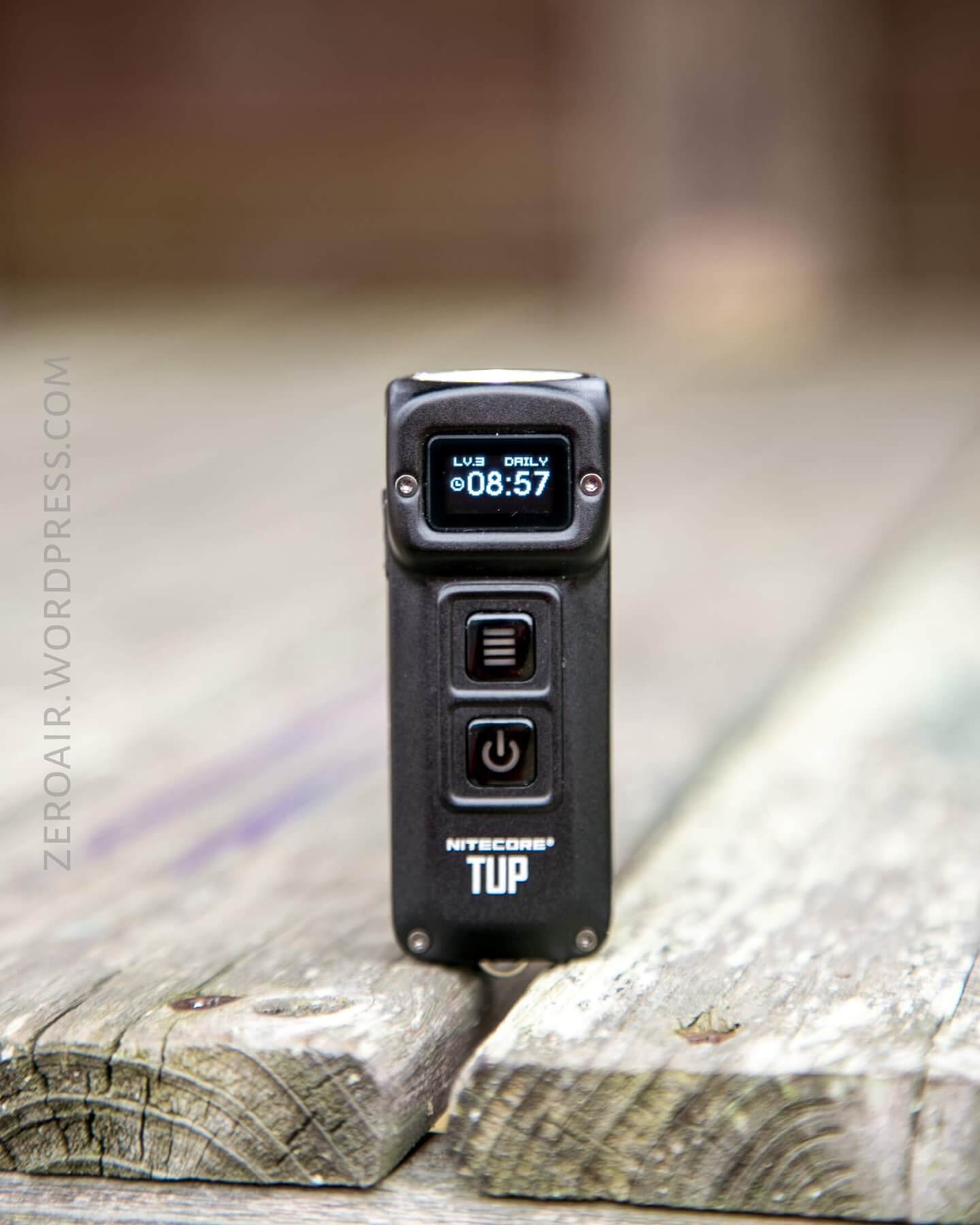
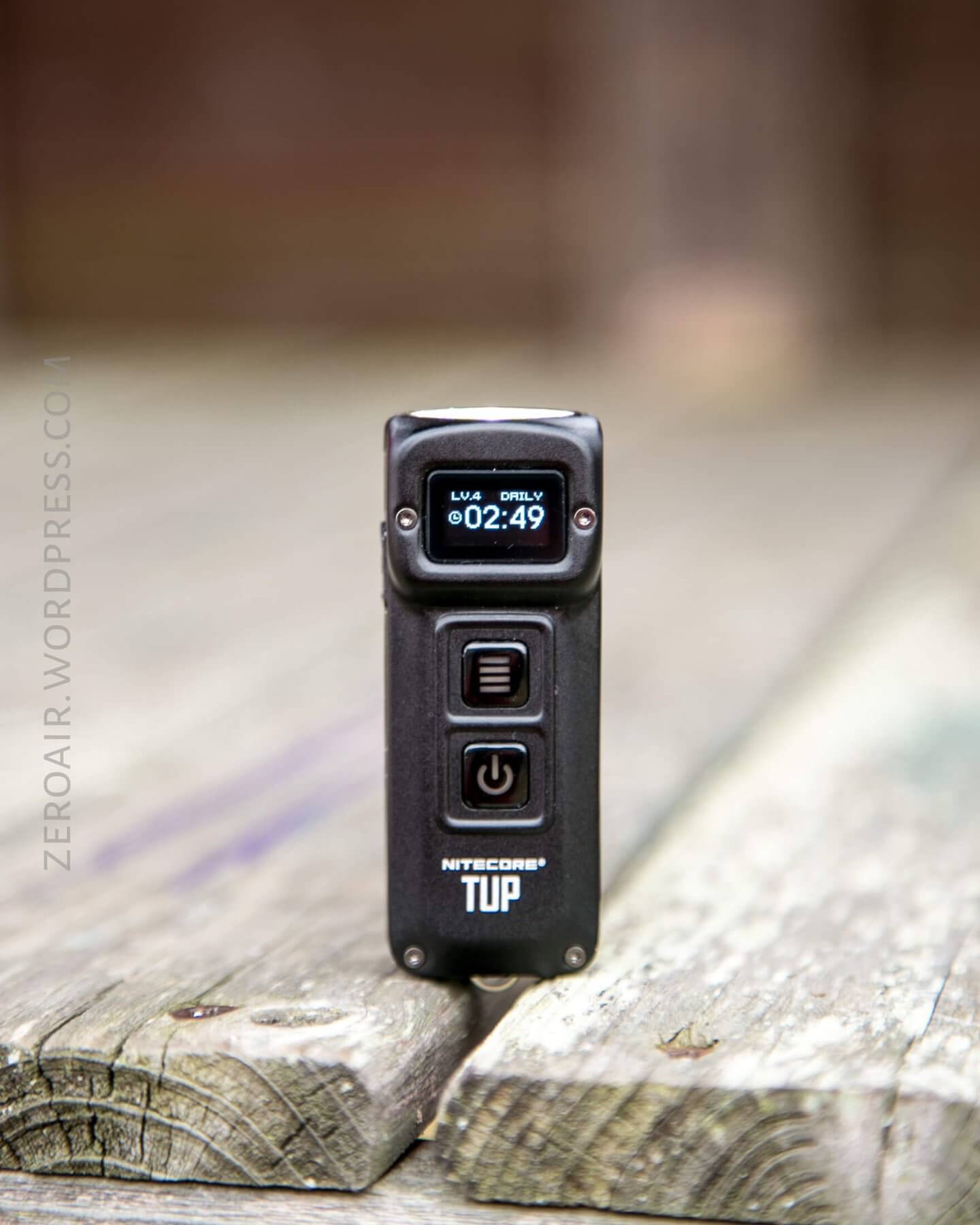
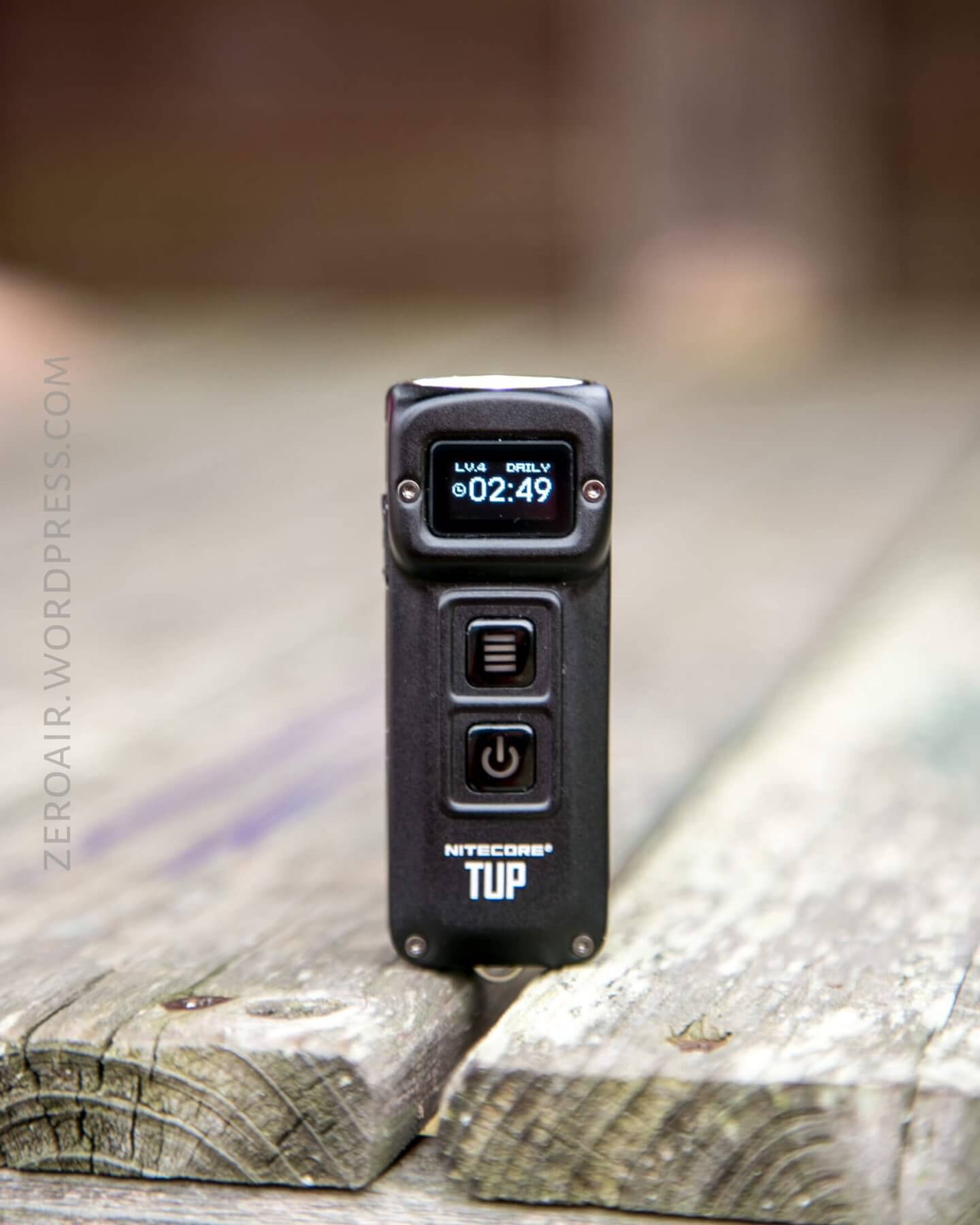
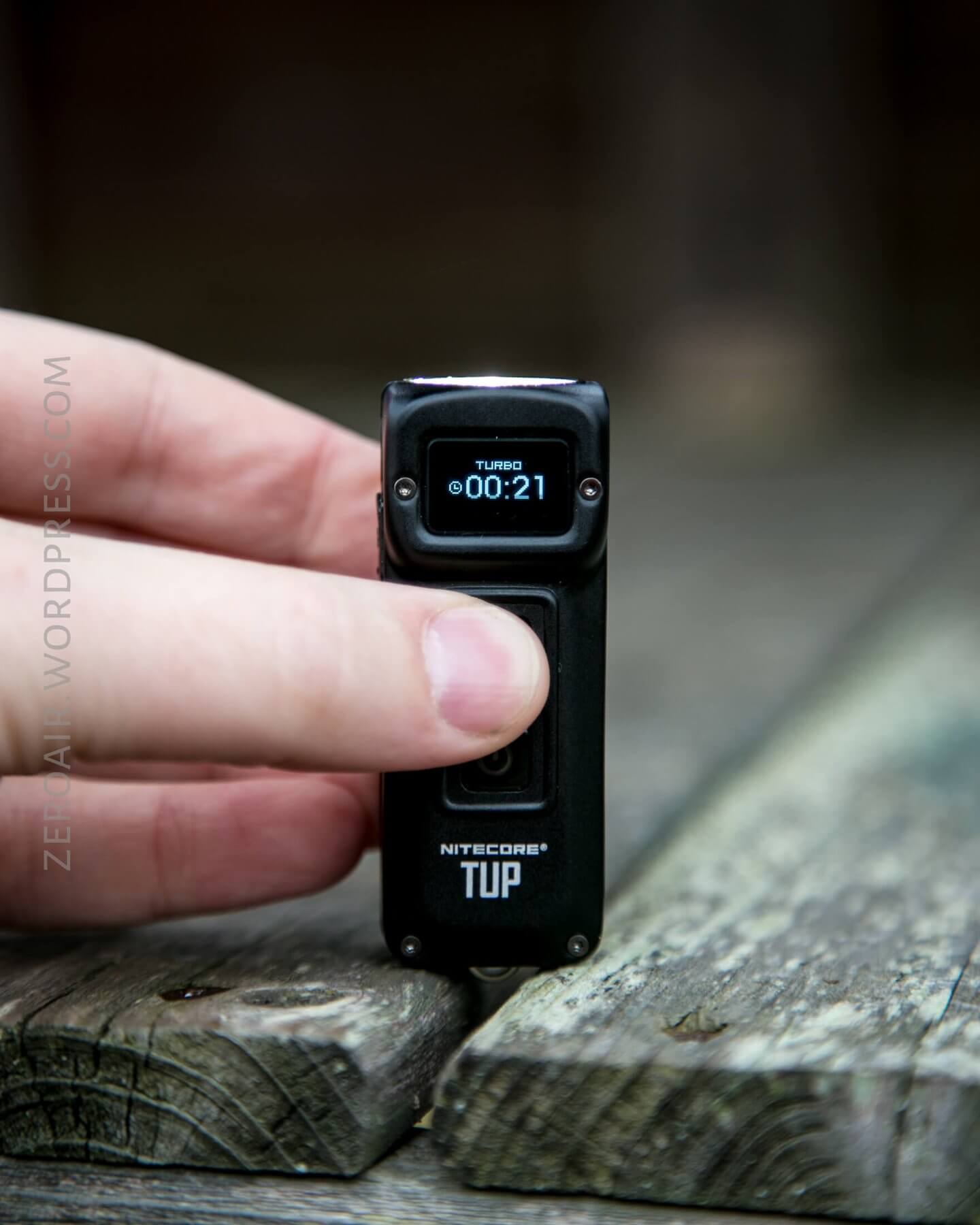
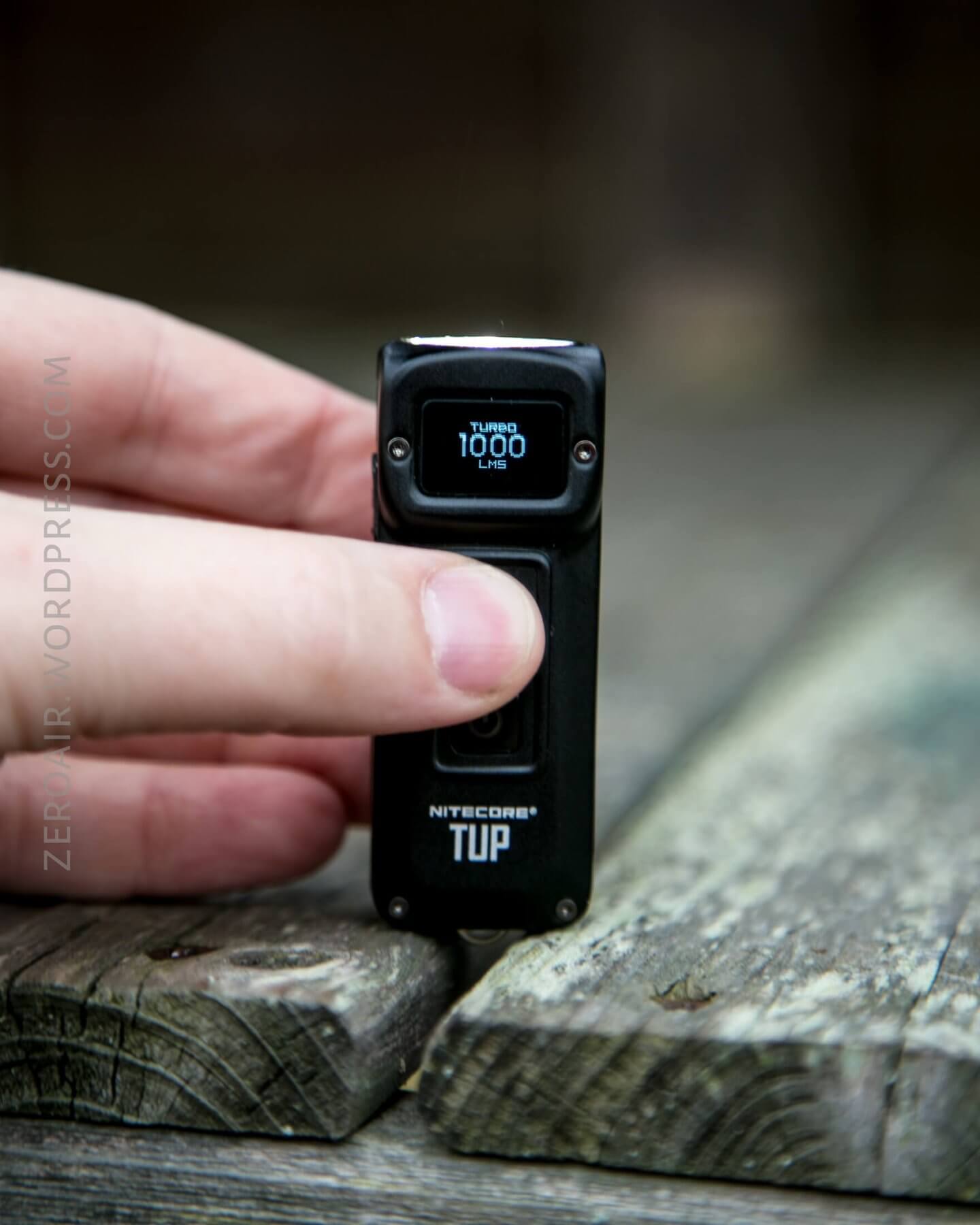
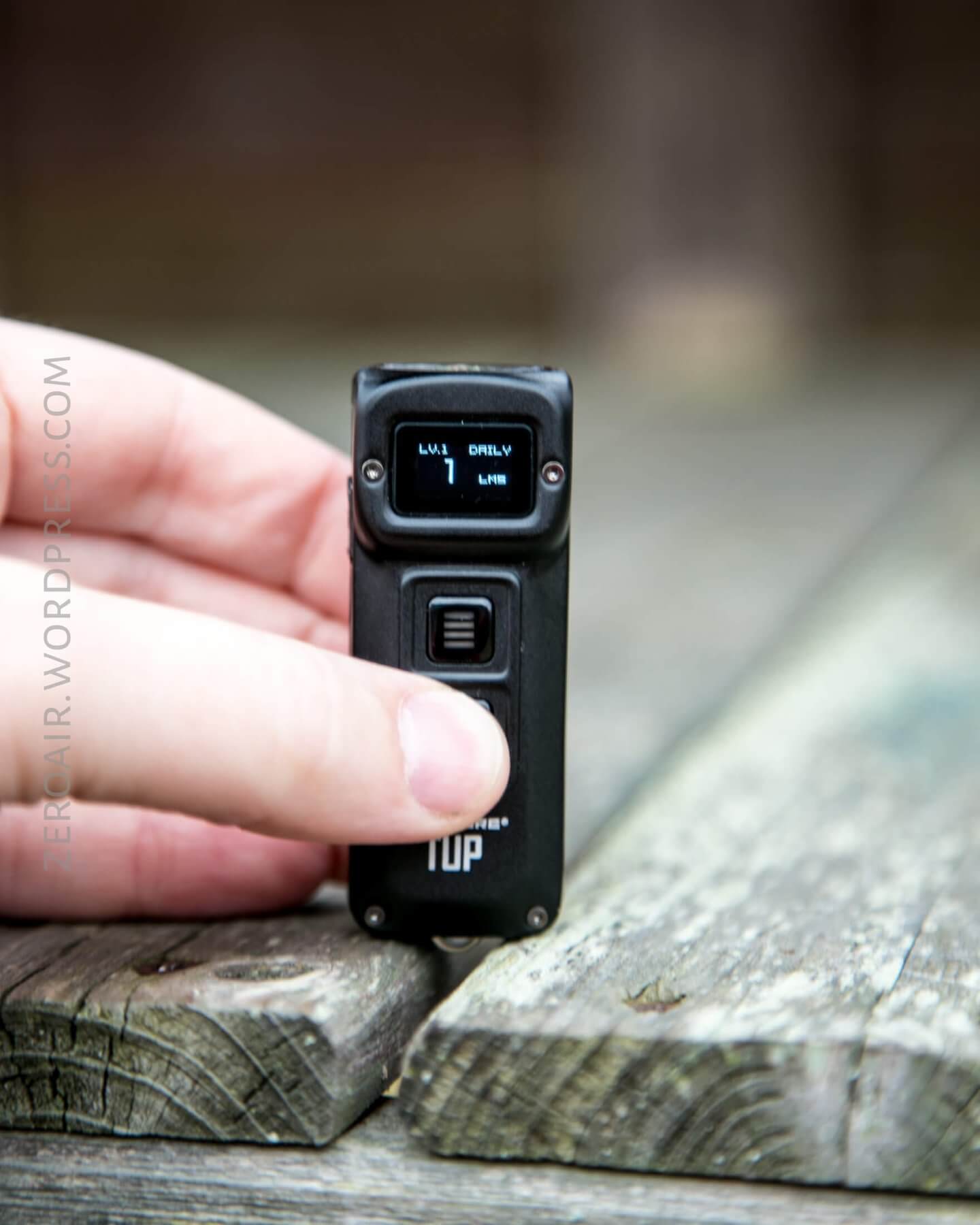
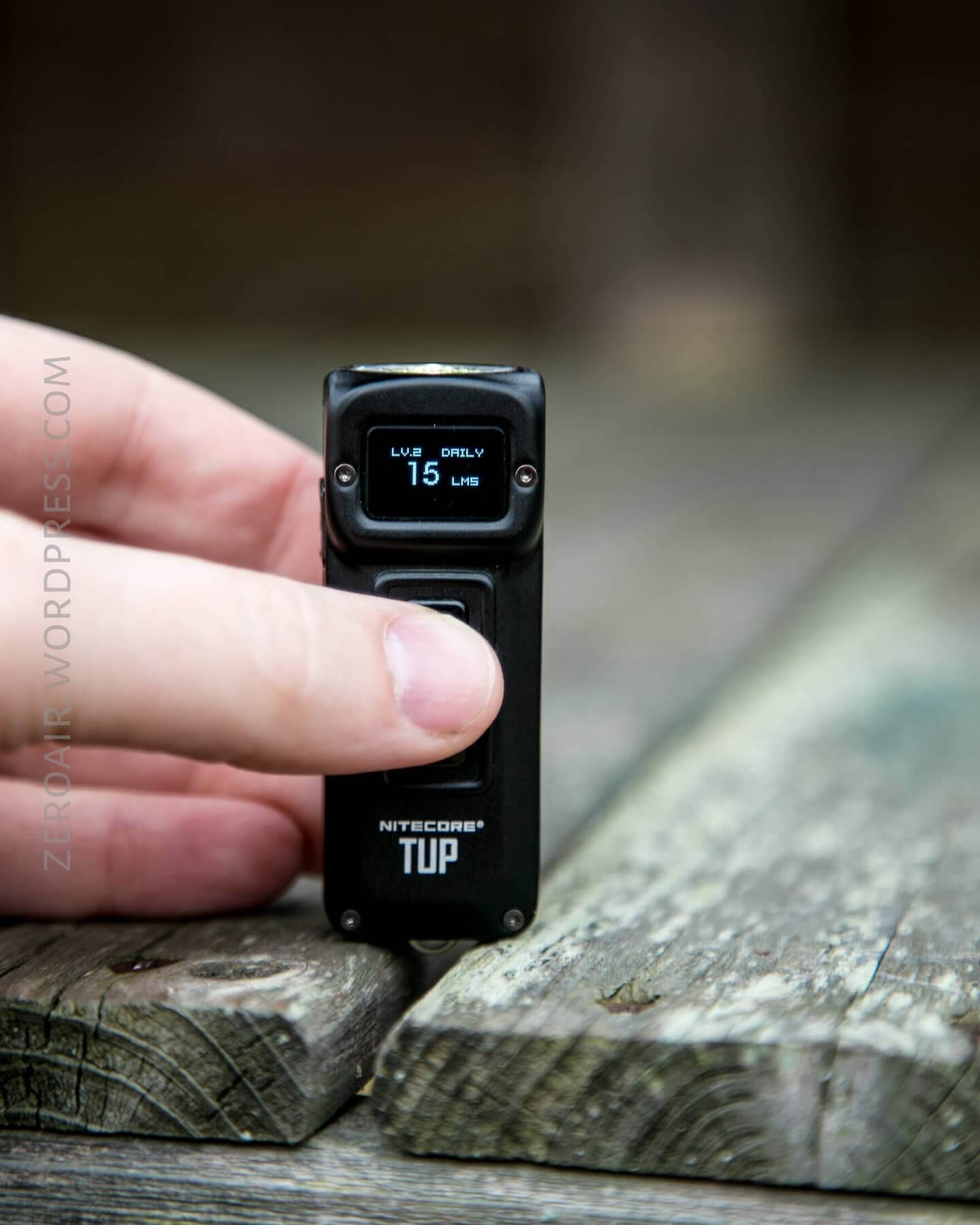
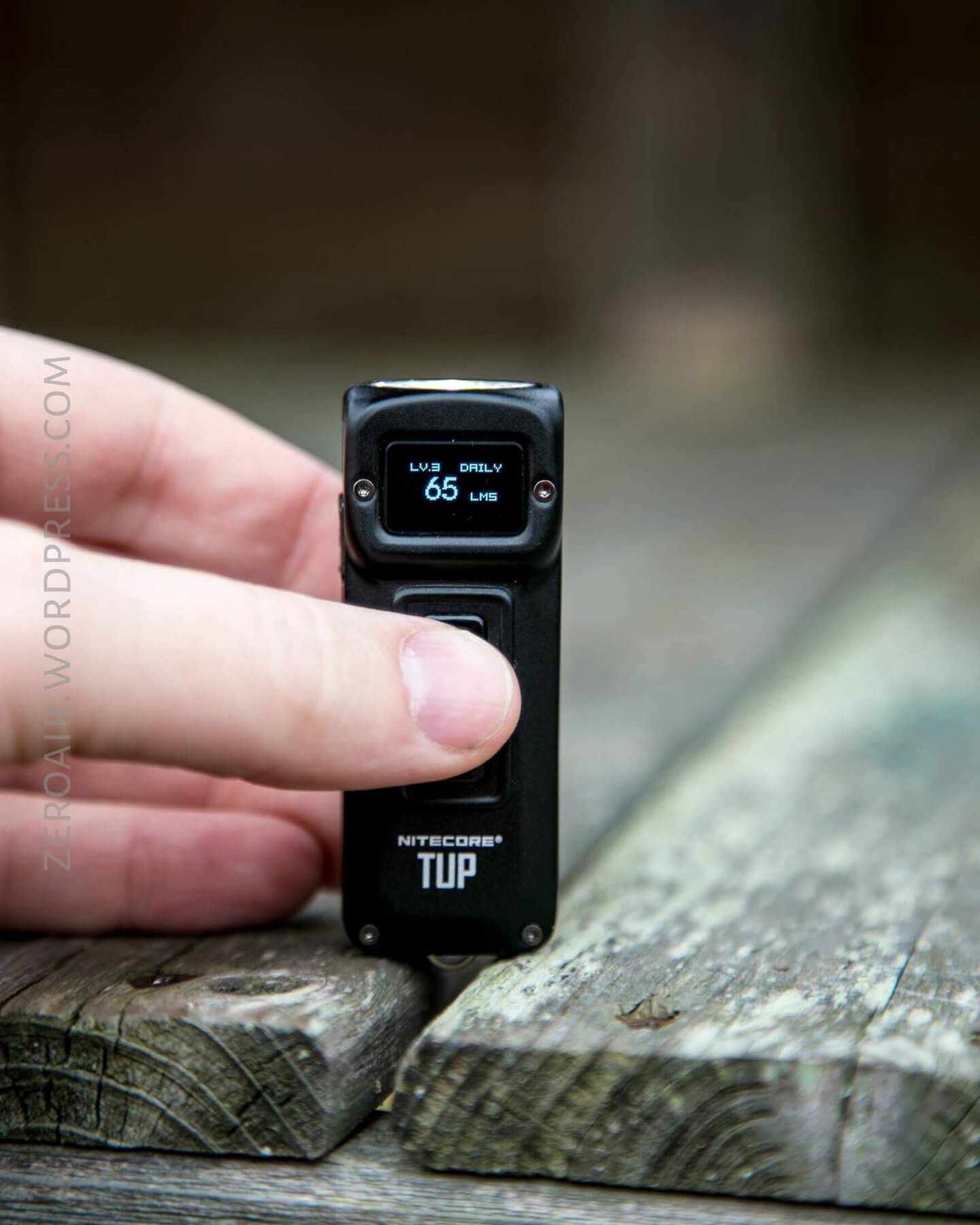
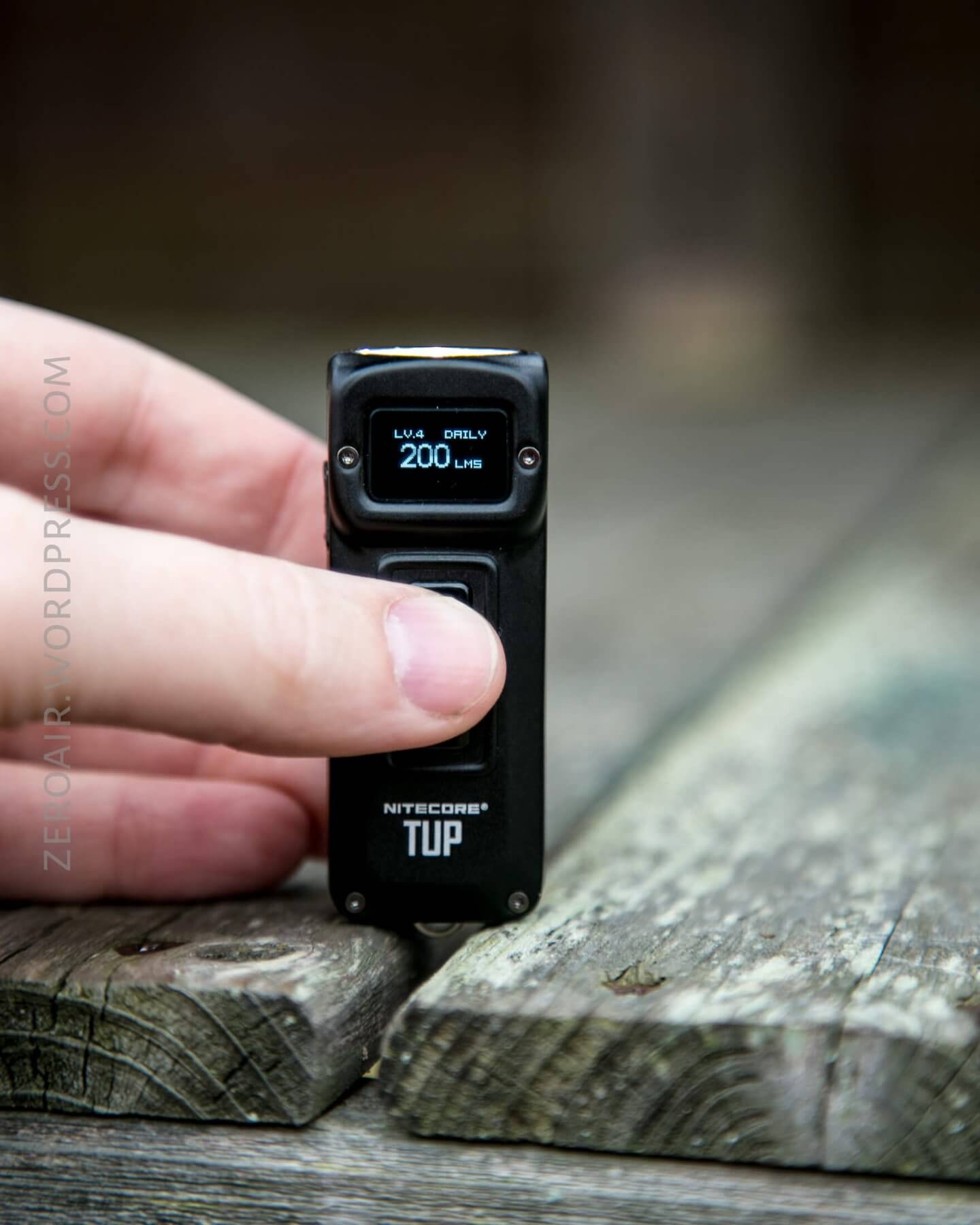
Here’s a user interface table!
| State | Action | Result |
|---|---|---|
| Off | Click Power Switch (PS) | On (Mode Memory) |
| Off | Click Mode Switch (MS) | OLED active – show cell Voltage and mode in memory |
| Off | Hold PS | On – Moonlight |
| Any | Hold MS | Momentary Turbo |
| On | Click PS | Off |
| On | Click MS | Mode Advance MLMH (No Turbo) |
| On | Hold PS | Lockout 1 or 2 (stop when desired lockout is reached) |
| Lockout | Click then Long Press PS | Unlock – On (Mode Memory) |
There’s more to the user interface than all that, though. There are two “User Modes” – Demo and Daily. To switch between the two, hold both buttons simultaneously.
And a note about the Lockouts. Lockout 1 allows access to Turbo, but in Lockout 2, the light is completely unusable.
Modes and Currents
| Mode | Mode Claimed Output (lm) | Claimed Runtime | Measured Lumens |
|---|---|---|---|
| Turbo | 1000 | 15m | 1076 |
| High | 200 | 3h | 215 |
| Mid | 65 | 9h45m | 82 |
| Low | 15 | 19h | 13 |
| Ultralow | 1 | 70h | – |
LED and Beam
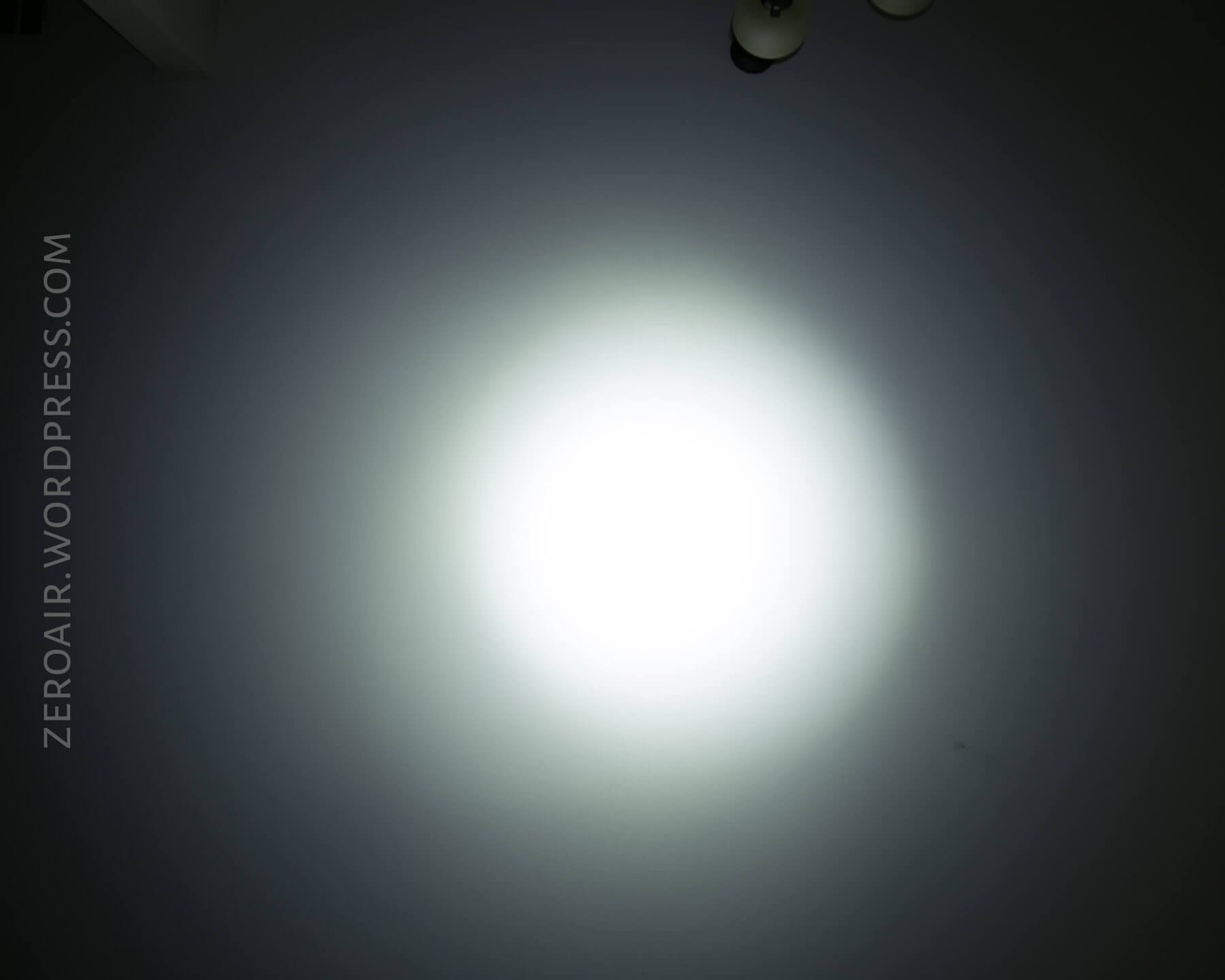
The emitter is a Cree XP-L HD V6. That emitter is under an optic with a flat front (not indented or open like some TIR’s).
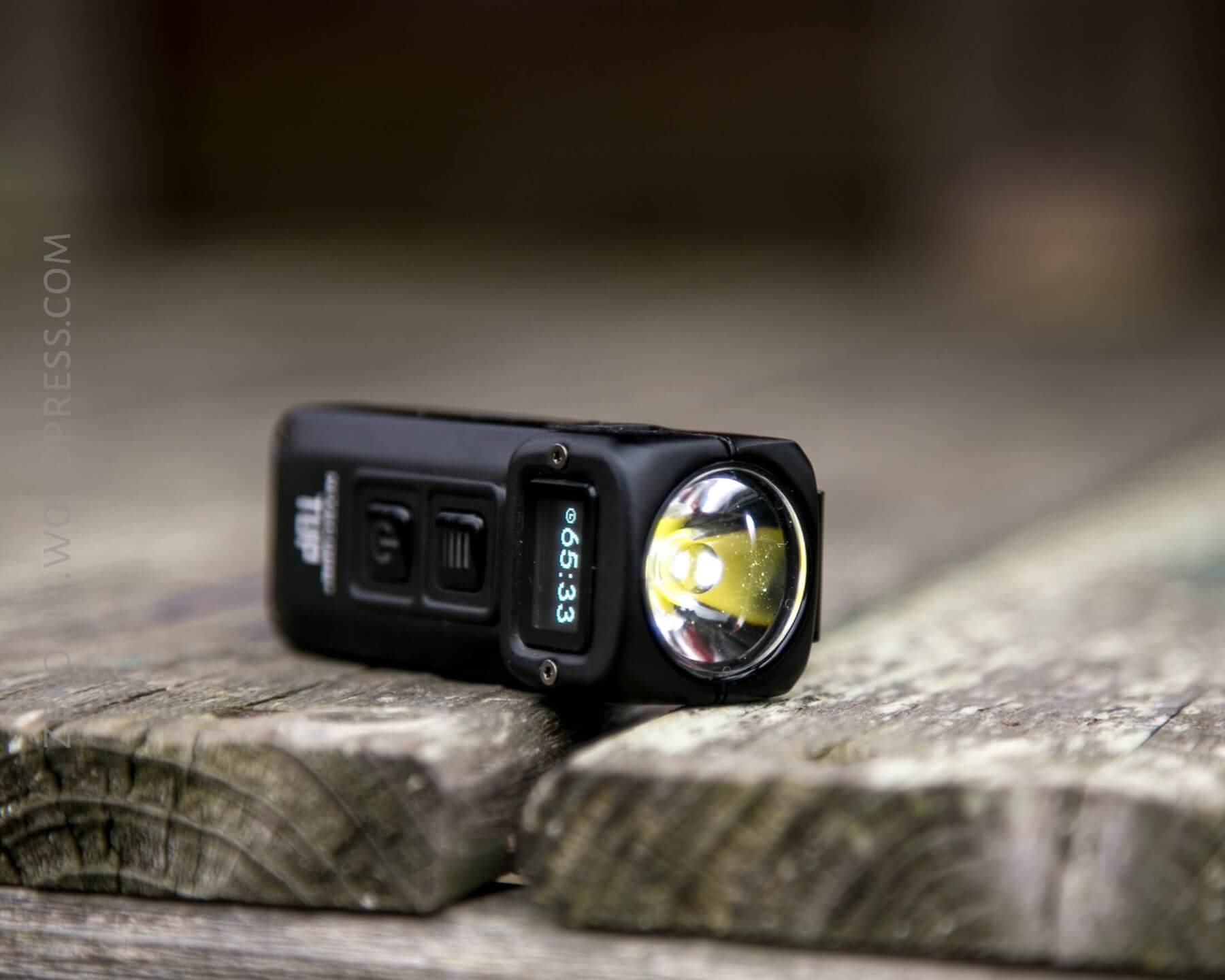
The beam profile is a great TIR profile – not much spill with a fairly even hotspot.

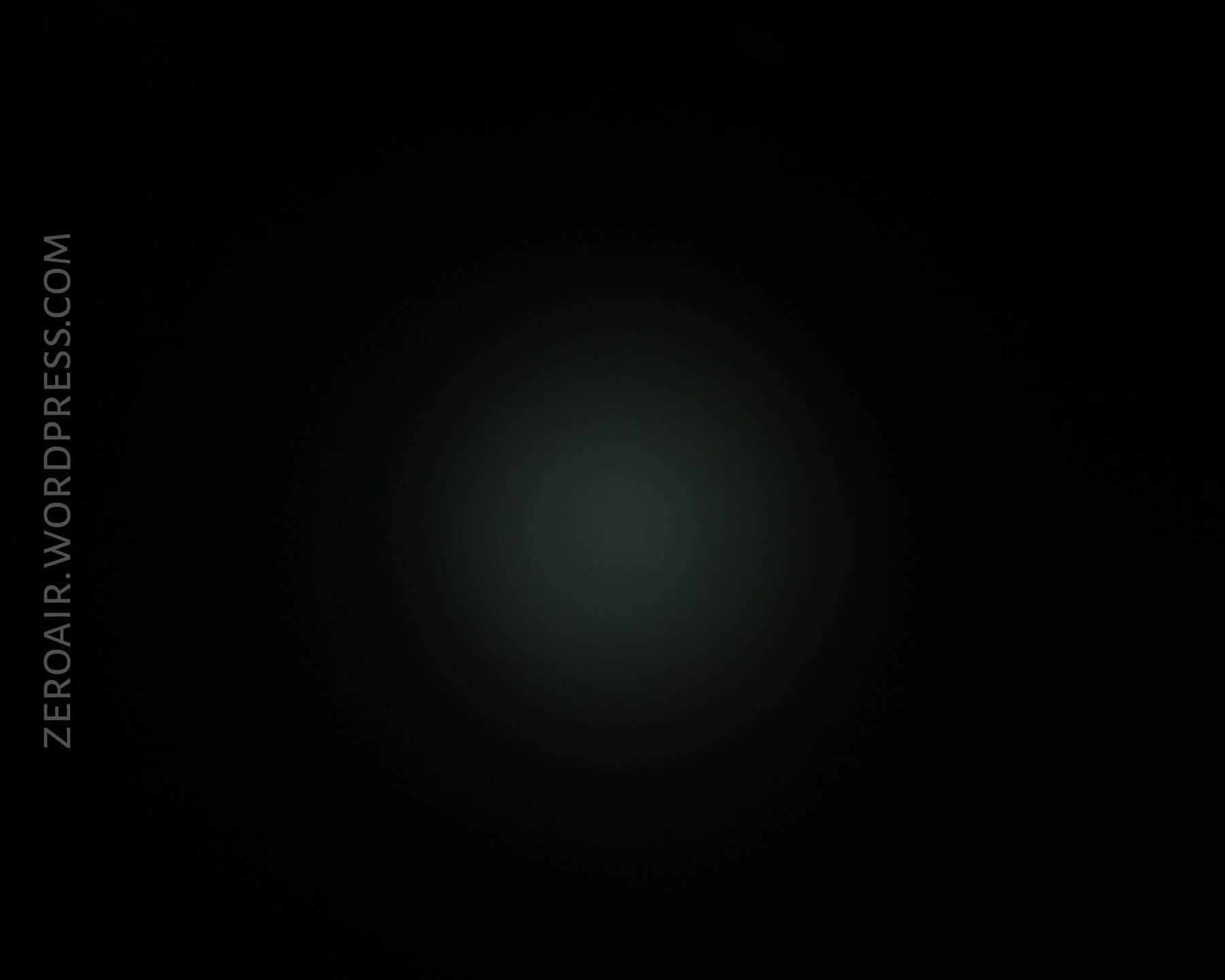
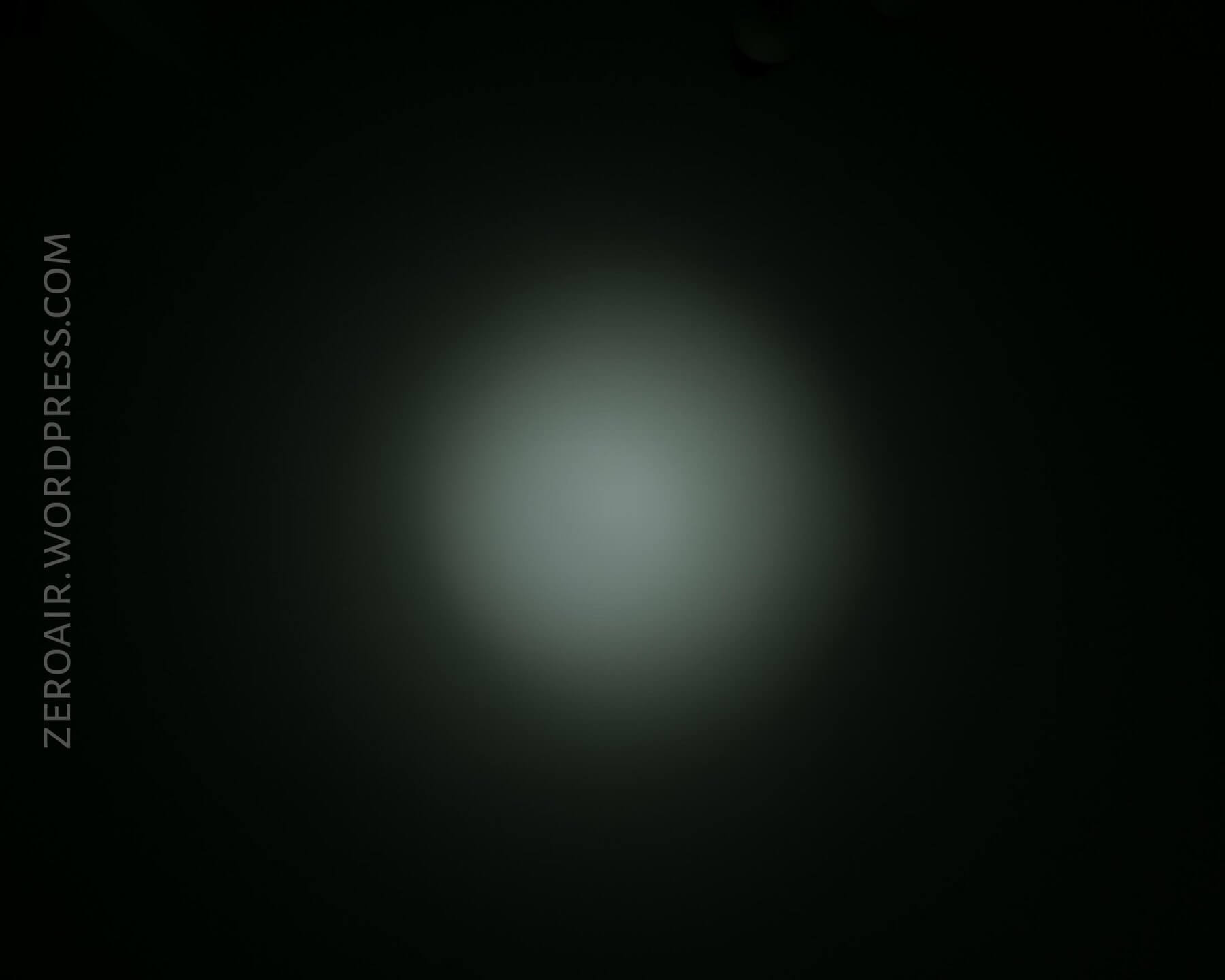
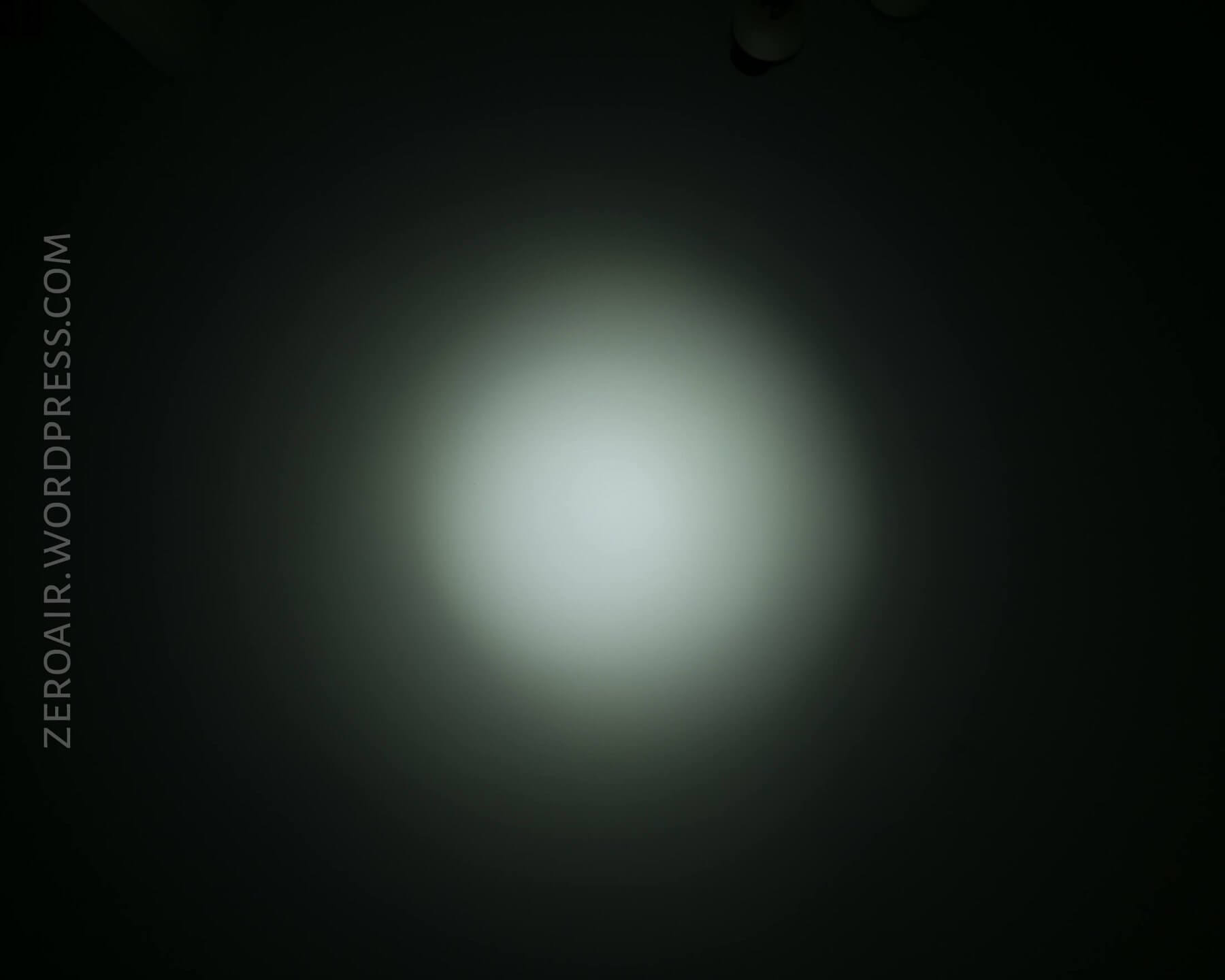
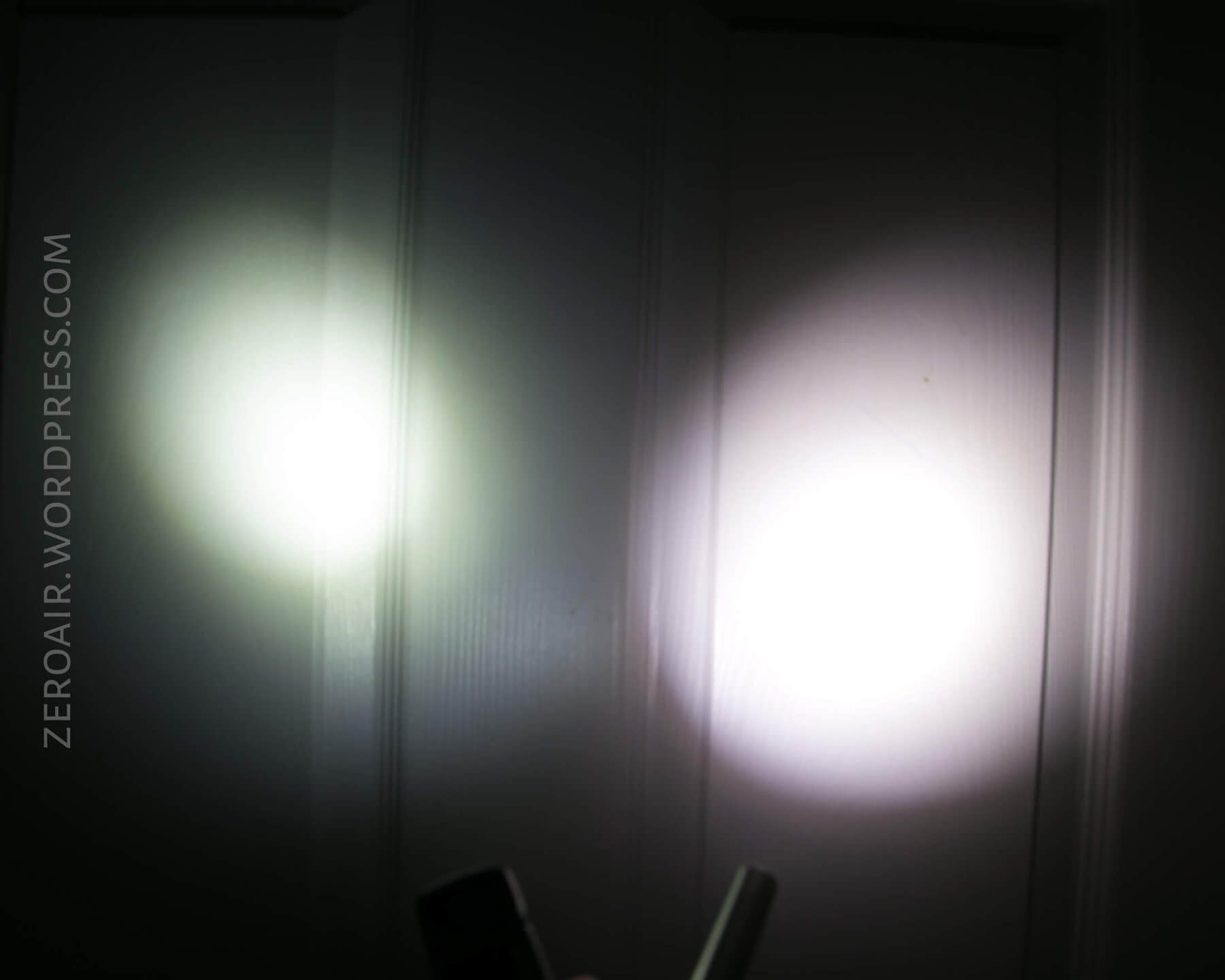
Tint vs BLF-348 (KillzoneFlashlights.com 219b version) (affiliate link)
The tint could be better.
Random Comparisons and Competitive Options
Twice in a row now I’ve said that nothing really compares to a review light, but it’s true again here. The TUP is in a class of its own. It’s too big for a keychain light, and probably wouldn’t be chosen as a regular pocket light. I do like the user interface (probably better than other similar lights like the TINI). I just wish the TUP were a little thinner.
Conclusion
What I like
- Output meets the specification for a number of Turbo Cycles
- Anti-roll design
- Good charging (satisfactory rate, easy on the cell)
- Good use of the OLED
What I don’t like
- Too big to be a keychain light
- Momentary Turbo only
- The refresh rate on the OLED is oh-so-very-slow
Notes
- This light was provided by Nitecore for review. I was not paid to write this review.
- This content originally appeared at zeroair.org. Please visit there for the best experience!
- Use my amazon.com referral link if you’re willing to help support making more reviews like this one!
- Please support me on Patreon! I deeply appreciate your support!
Discover more from ZeroAir Reviews
Subscribe to get the latest posts sent to your email.