

Nitecore UMS2 and UMS4 Charger Review
Nitecore has released two new chargers; the UMS2 and UMS4 Charger. These chargers support lithium-ion and NiMH cells and have micro-USB input.
Official Specs of the Nitecore UMS2 and UMS4 Charger
Price
The UMS2 is $28.95 at NitecoreStore.com and the UMS4 is $38.95 there, too.
Key Features
USM2:
- Input DC 5V/2A 9V/2A
- 18W (MAX)
- Output voltage4.35V±1% / 4.2V±1% / 3.7V±1% / 1.48V±1%
- Output current
- QC Mode: 3,000mA*1 (MAX) 2,000mA*2 (MAX)
- Standard Mode: 2,000mA*1 (MAX) 1,000mA*2 (MAX)
- Compatible with IMR/Li-ion/LiFePO4: 10440, 14500, 14650, 16500, 16340(RCR123), 16650, 17350, 17500, 17650, 17670, 17700, 18350, 18490, 18500, 18650, 18700, 20700, 21700, 22500, 22650, 25500, 26500, 26650, 26700. Ni-MH/Ni-Cd: AA, AAA, AAAA, C, D
USM4 is the same as above, but adds the following:
- Input DC 5V/2A 9V/2A
- Output current
QC Mode: 3,000mA*1 (MAX) 2,000mA*2 (MAX) 1,000mA*4 (MAX)
Standard Mode: 2,000mA*1 (MAX) 1,000mA*2 (MAX) 500mA*4 (MAX)
Short Review of the Nitecore UMS2 and UMS4 Charger
I really like these chargers. It’s not often that I say a charger can and will replace the SkyMC 3000 that I use on a daily basis, but the UMS4 has earned it’s place on my desk for certain. And the UMS2 will make a great work charger!!
Long Review
Manual and Packaging
I didn’t actually receive packaging for either of these chargers. I received them before they were released, and before packaging was made for them! So I got a charger and a charge cable, nothing more. I imagine official packaging will be slightly different than that. 😛
Still the manual is avaiable online, and linked below.
What’s Included
As stated above, all I got was the charger and cable. I imagine the only other thing that will be included in the retail package would be a manual.
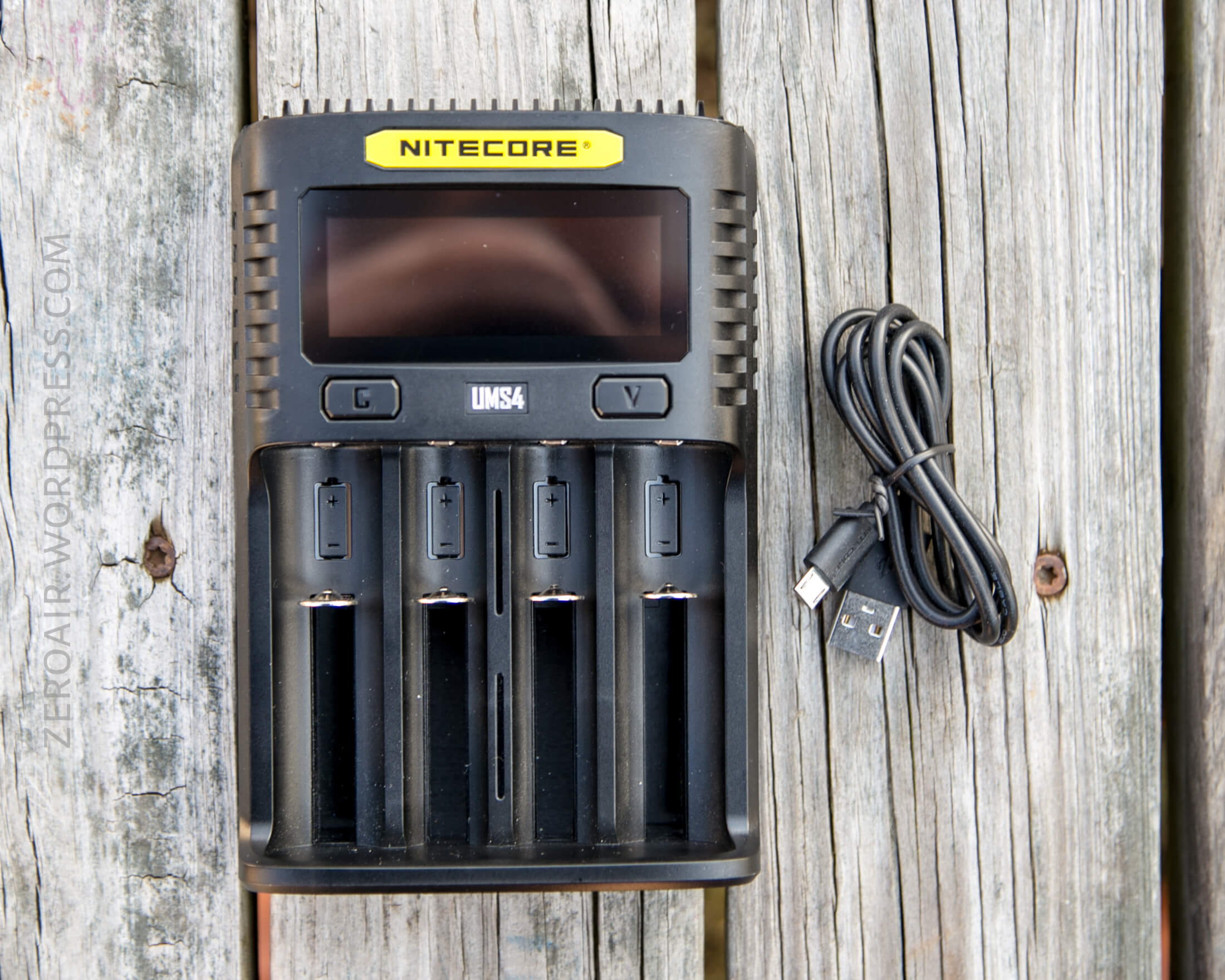

Build Quality and Durability
These are nice, sturdy chargers. The build (and user interface and just about everything) is the same for the chargers, so I’ll treat them same and say when there’s a difference.
The slides are very smooth. The buttons are quite clicky (but not “quiet” clicky) – I could stand for some softpress buttons her.

The whole shape of both these chargers seems to intend for adequate cooling. There are fins all over the body!

The contact points are typical.

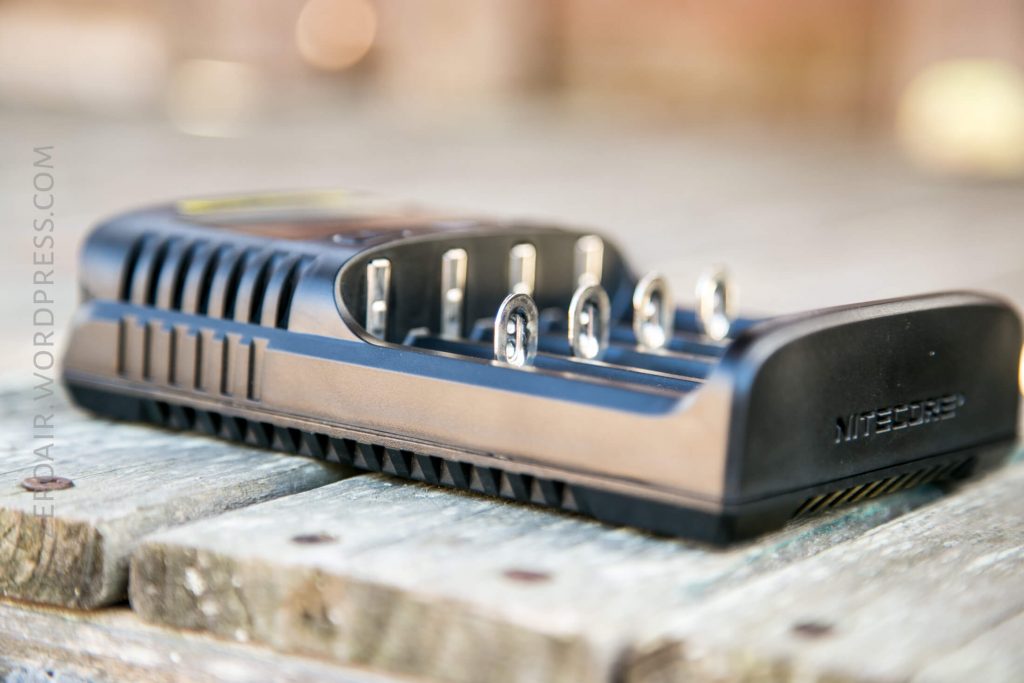
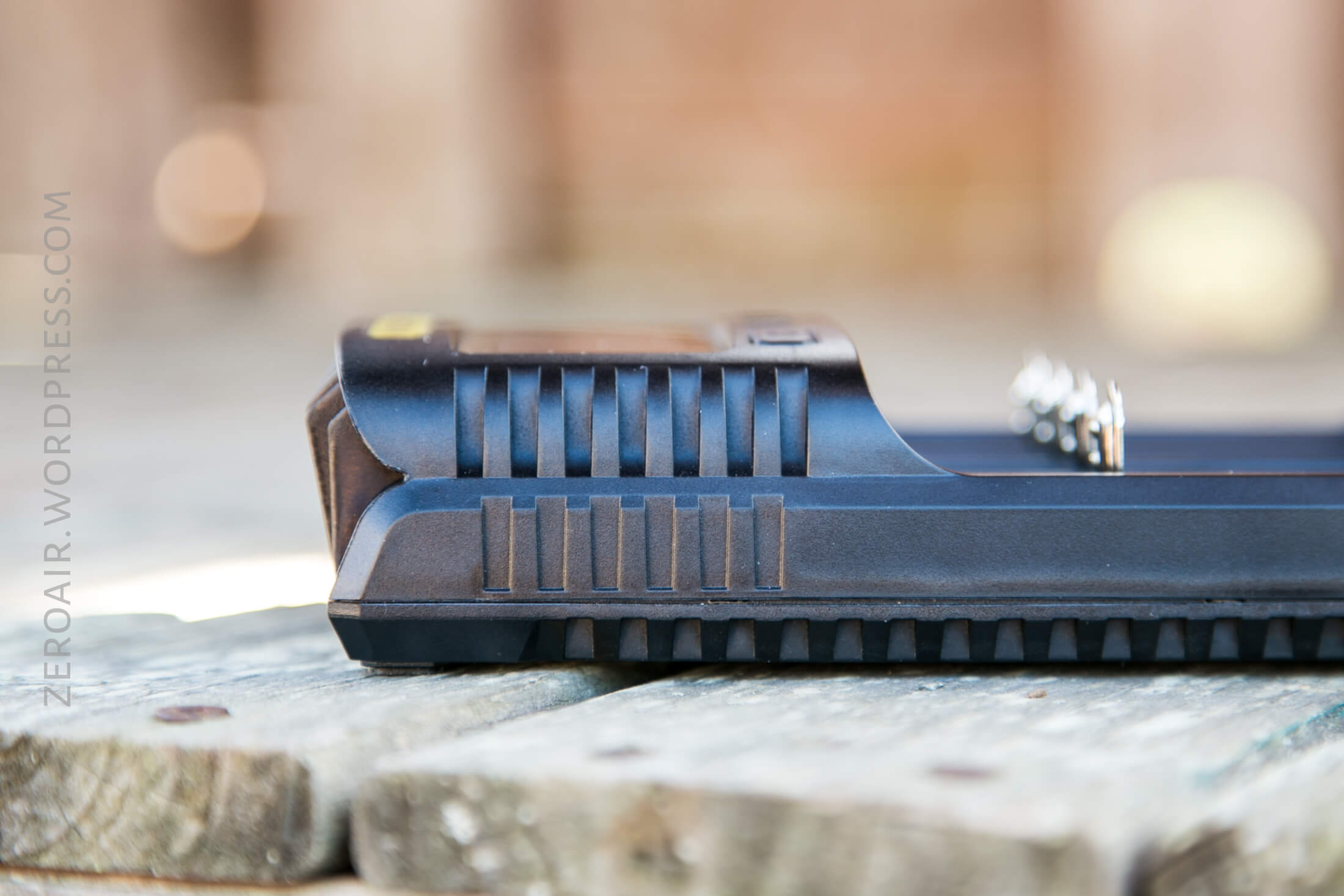
The only port on either body is the input port, which is micro-USB. That might draw some complaints, since being just micro-USB could limit the power, but it suits me because that means this will be a decent travel charger.

Same points as above for the UMS2!
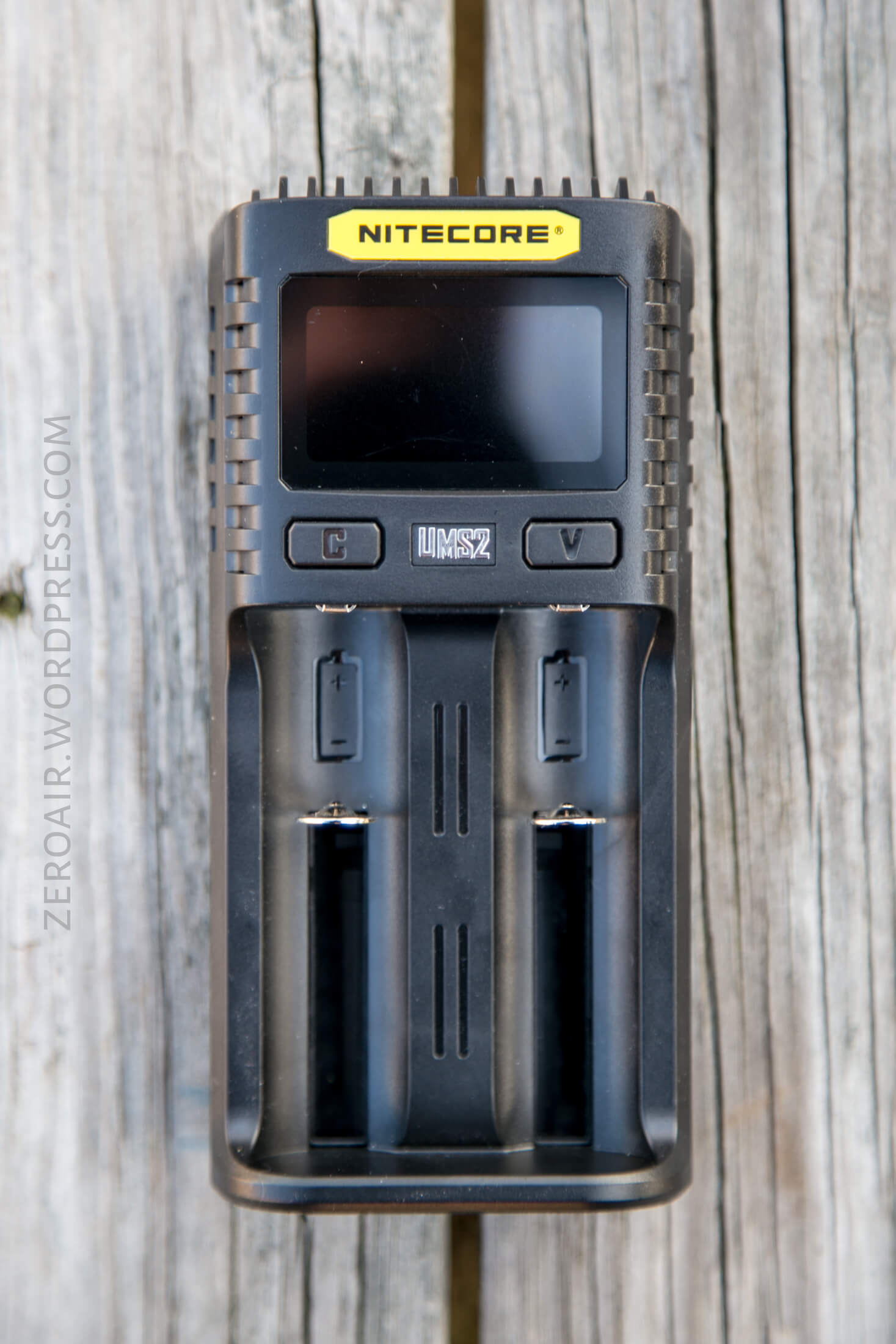


Size
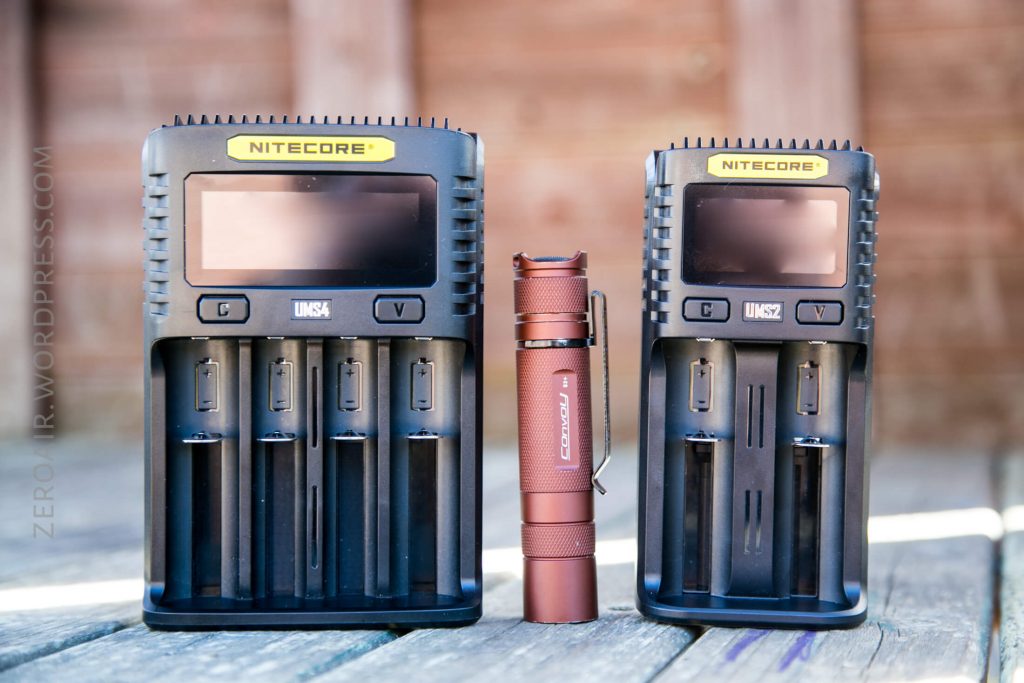
Officially, the UMS2 is 152mm x 73mm x 40mm, and weighs 157.7g.
The UMS4 is 159mm x 107mm x 41mm and weighs 255.4g.


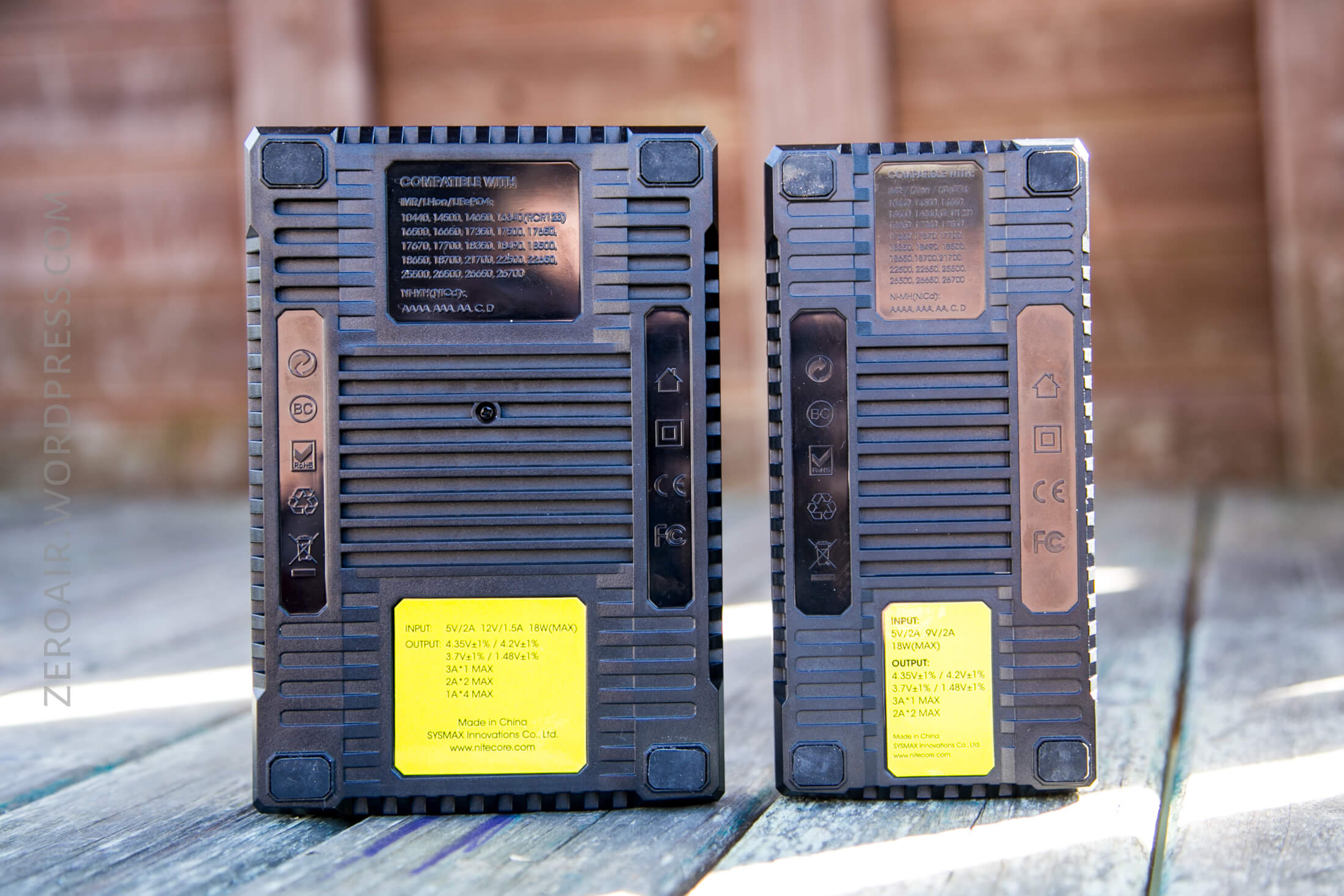

They’re certainly not the smallest chargers on the market, but they do support the longer 21700 cells, and both support charging two 26650 sized cells concurrently.

Power
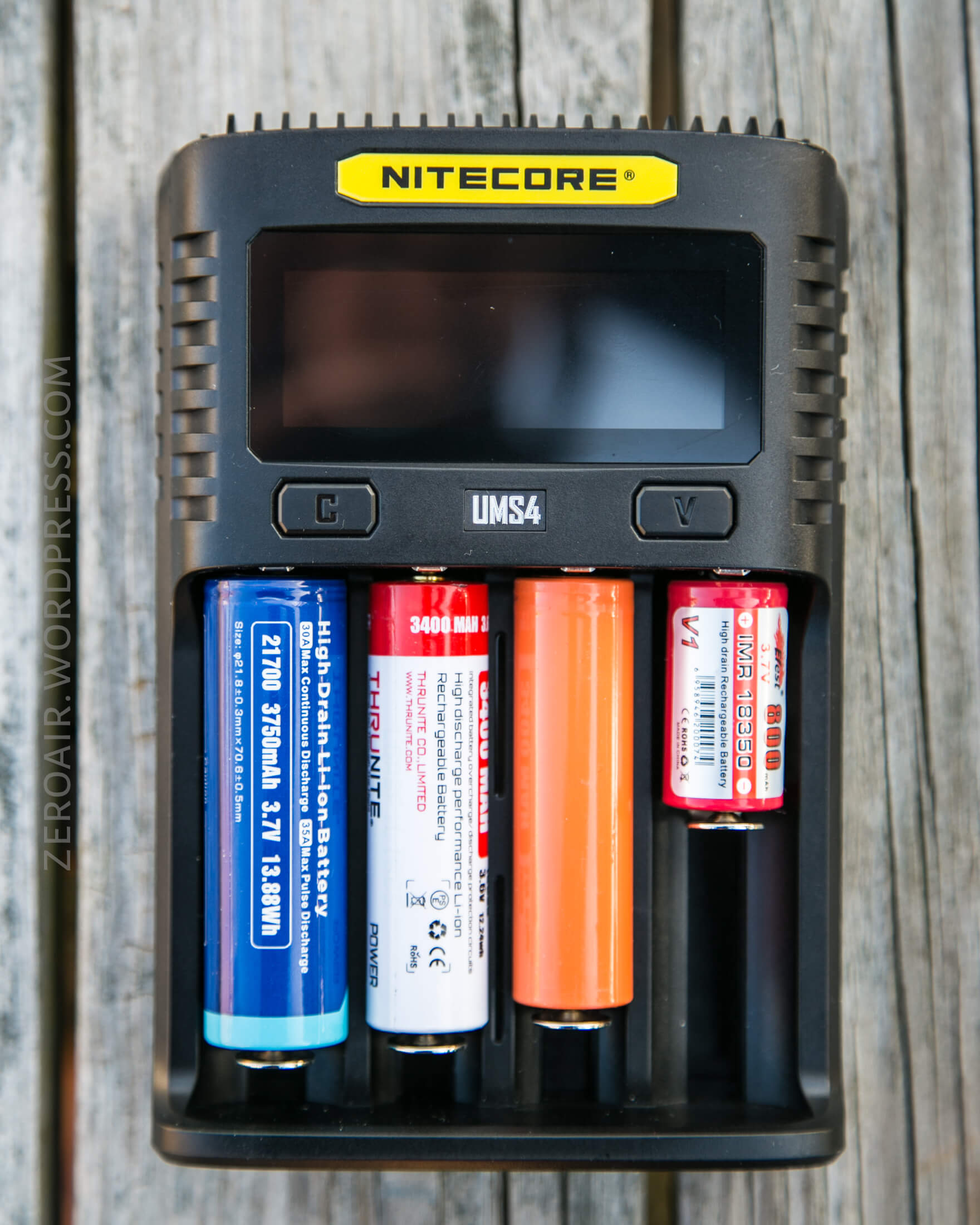
One reason I’m so fond of these chargers is that they have support for both Li-ion cells and NiMH cells too. My family uses a ton of both, so this means I can leave this charger around for anyone to use.
Below, see how (notably) a 21700 cell fits.
And AA LADDA cells work well, too.
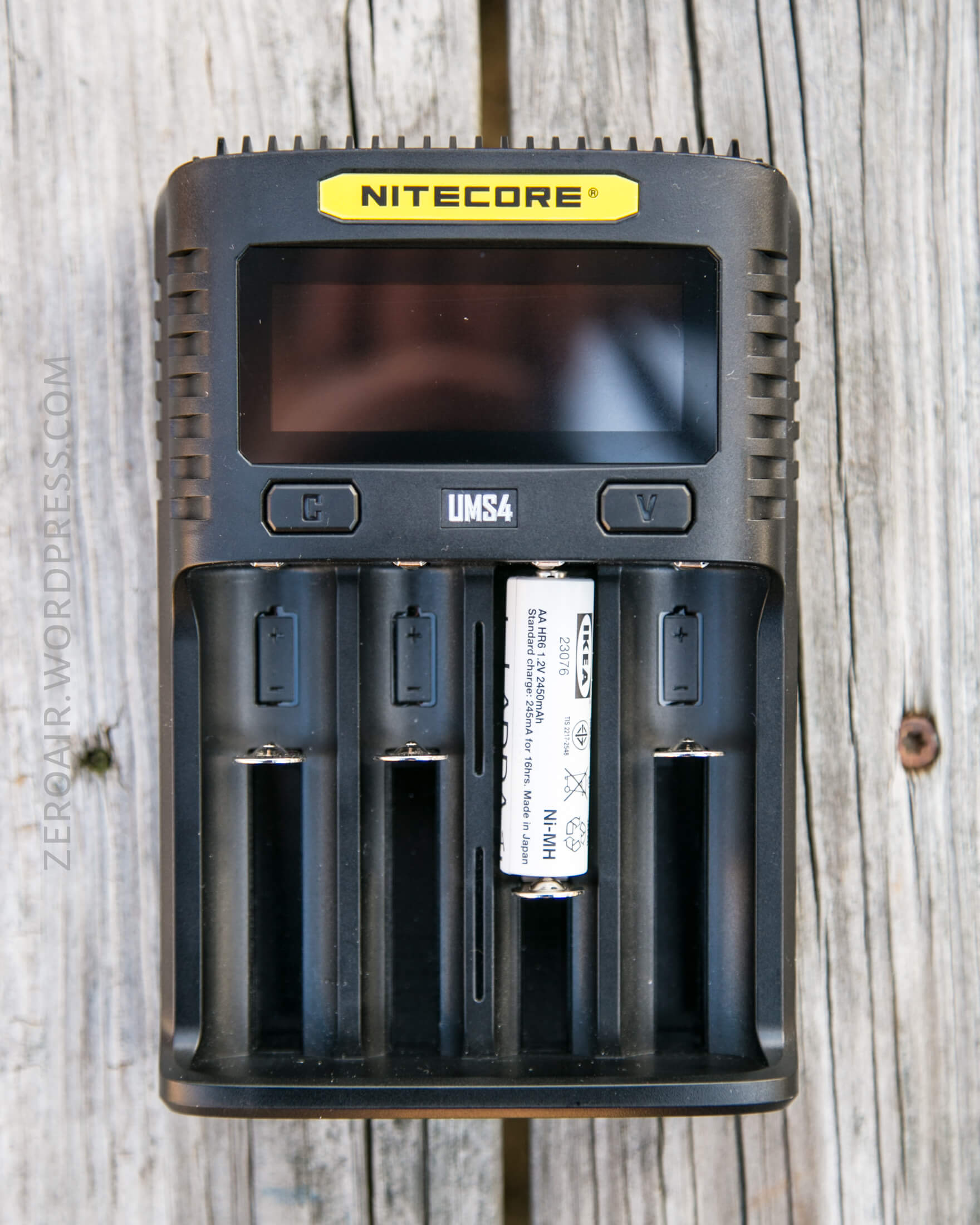
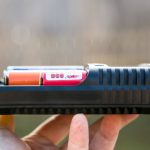

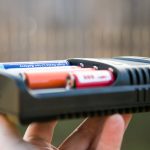
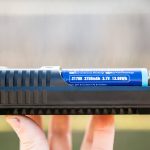
The UMS2 has surprisingly big bays. Probably even wider than the UMS4 (a bigger charger).


As I said above, power is provided to these chargers by micro-USB. Both chargers have an 18W max, which some users will find limiting on the UMS4.
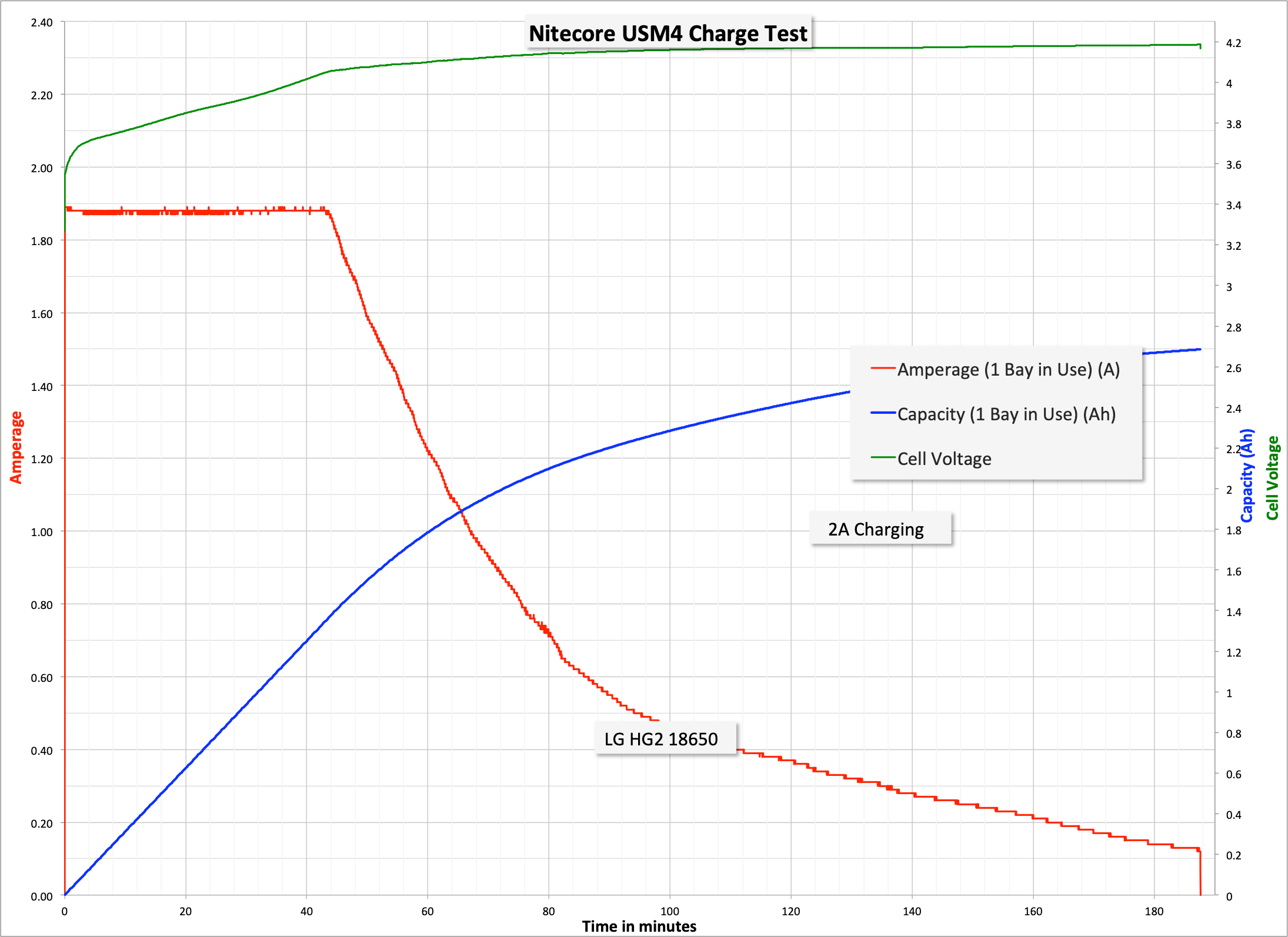
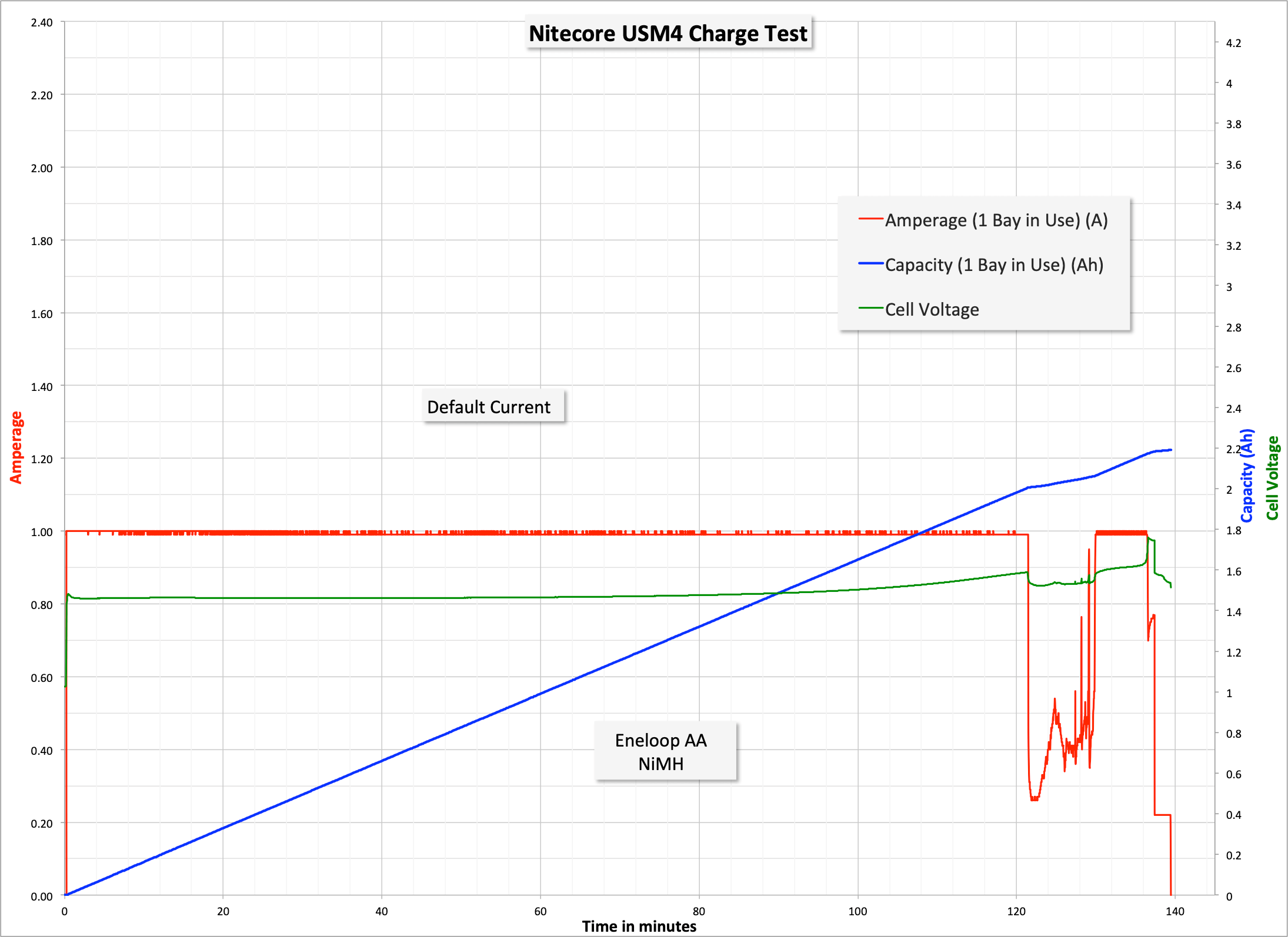
The UMS2 can do (at a maximum) 1 bay at 3A, or two bays at 2A. The UMS4 can do (at a maximum) 1 bay at 3A, 2 bays at 2A each, or 4 bays at 1A each. Four bays at 1A is respectable, particularly off micro-USB. I didn’t test that specifically, but I did do a bit of testing. The charts are hopefully pretty self-explanatory, but I’ll blurb a little.
UMS2, 1 bay in use, having manually selected 1A.

UMS2, 1 bay in use, default charge current.

UMS2, 2 bays in use, default charge current.

And here’s the UMS4, 1 bay in use, having manually selected 1A (a little after the run started).
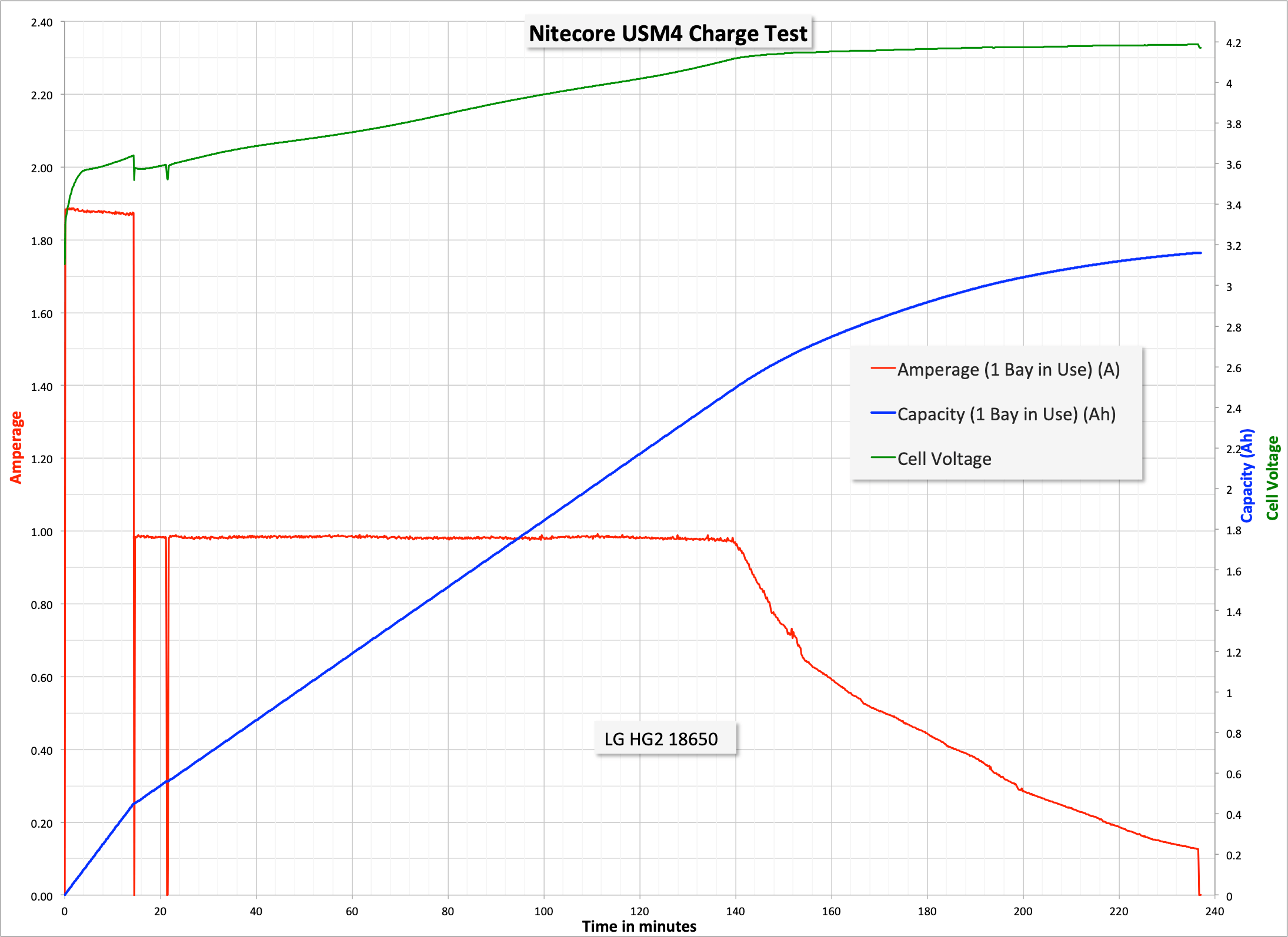
And here’s the UMS4, 1 bay in use, default charger current.
And here’s the UMS4, 1 bay in use, default charger current for an AA NiMH cell.
And here’s the UMS4, 2 bays in use, default charger current.

I did test these chargers regarding operation from solar power. As far as I can tell it, they work fine and will deal with brown outs successfully. I’m not sure I yet understand fully what the actual requirements are, but this one seemed to do fine.
Also, it has to be said that the 3A charging capability of either of these devices depends on a QC 2.0 input. If the charger is connected to a QC 2.0 port, then the charger will show “Quick Charge” and ‘unlock’ the 3A charge rate. (I searched my house over and could not find a single plug that was QC compliant…. I wasn’t able to test QC charging.)
User Interface and Operation
There are two buttons for operating these chargers. They don’t have to be used at all – the charger will happily do what needs to be done no matter what (appropriate) cell is placed in.
The left button is labeled “C”, and the right button is labeled “V.” C cycles through charging status, and V cycles through a bunch of things: Battery Health (Good or Poor), Internal Resistance, Charging Current, Battery Voltage, Charged Volume, and Charge Time. Long pressing C will enter the Charging Setting (see more below) mode. Long pressing V enters “Restoration Mode” which is only effective for over-discharged IMR cells (0-Voltage resurrection.)
In Charge Setting mode (accessed by long pressing C), the options are as follows (which is basically straight from the manual, but the manual describes it well, so…)
Short press C to switch to different setting parameters (Charging Current and Cut-Off Voltage).
In Charging Current selection: Short press V to increase Charge current by 100mA
In Cut-Off Voltage selection: Short press V to select different battery type.
Long press V to access the maximum setting Charge current (that’s the flashlight equivalent of a “shortcut to turbo” – I love it.
Long pressing C saves whatever your settings are and exits to the main menu. No action for 10s will do this, too.
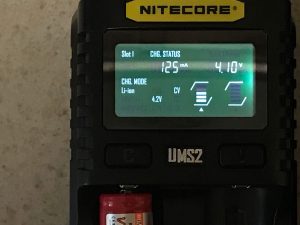
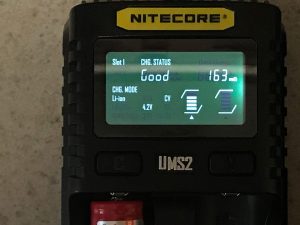
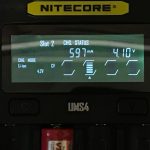
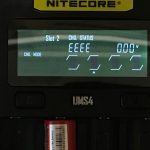
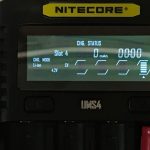
Here are some user interface screenshots showing the modes, generally.
UMS2



UMS4


Conclusion
What I like
- 3A option!
- 1A on 4 bays for the UMS4
- user interface is good
- Screen is pretty, and pretty useful
- Both fit 21700 cells
- Both fit 2×26650 cells
What I don’t like
- A USB out (ie powerbank capability) would be nice, possibly, but not really necessary
- Some will see micro-USB as a fault, but since this charges at acceptable rates anyway, I don’t see this as a problem
Notes
- This item was provided by Nitecore for review. I was not paid to write this review.
- This content originally appeared at zeroair.org. Have a look there for the best experience!
- For flashlight-related patches, stickers, and gear, head over to PhotonPhreaks.com!
- Please use my Amazon.com referral link to help support zeroair.org!
- Please support me on Patreon! I deeply appreciate your support!
Goodnight,
I have doubts about purchasing the UNS4 or SkyRC N1500. I practically only use AA and AAA batteries. It seems to me that on the N1500, the panel with information is more visible, in addition to Discharge and Refresh modes, precisely for the batteries I use the most. The differentials are the recharge for MI-NH batteries (AA/AAA), being 1500mA for the N1500 and the UNS4 with 2000mA, in 02 slots and for 04 slots it would be 1000mA for each one.
If you have any suggestions, I appreciate it!
Regards! Marco.
To be honest, I never had or even looked at the NC1500 (I think you mean the NC1500, not “N1500”?).
I will say that I absolutely love my MC3000, and recommend it every chance I get.
On the other hand, my second most used charger is the UMS2, and I use it for all my cells!
The charging current options for the NC1500 look more suitable, really – going all the way down to 200mA. The NC1500 will probably also give more data. Between the two the NC1500 seems more ideal for your needs.
And great, now I want an NC1500. 😉
I had an NC1500 and it roasted (over 50C) eneloops. Not sure why it is so much worse than the 3000. The NC2200 is better, but still hotter than the 3000.