
Doogee X70 Cell Phone Review
The Doogee X70 Cell Phone is a dual-SIM cell phone which is useful for many flashlight-related testing things, and of course, as a capable cell phone!
Official Specs and Features
| OS Version | |
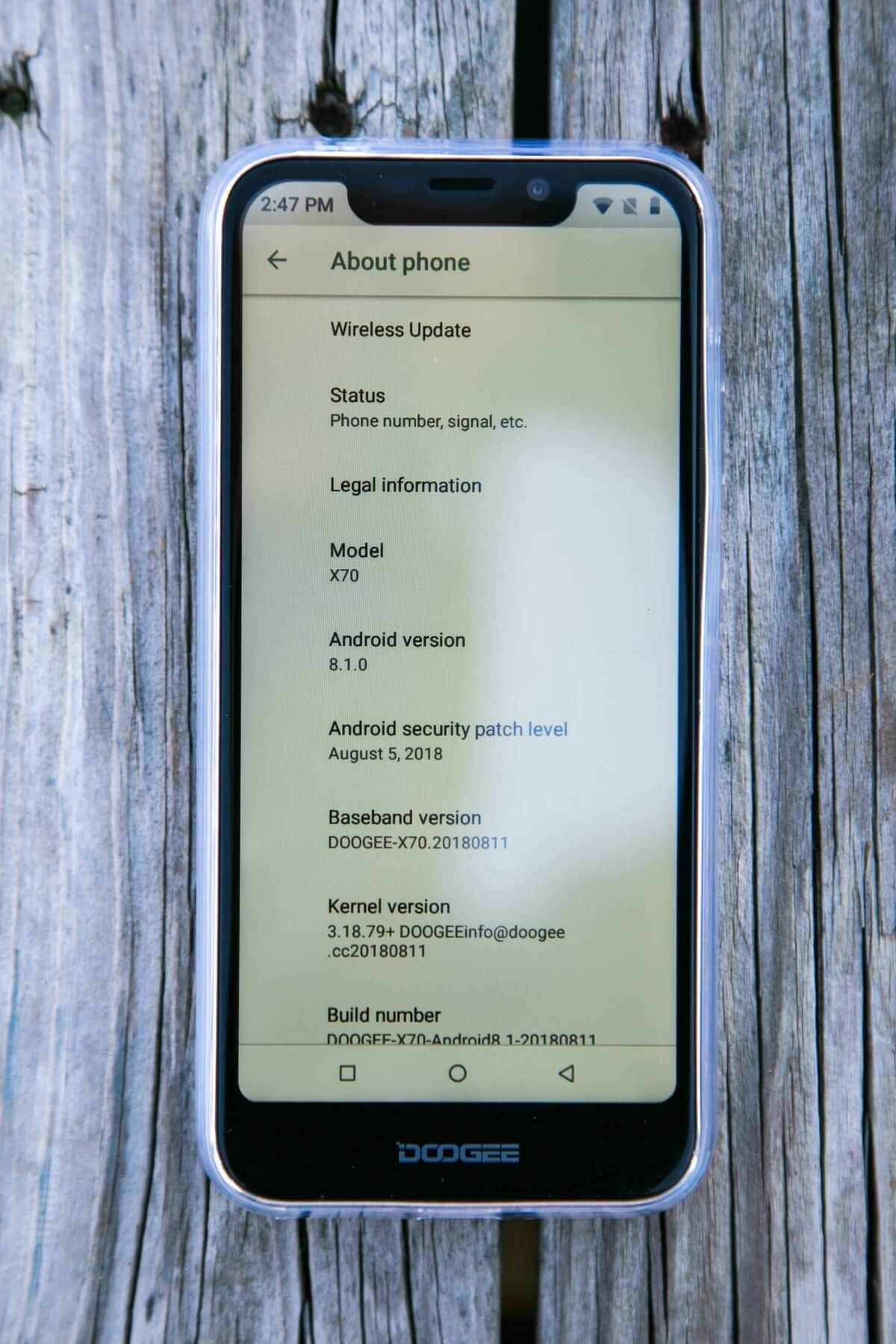
| OS VERSION | Android 8.1 |
| Display | |
| SCREEN SIZE | 5.5 -inch |
| SCREEN RESOLUTION | 540*1132 |
| SCREEN TYPE | IPS |
| TOUCH SCREEN TYPE | Capacitive |
| Microprocessors | |
| CPU CORES | Quad-core |
| CPU FREQUENCY | 1.3GHz |
| CPU ARCHITECTURE | ARM Cortex-A7 |
| MICROPROCESSOR MODEL | MediaTek MT6580 |
| Sensors & Inputs | |
| CAMERA(S) | Front & back |
| CAMERA FLASH | Yes |
| MAIN CAMERA RESOLUTION | 8MP + 5MP |
| SECONDARY CAMERA RESOLUTION | 5MP |
| SENSORS | Ambient Light Sensor / G-sensor / Proximity Sensor / Fingerprint Sensor |
| Aesthetic | |
| COLOR | Blue |
| Connectivity | |
| BLUETOOTH | 4.0 |
| EXPANSION SLOTS | microSD |
| FREQUENCY BANDS | GSM 850/900/1800/1900MHz, WCDMA 900/2100MHz |
| GPS | GPS |
| MOBILE GENERATION | 3G |
| PORTS | Micro-USB, 3.5mm |
| USB PORT TYPE | Micro-B |
| WIFI | 802.11b/g/n |
| Hardware | |
| GPU | Mali-400 MP2 |
| RAM | 2GB |
| Mobile | |
| SIM CARD SLOTS | 2 |
| SIM CARD TYPE | Nano SIM |
| SIMULTANEOUS STANDBY | Yes |
| Power & Batteries | |
| BATTERIES INCLUDED | Yes |
| BATTERY CAPACITY (MFG RATED) | 4000mAh |
| BATTERY FEATURE | Rechargeable |
| BATTERY TYPE | Fixed |
| PLUG TYPE | EU |
| POWER ADAPTER INCLUDED | Yes |
| USB CHARGING | Yes |
| Specifications | |
| STORAGE | 16GB |
| Storage | |
| MAXIMUM EXPANSION MEMORY | 128GB |
Versions
There are three color options, but internally they’re all the same. There’s Blue (seen here), Black, and Gold.
Price
These are currently going for $78.23 at FastTech.com
Short Review
This has been a nice little cell phone. I primarily use it for flashlight testing, and it’s been great for that. If you’re looking for an inexpensive phone to snag for such things, this is a good one. It also boasts some nice up-to-date features like a fingerprint sensor and face recognition. It also has an unusual dual SIM slot, and overall is a very nice-looking device.
Long Review
What’s Included
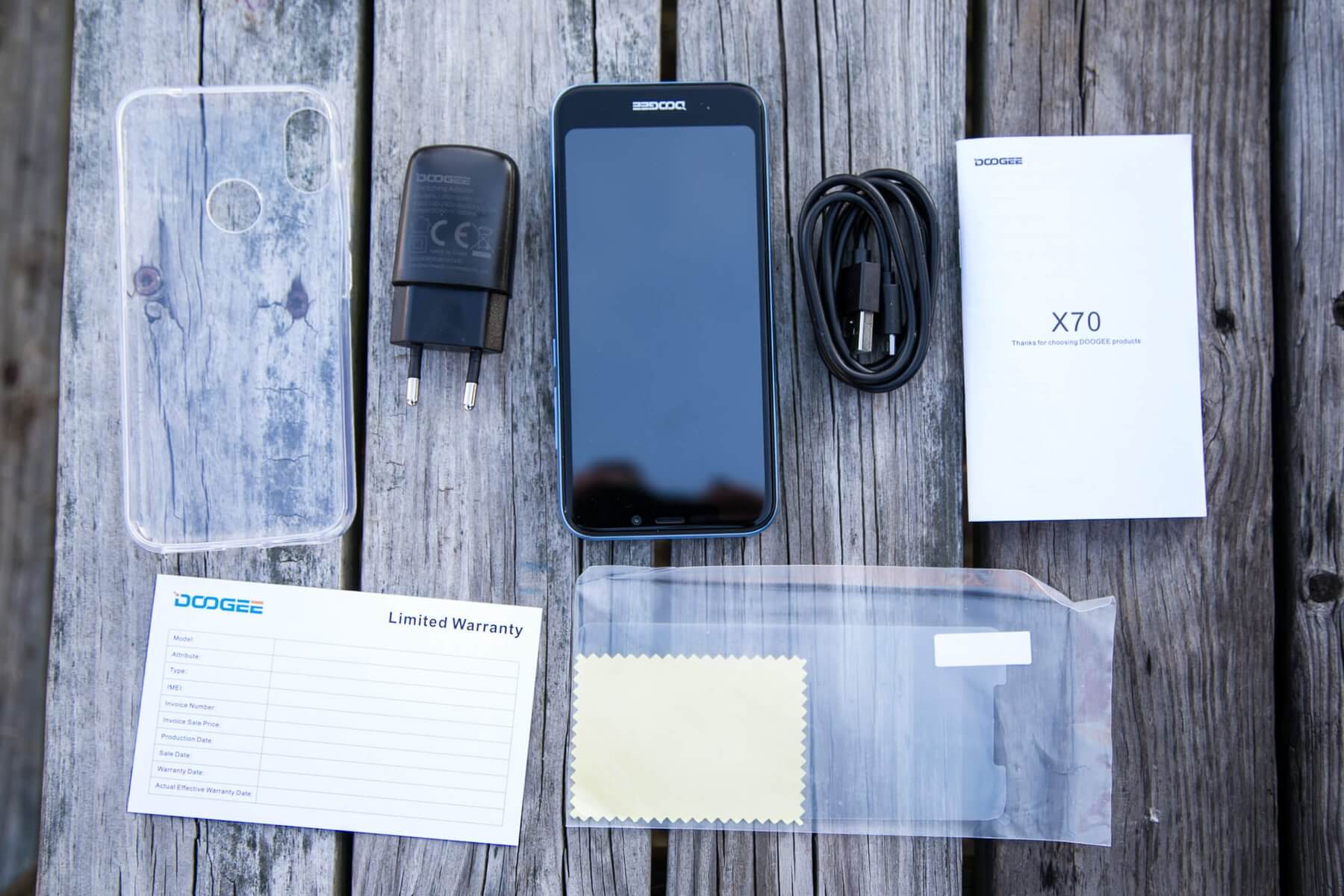
- Doogee X70 Mobile phone
- Charge connector (Eurpoean wall plug to USB)
- Charge cable (USB to micro-USB)
- Case for the back
- Screen progector for the front
- Manual and paperwork
Package and Manual
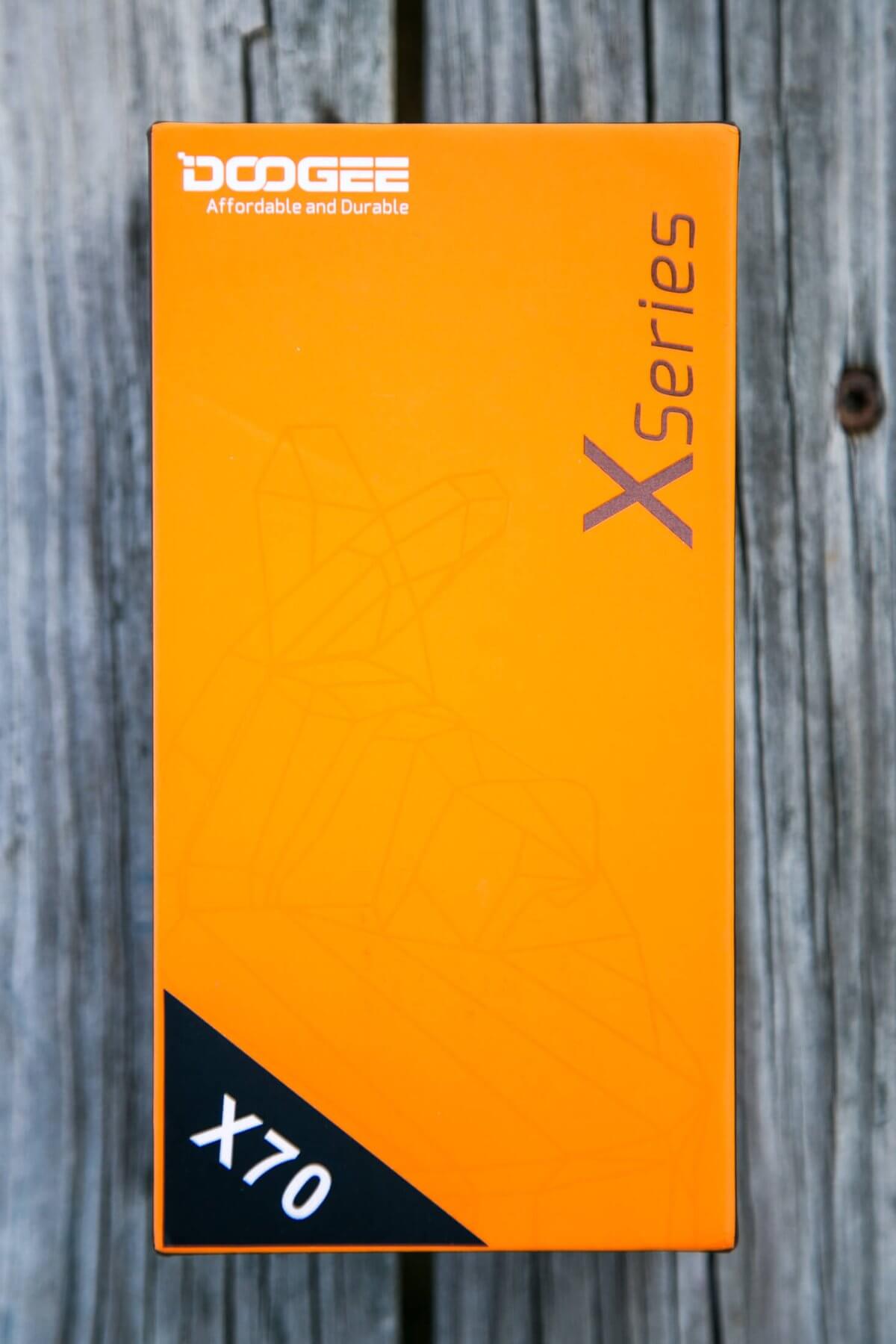
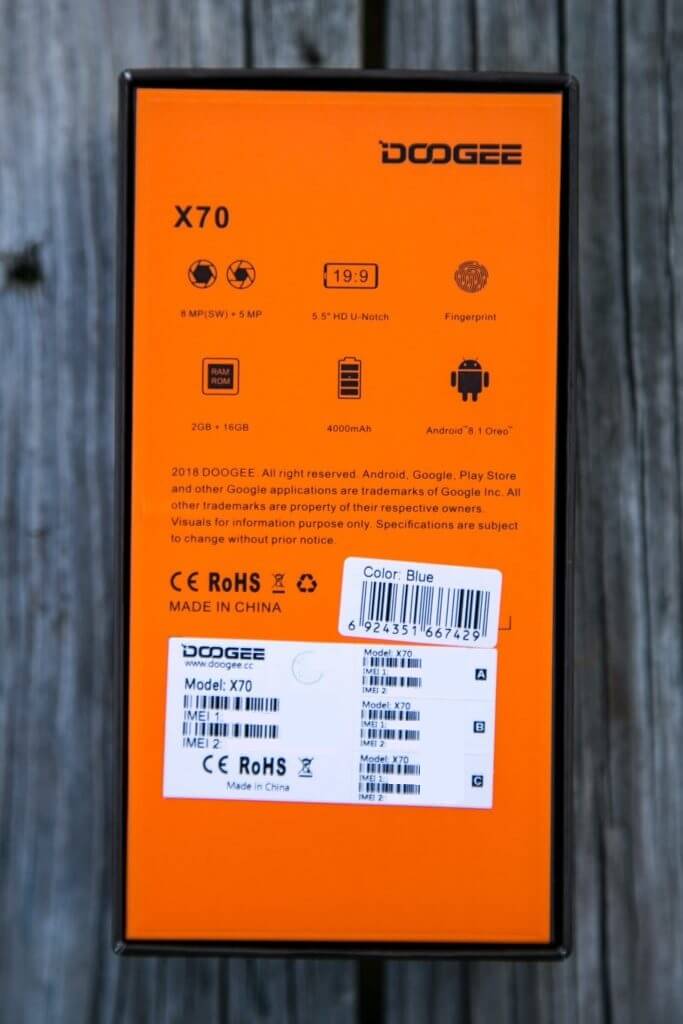
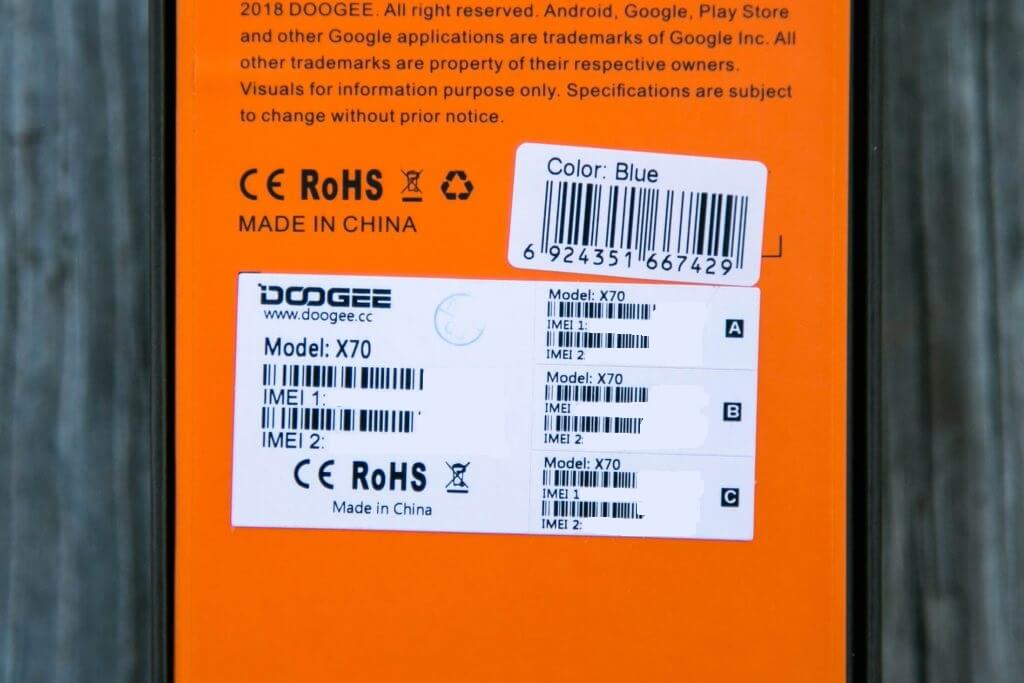
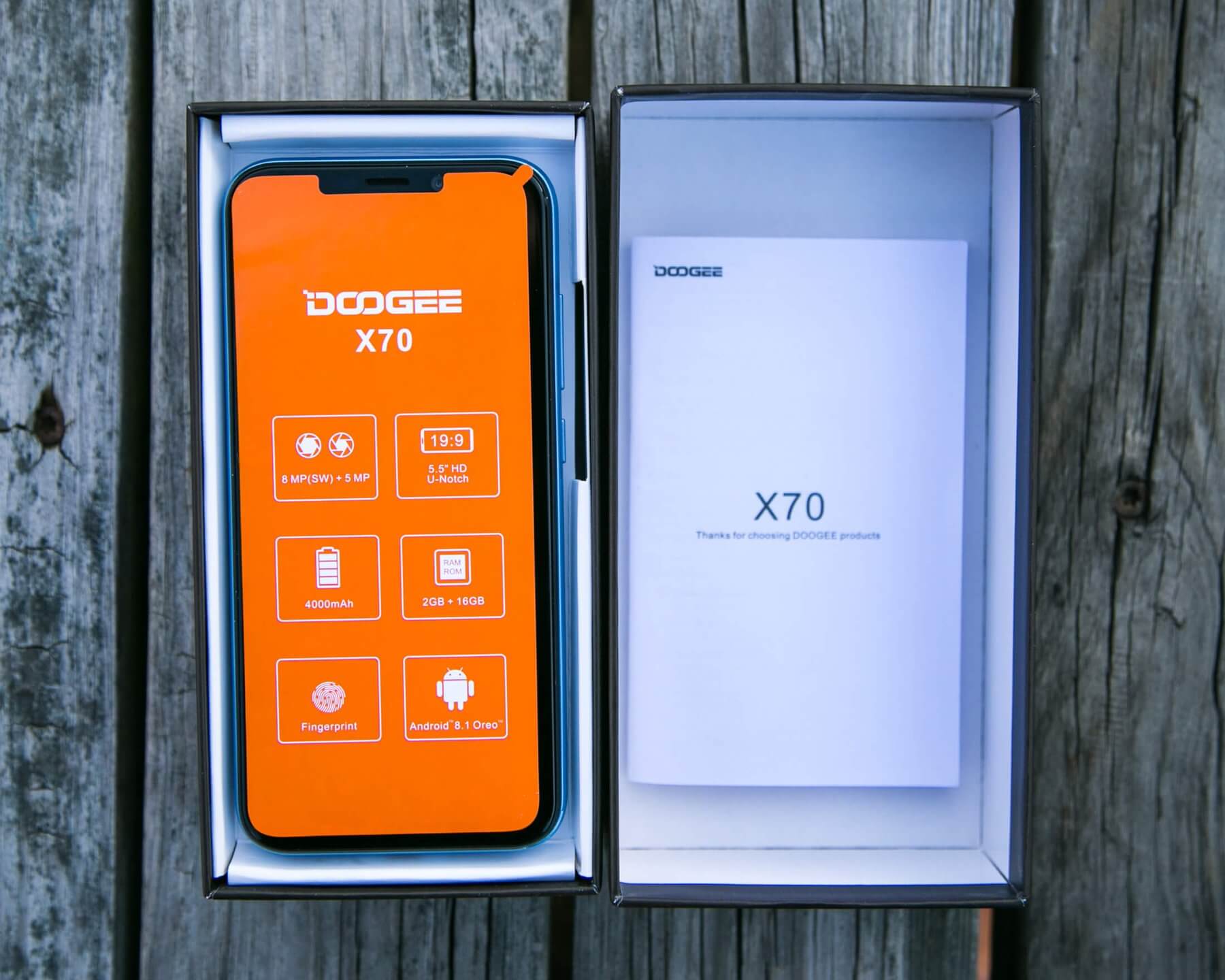
The package is, of course, superior, since it’s very orange. If only the phone was too!
The phone is displayed prominently when the box is opened.
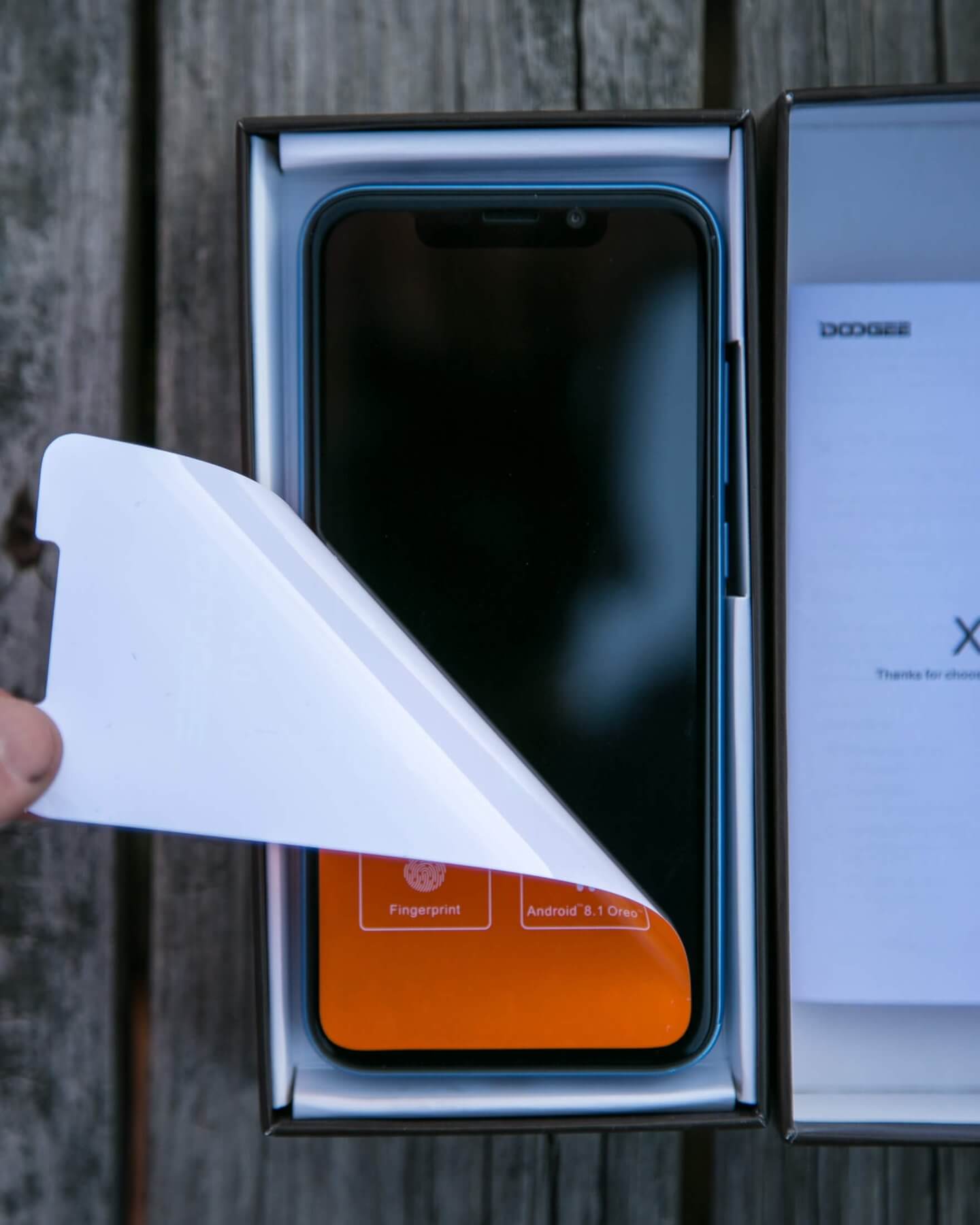
A protective sticker covers the screen:
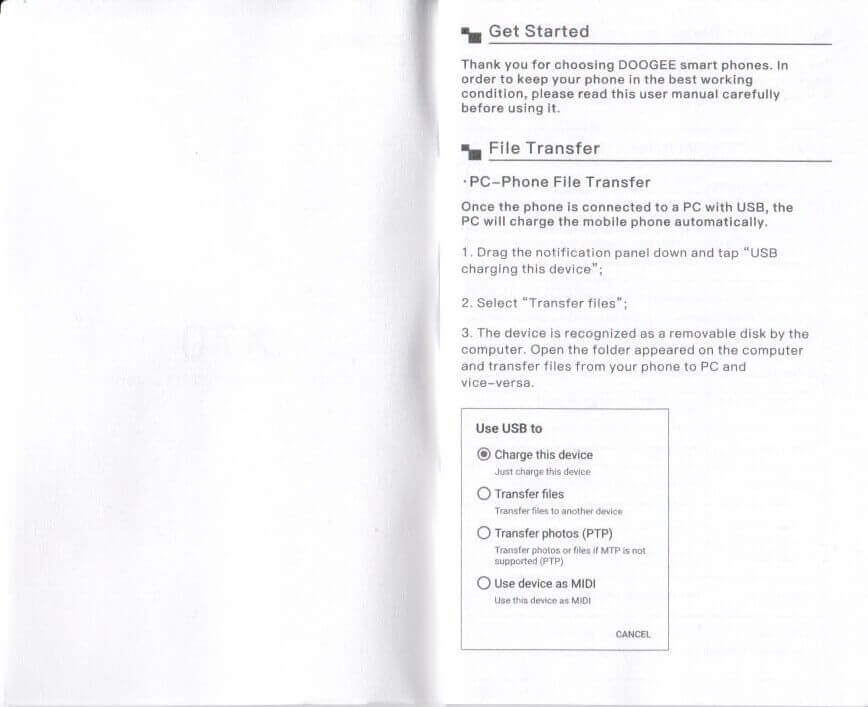
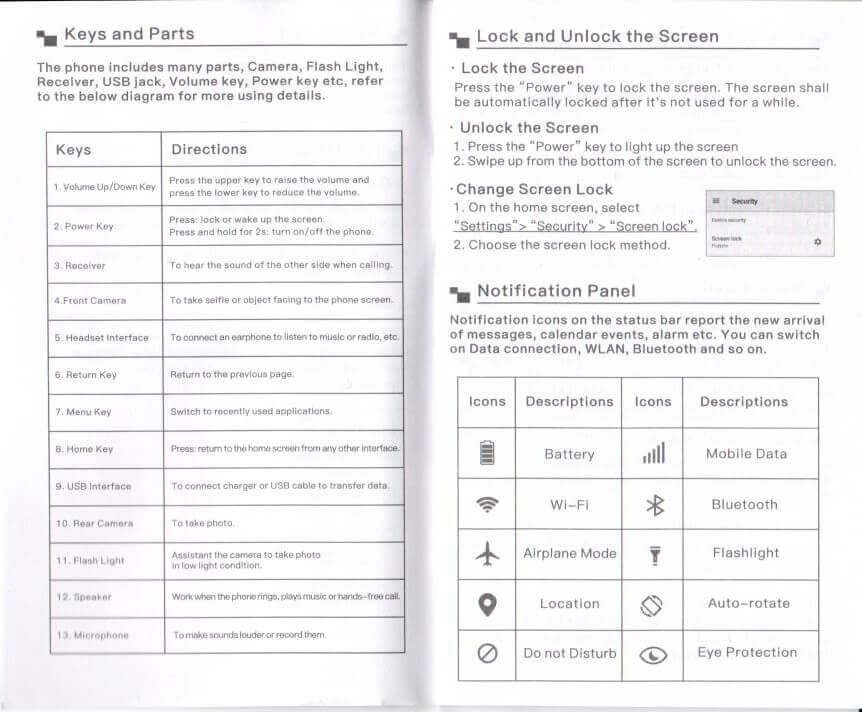
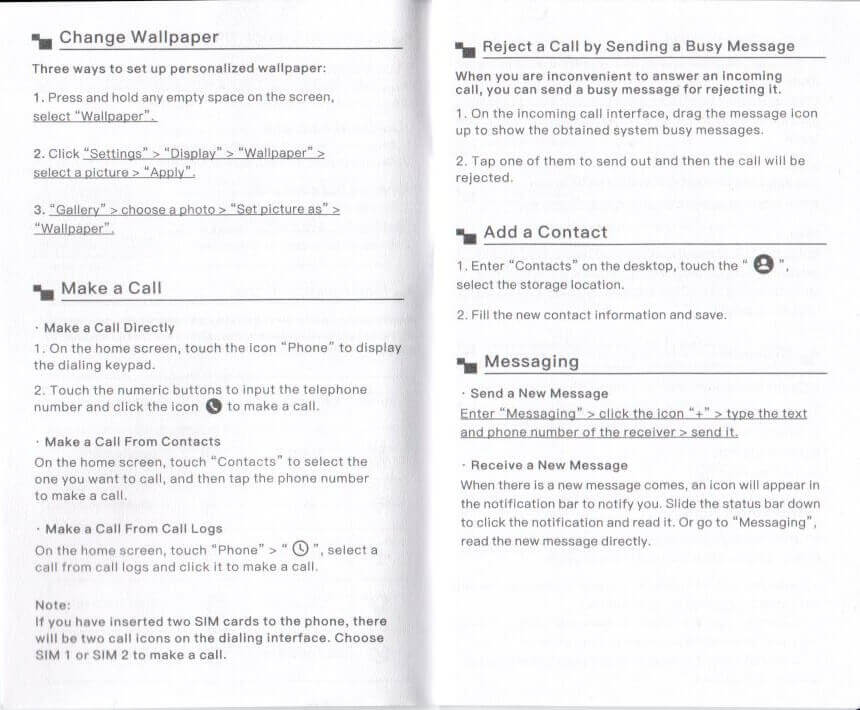
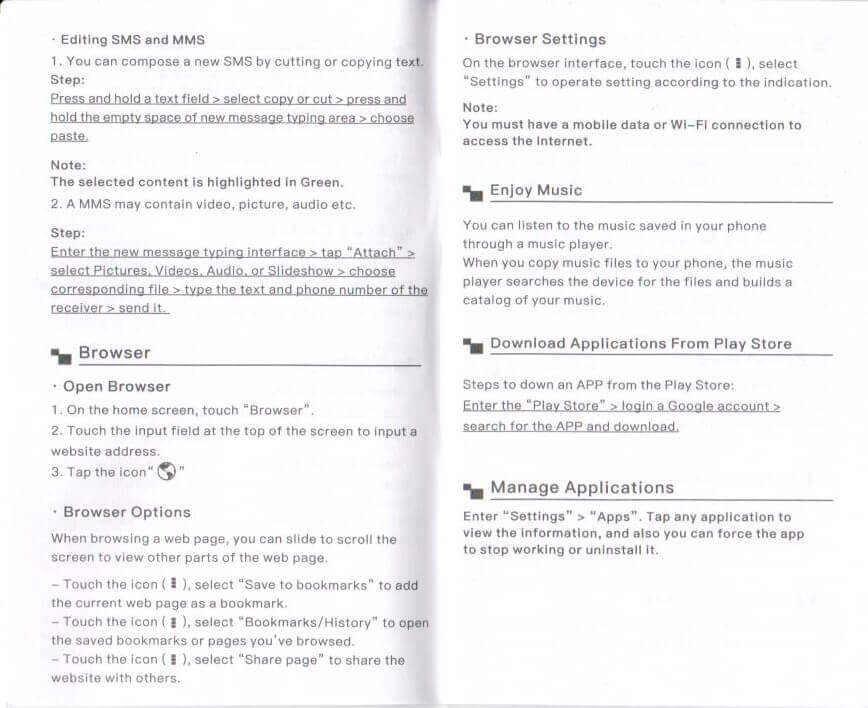
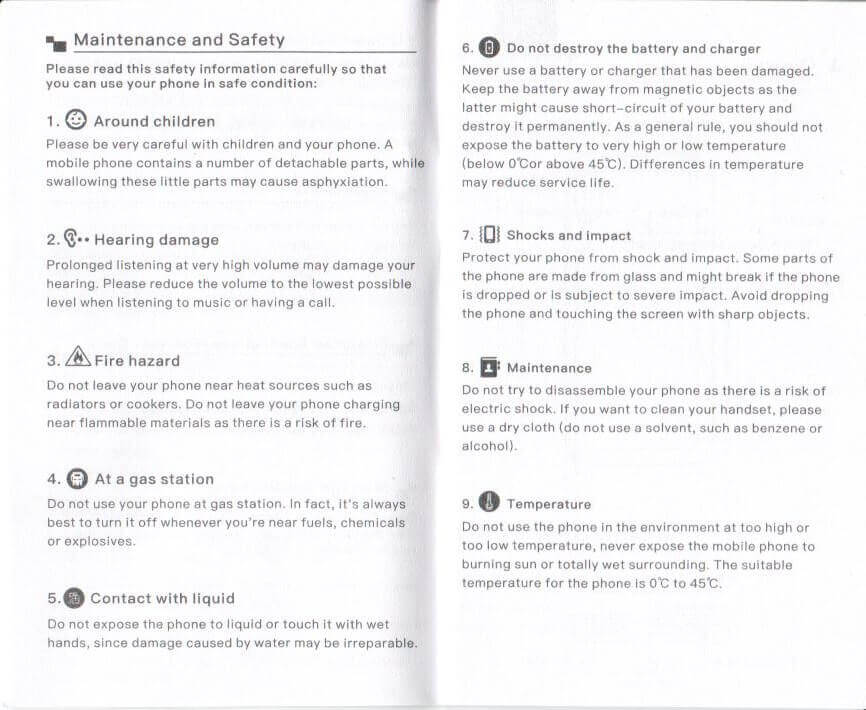
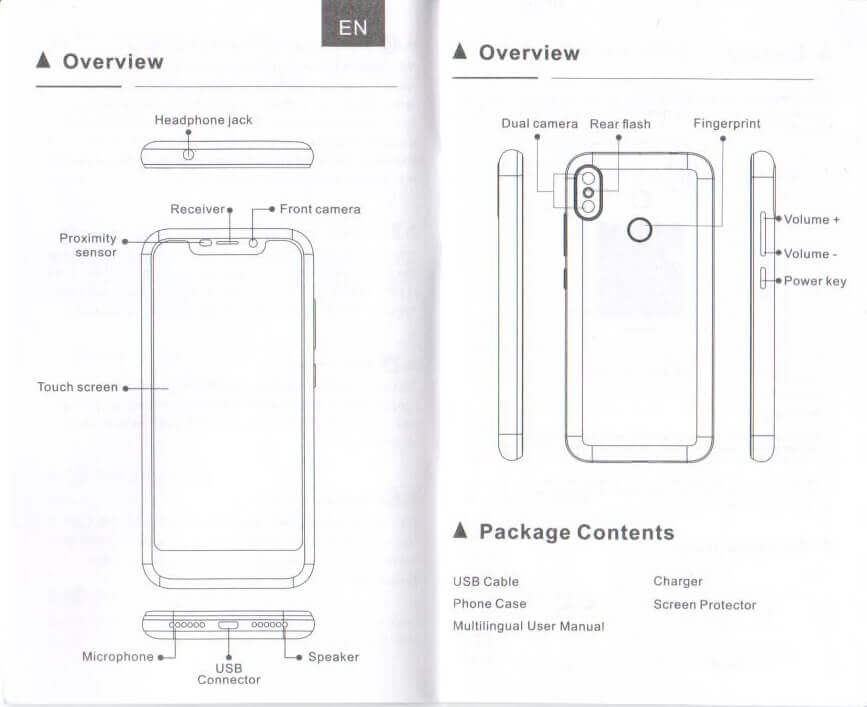
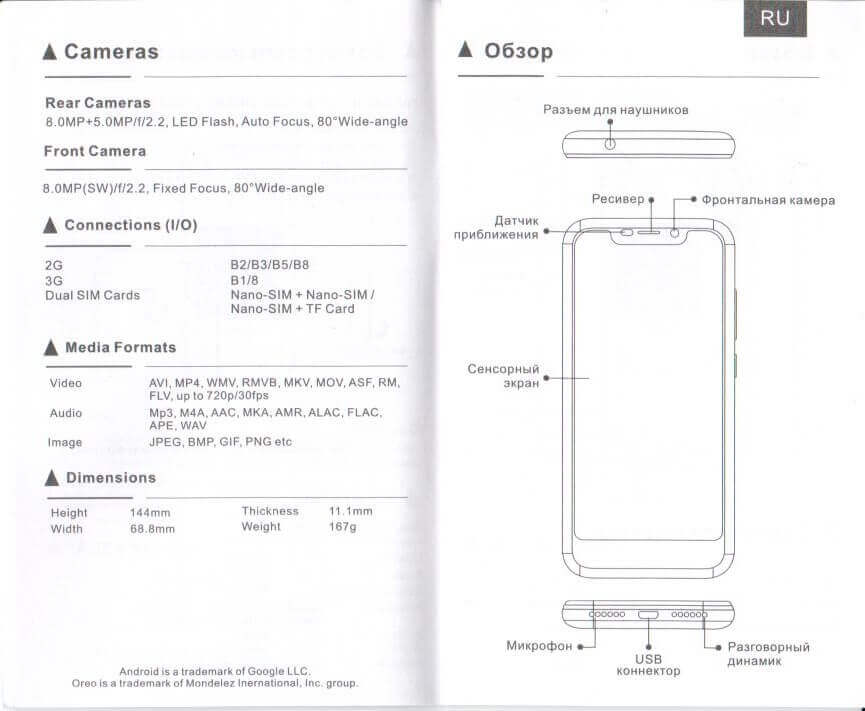
The manual is a long booklet, and thorough. It’s in English, too.
Build Quality and Disassembly
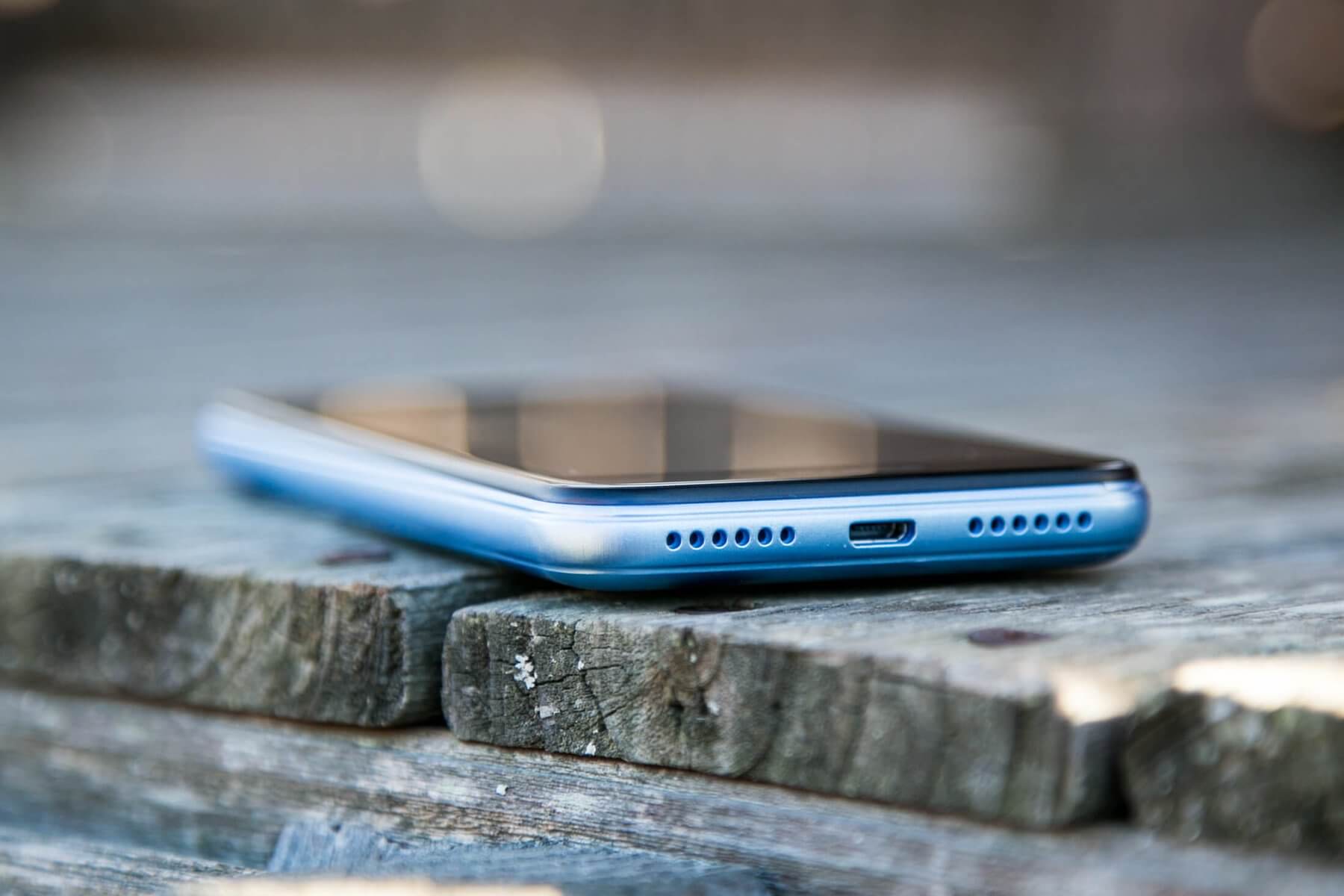
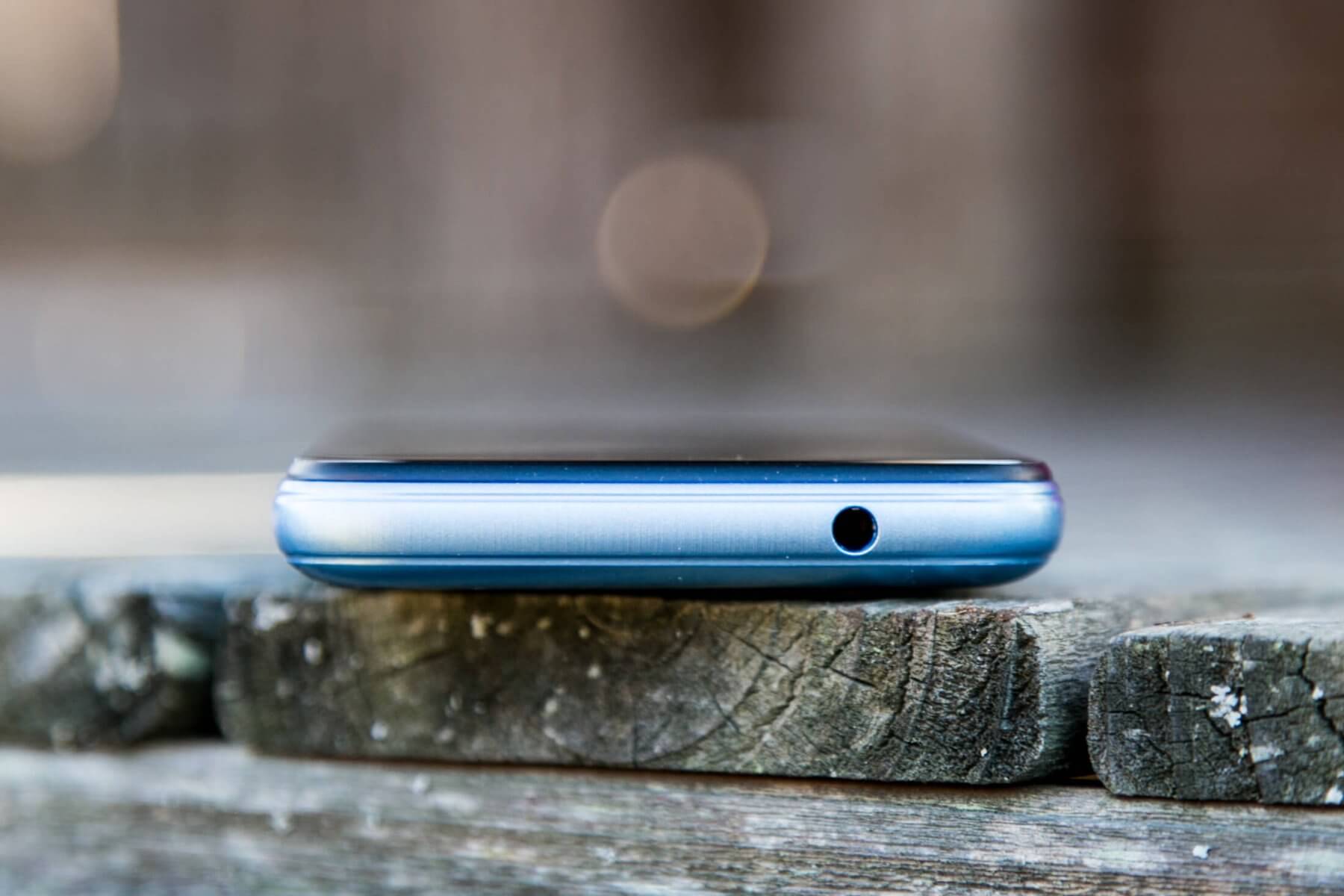
To get some idea of what phones I’m used to handling, I can say that my primary phone is an Apple iPhone, and has been for a number of years. I also have a phone by Mi Max – more of a phablet, and a few other random Android experiences, too.
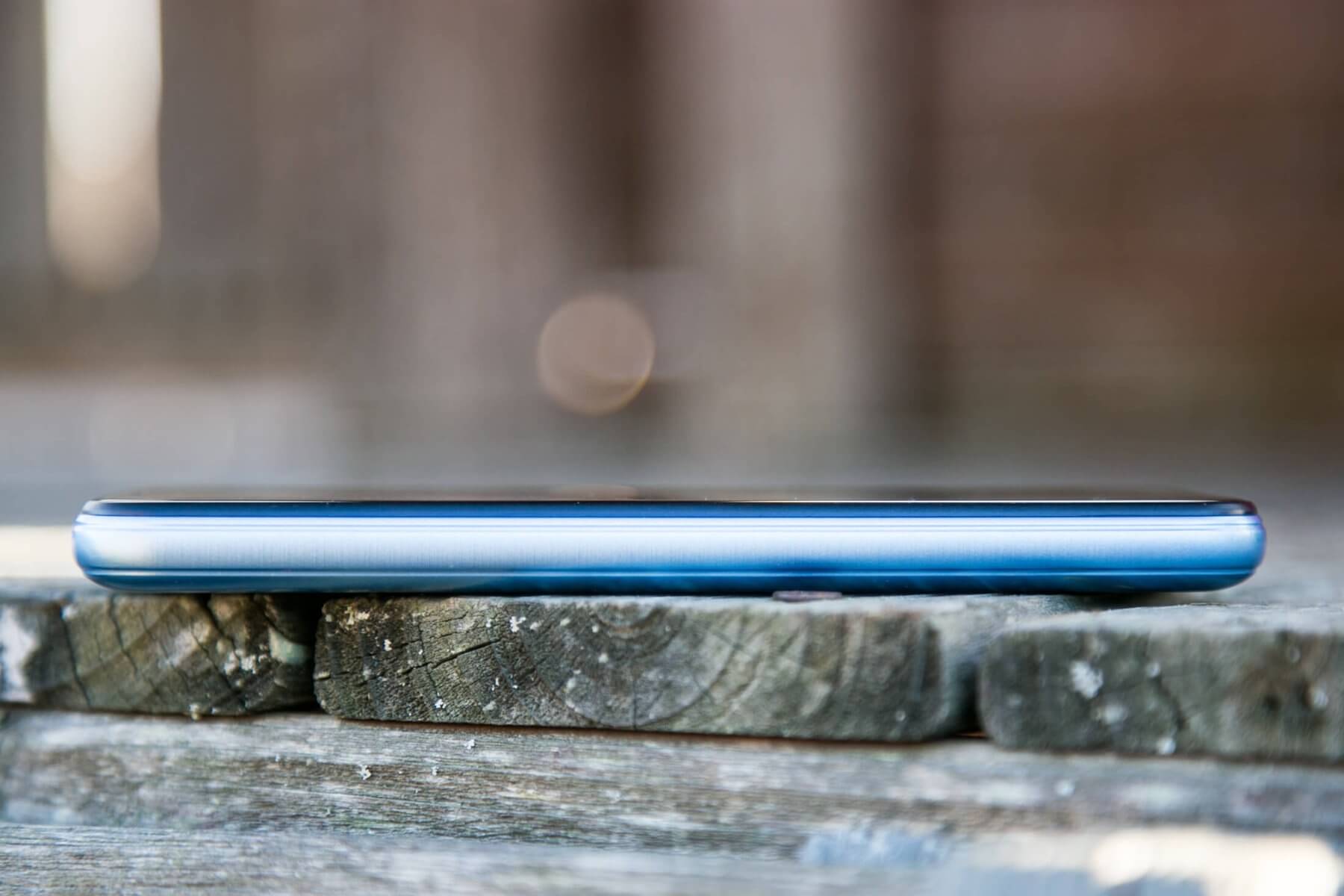
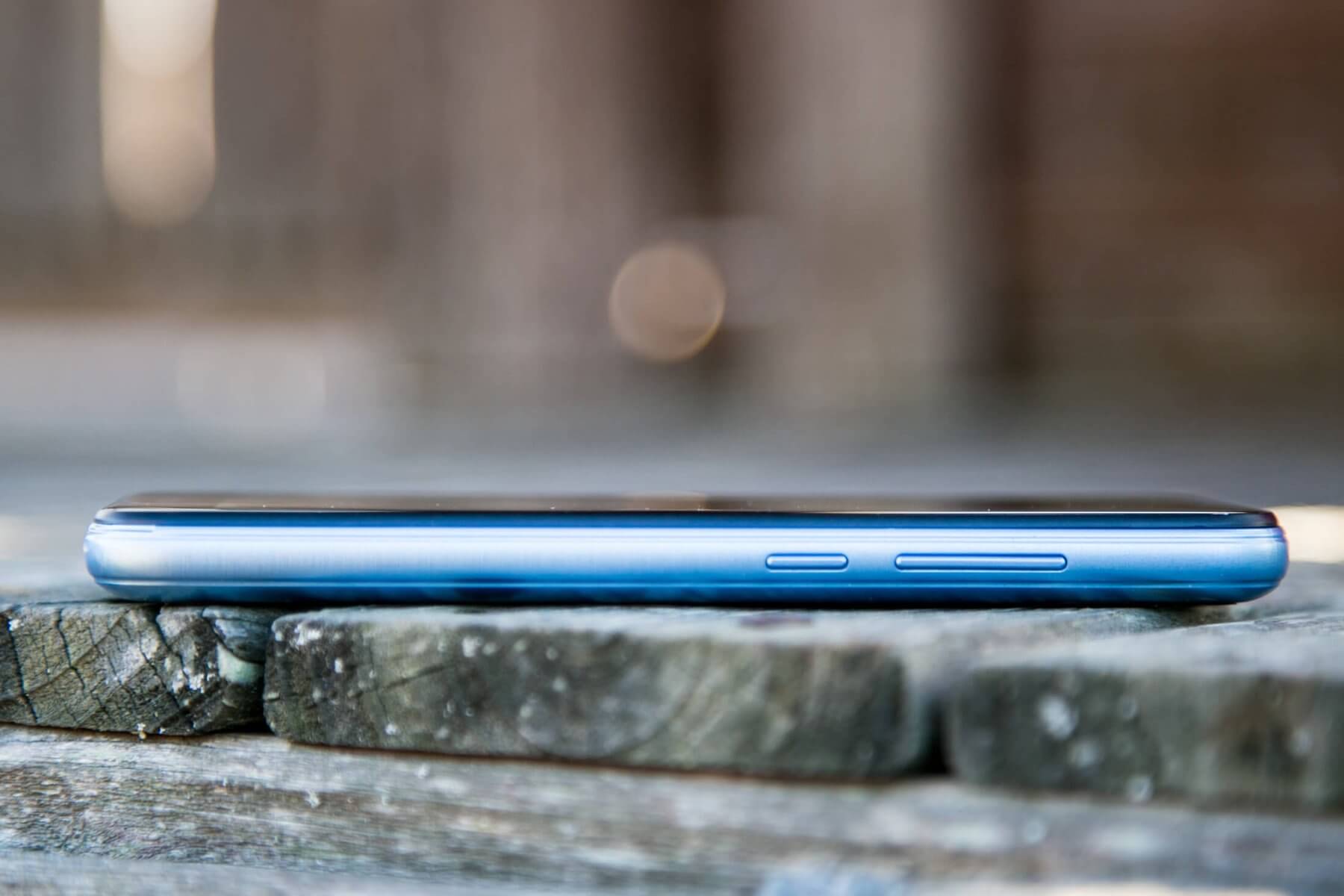
The X70 is essentially on par with those devices technologically – probably ahead of them in fact – the fingerprint sensor seen below is a bit unusual. (At the very least, unusual in it’s placement on the phone.) And dual SIM is ahead of Apple (last I checked). So there is some tech in this phone.
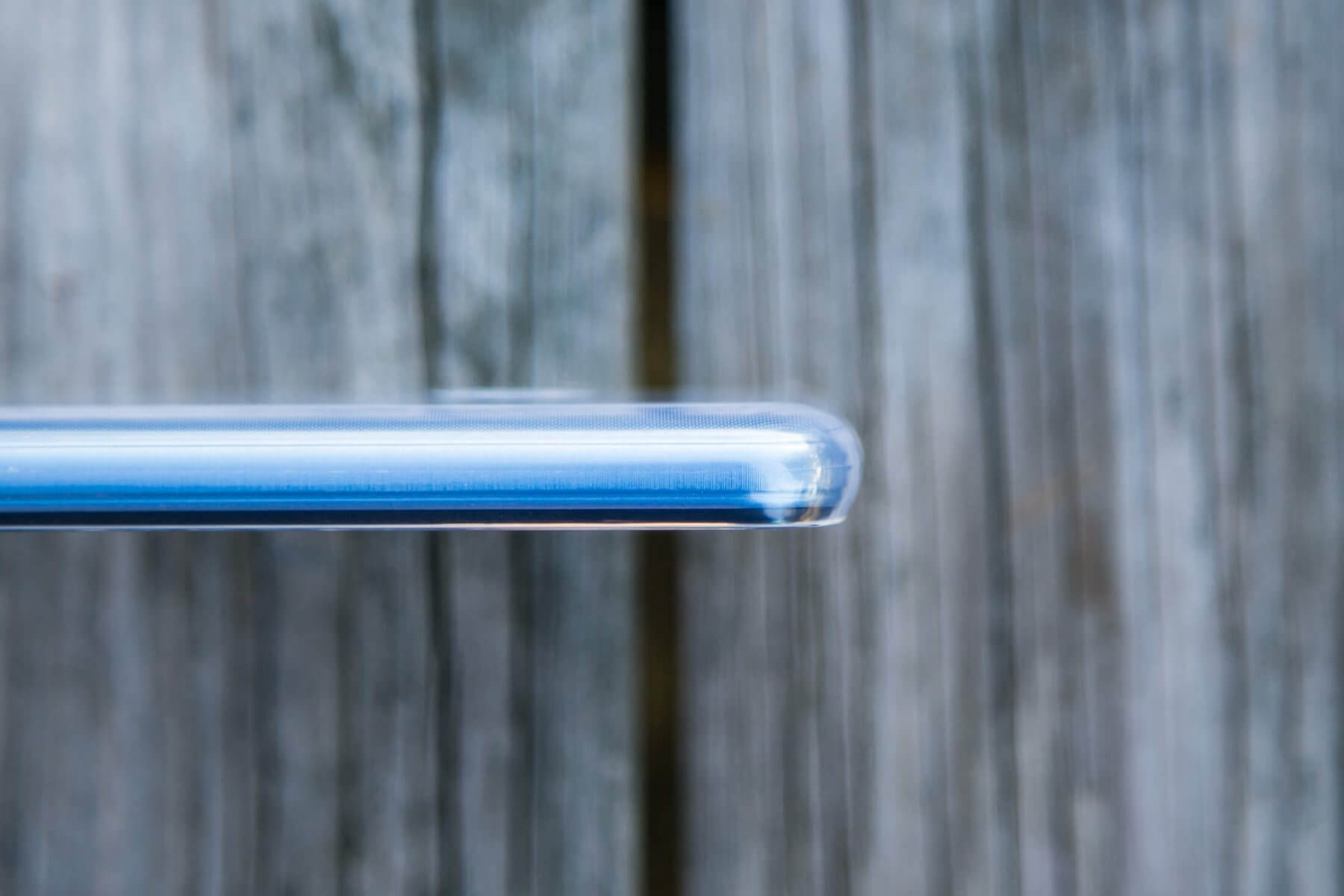
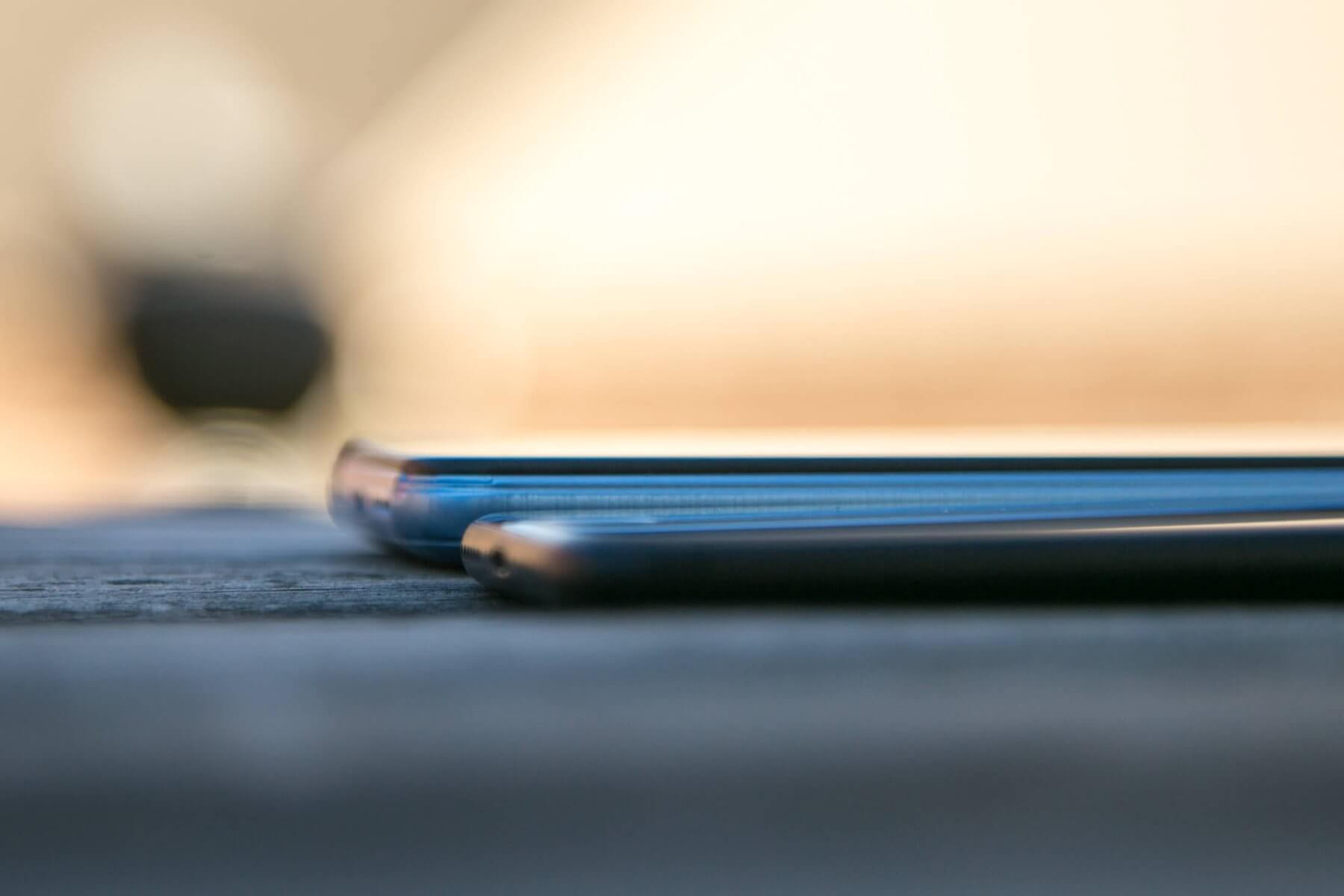
It does lack a certain extreme quality feel that the iPhone and even my Mi Max phone have. The case is plastic and feels plastic. It’s a tad thick, and then rounded edges don’t end up being all that appealing.
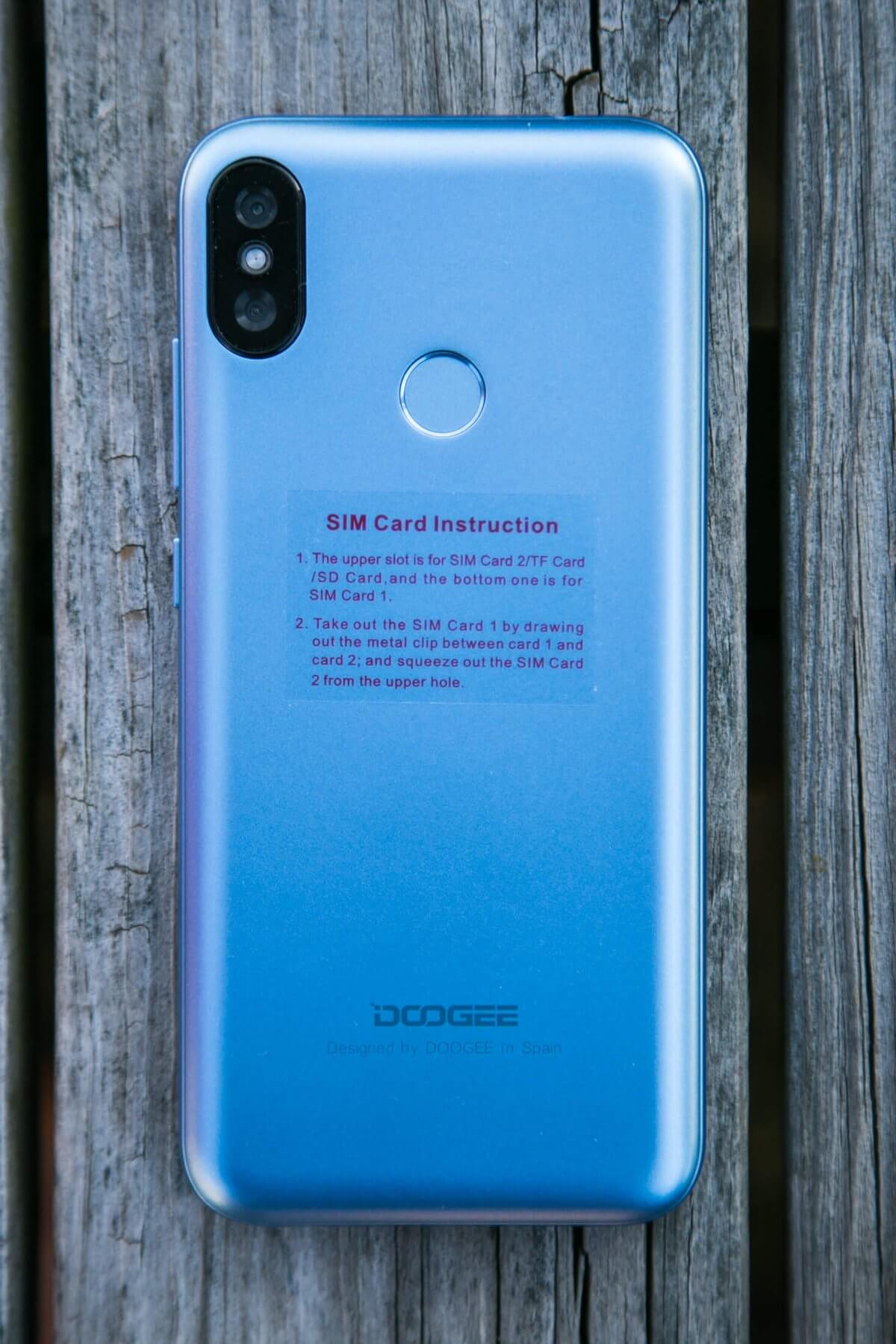
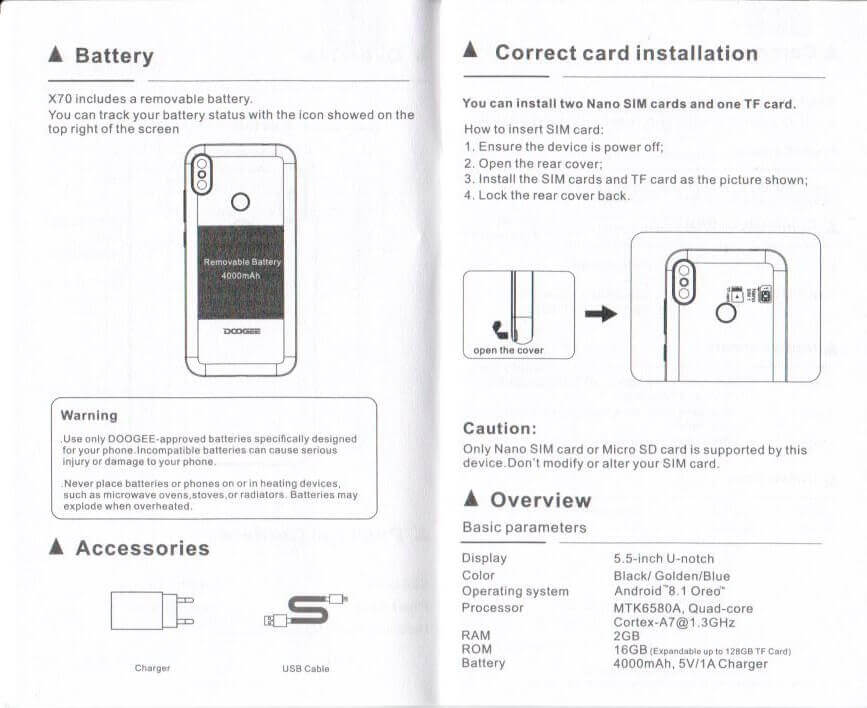
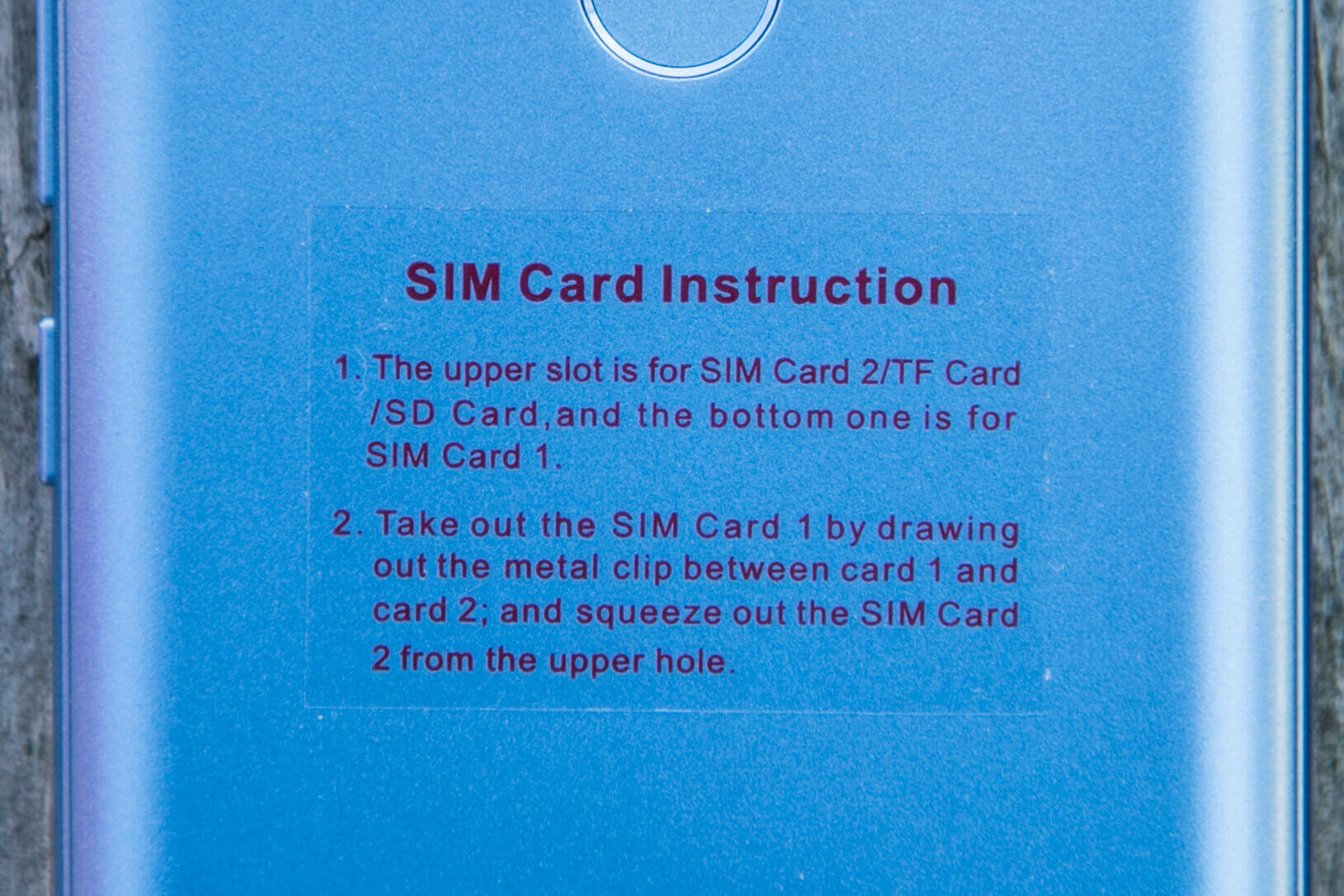
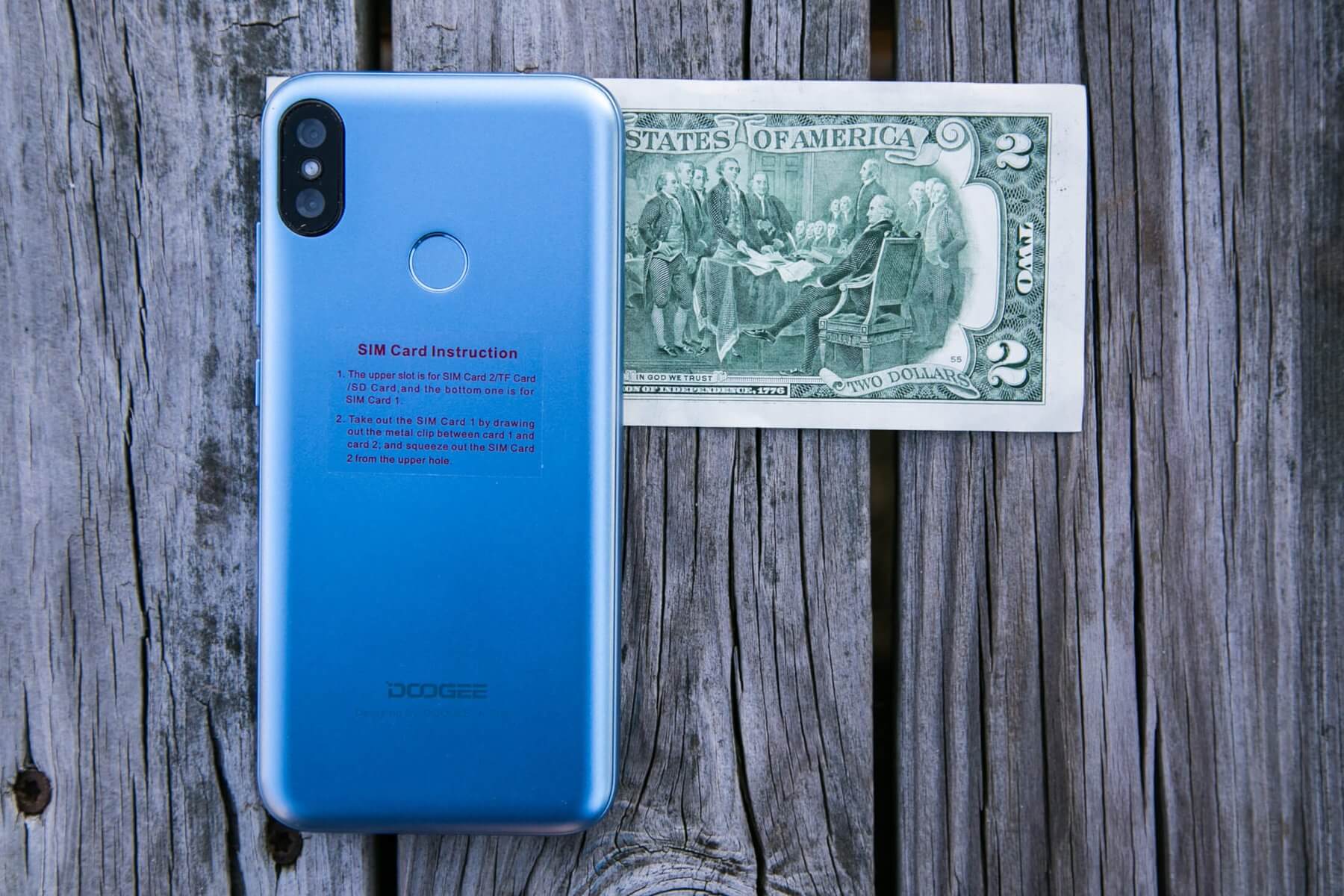
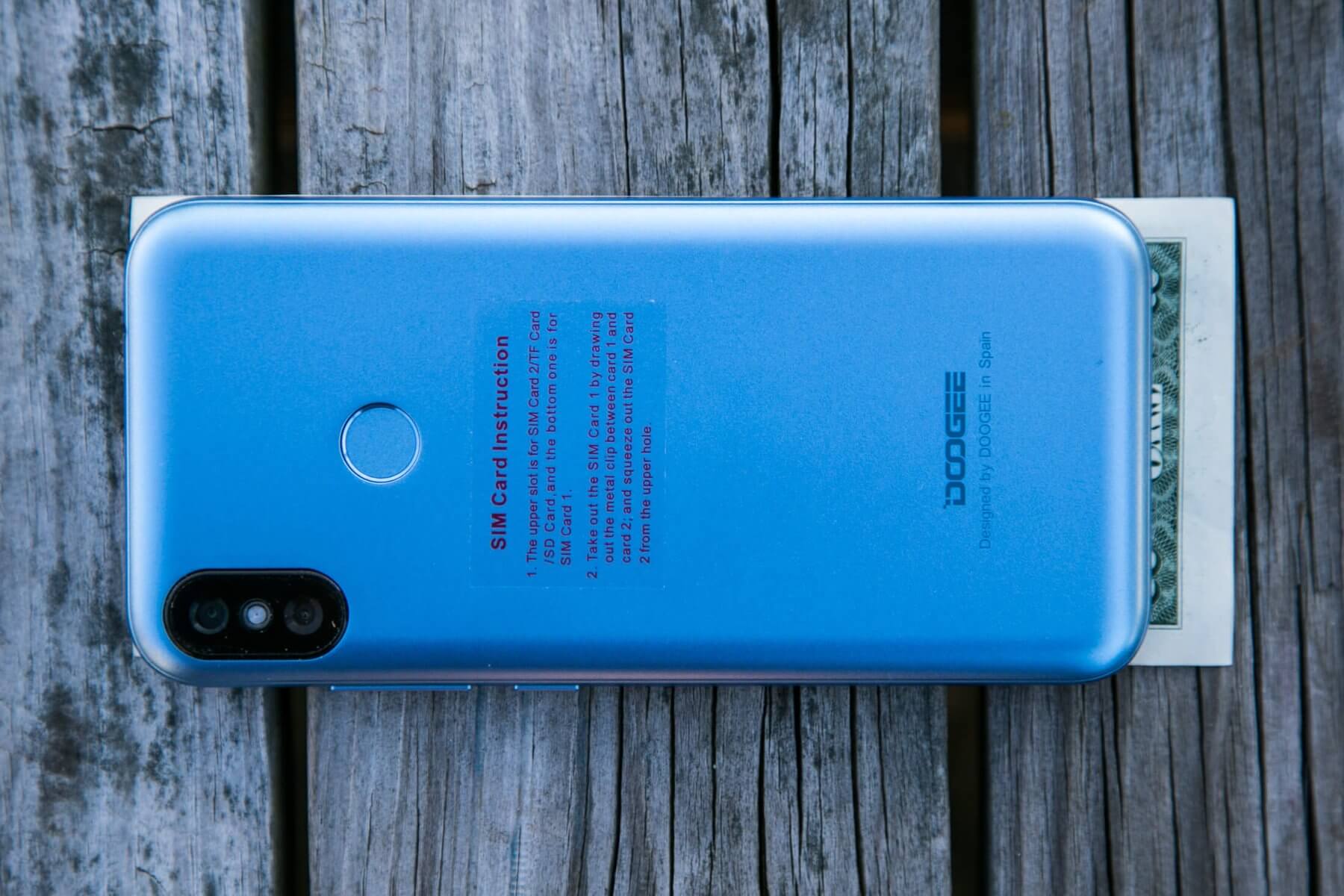
An easily removable sticker on the back gives instructions for installing the SIM cards. I found installing them to be easy but removing them to be not without difficulty.
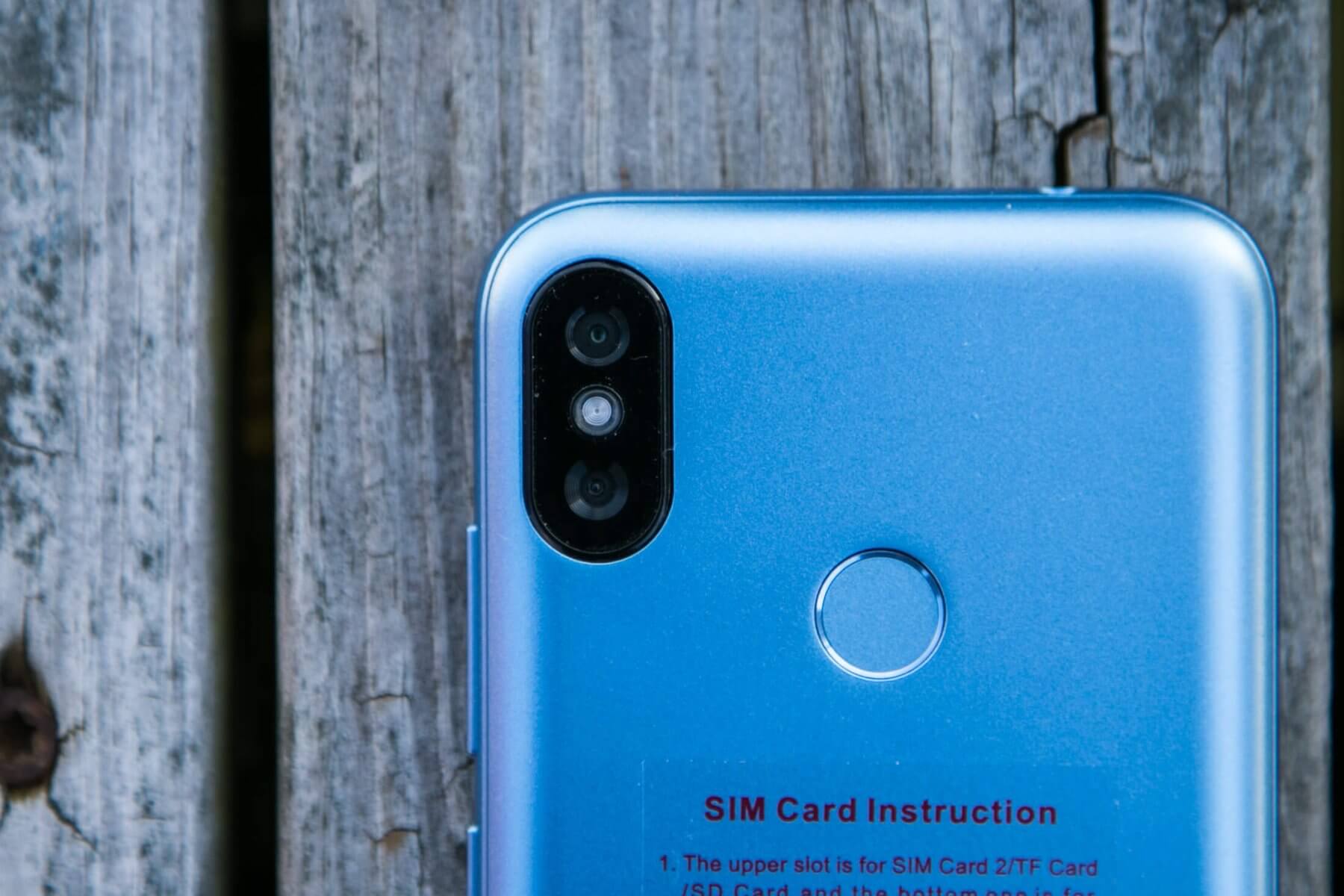
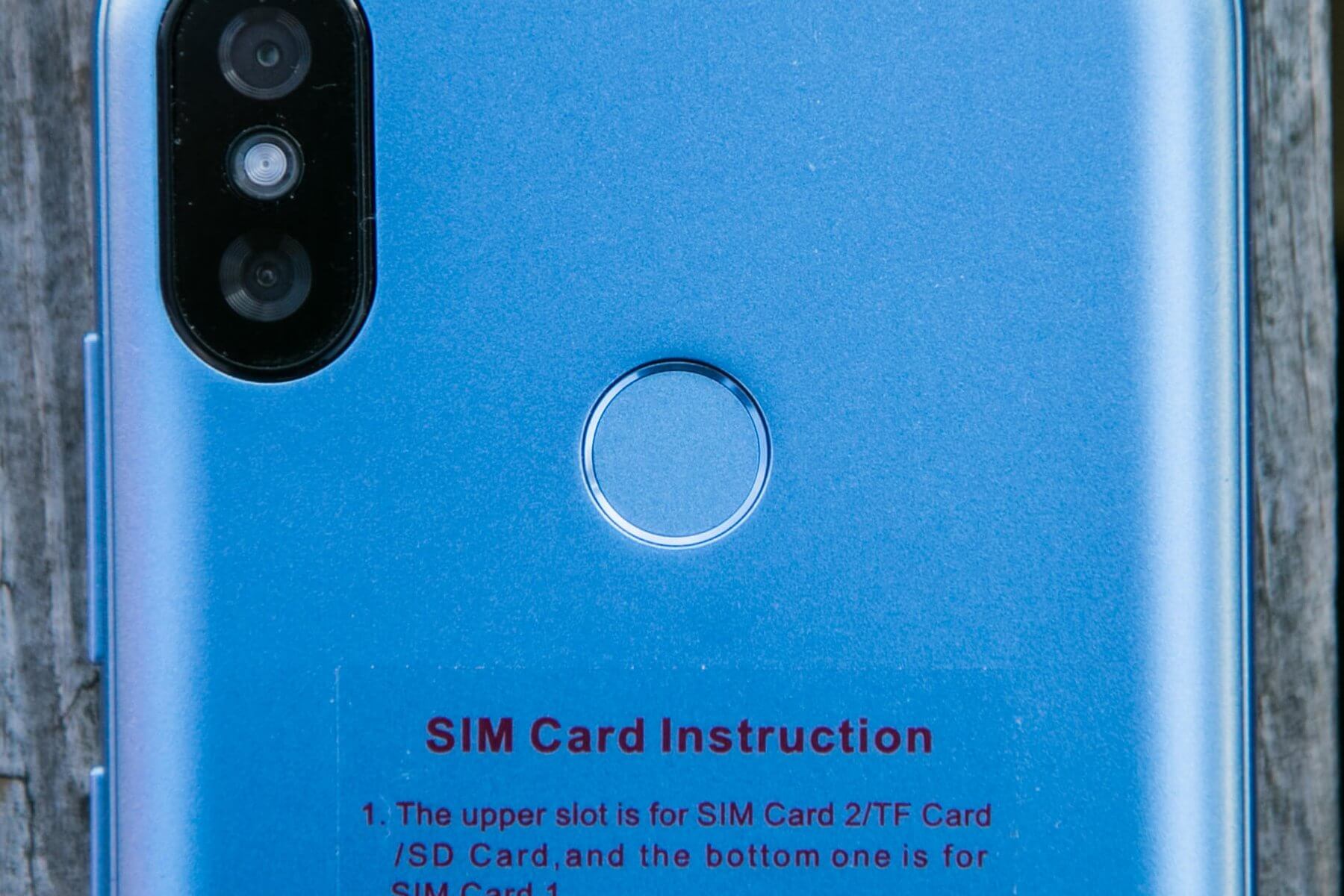
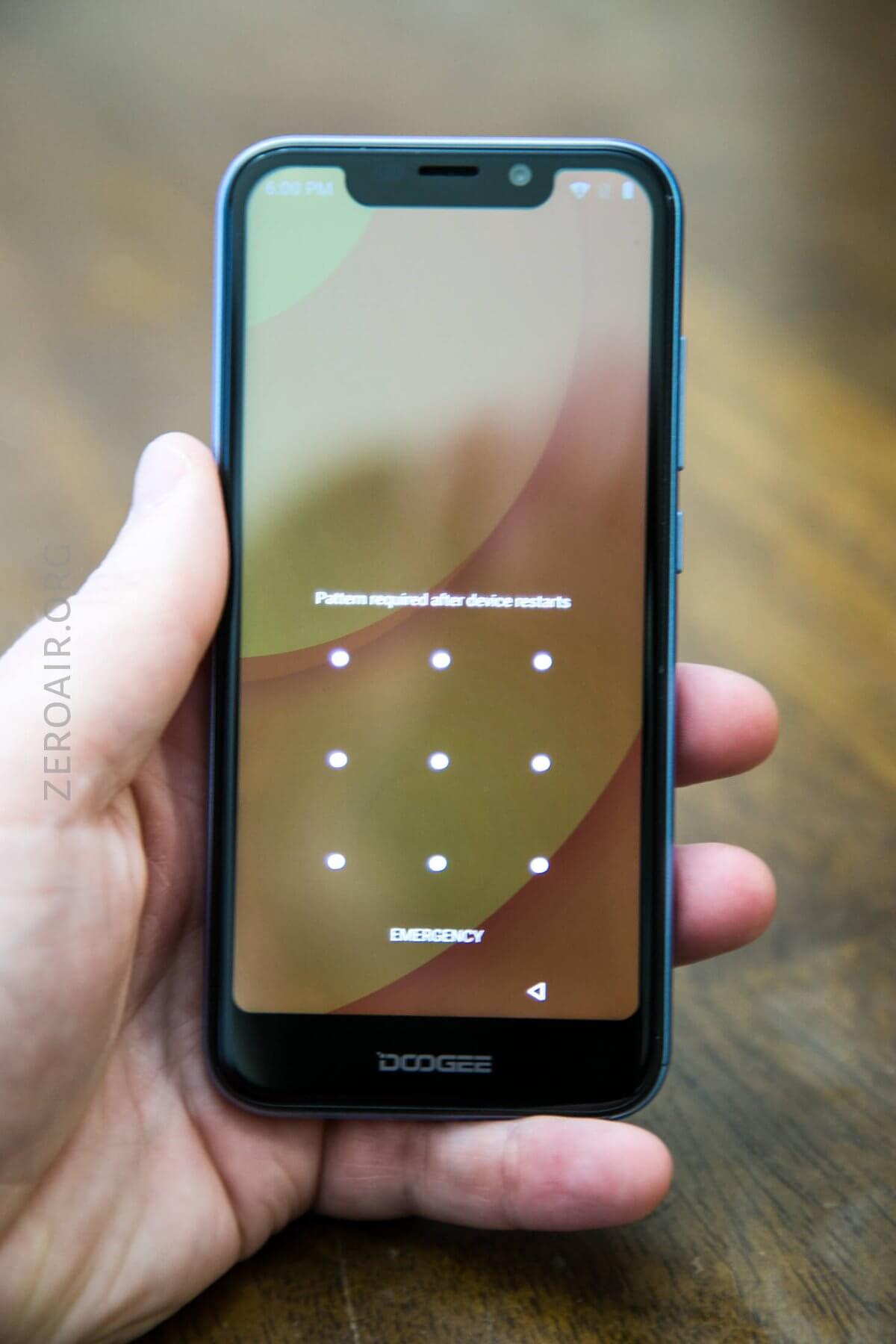
The fingerprint reader is in the center, toward the top on the back. This placement is ideally suited for my index finger, the way I hold a phone naturally. It’s convenient, yes, but slow enough that I almost exclusively used the log-in Unlock Pattern. I found this faster (and fun, to be honest.)
Below, see the back again but with the clear case installed.
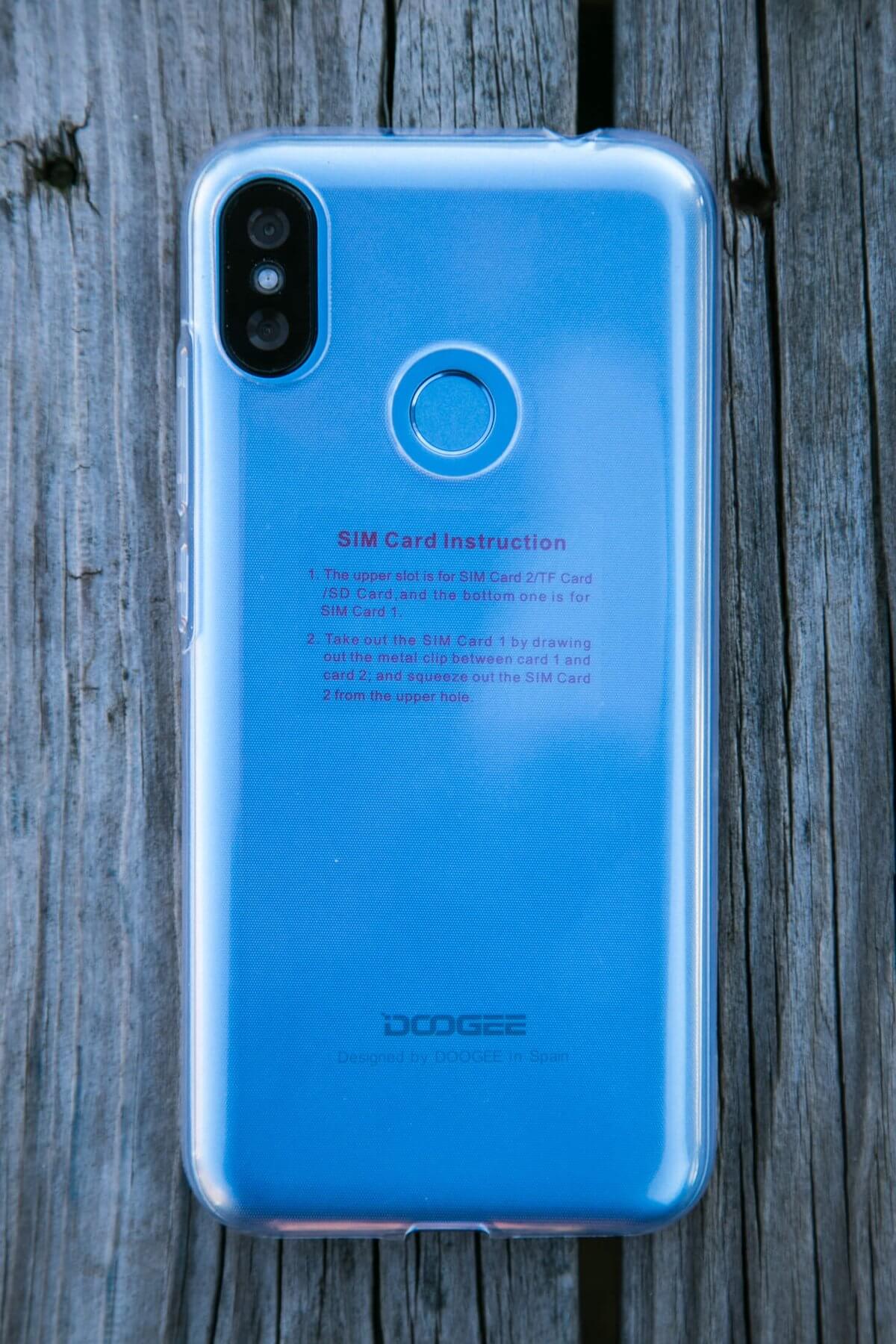
The case is ok but adds a good measure of thickness, and is probably not all that much more protective than just the (easily replaceable) plastic back.
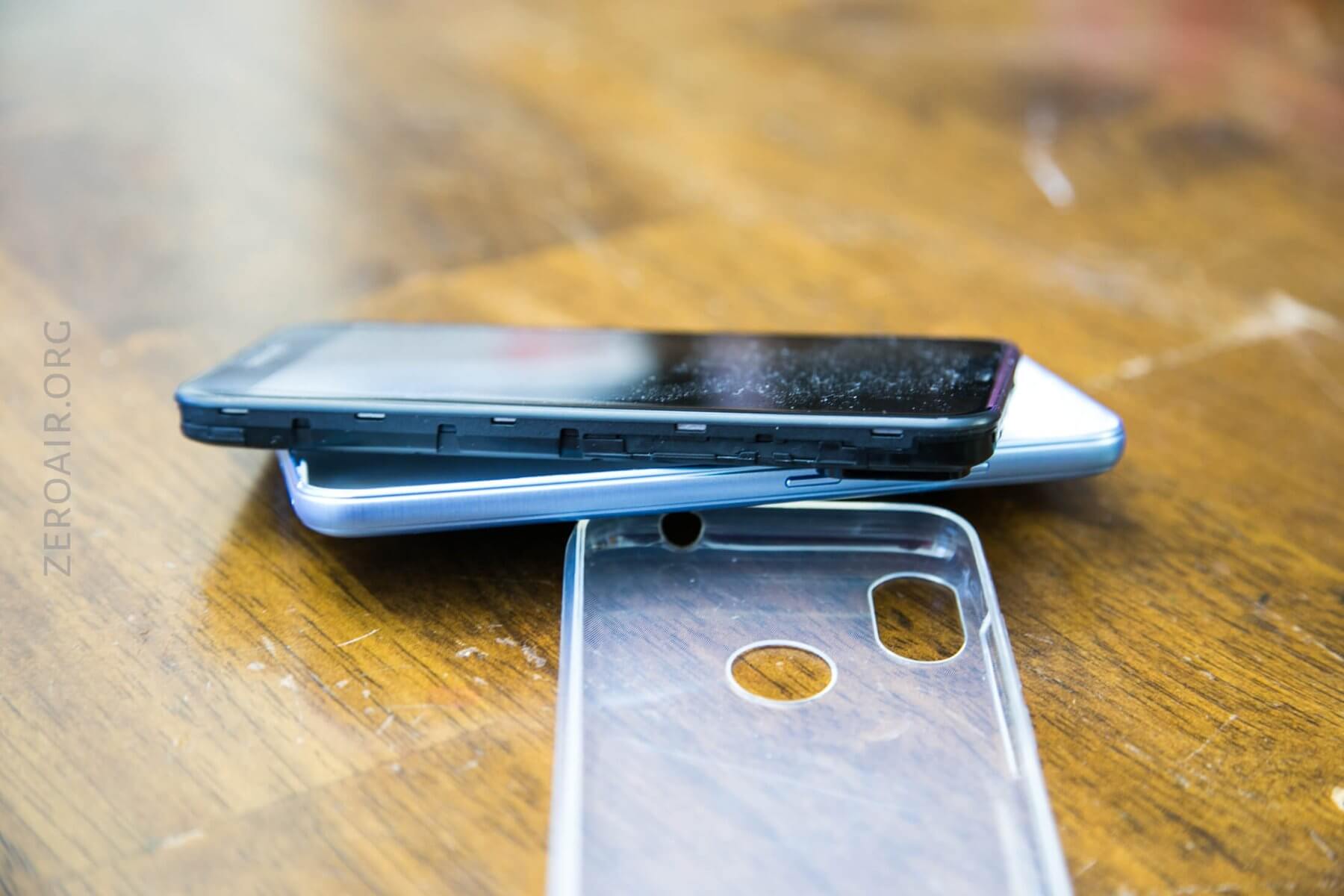
Below: Case off, back of phone off, and screen is shown.
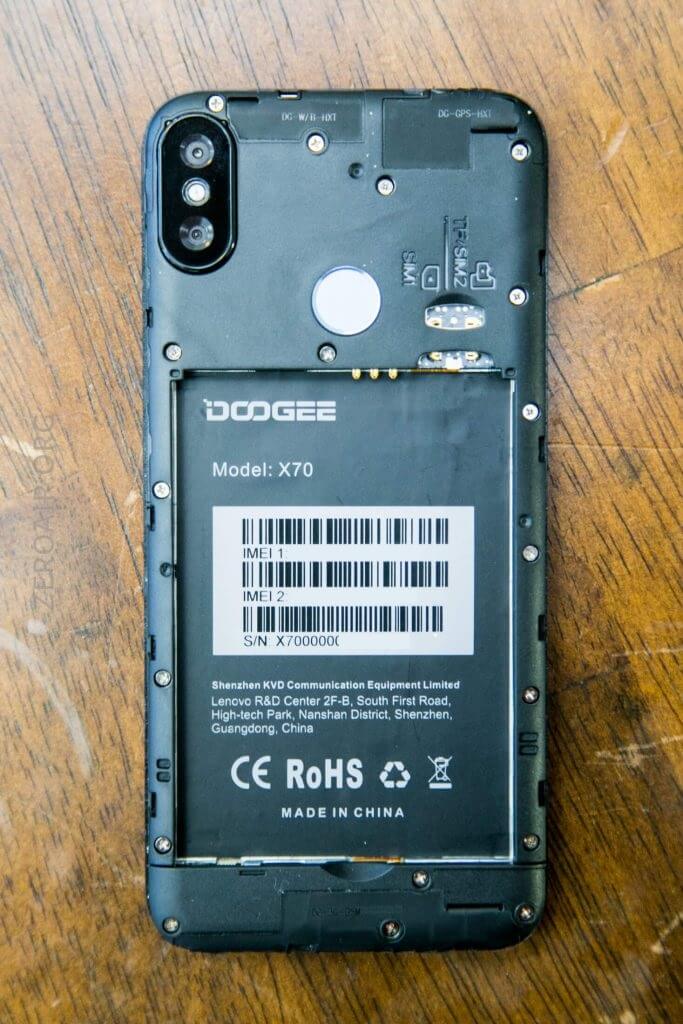
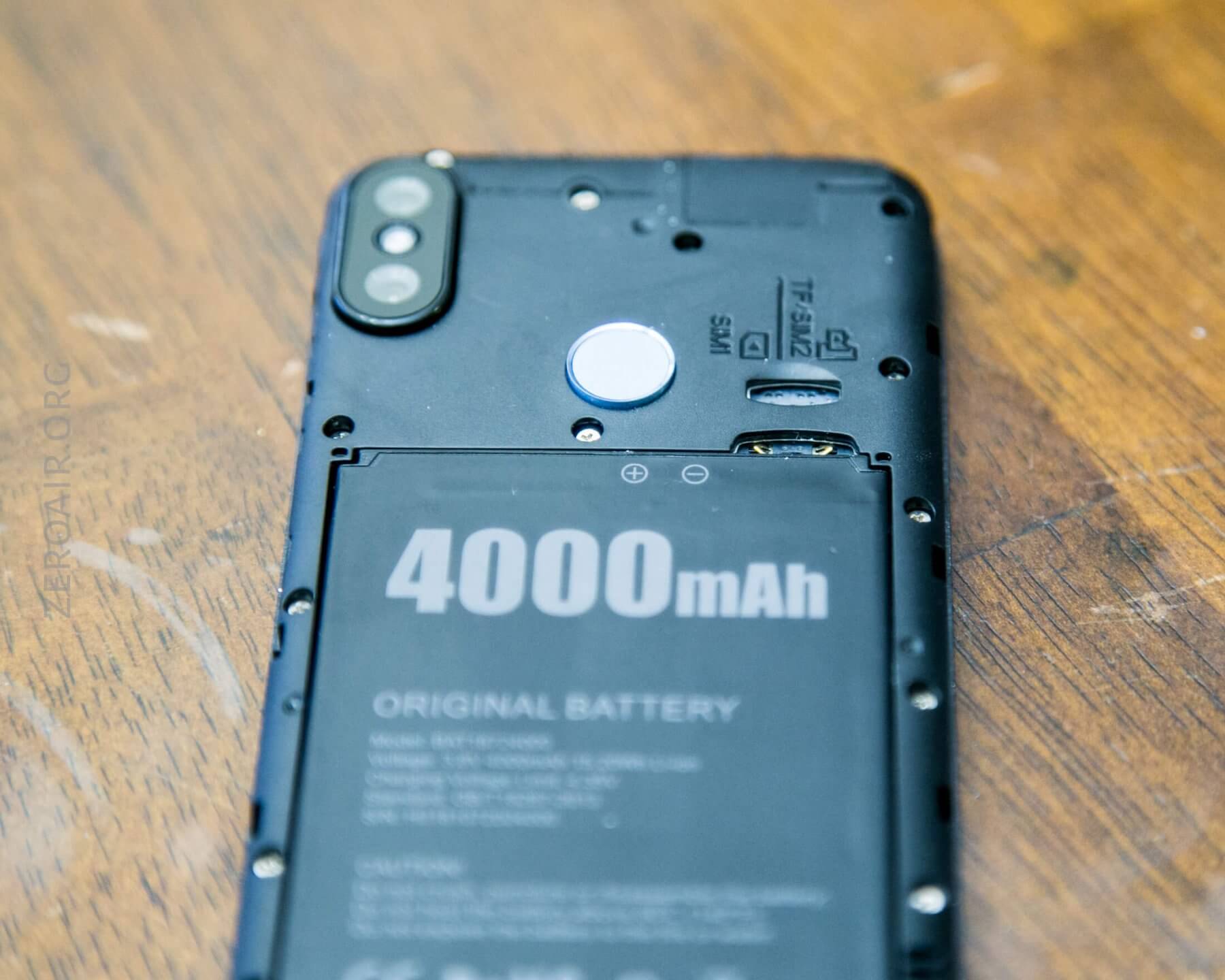
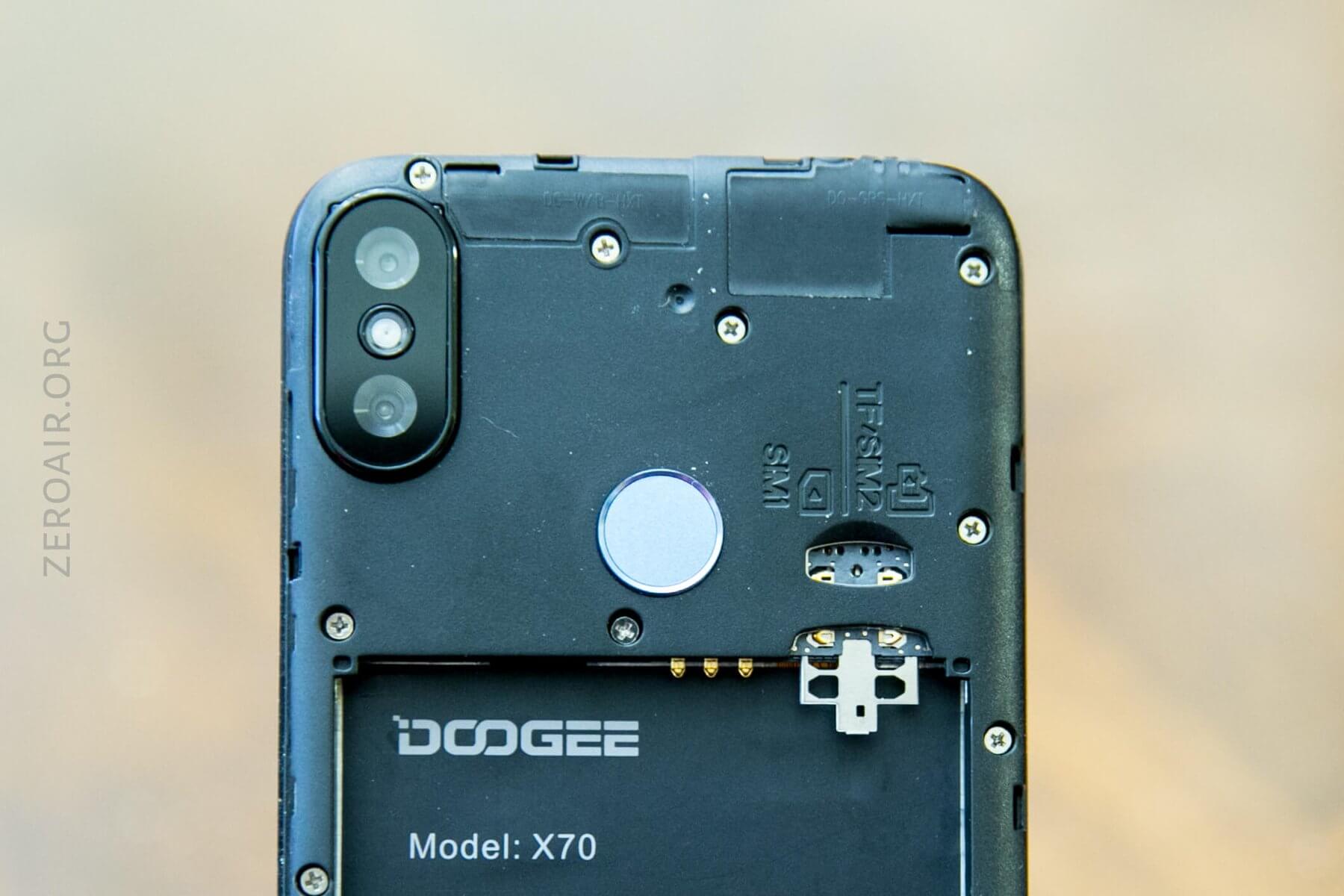
Back removed, showing inside of phone. The battery is a large 4000mAh lipo. Also, see the SIM slots.
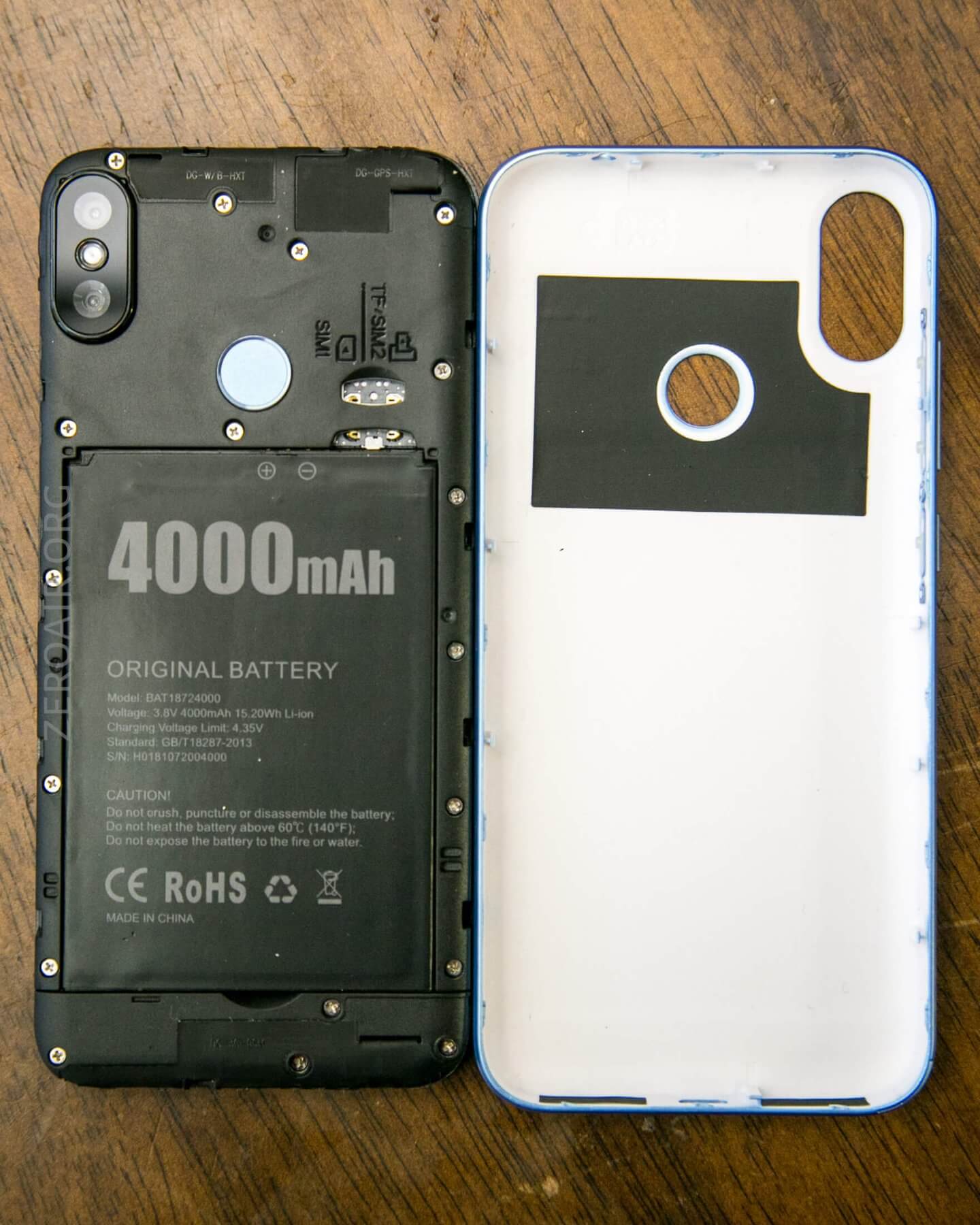
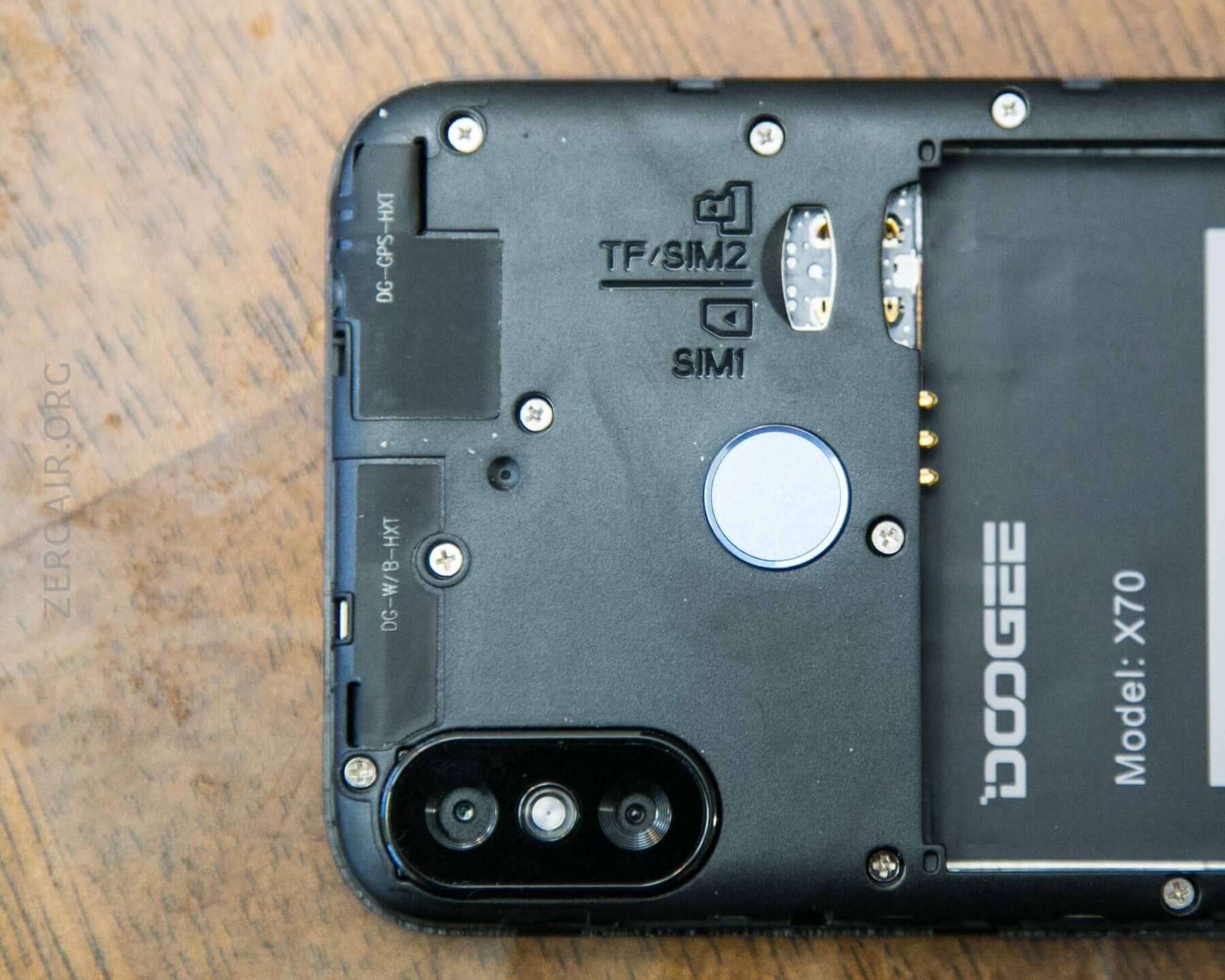
The battery must be removed (ie hard power down) to install or remove either SIM card. One of those slots (SIM2) will also hold a TF card. That’s TransFlash, which is similar to microSD, but apparently not the same. The product literature at Fasttech says it’ll work with microSD as well, and I find that to actually be more likely than TF.
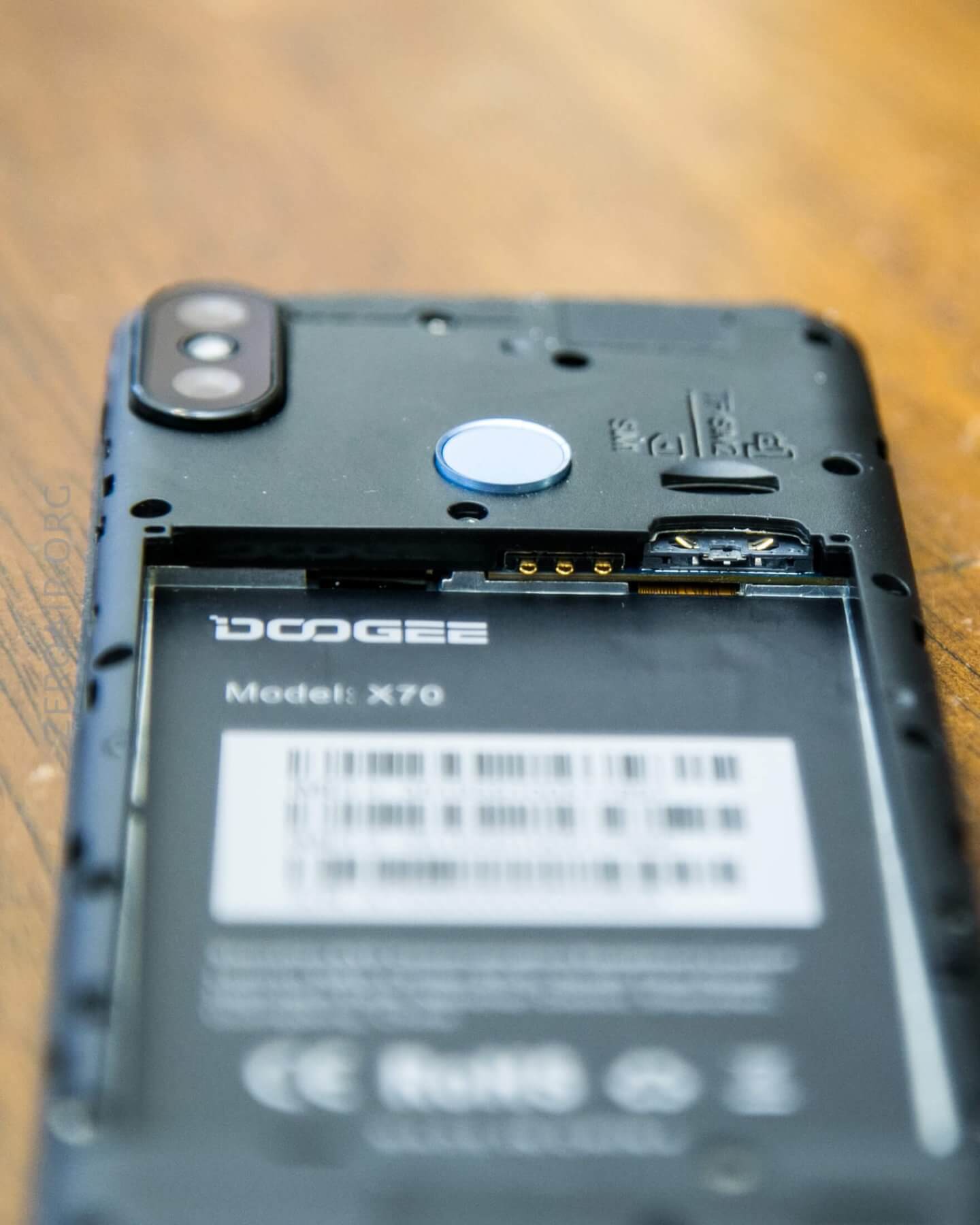
Model details are under the battery. This includes IMEI numbers, etc.
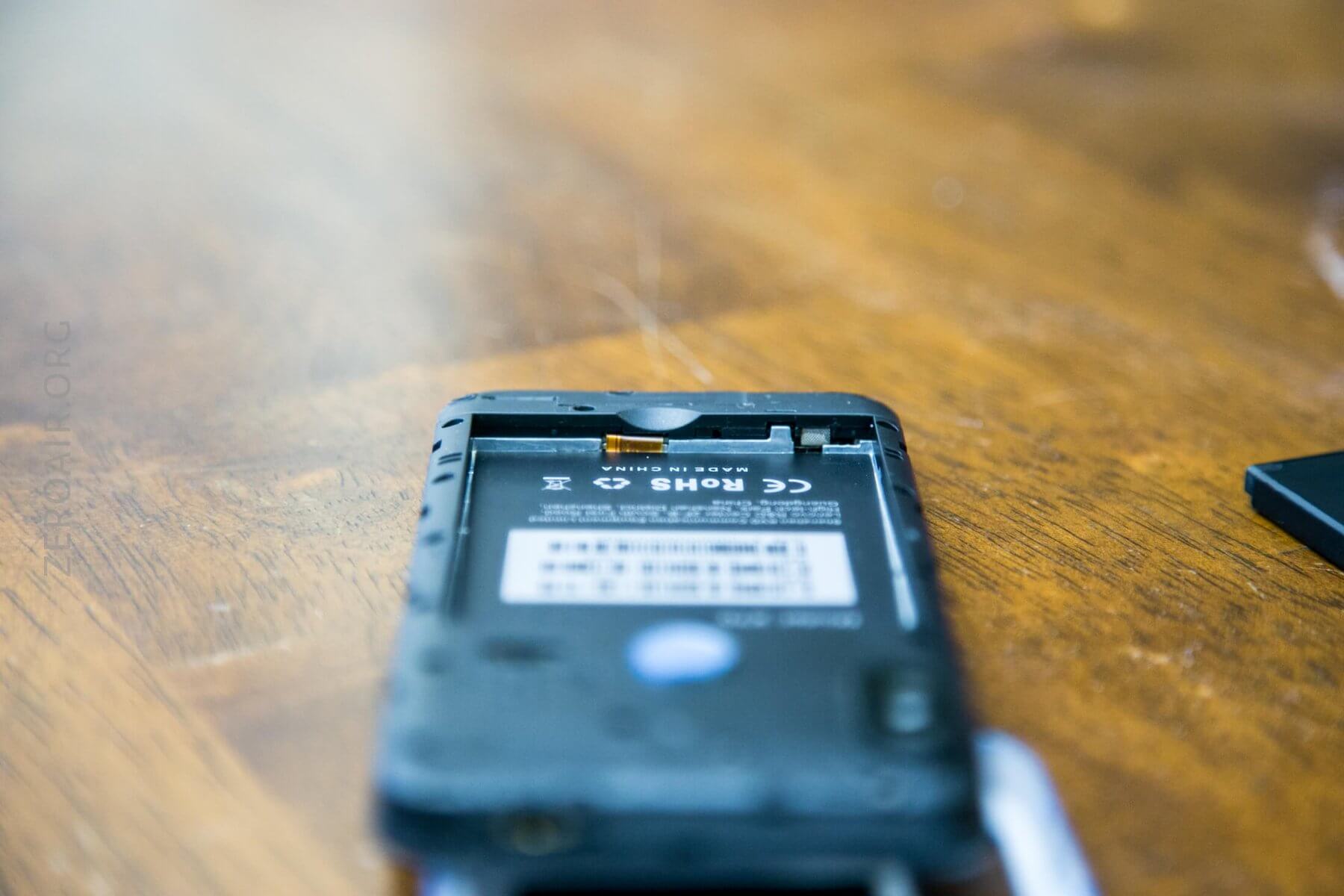
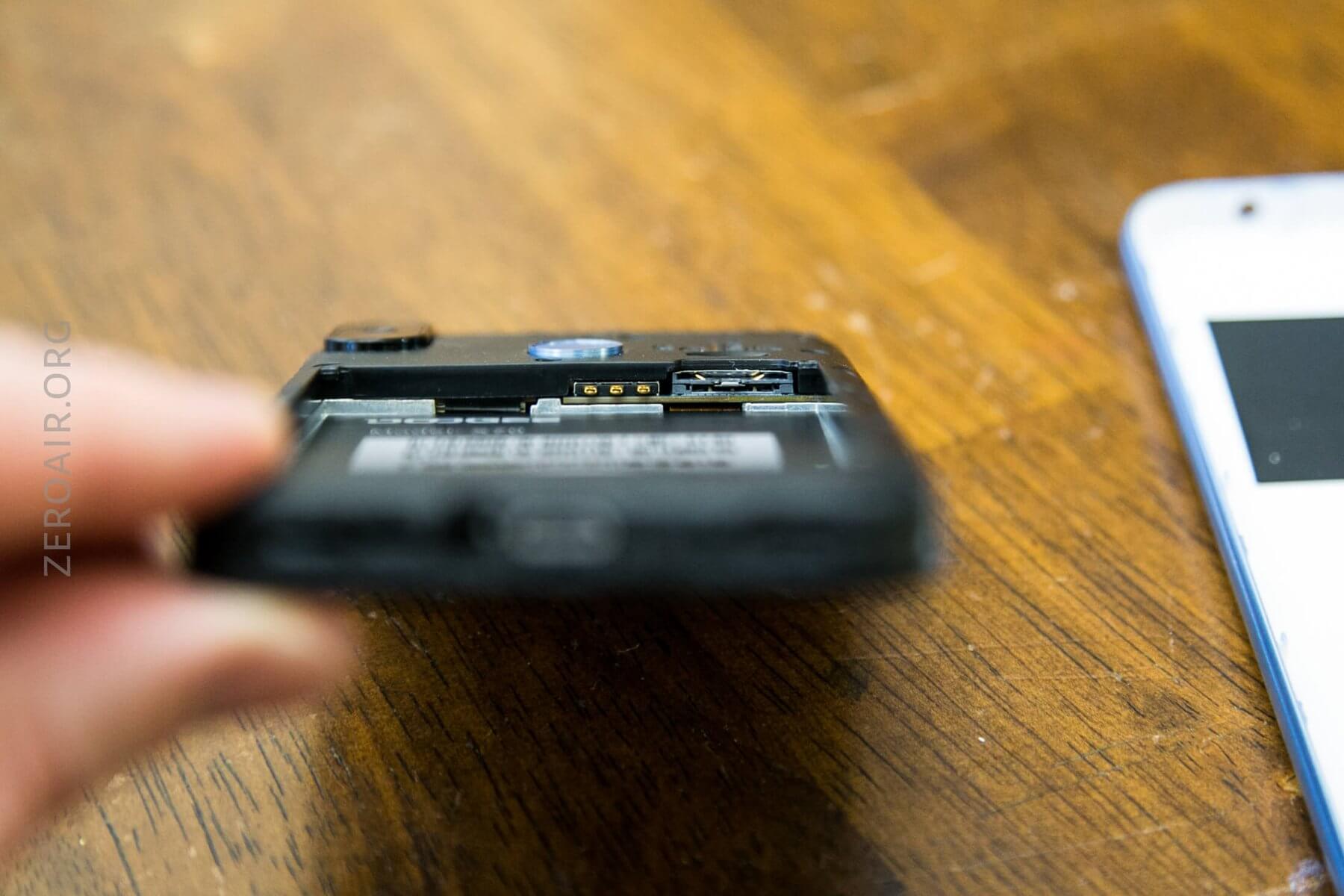
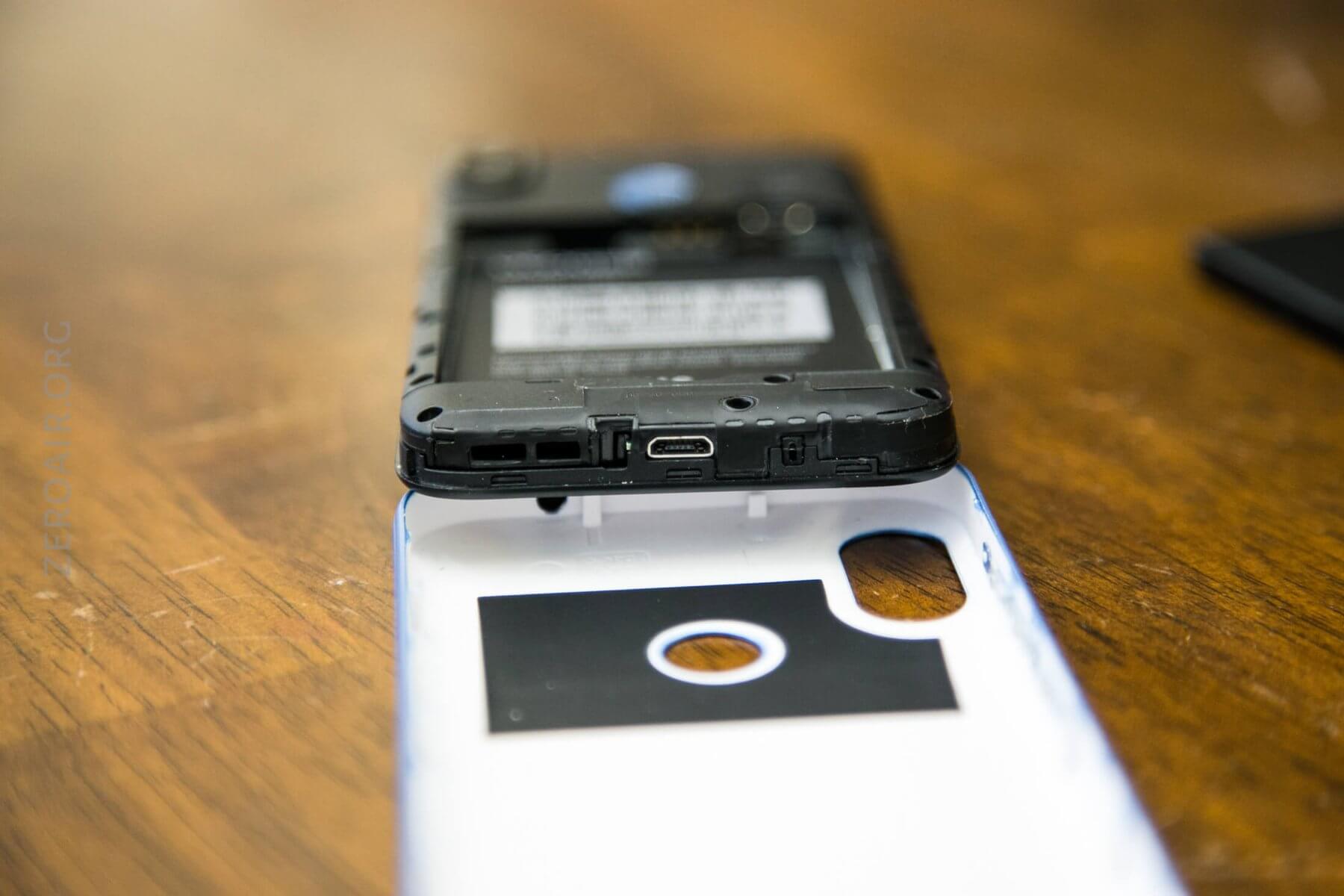
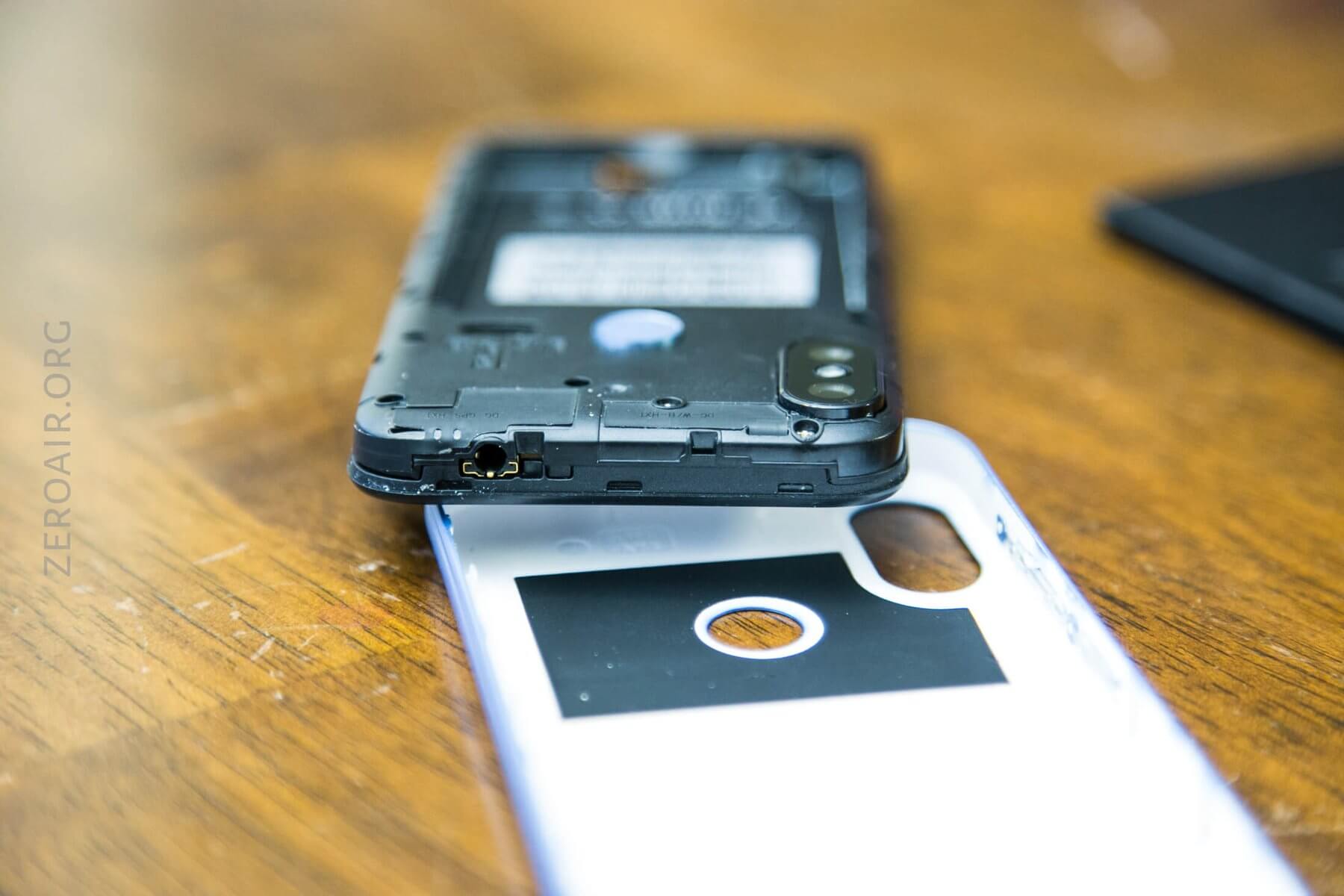
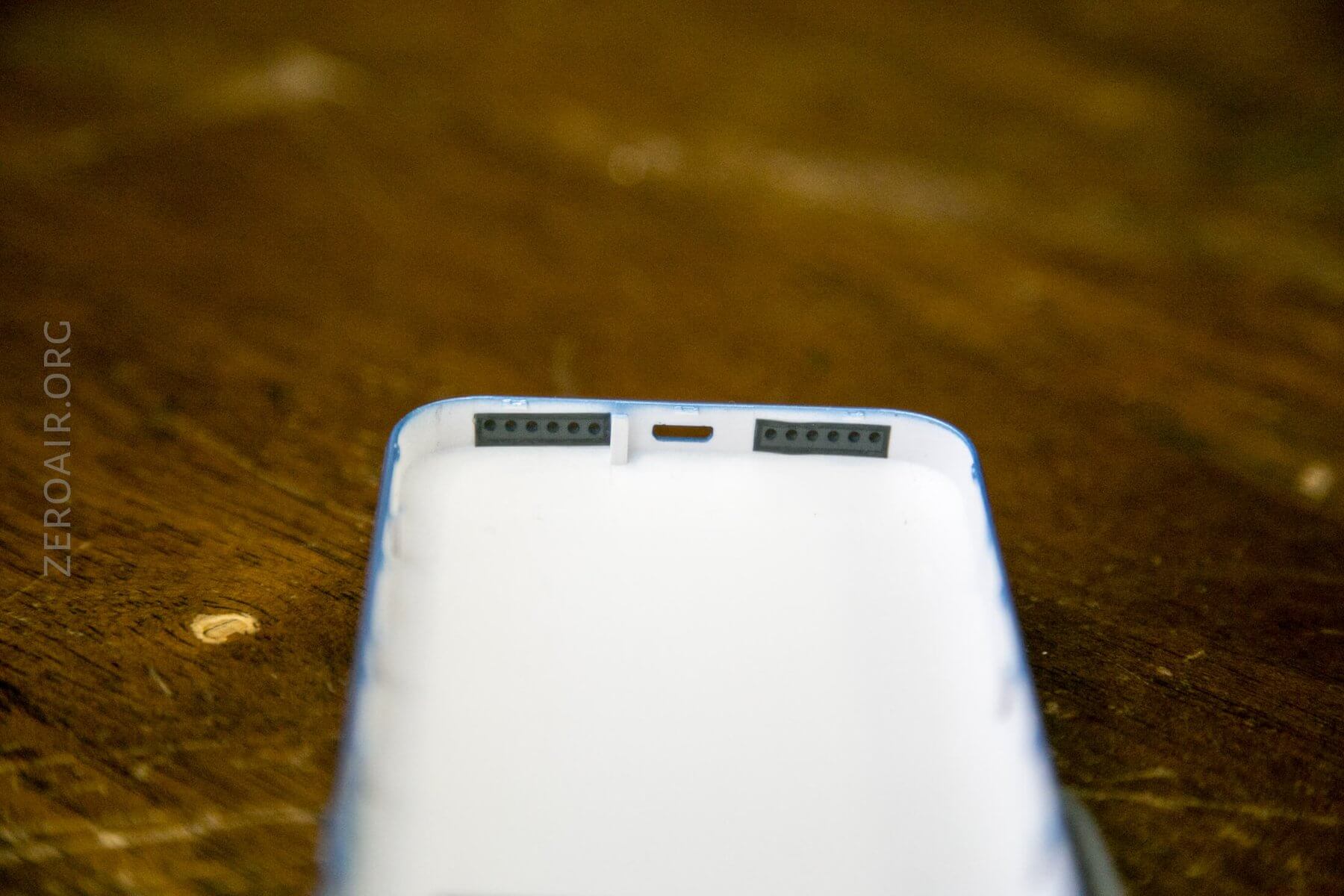
The SIM slots have reliefs to help with the insertion and removal of the cards. I still found it to be beastly, but there’s a little metal tab (far right of the actual slot, almost white in the photo) that should help remove the cards. This metal tab slides out like a drawer for removing the SIM card.
SIM
I’ve covered it mostly already, but the X70 supports two SIM cards. This feature should be useful for frequent international travelers, allowing them to switch between SIMS seamlessly.
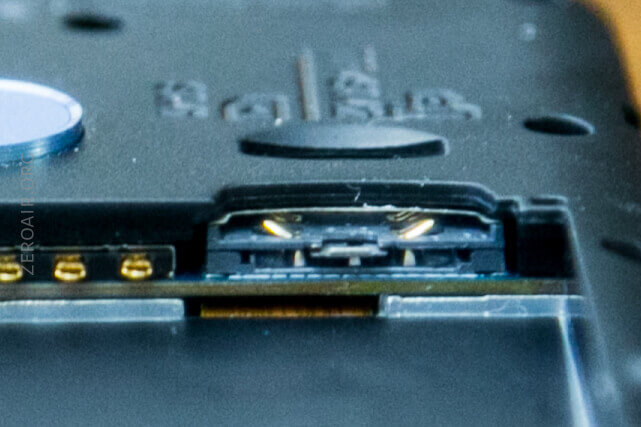
Below is a shot of the metal “tray” fully extended.
From within the software itself, it’s possible to select which SIM should be used. I don’t have two SIMs for testing, so I didn’t test any further in this regard.
Case
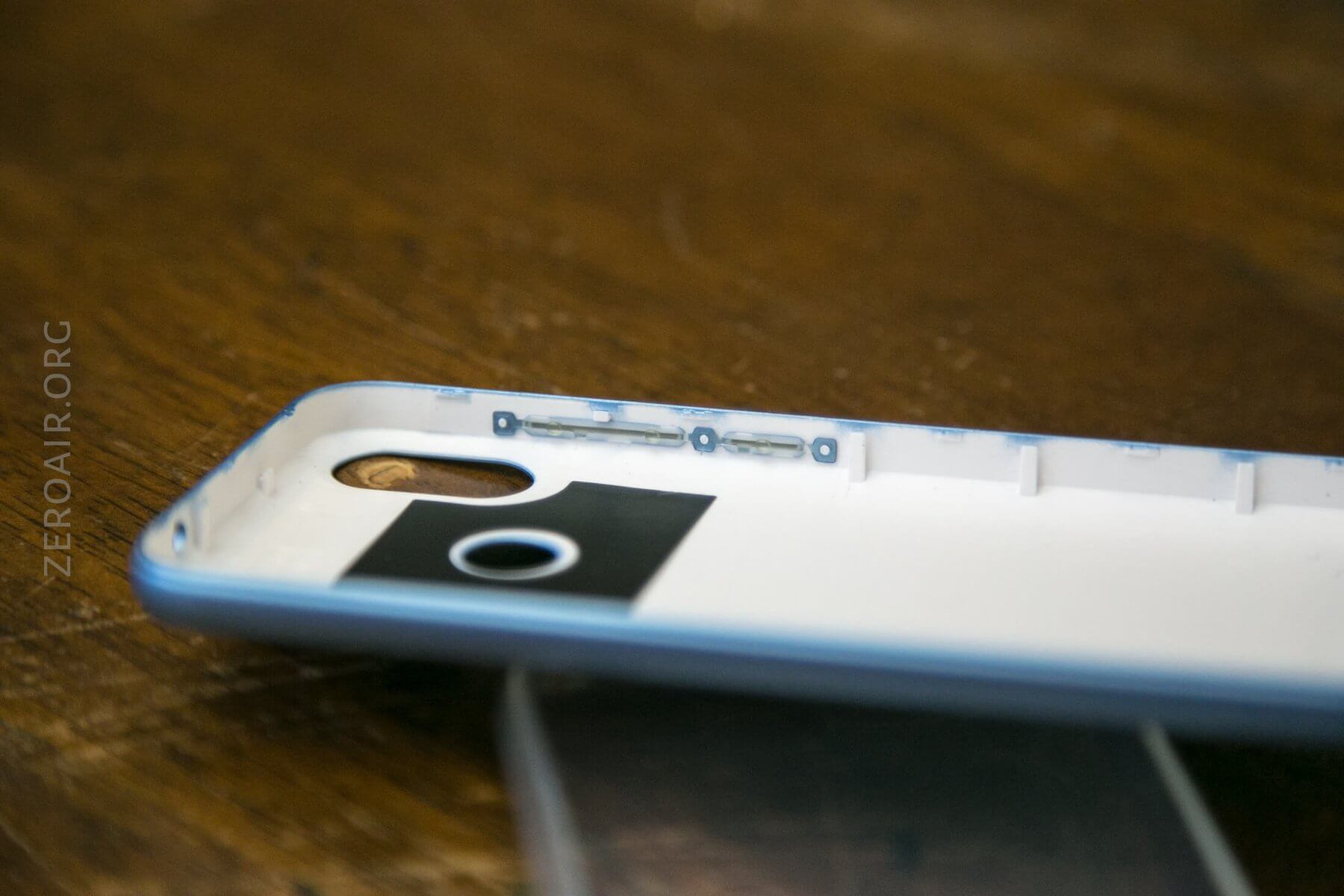
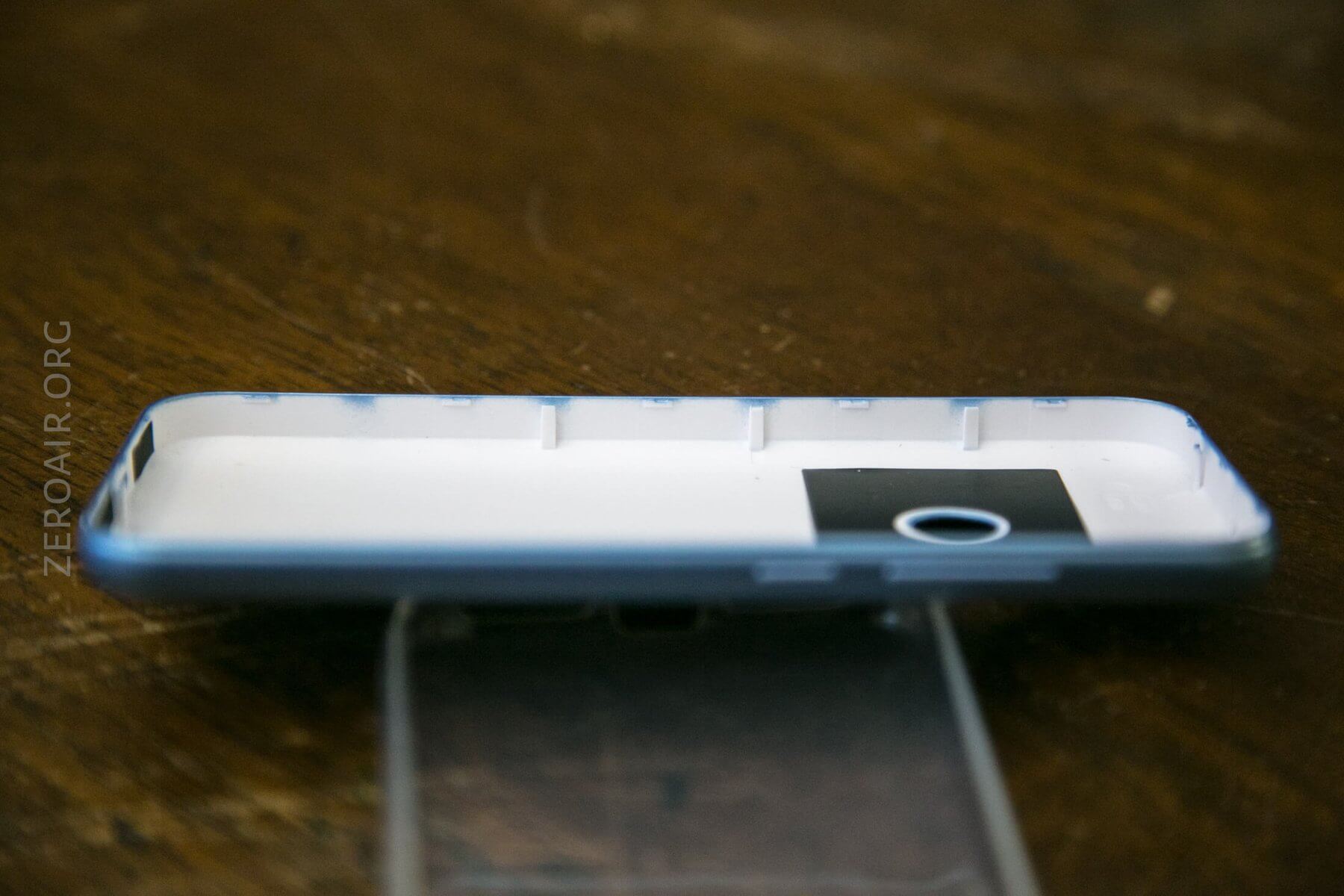
The caseback of the phone itself is (in my case) blue, but available in a couple of other colors. The back has a fairly good feel, but not a solid metal feel like other devices.
Size and Comps
| DEPTH | 11.1mm |
| HEIGHT | 144mm |
| WIDTH | 68.8mm<>/td> |
| PRODUCT WEIGHT | 167g |
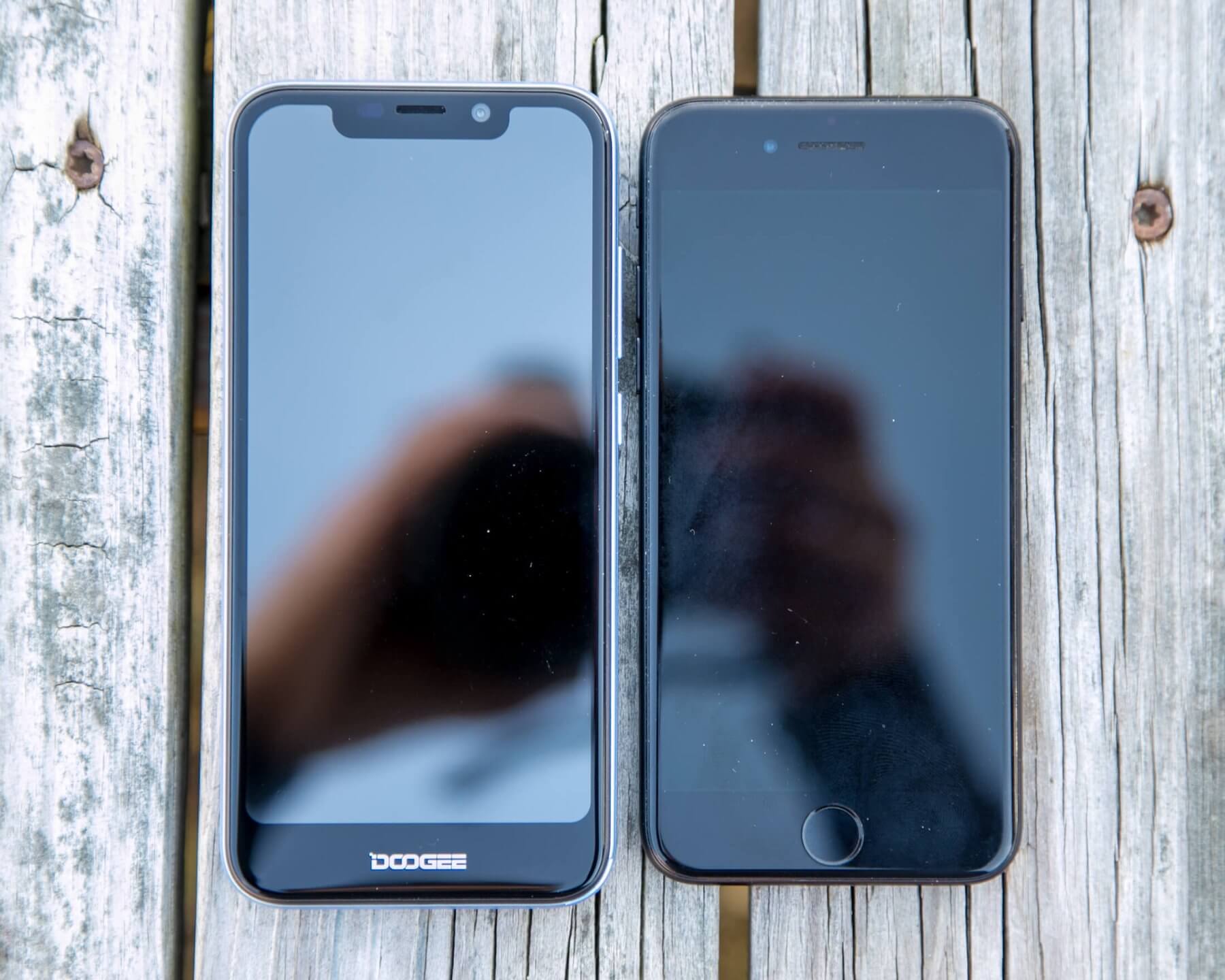
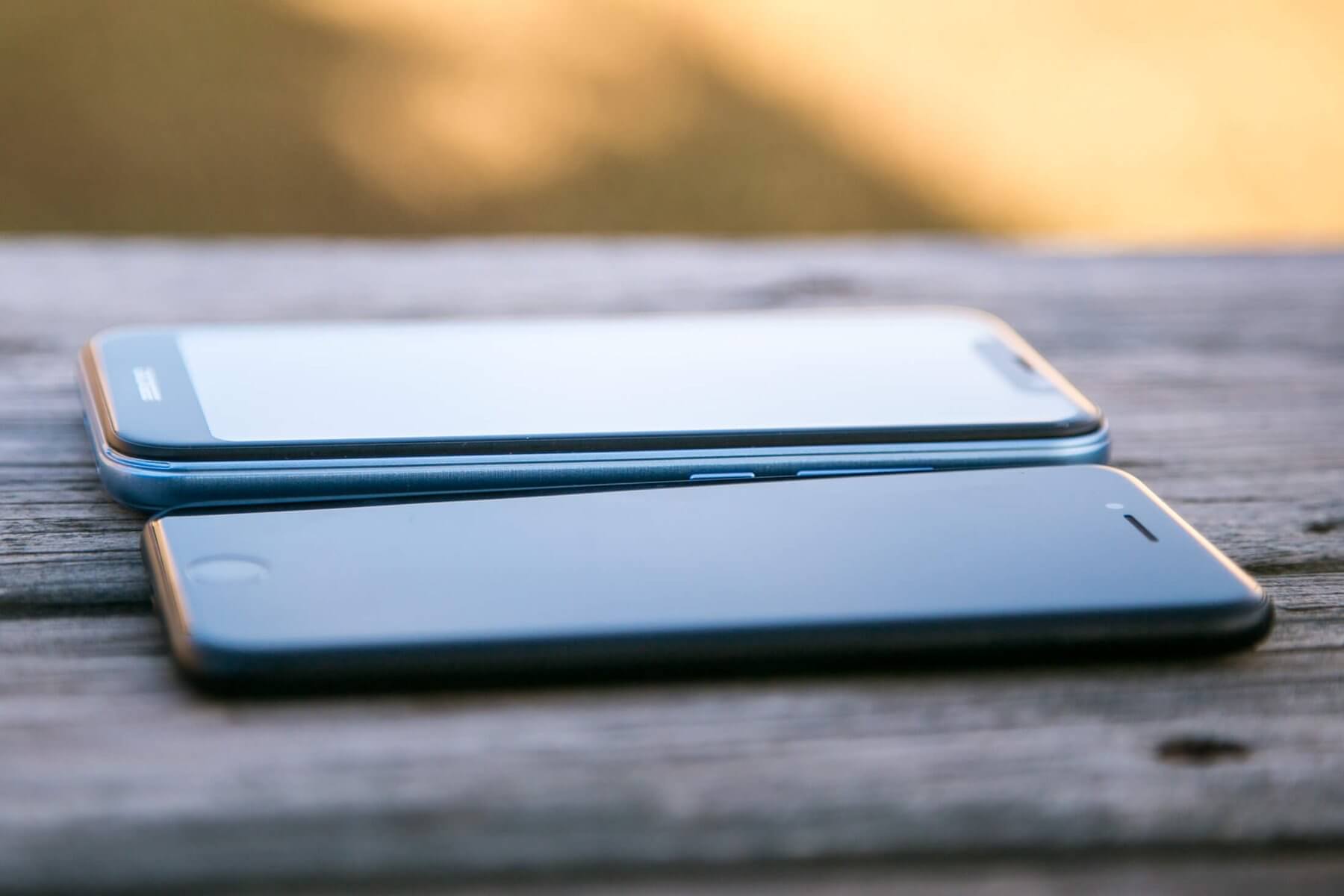
The X70 is slightly bigger than an iPhone 7.
Display
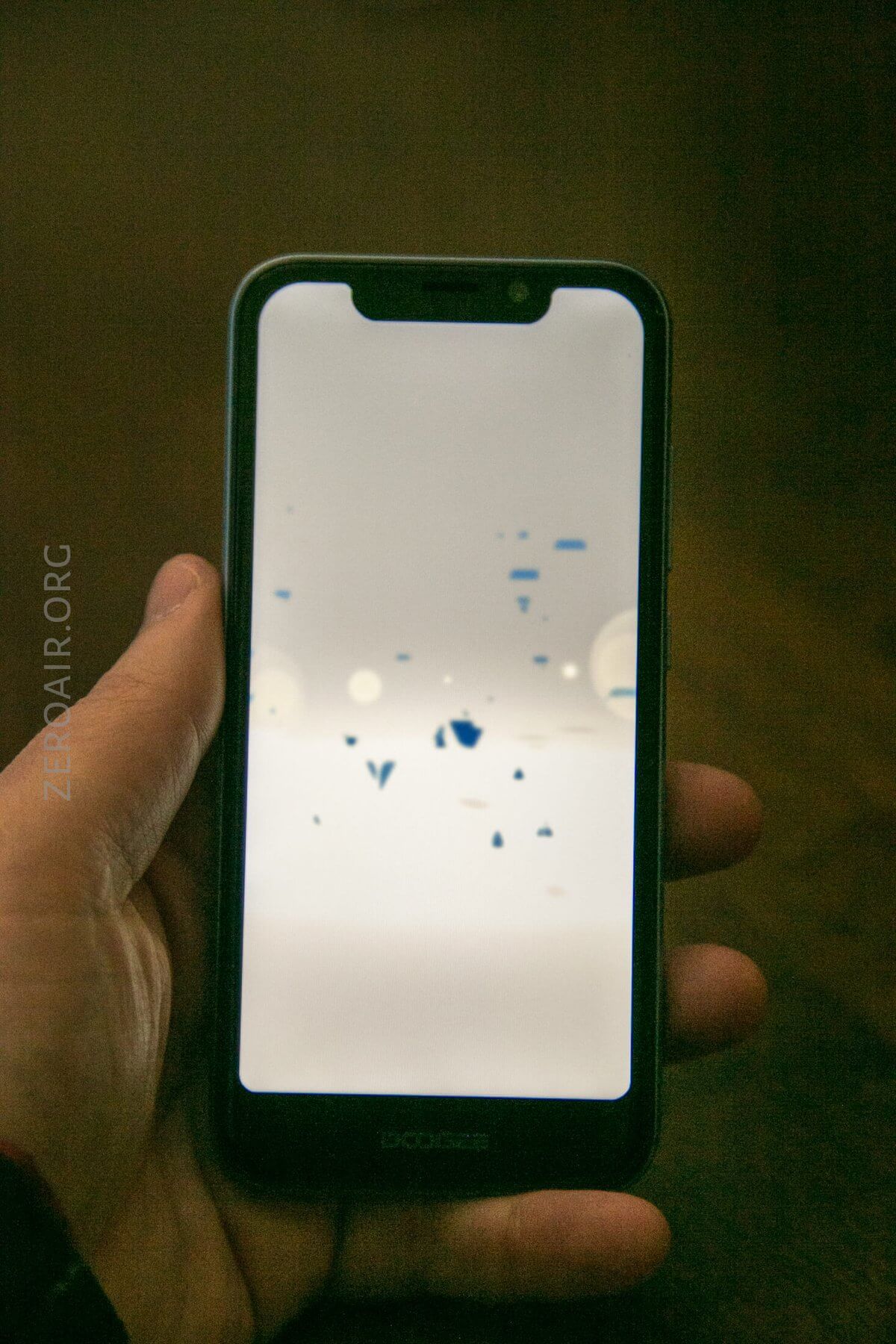
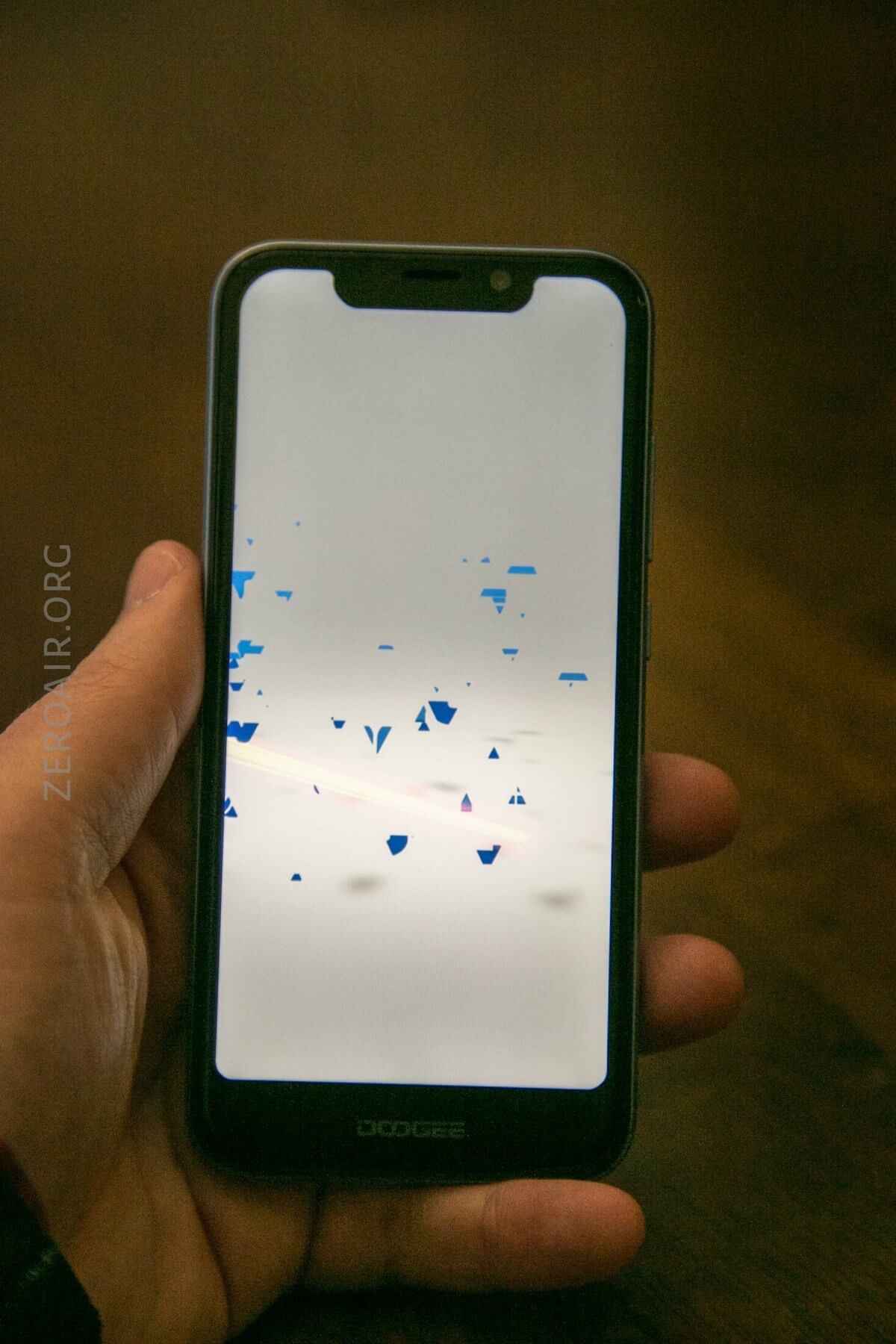
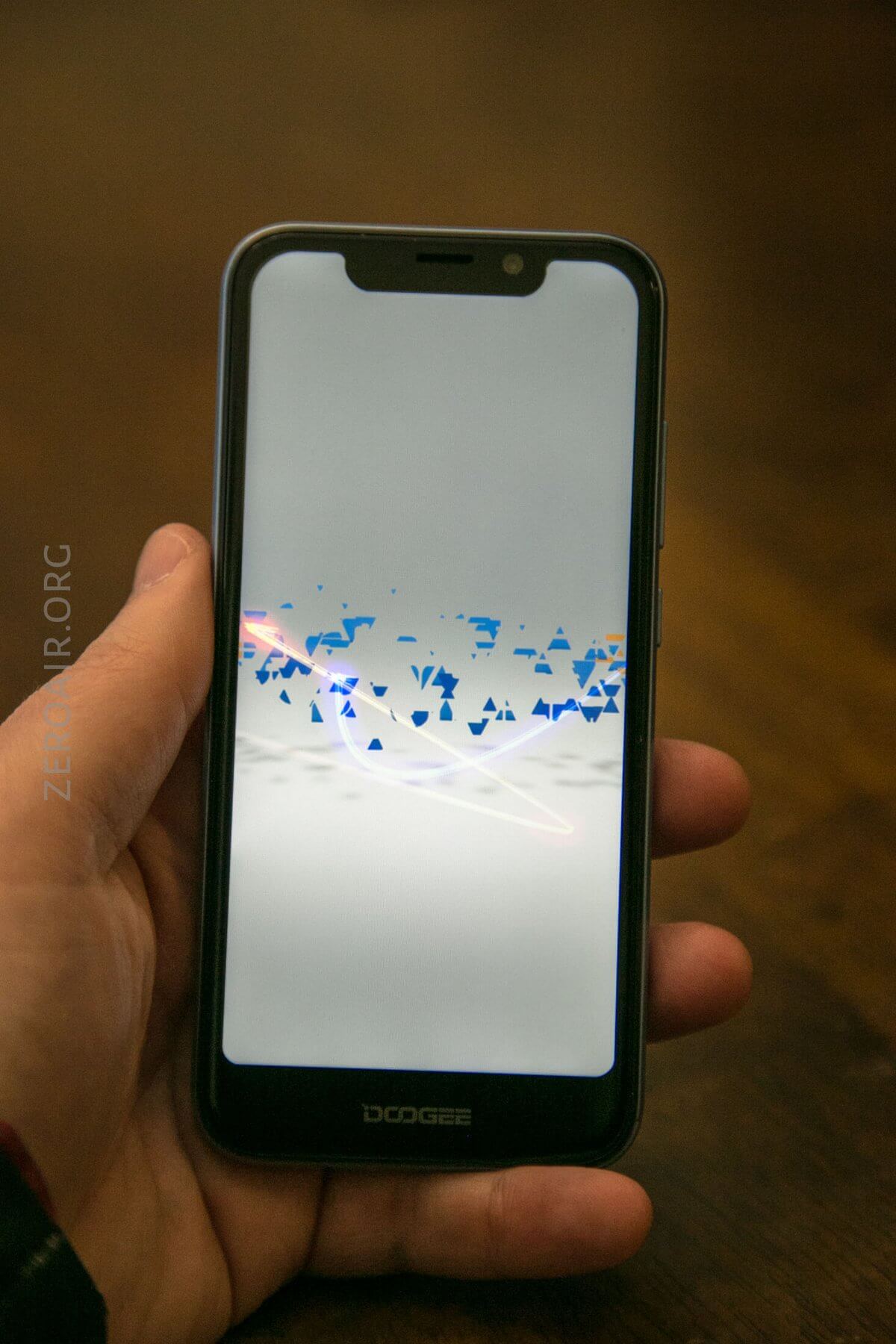
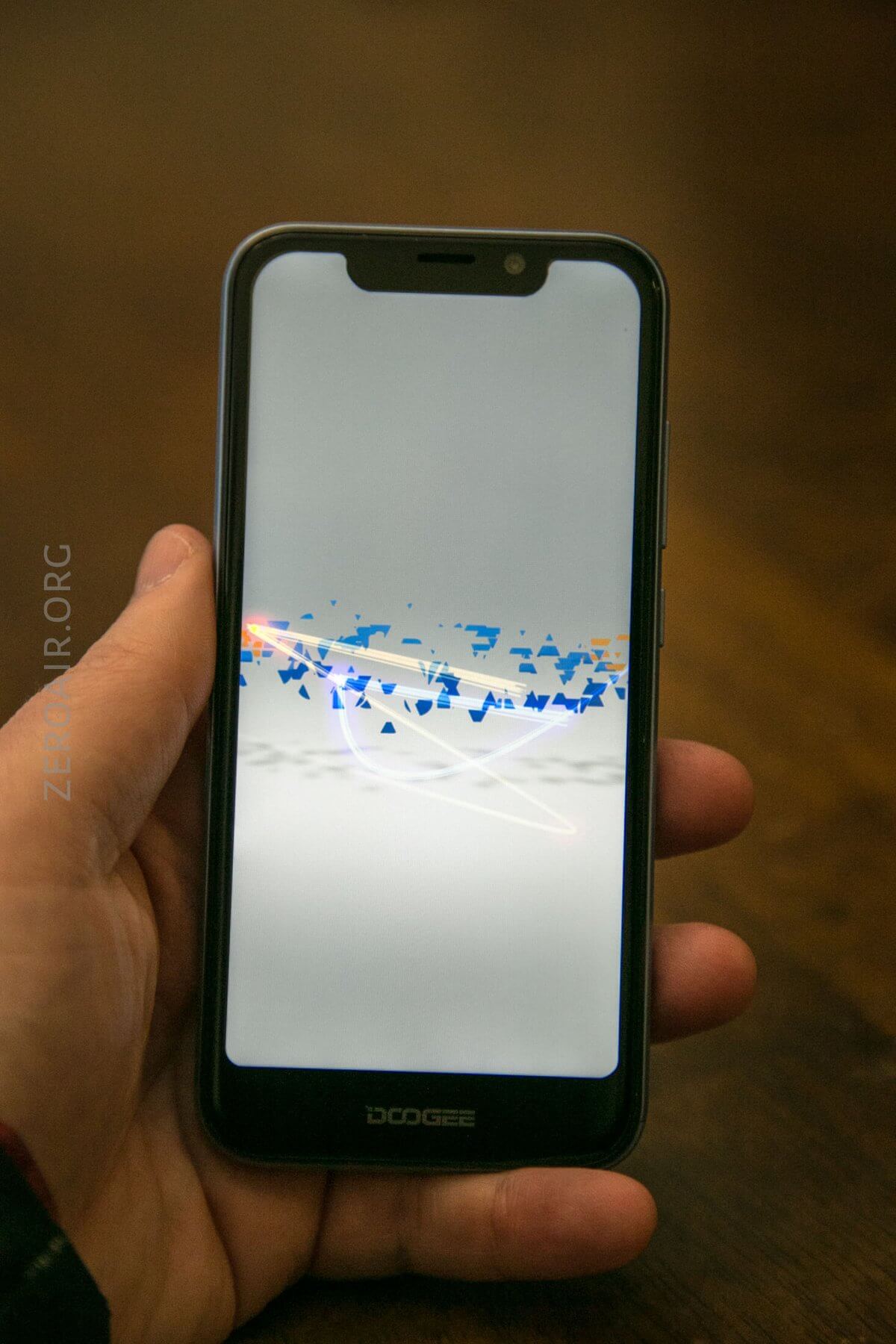
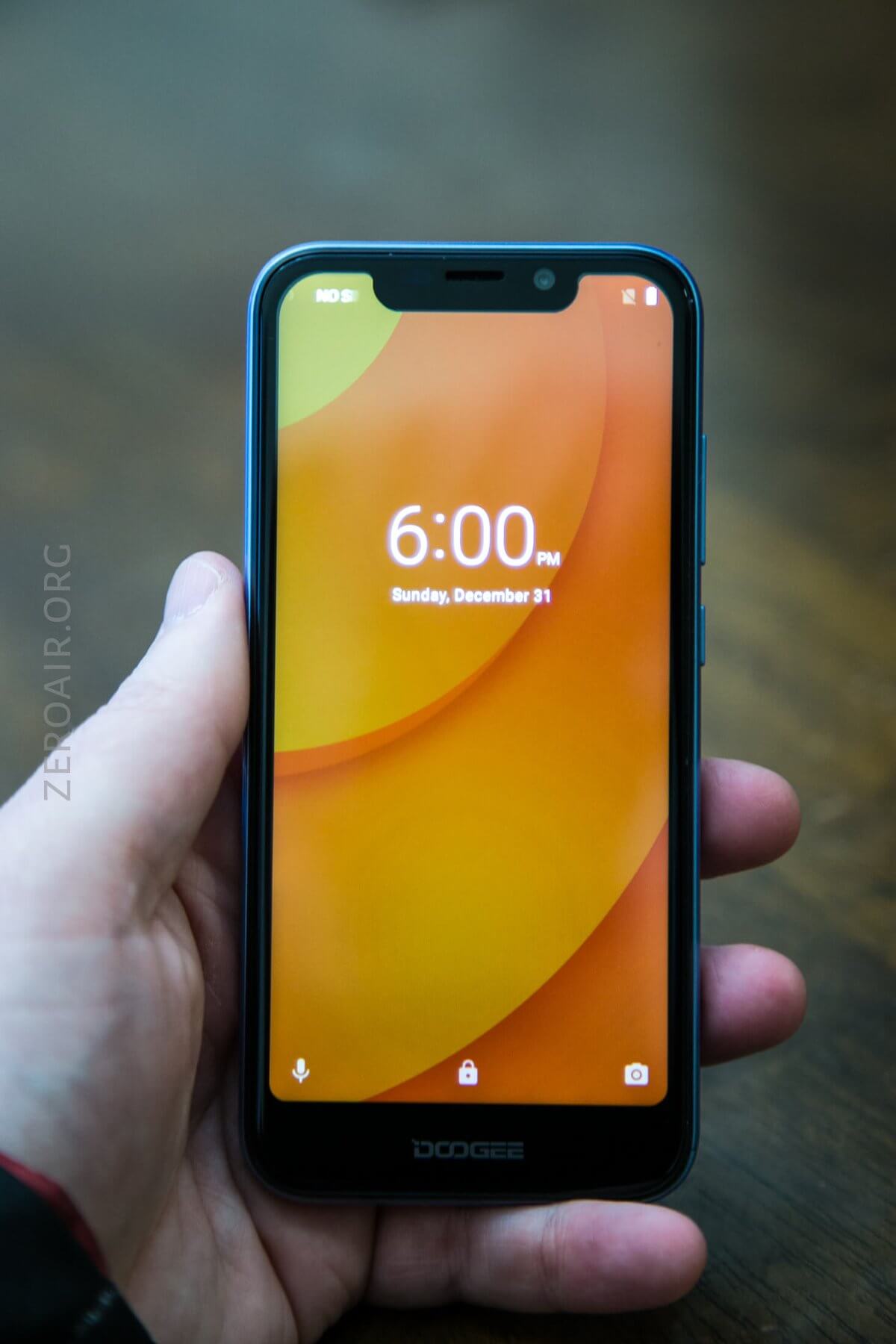
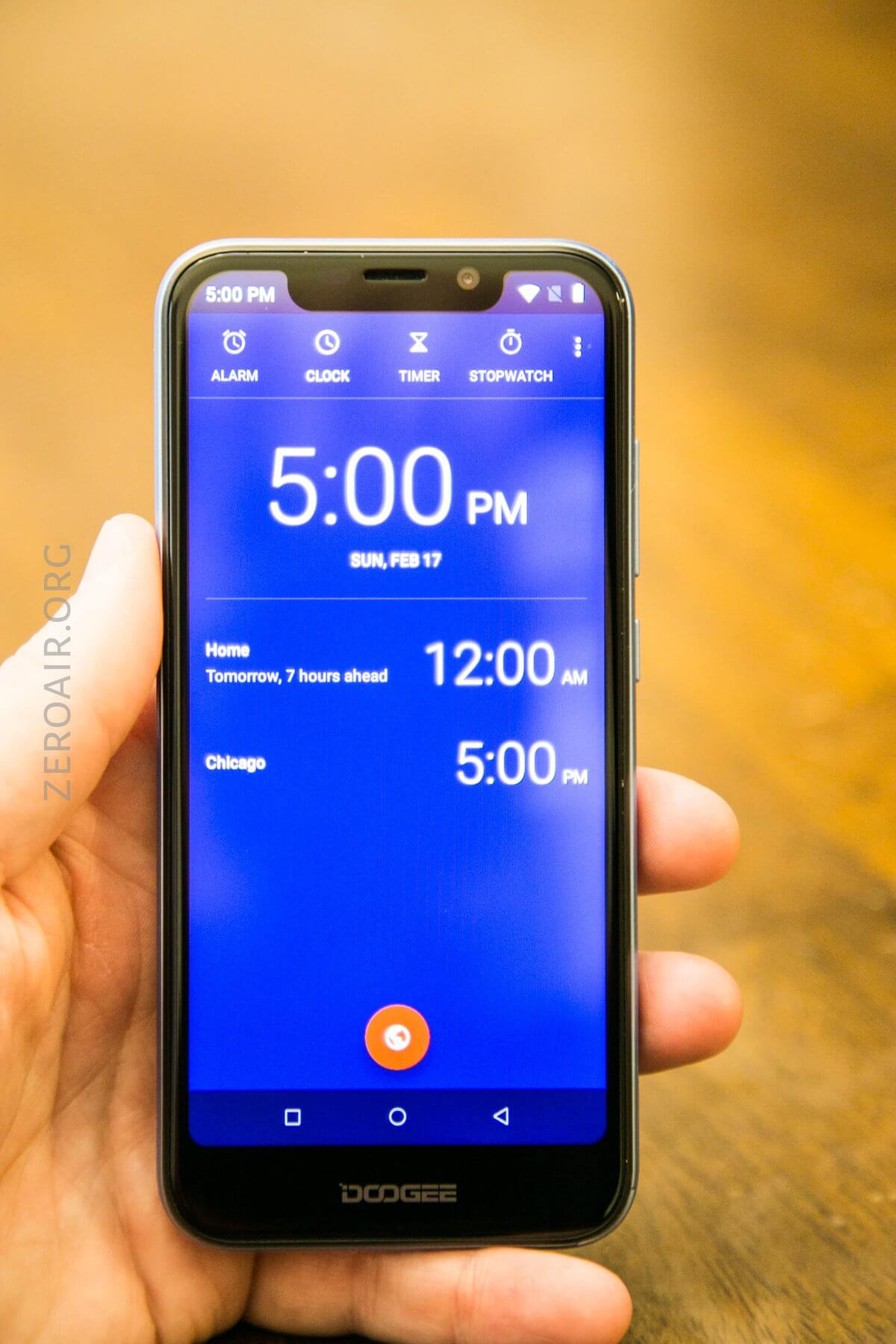
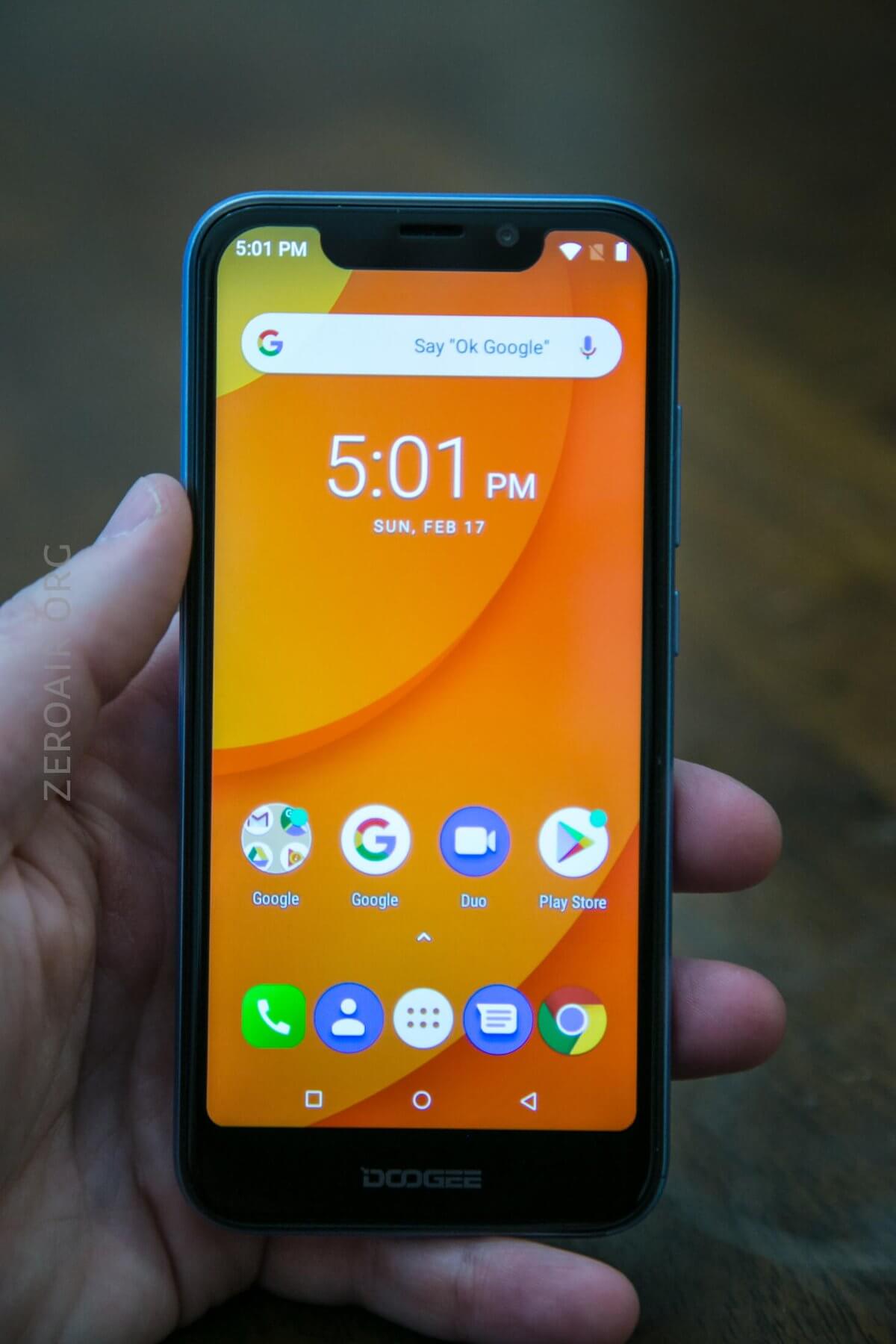
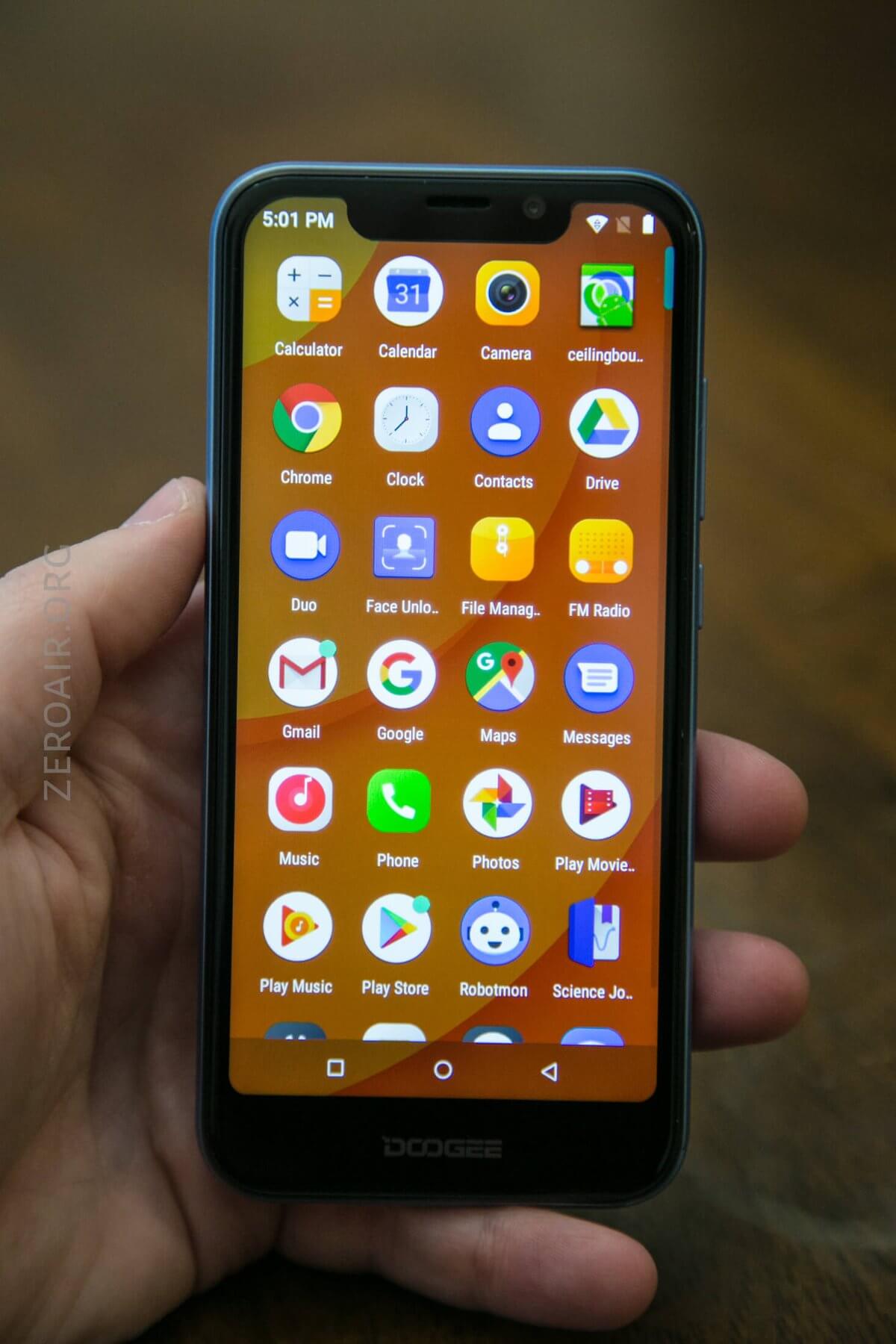
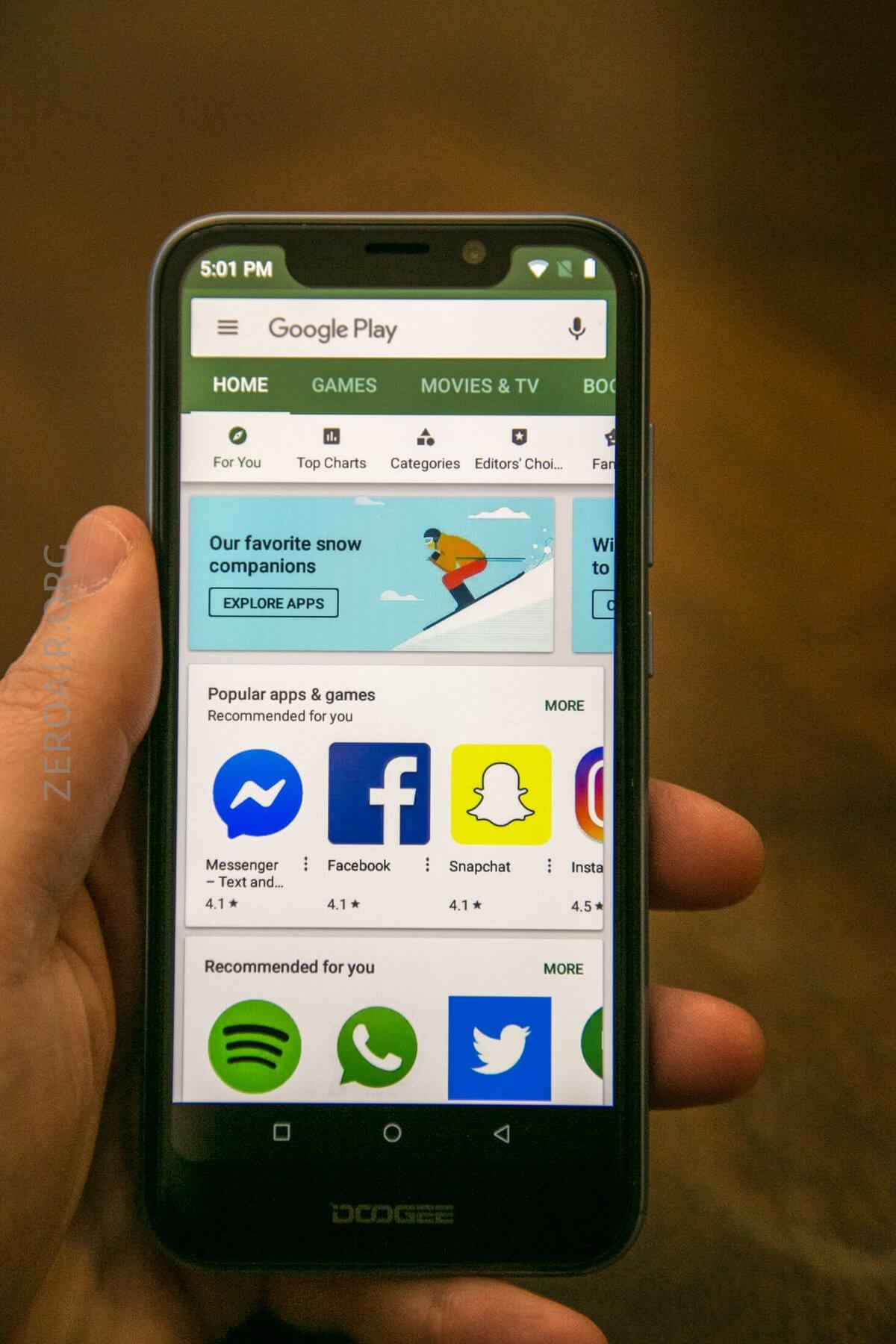
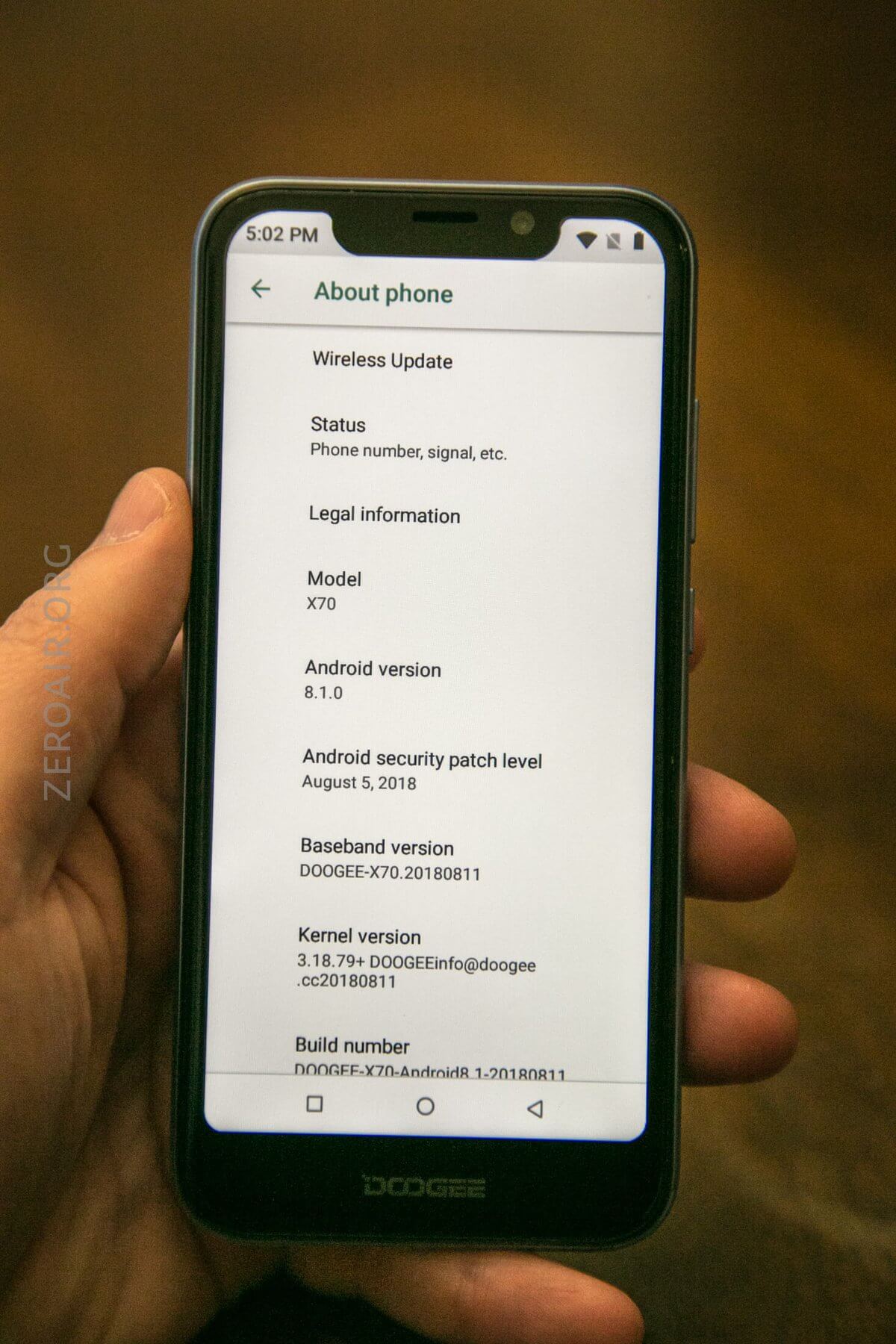
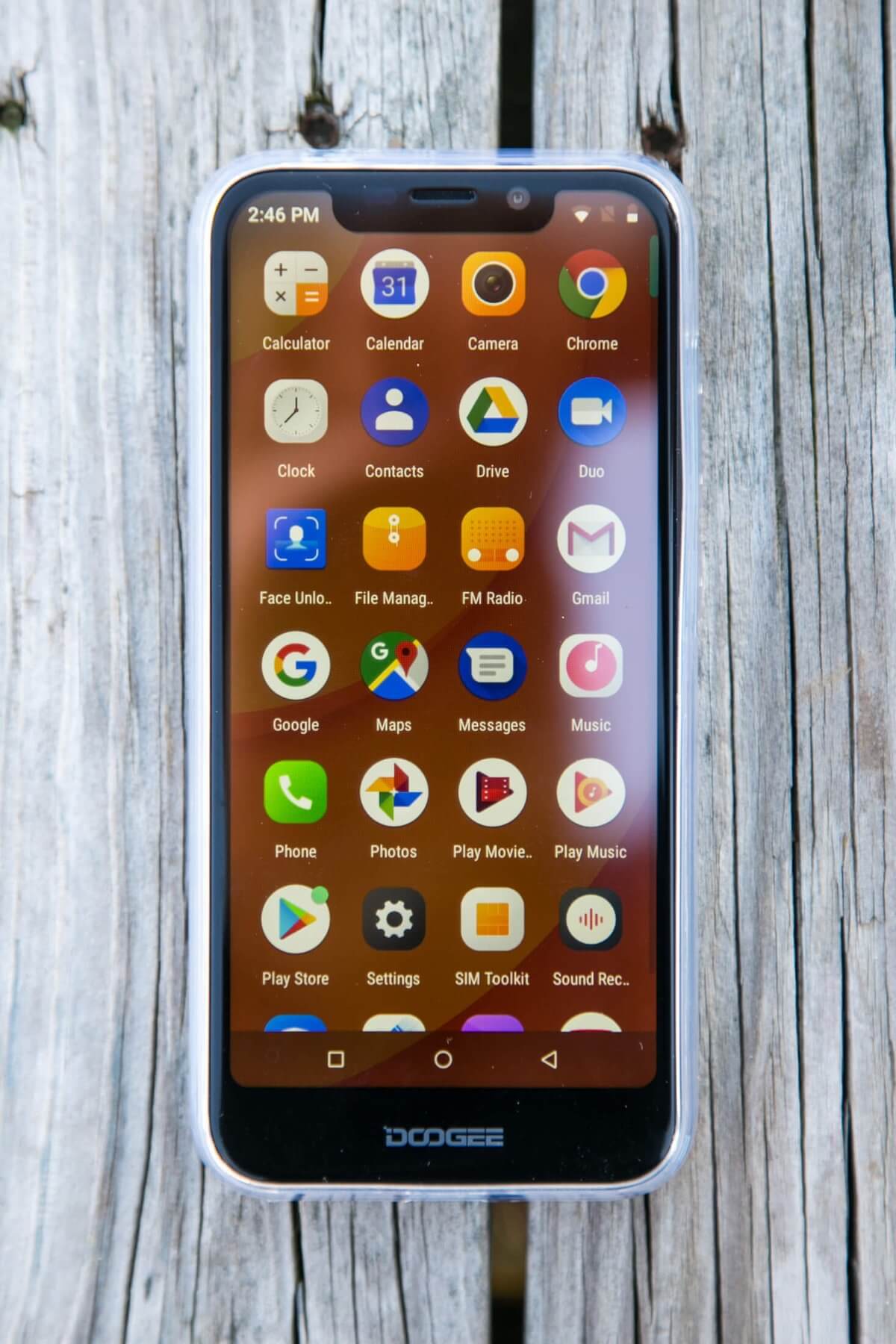
The display is a 19:9 ratio, U-notch IPS display
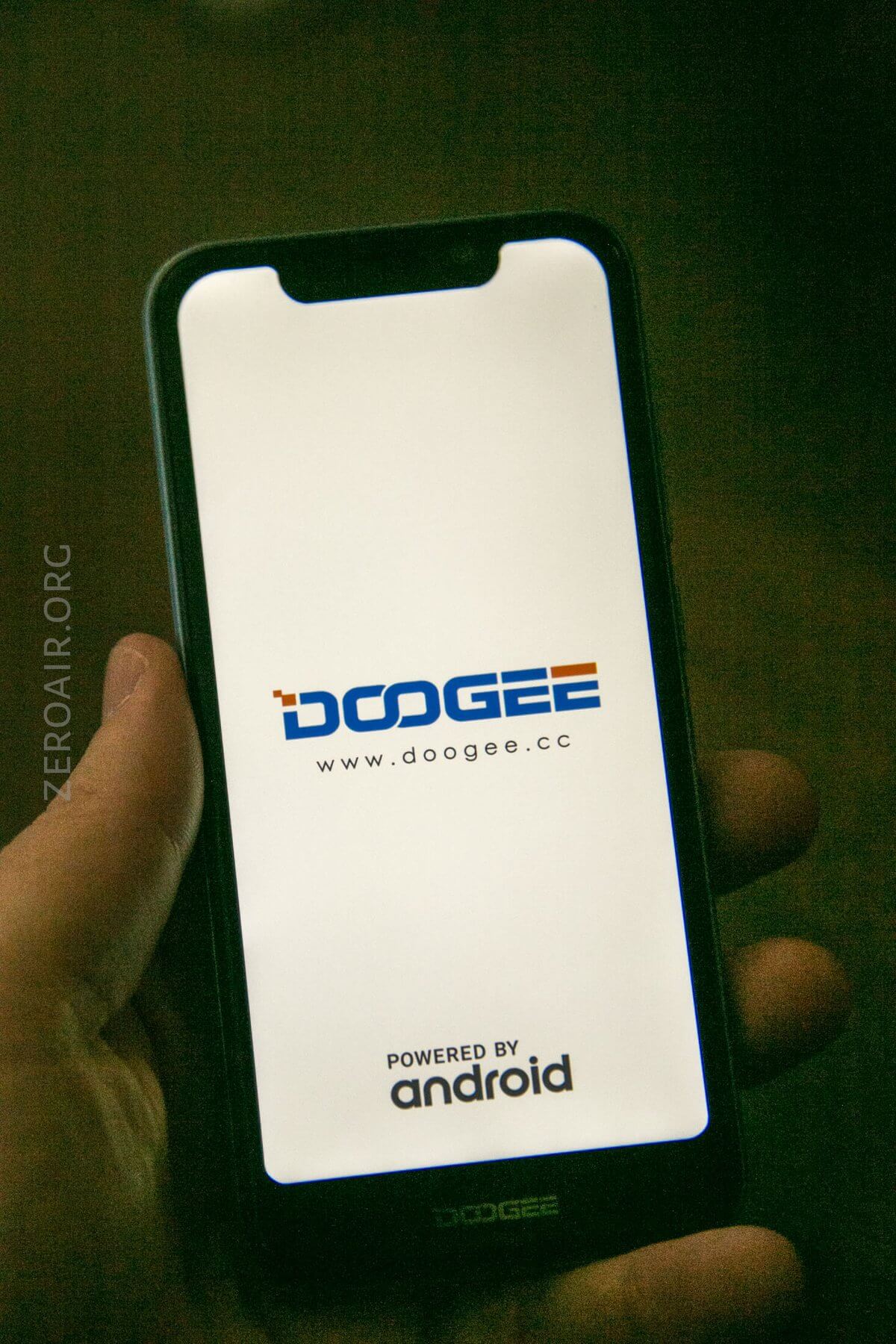
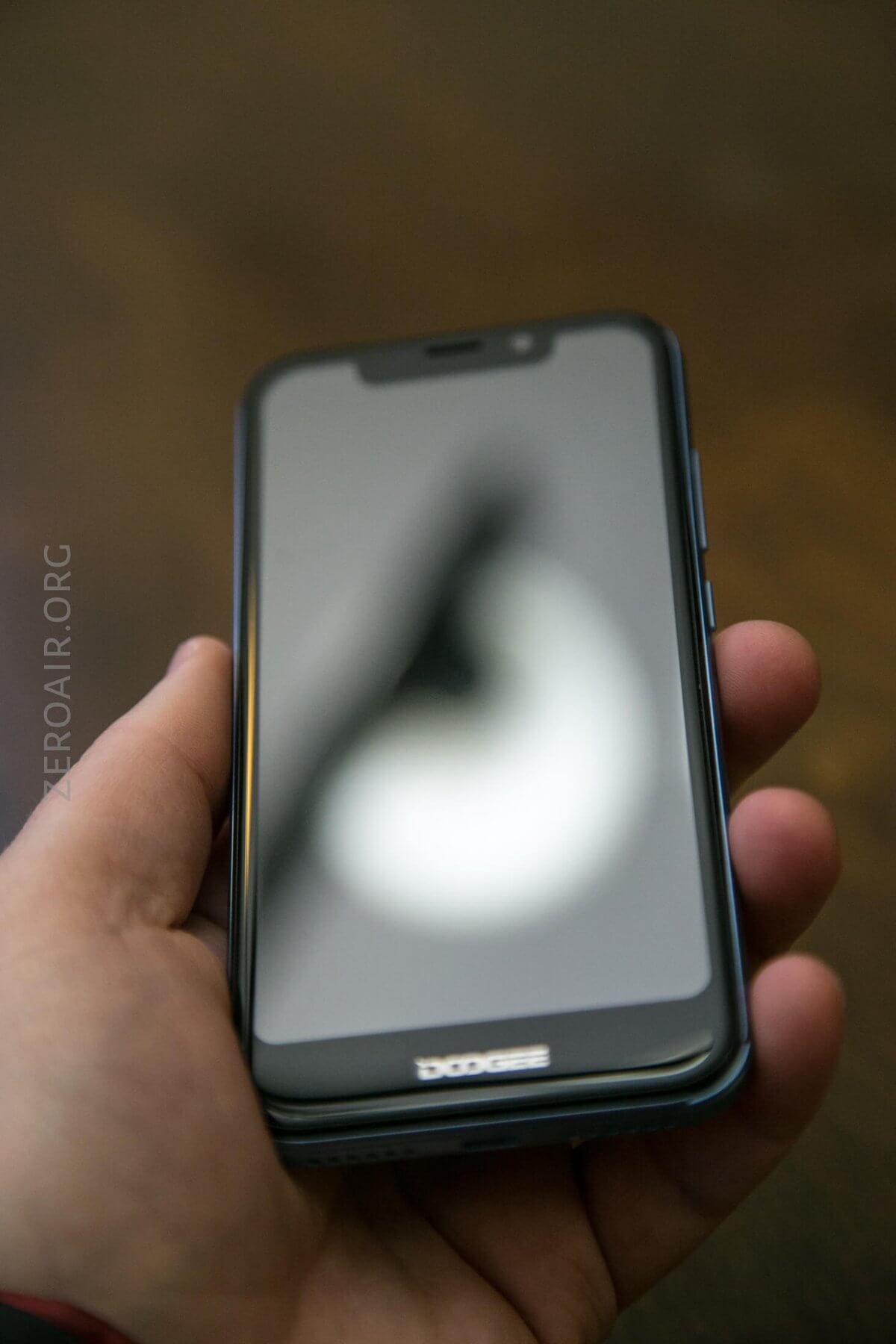
The display quality is actually extremely good, and I’d call it a “very rich” display. The aspect ratio is long, but useful.
Power
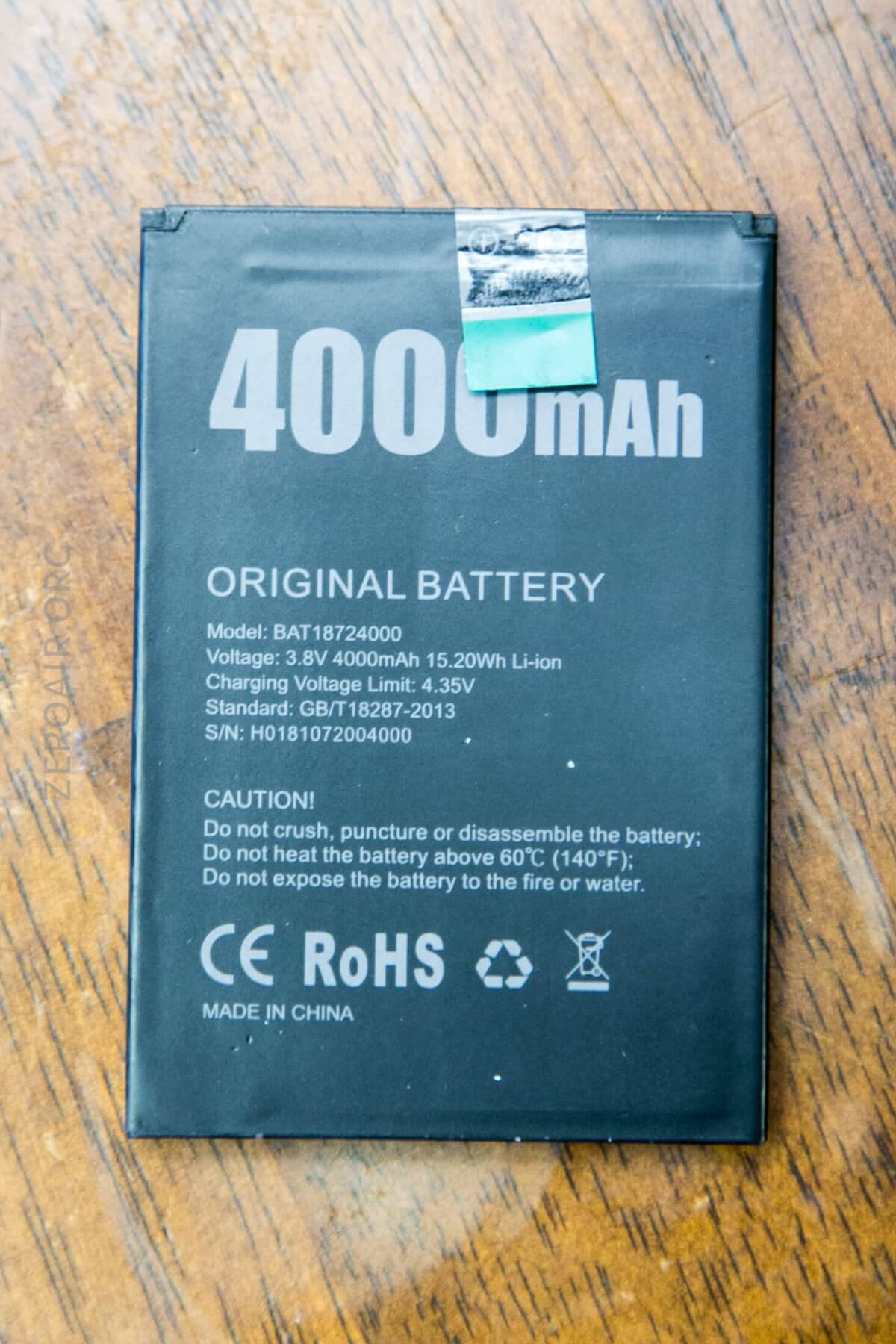
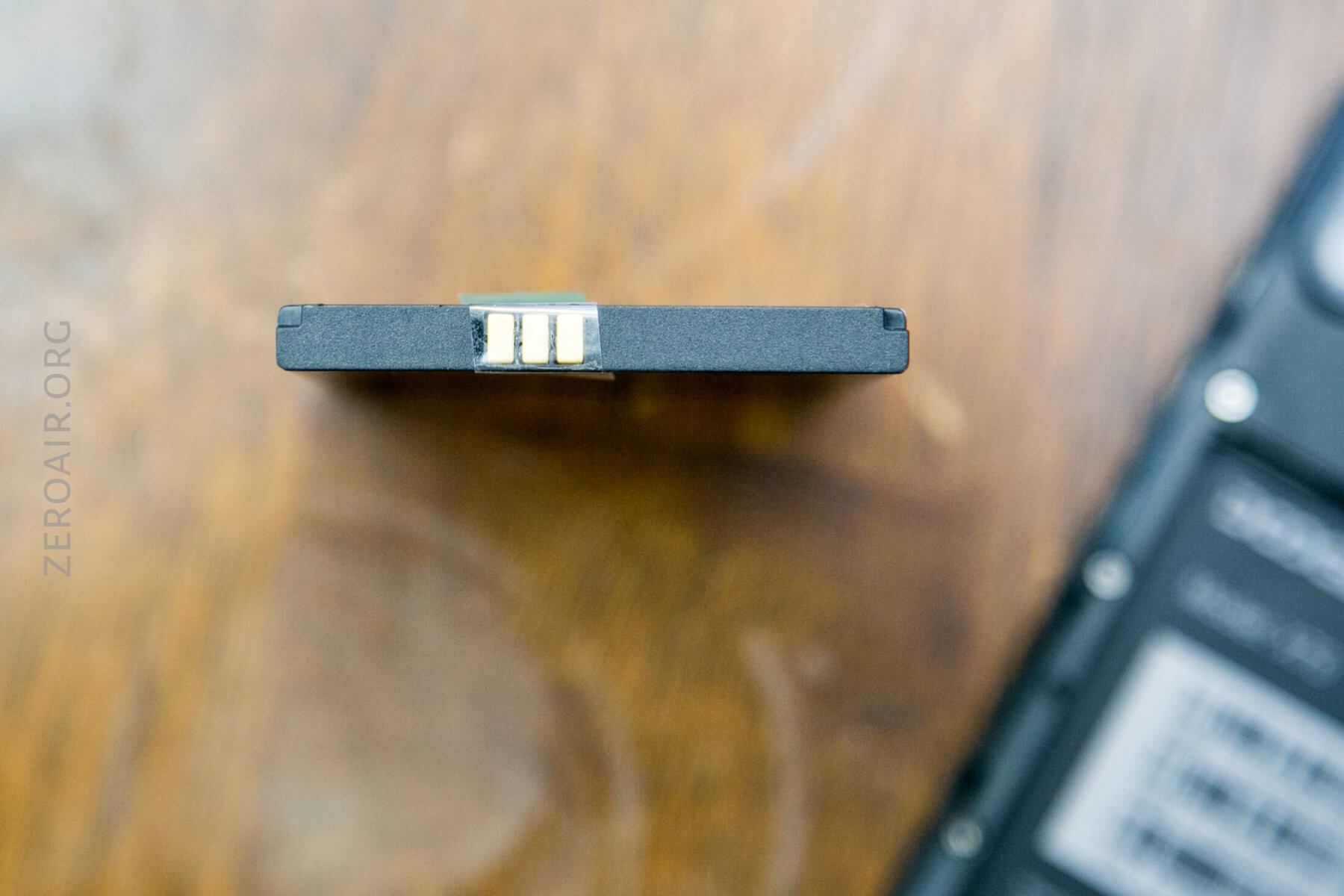
The X70 is powered by a 4000mAh LiPo cell. This cell ships with the green contact protector (seen below), which you’ll need to remove before the phone works. Ask me how long I had the device charging before I realized.
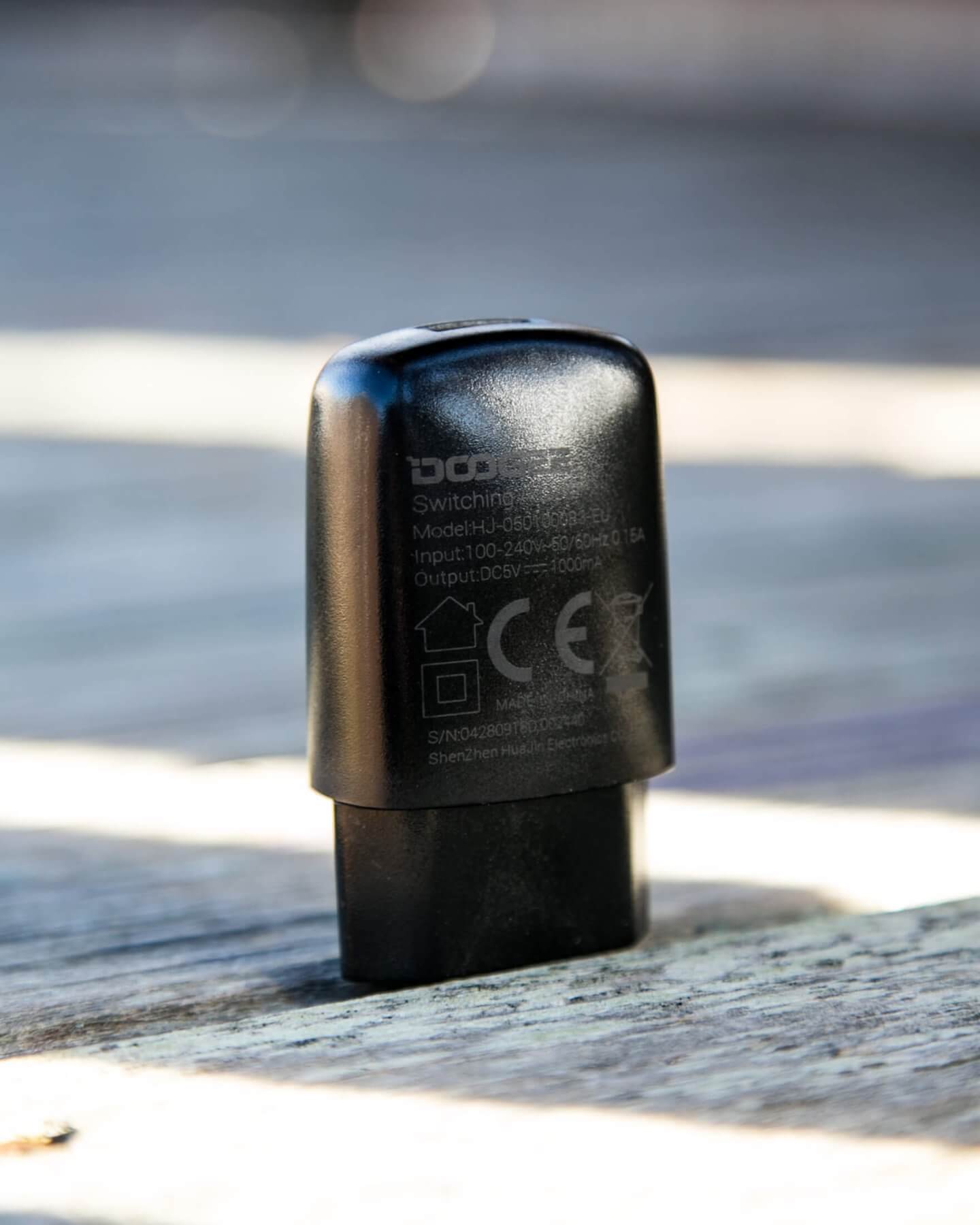
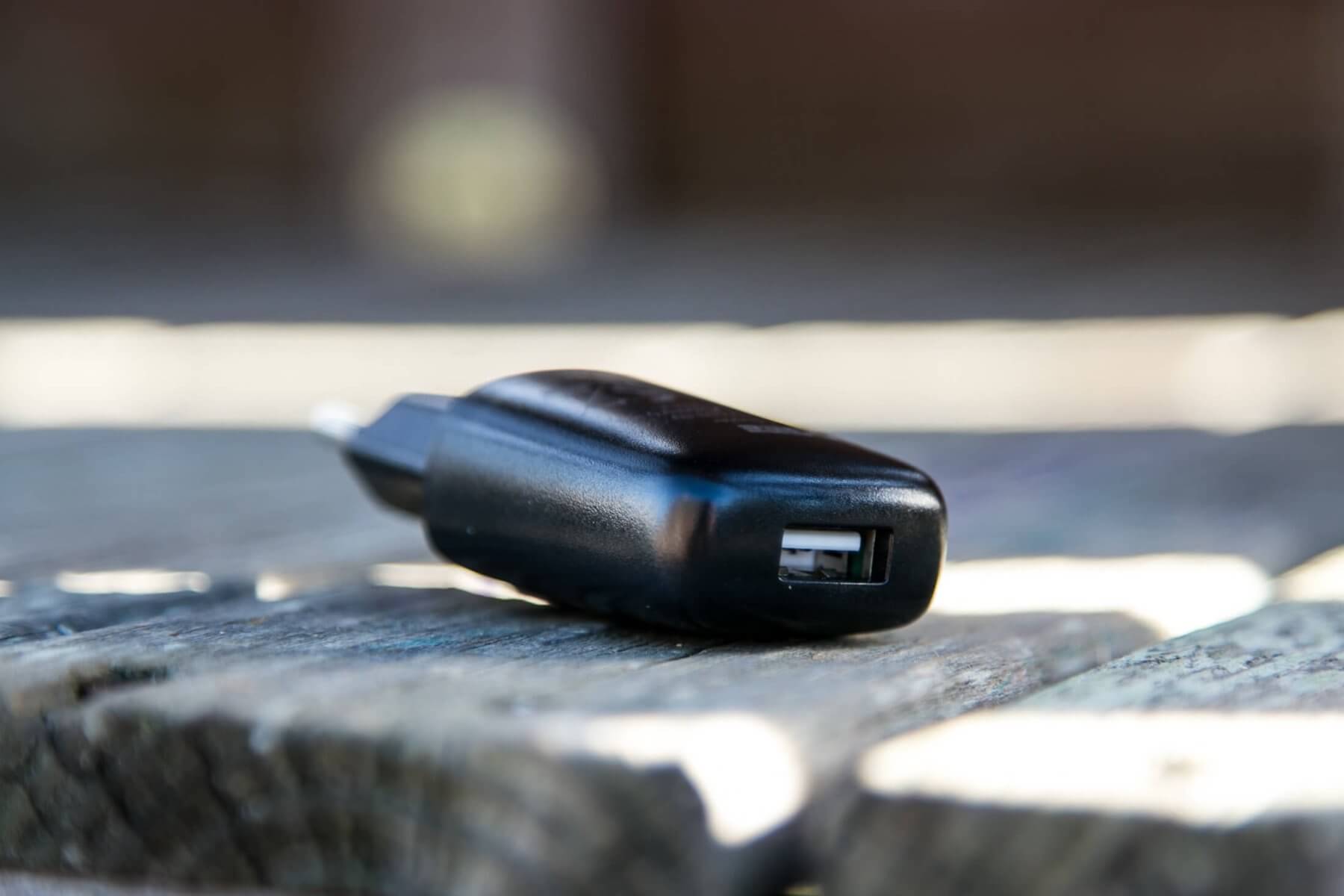
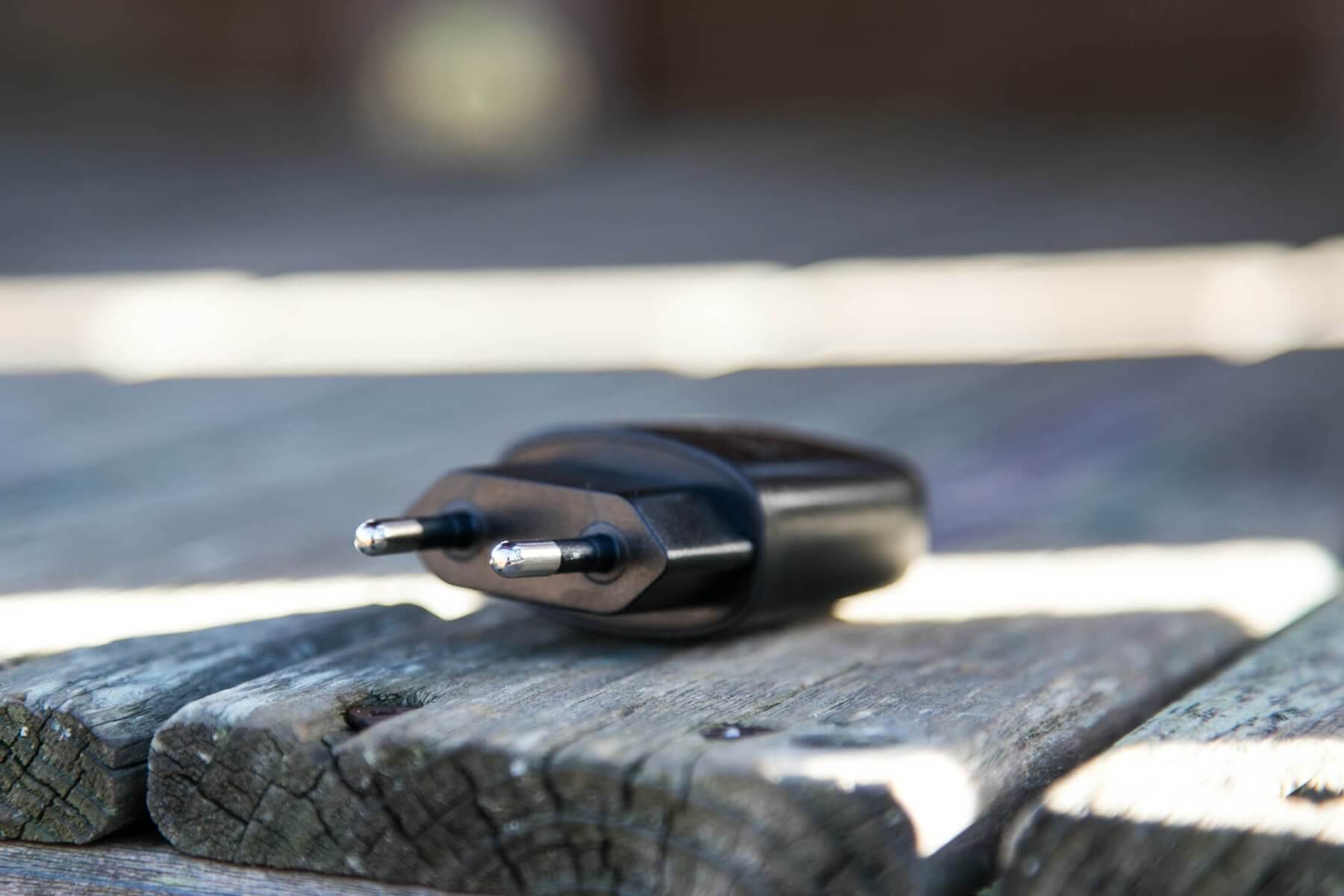
Also included is a wall plug fit for EU use. The phone charges by micro-USB (type B), so this is just an accessory that’ll go into a bin somewhere for me. The X70 doesn’t care from what the micro-USB power comes.
User Interface and Operation
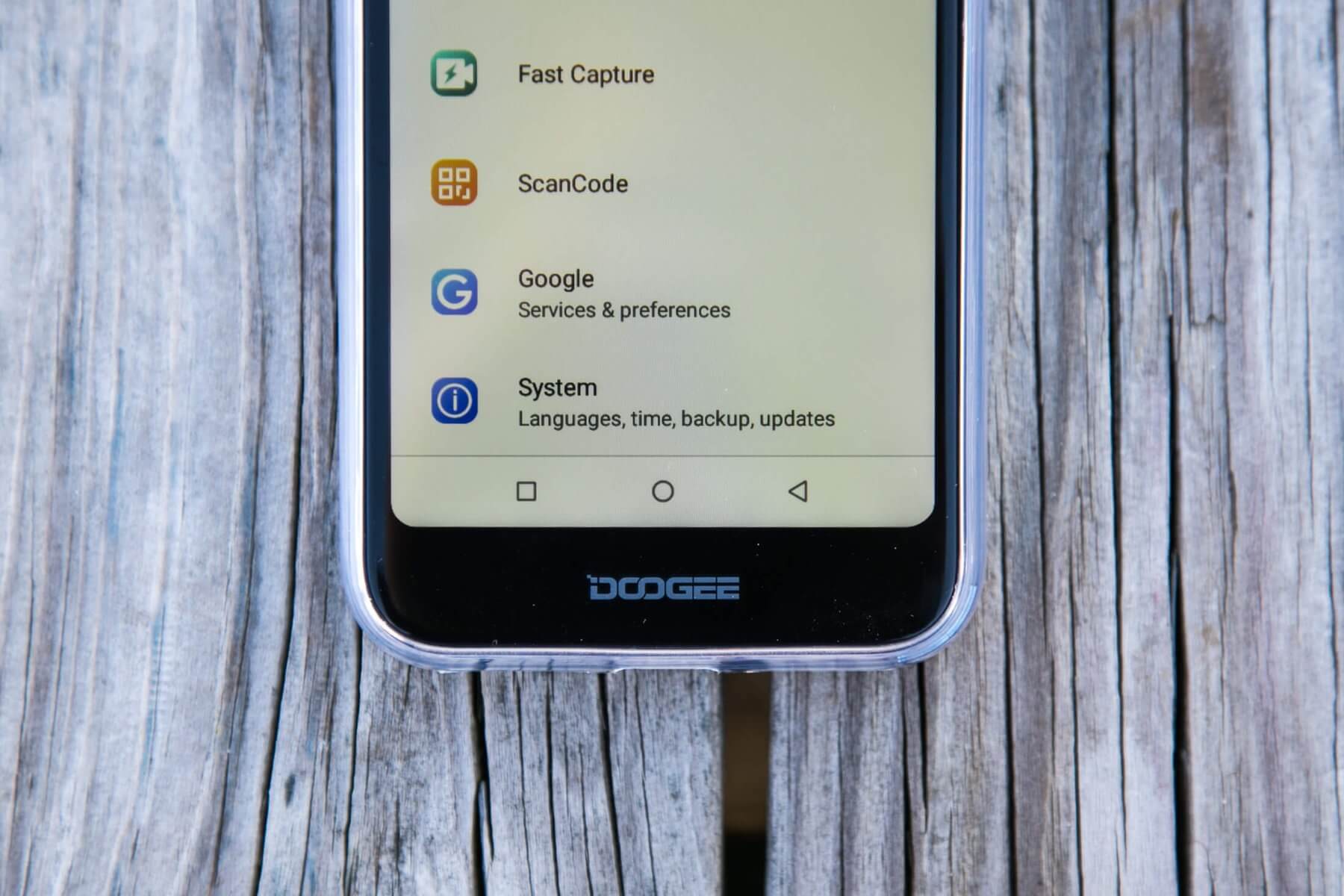
There are no actual buttons on the X70 – it’s all capacitive. Even the fingerprint sensor on the back is capacitive (best I can tell), and doesn’t click.
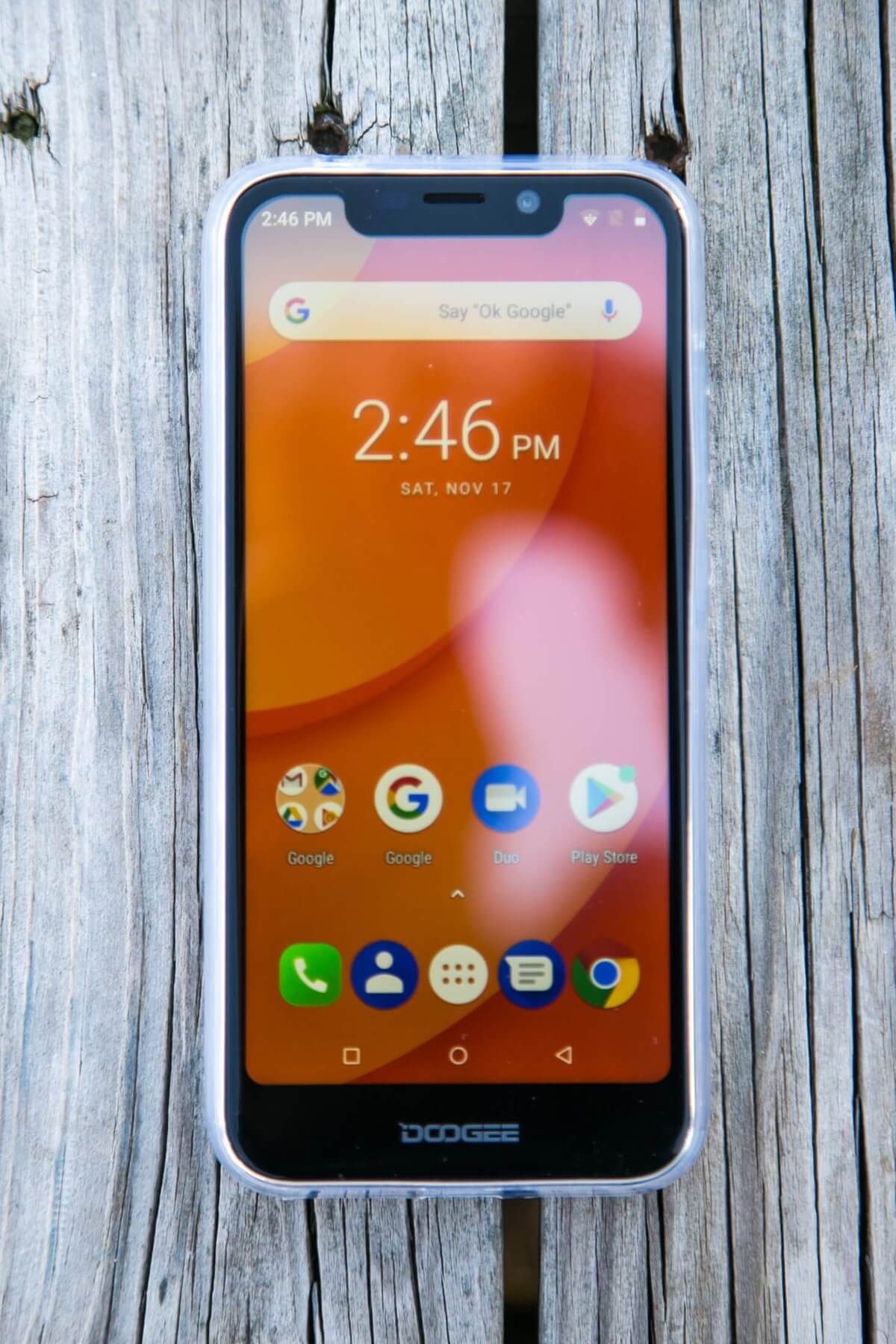
I have to say, I really miss something to click, but the onscreen (Android style) capacitive “buttons” are easy enough to get accustomed to.
Conclusion
What I like
- Dual SIM – useful for those who will need that feature
- Ability to sideload, for using apps like CelingBounce
- Great price, at ~$73, for such high-end features
What I don’t like
- Could feel like a higher quality device
- Just a bit slow on the common everyday tasks
In the end for me, this will probably be a device that I throw some games or movies on and handoff to some younger generation. I don’t expect this will be my main device, but at such an inexpensive price, it’s a solid and capable emergency backup.
Notes
- This light was provided by Fasttech for review. I was not paid to write this review.
- This content originally appeared at zeroair.org. Please visit there for the best experience!
- Use my amazon.com referral link if you’re willing to help support making more reviews like this one!
- Please support me on Patreon! I deeply appreciate your support!
Discover more from ZeroAir Reviews
Subscribe to get the latest posts sent to your email.
my chager is broken
Sorry to hear it.
What to know about the camera