
XTAR VC8 Charger Preview
The XTAR VC8 Charger is an 8-bay charger powered by USB-C. Also, the charger is inexpensive, so it’s definitely worth considering.
Official Specs and Features
Here’s a link to the XTAR VC8 Charger product page.
Price
This 8-bay charger is going for $40 right now. If you do the per-bay math, that’s a pretty good value! They’re available on Amazon! (referral link)
Short Review
I really like this charger as a simple, many-bay charger. It’s not big (for having 8 bays), and using USB-C is a very nice update.
Long Review
Key Features
Type-C 8×21700 Protected Battery Charger with Capacity Test Function
–Your Intelligent Battery Steward
• Type-C Powered, QC3.0 3A Fast Charging
• Charge 8×21700 Simultaneously
• Test Batteries’ Real Capacity
• Maximize Batteries’ Lifespan
• Detect the Battery Type, Select the Best Charging Strategy
• 0△V and -△V Method Precisely Controls the Timing for Cease of Charging Ni-MH/Ni-CD Batteries
• Five Optional Currents for Manual Adjustment
• VA LCD Screen Shows Real-time Charging Status
Manual and Packaging
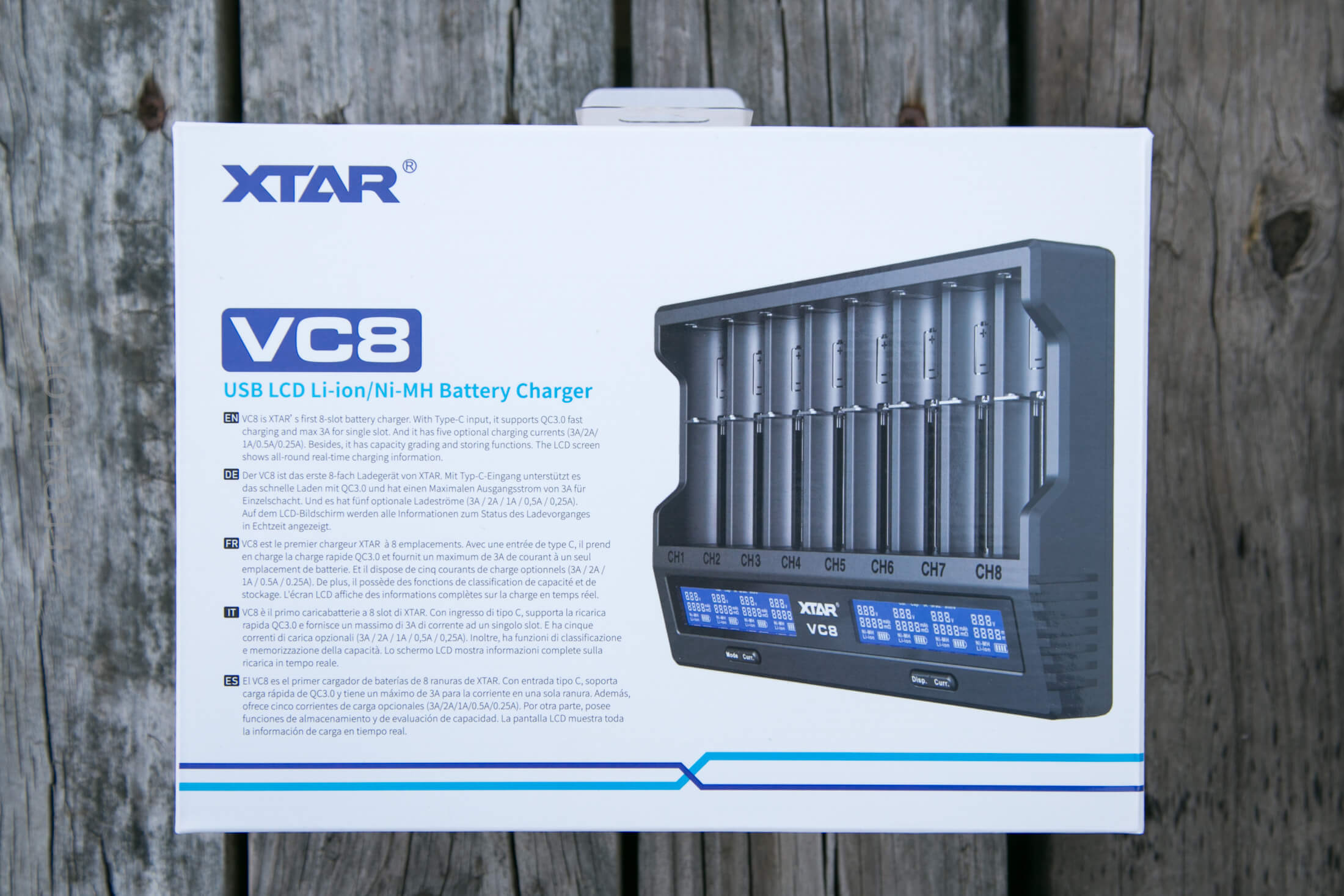
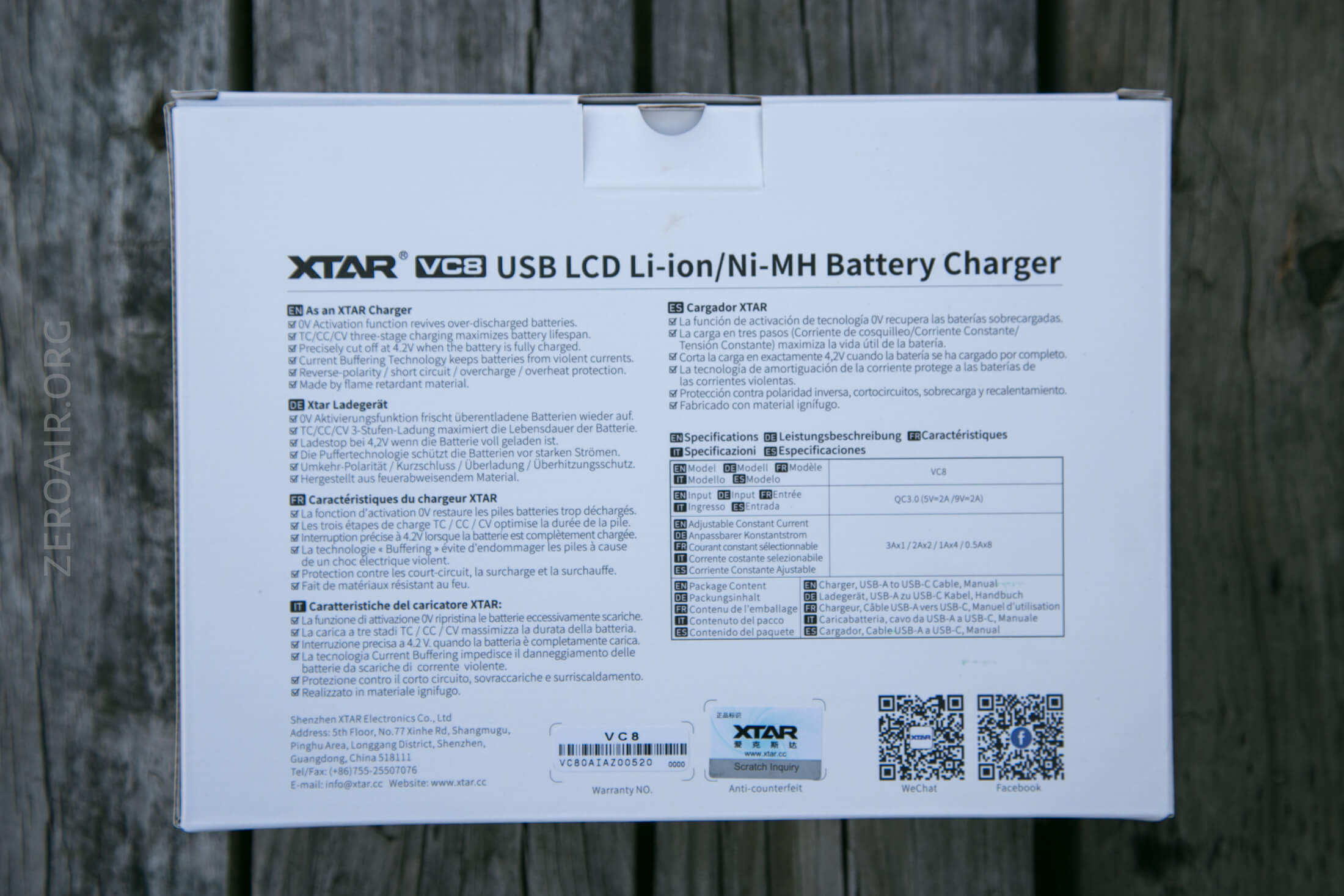
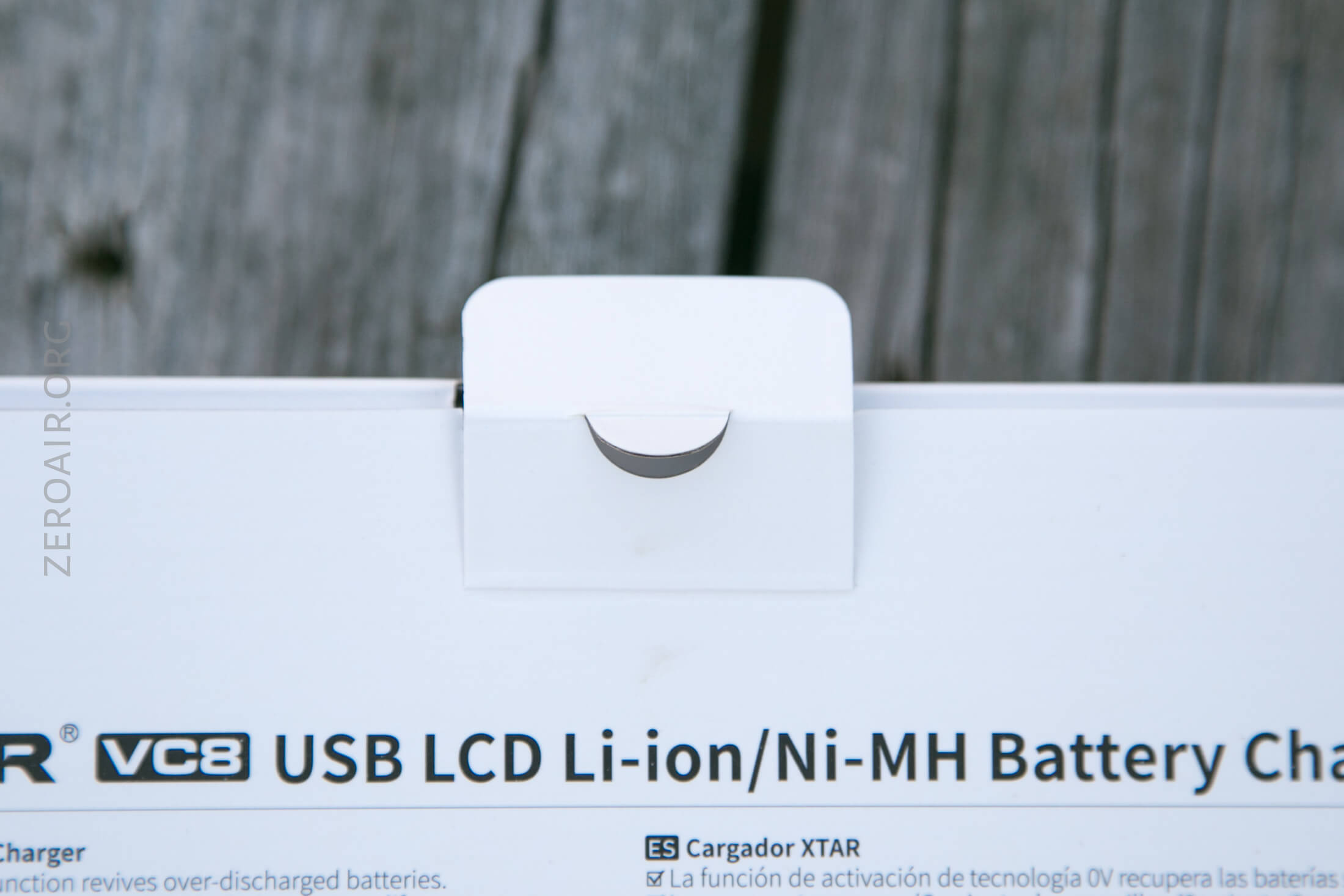
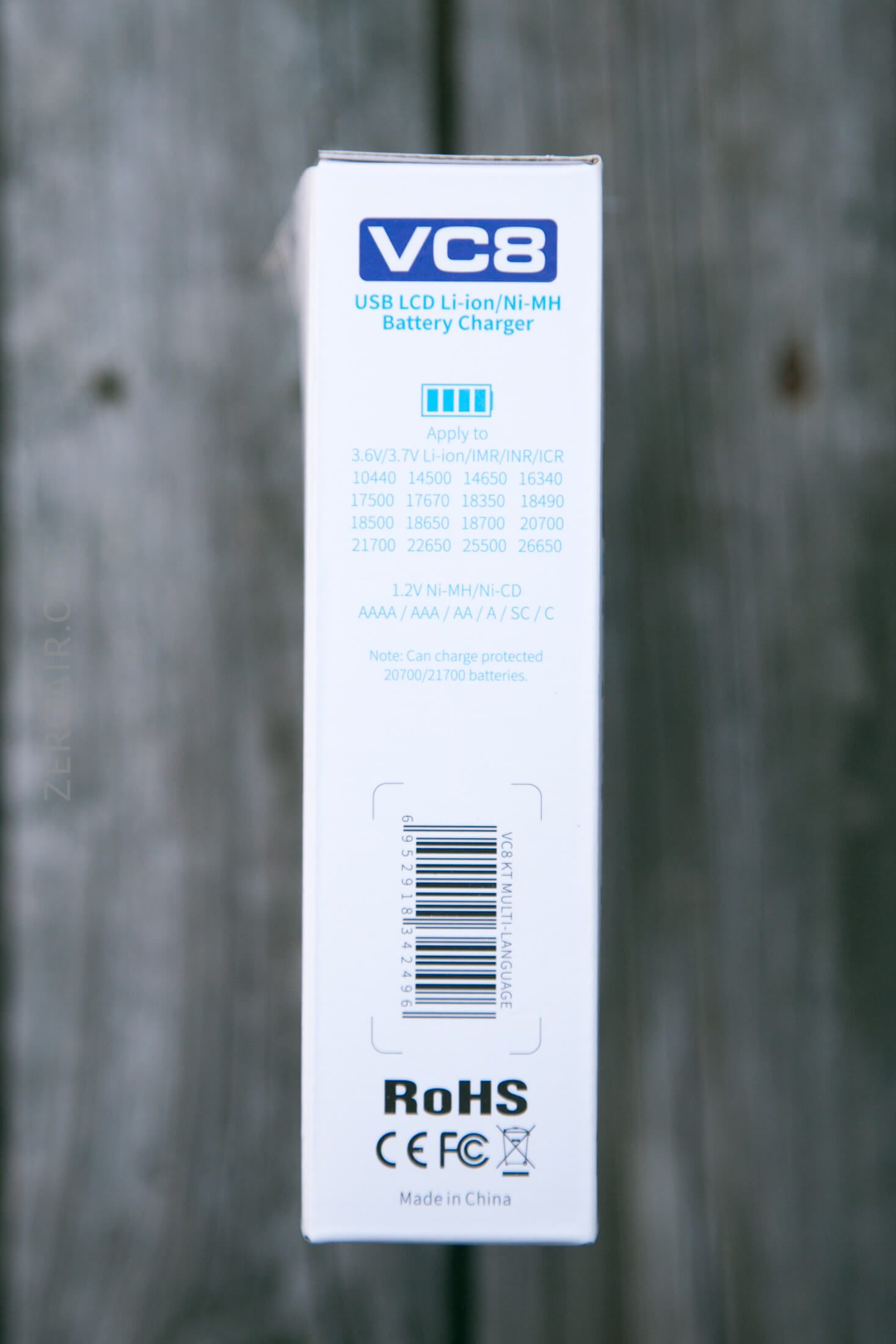
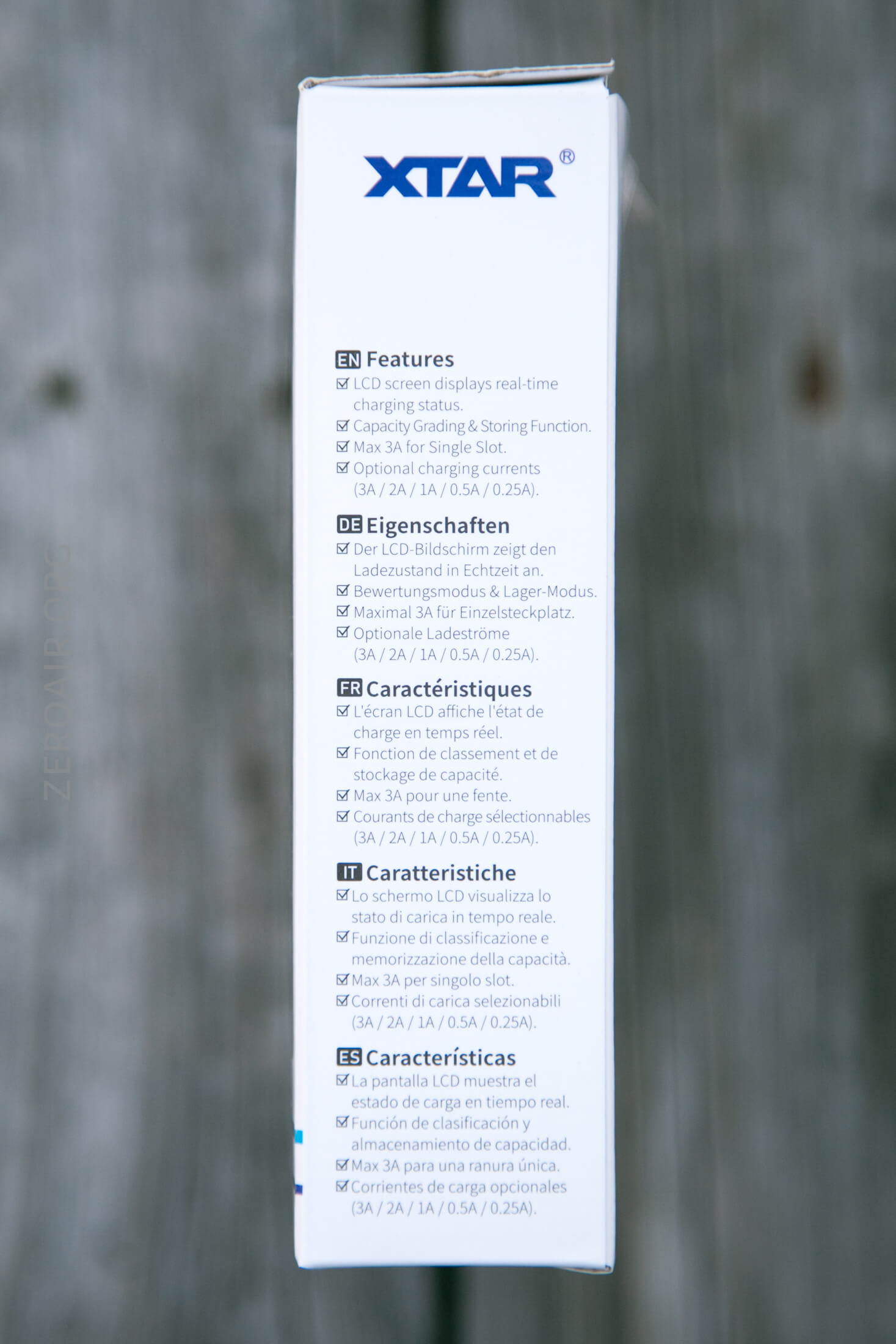
Typical XTAR packaging. I appreciate this little tab below. Not a big deal, but a nice touch by XTAR.
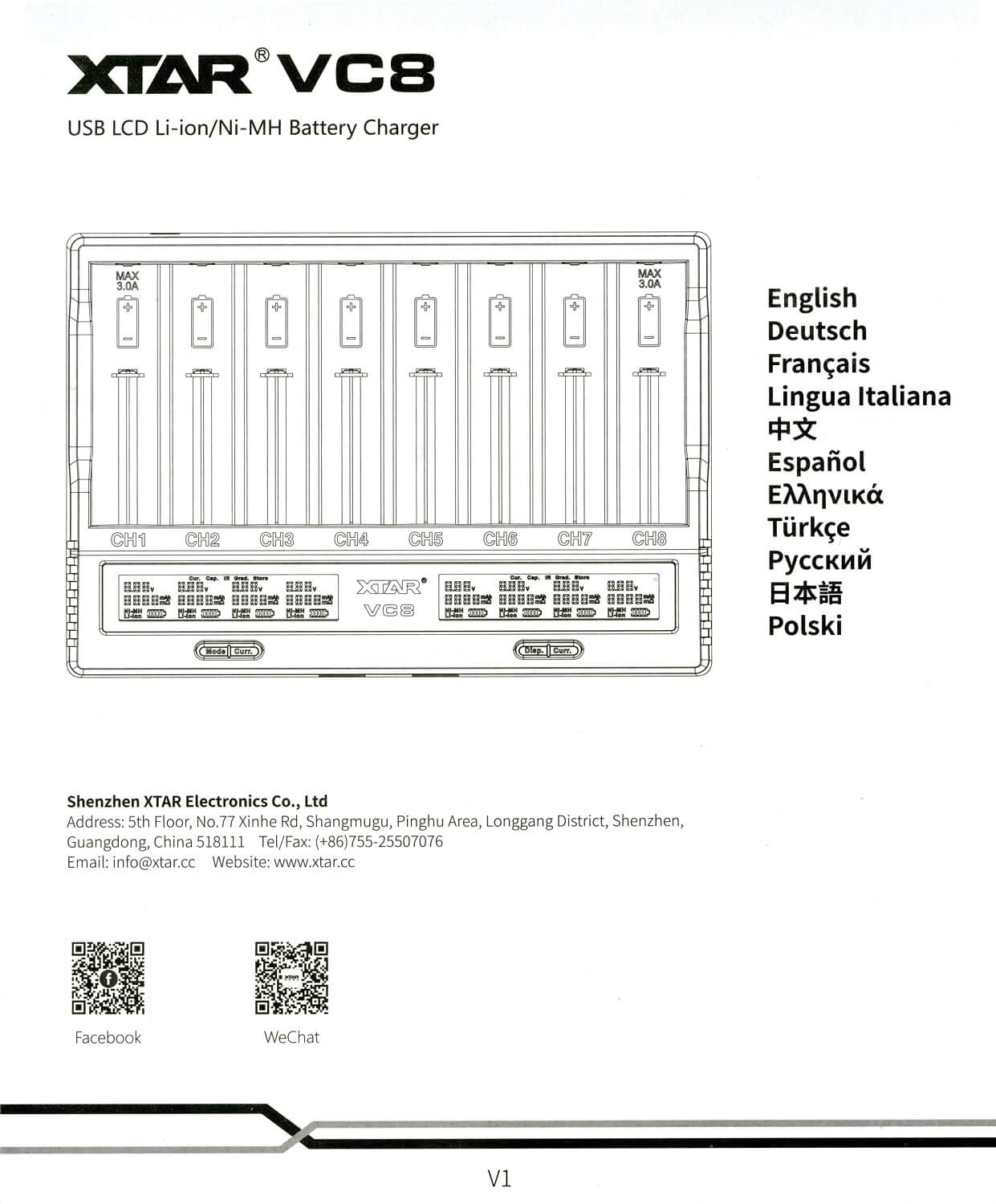
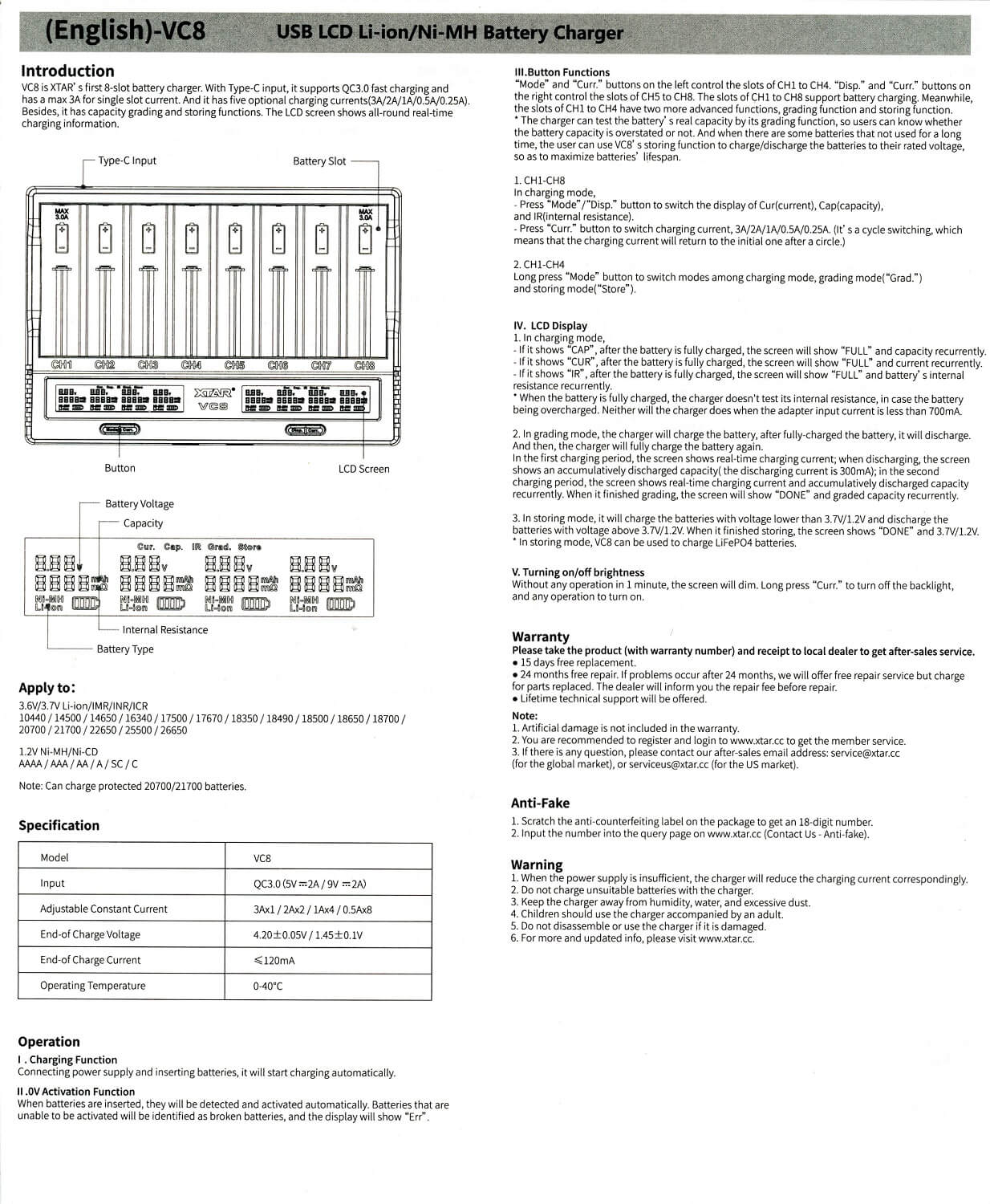
The manual is pretty good.
What’s Included
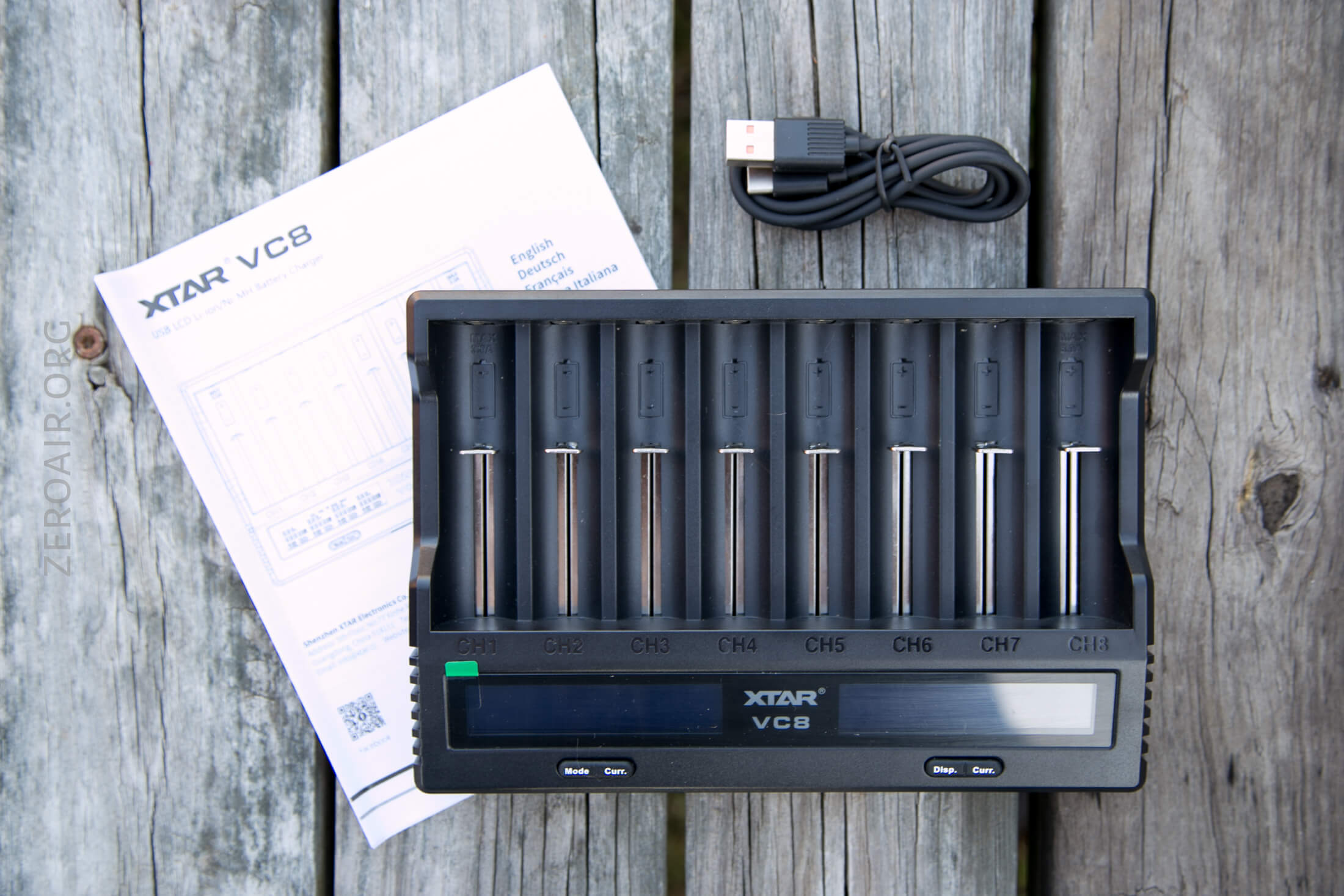
- XTAR VC8 8-bay charger
- Charge cable (USB to USB-C)
- Manual
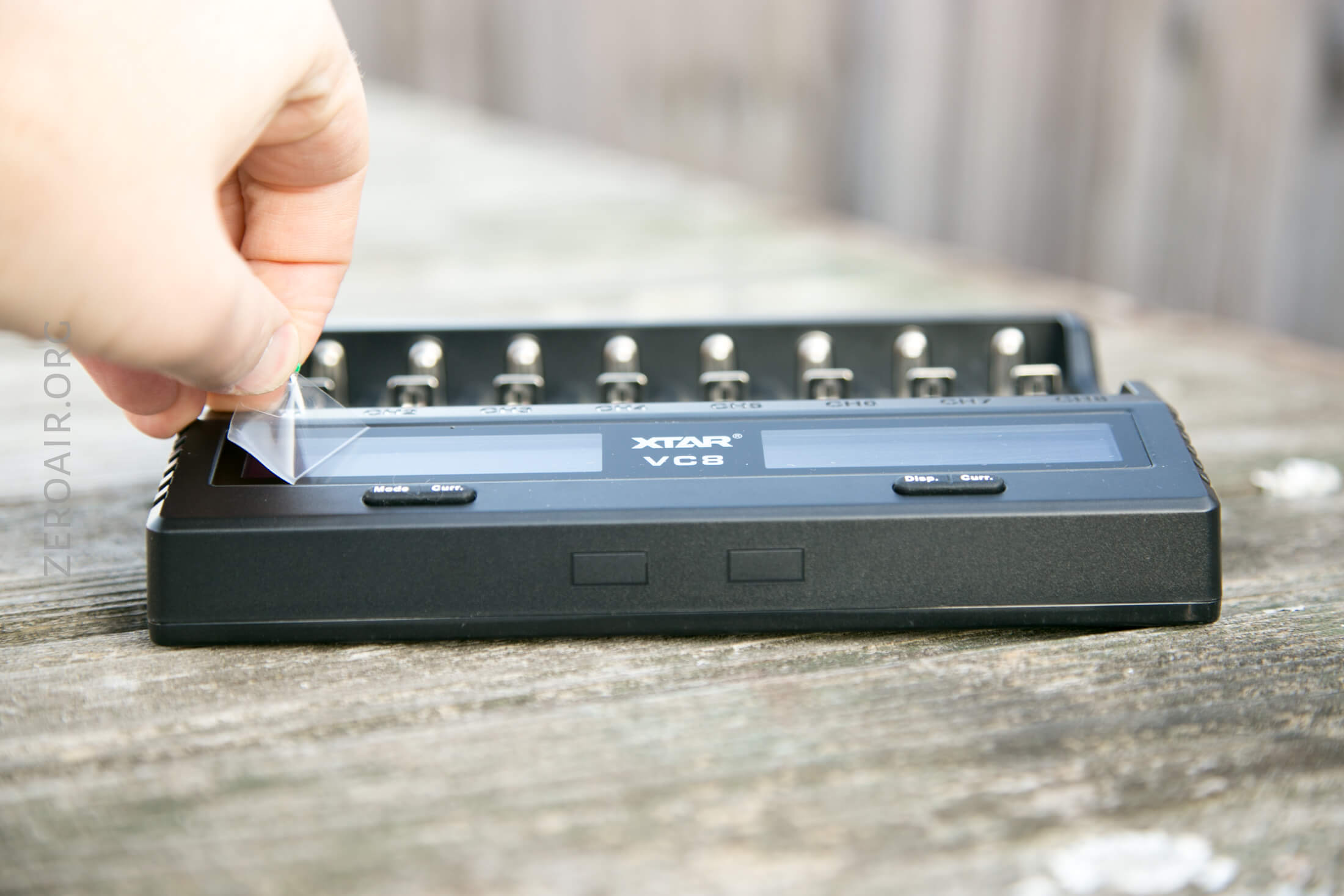
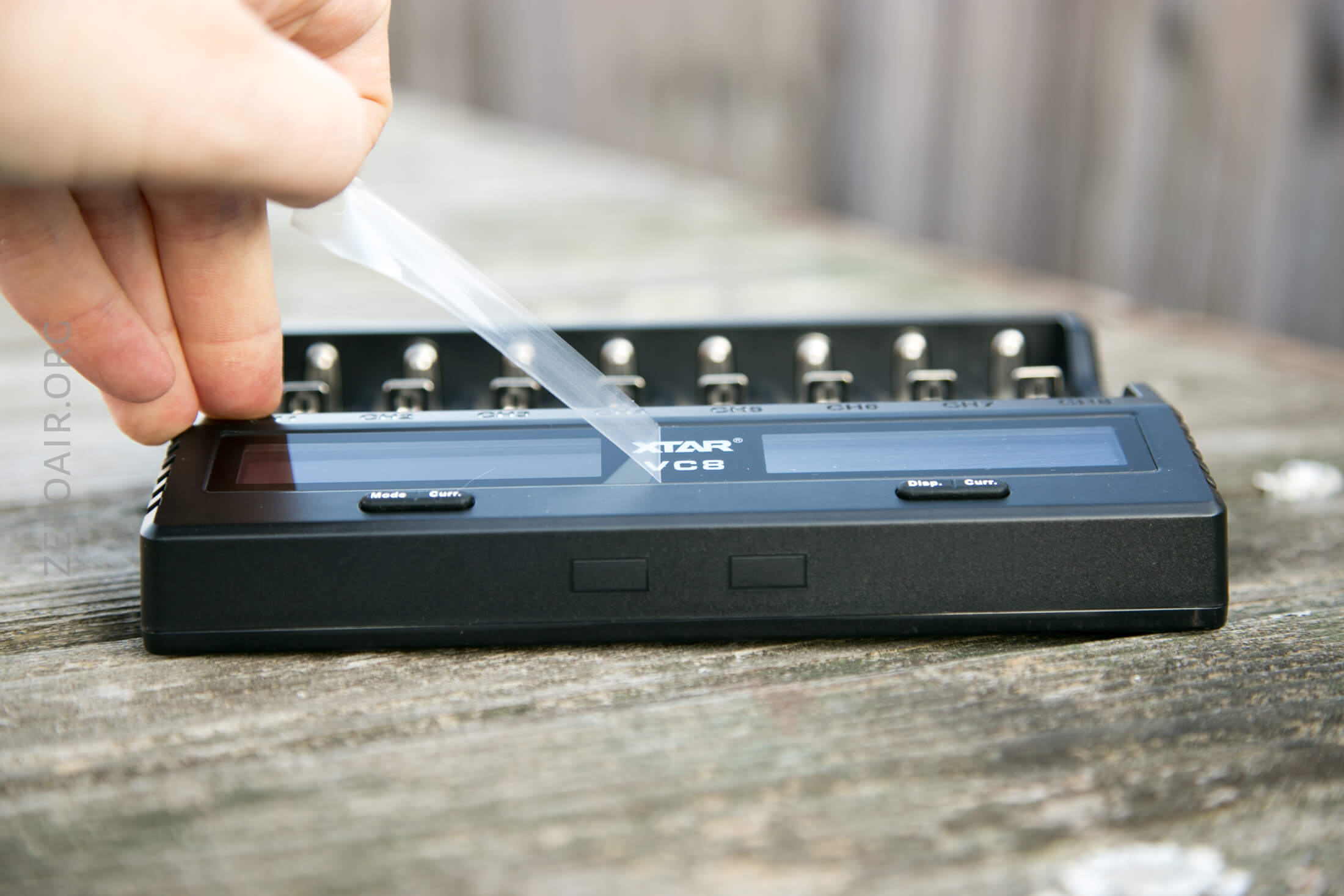
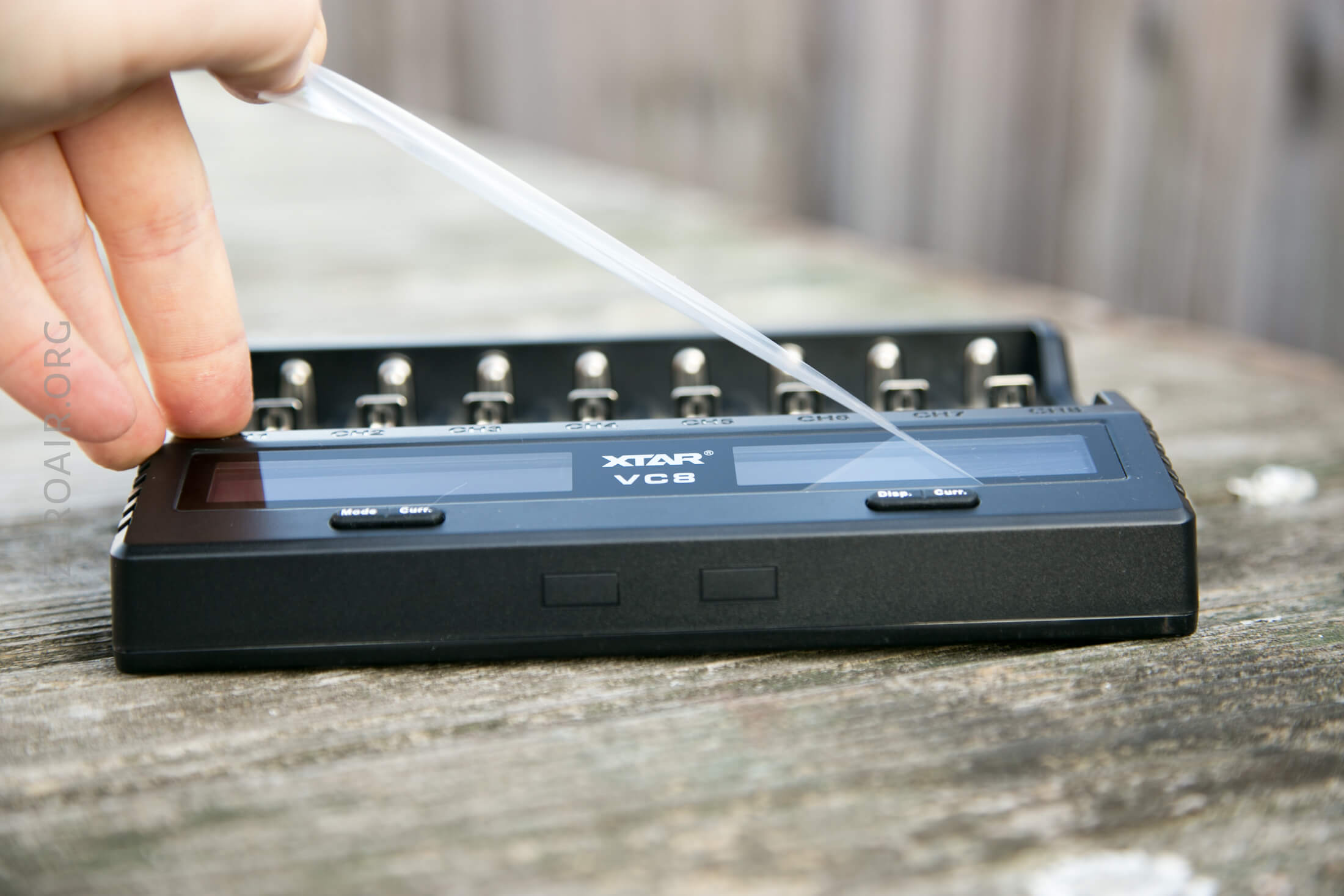
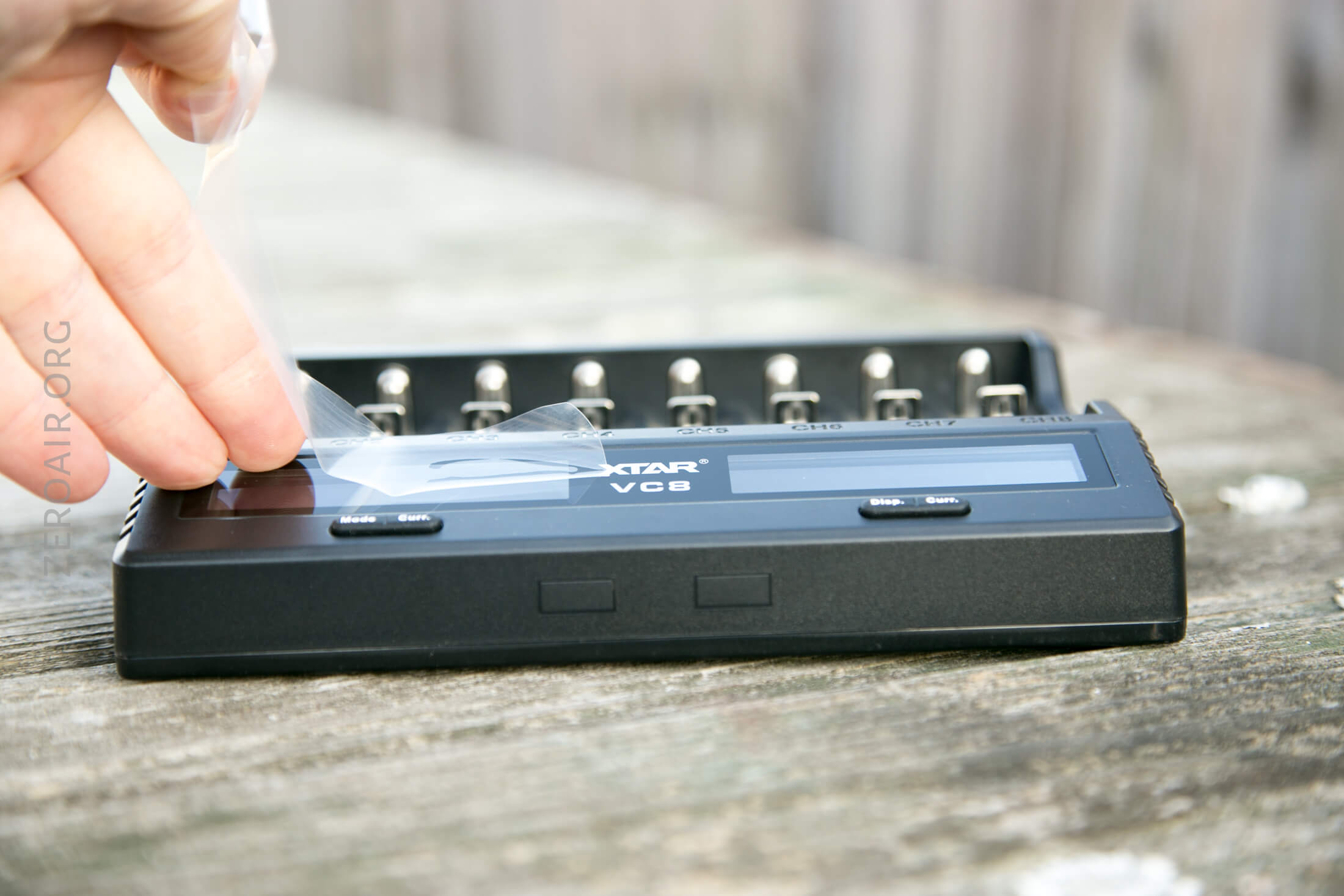
Build Quality and Durability
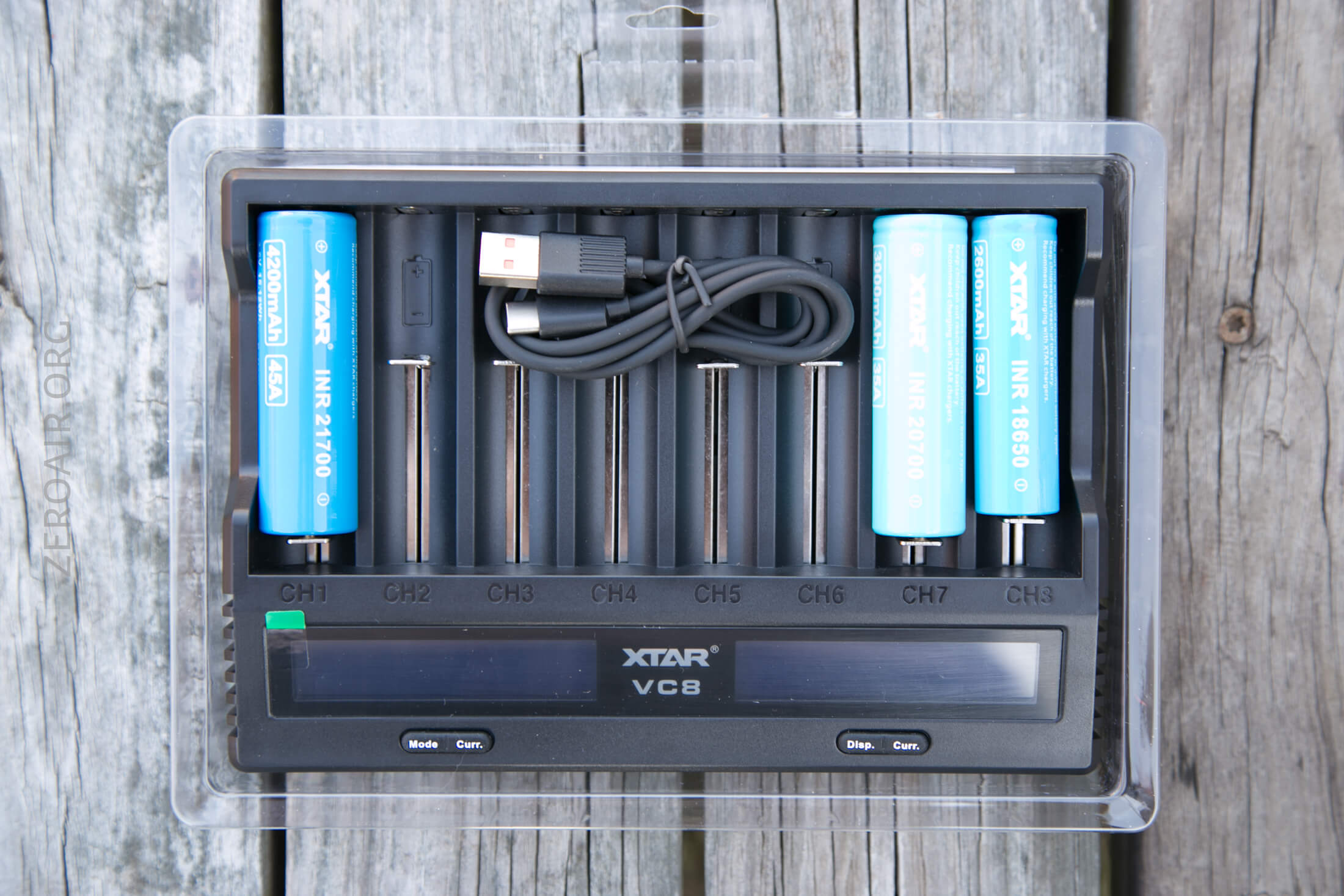
Build quality is good. Not much more to report. The springs on the slides make the travel very smooth – some of the best action here that I can recall.
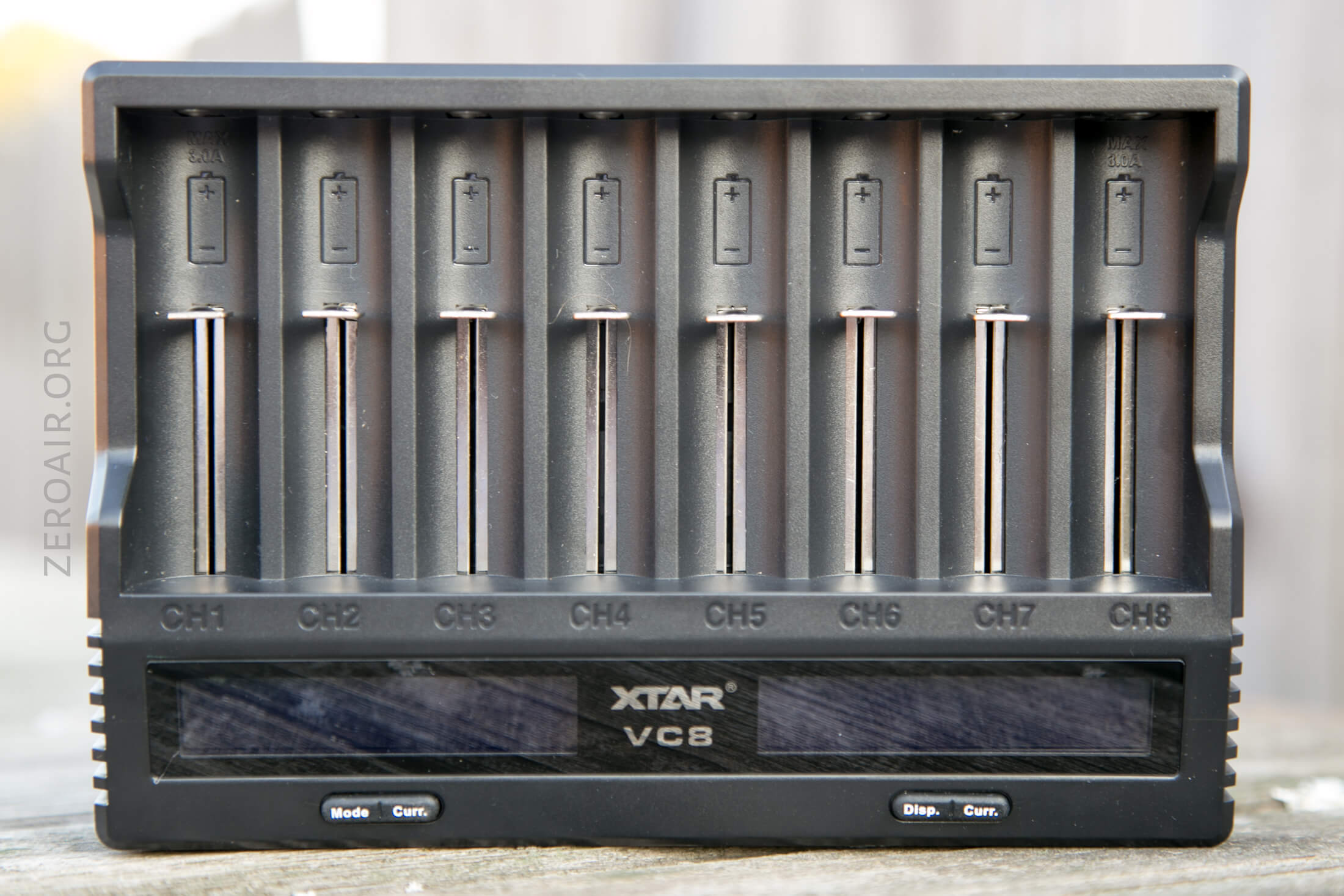
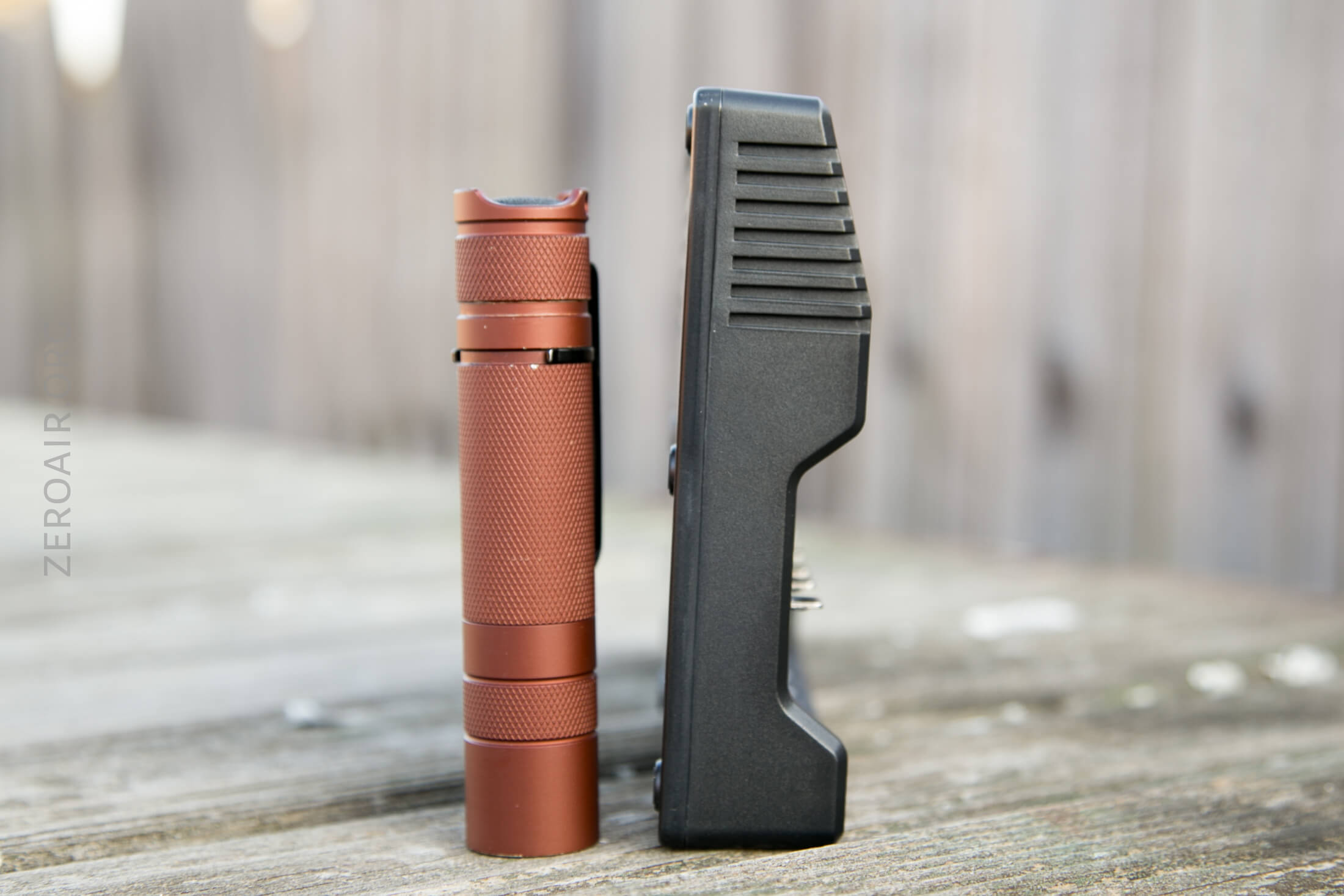
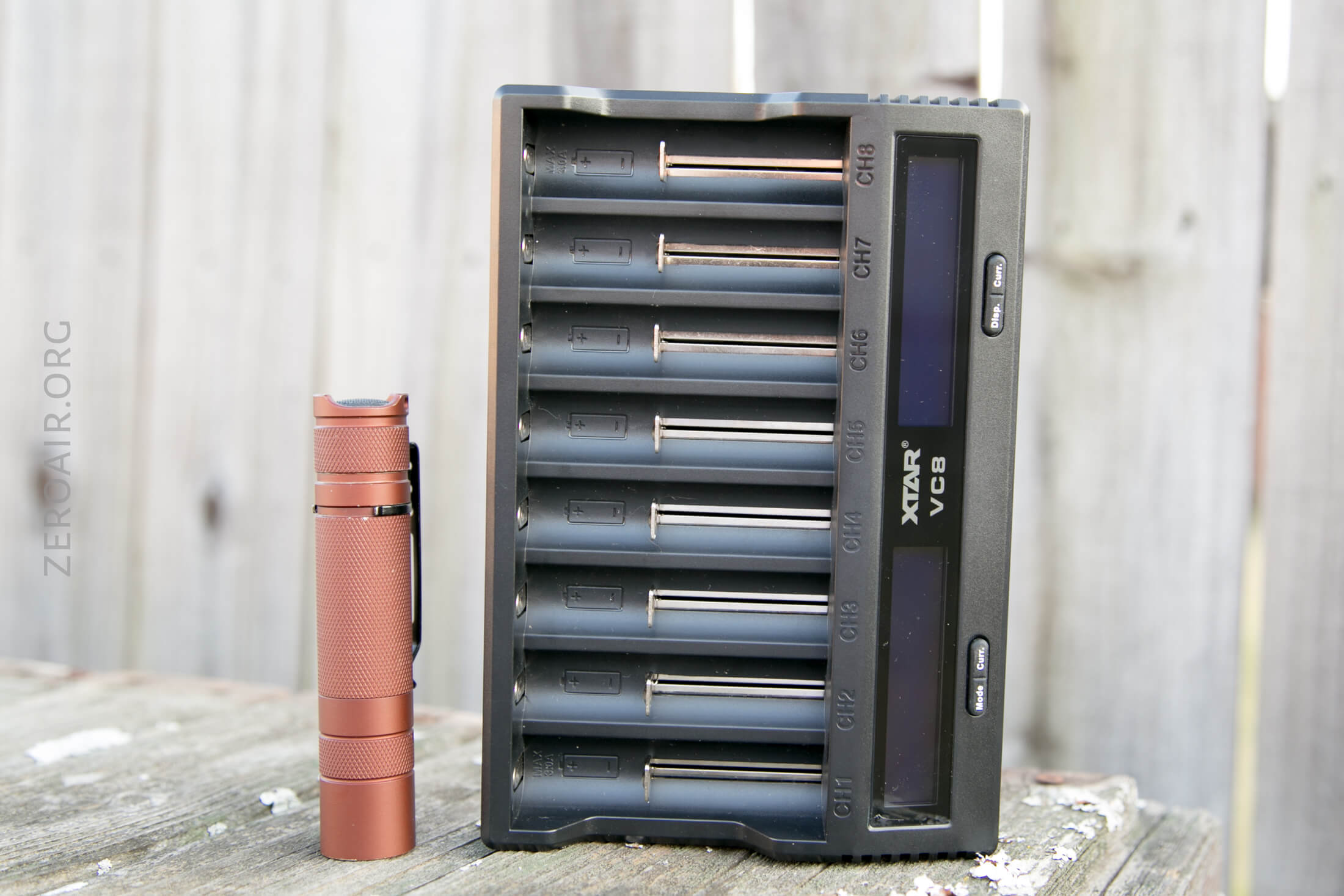
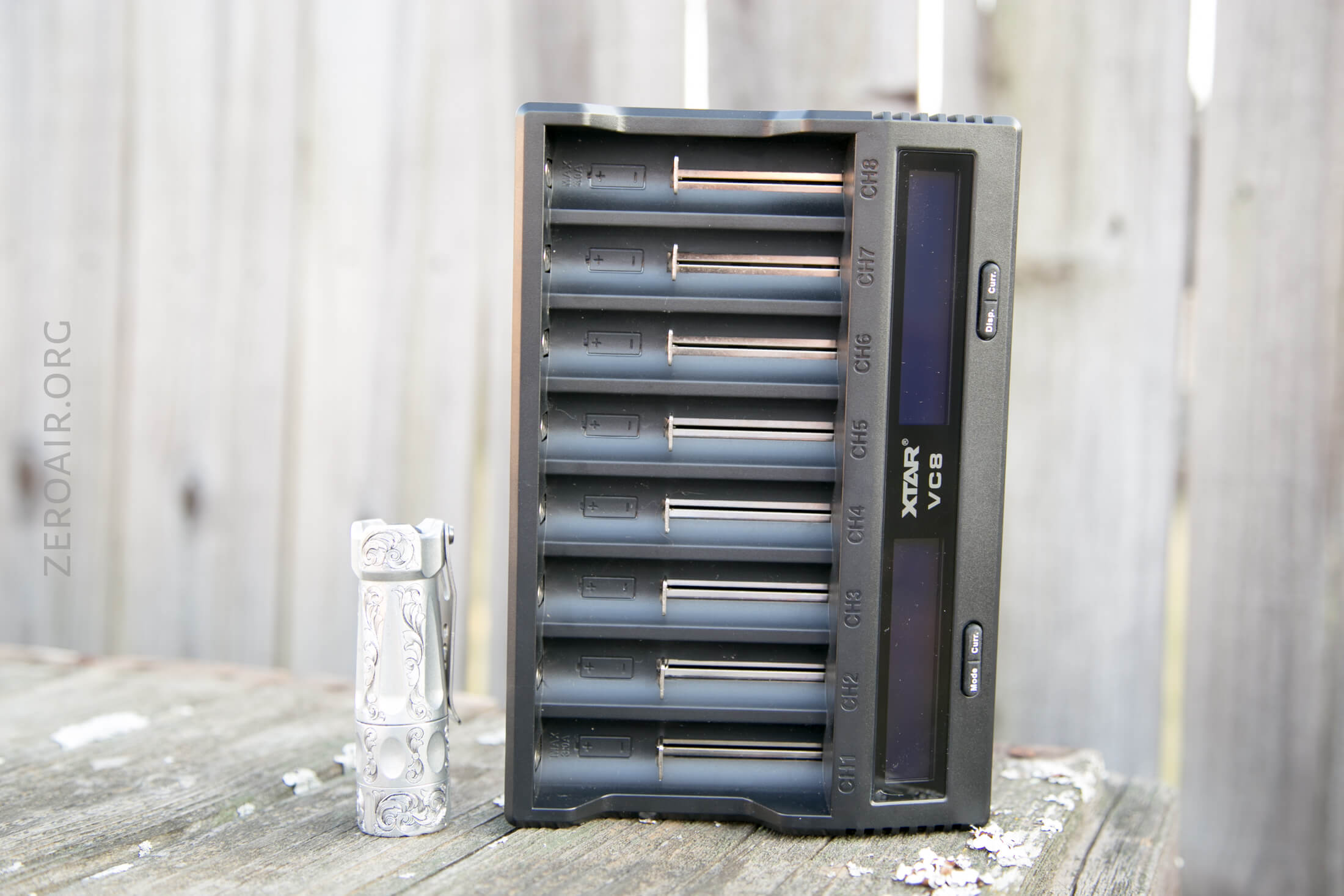
Again, the size of this VC8 is good – it’s not at all overly big for an 8-bay.
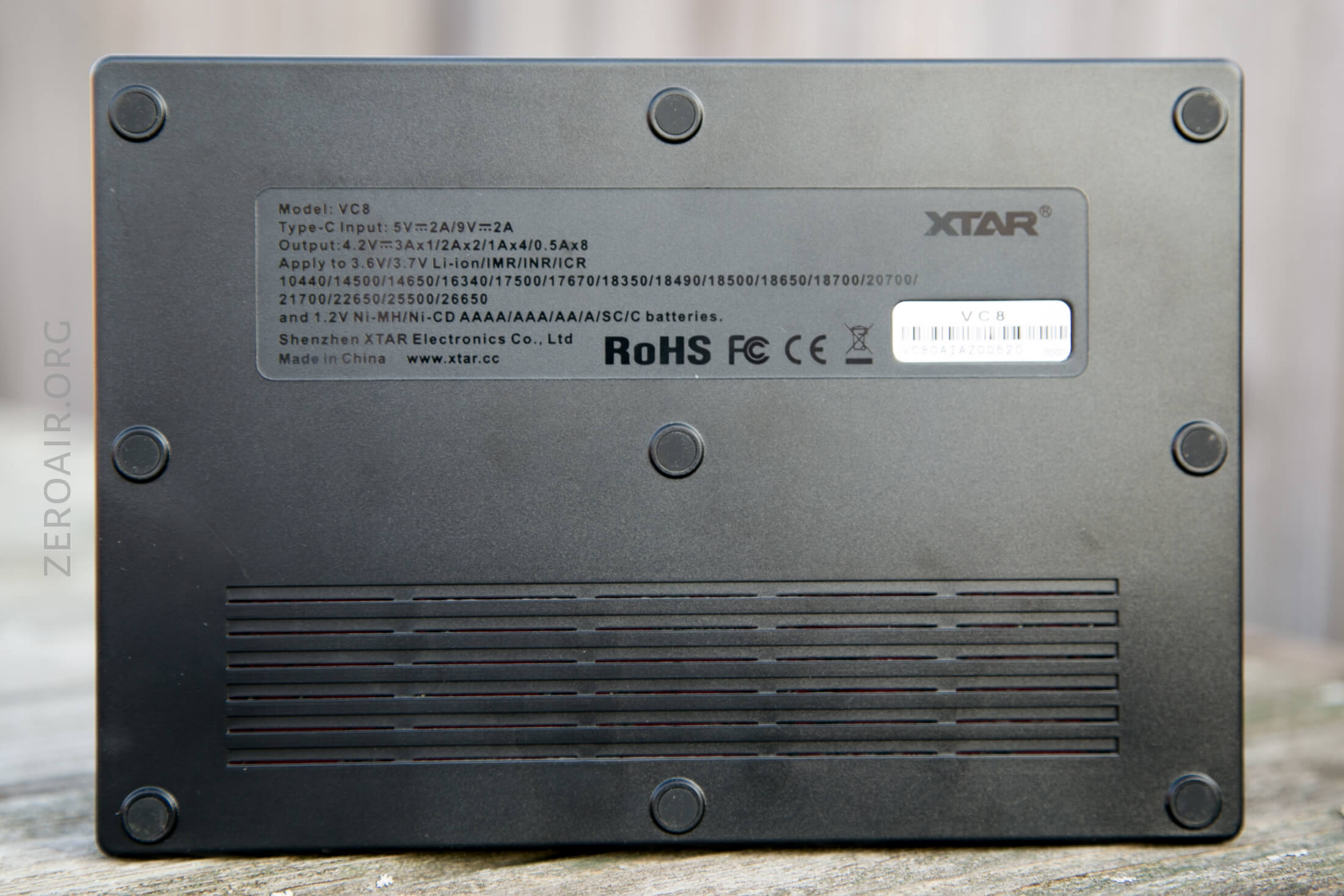
The back has labels as I like: imprinted and not just put on like a sticker. So it’s permanent.
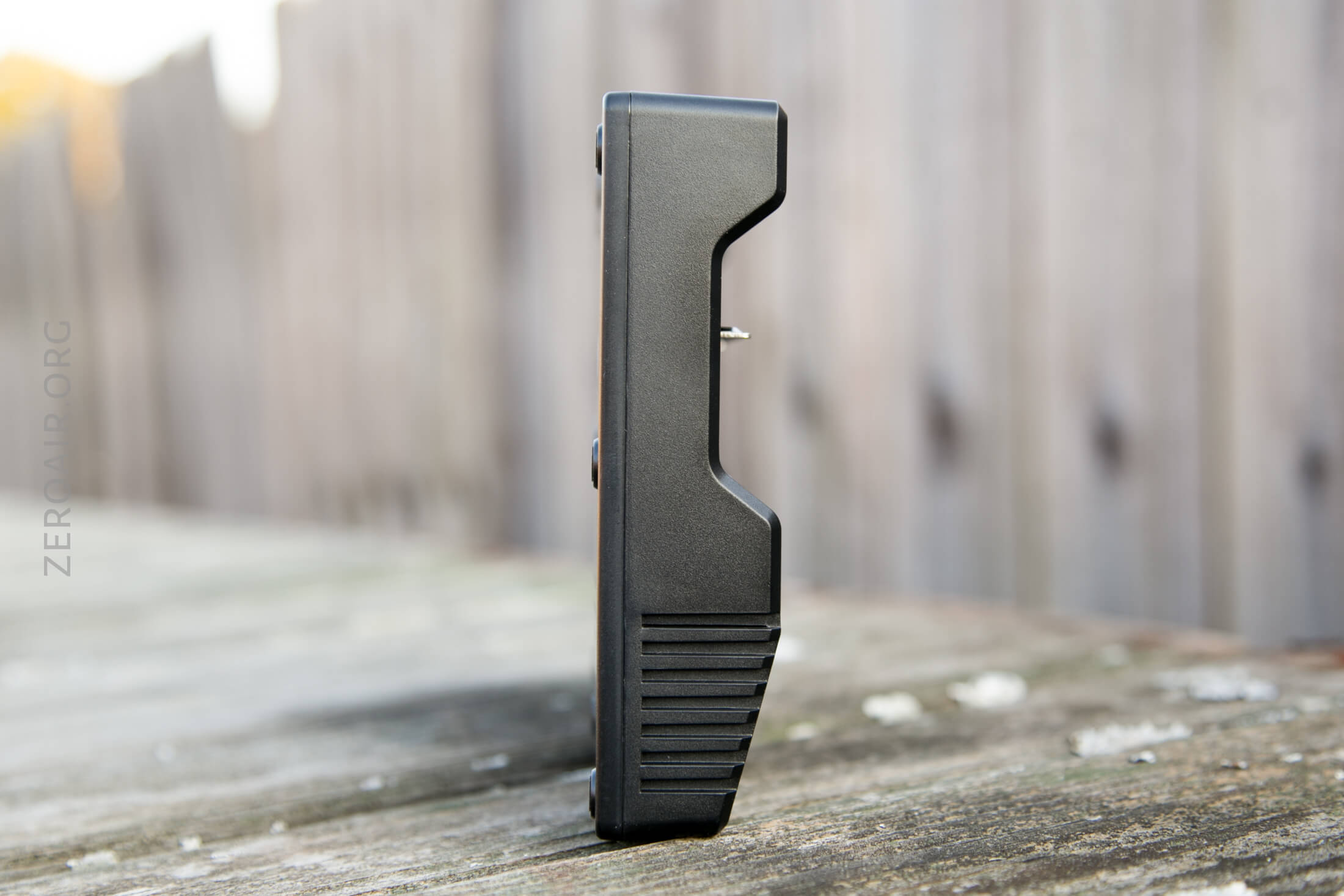
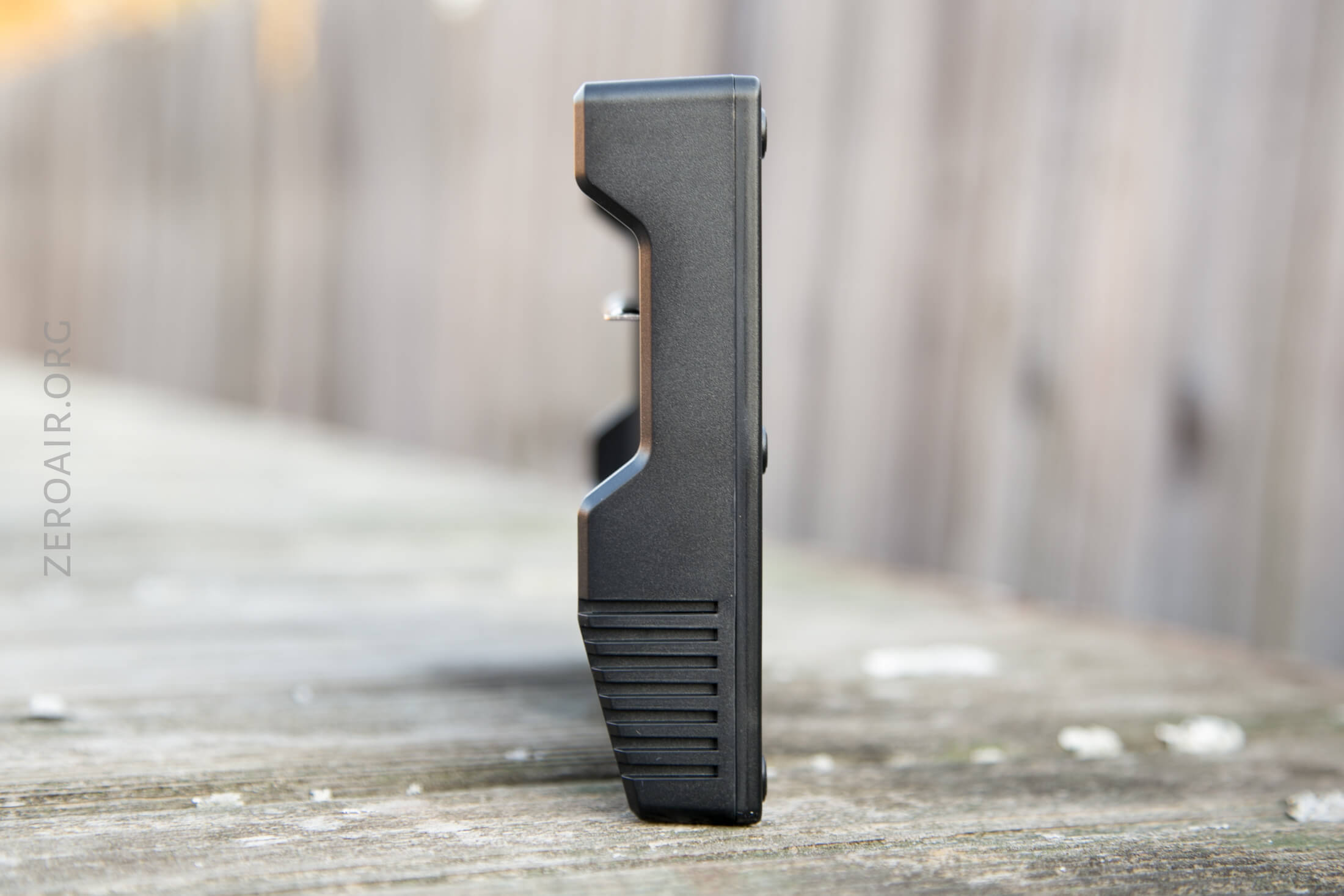
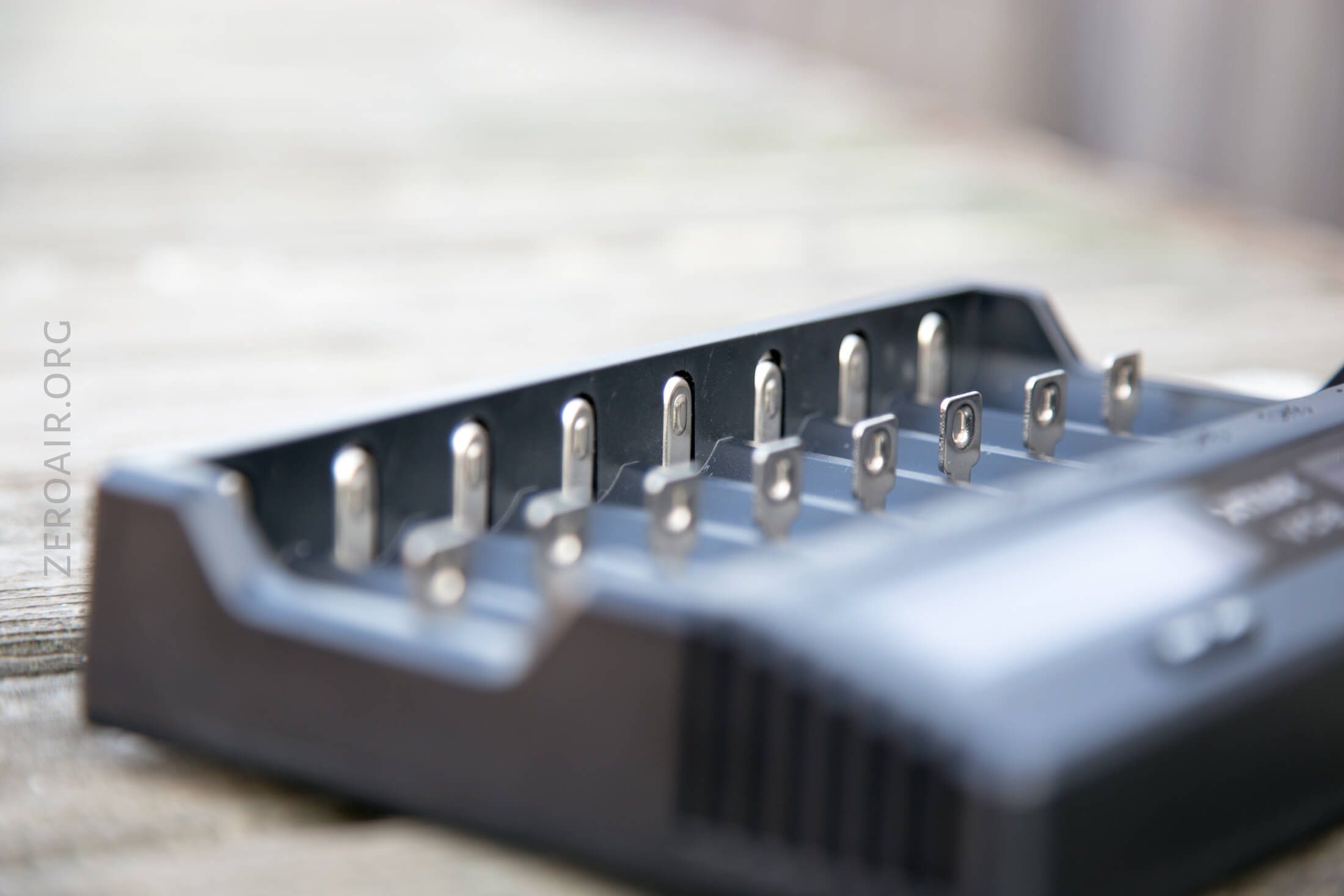
The two little things on the bottom in the front are not actually things. They look like they should be USB ports, but they aren’t anything. Not buttons, not cutouts, etc. Possibly, there’s a version of the VC8 that will have a USB out? That seems smart.
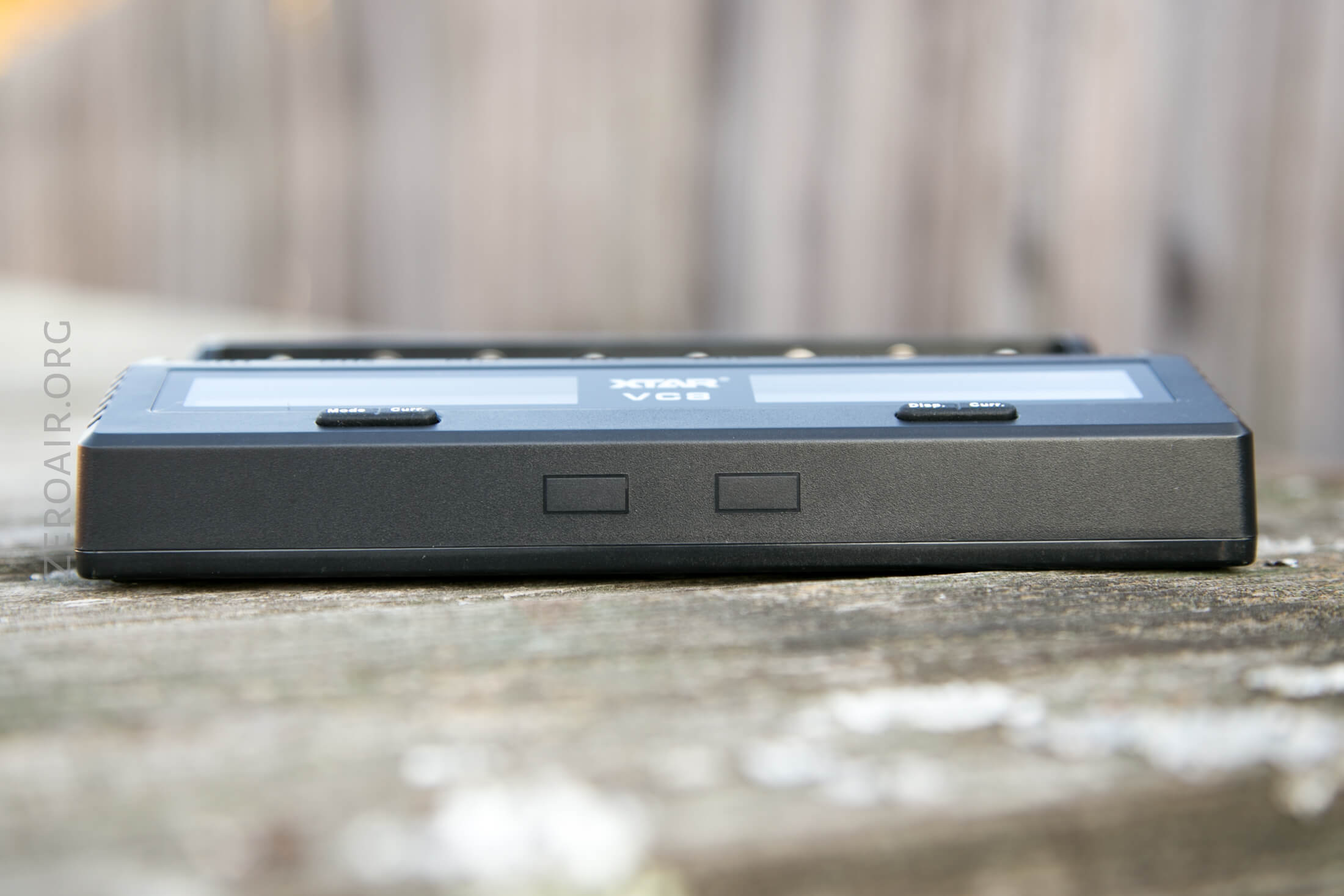
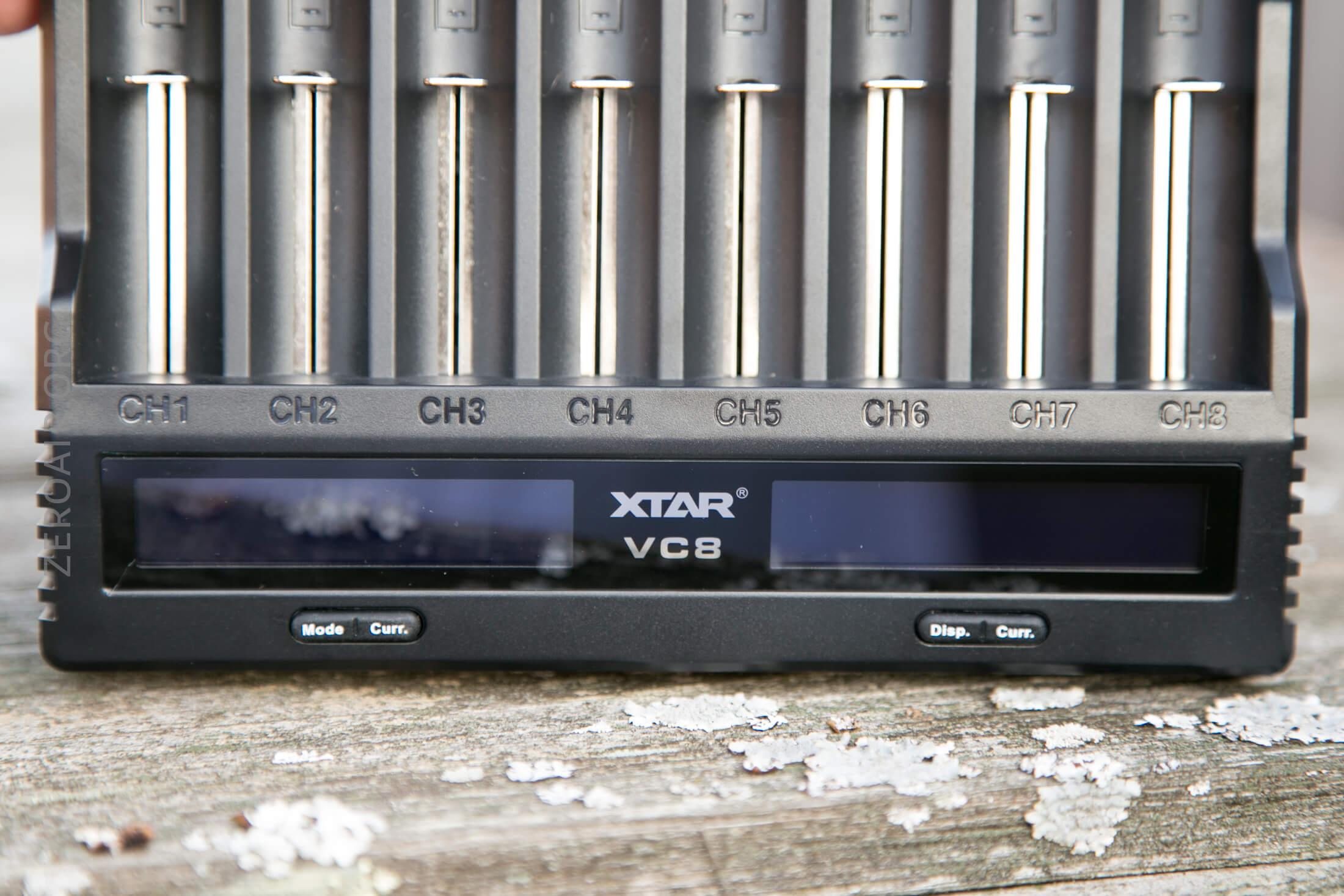
The buttons for each side are actually different. Mode/Curr. and Disp./Curr.
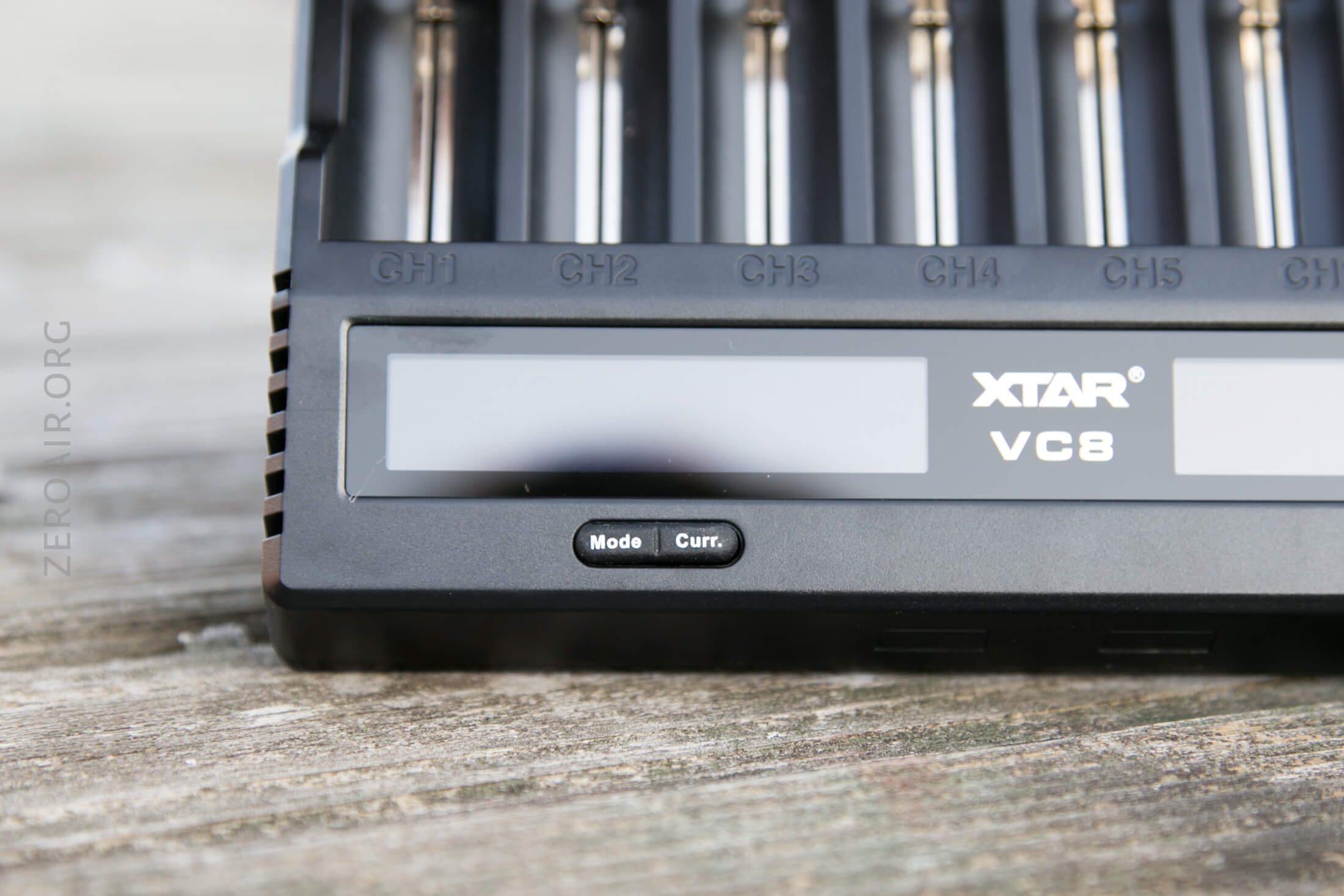
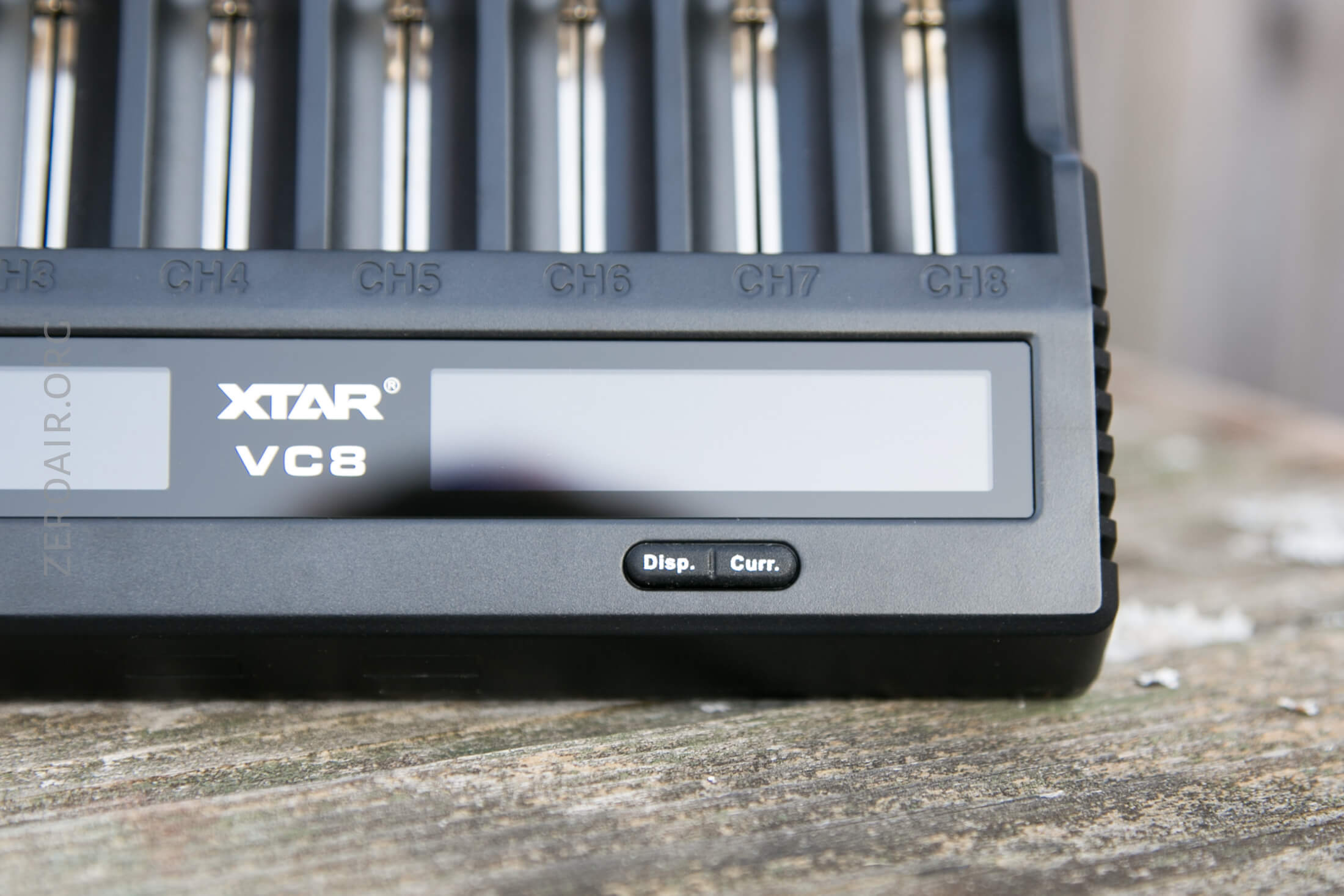
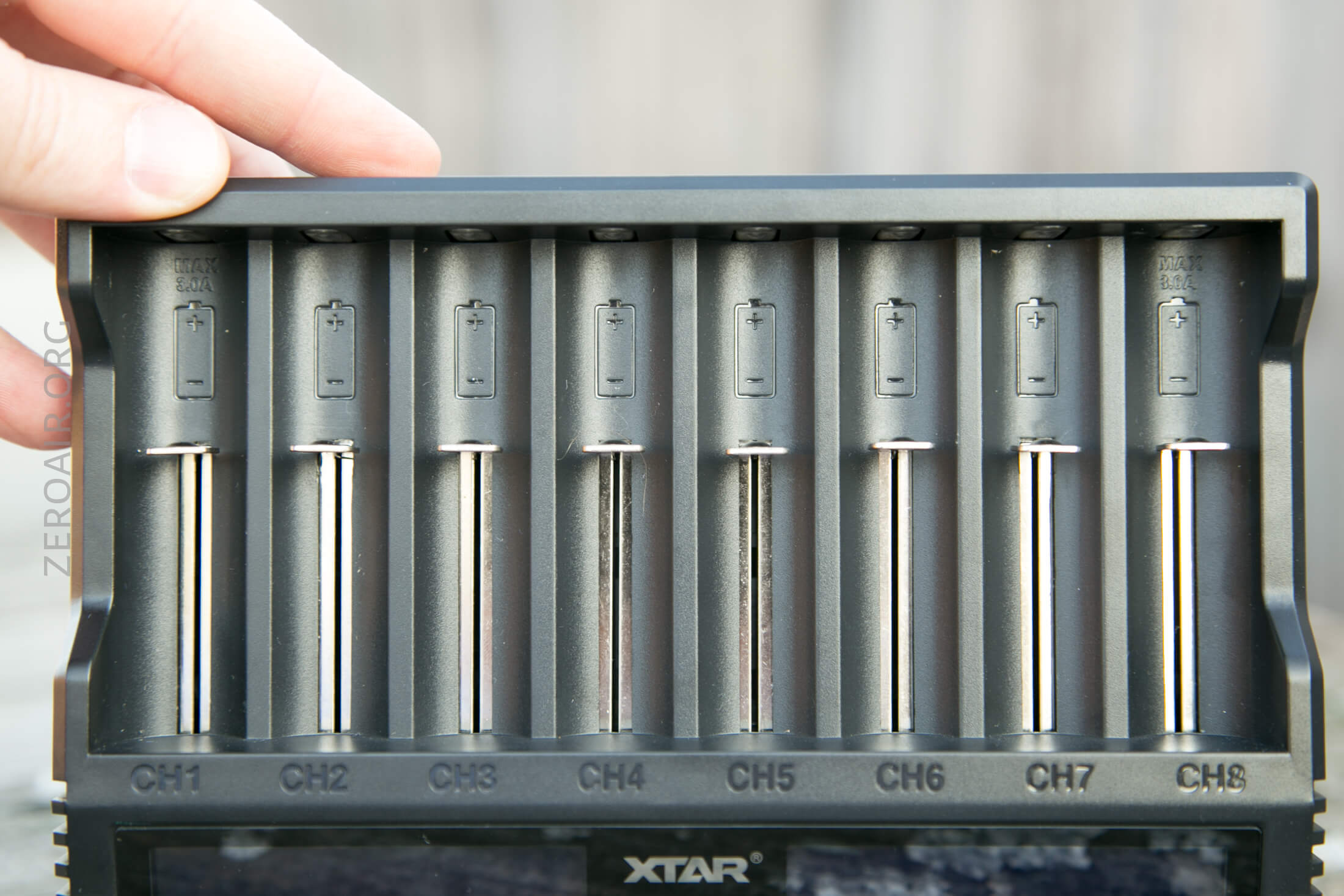
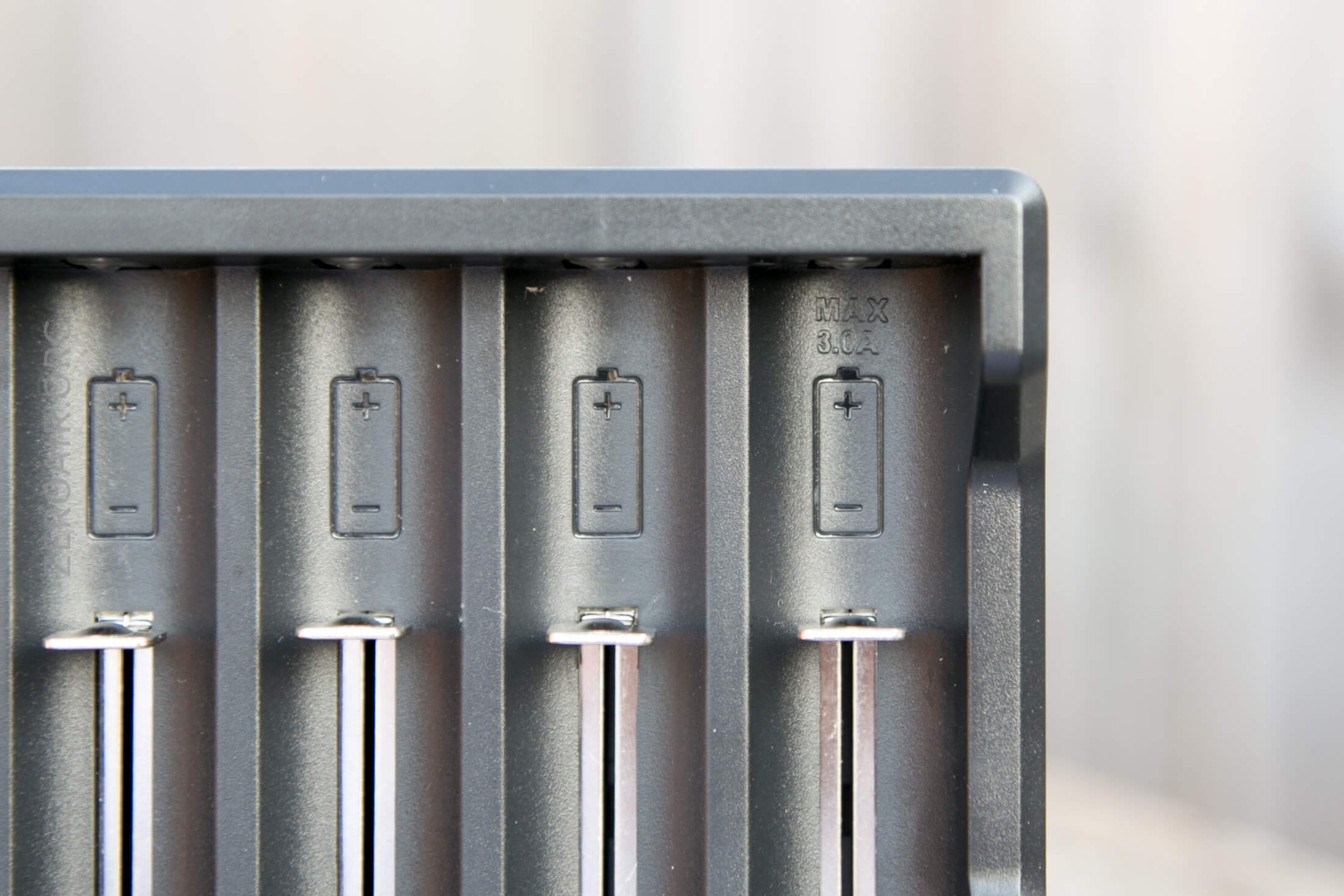
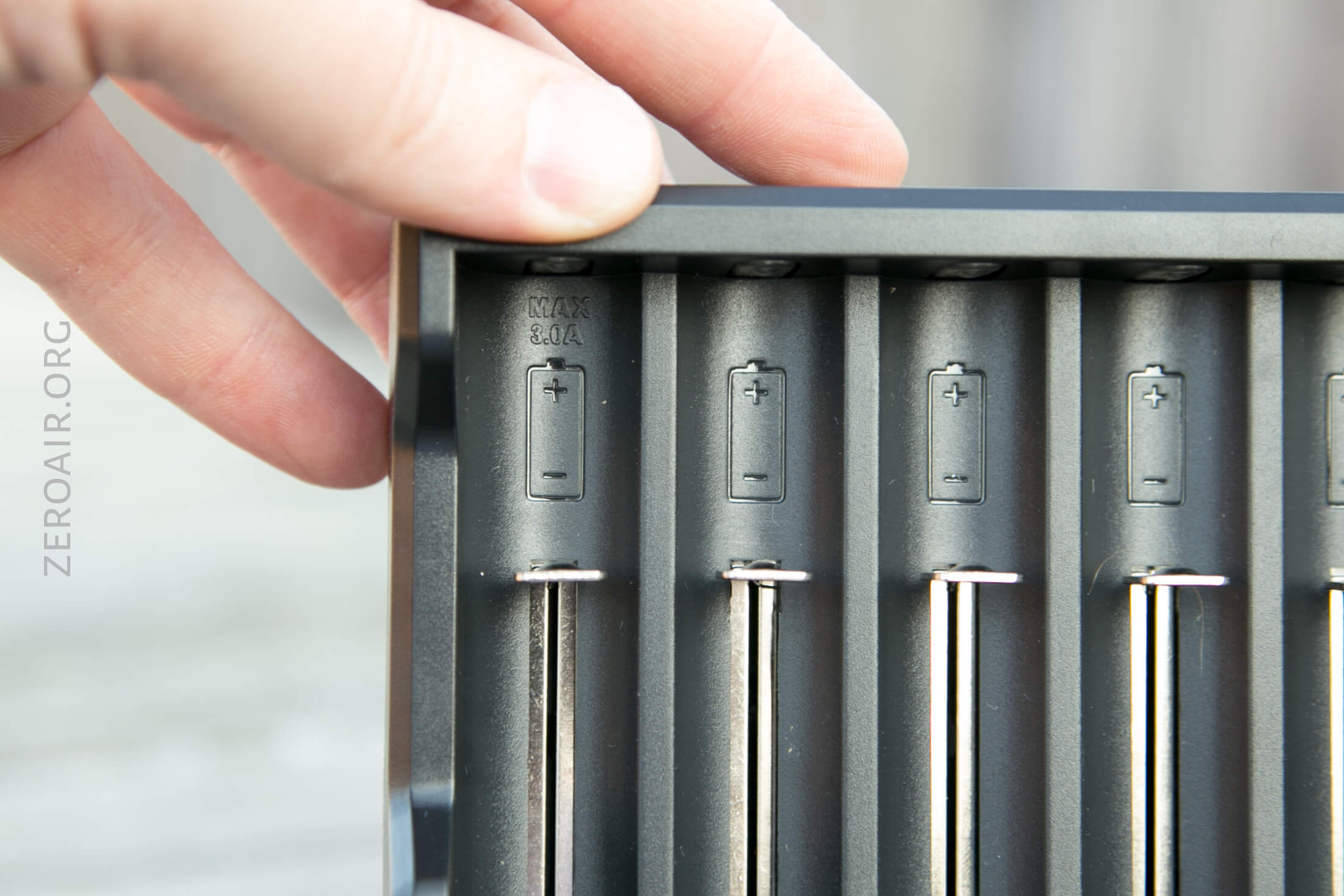
The left and right most bays are labeled as MAX 3.0A.
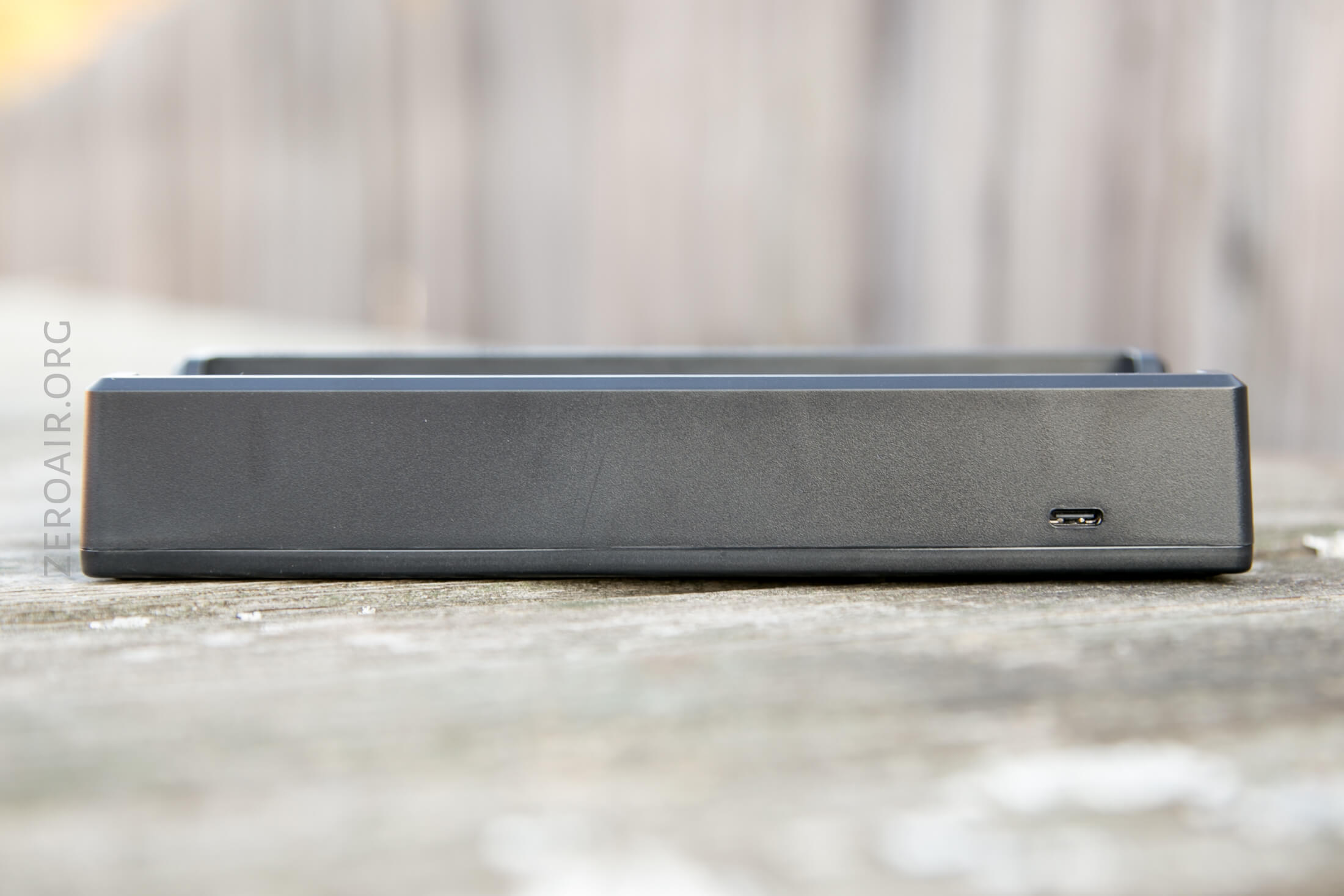
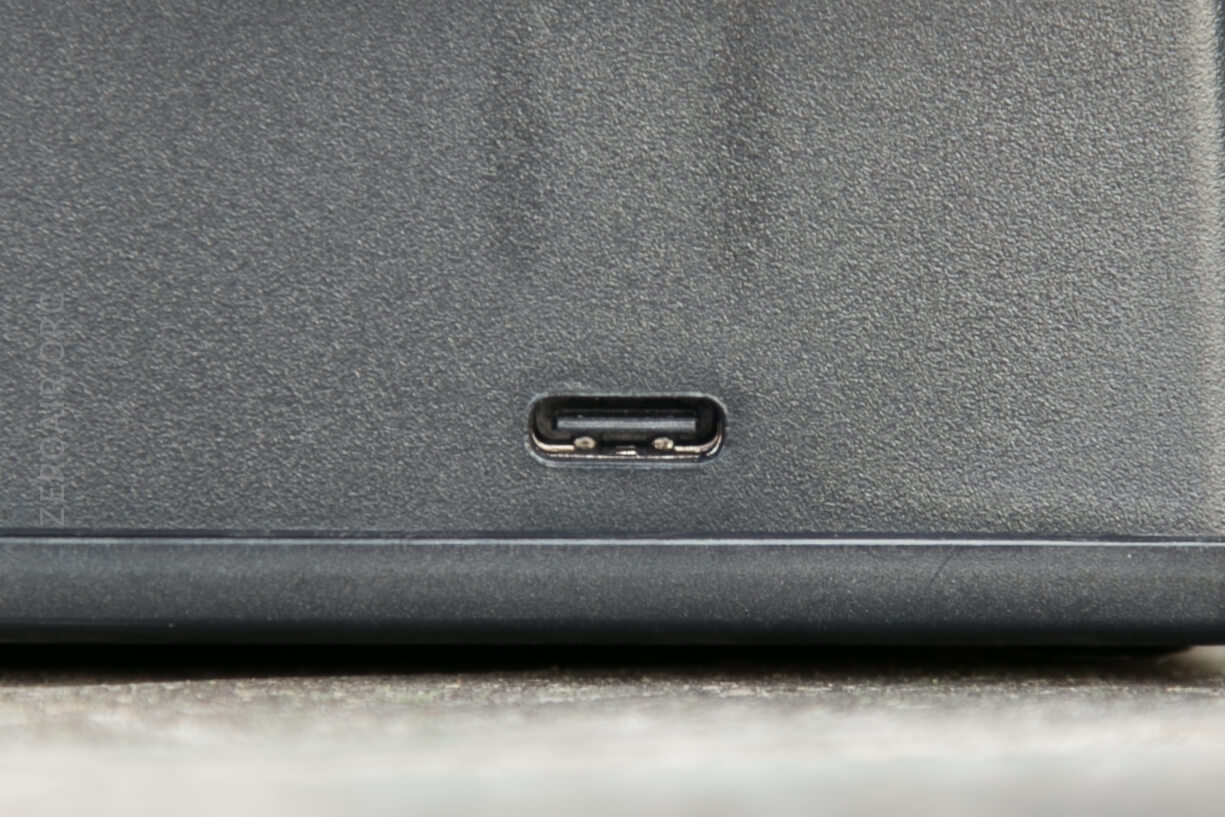
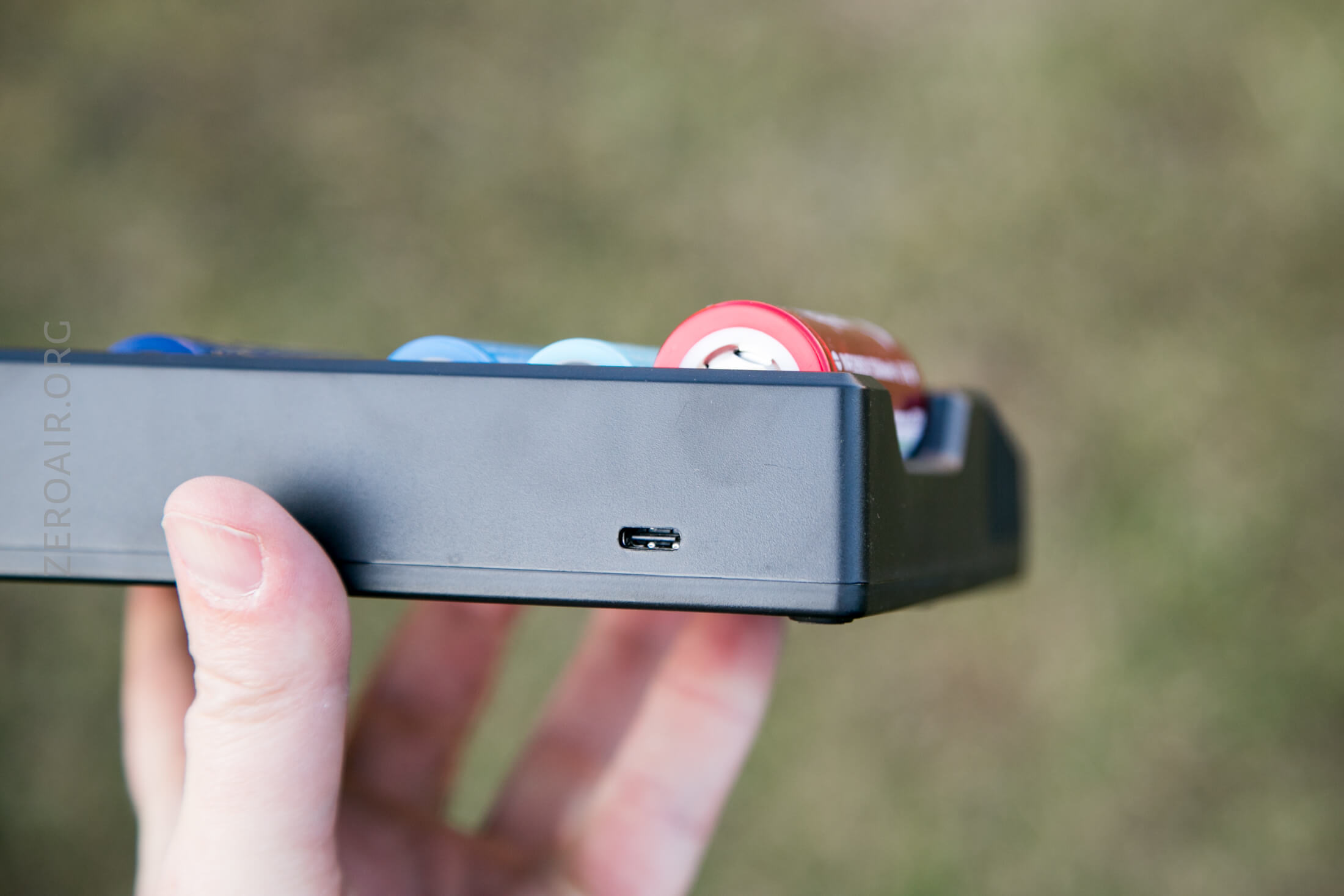
The back is blank, save the USB-C port.
Size
Official dimensions are: 194mm x 134mm x 34mm, and it weighs 350g.
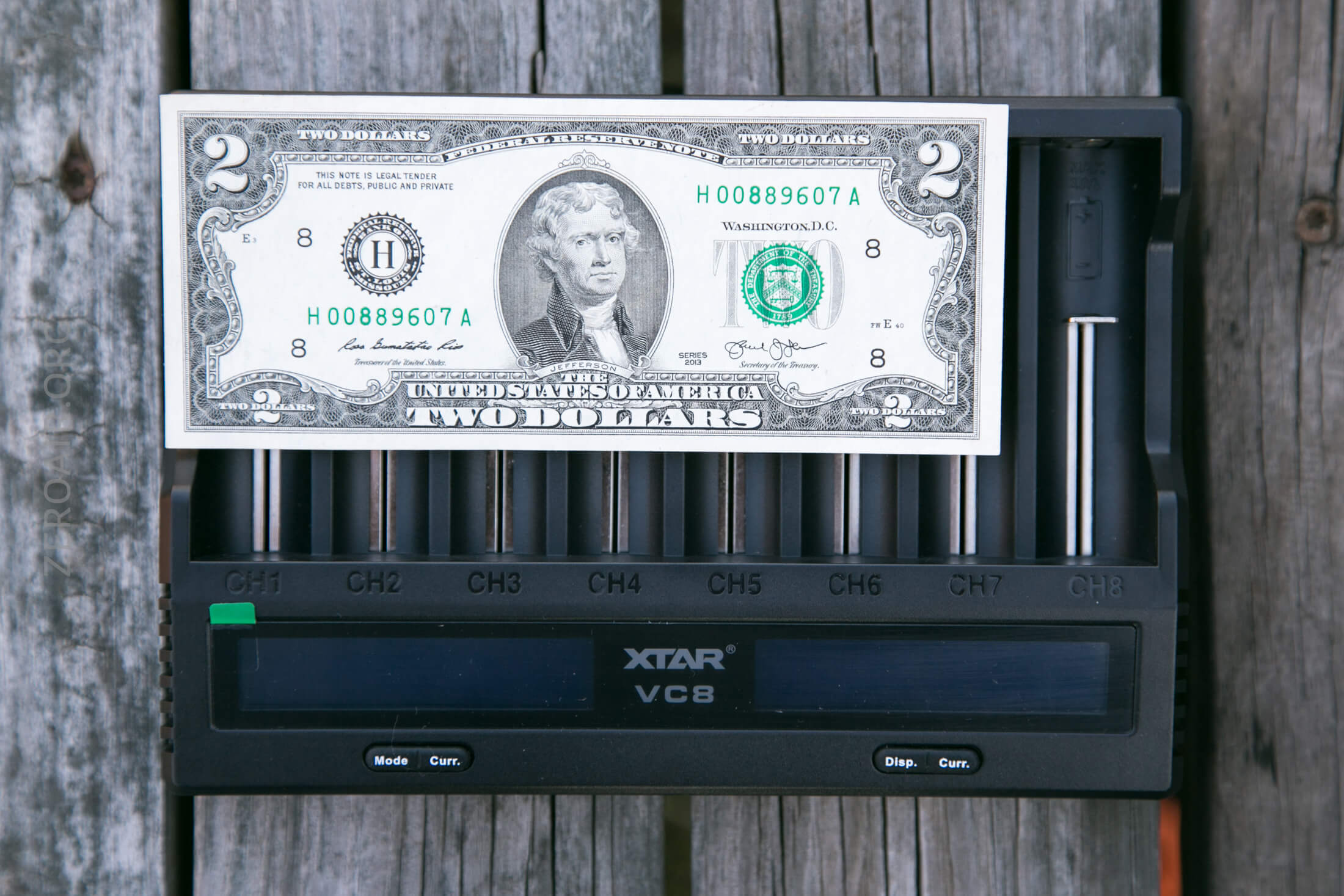
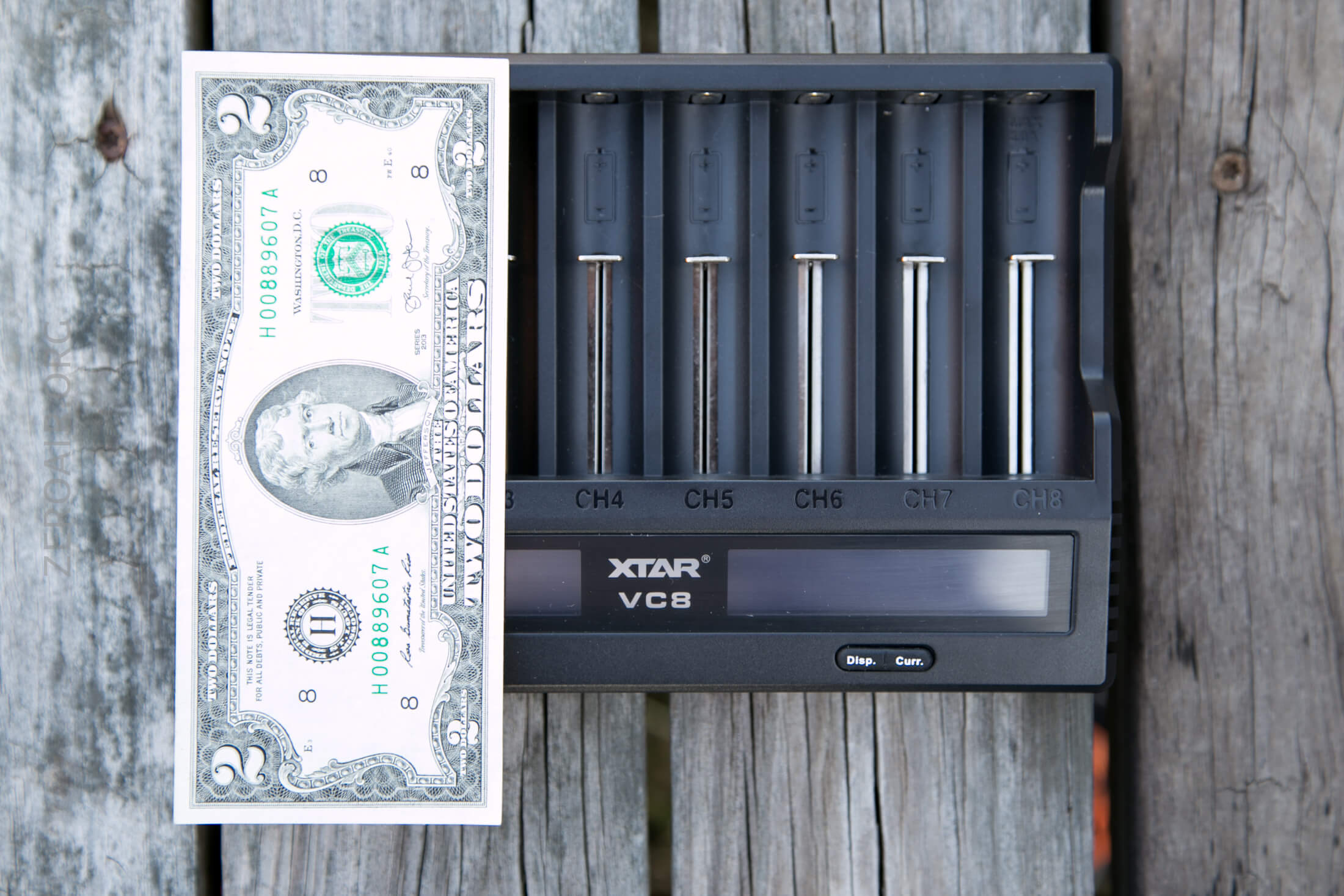
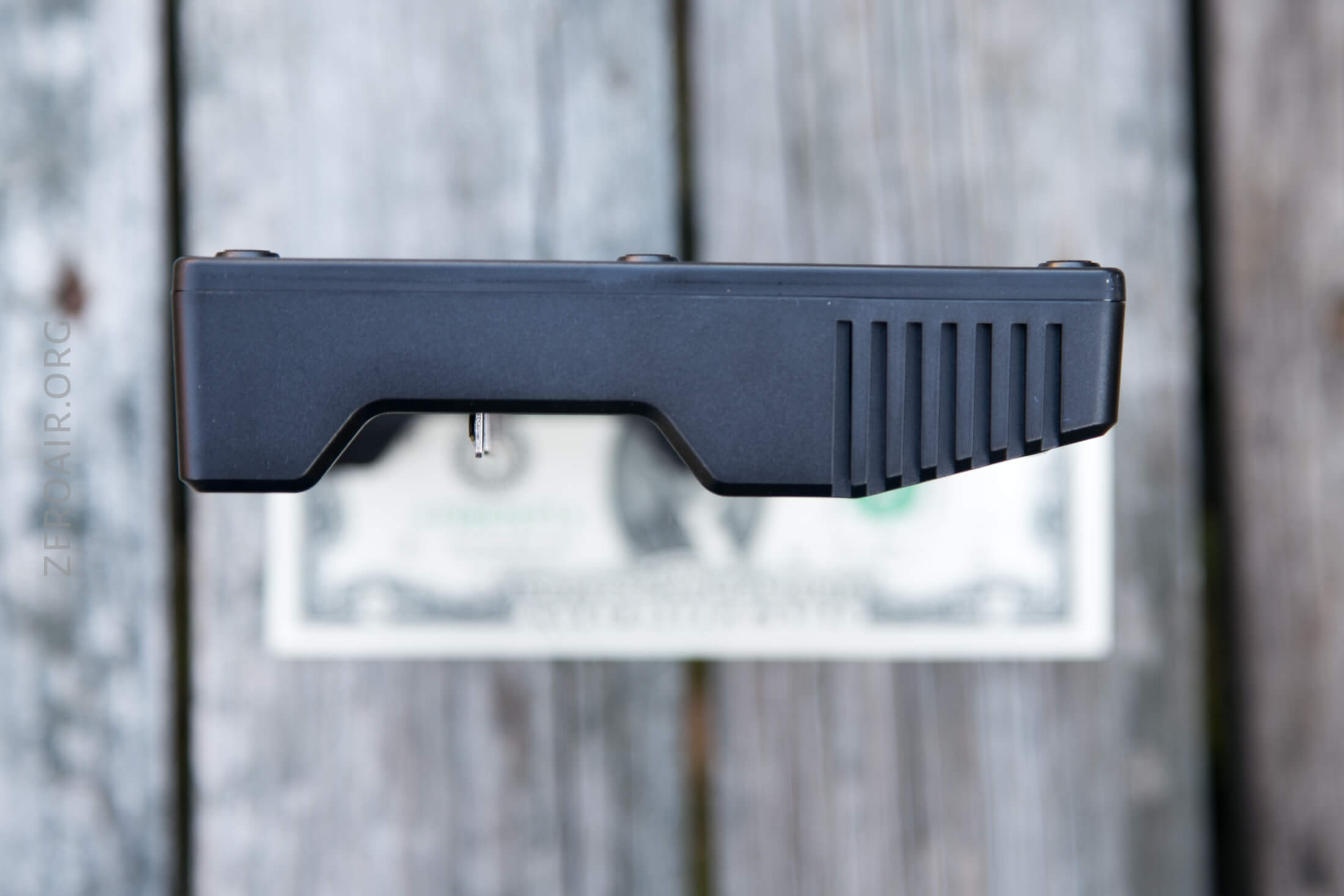
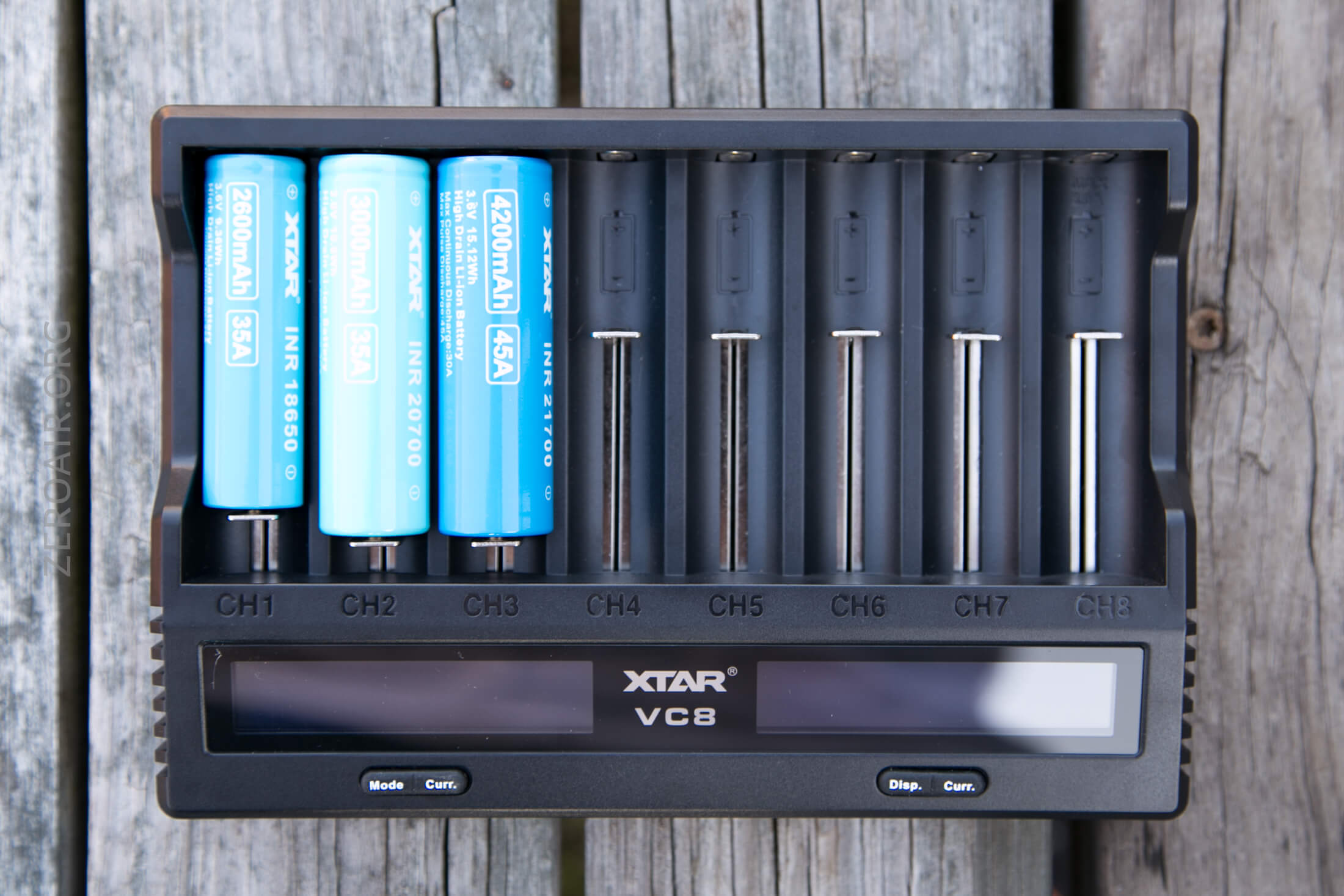
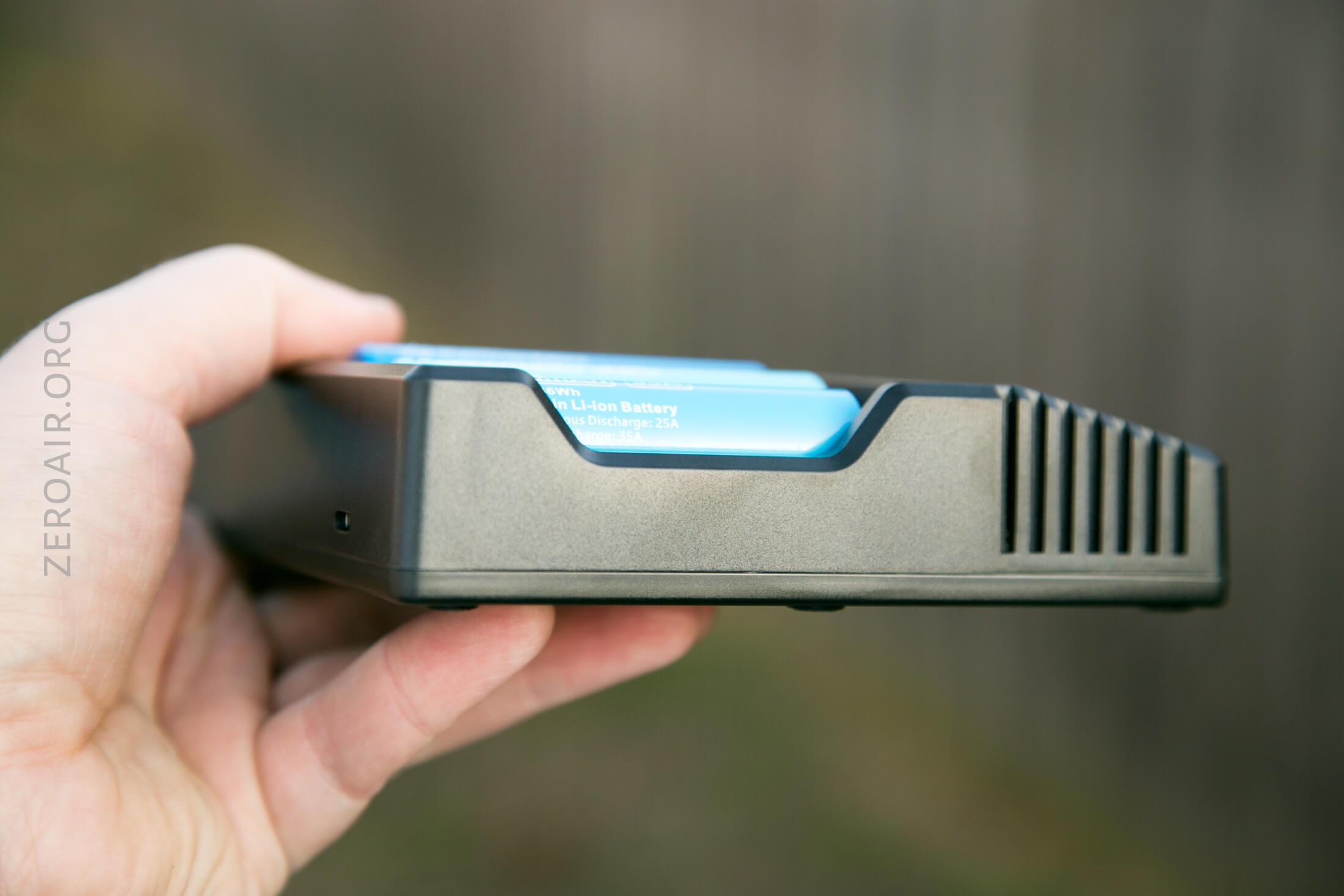
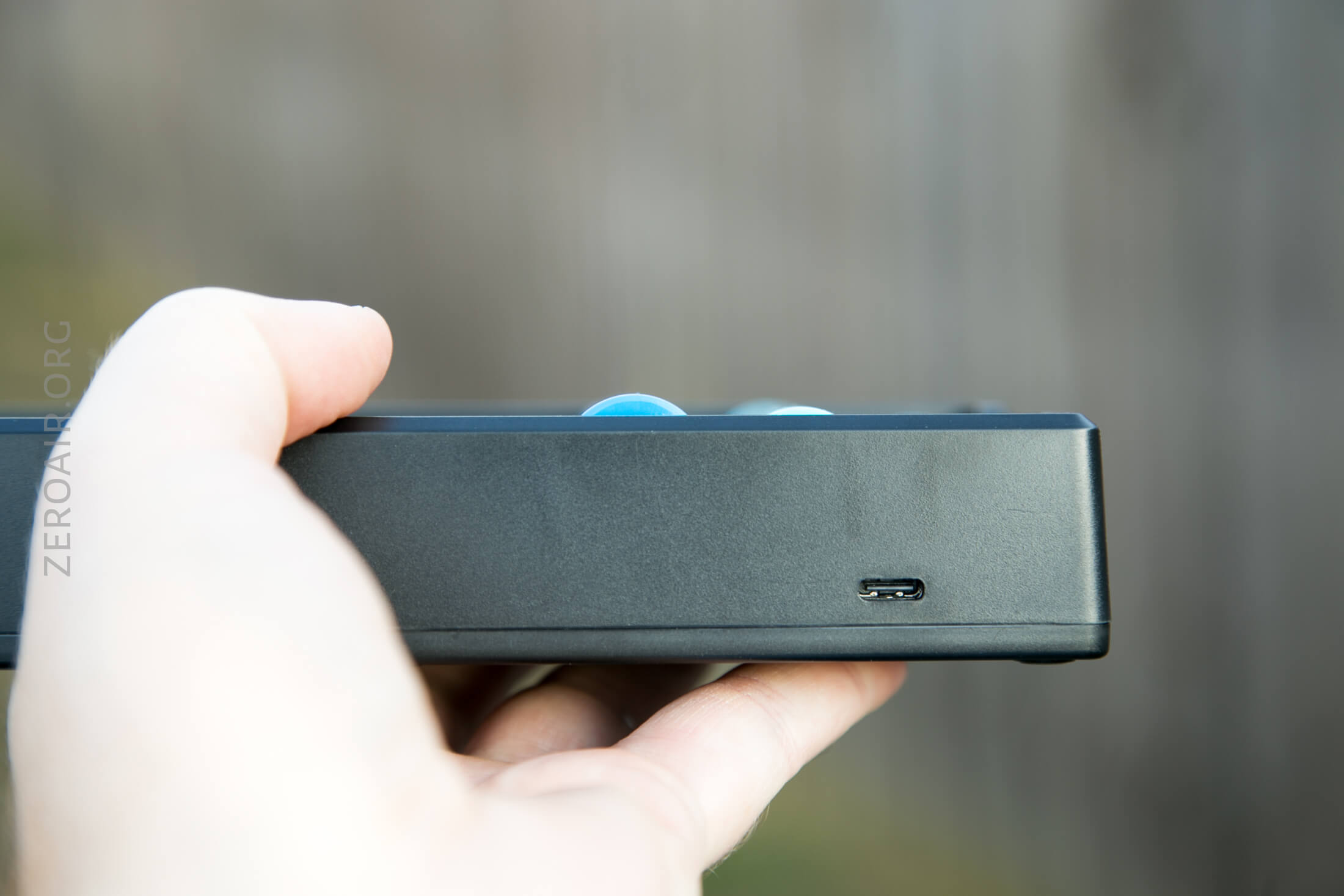
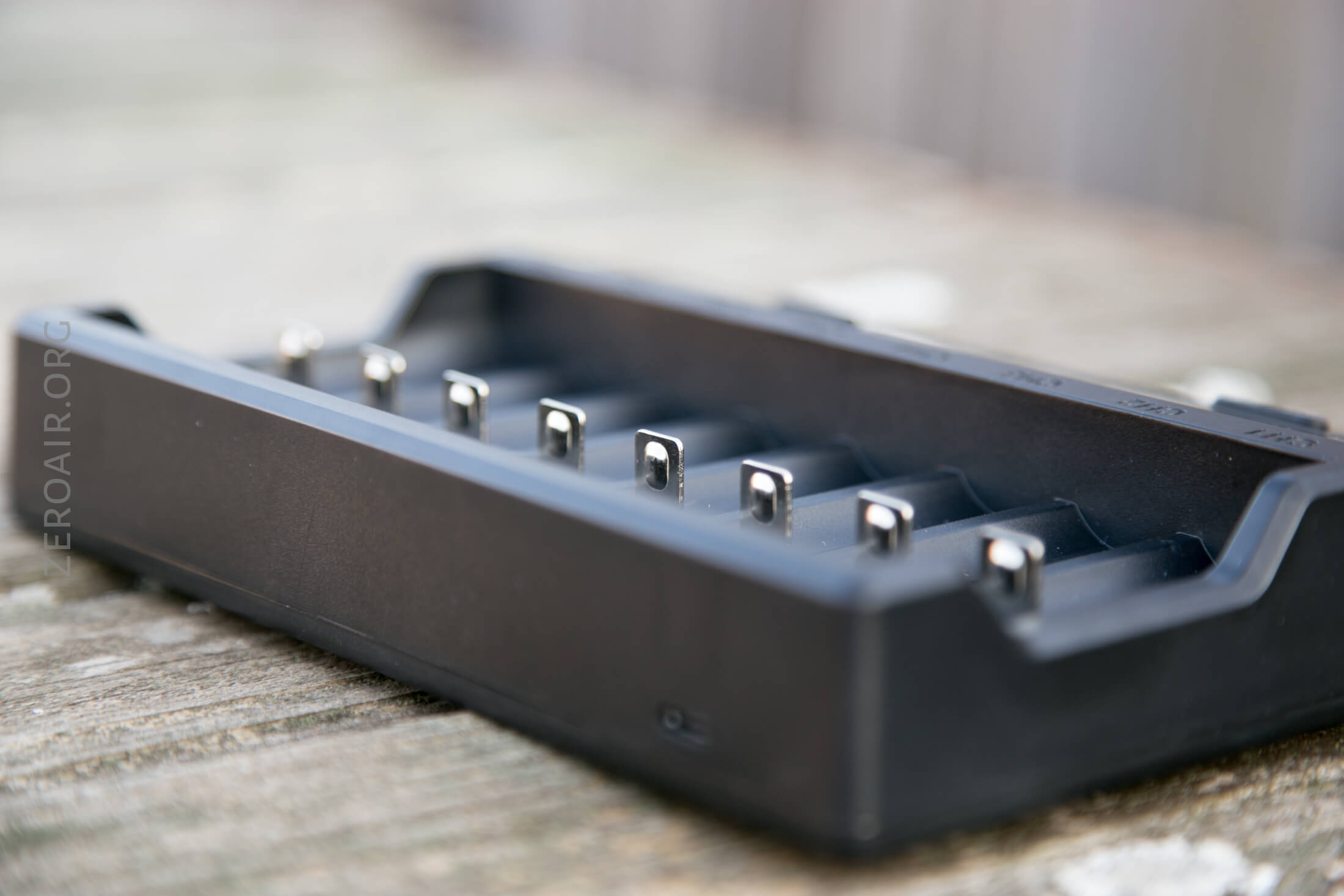
As far as cell fitment goes, it’ll fit all the way up to 26650 cells (i.e., max diameter 26mm) and all the way up to protected 21700 cells (i.e., max length of somewhere north of 70mm).
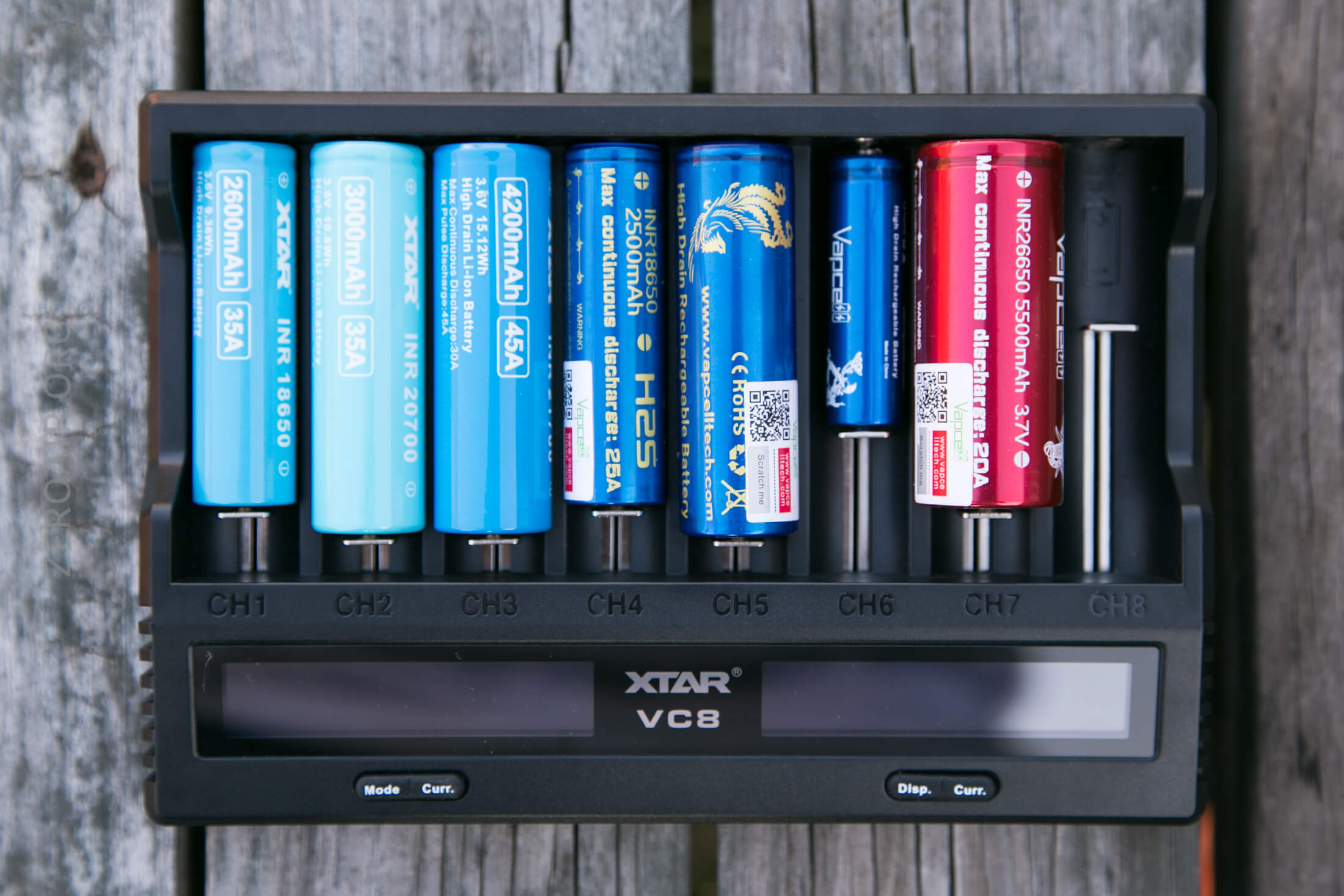
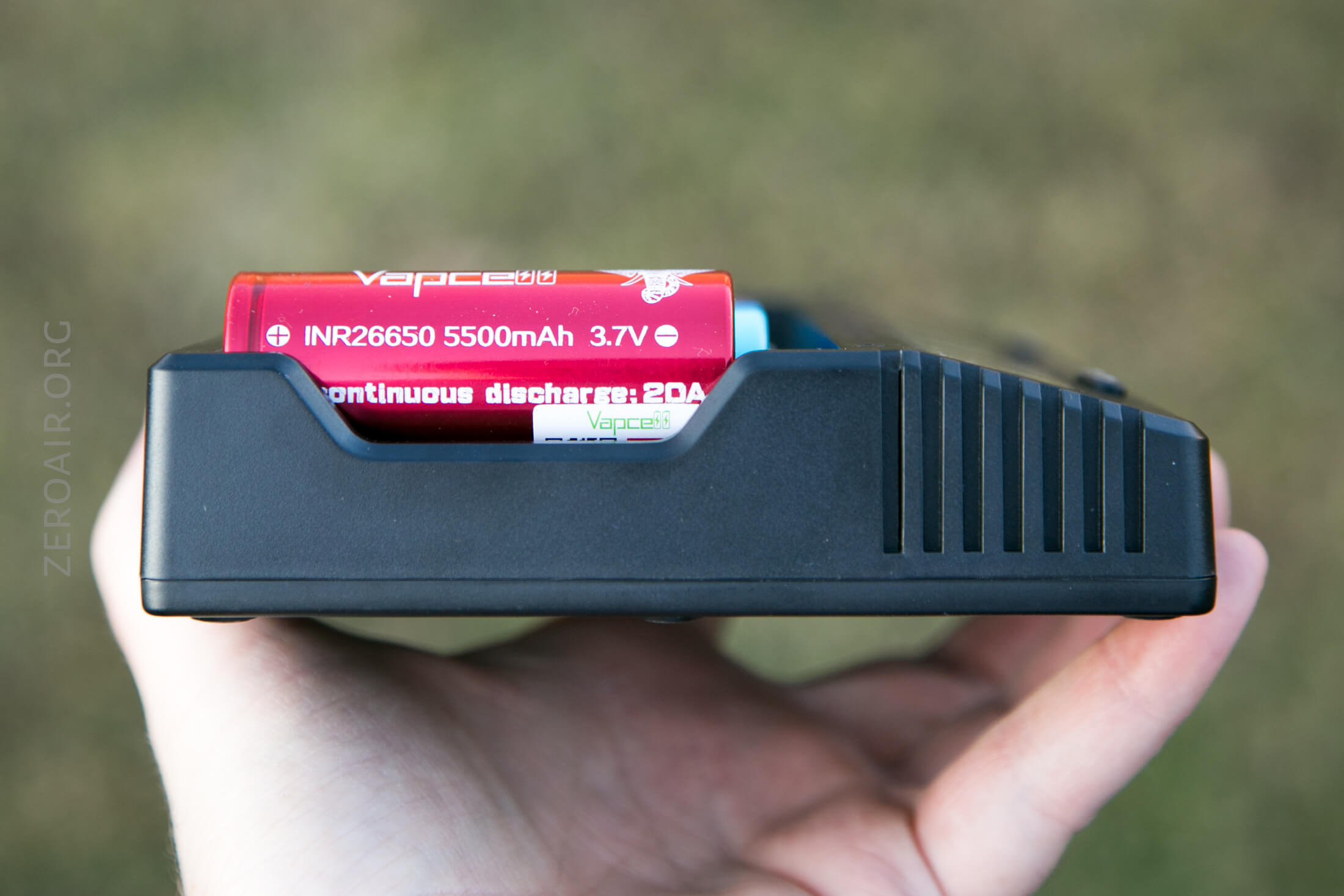
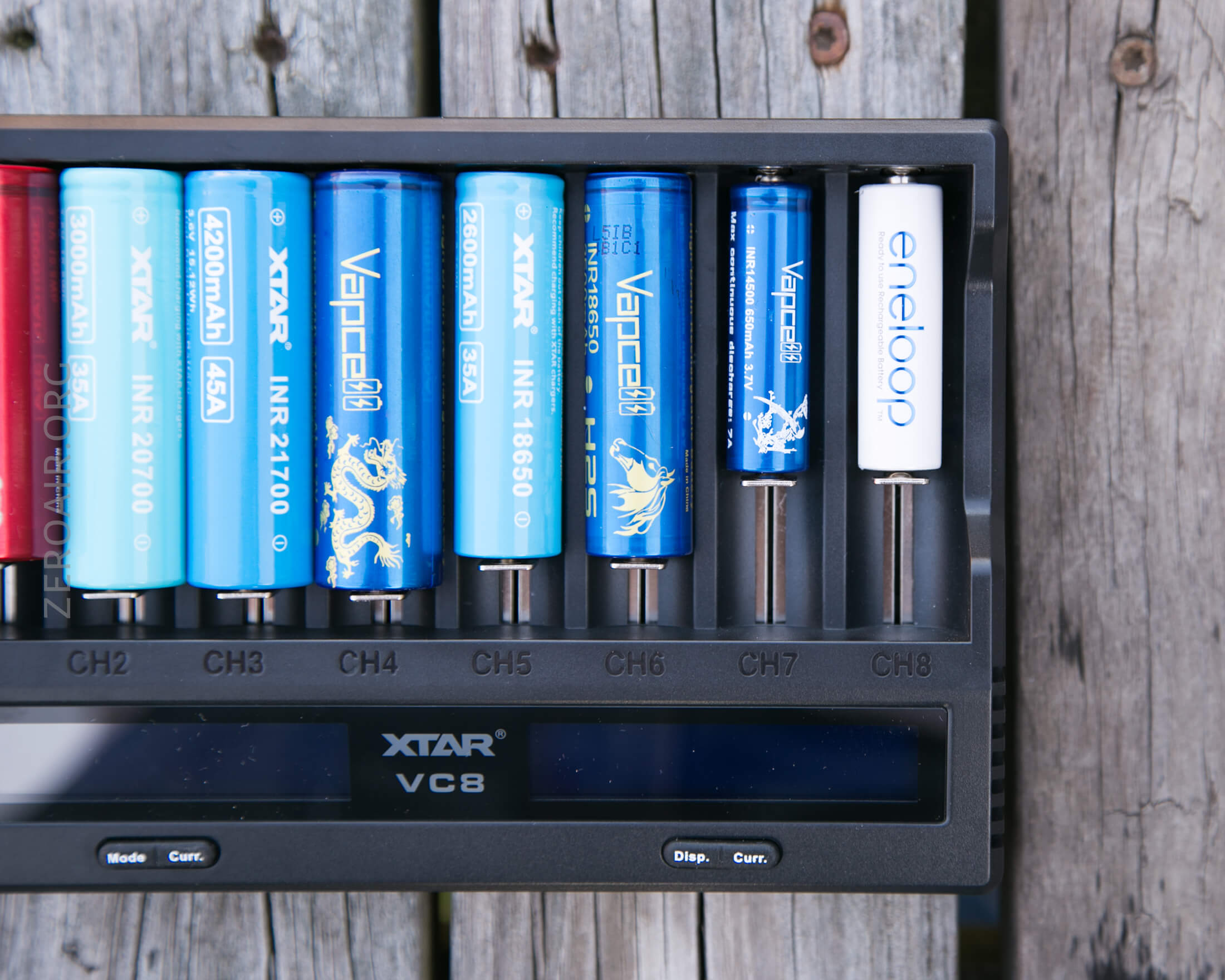
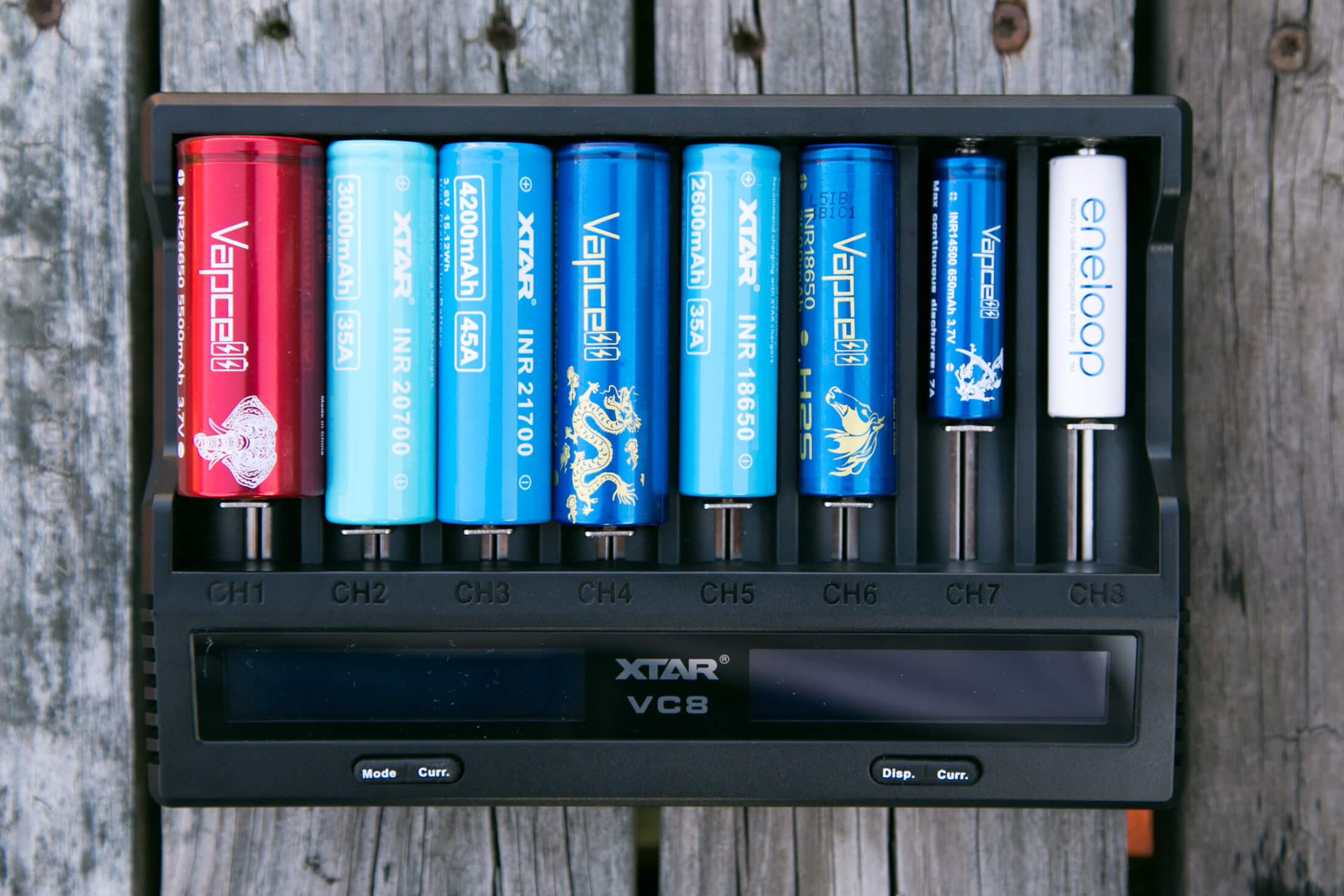
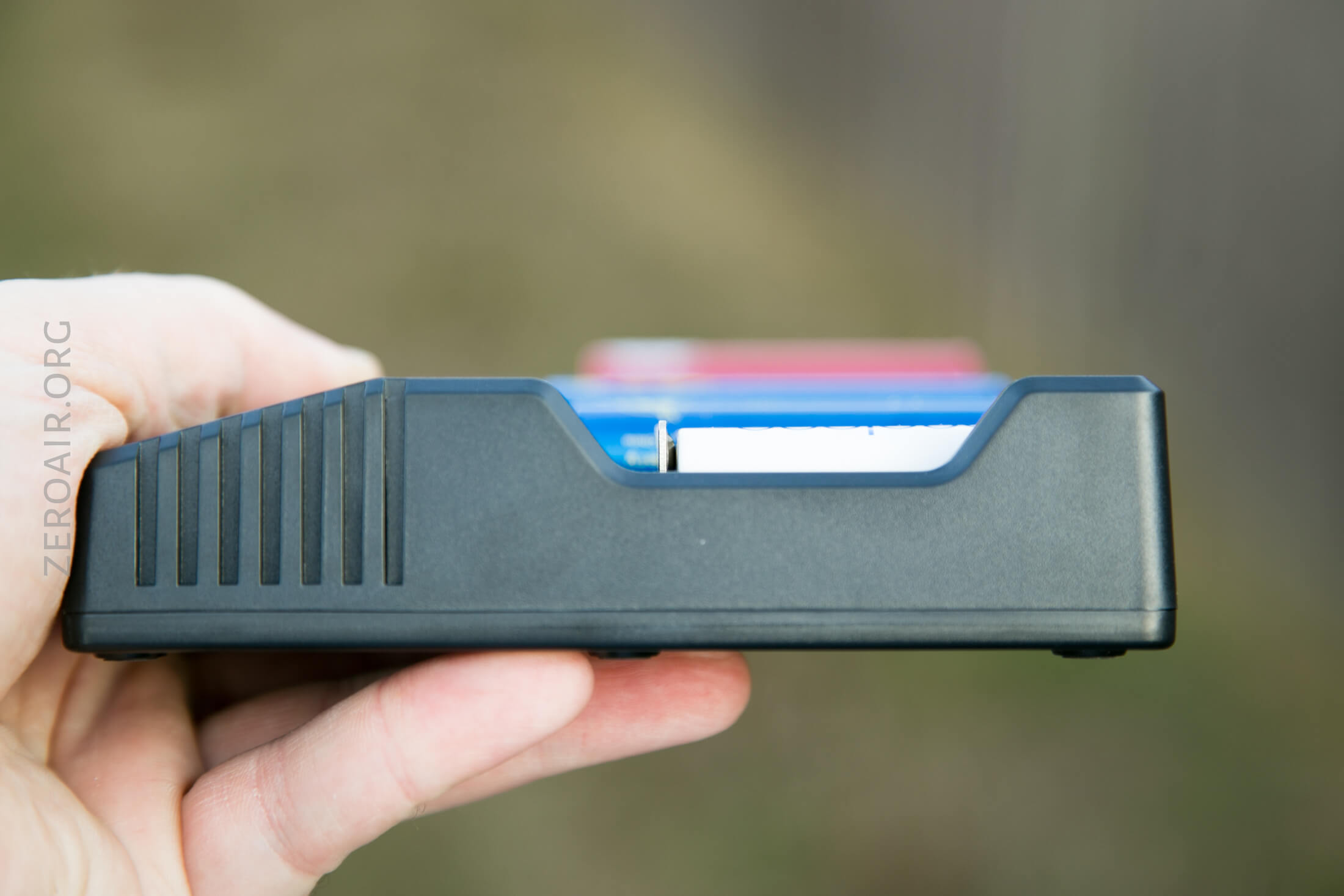
18650-sized cells fit fully under the top edge. Thicker cells will stick over the top edge.
Power
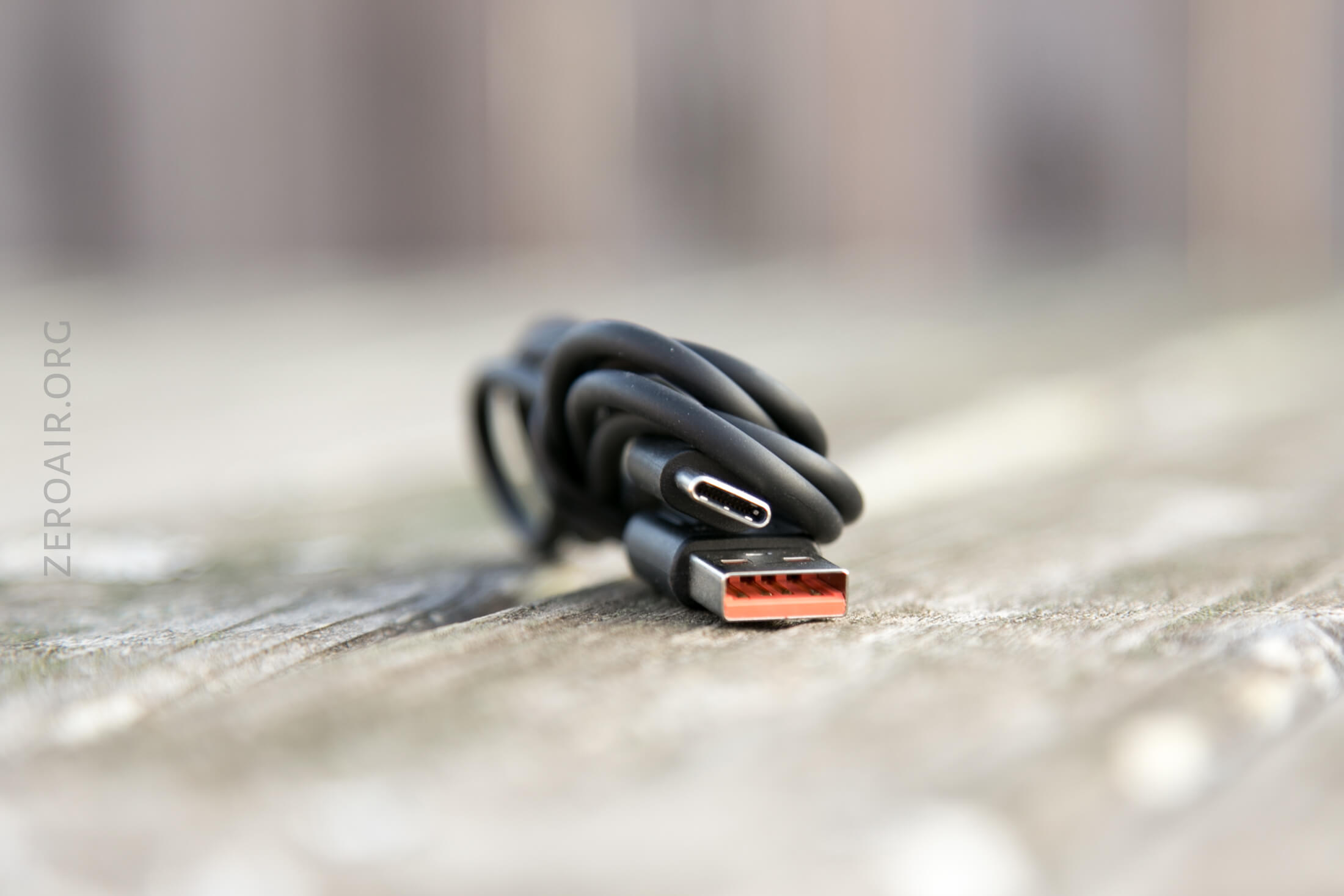
Power is supplied to this VC8 through the USB-C port, which is in the back (top) of the charger. That’s actually the only port on the whole device.
An appropriate cable is included, but it’s USB to USB-C. The manual does state that it supports QC3.0 charging, but doesn’t mention any PD functions.
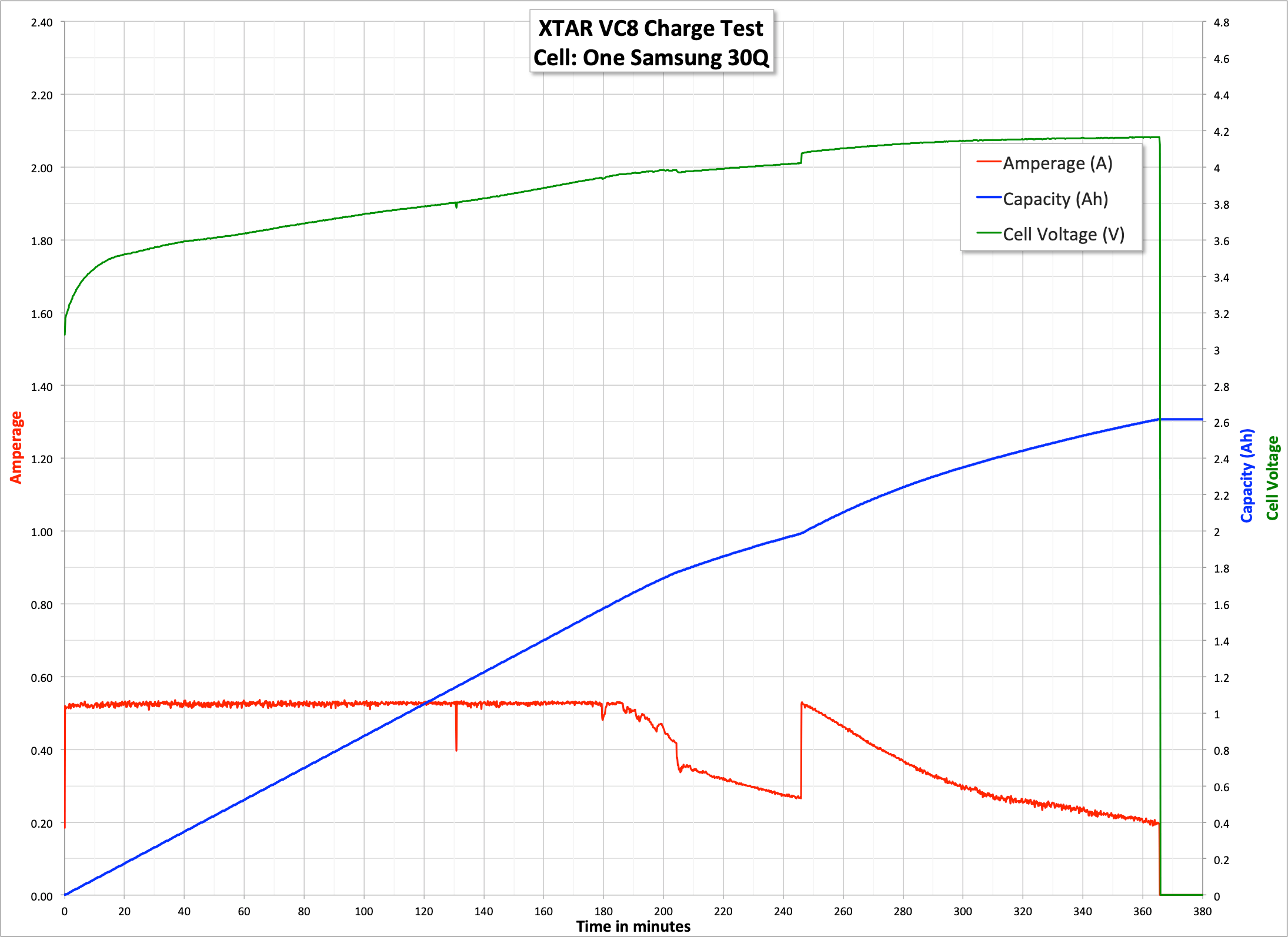
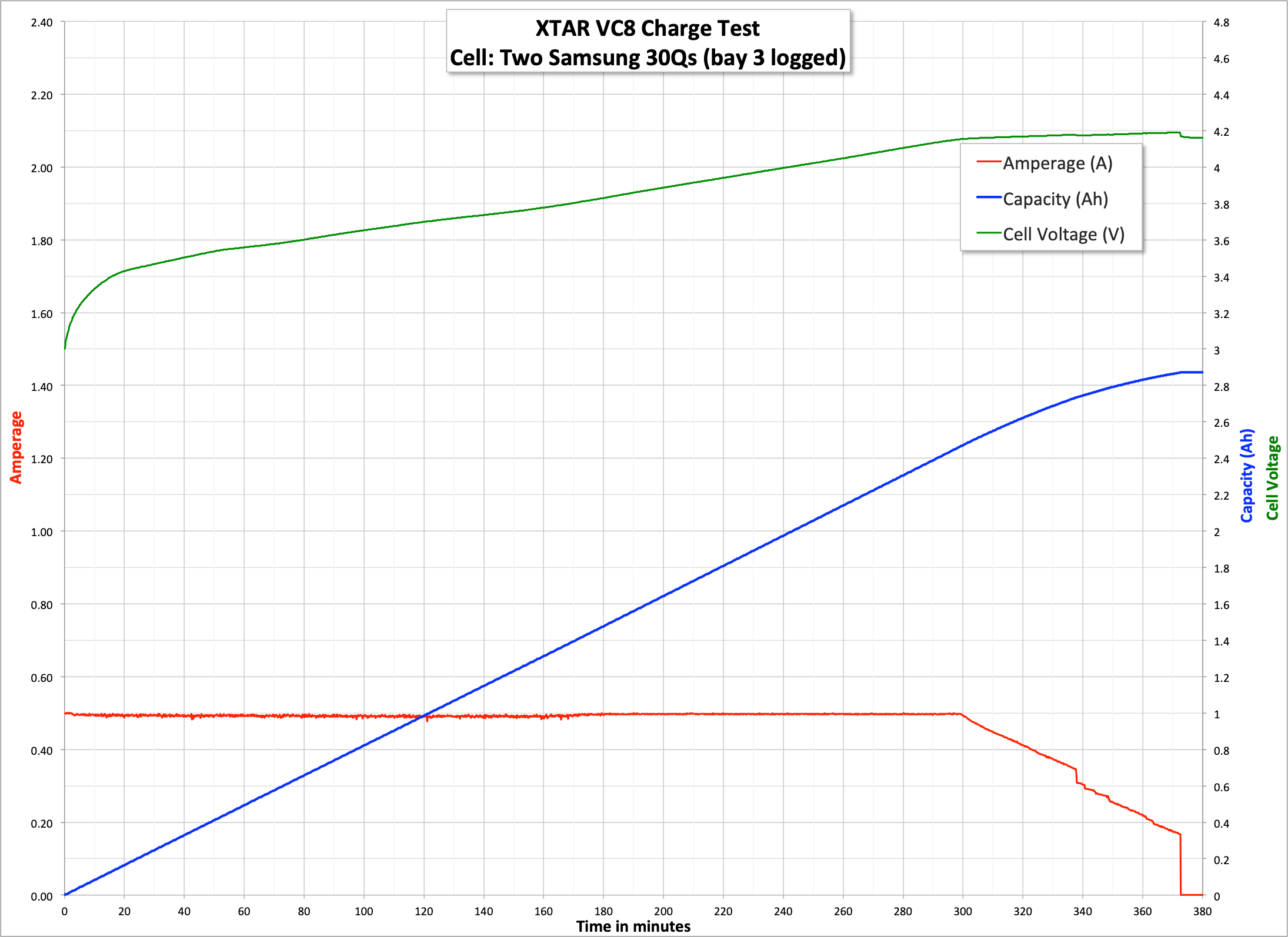
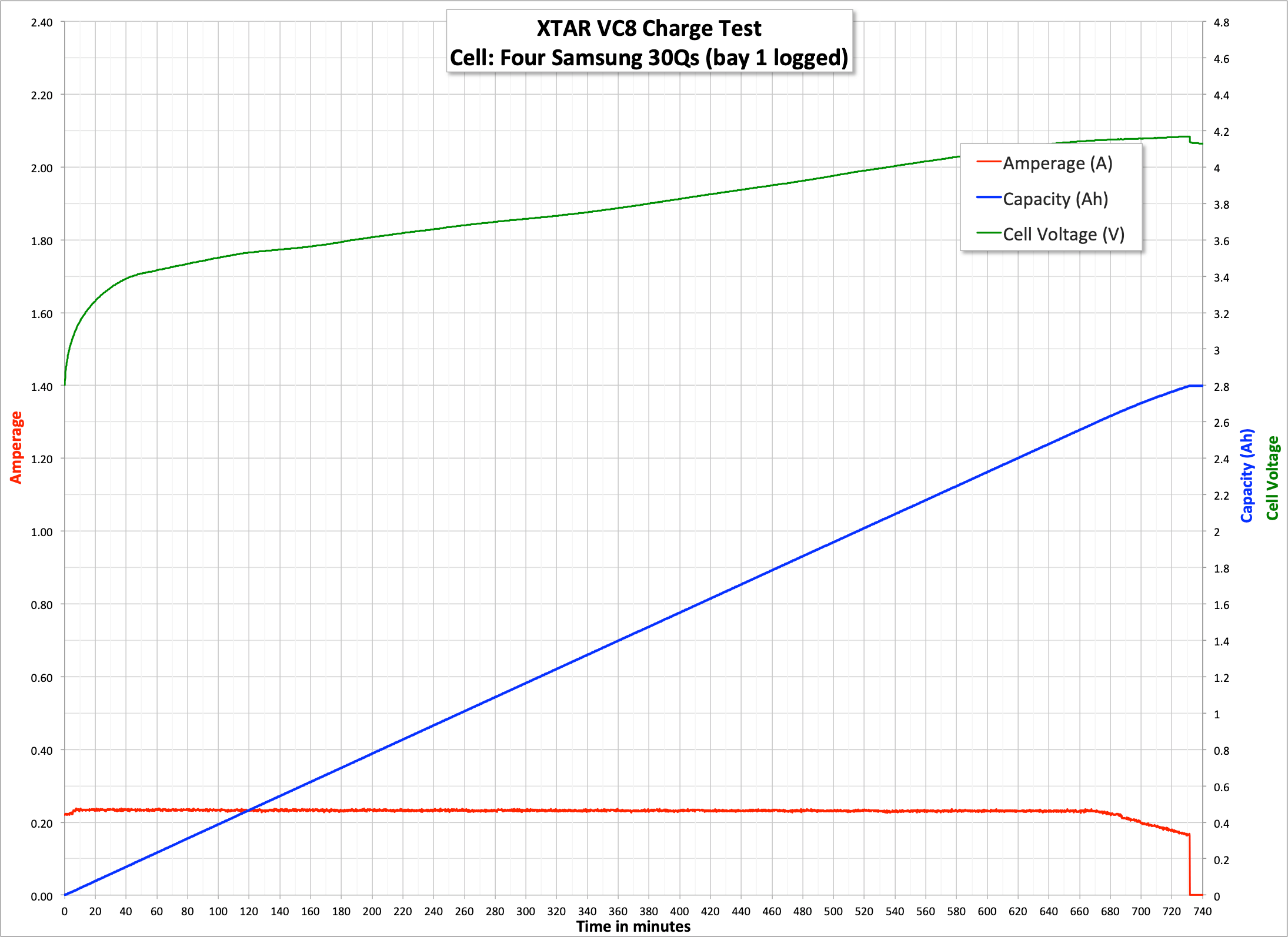
As I said above, my logging setup seems to have IR too high for testing the max capabilities of the VC8. As such, I’ve limited my testing to the three runs below. At this point, I realized this data is mostly meaningless, so I didn’t pursue it any further.
User Interface and Operation
There are four buttons on the VC8. They lend to the idea that this charger is more or less two 4-bay chargers in one. The left side gets the advanced functions, and the right side gets the more basic functions.
The left two buttons are Mode and Curr. The right to buttons is Disp. and again, Curr.
First off, things this charger can do:
- Charge Li-ion, NiMH, and NiCD (all bays)
- Charge up to 3A in one bay (left or rightmost bay)
- Other charge rates: 2Ax2, 1Ax4, 0.5Ax8
- Capacity test (left 4 bays) (charge-discharge-charge)
- Grade cells (left 4 bays)
- Activate 0V cells
The “how” of charging is very simple. If all you want is charging, just put a cell in a bay. If you want to charge at a specific current, drop a cell in and click the “Curr.” button on the same side as your cell, and cycle through the available currents (2000/2000/2000/3000, 1000, 500, 250). Each bay has its own display, which will show cell voltage and charge rate (in mA). Charge current is selected per four bays.
All channels 1-4 (left half of charger) always perform the same function. They are not operated independently.
All channels 5-8 (right half of the chargeR) always perform the same function. They are not operated independently.
Channels 1-4 and Channels 5-8 can perform different functions.
Clicking the Disp. Or the Mode button while Charging cycles the bay through Cur., Cap., and IR. It took me a while to get what these sections mean, even reading the manual…
Cur: Displays the charging current, in mA
Cap: Displays how much energy has been put into the cell, in mAh
IR: Displays the cells IR, in mΩ
Holding the Disp button does nothing.
Holding the Mode button, however, throws in two further options: Grad and Store.
Grad does a charge-discharge-charge test. The discharge current is 300mA. The charge current seems to be selectable.
Store discharges cells to either 3.7V or 1.2V (per chemistry). (Discharge current isn’t stated, but is likely also 300mA). Interestingly, this mode can also be used to charge LiFePO4 cells.
Another thing I really like is that holding either Curr. button for a few seconds will almost completely darken the LCD. That’s a huge plus. (The blue LCDs are quite bright!)
Conclusion
What I like
- 8 bays!
- USB-C charging
- Purported 3A charging
- Small for 8 bays!
What I don’t like
- 3A in just one bay
- 4A max – with 9V/QC3 input, I might expect a bit more.
- USB out might be good (but I don’t see a specific application)
Notes
- This item was provided by XTAR for review. I was not paid to write this review.
- This content originally appeared at zeroair.org. Please visit there for the best experience!
- Please use my Amazon.com referral link to help support zeroair.org!
- Please support me on Patreon! I deeply appreciate your support!
Discover more from ZeroAir Reviews
Subscribe to get the latest posts sent to your email.
I bought this after discovering that my Nitecore UMS4 charger overheats NiMH batteries. Leaving the size aside, it’s better, has more features and it’s cheaper.
So far I found only 2 drawbacks:
1. It does not leverage more power from Power Delivery
2. There is no indicator if it’s connected to QC source (the nitecore has that)