

Olight Nightour Lamp Preview
Olight has ventured further into the lifestyle brand by releasing the Nightour Lamp. This lamp features an RGB section and an MCC charger!
Official Specs and Features
Here’s a link to the official product page.
Versions
I believe there’s just one version for now. I wouldn’t be surprised to see other body colors at some point, though.
Price
The Olight Nightour Lamp, while not currently available, costs $79.96 at Olight.com/store (referral link).
Short Review
Say whatever you want, but this is a neat little product. The price is probably a bit high for the genre, but I think anyone who ever had a lava lamp will enjoy the Olight Nightour Olamp (despite the name of it.) There are a few things I’d like to see different, but I applaud Olight for using a 4000K emitter in the lamp part. Love it!
Long Review
What’s Included

- Olight Nightour Olamp Lamp
- Charging cable (USB to USB-C)
- Manual and paper
Package and Manual
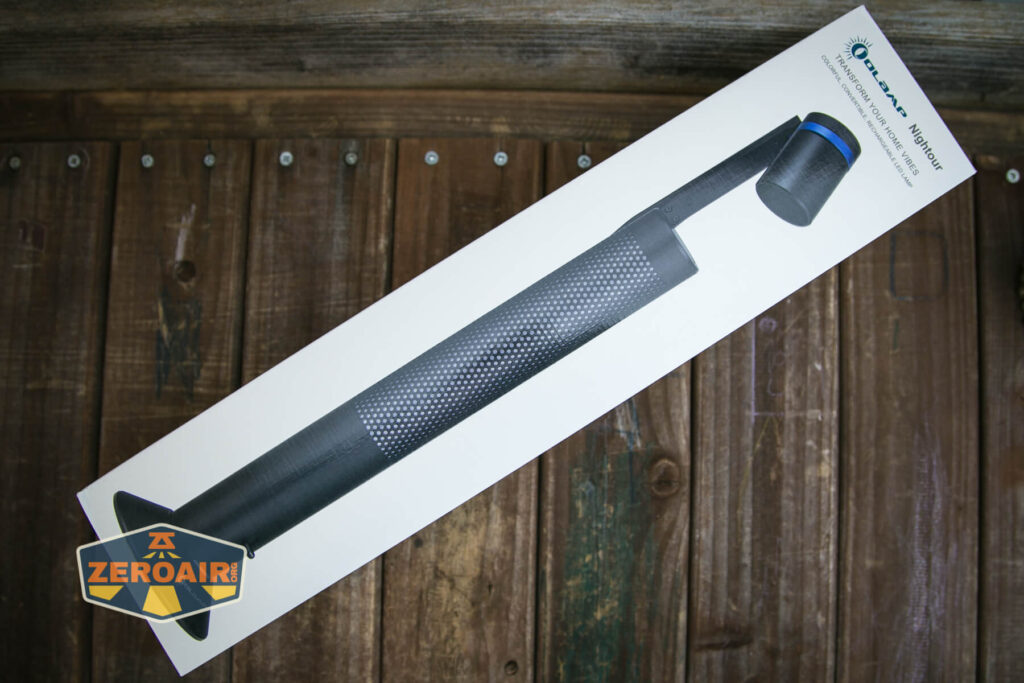


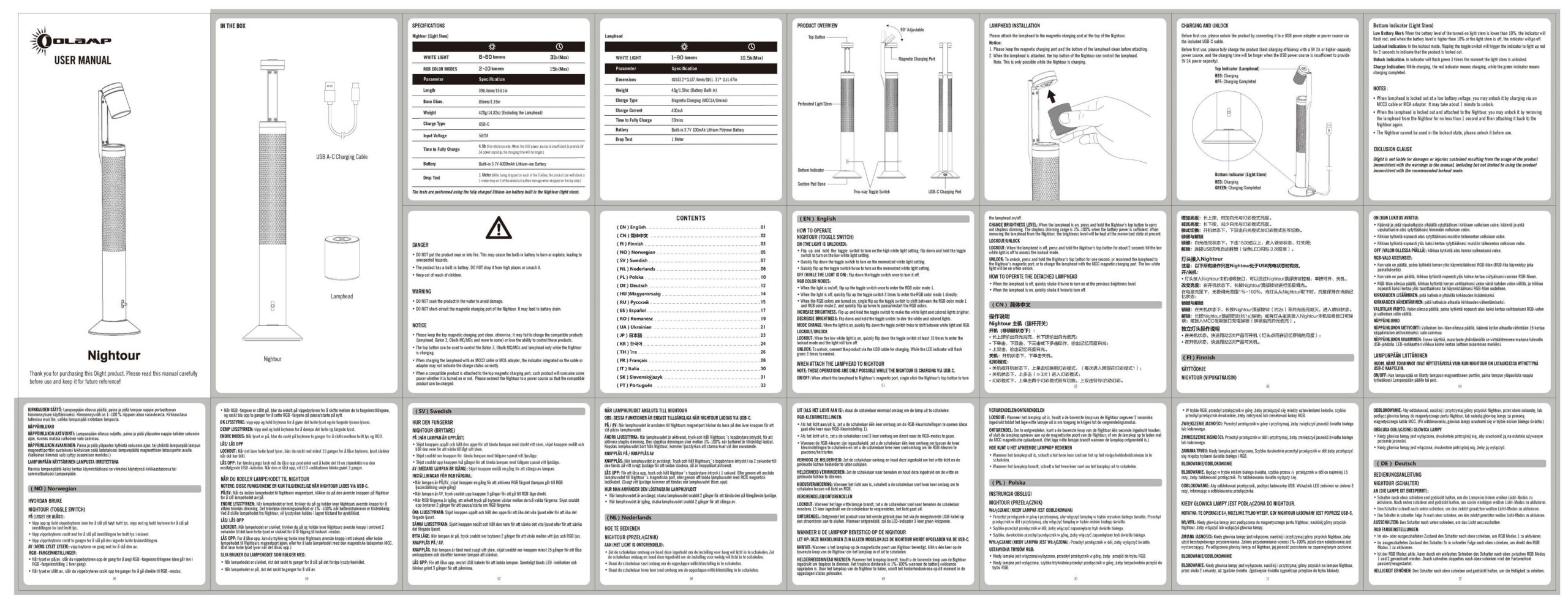

Build Quality and Disassembly
The Olight Nightour is a hard to photograph item… So what you’ll see below are mostly segmented views. I hope you’ll be able to use your imagination to fill in whatever isn’t seen. The front of the box (above) does show the whole item.
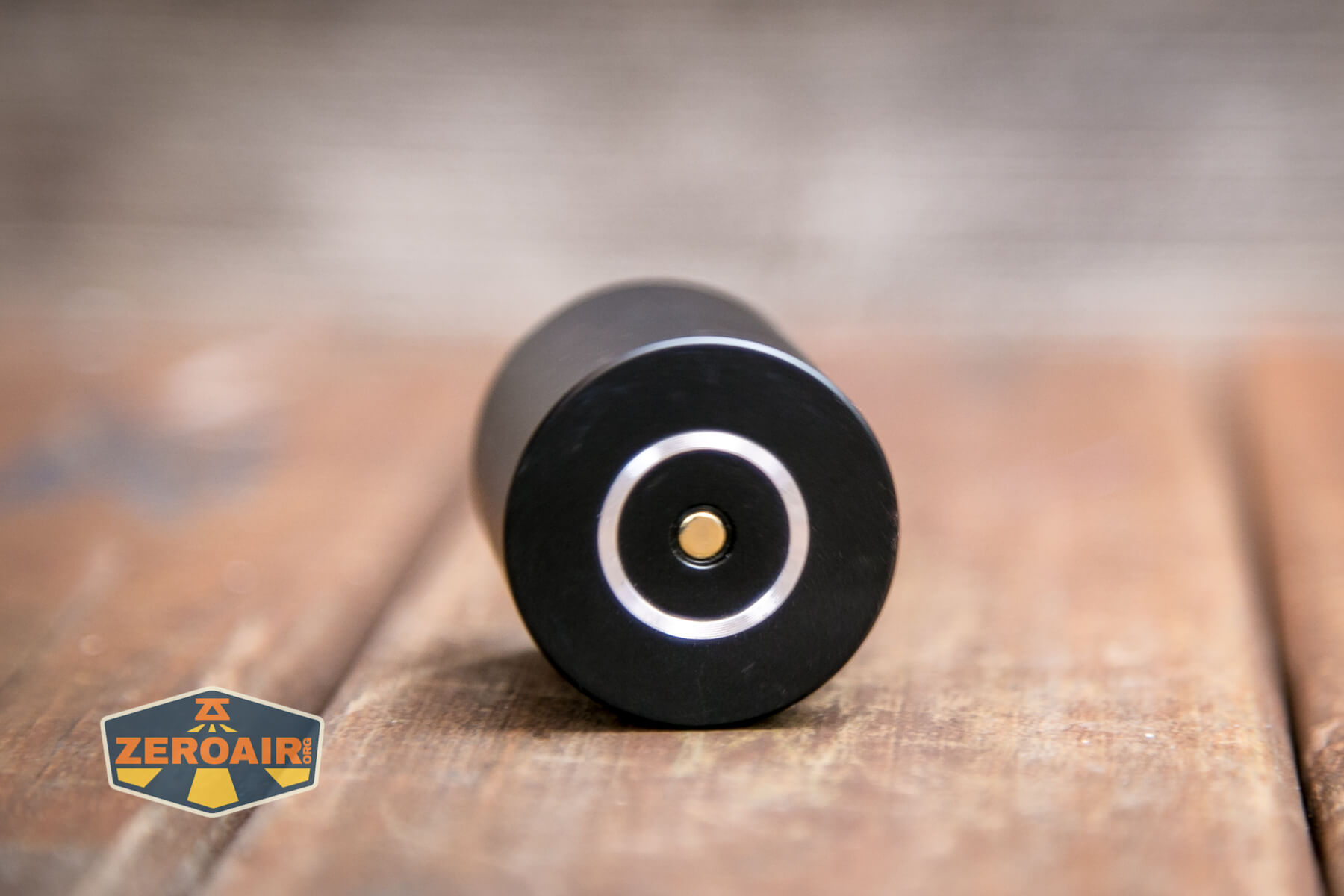
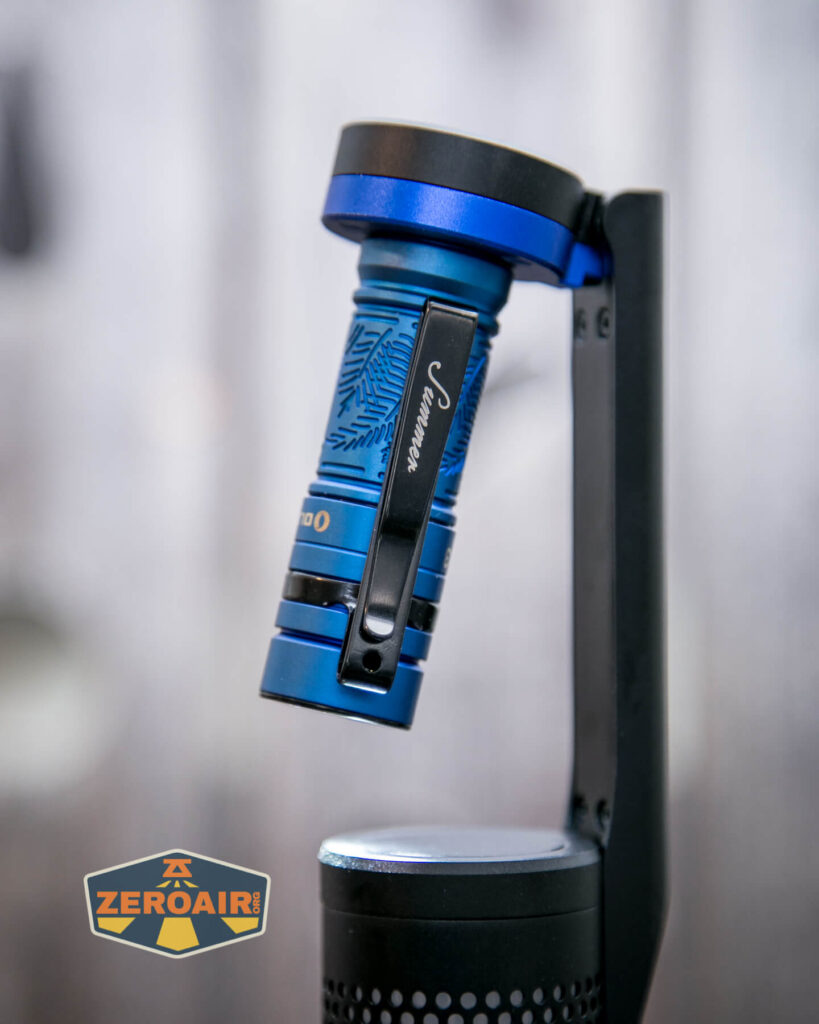
First is the lamp part of the Nightour Olamp. This little thing is… unusual. It does not have a switch! It attaches magnetically to the charge base, which is atop the Olamp.

The little lamp is aspheric, casting a very nice even flood of 4000K light. Again there’s no switch on this item, but it does work when disconnected from the base! So yes, there’s a battery built-in here!

This back piece (the “neck”) does not move. It’d be great if this thing was articulated.


There were some questions about the stability of this probably-topheavy item, and if it attached at the base or whatever. It does not have any attachment mechanism on the base except for this very thin-lipped suction area. And it’s not really a “suction cup” but just more of a “suction aid” or “will maybe suction if the scenario is perfect.” For example, you can’t really reliably connect the Nightour to the side of your refrigerator and expect it to stay put. However, you can clean your nightstand and if it’s a smooth (polished) surface, the suction is enough to generally prevent tipping.


The space here is large enough for an Olight Baton, but nothing longer.
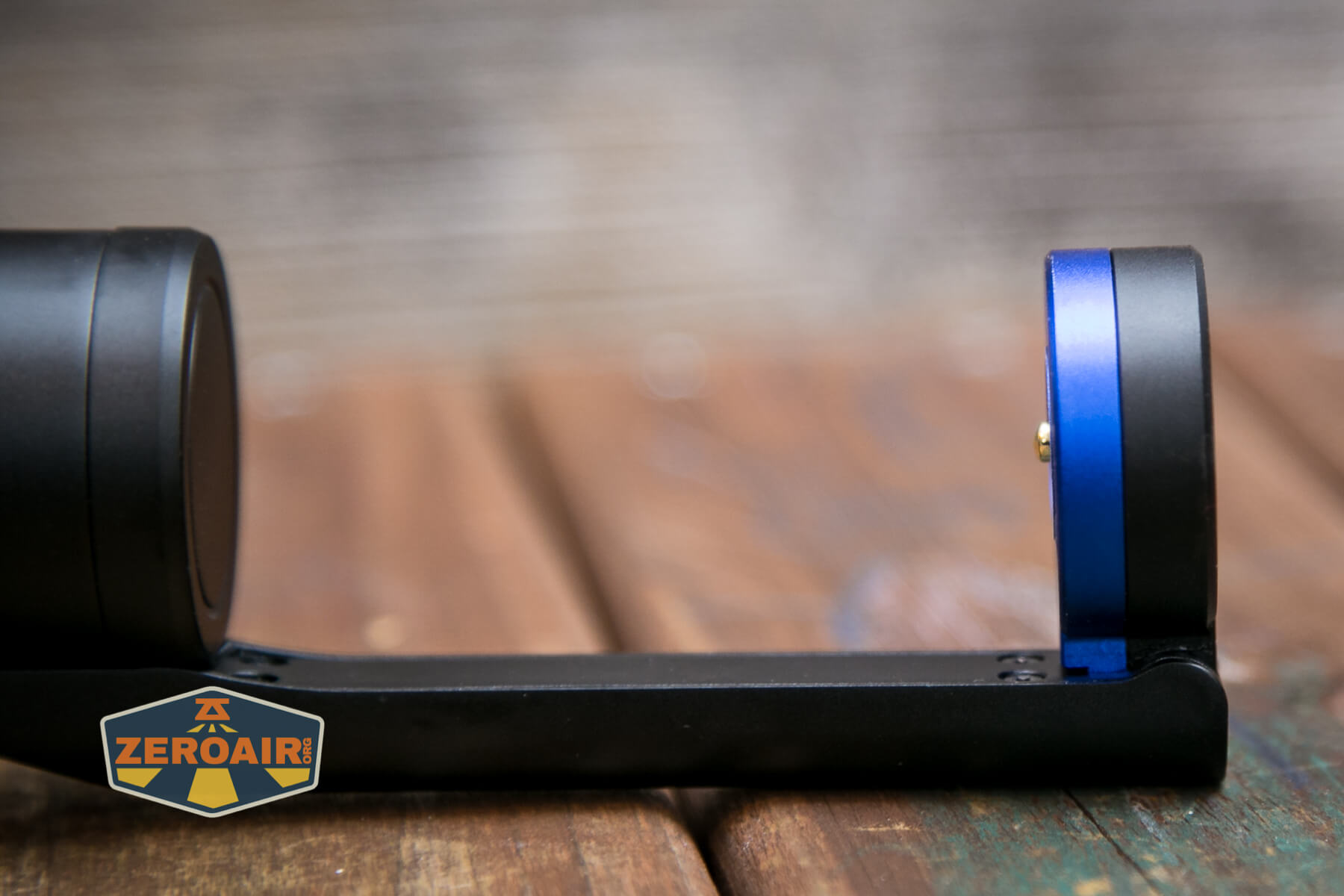
The head (at the top of the neck!) does rotate. It will go from as seen above (the light pointed straight down) to this 90° output angle. I’d much rather this whole bit just be fully articulated. I know there are wires in there because charging happens on the head but it could happen!

Size and Comps
Weight (g / oz) 465g/16.4oz (Including Batteries and Lamphead)
Body Diameter (mm / in) Light Stem: 85mm/3.35in (Base)
Lamphead: 33.2mm/1.3in
Height (mm / in) Light Stem: 396.4mm/15.61in
Lamphead: 37.4mm/1.47in
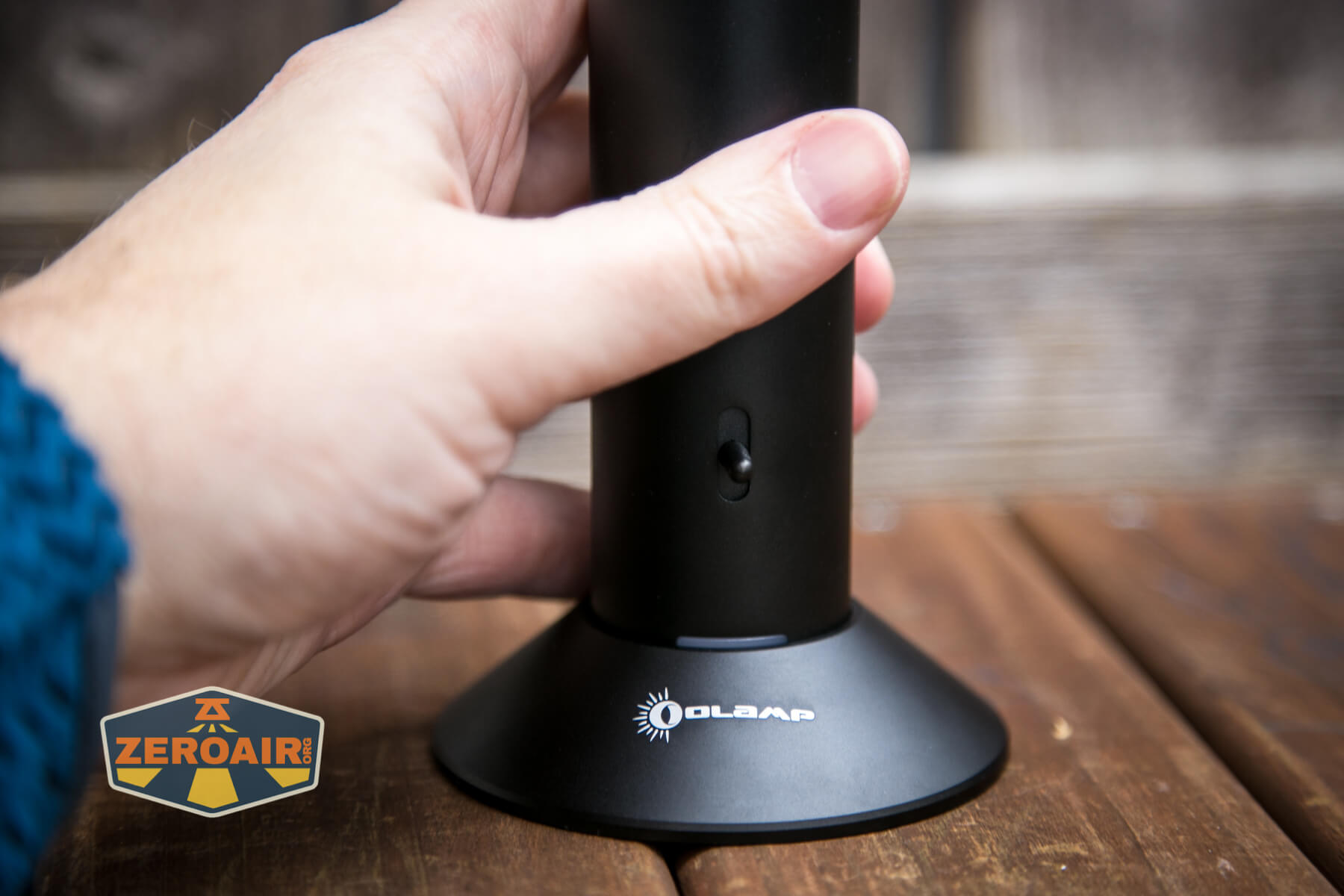
Here’s the Olight Nightour Olamp in hand.

Power
Power is sent to the Nightour (which let me tell you, is a hard word to type. My hands just mechanically do not want to combine the words “Night” and “tour” or whatever the combo is. It’s as hard to type as it is to think. It’s a confusing word.) by USB-C. Olight includes a cable, and it’s a nice long one.

From there (from the USB-C, that is), power goes to the head. When an item (any item that properly connects electrically) and the USB-C has power, this red indicator on the e-switch lets you know that the item is charging.
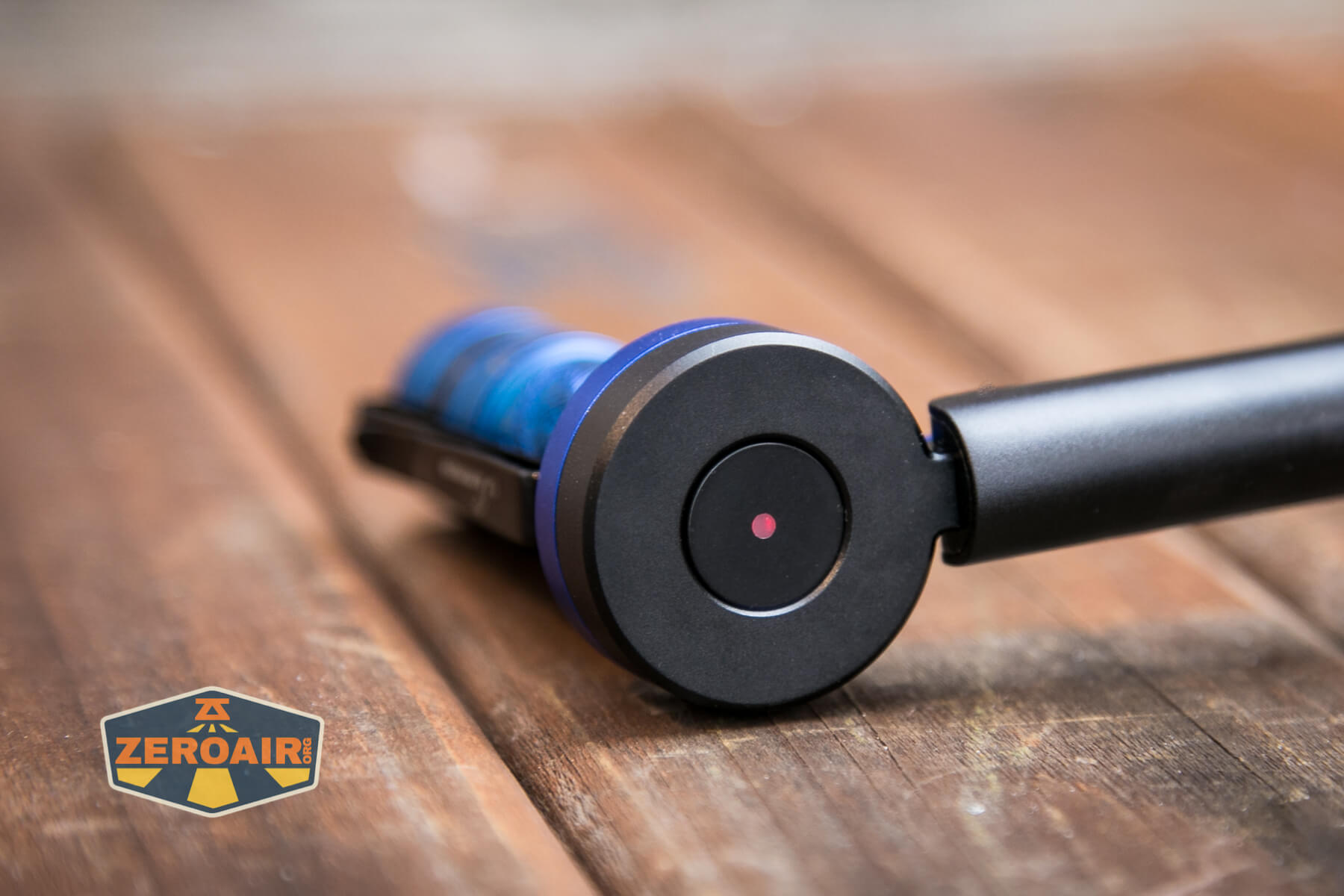
If the USB-C plug does not have power, the item(s) will still turn on but as you can see below, the charging indicator is not lit.


As a simple indicator of USB-C power, though, there’s this little red strip at the bottom of the tower. I appreciate this – it’ll let you know if the whole unit has USB-C power – handy.

In the barrel (somewhere! I guess it’s in the barrel) is a 4000mAh power source, too. That’s probably a single 21700 cell or maybe even a 26650, but it’s not user-serviceable.
Charging
I’ve sort of already covered this above, but the USB-C port not only powers the devices (lamp and RGB part) but also charges both. They each have an individual battery.

A USB to USB-C cable is included.

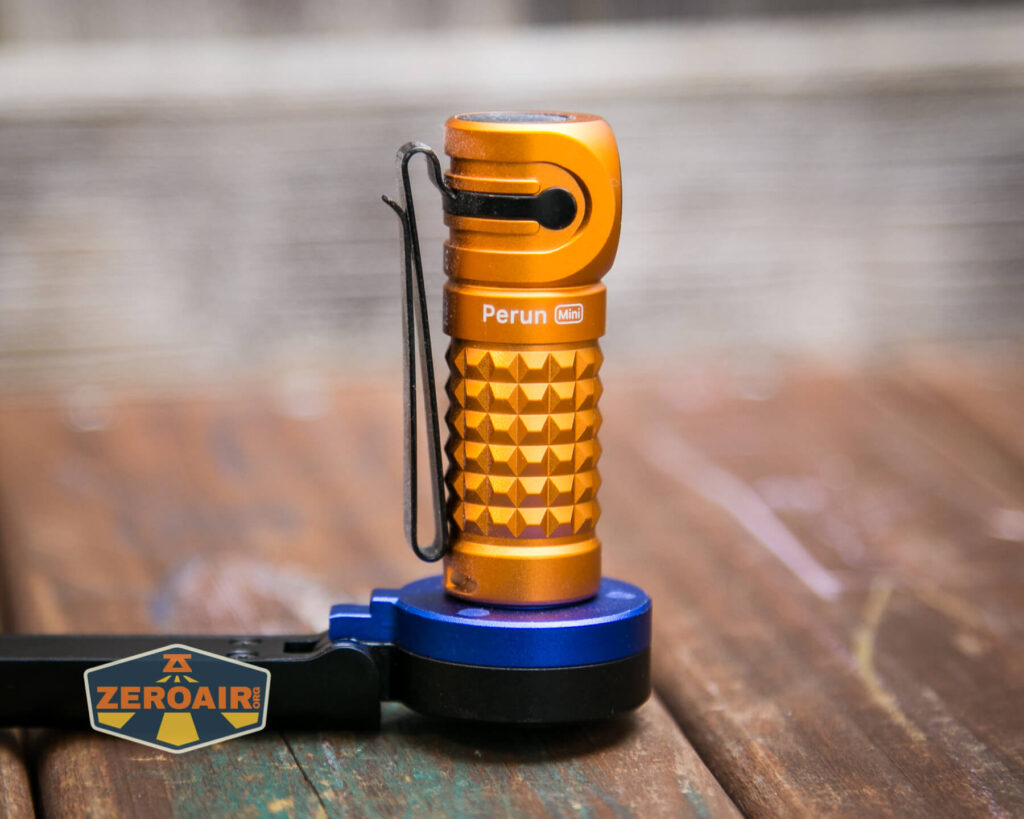
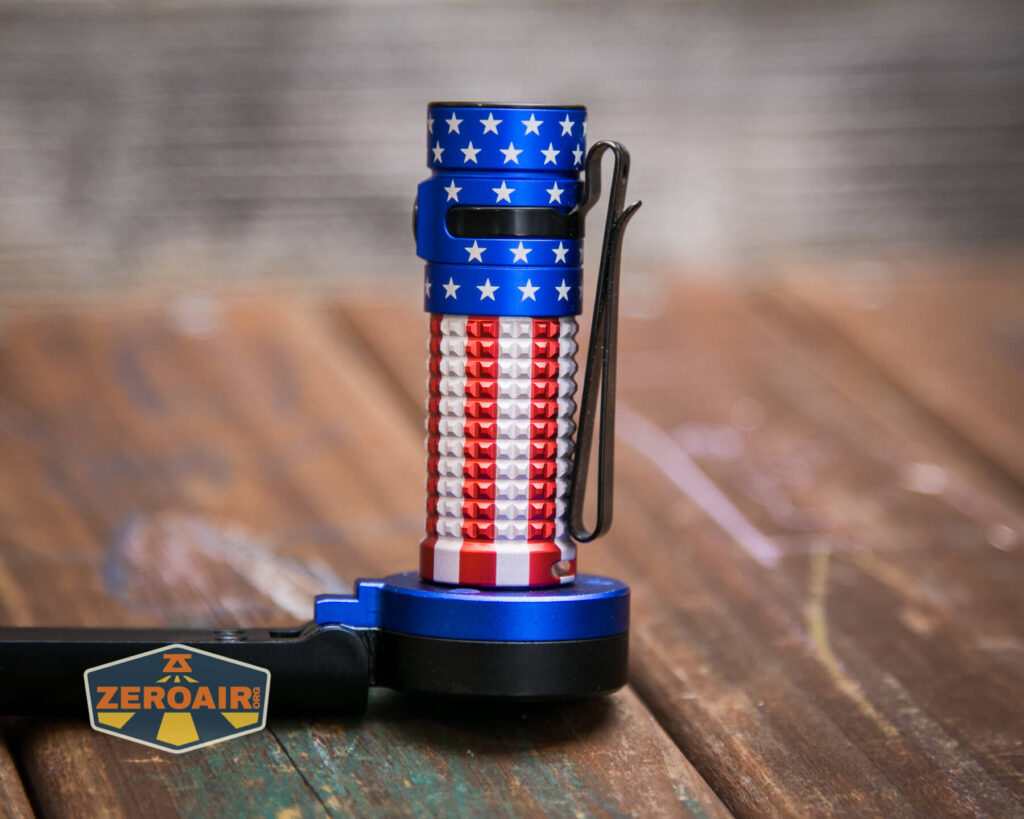
Charging on the lamp head is by way of this MCC-style connection in the head.
This is really more than just an “MCC-style” connector – it is actually an MCC charger. Below you can see a sampling of items that will charge while on this charger head.



Of course it’s magnetic too.

User Interface and Operation
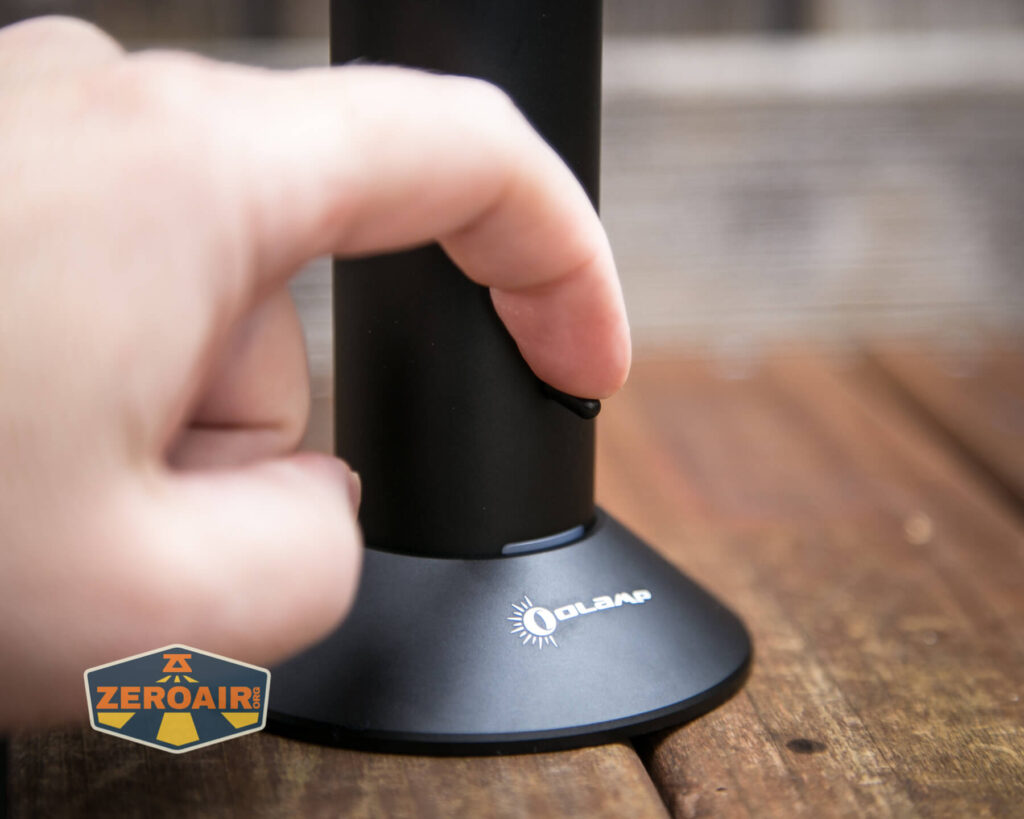
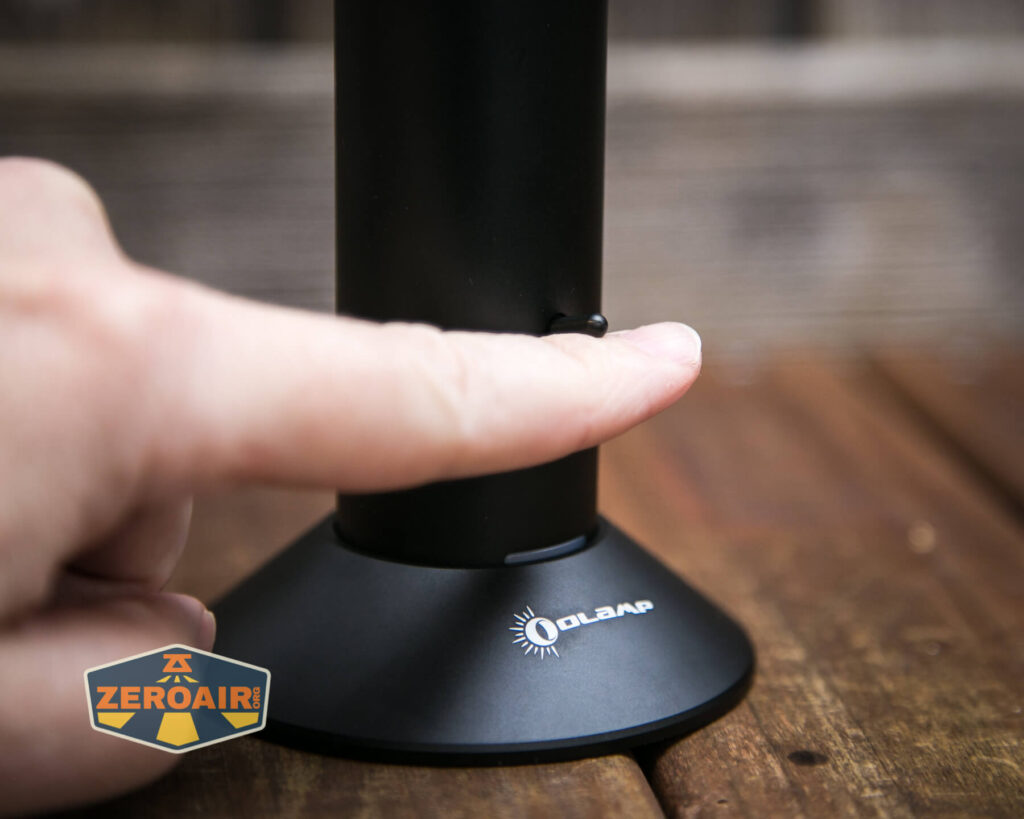
First, let’s talk about the switch for the body. This is an e-switch toggle. The action is very light. It’ll reset to center position when flipped. That is, it doesn’t stay up or down; it goes quickly back to the center position seen below. It makes sense because there are so many output types. If there were just two, then “up” or “down” could reasonably be all the switch positions needed.

The next switch is the one in the head. This charging indicator has a red LED in the center, but also this whole black ring inset is an e-switch, too.
Interestingly this switch also allows minimal control of lights like the Baton. That switch will turn Batons (and the like) on and off (nothing more!). But that’s quite neat.

Here’s a user interface table!
Note that the toggle controls all lights on the barrel. The indicating e-switch on the head controls the lamp.
| State | Action | Result |
|---|---|---|
| Off | Hold Toggle Up | White Light High |
| Off | Hold Toggle Down | White Light Low |
| Off | Tap Toggle Down or Tap Toggle Up 2x |
White Light Mode Memory |
| Barrel On | Tap Toggle down | Off |
| Any | Tap Toggle Up | Enter RGB mode 1 |
| RGB On | Tap Toggle Up | Iterate RGB mode 1 and RGB mode 2 |
| RGB On | Tap Toggle Up 2x | Enter RGB mode 1 |
| RGB On | Hold Toggle Up | Increase RGB brightness |
| RGB On | Hold Toggle Down | Decrease RGB brightness |
| On | Tap Toggle Down 2x | Iterate White and RGB |
| On | Tap Toggle Down >15x | Lock |
| Locked | Connect to USB-C power | Unlock |
The table below is regarding only the lamp head. These actions only apply when there is USB-C power connected!
| State | Action | Result |
|---|---|---|
| Off | Click Lamphead Switch | On (Low) |
| On | Click Lamphead Switch | Off |
| On | Hold Switch | Ramping from 1%-100% |
| On | Remove Lamp head | Lamphead remains on in selected output level |
| Off | Hold Switch ~2s | Lockout |
| Lockout | Hold Switch 1s or Reconnect Lamphead to Charging port |
Unlock to Low |
| Lamphead removed from Nightour and off | Shake Lamphead twice | Turn on to the previous state |
| Lamphead removed from Nightour and on | Shake Lamphead twice | Off |
LED and Beam
The main body has a bunch of RGB LEDs, which I didn’t uncover. In the Lamphead is this single round emitter that has a domed cover.

Output from this emitter and lens setup is a very even flood output.


It’s actually fantastic. I didn’t realize until I actually read the manual that the Lamphead can be controlled (on/off) without being attached to the body. That’s a great addition to the user interface!
The side RGB are very even and I’d guess are some of those “10 million color” RGB (or whatever they are specifically). They fade between colors very evenly.


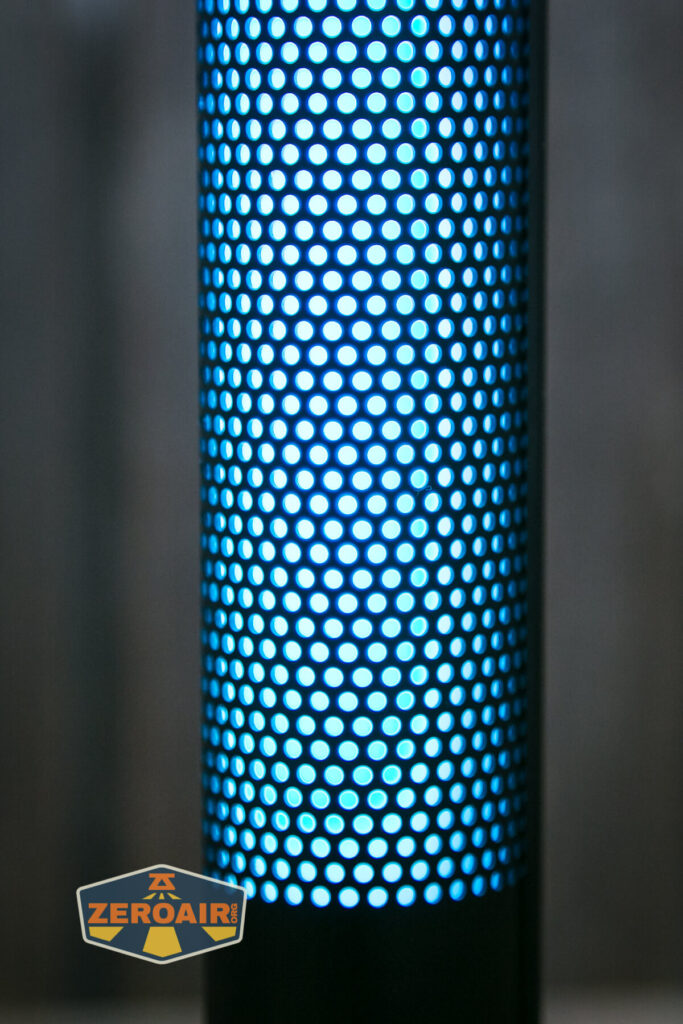


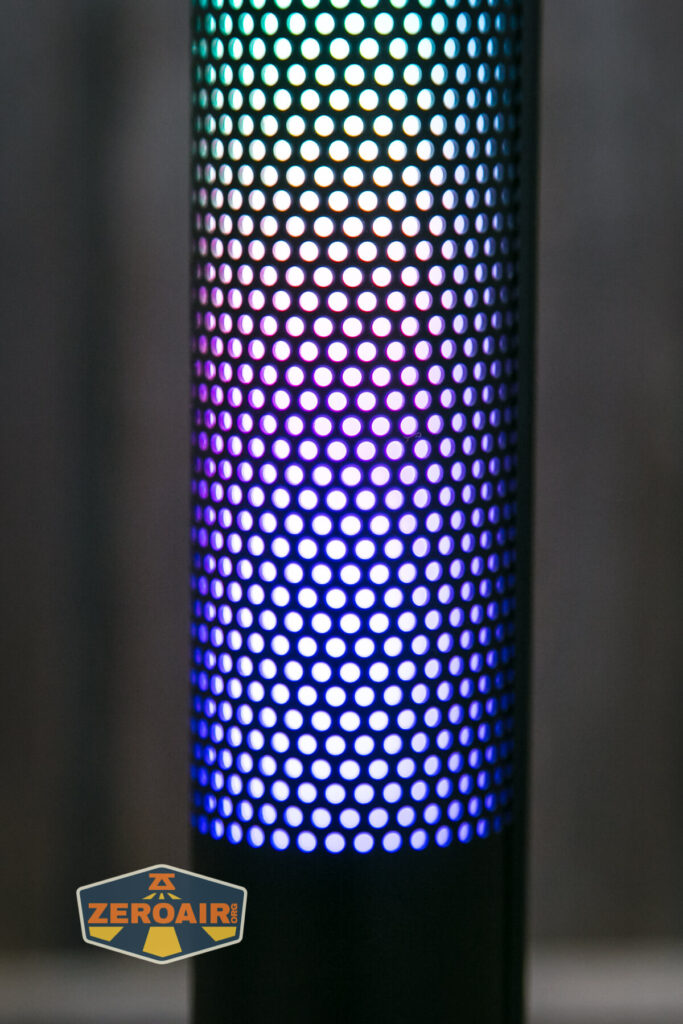
Just playing around with the light I’d have said there were a ton of RGB modes, but there are just two modes. One fades in full-body color between all the available colors. The other fades down the barrel between the colors.


Conclusion
What I like
- Acts like an electronic lava lamp
- Side emitters can vary in brightness (something that’s not immediately obvious without reading the manual)
- The Lamphead can be turned off and on while disconnected from the body) (something that’s not immediately obvious without reading the manual)
- Lamphead is a 4000K emitter
- The light suction base does keep the tall body secure on a table
- Great as a reading light if you can get it positioned right
- USB-C to USB-C charging works
What I don’t like
- Cost
- Unlock of RGB is only done via connecting to USB-C
- Battery is built-in and not serviceable
Notes
- This content originally appeared at zeroair.org. Please visit there for the best experience!
- Please use my Amazon.com referral link to help support zeroair.org!
- Please support me on Patreon! I deeply appreciate your support!
Is it pronounced “night tour” or “night our” in terms of NIGHT HOUR?
Yes, almost certainly! (Really I have no idea. I also wondered.)
What do you think of the chromatic aberration on the lamp head beam? None of your pics really show it but it’s pretty pronounced in some of the videos on youtube I’ve seen.