

Lumintop Aurora Flashlight Powerbank Review
The Lumintop Aurora flashlight powerbank offers a massive capacity cell (included) and a light with warm white, RGB, and powerbank functionality. Read on!
Official Specs and Features
Here’s a link to the Lumintop Aurora flashlight powerbank product page.
Versions
Looks like there’s just one version of the Lumintop Aurora flashlight powerbank. Notably, though, there are three cell capacity options – 27500mAh is the middle option. This body (and cell) are also used for various other light (heads) by Lumintop, too!
Price
The Lumintop Aurora flashlight powerbank sells for around $70 and is available now!
What’s Included
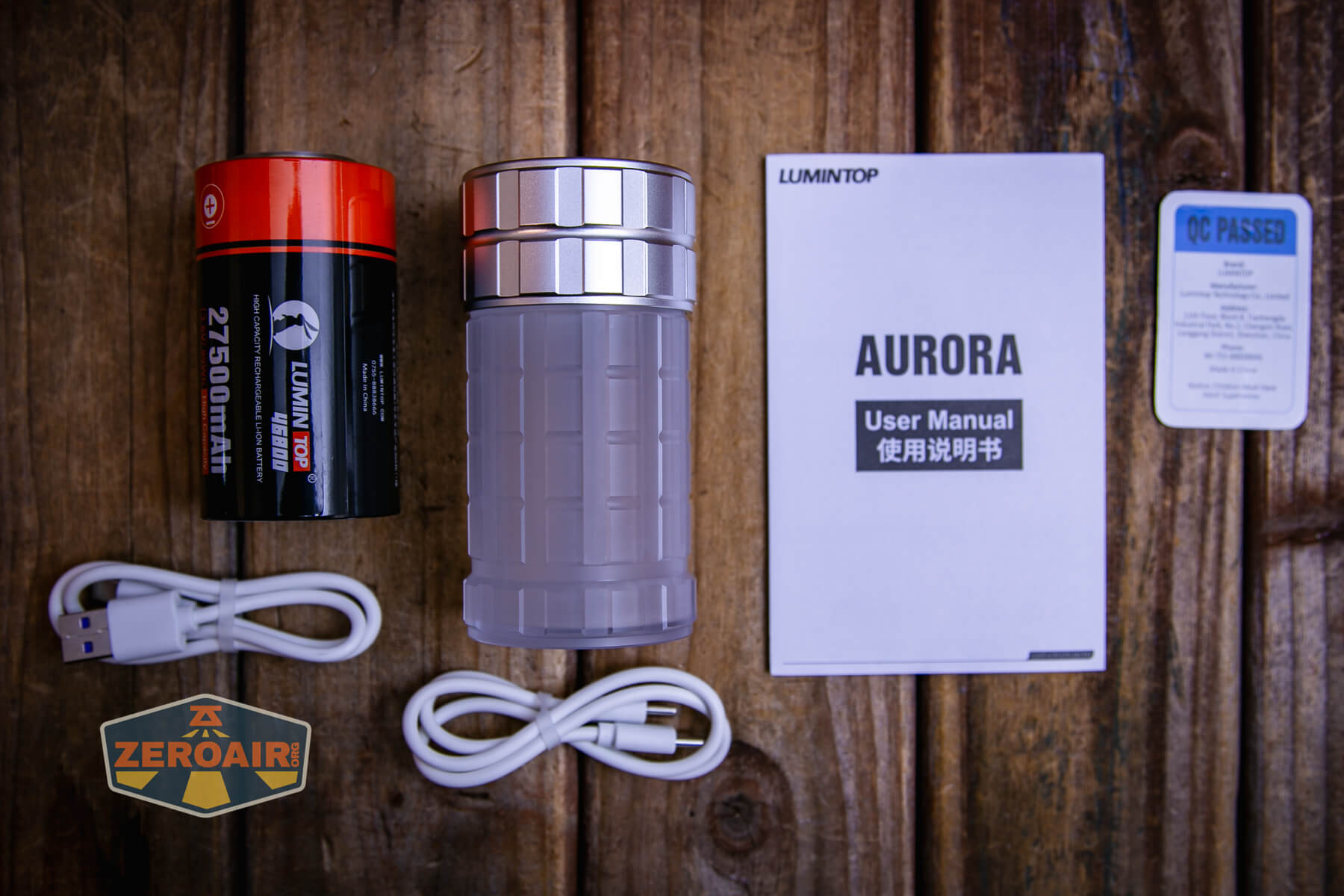
- Lumintop Aurora flashlight powerbank
- Lumintop 27500mAh 46800 lithium-ion
- Charging cable
- Powerbank cable
- Manual
Package and Manual
Build Quality and Disassembly

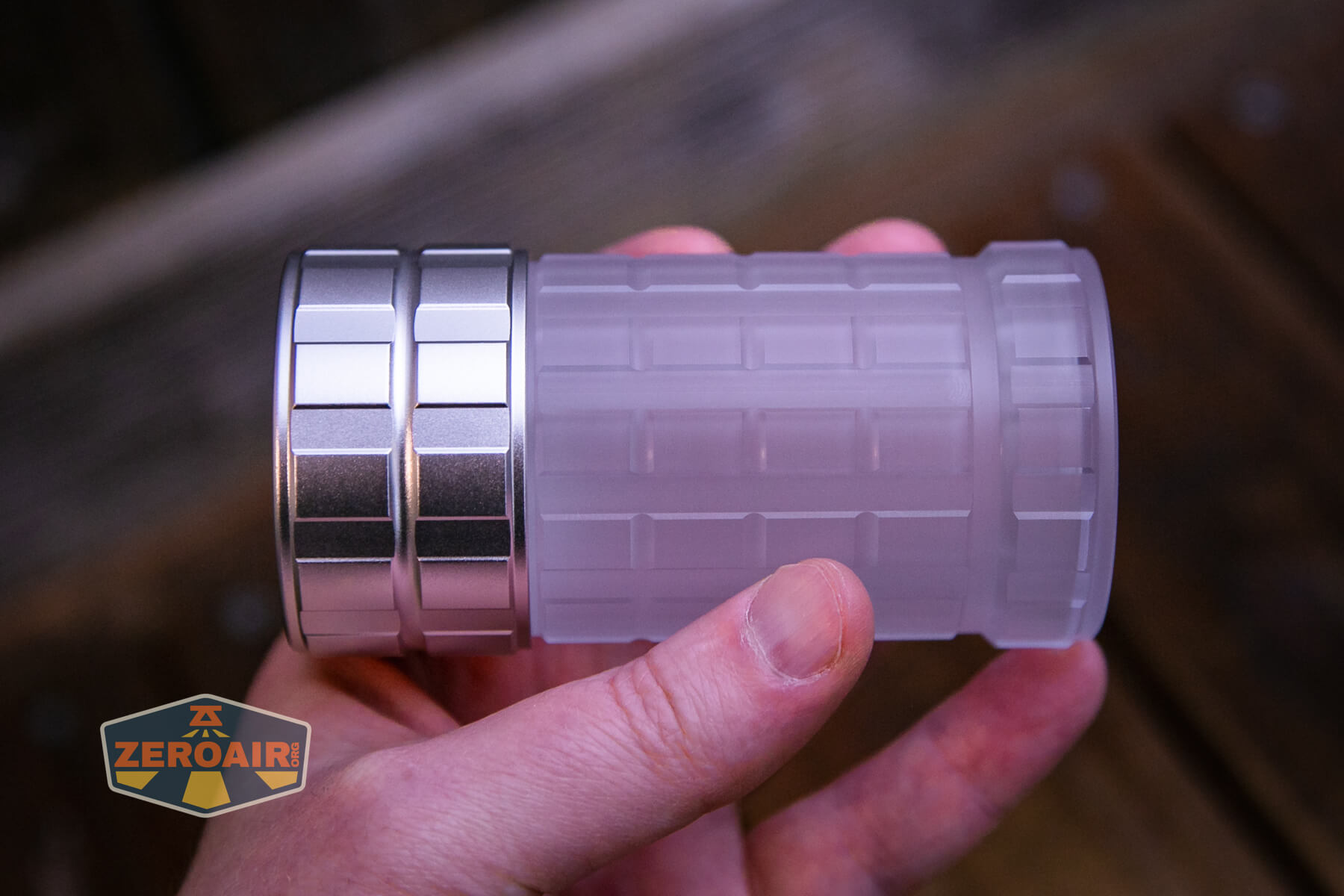
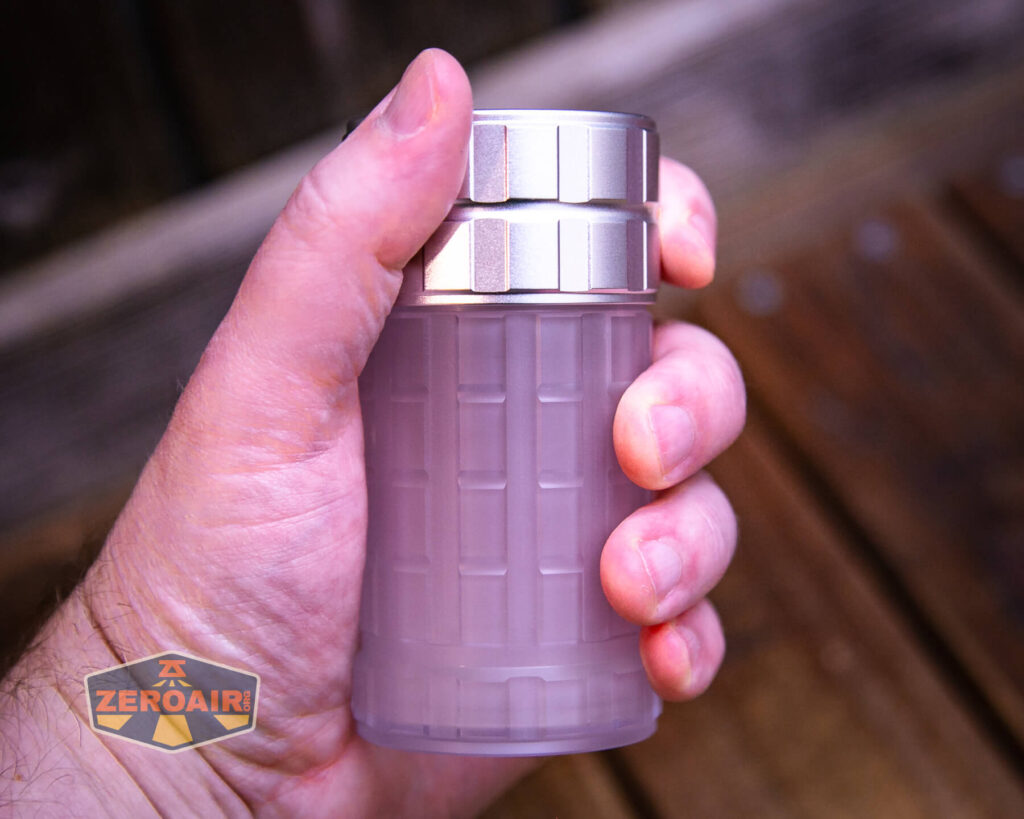
The Lumintop Aurora flashlight powerbank uses a polycarbonate body – aka a “dummy” body. All of the electrical parts are in the head! If you are ok with a polycarbonate body (and I very much am!) then the build quality can be considered good. If you aren’t into polycarbonate, then this light might feel a bit light in hand.
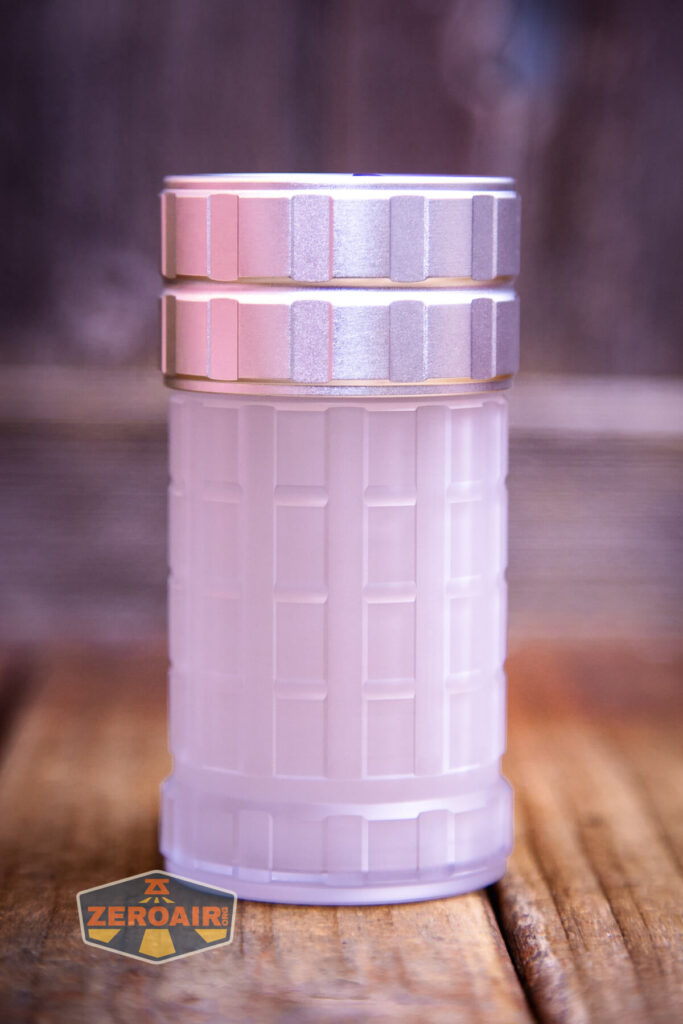
Keen observers will note that the four photos above are the same (I’ve always thought about doing this as a joke, but this time it’s an irrelevant note – all 4 “sides” of the Lumintop Aurora flashlight powerbank are identical!!)
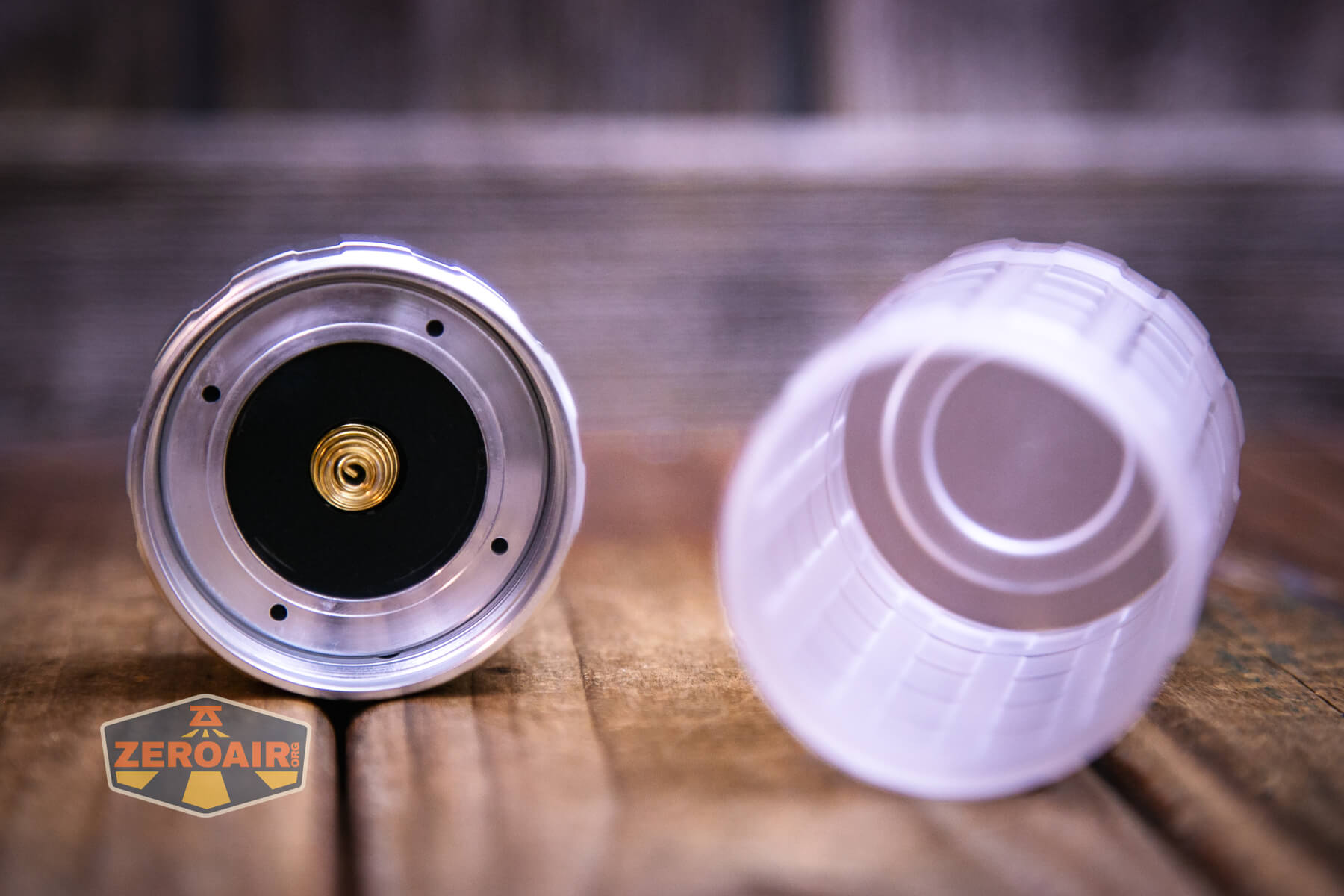
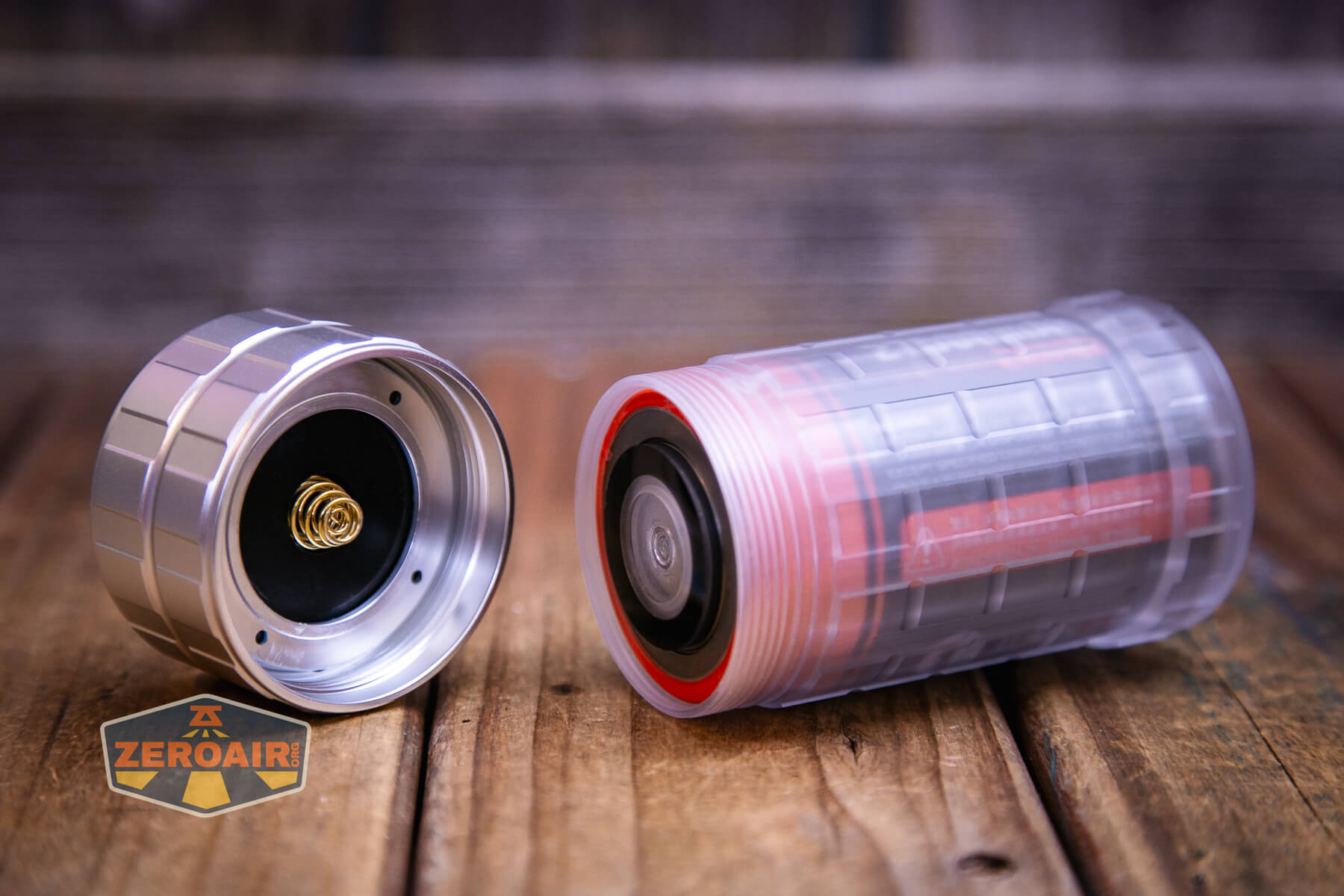
Being that the cell tube is polycarbonate, you have to imagine that both positive and negative contacts are accessible to the cell. And they are – below you can see the spring for contacting the positive end of the cell, and the other metal parts for contacting the negative. (More on that in a bit.)
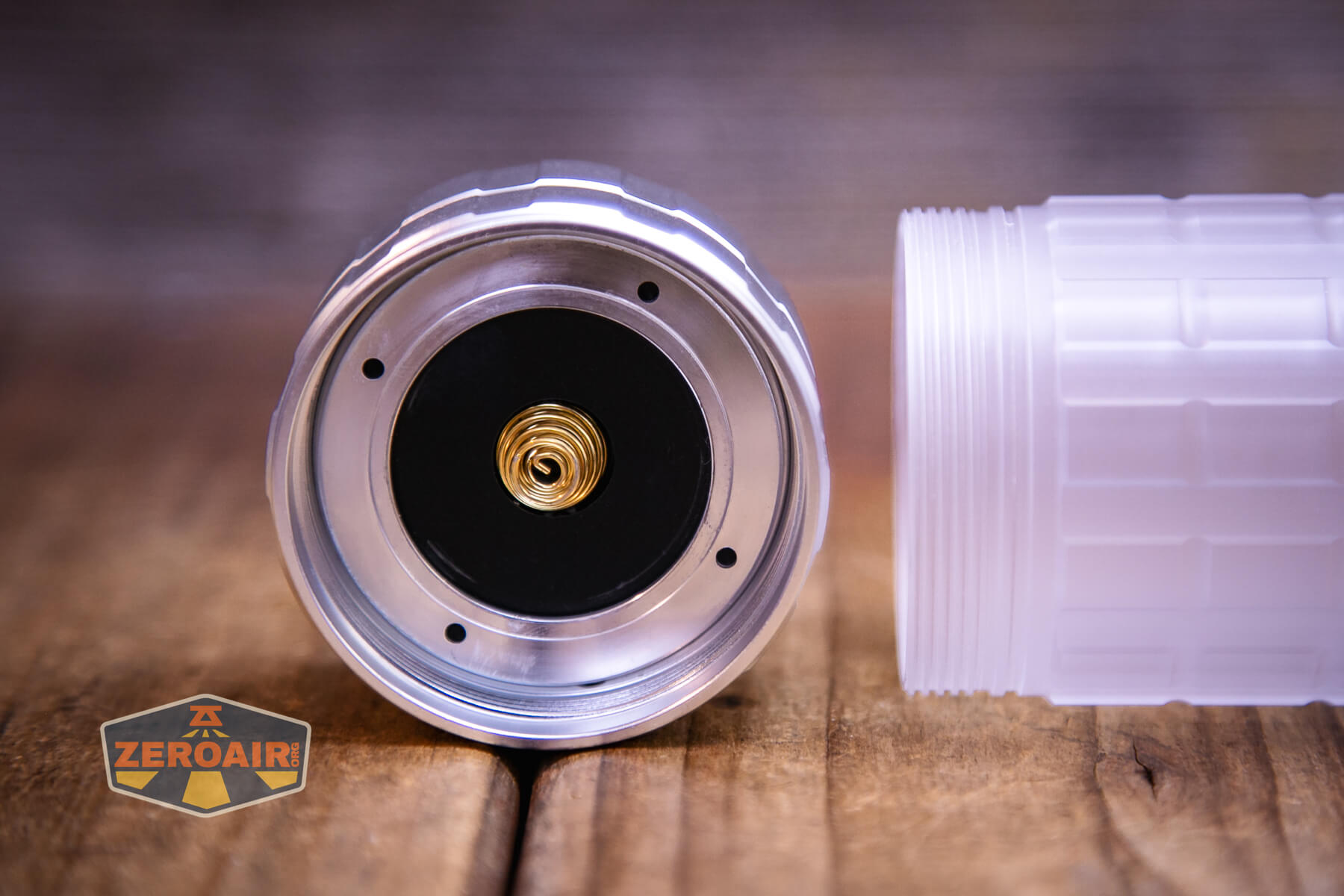
The cell tube is entirely polycarbonate.
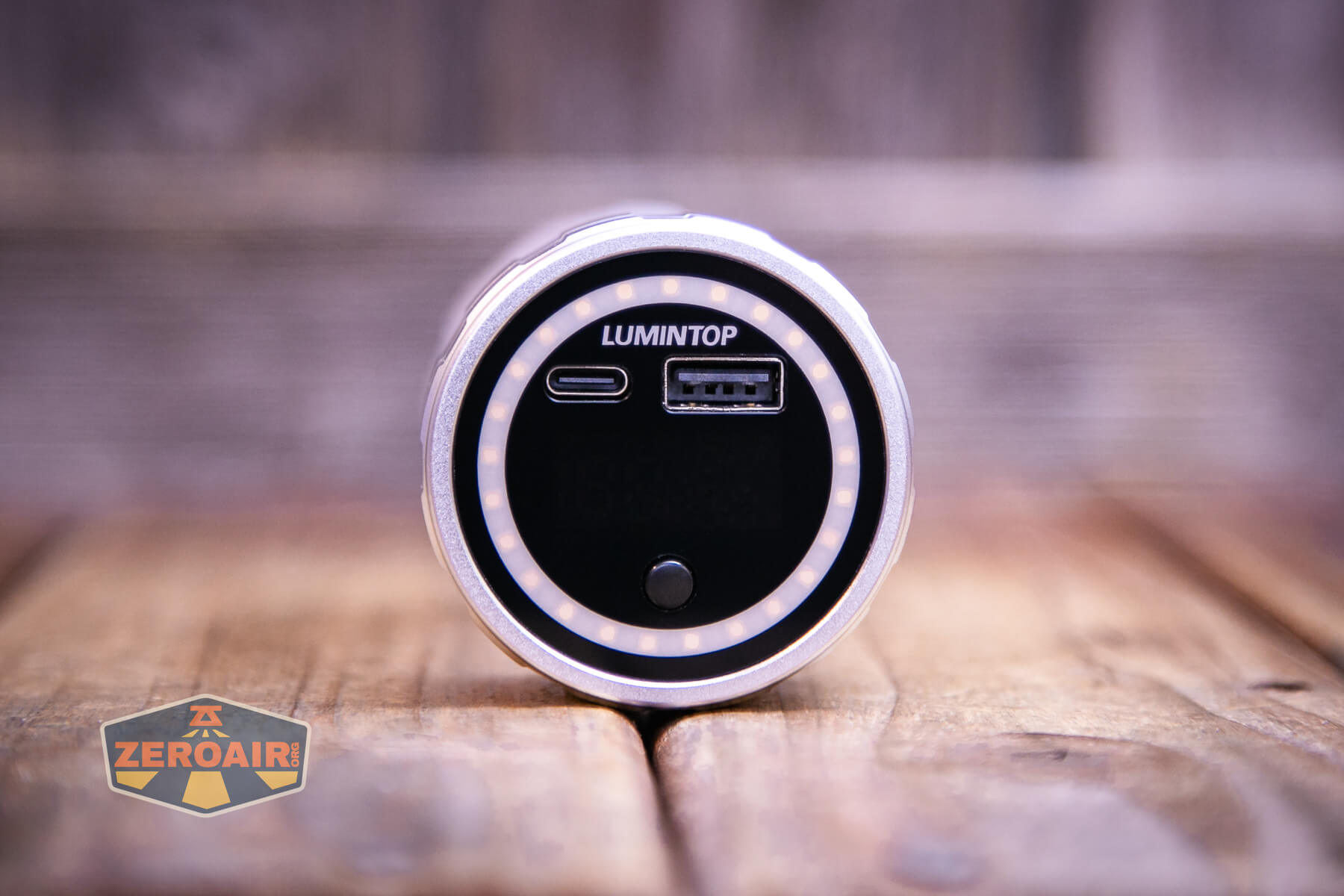
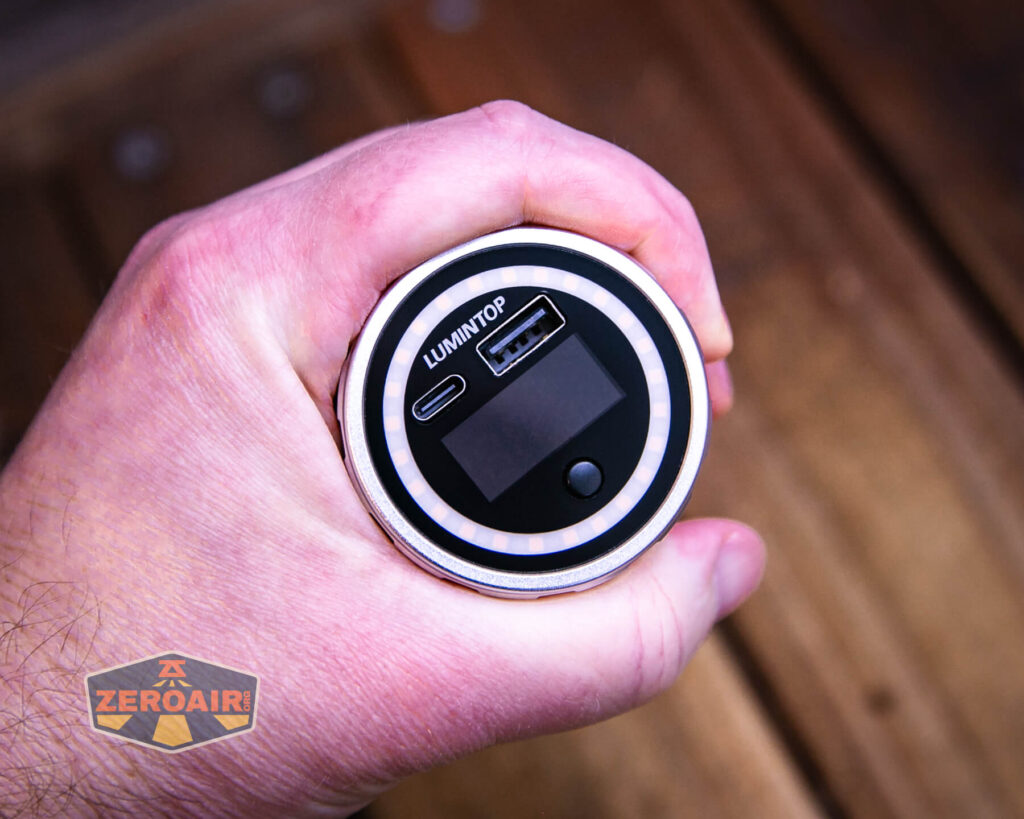
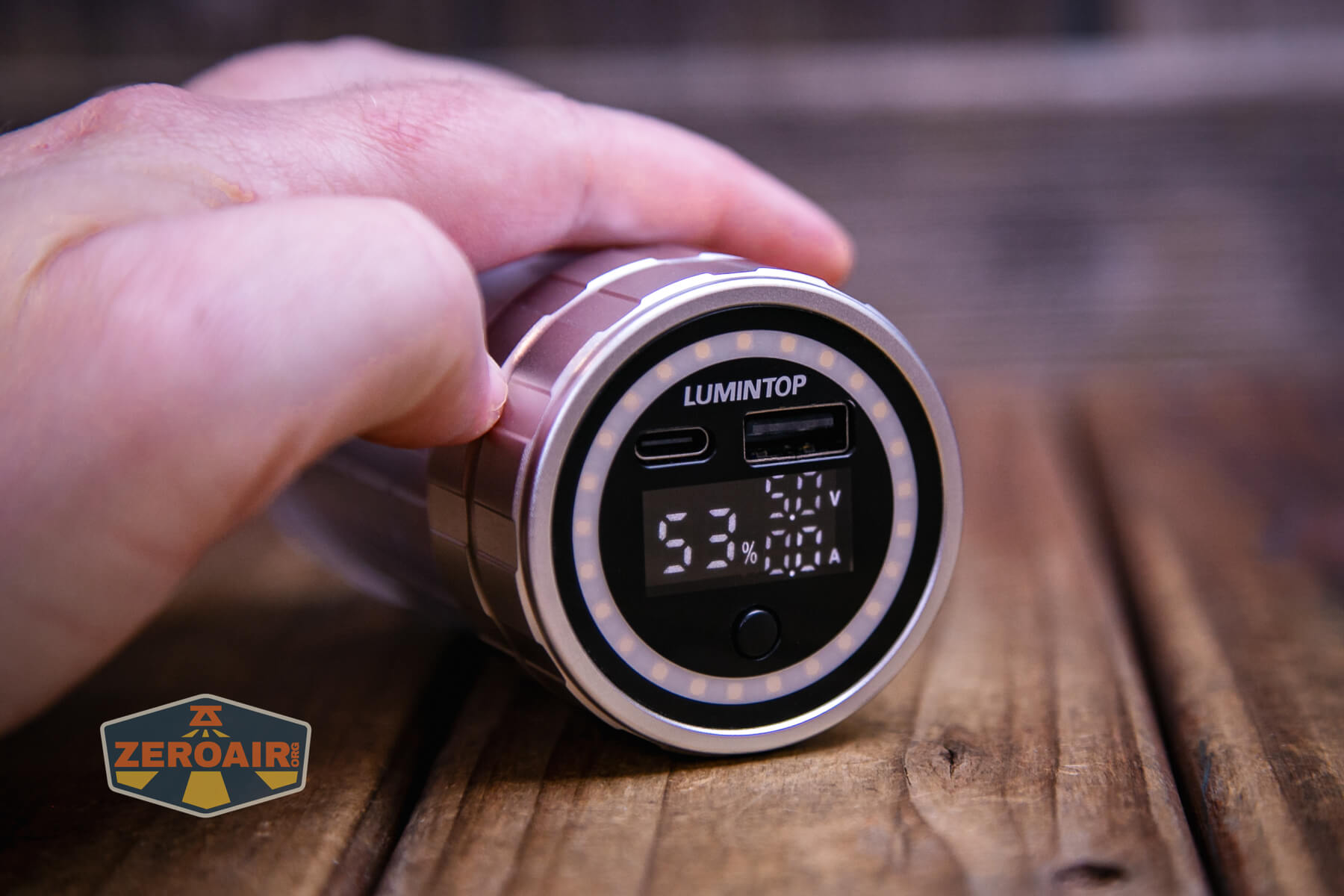
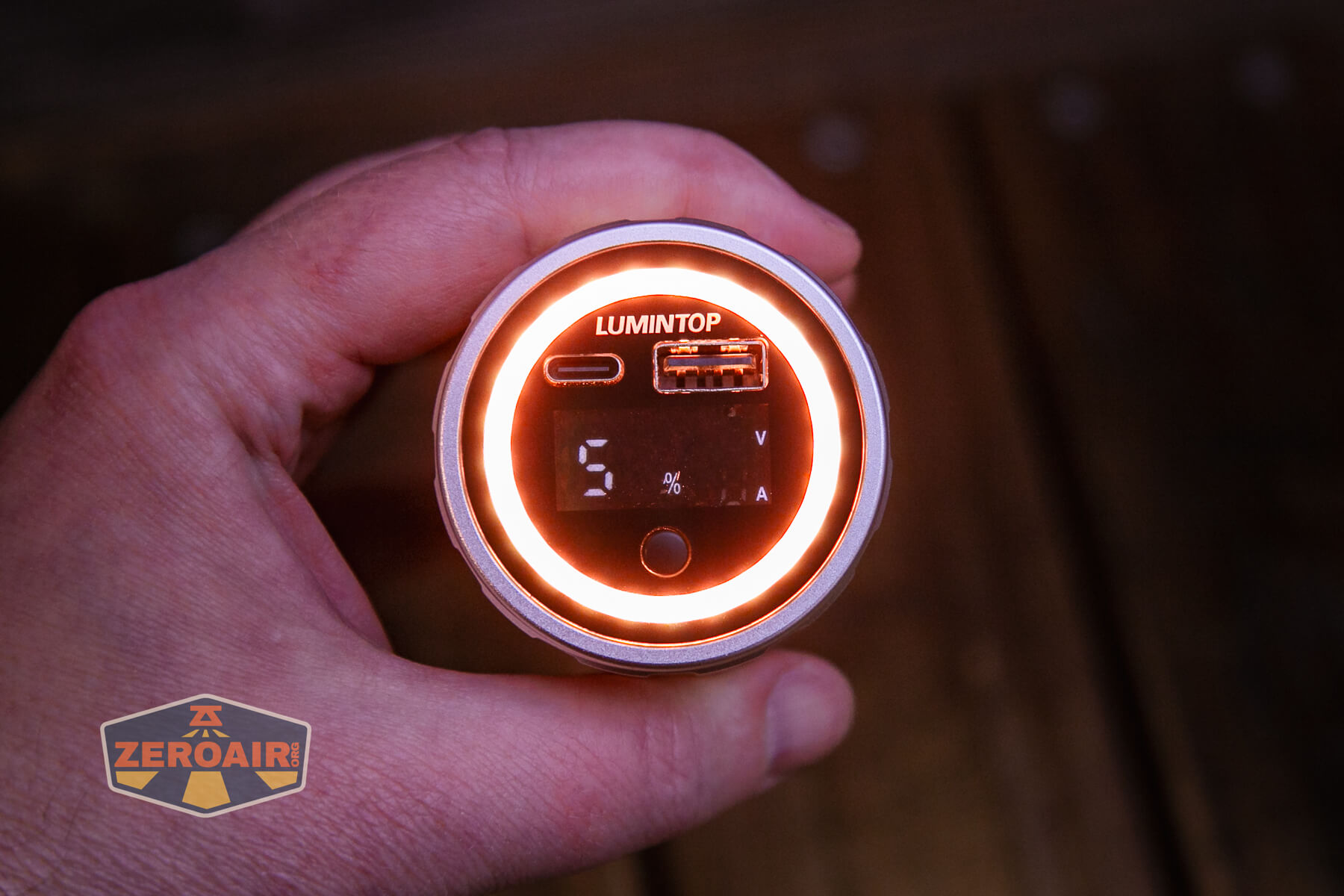
On the “front” of the light is where all the action happens. Two ports (C and A bot) and the e-switch. You can’t see it here but there’s also a display there, which provides a wealth of interesting information!
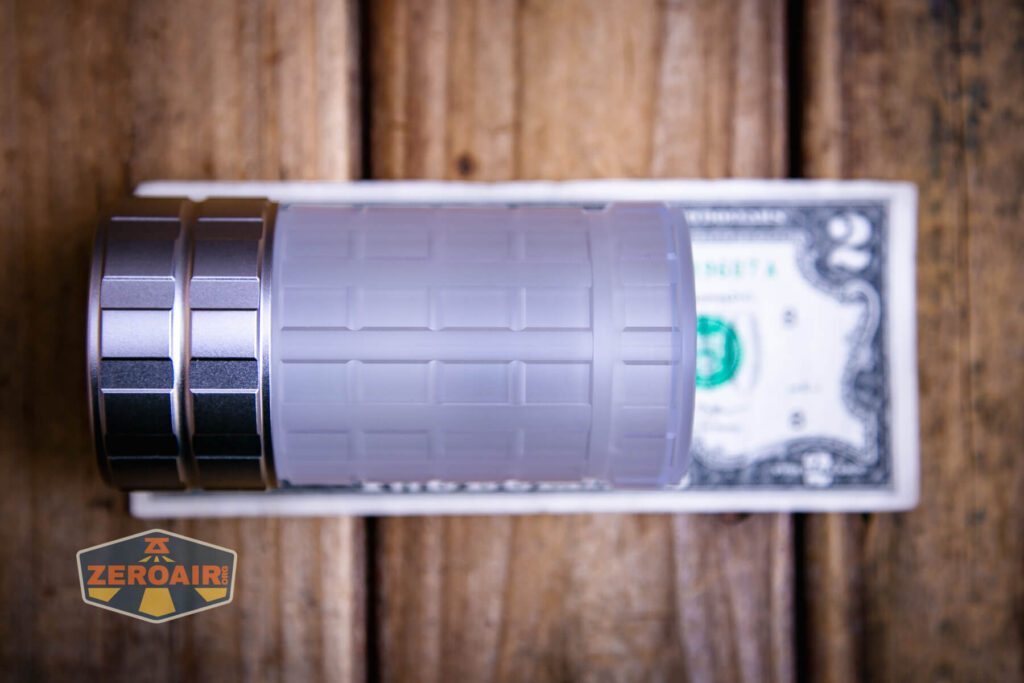
Size and Comps
Size 55 X 52 X 122mm
Net Weight Approx. 540g(with battery)
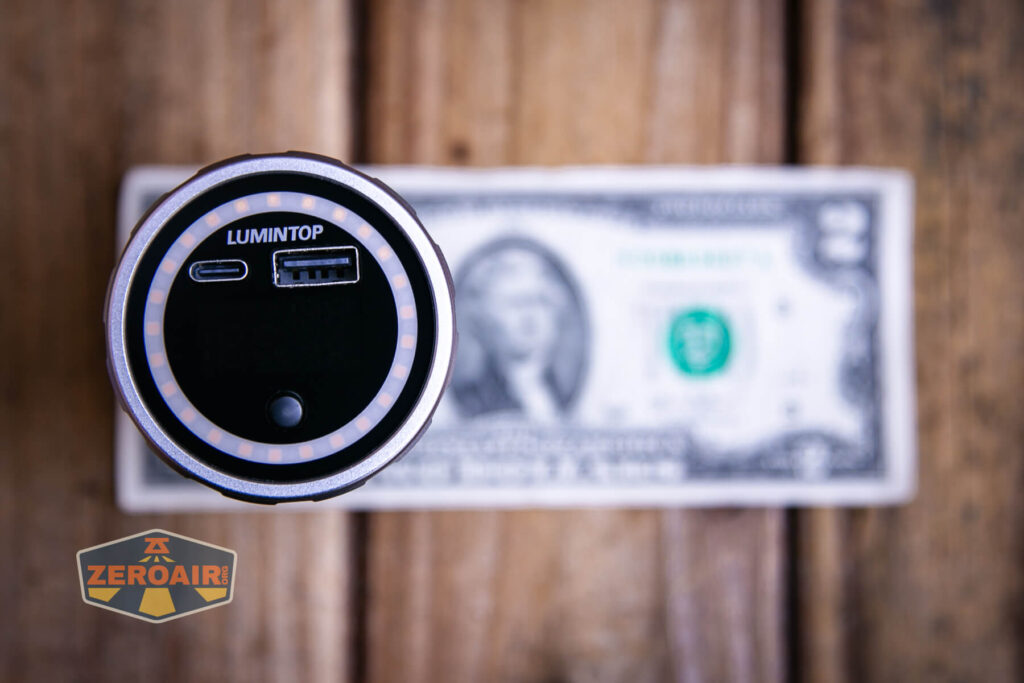
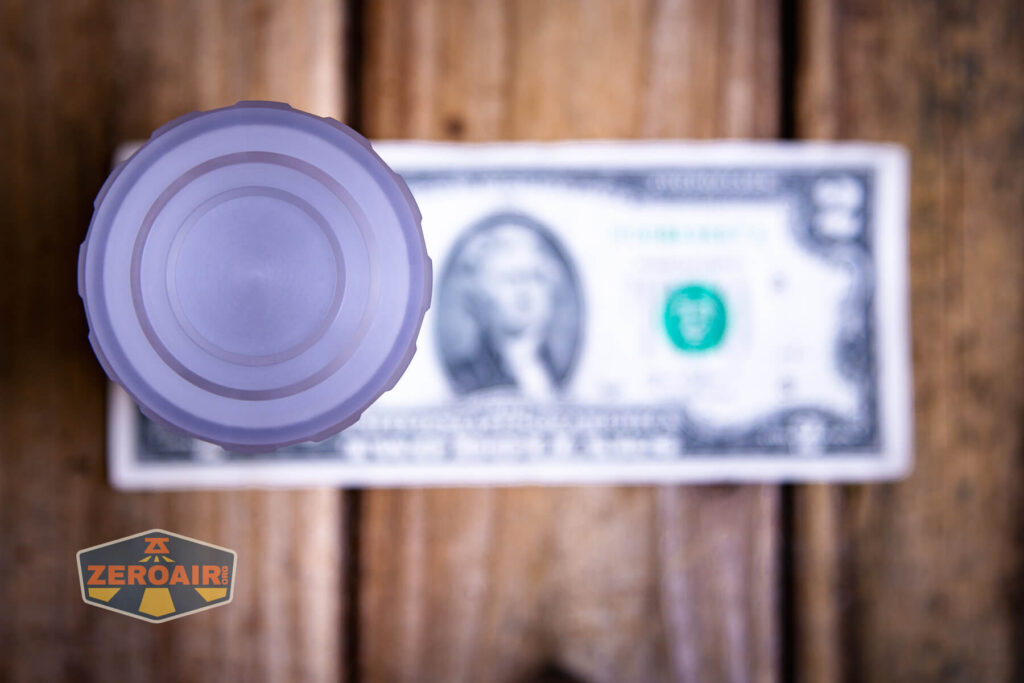
If the flashlight will headstand, I’ll show it here. If the flashlight will tailstand, I’ll also show that here too!
Here’s the test light with the venerable Convoy S2+. The version below is a custom laser-engraved Convoy S2+ host by GadgetConnections.com. I did a full post on an engraved orange host right here! Or go straight to GadgetConnections.com to buy your Convoy S2+ now!
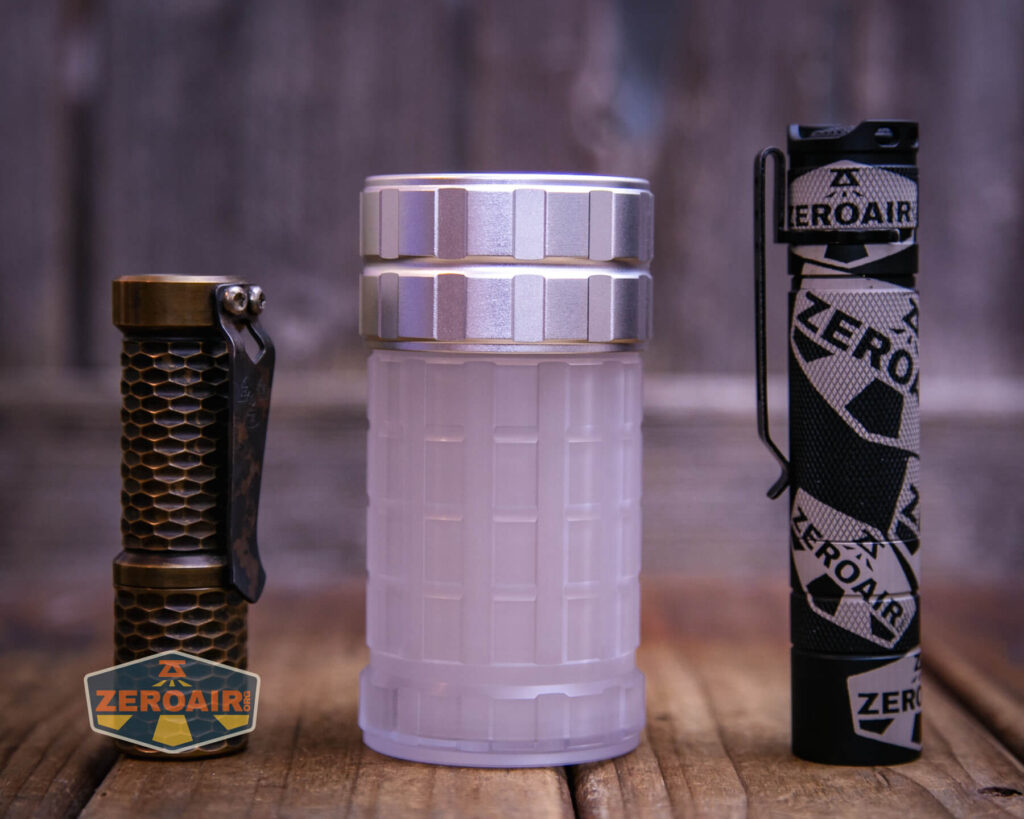
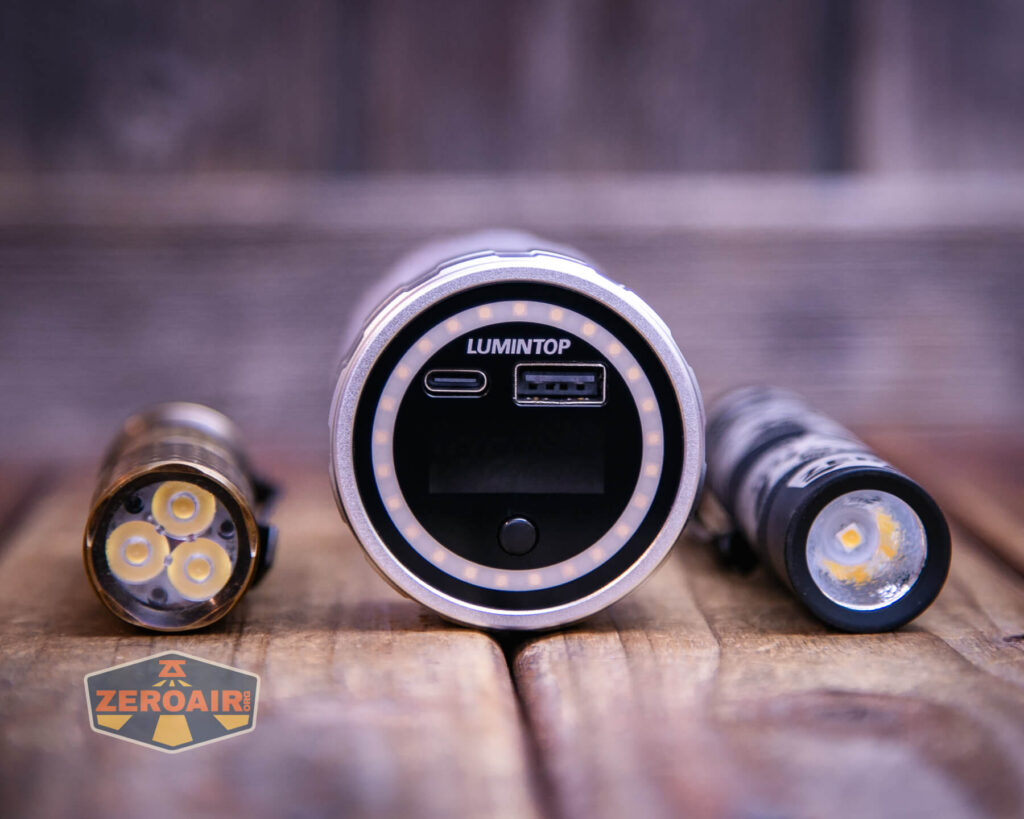
In the photo above, you may note that the SRM (standard reference material) flashlight for comparison has changed! I used a TorchLAB BOSS 35 for ages. Now, what you can see as the 18350 SRM is the Hanko Machine Works Trident. While I have not reviewed or tested the Gunner Grip version seen here, I have tested a Hanko Machine Works Trident Total Tesseract in brass. I love the Trident, and it’s a striking contrast next to the inexpensive Convoy S2+, which also makes a great standard reference material.
Retention and Carry
There’s no… anything. The light has a nice fat base (thanks to using a gigantic cell) so it’s very stable on a flat surface. But there’s no magnet, pouch, lanyard, handle, or likewise.
Power and Runtime
The Lumintop Aurora flashlight powerbank uses a lithium-ion cell. They include a cell, too, and there are 3 options. This test covers the output with a 27500mAh 46800. That’s a 46mm diameter cell!
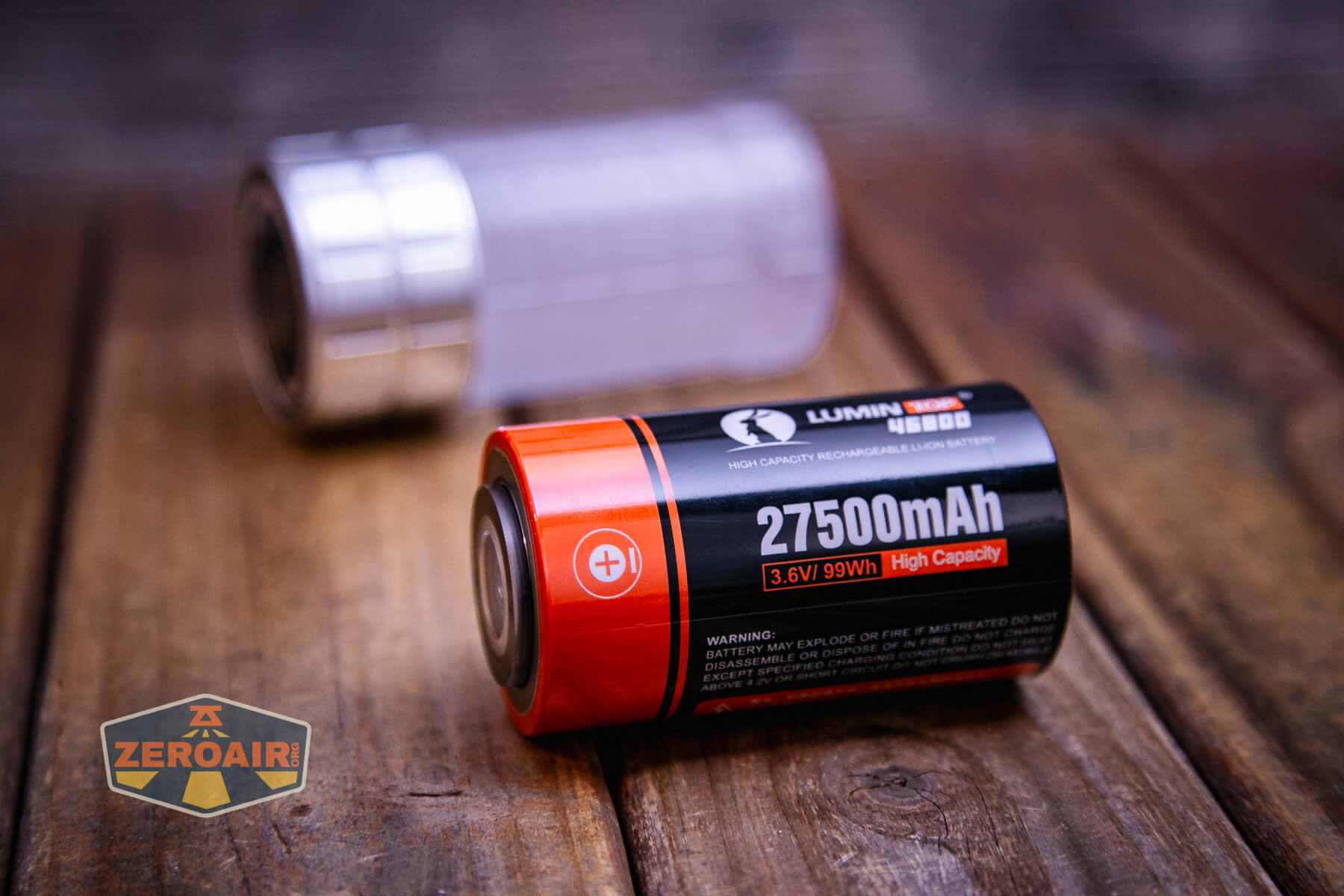
As stated above about positive and negative contacts on the flashlight part of the light, the cell has both positive and negative on one end. You can see that below.
I tested only the High runtime. Output is very steady and for 16 hours! This is VERY floody output, so do remember that.
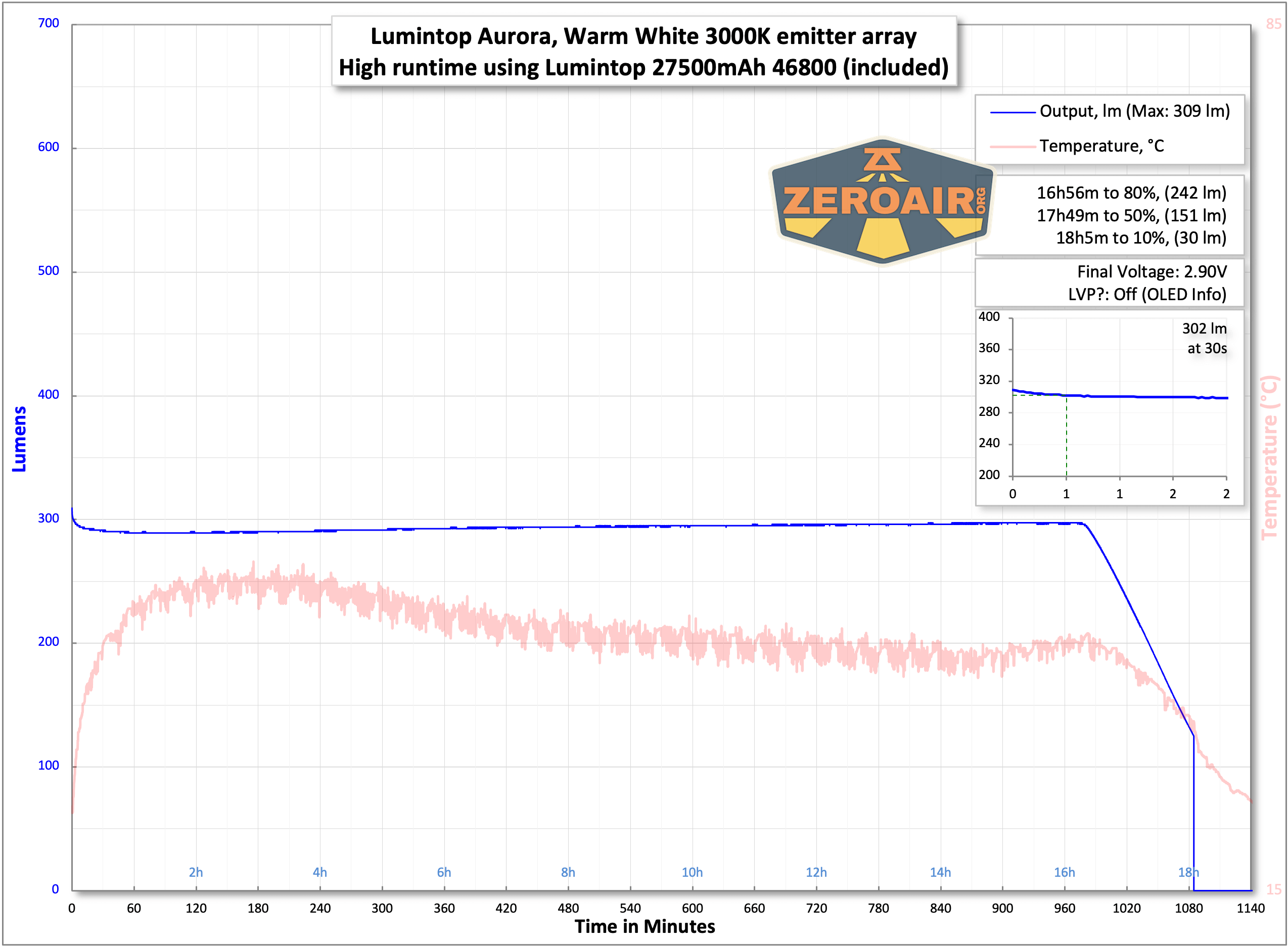
Throughout the output (runtime) the display does show the charge state, voltage, and output current.
Charging
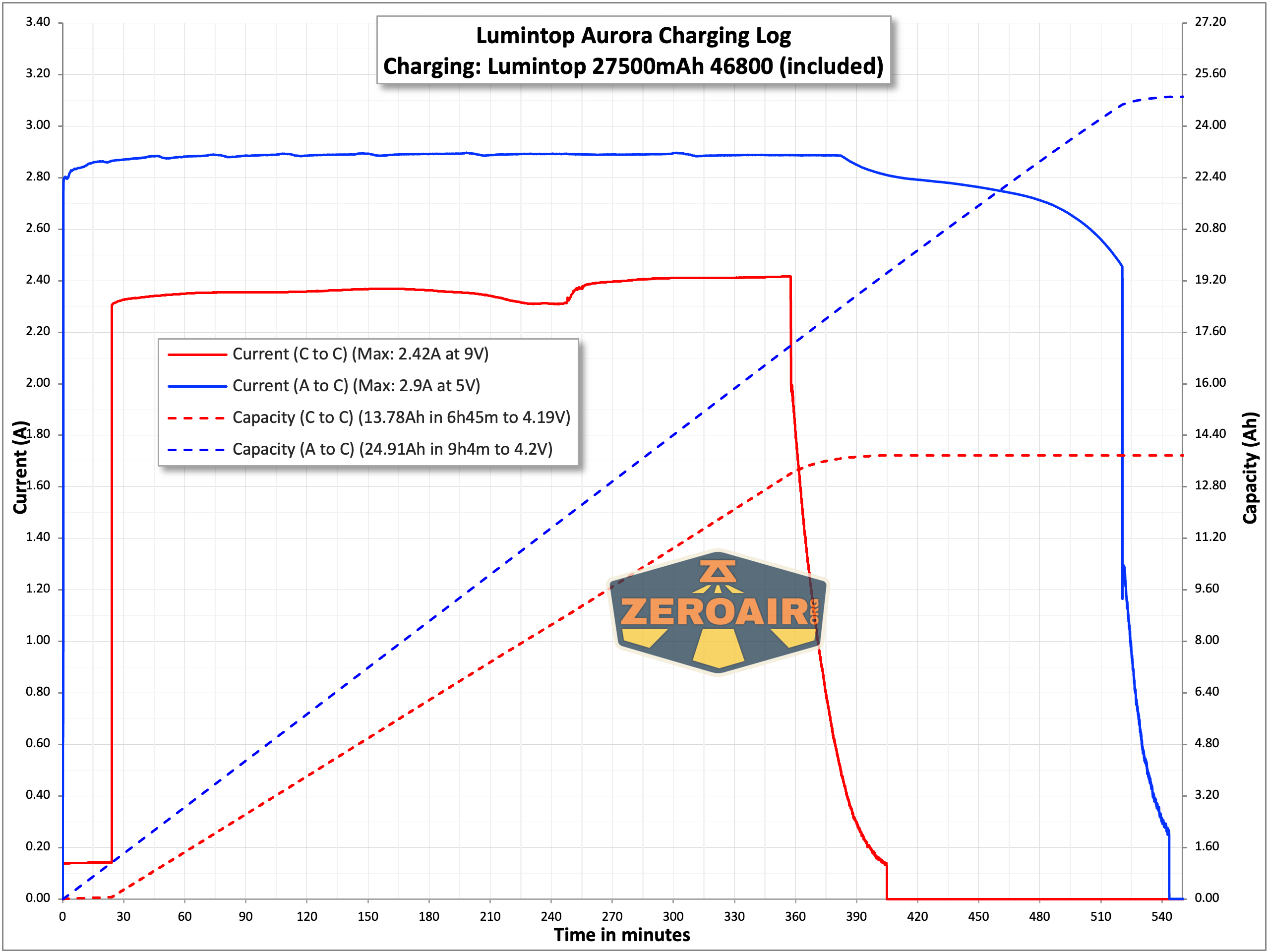
The Lumintop Aurora flashlight powerbank charges the attached cell via USB-C. Lumintop says it’s fast charging, and my testing, it does charge at 9V under the right circumstances (that is, if you have 9V capable output).
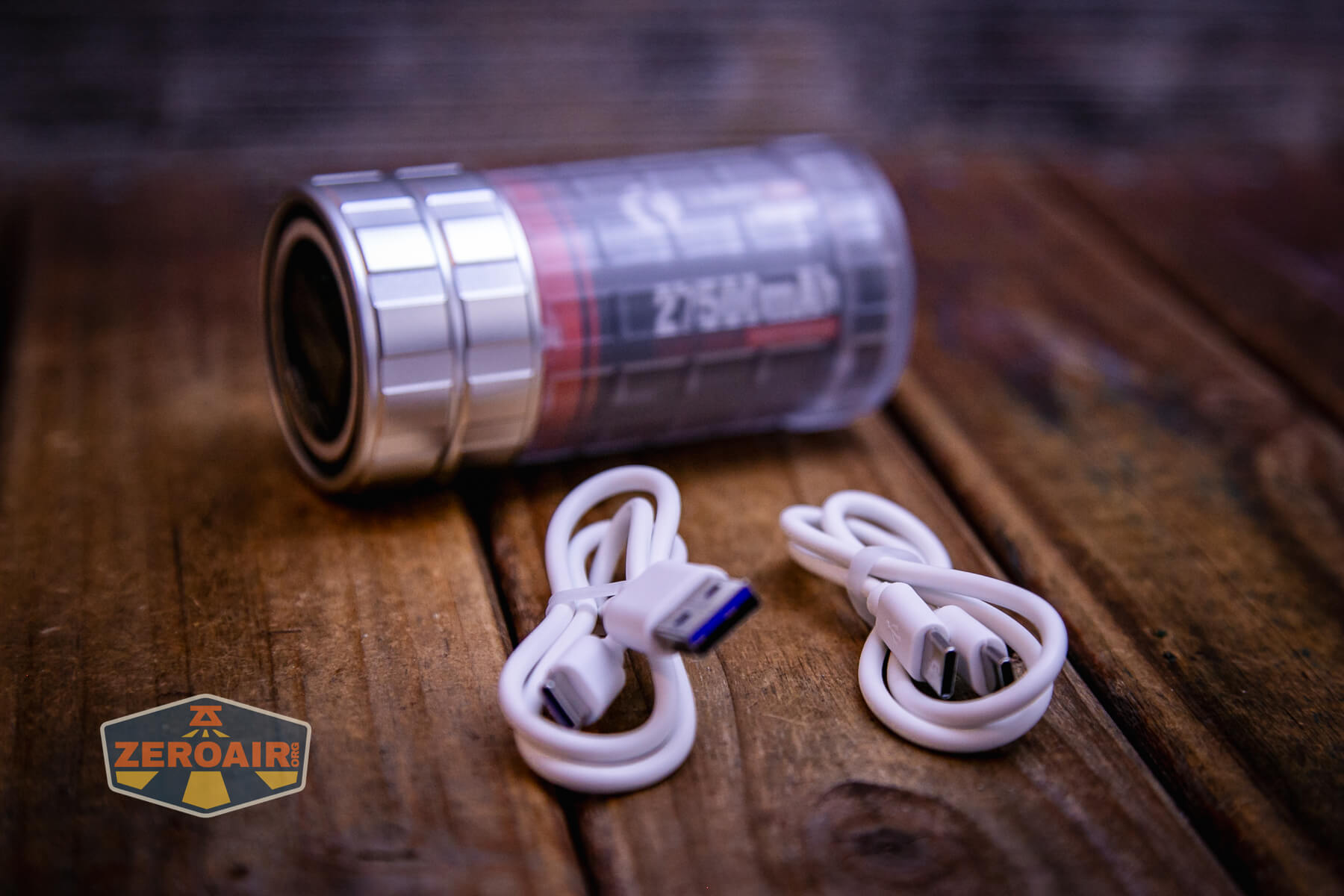
Lumintop includes an A to C and C to C cable. Both should work fine for charging.
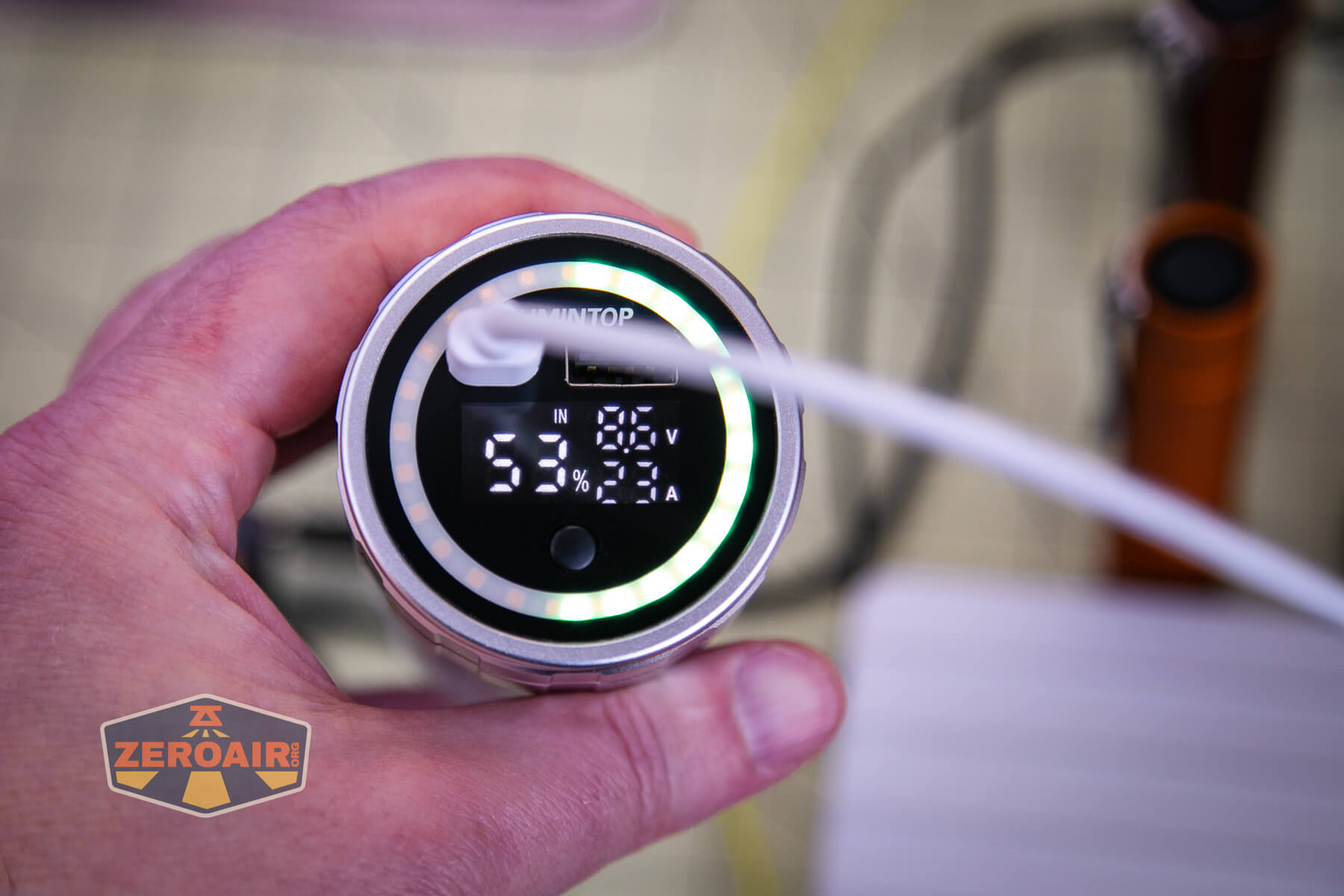
Here’s what you’ll see while charging – charge state (left, percentage), and input voltage and current (it’s “2.3A” – the “.” is not pictured.)
Charging with A to C and C to C works just fine. Even 9V charging at 2.4A takes nearly 7 hours. That’s to be expected with the massive 27500mAh cell, though.
Powerbank
Both these ports on the top work fine for powerbank function. I did not test if they will work concurrently, though.
A bit of stress testing shows that the powerbank is good for current output of around 2.7-3A, after which the powerbank shuts off.
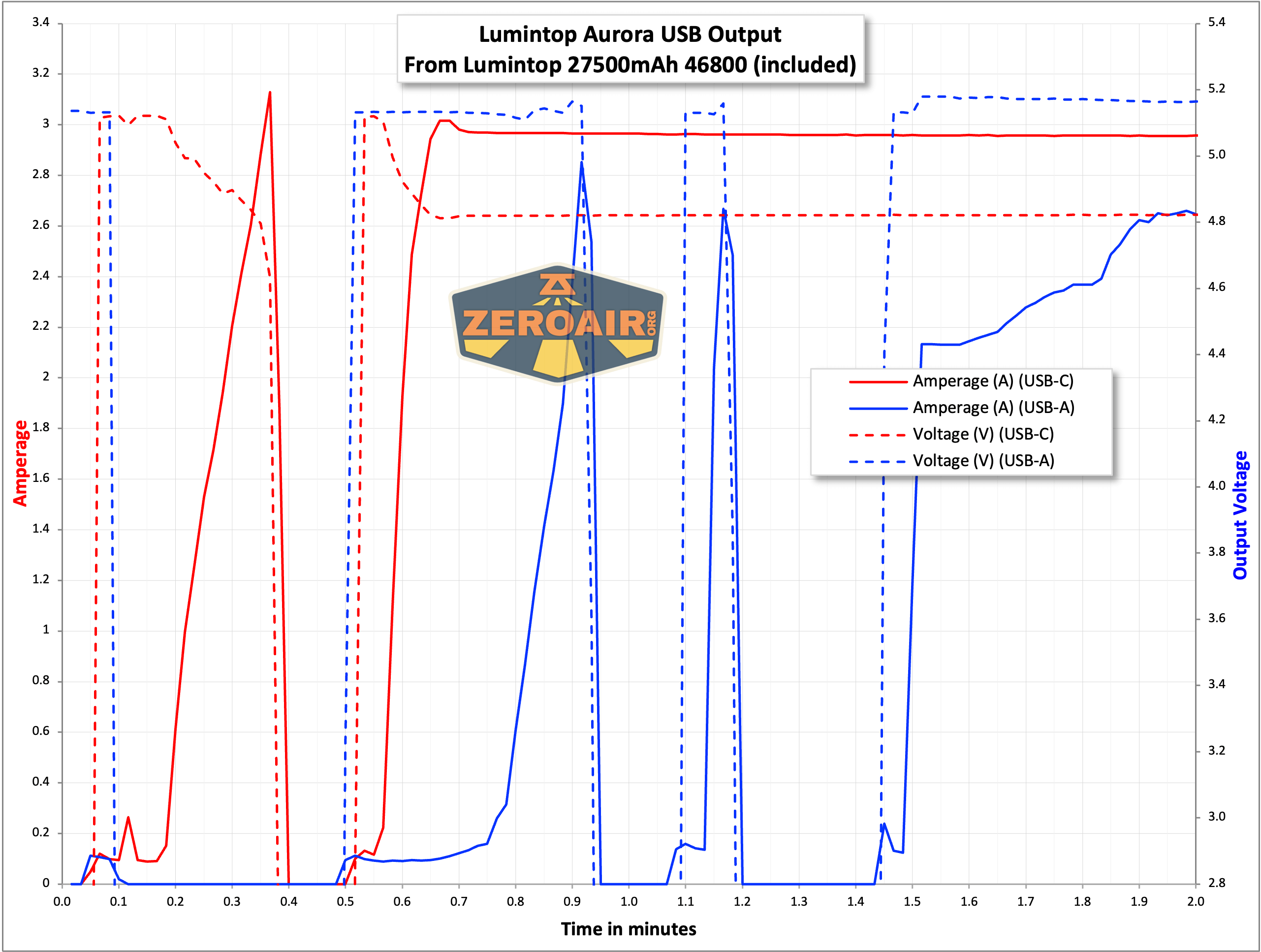
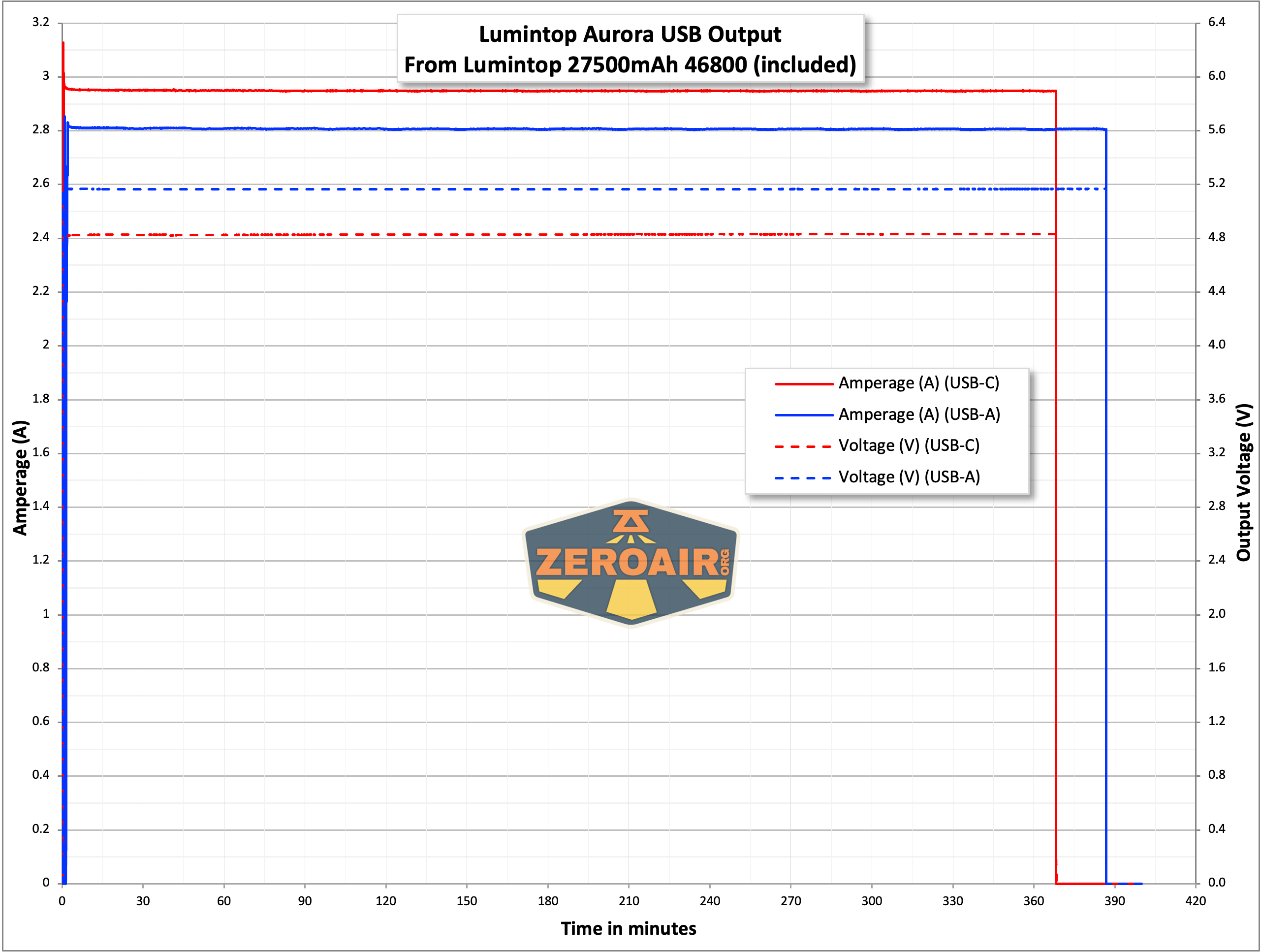
Once you switch from stress testing to duration testing, the powerbank will work for a long time. It’s a bit unusual for a flashlight to have a reasonable capacity to use as a powerbank, but this massive cell certainly provides that. You’ll get more than “emergency charge” out of this light!
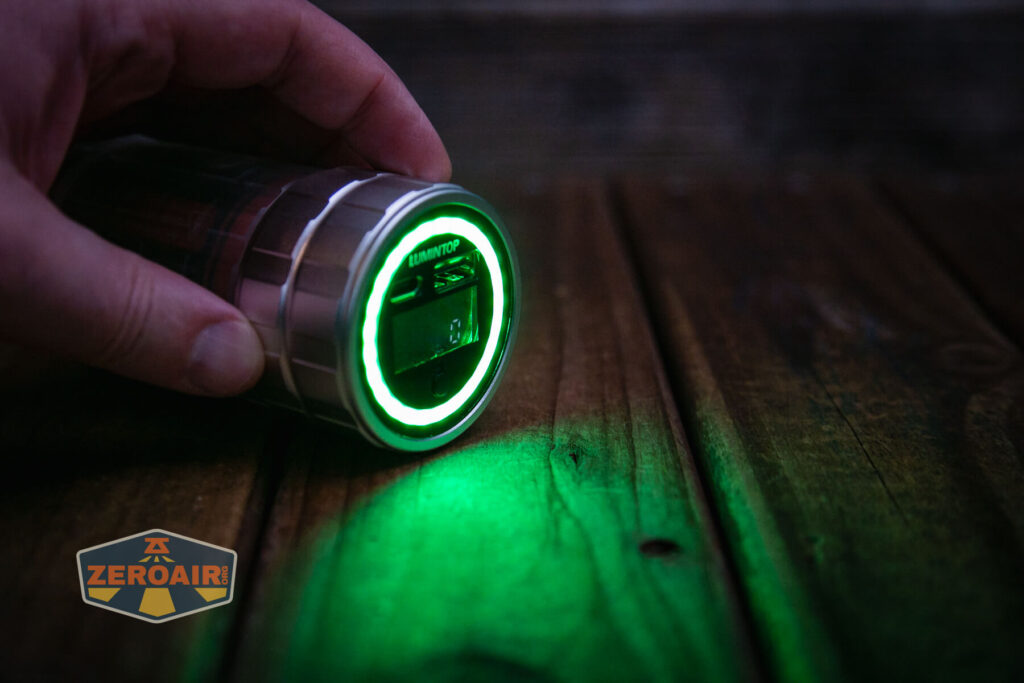
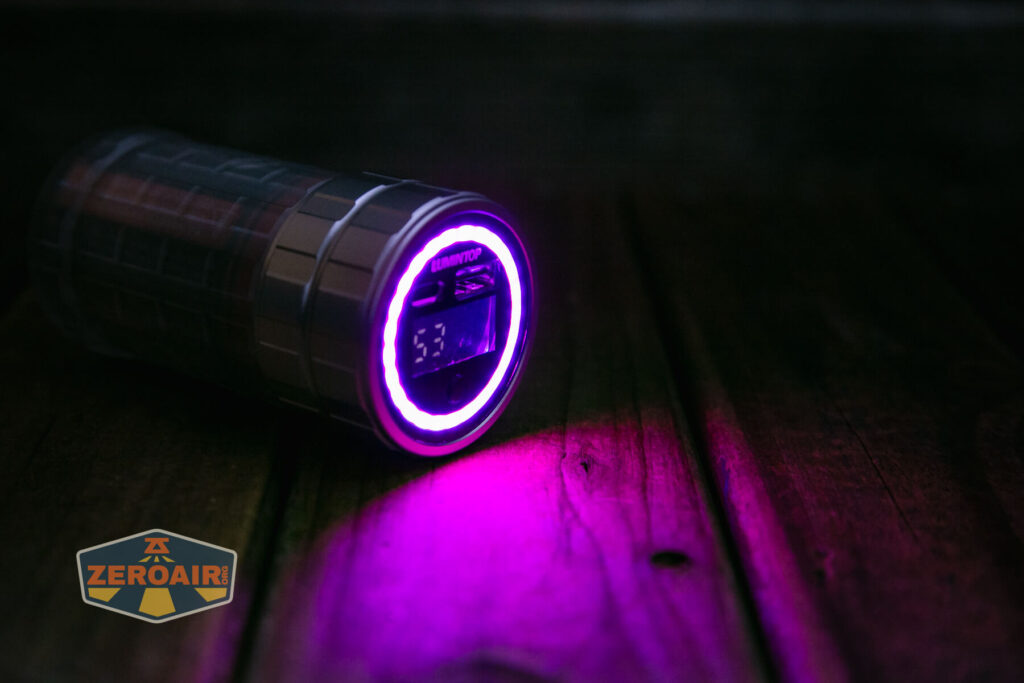
Below you can see the screen while charging but the output screen provides the same exact information, too. Notably, it shows what percentage of battery is left. The current reading also works. You’re able to see what the output current from the powerbank is! That’s a nice feature! Also note in the emitter array below – the left half(ish – technically the left 53%) is green – that shows how much percentage is left on the battery! It’s a color gradient, too – the lower the power gets the more toward red the ring is.
Modes and Currents
| Mode | Mode Claimed Output (lm) | Claimed Runtime | Measured Lumens | Tailcap Amps |
|---|---|---|---|---|
| High | 300 | 18h | 302 | 1.64 |
| Low | 30 | 150h | 34 | 0.21 |
Notably, the powerbank output draws more current from the cell than the high output does!
I don’t have it in the table but the RGB output ranges from around 0.31A to 0.5A.
Pulse Width Modulation
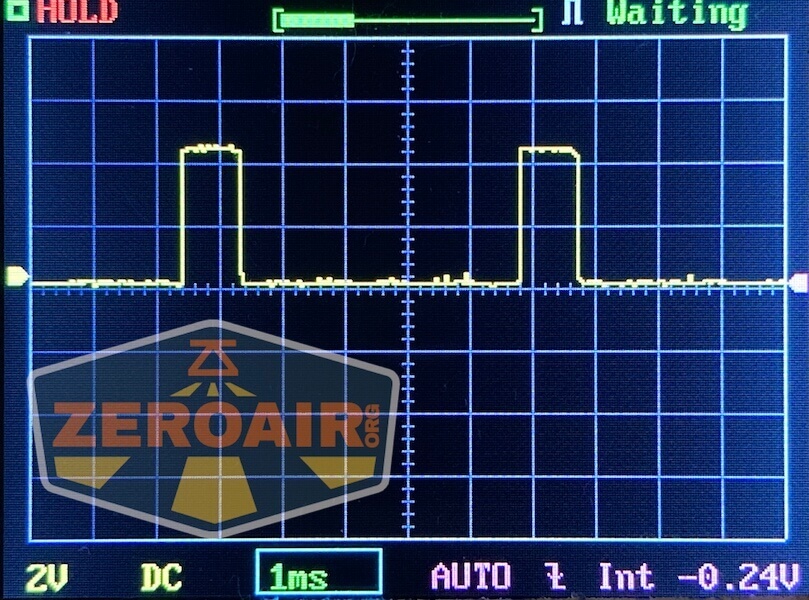
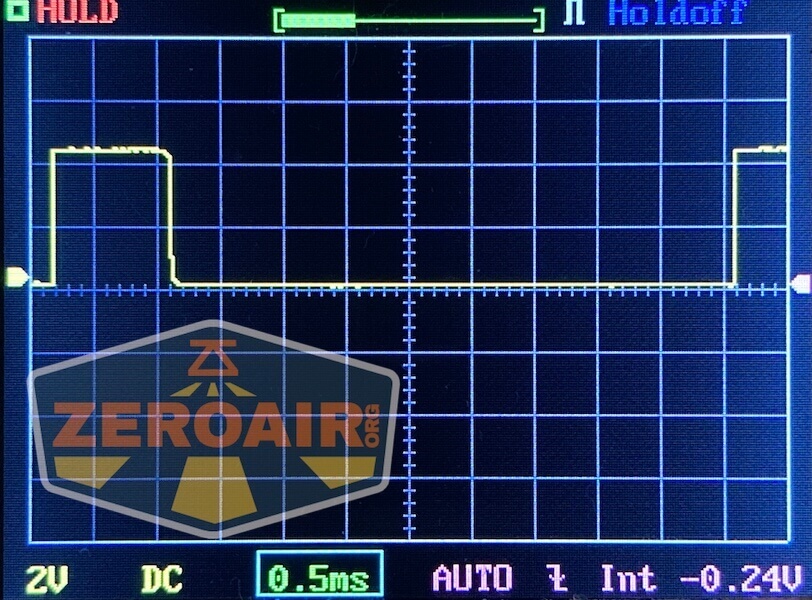
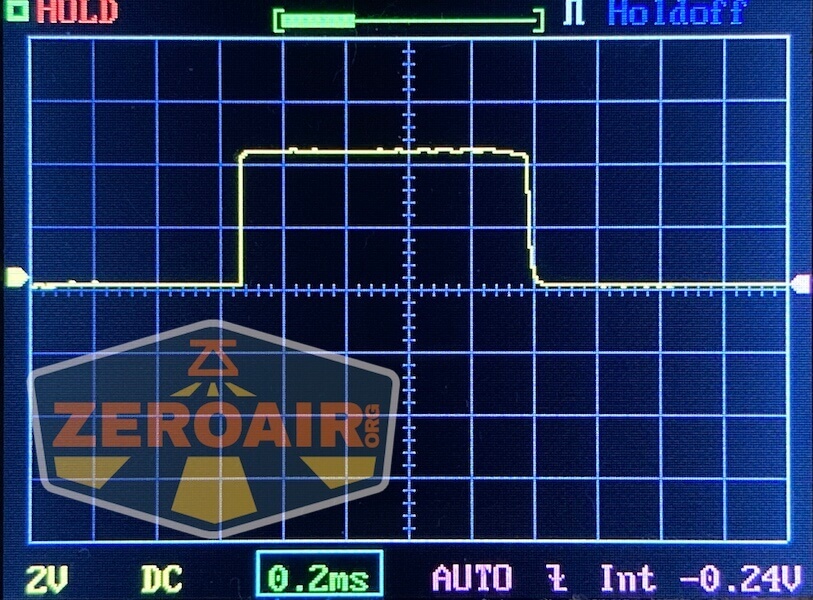
The lowest output of warm white has PWM on the uses PWM. High does not.
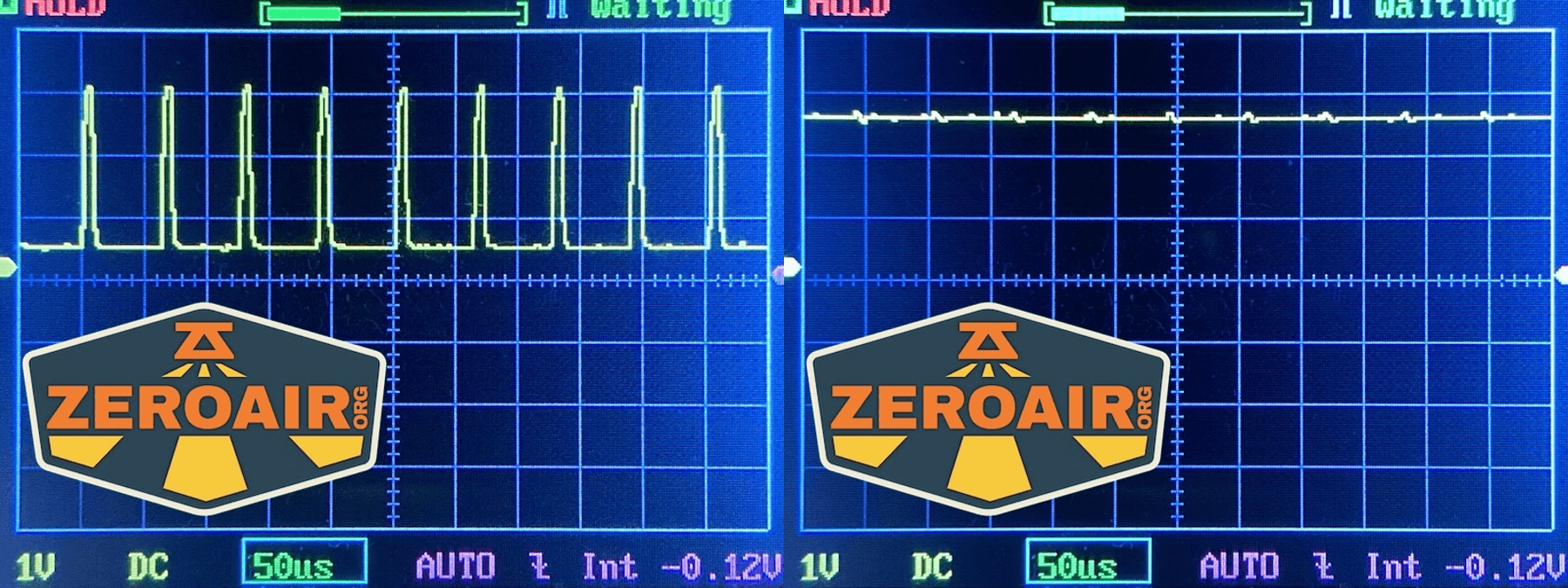
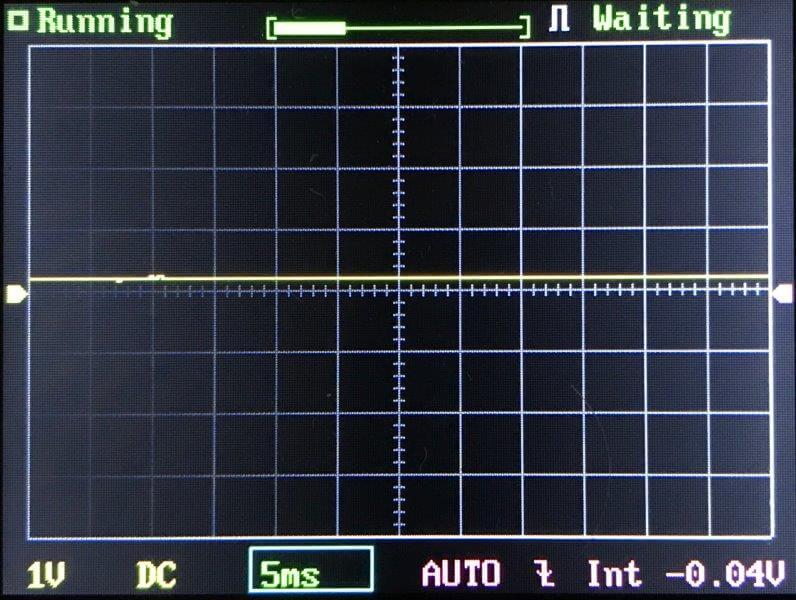
Here you can see a “baseline” – a chart with almost no light hitting the sensor.
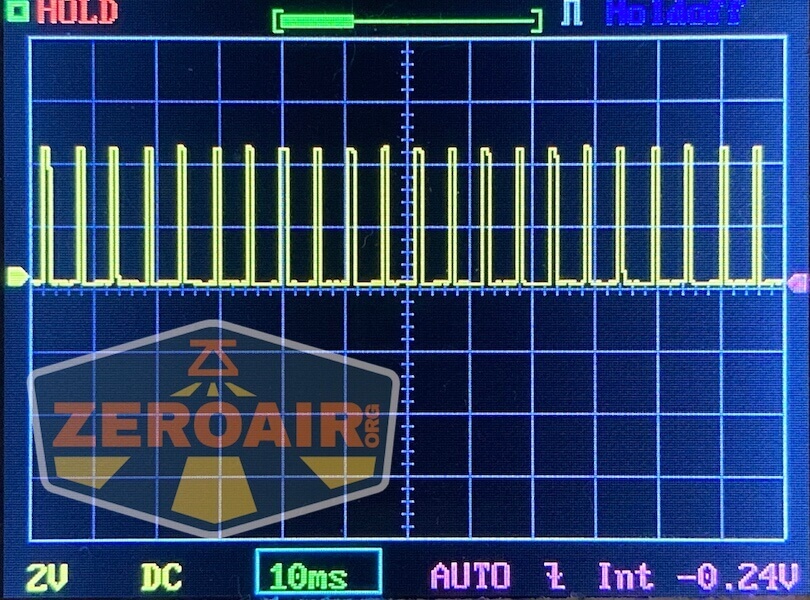
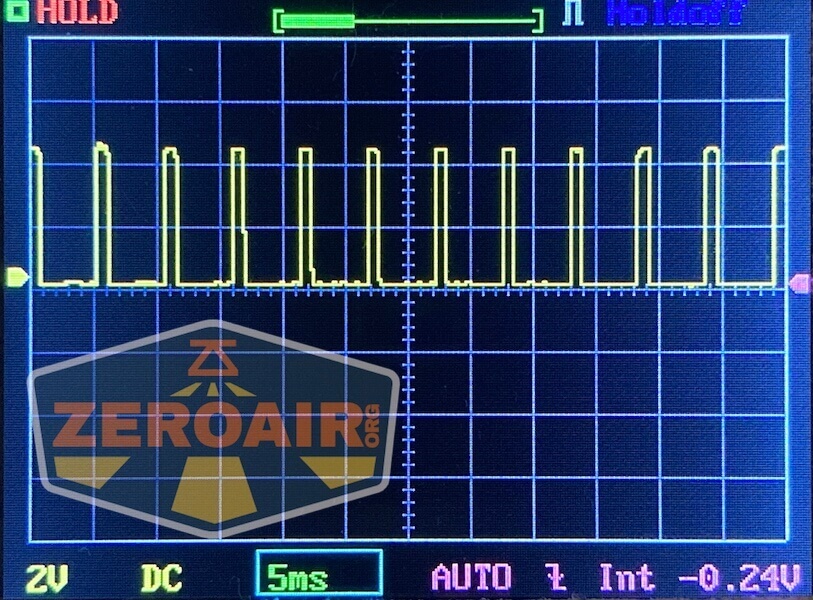
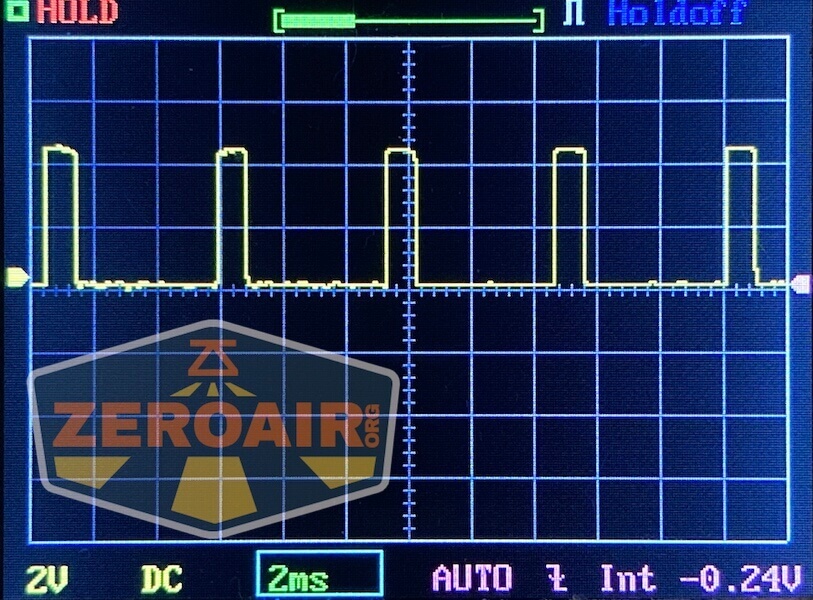
Then there’s the Ultrafire WF-602C flashlight, which has some of the worst PWM I’ve seen. It’s so bad that I used a post about it to explain PWM! Here are multiple timescales (10ms, 5ms, 2ms, 1ms, 0.5ms, 0.2ms) to make comparing this “worst” PWM light to the test light easier. That post also explains why I didn’t test the WF-602C at the usual 50us scale.
User Interface and Operation
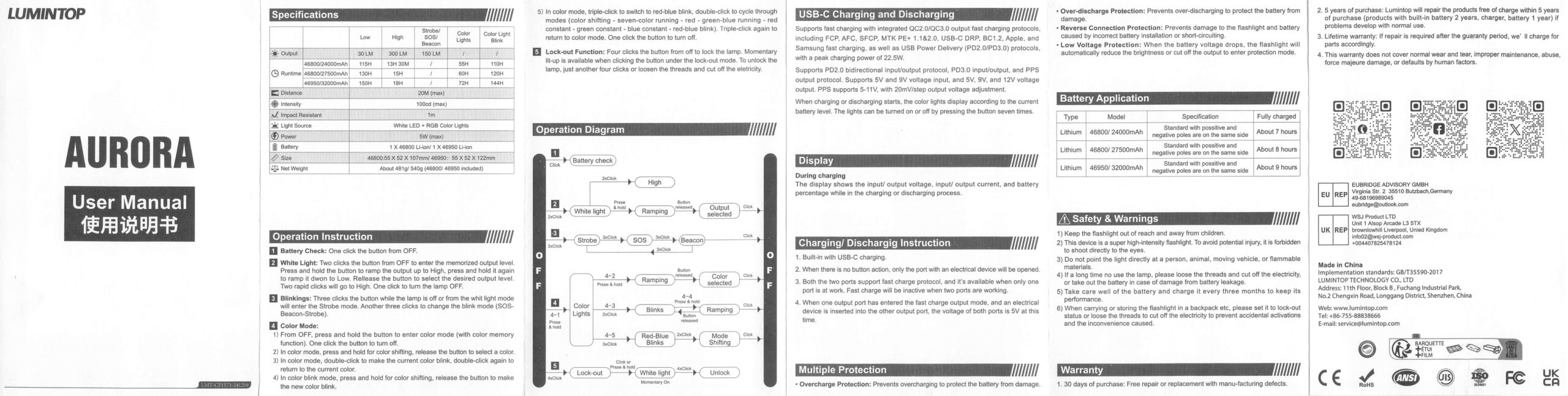
Here’s a user interface table!
| State | Action | Result |
|---|---|---|
| Off | Click | Battery Check (as seen above, on the display) |
| Off | Click 2x | White on (memory) |
| On | Hold | Output increasing (or decrease after a release then hold) |
| On | Click 2x | High |
| On | Click | Off |
| Off | Click 3x | White Strobe |
| Strobe group | Click 3x | Strobe advance (SOS-Beacon-Strobe) |
| Off | Hold | RGB on (memory) |
| Color mode (or color blinking mode) | Hold | “Color shifting” (advance through all color options) |
| Color mode | Click 2x | Current color blinks |
| Current color blinking | Click 2x | Return to steady color |
| Color mode | Click 3x | Red/blue of the Color mode-specific options |
| Color mode-specific options | Click 2x | Color mode-specific options advance (Color shifting, seven-color running, red-green-blue running, red steady, green steady, blue steady, red-blue blinking) |
| Color mode-specific options | Click 3x | Return to color mode |
| Off | Click 4x | Lockout (one white flash to indicate) |
| Lockout | Click | One white flash to indicate lockout is on |
| Lockout | Hold | Momentary output (Appears low-ish) |
| Lockout | Click 4x (or disconnect cell) | Unlock |
LED and Beam
Lumintop doesn’t say what emitters are in the Aurora flashlight powerbank but they do say the white is 3000K.
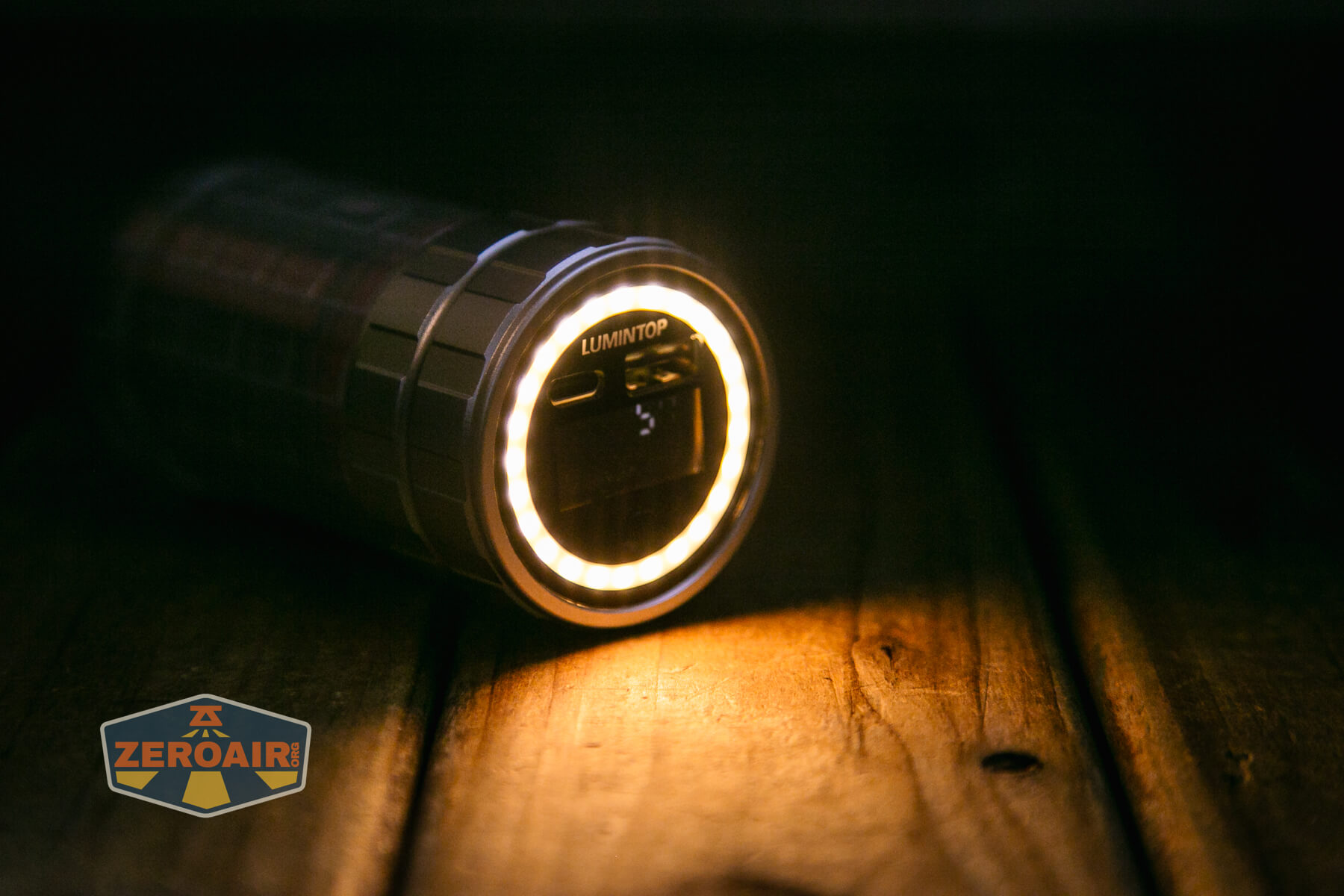
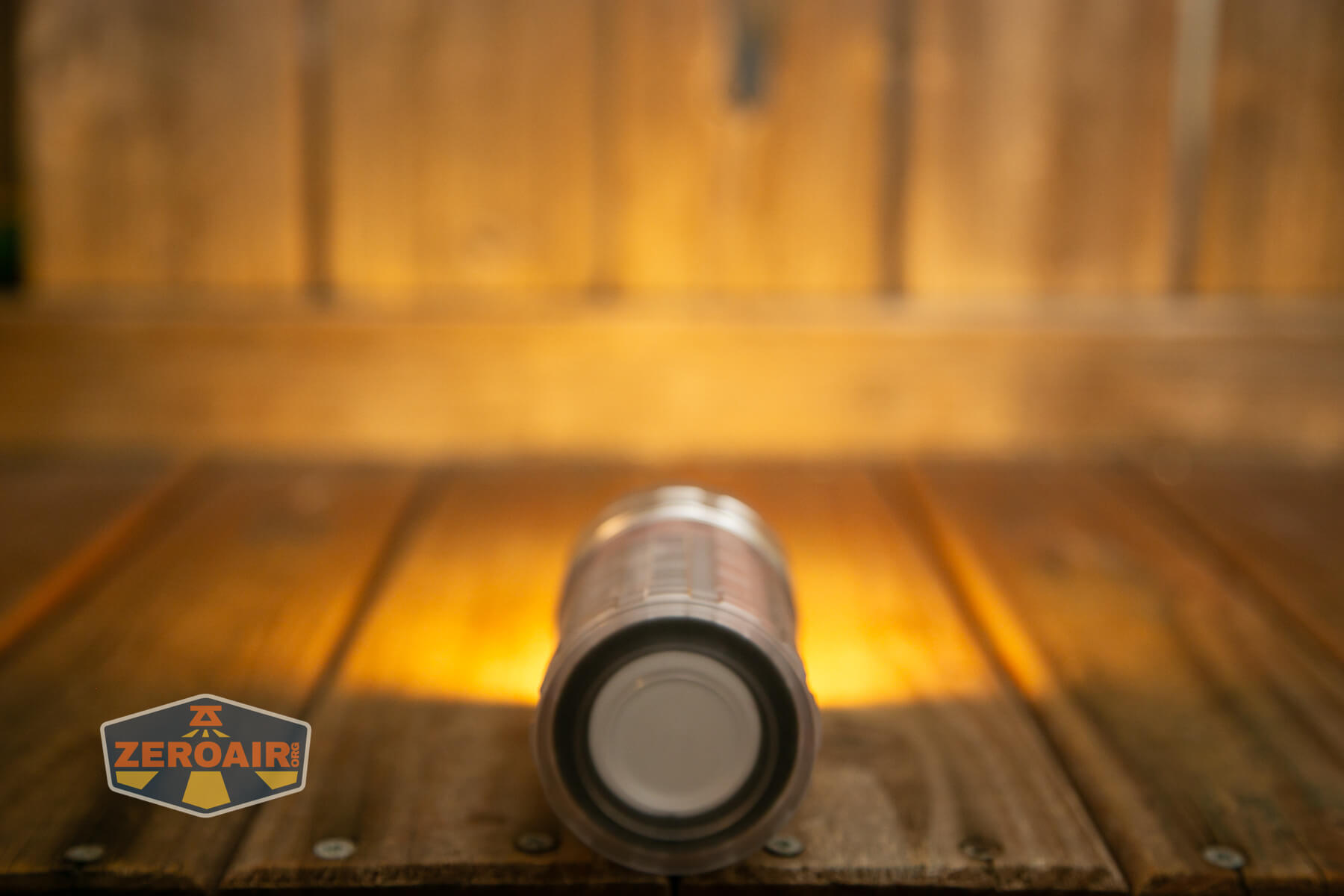
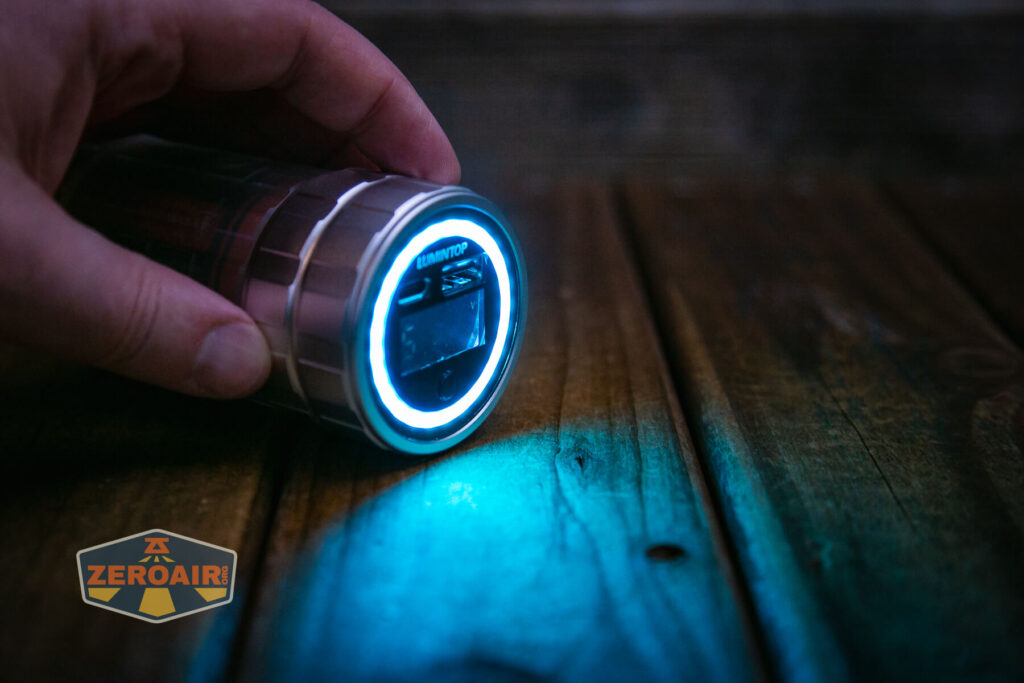
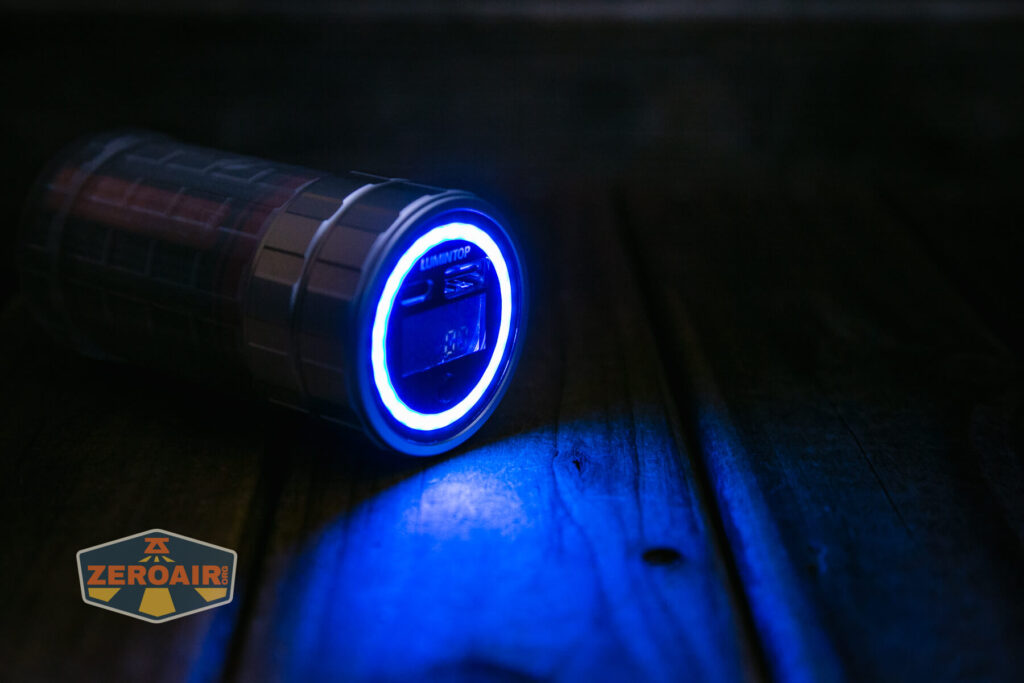
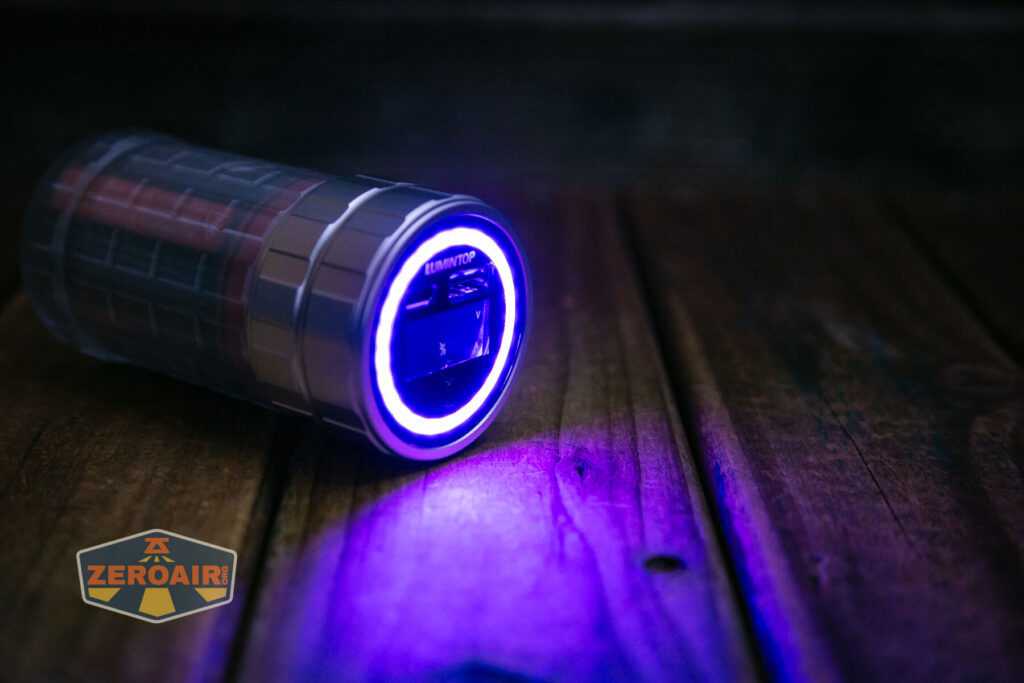
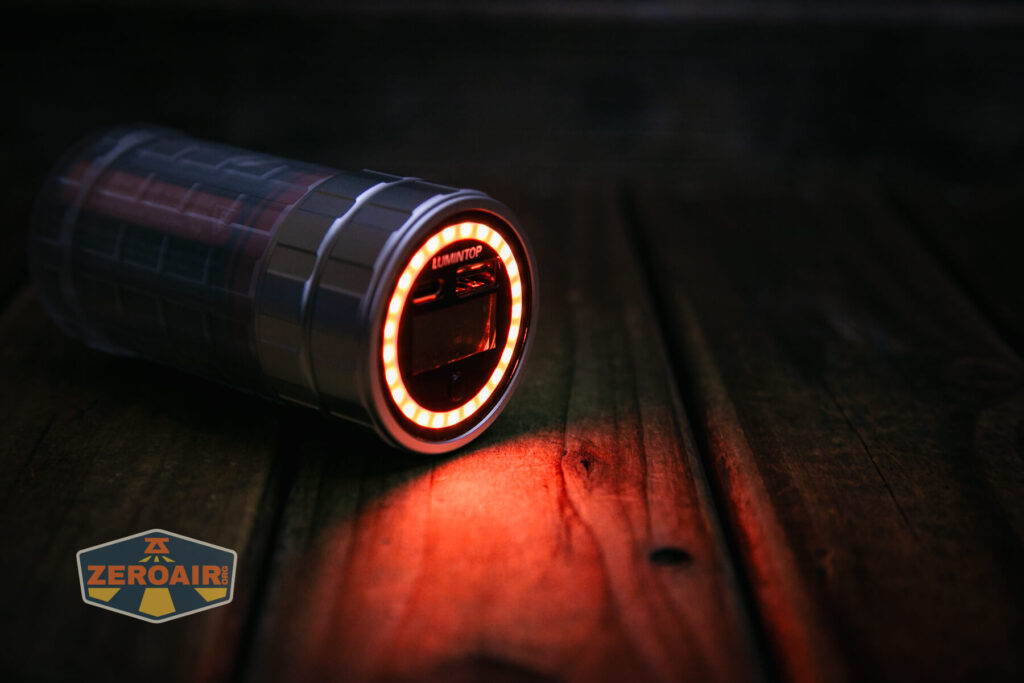
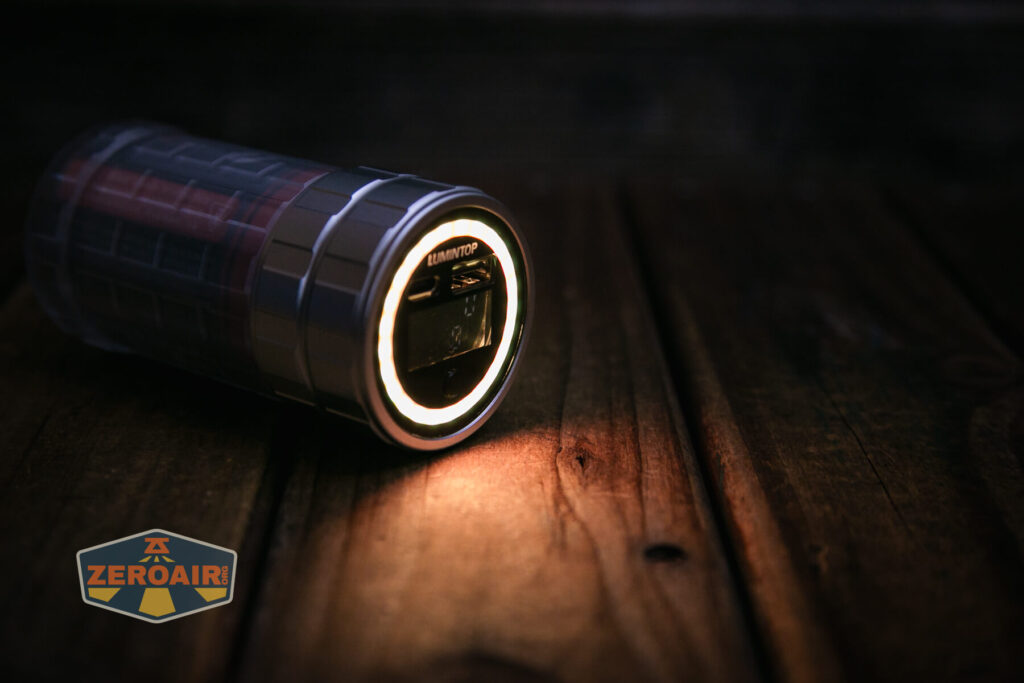
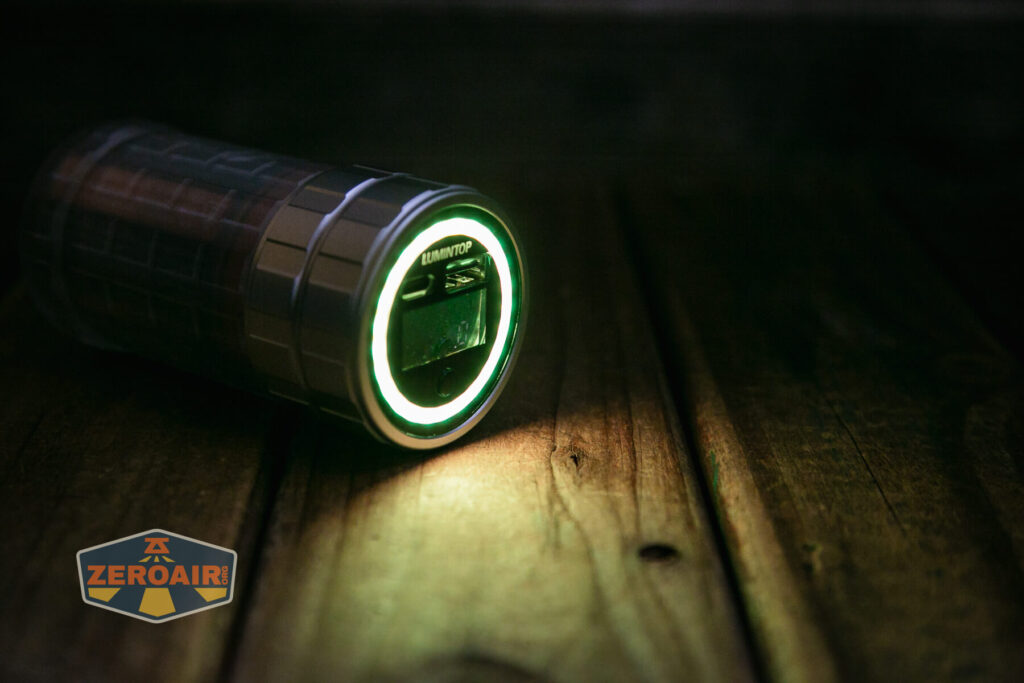
The emitters (all of them, color too) are in this ring around the display. It’s a very neat very floody setup.
LED Color Report (CRI and CCT)
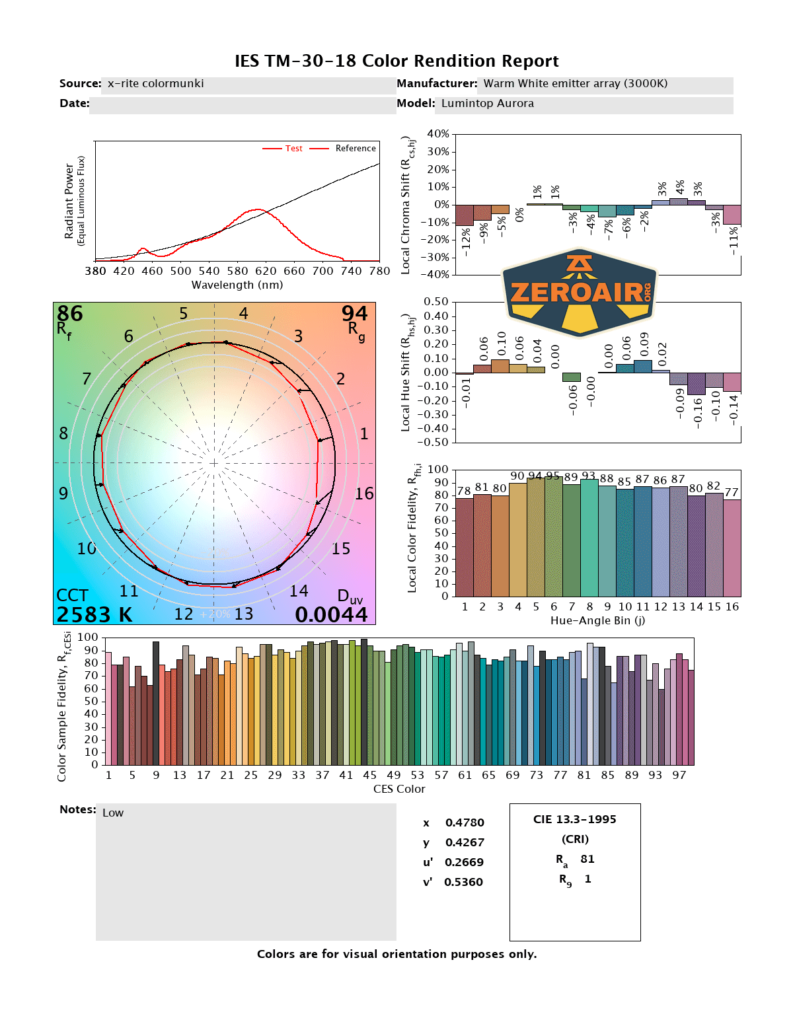
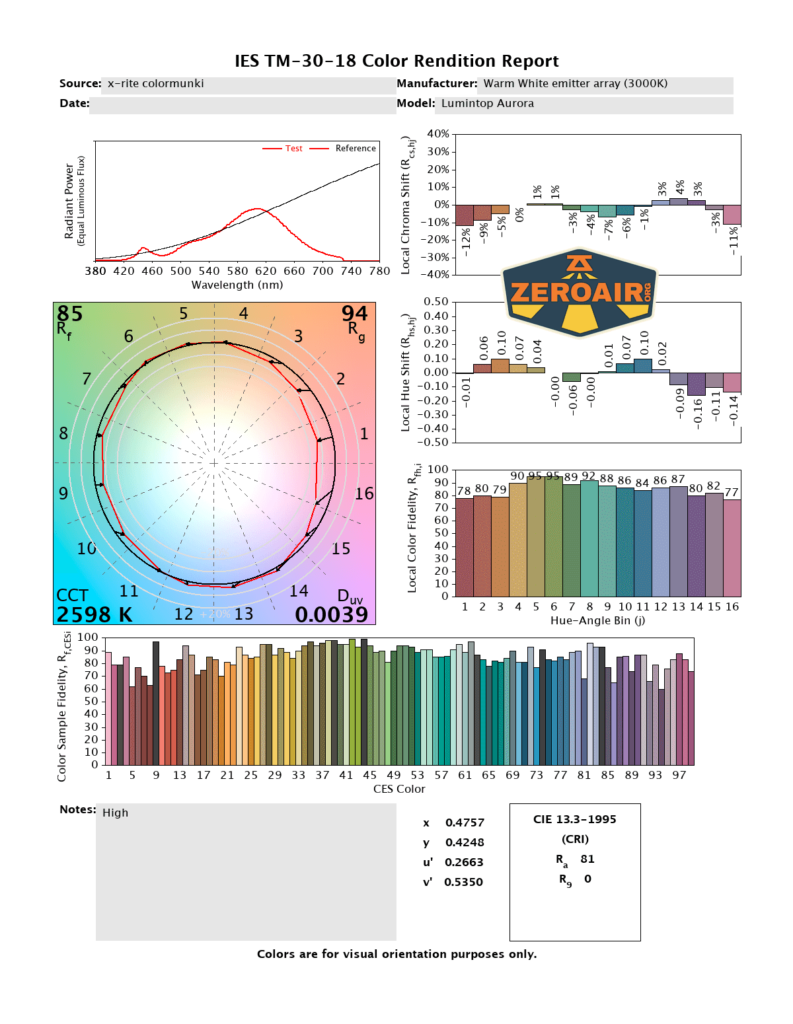
Lumintop does say 3000K for the white output, but it’s actually a good bit warmer than that – I measure around 2600K. That’s fine for me and I love it, particularly for how I’d use this light (as a lantern). If “very warm” isn’t your thing, this light might not be, too. CRI is mid – around 81.
Beamshots
These beamshots always have the following settings: f8, ISO100, 0.3s shutter, and manual 5000K exposure. These photos are taken at floor level, and the beam hits the ceiling around 9 feet away.


Tint vs BLF-348 (KillzoneFlashlights.com 219b version) (affiliate link)
I keep the test flashlight on the left and the BLF-348 reference flashlight on the right. These photos are taken around 18 inches from the door.
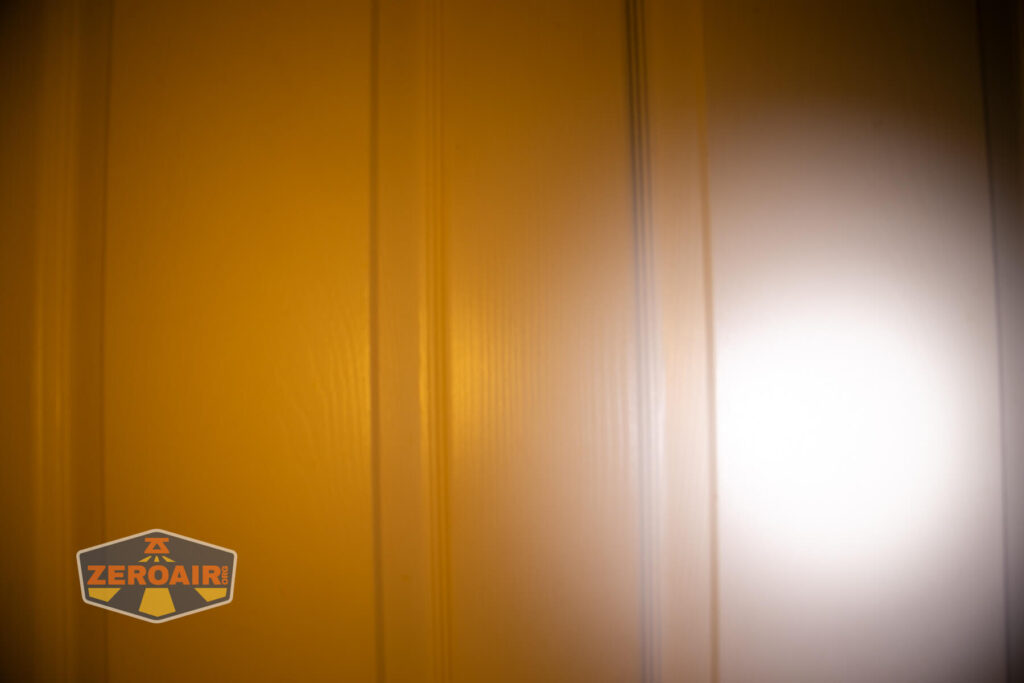

I compare everything to the KillzoneFlashlights.com 219b BLF-348 because it’s inexpensive and has the best tint!
Summary and Conclusion
The Lumintop Aurora flashlight powerbank is a great choice if you need a powerbank that has a floody warm light built-in. That is to say, I’d buy this as a powerbank first, and a lantern/light second. The RGB/color options are a fun bonus, too! Both powerbank ports work great and charging is good (especially at 9V) too. I like the polycarbonate body! I’d love to see other colors, too, like orange 😀 or maybe an Ultem version.
The Big Table
| Lumintop Aurora flashlight powerbank | |
|---|---|
| Emitter: | Warm White Array with RGB secondary |
| Price in USD at publication time: | $68.60 |
| Cell: | 1×46800 |
| Runtime Graph | |
| LVP? | Yes |
| Switch Type: | E-Switch |
| Quiescent Current (mA): | ? |
| On-Board Charging? | Yes |
| Charge Port Type: | USB-C |
| Charge Graph | |
| Power off Charge Port | with cell: all modes without cell and/or body: no |
| Claimed Lumens (lm) | 300 |
| Measured Lumens (at 30s) | 302 (100.7% of claim)^ |
| Claimed CCT | 3000 |
| Measured CCT Range (K) | 2600 Kelvin |
| Item provided for review by: | Lumintop |
| All my Lumintop reviews! | |
^ Measurement disclaimer: Testing flashlights is my hobby. I use hobbyist-level equipment for testing, including some I made myself. Try not to get buried in the details of manufacturer specifications versus measurements recorded here; A certain amount of difference (say, 10 or 15%) is perfectly reasonable.
What I like
- Great powerbank
- Both ports: USB-A and USB-C
- Charging with USB-C works at 9V and is reasonably quick
- Polycarbonate body
- Display provides very interesting and useful information
- Neat charging and powerbank percentage battery display
- 2600K output (it’s warm!)
What I don’t like
- Should be able to run off JUST USB-C power.
- Switch is too proud (and feels a bit cheap)
- MSRP of 80ish seems a bit high (Street price in the upper 60’s maybe still seems a bit high.)
Notes
- This content originally appeared at zeroair.org. Please visit there for the best experience!
- Please use my Amazon.com referral link to help support zeroair.org!
- Please support me on Patreon! I deeply appreciate your support!
Discover more from ZeroAir Reviews
Subscribe to get the latest posts sent to your email.
This is amazing powerbank I have bought one 🙂