
Olight ArkPro Ultra Onyx Black Flashlight Review
New from Olight is the Olight ArkPro Ultra Onyx Black flashlight, a flat light with multiple emitter options. It has flood, throw, laser, and UV!
Official Specs and Features
Here’s a referral link to the Olight ArkPro Ultra EDC flashlight product page.
Versions
There are also two ArkPro Ultra body colors: Onyx Black (seen here) and Olive green. Both of those bodies have various engraving options, too. All told, there are about 9 versions of ArkPro Ultra.
Price
MSRP for the Olight ArkPro Ultra EDC flashlight is $129.99, but the 19th anniversary sale price is around $100.
What’s Included
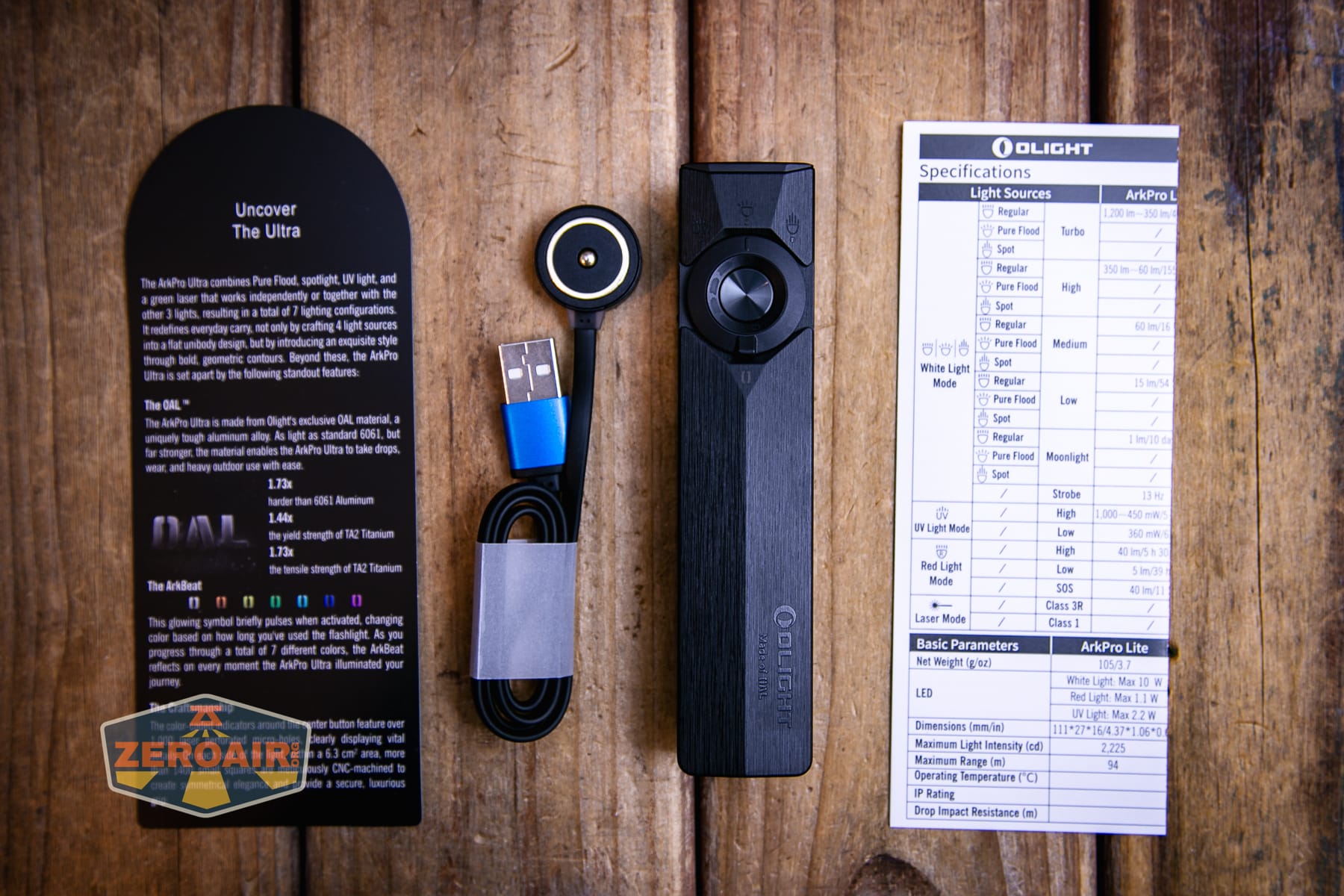
- Olight ArkPro Ultra Onyx Black flashlight
- Charging base
- Manual
Package and Manual
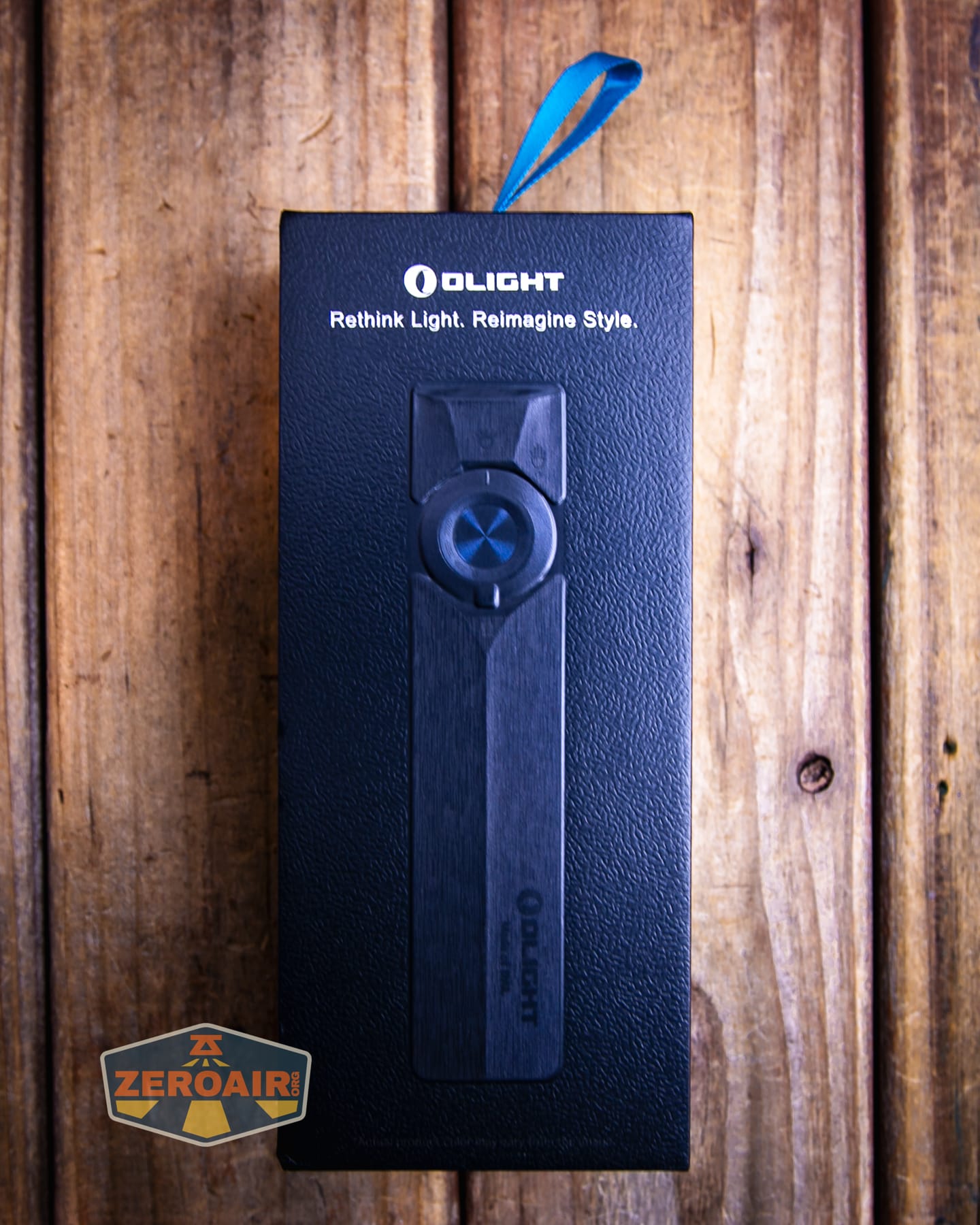
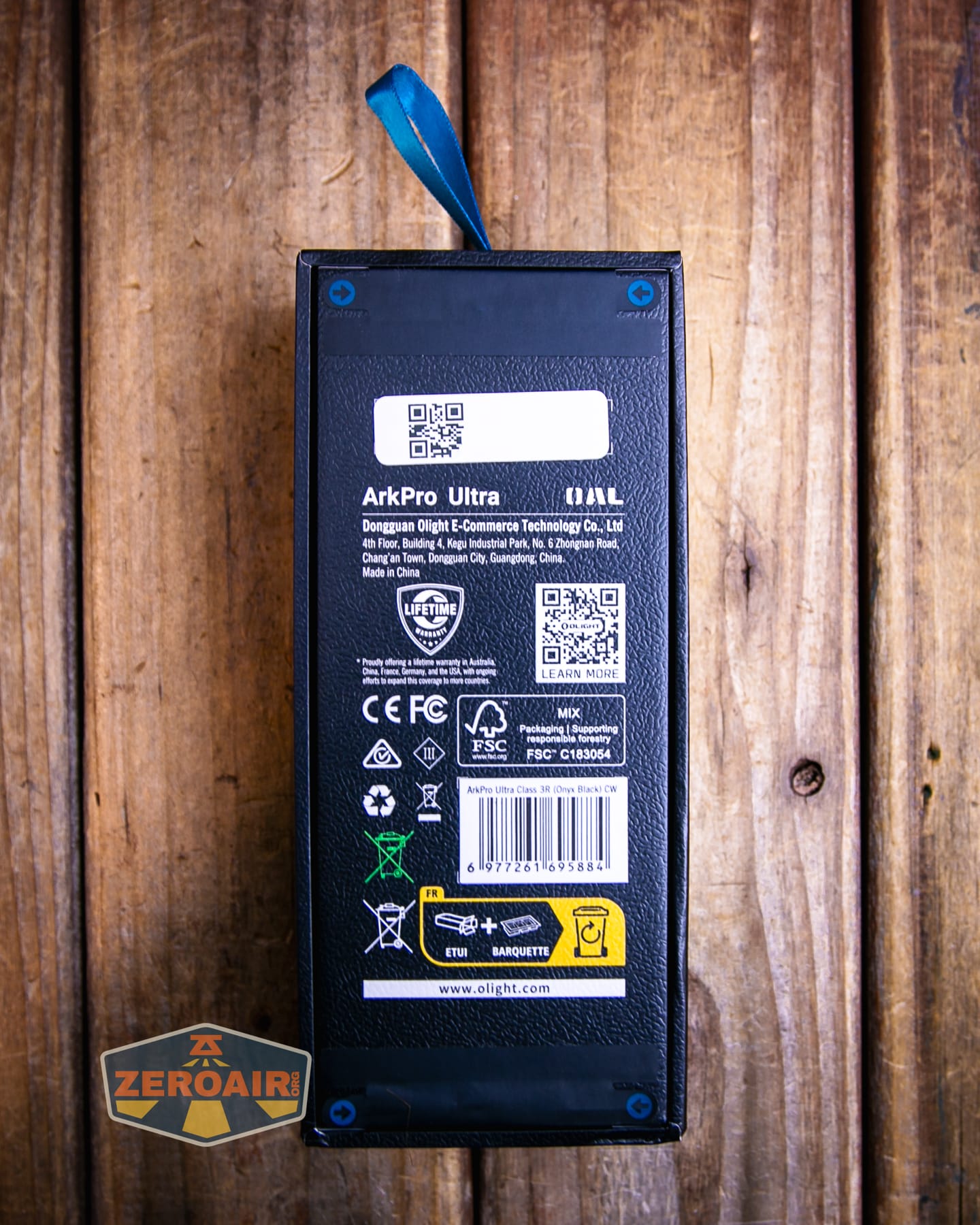
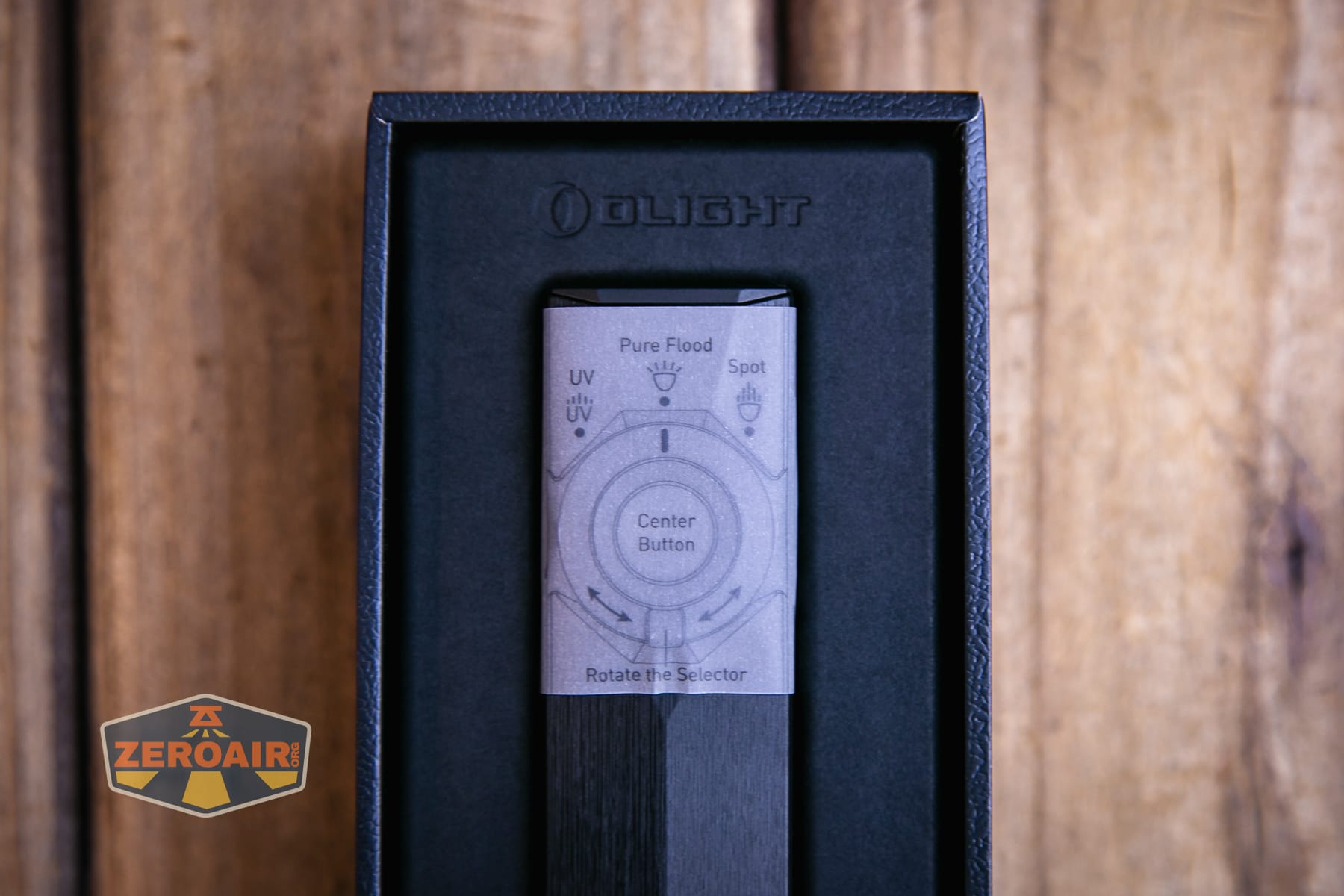
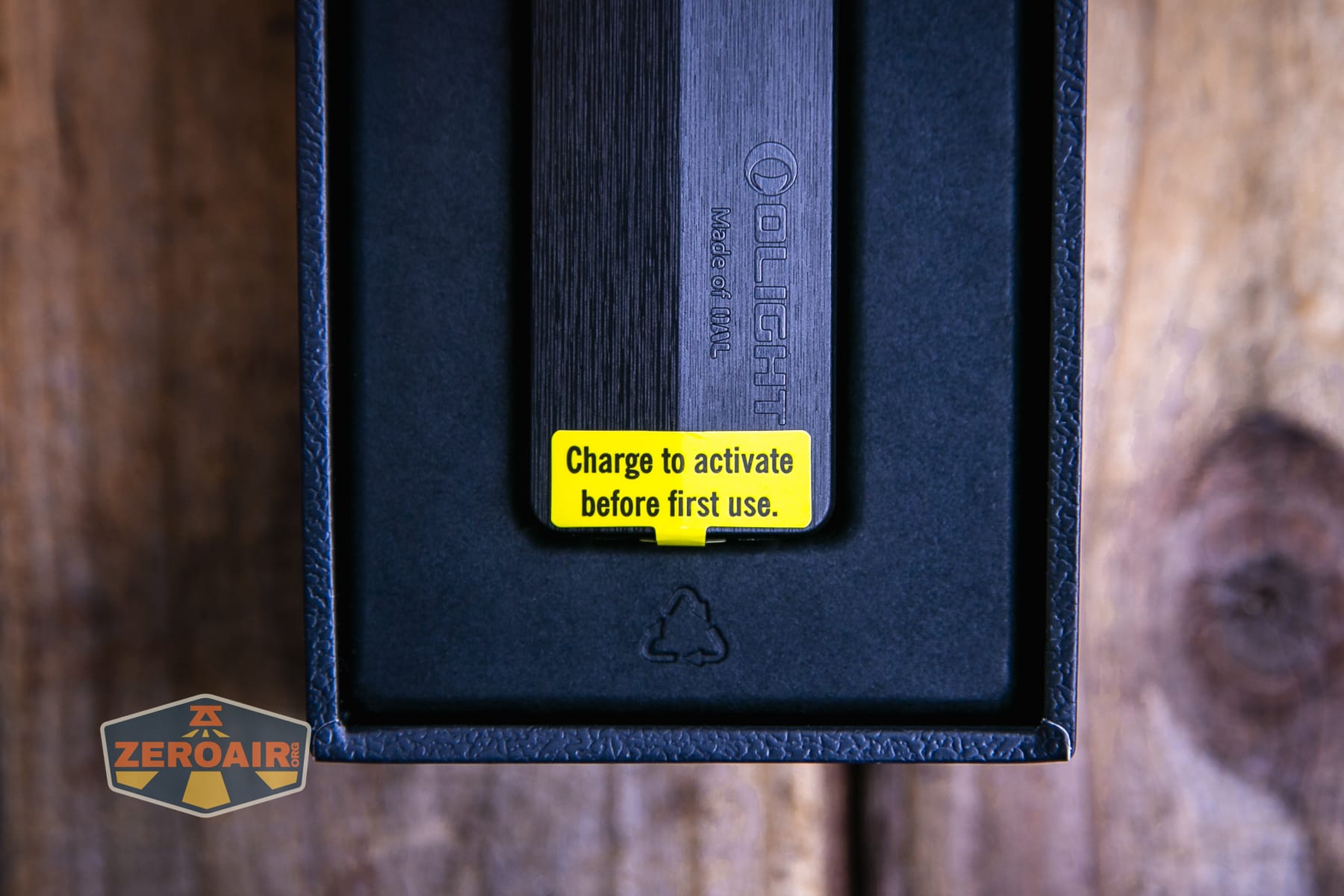
Note that this manual is for all three versions of the ArkPro (including this Ultra), and I do not like that. I found the manual quite hard to follow! But I’m sure a ton of work was put into it (that’s the only way it could be so confusing.)
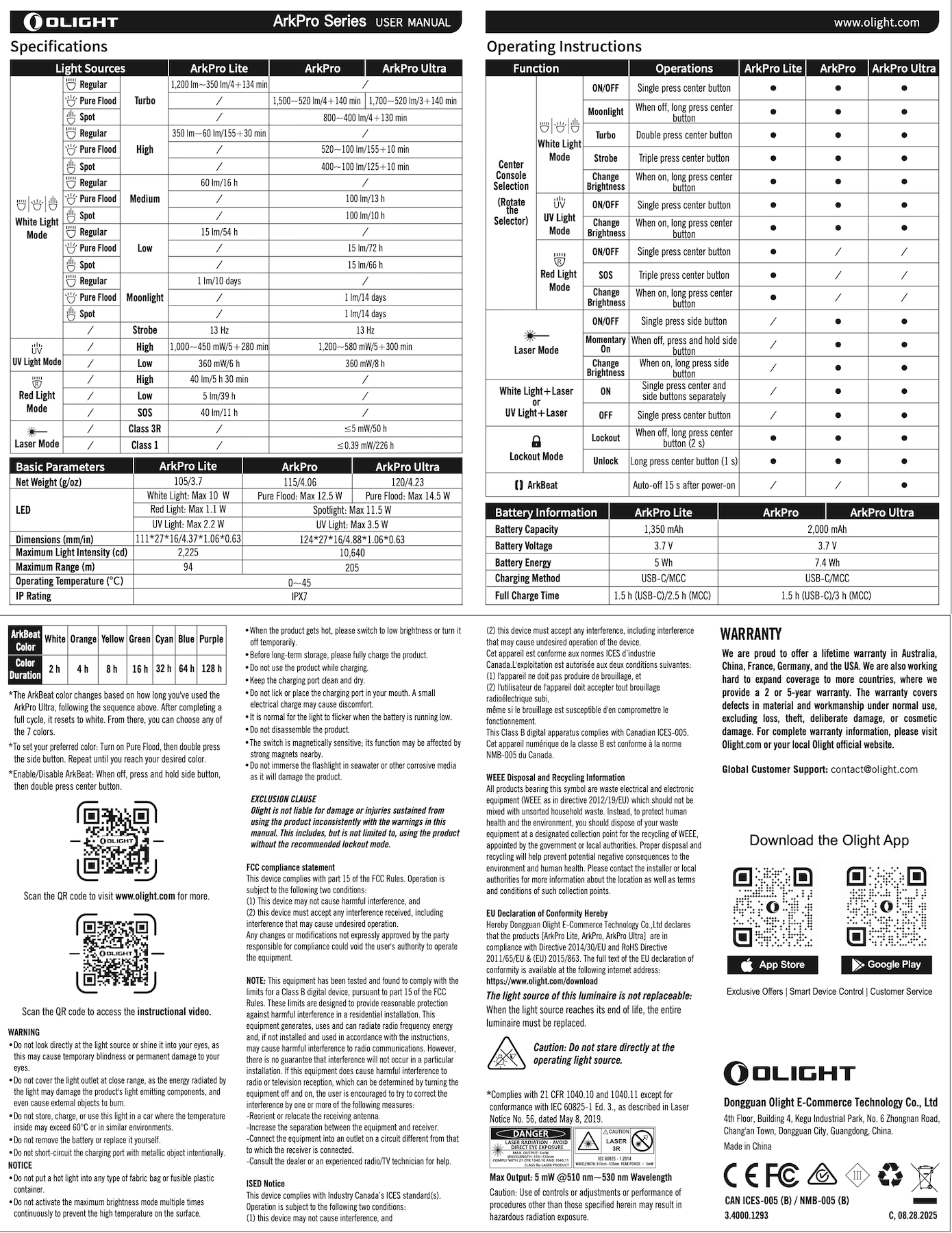
Here’s one little point about the confusion. The image below implies to me that a light might have all three options. But that’s not the case. Only some of the ArkPro versions have some of these three options.

Build Quality and Disassembly
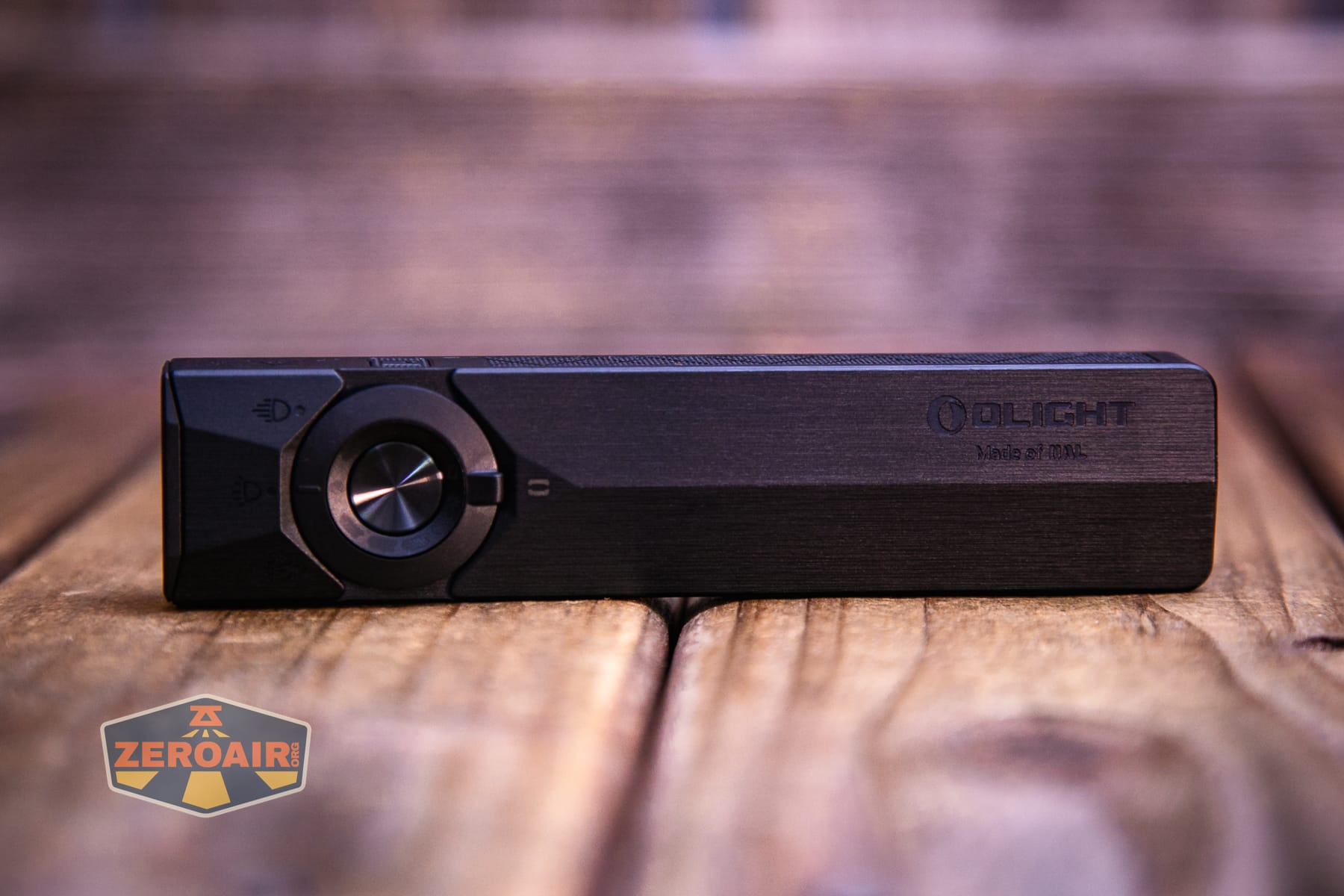
I didn’t disassemble the Olight ArkPro Ultra Onyx Black flashlight at all. The build quality is very solid. This Onyx Black edition isn’t different internally from the Olive green edition that I have already reviewed.
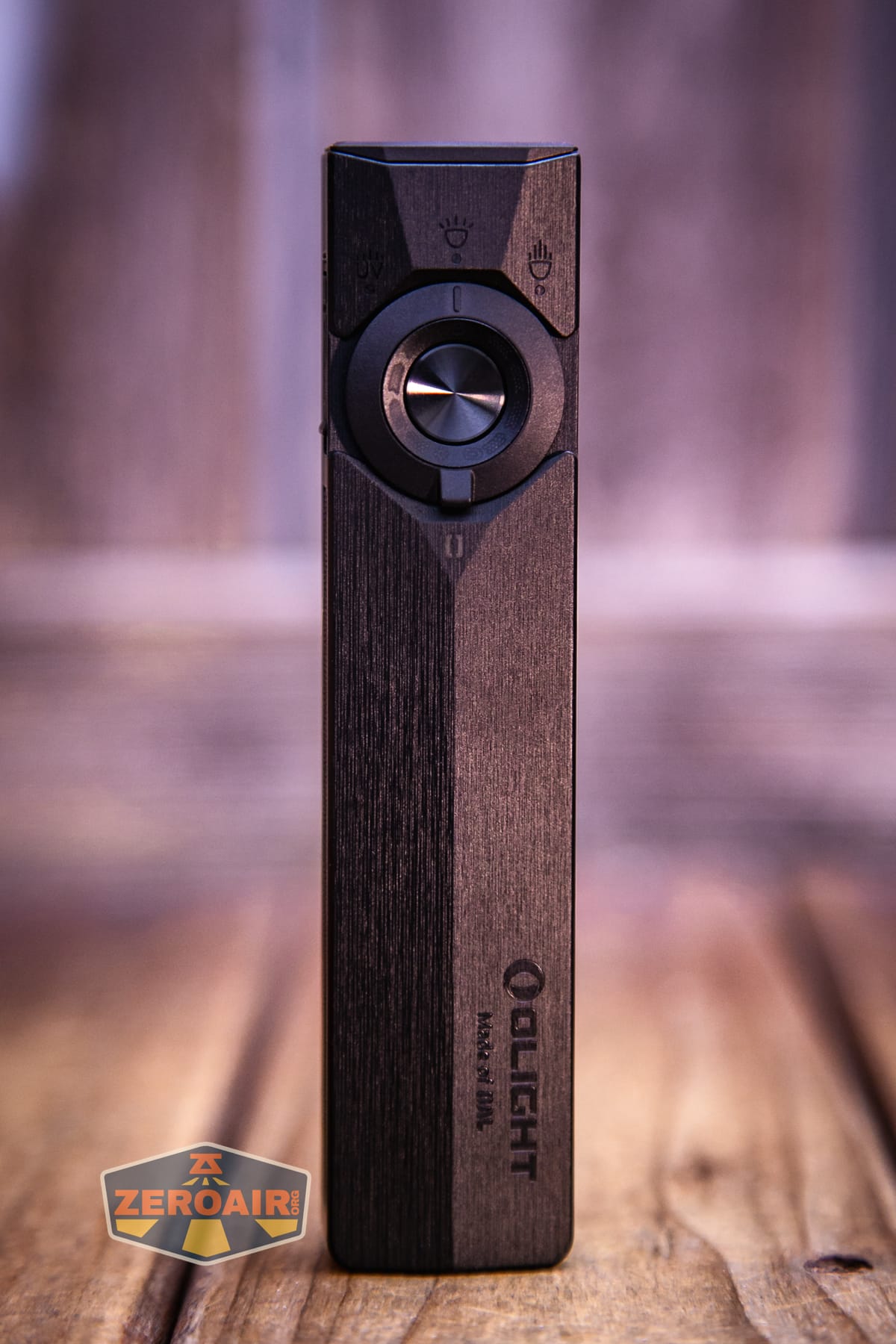
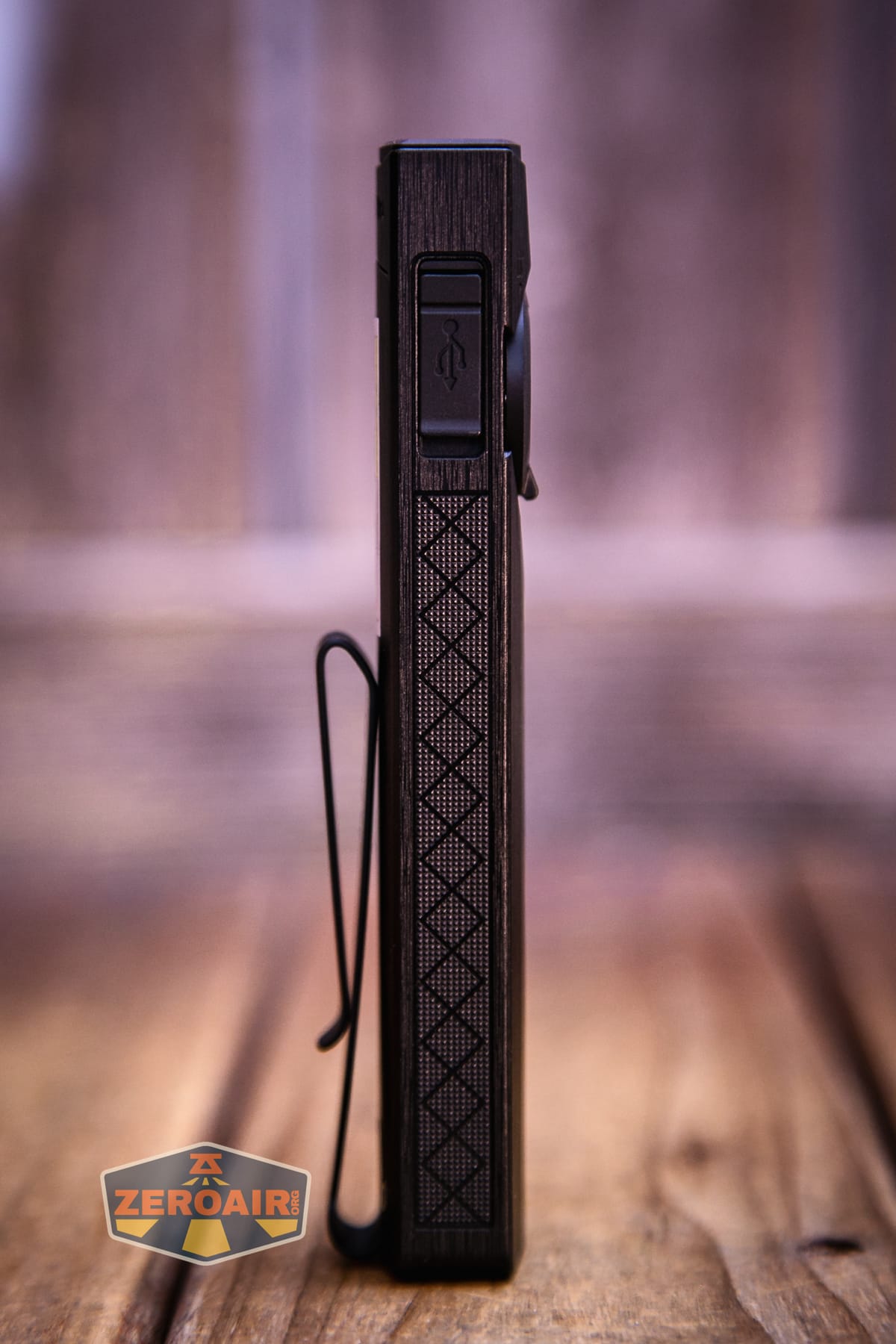
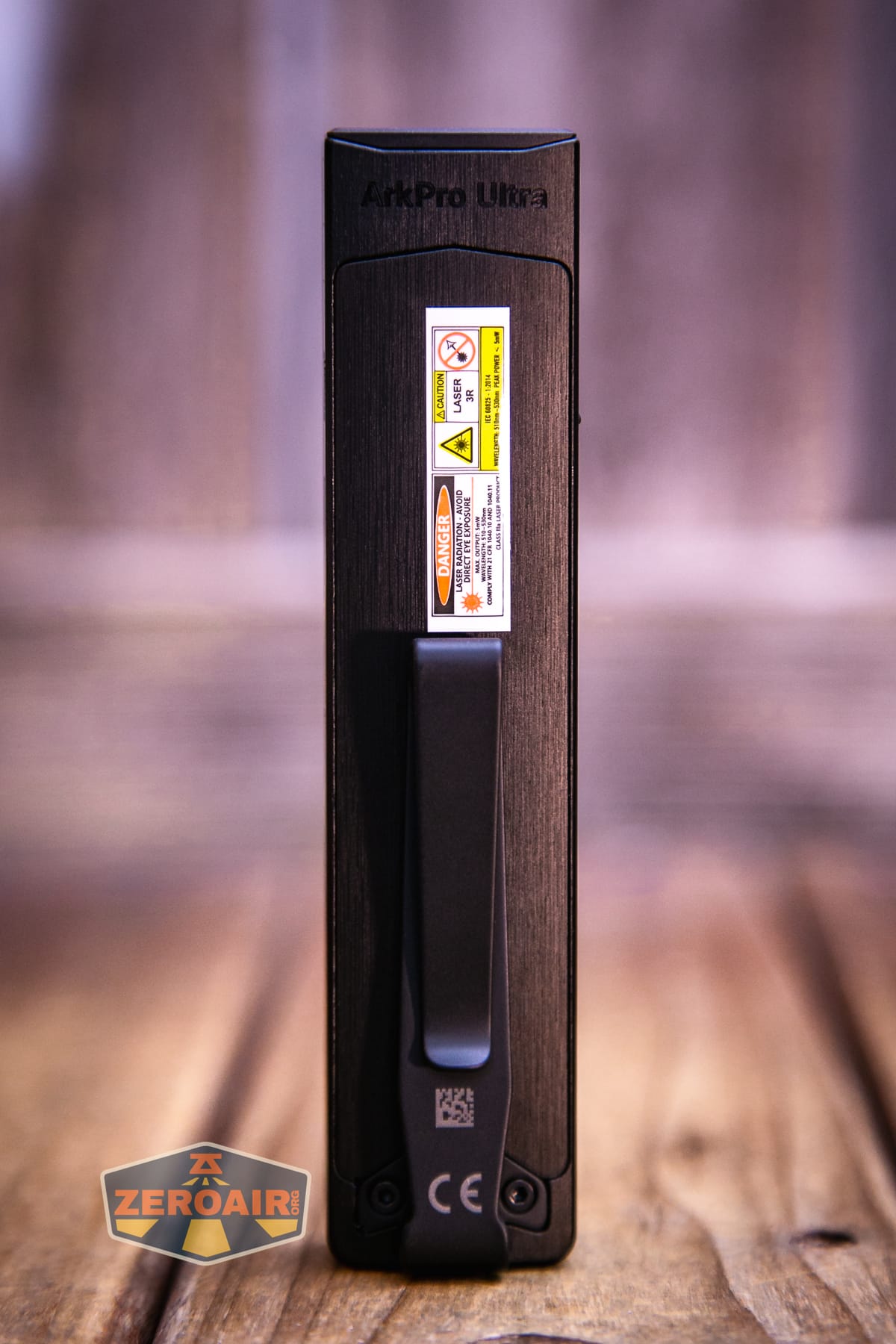
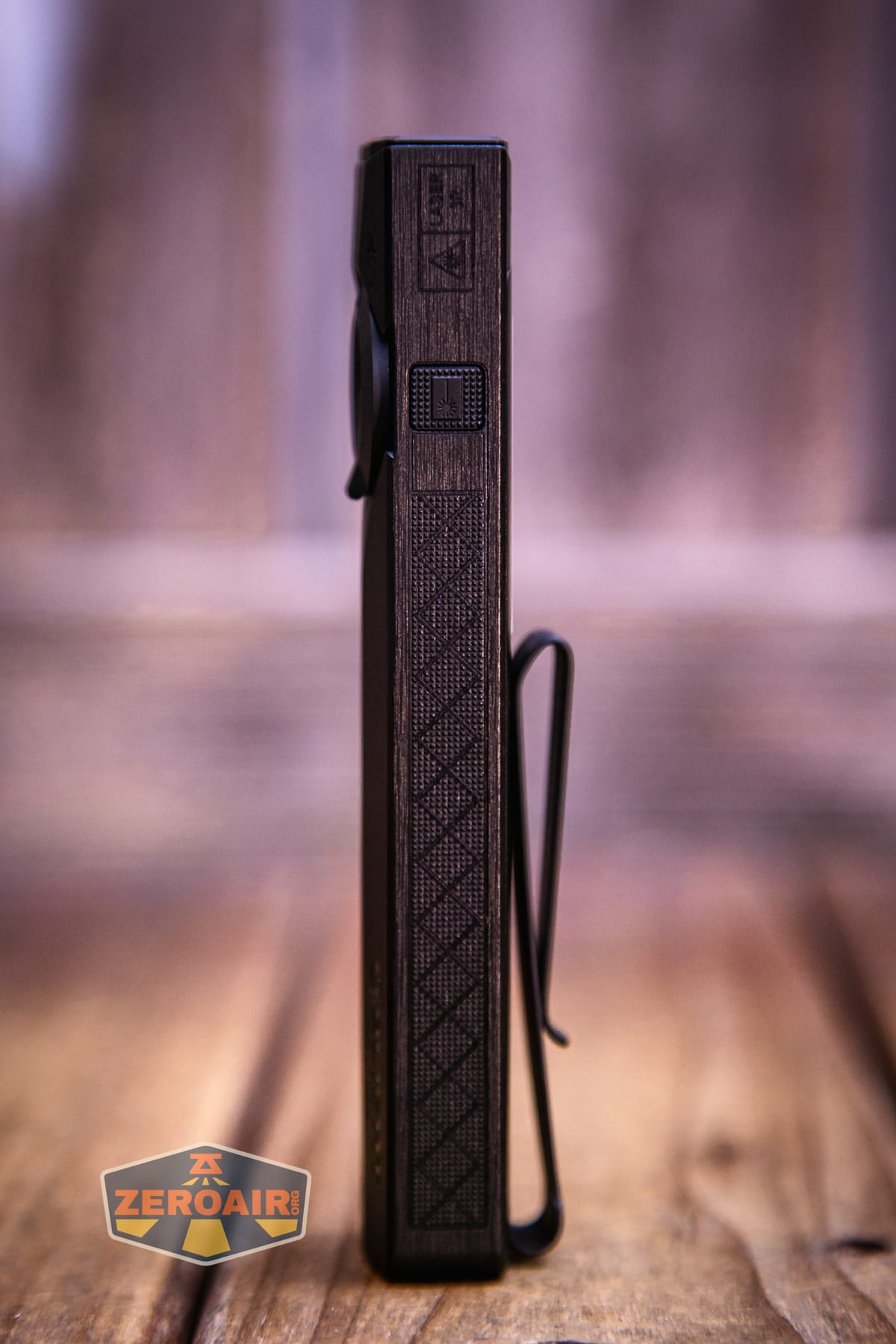
Of course, there’s no cylindrical cell in there to rattle around or be removed, or whatever. The cell is 100% built-in. That’s good and bad, of course. Building the cell in means Olight can get reliable performance, but it also means you can’t change the cell when it wears out in a number of years.
Whatever the case may be with the battery, the build here is great. I love the anti-roll shape. Not only that, but the Olight ArkPro Ultra EDC flashlight fits into the pocket where I normally carry an 18650 light in a much more comfortable way.
I have already disassembled an Arkfeld, and I did not do so for the Olight ArkPro Ultra EDC flashlight version. You’re invited to check out the photos from that review, though. Here’s a link. (Note: I didn’t get too far with disassembly.)
Size and Comps
The Olight ArkPro Ultra EDC flashlight is 124mm x 27mm x 16mm and 115g. ArkPro and ArkPro Ultra have the same dimensions.
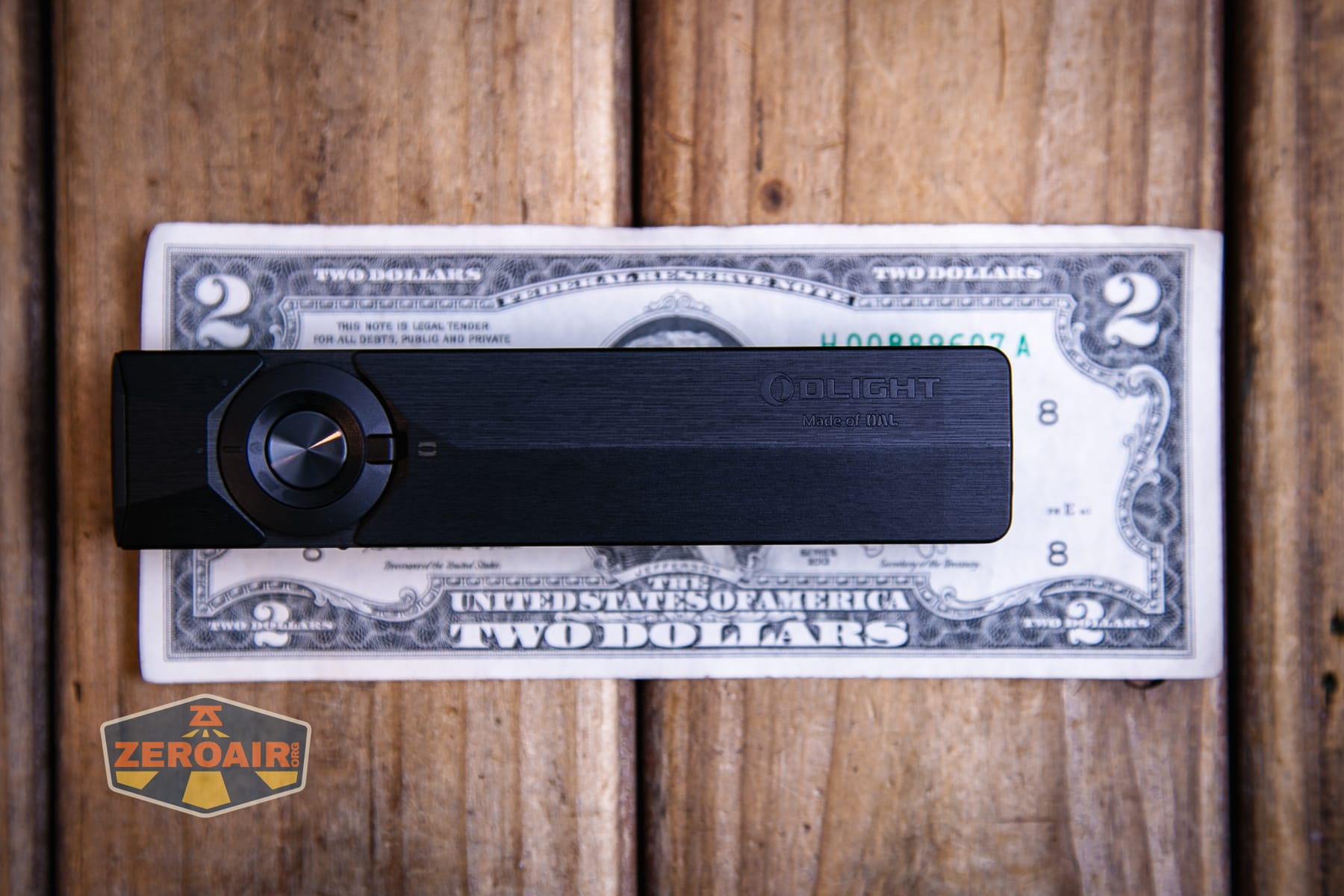
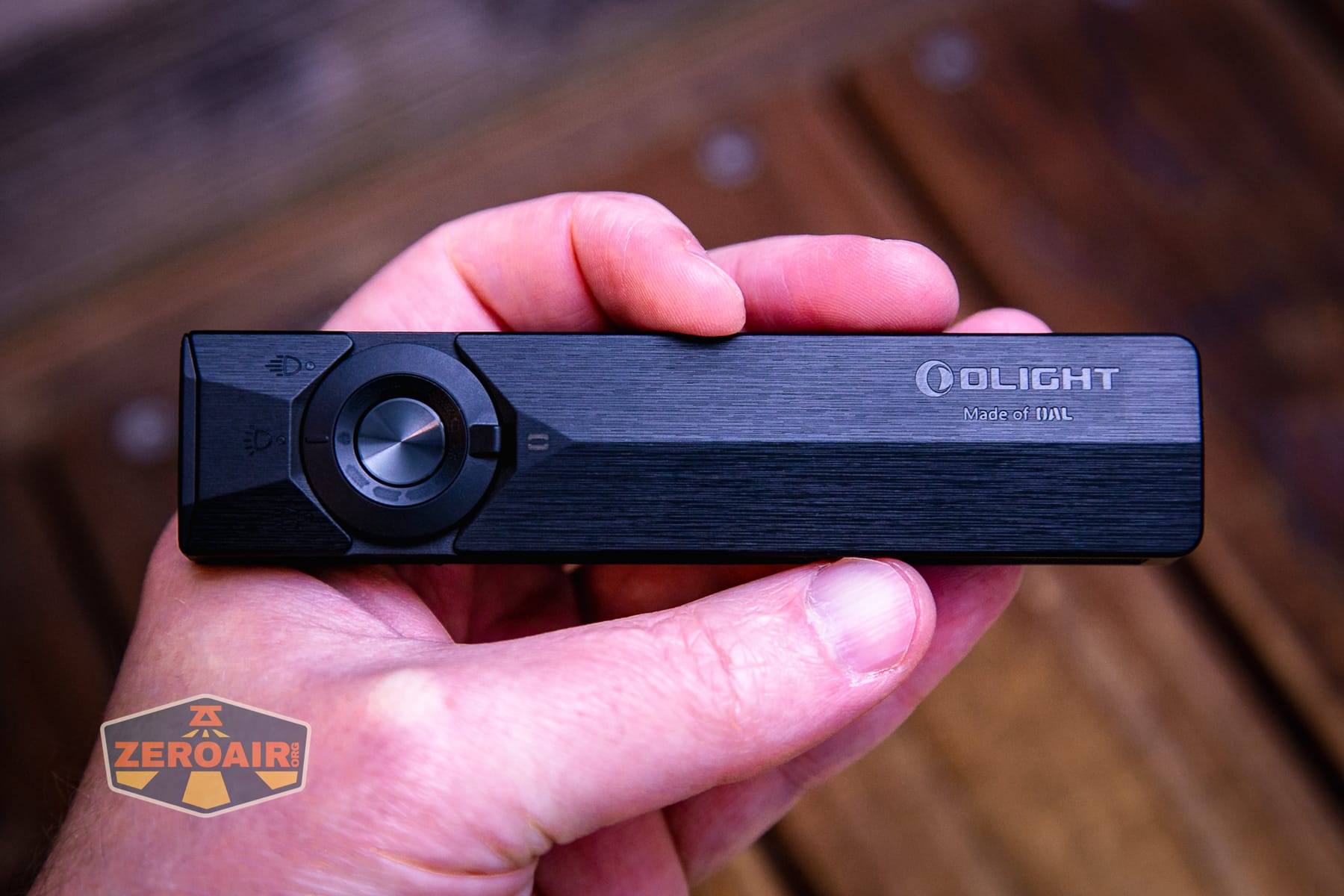
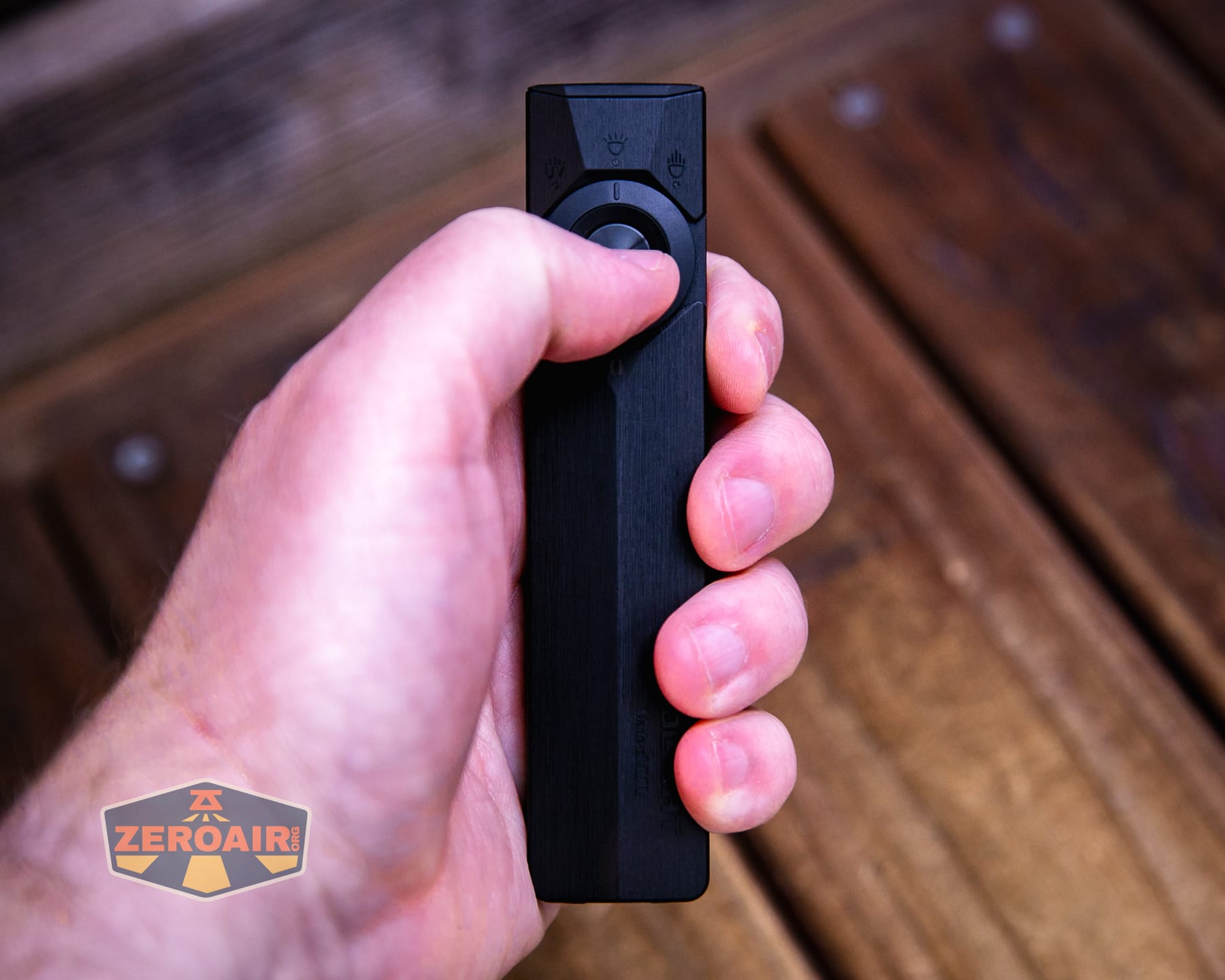
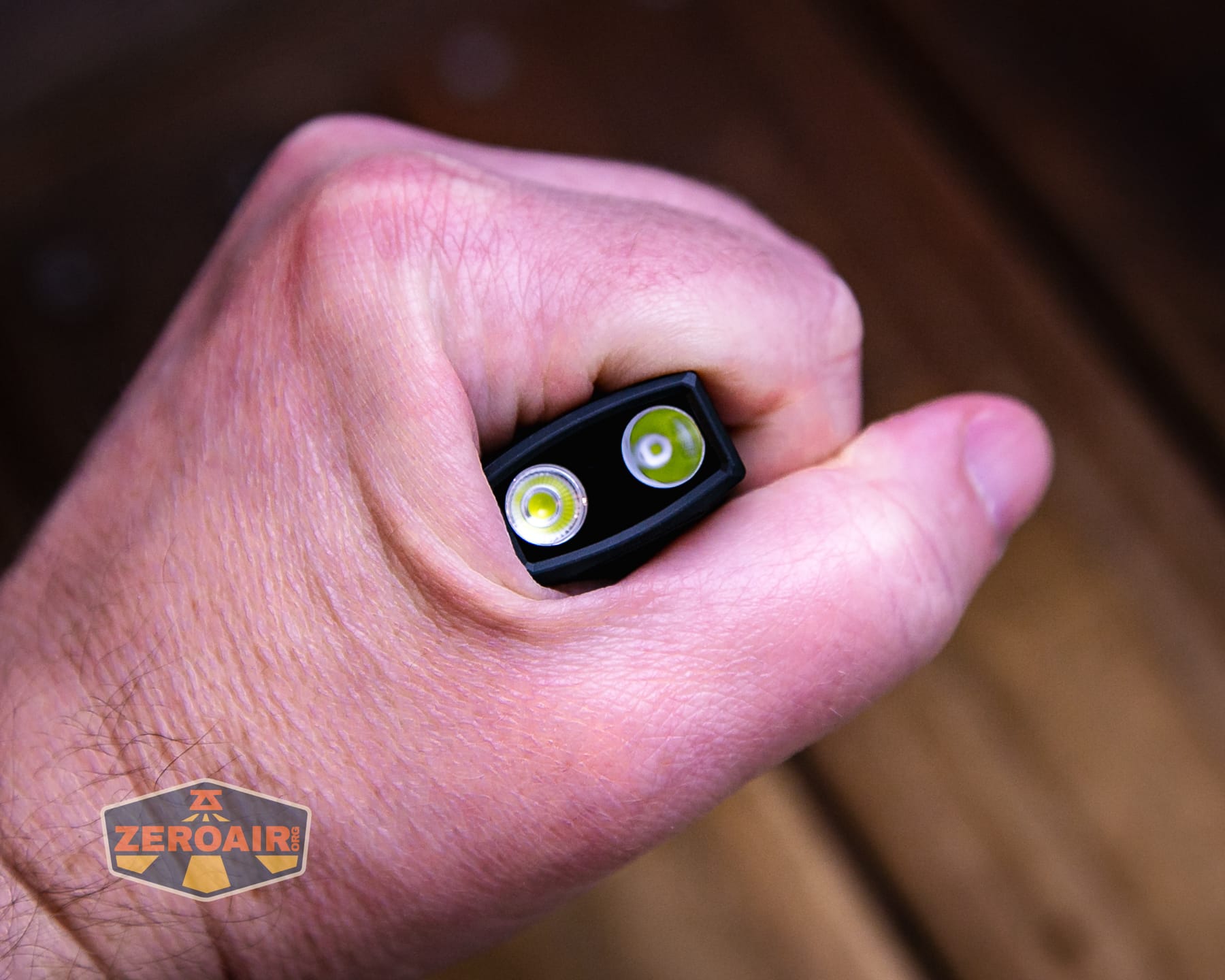
Here’s the light in hand:
Here’s the test light with the venerable Convoy S2+. The version below is a custom laser-engraved Convoy S2+ host by GadgetConnections.com. I did a full post on an engraved orange host right here! Or go straight to GadgetConnections.com to buy your Convoy S2+ now!
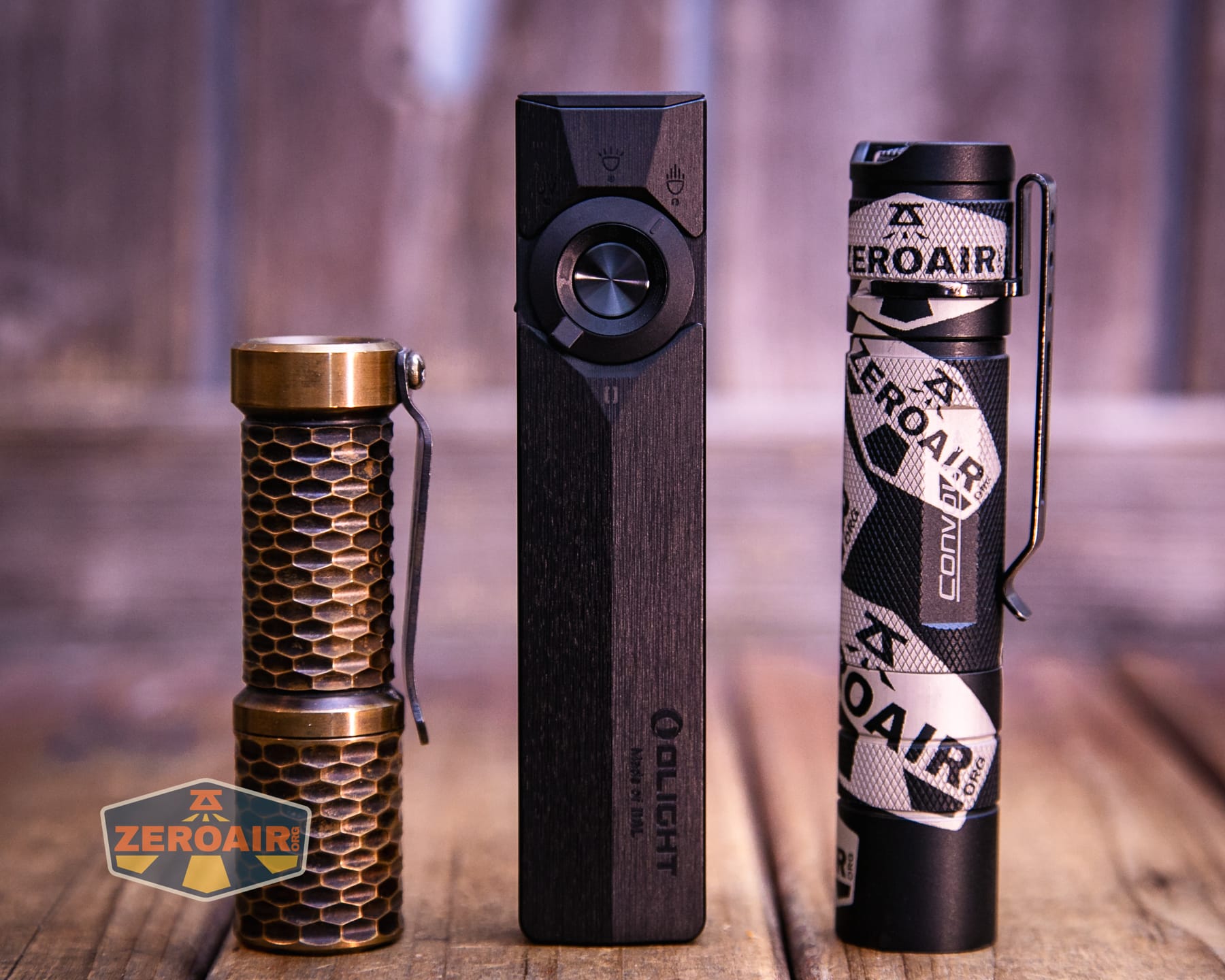
Also in the photo above, my Standard Reference Material (SRM) flashlight is the Hanko Machine Works Trident, an 18350 light. While I have not reviewed or tested the Gunner Grip version seen here, I have tested a Hanko Machine Works Trident Total Tesseract in brass. I love the Trident, and it’s a striking contrast to the inexpensive Convoy S2+, another great SRM.
Retention and Carry
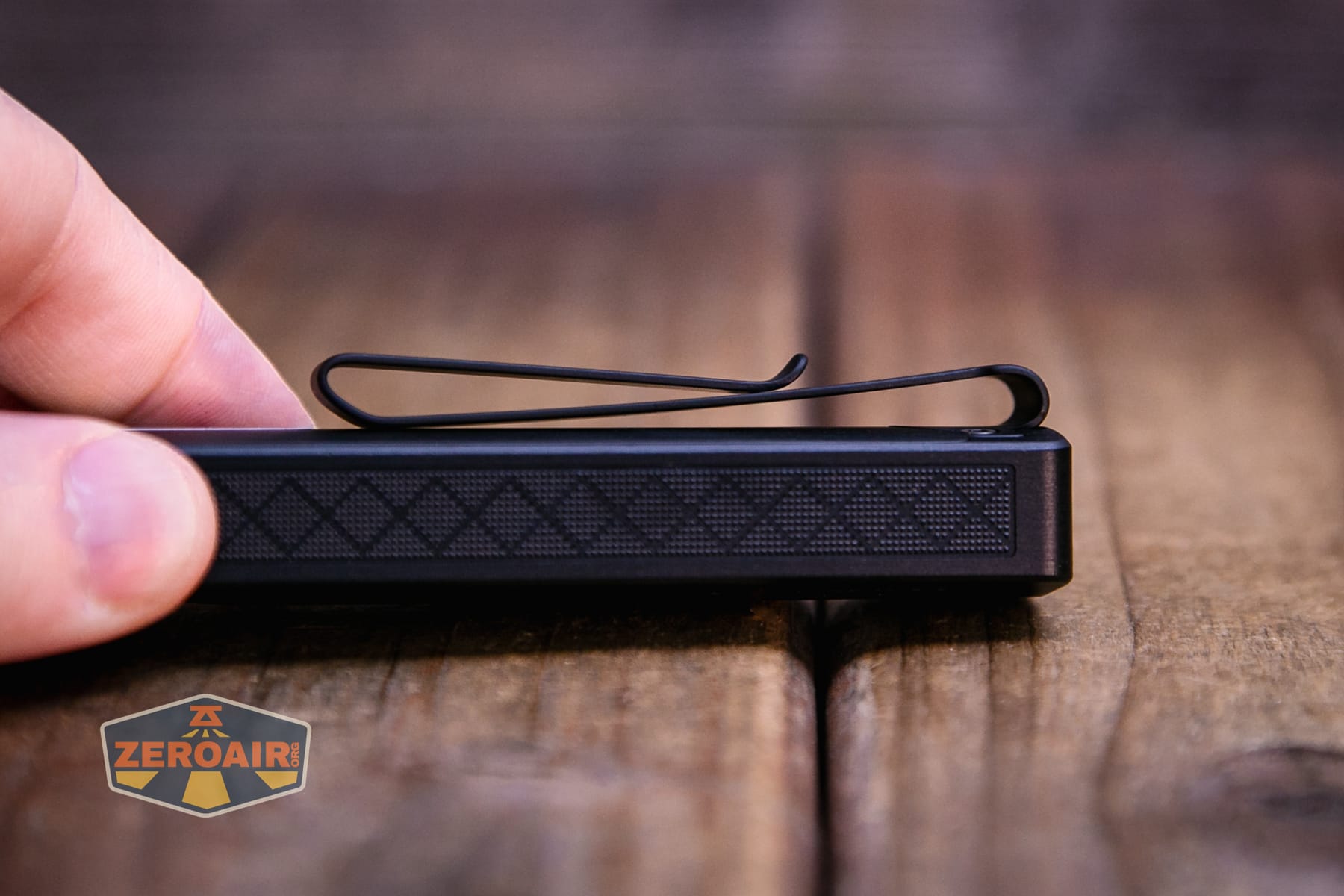
The Olight ArkPro Ultra Onyx Black flashlight has a two-way pocket clip, which is so much better than some earlier edition Arkfeld-type lights. This clip allows great deep carry and has a two-way option. I don’t care at all about the two-way, but I love the deeper carry.
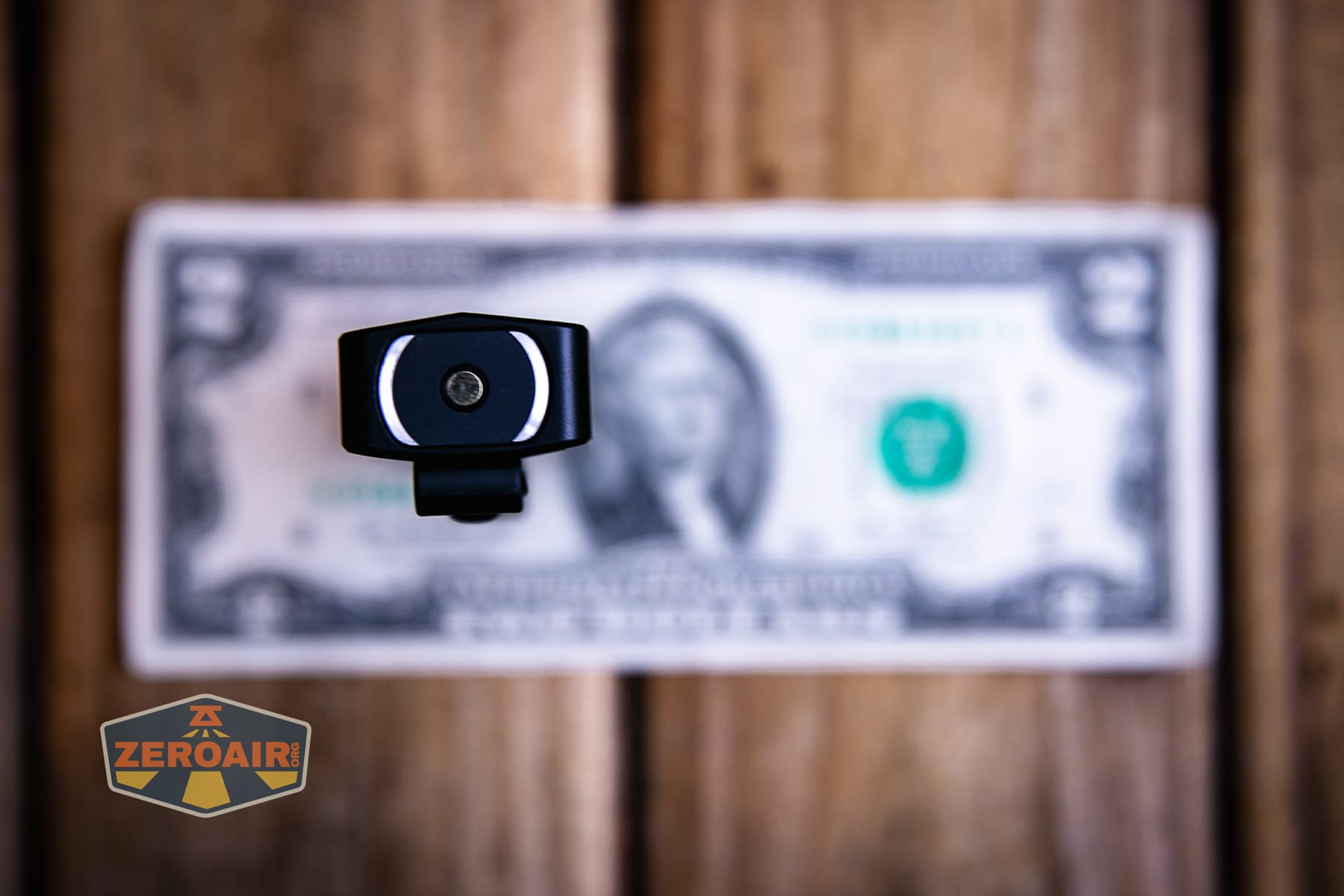
There’s a magnet in the tail because that’s the way the charger connects. It’s also strong enough to hold the ArkPro Ultra. I didn’t get a pic of the Onyx Black magnet in use, but here’s the Olive Green version magnetically connected!
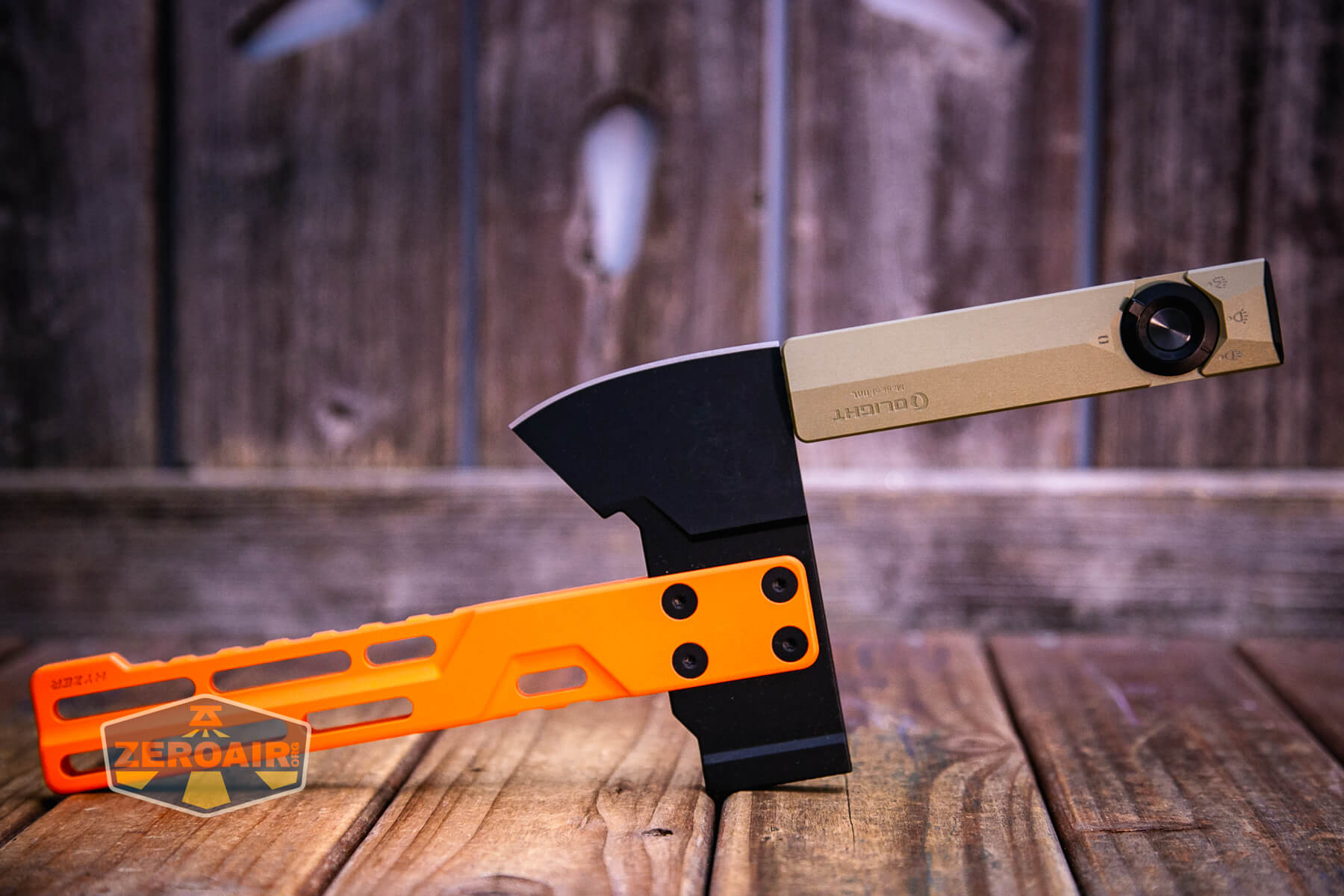
Above, you may note a new holder for my magnetic-tailcap items. That’s the Exceed Designs Hyzer Titanium Mini Hatchet D2 axe. The handle (as the name suggests) is titanium. But the blade is D2 steel and perfect for retaining magnetic tailcap flashlights! The Hyzer is available in a bunch of cerakote body colors as well as different thickness D2 heads.
Power and Runtime
Olight states this as a 2000mAh battery, and that’s perfectly logical (and confirmed by a user on Reddit). I was unable to gain any access to the LiPO, but I did run a couple of output tests. There is a battery indicator surrounding the switch, and it does indicate when the voltage is low. The light finally shuts off, too.
One of the main points about the ArkPro Ultra (over the ArkPro and certainly the ArkPro Lite) is higher output. I do observe higher output here, but it’s not that much higher. There are other neat things about the Olight ArkPro Ultra EDC flashlight that you may care about more than you care about the output, though.
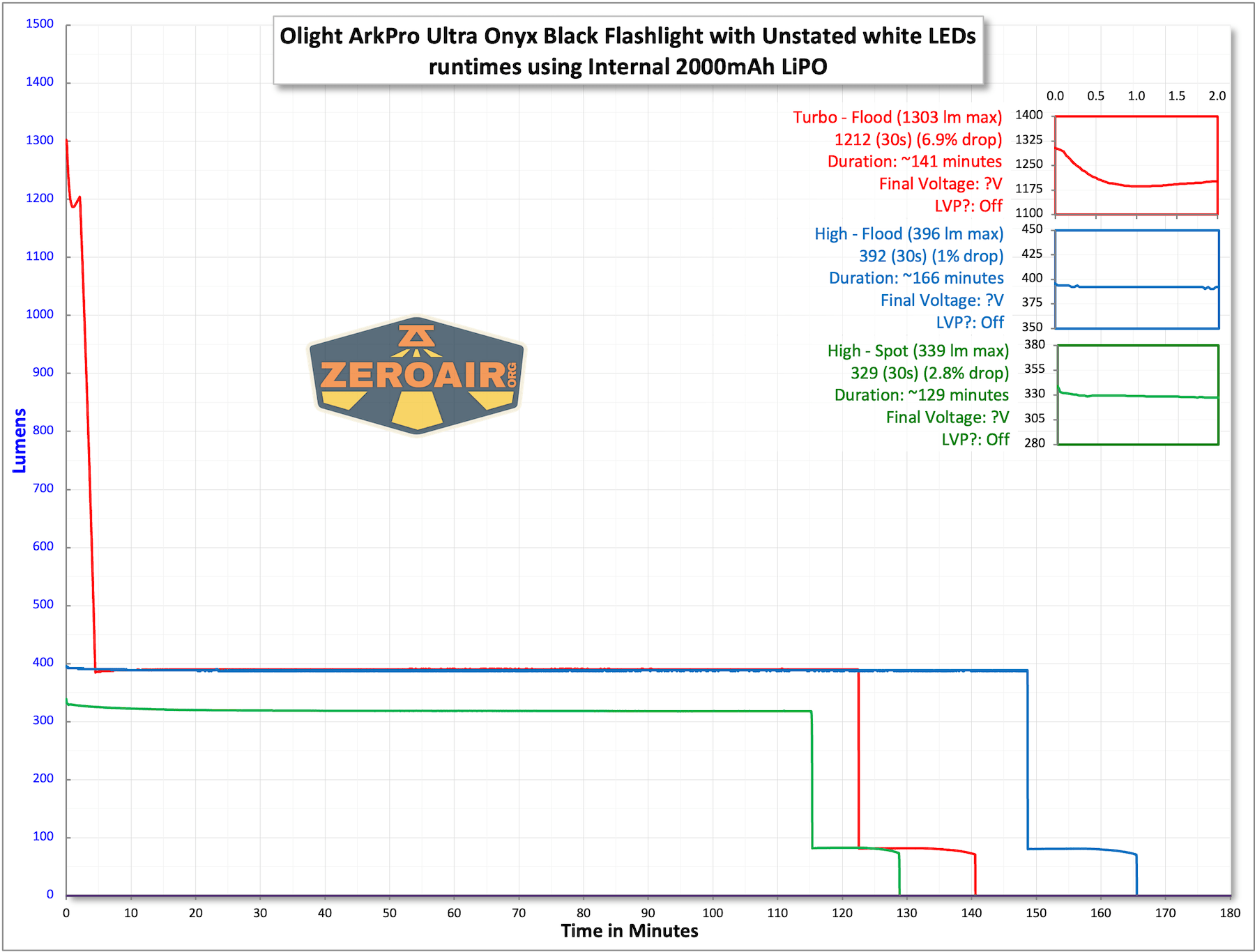
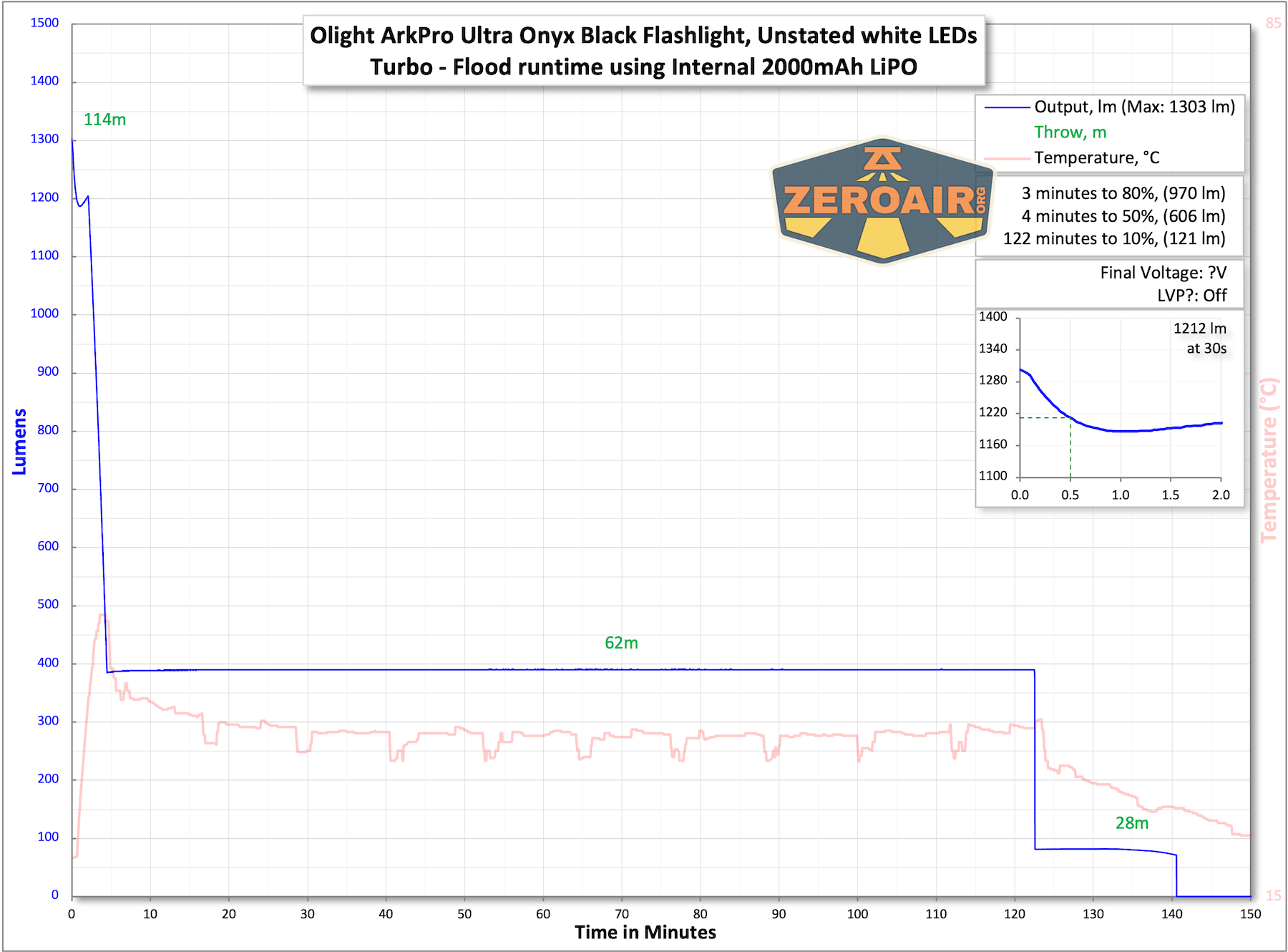
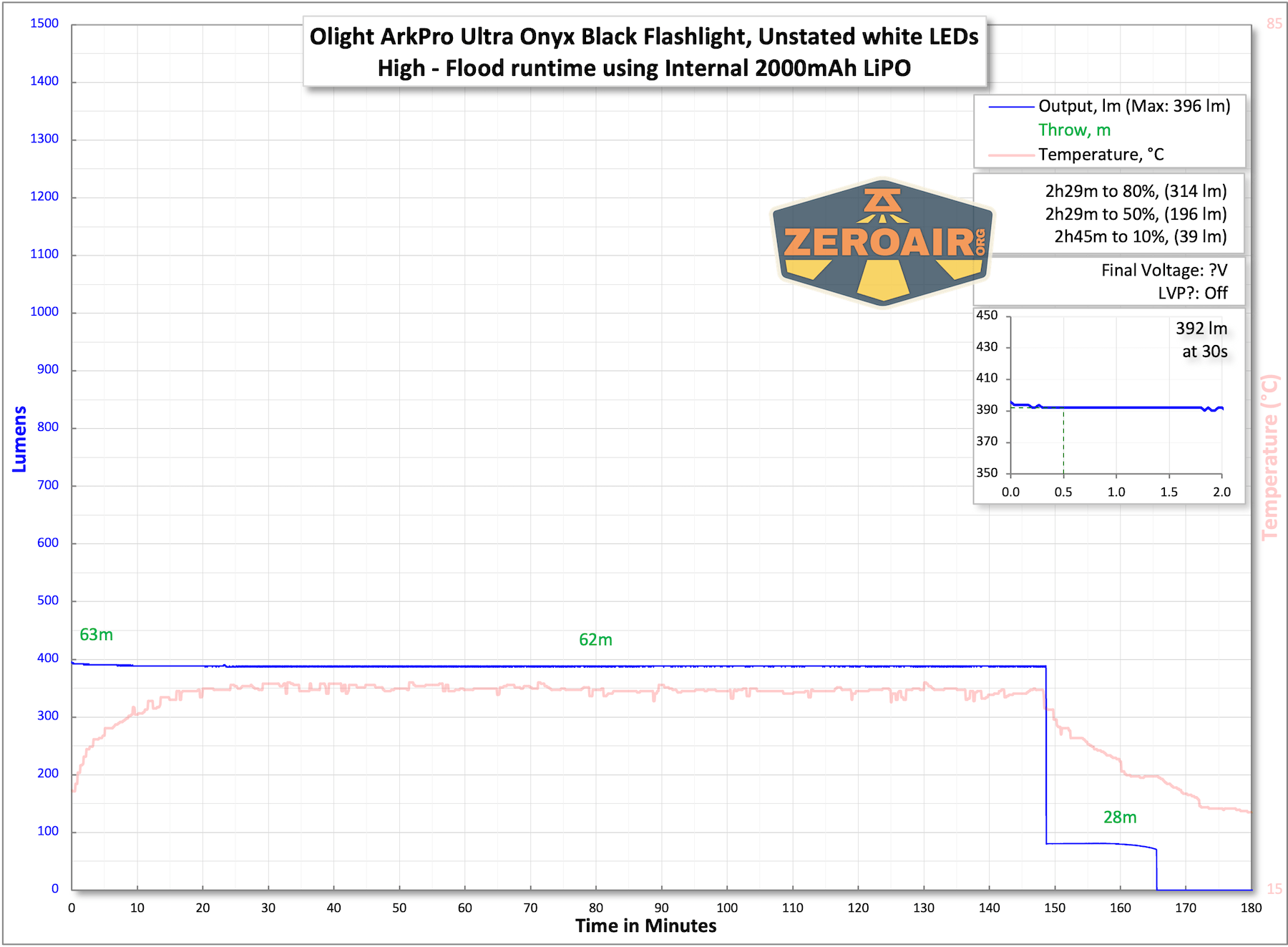
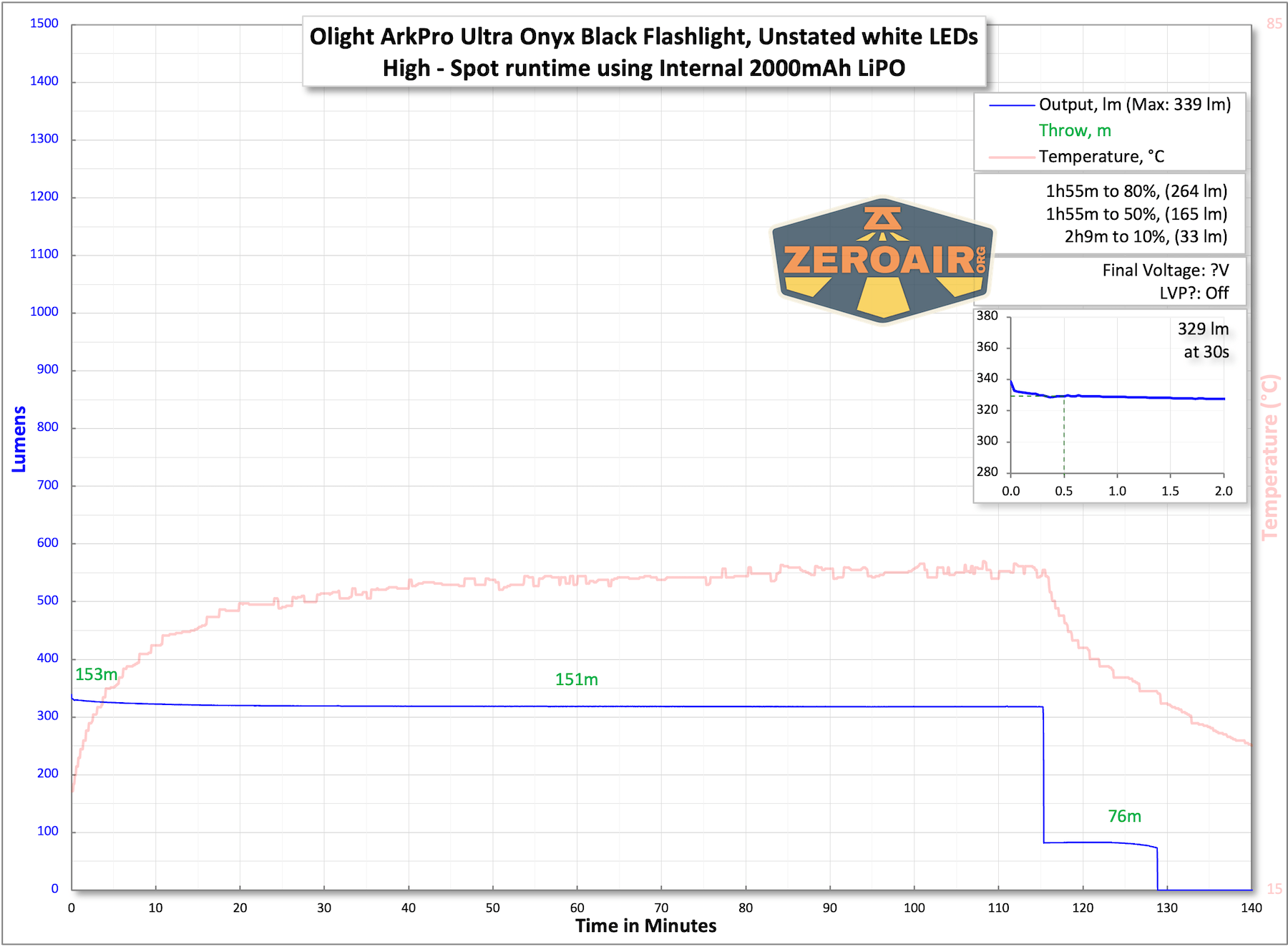
The temperature lines in these charts are included as general context, not precise measurements. The values represent the range (min to max) during testing, but should not be taken as exact readings. A temperature sensor is not always attached to the bezel (or even the hottest spot, assuming that could be defined). Even with ideal placement, too many variables affect temperature to definitively state a specific max value.
Charging
The Olight ArkPro Ultra Onyx Black flashlight offers USB-C charging! The charge port is covered by the same type of cover we have seen recently on some of the Oclip lights (for example, the Oclip Pro).
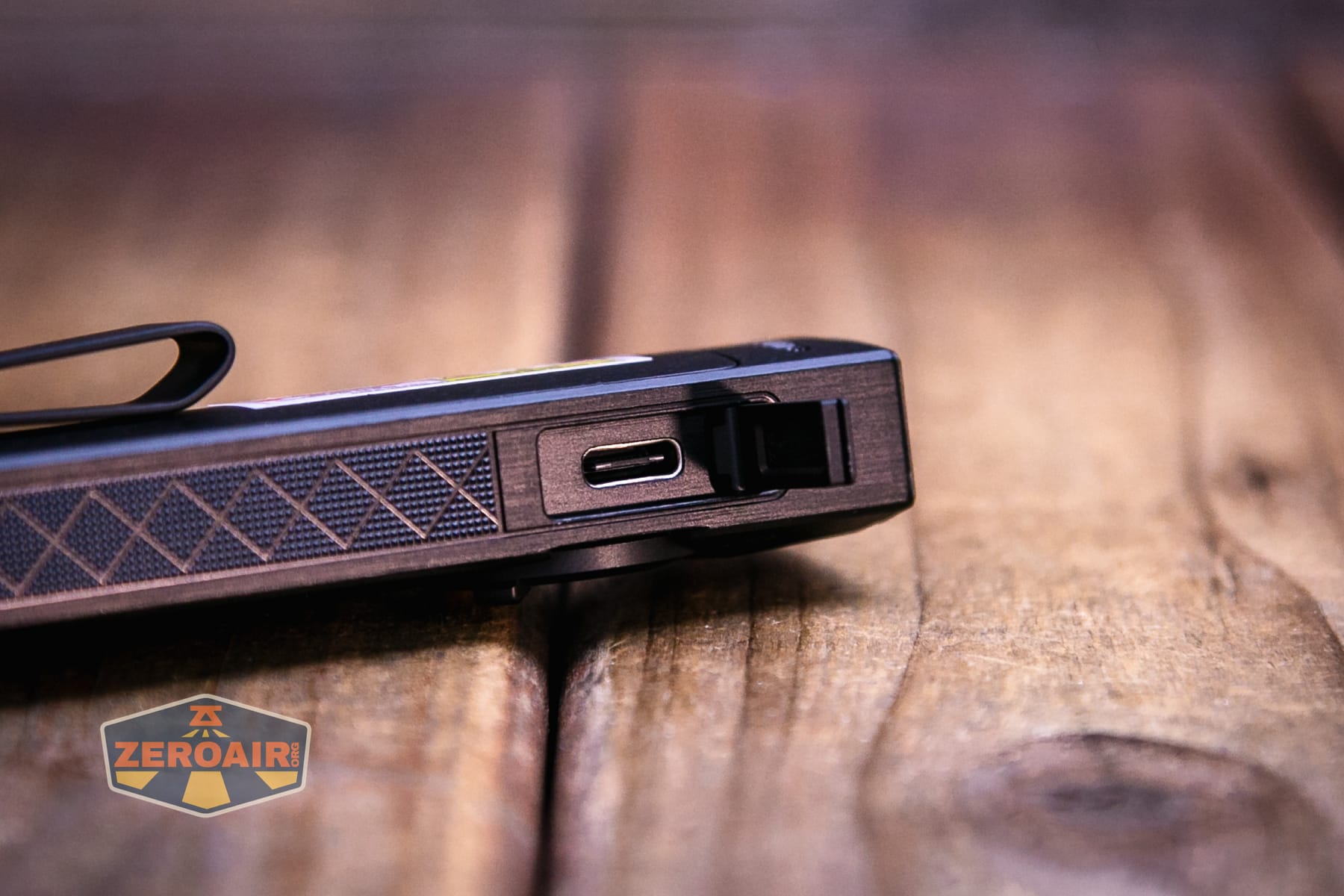
The cover feels metal, and I would guess that the charge port is waterproof, as the hinged door doesn’t have any gaskets.
A second option is available for charging, too! Olight includes this proprietary MCC charger.
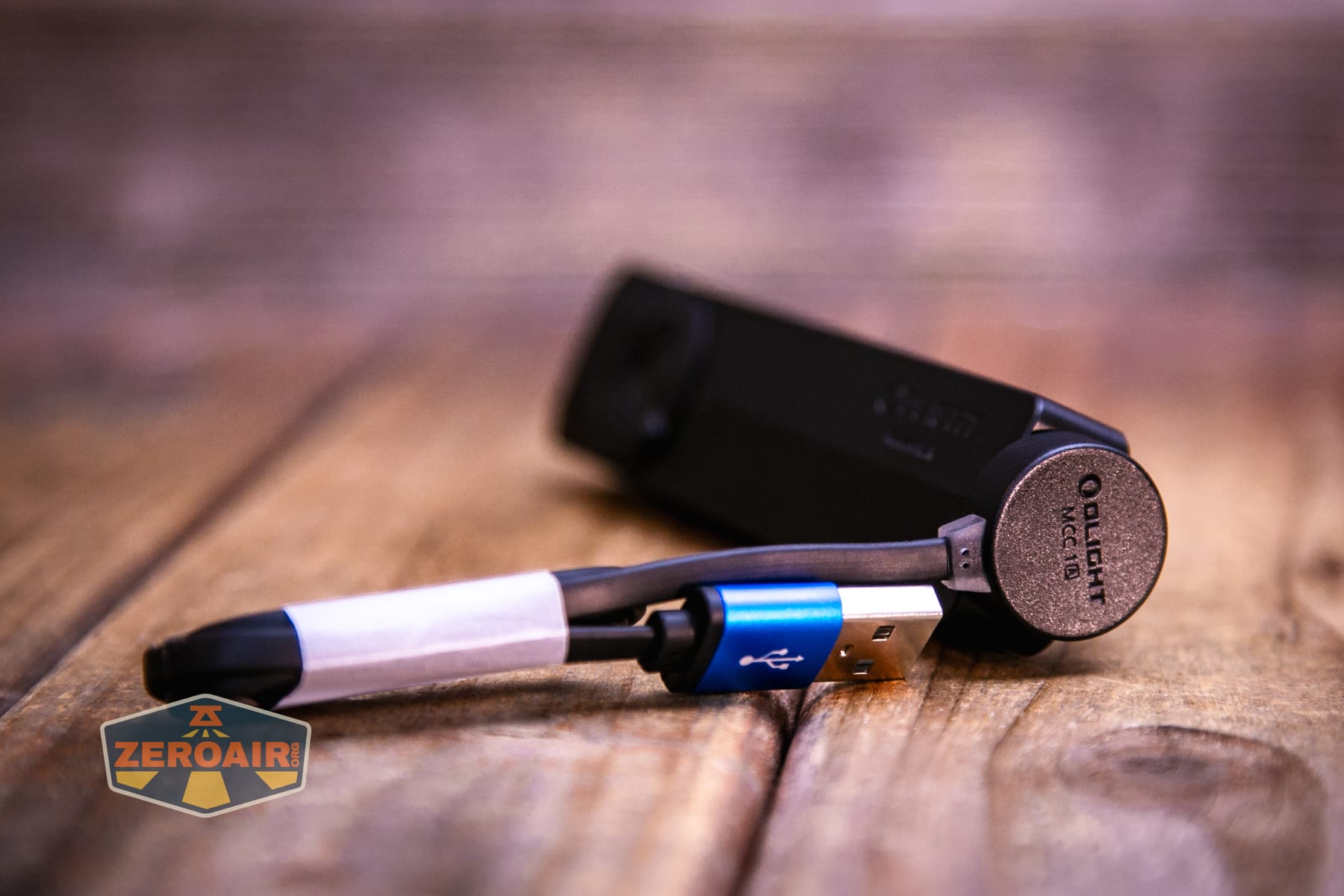
That works just fine, but with USB-C as an option now, I don’t anticipate using this charging base!
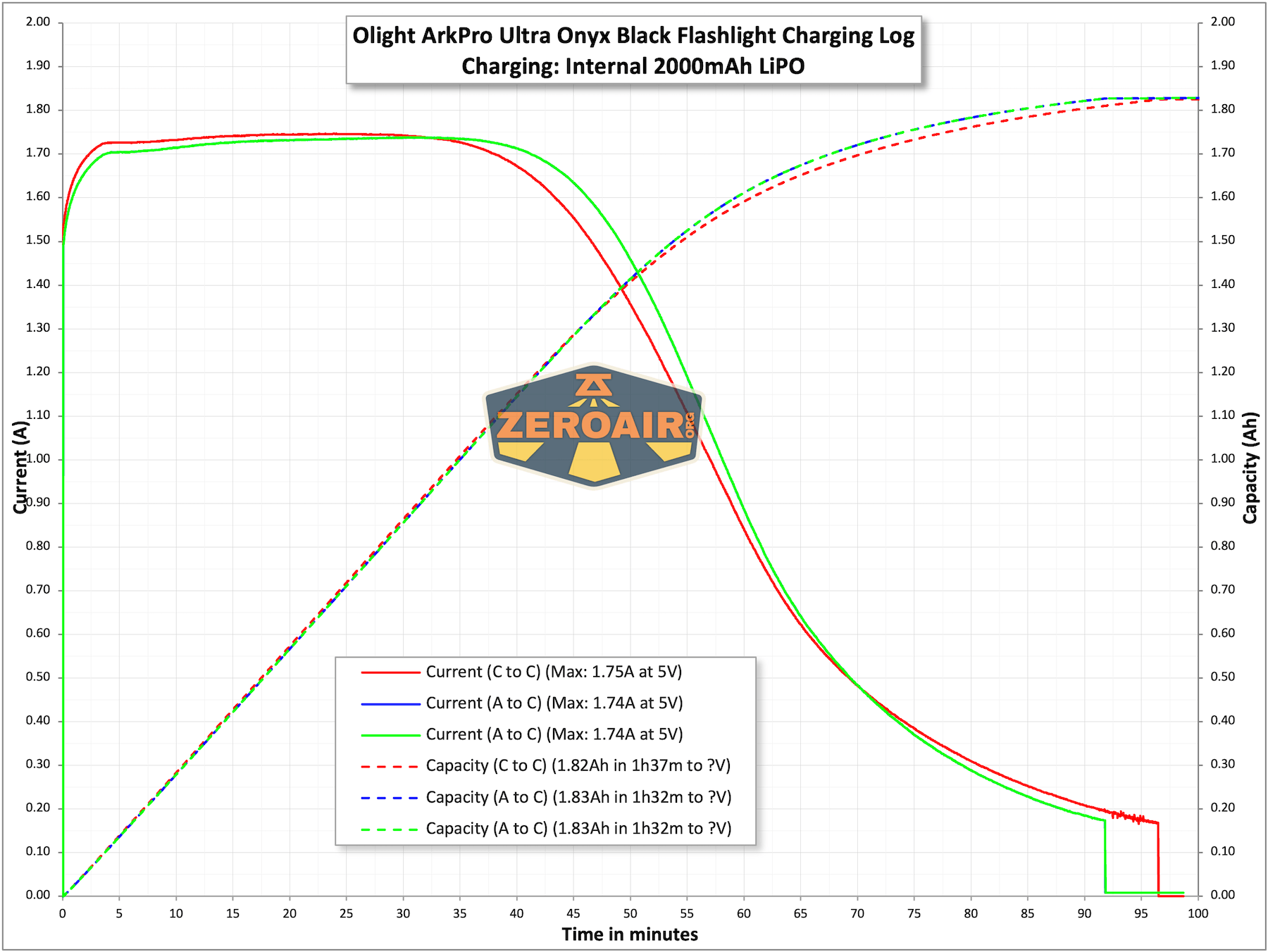
Below are tests charging via USB-C from both C and A supplies.
Modes
| Mode | Mode Claimed Output (lm) | Claimed Runtime | Measured Lumens |
|---|---|---|---|
| Turbo – Flood | 1700-520 | 3m+140m | 1303 (0s) 1212 (30s) |
| High – Flood | 520-100 | 155m+10m | 396 |
| Med – Flood | 100 | 13h | 82 |
| Low – Flood | 15 | 72h | 13 |
| Moonlight – Flood | 1 | 14d | 1.2 |
| Turbo – Spot | 800-400 | 4m+130m | 679 |
| High – Spot | 400-100 | 125m+10m | 339 |
| Med – Spot | 100 | 10h | 86 |
| Low – Spot | 15 | 66h | 13 |
| Moonlight – Spot | 1 | 14d | 1.2 |
Pulse Width Modulation
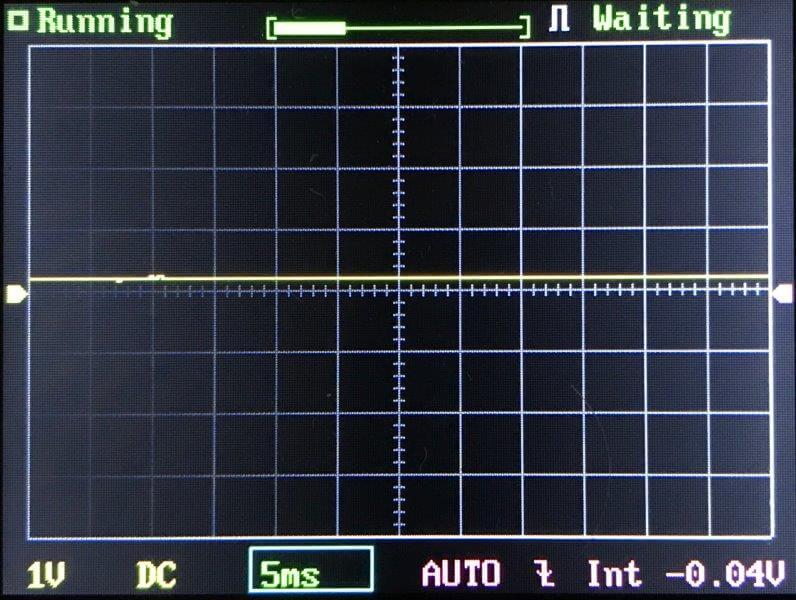
Nothing really to mention here. None of the modes seems to be using PWM. The second-lowest mode for both does have a bit of SMS ripple, but it’s not PWM.
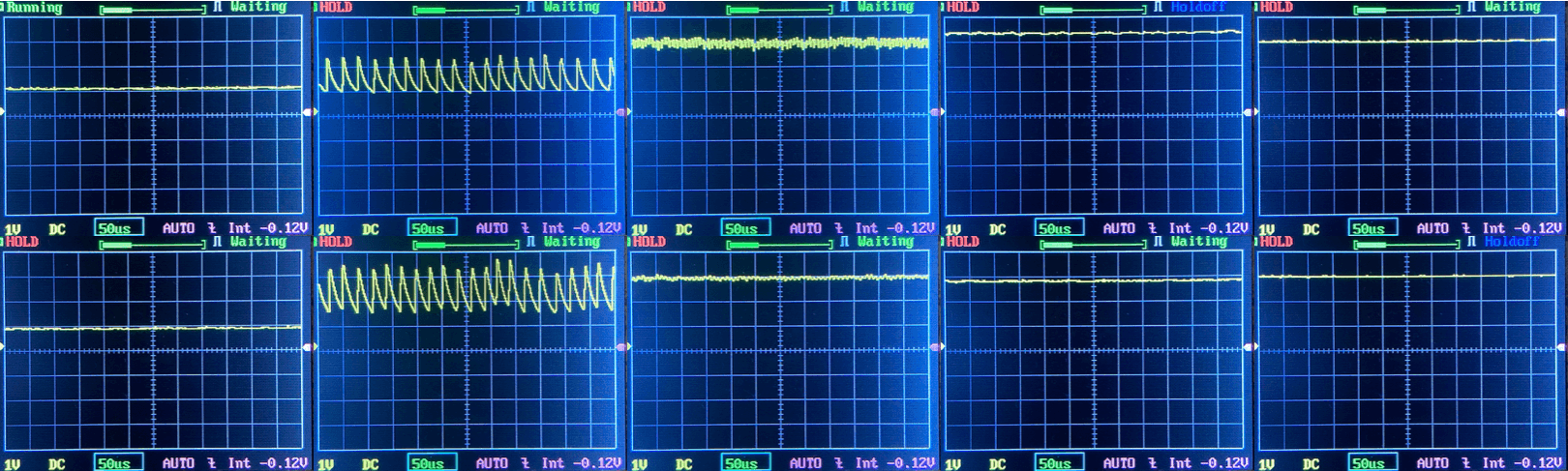
Click here to see a “baseline” – a chart with almost no light hitting the sensor.
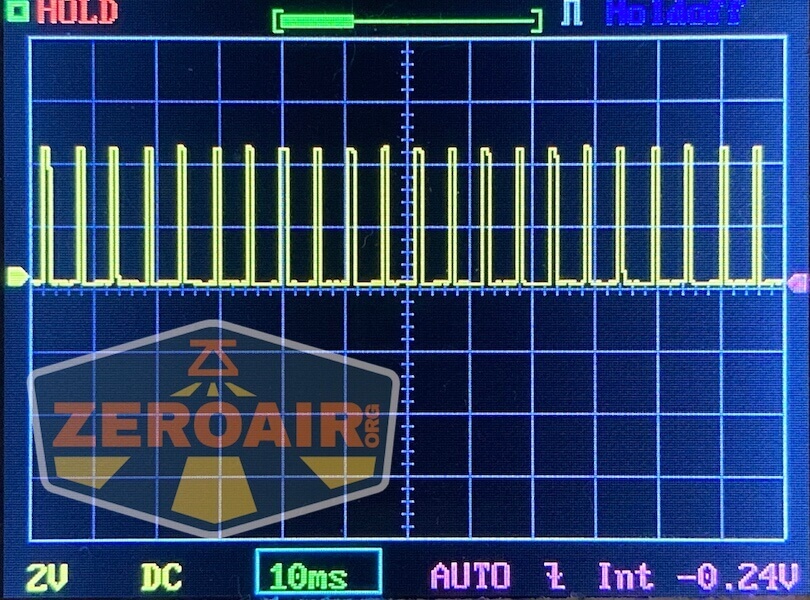
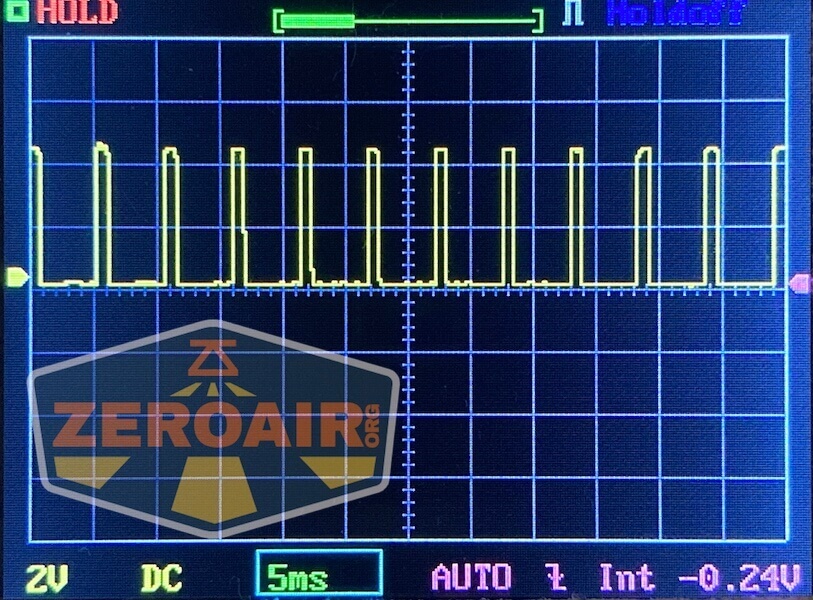
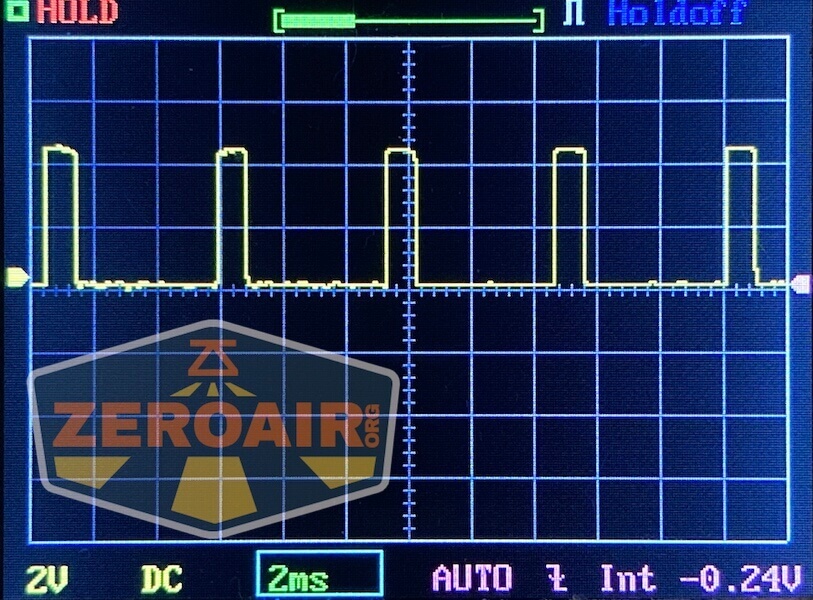
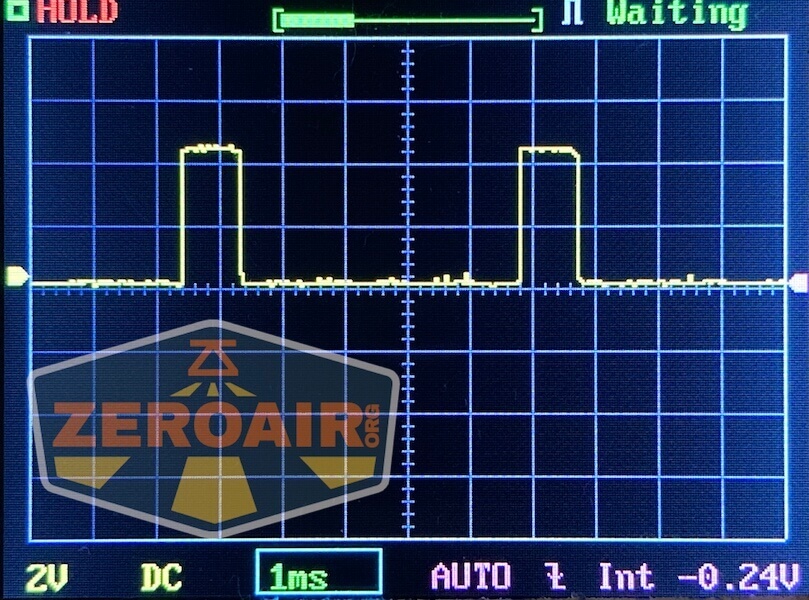
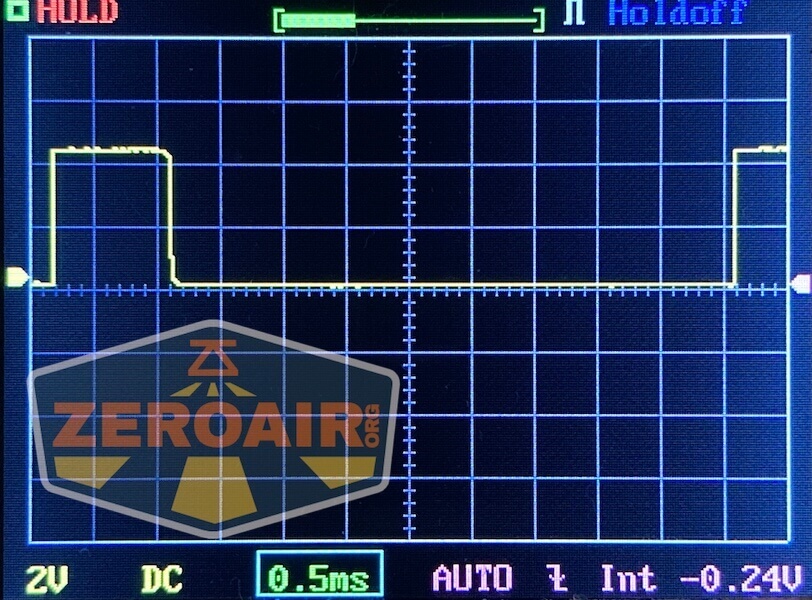
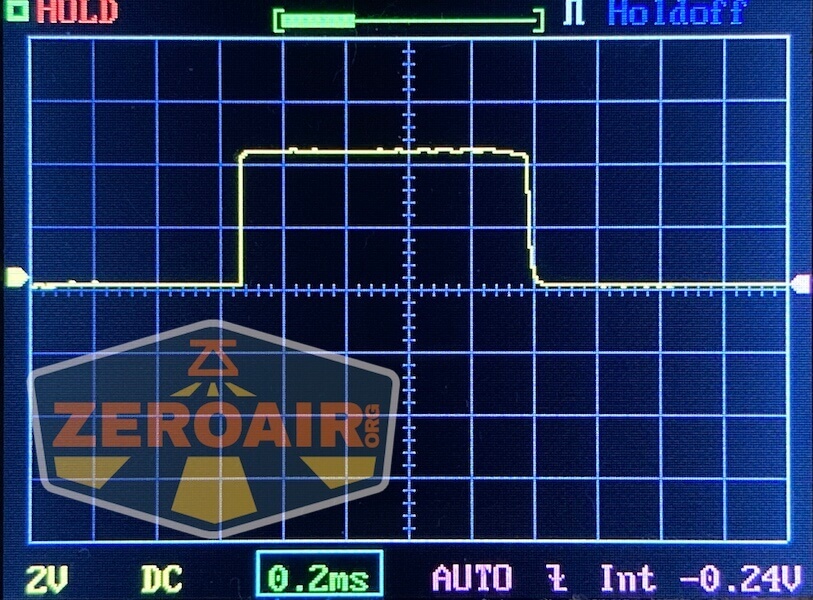
Then there’s the Ultrafire WF-602C flashlight, which has some of the worst PWM I’ve seen. It’s so bad that I used a post about it to explain PWM! Here are multiple timescales (10ms, 5ms, 2ms, 1ms, 0.5ms, 0.2ms) to make comparing this “worst” PWM light to the test light easier. That post also explains why I didn’t test the WF-602C at the usual 50us scale.
User Interface and Operation
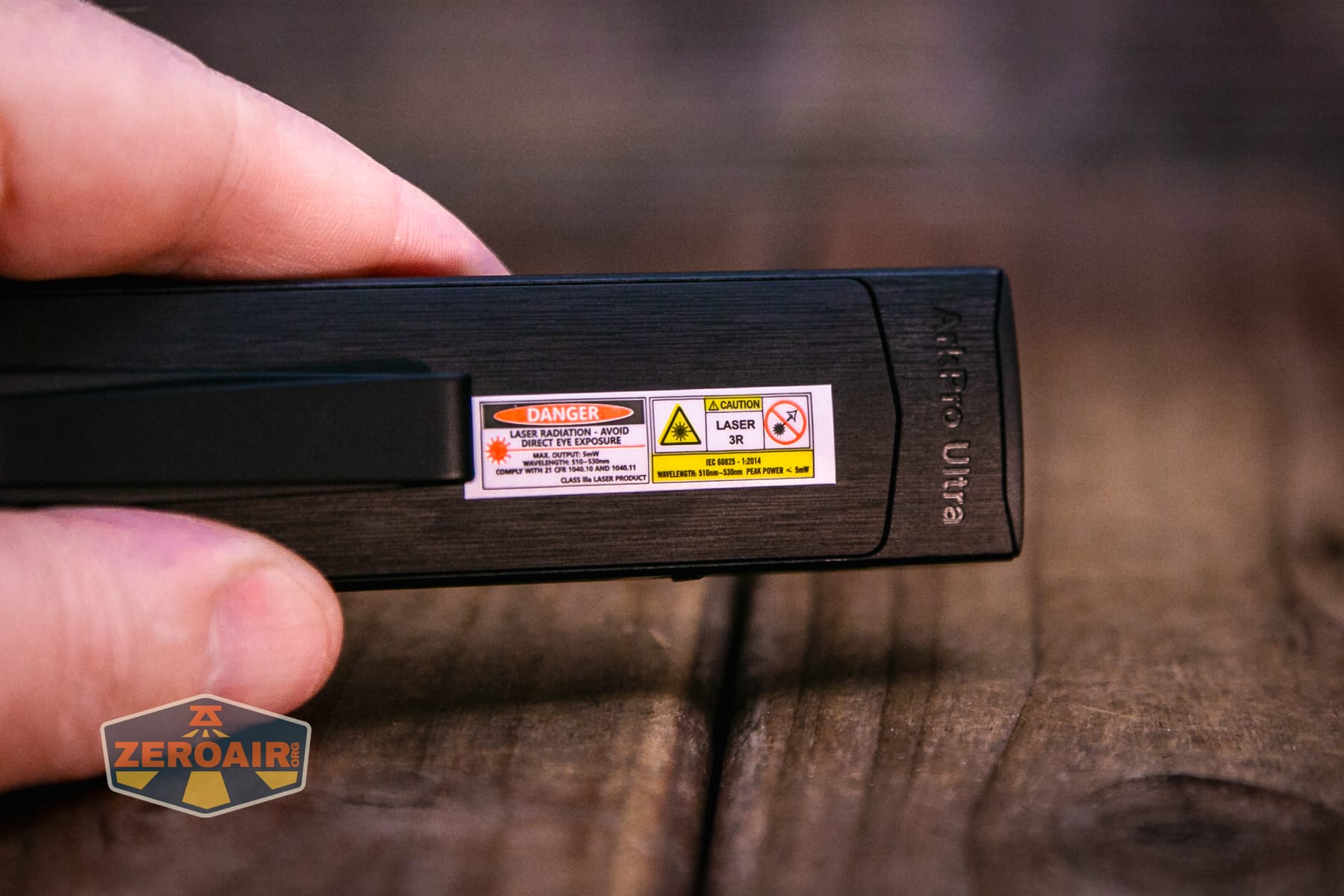
The Olight ArkPro Ultra Onyx Black flashlight has two switches! That may be a first for the Ark series. Surrounding that e-switch is a selector knob of sorts, which points to either white LED output, ultraviolet, or laser output. Functionally, this is exactly the same as the Arkfeld Pro and Arkfeld Ultra.
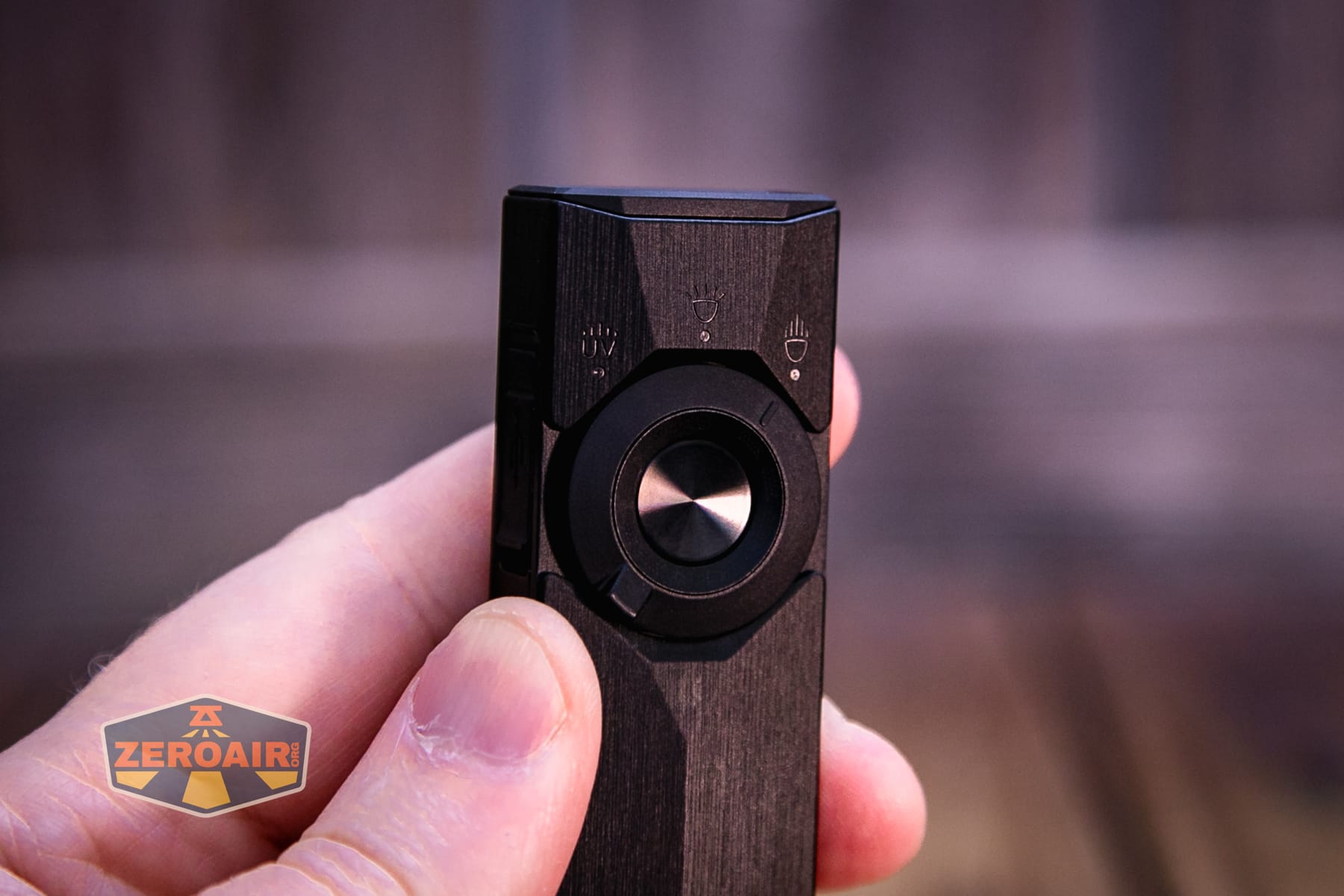
One big and fantastic update is the indicators (pictured below). They’re in a ring between the rotary and the e-switch. The left side indicates the output level, while the green right side indicates the charge status. Not pictured, but there’s a little illuminated lock icon when the light is put in lockout mode, too! That’s at the top.
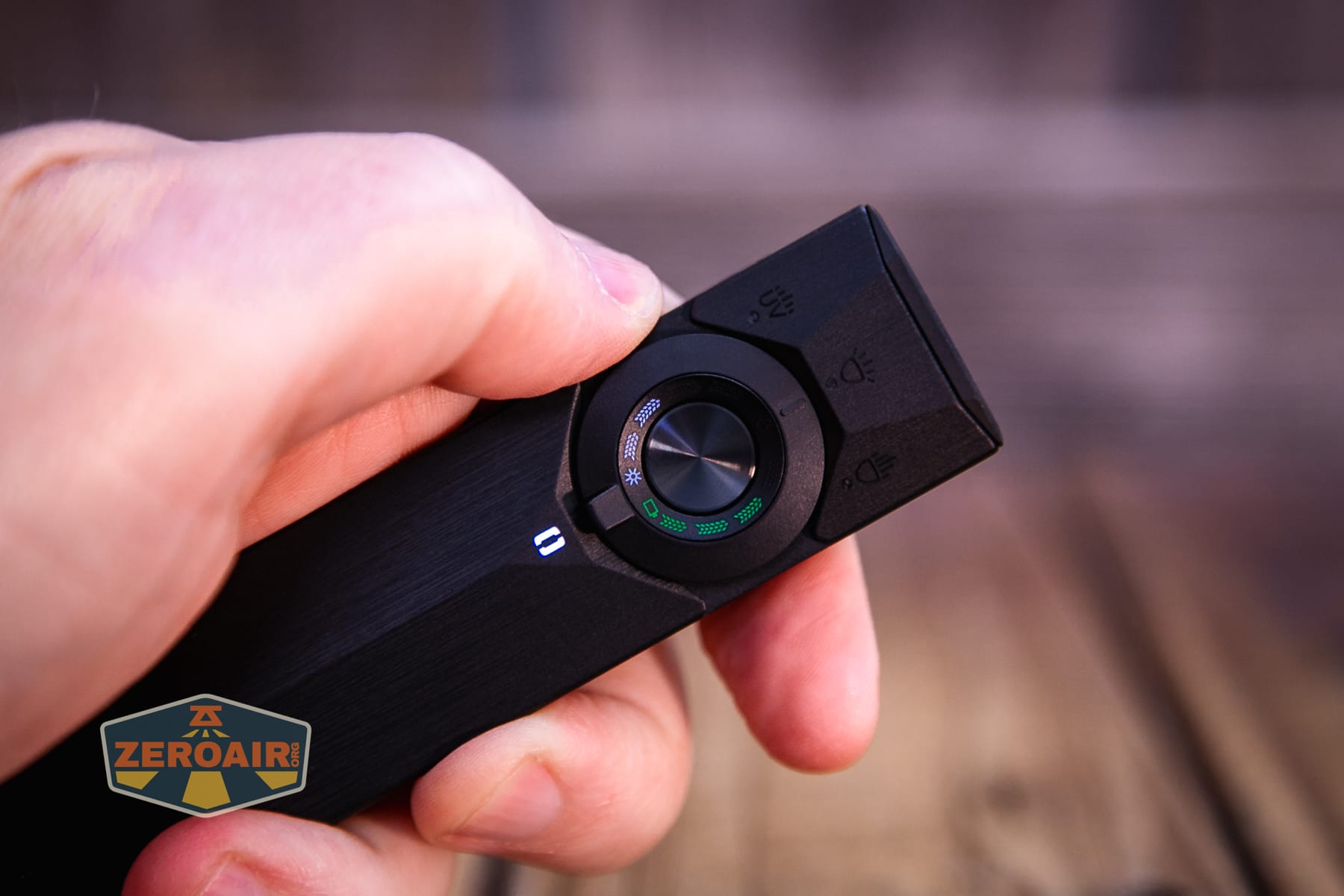
One of the (maybe the biggest) differences in the Olight ArkPro Ultra Onyx Black flashlight and Lite or non-Ultra flashlight is that it has a kitchsy little thing called “ArkBeat.” To quote: “The AkrBeat color changes based on how long you’ve used the ArkPro Ultra, following the sequence above” (see manual). “After completing a full cycle, it resets to white. From there, you can choose any of the 7 colors.” I am not sure how practical this is, but it’s a neat little thing.
I did unlock all the colors on my Olive green version, but I’m still working on unlocking this Onyx Black!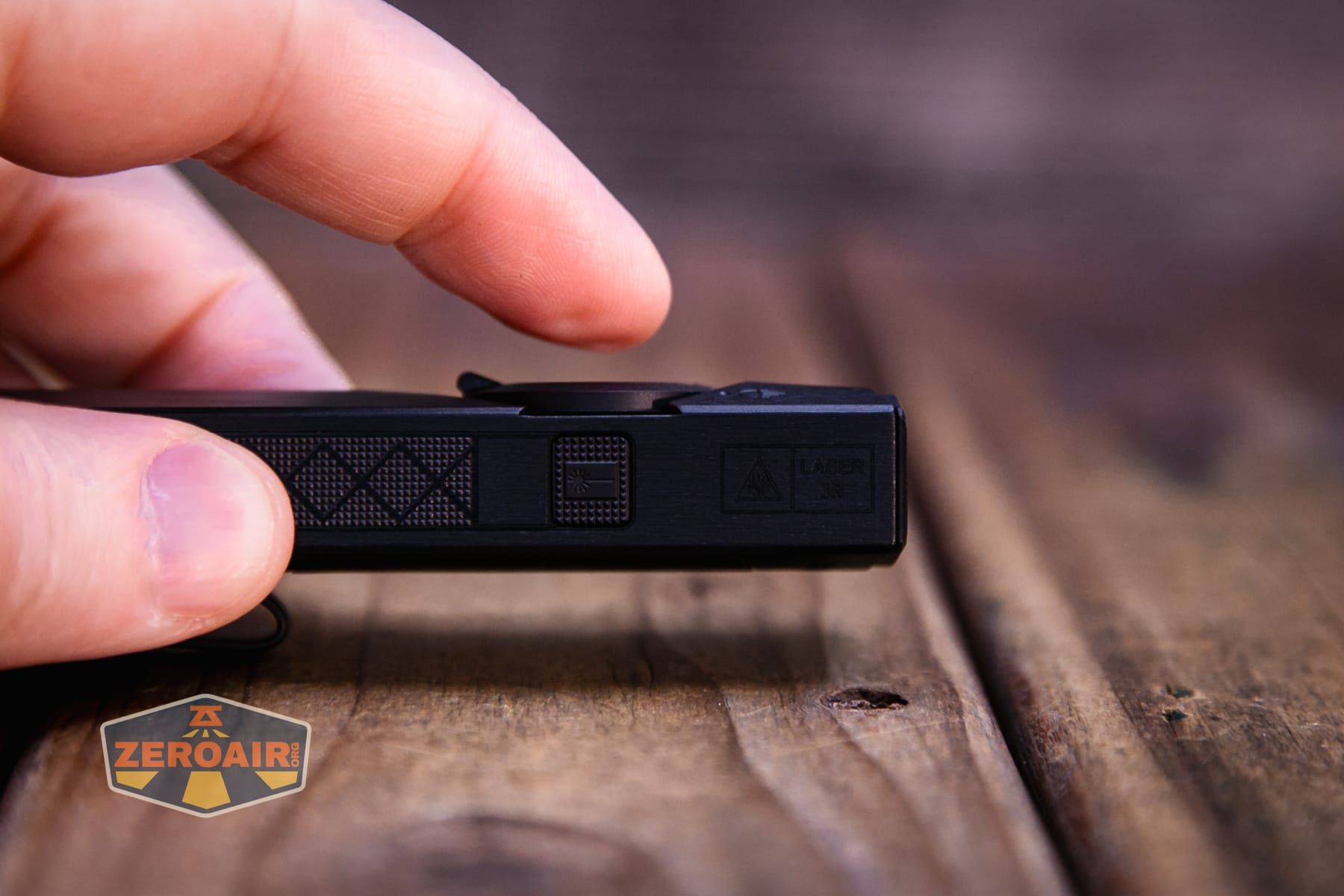
They say the LED e-switch is great for thumb use, and I am inclined to agree. There’s a nicely sized pad area for my thumb to rest. The concave around the rotary helps with this, too.
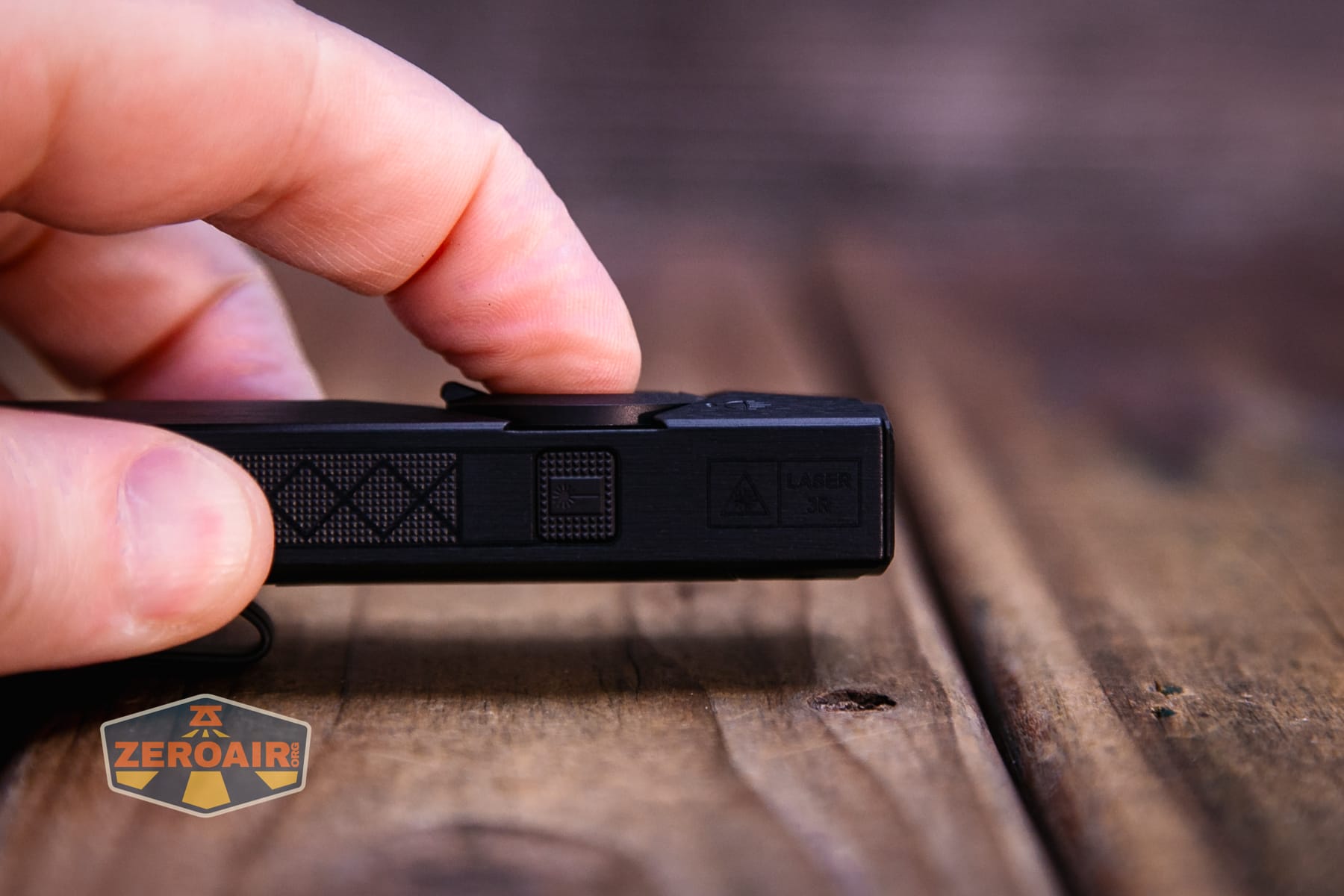
The second e-switch is this one on the side. It operates (only) the laser.
This only applies when the selector is in either LED position. The user interface is the same for flood and spot LEDs. The user interface is really the same for UV and laser, too; it’s just with a separate button.
| State | Action | Result |
|---|---|---|
| Off | Click | On (mode memory)^ |
| On | Hold (release at desired mode) | Mode cycle (L, M, H) (no Moon or Turbo) |
| Off | Hold | Moonlight |
| Any | Double click | Turbo |
| Any | Triple click | Strobe |
| Strobe | Click | Off |
| Strobe | Hold | Previous Mode (or Moonlight, if strobe from off) |
| Off | Long hold (past Moonlight) | Lockout (indicated by a lock icon near the battery indicator)^ |
| Lockout | Hold | Unlock to Moonlight |
| On | Click then Click and Hold (quickly)^^ | Timer (Single blink: 3 minutes, Double blink: 9 minutes) |
| Timer | Click then Click and Hold (quickly)^^ | Switch between 3- and 9-minute timers. |
| Any | Click the laser button | Laser on (doesn’t change LED state) |
| Laser on | Click the laser button | Laser off |
| Laser on | Turn LED(s) off | LEDs and laser off |
| UV selected – Off | Click | UV on low |
| UV on | Hold | Iterate between UV high and low |
| UV on | Click | Off |
| Laser off | Hold | Momentary laser (memory) |
| Laser on | Hold the laser button | Iterate between laser high and low |
^ Moon, Low, Medium, and High are memorized. Turbo is memorized as High.
^^ The manual doesn’t mention the timers as far as I can see.
LED and Beam
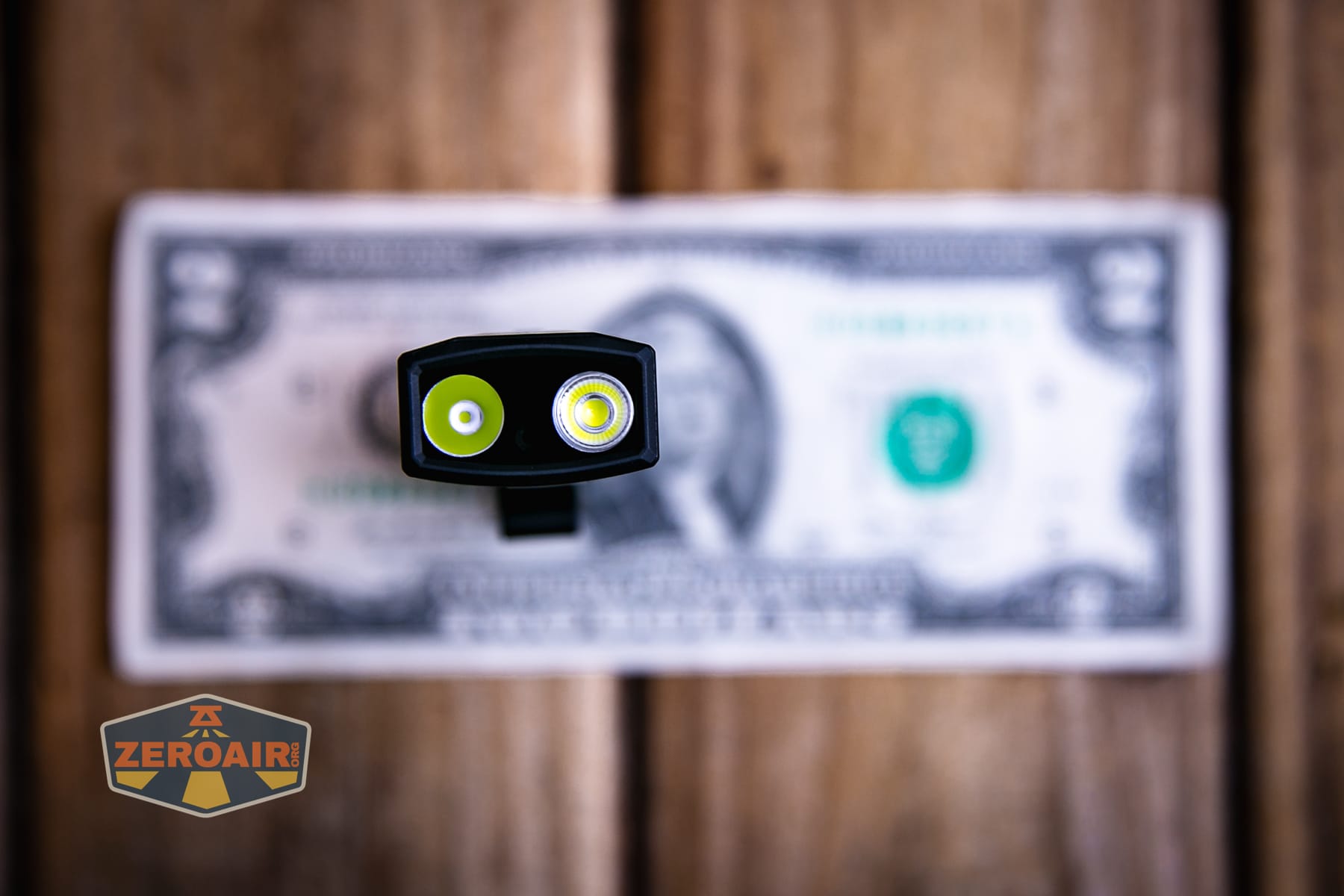
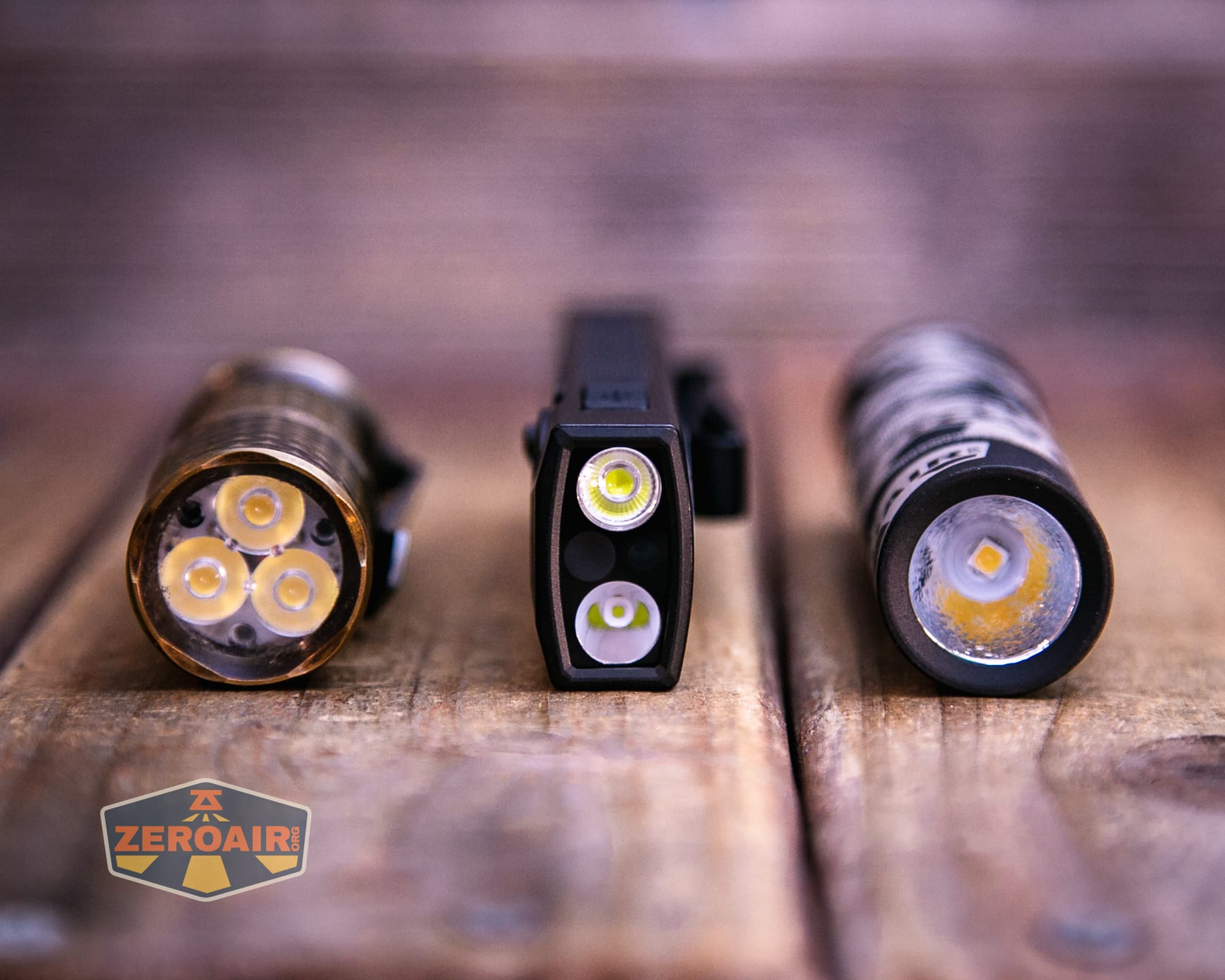
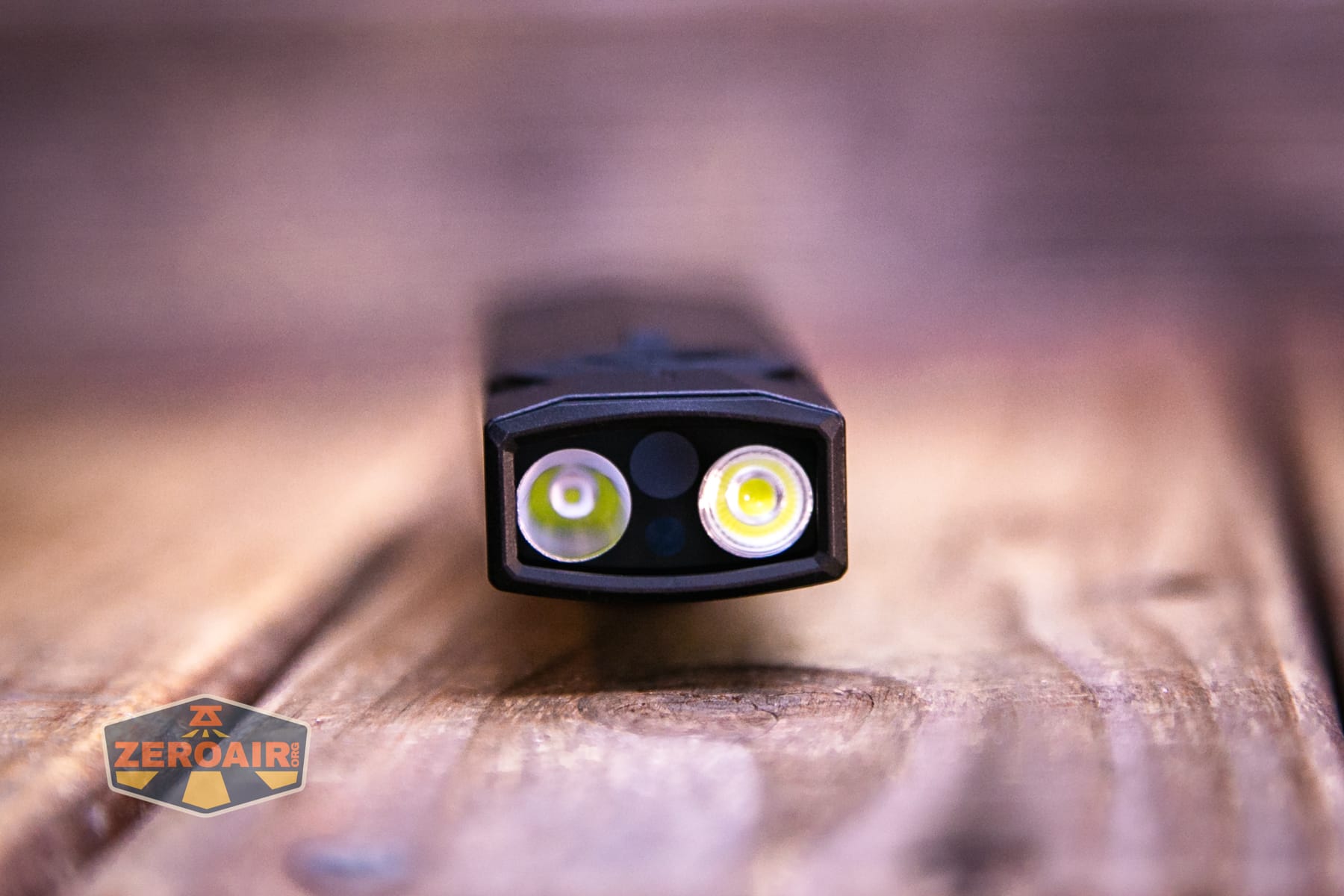
I was certain I’d seen somewhere that Olight designed these emitters themselves, but I can’t find that information now. I’m not totally sure it matters, since we can see the CRI and CCT in the next section. These emitters have the best type of optic for their purpose. The flood emitter has a shallow TIR, and the spot emitter (right, below) has a deep, smooth reflector.
LED Color Report (CRI and CCT)
The CCT for either emitter is cool white. Note that some body colors (black ArkPro (not Ultra!), at least) do offer neutral white as an option. The CRI is also low for both LEDs.
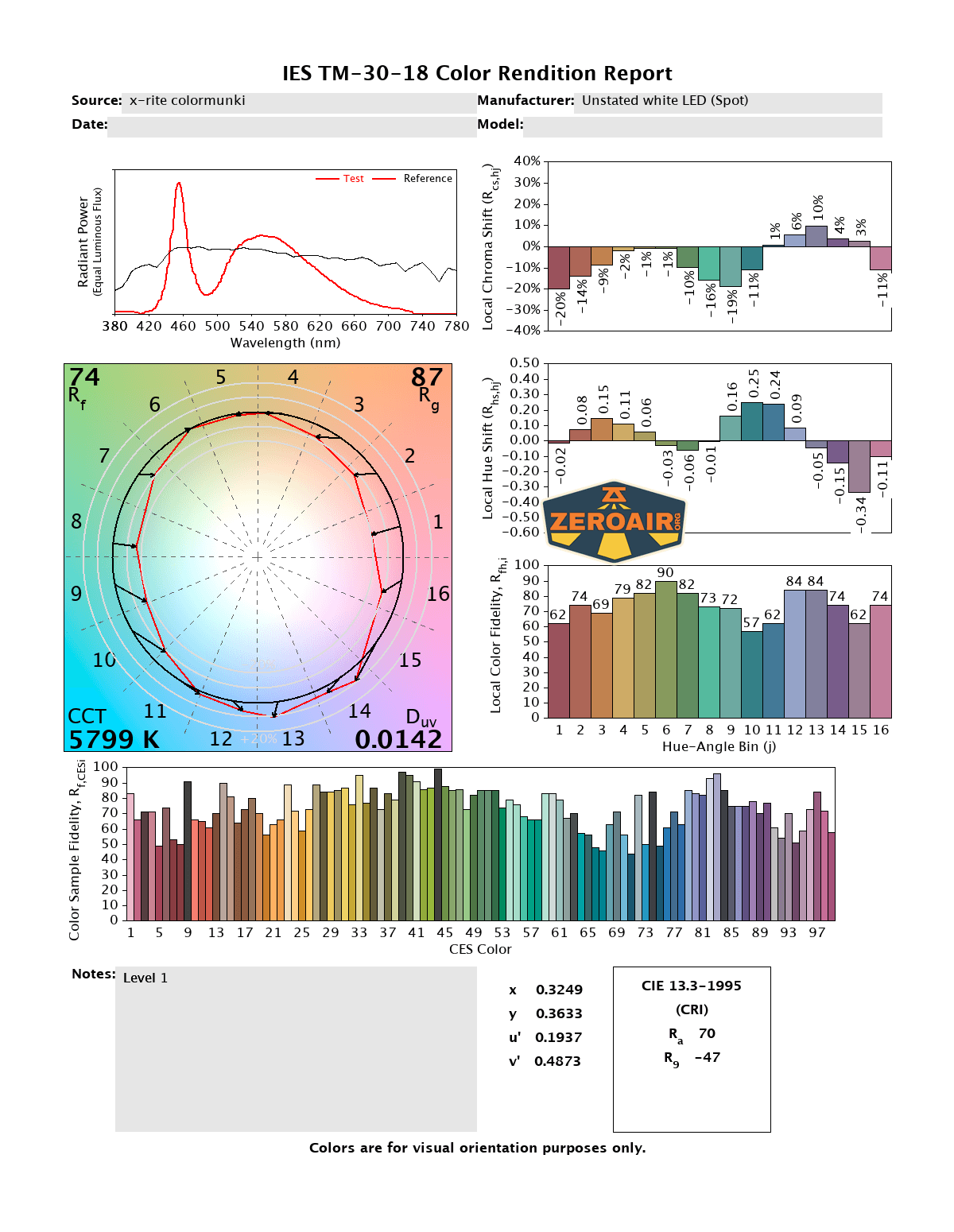
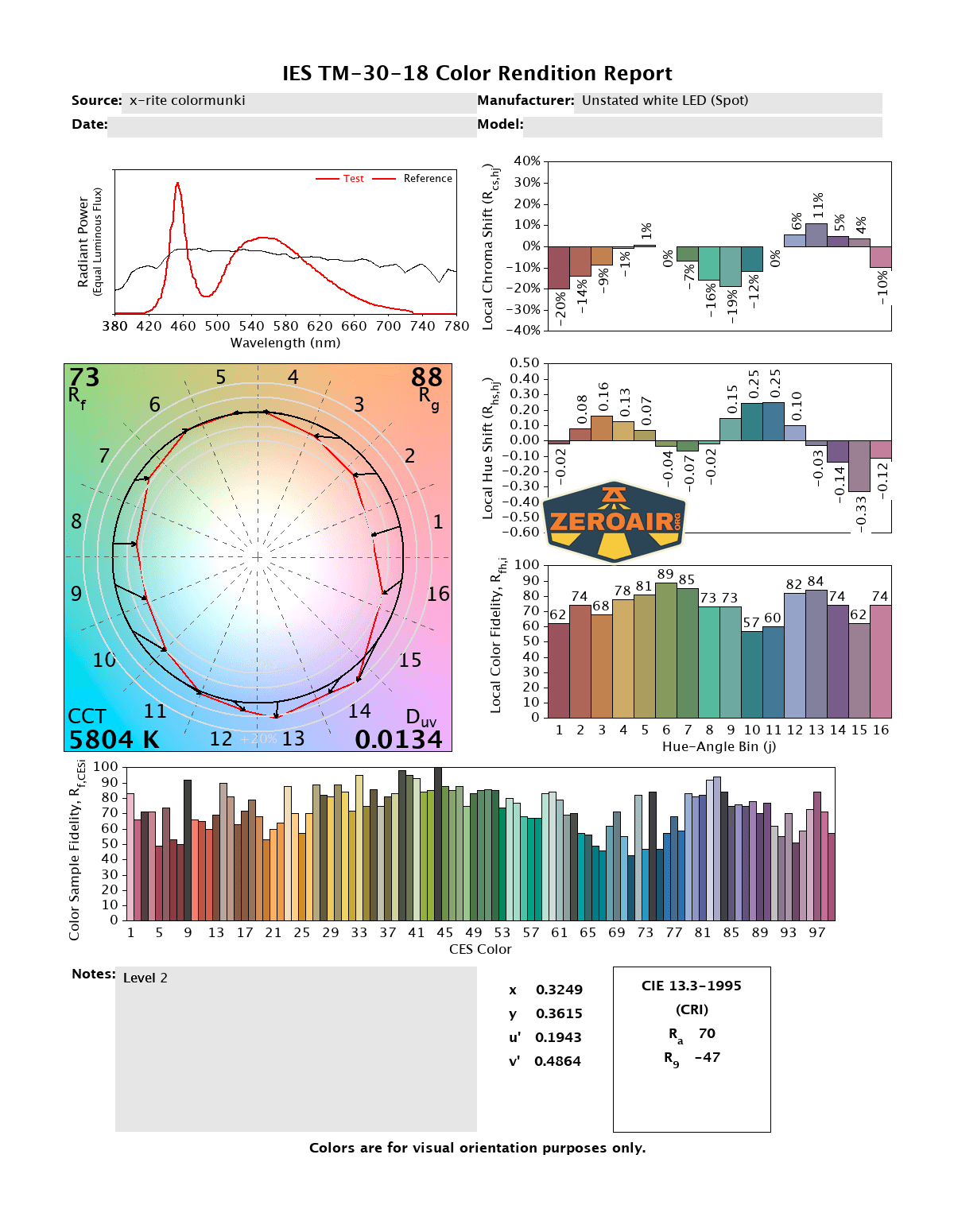
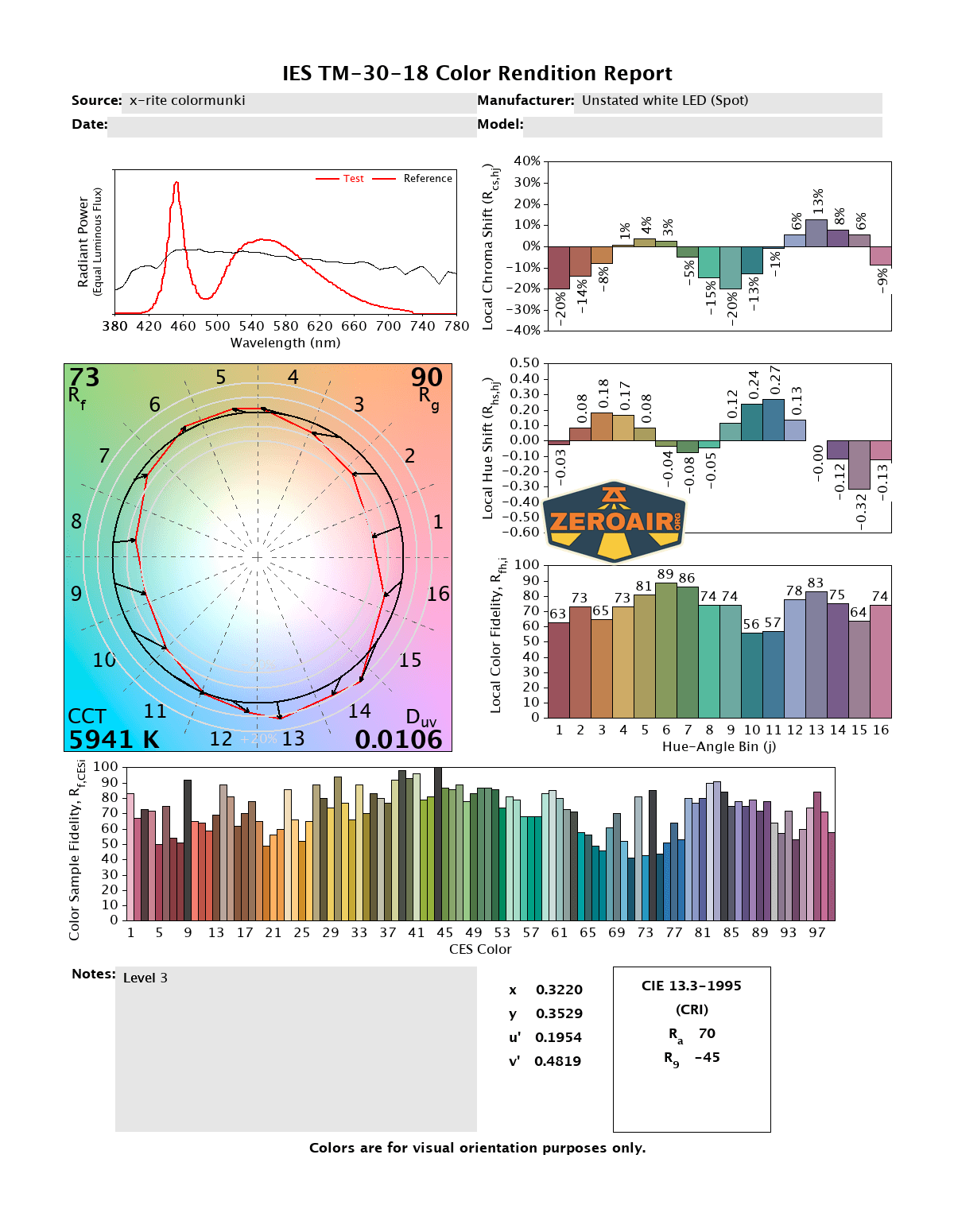
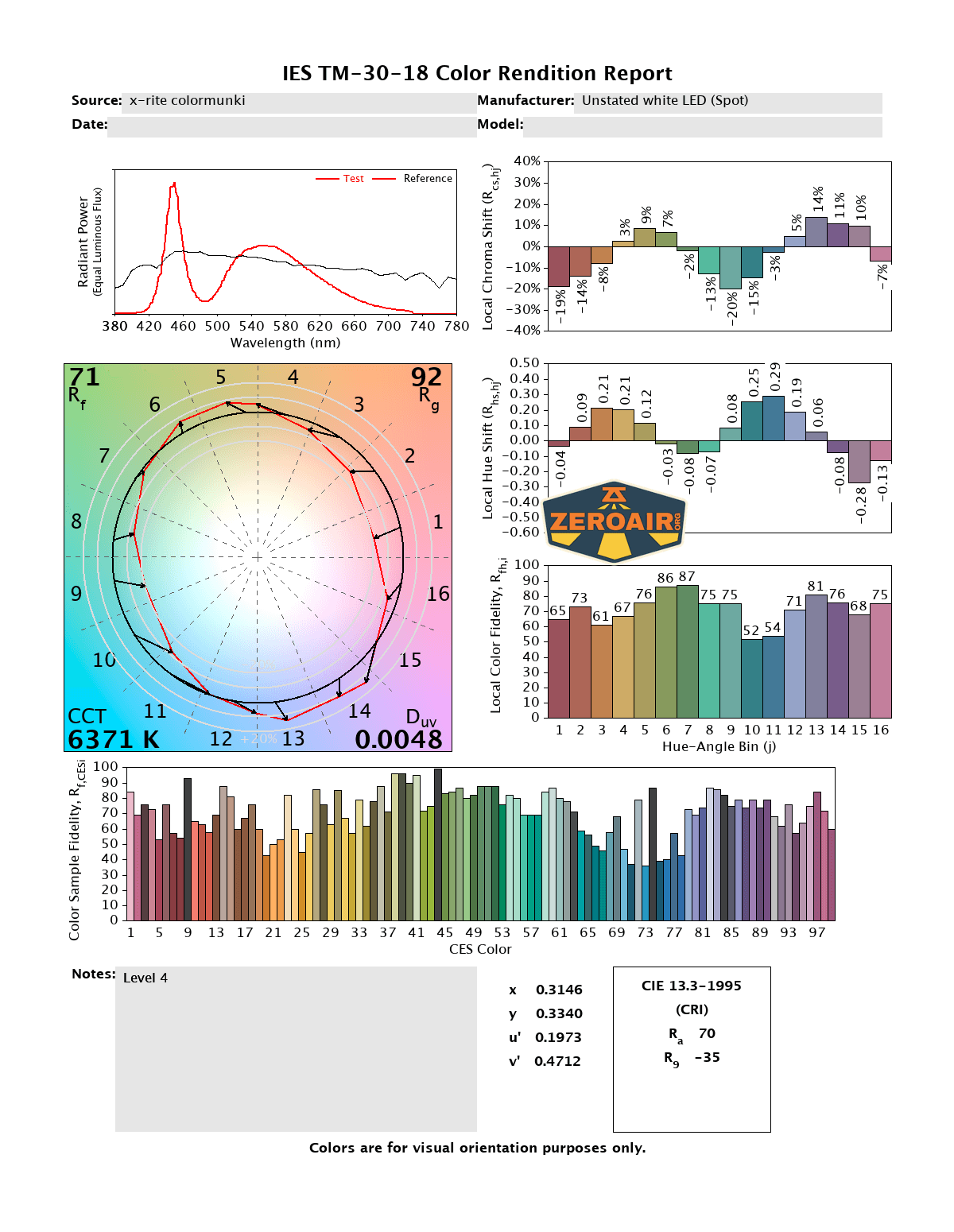
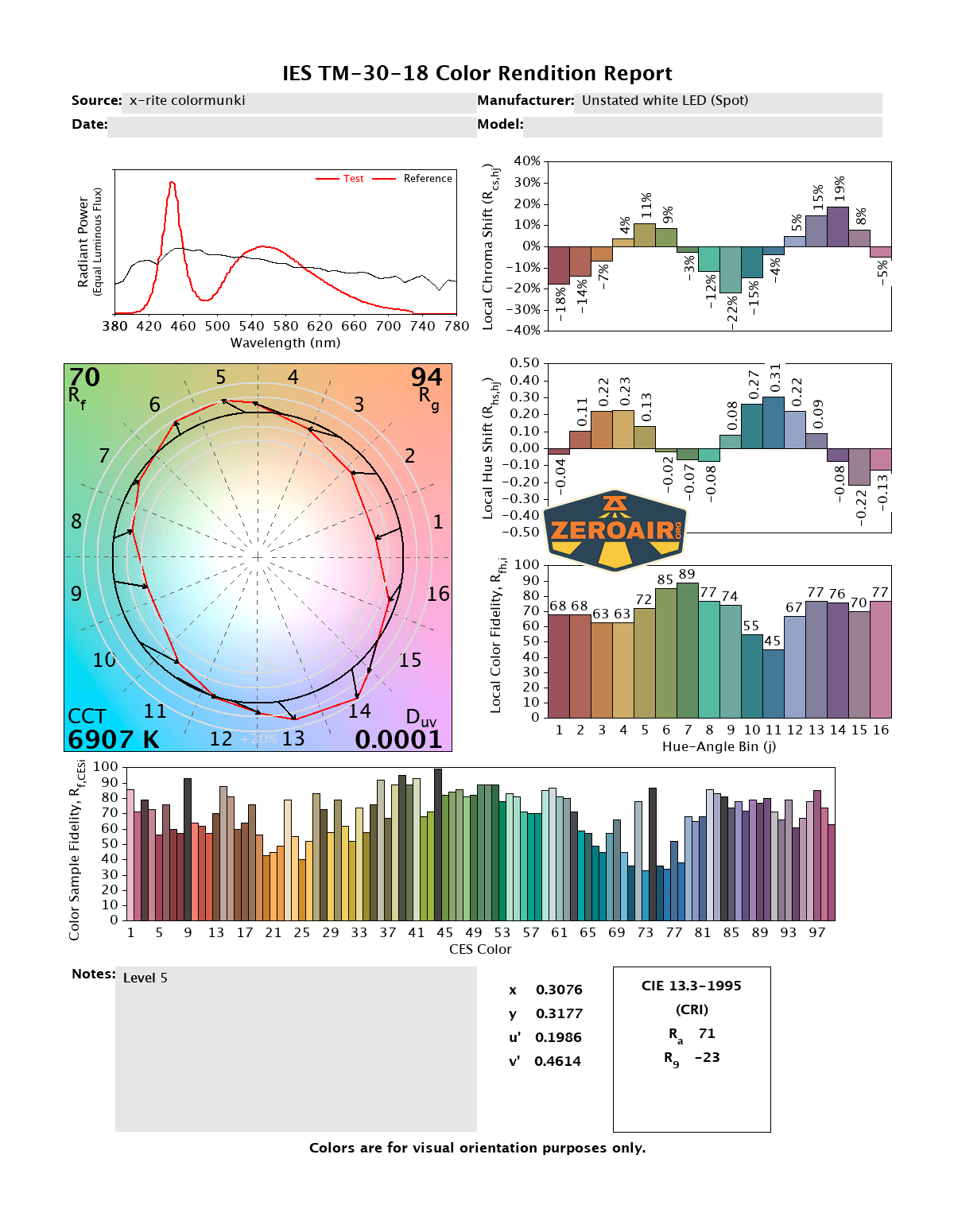
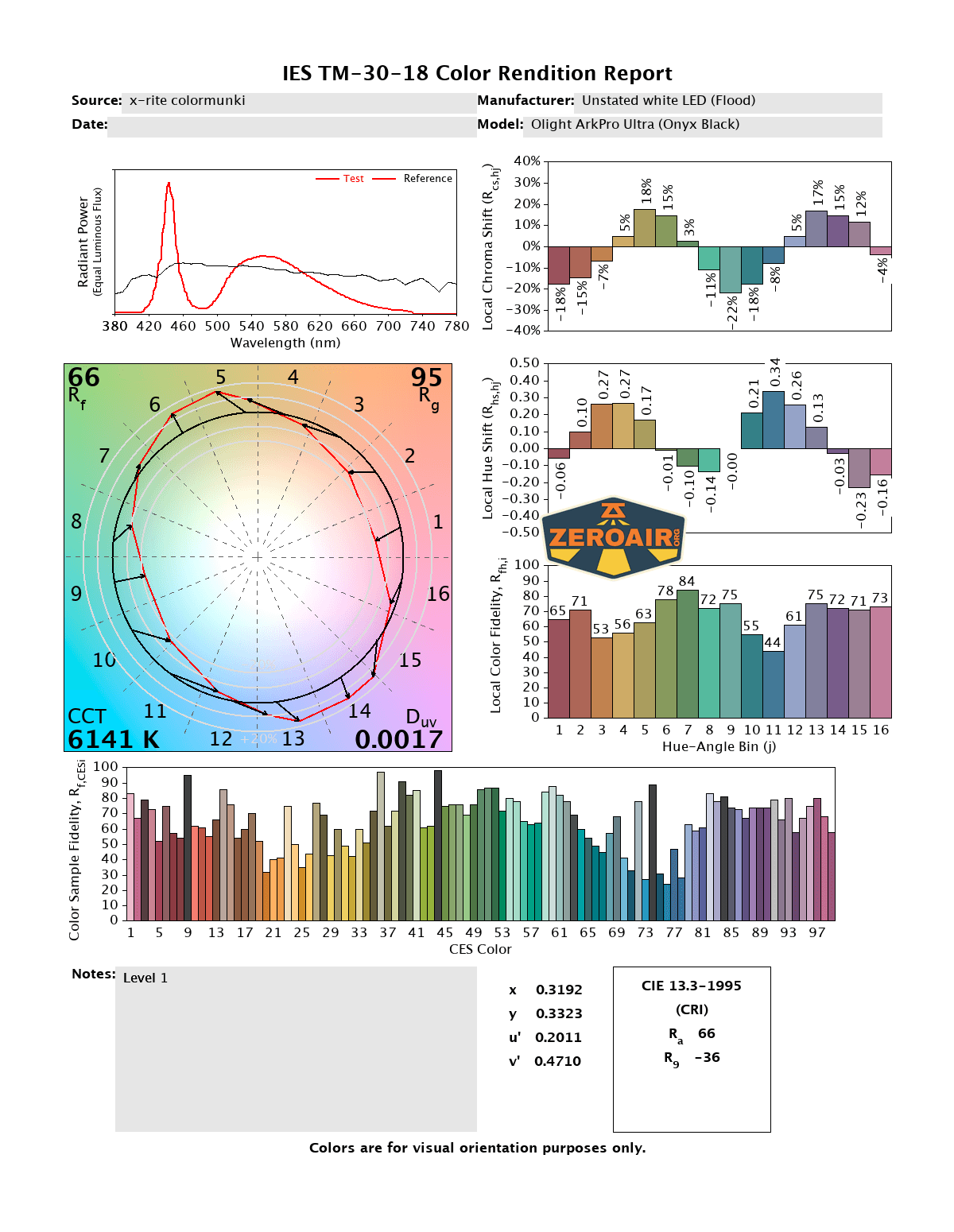
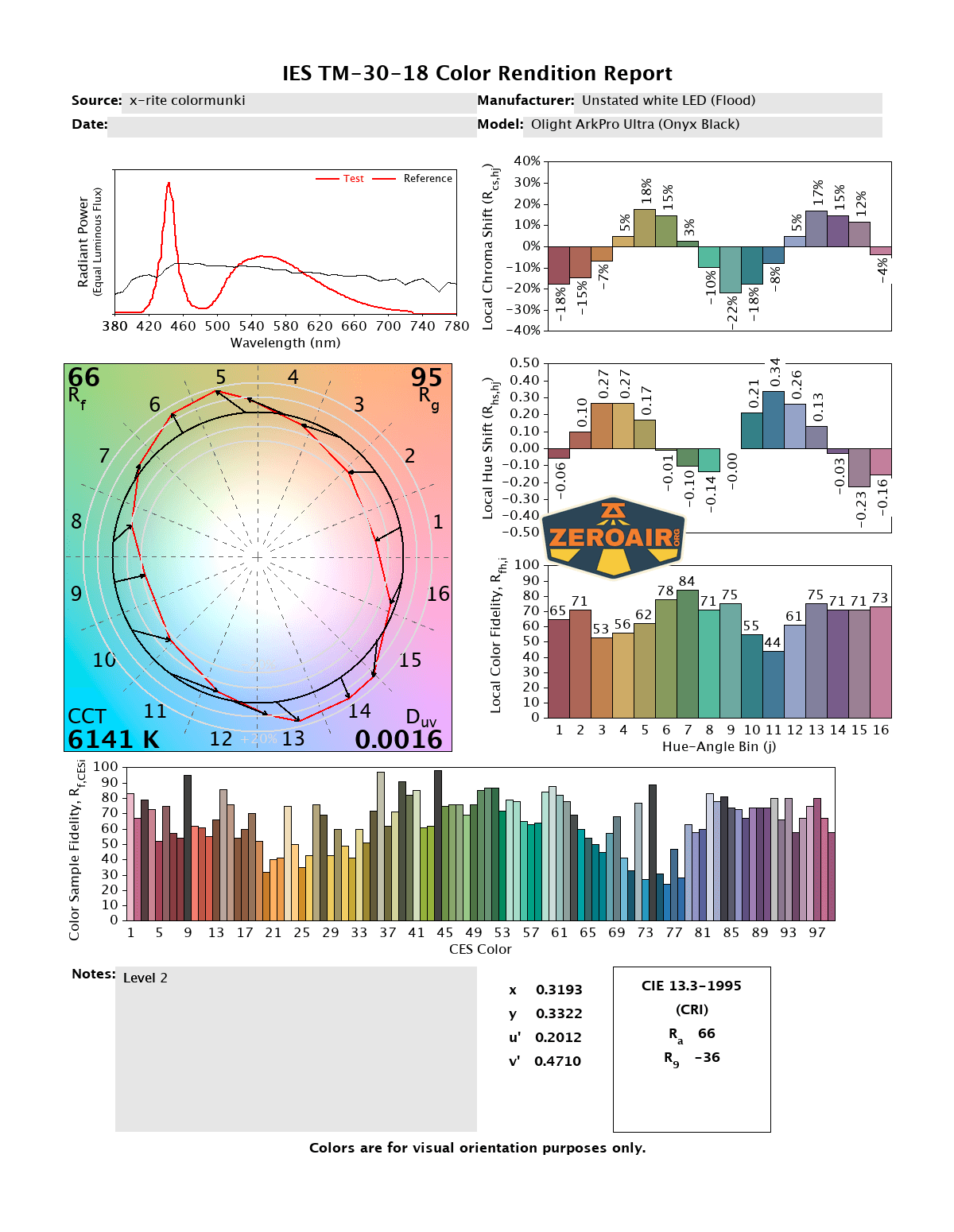
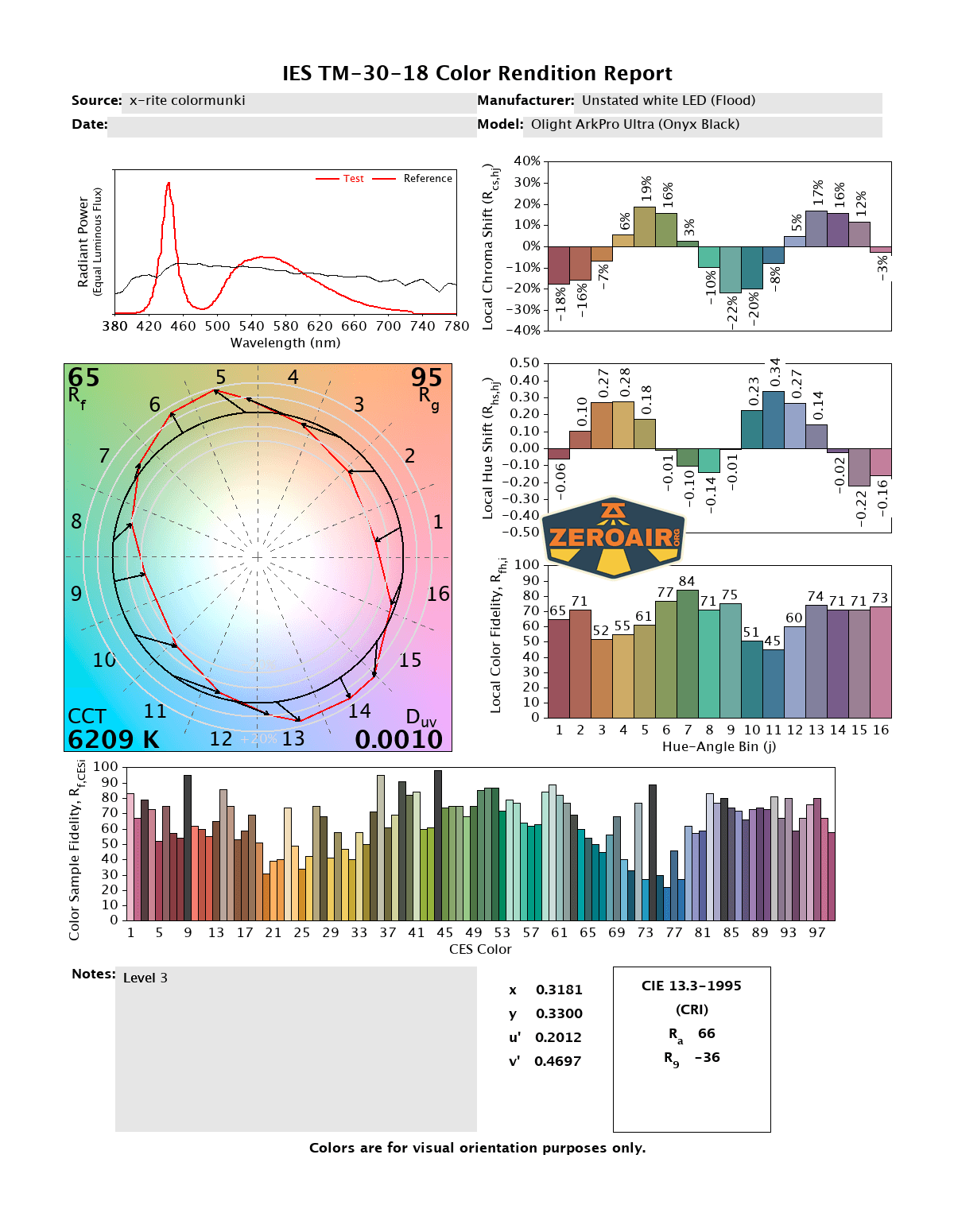
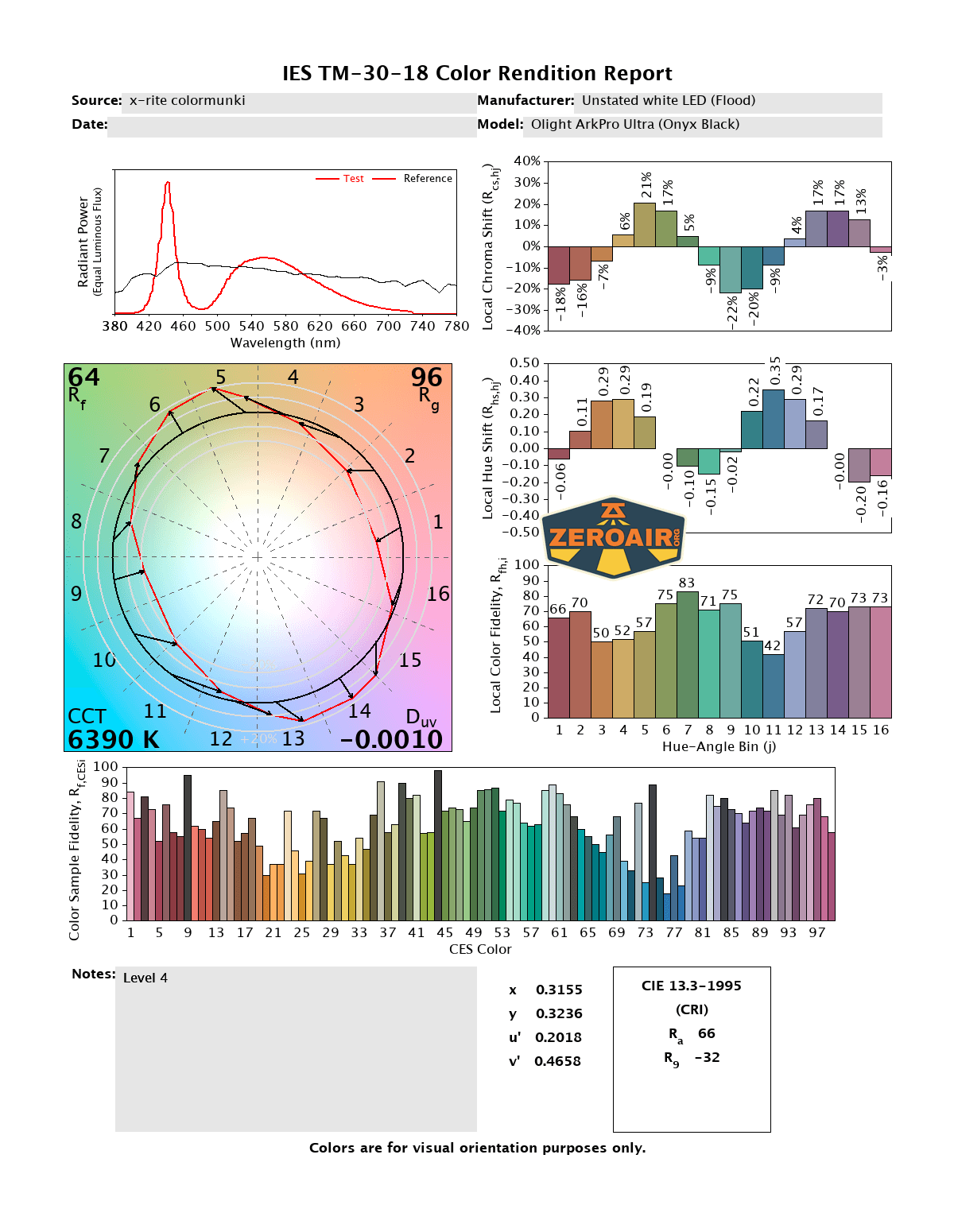
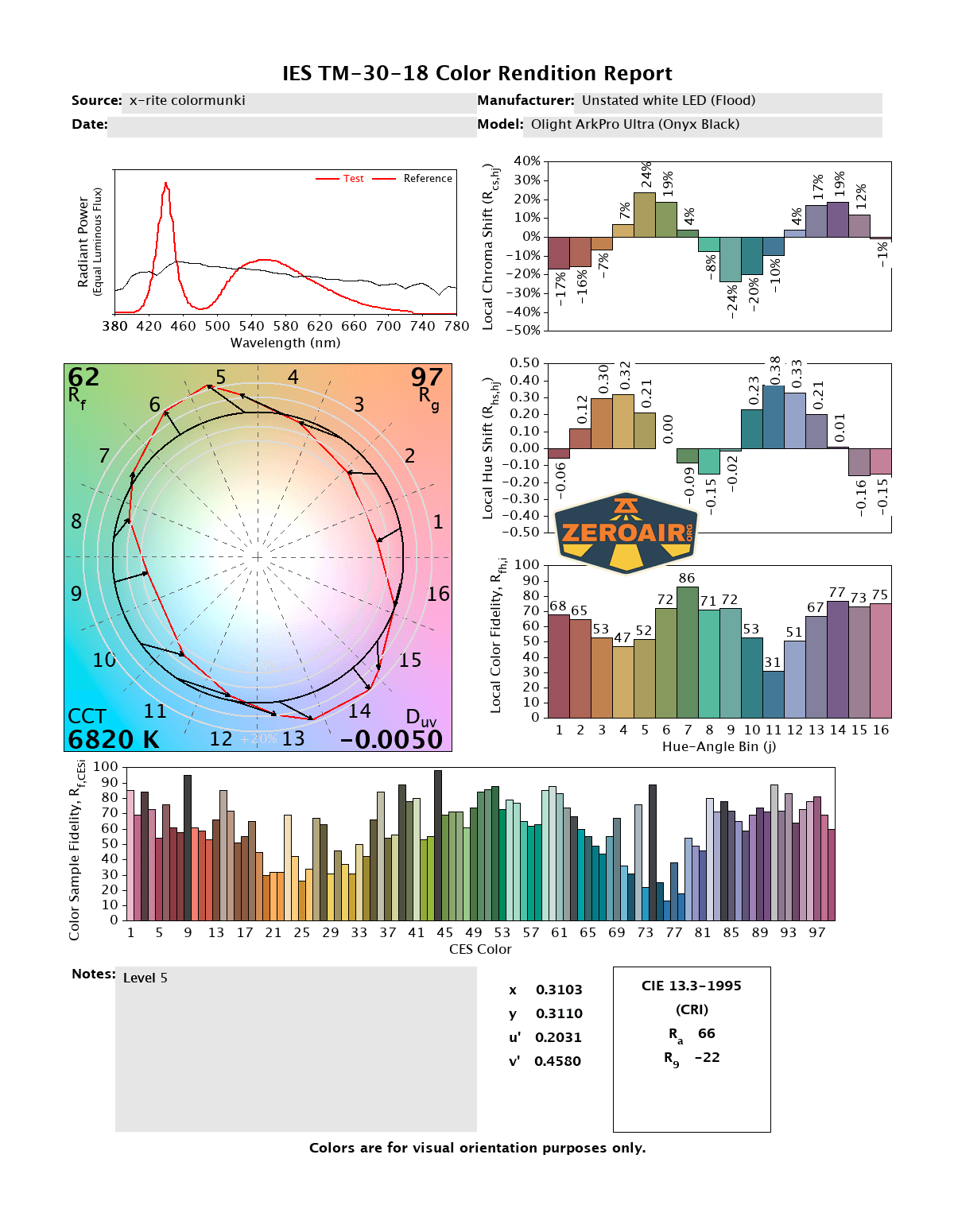
CCT (Correlated Color Temperature) refers to the measurement of the color appearance of light, expressed in Kelvins (K), which indicates whether the light is warm (yellowish) or cool (bluish). A lower CCT (below 3000K) is considered warm light, while a higher CCT (above 5000K) gives cooler, bluish light.
CRI (Color Rendering Index) is a measure of how accurately a light source renders colors in comparison to natural sunlight. Scored on a scale from 0 to 100, higher CRI values indicate that colors appear more true to life and vibrant, similar to how they would look under the sun.
Beamshots
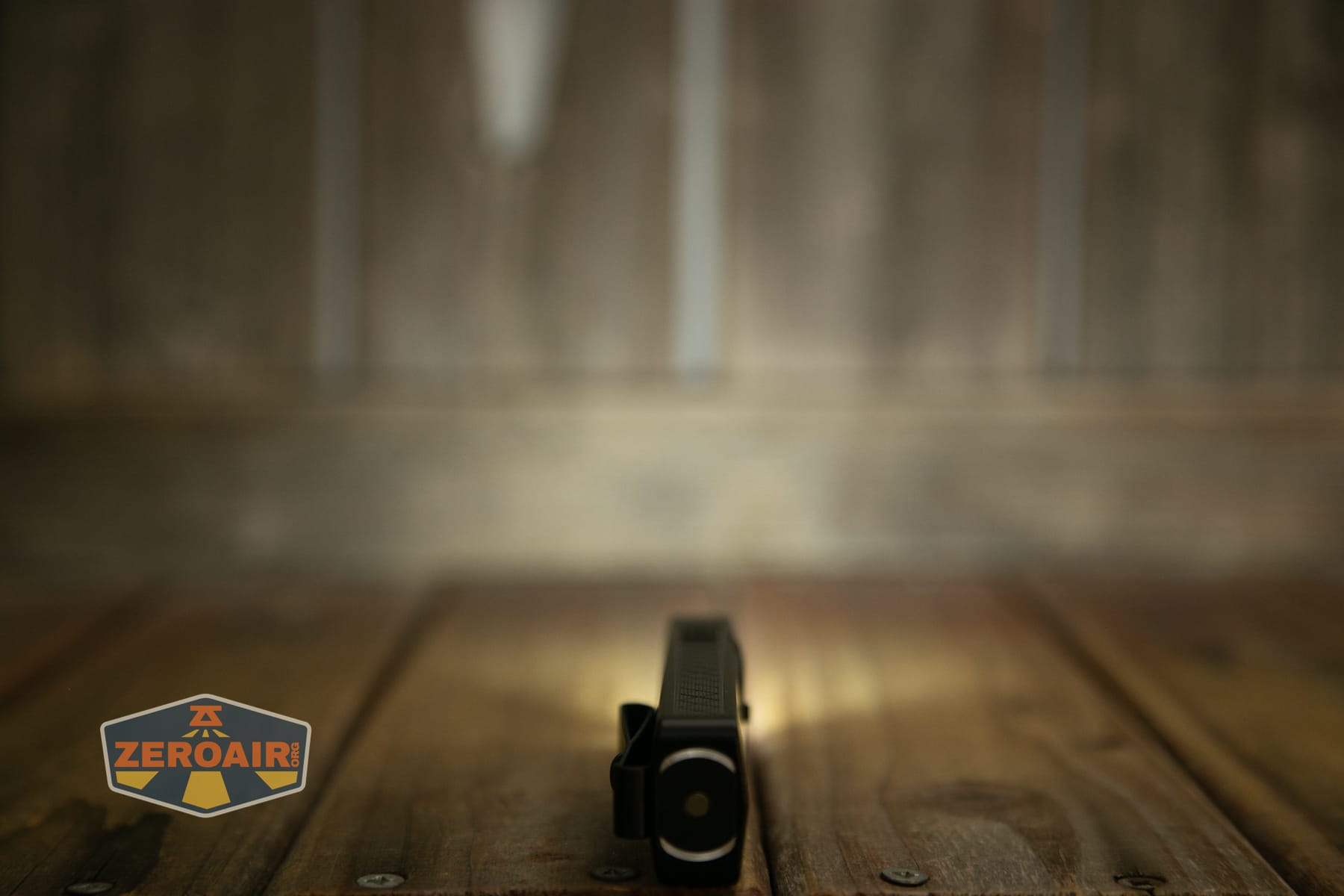
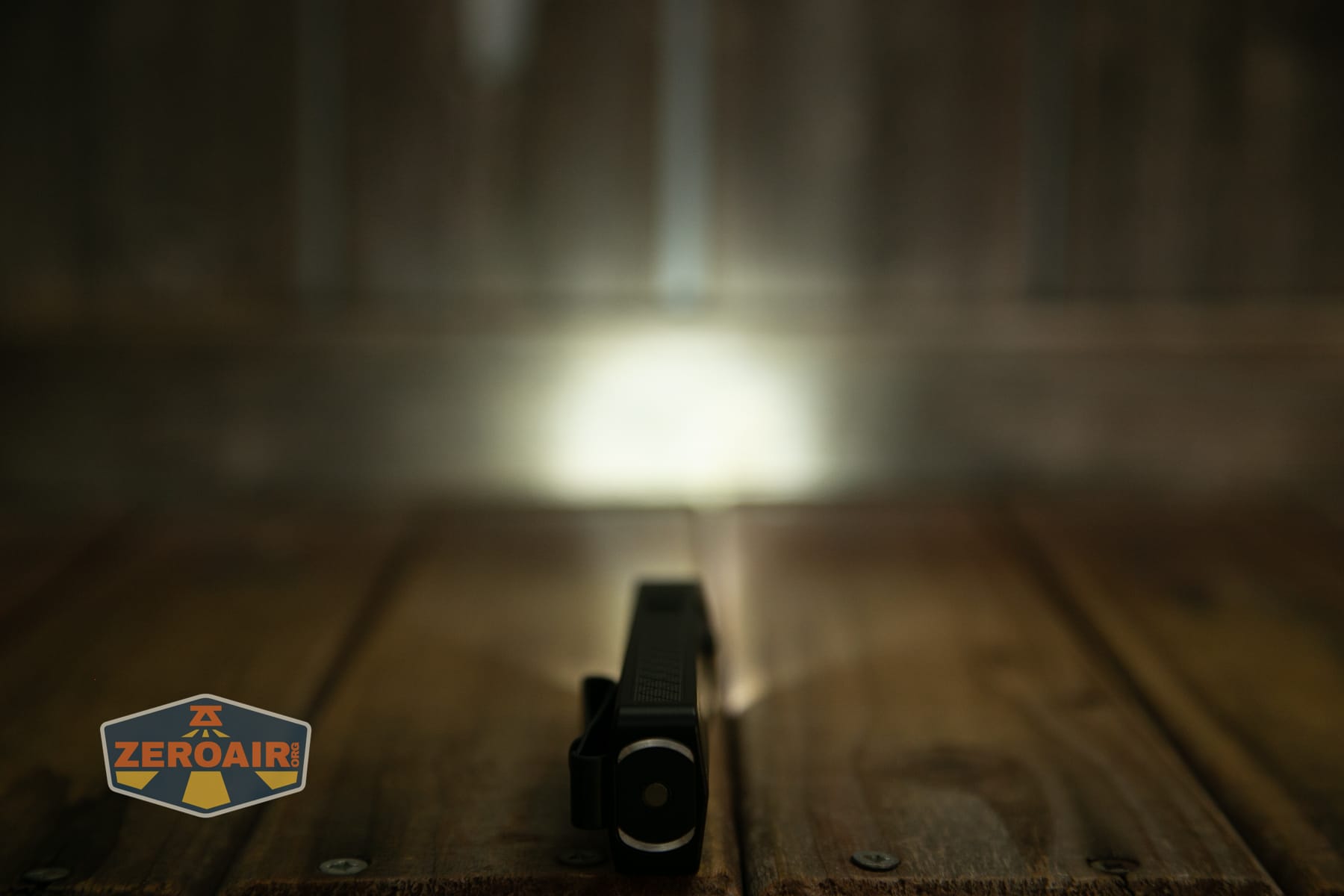
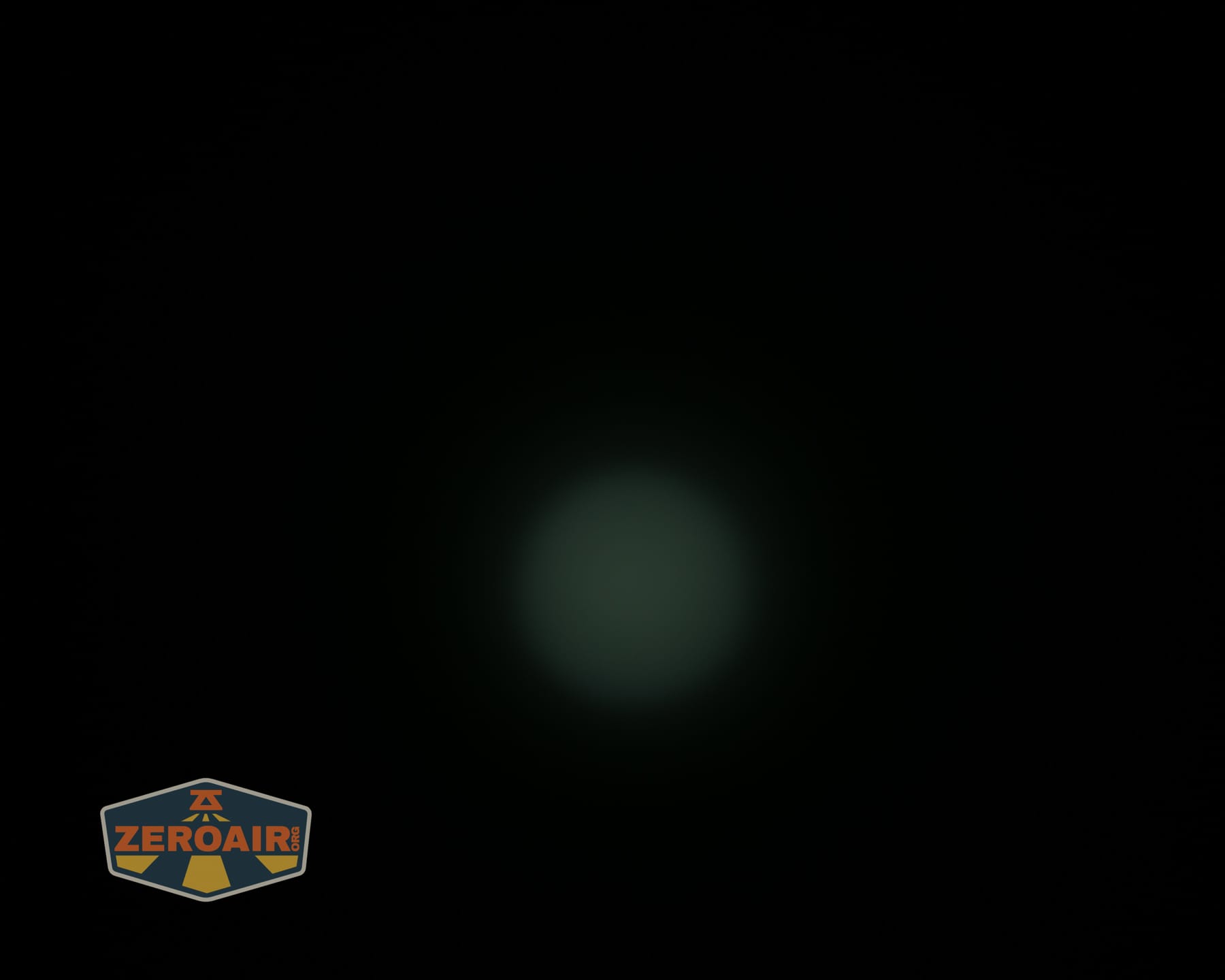
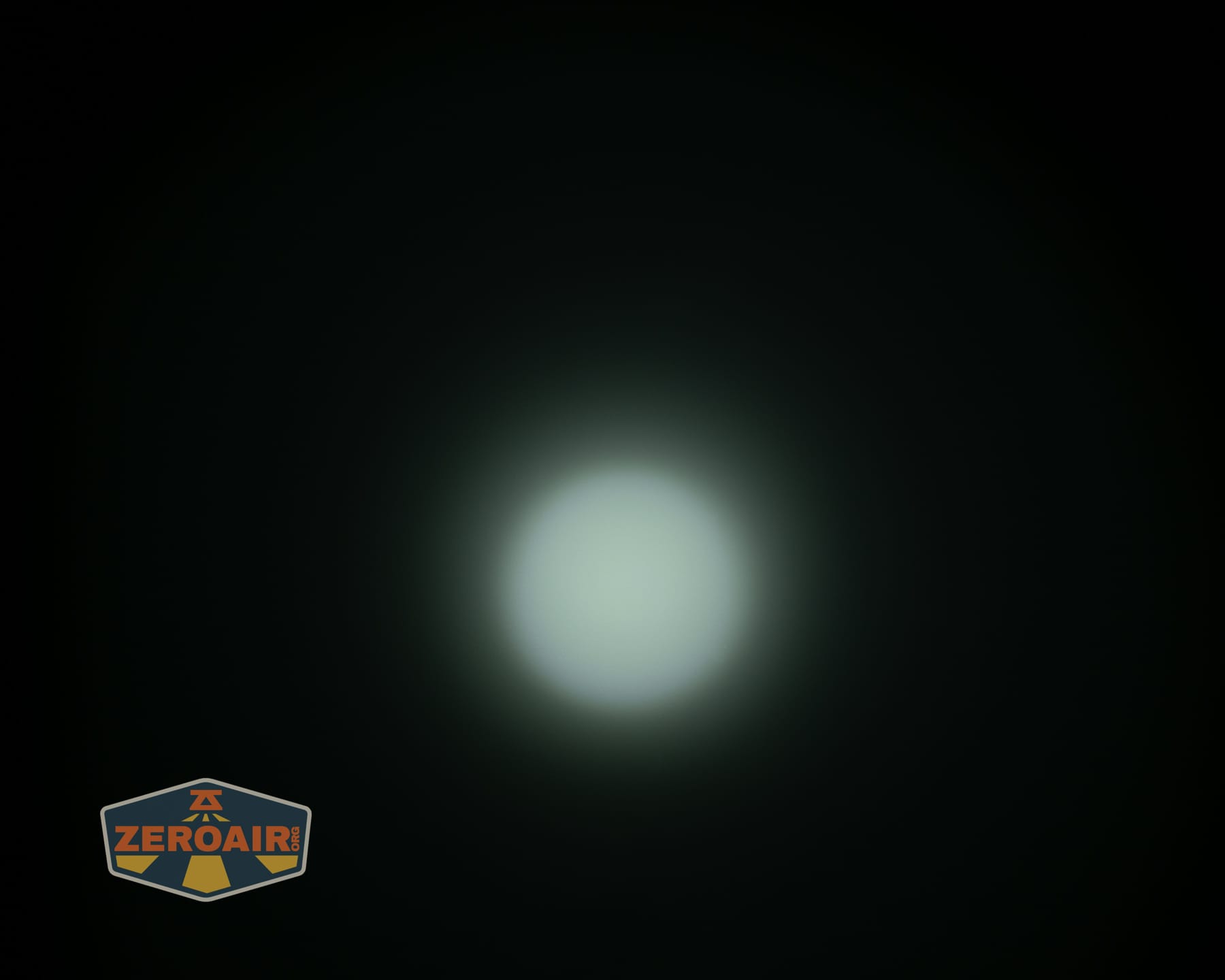
These beamshots always have the following settings: f8, ISO100, 0.3s shutter, and manual 5000K exposure. These photos are taken at floor level, and the beam hits the ceiling around 9 feet away.

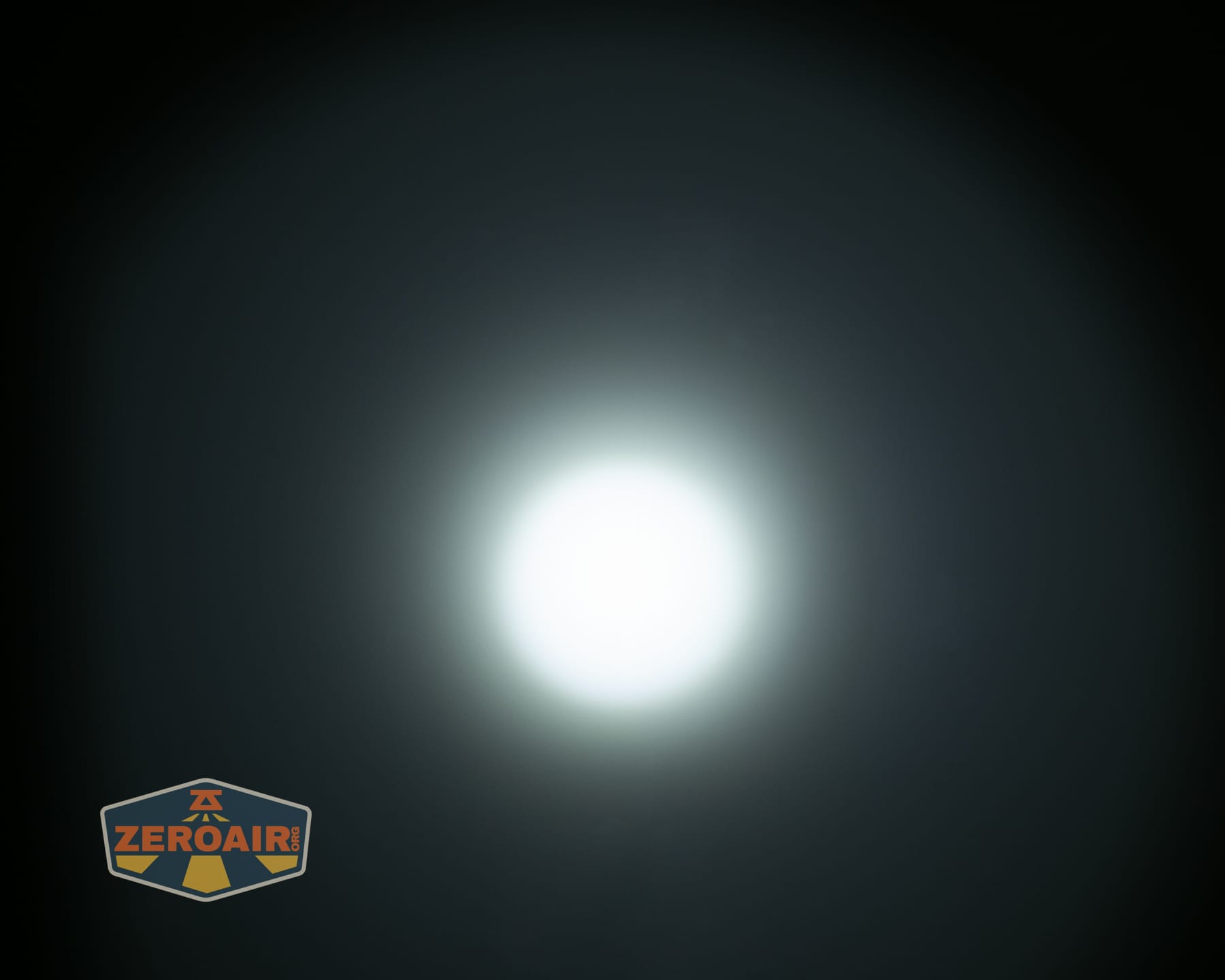
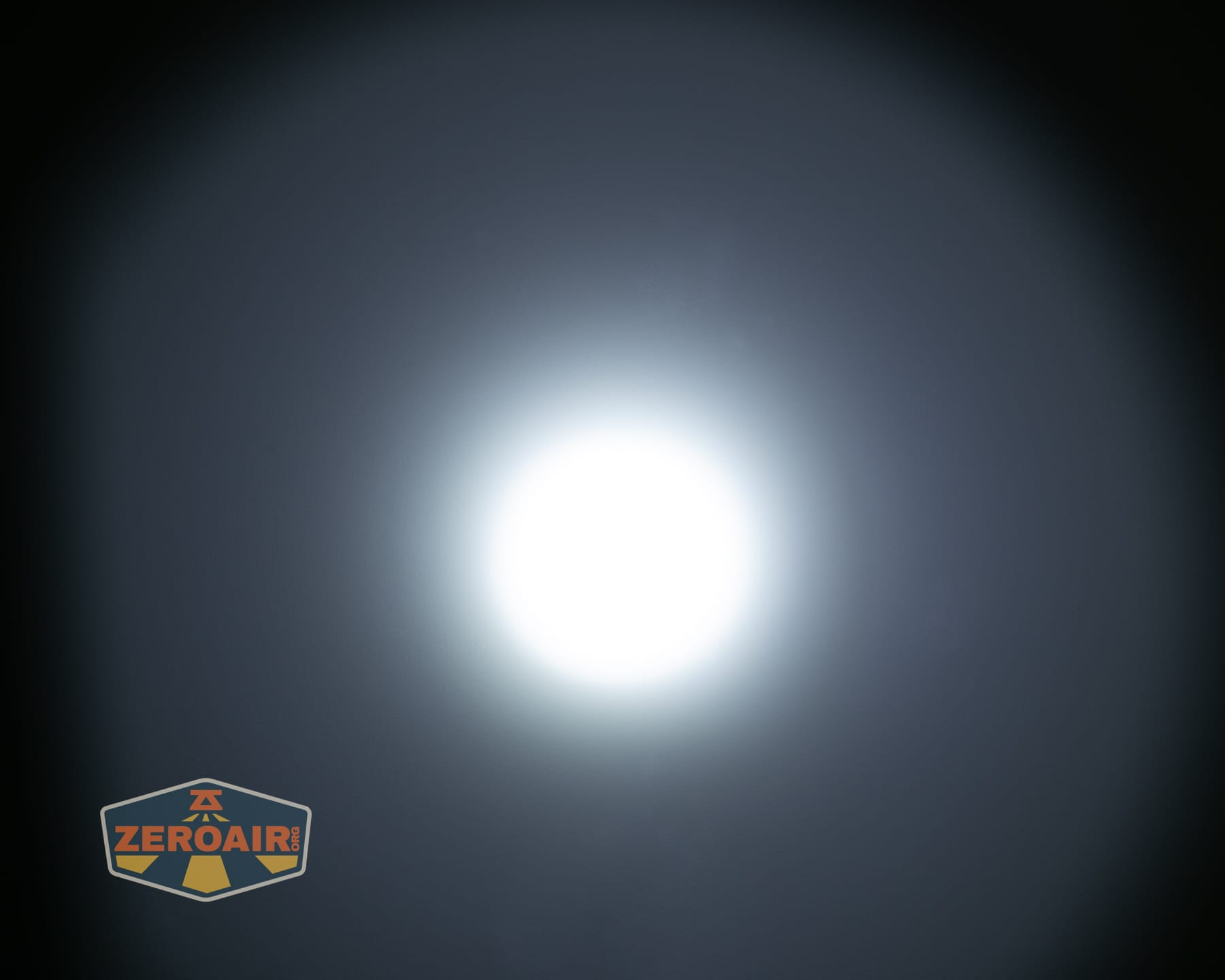





Tint vs BLF-348 (KillzoneFlashlights.com 219b version) (affiliate link)
I keep the test flashlight on the left and the BLF-348 reference flashlight on the right. These photos are taken around 18 inches from the door.
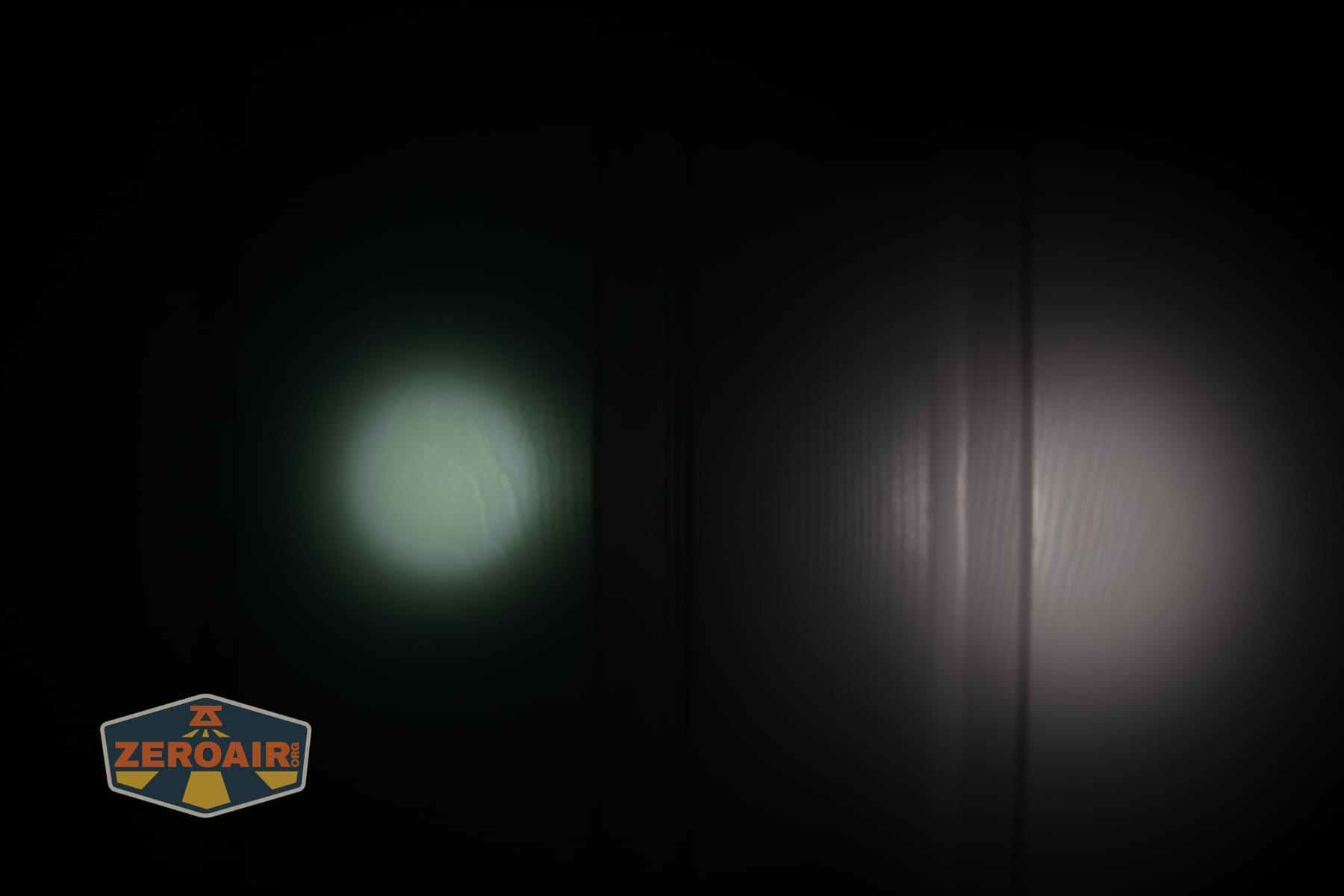
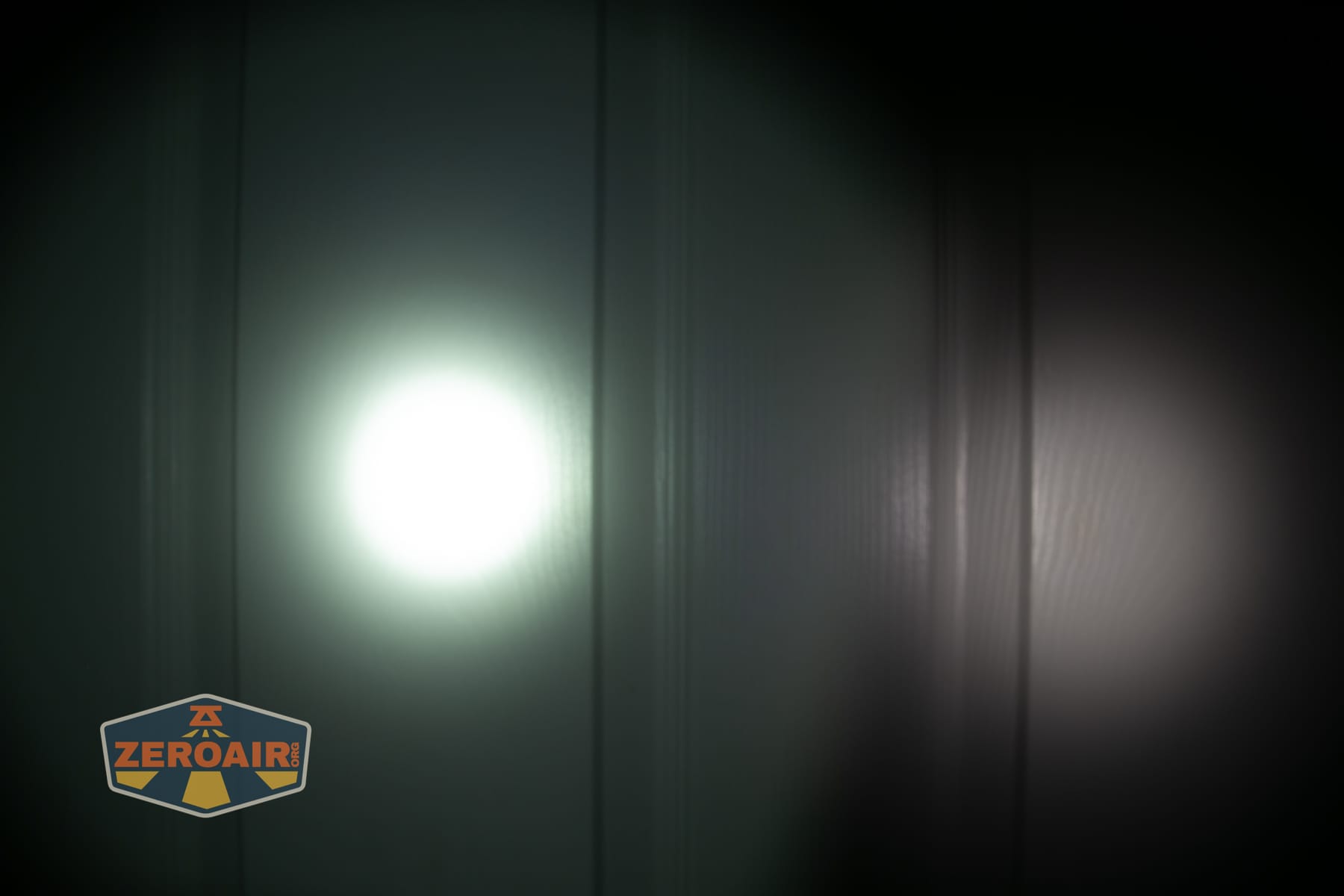
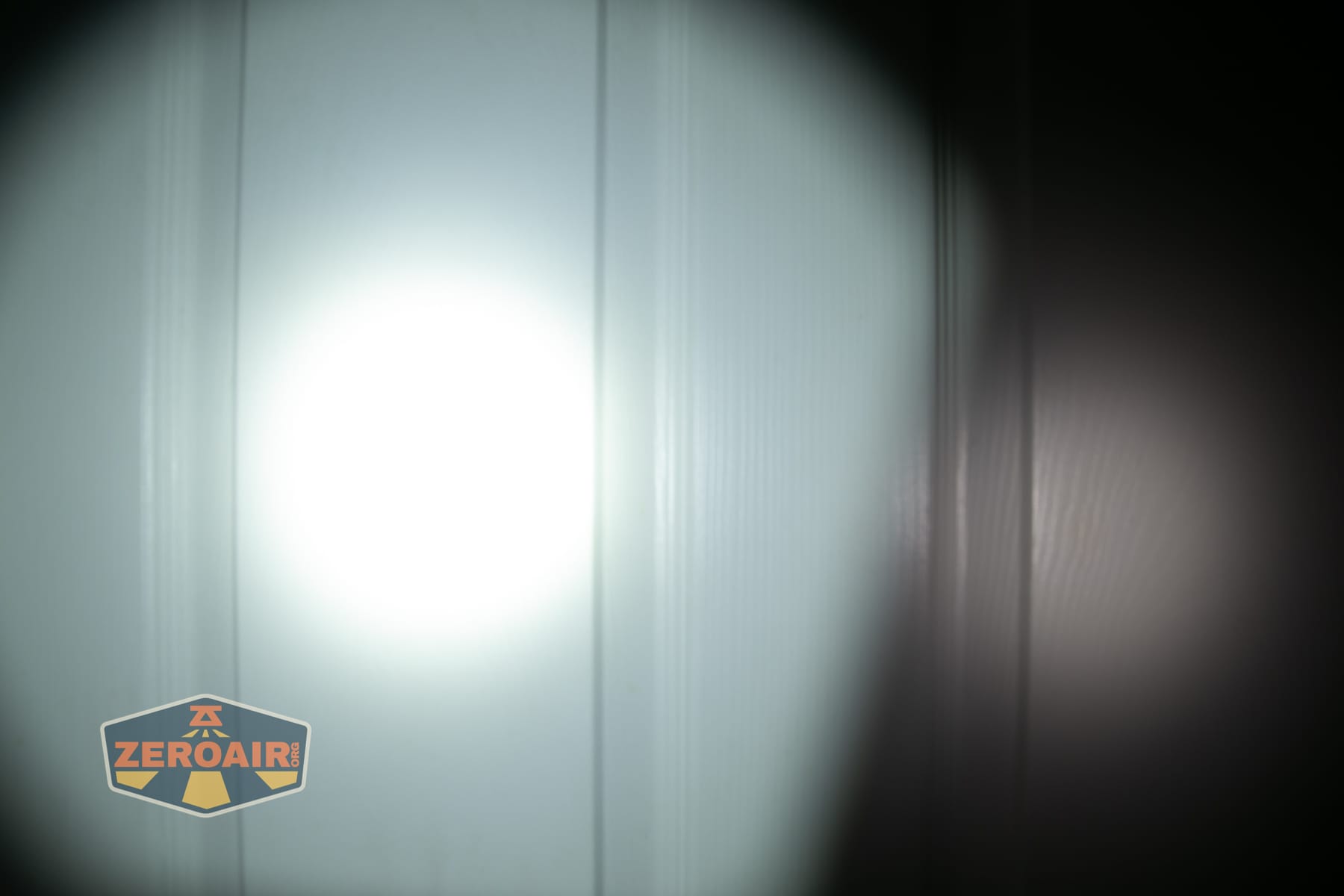
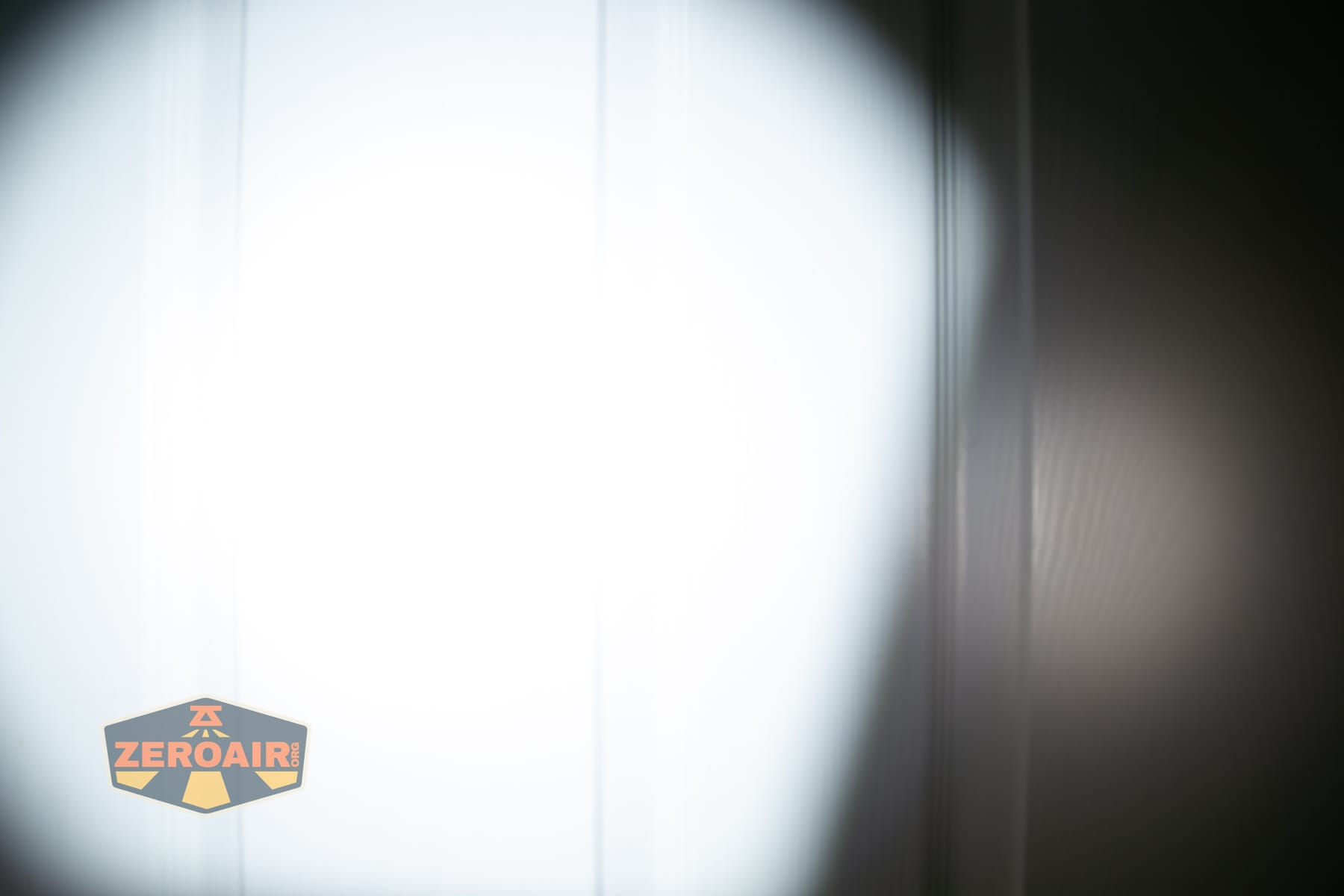
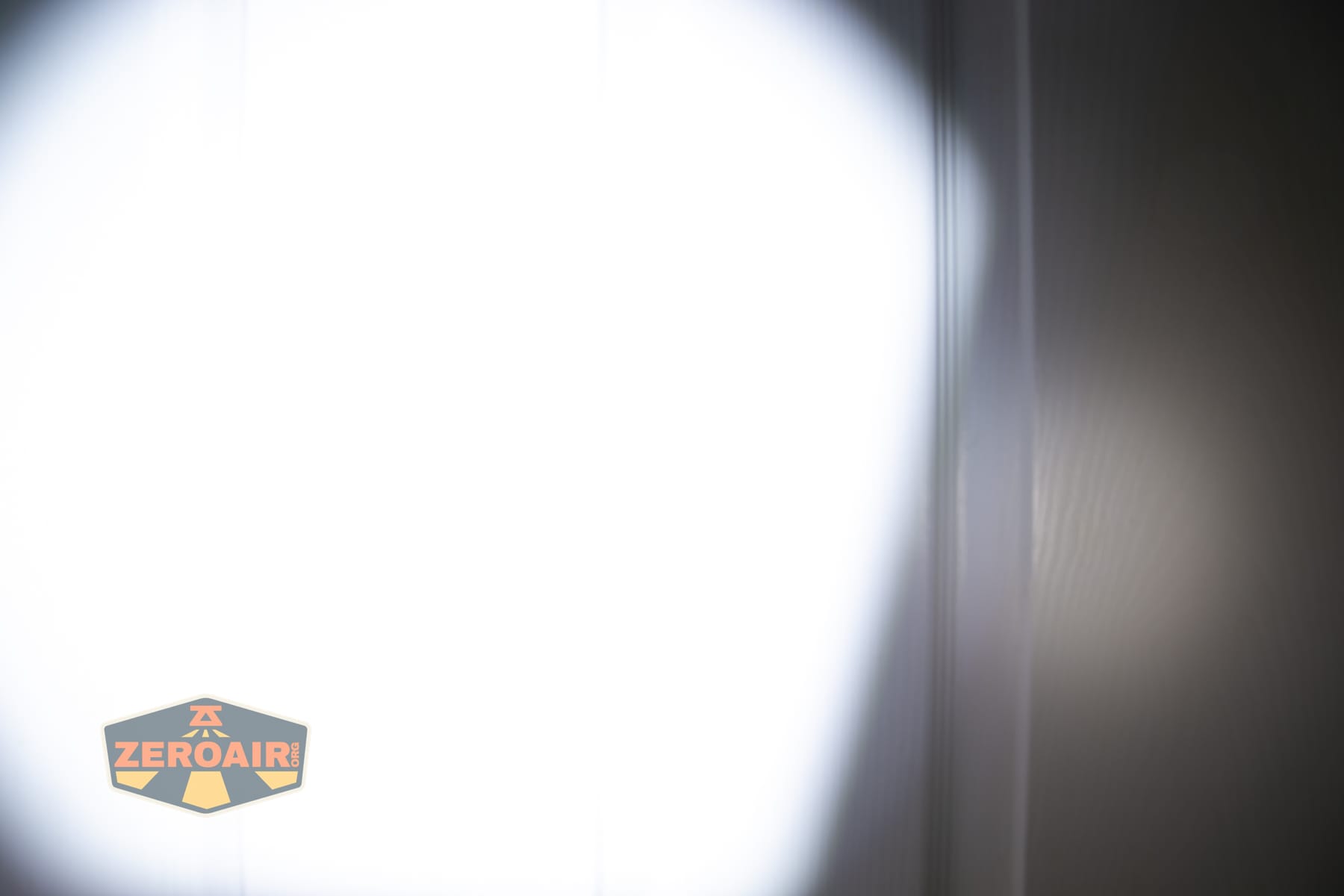
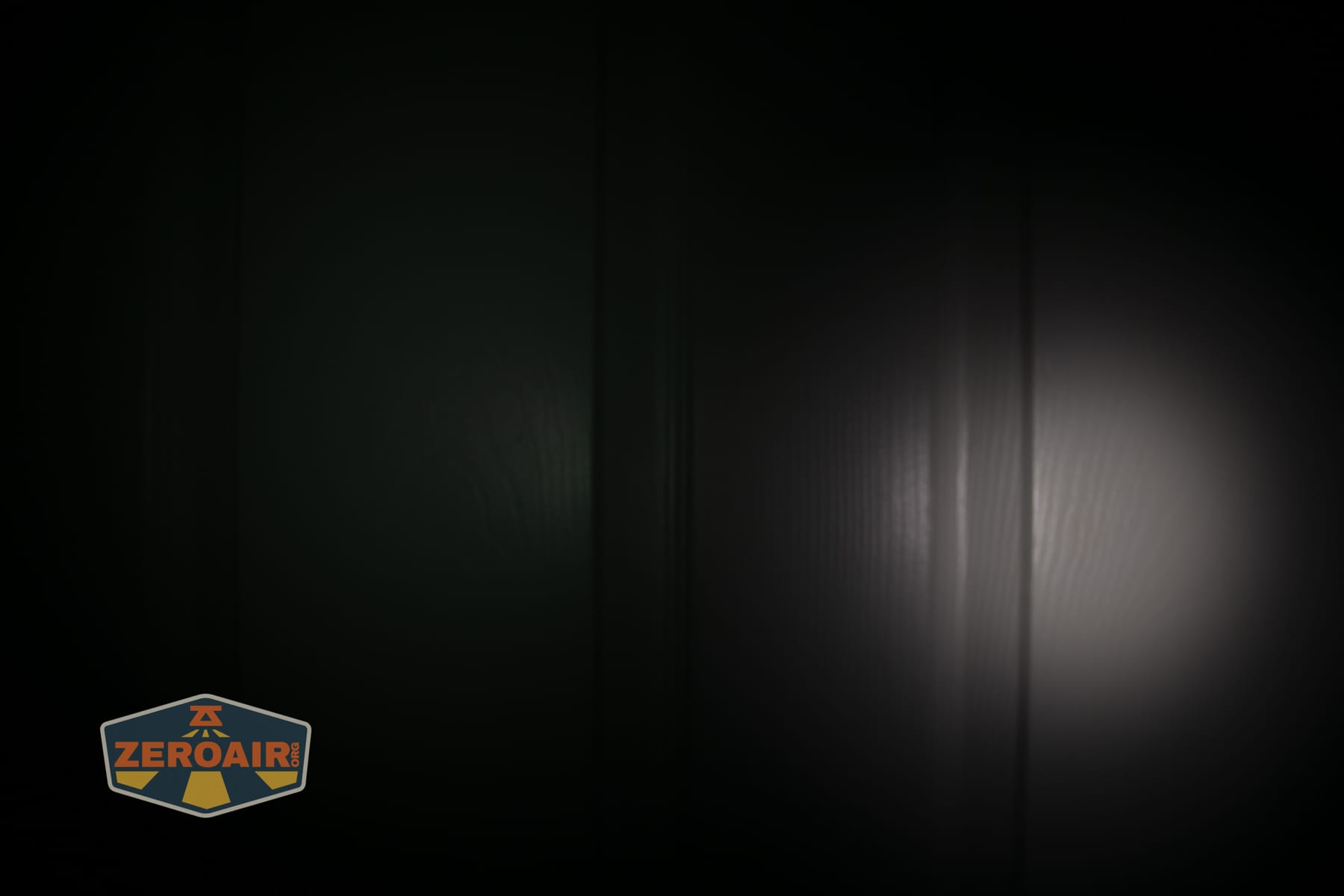
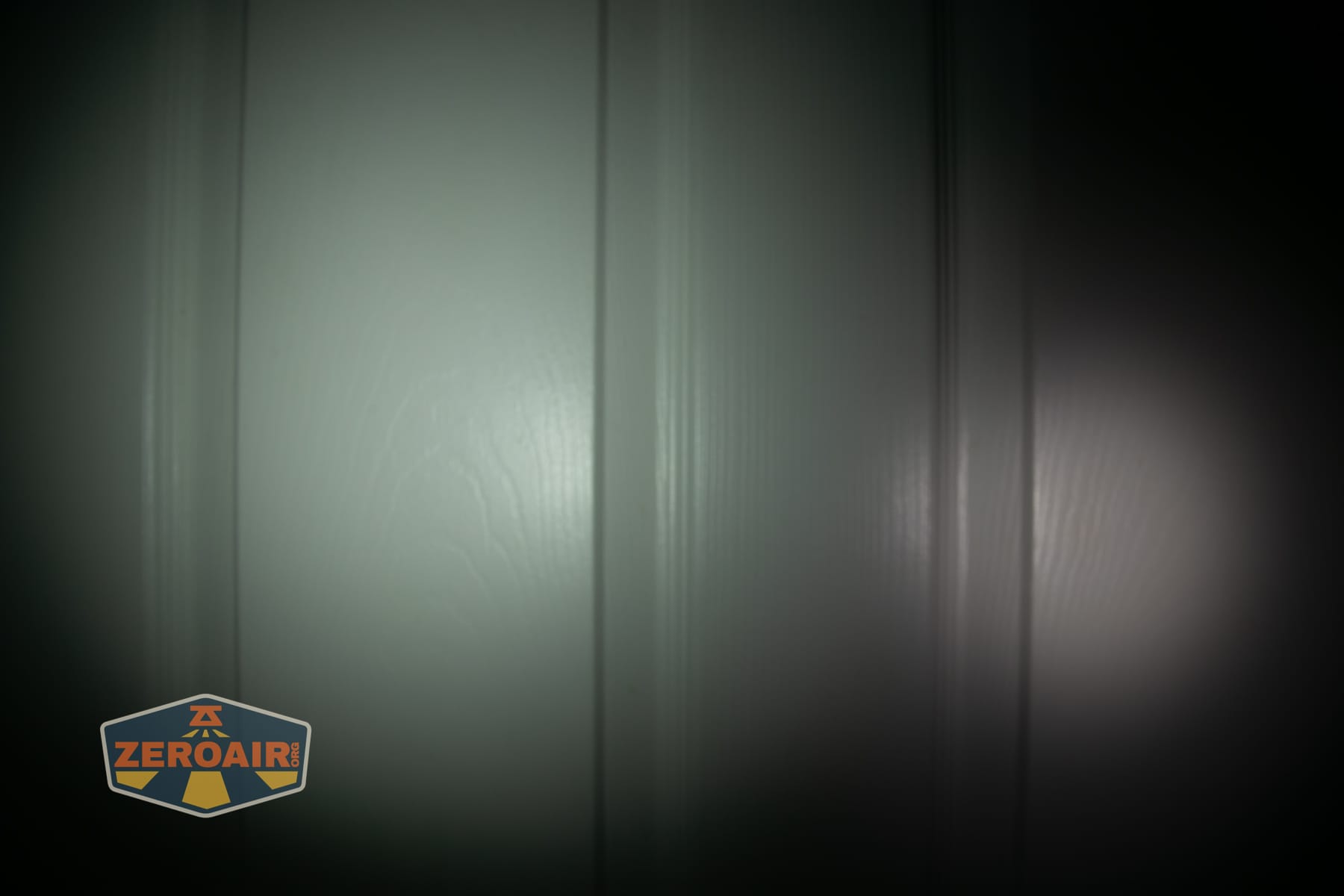

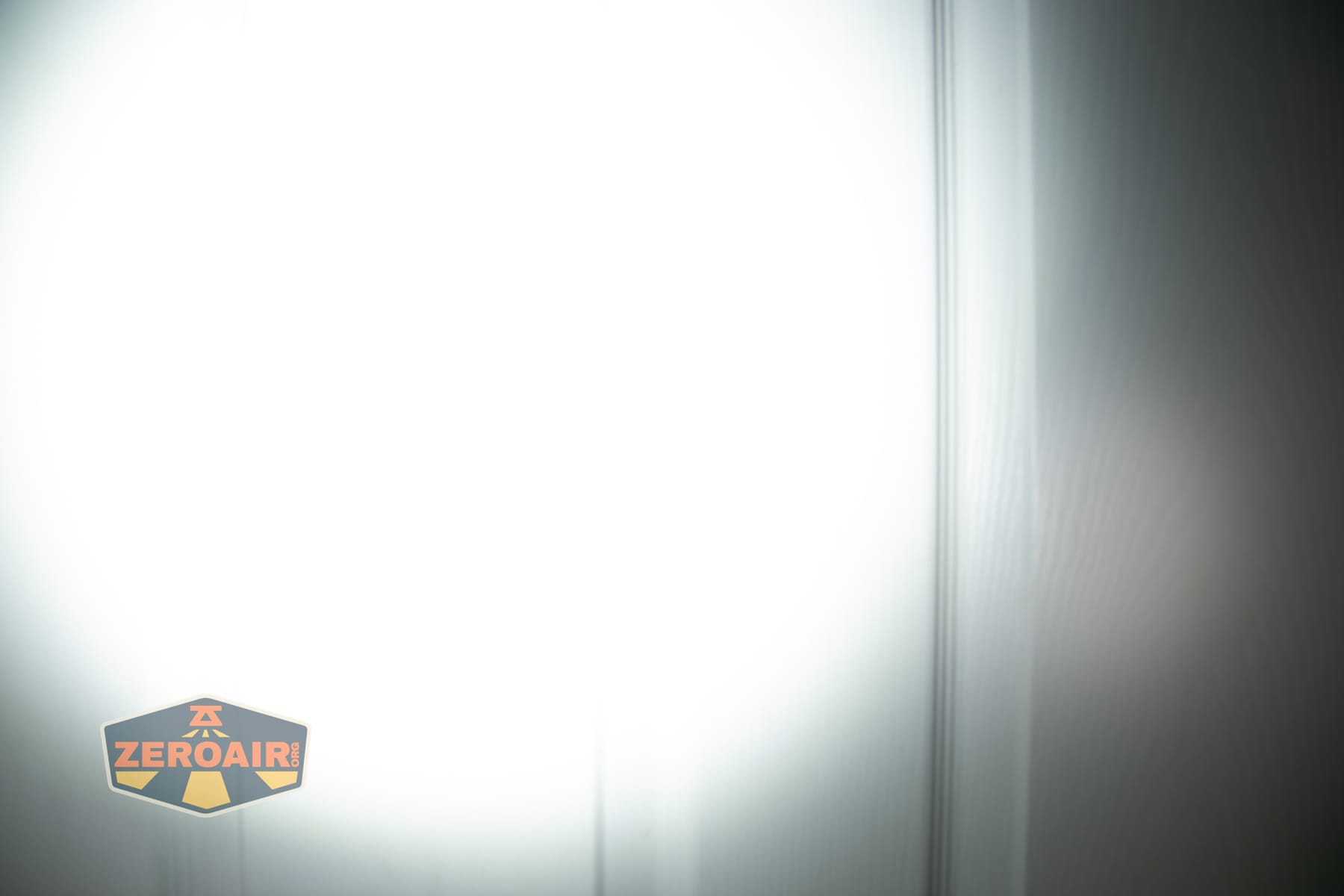

I compare everything to the KillzoneFlashlights.com 219b BLF-348 because it’s inexpensive and has the best tint!
Summary and Conclusion
This Olight ArkPro Ultra Onyx Black flashlight is basically just like the Olive Green ArkPro Ultra I already tested and like quite a bit. So there are really no surprises here. The Onyx Black is a fine body color and may make the ArkBeat slightly more visible. Olight continues to build on Ark’s success and even improves the lights that were already great! The bigger battery is a welcome addition, as is a throw emitter. Having laser and UV still built in is a bonus! I don’t super care that this one offers higher output, and the OAL aluminum is great if you need it (I suppose; I never had durability issues with regular aluminum.) Ultimately, the extra $20 or so comes down to whether the neat little “O” LED feature near the rotary and a bit more output is worth it for you.
The Big Table
| Olight ArkPro Ultra (black) | |
|---|---|
| Emitter: | (Spot) |
| Price in USD at publication time: | $129.99 |
| Cell: | Internal |
| Runtime Graphs | |
| LVP? | Yes |
| Switch Type: | E-switch |
| Quiescent Current (mA): | ? |
| On-Board Charging? | Yes |
| Charge Port Type: | USB-C and proprietary magnetic (options) |
| Charge Graph | |
| Power off Charge Port | All modes except turbo of either LED |
| Claimed Lumens (lm) | Spot: 800 Flood: 1700 |
| Measured Lumens (at 30s) | Spot: 679 (84.9% of claim)^ Flood: 1212 (71.3% of claim)^ |
| Candela per Lumen | Spot: 17.9 Flood: 2.5 |
| Claimed Throw (m) | Spot: 205 Flood: – |
| Candela (Calculated) in cd (at 30s) | Spot: 417lux @ 5.015m = 10488cd Flood: 287lux @ 3.363m = 3246cd |
| Throw (Calculated) (m) | Spot: 204.8 (99.9% of claim)^ Flood: 113.9 |
| Claimed CCT | Spot – Flood: – |
| Measured CCT Range (K) | Spot 5800-6900 Kelvin Flood: 6100-6800 Kelvin |
| Item provided for review by: | Olight |
| All my Olight reviews! | |
^ Measurement disclaimer: Testing flashlights is my hobby. I use hobbyist-level equipment for testing, including some I made myself. Try not to get buried in the details of manufacturer specifications versus measurements recorded here; A certain amount of difference (say, 10 or 15%) is perfectly reasonable.
What I like
- The laser switch was moved out of the main switch
- USB-C charging
- Bigger battery
- Higher output on the Ultra version
- Little LED icons around the switch
- Great beam shape on the spot emitter
- ArkBeat is neat
What I don’t like
- Built-in battery
- High CCT
- Low CRI
Notes
- This content originally appeared at zeroair.org. Please visit there for the best experience!
- Please use my Amazon.com referral link to help support zeroair.org!
- Please support me on Patreon! I deeply appreciate your support!
Discover more from ZeroAir Reviews
Subscribe to get the latest posts sent to your email.
I wish they would make it shorter while keeping the battery capacity the same or bigger, and they could do this I think, by getting rid of that stupid magnetic charging thing
they also need high CRI LEDs