
Skilhunt H150V4 3000K Headlamp Review
The Skilhunt H150V4 3000K headlamp is rechargeable and uses the great Nichia 519a emitter. This buck/boost version should be more efficient than predecessors.
Official Specs and Features
Here’s a referral link to the Skilhunt H150V4 3000K headlamp product page.
Versions
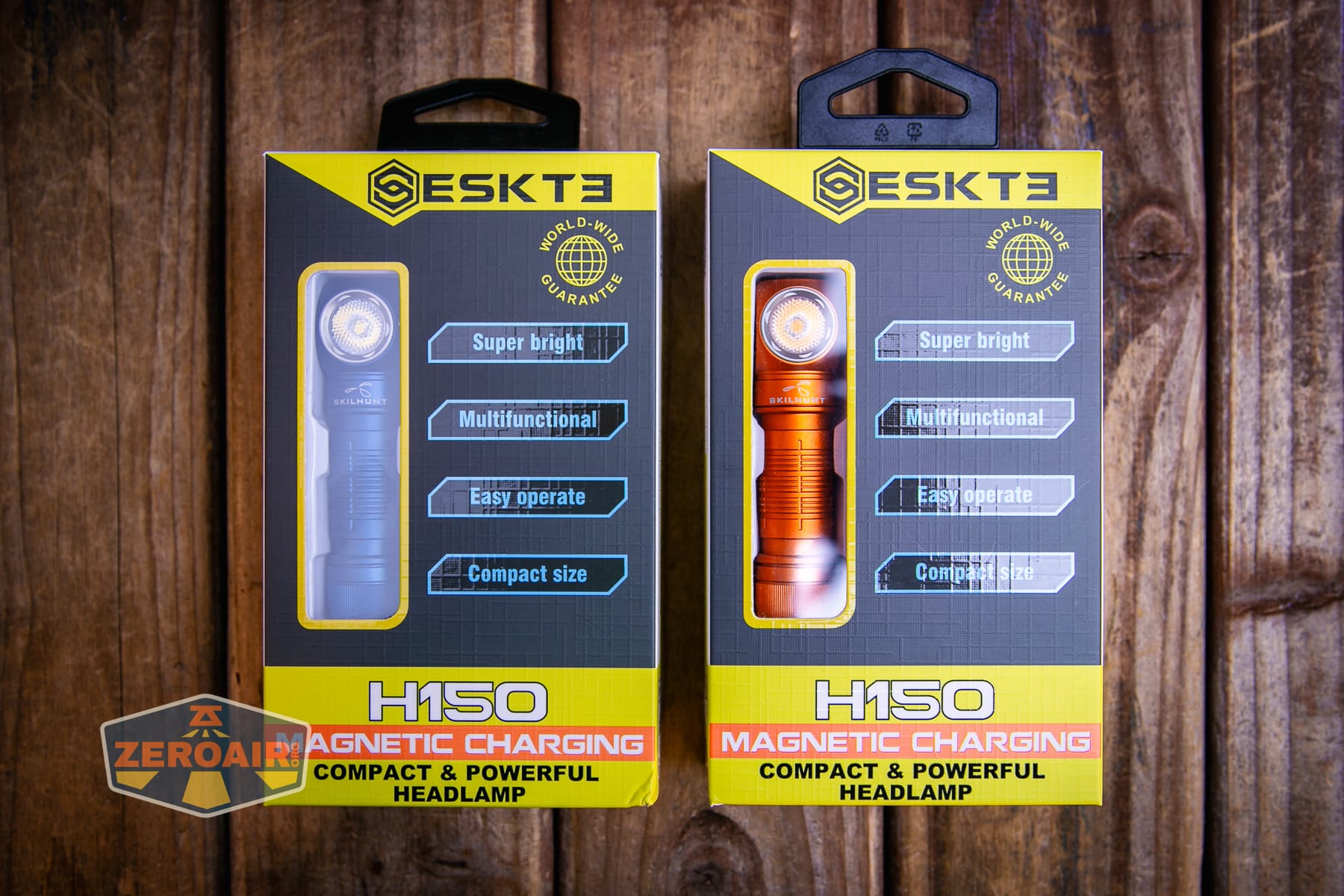
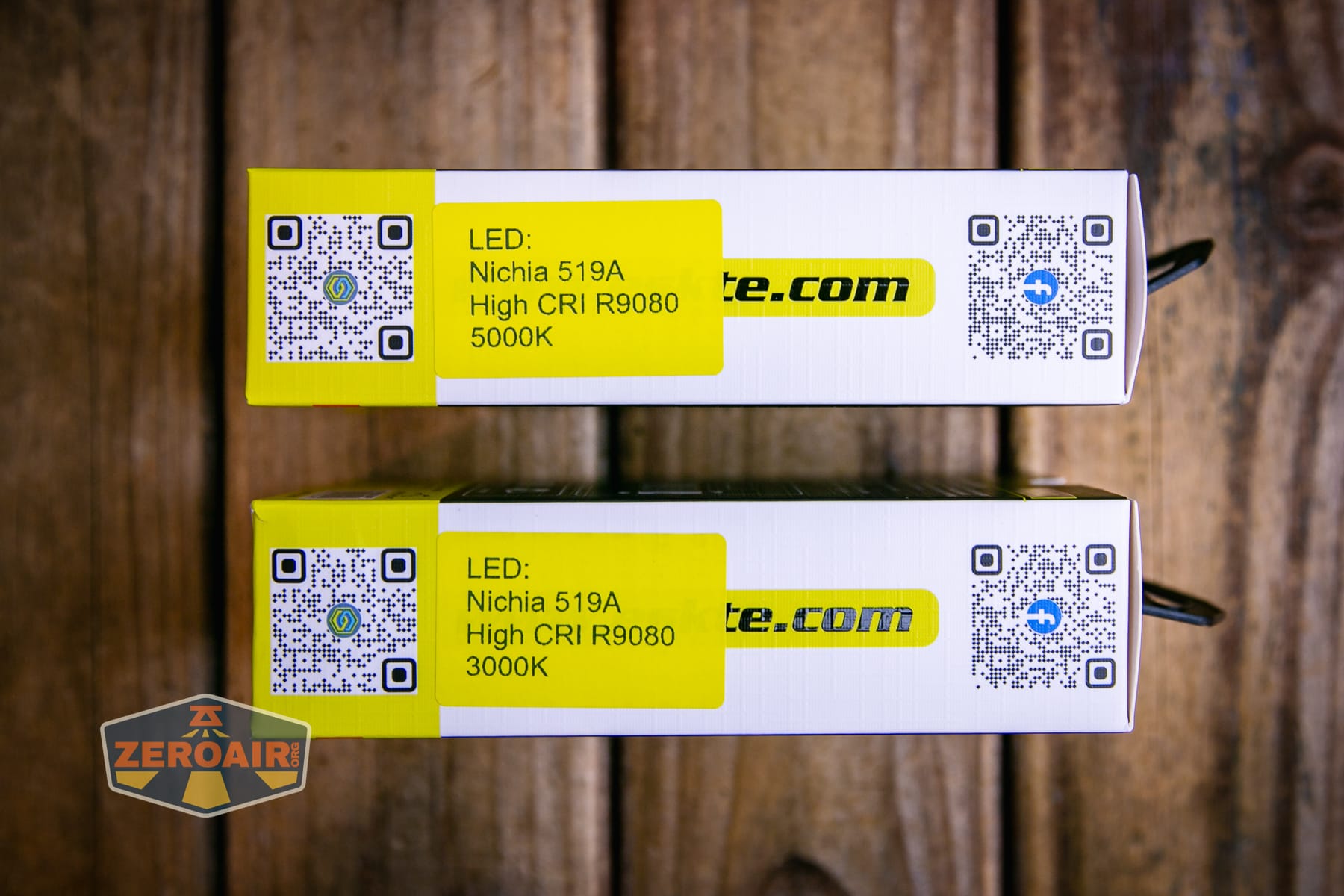
Four body colors are available: orange, grey, green, and black. Those are available with two emitter choices: Cree 6500K, as well as a Nichia 519a emitter. That Nichia option is broken down even further into 5000K and 3000K (seen here) options. Two kits are available too, and they vary only in the 14500 cells included. (A 14500 is included either way, though.)
Price
Pricing starts at $46.90 but based on the options you select, it might go up to $53.90. This exact model is $50.90 at skilhunt.com.
What’s Included
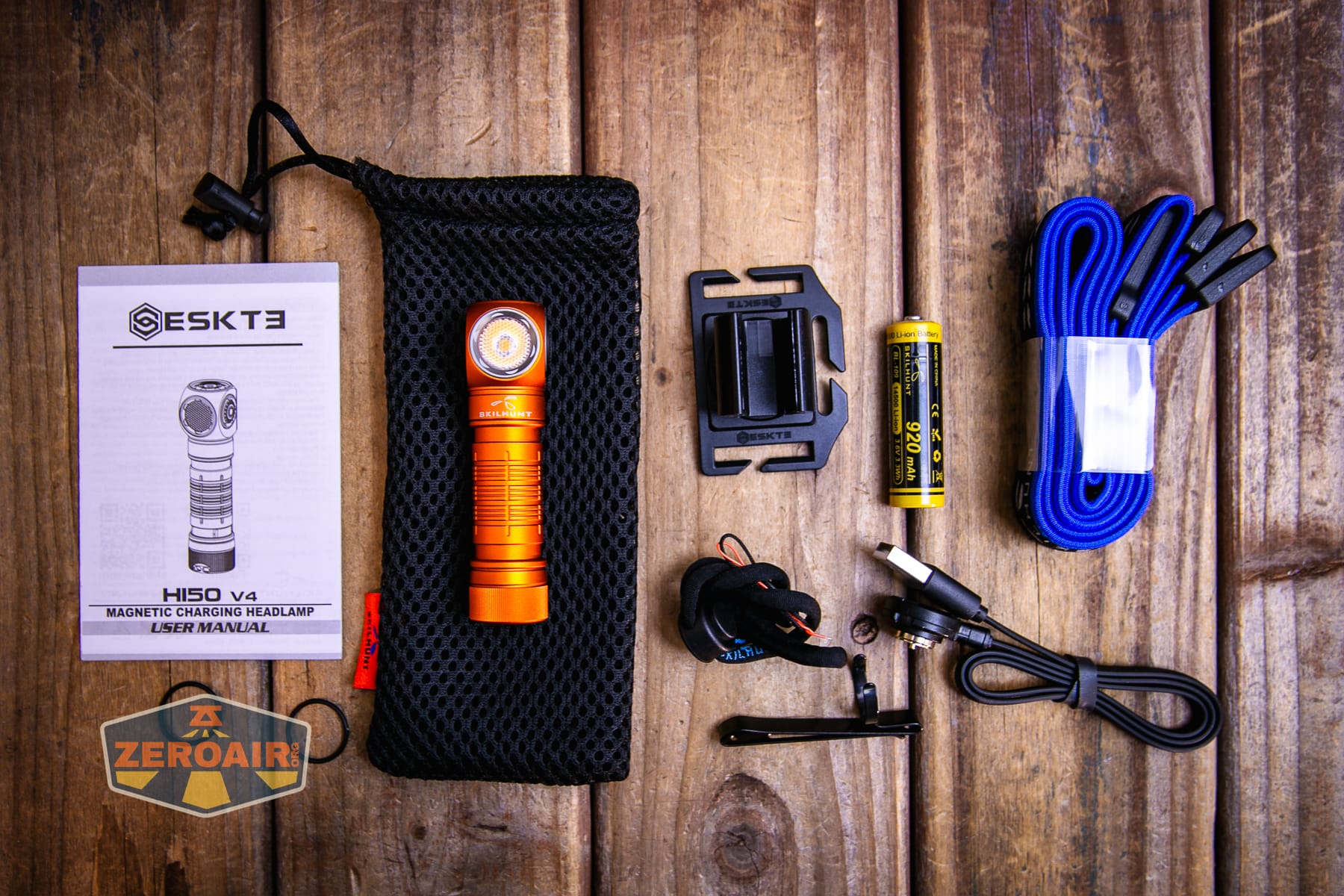
- Skilhunt H150V4 3000K headlamp
- Skilhunt 920mAh 14500
- Charging cable (USB to proprietary magnetic)
- Lanyard
- Headband and headmount
- Spare o-rings (2)
- Pocket clip
- Mesh baggie
- Manual
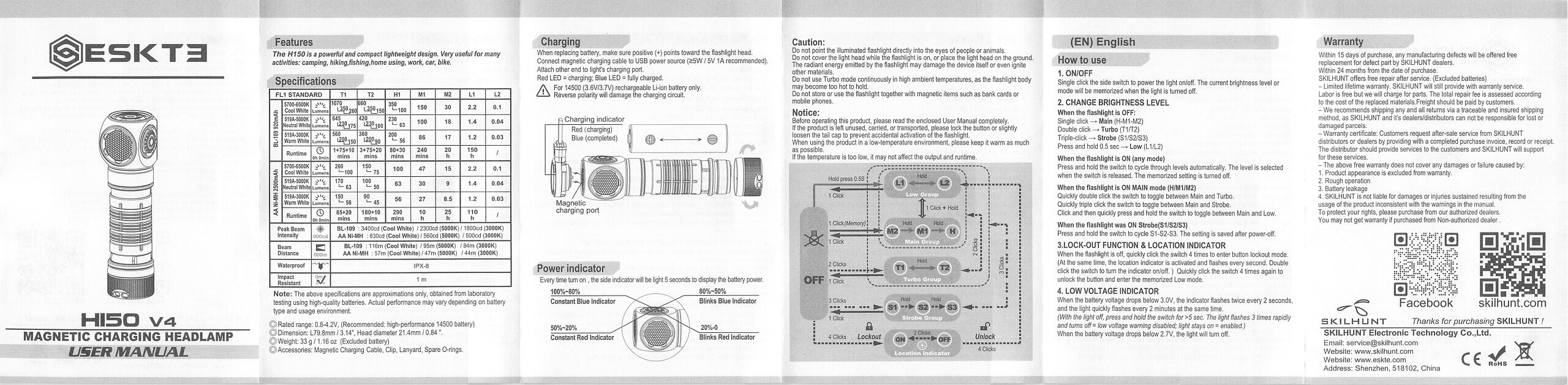
Package and Manual
Build Quality and Disassembly
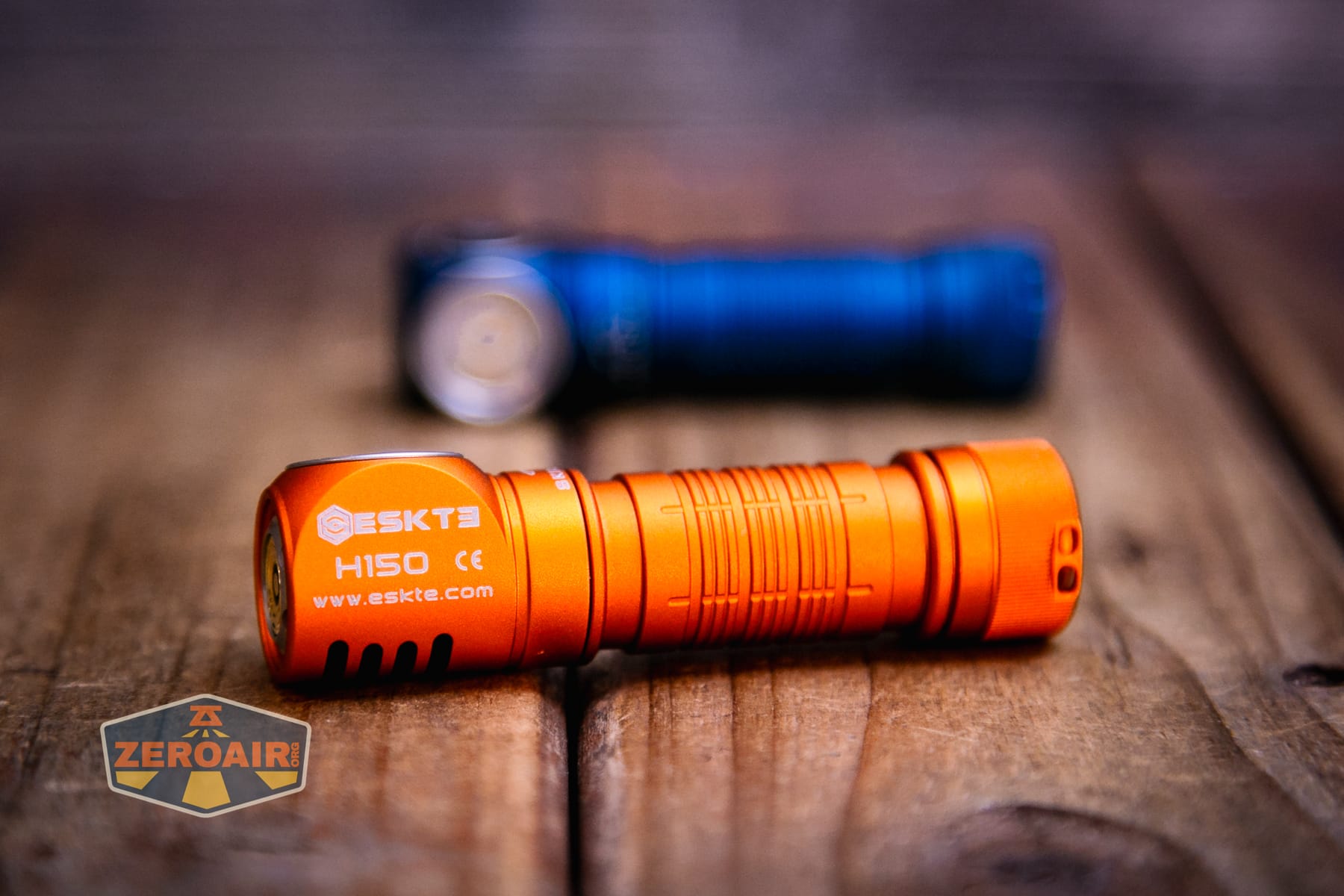
This “H” series from Skilhunt is fairly familiar by now. For example, the H300R is just about the same light but in 18650 format. I like that one a lot (in fact I love Skilhunt lights in general), and this H150 is good too. The Skilhunt H150V4 3000K headlamp specifically is exactly like previous versions of the H150 other than the driver.
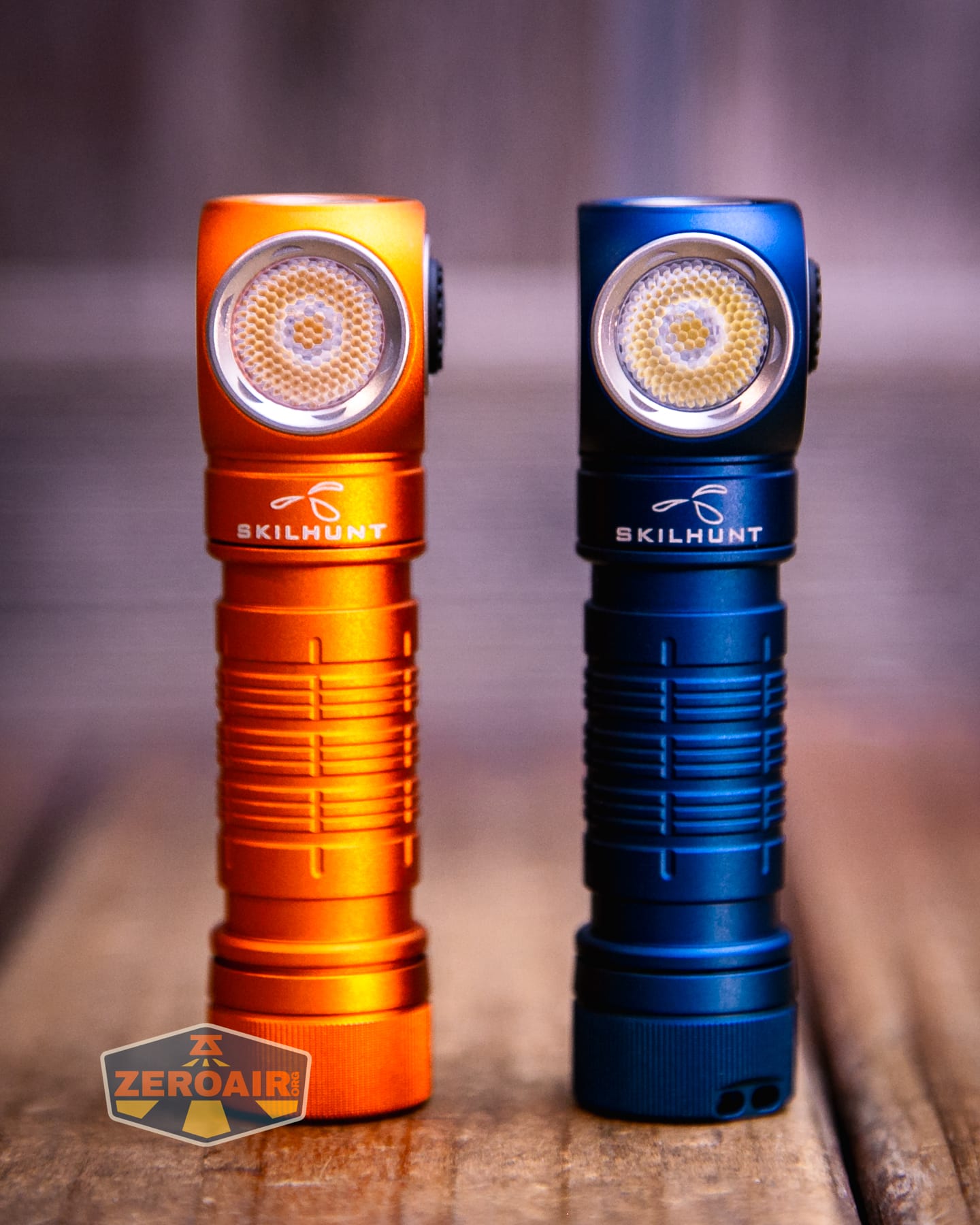
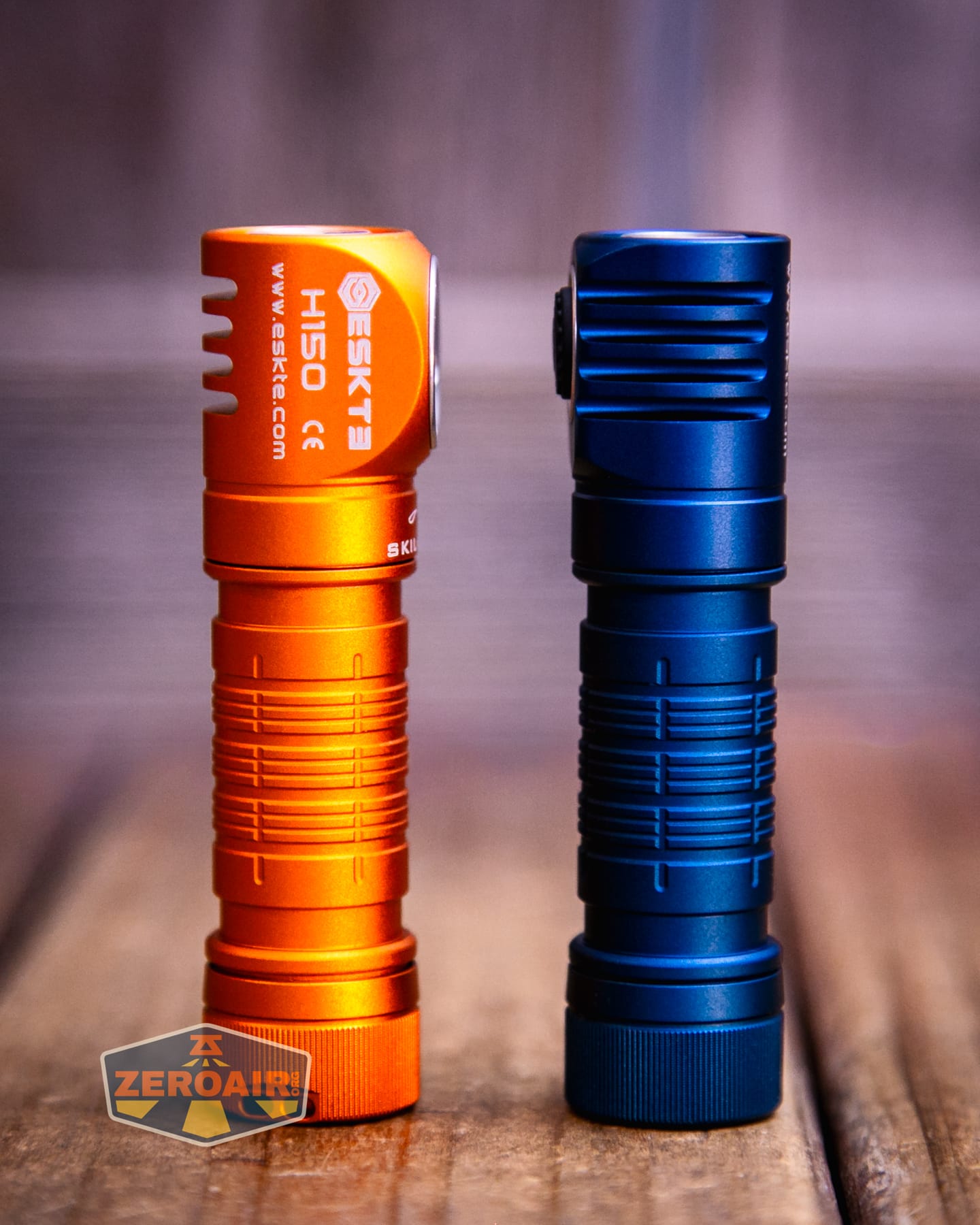
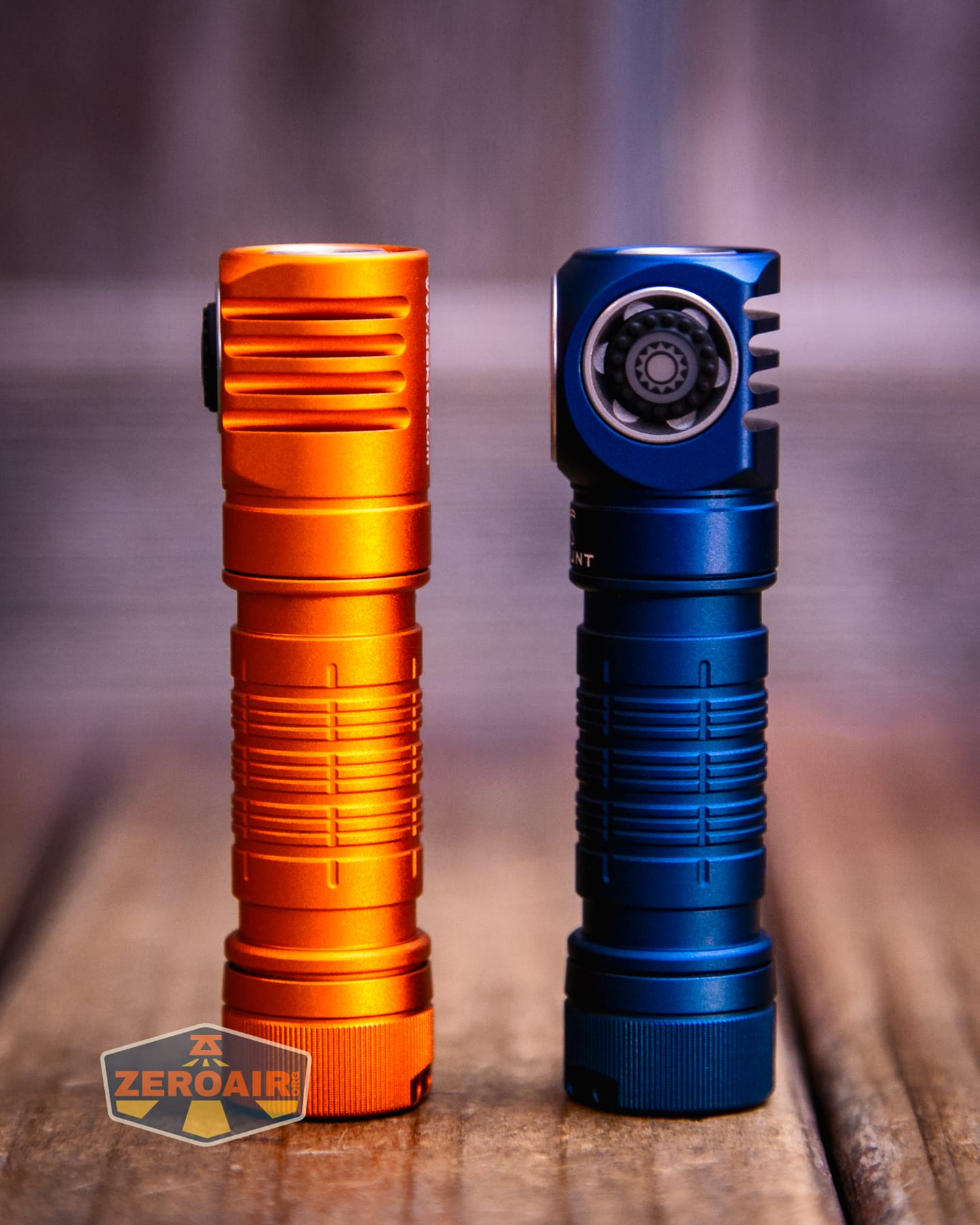
Skilhunt sent two versions of the Skilhunt H150V4 headlamp. Today’s post has the data for this 3000K version (orange body). Data for the 5000K version is nearly complete, so look for that post soon! The photos will be largely the same (which is logical, since you can get any body color with any emitter!)
Size and Comps
79.8mm x 21.4mm x 18mm and 33g without the cell.


That’s the previous version. It’s the same size (and I forgot similar photos for this item.)
Here’s the light in hand:
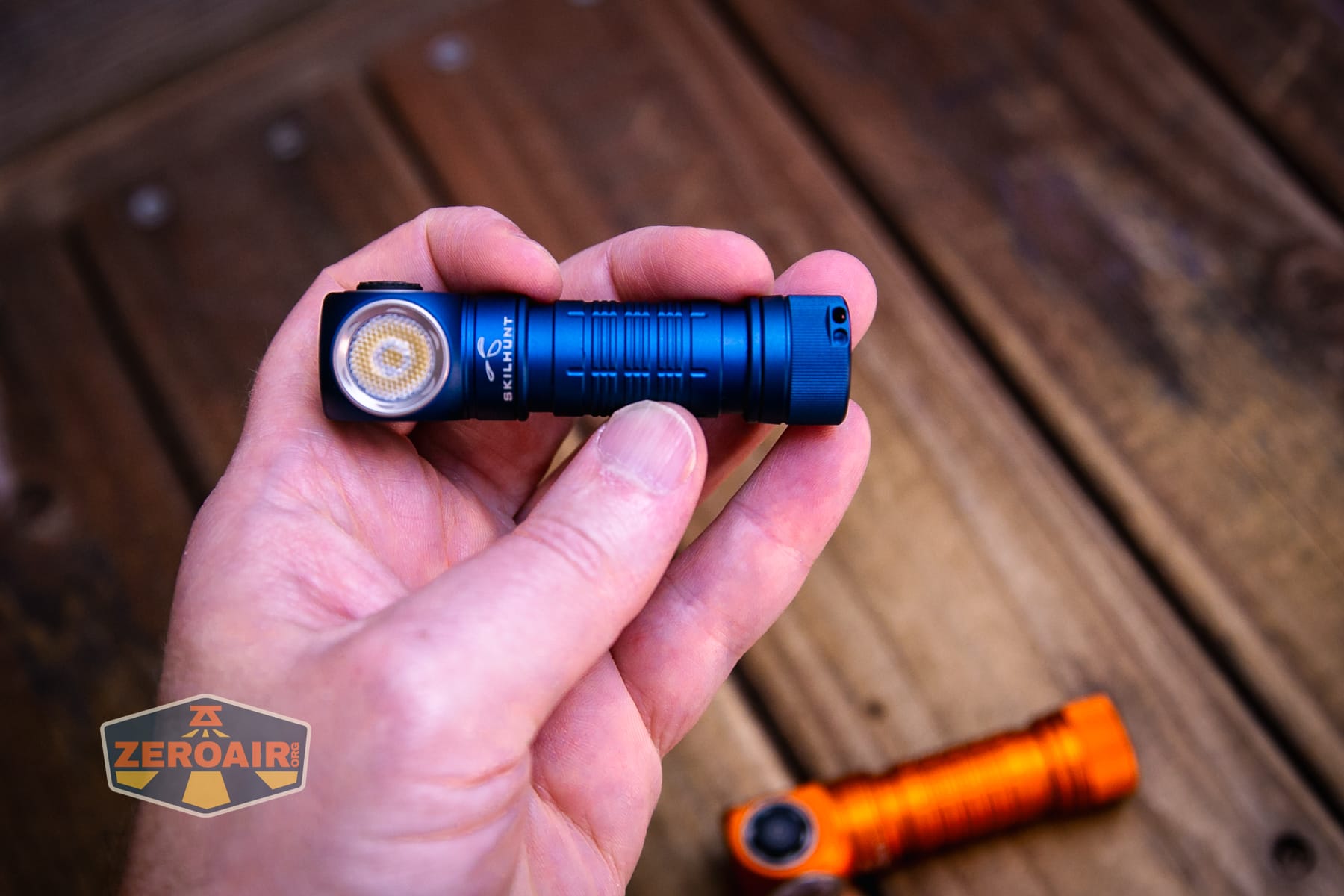
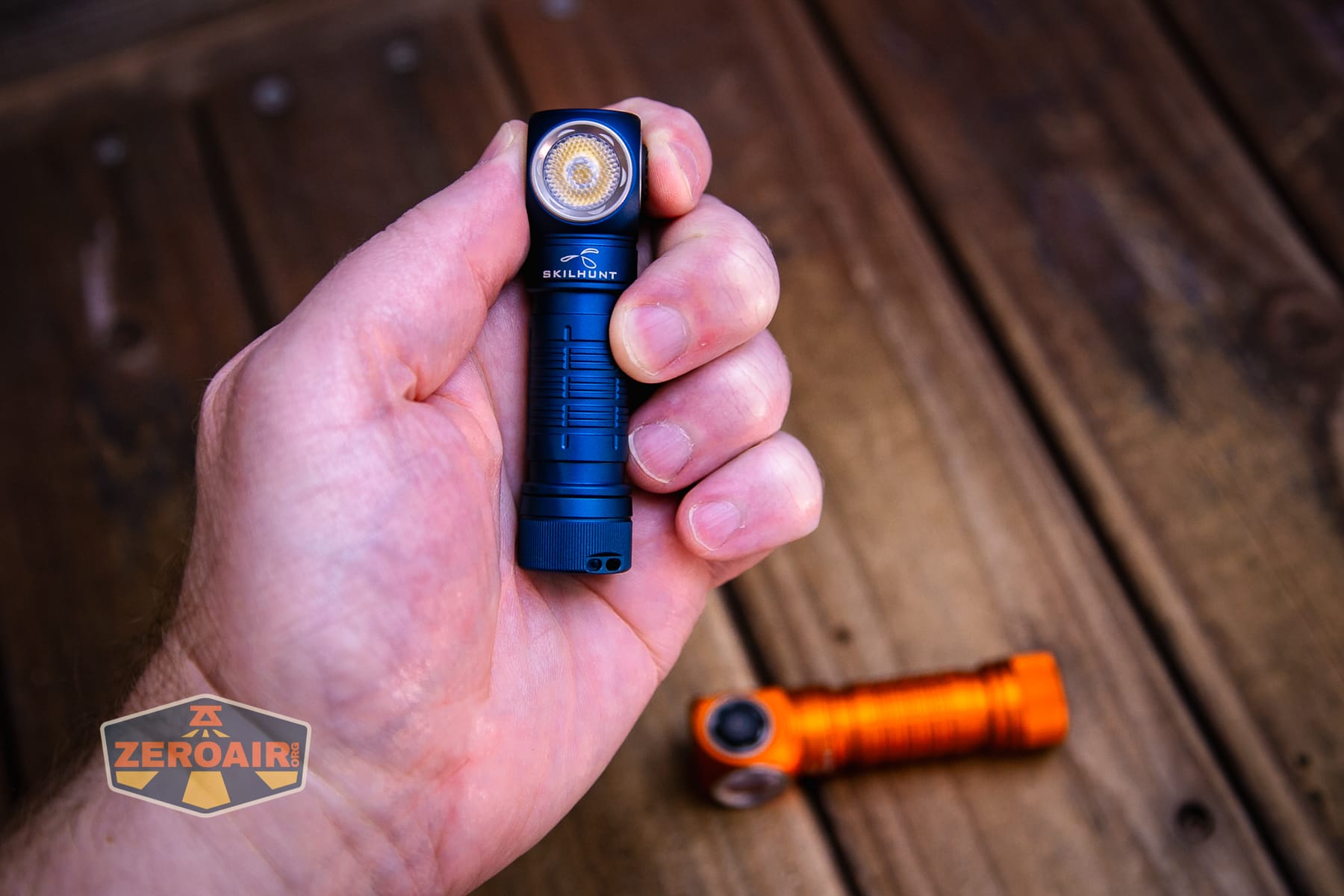
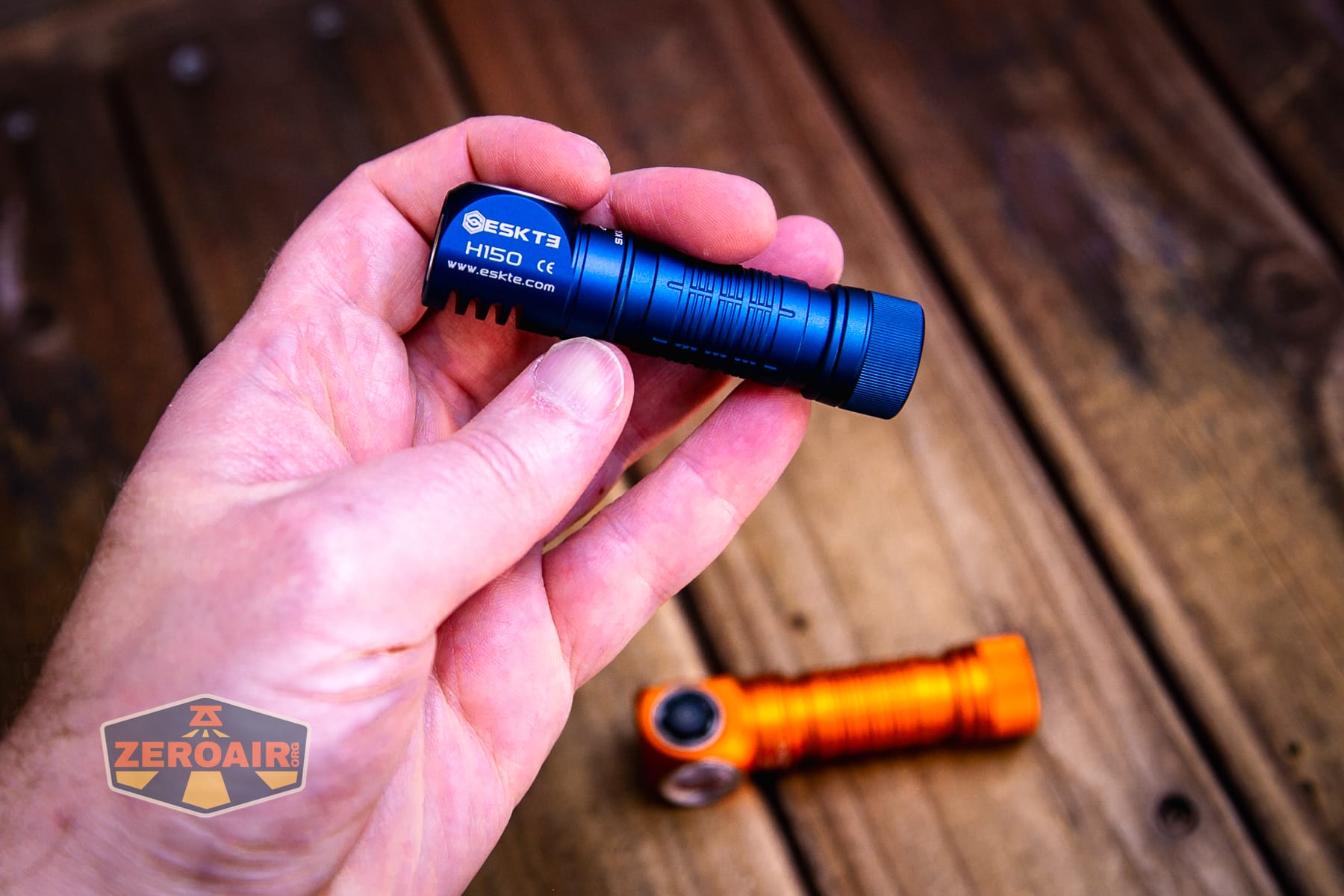
Here’s the test light with the venerable Convoy S2+. This is a brass version, which is a good bit heavier than aluminum, but has the same dimensions: 24mm in diameter by 117.5mm in length.
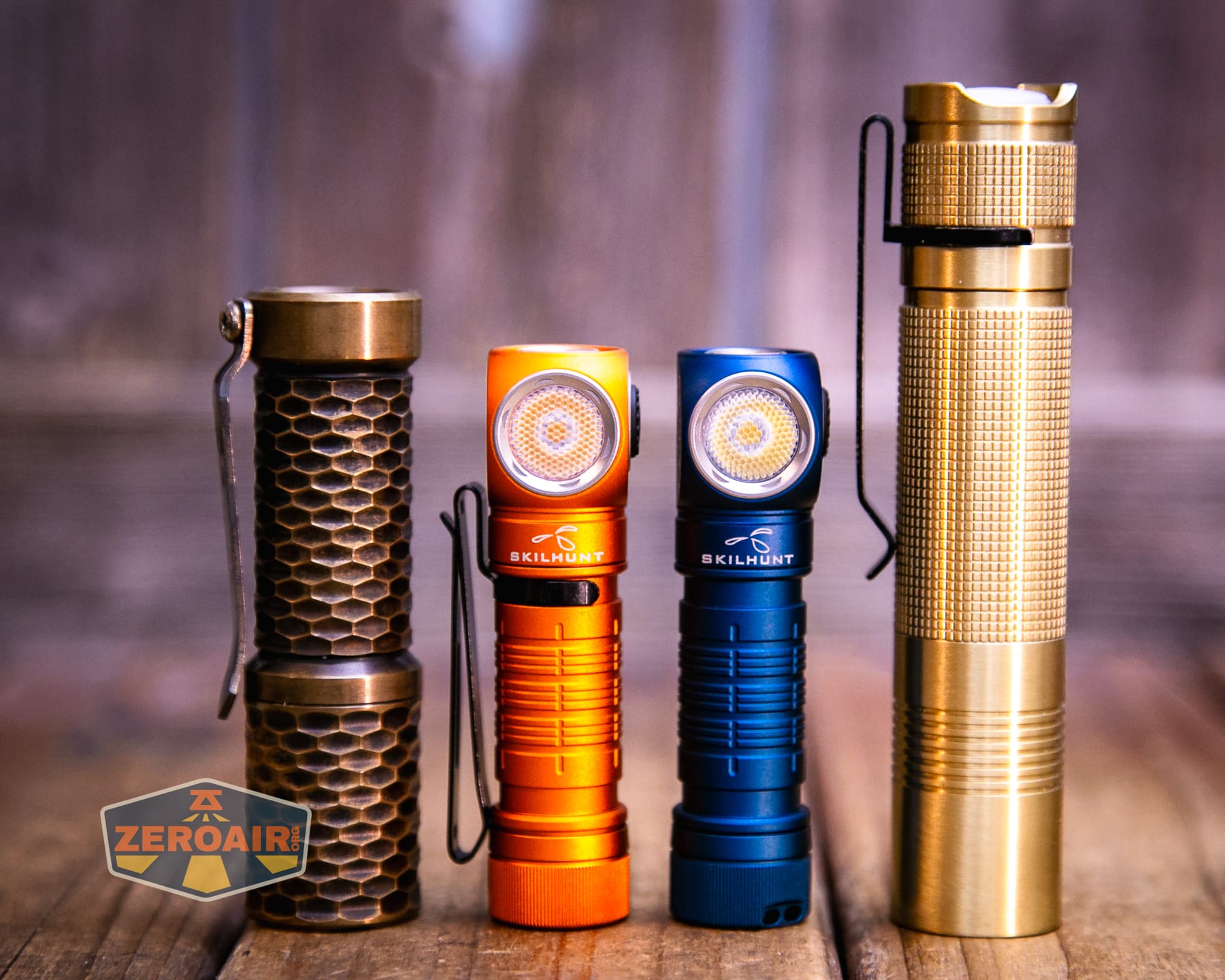
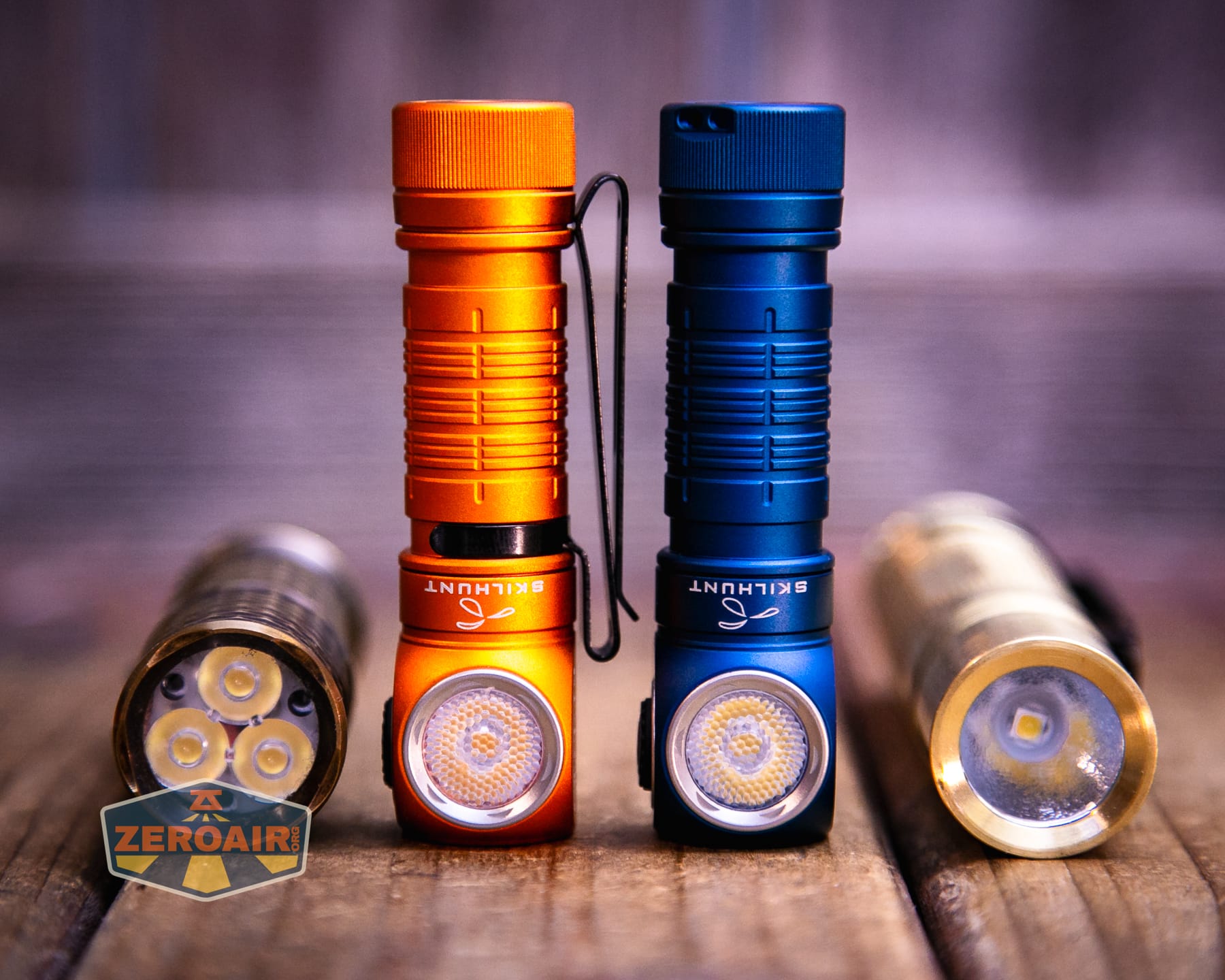
Also in the photo above, my Standard Reference Material (SRM) flashlight is the Hanko Machine Works Trident, an 18350 light. While I have not reviewed or tested the Gunner Grip version seen here, I have tested a Hanko Machine Works Trident Total Tesseract in brass. I love the Trident, and it’s a striking contrast to the inexpensive Convoy S2+, another great SRM.
Retention and Carry
The Skilhunt H150V4 3000K headlamp ships with this two-way pocket clip in the package (not installed).
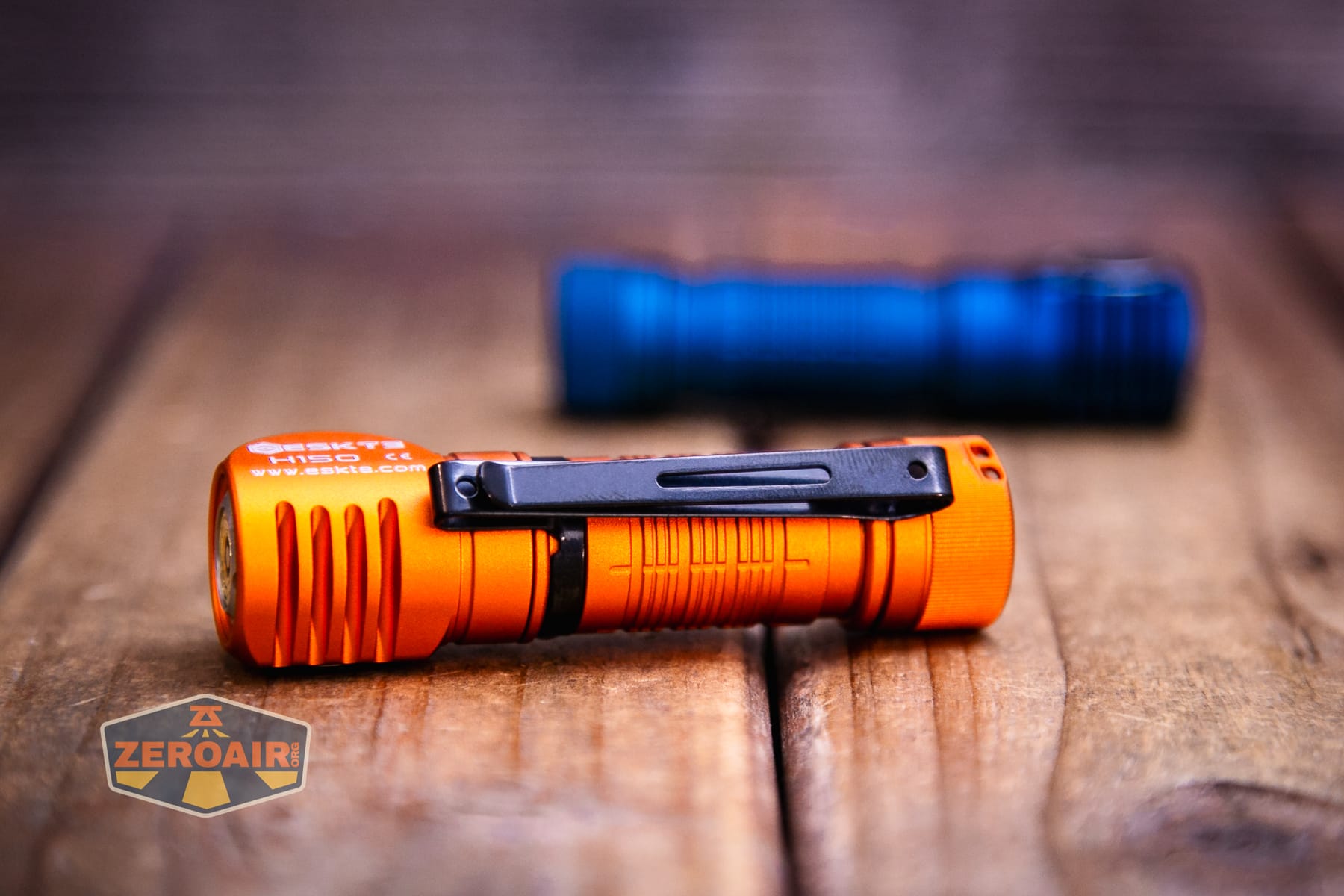
The clip is perfectly satisfactory.
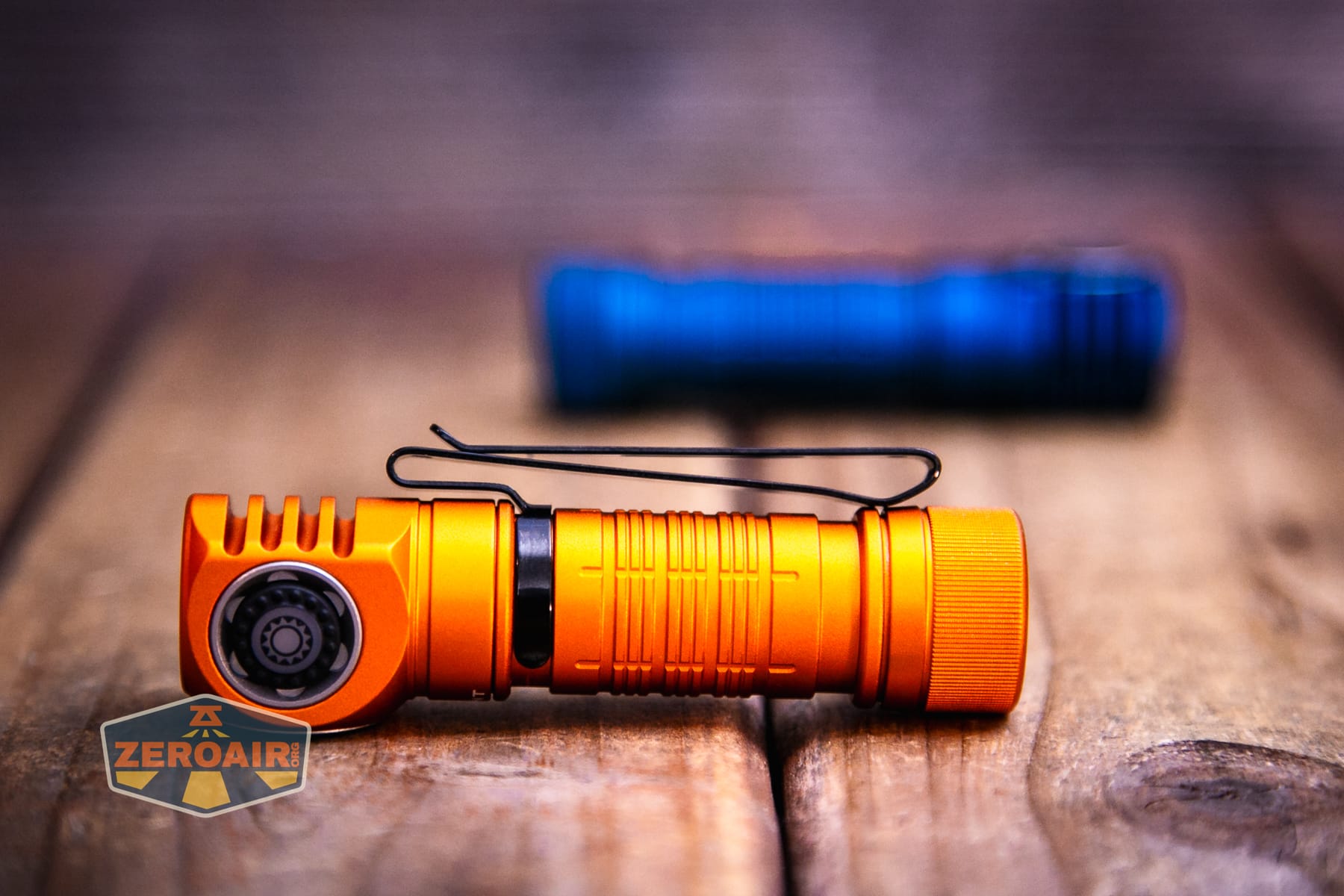
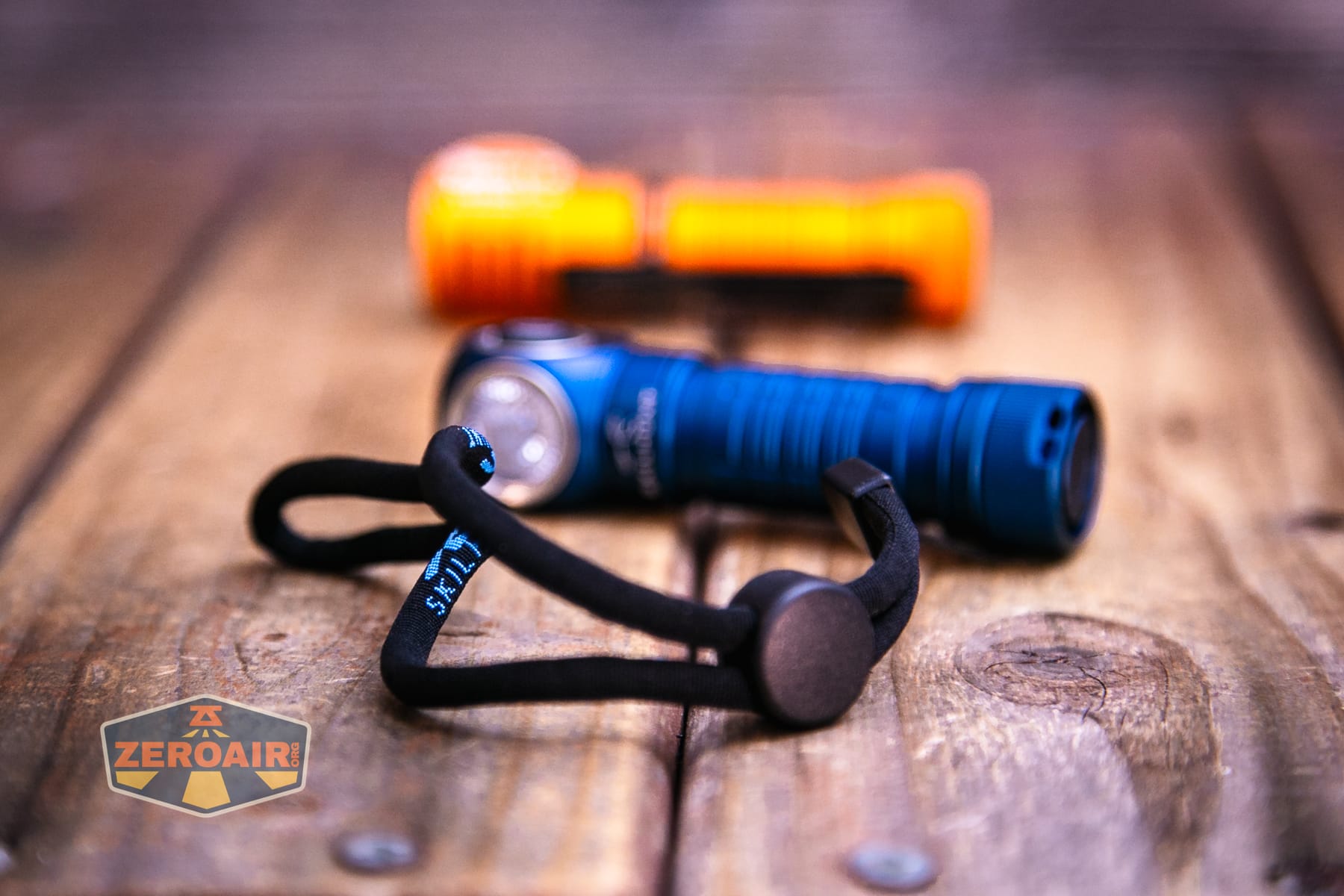
Also included is a lanyard, which attaches through this little hole in the tailcap.
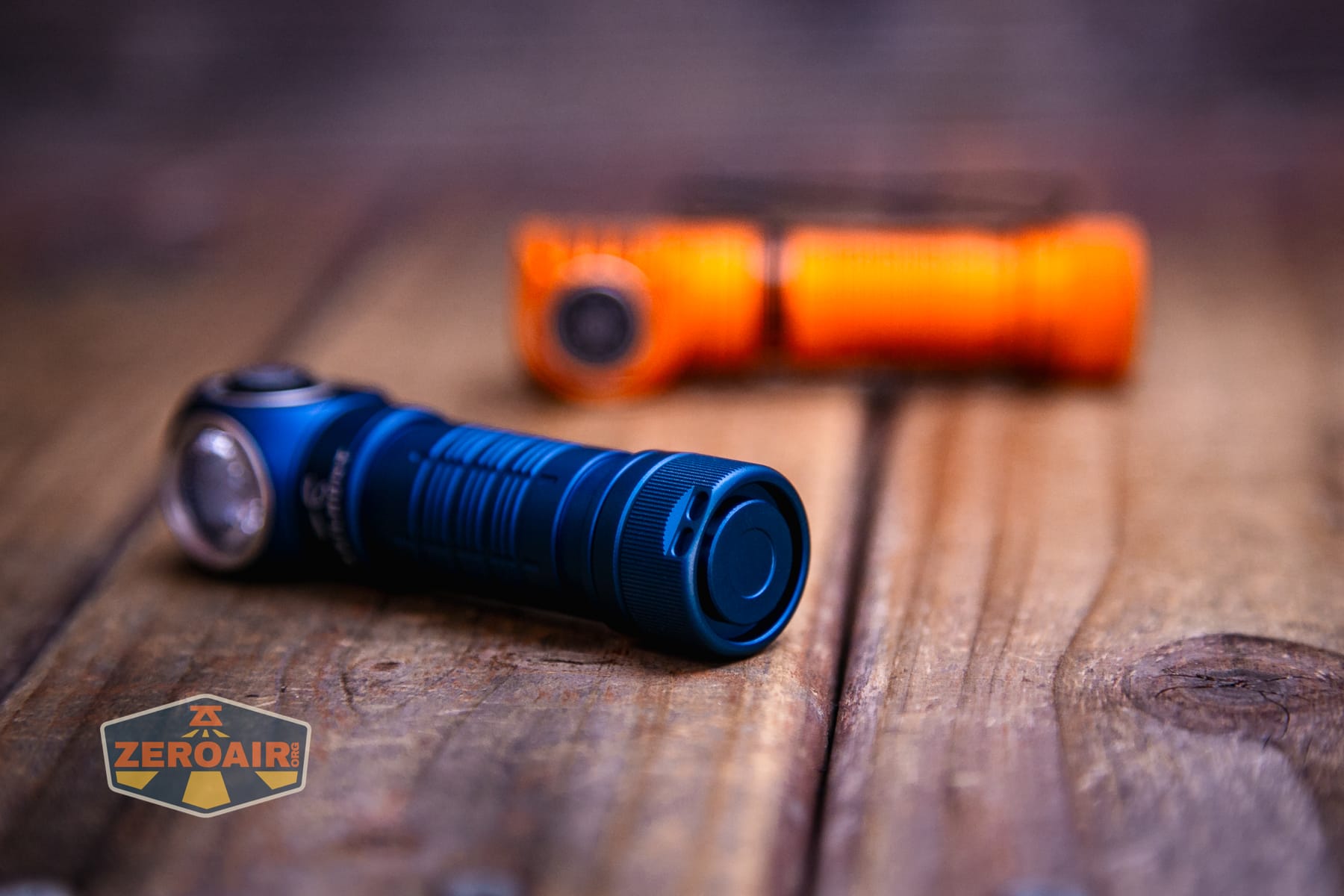
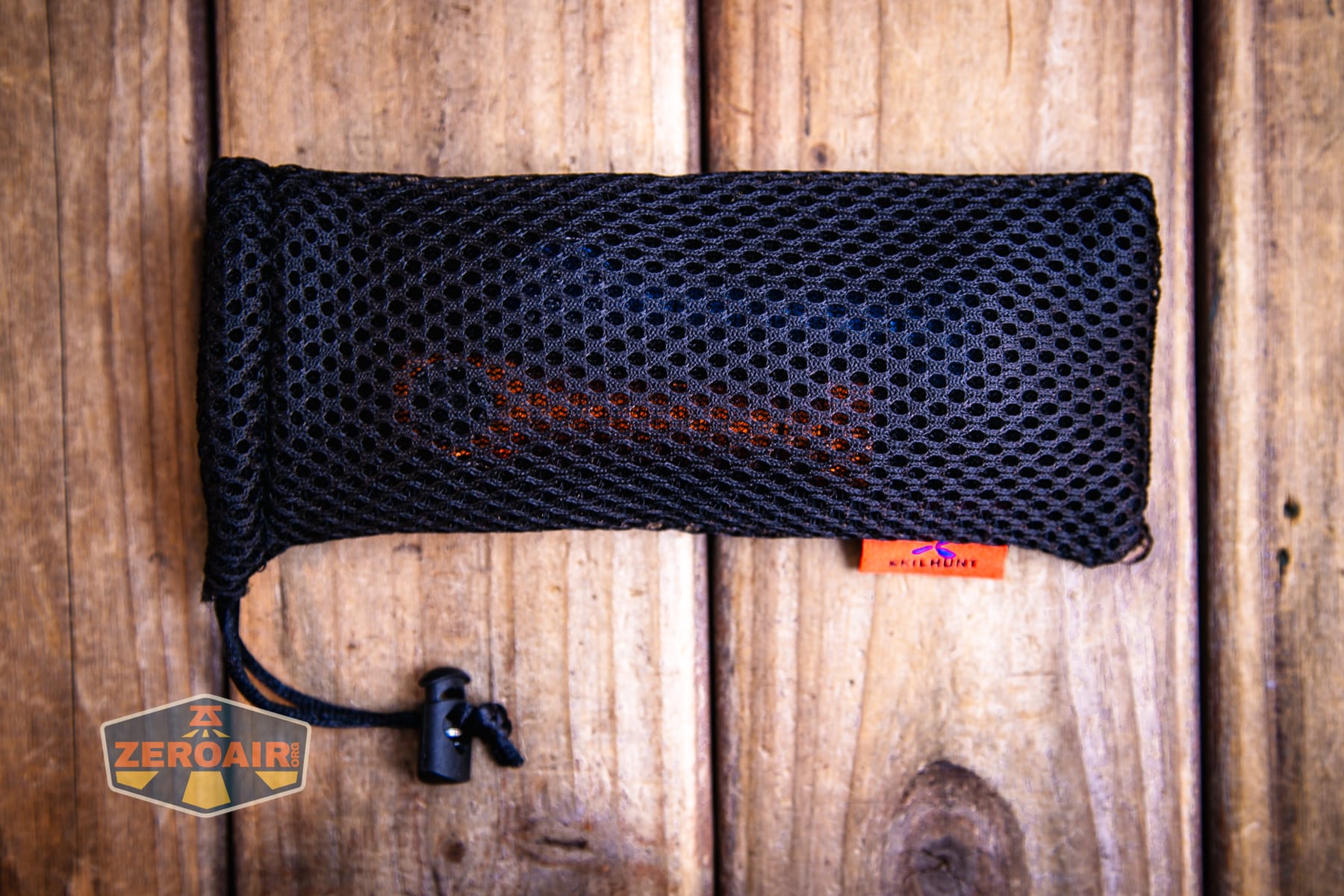
Skilhunt also included these pouches. They’re smaller than similar ones I’ve seen by Skilhunt before, so they seem very rightly sized for a 14500 light. These shipped separately, so I’m not sure if the package includes them. You can see below that the pouch will hold two H150 lights!
Now the actual function of this light – as a headlamp! Skilhunt includes this adjustable plastic mounting piece.
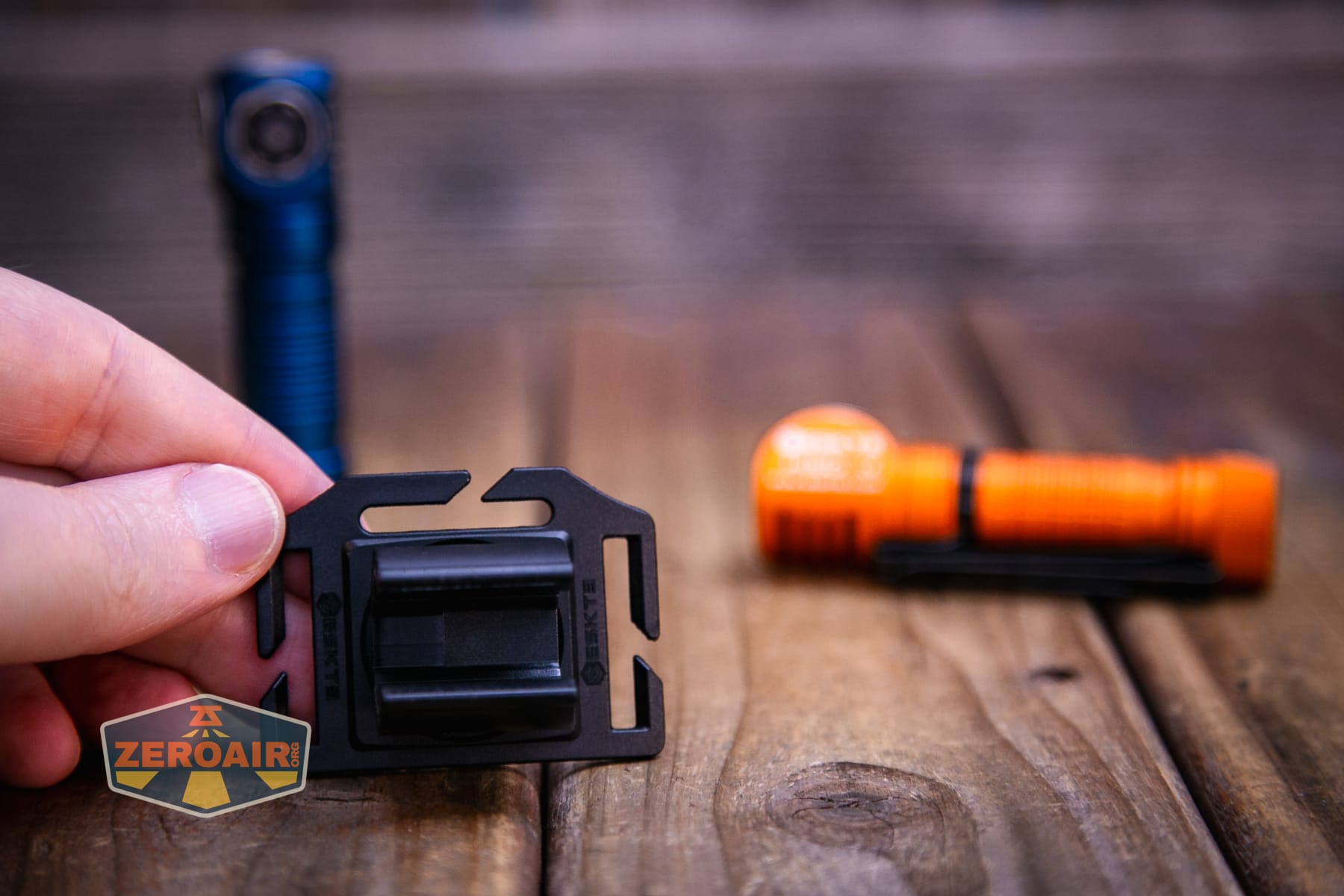
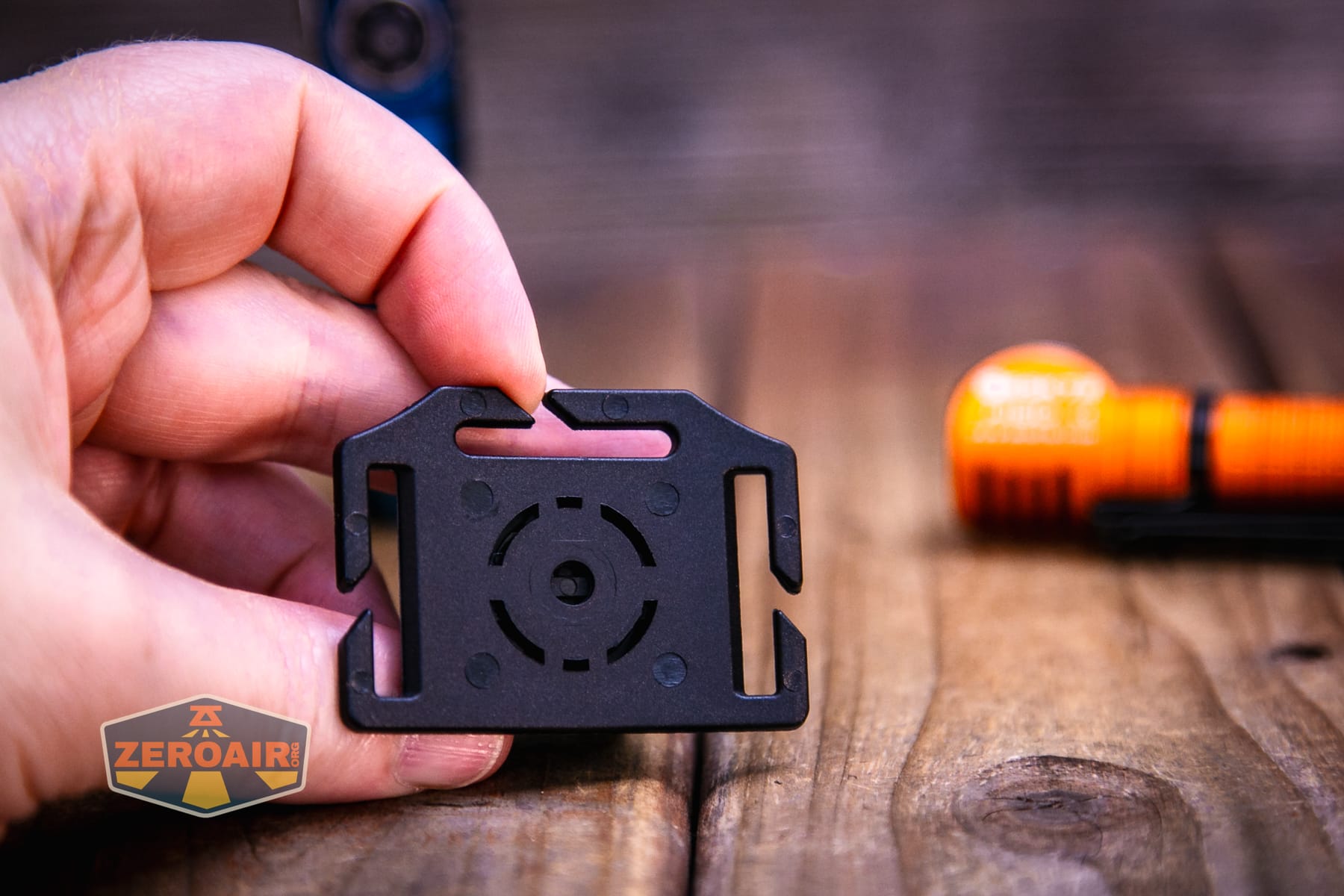
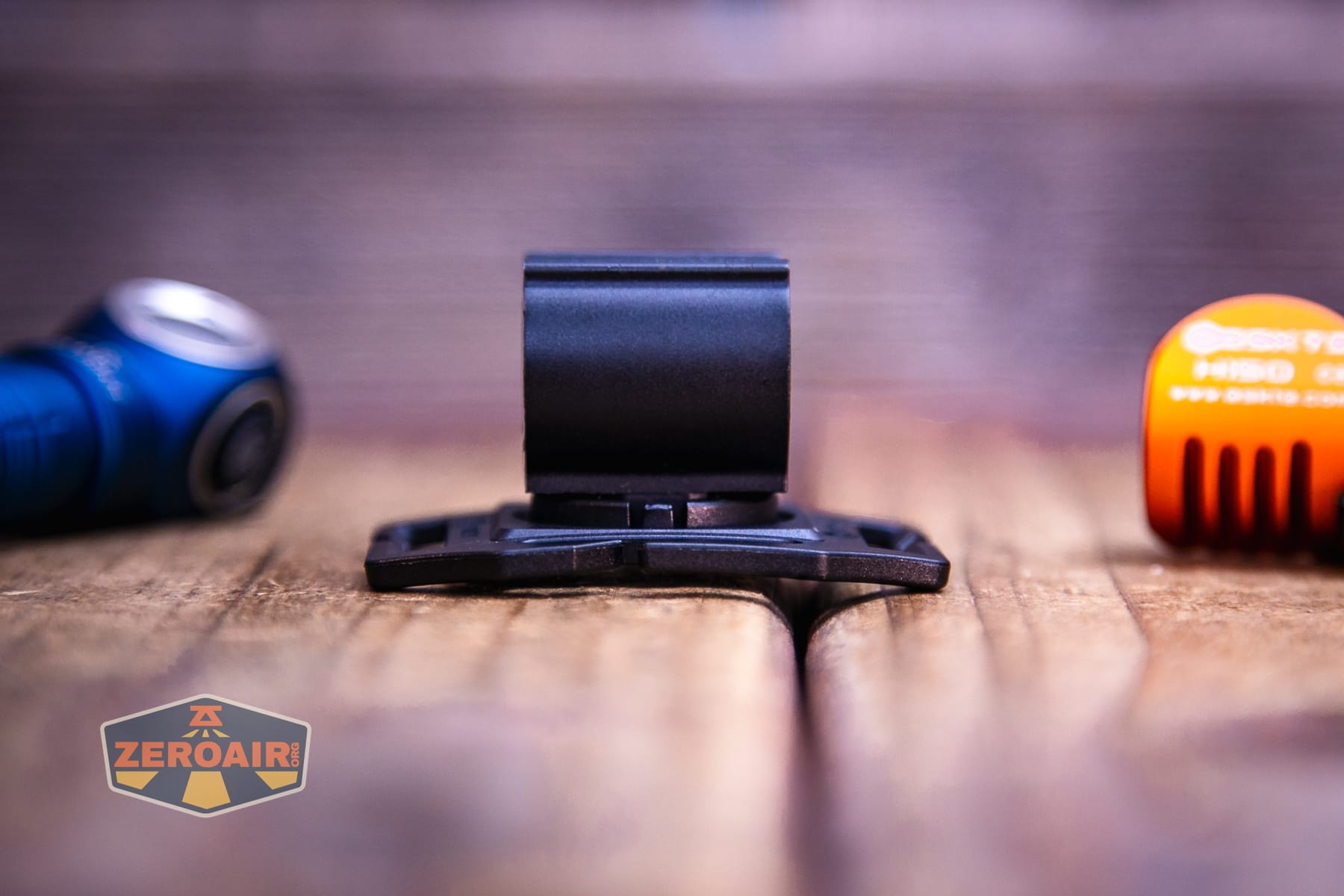
You can see here that there’s a slot for the pocket clip.
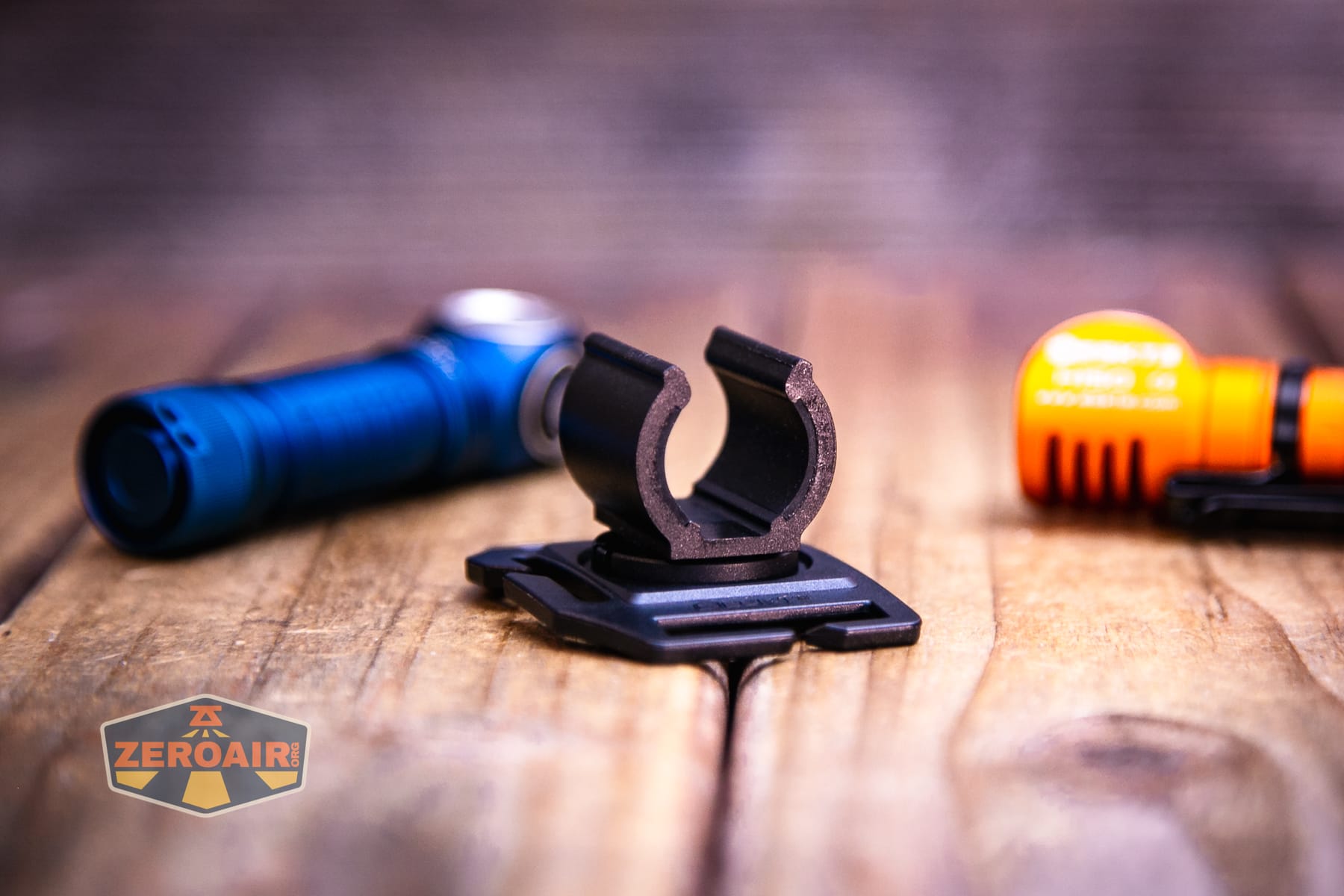
But that only works so well – the light doesn’t really rest easy this way.
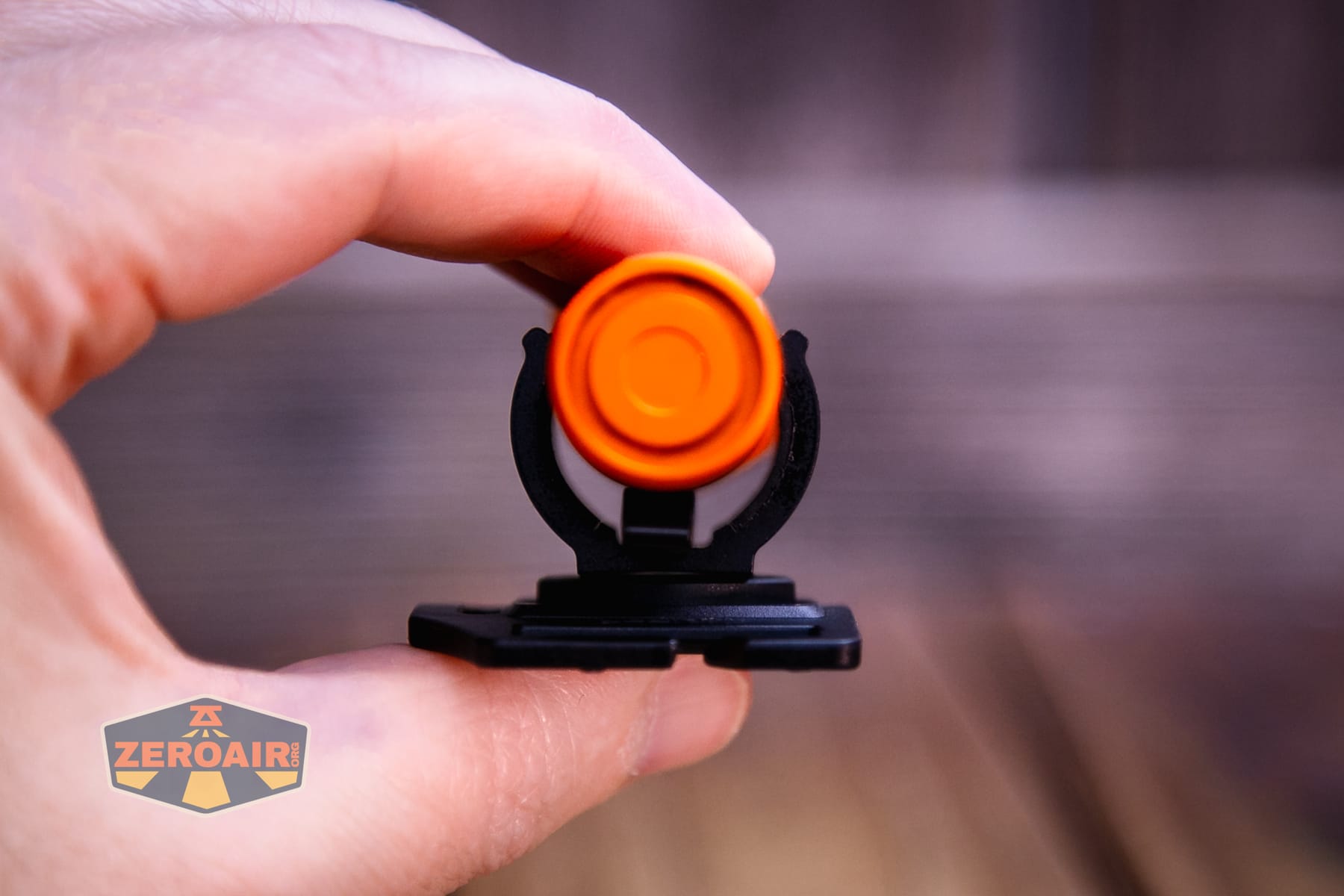
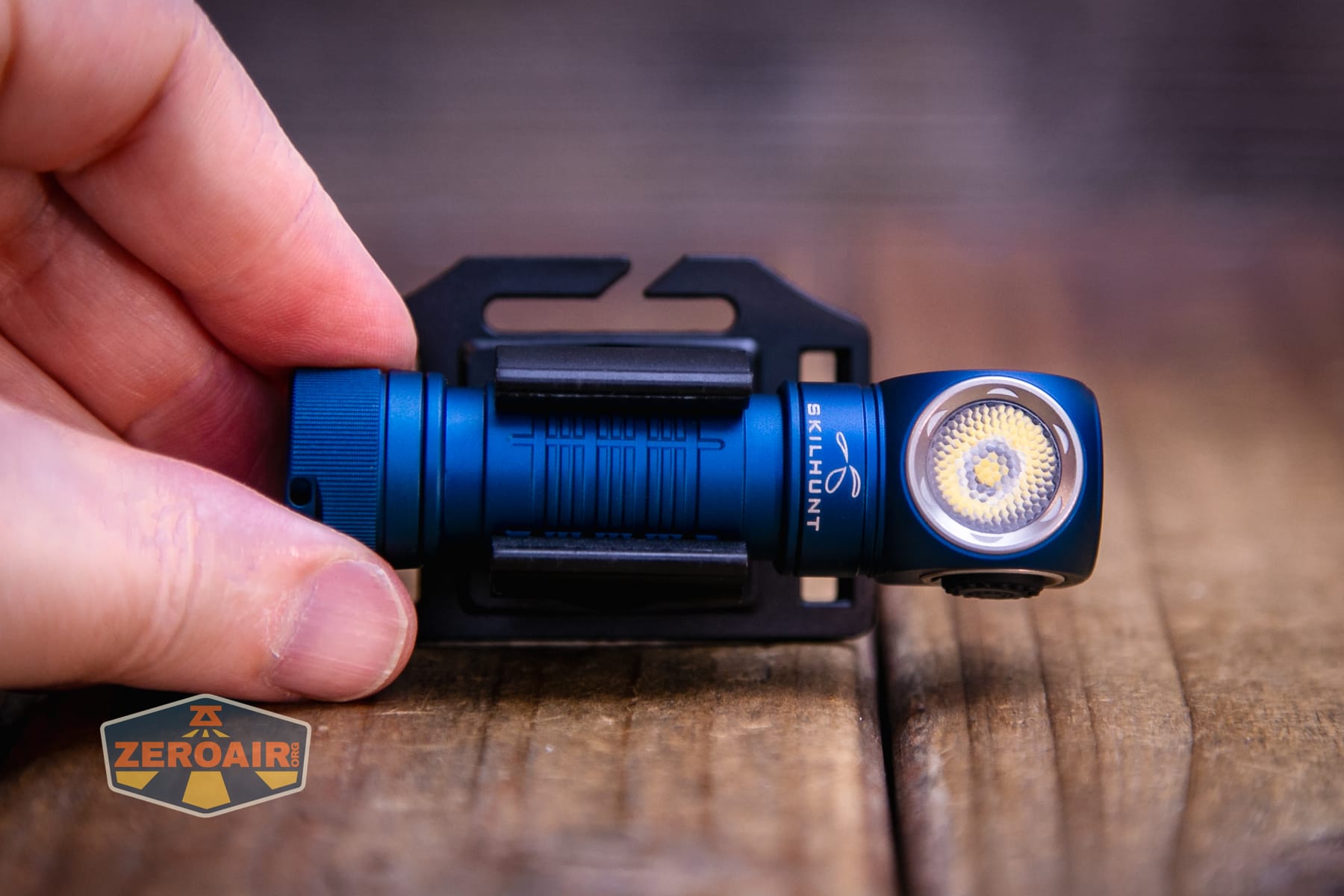
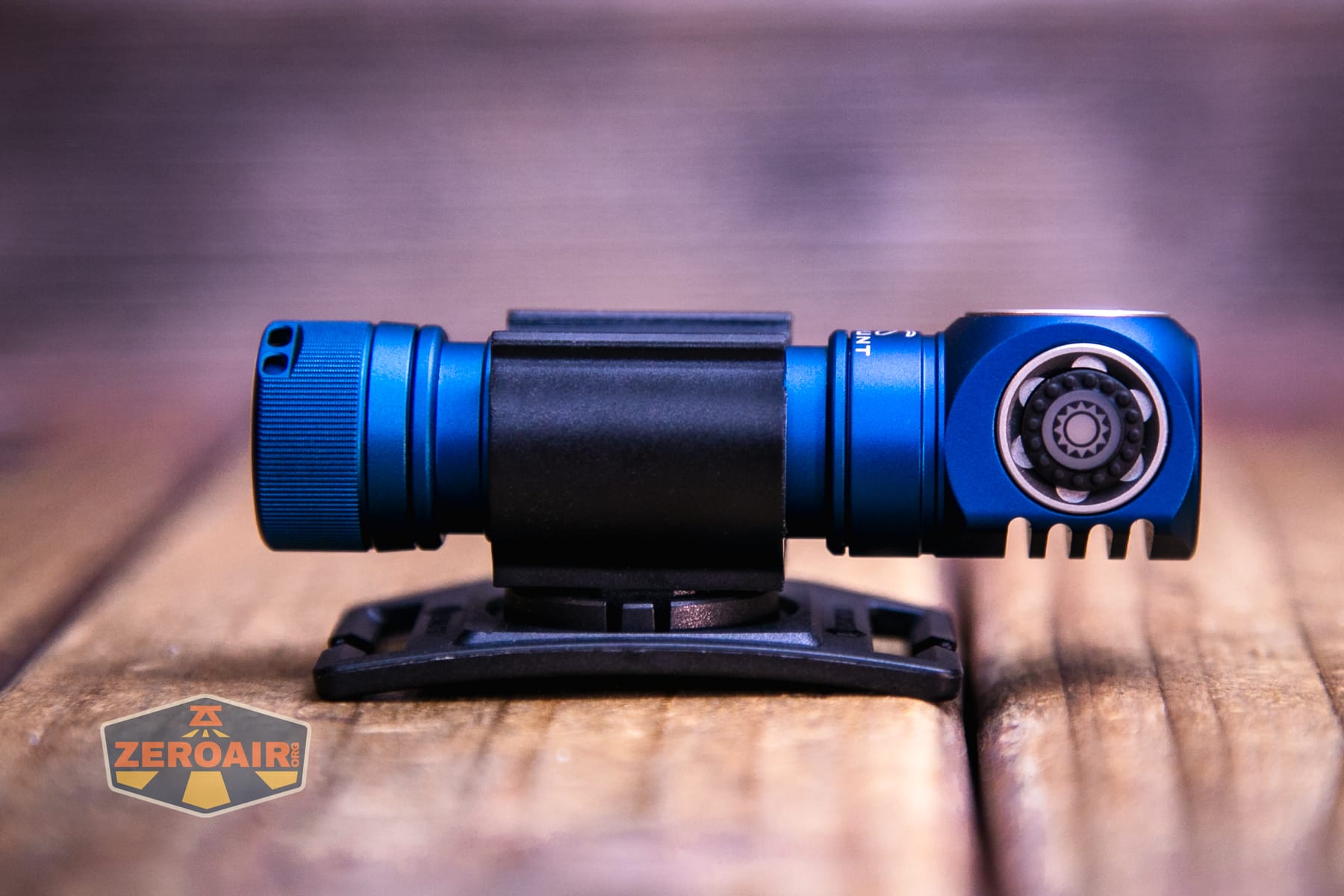
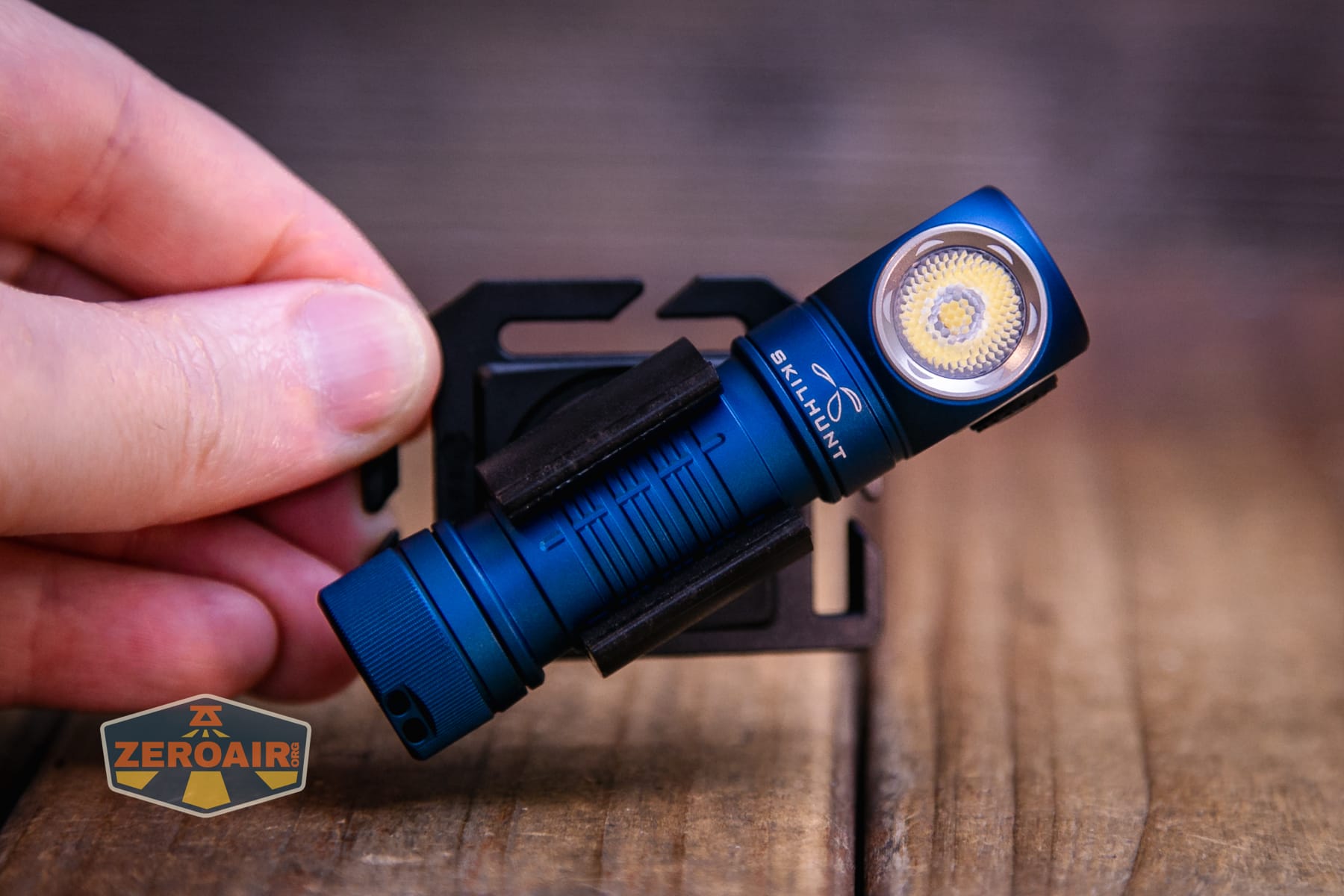
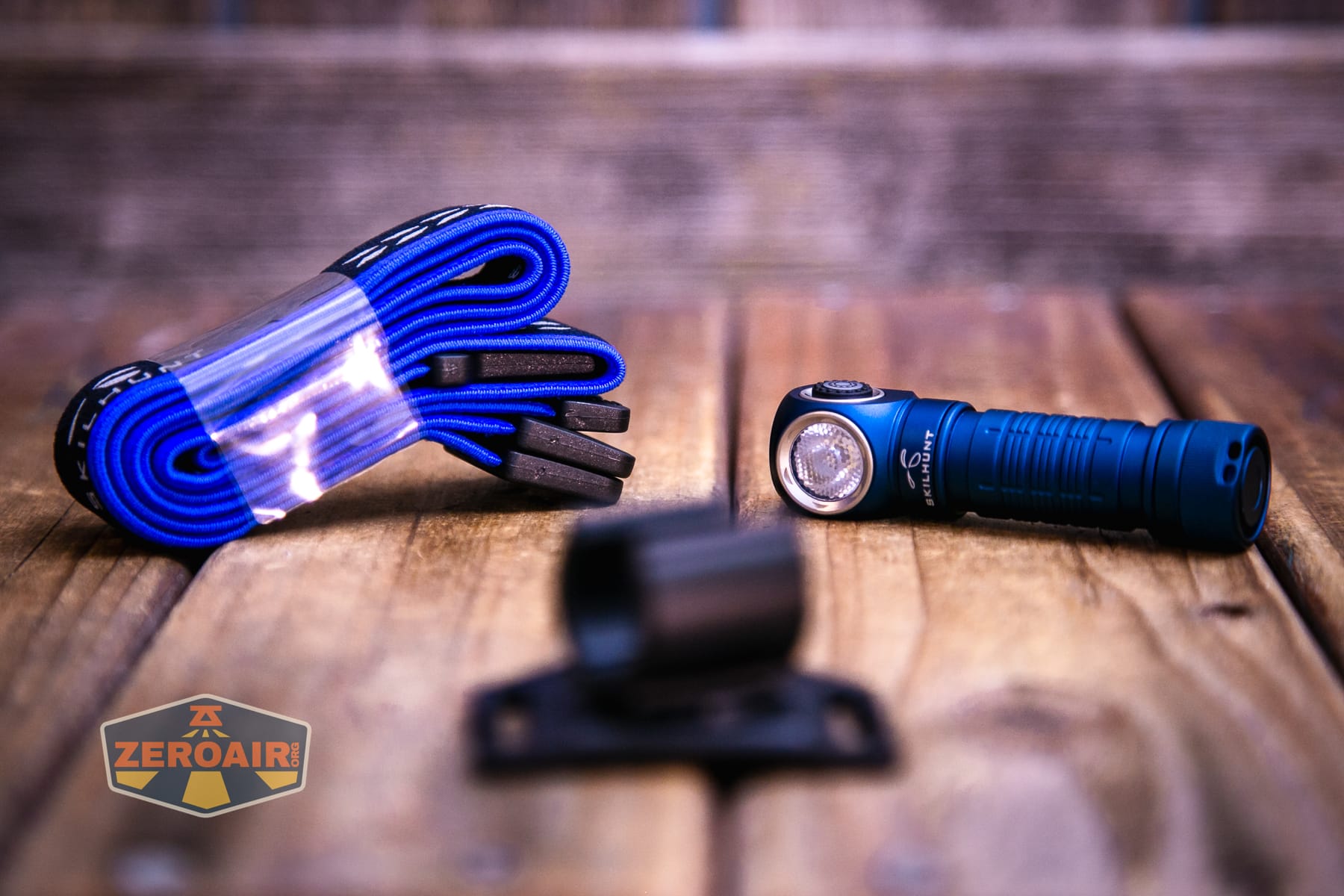
The headband is standard Skilhunt, and that’s good.
Skilhunt has adequately covered how to build this headband, so I’ll just link their video.
The removable magnet in the tailcap is sufficient to hold the H150.
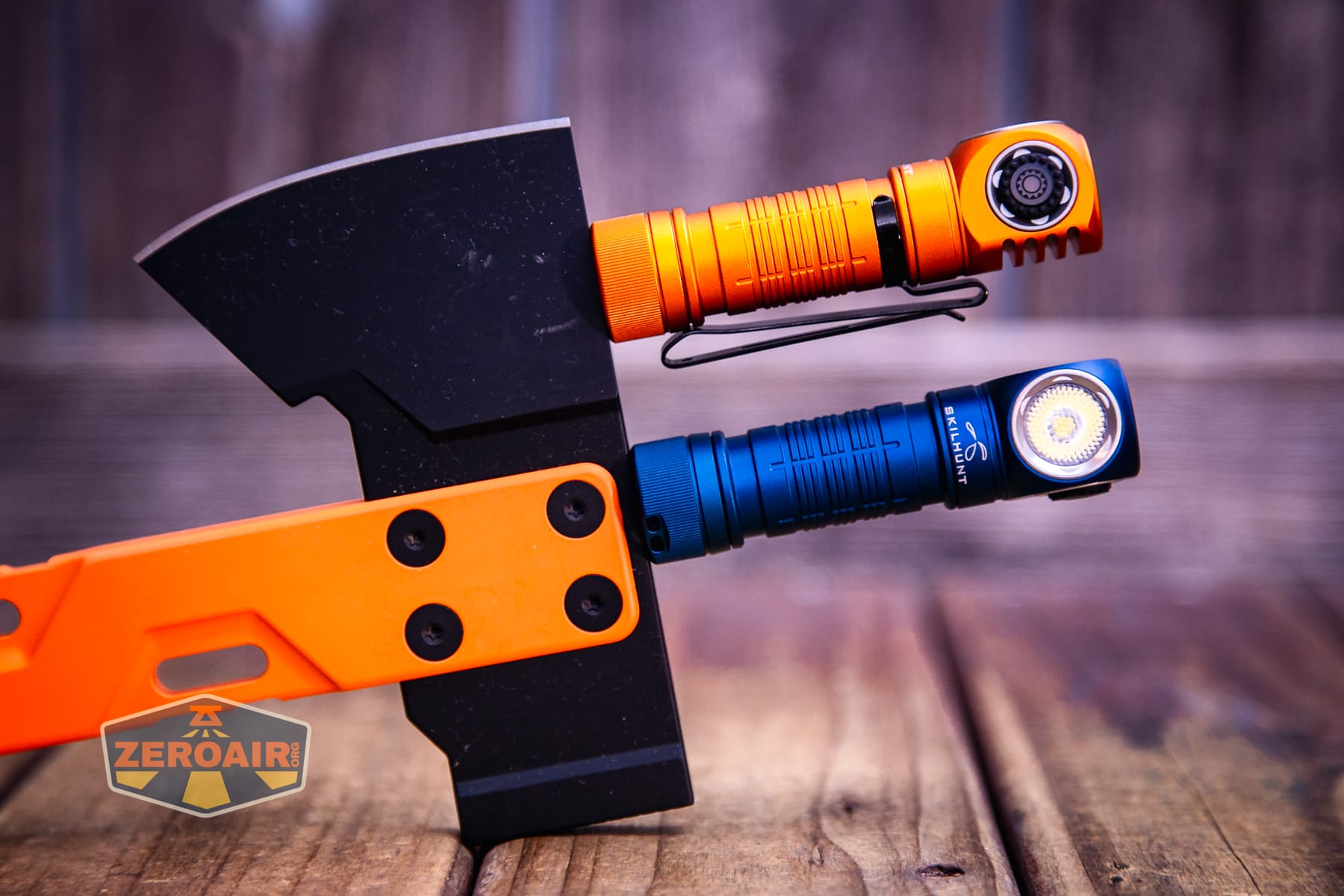
Above, you may note a new holder for my magnetic-tailcap items. That’s the Exceed Designs Hyzer Titanium Mini Hatchet D2 axe. The handle (as the name suggests) is titanium. But the blade is D2 steel and perfect for retaining magnetic tailcap flashlights! The Hyzer is available in a bunch of cerakote body colors as well as different-thickness D2 heads.
Power and Runtime
The Skilhunt H150V4 3000K headlamp runs on a single lithium-ion cell. It’s sized for a 14500, and an appropriate cell is included. It’s possible to buy two cells – I think the only (or at least “main”) difference is capacity. This one is the bigger capacity option: a 920mAh cell, and the other is 800mAh.
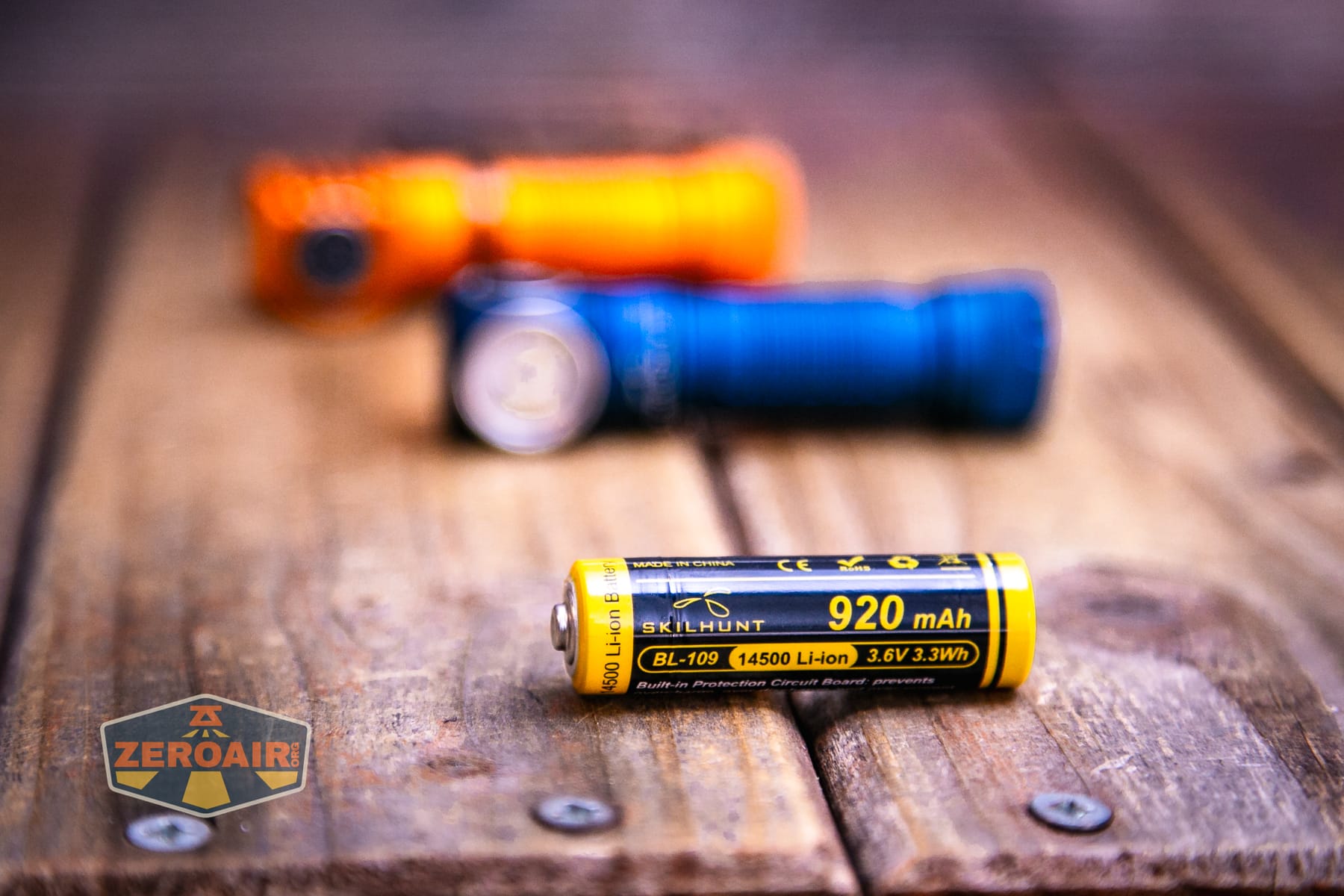
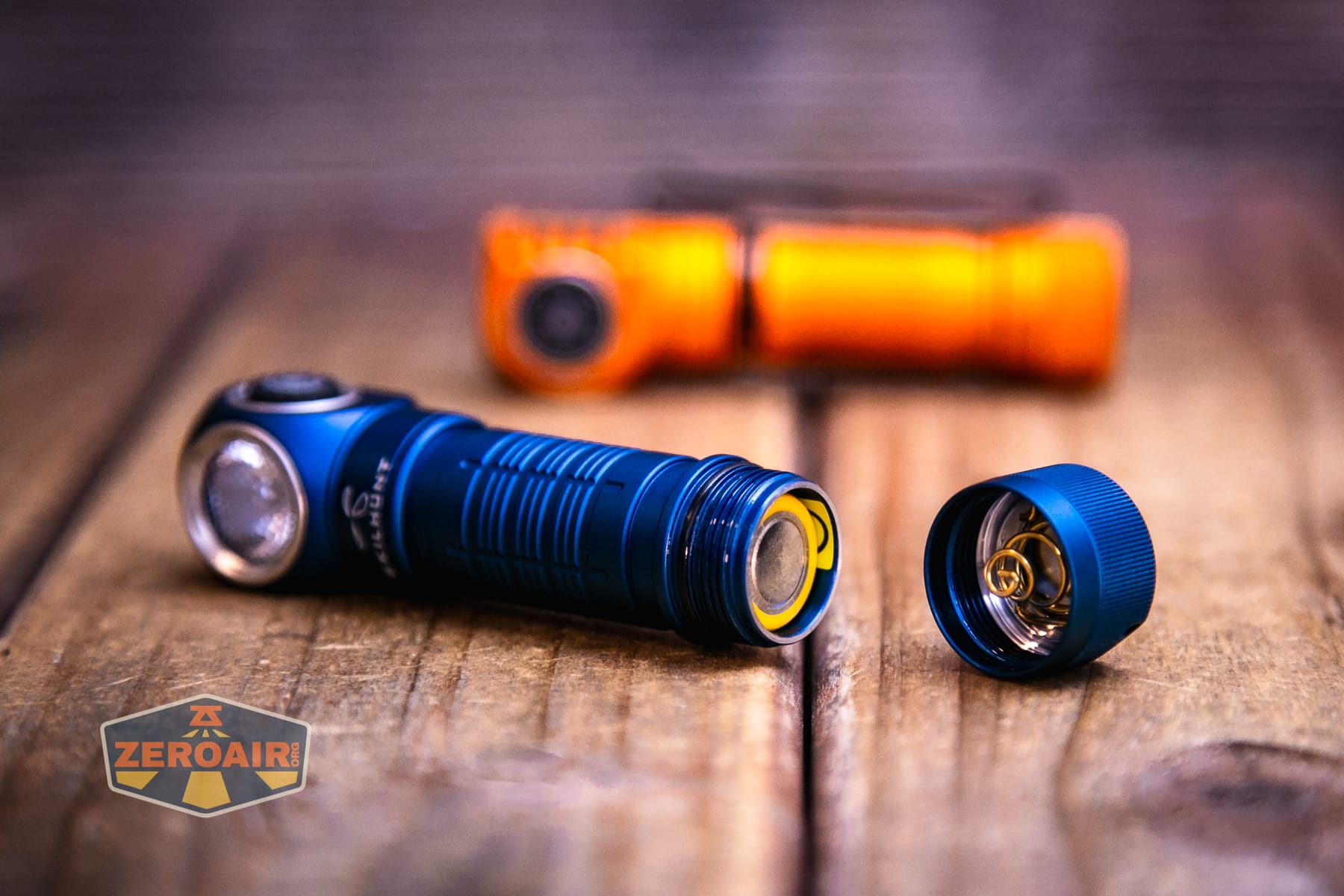
The 14500 fits into the H150 with the positive terminal toward the head, as seen below.
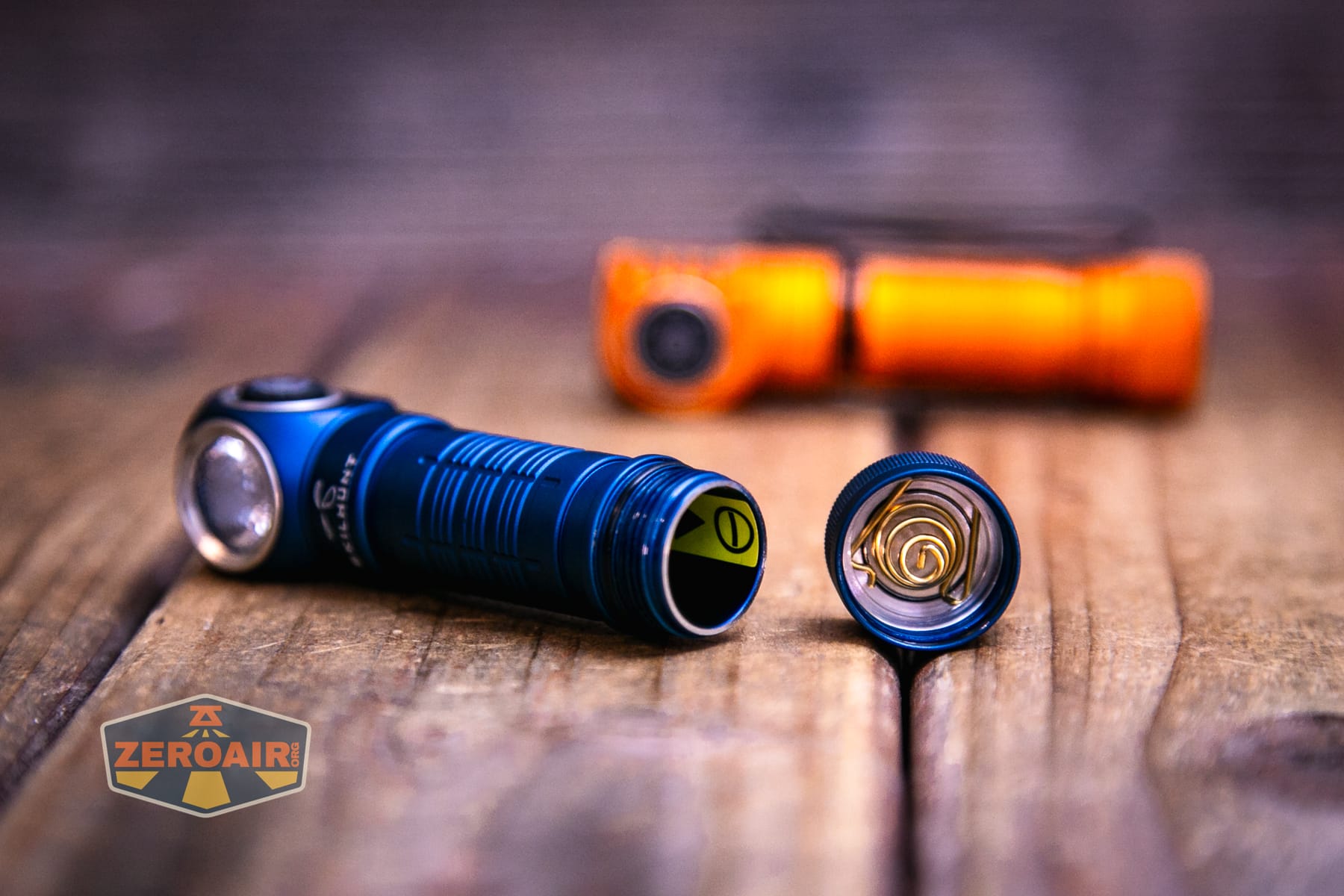
In case you forget that bit of information, there’s a sticker just inside the tube to help.
Here are a few runtime tests. I wouldn’t say there’s anything super surprising here. Output is very stable once a stepdown has happened, and low voltage protection is observed. There’s also a low voltage warning in the indicating e-switch. The switch also indicates the power level upon turning the H300R on. The indication it gives indicates the power level as follows:
Blue constant: 100-80% power
Blue blinking: 80-50% power
Red constant: 50-20% power
Red blinking: 20-0% power
The new buck/boost driver of this V4 version should (per Skilhunt) make higher output and also run cooler (I think), and these runtime charts seem to support that.
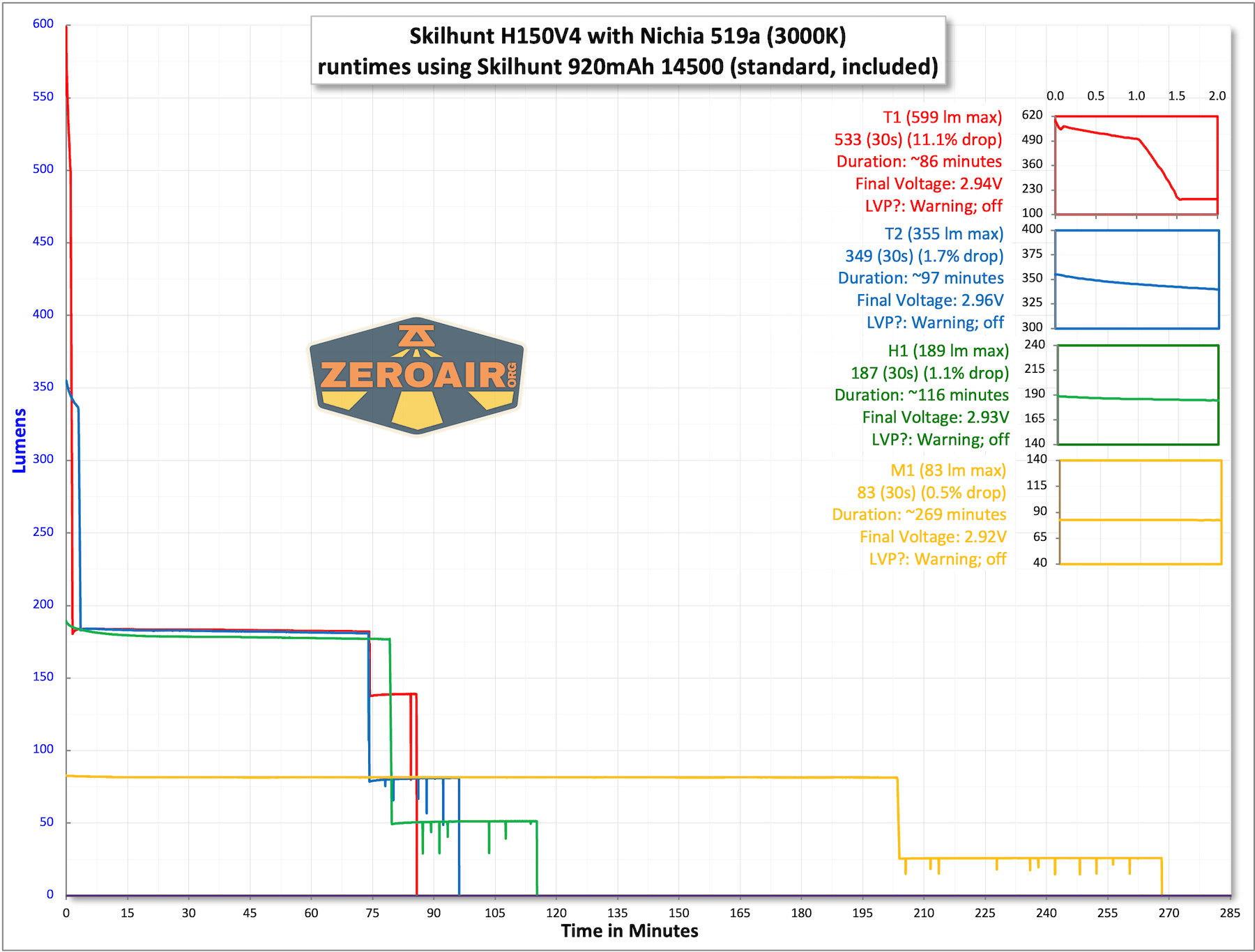
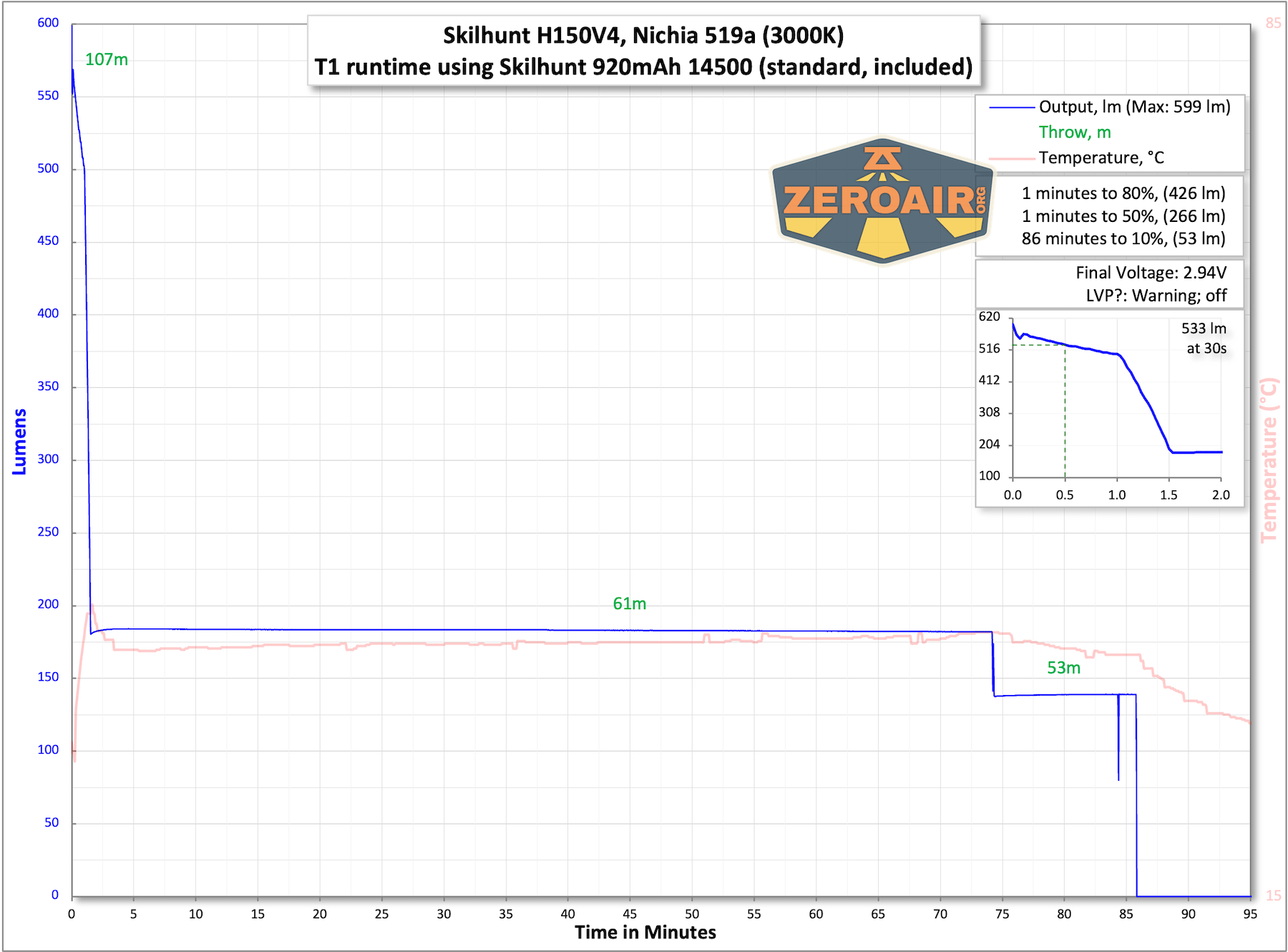
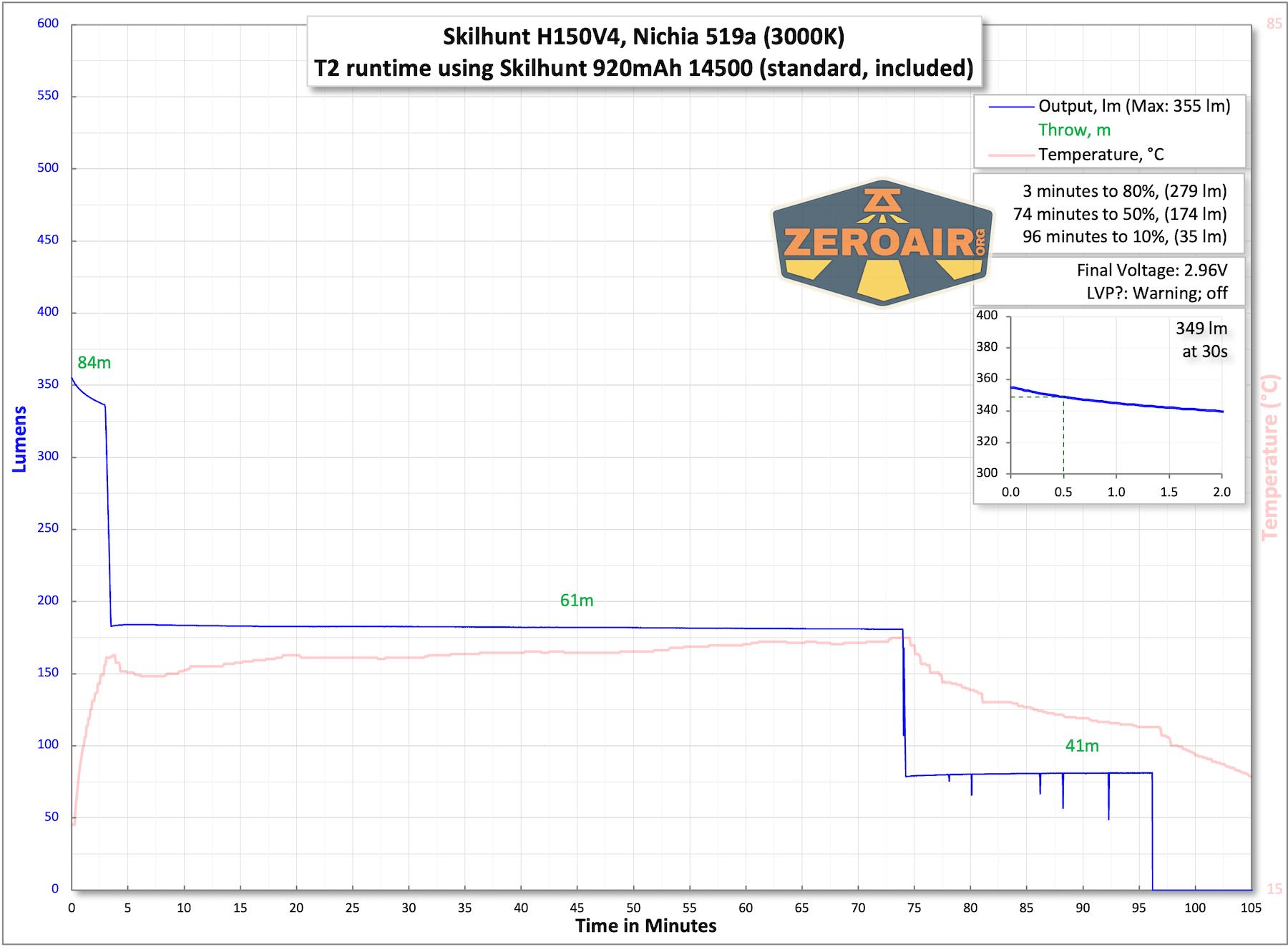
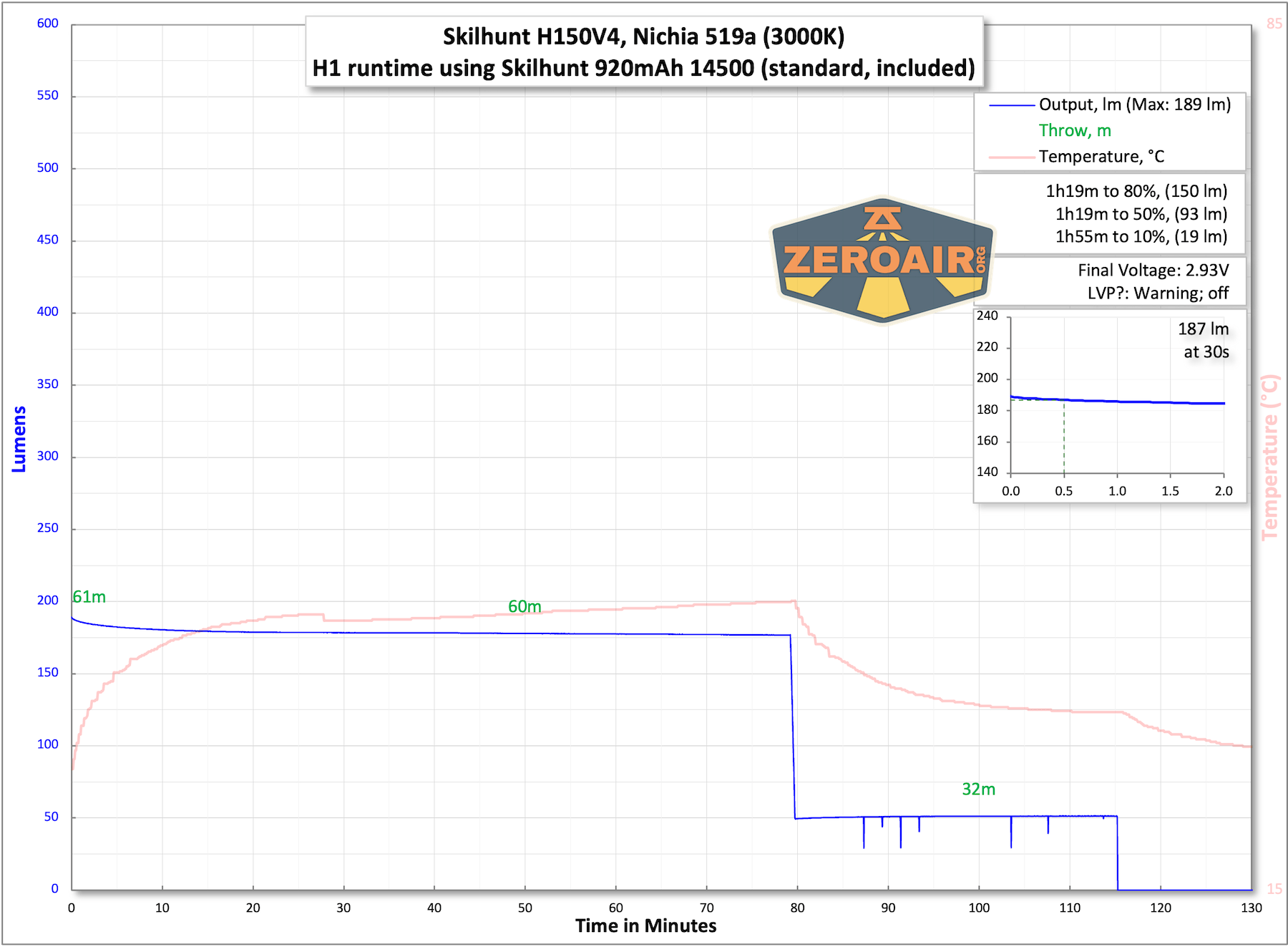
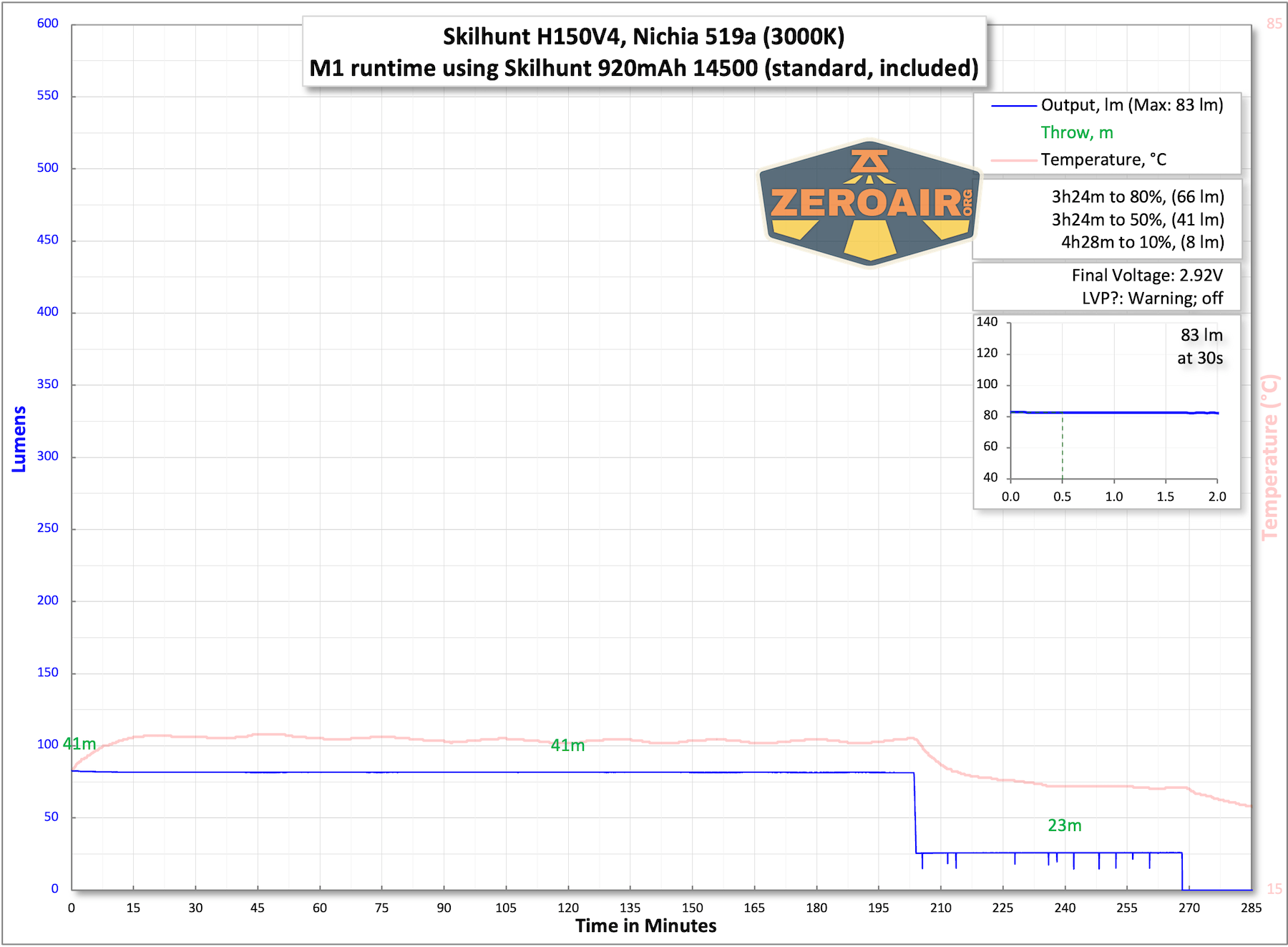
The temperature lines in these charts are included as general context, not precise measurements. The values represent the range (min to max) during testing, but should not be taken as exact readings. A temperature sensor is not always attached to the bezel (or even the hottest spot, assuming that could be defined). Even with ideal placement, too many variables affect temperature to definitively state a specific max value.
A bonus feature in Skilhunt products that run one 14500 cell is that running one AA cell is also an option!
Charging
The Skilhunt H150V4 3000K headlamp also has built-in charging, just like the other Skilhunt headlamps. This charging is by way of a magnetic charge port at the top of the light.
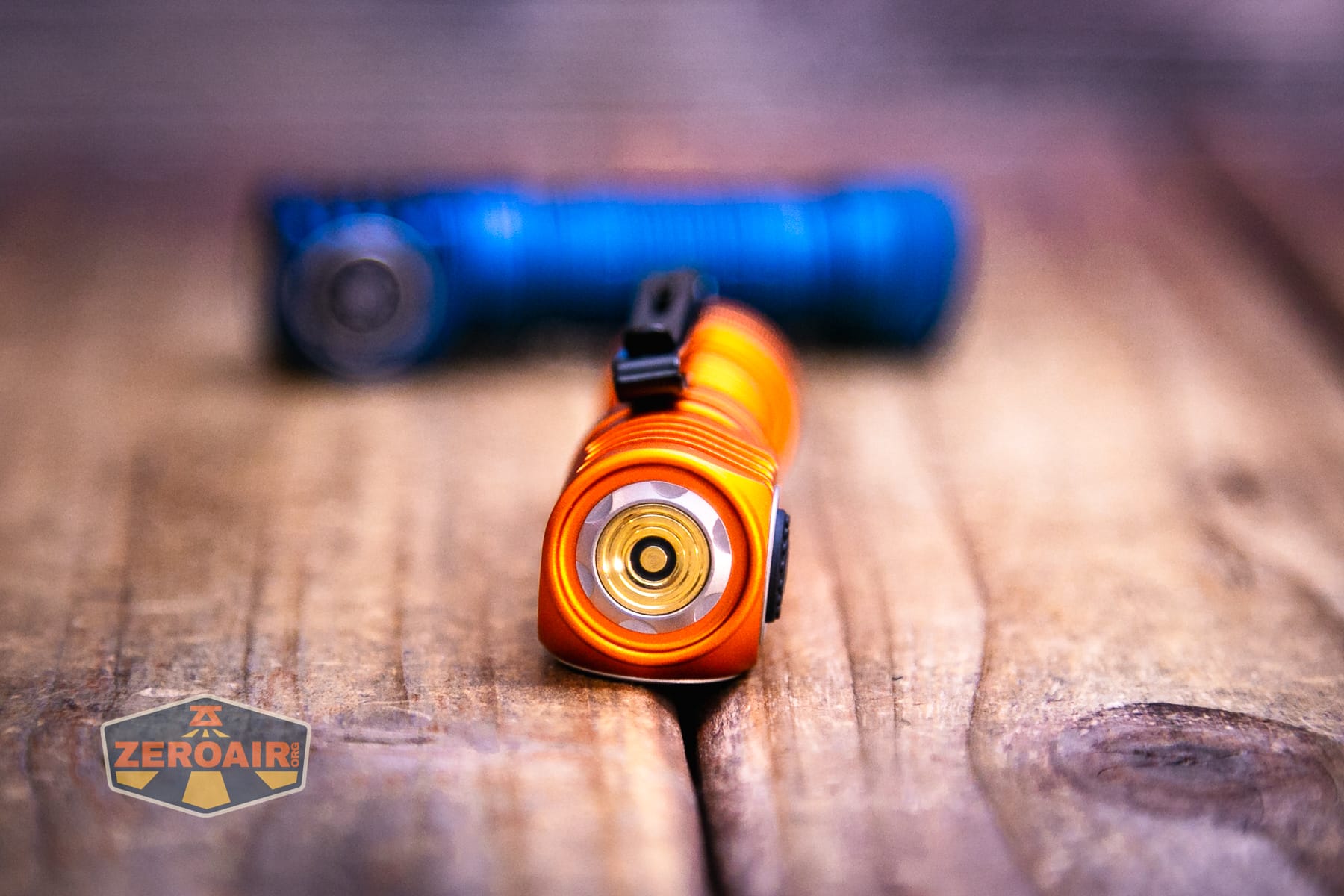
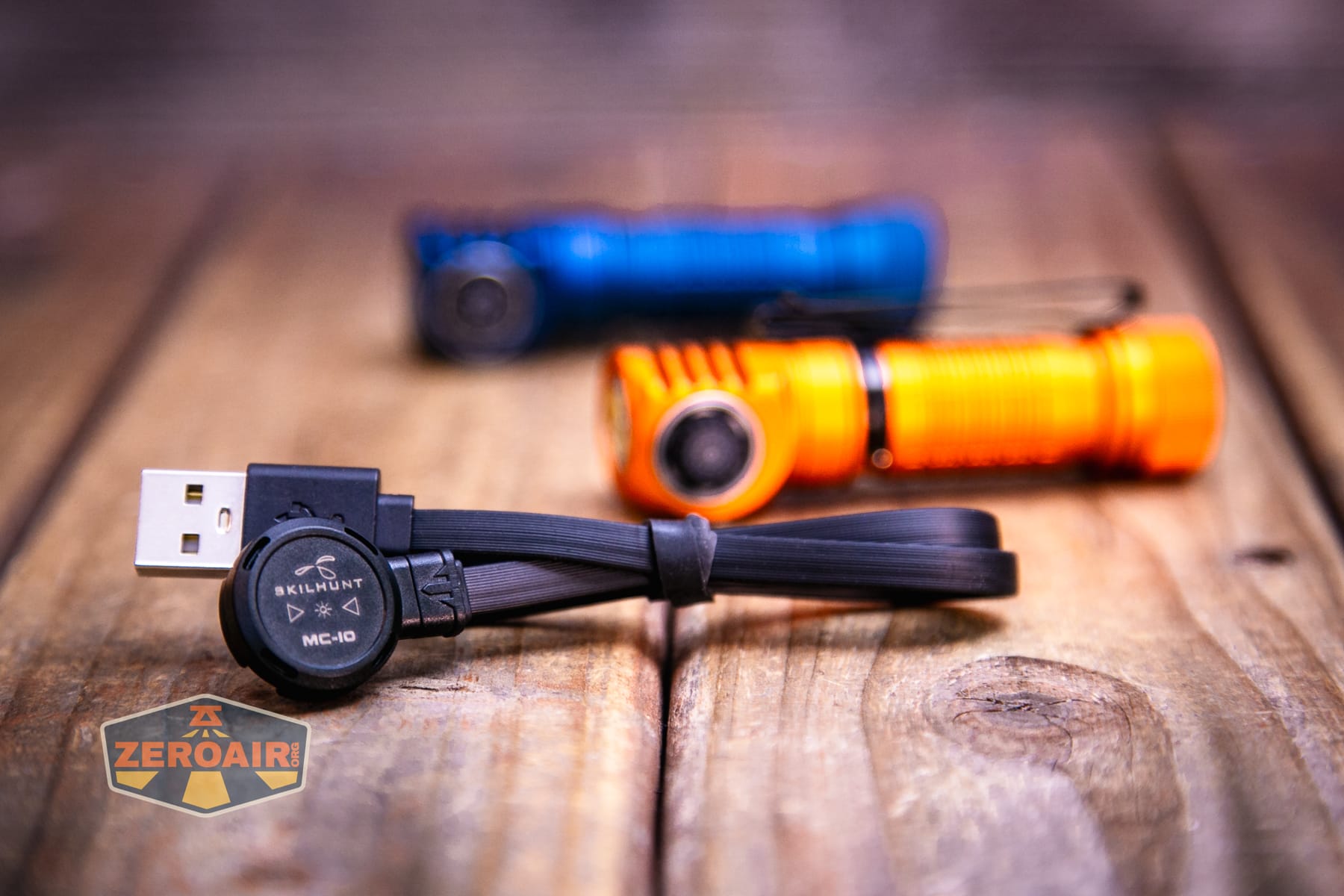
A proprietary cable is included. This is the same type as is used on other Skilhunt lights, so if you’ve “bought in,” you’ll be all set to use this on your other Skilhunts, too. Note that there are some versions – this is the MC-10.
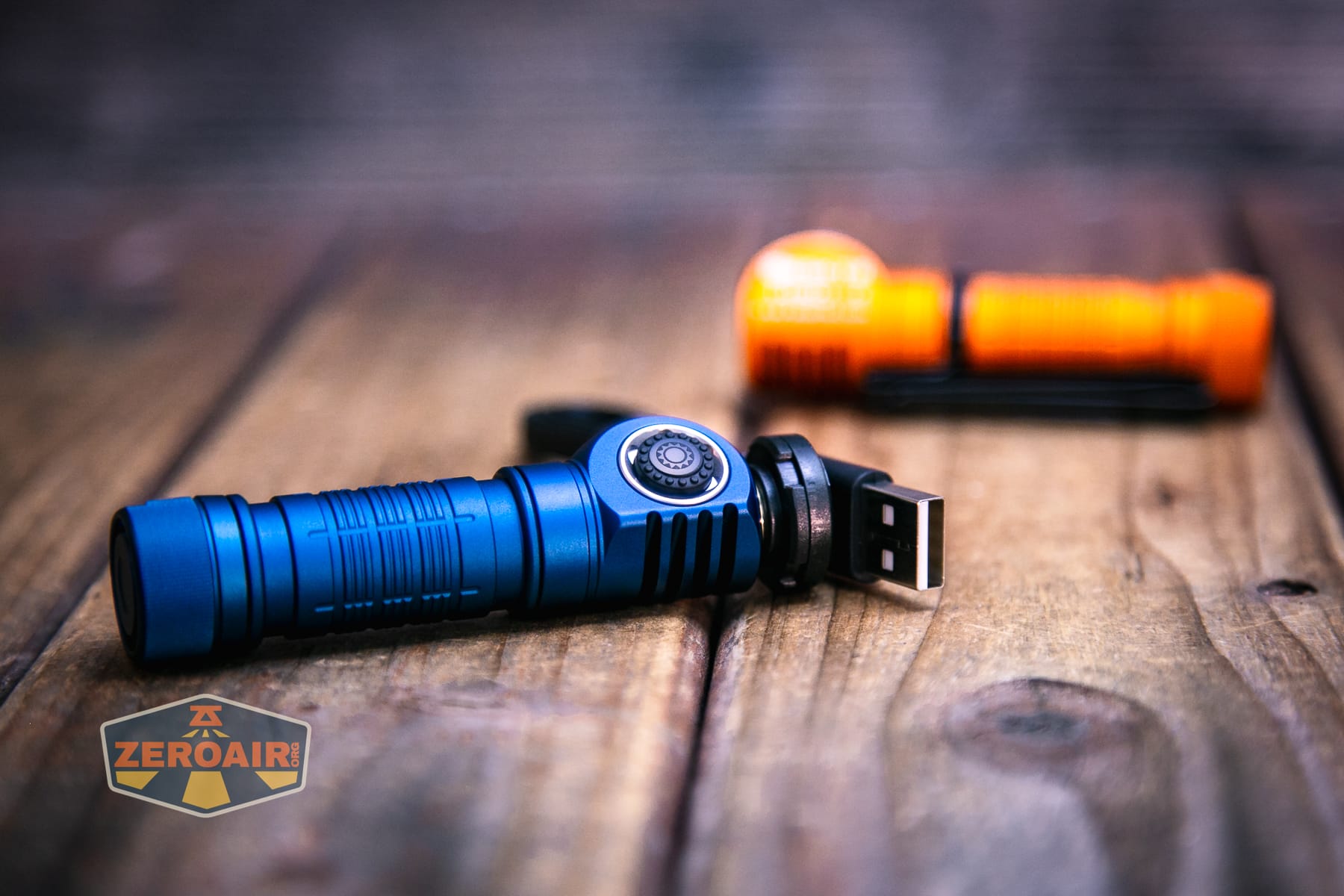
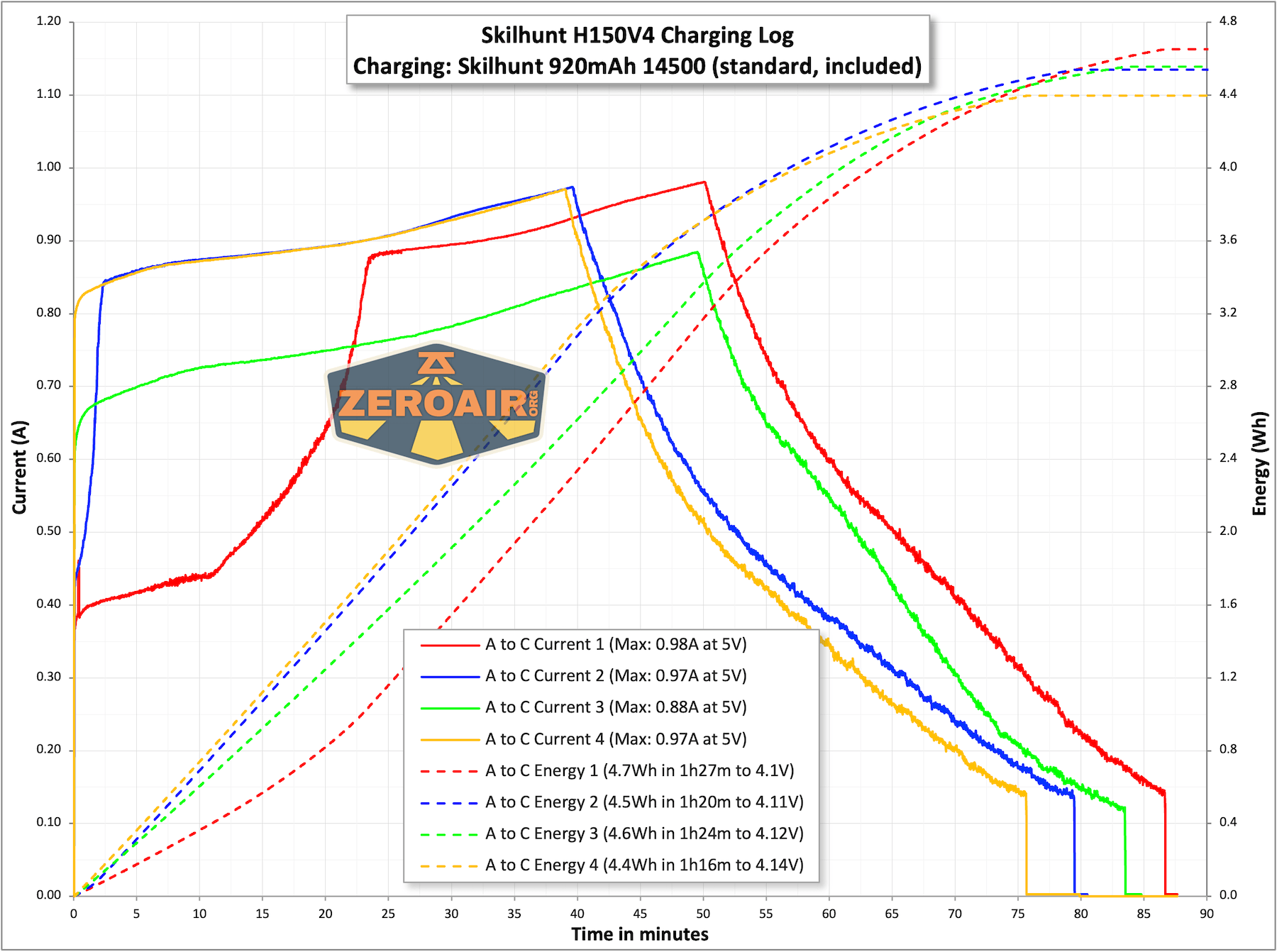
The charger also has a little indicator as well – while charging, the indicator is red. When complete, it’s blue. Charging is around 0.9A, which is around 1C. That’s fine for this cell. These charge graphs are a little less consistent than previous iterations. I think that has to do with the proprietary connections being just a bit fickle toward being totally clean. USB-C would be much better!
Modes and Currents
| Mode | Mode Claimed Output (lm) | Claimed Runtime | Measured Lumens | Tailcap Amps |
|---|---|---|---|---|
| T1 (14500) | 560-200-150 | 1m+75m+10m | 599 (0s) 533 (30s) |
4.20 (@4.2V) |
| T2 (14500) | 360-200-90 | 3m+75m+20m | 349 | 1.42 (@4.2V) |
| H1 (14500) | 200-56 | 80m+30m | 189 | 0.60 (@4.2V) |
| M1 (14500) | 86 | 240m | 83 | 0.23 (@4.2V) |
| M2 (14500) | 17 | 20h | 16.4 | 43.7mA (@4.2V) |
| L1 (14500) | 1.2 | 150h | 1.3 | 6.5mA (@4.2V) |
| L2 (14500) | 0.03 | – | 0.04 | 3.0mA (@4.2V) |
Pulse Width Modulation
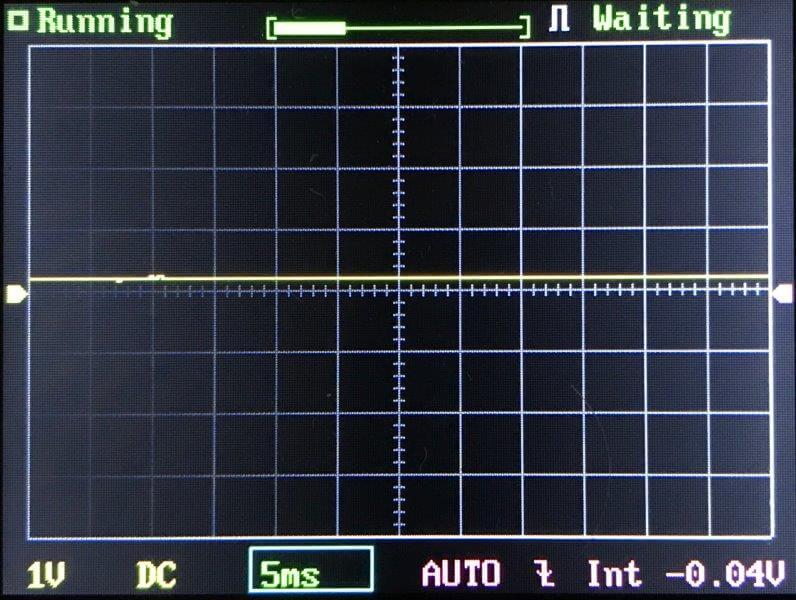
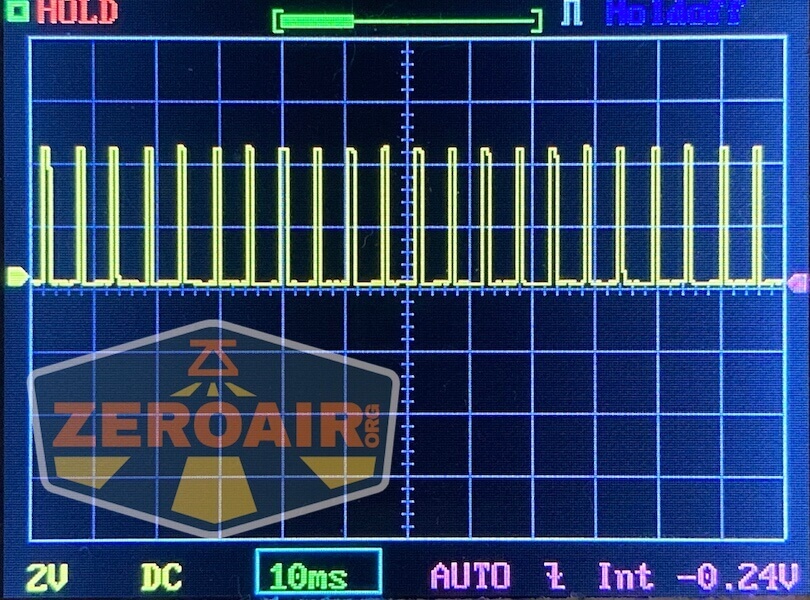
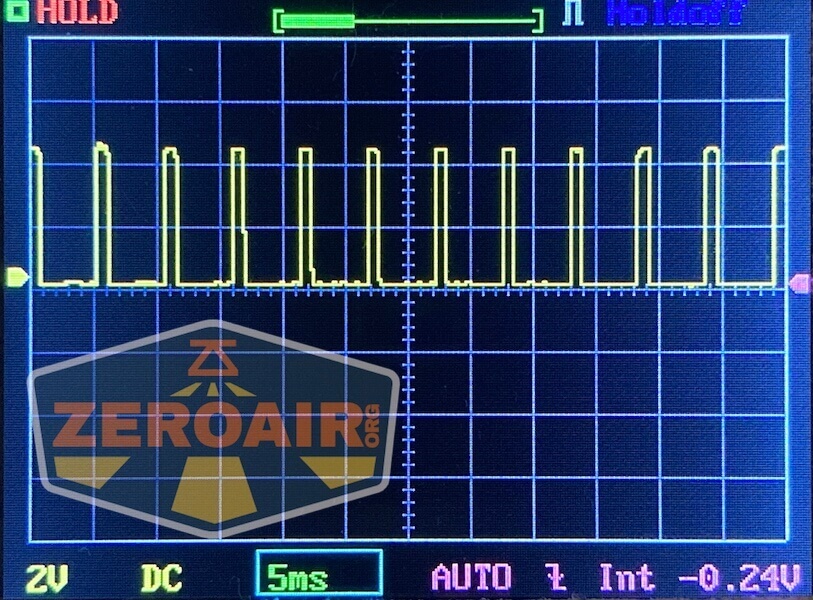
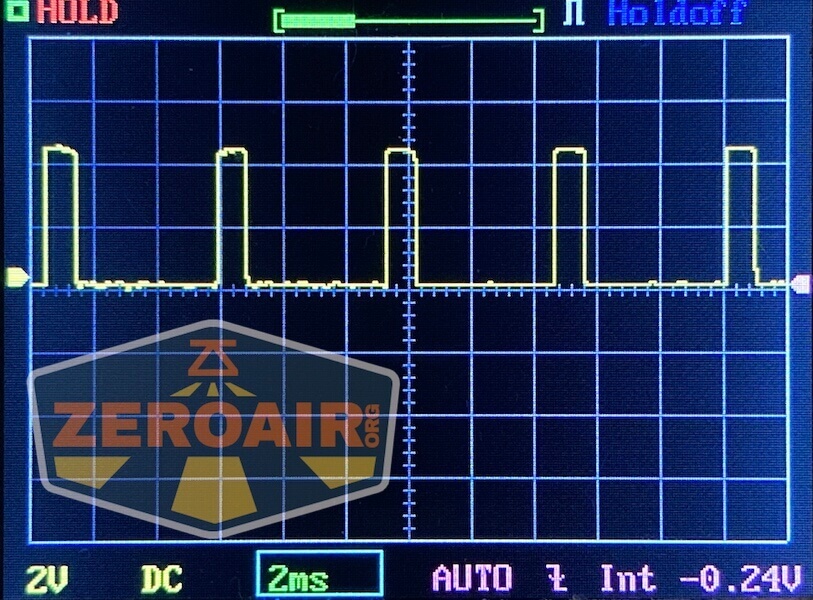
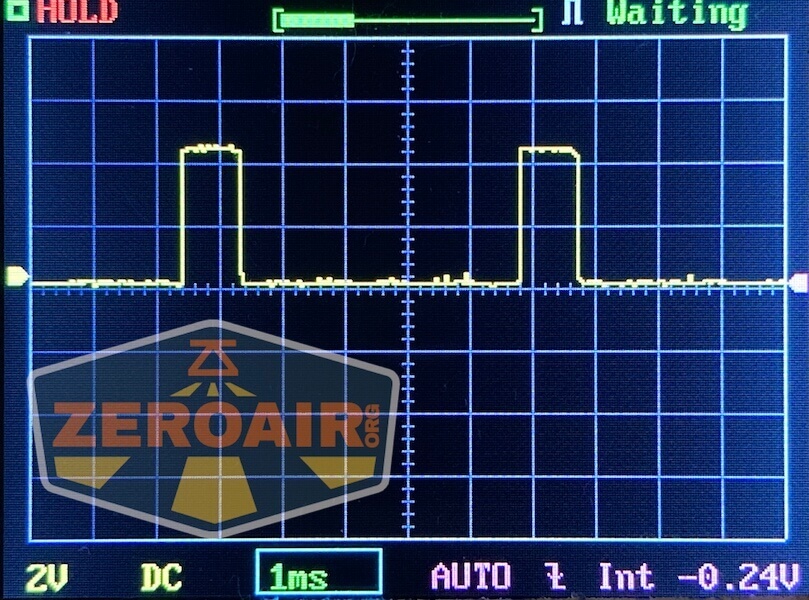
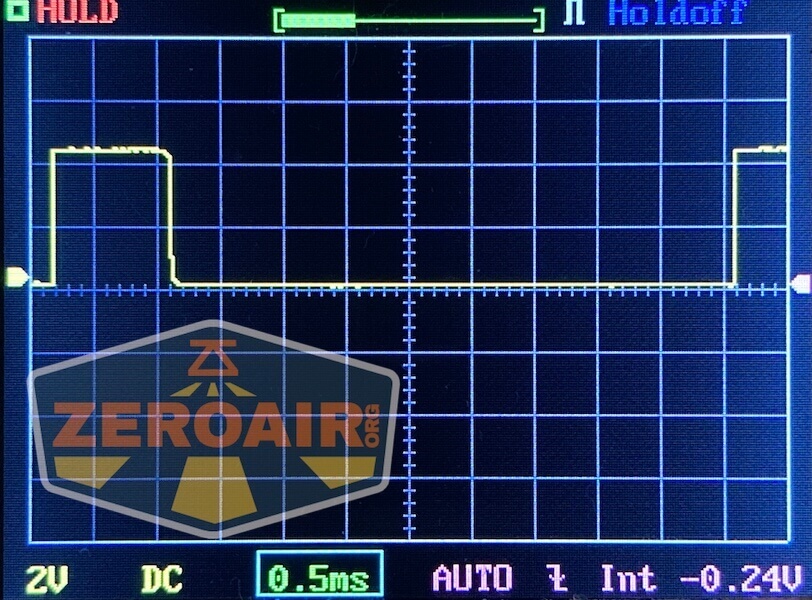
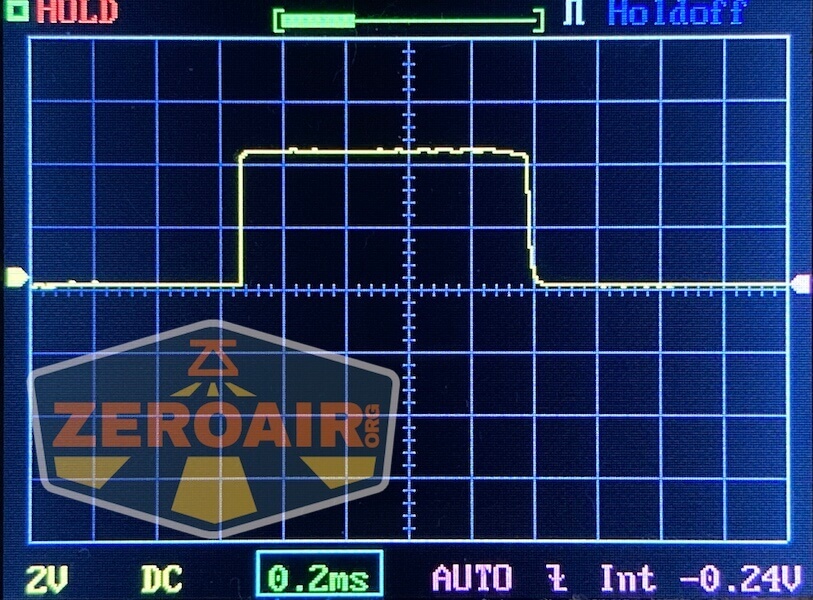
One thing to love about these lights is the lack of PWM. No mode has even a ripple of PWM.

Click here to see a “baseline” – a chart with almost no light hitting the sensor.
Then there’s the Ultrafire WF-602C flashlight, which has some of the worst PWM I’ve seen. It’s so bad that I used a post about it to explain PWM! Here are multiple timescales (10ms, 5ms, 2ms, 1ms, 0.5ms, 0.2ms) to make comparing this “worst” PWM light to the test light easier. That post also explains why I didn’t test the WF-602C at the usual 50us scale.
User Interface and Operation
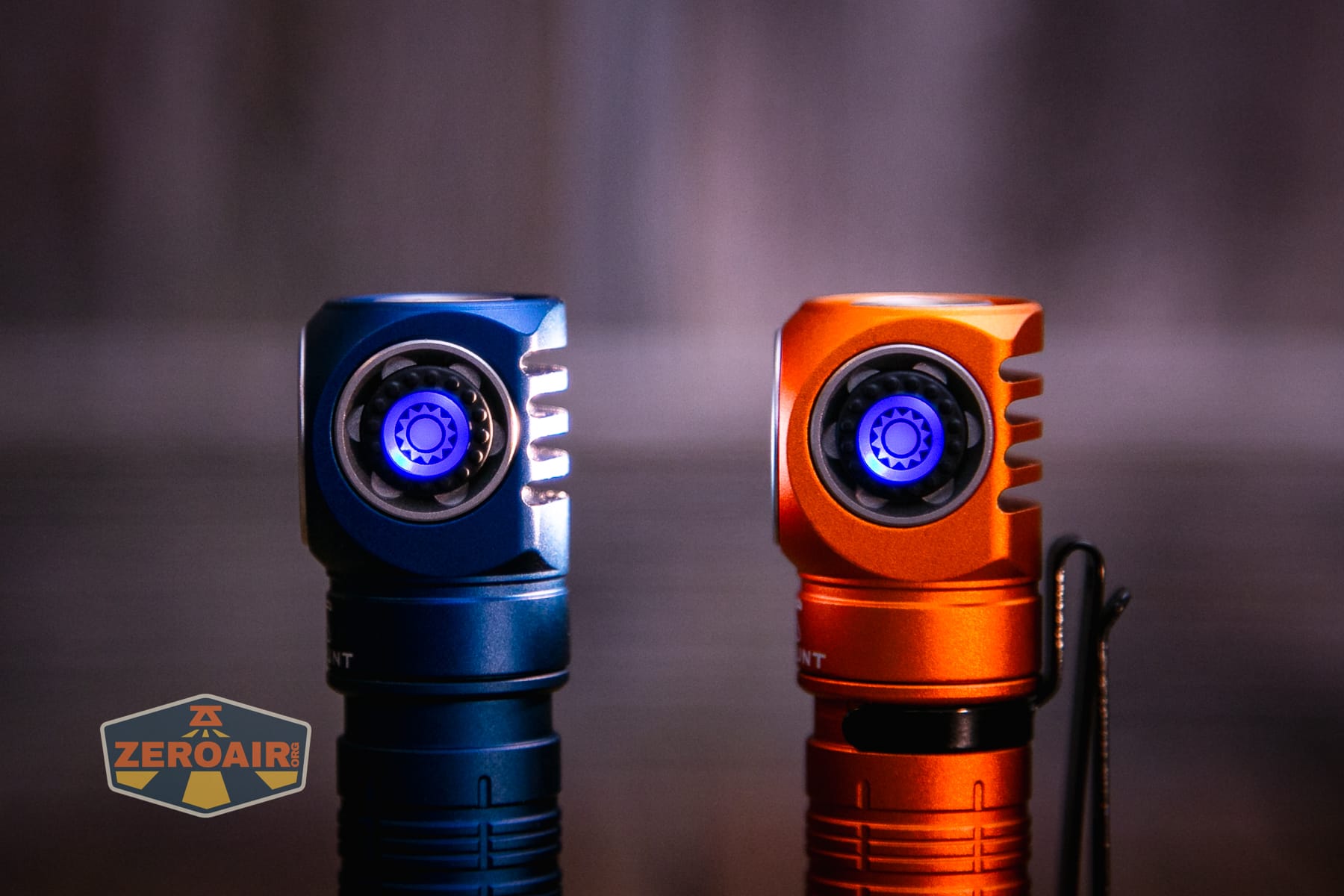
The Skilhunt H150V4 3000K headlamp is operated by a single switch indicating e-switch on the head. The switch has a silicone cover and is black but still translucent. It requires minimal force and has a positive, quiet actuation. If you’ve had other Skilhunt headlamps, you’ll be very comfortable with this switch. Skilhunt uses various switches; this one is just like the switch from the EC300 (yet another Skilhunt light I love!)
Below, you can see the switch indicating in blue.
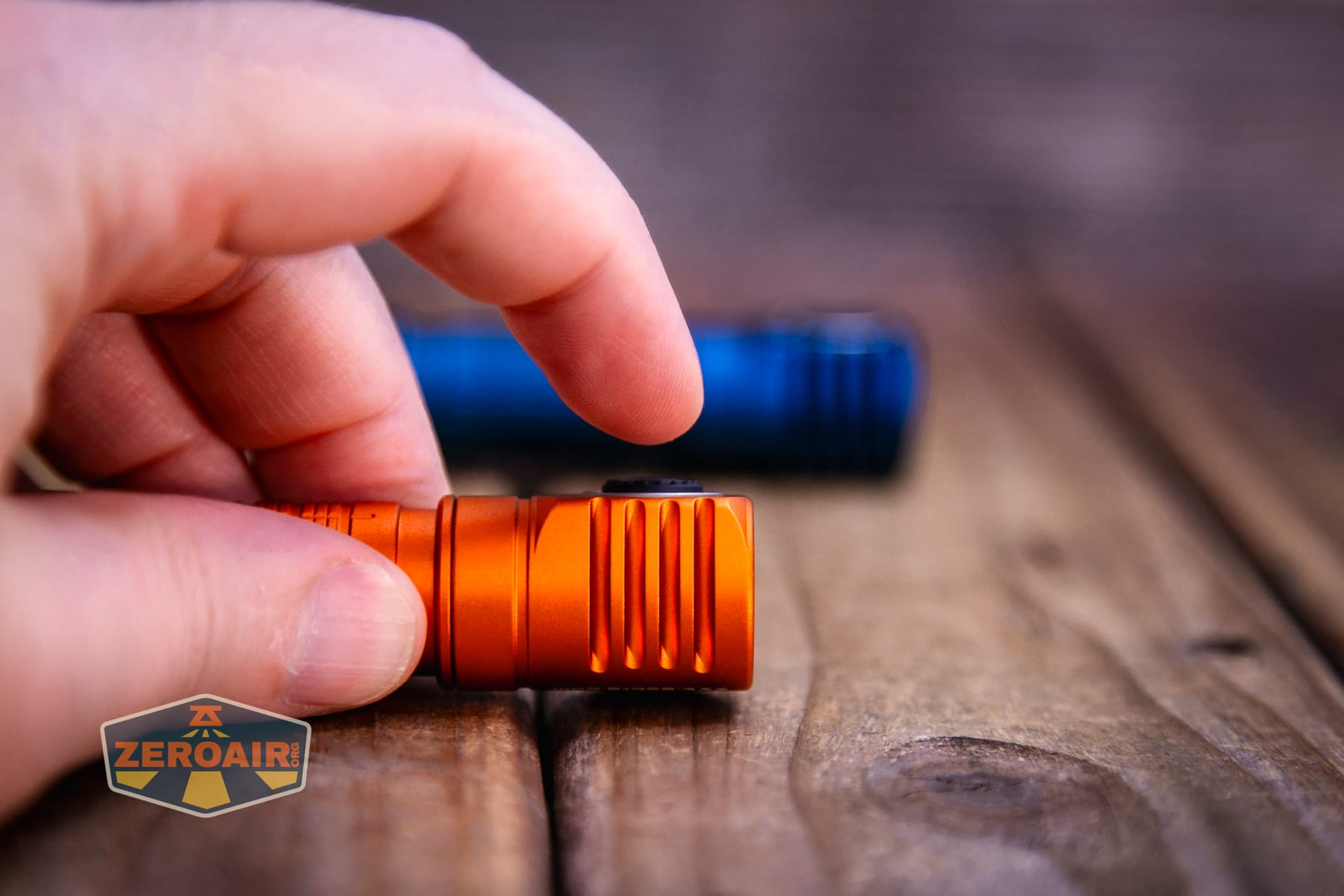
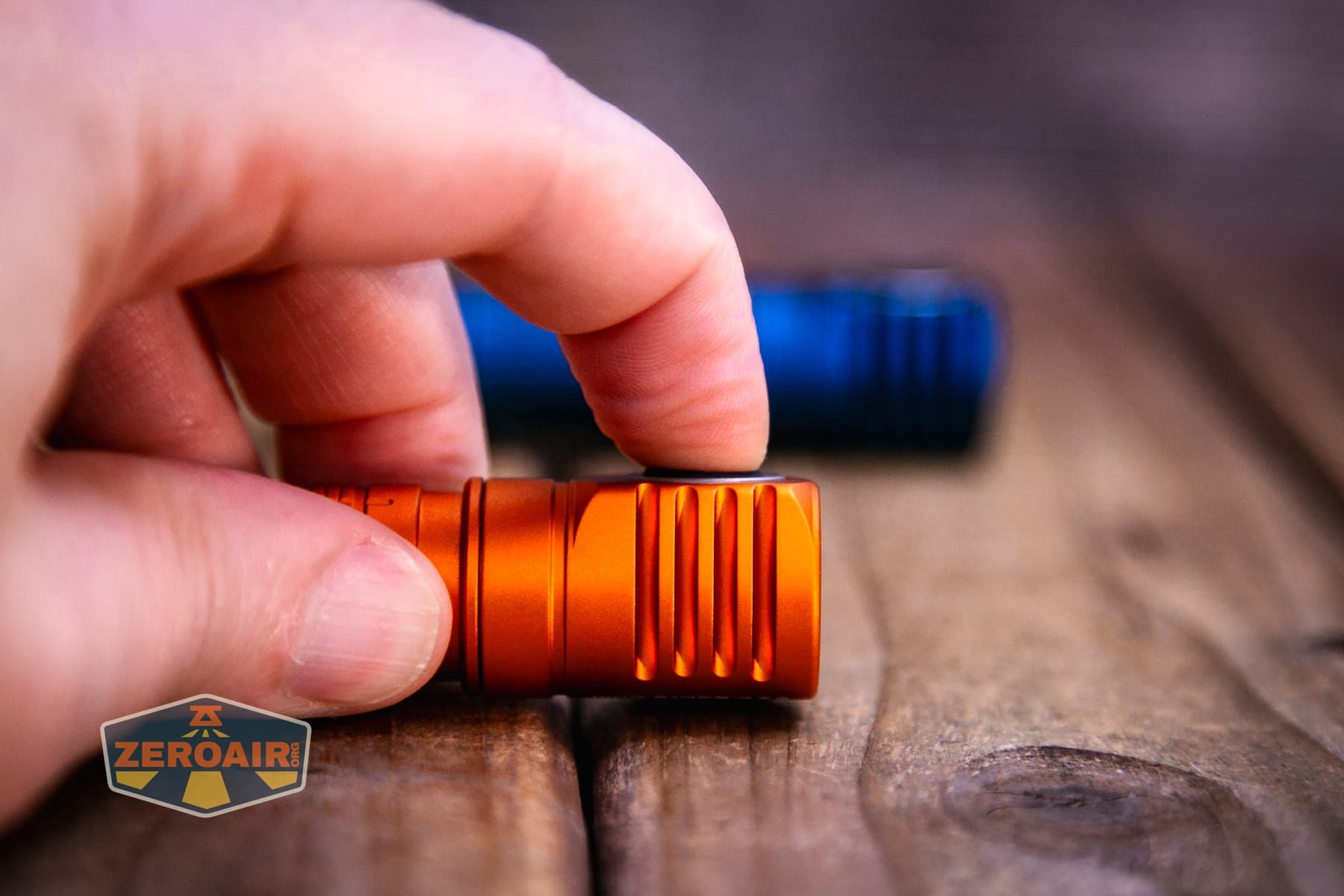
The user interface could be a bit daunting, but it’s very straightforward when you get used to it. It’s also very logical and provides access to low from off, which is as close to a requirement from a user interface as I have.
Here’s a user interface table! Note that this is the same user interface as is on other recent Skilhunt lights, and likely many of the other new-generation Skilhunt lights. That’s fine because I love it, and I also love the delivery of a consistent and reliable user experience.
| State | Action | Result |
|---|---|---|
| Off | Hold | Low (Memory between L1 and L2) |
| L1 or L2 | Hold | Iterate between L1 and L2 |
| L1 or L2 | Click 2x | Turbo Group (Mode memory T1/T2) |
| L1 or L2 | Click Click Hold (“2H”) | Switch to M2 in main group |
| Main group | Click Click Hold (“2H”) | Switch to low group (with memory) |
| Off | Click 4x | Lockout (Three blinks of main emitters to confirm and the switch turns red briefly) |
| Lockout | Click 4x | Unlock to Low group (memory, can be L1/L2) |
| Lockout | Click 2x | Iterate lockout indicator^ |
| Lockout | Hold | Momentary Output (Appears to be L2) |
| L1/L2 | Click | Off |
| Off | Click | On in “Main Group” (Mode memory M2/M1/H1) |
| Main Group | Hold | Mode advance (M2 > M1 > H1) |
| Main Group | Click | Off |
| Main Group or Off | Click 2x | Turbo Group (Mode memory T1/T2) |
| T1/T2 | Hold | Iterate between T1 (higher) and T2 (lower) output |
| T1/T2 | Click | Off |
| T1/T2 | Click 2x | Main Group (memory M2/M1/H1) |
| Main Group or Off | Click 3x | Strobe Group (with memory) |
| Strobe Group | Click 3x | Previous Group (T1/T2 or M2/M1/H1, depending on how you accessed Strobe Group)^^ |
| Strobe Group | Click 2x^^^ | Strobe Advance (S1 > S2 > S3)† |
| Strobe Group | Hold | No result |
^ Lockout indicator blinks a red switch every 2-3 seconds.
^^ Aside from just general mode memory (which you know I don’t like) this seems to me to be the only place where you may need to immediately remember what mode you were in so you have the experience you expect. However, the difference is getting the two highest white outputs, or the three main white outputs – it won’t be that dramatic even if you don’t remember. Also note that if you access the strobe group from off, triple-clicking will not return to off. For continuity, it should! In fact, if you accessed the strobe from an off state, a triple-click sends the light to the Main group!
^^^ Seems like the strobe group is the only group that isn’t advanced by a hold. Since there’s no hold anywhere else into or out of Strobe, I am not sure why that user interface continuity wasn’t maintained here.
† Strobes are like this:
S1: Disorienting strobe of White (turbo, ish)
S2: SOS (main white, some mid-High output)
S3: Beacon (one highish blink every second or so)
The only thing I don’t like about this user interface is that there’s no way to get from the lowest two modes to the main mode group (medium/high). You can get directly to turbo, though!
LED and Beam
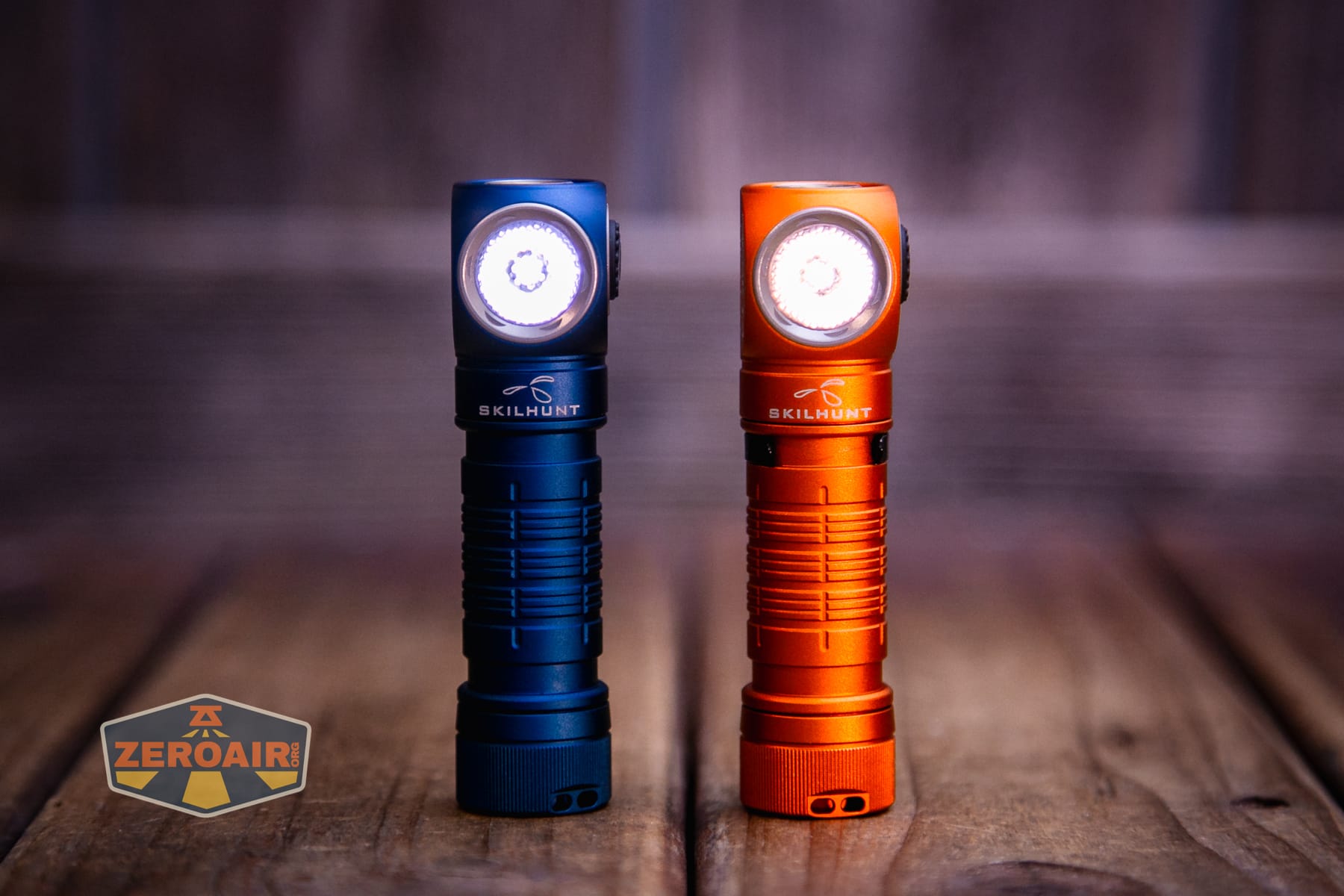
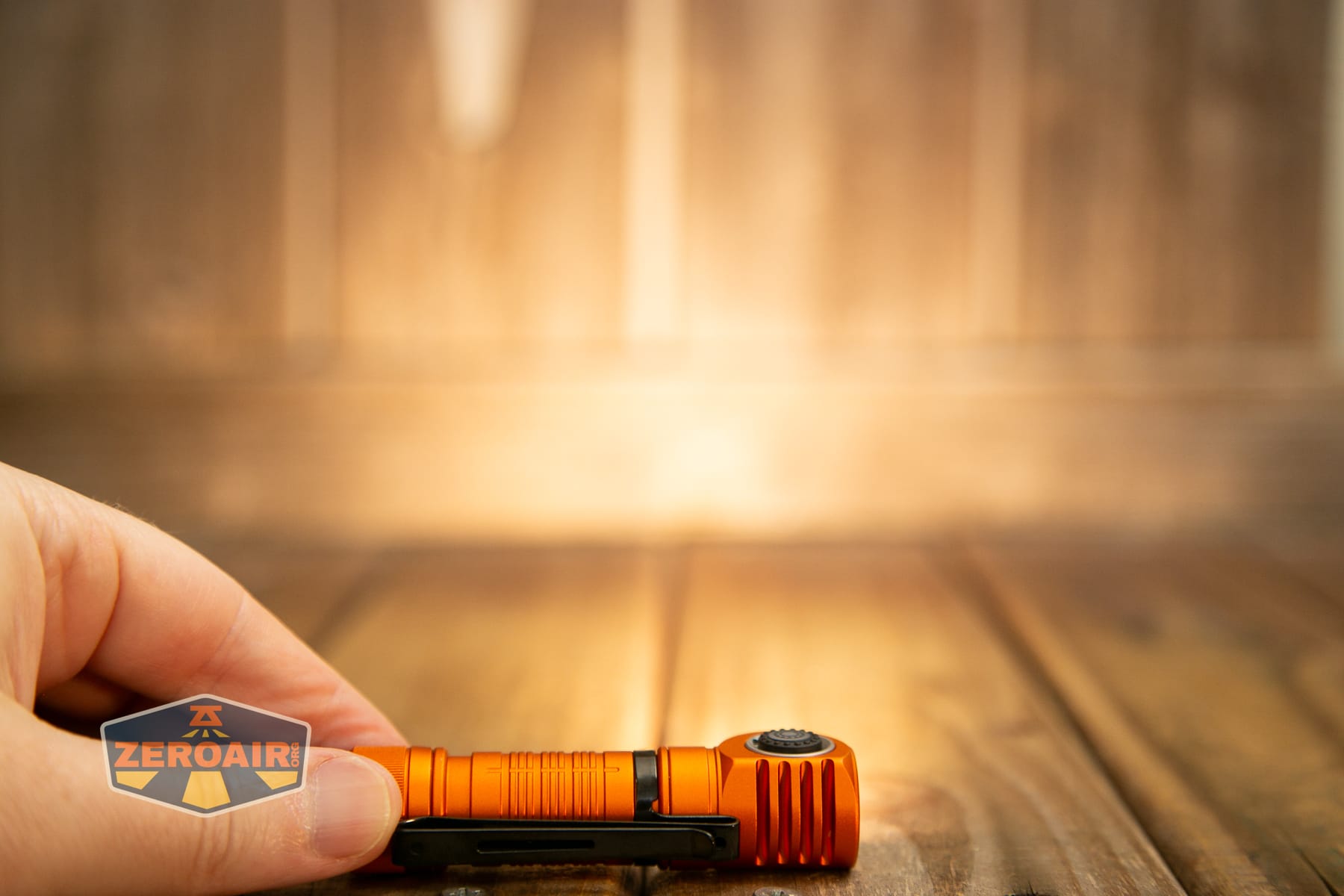
To achieve the High CRI claim, Skilhunt has used a Nichia 519a and it’s rated at 3000K. The light uses a dimpled TIR.
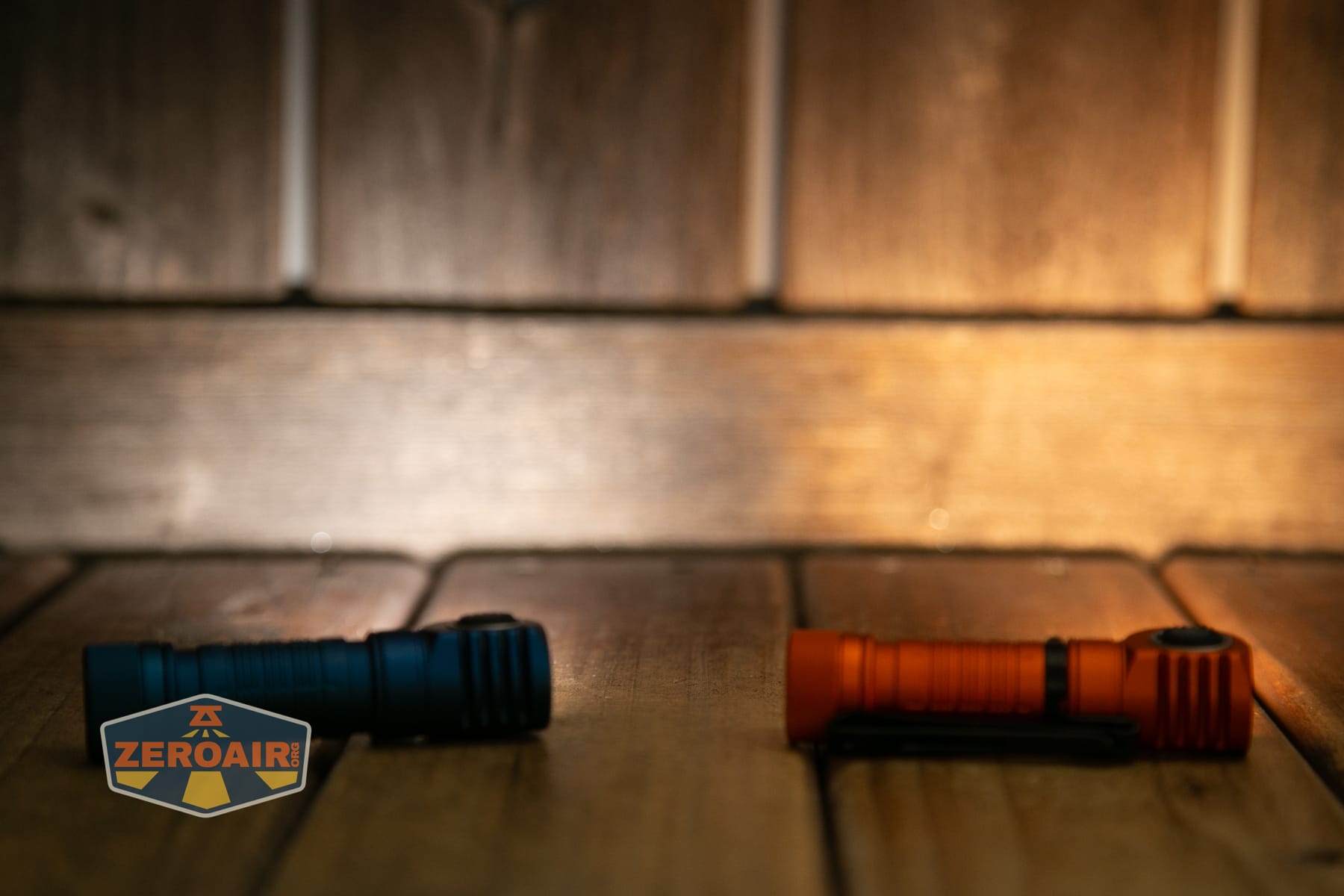
I said I’d probably like the 3000K best – and I really do. It’s so very right; it’s a great nightlight! And being that warm, it’s great for kids, and since it supports 1.5V cells (like Eneloops), this is yet another huge hit from Skilhunt – great for the family!!
LED Color Report (CRI and CCT)
The CCT is around what Skilhunt states – right around 3000K. CRI is very high, at around 96.
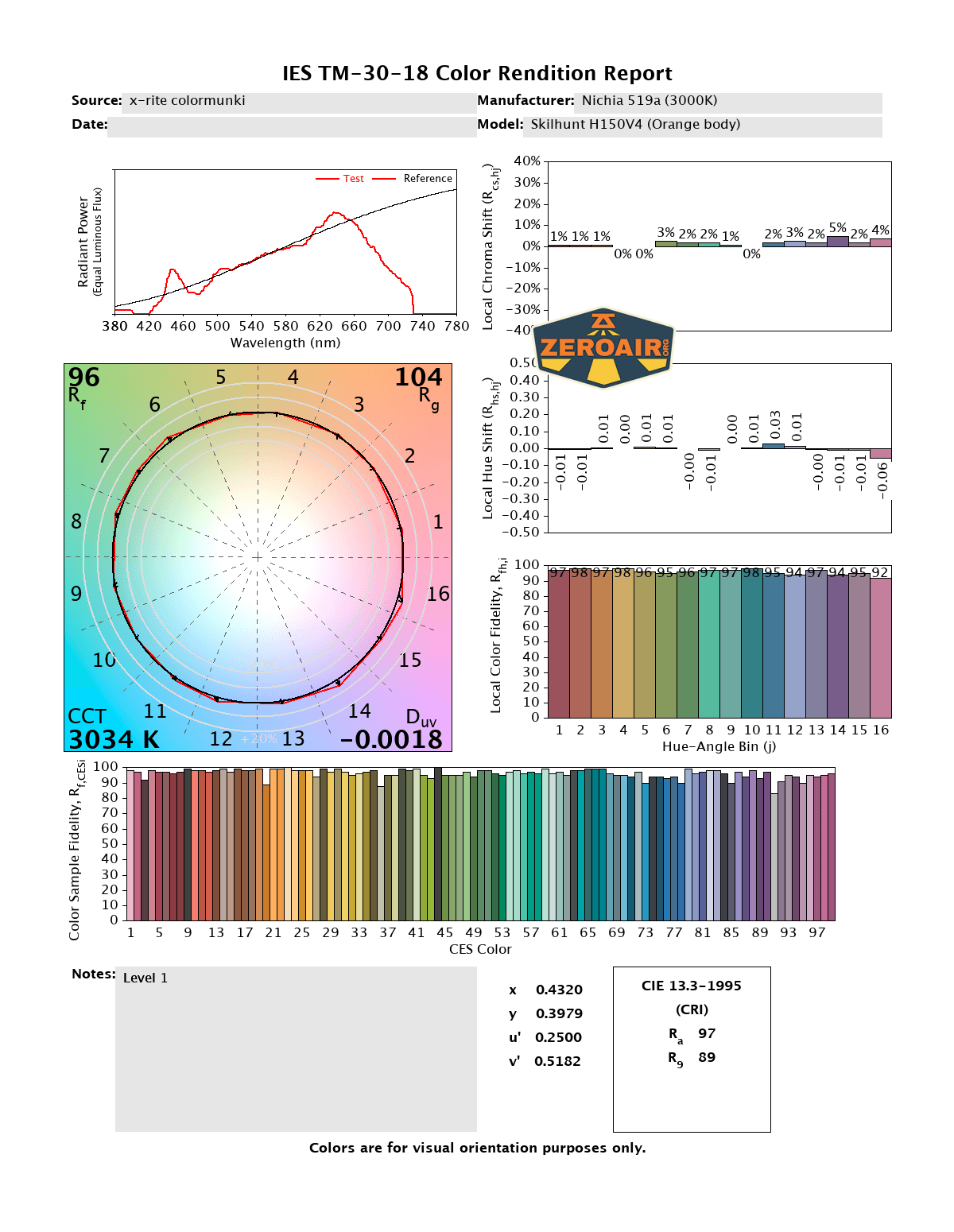
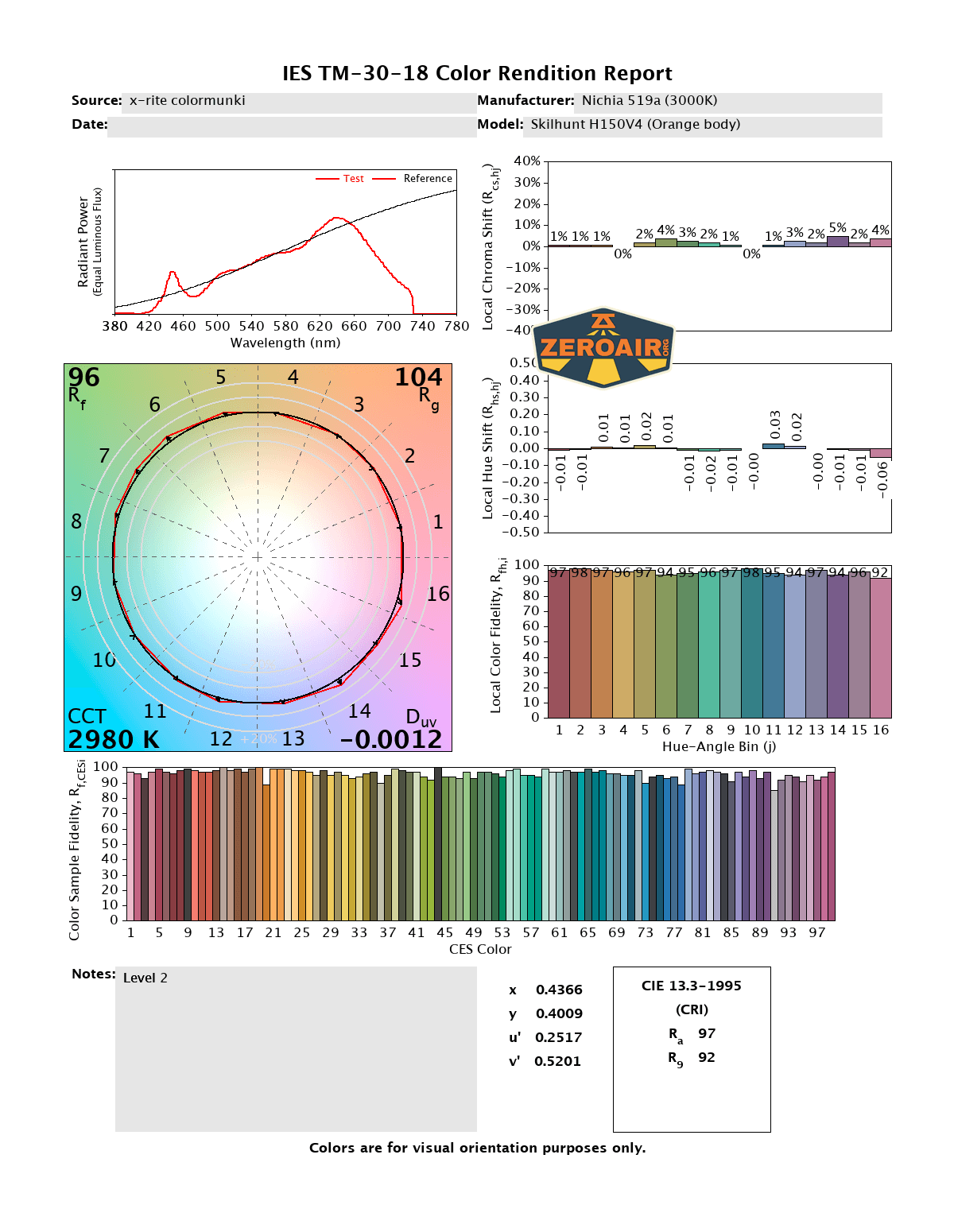
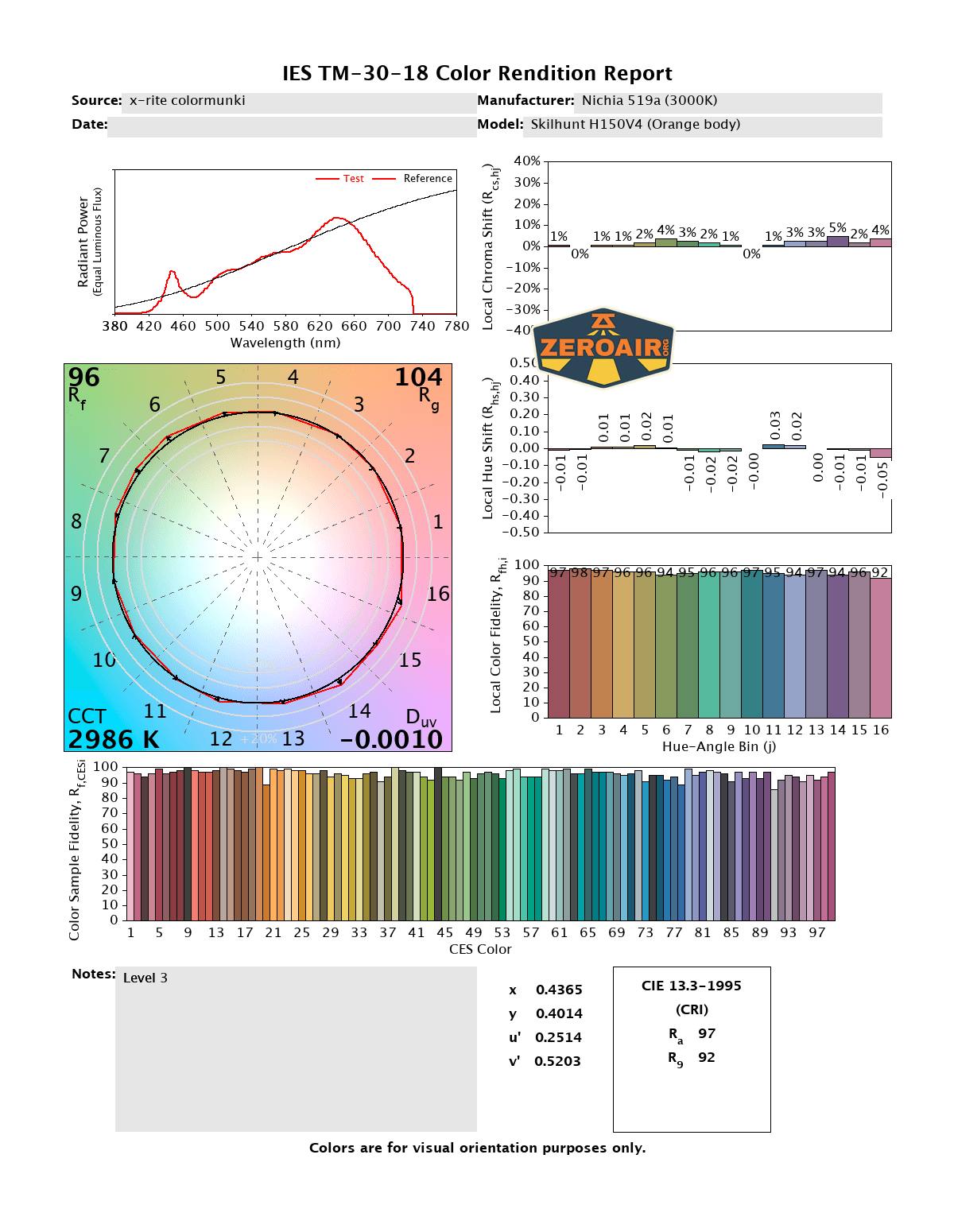
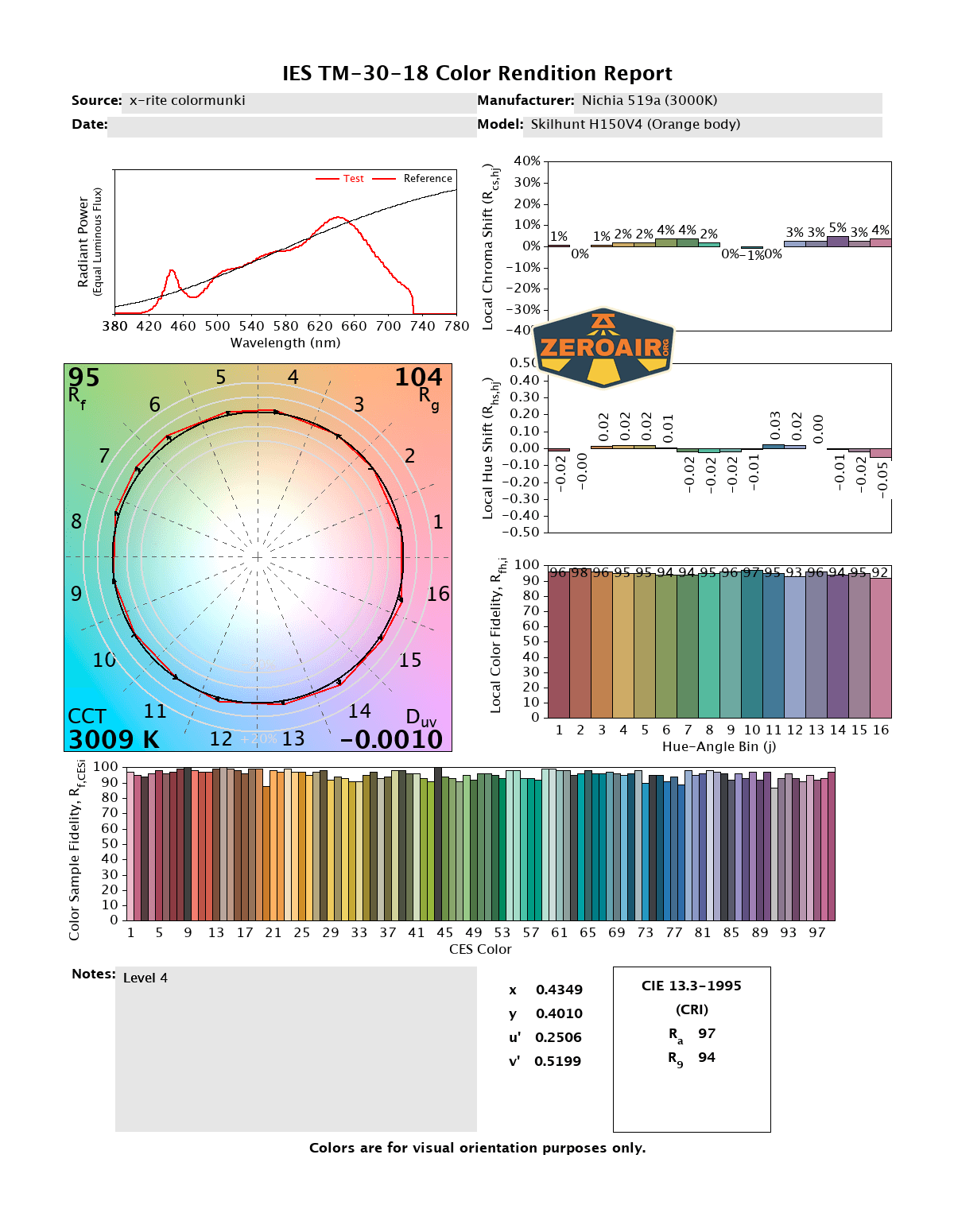
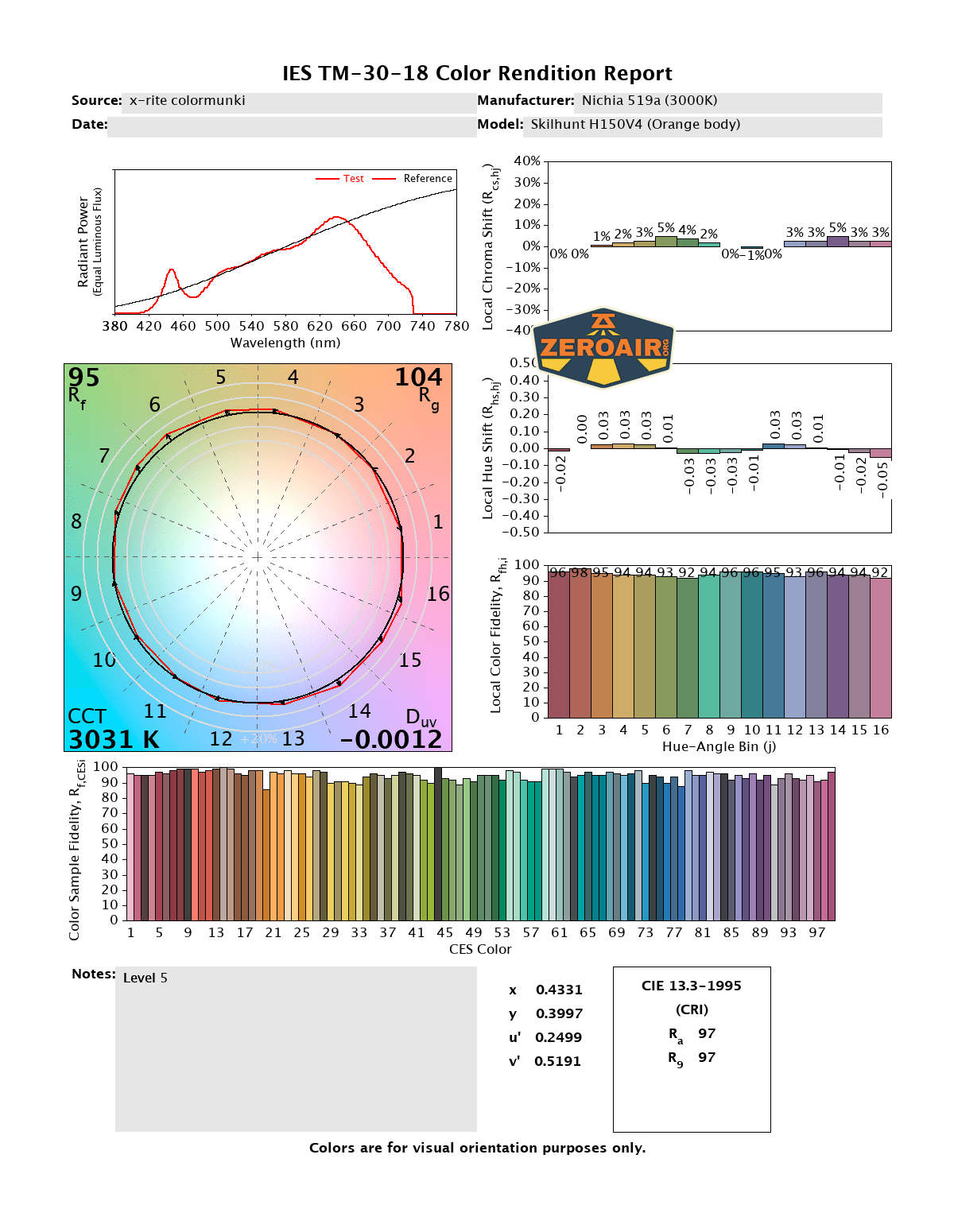
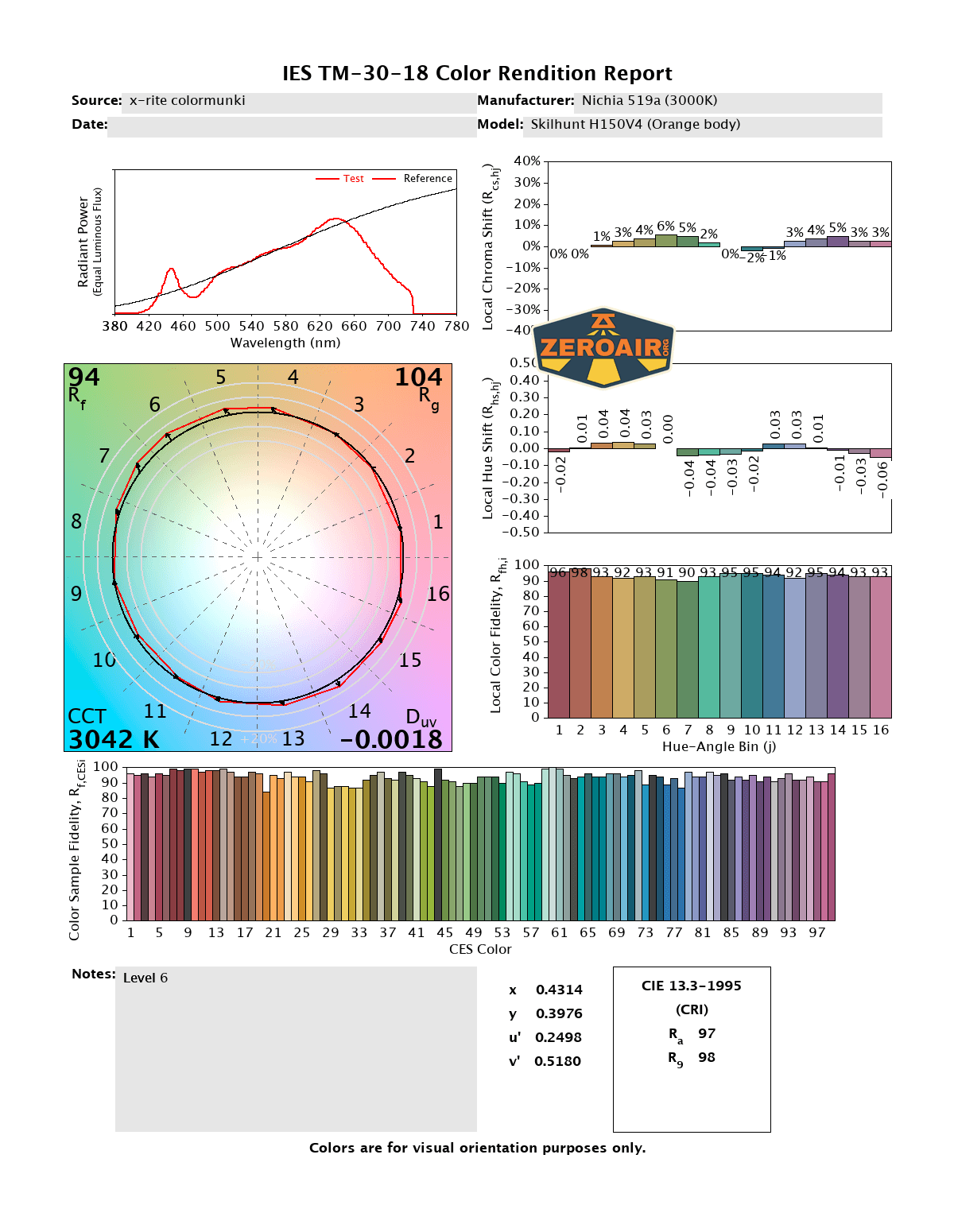
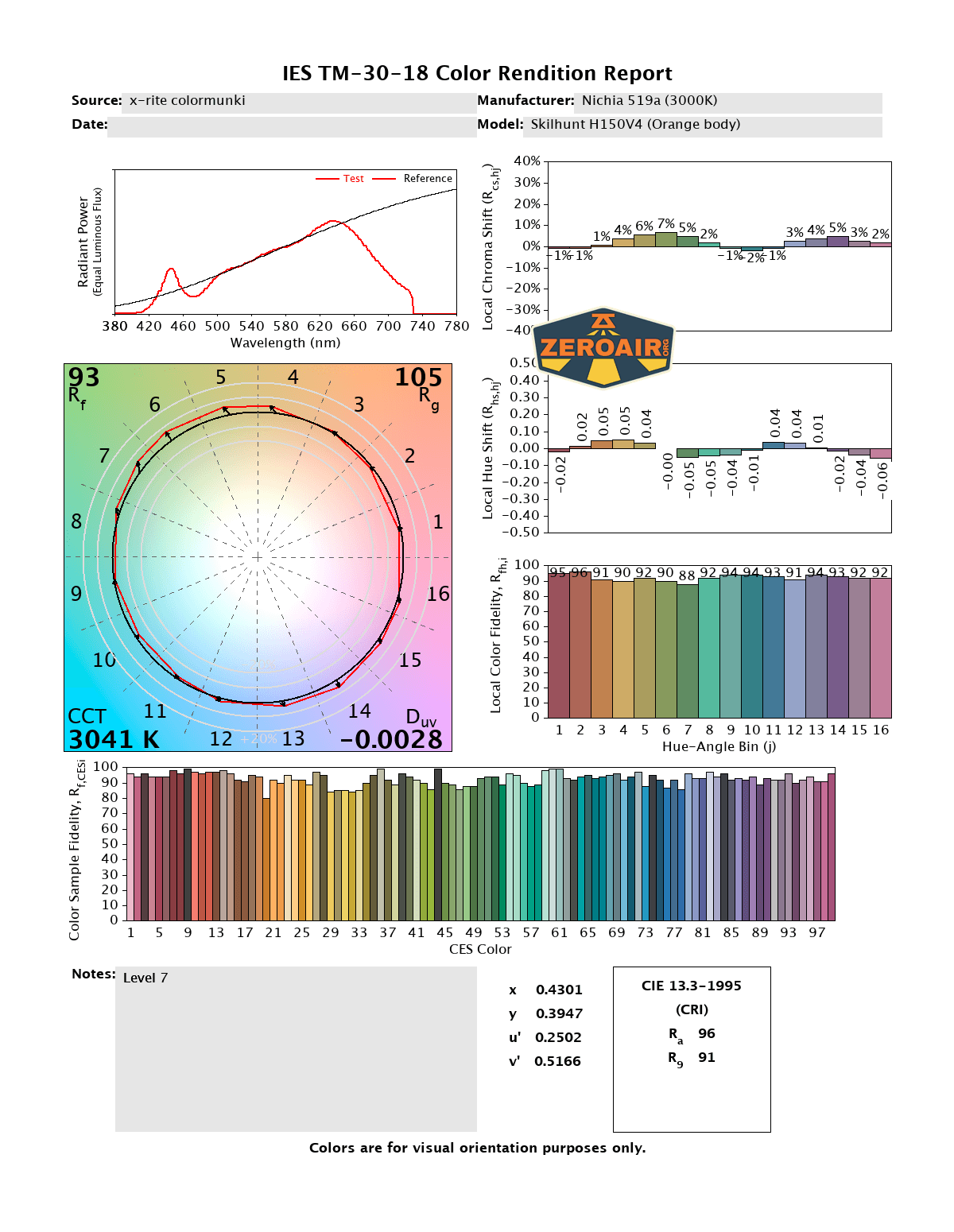
CCT (Correlated Color Temperature) refers to the measurement of the color appearance of light, expressed in Kelvins (K), which indicates whether the light is warm (yellowish) or cool (bluish). A lower CCT (below 3000K) is considered warm light, while a higher CCT (above 5000K) gives cooler, bluish light.
CRI (Color Rendering Index) is a measure of how accurately a light source renders colors in comparison to natural sunlight. Scored on a scale from 0 to 100, higher CRI values indicate that colors appear more true to life and vibrant, similar to how they would look under the sun.
Beamshots
These beamshots always have the following settings: f8, ISO100, 0.3s shutter, and manual 5000K exposure. These photos are taken at floor level, and the beam hits the ceiling around 9 feet away.







Tint vs BLF-348 (KillzoneFlashlights.com 219b version) (affiliate link)
I keep the test flashlight on the left and the BLF-348 reference flashlight on the right. These photos are taken around 18 inches from the door.
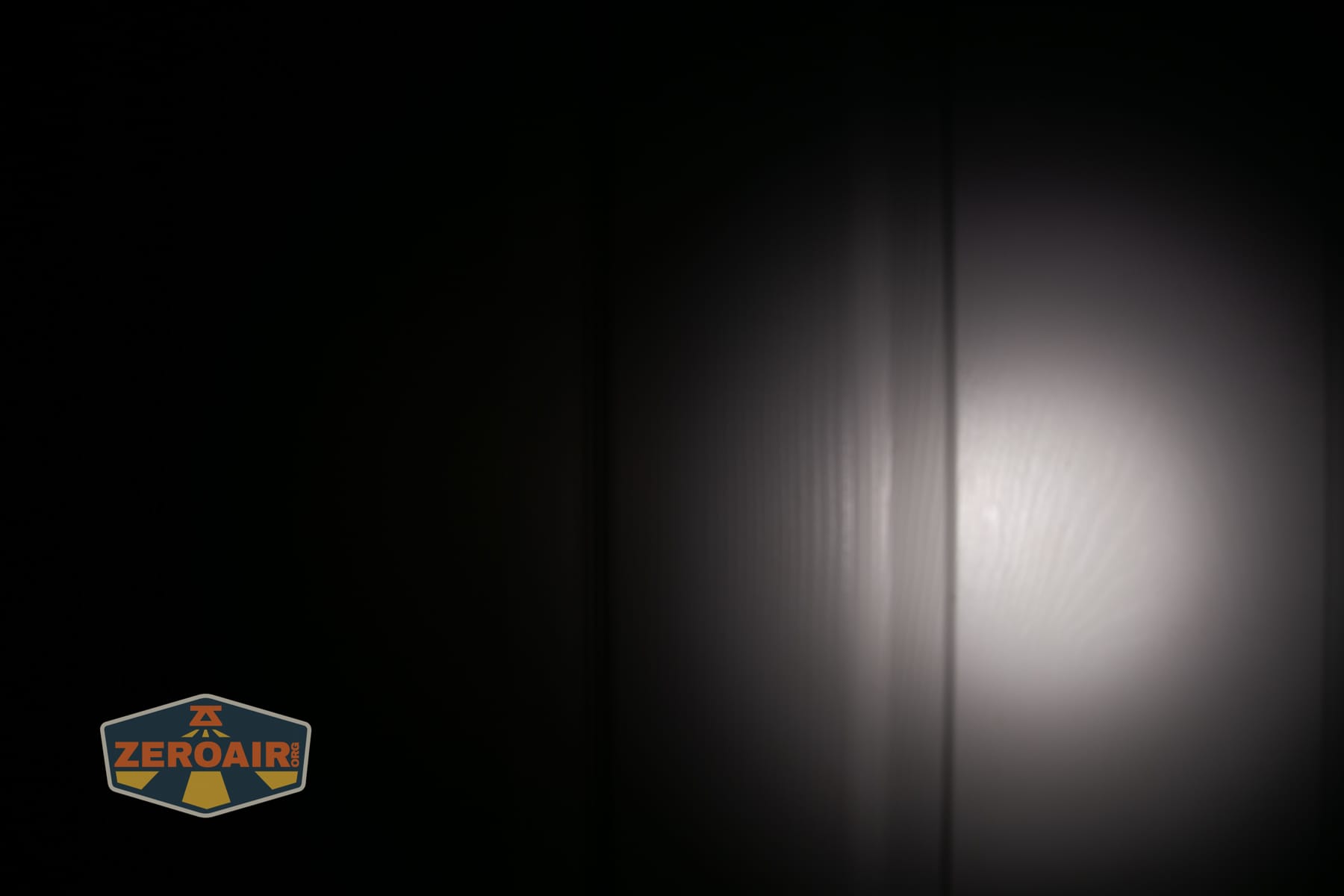
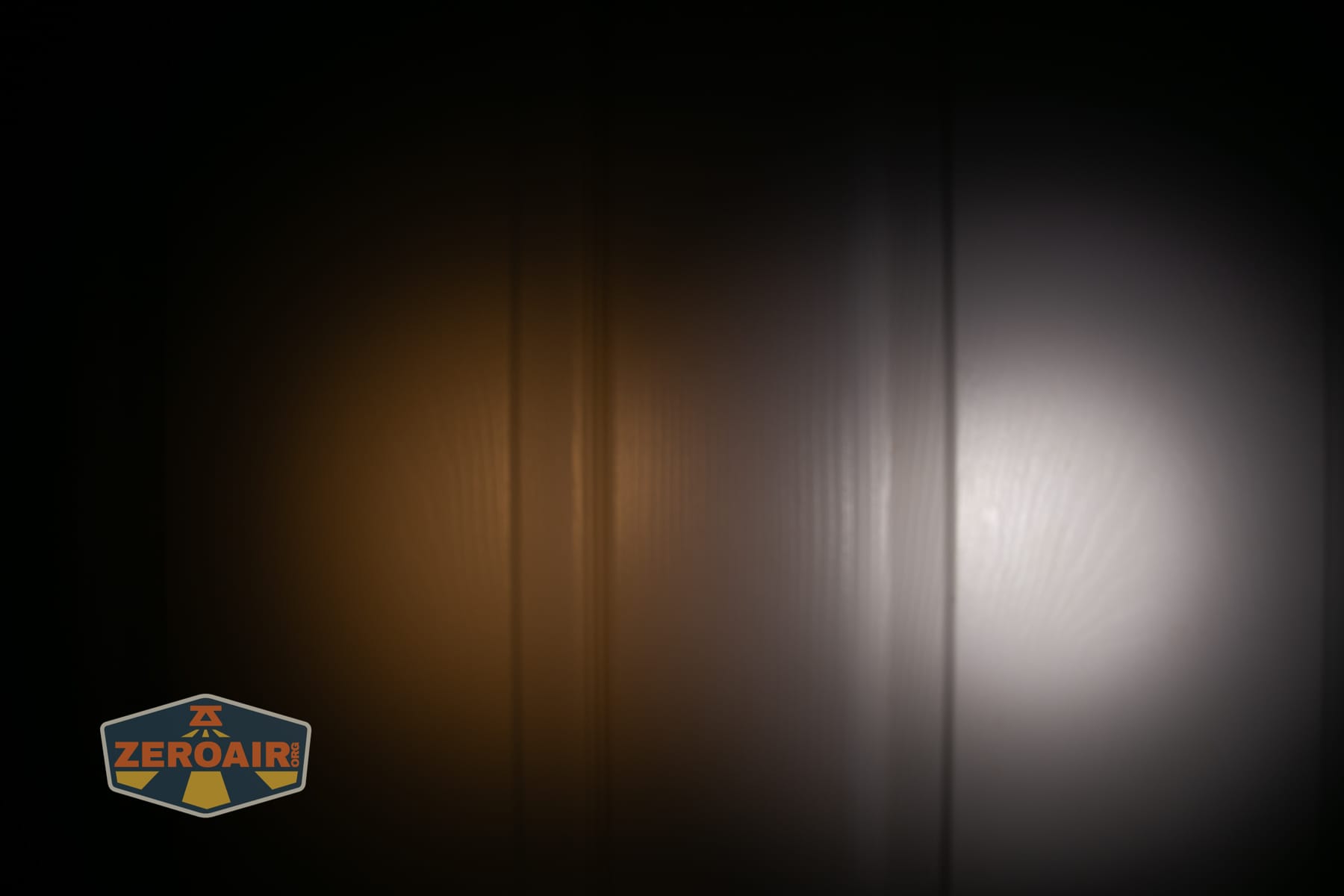
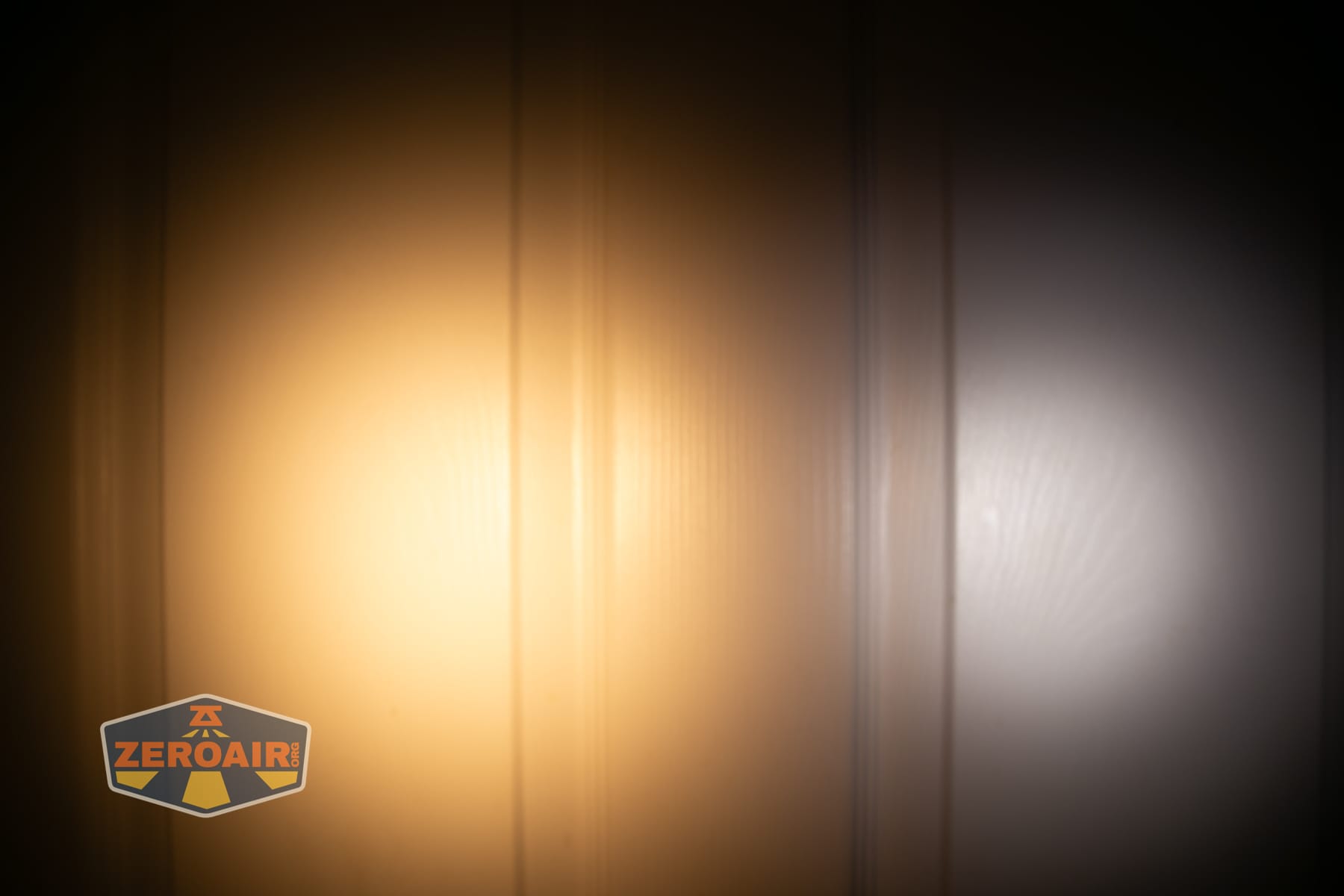
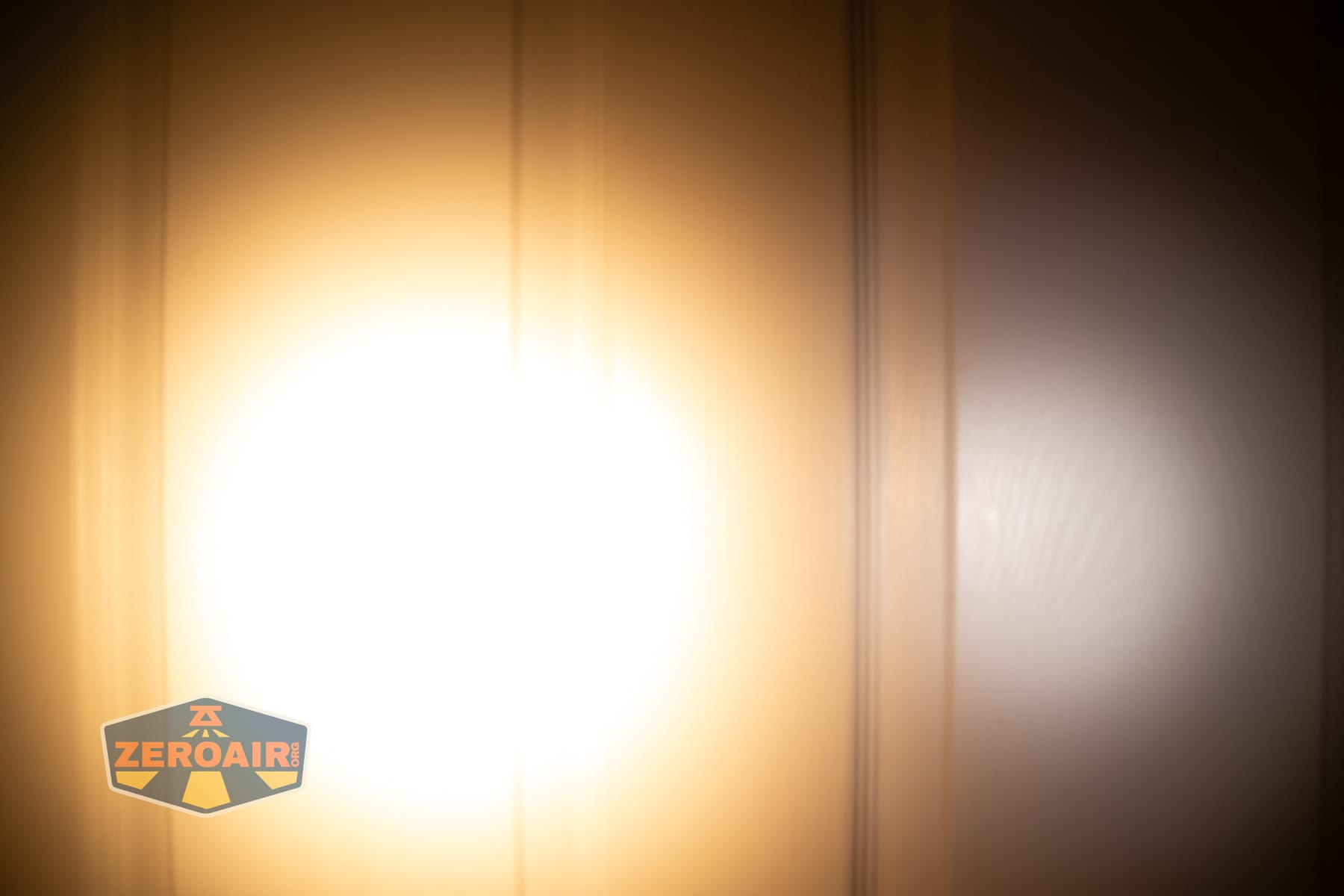
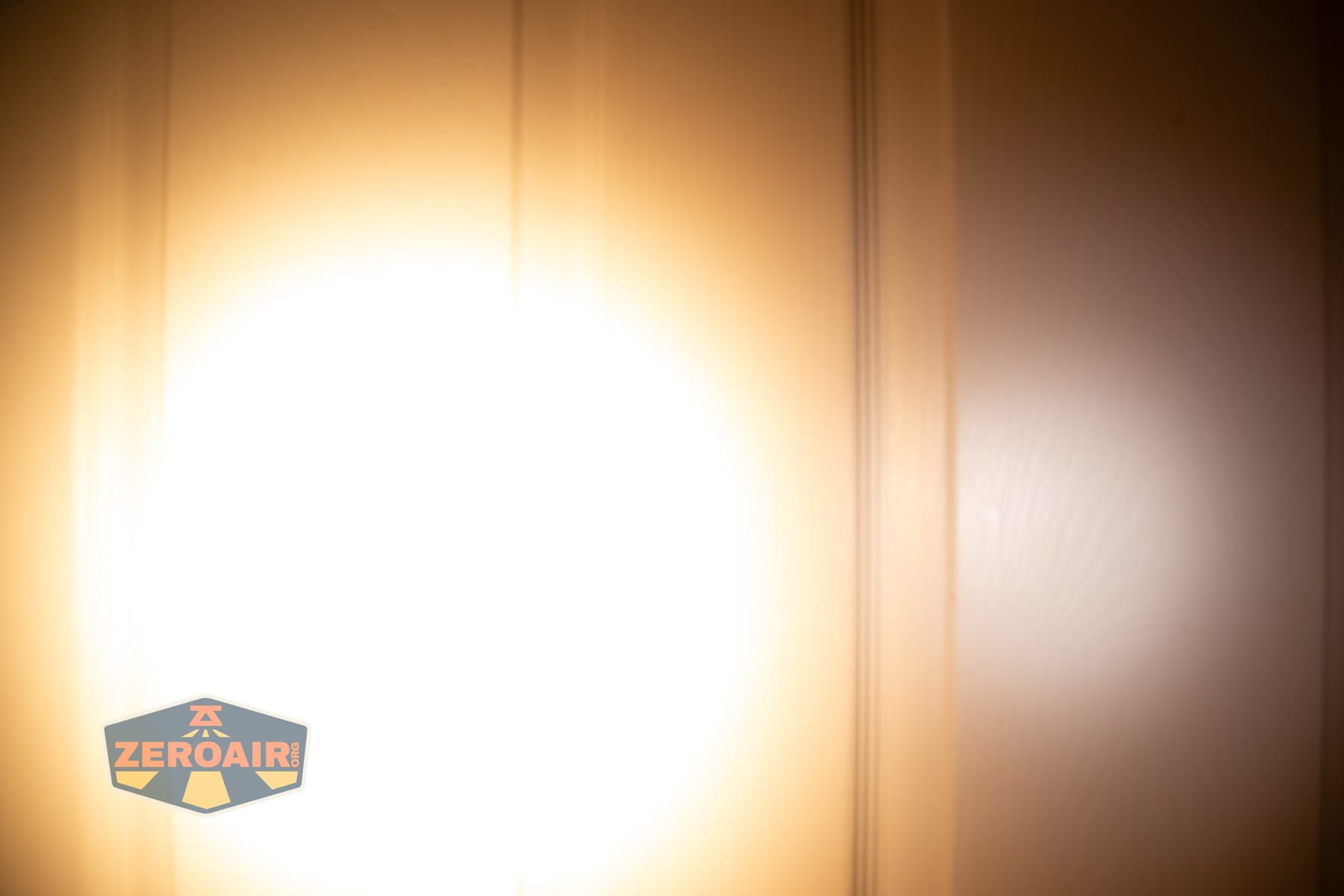
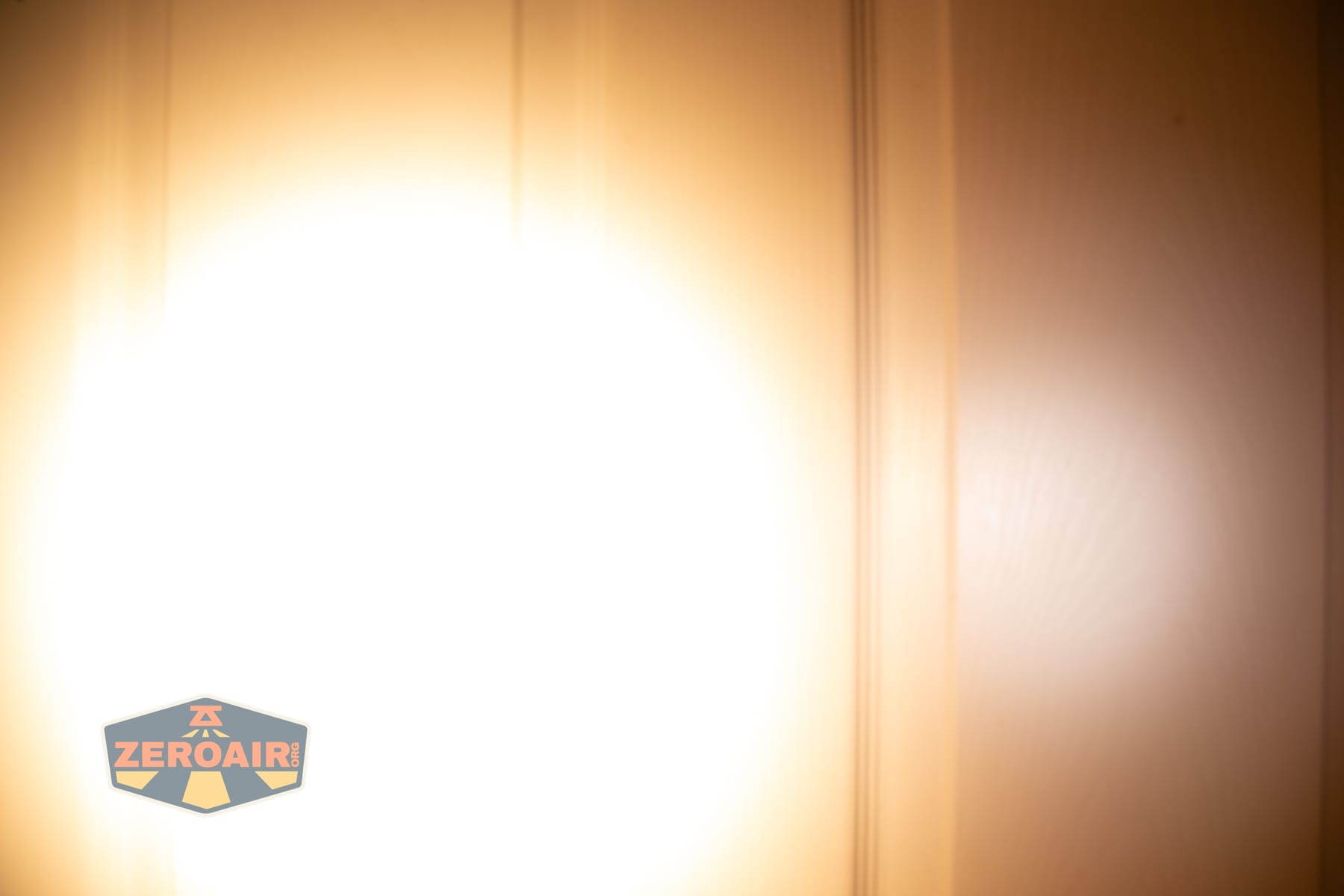

I compare everything to the KillzoneFlashlights.com 219b BLF-348 because it’s inexpensive and has the best tint!
Summary and Conclusion
The Skilhunt H150V4 3000K headlamp is an outstanding headlamp. It’s great for being warm, high CRI, running an included 14500 cell or AA, and having a great user interface. The price is fairly reasonable because of all those reasons and the great build quality! I recommend at least both of the Nichia versions!
The Big Table
| Skilhunt H150V4 3000K headlamp | |
|---|---|
| Emitter: | Nichia 519a (3000K High CRI R9080) |
| Price in USD at publication time: | $50.90 |
| Cell: | 1×14500 |
| Runtime Graphs | |
| LVP? | Yes |
| Switch Type: | E-Switch |
| Quiescent Current (mA): | ? |
| On-Board Charging? | Yes |
| Charge Port Type: | Proprietary magnetic |
| Charge Graph | |
| Power off Charge Port | “with cell: all modes without cell or tailcap: lowest 5 modes” |
| Claimed Lumens (lm) | 560 |
| Measured Lumens (at 30s) | 533 (95.2% of claim)^ |
| Candela per Lumen | 5.1 |
| Claimed Throw (m) | 95 |
| Candela (Calculated) in cd (at 30s) | 190lux @ 3.691m = 2588cd |
| Throw (Calculated) (m) | 101.8 (107.2% of claim)^ |
| Claimed CCT | 3000K High CRI R9080 3000 |
| Measured CCT Range (K) | 3000K High CRI R9080 3000 Kelvin |
| Item provided for review by: | Skilhunt |
| All my Skilhunt reviews! | |
^ Measurement disclaimer: Testing flashlights is my hobby. I use hobbyist-level equipment for testing, including some I made myself. Try not to get buried in the details of manufacturer specifications versus measurements recorded here; A certain amount of difference (say, 10 or 15%) is perfectly reasonable.
What I like
- 14500 is included (with options, and the bigger capacity is an obviously better choice)
- Very high CRI!
- AA cells work great!
- Charging is sufficient
- Emitter options give plenty of choices
- Body colors include orange
- User interface offers plenty of options
- Light can be rotated while in the headband
- Nice indicating switch
What I don’t like
- Doesn’t use USB-C charging
Notes
- This content originally appeared at zeroair.org. Please visit there for the best experience!
- Please use my Amazon.com referral link to help support zeroair.org!
- Please support me on Patreon! I deeply appreciate your support!
Discover more from ZeroAir Reviews
Subscribe to get the latest posts sent to your email.