
LoopGear LoopDot Orange Pixel Display EDC Flashlight Review
The LoopGear LoopDot Orange Pixel Display EDC flashlight is a unique take on the clip keychain flashlight. It has spot and high CRI flood among other modes!
Official Specs and Features
Here’s a link to the LoopGear LoopDot Orange Pixel Display EDC flashlight product page.
Versions
A few body colors of the LoopGear LoopDot Orange Pixel Display EDC flashlight are available: grey, green, blue, purple, and orange (seen here). I believe all the specifications are the same, though. The LoopDot is also available in titanium and titanium damascus (!!!).
Price
The LoopGear LoopDot Orange Pixel Display EDC flashlight is available now at loopgear.com. The basic price is around $40 (after a 20% discount), but some of the items included here are extra. Both cases, for example, are $12 each.
What’s Included
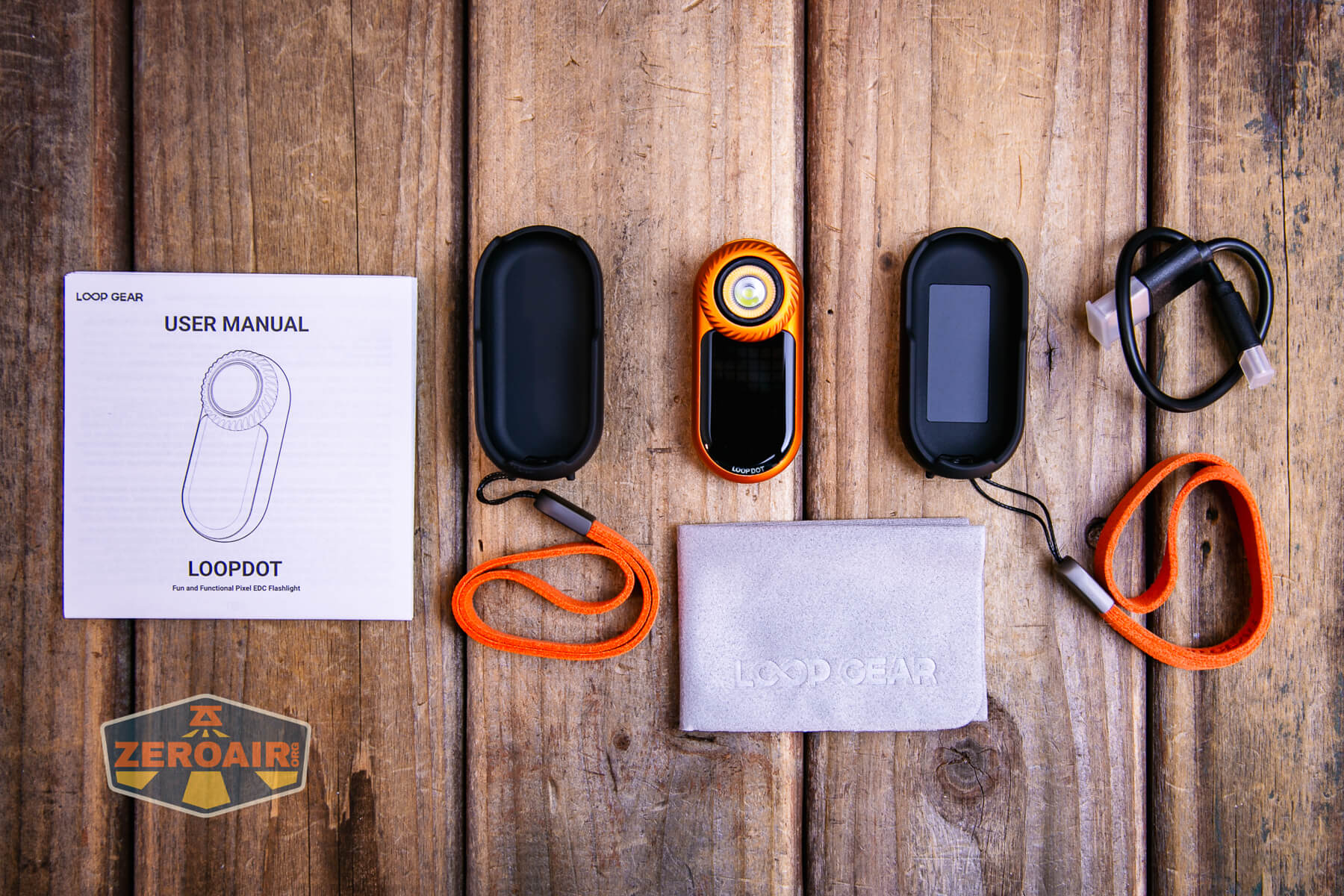
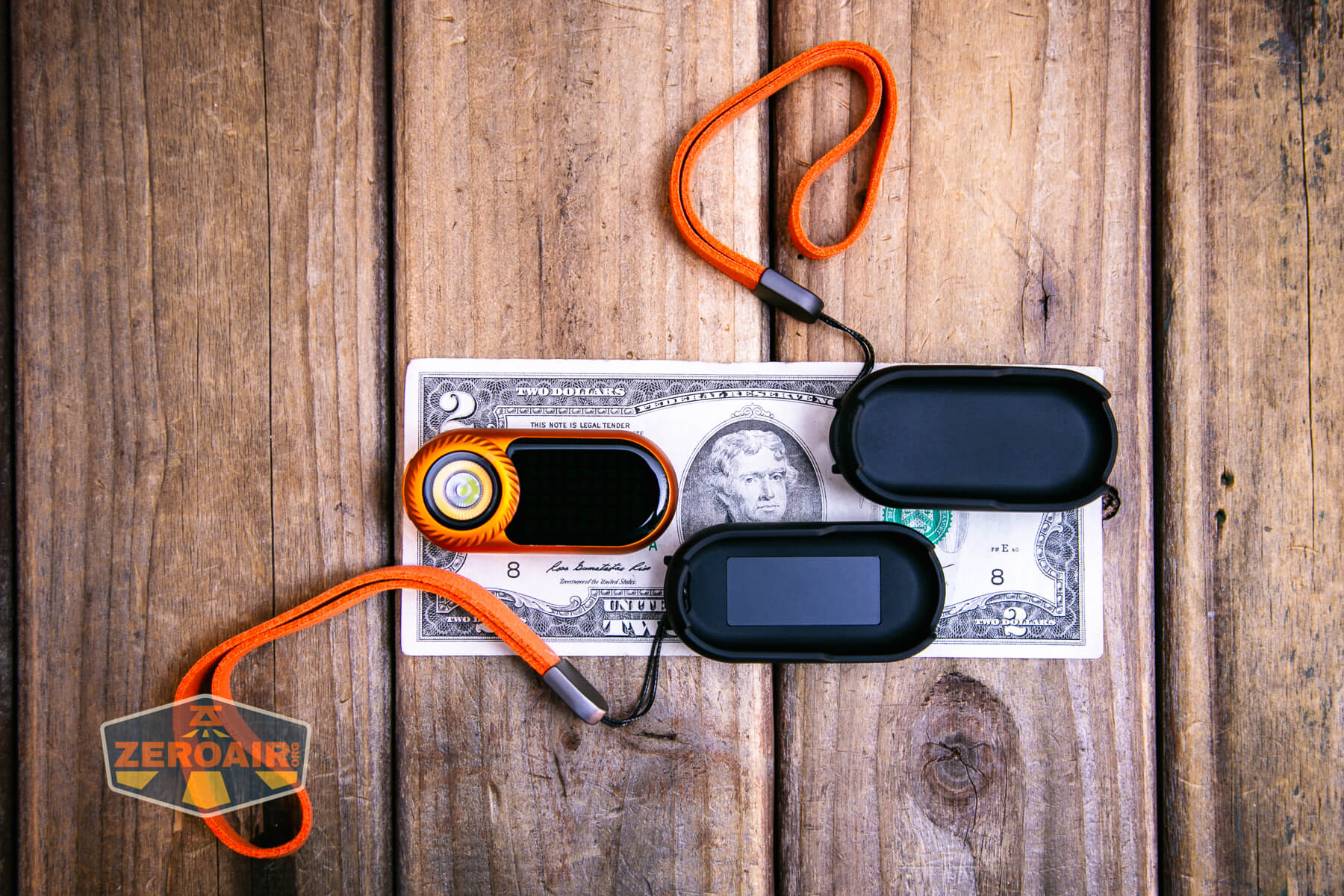
- LoopGear LoopDot Orange Pixel Display EDC flashlight
- Case
- Clip case
- Charging cable
- Lanyard(s)
- Manual
- Cleaning cloth
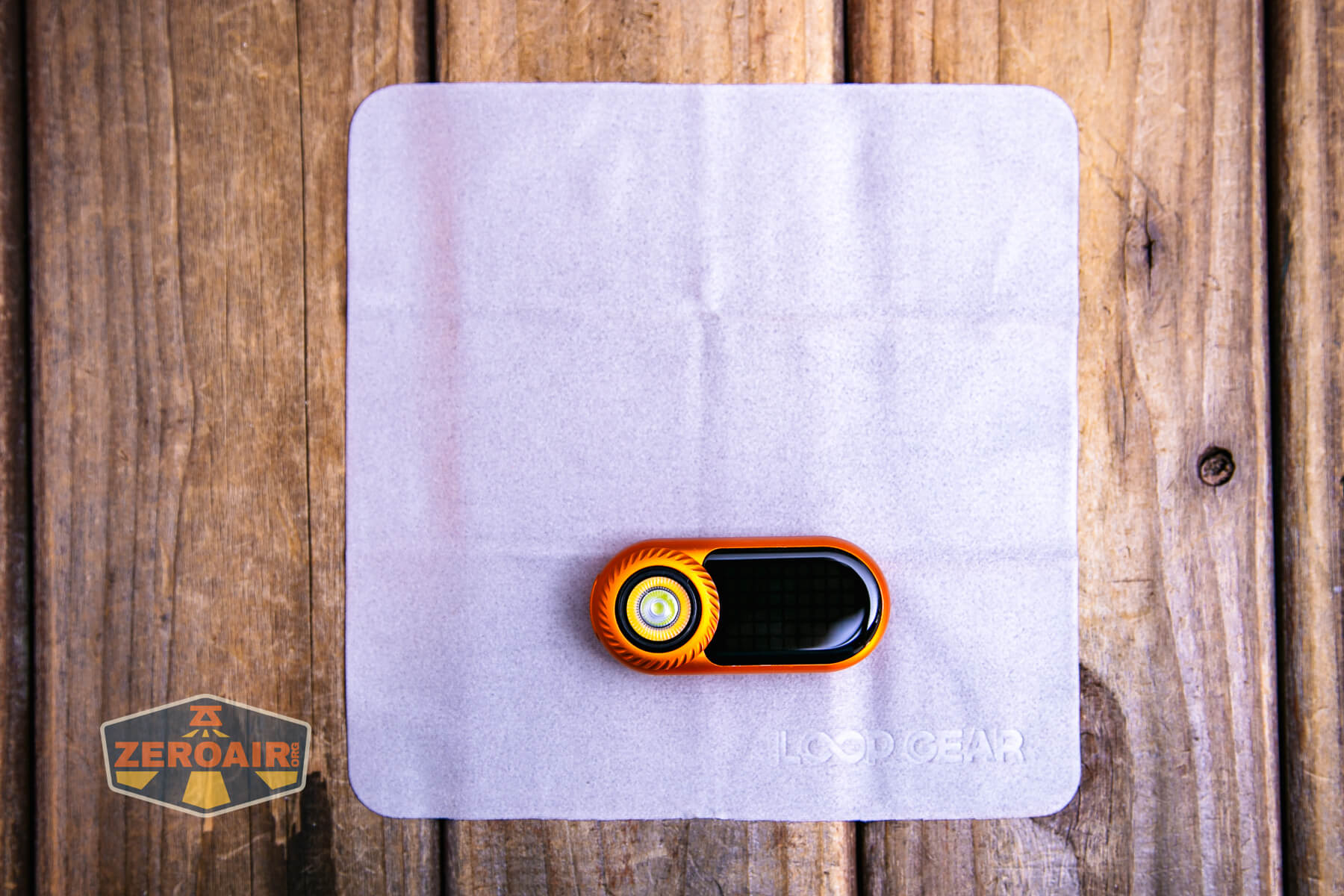
Package and Manual
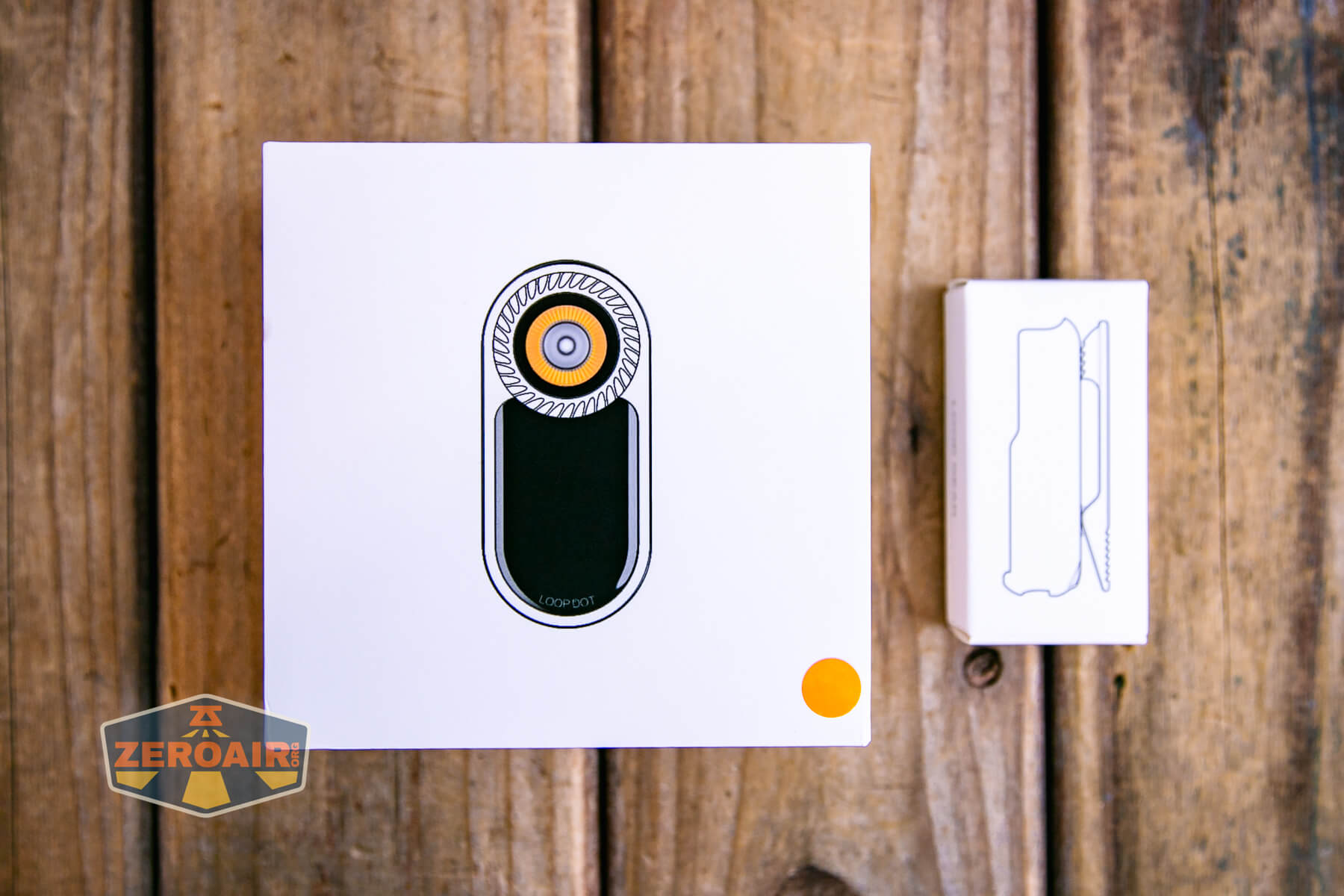
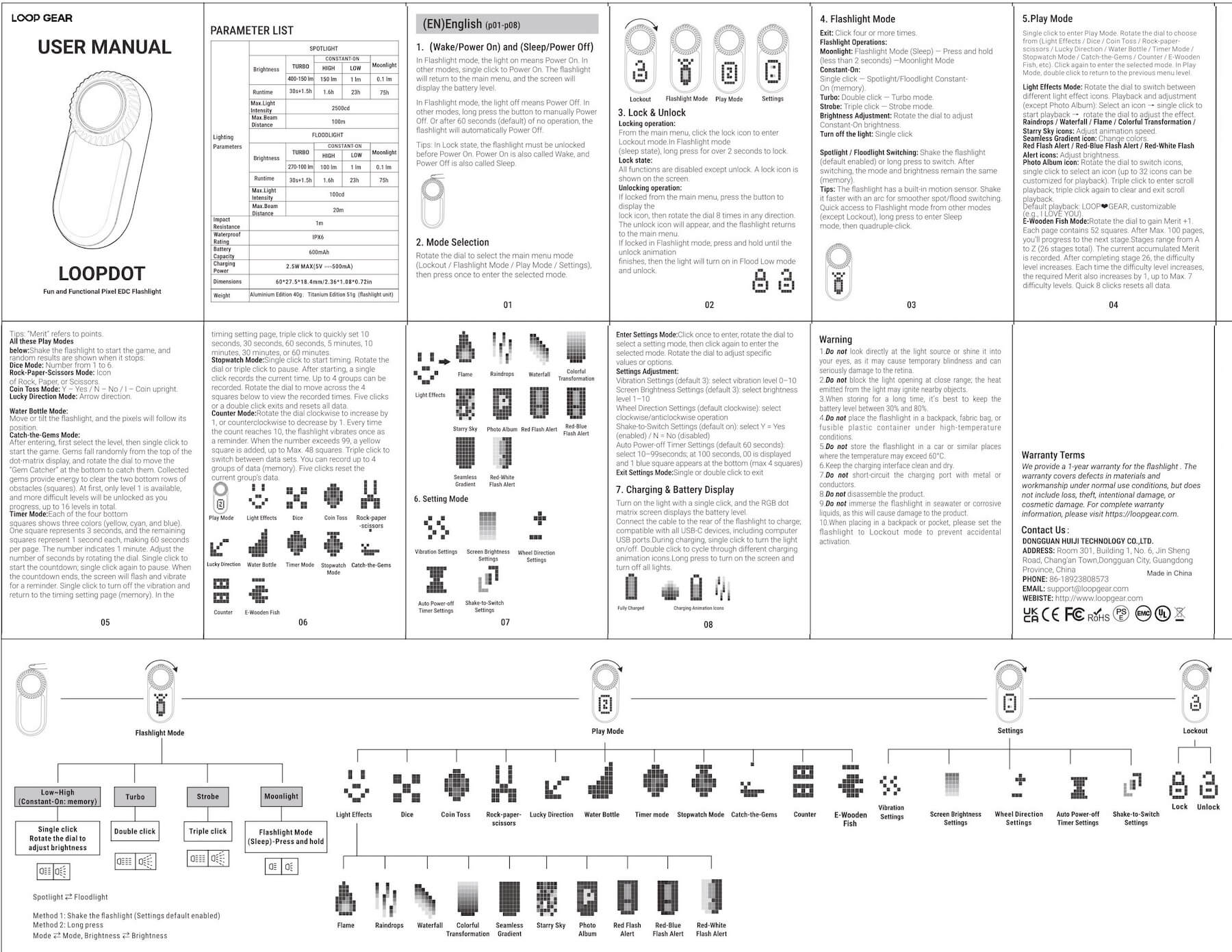
That little sticker on the box above seems to indicate the body color of the light. The manual for this orange version is updated – this light seems to have gained some features since being launched on Kickstarter!
Build Quality and Disassembly
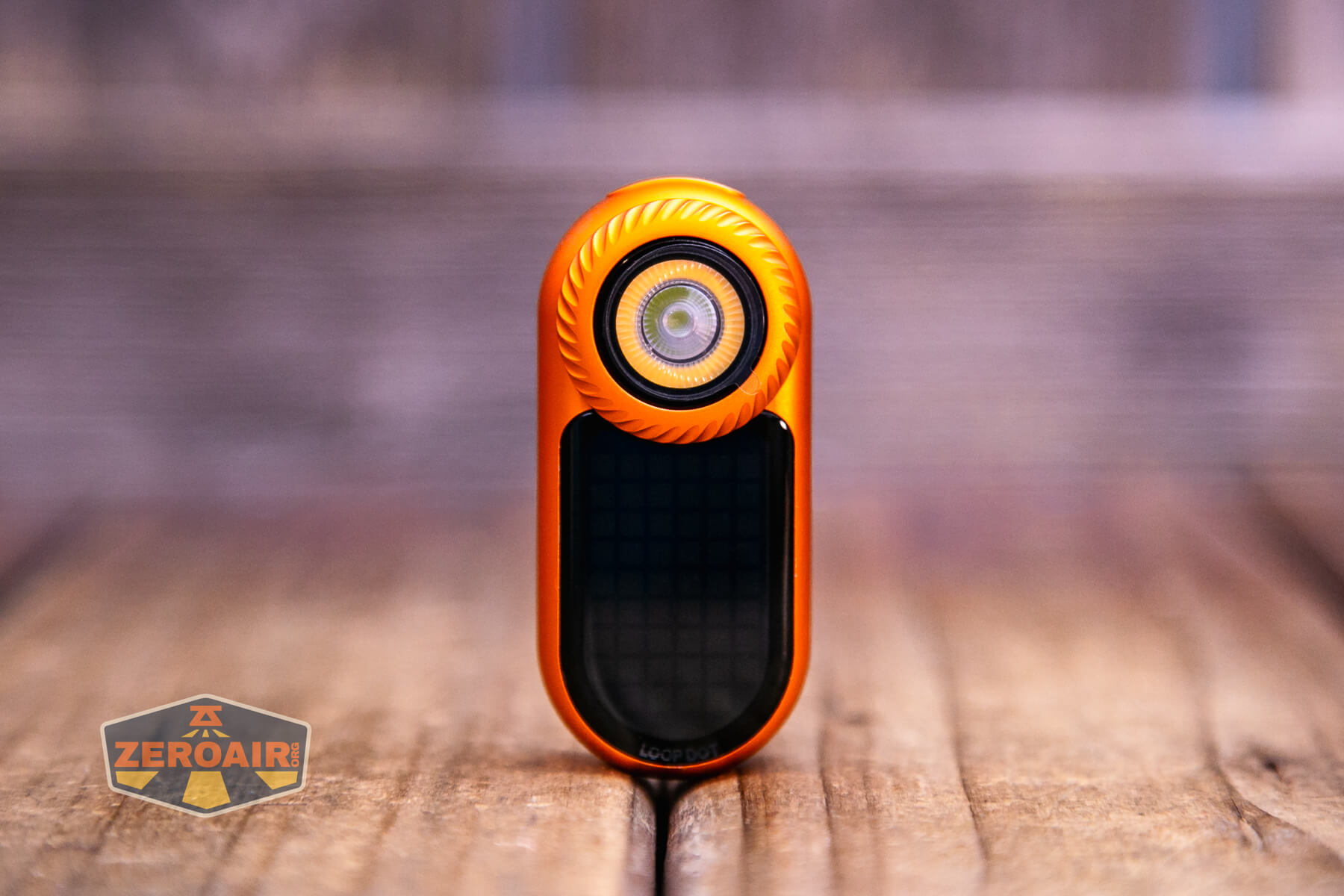
Many clip lights have hit the market in recent months (years?), but the LoopGear LoopDot Orange Pixel Display EDC flashlight stands alone in design and features. Without question, it’s the sleekest option.
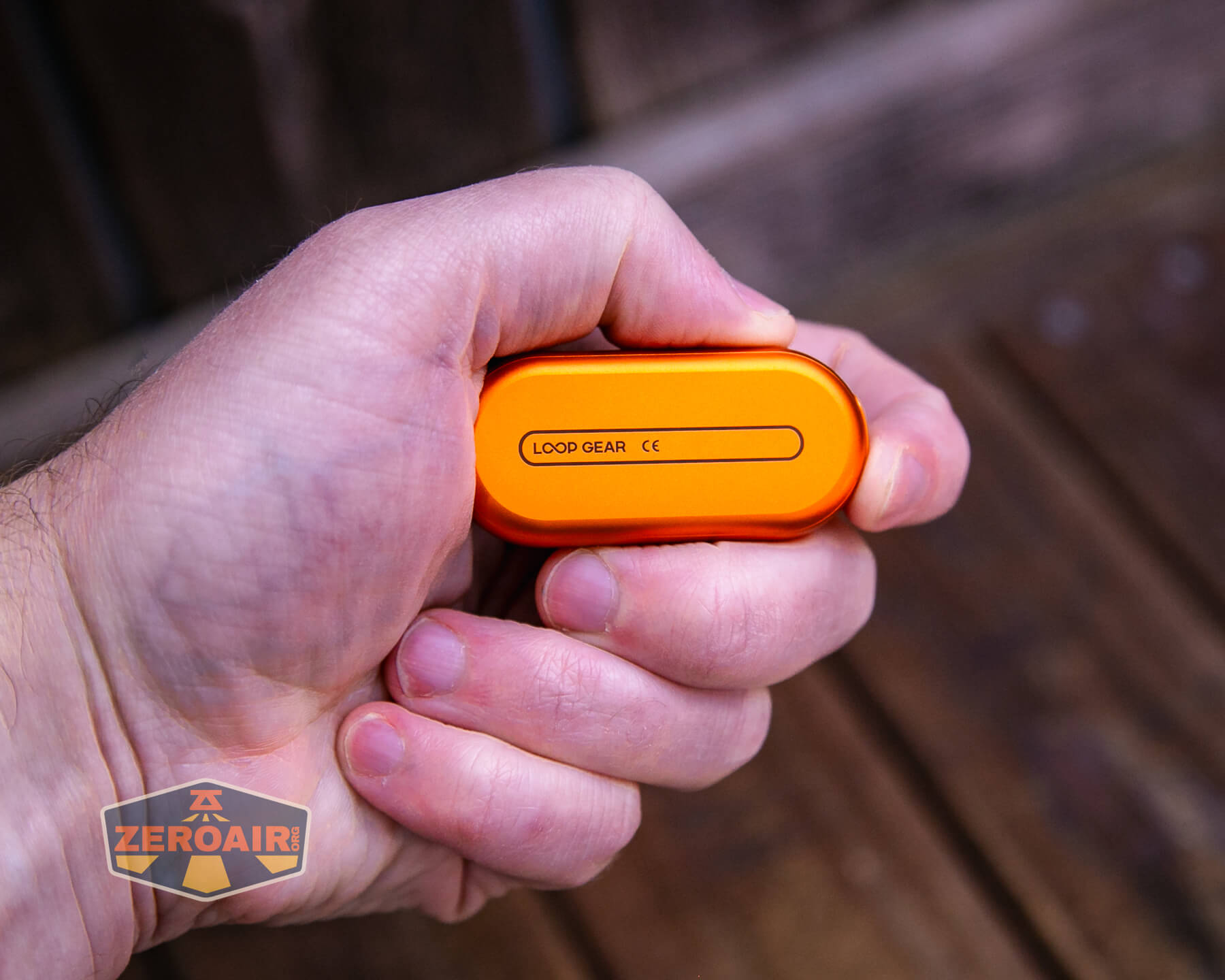
In fact, it’s very sleek – slippery, even. So I recommend using this case (and adding it to your purchase if you have to). It’s a good case and adds the clip option, and adds a better way to get a grip on the LoopGear LoopDot Orange Pixel Display EDC flashlight.
This review is mostly just a photo update on body color options. LoopGera knows I love orange, and they currently have a sale going on. So I’ve added (mostly) new photos, but none of the data here is new. It’s the same as was recorded in the original post of this gray model.
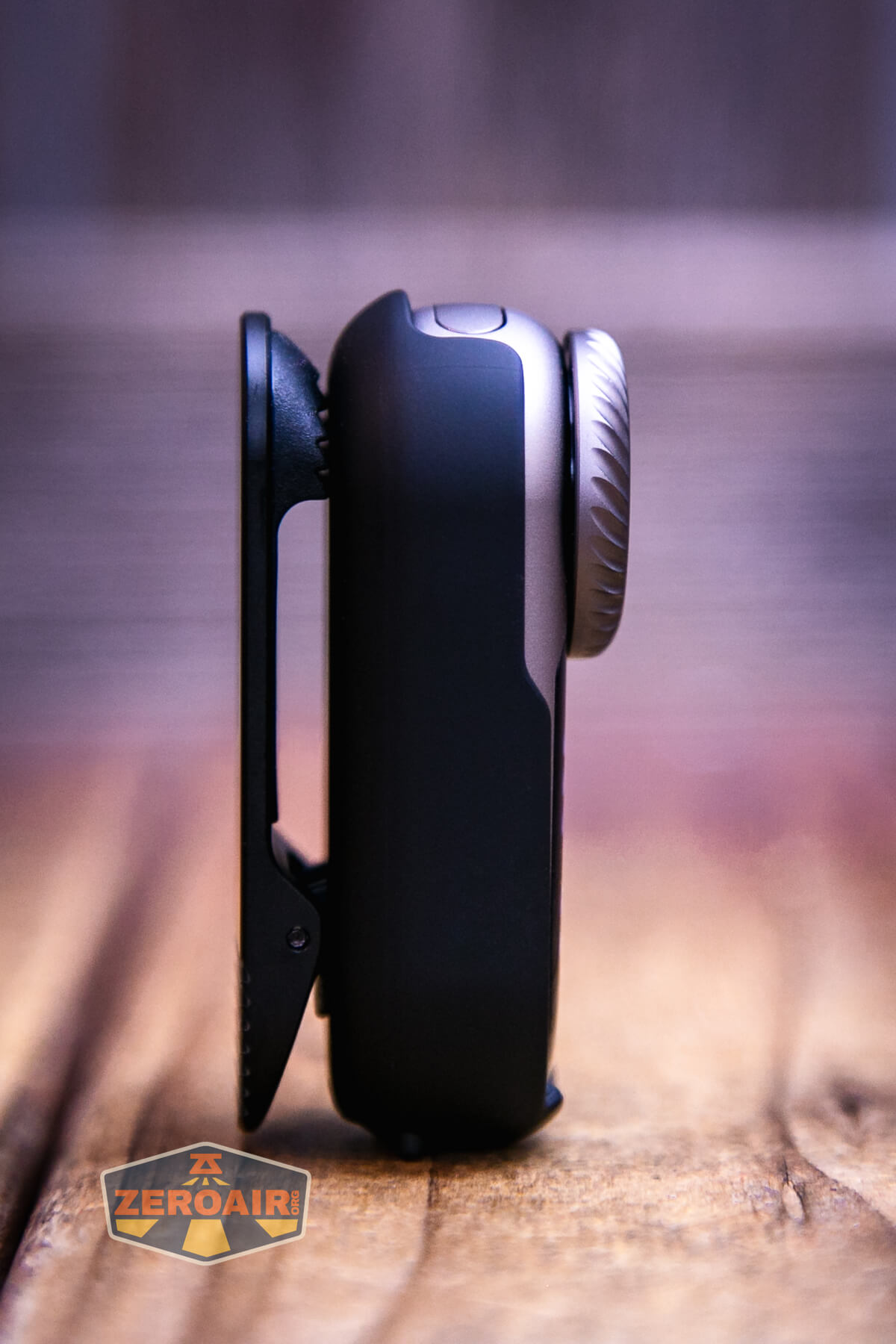
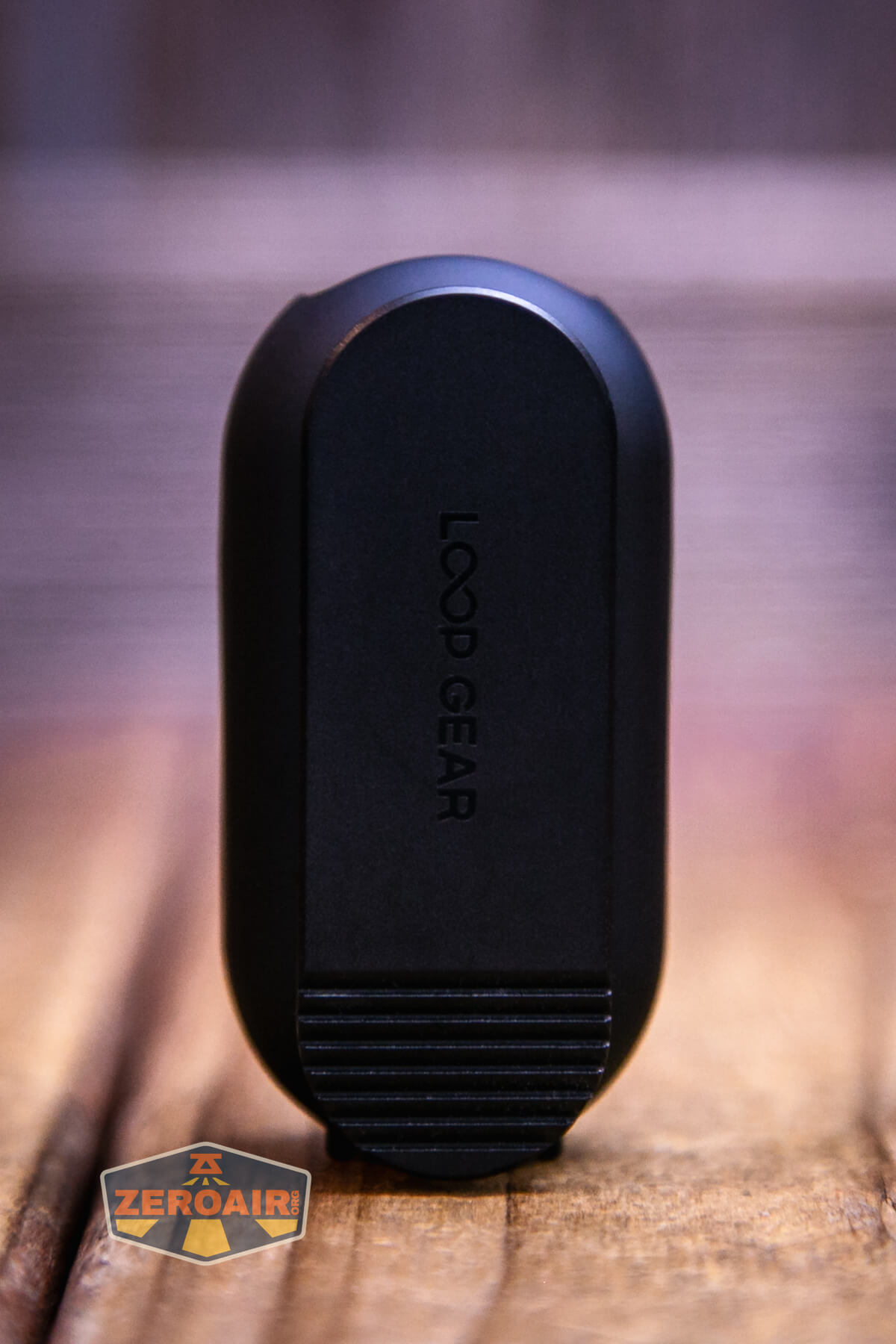
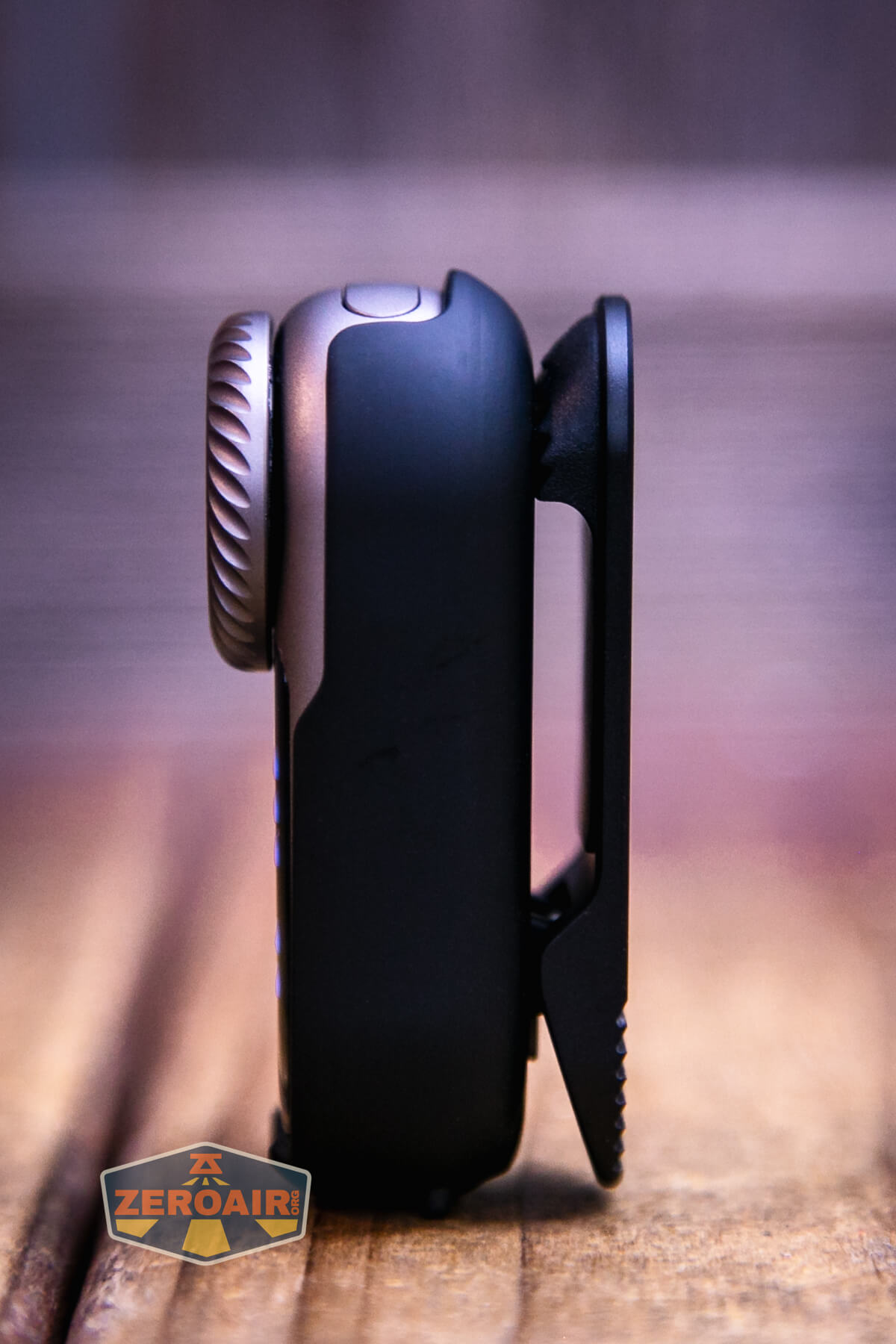
The kicker about the LoopGear LoopDot Orange Pixel Display EDC flashlight is this pixel display. There’s more, though.
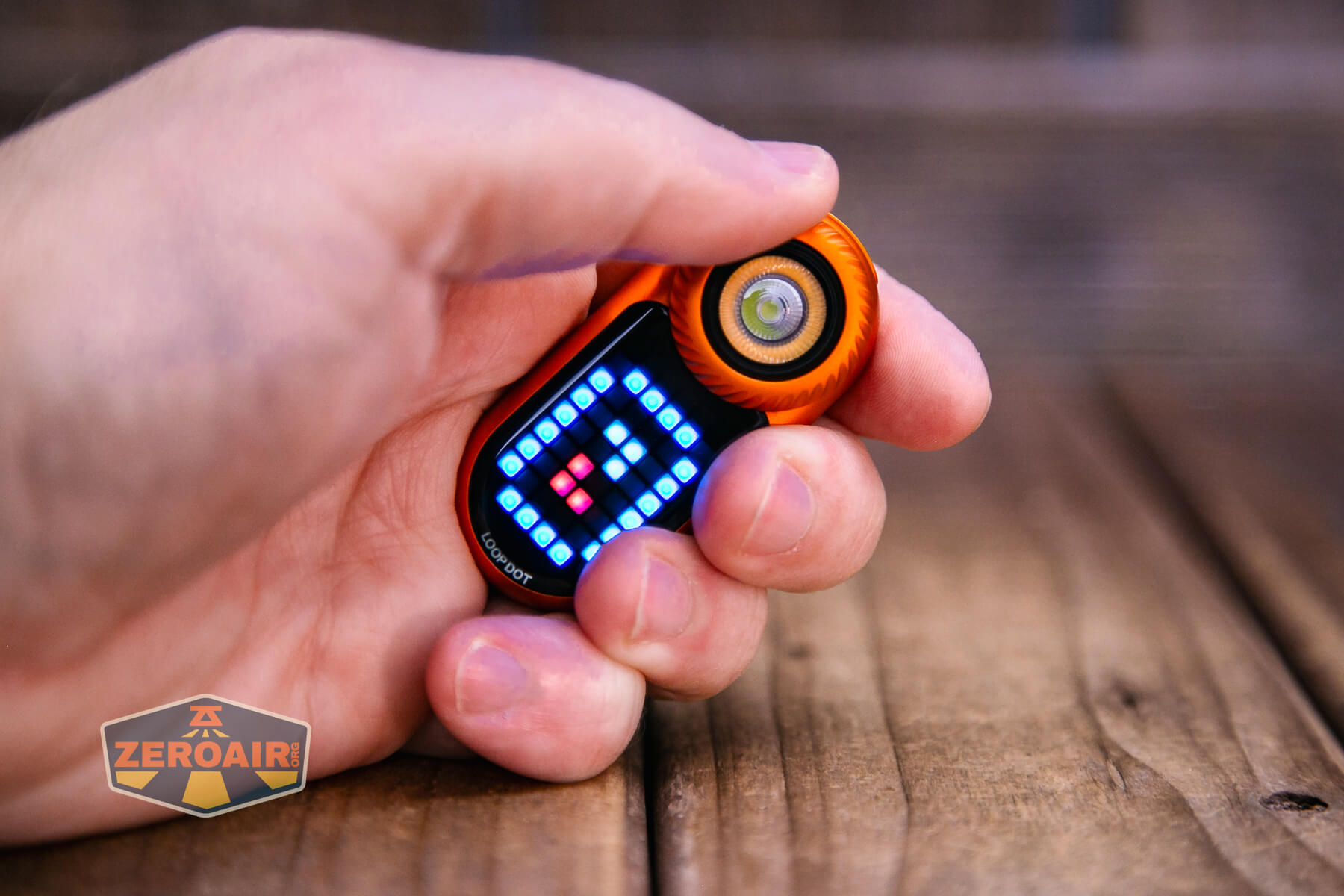
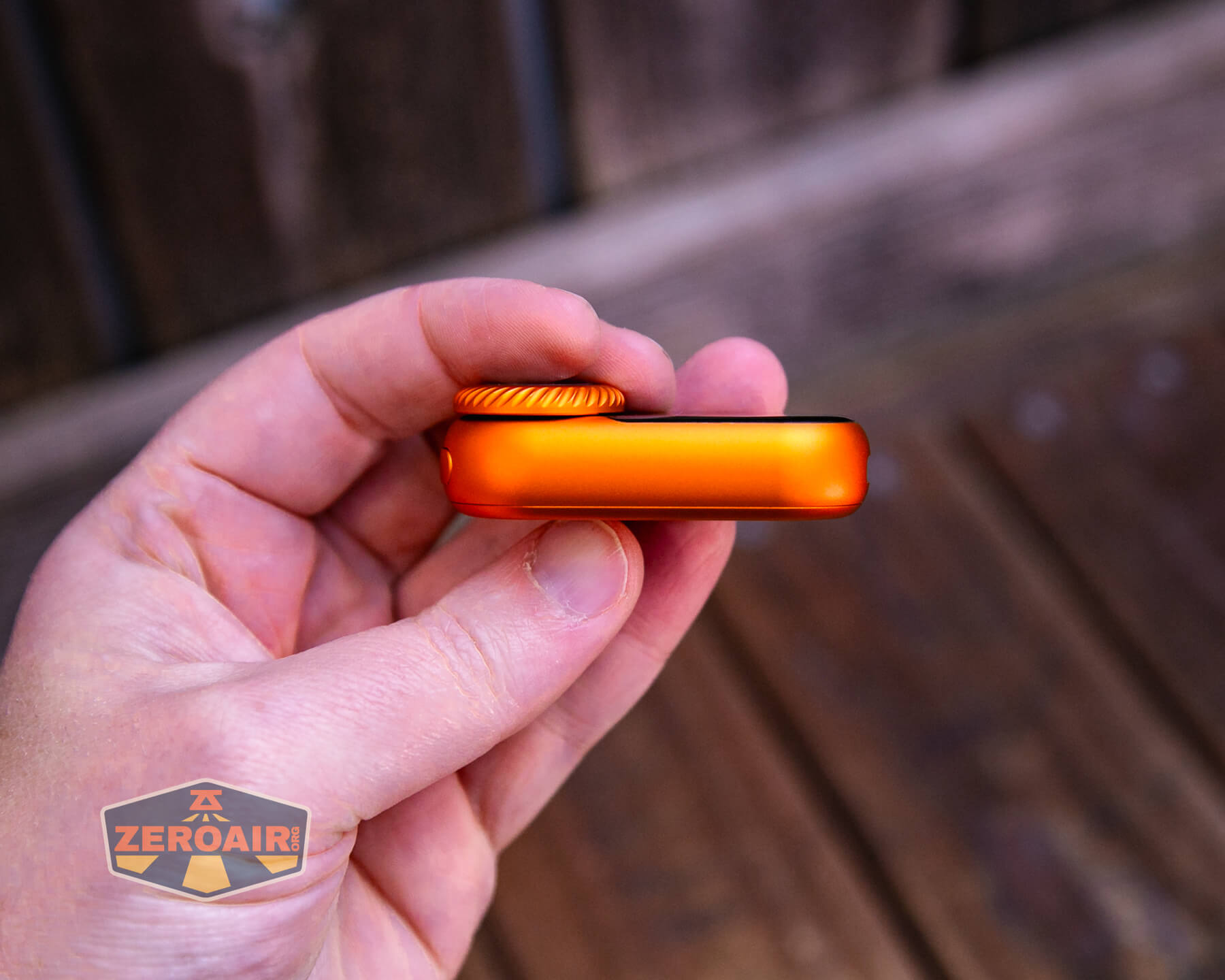
This bezel is a rotating bezel, and it’s what you use to select modes.
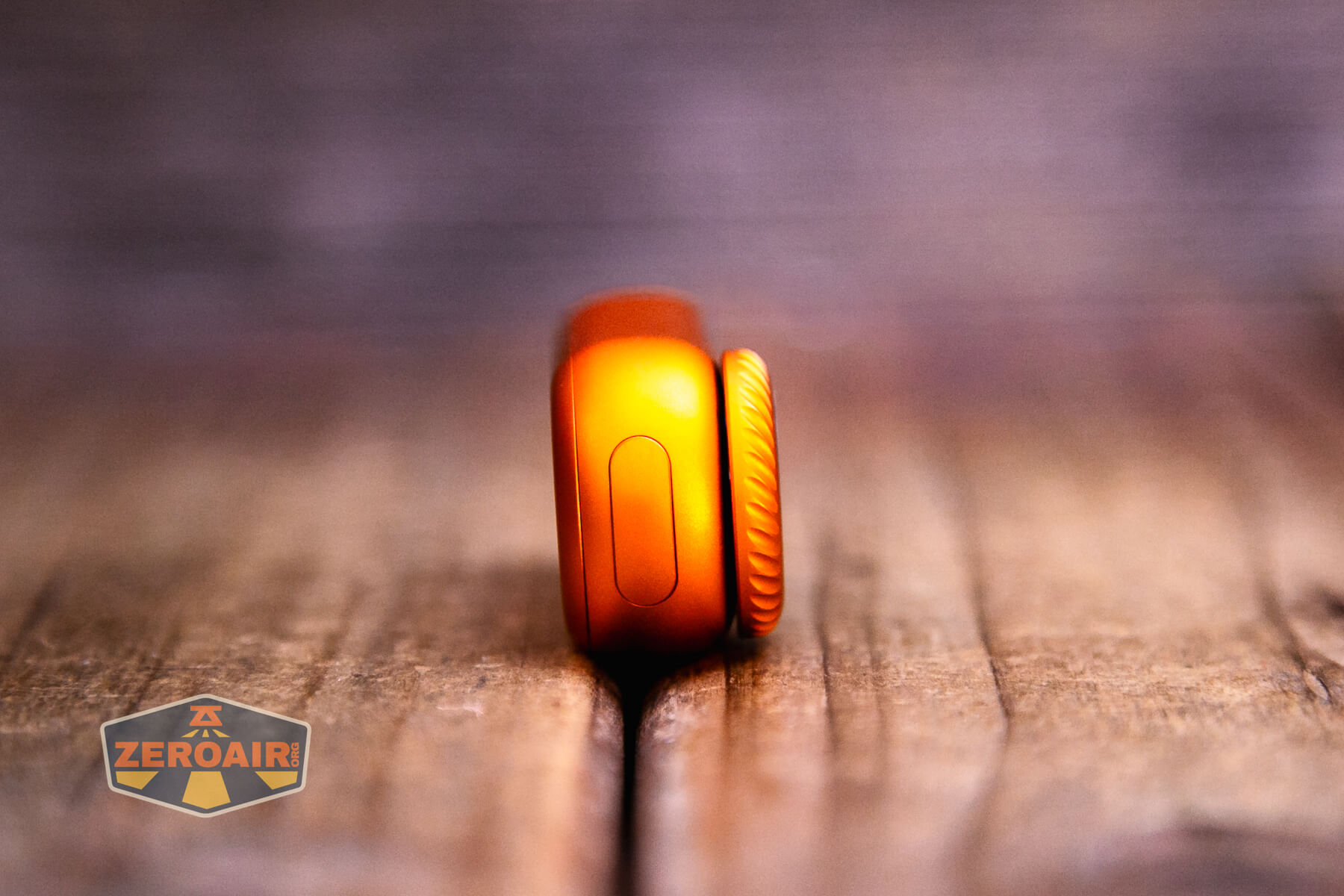
Again, the body is very sleek. Rounded and slippery, and not many obvious points of entry.
The back seems to be press-fit, and I did not disassemble the LoopGear LoopDot Orange Pixel Display EDC flashlight at all.
Size and Comps
60mm x 27.5mm x 18.4mm. The weight is not stated. I measure it at 40.6g without the case and 59.3g with cthe ase.
Here’s the LoopGear LoopDot Orange Pixel Display EDC flashlight in hand:

Here’s the test light with the venerable Convoy S2+. The version below is a custom laser-engraved Convoy S2+ host by GadgetConnections.com. I did a full post on an engraved orange host right here! Or go straight to GadgetConnections.com to buy your Convoy S2+ now!
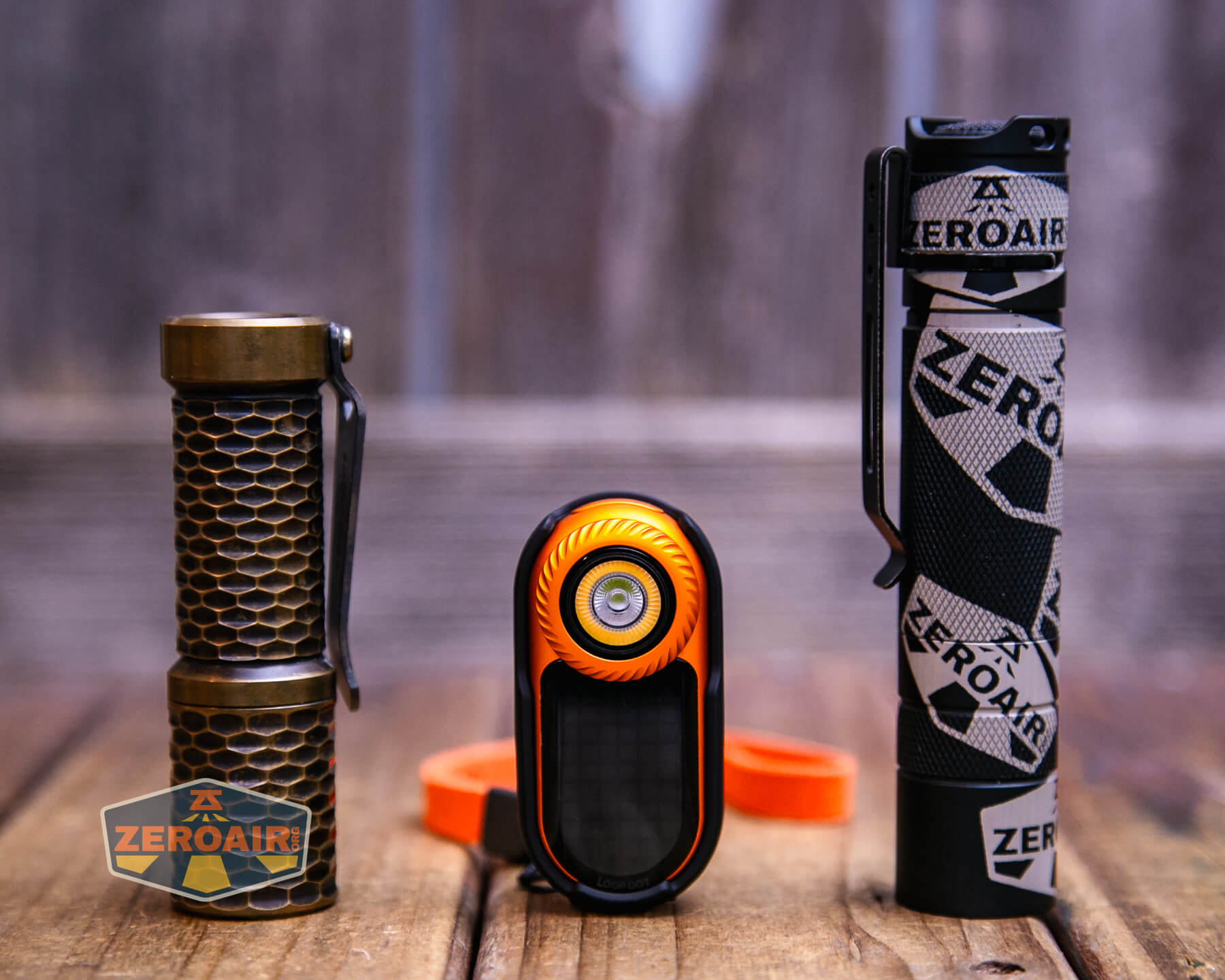
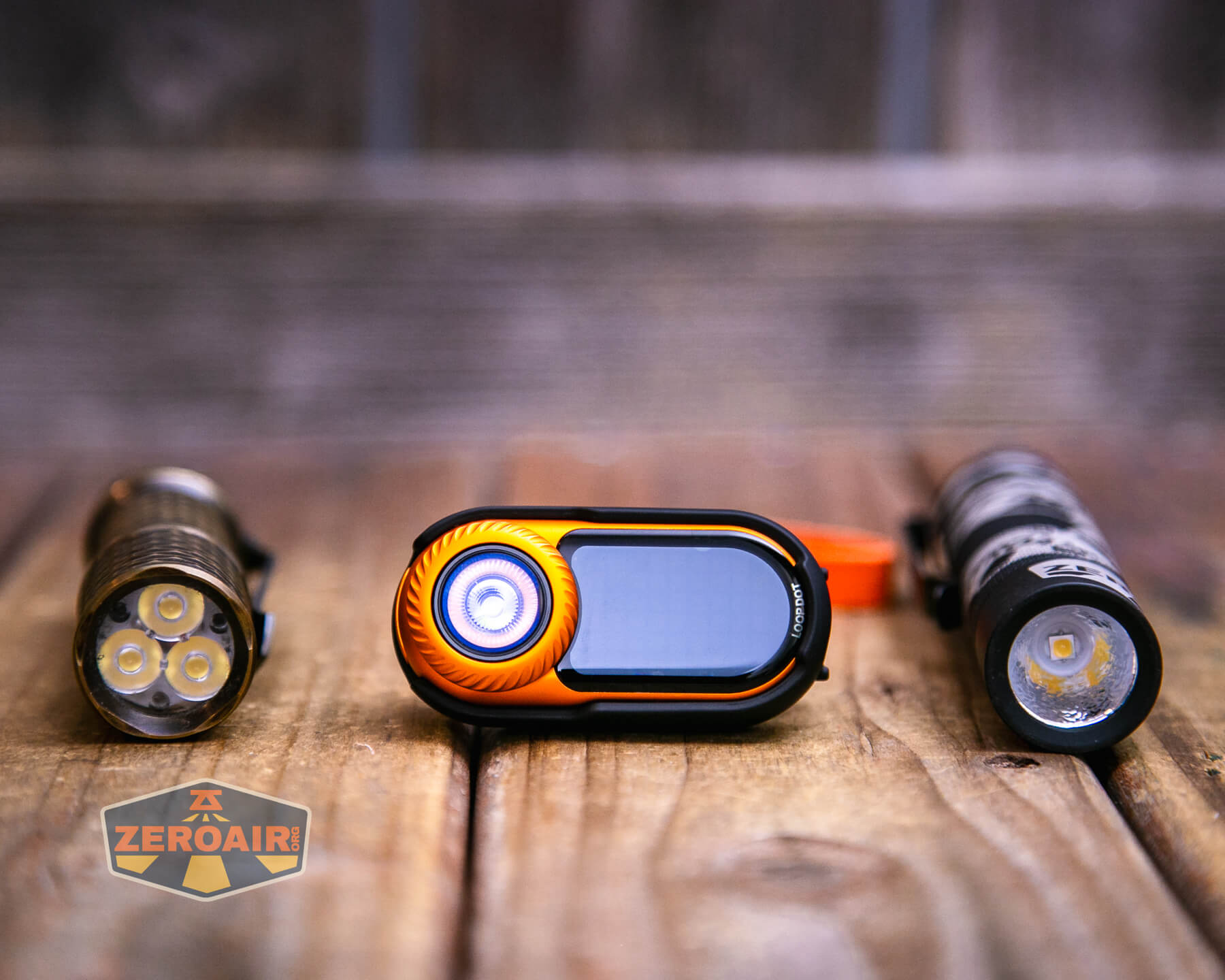
Also in the photo above, my Standard Reference Material (SRM) flashlight is the Hanko Machine Works Trident, an 18350 light. While I have not reviewed or tested the Gunner Grip version seen here, I have tested a Hanko Machine Works Trident Total Tesseract in brass. I love the Trident, and it’s a striking contrast to the inexpensive Convoy S2+, another great SRM.
Retention and Carry
The LoopGear LoopDot Orange Pixel Display EDC flashlight itself does not really have any good means of carry. You’d really just have to carry it loose in a pocket or bag or whatever.
But there are accessories, at least some of which are included. I got two cases of different varieties, but this clip seems the most relevant.
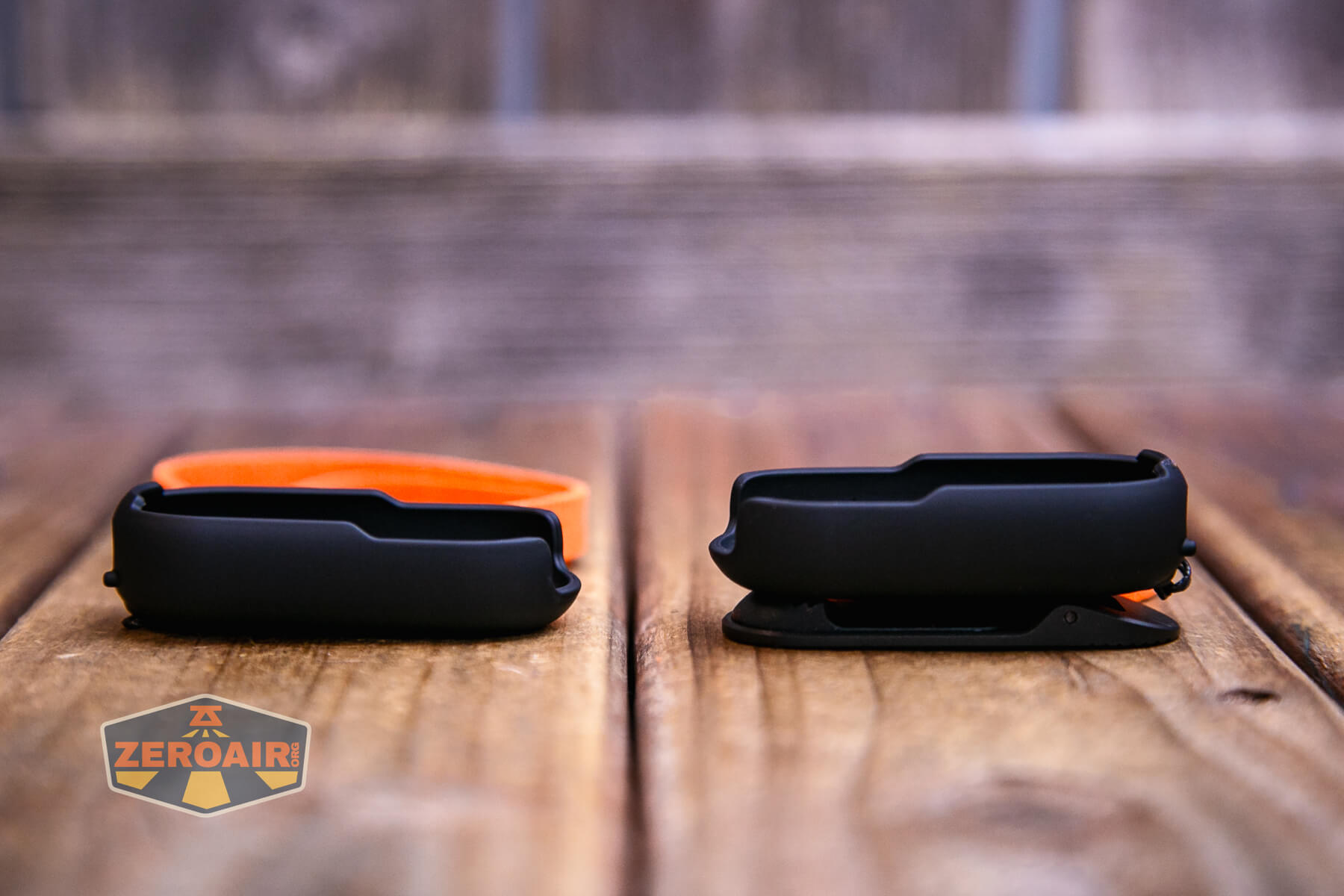
Both cases ship with a lanyard, which is good.
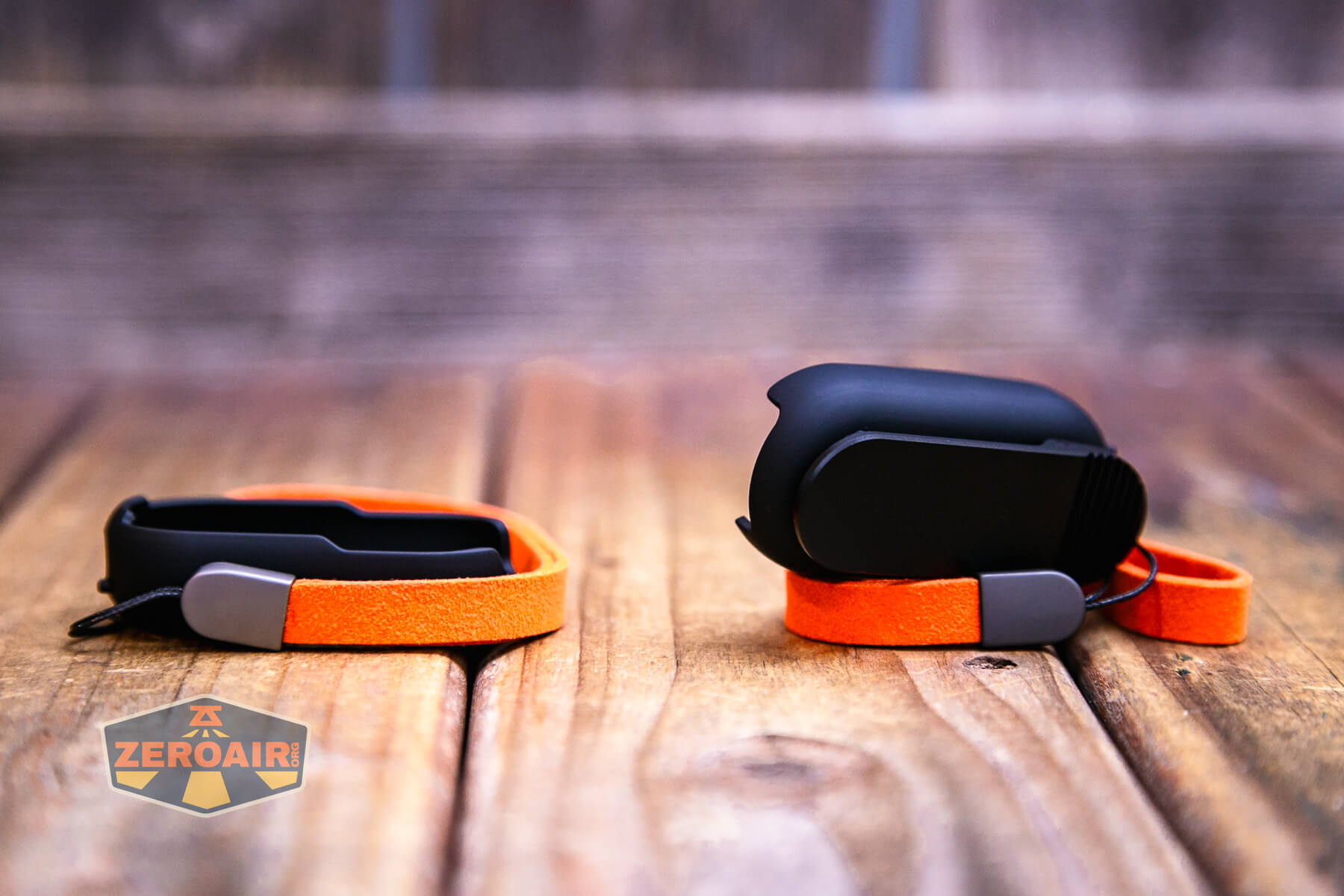
The clip back has a magnet that is perfectly suitable for holding the LoopDot.

The clip itself is perfectly suitable, too.

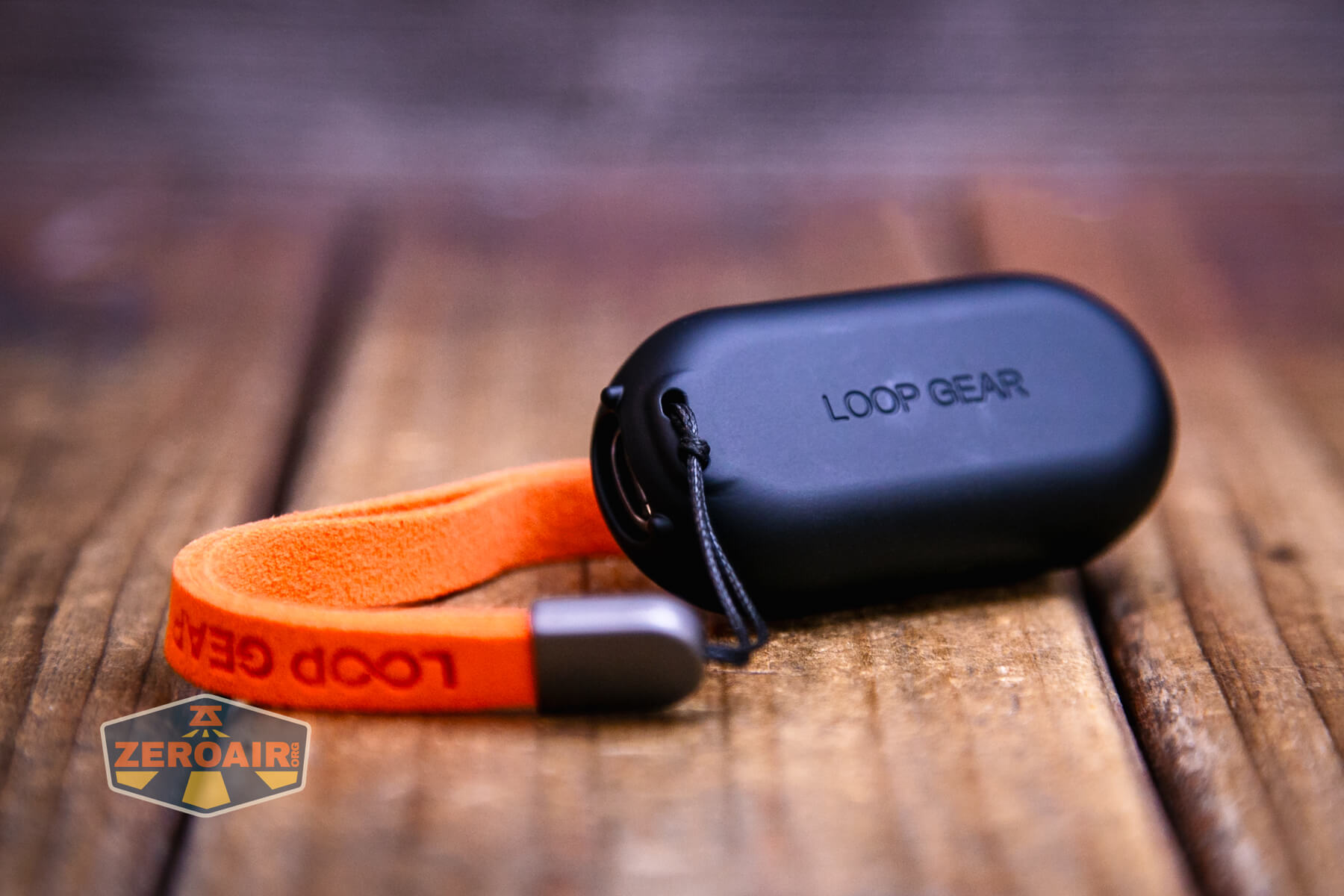
A lanyard is included, but it can attach only to the case. There’s nowhere at all to attach the lanyard to just the LoopDot.
I’m not sure what material the lanyard is – probably some kind of faux leather. But it’s pretty nice, and definitely unusual.
Power and Runtime
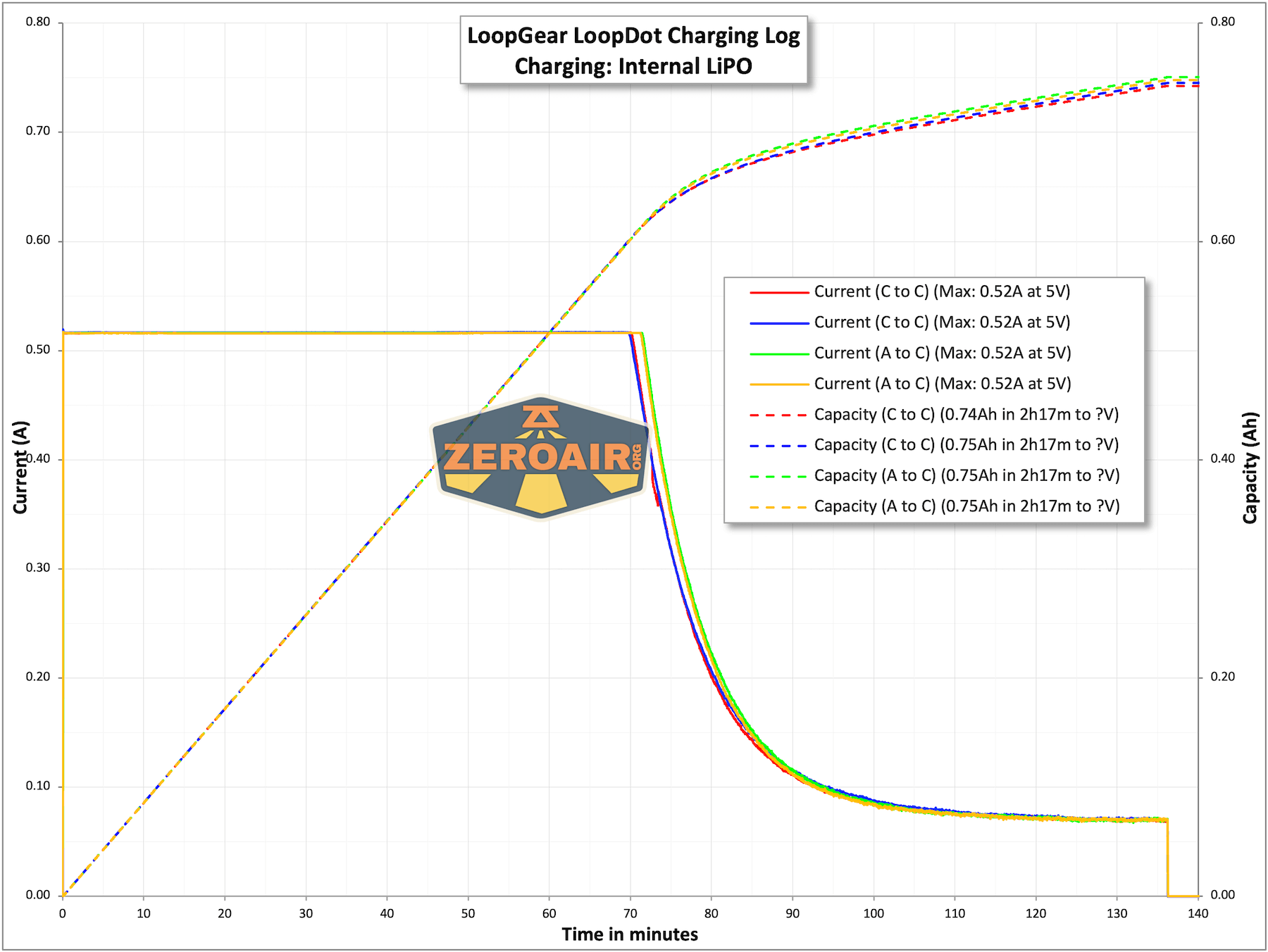
The battery built into the LoopGear LoopDot Orange Pixel Display EDC flashlight is a 600mAh LiPO. It is not replaceable.
Below you can see a number of runtime tests for both the spot and flood output. I don’t believe these two modes can be used at the same time – it’s always either spot or flood. Again, this data is from the original Gray version.
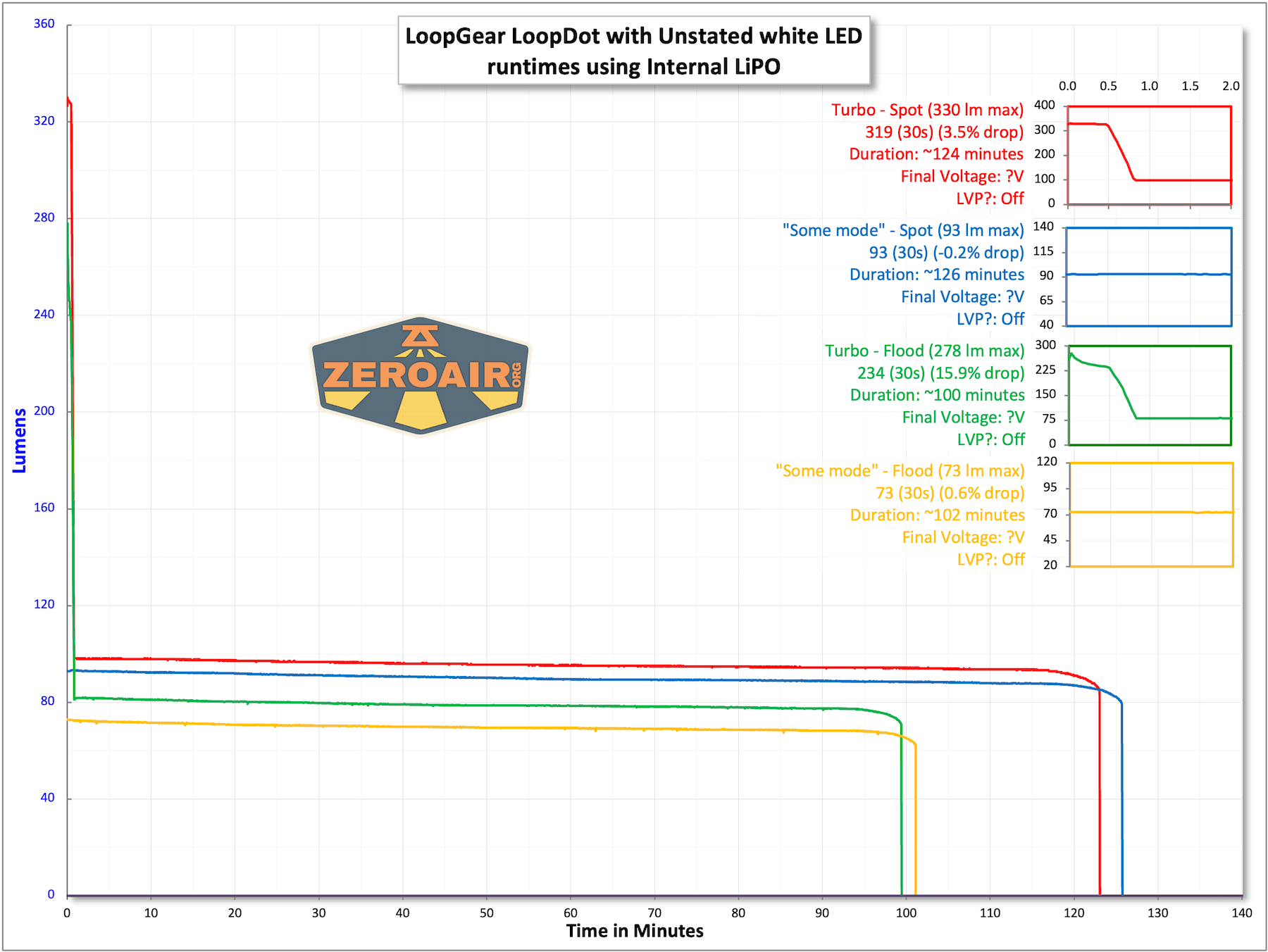
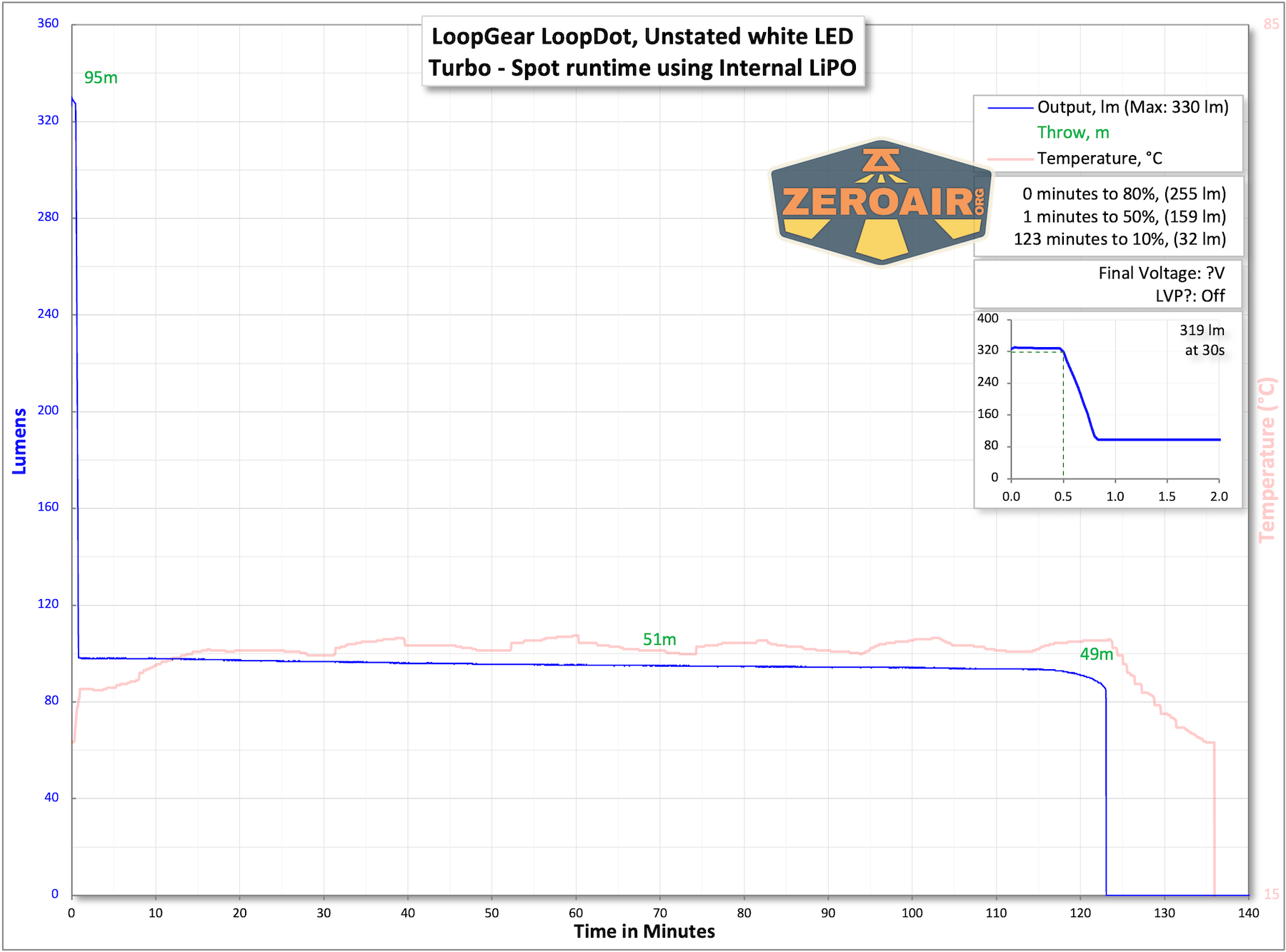

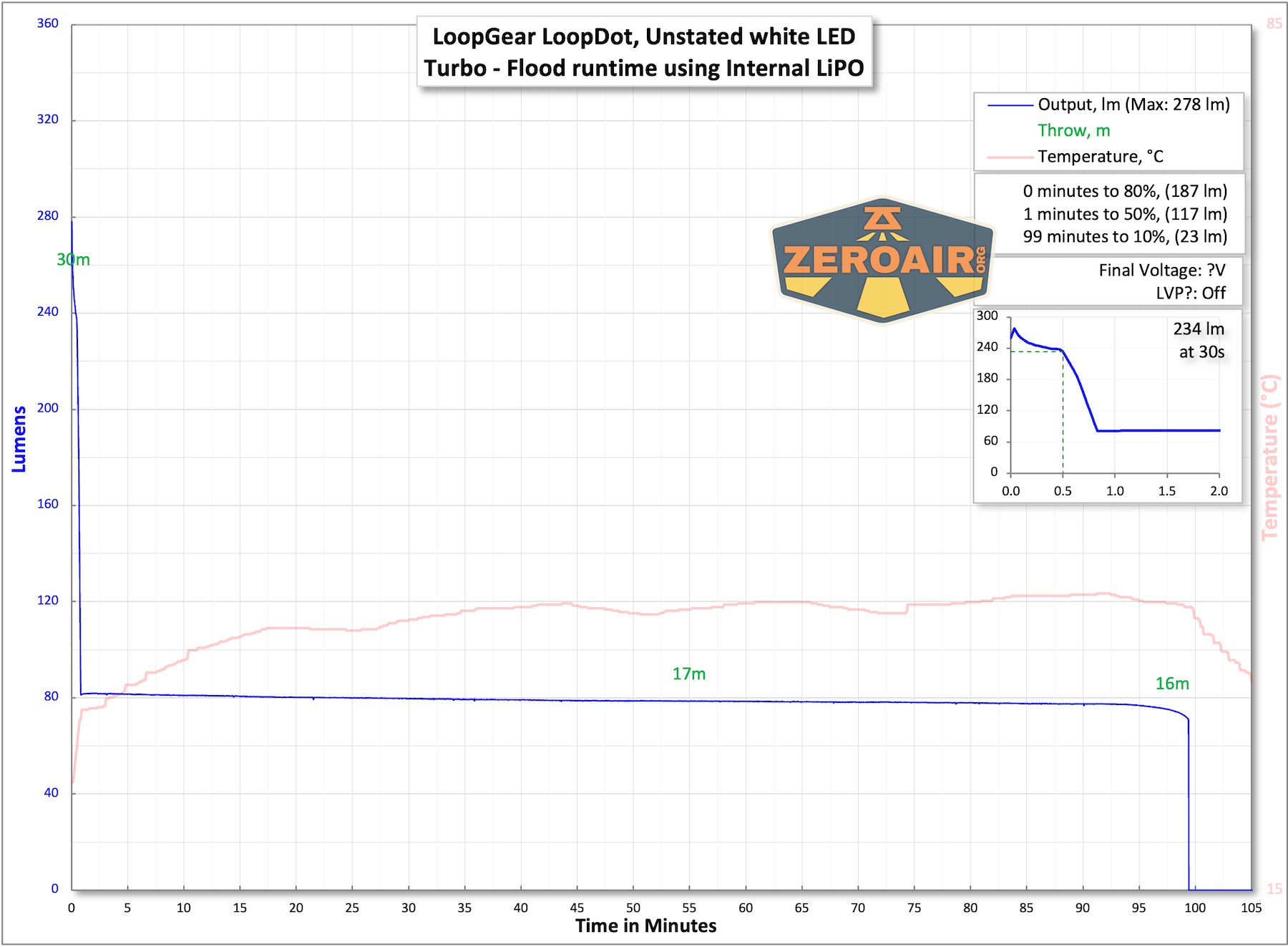
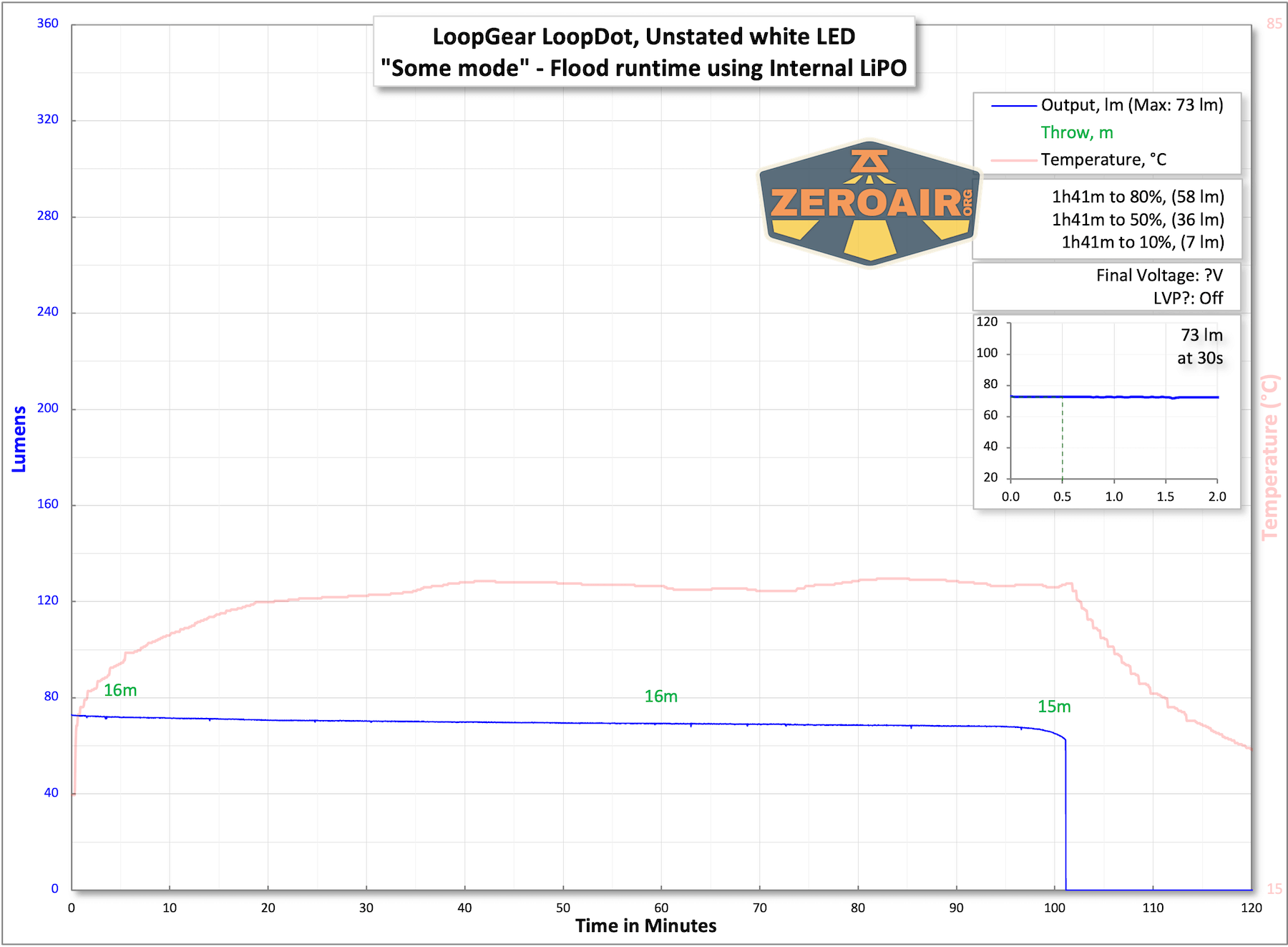
The temperature lines in these charts are included as general context, not precise measurements. The values represent the range (min to max) during testing, but should not be taken as exact readings. Temperature sensors are attached however feasible and not always on the bezel or hottest spot (assuming that can even be clearly defined). Even with ideal placement, too many variables affect temperature to definitively state a specific max value.
Charging
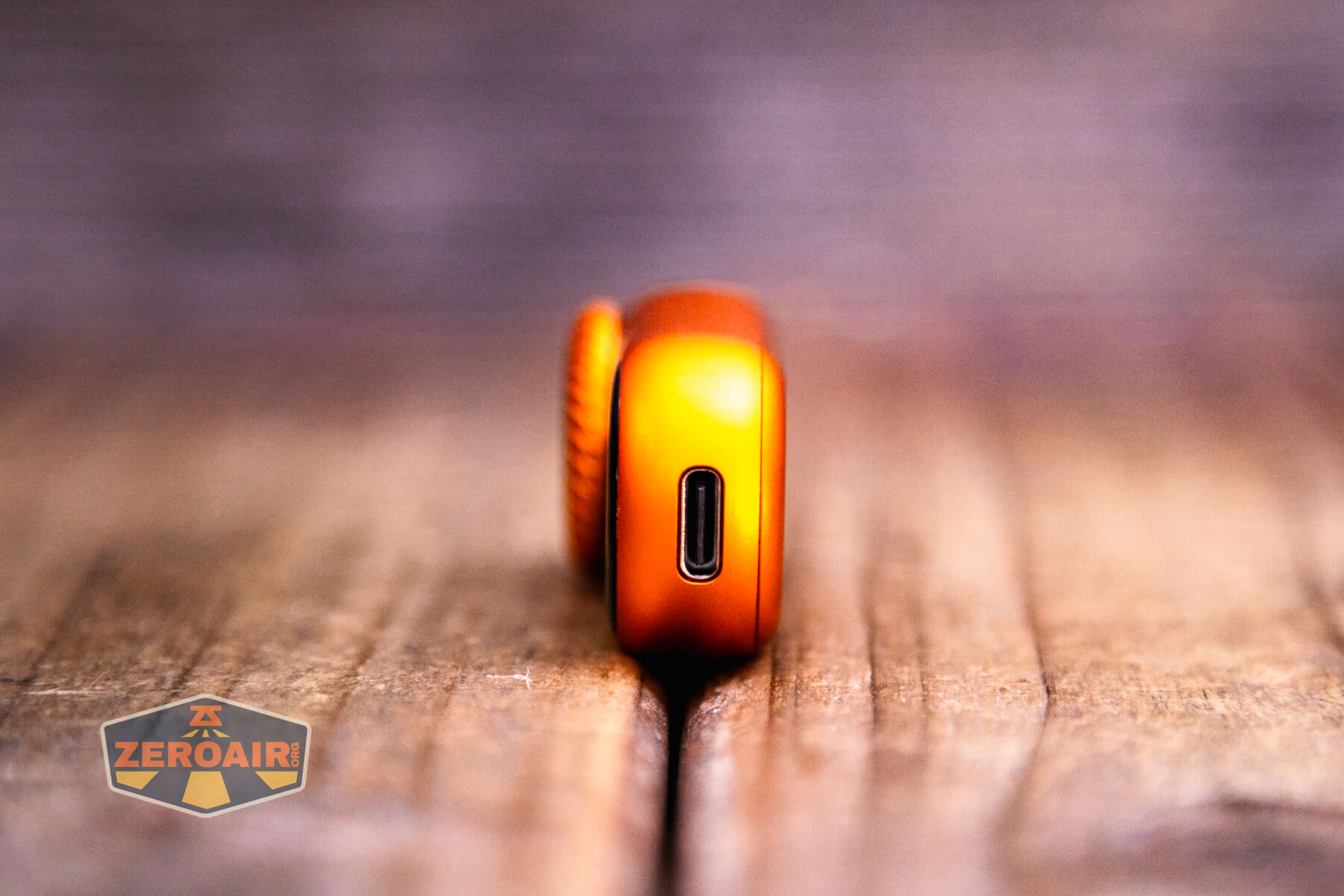
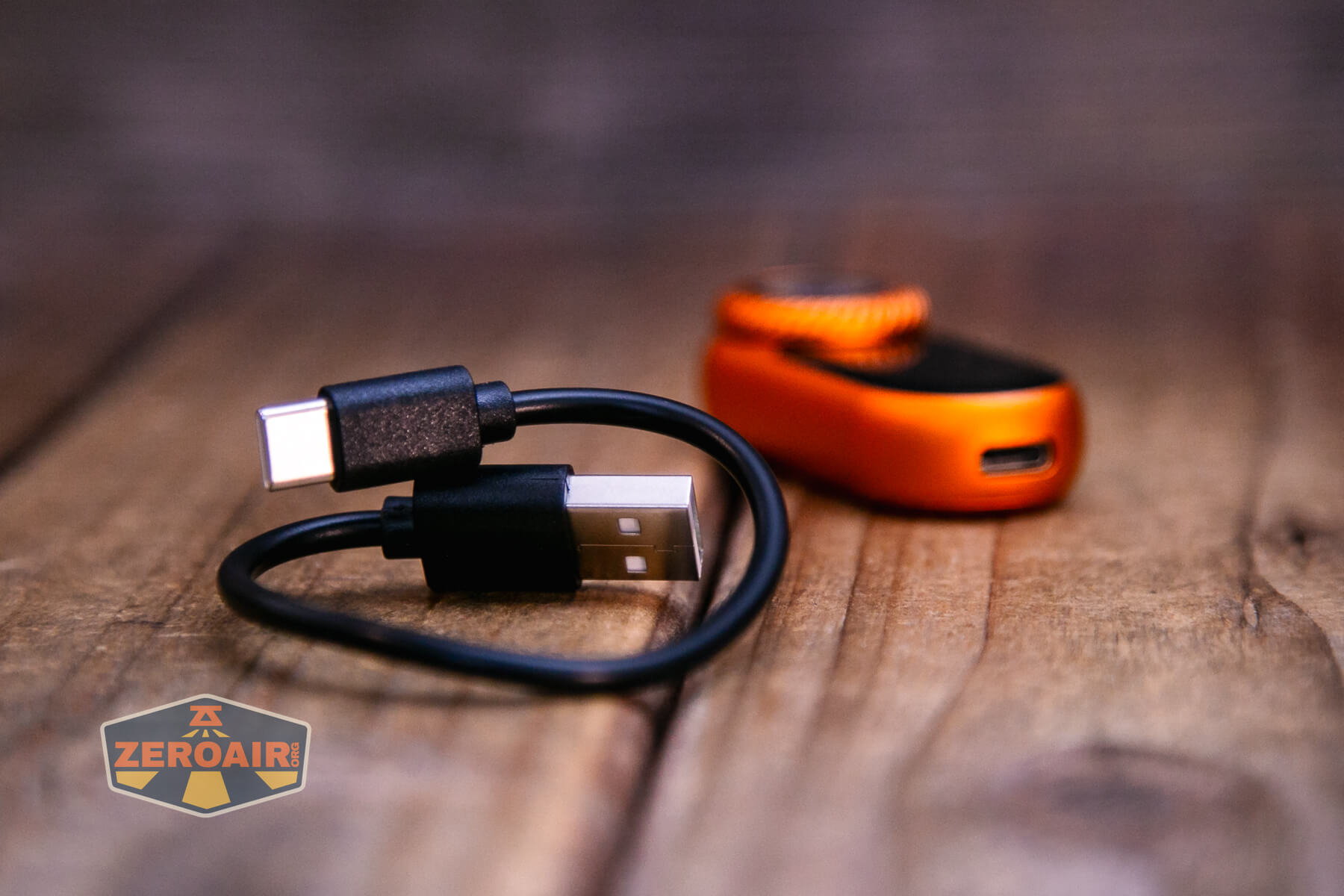
The LoopGear LoopDot Orange Pixel Display EDC flashlight uses USB-C charging. Neither the case nor the light itself have covers over the charging port.
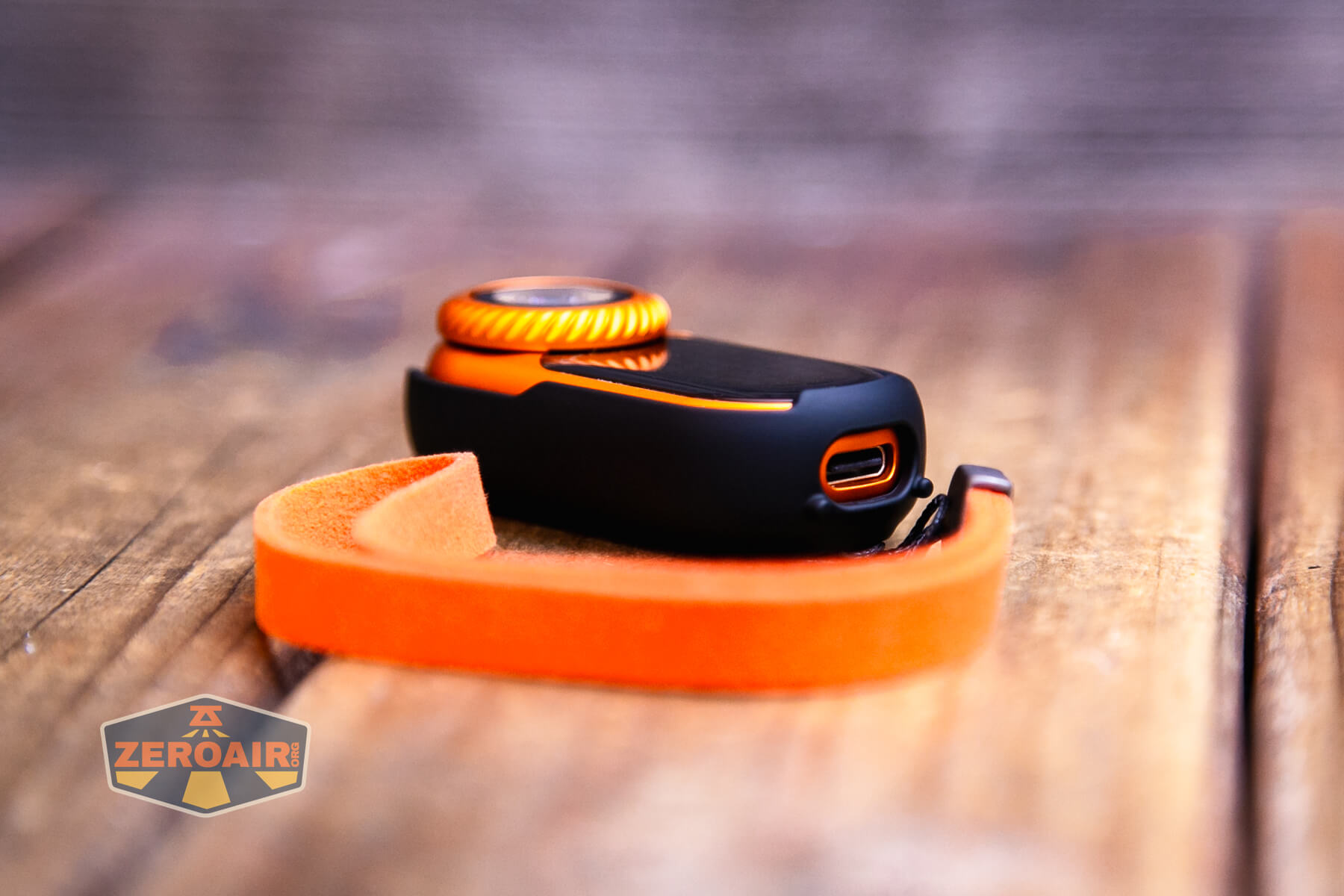
A USB to USB-C charging cable is included.
A to C and C to C both work just fine. In fact, this is the most consistent charging I can recall!
Modes and Currents
The manual states four modes – Turbo, High, Low, and Moonlight, but I think those are just example modes along the ramp. Moonlight and Turbo are discreet, but anything between those is just “a level” along the rotary.
| Mode | Mode Claimed Output (lm) | Claimed Runtime | Measured Lumens |
|---|---|---|---|
| Turbo – Spot | 400-150 | 30s+1.5h | 330 (0s) 319 (30s) |
| Moonlight – Spot | 1 | >50h | – |
| Turbo – Flood | 210-90 | 30s+1.5h | 278 (0s) 234 (30s) |
| Moonlight – Spot | 1 | >50h | – |
Pulse Width Modulation
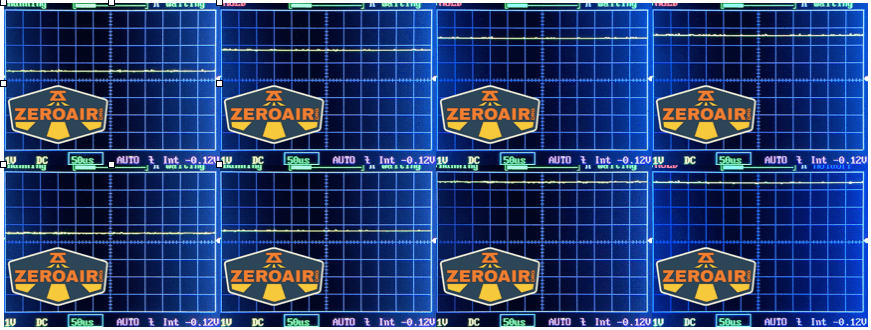
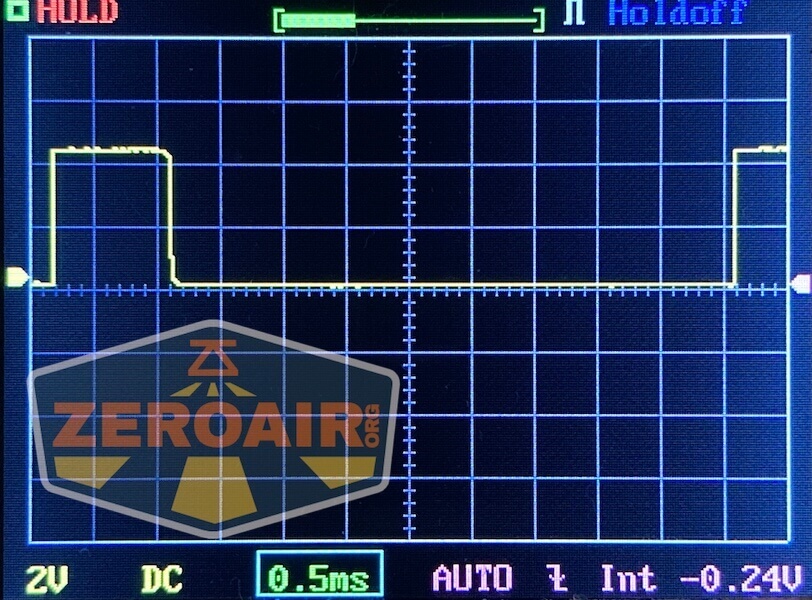
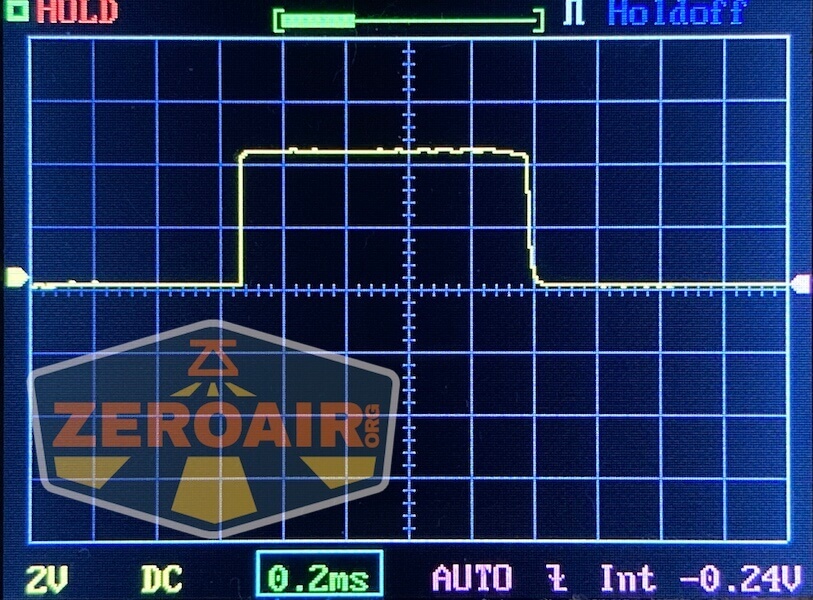
None of the modes I tested (lowest, highest, and 2 in between) exhibit PWM, for spot or flood.
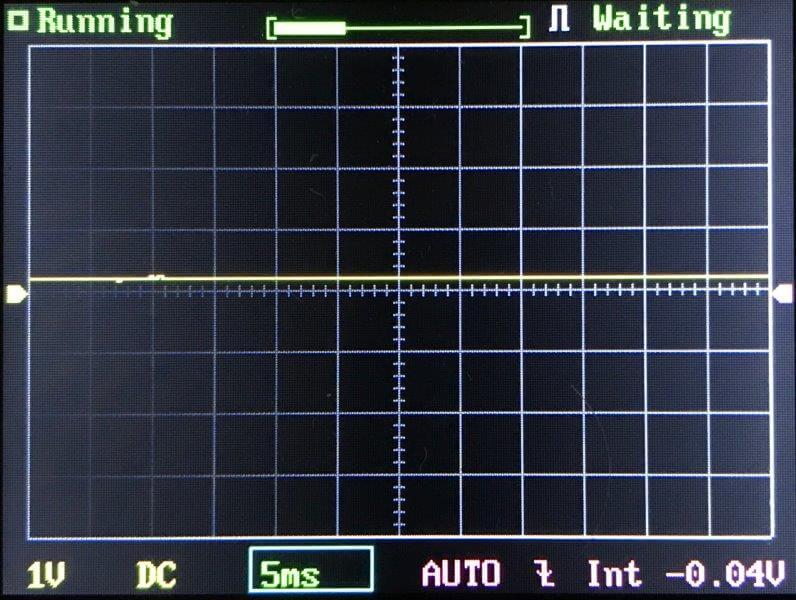
Click here to see a “baseline” – a chart with almost no light hitting the sensor.
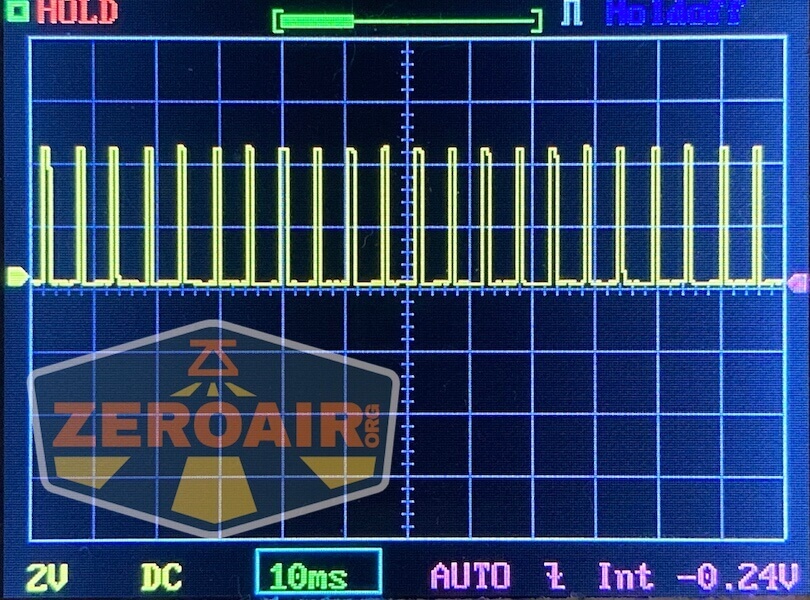
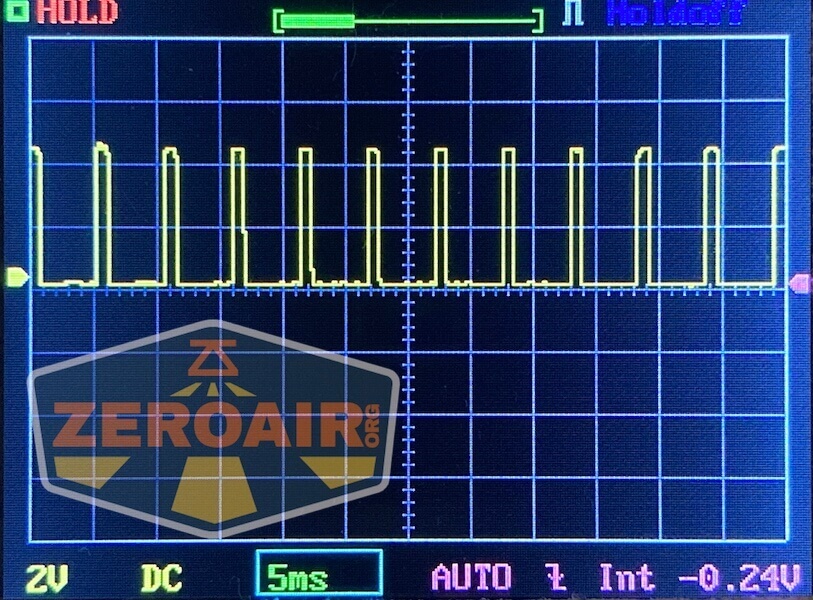
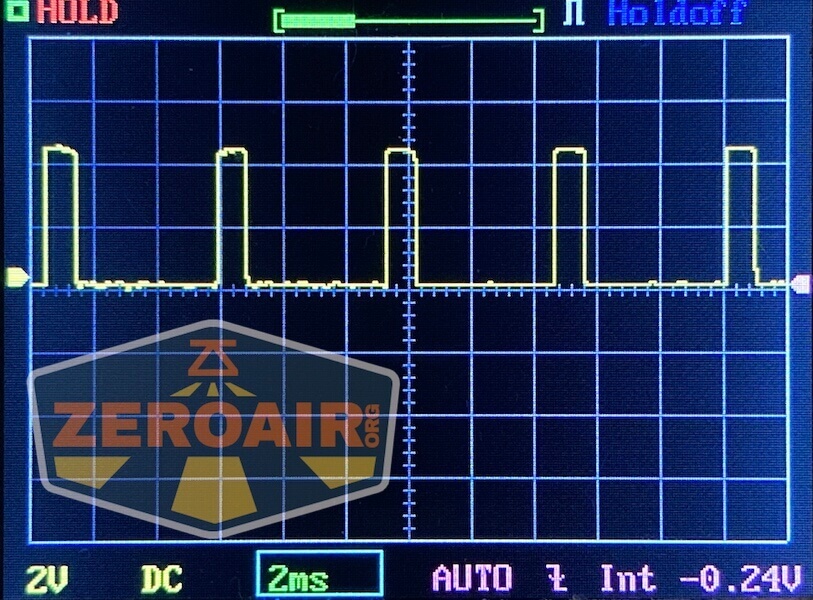
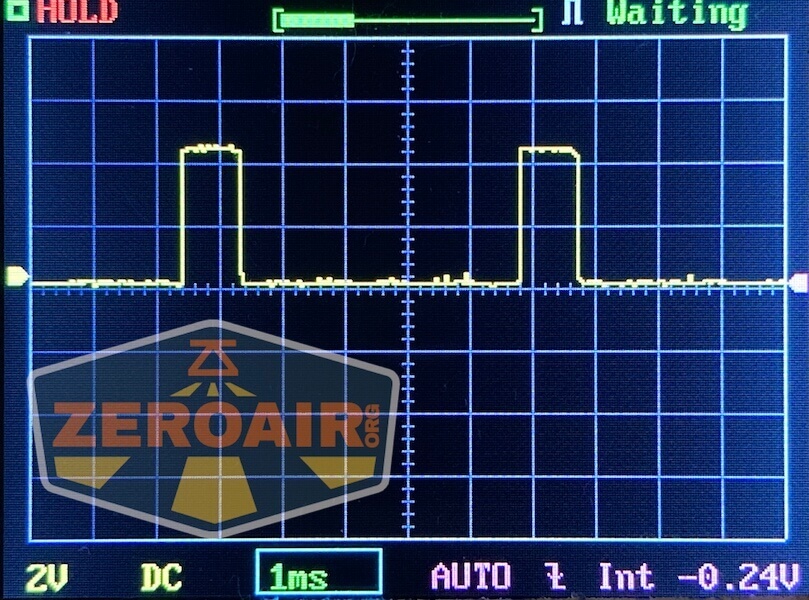
Then there’s the Ultrafire WF-602C flashlight, which has some of the worst PWM I’ve seen. It’s so bad that I used a post about it to explain PWM! Here are multiple timescales (10ms, 5ms, 2ms, 1ms, 0.5ms, 0.2ms) to make comparing this “worst” PWM light to the test light easier. That post also explains why I didn’t test the WF-602C at the usual 50us scale.
User Interface and Operation
There are two ways to interact with the LoopGear LoopDot Orange Pixel Display EDC flashlight. First is the e-switch. It’s a big flat button on the top of the LoopDot.
Next is the rotary dial that surrounds the white LED emitters.
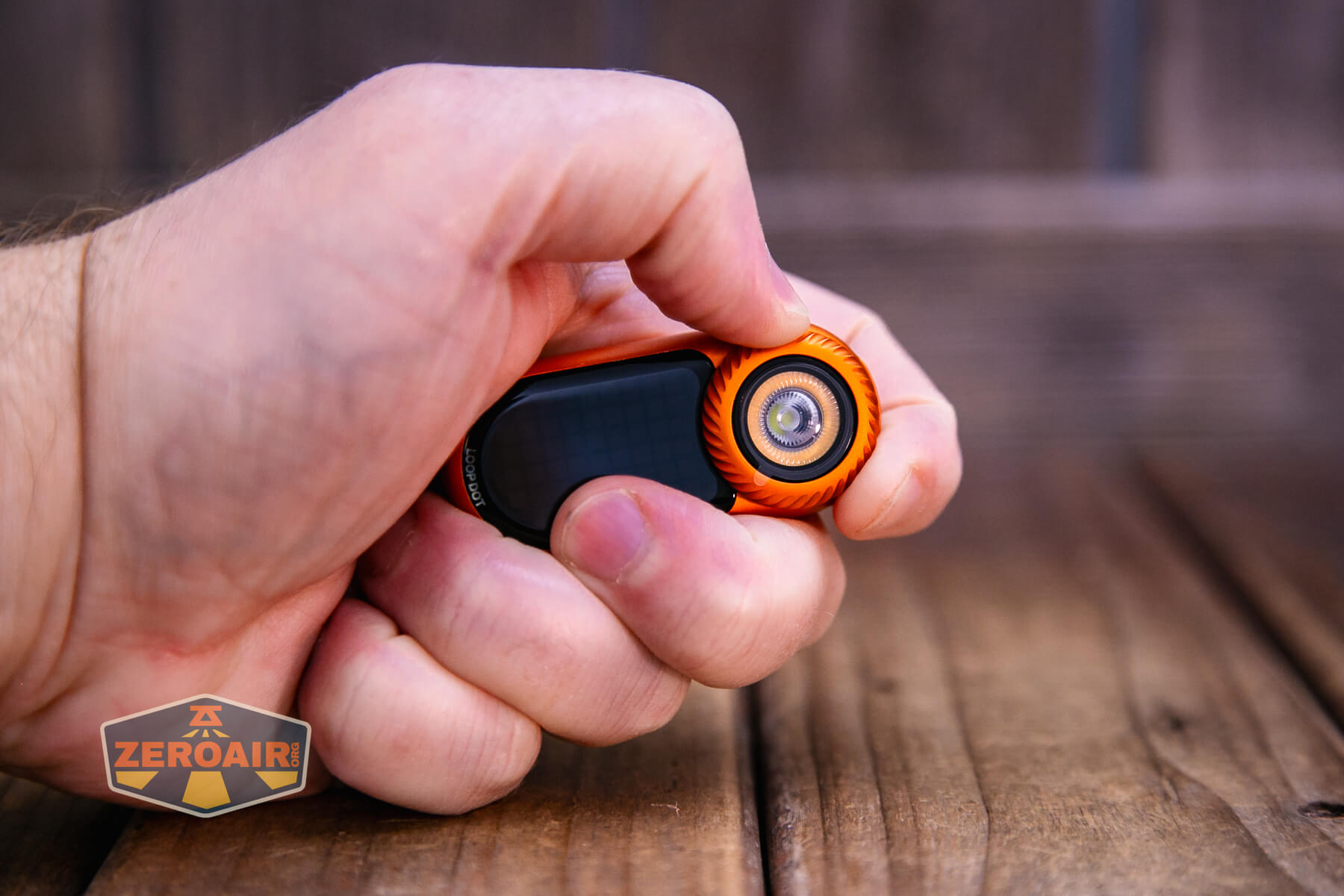
There are a bunch of modes. Below, and the first two you’ll encounter when rotating the dial, are spot, then flood. Past that are a number of other modes, including “digital wooden fish” mode, timer, and Rock-Paper-Scissors mode.
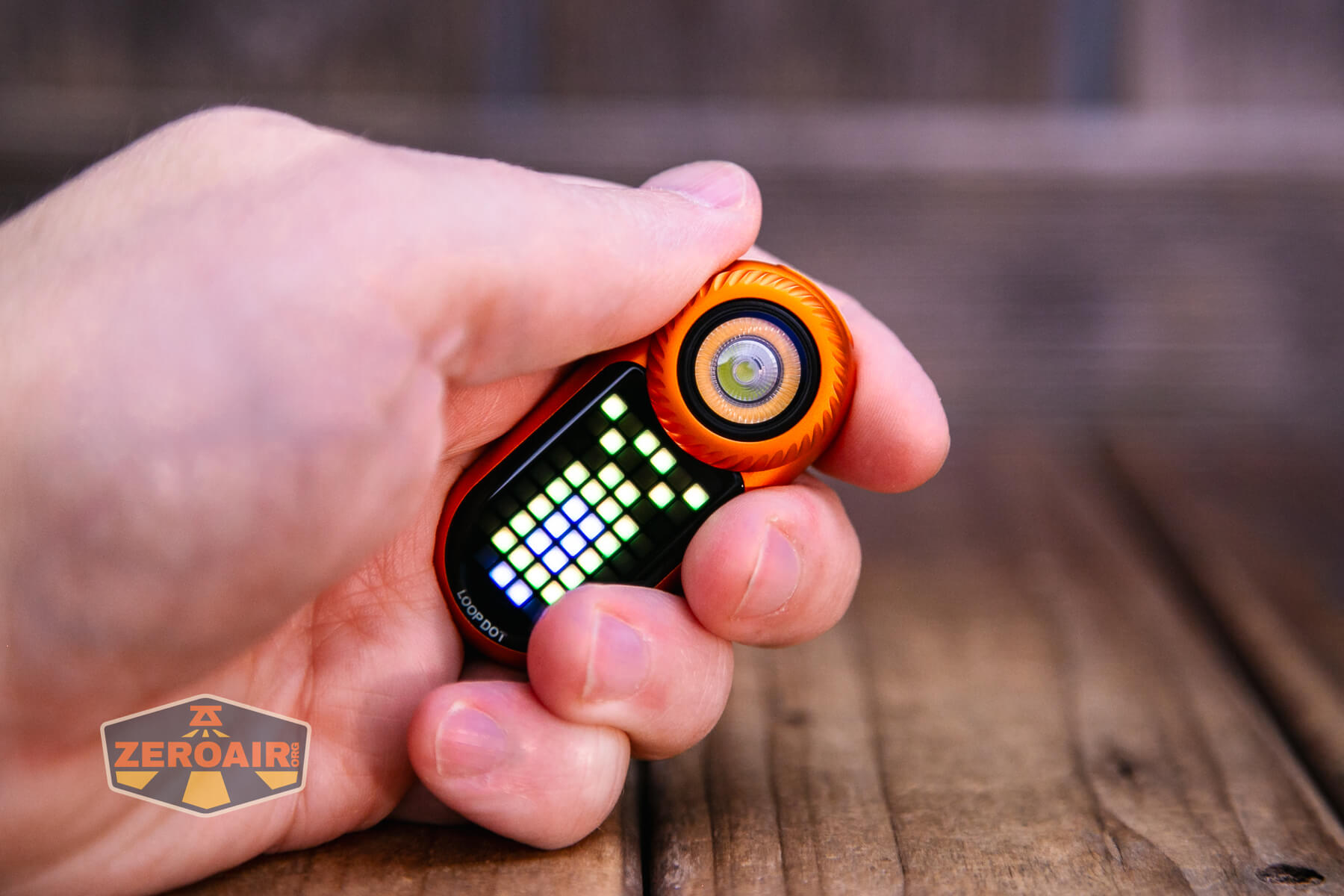
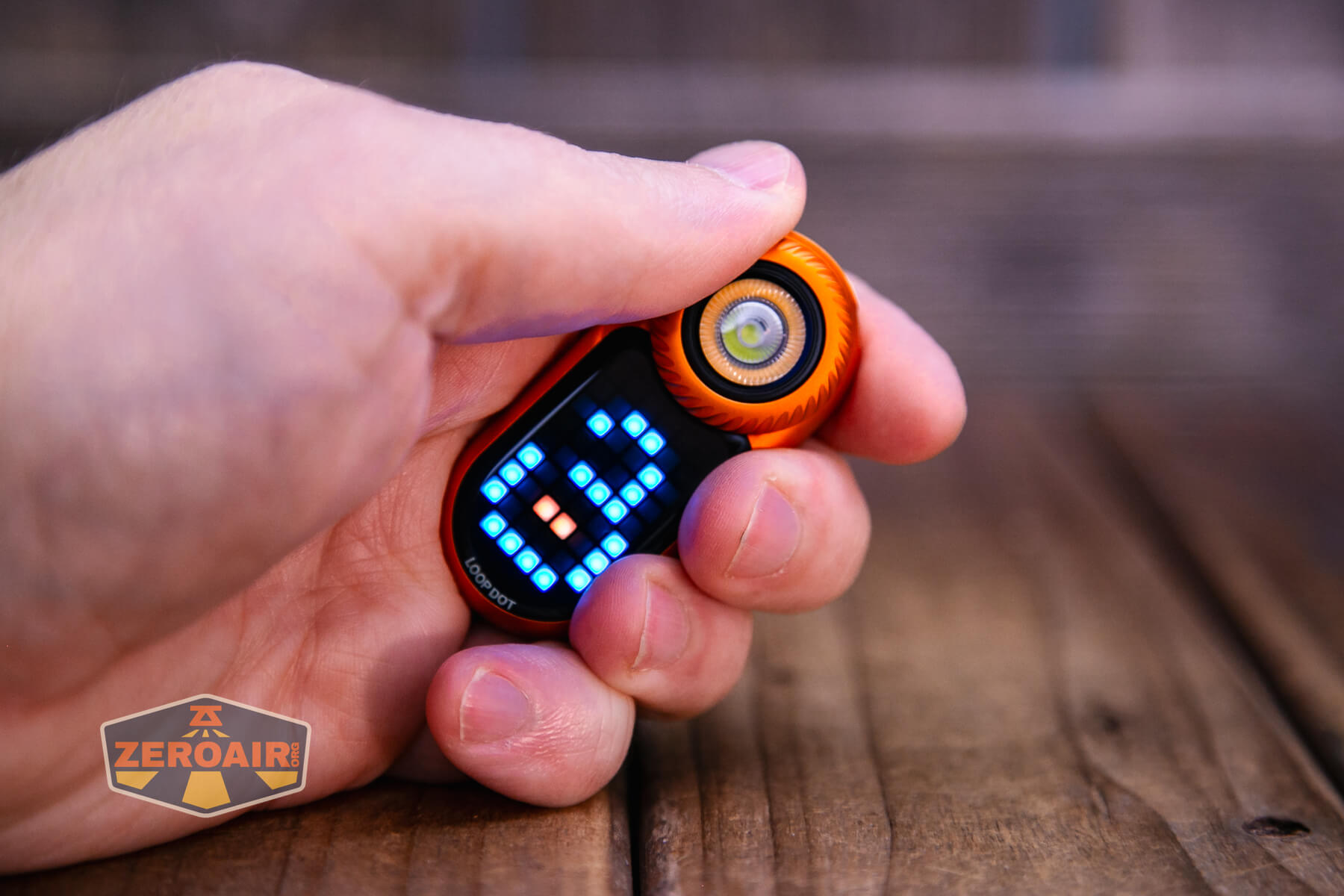

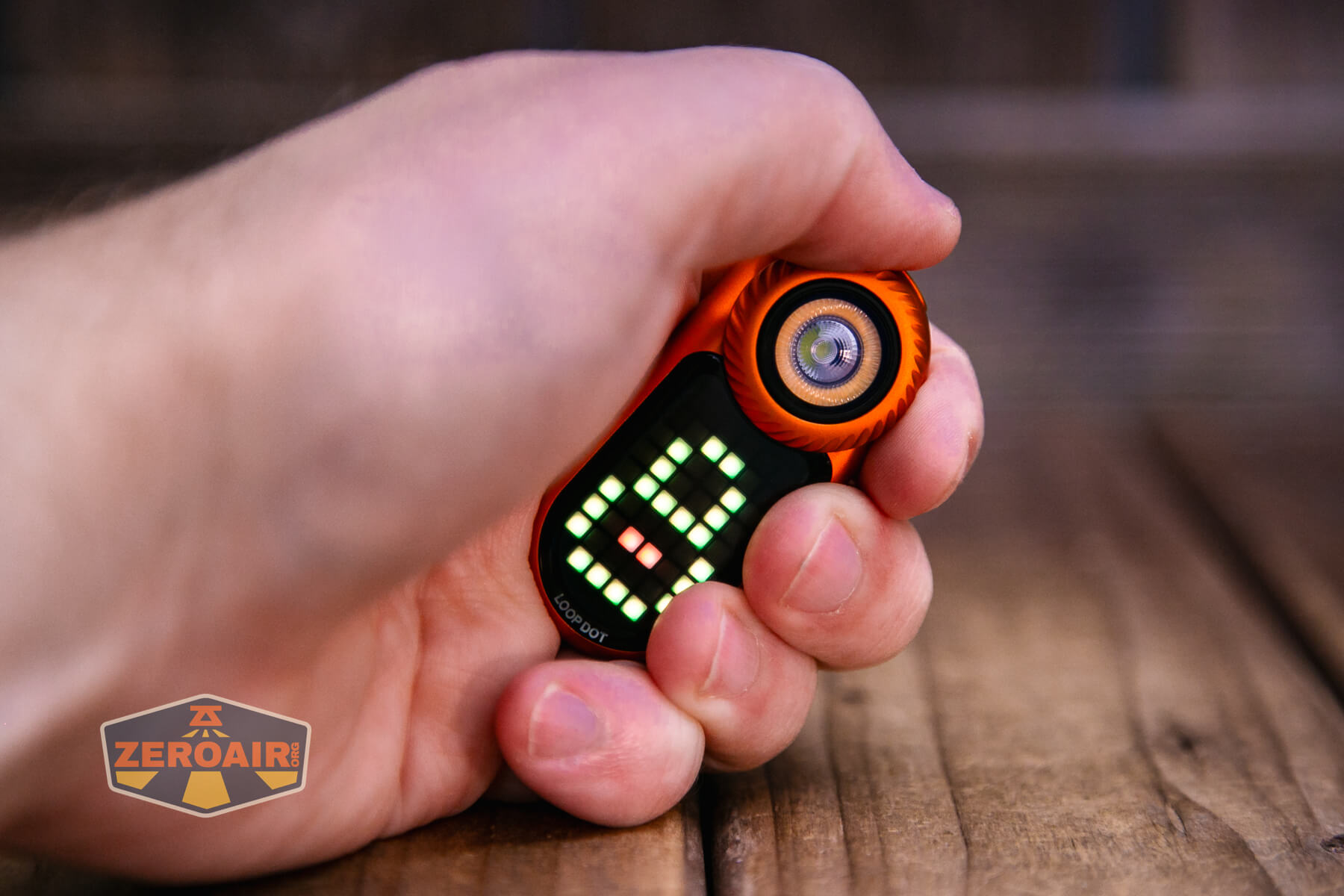
Here’s a user interface table!
| State | Action | Result |
|---|---|---|
| Off | Click | Pixel Display on for mode selection |
| Pixel Display on for mode selection | Rotate Dial | View display for mode selection |
| Pixel display on desired mode | Click | On |
| Pixel display on LED mode | Click | Lowest output of that LED option |
| LED on | Rotate clockwise | Brightness increase |
| LED on | Rotate counterclockwise | Brightness decrease |
| On | Click | Off |
There are many other modes, including timer, dice mode, and so forth. Generally, those are accessed as above, but with many mode-specific caveats. My experience is that you’ll just need to play around with the LoopGear LoopDot Orange Pixel Display EDC flashlight to get the hang of using all those modes.
LED and Beam
LoopGear doesn’t state what emitters are used in the LoopDot. The spot emitter has a tiny TIR, but the COB for flood is very exposed (which is great for flood, of course).
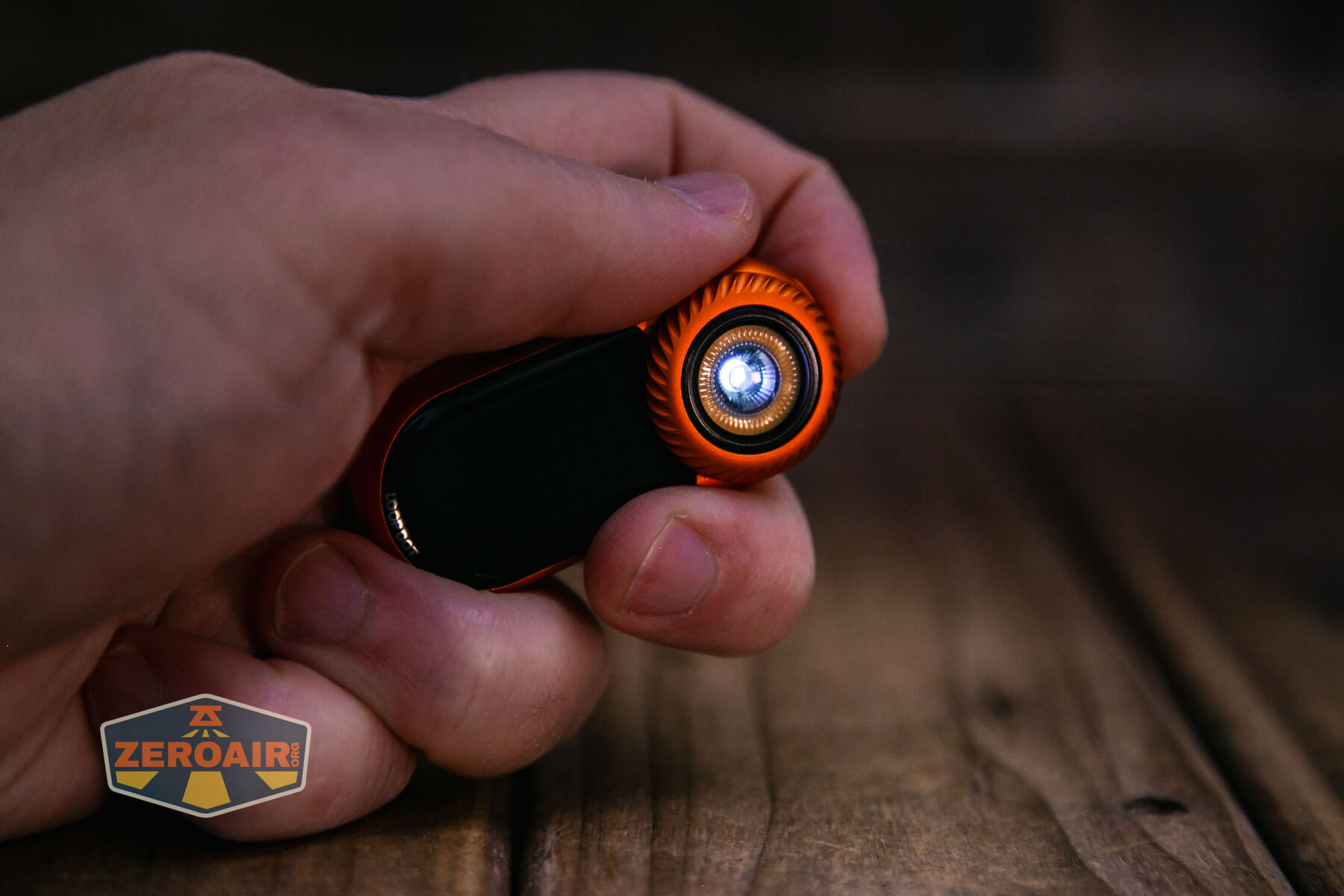

LED Color Report (CRI and CCT)
The spot emitter is nothing too exciting, but I’m pleased to note that the flood emitter (second row) is high CRI!
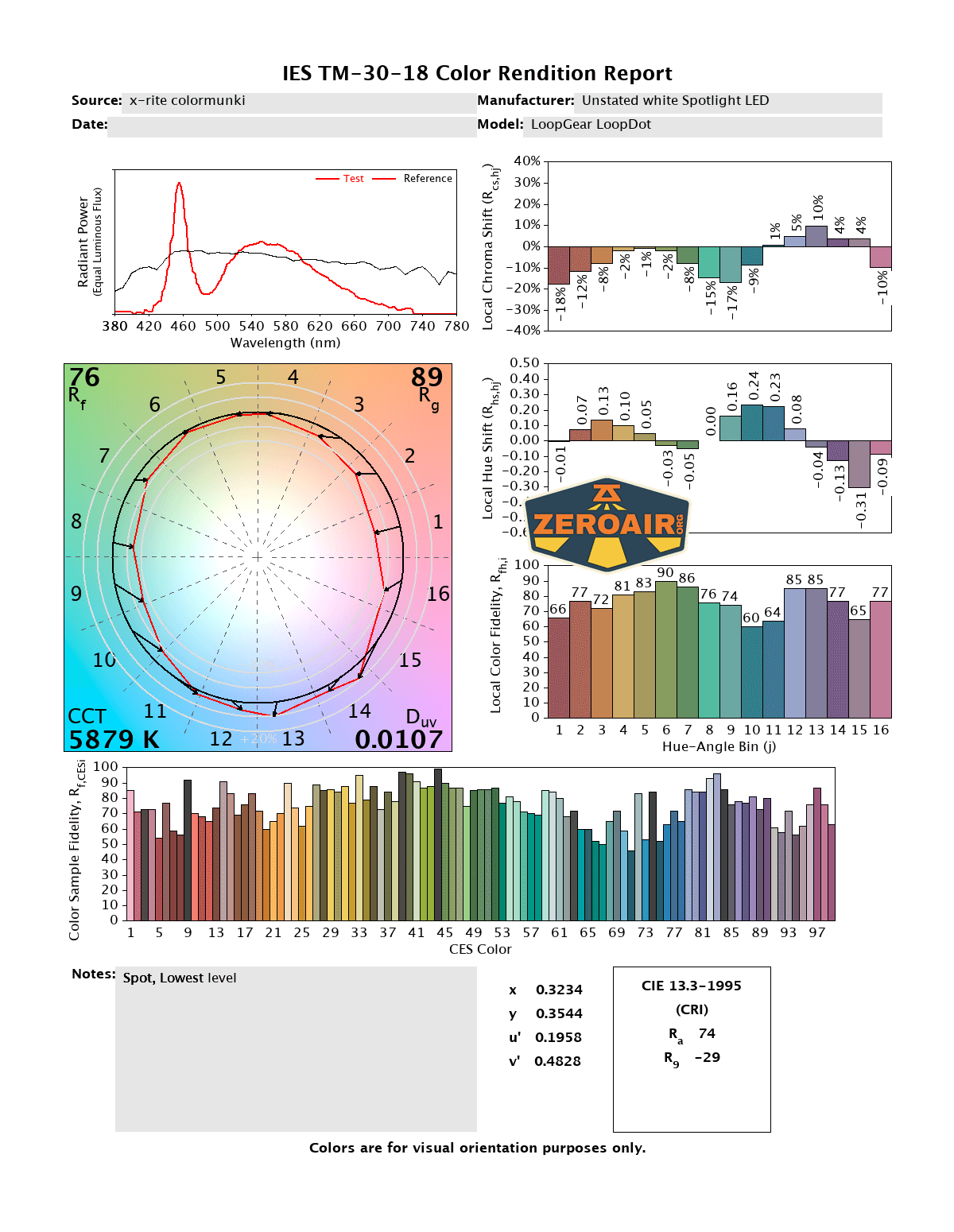
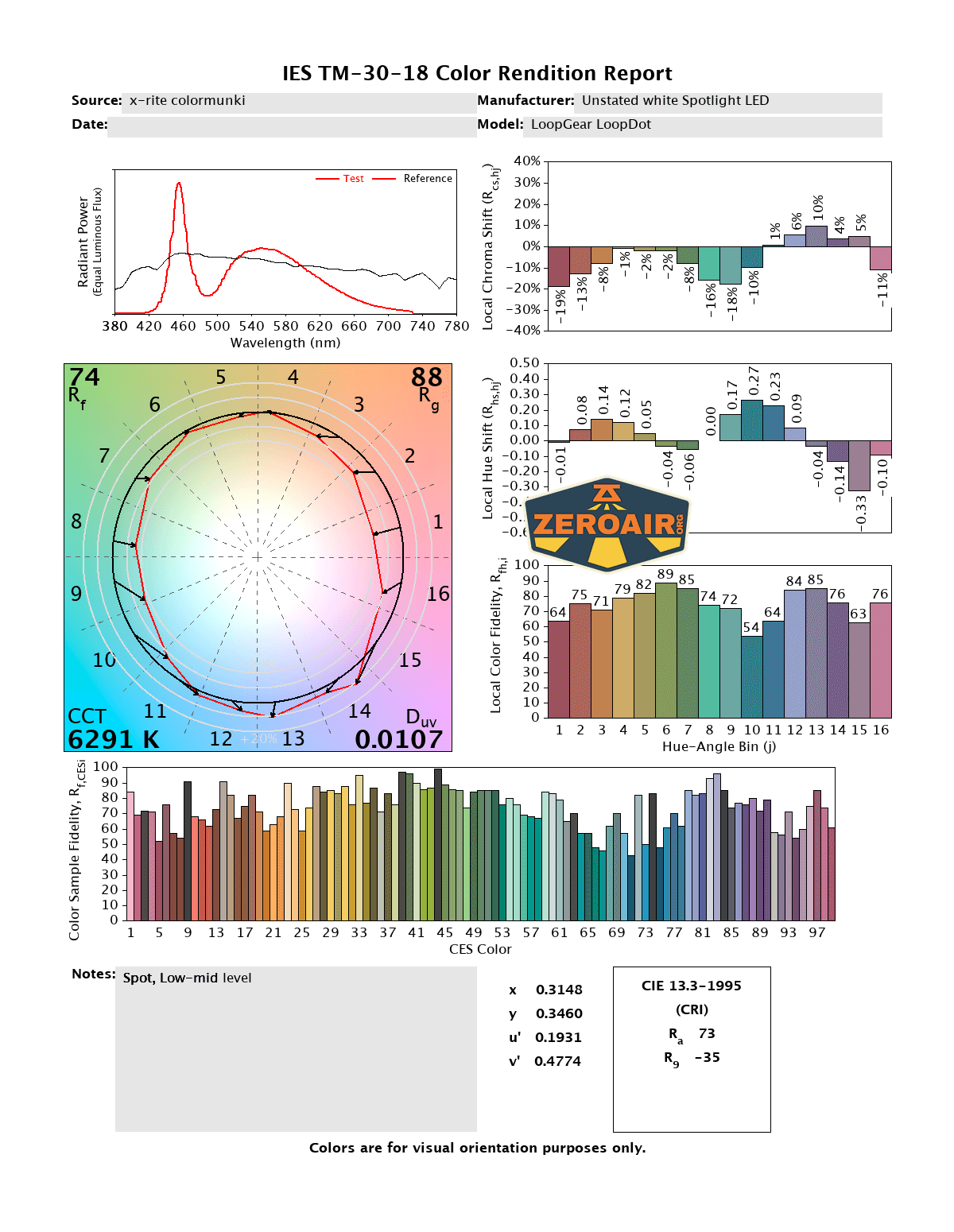
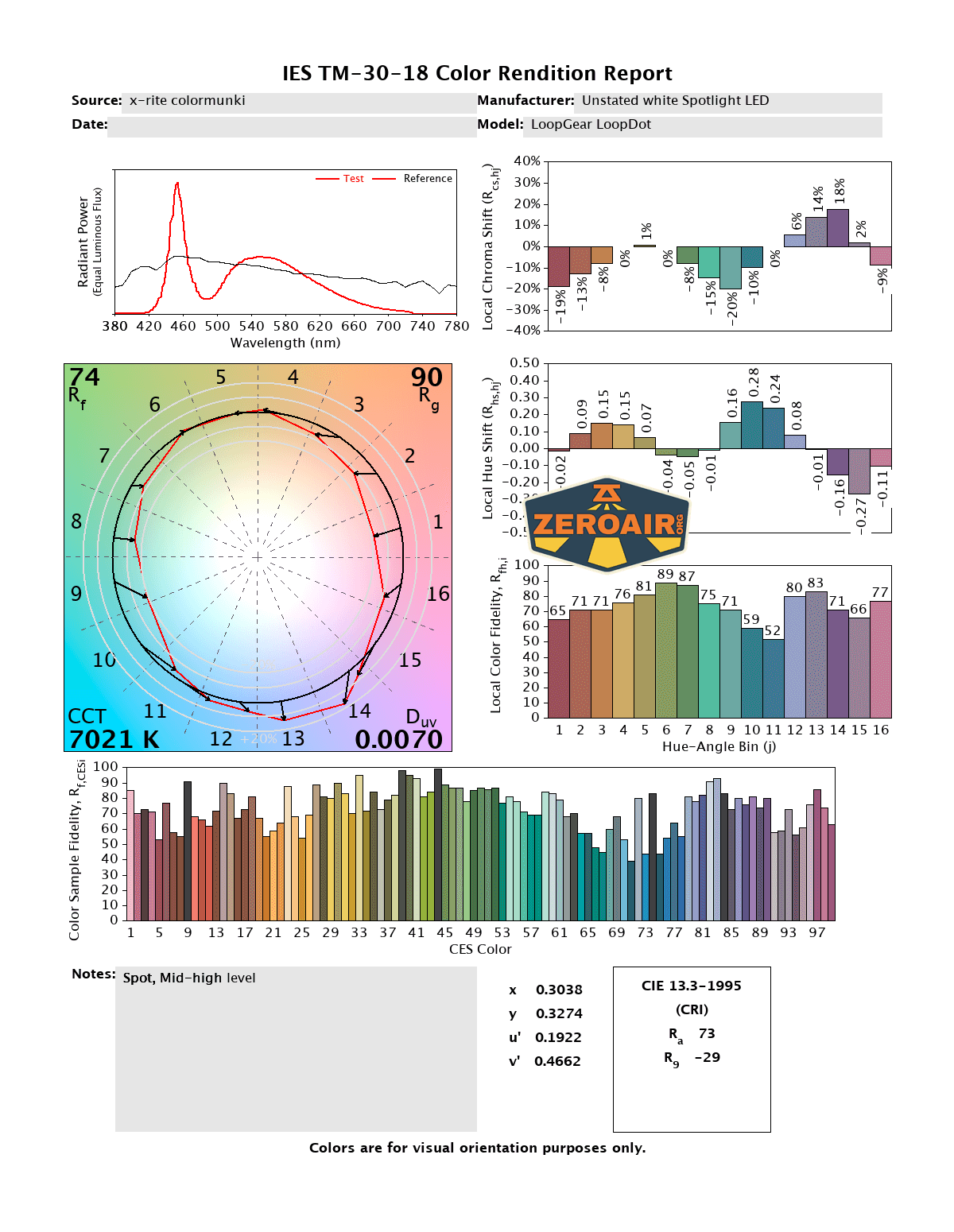
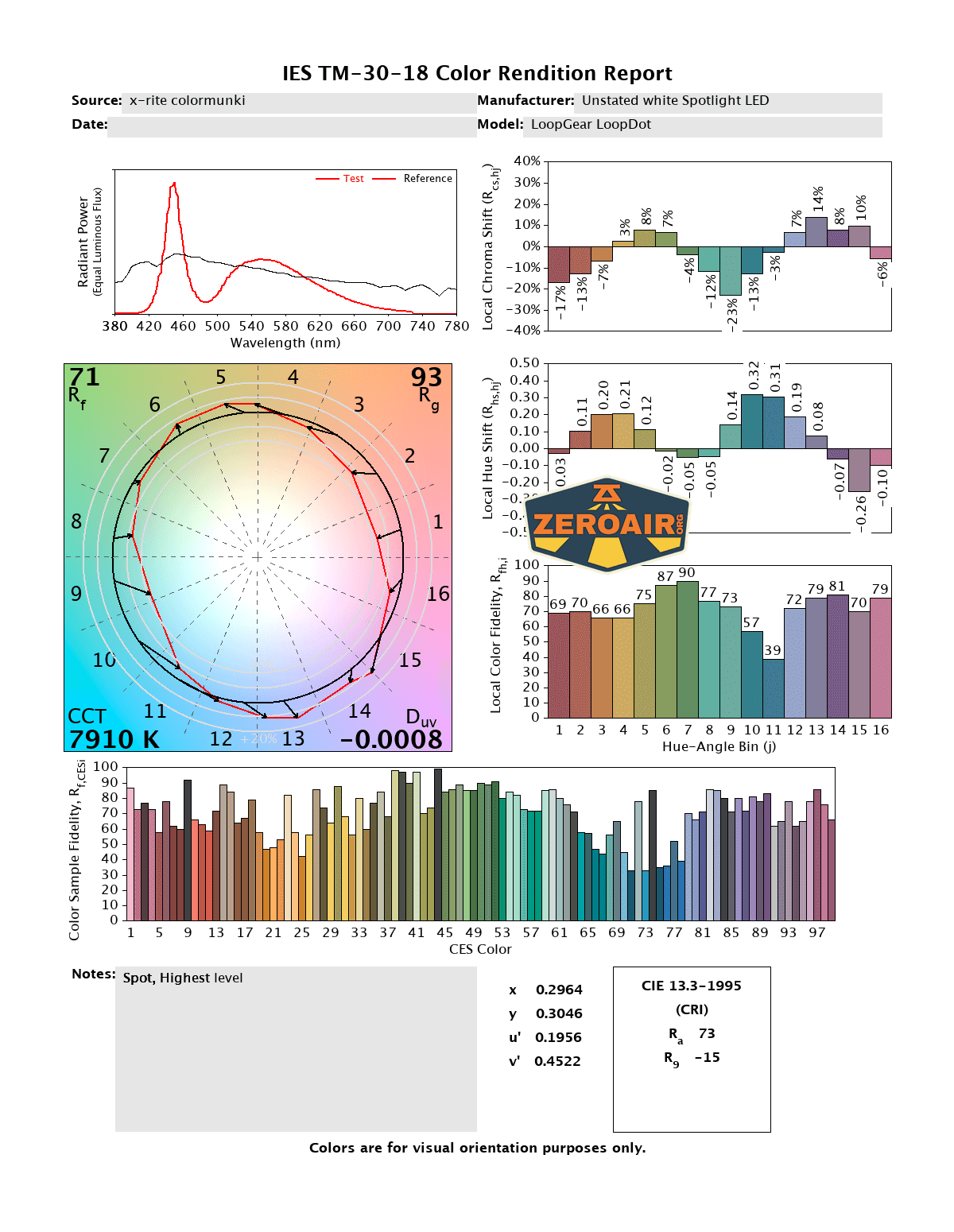

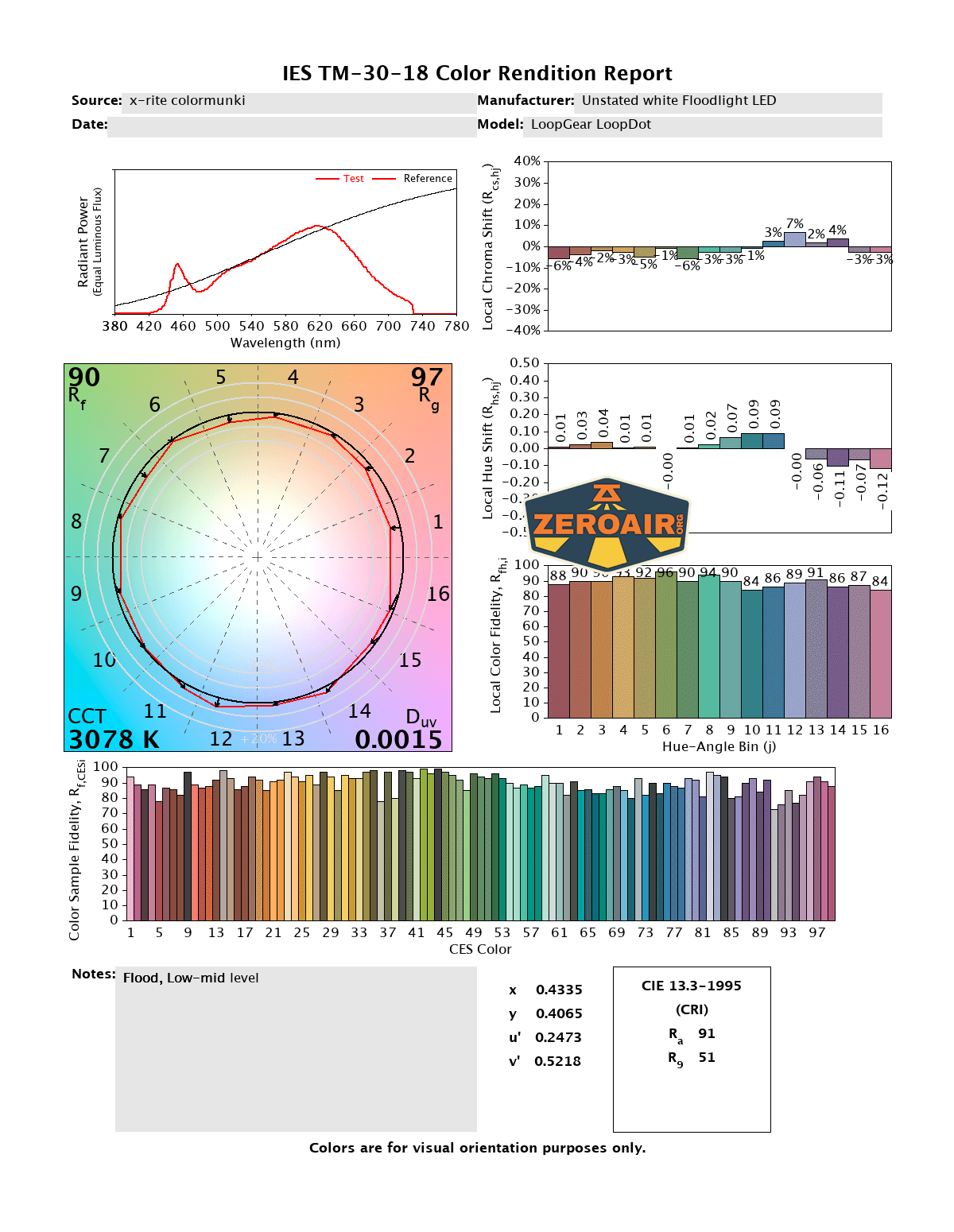
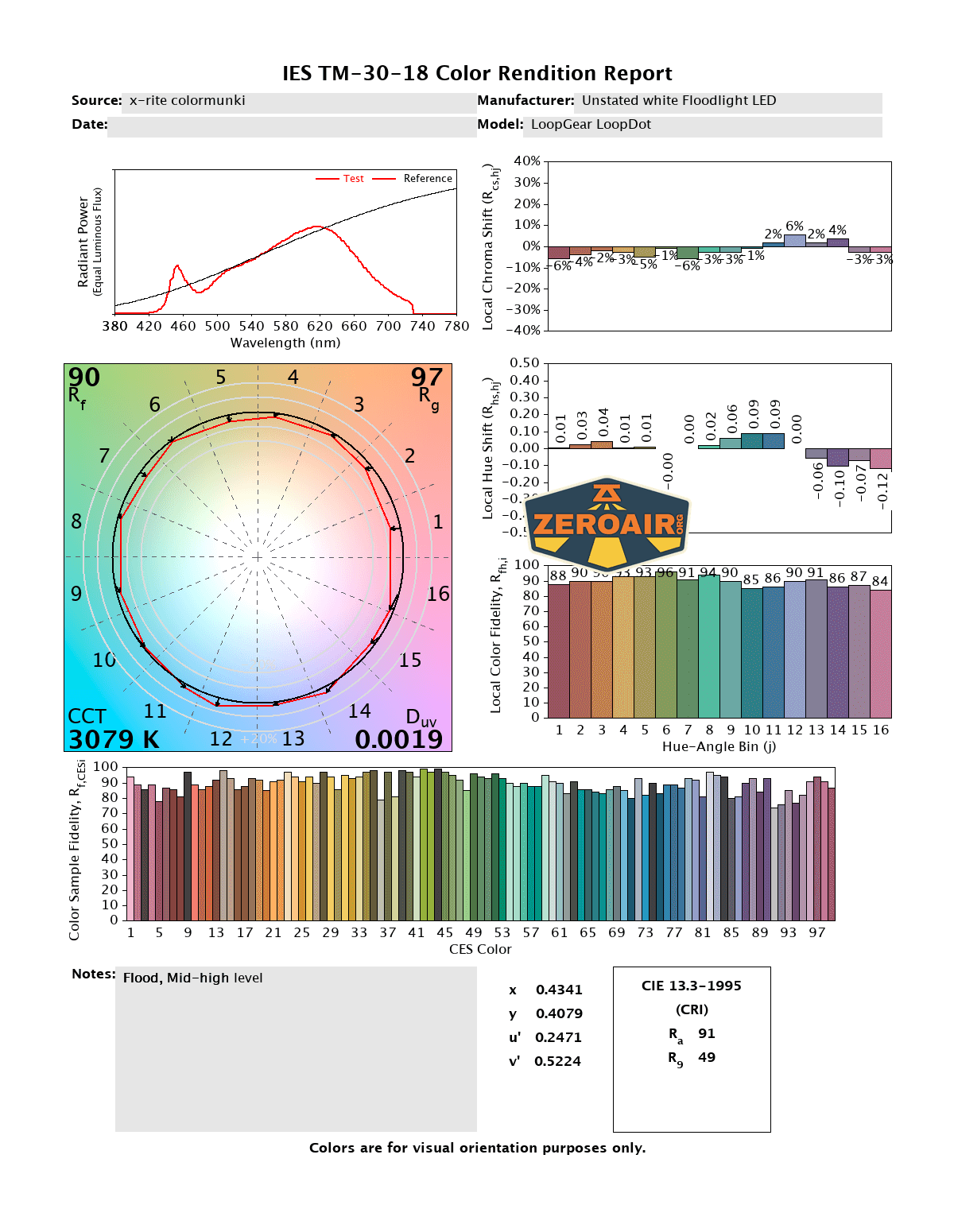
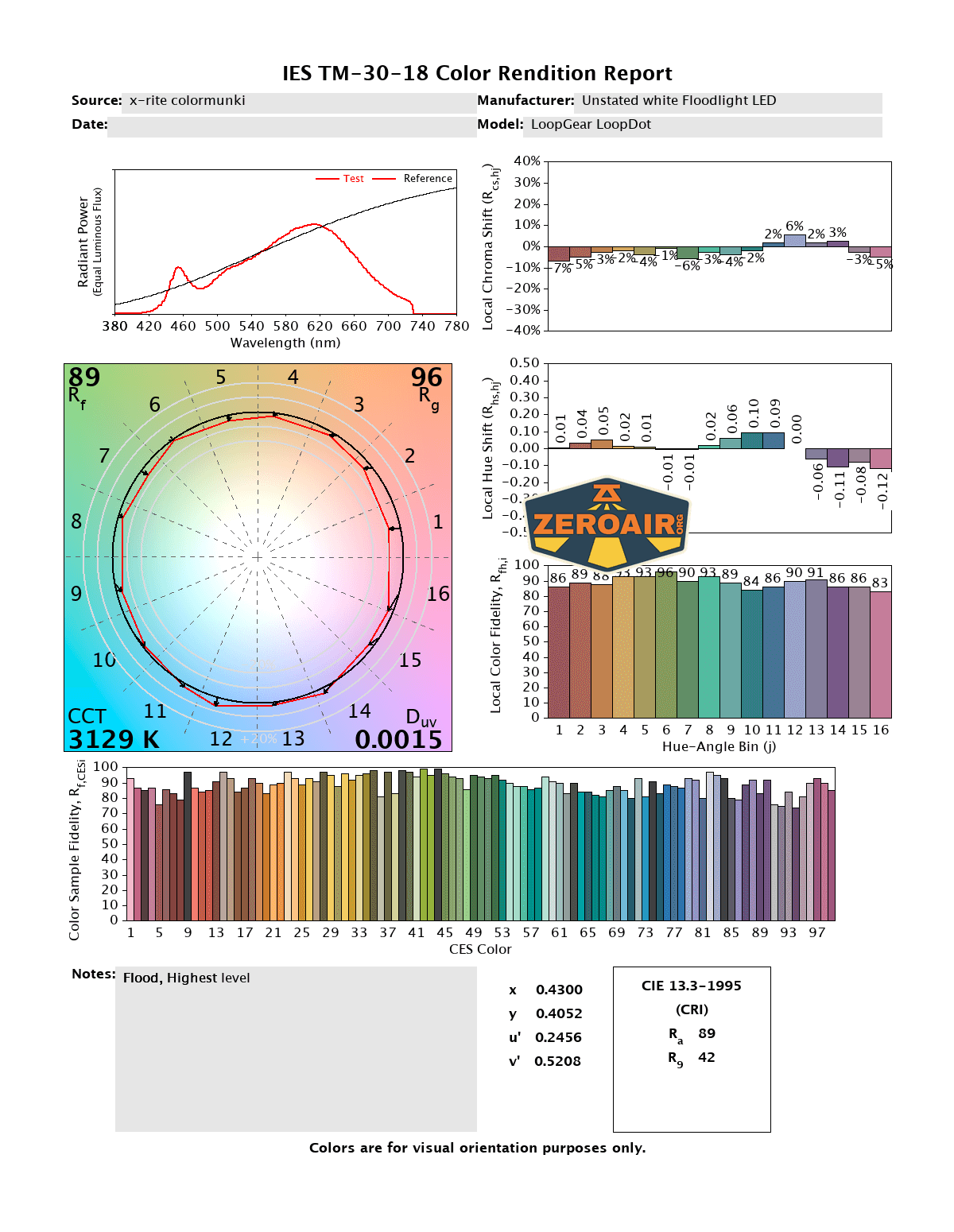
CCT (Correlated Color Temperature) refers to the measurement of the color appearance of light, expressed in Kelvins (K), which indicates whether the light is warm (yellowish) or cool (bluish). A lower CCT (below 3000K) is considered warm light, while a higher CCT (above 5000K) gives cooler, bluish light.
CRI (Color Rendering Index) is a measure of how accurately a light source renders colors in comparison to natural sunlight. Scored on a scale from 0 to 100, higher CRI values indicate that colors appear more true to life and vibrant, similar to how they would look under the sun.
Beamshots
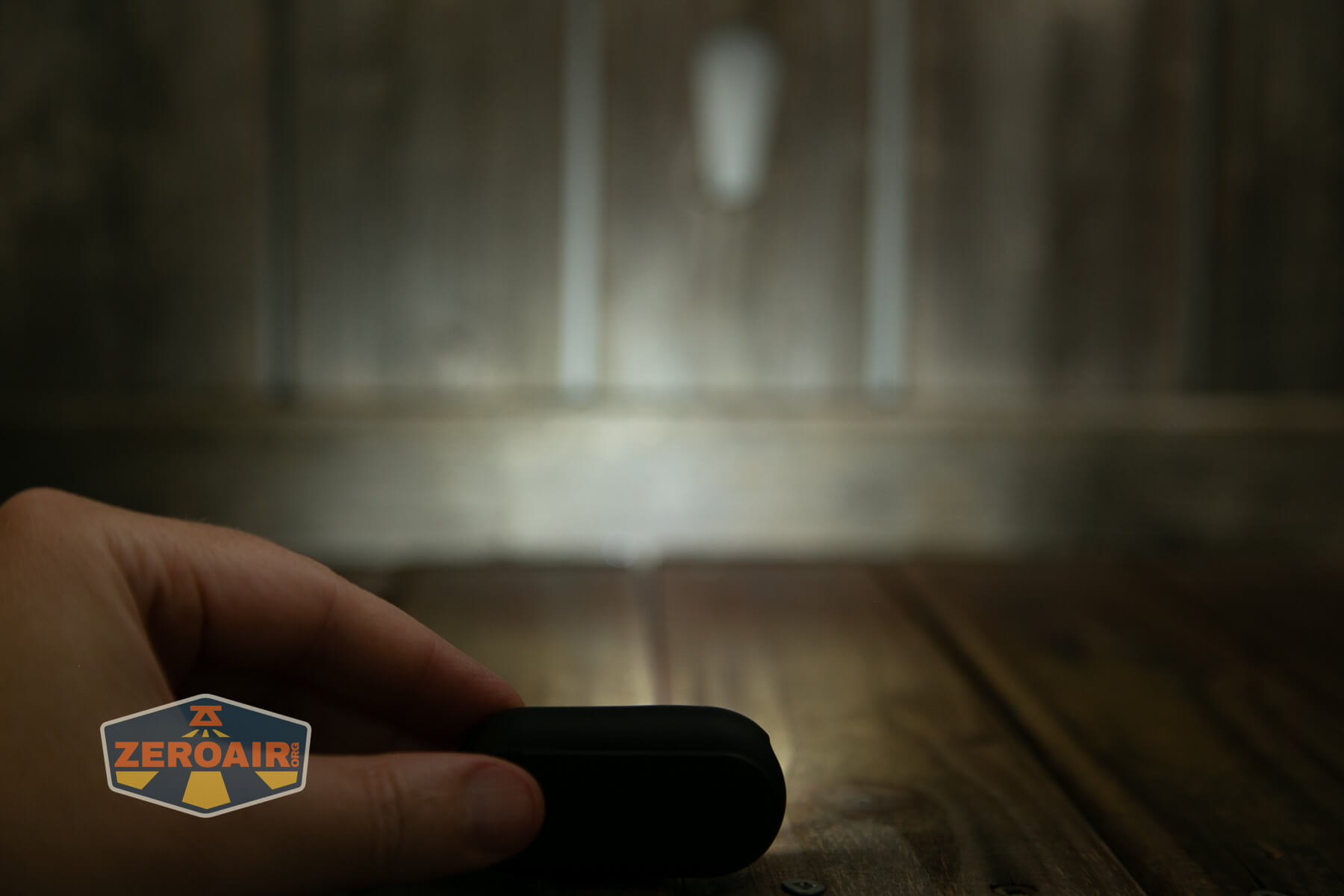
These beamshots always have the following settings: f8, ISO100, 0.3s shutter, and manual 5000K exposure. These photos are taken at floor level, and the beam hits the ceiling around 9 feet away.
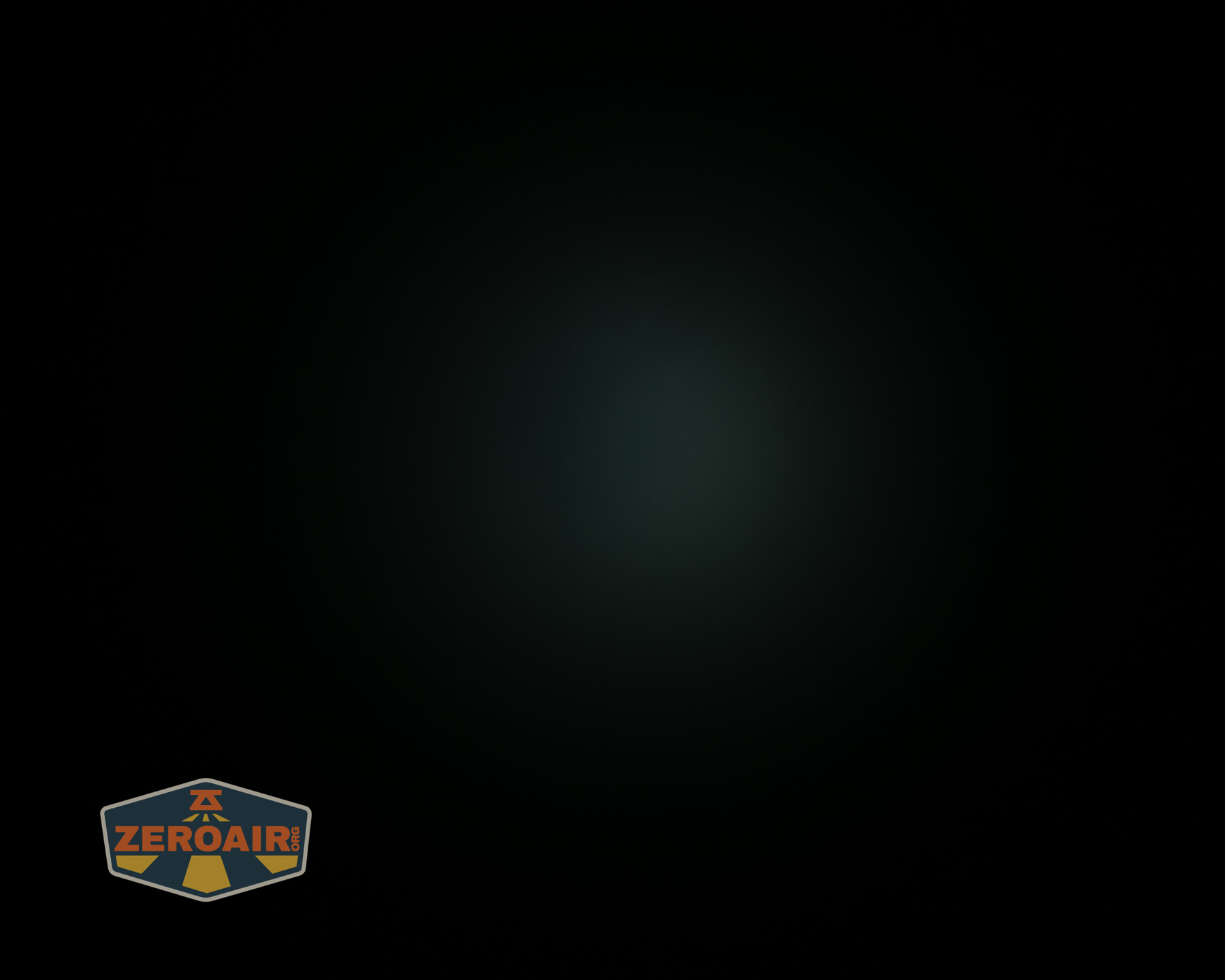
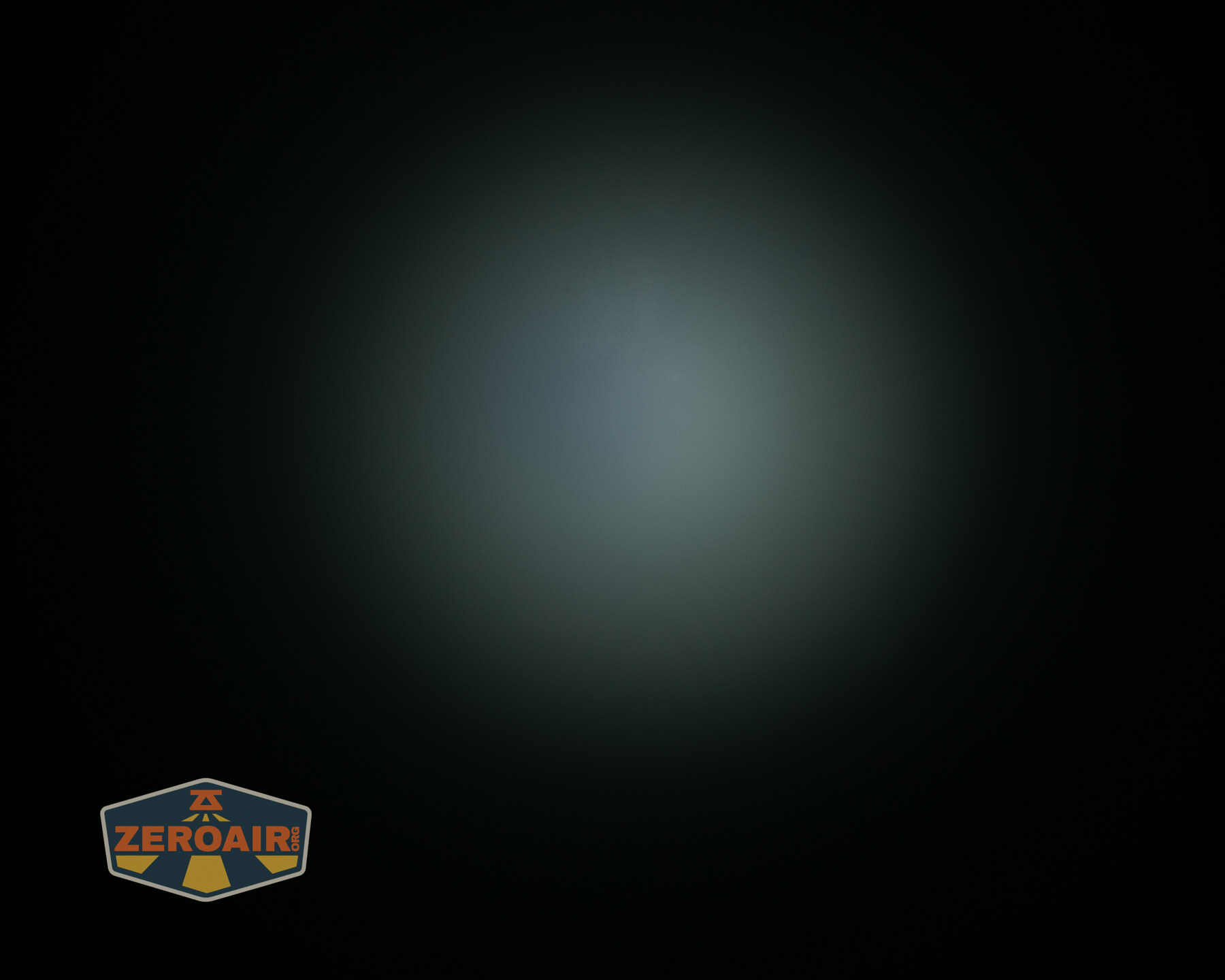
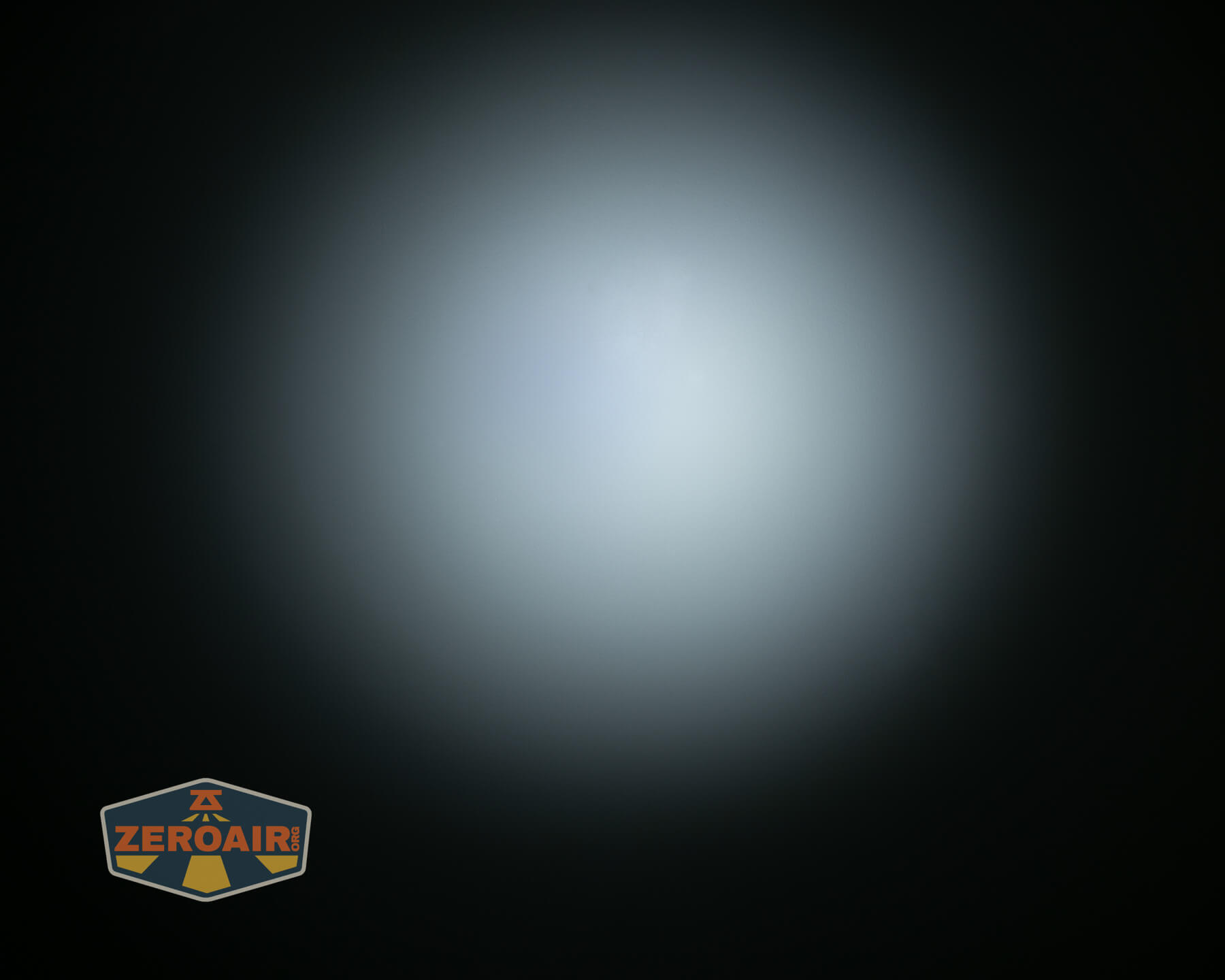
Tint vs BLF-348 (KillzoneFlashlights.com 219b version) (affiliate link)
I keep the test flashlight on the left and the BLF-348 reference flashlight on the right. These photos are taken around 18 inches from the door.
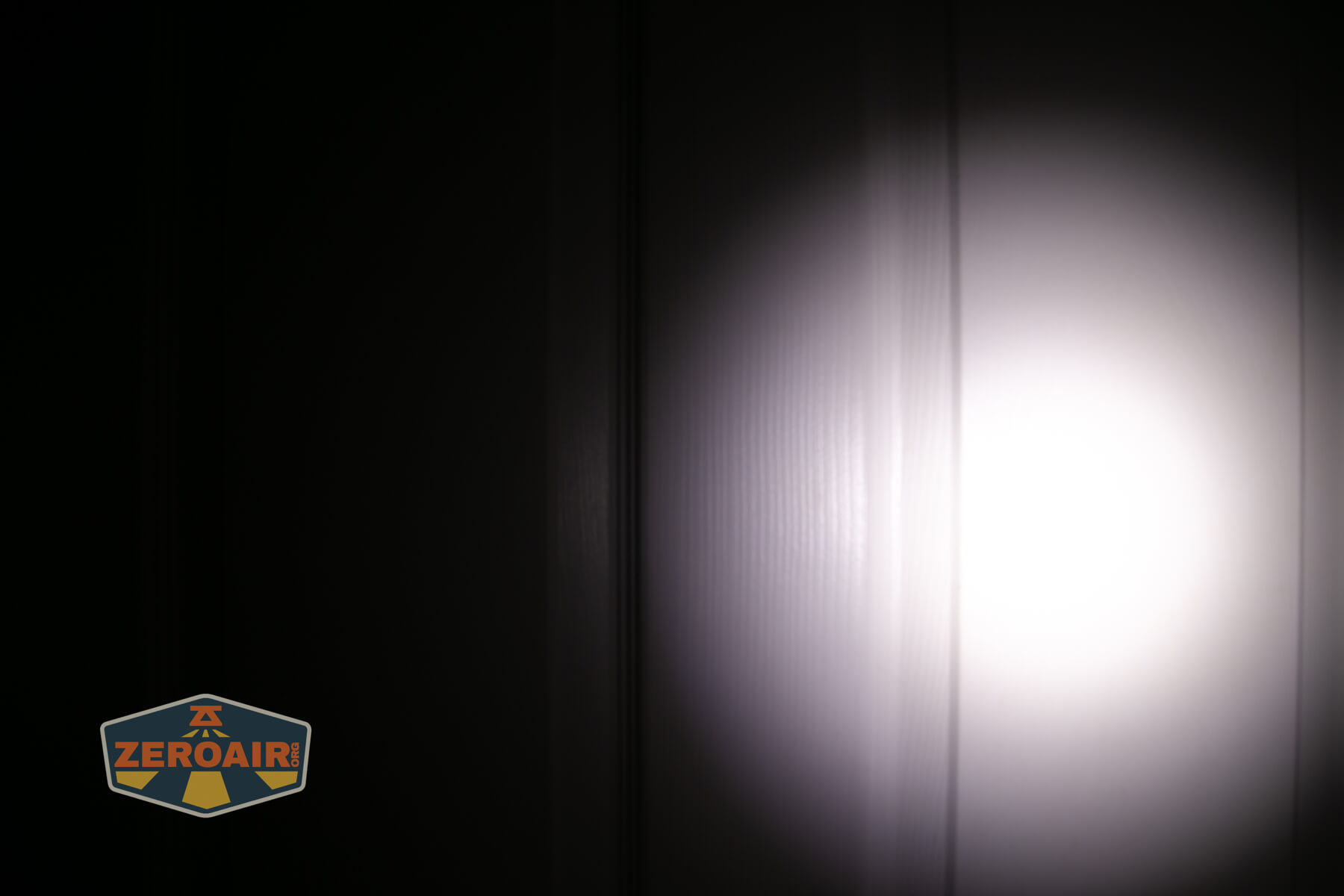
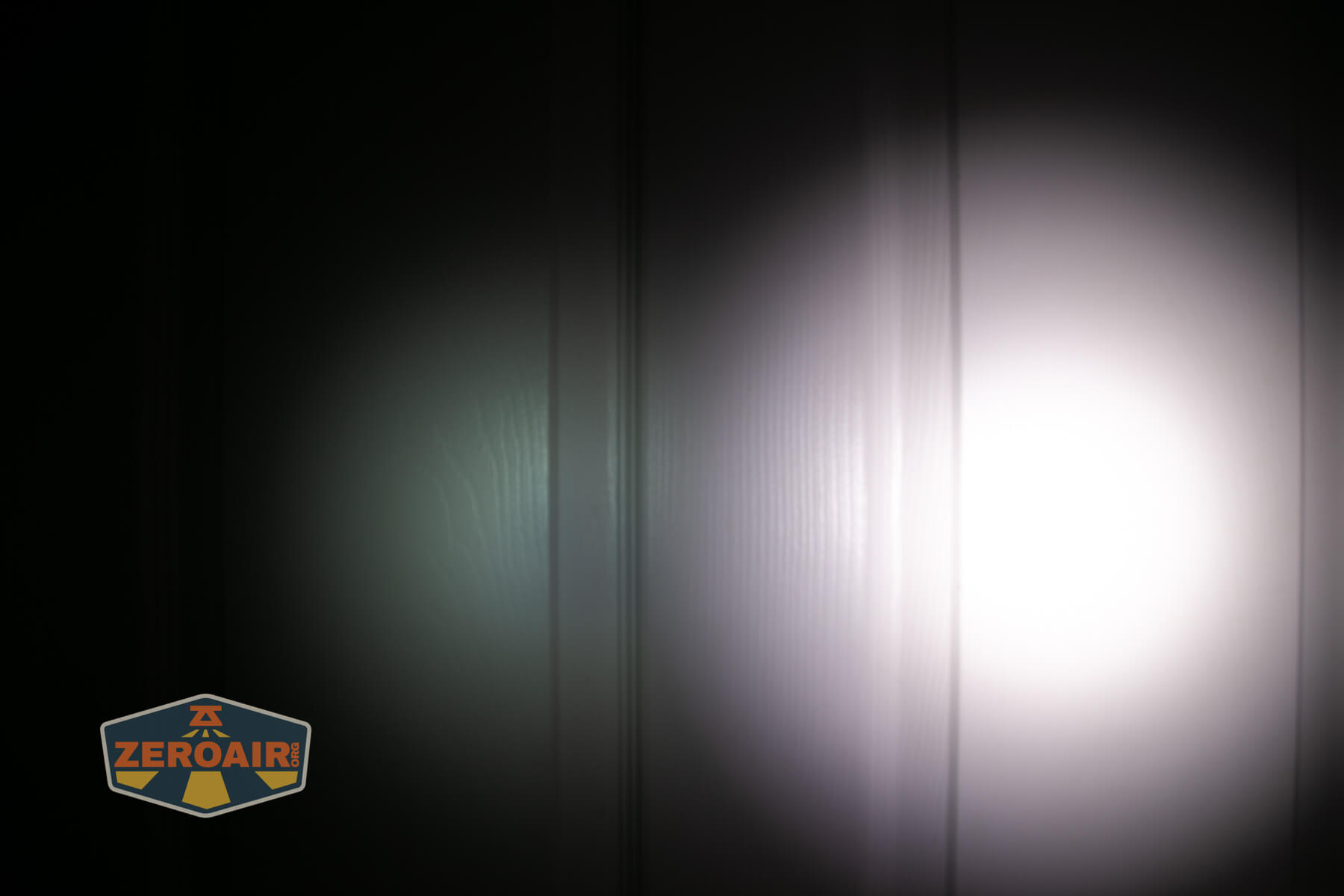
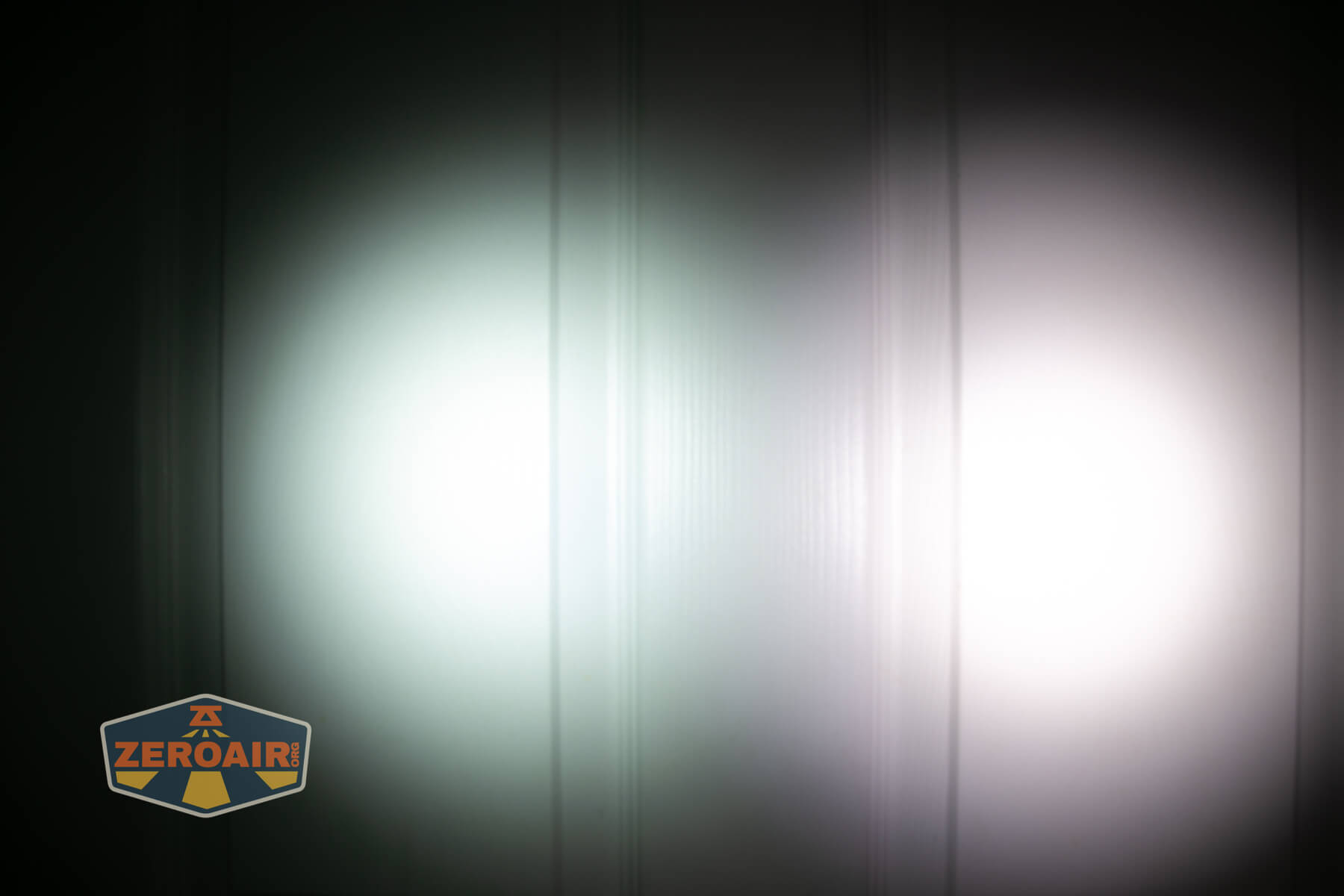
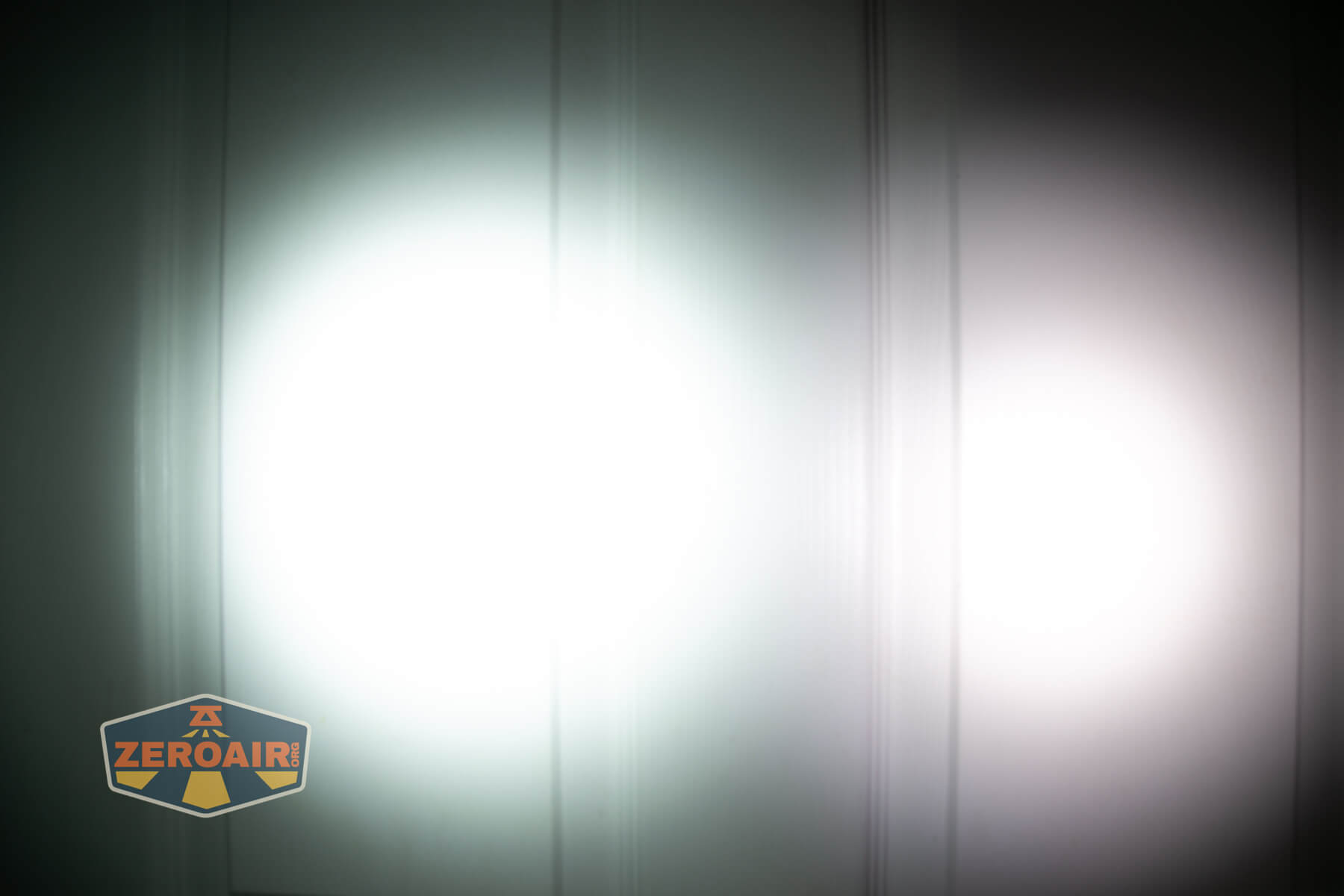
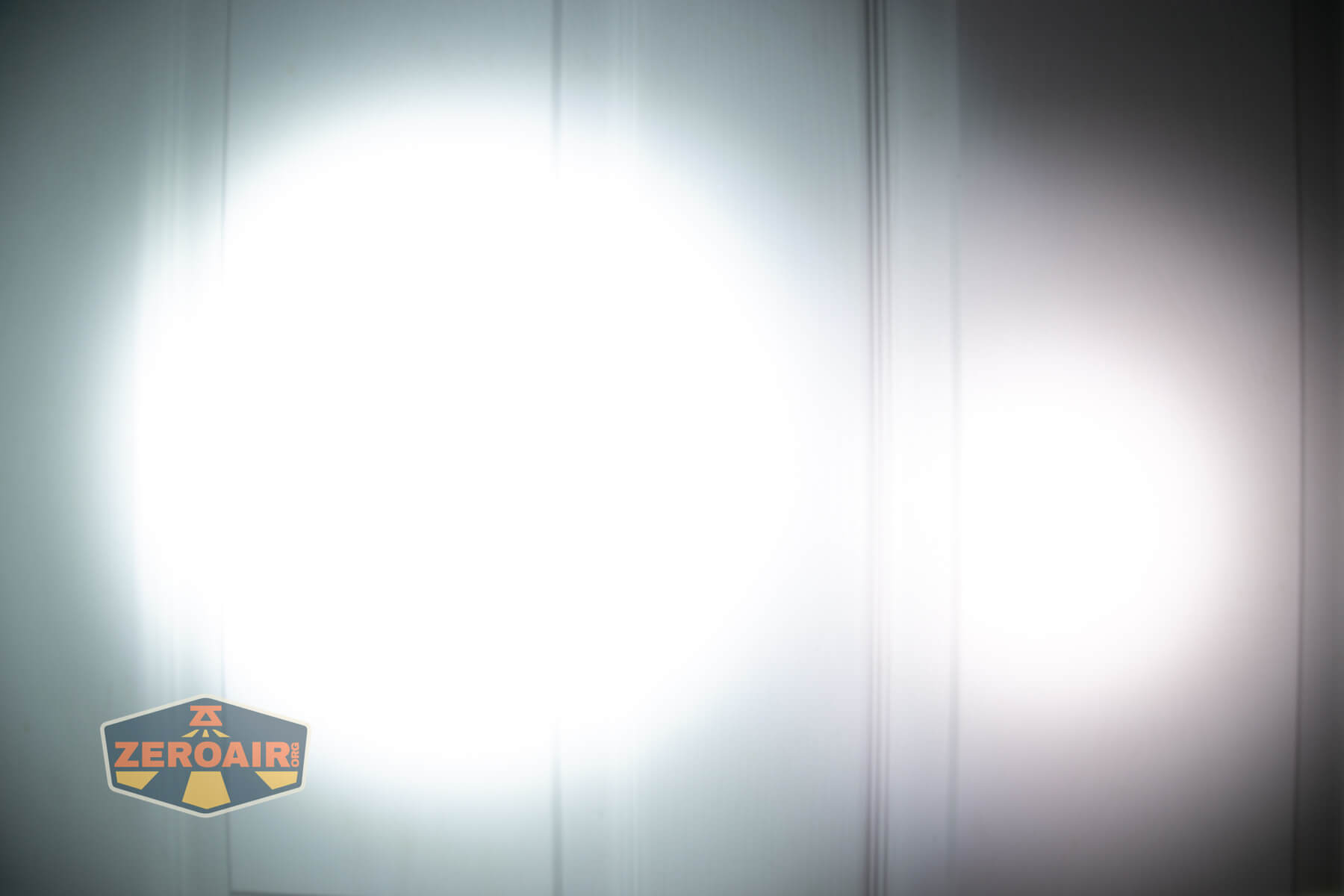
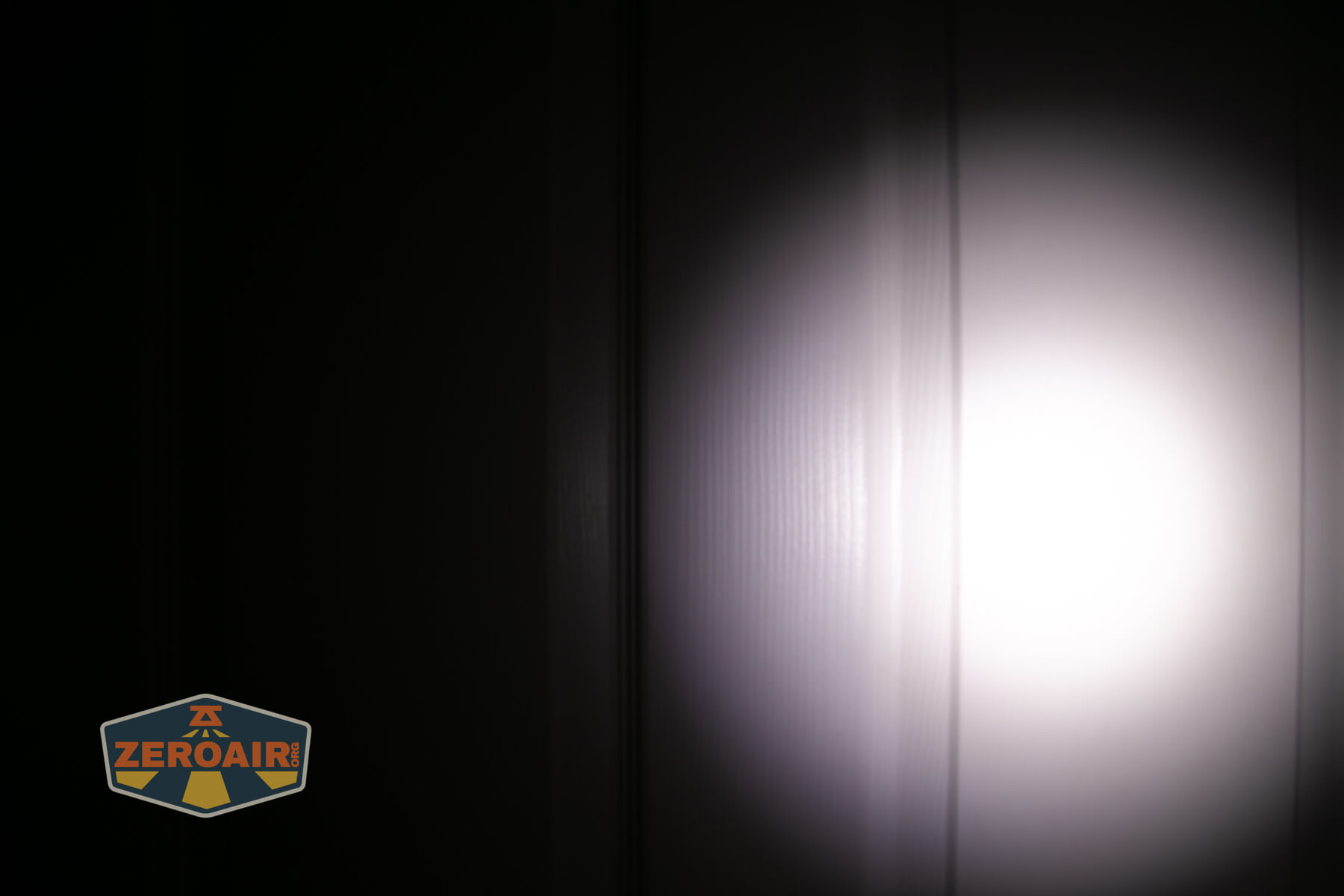
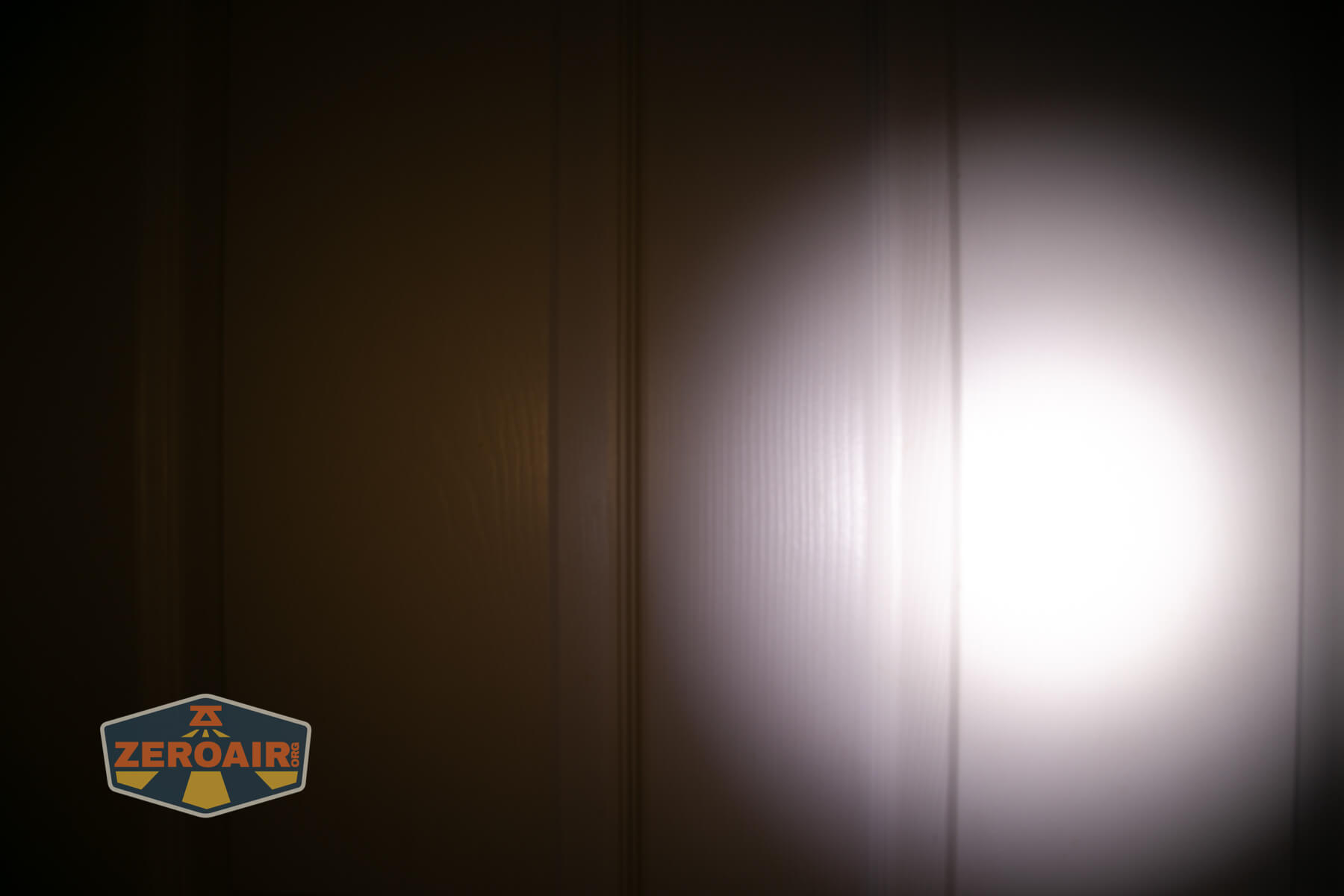
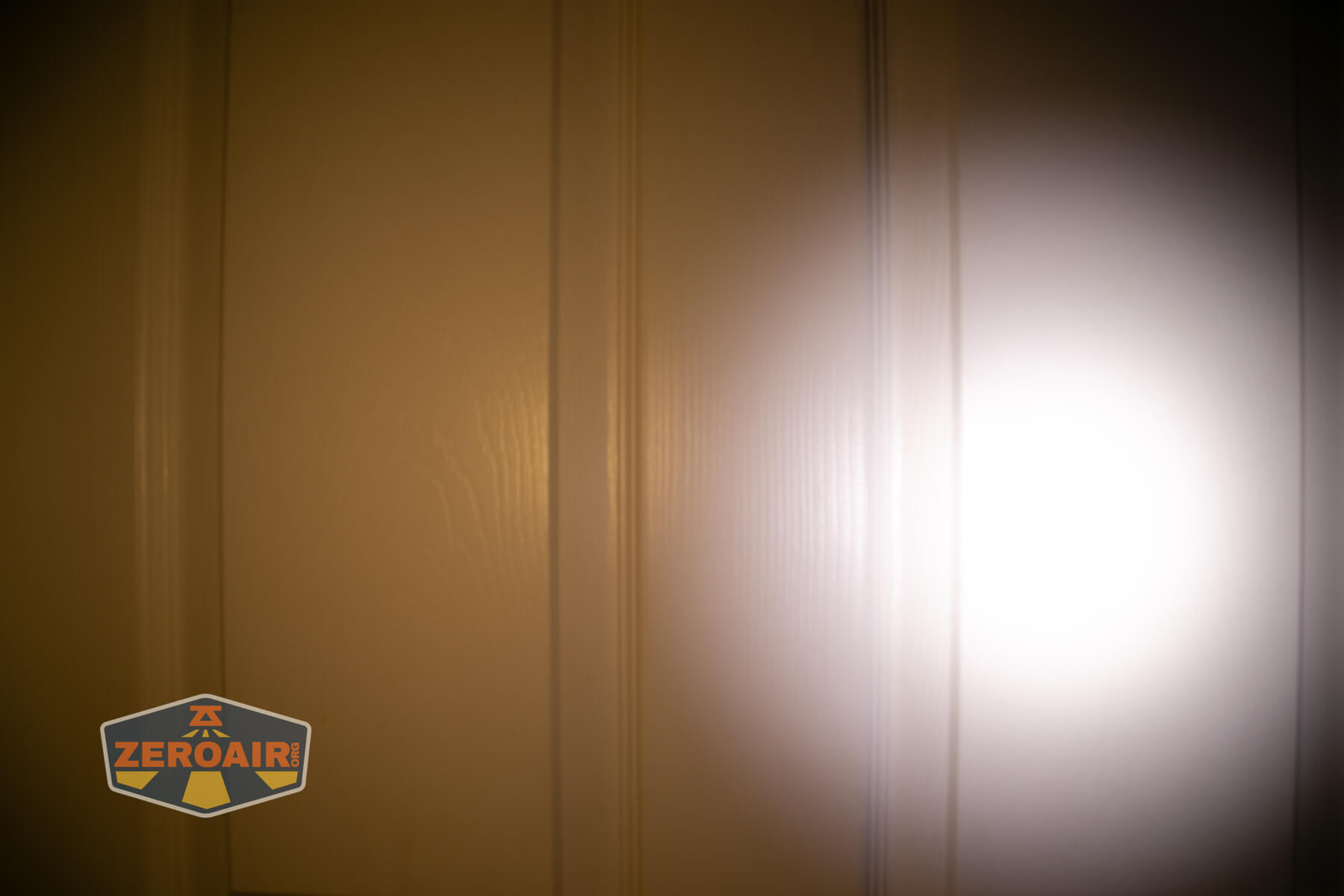
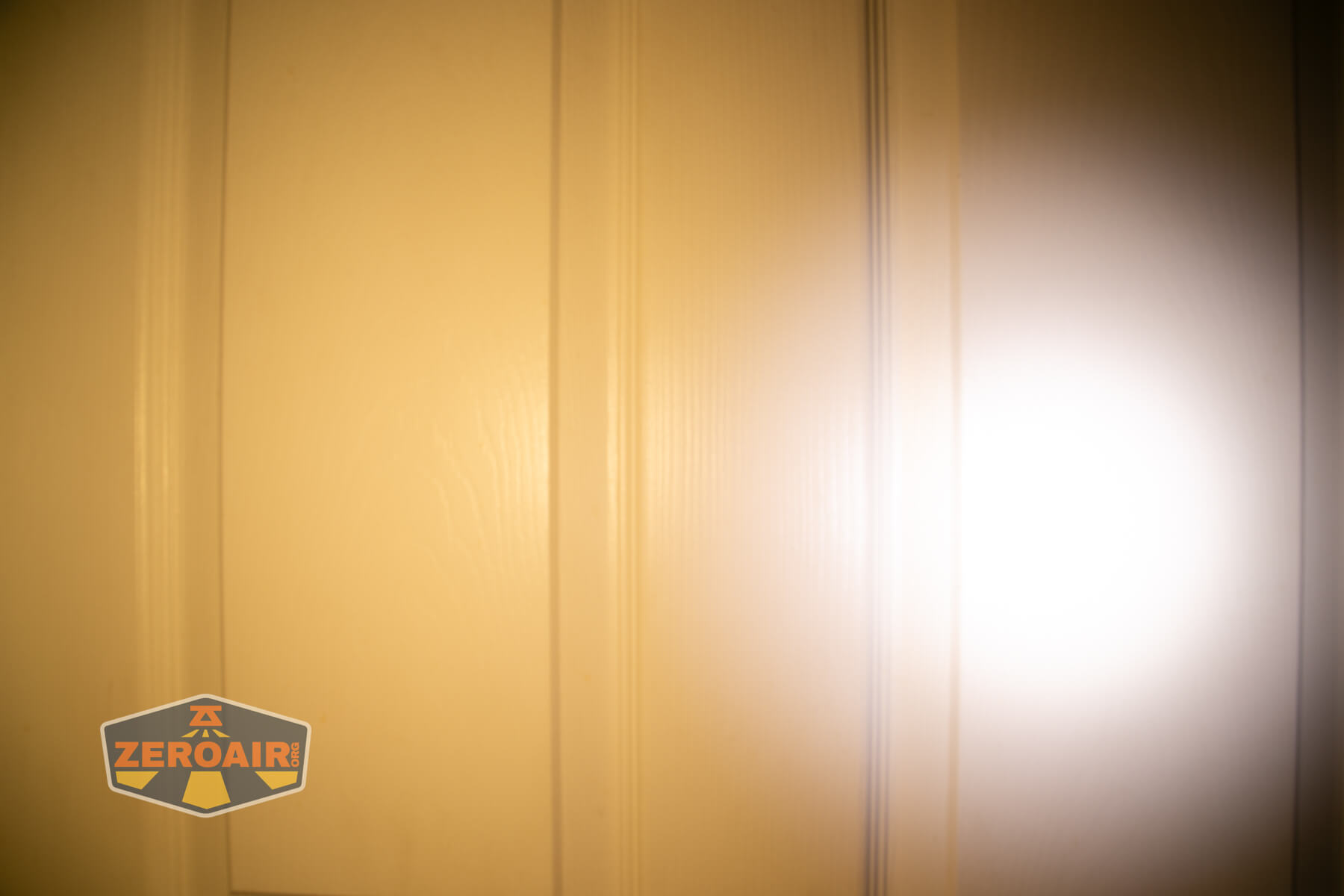
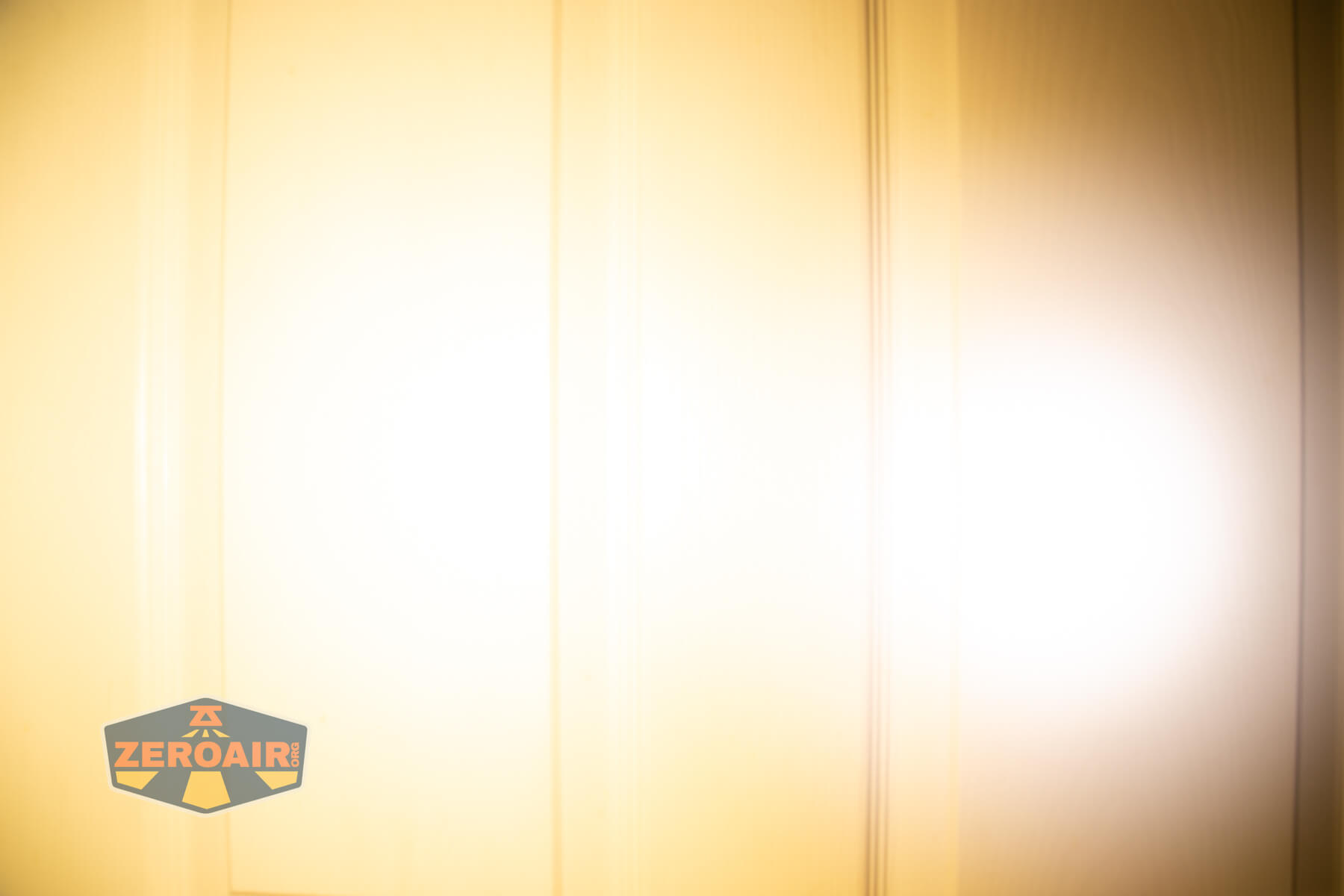
I compare everything to the KillzoneFlashlights.com 219b BLF-348 because it’s inexpensive and has the best tint!
Summary and Conclusion
The LoopGear LoopDot Orange Pixel Display EDC flashlight is absolutely neat. It’s easy enough to handle, too, particularly if you leave it in one of the two cases (and you absolutely should buy at least one of the cases). The rotary dial is great not just for control, but it’s also an excellent fidget. I am super happy that the flood emitter is high CRI. It’s also (briefly) reasonably high output, too! The games and accessory modes in the LoopDot are neat, but frankly not useful to me. Charging works great. For around $40, this orange version is the winner.
The Big Table
| LoopGear LoopDot Pixel Display EDC flashlight | |
|---|---|
| Emitter: | Unstated white LED |
| Price in USD at publication time: | $38.00 |
| Cell: | Internal |
| Runtime Graphs | |
| LVP? | Probably |
| Switch Type: | E-Switch |
| Quiescent Current (mA): | ? |
| On-Board Charging? | Yes |
| Charge Port Type: | USB-C |
| Charge Graph | |
| Power off Charge Port | COB Flood modes only |
| Claimed Lumens (lm) | Spot: 400 Flood: 210 |
| Measured Lumens (at 30s) | Spot: 319 (79.8% of claim)^ Flood: 234 (111.4% of claim)^ |
| Candela per Lumen | Spot: 6.9 Flood: 0.9 |
| Claimed Throw (m) | Spot: 100 Flood: 20 |
| Candela (Calculated) in cd (at 30s) | Spot: 173lux @ 3.221m = 1795cd Flood: 21lux @ 2.764m = 160cd |
| Throw (Calculated) (m) | Spot: 84.7 (84.7% of claim)^ Flood: 25.3 (126.5% of claim)^ |
| Claimed CCT | – |
| Measured CCT Range (K) | Spot: 5900-7900 Kelvin Flood: 3100-3200 Kelvin |
| Item provided for review by: | LoopGear |
| All my LoopGear reviews! | |
^ Measurement disclaimer: Testing flashlights is my hobby. I use hobbyist-level equipment for testing, including some I made myself. Try not to get buried in the details of manufacturer specifications versus measurements recorded here; A certain amount of difference (say, 10 or 15%) is perfectly reasonable.
What I like
- Low cost
- Available in orange!
- Very high build quality
- Rotary dial as a fidget
- High CRI flood emitter array
- Games and all that stuff – fun if you get into it
- Flat output after the stepdown
- Essentially a ramping user interface
What I don’t like
- Big stepdown
- Low CRI spot emitter
- User interface somewhat confusing (unless you memorize the pixel display meanings)
Notes
- This content originally appeared at zeroair.org. Please visit there for the best experience!
- Please use my Amazon.com referral link to help support zeroair.org!
- Please support me on Patreon! I deeply appreciate your support!
Discover more from ZeroAir Reviews
Subscribe to get the latest posts sent to your email.