
Reylight Pineapple Mini Mk3 Krystal Flashlight Review
This Reylight Pineapple Mini Mk3 features the Krystal pattern, runs one 10440 cell, and has a mechanical clicky. My version uses Nichia 519a, too! Read on!
Official Specs and Features
Here’s a link to the Reylight Pineapple Mini Mk3 product page.
Versions
There are many versions of the Reylight Pineapple Mini. This is the Mk3 edition, and this is the Krystal pattern. There are a ton of versions to pick from! Of the Reylight Pineapple Mini Mk3 Krystal specifically, there are three finishes (all titanium): Raw (seen here), Beadblast, and Stonewash.
Price
The Reylight Pineapple Mini Mk3 is available now, and all finishes sell for $79.90
What’s Included

- Reylight Pineapple Mini Mk3 Krystal
- Unbranded 10440 cell
- Spare O-rings (2)
- Spare engine (in this case, but not usually included)
Package and Manual

The light ships sealed.

There is no manual.
Build Quality and Disassembly
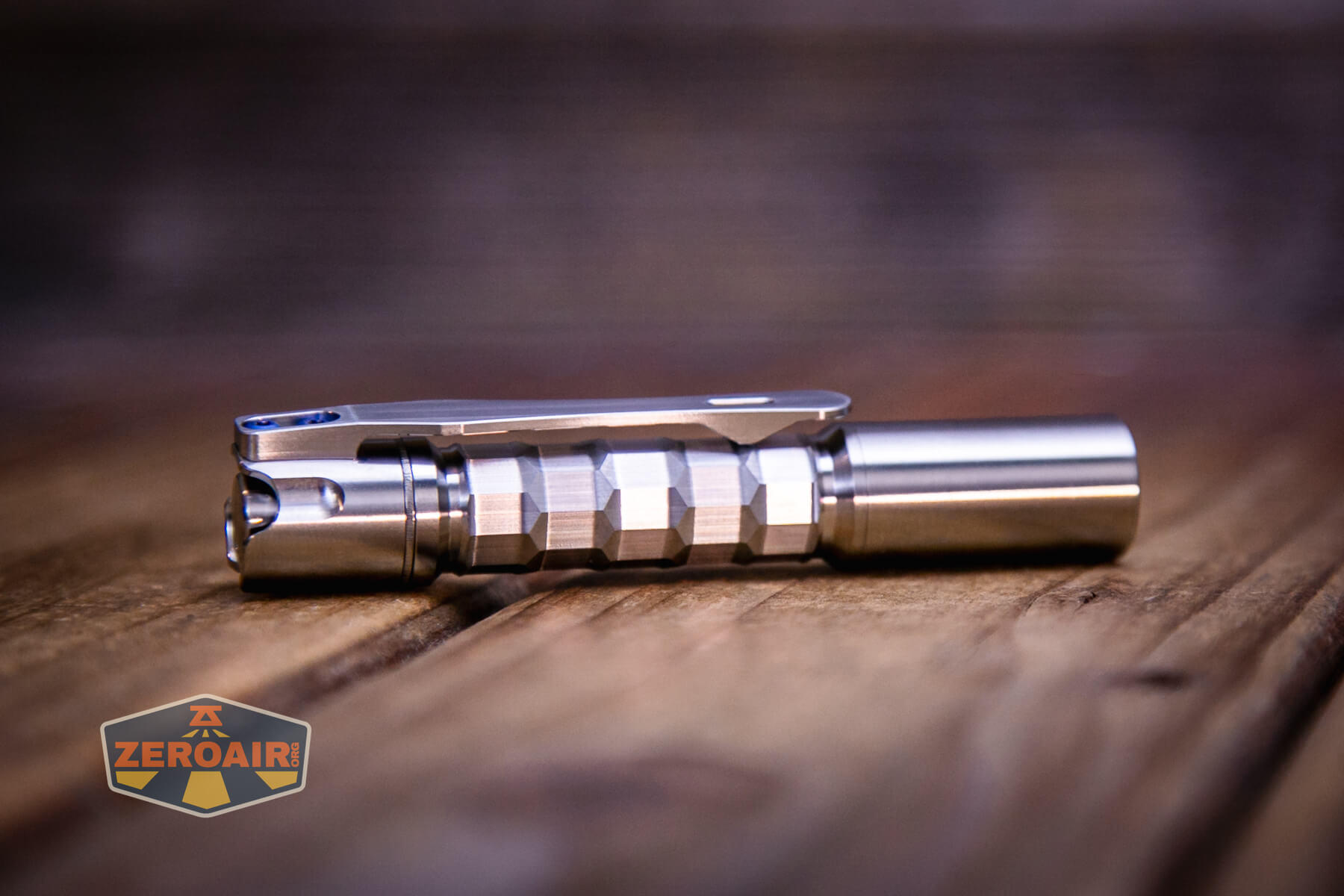
The build quality of the Reylight Pineapple Mini Mk3 Krystal is good. It’s pretty typical of ReyLights, but the threads, even (or especially?) for titanium, are smooth. I don’t recall having a “Raw” finish Reylight before. It’s very slick!


I also don’t think I’ve had this version of Reylight’s pocket clip – the 3D with tritium slot. It’s nice!
The head has a tiny brass button. I believe the driver is screwed in. (Pictured below are both drivers – again, an order includes just one driver.)

Inside the cell tube is a spring on the switch.

The tailcap is removable. In the center below, you can see the ring that replaces the other style pocket clip.

Both head and tail unscrew easily – nothing is locked down. The head and tail threads are not the same size, so unlike some other Pineapples I’ve had, the head and tail don’t screw together.
Size and Comps
The product page does not have official dimensions. Other Pineapple Minis have been these dimensions, though:
Officially: 89mm length (including the switch button)
Diameter: 15mm

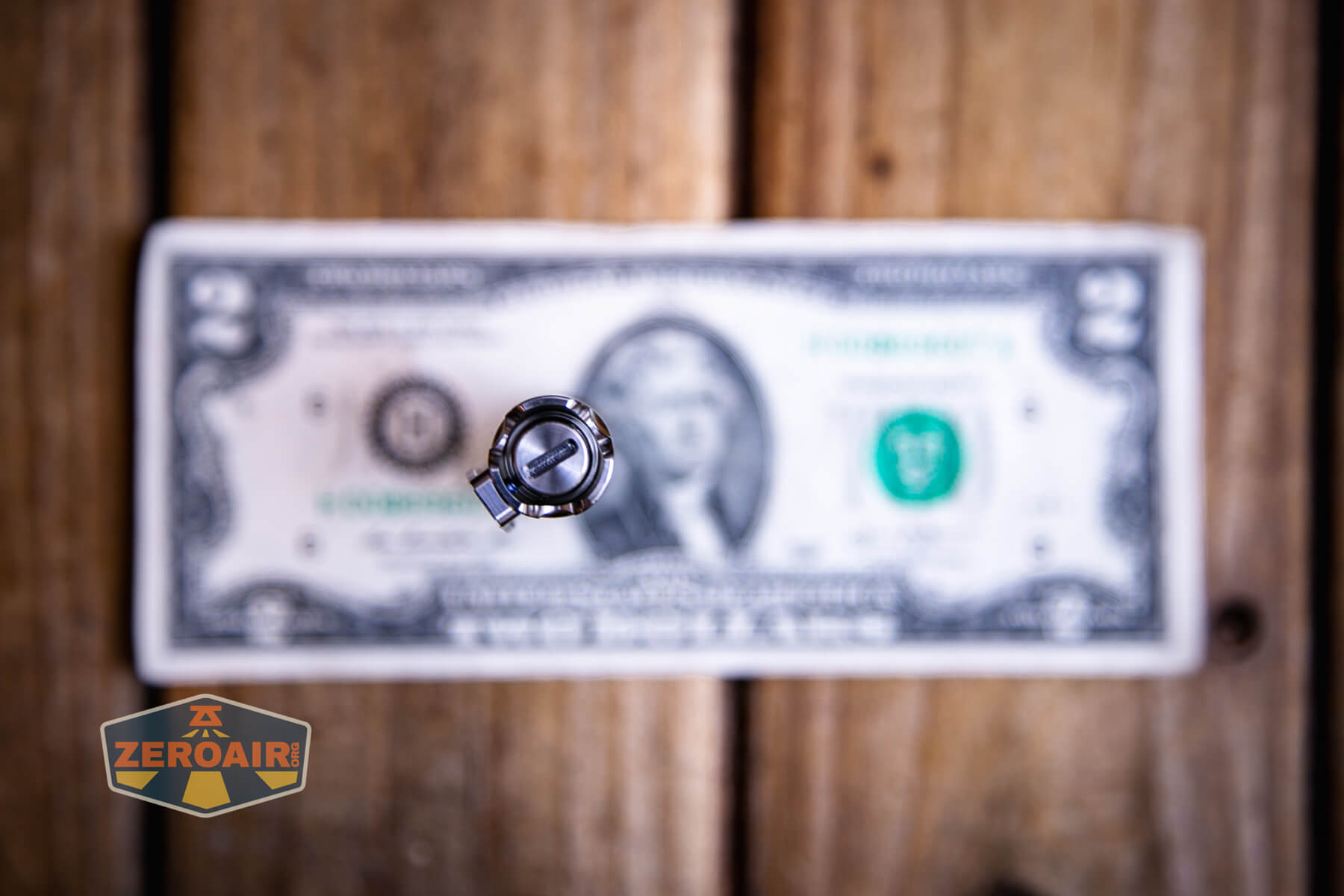

Here’s the light in hand:


Here’s the test light with the venerable Convoy S2+. The version below is a custom laser-engraved Convoy S2+ host by GadgetConnections.com. I did a full post on an engraved orange host right here! Or go straight to GadgetConnections.com to buy your Convoy S2+ now!


Also in the photo above, my Standard Reference Material (SRM) flashlight is the Hanko Machine Works Trident, an 18350 light. While I have not reviewed or tested the Gunner Grip version seen here, I have tested a Hanko Machine Works Trident Total Tesseract in brass. I love the Trident, and it’s a striking contrast to the inexpensive Convoy S2+, another great SRM.
And here’s my set of Krystals! First is the new Mokume Mule Krystal. Then the Reylight Pineapple Mini Mk3 Krystal, and far right is the Krystal Titanium quad.


Retention and Carry
This version of the Reylight Pineapple Mini Mk3 Krystal uses a screw-in 3D (milled) pocket clip. It’s definitely a higher version clip than the collar-style bent clip.
I don’t necessarily like this clip better, though. It doesn’t carry quite as deeply, but it does have a tritium slot. So there are trade-offs. 😀
Power and Runtime
The Reylight Pineapple Mini Mk3 Krystal flashlight in titanium can surprisingly run on 1.5V sources, and also 4.2V sources. All the usual AAA types work – alkaline, NiMH, lithium primary. And also the lithium-ion 10440 cell works! Output is different between the voltages, too.
Rey included a 450mAh 10440 cell. The cell does not have charging built in, so be prepared to bring your own charging solution! (Or just buy the charging cell from Reylight.)

The cell is installed in the normal direction – positive end toward the head.


The temperature lines in these charts are included as general context, not precise measurements. The values represent the range (min to max) during testing, but should not be taken as exact readings. A temperature sensor is not always attached to the bezel (or even the hottest spot, assuming that could be defined). Even with ideal placement, too many variables affect temperature to definitively state a specific max value.
Charging
Again, the cell seen above and used for testing of the Reylight Pineapple Mini Mk3 Krystal does not have charging. But Reylight does sell a cell with charging, so grab that one if you don’t have a charger that can provide very low current for this tiny cell.
Modes and Currents
| Mode | Mode Claimed Output (lm) | Claimed Runtime | Measured Lumens | Tailcap Amps |
|---|---|---|---|---|
| 100% (10440) | – | – | 1.17 @4.2V | |
| 20% (10440) | – | – | 0.29 @4.2V | |
| 2% (10440) | – | – | 0.03 @4.2V | |
| Moonlight (10440) | – | – | [low] @4.2V |
Pulse Width Modulation
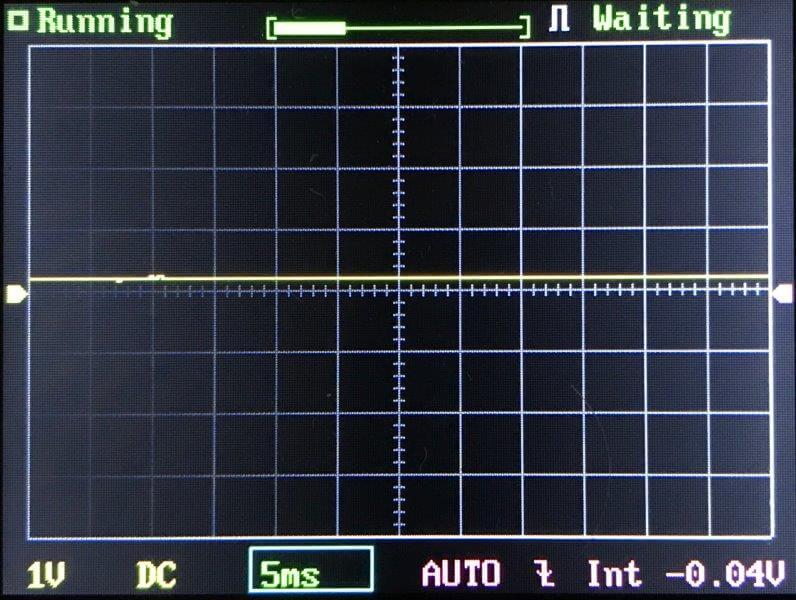
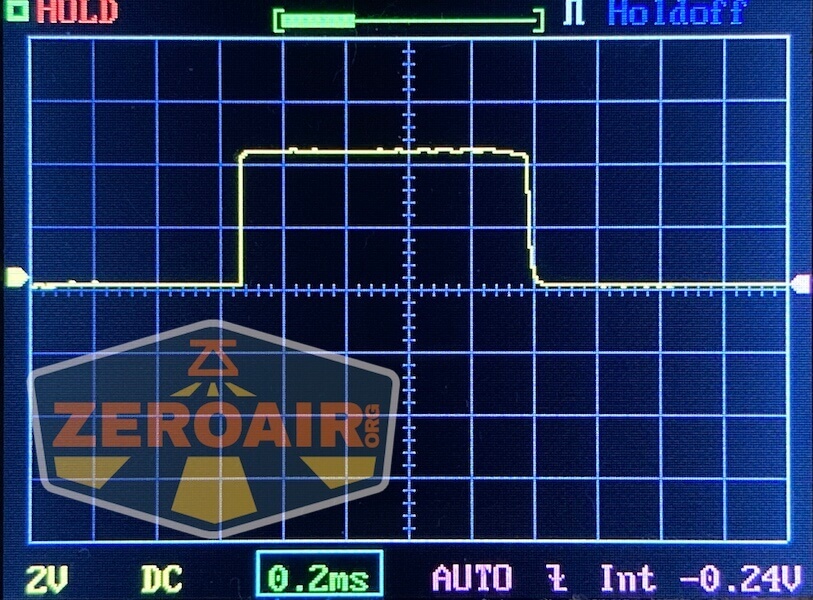
Many of the modes do use PWM, but in all cases, it’s very fast and unlikely to be visible to the naked eye.

Click here to see a “baseline” – a chart with almost no light hitting the sensor.
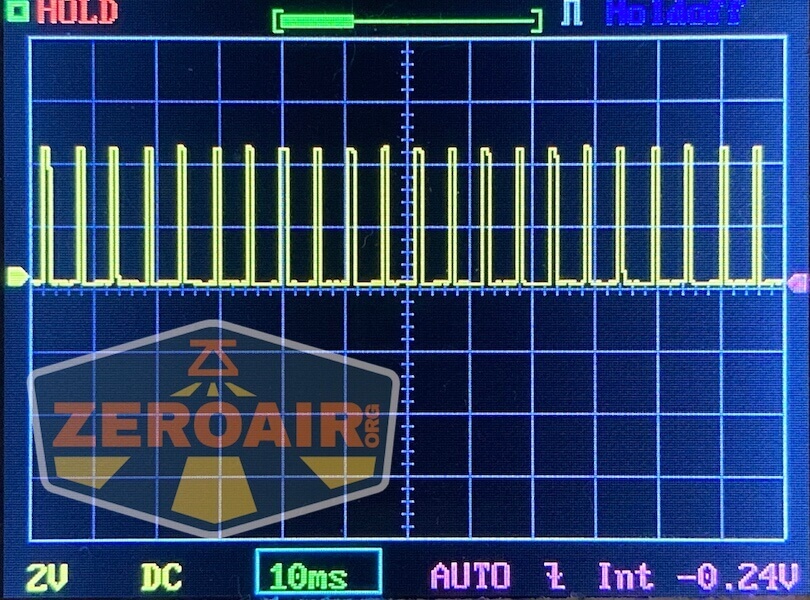
Then there’s the Ultrafire WF-602C flashlight, which has some of the worst PWM I’ve seen. It’s so bad that I used a post about it to explain PWM! Here are multiple timescales (10ms, 5ms, 2ms, 1ms, 0.5ms, 0.2ms) to make comparing this “worst” PWM light to the test light easier. That post also explains why I didn’t test the WF-602C at the usual 50us scale.
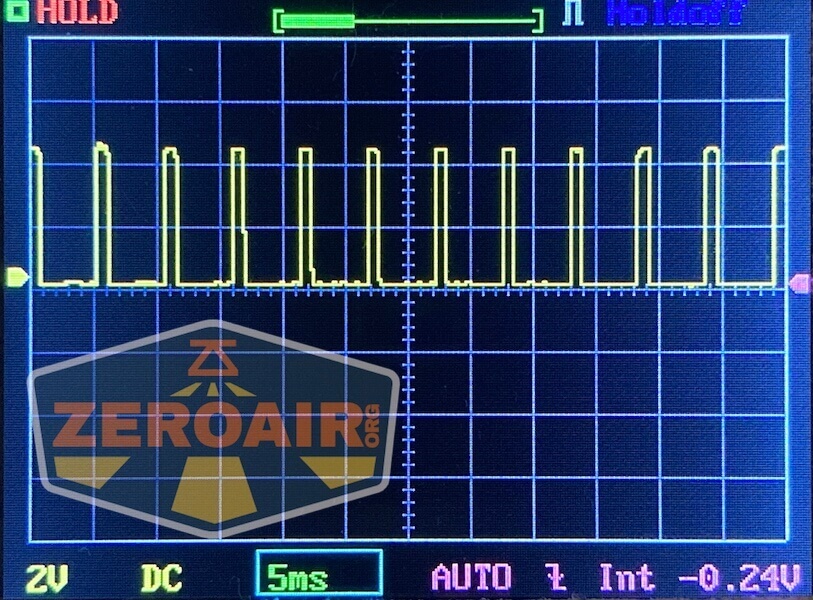
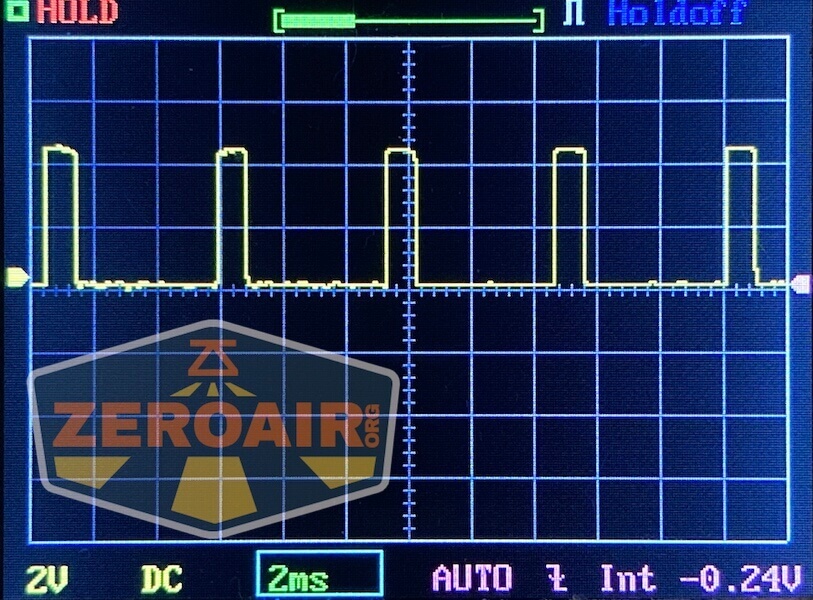
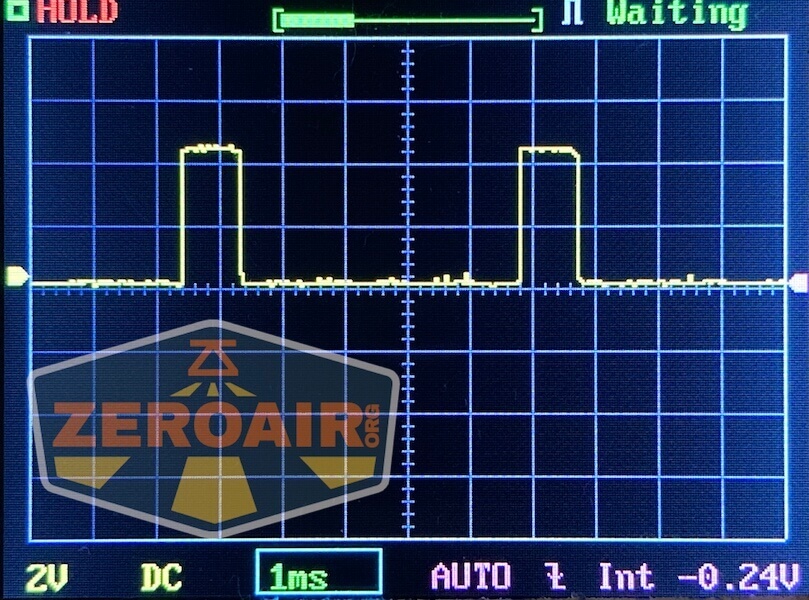
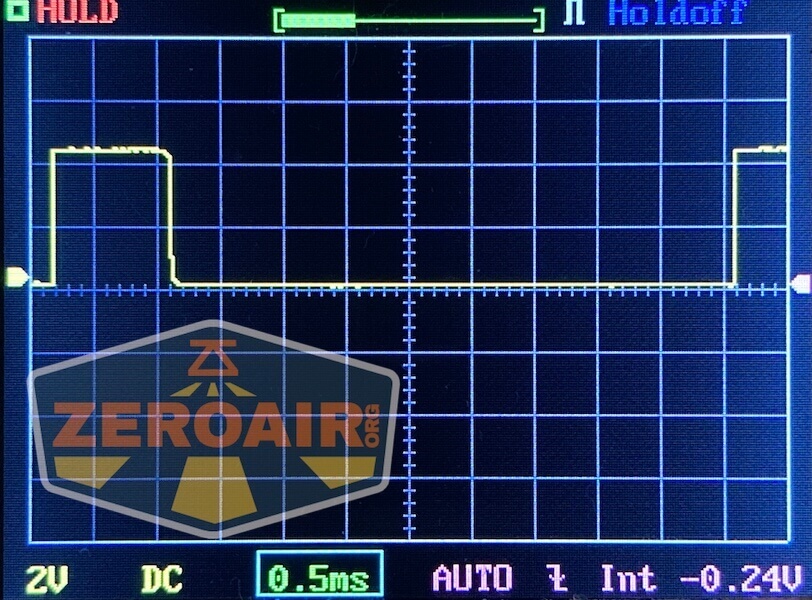
User Interface and Operation
The switch on the Reylight Pineapple Mini Mk3 Krystal is a mechanical clicky. It’s a reverse clicky, which means the modes can be changed while the light is on.
The switch has a tritium slot that appears to be the same size as the tritium slot in the pocket clip.

One of the great things about the new tailcap is that it makes the switch much less proud. It also makes tailstanding much firmer, too.
The user interface actually has some programming features. Mode memory can be turned on or off (default is off, thankfully). There are a bunch of mode options, too.
Here’s a user interface table!
| State | Action | Result |
|---|---|---|
| Off | Click | On (Low, if mode memory is off) |
| On | Click | Off |
| On | Tap | Mode advance (LMHT) |
| On | Tap 8x | Enter programming mode^ |
^ Programming goes like this. Once in programming mode, the light will blink once, then blink very quickly (strobe-ish), then blink twice, then blink very quickly (strobe-ish), and so on, up to five blinks. In order to program a certain feature, click during the “strobe-ish” section after the blink. Each of these blinks represents a programming option, as follows:
First blink: Program the mode groups. Only this option has sub-options. In this option, the light will blink slowly 4x. The mode groups are as follows:
1 blink: (ML)-2%-20%-100%
2nd blink: (ML)-10%-40%-100%
3rd blink: (ML)-2%-10%-50%
4th blink: (ML)-50%-100%-strobe-SOS
To accept any of those four mode groups of your choice, click after the appropriate blink. So if you want the third option, wait for the light to blink 3x, and tap the switch. You’ve programmed the third mode group. The light will run the 4x blink cycle twice and then exit programming.
Second blink: Toggle mode memory. Off is the default.
Third blink: Toggle moonlight mode. On is the default.
Fourth blink: Toggle mode order. Default is ascending. Can be toggled to descending.
Fifth blink: Reset to factory settings.
LED and Beam
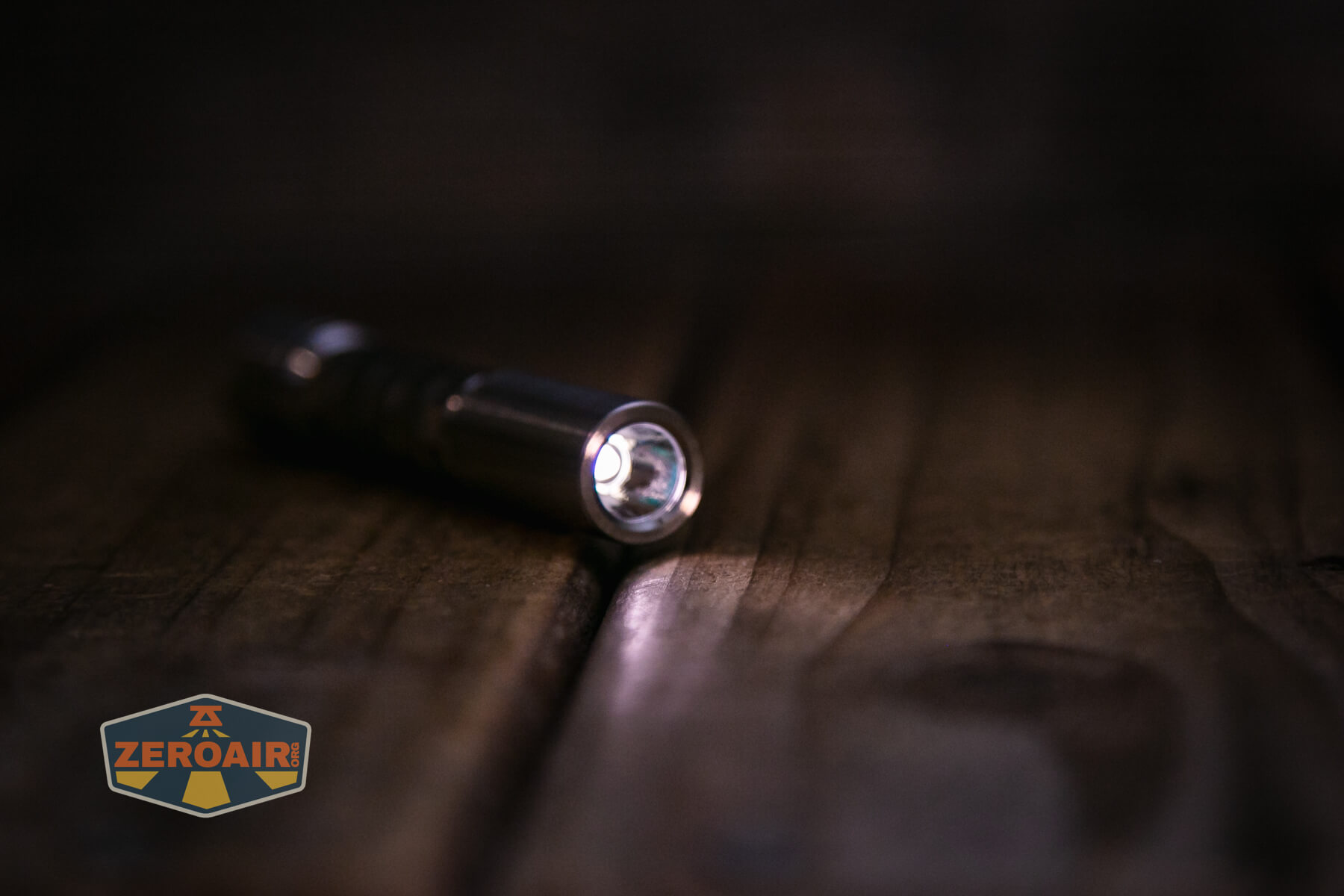
This Reylight Pineapple Mini Mk3 Krystal uses a Nichia 519a. Reylight may offer a different emitter option (in fact, that’s what the other engine seen in some of the photos way above has), but the product page doesn’t mention this difference. If anyone is interested in testing that engine, maybe I’ll post about that, too.

There’s a glow glasket in the head – it’s very glowy, too!

LED Color Report (CRI and CCT)
CRI is well over 90, and CCT is in the 4000K range. Duv is slightly negative, too, which really just makes this about the perfect emitter.


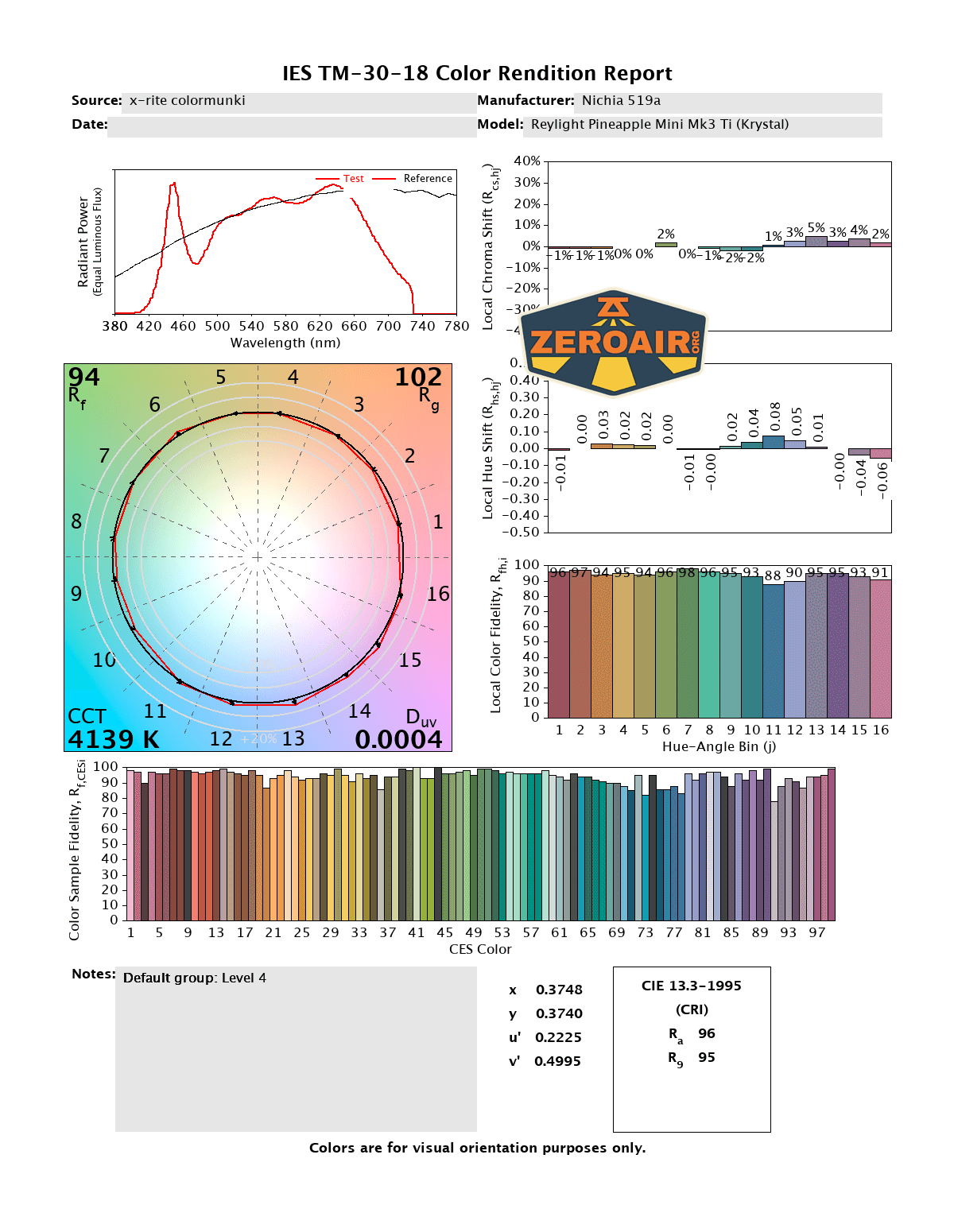
CCT (Correlated Color Temperature) refers to the measurement of the color appearance of light, expressed in Kelvins (K), which indicates whether the light is warm (yellowish) or cool (bluish). A lower CCT (below 3000K) is considered warm light, while a higher CCT (above 5000K) gives cooler, bluish light.
CRI (Color Rendering Index) is a measure of how accurately a light source renders colors in comparison to natural sunlight. Scored on a scale from 0 to 100, higher CRI values indicate that colors appear more true to life and vibrant, similar to how they would look under the sun.
Beamshots
These beamshots always have the following settings: f8, ISO100, 0.3s shutter, and manual 5000K exposure. These photos are taken at floor level, and the beam hits the ceiling around 9 feet away.


Tint vs BLF-348 (KillzoneFlashlights.com 219b version) (affiliate link)
I keep the test flashlight on the left and the BLF-348 reference flashlight on the right. These photos are taken around 18 inches from the door.


I compare everything to the KillzoneFlashlights.com 219b BLF-348 because it’s inexpensive and has the best tint!
Summary and Conclusion
I love my Reylight Krystal. It’s one of my favorite lights, in fact. I love it so much that when Rey offered that mule version in Mokume, I grabbed it! I love that the Krystal pattern has made it to other lights, and I’m very excited to see the progression (Krystal Dawn, yes please). The Reylight Pineapple Mini Mk3 Krystal itself is also specifically great. It’s everything you already know and love about Pineapple Minis but with the neat Krystal pattern!
The Big Table
| Reylight Pineapple Mini Krystal Raw Ti | |
|---|---|
| Emitter: | Nichia 519a (4000) |
| Price in USD at publication time: | $79.90 |
| Cell: | 1×10440 |
| Runtime Graphs | |
| LVP? | Yes |
| Switch Type: | Mechanical |
| On-Board Charging? | No |
| Claimed Lumens (lm) | – |
| Measured Lumens (at 30s) | #VALUE! |
| Candela per Lumen | 4.1 |
| Claimed Throw (m) | – |
| Candela (Calculated) in cd (at 30s) | 66lux @ 4.121m = 1121cd |
| Throw (Calculated) (m) | 67.0 |
| Claimed CCT | 4000 4000 |
| Measured CCT Range (K) | 4000 3900-4100 Kelvin |
| Item provided for review by: | Reylight |
| All my Reylight reviews! | |
^ Measurement disclaimer: Testing flashlights is my hobby. I use hobbyist-level equipment for testing, including some I made myself. Try not to get buried in the details of manufacturer specifications versus measurements recorded here; A certain amount of difference (say, 10 or 15%) is perfectly reasonable.
What I like
- Nichia 519a!
- 4000K!
- High CRI!
- More Krystal in my life is welcome
- Programming options – mode groups, memory or not, etc.
- Supports both 1.5V and 4.2V cylindrical AAA-sized cells.
What I don’t like
- Cost – at $80, it’s not an inexpensive 10440 light!
Notes
- This content originally appeared at zeroair.org. Please visit there for the best experience!
- Please use my Amazon.com referral link to help support zeroair.org!
- Please support me on Patreon! I deeply appreciate your support!
Discover more from ZeroAir Reviews
Subscribe to get the latest posts sent to your email.