
Mateminco TACUBE 3.0 Multi-Function RGB Flashlight Review
The Mateminco TACUBE 3.0 multi-function RGB flashlight features flood, throw, a novel side emitter array with rotary control, and a GAME! Read on!
Official Specs and Features
Here’s a link to the Mateminco TACUBE 3.0 multi-function RGB flashlight at flashlightgo.com product page.
Versions
Multiple body colors are available. They include silver, purple, blue, green, orange cerakote (seen here), and yellow cerakote. Some of those are aluminum, but this orange cerakote is stainless steel. They all have the same emitters and features.
Price
All aluminum versions of the Mateminco TACUBE 3.0 multi-function RGB flashlight sell at flashlightgo.com for $66.99. The stainless/cerakoted looks to be a bit more, at around $72.
What’s Included
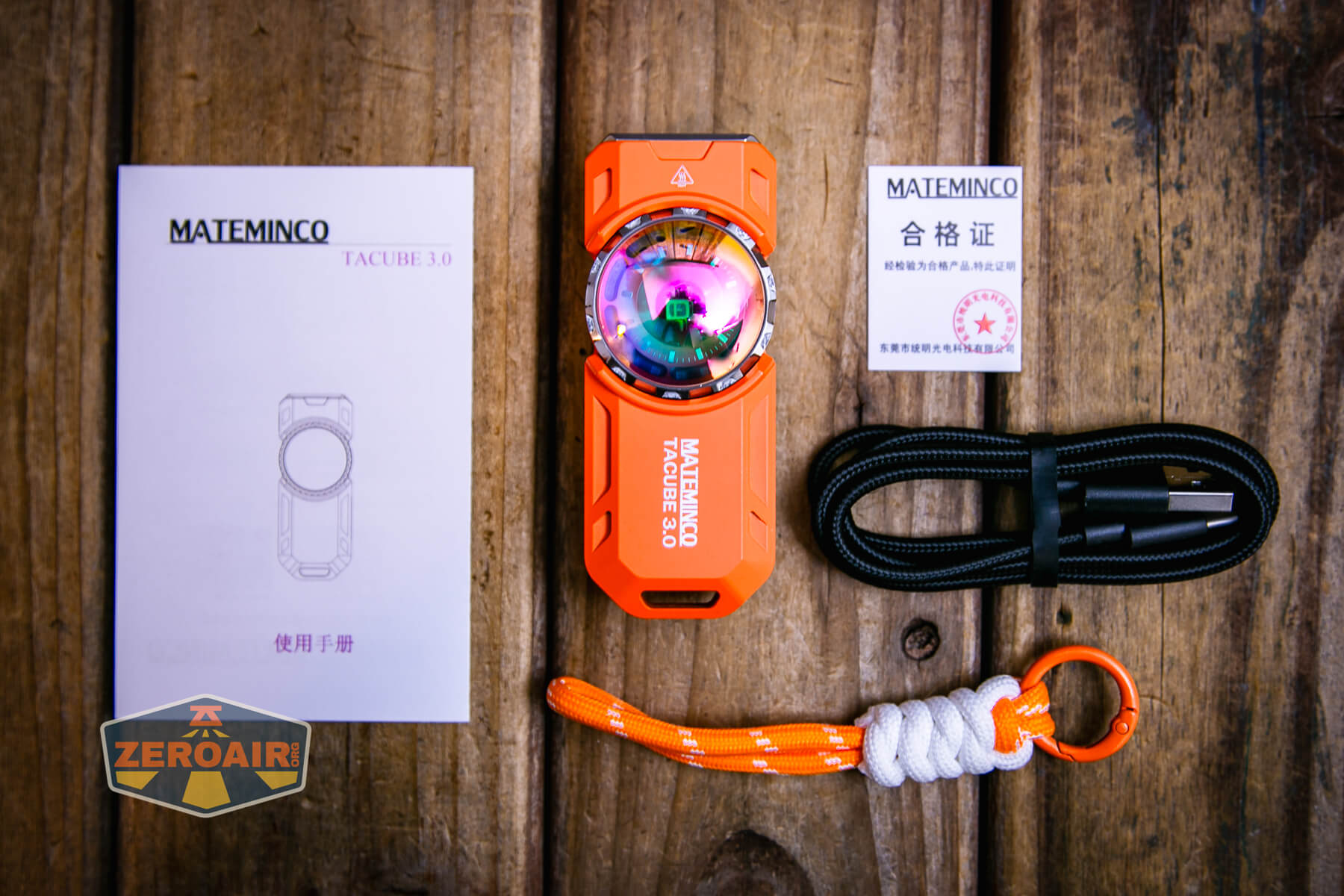
- Mateminco TACUBE 3.0 multi-function RGB flashlight
- Charging cable
- Lanyard with ring
- Manual
Package and Manual
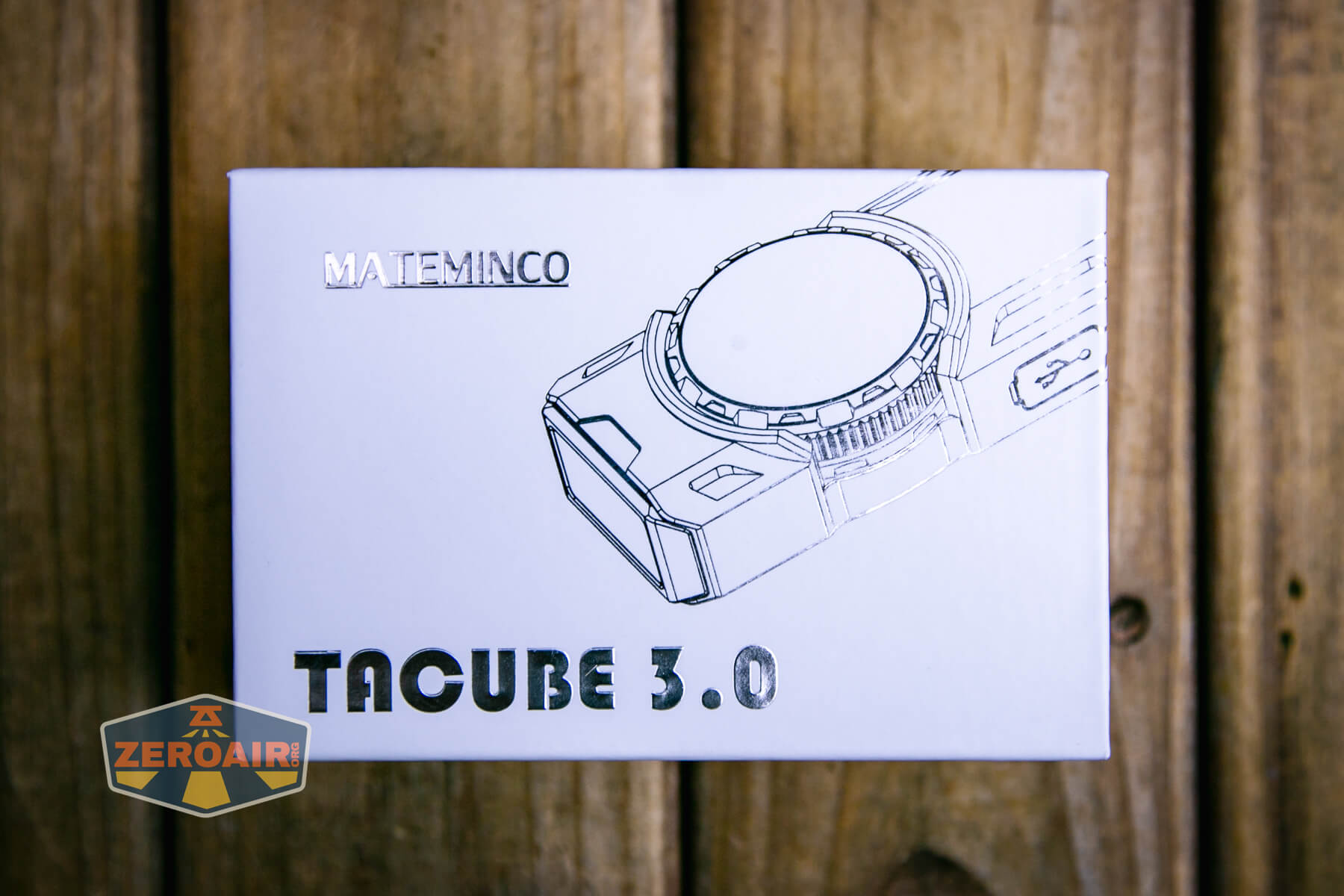
Build Quality and Disassembly

As I said above, this version of the Mateminco TACUBE 3.0 multi-function RGB flashlight is orange cerakoted stainless steel. So this one has quite a bit of heft to it. Even beside that, the light does feel solid in build quality.
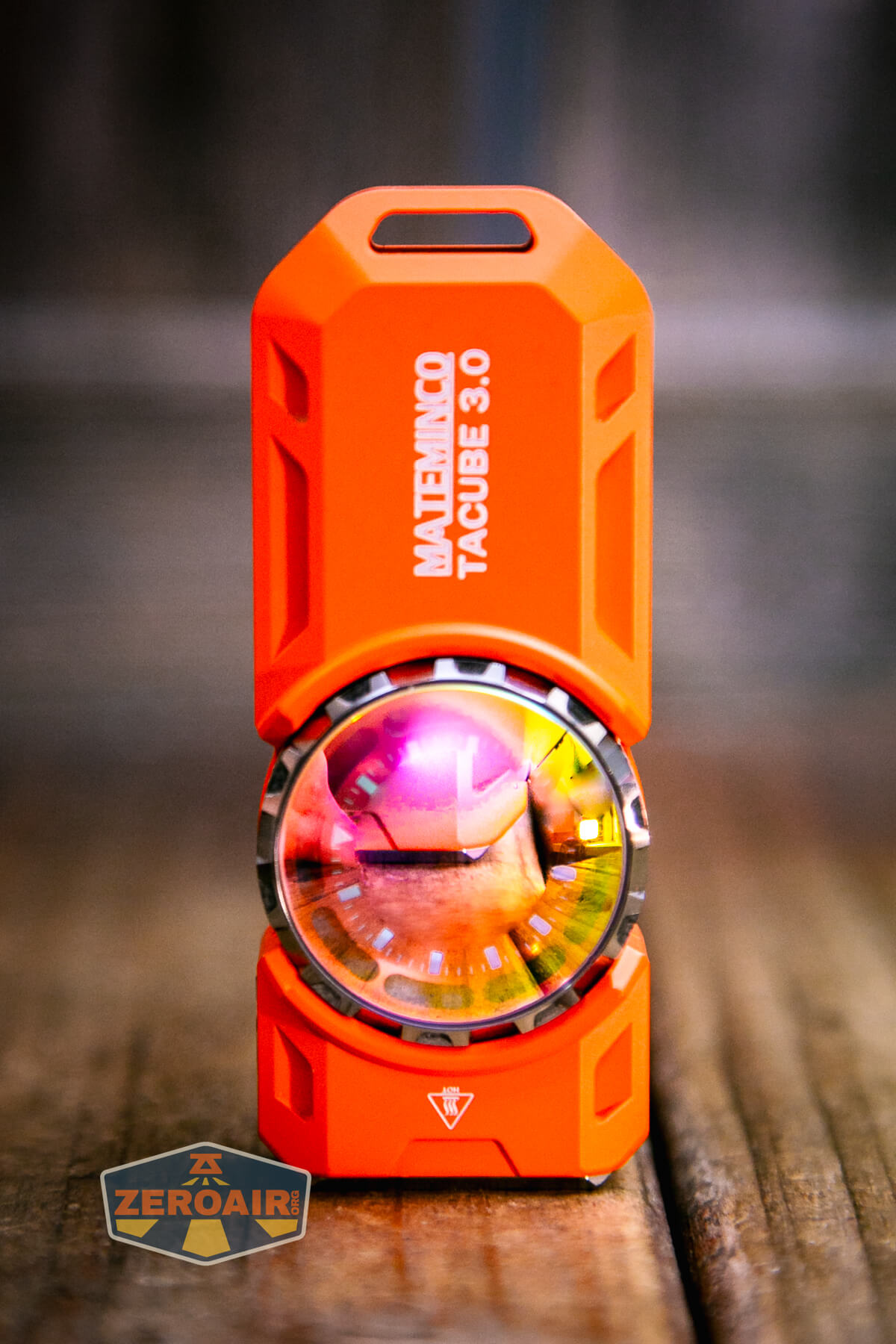
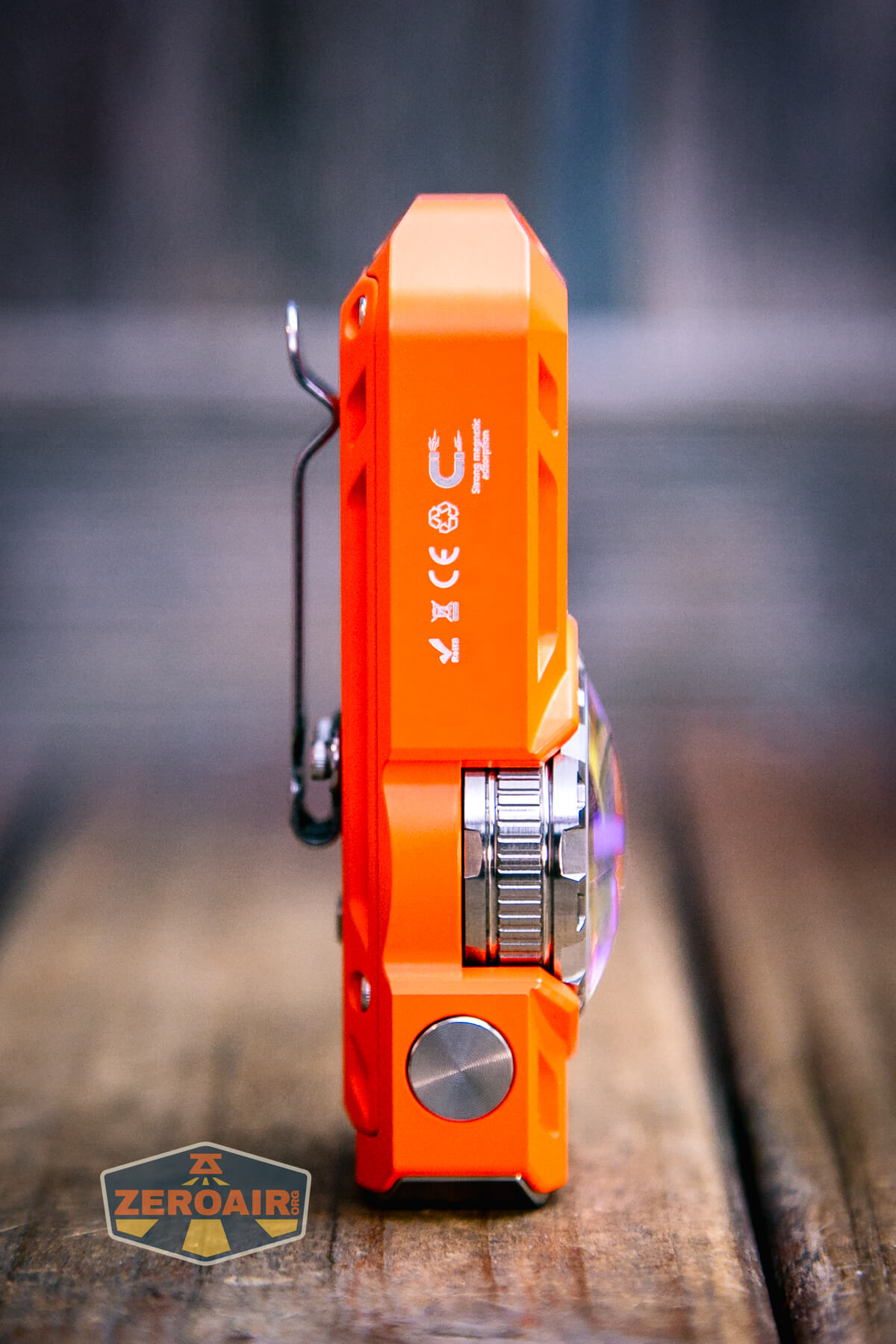
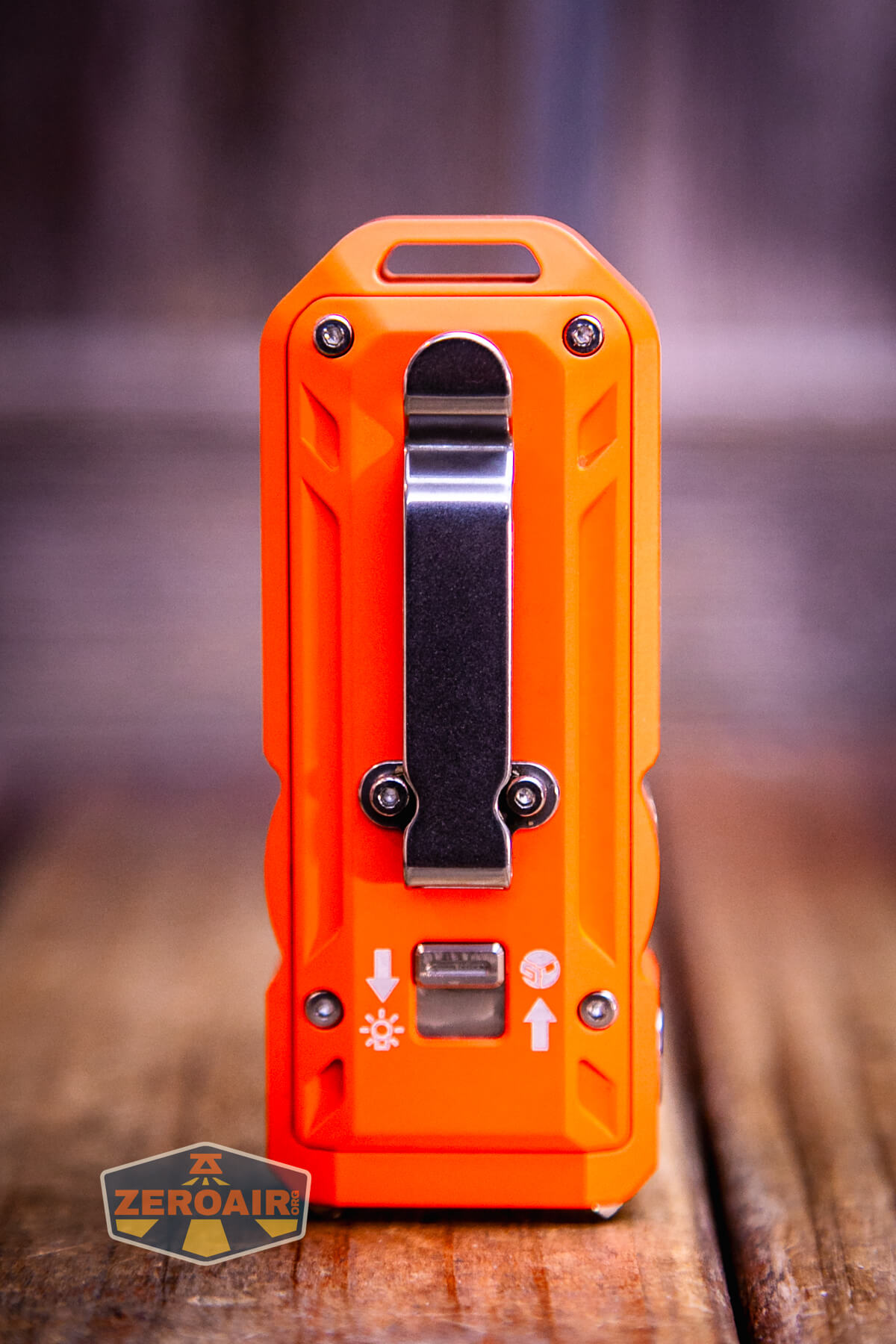
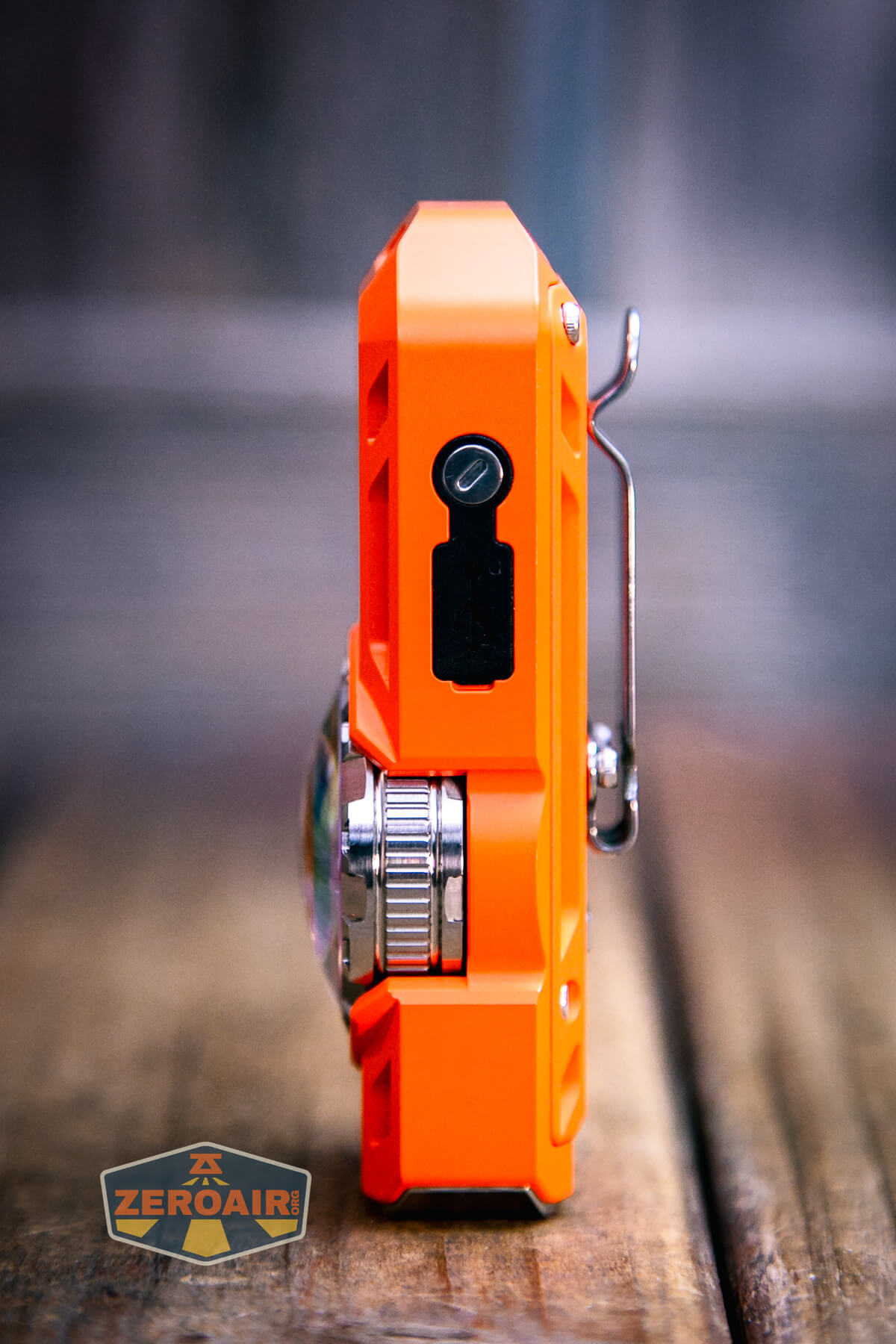
I didn’t take the Mateminco TACUBE 3.0 multi-function RGB flashlight apart at all, though. The back does have four TORX screws, where I expect the battery can be accessed.
Size and Comps
Dimensions 90 × 35.5 mm
Weight 121 g (with battery)
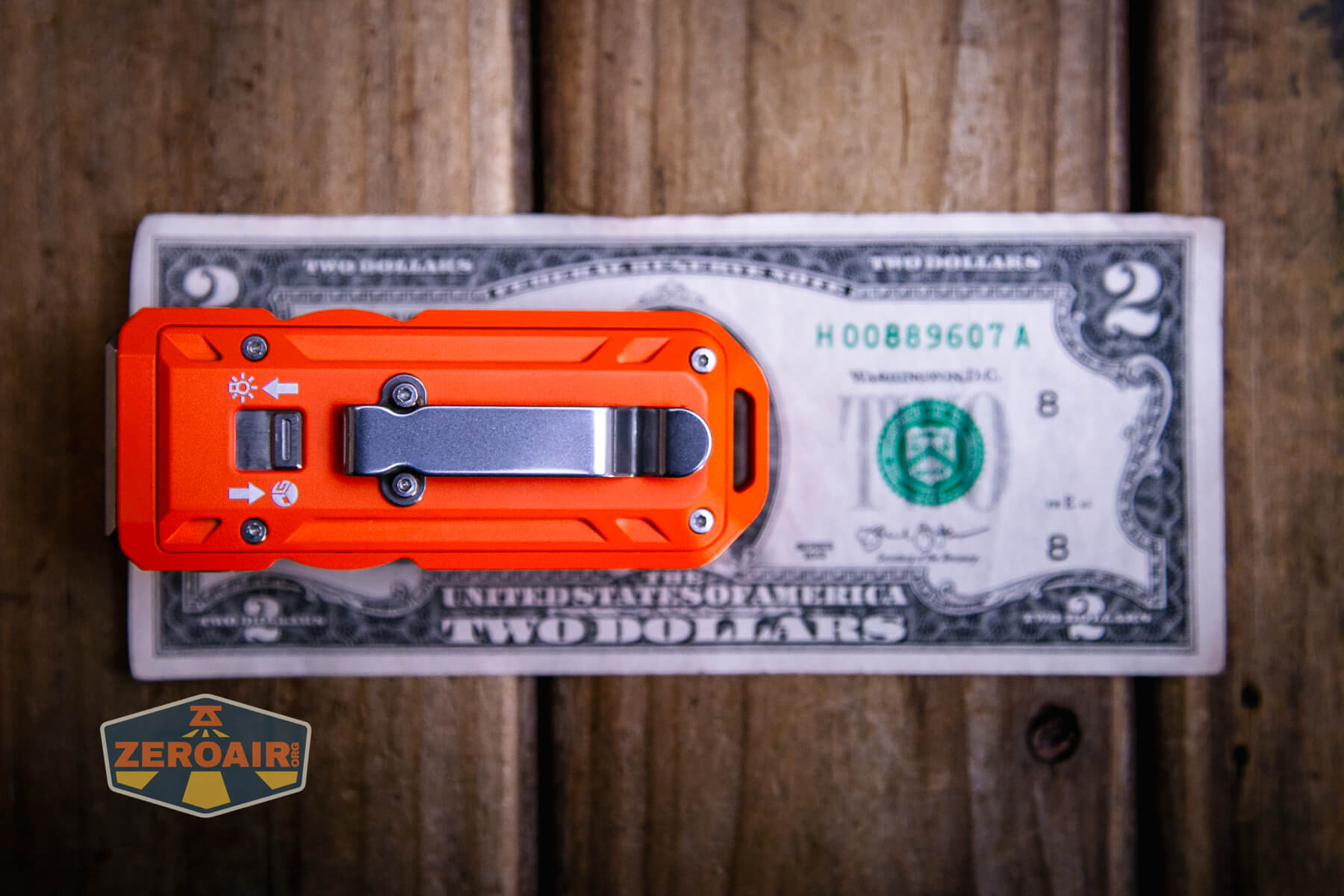
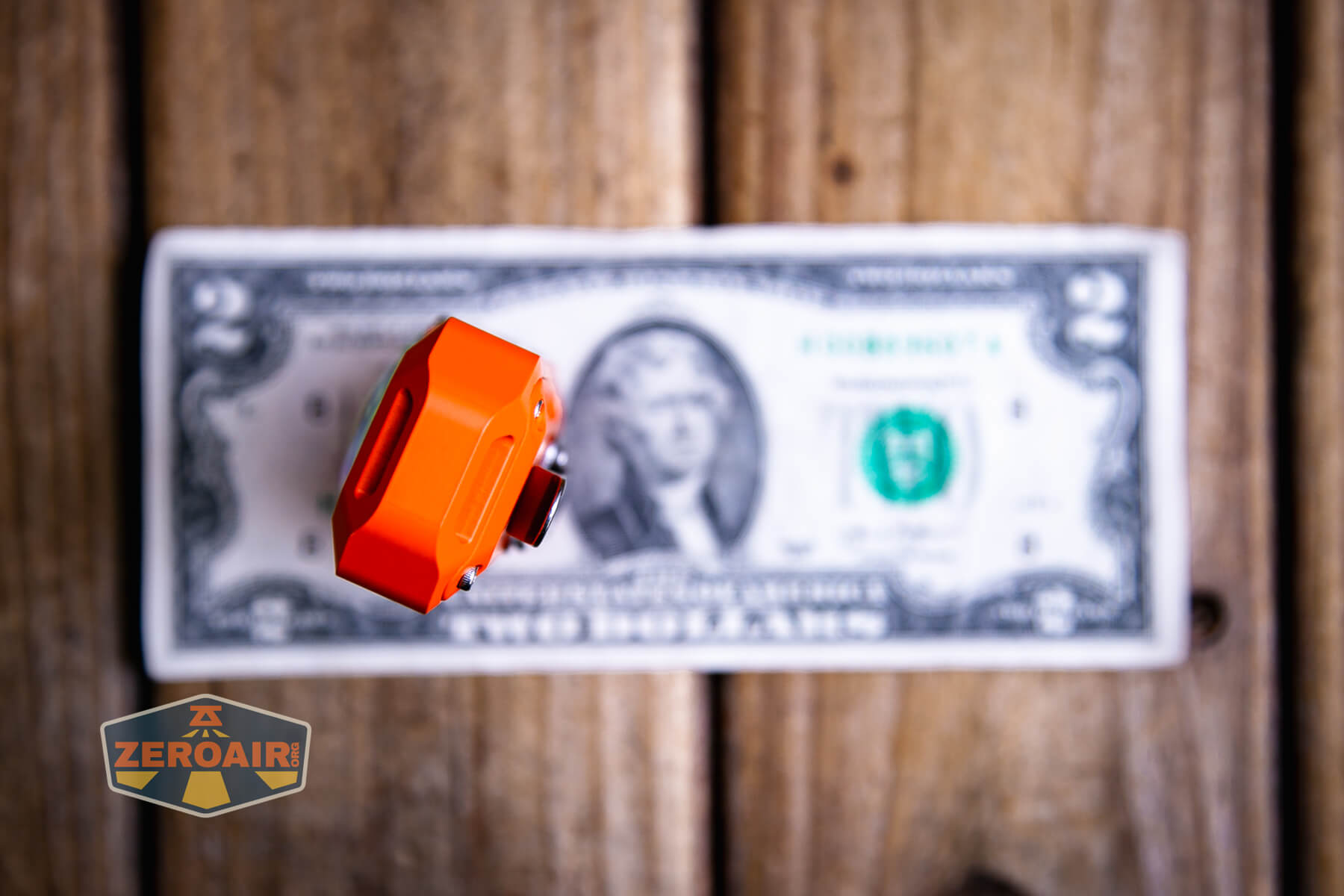
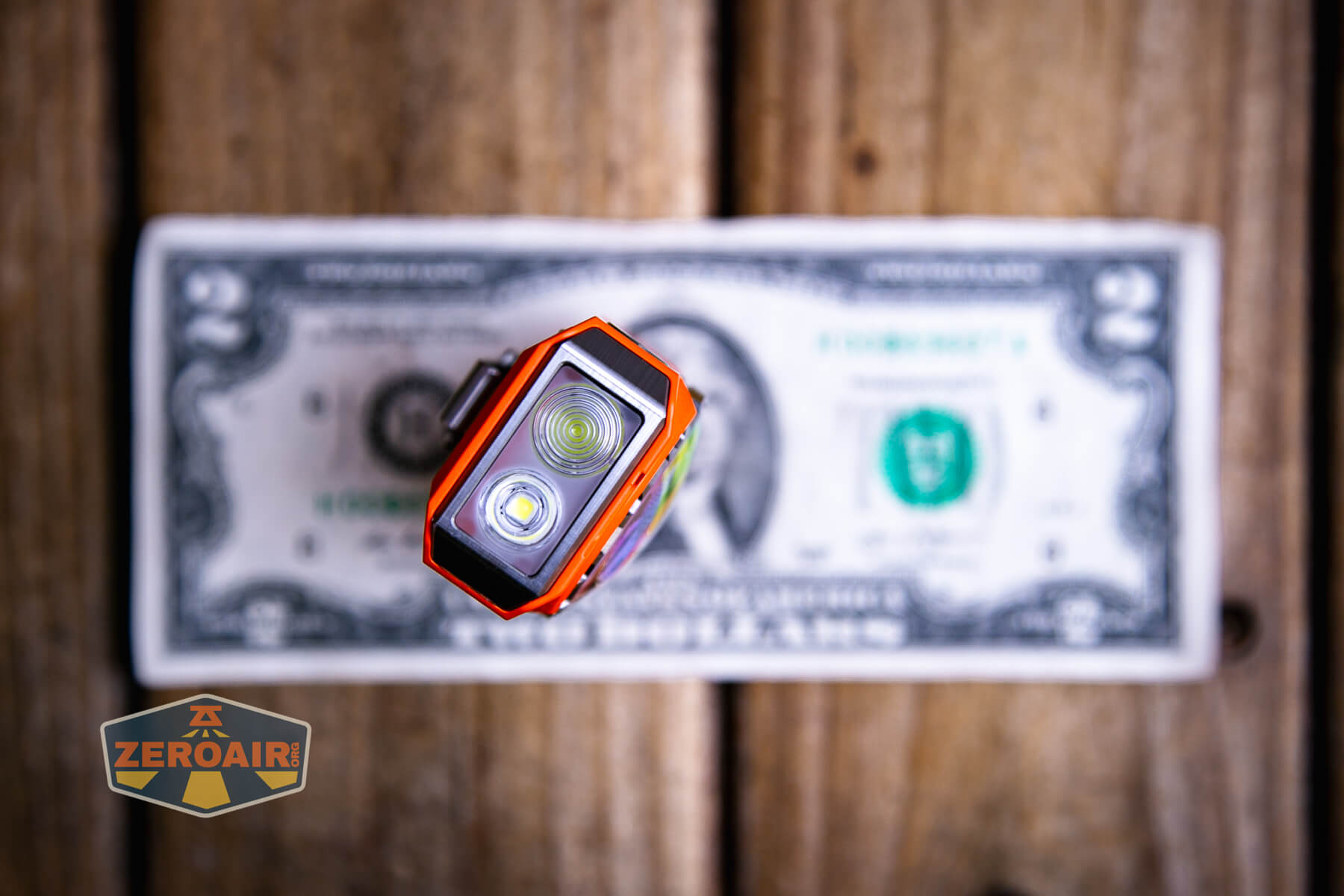
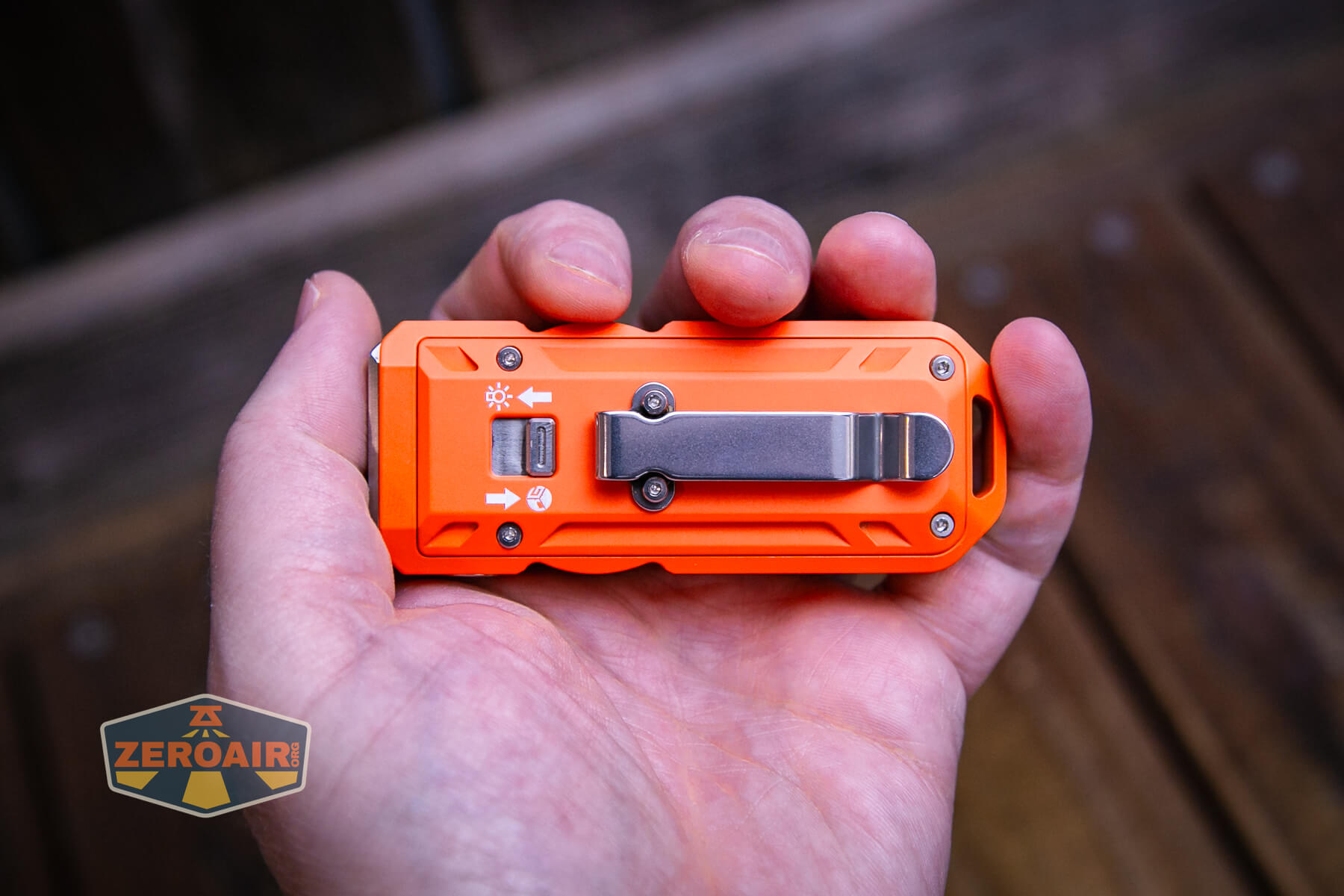
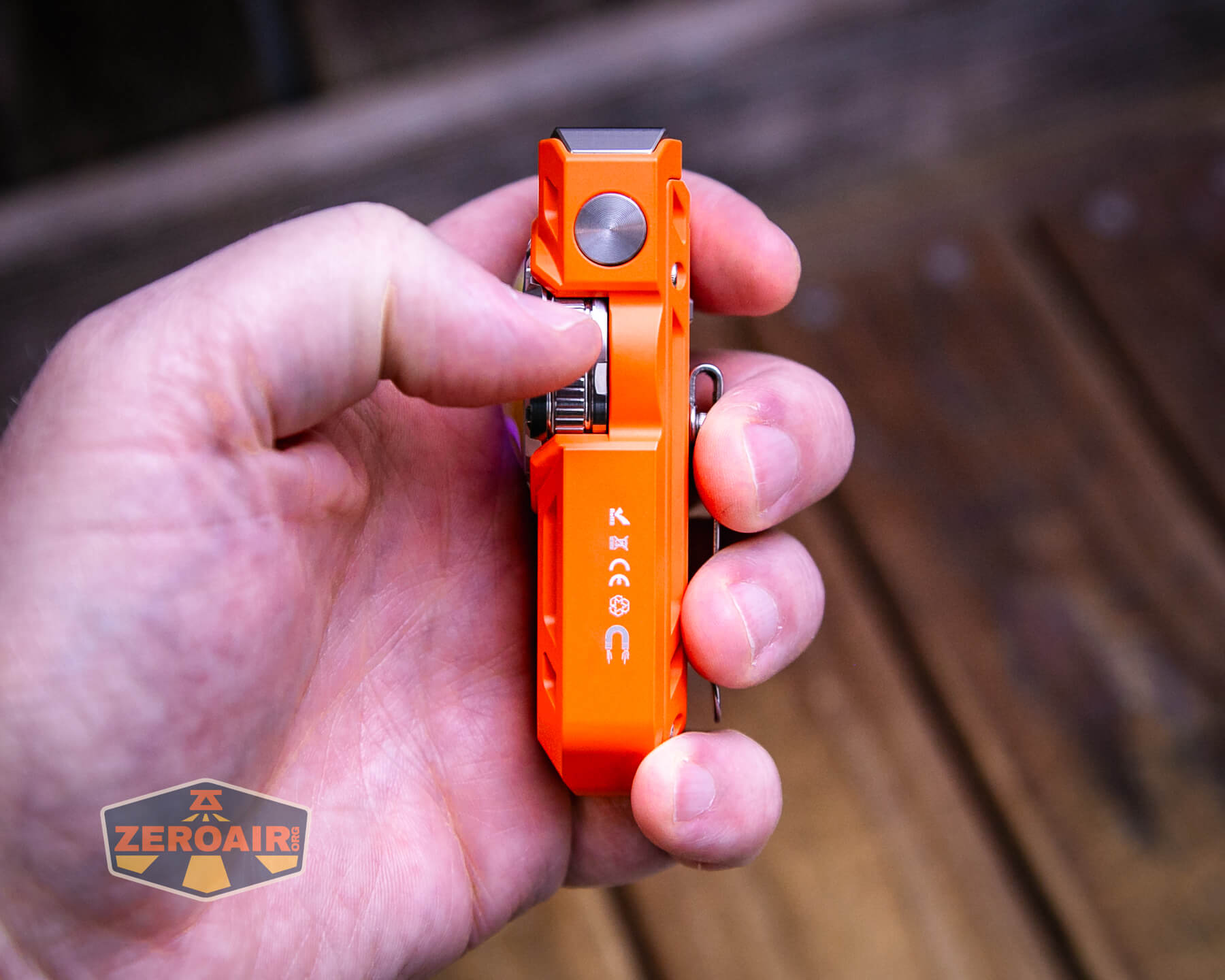
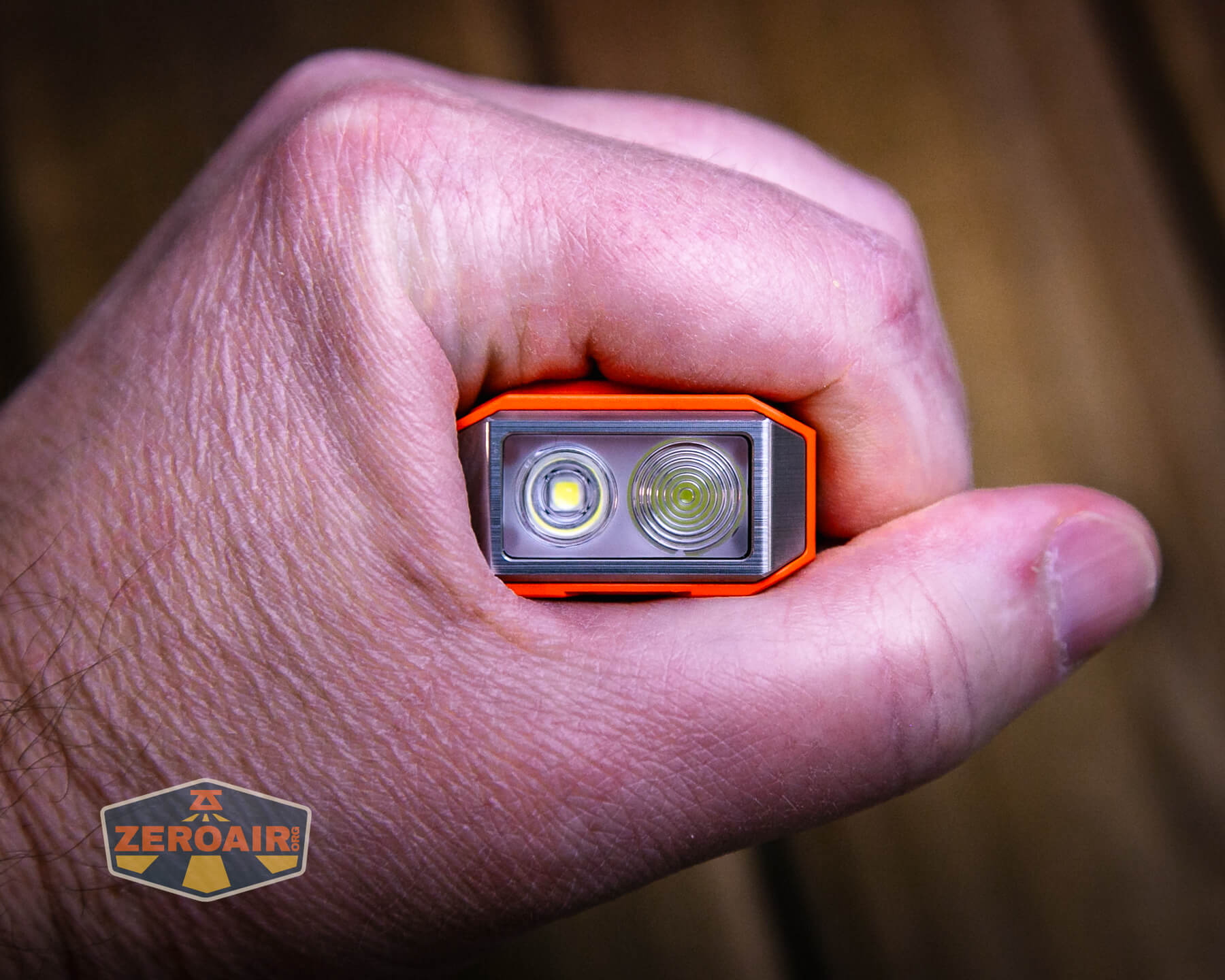
Here’s the light in hand:
Here’s the test light with the venerable Convoy S2+. The version below is a custom laser-engraved Convoy S2+ host by GadgetConnections.com. I did a full post on an engraved orange host right here! Or go straight to GadgetConnections.com to buy your Convoy S2+ now!
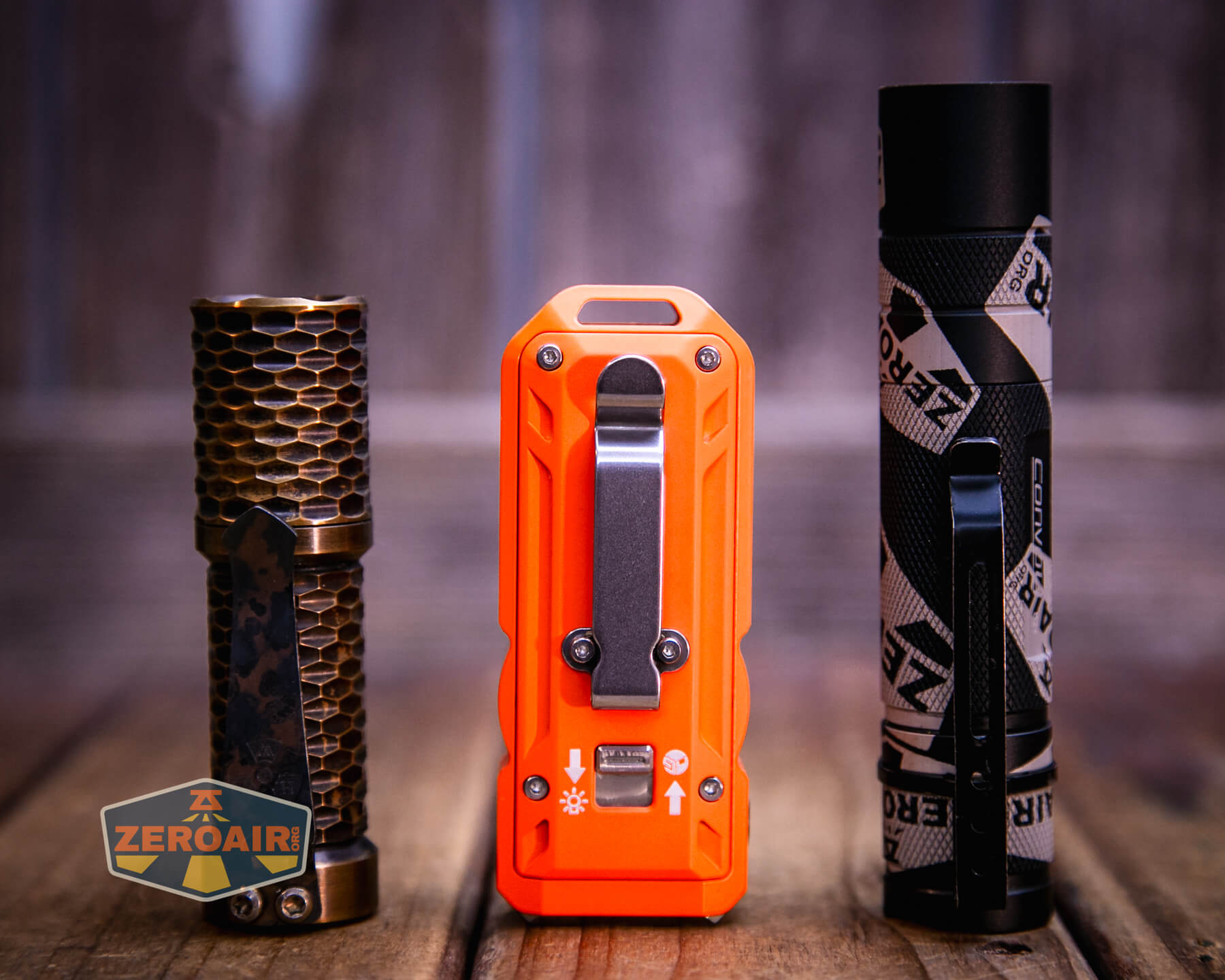
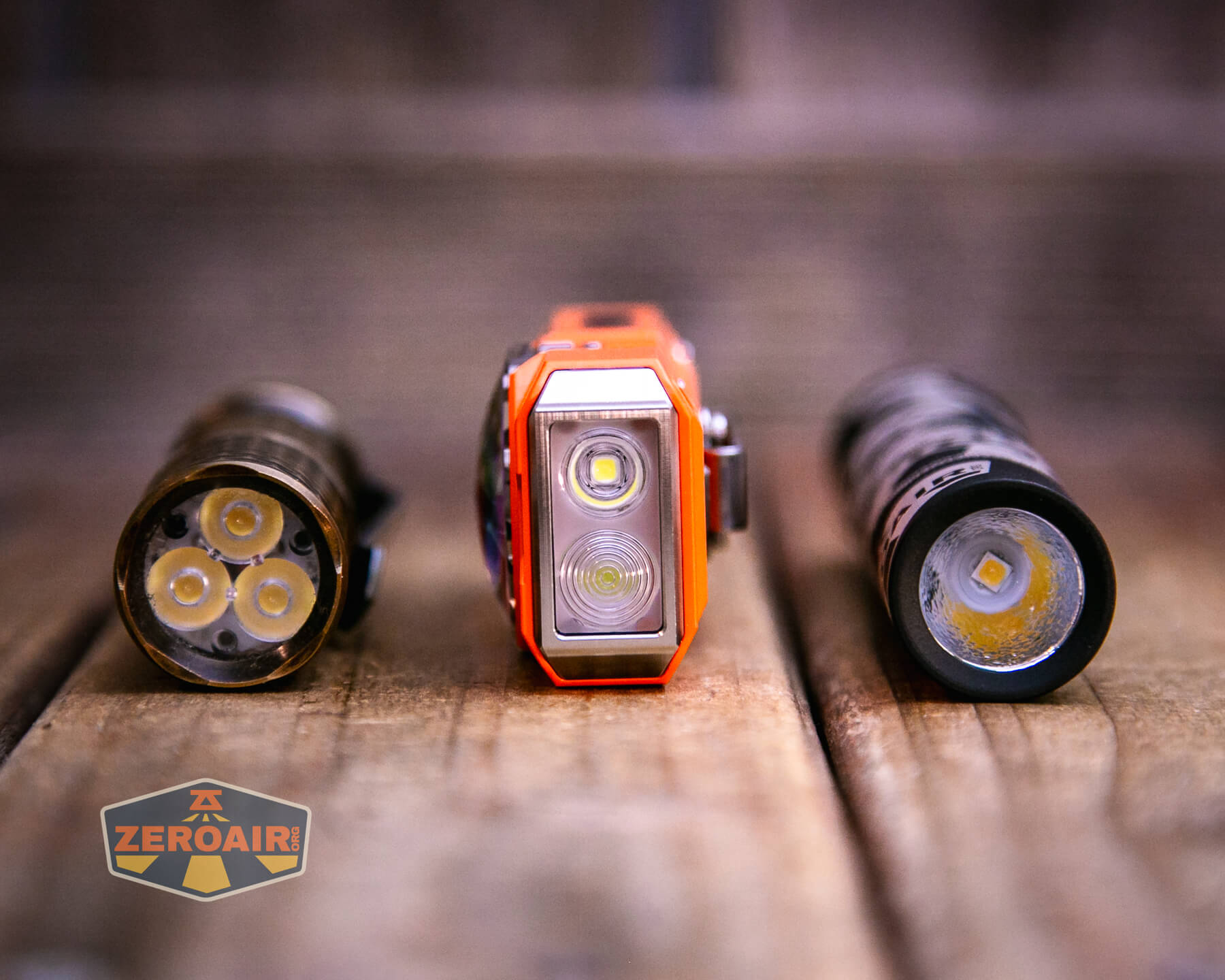
Also in the photo above, my Standard Reference Material (SRM) flashlight is the Hanko Machine Works Trident, an 18350 light. While I have not reviewed or tested the Gunner Grip version seen here, I have tested a Hanko Machine Works Trident Total Tesseract in brass. I love the Trident, and it’s a striking contrast to the inexpensive Convoy S2+, another great SRM.
Retention and Carry
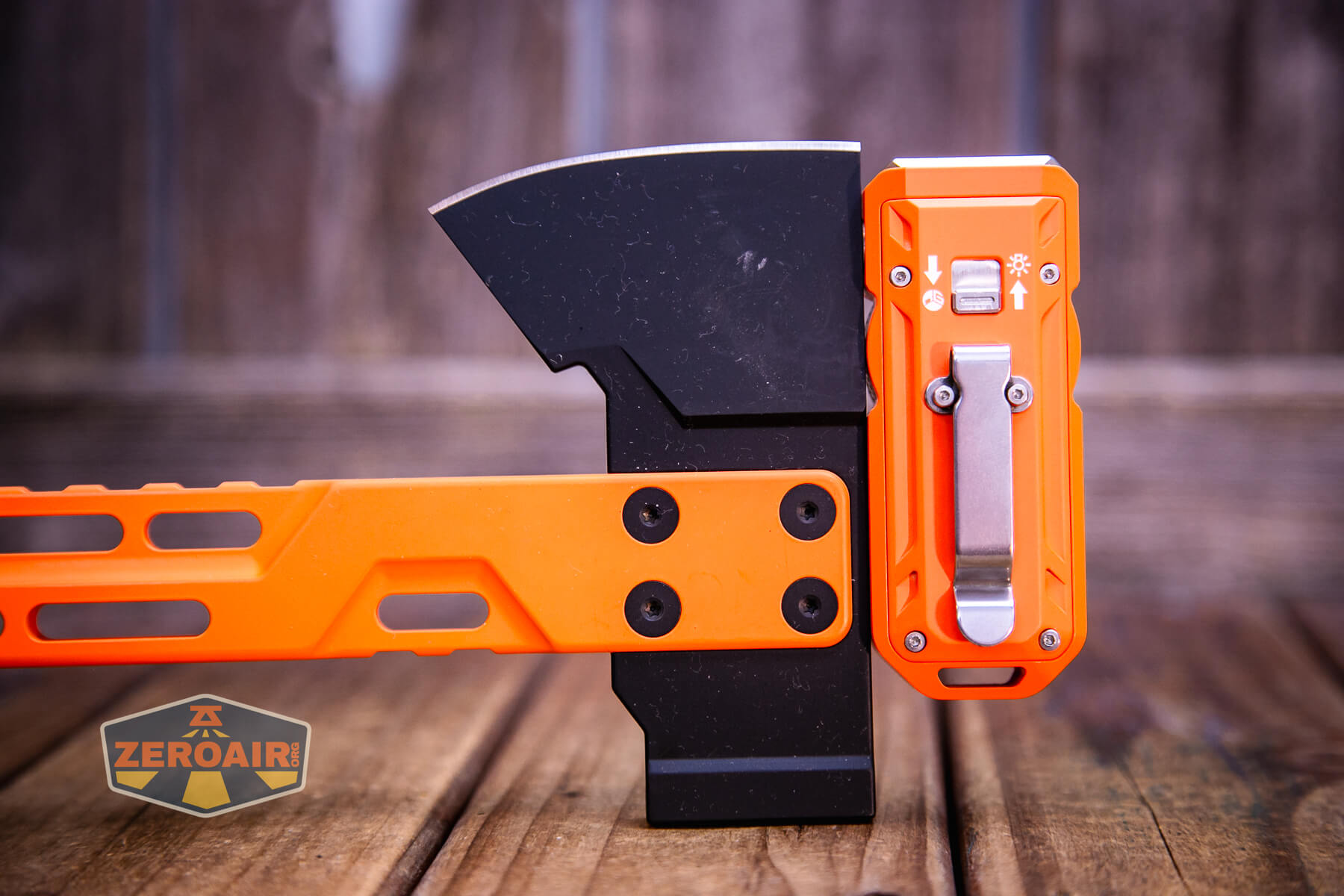
The Mateminco TACUBE 3.0 multi-function RGB flashlight ships with a pocket clip installed. The clip is near the middle of the light, though, which makes carry a bit unbalanced.
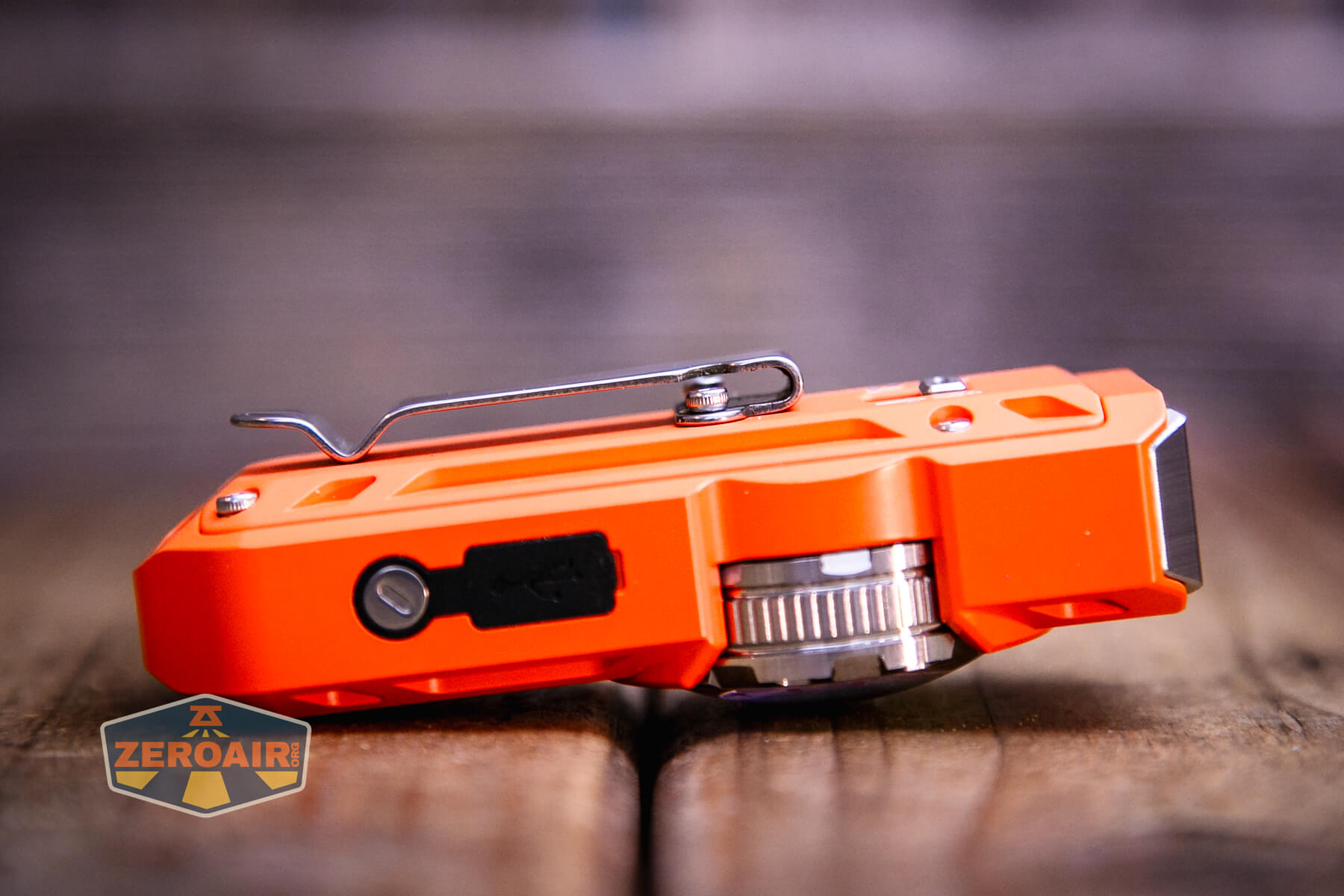
The side has a magnet. It’s strong enough to hold the light but not strong enough for any bouncing around at all.
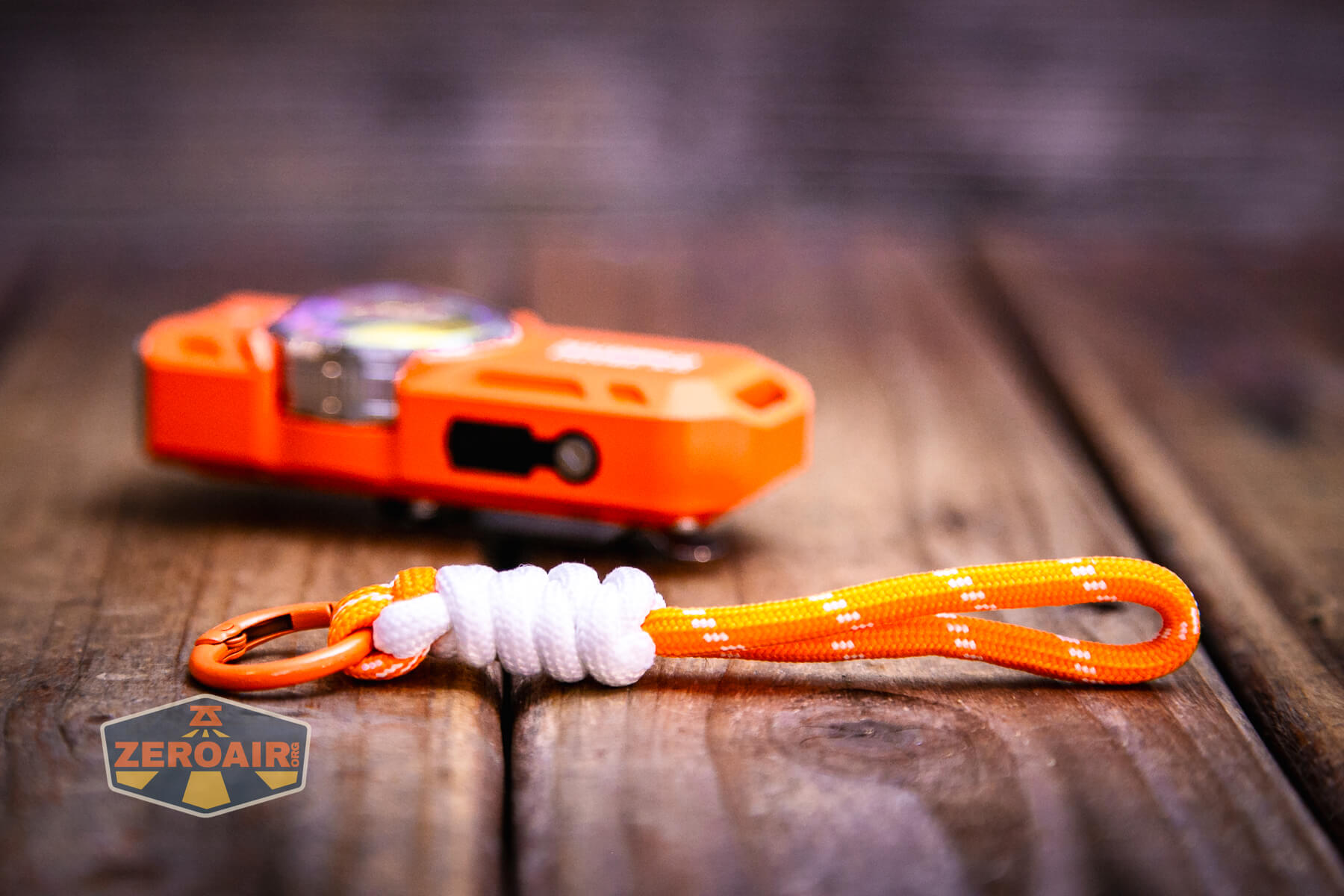
Also included is a short length of cordage attached to a gated ring. This would usually attach through the loop on the tail end of the light.
Power and Runtime
The Mateminco TACUBE 3.0 multi-function RGB flashlight is powered by a built-in 850mAh LiPO battery. The battery isn’t field-serviceable, and probably quite difficult to change, if it’s even possible at all.
I tested Turbo mode for all three outputs types – flood, spot, and both.
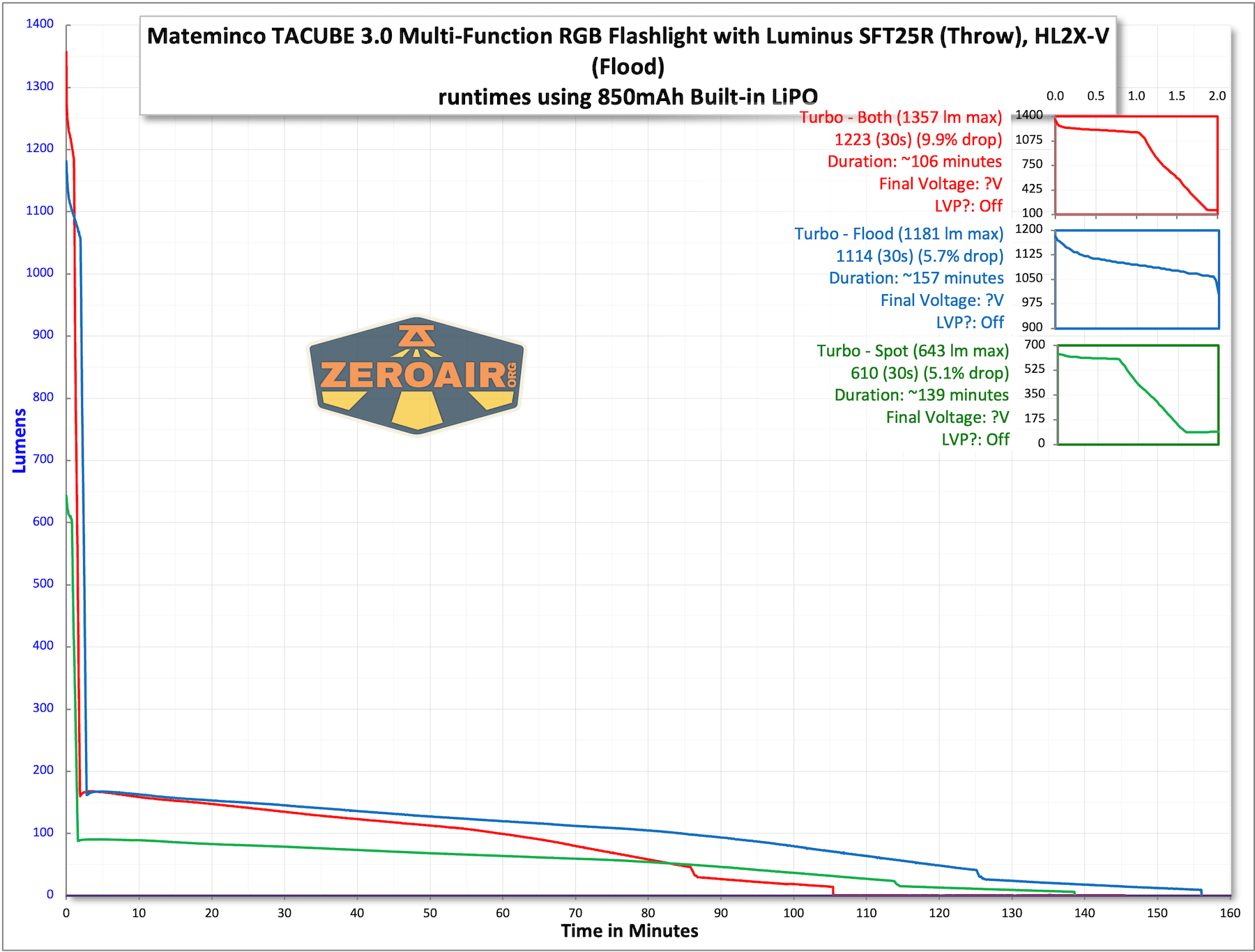
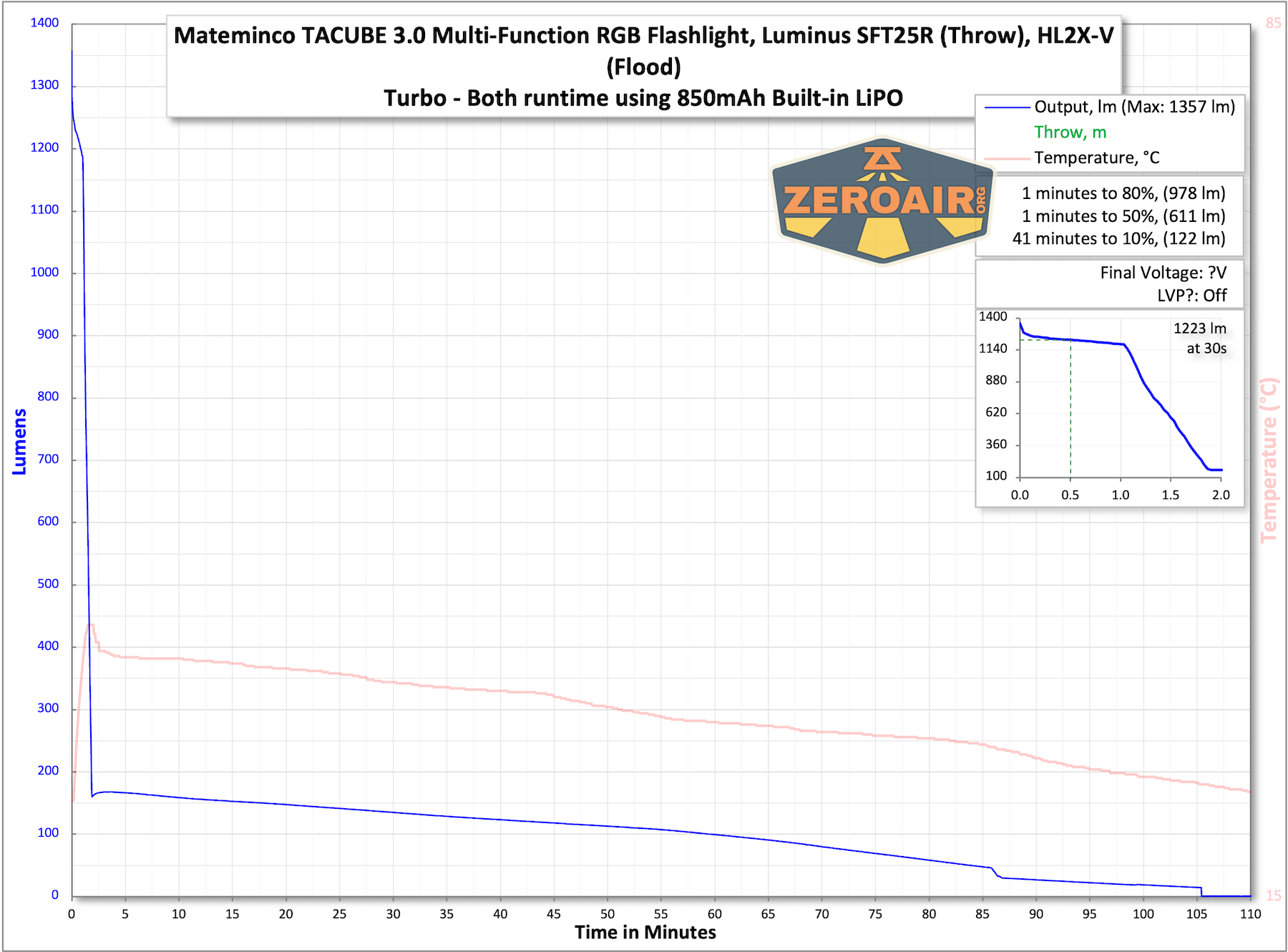
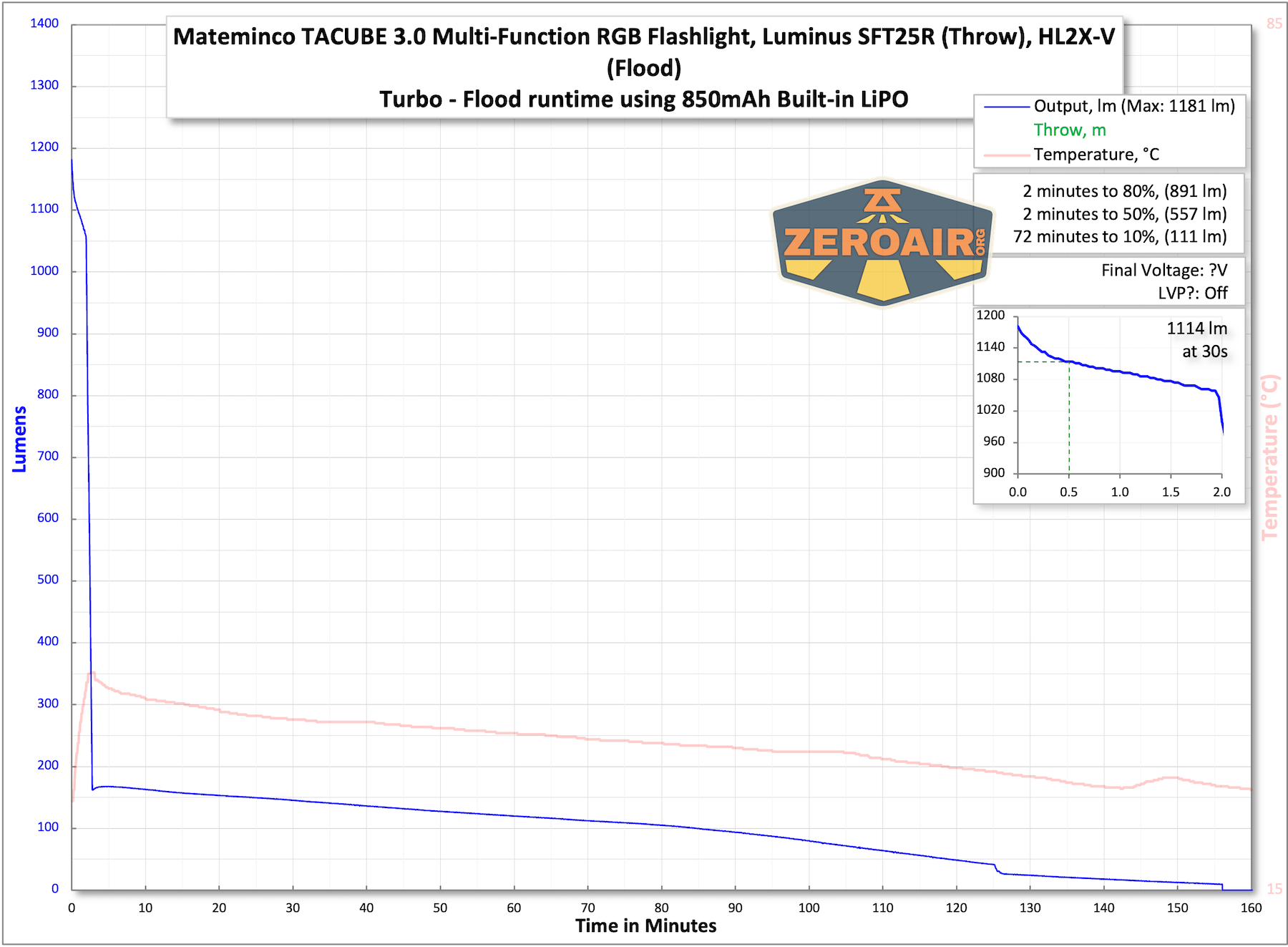
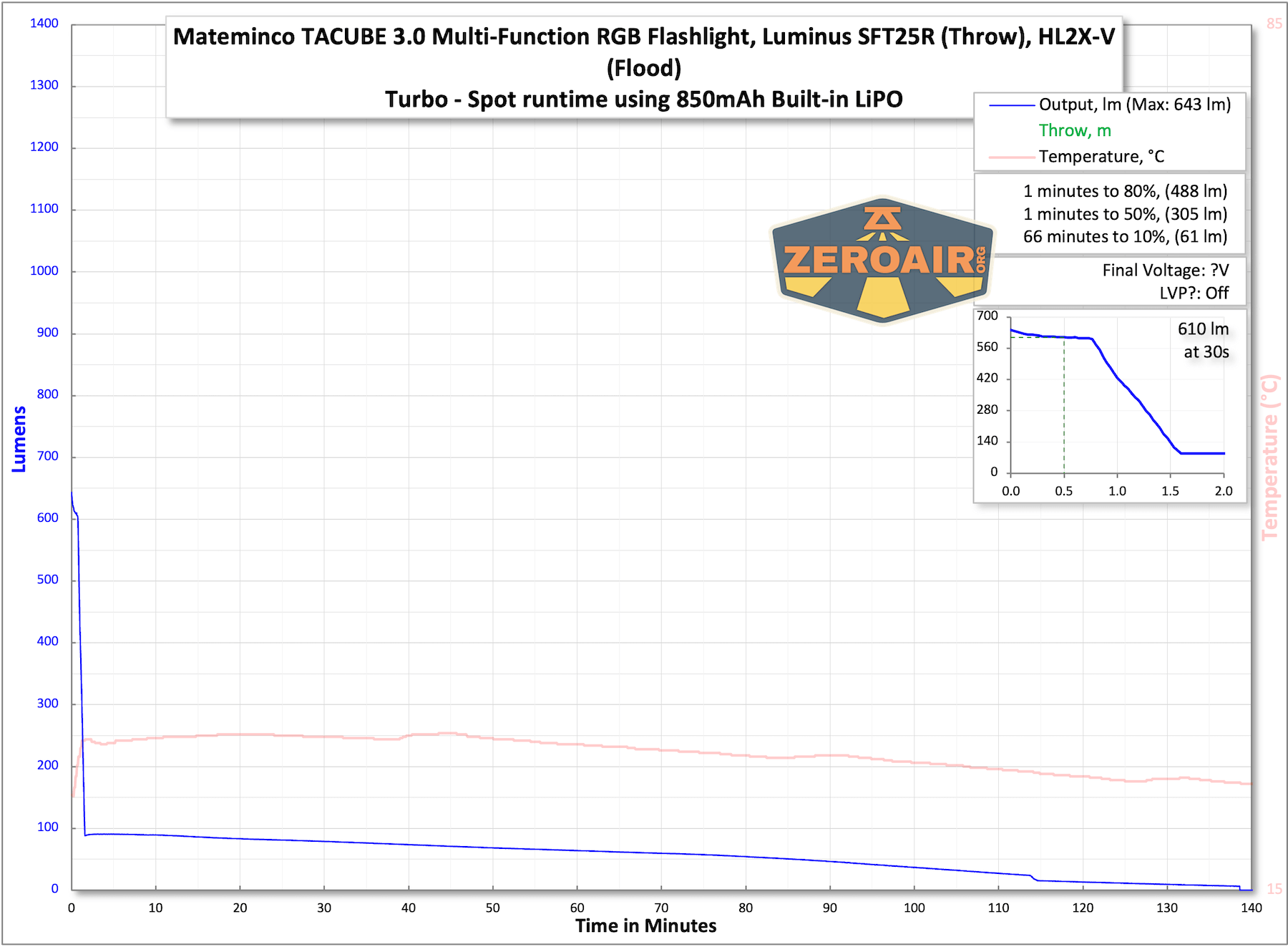
The temperature lines in these charts are included as general context, not precise measurements. The values represent the range (min to max) during testing, but should not be taken as exact readings. A temperature sensor is not always attached to the bezel (or even the hottest spot, assuming that could be defined). Even with ideal placement, too many variables affect temperature to definitively state a specific max value.
Charging
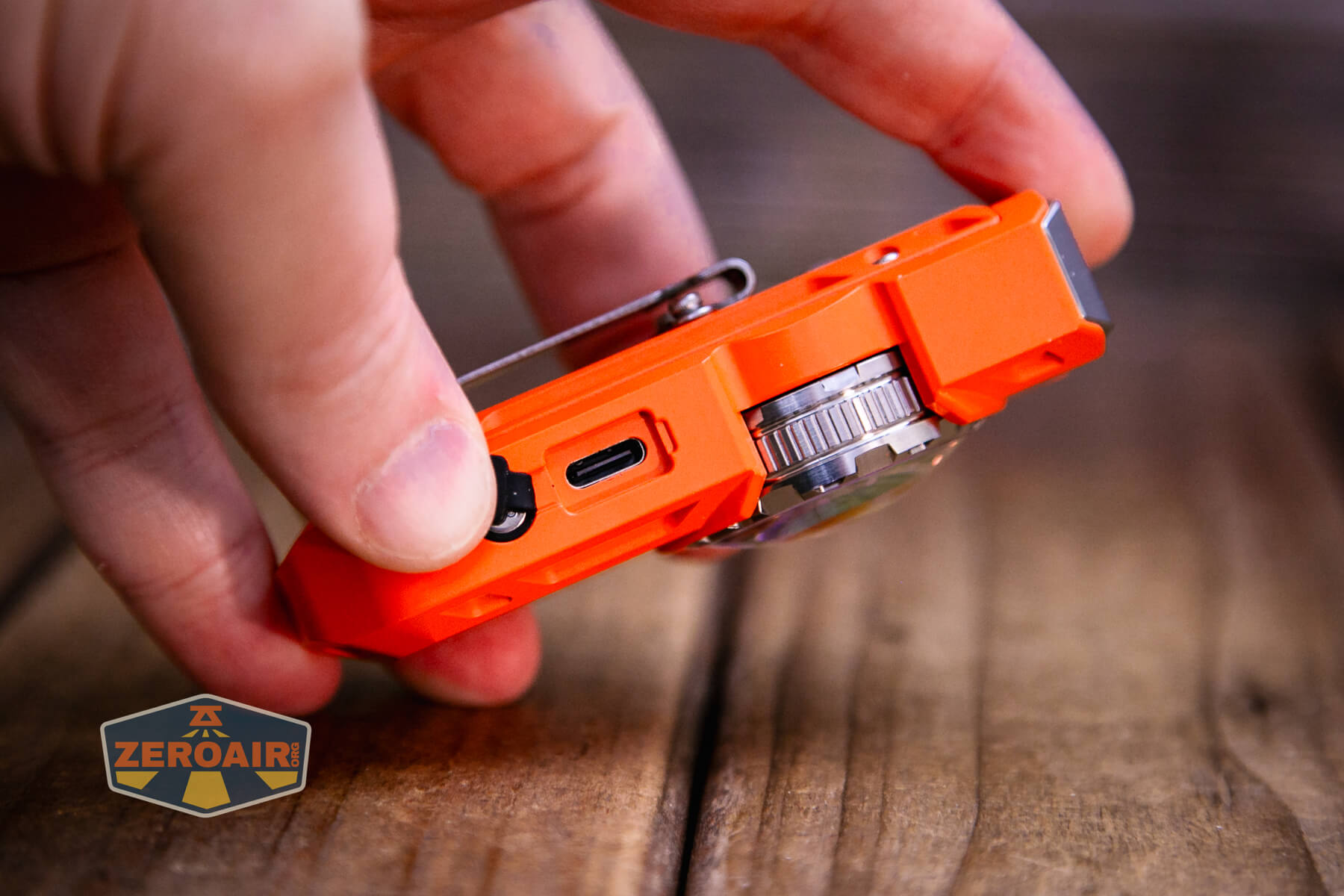
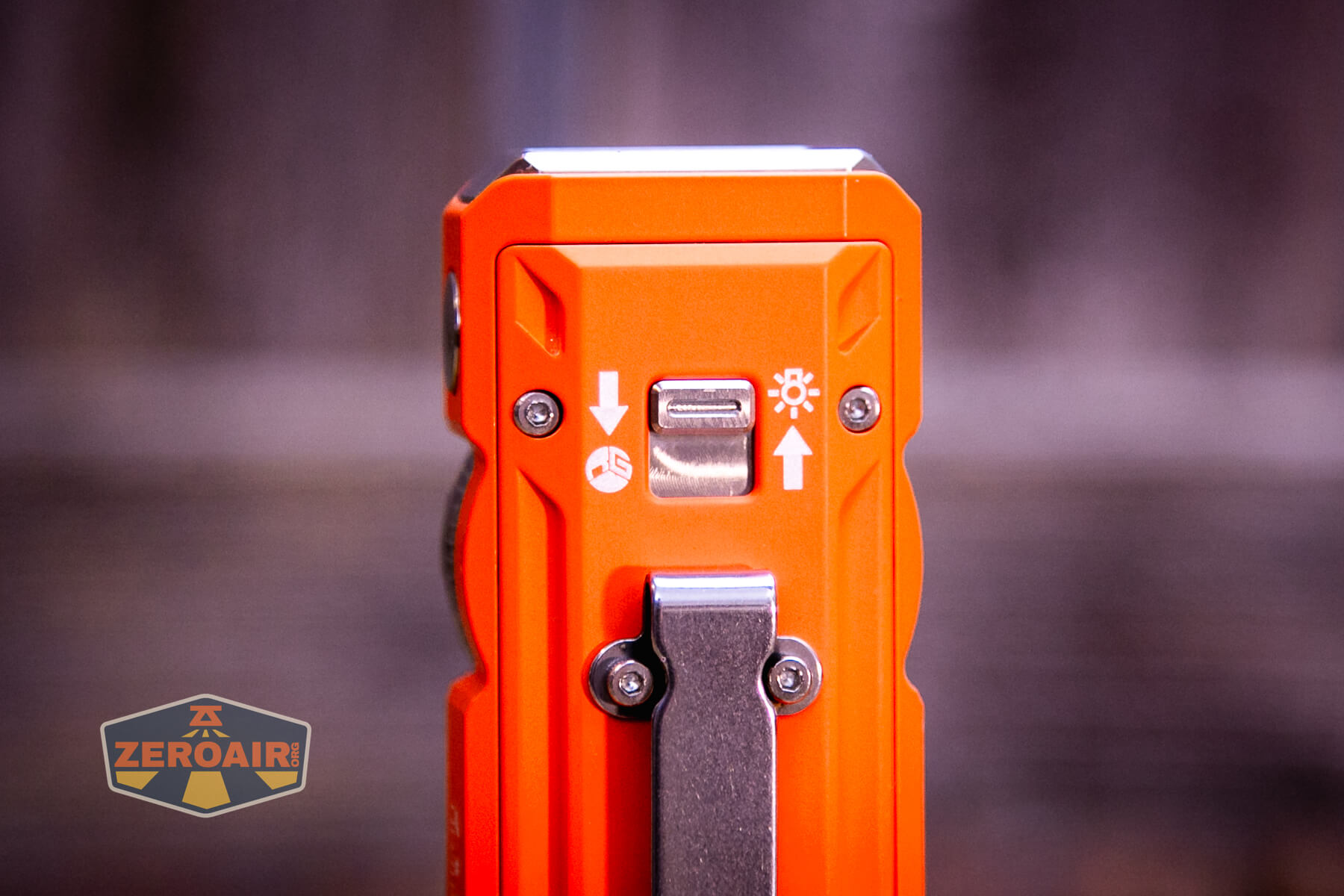
The Mateminco TACUBE 3.0 multi-function RGB flashlight has USB-C charging. Below you can see the charge port cover. It just presses in. It’s thin, and there’s not much of a place to pick it out, so it’s a real pain to remove for charging.
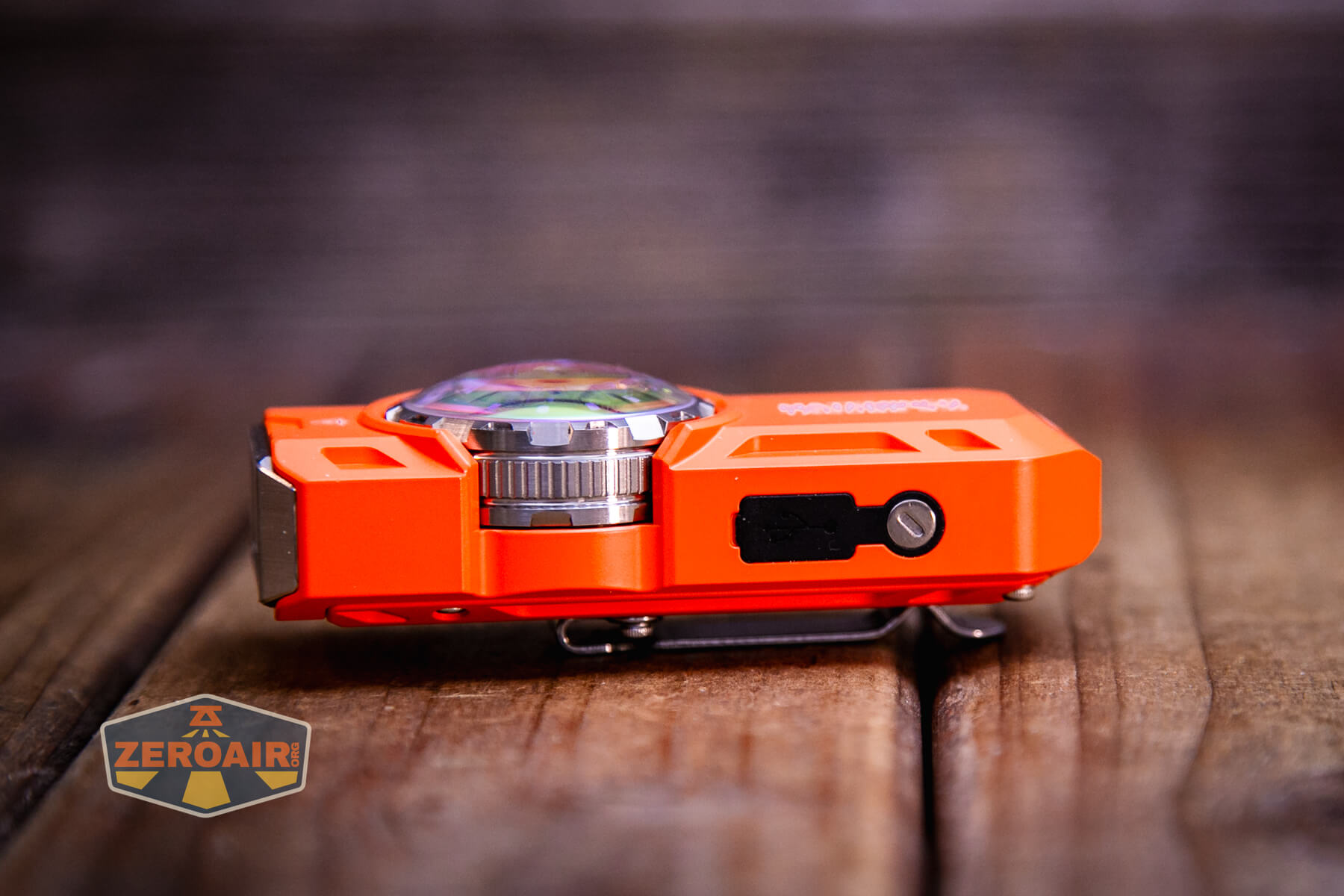
It was such a pain to remove for charging that I just removed that screw and took the cover off.
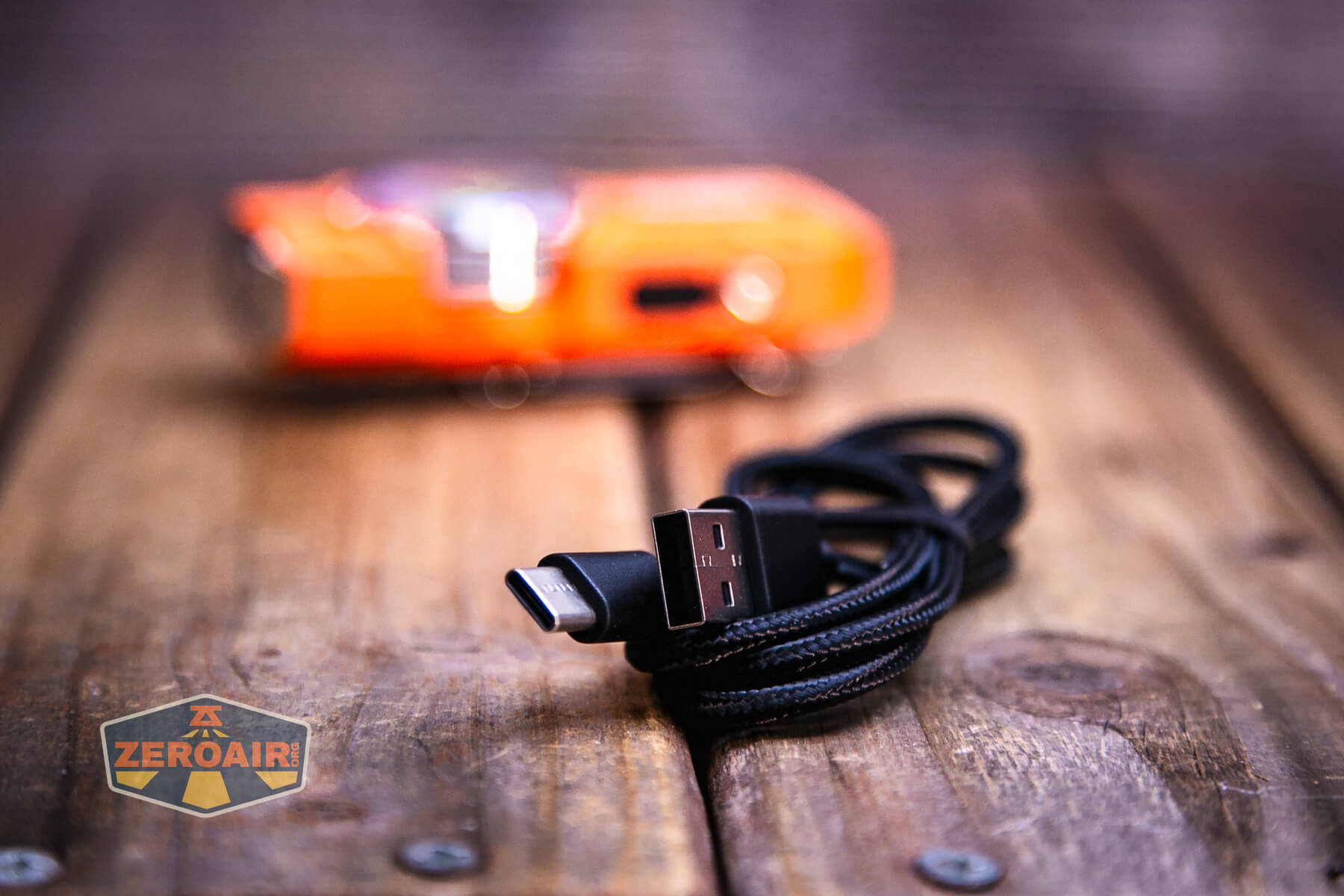
Mateminco includes a USB to USB-C charging cable.
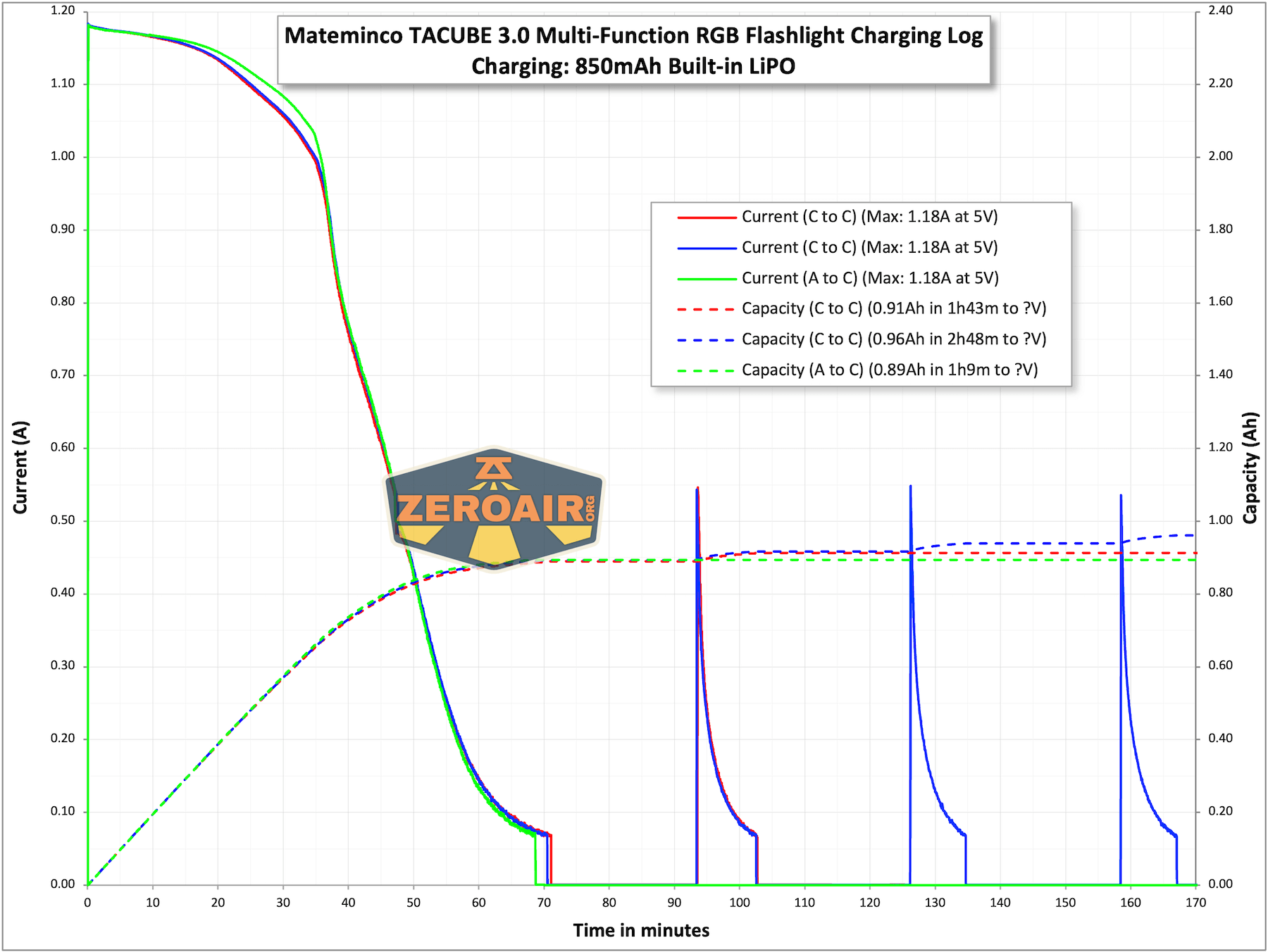
Charging works fine and takes around an hour to complete. But if you leave the light on the charger, you’ll continue to get these brief charge spikes for hours and hours (essentially as long as I tested – well past what’s shown in the graph below).
I think this could mean that the parasitic drain on the Mateminco TACUBE 3.0 multi-function RGB flashlight is very high, and the light needs to be charged that often. Or it could just mean something else I didn’t think of. Anyway, good practice would be to take the light off your charger once the front ring turns from red to green.
Modes and Currents
| Mode | Mode Claimed Output (lm) | Claimed Runtime | Measured Lumens |
|---|---|---|---|
| Turbo – Both | 1550 | 2h | 1357 (0s) 1223 (30s) |
| Low – Both | 60 | 5.5h | – |
| Turbo – Flood | 1000 | 2.5h | 1181 (0s) 1114 (30s) |
| Low – Flood | 16 | 9h | – |
| Turbo – Spot | 650 | 2.5h | 643 (0s) 610 (30s) |
| Low – Spot | 30 | 8h | – |
Pulse Width Modulation
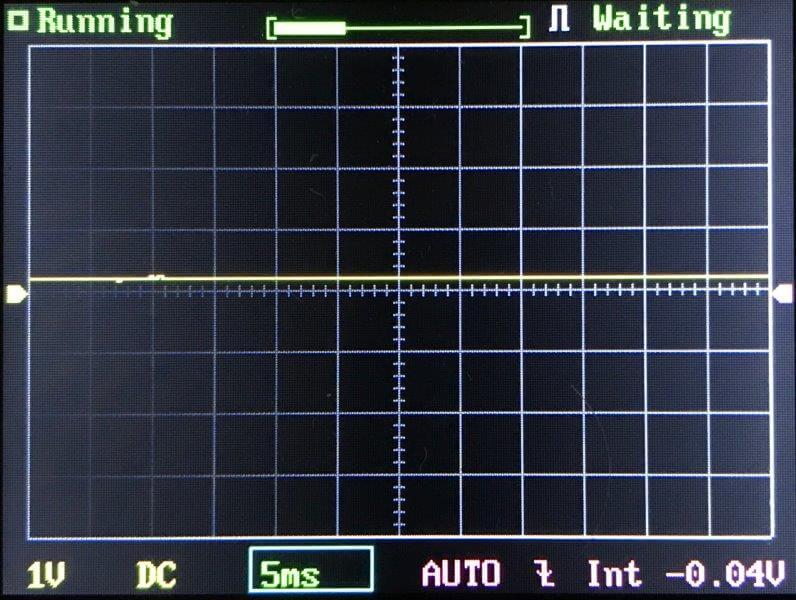
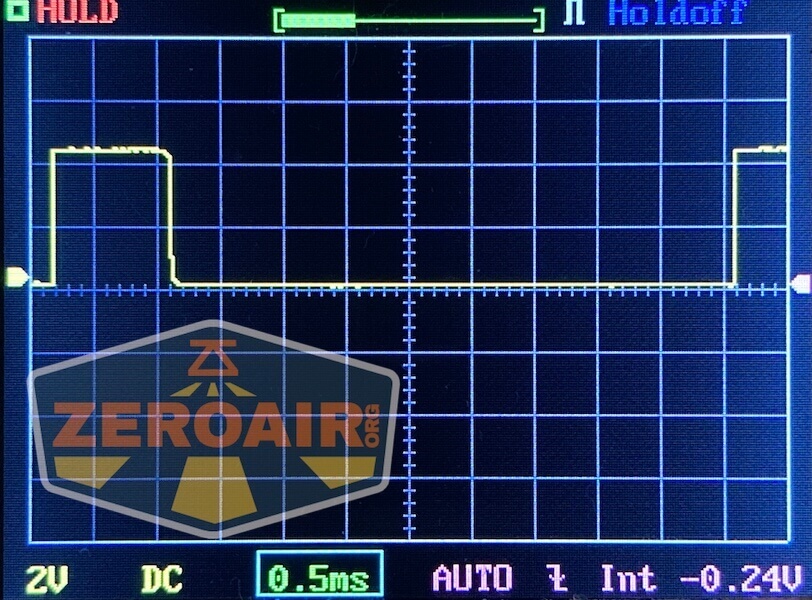
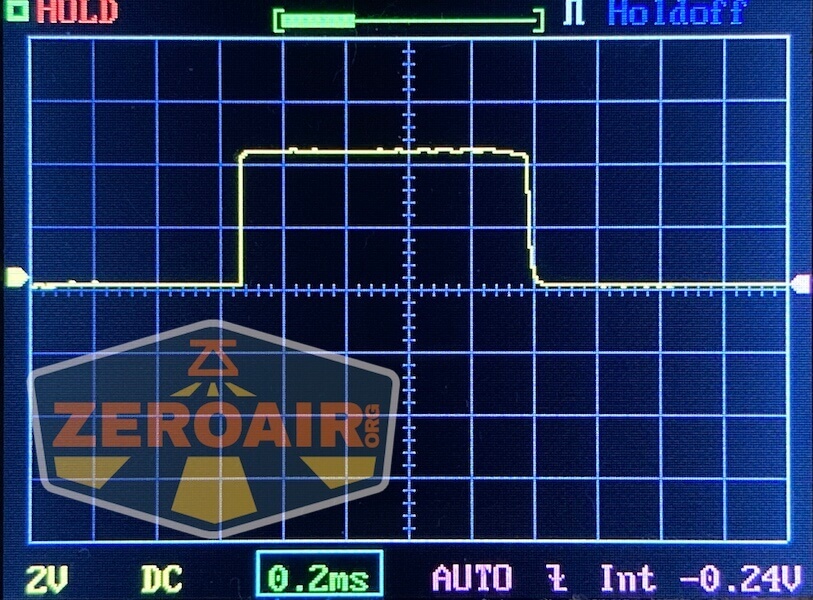
The lowest mode always uses PWM. The highest mode does not. Throughout the ramping almost certainly uses some level of PWM, too.

Click here to see a “baseline” – a chart with almost no light hitting the sensor.
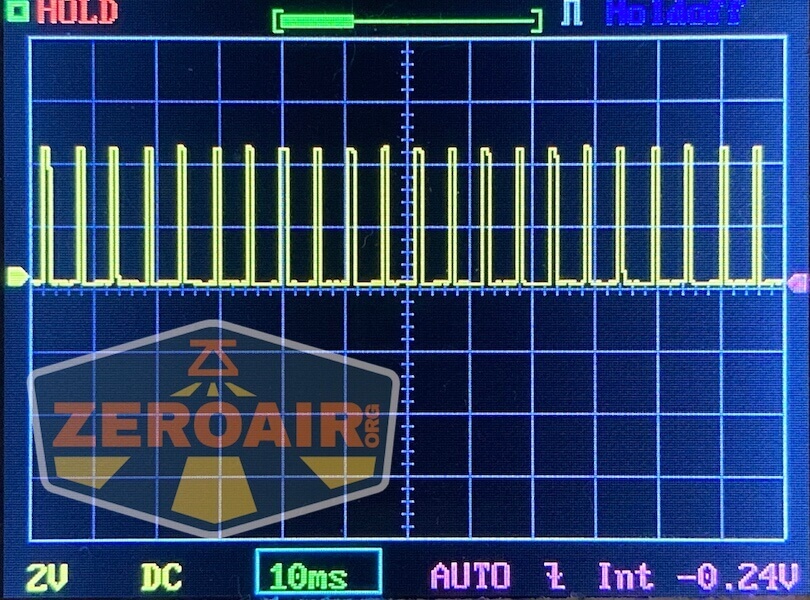
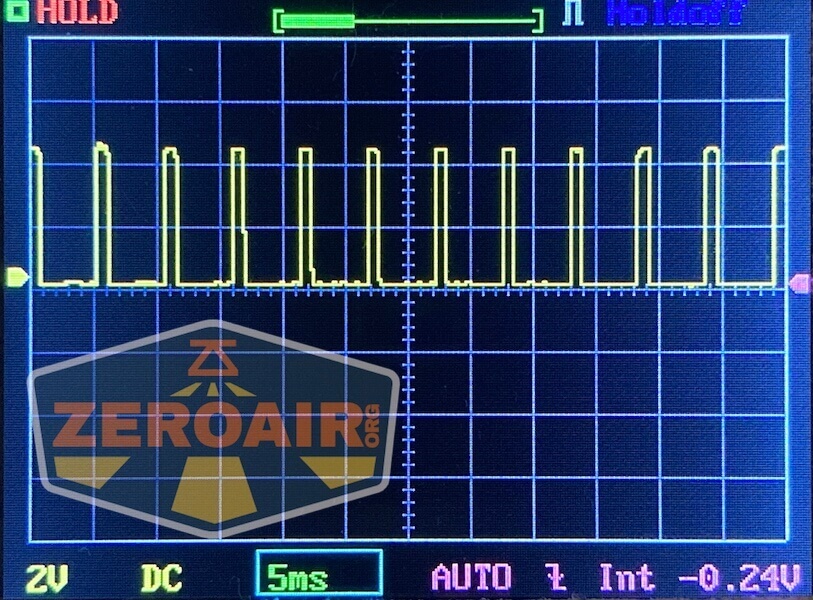
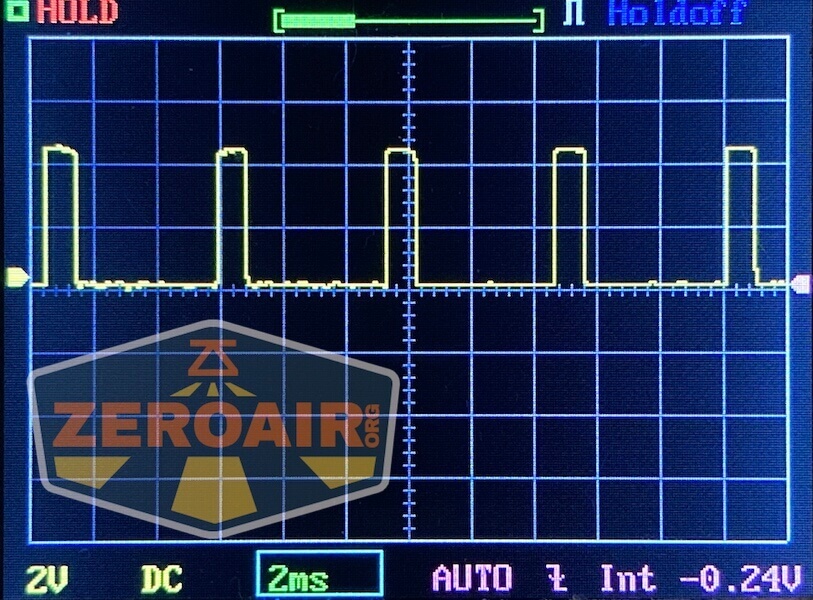
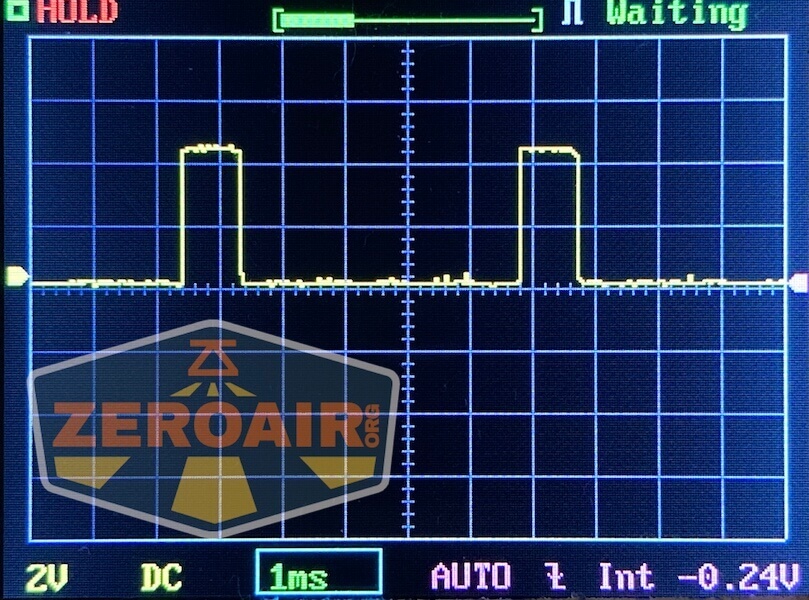
Then there’s the Ultrafire WF-602C flashlight, which has some of the worst PWM I’ve seen. It’s so bad that I used a post about it to explain PWM! Here are multiple timescales (10ms, 5ms, 2ms, 1ms, 0.5ms, 0.2ms) to make comparing this “worst” PWM light to the test light easier. That post also explains why I didn’t test the WF-602C at the usual 50us scale.
User Interface and Operation
The Mateminco TACUBE 3.0 multi-function RGB flashlight features a number of means to control the output. First, this switch on the back switches between front white LED output and side (various options) output.
After that, there’s an e-switch on the side that controls on and off, among other things.
The action on this switch is very low, and it sits flush with the body. It’s not likely to get accidentally pressed, though.
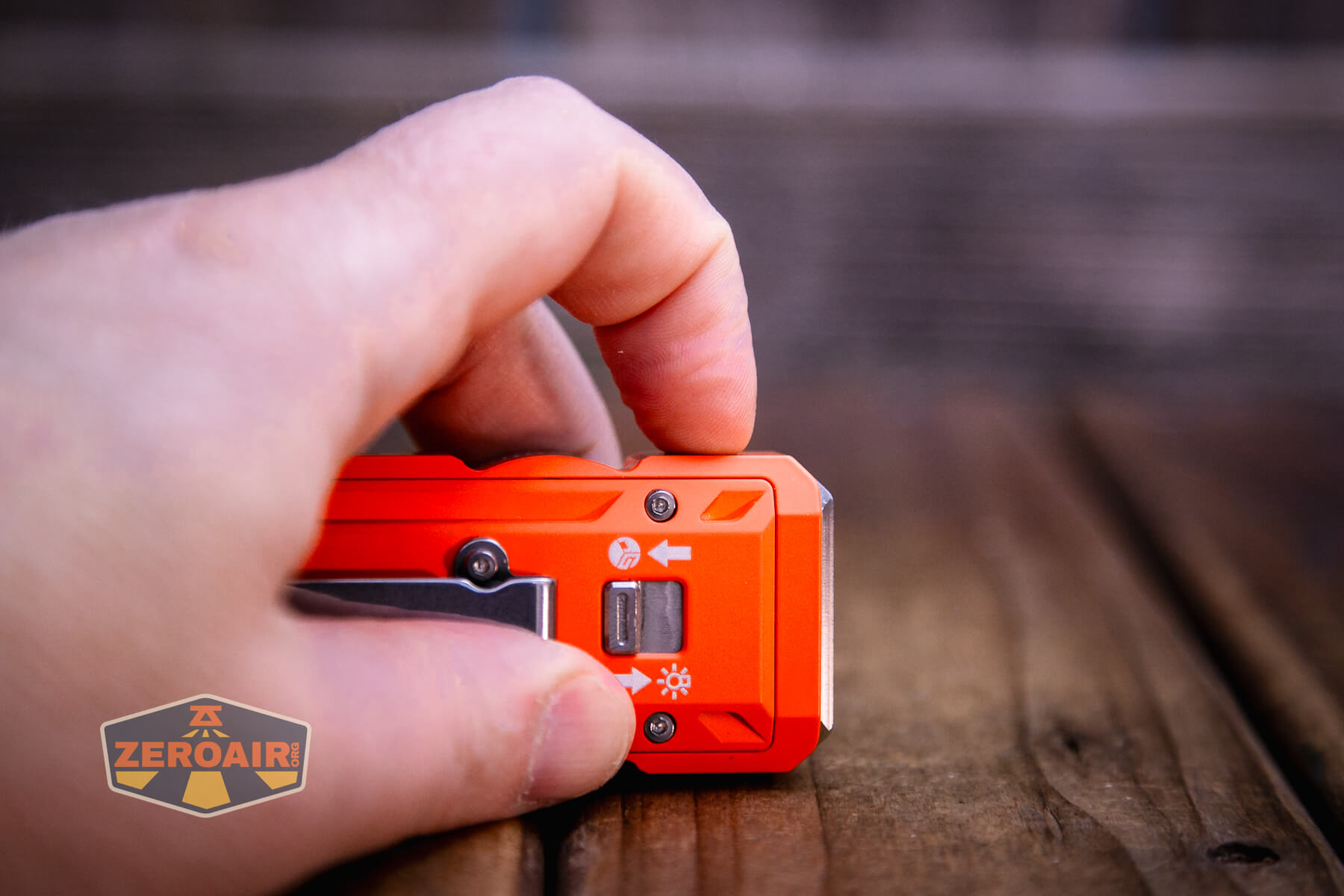
Finally, there’s a big rotary dial, accessible from both sides.
Here’s a user interface table!
| State | Action | Result |
|---|---|---|
| Switch forward for white LED output – Off | Click e-switch | Flood – memory |
| Flood – memory | Click e-switch | Spot – memory |
| Switch forward for white LED output – Off | Double click e-switch | Strobe |
| Switch forward for white LED output – On | Double click e-switch | Turbo – Both |
| Switch forward for white LED output – On | Click e-switch | Off |
| Switch forward for white LED output – Off | Triple click e-switch | SOS |
| Switch forward for white LED output – On or off | Hold e-switch | UV on |
| UV on | Hold e-switch | UV off |
| Switch in either position – Off | Click e-switch 4x | Voltage indicator |
| Switch in either position – Off | Click e-switch 5x | Lockout (ring blinks blue to indicate lock) |
| Lockout | Click e-switch 5x | Unlock (ring blinks blue to indicate unlock, light does not turn on) |
| Switch rearward for side output – Off | Click e-switch | Side white LED on |
| Switch rearward for side output – On | Double click e-switch | Single light strobe |
| Switch rearward for side output – On | Click e-switch | Off |
| Switch rearward for side output – Off | Double click e-switch | Side red/blue flash |
| Switch rearward for side output – Off | Triple click e-switch | Game mode |
| Switch rearward for side output – Off | Long press e-switch | A few side LEDs are activated |
| Switch rearward for side output – On or off | Click e-switch 6x | Iterate UV on/off |
| Switch rearward for side output – On | Rotate ring | RGB advance |
| Switch rearward for side output – Game mode | Rotate ring | Play game |
| Switch forward for white LED output – On | Rotate ring | Clockwise: output increase Counterclockwise: output decrease |
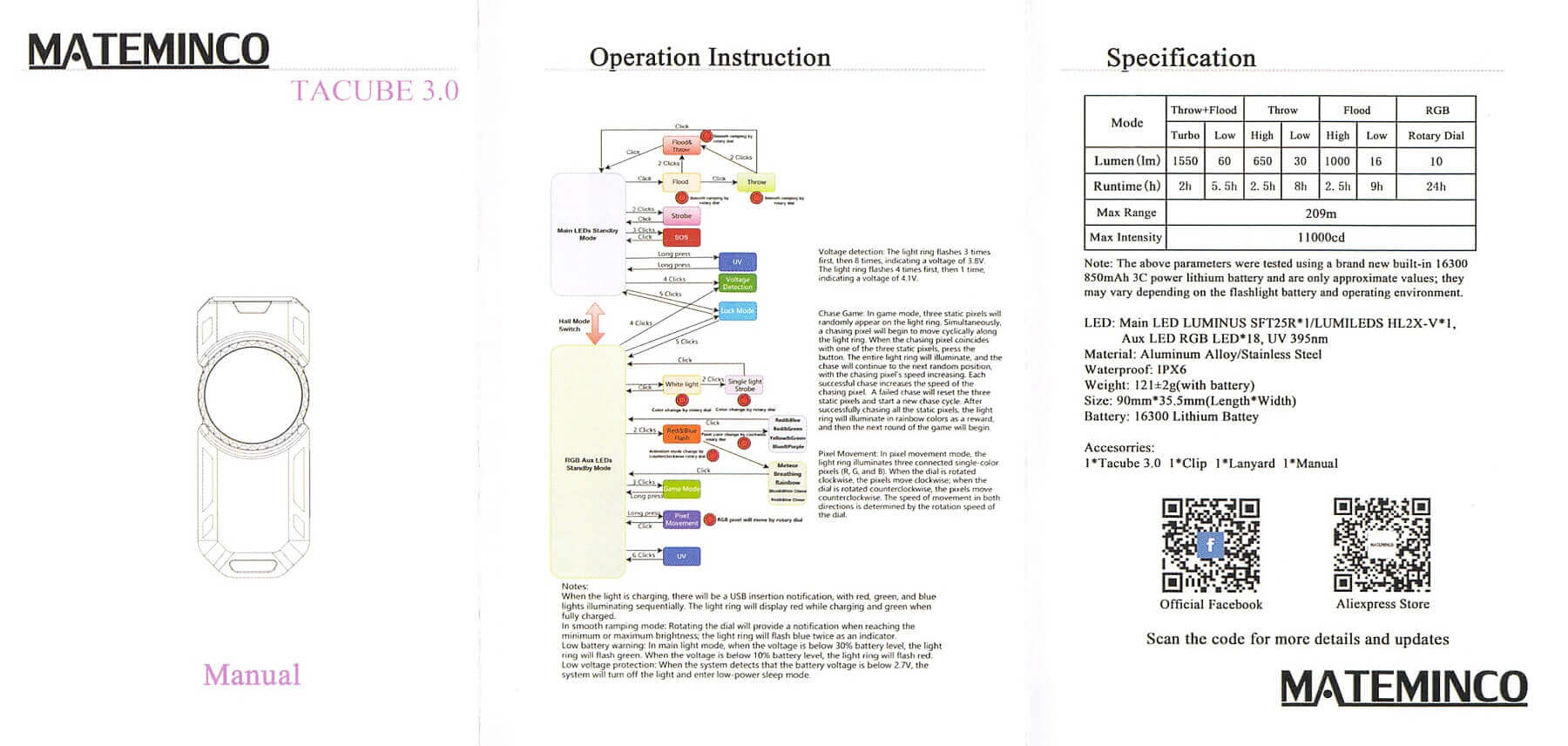
I am fairly sure there are more options or “features” to this light, but the user interface graphic gets so small that I can’t see enough detail to cover those features.
LED and Beam
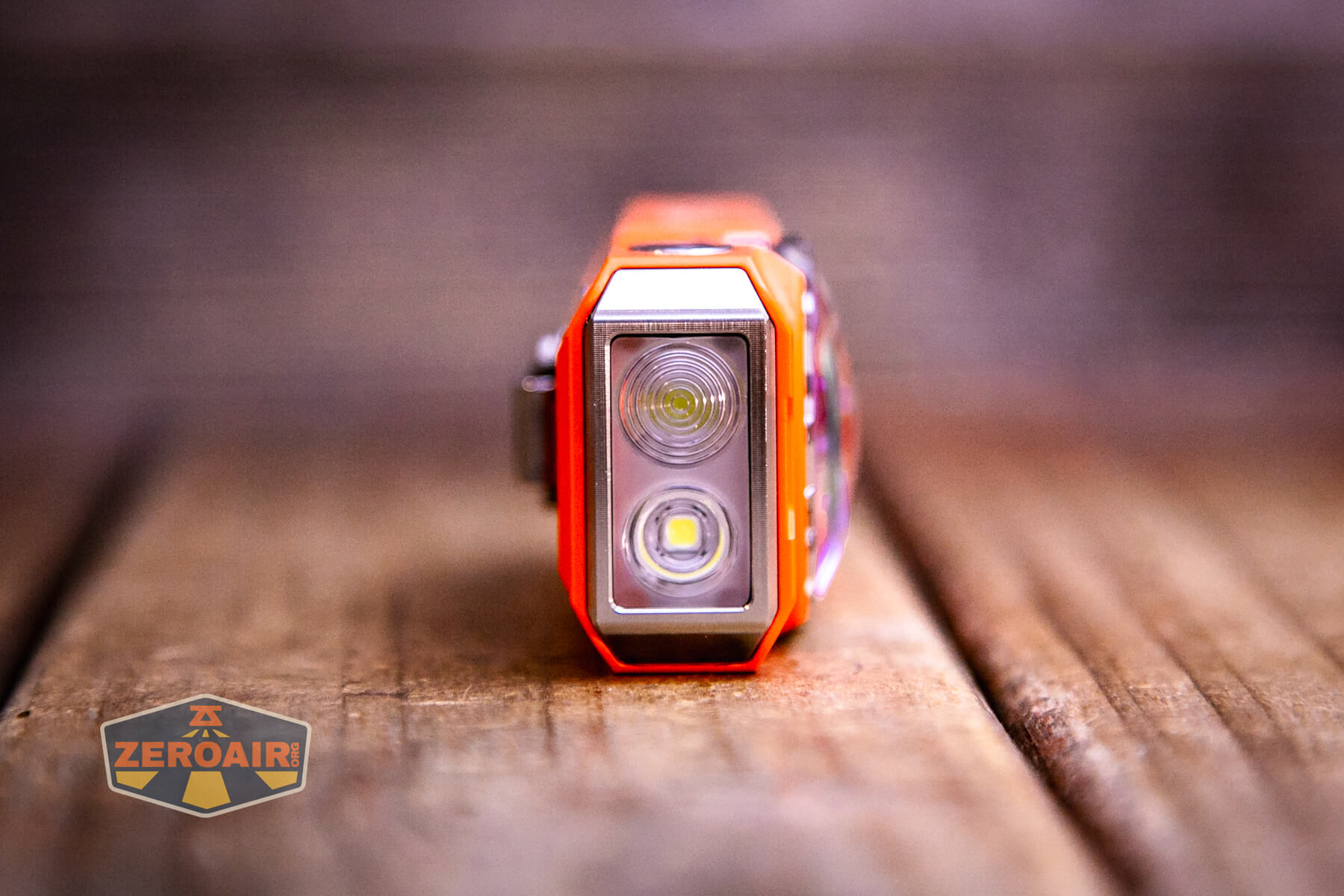
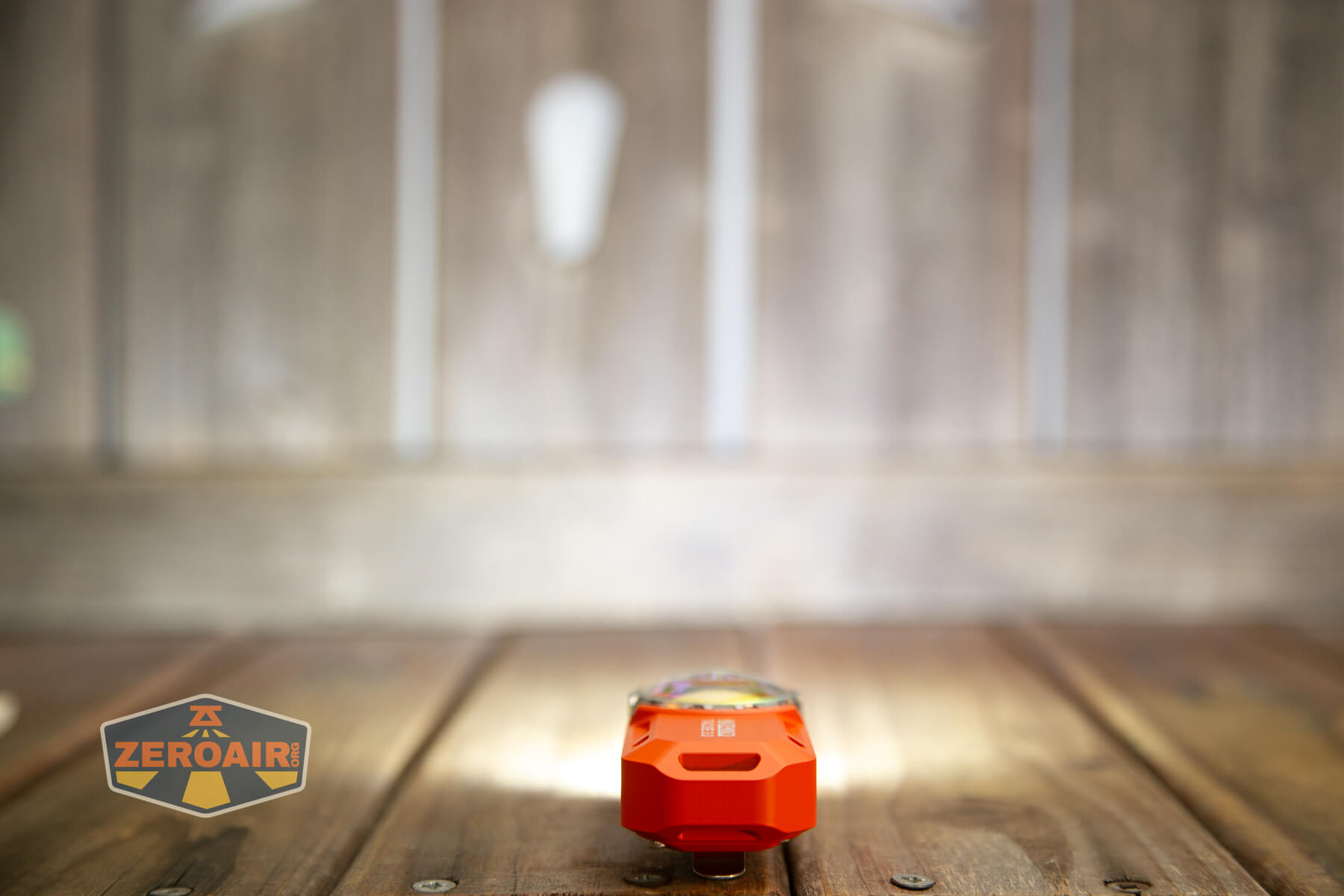
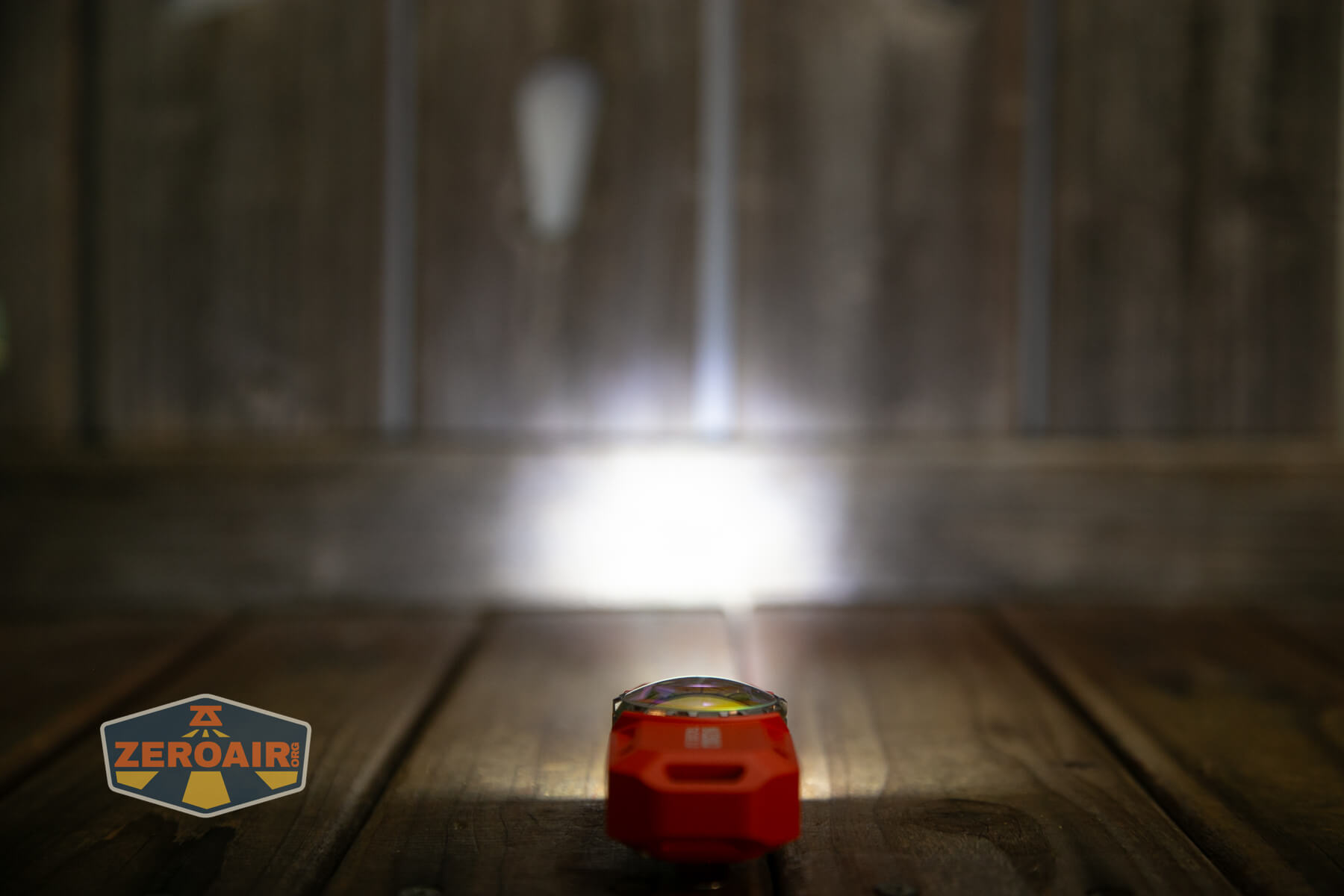
Flashlightgo.com states that these two emitters are a Luminus SFT25R (Throw) ×1 and an HL2X-V (Flood) ×1. Each has a TIR that suits their usage (flood or throw).
The LED ring is just covered in this clear dome, and the LEDs are otherwise not directed. They’re very floody (and also not intended to be “bright” or throwy, so this is just fine.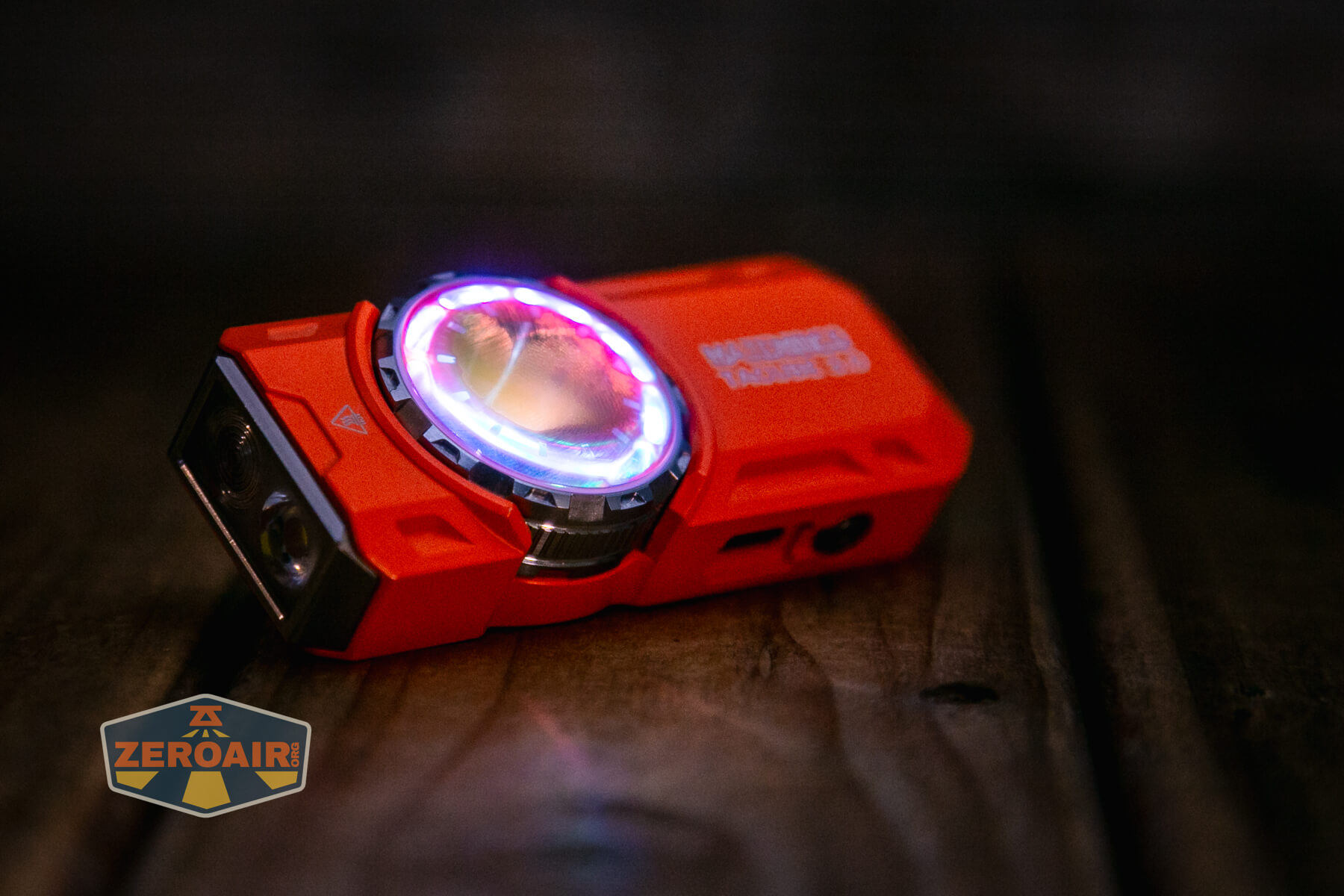
LED Color Report (CRI and CCT)
Output on all modes is high CCT (cool white) and low CRI.
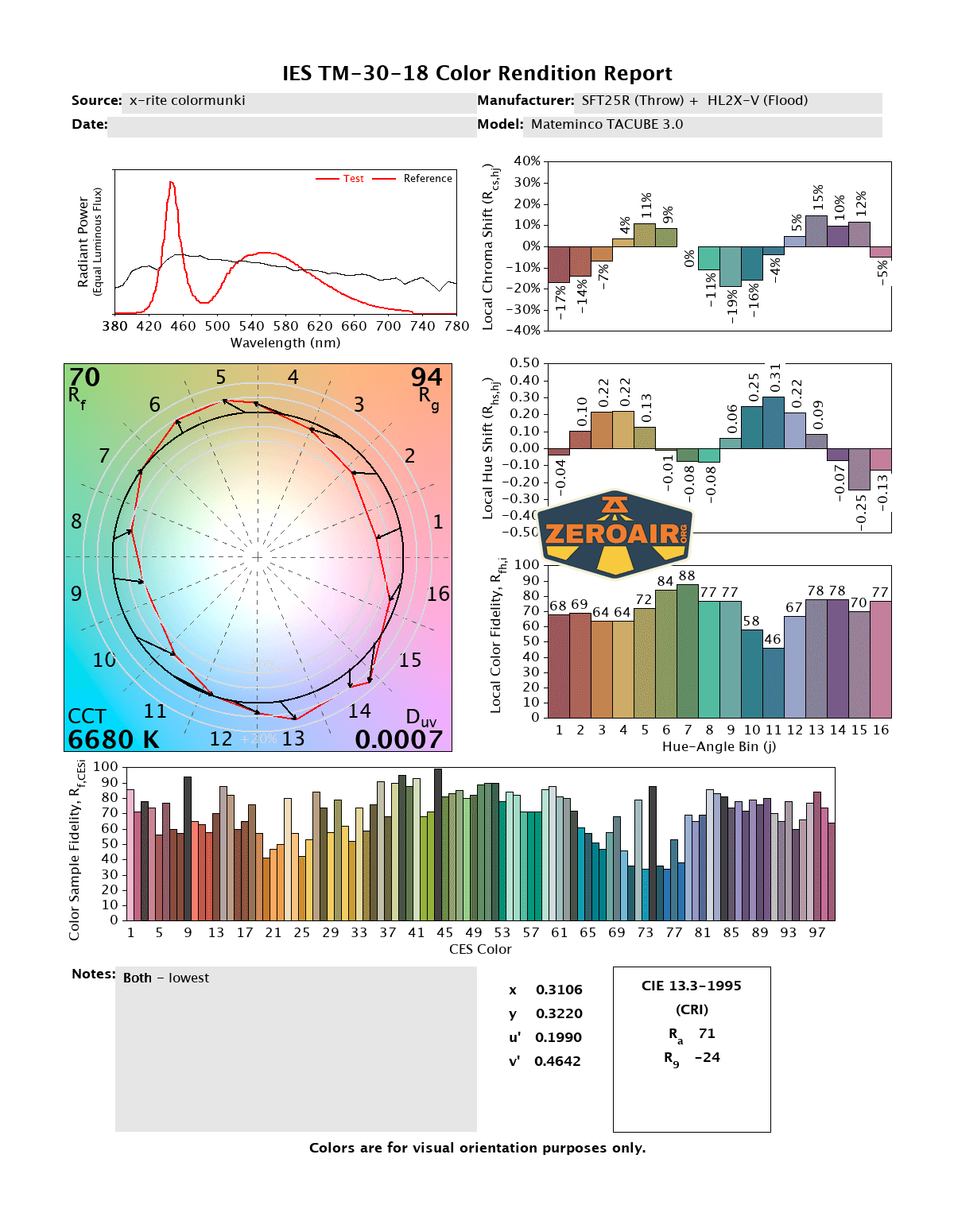
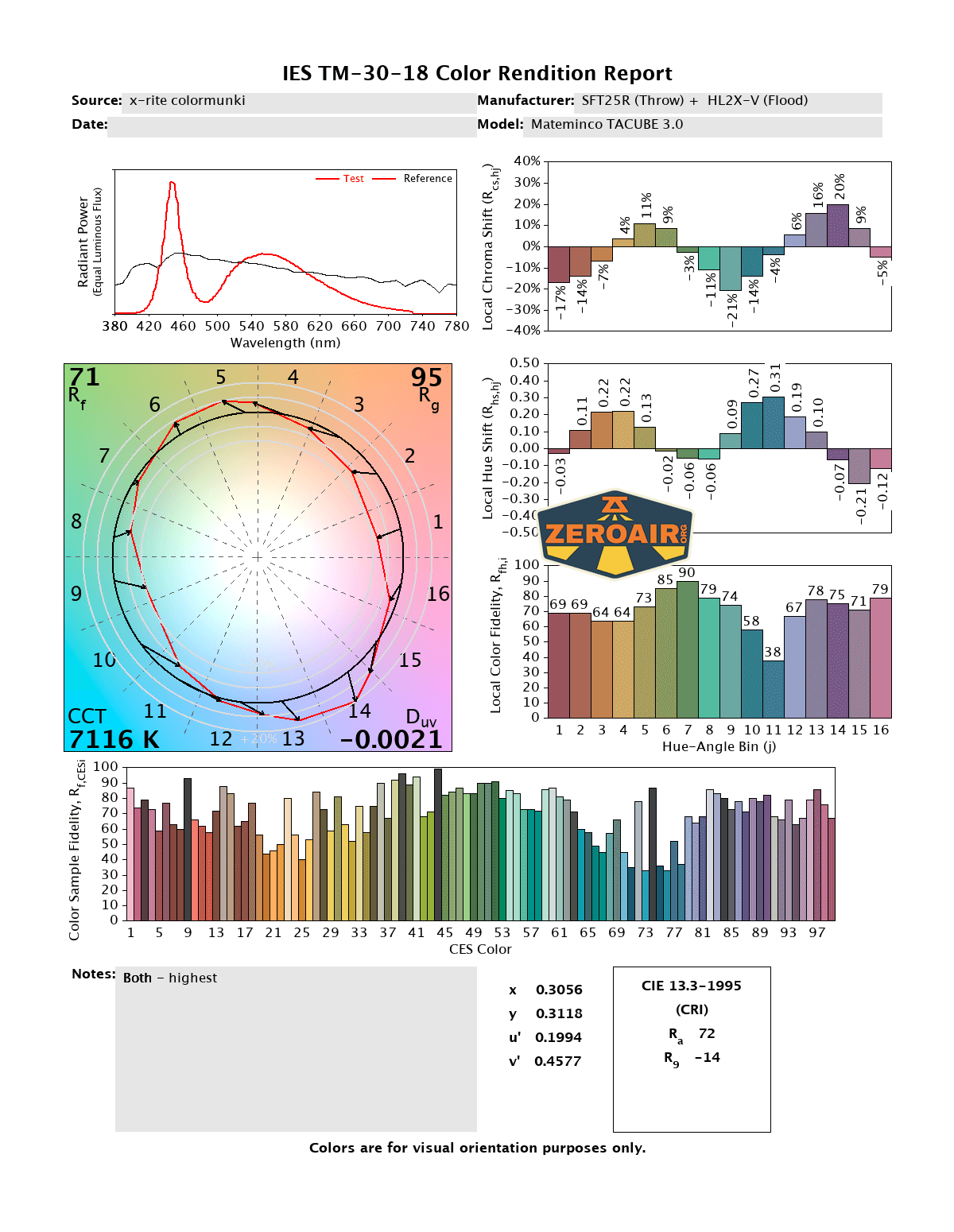
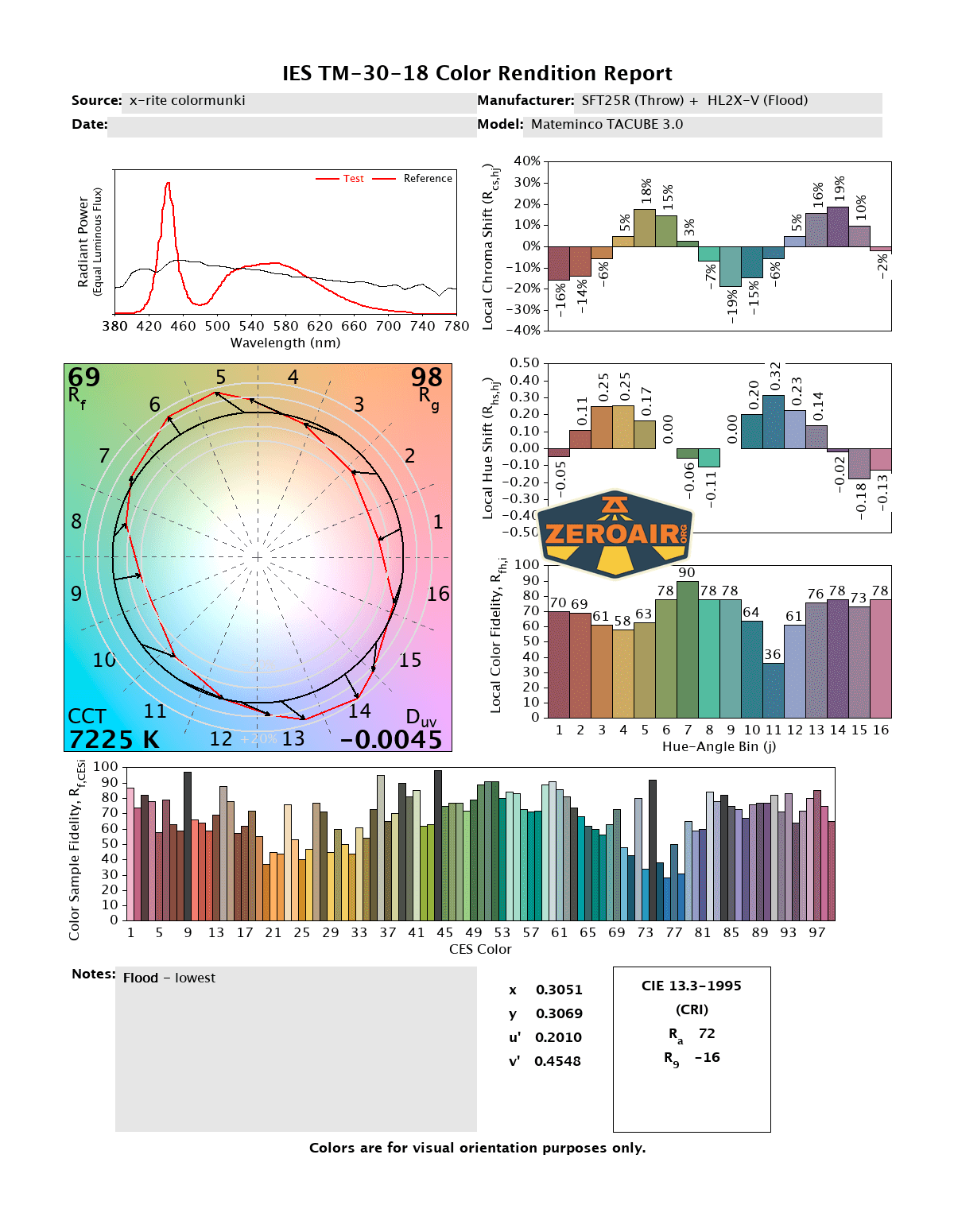
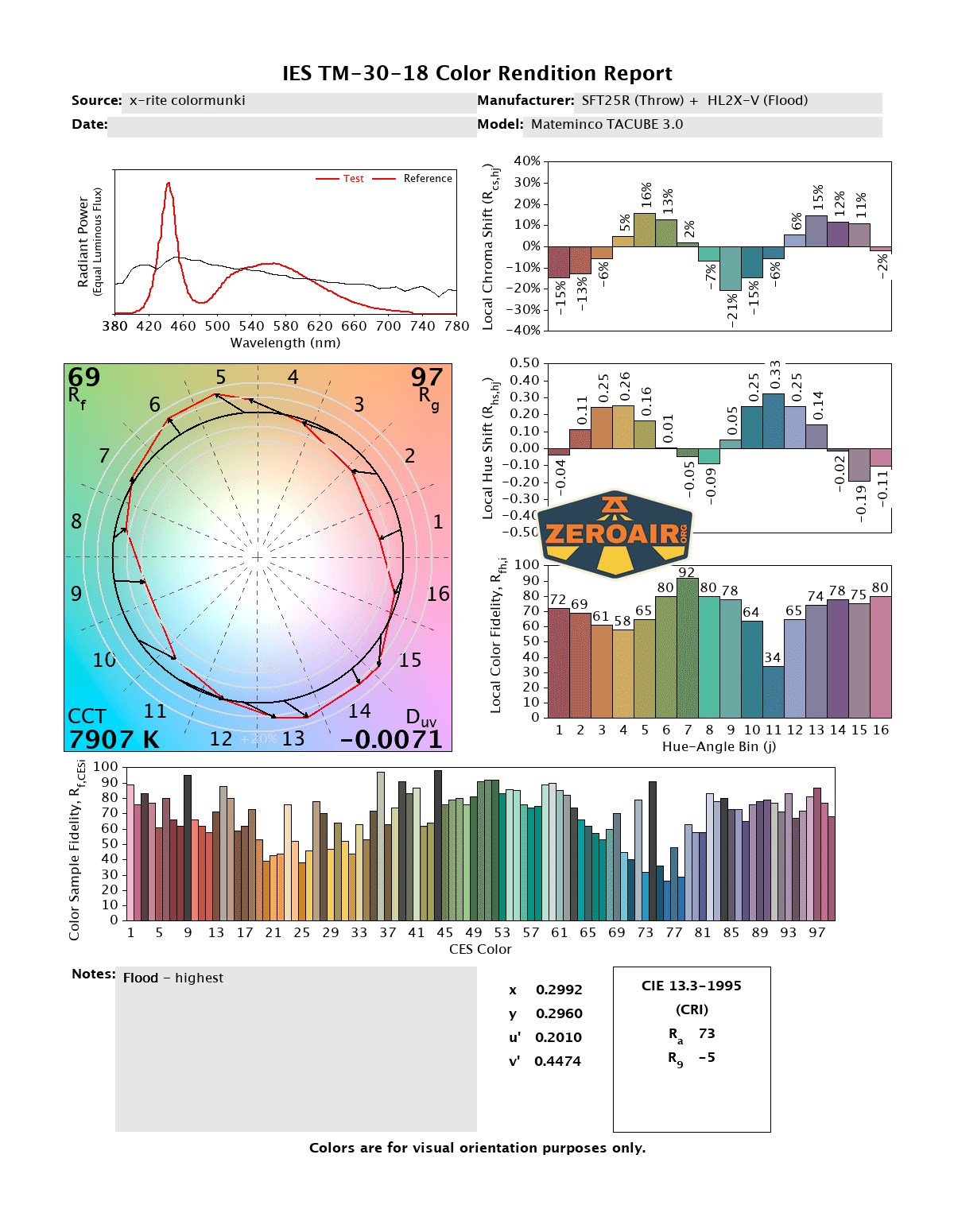
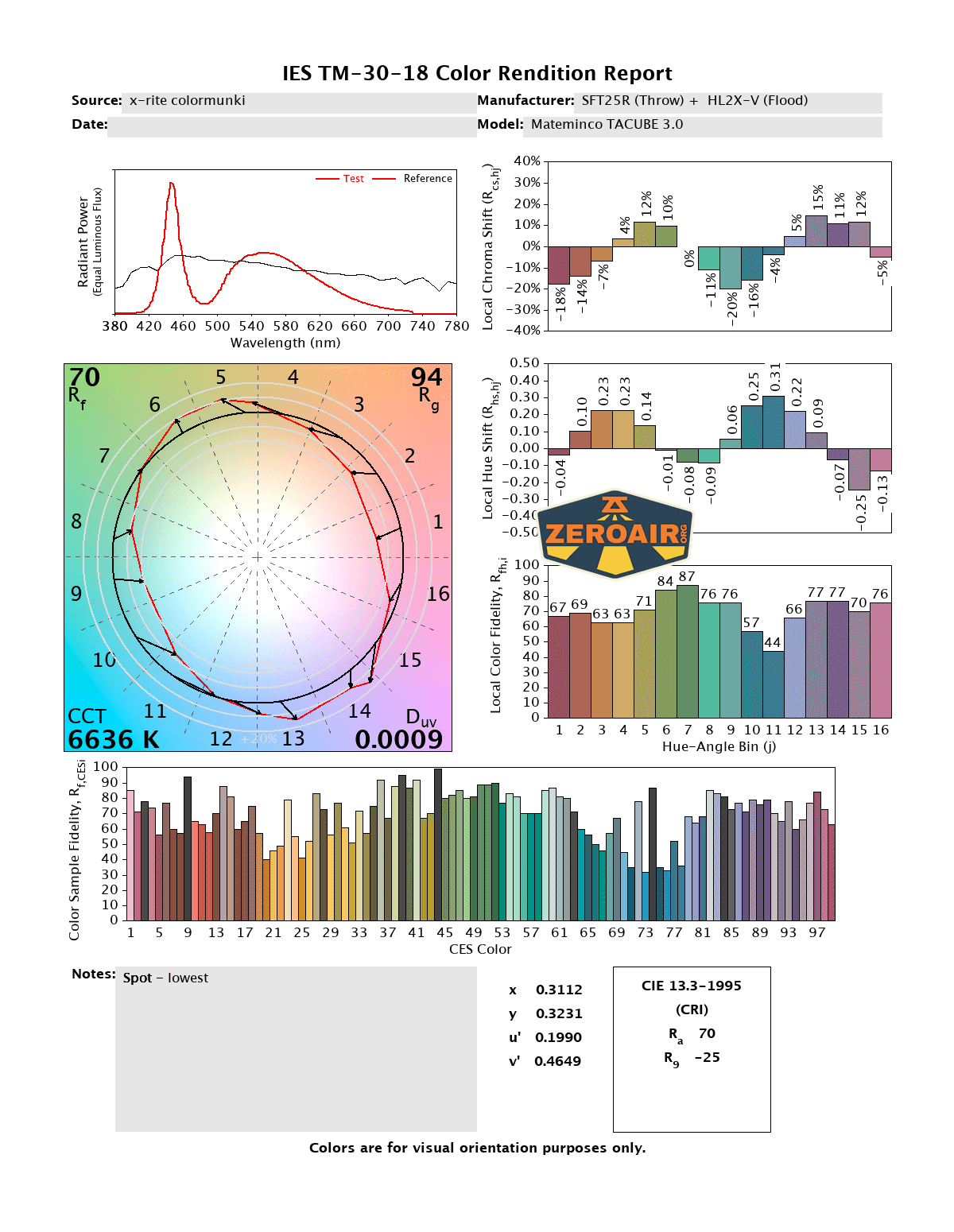
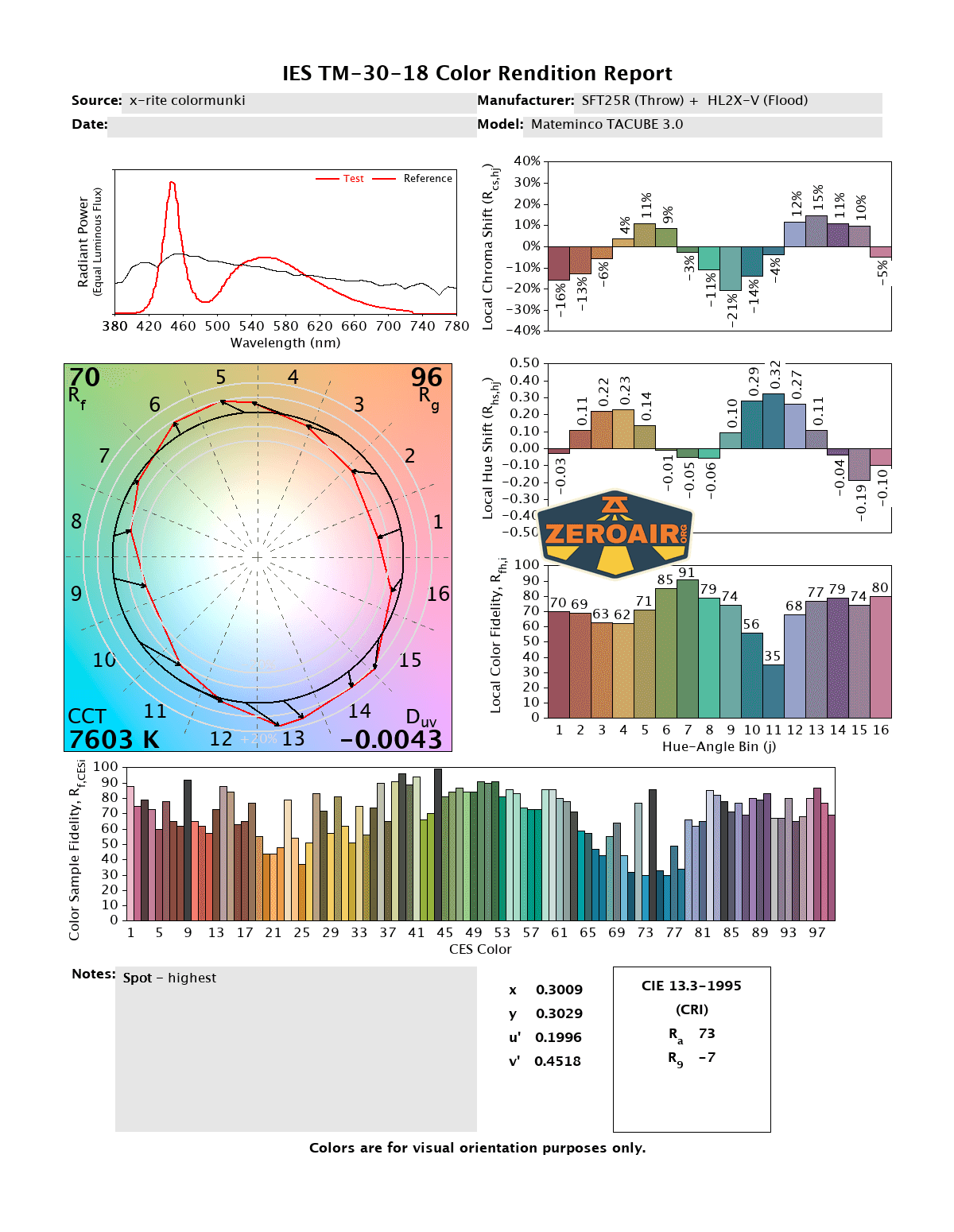
CCT (Correlated Color Temperature) refers to the measurement of the color appearance of light, expressed in Kelvins (K), which indicates whether the light is warm (yellowish) or cool (bluish). A lower CCT (below 3000K) is considered warm light, while a higher CCT (above 5000K) gives cooler, bluish light.
CRI (Color Rendering Index) is a measure of how accurately a light source renders colors in comparison to natural sunlight. Scored on a scale from 0 to 100, higher CRI values indicate that colors appear more true to life and vibrant, similar to how they would look under the sun.
Beamshots
These beamshots always have the following settings: f8, ISO100, 0.3s shutter, and manual 5000K exposure. These photos are taken at floor level, and the beam hits the ceiling around 9 feet away.


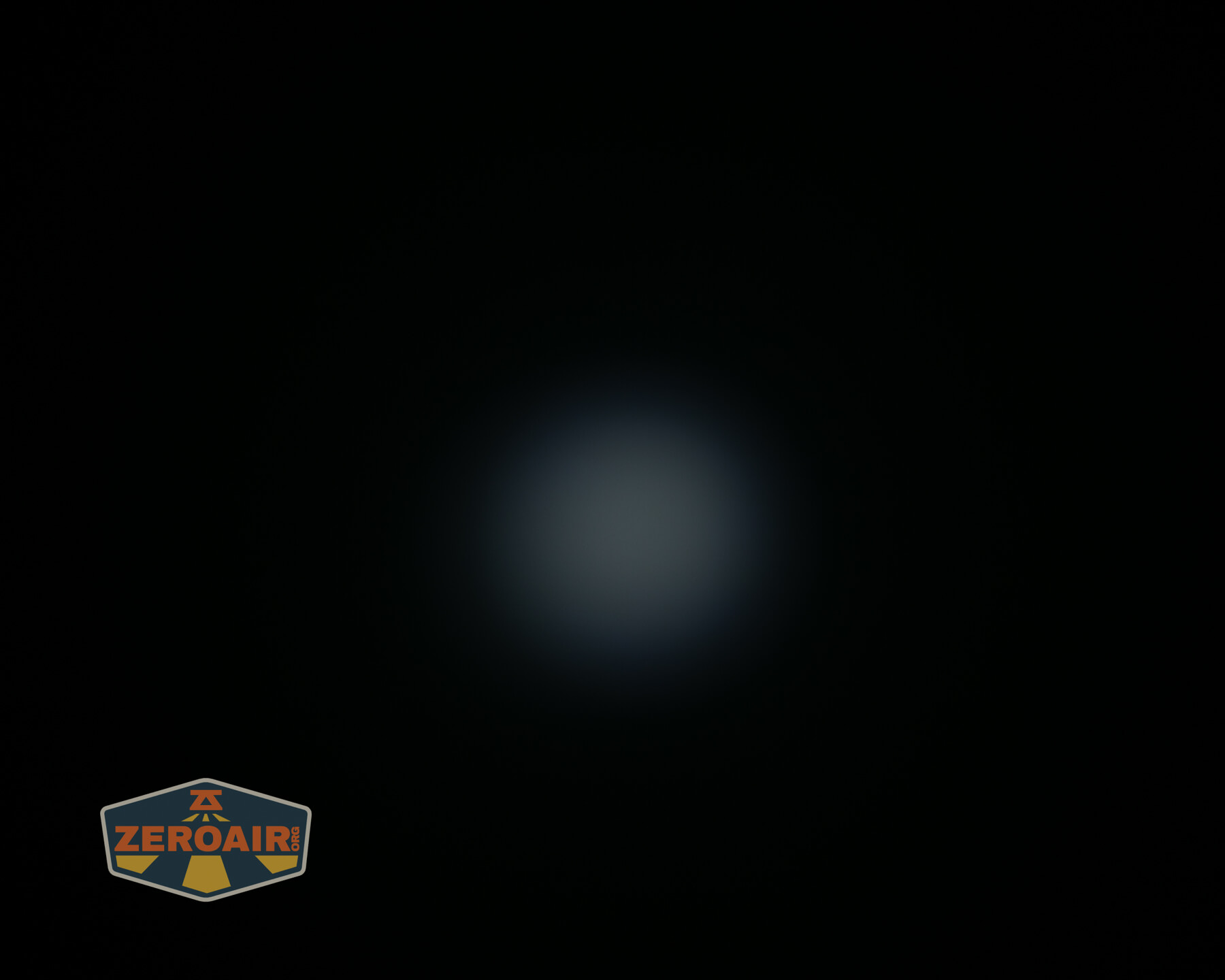
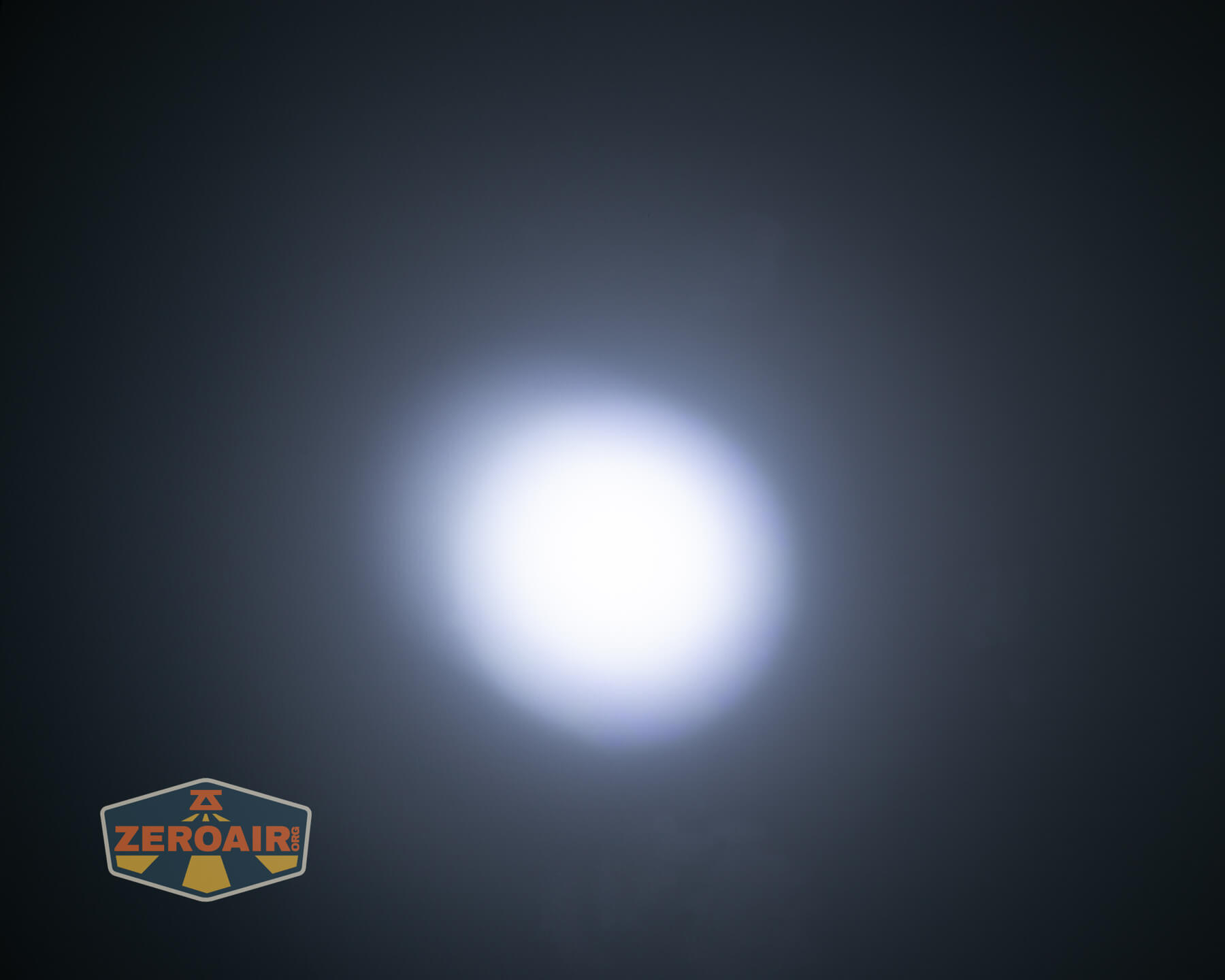
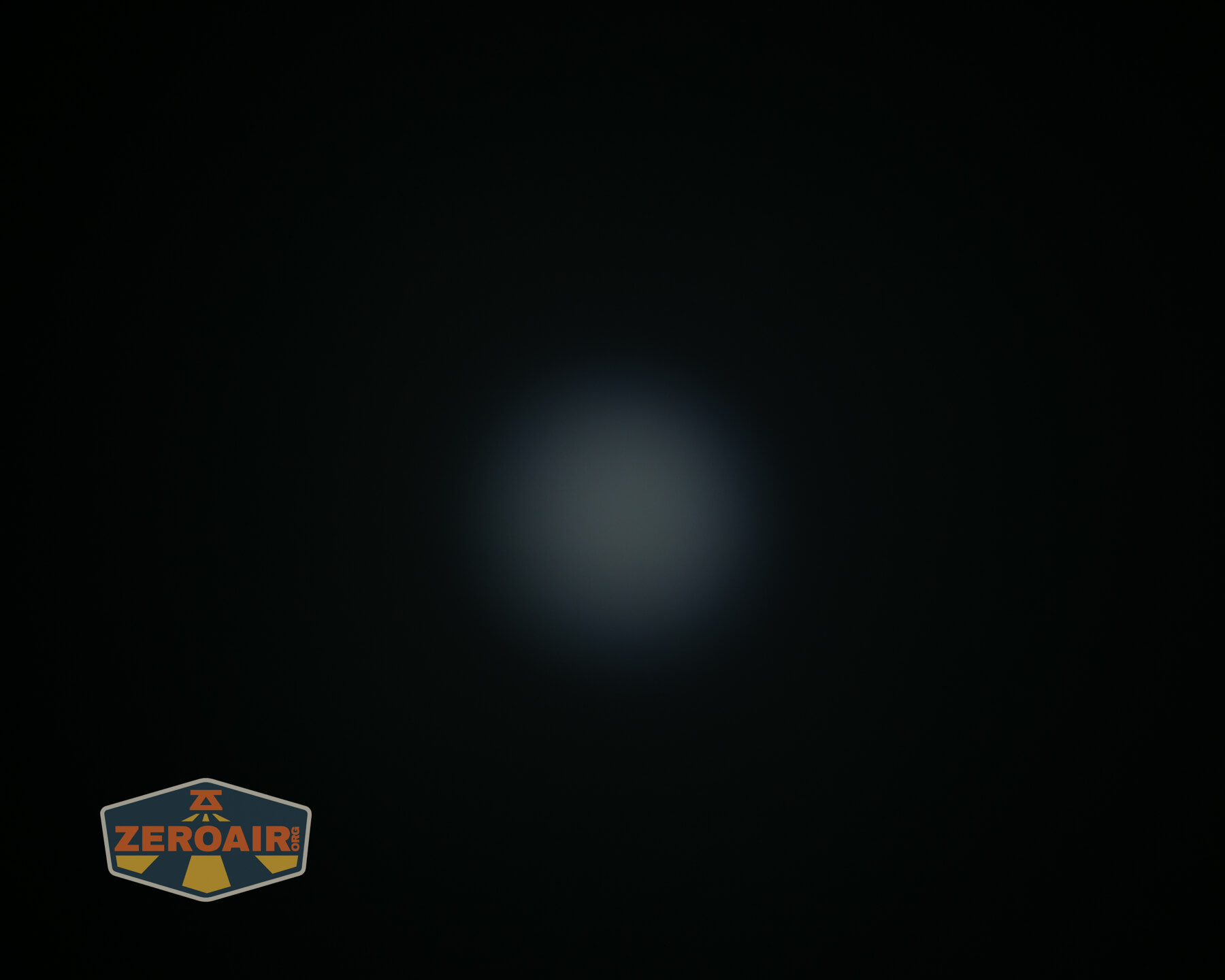
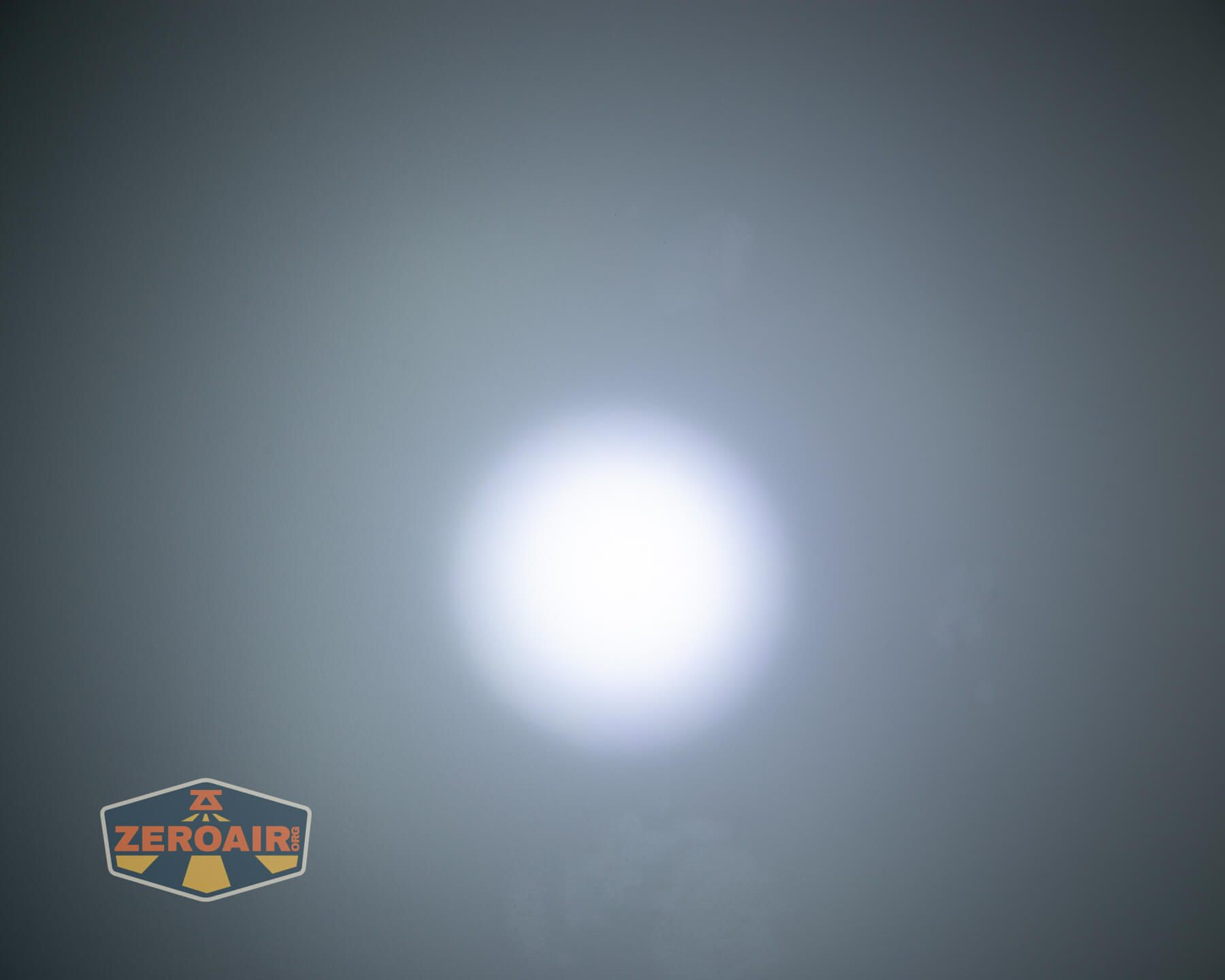
Tint vs BLF-348 (KillzoneFlashlights.com 219b version) (affiliate link)
I keep the test flashlight on the left and the BLF-348 reference flashlight on the right. These photos are taken around 18 inches from the door.
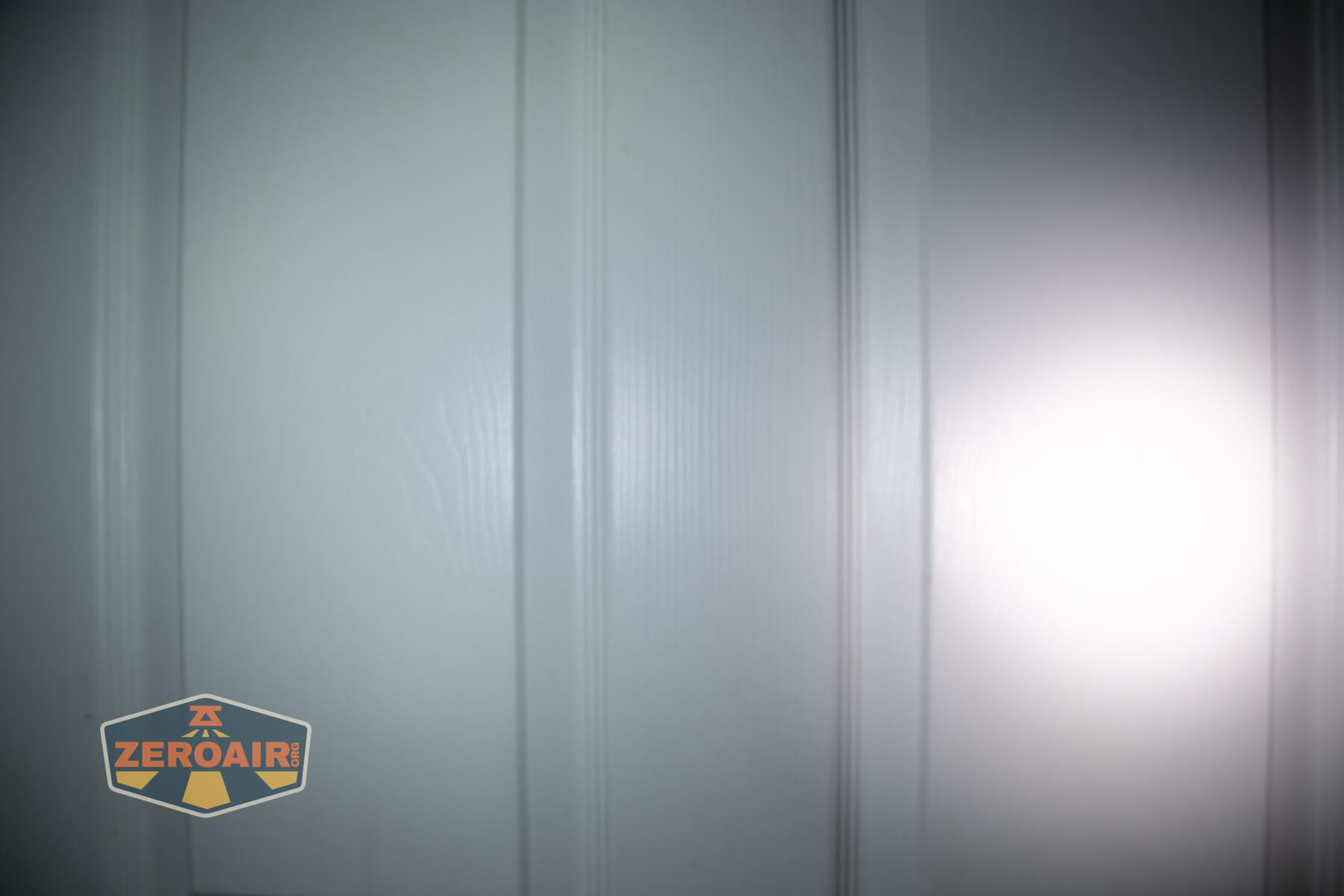

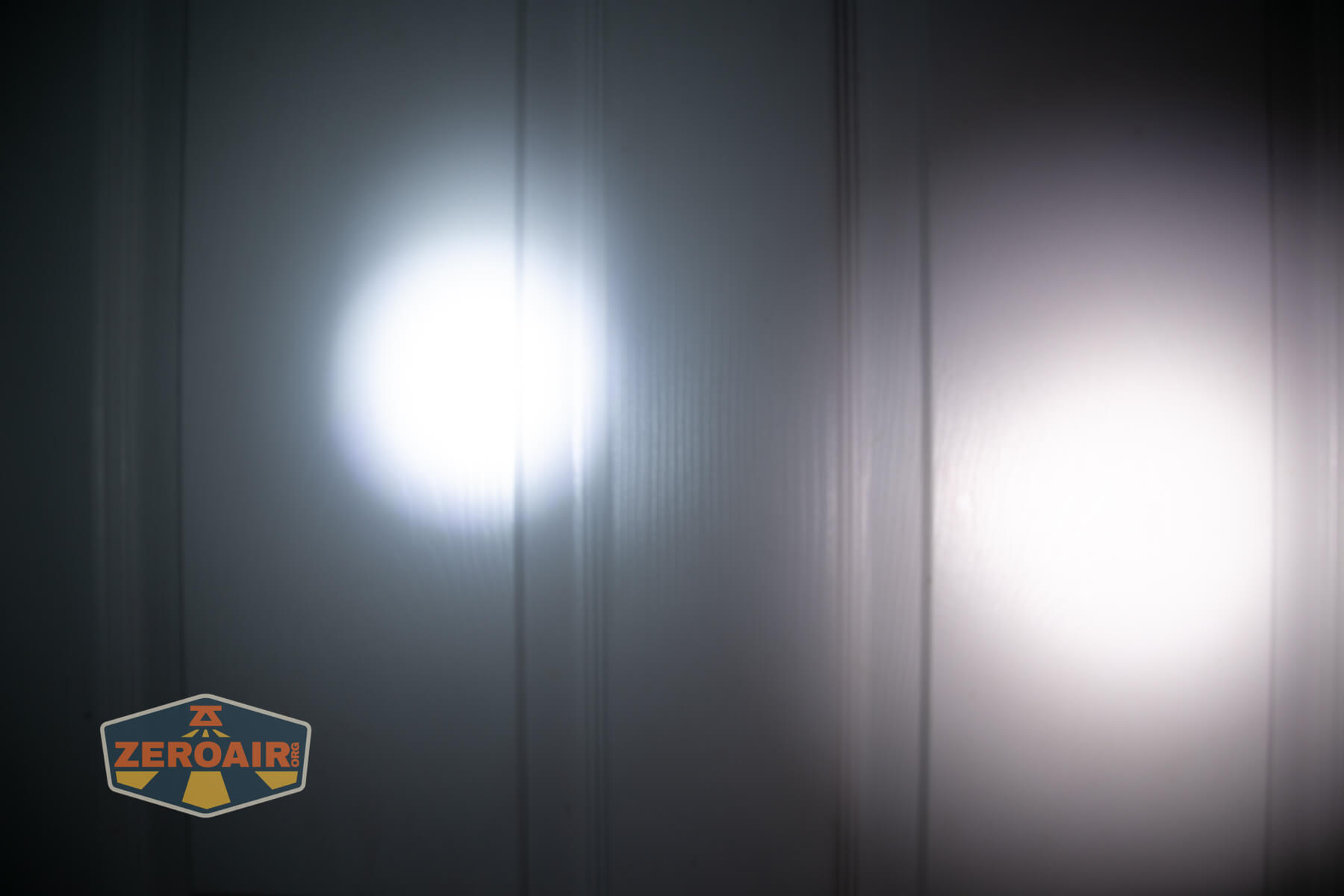
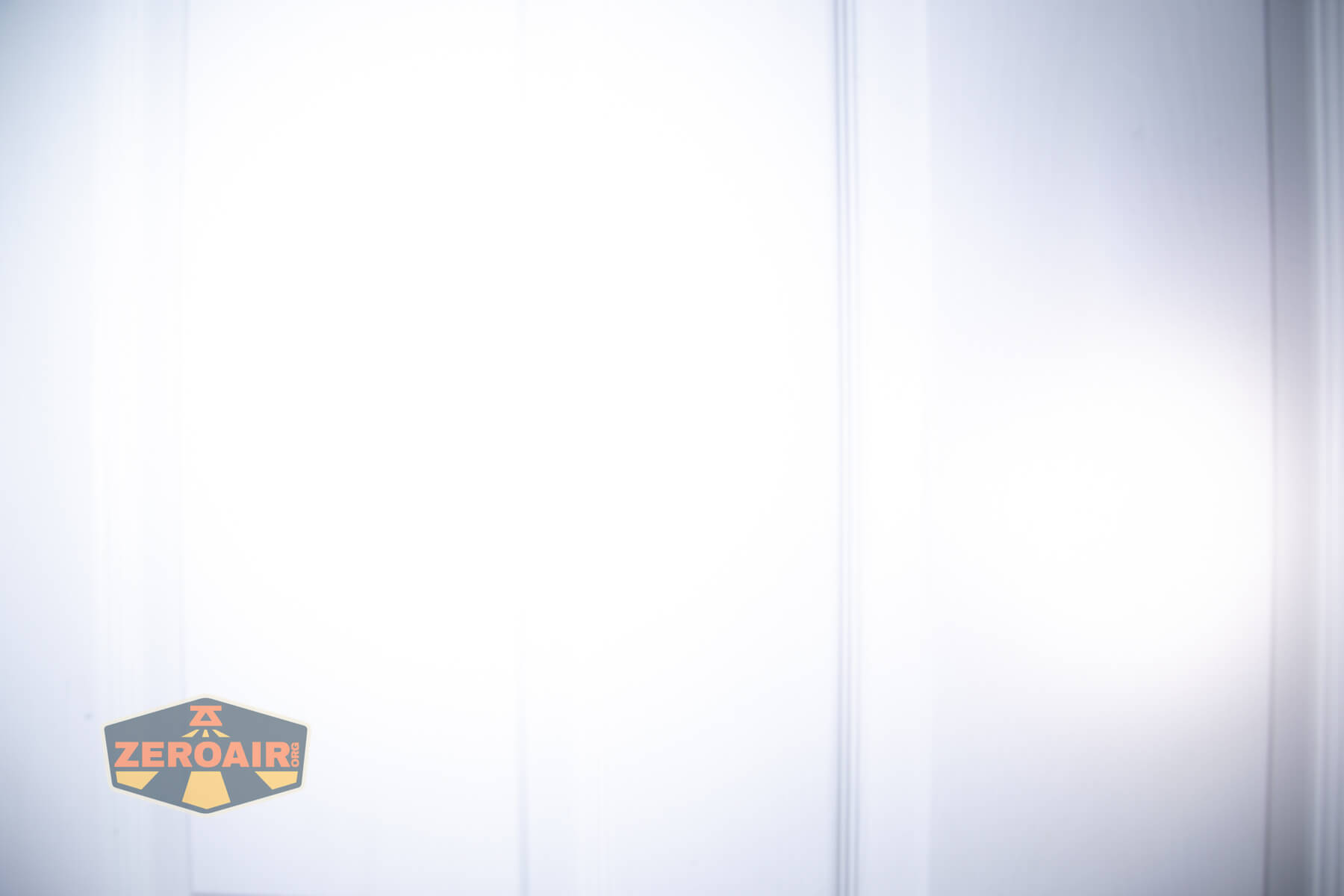
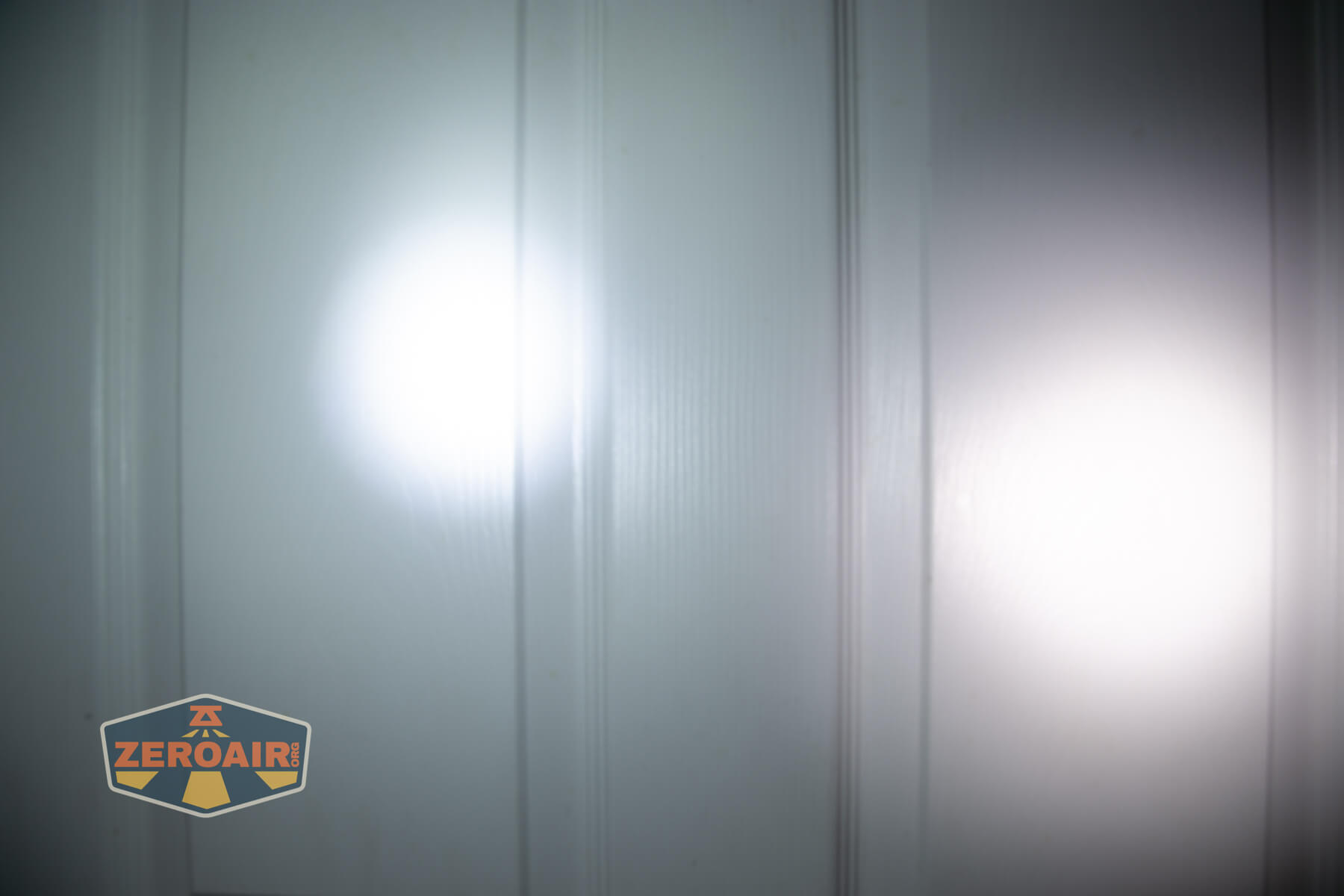

I compare everything to the KillzoneFlashlights.com 219b BLF-348 because it’s inexpensive and has the best tint!
Summary and Conclusion
I really love the orange color of the Mateminco TACUBE 3.0 multi-function RGB flashlight. I would probably prefer an aluminum body, but that’s not available in orange. (Orange = more important than aluminum is > stainless steel!) This is a neat light, but I really don’t need this type of rotary. And there ends up being three switches for using the light, which means you will have to change grip or switch to using both hands, etc, possibly often. The rotary works very well, though, and that’s possible to twist with just a thumb. I dislike how UV is accessed (differently, depending on where the switch is set) and honestly don’t care about having UV on this light at all. But generally, the Mateminco TACUBE 3.0 multi-function RGB flashlight works like it’s supposed to, so if these are features you need, this is not a bad choice!
The Big Table
| Mateminco TACUBE 3.0 multi-function RGB flashlight | |
|---|---|
| Emitter: | Luminus SFT25R (Throw) ×1 + HL2X-V (Flood) ×1 |
| Price in USD at publication time: | $71.99 |
| Cell: | Internal |
| Runtime Graphs | |
| LVP? | Probably |
| Switch Type: | E-Switch |
| Quiescent Current (mA): | ? |
| On-Board Charging? | Yes |
| Charge Port Type: | USB-C |
| Charge Graph | |
| Power off Charge Port | Yes |
| Claimed Lumens (lm) | Both: 1550 Flood: 1000 Throw: 650 |
| Measured Lumens (at 30s) | Both: 1223 (78.9% of claim)^ Flood: 1114 (111.4% of claim)^ Throw: 610 (93.8% of claim)^ |
| Candela per Lumen | Both: 5 Flood: 0.8 Throw: 12.2 |
| Claimed Throw (m) | Both: 209 Flood: – Throw: – |
| Candela (Calculated) in cd (at 30s) | Both: 188lux @ 4.563m = 3914cd Flood: 97lux @ 3.405m = 1125cd Throw: 168lux @ 5.579m = 5229cd |
| Throw (Calculated) (m) | Both: 125.1 (59.9% of claim)^ Flood: 67.1 Throw: 144.6 |
| Claimed CCT | Both – Flood: – Throw: – |
| Measured CCT Range (K) | Both 6700-7100 Kelvin Flood: 6600-7600 Kelvin Throw: 7200-7900 Kelvin |
| Item provided for review by: | Mateminco |
| All my Mateminco reviews! | |
^ Measurement disclaimer: Testing flashlights is my hobby. I use hobbyist-level equipment for testing, including some I made myself. Try not to get buried in the details of manufacturer specifications versus measurements recorded here; A certain amount of difference (say, 10 or 15%) is perfectly reasonable.
What I like
- Great orange color
- Solid build quality
- UV is fairly easy to avoid
- Game is fun (but way, way too short!)
- Rotary works well
What I don’t like
- Built-in battery
- That there’s UV at all
- So many switches (or control mechanisms: 3)
- “Just” strong enough magnet
Notes
- This content originally appeared at zeroair.org. Please visit there for the best experience!
- Please use my Amazon.com referral link to help support zeroair.org!
- Please support me on Patreon! I deeply appreciate your support!
Discover more from ZeroAir Reviews
Subscribe to get the latest posts sent to your email.