
MPOW DS-D6 Fitness Band Review
The MPOW DS-D6 Fitness Band is a step counter and heart rate monitor that charges via USB and is worn on the wrist. Read on for thoughts!
Official Specs and Features
Here’s a link to the MPOW DS-D6 Fitness Band product page.
MPOW does have an official site (linked above), but this item doesn’t seem to be on their official page. Here’s the item on GearBest.com.
Main Features:
● Your Healthy Sports Recorder
● Visualization of Exercise Effect – Dynamic Heart Rate Monitor
● Improvement of Sleep Quality – Sleep Tracker
● Never Miss Any Important Issues
● No Afraid of Heavy Sweat or Rainy Days
● Admirable Using and Wearing Feeling
● Extra Warm Functions:
Sedentary reminder: automatically alerts you to move after long periods of sitting.
Find your phone: turn to the “Go” interface and find your phone within Bluetooth distance.
Raise to wake: lift or turn over your hands to light up the screen, no operation required for checking the time.
Display mode switch: adjust the display to landscape mode on the App, with no limitations on either hand.
Wake-up service: vibrating to wake you up if you set an alarm clock on the app. Thoughtful design.
USB direct charge: creative detachable dial, can charge the bracelet directly after disassembly.
Versions
GearBest sells only one color, and as I can’t identify the product on the XMPOW website, we’ll just have to say this is the only option.
Price
There’s a sale currently bringing this item down to $9.99. That’s a good price for a band that does what this band does.
Short Review
For the sale price of $9.99, this is a good deal. I don’t love it, but I’m fairly accustomed to Garmin sport watches, so this is to be expected. It adequately does the two things I want most out of it: Heart Rate, and steps.
Long Review
What’s Included
- MPOW DS-D6 Fitness Band
- Manual
Package and Manual
The MPOW ships in a slip-fit cardboard box, wrapped in plastic. This plastic is printed with some specs and QR codes, but that’s nothing you’ll need to keep – all this information is in the manual.
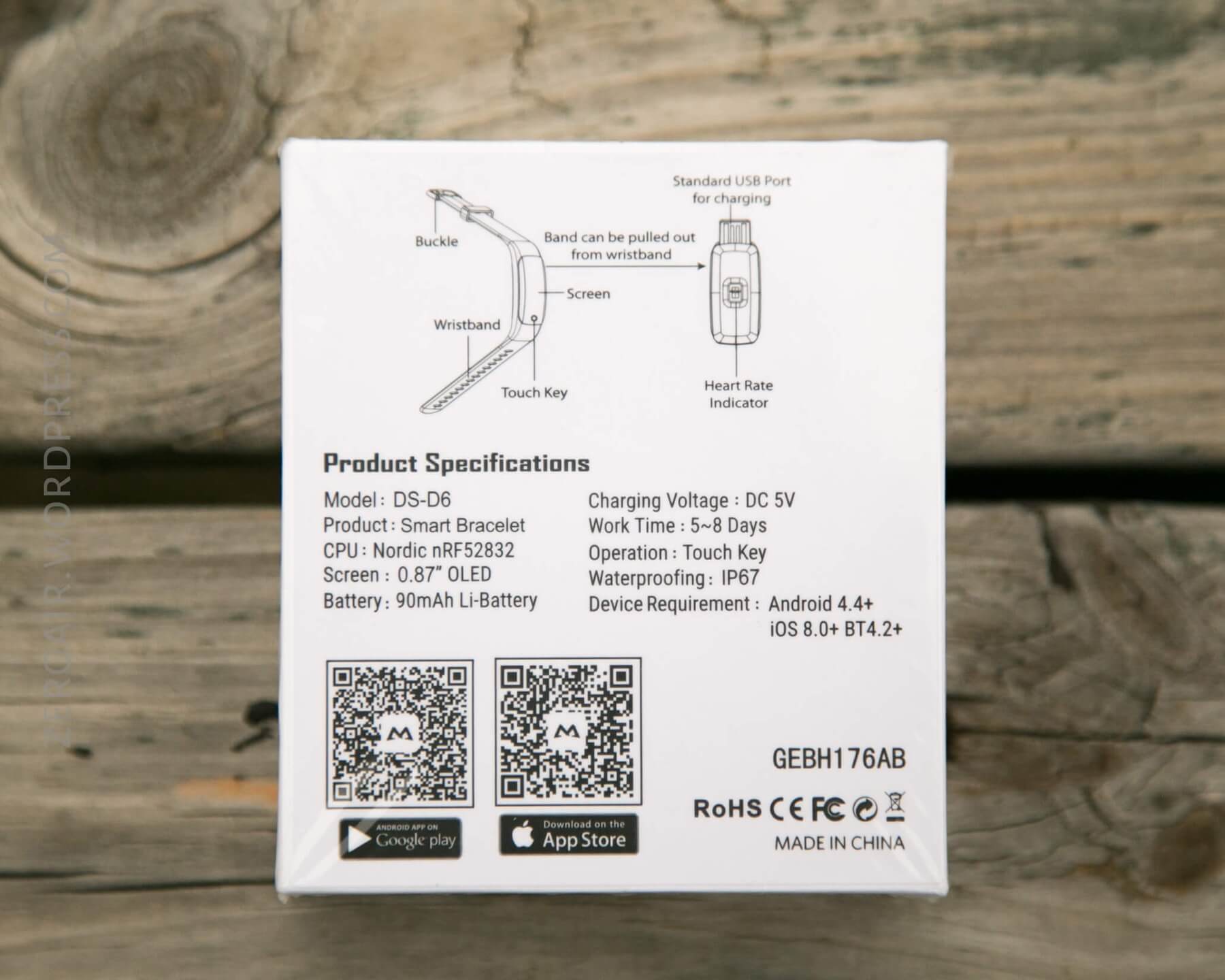
The manual is a little booklet-style paper, all in English, and is useful and descriptive. The QR codes mentioned above are in the manual too, so the apps for iOS or Android will be easy to obtain. It’s also well written, with very little Chinglish. The majority of the manual covers the app, something I’ll do briefly.
Build Quality and Disassembly
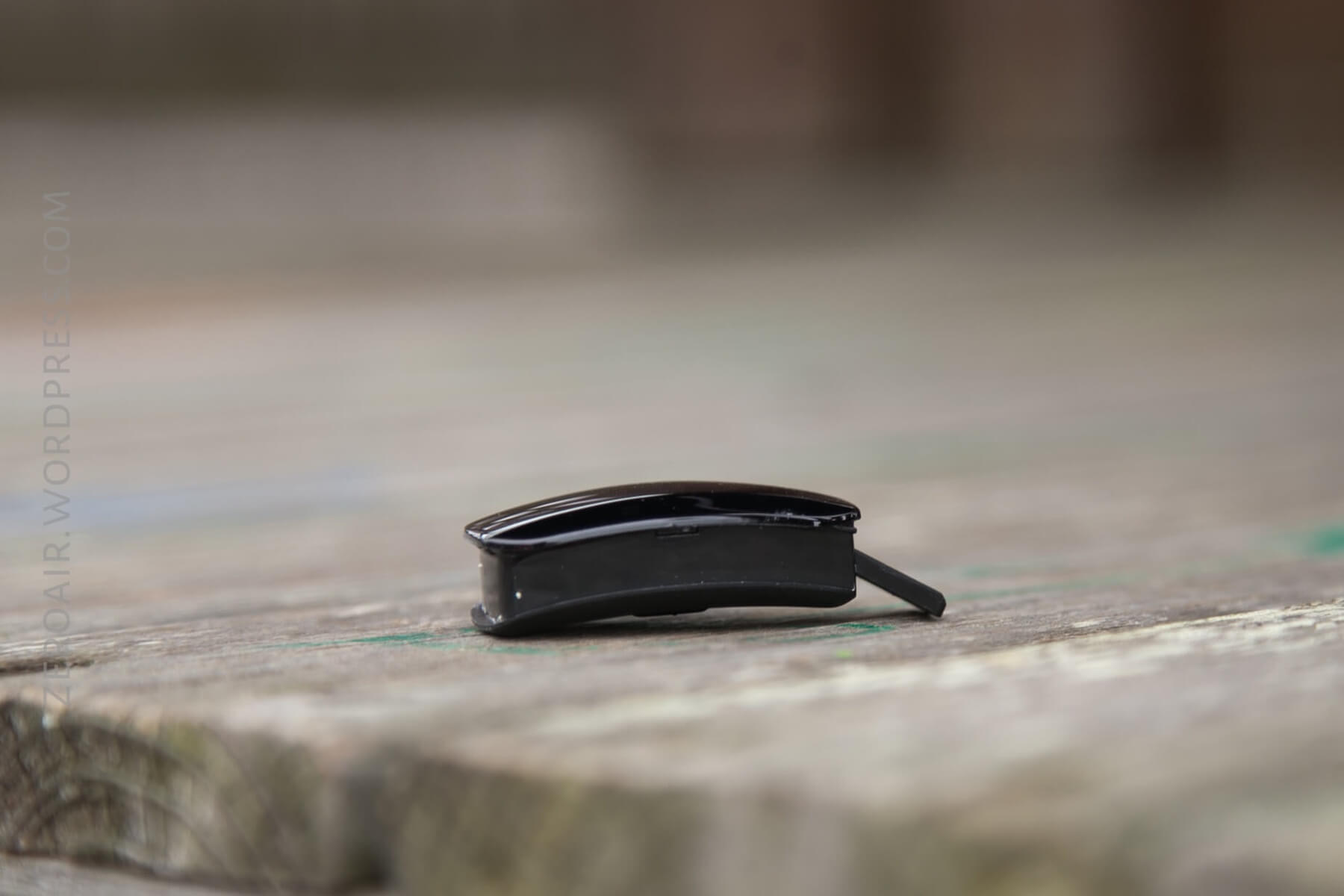
The quality of the band and tracker is good. The band feels slightly rubbery (not silicone). The tracker has a very smooth glossy front and a legible OLED display.
It’s a comfortable band. I’ve worn it on both wrists (including the wrist that always has a G-Shock), and it’s worked out just fine, with little interference.
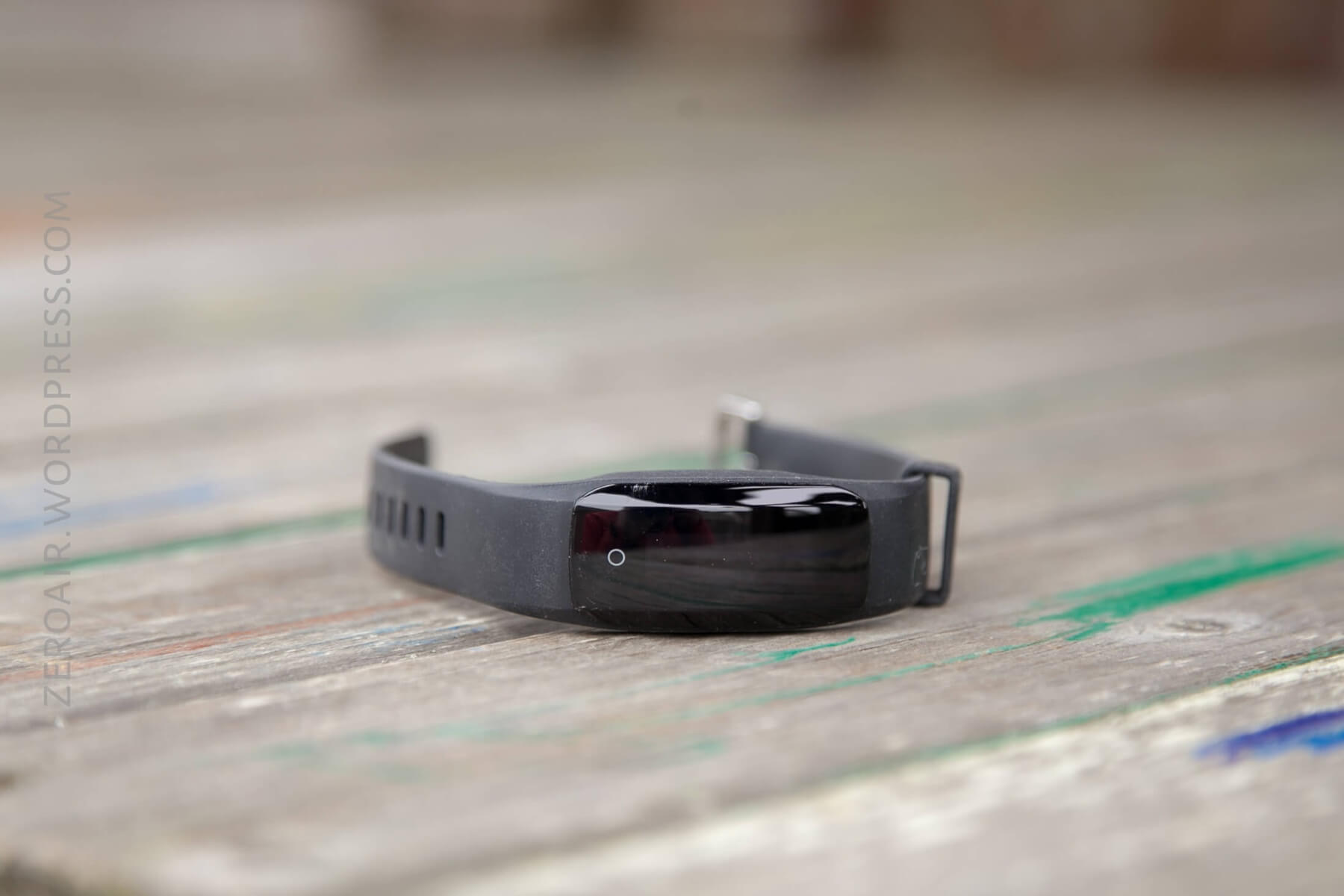
The connection is just as with a watch – a metal clasp, and holes in the band. (The new version looks to have a connector like the Apple Watch.)
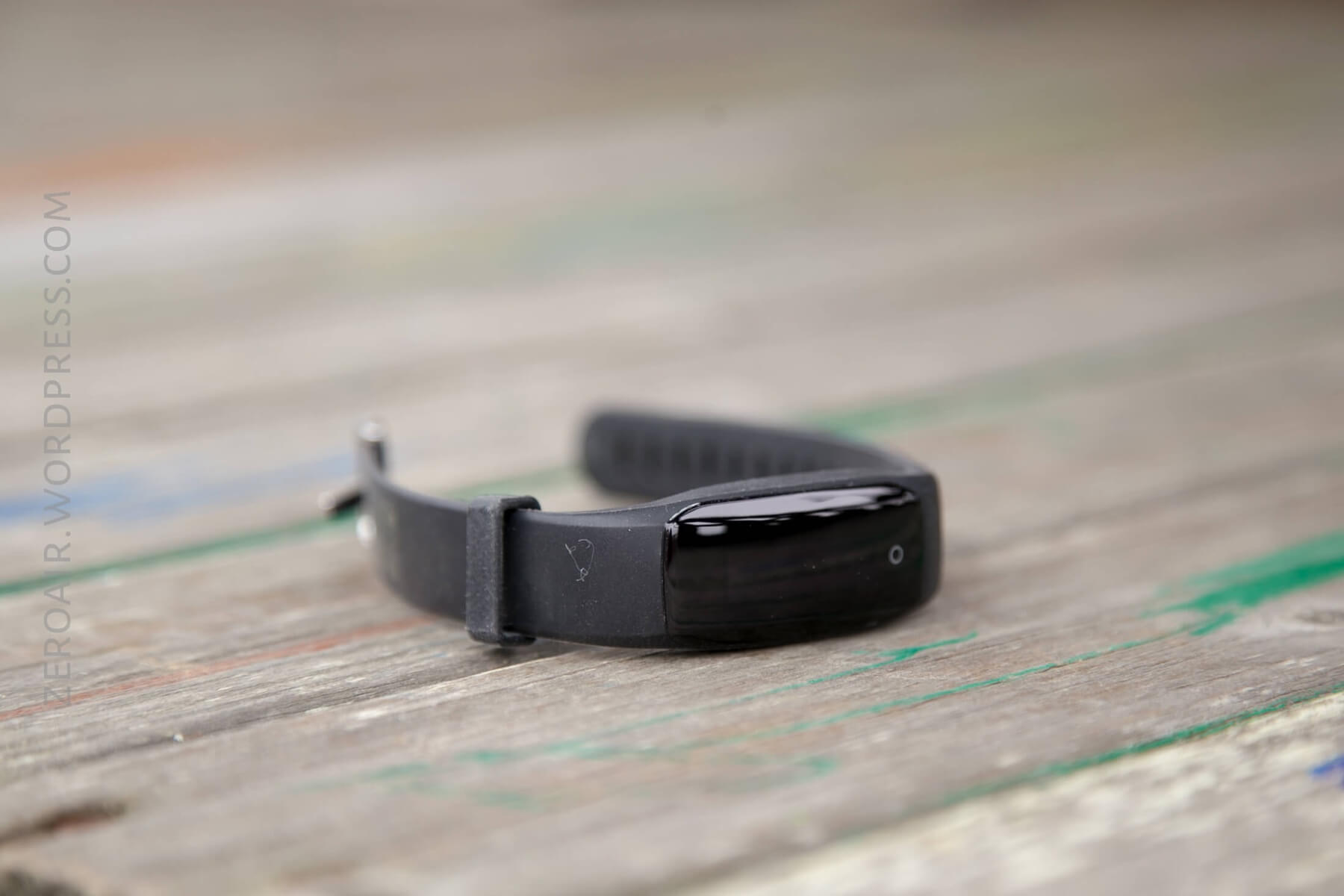
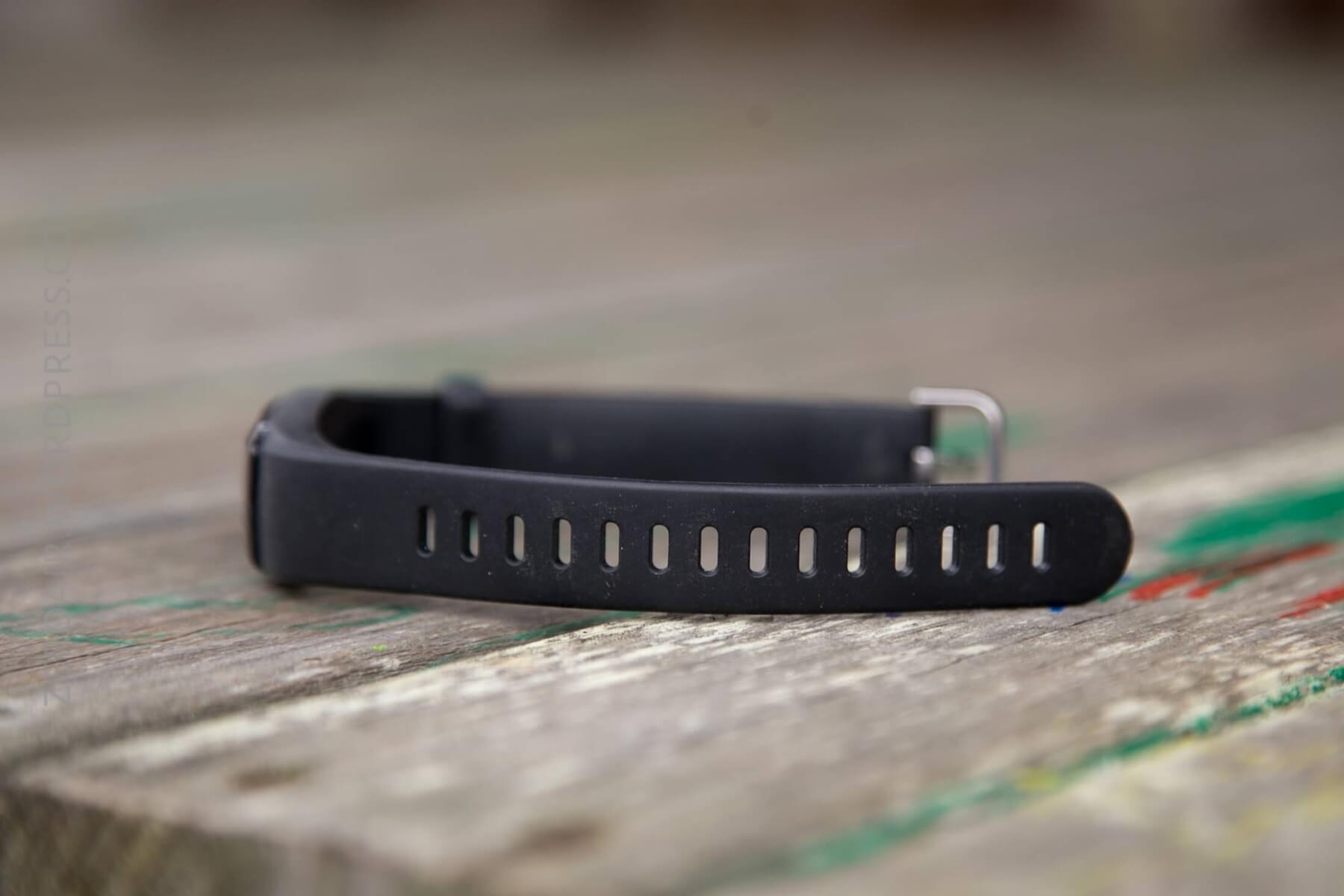
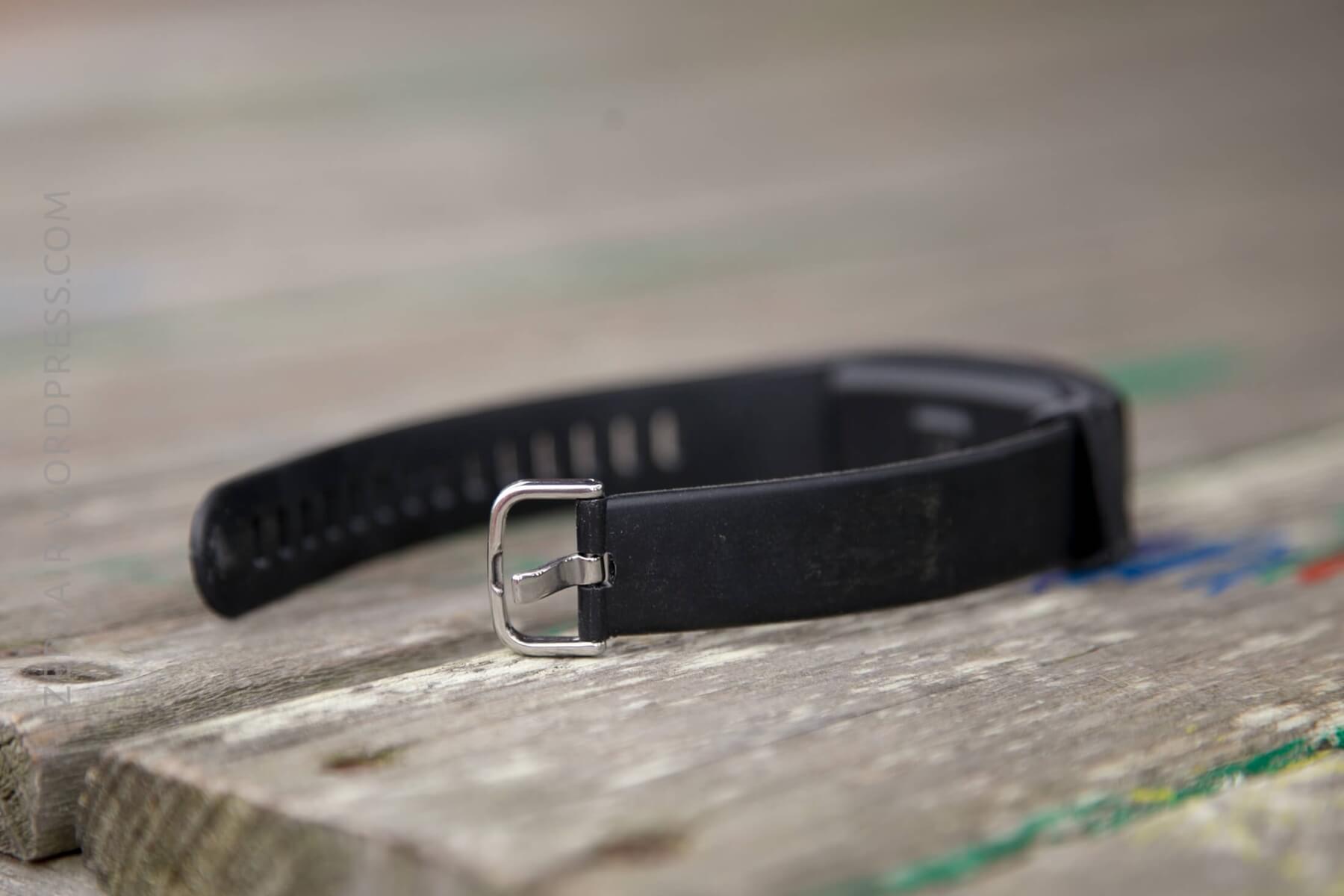
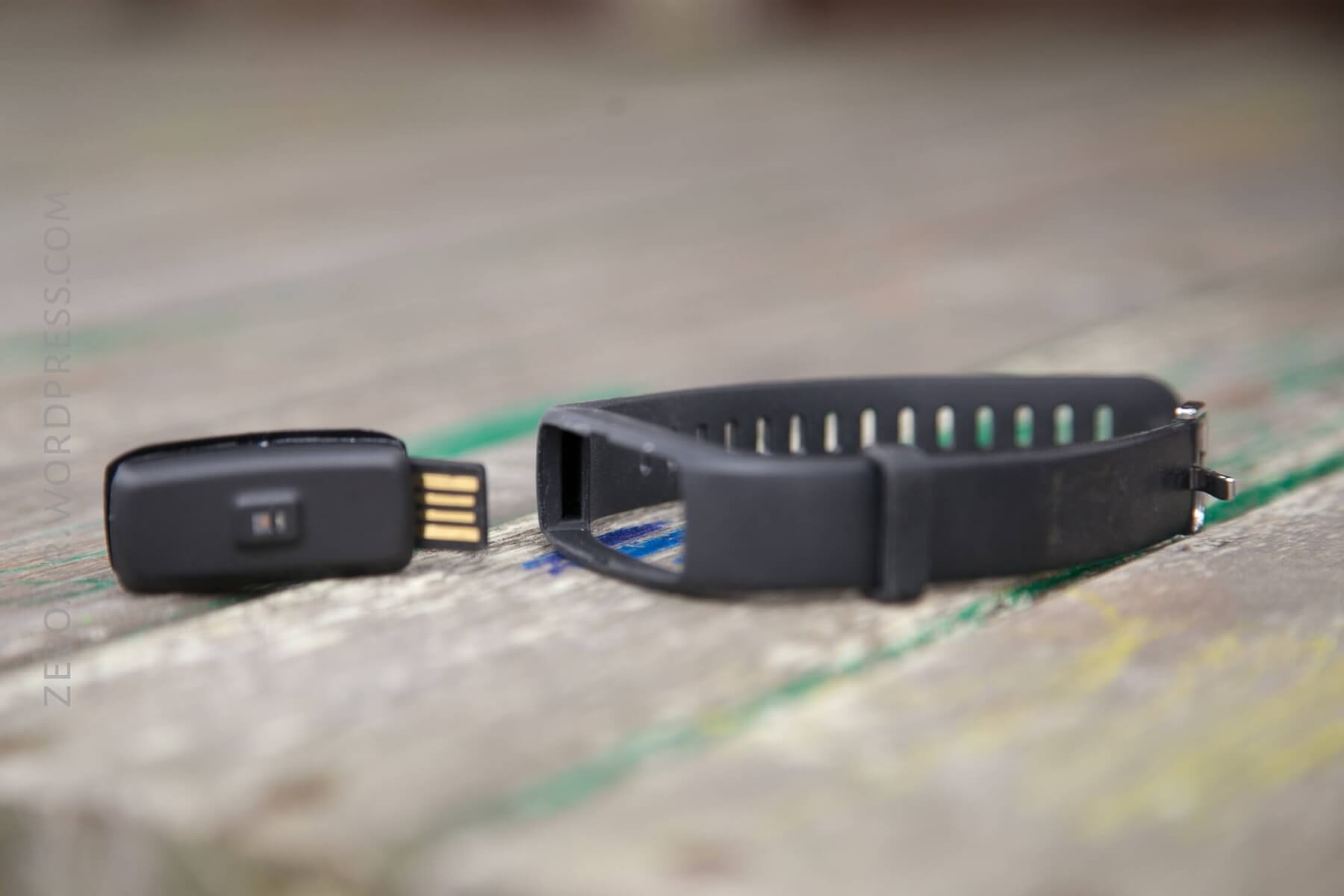
As far as disassembling the unit, this is basically as far as I took it. The tracker comes out of the band. You’ll have to become acquainted with this because you’ll need to charge the device immediately.
As for taking the actual tracker itself apart? I did try. I tried quite hard if I’m honest…. but these two parts seem to be sonically welded together. They aren’t coming apart non-destructively. (Which is good, as we want this to maintain its IP67 waterproof rating.)
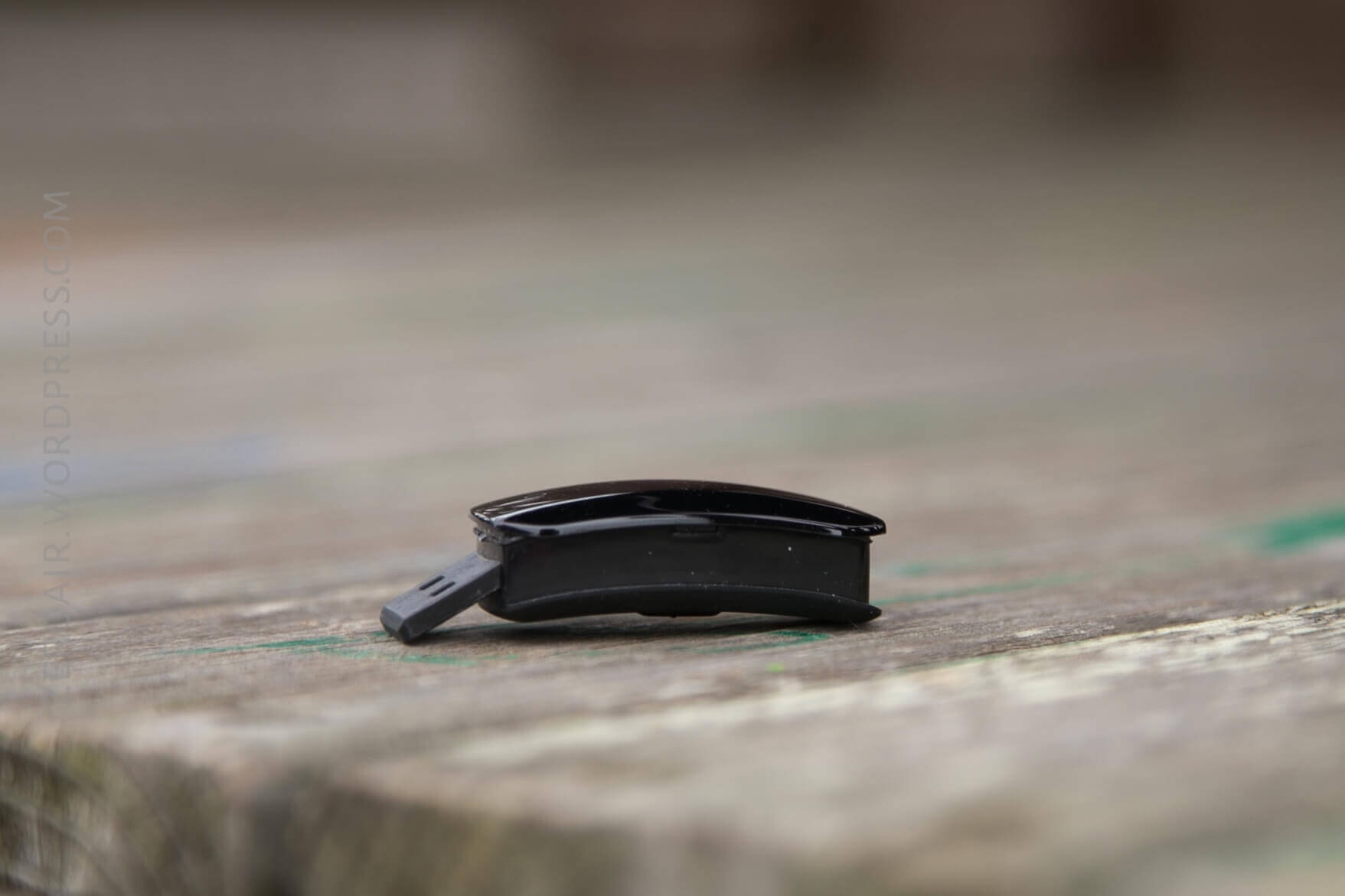
Size
Officially, this is 4.07 x 2.00 x 1.36 cm, for the tracker without the band. The band is around 1cm in width.
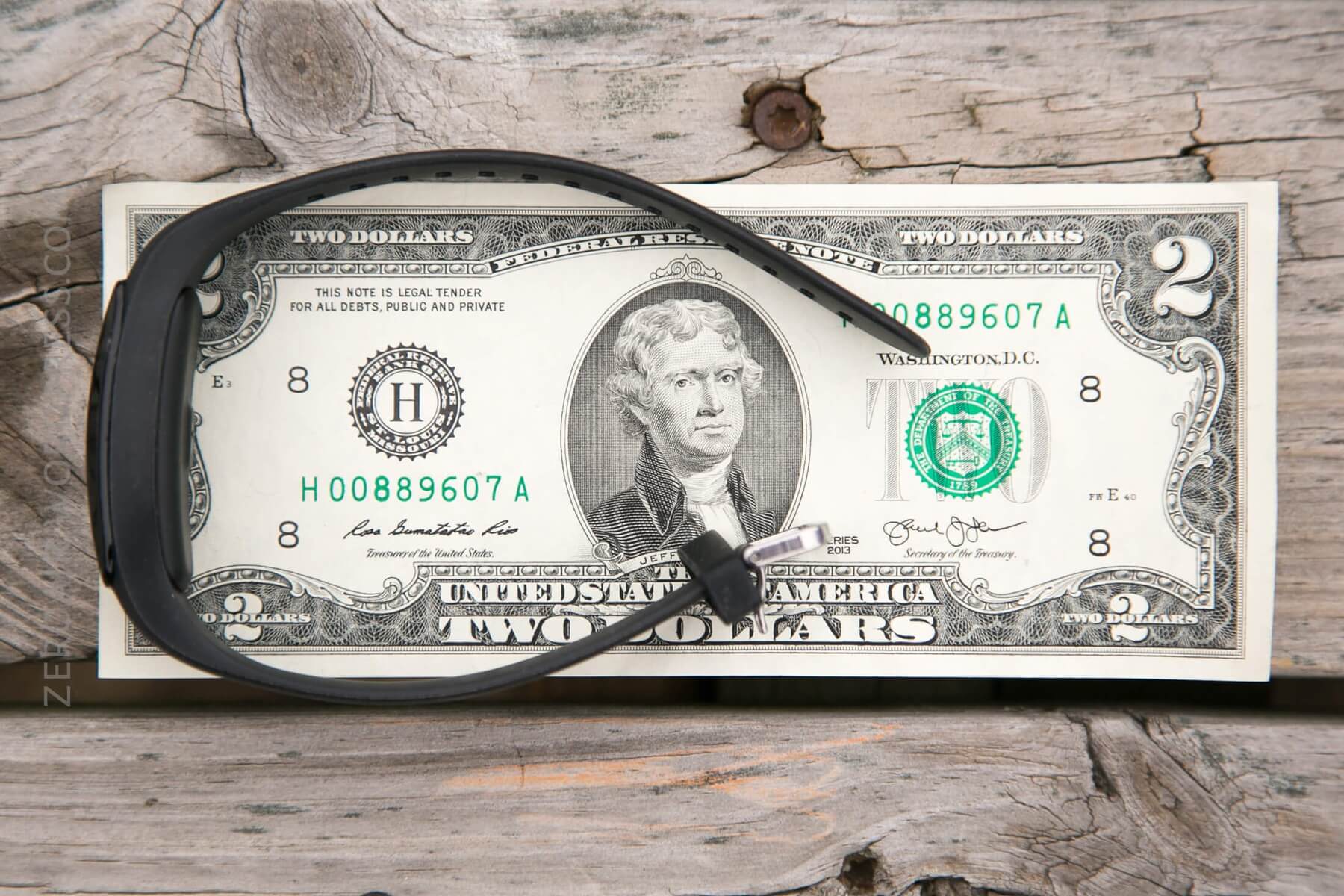
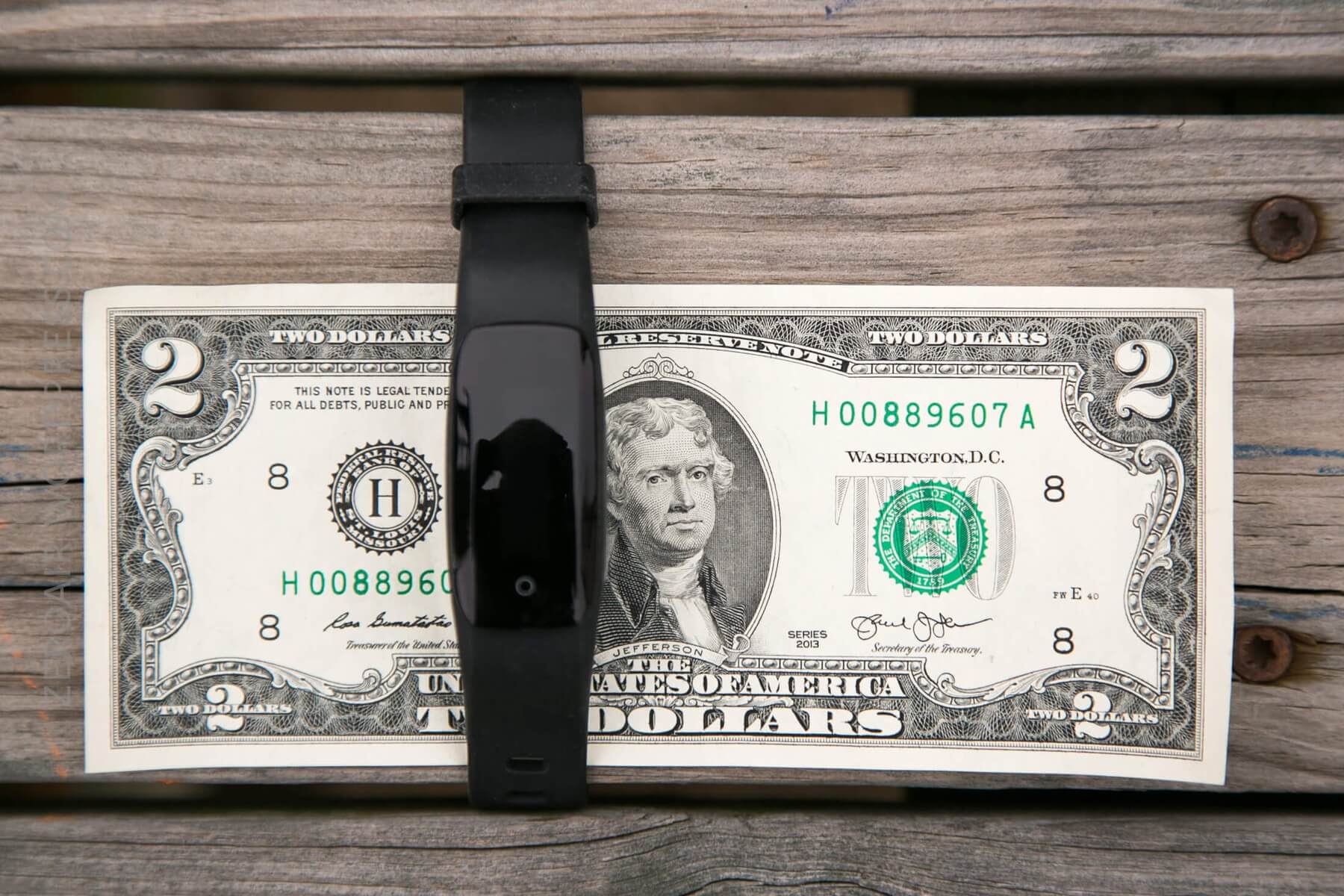
Power
The DS-D6 is powered by an internal cell of claimed 90mAh capacity. Initially, I had some issues getting the device to work, but I believe it was an issue of charging. Once I charged overnight (maybe even longer), I haven’t had any problems since. The documentation says initial charging should take 1.5 hours, but that was not my experience.
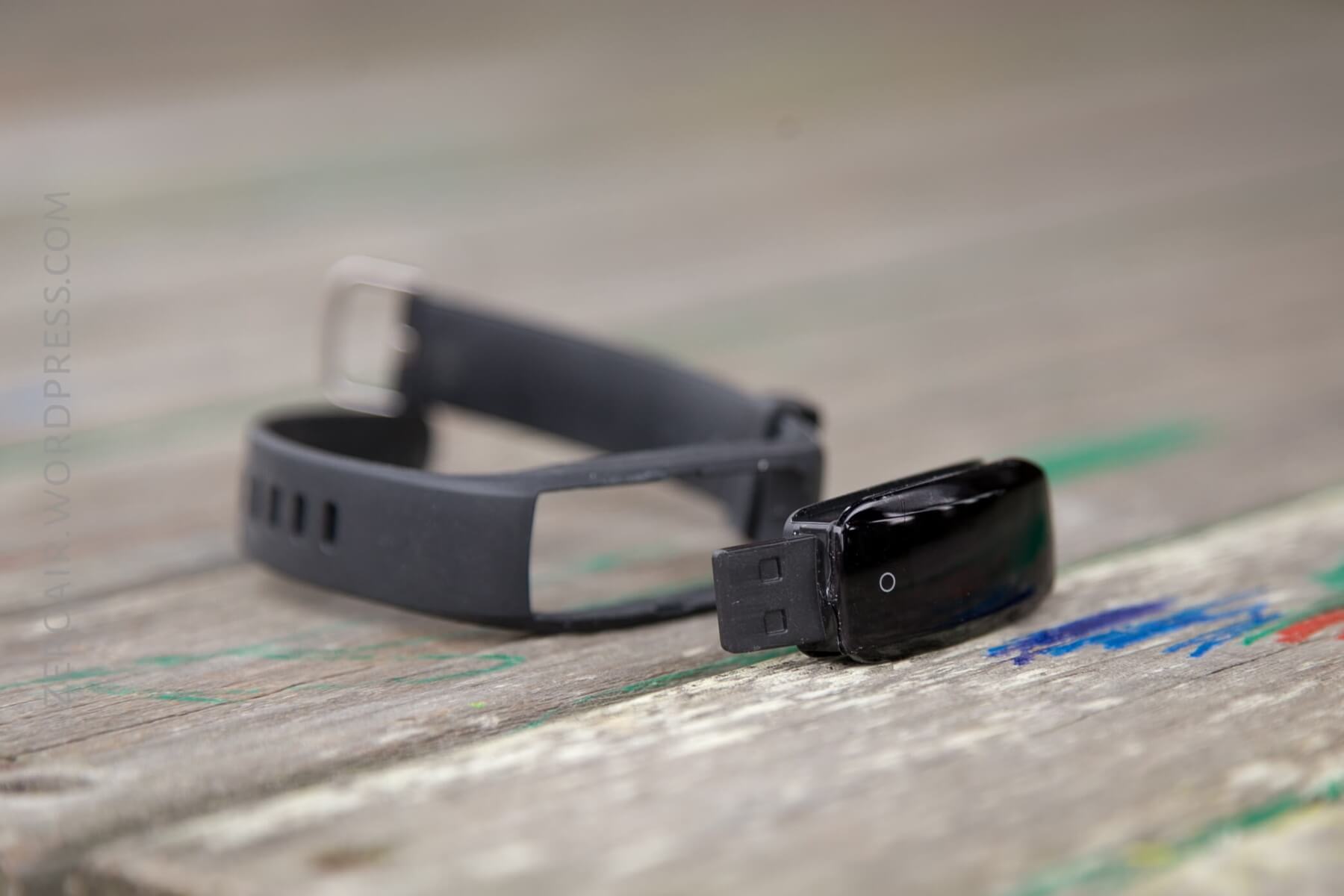

The charging is achieved by a USB plug built into the tracker. It’s a thin male USB, which can be installed in either orientation. The product photos show this device charging on a MacBook Air with the display up. That’s not the case, at least on a MacBook Pro. The display will need to go down. When it’s connected properly, the device will display a charging icon. Even though the plug is sharply angled (because it isn’t retractable, and has to contour to the wrist), it still fits into the female USB just fine.
Charging shouldn’t take more than an hour – it’s only a 9mAh cell. And the charge should last… a day or a few? Hard to say – I’ve had it for just over a day, and much longer than a day.
User Interface and Operation
On the front is a single capacitive switch. There’s no tactile feedback on the switch, but the screen responds visibly when an action occurs.
When the button is pressed, the display goes from black (off) to displaying the time, day, and date, charge level, and if there is a Bluetooth connection. A note regarding the Bluetooth connection. As far as I can tell, the Bluetooth connection is the only way to set the clock. That seems quite a bit less than ideal, and I’m guessing there’s a non-connected way to use this device, but I didn’t discover it.
The device is in an ‘on’ state, but the screen isn’t currently displaying anything.
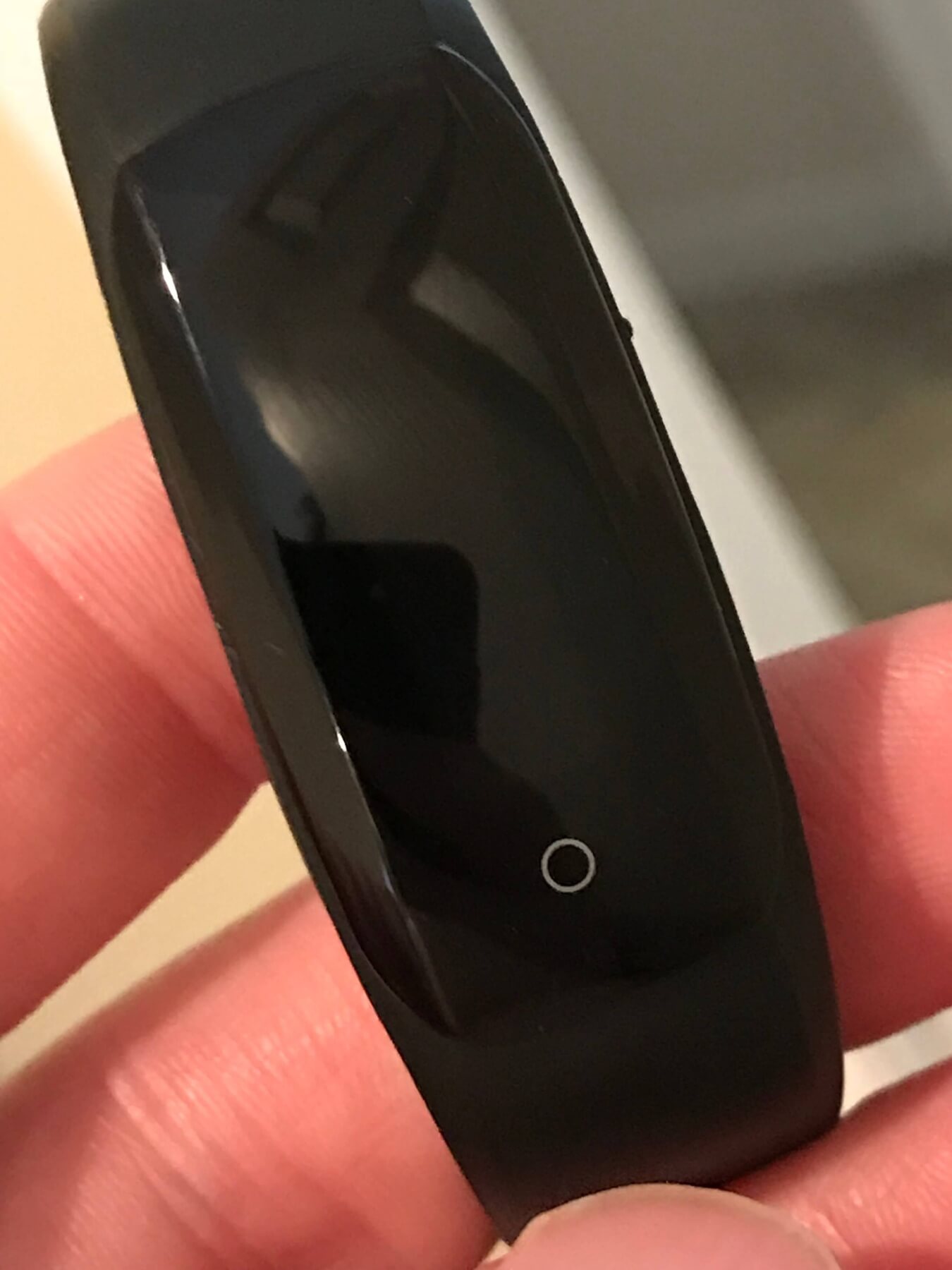
Button press, this is the first thing seen:
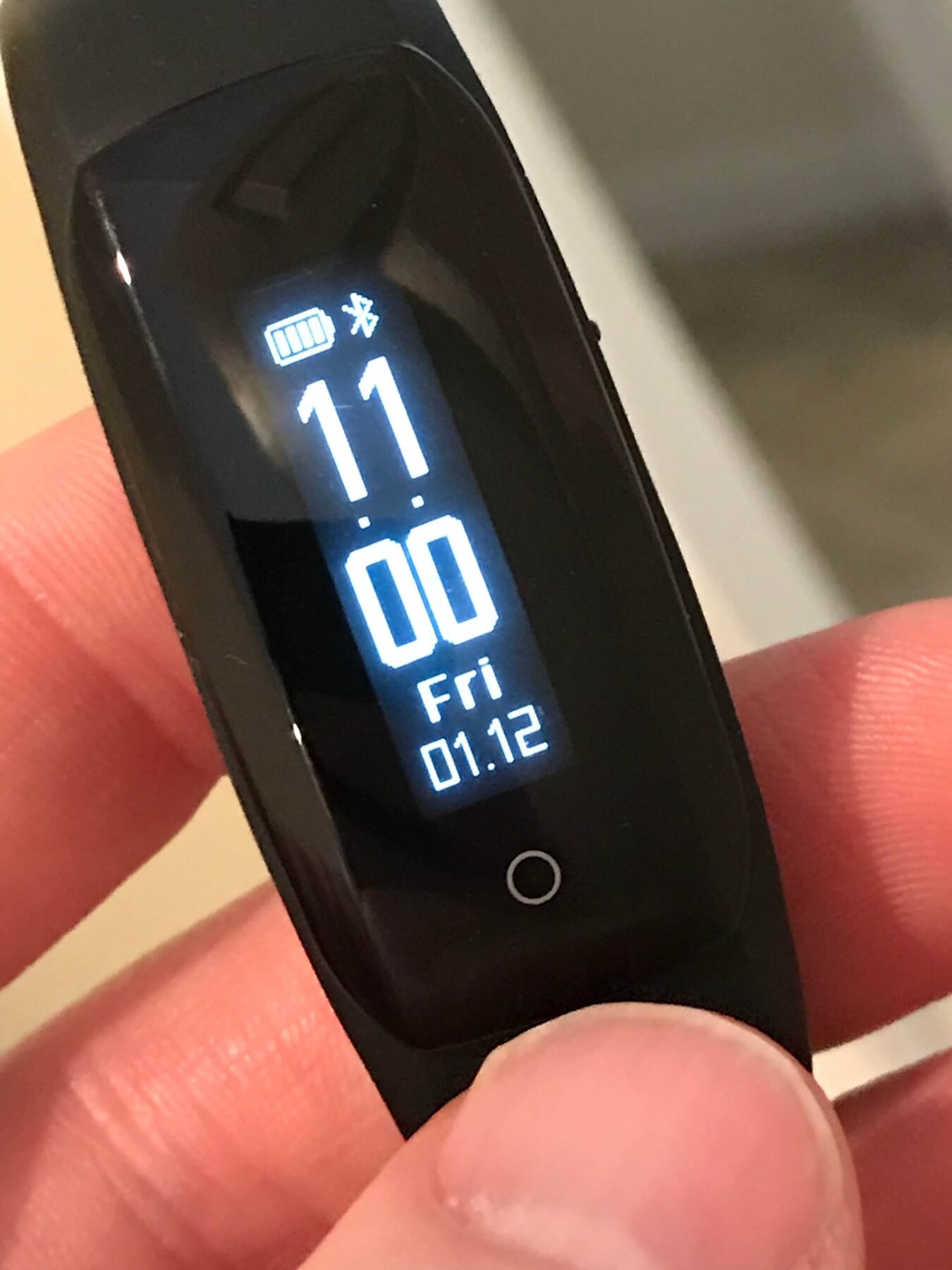
Then these icons, in this order. Heart rate is shown twice because the heart pulses
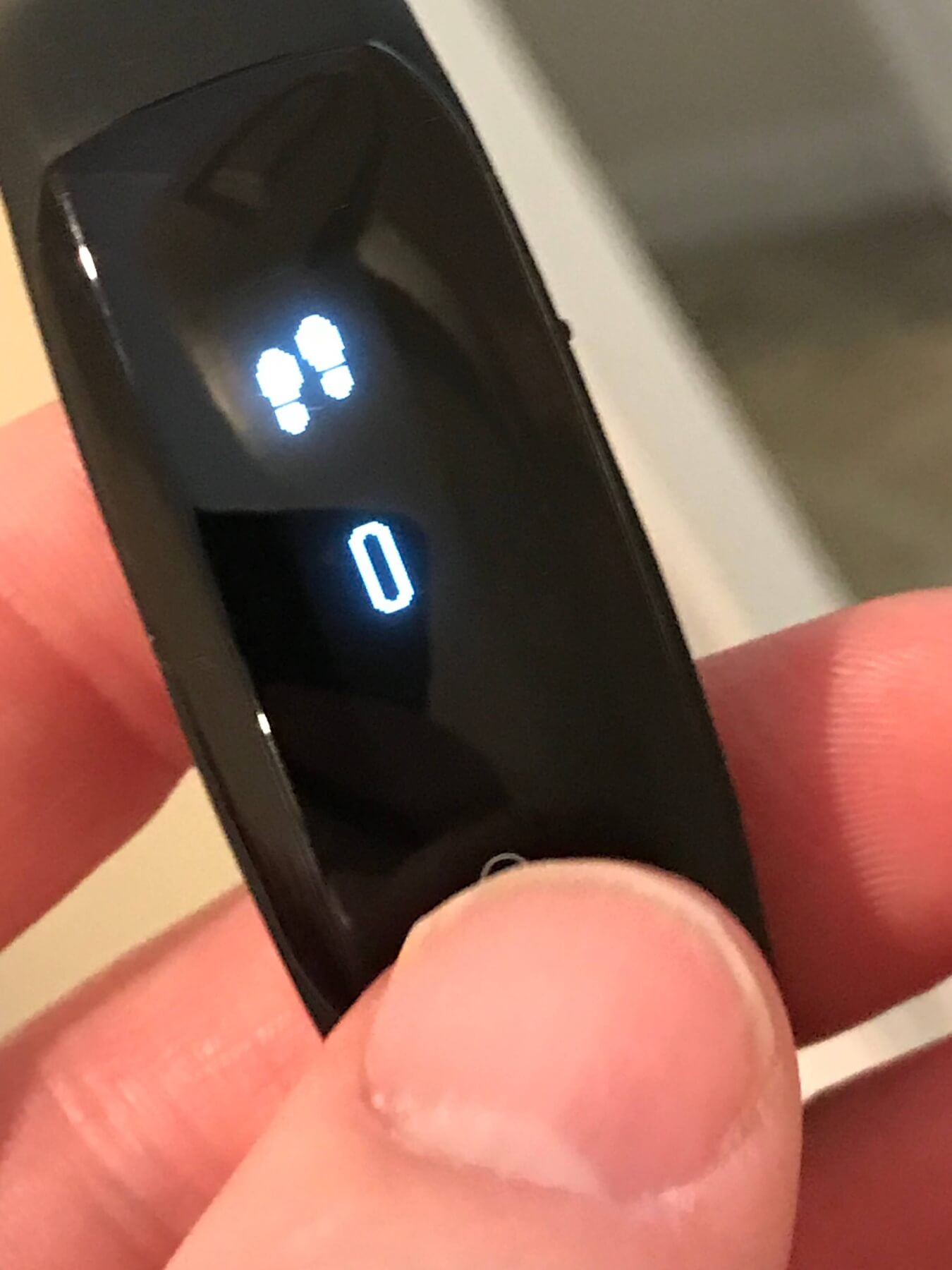
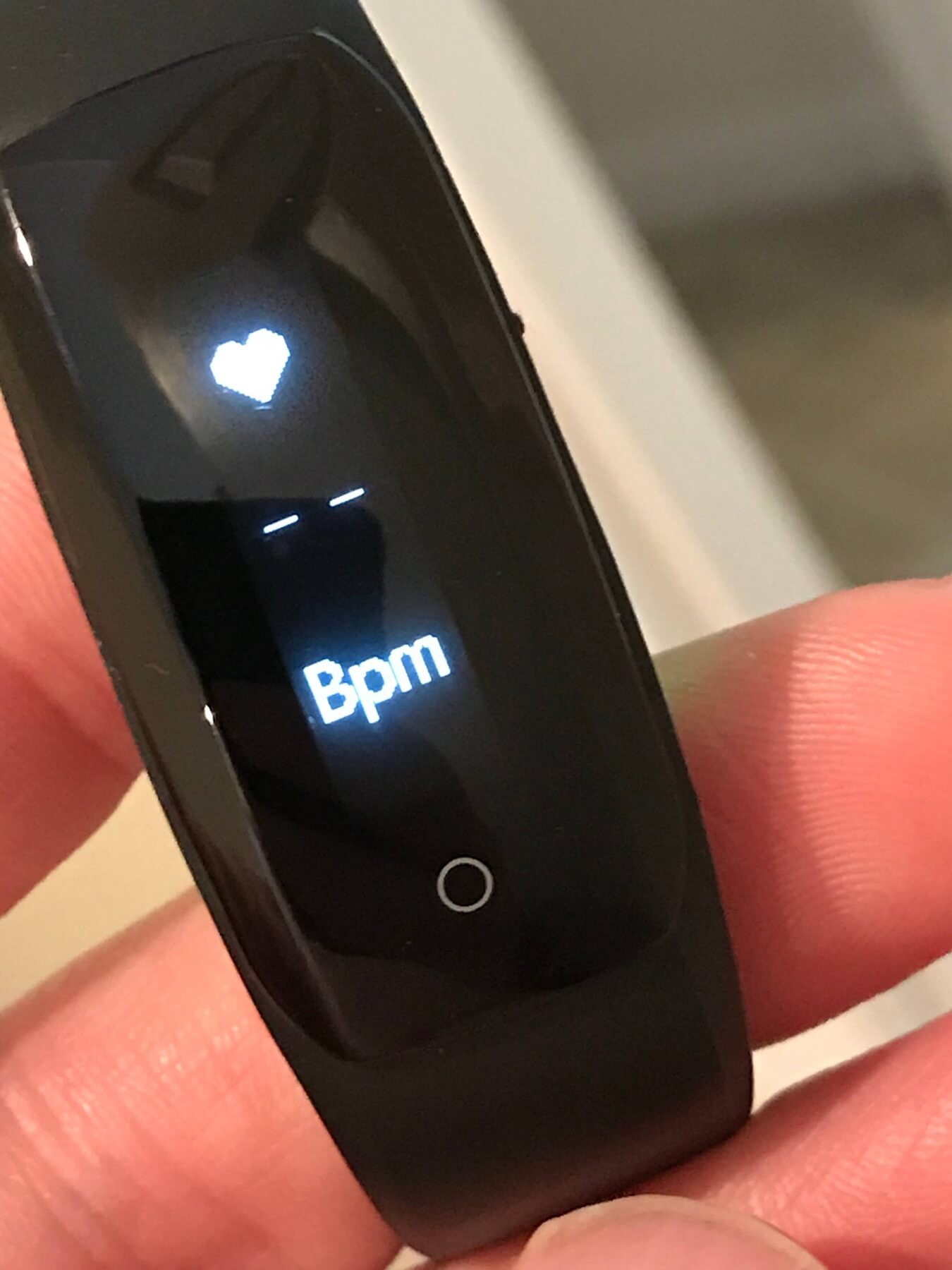
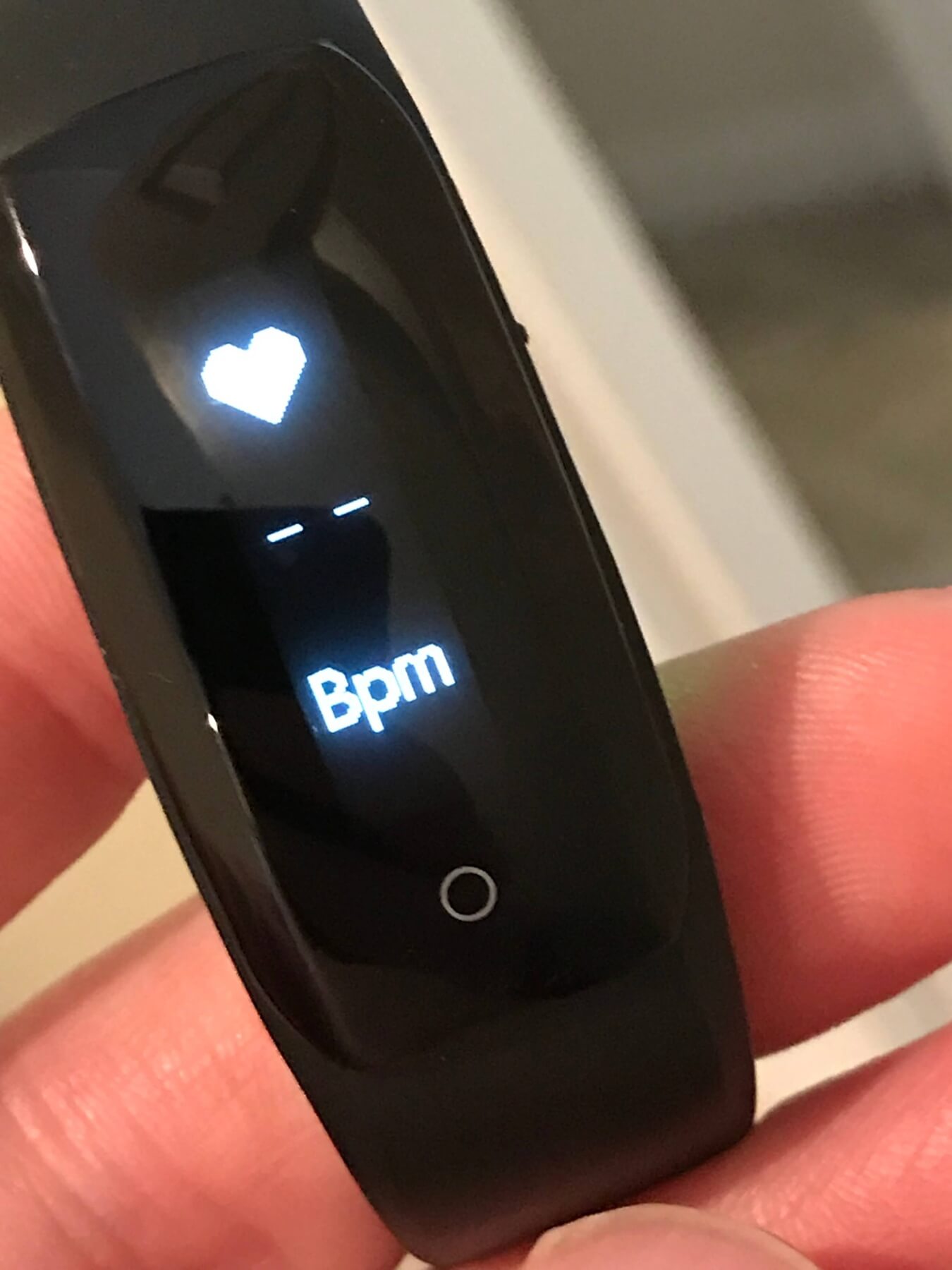
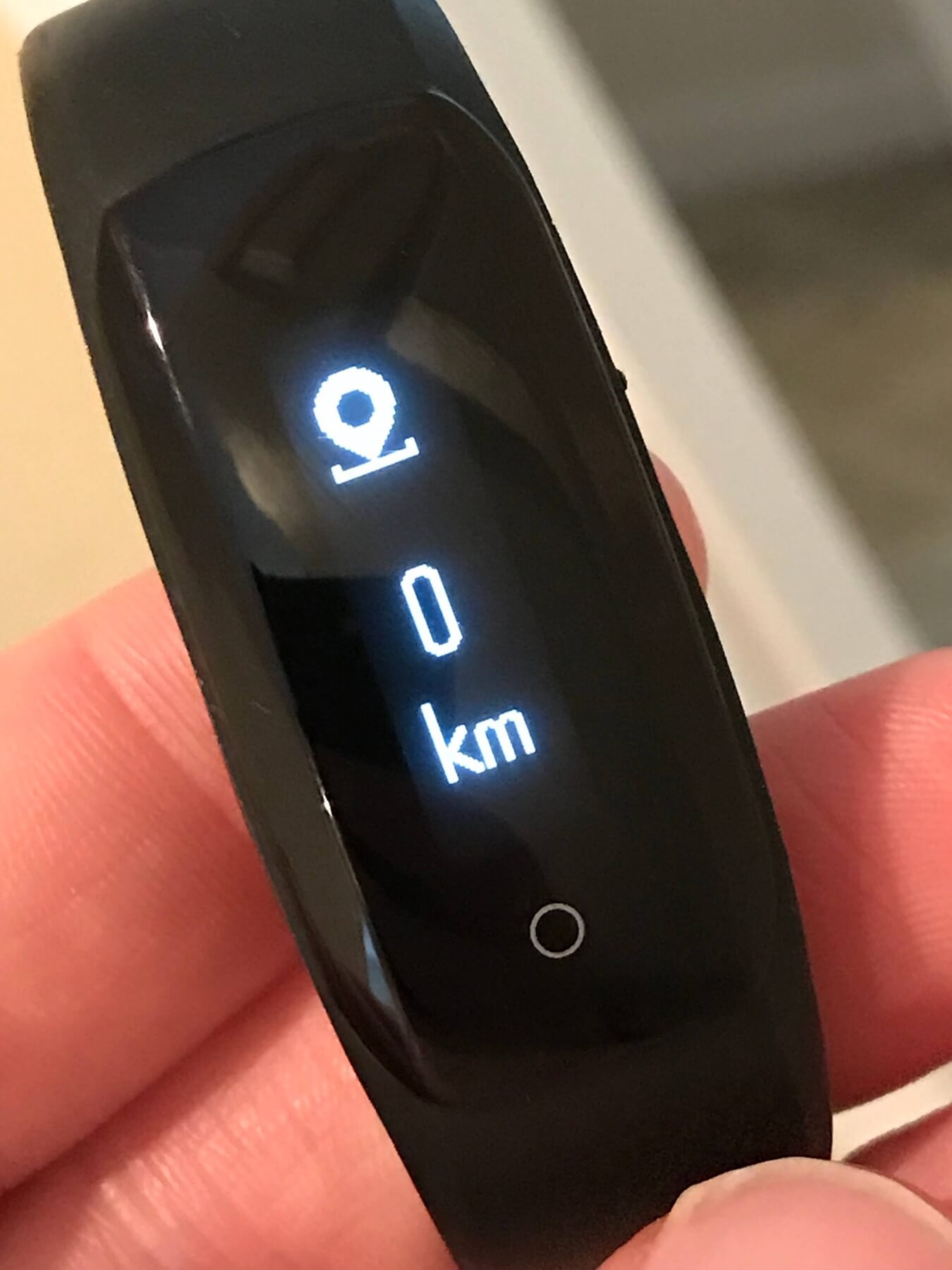
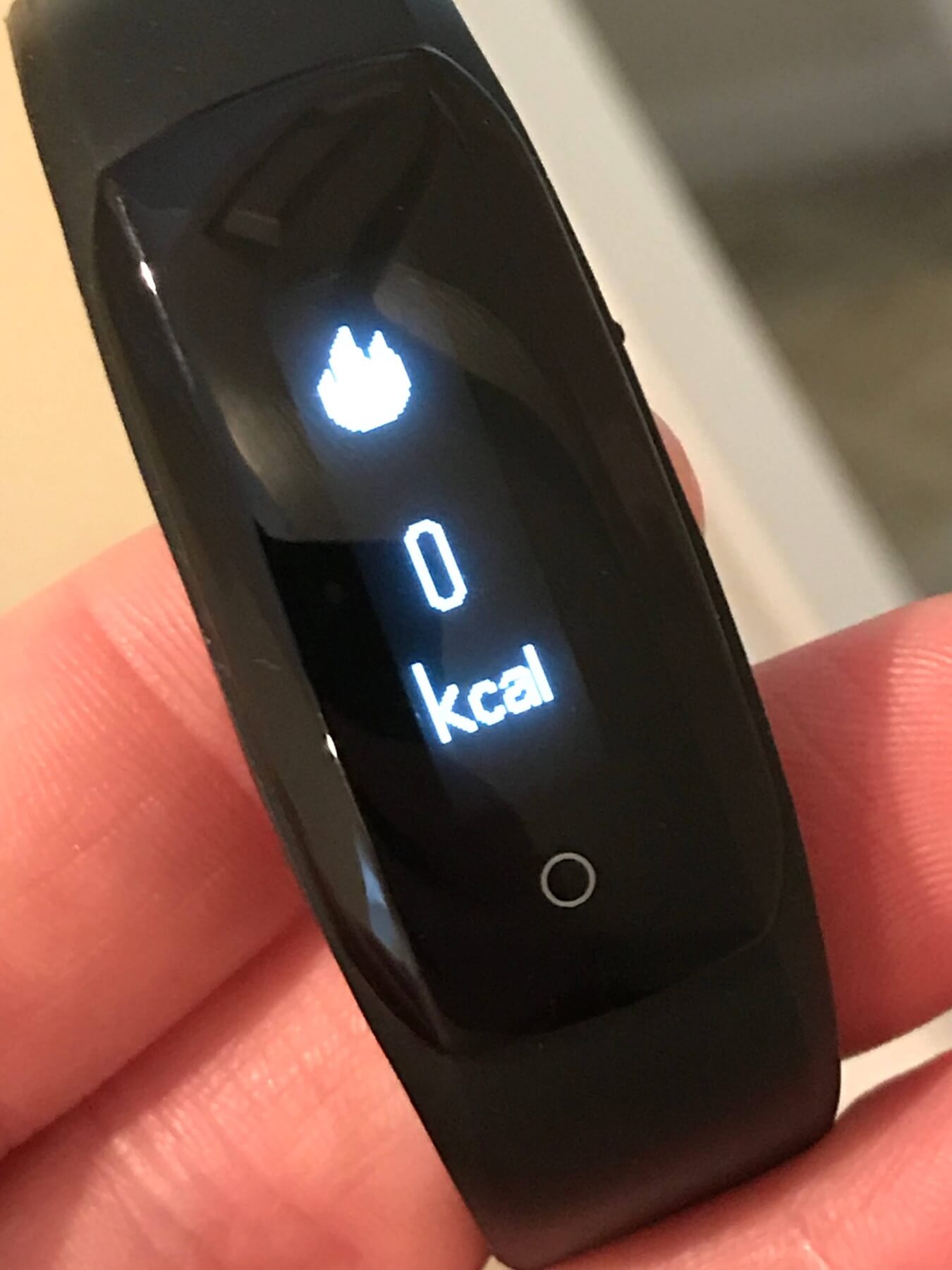
Successive presses of the button cycle the options. Steps, then Heart Rate, then distance walked/route tracking, calories burned.
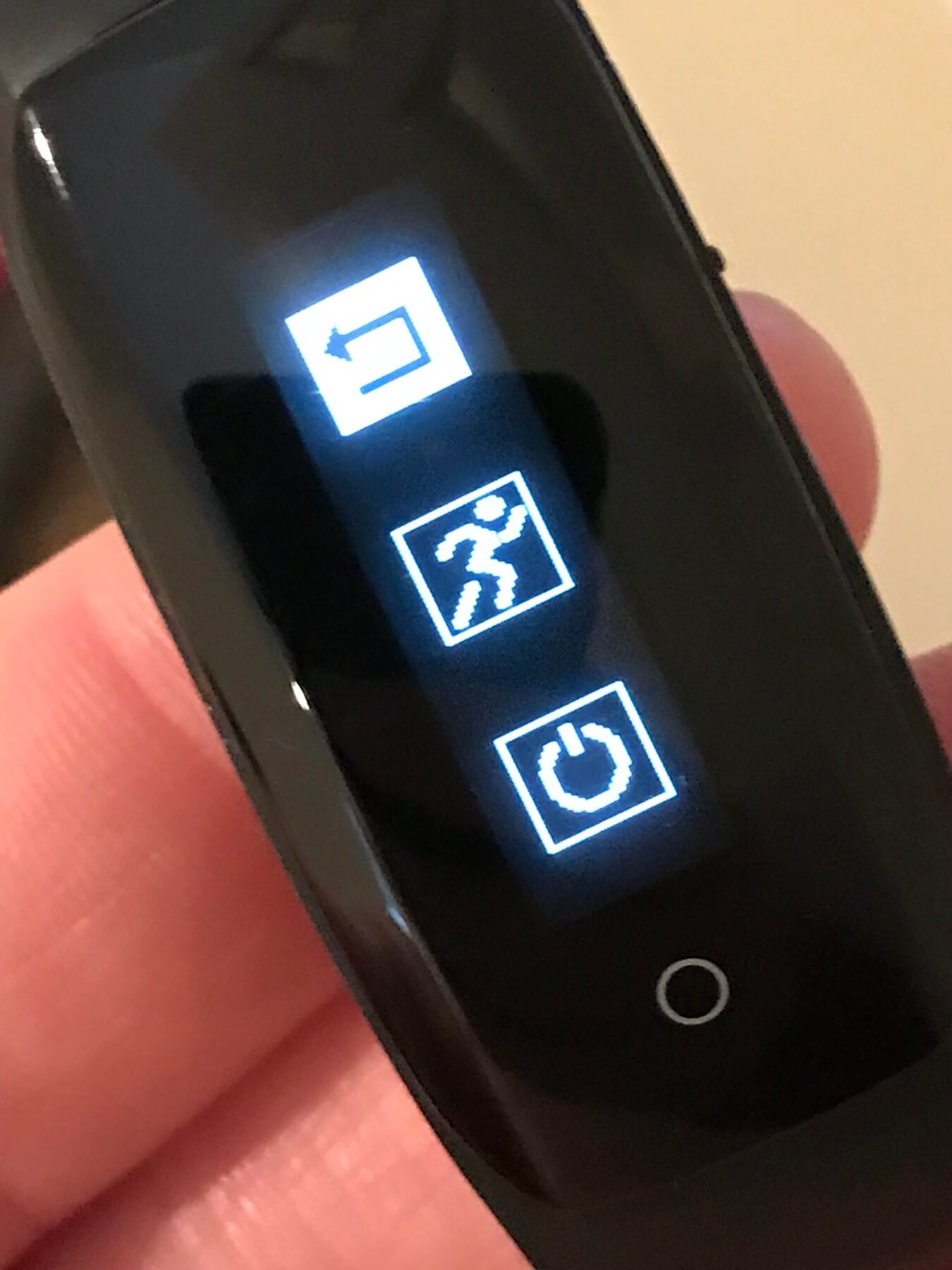
When the device is active (screen is on), holding the button brings up the “local settings” menu very briefly, and three actions can be chosen: power off, sport, and return. But to activate any of these options, one must click the circle button repeatedly, select the different options, and a second or two after release, that item will be selected. If you select power off, the unit will tell you “Bye”! To turn it back on, hold the circle button. It’ll say “welcome” and vibrate. If you select and start the “running man” option, a recorded session will begin and track heart rate, time, and distance. Holding the circle button again will stop the session. I have not explored the recorded tracking. The final option just returns the device to the time menu.
Here’s the local settings menu:
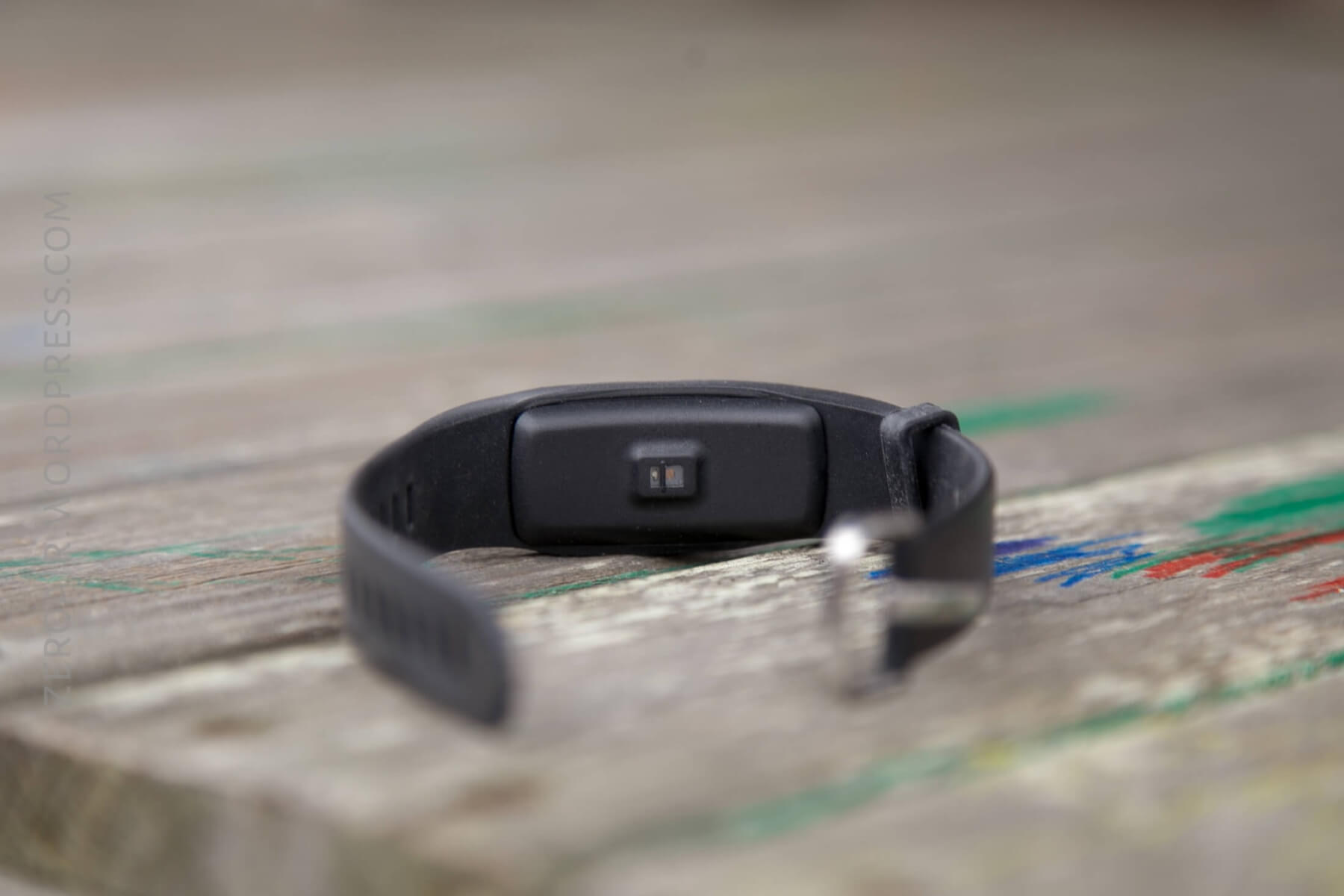
Regarding heart rate: there’s an optical sensor on the wrist side, which uses a green light to optically check the pulse. When the pulse is being checked, this light is illuminated. One thing I found highly frustrating about the heart rate (my primary point of interest using the DS-D6), is that it does not track pulse; it only checks pulse when that option is activated by the user. I think many fitness bands are like this, but I’d rather have a log of my HR every 5 minutes or one hour or whatever.
The product page on GearBest mentions a bunch of other stuff. Push alerts from the phone, call notifications, etc.
APP
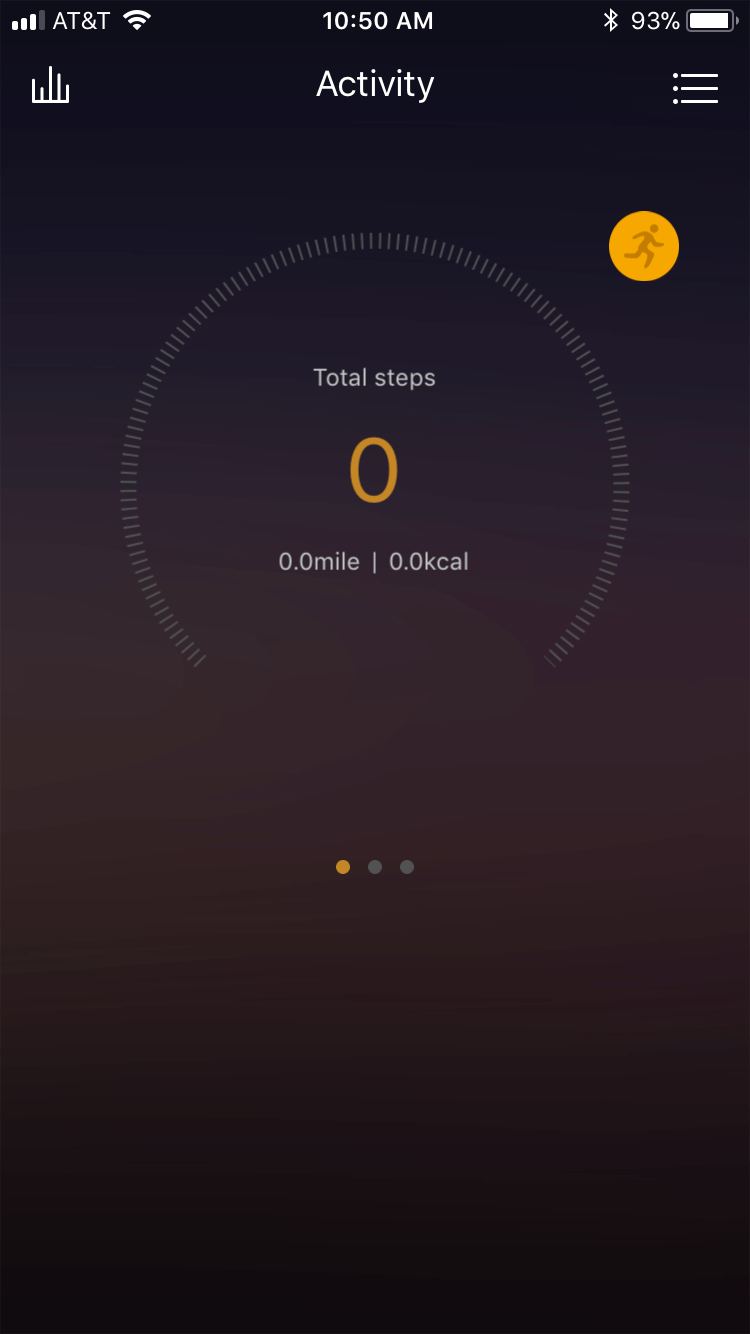
There’s an app for the DS-D6, which I’d consider to be a required app. I didn’t find a way to set the clock on the DS-D6 without connecting via Bluetooth, and when that’s done, the time is set automatically.
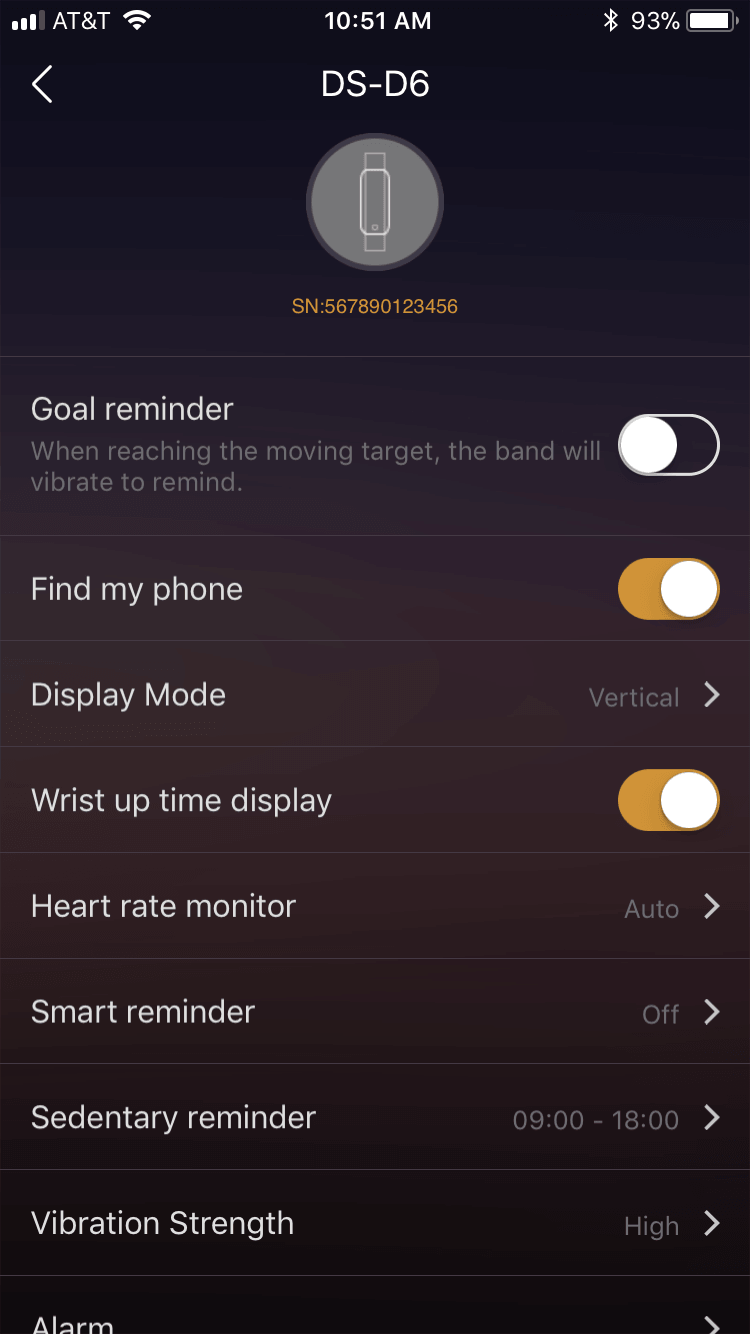
It’s possible to change a bunch of settings through the app.
Here’s a better idea of what can be set. Reminders, vibration settings, heart rate monitor, alarms, and even the vertical or horizontal orientation of the clock.
Through the app, one may also track steps and history in general:
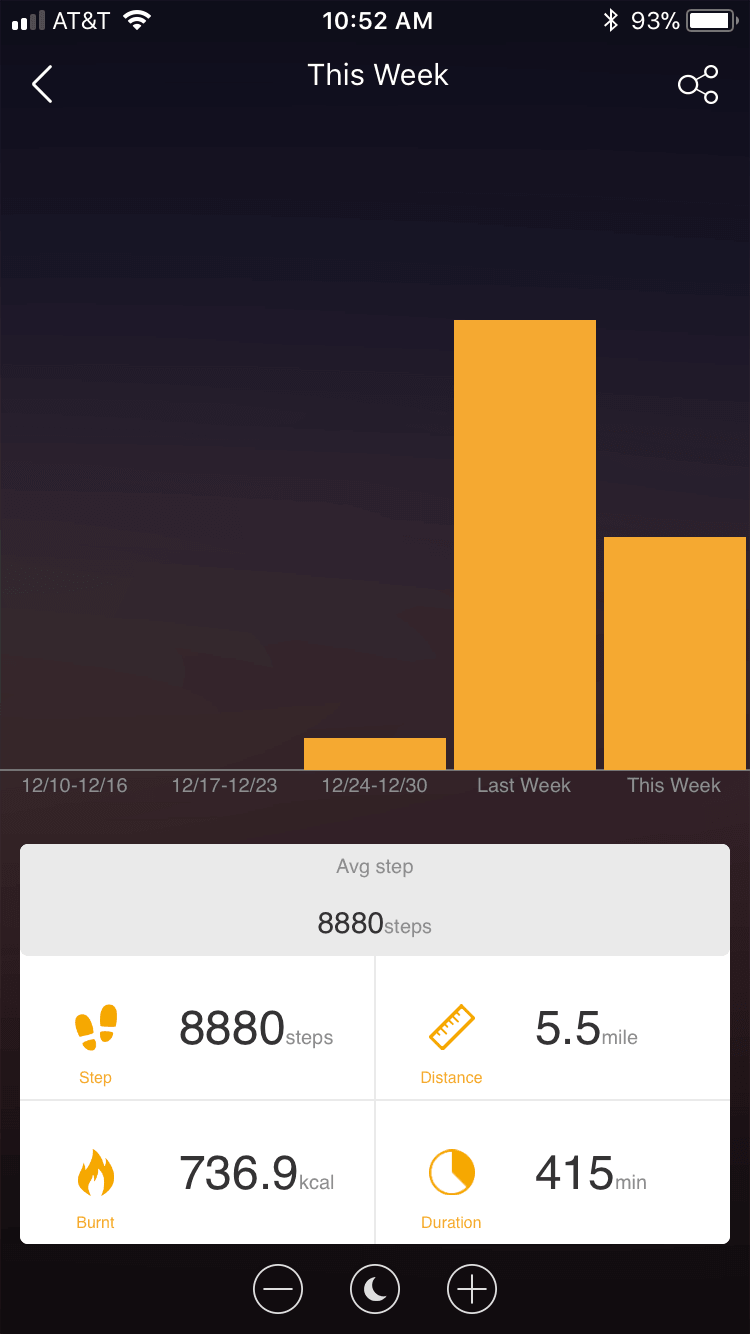
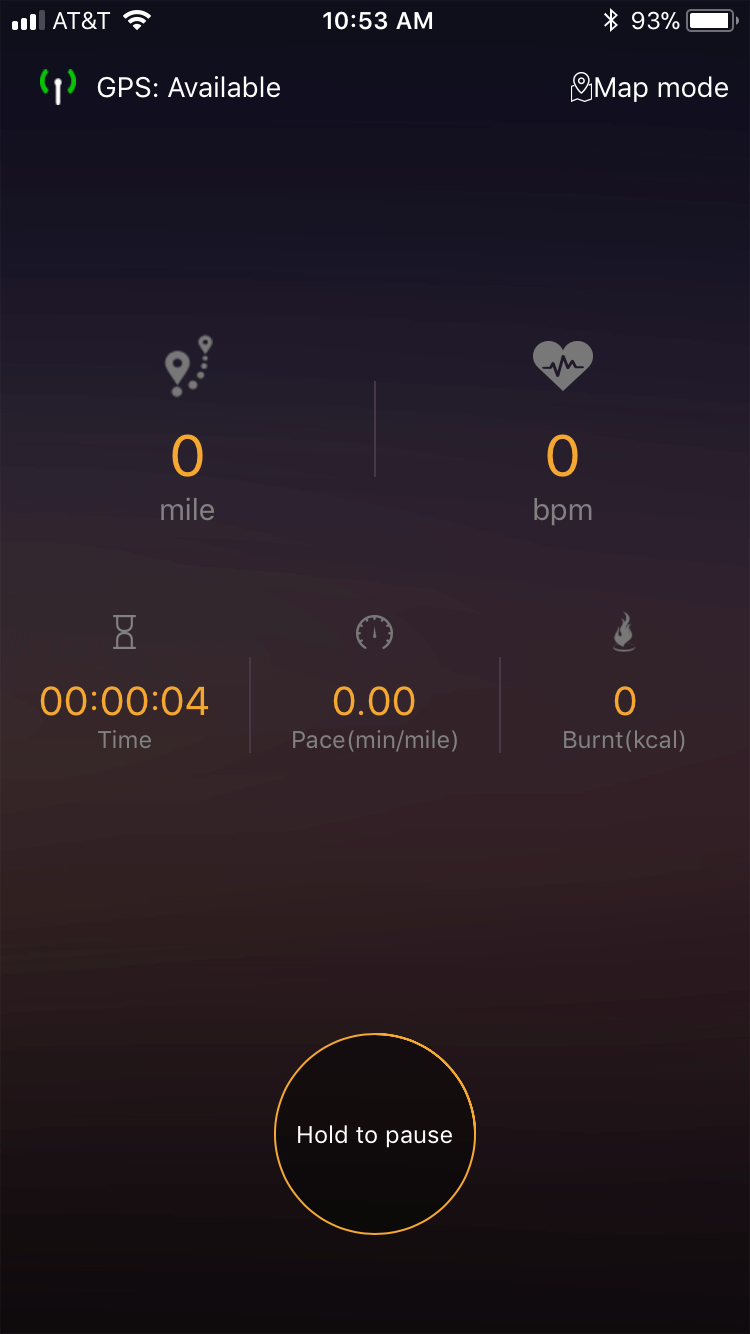
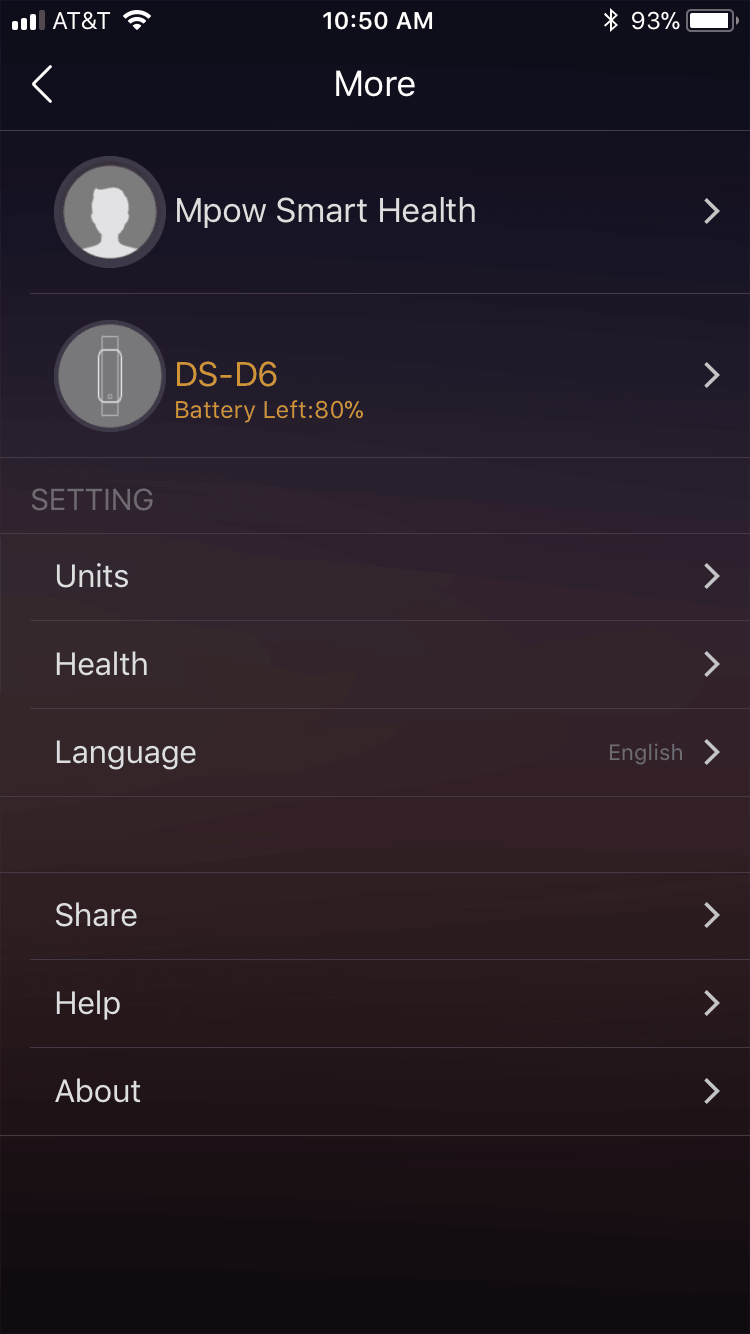
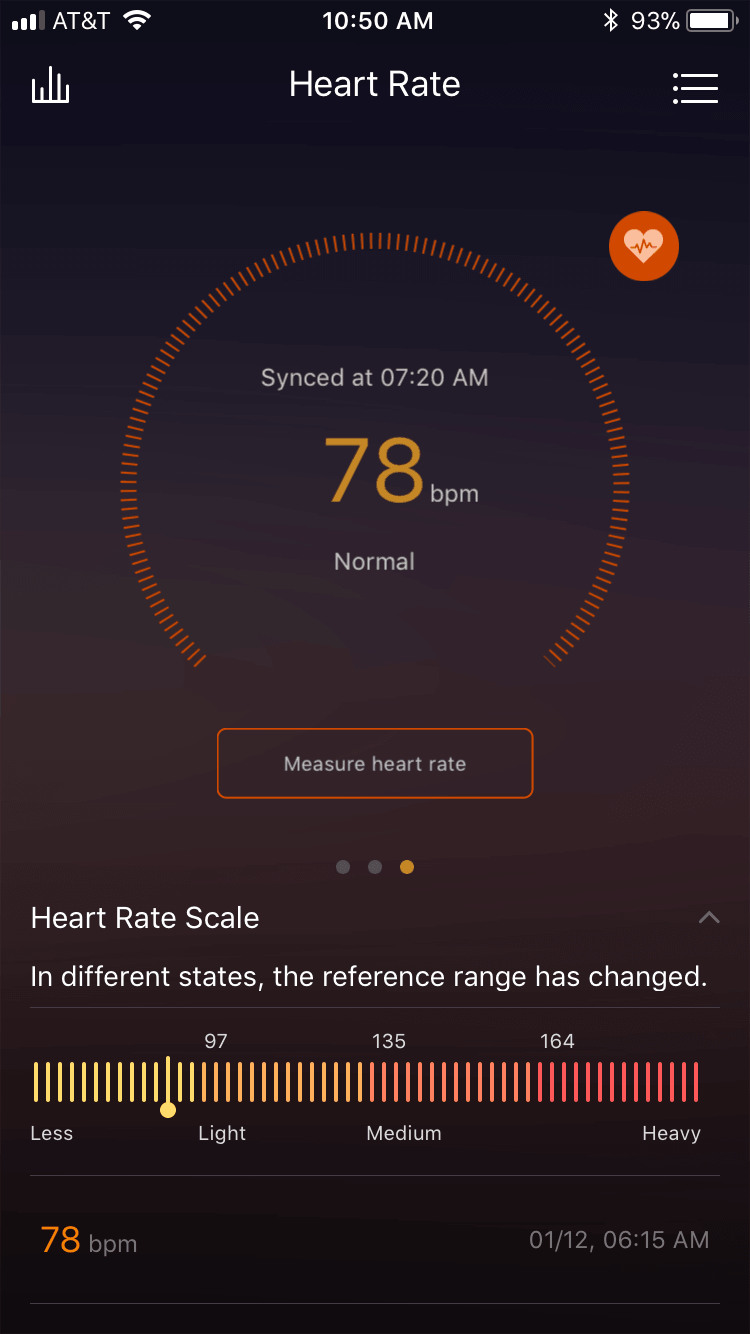
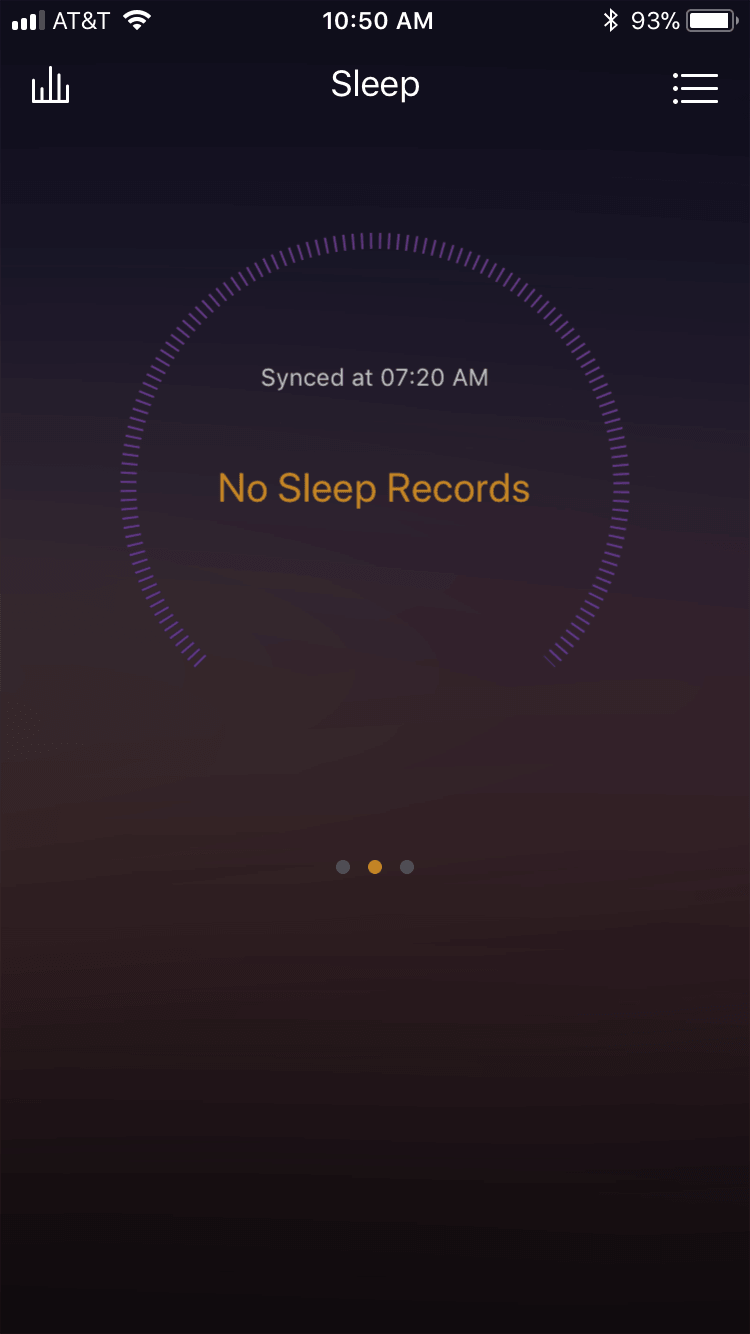
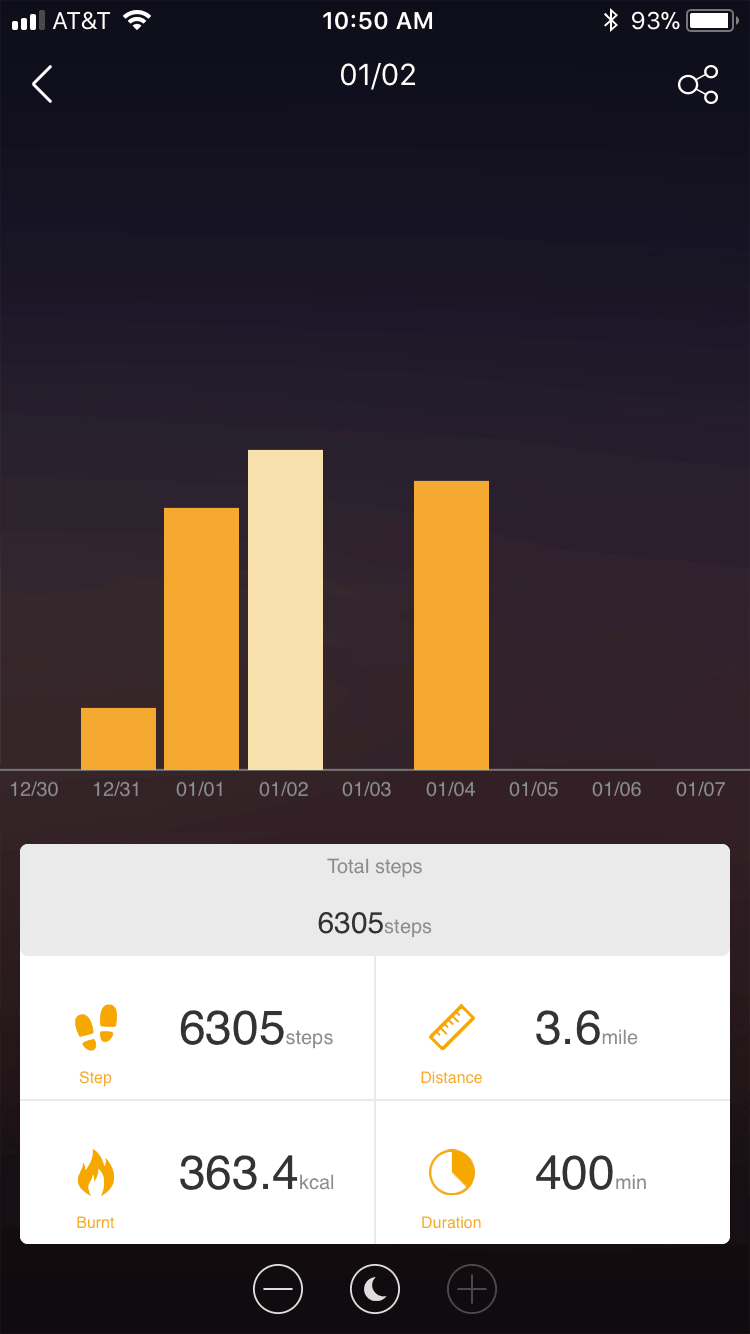
The app is fairly good, but could use a bit of refinement to help understand what’s what.
Random Comparisons and Competitive Options
GearBest itself describes possibly the biggest competitor to this Mpow DS-D6: the Xiaomi Mi Band 2. They list a couple of others: Lenovo HW01 and the Huawei Band 3.
There are also Garmin options, like the Vivofit 3. I’ve always liked Garmin products, but the price puts it out of the running here (5 or 6 times the cost of the Mpow).
Conclusion
What I like
- Measures the two things I’m most interested in with this category device: steps and heart rate
- Charges quickly
- Charger built into the device
- Seems fairly rugged
What I don’t like
- Requires the app to set the time
- Not all features mentioned on the product page seem to exist on the device.
- Not all features mentioned on the app seem to exist on the device.
Notes
- This fitness band was provided by GearBest for review. I was not paid to write this review.
- This content originally appeared at zeroair.org. Please visit there for the best experience!
- Use my amazon.com referral link if you’re willing to help support making more reviews like this one!
- Please support me on Patreon! I deeply appreciate your support!
Discover more from ZeroAir Reviews
Subscribe to get the latest posts sent to your email.
my battery does not last one day, did the same thing happen to you?
When showing as fully charged, it lasts more than a full day. But probably not two full days.
The most I did was 10 hours, less than a day of battery 🙁
Hi, now I can stay 4 days without recharging, I only had to charge for 12 hours, from 10 in the evening until 10 in the morning 🙂