
Zebralight SC63w Flashlight Review
The Zebralight SC63w flashlight deserves fame as an extremely popular flashlight. It has a Cree XHP35 HD emitter and runs on a single 18650.
Official Specs and Features
Here’s a link to the Zebralight SC63w Flashlight product page.
Versions
Worth mentioning here is the SC64w, the newer version of this light. Anyone who knows Zebralight will know that there are other iterations of this light – theSC63, but the “w” at the end makes it unique in the line.
Price
This is available around the web for $69, and on Fasttech for $78.95 at the time of this writing. Later, you might find the light available on Amazon, through this referral link.
Short Review
As good as any other Zebralight I’ve had, which is a long list. I’m pretty sure I’ve owned an SC63 in the past, but I can’t recall specifics – I can say I like this model much more than I expected to (which was already a lot). It’s a very, very good size. (Check that, it was an sc62w, and it’s long gone because of sell-to-fund.)
Long Review
The Big Table
| Zebralight SC63w | |
|---|---|
| Emitter: | Cree XHP35 (Neutral White (Nominal CCT 4500K)) |
| Price in USD at publication time: | $69.00 Click to see Zebralights on Amazon. |
| Cell: | 1×18650 |
| Turbo Runtime | |
| LVP? | Yes |
| Switch Type: | |
| On-Board Charging? | No |
| Claimed Lumens (lm) | 1126 |
| Claimed Throw (m) | – |
| Candela (Calculated) in cd (at 30s) | 458lux @ 3.634m = 6048cd |
| Throw (Calculated) (m) | 155.5^ |
| All my Zebralight reviews! | |
^ Measurement disclaimer: Testing flashlights is my hobby. I use hobbyist-level equipment for testing, including some I made myself. Try not to get buried in the details of manufacturer specifications versus measurements recorded here; A certain amount of difference (say, 10 or 15%) is perfectly reasonable.
What’s Included
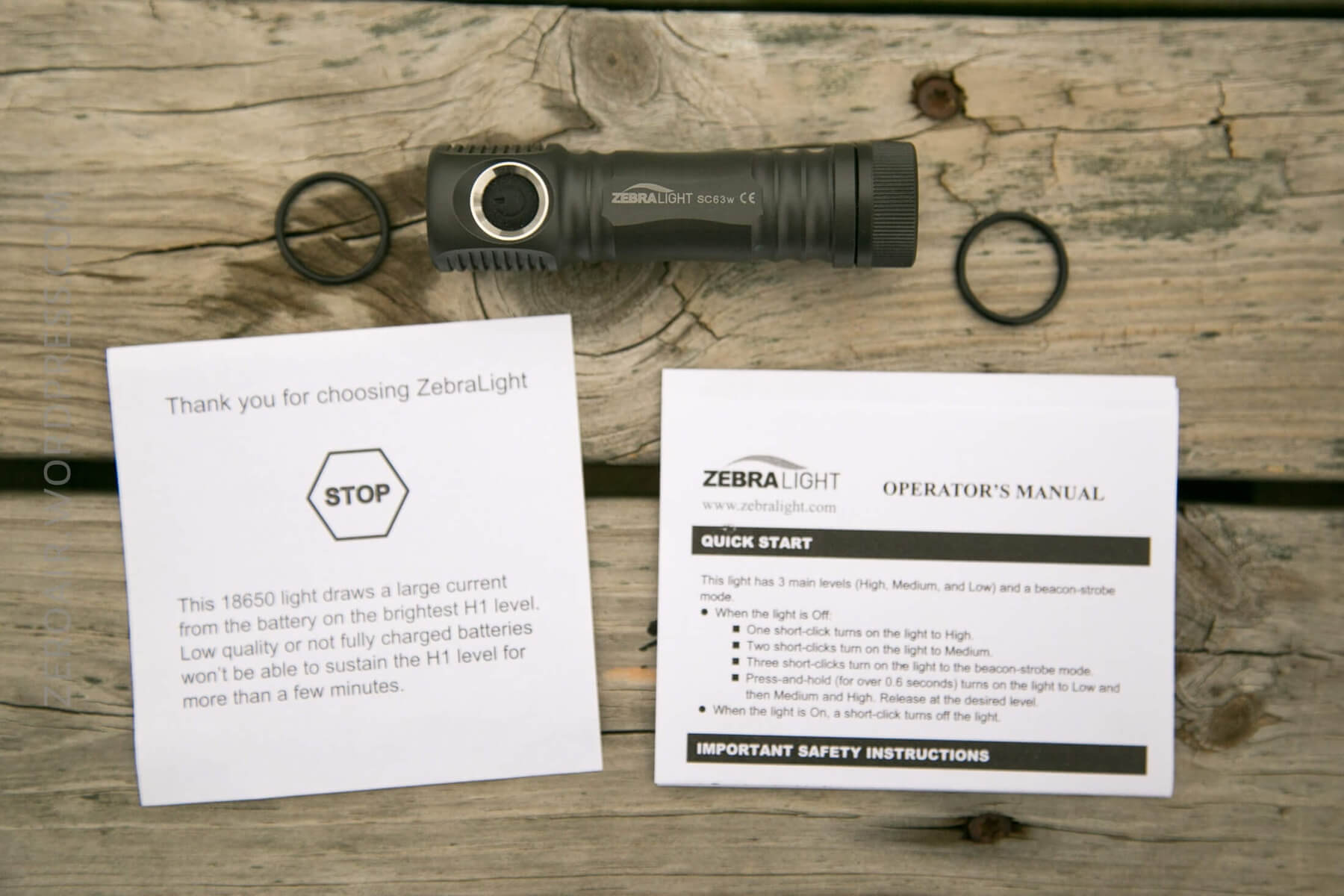
- Zebralight SC63w
- Spare o-ring (2)
- Manual and papers
Package and Manual
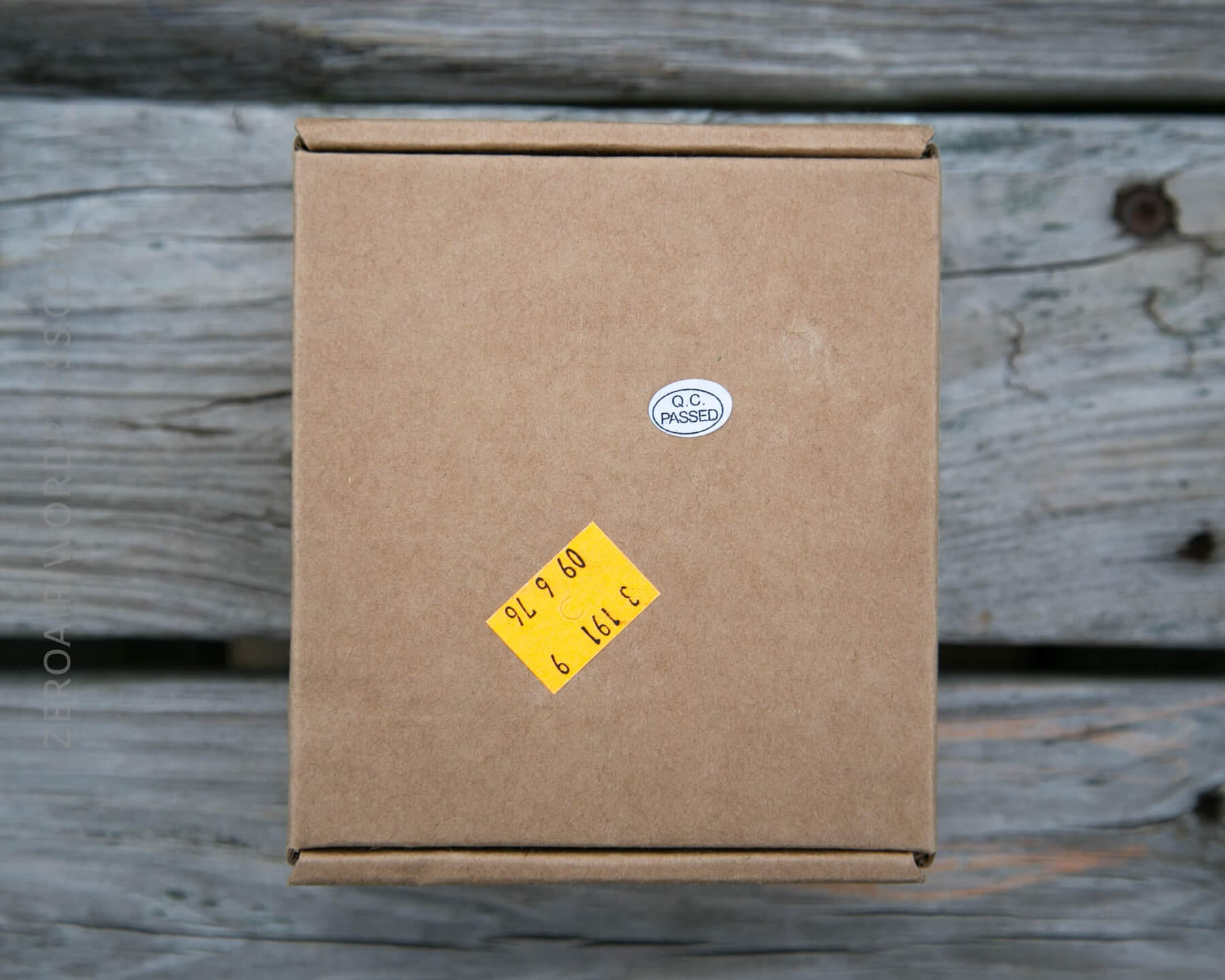
This light ships in the Zebralight standard packaging; a cardboard box with a sticker. I have a certain fondness for this package, and while I always say I like them because they’re completely recyclable, in truth I keep them all. In this case, it does seem that Fasttech adds a little yellow sticker to the top.
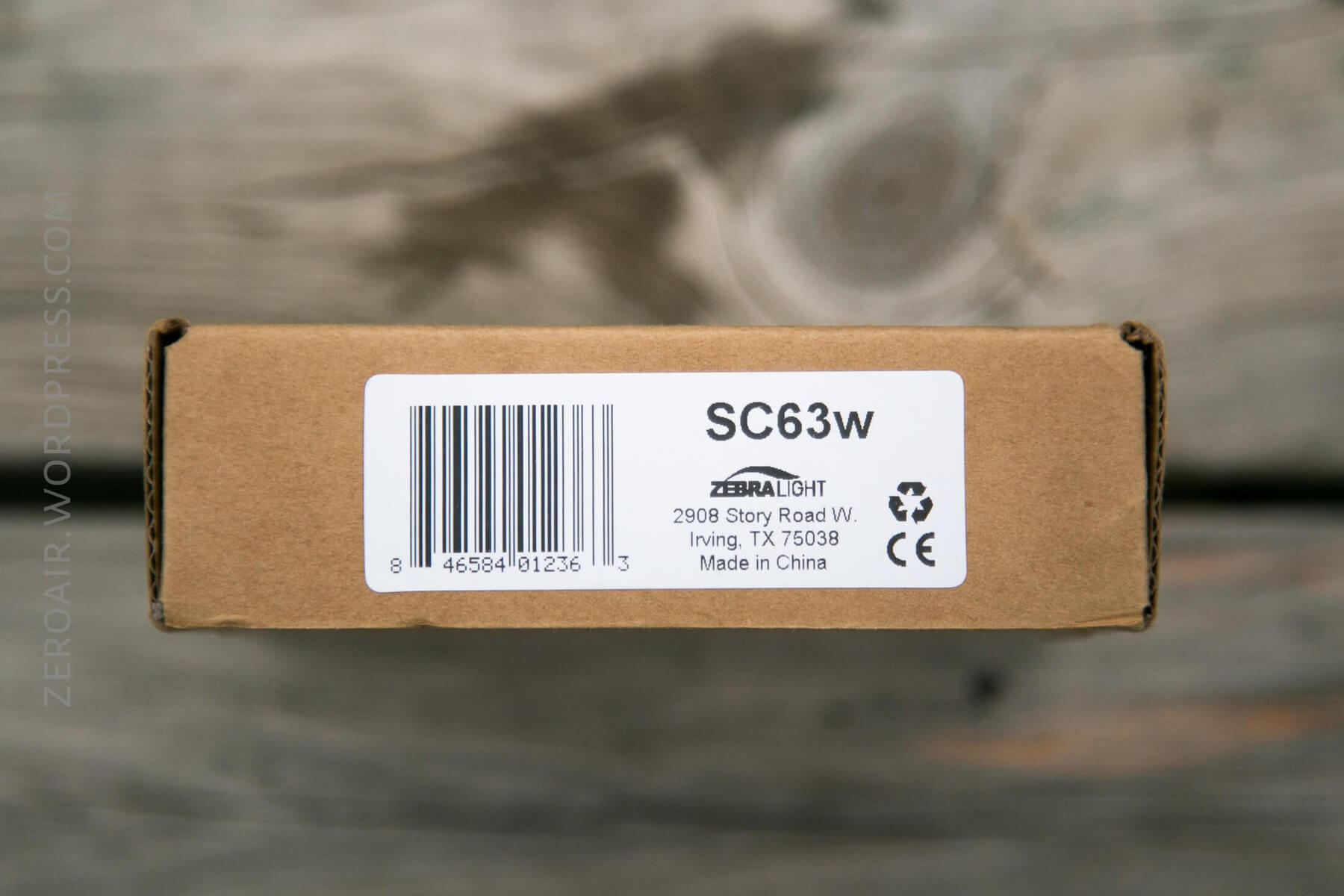
The manual is a thin, small strip of paper, with a fairly terse reading of specs, features, and UI, but it gets the job done. This information is essentially direct from the light’s webpage, and can also be seen on this PDF (though last time I checked, that PDF was a bit outdated, and I believe is also generic).
Build Quality and Disassembly
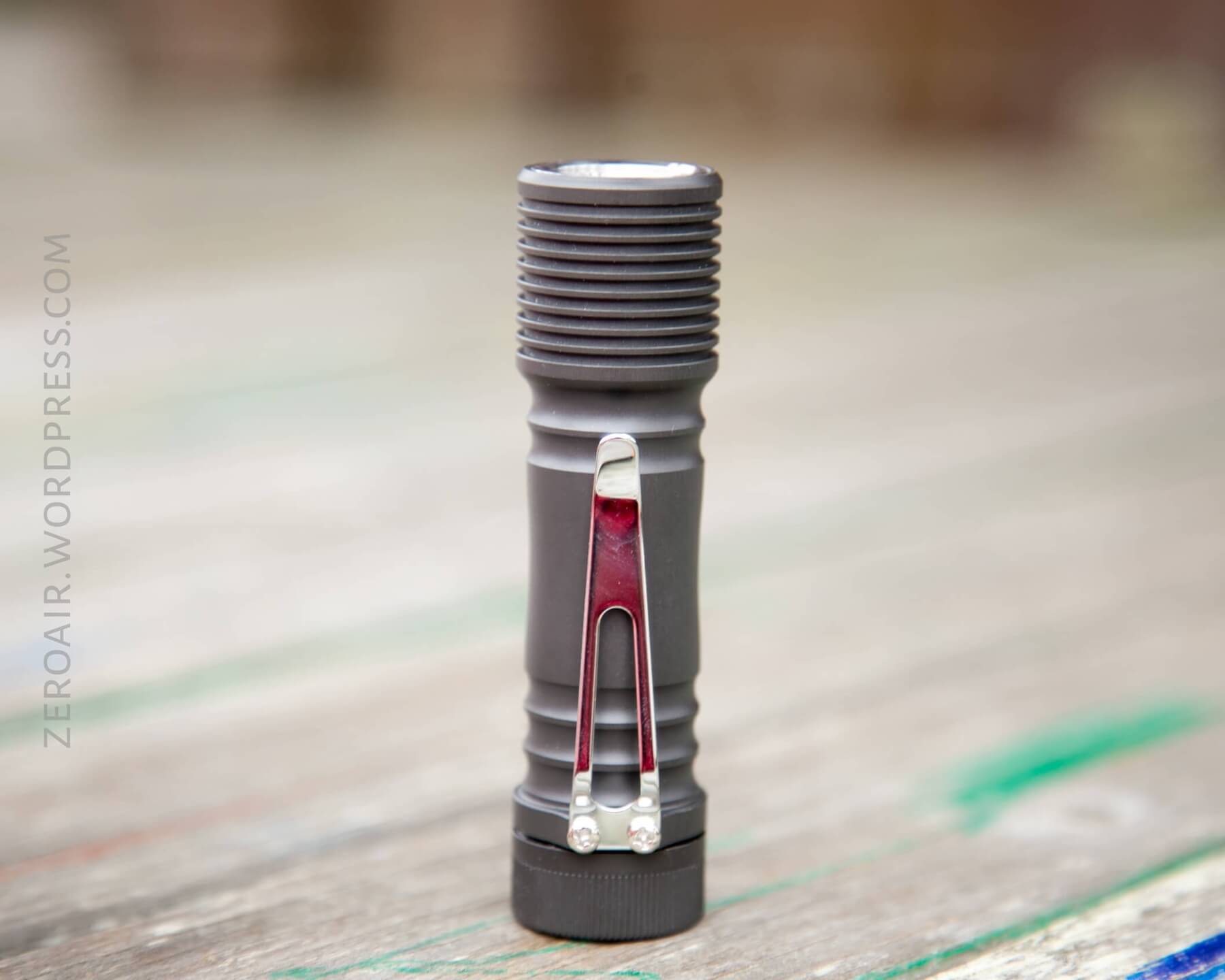
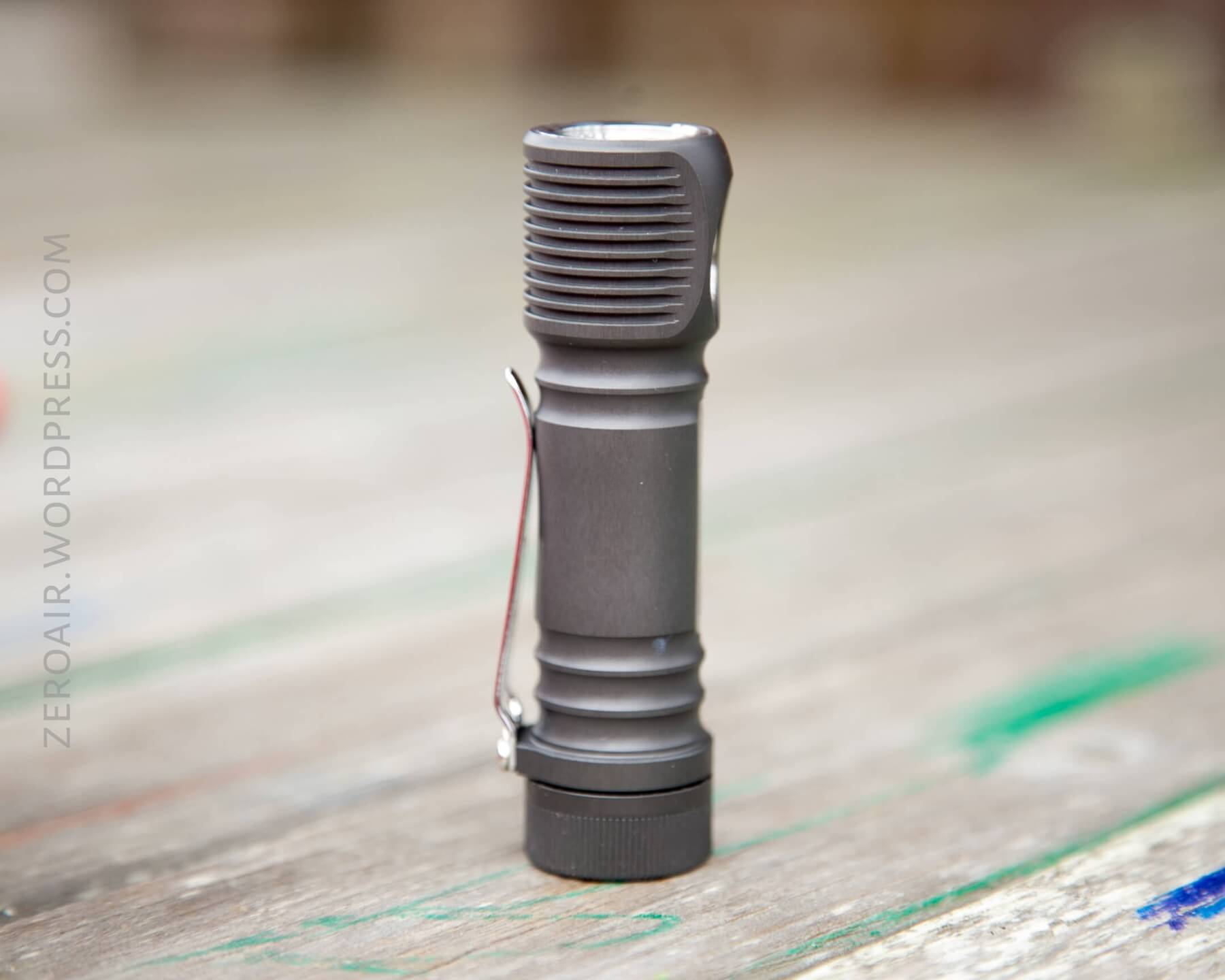
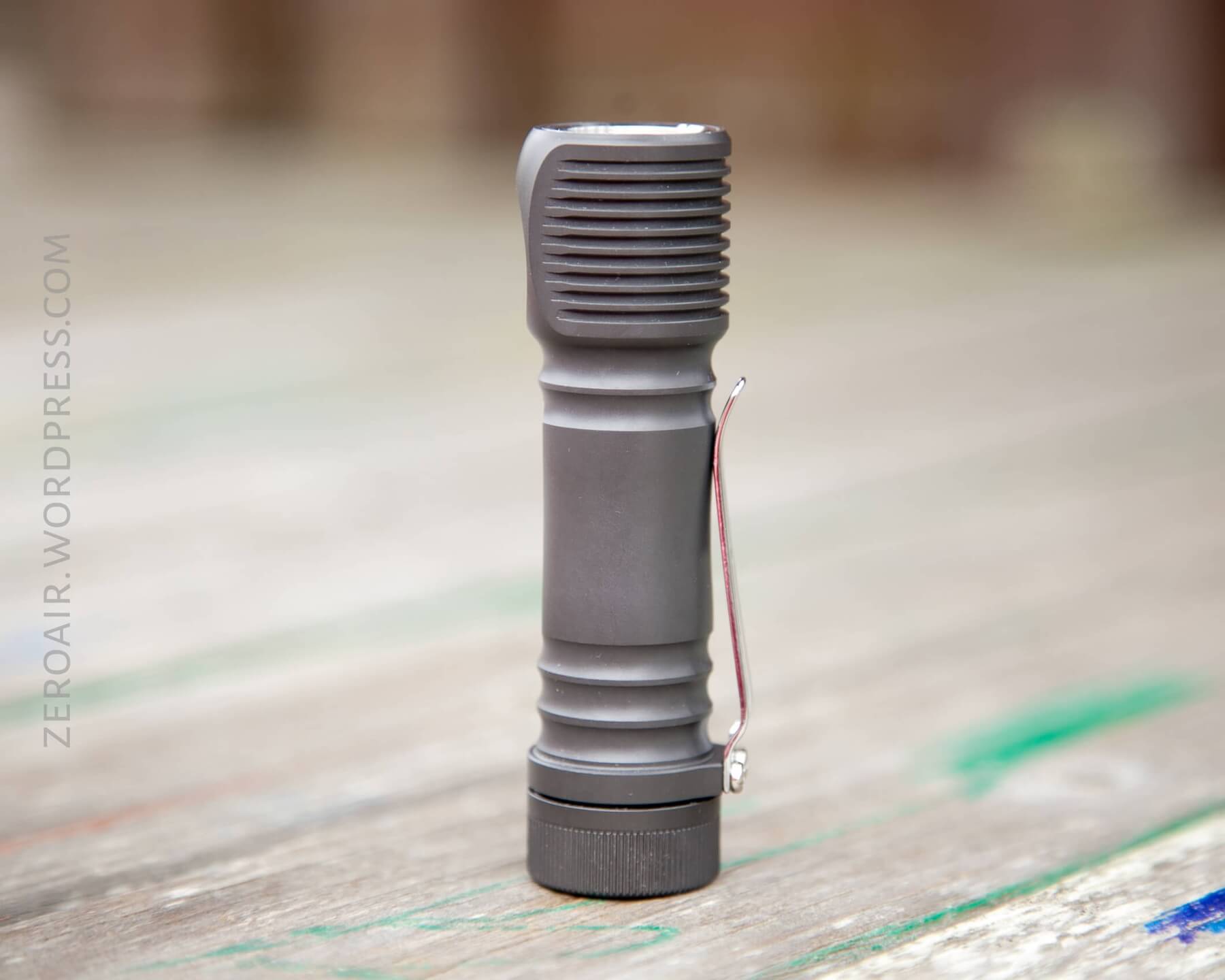
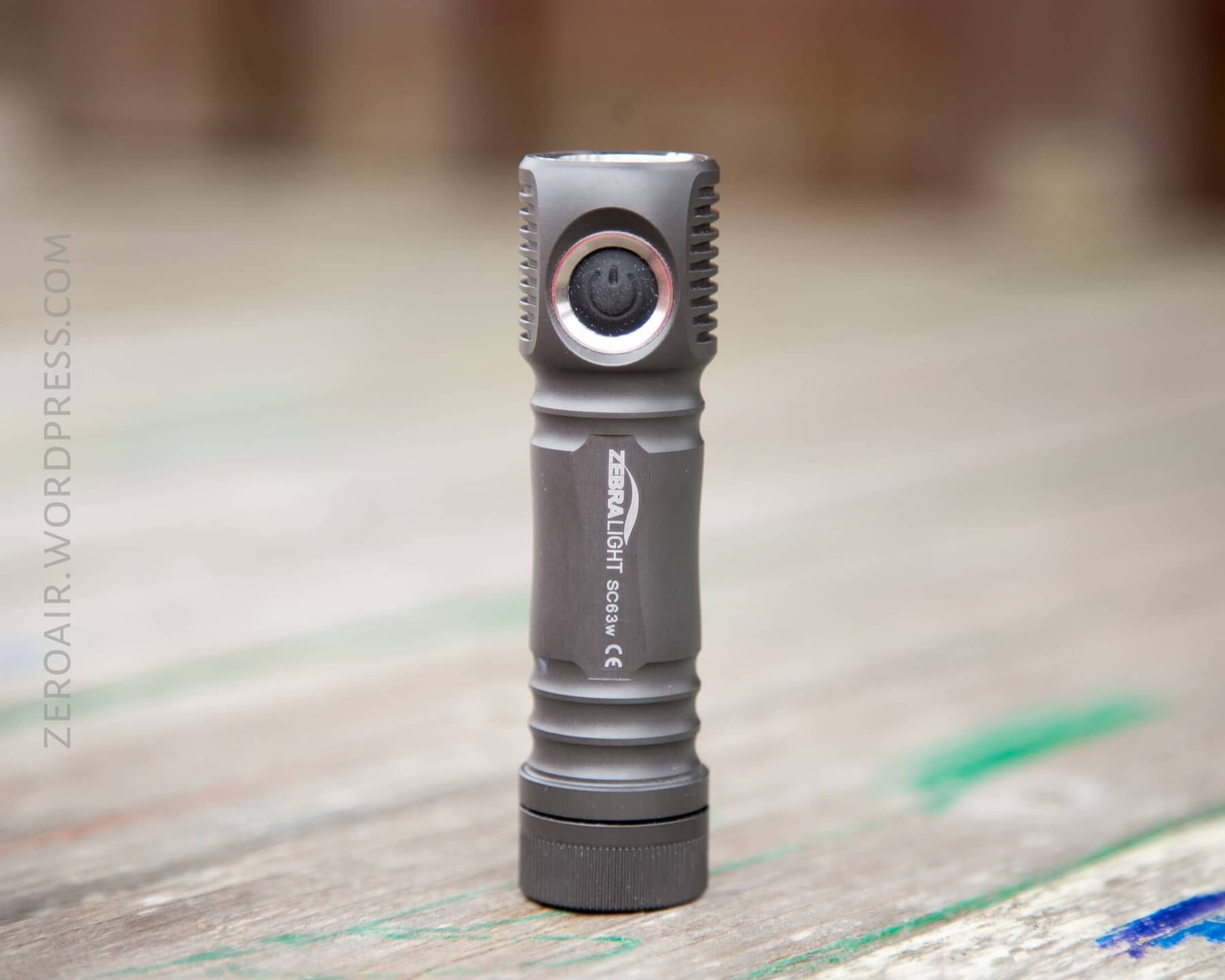
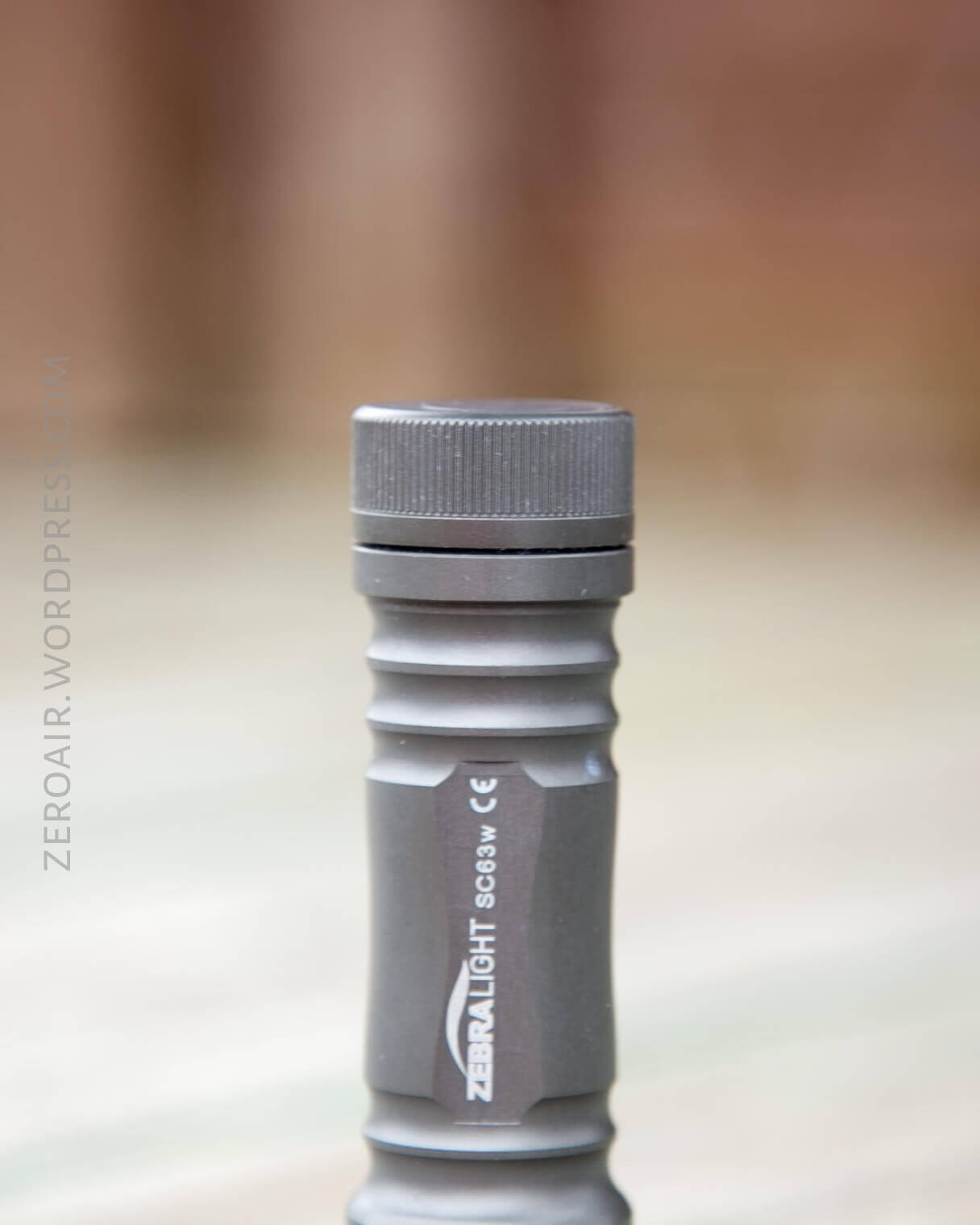
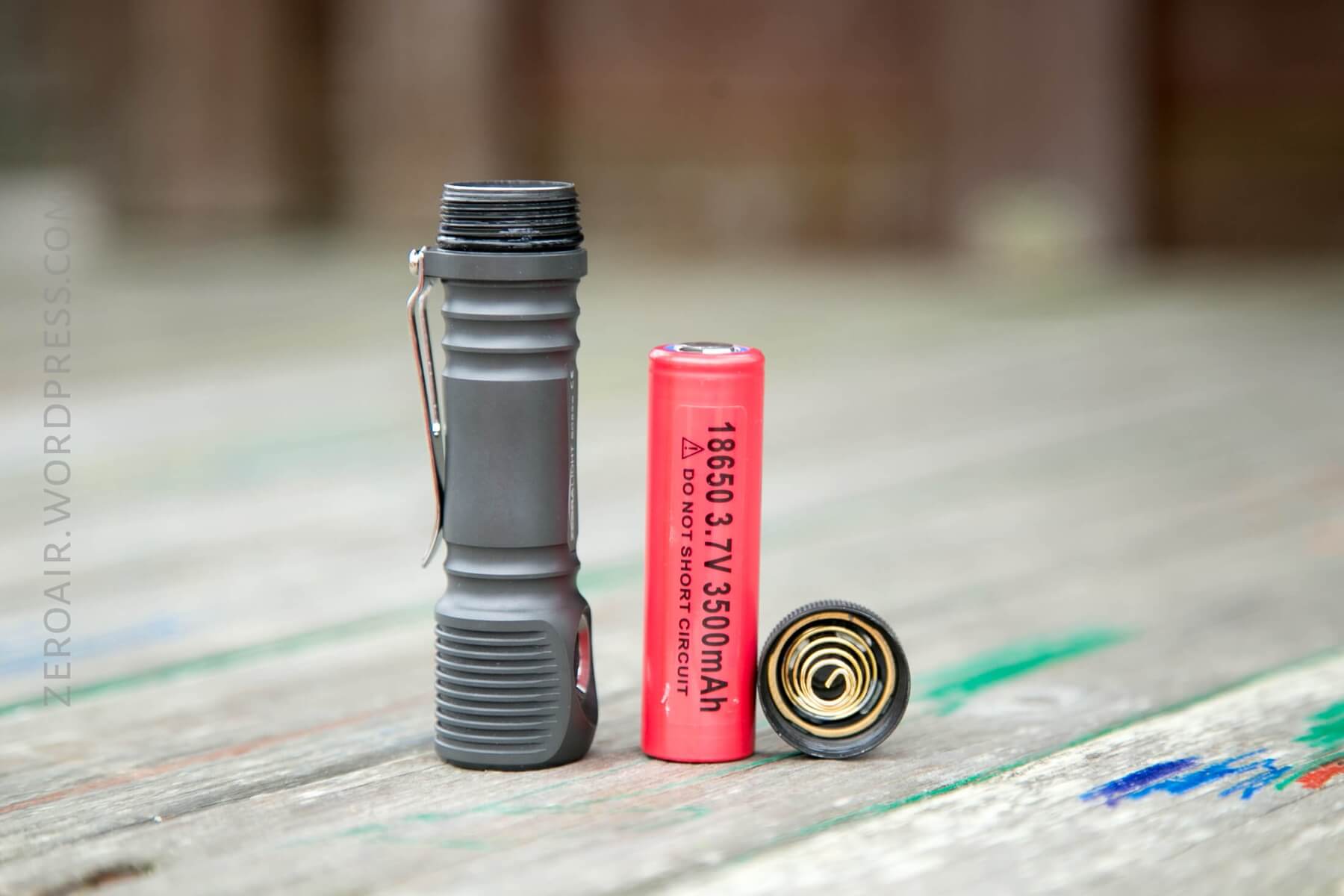
It’s impossible for me to say a single bad thing about the build quality of this SC63w. The anodizing is perfect (and shiny, even visible in some of the photos). The machining is great, the fins on the head are nicely finished so that they aren’t sharp. The threads on the tailcap are – like the sc600Fd mkIII I reviewed – exquisite. They are triangle threads, not square-cut, but they’re just buttery smooth. Probably a combination of good workmanship and good lube, as all good things are. (Slight edge to the sc600fd mkIII, though, those threads are still my benchmark).
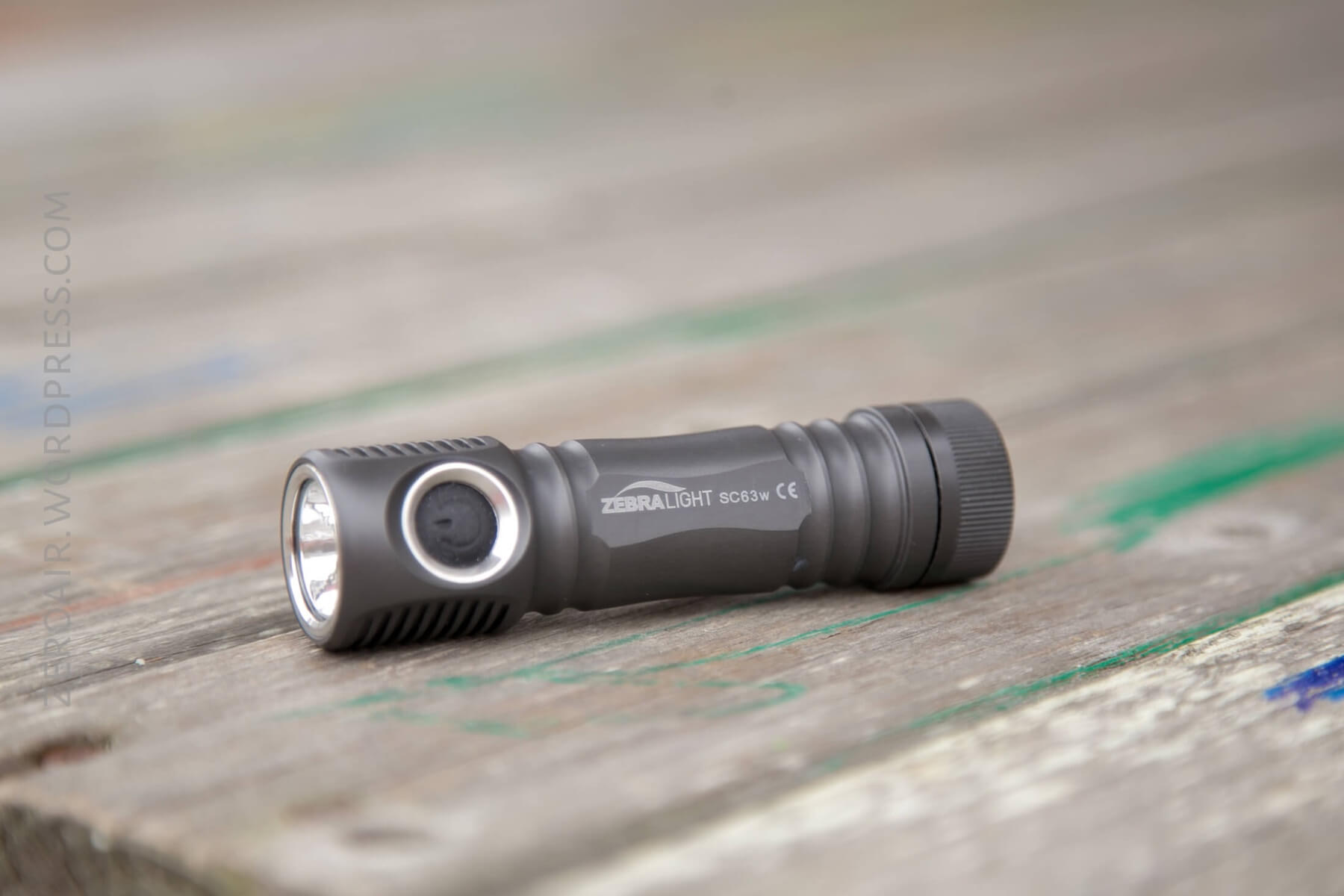
As much as I like good knurling, I also really love the smooth body of this SC63w. There’s plenty to grip for use, but it’s still different from many lights. The reeding on the tailcap makes gripping for cell change very easy.
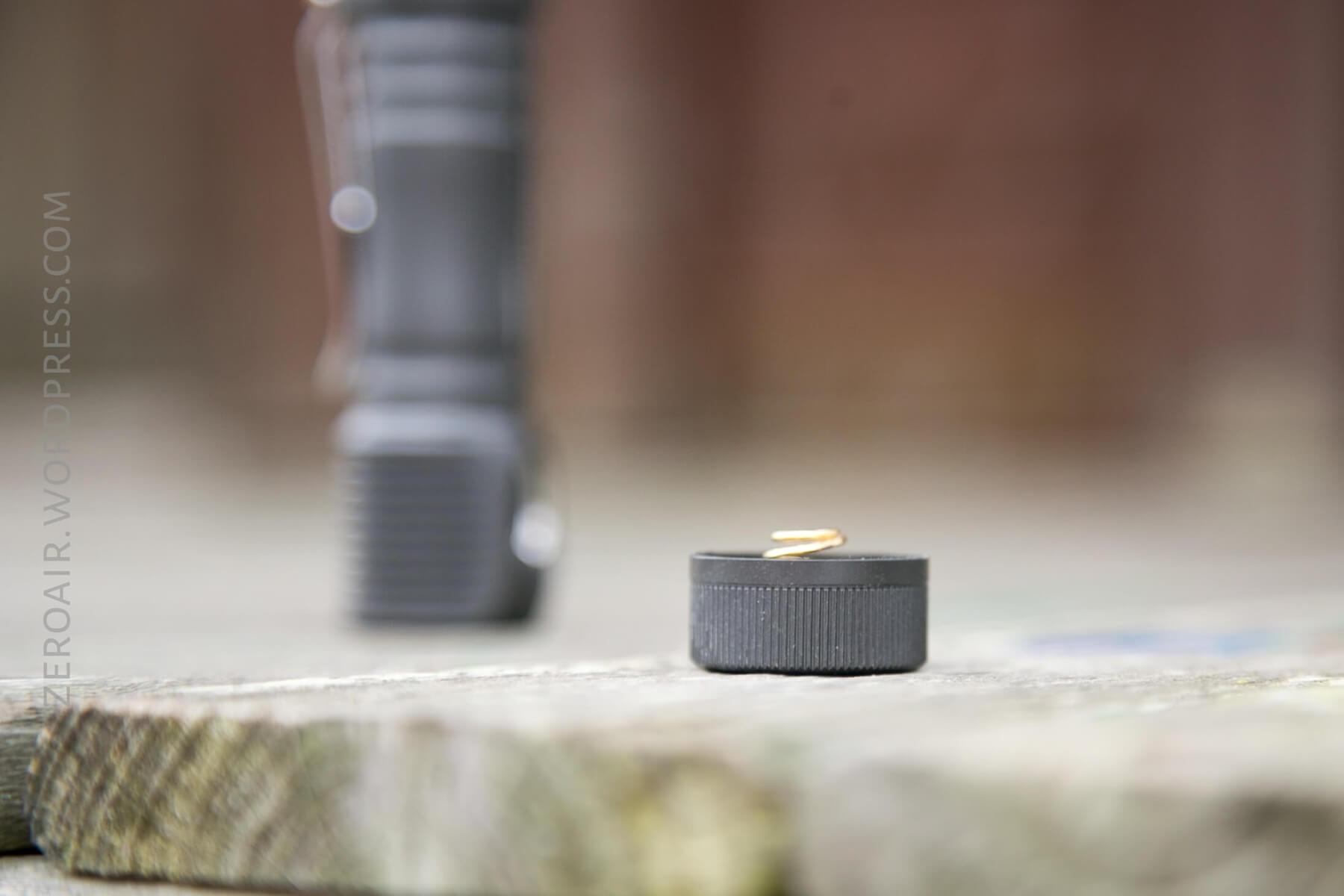
Below, you can see the triangle cut threads and the lube.
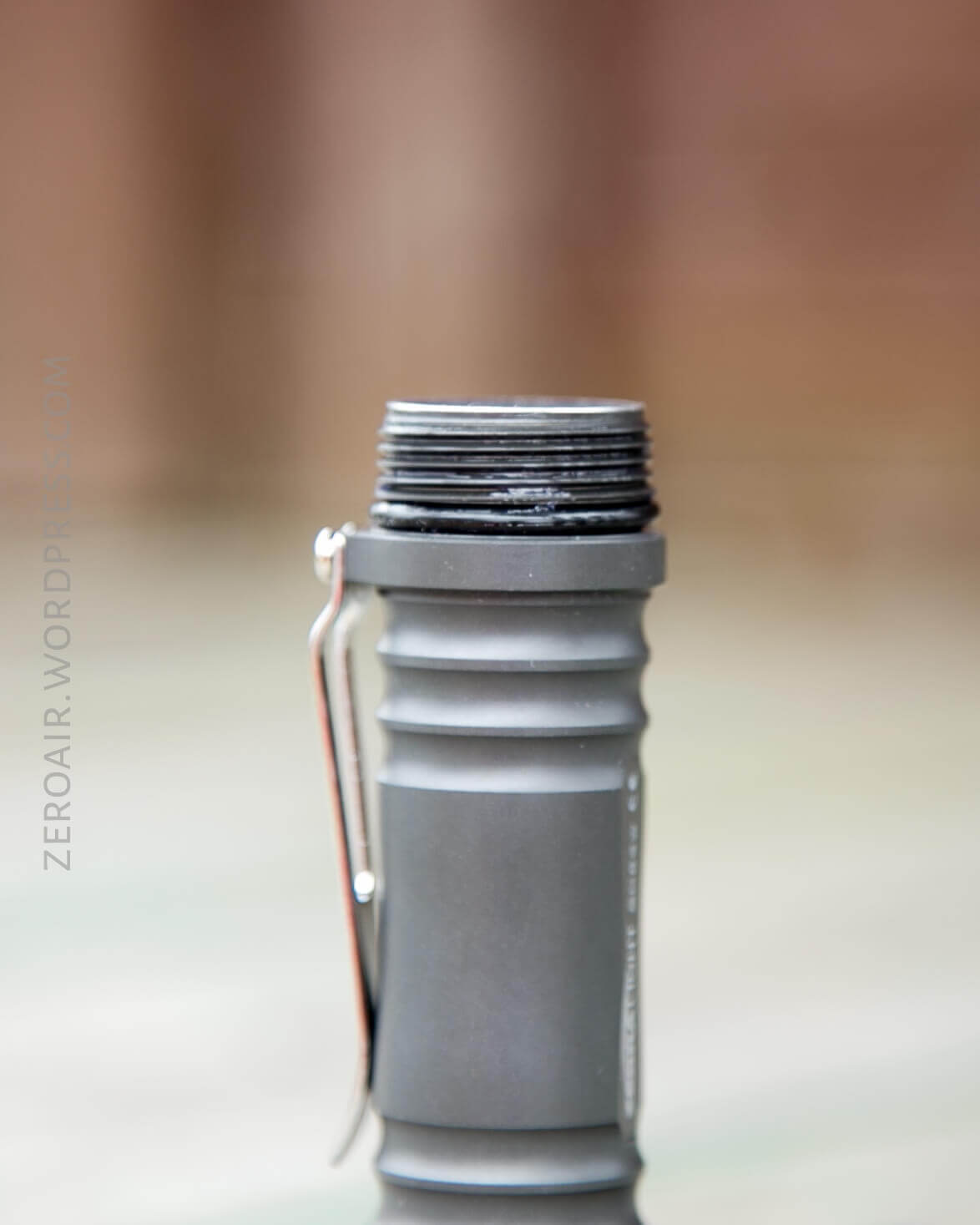
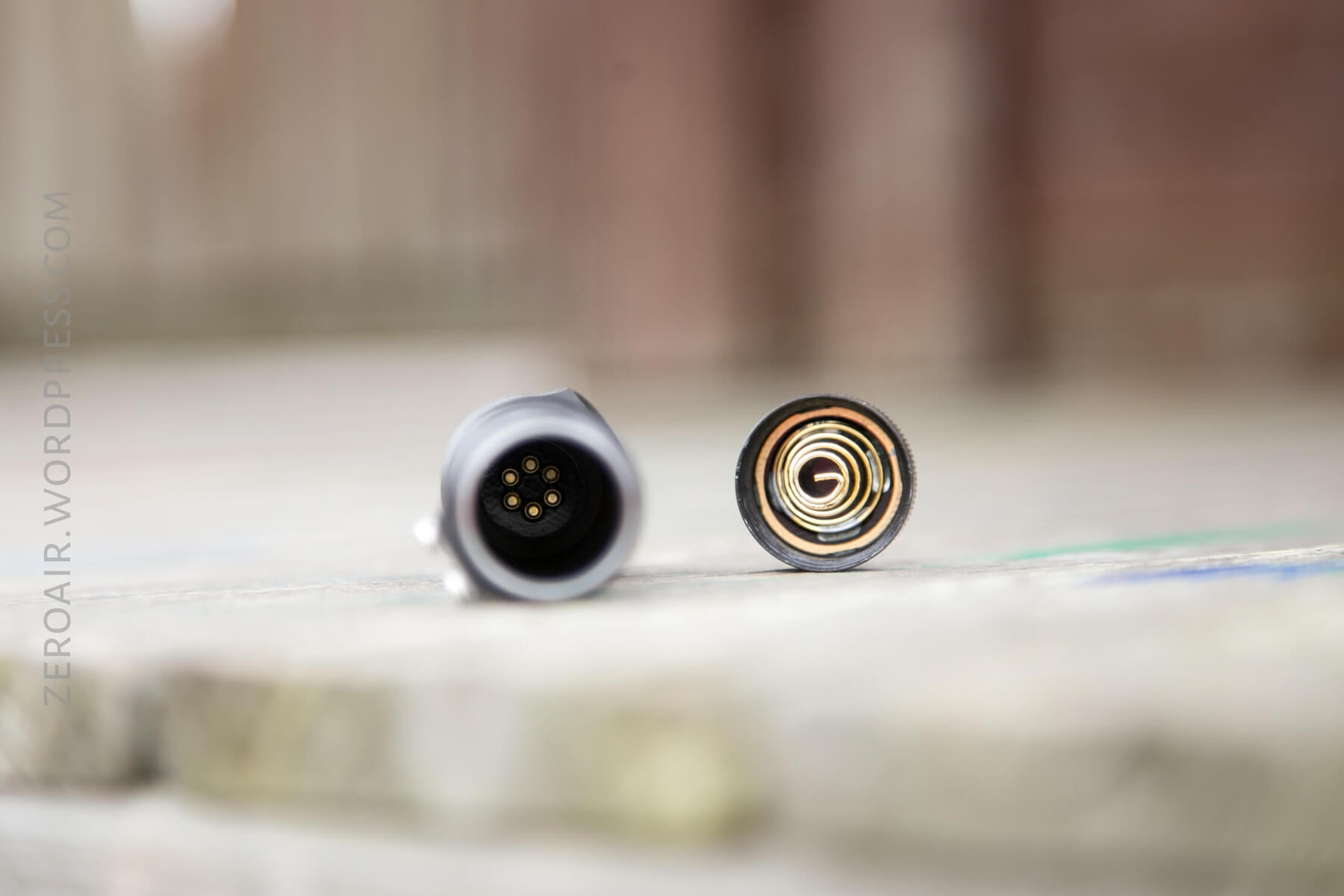
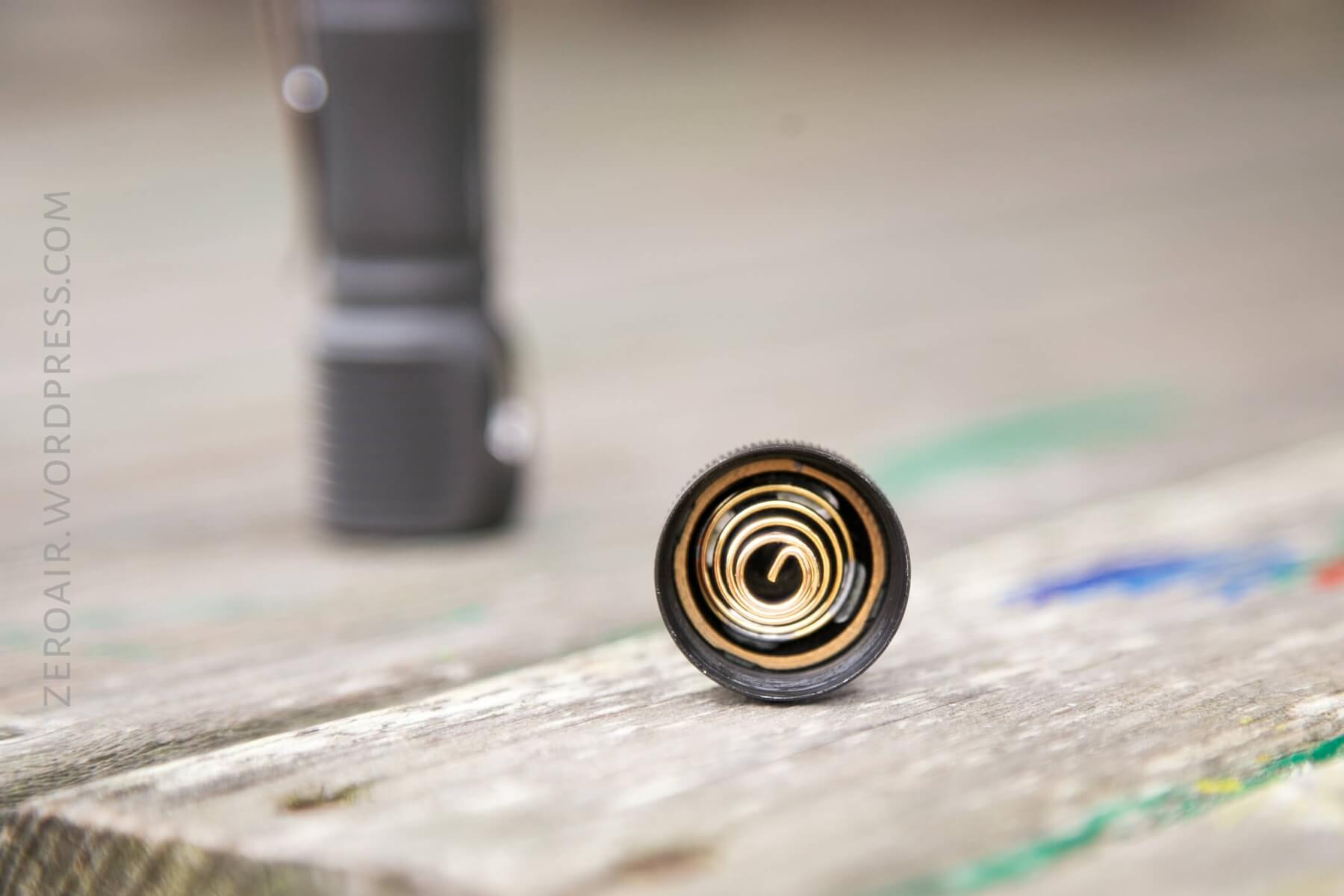
There’s not much that’s surprising about Zebralight here. These lights don’t like to be disassembled, as the bezel on the lens and button is press-fit in. The tailcap unscrews easily, of course. Note the pogo pins on the head end. Some users have had problems with some pogo pins, but I think this is the fixed version, with 6 pins. The spring on the tailcap is big and moderately thick, but not extremely stiff. It seems to hold the cell in place well enough that I wasn’t able to break the connection by banging the light on stuff. The threads are anodized.
Size
Head Diameter: 0.96 inch (24.5 mm)
Length: 3.64 inches (92.5 mm)
Weight: 1.3 oz (38 gram) without battery
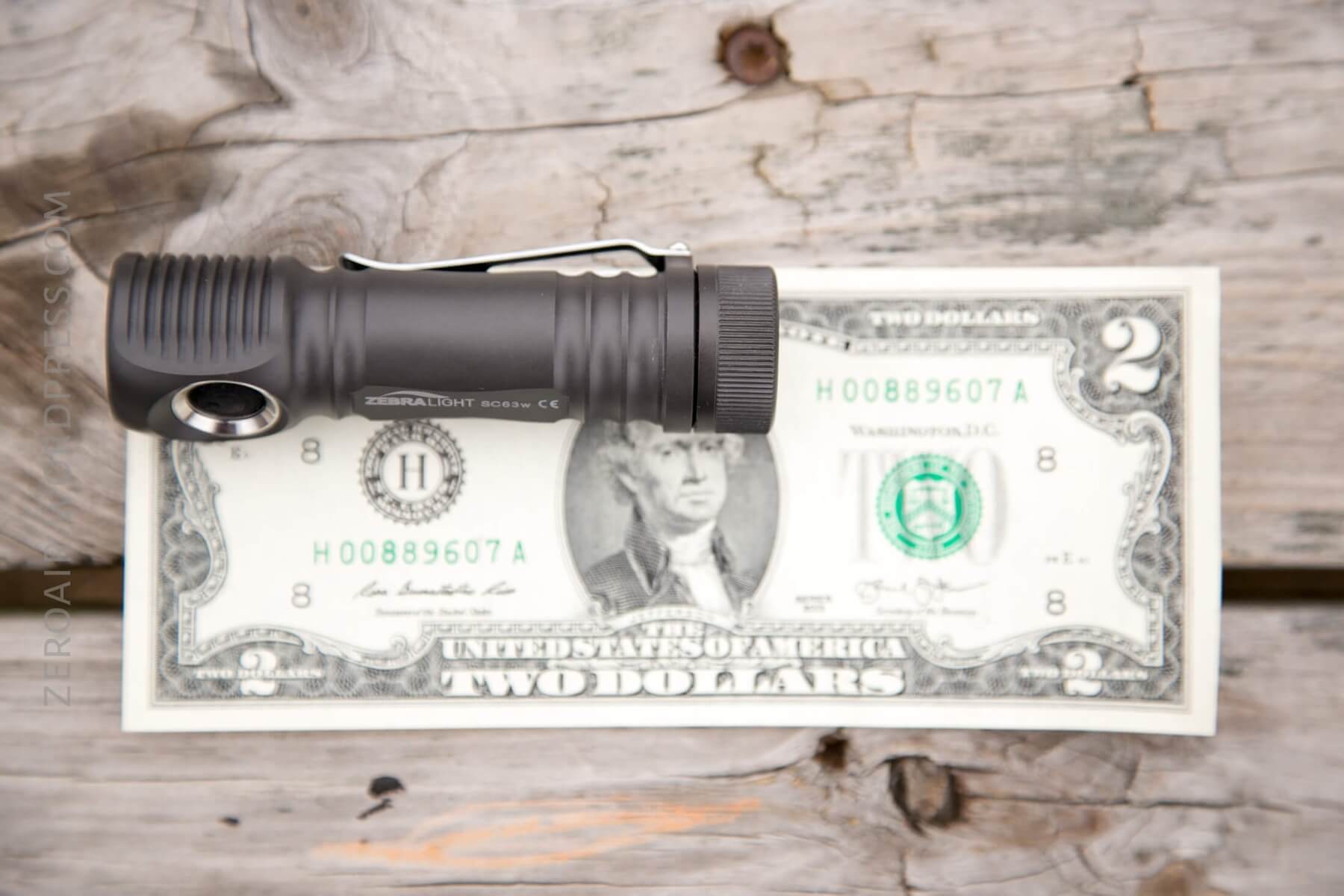
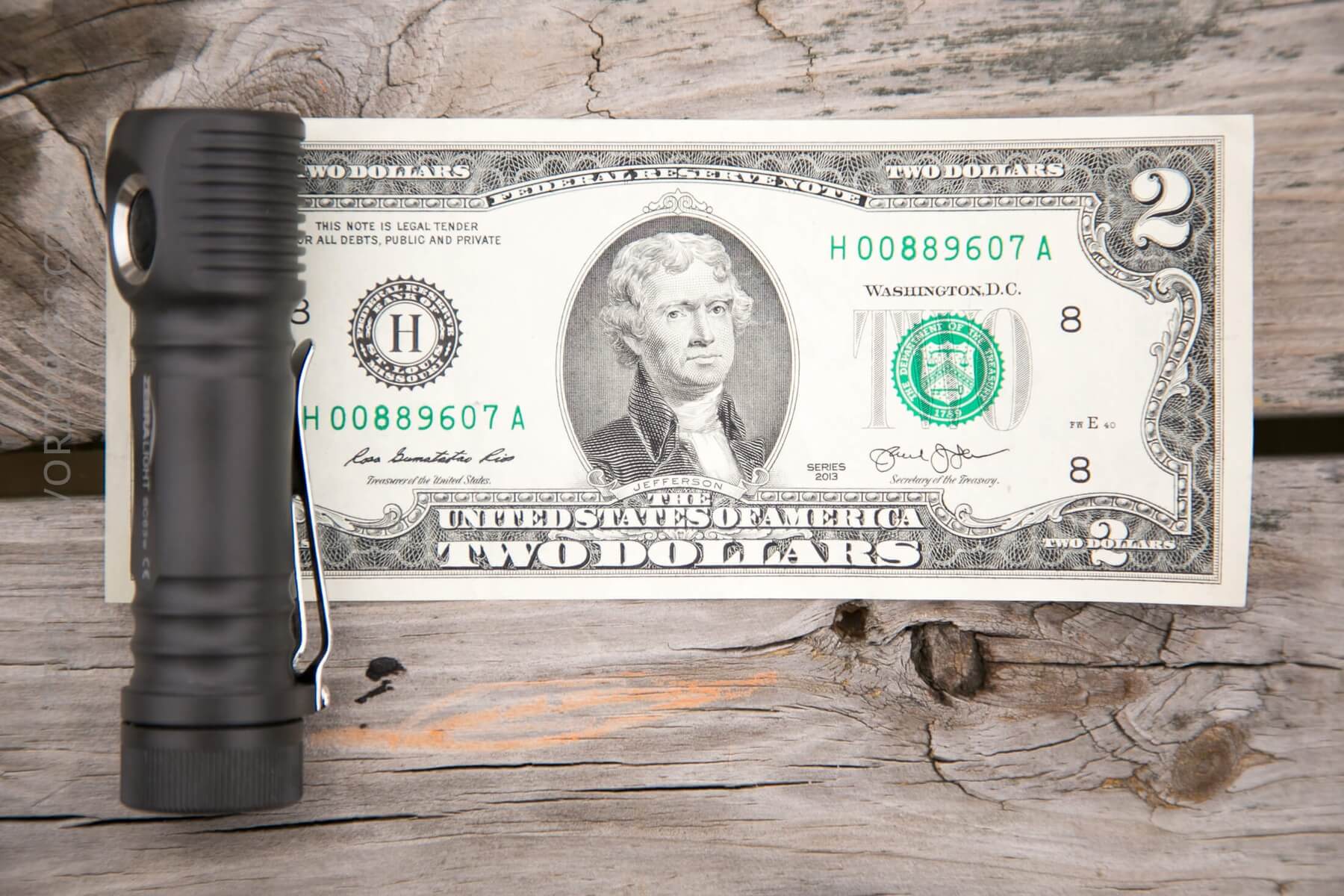
This is a great EDC-sized light. I am comfortable carrying a bigger light – the sc600 is even ok for my pockets. I carry a Brass TorchLAB BOSS 70 every single day. The SC63w is smaller than that.
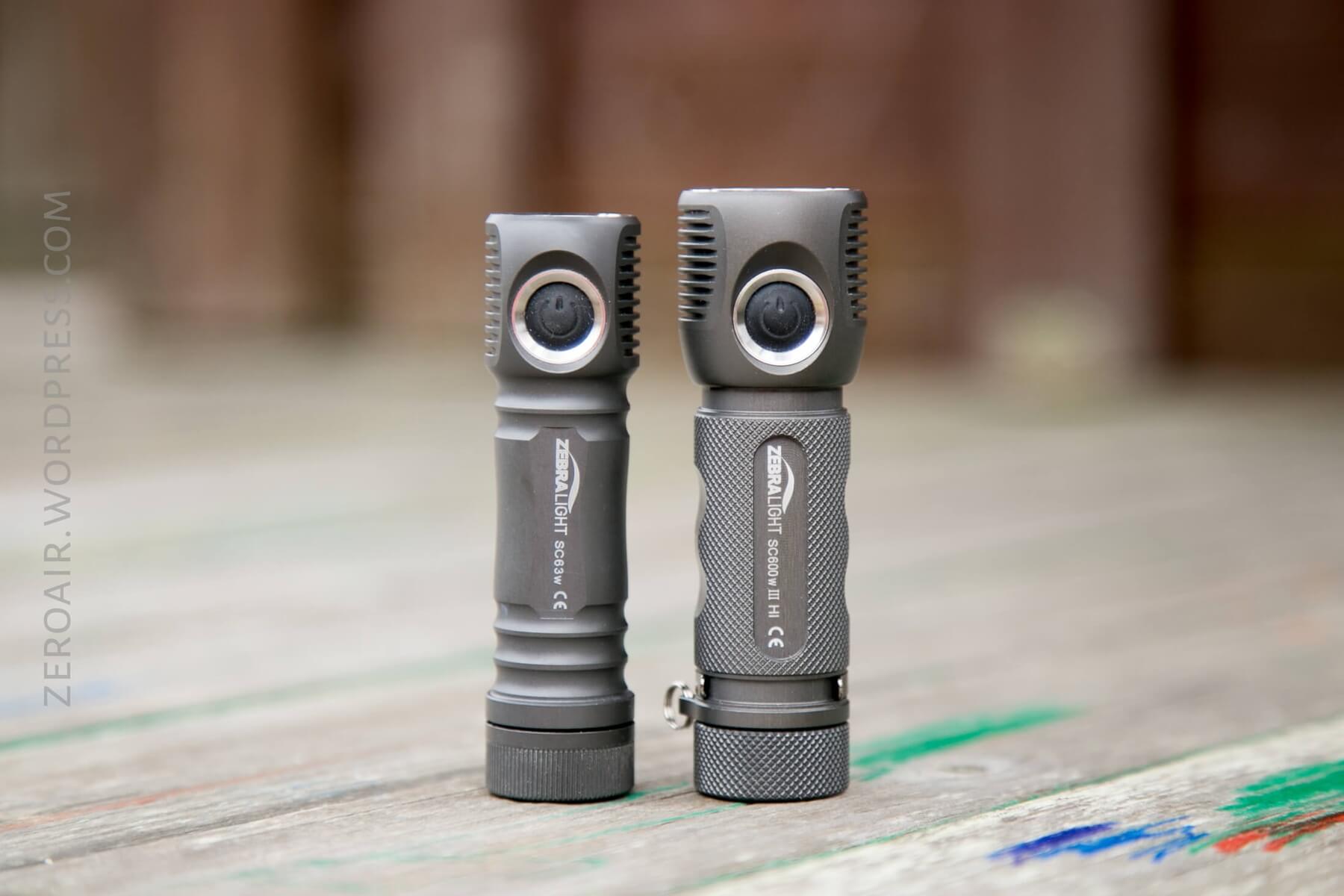
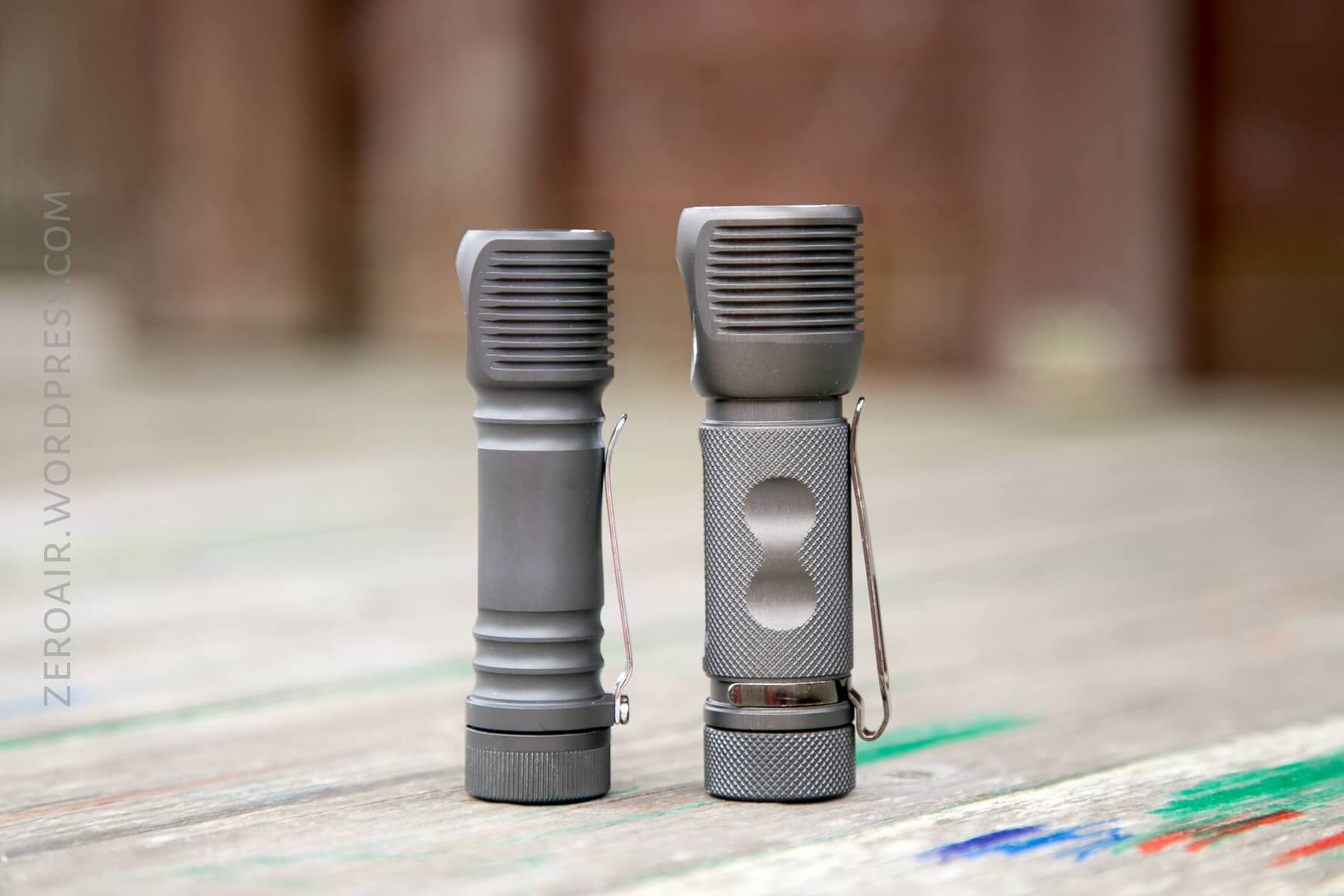
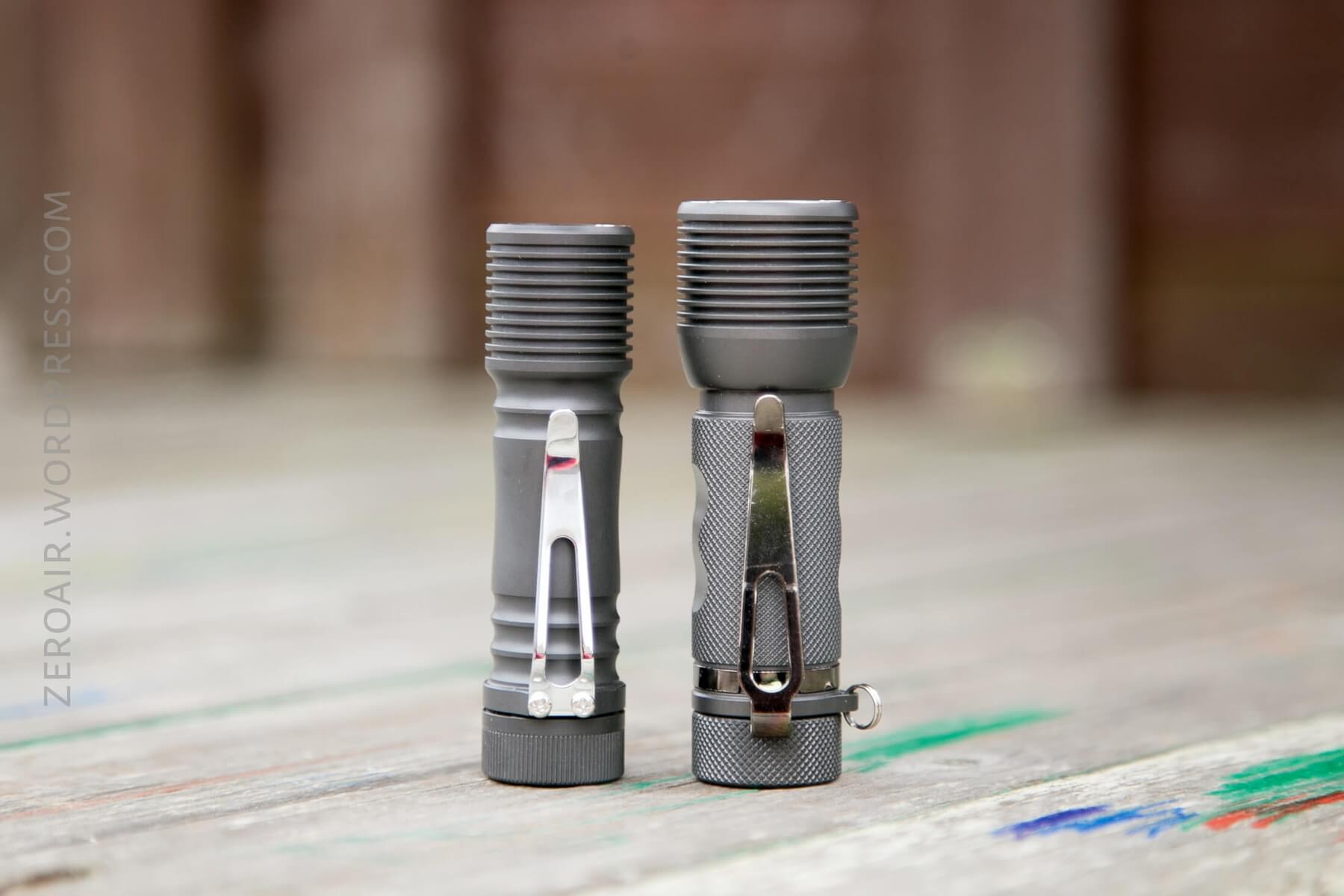
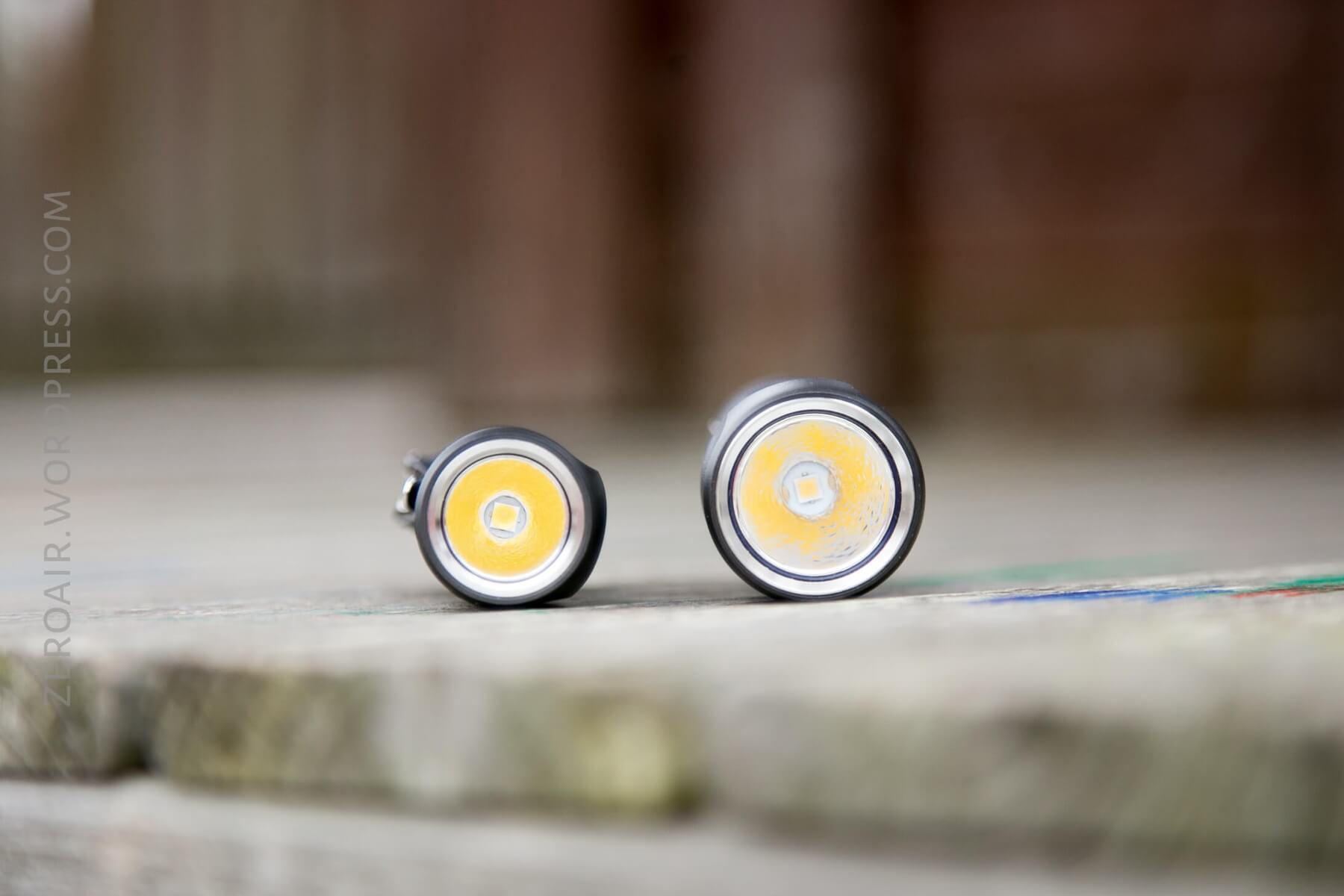
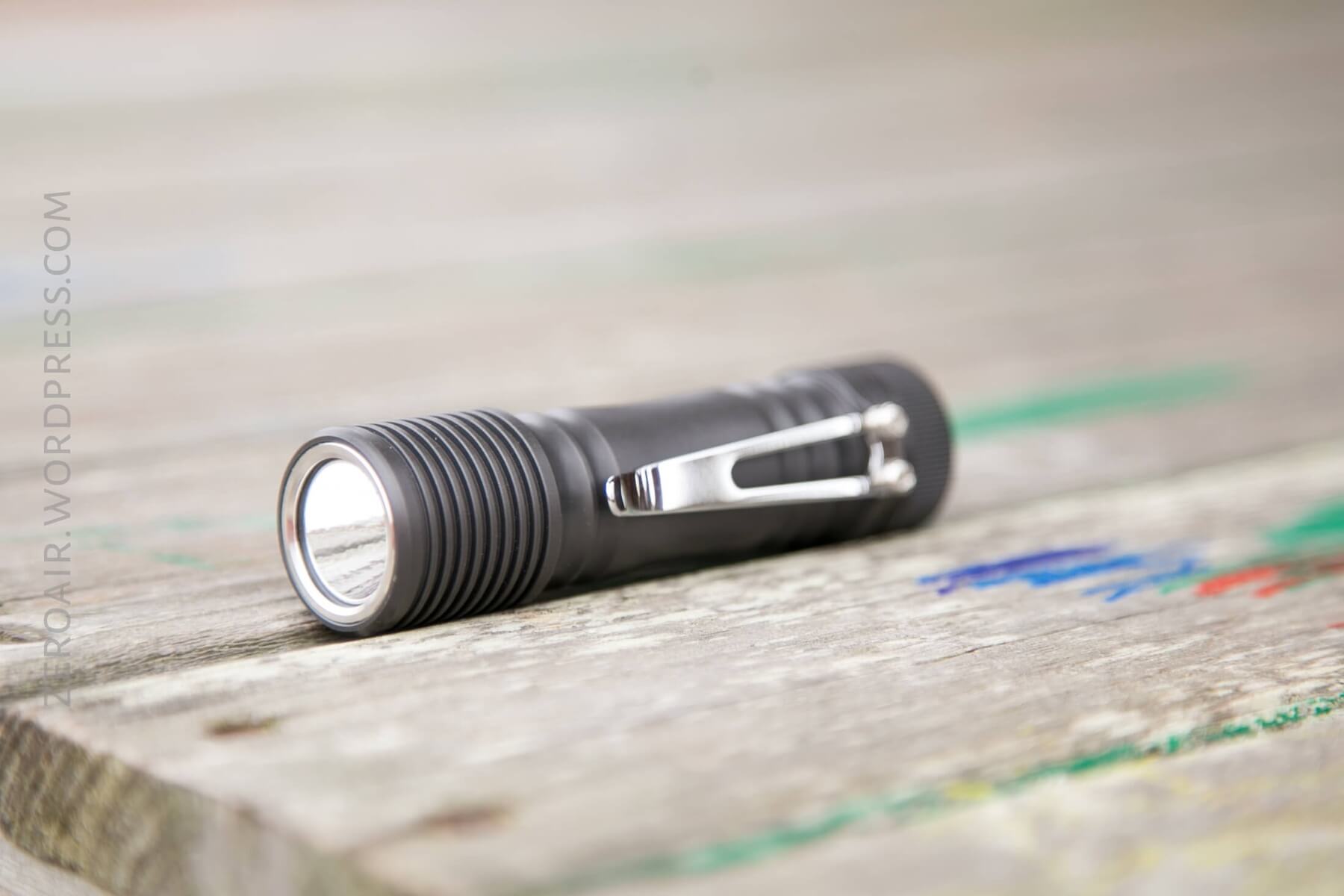
The only caveat to that is the clip, which is decidedly not a deep carry clip. Let’s move on to the clip department:
Retention
The only real way to carry this light is with the clip. It’s a steel clip, secured by Philips screws. There’s a largemouth, making it easy to put over a pocket.
But it’s a shallow carry. The clip leaves maybe 1/2″ or >1cm sticking out of the pocket. It’s not that big of a deal, and it’s not a problem, but I do like a deeper carry than this. Furthermore, removing the clip still leaves the screw posts, which are quite beefy, on the light – this is not non-destructively removable.
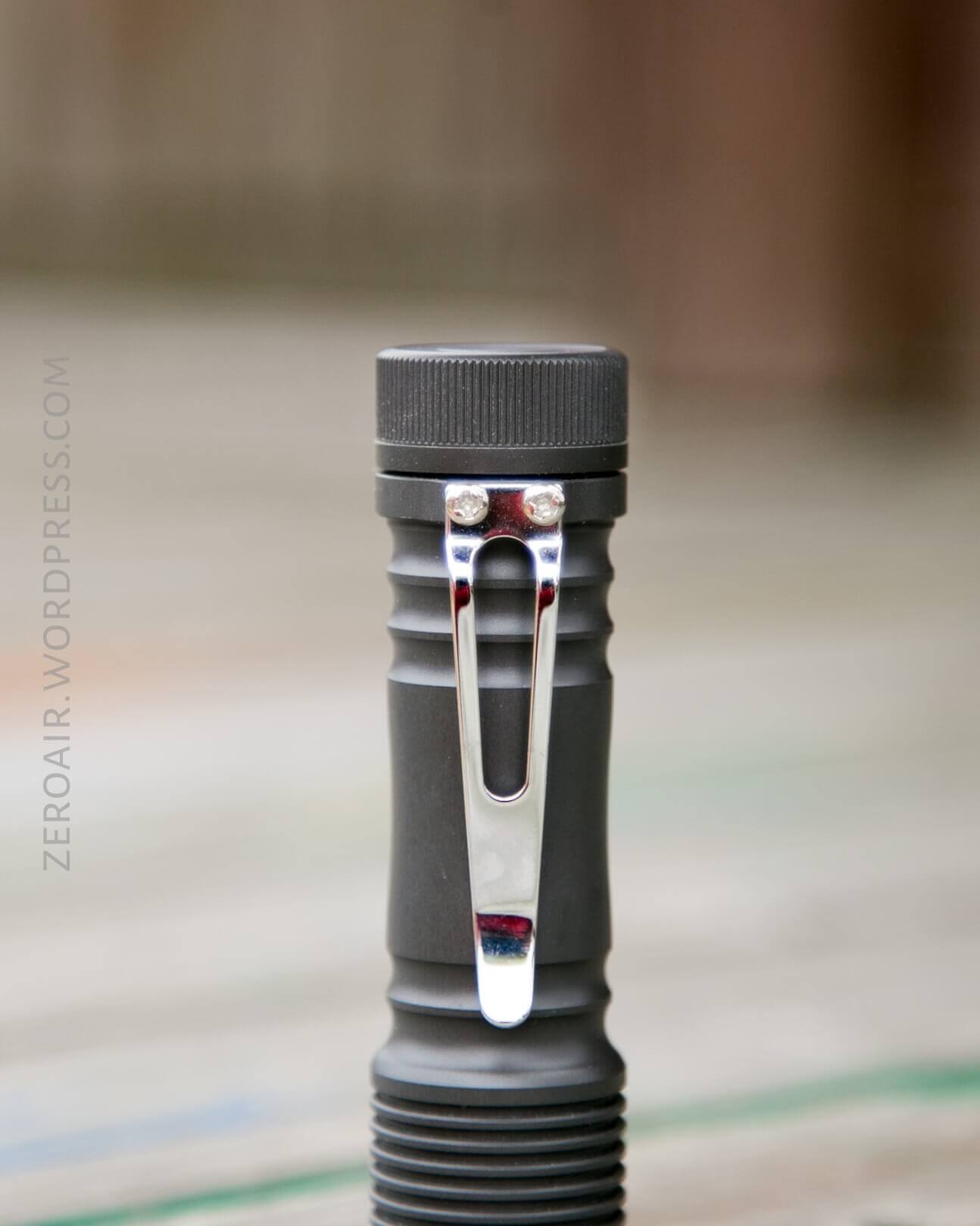
The clip allows for only one orientation: Bezel down.
Power
Zebralight is very specific about the cell they want to be used in this light:
- Battery: One 18650 size (i.e., unprotected, 65.0-65.2 mm long) 3.6-4.35V lithium-ion rechargeable.
Long cells will not work. Button top cells will not work. It must be a flat top cell, and short. (“Short” – it should be exactly the size the name states it should be, 18mm x 65mm [and cylindrical: “0”]). This is one way Zebralight gets these lights small: by excluding compatibility with long, protected, or button top cells.
Here’s a runtime on the highest mode and the second-highest mode. Both are cooled.
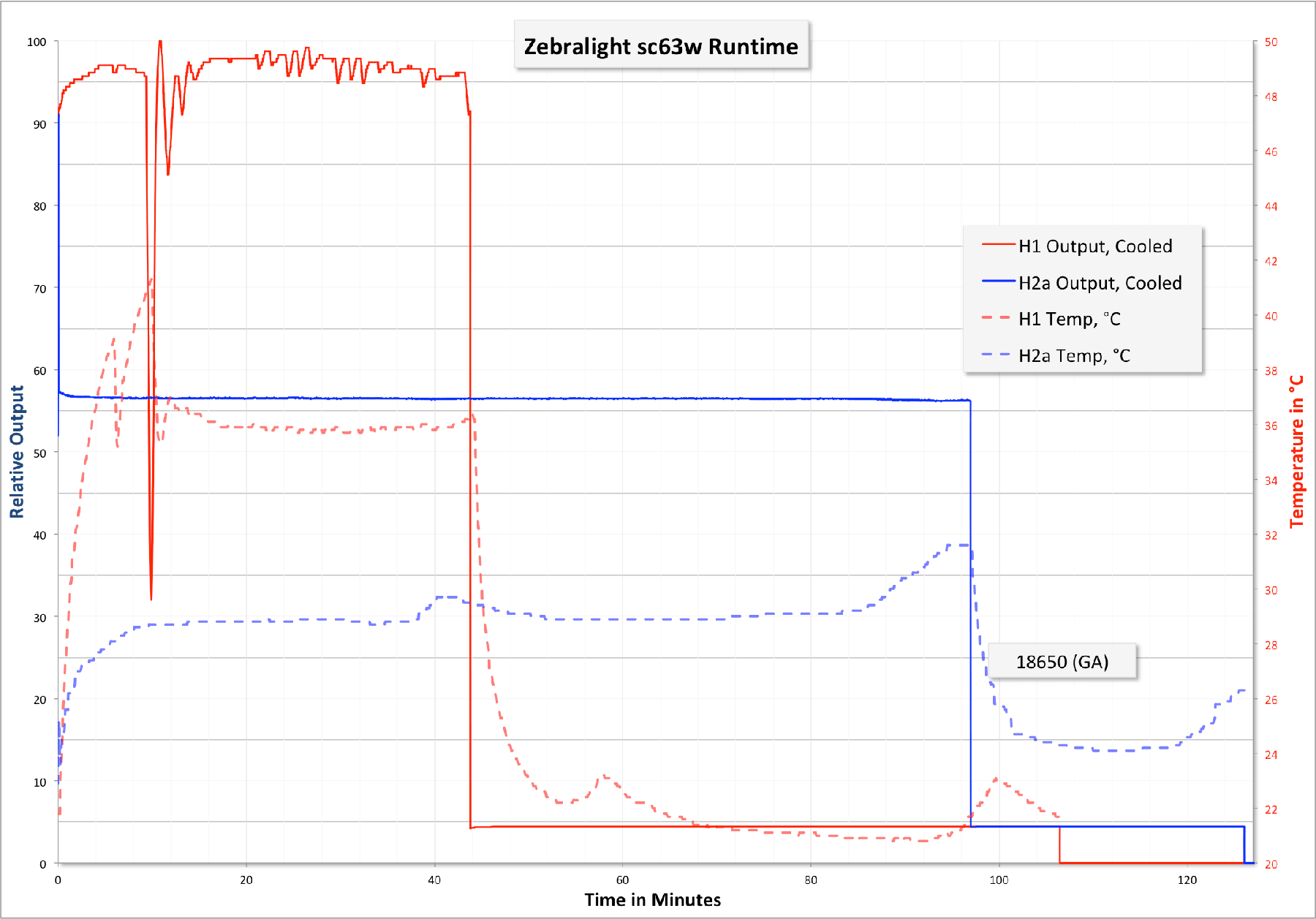
H1 is jagged because the thermal regulation varies the output in order to regulate the temperature. H2a is very stable because the temperature never rises too high. Also noteworthy is that the runtime doesn’t quite match the specifications, even including the stepdown to ~5% output.
I’m often hesitant to use unprotected cells, but Zebralight has trustworthy low voltage protection, so I’m not worried much about issues in this light.
User Interface and Operation
There’s a single side clicky on the head of this light, and it’s an e-switch.
The user interface is essentially the same as the sc600, so that’s just going to be pasted here with minor editing.
The switch is easy to locate without looking and very responsive to clicks. There are two ways to interact with this button: a short click and a long click (where “long” is >0.6 seconds). These two clicks are fairly natural, and the timing is well thought out.
Basically, the user interface is simple if you want a simple 3-mode light. It’s one of the simpler UI’s. You could stop there and have a light that is as functional and more useful than many current lights. But wait, there’s more!

Every one of the main modes (L, M, H) has sub-modes. That’s what the Specs table with runtimes above in the mfg. The claims section means: Low really has “L1 and L2”. Medium really has “M1 and M2”. High really has “H1 and H2”. The light ships with the “1” mode selected. Furthermore, once selected, these modes are remembered when the light is off, or the cell is changed, etc.
But we need to go deeper.

All of the “2” modes have sub modes. H2 really has H2a, H2b, H2c – THREE options of brightness in H2, making the “High” grouping have a total of FOUR options. High and Low are this way, but Medium has only 2 outputs in the “2” group. So 11 brightness options total.
The default for every mode is the brightest option. So within every group, the “1” is higher than the “2” and the 2a is higher than the 2b and 2b is higher than 2c. Furthermore, every “c” mode is higher than the next lower group’s “1” mode. So H2c is higher than M1.
The default 3 choices are very well spaced. And the Default six choices give so much flexibility that you may never even care that there are 6 whole other modes out there for your use….
Each of these modes is memorized, but the light doesn’t have traditional mode memory (it doesn’t need it, since H, M, and L are available from off anyway). For example, the light ships with H1, M1, and L1. If you change M1 to M2 (which would require a double click while on M1), then turn the light off: when you turn the light back on and cycle the modes, you’ll have H1, M2, L1. And no matter what selection of any of those 11 modes you select, they’ll be remembered. So you can have any combination of L, M, and H: H2c, M1, L2b. Or H2a, M2a, L2a. On and on. I can tell you from experience: It’s unlikely that you’ll ever need this extremely granular control of the modes of this light. It’s not even “11 outputs!!??”, it’s 11 actual, disparate outputs, all of which are well thought out and useful. I’ve frequently used the main 6 modes, but I’ve never felt the need to change the n2 mode to a lower level. I have just been playing around, but not because I needed to.
Programming n2 (where n=H, M, or L) to its sub levels involves quite a bit of clicking…. While in the n2 mode, six double clicks will enter the n2 programming mode. Double-clicking once in the programming mode switches between n2a>n2b>n2c. To accept a mode, just click, and the light will turn off, and the mode is remembered.
| State | Action | Result |
|---|---|---|
| Off | Click | High |
| Off | Double Click | Medium^ |
| Off | Triple Click | Beacon-strobe mode |
| Off | Four Quick Clicks | Battery Indicator$ |
| On | Hold | Mode cycle, L>M>H (release at desired level) |
| -# | – | – |
| n**1 | Double Click | n2*** |
| – | – | – |
| n2 | Double Click | n1 |
| – | – | – |
| n2 | Double Click x 6 | Enter n2 programming mode |
| n2 Programming mode | Double Click | n2a>n2b>n2c (release on desired mode to select it) |
^ Clicking to medium actually goes through “High”, so there’s a flash of the “High mode – if you’ve H1 selected and it’s at the highest mode, and you have M2c selected, it’s quite low… then this flash will be quite jarring.
$ 1-4 flashes from the main (only) LED, where 4 is the most filled battery, and 1 is the least.
I want the whole user interface in one table, so I’m going to separate each level of user interface depth this way.
** “n” = L, M, or H
*** Whichever n2 you’ve selected. By default, n2a.
Note about the memory being so good on this light: it’s not easy to return the modes to the factory settings. There’s no hard reset button – if you want the light back to (the very good) default settings, you must reprogram it manually. Something to think about when your finger starts getting all click-happy. 🙂 Note, for PID, there is a reset to the default option, as described.
The manual does not mention that (or if) PID may be adjusted by the user. I think it can be changed, and here’s how it was done on the SC600Fd mk III. All Zebralights newer than a certain age have PID adjustment, and this SC63w is almost certainly one of those lights. The manual just doesn’t say that….
The PID adjustment doesn’t really fit neatly into the user interface table. Here’s how to do it:
- If the light is set for any high except H1, set it to H1.
- Turn the light on to H1.
- Turn the light off in H1.
- Turn the light back on to H1, then without turning the light off, begin to cycle the modes by holding down the switch.
- Hold the switch through 6 full cycles of modes (L, M, H). After the 6th cycle, the opportunity to program PID begins:
Release on Low to subtract 1 degree C (up to 5 max)
Release on Mid to revert back to the factory default
Release on High to add 1 degree C (up to 5 max)
In practice, I have to say, this isn’t all that clean a process. There is absolutely zero feedback to indicate what level PID is at, or if any change was made.
Modes
| Mode | Output (lm) | Runtime |
|---|---|---|
| High (H1) | 1126 | 2.2h (PID) |
| High (H2a) | 580 | 2.8h (PID) |
| High (H2b^) | 312 | 4.3h |
| High (H2c^) | 139 | 12h |
| Med (M1) | 61 | 33h |
| Med (M2a) | 28 | 73h |
| Med (M2b^) | 10 | 8d |
| Low (L1) | 3.3 | 18d |
| Low (L2a) | 0.37 | 2.8 months |
| Low (L2b^) | 0.05 | 5.1 months |
| Low (L2c^) | 0.01 | 7.1 months |
^ Author note: This naming convention is mine, and I’ve added it here just for clarity.
LED and Beam
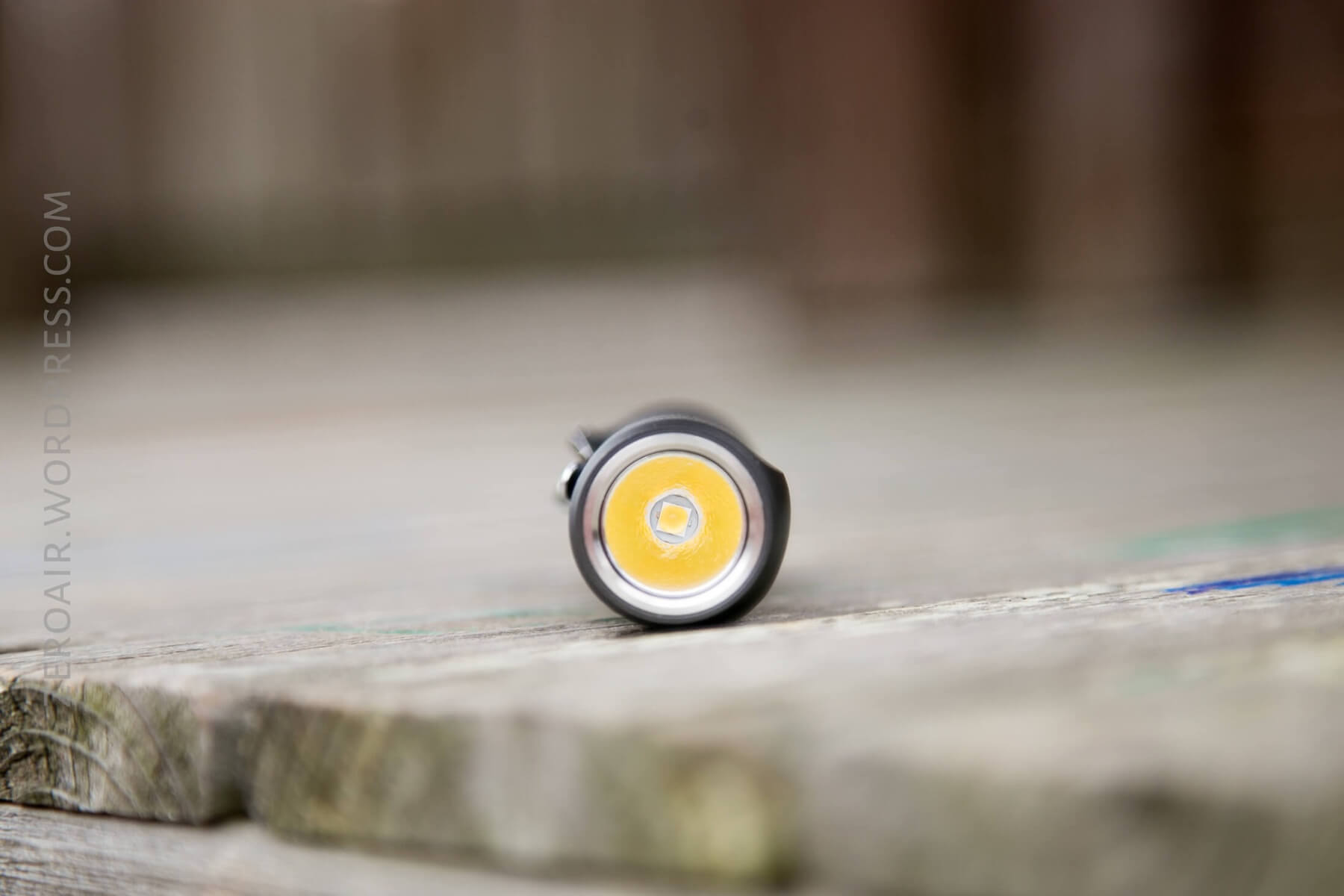
A Cree XHP35 HD is used in this light. The reflector is lightly orange-peeled, and also quite shiny. The beam profile is quite a bit of spot, rolling off into a reasonable amount of spill.
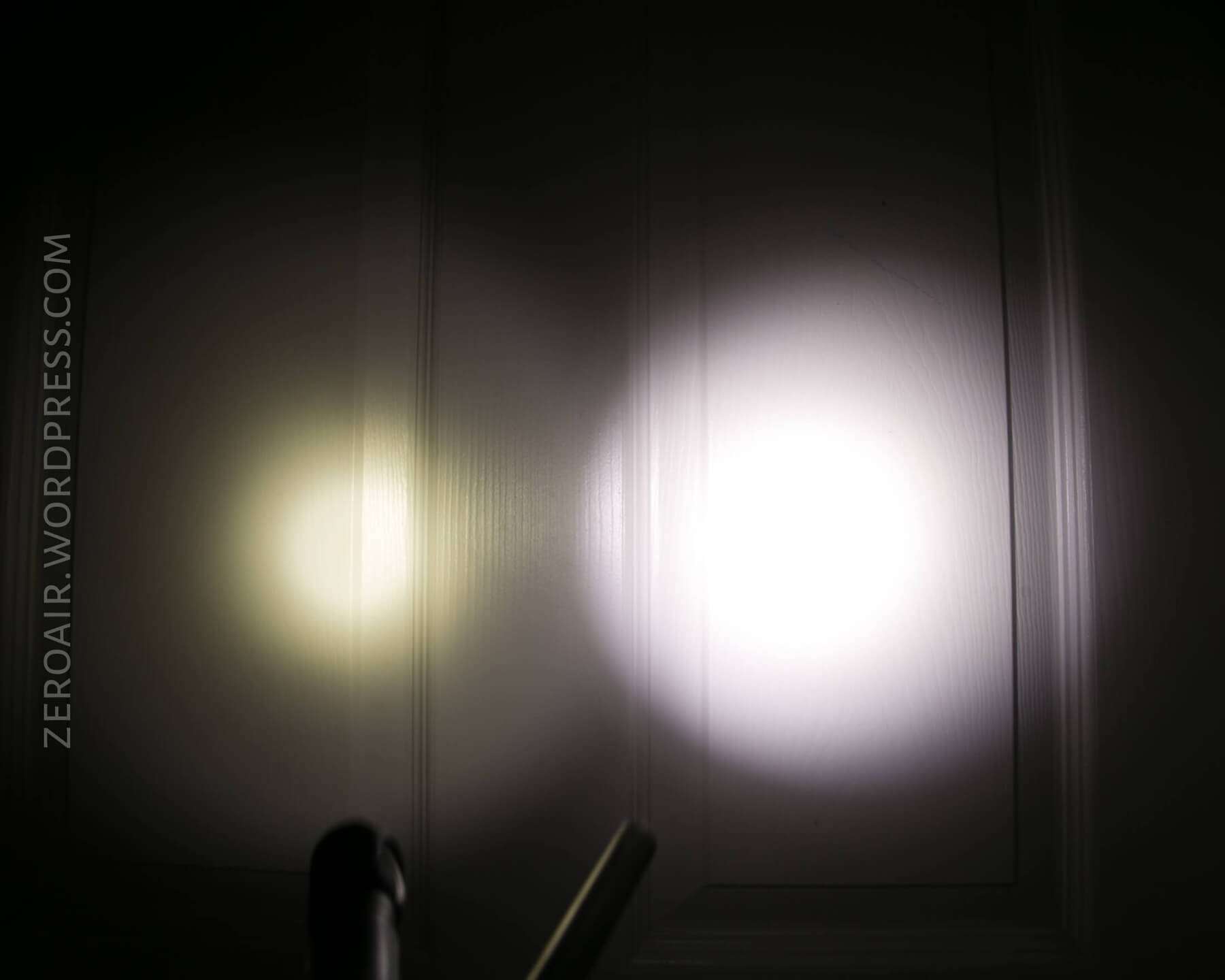
Many people will be concerned with a “Zebralight Tint Lottery.” I don’t get into all that. Yes, the tint isn’t as perfect as if it were a Nichia 219b, but the tint on my copy isn’t bad and is very usable.
Beamshots
These beamshots always have the following settings: f8, ISO100, 0.3s shutter, and manual 5000K exposure. These photos are taken at floor level, and the beam hits the ceiling around 9 feet away.



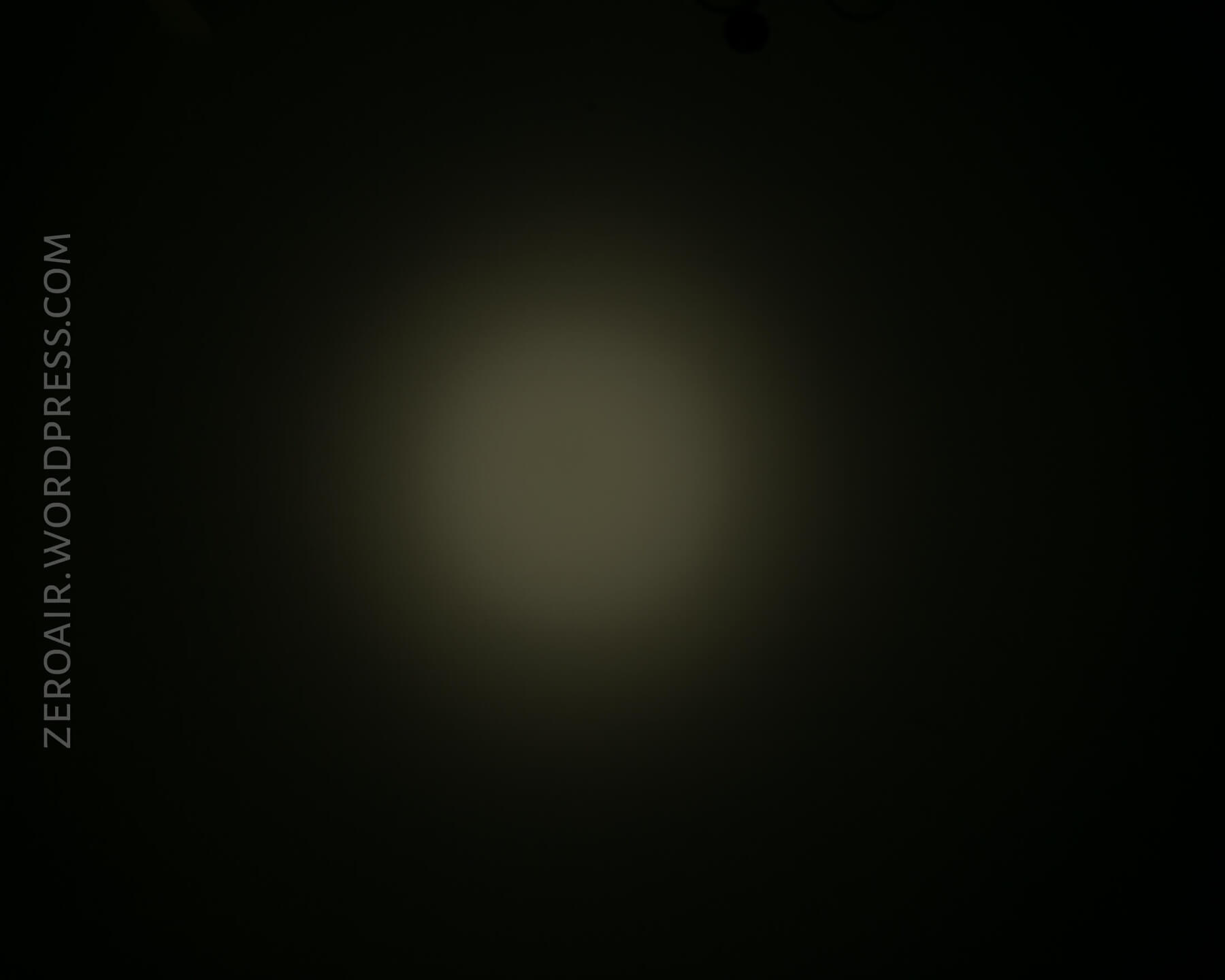
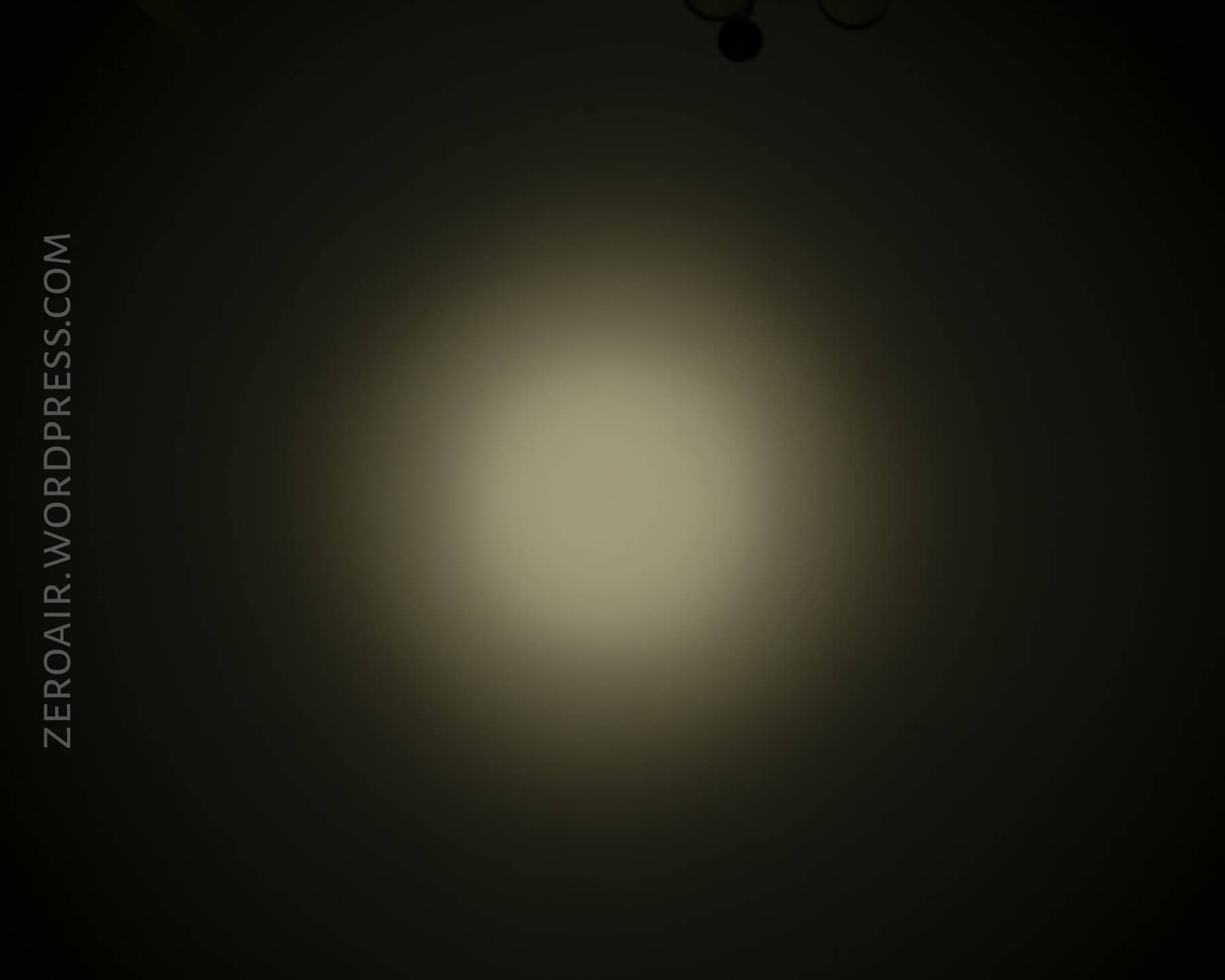
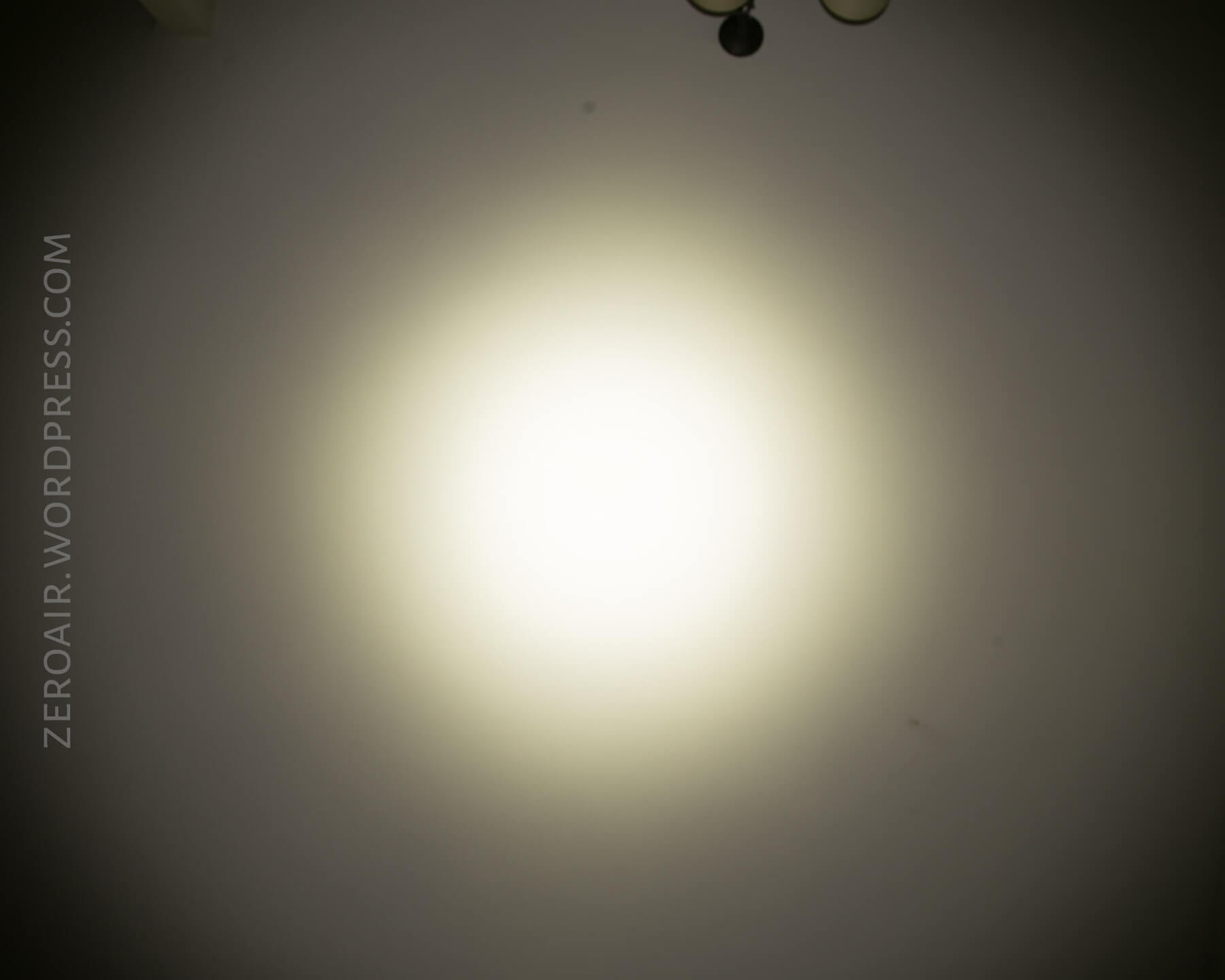
Tint vs BLF-348 (KillzoneFlashlights.com 219b version) (affiliate link)
I keep the test flashlight on the left and the BLF-348 reference flashlight on the right.
Random Comparisons and Competitive Options
Here’s a relevantly filtered page on parametrek.com. To be sure, this is a category with quite a few lights. I’ve even reviewed a bunch of them: Nitecore Concept 1, Nitecore EC23, and Klarus XT2CR. Zebralight even has a bunch of similar lights, too. But the SC63w is a watershed light. Or maybe the sc62w is the watershed, and this model is iterative. In any case, it has an excellent pedigree and is great on its own merit.
Conclusion
What I like
- Size and shape are great for an 18650 light
- Very bright!
- User interface is the usual incredible Zebralight UI
- Battery check!!
- Refined, unusual look (no knurling at all!)
What I don’t like
- Gets hot very quickly on high (as is to be expected).
- PID is poorly described in the manual and lacks feedback on the light.
- User interface can be difficult without practice
Notes
- This light was provided by Fasttech for review. I was not paid to write this review.
- This content originally appeared at zeroair.org. Please visit there for the best experience!
- Use my amazon.com referral link if you’re willing to help support making more reviews like this one!
- Please support me on Patreon! I deeply appreciate your support!
Discover more from ZeroAir Reviews
Subscribe to get the latest posts sent to your email.