
Niwalker ES01 Three Light Flashlight Review
The Niwalker ES01 Three Light flashlight has three separate heads on one body, running from one cell. It offers neutral, cool, and UV output. Read on!
Official Specs and Features
Here’s a tracking link to the Niwalker ES01 Three Light flashlight product page at flashlightgo.com.
Versions
The Niwalker ES01 Three Light flashlight is available in this orange version and also in cyan. The emitter options appear to be the same between the two.
Price
The Niwalker ES01 Three Light flashlight is listed for $45.99 and is available at flashlightgo.com.
What’s Included
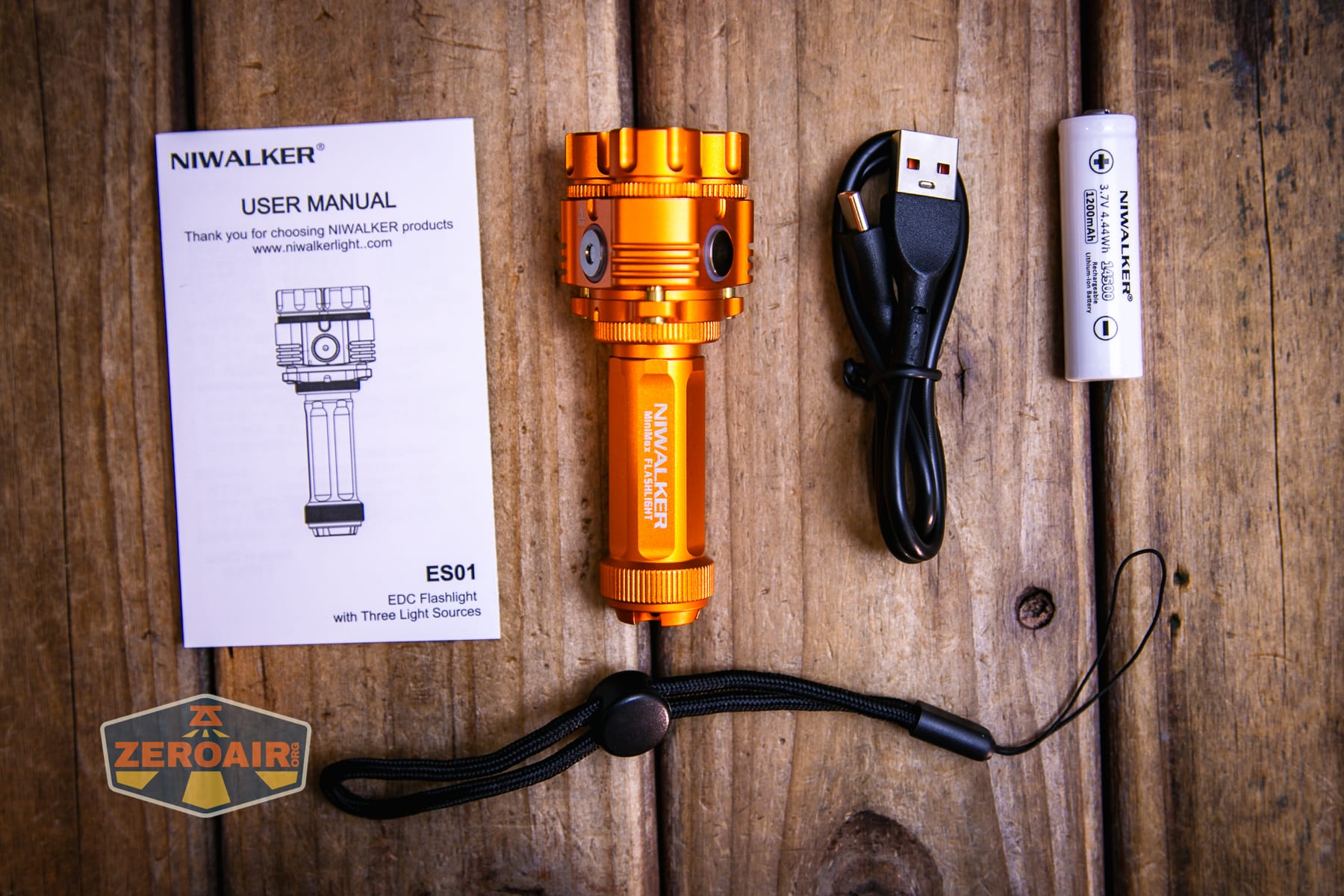
- Niwalker ES01 Three Light flashlight
- 1200mAh 14500
- Charging cable
- Lanyard
- Manual
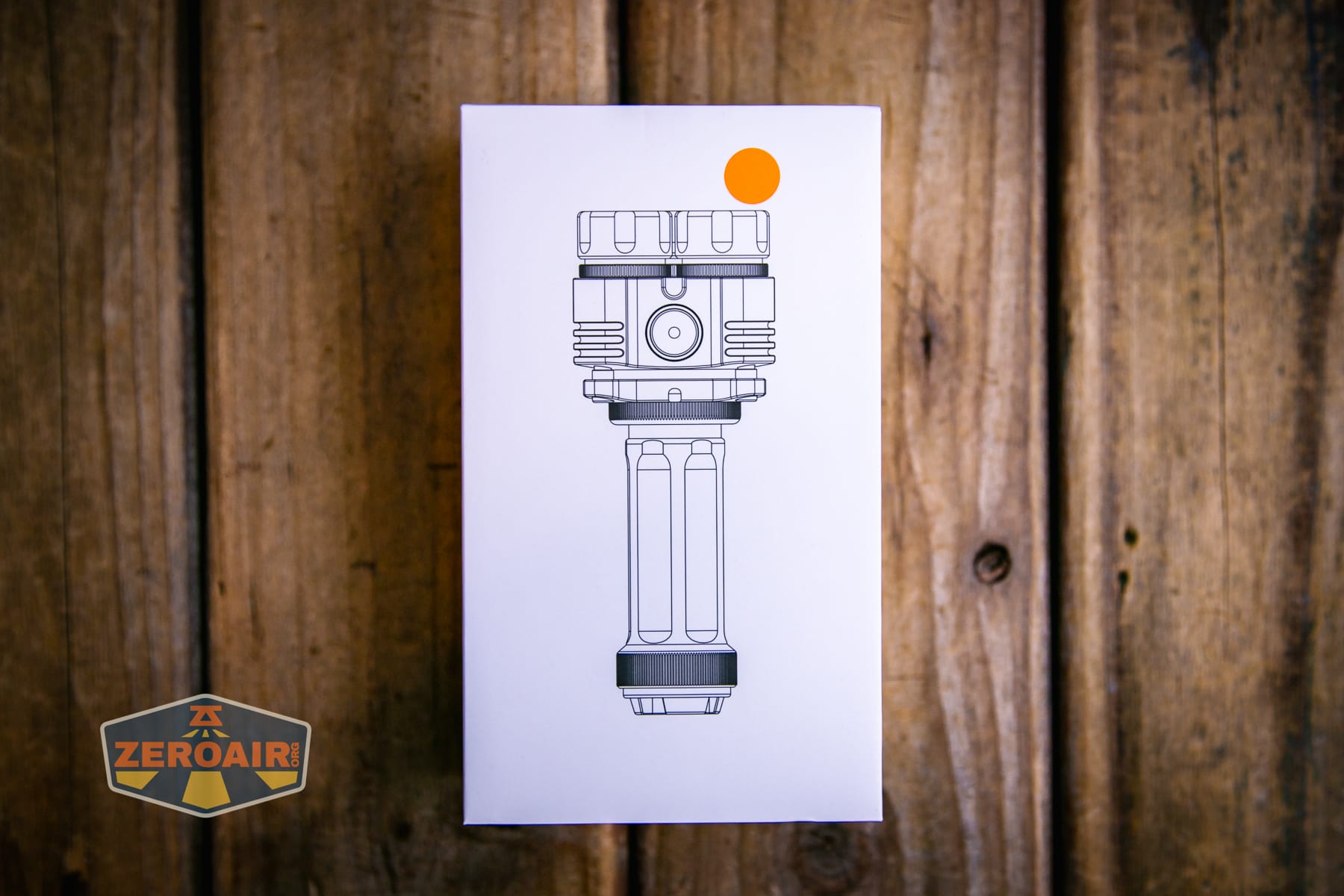
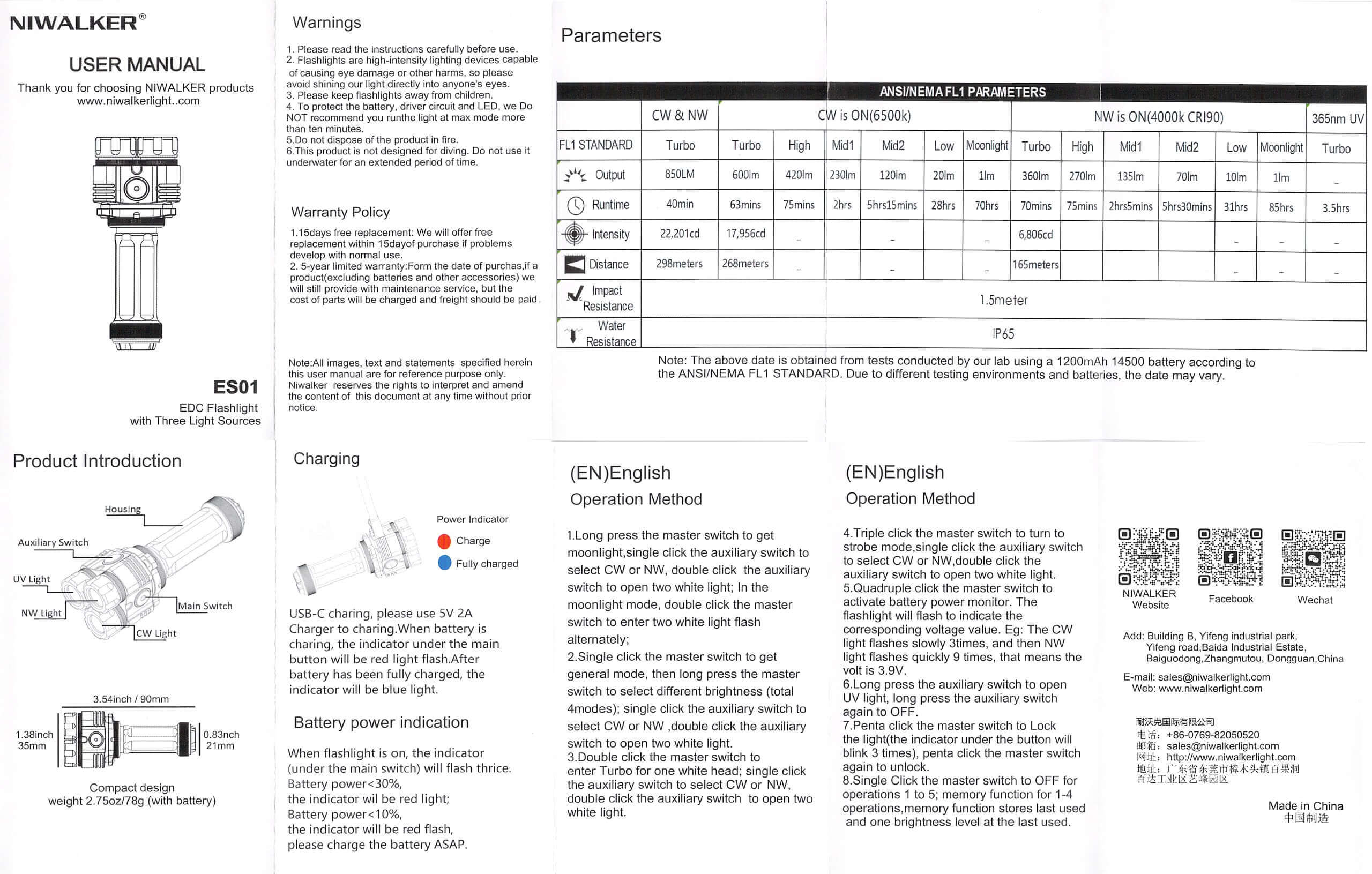
Package and Manual
Build Quality and Disassembly
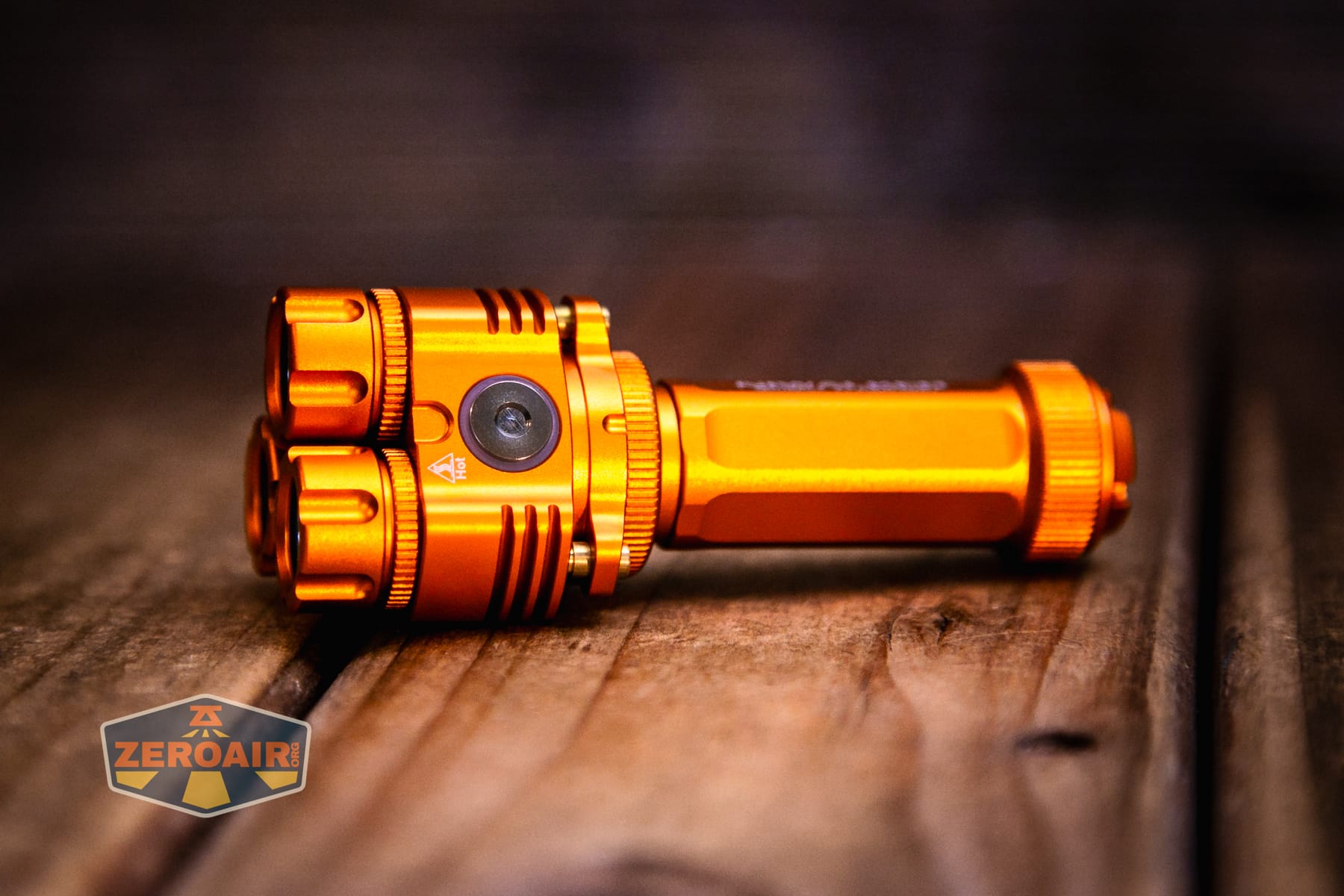
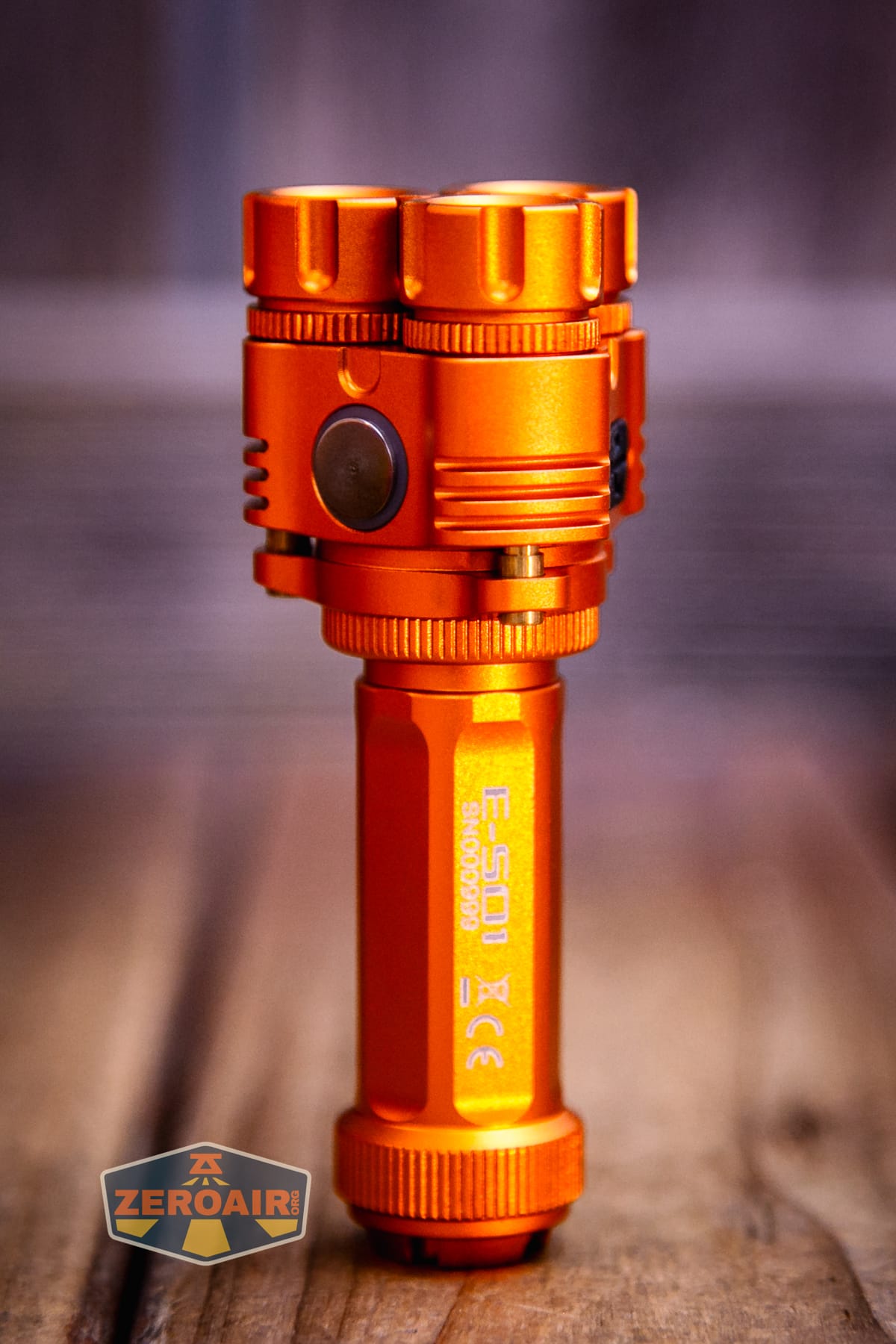
The Niwalker ES01 Three Light flashlight certainly has an interesting design! Build quality is good, too. This three-head design is familiar to Niwalker, but Niwalker is essentially alone in this market. It’s a fun design!
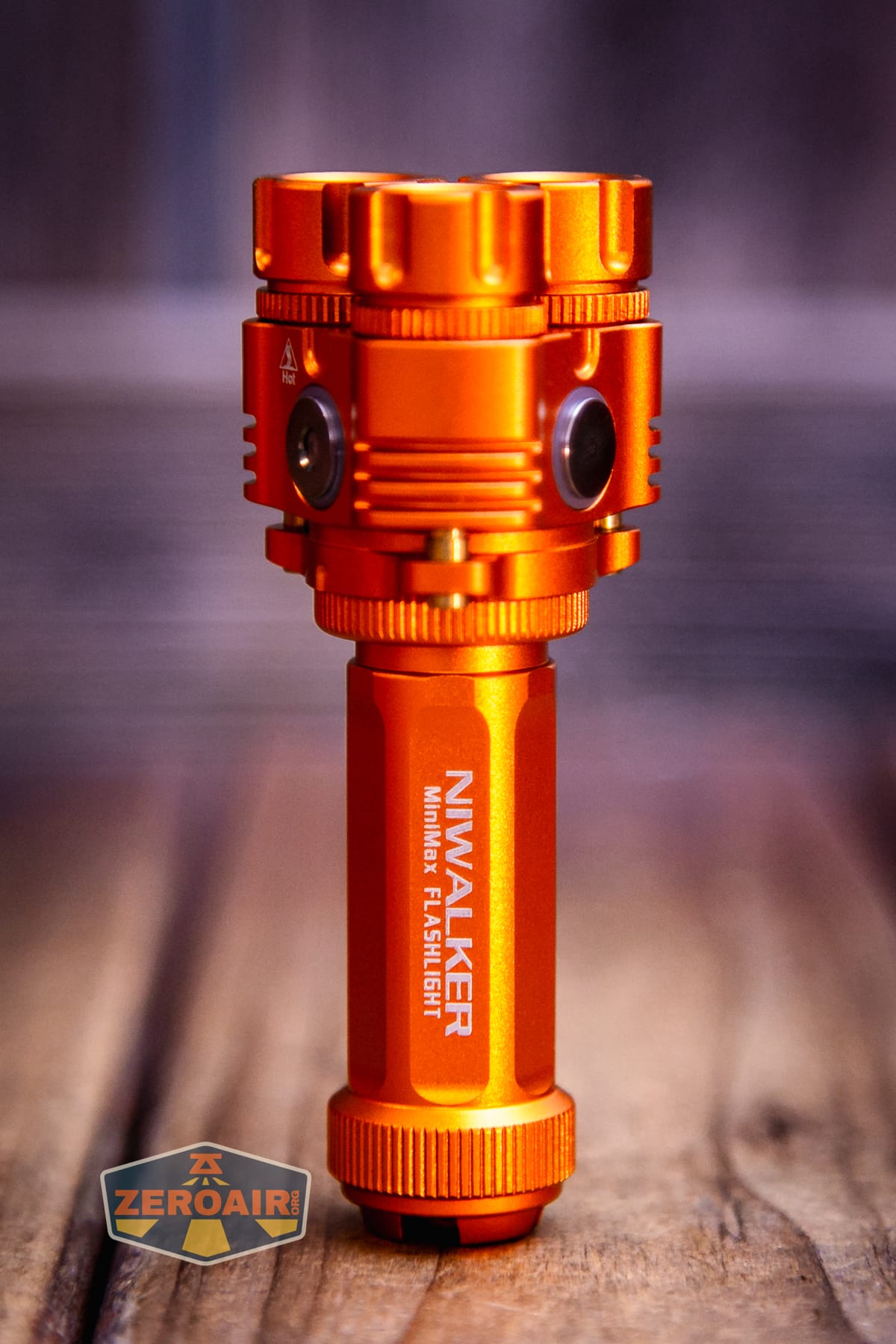
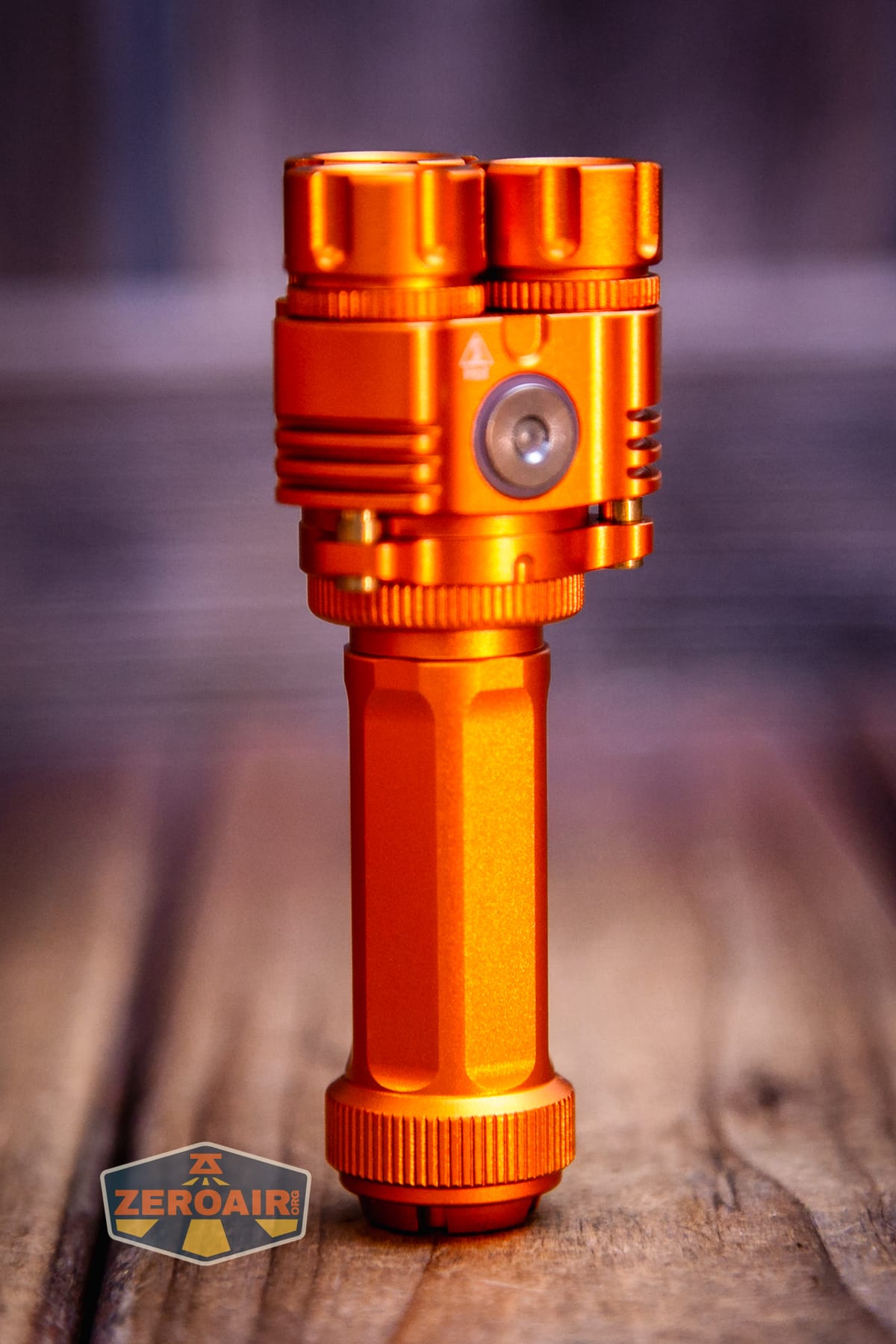
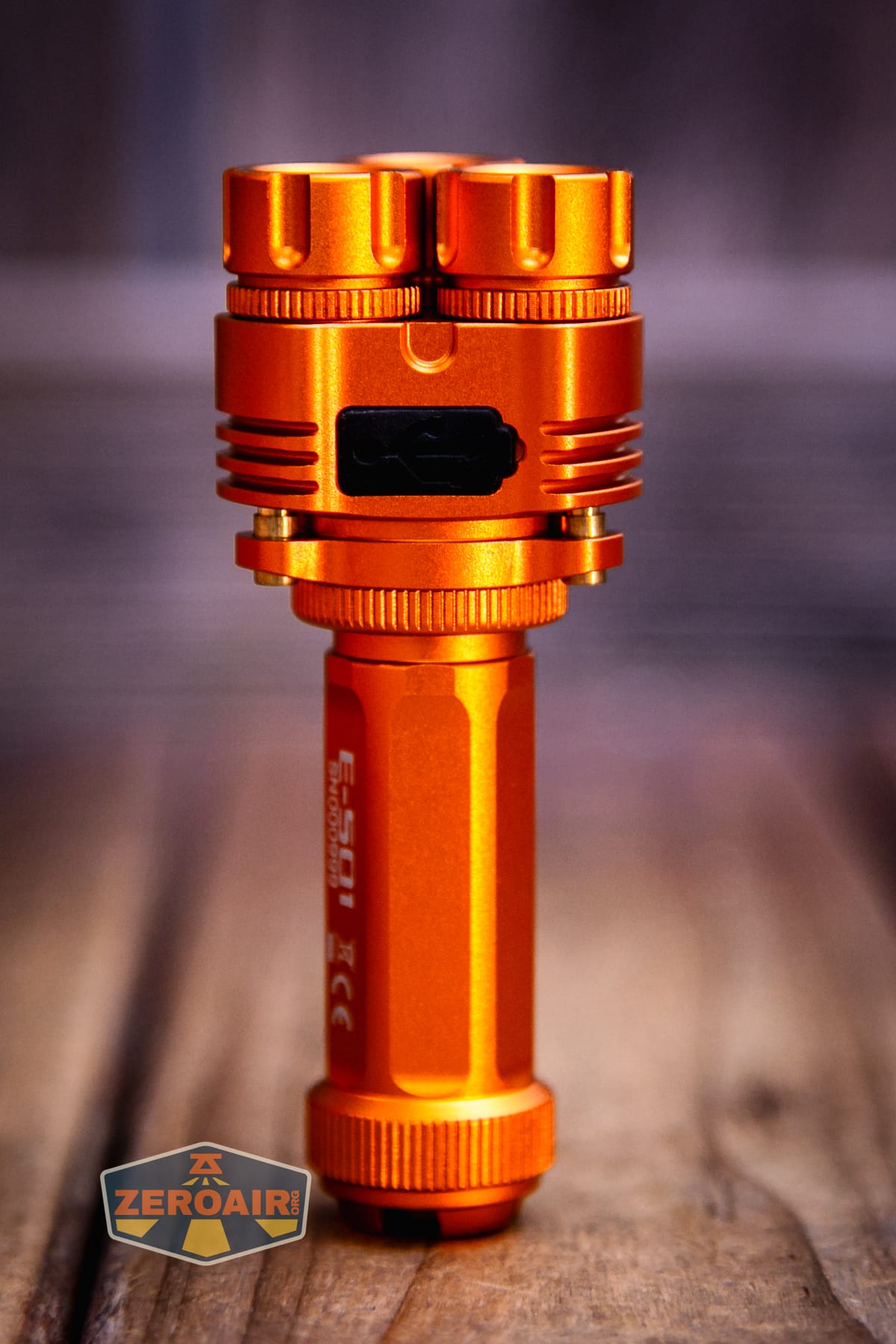
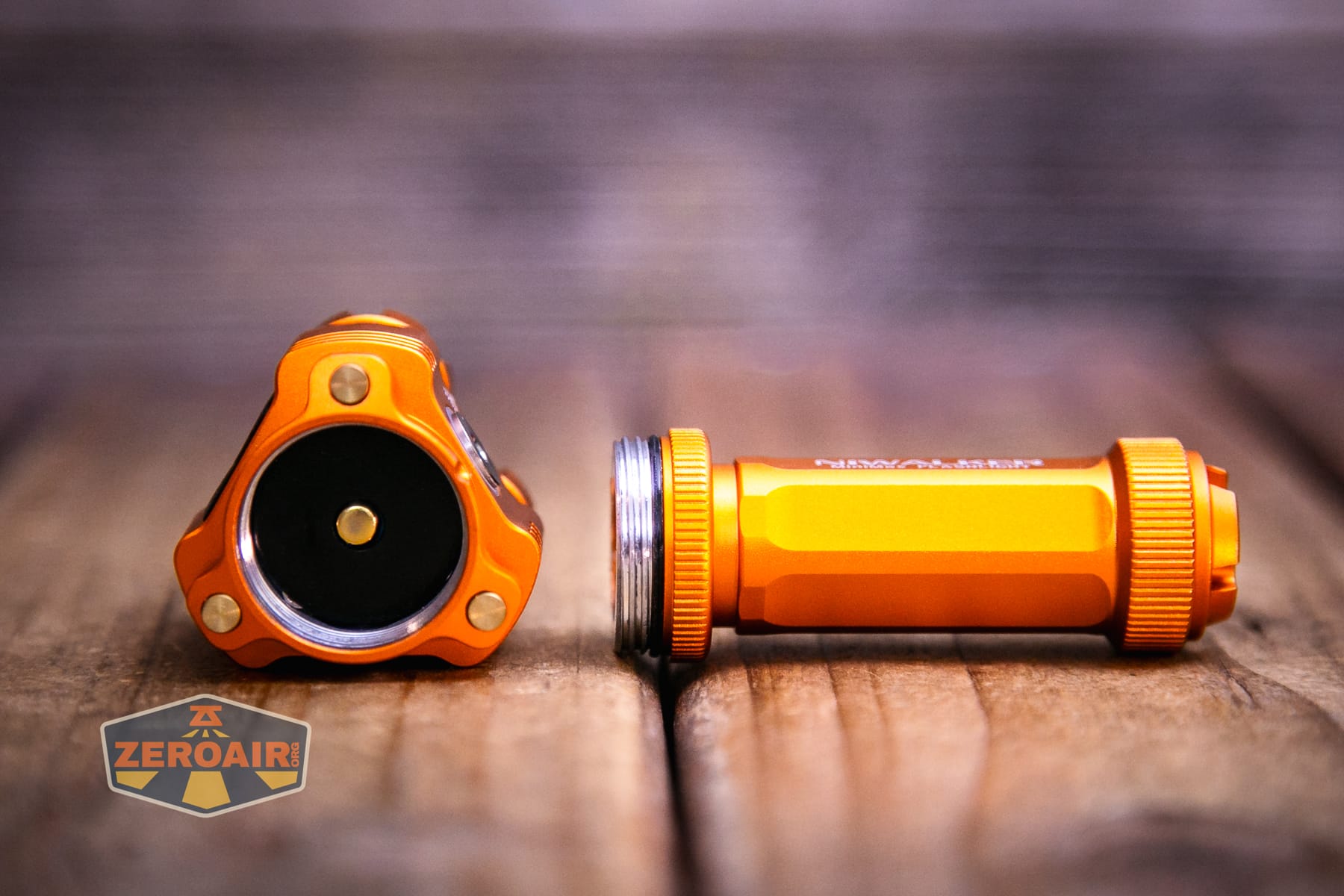
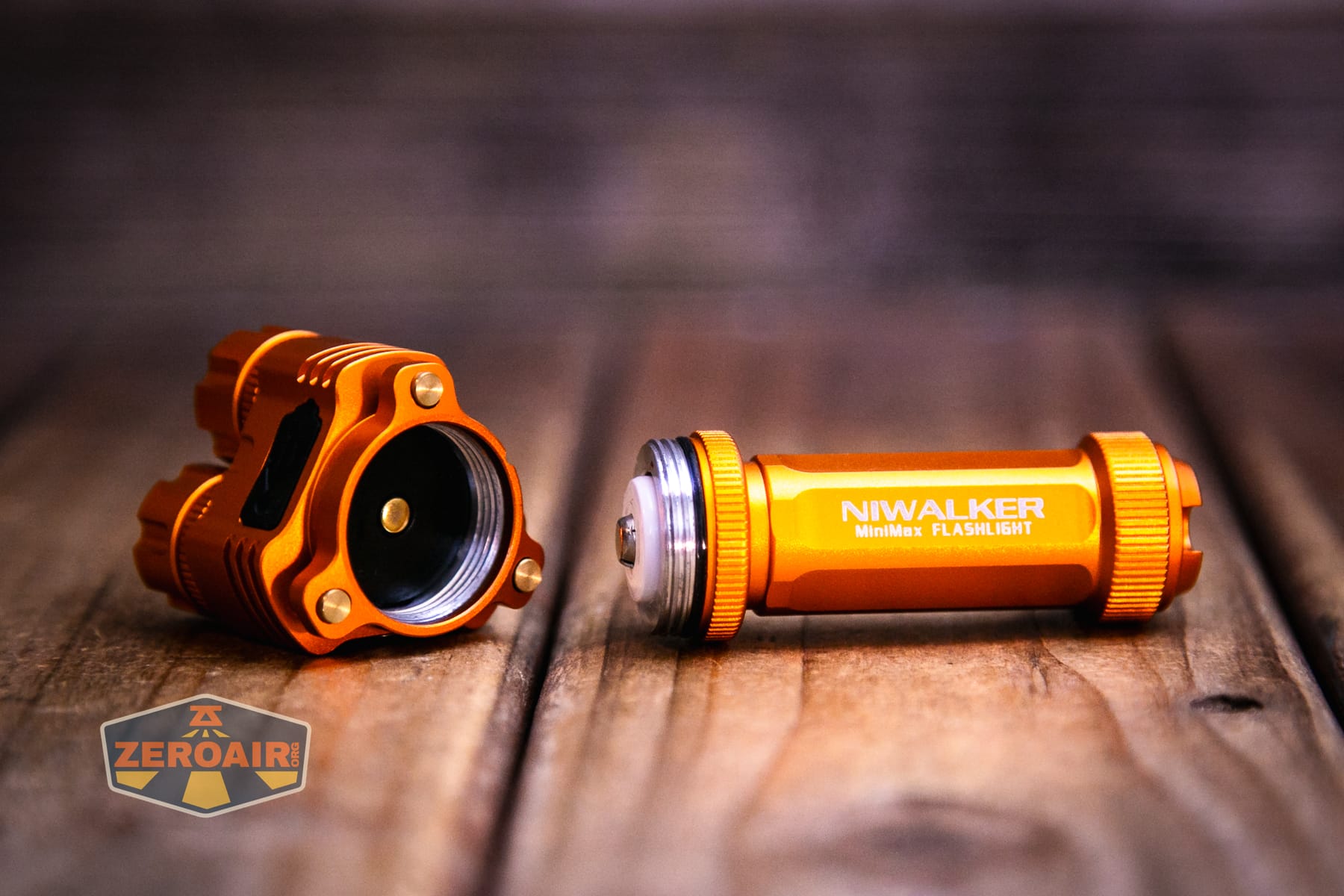
The head has just a button for contacting the positive terminal of the included 14500 cell. These threads are unanodized, too, preventing mechanical lockout.
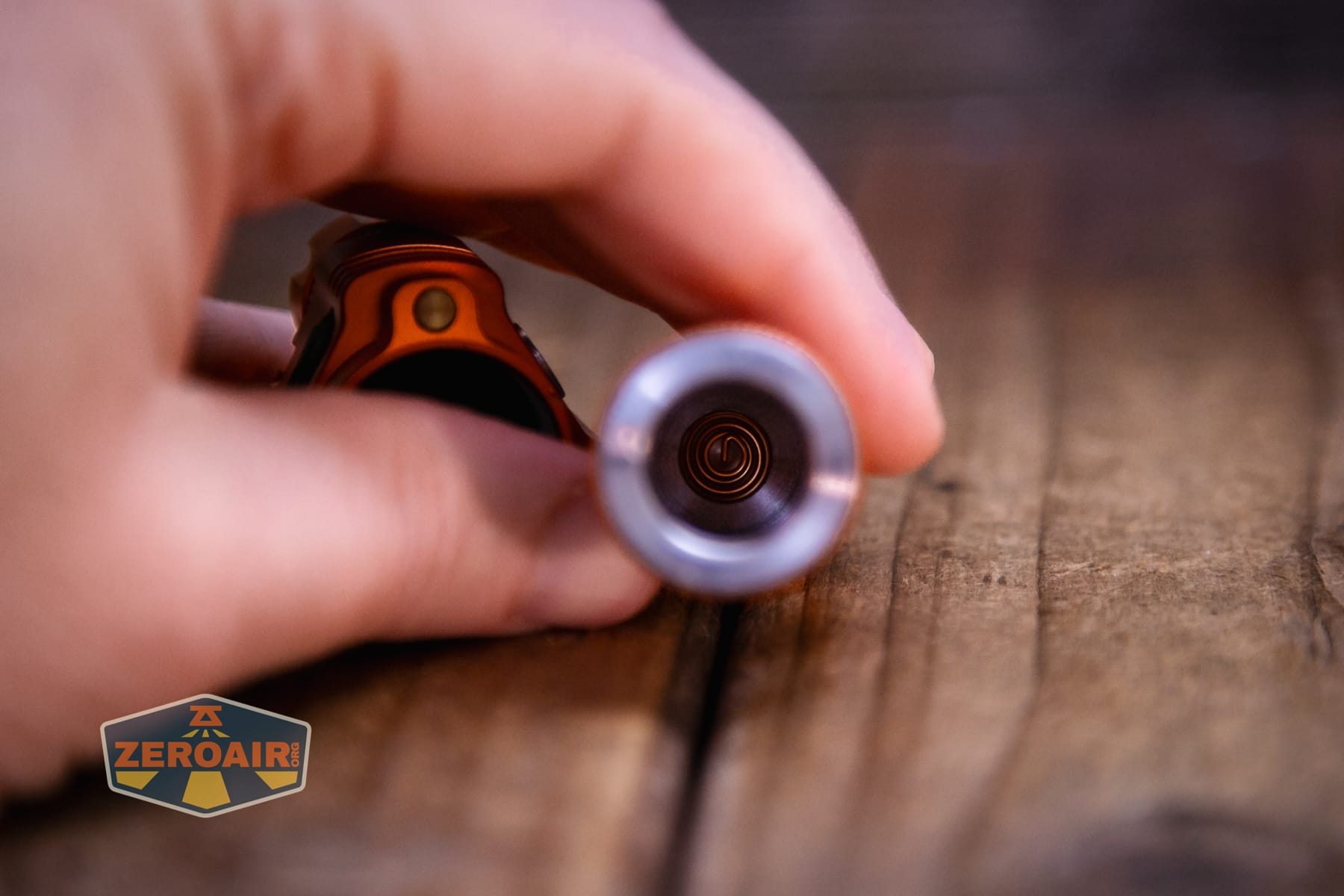
The tail end has a spring. It may appear that the tailcap could be removed from the cell tube, but I think this is one piece!
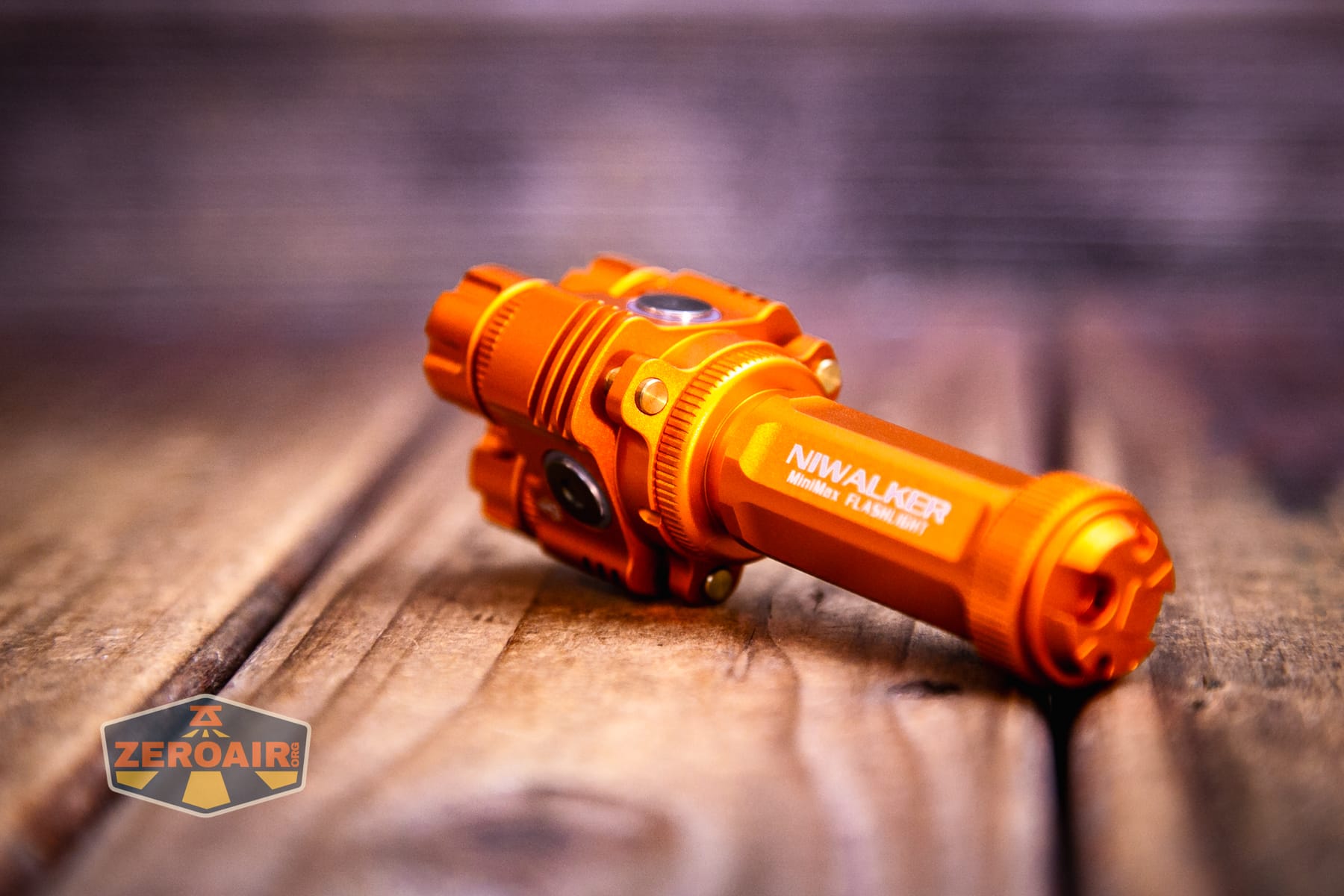
The head also has some neat design features. These three pieces below the cooling fins appear to be brass, and possibly help with cooling.
Size and Comps
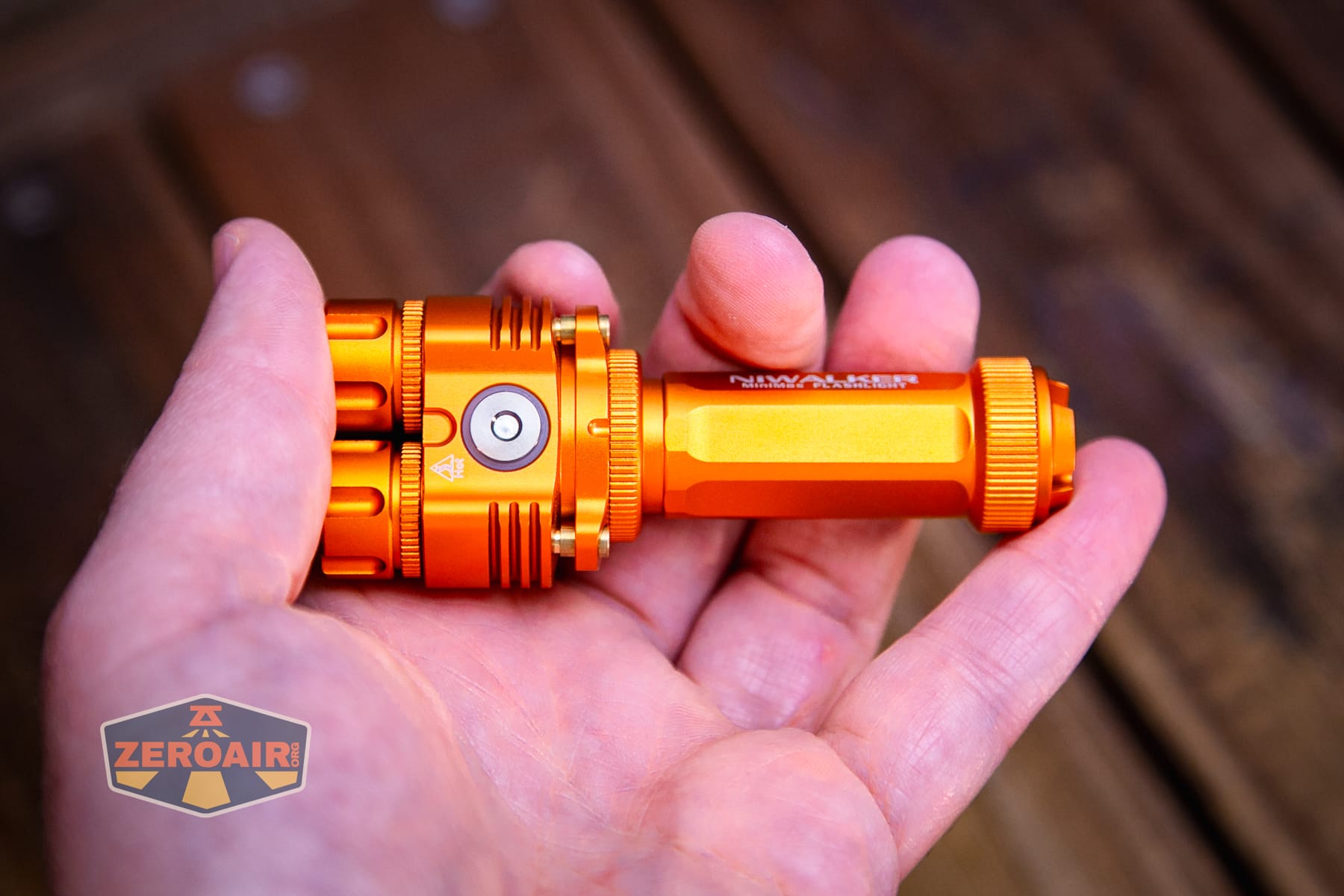
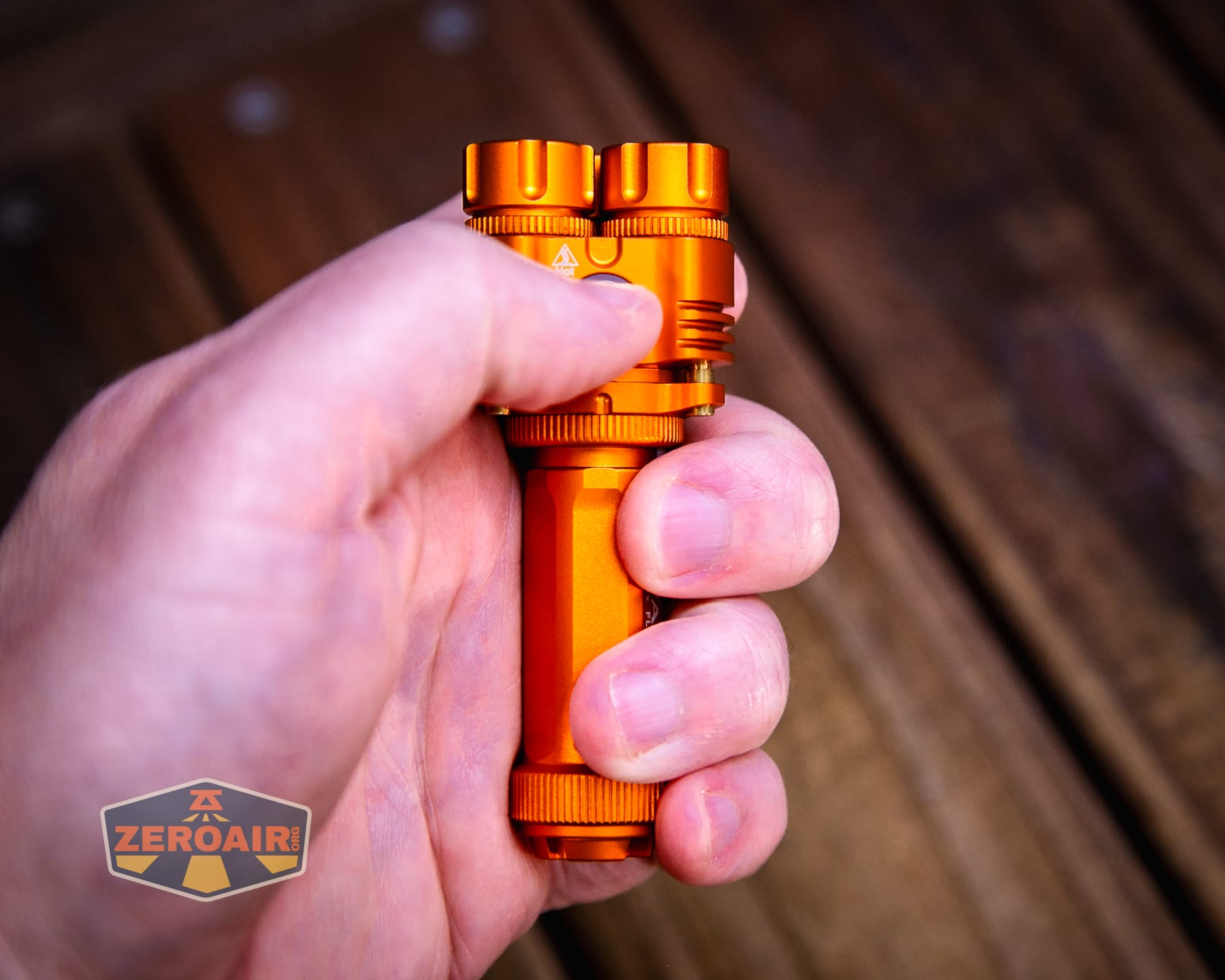
90mm x 35mm x 21mm and 78g (with cell)
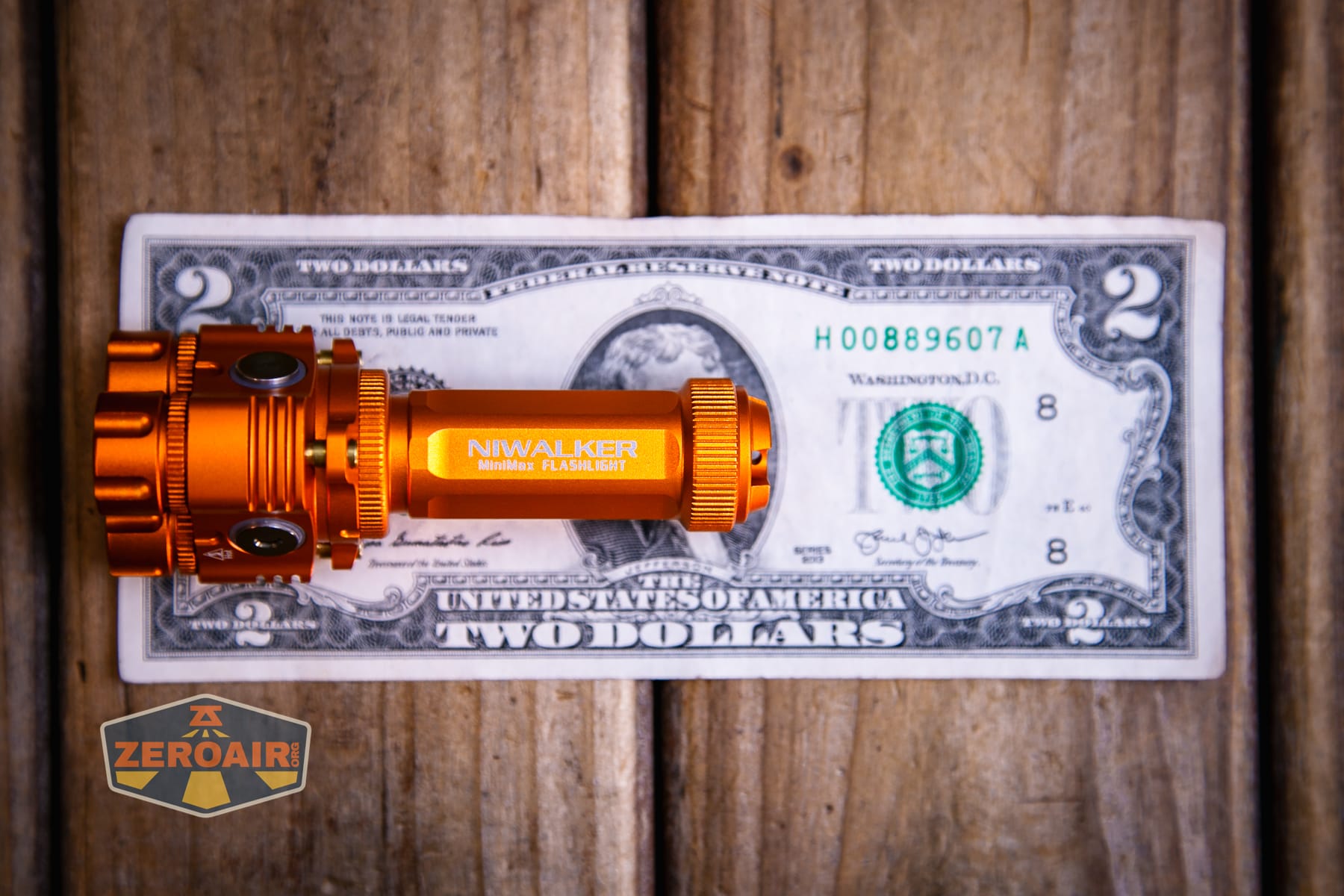
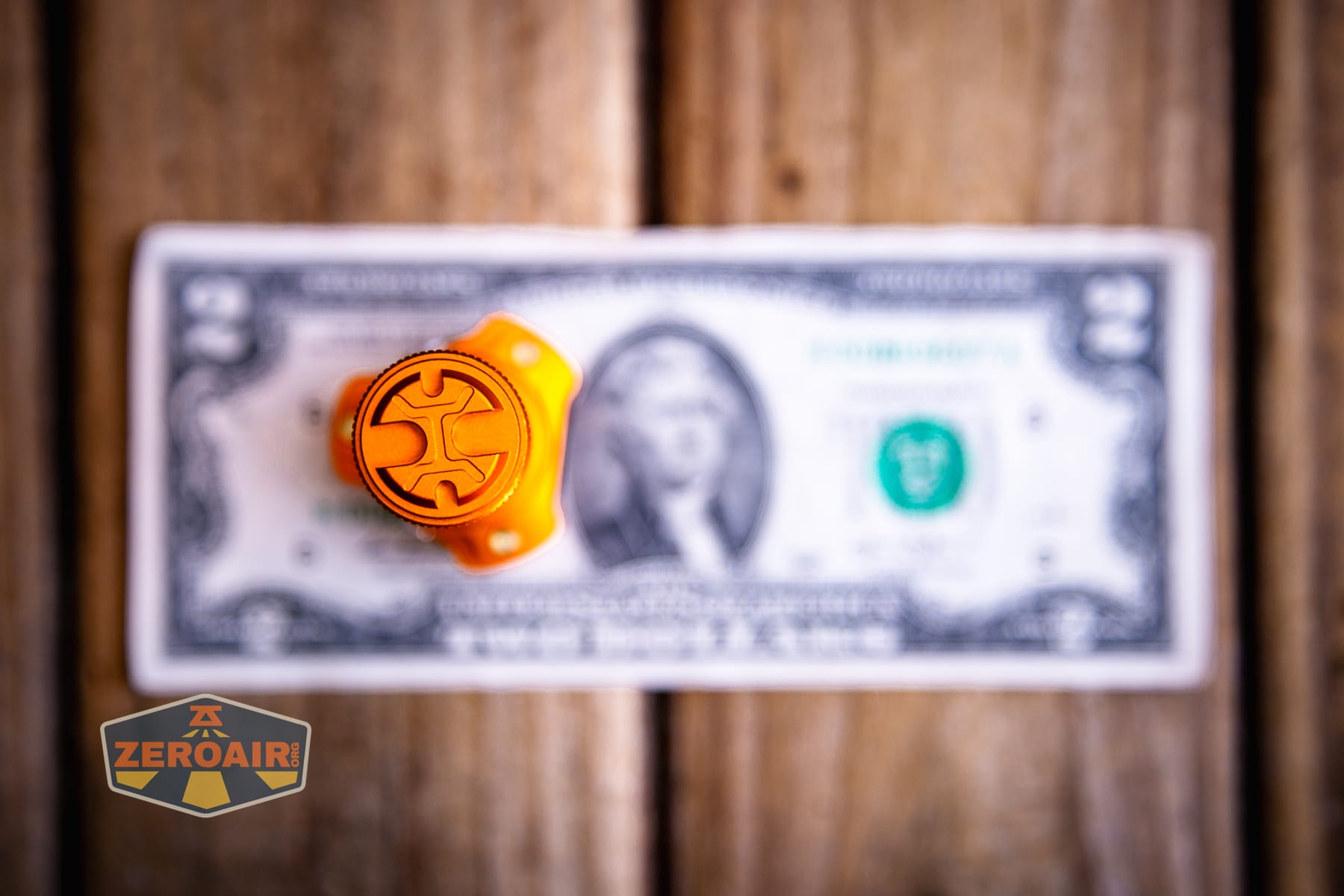
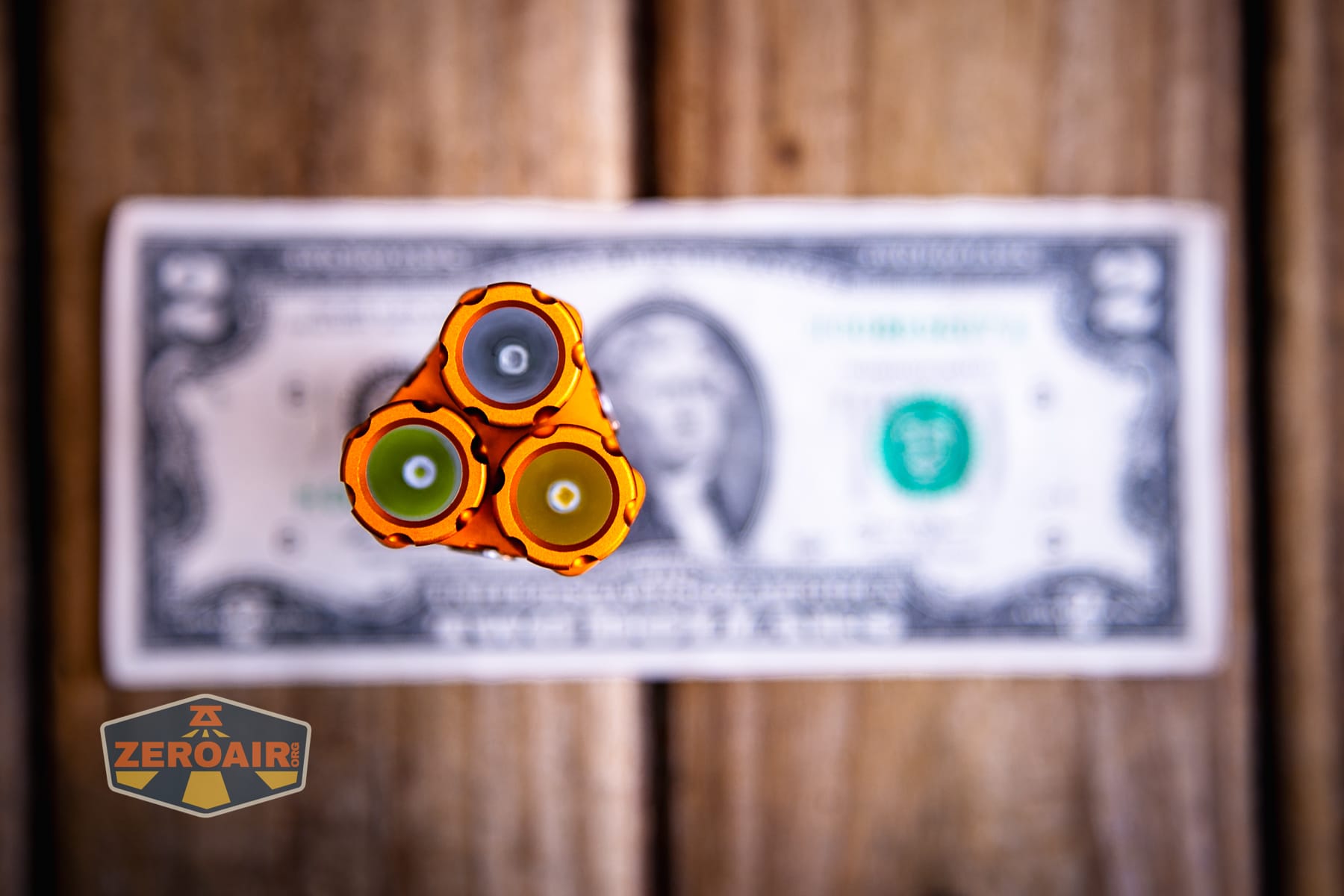
Here’s the light in hand:
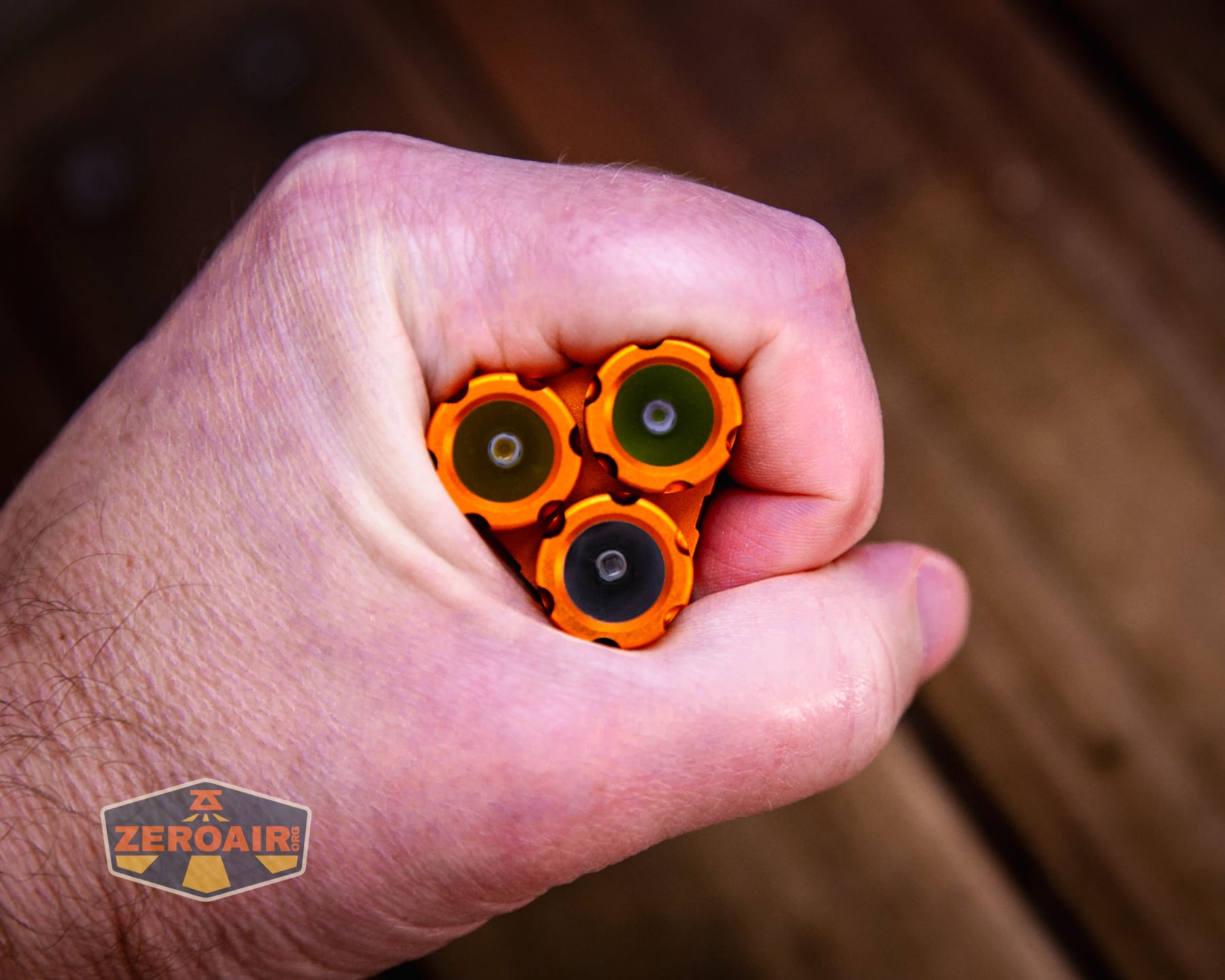
Here’s the test light with the venerable Convoy S2+. This is a brass version, which is a good bit heavier than aluminum, but has the same dimensions: 24mm in diameter by 117.5mm in length.
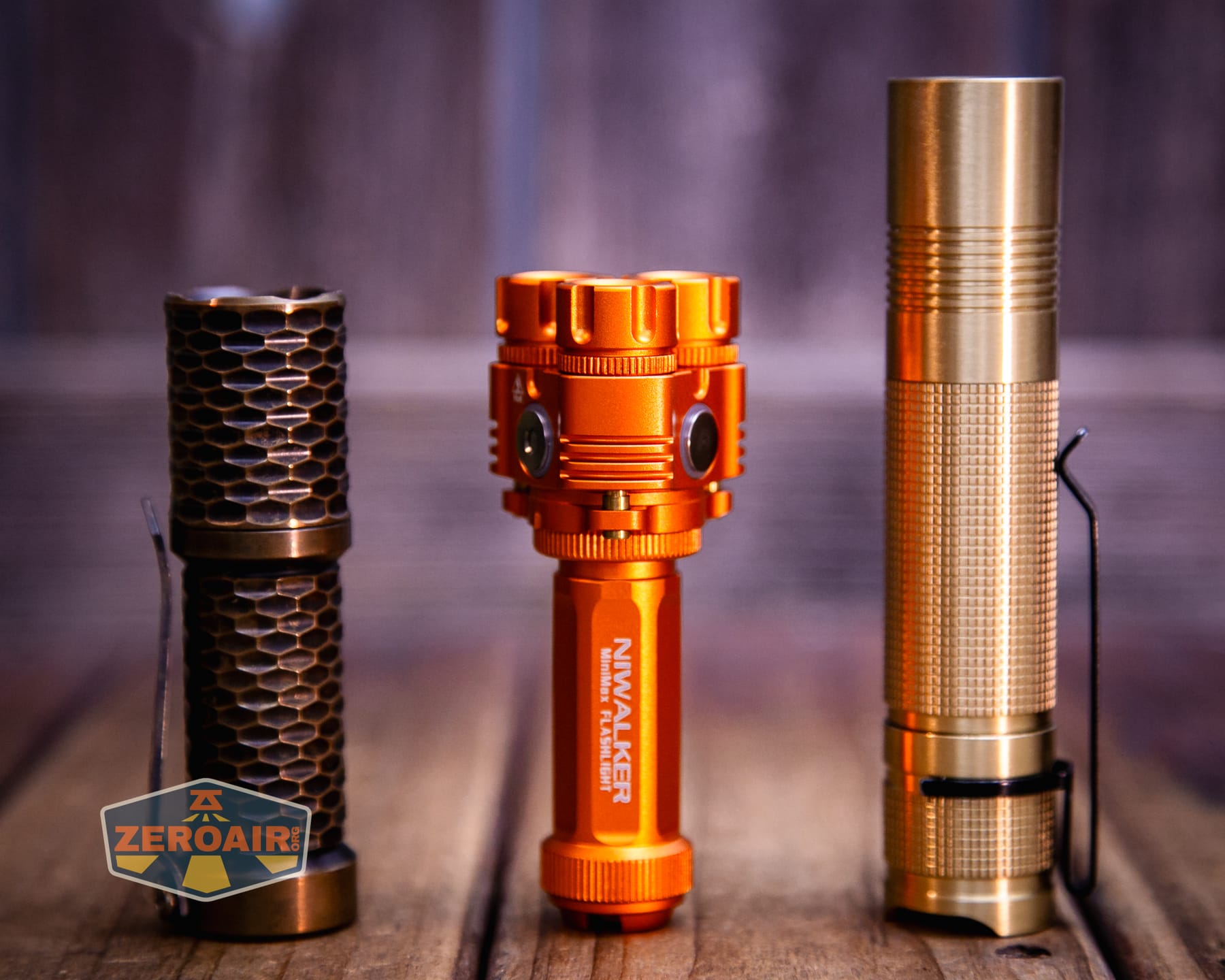
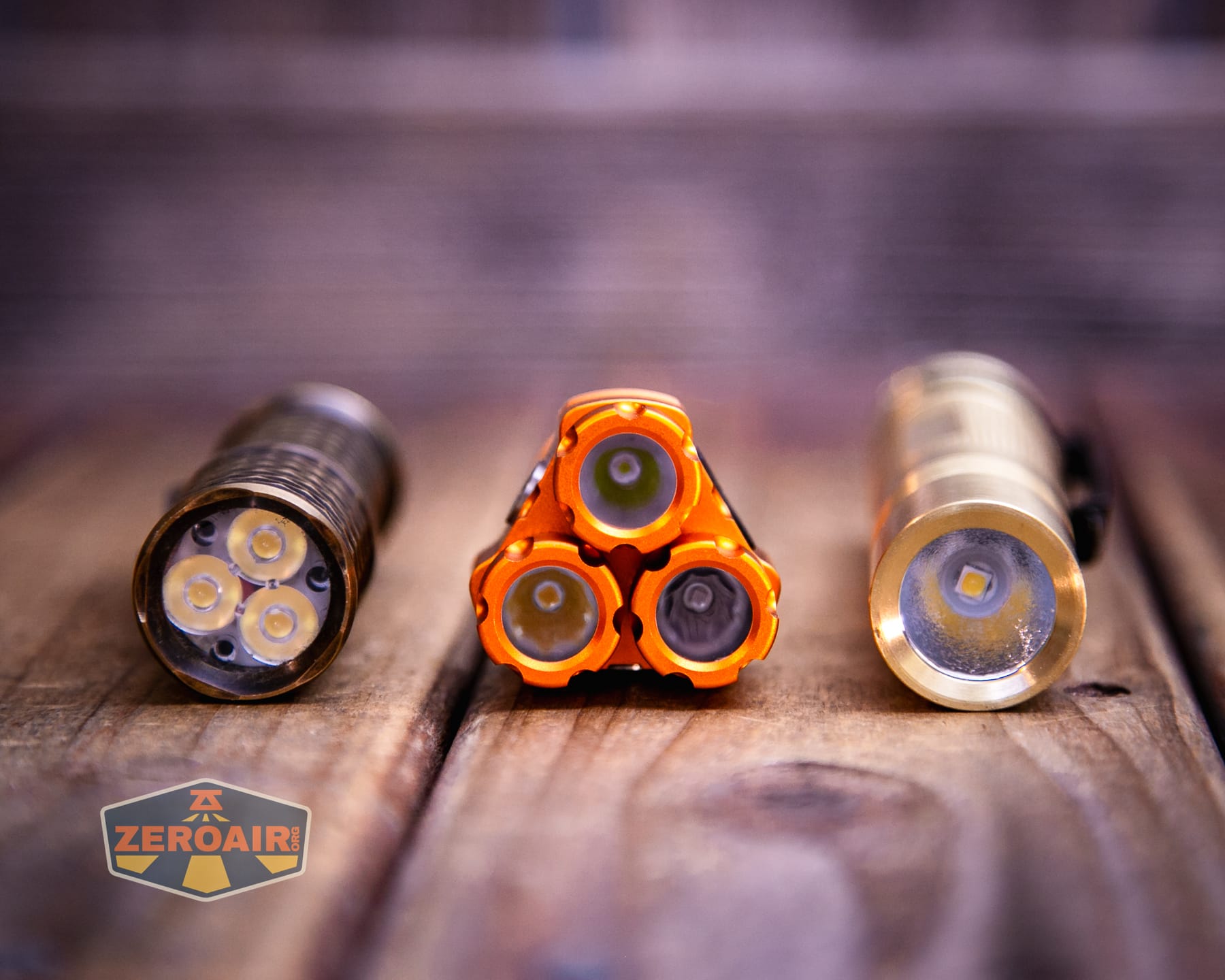
Also in the photo above, my Standard Reference Material (SRM) flashlight is the Hanko Machine Works Trident, an 18350 light. While I have not reviewed or tested the Gunner Grip version seen here, I have tested a Hanko Machine Works Trident Total Tesseract in brass. I love the Trident, and it’s a striking contrast to the inexpensive Convoy S2+, another great SRM.
Retention and Carry
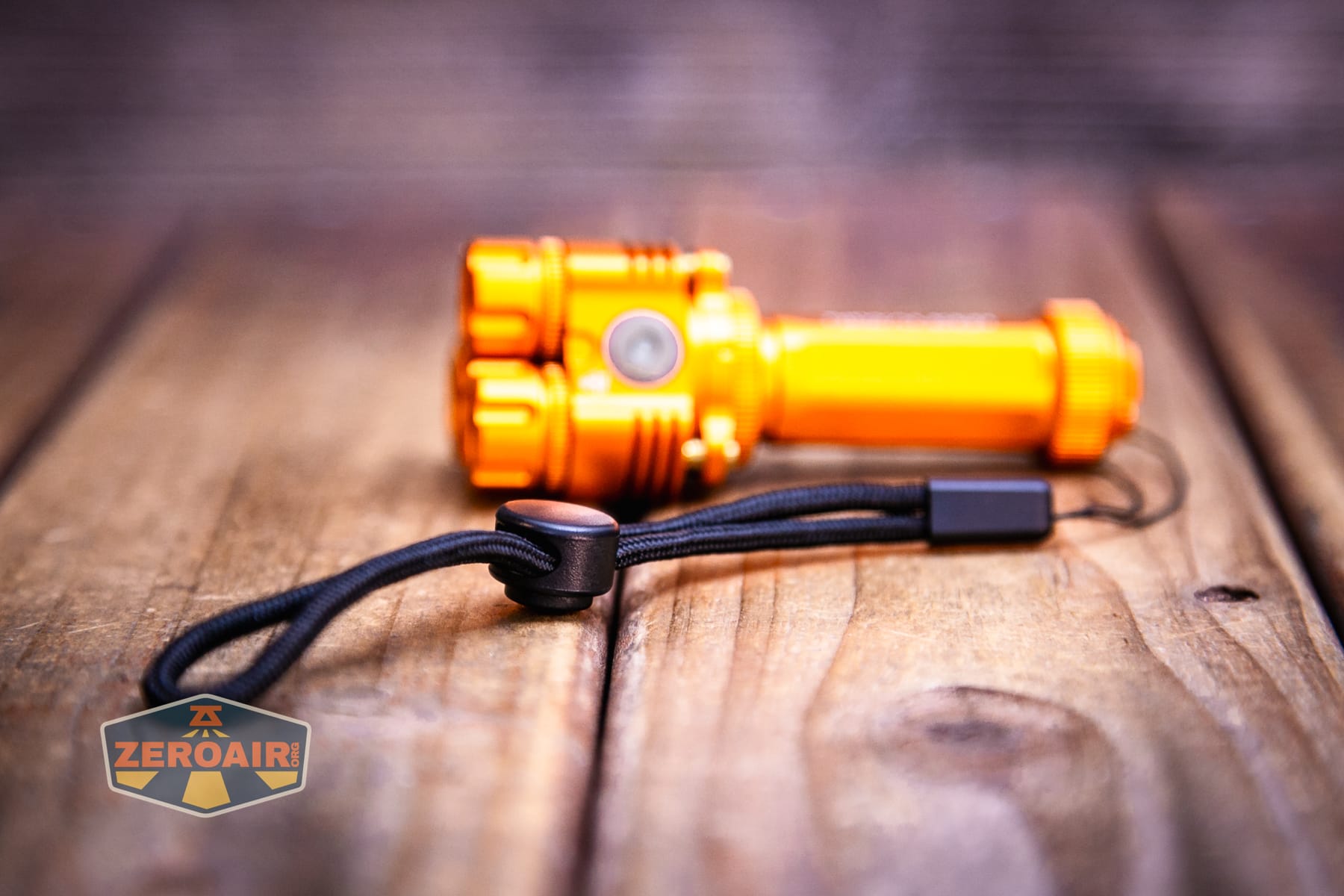
A lanyard is included with the Niwalker ES01 Three Light flashlight. It’s not attached by default, but is easy to slip through the tailcap hole.
Power and Runtime
The Niwalker ES01 Three Light flashlight includes a single 14500 cell. It’s rated (or “stated”) to be 1200mAh. That’s quite high for a 14500! It is a standard button top 14500 cell.
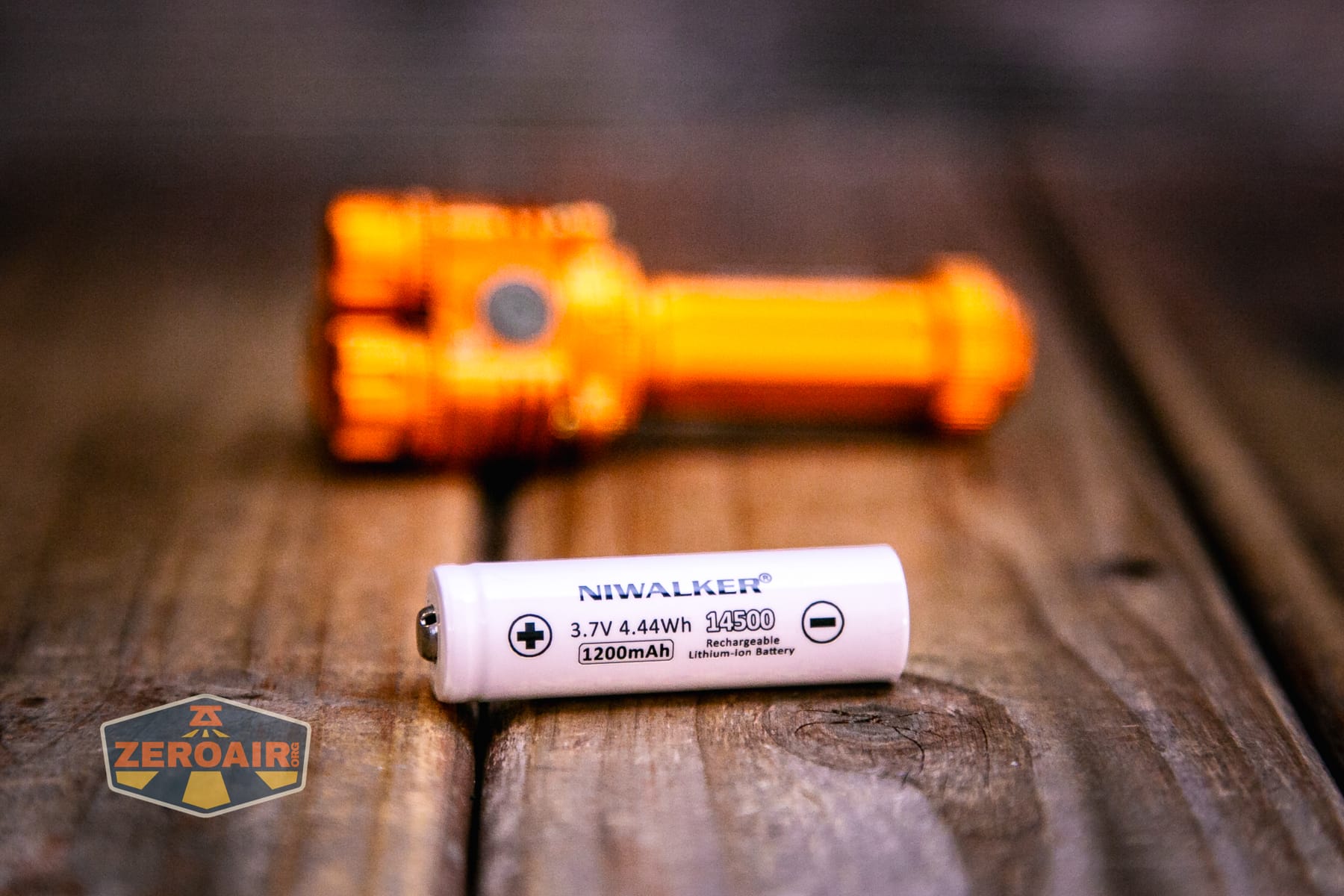
The cell goes in the usual orientation – positive end toward the head.
Below are a number of runtime tests. The manual states one mode for “both” (white) emitters. Turns out all modes are available with both emitters. By the point I learned this, I’d completed these five runtime tests.
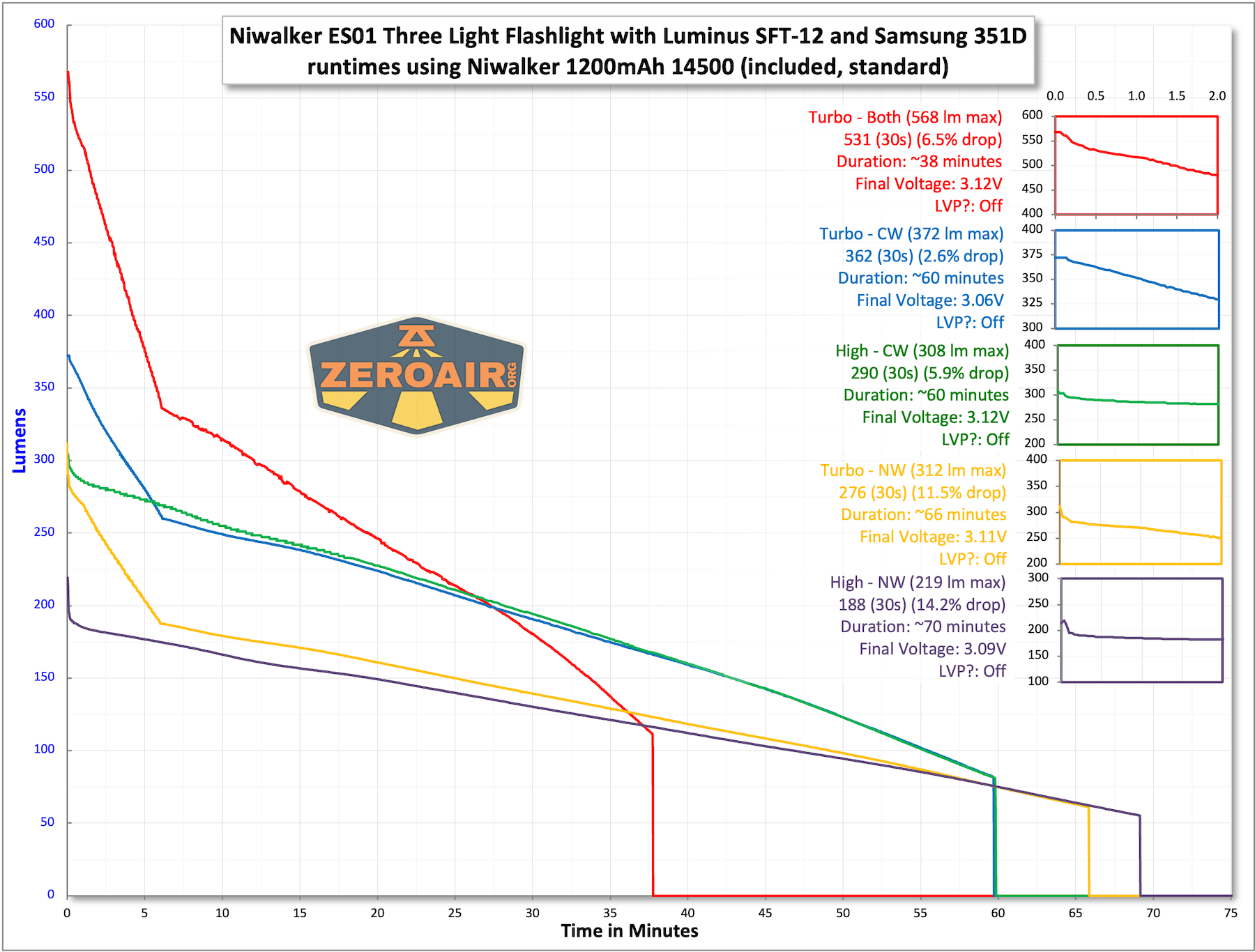
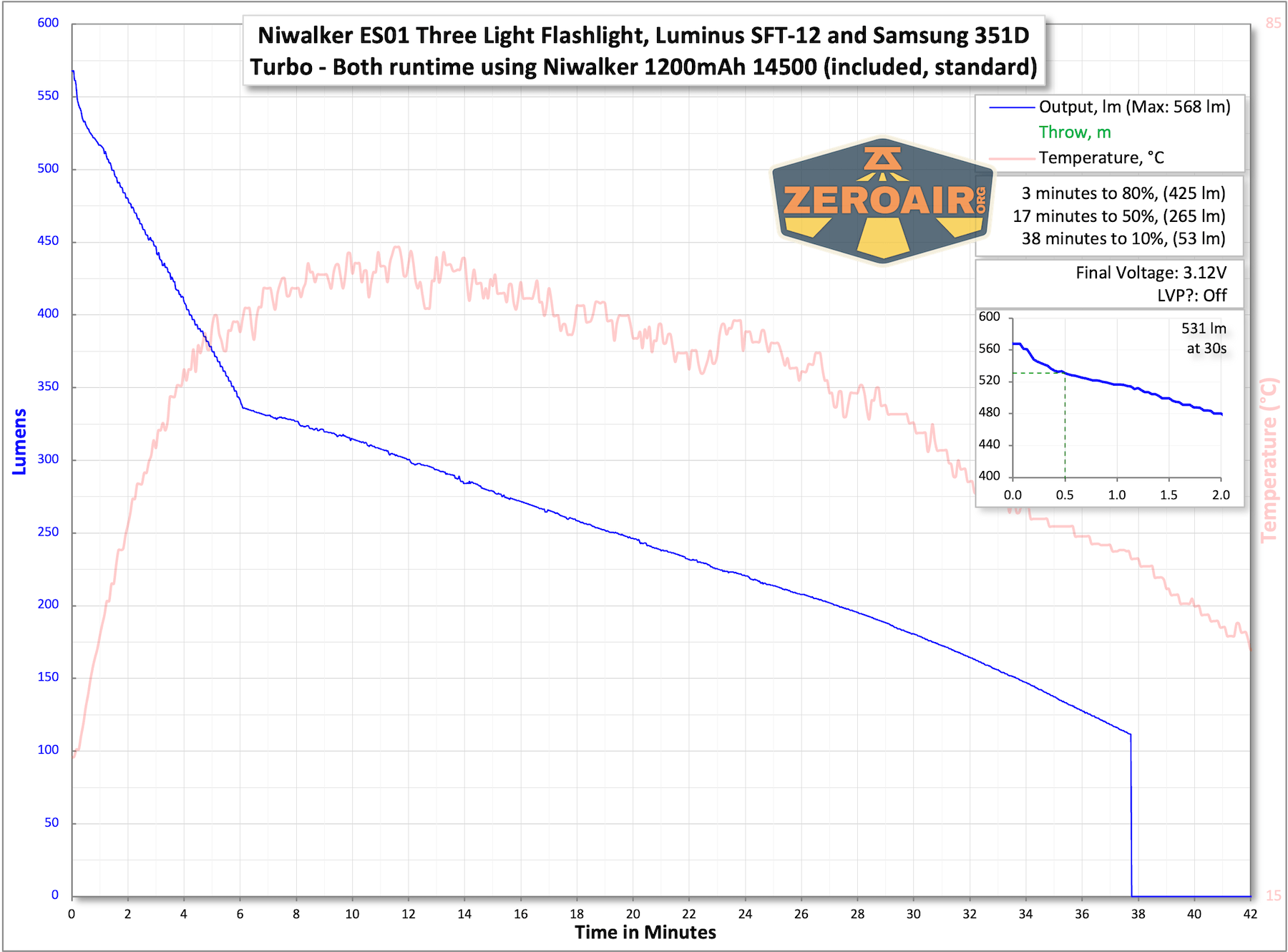
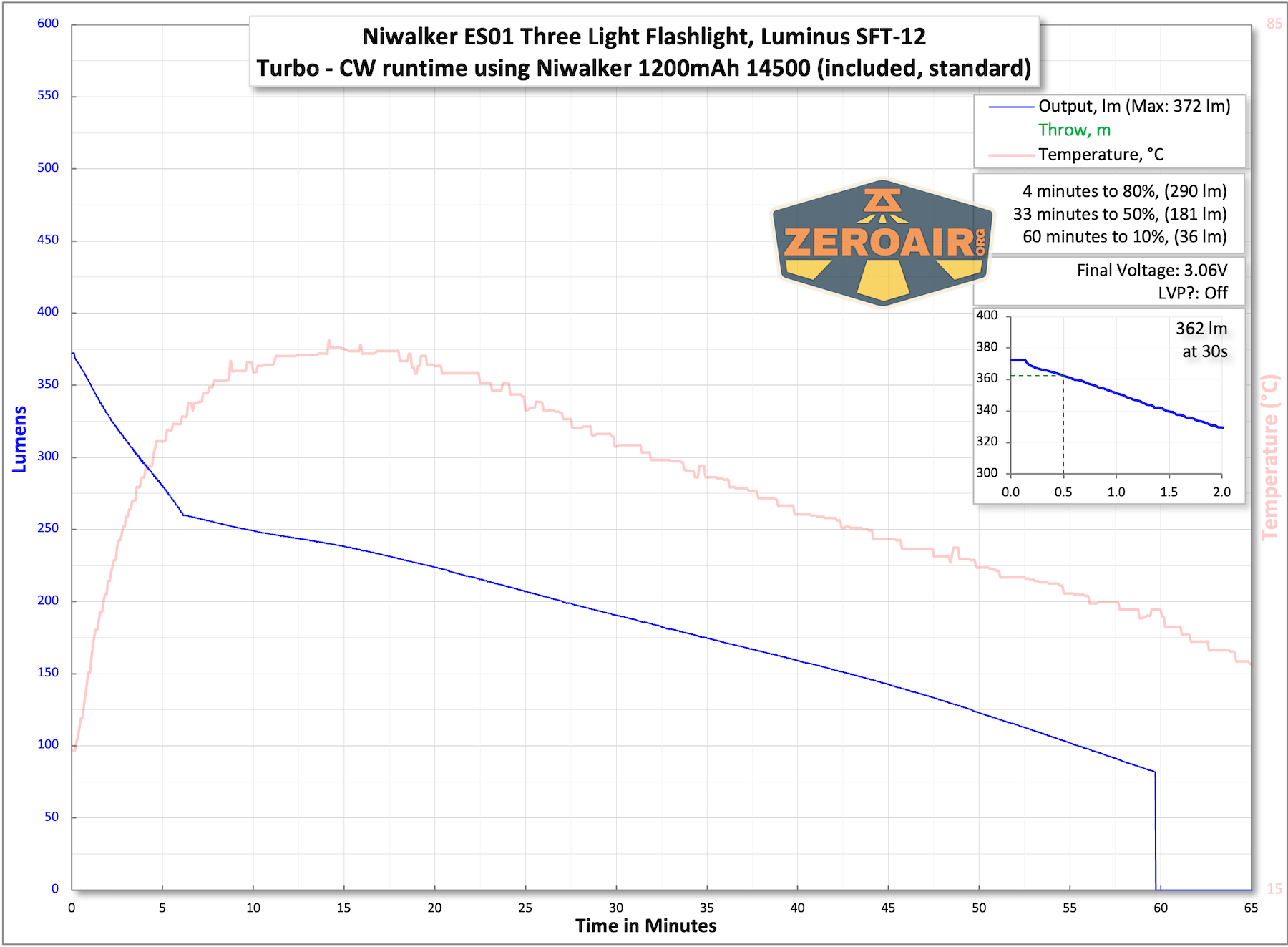
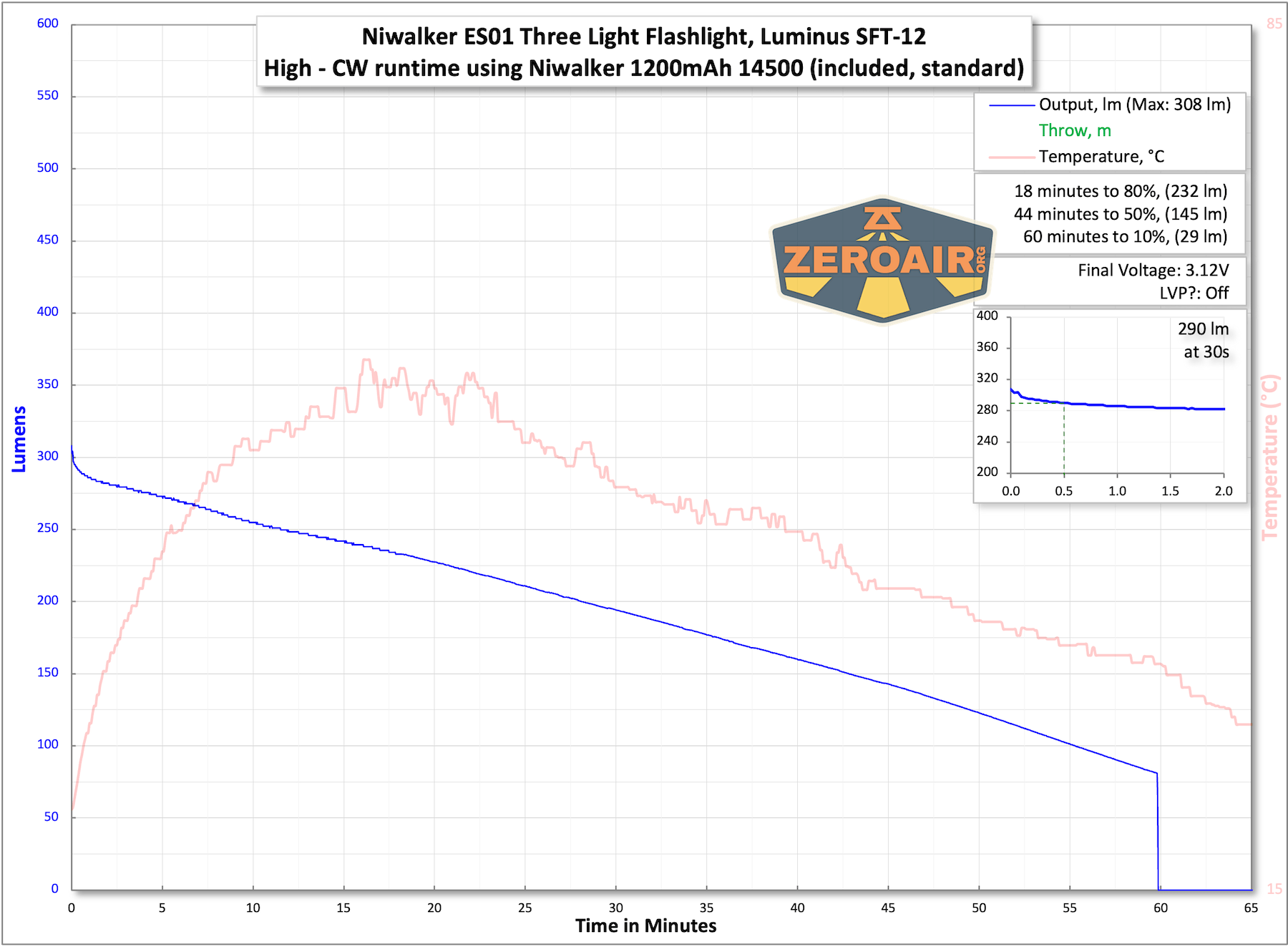
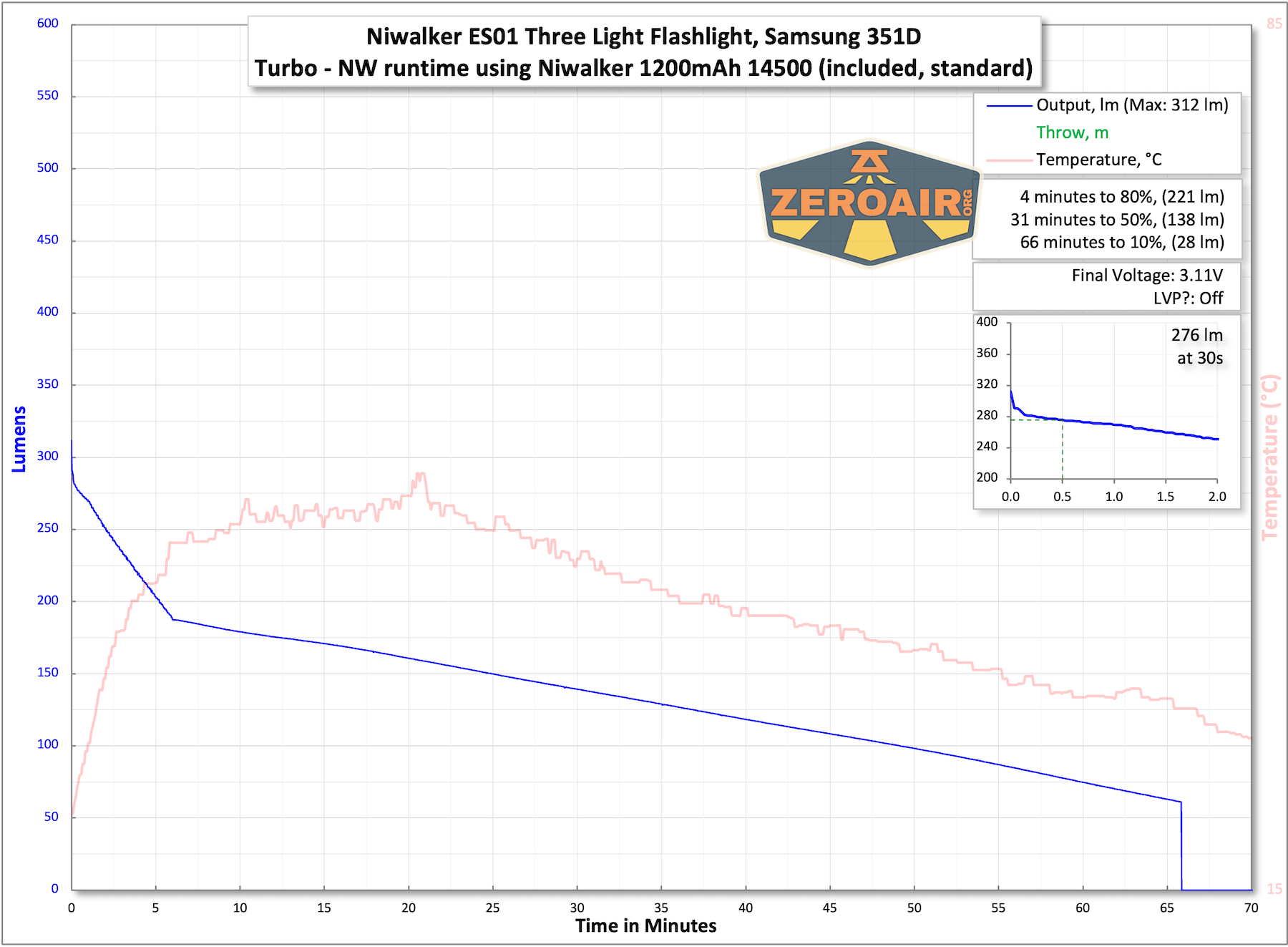
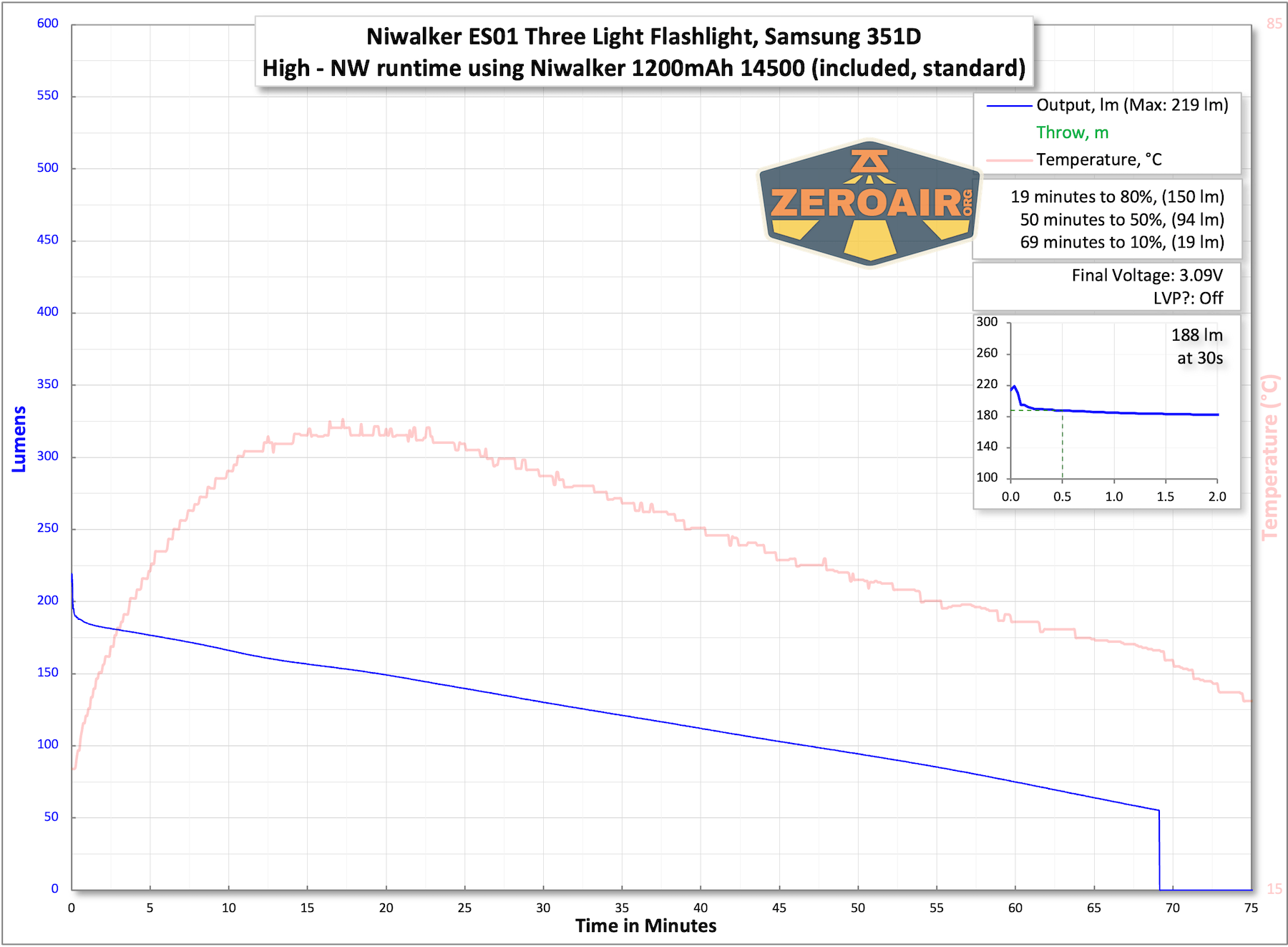
The output is about as I anticipated – lower than specified, and drifting downward after the initial level.
The temperature lines in these charts are included as general context, not precise measurements. The values represent the range (min to max) during testing, but should not be taken as exact readings. A temperature sensor is not always attached to the bezel (or even the hottest spot, assuming that could be defined). Even with ideal placement, too many variables affect temperature to definitively state a specific max value.
Charging
The Niwalker ES01 Three Light flashlight features USB-C charging.
A USB to USB-C cable is included.
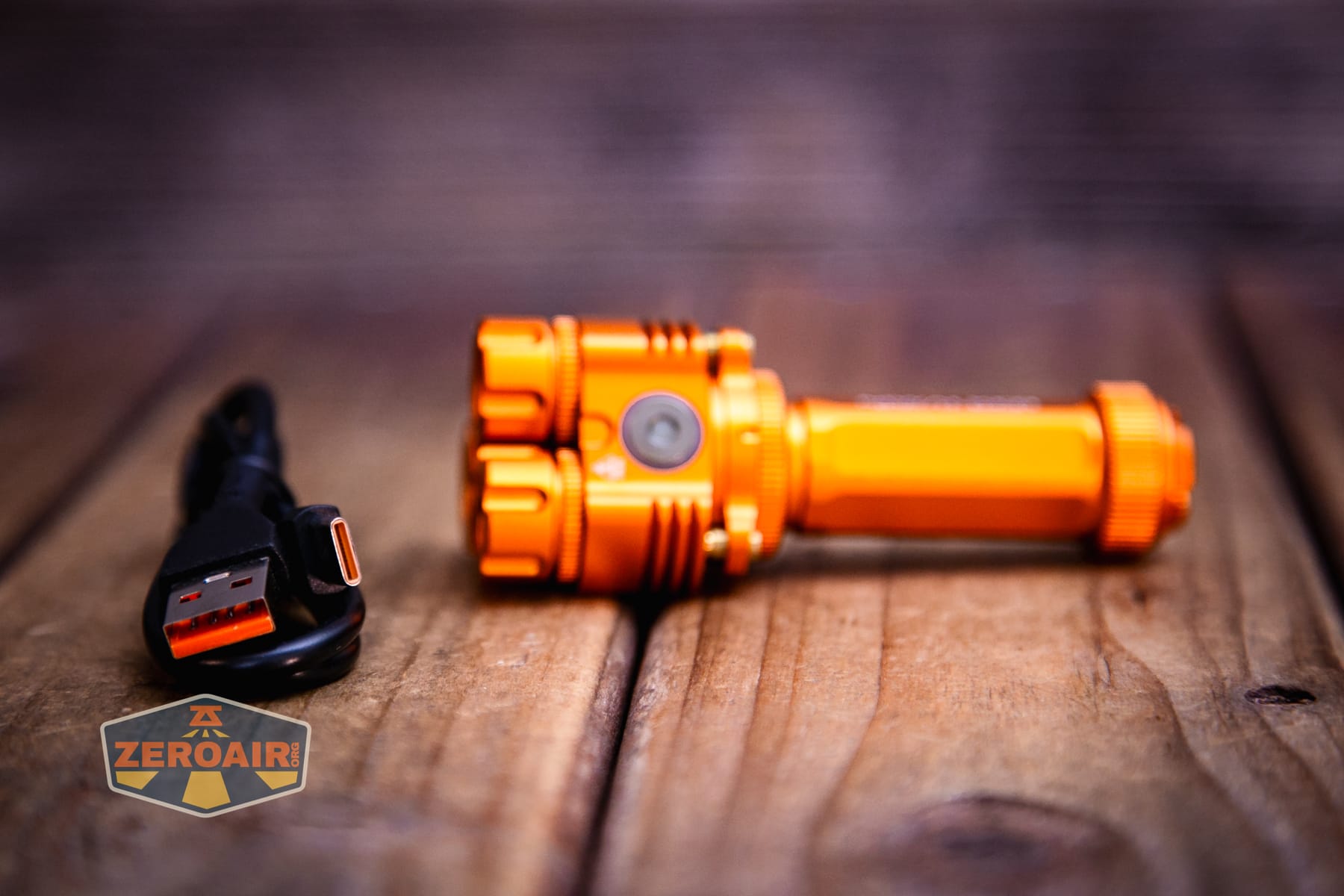
I was only able to get USB to USB-C working; C to C didn’t work in my testing. It may work fine for you with your wires and stuff, but A to C is what I had success with (and also the cable that Niwalker includes, so A to C is implied.)
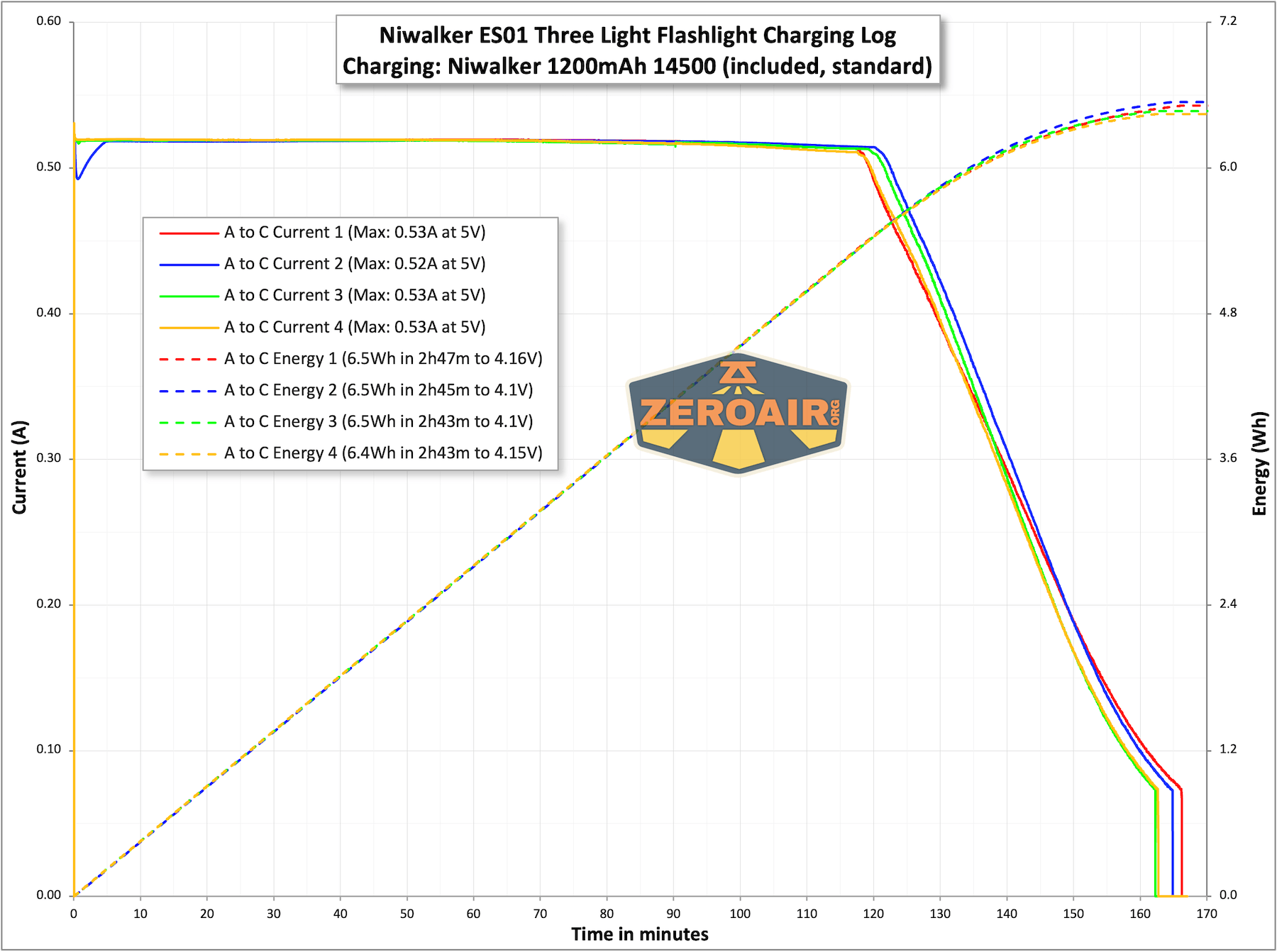
Charging works fine on A to C, and is a bit slow for the 1200mAh cell.
Modes and Currents
| Mode | Mode Claimed Output (lm) | Claimed Runtime | Measured Lumens | Tailcap Amps |
|---|---|---|---|---|
| Turbo – Both | 850 | 40m | 568 (0s) 531 (30s) |
2.49 |
| High – Both | – | – | 429 | 1.59 |
| Mid1 – Both | – | – | 229 | 0.78 |
| Mid2 – Both | – | – | 127 | 0.43 |
| Low – Both | – | – | 21 | 0.10 |
| Moonlight – Both | – | – | 10 | 0.01 |
| Turbo – Cool white | 600 | 63m | 372 (0s) 362 (30s) |
1.94 |
| High – Cool white | 420 | 75m | 308 (0s) 290 (30s) |
1.08 |
| Mid1 – Cool white | 230 | 2h | 159 | 0.47 |
| Mid2 – Cool white | 120 | 5h15m | 80 | 0.19 |
| Low – Cool white | 20 | 28h | 11.5 | 0.03 |
| Moonlight – Cool white | 1 | 70h | 5.5 | [low] |
| Turbo – Neutral white | 360 | 70m | 312 (0s) 276 (30s) |
1.94 |
| High – Neutral white | 270 | 75m | 219 (0s) 188 (30s) |
0.98 |
| Mid1 – Neutral white | 135 | 2h5m | 109 | 0.42 |
| Mid2 – Neutral white | 70 | 5h30m | 54 | 0.16 |
| Low – Neutral white | 10 | 31h | 7.7 | 0.02 |
| Moonlight – Neutral white | 1 | 85h | 3.5 | [low] |
Pulse Width Modulation
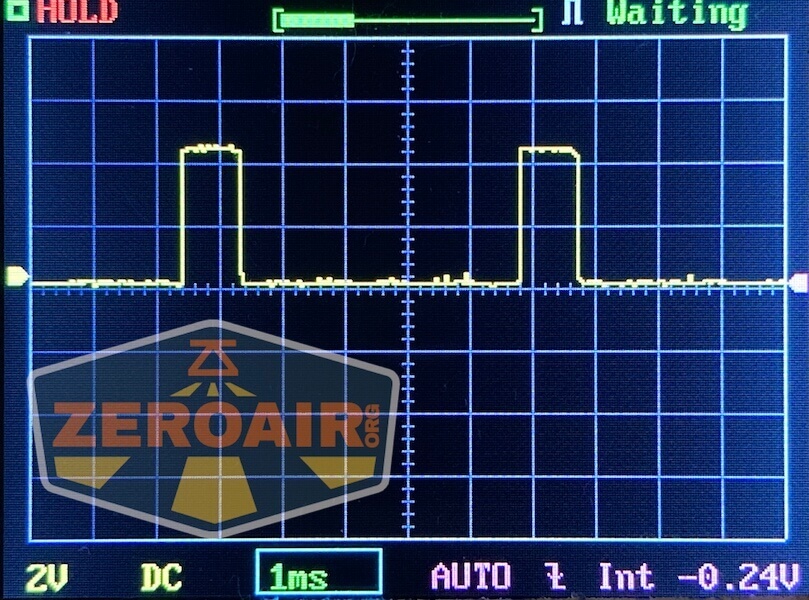
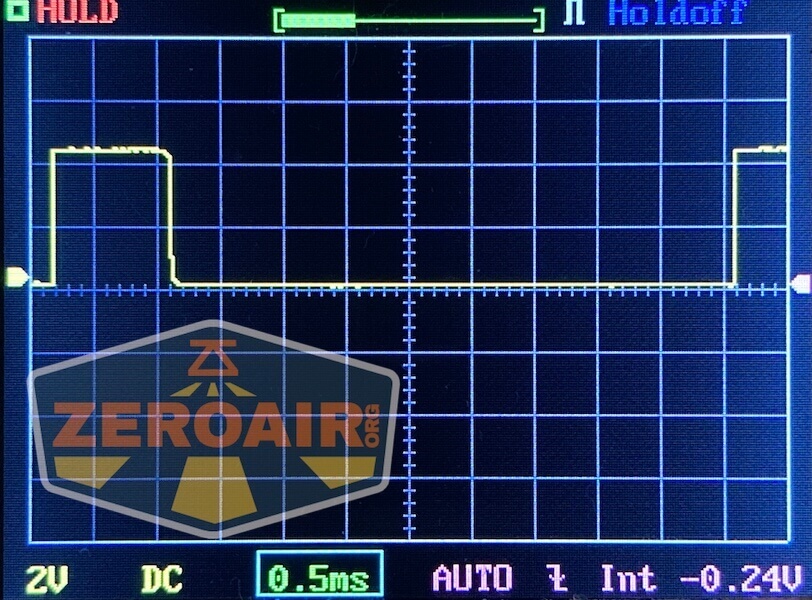
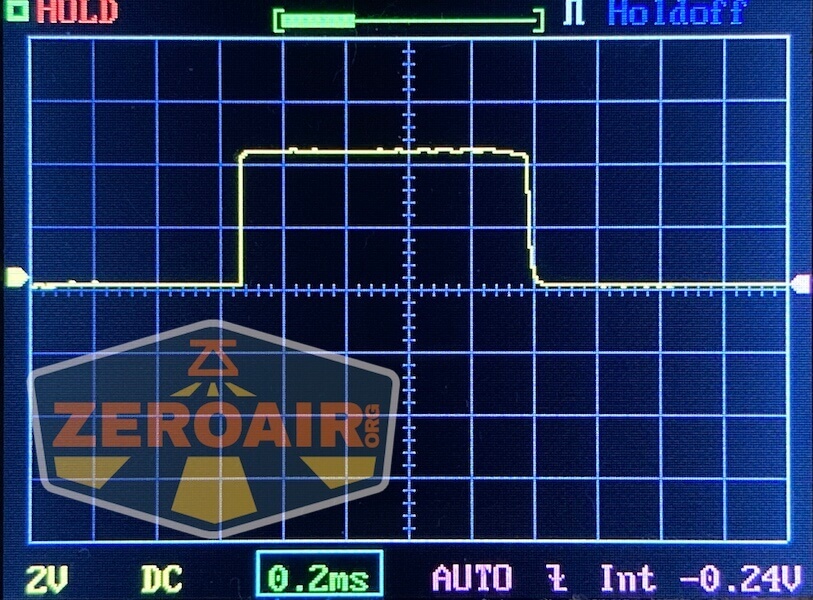
Below are the individual modes (no combined CW/NW). They all have PWM, but only the very lowest level (leftmost) is what you might call “bad PWM.”
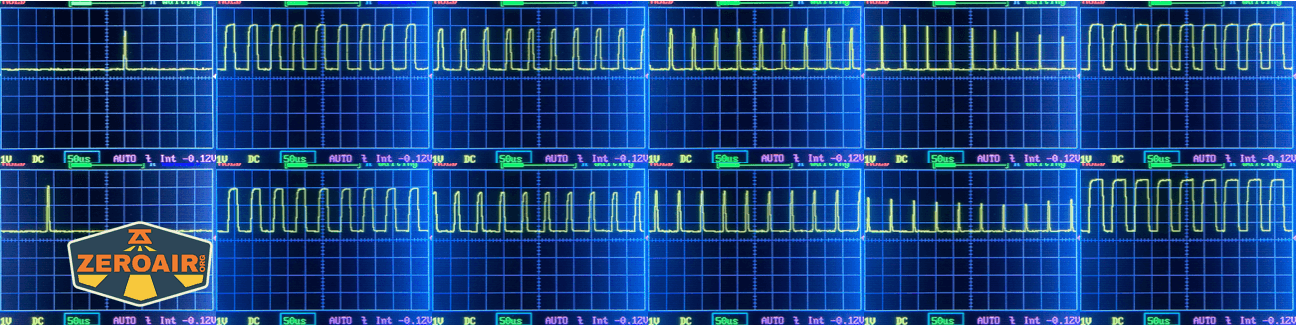
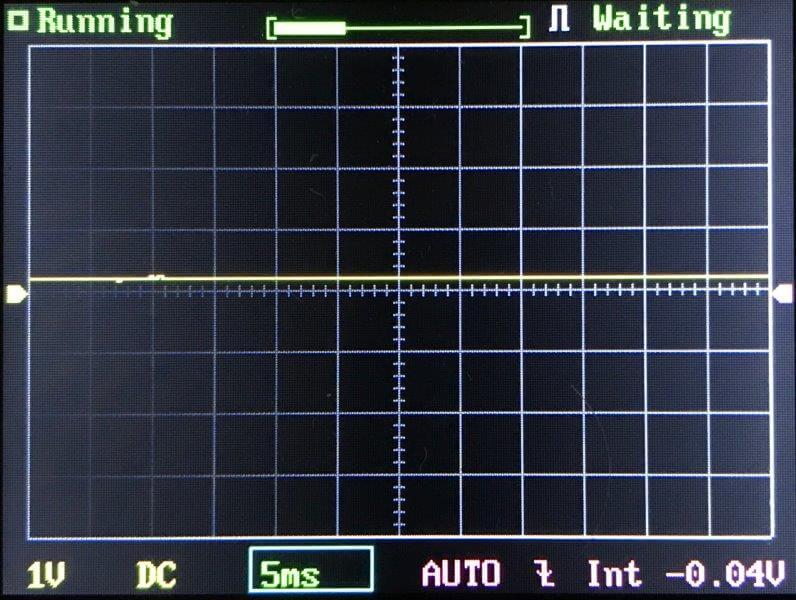
Click here to see a “baseline” – a chart with almost no light hitting the sensor.
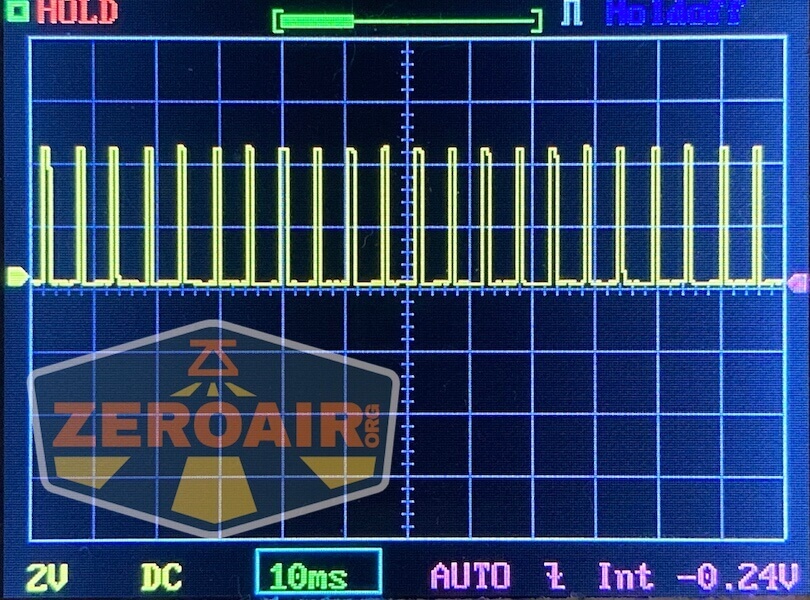
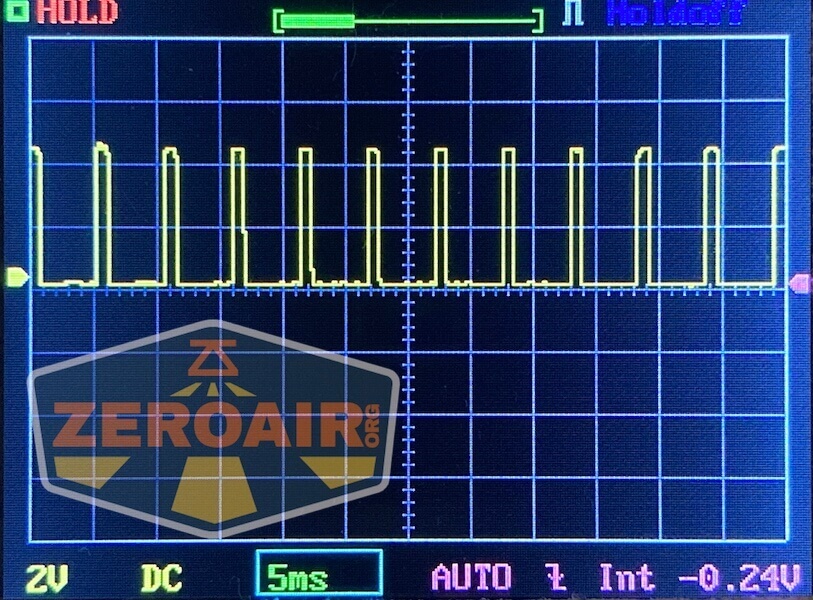
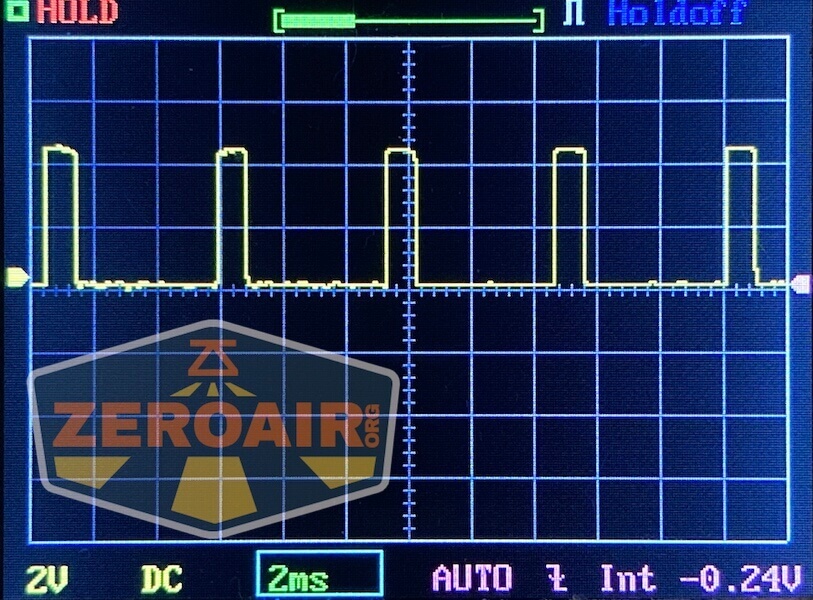
Then there’s the Ultrafire WF-602C flashlight, which has some of the worst PWM I’ve seen. It’s so bad that I used a post about it to explain PWM! Here are multiple timescales (10ms, 5ms, 2ms, 1ms, 0.5ms, 0.2ms) to make comparing this “worst” PWM light to the test light easier. That post also explains why I didn’t test the WF-602C at the usual 50us scale.
User Interface and Operation
The Niwalker ES01 Three Light flashlight is controlled by two e-switches. The manual calls the first switch below the “main switch” and the other (second) the “auxiliary switch.”
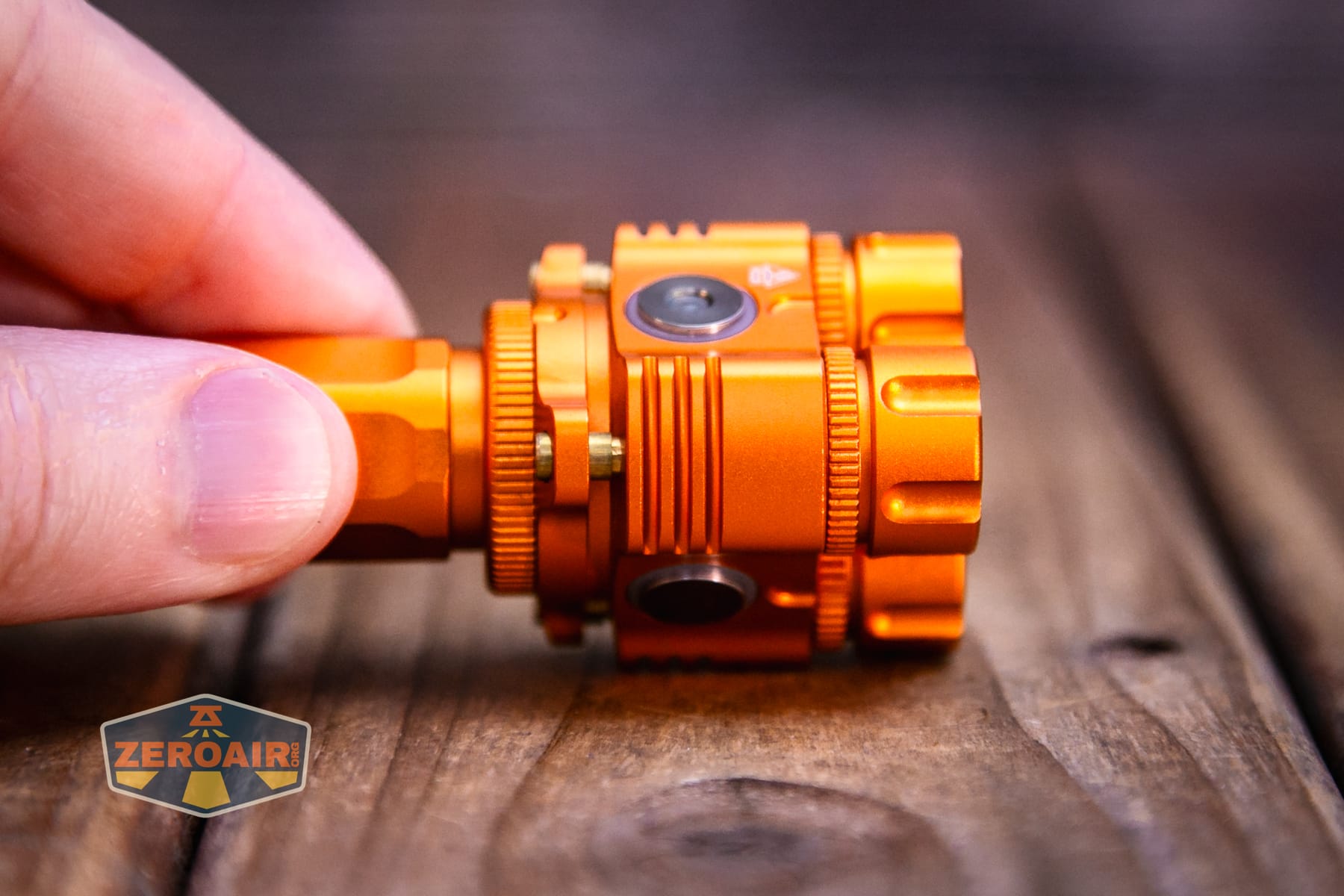
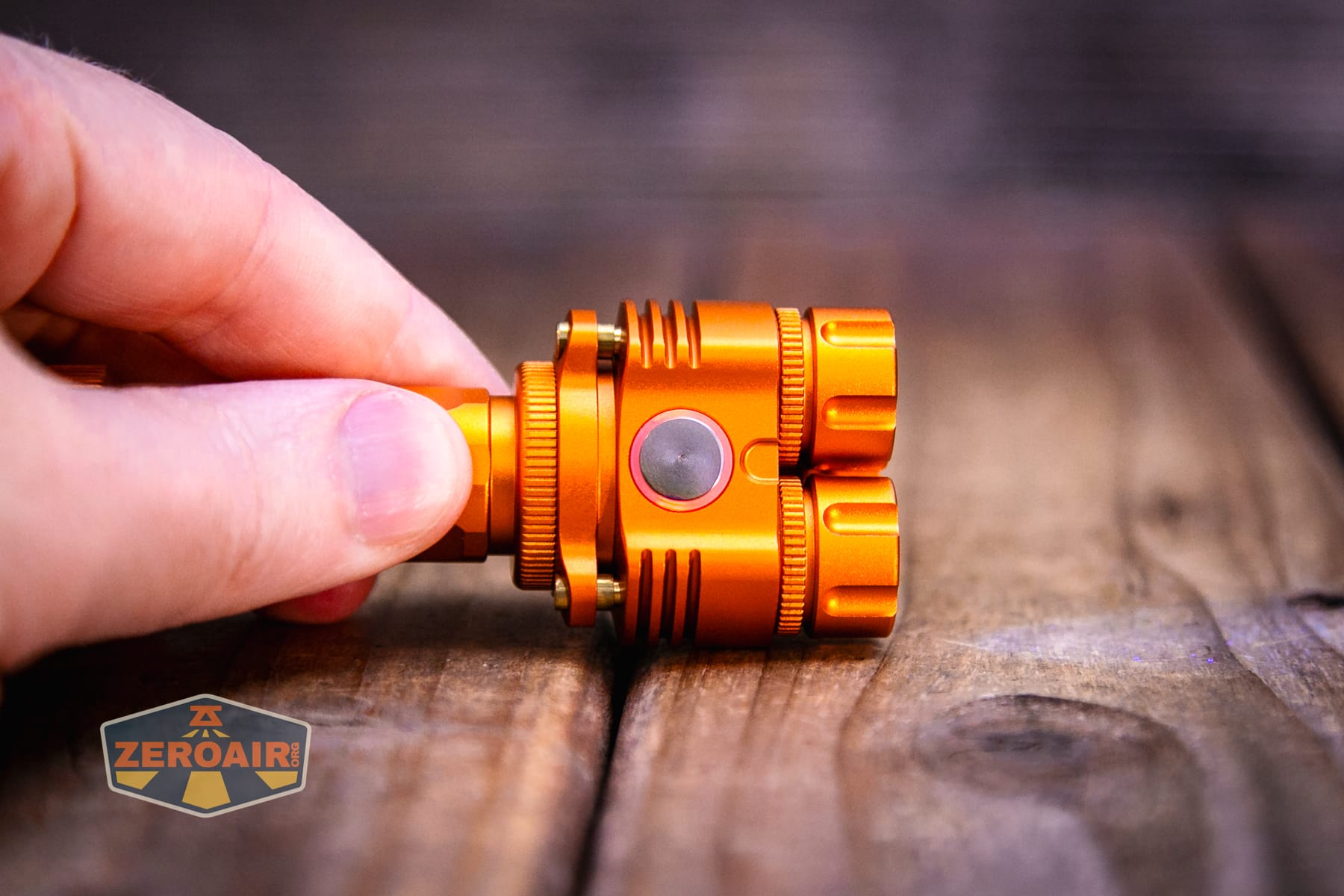
The action is very low on both switches. It’s generally possible to differentiate these by feel, but they are quite similar.
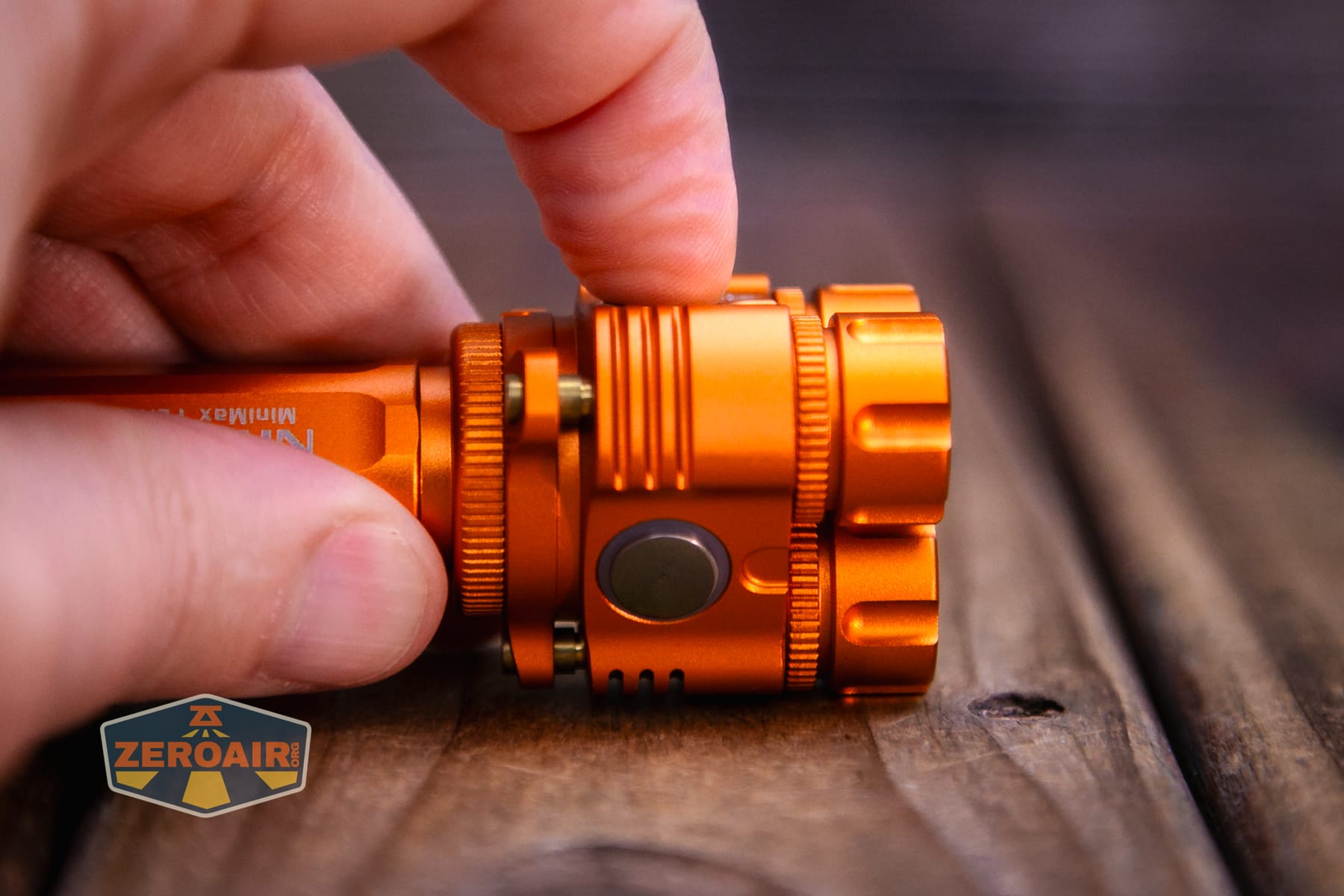
Here’s a user interface table!
| State | Action | Result |
|---|---|---|
| Off | Hold main switch | Moonlight (CCT memory) |
| On | Click auxiliary switch | Switch CW/NW |
| On | Click main switch | Off |
| Moonlight | Double click main switch | CW/NW alternate flashing. |
| Off | Click main switch | “General mode” (CCT and mode memory)^ |
| On | Hold main switch | Mode advance (decreasing brightness, middle 4 modes only) |
| On (except moonlight) | Double click main switch | Switch to both white LEDs on |
| Both white LEDs on | Click auxiliary switch | Back to single LED output |
| Any | Double click main switch | Turbo for memorized CCT |
| Turbo or Strobe | Click auxiliary switch | Switch between CW/NW turbo |
| Any | Click main switch 3x | Strobe for memorized CCT |
| Any | Click main switch 4x | Battery power monitor. Blinks the voltage. Slow blinks = ones Fast blinks = tenths |
| Off | Hold auxiliary switch | UV |
| UV | Hold auxiliary switch | UV off |
| Off | Click main switch 5x | Lockout |
| Lockout | Click main switch 5x | Unlock |
^ Disregards CCT memory from Moonlight.
Generally, that’s the user interface. I think there are some nuances in there, though, that will at least take some practice, at best take some fiddling, and at worst cause you to need to consult the manual. The main frustration for me was that the CCT isn’t memorized between the three groups (those being moonlight, main group (4 modes), and turbo).
LED and Beam
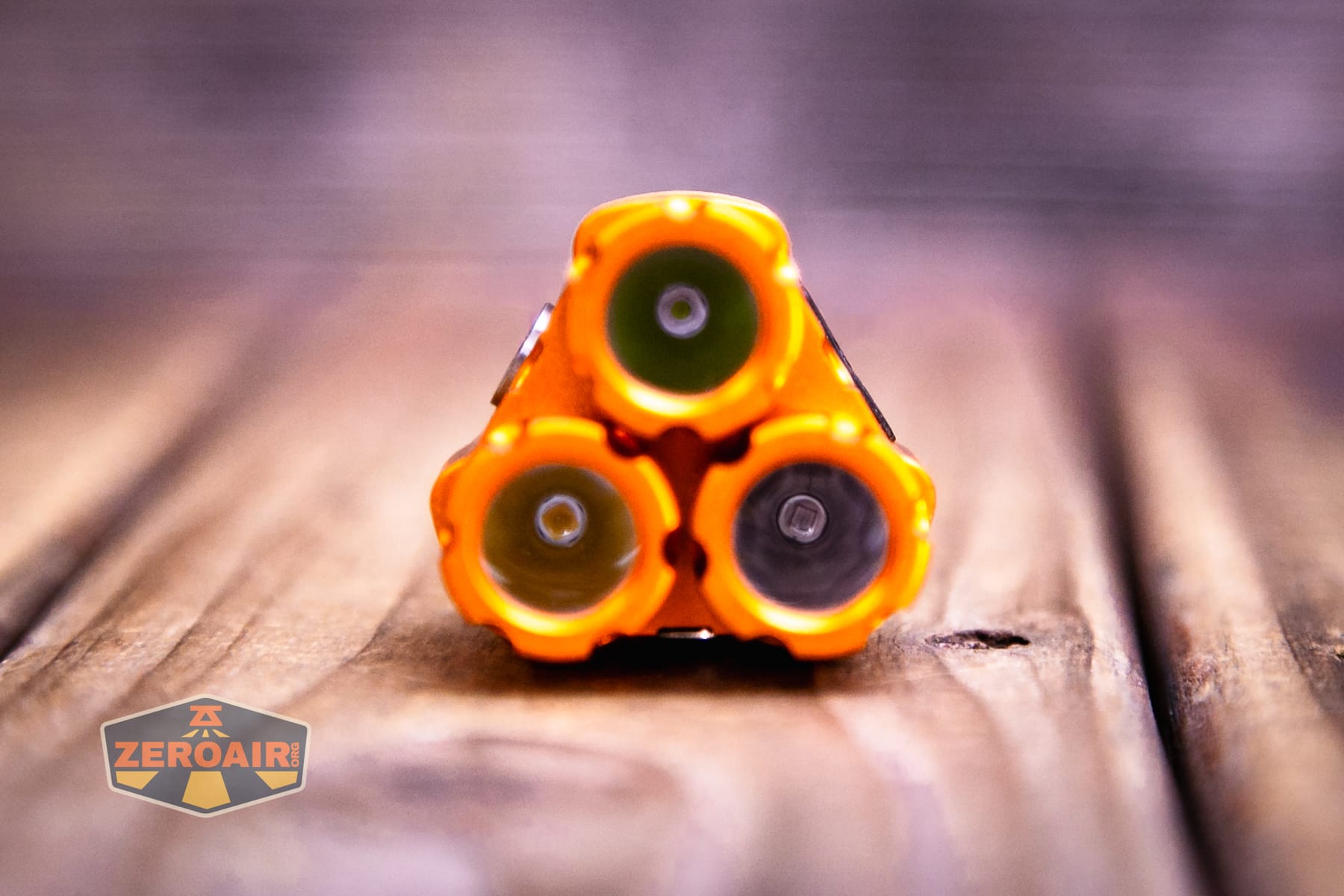
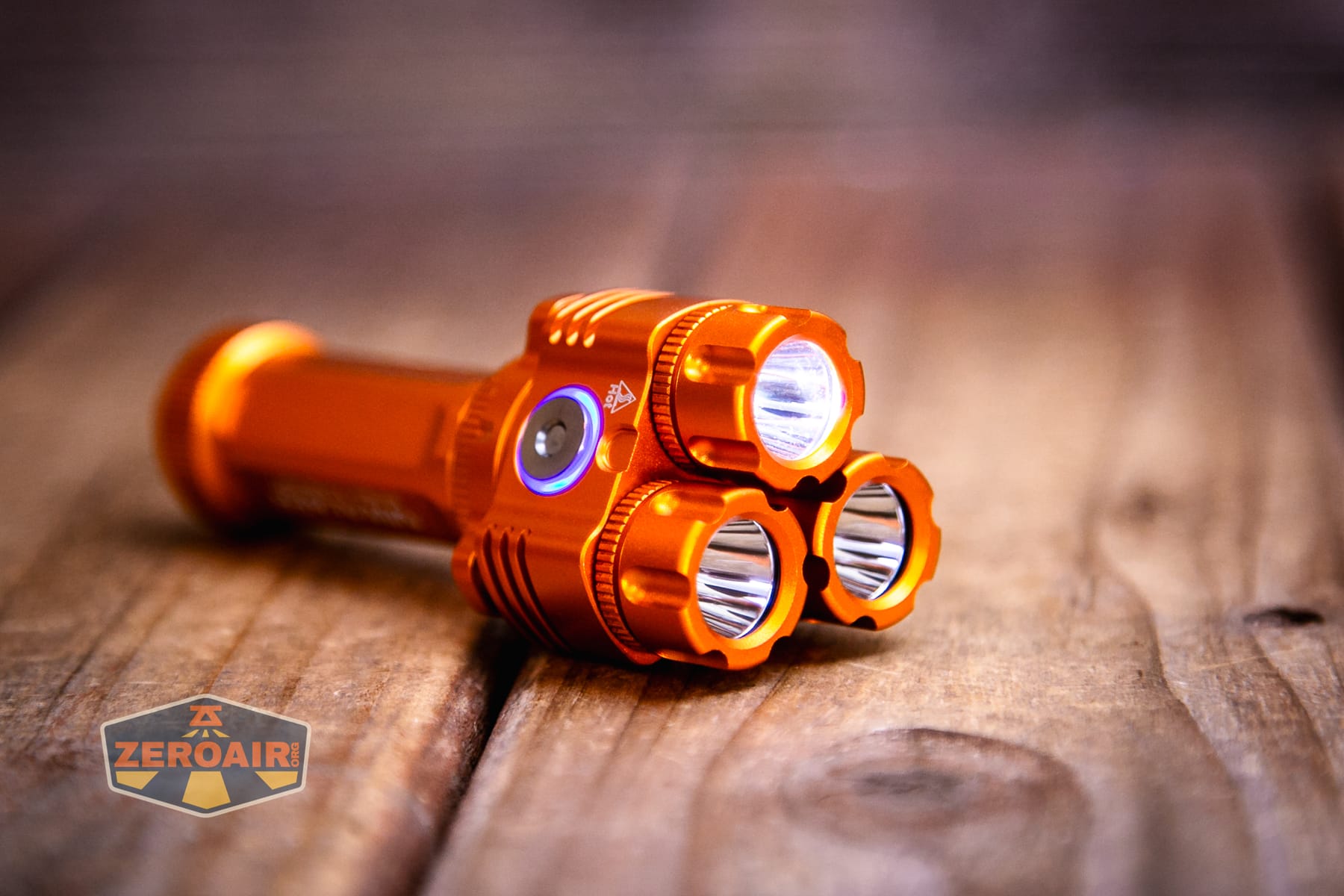
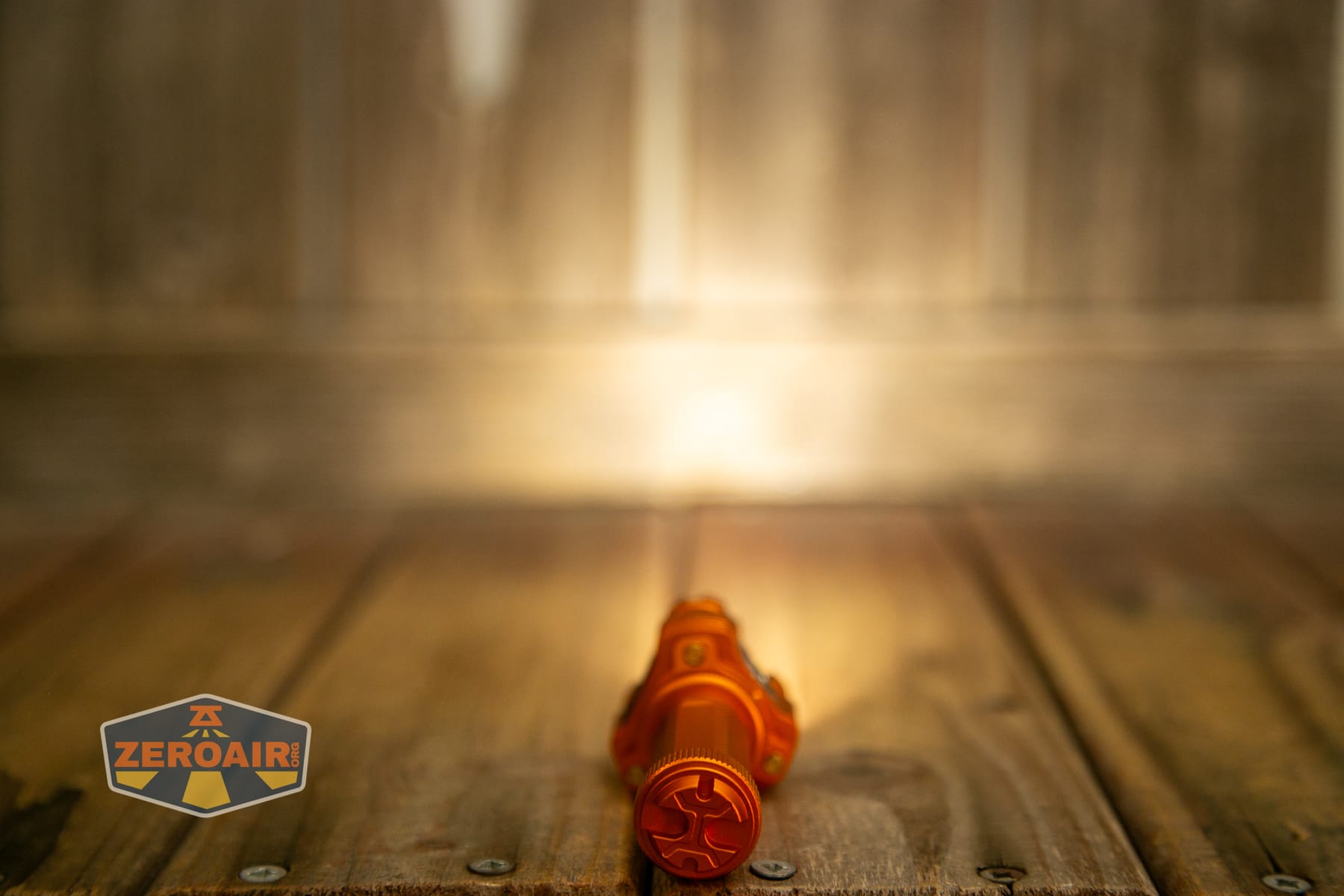
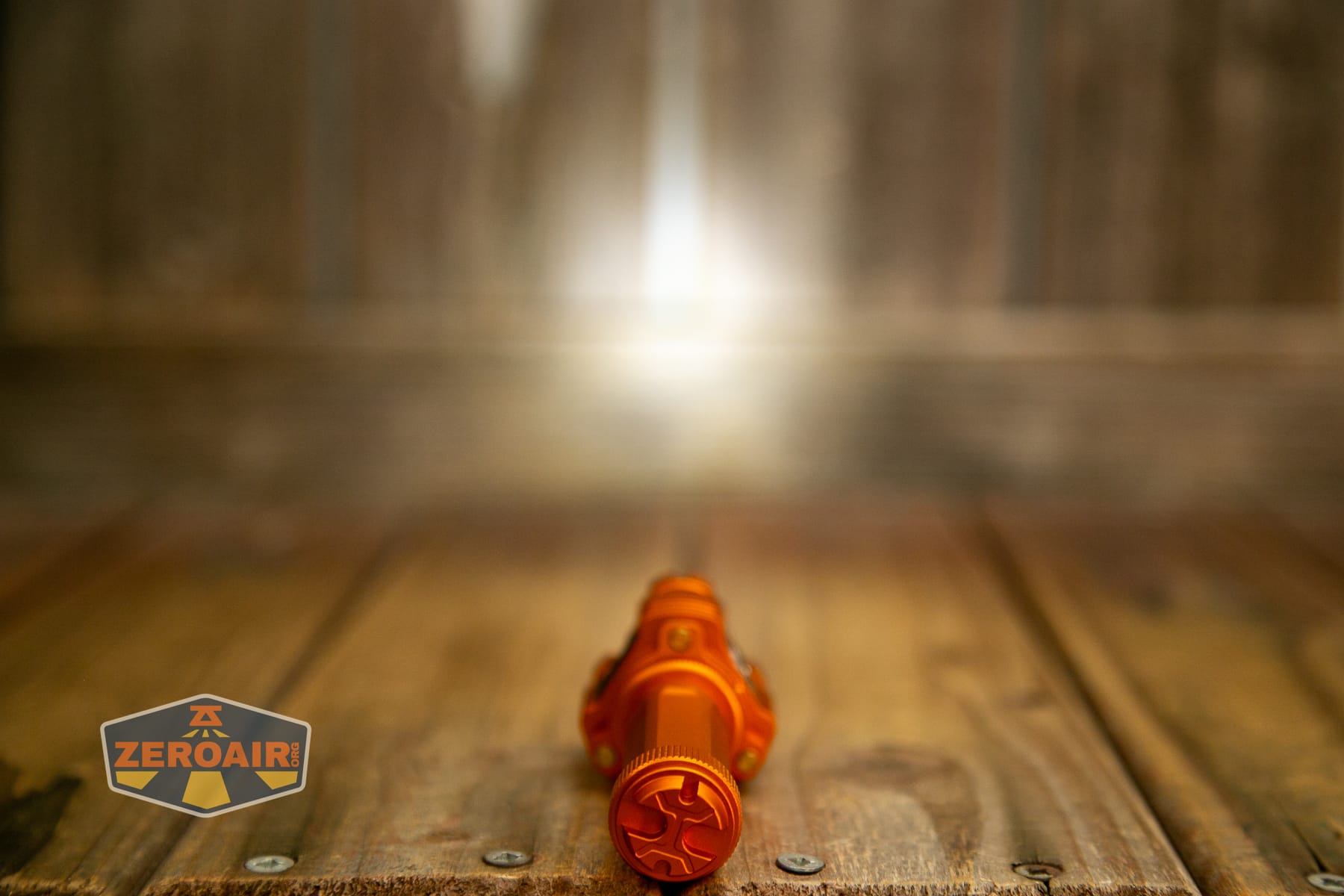
The cool white emitter is a Luminus SFT12 at 6500K. The neutral white emitter is a Samsung LH351d at 4000K. This one is high CRI. They both have surprisingly deep reflectors.
LED Color Report (CRI and CCT)
Cool white is the first row below. It’s cool white and low CRI. Nothing surprising. The second row is the 4000K output, and it is high CRI, as claimed. The CCT doesn’t vary too much across all the modes, which is what you’d expect since the light isn’t driving either emitter too hard.
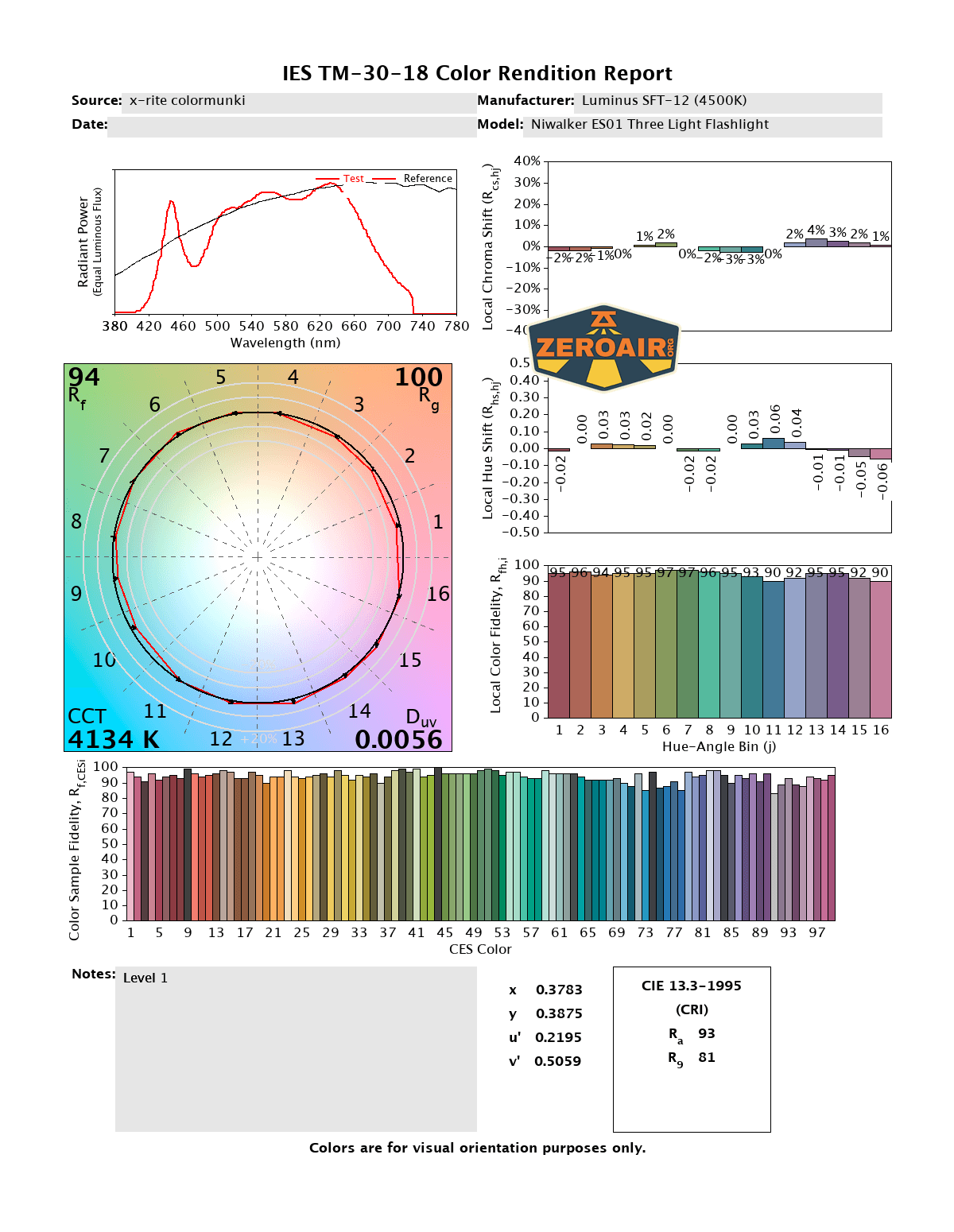
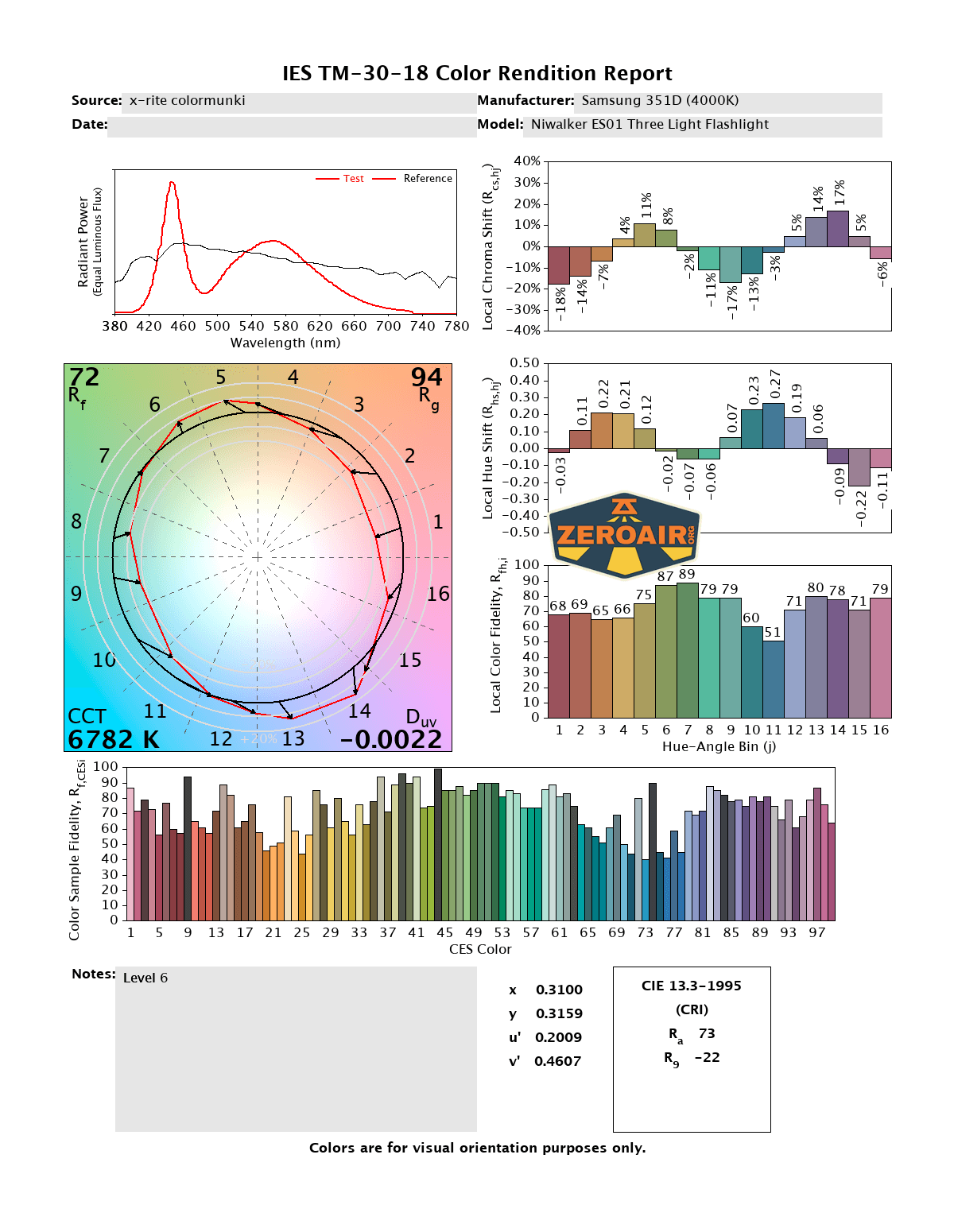
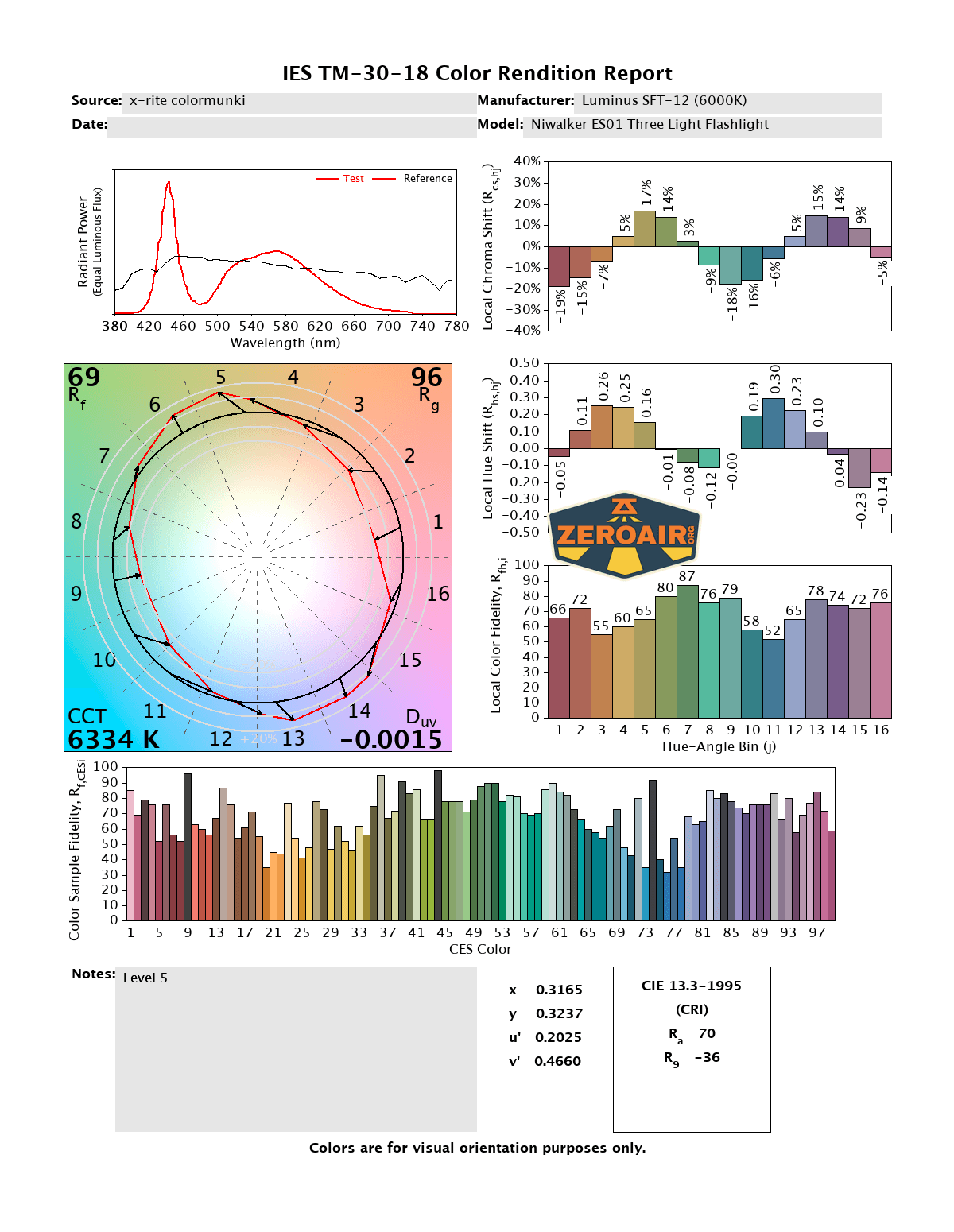
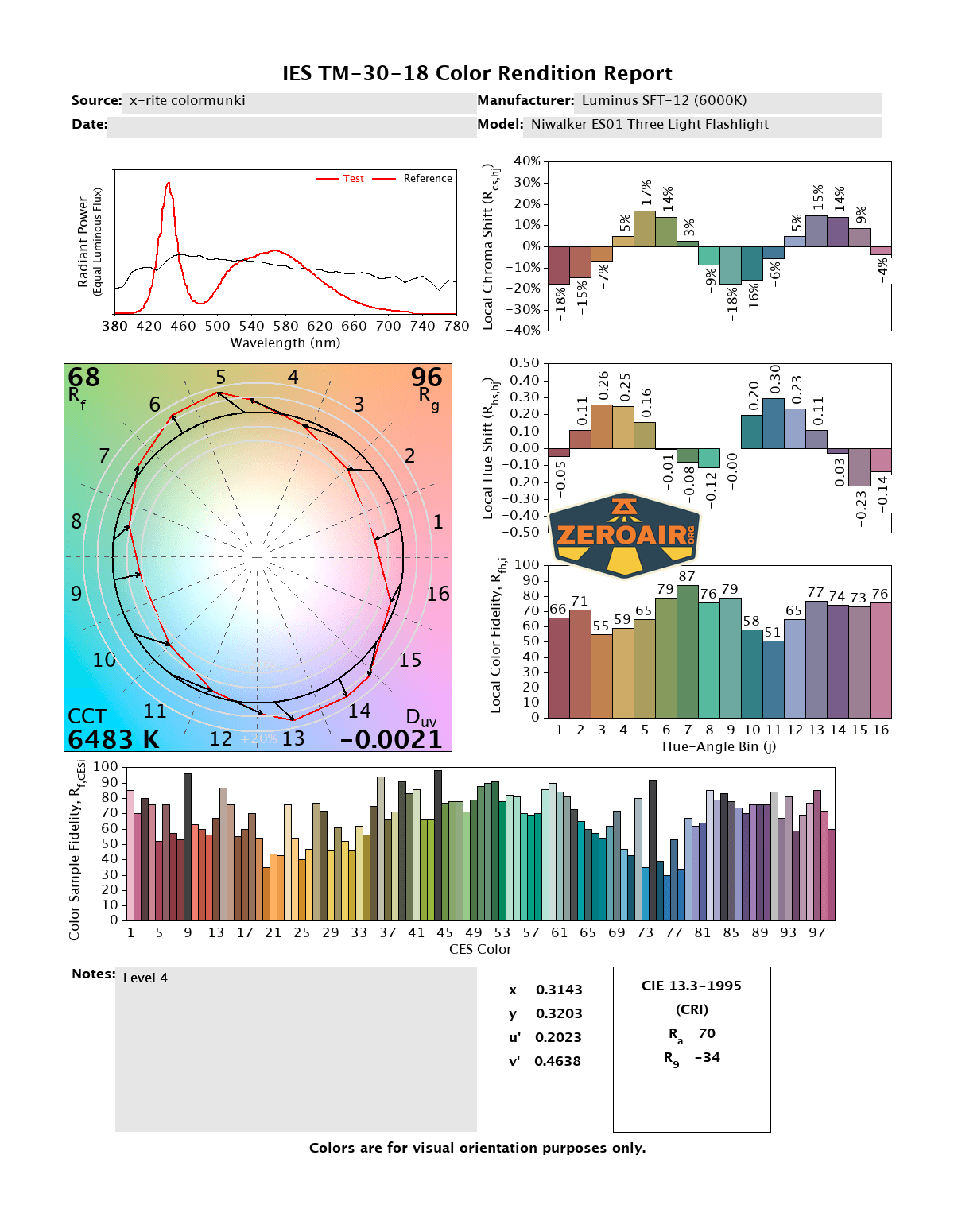
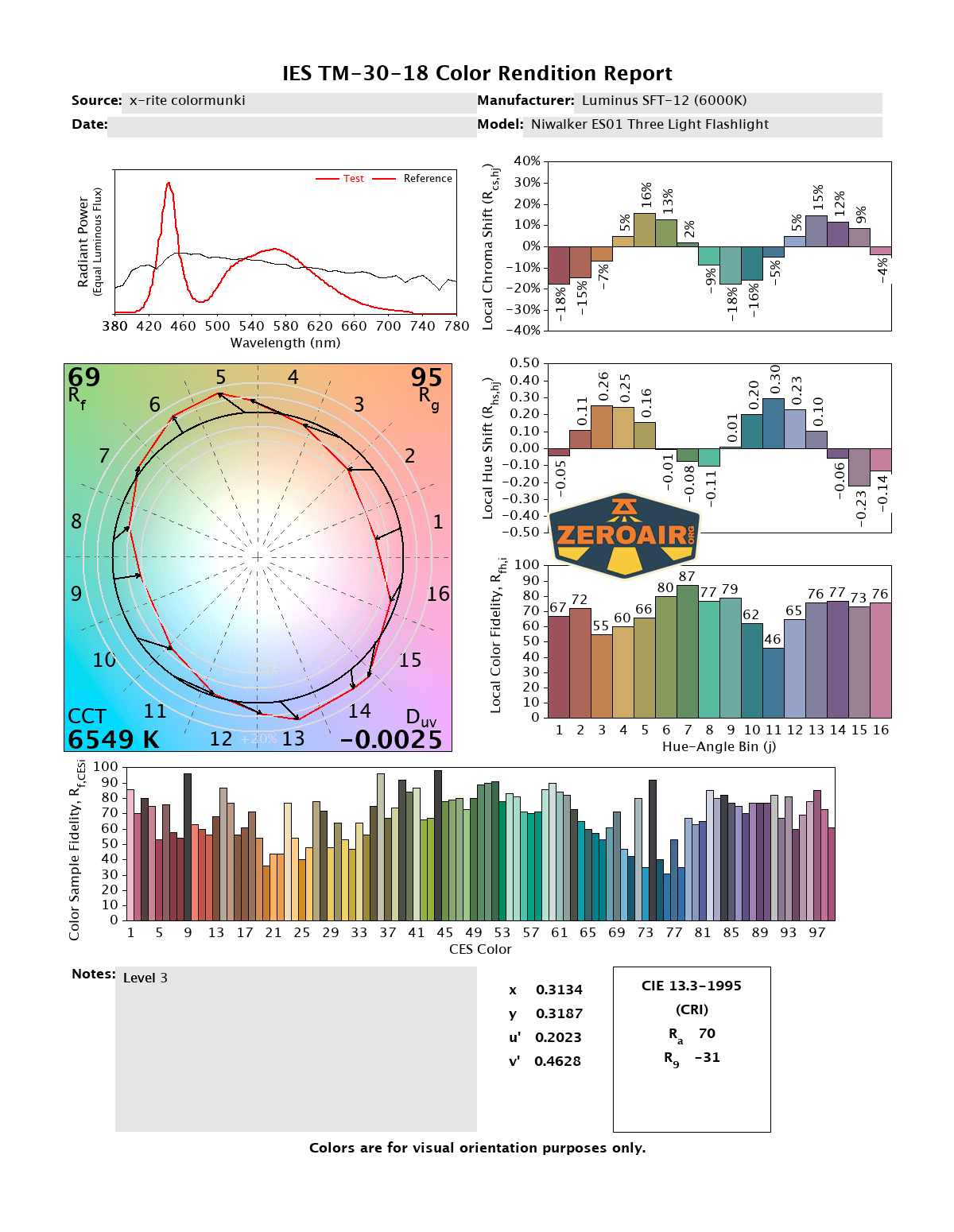
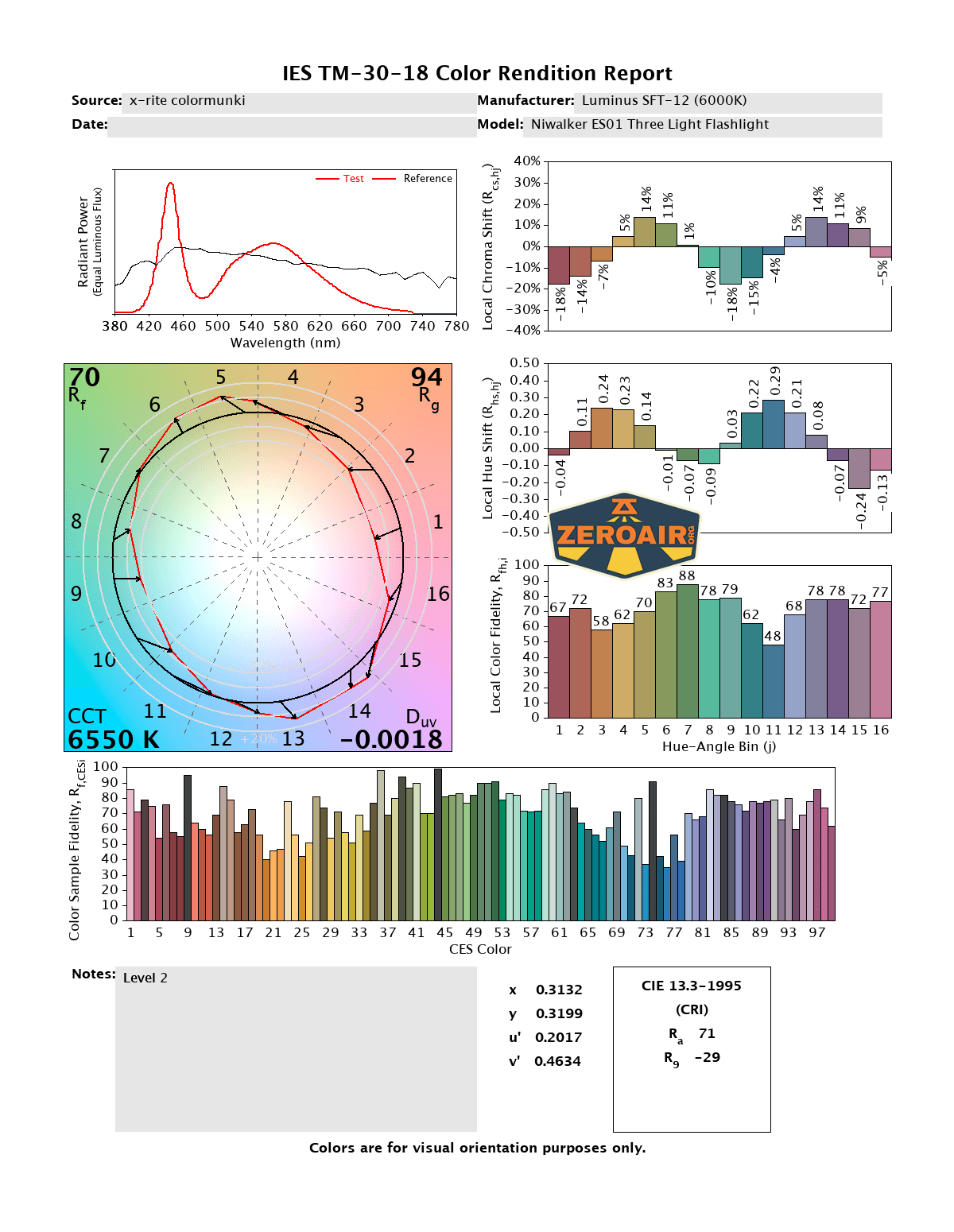
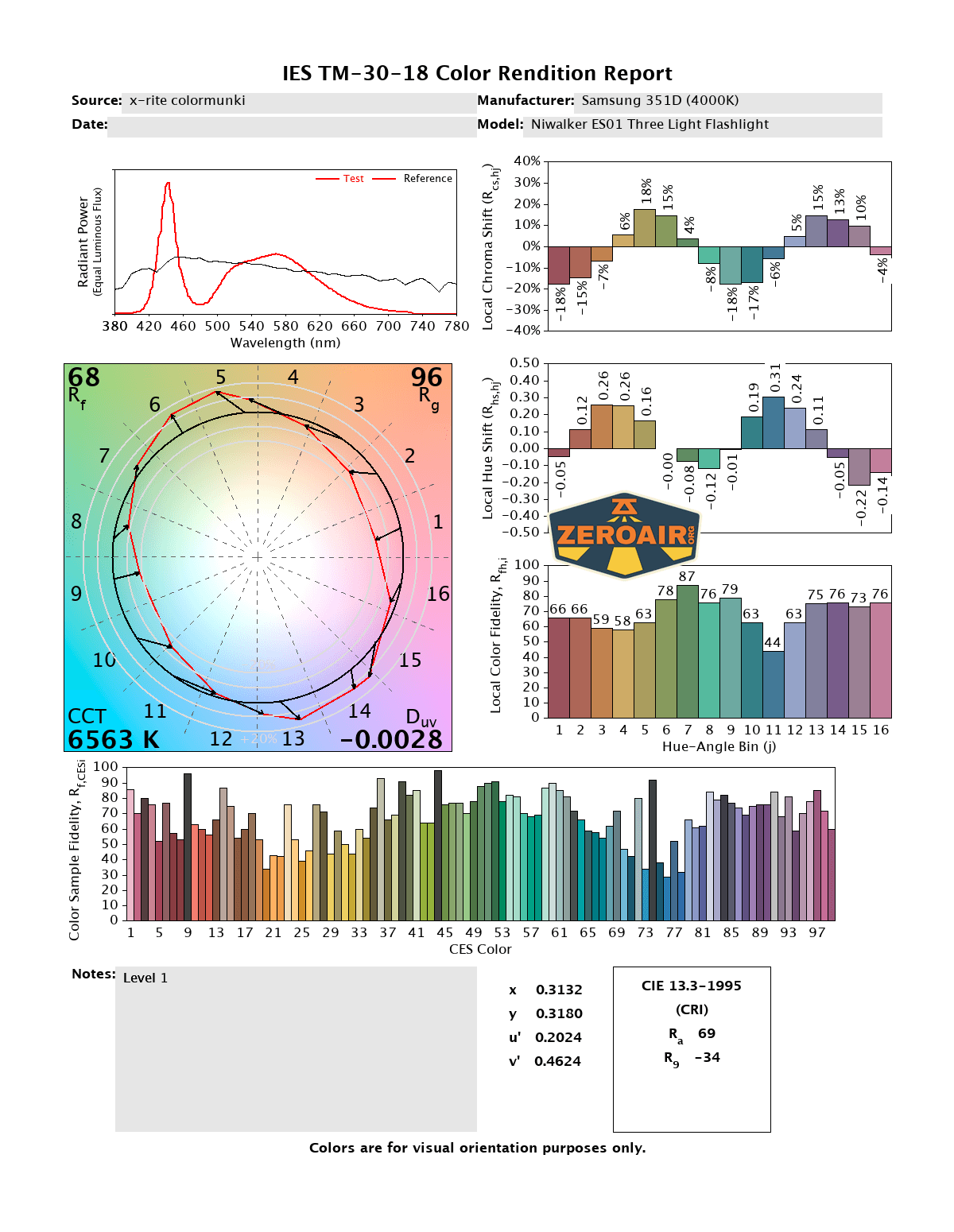
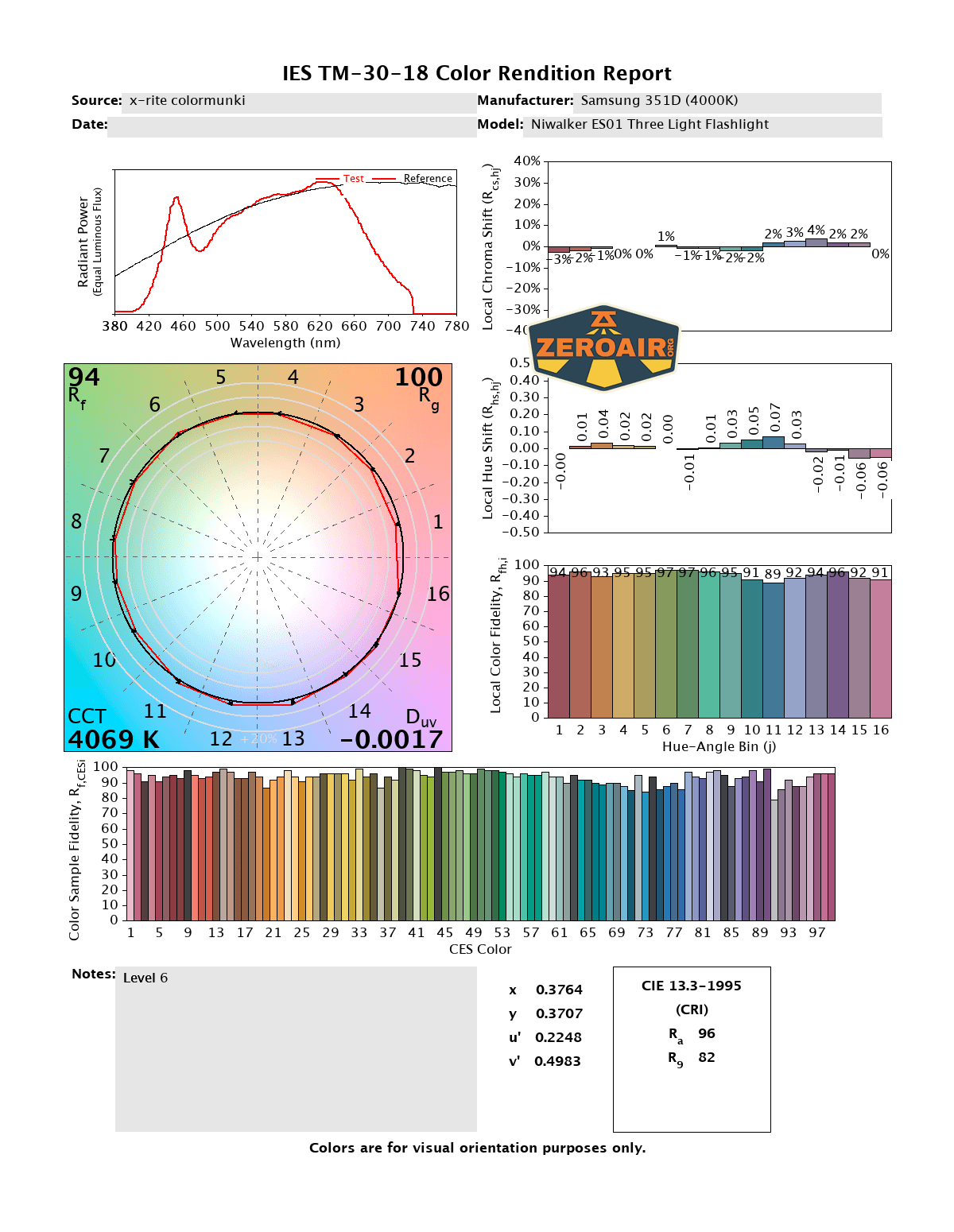
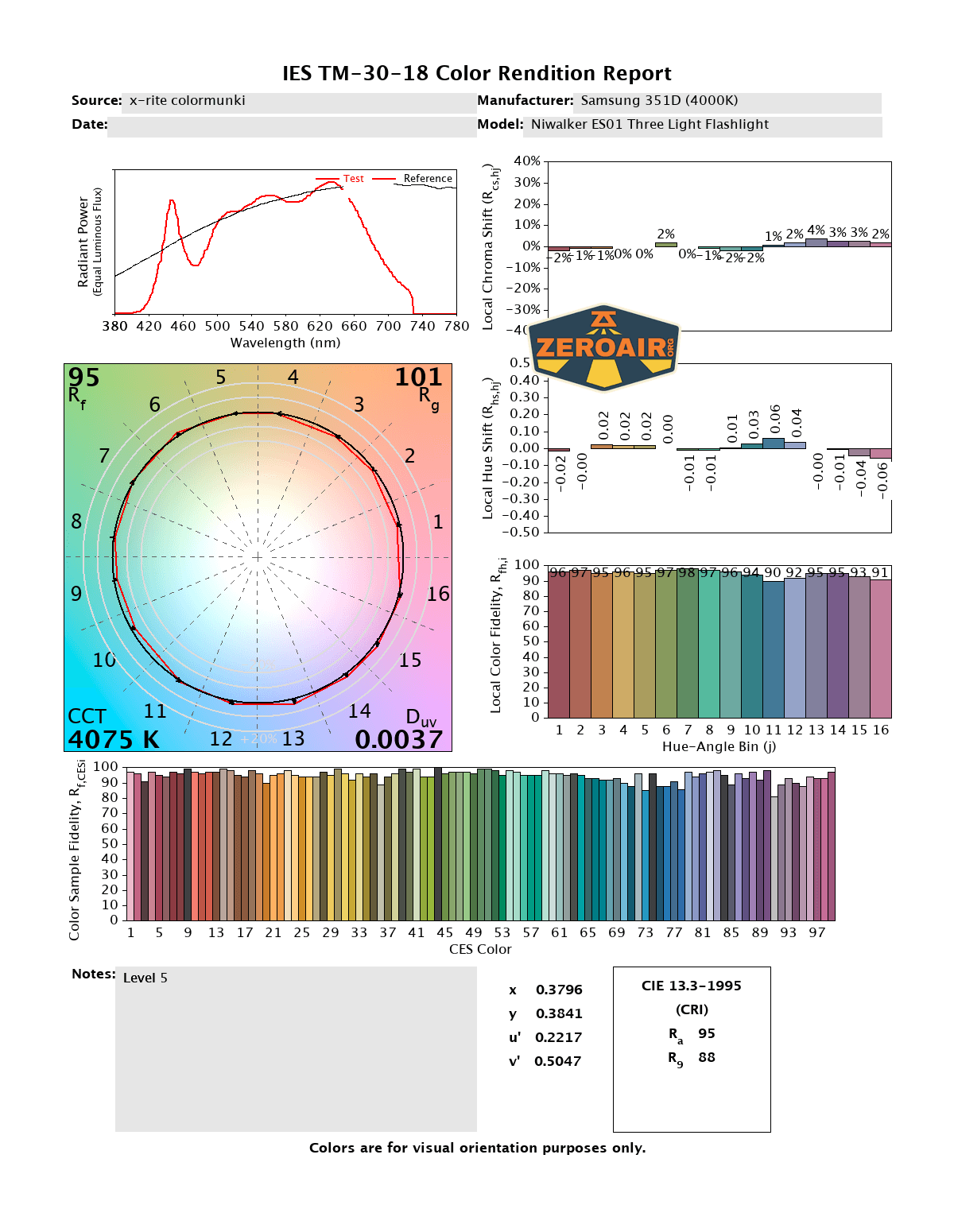
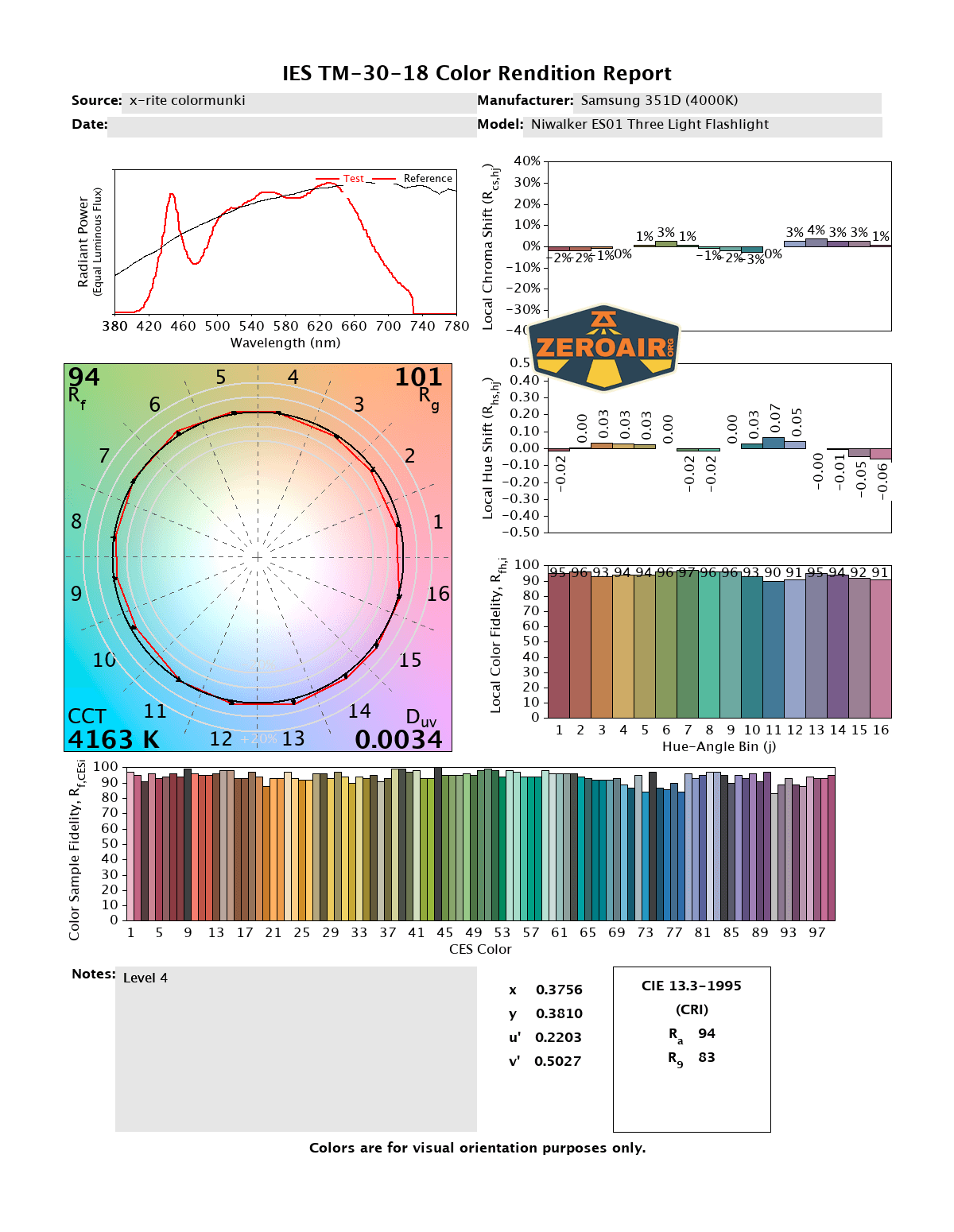
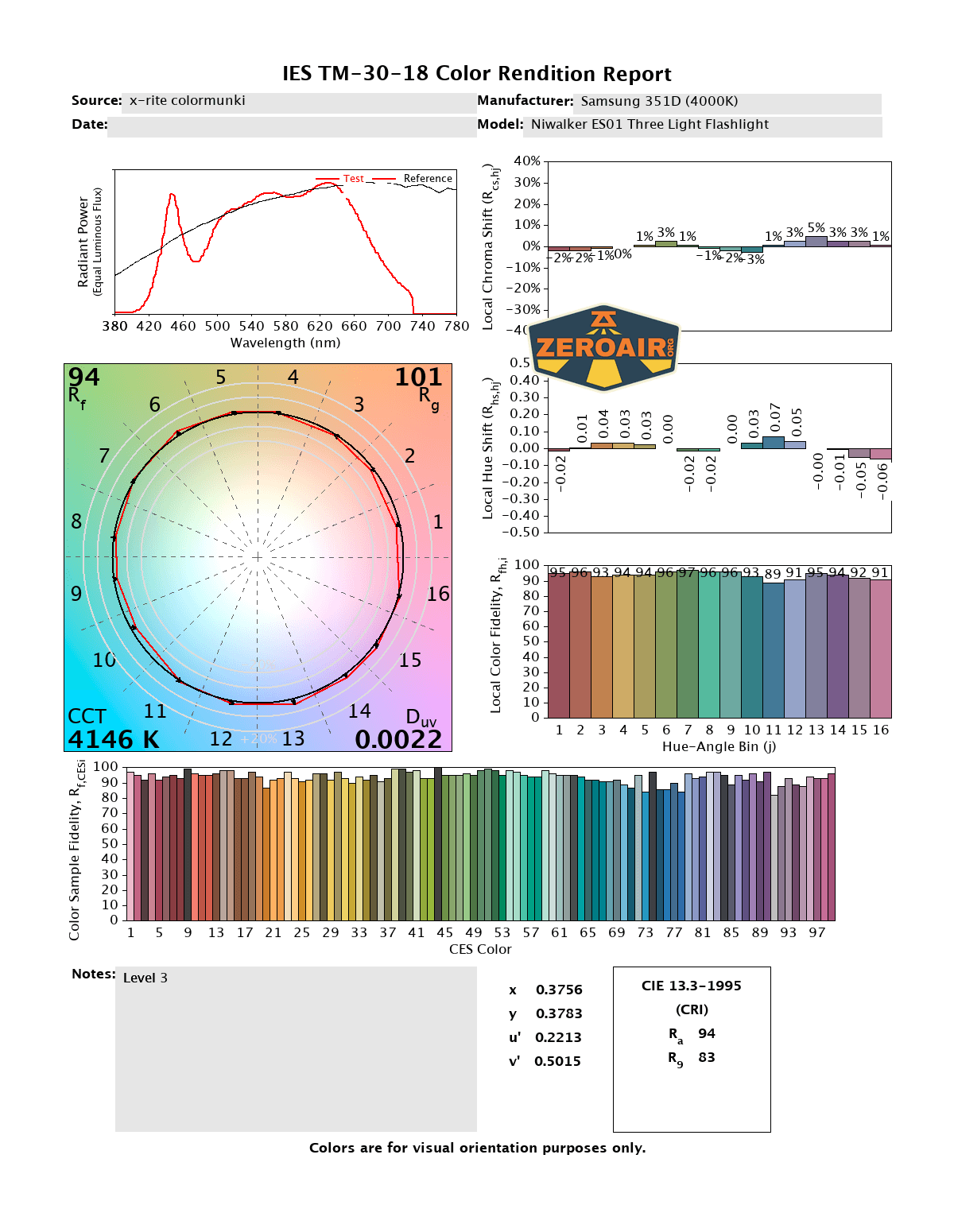
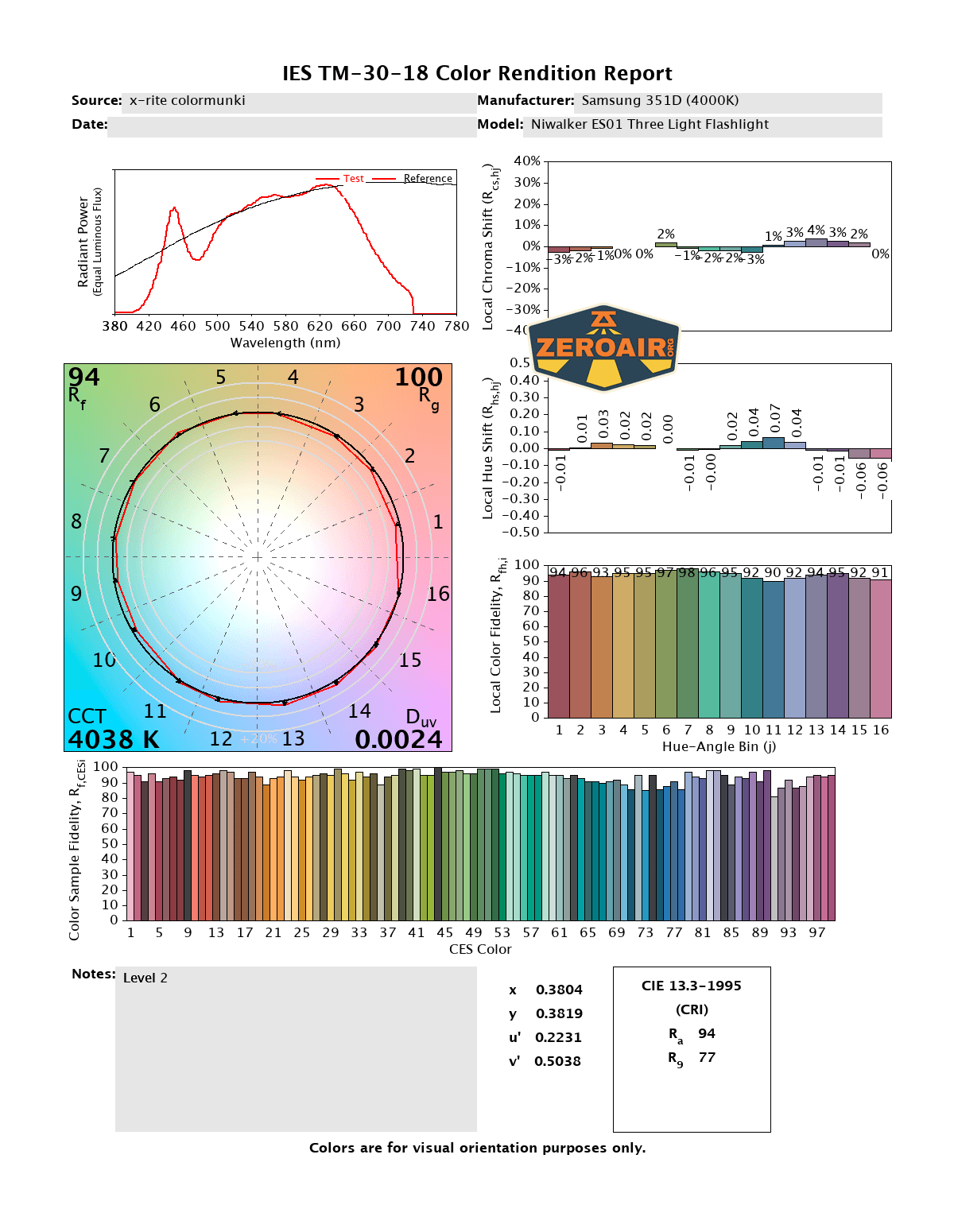
CCT (Correlated Color Temperature) refers to the measurement of the color appearance of light, expressed in Kelvins (K), which indicates whether the light is warm (yellowish) or cool (bluish). A lower CCT (below 3000K) is considered warm light, while a higher CCT (above 5000K) gives cooler, bluish light.
CRI (Color Rendering Index) is a measure of how accurately a light source renders colors in comparison to natural sunlight. Scored on a scale from 0 to 100, higher CRI values indicate that colors appear more true to life and vibrant, similar to how they would look under the sun.
Beamshots
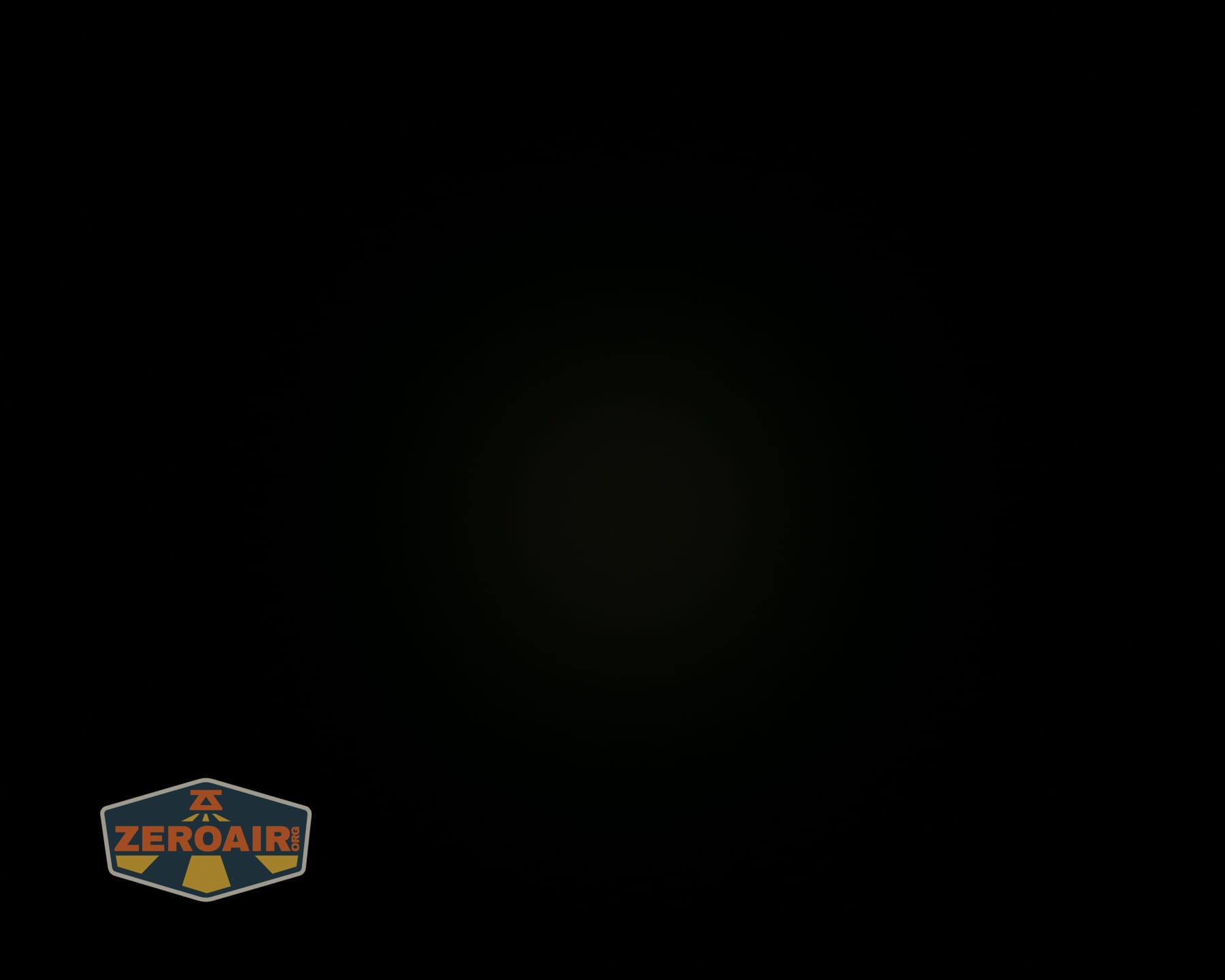
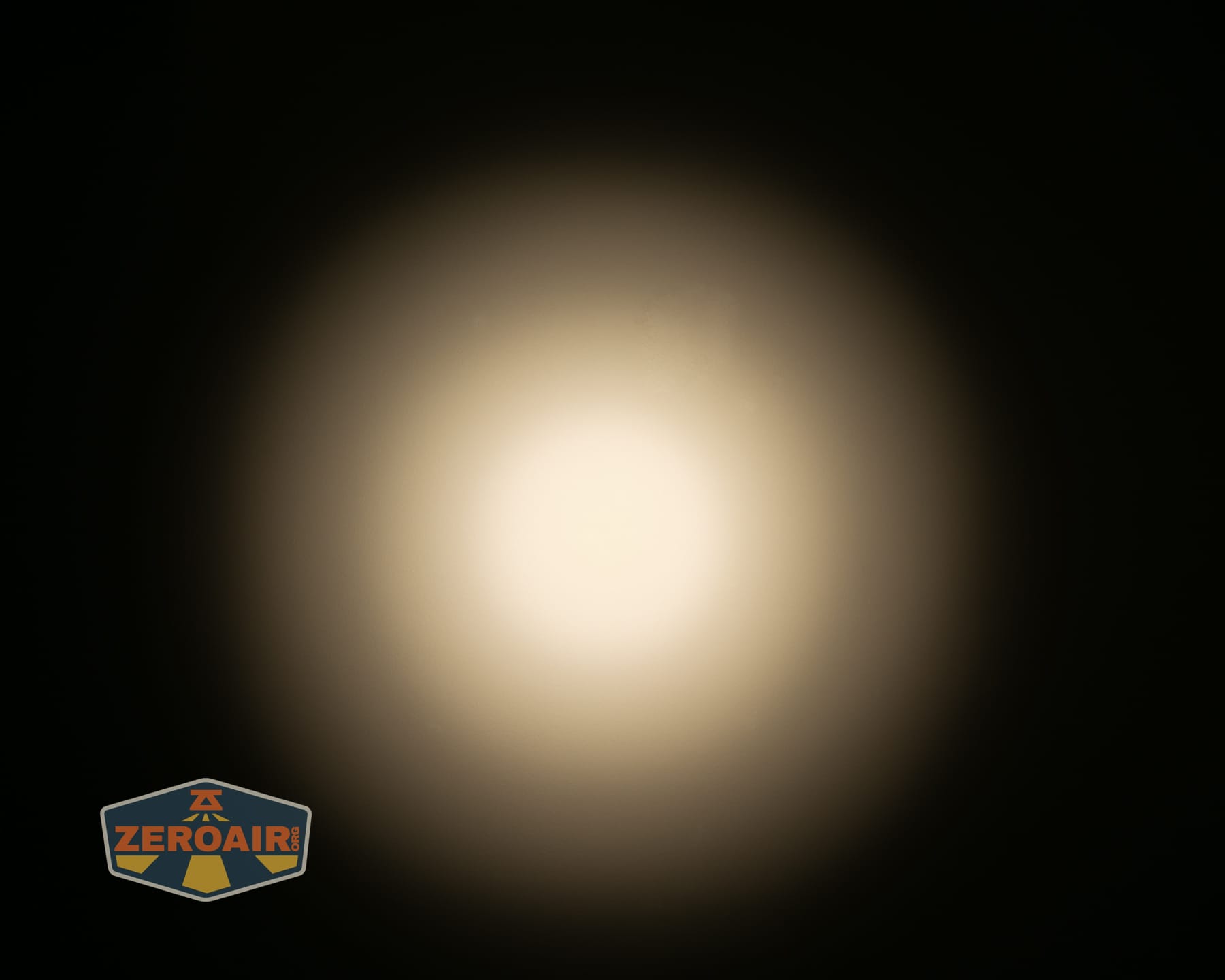
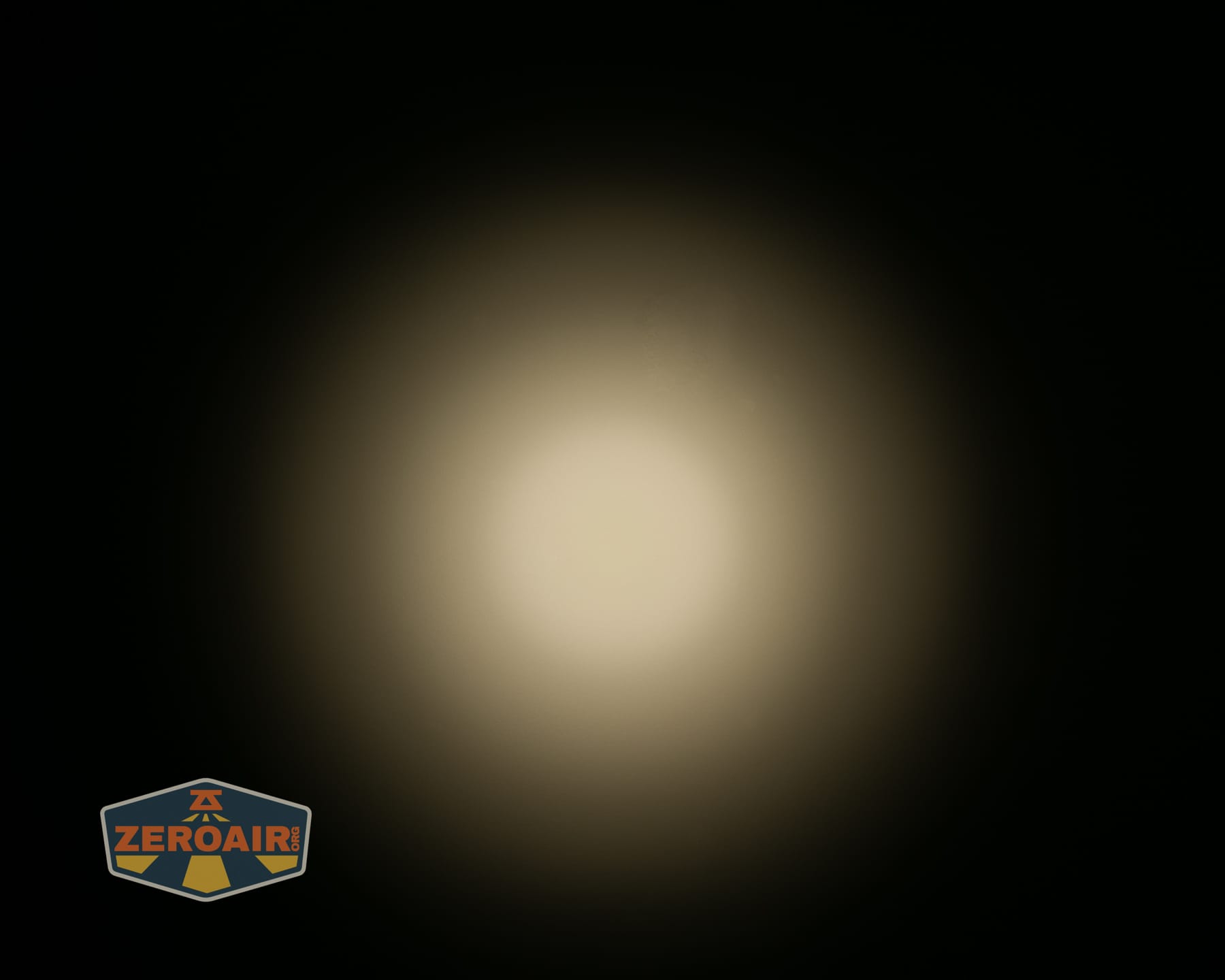
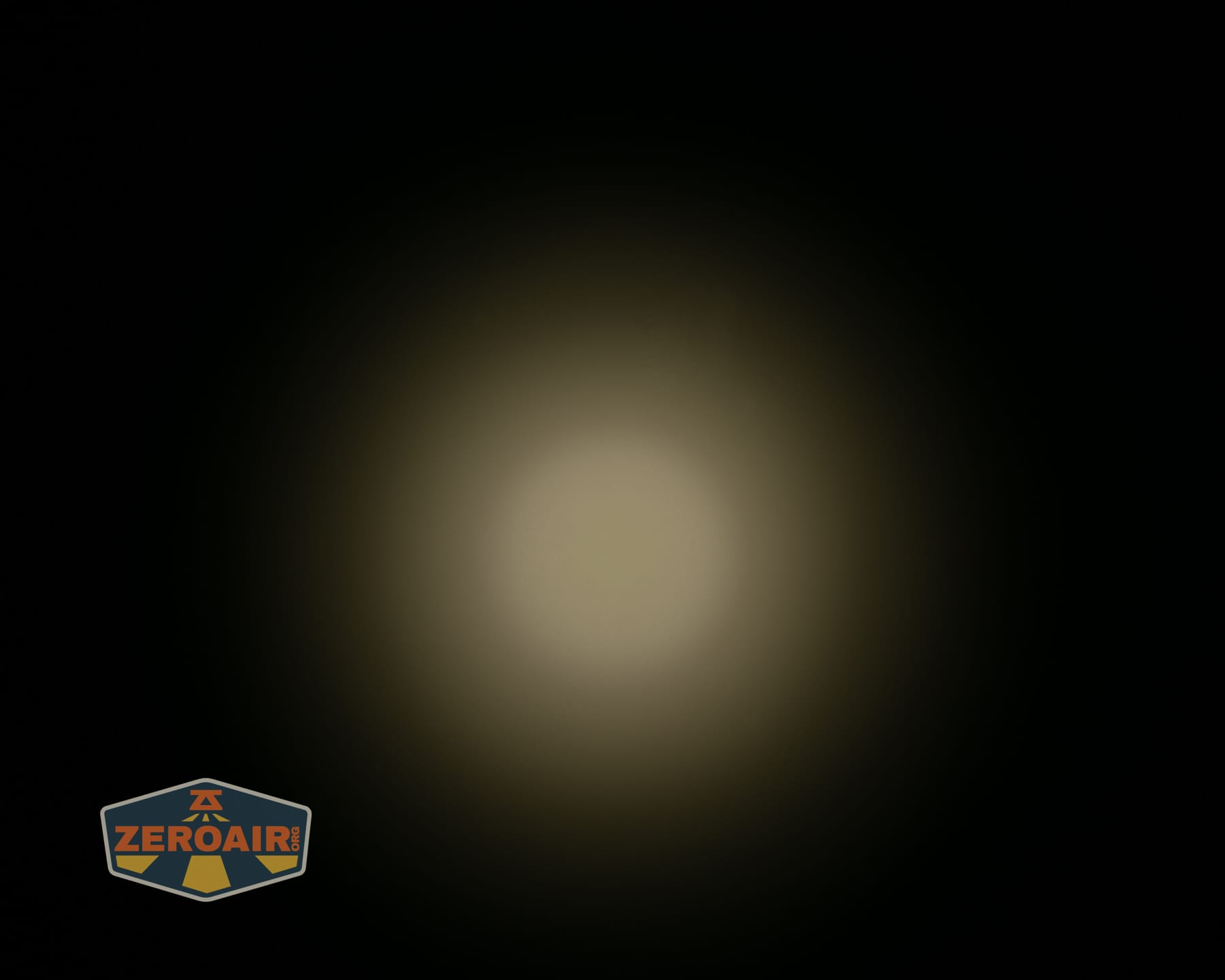
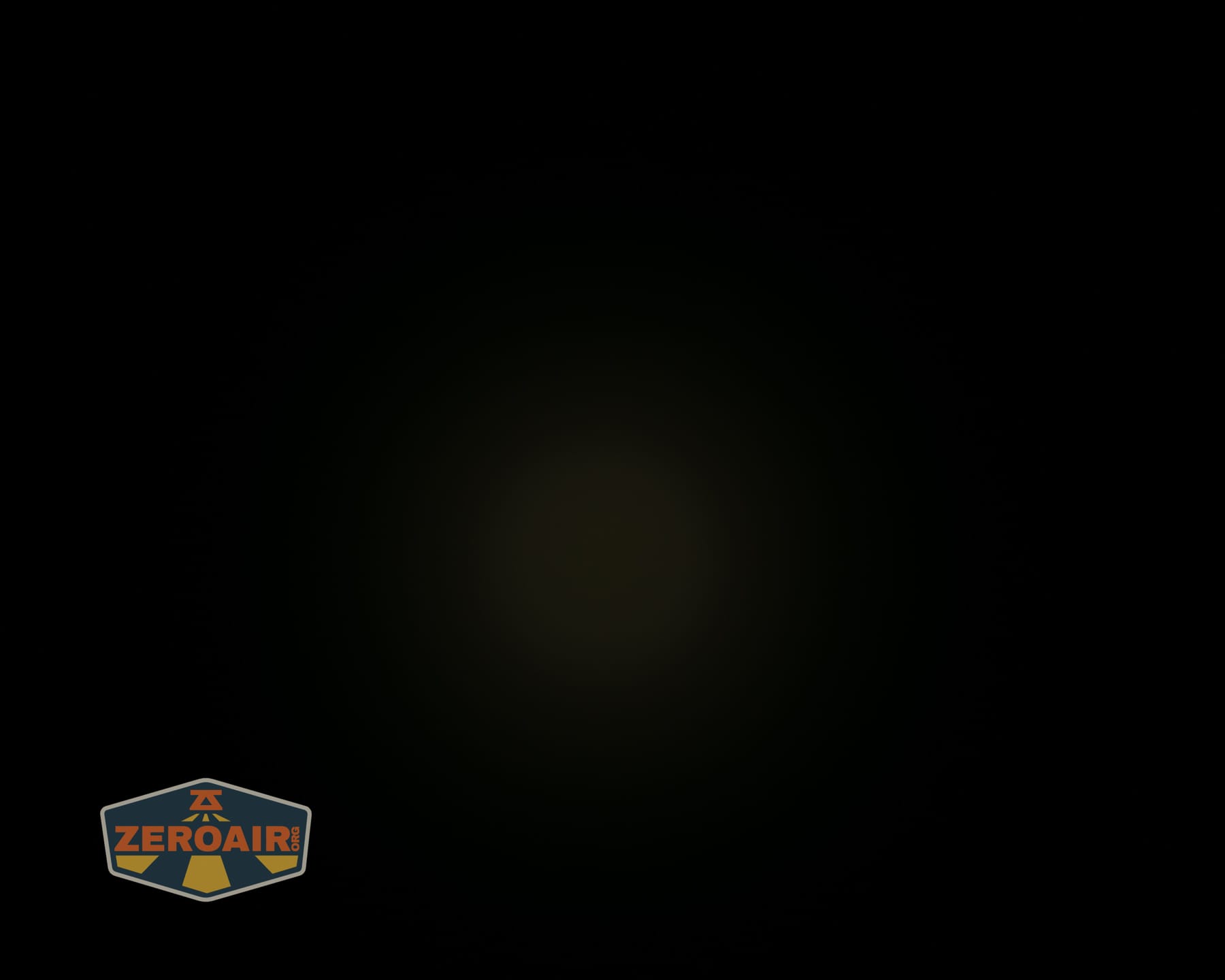
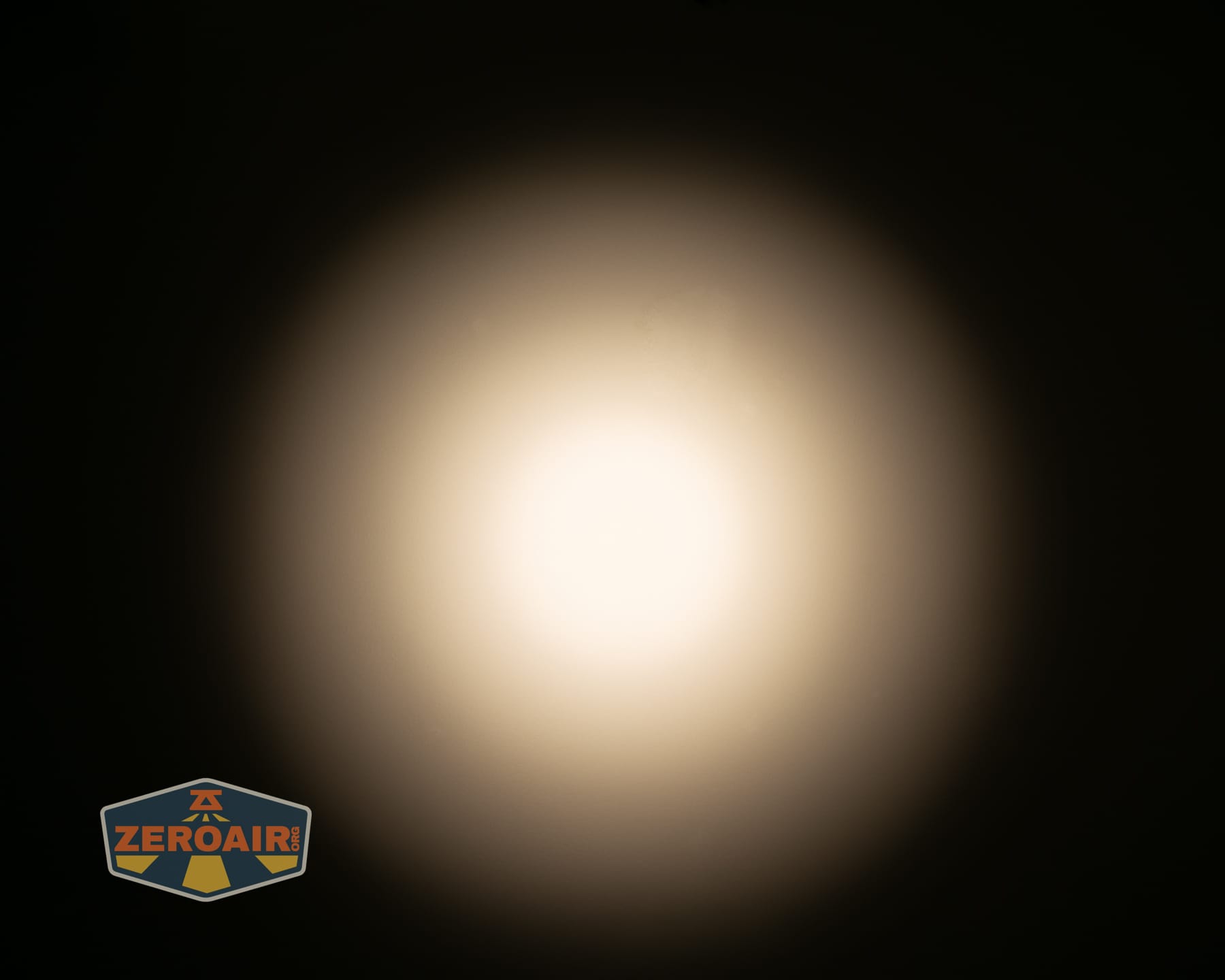
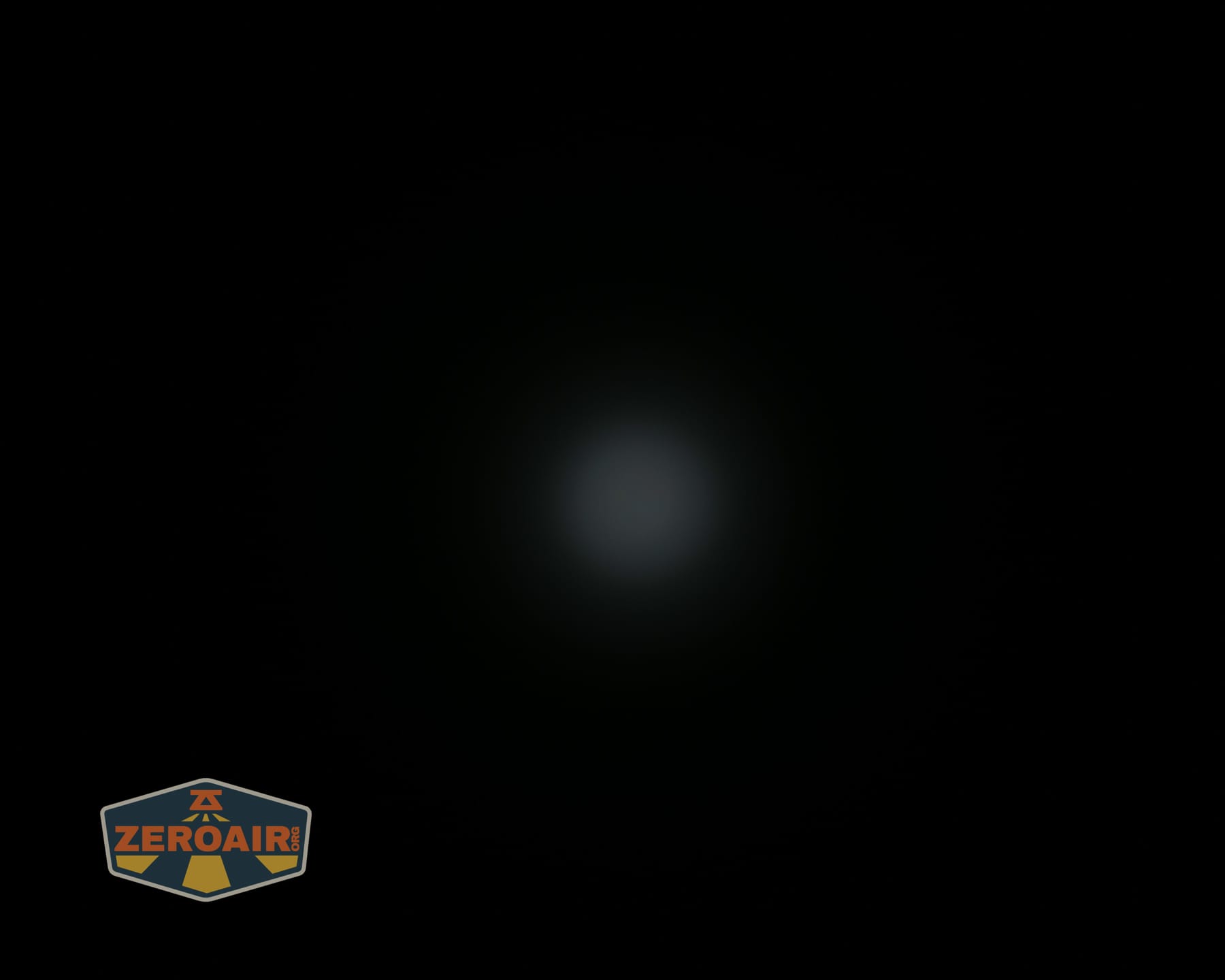
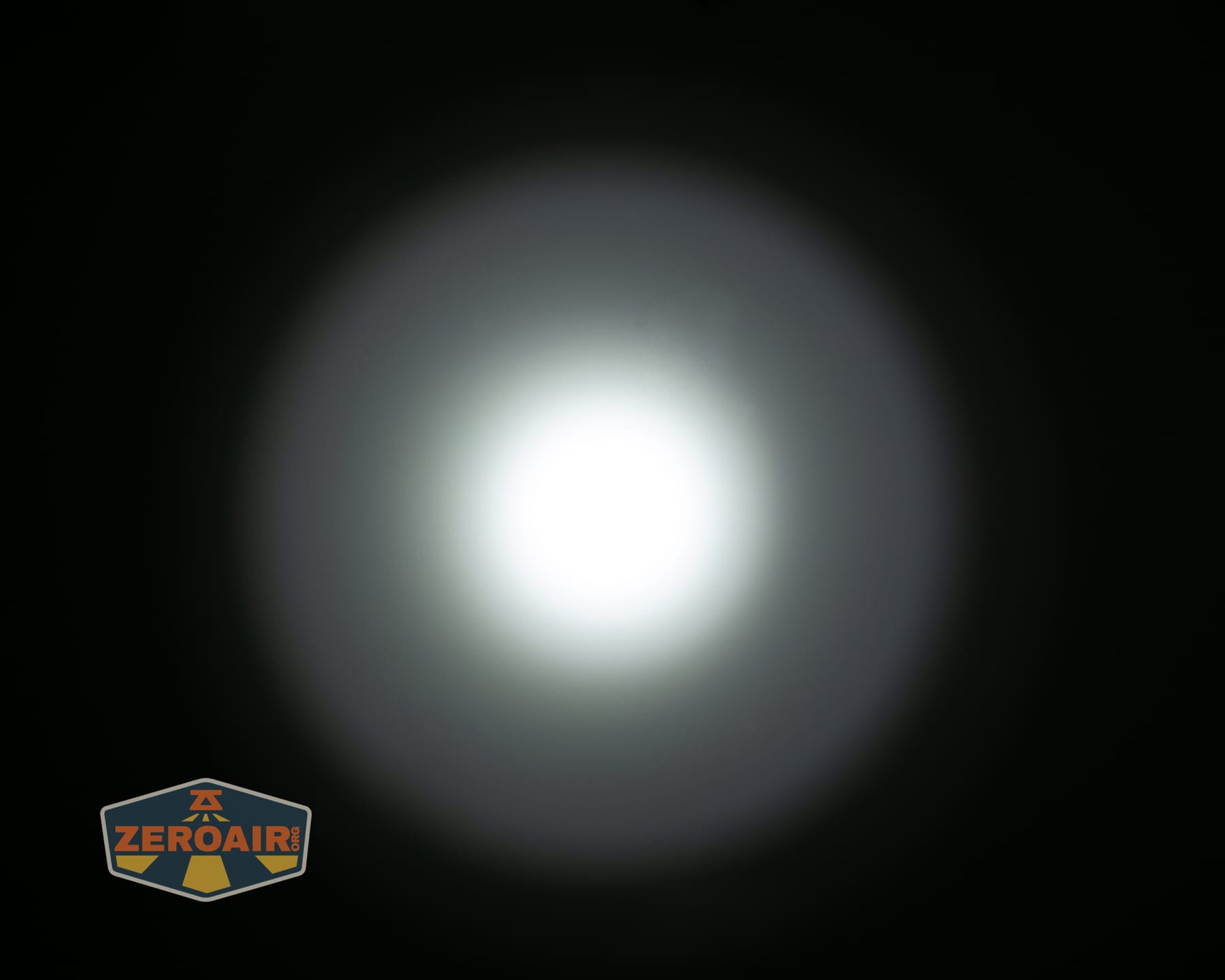
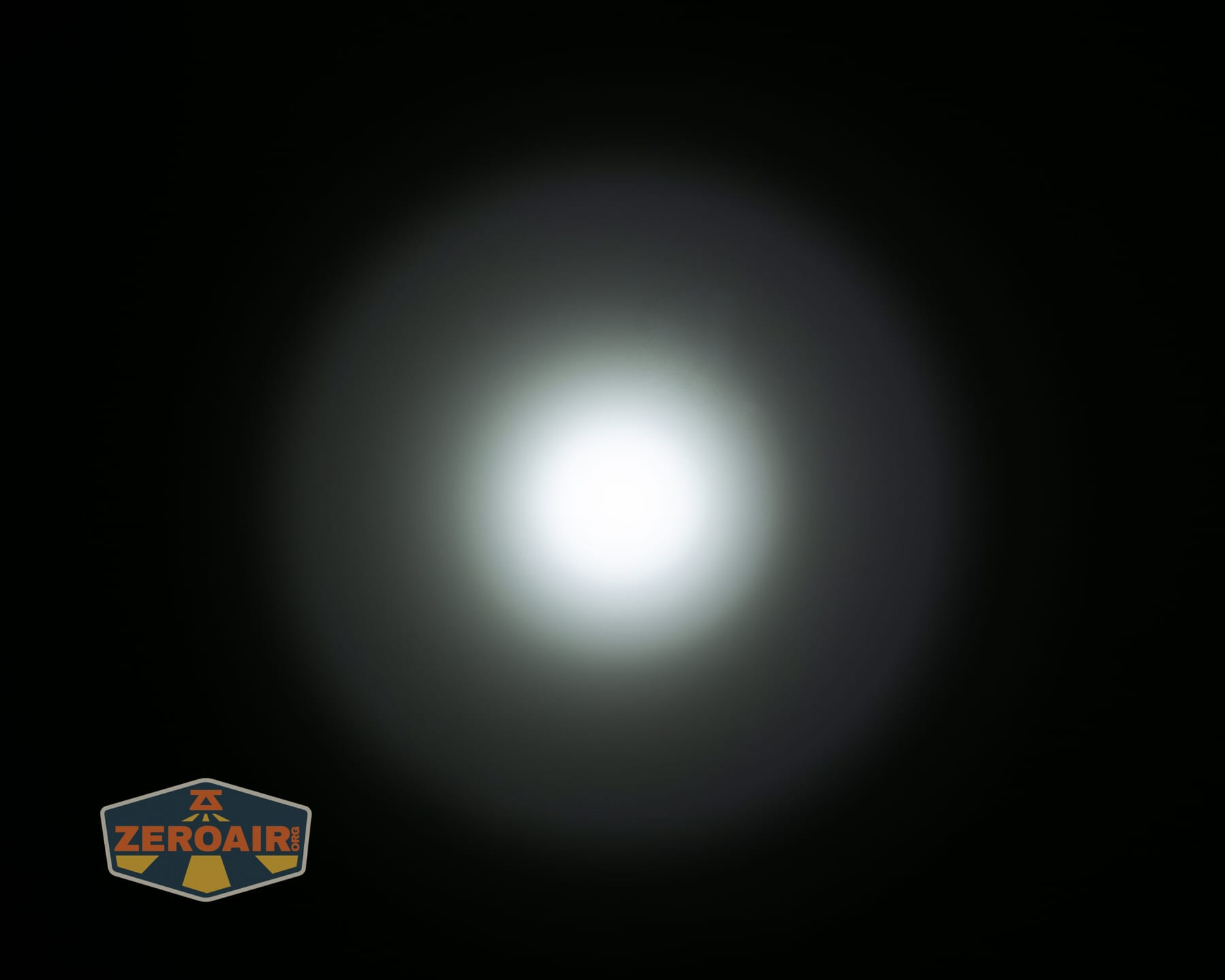
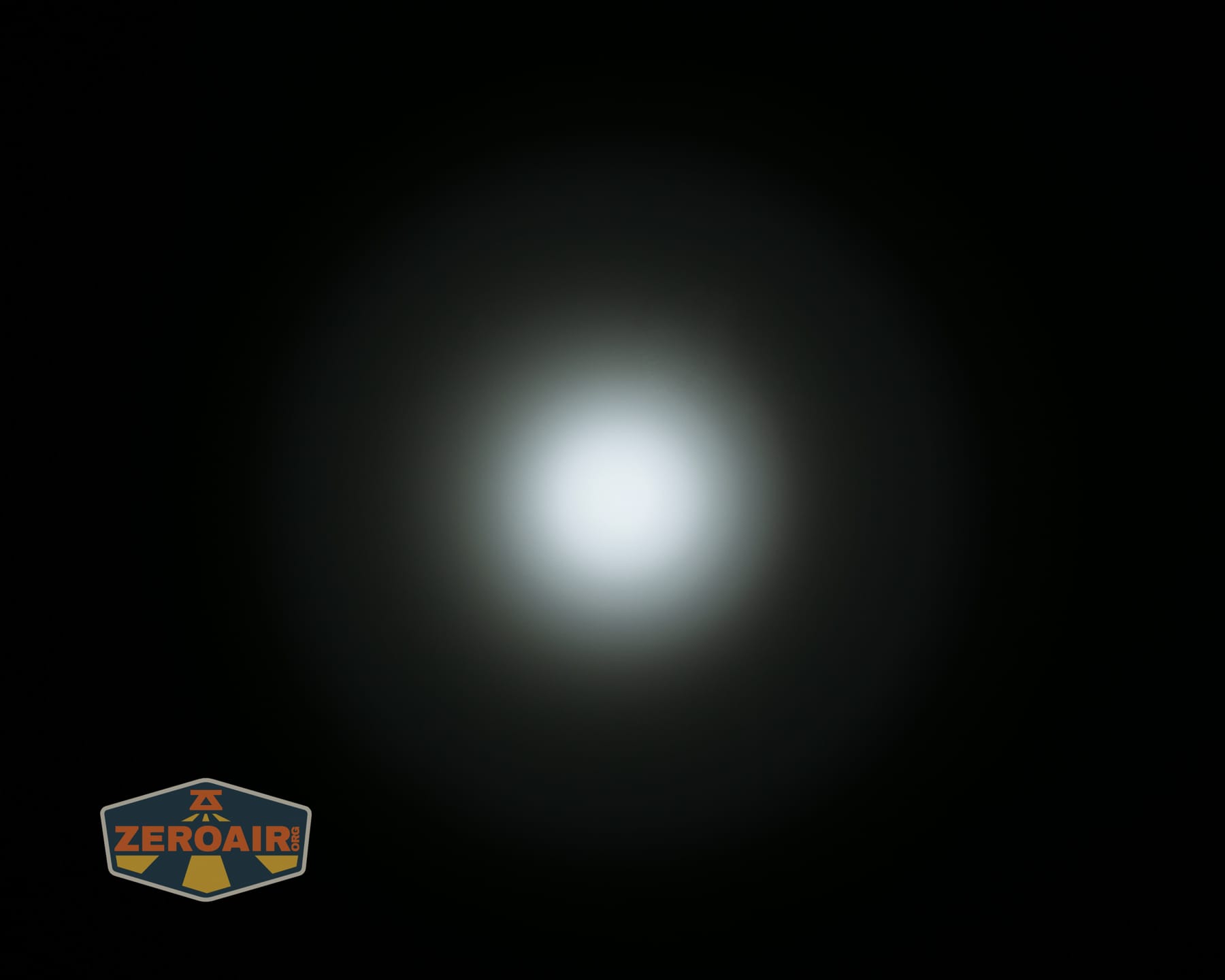
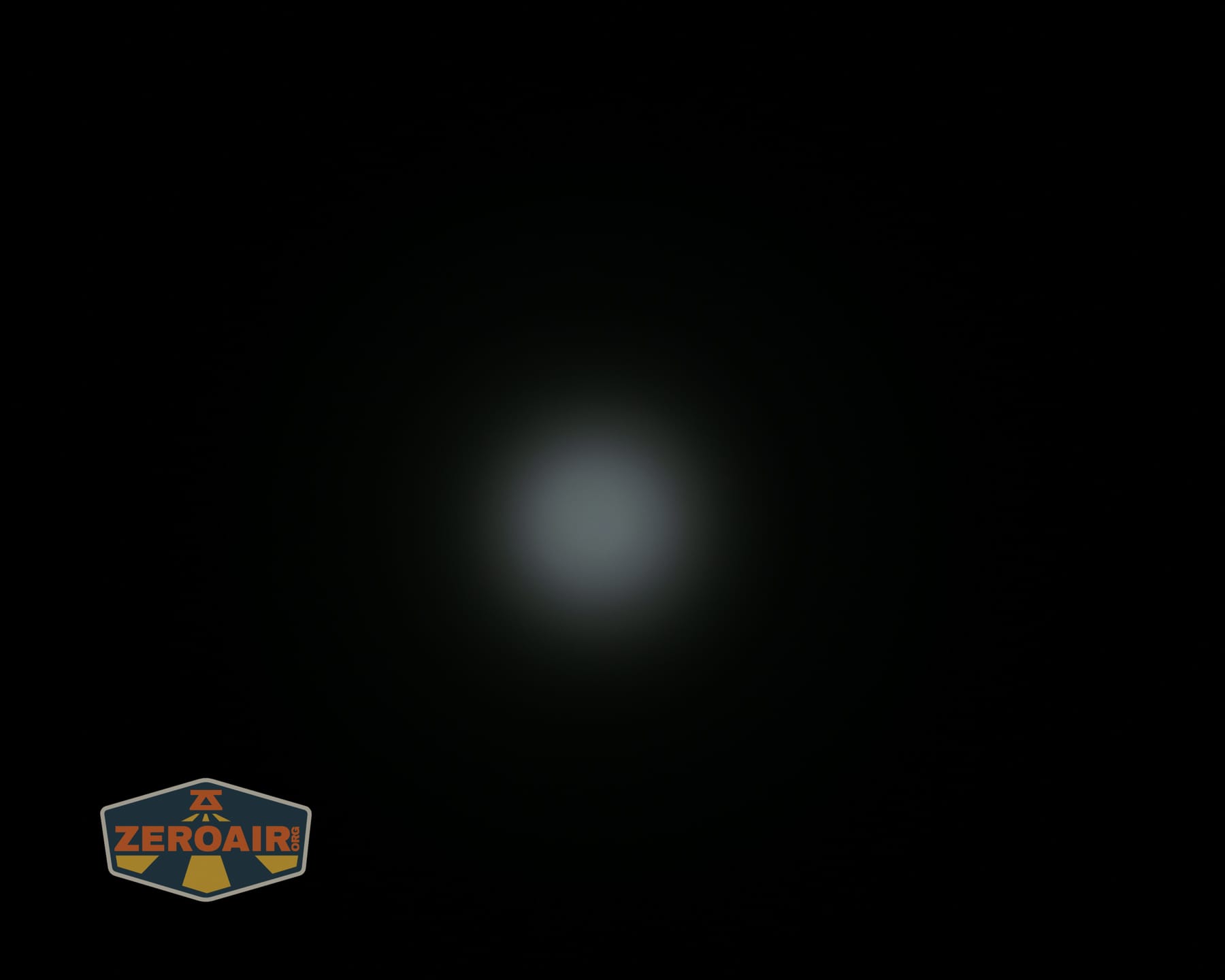
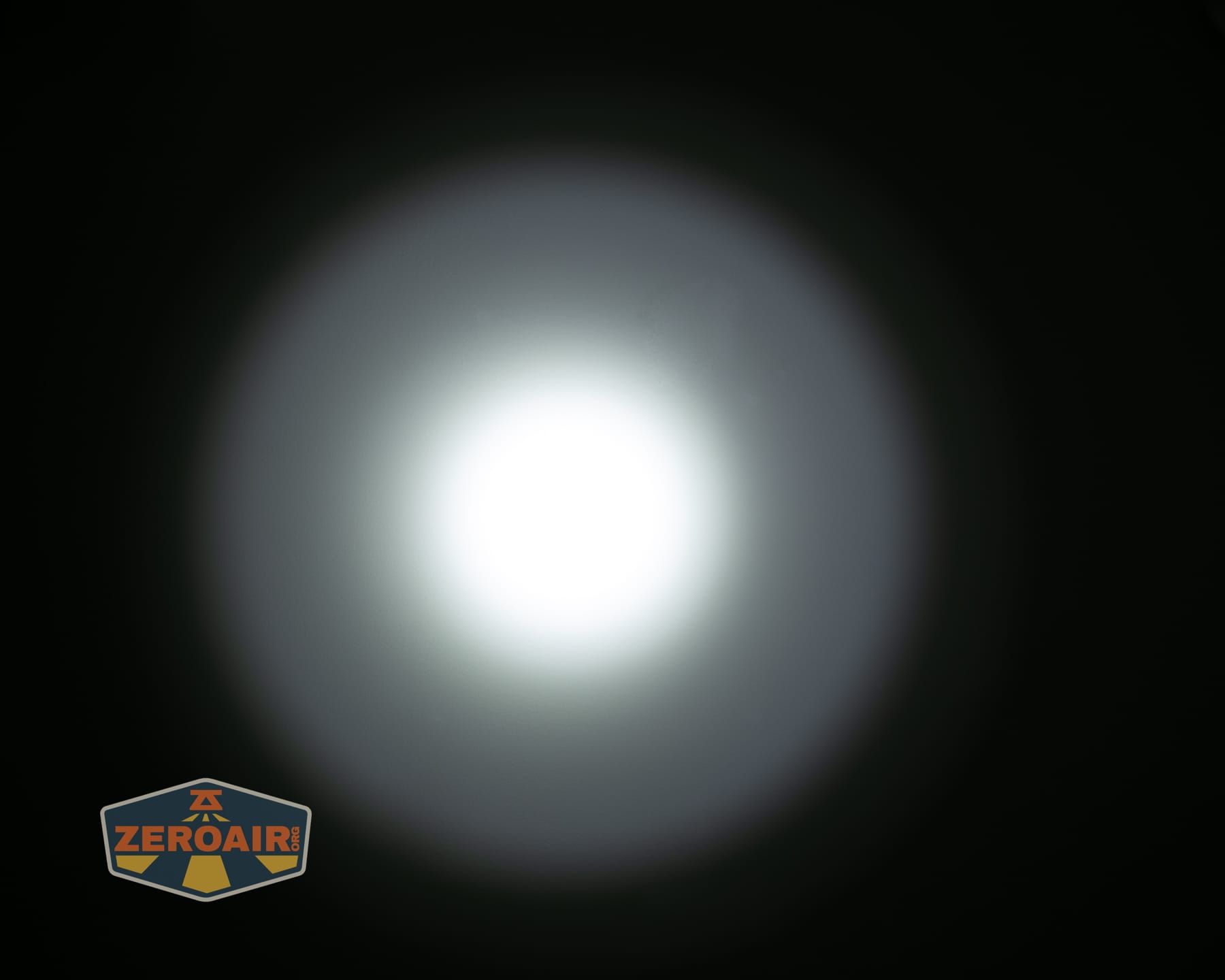
These beamshots always have the following settings: f8, ISO100, 0.3s shutter, and manual 5000K exposure. These photos are taken at floor level, and the beam hits the ceiling around 9 feet away. I’ve captured these in the mode order – the middle group advances in a descending fashion!
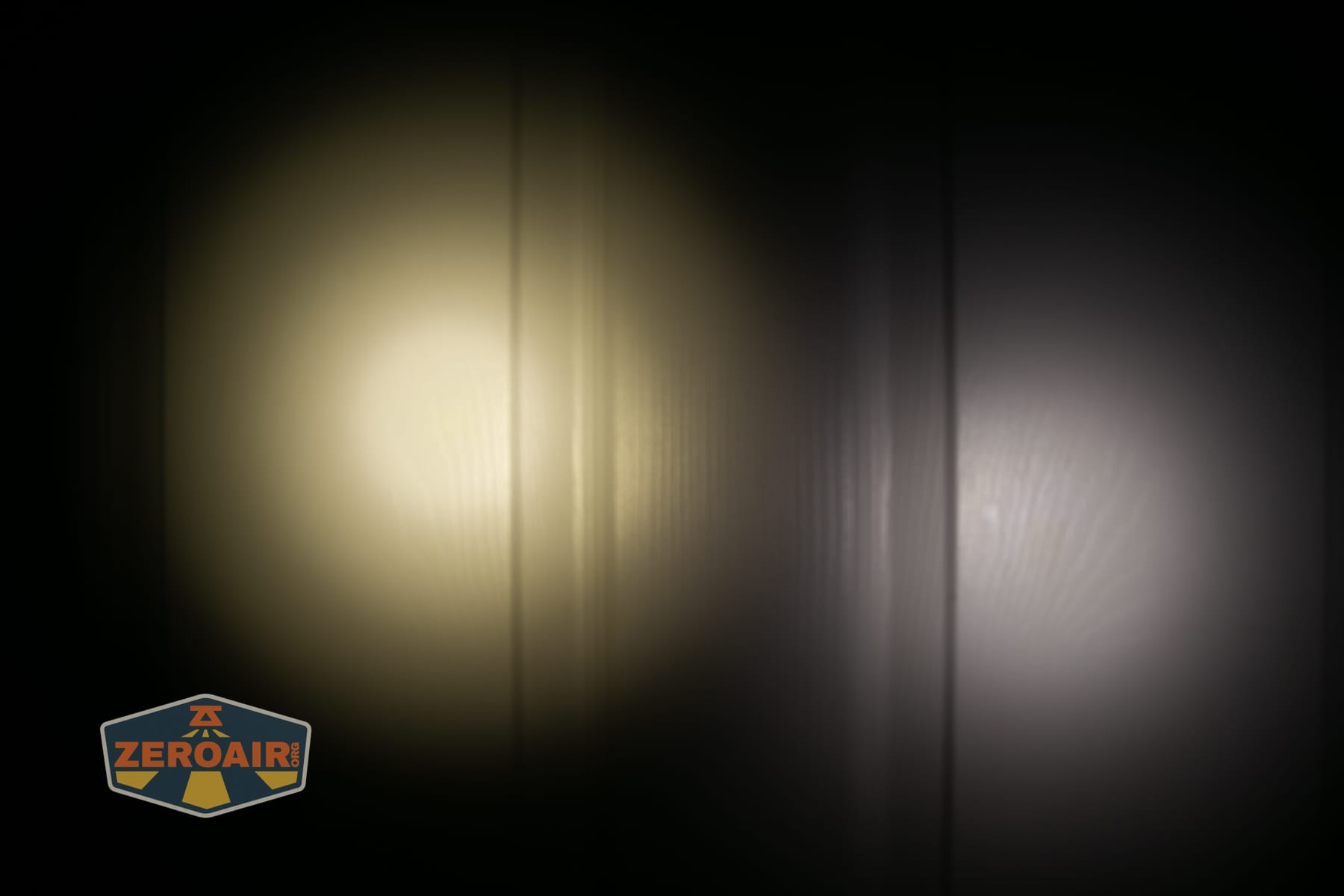
Tint vs BLF-348 (KillzoneFlashlights.com 219b version) (affiliate link)
I keep the test flashlight on the left and the BLF-348 reference flashlight on the right. These photos are taken around 18 inches from the door.
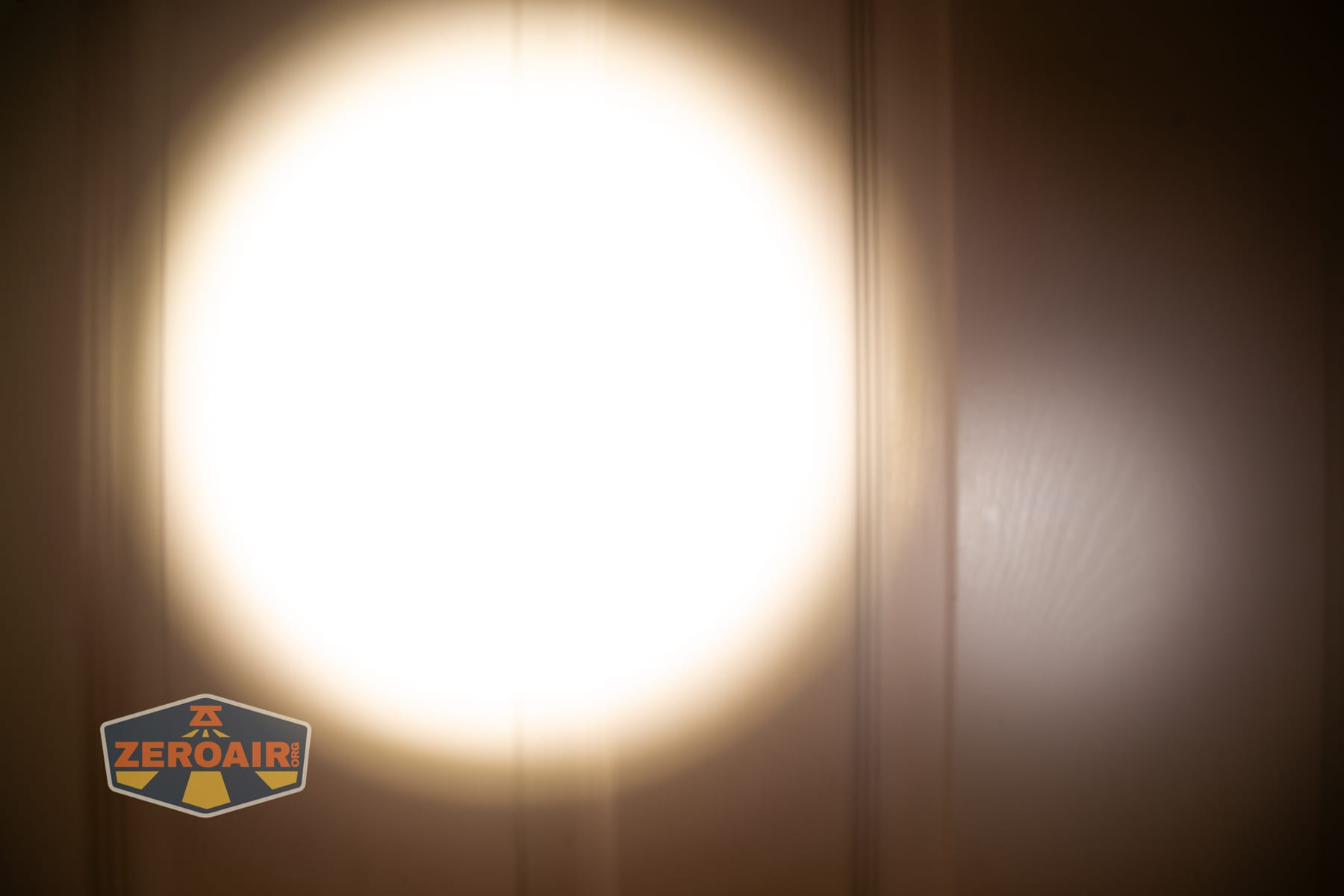
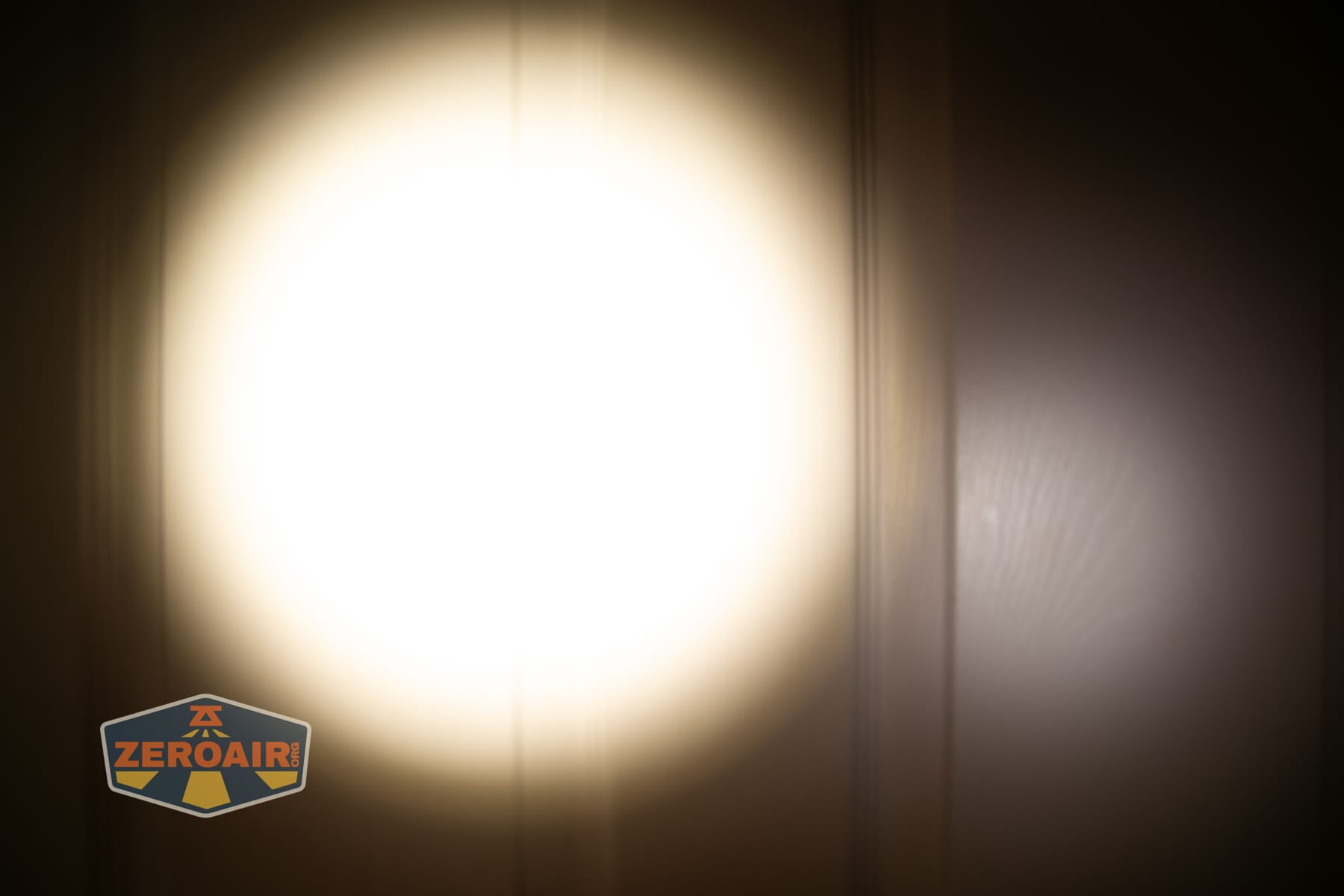
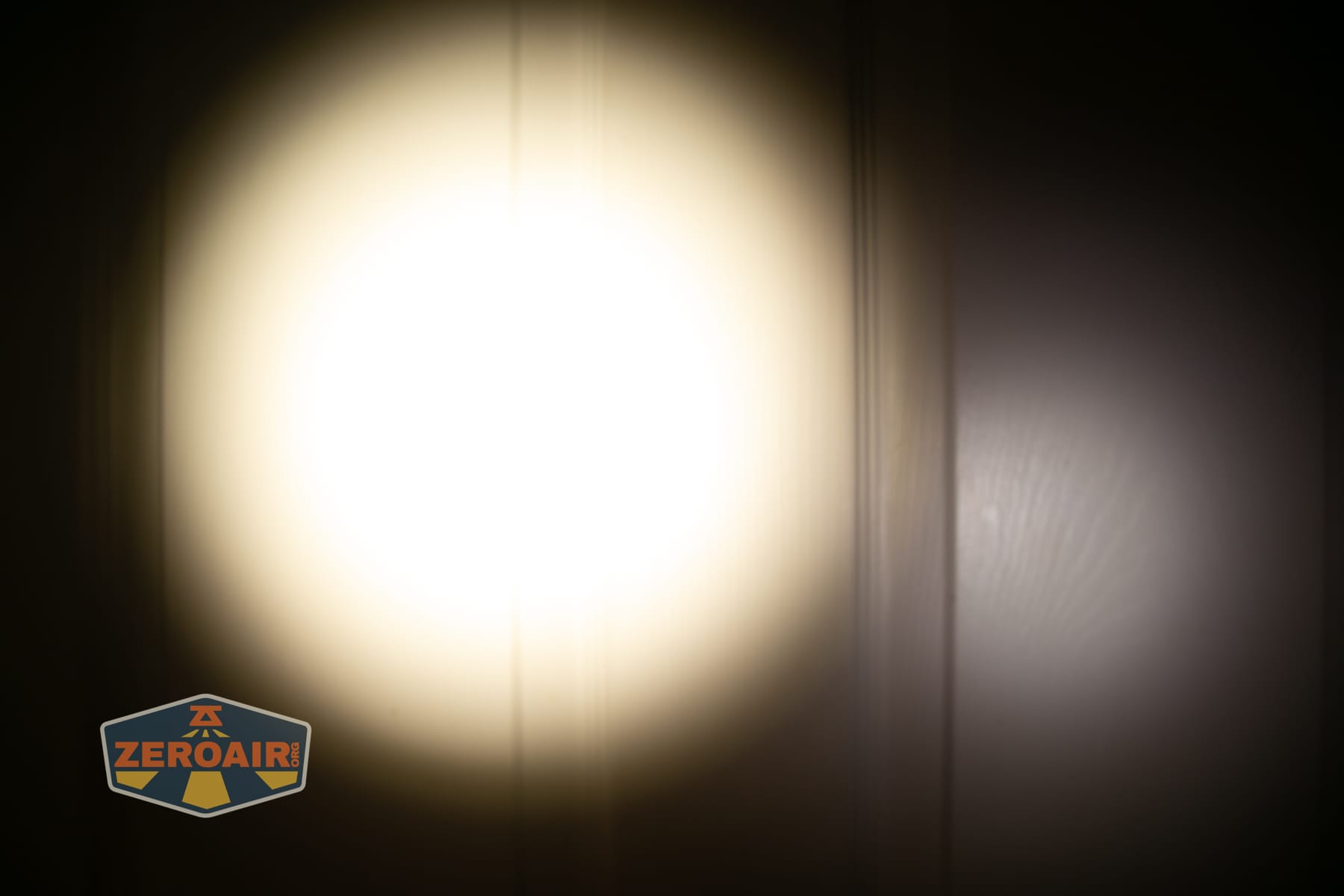
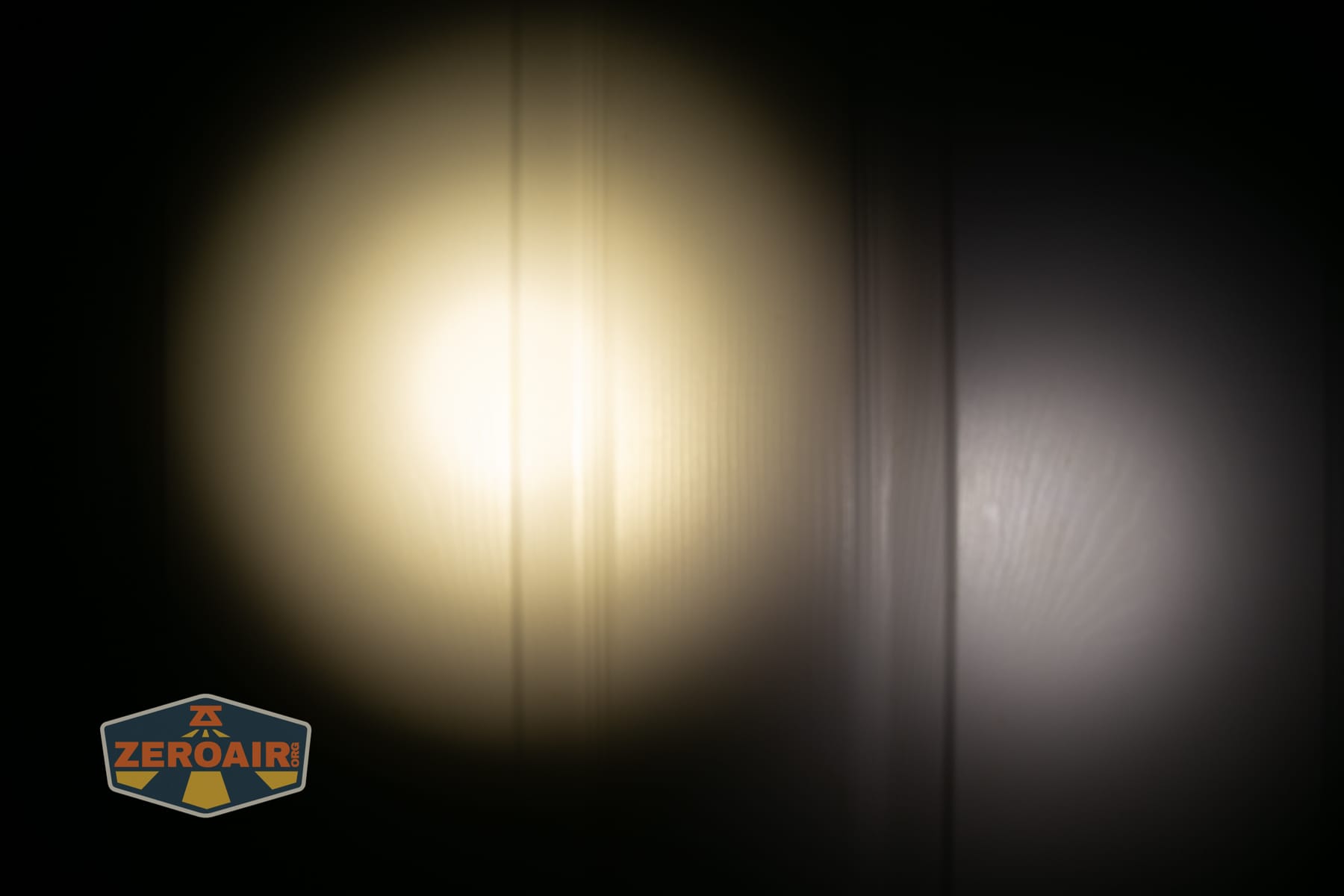
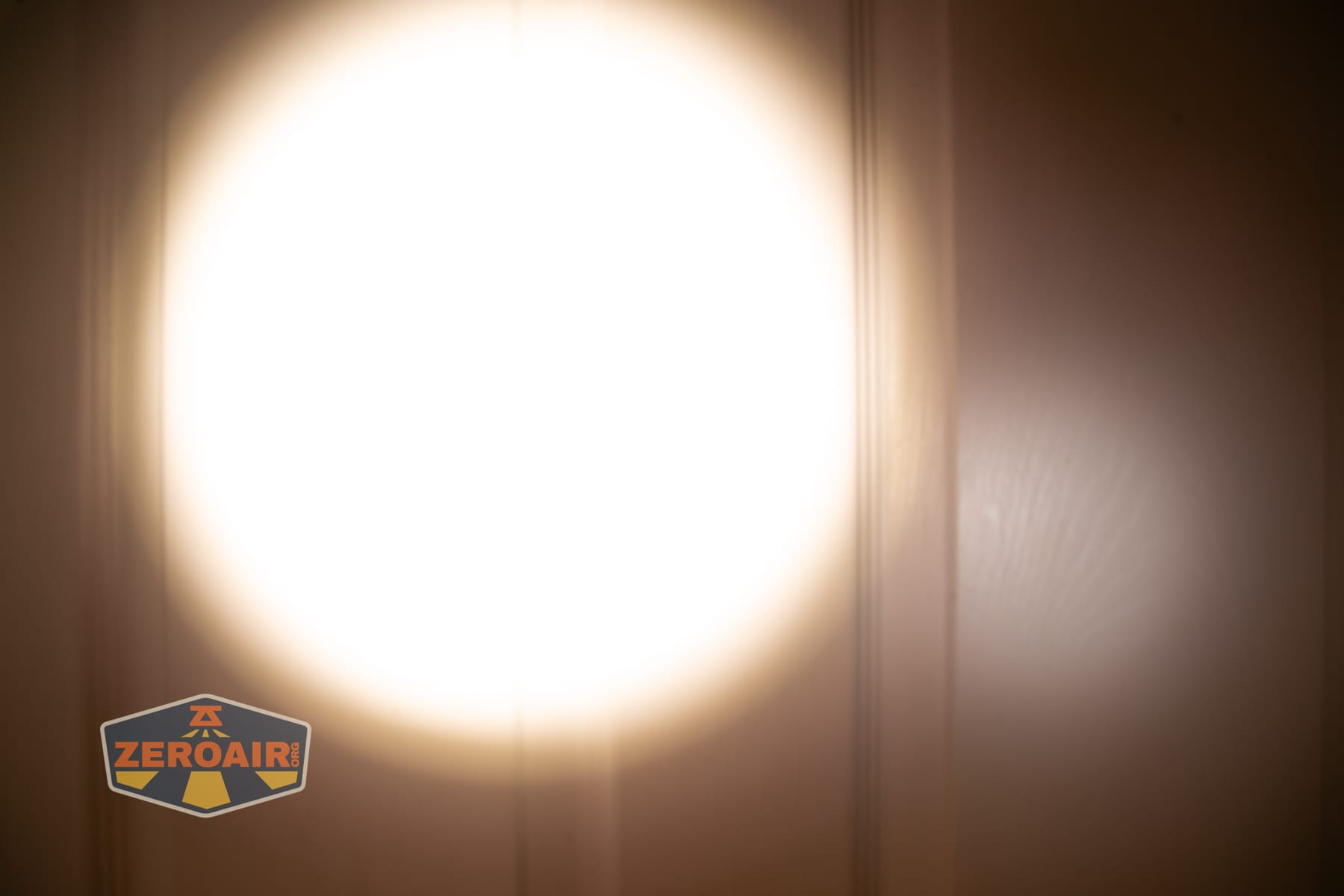
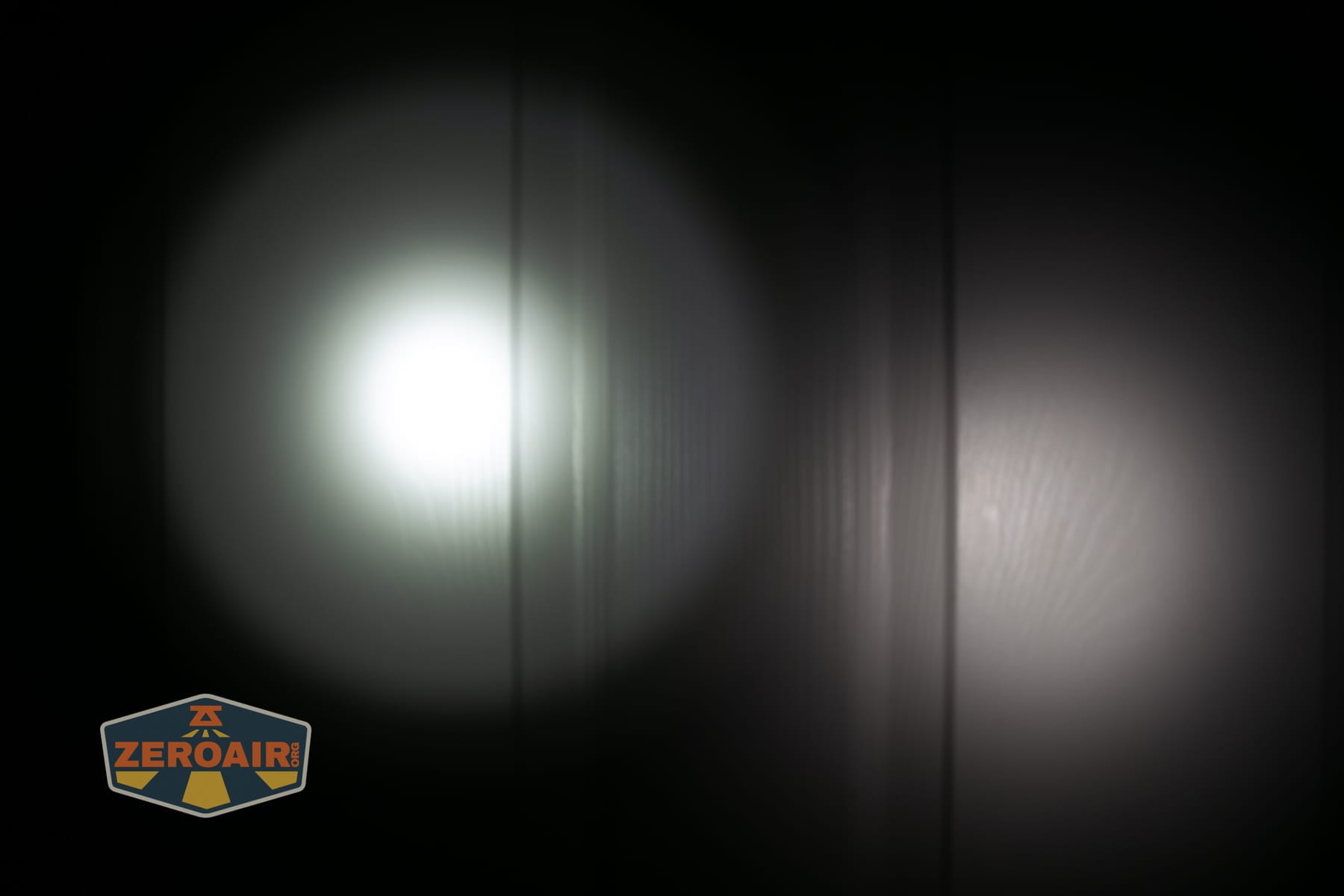
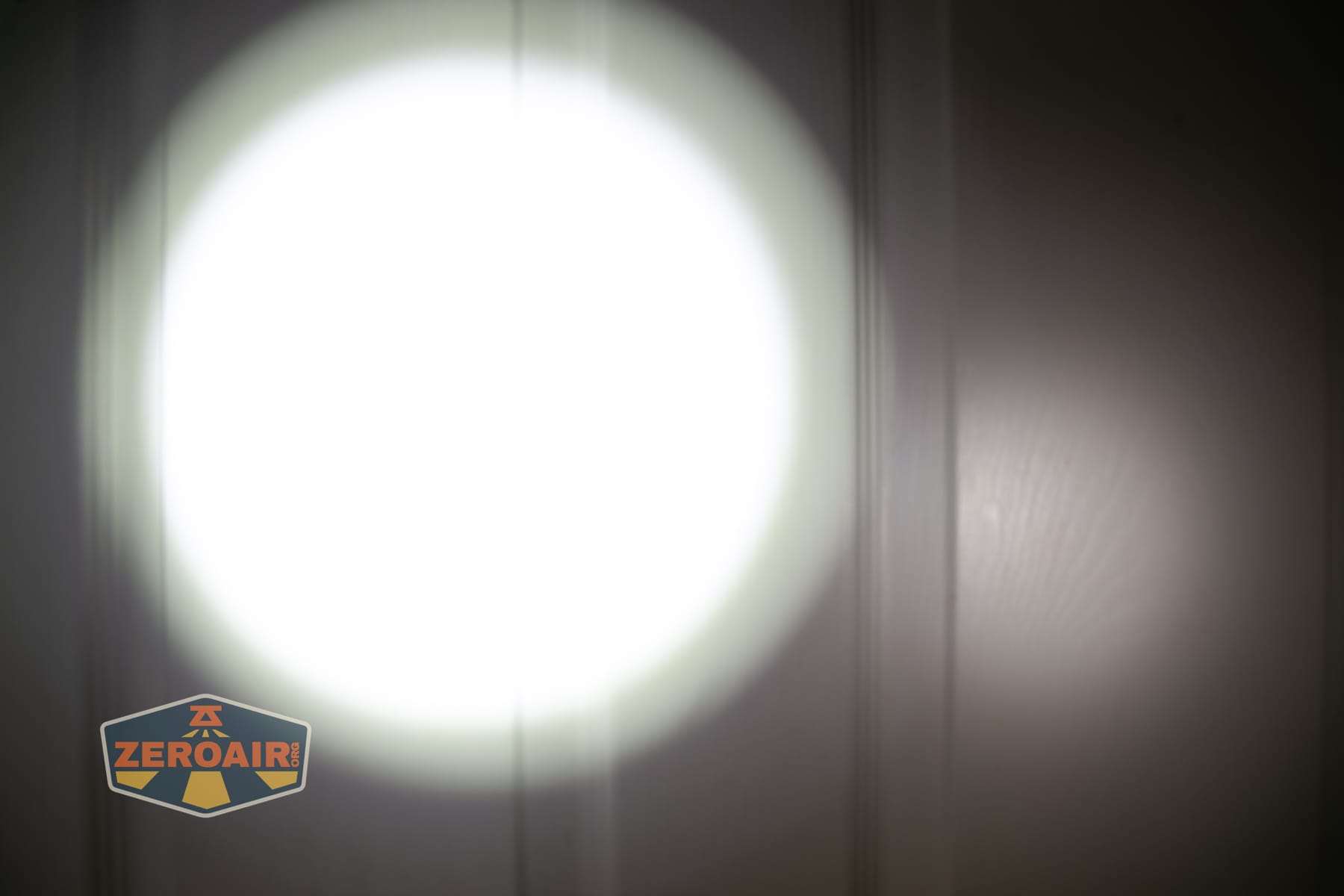
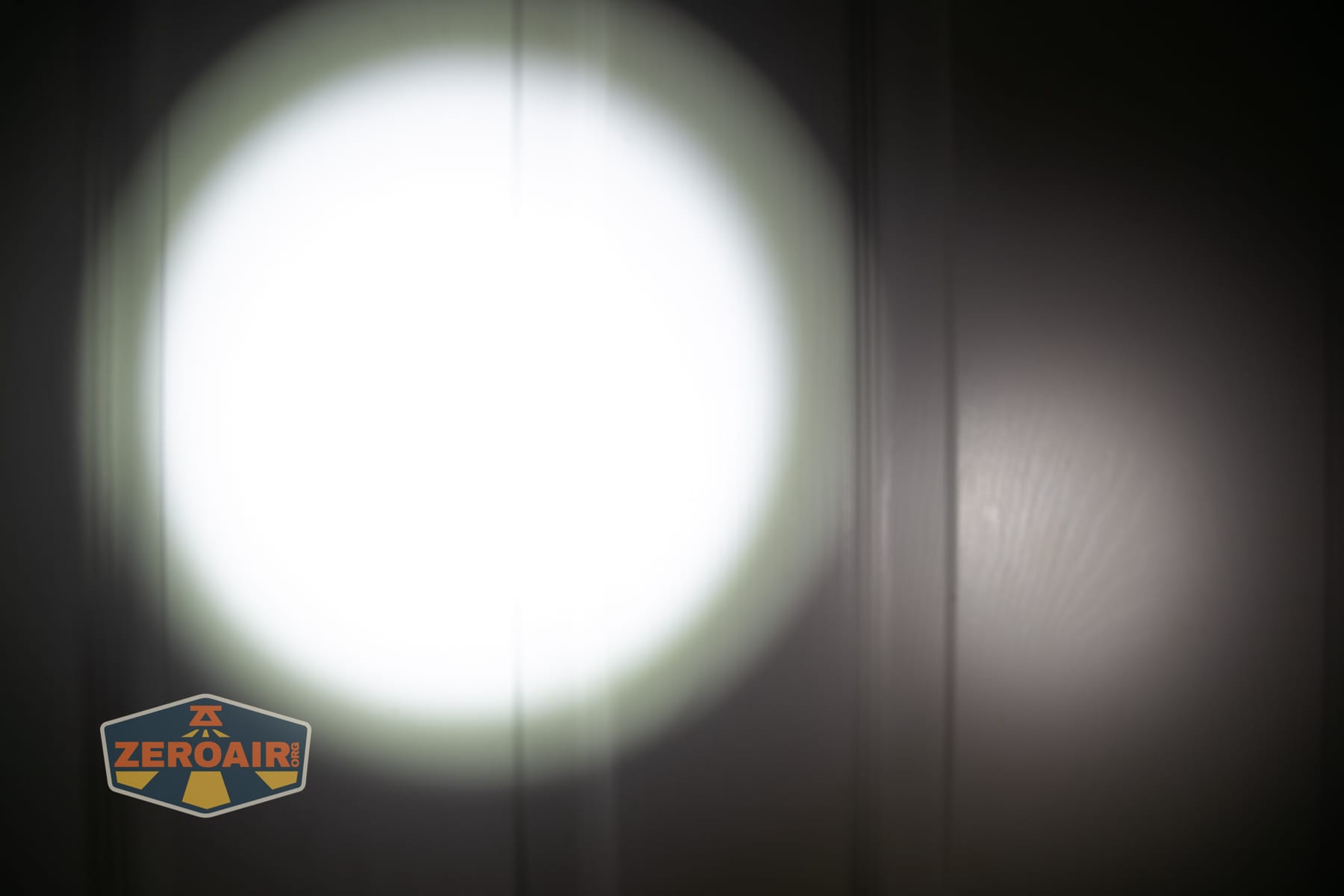
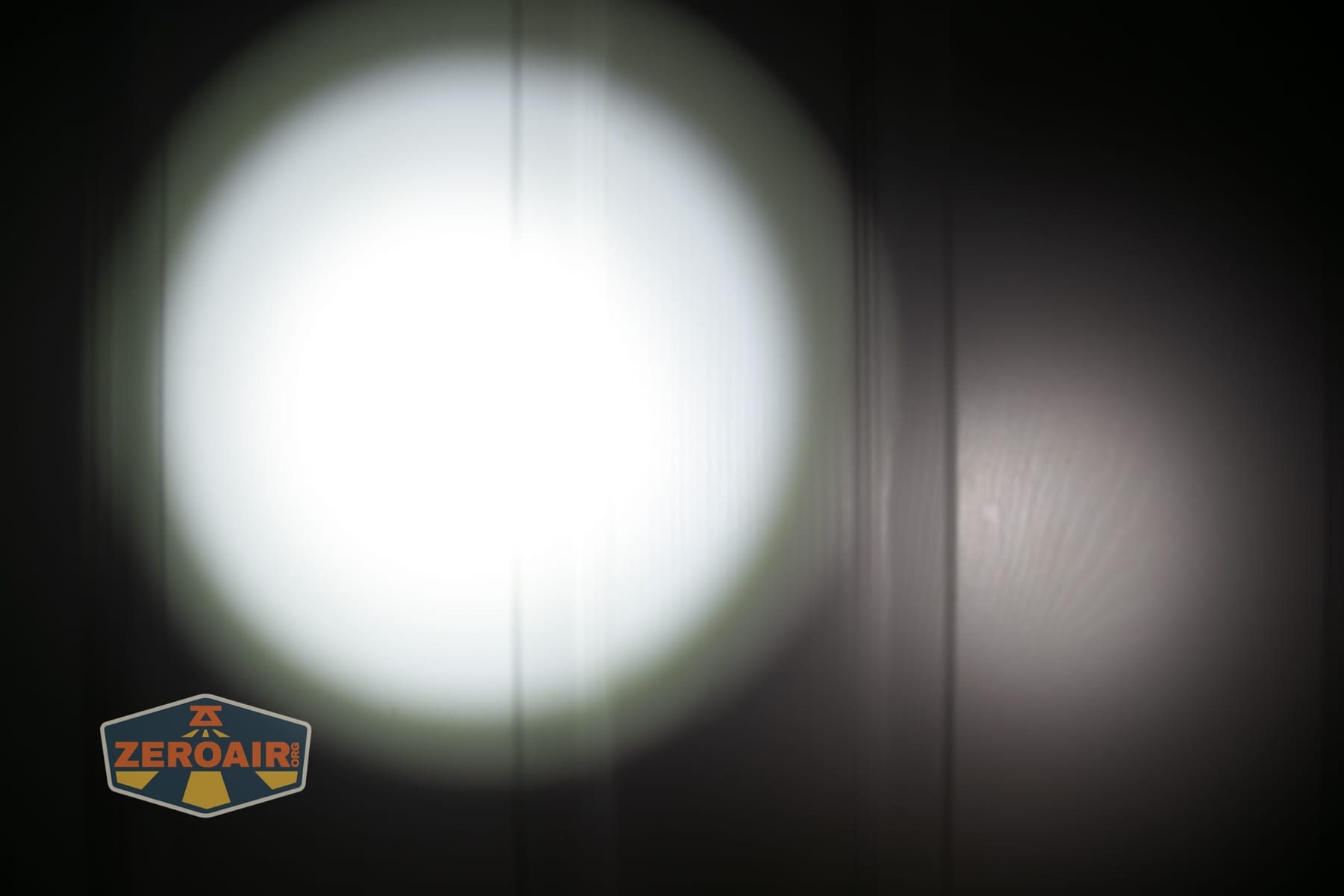
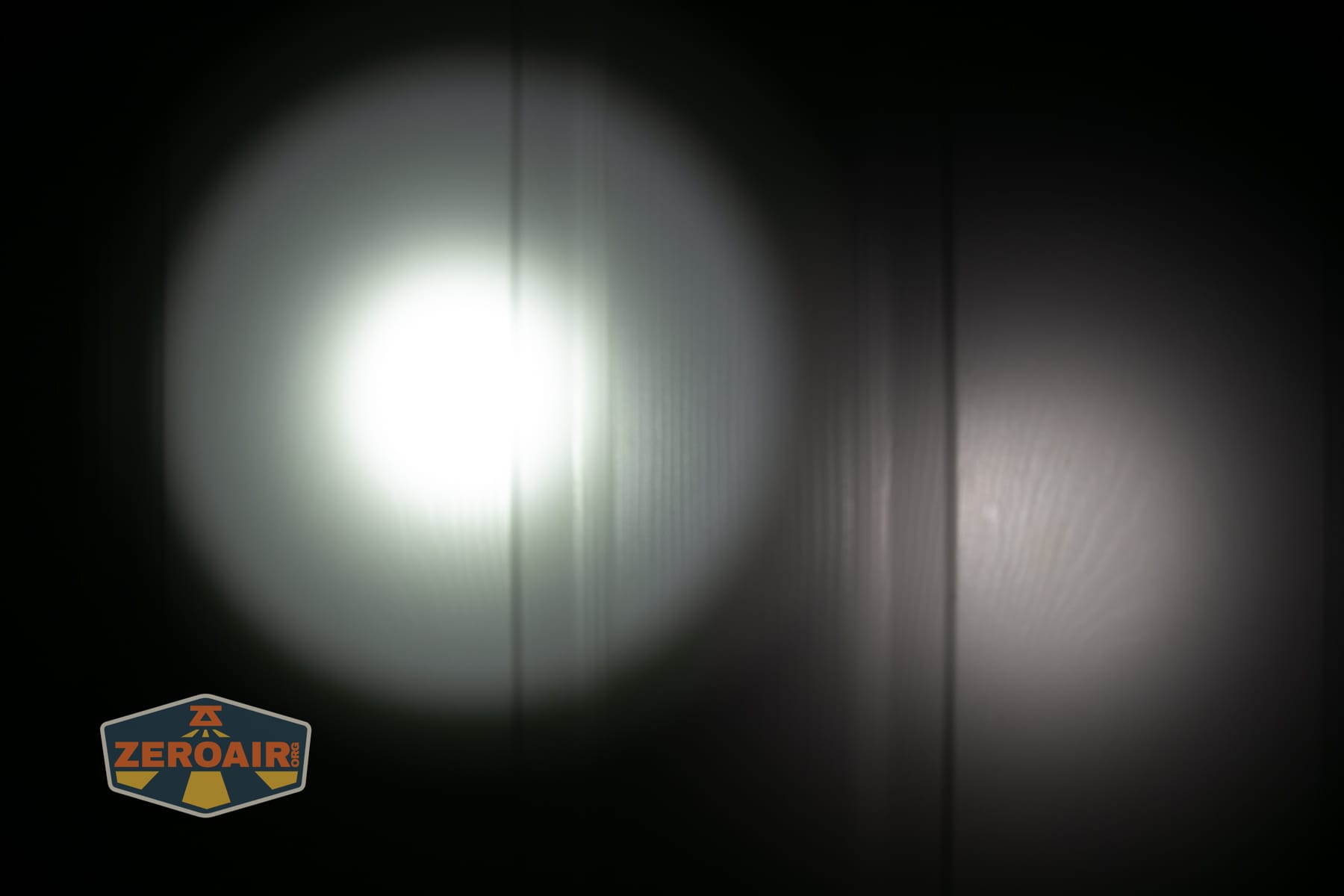
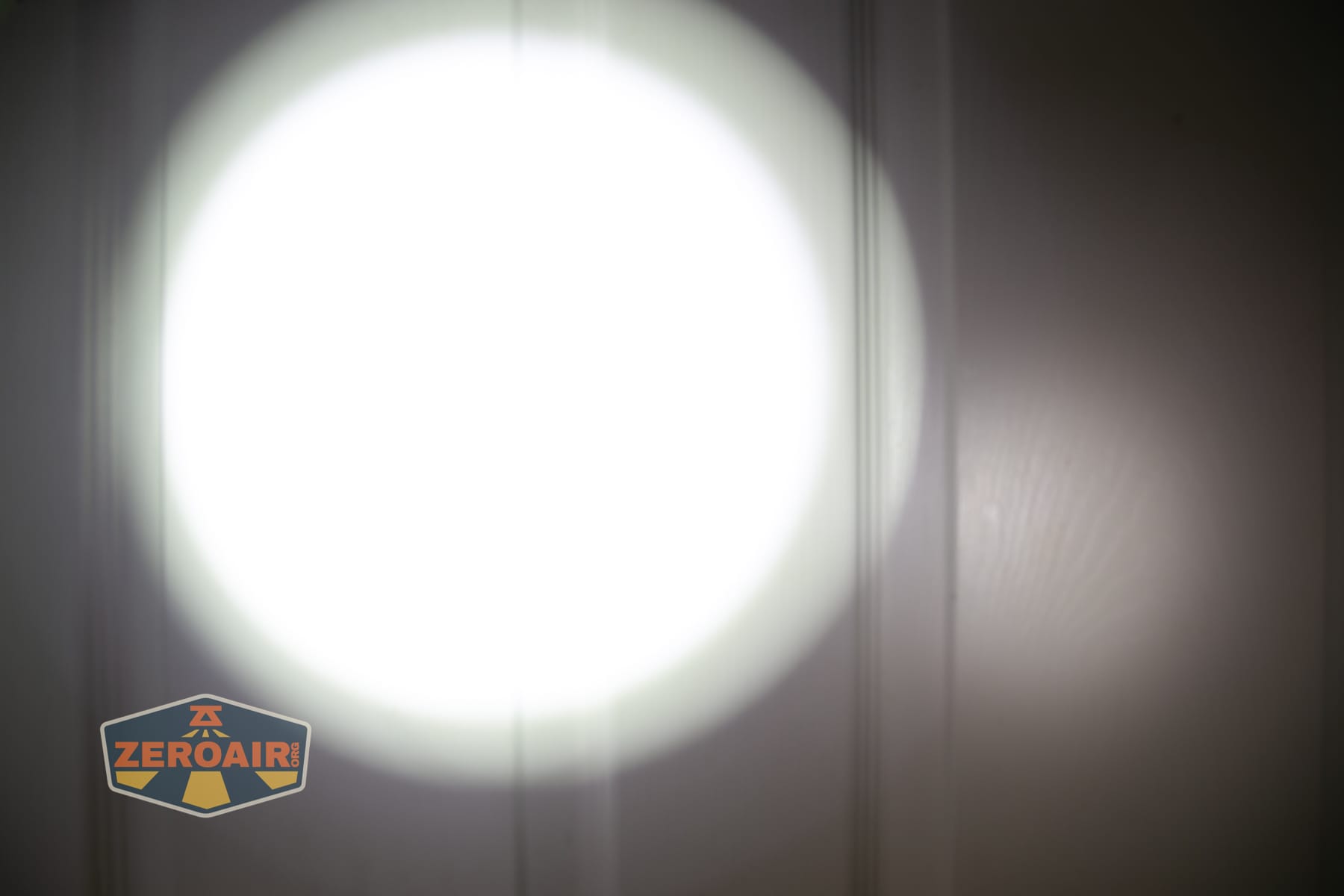
I compare everything to the KillzoneFlashlights.com 219b BLF-348 because it’s inexpensive and has the best tint!
Summary and Conclusion
The Niwalker ES01 Three Light flashlight is an interesting light! Three heads for three very different outputs, two switches, and USB-C charging. There’s a lot going on in this light! The user interface can be a bit tricky, but it can be learned. The cost is reasonable, too!
The Big Table
| Niwalker ES-01 | |
|---|---|
| Emitter: | Luminus SFT12 (6500K) |
| Price in USD at publication time: | $45.99 |
| Cell: | 1×14500 |
| Runtime Graphs | |
| LVP? | Yes |
| Switch Type: | E-Switch (2) |
| On-Board Charging? | Yes |
| Charge Port Type: | USB-C |
| Charge Graph | |
| Power off Charge Port | No |
| Claimed Lumens (lm) | 6500K: 600 4000K: 350 |
| Measured Lumens (at 30s) | 6500K: 362 (60.3% of claim)^ 4000K: 276 (78.9% of claim)^ |
| Claimed Throw (m) | 6500K: 268 4000K: 165 |
| Candela (Calculated) in cd (at 30s) | 6500K: 347lux @ 5.315m = 9802cd 4000K: 114lux @ 4.855m = 2687cd |
| Throw (Calculated) (m) | 6500K: 198.0 (73.9% of claim)^ 4000K: 103.7 (62.8% of claim)^ |
| Claimed CCT | 6500K 4000K |
| Measured CCT Range (K) | 6500-6800 Kelvin 4000-4200 Kelvin |
| Item provided for review by: | flashlightgo.com |
| All my Niwalker reviews! | |
^ Measurement disclaimer: Testing flashlights is my hobby. I use hobbyist-level equipment for testing, including some I made myself. Try not to get buried in the details of manufacturer specifications versus measurements recorded here; A certain amount of difference (say, 10 or 15%) is perfectly reasonable.
What I like
- Orange body
- Cell is included
- High CRI head
- Indicating switch
What I don’t like
- CCT isn’t memorized between the three groups
- Not anywhere near output claims
- No mechanical lockout
- Doesn’t seem to work with 1.5V AA
- C to C charging didn’t work
Notes
- This content originally appeared at zeroair.org. Please visit there for the best experience!
- Please use my Amazon.com referral link to help support zeroair.org!
- Please support me on Patreon! I deeply appreciate your support!
Discover more from ZeroAir Reviews
Subscribe to get the latest posts sent to your email.