
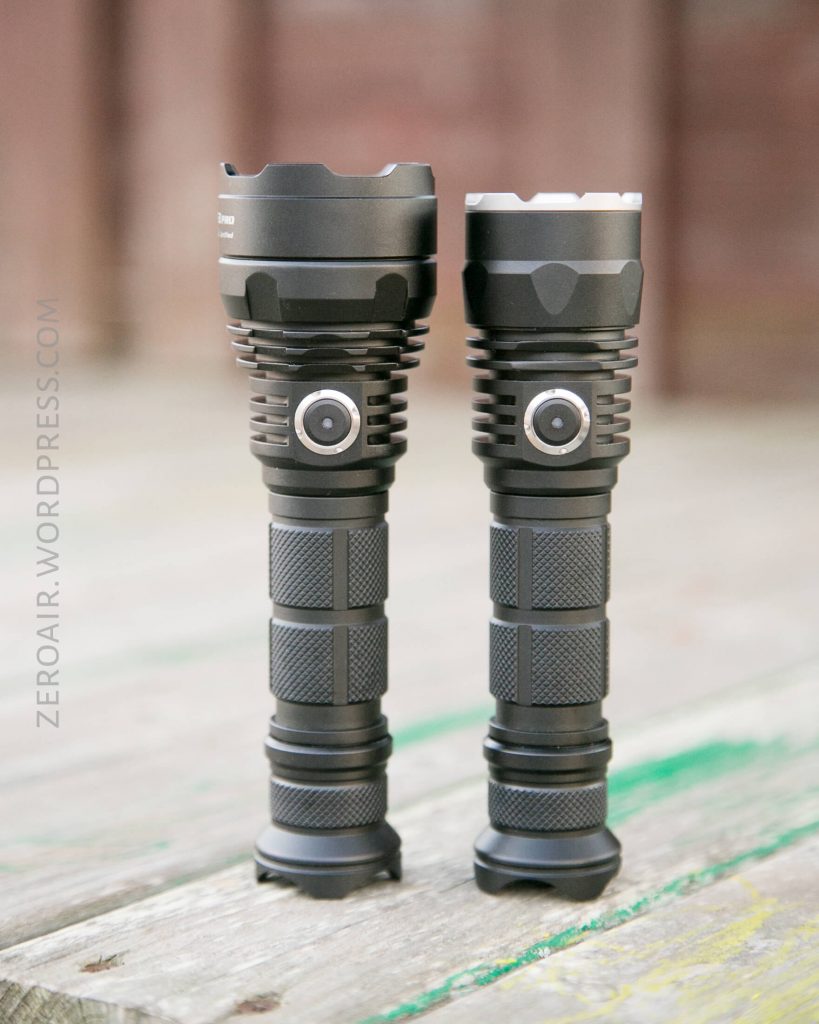
Skilhunt S2 Pro and S3 Pro Flashlight Review
Here’s a combo review of the Skilhunt S2 Pro and S3 Pro flashlights. They share many features but are each special. Read on to find out why!
Official Specs and Features
Here are the official pages for the S2 Pro and S3 Pro USB rechargeable lights.
Versions
Each of these lights is available in an HD and HI version. The S2 Pro box indicates there are different tint options (CW/NW), and those are all available at GearBest (5000K and 6500K in HD and HI both). The S3 Pro is available in only HD or HI (no tint options.)
Price
S2 Pro is ~$50 street price, and the S3 Pro is around $57 street price.
Short Review
These fit in my arsenal just like the H03 did; Replacing anything I was already using in that slot, and performing better too.
Long Review
The Big Table
| Skilhunt S2 Pro | |
|---|---|
| Emitter: | Cree XP-L HI |
| Price in USD at publication time: | $50 |
| Cell: | 1×18650 |
| Turbo Runtime | |
| LVP? | Yes |
| Switch Type: | |
| On-Board Charging? | Yes |
| Charge Port Type: | |
| Chargetime | |
| Power off Charge Port with no Cell? | |
| Claimed Lumens (lm) | 1100 |
| Claimed Throw (m) | 371 |
| Candela (Calculated) in cd (at 30s) | 1465lux @ 5.754m = 48504cd |
| Throw (Calculated) (m) | 440.5 (118.7% of claim)^ |
| All my Skilhunt reviews! | |
| Skilhunt S2 Pro | |
|---|---|
| Emitter: | Cree XP-L HI |
| Price in USD at publication time: | $50 |
| Cell: | 2×18350 |
| Turbo Runtime | |
| LVP? | Yes |
| Switch Type: | |
| On-Board Charging? | No |
| Claimed Lumens (lm) | 1100 |
| Claimed Throw (m) | 371 |
| Candela (Calculated) in cd (at 30s) | 1415lux @ 6.013m = 51161cd |
| Throw (Calculated) (m) | 452.4 (121.9% of claim)^ |
| All my Skilhunt reviews! | |
| Skilhunt S3 Pro | |
|---|---|
| Emitter: | Cree XHP35 HI |
| Price in USD at publication time: | $57 |
| Cell: | 1×18650 |
| Turbo Runtime | |
| LVP? | Yes |
| Switch Type: | |
| On-Board Charging? | Yes |
| Charge Port Type: | |
| Chargetime | |
| Power off Charge Port with no Cell? | |
| Claimed Lumens (lm) | 1400 |
| Claimed Throw (m) | 521 |
| Candela (Calculated) in cd (at 30s) | 1757lux @ 6.025m = 63780cd |
| Throw (Calculated) (m) | 505.1 (96.9% of claim)^ |
| All my Skilhunt reviews! | |
| Skilhunt S3 Pro | |
|---|---|
| Emitter: | Cree XHP35 HI |
| Price in USD at publication time: | $57 |
| Cell: | 2×18350 |
| Turbo Runtime | |
| LVP? | Yes |
| Switch Type: | |
| On-Board Charging? | No |
| Claimed Lumens (lm) | 1400 |
| Claimed Throw (m) | 521 |
| Candela (Calculated) in cd (at 30s) | 2460lux @ 5.362m = 70728cd |
| Throw (Calculated) (m) | 531.9 (102.1% of claim)^ |
| All my Skilhunt reviews! | |
^ Measurement disclaimer: Testing flashlights is my hobby. I use hobbyist-level equipment for testing, including some I made myself. Try not to get buried in the details of manufacturer specifications versus measurements recorded here; A certain amount of difference (say, 10 or 15%) is perfectly reasonable.
What’s Included
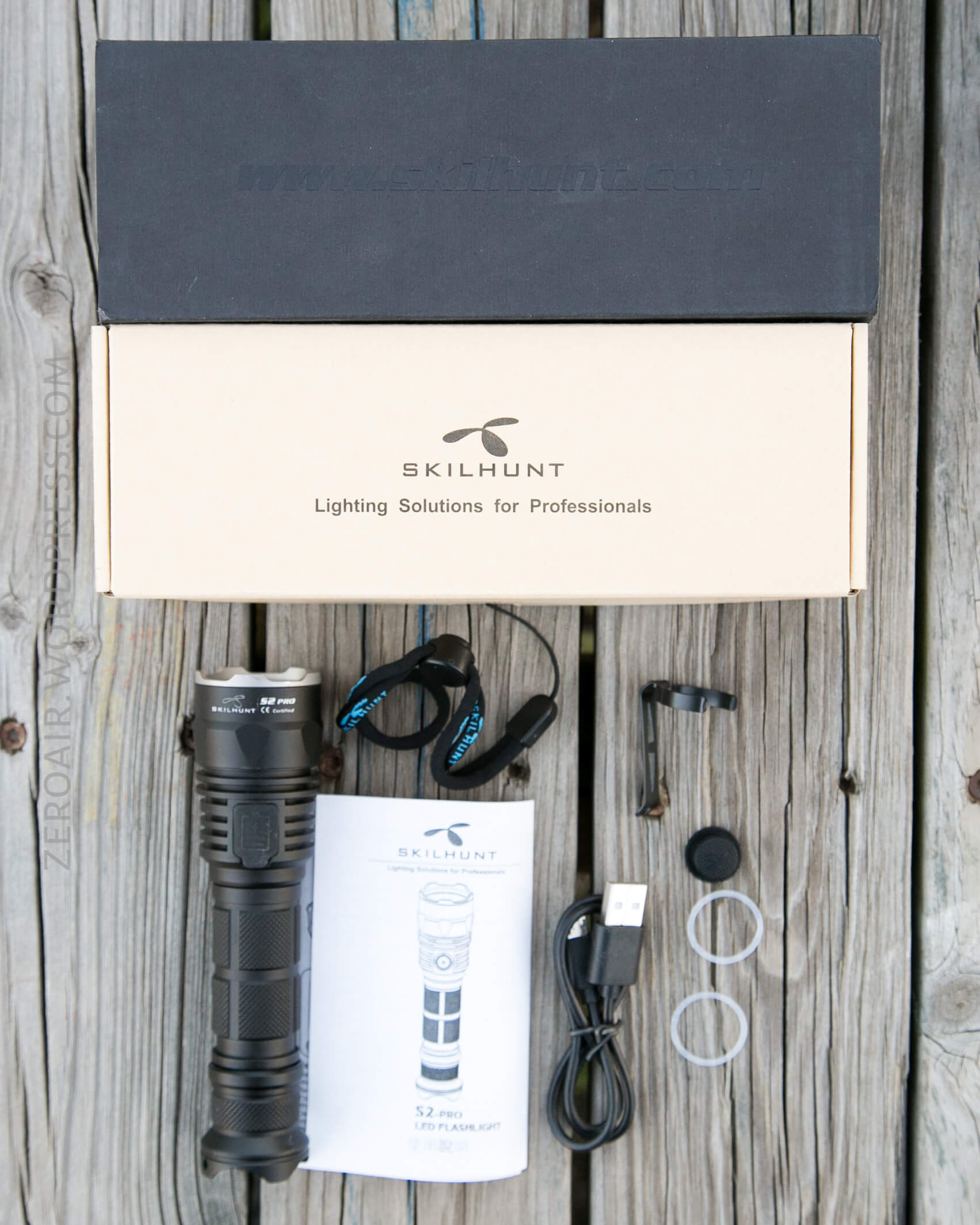
S2 Pro:
S3 Pro:
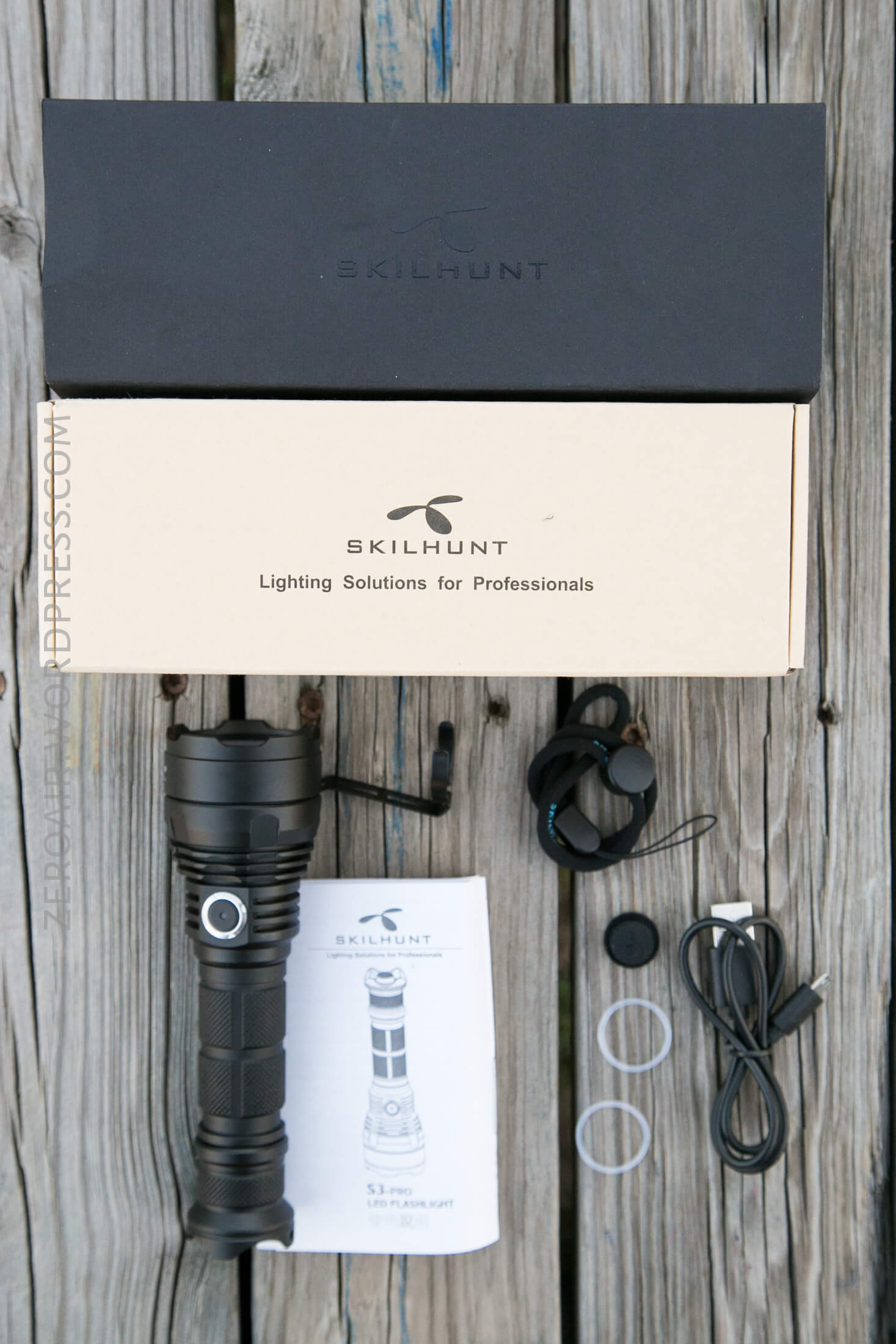
The package is virtually the same:
- S2 Pro or S3 Pro flashlight
- Pocket clip
- Lanyard
- USB charging cable
- Spare mechanical switch boot
- Spare o-rings (2)
- Manual
Package and Manual
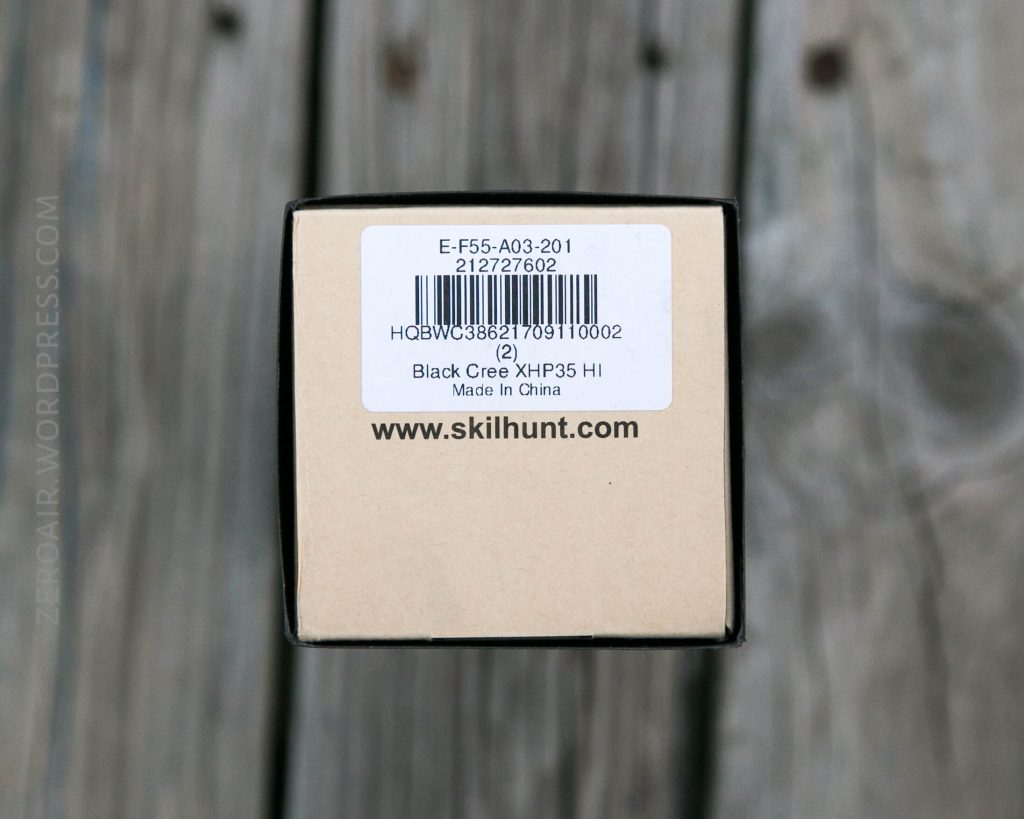
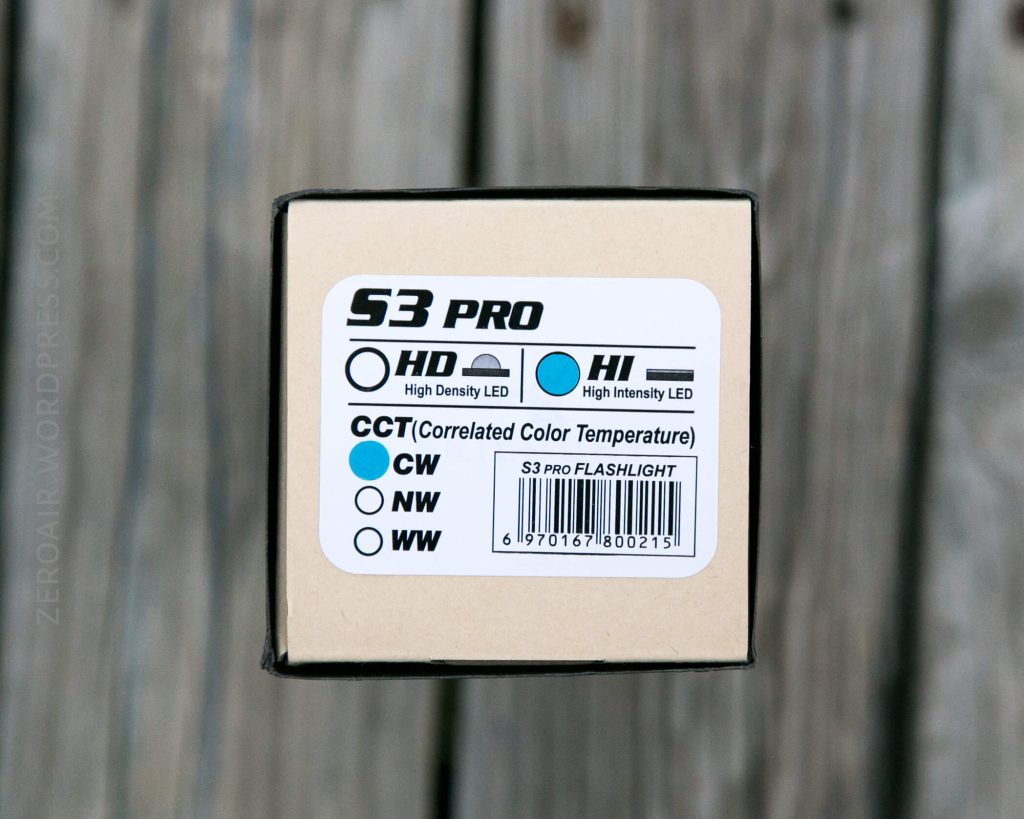
The package is better than I remember from Skilhunt. There’s a black sleeve around a cardboard box. This box has a sticker describing the light specifics, but not much more.
S2 Pro:
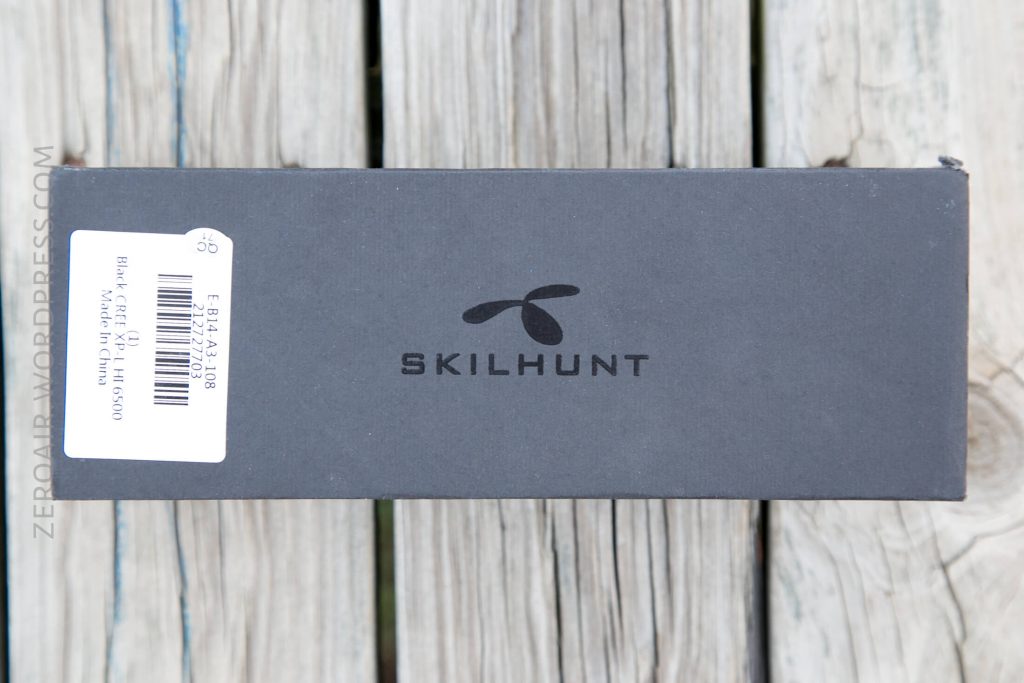
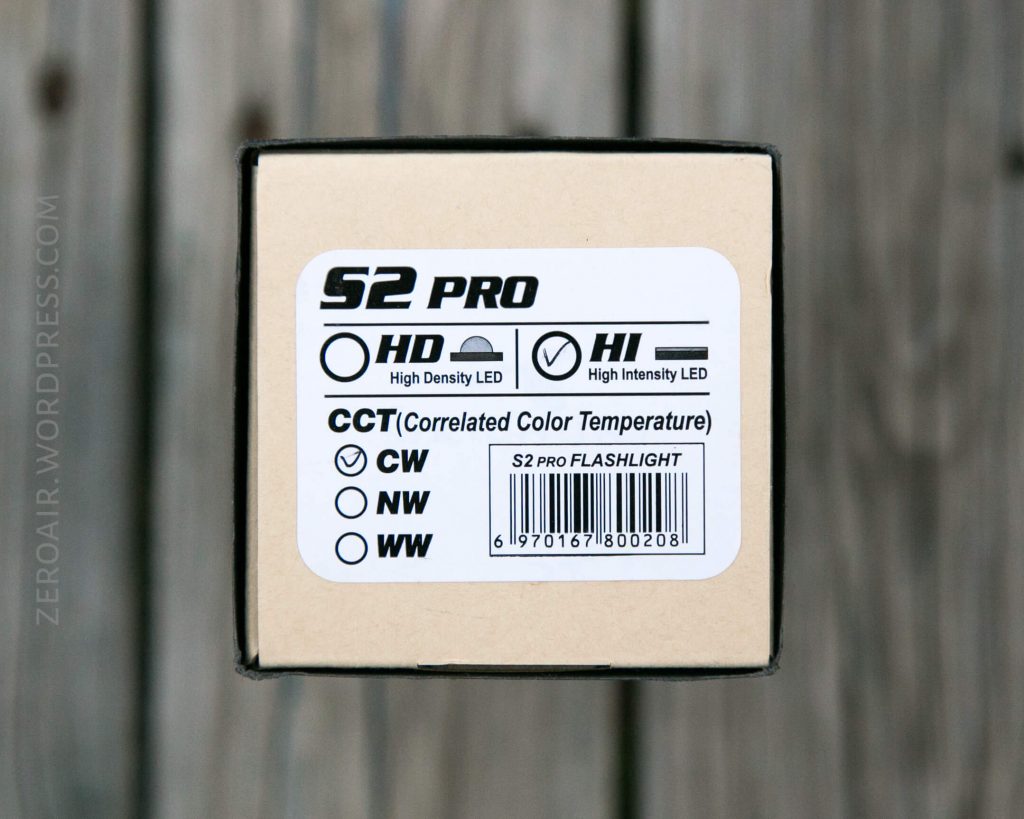
S3 Pro:
The manuals for both of these lights are specific to the light, but still essentially the same. The user interface is the same for both, as are many other features. The manual is English on one side, and Chinese on the other. It’s a good-enough manual, but the text isn’t all that sharp (one too many copies upstream before production? idk). Still completely functional.
Build Quality and Disassembly
There’s just nothing negative to say about the build quality of these two lights. The knurling is good, the cooling fins are good, the threads are unanodized (head) and anodized (tail) and square-cut on both. There are springs on both ends of both lights, and they’re double springs, too. The reflectors are flawless, the buttons are responsive and accurate…. The build is just great on these lights!
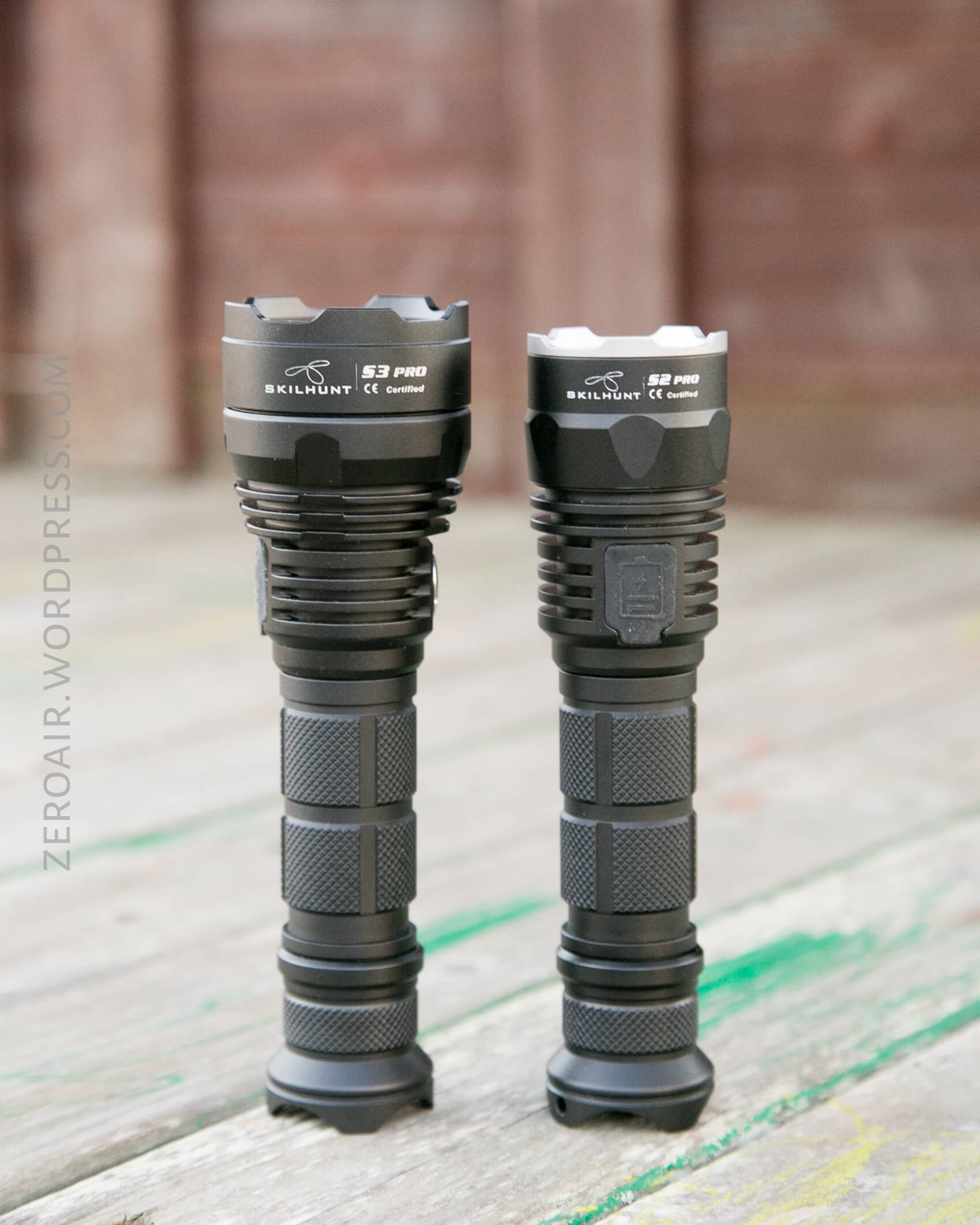
The S3 is the bigger light, rated for (and achieving) more throw. These lights differ in very little, but of course throw (and emitter) is the main way they do differ.
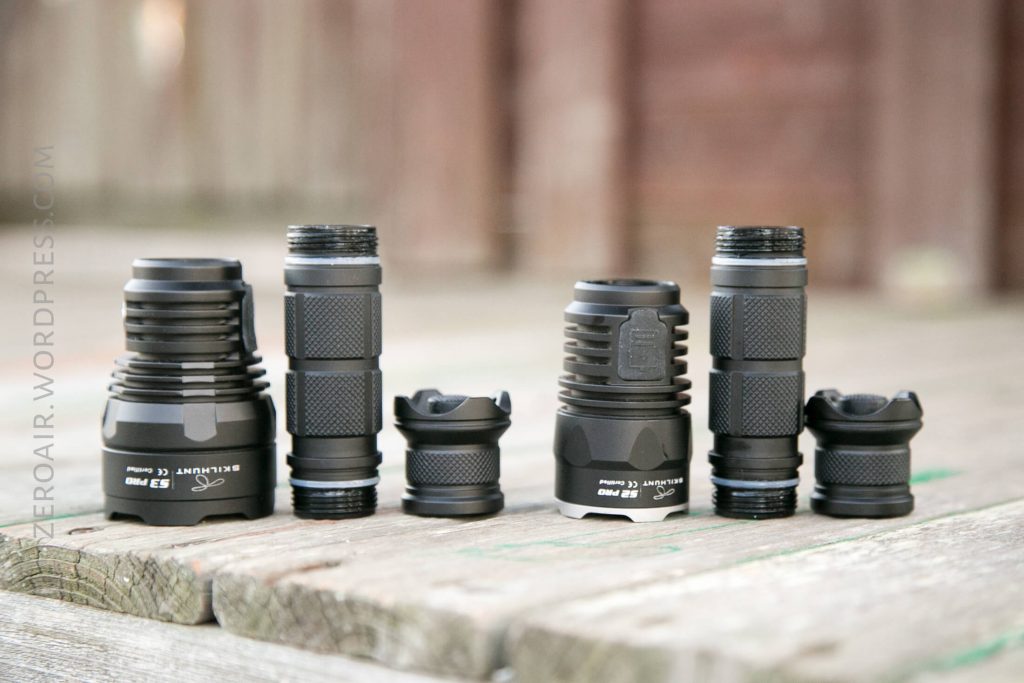
These lights are so similar that the tailcap and body may be interchanged. The head is really the only difference. In fact the head even has most of the same parts, too, as the user interface is exactly the same on both.
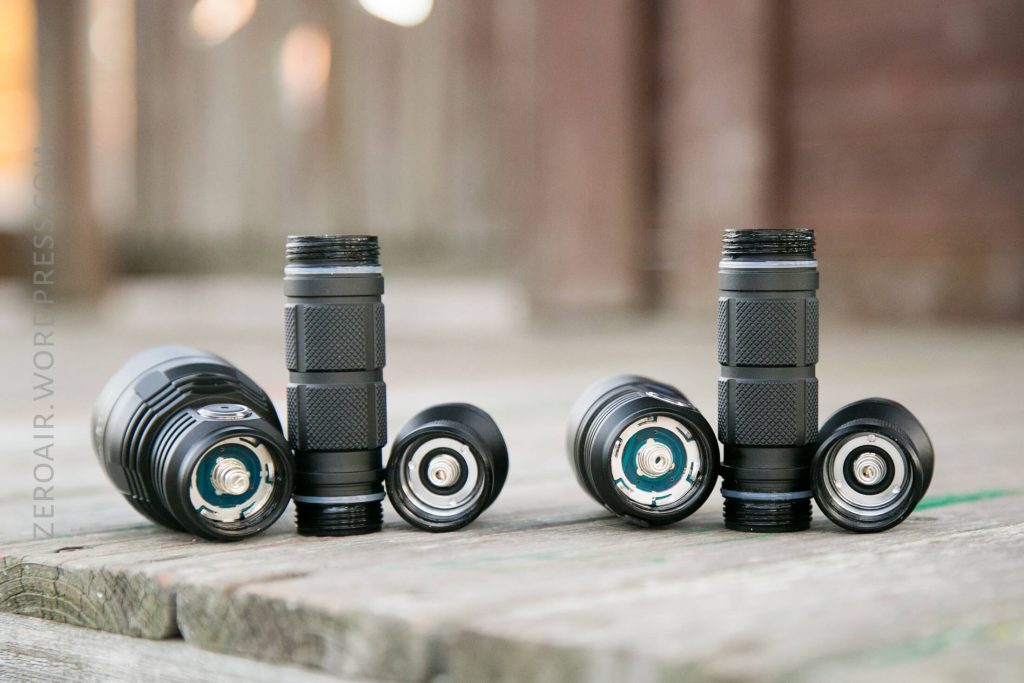
The driver side of both has some interesting little bump-outs on the negative contact. I expect that these play a role in the “tactical” nature of the light, helping prevent momentary disconnects while being used on a weapon. I don’t know this; just guessing. I am not sure how this driver is secured. The tailswitch is secured by a retaining ring.
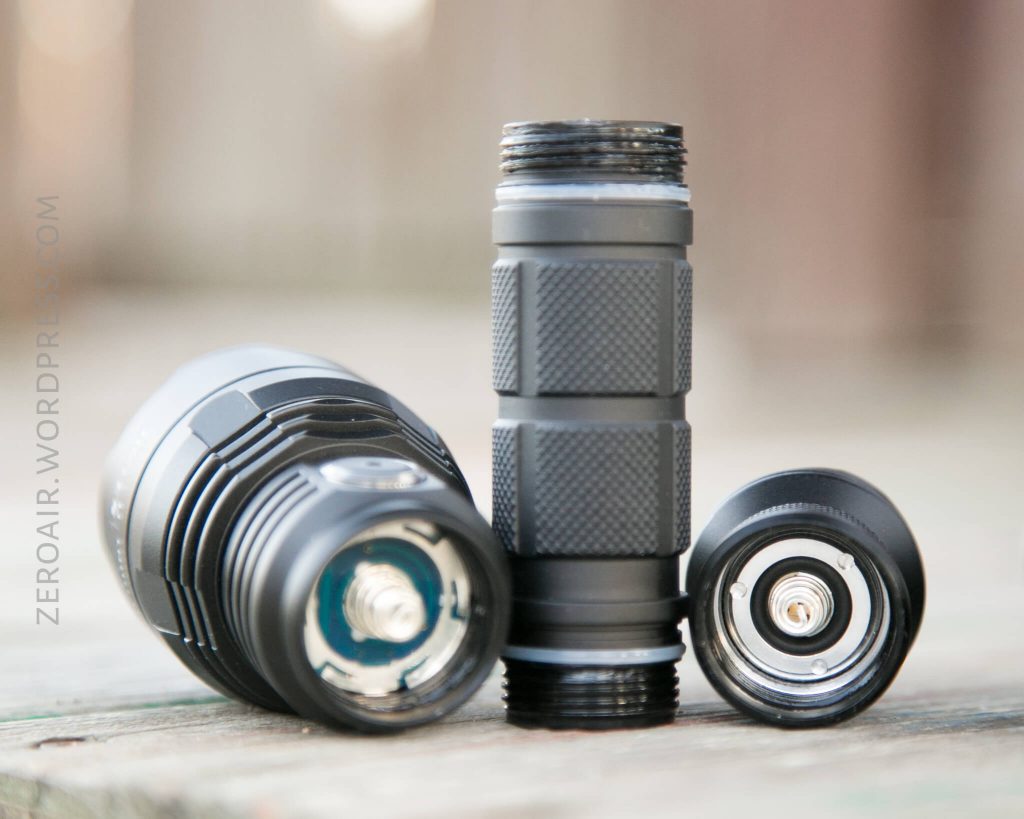
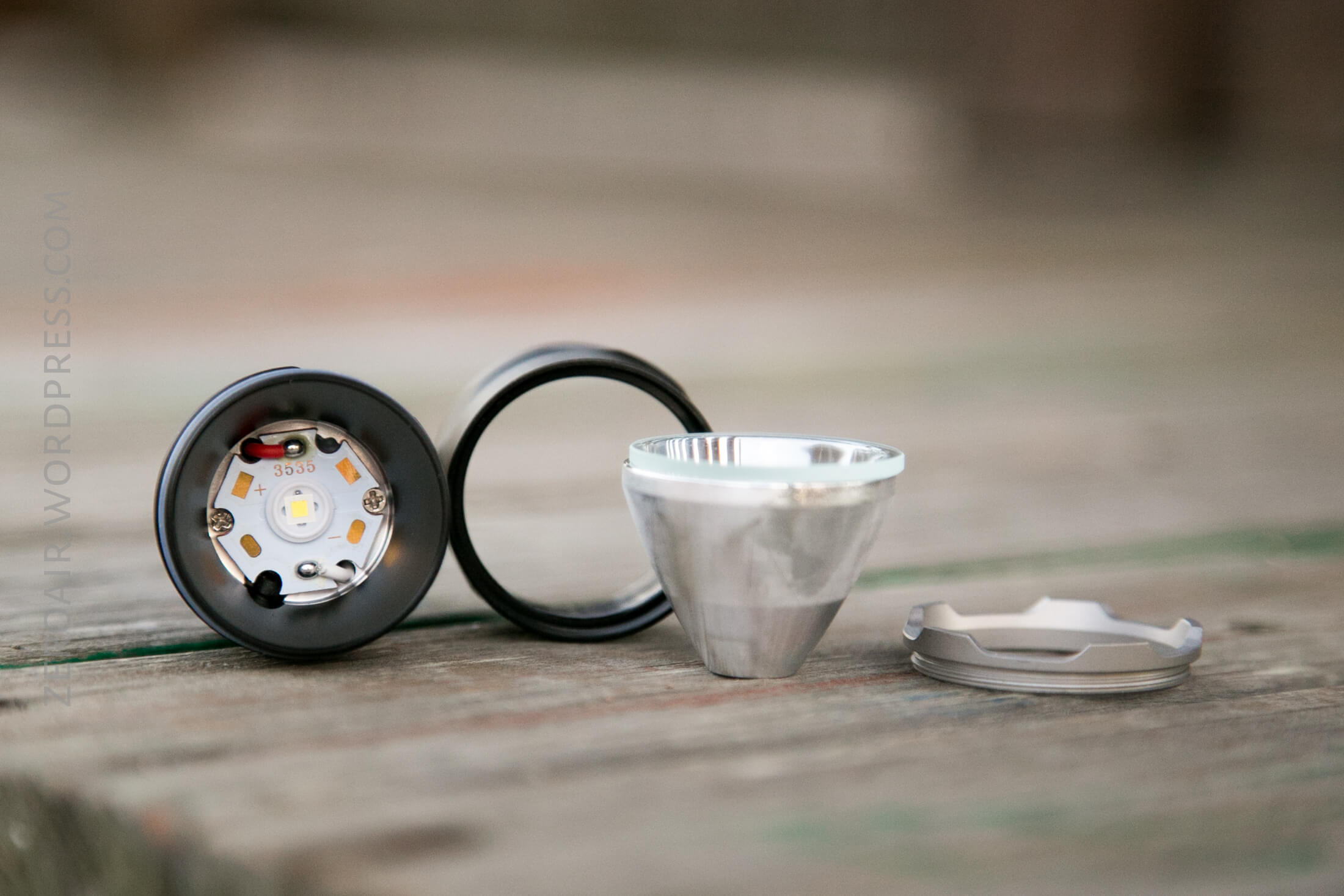
Here’s the main difference between the S2 and S3. The S2 Pro has a very easy to disassemble the head, allowing for easy access to the MCPCB. The S3 does not come apart in this way. I believe with the right motivation (read: strong hands), the S3 would come apart too, and I expect the internals would look similar.
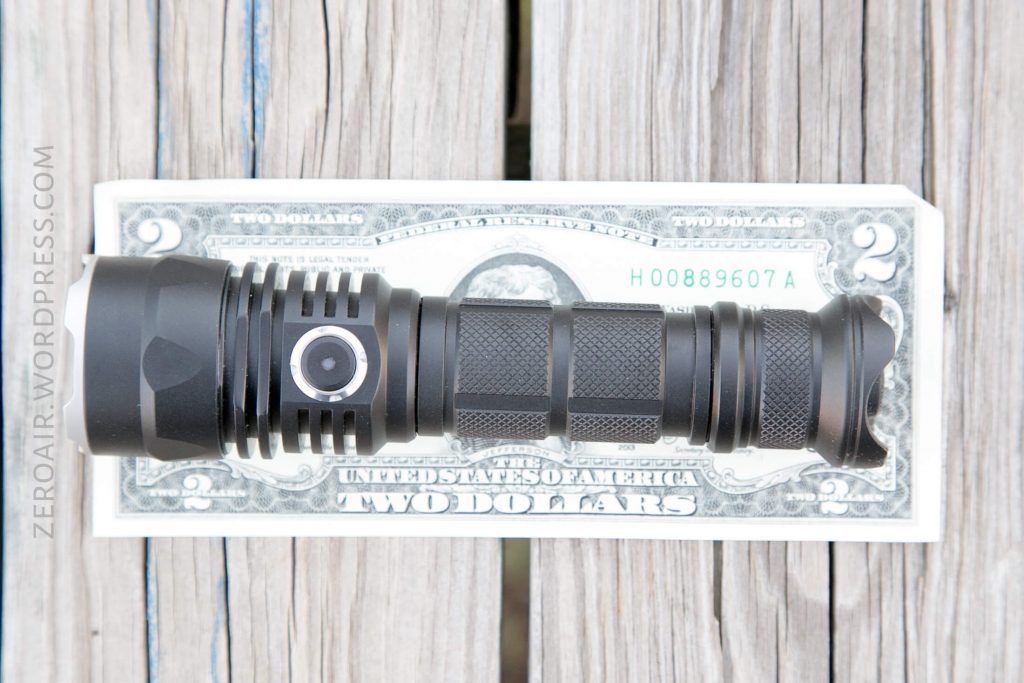
Size
S2 Pro:
Length 143.7mm/5.66inch
Head diameter 36.0mm/1.41inch
Body diameter 25.4mm/1.0inch
Weight: 125g /4.4oz(exclude battery)
S3 Pro:
Length 150.2mm/5.66inch
Head diameter 45.0mm/1.41inch
Body diameter 25.4mm/1.0inch
Weight: 125g /4.4oz(exclude battery)
(There’s a copy-paste error on Skilhunt’s text, but the images on their page are correct).
S2 Pro:
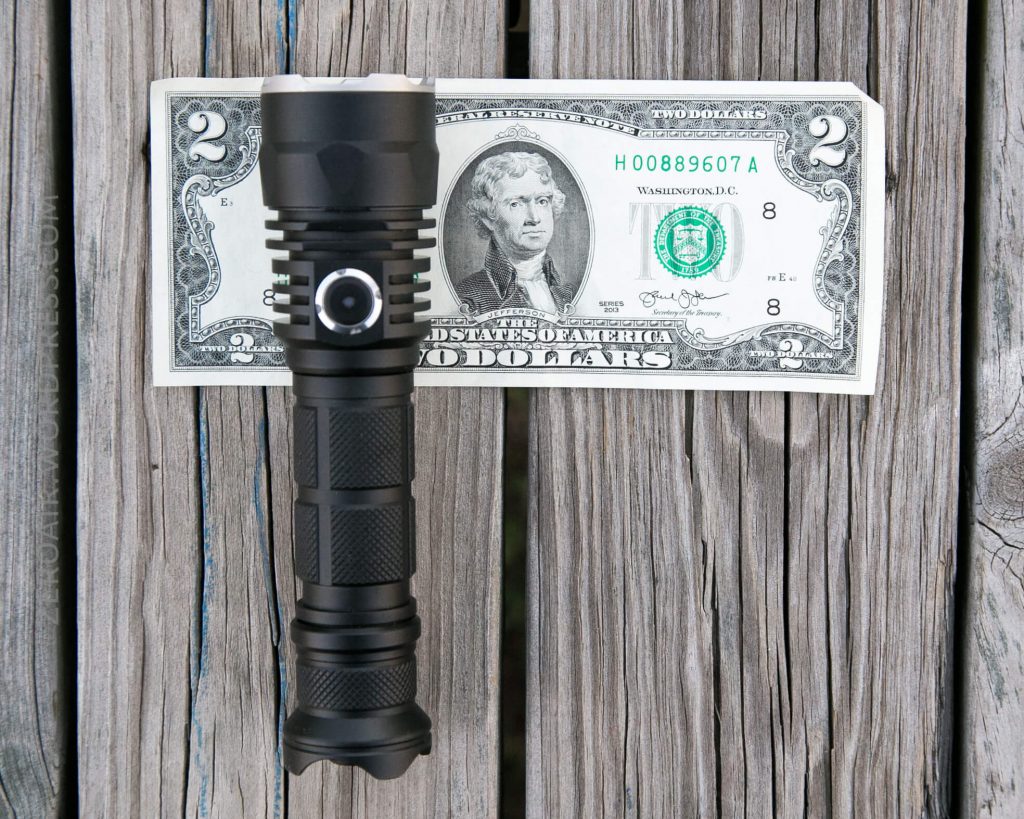
S3 Pro:
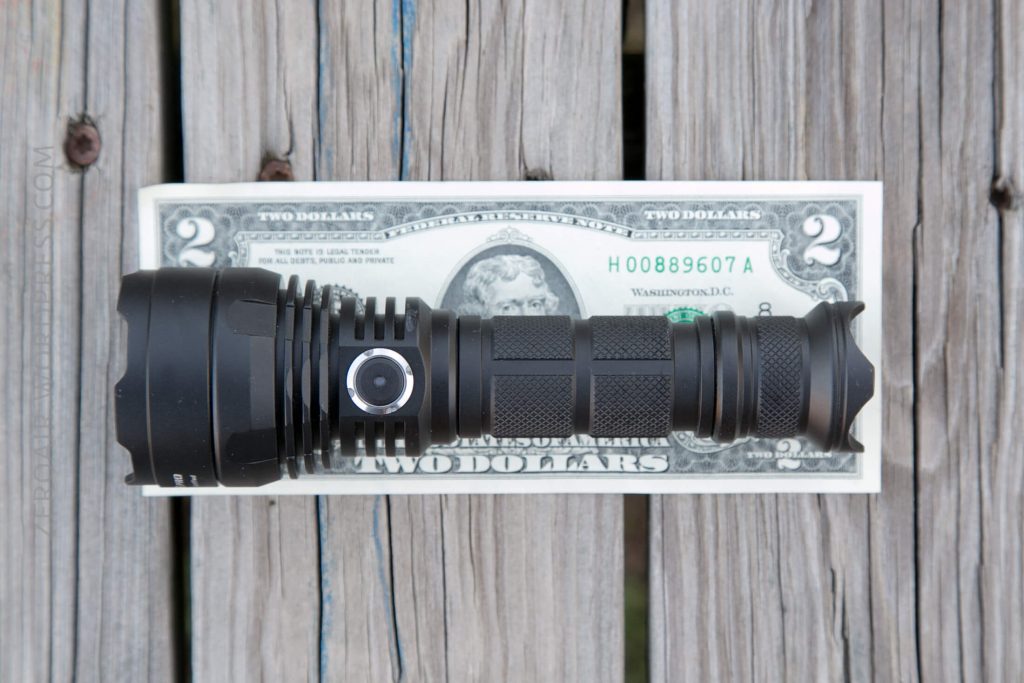
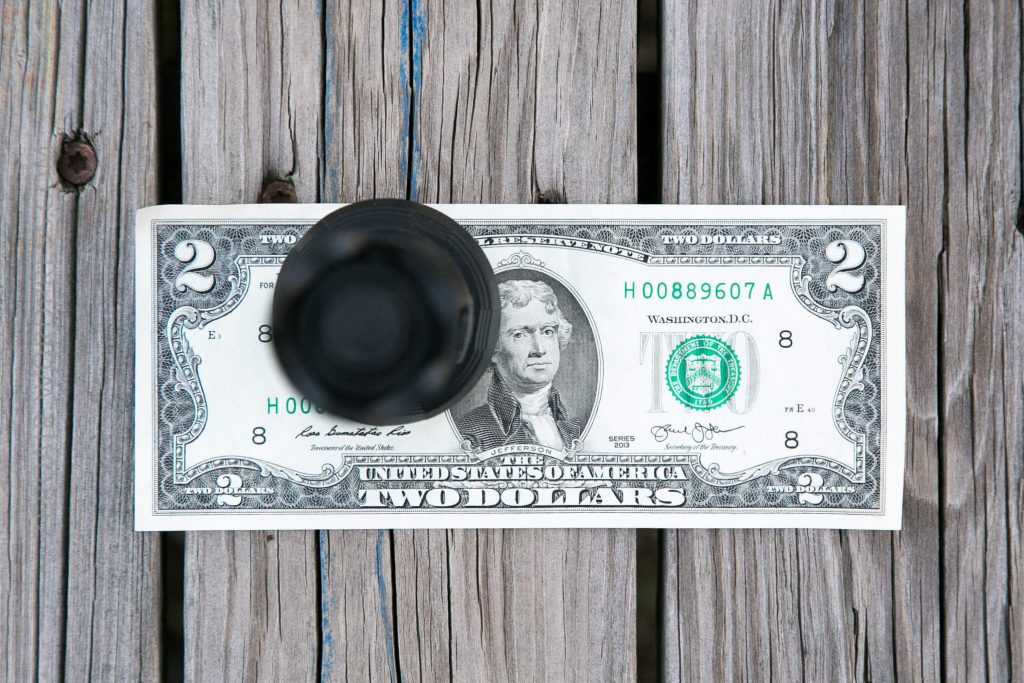
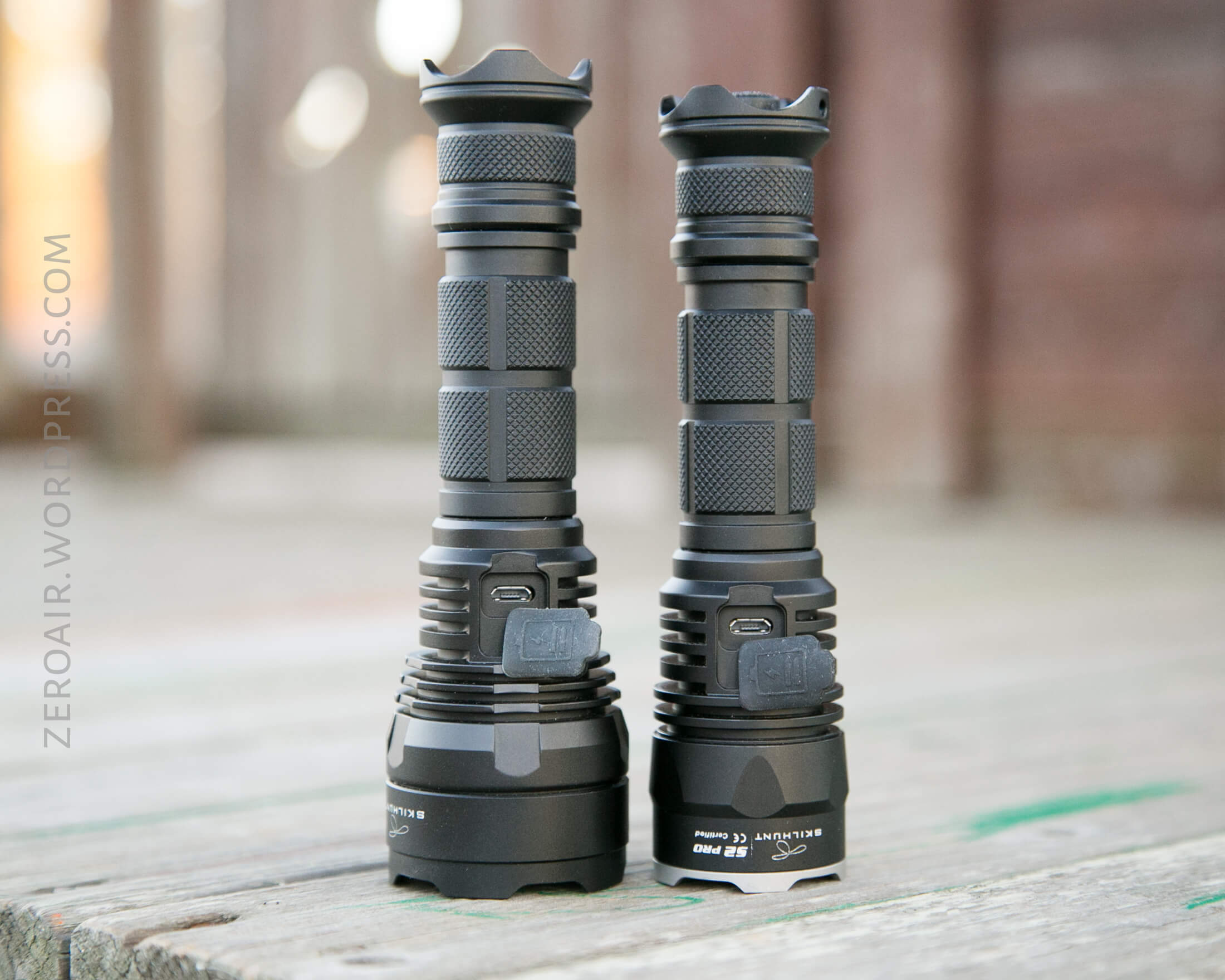
They do look quite different in head size, but in hand/pocket they’re much closer than in feel than they look.
Below, with the Skilhunt H03.
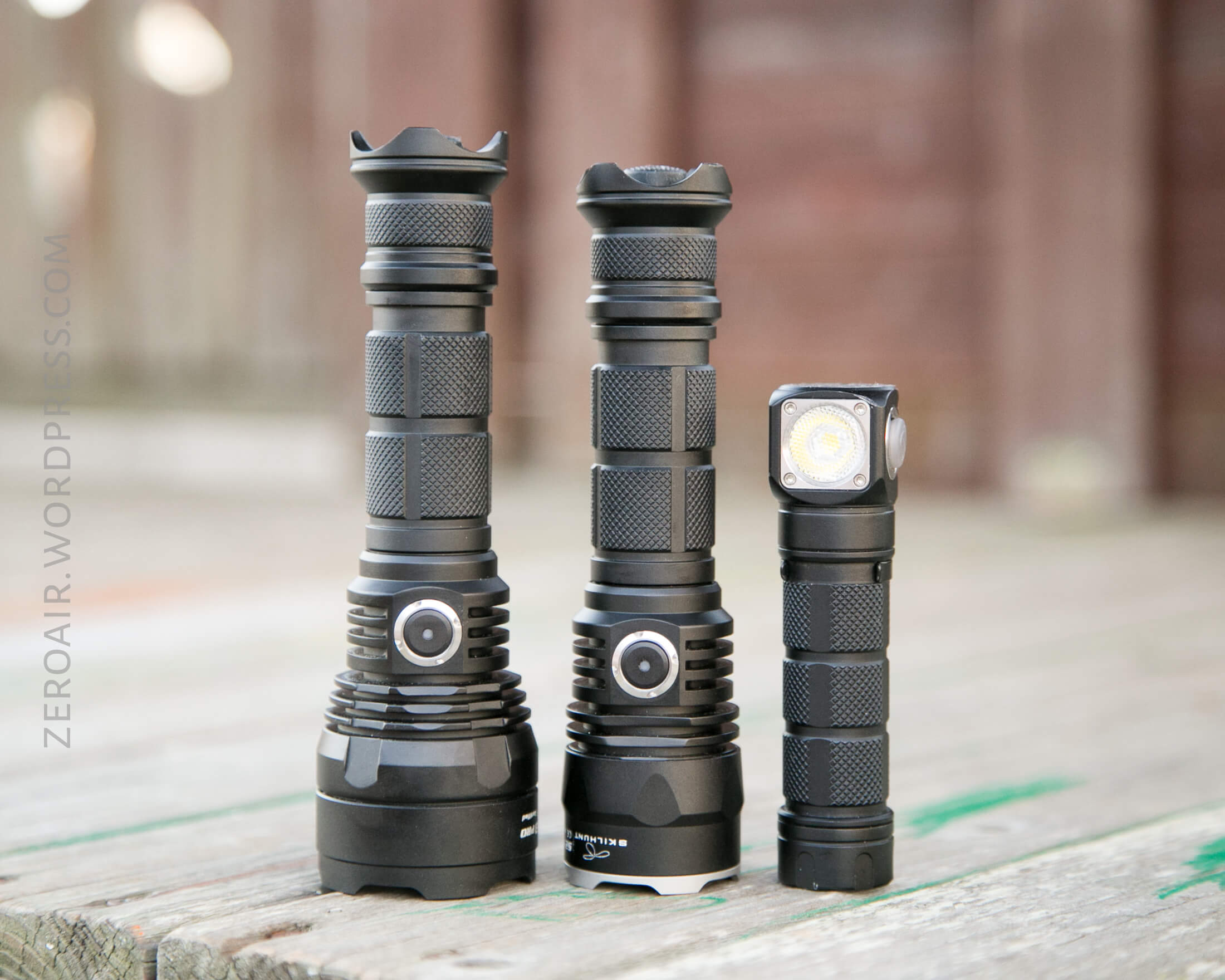
Retention
With each is provided a pocket clip and lanyard. Neither has a pouch (though the bigger could probably find one useful.)
The cell tube is directional, and the pocket clip can only go on the tail end (bezel down carry).
The lanyard is attached on the tailcap, through a tiny hole in one of the flares.
Power
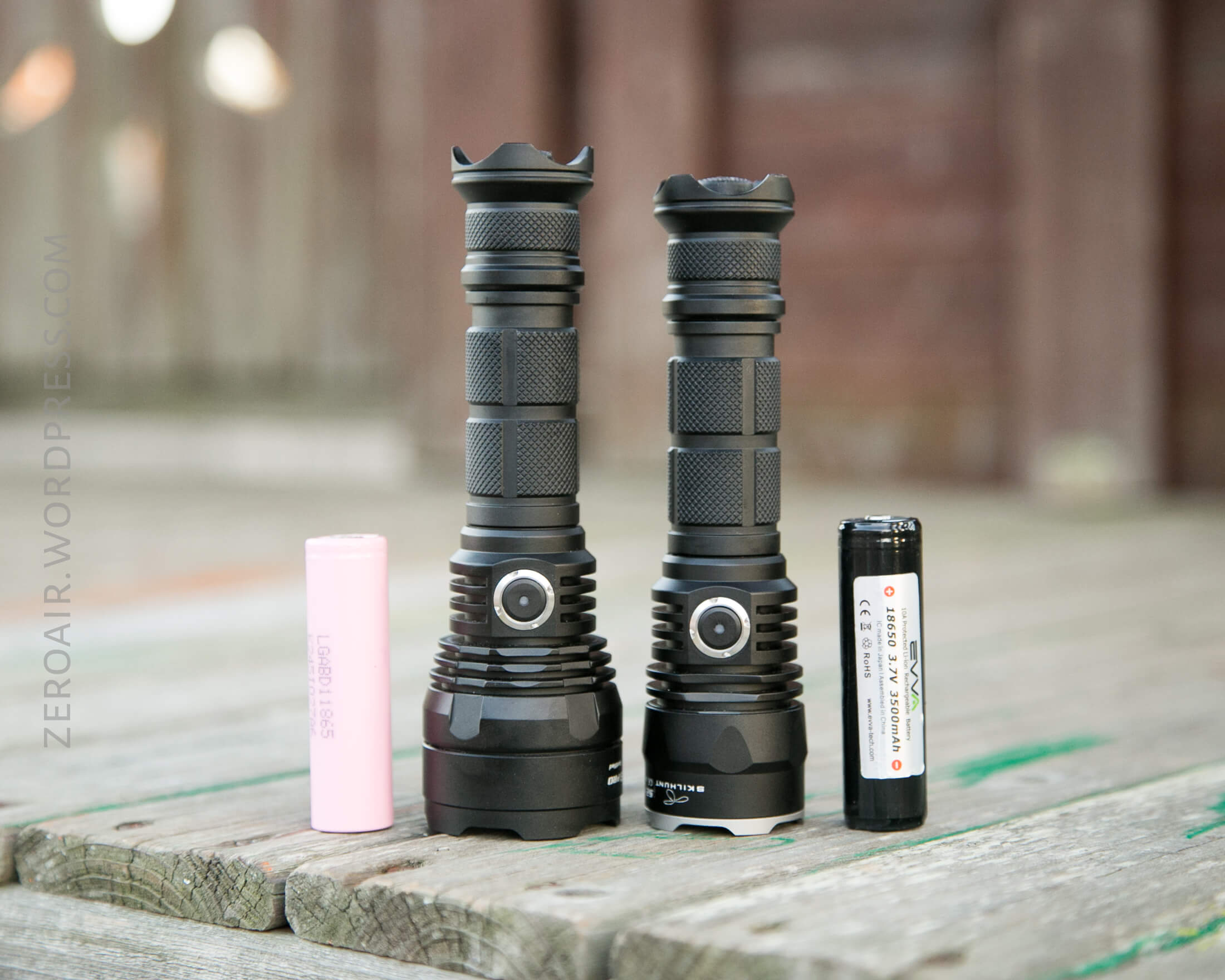
These are 18650 lights, though they may also be powered by two 18350 cells. There are springs on the head and tail end, so the lights are indifferent to cell type (button/flat; protected/unprotected).
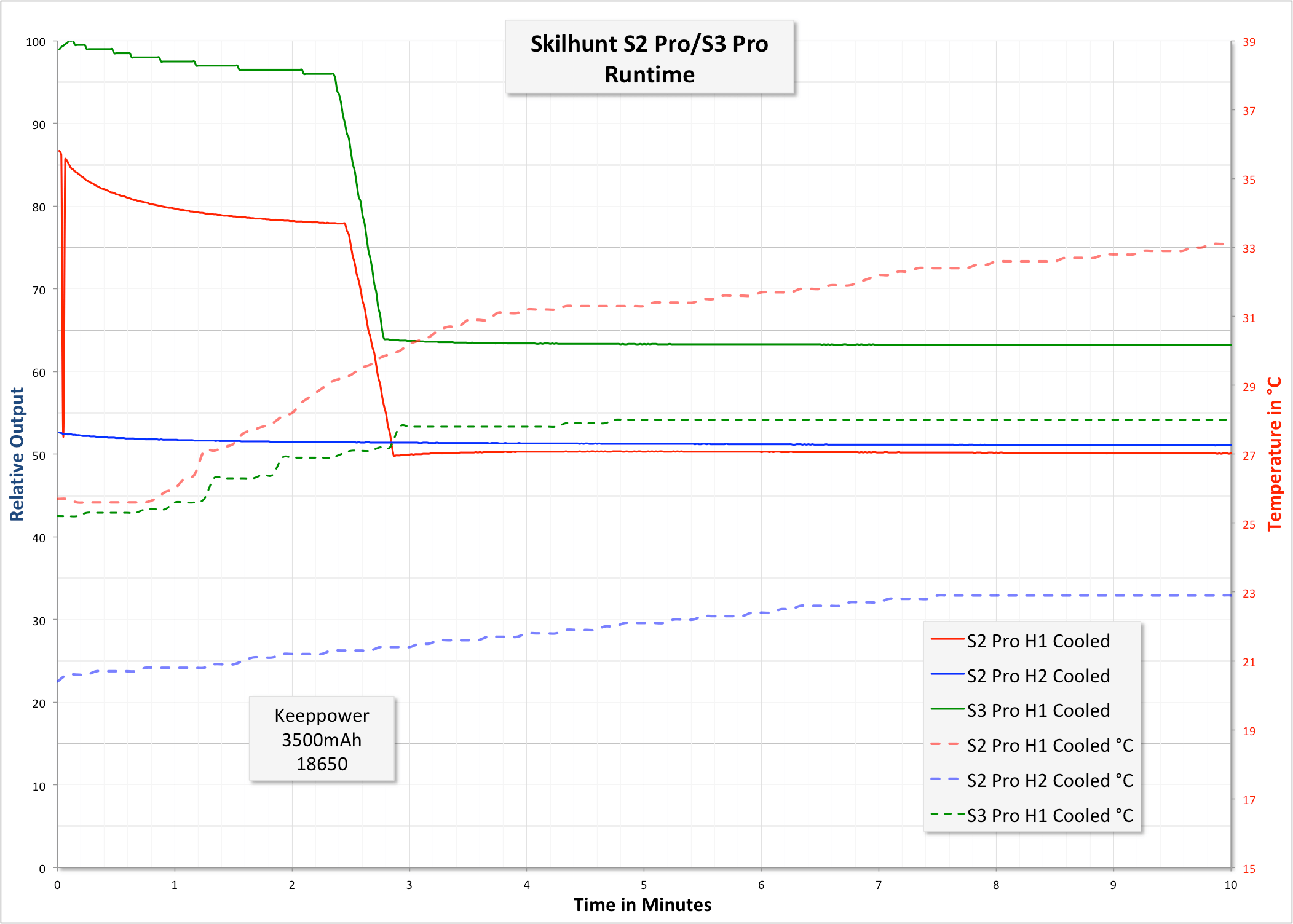
Below are runtimes for these lights – two for the S2 Pro, and one for the S3 Pro. All are cooled runtimes. Skilhunt claims there is LVP, and the light certainly steps way down. There’s an indicating side switch as well, which should help users be aware of cell voltage. The lights even have a bit of a ‘batt check’ mode – when the light is initially powered on, the indicating side switch will give an idea of the remaining power, as follows:
Constant Blue: >80% Power
Flashing Blue: 80-50% Power
Constant Red: 50-20% Power
Flashing Red: <20% Power
This is displayed for 5 seconds after the light is powered on. I’ll note that the blue is faint, and one might have to look carefully to notice it.
During use, the indicating switch does have low voltage warning, as follows:
“When battery voltage is less than 3.3V, the low-voltage indicator flash twice every ten seconds; when the voltage drops to 3V, the low-voltage indicator flash three times every few seconds, prompts to replace the battery as soon as possible. When the voltage below 2.8V, the flashlight may not work (flashing or shutting down).”
Runtimes (for both lights):

The output for the S3 Pro is higher, as we’d expect (it is an XHP35 after all). And the lights have the same stepdown (timed), at a respectable 2.5 minutes (see below). Further proof that these lights have almost the same [everything].
Neither light gets too hot to hold.
A very nice feature of these lights is the onboard charging. These rubber covers for the micro-USB port on the head of the light fit very snug, and were easily distinguishable from the mode switch, on the other side of the head. The light will actually charge with the mechanical switch in either position.
Charging
I can’t recall testing a Skilhunt with onboard charging, so I didn’t really know what to expect. As it turns out, these lights have excellent charge rates, staying just above 1A until the CV phase.
S2 Pro Chargetime:

S3 Pro Chargetime:

The shenanigans at the end of the S3 Pro chargetime are possibly due to my recording setup, and I wouldn’t worry too much about how… thick… that line looks.
Of course, do not charge 2×18350 in either (or any) flashlight (or charger, for that matter).
User Interface and Operation
These lights have two switches; a mechanical tail clicky:
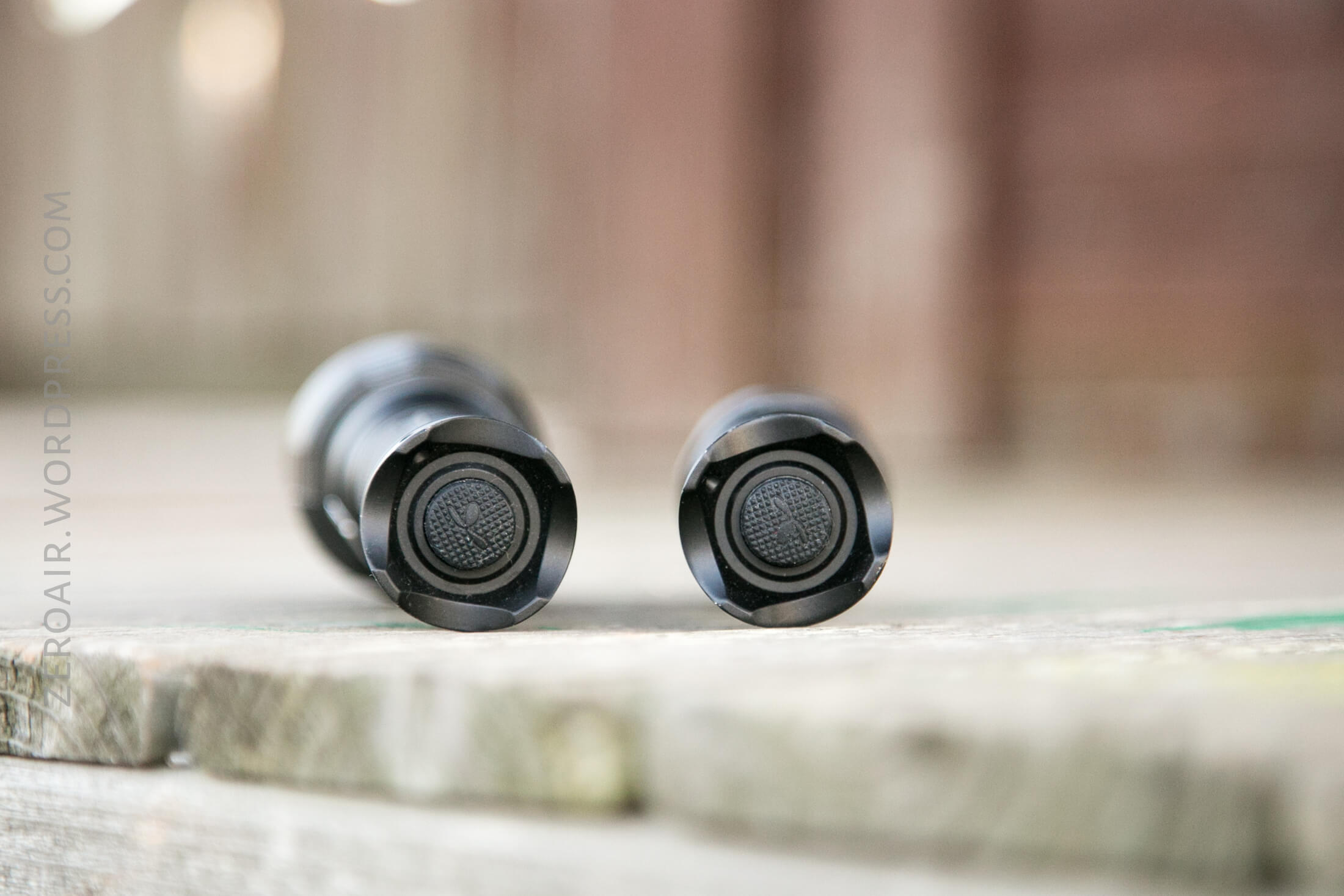
And an indicating side e-switch.

Again, these are exactly the same in every regard for these components, including the UI.
There are two mode groups on these lights. “Simple tactical mode” and “Extended multi-mode.” To switch between, turn the light on with the tail switch, then turn the light off with the side switch (hold for a couple of seconds). Once off, hold the side switch for >3s. The main light will flash: 1 time for EMM, 3 times for STM.
You’ll note from the above that it’s possible to have the mechanical switch on, but the light off, which is a nice (?) feature. Versatile, anyway.
The mode groups are not all that dissimilar – in fact, they’re close enough that it’s pretty easy to [remember their differences/get them confused] (not sure where you’d fall here). I’d call the primary difference to be what double-clicking does. In EMM, double-clicking switches between the high and lower option of your mode (H1/H2, M1/M2, etc). In STM, double-clicking enters strobe mode. Triple clicking in either also enters strobe mode (thus triple-clicking isn’t a reliable way to check which mode group you’re in.)
The modes advance in an L>H direction in both groups. In EMM, double-clicking in any of the main 4 modes will switch between a lower/higher option for that mode. (And it’s sensible – the higher option in Low, is still lower than the lower option in Medium, etc.) Strobe is always a high output (and isn’t based on the mode you entered strobe from).
The operation is very straightforward. Turn the light on using the tail clicky. Advance the modes with the side clicky. Hold the side clicky to turn the light off (soft, still has an electrical connection), or click the tail clicky for “real” off (no electrical connection). When the light is on, double click to change brightness (EMM), or enter strobe (STM). Triple-click to enter strobe. Both switches have mode memory (including strobe). EMM does remember which sub-level has been chosen.
Modes
S2 Pro HI/S3 Pro HI
| Mode | Mode Claimed Output (lm) | Claimed Runtime | Mode Measured Lux |
|---|---|---|---|
| T1 | 1100/1400 | 3m+2.5h/3m+1.5h | 16700/13000 |
| T2 | 630/850 | 2.5h/1.5 | 10370/12060 |
| H1 | 410/550 | 4.5h/3h | 6560/7950 |
| H2 | 220/360 | 9h/5h | 3550/5360 |
| M1 | 135/185 | 18h/10h | 2070/3160 |
| M2 | 45/90 | 40h/20h | 885/1511 |
| L1 | 5/45 | 260h/40h | 164/775 |
| L2 | 1/8 | -/200h | 9/244 |
LED and Beam
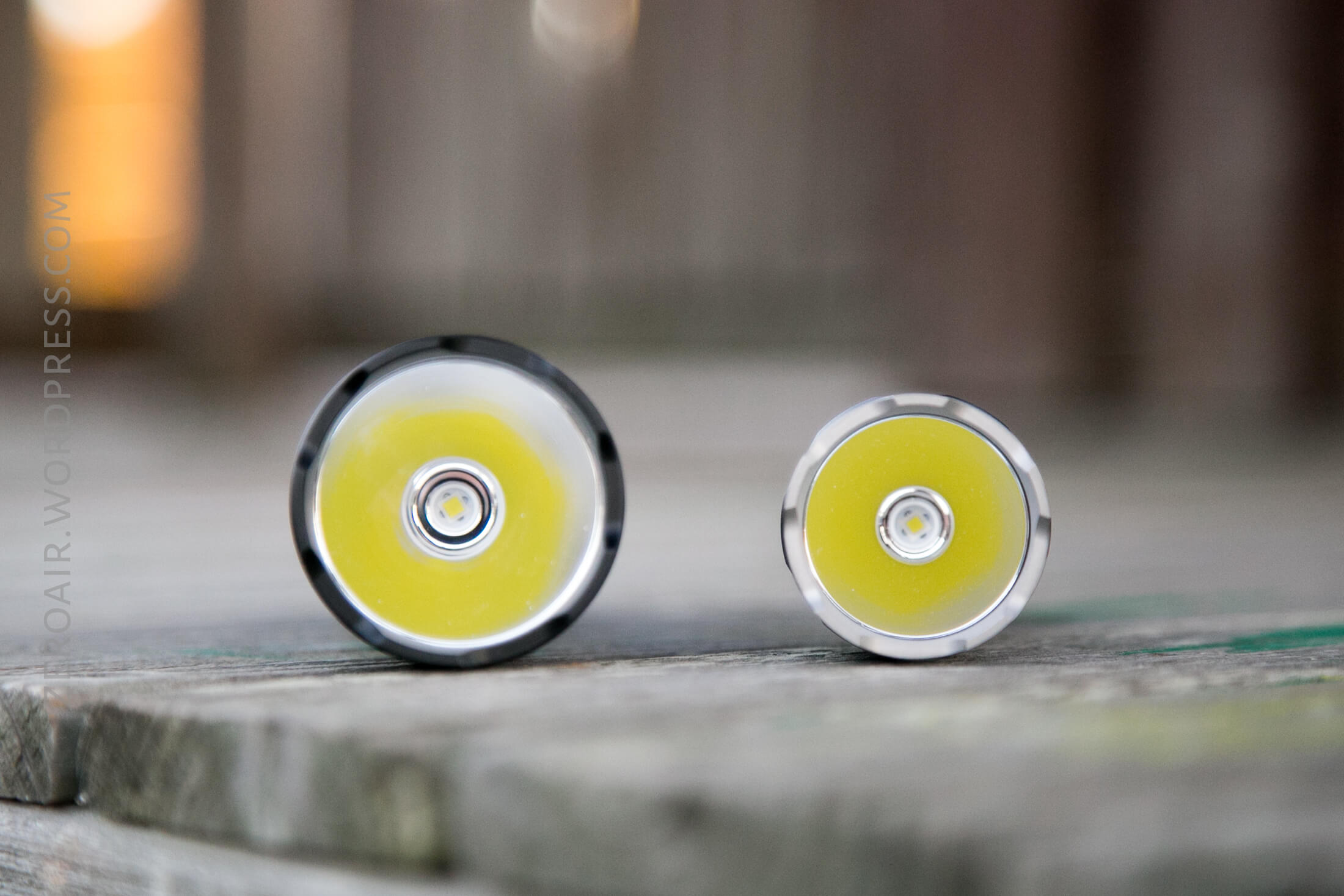
Head size and emitter are the main differences in these lights. The S2 Pro has a Cree XP-L HI, and the S3 Pro has a Cree XHP 35 HI. (On my sample, anyway, HD versions of both are available). These are great choices for these lights, and I’d always opt for the HI version in a thrower like these. (Ok a good case could be made for the HD in the S2 Pro…)
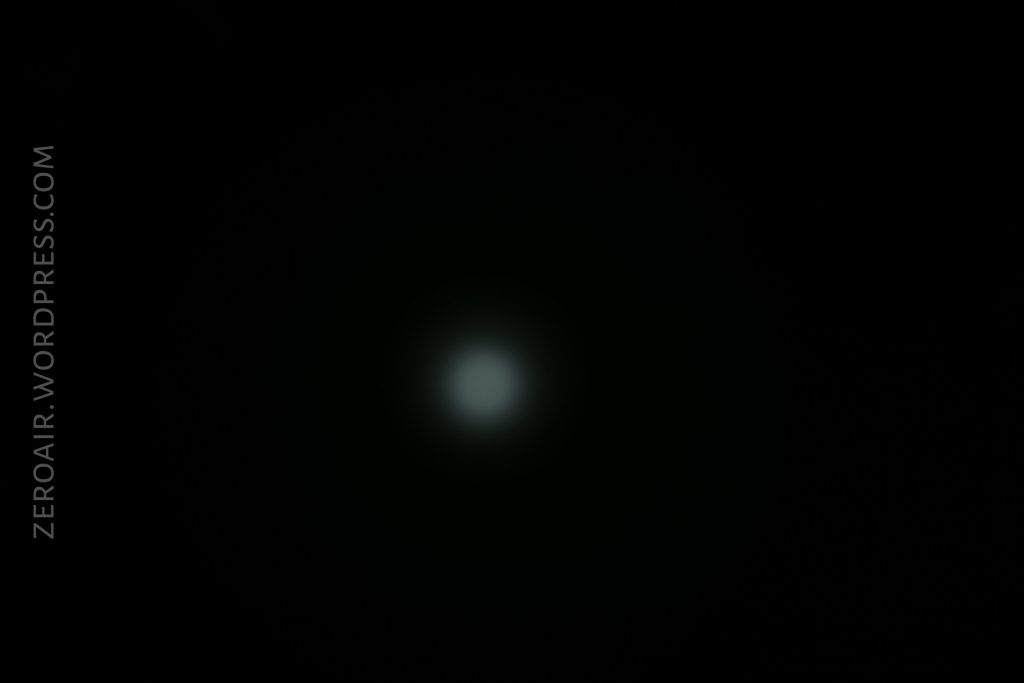
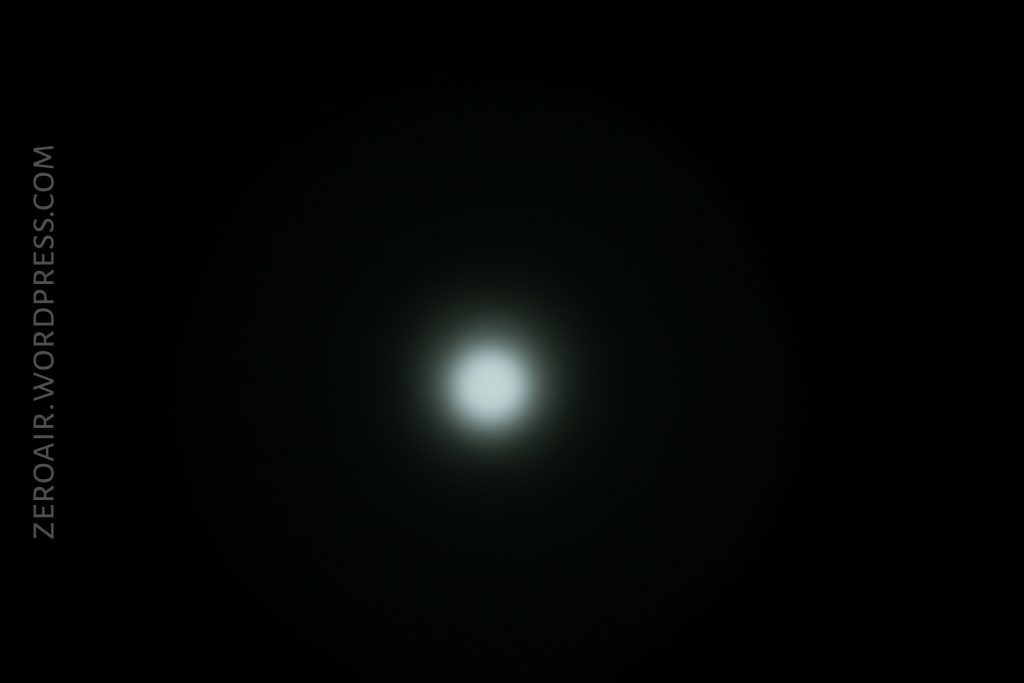
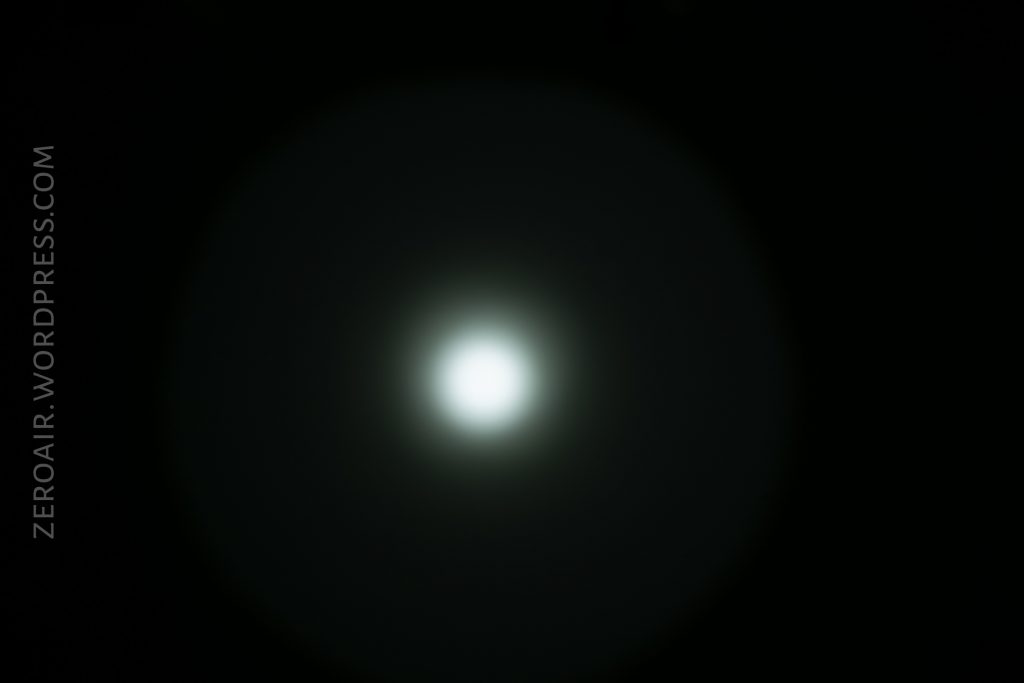
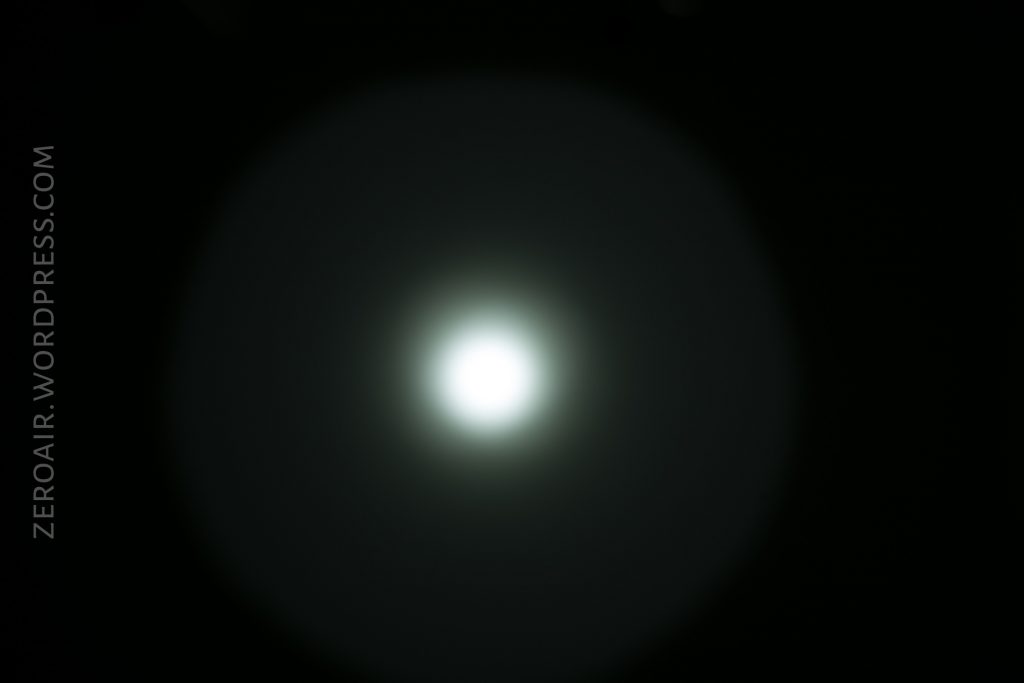
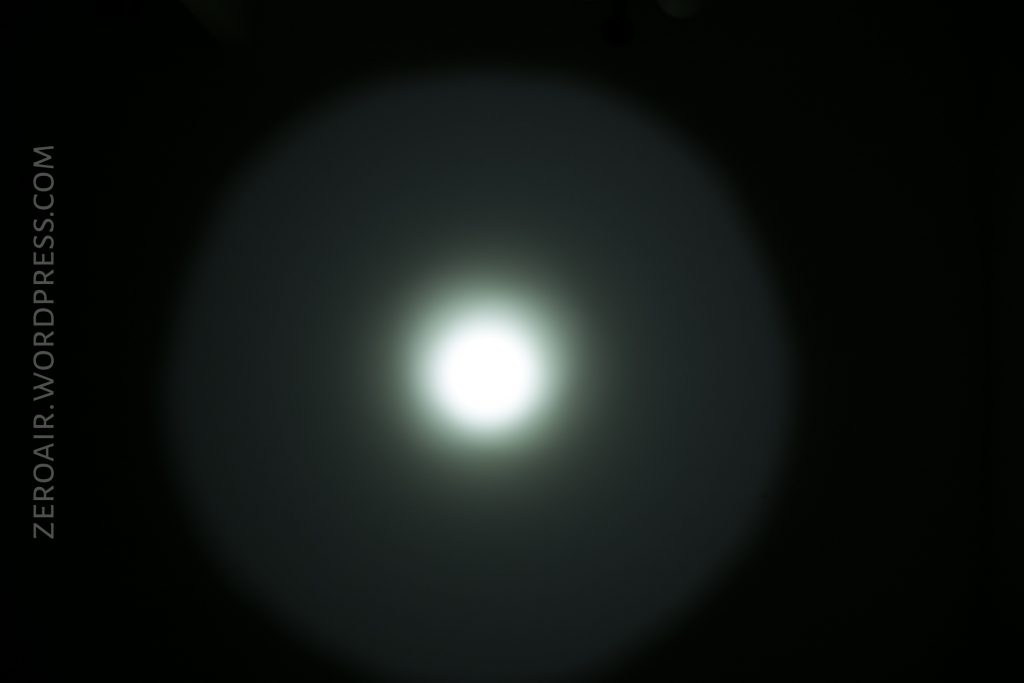
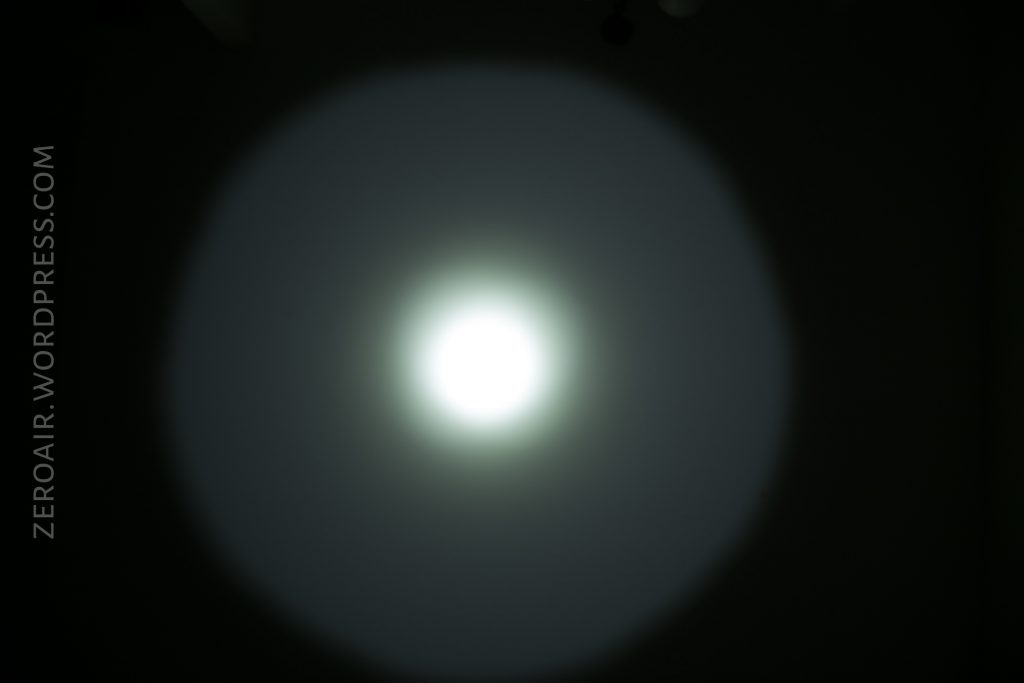
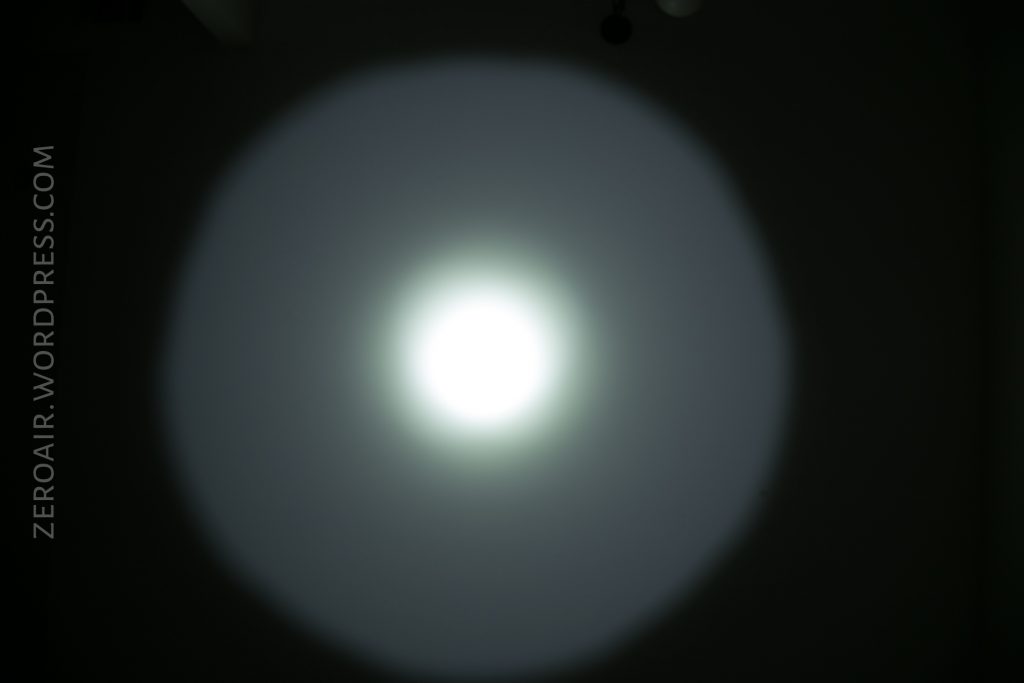
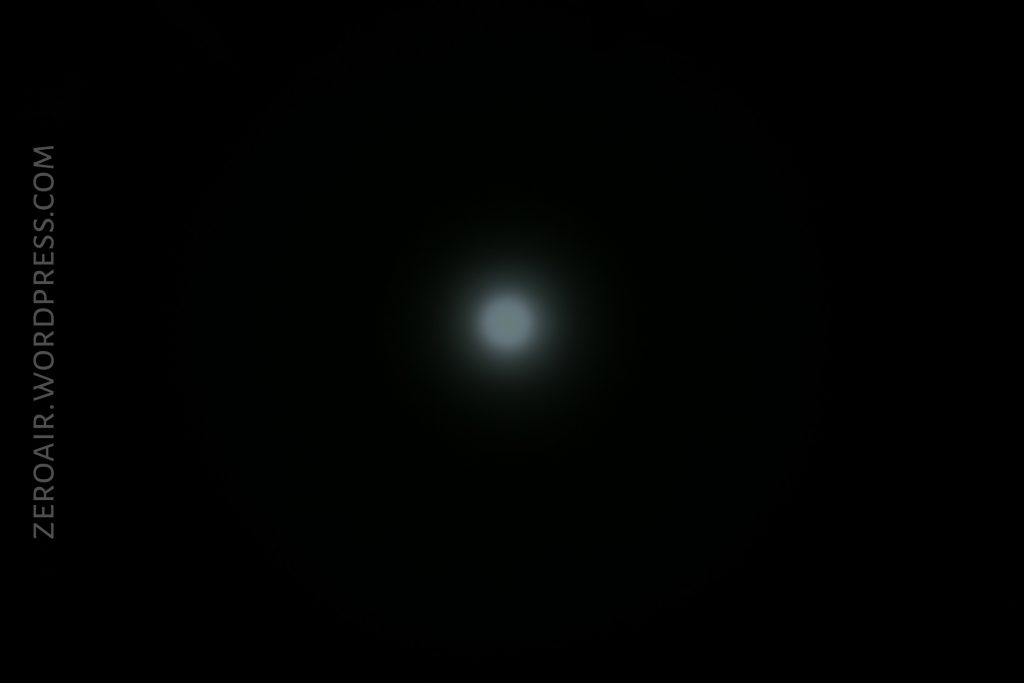
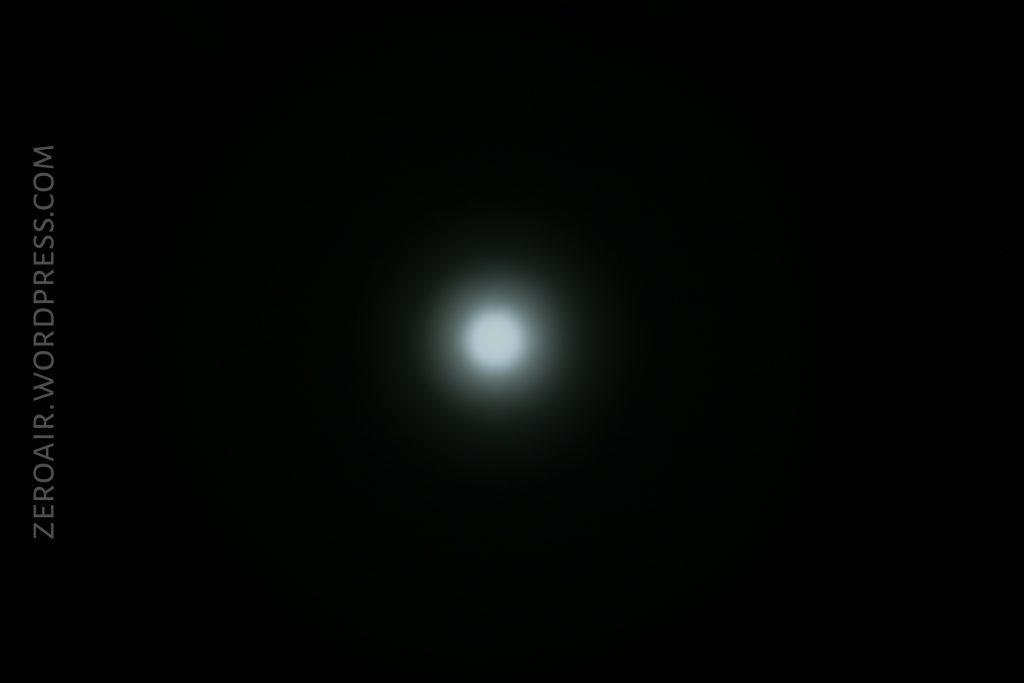
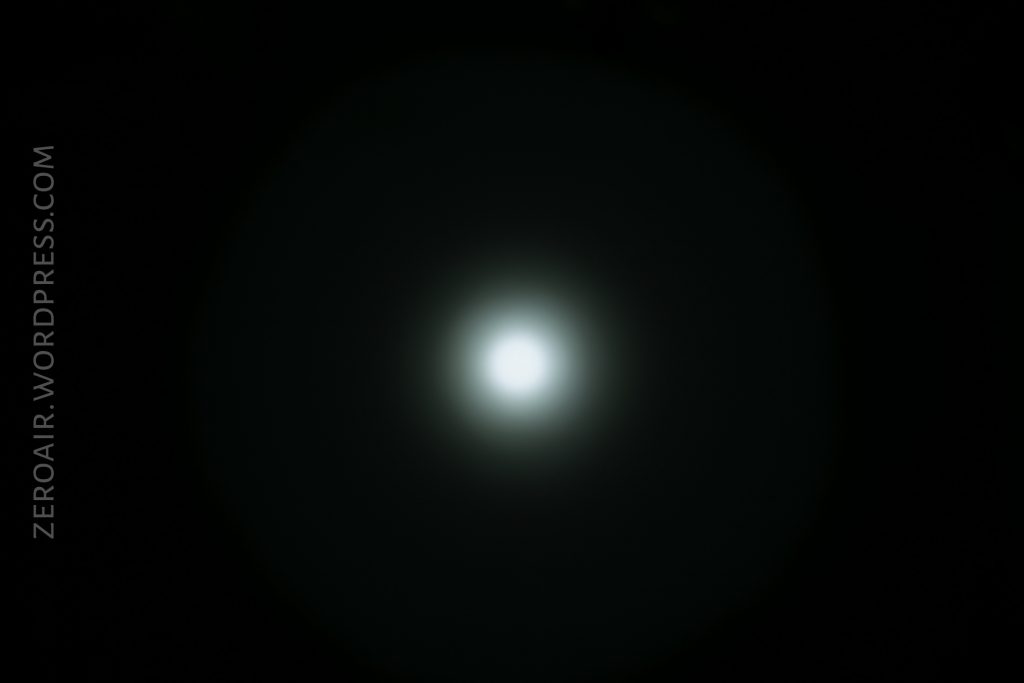
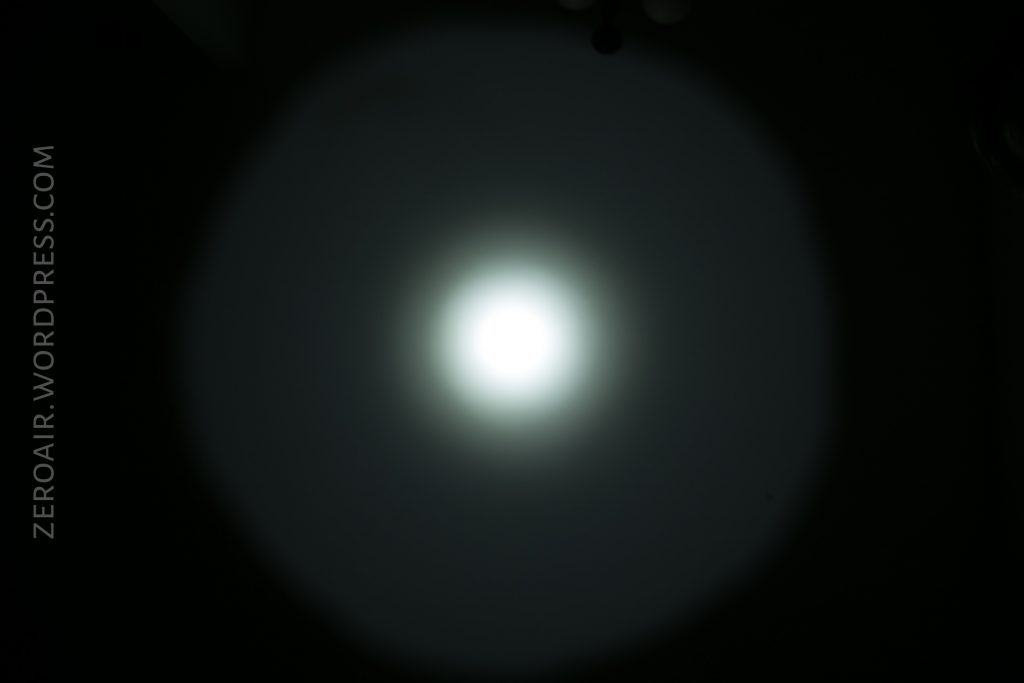
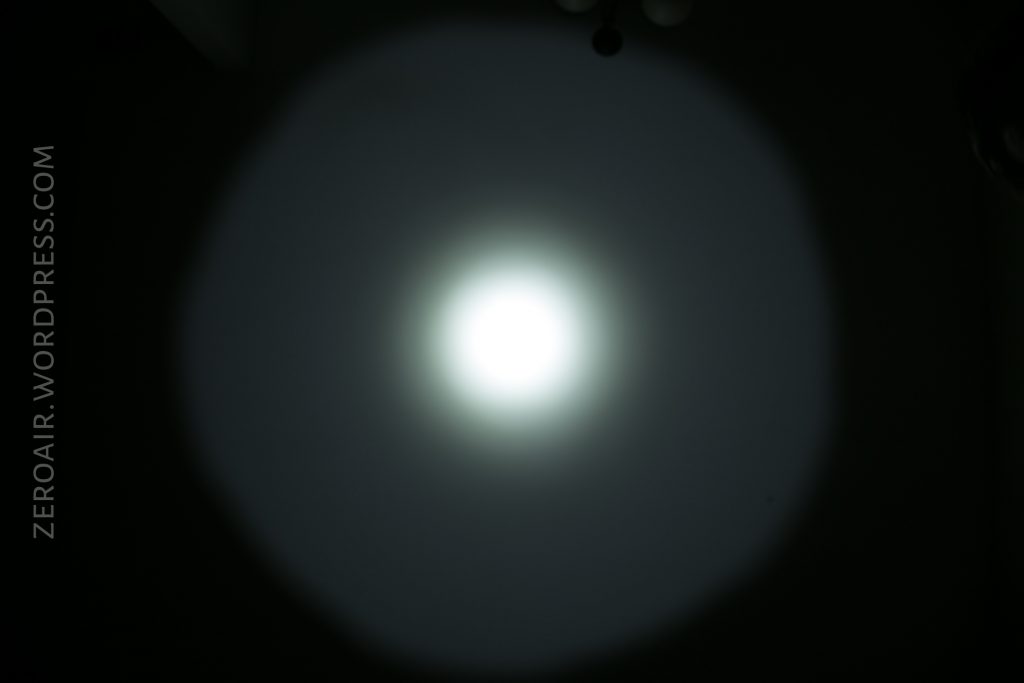
The reflectors are very smooth in both lights, and there’s a nice white centering ring around the emitter in both. Both lights are basically throwers, with the S3 Pro outperforming the S2 Pro by a fair margin.
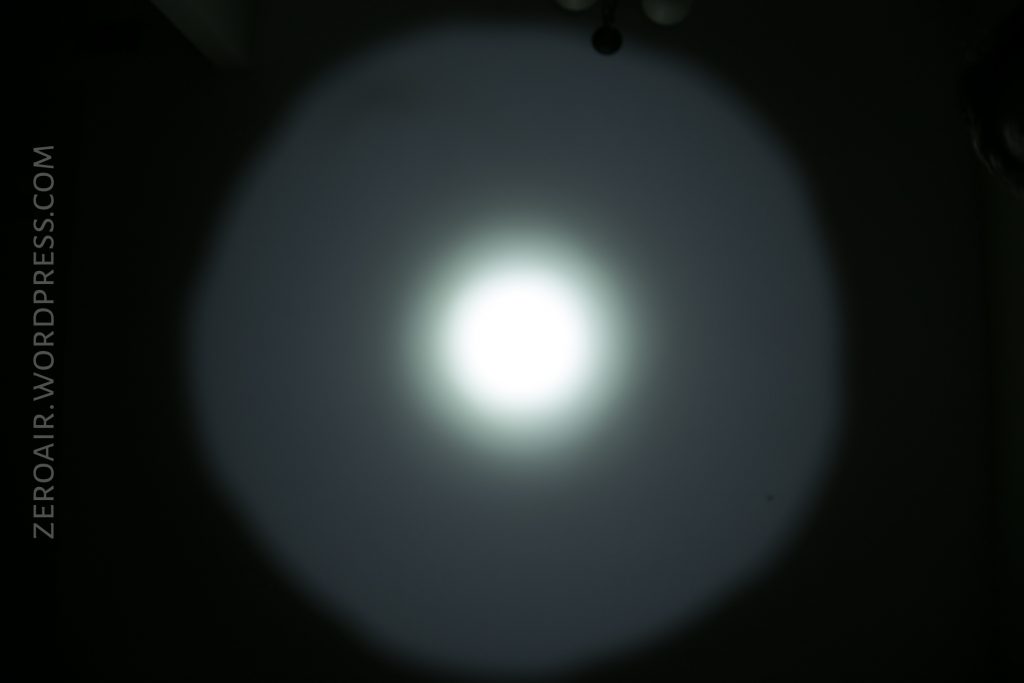
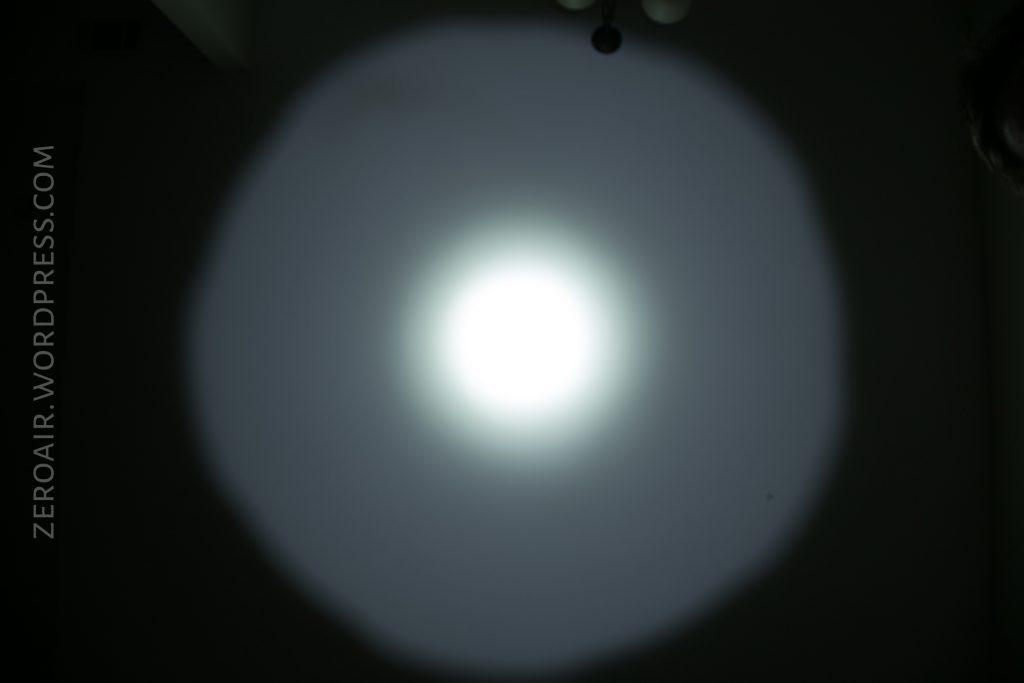
Beamshots
These beamshots always have the following settings: f8, ISO100, 0.3s shutter, and manual 5000K exposure. These photos are taken at floor level, and the beam hits the ceiling around 9 feet away.
S2 Pro:

S3 Pro:
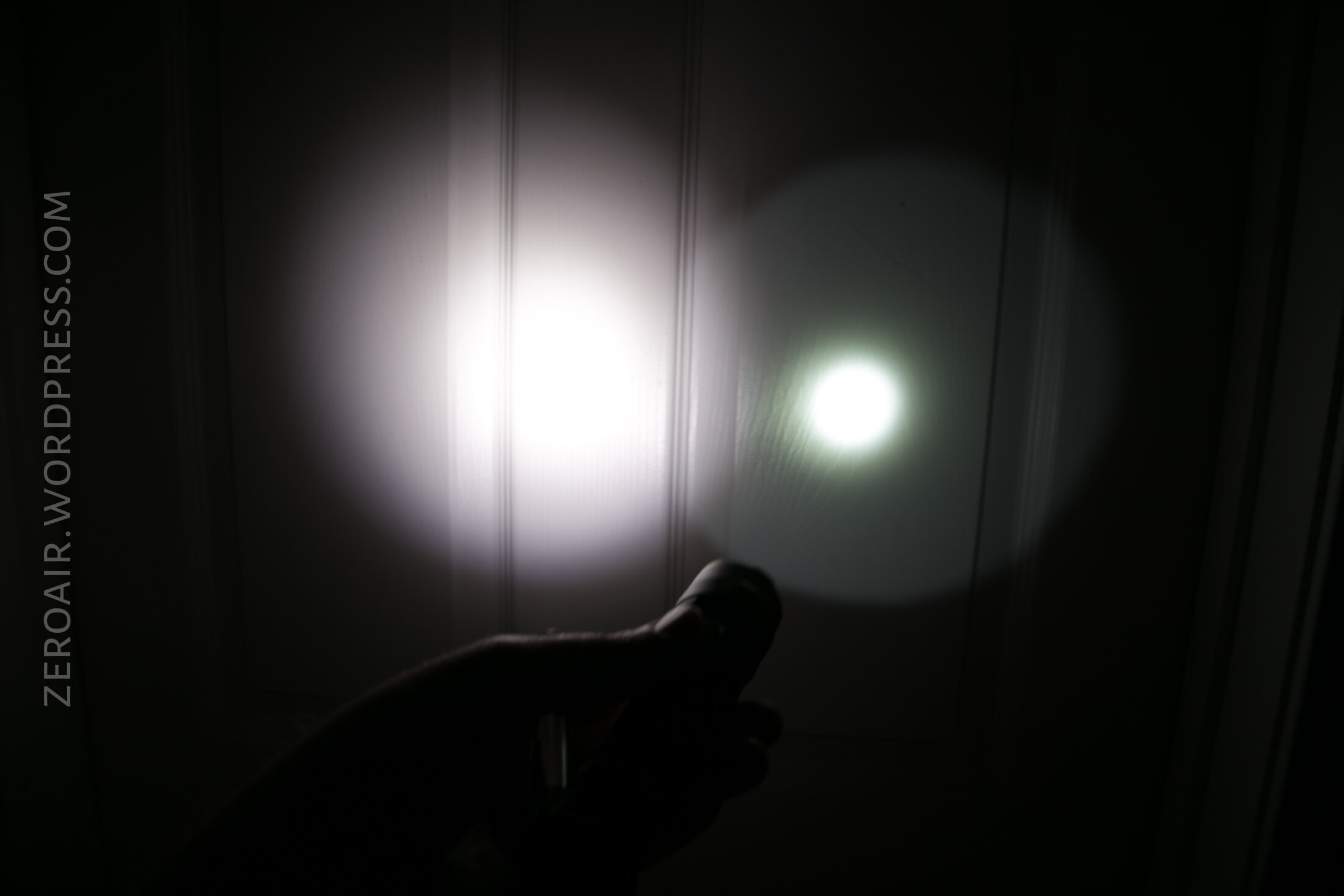
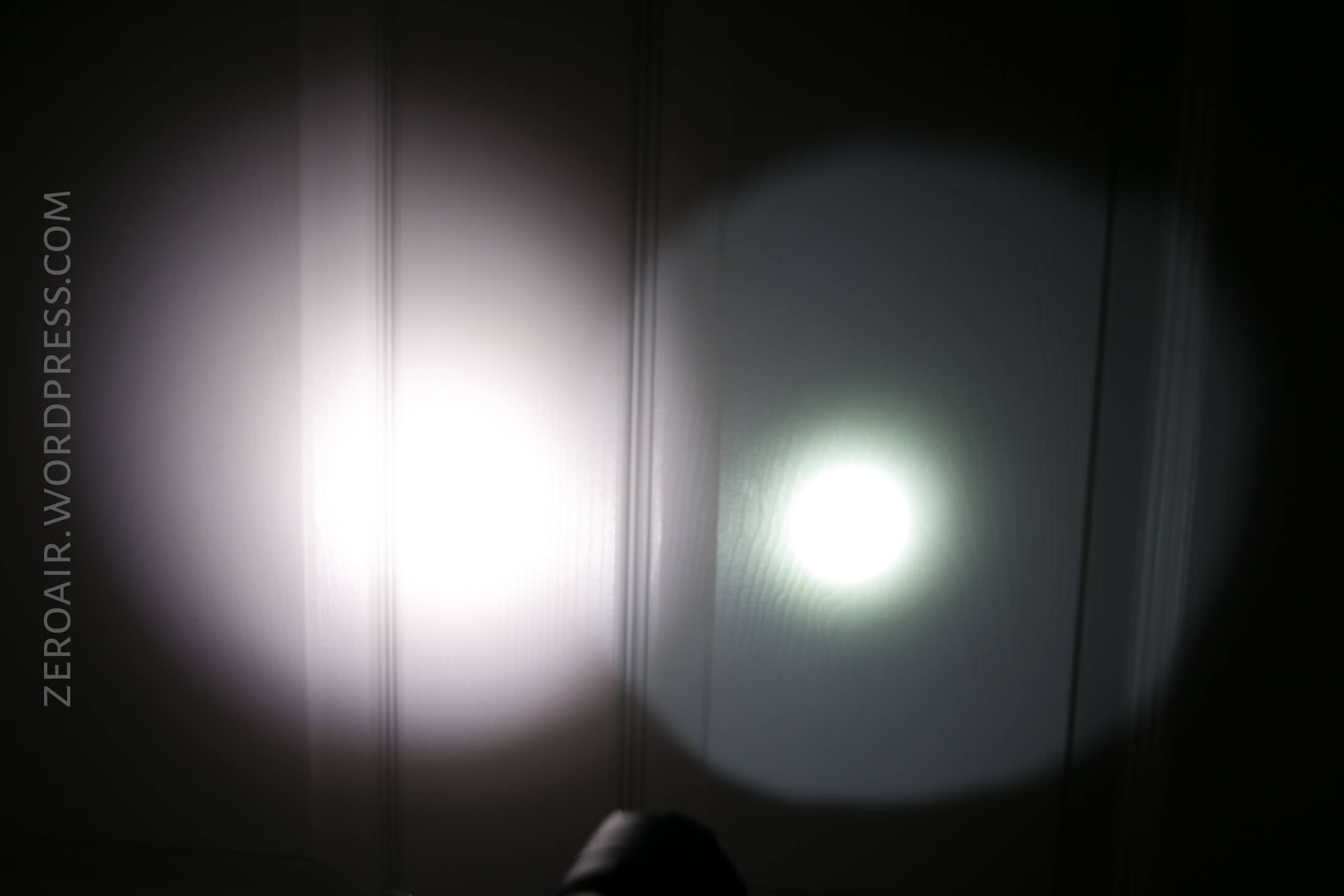
Tint vs BLF-348 (KillzoneFlashlights.com 219b version) (affiliate link)
The test light is on the right below, in both cases.
S2 Pro:
S3 Pro:
Random Comparisons and Competitive Options
My go-to in this category has long been the Nitecore P30. Both of these lights add charging, and have a tailcap that can actually tailstand – better for my preference, but not objectively better (ie, the P30 won’t tailstand, but its setup is probably actually better for weapon mount). Other comparisons might be the Convoy C8, which is much cheaper but tail switch only and no onboard charging. As these lights are priced ($50-55 range), they’re good. If they could be had in the 40-45 range, they’d be great.
Conclusion
What I like
- Build quality
- Dual switch
- Indicating switch
- Sub-mode options for all modes
- Choice of HI and HD emitters in both lights.
- On-board charging at 1A is very good.
What I don’t like
- Price? Maybe a little high but these are still great lights.
Notes
- This light was provided by GearBest for review. I was not paid to write this review.
- This content originally appeared at zeroair.org. Please visit there for the best experience!
- For flashlight-related patches, stickers, and gear, head over to PhotonPhreaks.com!
- Use my amazon.com referral link if you’re willing to help support making more reviews like this one!
- Please support me on Patreon! I deeply appreciate your support!
Pingback: Nitecore MH23 Flashlight Review – ZeroAir Reviews
Pingback: Nitecore MH25GTS Flashlight Review – ZeroAir Reviews
Pingback: Nitecore MH23 Flashlight Review – ZeroAir Reviews
Hi, I’m wondering if the driver is potted on either of these lights?
I do not believe they are potted.