
XTAR EU4 USB Hub Review
This XTAR EU4 USB Hub has quite a few features, including one QC3 port, a USB-C port, and a nice OLED display. Read on for some thoughts.
Official Specs
XTAR’s page for this item seems to be down, but XTAR does have an official aliexpress page. Here’s a link to that.
Aaaand the XTAR site is back. Here’s a link to the official page.
Price
This is going for $38 on that aliexpress link above, and that seems about on par with other similar items. (To be fair, I think this product is in a category of its own, best I can tell.)
Short Review
This thing is so handy. The screen is quite meaningless, and I have absolutely no need for it, but the QC3 port works as advertised, and the two USB 2.4A ports also do their work well. I don’t care for the fact that the USB-C port can’t be used at the same time as the other ports, but that’s a relatively small price to pay.
Long Review
Key Features
- 64W 4-Port LCD USB-C Hub with QC3.0
- Four Output Ports Available for Most Mobile Devices
- Support most fast-charging communication protocols of cell phones
- Widely applicable to many countries and regions
- The multi-function button enables you to choose the output channel according to your needs
- Portable and Powerful, no need for other charging devices
Manual and Packaging
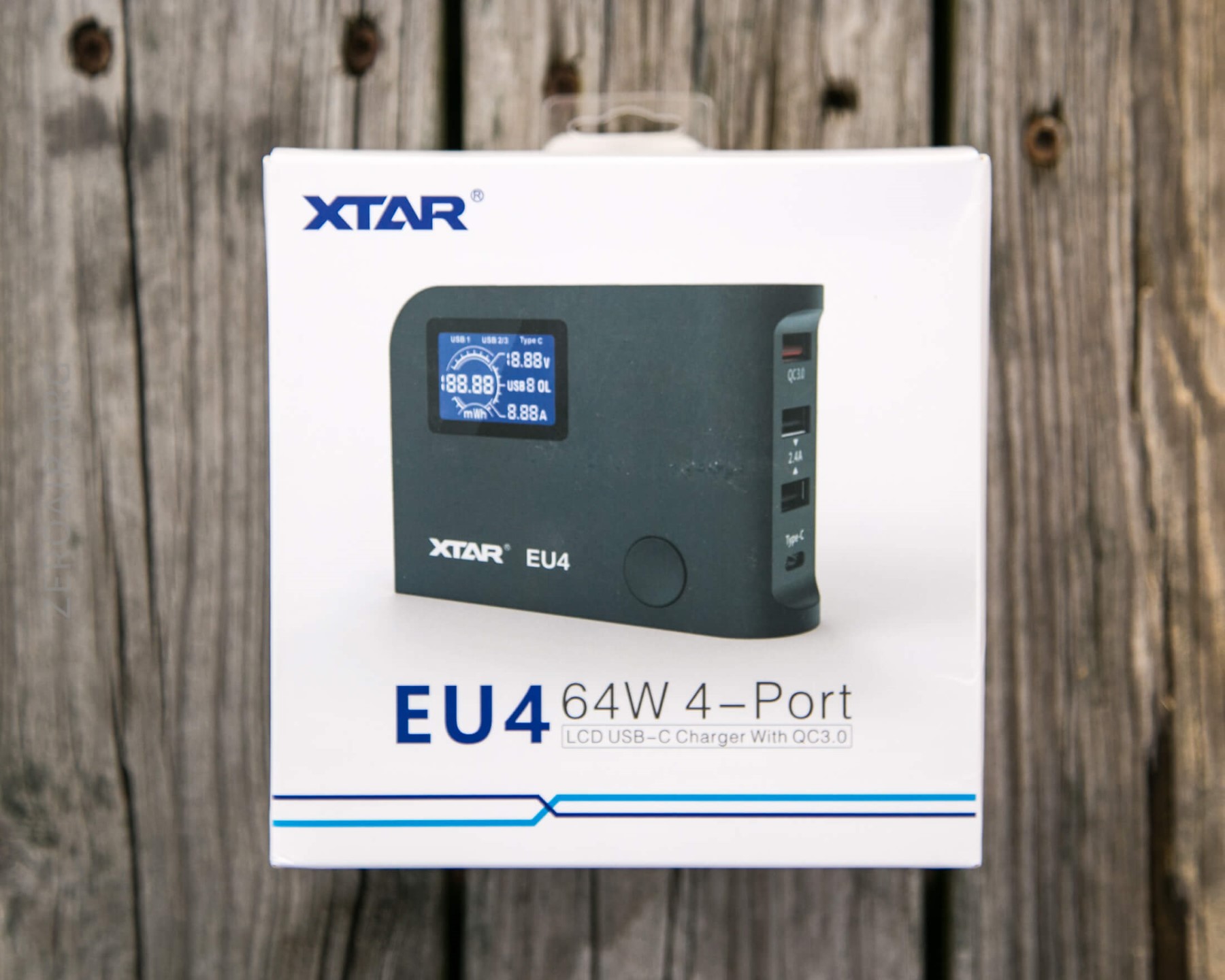
XTAR standard packaging. White and blue, with product picture and description.
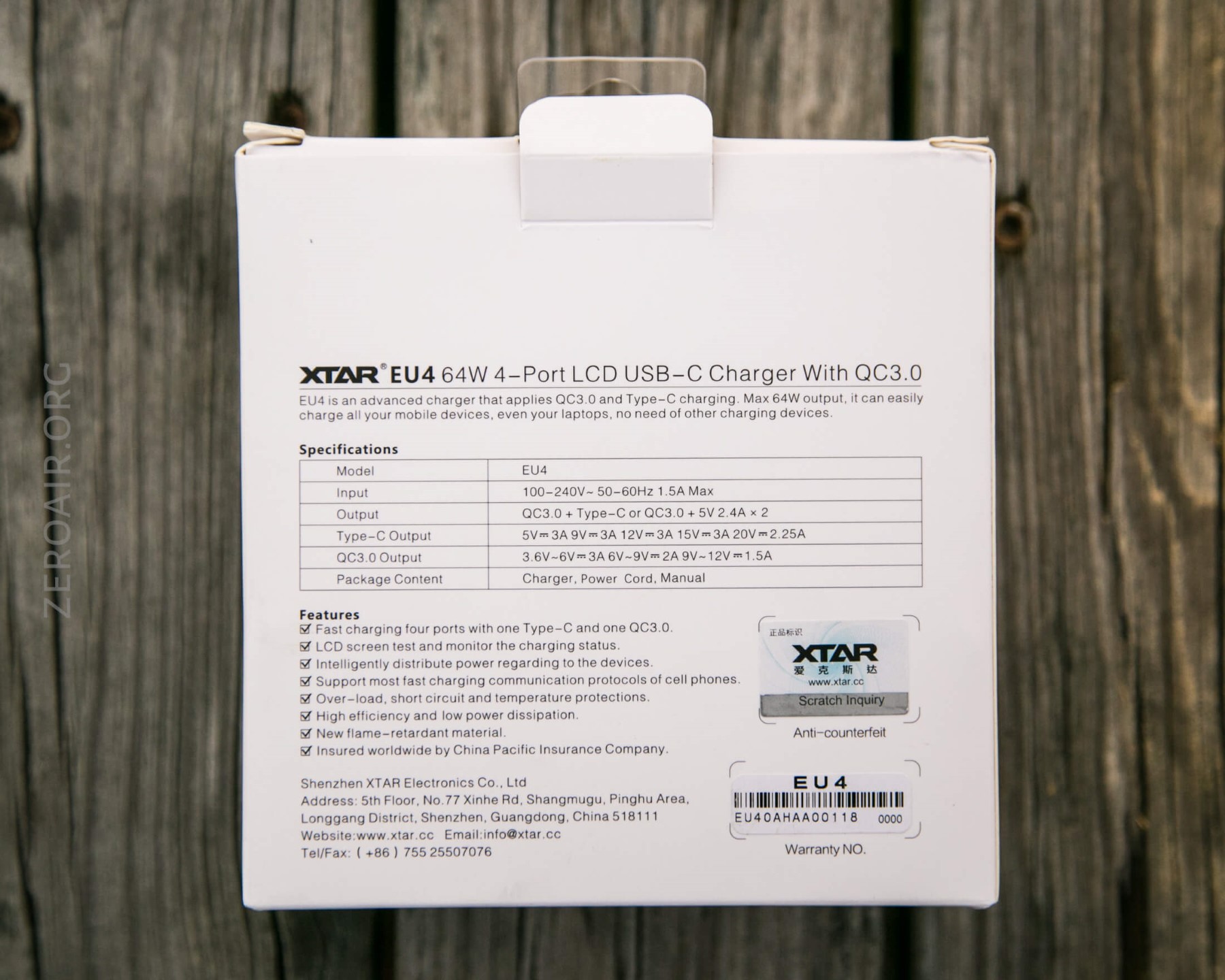
The back has specs, etc. There’s also an authenticity sticker.
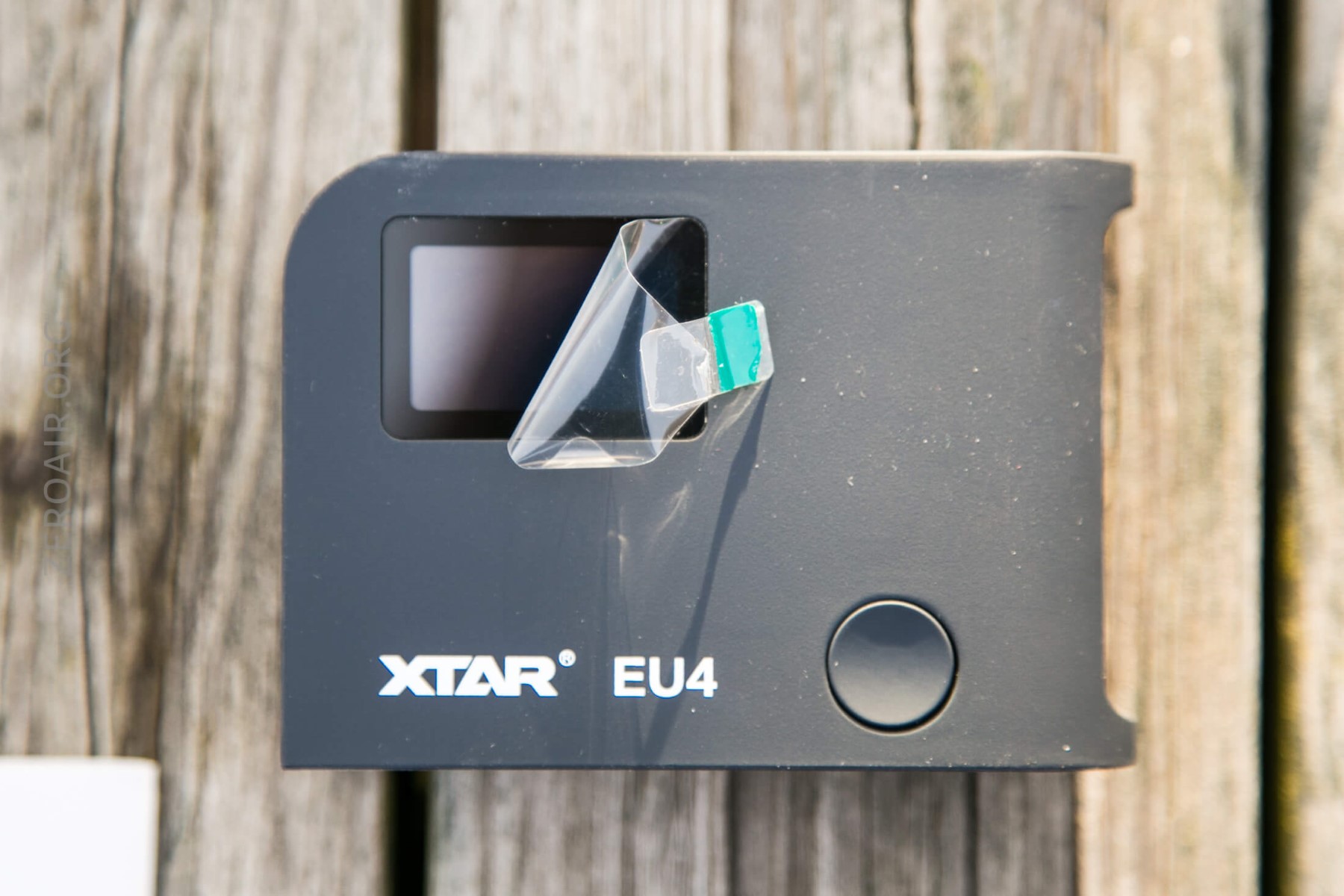
And the LCD is covered by a clear protective sticker, which is easy to peel off (yaay!)
I’ll add a manual shot in shortly!
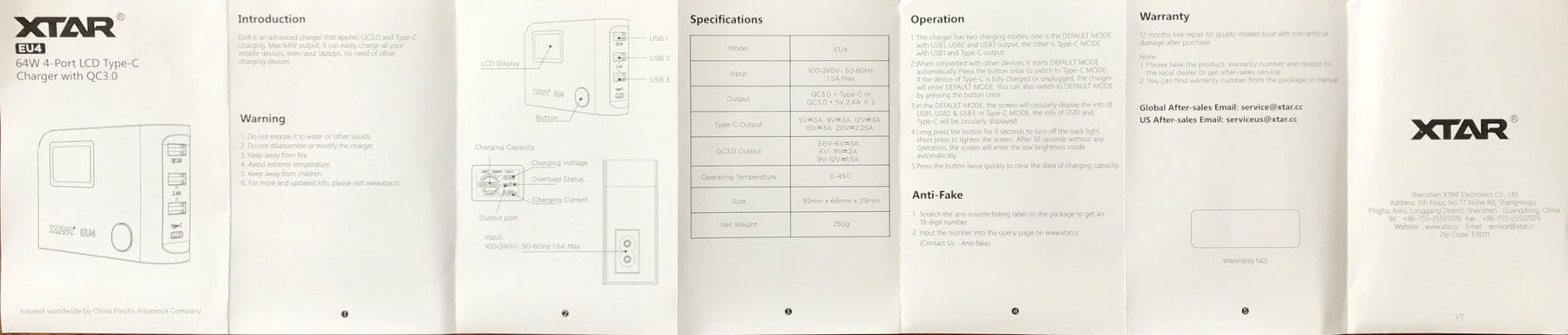
Edit: here’s the manual:
What’s Included
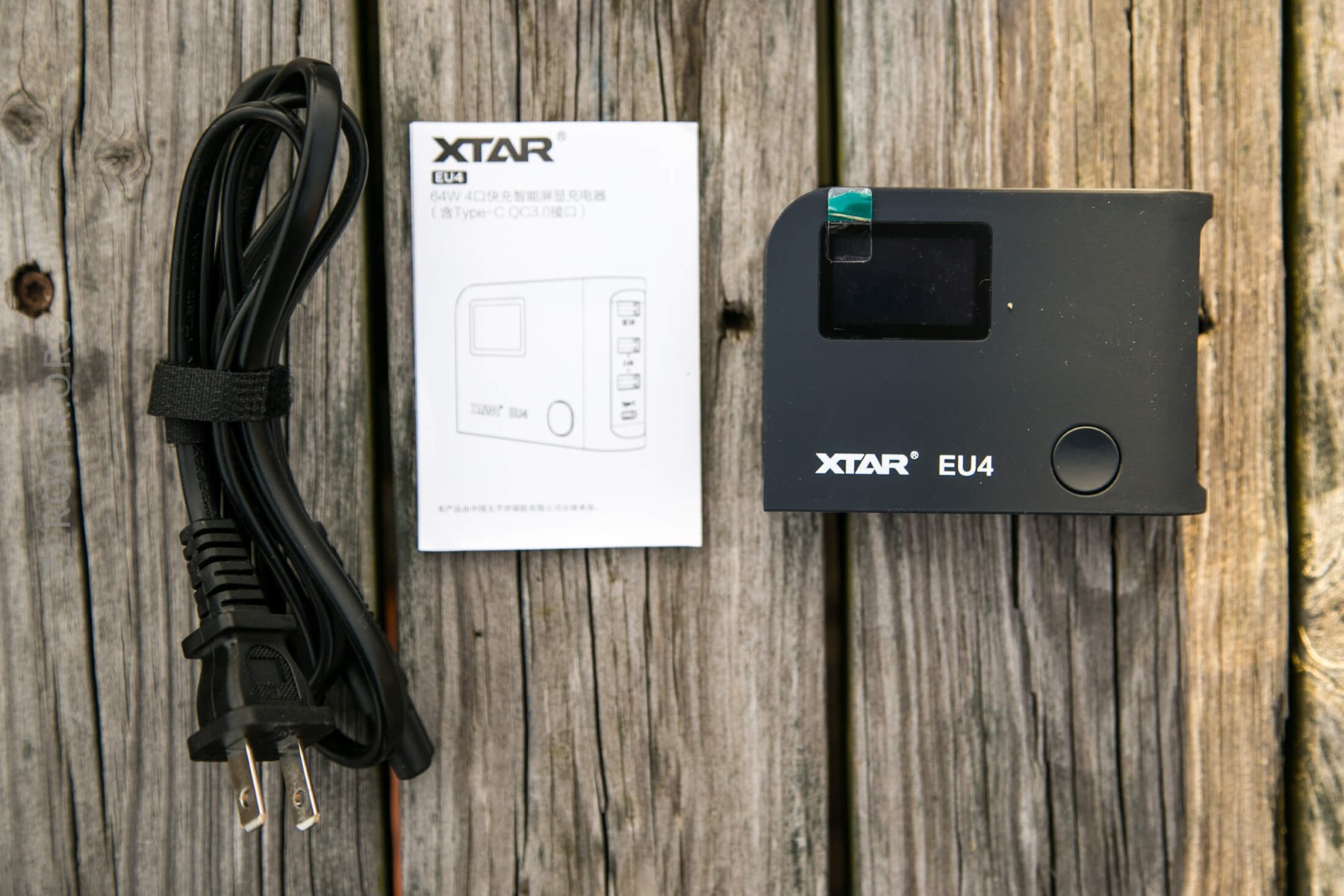
- XTAR EU4 Power brick
- Manual
- Wall plug
Build Quality and Durability
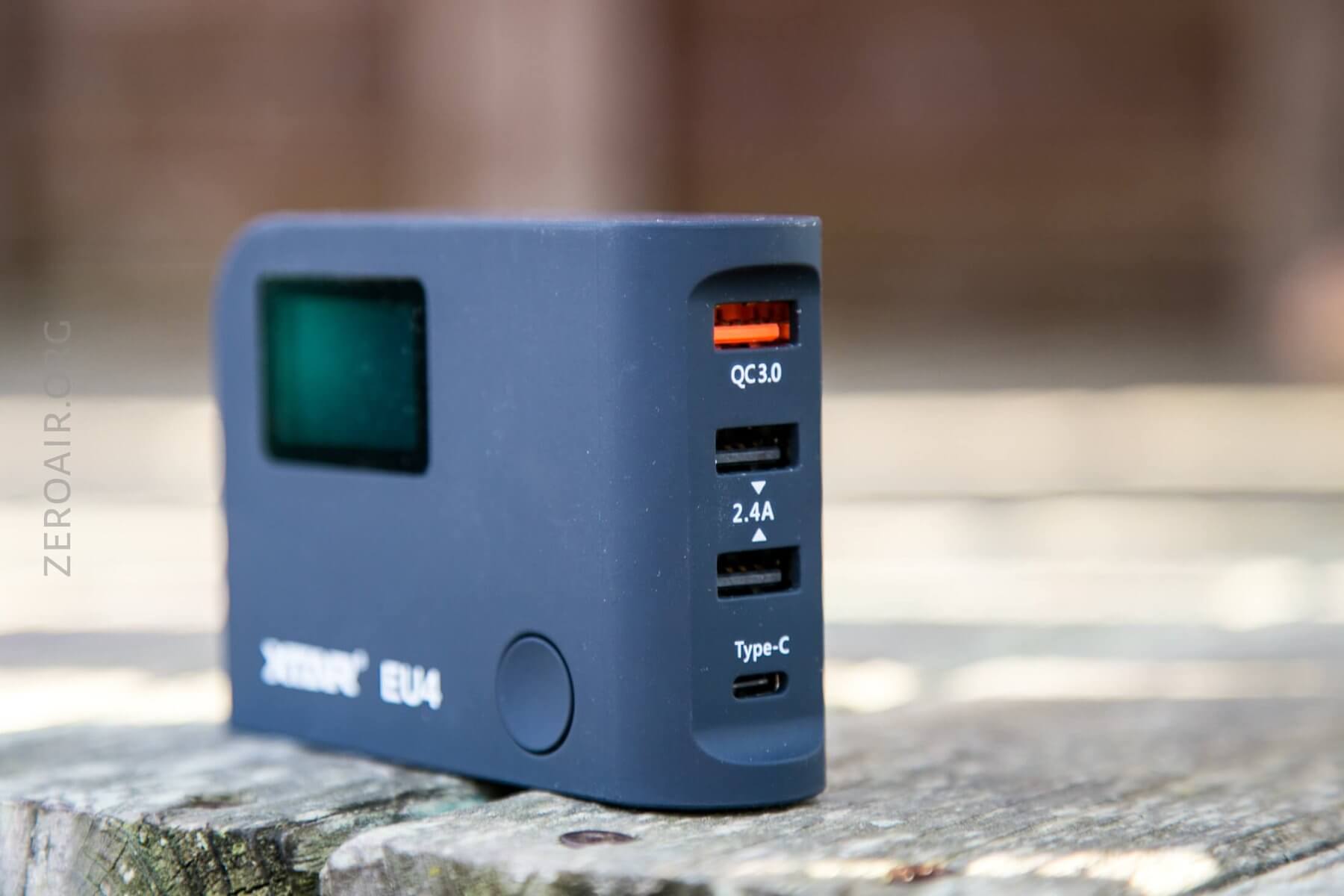
This is a very well put-together piece of kit. The exterior is a kind of rubbery finish, which is an absolute dust magnet. In fact, the finish is exactly like that of the XTAR PB2. I liked the finish of that one, and I like the finish of this one too.
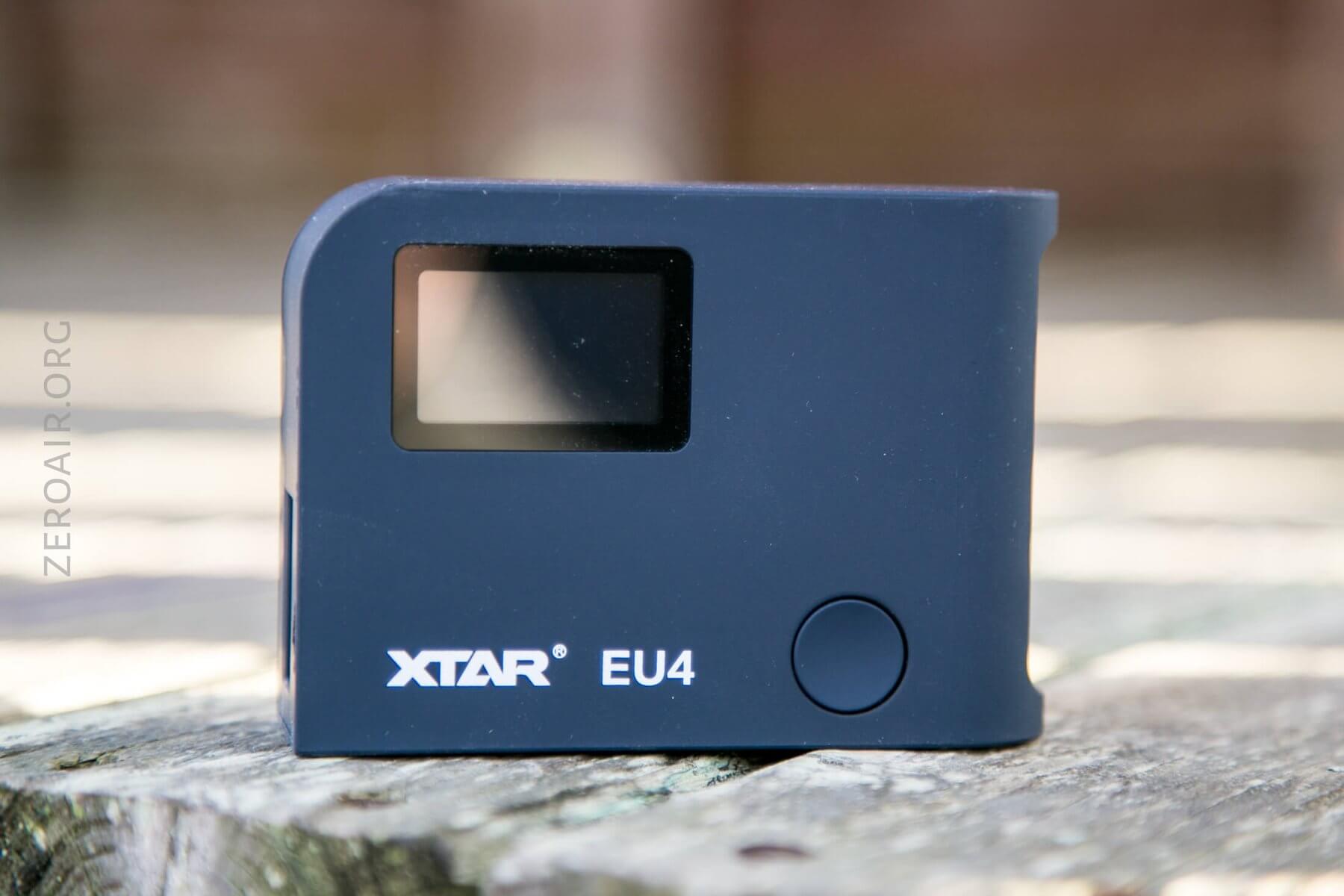
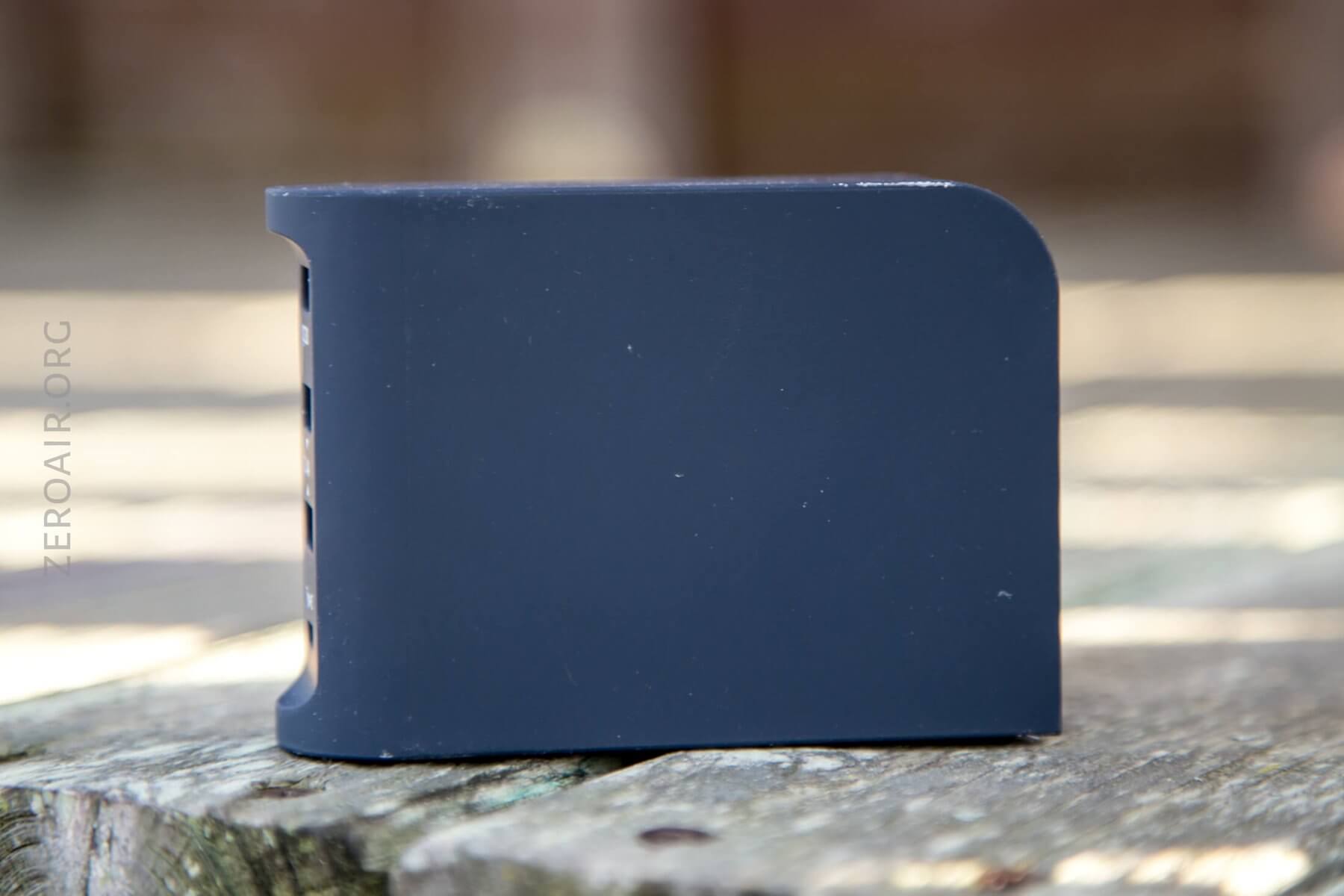
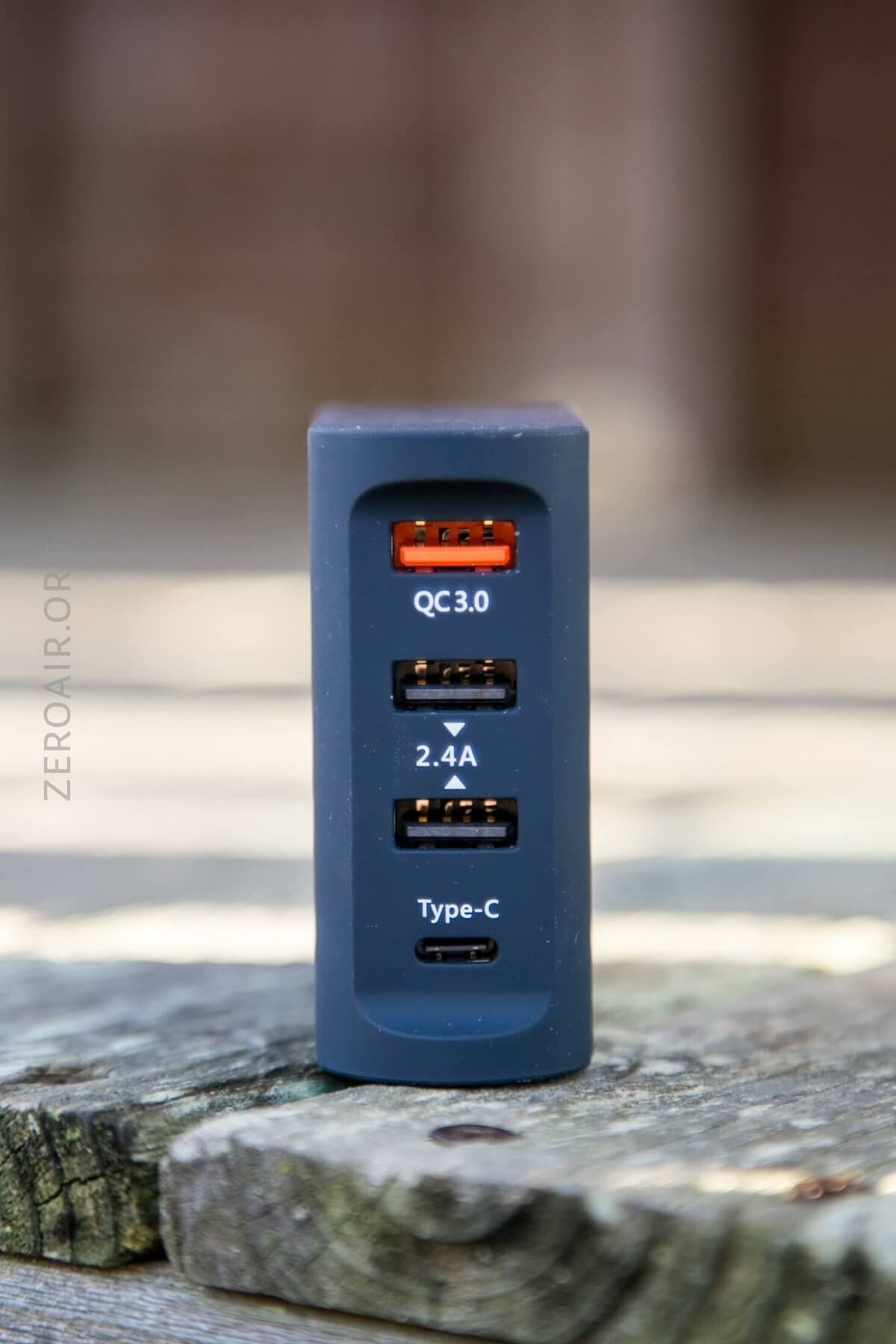
There are three USB ports – one USB QC3 (top, red) and two 2.4A ‘regular’ USB ports (middle). The bottom port is USB-C. The back of the unit may look a little like the seams are gaping and loose, but that’s not the case; they’re very snug.
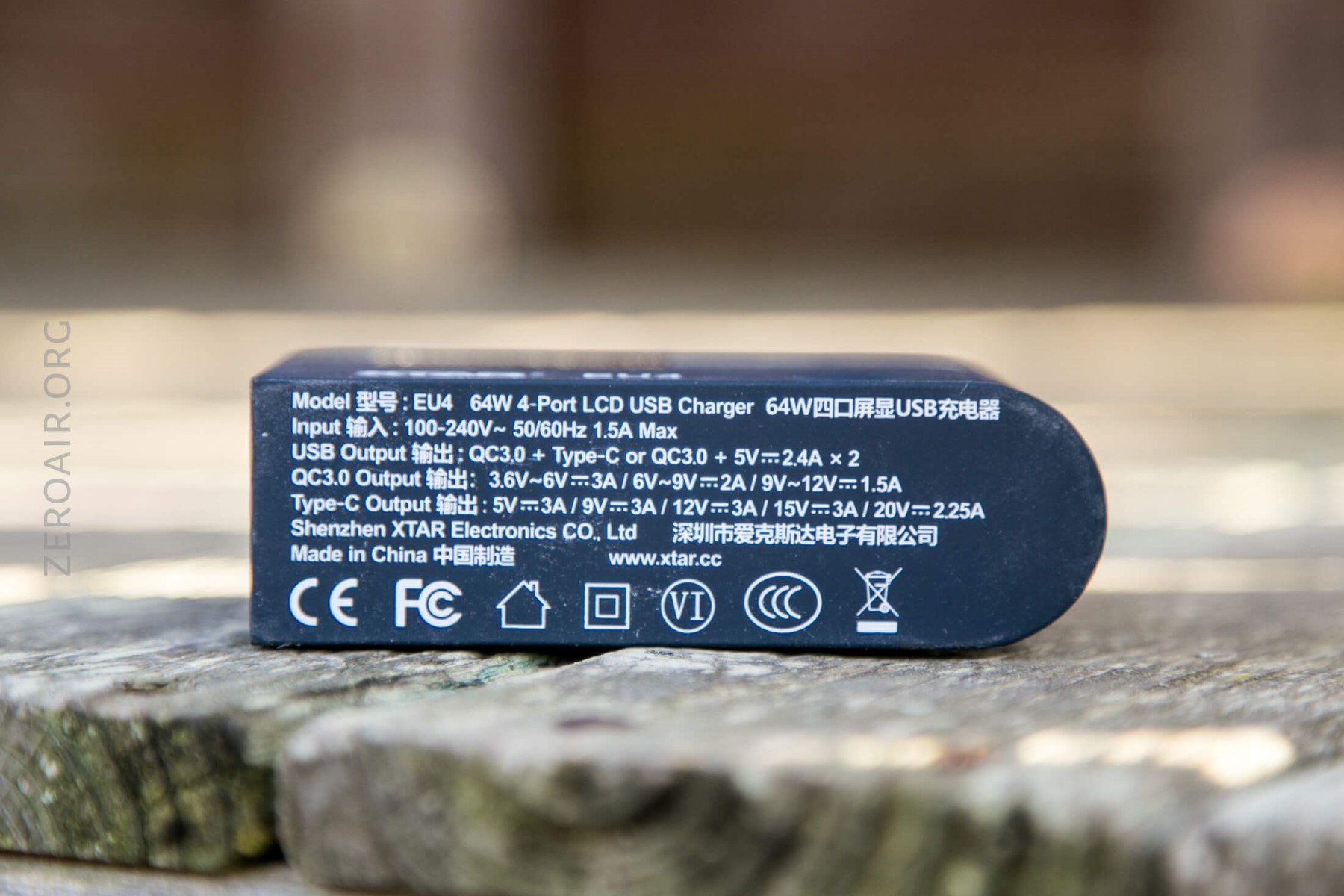
The bottom of the device is silkscreened with all the specifications. It’s a bit ugly, but at the same time, it’s the bottom of the device, so no big deal.
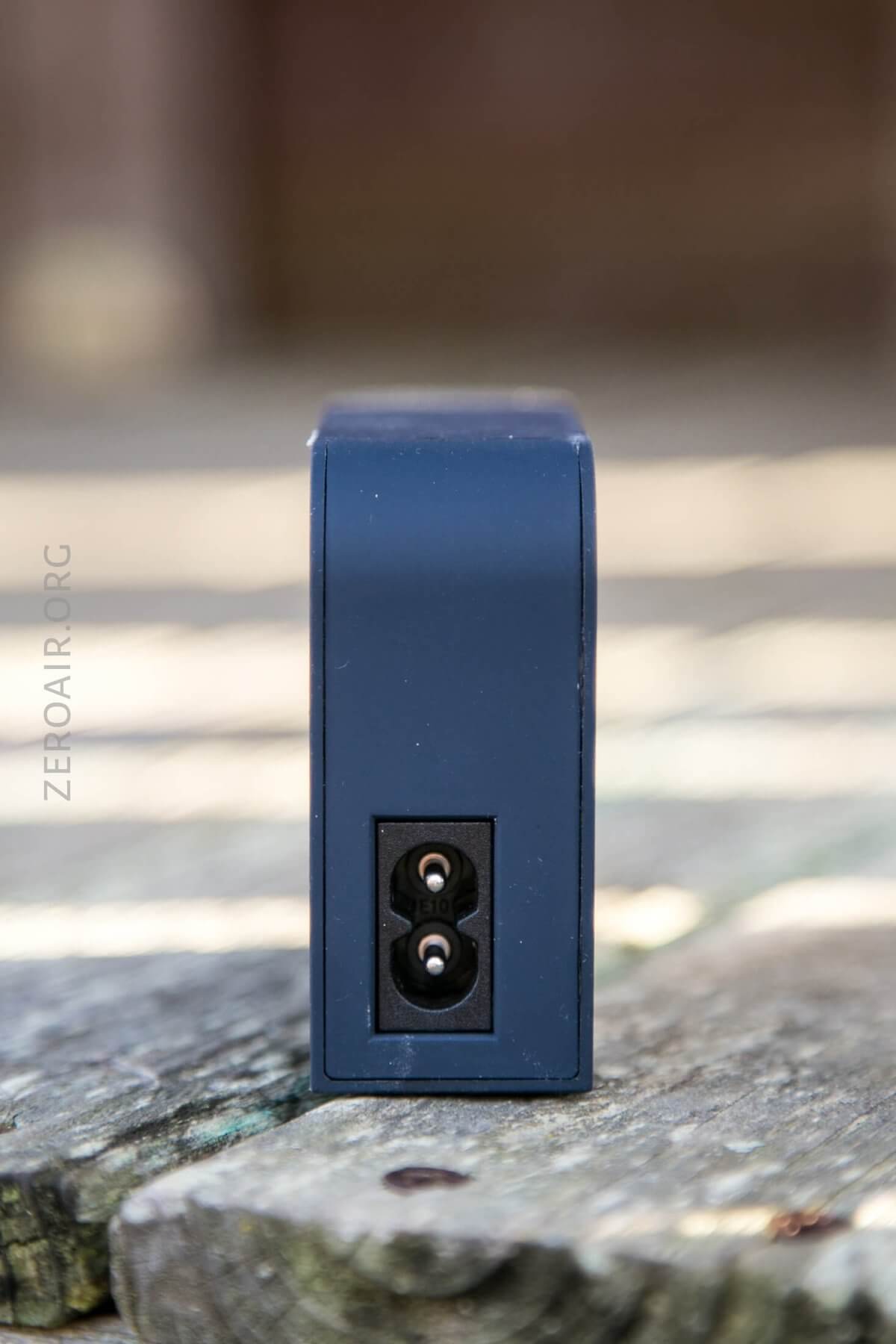
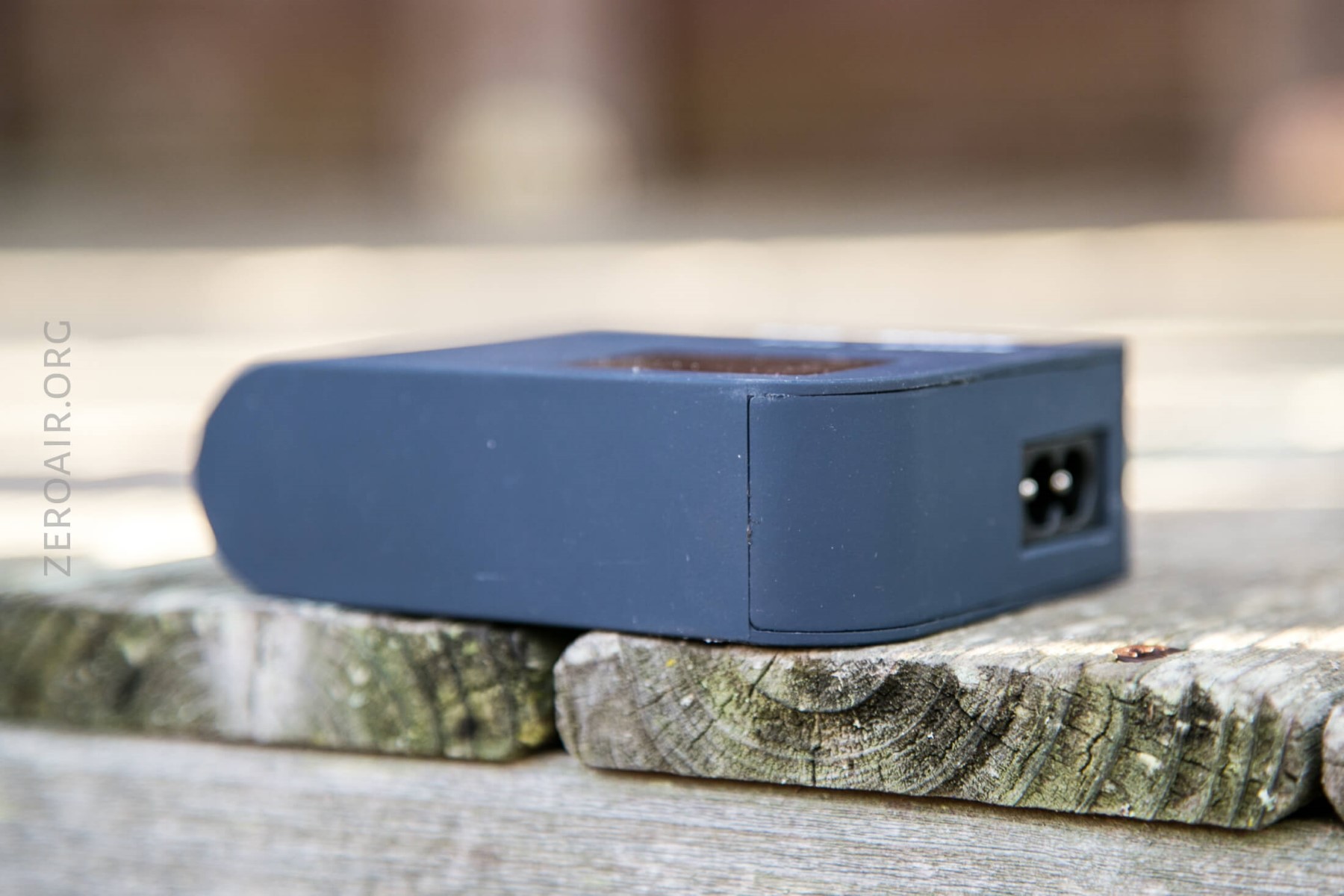
This back panel seems to be the only ingress into the EU4.
Size
Officially 92mm x 66mm x 29mm, and 250g.
Power
The device is powered by a cable that plugs into the wall and then into the back of the device. It’s a common NEMA 1-15P to C7, Non-Polarized cable. And it’s just a cable, too – all the power conversion from AC to DC is done within the EU4. Apparently, this is the best (only) photo I have of it:
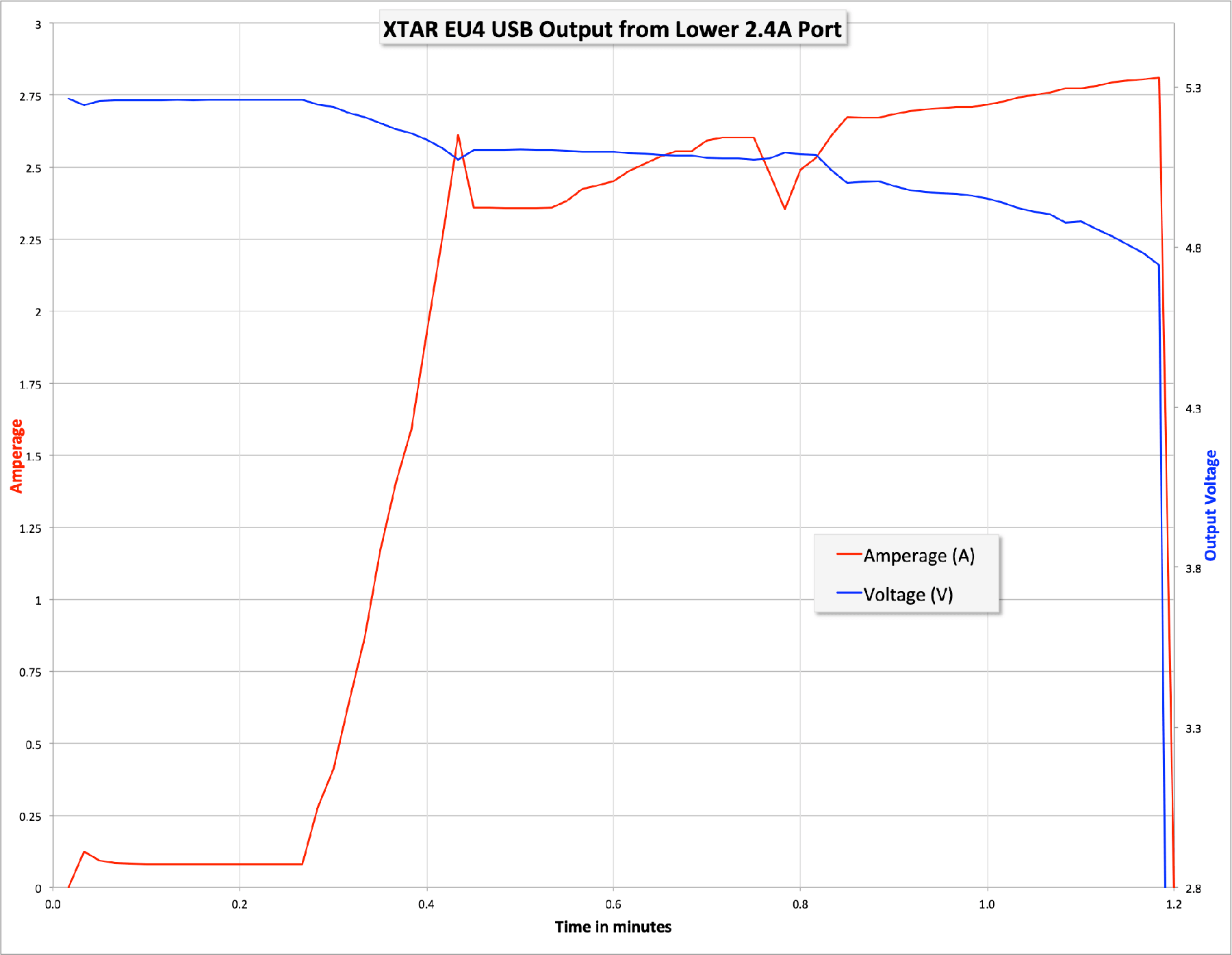
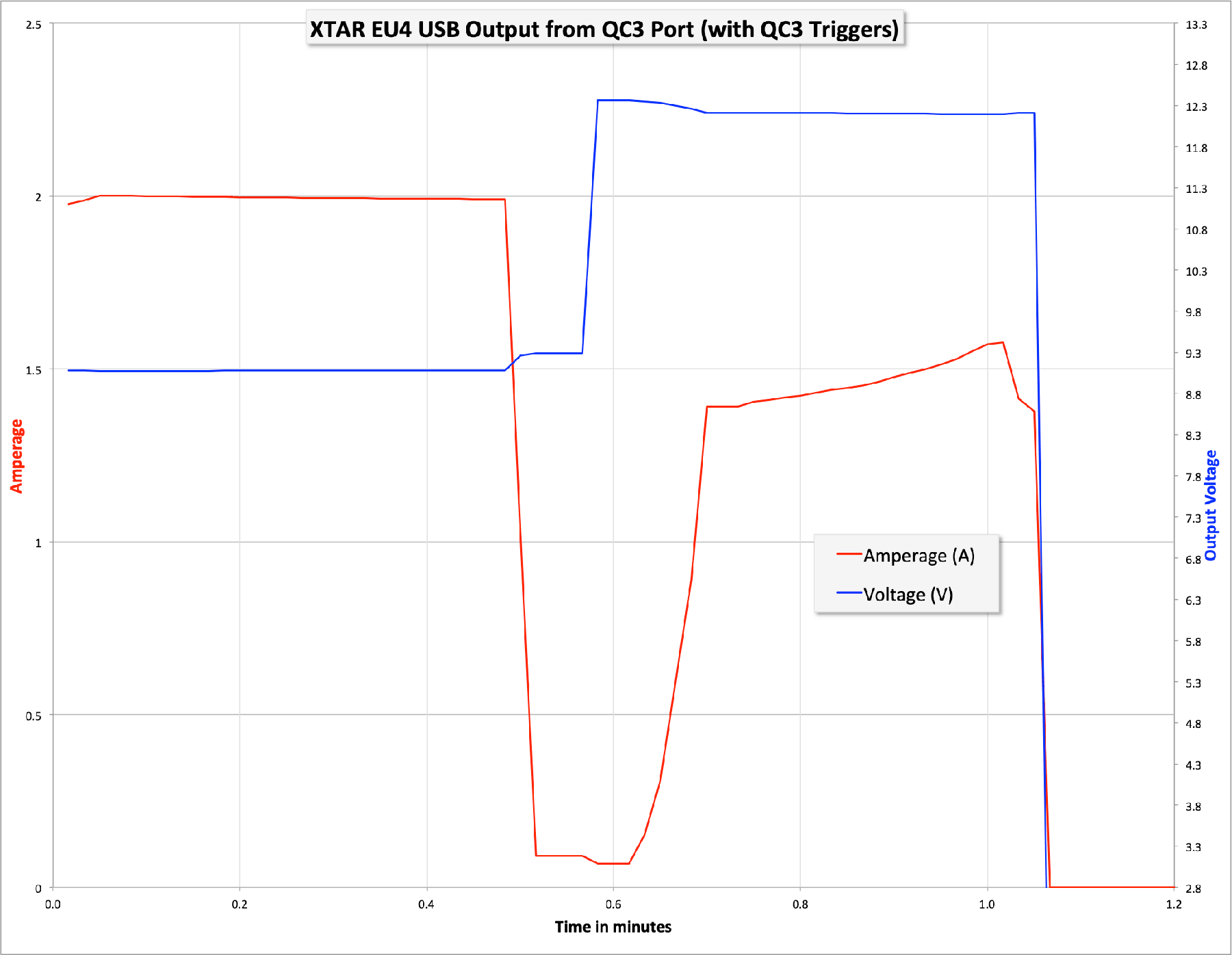
As for power with the EU4, here’s a maybe-not-all-that-thorough test, but the best test I can make with my tools. For example, I can only generically test if the ports will all power at once – i.e., only monitor one port while charging from multiple.
In any case, here is some sample data.
The lowest USB port is capable of outputting almost 3A, with a voltage drop only down to around 4.8V. At that point, the port shuts off.
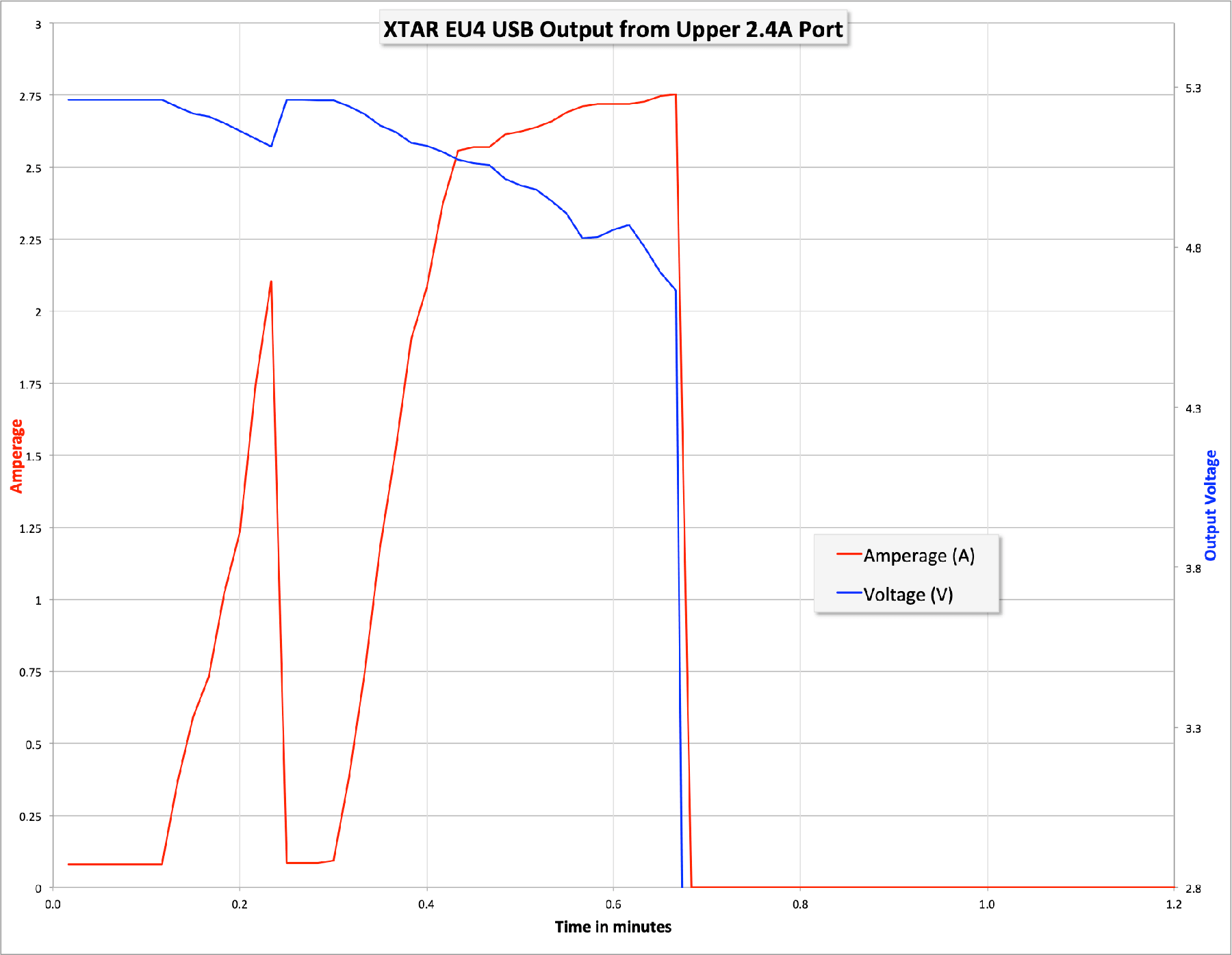
And it’s the same story with the middle 2.4A port: it’s capable of outputting almost 3A, with a voltage drop only down to around 4.8V. At that point, the port shuts off.
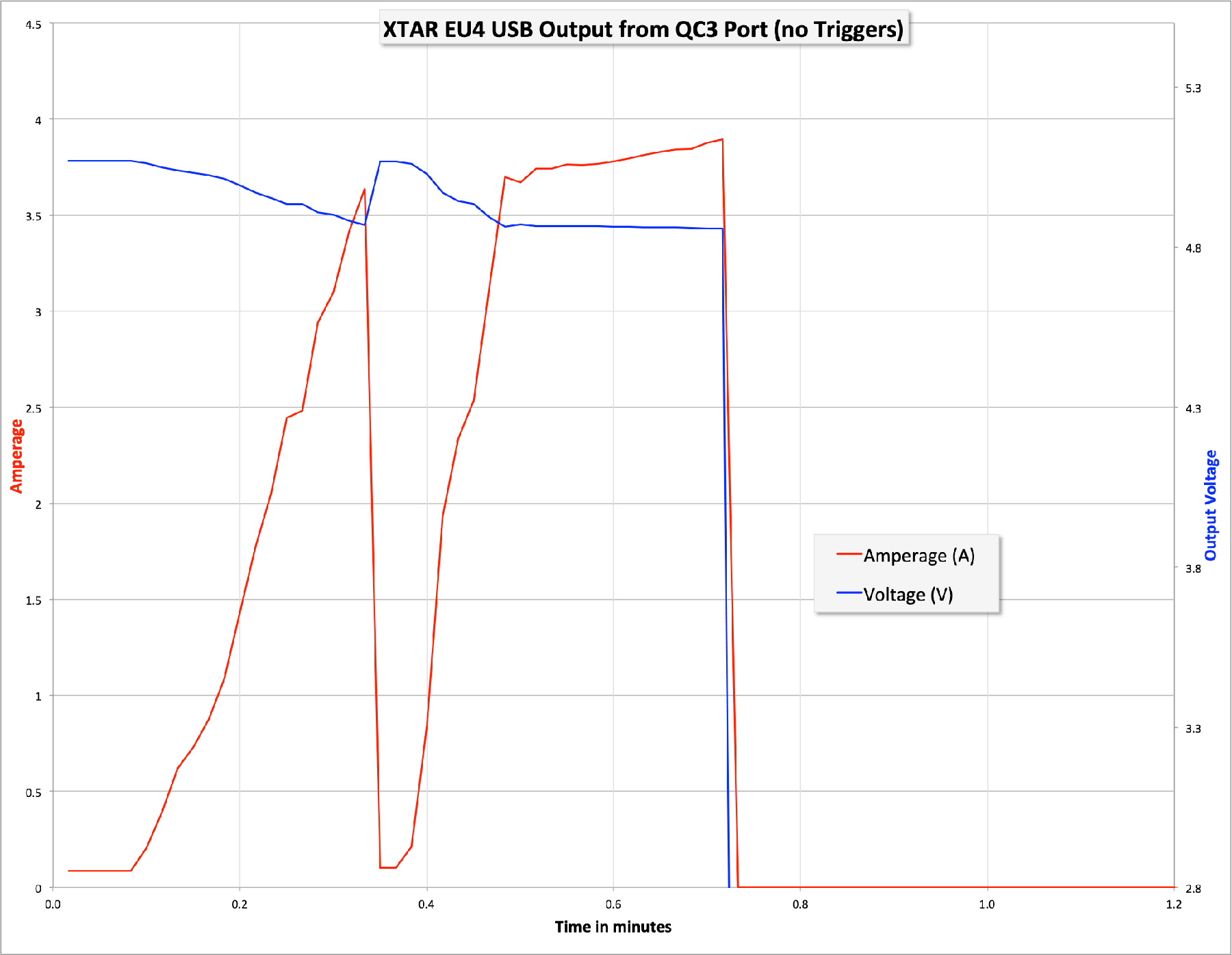
The QC3 port, when used with no QC3 device, operated similarly. Except it will put out more current – almost 4A!!
When using the QC3 port with a device that triggers QC3 charging, the port will output around 2A at 9V.
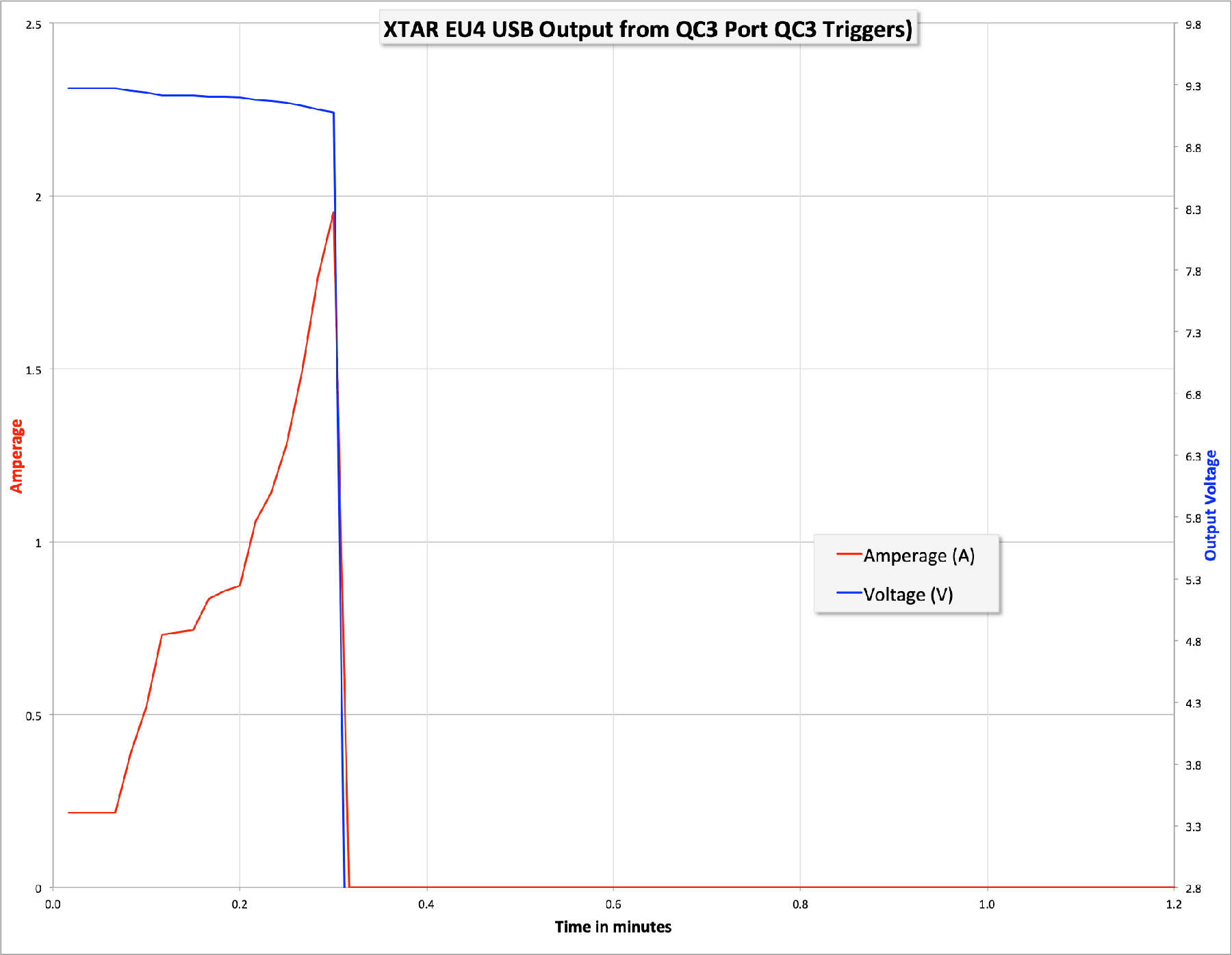
And the story is the same – no, even better – with the 12V output. It outputs a steady 1.5A at 12V – that’s 18W worth of charging!
Even though I thought I had the devices to test a USB-C port (and I do, just couldn’t make them work right), I can confirm that the USB-C port charges
User Interface and Operation
There is a button on the EU4. But to be honest, don’t expect much of it. The main thing you’ll find yourself doing with it is switching from the USB port to the USB-C port. Clicking the button is required to do that, unless you’re willing to just wait until it cycles through all the ports looking for one to use.
By default, the USB ports (by “the USB ports”, I mean 2.4Ax2 and QC3 port) are active. Essentially, any time that it isn’t actively requiring USB-C charging, the EU4 switches back to the default group. Clicking the button will get you to USB-C and back.
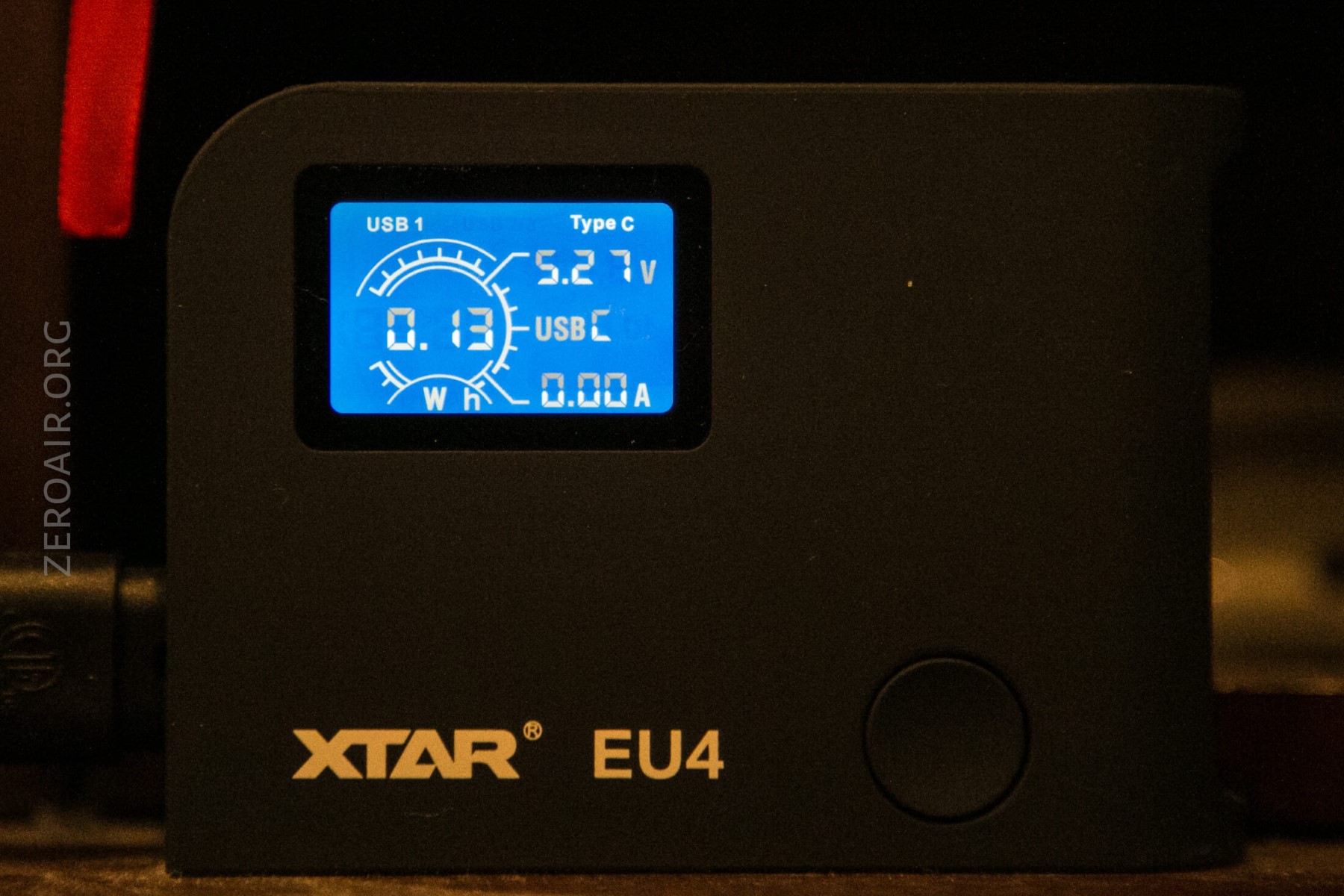
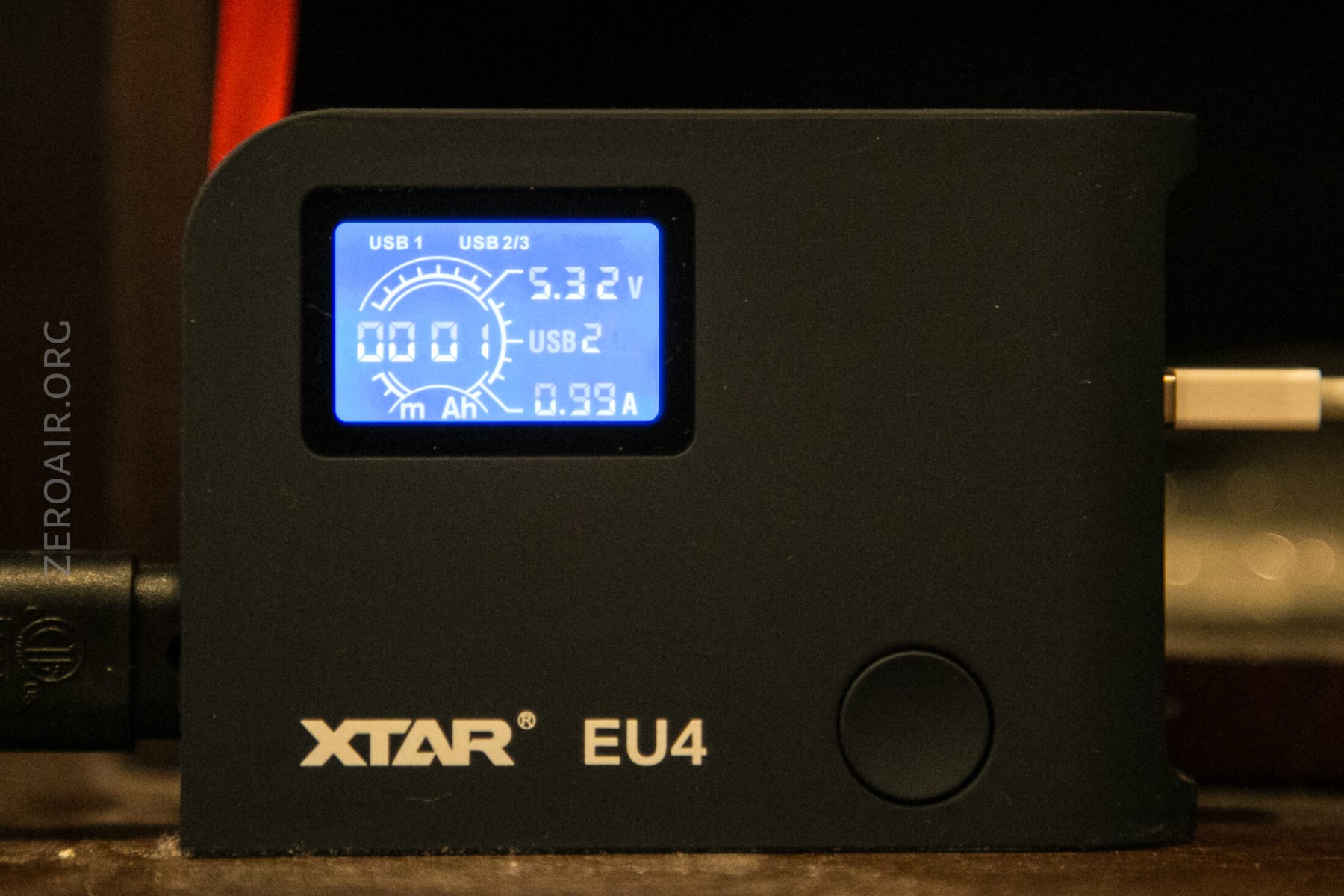
A little bit about the LCD. It’s generally useless in my estimation. It’s certainly pretty, though. The meter shows what voltage is being output (relevant mainly for QC3), and also displays the total Wh that have gone over the active port. (This could be useful, potentially, but I typically look to the device I’m charging to let me know when charging is complete, not monitor the Wh input.) This number can be reset by double-clicking the button.
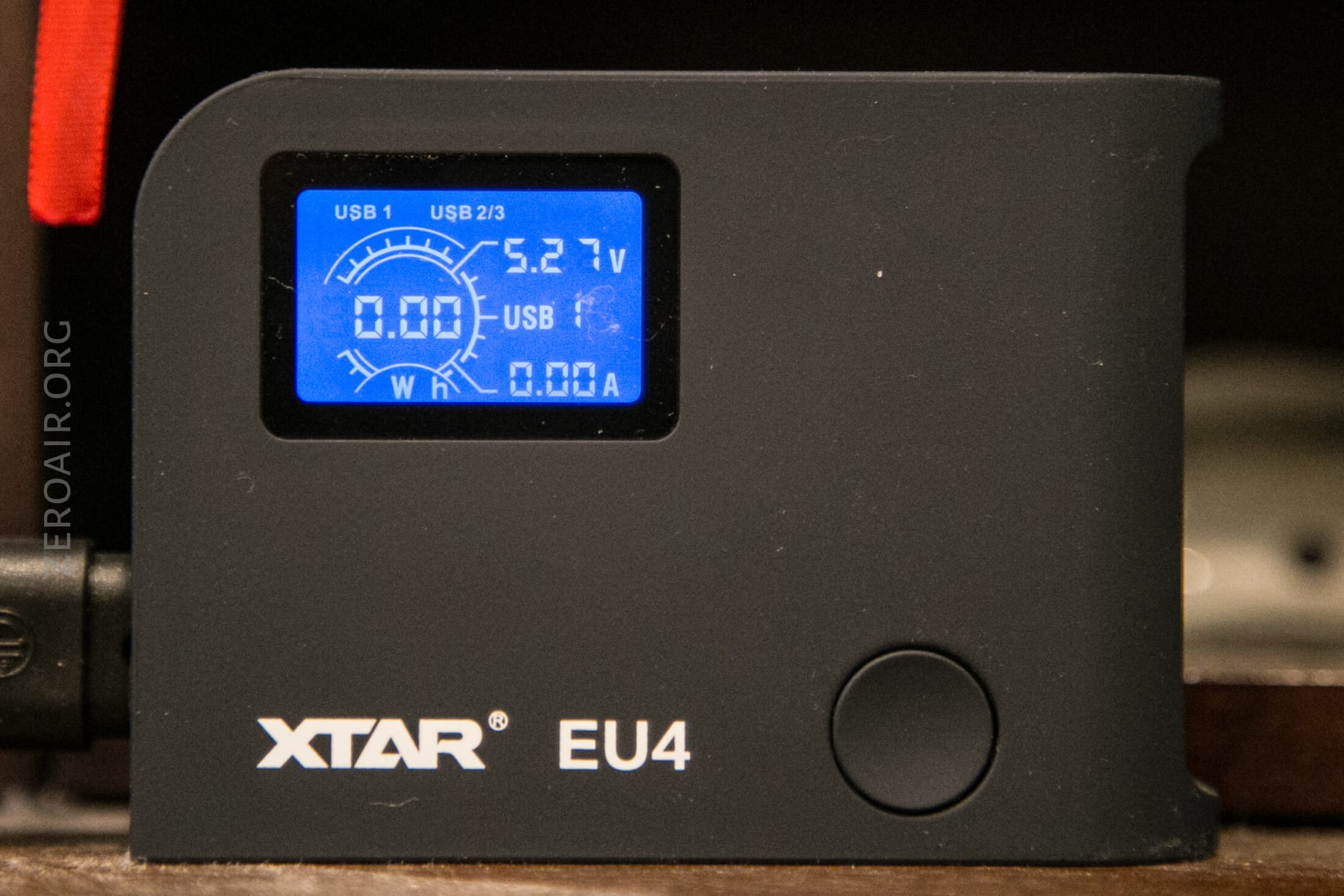
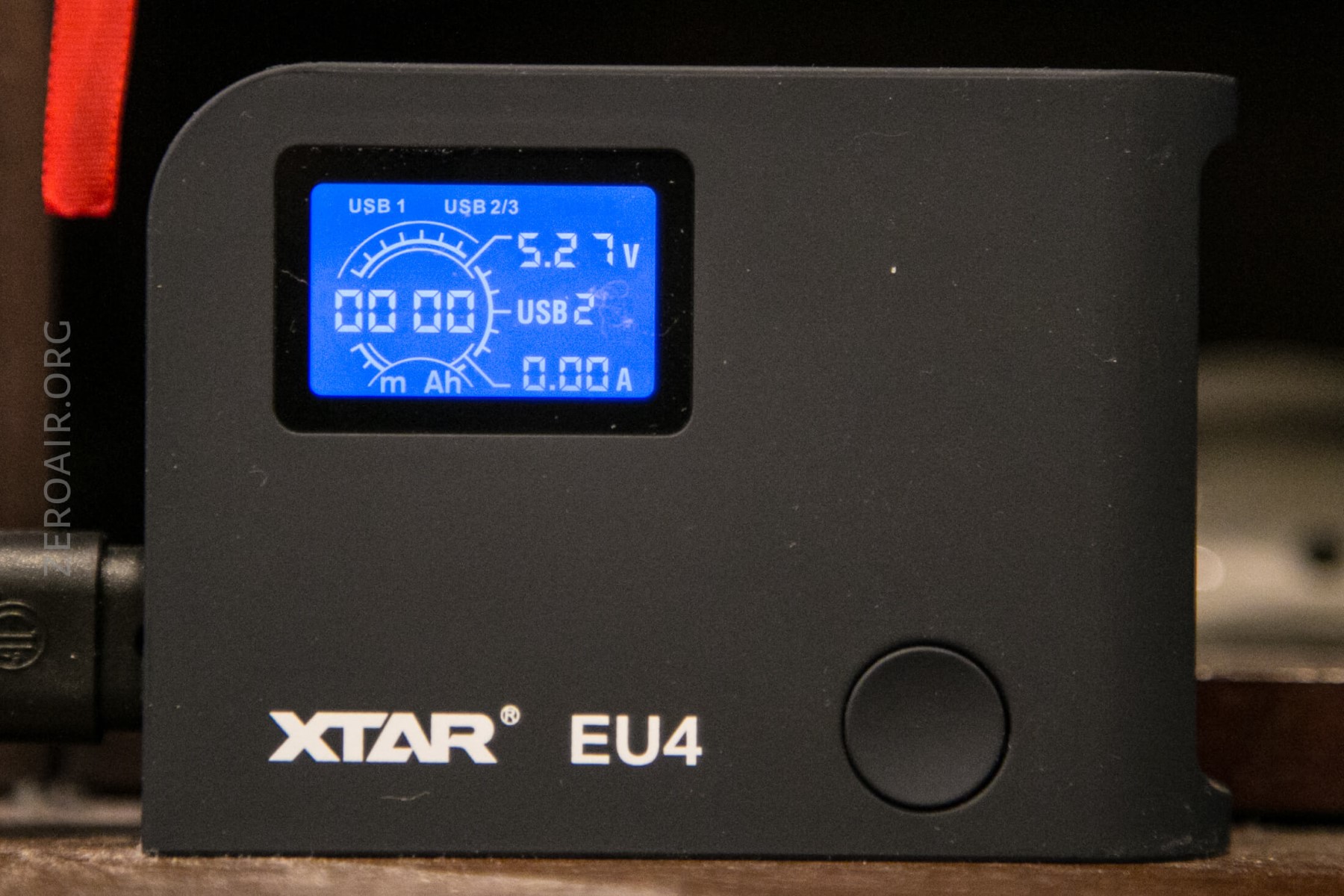
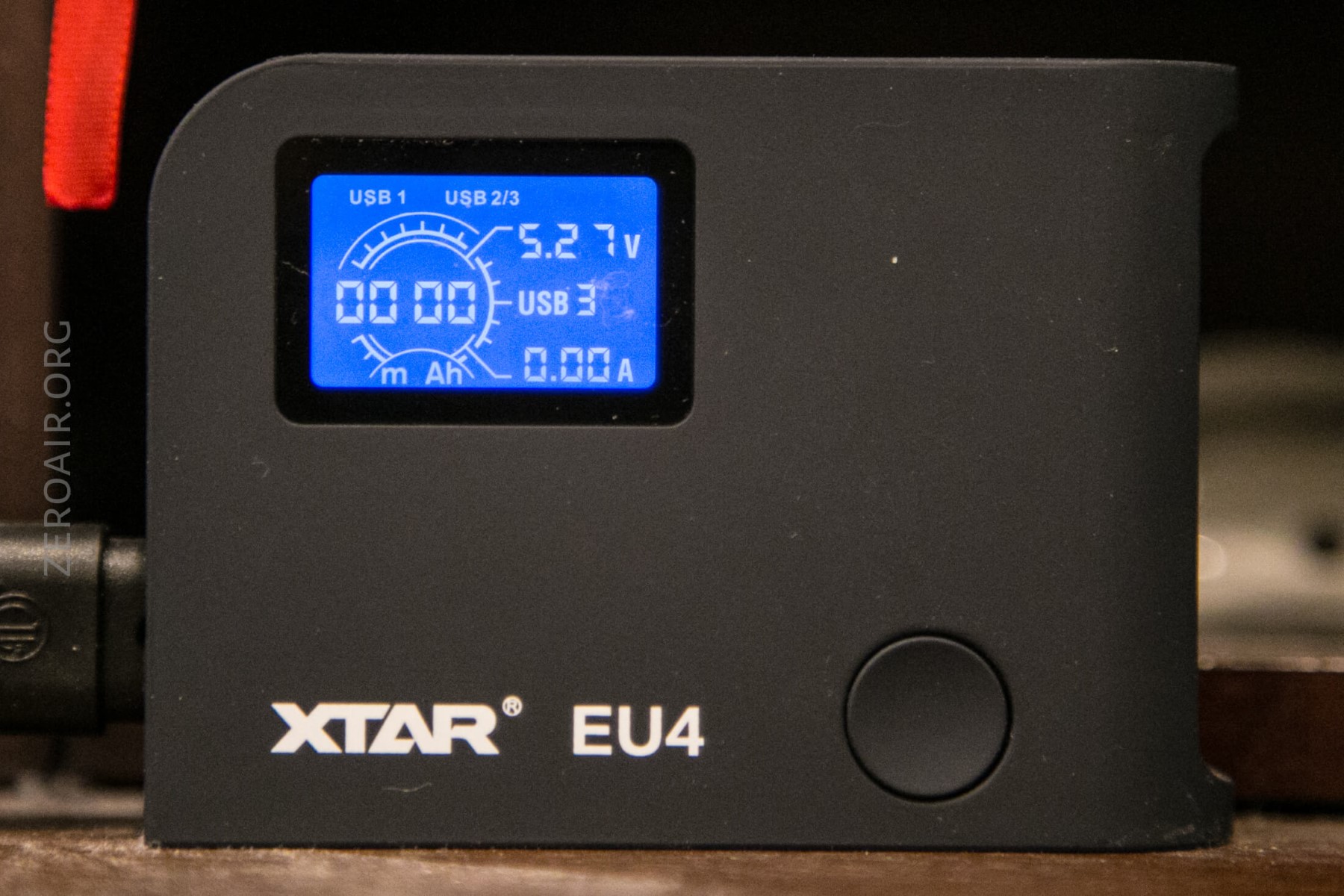
Here you can see that 0.13Wh has transpired over the USB-C port since it was last reset.
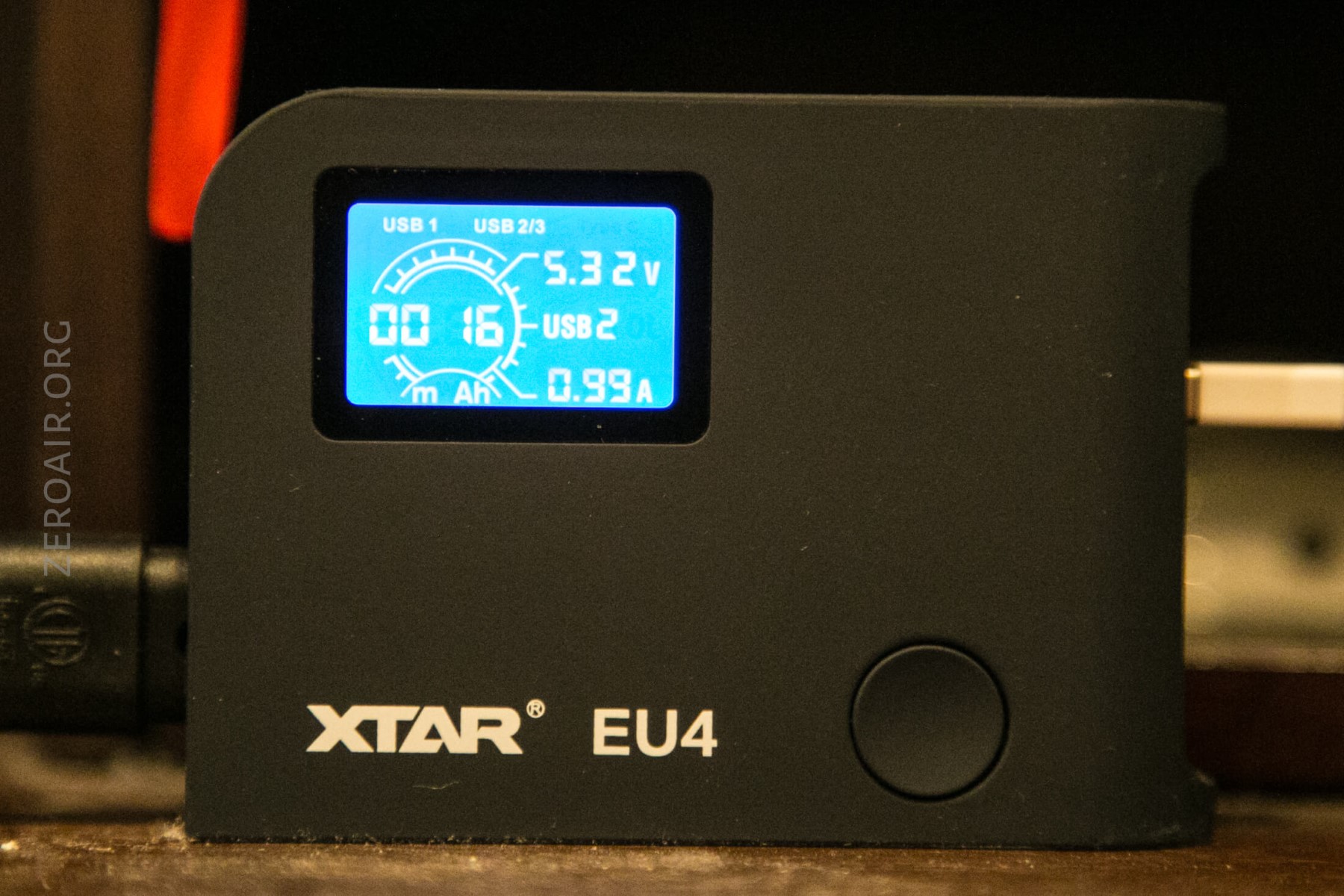
And here’s a display of active charging from USB2. Displayed is the mAh input (1mAh), and also the current charge rate (0.99A).
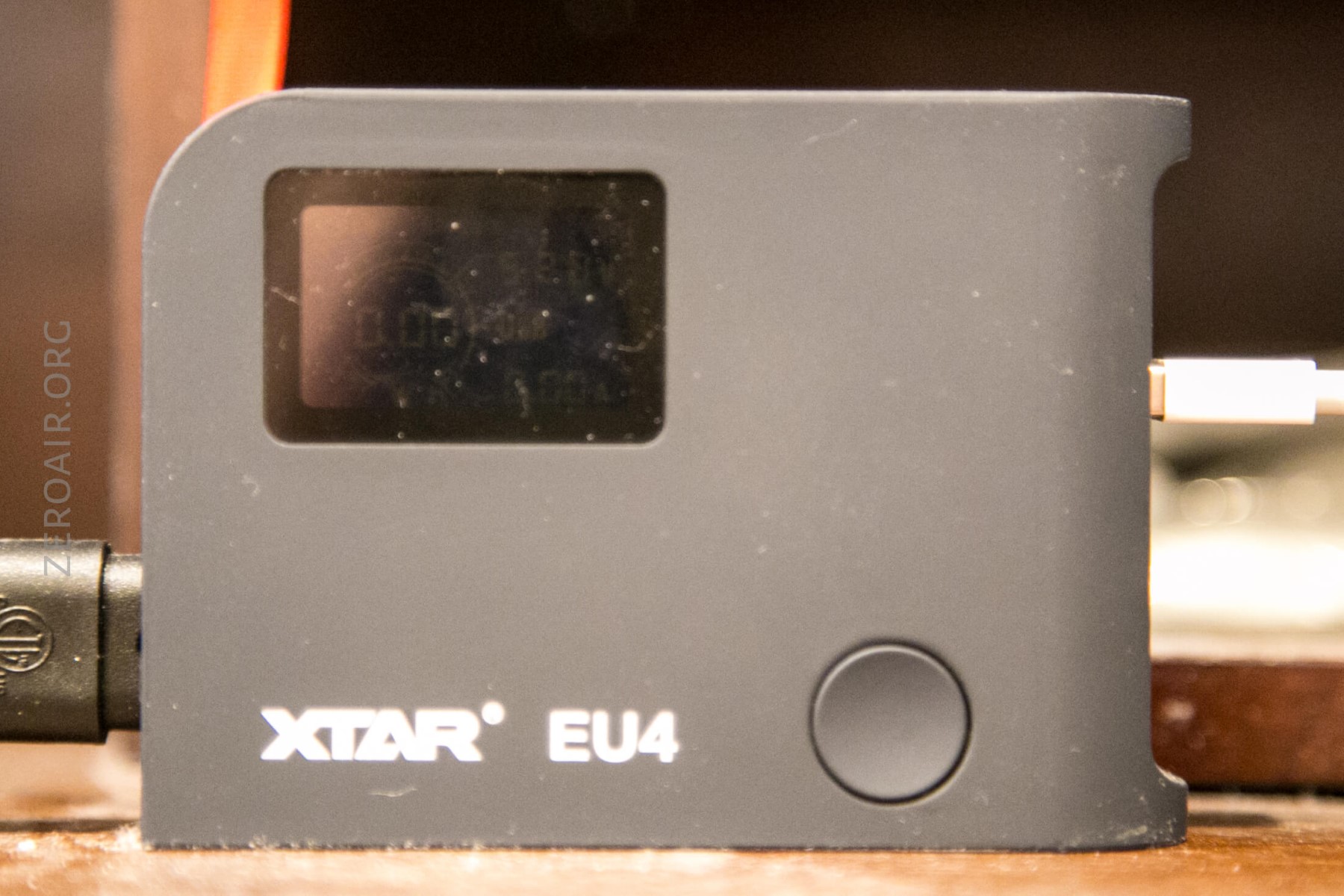
Holding the button turns off the backlight, but as you can notice below, the screen is still actually active.
Conclusion
What I like
- QC3 charging is awesome. This one works well
- Two >2A bays
- 64W worth of charging out of this tiny unit is, to be frank, ridiculous. That’s a load of power
- It’s very well put together
- The LCD displays interesting information, if you don’t have other devices or methods already in place to obtain the info
What I don’t like
- USB-C can’t be used while using any other ports
- The ports are…. “upside down” – every device I have with a screen is wrong way up when I put it in these ports. That’s a minor annoyance.
Notes
- This item was provided by XTAR for review. I was not paid to write this review.
- This content originally appeared at zeroair.org. Please visit there for the best experience!
- Use my amazon.com referral link if you’re willing to help support making more reviews like this one!
- Please support me on Patreon! I deeply appreciate your support!
Discover more from ZeroAir Reviews
Subscribe to get the latest posts sent to your email.