

Acebeam Defender P18 Tactical Flashlight Review
The Acebeam Defender P18 was released! It’s a tactical flashlight with four Luminus SFT-40 emitters (great output!) as well as USB-C charging! Read on!
Official Specs and Features
Here’s a referral link to the Acebeam Defender P18 tactical flashlight product page.
Versions
Only one version of the Acebeam Defender P18 tactical flashlight is available.
Price
The listed MSRP for the Acebeam Defender P18 tactical flashlight is $129.90. Here’s a link to the killzoneflashlights.com website for the Acebeam Defender P18 tactical flashlight.
Short Review
Acebeam made a great tactical flashlight in the Defender P18. The dual switches function wonderfully and have a nice, clean action. A USB-C charge port rounds out the package and is nicely hidden under a very protective collar. I love the very flashlighty shape of the P18, as well as the design continuity with some of Acebeam’s bigger new lights.
Long Review
The Big Table
| Acebeam Defender P18 tactical flashlight | |
|---|---|
| Emitter: | Luminus SFT-40 (4) |
| Price in USD at publication time: | $129.90 at killzoneflashlights.com |
| Cell: | 1×21700 |
| Runtime Graphs | |
| LVP? | Yes |
| Switch Type: | Both |
| Quiescent Current (mA): | ? |
| On-Board Charging? | Yes |
| Charge Port Type: | USB-C |
| Charge Graph | |
| Power off Charge Port | with cell: all modes without cell: no modes |
| Claimed Lumens (lm) | 5000 |
| Measured Lumens (at 30s) | 4206 (84.1% of claim)^ |
| Candela per Lumen | 22.5 |
| Claimed Throw (m) | 629 |
| Candela (Calculated) in cd (at 30s) | 2800lux @ 5.803m = 94289cd |
| Throw (Calculated) (m) | 614.1 (97.6% of claim)^ |
| Claimed CCT | – |
| Measured CCT Range (K) | 5900-6600 Kelvin |
| Item provided for review by: | Acebeam |
| All my Acebeam reviews! | |
^ Measurement disclaimer: Testing flashlights is my hobby. I use hobbyist-level equipment for testing, including some I made myself. Try not to get buried in the details of manufacturer specifications versus measurements recorded here; A certain amount of difference (say, 10 or 15%) is perfectly reasonable.
What’s Included

- Acebeam Defender P18 tactical flashlight
- Acebeam 5100mAh 21700
- Charging cable (USB to USB-C)
- Spare o-rings (2)
- Manual etc
Package and Manual
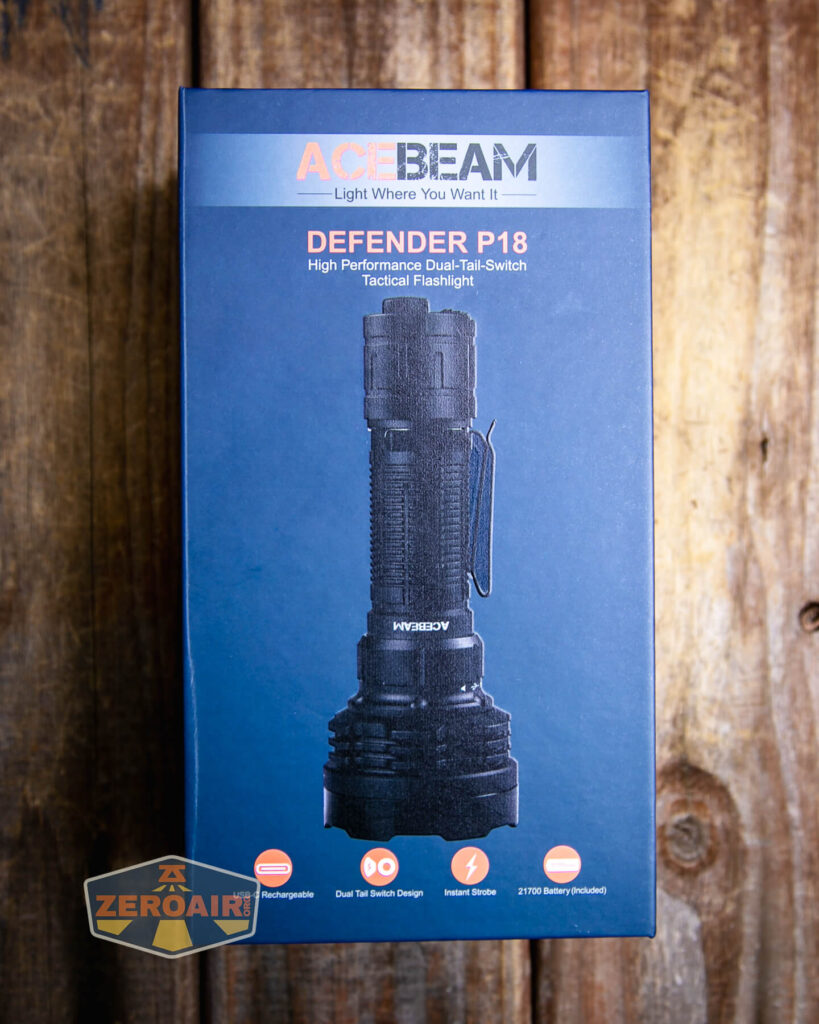
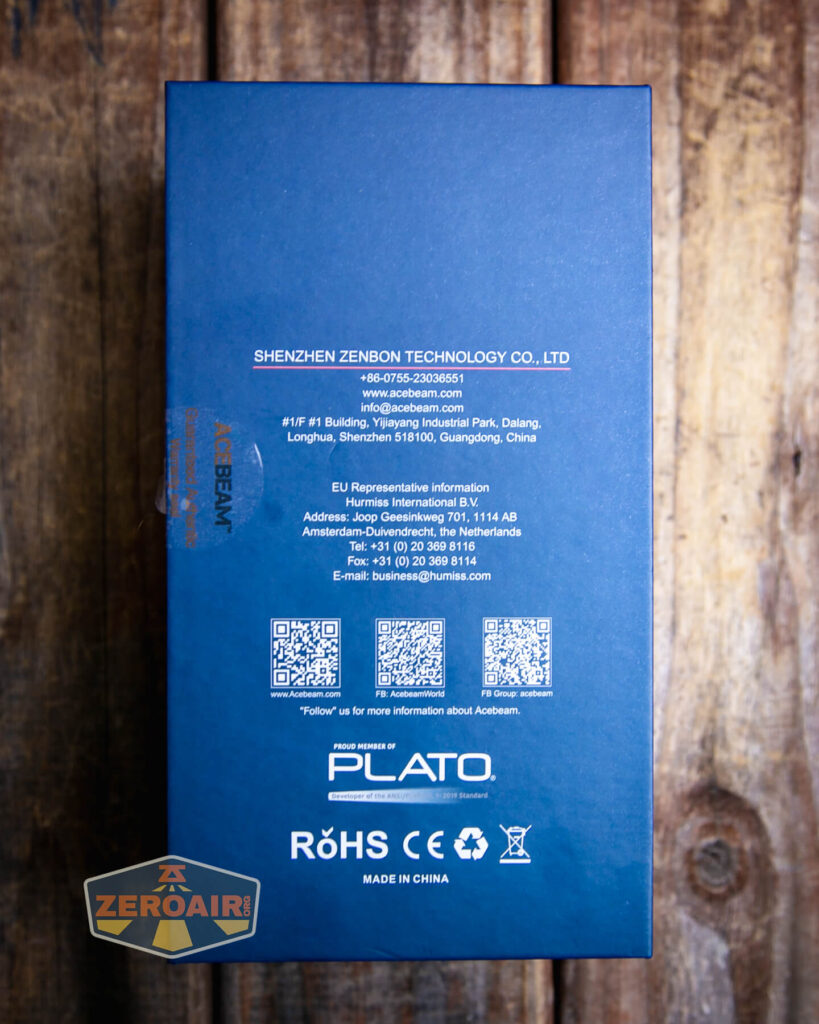


Build Quality and Disassembly

Like practically all other Acebeam lights, this Defender P18 has fantastic build quality. The light also has a great shape for a handheld thrower.

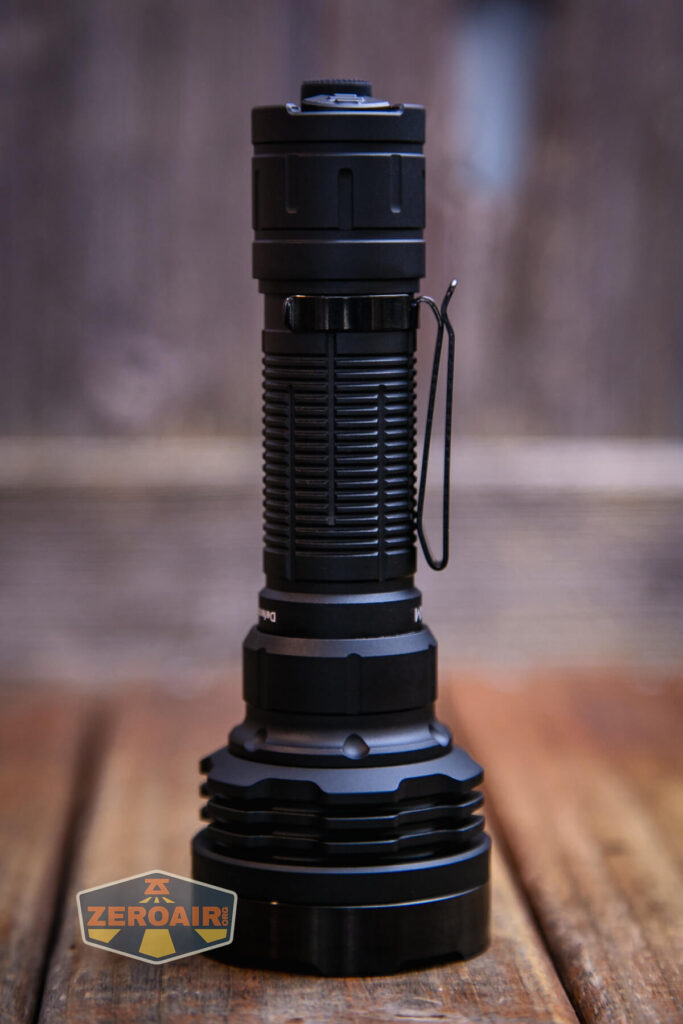
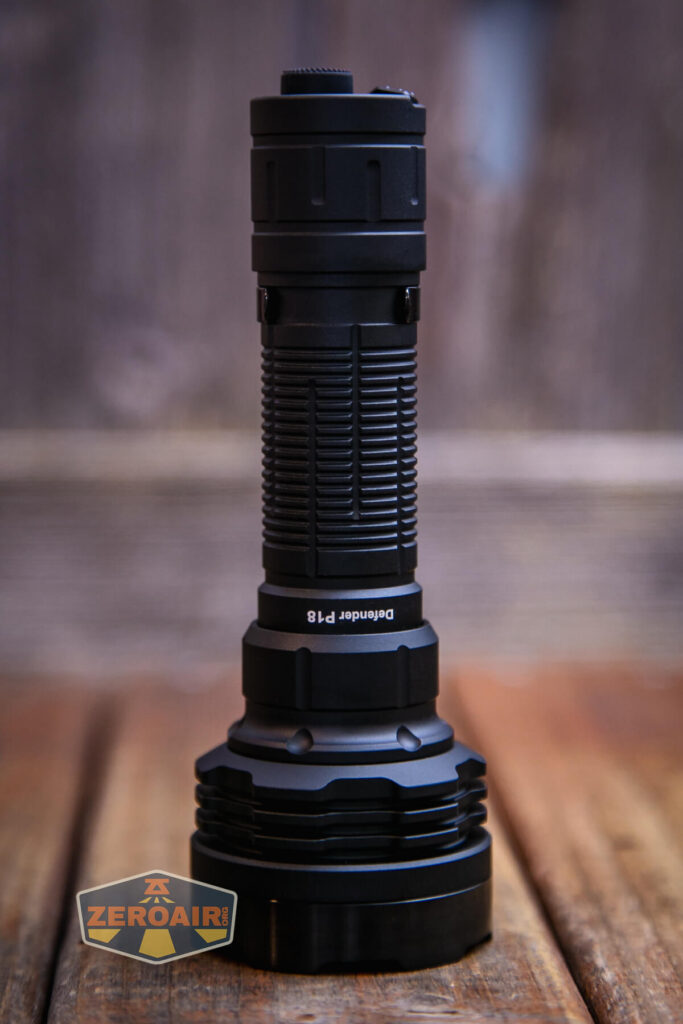
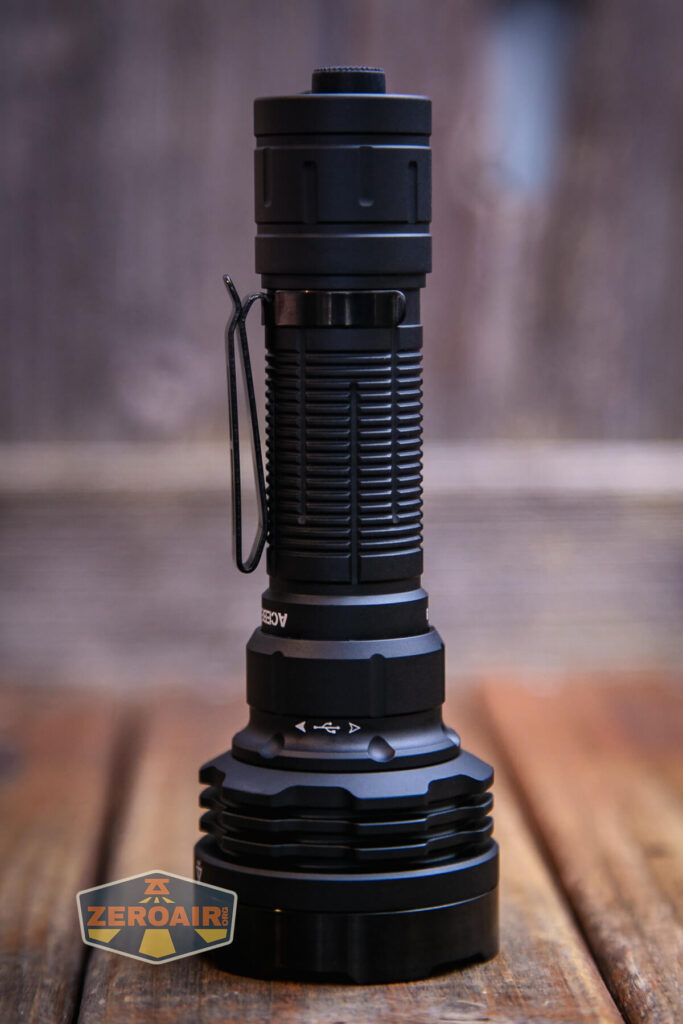
The head end has cooling fins of some depth – maybe deeper than some other recent Acebeam lights. This is great – these four emitters are driven!

Threads on the cell tube are fairly smooth. They’re unanodized, square-cut, well-lubed, and somewhat long. All in all, very good user experience when removing the tailcap. The tailcap has a spring and some other contacts there for the e-switch magic.

The head end also has a beefy spring, too.

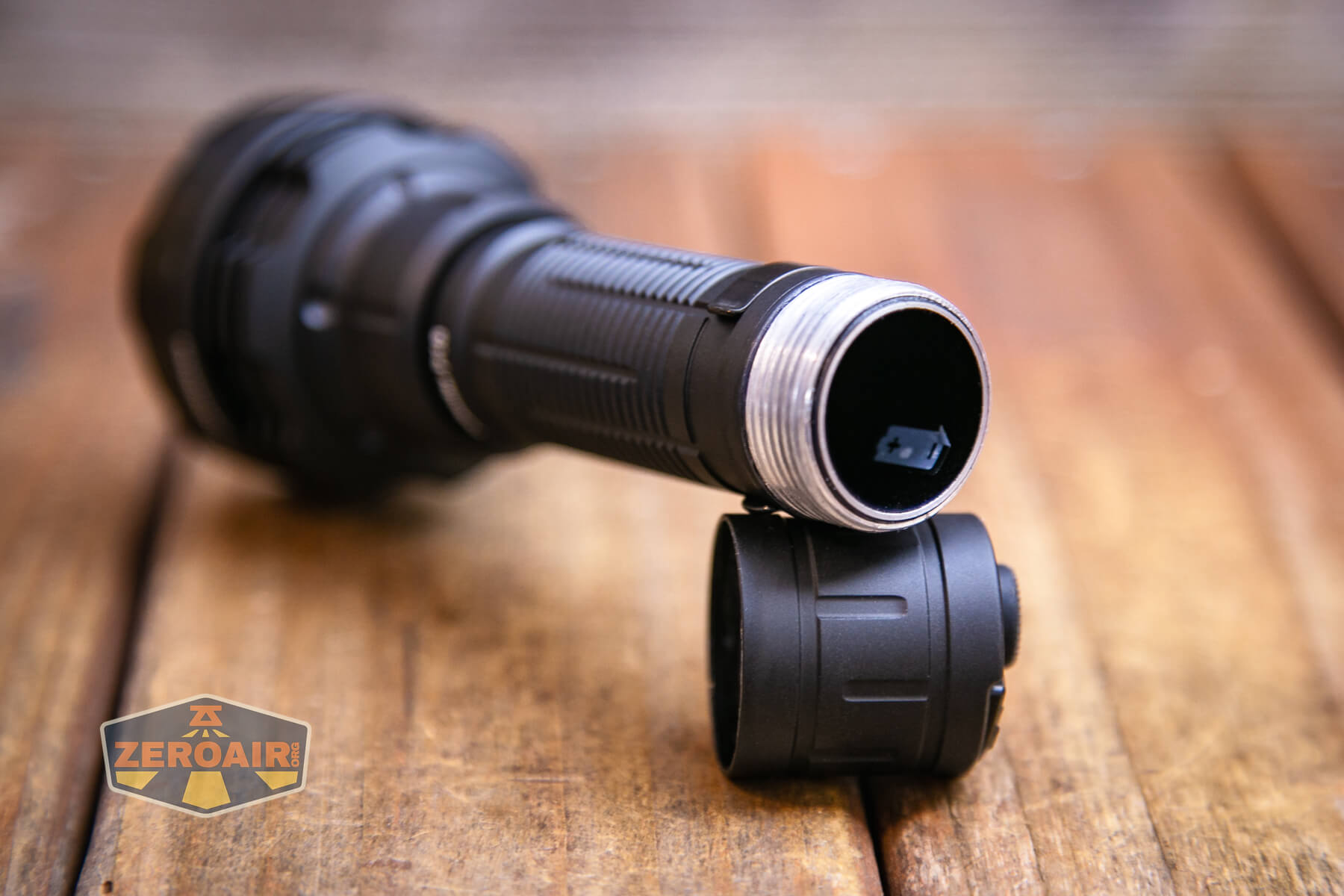
The cell tube is completely removable, but the cell can’t be installed through the opening seen below. The cell is “captured” in this direction.

There are differences in the head and tail threads, too – the cell tube is not reversible.


Size and Comps
144.9mm x 50.8mm x 26mm (tube) x 29mm (tail)
255.8g (with cell), 185g (without cell)


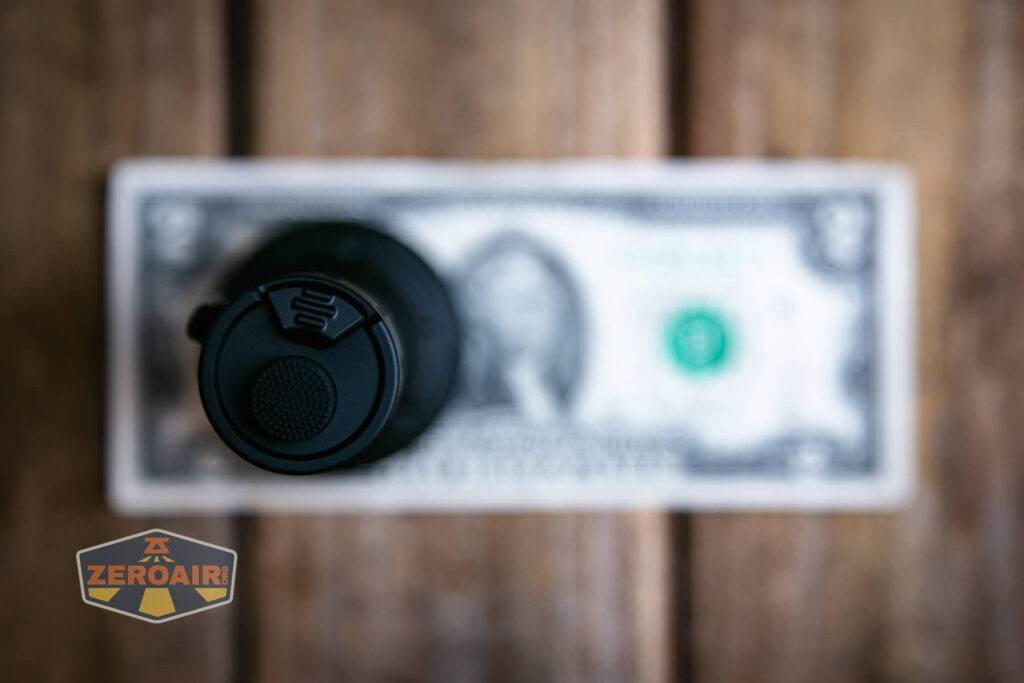
If the flashlight will headstand, I’ll show it here (usually the third photo). If the flashlight will tailstand, I’ll also show that (usually in the fourth photo).


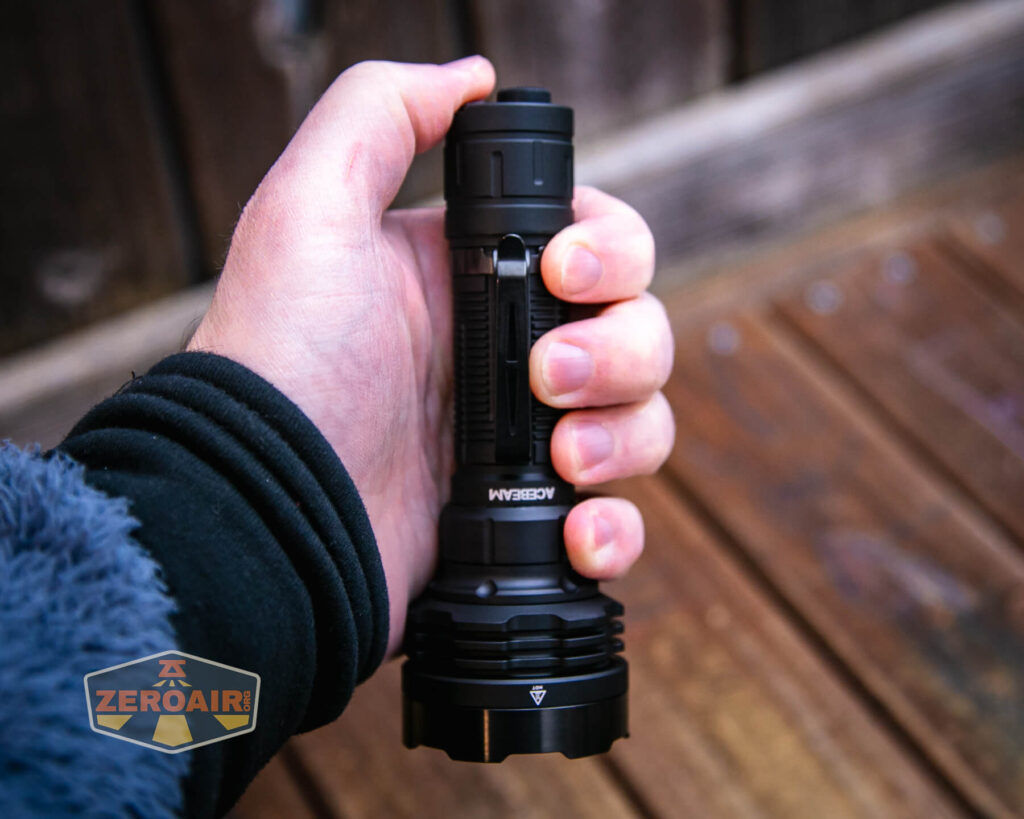
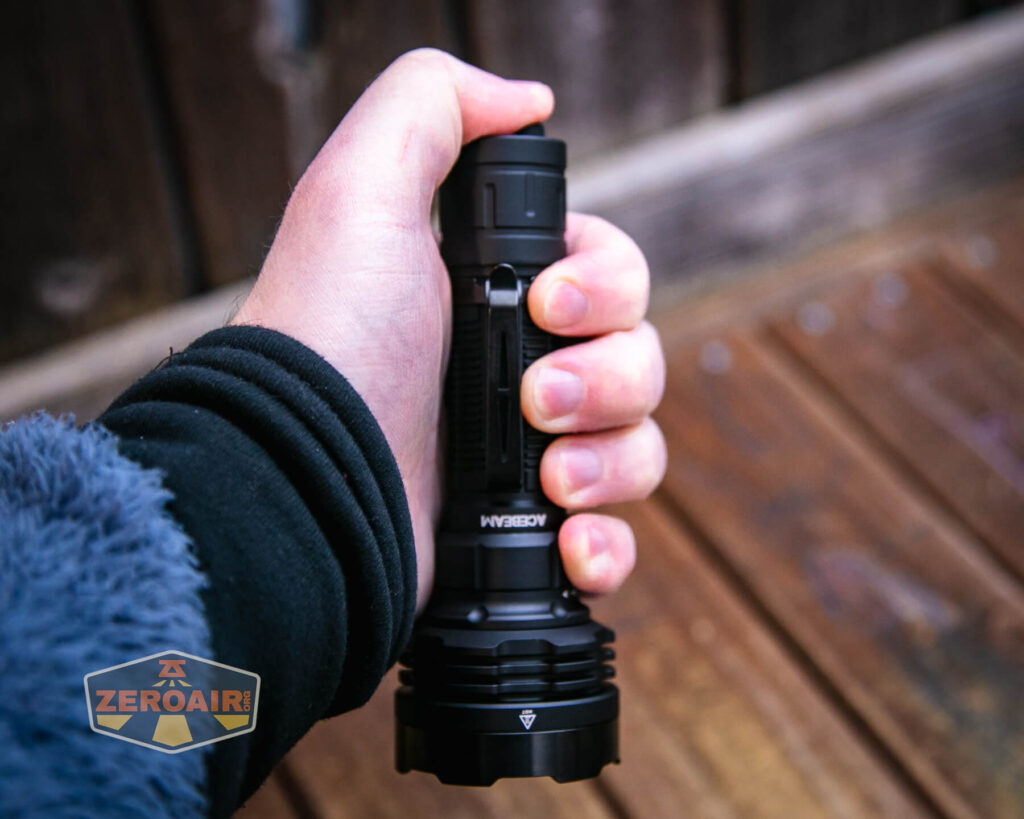
Here’s the test light with the venerable Convoy S2+. Mine’s a custom “baked” edition Nichia 219b triple. A very nice 18650 light.

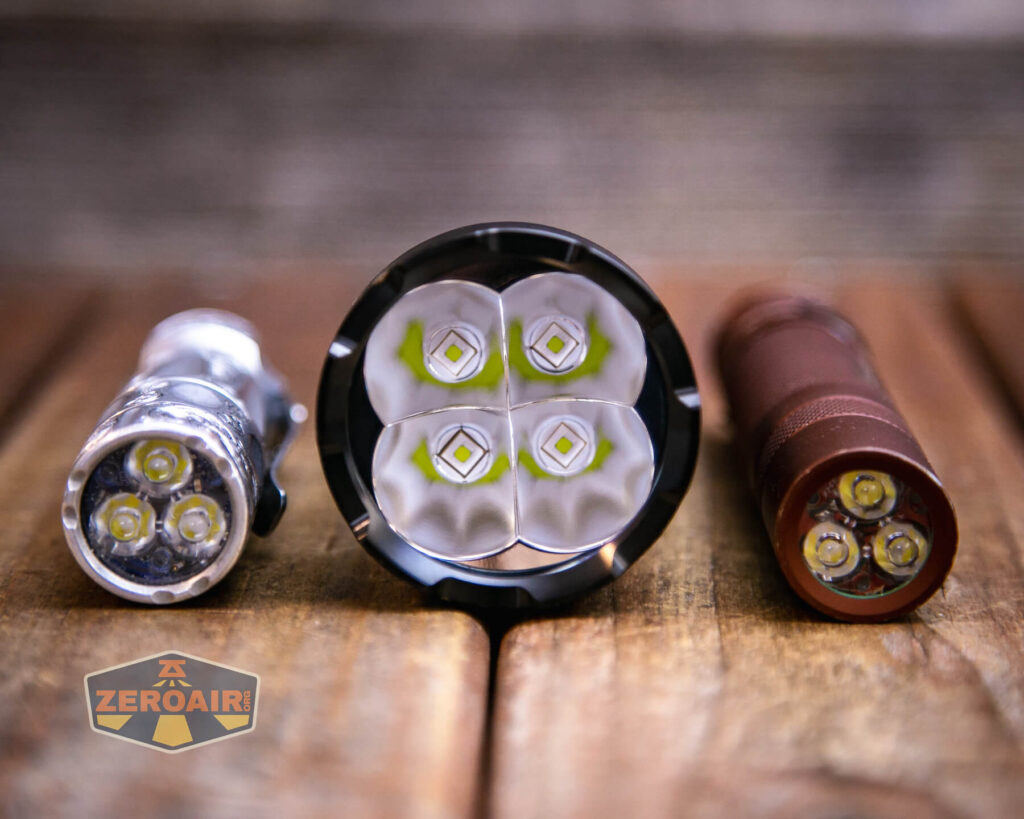
Also above is the light beside my custom engraved TorchLAB BOSS 35, an 18350 light. I reviewed the aluminum version of that light in both 35 and 70 formats.
Retention and Carry
A pocket clip is included (and installed by default) with the Acebeam Defender P18 tactical flashlight. This clip is a fairly standard two-way friction-fit clip.

In the clip, there are a couple of holes where a lanyard could be attached.
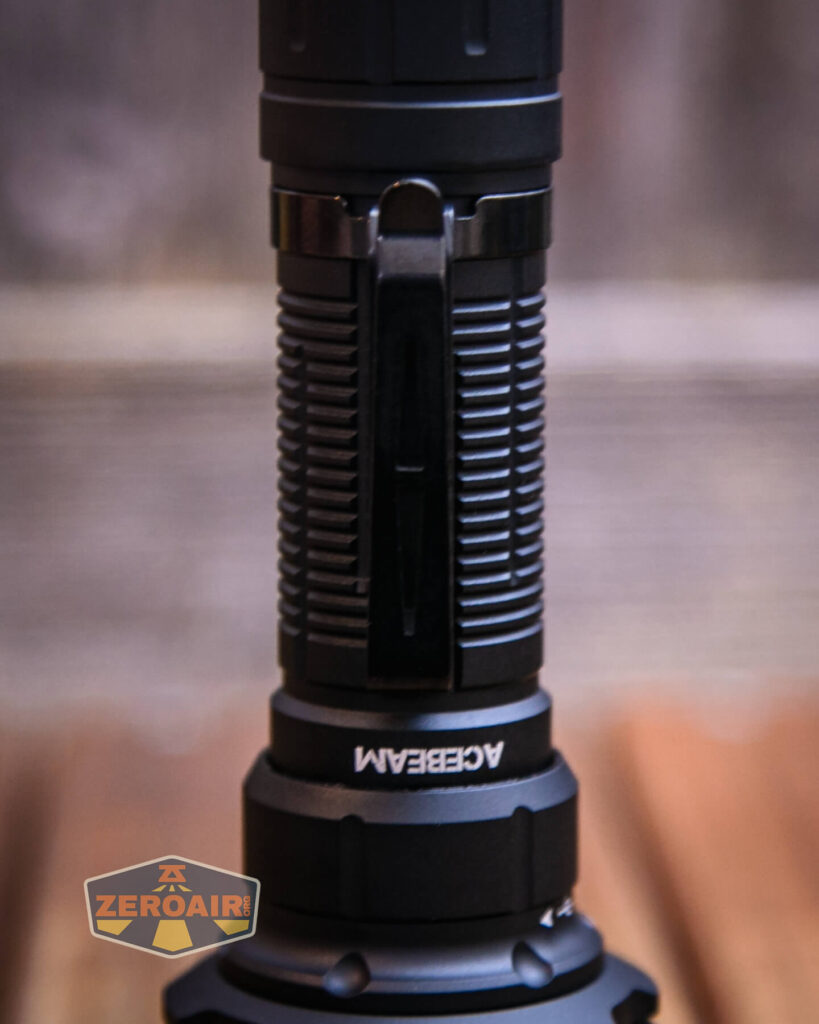

The clip hug (below) is very snug and the clip doesn’t seem interested in moving without specific and intentional force.

No carry pouch or lanyard or anything else is included.
Power and Runtime
Power to the Acebeam Defender P18 tactical flashlight is from a single lithium-ion cell. My package included a cell, and this cell is included at the purchase price. The cell is a 5100mAh 21700.

The cell is installed into the P18 in the usual way – positive terminal toward the head.

In case you forget that you can note that there’s a little sticker just inside the cell tube demonstrating the cell direction.
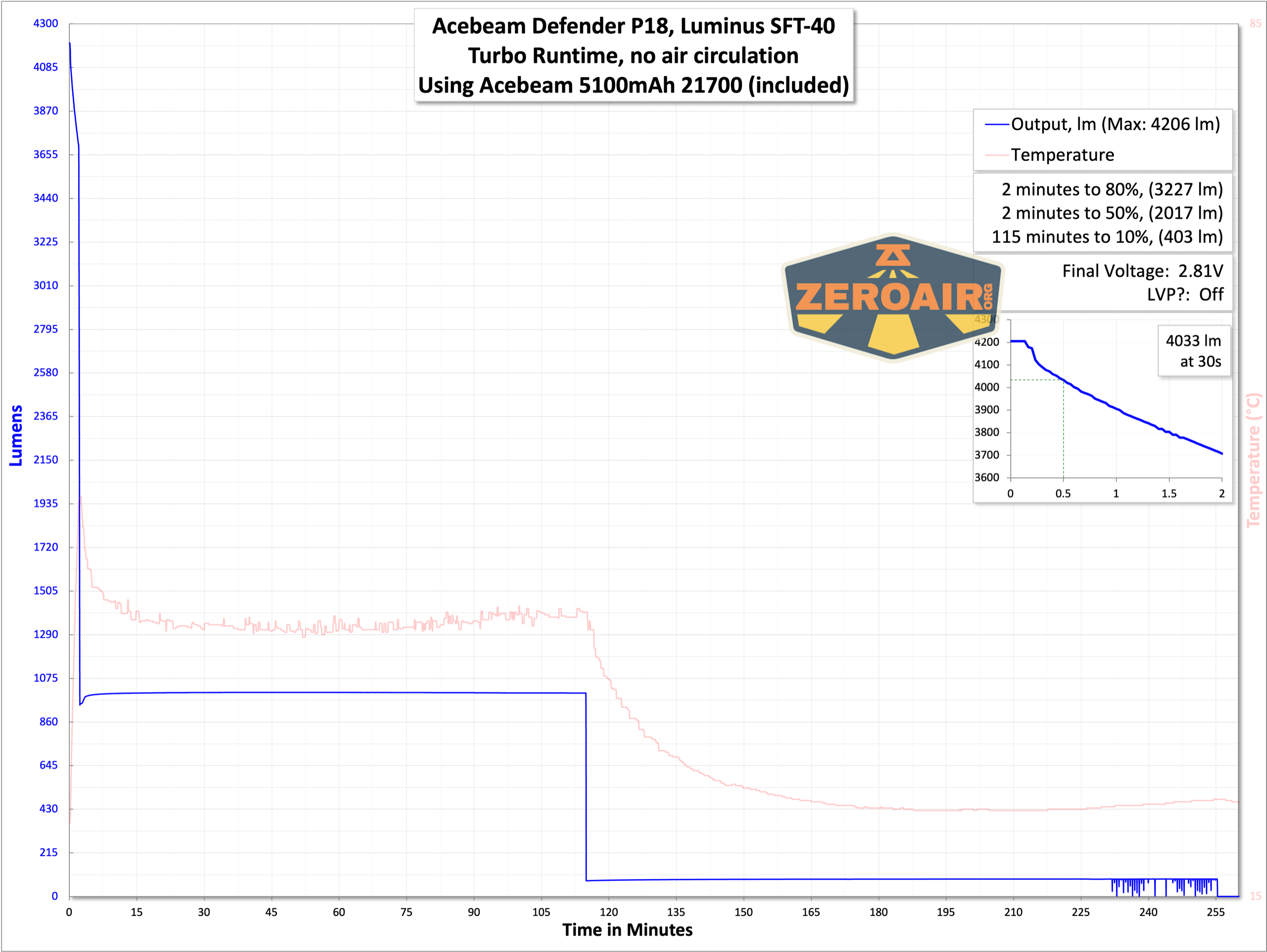
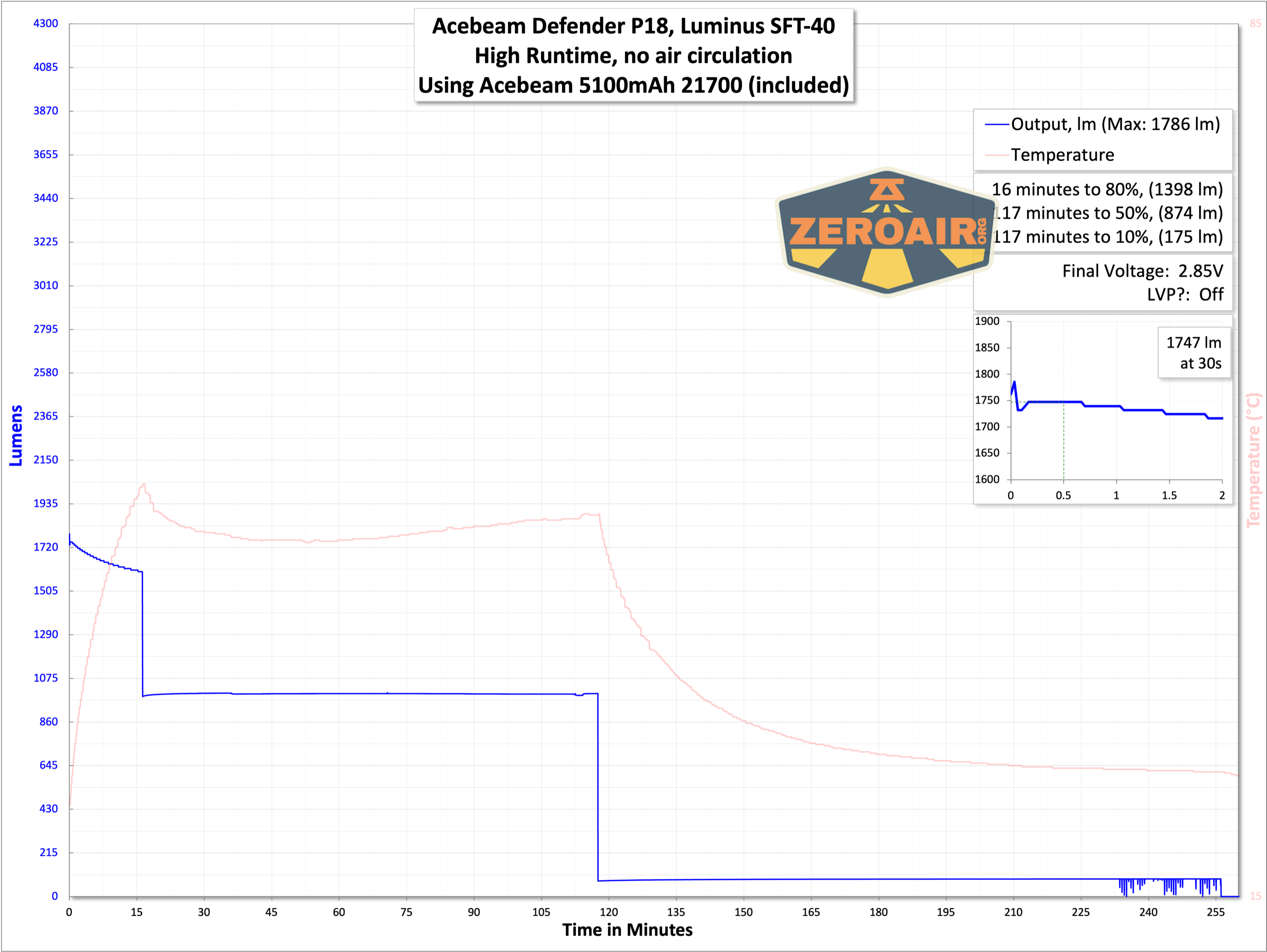
Below are a few runtime tests. The light blinks (main emitters!) when cell voltage is low (around 3V) and then finally shuts off.


Charging
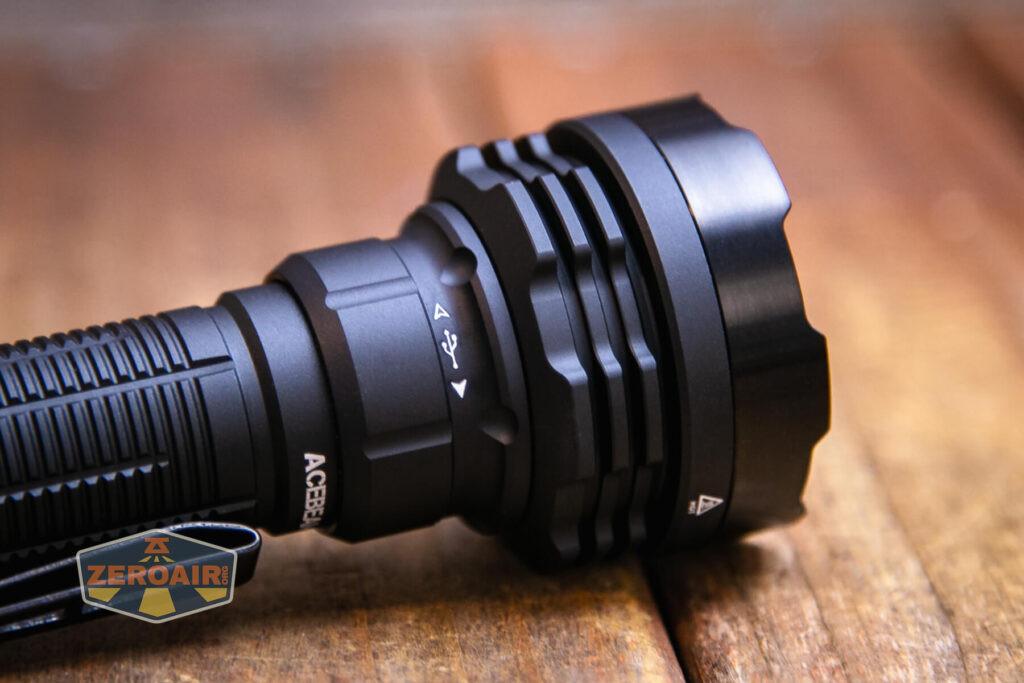
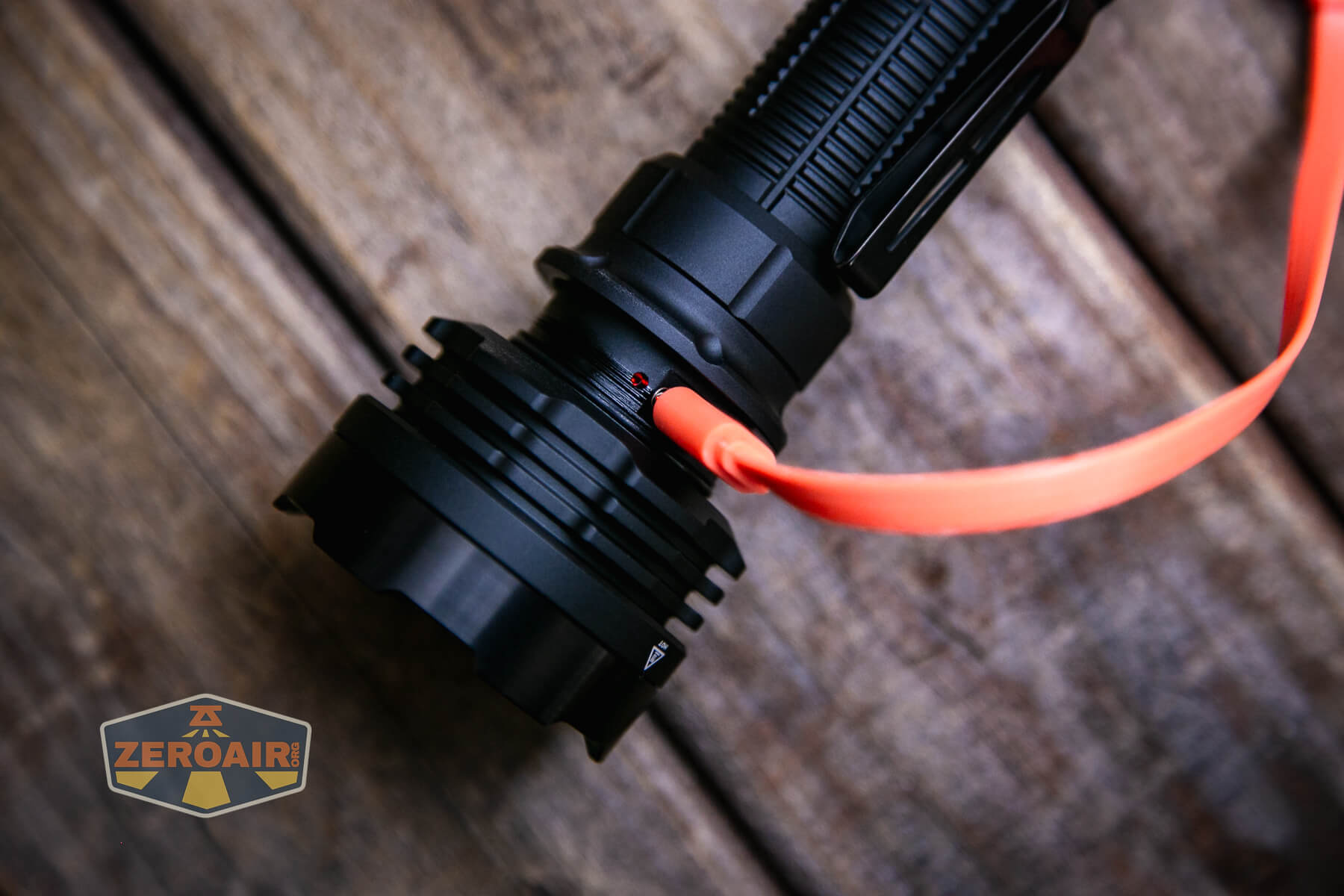
Acebeam incorporated USB-C charging into the P18 itself. The charging port is in the head and is protected by a sort of collar/sleeve that will not loosen accidentally.
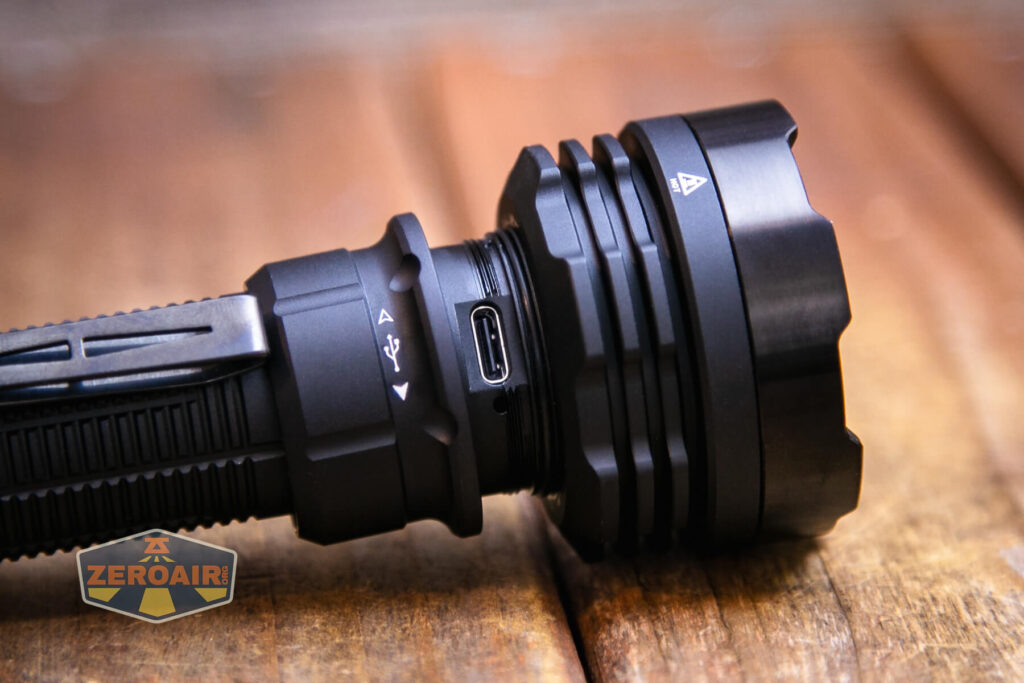
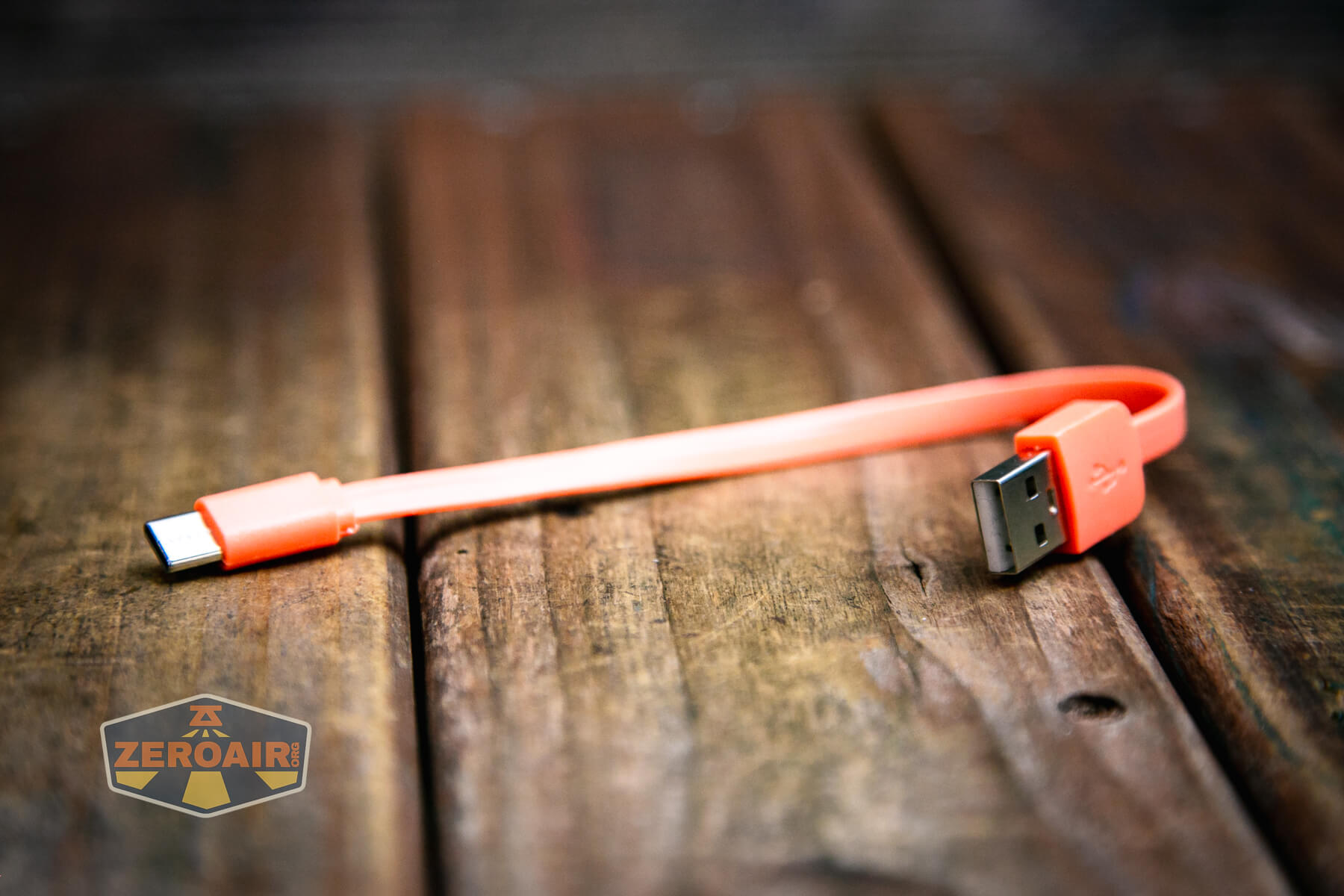
A very nice, short, orange USB to USB-C cable is included.
When charging (and only when charging, because of the collar), there’s a little charge indicator. Below you can see it indicating in red – when charging is complete, this indicator turns green.
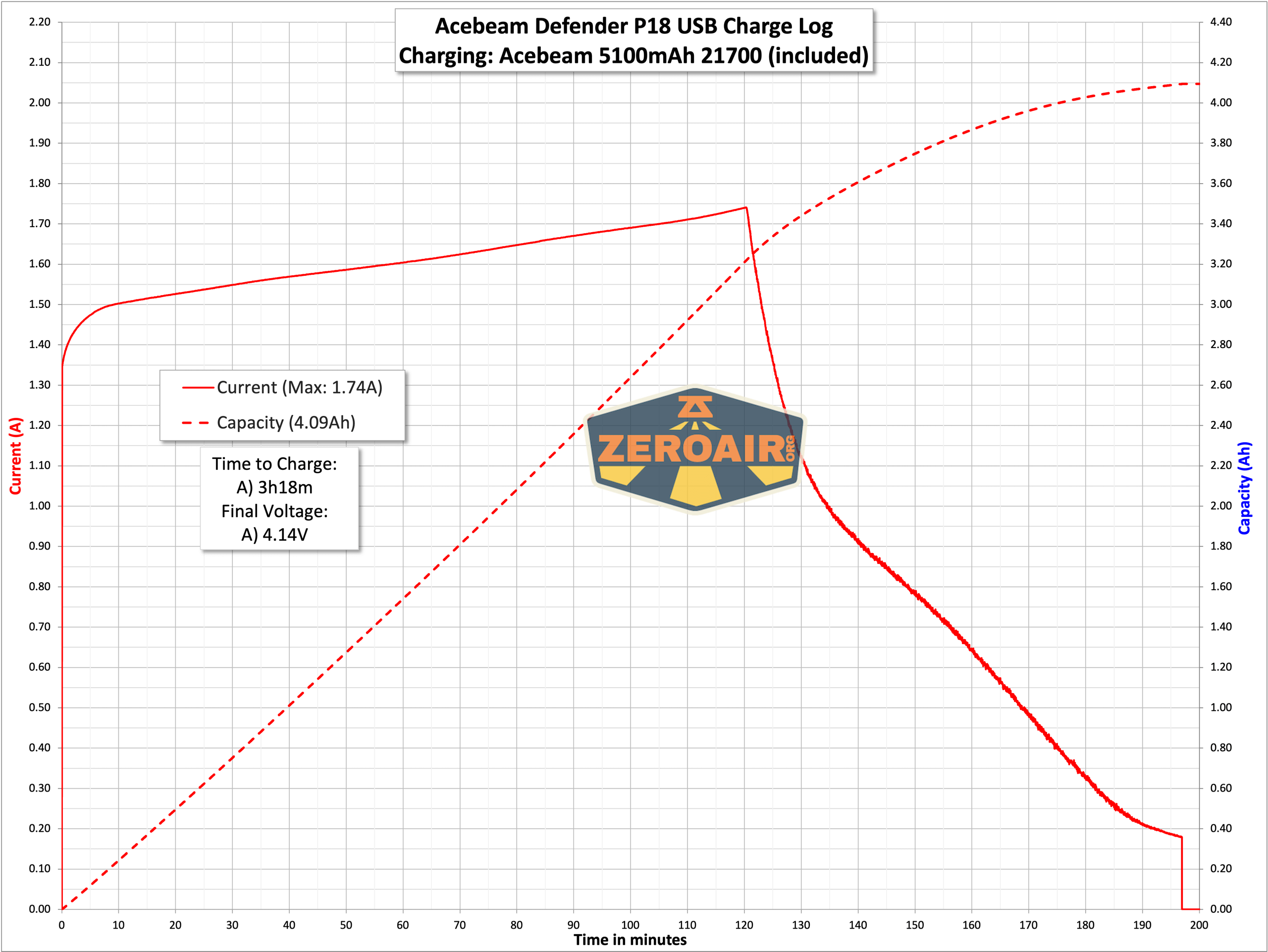
Charging is good – around three hours for charging.
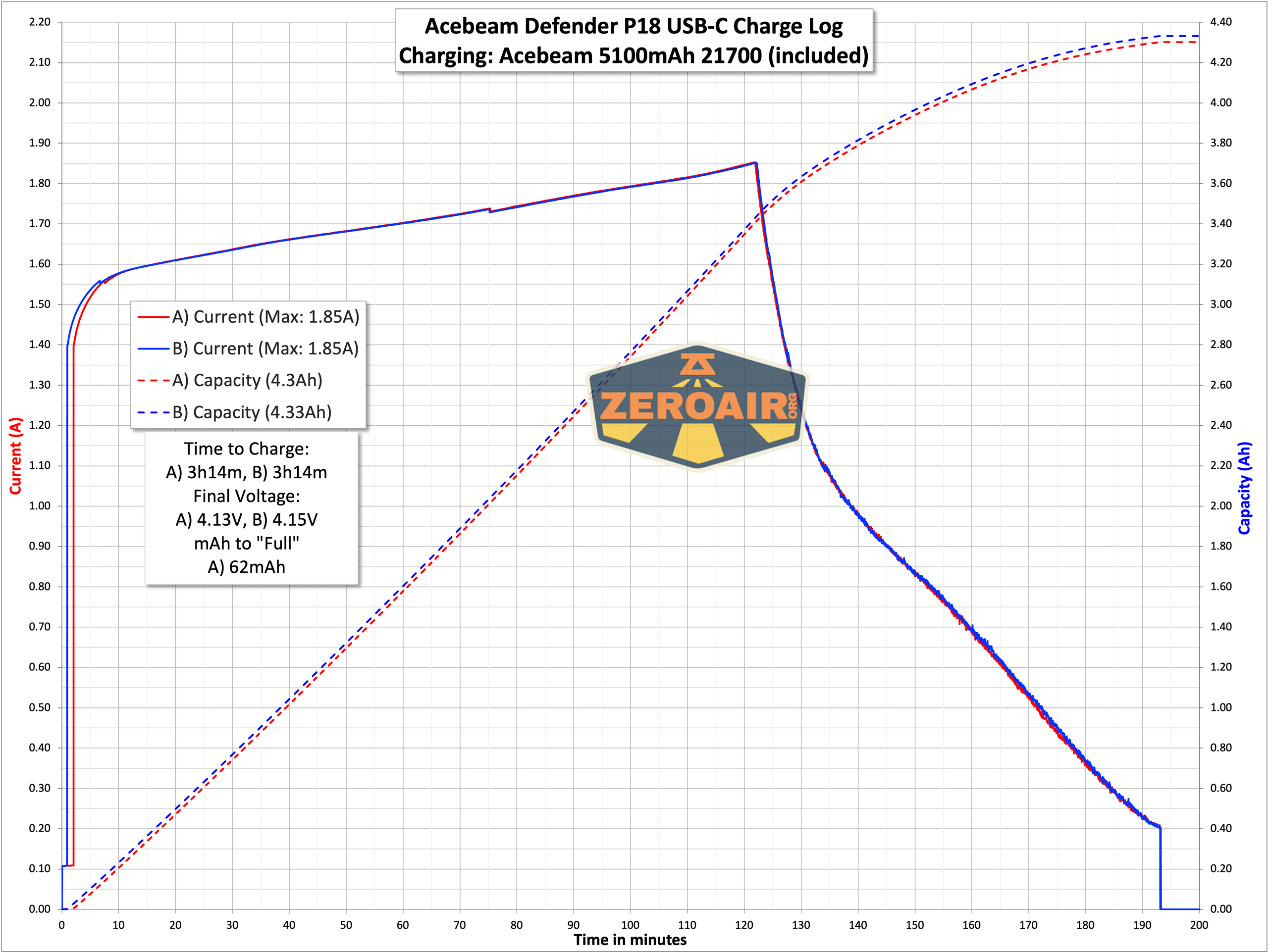
USB-C to USB-C works just fine too and also requires around 3 hours.
Modes and Currents
| Mode | Mode Claimed Output (lm) | Claimed Runtime | Measured Lumens |
|---|---|---|---|
| Turbo | 5000/1300/580/100 | 60s/2h5m/10m/20m | 4206 (0s) 4033 (30s) |
| High | 2200/1300/580/100 | 9m/2h/10m/20m | 1747 |
| Med | 580/100 | 5h30m/20m | 467 |
| Low | 100 | 1.5d | 84 |
| Ultra-Low | 1 | 22d | 3.5 |
Pulse Width Modulation
The P18 does not have PWM in any mode! That’s great. And one of the things I love about Acebeam flashlights.
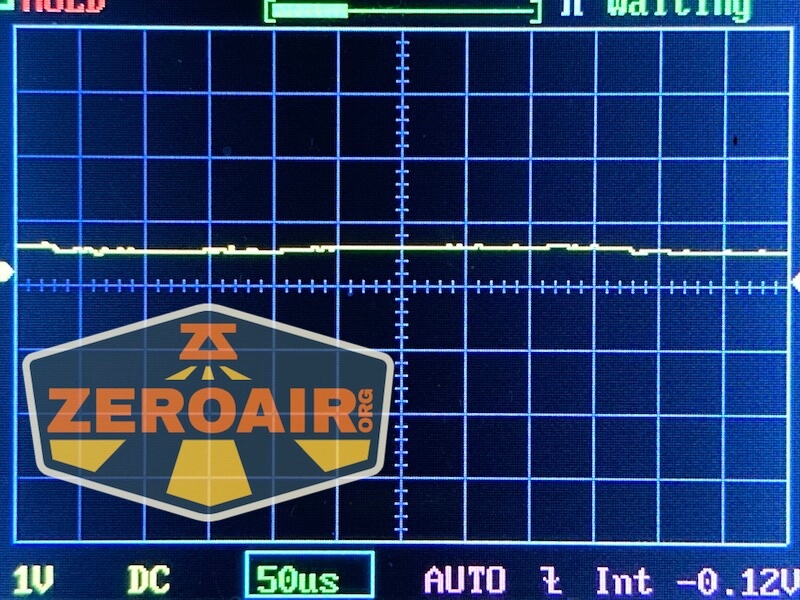
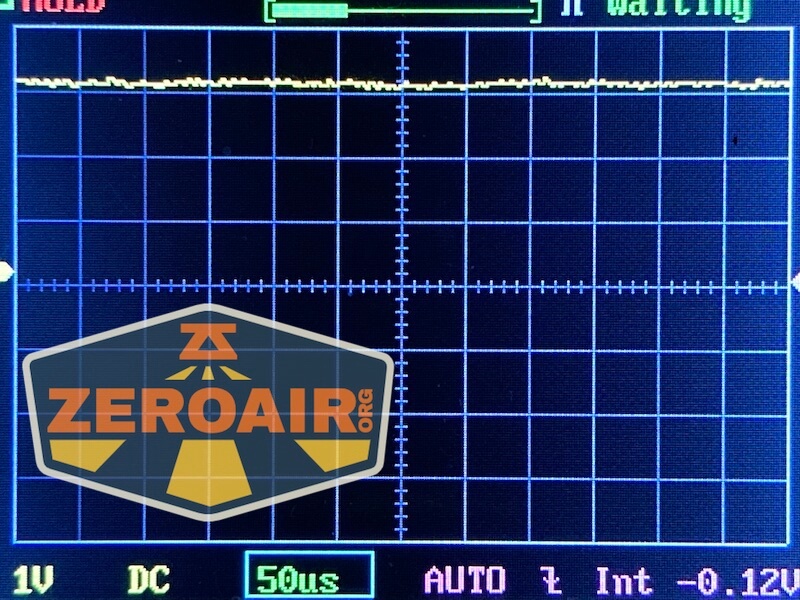
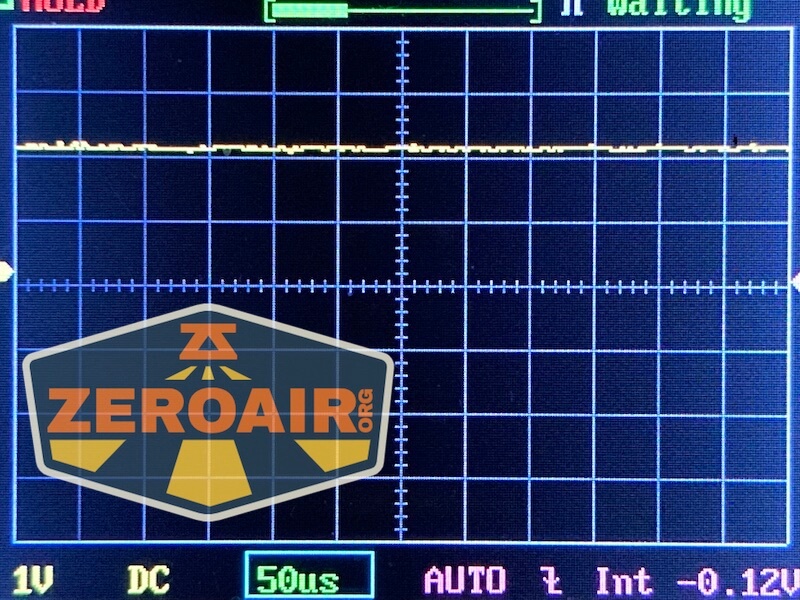
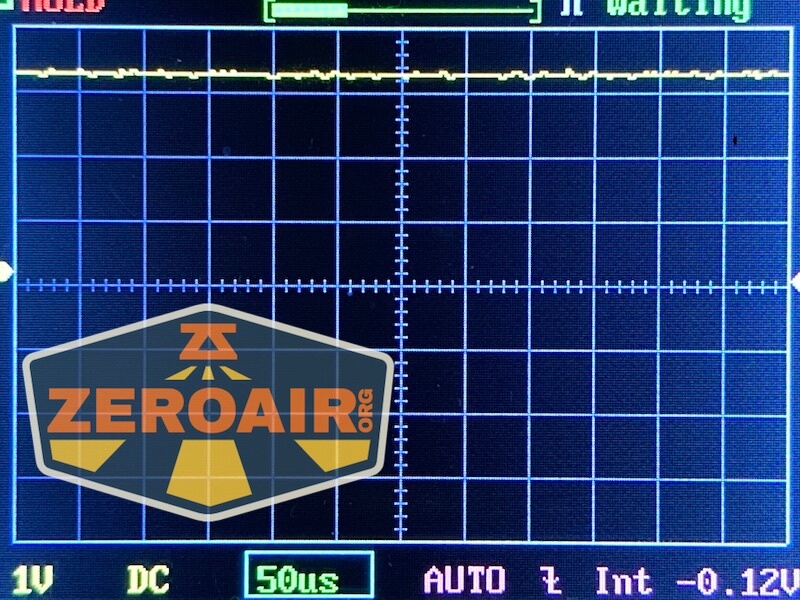
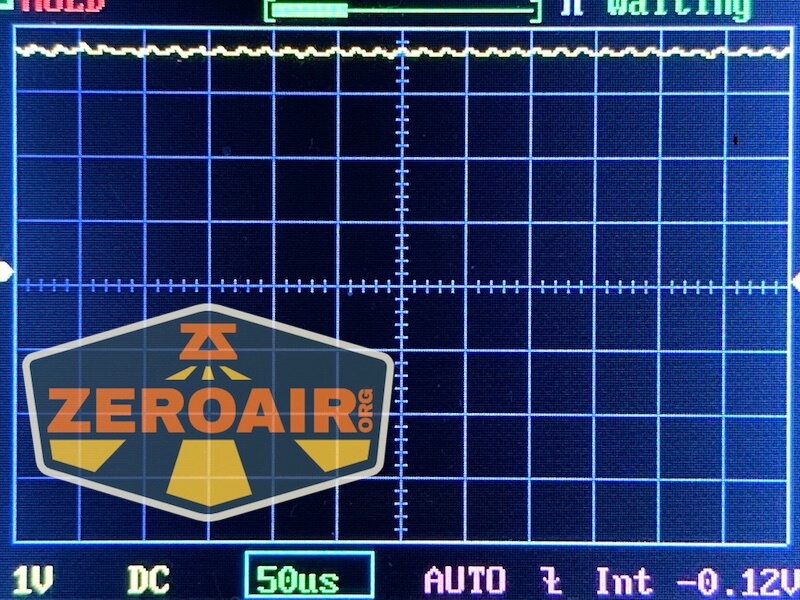
Here you can see a “baseline” – a chart with almost no light hitting the sensor.

Then there’s the Ultrafire WF-602C flashlight, which has some of the worst PWM I’ve seen. It’s so bad that I used a post about it to explain PWM! Here are multiple timescales (10ms, 5ms, 2ms, 1ms, 0.5ms, 0.2ms) to make comparing this “worst” PWM light to the test light easier. That post also explains why I didn’t test the WF-602C at the usual 50us scale.


User Interface and Operation
No surprise with this tactical light, there are two switches on the tailcap. One is a standard mechanical forward clicky, and the other (shorter) switch is more of a “paddle switch” feel (but it’s actually an e-switch button.)
Both switches are very nice. In fact, the “paddle” switch is one of the things I especially like about the P18!
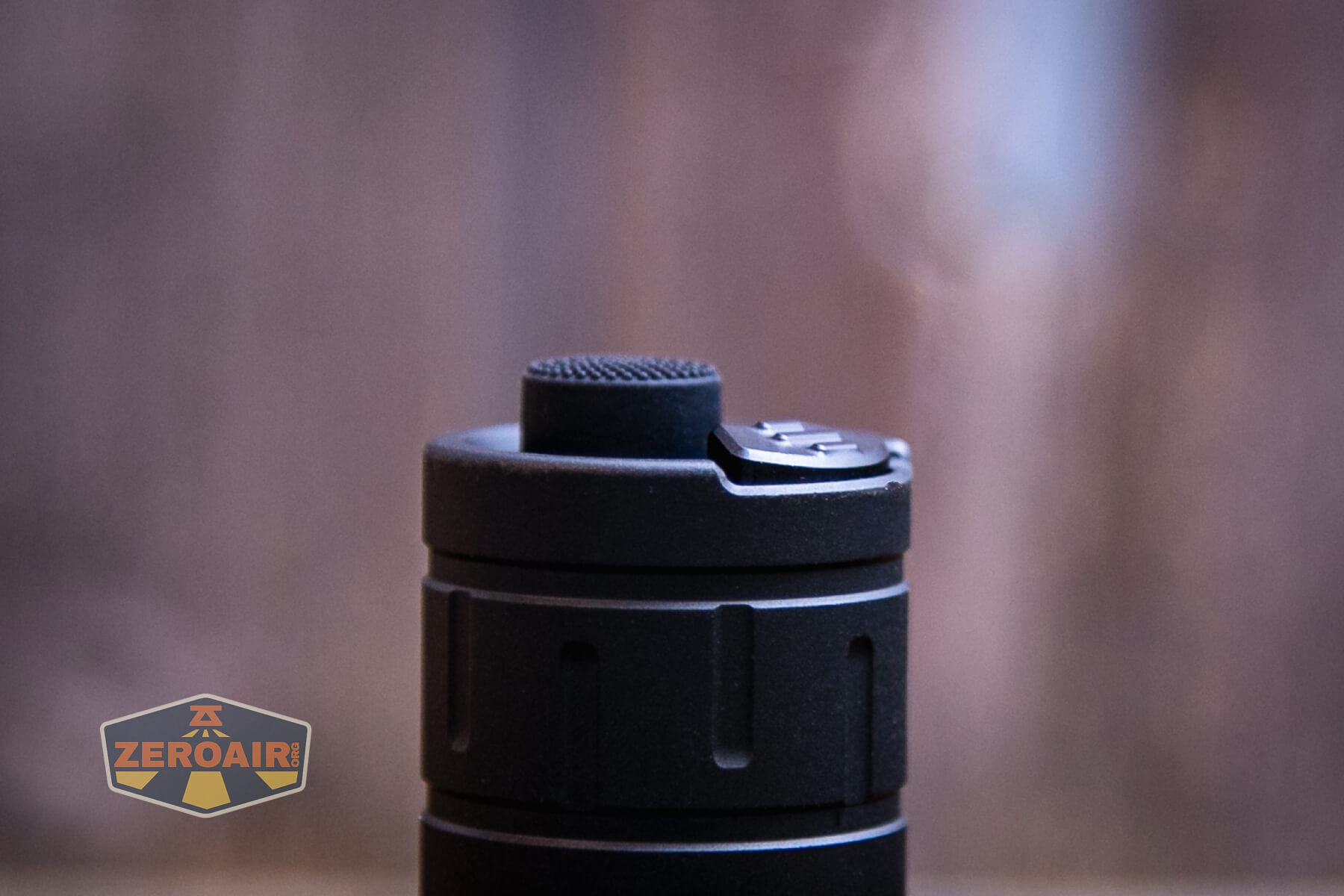
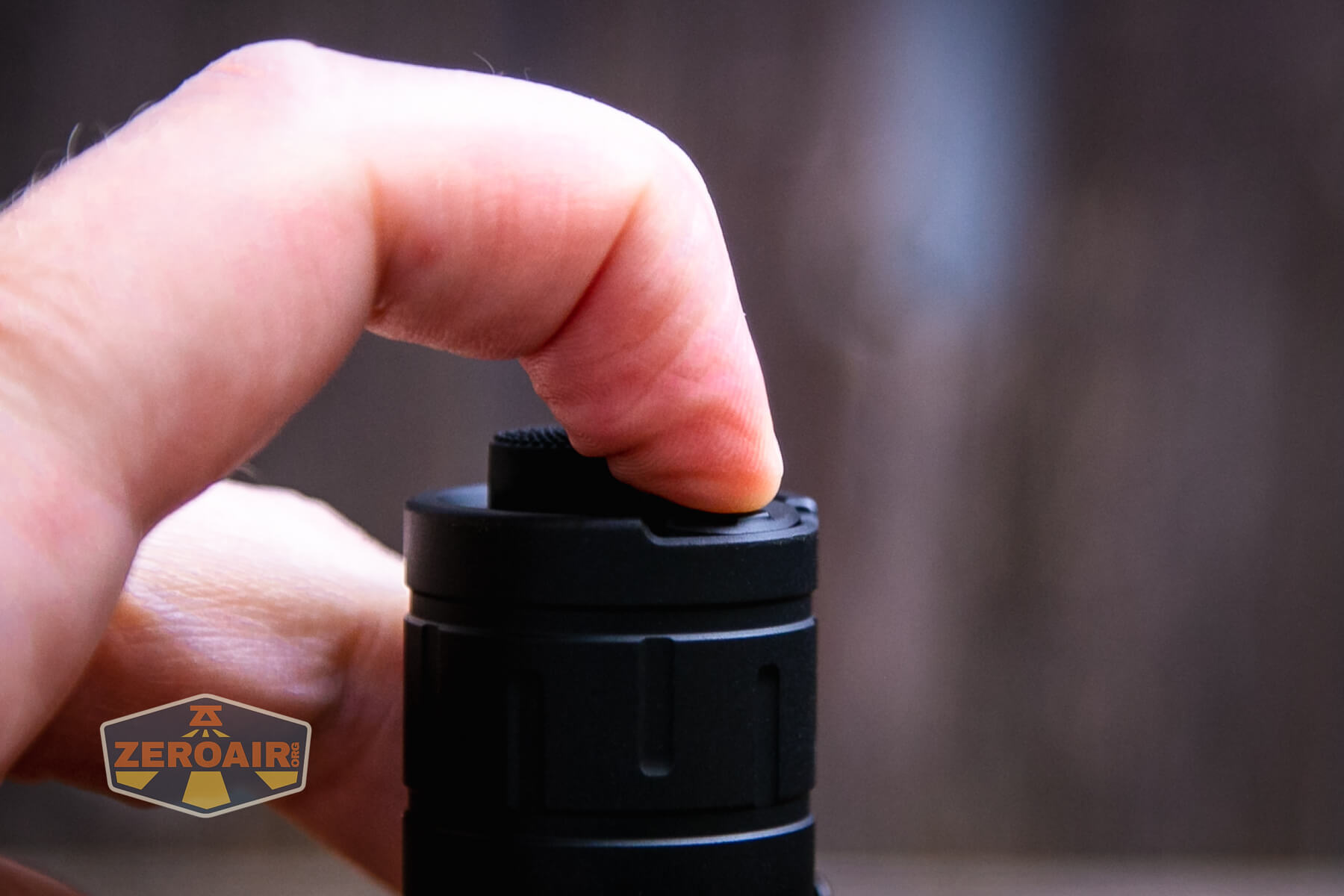
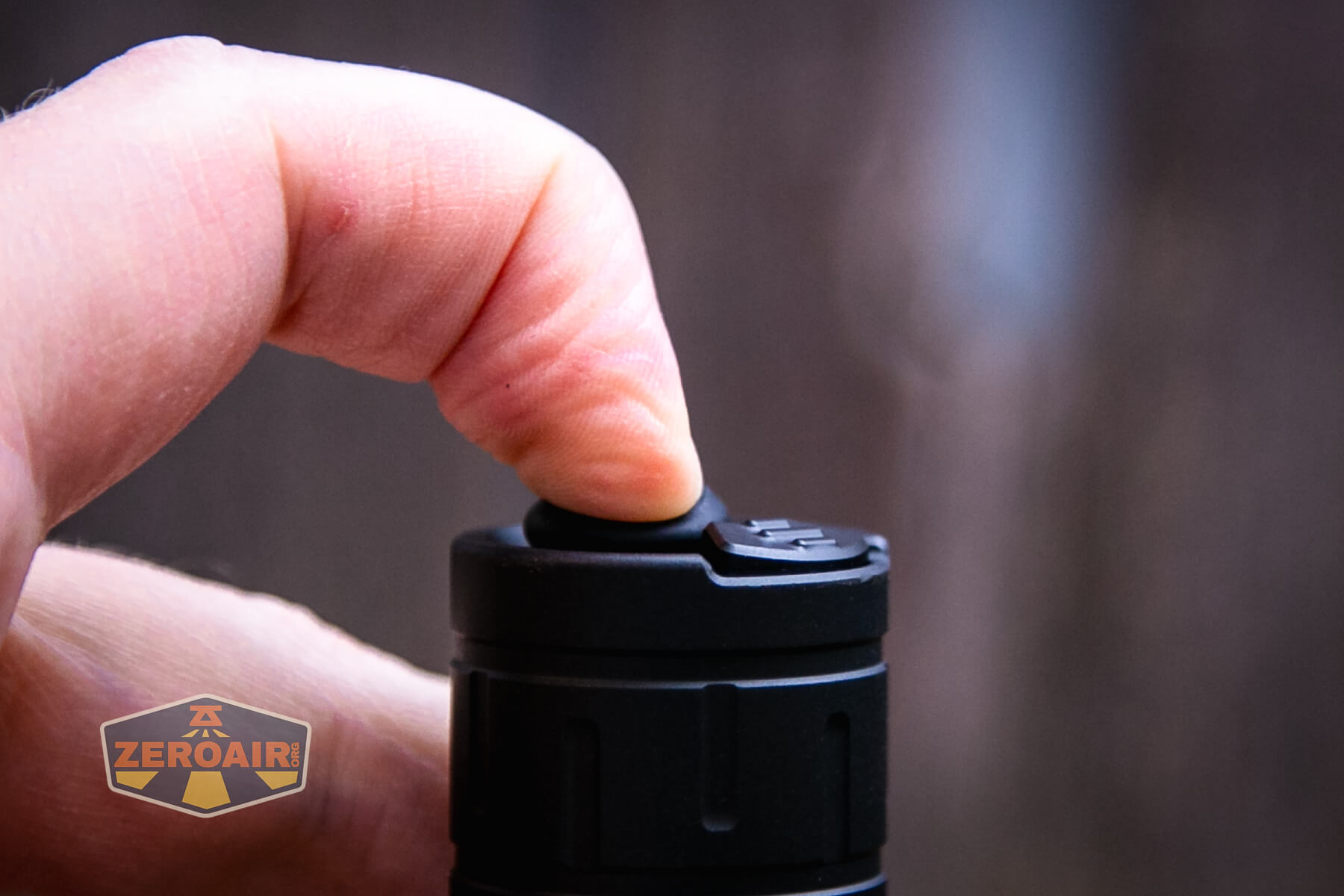
There are actually three user interface groups on the Acebeam Defender P18 tactical flashlight. One is a Daily Mode and the other two are both tactical. One of those is sort of “very tactical,” with limited access to some of the output levels. The other tactical still allows access to all (or nearly all) of the output levels but has more tactical access.
Here’s a user interface table for the Daily mode. Acebeam calls the bigger, round, mechanical switch the “Tactical Switch” (regardless of which user group you’re in). The other (which looks like a paddle switch) is called the “Function switch.” I will call them by those names in the table below.
The groups share user interface characteristics except where noted in the table.
| State | Action | Result |
|---|---|---|
| Off | Tap Tactical switch | Momentary on of memorized mode |
| Off | Click Tactical switch | On in memorized mode |
| Off | Tap Function Switch | Daily: Momentary on of ultra-low
Tactical mode 1: Strobe Tactical mode 2: High |
| Off | Hold Function switch >3s | Daily: On in ultra-low
Tactical mode 1: On in Strobe Tactical mode 2: On in High |
| Daily: On in ultra-low
Tactical mode 1: On in Strobe Tactical mode 2: On in High |
Tap either | Off |
| On | Click Tactical switch | Off |
| On | Click Function switch | Daily: Low>Medium>High>Turbo
Tactical mode 1: Low>Medium>High>Turbo Tactical mode 2: Ultra-Low>Low>High |
| On | Hold Function switch | Daily: SOS
Tactical mode 1: Strobe Tactical mode 2: High |
| Off | Hold function switch 3s, click tactical switch (while still holding function switch) | Light enters mode switching |
| Mode switching | Click function switch | Emitters blink and await user input through the function switch |
| Emitters blinking in mode switching | Click Function switch | Strobe: Tactical Mode 1 High: Tactical Mode 2 SOS: Daily Mode |
| Strobe or High or SOS (per desired mode group) | Click Tactical switch | Mode group is selected |
LED and Beam
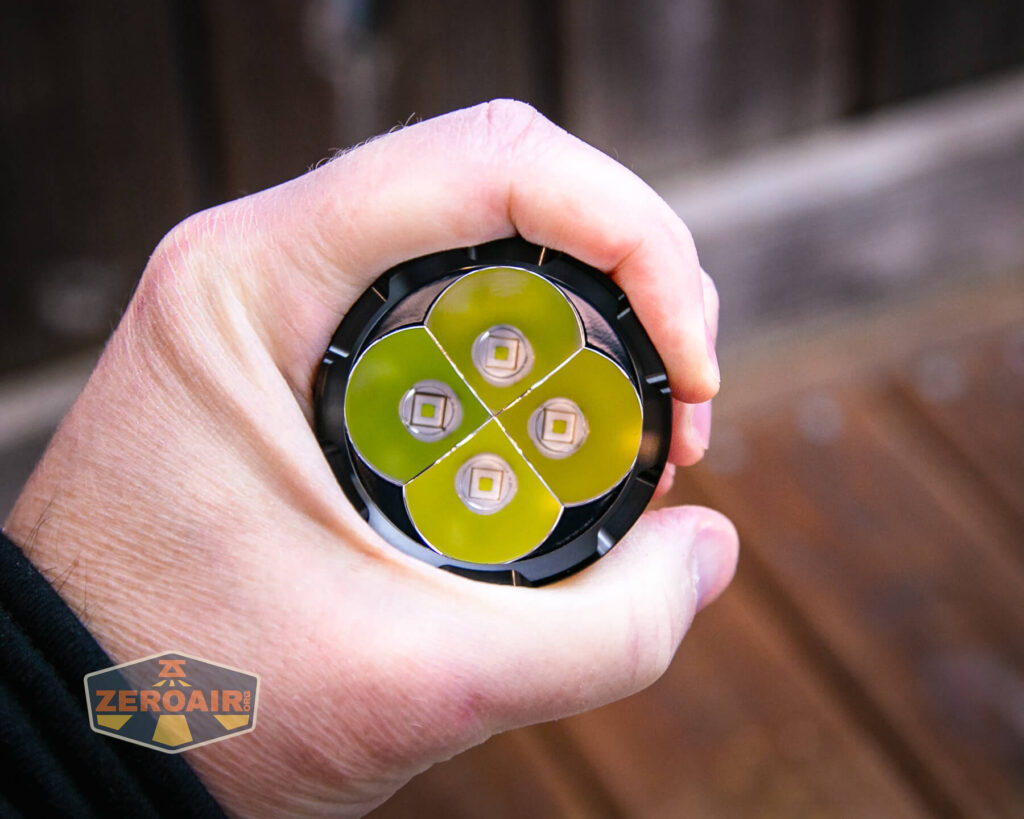
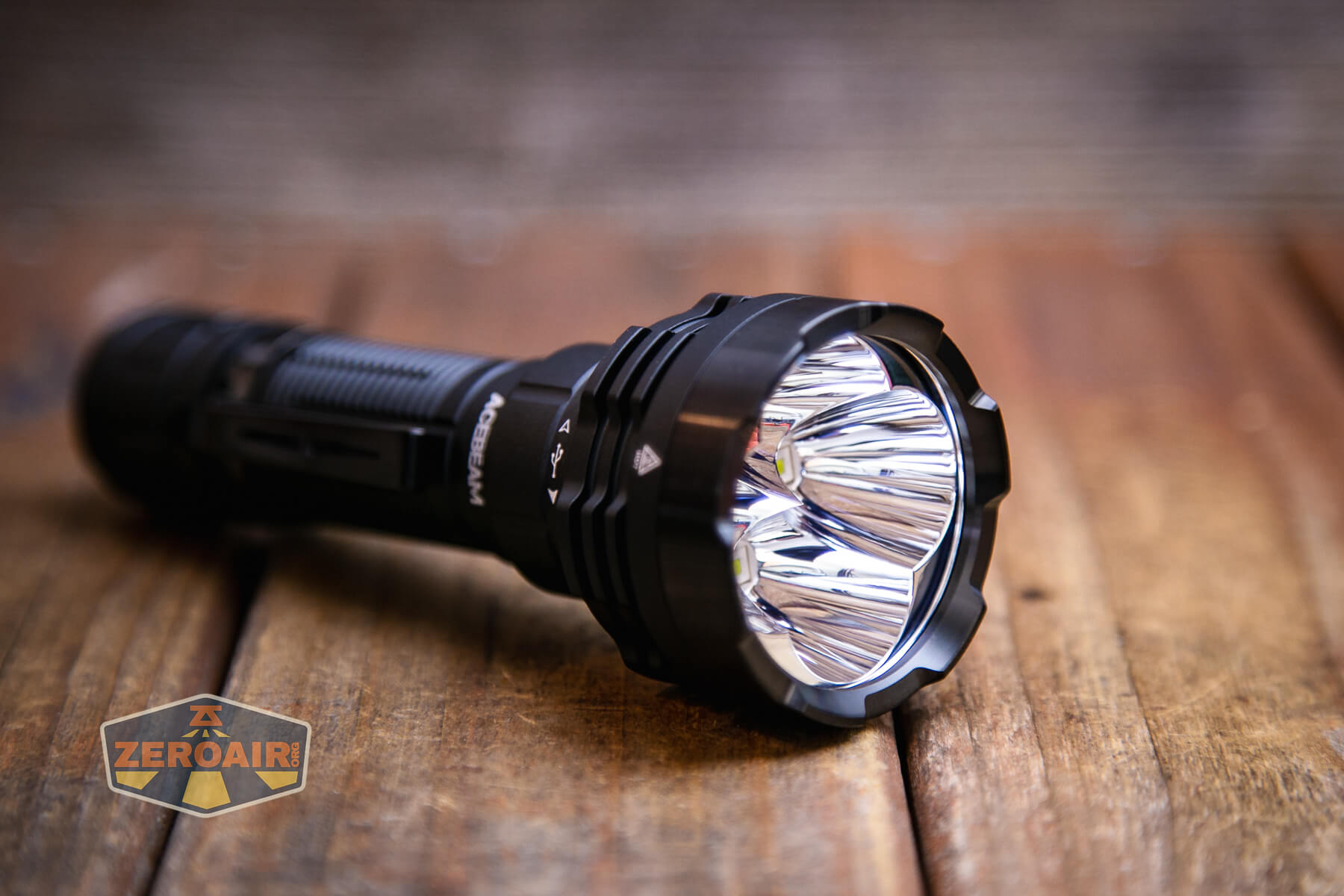
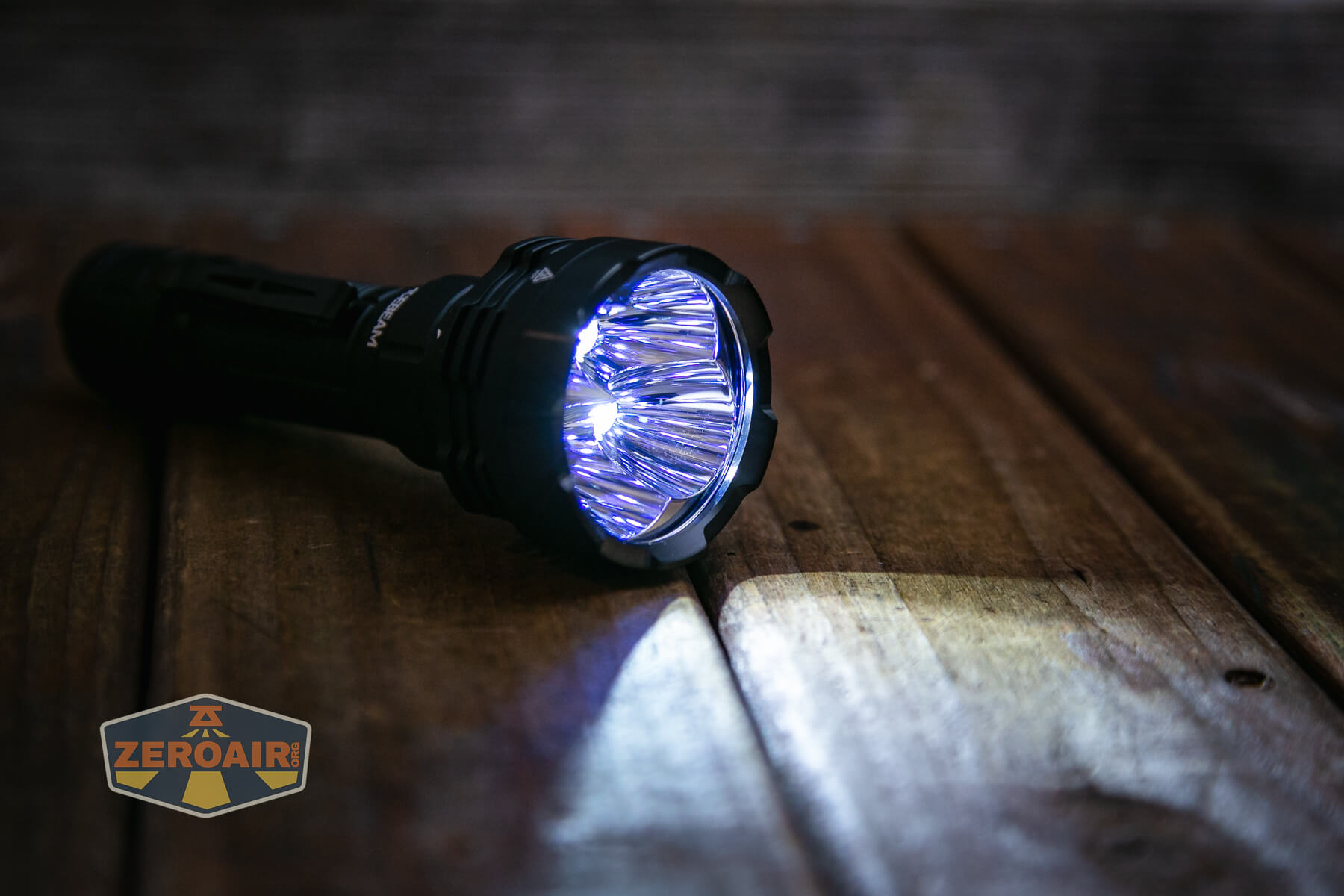
Acebeam has used four (4) Luminus SFT-40 emitters in the Defender P18 tactical flashlight. That’s a great choice for high output!
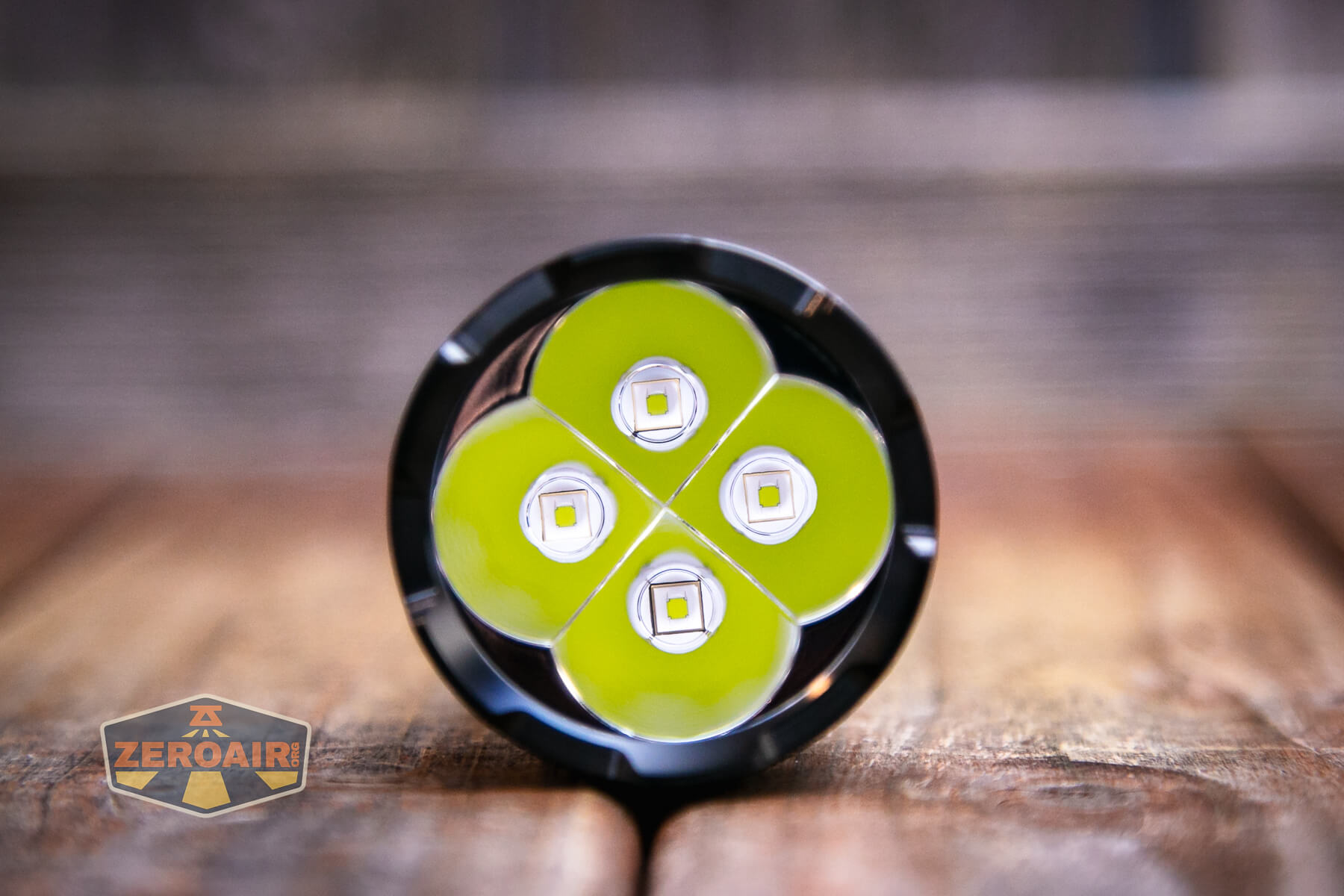
Each emitter has its own reflector, and those are smooth.
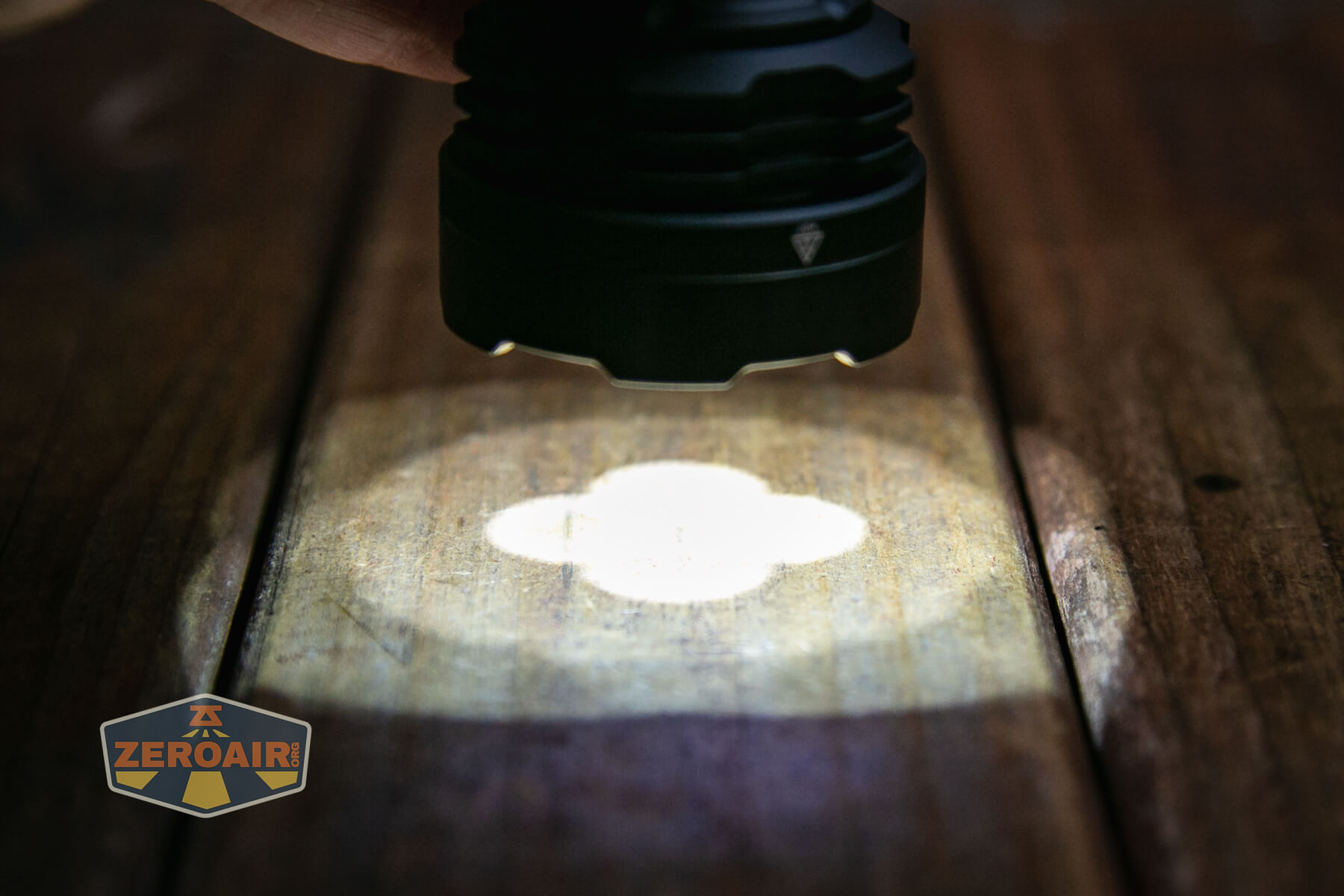
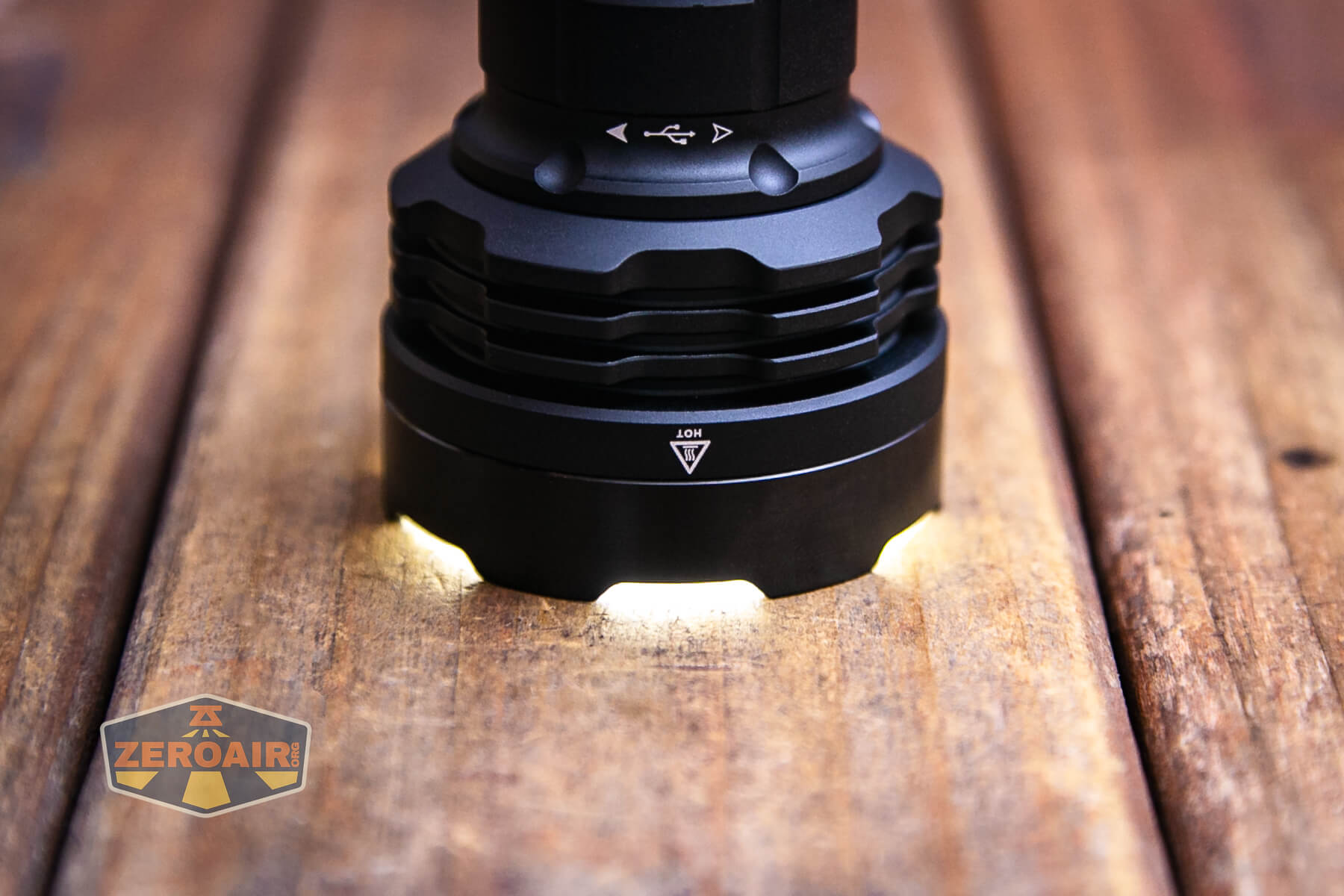
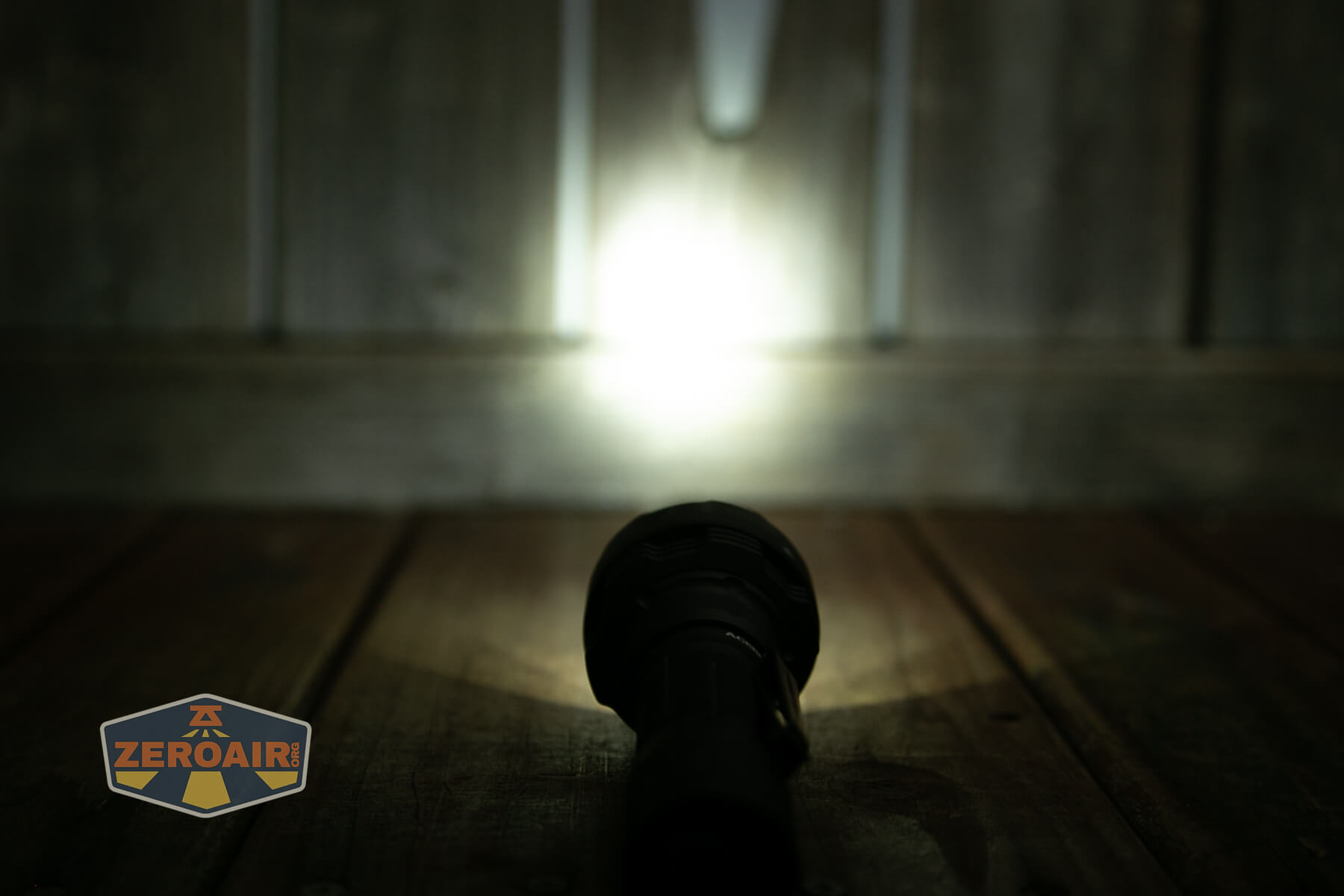
The bezel has a bit of shape to it, so when headstanding, some light can escape.
LED Color Report (CRI and CCT)
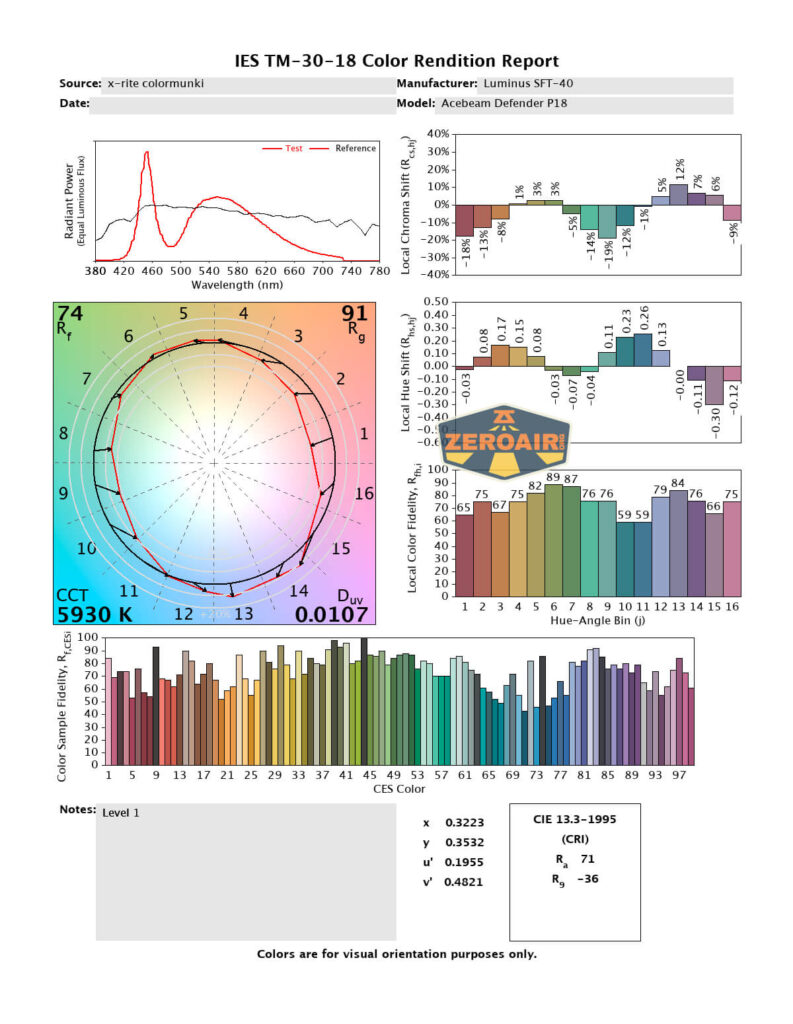
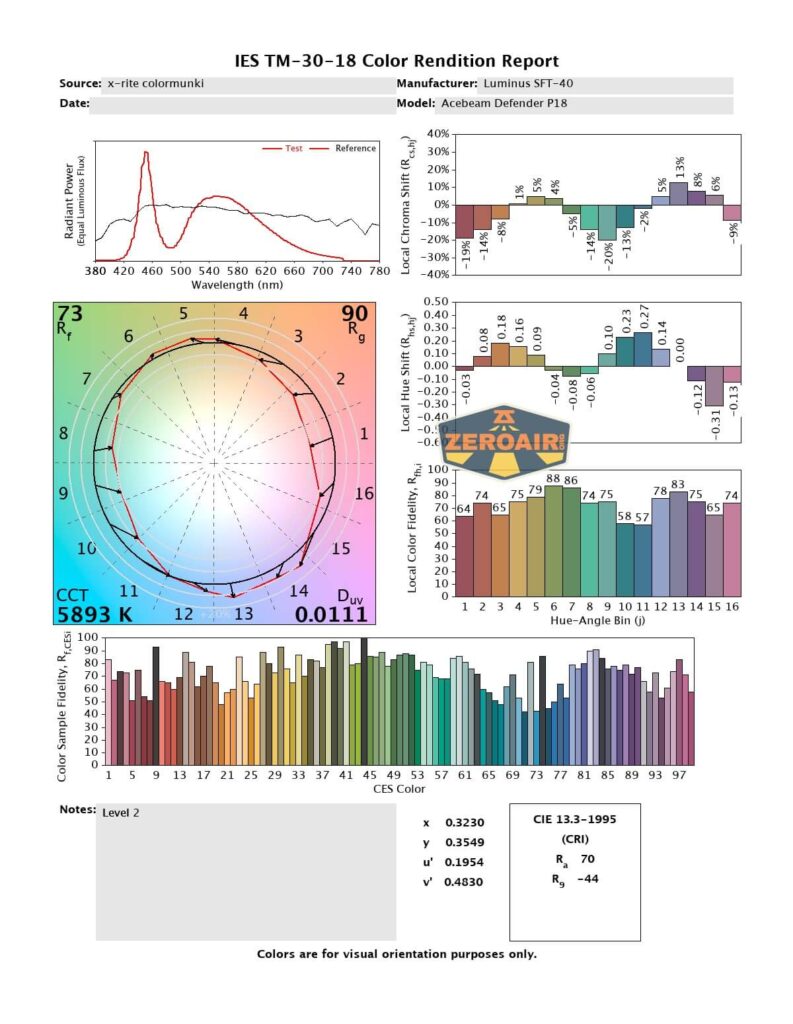
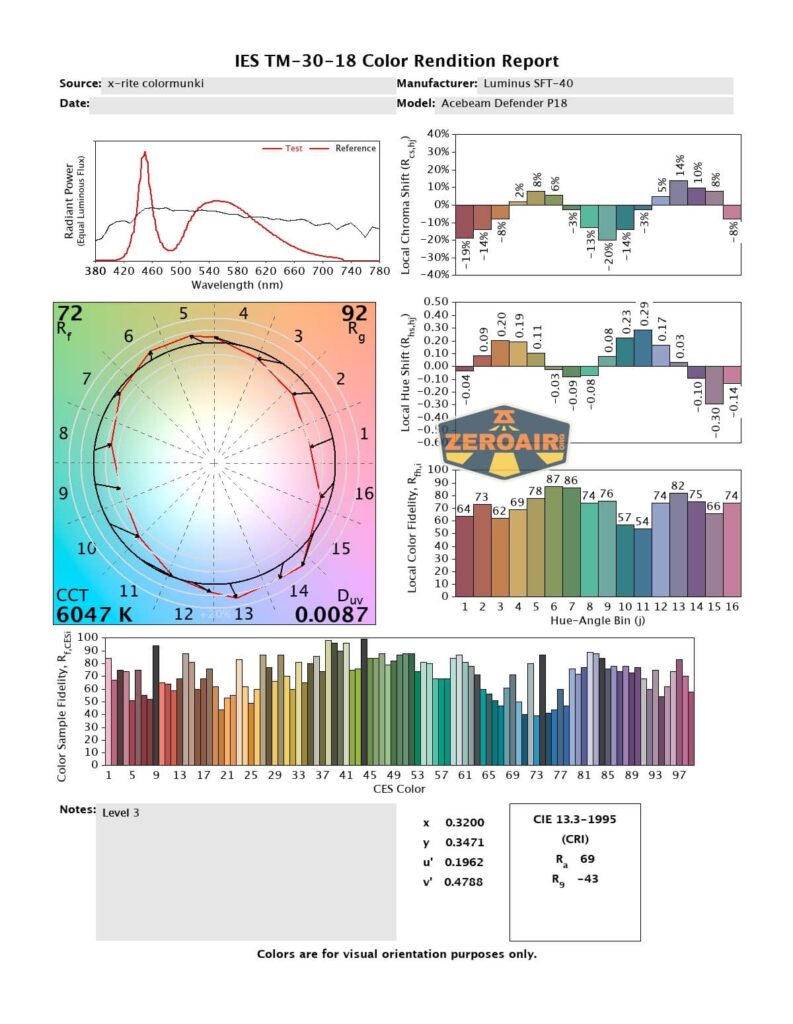
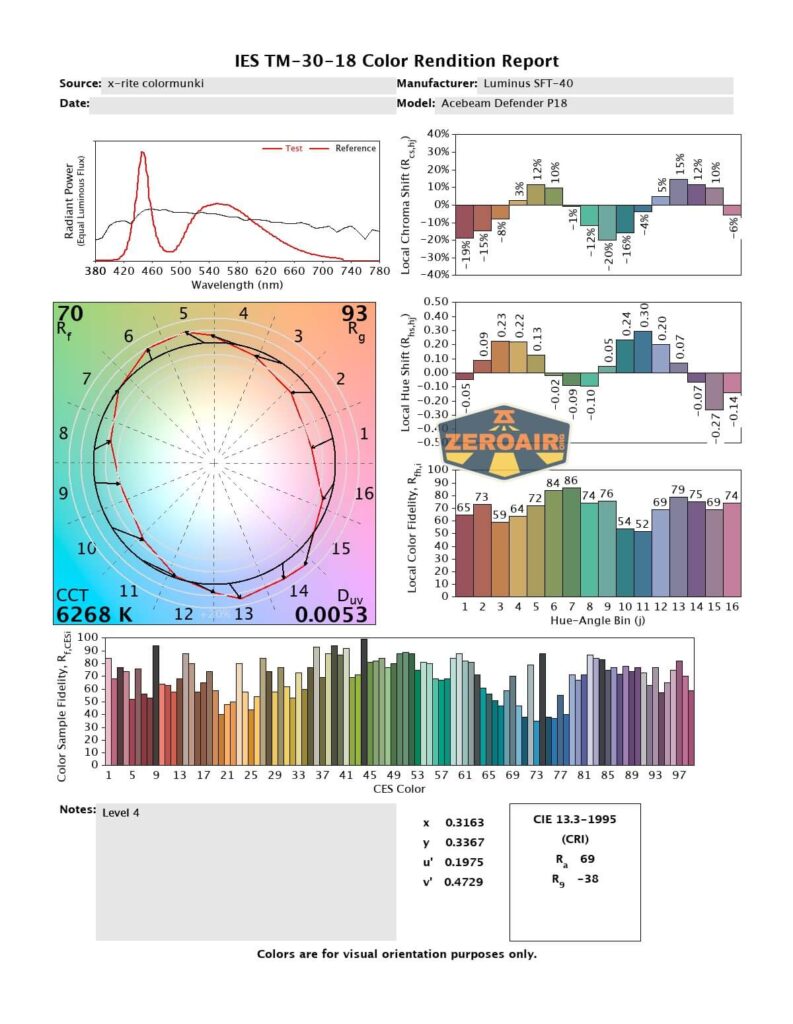
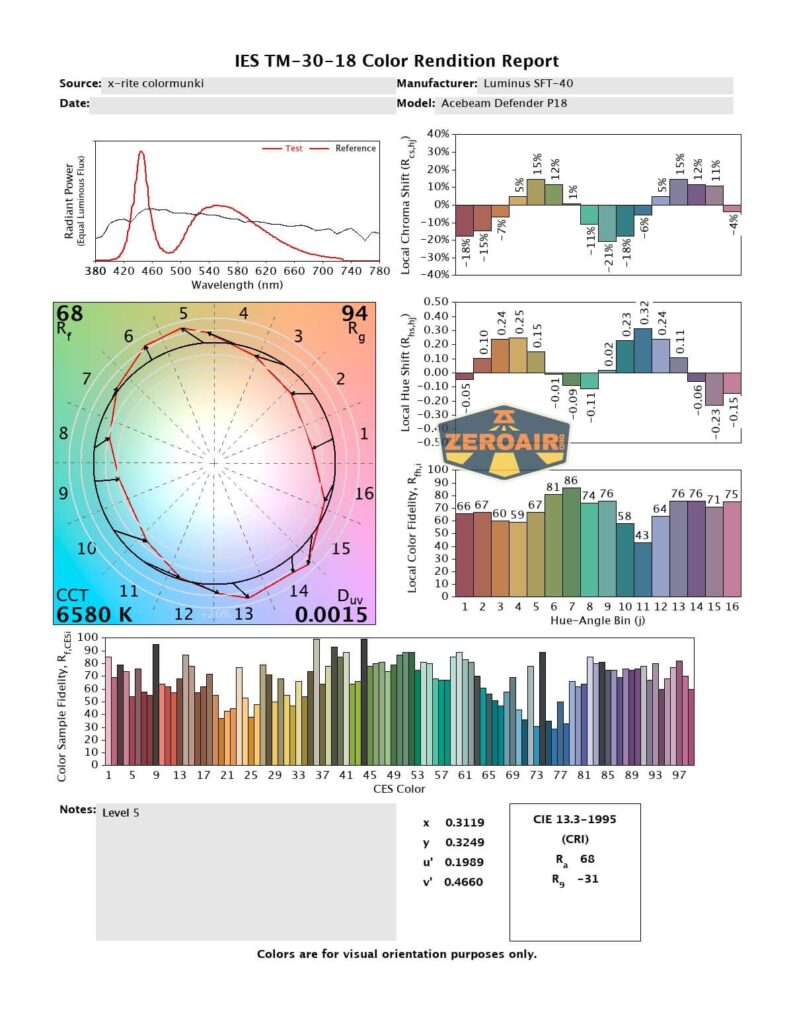
CCT is in the “cool white” range, and CRI is low at around 71.
Beamshots
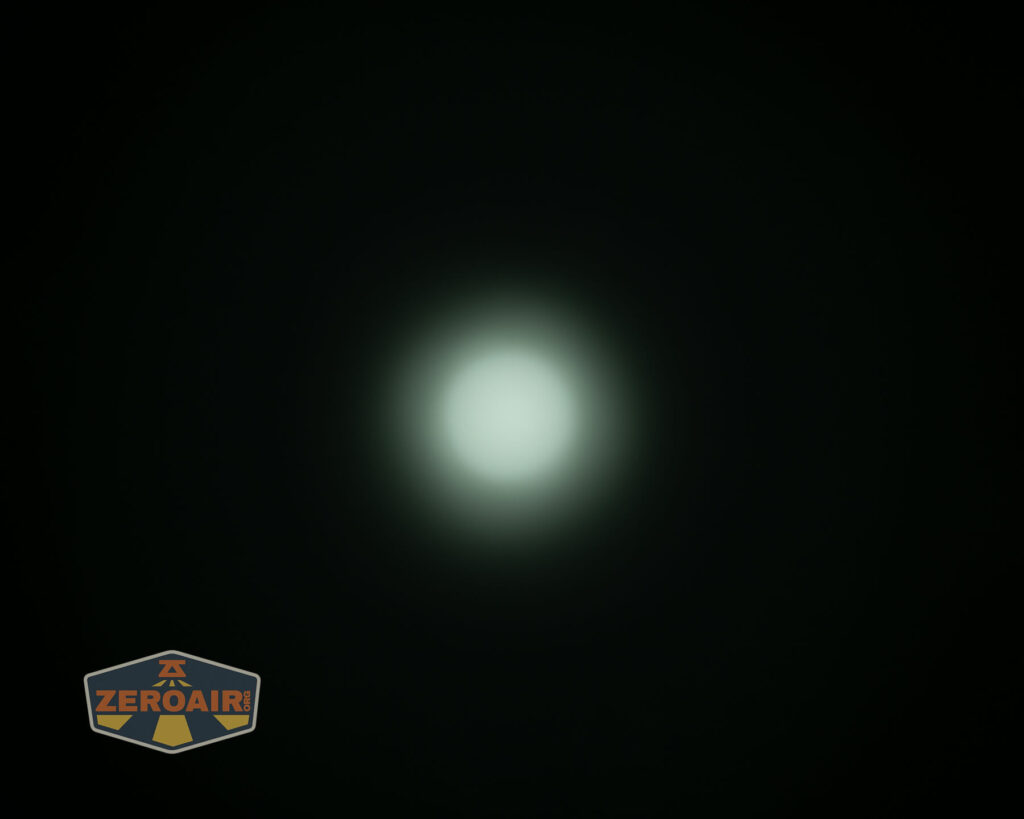
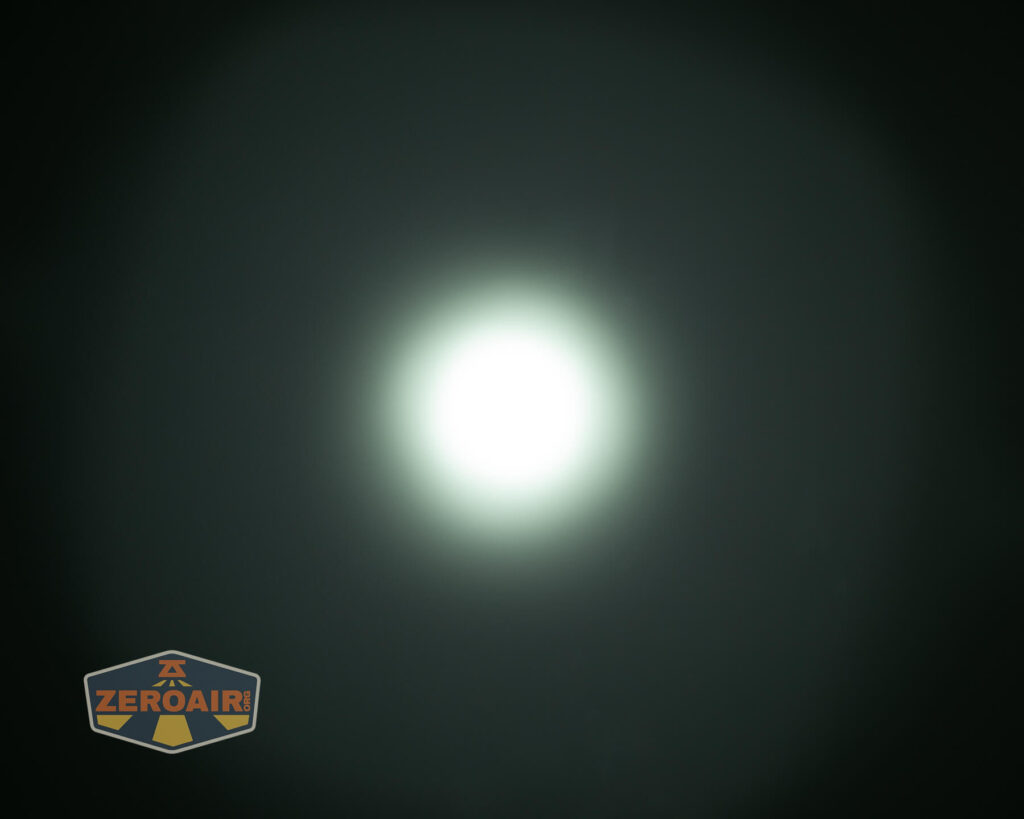
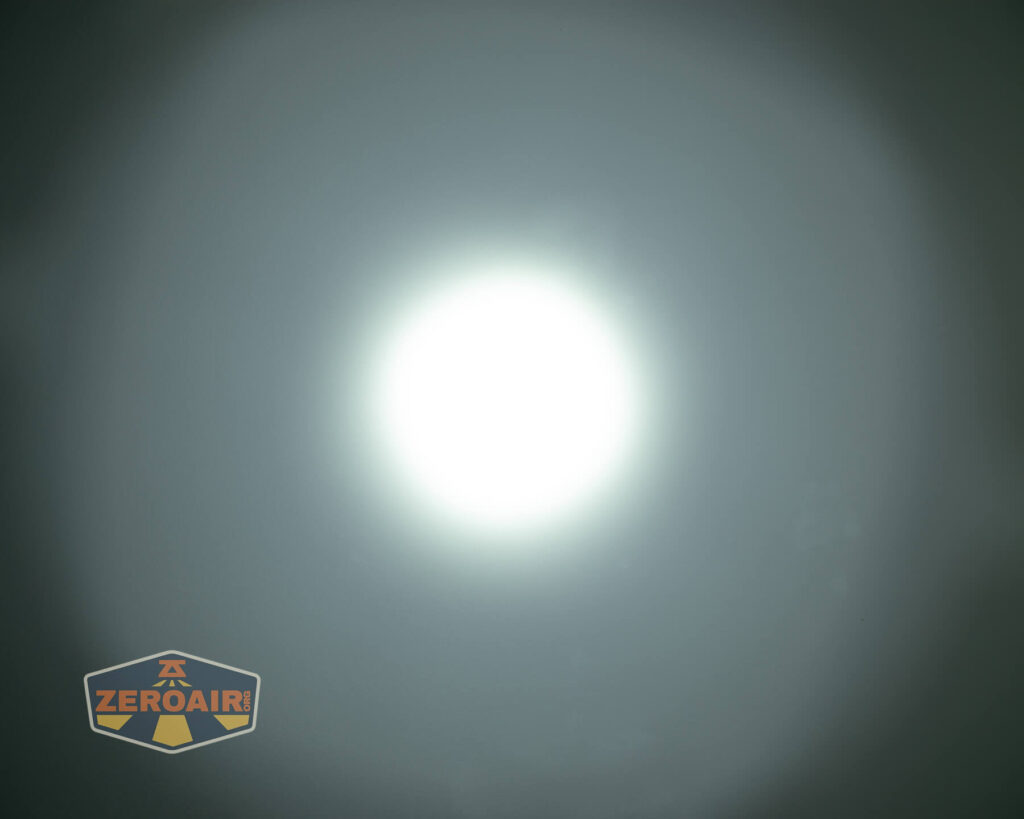
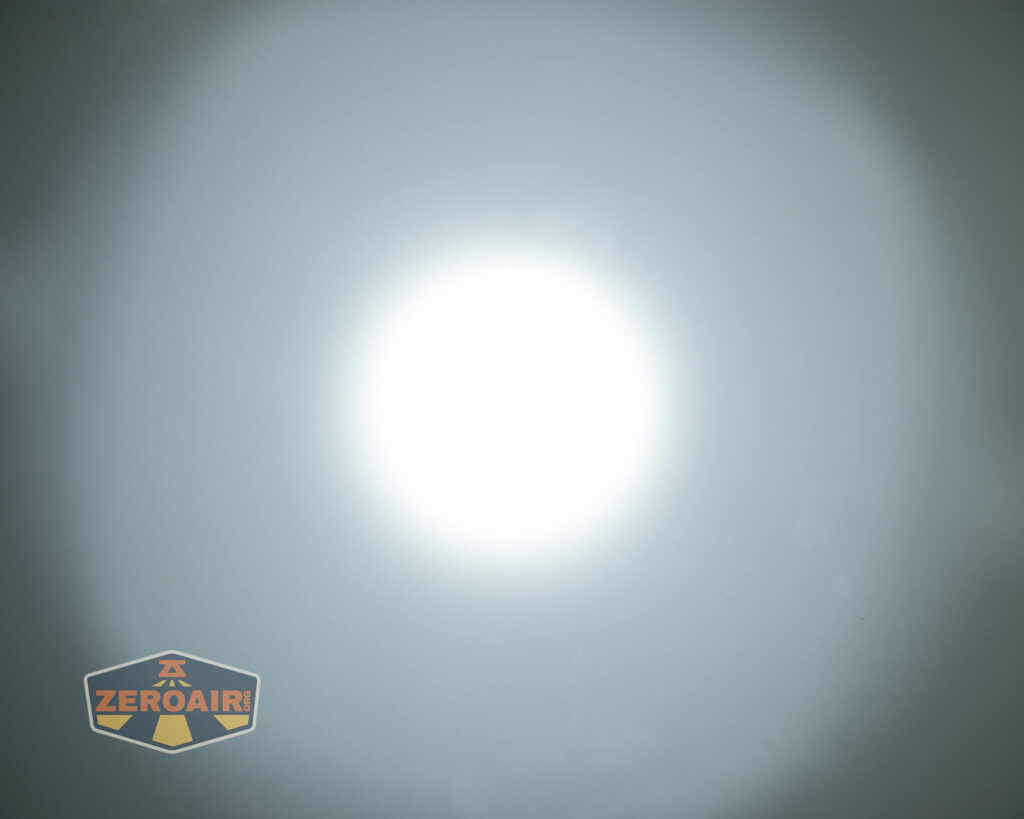
These beamshots always have the following settings: f8, ISO100, 0.3s shutter, and manual 5000K exposure. These photos are taken at floor level, and the beam hits the ceiling around 9 feet away.
Tint vs BLF-348 (KillzoneFlashlights.com 219b version) (affiliate link)
I keep the test flashlight on the left and the BLF-348 reference flashlight on the right.
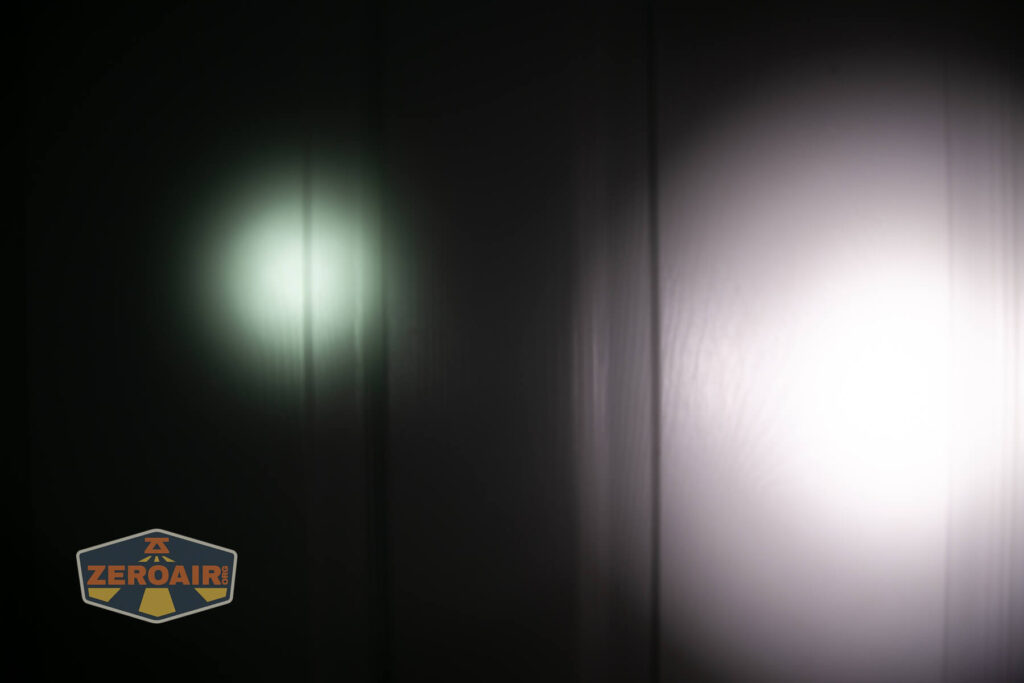
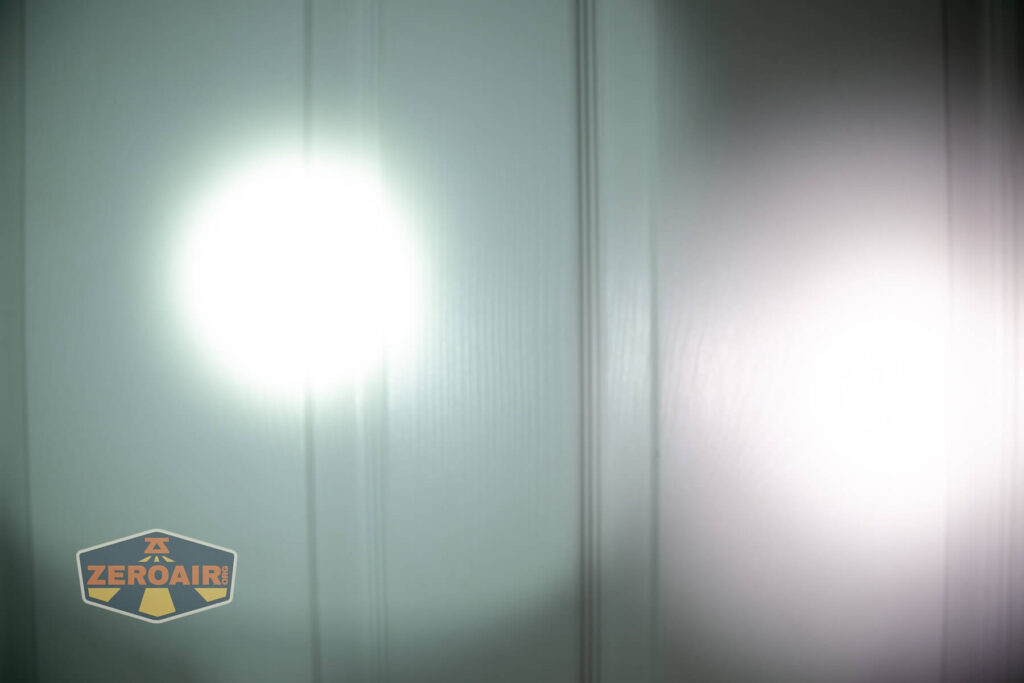



I compare everything to the KillzoneFlashlights.com 219b BLF-348 because it’s inexpensive and has the best tint!
Conclusion
What I like
- Excellent build quality
- Nicely covered USB-C charging port
- C to C charging works well
- Complete package (includes cell)
- Great (and throwy) beam profile
- Versatile user interface(s)
- Design language matches other lights by Acebeam from this generation
- Uses a standard 21700 cell (which is included!)
What I don’t like
- Price
- Cool to very cool CCT
- Low CRI
Notes
- This content originally appeared at zeroair.org. Please visit there for the best experience!
- Please use my Amazon.com referral link to help support zeroair.org!
- Please support me on Patreon! I deeply appreciate your support!
Excellent review — a pleasure to read, as always! Mine arrived a couple of weeks ago and it is great. I really waffled between this and the P17, but how can one resist those quad emitters?!?
Thanks for a great review!
I just have a question. For example: if you have chosen tactical mode 2, and push the tactical switch and it’s memorized on low mode.
If you then from off push the function switch it will always put on high mode, right?
But will the memorized mode with tactical switch remain at low mode? Are the settings between tactical and function switch separated?