

RovyVon A28 (G2) EDC Keychain Flashlight Review
The RovyVon A28 (G2) is an updated Aurora A28 keychain flashlight – a gen 2 version. This one has dual switches, USB-C charging, and a bigger battery!
Official Specs and Features
Here’s a link to the RovyVon A28 keychain flashlight product page.
Versions
There are many versions of the RovyVon Aurora A28 flashlight. Obviously, this is “gen 2” so there’s a previous generation too. I reviewed that one a while back. A couple of emitter options exist as well: a higher output version and this high CRI 5000K Nichia 219c version. And finally, there are a few secondary emitter options – UV/Red/White, White/UV/White, and Red/White/Red.
Price
MSRP on the RovyVon A28 keychain flashlight is $56.95.
Short Review
The RovyVon Aurora A28 flashlight gen 2 is a definite upgrade over the previous generation! USB-C charging as well as a larger capacity battery all make it a better performer. The high CRI emitter is great, as is the new user interface.
Long Review
The Big Table
| RovyVon Aurora A28 Gen 2 | |
|---|---|
| Emitter: | Nichia 219c (5000K, High CRI) |
| Price in USD at publication time: | $56.95 |
| Cell: | Internal |
| Runtime Graphs | |
| LVP? | Yes |
| Switch Type: | E-Switch |
| Quiescent Current (mA): | ? |
| On-Board Charging? | Yes |
| Charge Port Type: | USB-C |
| Charge Graph | |
| Power off Charge Port | Lowest 3 main modes, all side modes |
| Claimed Lumens (lm) | 600 |
| Measured Lumens (at 30s) | 391 (65.2% of claim)^ |
| Candela per Lumen | 11.1 |
| Claimed Throw (m) | 120 |
| Candela (Calculated) in cd (at 30s) | 212lux @ 4.687m = 4657cd |
| Throw (Calculated) (m) | 136.5 (113.8% of claim)^ |
| Claimed CCT | 5000 |
| Measured CCT Range (K) | 5100 Kelvin |
| Item provided for review by: | Rovyvon |
| All my RovyVon reviews! | |
^ Measurement disclaimer: Testing flashlights is my hobby. I use hobbyist-level equipment for testing, including some I made myself. Try not to get buried in the details of manufacturer specifications versus measurements recorded here; A certain amount of difference (say, 10 or 15%) is perfectly reasonable.
What’s Included

- RovyVon Aurora A28 Gen2 flashlight
- Split ring
- Pocket clip with magnet
- Charge cable (USB to USB-C)
- Spare charge port cover
- O-ring
- Manual etc
Package and Manual
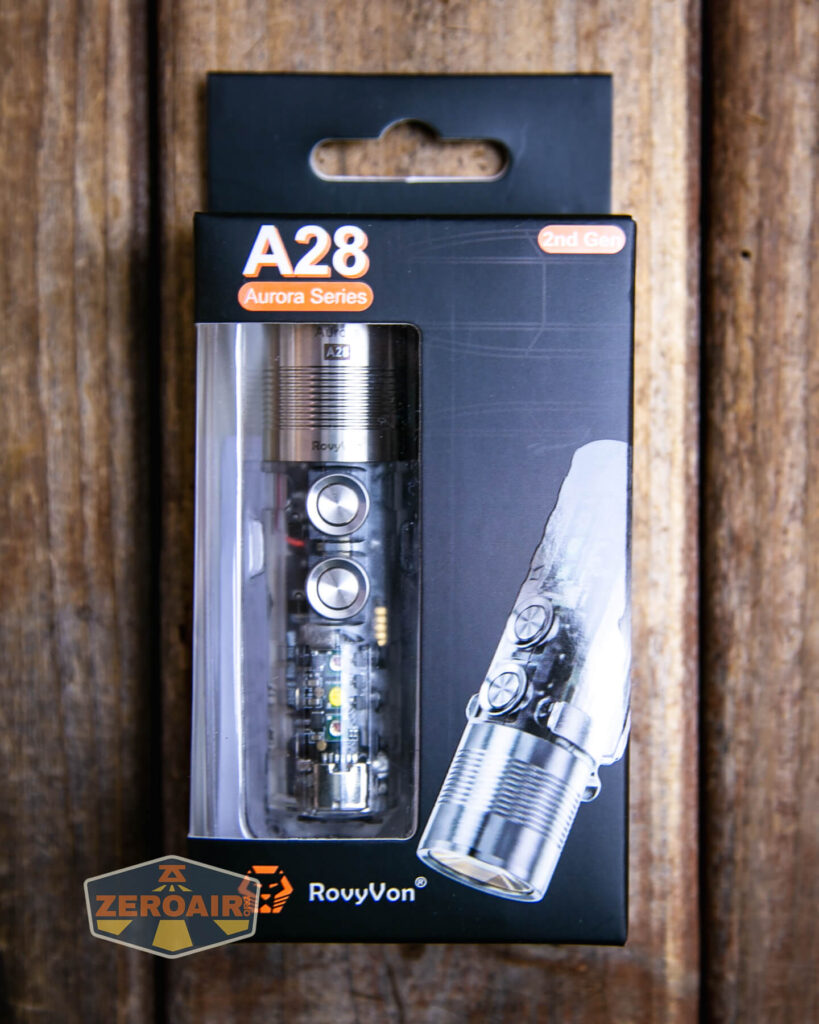
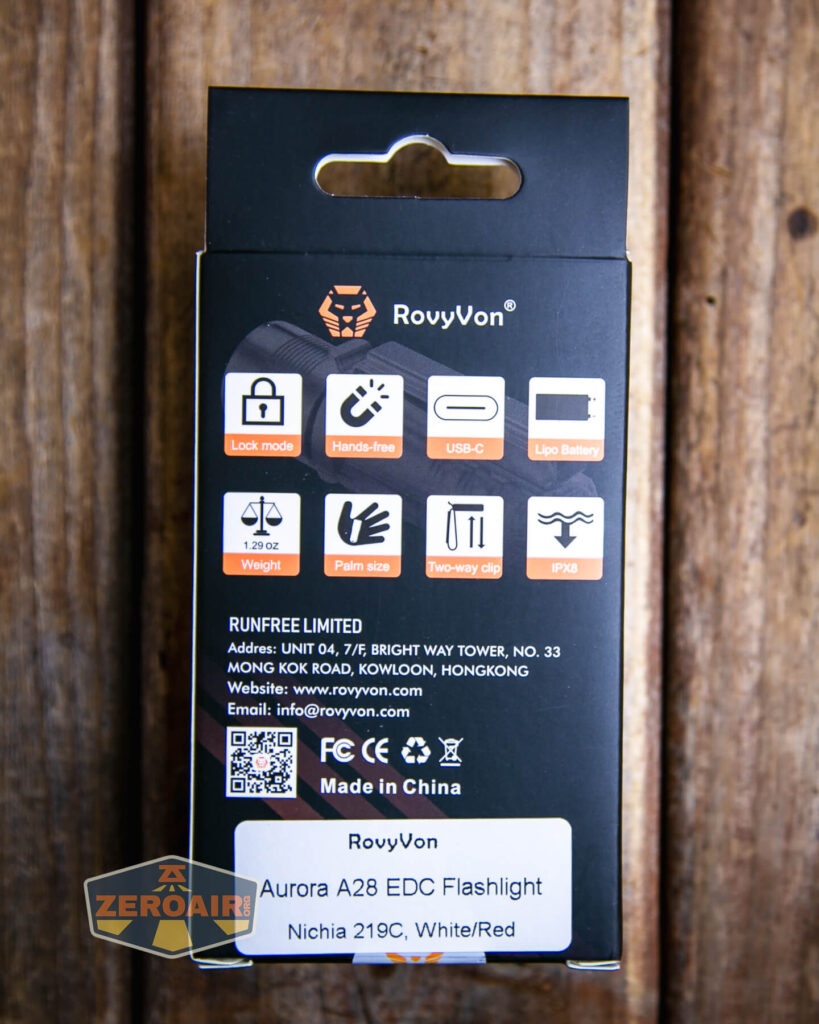

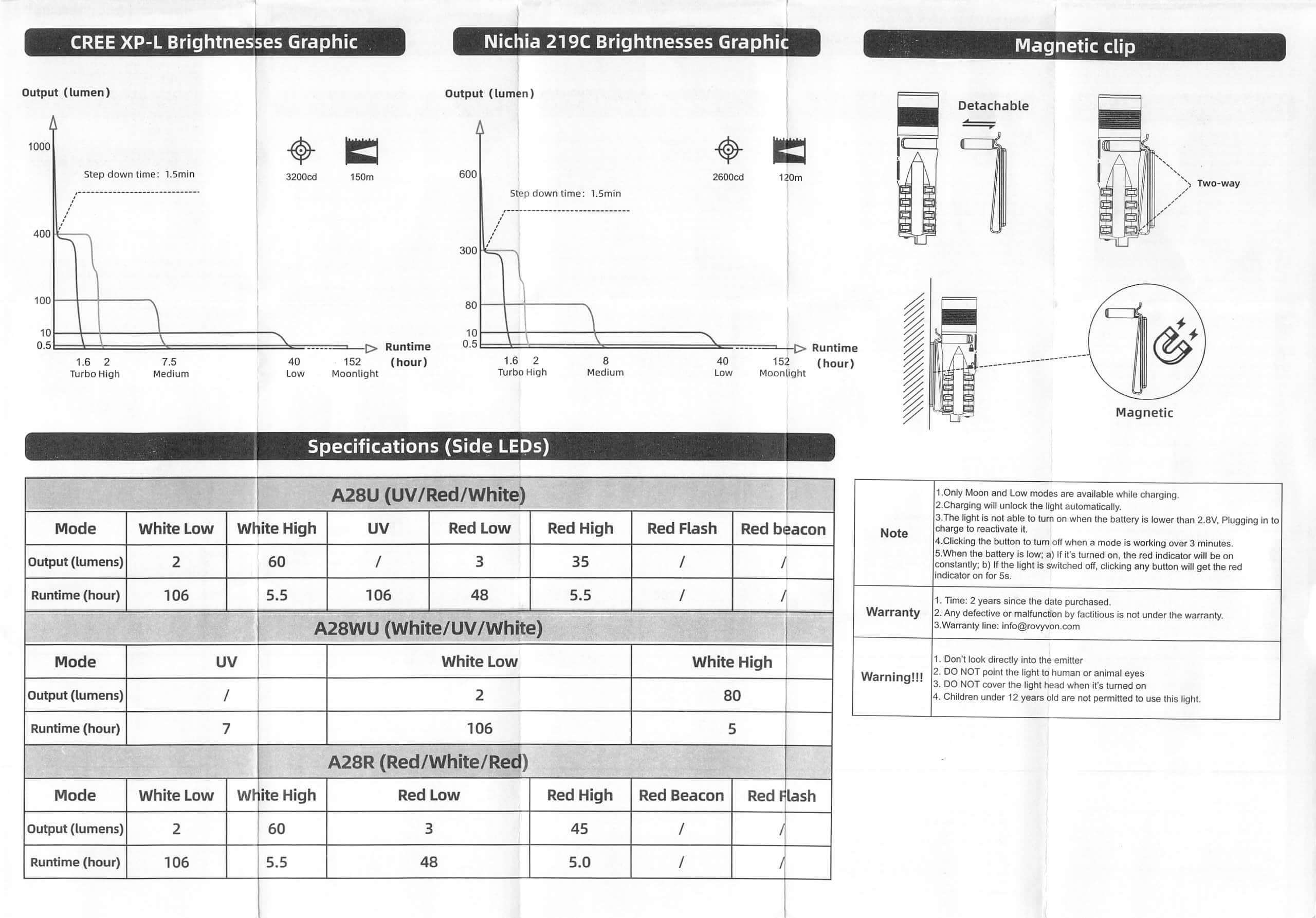
Build Quality and Disassembly

You’ll note immediately that generation 2 of the RovyVon Aurora A28 flashlight has two switches! That’s a big update indeed.

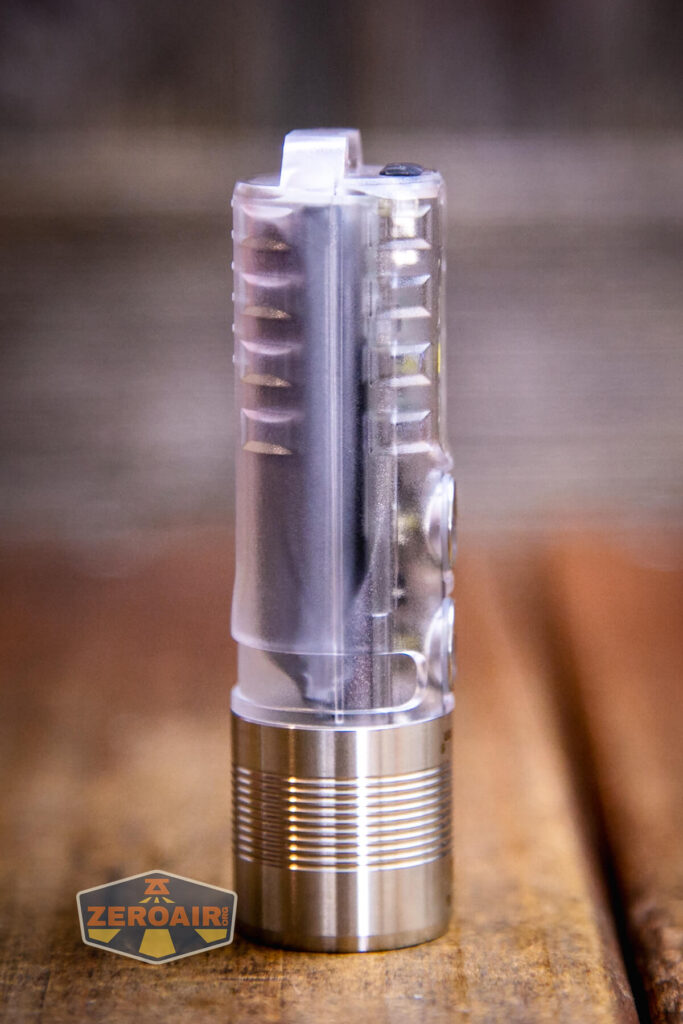
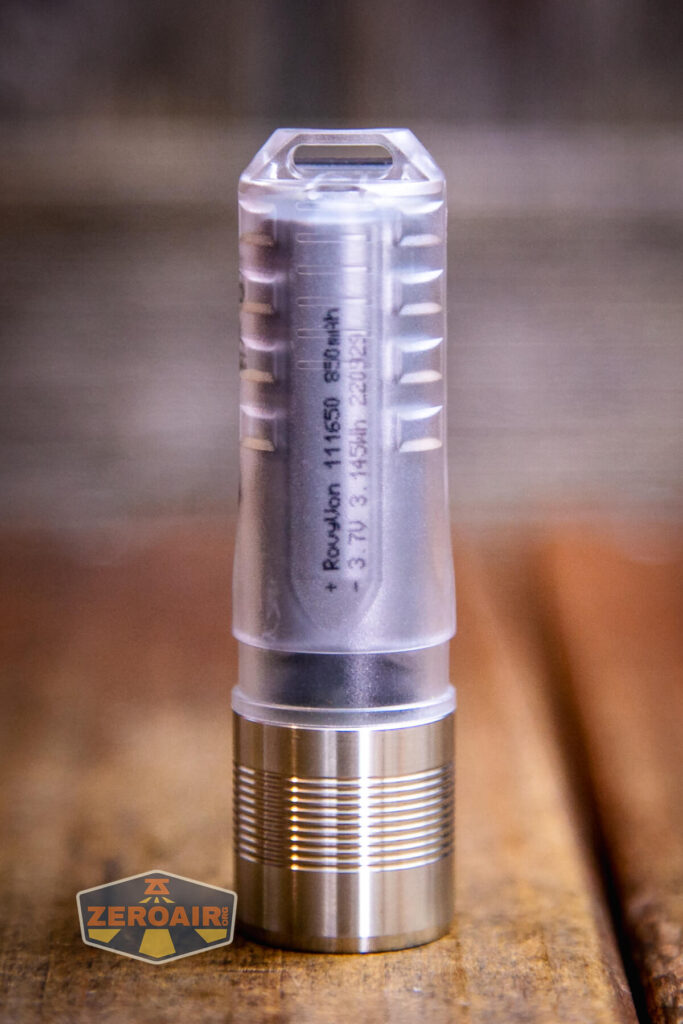
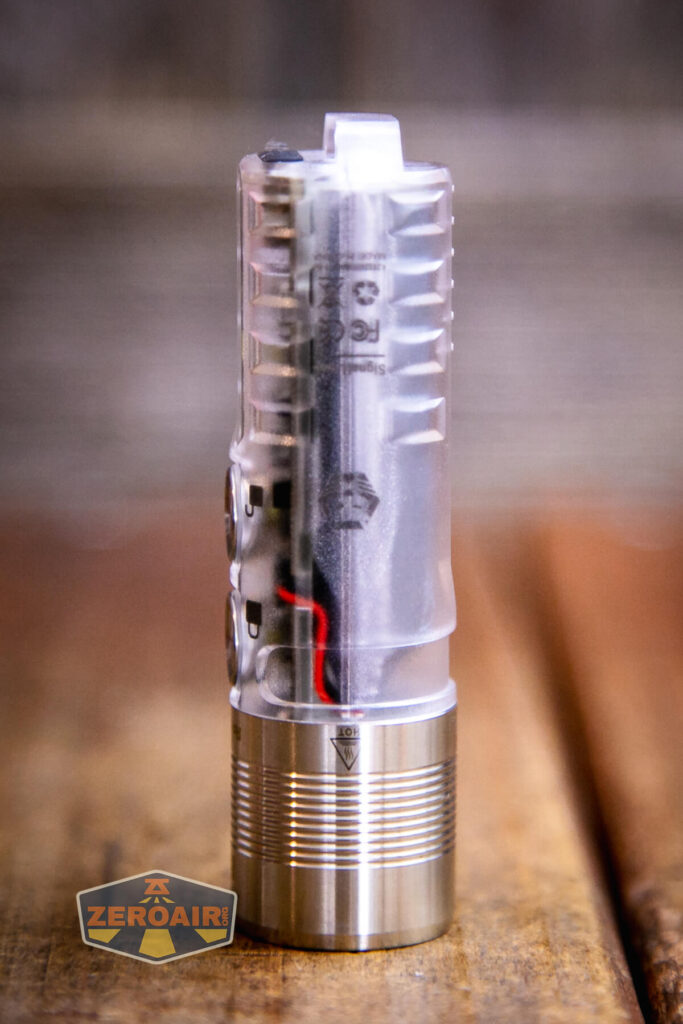
Build quality is good. I don’t note any issues, really. This plastic-body version of the Aurora series lacks any tritium slots.
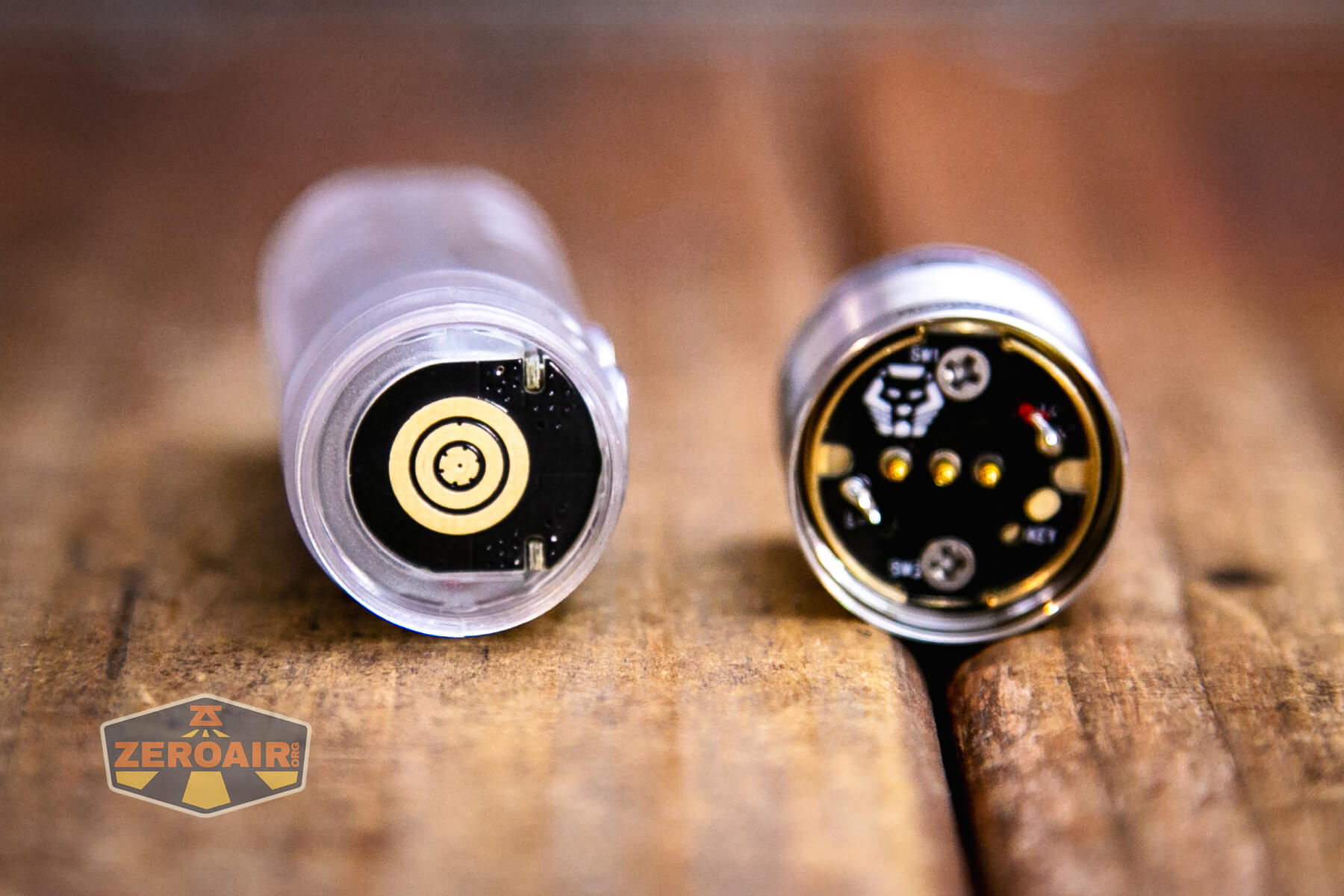
With the built-in cell, it’s unlikely you’ll need to unscrew the head much. The threads are small, anodized, and on this plastic body version are ok. Without any grip, it is a little hard to screw and unscrew the head. But mainly, sometimes it’s hard to get the [metal] head to mate and get started with the plastic body.
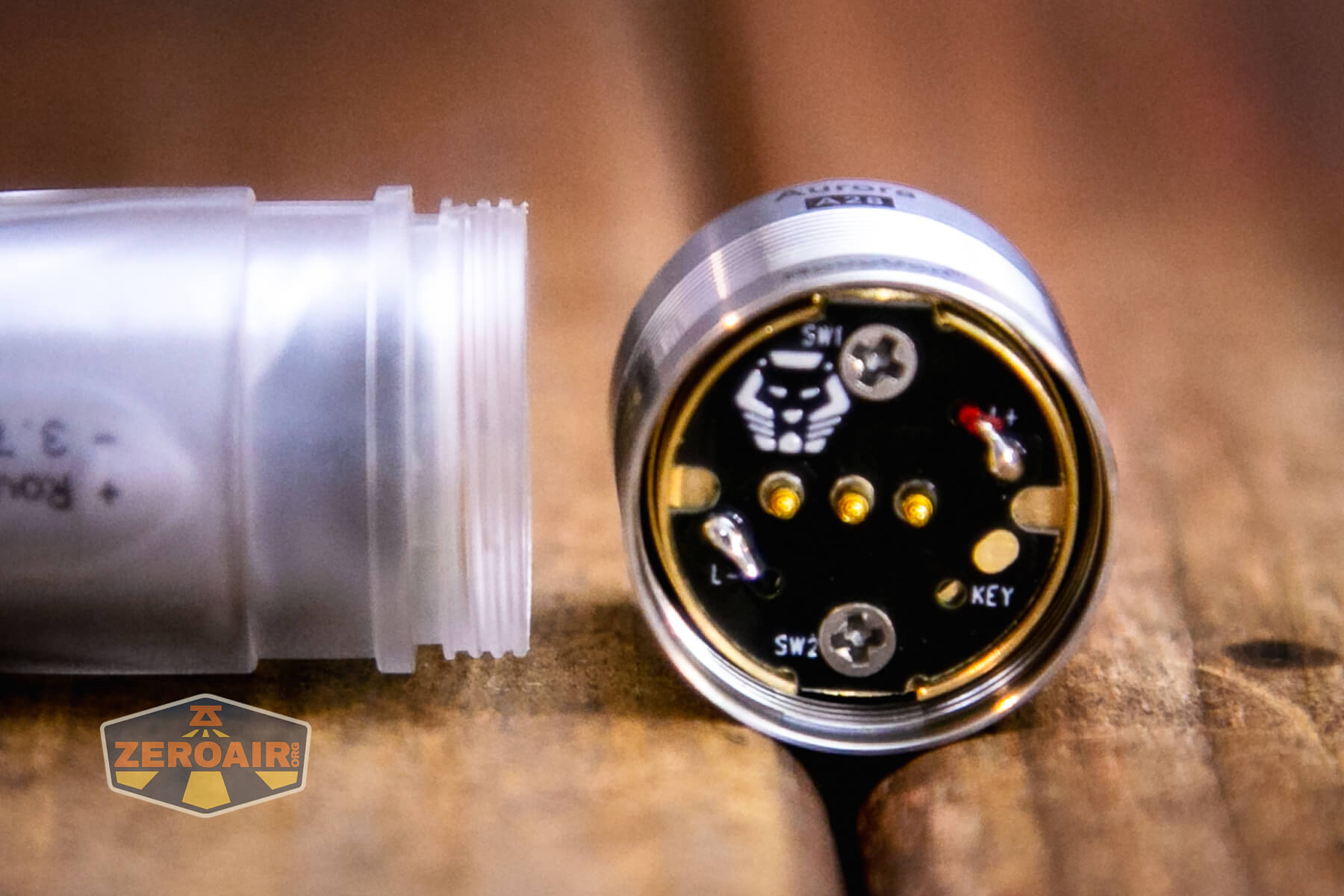
The head has three springy contacts with hit pads on the body.

Size and Comps
Length: 76mm
Diameter: 21.5mm
Weight: 44.7g

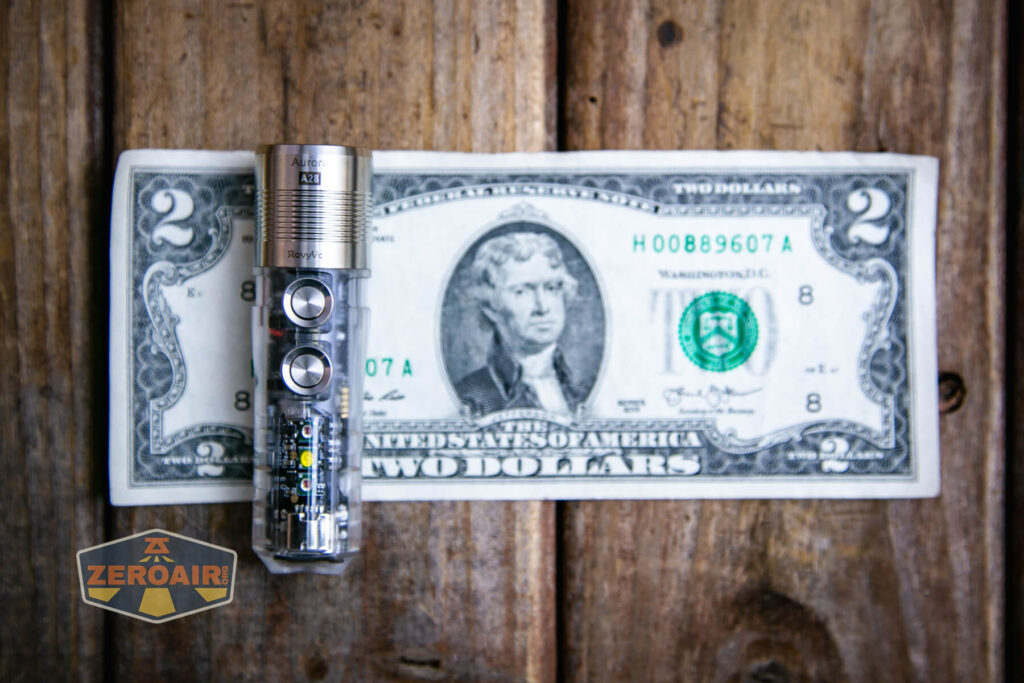
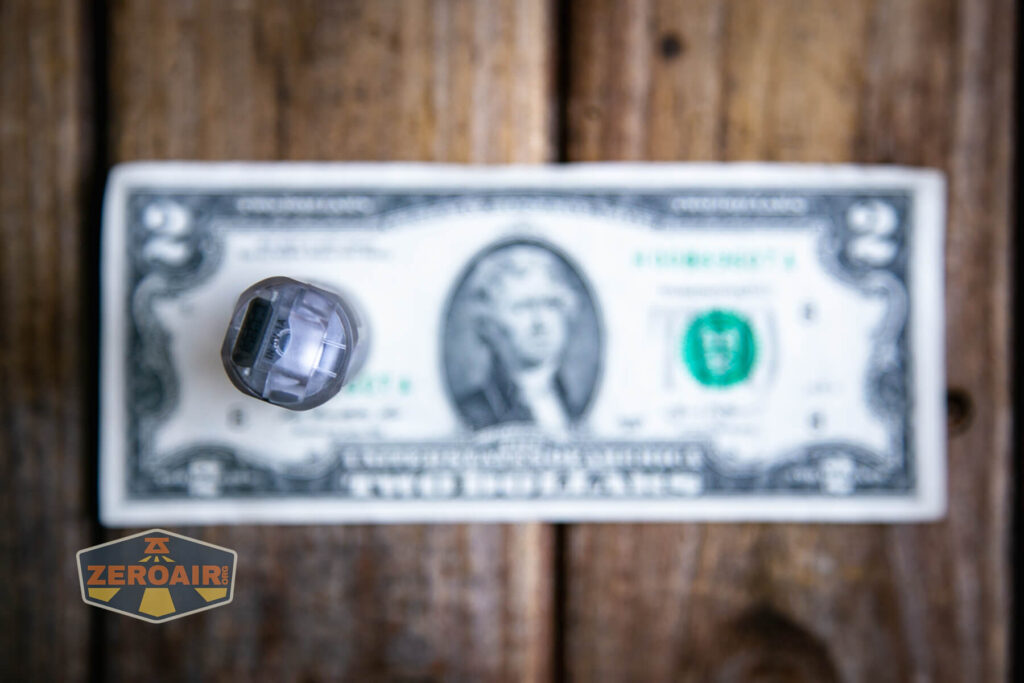
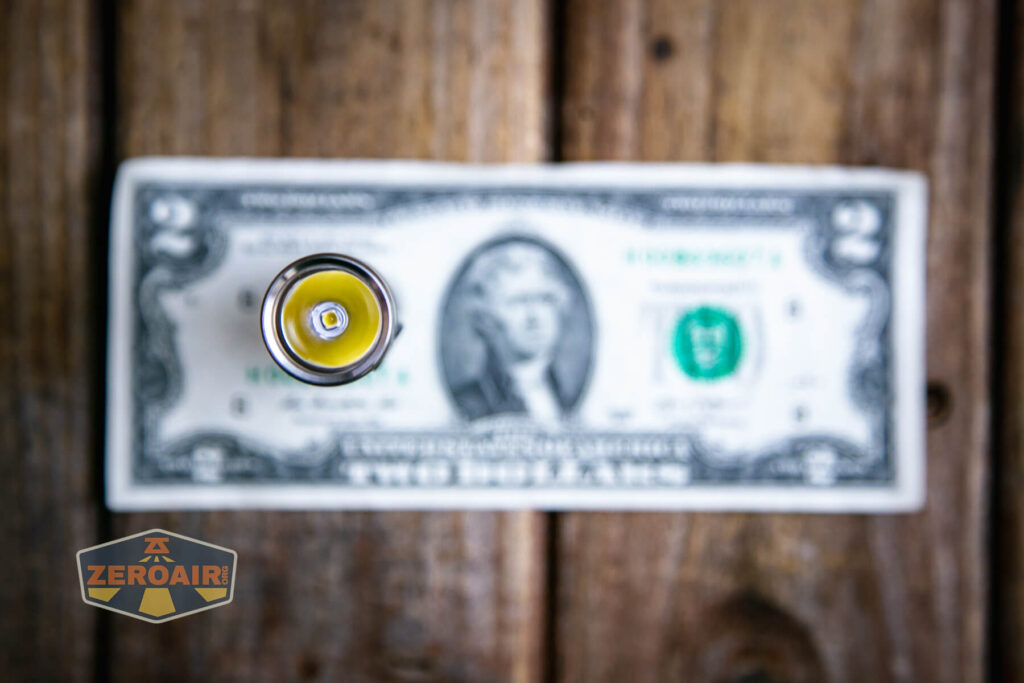
If the flashlight will headstand, I’ll show it here (usually the third photo). If the flashlight will tailstand, I’ll also show that (usually in the fourth photo).

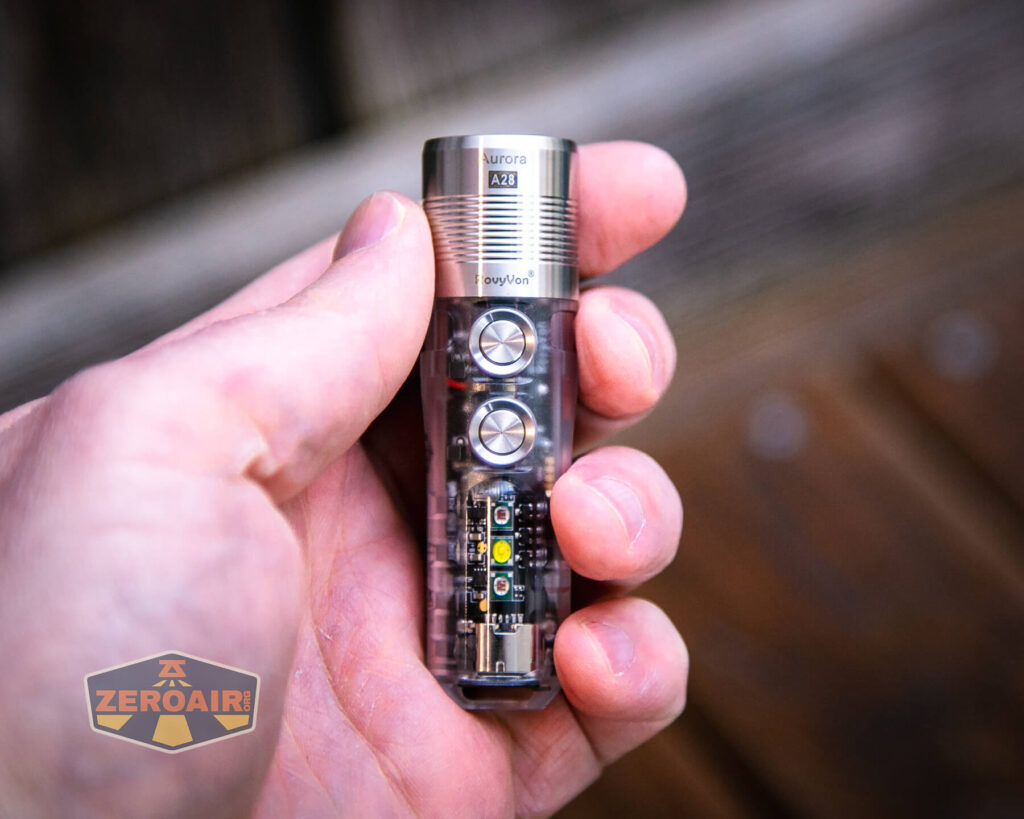
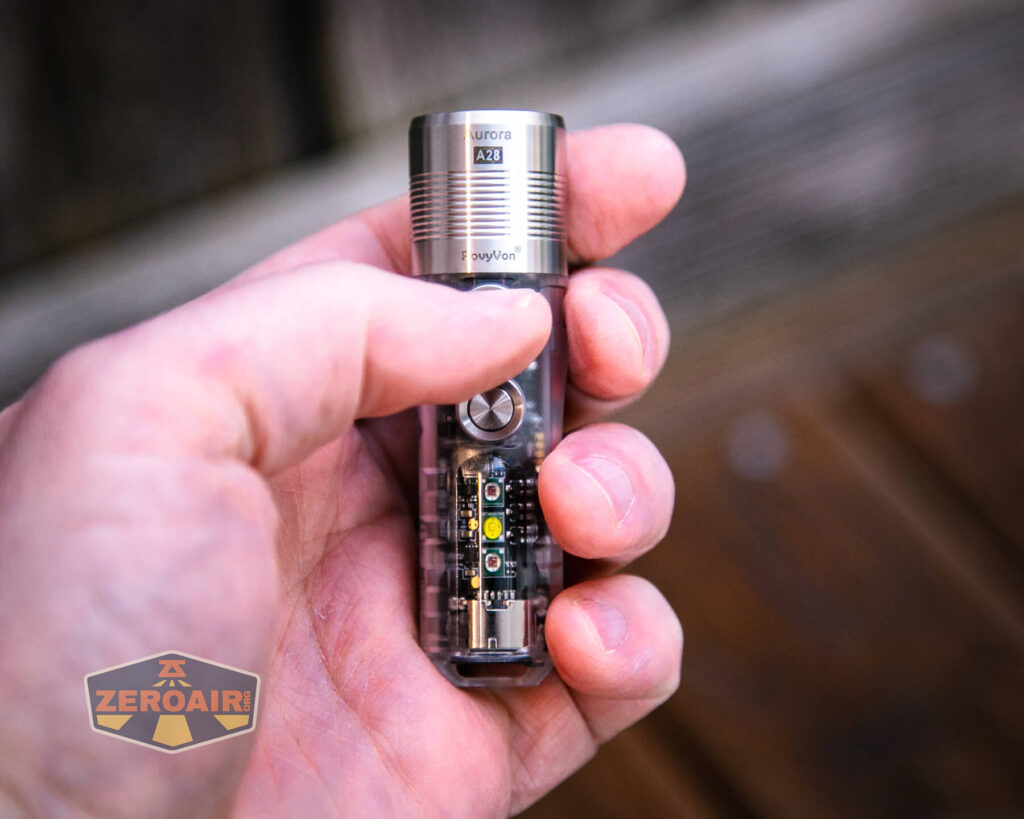
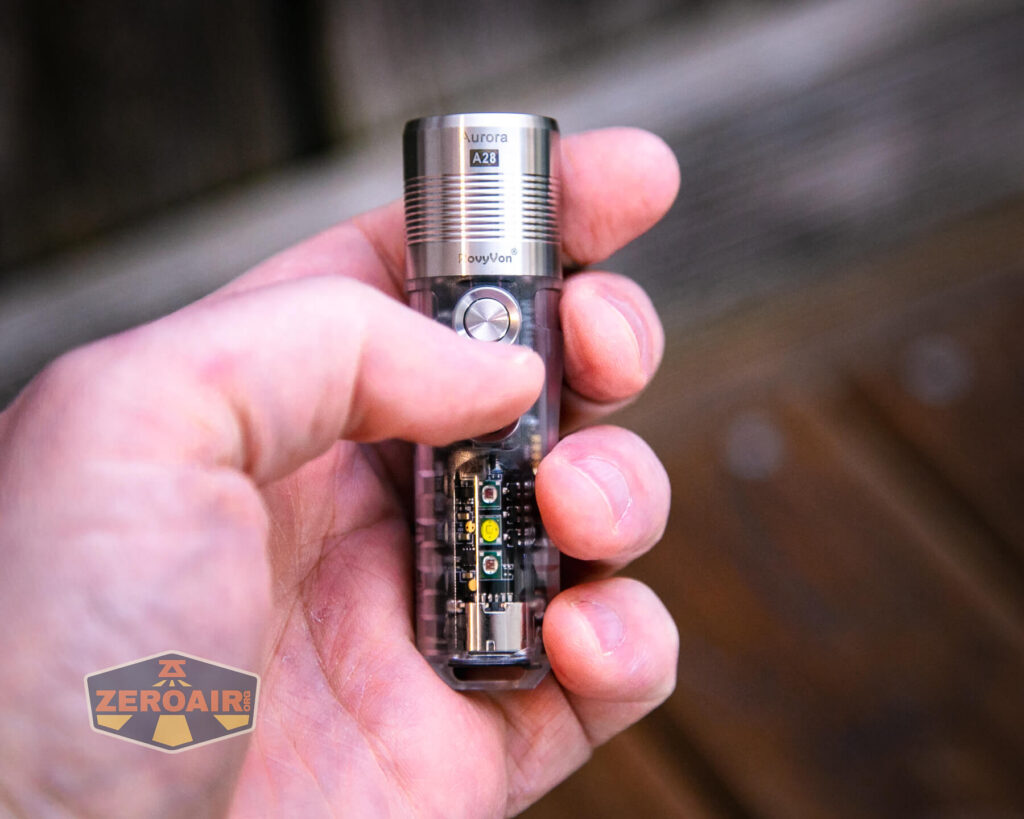
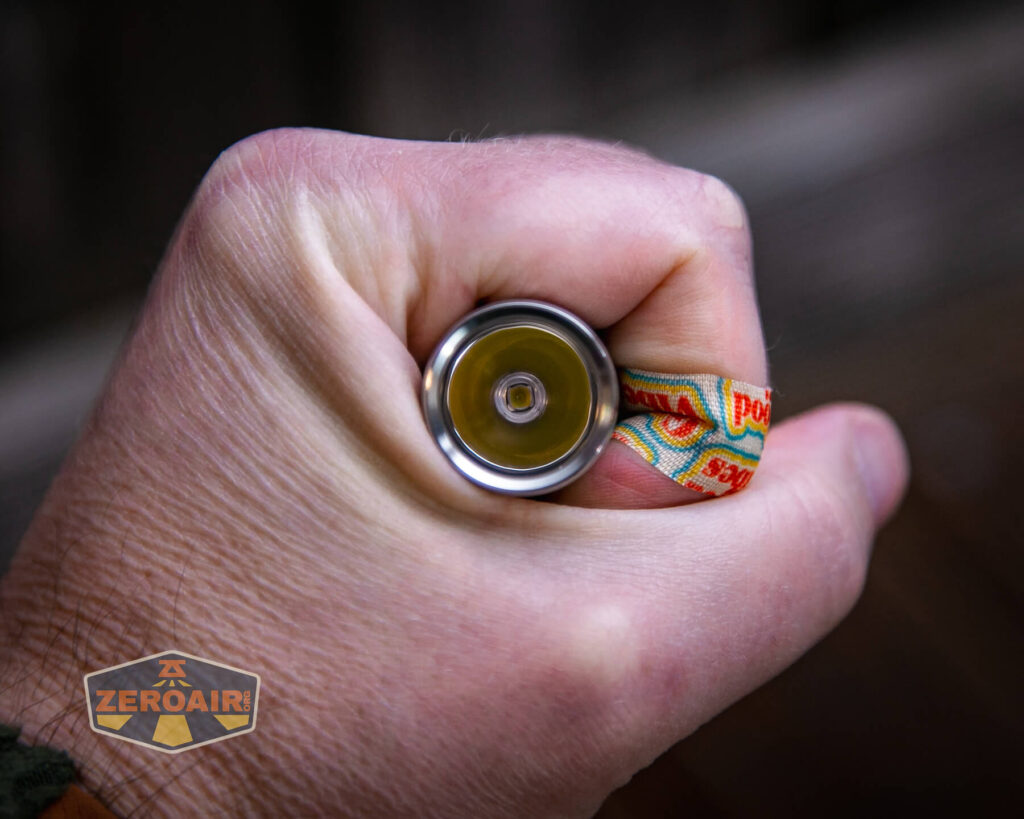
Here’s the test light with the venerable Convoy S2+. Mine is a custom “baked” edition Nichia 219b triple. A very nice 18650 light!
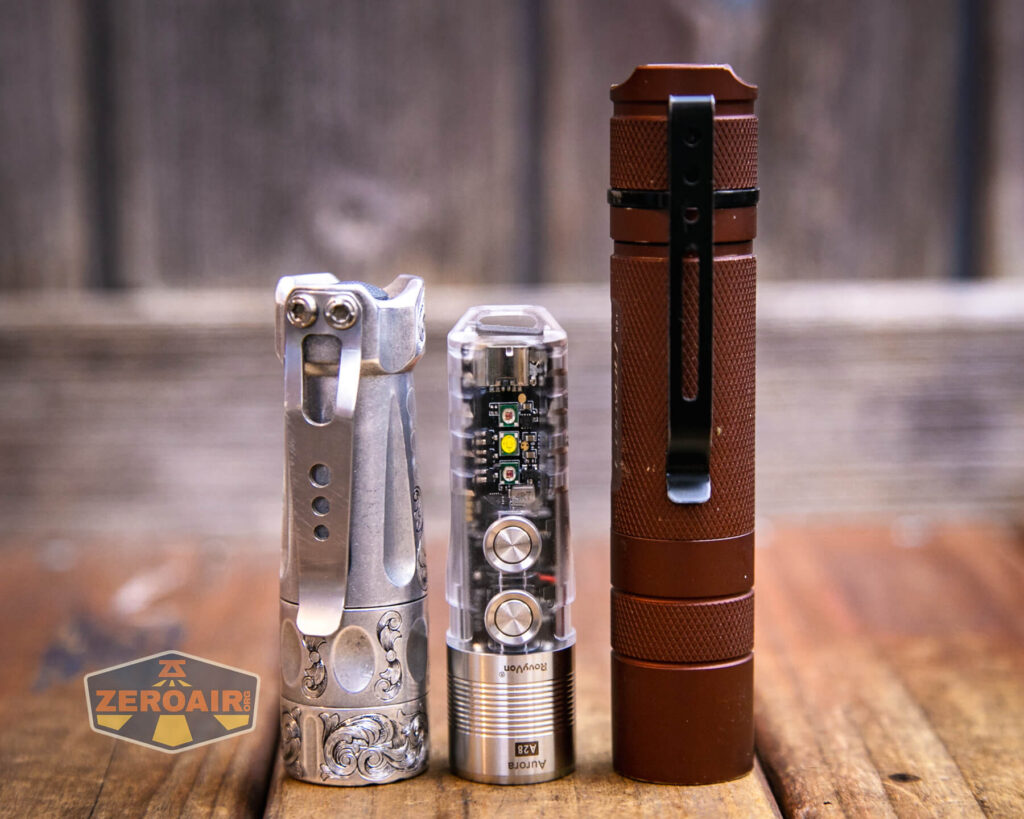

Also above is the light beside my custom-engraved TorchLAB BOSS 35, an 18350 light. I reviewed the aluminum version of that light in both 35 and 70 formats.
Retention and Carry
The pocket is the main way to carry the light. An updated clip for Gen 2, this is a standard friction-fit clip. The clip attaches in a groove just below the metal head.

The clip doesn’t fit on the light in the RovyVon A28 keychain flashlight in the way shown below! I just failed to do it right BUT! I have done it right with the A23 G2, and you can see those photos below.
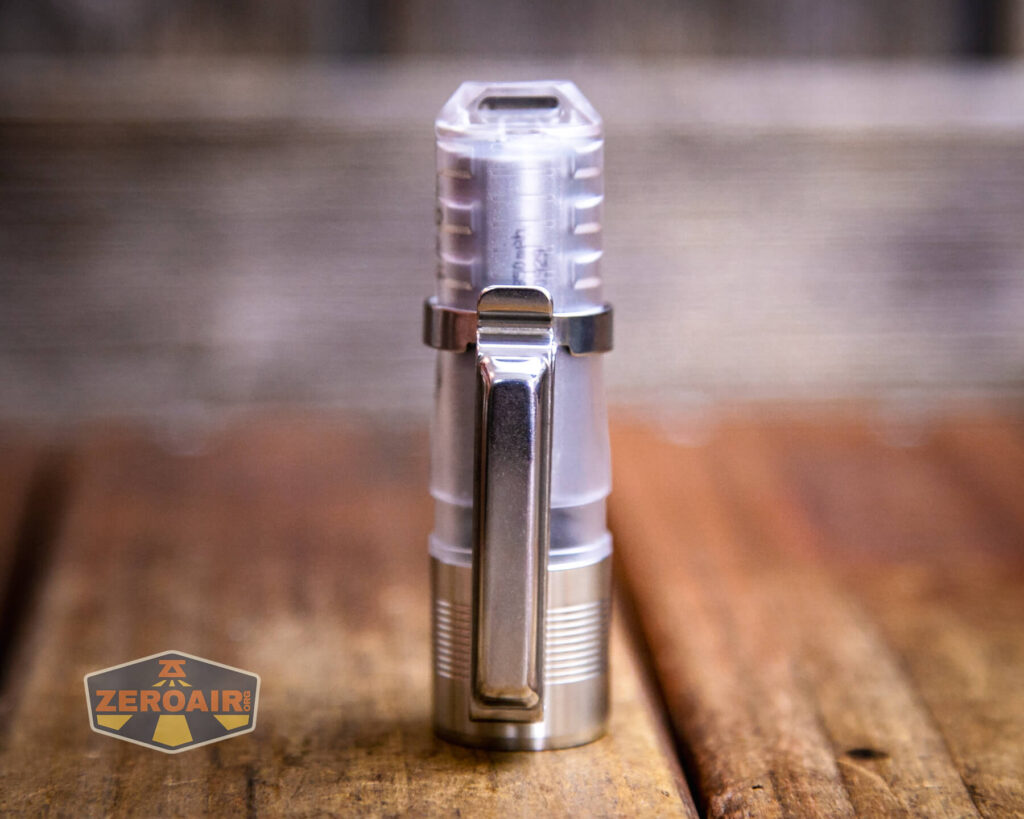


The clip attaches only to the head end. Since it’s a two-way clip, it still allows up or down carry.


The clip is fixed into one position, but there’s a bit of play in that. Because of this, the clip can be offset from “exactly opposite to” the switches.


The loop in the tail end of the light can also be used to attach a lanyard or paracord or something.

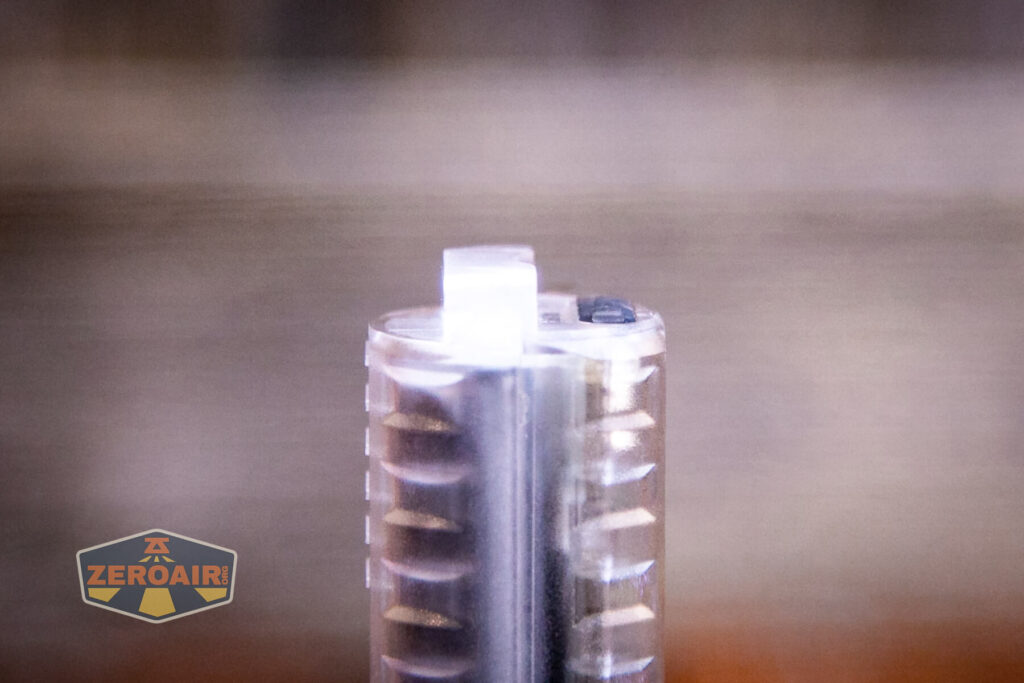
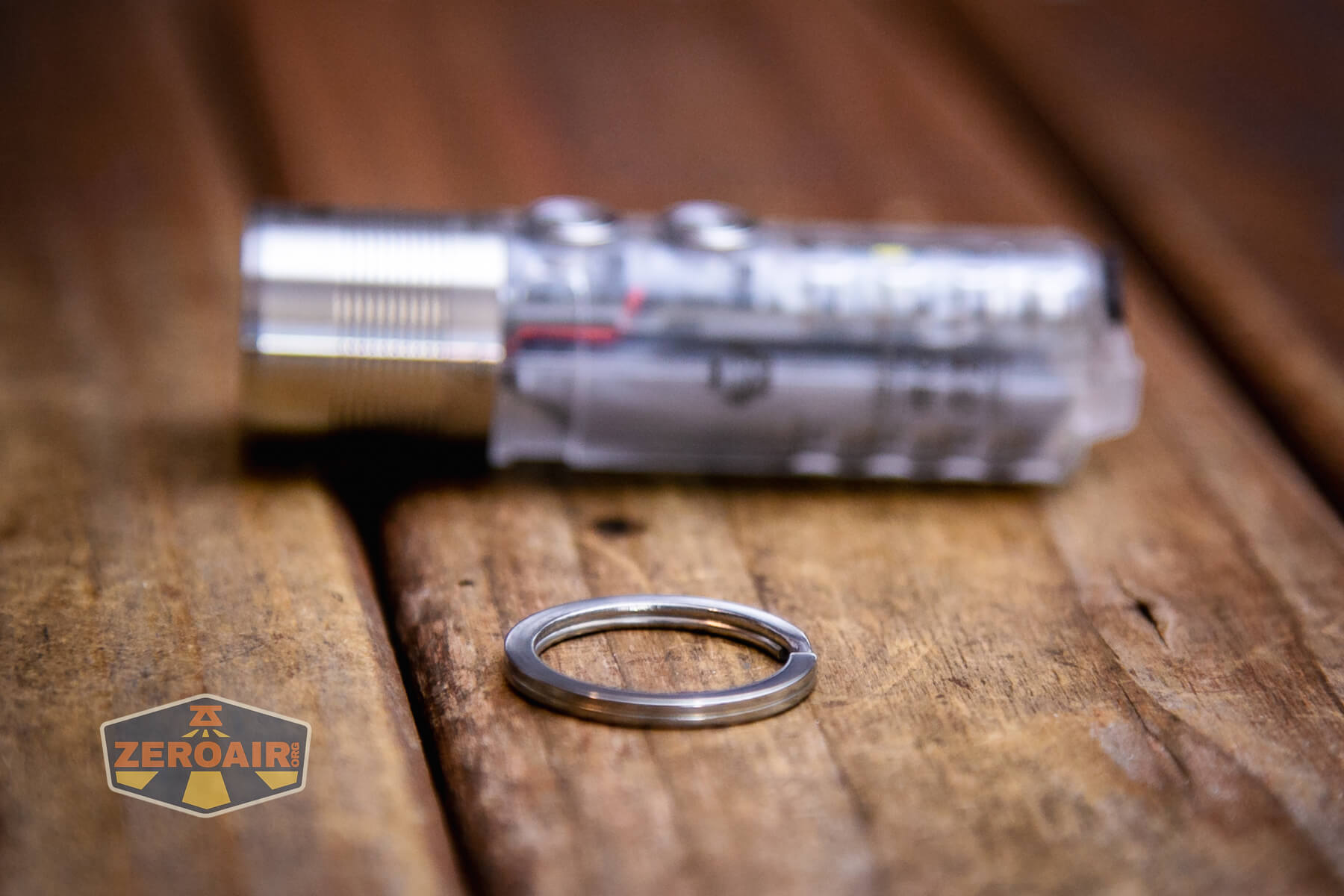
A split ring is also included and can attach through the loop in the tail end of the RovyVon Aurora A28 flashlight.
The magnet that’s permanently affixed to the pocket clip is perfectly strong for holding the light in any way.

Power and Runtime
The RovyVon A28 keychain flashlight is powered by a built-in lipo battery. The battery is an 850mAh battery, connected through a little JST-style connector.

It’s technically replaceable – in fact, RovyVon has listed on their site the option to purchase a spare battery. I’ll be honest and say I don’t really recommend you expect to change the battery often, or per cycle or anything like that. Once the battery dies, then sure by all means. But in your day-to-day use of this light, don’t plan to change the battery. In fact, the replaceable battery is actually a complete swap of the guts. Not just the battery – so you don’t have to worry about the JST connector at all.
Below are some runtime graphs.

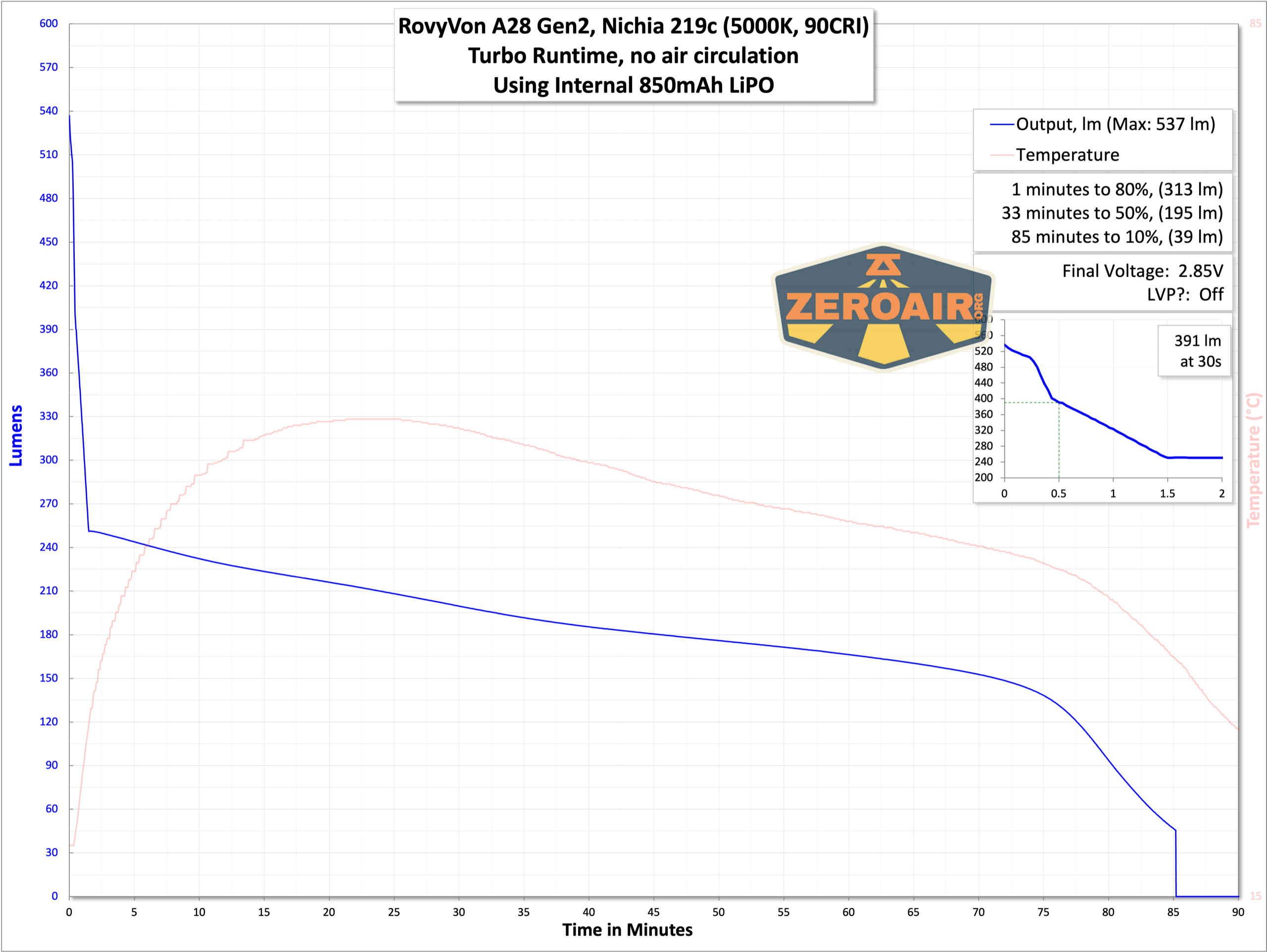


In these tests, the light exhibited LVP at around 2.9V. The manual says the light shuts off at around 2.4V. Yes, that’s low for a LiIon but this is a lipo. Anyway, runtimes don’t seem to take it that low. The little indicator between the switches will be red when the battery voltage is low.
Charging
Since the light has a built-in battery, of course, it has onboard charging as well. The USB-C port in the tail. It has a silicone press-in cover. The cover is secure, and a spare cover is included.
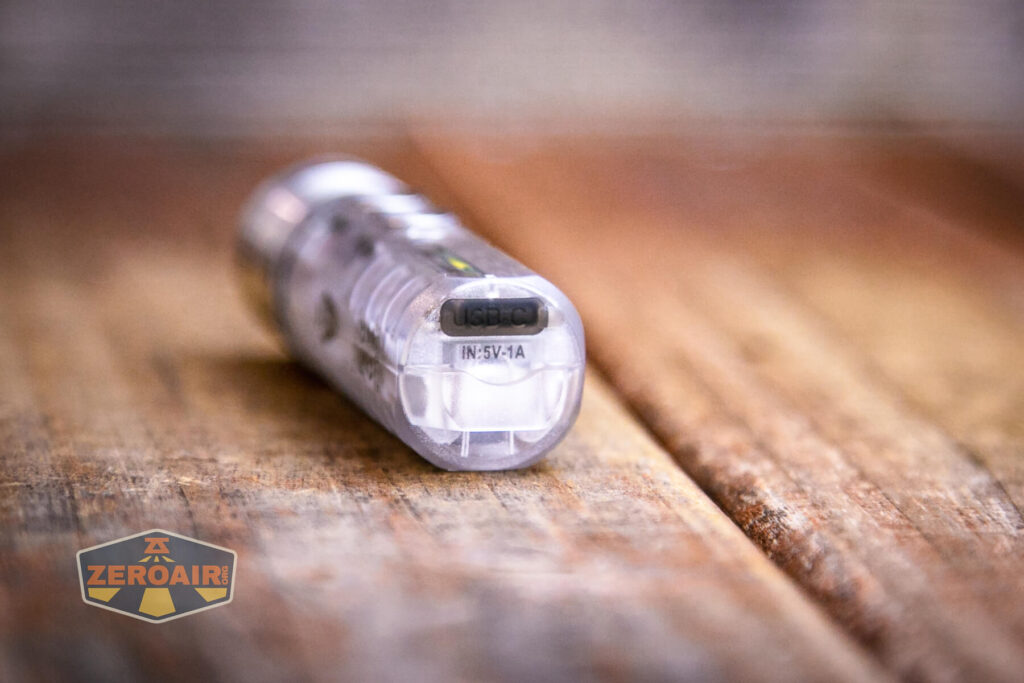
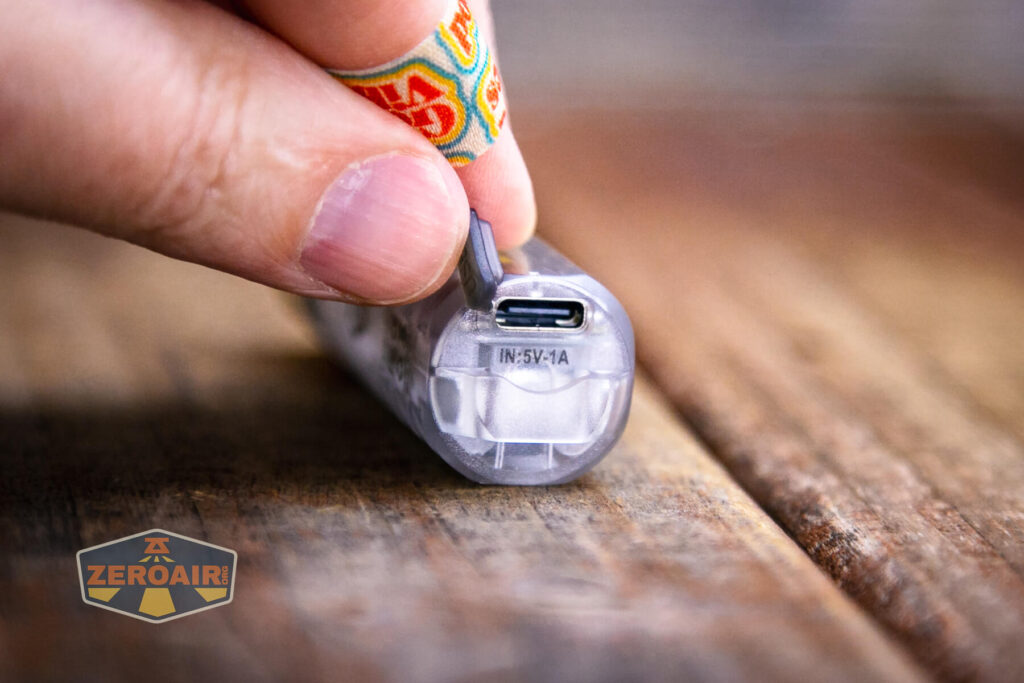
Here’s the included cable. It’s nice and short and is USB to USB-C.

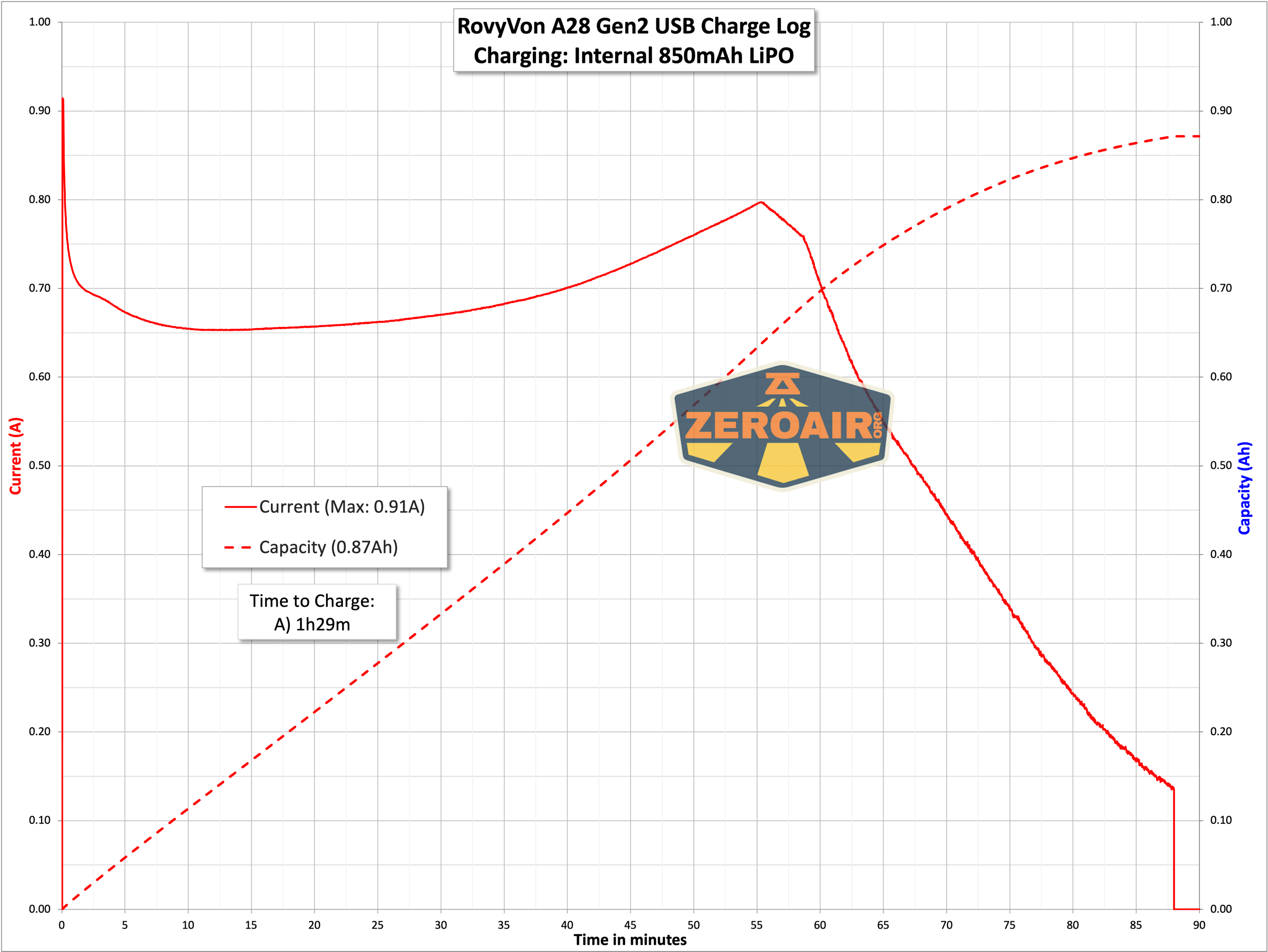
Charging proceeds at around 1A. It’s also very consistent. A full charge takes around 90 minutes. Blue (and “breathing”) means charging is active. Green means charging is complete.
C to C charging works just fine, too.

Modes and Currents
| Mode | Mode Claimed Output (lm) | Claimed Runtime | Measured Lumens | Tailcap Amps |
|---|---|---|---|---|
Pulse Width Modulation
What we see on the RovyVon Aurora A28 flashlight doesn’t seem to be PWM, but is what I think is called “SMPS ripple.” It’s not visible.
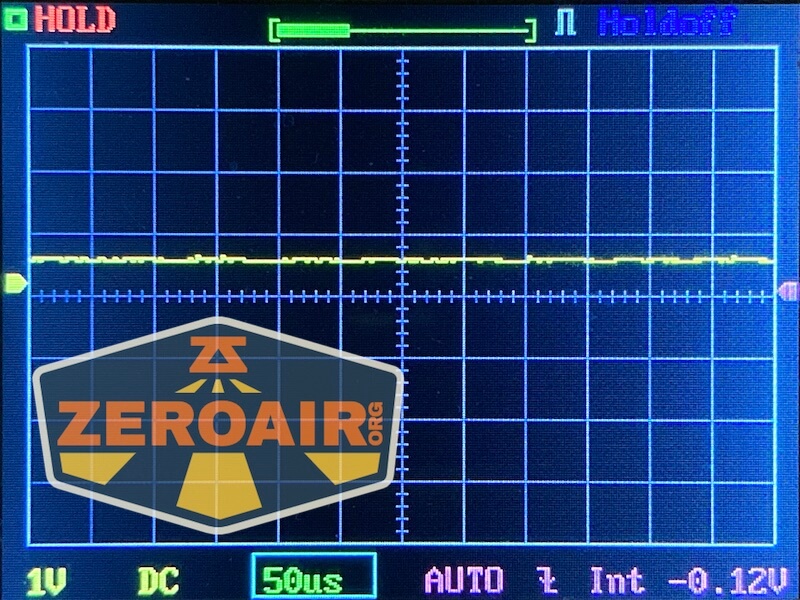


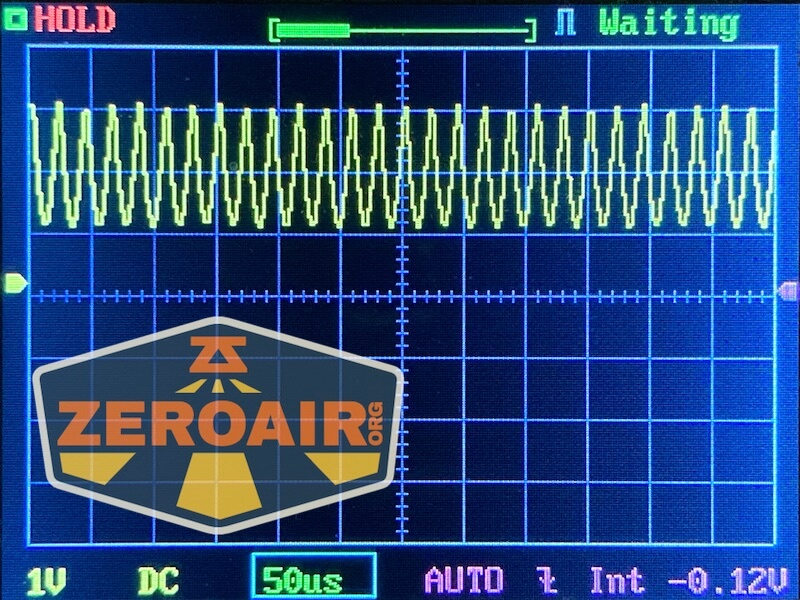
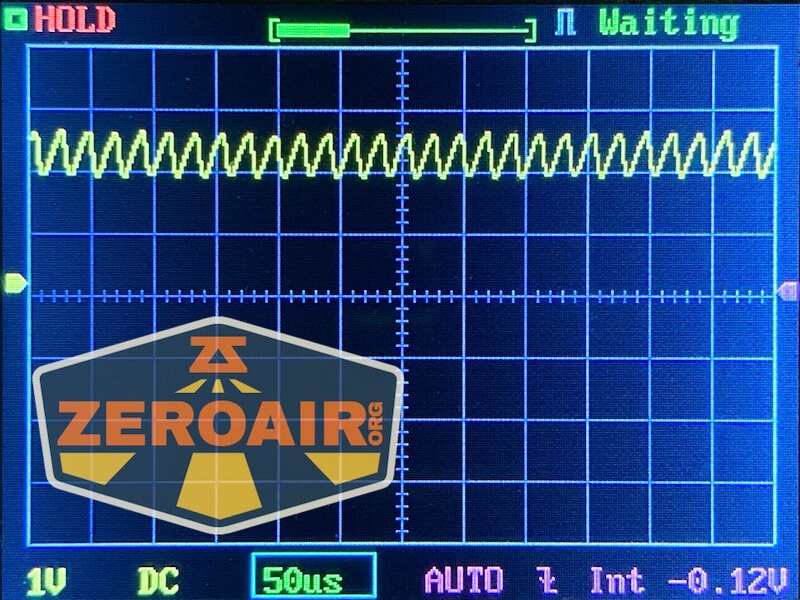
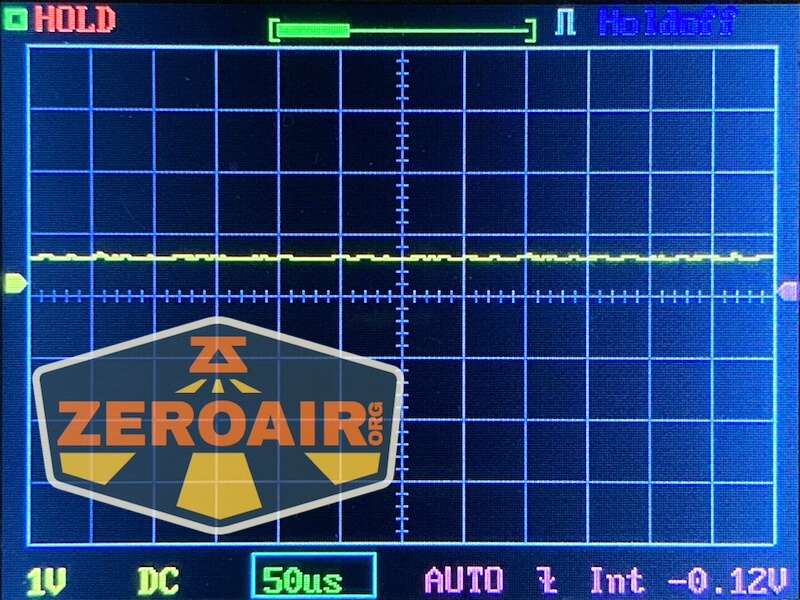
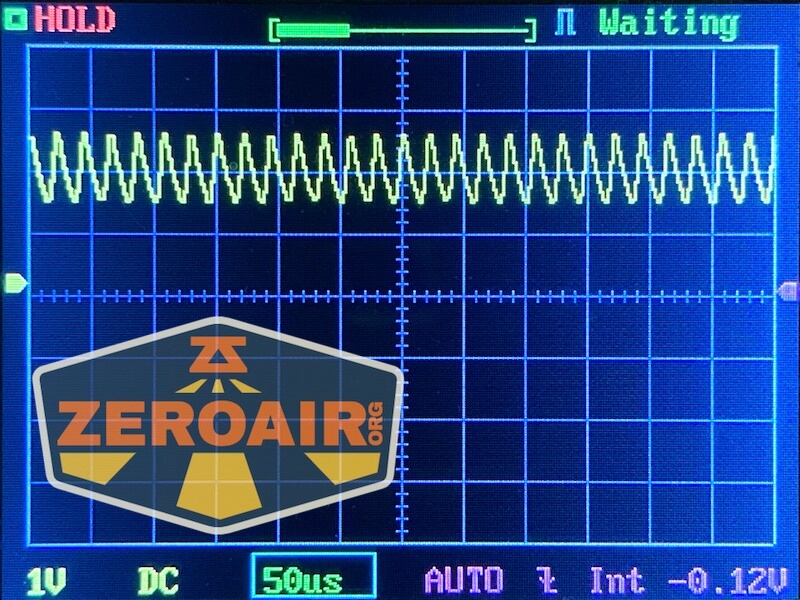


Here you can see a “baseline” – a chart with almost no light hitting the sensor.

Then there’s the Ultrafire WF-602C flashlight, which has some of the worst PWM I’ve seen. It’s so bad that I used a post about it to explain PWM! Here are multiple timescales (10ms, 5ms, 2ms, 1ms, 0.5ms, 0.2ms) to make comparing this “worst” PWM light to the test light easier. That post also explains why I didn’t test the WF-602C at the usual 50us scale.


User Interface and Operation
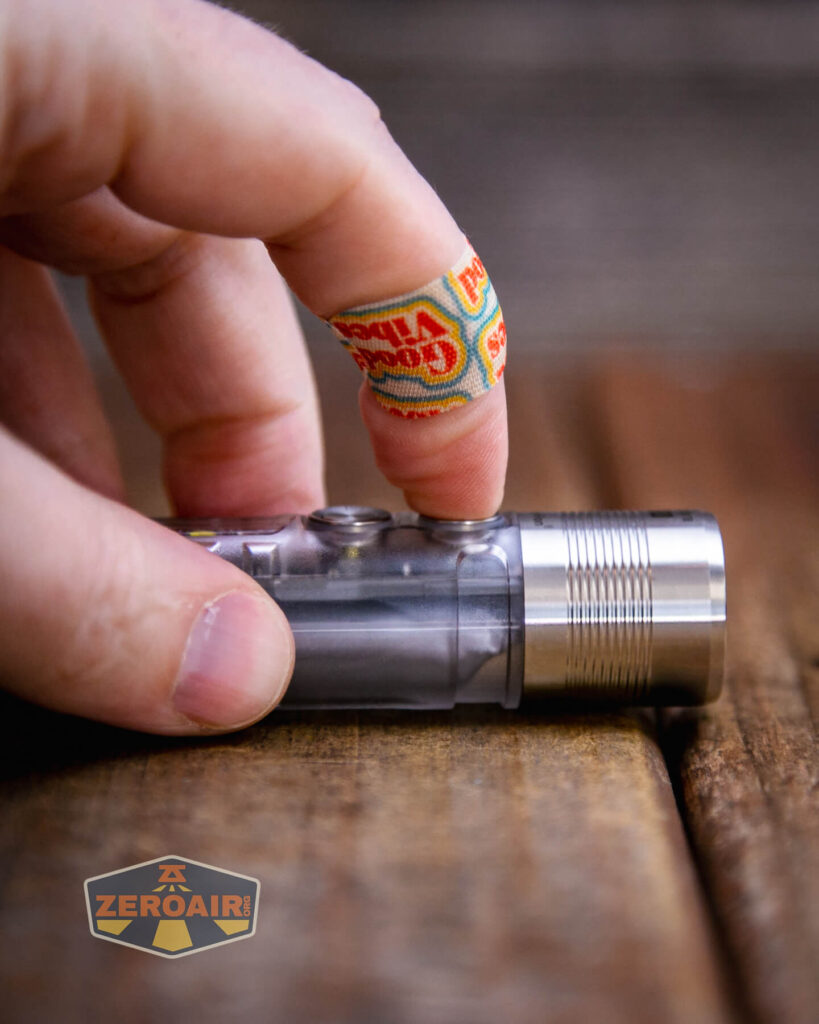
There are two switches on the RovyVon A28 keychain flashlight. I don’t see them named specifically in the manual, but they do have individual icons on the body of the light. The “top” switch (the one closest to the output end of the light) has a “locked” icon. The “bottom” switch (nearest the tail) has an “unlocked” icon. So I’ll call these the Lock Switch and Unlock Switch (but cover their specific locking/unlocking actions below).
Physically, both switches are just like the switch on the previous generation.


Here’s a user interface table!
| State | Action | Result |
|---|---|---|
| Off | Hold Unlock Switch | Momentary Turbo |
| Off | Hold Lock Switch | No action |
| Off | Click Lock Switch | Moonlight |
| Off | Double click Lock Switch | On (Mode memory) |
| Off | Hold Lock Switch >5s | Lock (indicated by two blinks from the front emitter) |
| Lockout | Hold Unlock Switch >3s | Unlock (indicated by three blinks from the front emitter) |
| Off | Click Unlock Switch | (Side) White Low |
| Off | Double click Unlock Switch | (Side) Red Low |
| Either side light on | Click Unlock Switch | Iterate between low and high of selected side emitter |
| On | Hold switch relating to on emitter for >0.5s | Off |
LED and Beam
My copy of the RovyVon A28 keychain flashlight has a Nichia 219c emitter. RovyVon rates this one as 90CRI and 5000K.

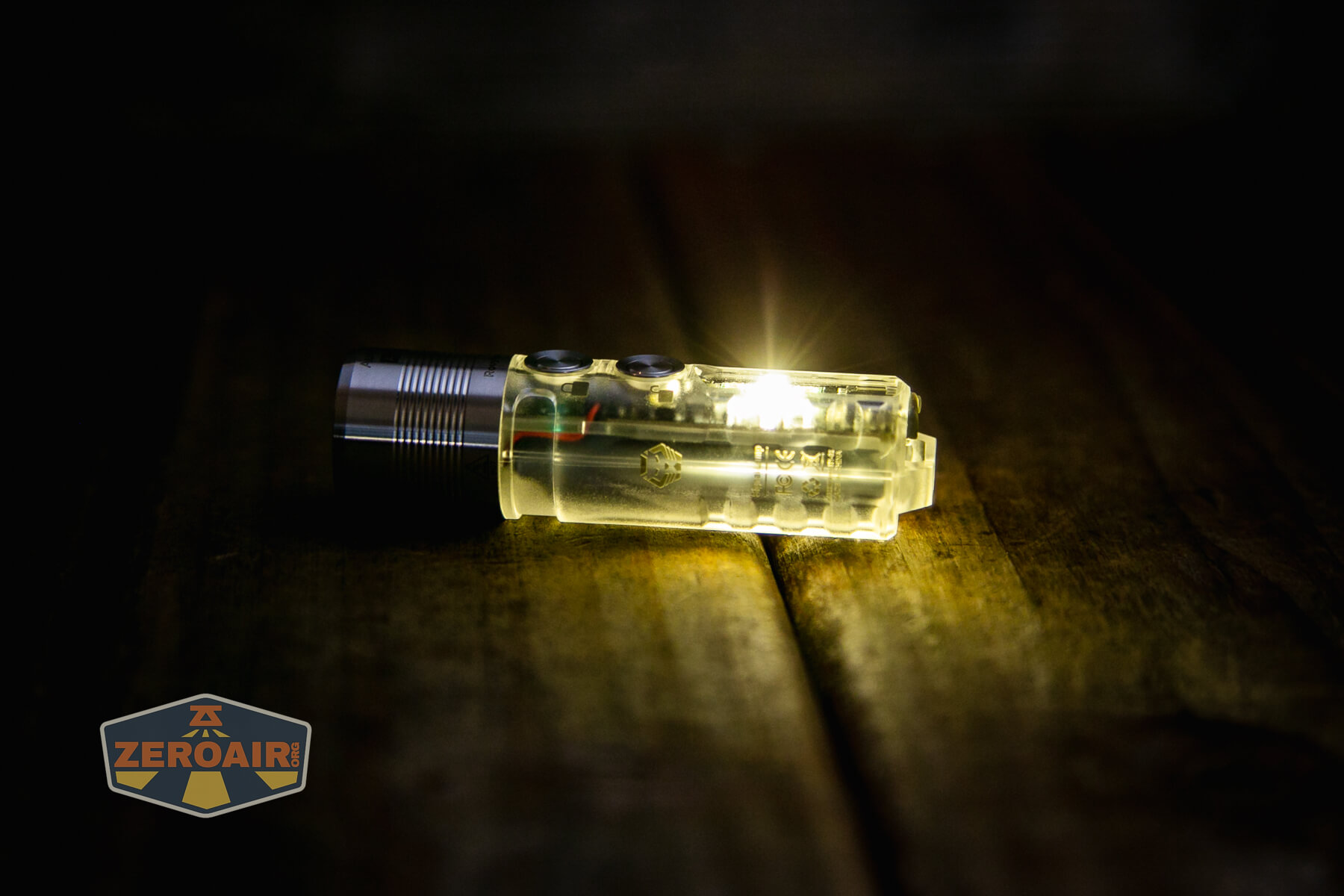
Here are the side emitters. Note that there are two red (which operate together in high output) and one white.

The emitter is coupled with a TIR, which gives a great beam profile.

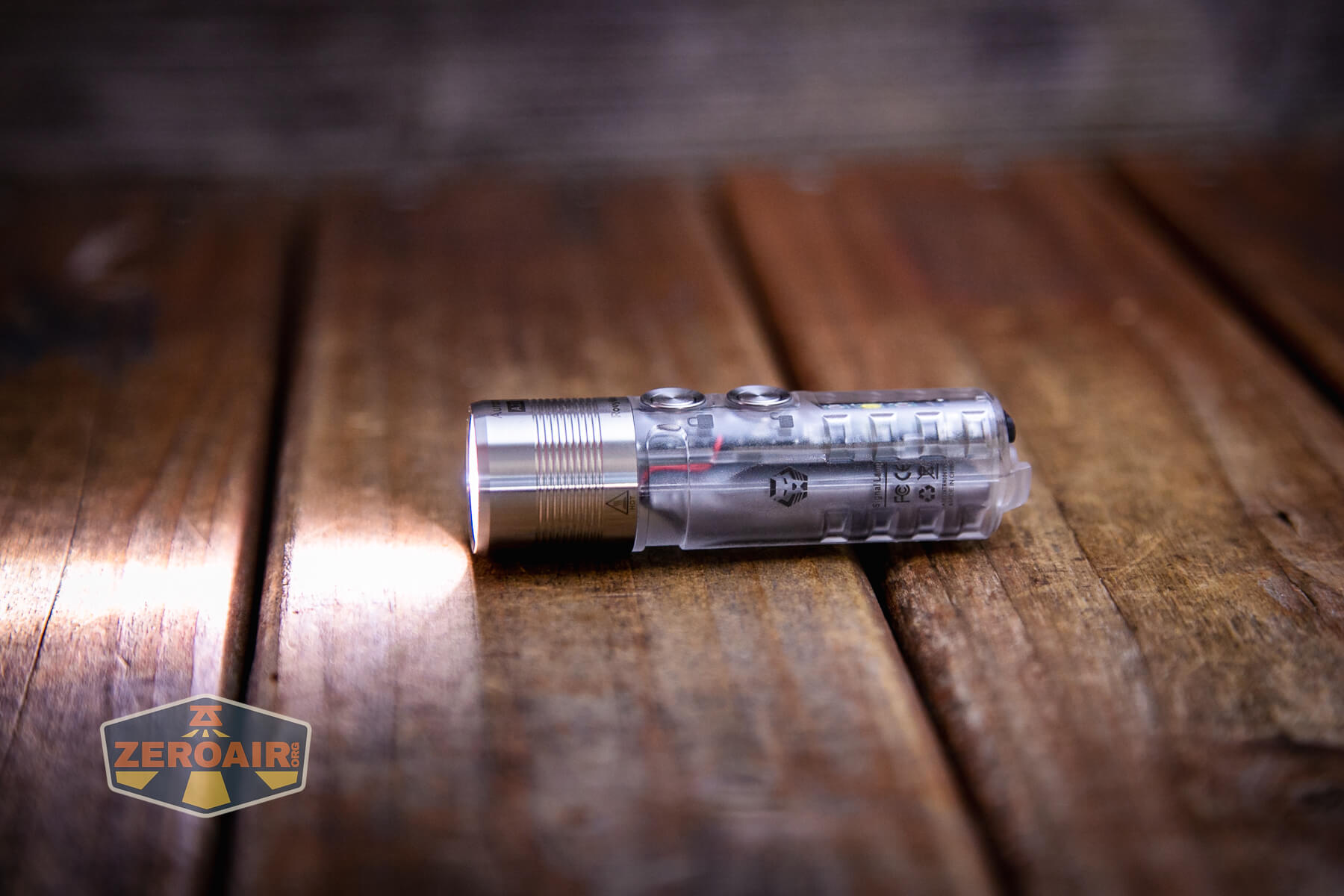

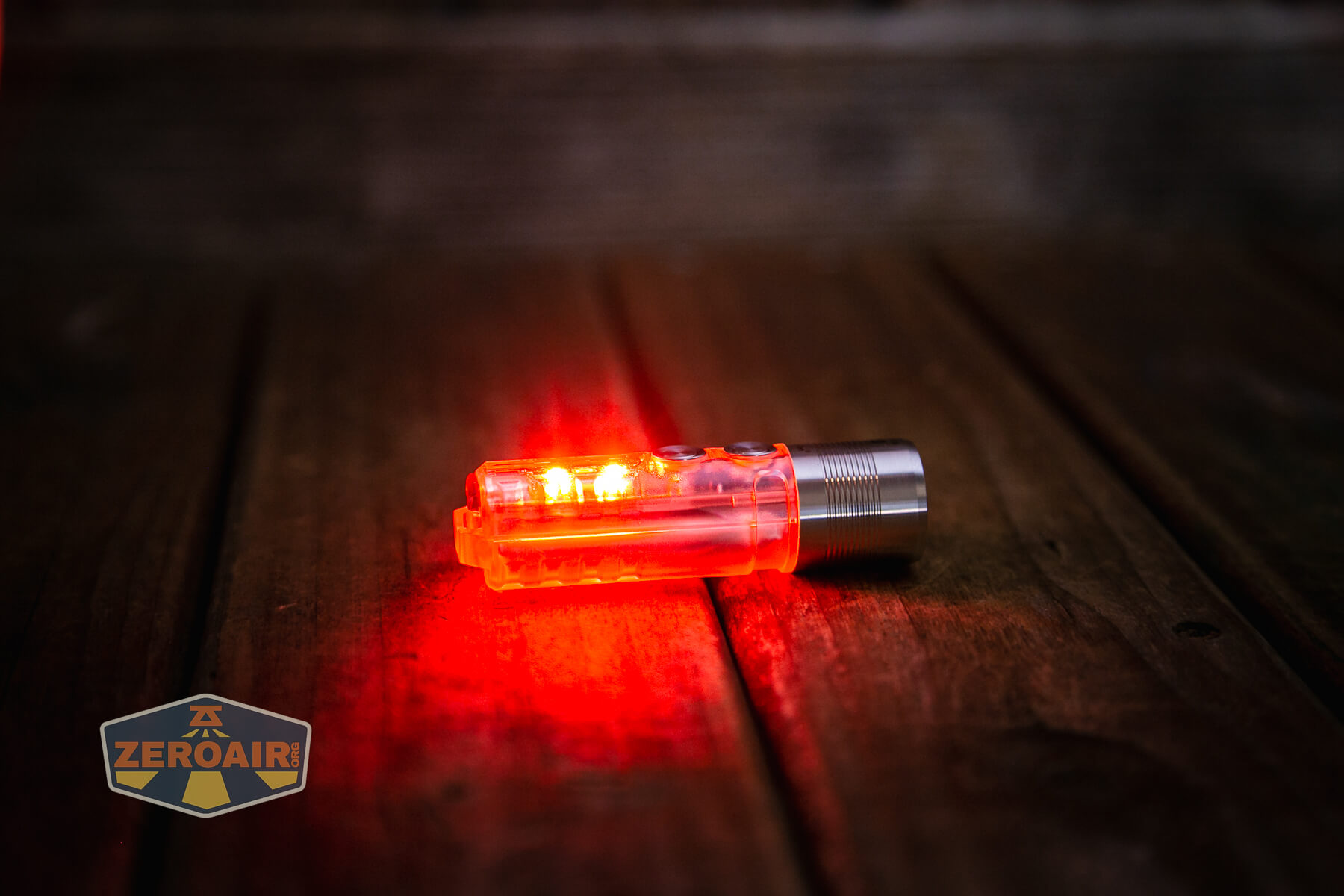
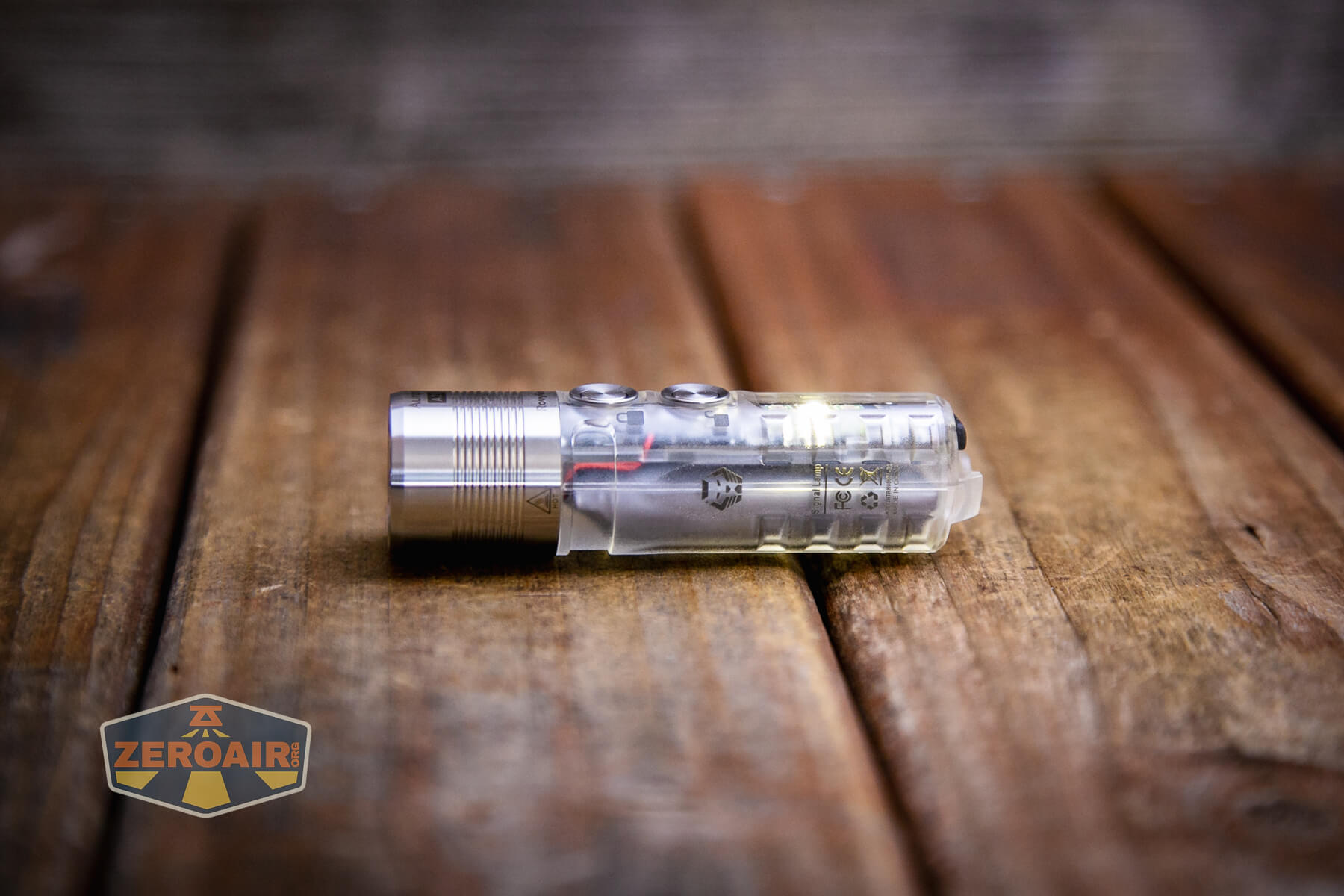


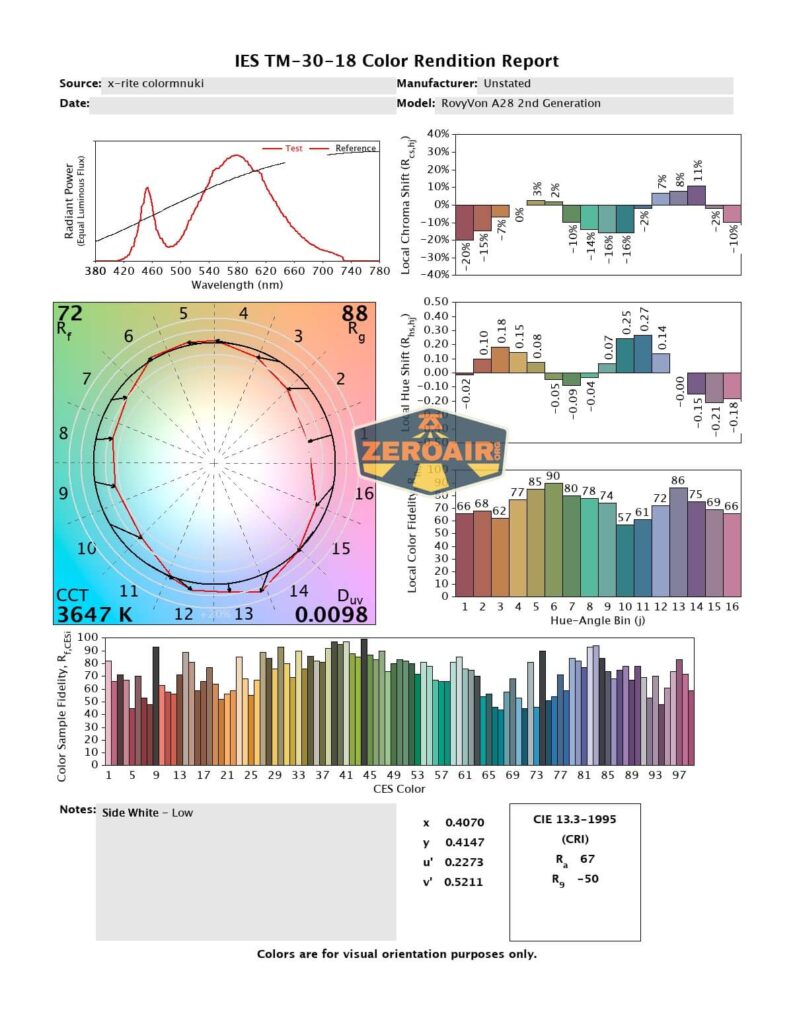
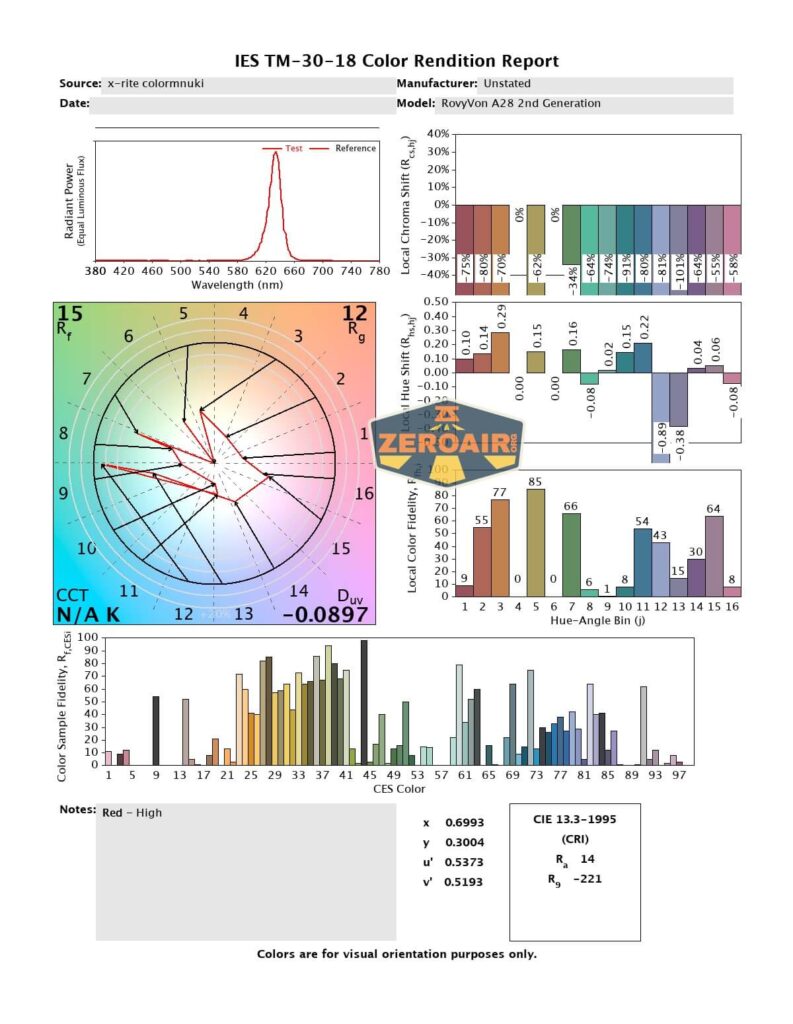
LED Color Report (CRI and CCT)
The CRI claim is certainly met, but the light is very slightly cooler than 5000K. Not “cool white” by any means, but around 5100K. The side white emitter comes in around 3700K (nice and warm) and the red emitter is red!




Beamshots
These beamshots always have the following settings: f8, ISO100, 0.3s shutter, and manual 5000K exposure. These photos are taken at floor level, and the beam hits the ceiling around 9 feet away.


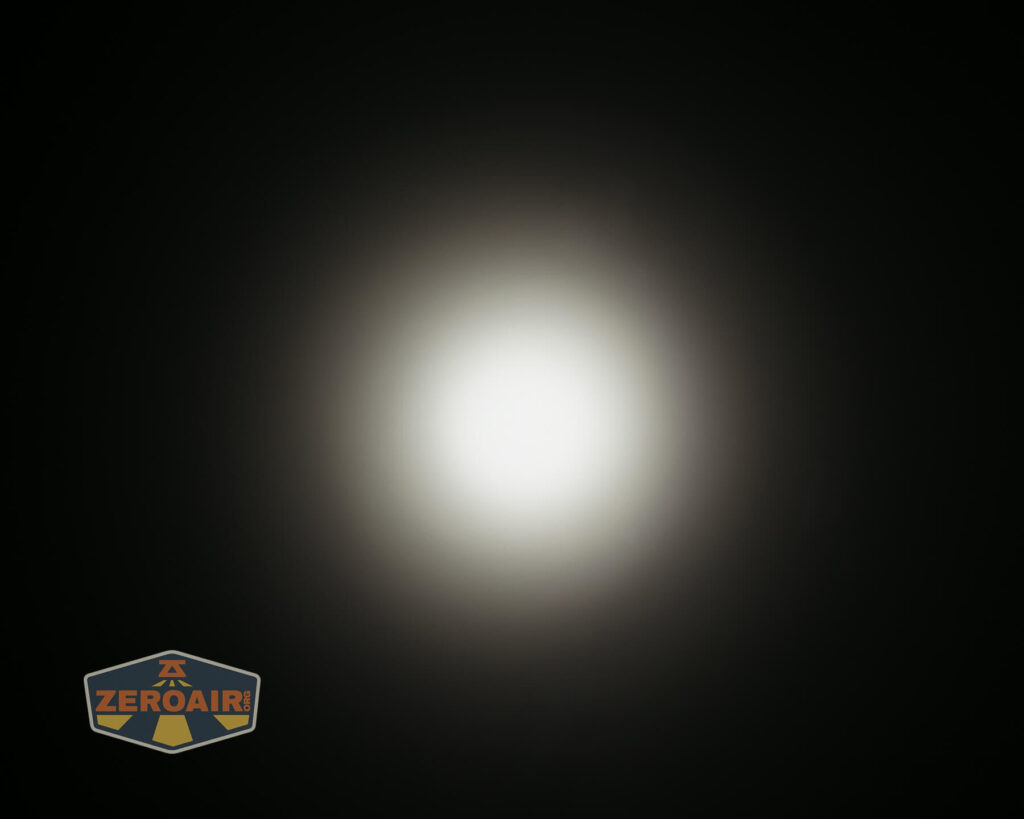





Tint vs BLF-348 (KillzoneFlashlights.com 219b version) (affiliate link)
I keep the test flashlight on the left and the BLF-348 reference flashlight on the right.

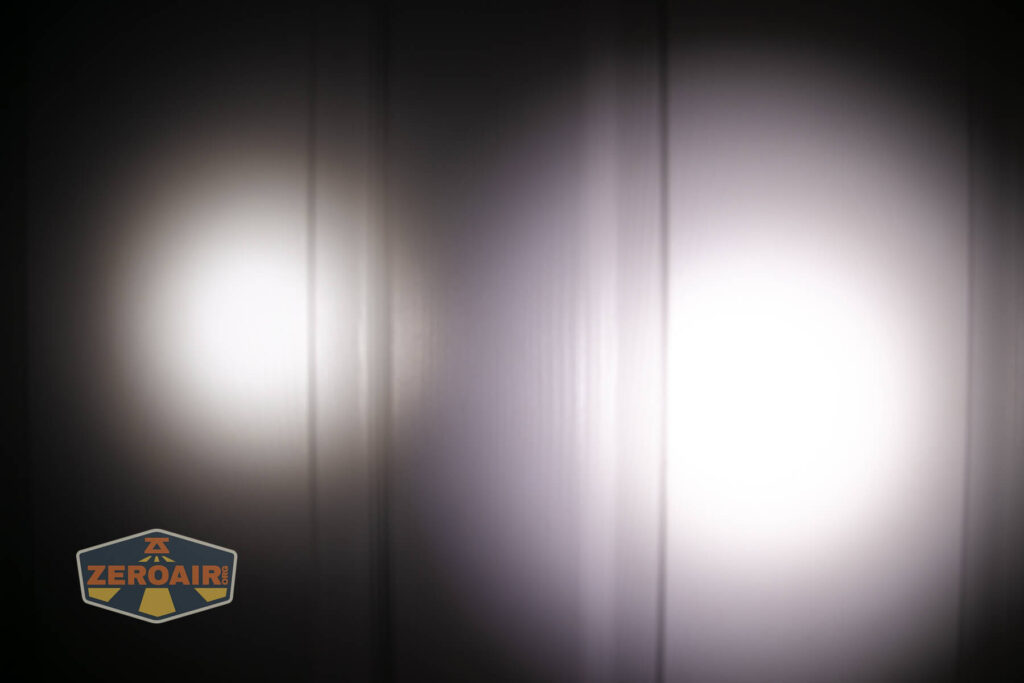
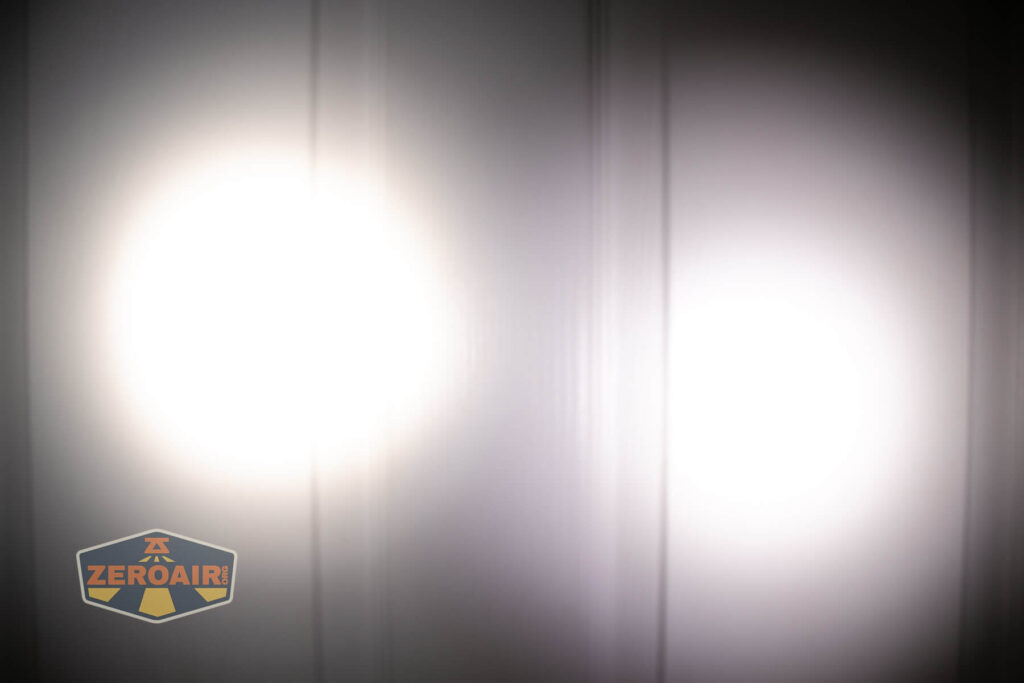
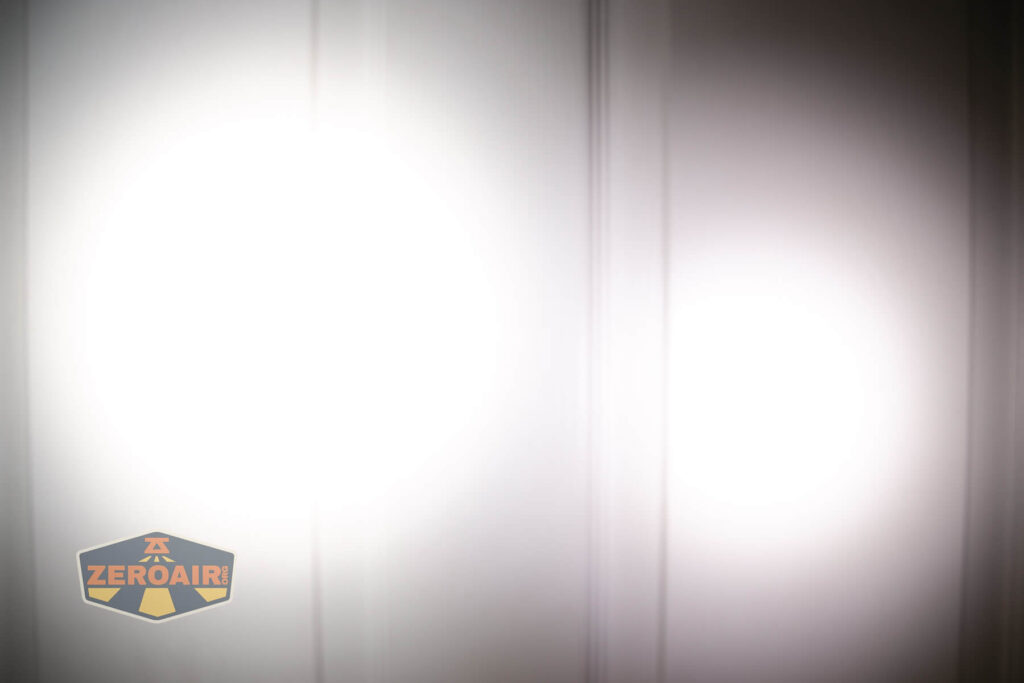


I compare everything to the KillzoneFlashlights.com 219b BLF-348 because it’s inexpensive and has the best tint!
Conclusion
What I like
- Carries very well (when you install the pocket clip the right way)
- Metal cover for the e-switch
- Updated (USB-C) charging is a nice addition
- Nice and tight beam profile
- Side emitter choices (there’s one without UV!)
- Dual switches are nicely suited to this multi-emitter format
What I don’t like
- Probably not the best to say it has a “replaceable” battery. It’s not really field-replaceable.
Notes
- This content originally appeared at zeroair.org. Please visit there for the best experience!
- Please use my Amazon.com referral link to help support zeroair.org!
- Please support me on Patreon! I deeply appreciate your support!