

Olight Baton 3 Pro Silver Ridge Flashlight Review
The Olight Baton 3 Pro Silver Ridge is now available! It’s a rechargeable flashlight using an 18650 cell and offers high output and a familiar user interface.
Official Specs and Features
Here’s a referral link to the Olight Baton 3 Pro Silver Ridge product page.
Versions
The Olight Baton 3 Pro flashlight is up to quite a few body colors by now – obviously including this new Silver Ridge! There’s Black, OD Green, Desert Tan, Orange, Purple, White, Black Lava, and now Silver Ridge (seen here.) Some or all of those are available in neutral white (4000K-5200k) or cool white (5700K-6700K) (seen here.) Olight even made copper!
Price
The Silver Ridge version seen in this post is in a separate listing (along with copper) from the other colors mentioned above. It looks like the Olight Baton 3 Pro Silver Ridge flashlight introductory price is $59.49 and you probably get a bonus light with that! (Like the Olight i3E EOS in “Olight blue”!)
Short Review
Here are some things: I love the new switch cover offered on all these Baton 3 Pros. It’s bigger (comparatively really “much” bigger) and I love that. This increases usability greatly. Also, while I wouldn’t say that the clip change confers any difference in usability, it somehow feels more solid.
The rest of the light is fairly standard. Batons are great! I’m a massive fan of Batons. The Silver Ridge finish is quite neat and you might know I’m a huge fan of the Topo-style lines.
Long Review
The Big Table
| Olight Baton 3 Pro Silver Ridge Flashlight | |
|---|---|
| Emitter: | (Unstated) |
| Price in USD at publication time: | $69.99 at Olight.com/store |
| Cell: | 1×18650 |
| Runtime Graphs | |
| LVP? | Questionable |
| Switch Type: | E-Switch |
| Quiescent Current (mA): | ? |
| On-Board Charging? | Yes |
| Charge Port Type: | Proprietary Magnetic |
| Charge Graph | |
| Power off Charge Port | Lowest 4 modes |
| Claimed Lumens (lm) | 1500 |
| Measured Lumens (at 30s) | 1388 (92.5% of claim)^ |
| Candela per Lumen | 5.98 |
| Claimed Throw (m) | 175 |
| Candela (Calculated) in cd (at 30s) | 323lux @ 5.588m = 10086cd |
| Throw (Calculated) (m) | 200.9 (114.8% of claim)^ |
| Claimed CCT | 6500 |
| Measured CCT Range (K) | 5200-6000 Kelvin |
| Item provided for review by: | Olight |
| All my Olight reviews! | |
^ Measurement disclaimer: Testing flashlights is my hobby. I use hobbyist-level equipment for testing, including some I made myself. Try not to get buried in the details of manufacturer specifications versus measurements recorded here; A certain amount of difference (say, 10 or 15%) is perfectly reasonable.
What’s Included

- Olight Baton 3 Pro Silver Ridge flashlight
- Olight 3200mAh 18650 (customized, proprietary)
- Velvet Pouch
- Charge cable (USB to proprietary charge base)
- Manual(s)
- L-bracket for wall-mount
- Spare bracket sticker
Package and Manual
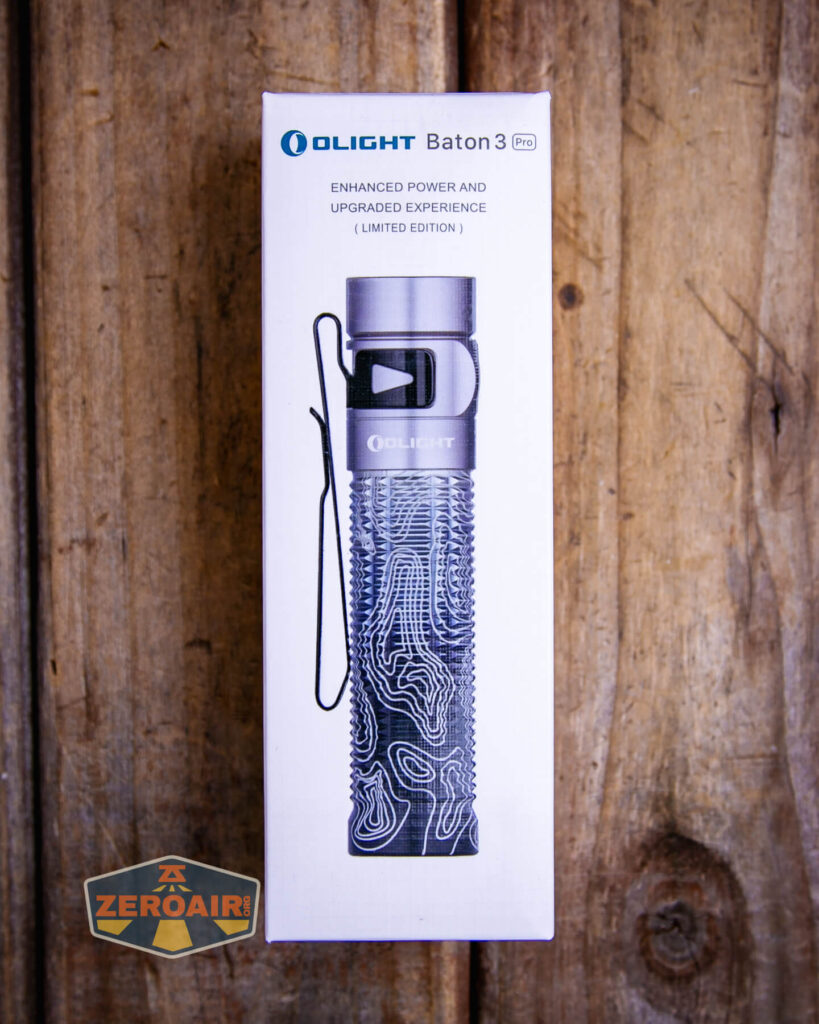


Build Quality and Disassembly

The Baton 3 Pro is not unlike the S2R Baton II. But this one’s Pro! This one I already reviewed is also Pro, and green. I also reviewed white fairly recently. There’s really not any difference between these lights. The Silver Ridge is just an updated colorway/finish. Just see this post as more testing and data points for the Baton 3 Pro flashlight!


The threads are square-cut and adequately lubed. One thing, in particular, I like about the knurling is that it makes unscrewing the body very easy. There is no [removable] tailcap; to remove the cell, one must hold the head and unscrew the body.

There’s a spring on the head and tail. The tail spring(s?) are for electrical contact and aren’t in any way for impact resistance. The spring on the head is quite stiff, though, so it should provide a reasonable amount of impact resistance.
Size and Comps
Length: 3.99 in (101.4 mm)
Head Diameter: 0.91 in (23 mm)
Body Diameter: 0.91 in (23 mm)
Weight: 3.63 oz (103 g) (Battery Included)
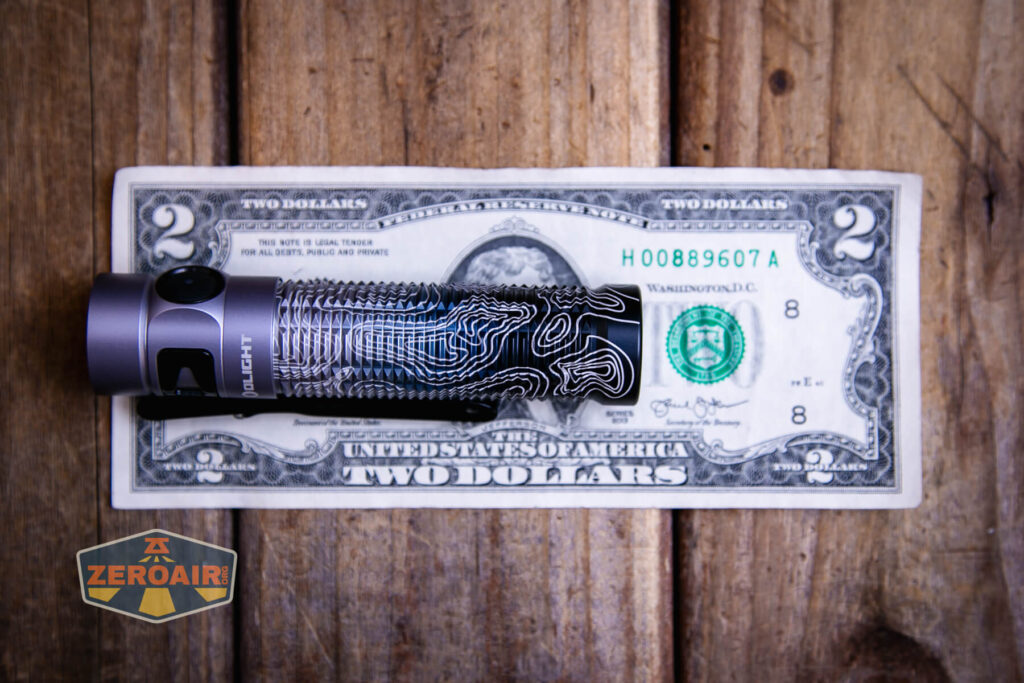

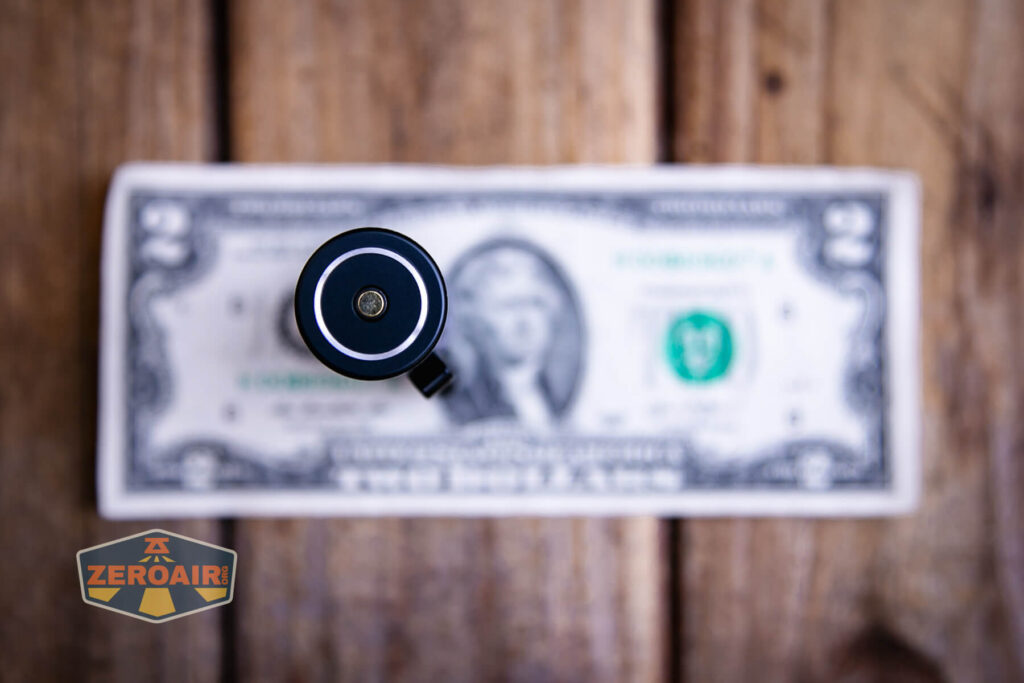
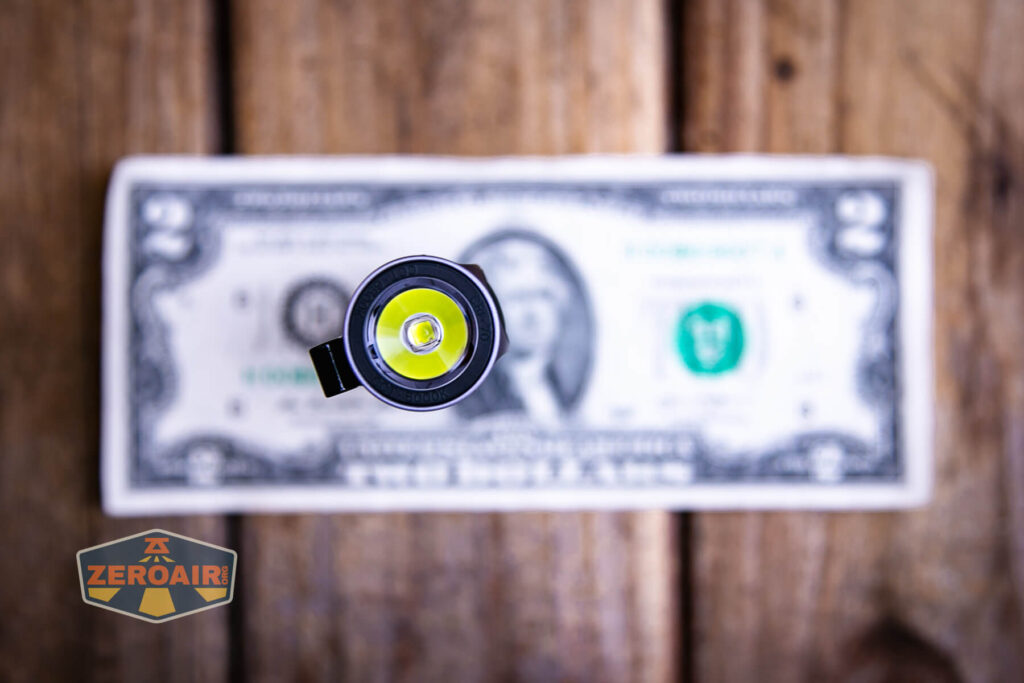
If the flashlight will headstand, I’ll show it here (usually the third photo). If the flashlight will tailstand, I’ll also show that (usually in the fourth photo).

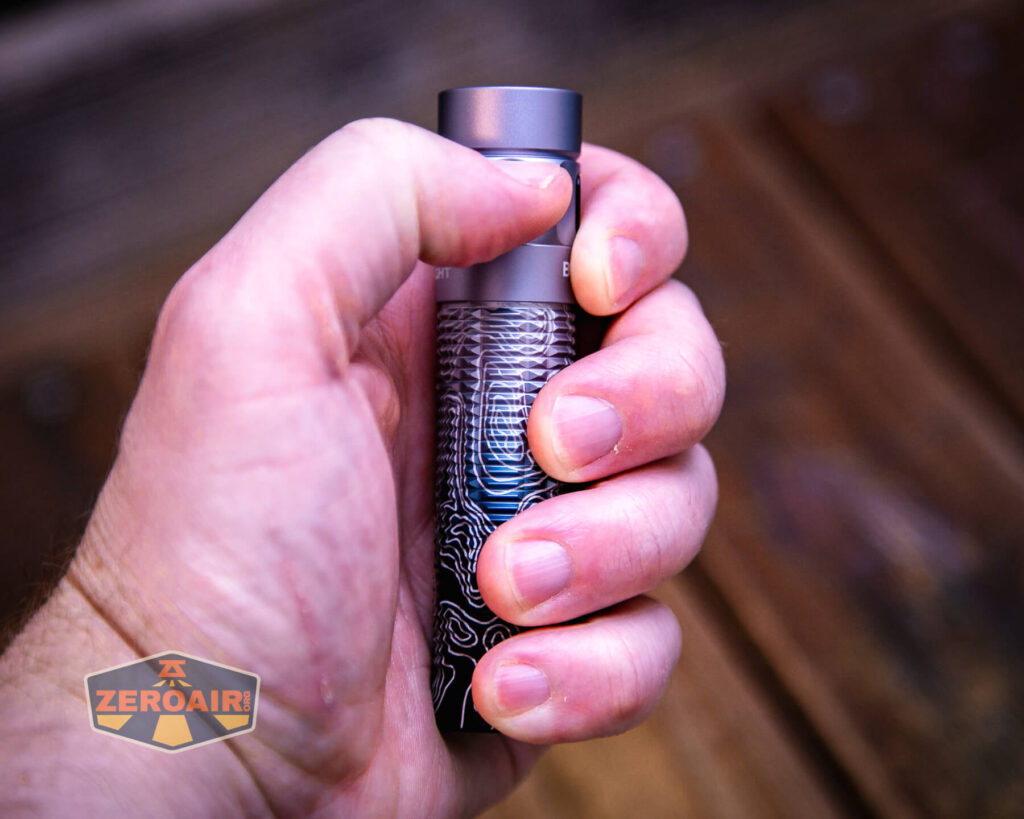
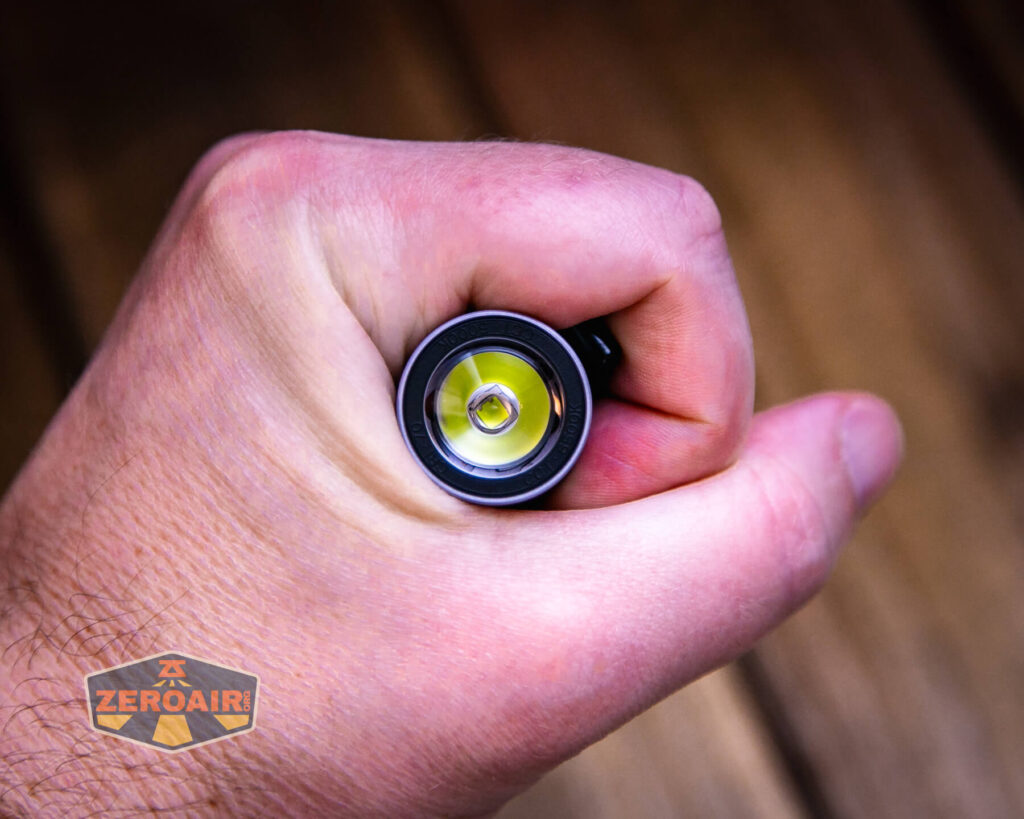
Here’s the test light with the venerable Convoy S2+. The version you see below is an orange Convoy S2+ host that’s been laser engraved by GadgetConnections.com. I did a full post on this light right here! Or go straight to GadgetConnections.com to buy your Convoy S2+ now!

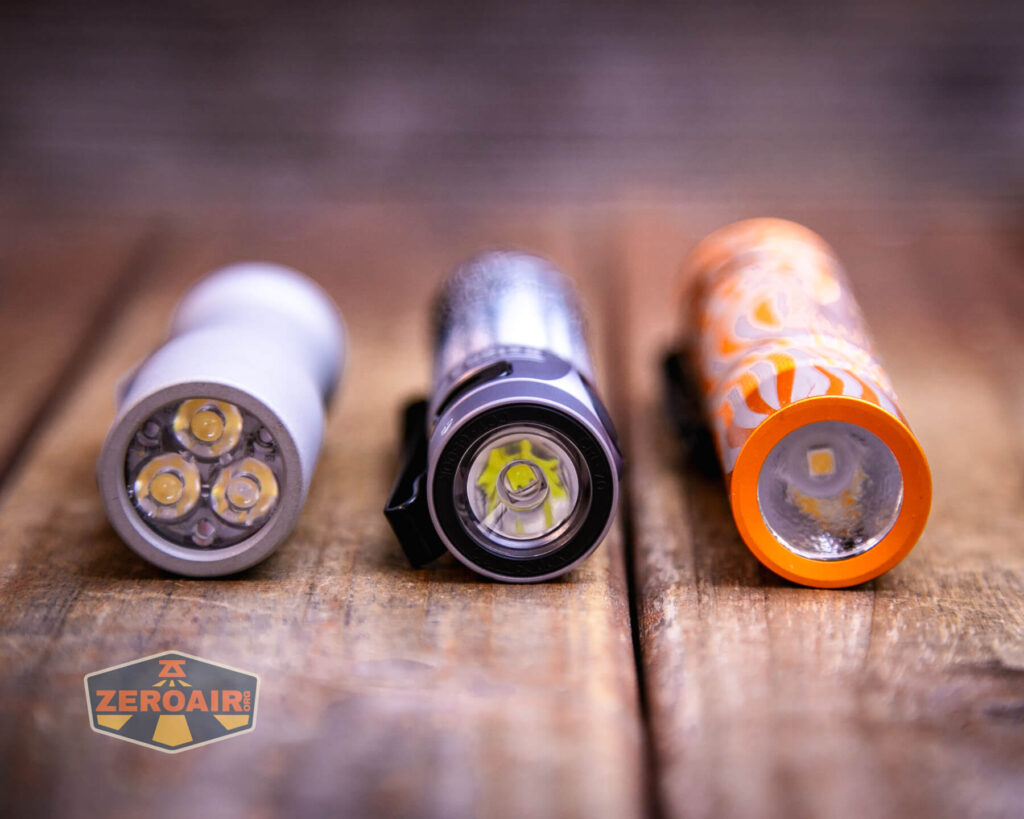
Also above is the light beside a new standard 18350 light! It’s not one I’ve reviewed yet but this is the CWF Arcadian Peanut in aluminum. This one is stonewashed and has the new Quantum Dragon driver – a whole new product! Stay tuned for a full review of this tiny powerhouse!
Retention and Carry
This light includes a pocket clip. The pocket clip has a specific place and orientation – just opposite the switch. This is a two-way clip, so technically could be carried bezel up or down, but the only reasonable way is really bezel up. Though the pocket clip is opposite the switch, I didn’t have any problems with accidental activation, and I didn’t tend to lock the light out.
The arms of this clip are much larger than in previous generations, too. This provides a much firmer attachment! In fact, it’s very firm.

The clip has a little hole, too, which is great for lanyard attachment. (Note: no lanyard is included.)


Olight includes a velvet pouch, too.
Of course, the base of the Olight Baton 3 Pro Silver Ridge flashlight is magnetic because of the way this light charges. But that magnetic base also serves as a great connection point for the Baton 3 Pro, too. Forgot to get a photo of that in action, though!
Power and Runtime
The Olight Baton 3 Pro Silver Ridge flashlight includes a proprietary 18650. There are both positive and negative contacts on the positive end, (and only negative on the negative end). This facilitates onboard charging. These lights will not charge any type of cells except these specific Olight cells.

Unlike the previous S2R Baton II, the cell on this Baton fits in the “normal” way – positive (button) toward the head. Despite that, regular button top 18650 cells will not work in this light.

Below you can see the runtime tests for the highest three levels. If you glanced back at any of the other Baton 3 Pro testing posts, you’d note that performance is remarkably similar. That’s one reason these repetitive posts are great. They corroborate data from previous versions!

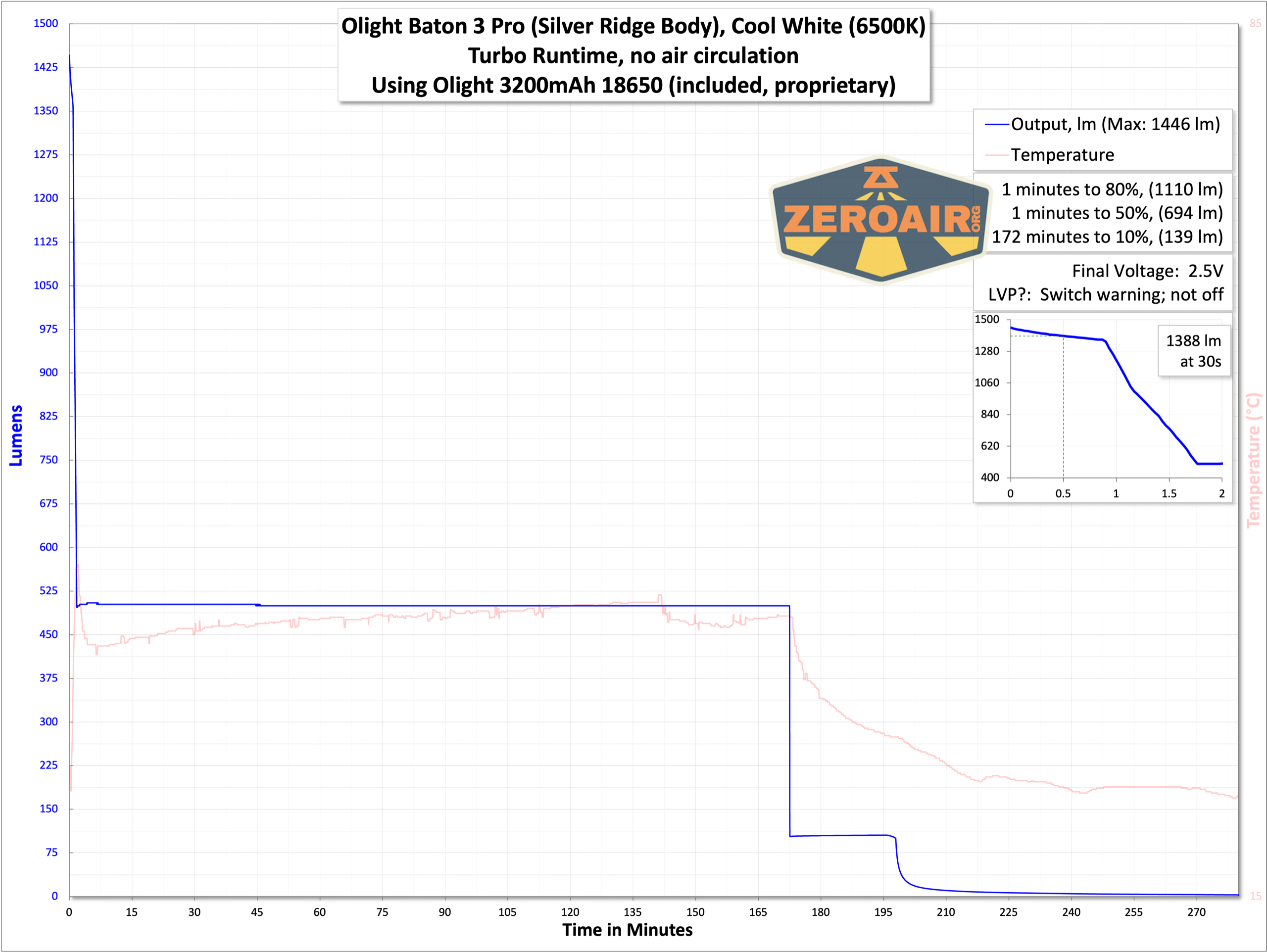


While the Baton 3 Pro doesn’t seem to necessarily shut off with low voltage protection, the switch does give an indication that the cell voltage is low.
Charging
The charging base is the common Olight MCC, which can charge at 1A, 1.5A, or 2A. As I said above, this cell can be charged in a regular bay charger too!


Charging proceeds at well over 1A, and the 3200mAh cell is charged in around 4-5 hours. The charging base is red when charging, and green when not being used or the cell is “completely charged.” I noted in charge testing that the indicator on the charger would turn green before the trickle CV phase had stopped putting power into the cell.

Modes and Currents
| Mode | Mode Claimed Output (lm) | Claimed Runtime | Measured Lumens | Tailcap Amps |
|---|---|---|---|---|
| Turbo | 1500-600 | 2m-177m | 1446 (0s) 1388 (30s) |
4.08 |
| High | 600-120 | 180m-25m | 523 | 0.93 |
| Medium | 120 | 17h | 105 | 0.16 |
| Low | 15 | 100h | 15 | 0.02 |
| Moon | 0.5 | 120d | 0.1 | [low] |
Pulse Width Modulation
Nothing really to mention here. None of the modes seem to be using PWM. That wave graph on the second to lowest mode is fun, though.
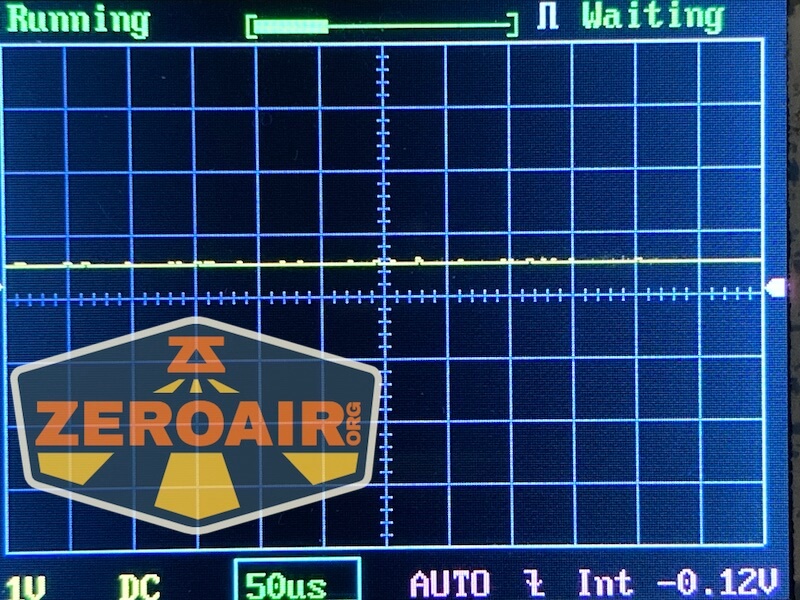

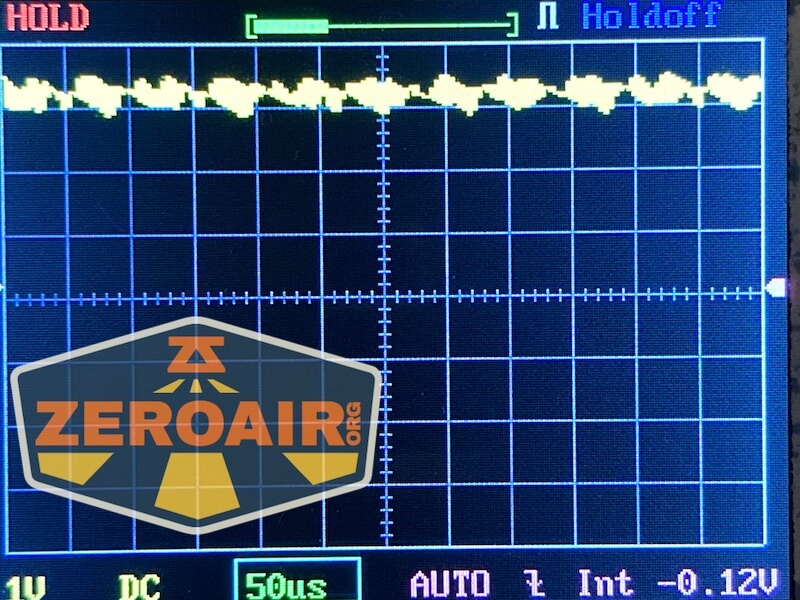
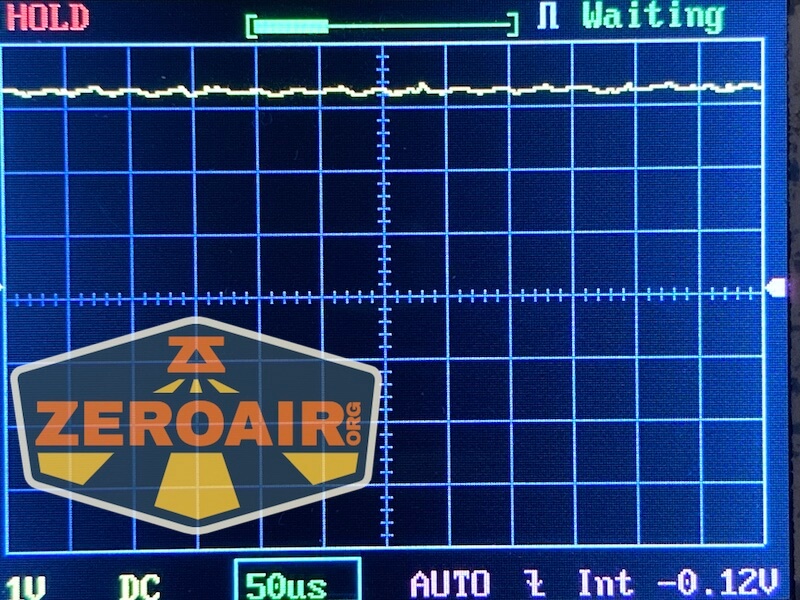

Here you can see a “baseline” – a chart with almost no light hitting the sensor. Then there’s the Ultrafire WF-602C flashlight, which has some of the worst PWM I’ve seen. It’s so bad that I used a post about it to explain PWM! Here are multiple timescales (10ms, 5ms, 2ms, 1ms, 0.5ms, 0.2ms) to make comparing this “worst” PWM light to the test light easier. That post also explains why I didn’t test the WF-602C at the usual 50us scale.


User Interface and Operation of the Olight Baton 3 Pro Silver Ridge Flashlight
The Olight Baton 3 Pro Silver Ridge rechargeable flashlight has an e-switch on the head end of the side of the body. The switch cover has a bit of texture and is proud enough that it’s easy to find. It’s also not so proud or soft that it will easily activate accidentally.

It’s an indicating switch, as I said above, too. It can indicate in green, red, and orange (seen above).

As far as I can tell, this user interface is the same as previous Batons – the S2R Baton II, for example.

Here’s a user interface table! The user interface is unchanged from the “historical version” of this light. Here’s a user interface table!
| State | Action | Result |
|---|---|---|
| Off | Click | On (mode memory)^ |
| On | Hold (release at desired mode) | Mode cycle (Moon, L, M, H) (no Turbo) |
| Off | Hold | Moonlight |
| Any | Double click | Turbo |
| Any | Triple click | Strobe |
| Strobe | Click | Off |
| Strobe | Hold | Previous Mode |
| Off | Long hold (past Moonlight) | Lockout |
| Lockout | Hold | Unlock to Moonlight |
| On | Click and Hold (quickly)^^ | Timer (Single blink: 3 minutes, Double blink: 9 minutes) |
| Timer | Click and Hold (quickly)^^ | Switch between 3- and 9-minute timers. |
^ Moon, Low, Medium, and High are memorized. Turbo is memorized as High.
^^ The manual states this as “Double click and hold” but I think “Click and hold” quickly. Any form of double click ends in Turbo or Strobe.
LED and Beam
This version of the Olight Baton 3 Pro flashlight is probably a Luminus SST-40 emitter, just like we saw on the S2R Baton II. But Olight doesn’t say. Either way, that emitter is coupled with a TIR and provides a very pleasant beam profile.

My white copy of the Olight Baton 3 Pro Silver Ridge flashlight is labeled as CW for “Cool White.”


LED Color Report (CRI and CCT)
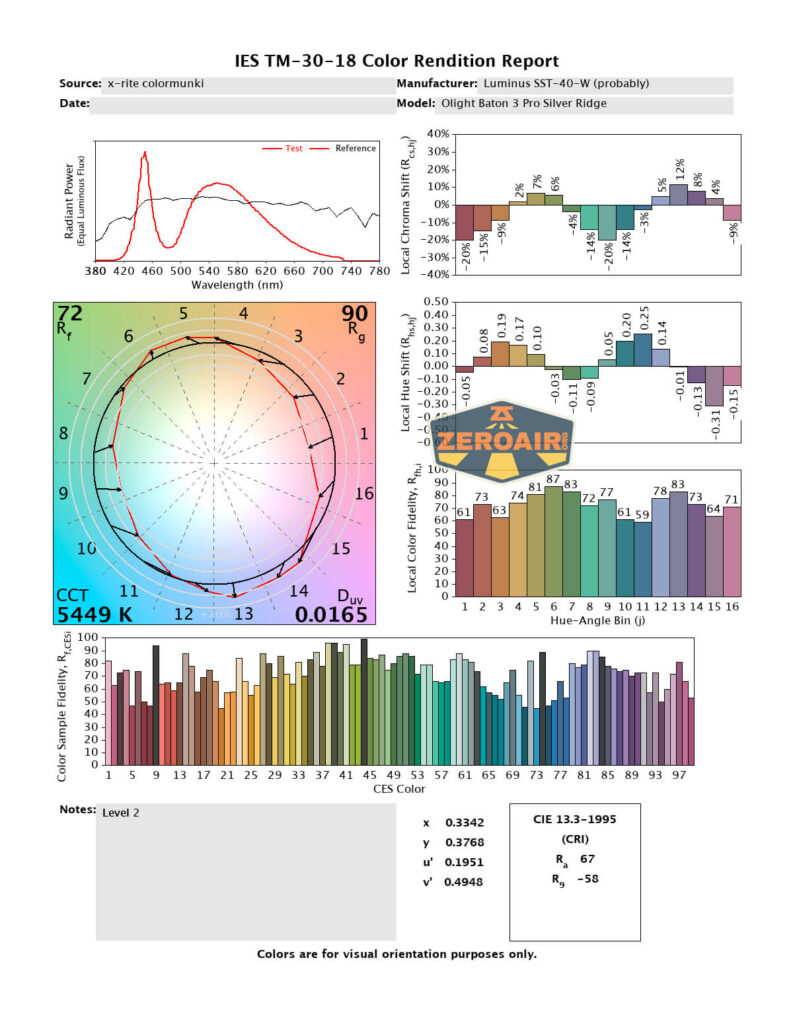
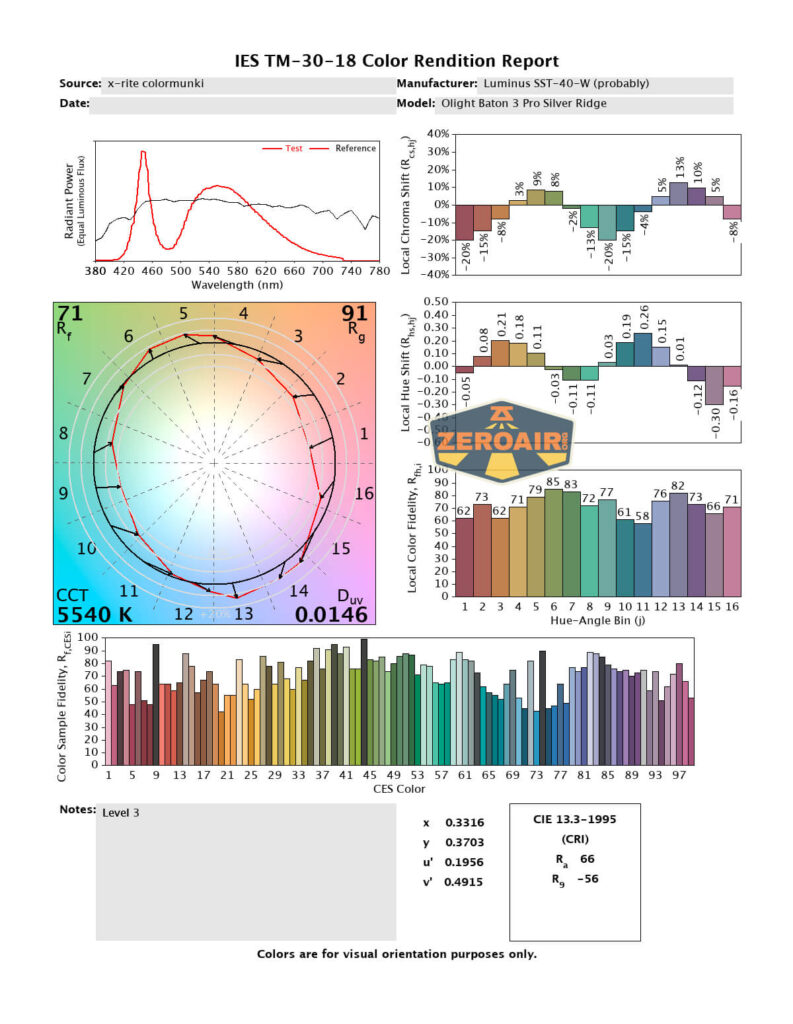
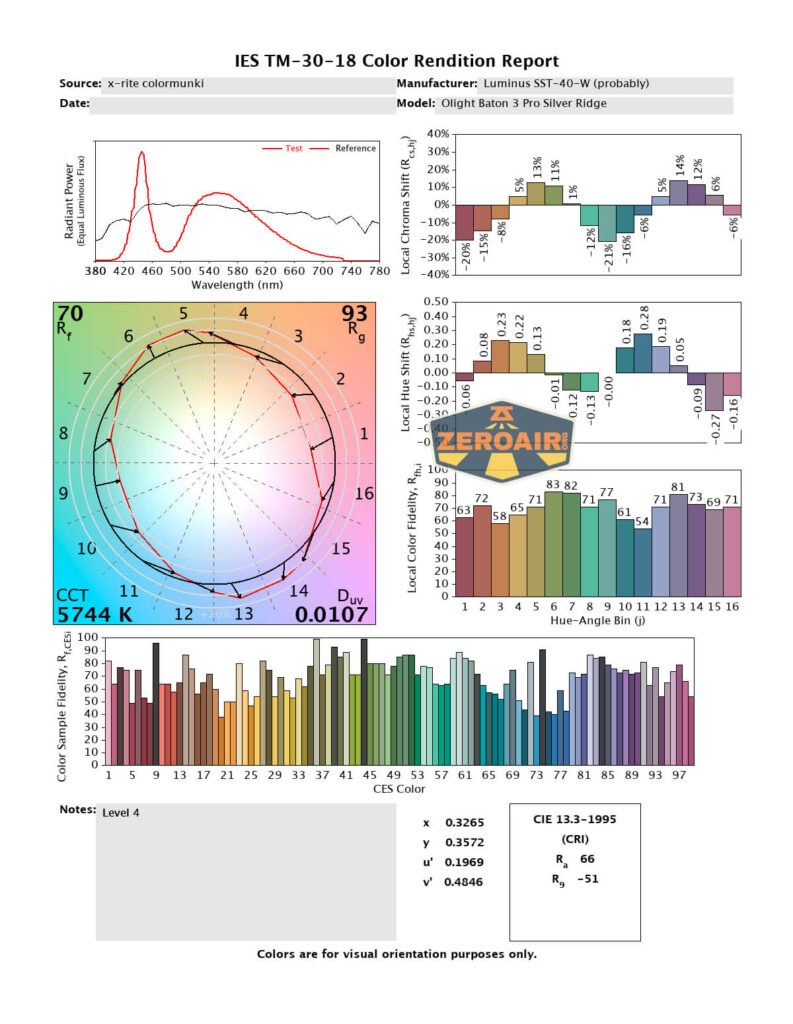
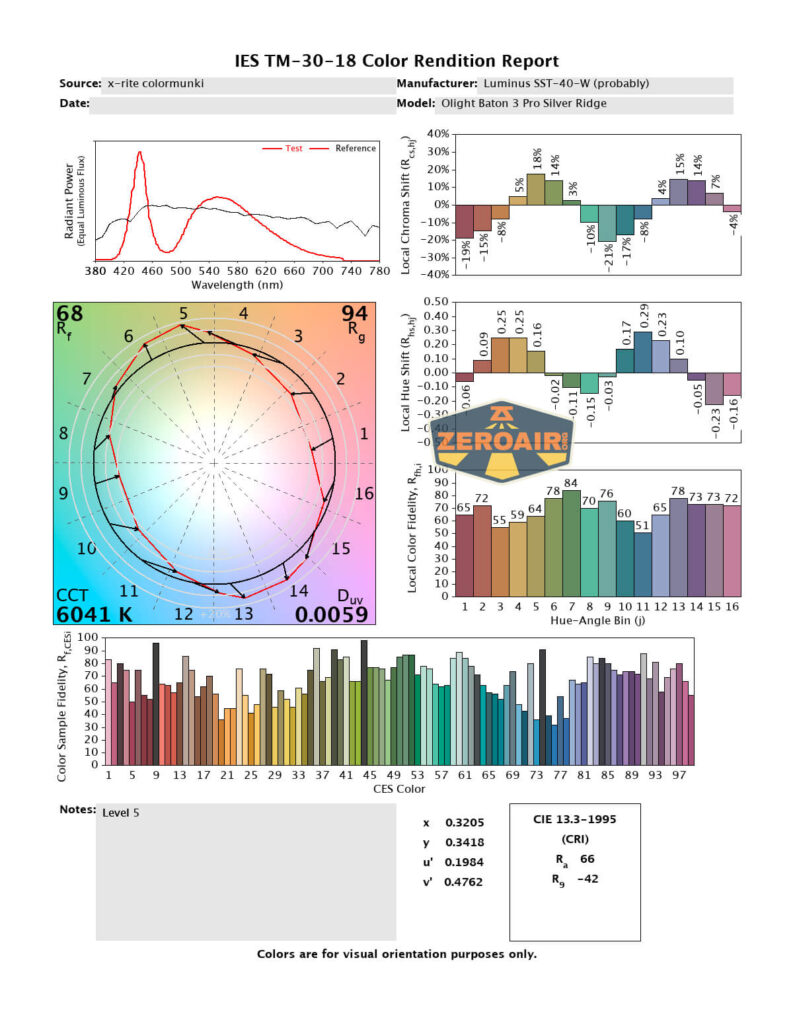
Here’s really the main issue with this emitter. It’s green. This is more noticeable in the low modes. In the highest couple of levels, it’s trending toward “ok”, but the positive Duv on the lower modes is not something I look for in an emitter.
It’s noteworthy though, that the CCT is warmer than the range that Olight claims – between 5100K and 6000K. That’s actually great because the claimed 6500K would really be too cool. The CRI that Olight claims on the bezel is 70, but by these tests that number seems a bit optimistic – I’m seeing between 65 and 71 CRI. That’s low!

Beamshots
These beamshots always have the following settings: f8, ISO100, 0.3s shutter, and manual 5000K exposure. These photos are taken at floor level, and the beam hits the ceiling around 9 feet away.

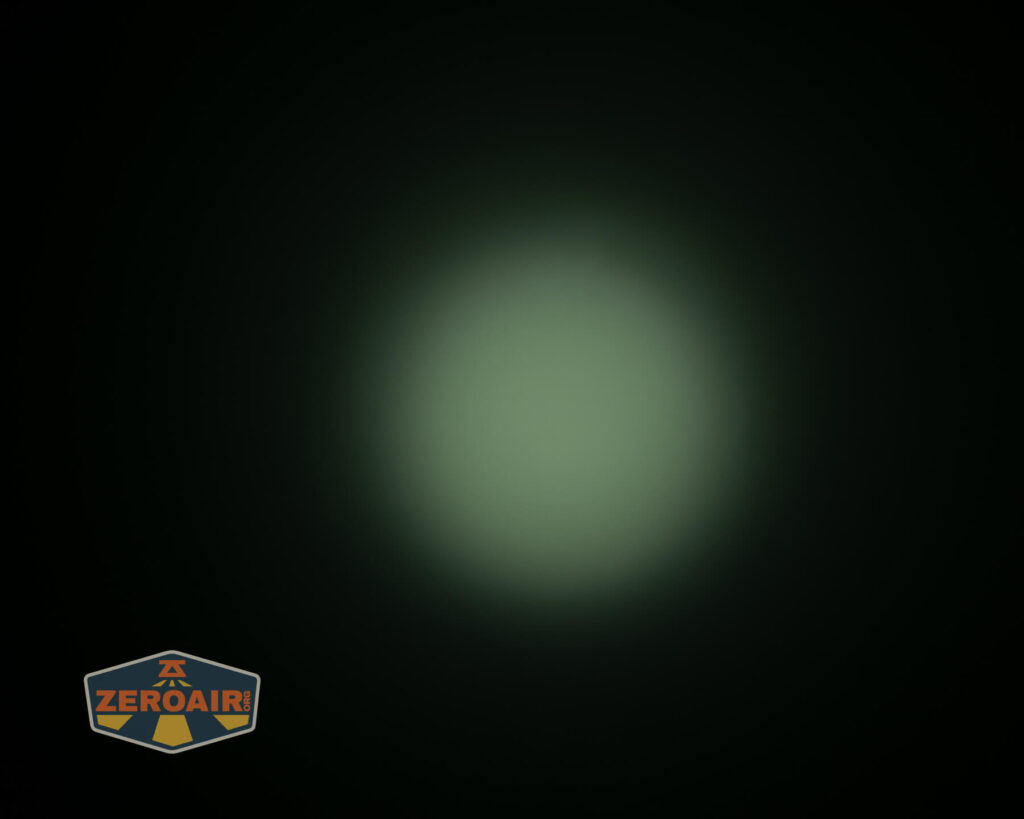
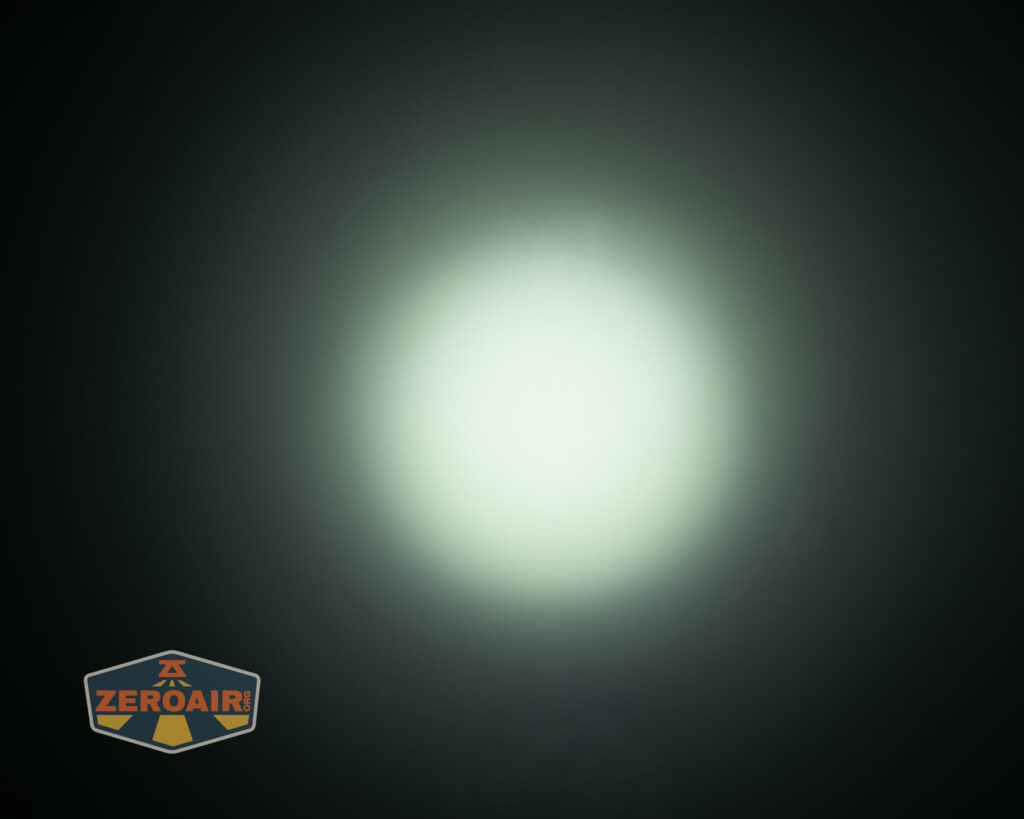
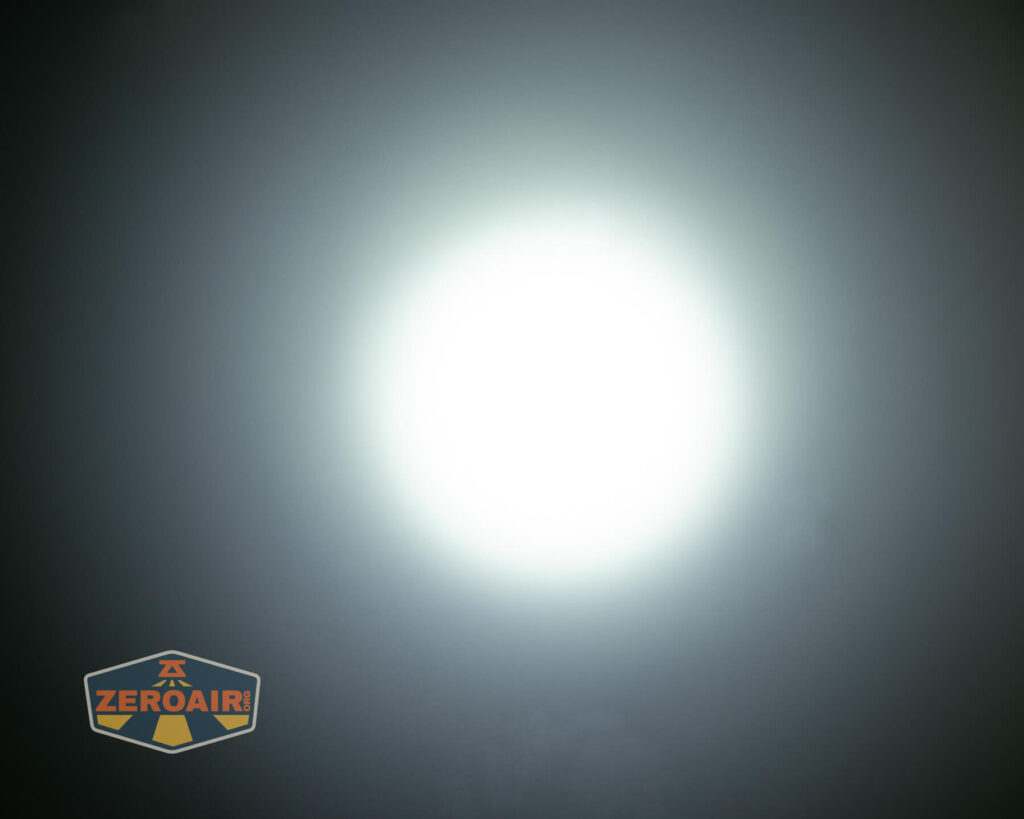
Tint vs BLF-348 (KillzoneFlashlights.com 219b version) (affiliate link)
I keep the test flashlight on the left and the BLF-348 reference flashlight on the right.
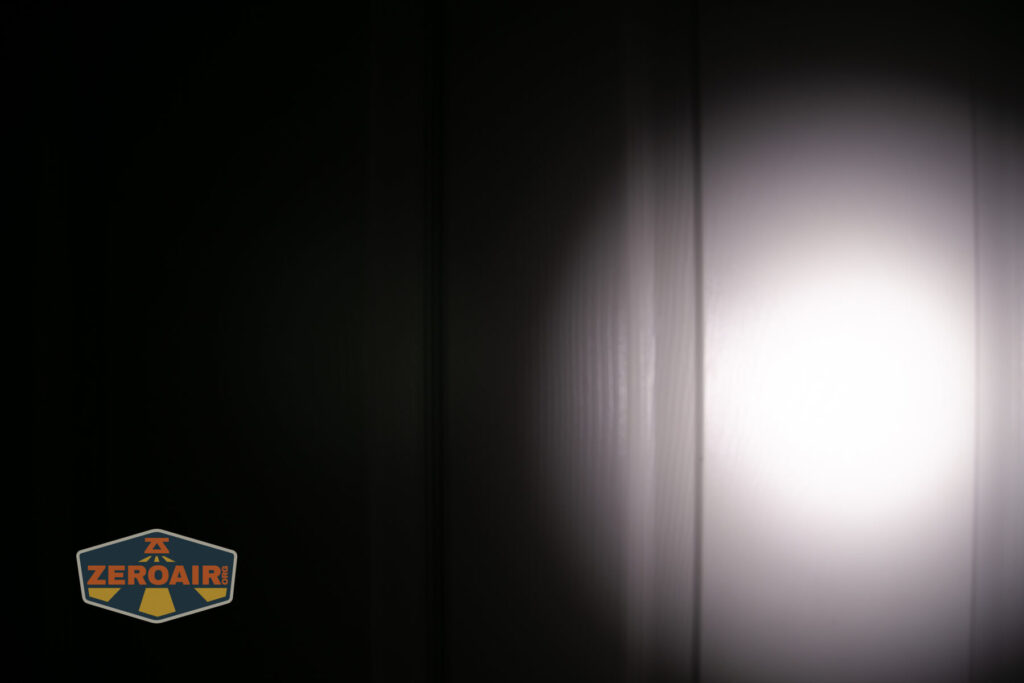
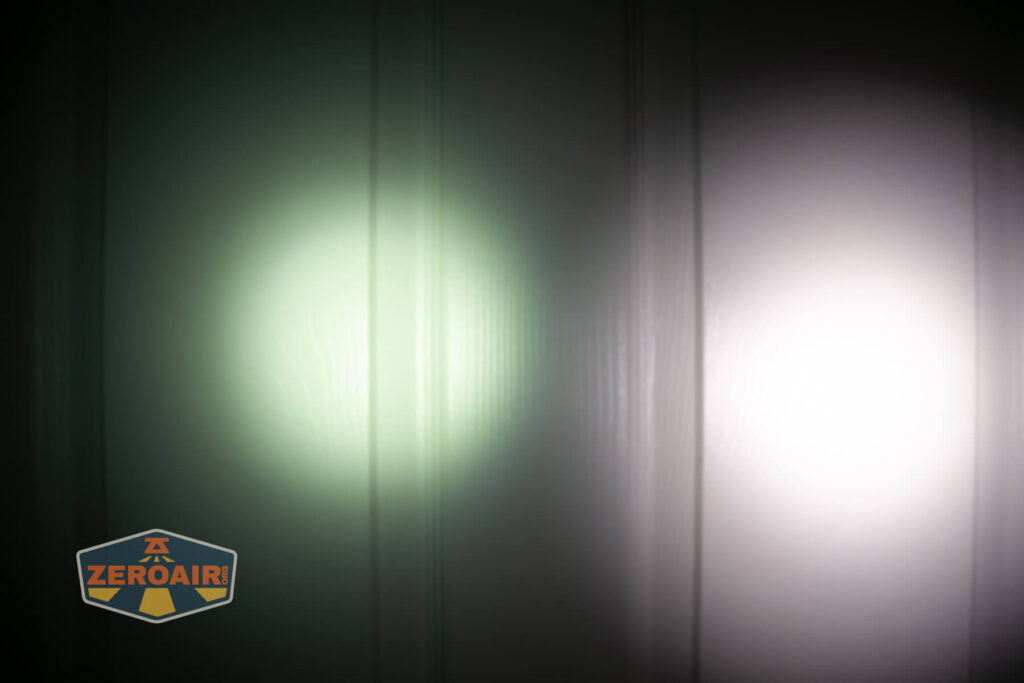



I compare everything to the KillzoneFlashlights.com 219b BLF-348 because it’s inexpensive and has the best tint!
Conclusion
What I like
- Build quality is quite good
- Complete package includes charging and cell
- The user interface retains neat features from previous models, like the 3 or 9-minute timer
- Knurling makes for great in-hand feel and usage
- Cool white is warmer than I would have expected
- Timer feature is neat
What I don’t like
- Proprietary cells are required for inside-light charging
- Very green tint
- Very low CRI
- Regular 18650 cells do not work in the light
Notes
- This content originally appeared at zeroair.org. Please visit there for the best experience!
- Please use my Amazon.com referral link to help support zeroair.org!
- Please support me on Patreon! I deeply appreciate your support!