
Skilhunt M300 V4 F50S Flashlight Review
The Skilhunt M300 V4 F50S flashlight uses Skilhunt’s own F50S R9580 emitter and runs a 21700 cell. There are minor user interface updates, too. Read on!
Official Specs and Features
Here’s a referral link to the Skilhunt M300 V4 F50S flashlight product page.
Versions
There are a few versions of the Skilhunt M300 V4 flashlight. Even among this “V4” version, there are options! Two emitters are available: Luminus SFT70.2 and this Skilhunt F50S. Three body colors are available, too. Those are black, blue, and green. The Skilhunt M300 V4 F50S flashlight can be purchased with or without a cell.
Of course, this is V4, so other versions exist as well. I’ve reviewed the first iteration of the Skilhunt M300 and V2 of the light, as well.
Price
As configured here, the Skilhunt M300 V4 F50S flashlight is $55.23. There’s a dollar difference in some of the emitter options, and the 21700 adds around $9. Buy your Skilhunt M300 V4 F50S flashlight through my referral link!
What’s Included

- Skilhunt M300 V4 F50S flashlight
- Skilhunt 5000mAh 21700
- Charge cable (USB to proprietary magnetic)
- Lanyard
- Pocket clip
- Two battery extenders
- Manual
- Spare o-rings (2)
Package and Manual
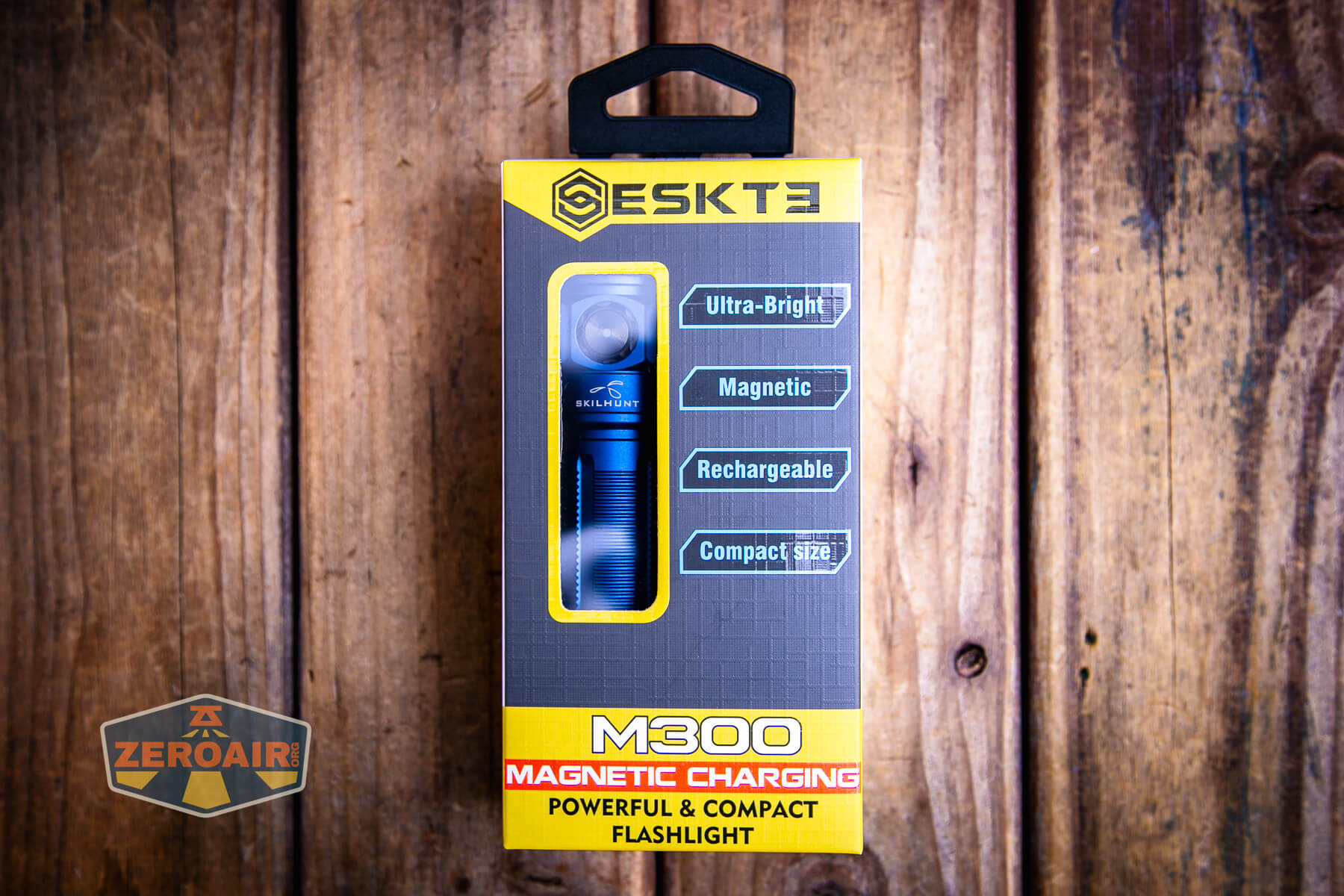

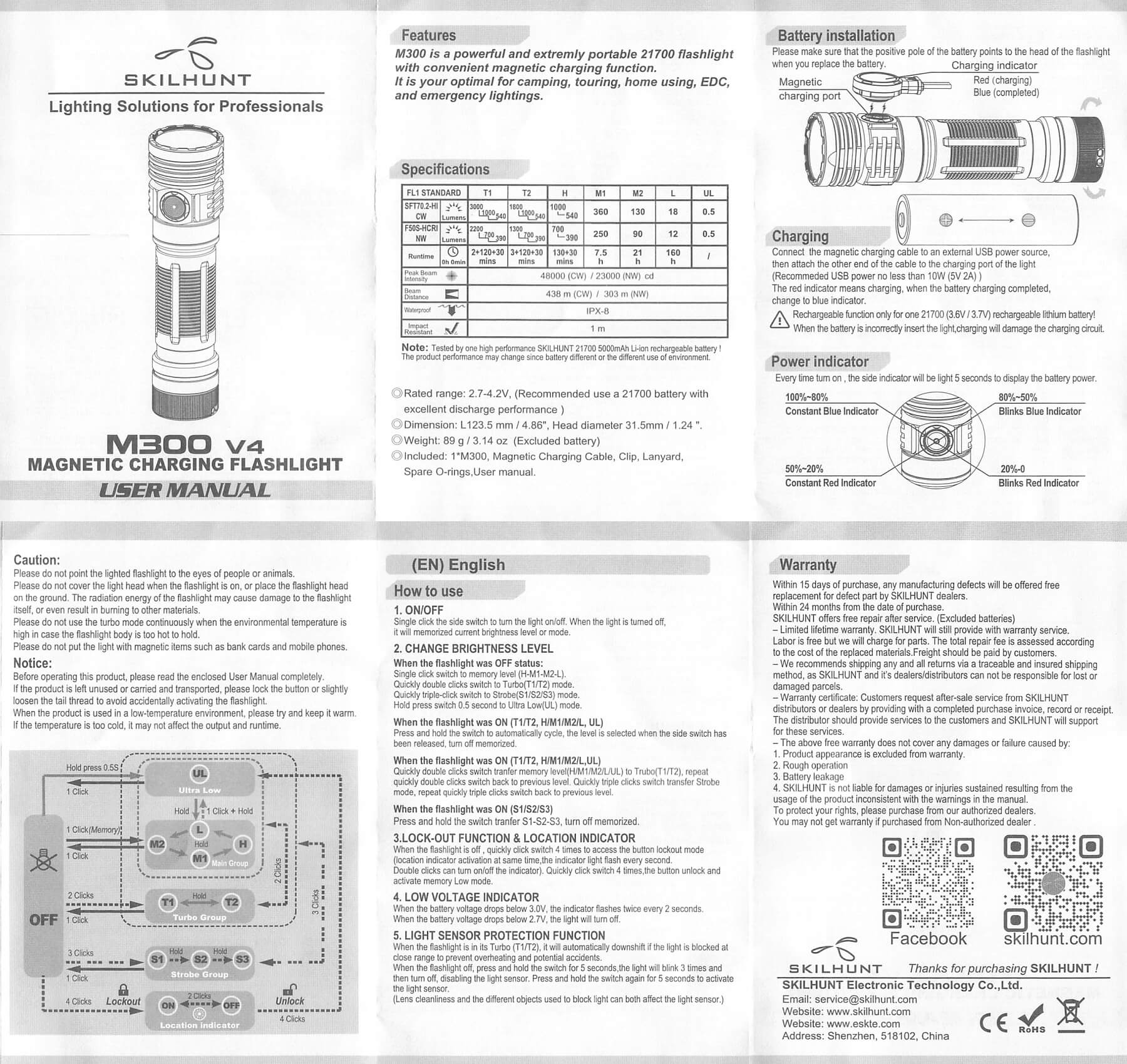
This manual covers both emitter versions of the light. Below, you’ll note that I have a few photos of the black body variant (review upcoming) because I missed a photo here and there. BIG thanks to Skilhunt for sending both emitter versions (and two body colors, too!)
Build Quality and Disassembly
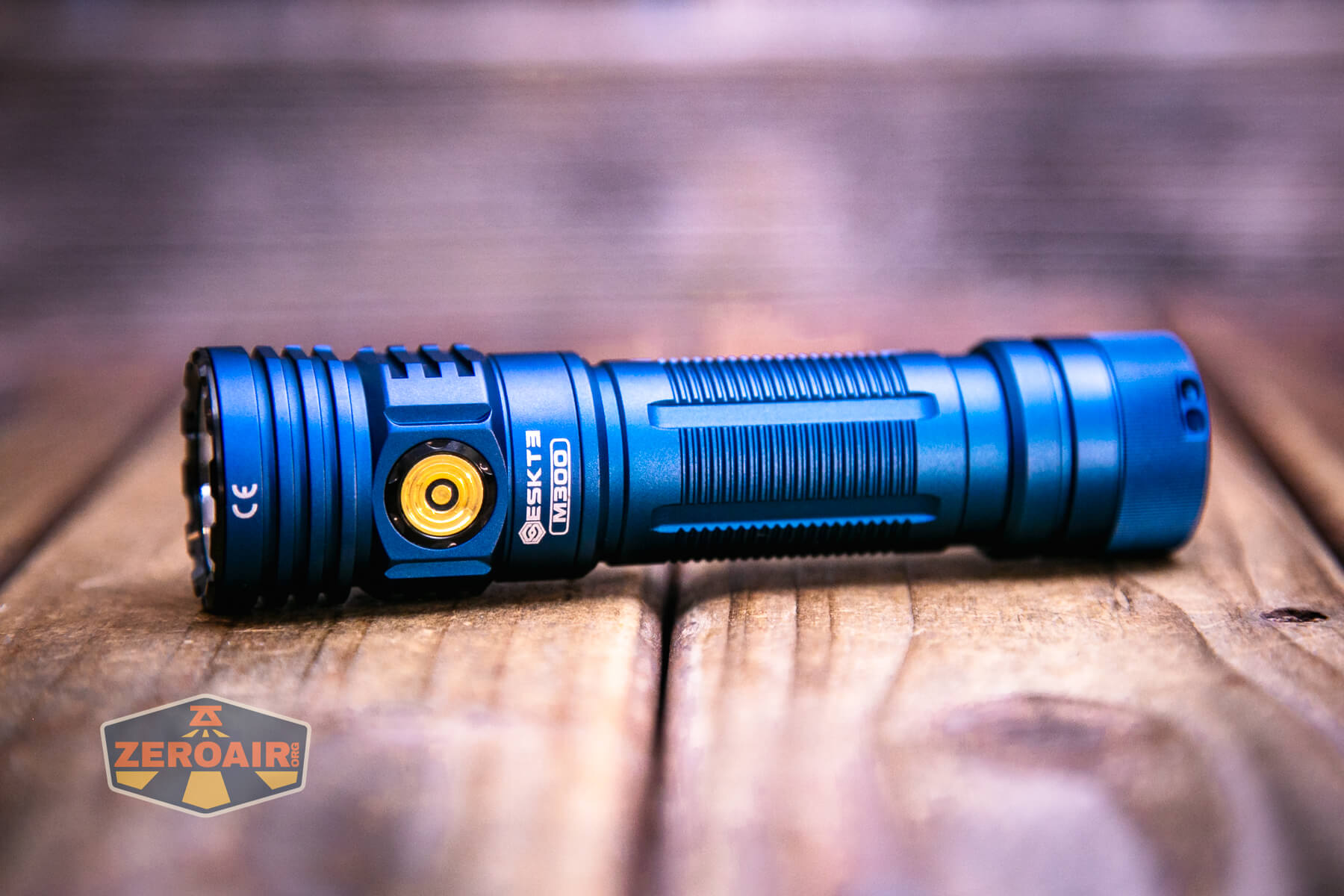
Skilhunts are usually well-built lights, and this one is no exception. Maybe, more importantly, the design language between this and the other M-series lights is very consistent! As far as build-quality updates from the V2 that I reviewed – I don’t really notice any differences thematically. The head is just a bit longer (notice one extra ridge in the head). Minor detail differences, though.
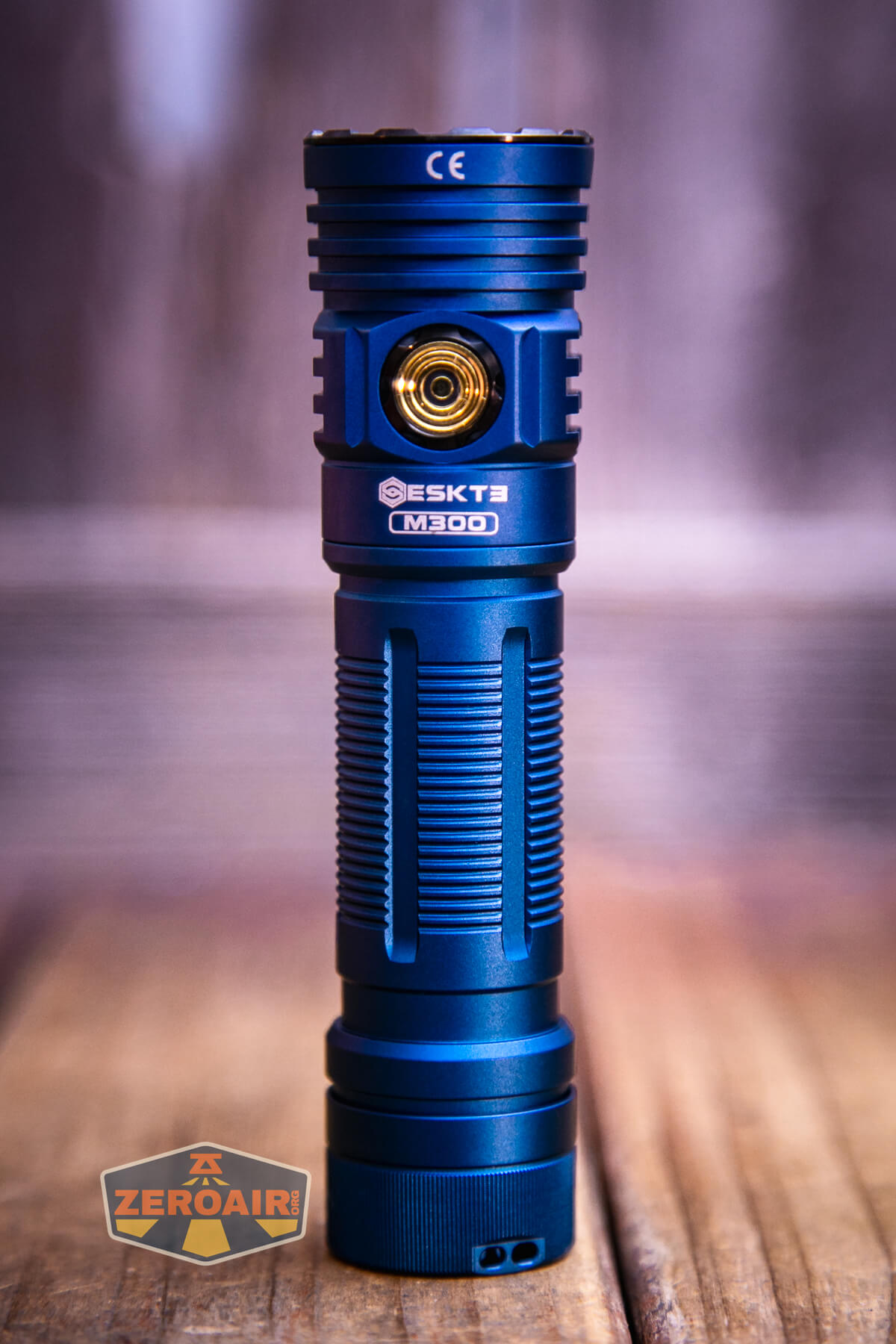
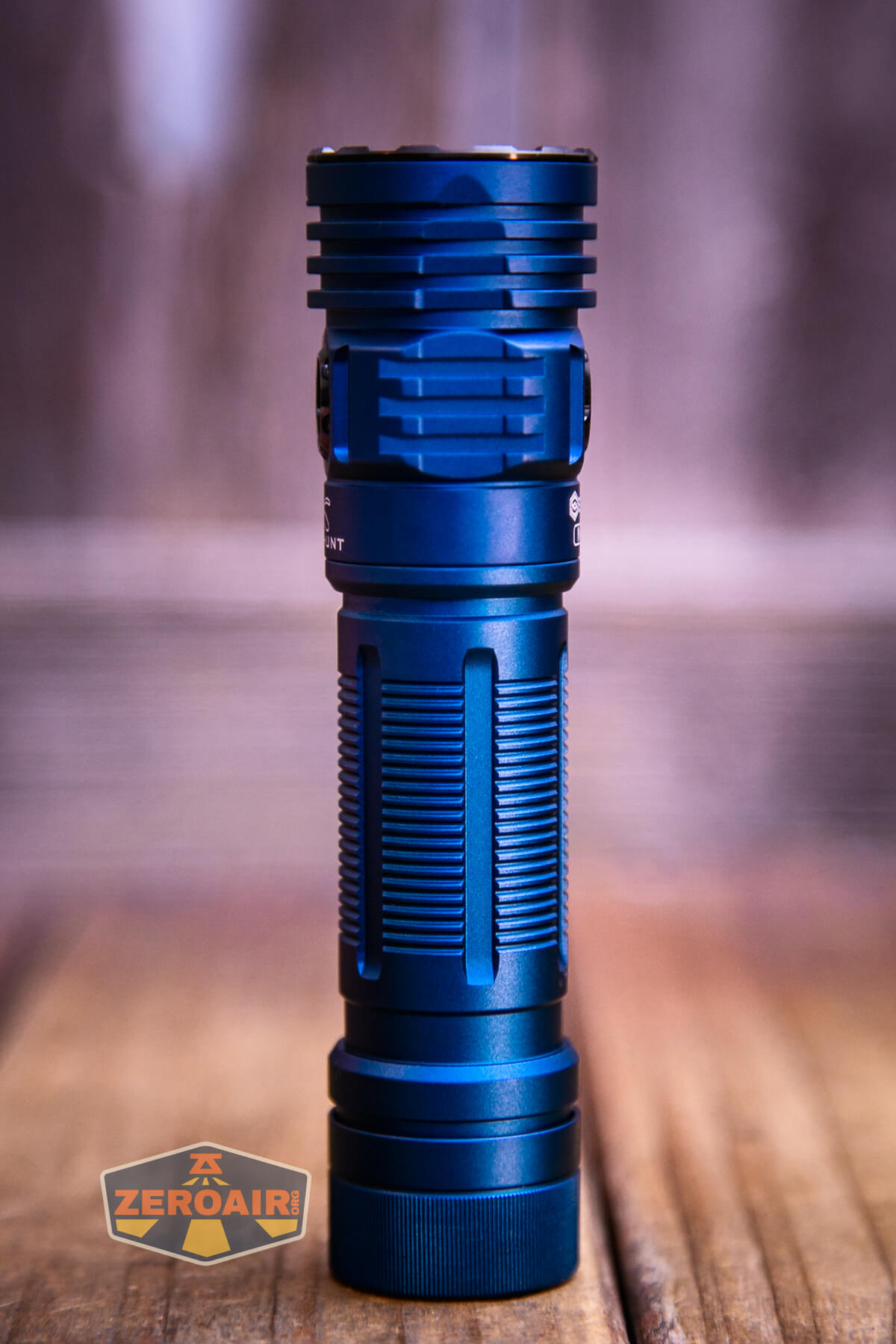
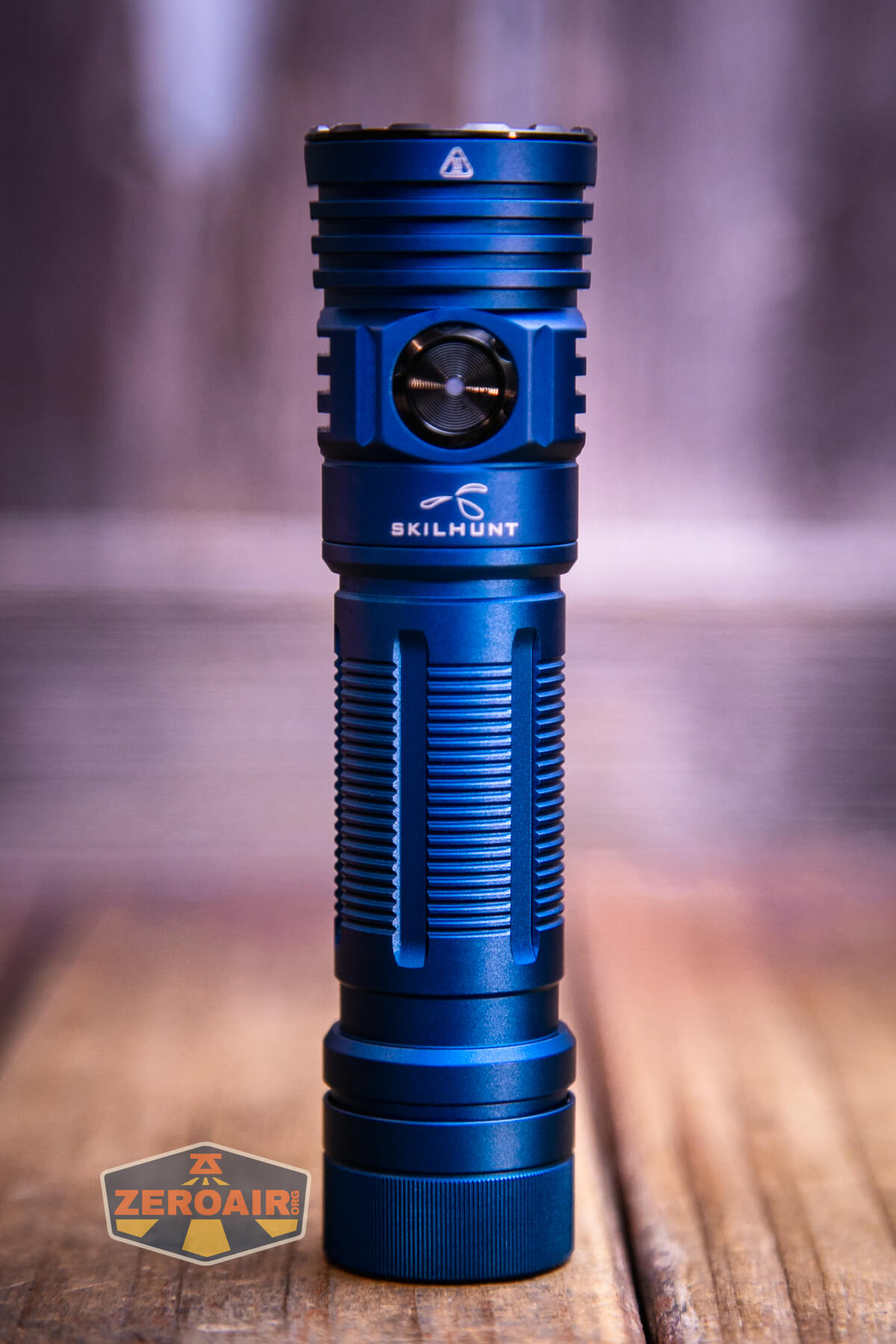
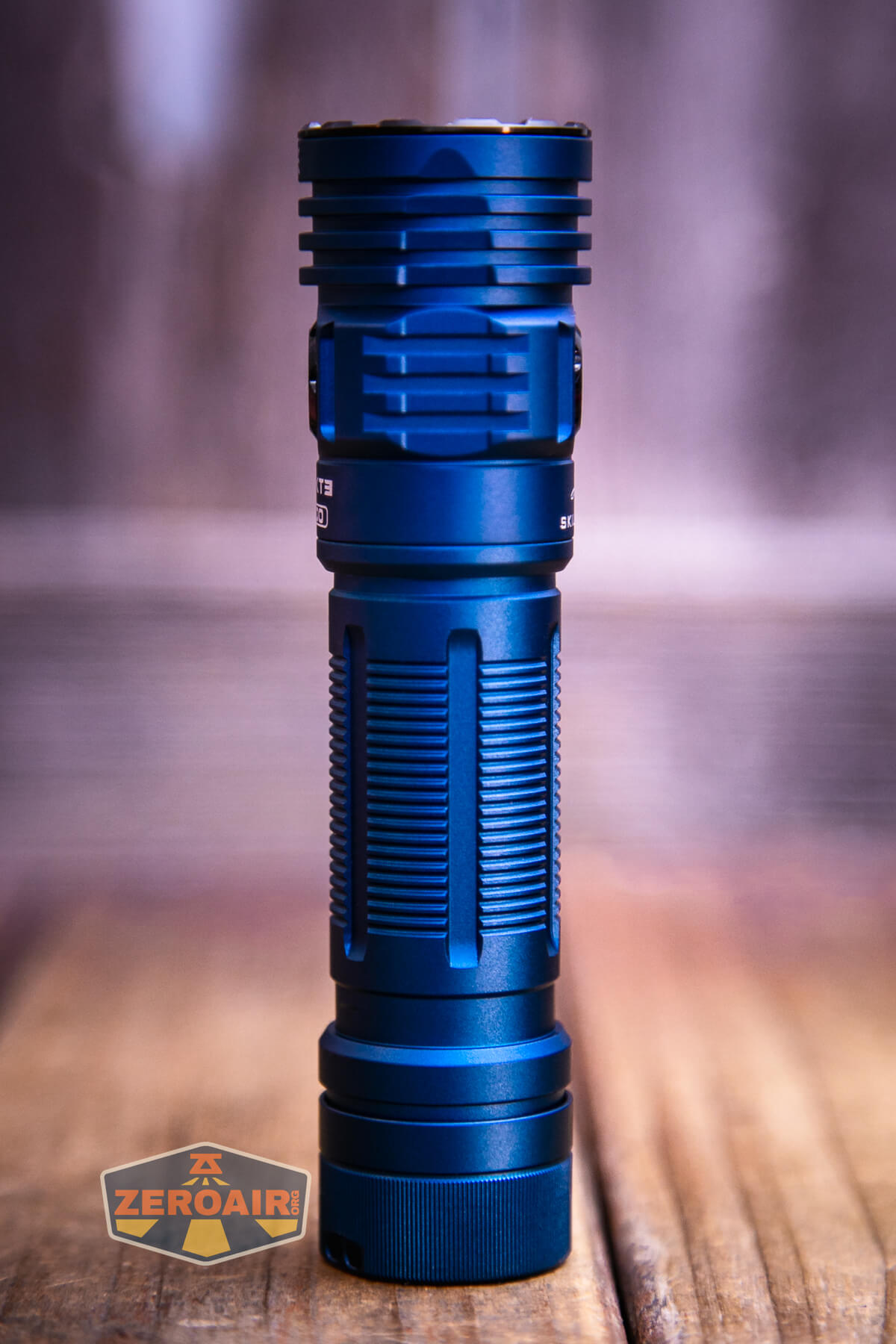
I apparently failed to get any photos of the Skilhunt M300 V4 F50S flashlight with the body parts removed. The head and tail both have springs, and the threads are very smooth!
Size and Comps
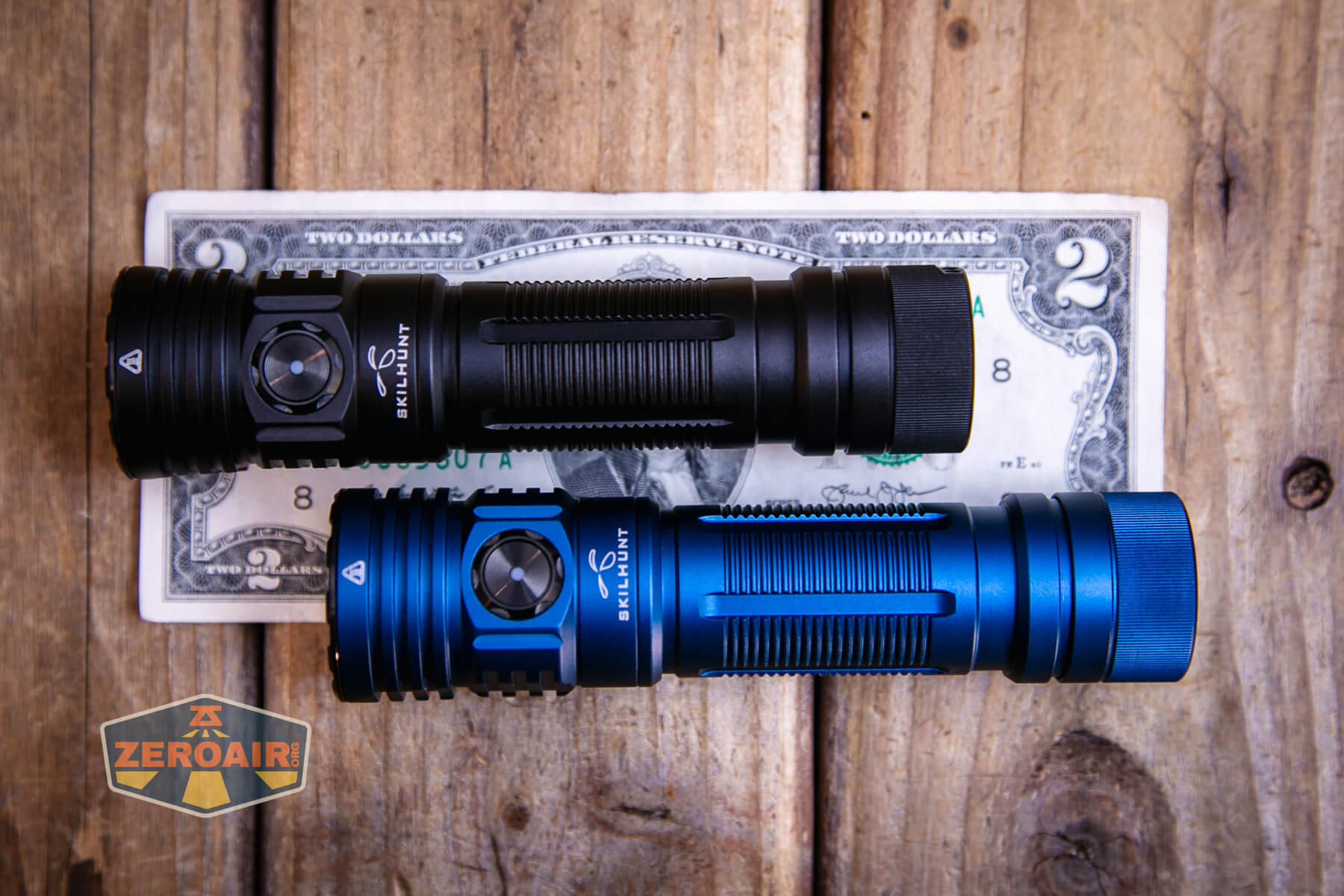
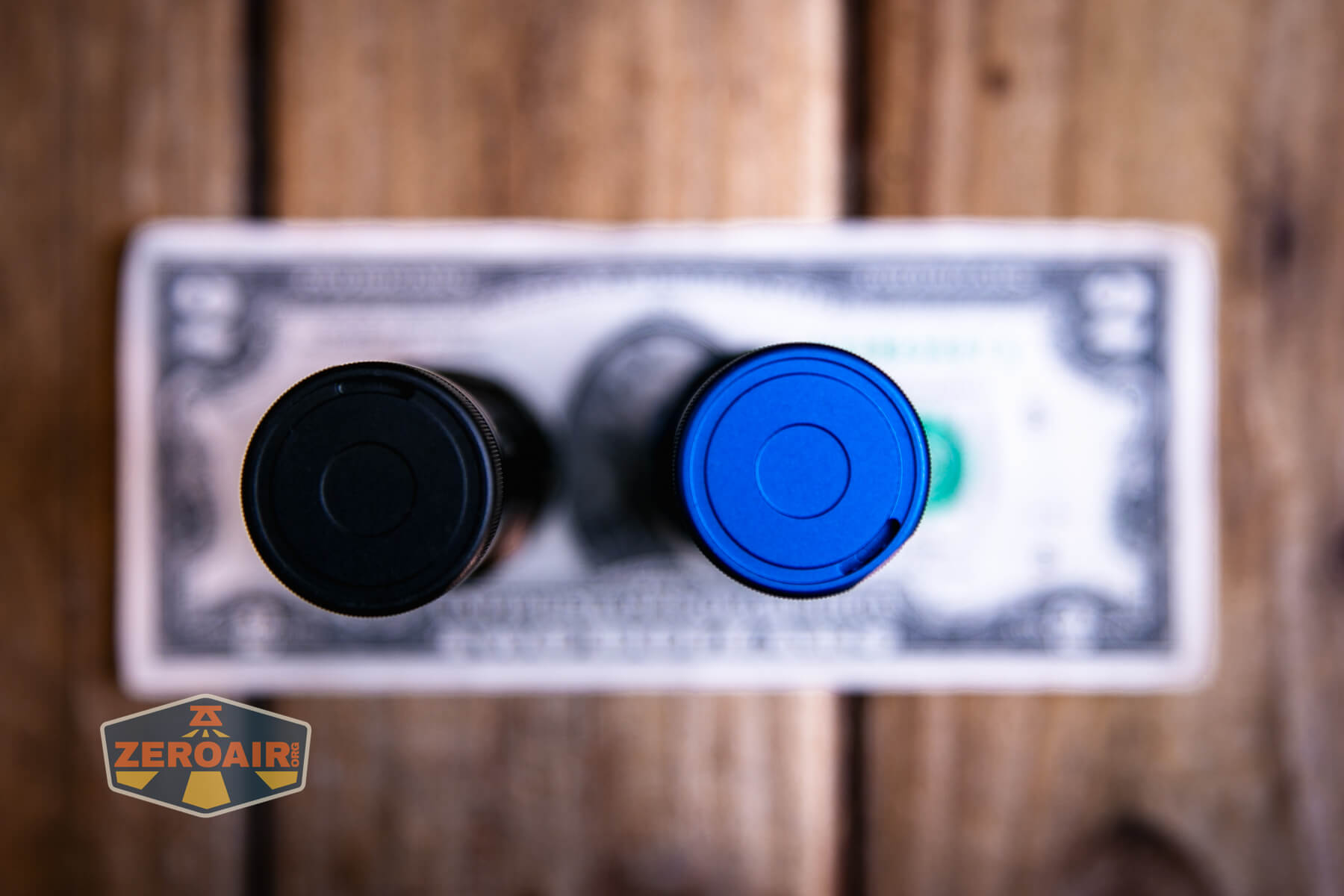
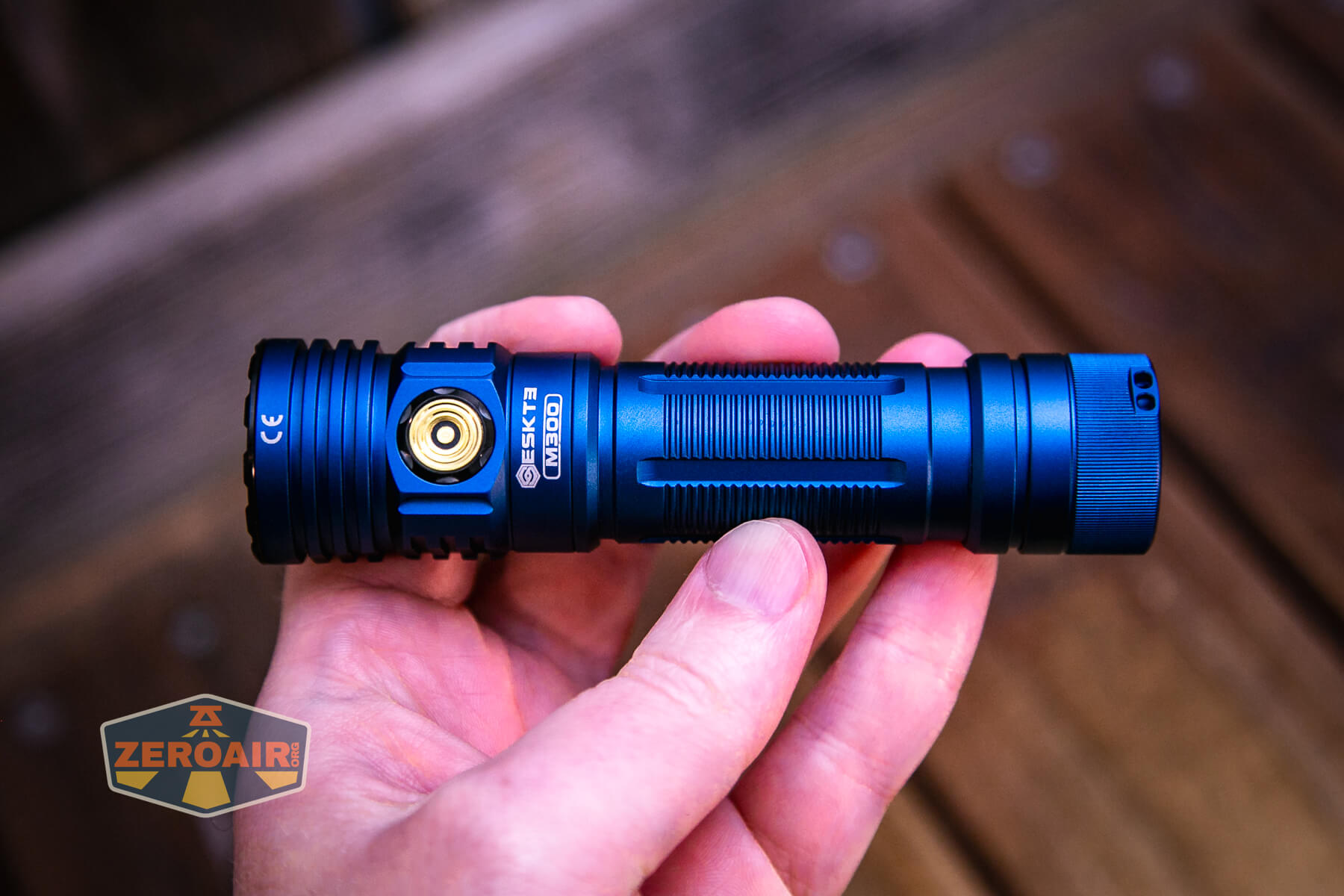
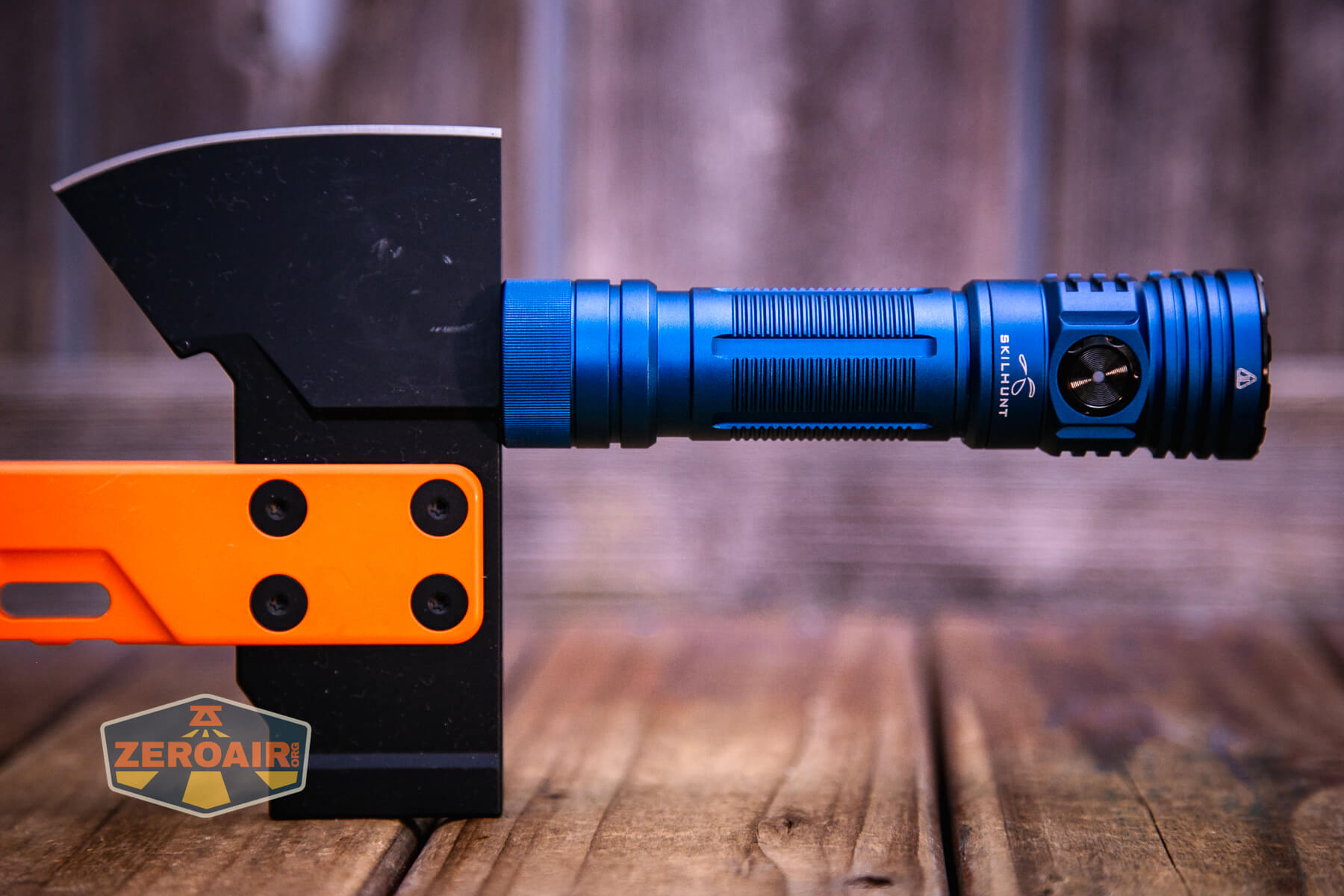
123.5mm x 31.5mm and 89g (without battery). This is overall alightly bigger than V2. Below are both V4 editions, though – one is black (review upcoming) and this blue model, too.
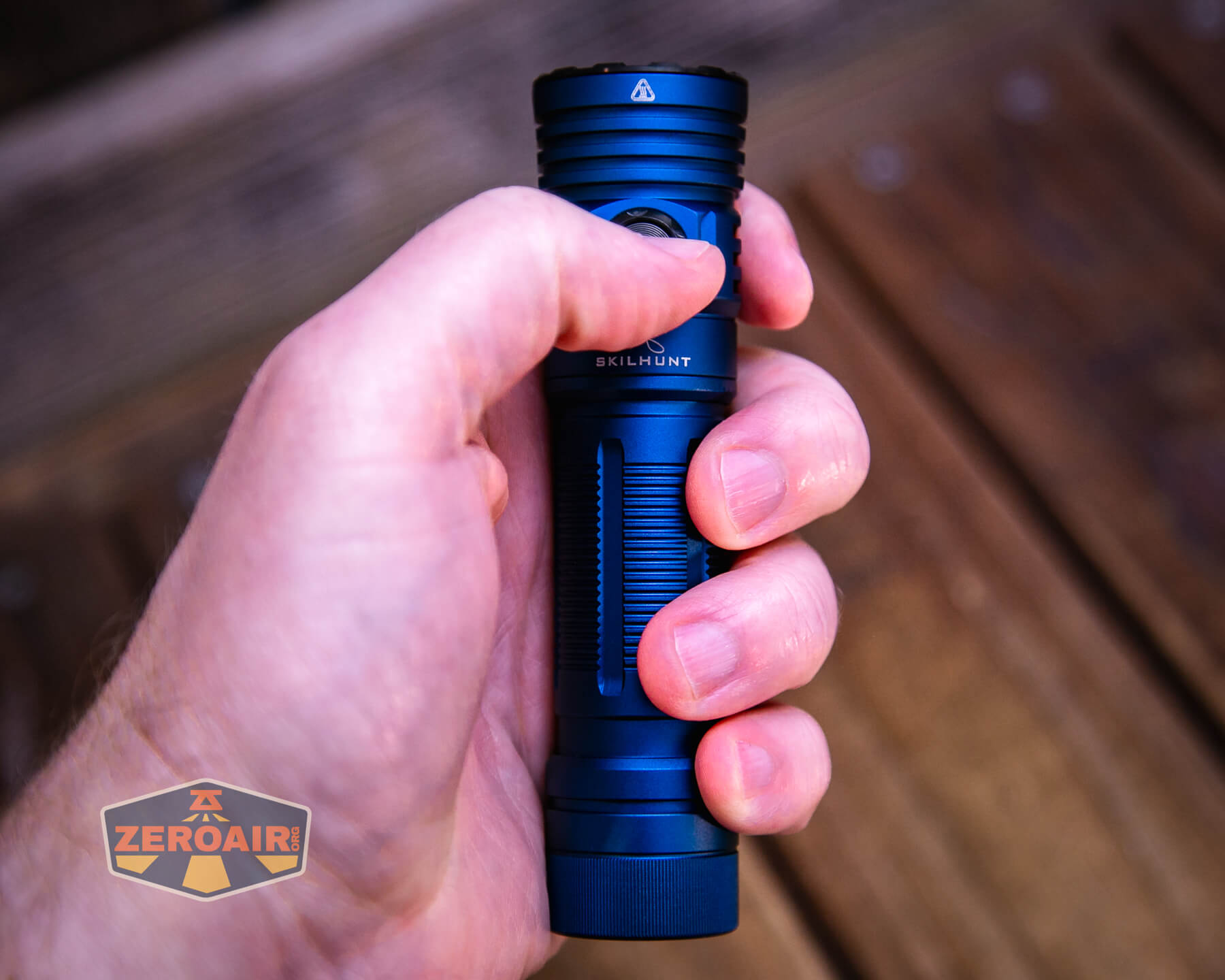
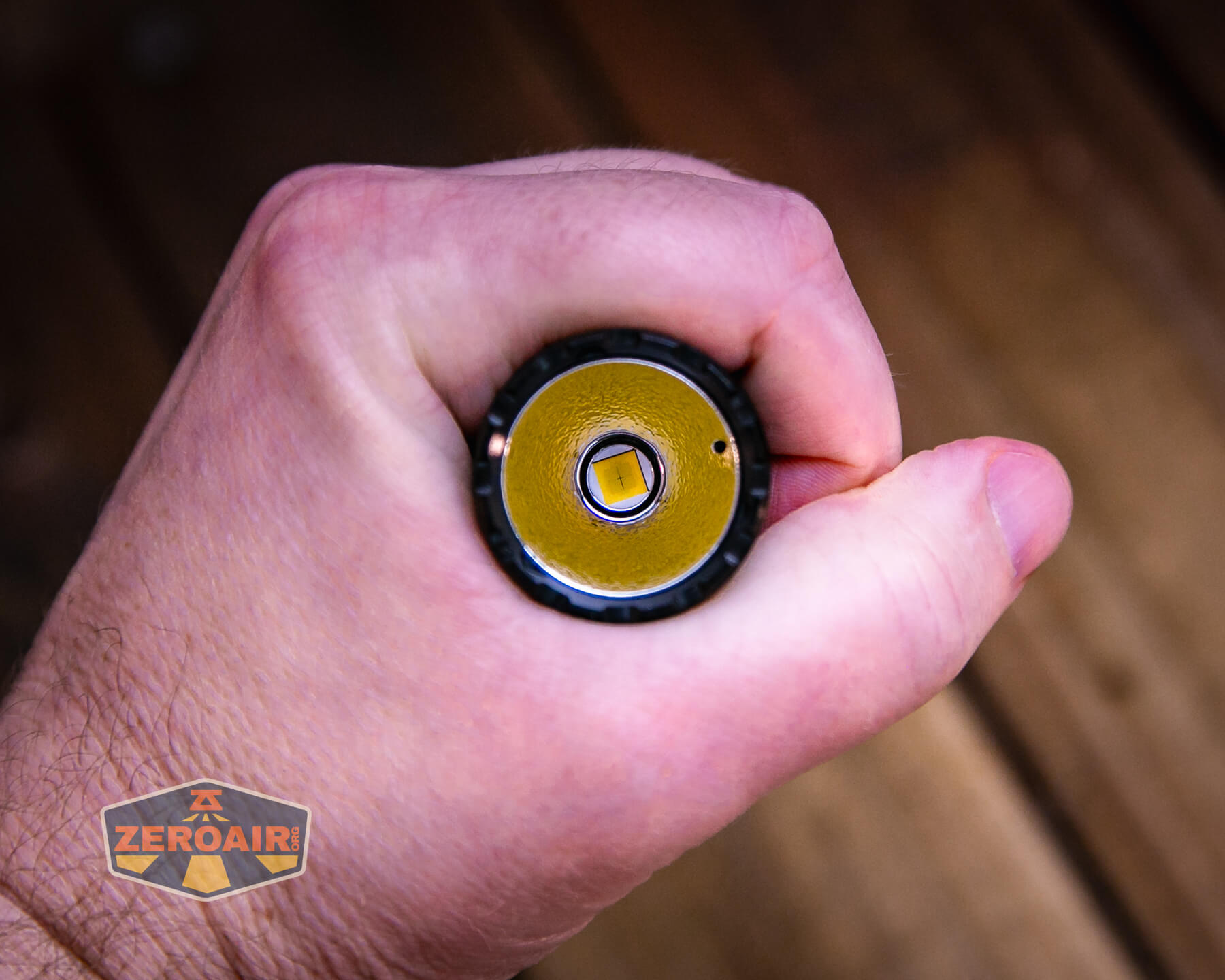
Here’s the light in hand:
Here’s the test light with the venerable Convoy S2+. The version below is a custom laser-engraved Convoy S2+ host by GadgetConnections.com. I did a full post on an engraved orange host right here! Or go straight to GadgetConnections.com to buy your Convoy S2+ now!
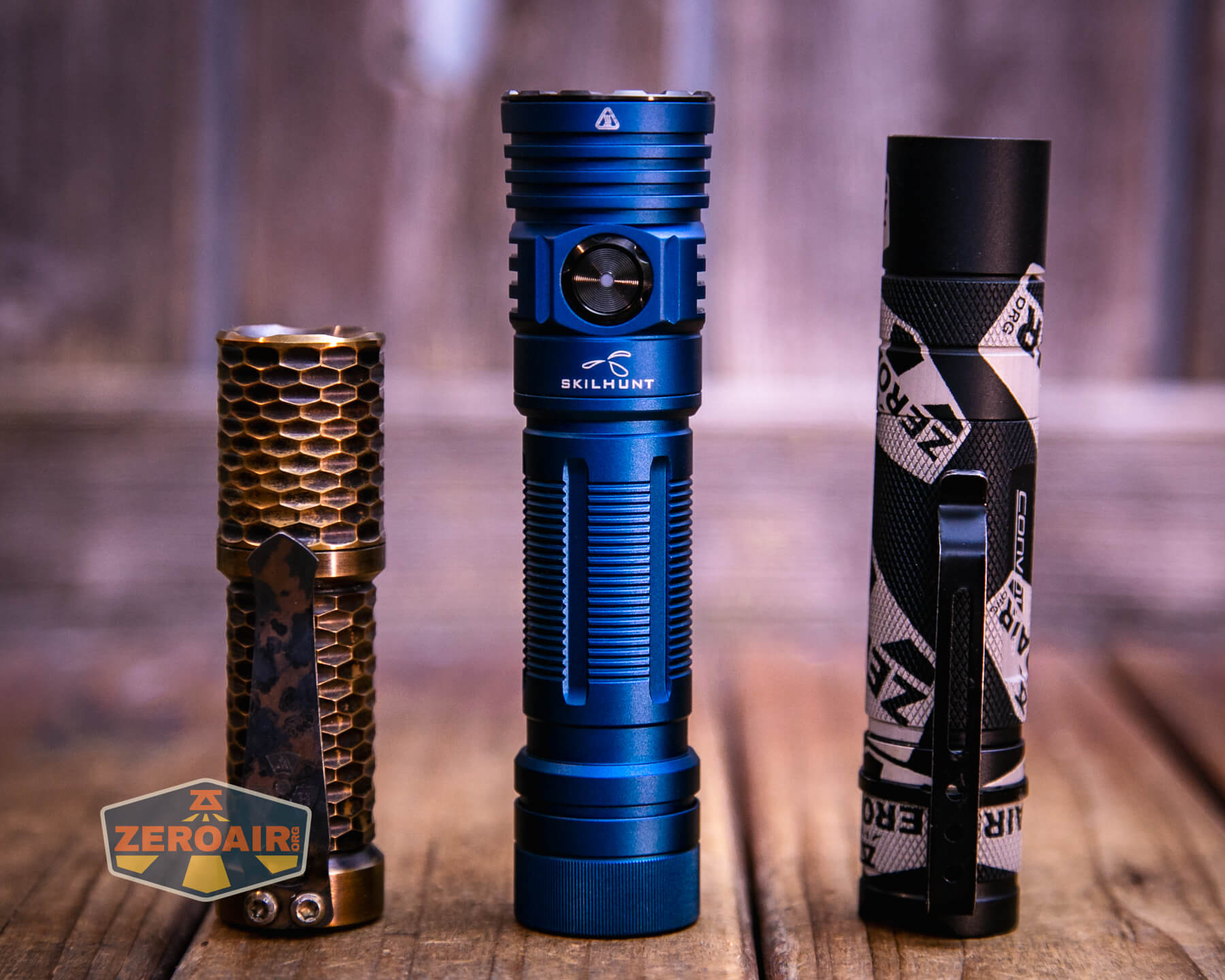

Also in the photo above, my Standard Reference Material (SRM) flashlight is the Hanko Machine Works Trident, an 18350 light. While I have not reviewed or tested the Gunner Grip version seen here, I have tested a Hanko Machine Works Trident Total Tesseract in brass. I love the Trident, and it’s a striking contrast to the inexpensive Convoy S2+, another great SRM.
Retention and Carry
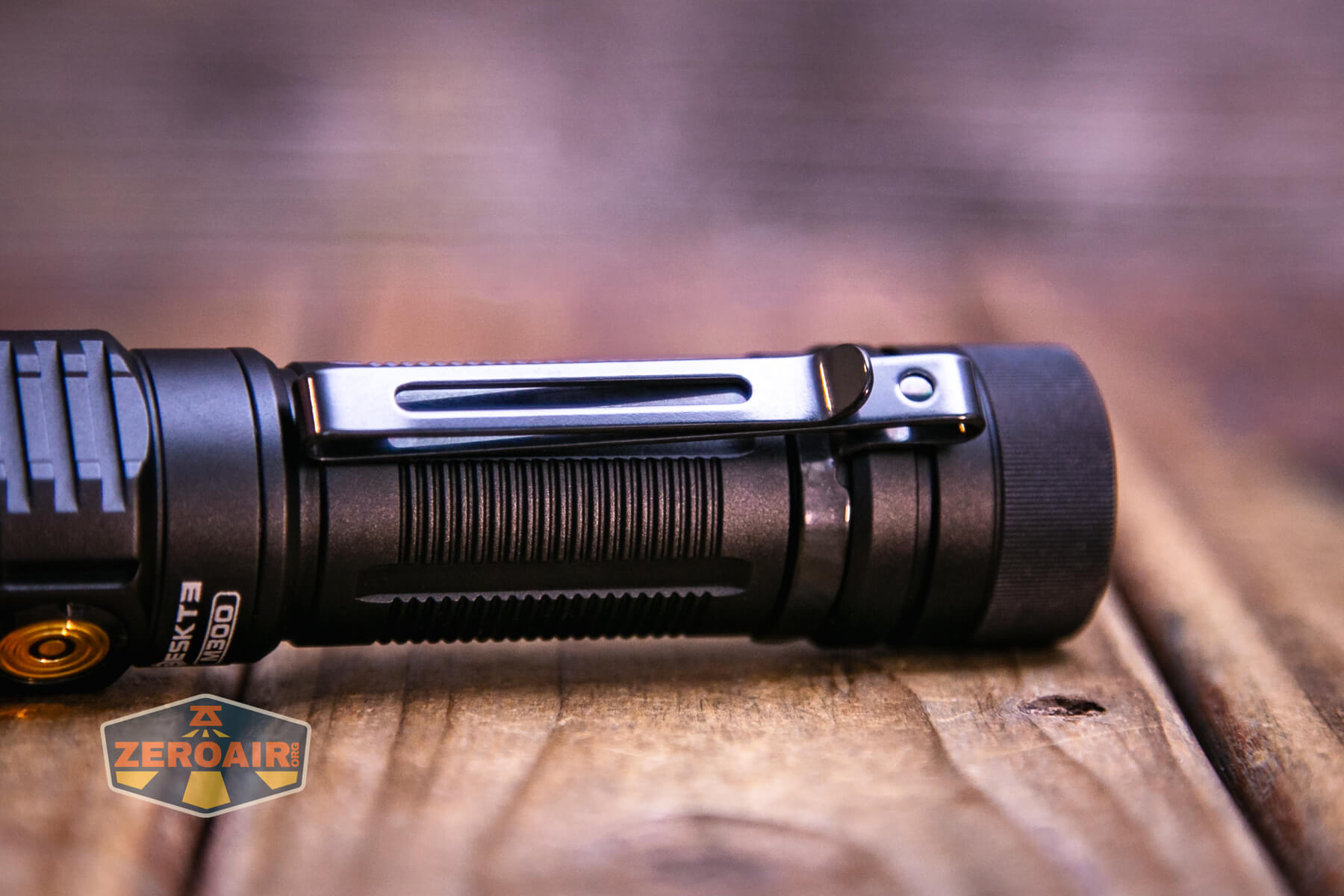
I didn’t get a pic of the Skilhunt M300 V4 F50S flashlight with the pocket clip attached, but here’s the black body version (review upcoming) with the pocket clip. This is a two-way clip and lives only on the tail end of the flashlight.
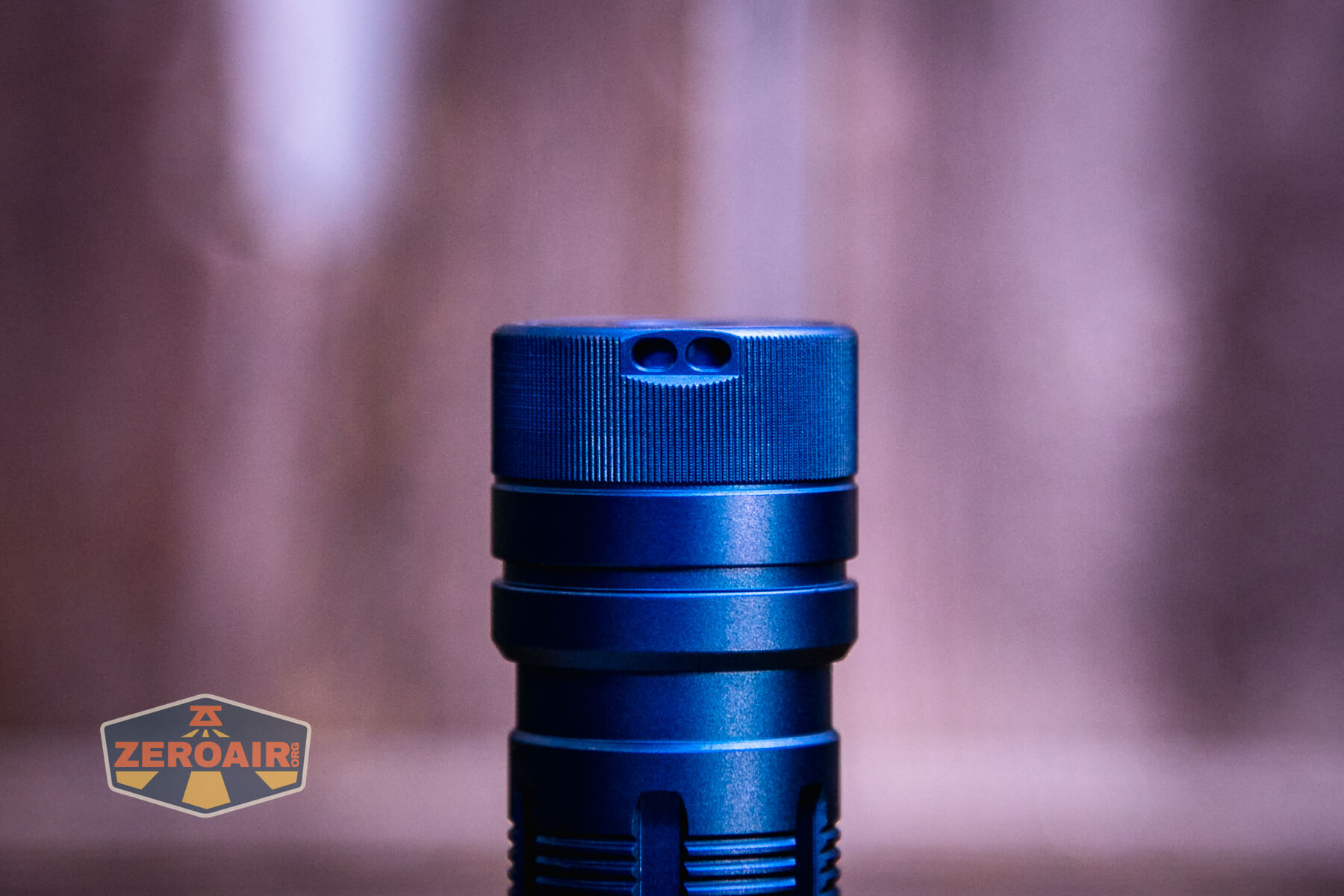
Also included is a lanyard, which attaches either through the pocket clip (less recommended) or the tailcap, where there are holes for this express purpose.
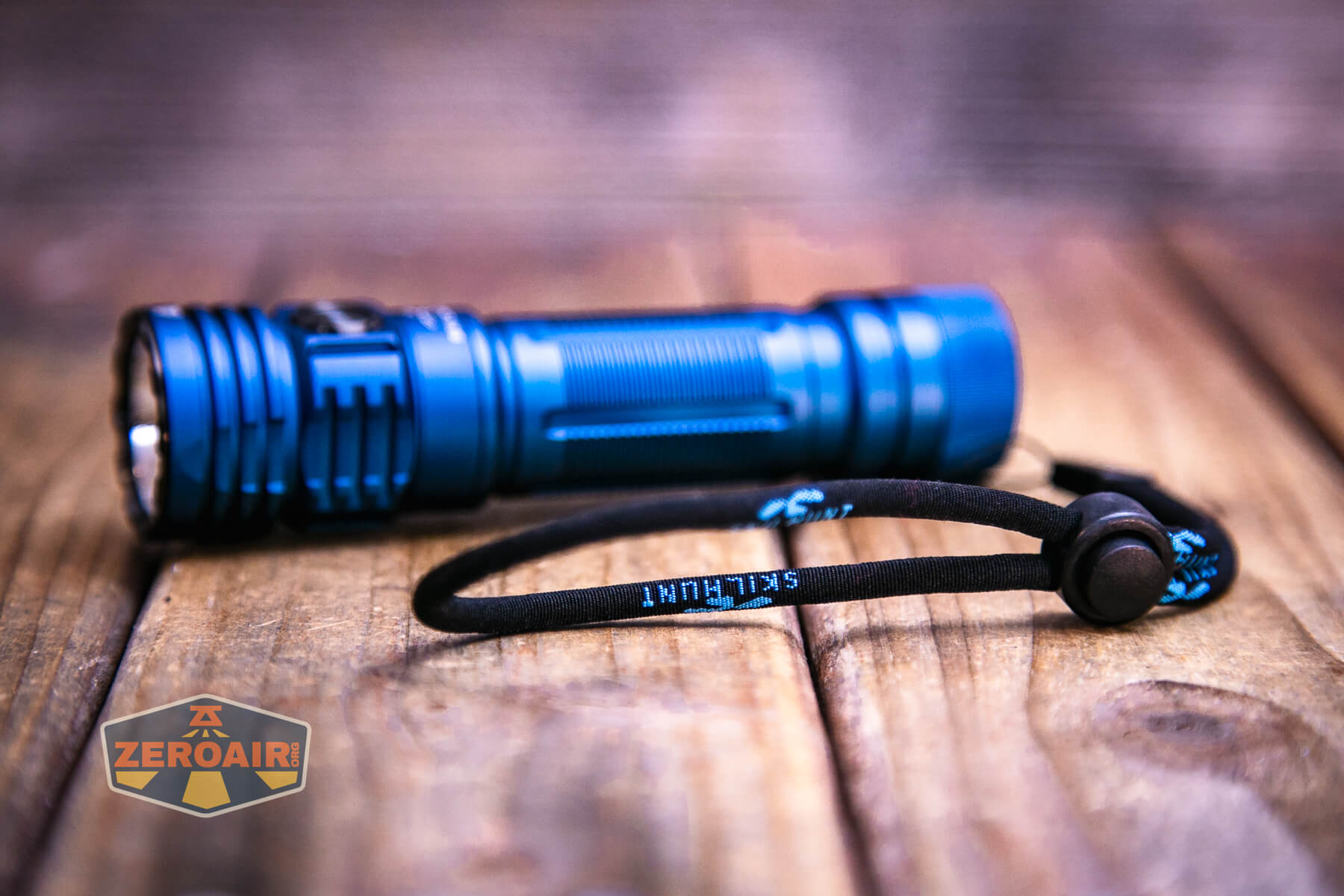
The tailcap magnet is strong enough to hold the light in place.
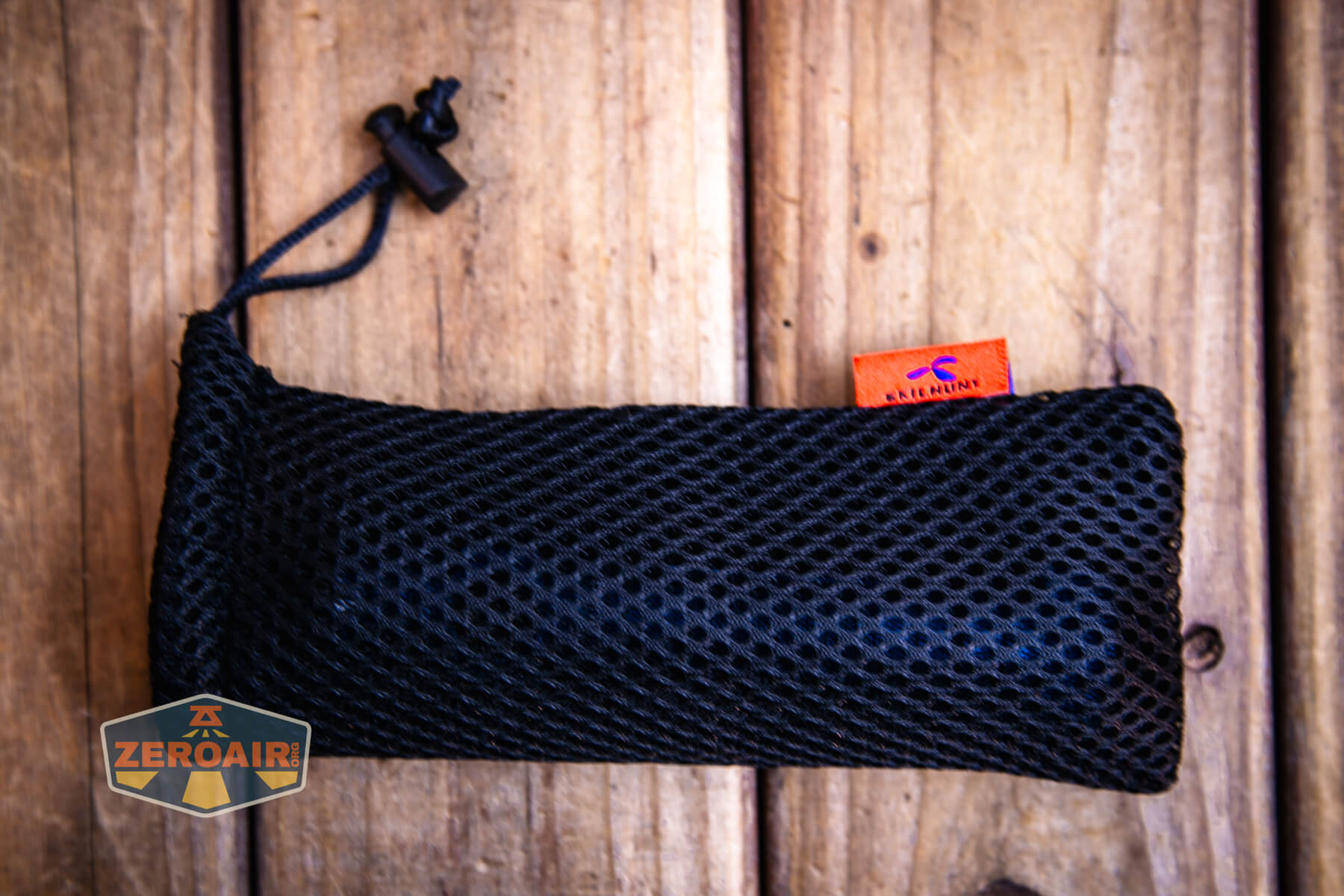
Skilhunt included (separately) this little nylon pouch. I like this more than I figured I would, but since it was separate I’m not really sure if it’s included with all purchases or not.
Power and Runtime
The Skilhunt M300 V4 F50S flashlight runs a single lithium-ion cell. My package included a 5000mAh 21700 button-top cell.
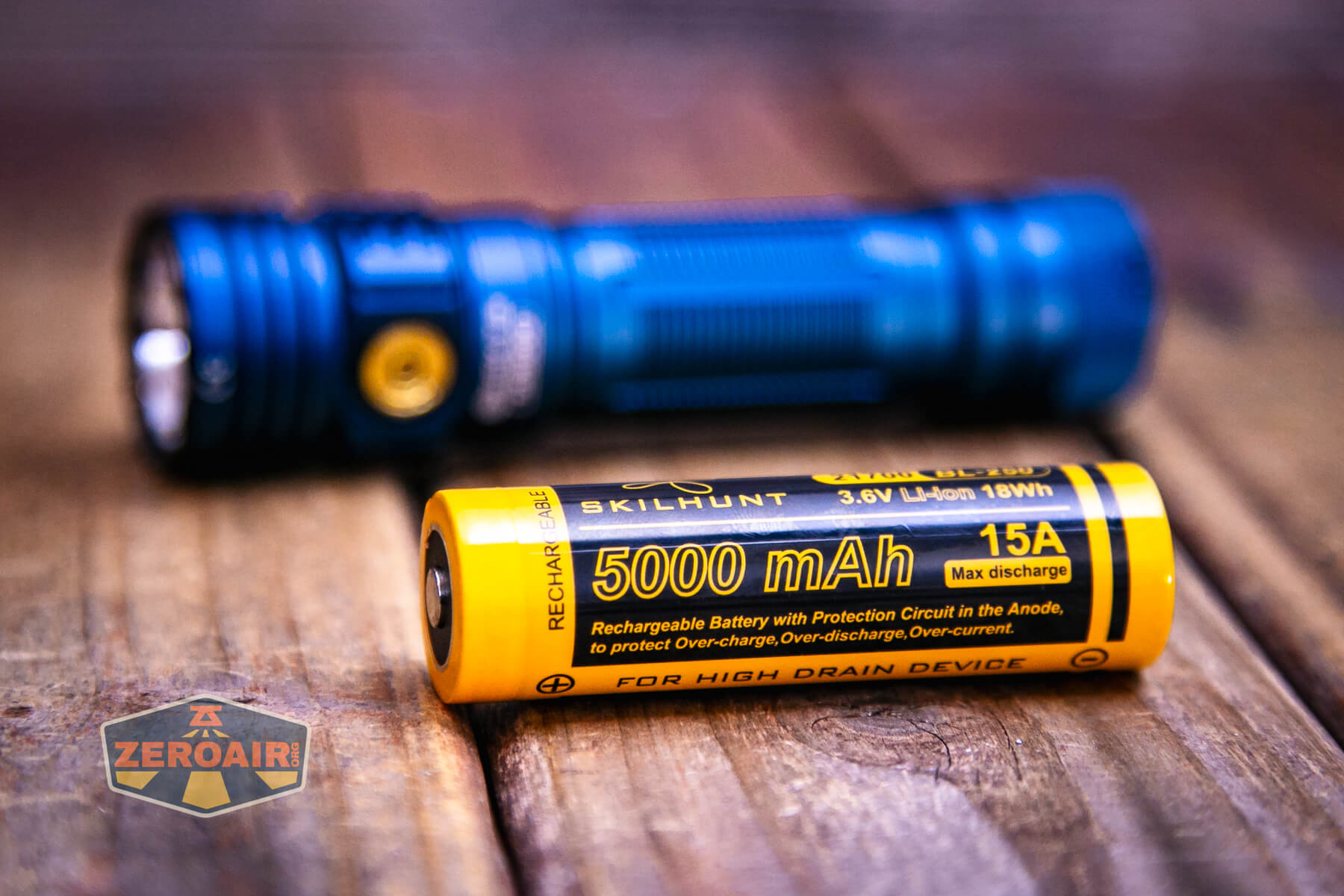
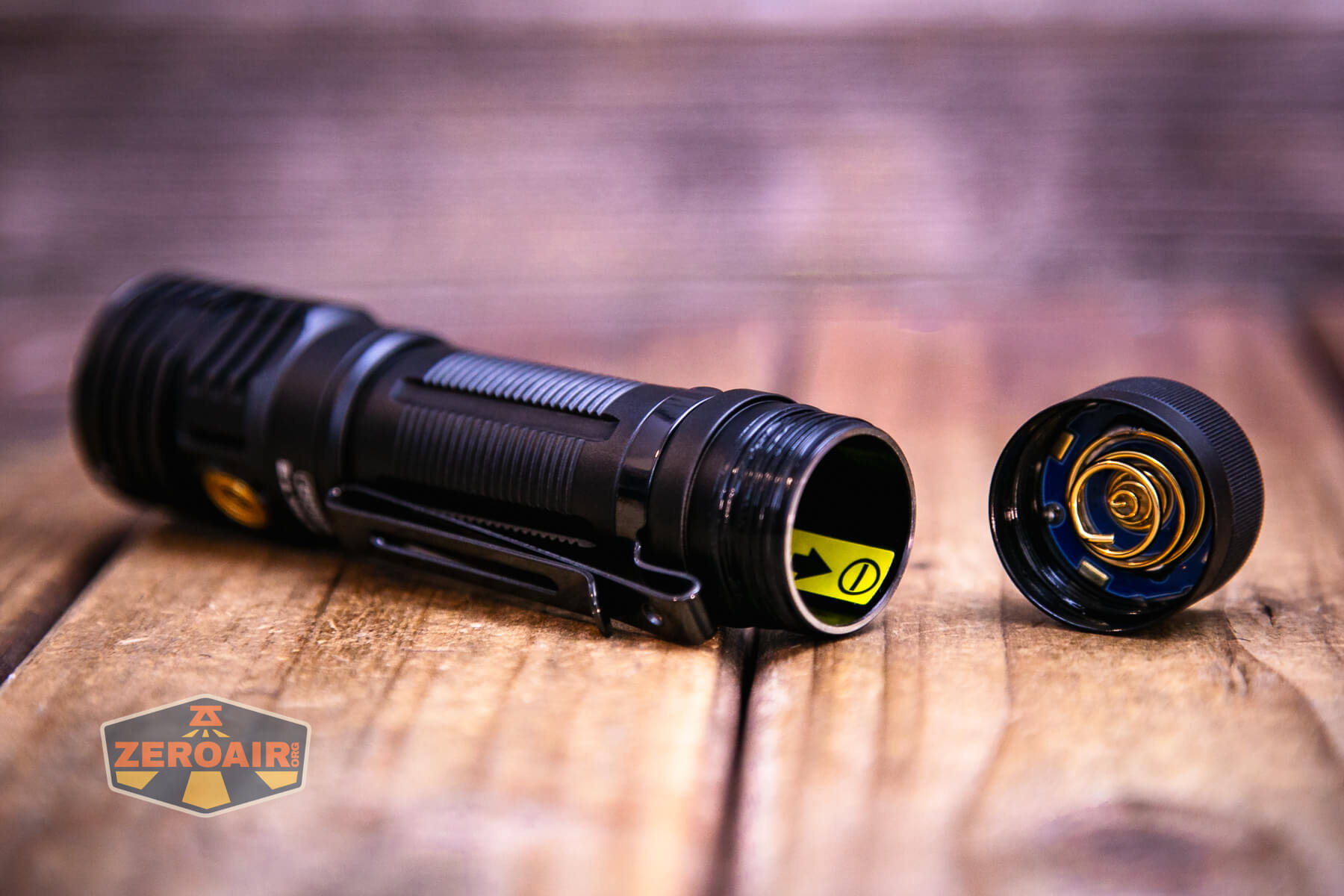
The cell goes into the light in the normal way: positive end (button) toward the head.
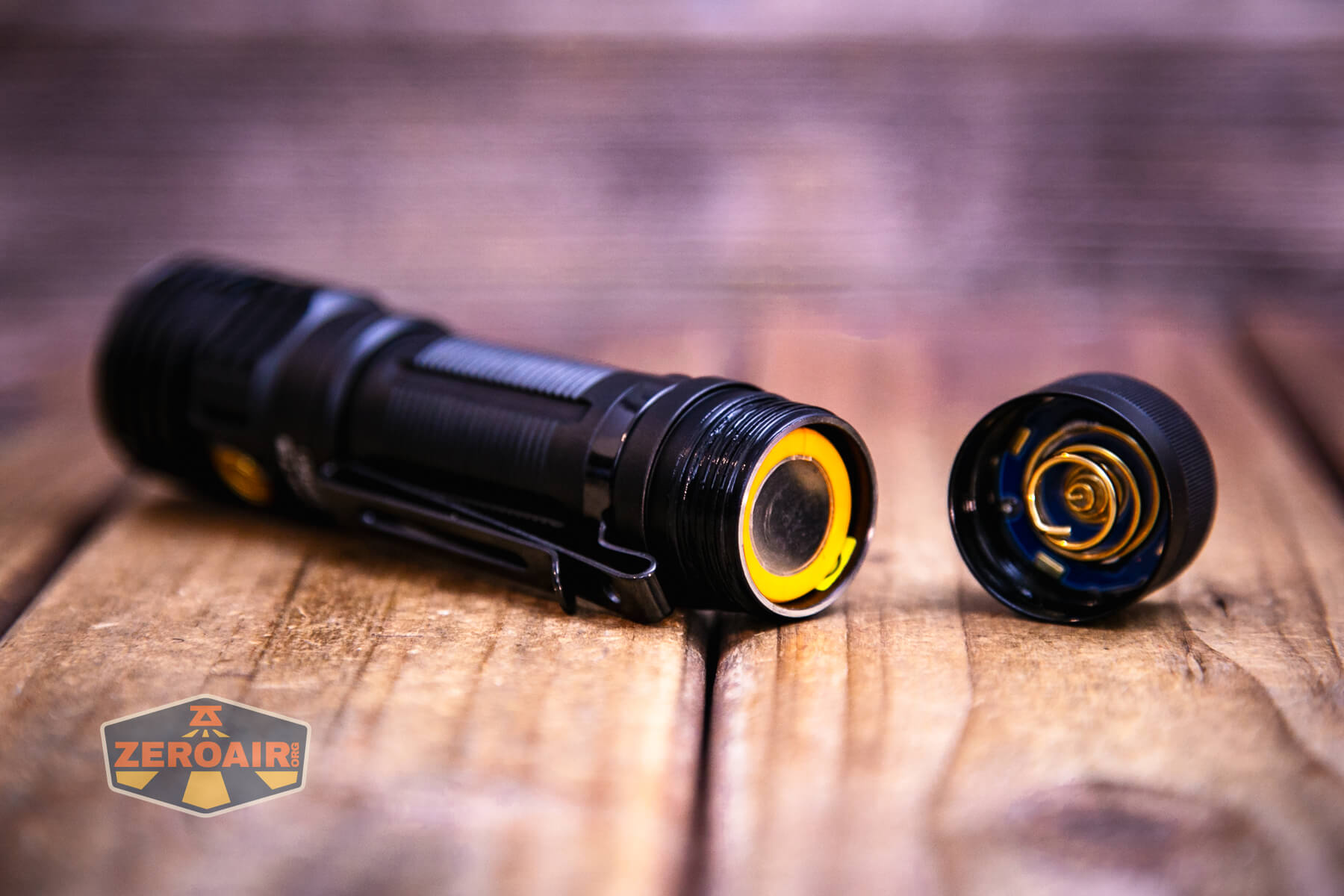
Inside the cell tube is a sticker indicating that the cell should go with the positive end toward the head.
Below you can see a number of runtime tests. Performance is very good. There’s a big stepdown from T1 Turbo fairly quickly, but after that, output is very stable at the “T2” level.
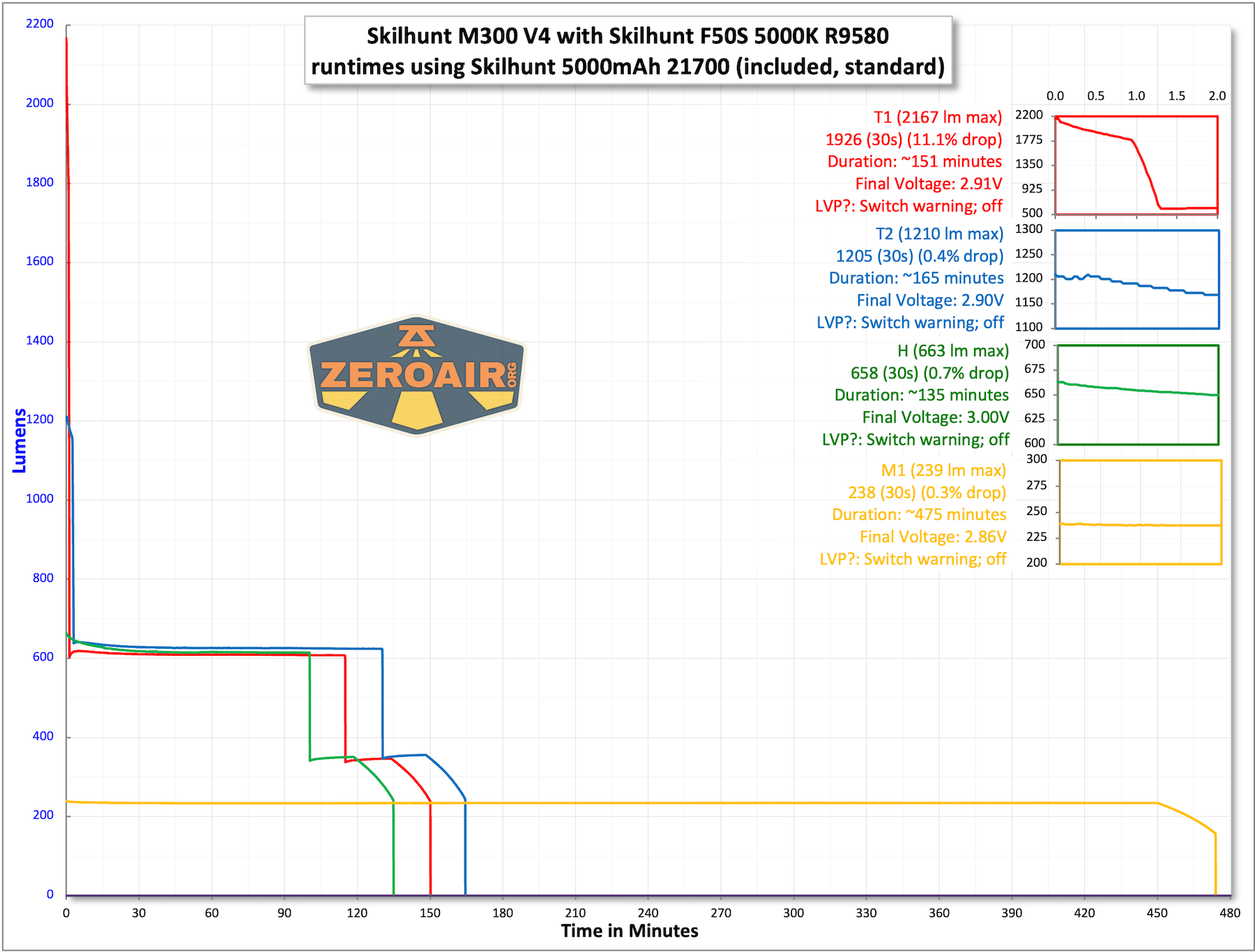
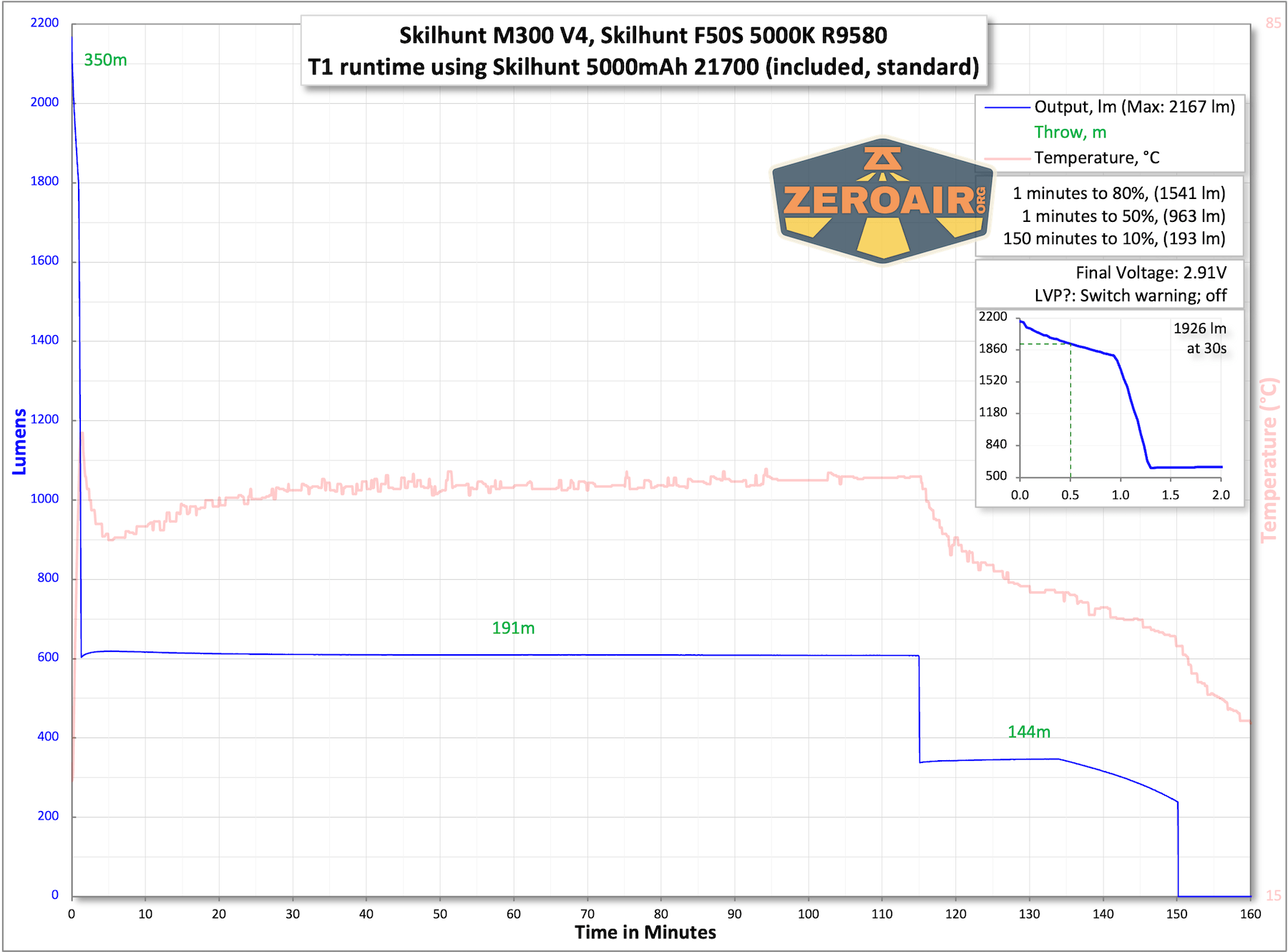

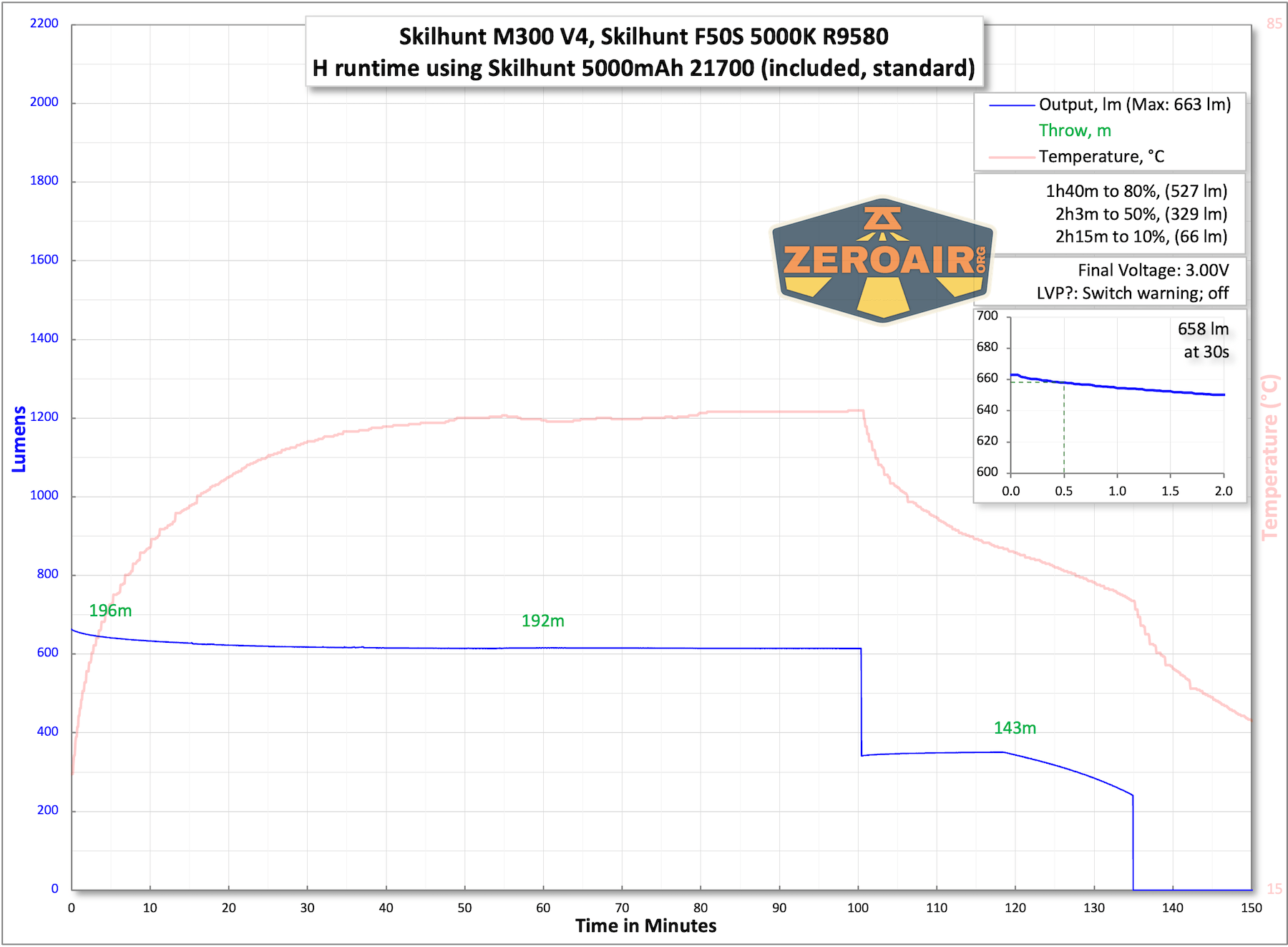
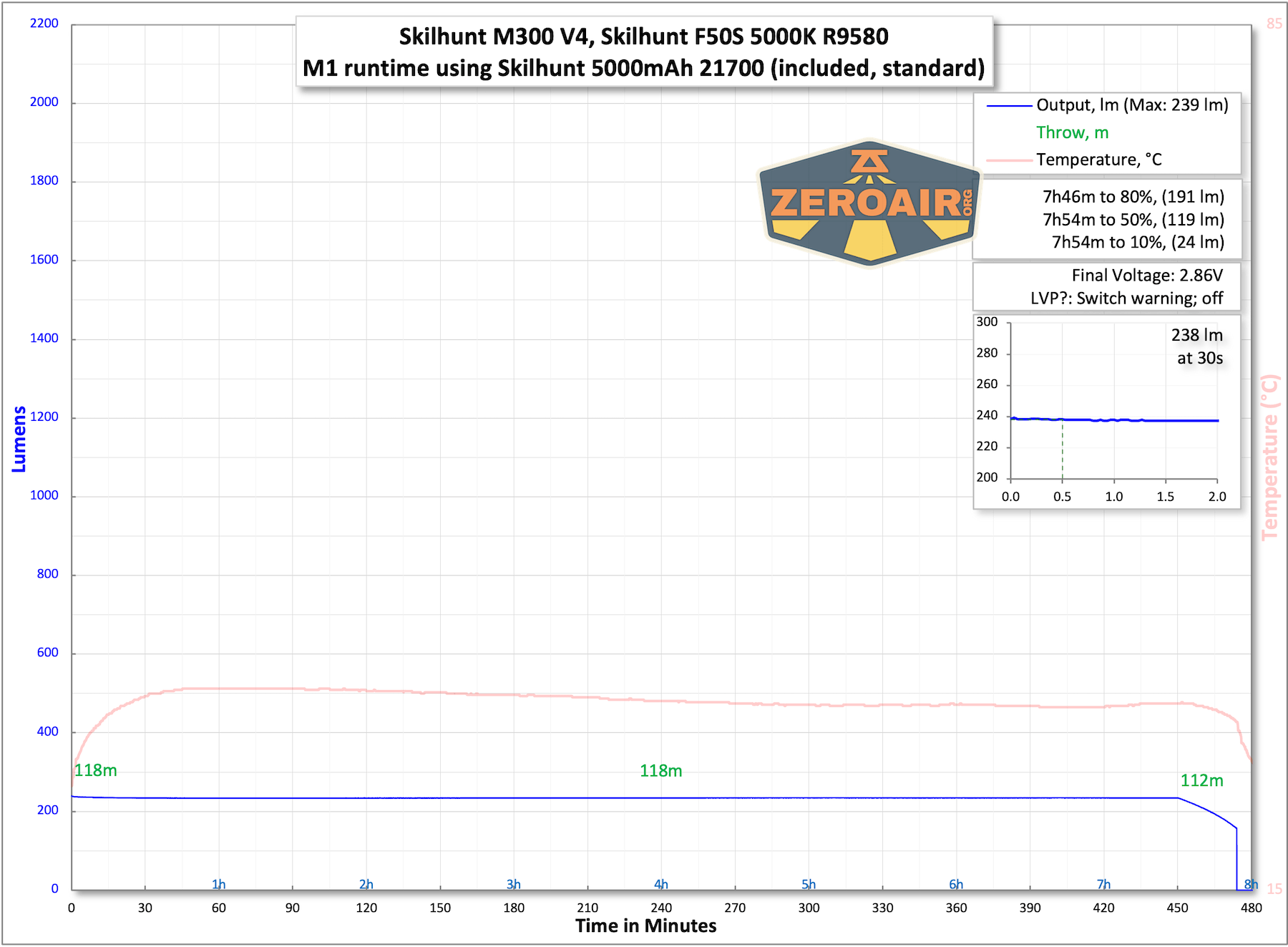
Low voltage protection was observed in every test. The switch starts blinking red at around 2.9-3V, and then the light shuts off at around 2.8V.
The temperature lines in these charts are included as general context, not precise measurements. The values represent the range (min to max) during testing, but should not be taken as exact readings. A temperature sensor is not always attached to the bezel (or even the hottest spot, assuming that could be defined). Even with ideal placement, too many variables affect temperature to definitively state a specific max value.
Charging
The Skilhunt M300 V4 F50S flashlight also has built-in charging. There’s a connector opposite the switch. One end is a USB plug, and the other is a proprietary magnetic connector.
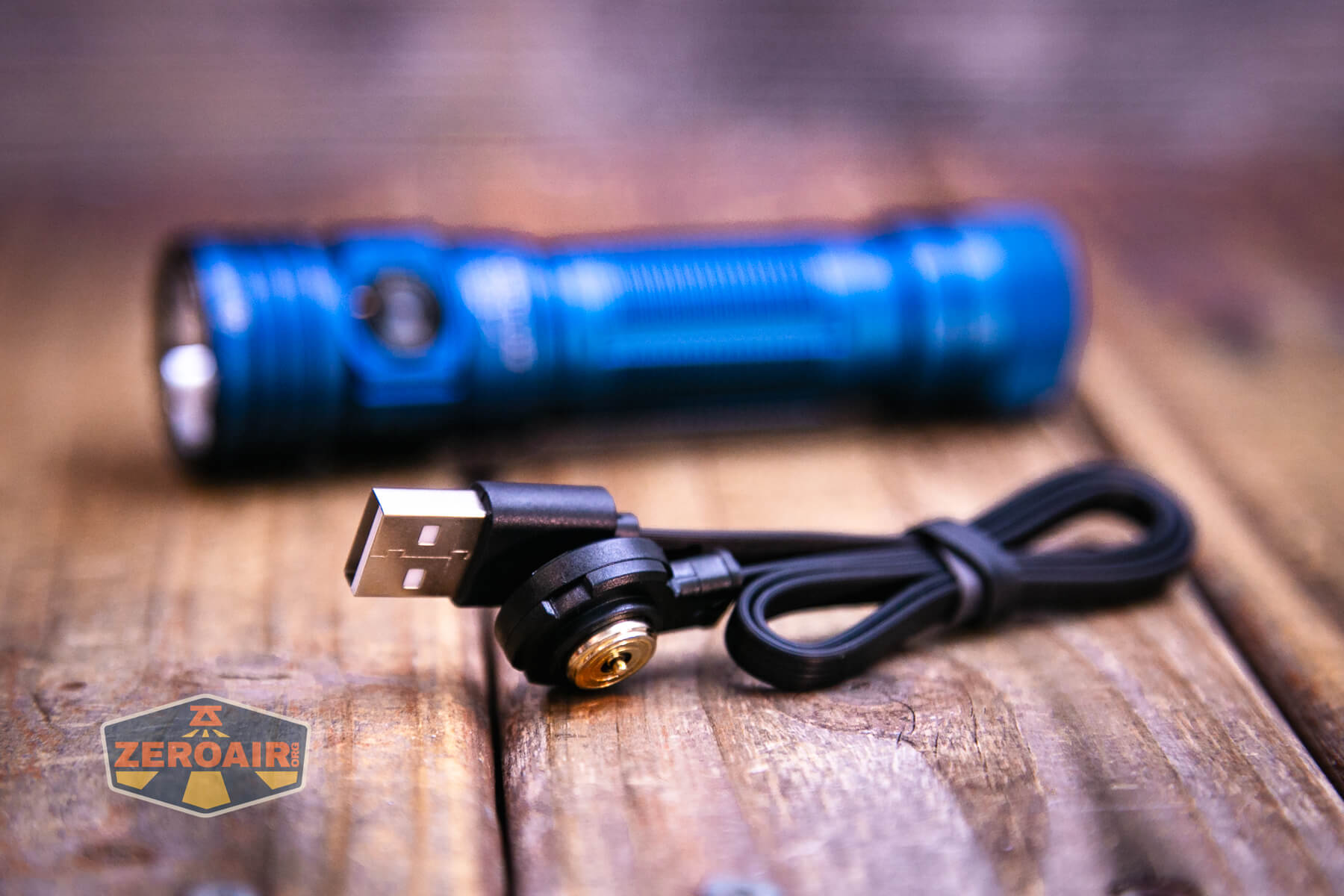
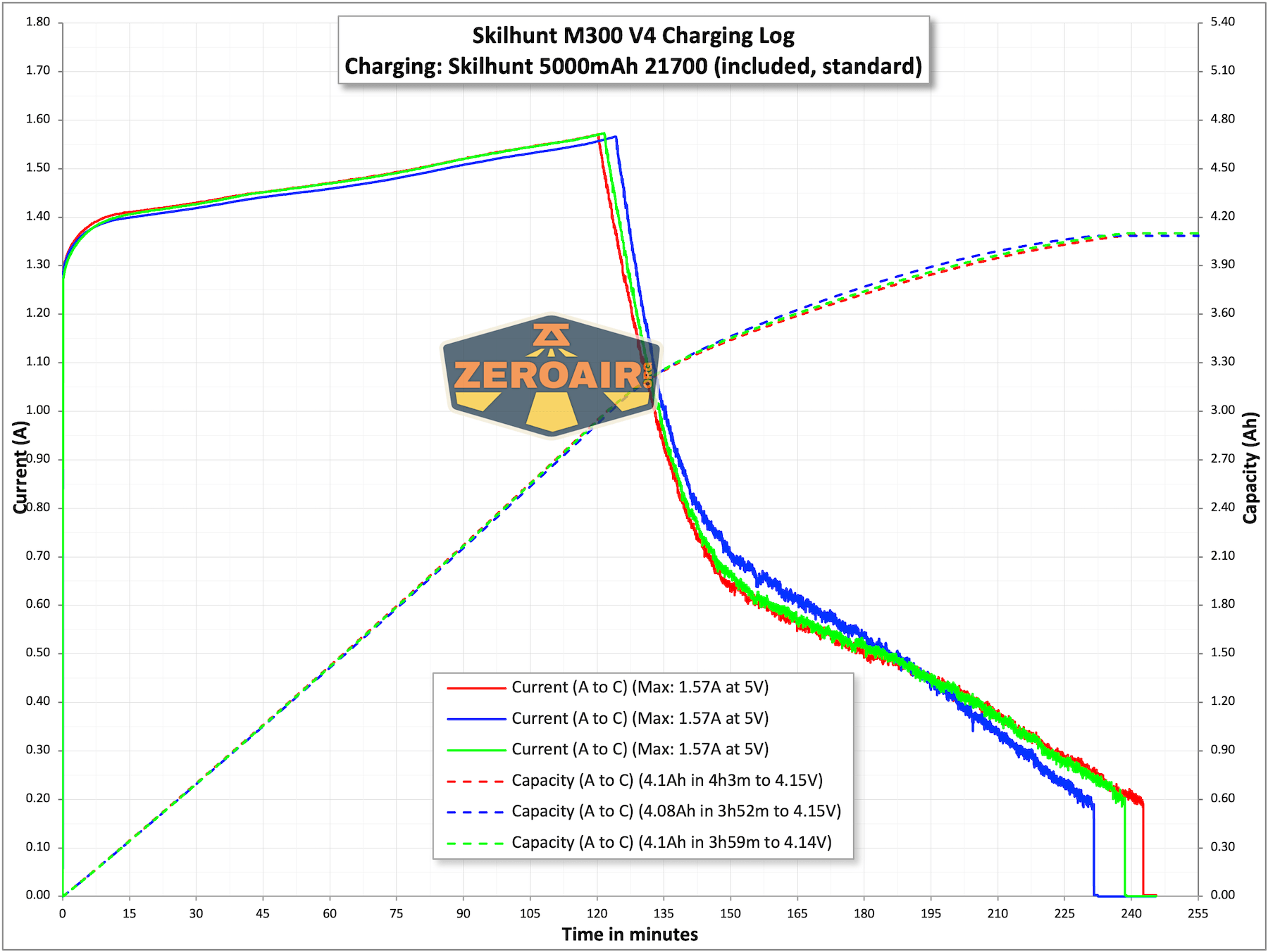
The connection works well. Notably, though not pictured explicitly, this is the “MC-20” charger. As far as I know, all previous iterations I’ve tested have been MC-10 chargers. There seems to be quite a performance advantage to the MC-20, as it reaches a max current of around 2A.

Charging works fine, and this 5000mAh 21700 requires around 4 hours.
While charging, the charger blinks red, and when charging is complete, the charger uses a blue indicator.
Modes and Currents
| Mode | Mode Claimed Output (lm) | Claimed Runtime | Measured Lumens | Tailcap Amps |
|---|---|---|---|---|
| T1 | 2200-700-390 | 2m+120m+30m | 2167 (0s) 1926 (30s) |
>12.00 |
| T2 | 1300-700-390 | 3m+120m+30m | 1210 (0s) 1205 (30s) |
3.88 |
| H | 700-390 | 130m+30m | 660 | 1.75 |
| M1 | 250 | 7.5h | 238 | 0.52 |
| M2 | 90 | 21h | 89 | 0.17 |
| L | 12 | 160h | 13.4 | 40mA |
| UL | 0.5 | / | 0.44 | 10mA |
Pulse Width Modulation
There’s no PWM at all on any mode.

Click here to see a “baseline” – a chart with almost no light hitting the sensor.

Then there’s the Ultrafire WF-602C flashlight, which has some of the worst PWM I’ve seen. It’s so bad that I used a post about it to explain PWM! Here are multiple timescales (10ms, 5ms, 2ms, 1ms, 0.5ms, 0.2ms) to make comparing this “worst” PWM light to the test light easier. That post also explains why I didn’t test the WF-602C at the usual 50us scale.


User Interface and Operation
There’s a single switch on the M300 V4. It’s a side e-switch, with an indicator in the center. It’s a big, secure switch, with a very positive but quiet click. I very much like this switch. The switch seems unchanged from the previous iterations of the M-series.
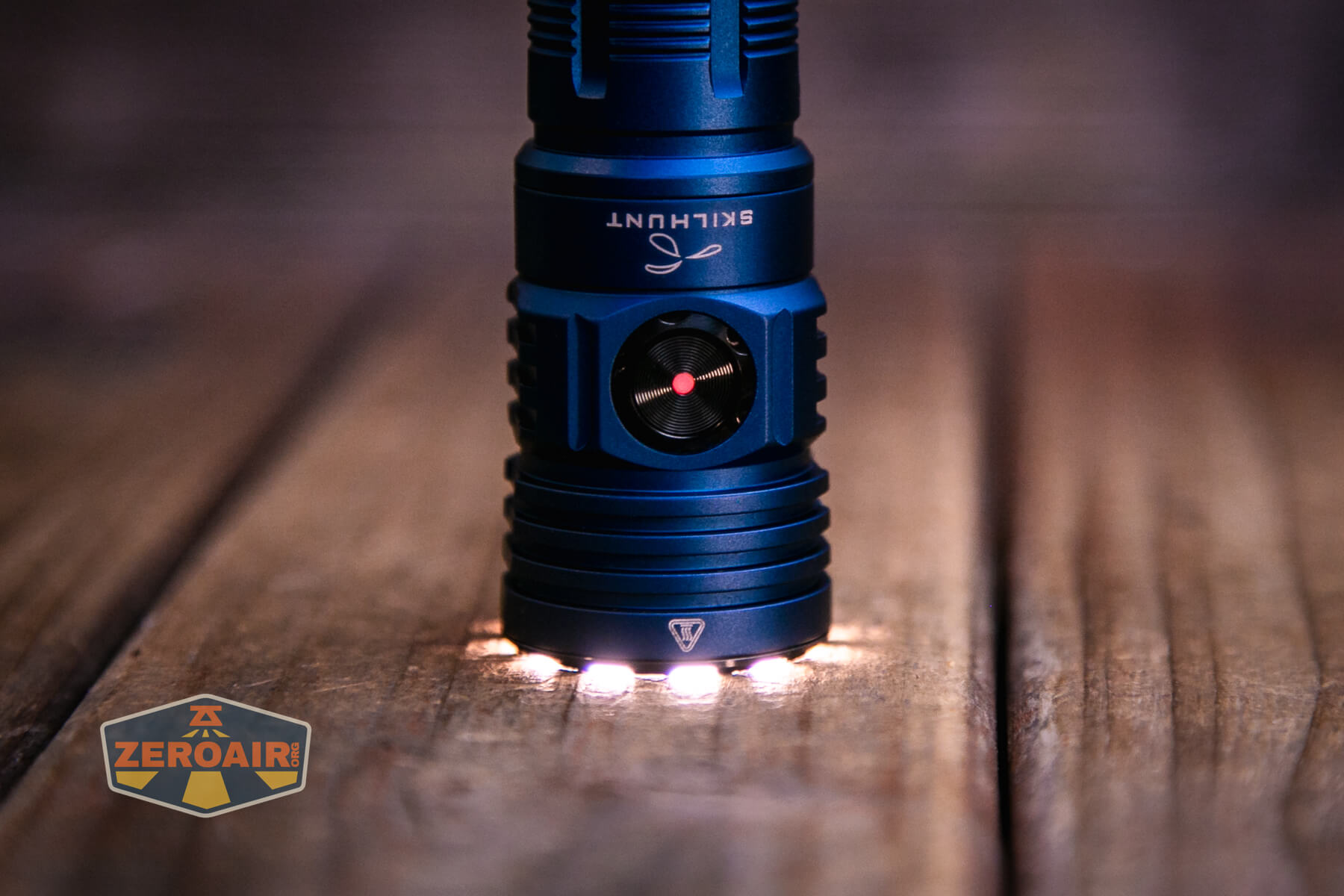
The cutout for the switch in the head is the same size as the charge connector, and while it’s hard to distinguish between the two while holding the light, I found that it didn’t matter; I’ll just pinch the light with both spots between my fingers and activate the light.
The user interface could be a bit daunting, but it’s very straightforward when you get used to it. It’s also very logical and provides access to low from off, which is as close to a requirement from a user interface as I have. The user interface has changed a bit from previous M-series Skilhunts (and other Skilhunts in general). I don’t love the update. 🙁
Here’s a user interface table!
| State | Action | Result |
|---|---|---|
| Off | Hold | Ultra Low |
| On | Hold | Mode advance (excludes T1/T2/UL) |
| Any | Click 2x | Turbo (Memory of T1/T2) |
| Off | Click 4x | Lockout (Three blinks of main emitters to confirm and the switch turns red briefly) |
| Lockout | Click 4x | Unlock to Ultra Low |
| Lockout | Click 2x | Iterate lockout indicator^ |
| Lockout | Hold | Momentary Output (Appears to be Ultra Low) |
| On | Click | Off |
| Off | Click | On in “Main Group” (Mode memory L/M2/M1/H) |
| Main Group | Hold | Mode advance (L > M2 > M1 > H) |
| T1/T2 | Hold | Iterate between T1 (higher) and T2 (lower) output |
| T1/T2 | Click 2x | Main Group (memory output) |
| Main Group or Off | Click 3x | Strobe Group (with memory) |
| Strobe Group | Click 3x | Previous Group (T1/T2 or L/M2/M1/H, depending on how you accessed Strobe Group)^^ |
| Strobe Group | Hold | Strobe Advance (S1 > S2 > S3)† |
| Off | Hold >5s | Iterate proximity sensor disable/enable. Light will turn on to Ultra Low, then eventually blink 3x (in UL) to indicate proximity sensor change. (Blink is the same when enabling or disabling the sensor. It’d be nice to know which action you’d just taken. For example, two blinks for enable, 4 blinks for disable, or something.) |
^ Lockout indicator blinks a red switch every 2-3 seconds.
^^ Aside from just general mode memory (which you know I don’t like), this seems to me to be the only place where you may need to immediately remember what mode you were in so you have the experience you expect. However, the difference is getting the two highest white outputs, or the four main white outputs. Also note that if you access the strobe group from off, triple-clicking will not return to off. For continuity, it should! In fact, if you accessed the strobe from an off state, a triple-click sends the light to the Main group!
† Strobes are like this:
S1: Disorienting strobe of White (turbo-ish)
S2: SOS (main white, some mid-High output)
S4: Beacon (one highish blink every second or so)
LED and Beam
This Skilhunt M300 V4 F50S flashlight uses Skilhunt’s own F50S emitter. It’s a 5000K emitter that has R9580 characteristics. The reflector has an orange peel finish and (another huge change in V4), a proximity sensor!

Out of all the proximity sensors I’ve ever had, this one is definitely not the worst. It can be disabled!
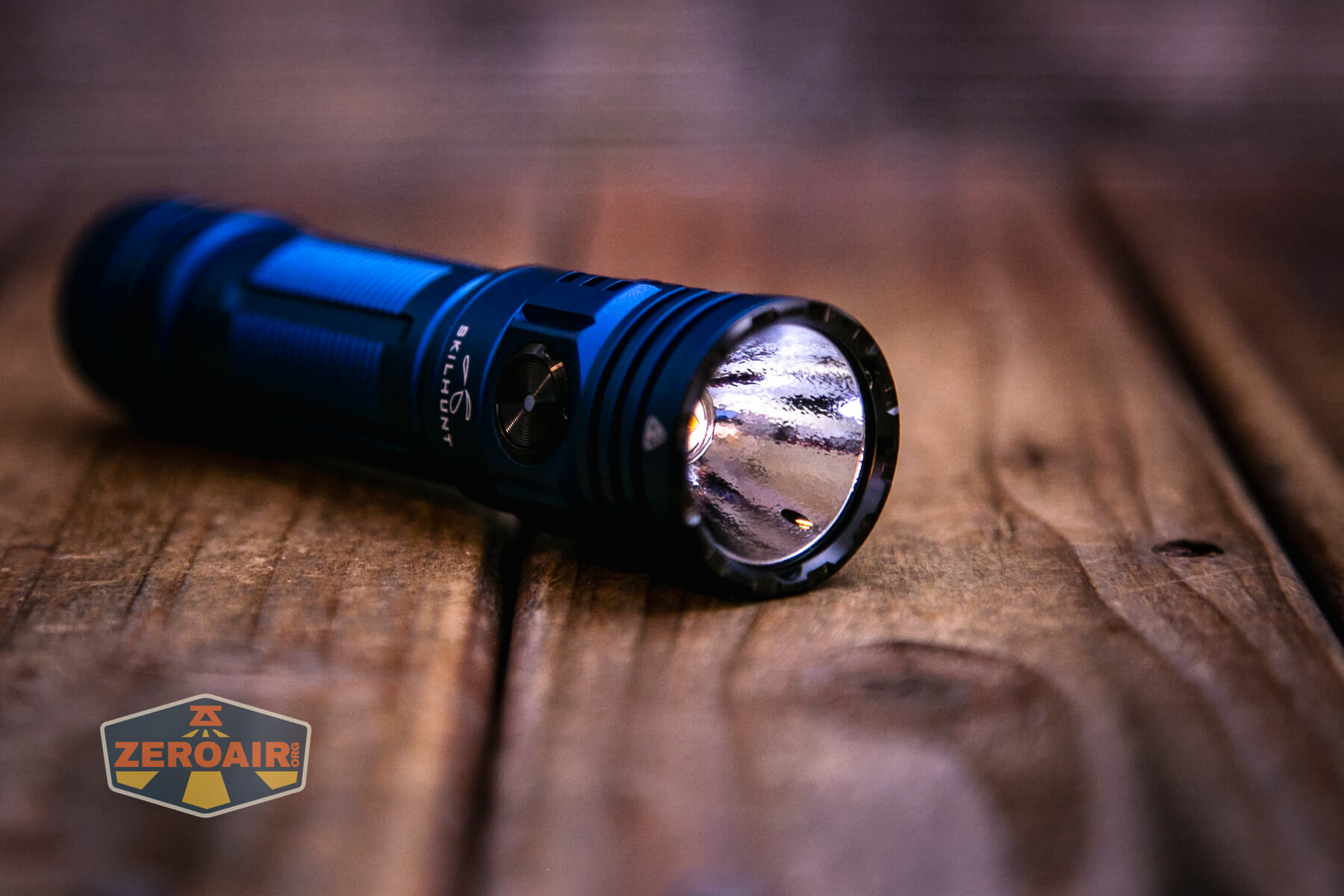
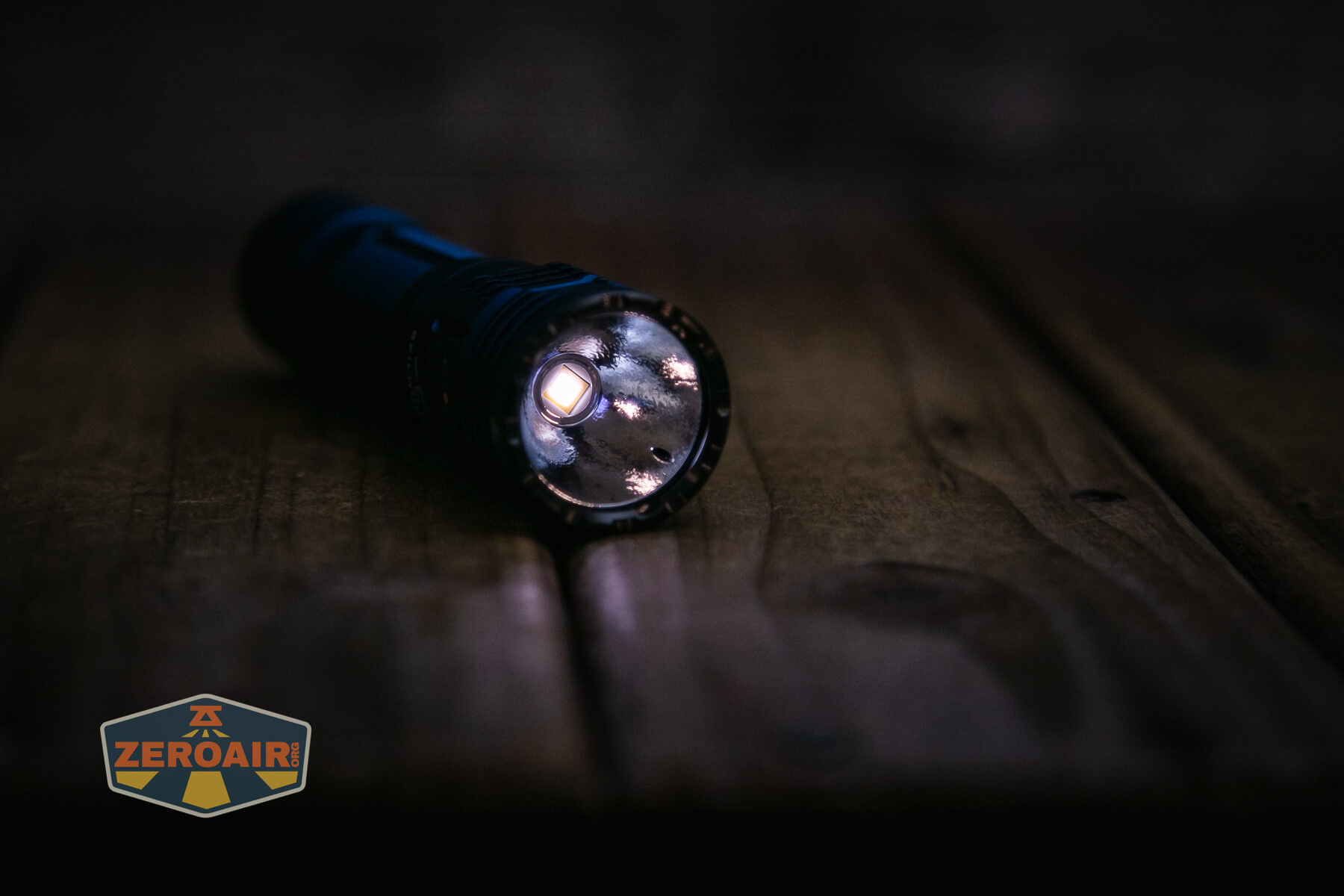
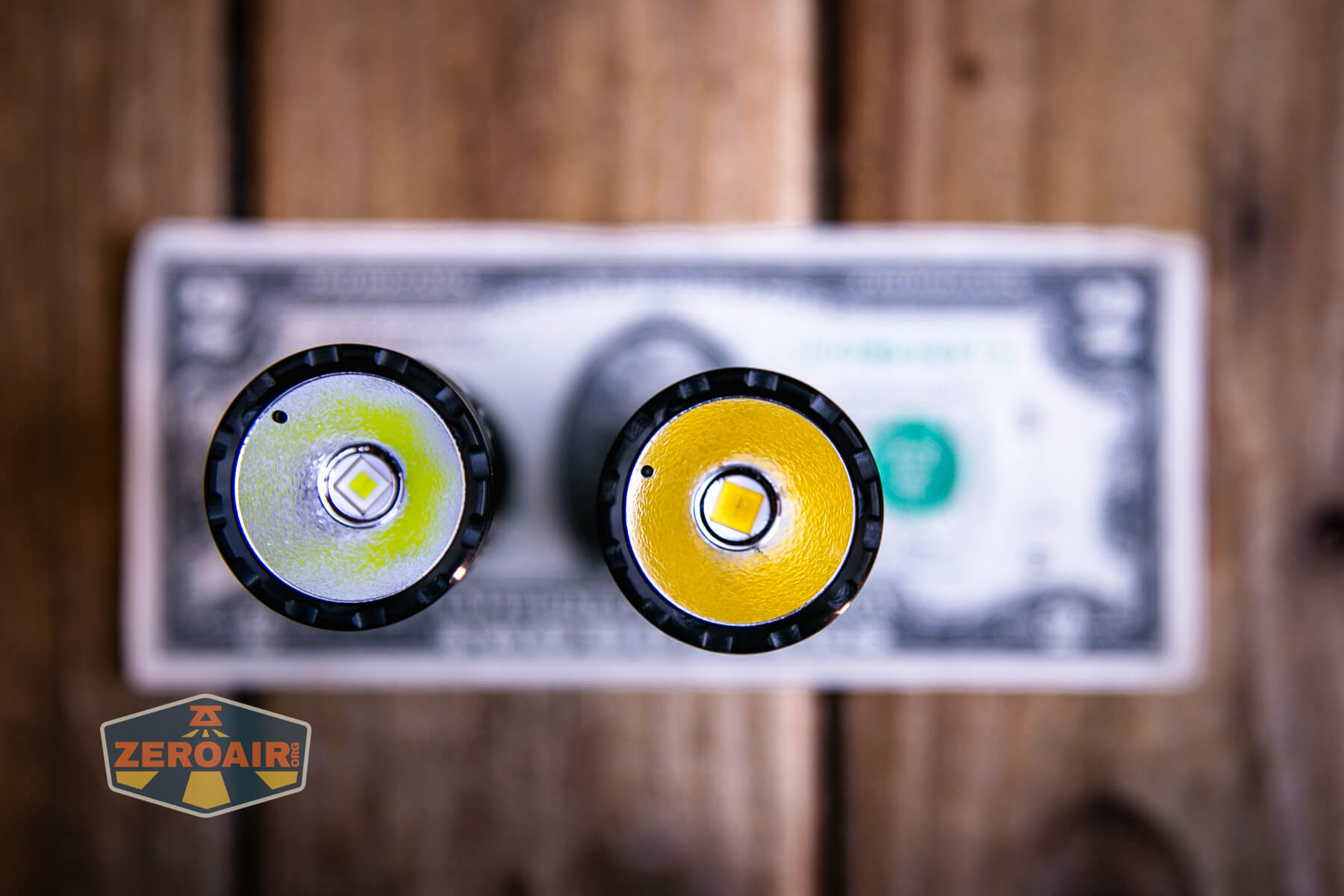
In the photo below, you can see the Skilhunt M300 V4 F50S flashlight (left) with the other emitter option (Luminus SFT70.2), right.

LED Color Report (CRI and CCT)
Skilhunt states this as a 5000K emitter but it measures a bit cooler than that. Still very pleasant, though! Ra of >95 and negative Duv across the board. Great specs!

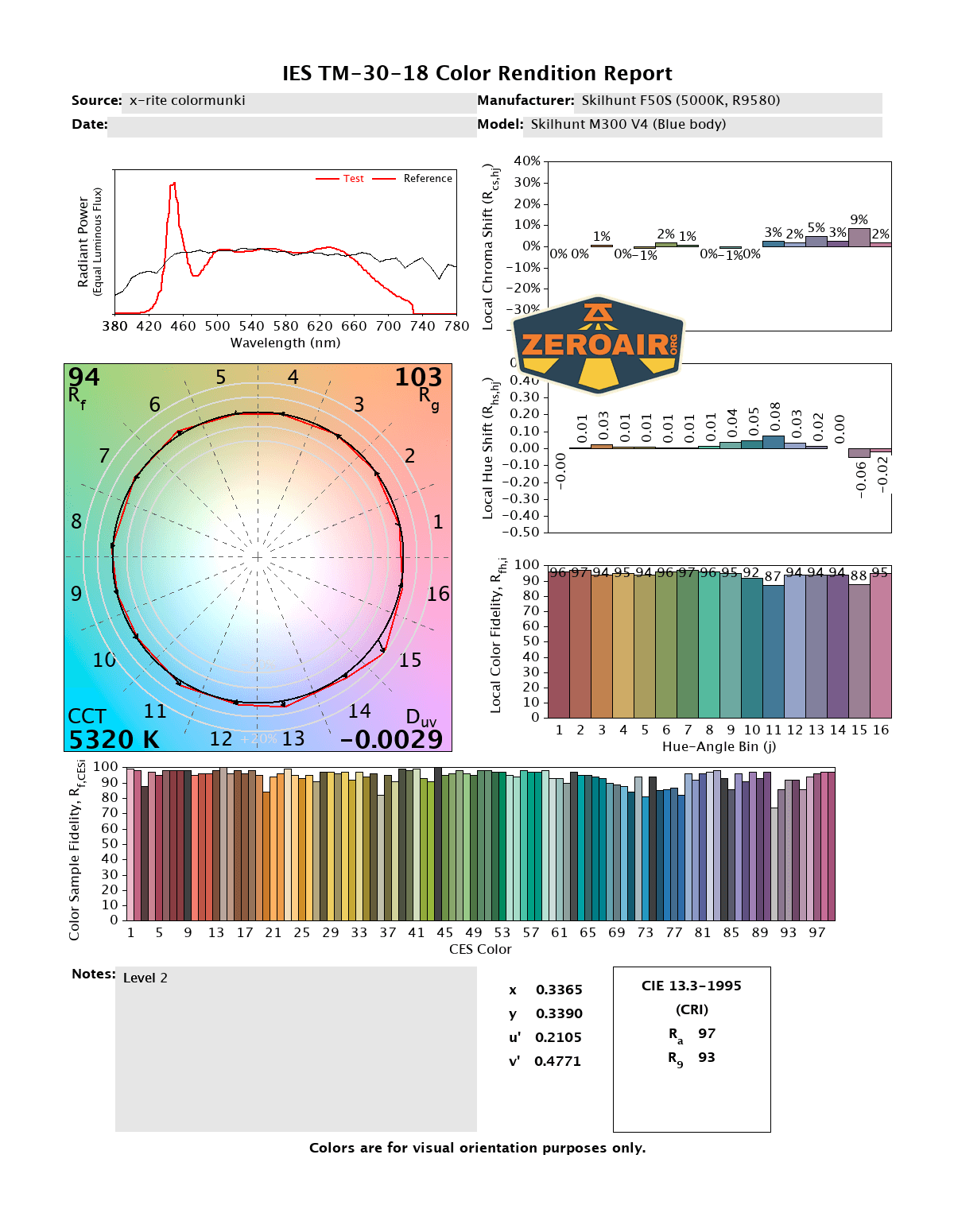
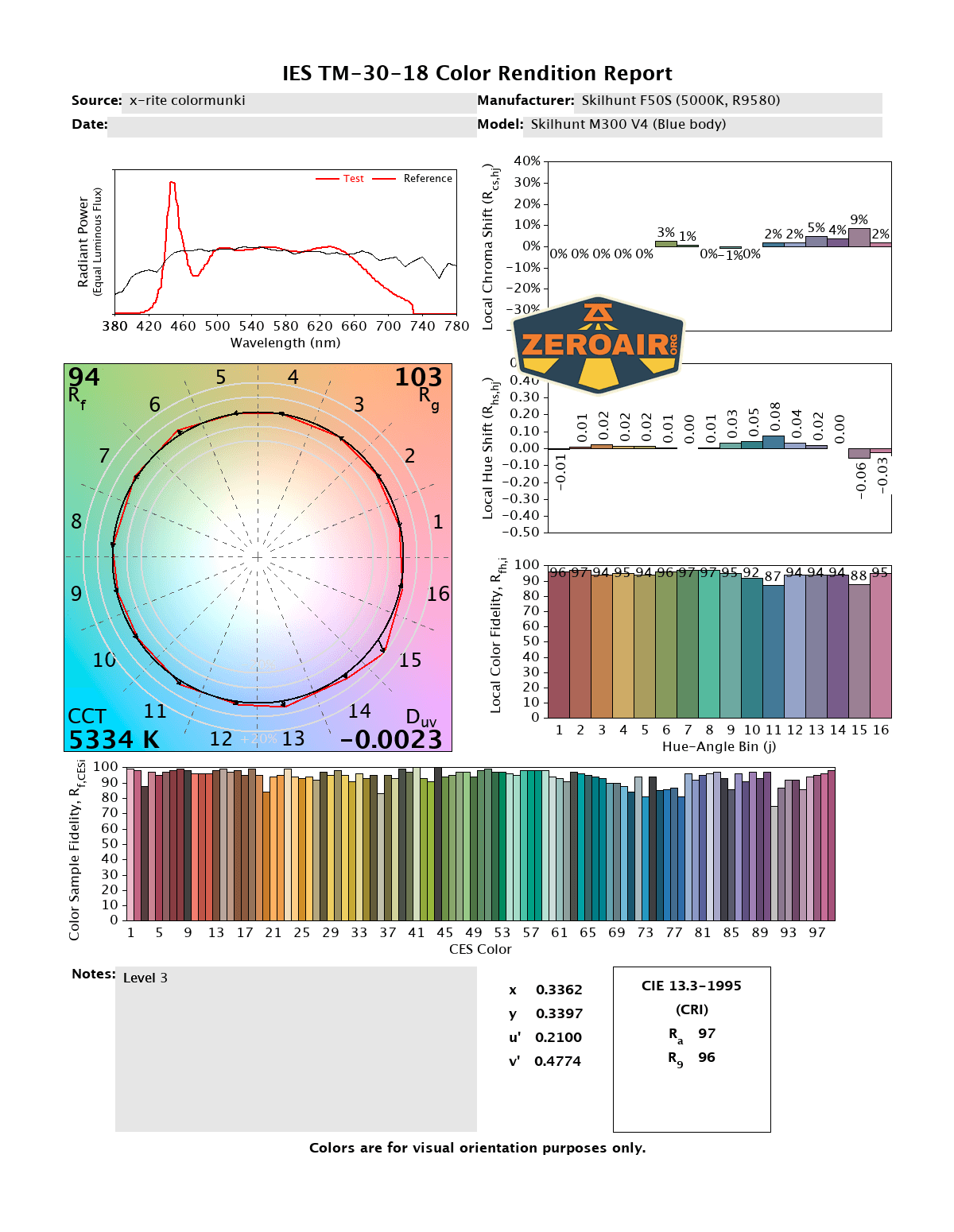

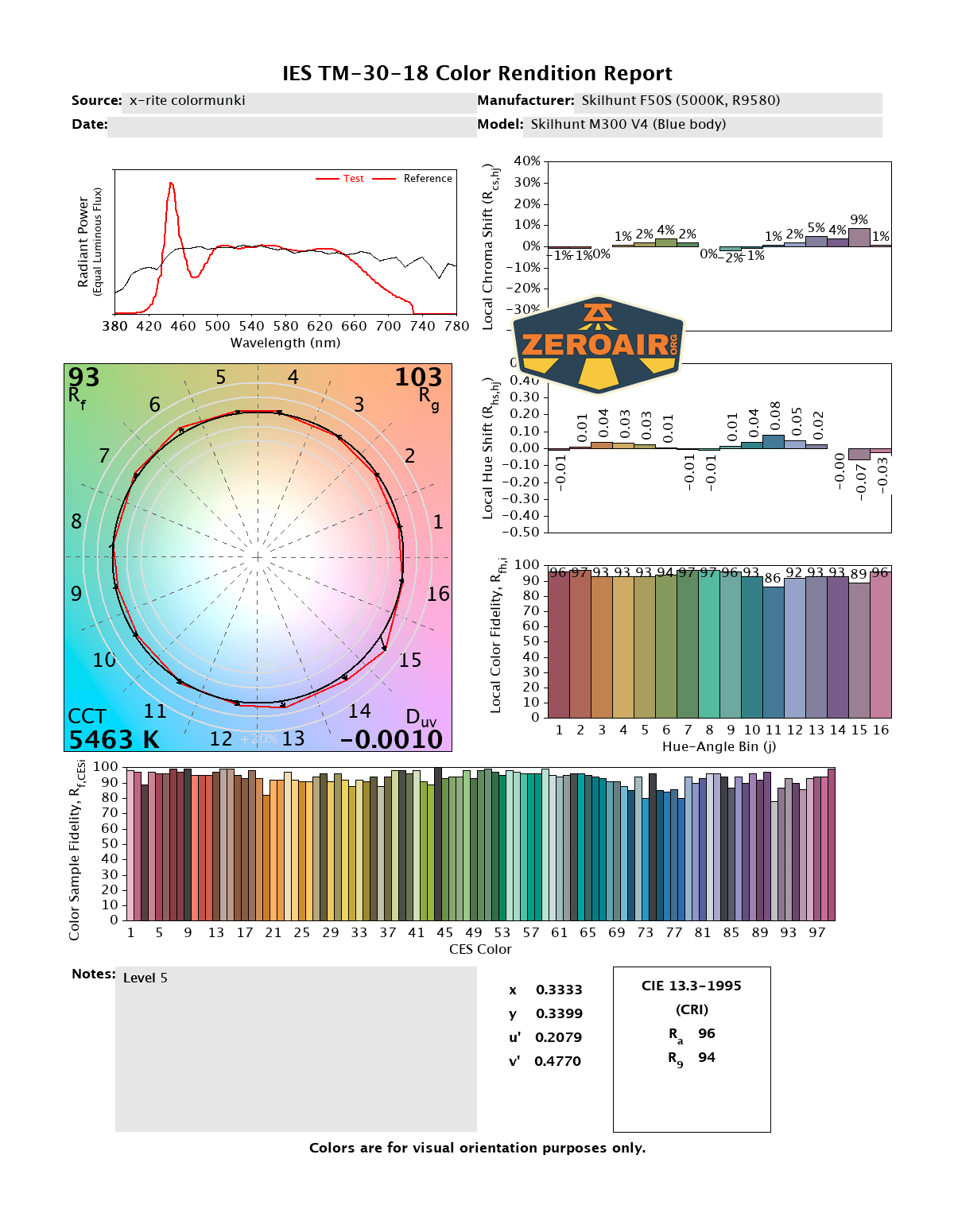
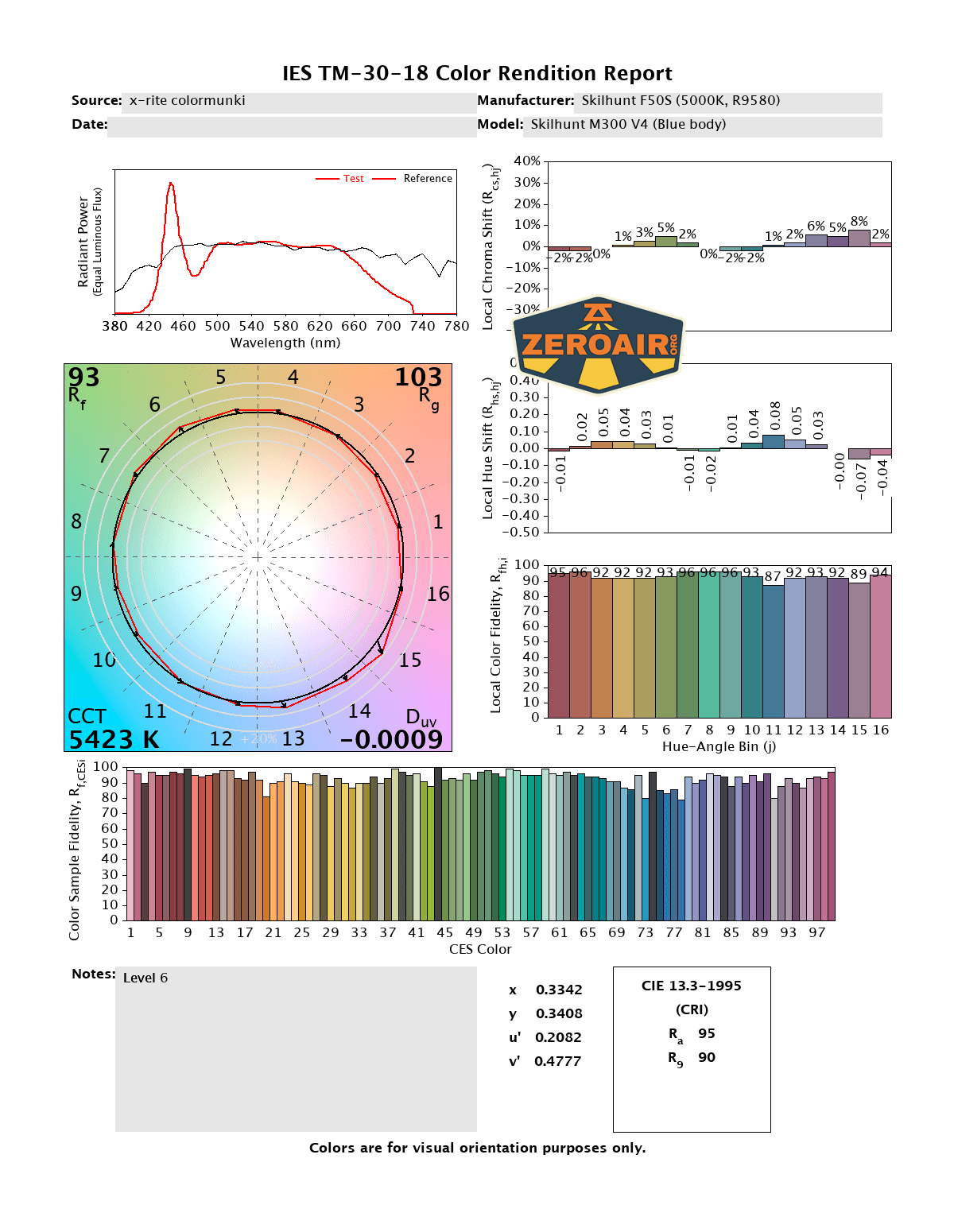

CCT (Correlated Color Temperature) refers to the measurement of the color appearance of light, expressed in Kelvins (K), which indicates whether the light is warm (yellowish) or cool (bluish). A lower CCT (below 3000K) is considered warm light, while a higher CCT (above 5000K) gives cooler, bluish light.
CRI (Color Rendering Index) is a measure of how accurately a light source renders colors in comparison to natural sunlight. Scored on a scale from 0 to 100, higher CRI values indicate that colors appear more true to life and vibrant, similar to how they would look under the sun.
Beamshots
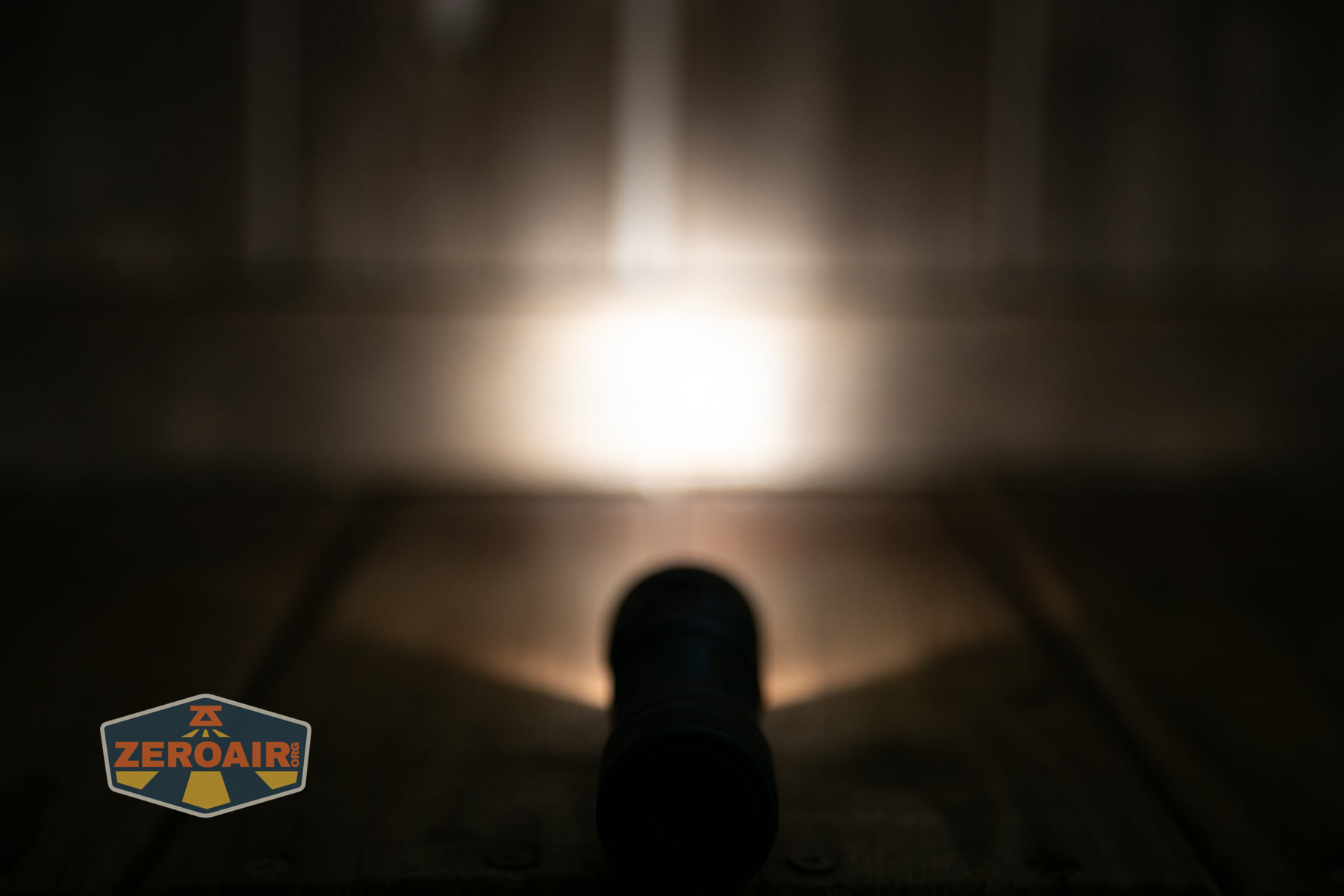
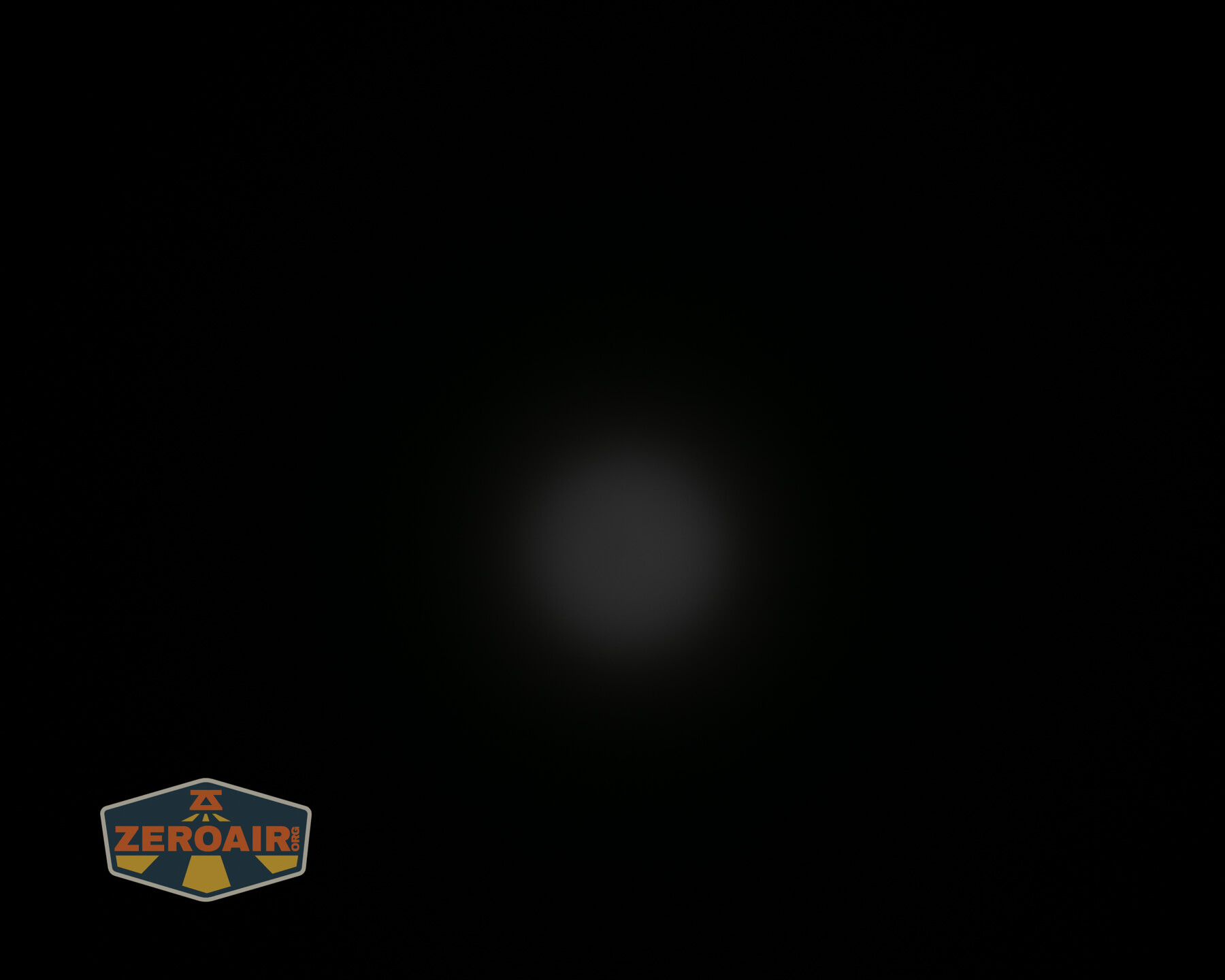
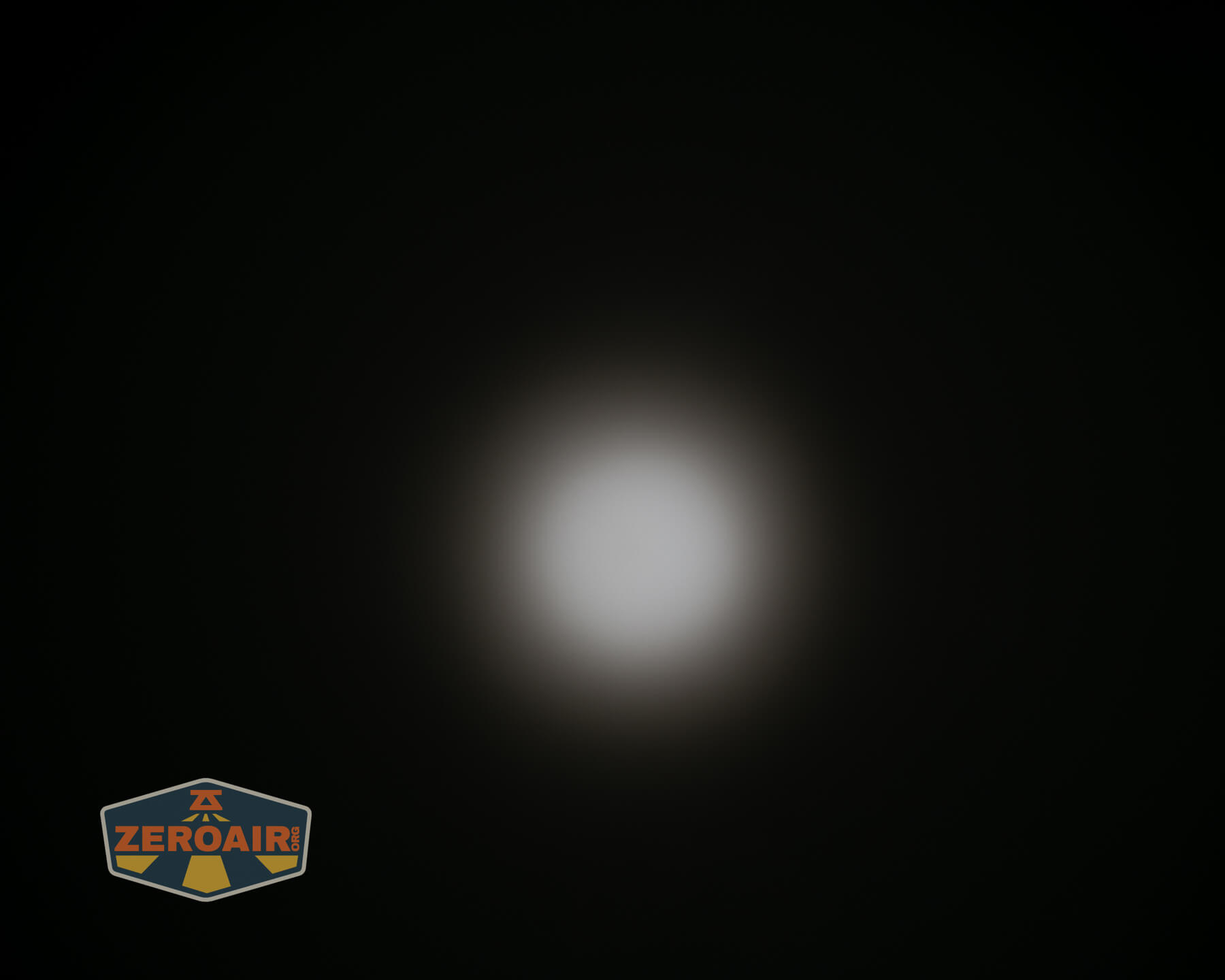
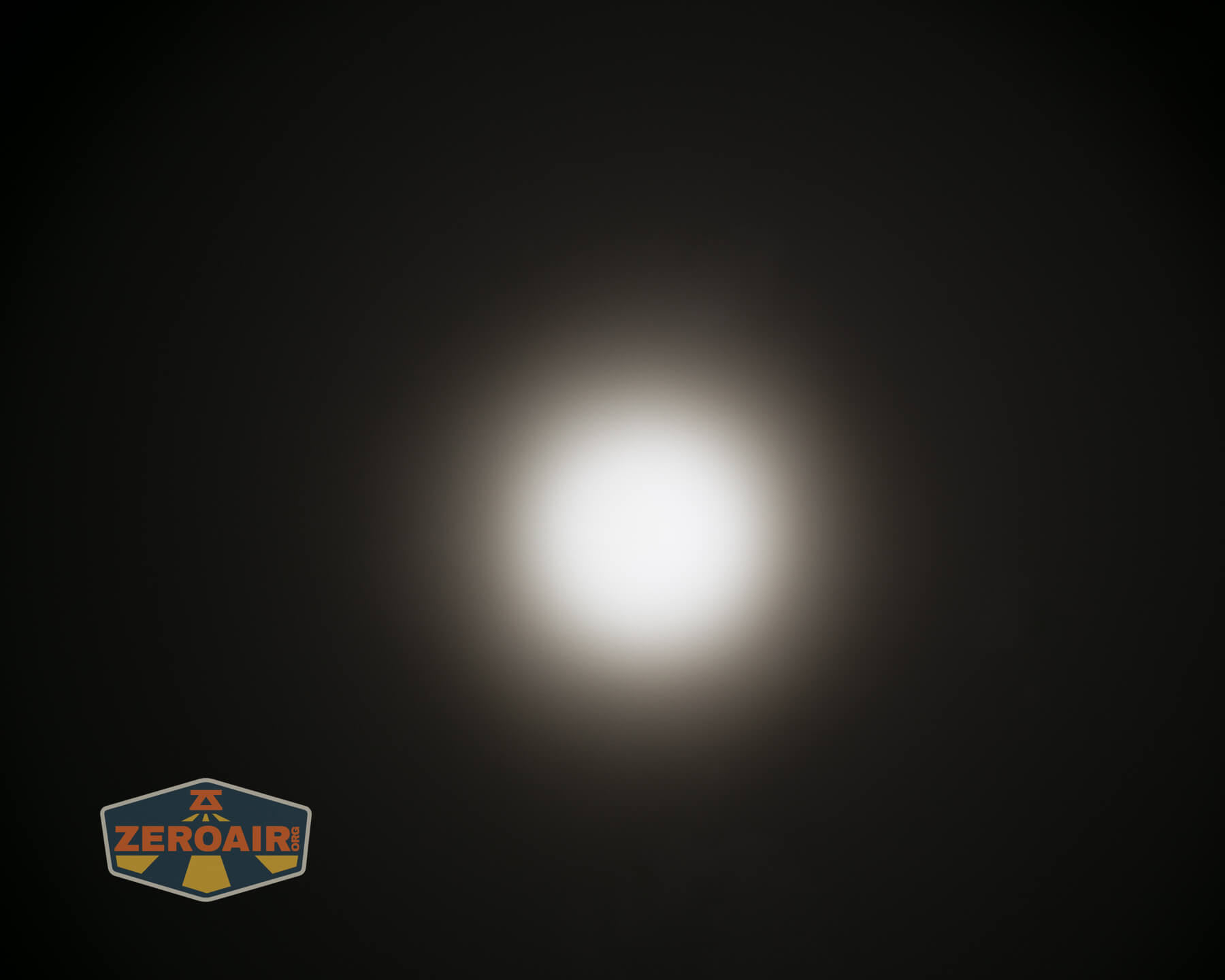
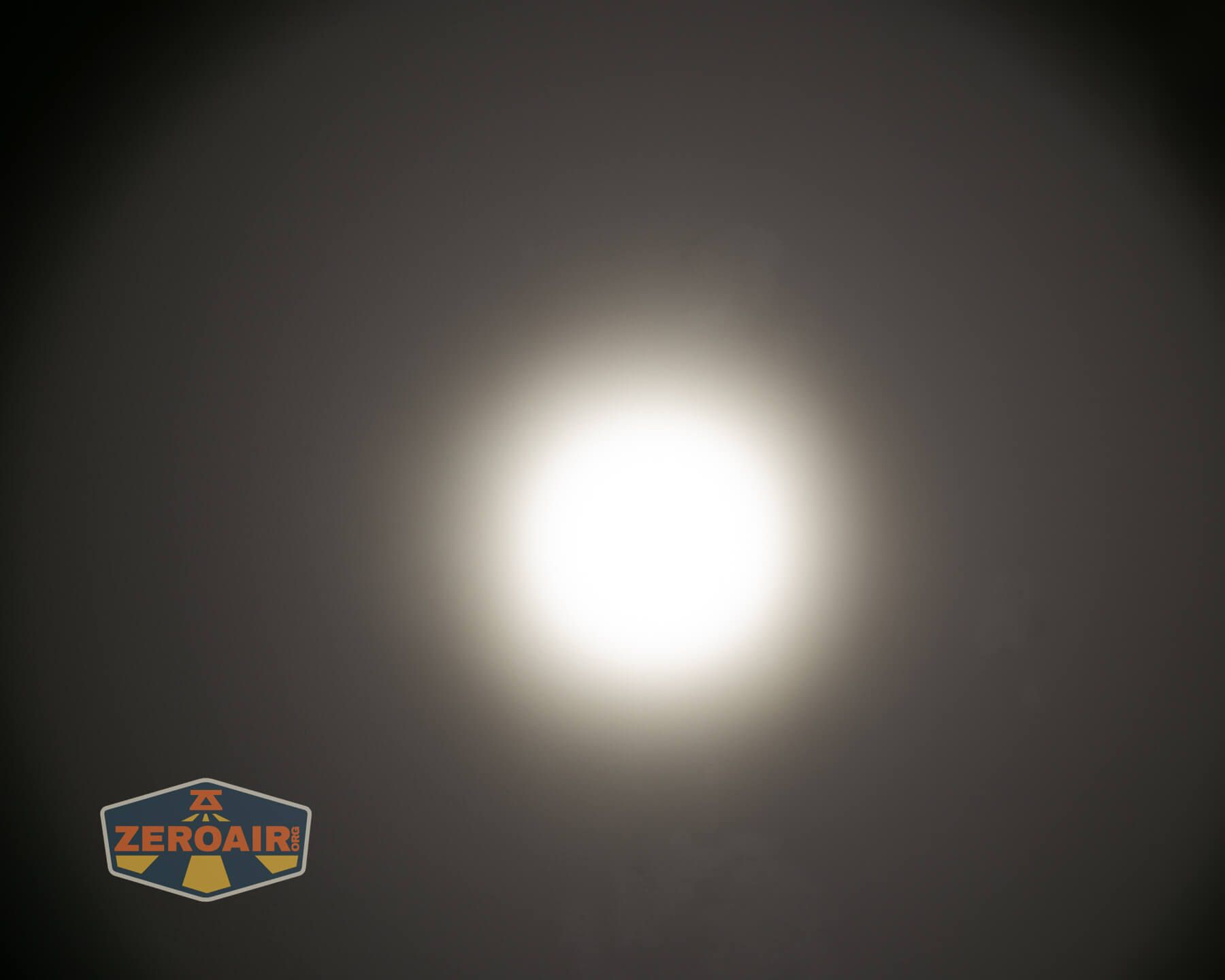
These beamshots always have the following settings: f8, ISO100, 0.3s shutter, and manual 5000K exposure. These photos are taken at floor level, and the beam hits the ceiling around 9 feet away.

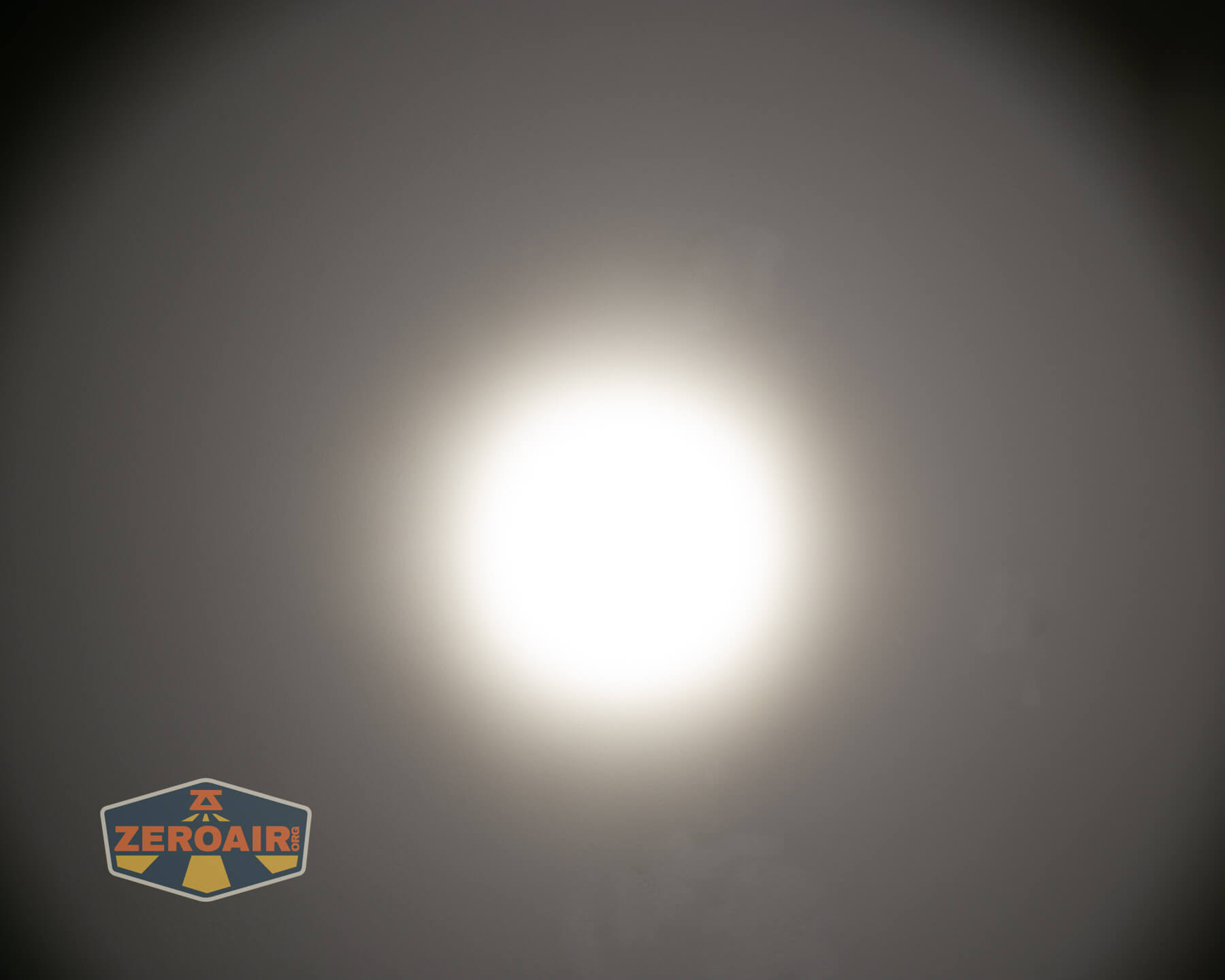
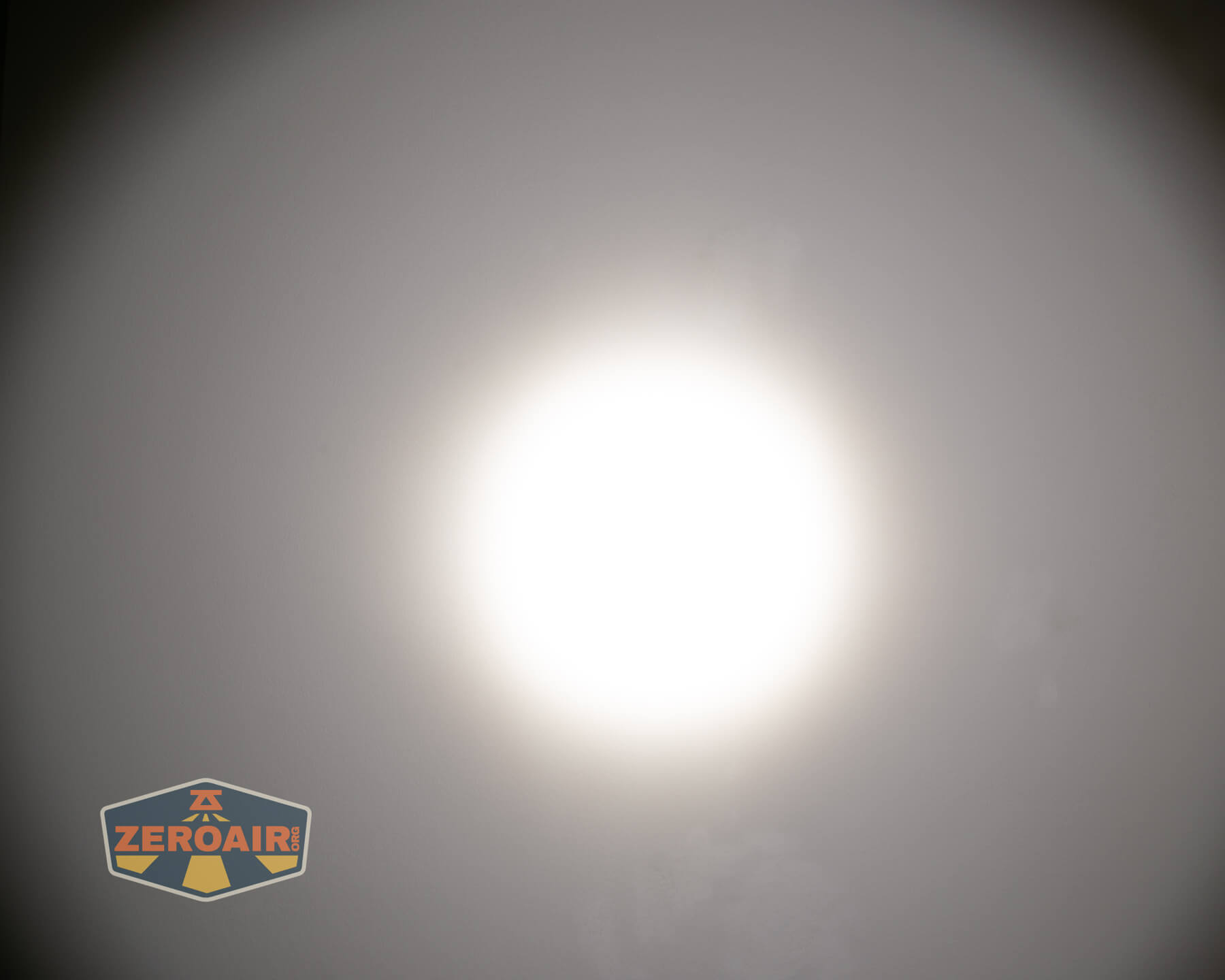
Tint vs BLF-348 (KillzoneFlashlights.com 219b version) (affiliate link)
I keep the test flashlight on the left and the BLF-348 reference flashlight on the right. These photos are taken around 18 inches from the door.

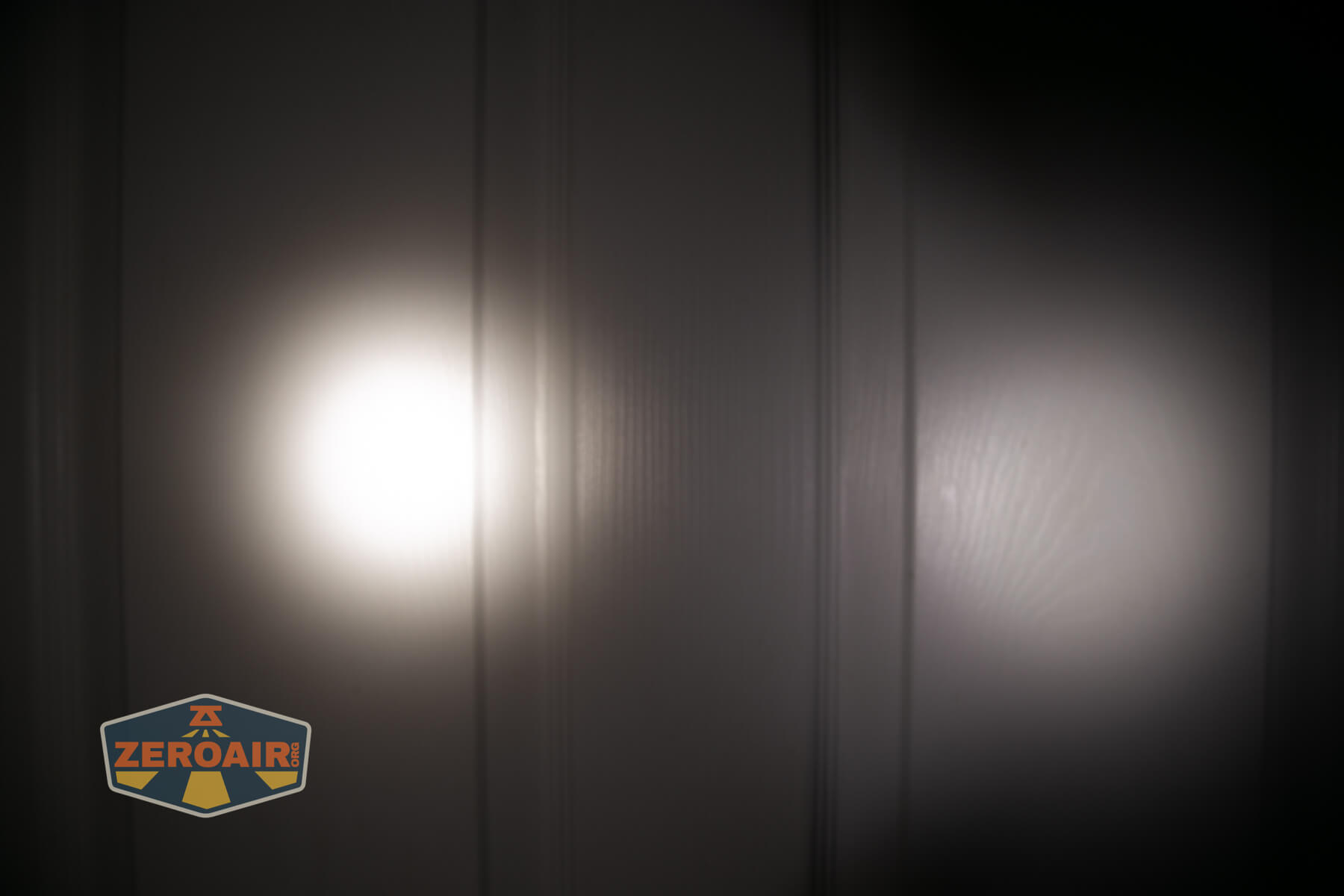
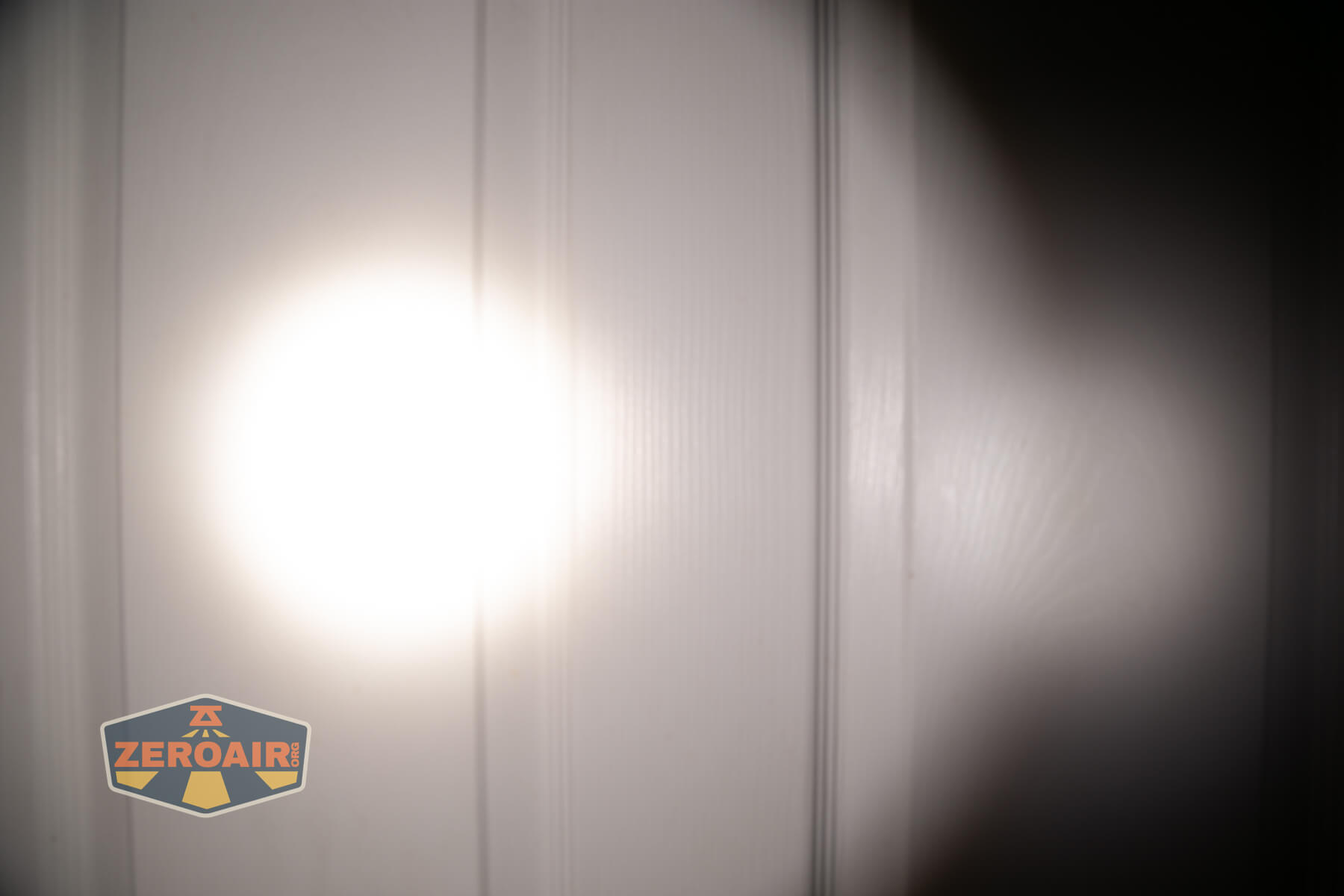
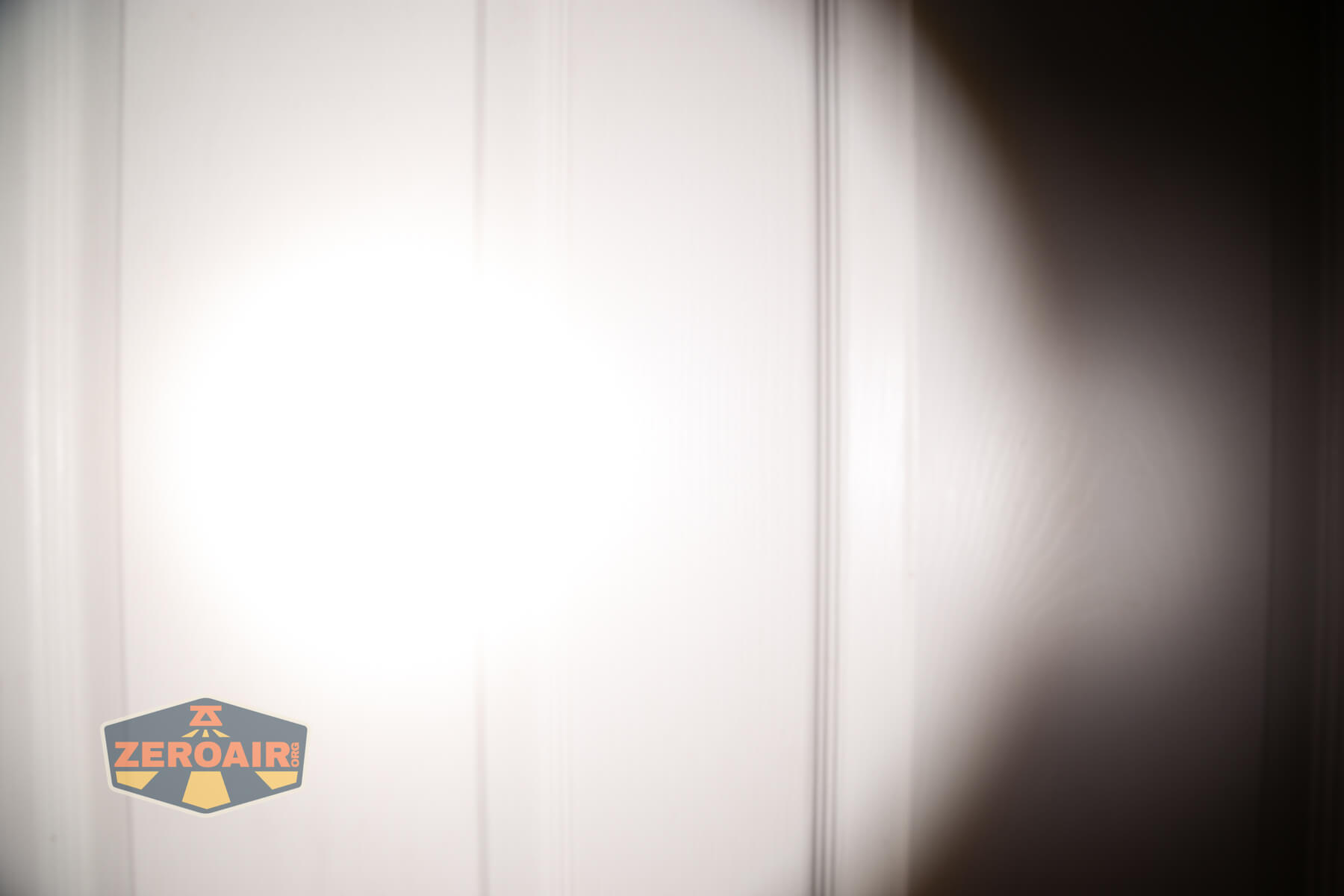



I compare everything to the KillzoneFlashlights.com 219b BLF-348 because it’s inexpensive and has the best tint!
Summary and Conclusion
I guess I have liked every M300 version. This one is no different. The emitter is great, the output is great. That the proximity sensor can be disabled: great. All of this light is great! Skilhunt even got the price in line – it’s down around $20 from the V2 version (mid $50s now vs upper $70s then!) All of these are great improvements, and the Skilhunt M300 V4 F50S flashlight is a very solid offereing!
The Big Table
| Skilhunt M300 V4 F50S flashlight | |
|---|---|
| Emitter: | F50S (5000K, High CRI R9580) |
| Price in USD at publication time: | |
| Cell: | 1×21700 |
| Runtime Graphs | |
| LVP? | Yes |
| Switch Type: | E-switch |
| Quiescent Current (mA): | ? |
| On-Board Charging? | Yes |
| Charge Port Type: | Proprietary magnetic |
| Charge Graph | |
| Power off Charge Port | |
| Claimed Lumens (lm) | 2200 |
| Measured Lumens (at 30s) | 1926 (87.5% of claim)^ |
| Candela per Lumen | 14.9 |
| Claimed Throw (m) | 303 |
| Candela (Calculated) in cd (at 30s) | 929lux @ 5.631m = 29457cd |
| Throw (Calculated) (m) | 343.3 (113.3% of claim)^ |
| Claimed CCT | 5000K, High CRI R9580 5000 |
| Measured CCT Range (K) | 5000K, High CRI R9580 5400-5600 Kelvin |
| Item provided for review by: | Skilhunt |
| All my Skilhunt reviews! | |
^ Measurement disclaimer: Testing flashlights is my hobby. I use hobbyist-level equipment for testing, including some I made myself. Try not to get buried in the details of manufacturer specifications versus measurements recorded here; A certain amount of difference (say, 10 or 15%) is perfectly reasonable.
What I like
- Great size for a 21700-cell flashlight (even if a bit bigger than previous versions)
- The button is perfectly clicky, and ‘pinch to click’ opposite the charge port works nicely too
- Built in charging works proficiently
- The pocket clip is fantastic (even though it’s a two-way)
- High CRI
- Great CCT choice
- Emitter options for those preferring higher output or more throw, or whatever.
- Price improvement (aka decrease) over previous versions
What I don’t like
- Charging requires a proprietary charger cable (but the light runs a standard 21700, so you can also use a bay-charger)
- User interface change moves one of the low modes to the main group (but still 7 levels, which I do like)
Notes
- This content originally appeared at zeroair.org. Please visit there for the best experience!
- Please use my Amazon.com referral link to help support zeroair.org!
- Please support me on Patreon! I deeply appreciate your support!
Ui changes are wierd but otherwise light look pretty decent for its asking price. I hope anodizing has been improved.