

RovyVon S2 Elite Search Powerbank Flashlight Review
The RovyVon S2 Elite Search Powerbank Flashlight has been released. It has powerbank capabilities and more! Read on for some testing!
Official Specs and Features
Here’s a link to the RovyVon S2 Elite Search powerbank flashlight product page.
Versions
There’s really only one version of the S2 Elite, but RovyVon also has an S2 Premium. These differ in a few small ways and a big way or two. But of the S2 Elite Search light, there’s just this one option.
Price
The RovyVon S2 Elite Search flashlight comes in at $269, and at that price includes the two very capable and high-capacity 21700 cells seen in this test. As a comparison, the S2 Premium also costs a premium, at $389.
Short Review
I was very excited about the S2 Premium when it was announced, and I’m equally impressed by the S2 Elite. This is quite a beast and has a very rich feature set. Despite covering some very broad categories, it’s still a very specific light, though. It offers flood and throw (and both) but users who need all of that could conceivably be more limited than those who need one or the other. For SAR purposes, though, it’s nice that both are options (in one light.) The powerbank seems to work very well, too, as does built-in charging. All in all, the light seems to be of great quality, and great functionality, too.
Long Review
The Big Table
There are three tables here. One table for each white emitter setup!
| RovyVon S2 Elite Search Powerbank Flashlight | |
|---|---|
| Emitter: | Cree XHP70.2 (x2) (Both) |
| Price in USD at publication time: | $269 at rovyvon.com |
| Cell: | 2×21700 (included) |
| Runtime Graph | |
| LVP? | OLED Warning (and “sort of”) |
| Switch Type: | E-Switch |
| Quiescent Current (mA): | ? |
| On-Board Charging? | Yes |
| Charge Port Type: | USB-C |
| Charge Graph | |
| Power off Charge Port | with cells: all modes without cells: no modes |
| Claimed Lumens (lm) | 10000 |
| Measured Lumens (at 30s) | 6706 (67.1% of claim)^ |
| Claimed Throw (m) | 500 |
| Candela (Calculated) in cd (at 30s) | 678lux @ 6.094m = 25179cd |
| Throw (Calculated) (m) | 317.4 (63.5% of claim)^ |
| Claimed CCT | – |
| Measured CCT Range (K) | 8500 Kelvin |
| Item provided for review by: | RovyVon |
| All my RovyVon reviews! | |
| RovyVon S2 Elite Search Powerbank Flashlight | |
|---|---|
| Emitter: | Cree XHP70.2 (Spot) |
| Price in USD at publication time: | $269 at rovyvon.com |
| Cell: | 2×21700 (included) |
| Turbo Runtime Graph | High Runtime Graph |
| LVP? | OLED Warning (and “sort of”) |
| Switch Type: | E-Switch |
| Quiescent Current (mA): | ? |
| On-Board Charging? | Yes |
| Charge Port Type: | USB-C |
| Charge Graph | |
| Power off Charge Port | with cells: all modes without cells: no modes |
| Claimed Lumens (lm) | 5000 |
| Measured Lumens (at 30s) | 3455 (69.1% of claim)^ |
| Candela per Lumen | 15.8 |
| Claimed Throw (m) | 500 |
| Candela (Calculated) in cd (at 30s) | 1316lux @ 6.112m = 49161cd |
| Throw (Calculated) (m) | 443.4 (88.7% of claim)^ |
| Claimed CCT | – |
| Measured CCT Range (K) | 7000-8800 Kelvin |
| Item provided for review by: | RovyVon |
| All my RovyVon reviews! | |
| RovyVon S2 Elite Search Powerbank Flashlight | |
|---|---|
| Emitter: | Cree XHP70.2 (Flood) |
| Price in USD at publication time: | $269 at rovyvon.com |
| Cell: | 2×21700 (included) |
| Turbo Runtime Graph | High Runtime Graph |
| LVP? | OLED Warning (and “sort of”) |
| Switch Type: | E-Switch |
| Quiescent Current (mA): | ? |
| On-Board Charging? | Yes |
| Charge Port Type: | USB-C |
| Charge Graph | |
| Power off Charge Port | with cells: all modes without cells: no modes> |
| Claimed Lumens (lm) | 5000 |
| Measured Lumens (at 30s) | 3469 (69.4% of claim)^ |
| Candela per Lumen | 1.6 |
| Claimed Throw (m) | 500 |
| Candela (Calculated) in cd (at 30s) | 286lux @ 3.894m = 4337cd |
| Throw (Calculated) (m) | 131.7 (26.3% of claim)^ |
| Claimed CCT | – |
| Measured CCT Range (K) | 6000-6400 Kelvin |
| Item provided for review by: | RovyVon |
| All my RovyVon reviews! | |
^ Measurement disclaimer: Testing flashlights is my hobby. I use hobbyist-level equipment for testing, including some I made myself. Try not to get buried in the details of manufacturer specifications versus measurements recorded here; A certain amount of difference (say, 10 or 15%) is perfectly reasonable.
What’s Included

- RovyVon S2 Elite Search Powerbank Flashlight
- RovyVon 5000mAh 21700 cells (2)
- Charging cable (USB-C to USB-C)
- Charging cable (USB to USB-C)
- Nylon carrying case
- Hard plastic carrying case
- Manual etc
Package and Manual


This manual seems more suited to the S2 Premium, so I’ll try to make it clear in the review how to use the S2 Elite.

Build Quality and Disassembly
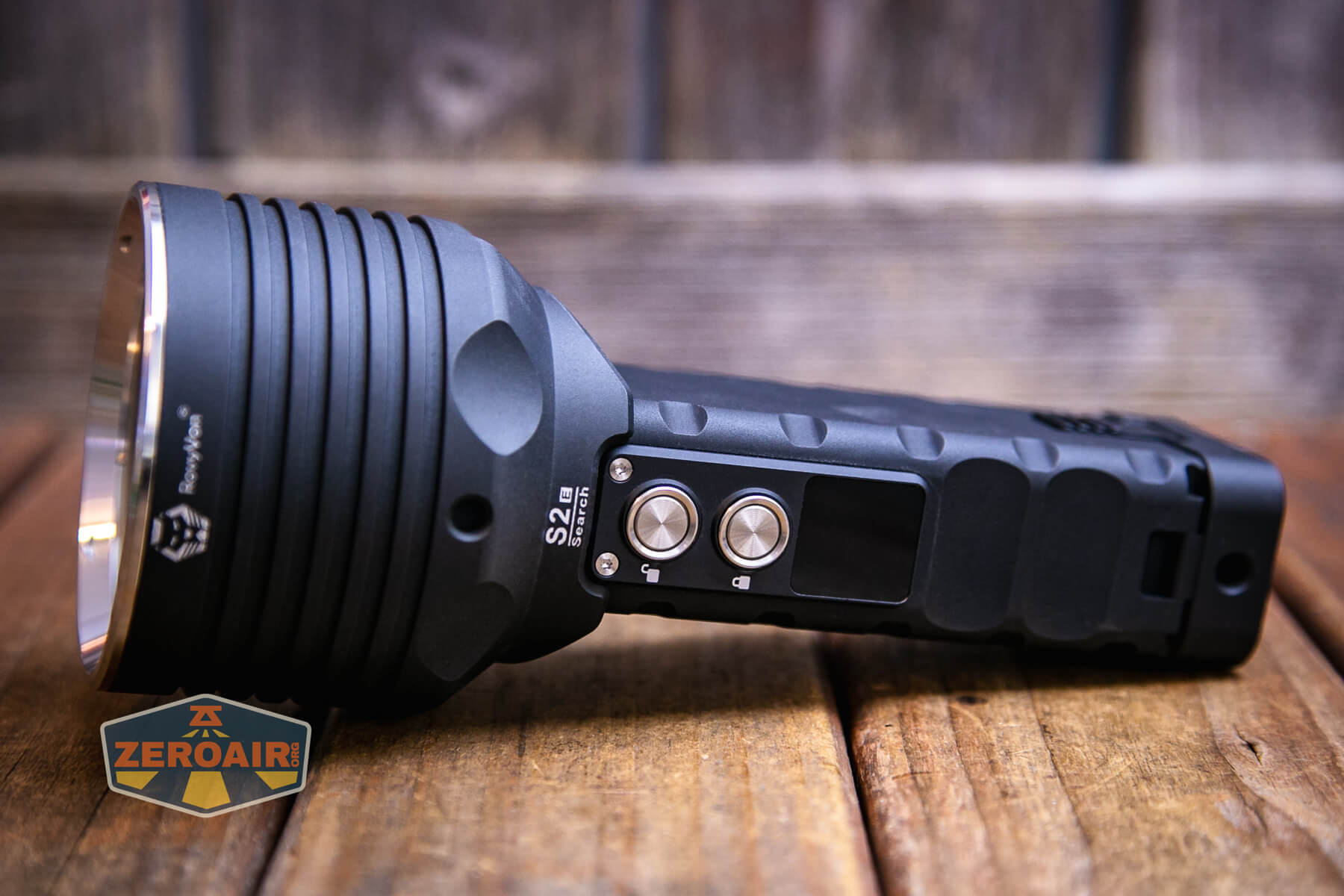
The RovyVon S2 Elite Search powerbank flashlight is built to a very high-quality standard. It’s an unusual build, though, so there’s not a lot to compare it to. Attention to detail is apparent all over the light, though.

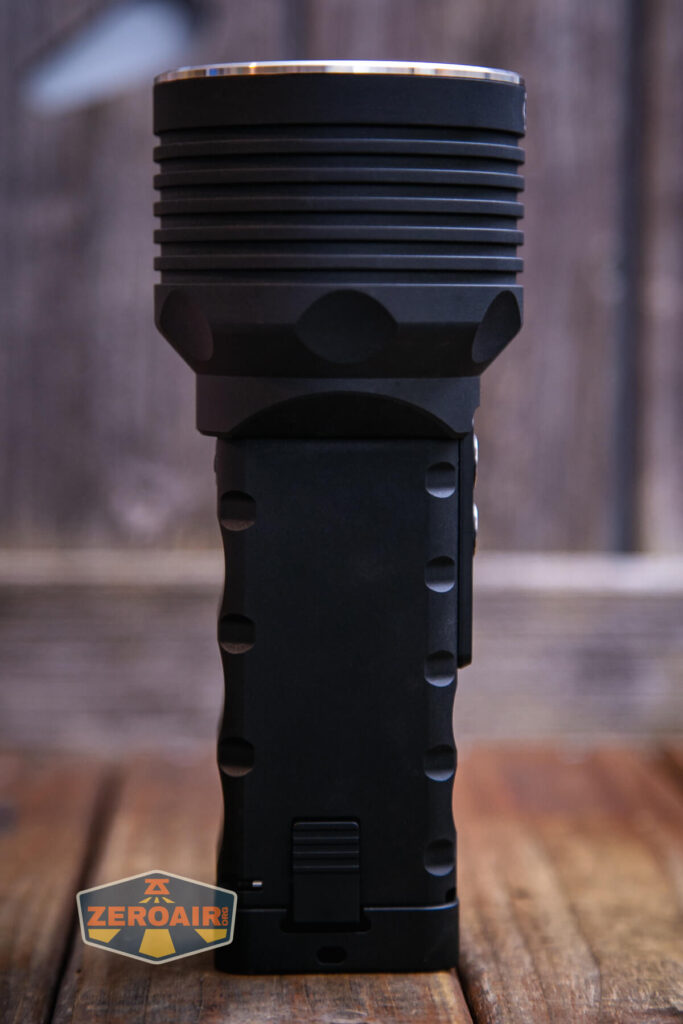
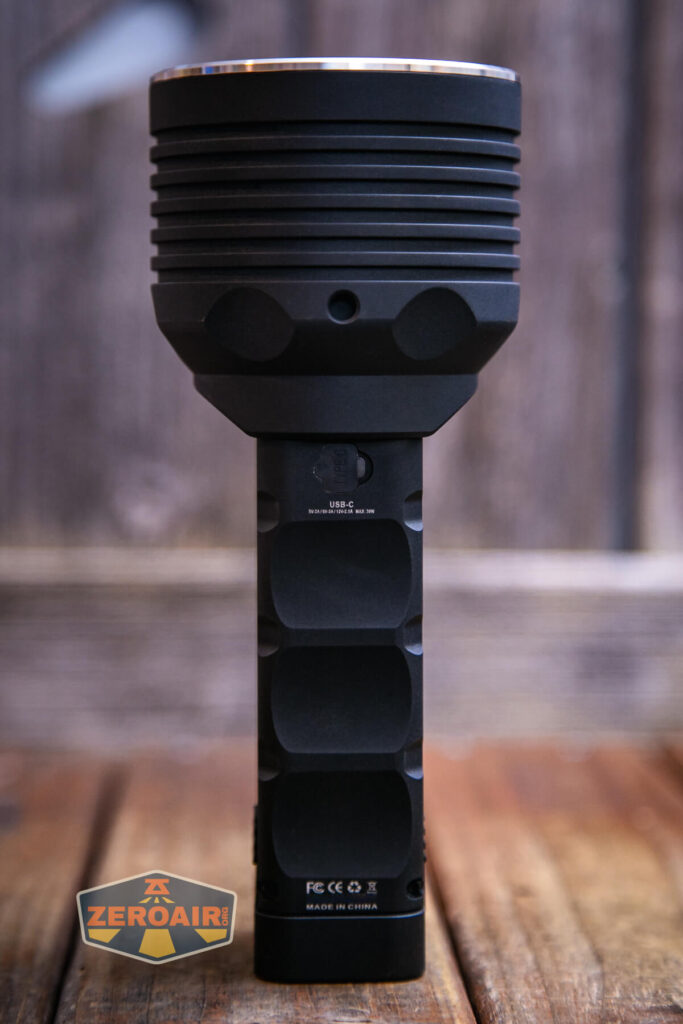

The head has some nice cooling fins. Those are needed because on the higher modes, the S2 Elite really puts out some power!

The S2 Elite has subtle branding around the body, too.

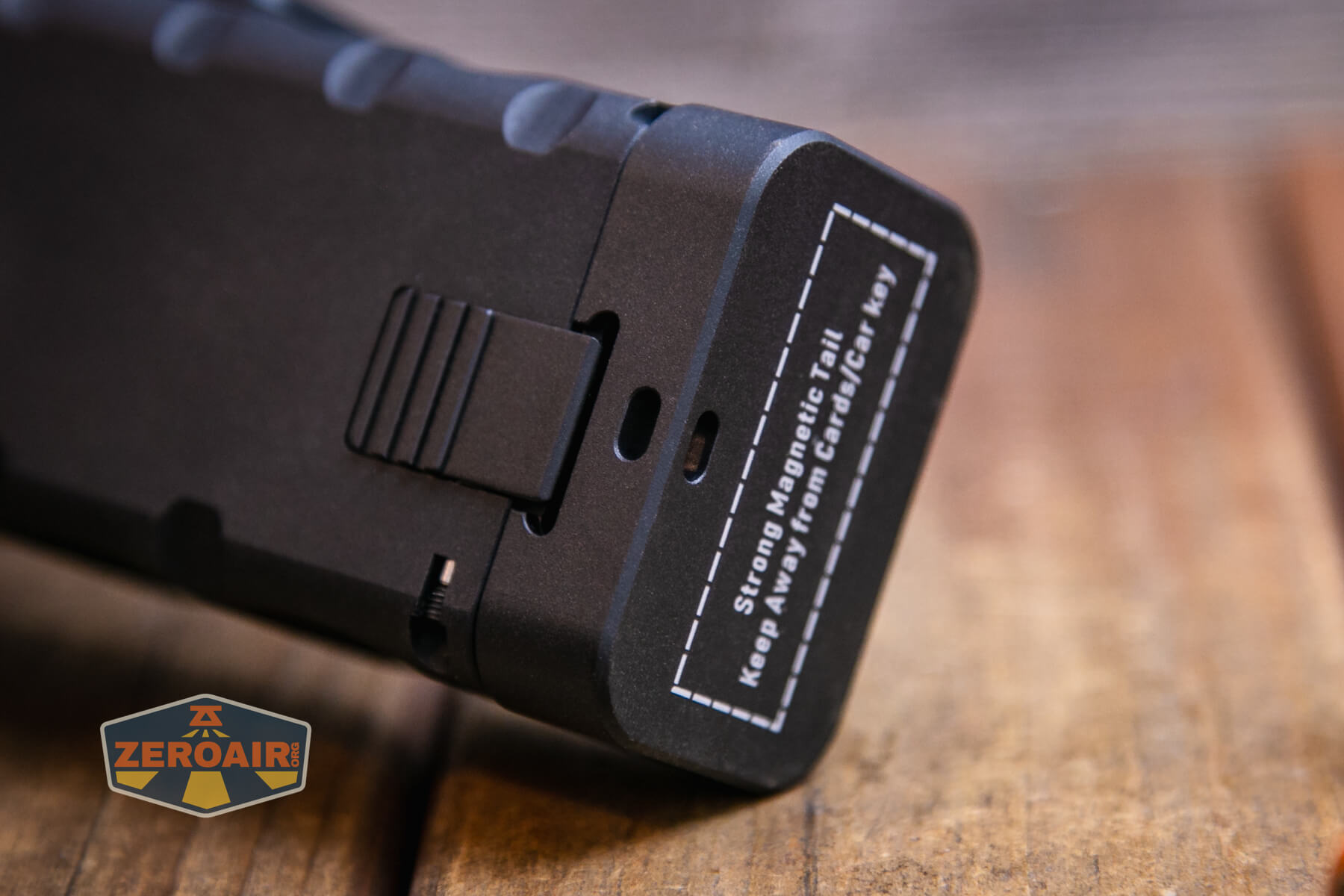
When the tailcap (below) says “Strong Magnetic Tail” it’s so true. You might think that there’s no way a tailcap magnet could hold such a big light but let me tell you what – it can. It’s very strong. I’d normally not worry about “Cards/Car keys” around a tailcap magnet, but in this case…. maybe!
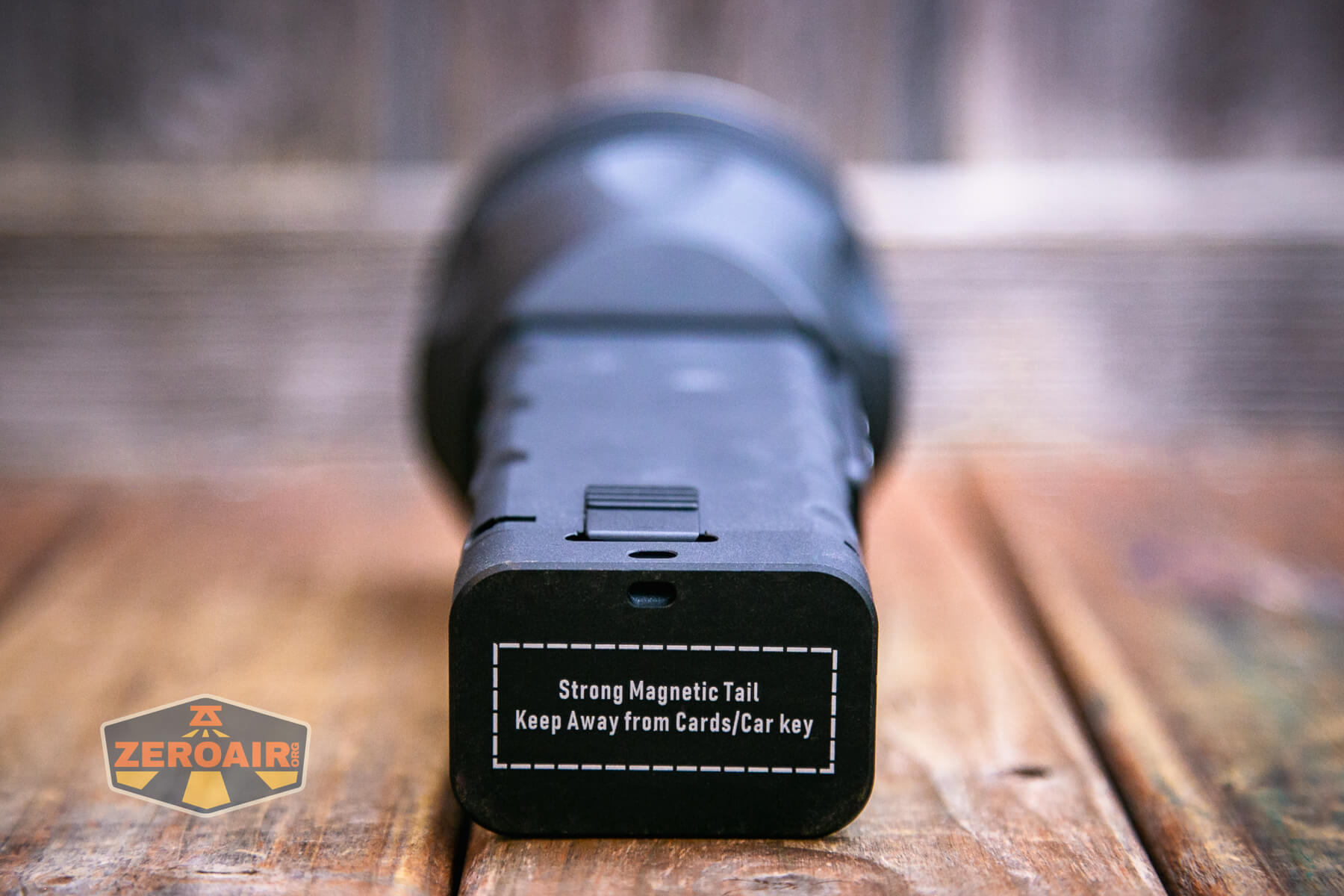
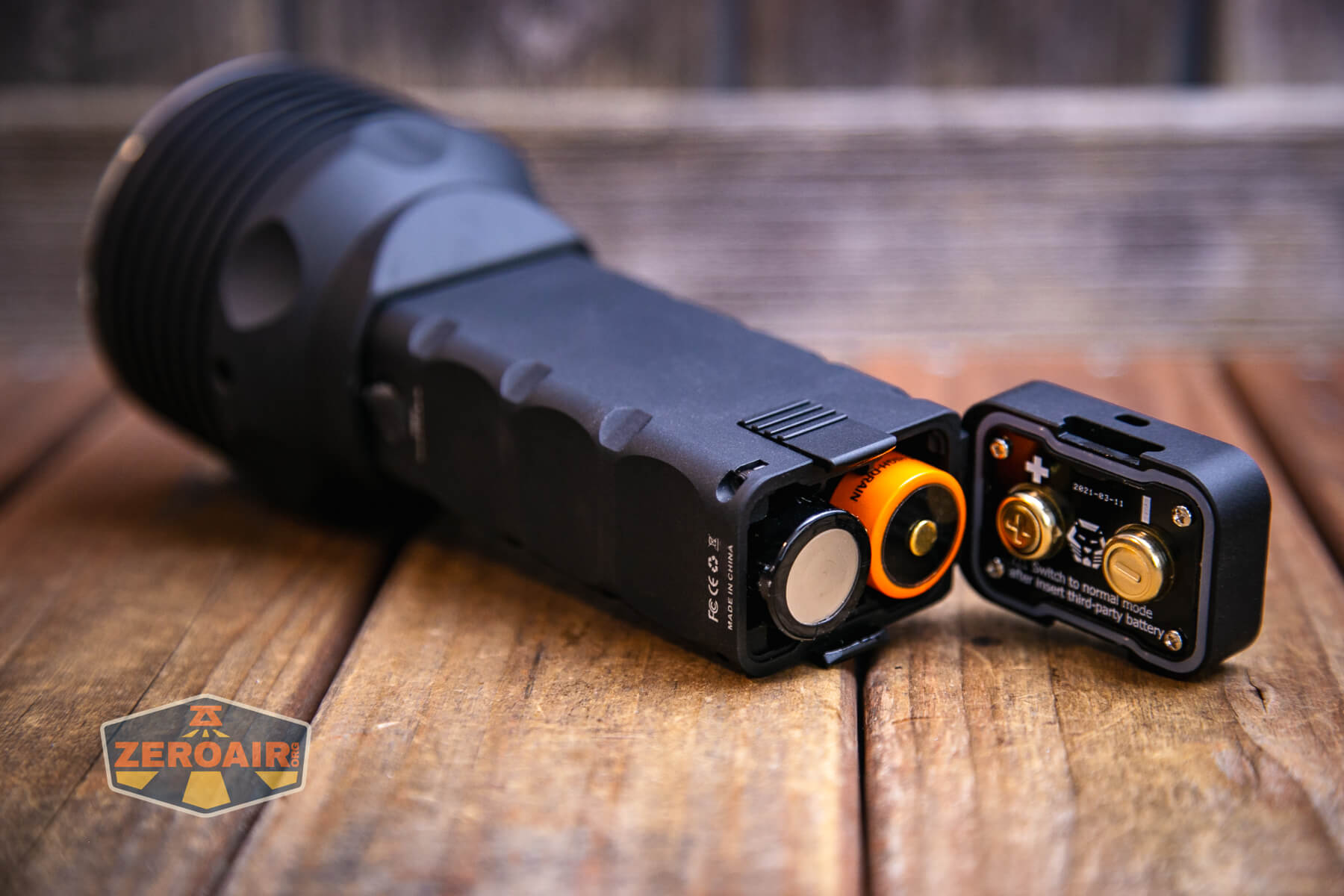
The cells are held in by a hinged tailcap, which is opened by squeezing these latches. This works very well and is not hard in any way that will cause difficulty with actuation. (However, you might never even need to or choose to remove the cells anyway!)


Size and Comps
189.4mm (length) x 38mm (width) x 56mm (height) x 79.5mm (head diameter), and 871g with the cells included.


If the flashlight will headstand, I’ll show it here (usually the third photo). If the flashlight will tailstand, I’ll also show that (usually in the fourth photo).


Here’s the test light with the venerable Convoy S2+. Mine’s a custom “baked” edition Nichia 219b triple. A very nice 18650 light.
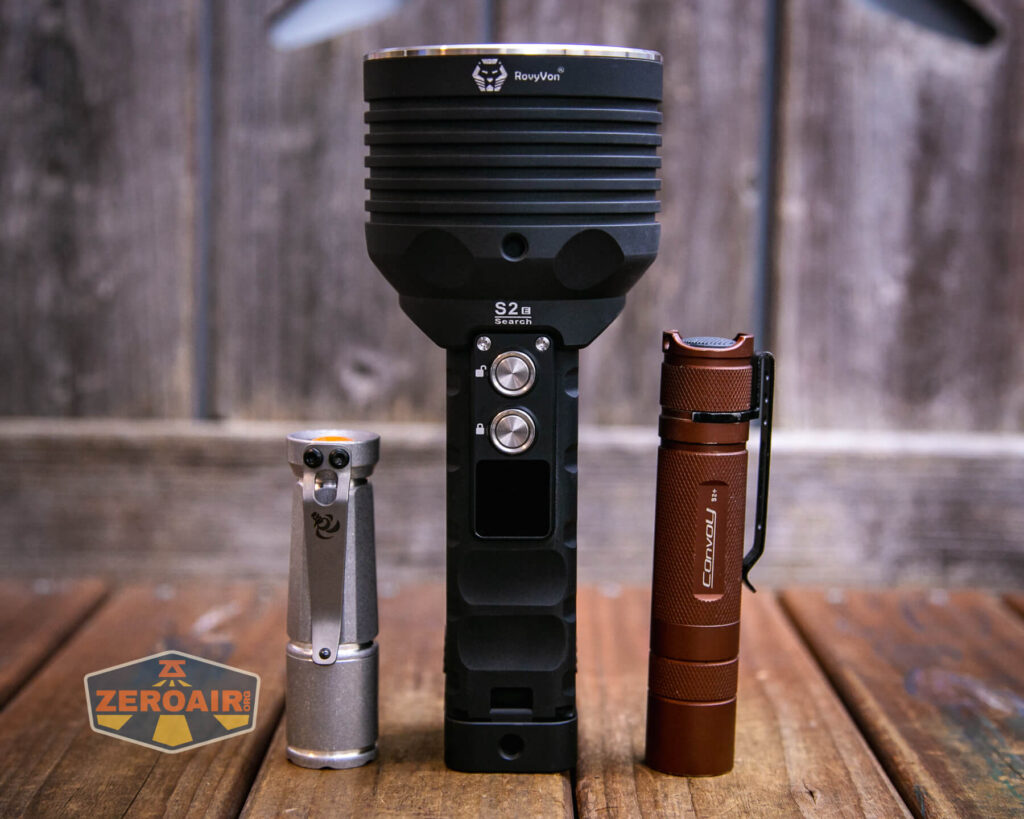

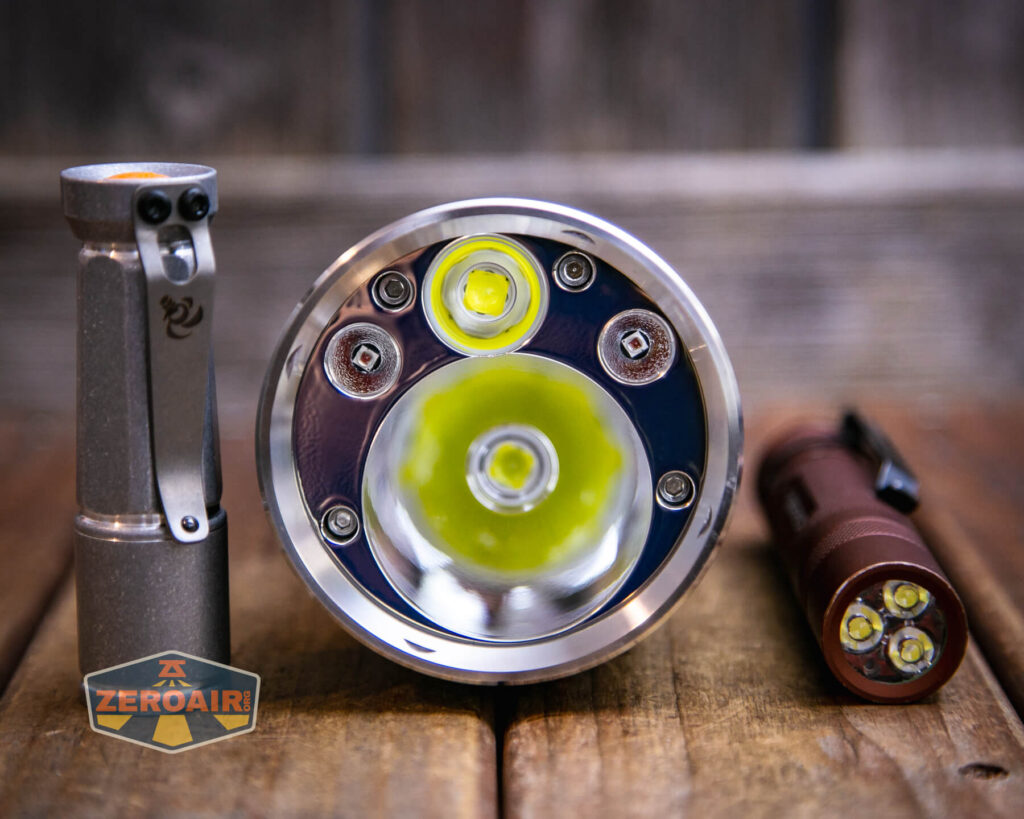
Also above on the left is a new feature light!! Laulima Metal Craft sent this Todai in tumbled aluminum for some size comparison photos like the ones above. Laulima has a bunch of incredible items. I’ve tested one (the Laulima Metal Craft Hoku) (the official site for Hoku is here) that was a Friend Fund Friday review. I was impressed enough by that Hoku that I bought a Laulima Metal Craft Diamond Slim (also in tumbled aluminum) (review is upcoming!) These lights by Laulima have impeccable build quality and not only that, they’re quite configurable. There are some (great, actually) default configurations, but Joshua Dawson (of Laulima Metal Craft) is open to ideas and emitter options and the like. I haven’t reviewed this Todai, but I have to say, it feels absolutely fantastic and I love it thus far. (Notably, I love how warm and eggy those emitters look through the TIR.)
Retention and Carry
Probably the main way to carry the RovyVon S2 Elite Search powerbank flashlight will be this plastic “Pelican-like” case that’s included with the light. It’s a nice case – in fact, probably every bit as nice as Pelican branded cases!
The latches are easy to actuate, but also covered. The case is lockable, too.


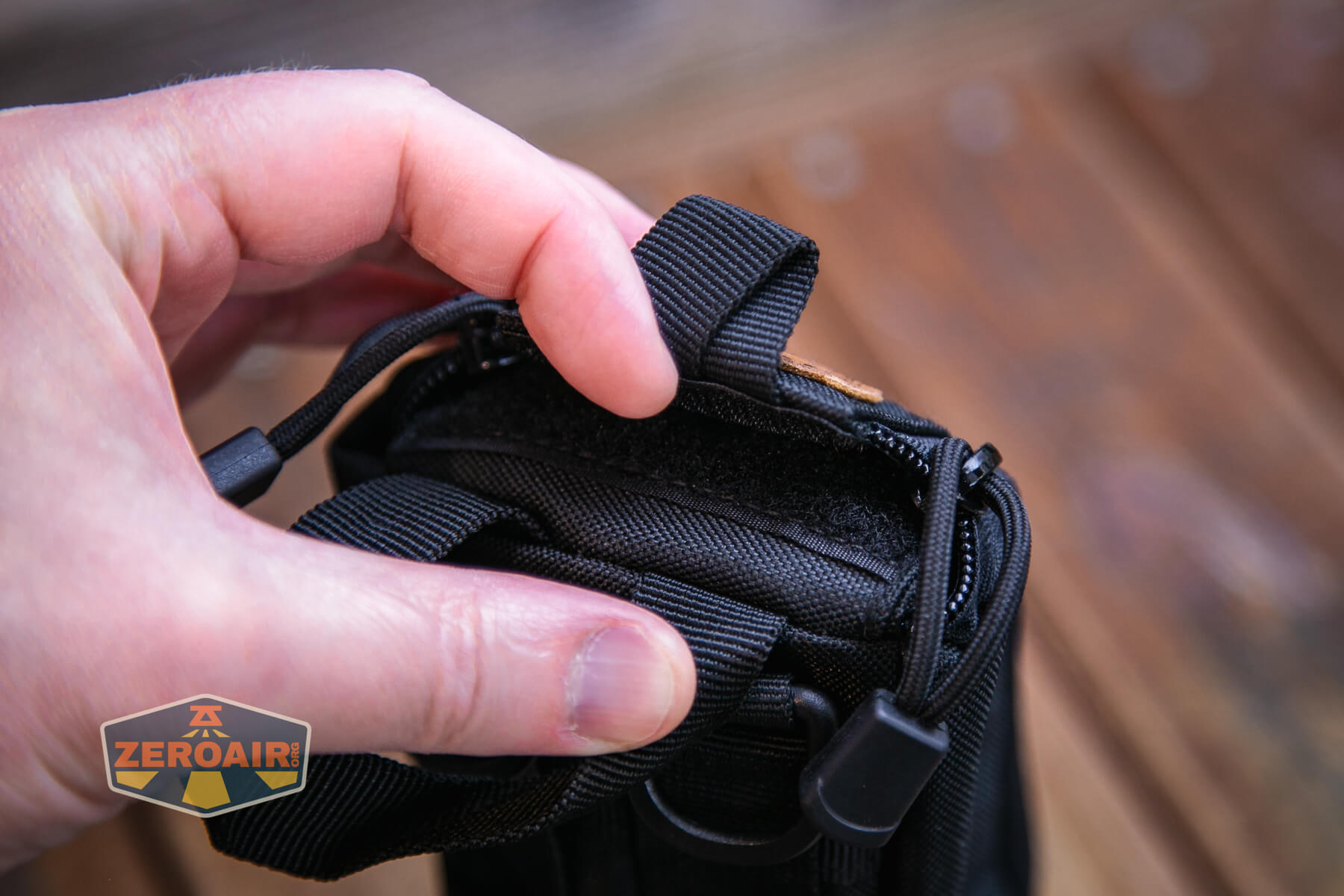
Also included is this nylon pouch. This too is a very nice case! It’s got a leather (or “leather”) RovyVon logo, and in that area is a pull tab. This is for operators (I guess) and allows quick and easy access to the S2 Elite.

There’s also a little bit of hook and loop for attaching your favorite morale patch!


The light goes into the pouch in only one way and is not to be used while in the pouch.

On the back are the normal host of loops and whatnot to connect the nylon pouch to something.


The tailcap magnet, again, is perfectly sufficient to hold the S2 Elite. It’s so strong! S T R O N K!!!

While a lanyard is not included, there’s a spot to attach a lanyard, too! Right here in the tailcap.
Along with all the things above are these threaded tripod screw holes. There are a bunch of them! At least three… There’s one on both sides of the head – switch side and charge port side.
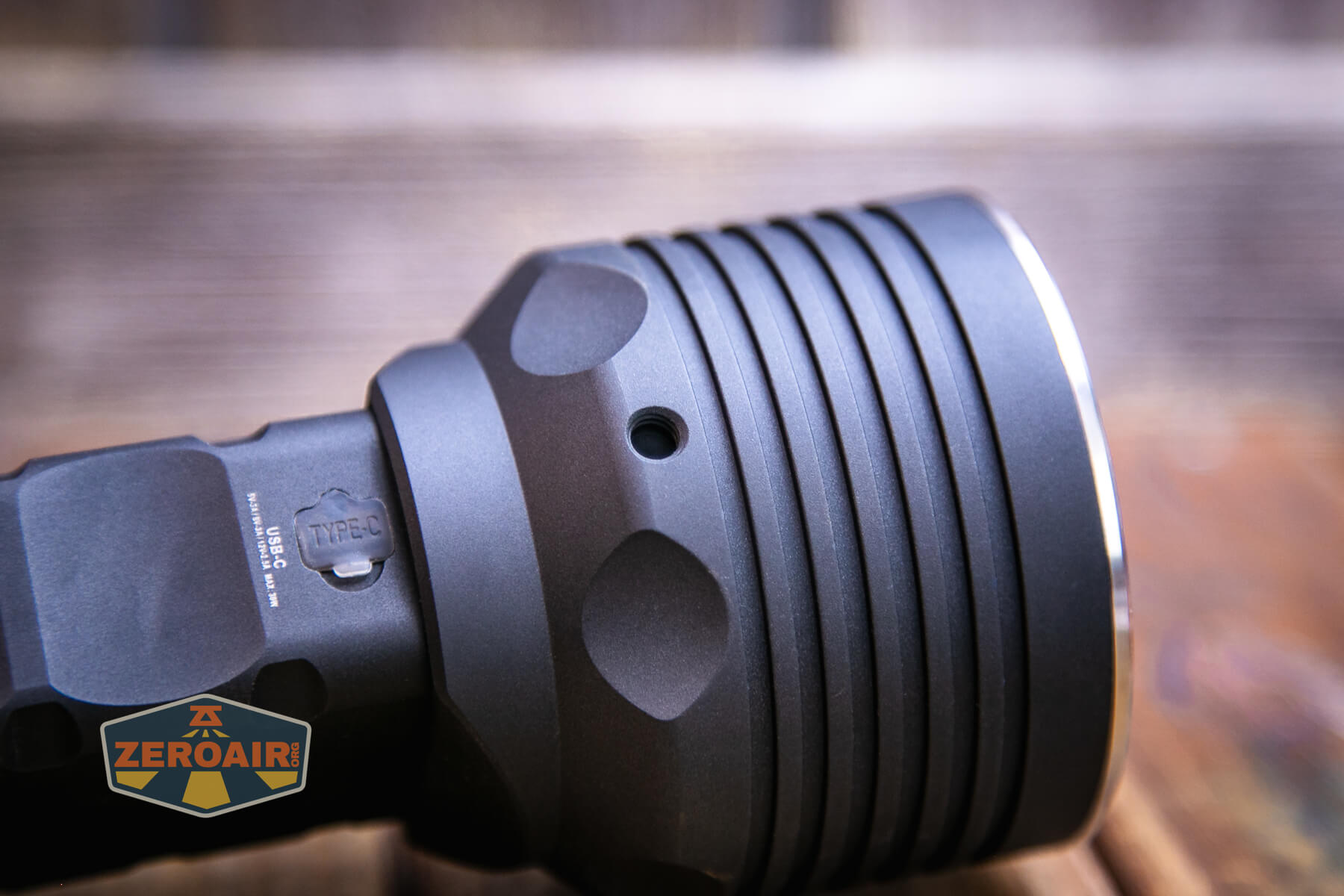
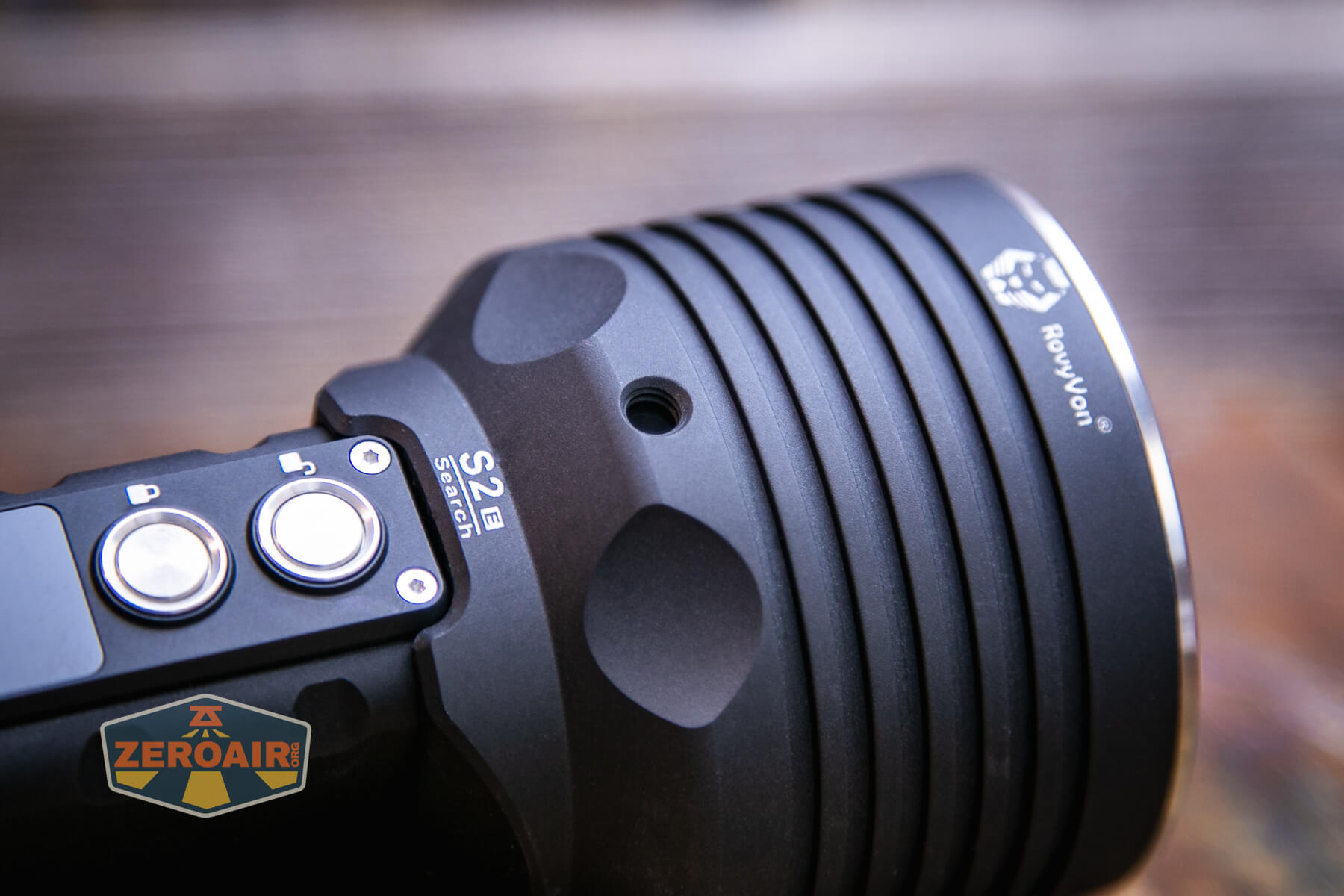
There’s also one in the tailcap, on the hinge side.

Power and Runtime
RovyVon includes with the purchase the cells needed for running the S2 Elite. These are 5000mAh 21700 cells, and they’re standard button top cells. Note that while you can use other cells, best performance is only obtained with the included cells.

The cells are in series, and just inside the tailcap are two sets of icons demonstrating which part of the cell should touch which contact. Because the cells are in series, I recommend you charge both cells fully outside the light before using the light and then charging them in the light. They should be (and likely will be) balanced when your light arrives, but this is just one extra layer of safety you can take.

The cells are a little hard to get in and out, and that’s compounded by the sheer strength of the magnet in the tailcap.
Below you can see a number of runtimes. Surprisingly there seems to be just one mode with BOTH white emitters – so called “Turbo S.”
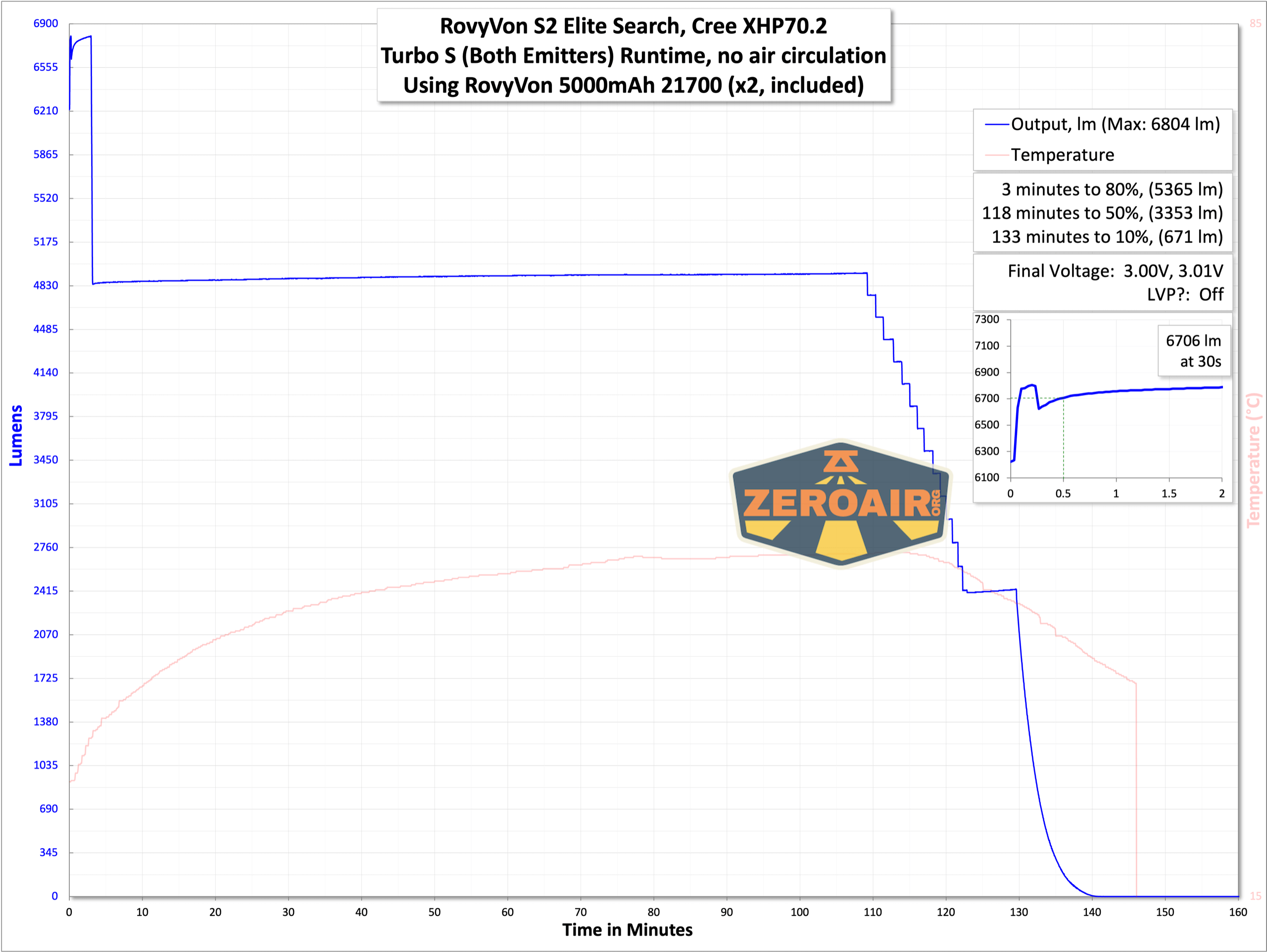


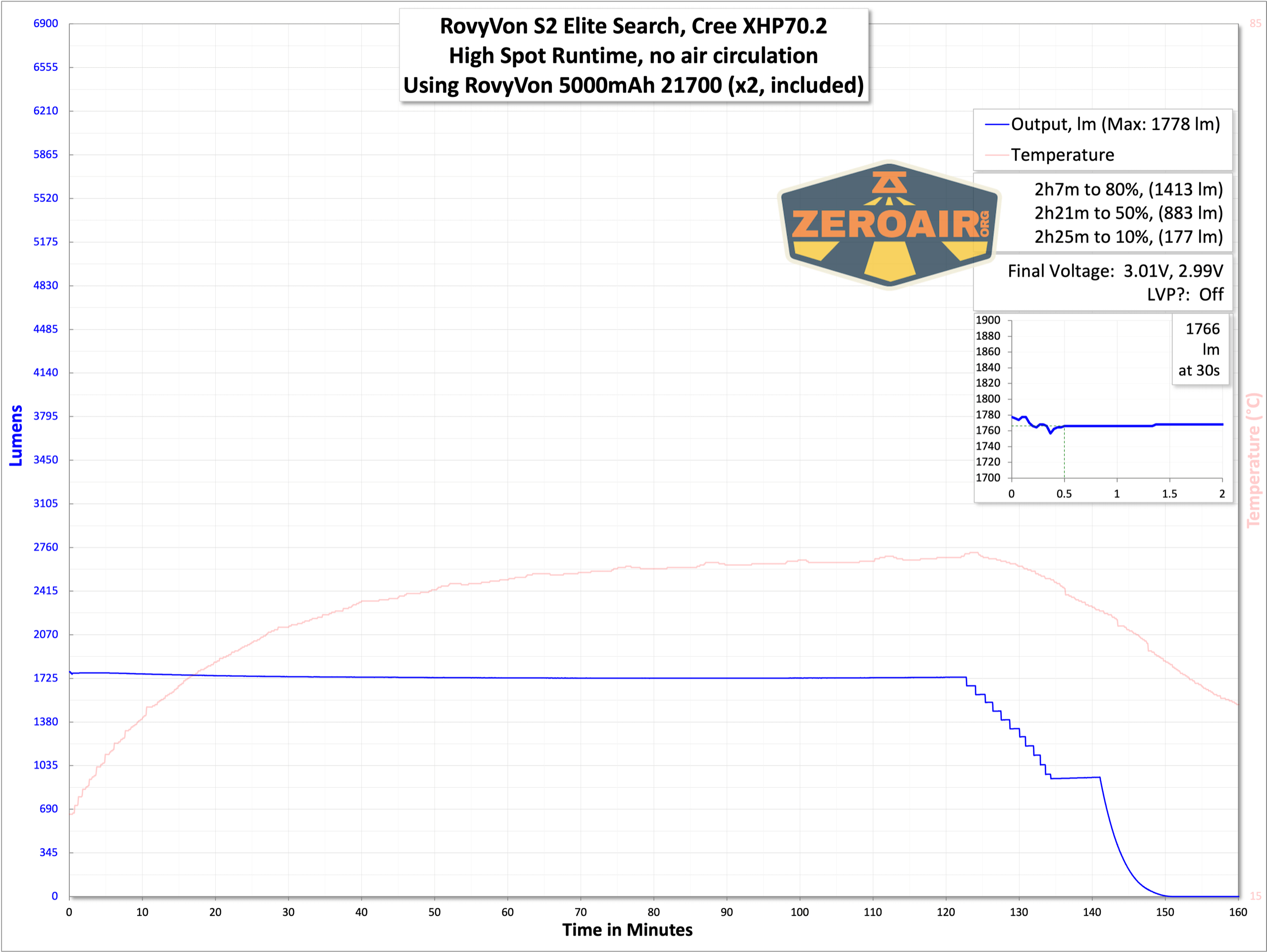
Low voltage protection is observed in all tests in a number of ways (but keep reading). The light warns via the OLED display what the cell voltage is and also shuts off when the cells get to around 3V. However, in an off state, the light seems to keep draining the cells, more than if the light is just turned off (down to 2.6V, in one of my tests). There’s a difficulty here though because once the light shuts off with low voltage protection, the switch can’t be used to turn the light on or off. Ie there’s no blip of “on” before it immediately shuts down again because of low voltage protection.
So what you end up with is a light that’s shut off for low voltage protection and it’s a little hard to know what the electronics think should be the state. If you enter this state and are unsure when you can charge, and are unsure what you’ve clicked, it’s not unreasonable to just open the tailcap and close it back. It seems that this should put the light in a standard state, and the cells will not drift down.
All of that could just be user error, and if so please let me know! That said, it’s never a bad idea to disconnect the cells from any light that uses an e-switch!
Charging
The S2 Elite has onboard charging, too. There’s a USB-C in the body (not the head) on the opposite from the switches.
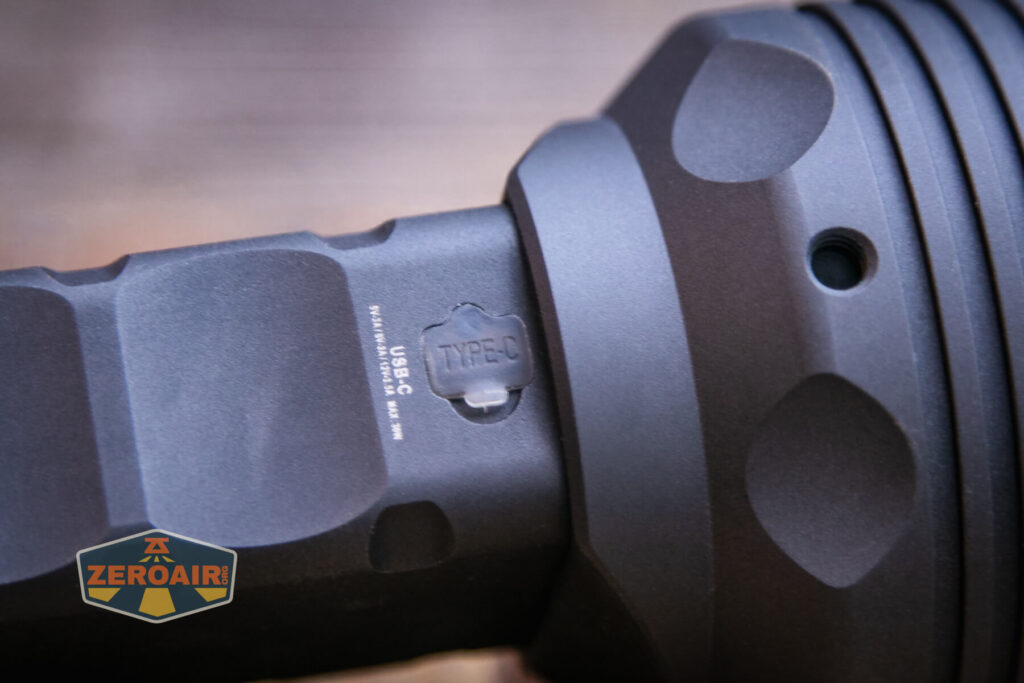

The charge port cover is just a press-in silicone deal, but it’s fine. It’s very “RovyVon” – translucent (or “smoke”), and fairly easy to actuate.
I did find that the charging port is tucked into the body a little deeper than standard. As you can see below, the USB-C plug has been modified with sloped edges to fit more easily. Any old random charging cable might not work, or you might need to trim the edges a bit.
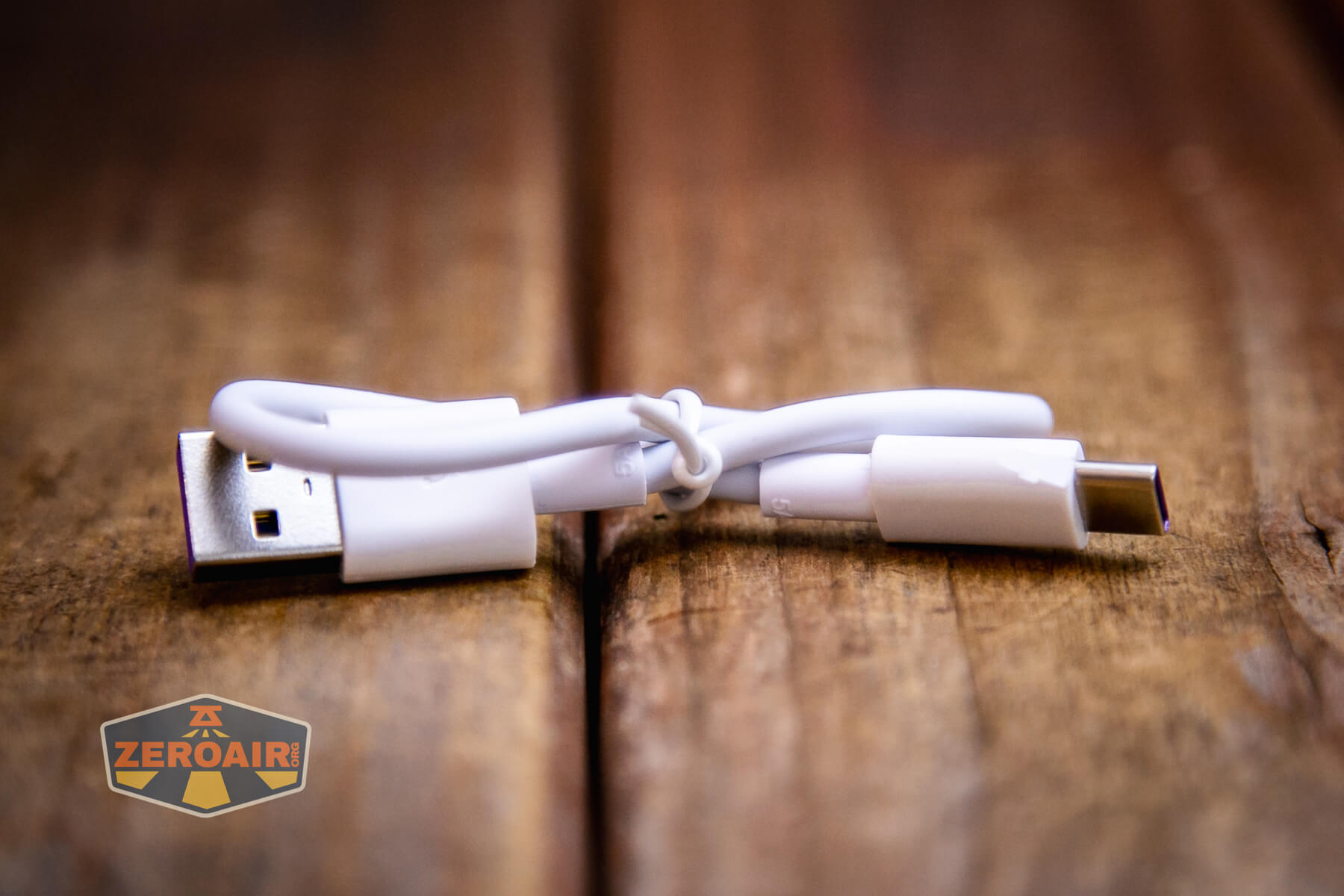
Two cables are provided… I only needed USB-C and prefer and recommend that, but if you’re a stalwart with USB-A, then that cable is available to you too.

I tested with both USB and USB-C. 
I was sure I had one test that proceeded at 9V (and not the usual 5V, and what’s seen in the graph below) but I failed to capture that in graphical form. In that case, the current did not go over 2A, but that’s still way more power than 5V at 2.4A. (5*2.4=12W, vs 9V@2A, or 18W). So if you have a USB-C power supply capable of 9V, that’ll provide you with the fastest charging experience.

During one of my charge tests (which is not graphed above) I had an unusual experience. I can’t (necessarily) attribute it to the flashlight, as it could have been a family member cruising by all my lights pressing buttons. But during a charge cycle that seemed to be taking forever at around 1.9A, (around 10 hours, or more), I finally checked to see if the light was warm. Because… where else would 10 hours’ worth of 2A go but to heat… Sure enough, the light was warm, so I picked it up. Turns out… it was on. How long? Can’t say. Which mode? Not sure. But it’d been cruising along in an on state for hours (probably) face down on the wooden table. I now have a nice burn mark on my desk from this… Again, this could have just been someone pushing a button (but a double click to turn on the white modes? idk…) Or it could be similar to the scenario above, where the switches were in “some state” after turning off due to low voltage protection, and when the power got back to a usable state, the light came back on. That would be a truly bad event, so I recommend being fairly attentive to charging the light.
Powerbank
Trying different cables and meters and whatever, I could not get the powerbank to work with any of my logging testers. But I did observe it working very nicely at around 2.2A to charge some other flashlight C to C, so it is definitely a capable powerbank!
Modes and Currents
| Mode | Mode Claimed Output (lm) | Claimed Runtime | Measured Lumens | Tailcap Amps (@8.4V) |
|---|---|---|---|---|
| Turbo S (Both) | 10,000 | 2h | 6706 | 8.66 |
| Turbo – Spot | 5,000 | 2h | 3469 | 4.57 |
| High – Spot | 2,000 | 3h | 1762 | 1.76 |
| Medium – Spot | 1,200 | 4.5h | 1061 | 0.82 |
| Low – Spot | 200 | 24h | 146 | 0.14 |
| Turbo – Flood | 5,000 | 2h | 3455 | 4.73 |
| High – Flood | 2,000 | 3h | 1766 | 1.88 |
| Medium – Flood | 1,200 | 4.5h | 952 | 1.00 |
| Low – Flood | 200 | 24h | 140 | 0.15 |
| Red Low | – | – | – | 0.11 |
| Red High | – | – | – | 0.55 |
Pulse Width Modulation
No mode uses PWM.
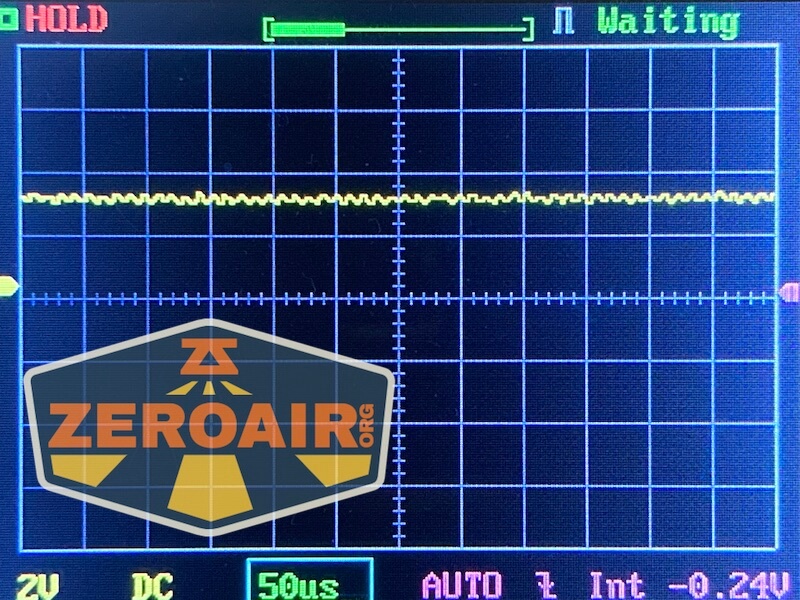


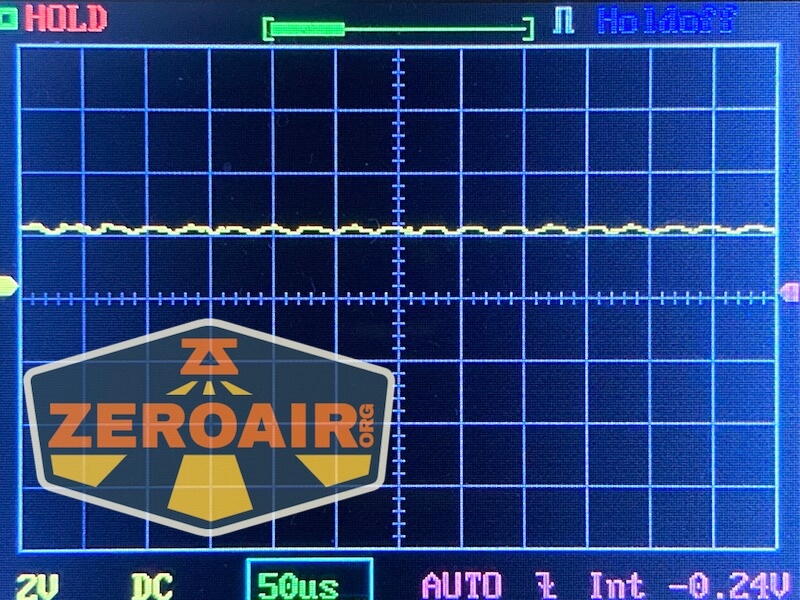


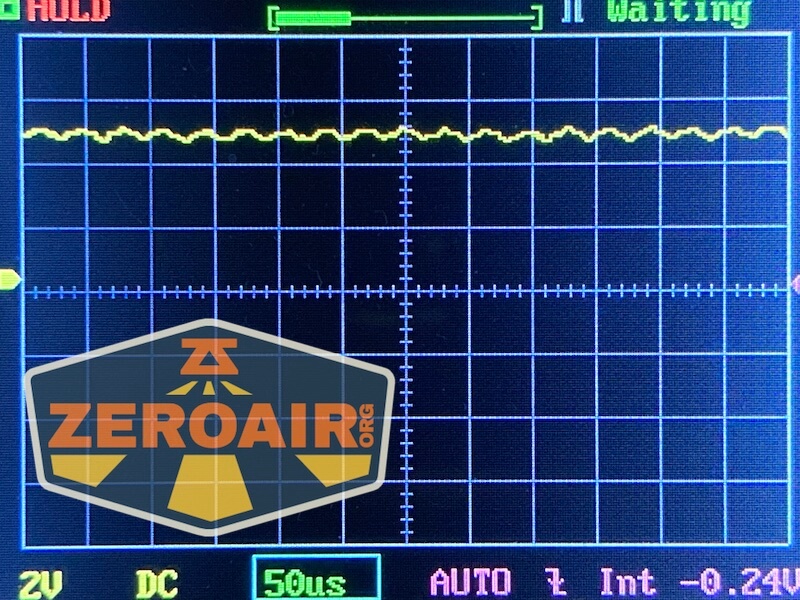
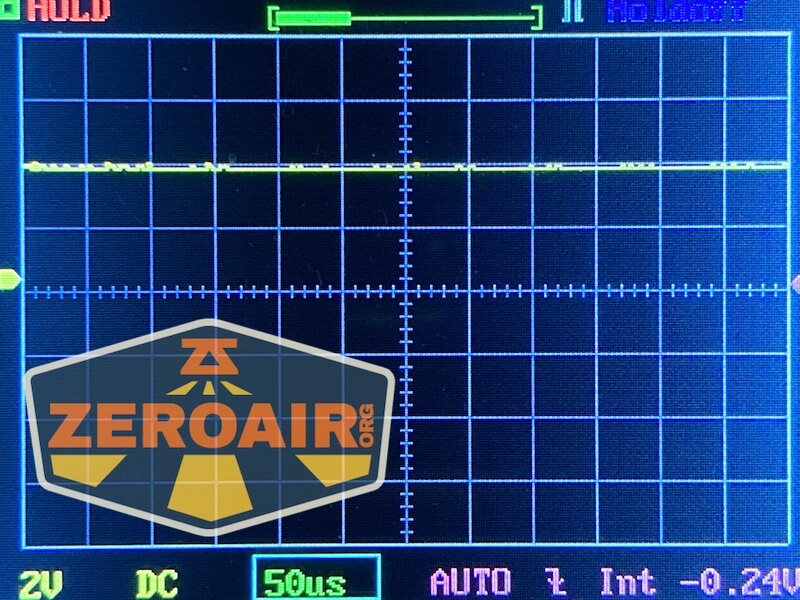
Here you can see a “baseline” – a chart with almost no light hitting the sensor.

Then there’s the Ultrafire WF-602C flashlight, which has some of the worst PWM I’ve seen. It’s so bad that I used a post about it to explain PWM! Here are multiple timescales (10ms, 5ms, 2ms, 1ms, 0.5ms, 0.2ms) to make comparing this “worst” PWM light to the test light easier. That post also explains why I didn’t test the WF-602C at the usual 50us scale.


User Interface and Operation
There are two switches on the S2 Elite. Both are e-switches. The top switch is mostly used for the control of output, while the bottom switch (the one with the locked icon) is mostly for swapping emitter selection.
They’re the same in actuation, and both are very nice switches.

One of the things I really do not enjoy about the S2 Elite is that whenever you close the tailcap, the light locks. It’s perfectly sensible! That makes the light nice and safe! But man oh man do I hate having to unlock the light every time I cycle the cells. But you might never face this, because you’ll probably just leave the cells in [always].
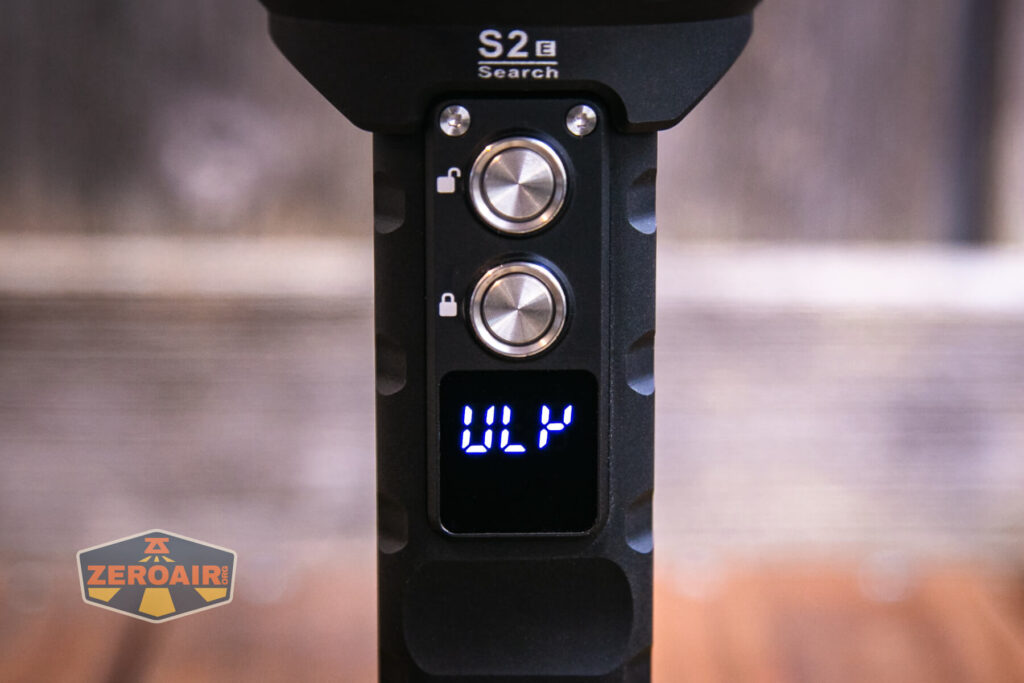
Anyway, if the light is locked, you’ll see the “LOC” at left below. Once unlocked, you’ll see the text at right “ULK.”

One thing I mentioned above about the manual is that it’s really more useful for the S2 Premium, and sort of anecdotally covers the S2 Elite. That’s largely true, but it’s also more likely that a separate manual would be useful for each light, and making just one for these disparate (but similar!) lights makes the single manual unwieldy.
The buttons are appropriately labeled “Button 1” (with the unlock icon) and “Button 2” (with the lock icon).
Here’s a user interface table! In the table below, the light is assumed to be unlocked unless otherwise stated.
| State | Action | Result |
|---|---|---|
| Locked | Hold Button 1 for 5+ seconds (seriously, at least 5 seconds. That’s longer than you think it is.) | Light is unlocked. OLED shows “ULK.” The light does not automatically turn on when unlocked. |
| Off | Hold Button 2 for 5 seconds | Light is locked. OLED displays “LOC.” |
| Locked | Hold Button 2 | Light displays “LOC” then begins counting down from 5 and shows “OK” – this switches between High Performance and Normal Battery mode. |
| Locked | Click Button 1 or 2 | Display shows “LOC.” |
| Off | Click Button 1 or 2 | Displays shows cell voltage.^ |
| Off | Hold Button 1 | Red emitter on (Mode memory). Also display shows voltage. |
| Red group on | Click Button 1 | Red modes advance (Low, High, Beacon, Flash) |
| Red group on | Hold Button 1 | Off |
| Red group on | Double Click Button 1 | White output on (mode memory) |
| On | Click Button 2 | Display shows voltage. |
| Off | Double click Button 1 | White output on (mode memory) |
| White group on | Click Button 1 | Mode advance (Low, Medium, High, Turbo) |
| White group on | Double Click Button 2 | White emitter change (Flood, Spot, Both) |
| On | Hold Button 1 | Off |
^ Voltage is displayed for a single cell. So despite these being in series (or an operating voltage max of 8.4V), the display shows half that – it would display “4.20” for example. It never reports the cumulative voltage for the two cells. (And no, the light will not operate on one cell).
LED and Beam
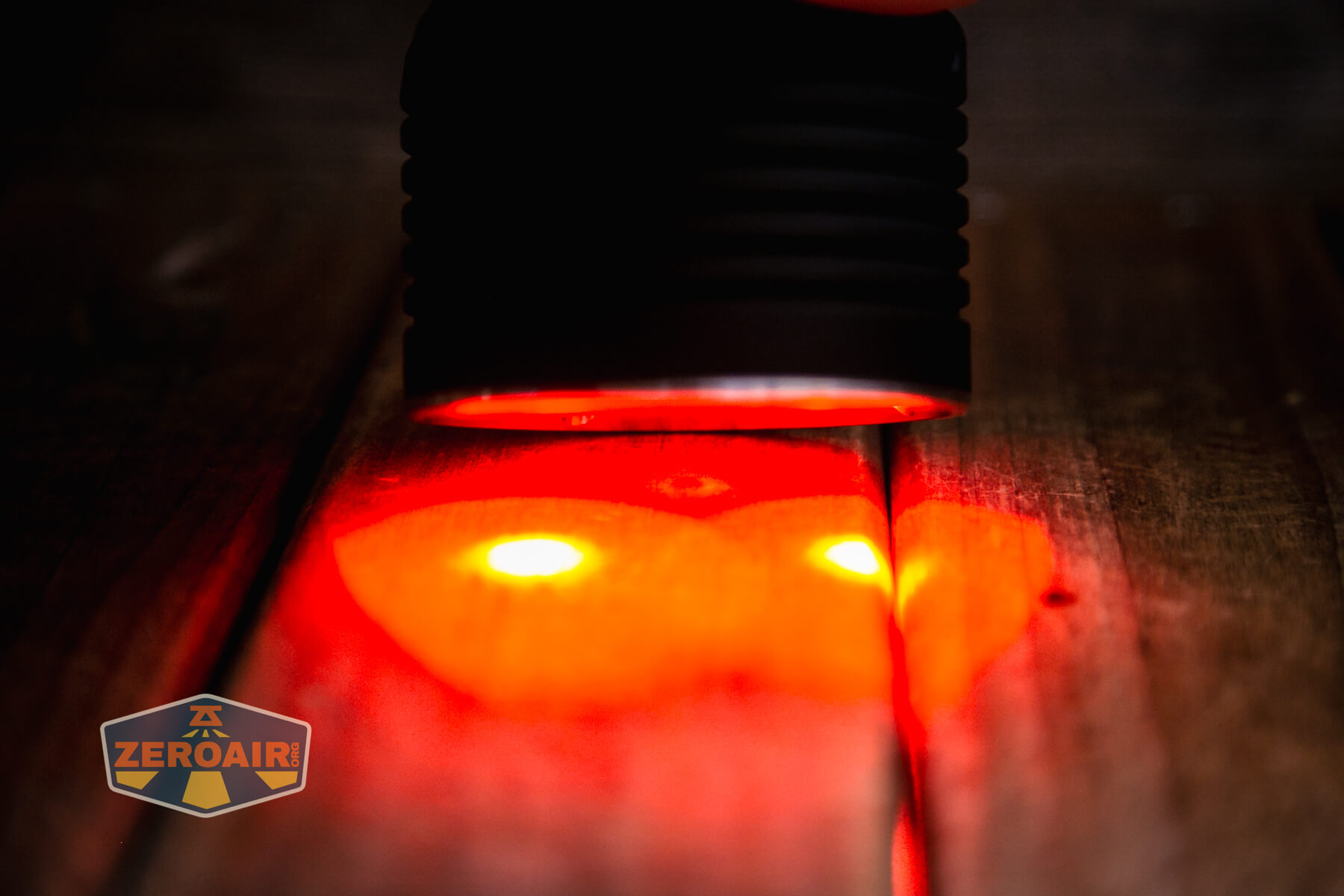
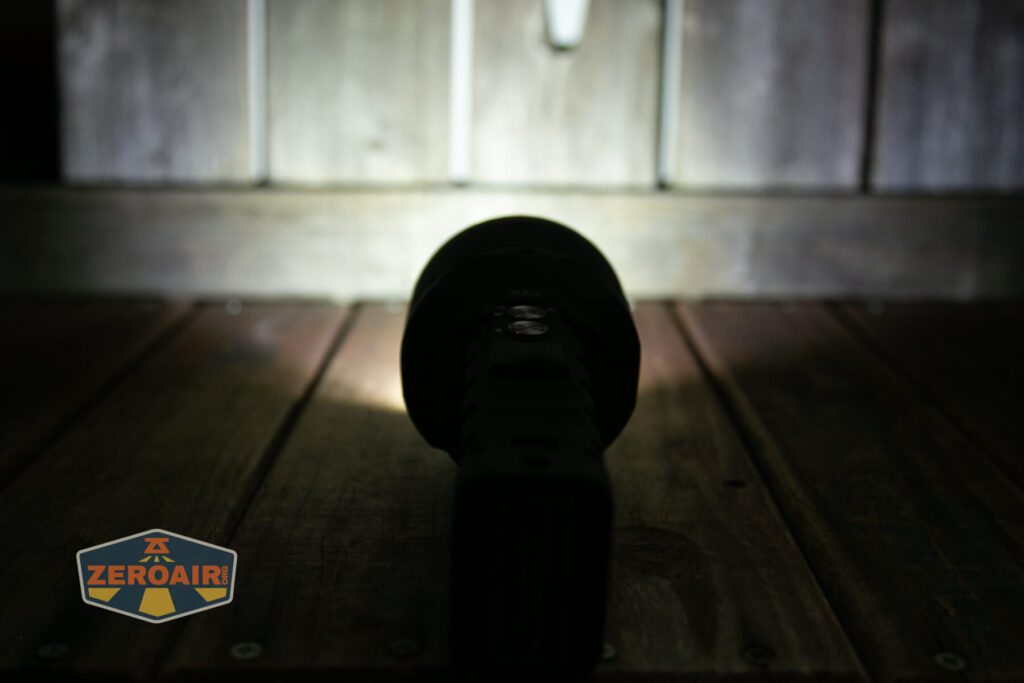
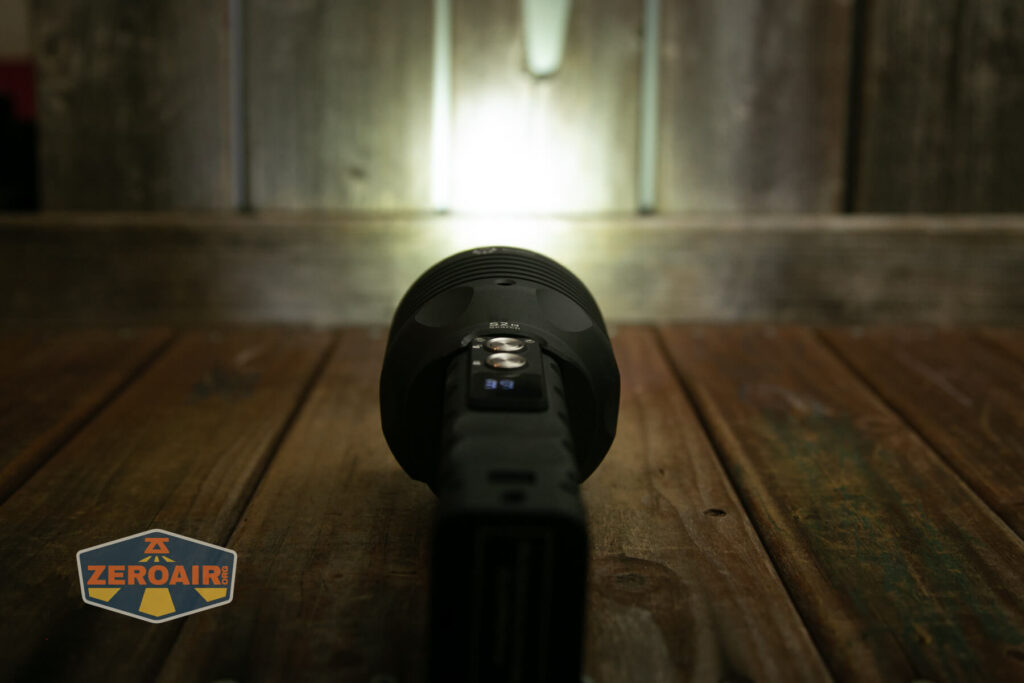
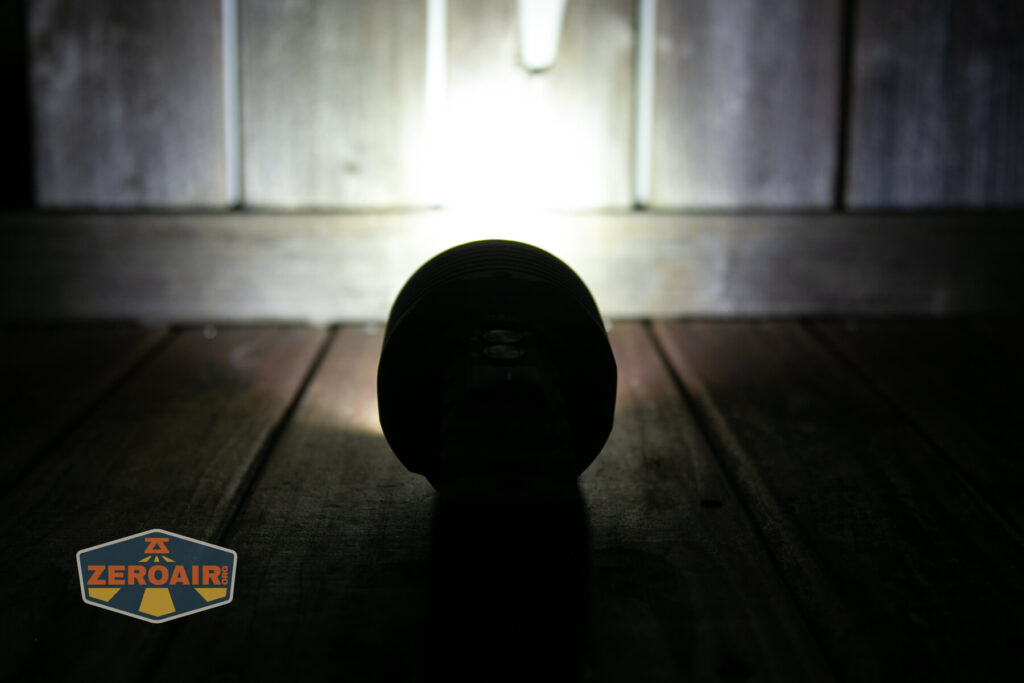
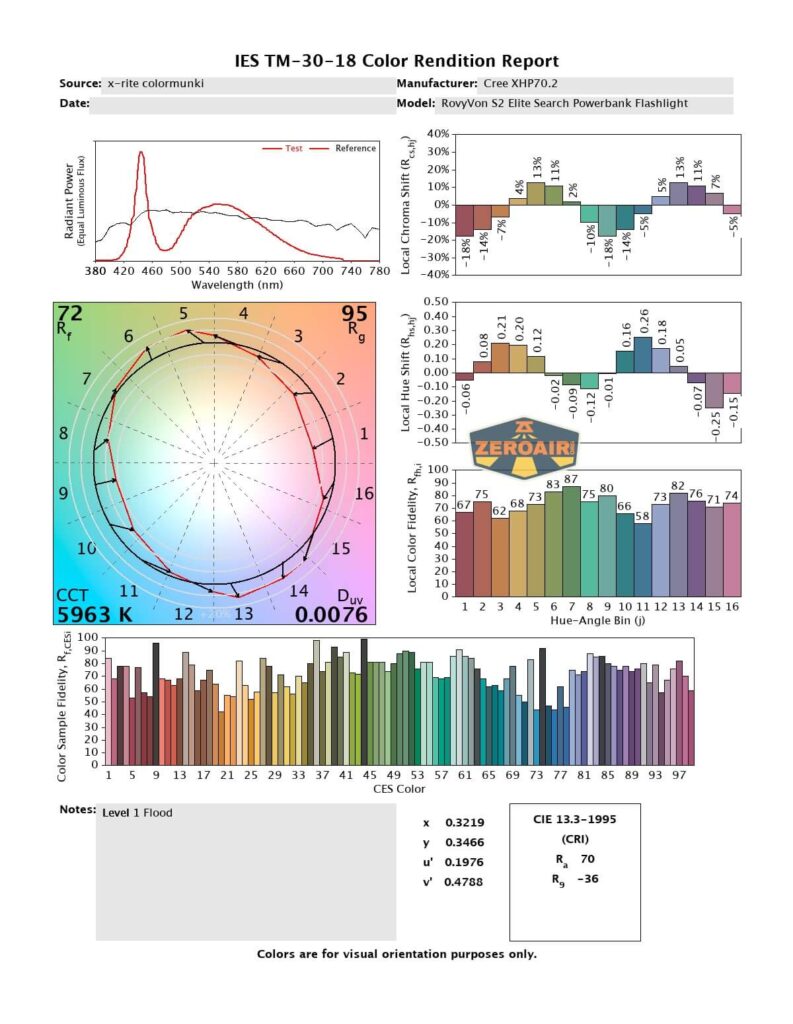
Both white emitters in the S2 Elite are Cree XHP70.2. They are cool white. Each is used quite differently and adequately demonstrates how a reflector (or lack of reflector) affects the beam. The emitter very close to the lens gives flood, while the emitter deep in a reflector throws much, much more.


The red emitters are Cree XP-E2 emitters, and there are two of those, also. They are the same depth though, and work in concert.


LED Color Report
As hard as you can guess these white emitters are driven (and mainly driven for high output anyway), it should be no surprise that they’re cool white. Very cool white, in fact, at least for the spot emitter. Because the spot emitter tended to saturate the sensor on my meter, I also included some spill data, which is much warmer (lower CCT).


Beamshots
These beamshots always have the following settings: f8, ISO100, 0.3s shutter, and manual 5000K exposure. These photos are taken at floor level, and the beam hits the ceiling around 9 feet away.





Tint vs BLF-348 (KillzoneFlashlights.com 219b version) (affiliate link)
I keep the test flashlight on the left and the BLF-348 reference flashlight on the right.





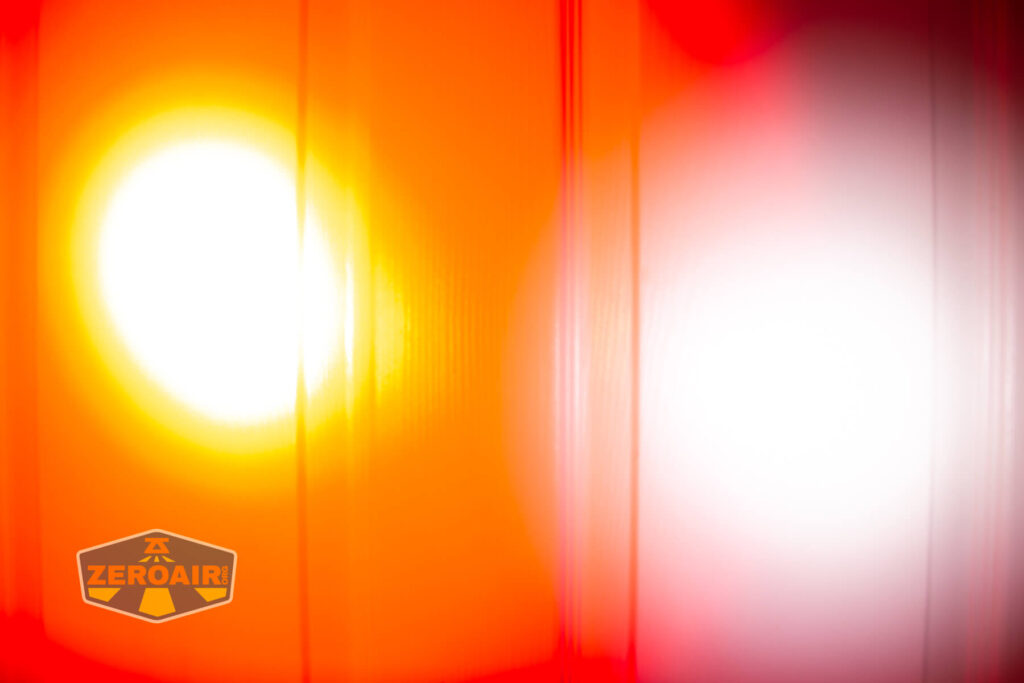
I compare everything to the KillzoneFlashlights.com 219b BLF-348 because it’s inexpensive and has the best tint!
Conclusion
What I like
- Great build quality
- Hilariously strong magnets
- Multiple tripod mounts
- Great (high!) output
- Versatile output (throw and flood, as well as a secondary color)
- Fairly intuitive user interface
- Very good powerbank performance (at least 2.2A output is available)
- Charging works well too, at 5V, 9V, or 12V
- Honestly fairly reasonable price for what all is on offer
What I don’t like
- Weird experience once light turns off due to low voltage protection
- Very cool white output
- Fancy OLED display doesn’t really add all that much use to the light
- The display only gives a notification that you have switched between high performance and normal mode, but does not say which mode you are in. This is a huge flaw.
This same light with a Cree XHP70.3 HI in a warmer white CCT for throw and maybe something that’s not so cool white for the flood would be fun.
Notes
- This content originally appeared at zeroair.org. Please visit there for the best experience!
- For flashlight-related patches, stickers, and gear, head over to PhotonPhreaks.com!
- Please use my Amazon.com referral link to help support zeroair.org!
- Please support me on Patreon! I deeply appreciate your support!