

Nitecore NU31 Headlamp Review
Nitecore introduced the Nitecore NU31 headlamp, a headlamp with two white emitters (one for throw and one with higher CRI) and one red emitter. The NU31 has USB-C charging, too!
Official Specs and Features
Here’s a link to the Nitecore NU31 headlamp product page.
Versions
There’s just one version of the Nitecore NU31 headlamp but it’s available in three body colors: blue, gray, and orange (seen here.) They all have the same emitter options.
Price
The Nitecore NU31 headlamp sells for an MSRP of $39.95 and is available now at nitecorestore.com.
Short Review
One important point to note about the NU31 is something that you might not see til later in the product literature – the housing is metal! That’s a pretty important feature because so many headlamps that have this general style are plastic (and often low quality.) Well, the NU31 is metal and has a very high-quality feel. It’s also feature-rich, with three emitters (each with a very specific ability) as well as USB-C charging. The battery is built-in and not user serviceable, though.
Long Review
The Big Table
| Nitecore NU31 headlamp | |
|---|---|
| Emitter: | (Main) |
| Price in USD at publication time: | $39.95 |
| Cell: | Internal |
| Runtime Graphs | |
| LVP? | ? |
| Switch Type: | E-Switch |
| Quiescent Current (mA): | ? |
| On-Board Charging? | Yes |
| Charge Port Type: | USB-C |
| Charge Graph | |
| Power off Charge Port | All modes except highest two main modes |
| Claimed Lumens (lm) | 550 |
| Measured Lumens (at 30s) | 533 (96.9% of claim)^ |
| Candela per Lumen | 11.45 |
| Claimed Throw (m) | 145 |
| Candela (Calculated) in cd (at 30s) | 293lux @ 4.68m = 6417cd |
| Throw (Calculated) (m) | 160.2 (110.5% of claim)^ |
| Claimed CCT | – |
| Measured CCT Range (K) | 5400-5900 Kelvin |
| Item provided for review by: | NitecoreStore.com |
| All my Nitecore reviews! | |
| Nitecore NU31 headlamp | |
|---|---|
| Emitter: | (Flood white) |
| Price in USD at publication time: | $39.95 |
| Cell: | Internal |
| On-Board Charging? | Yes |
| Charge Port Type: | USB-C |
| Claimed Lumens (lm) | 50 |
| Measured Lumens (at 30s) | 53 (106% of claim)^ |
| Candela per Lumen | 1.67 |
| Claimed Throw (m) | – |
| Candela (Calculated) in cd (at 30s) | 24lux @ 1.817m = 79cd |
| Throw (Calculated) (m) | 17.8 |
| Claimed CCT | – |
| Measured CCT Range (K) | 4400 Kelvin |
| Item provided for review by: | NitecoreStore.com |
| All my Nitecore reviews! | |
^ Measurement disclaimer: Testing flashlights is my hobby. I use hobbyist-level equipment for testing, including some I made myself. Try not to get buried in the details of manufacturer specifications versus measurements recorded here; A certain amount of difference (say, 10 or 15%) is perfectly reasonable.
What’s Included

- Nitecore NU31 headlamp
- Charging cable (USB to USB-C)
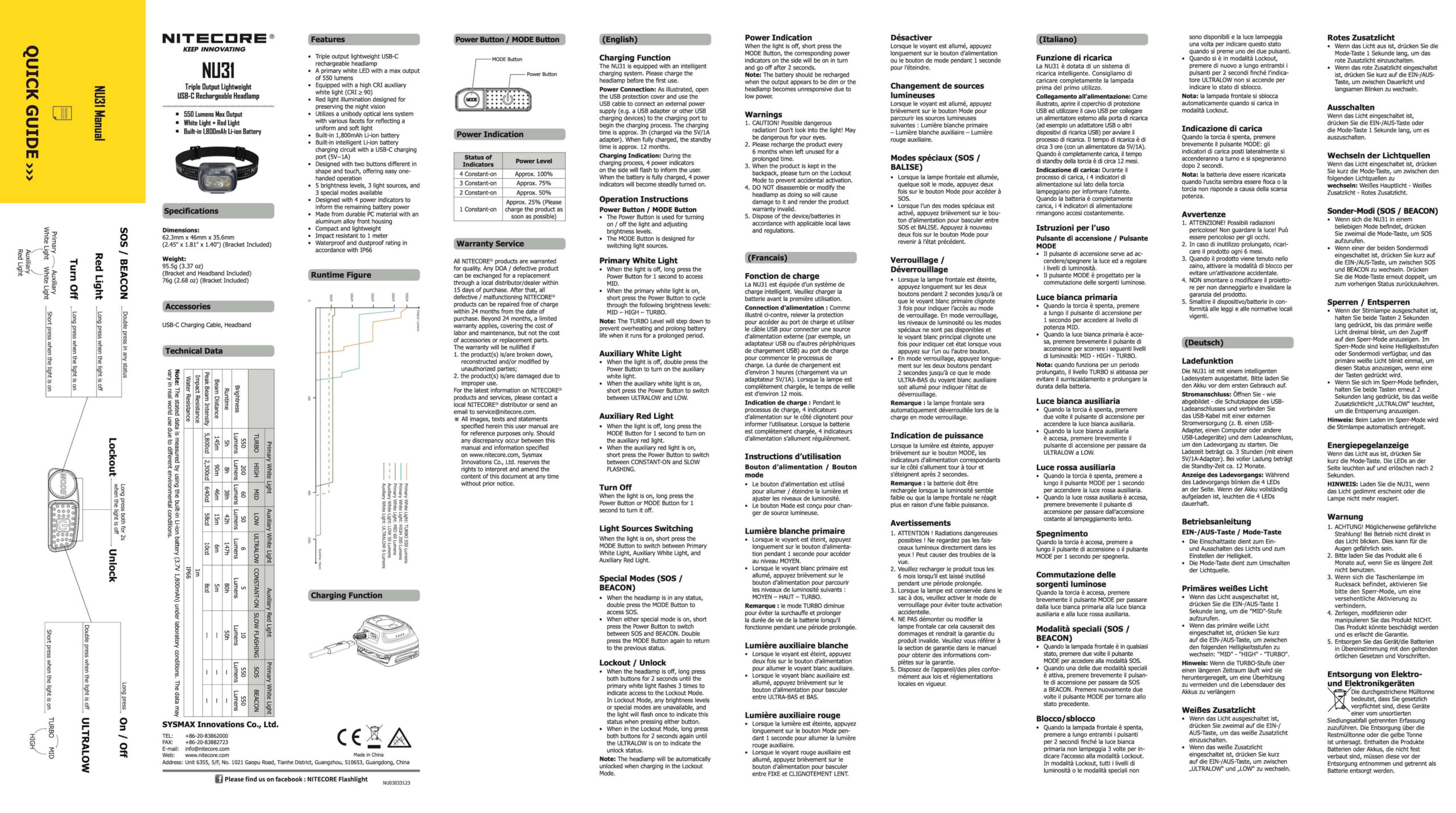
- Manual
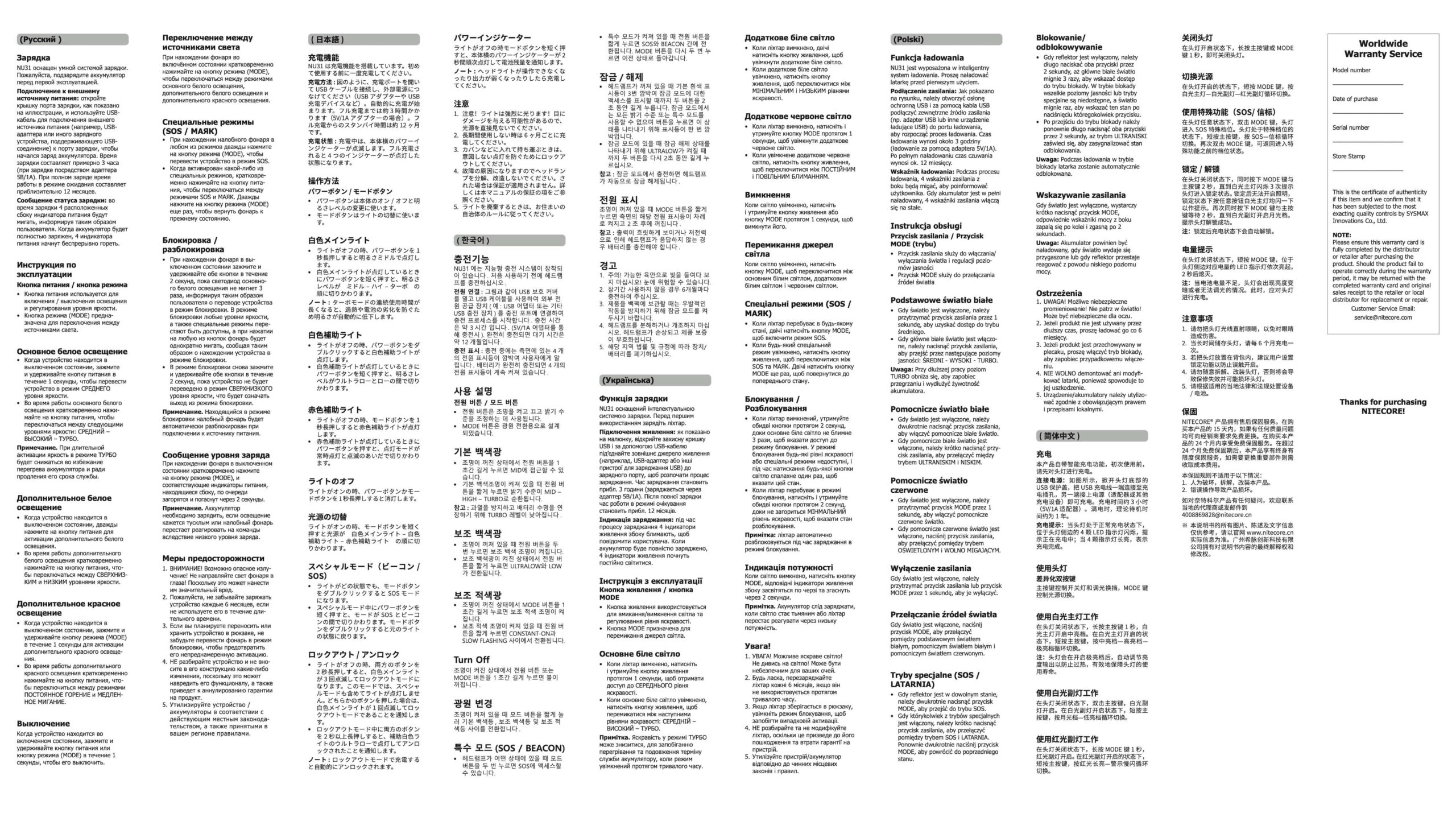
Package and Manual

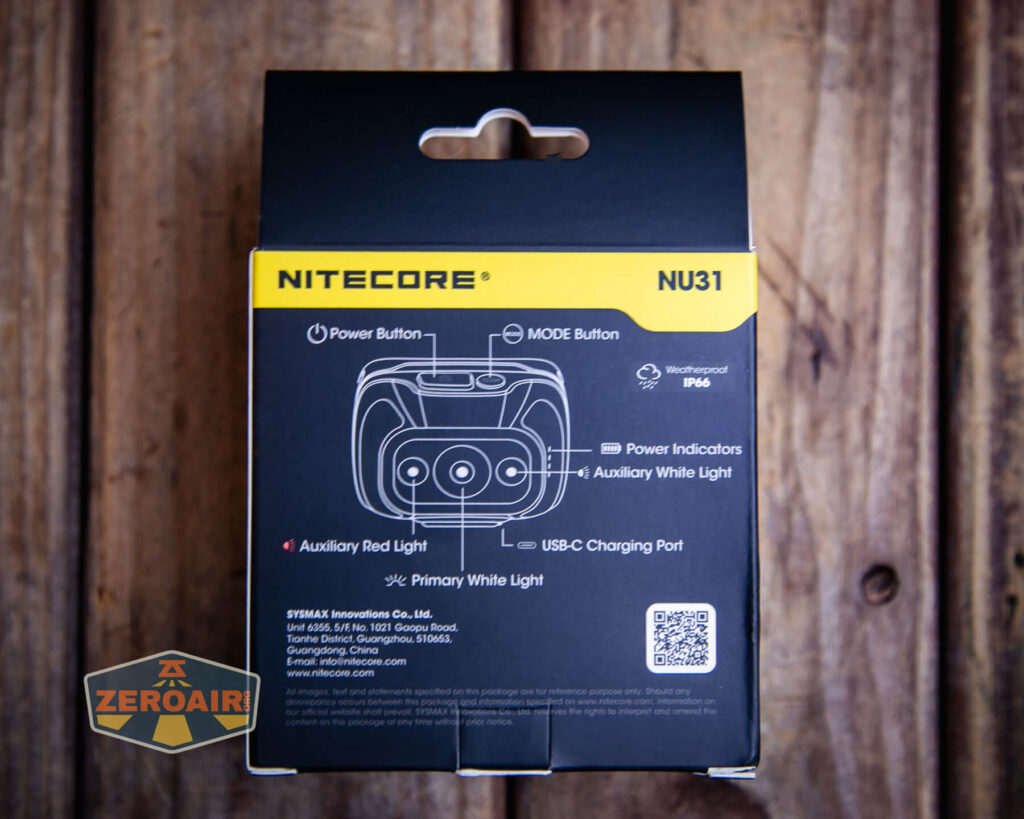
The lens ships with a cover (seen below) that you should remove.

Build Quality and Disassembly
Again, don’t sleep on the fact that the body of this headlamp is metal! Nitecore calls it an “aerodynamic unibody… aero-grade aluminum housing.” It’s also orange, which obviously makes it the best.
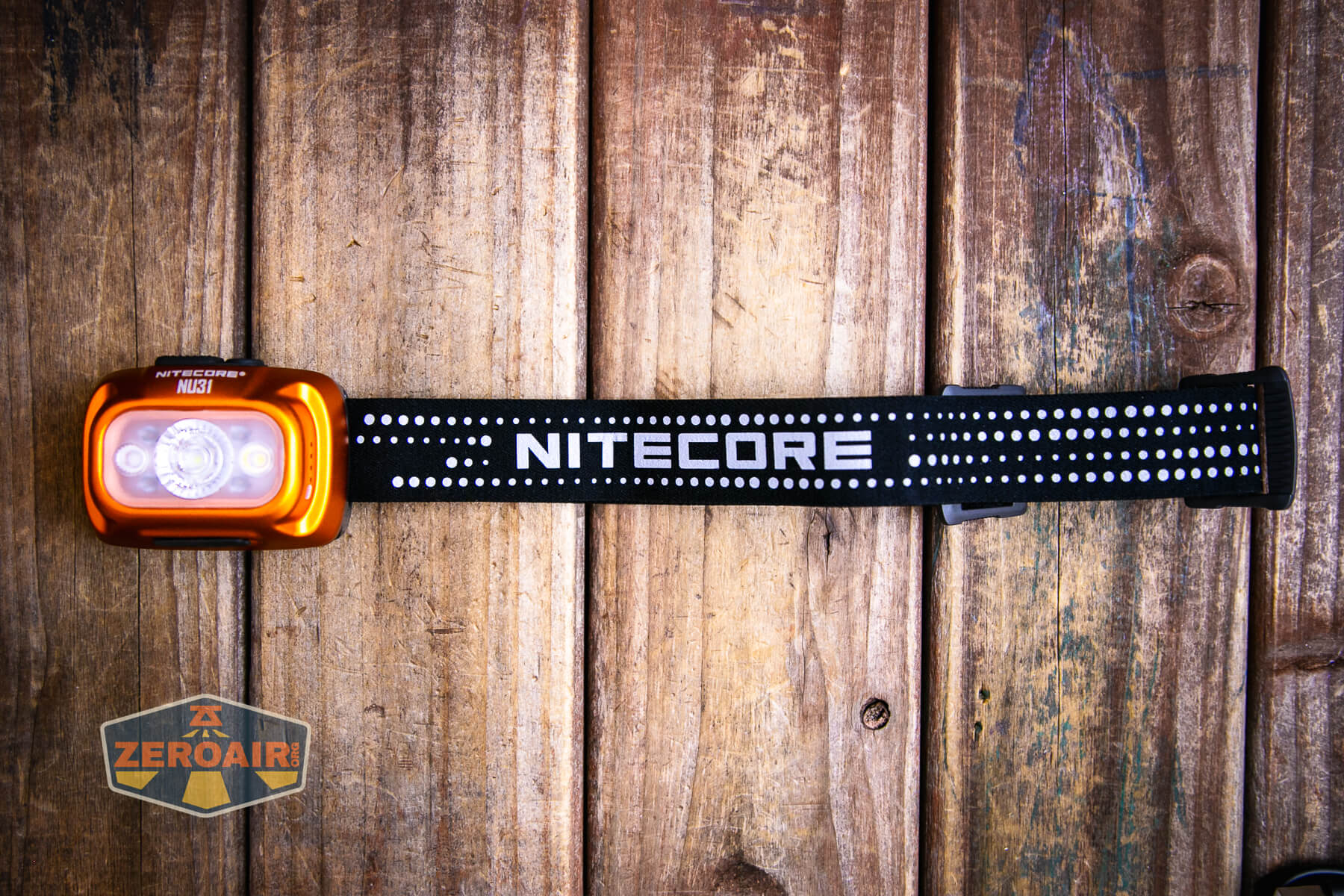
The NU31 ships already attached to the headband. This makes it basically ready to go out of the box, which is nice.
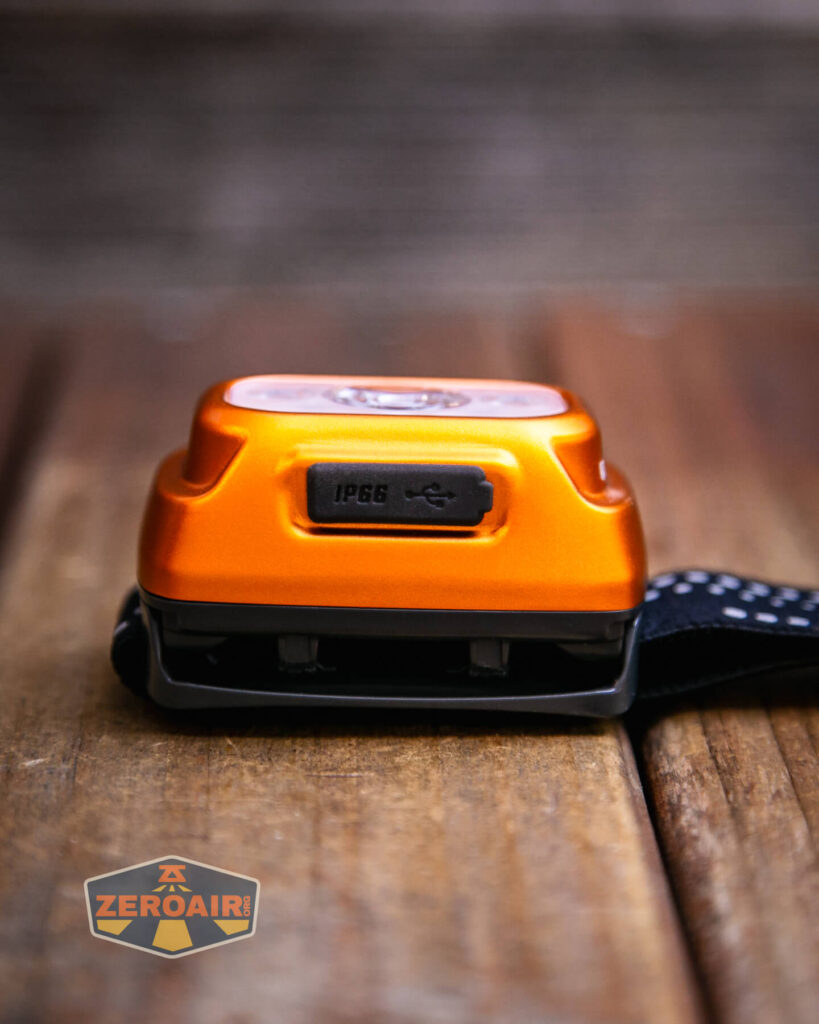
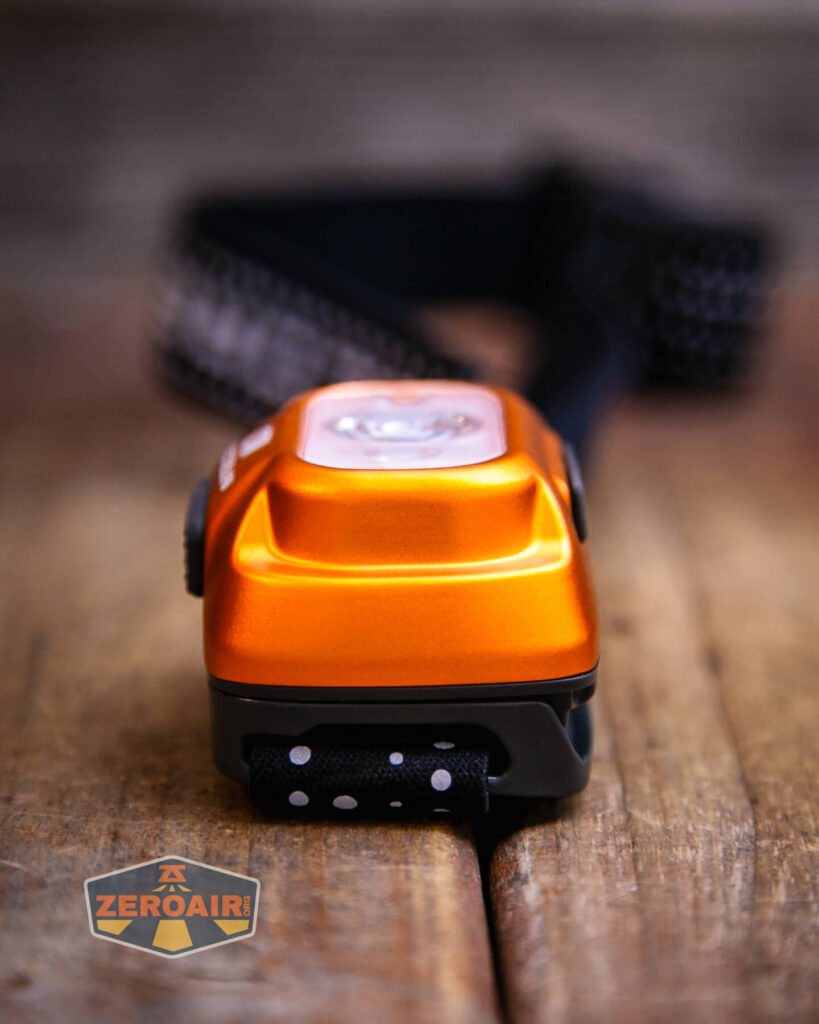
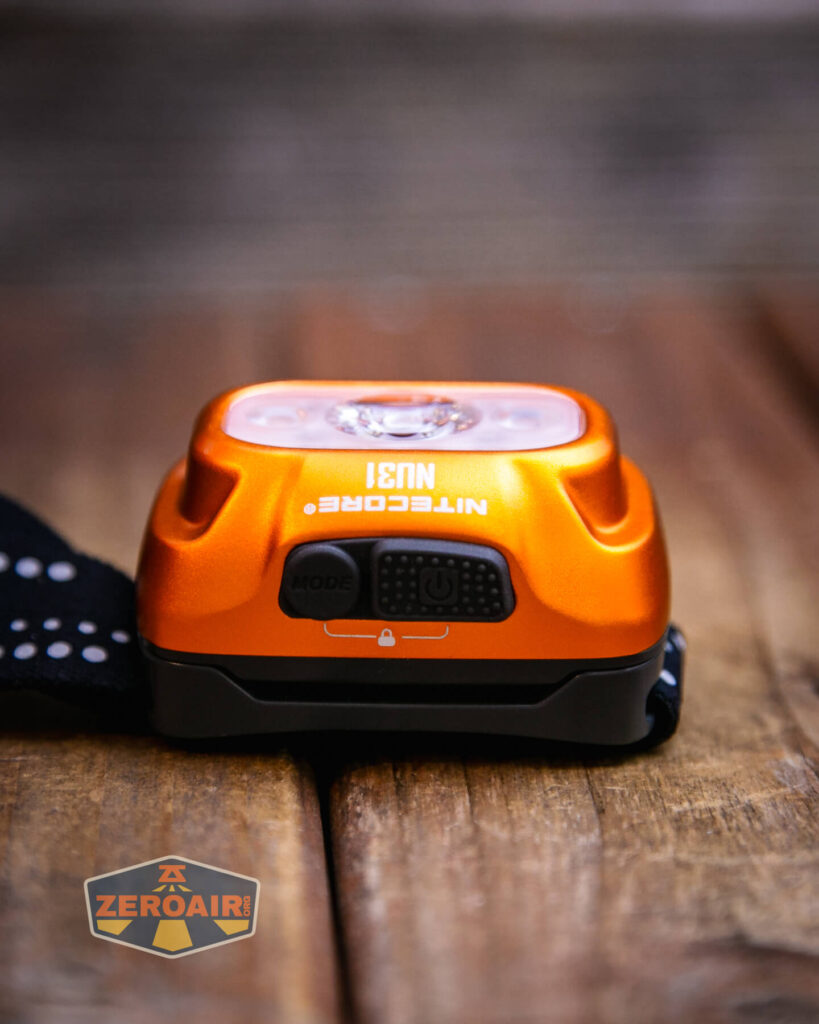
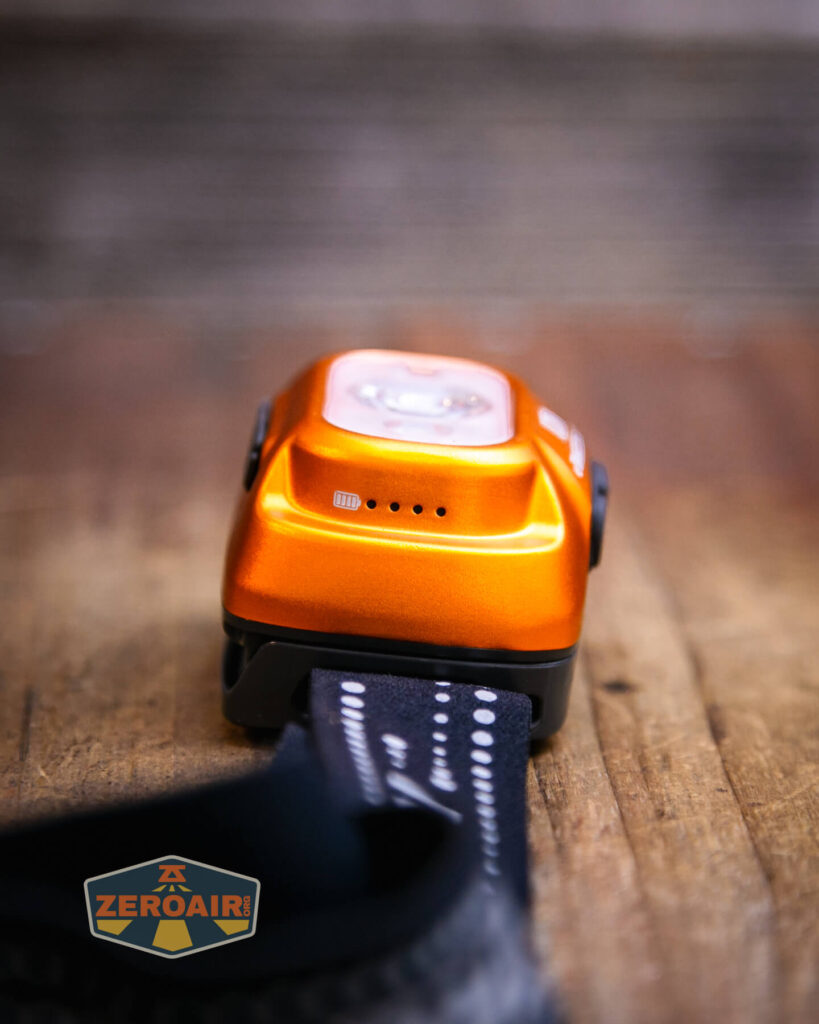
There’s a good bit of tilt available. In fact, when the light is attached to your head, the headlamp can be tilted far enough to point directly to your nose. It’s a good feature for reading maps or whatever.
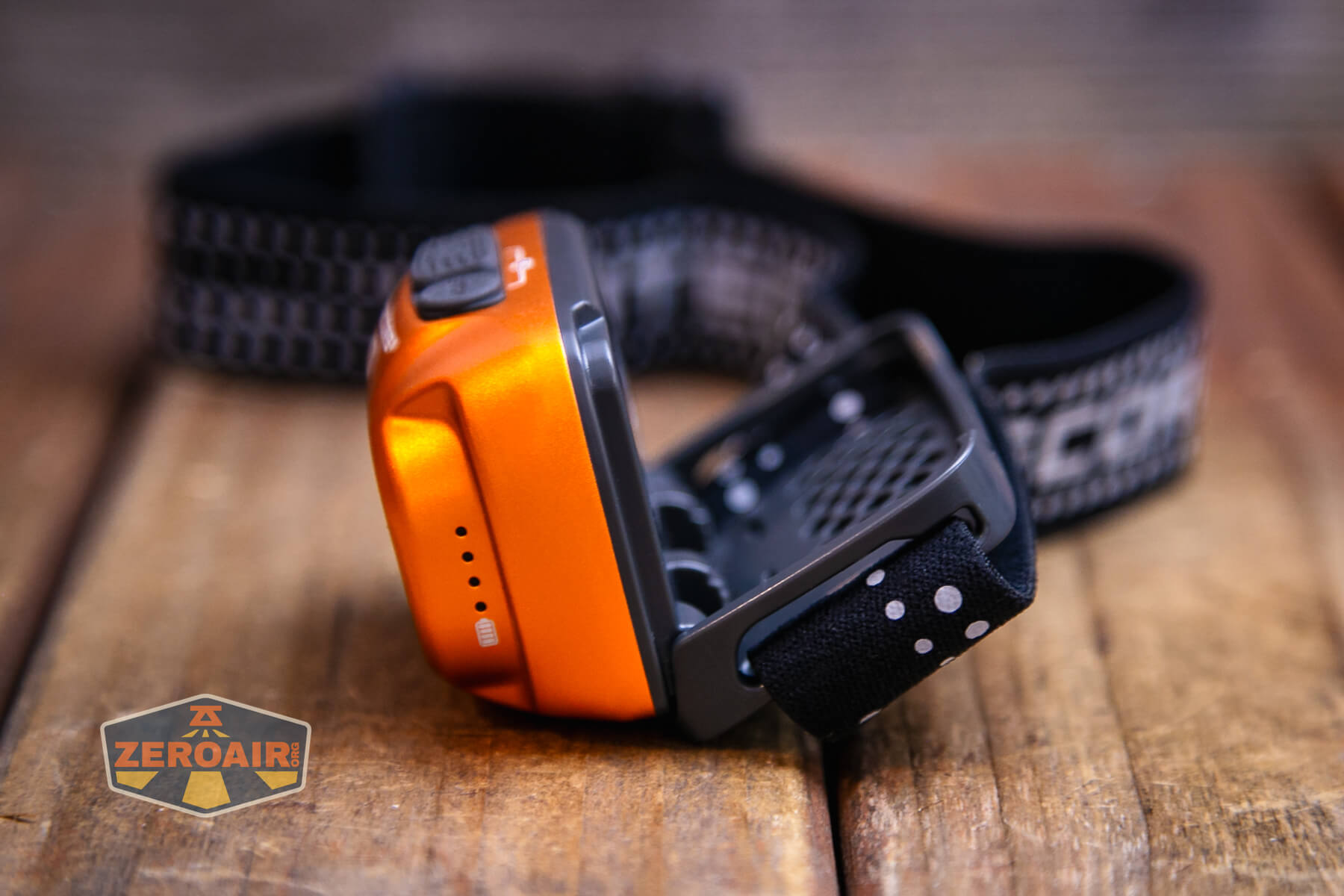

It’s possible to remove the body from the headband, but there’s not much point since the NU31 is very much a headlamp.

Size and Comps
Dimensions L-2.45″xW-1.81″xH-1.4″
Weight 3.37oz
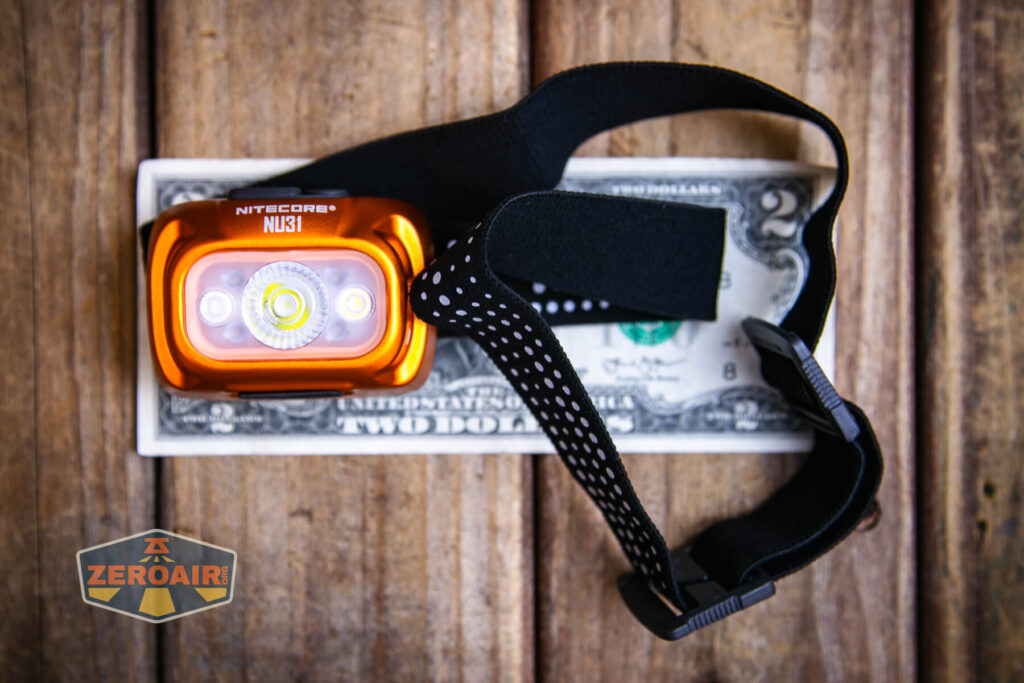
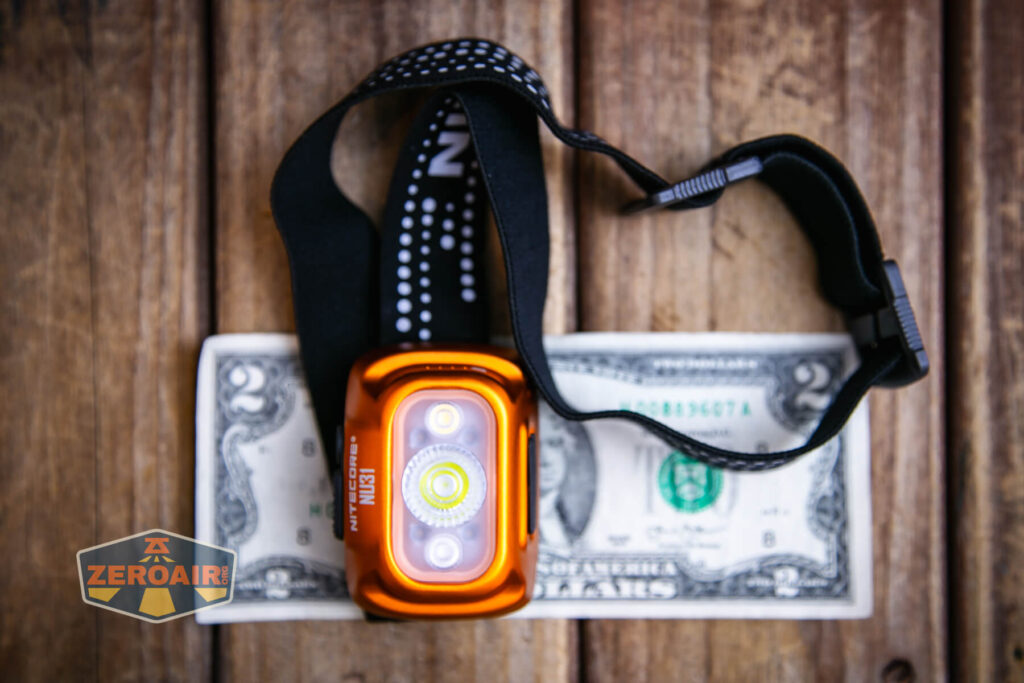
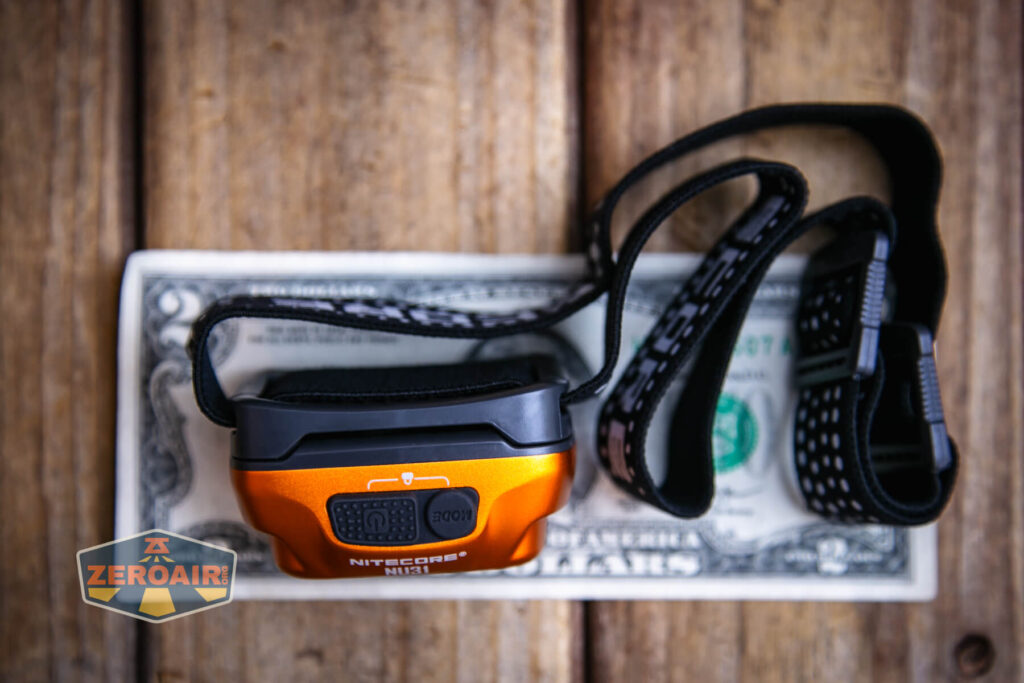
If the flashlight will headstand, I’ll show it here (usually the third photo). If the flashlight will tailstand, I’ll also show that (usually in the fourth photo).

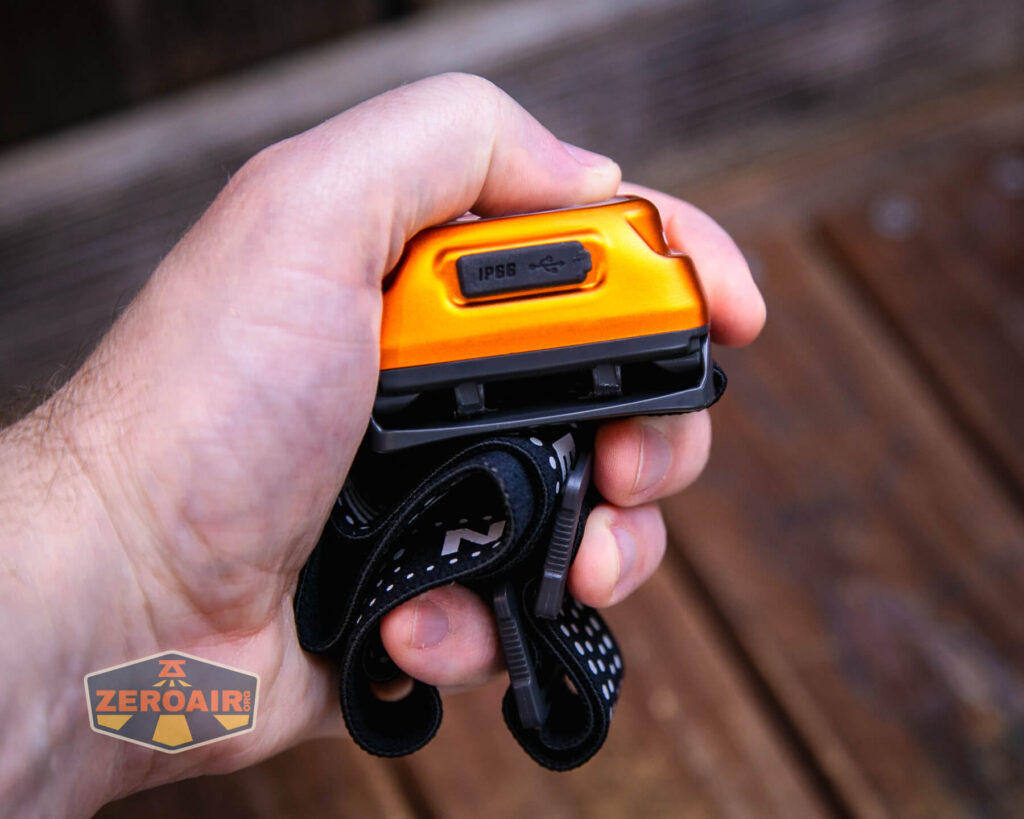
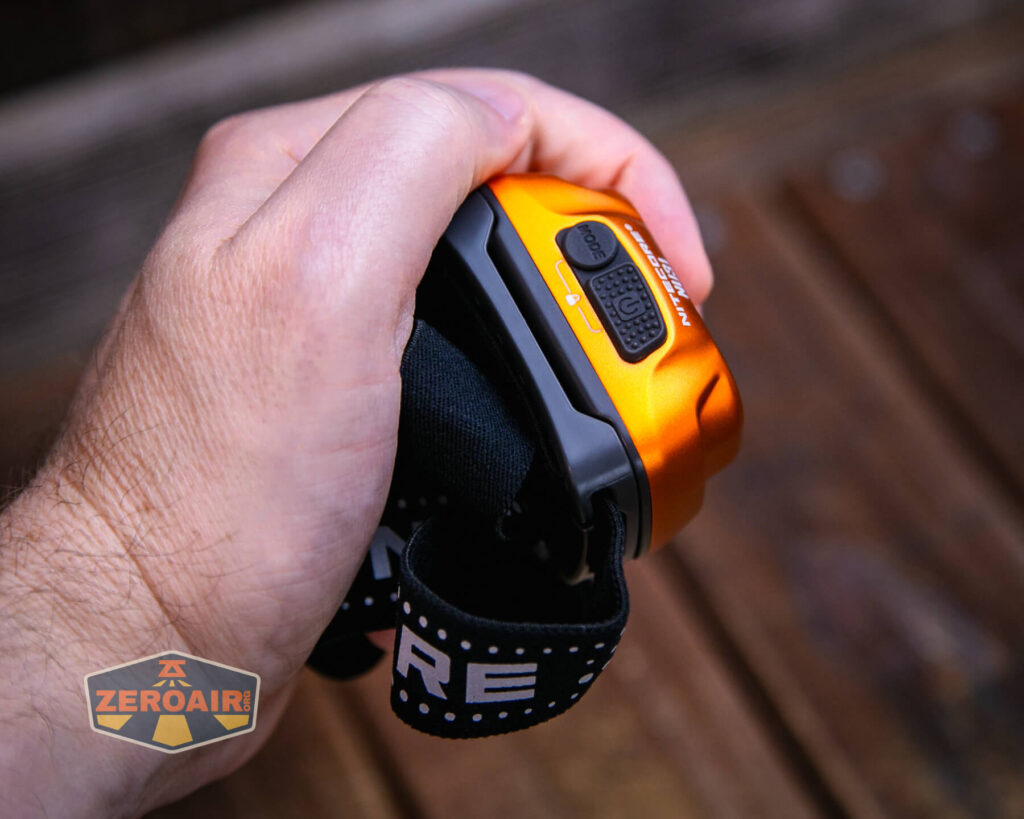
Here’s the test light with the venerable Convoy S2+. Mine’s a custom “baked” edition Nichia 219b triple. A very nice 18650 light.
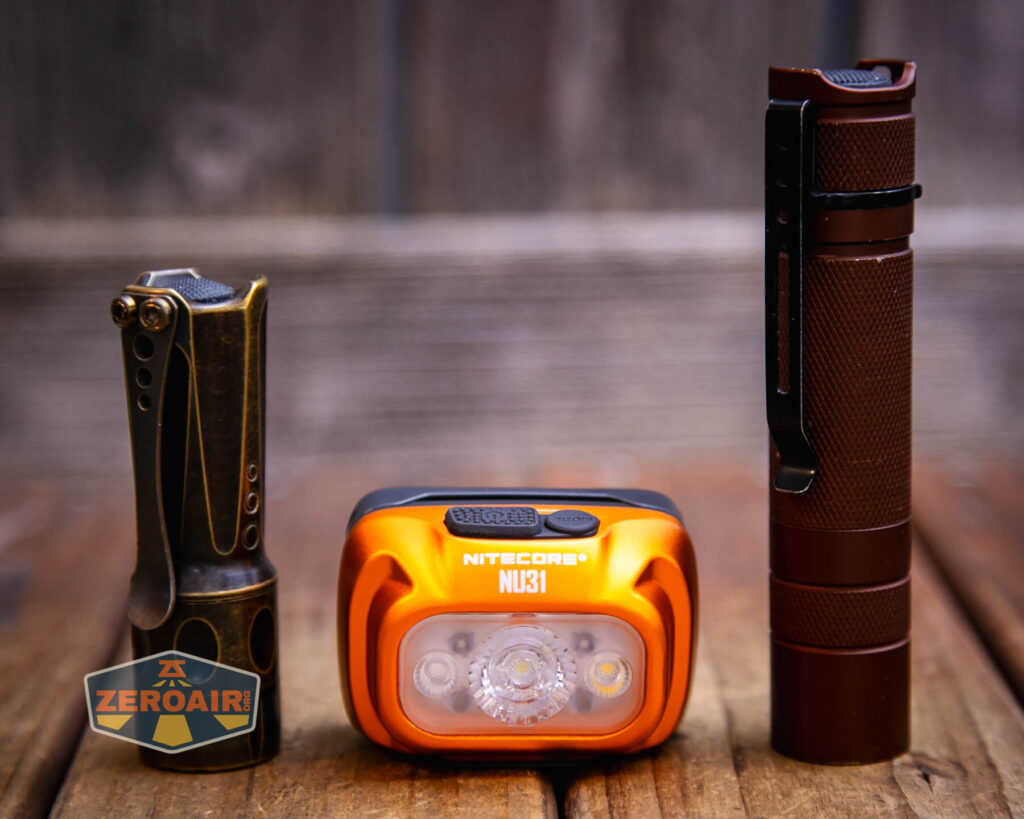
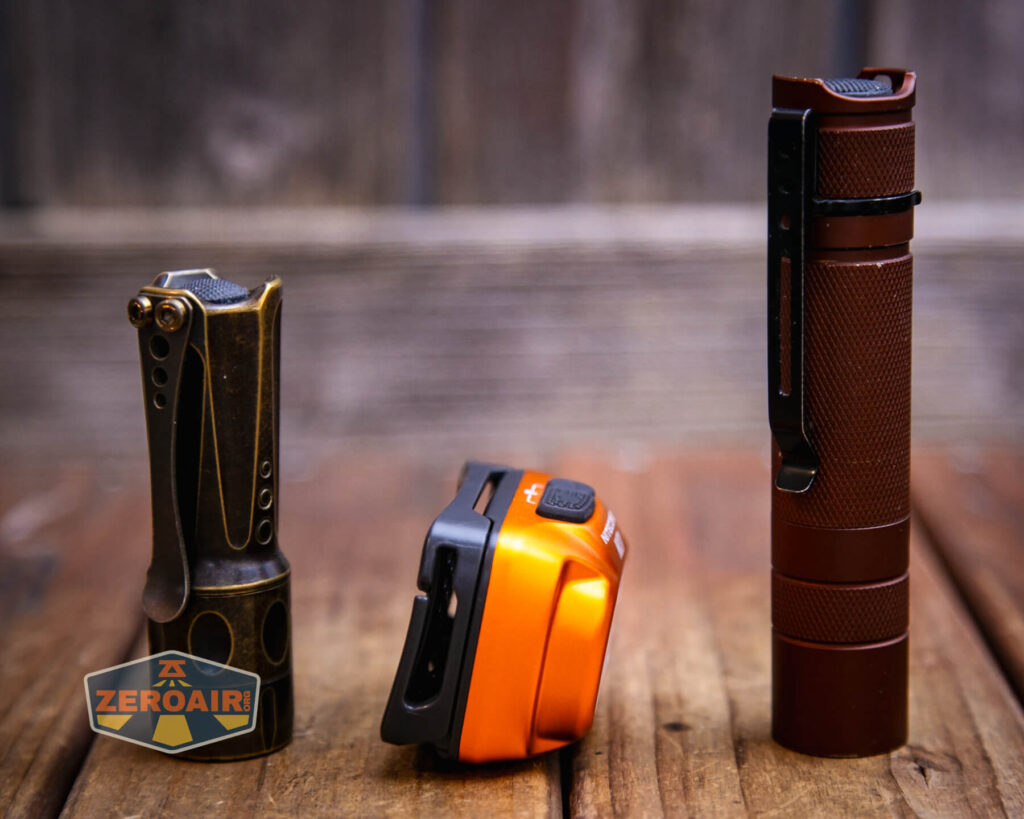
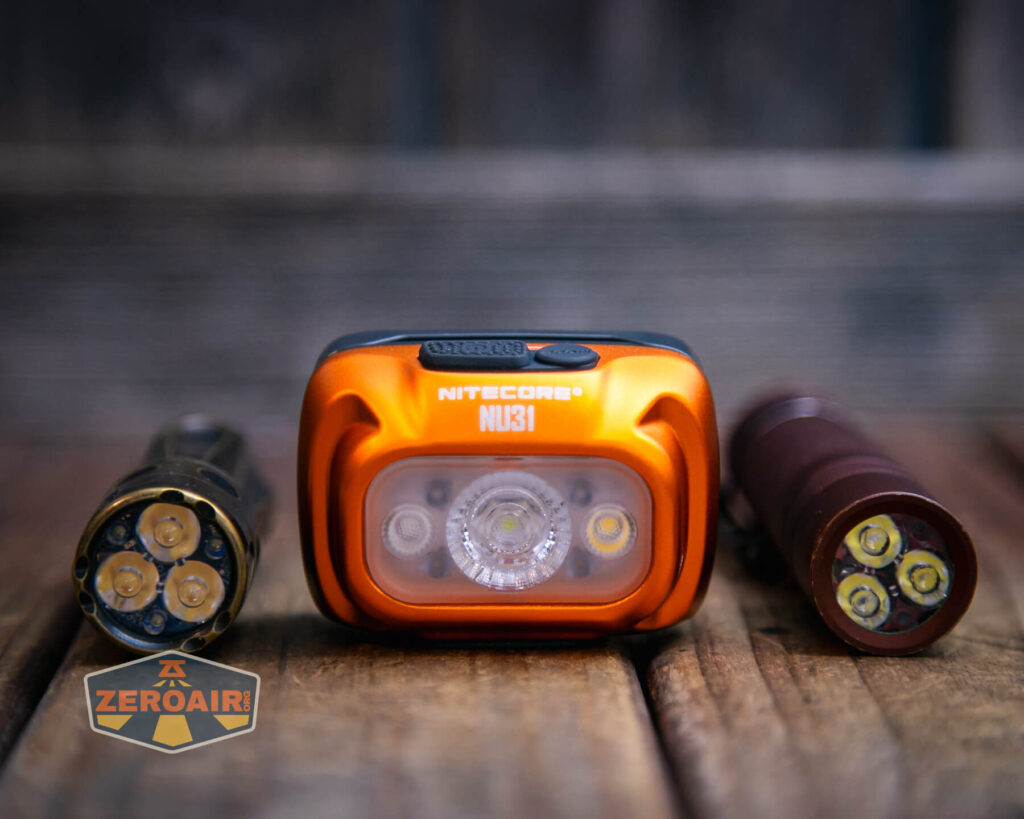
Also above is the light beside my custom-engraved TorchLAB BOSS 35, an 18350 light. I reviewed the aluminum version of that light in both 35 and 70 formats. I also reviewed that specific edition, the “Oveready BOSS FT Collector Vintage Brass” 35. I love it!
Retention and Carry
Again, this is really a headlamp and only a headlamp. There’s no other way to carry the NU31 except the included headband.
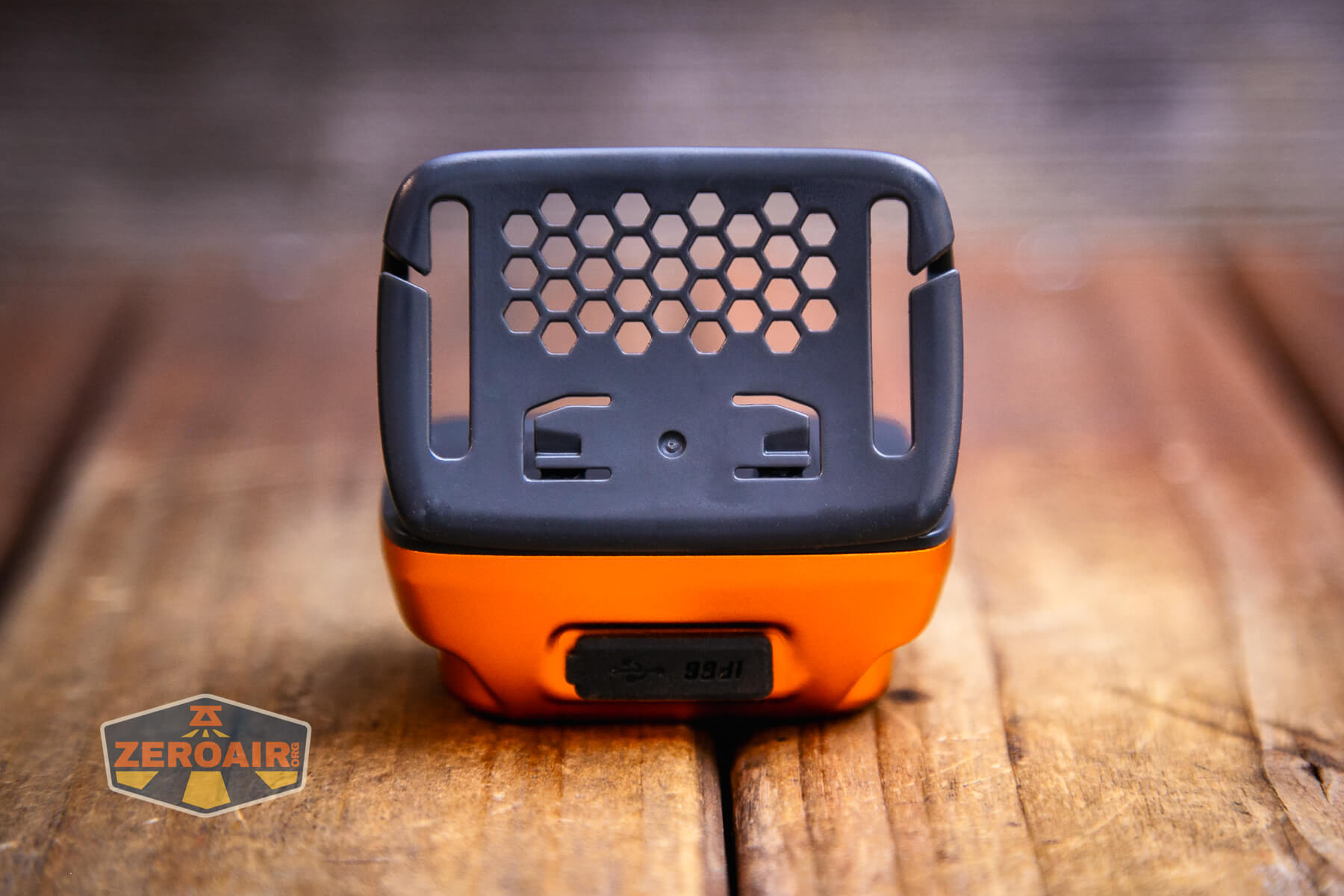
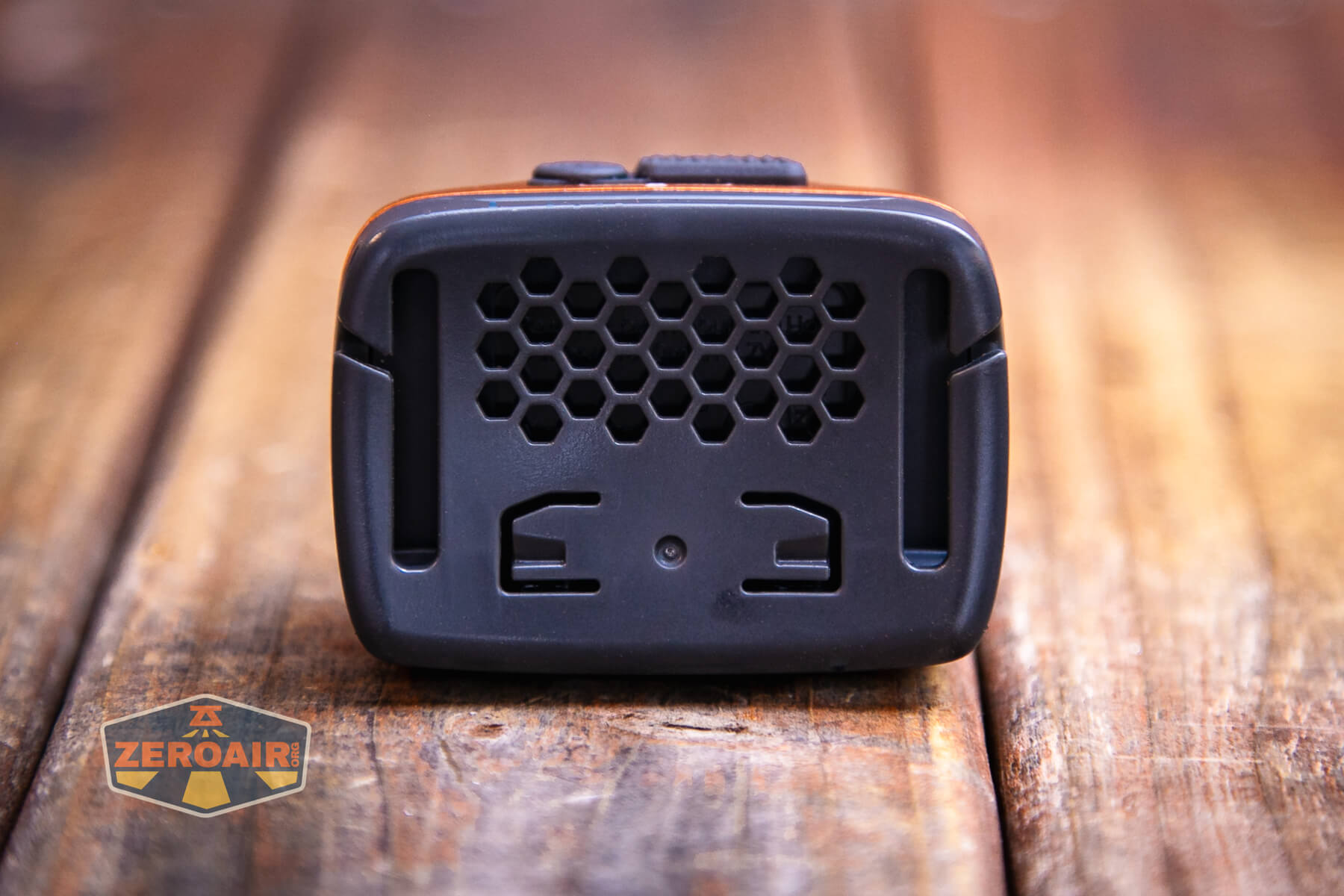
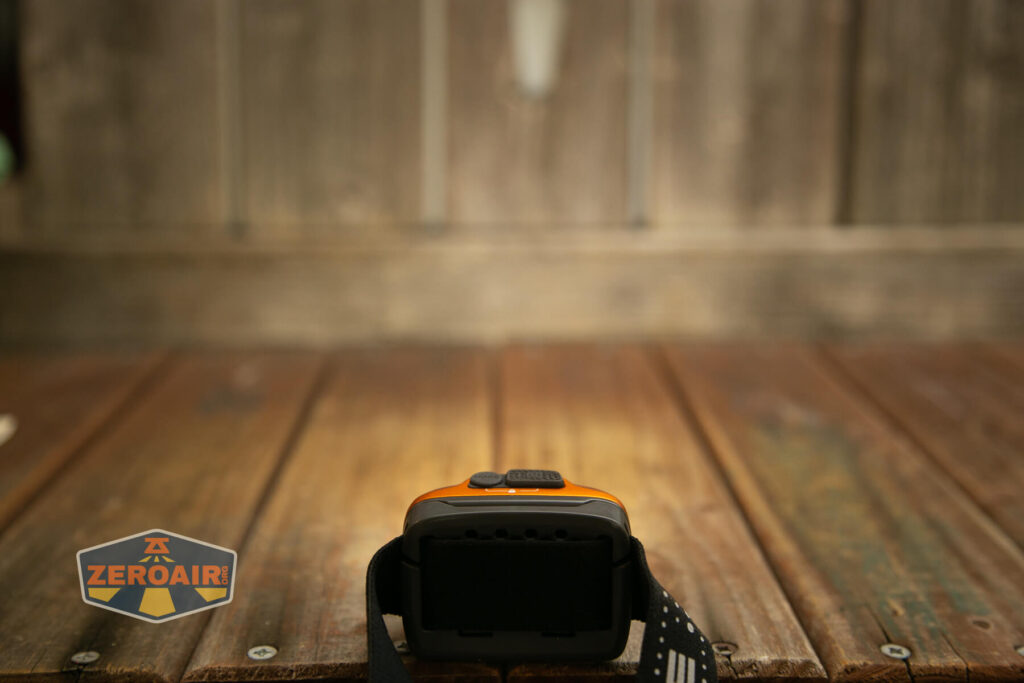
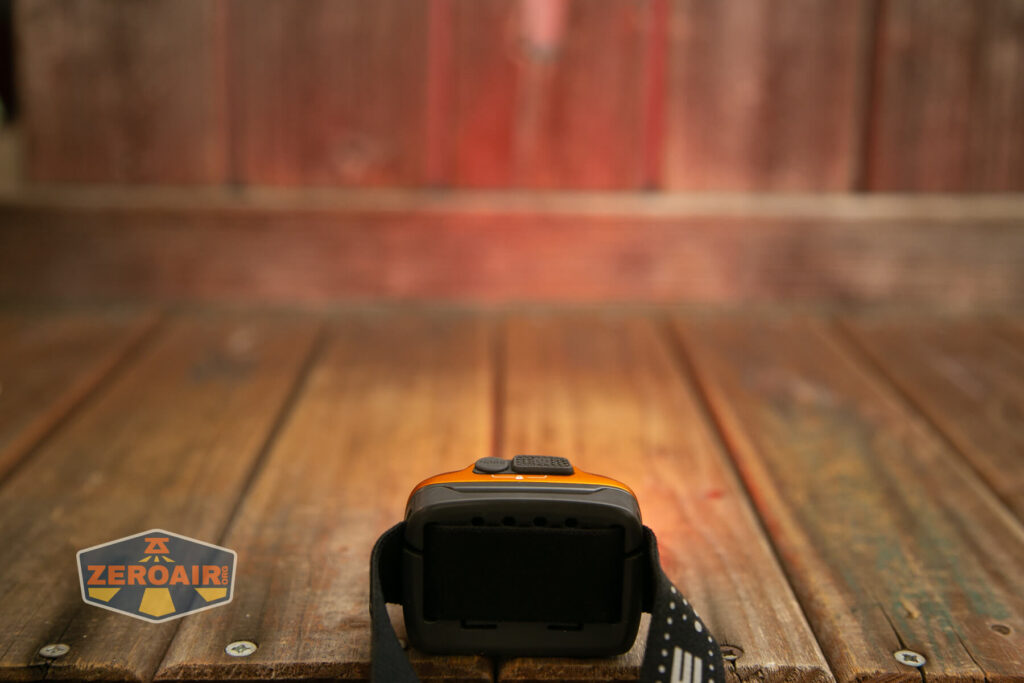
The headband is nice and offers only an around (not over) the head connection. It’s a stretchy band, and the plastic back of the headlamp has hexagon cutouts that help dissipate heat (and maybe sweat).

The headband is very adjustable, too.
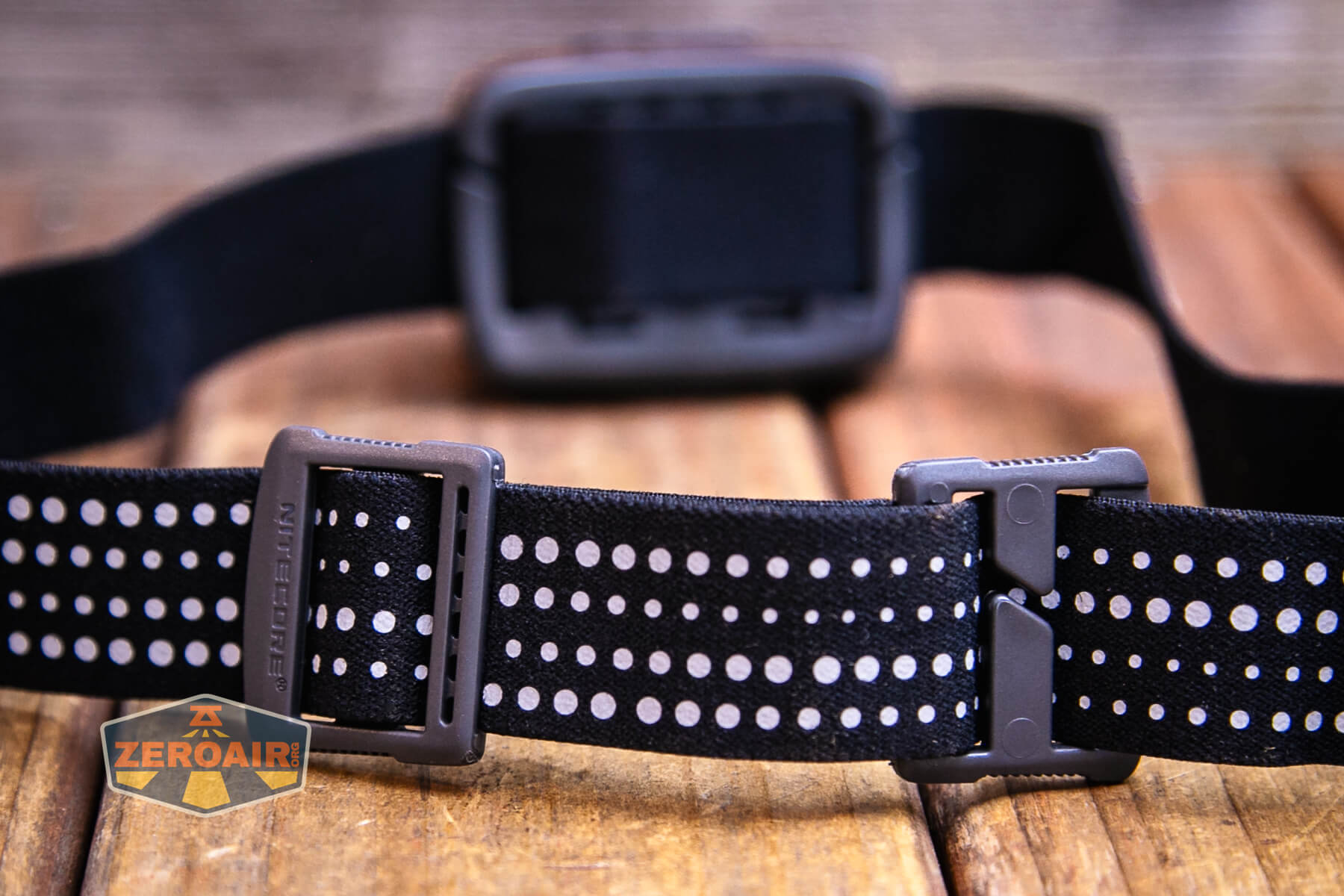
Here’s a better look at the hexagon cutouts.
Power and Runtime
Built into the Nitecore NU31 headlamp is a 1800mAh LiPO pouch cell battery that is charged via USB-C. The battery is not replaceable.
Below are a couple of runtimes. Modes past these highest two are very long – 38 hours or more, so were not tested.
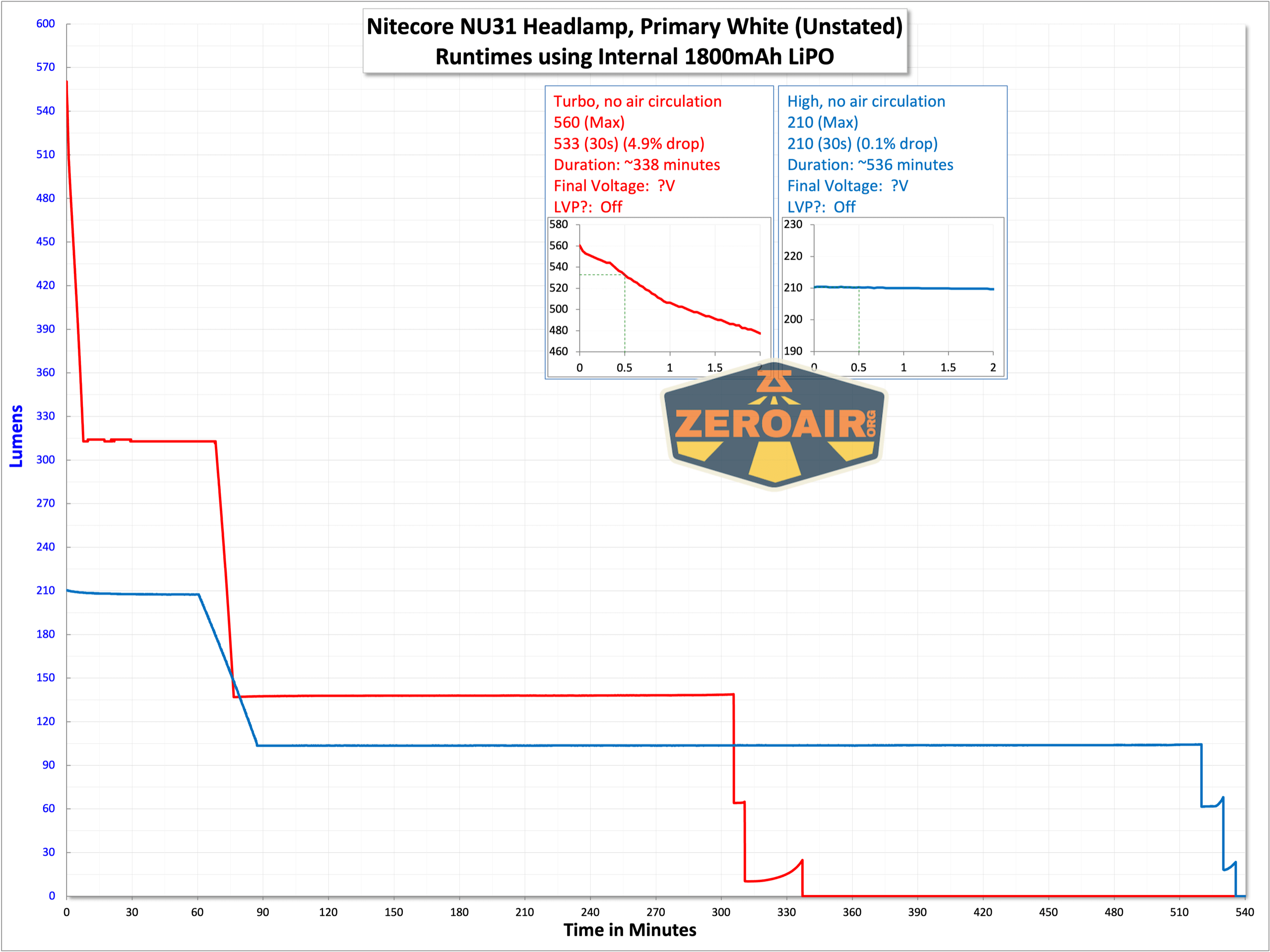
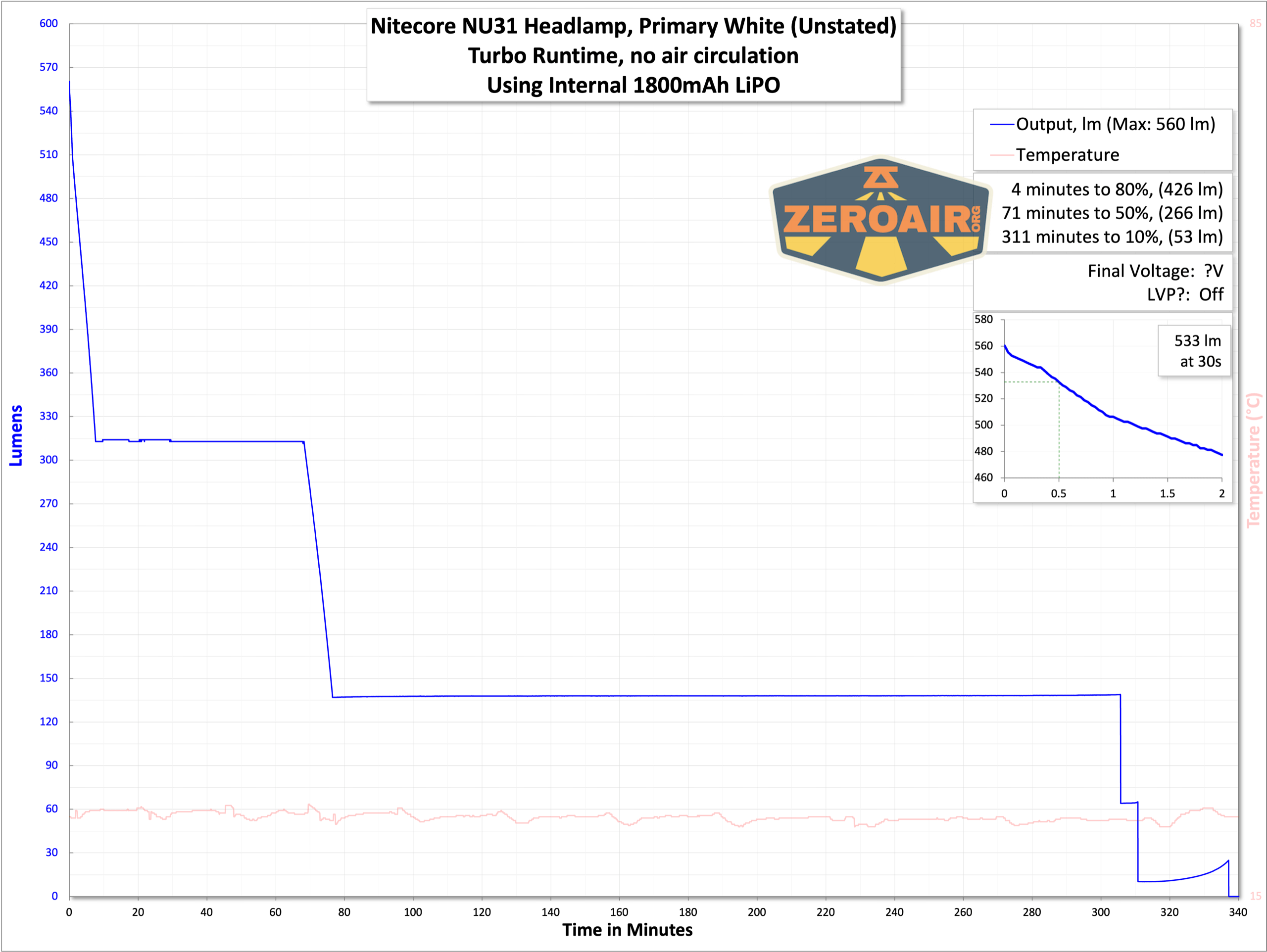

Again, the battery on the Nitecore NU31 headlamp is not user replaceable – if that’s something you (reasonably!) need, then you could consider the Nitecore NU50, which has much of the same feature set as the NU31.
Charging
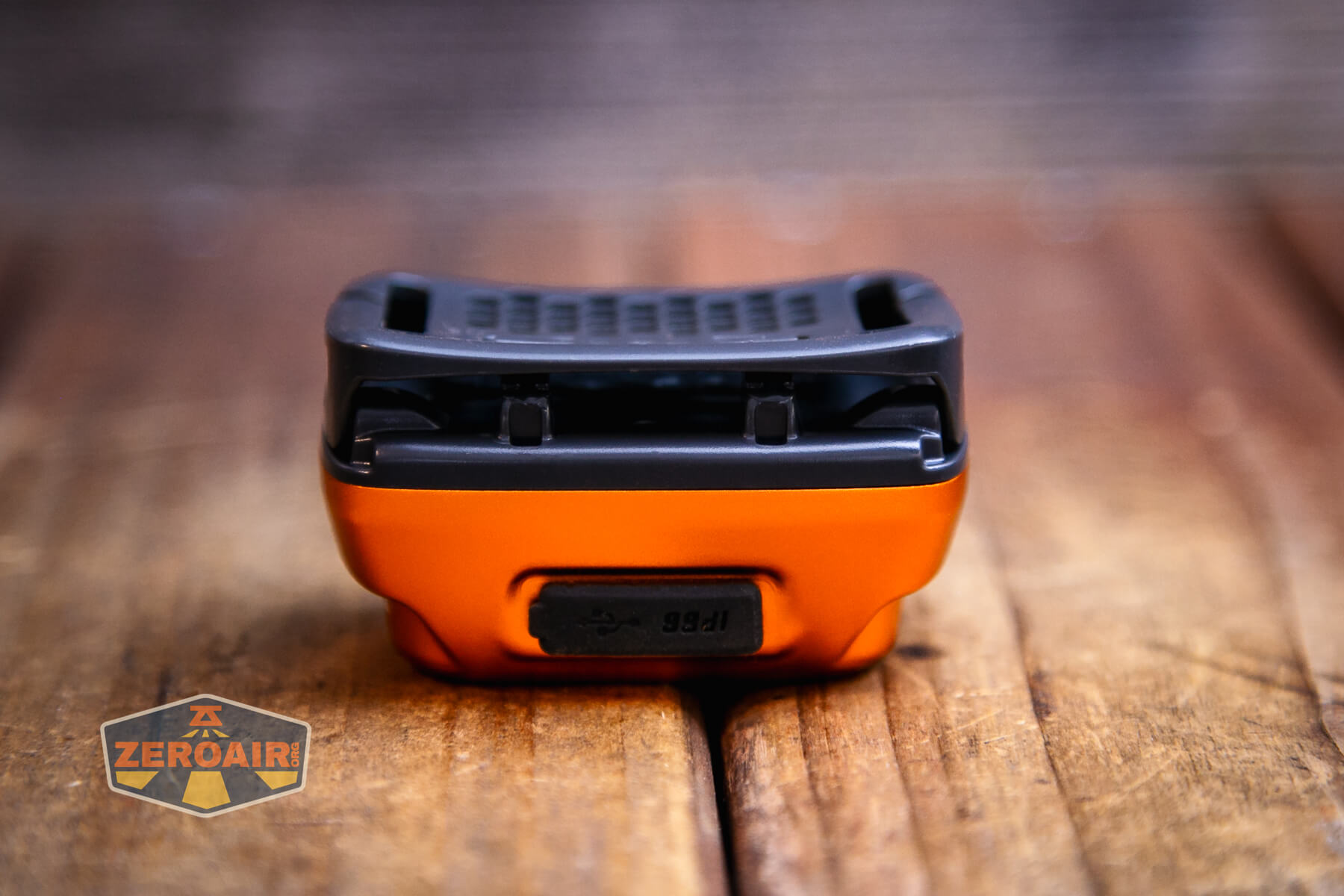
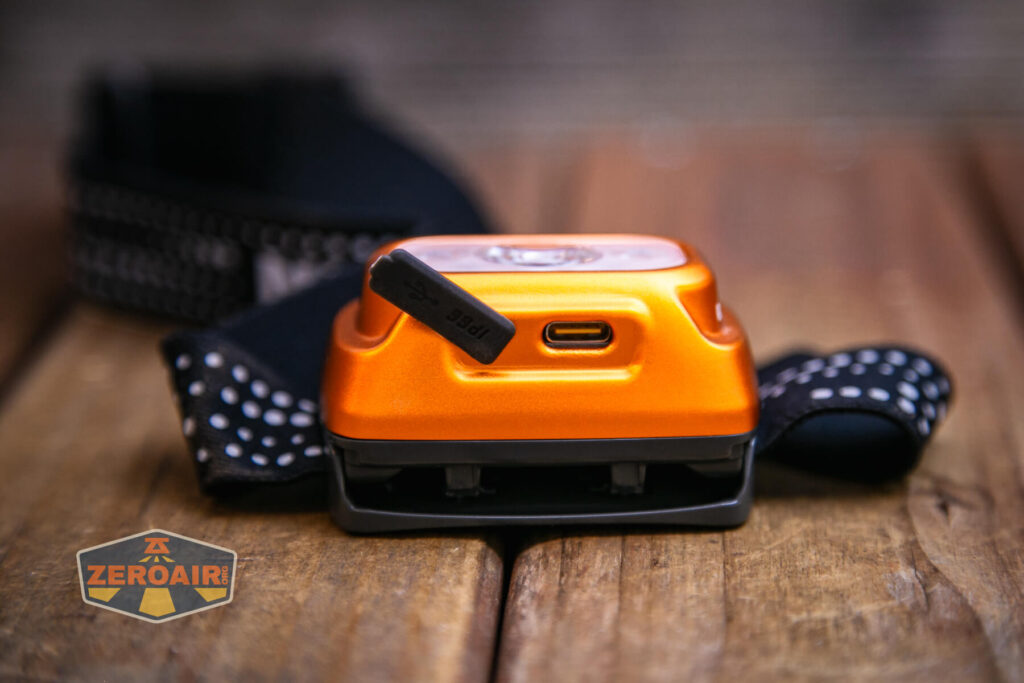
As stated, the Nitecore NU31 headlamp has built-in charging. This is by way of a USB-C charging port. When wearing the light normally, this charging port will be on the bottom.
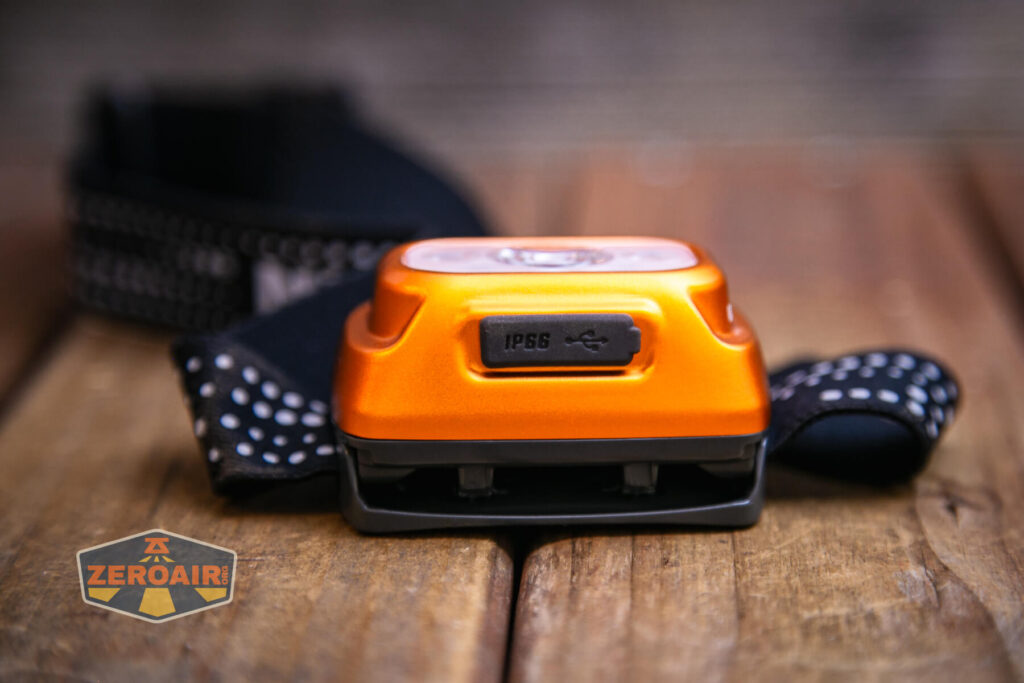
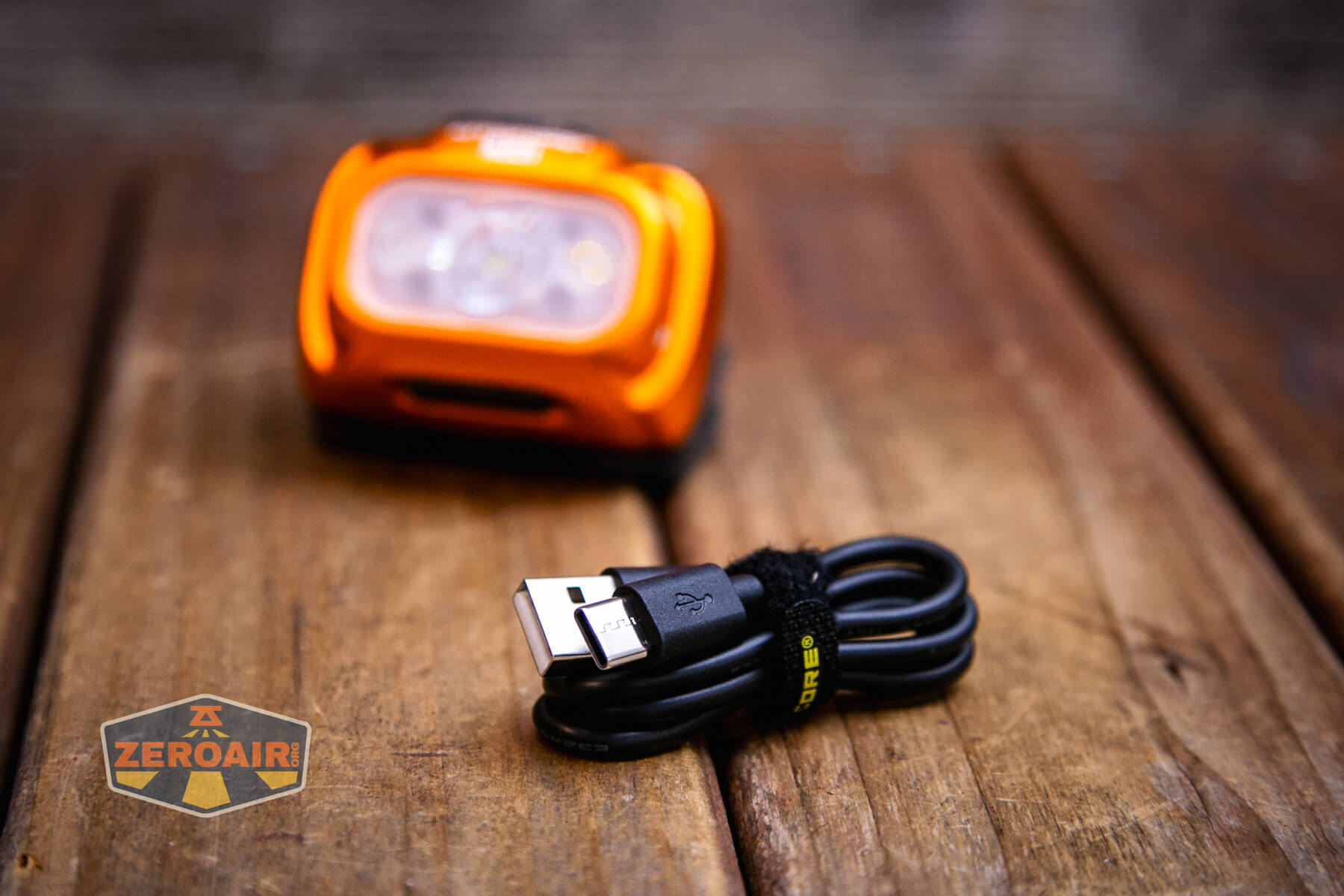
A charging cable is included – USB to USB-C. Nitecore includes very nice cables with their products, and this is no exception.
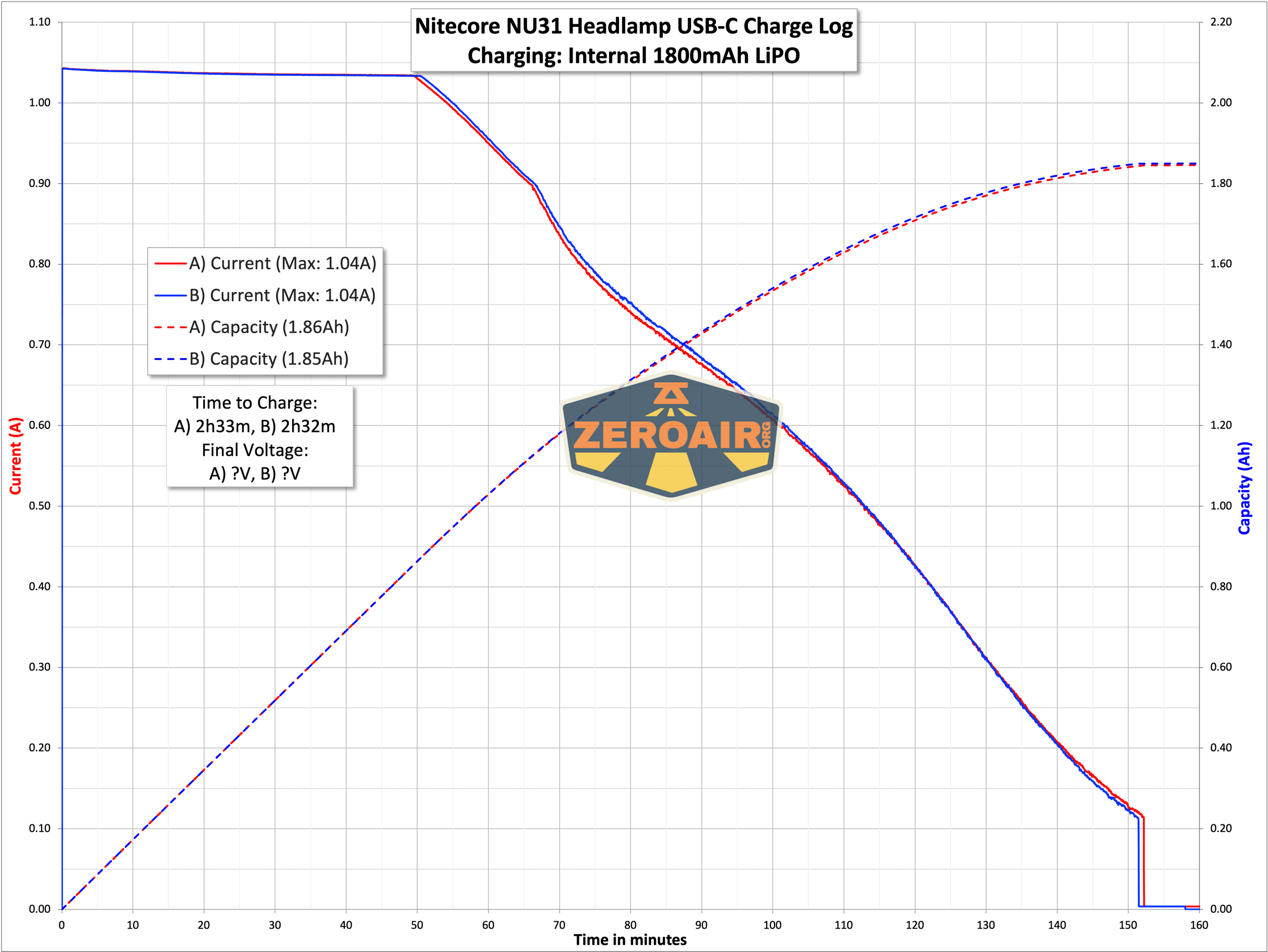
Charging proceeds at over 1A, which is great. That’s perfectly reasonable for a 1800mAh cell.
Modes and Currents
| Mode | Mode Claimed Output (lm) | Claimed Runtime | Measured Lumens |
|---|---|---|---|
| Main Turbo | 550 | 5h | 533 |
| Main High | 200 | 8h | 210 |
| Main Mid | 60 | 38h | 61 |
| Auxiliary White Low | 50 | 42h | 53 |
| Auxiliary White Ultralow | 6 | 147h | 39 |
| Red Steady | 5 | 80h | ? |
Pulse Width Modulation
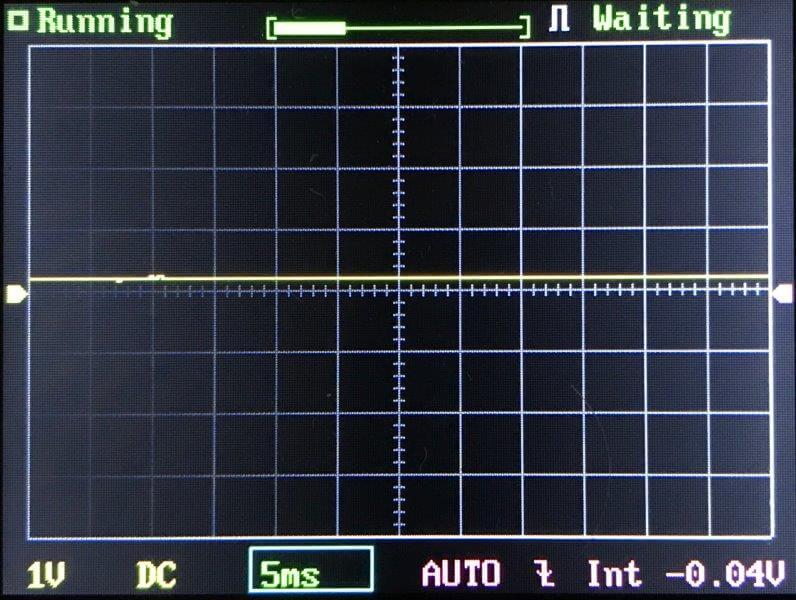
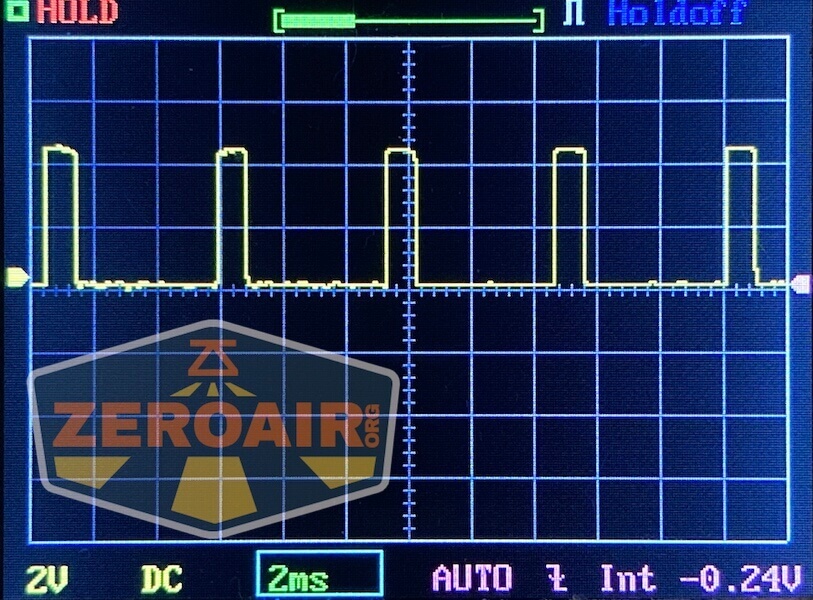
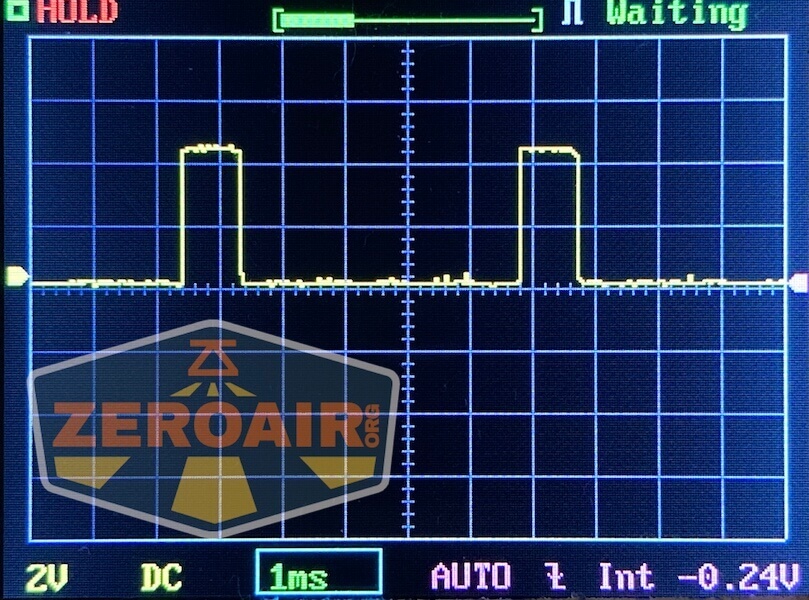
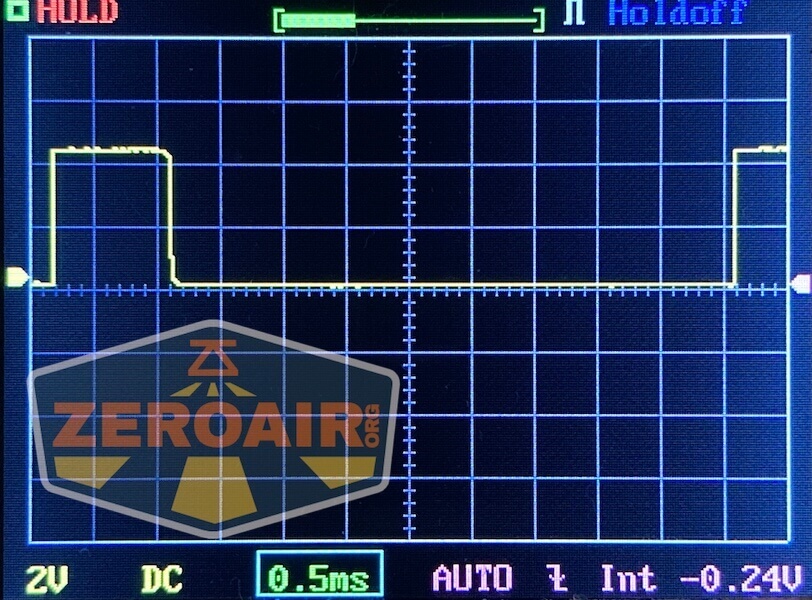
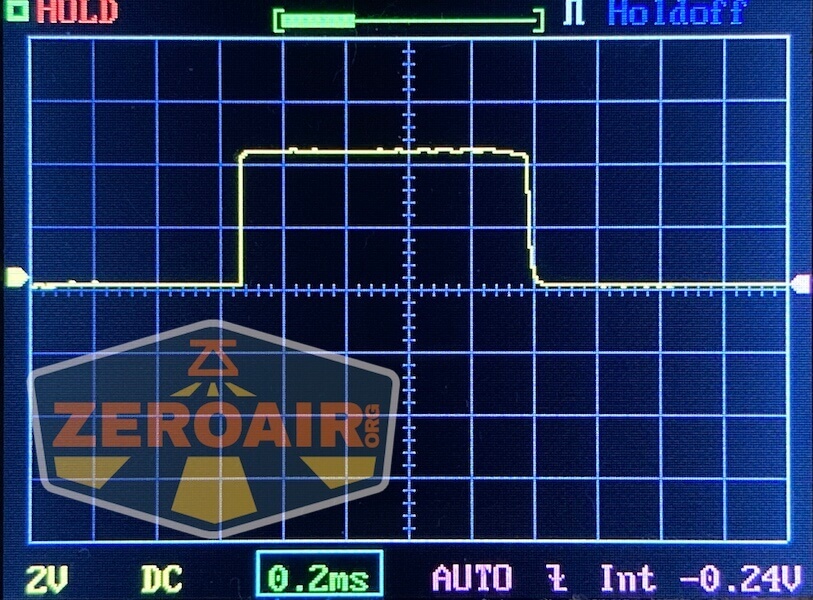
None of the steady levels use PWM.
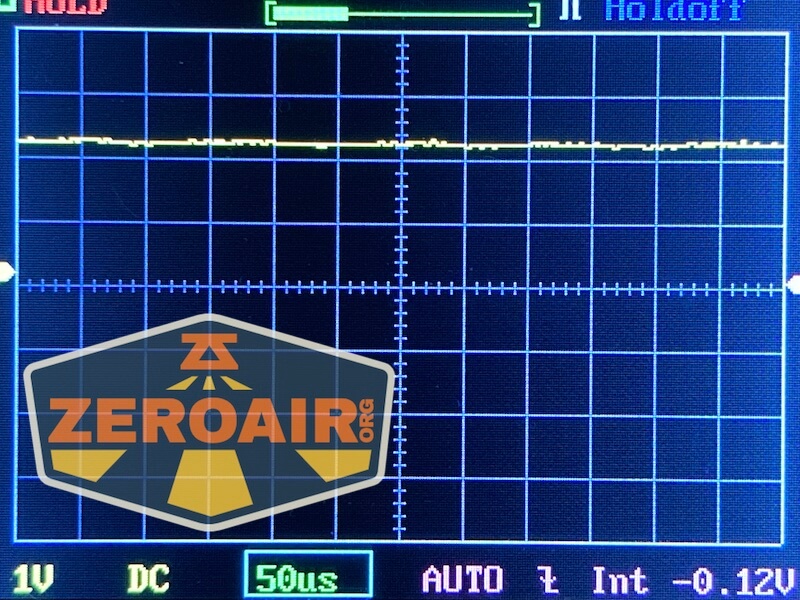
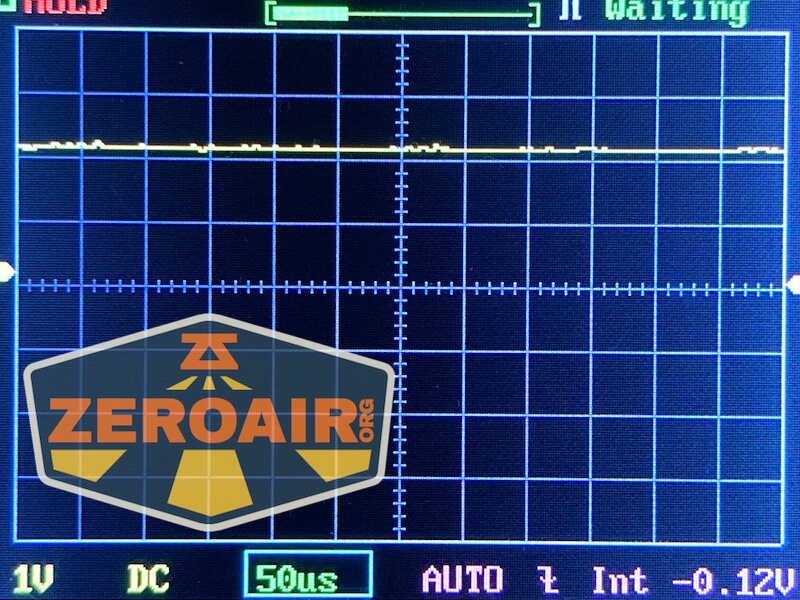
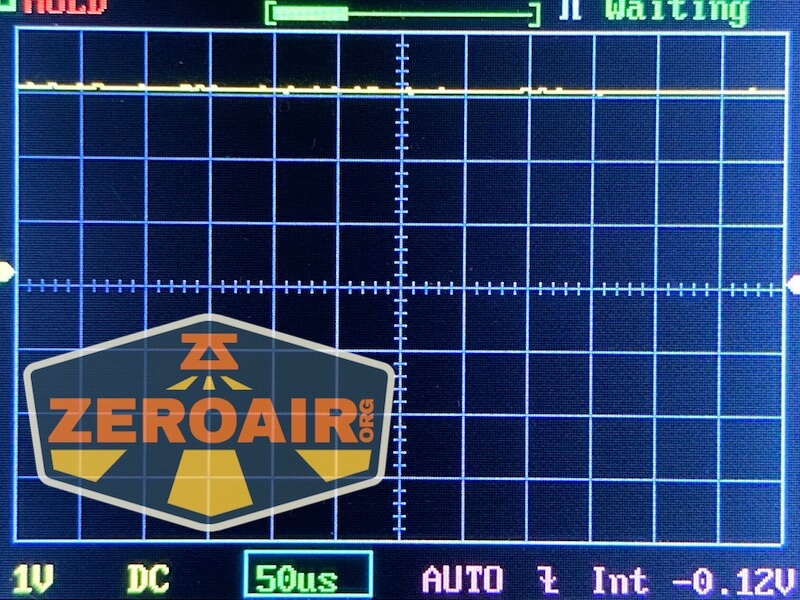
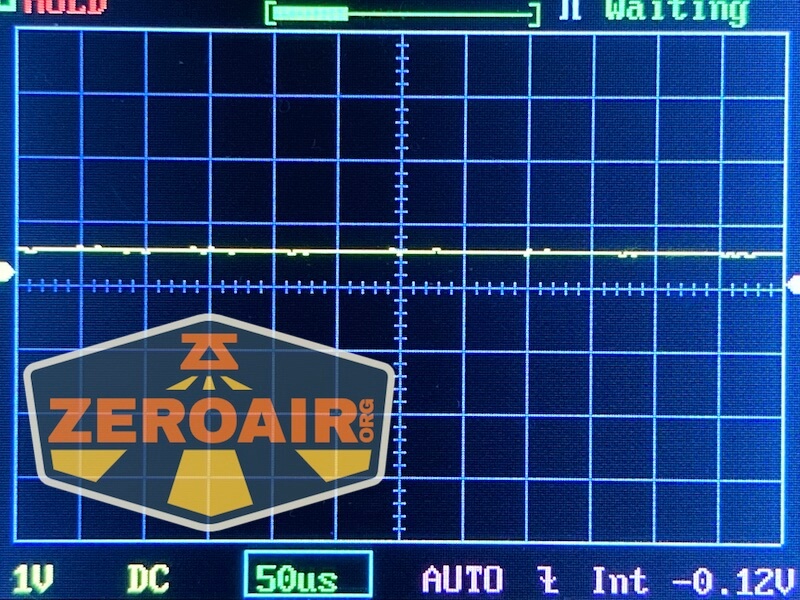
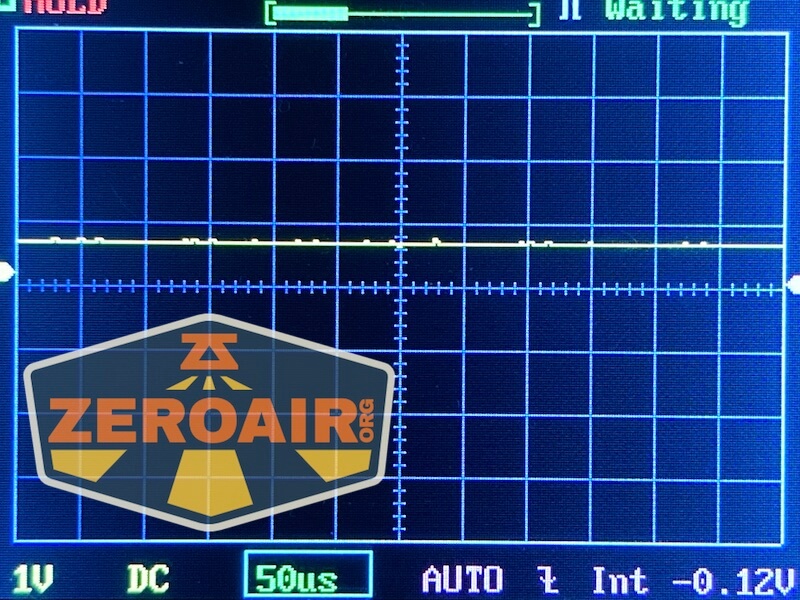
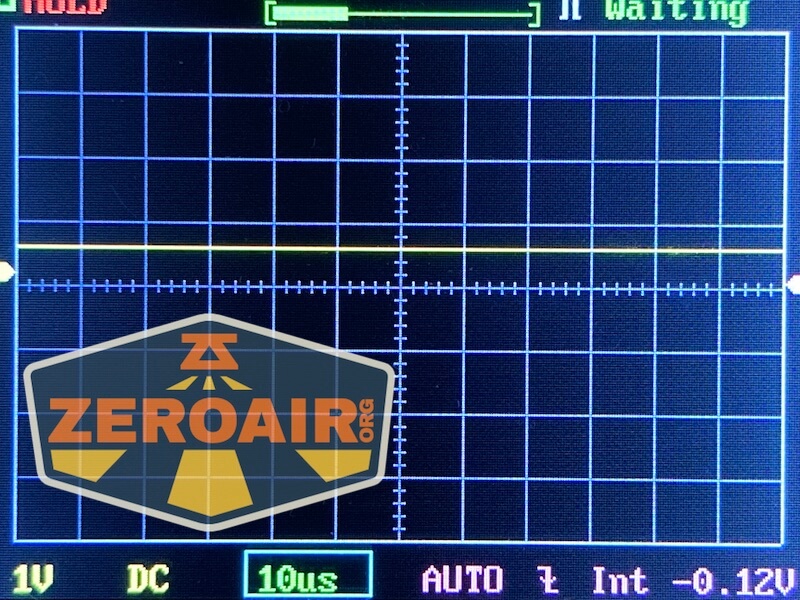
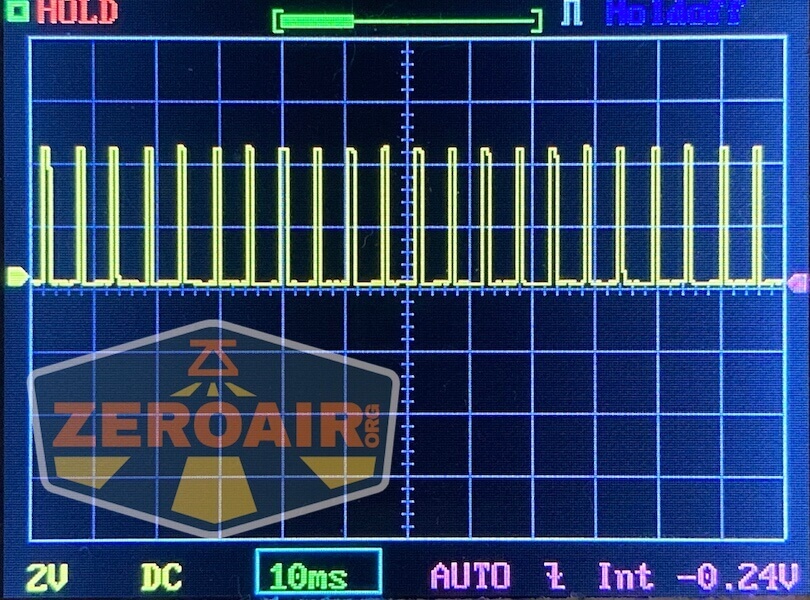
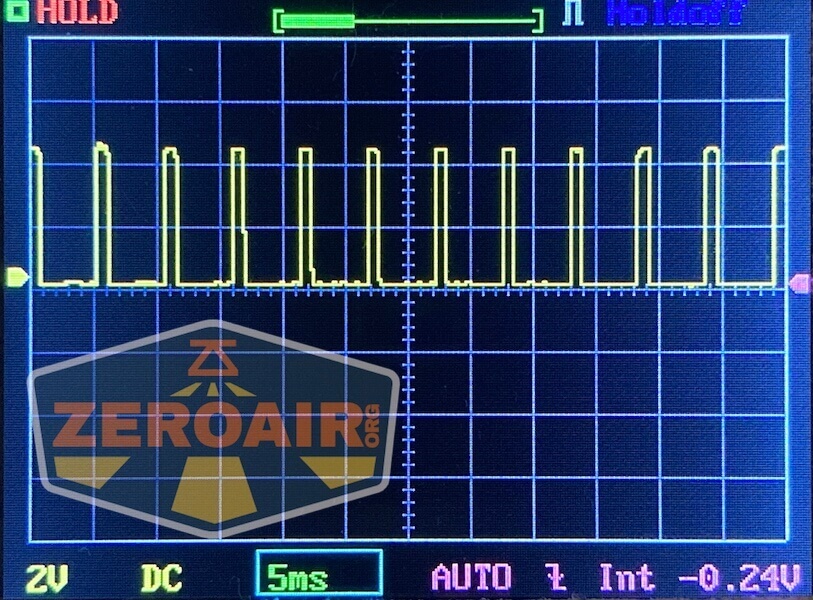
Here you can see a “baseline” – a chart with almost no light hitting the sensor. Then there’s the Ultrafire WF-602C flashlight, which has some of the worst PWM I’ve seen. It’s so bad that I used a post about it to explain PWM! Here are multiple timescales (10ms, 5ms, 2ms, 1ms, 0.5ms, 0.2ms) to make comparing this “worst” PWM light to the test light easier. That post also explains why I didn’t test the WF-602C at the usual 50us scale.
User Interface and Operation
Two switches are used to control the Nitecore NU31 headlamp. Unlike the user interface on the NU50, which I found to be a little how-ya-doin’ because I just sort of had to yolo and push buttons til I got what I wanted, I found the NU31 to be very approachable. I grasped the user interface quickly! Either way, if you use this light frequently, the user interface will become second nature quickly.
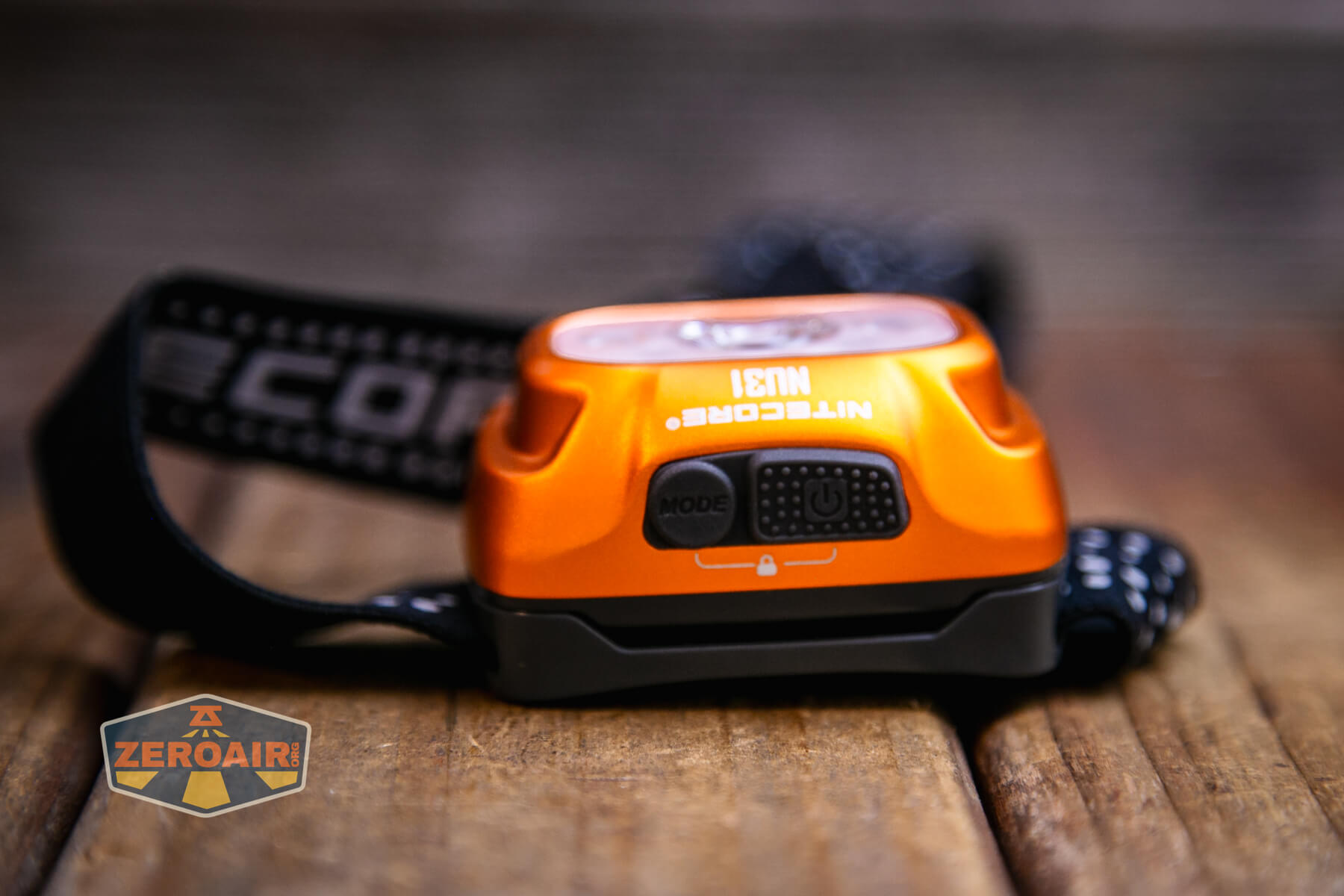
The two buttons should probably go on the “top” when the NU31 is being worn. There’s a big rectangle button that has a power icon – that’s the power button. The other, a smaller round button, is for mode changes (specifically switching between primary (white), auxiliary white, and secondary (red) emitter).

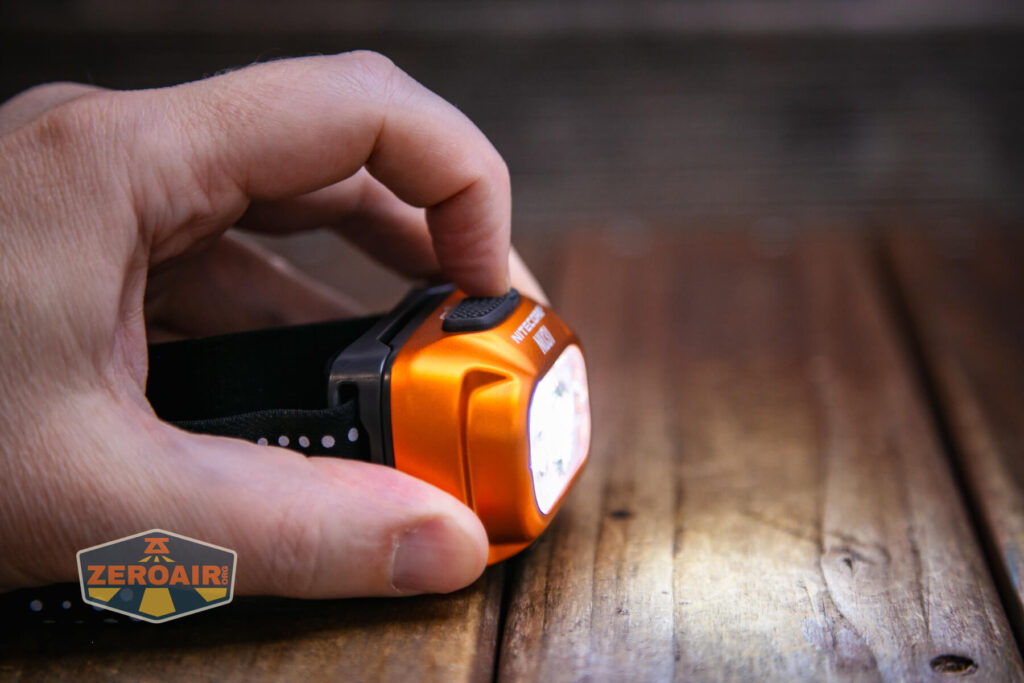
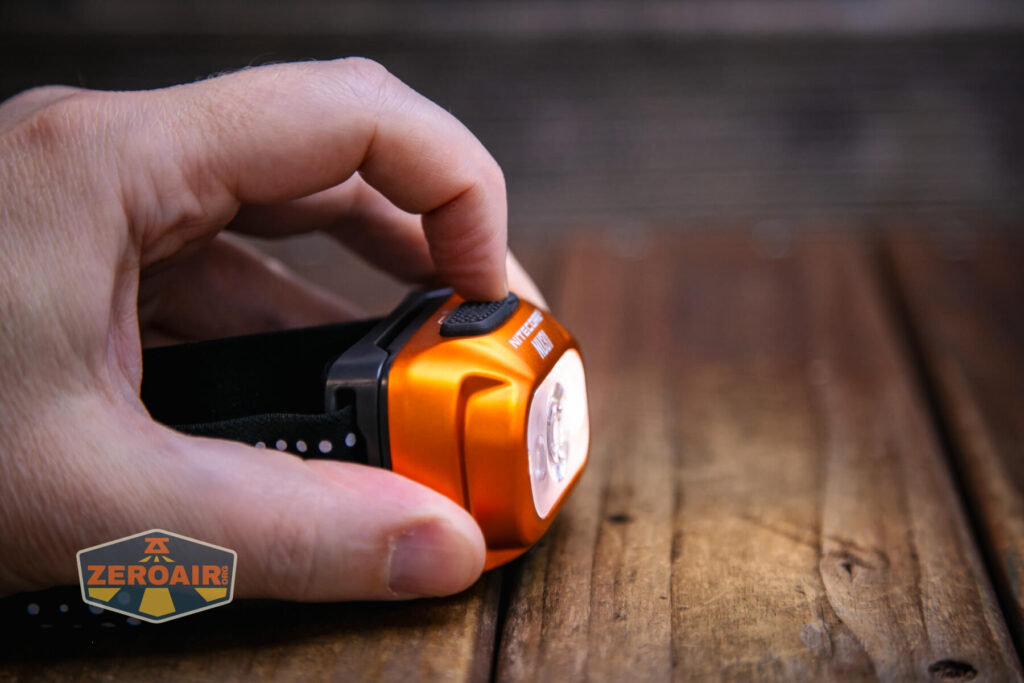
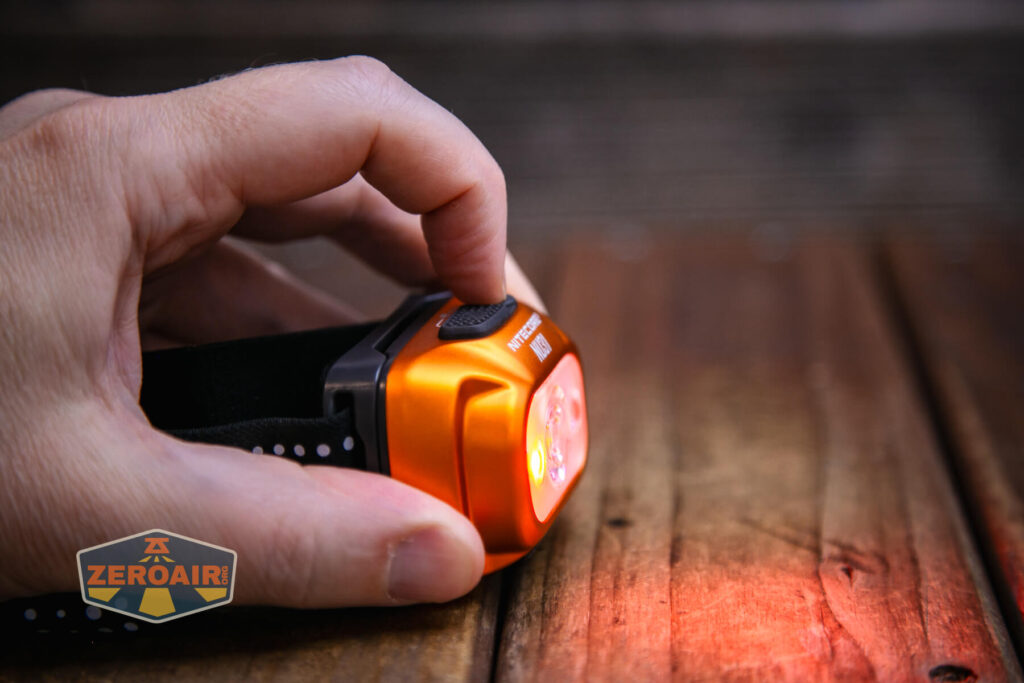
Here’s a user interface table!
| State | Action | Result |
|---|---|---|
| Off | Click Mode button | Battery indicator |
| Off | Click Power button | No change in state |
| Off | Hold Power button | Mid (Main white) |
| Off | Double click Power button | Low (Auxiliary White) |
| On | Click power button | Mode advance (Mid > High > Turbo for main white, Ultralow > Low for auxiliary white, Steady > Flashing for red) |
| On | Double click Power button | Interpreted as two single clicks – thus two mode advances. |
| On | Hold Power button | Off |
| Off | Hold Mode button | Red on (low/steady) |
| On | Click Mode button | Switch between red and white outputs |
| Red On | Click Power button | Red mode advance (Red steady, Red flashing) |
| Any | Double click Mode | SOS |
| SOS | Click Power button | Switch between SOS and Beacon |
| Off | Hold both buttons | Lockout |
| Lockout | Hold both buttons | Unlock to Ultralow |
| Lockout | Click any button | Blinks 1x to indicate lockout |
LED and Beam
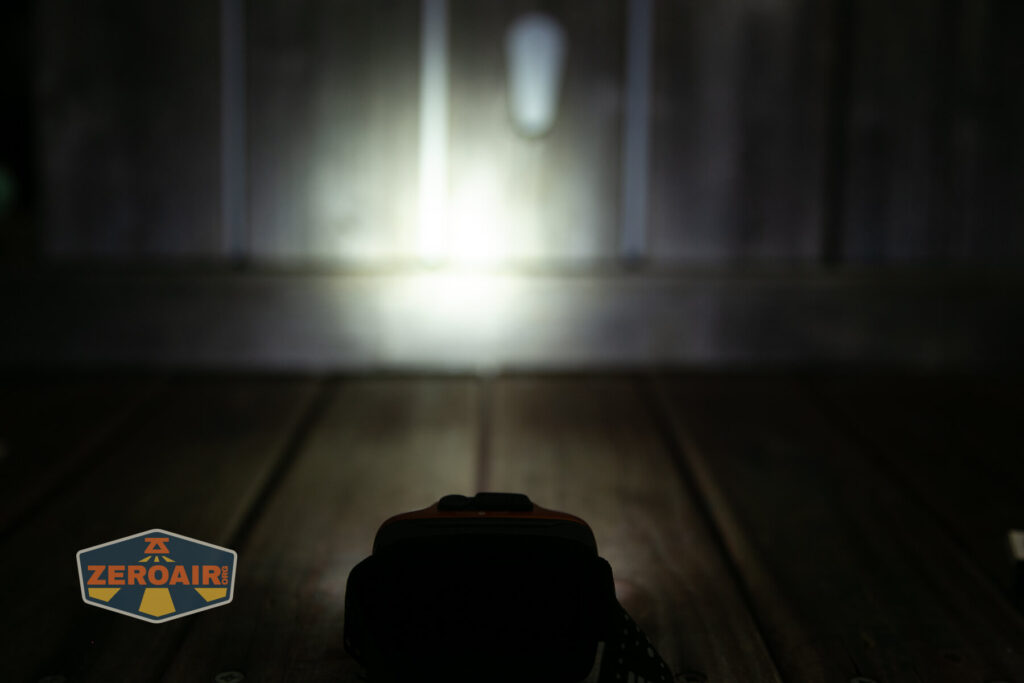
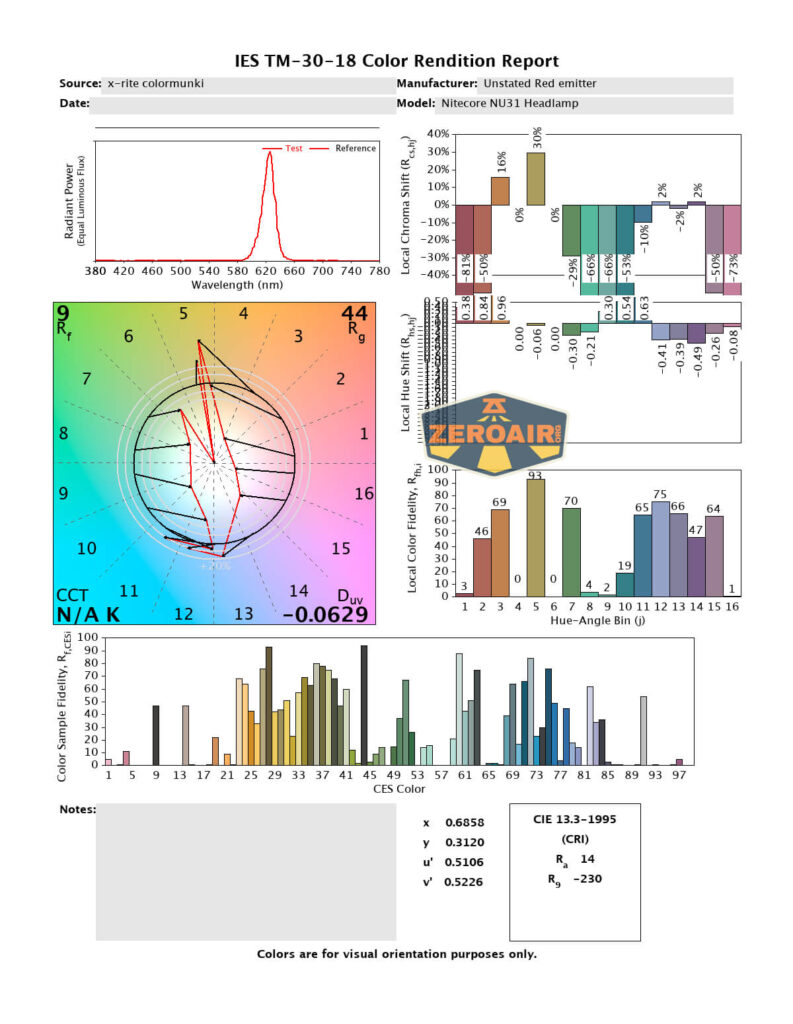
Nitecore doesn’t tell us what emitters are used in the NU31. Anyway, there are three. One is the “Main” emitter – it’s the one in the center of the TIR, and with the biggest TIR in the array below. Of the other two, one is white and one is red.

The main emitter is intended to (and does) have higher output and throw farther. The secondary white is intended to have higher CRI (and it does) and the red is great for reading maps and the like.
LED Color Report (CRI and CCT)
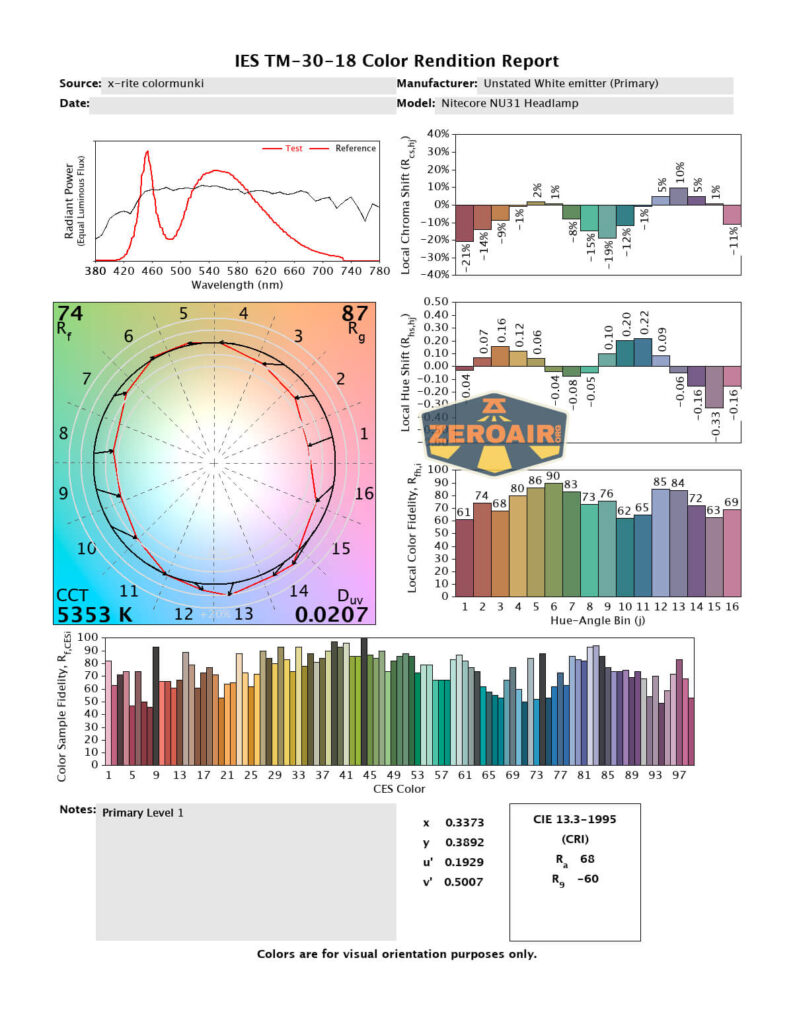
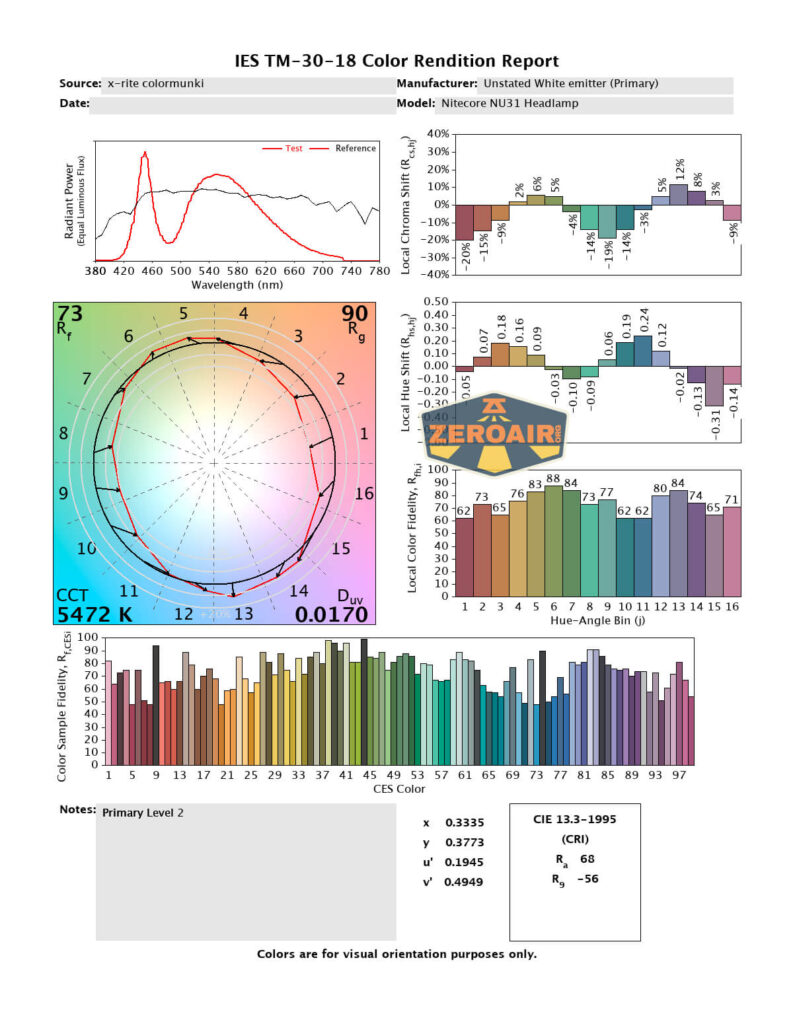
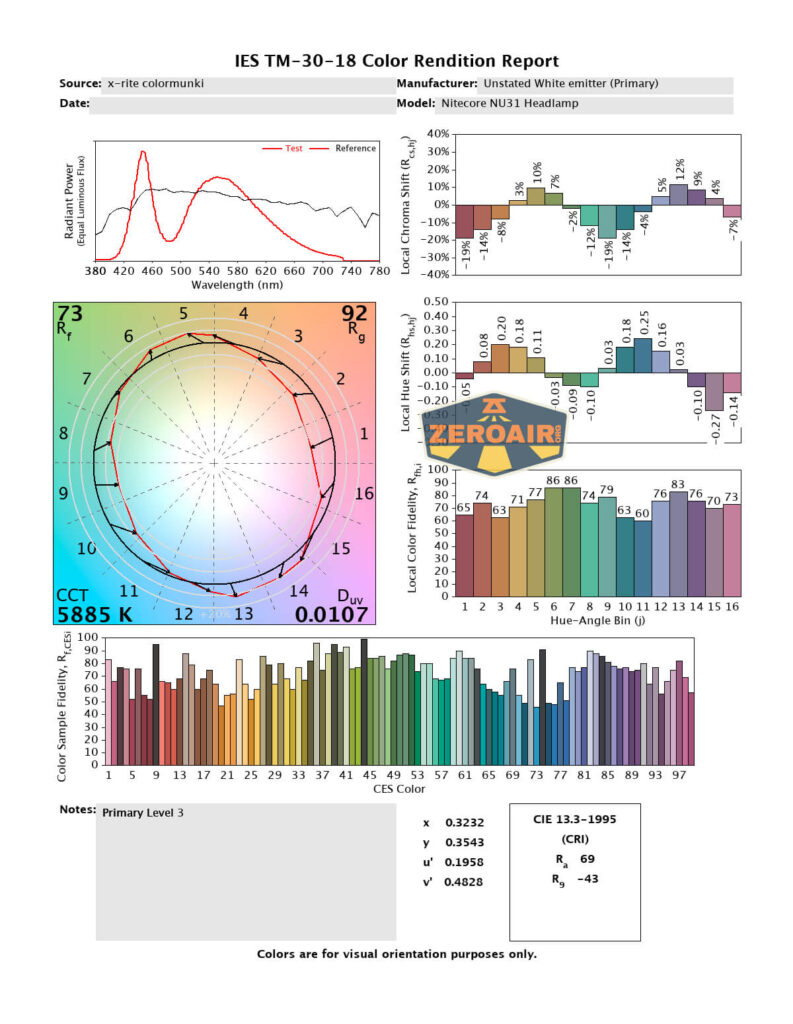
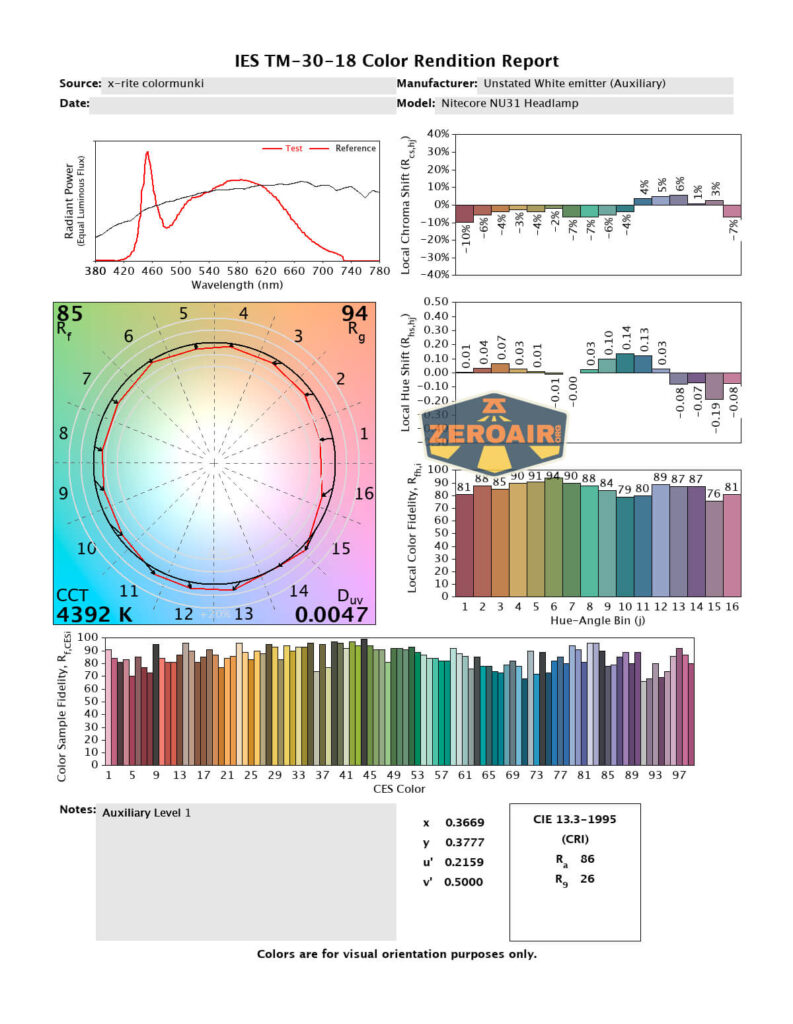
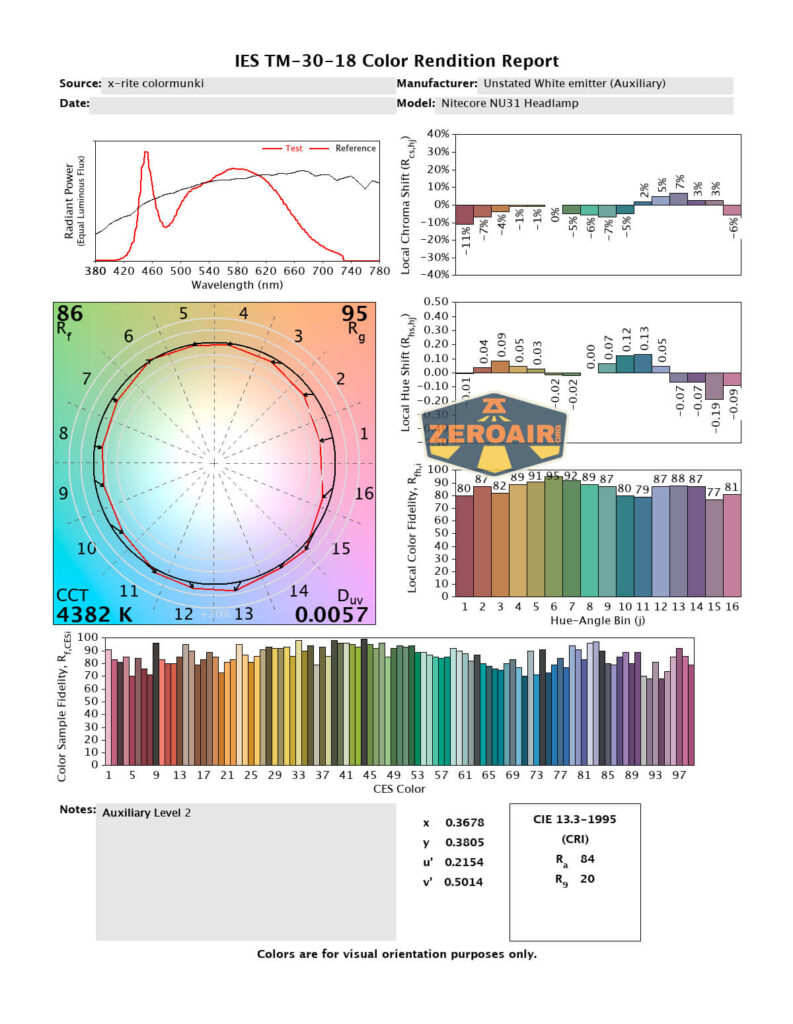
The order below is: three main white, two aux white, and red. CCT is really quite good on all the white outputs, but probably “especially good” on the auxiliary white. That aux also offers high CRI and is very floody – a pleasure to use. It’s really a good selection of emitters!
Beamshots
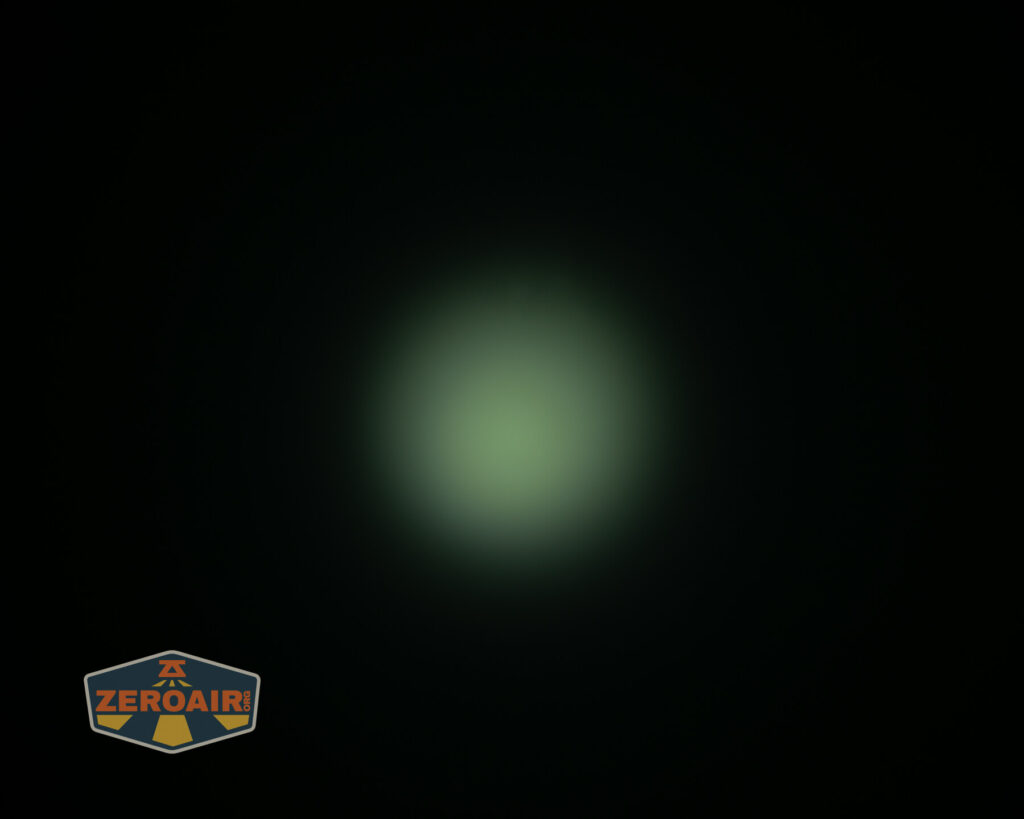
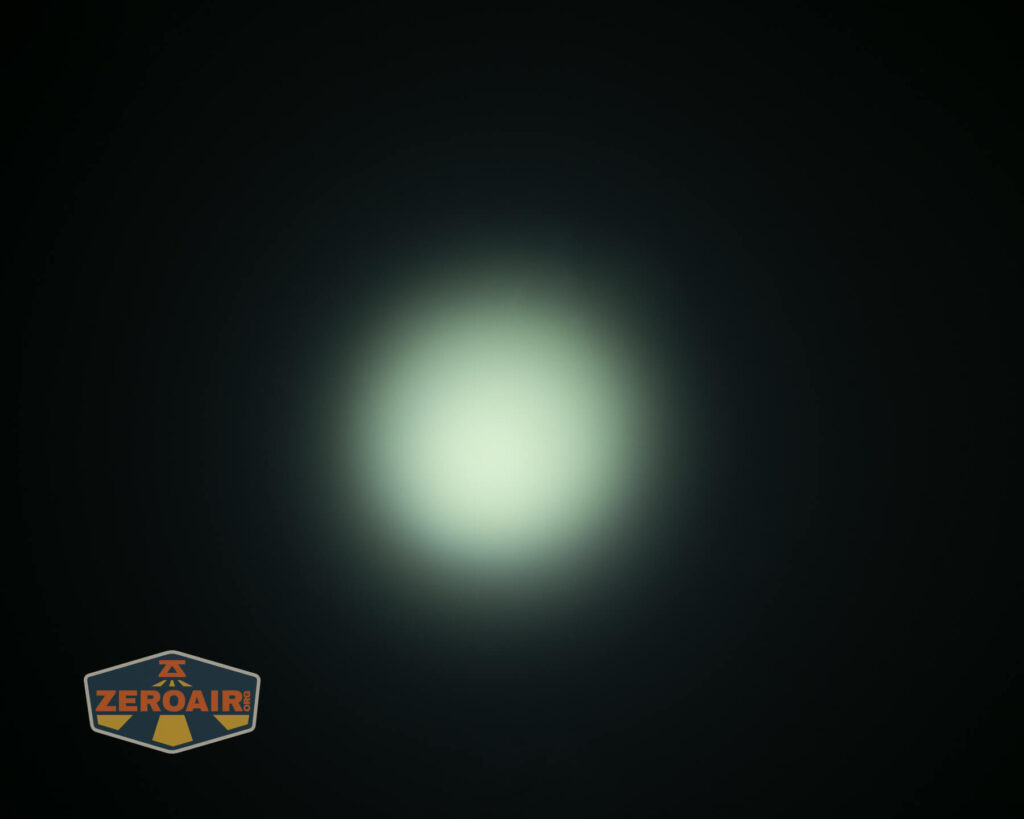
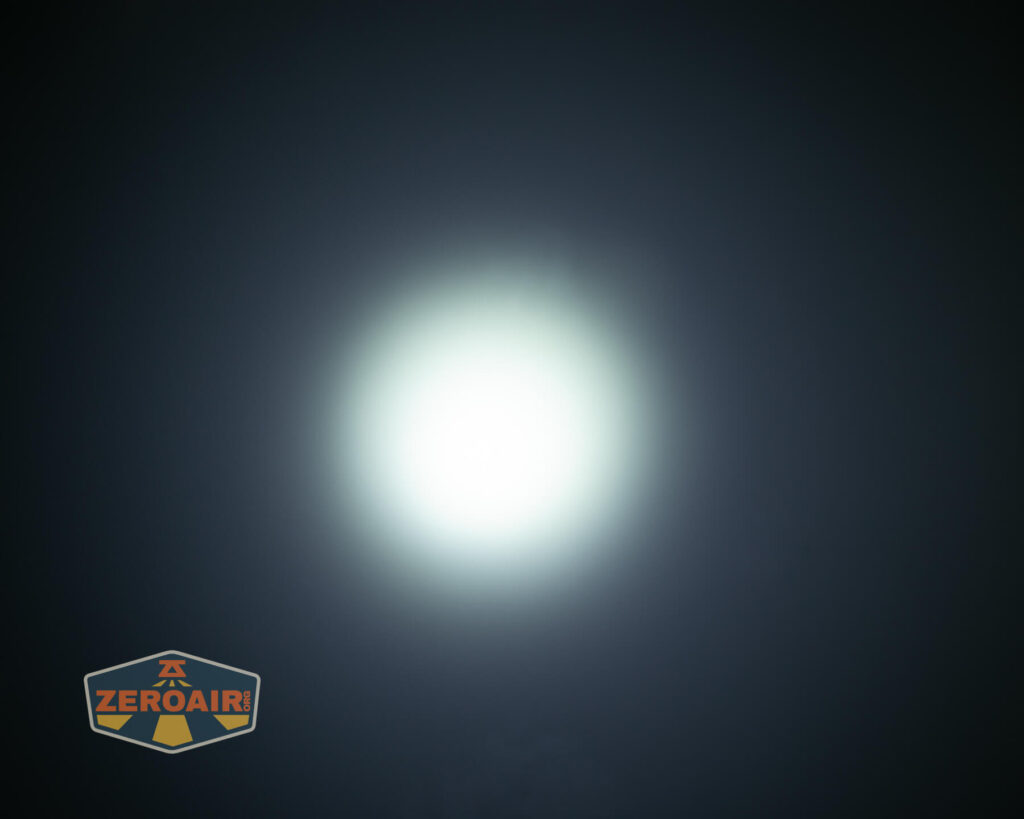
These beamshots always have the following settings: f8, ISO100, 0.3s shutter, and manual 5000K exposure. These photos are taken at floor level, and the beam hits the ceiling around 9 feet away.

Tint vs BLF-348 (KillzoneFlashlights.com 219b version) (affiliate link)
I keep the test flashlight on the left and the BLF-348 reference flashlight on the right.
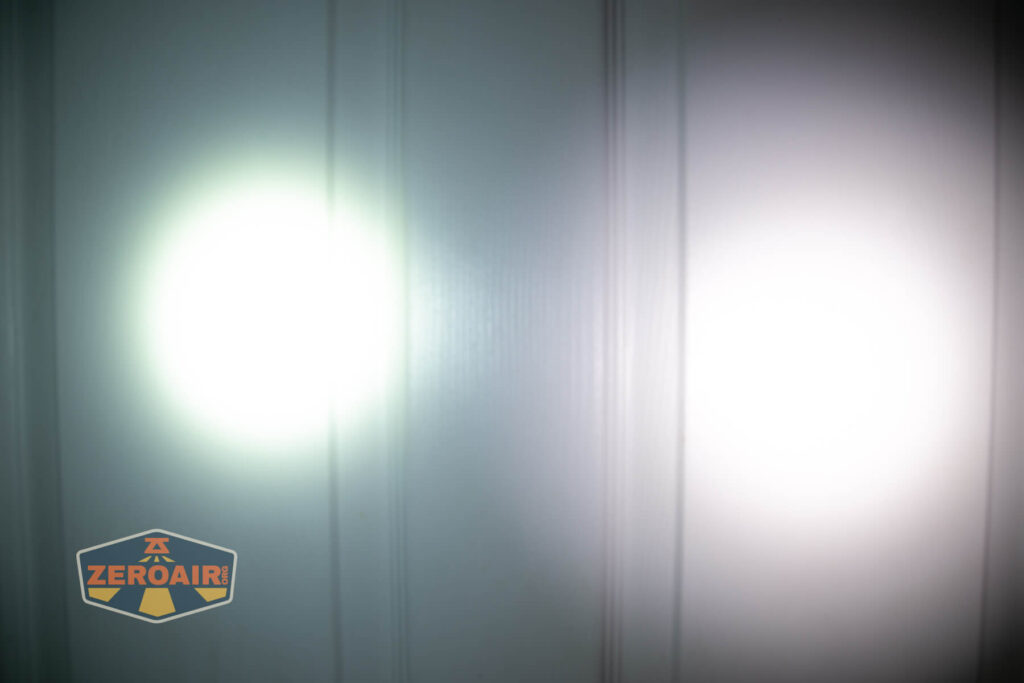
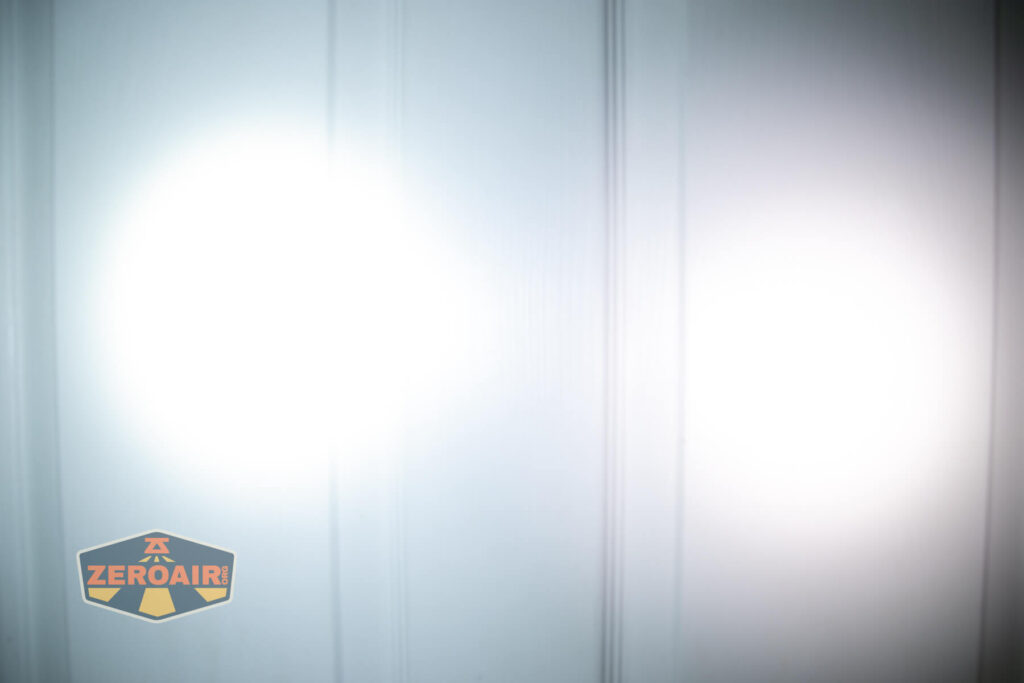
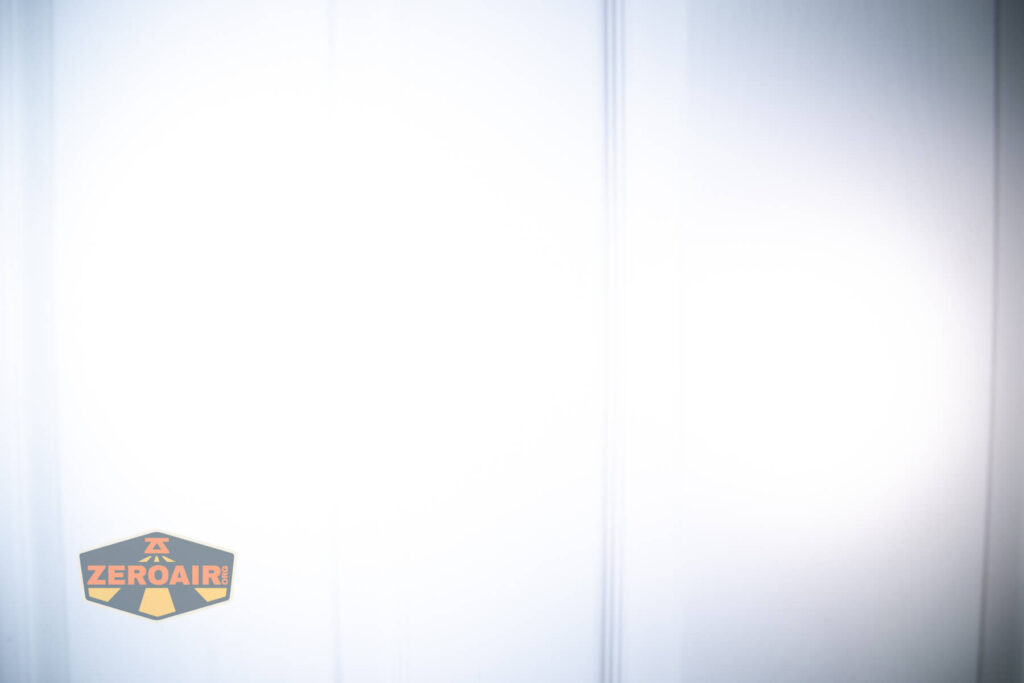
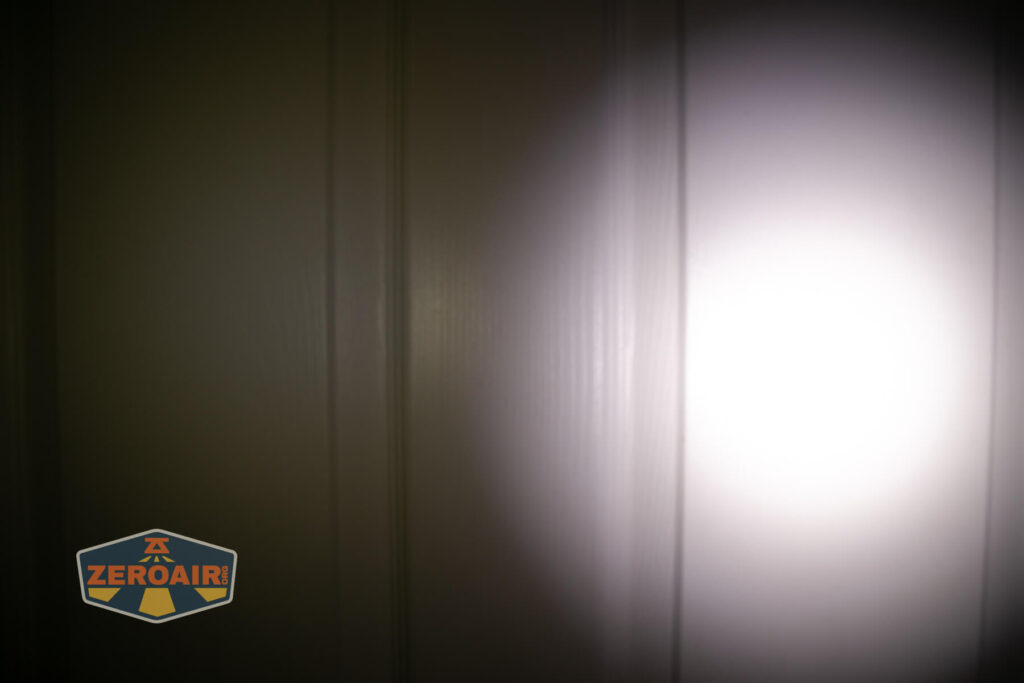
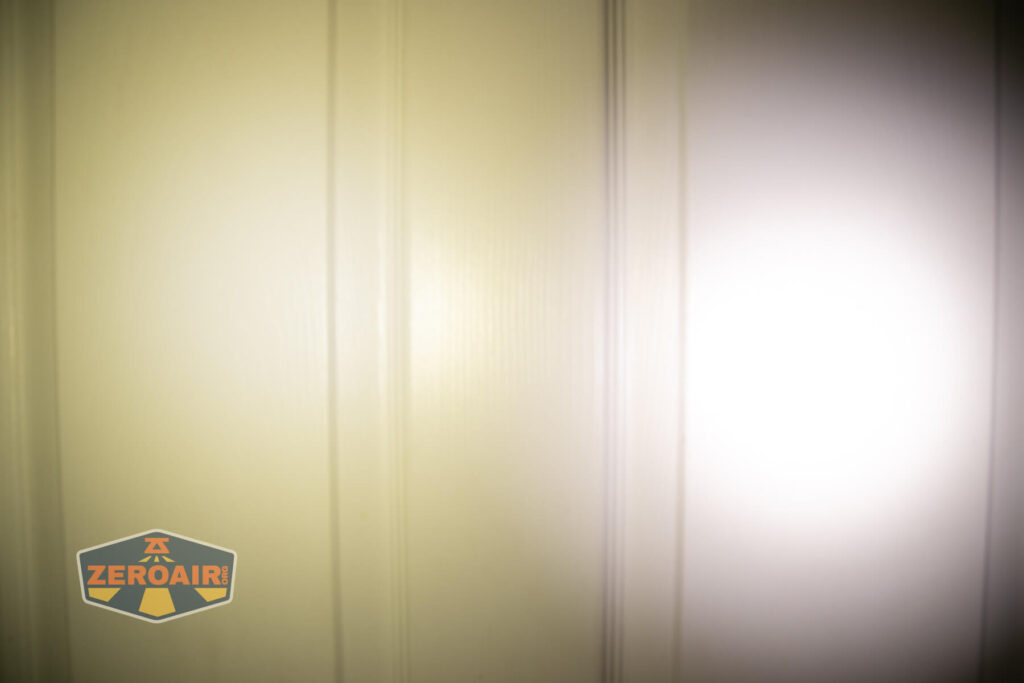
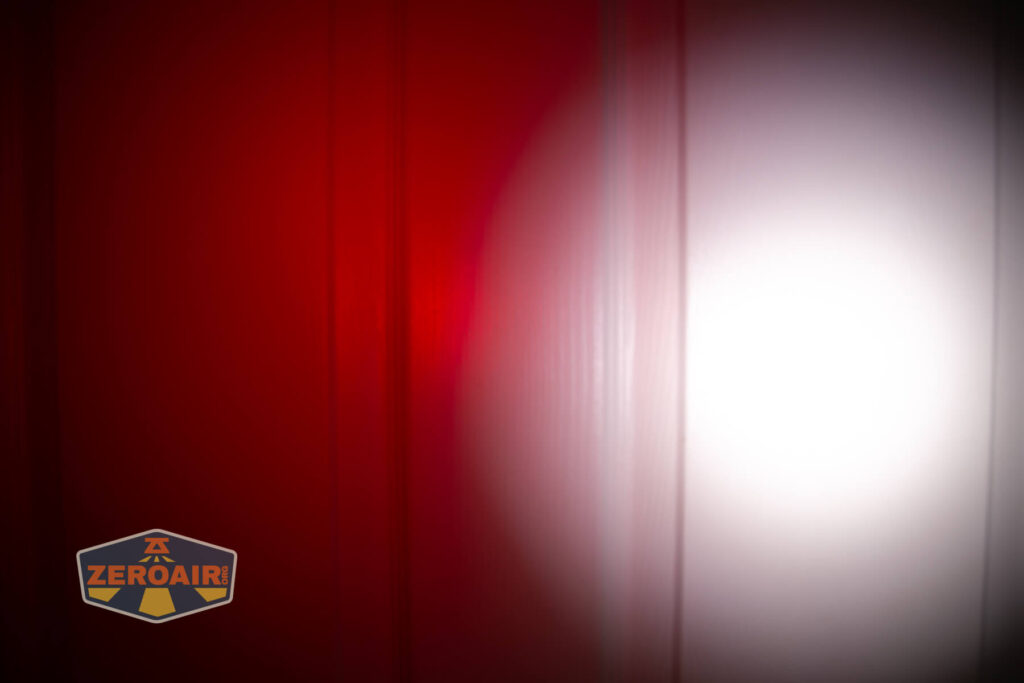
I compare everything to the KillzoneFlashlights.com 219b BLF-348 because it’s inexpensive and has the best tint!
Conclusion
What I like
- USB-C charging works well
- Three very different emitters – useful for a range of activities
- Main emitter is quote throwy
- Metal body
- Comfortable
What I don’t like
- Internal battery is not replaceable.
- Light is a little proud on the head
Notes
- This content originally appeared at zeroair.org. Please visit there for the best experience!
- Please use my Amazon.com referral link to help support zeroair.org!
- Please support me on Patreon! I deeply appreciate your support!
Discover more from ZeroAir Reviews
Subscribe to get the latest posts sent to your email.