
LoopGear SK-05 II Pro Flashlight Review
The LoopGear SK-05 II Pro flashlight includes easily accessible standard 18650 cells as well as a high-CRI side light and other improvements. Read on!
Official Specs and Features
Here’s a link to the official product page (referral link).
Versions
There are at least two versions of the LoopGear SK-05 II Pro flashlight. Two body colors are available – black and white (maybe MAO). There’s an older Pro version, as well as a non-PRO, too. This updated version comes with two flood emitter options – Nichia 519a or higher output Luminus SST25.
Price
The LoopGear SK-05 II Pro flashlight isn’t available at this second, but you can view the product page here. The previous LoopGear SK-05 Pro flashlight cost around $150.
What’s Included
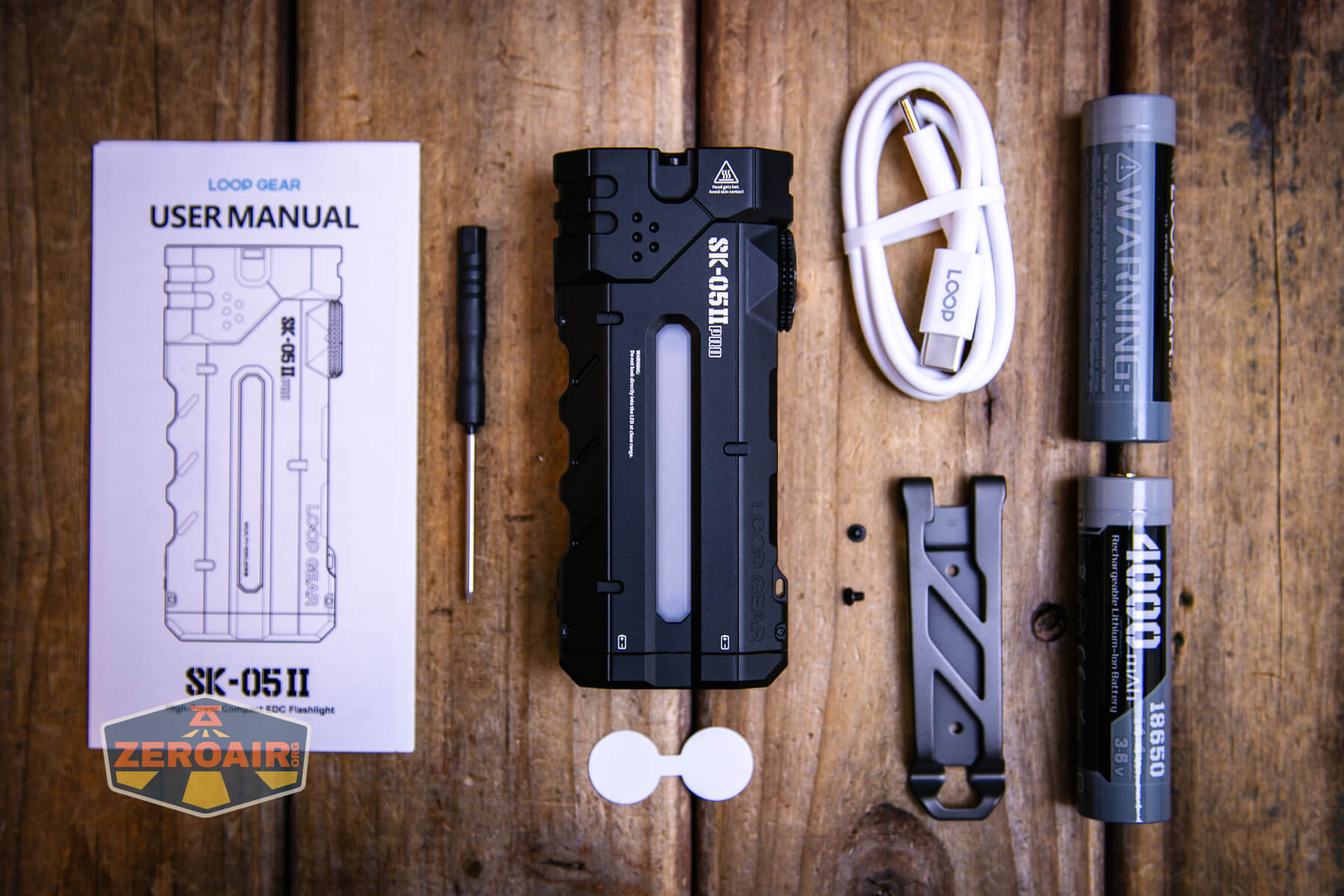
- LoopGear SK-05 II Pro flashlight
- LoopGear 4000mAh 18650 (2)
- Charging cable
- Pocket clip (with screws and tool for mounting)
- Manual
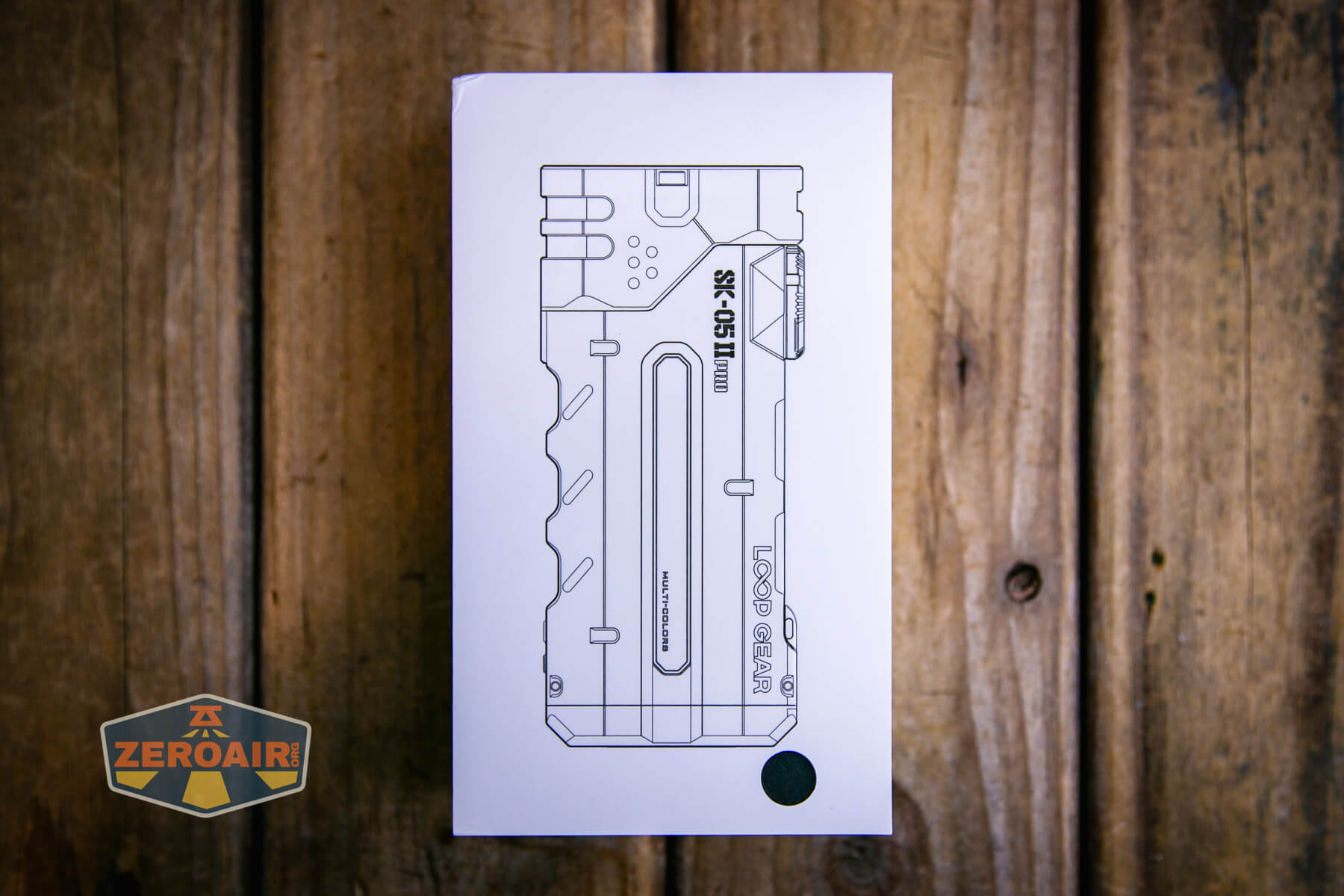
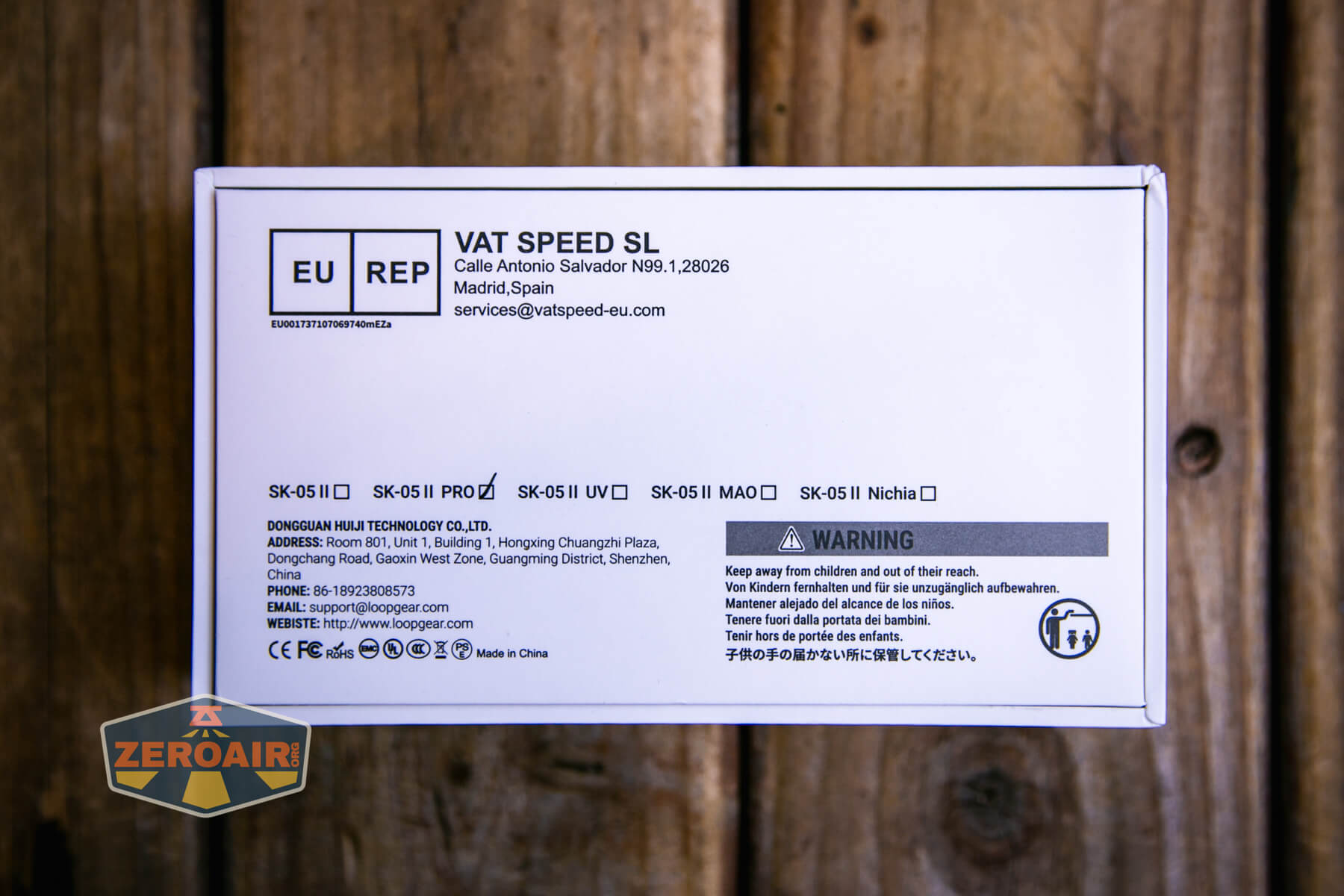
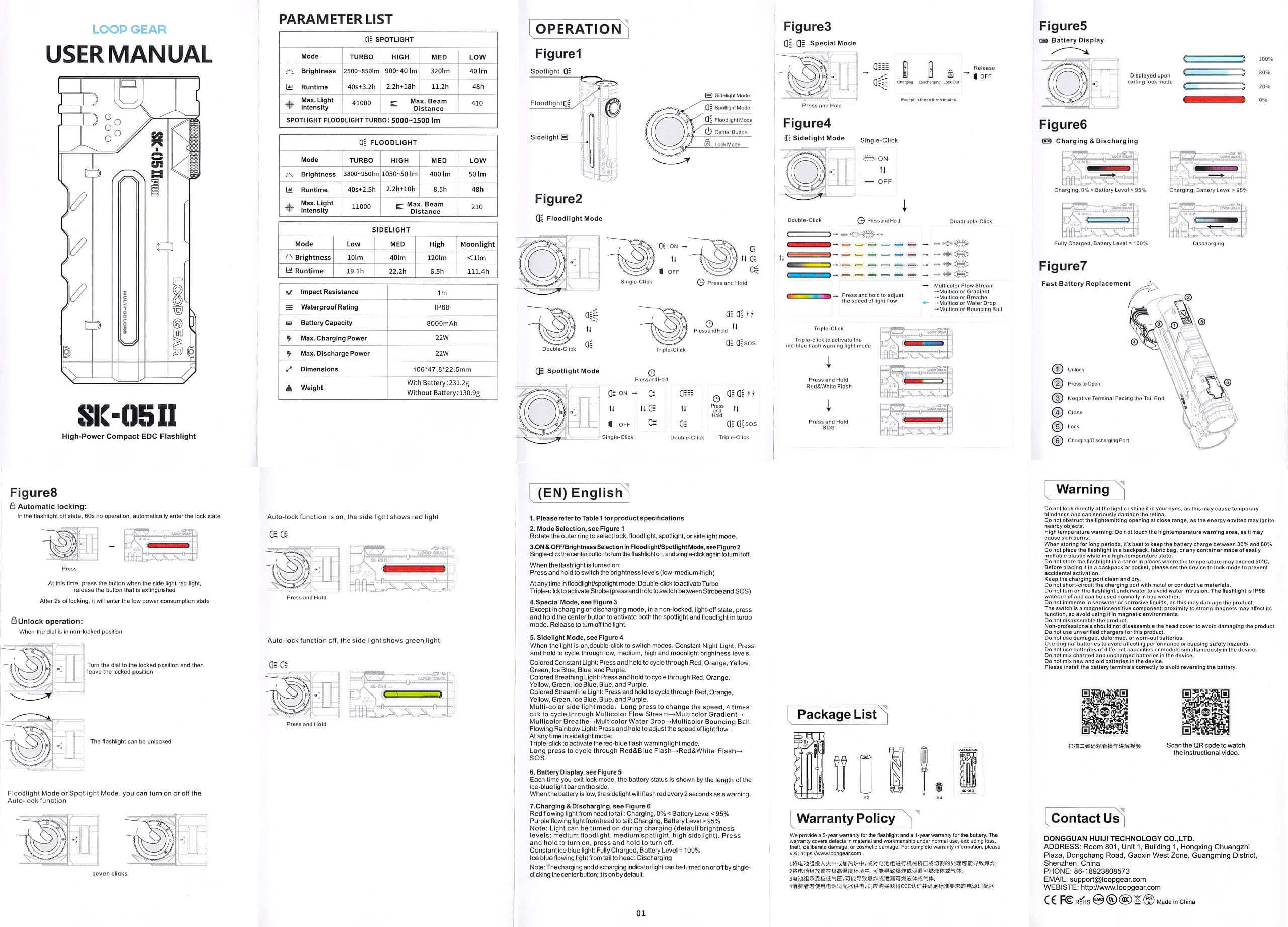
Package and Manual
Build Quality and Disassembly
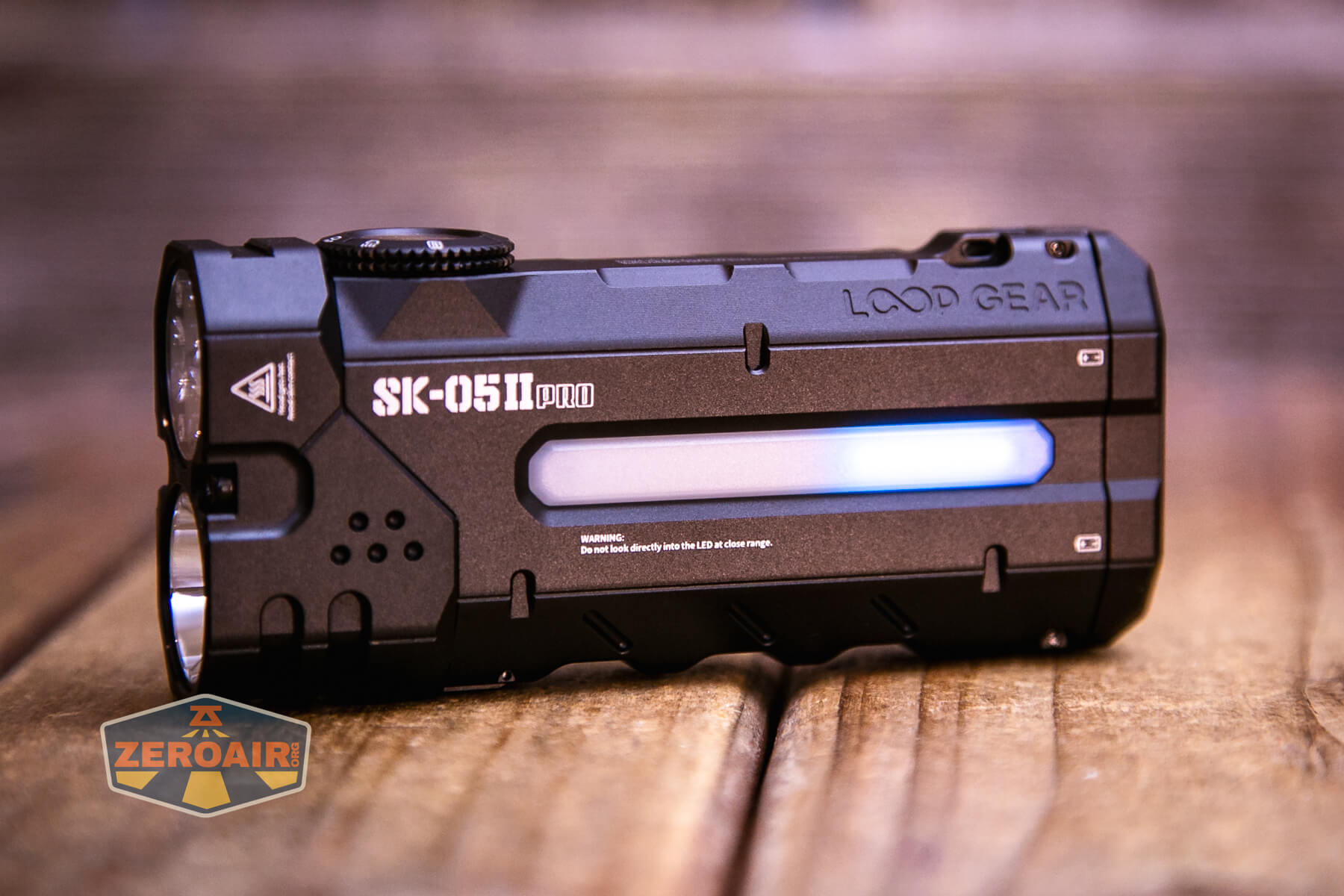
The LoopGear SK-05 II Pro flashlight is very much like the LoopGear SK-05 Pro. There are a few differences, most of which are important later in the review. But general build quality is the same between models – very good.
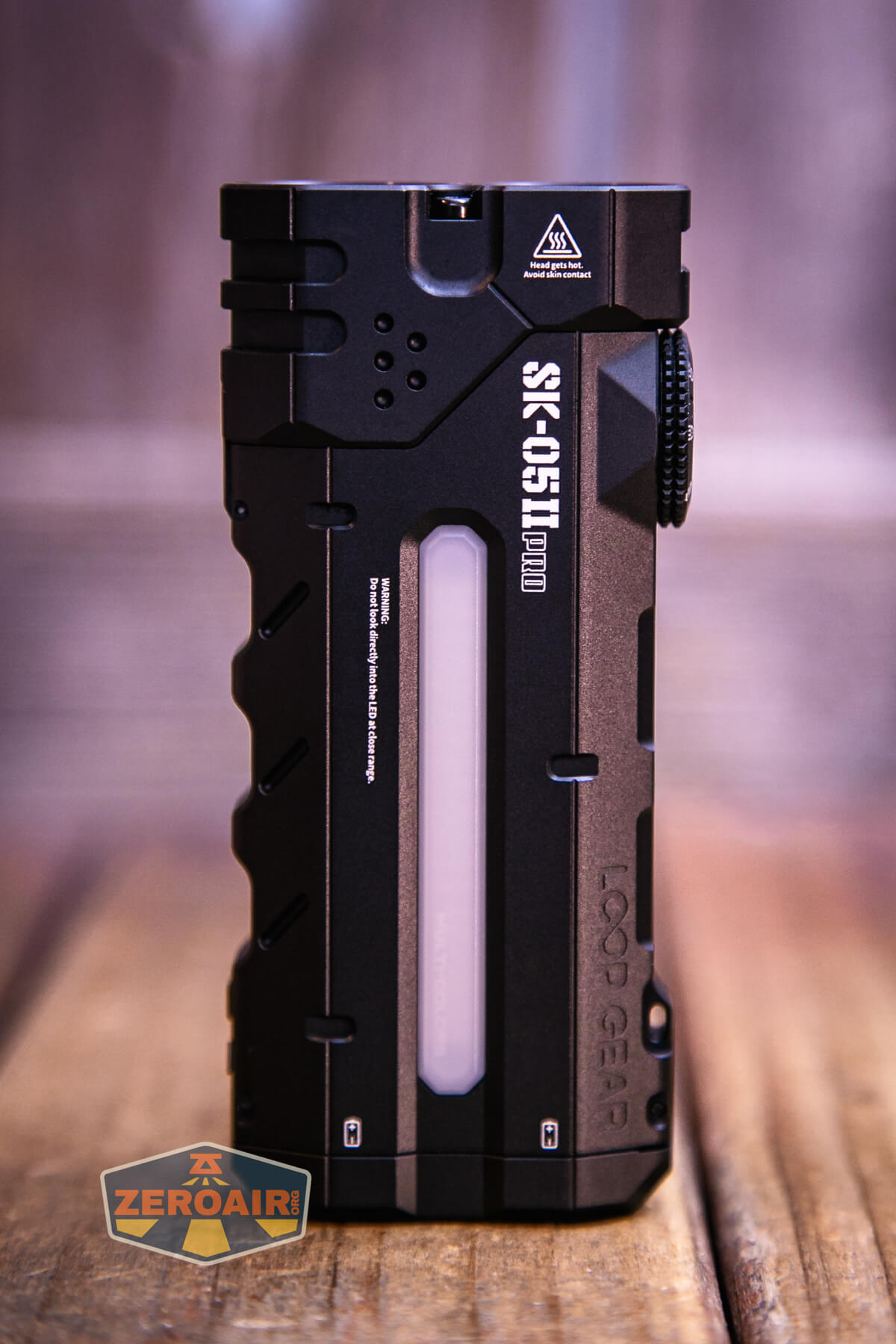
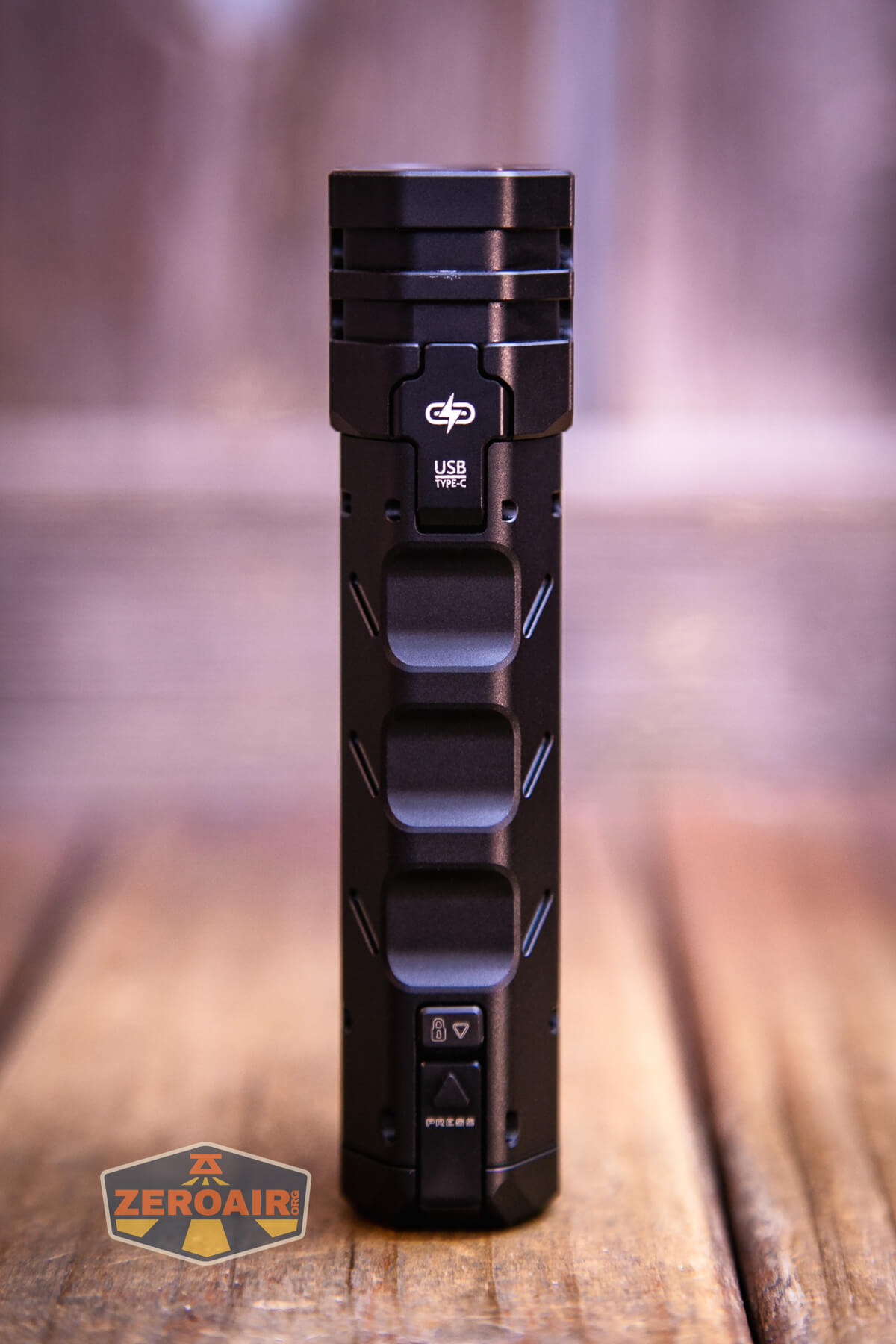
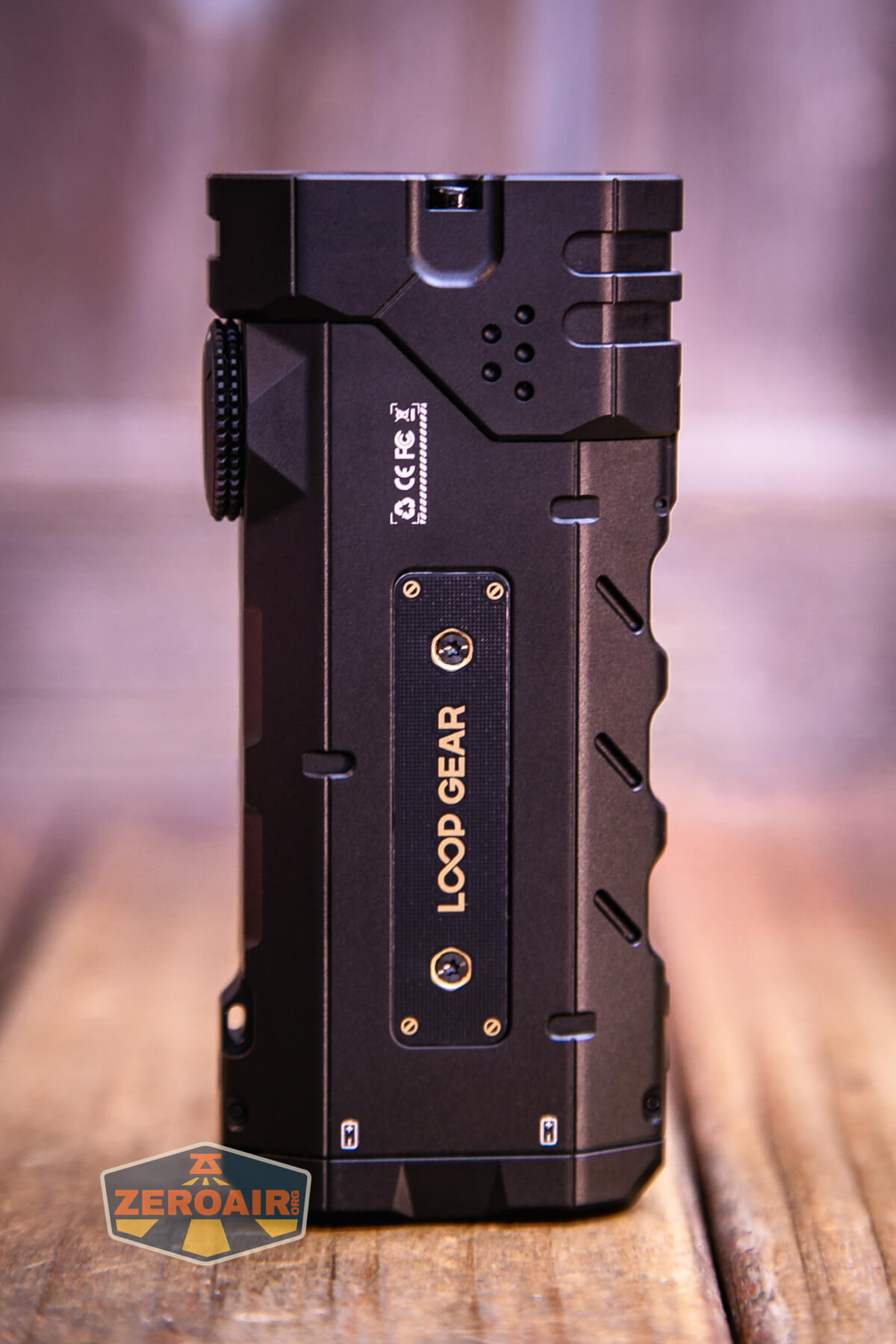
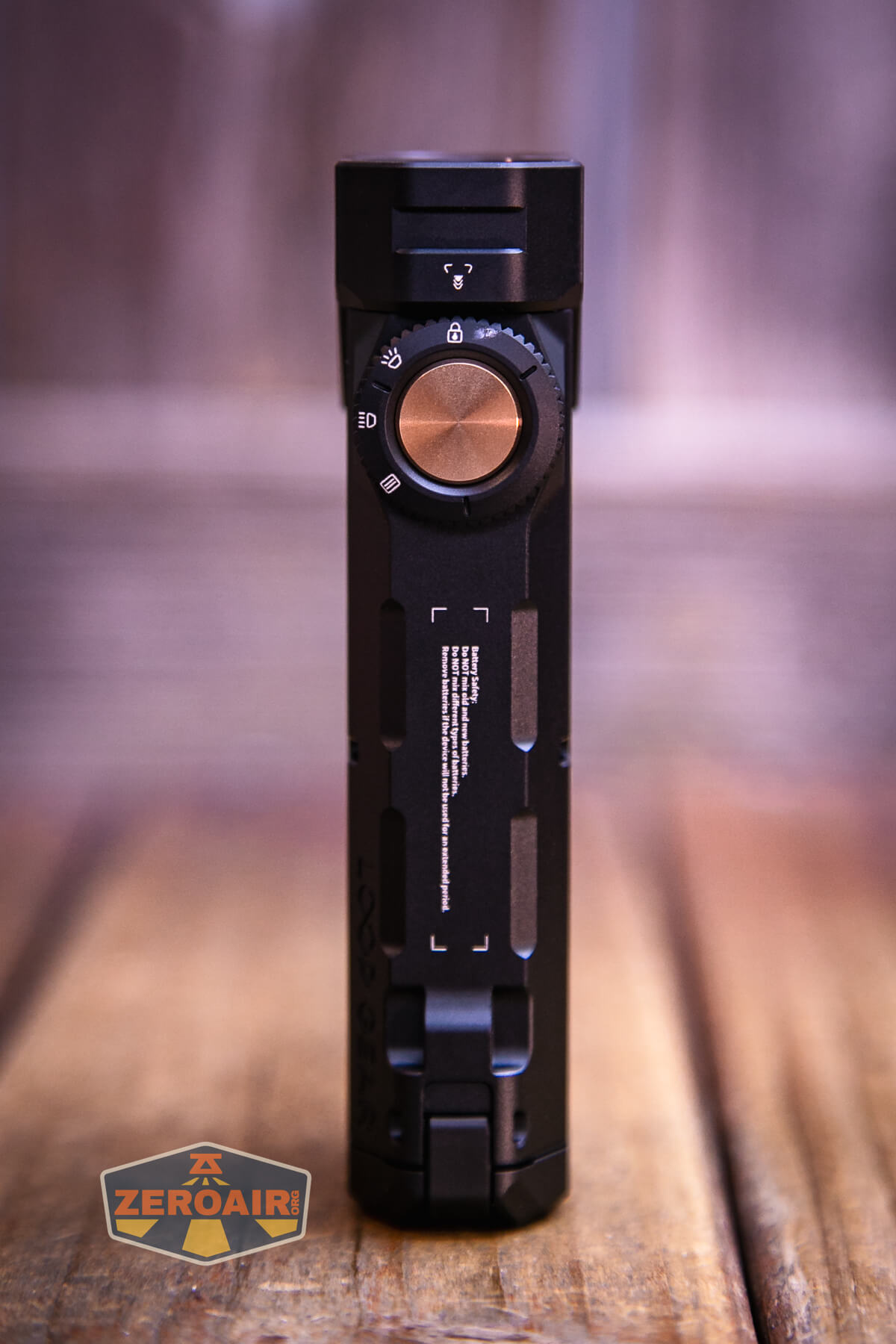
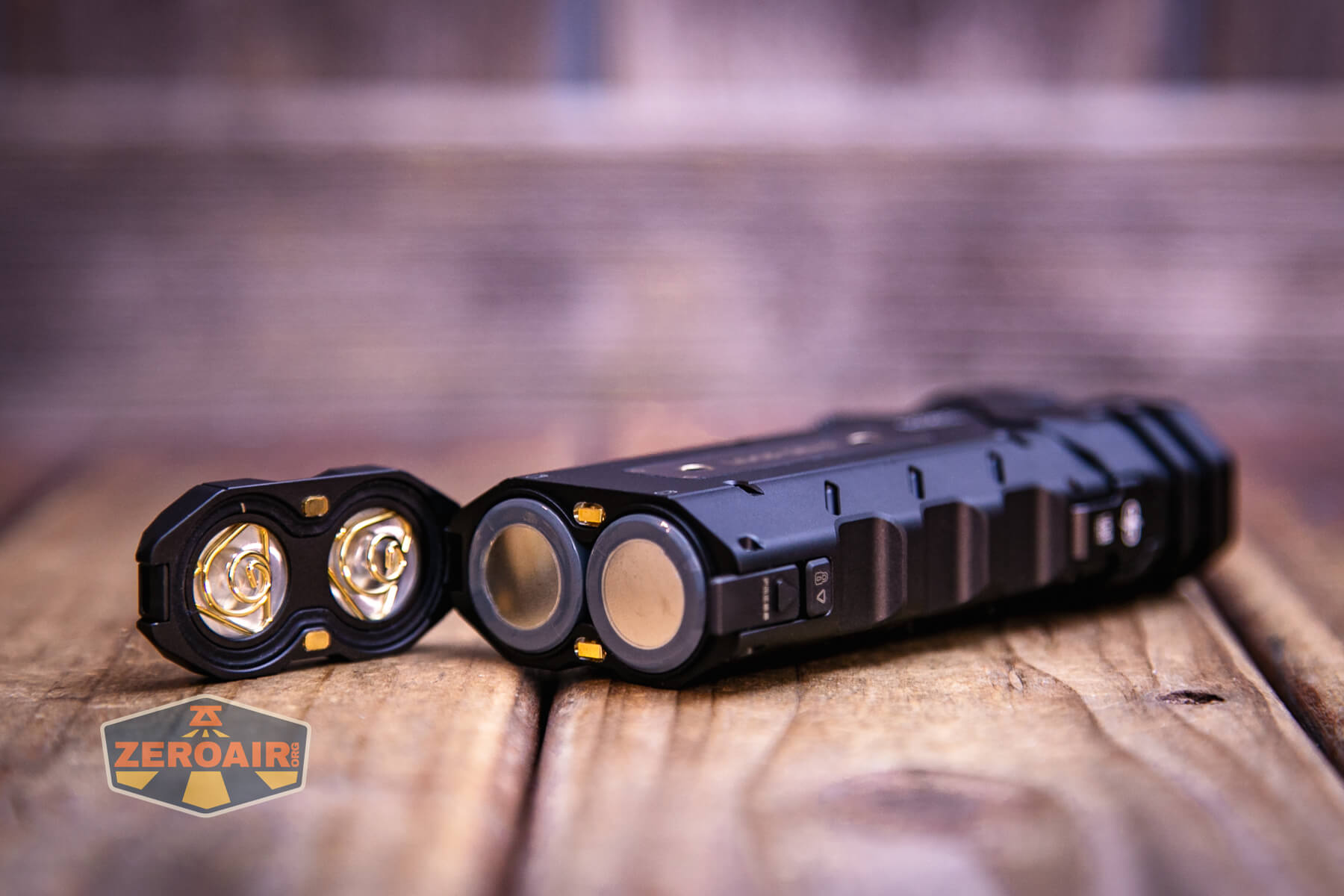
The previous Pro version had accessible cells, and the LoopGear SK-05 II Pro flashlight does as well. Inside the light, you can see that the positive contact for each cell is a big button.
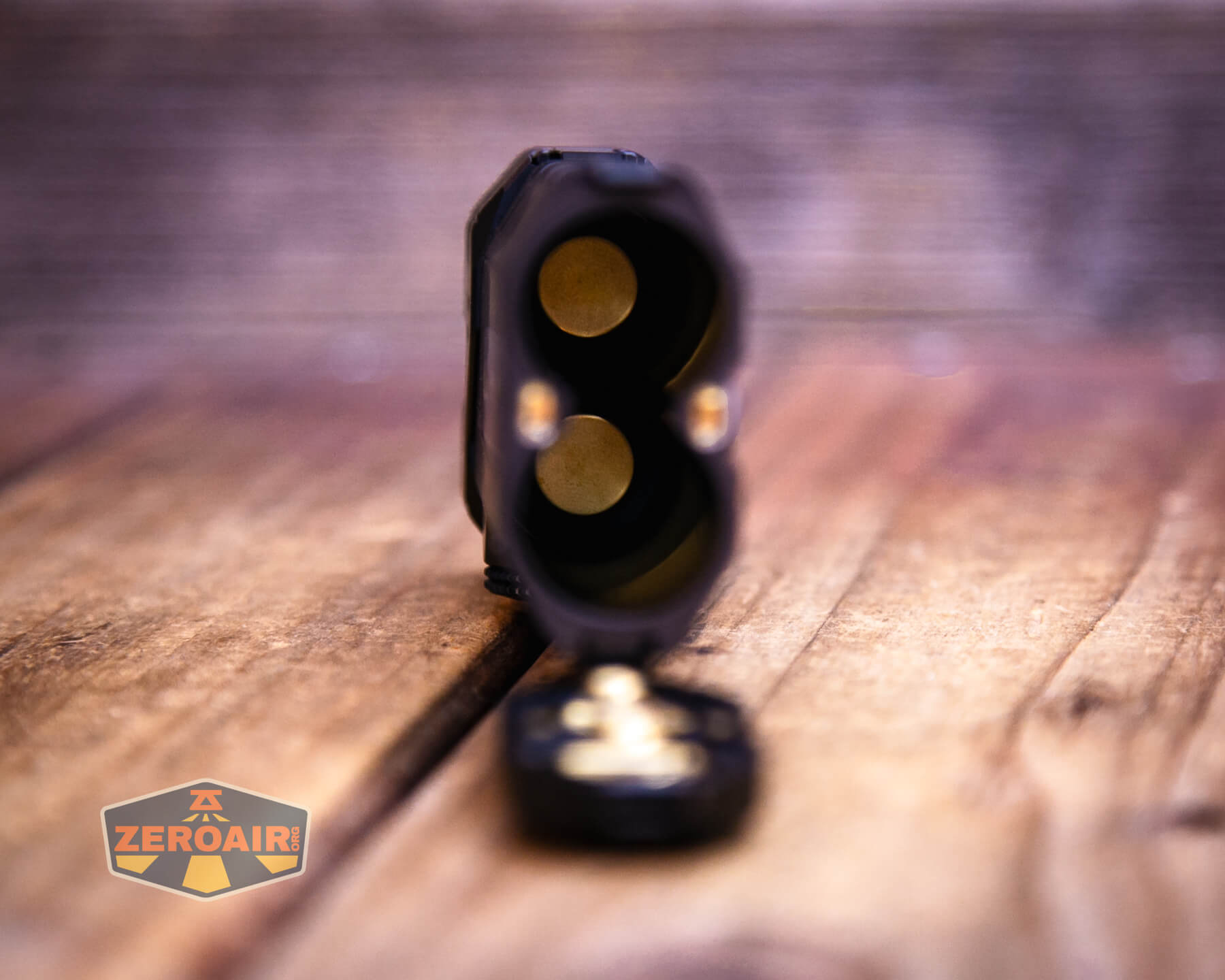
And on the other end, where negative contact is made, there are two springs.
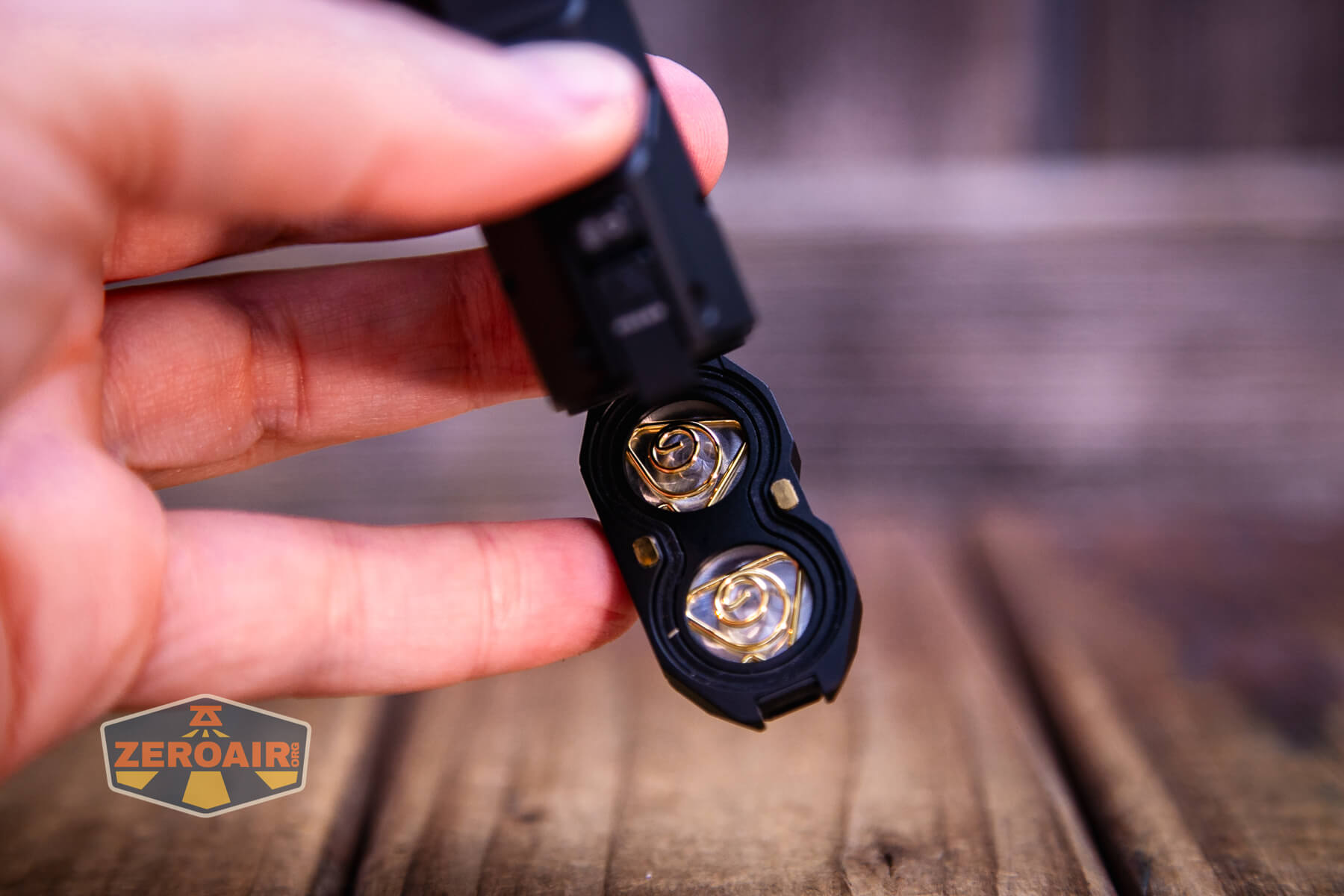
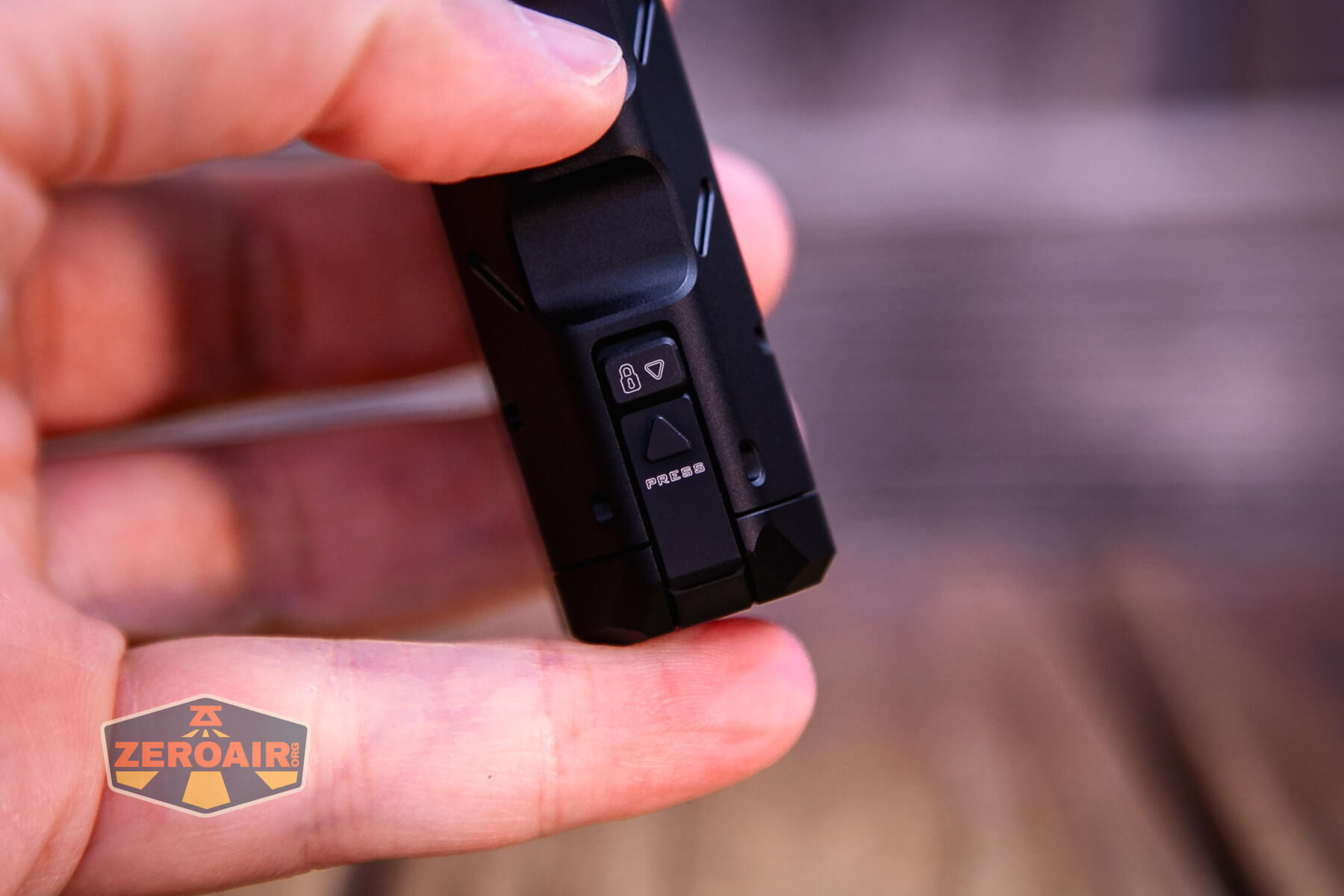
That tailcap (above) swings open after pressing this button (below). There’s a lock for this button, too.
Size and Comps
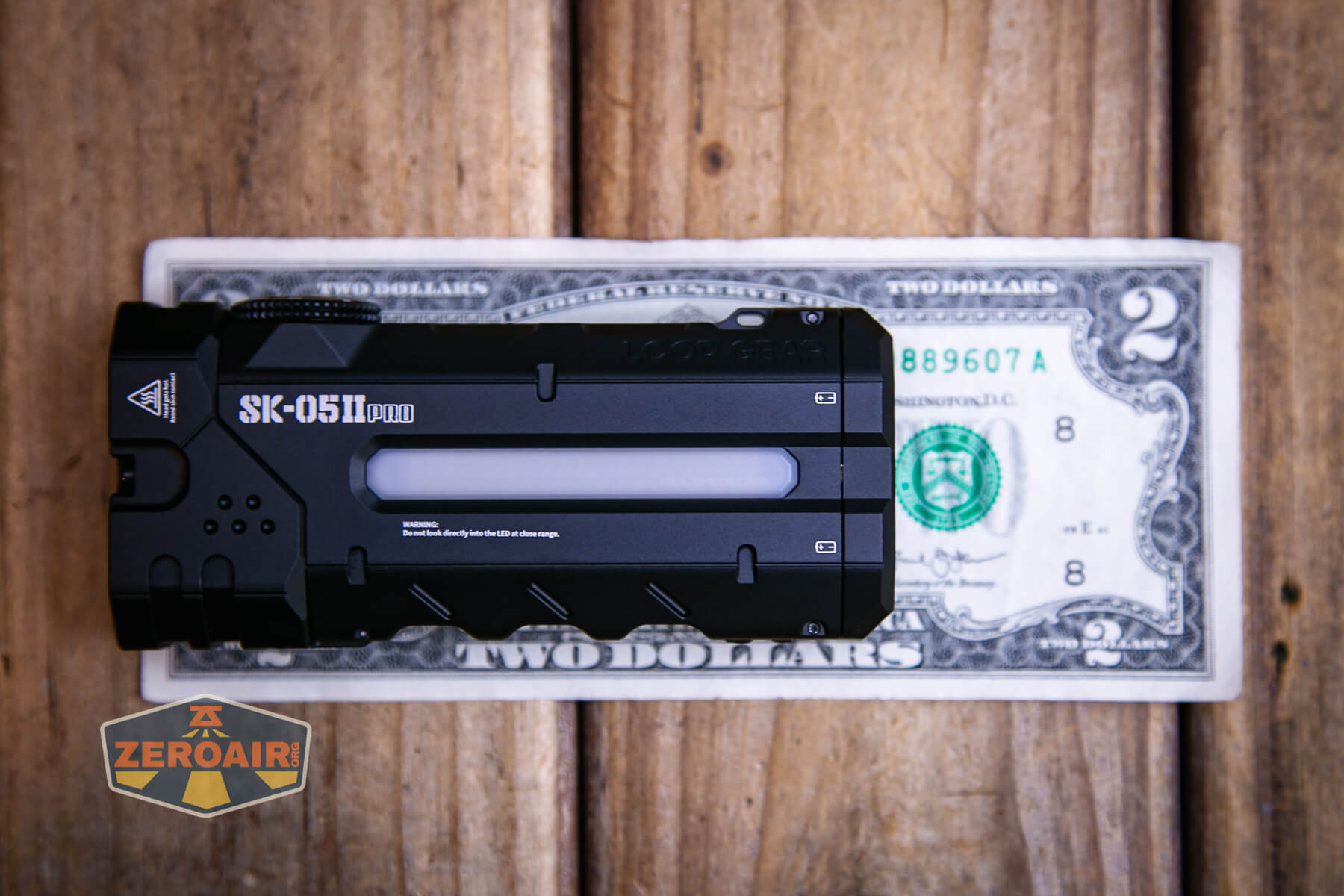
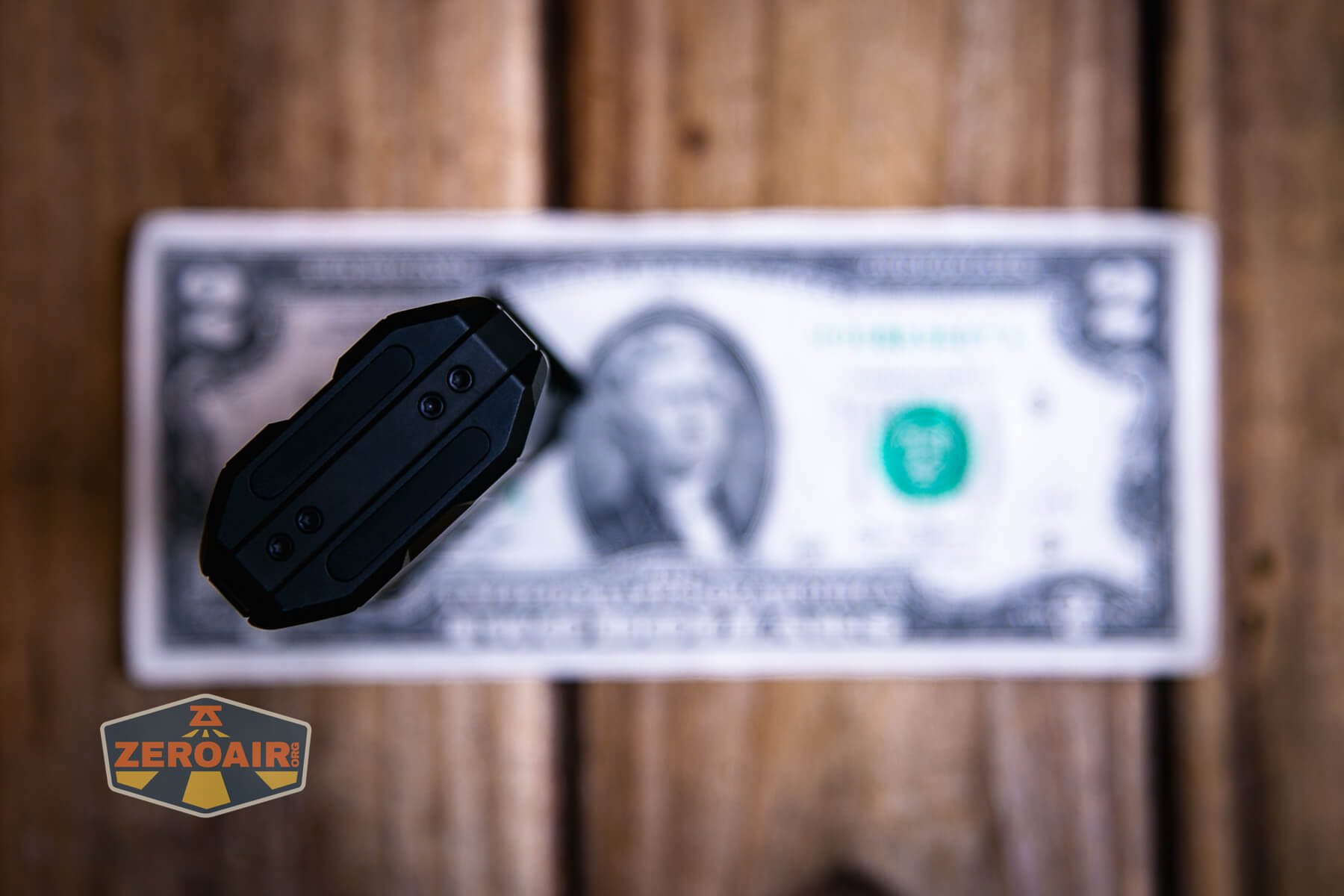
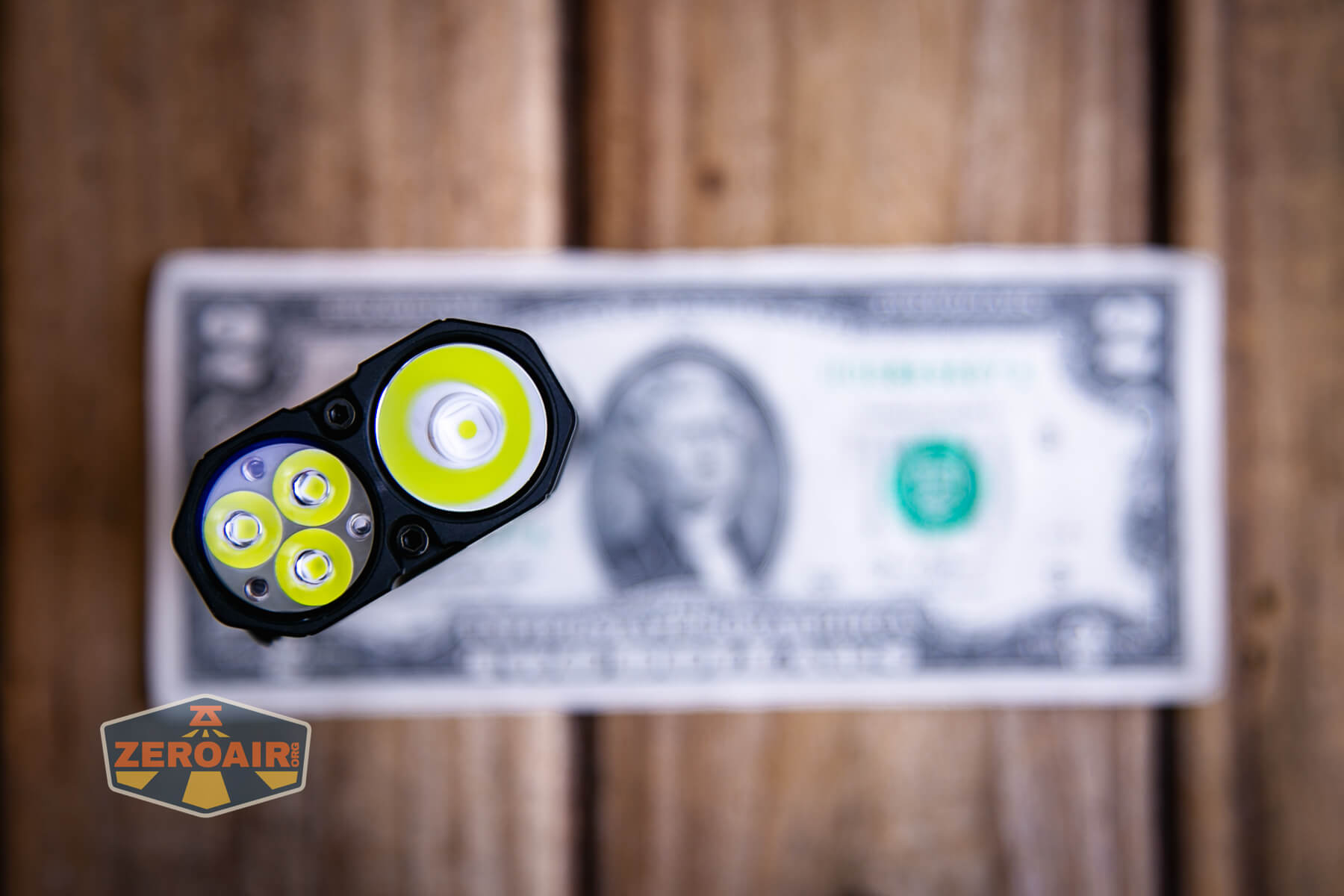
106mm x 47.8mm x 22.5mm and 231g. These dimensions are essentially unchanged from the other versions.
Here’s the light in hand:
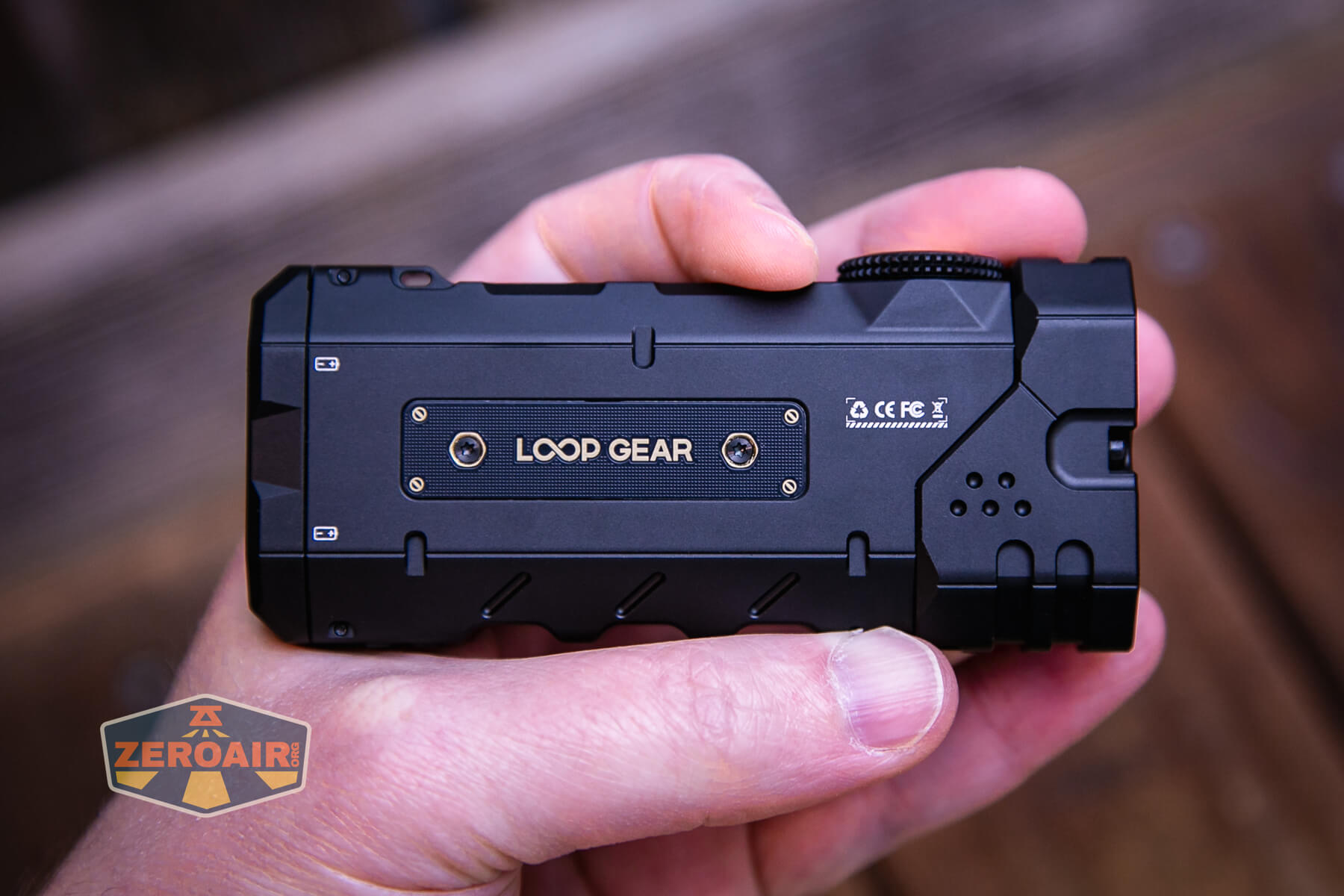
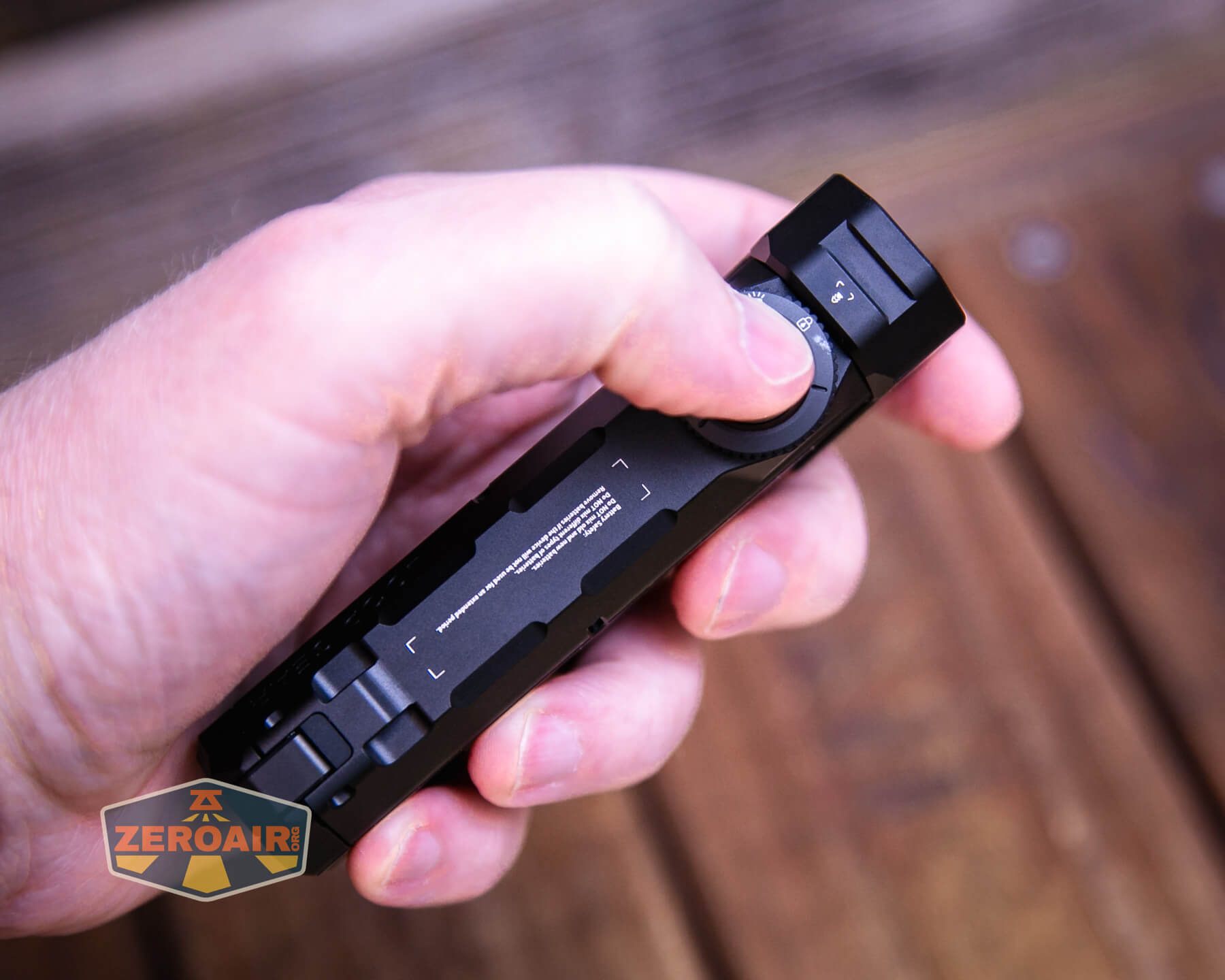
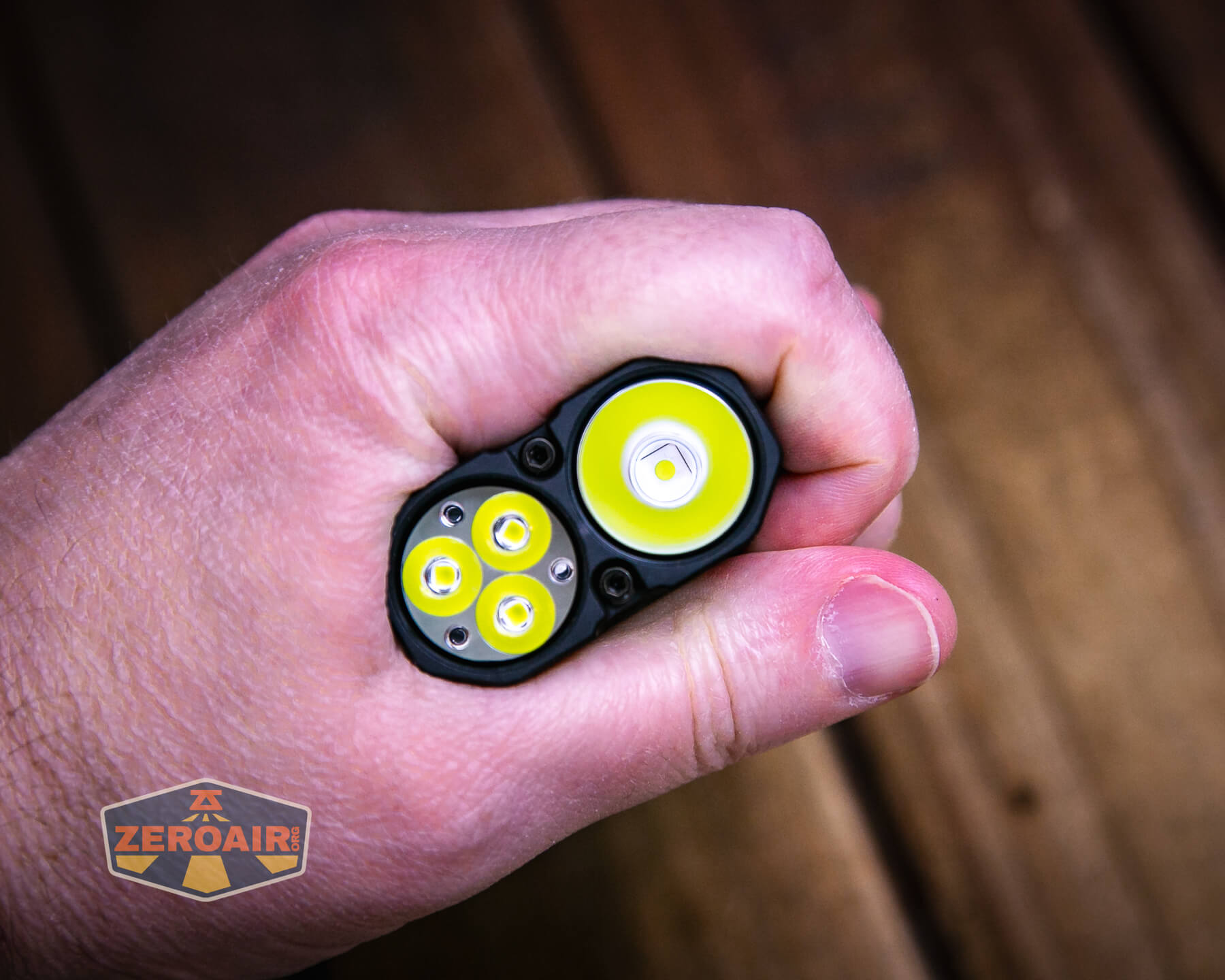
Here’s the test light with the venerable Convoy S2+. The version below is a custom laser-engraved Convoy S2+ host by GadgetConnections.com. I did a full post on an engraved orange host right here! Or go straight to GadgetConnections.com to buy your Convoy S2+ now!
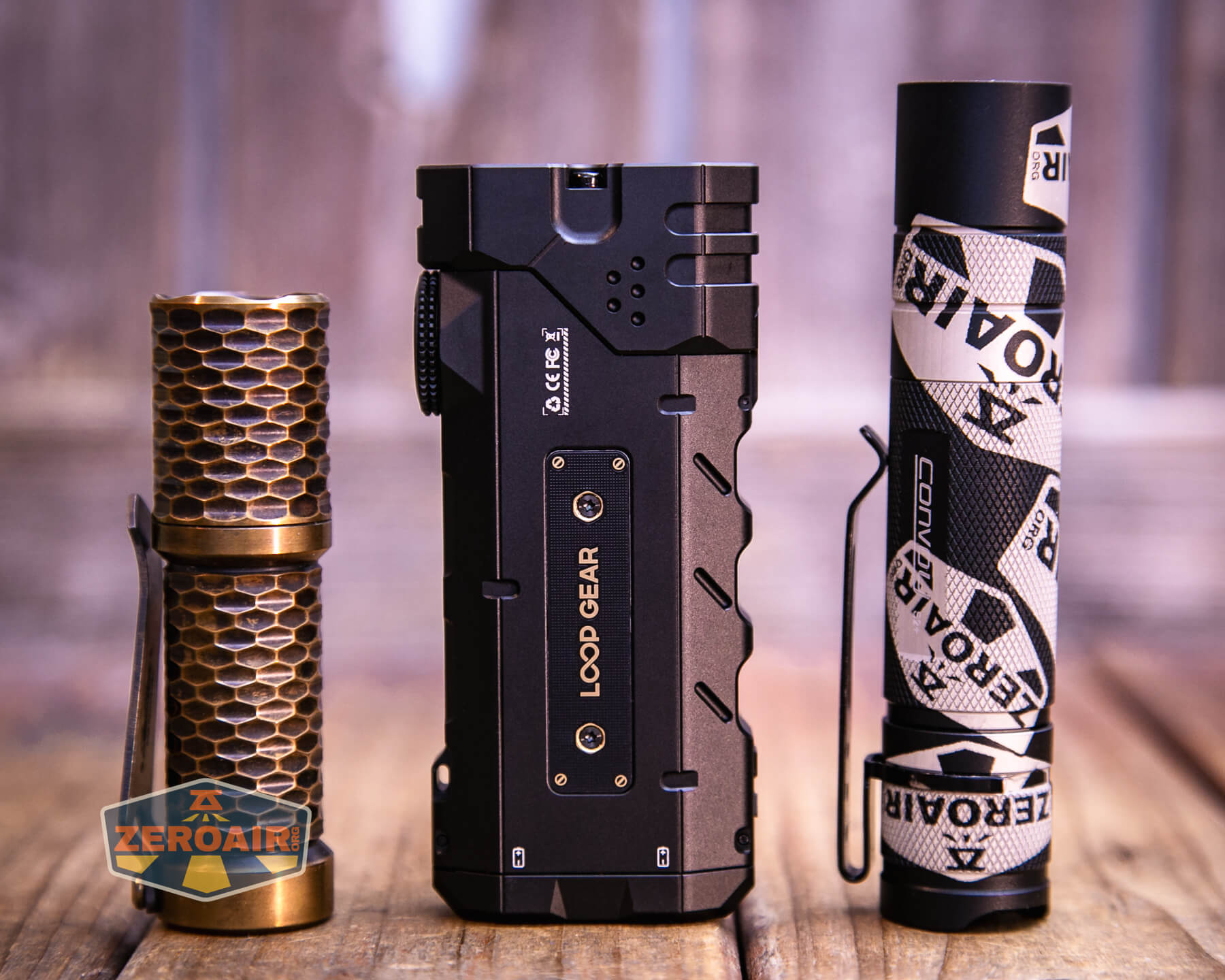
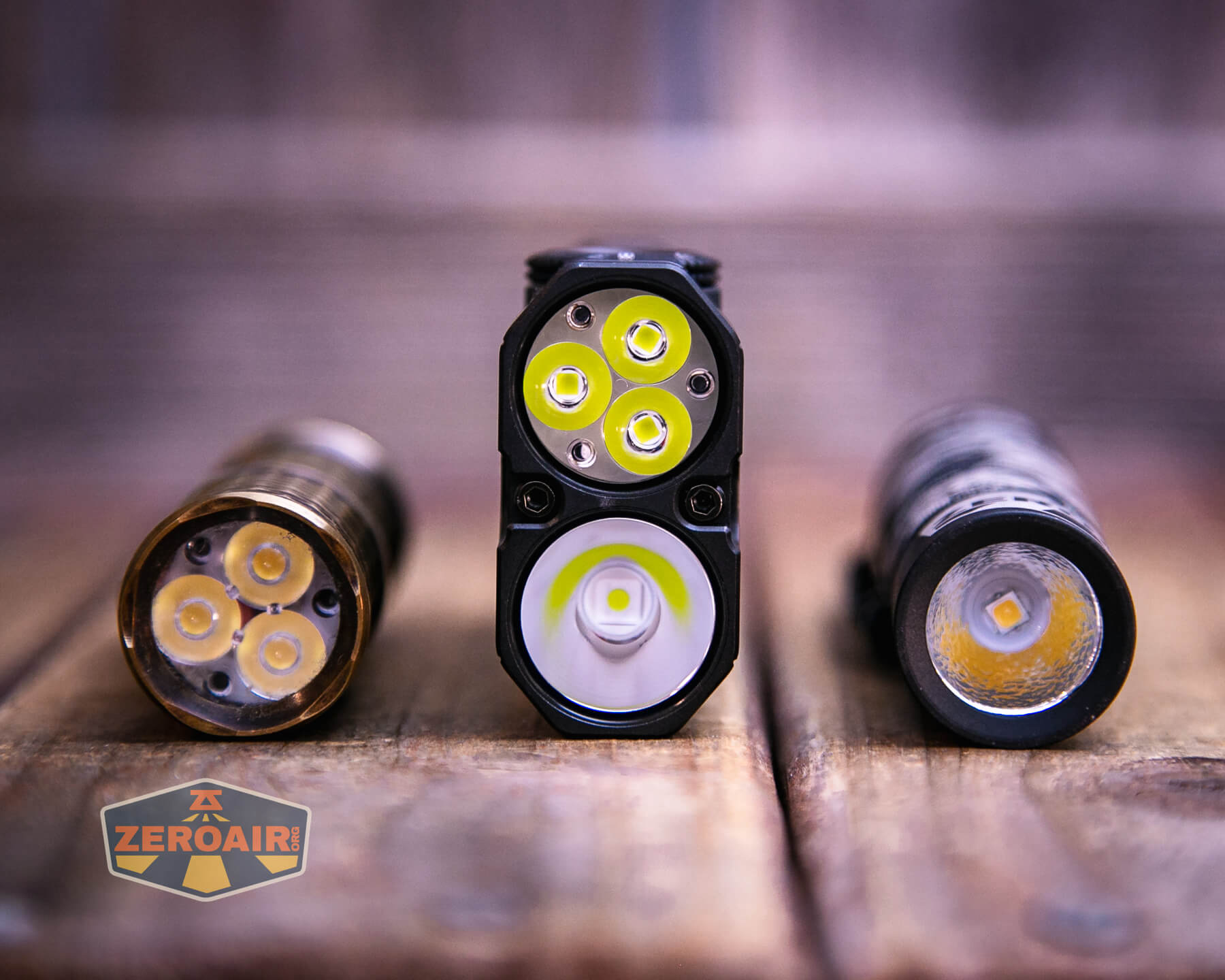
Also in the photo above, my Standard Reference Material (SRM) flashlight is the Hanko Machine Works Trident, an 18350 light. While I have not reviewed or tested the Gunner Grip version seen here, I have tested a Hanko Machine Works Trident Total Tesseract in brass. I love the Trident, and it’s a striking contrast to the inexpensive Convoy S2+, another great SRM.
Retention and Carry
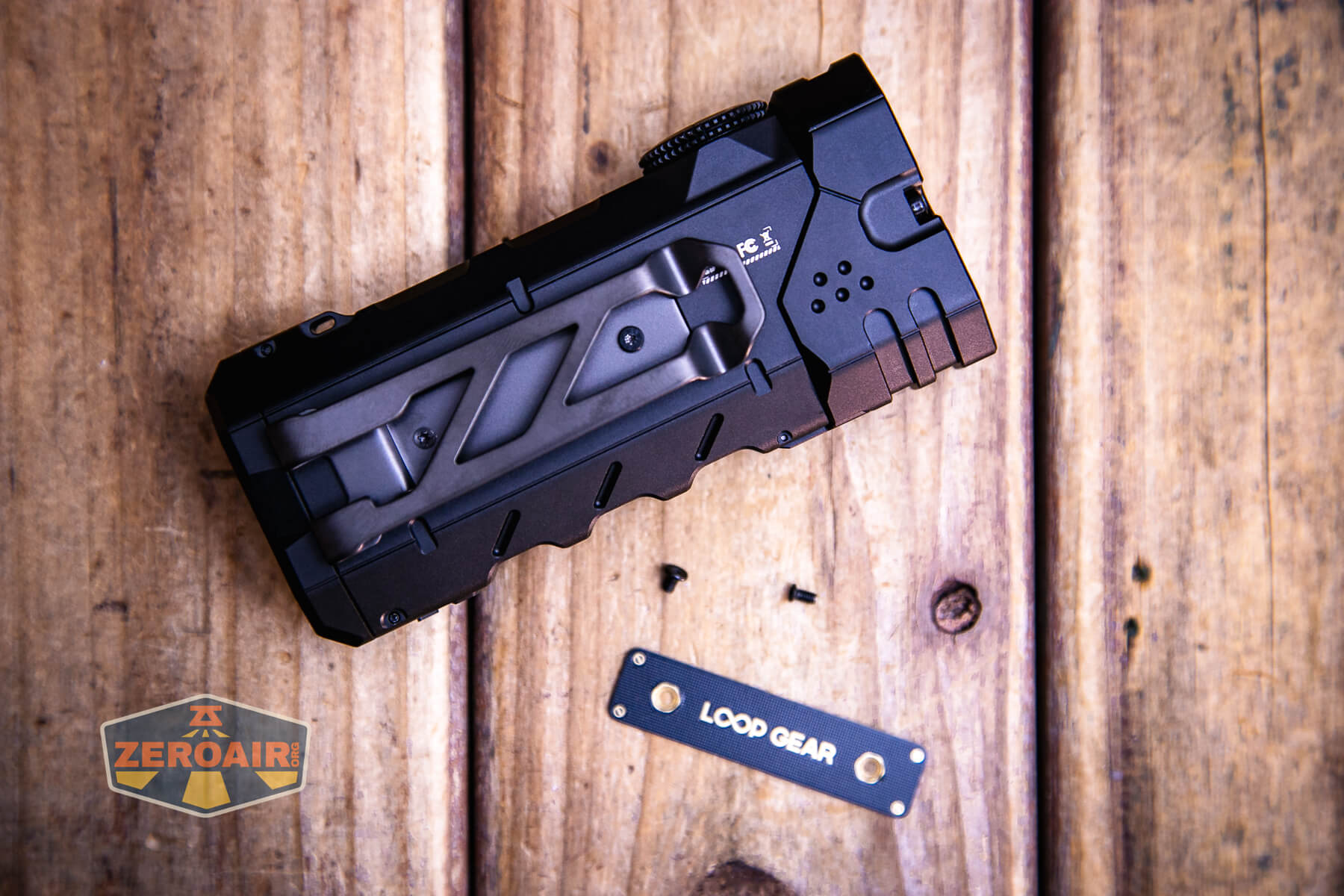
Unlike the non-Pro, there’s a pocket clip included here. It’s not attached, but two screws (and two extra) are included. A screwdriver (TORX) is also included, too!
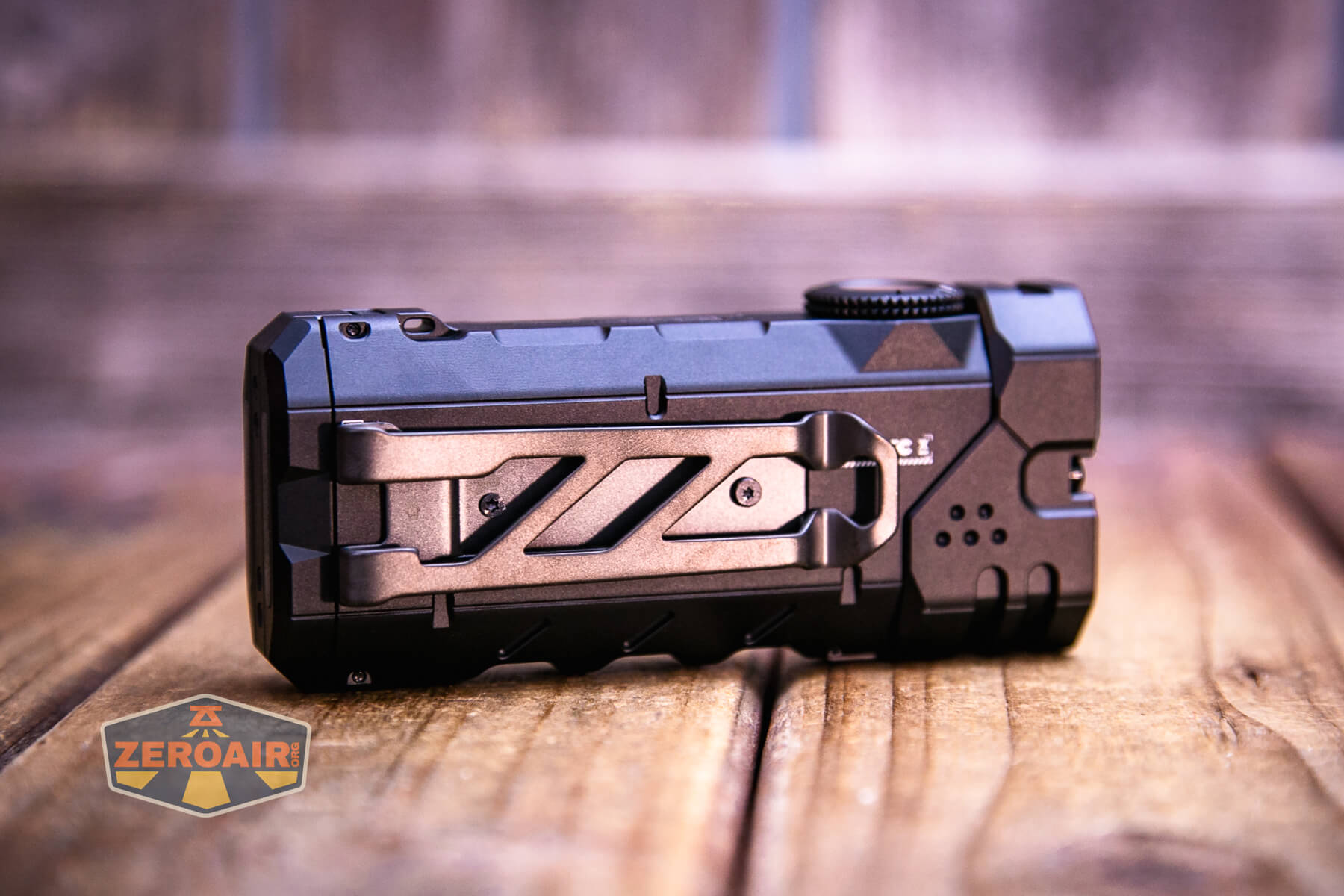
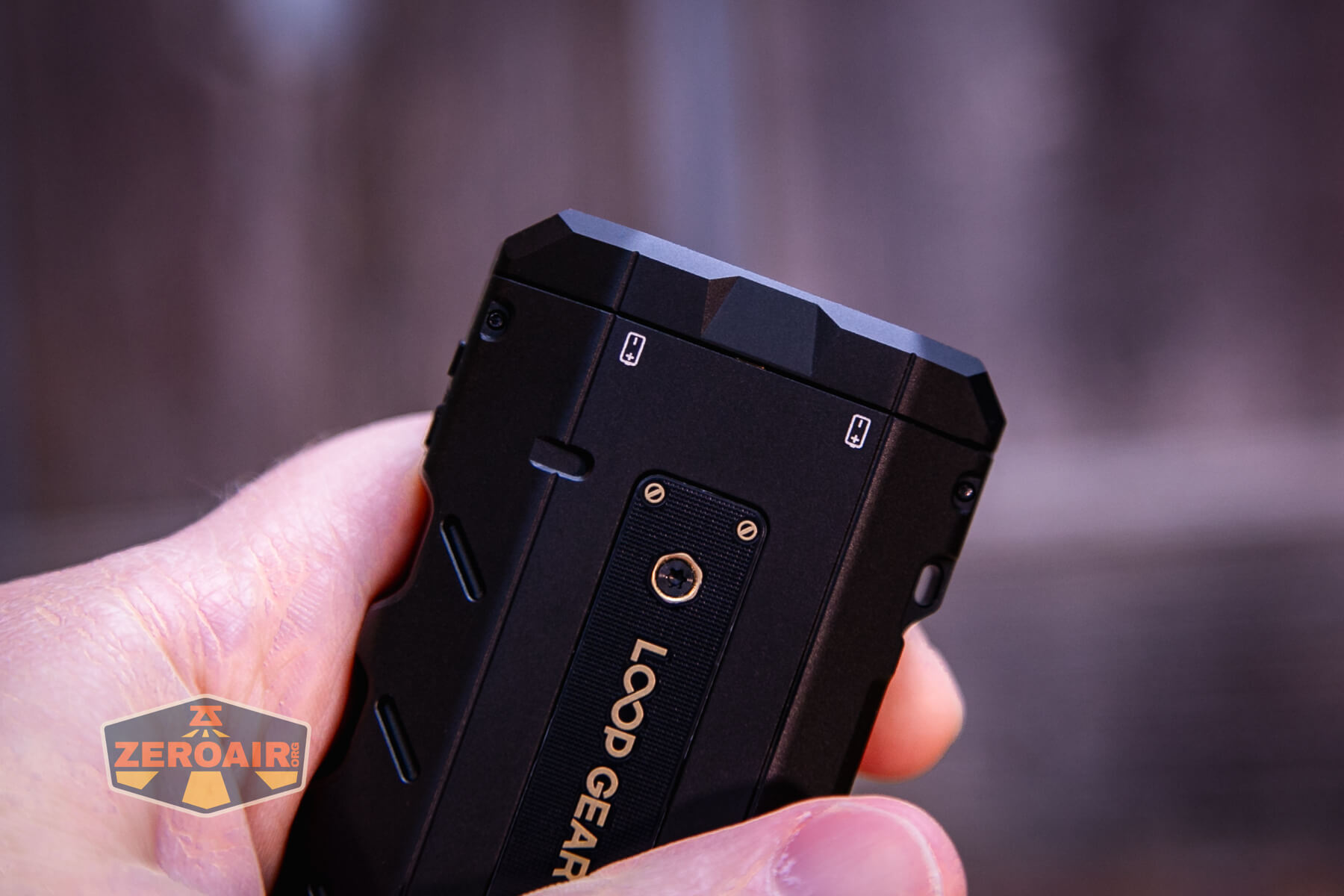
One upgrade is this clip-blank. If you don’t use the clip, you’ll have this nice little logo blank.
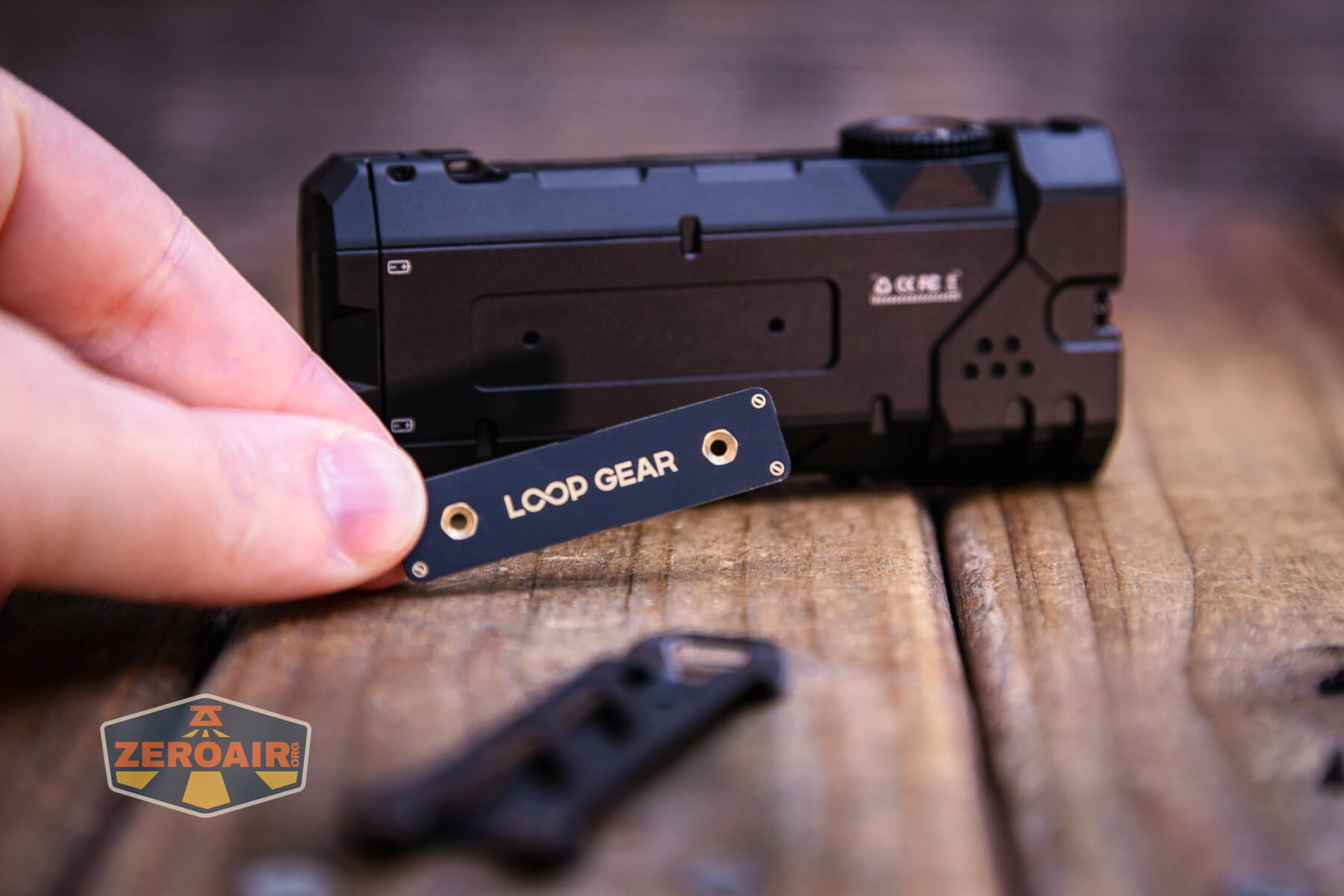
There are two types of screws – one for holding the blank and one for holding the clip. I’m really not sure which is for which, as they both work fine for either item.
The tailcap has a magnet too.
Power and Runtime
The LoopGear SK-05 II Pro flashlight uses two 18650 cells. The two that are included are 4000mAh standard 18650 cells.
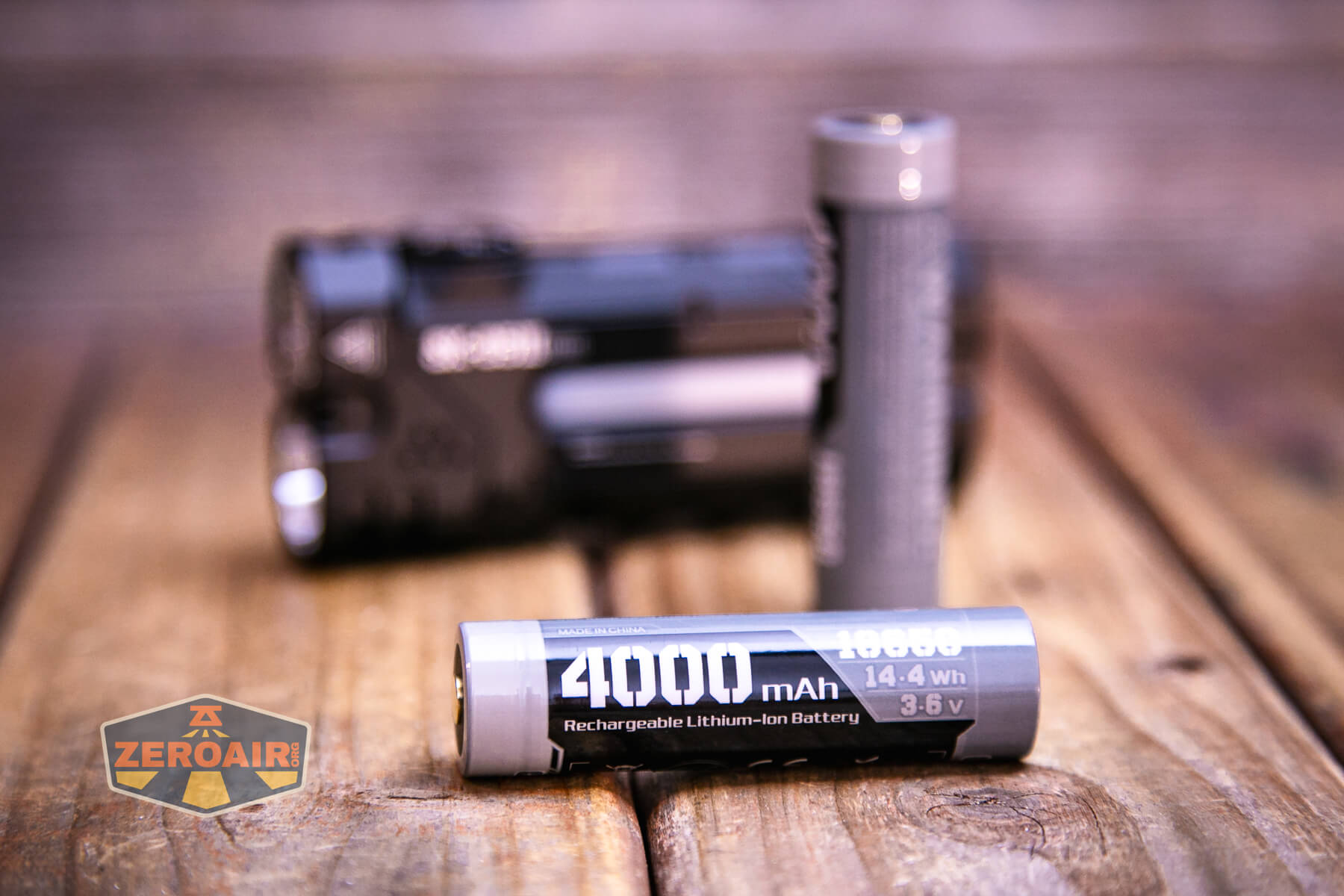
The cells go into the light with the button (positive end) toward the head. They are parallel, too, so they both go in the same direction. This does mean that the light can run with just one cell!
Runtime tests are below. I tested the higher two modes with both types of output (spot and flood). The light offers a brief “both emitters” option, but it is “momentary only.”
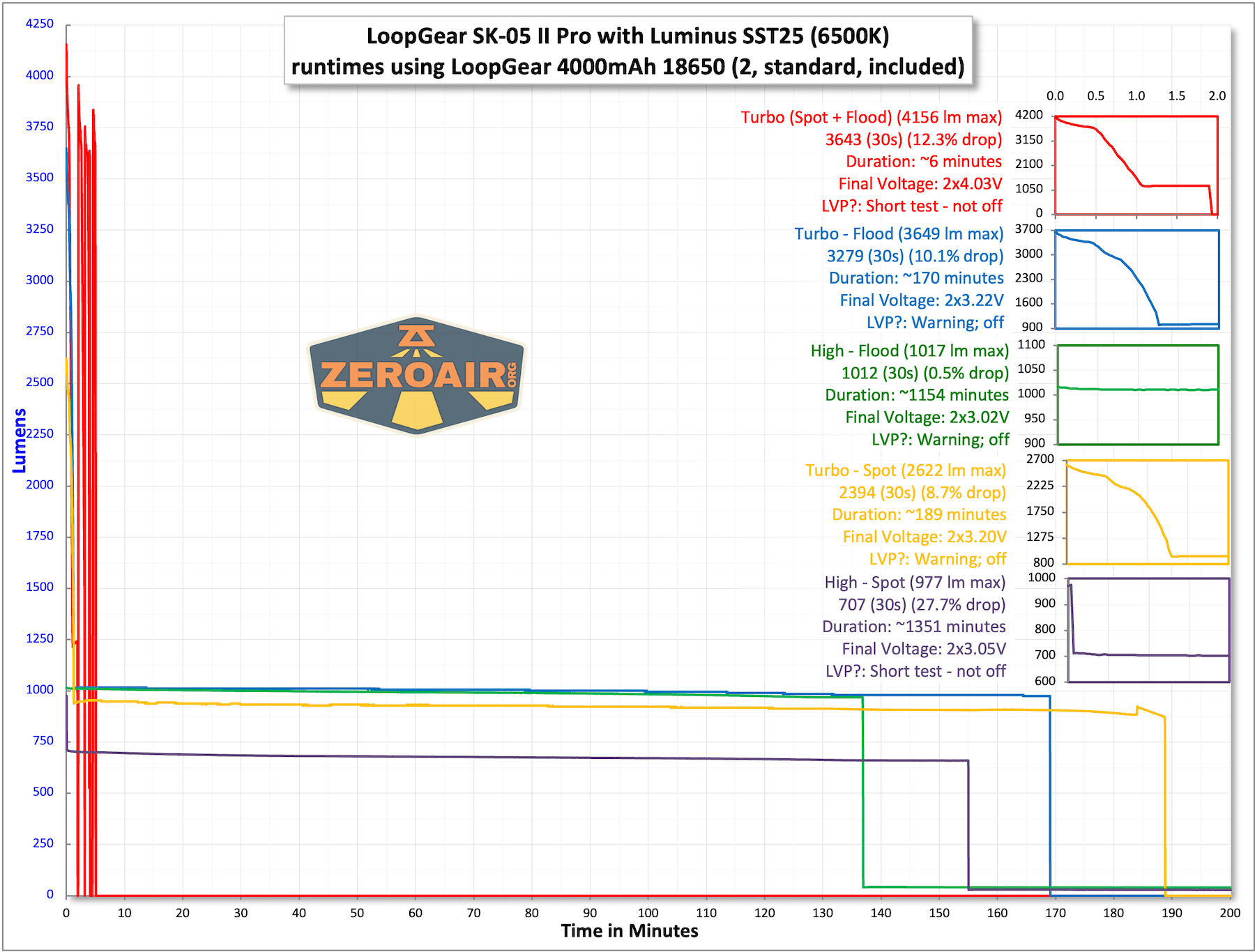
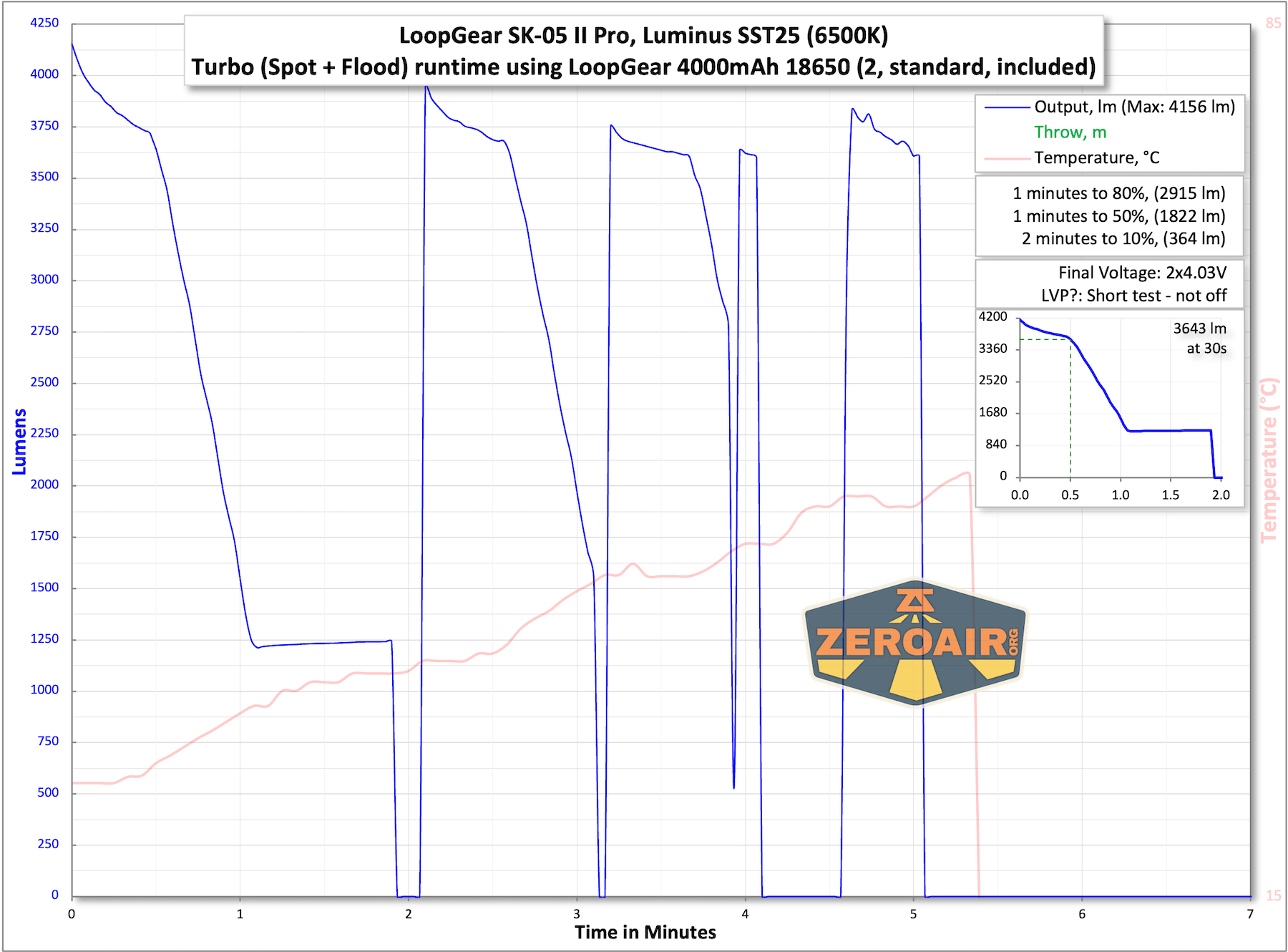
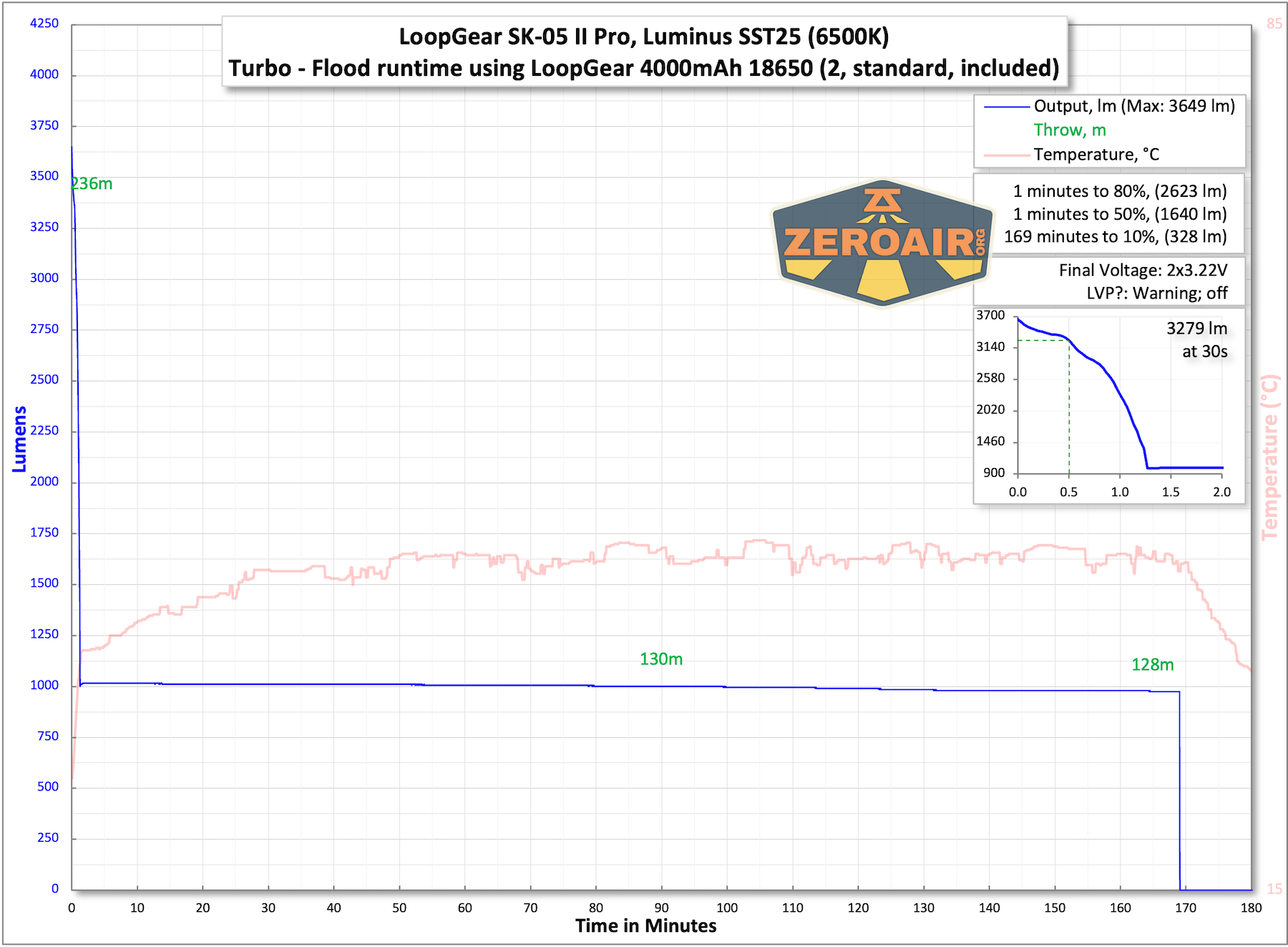
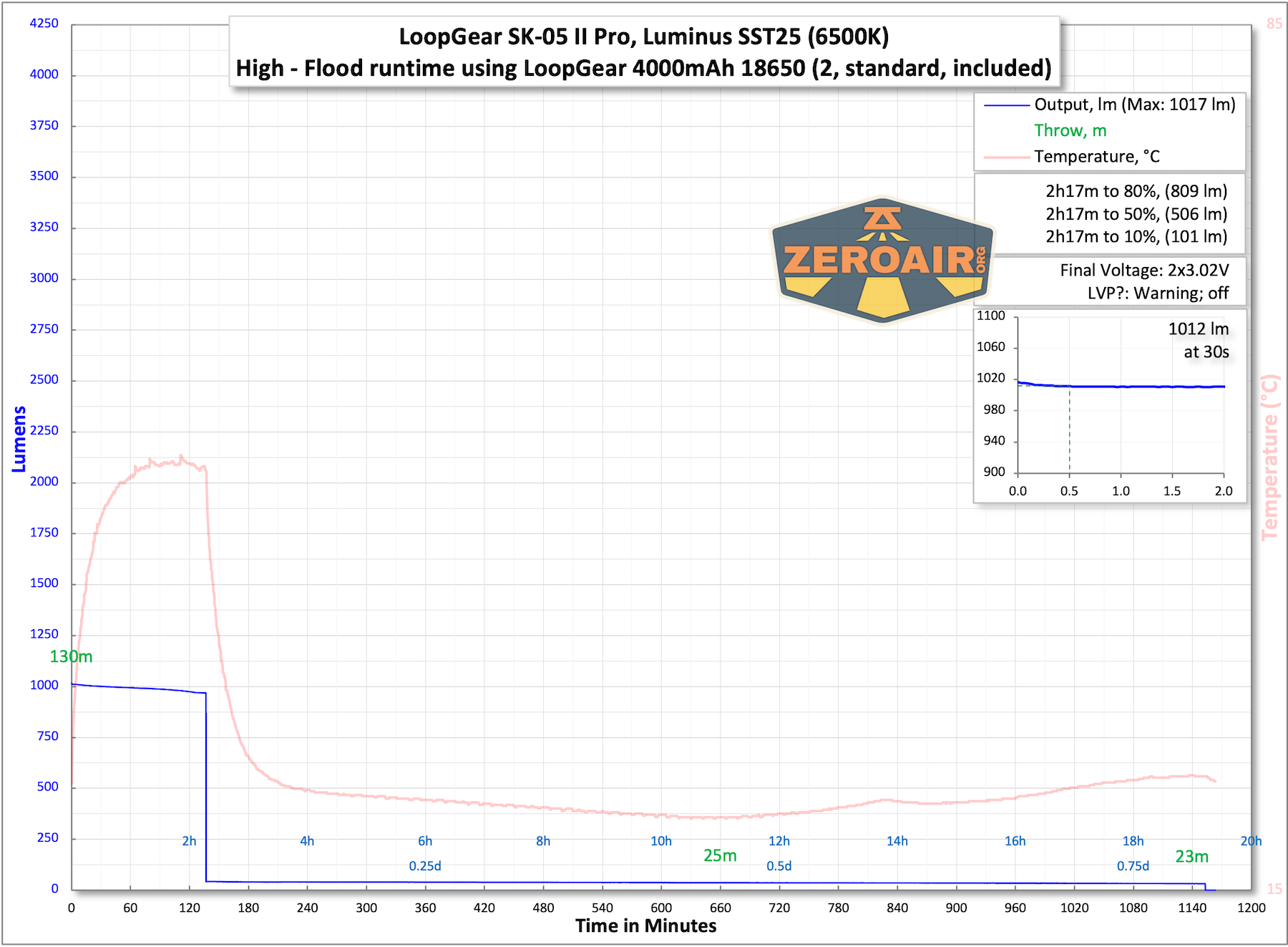
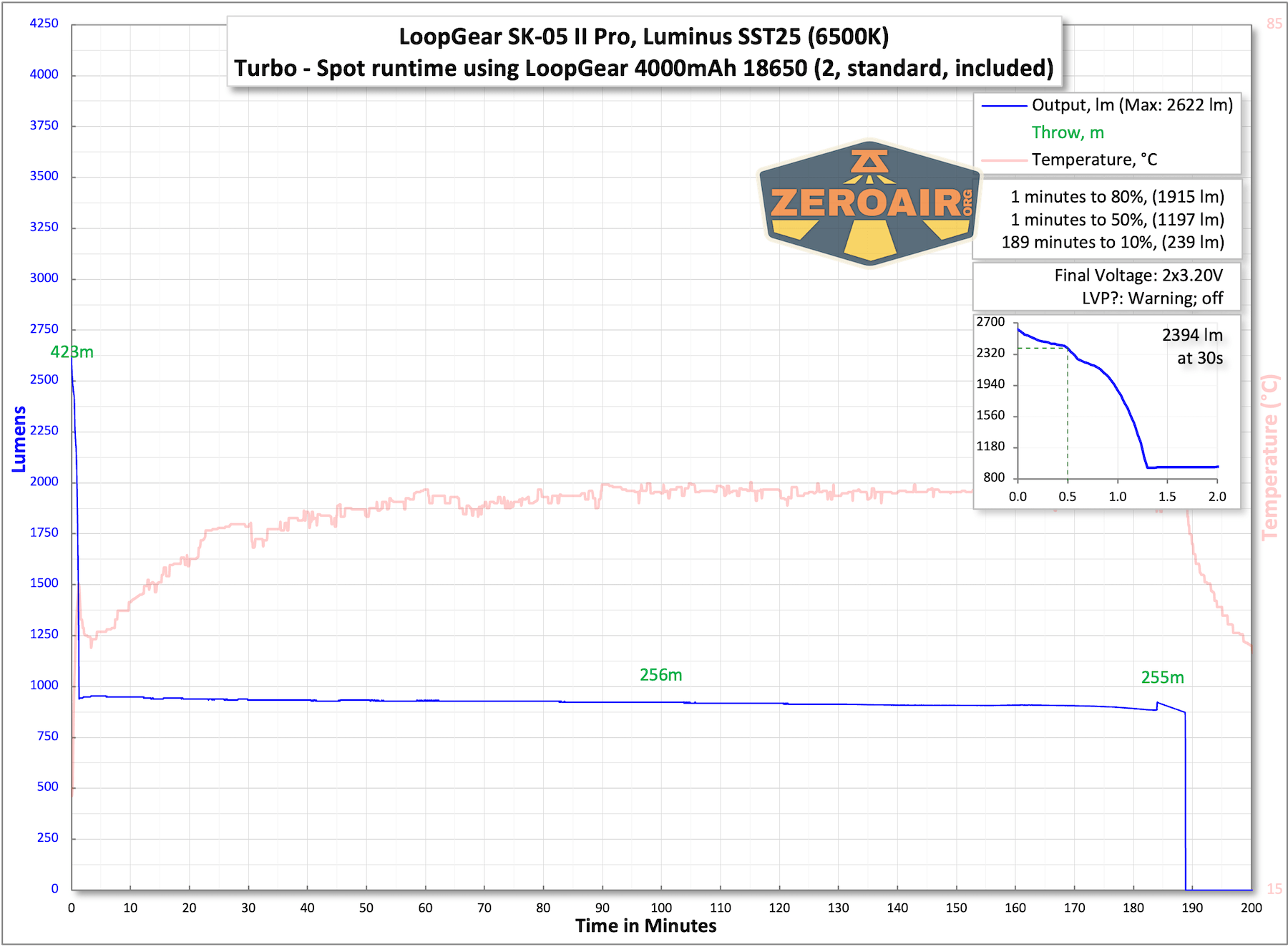
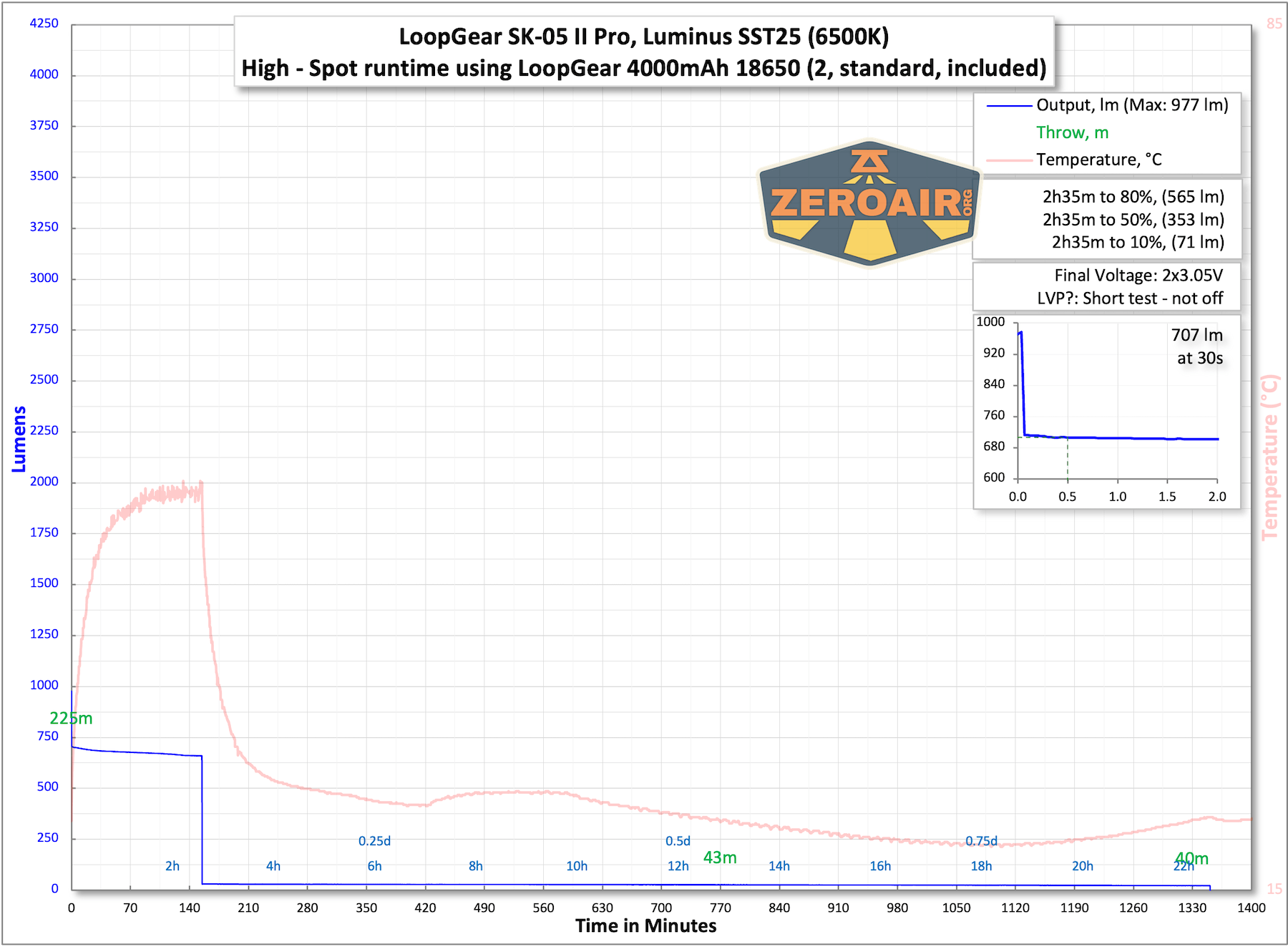
The light shuts off with low voltage protection. There’s a prominent side RGB COB that alerts the user to the approximate cell voltage at startup. In fact, you don’t even have to turn the light on – just switch the rotary dial away from lockout mode, and the indicator will display the charge level. It’s basically a power meter. Red means basically empty (“0%”), and anything blue is higher than that. So, for example, if the indicator is half blue and half off, the charge is approximately 50%.
The temperature lines in these charts are included as general context, not precise measurements. The values represent the range (min to max) during testing, but should not be taken as exact readings. A temperature sensor is not always attached to the bezel (or even the hottest spot, assuming that could be defined). Even with ideal placement, too many variables affect temperature to definitively state a specific max value.
Charging
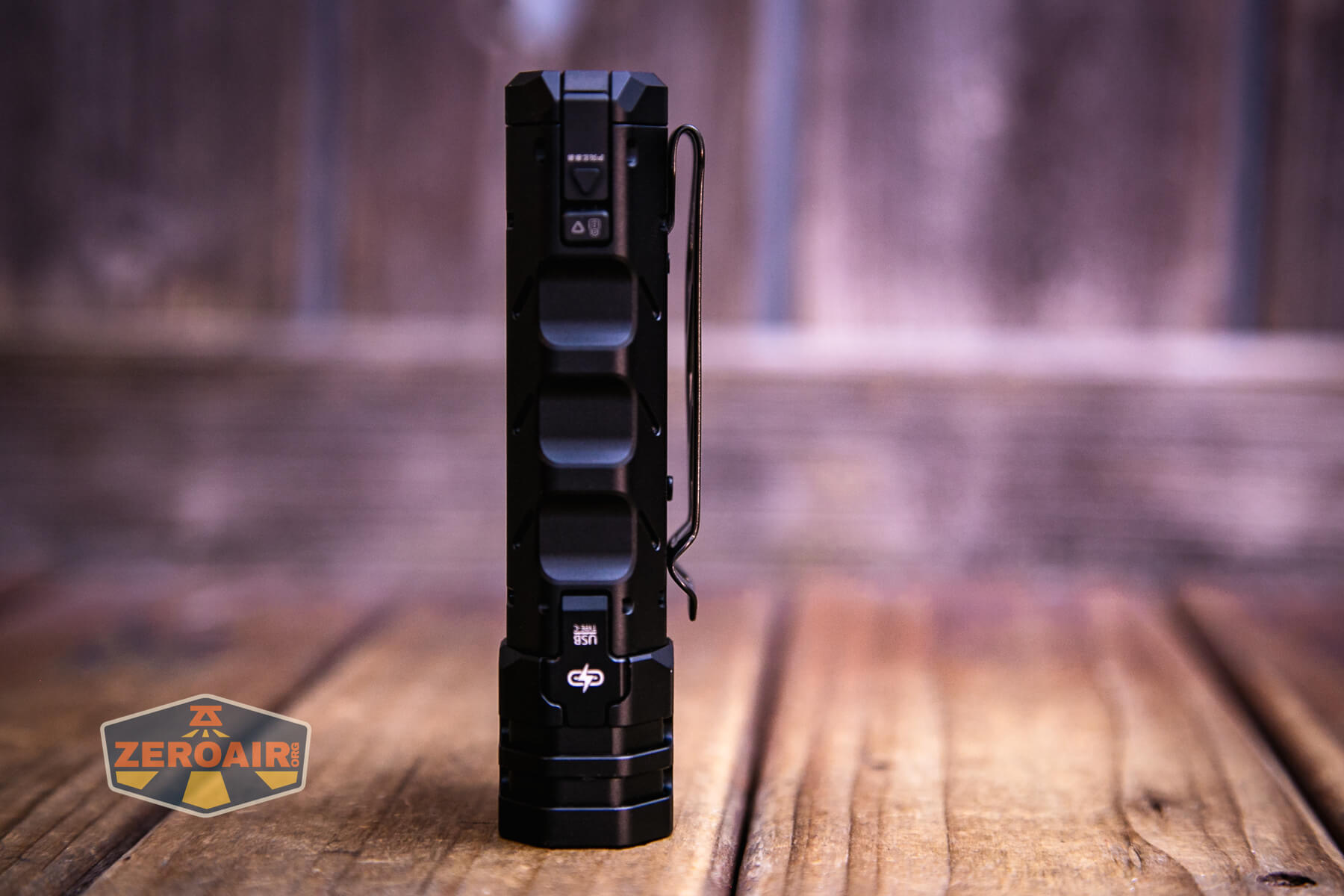
UBS-C charging is used for the LoopGear SK-05 II Pro flashlight. The cover is a huge improvement.
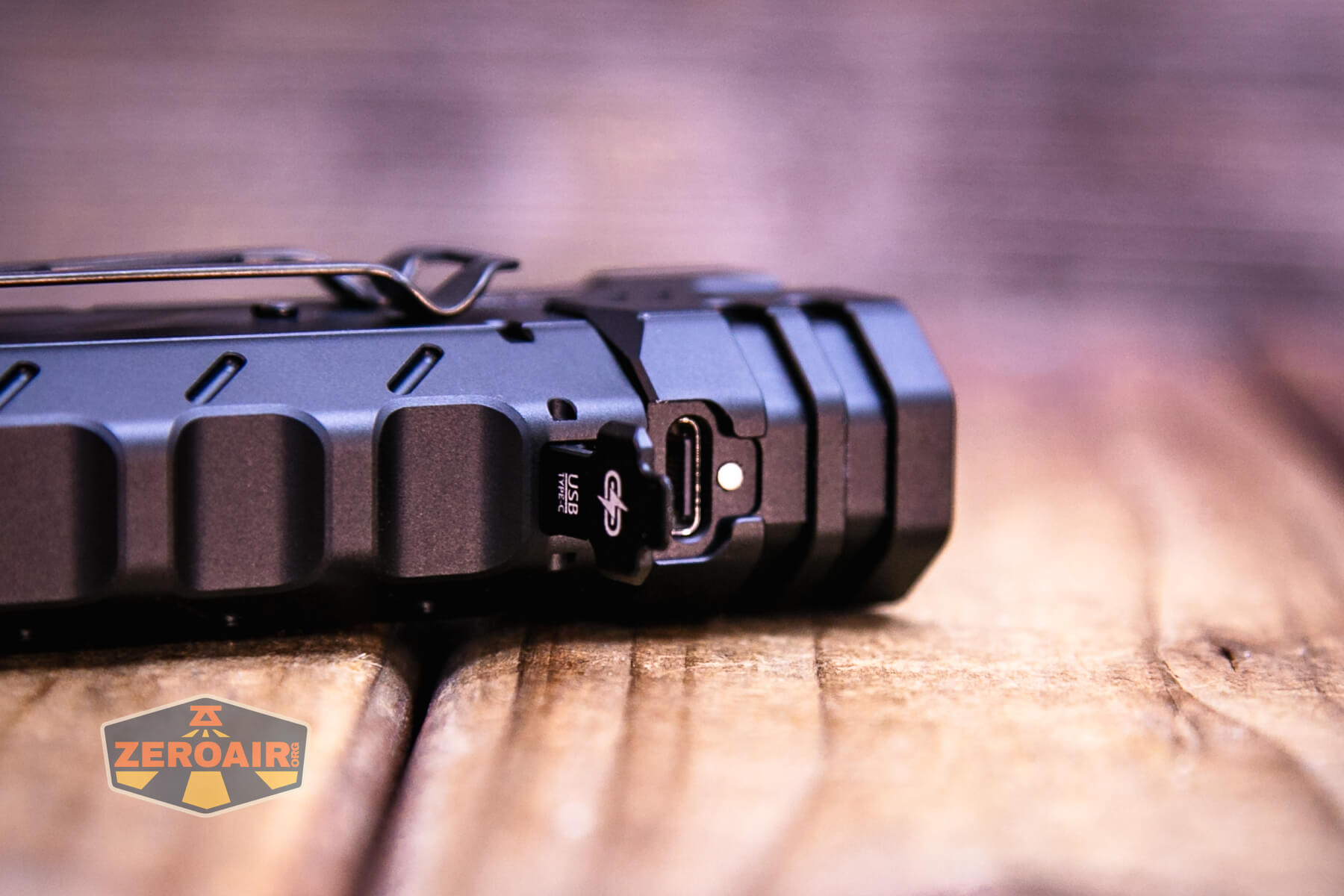
It’s a sort of latch that snaps shut magnetically. I like it!
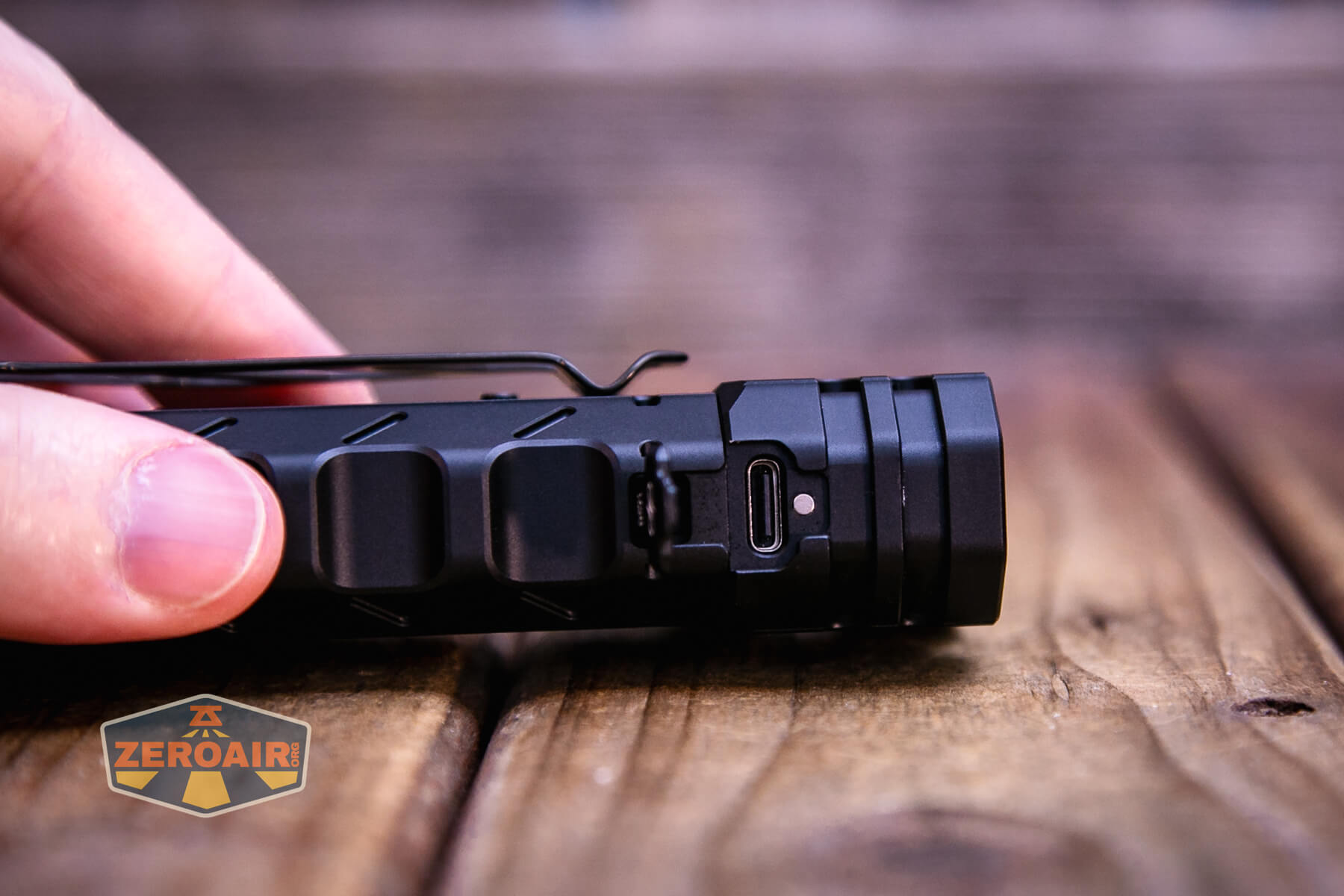
A C to C charging cable is included.
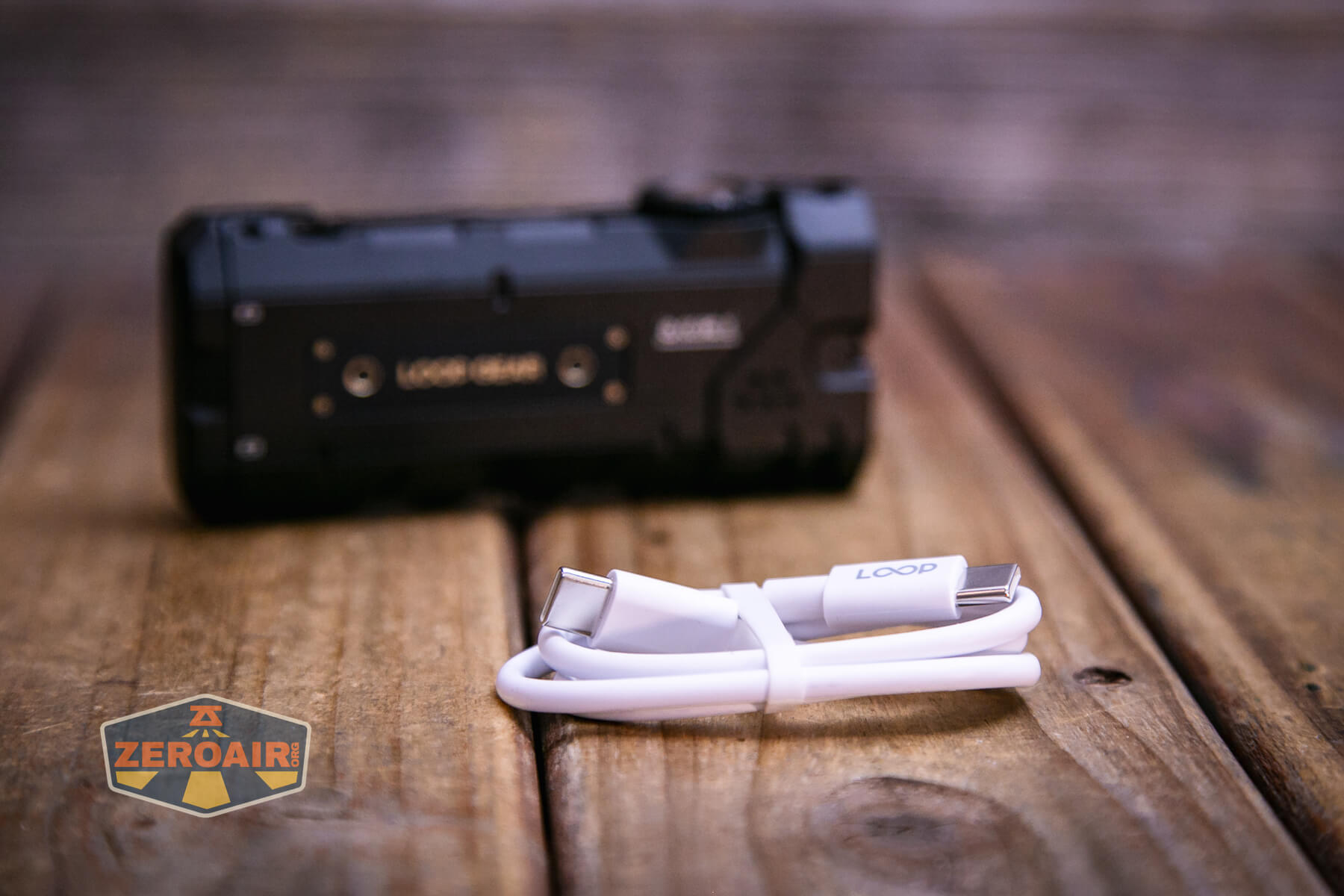
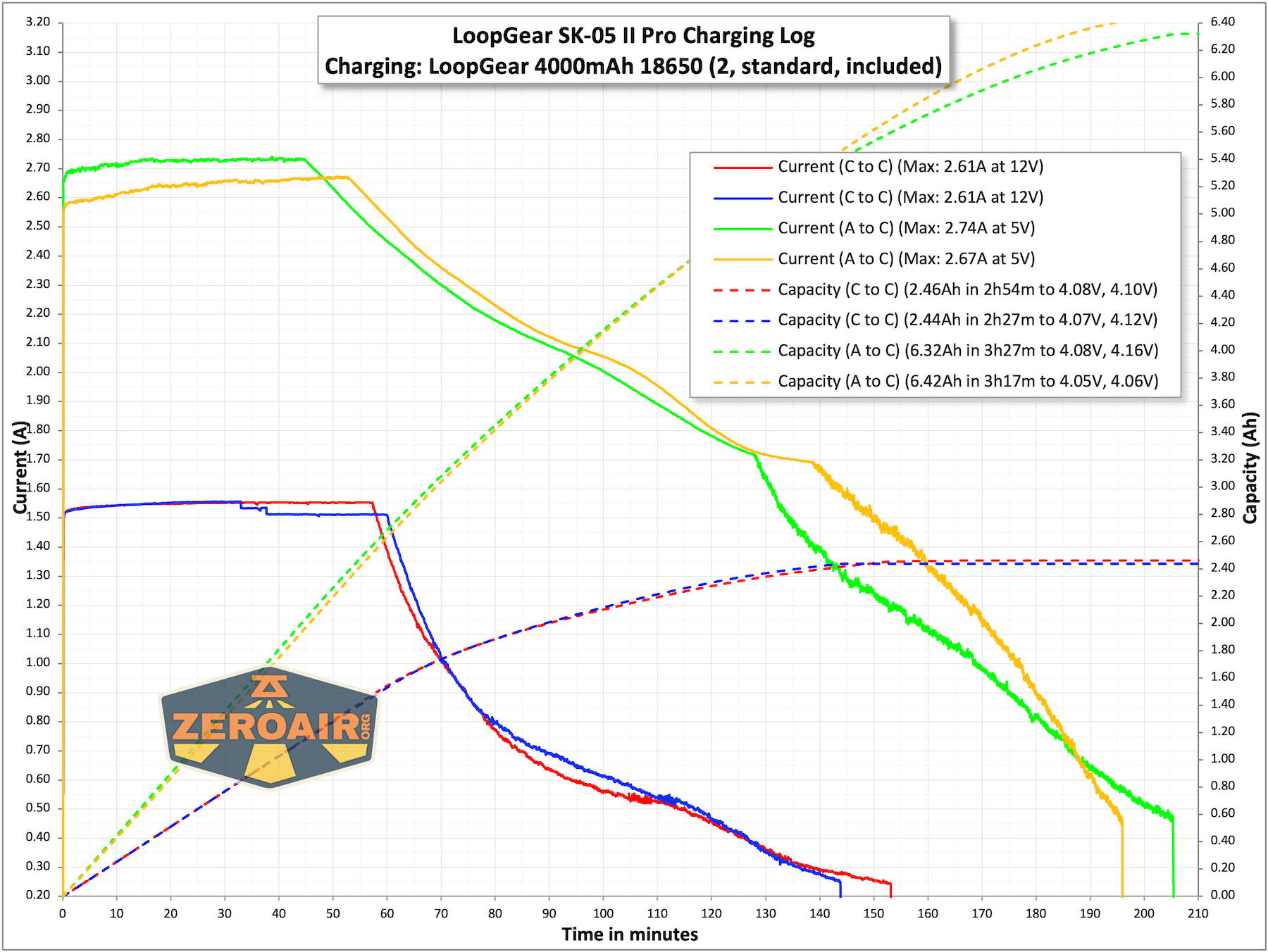
The RGB COB on the side indicates the charging status.
Powerbank
The LoopGear SK-05 Pro flashlight is capable of being used as a powerbank. Below you can see the side markings – the light can be charged at 5, 9, or 12V, and can also output (powerbank) at 5, 9, and 12V.
Modes and Currents
| Mode | Mode Claimed Output (lm) | Claimed Runtime | Measured Lumens | Tailcap Amps |
|---|---|---|---|---|
| Turbo – Both | 5000-1500 | – | 4156 (0s) 3643 (30s) |
11.45 |
| Turbo – Flood | 3800-950 | 40s+2.5h | 3649 (0s) 3279 (30s) |
10.28 |
| High – Flood | 1050-50 | 2.2h+10h | 1017 (0s) 1012 (30s) |
2.06 |
| Med – Flood | 400 | 8.5h | 398 | 0.70 |
| Low – Flood | 50 | 48h | 52 | 0.11 |
| Turbo – Spot | 2500-850 | 40s+3.2h | 2622 (0s) 2394 (30s) |
7.98 |
| High – Spot | 950+40 | 2.2h+18h | 977 (0s) 707 (30s) |
1.90 |
| Med – Spot | 320 | 11.2h | 330 | 0.52 |
| Low – Spot | 40 | 48h | 53 | 0.09 |
Pulse Width Modulation
None of the modes use PWM! That third row is turbo of both emitters.
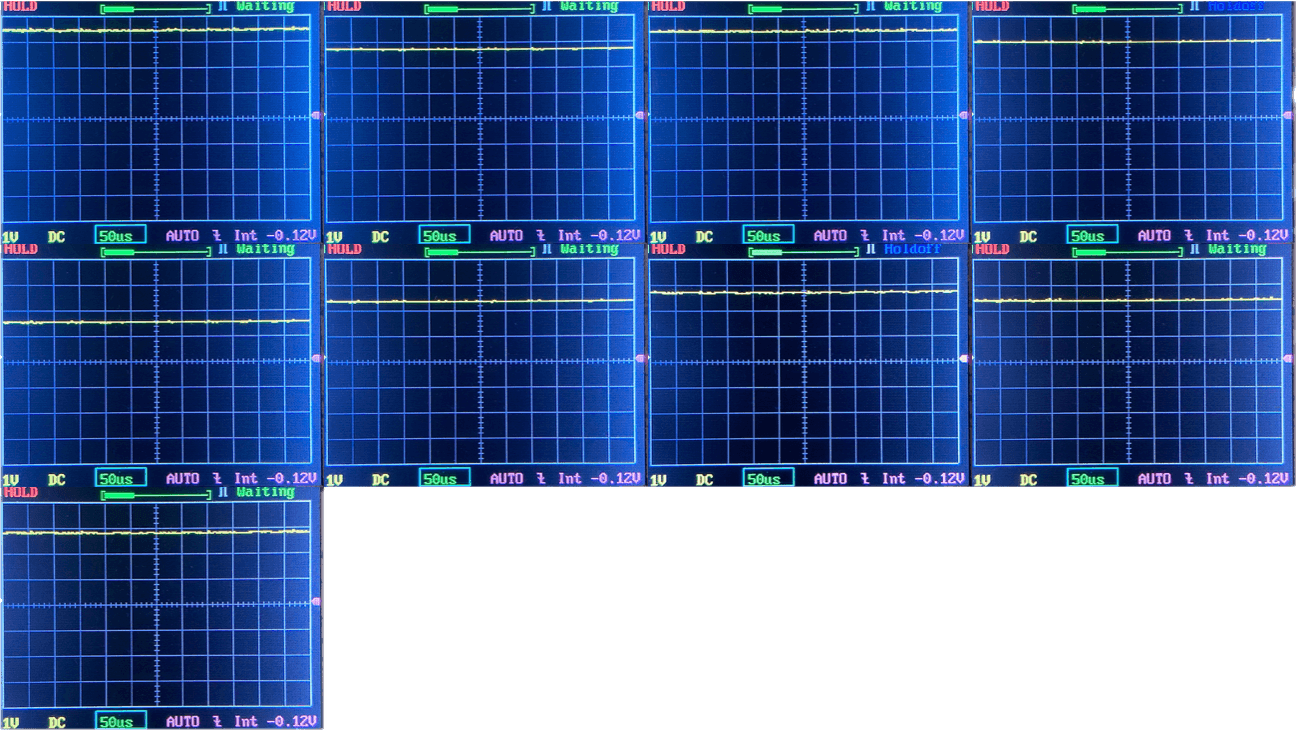
Click here to see a “baseline” – a chart with almost no light hitting the sensor.

Then there’s the Ultrafire WF-602C flashlight, which has some of the worst PWM I’ve seen. It’s so bad that I used a post about it to explain PWM! Here are multiple timescales (10ms, 5ms, 2ms, 1ms, 0.5ms, 0.2ms) to make comparing this “worst” PWM light to the test light easier. That post also explains why I didn’t test the WF-602C at the usual 50us scale.


User Interface and Operation
There are two ways to interact with the LoopGear SK-05 II Pro flashlight. First, there’s a rotary dial. It has four positions. Locked (seen below), flood, spot, and side RGB.
Next is the e-switch, right in the center of that rotary dial. It’s a very big switch with good action.
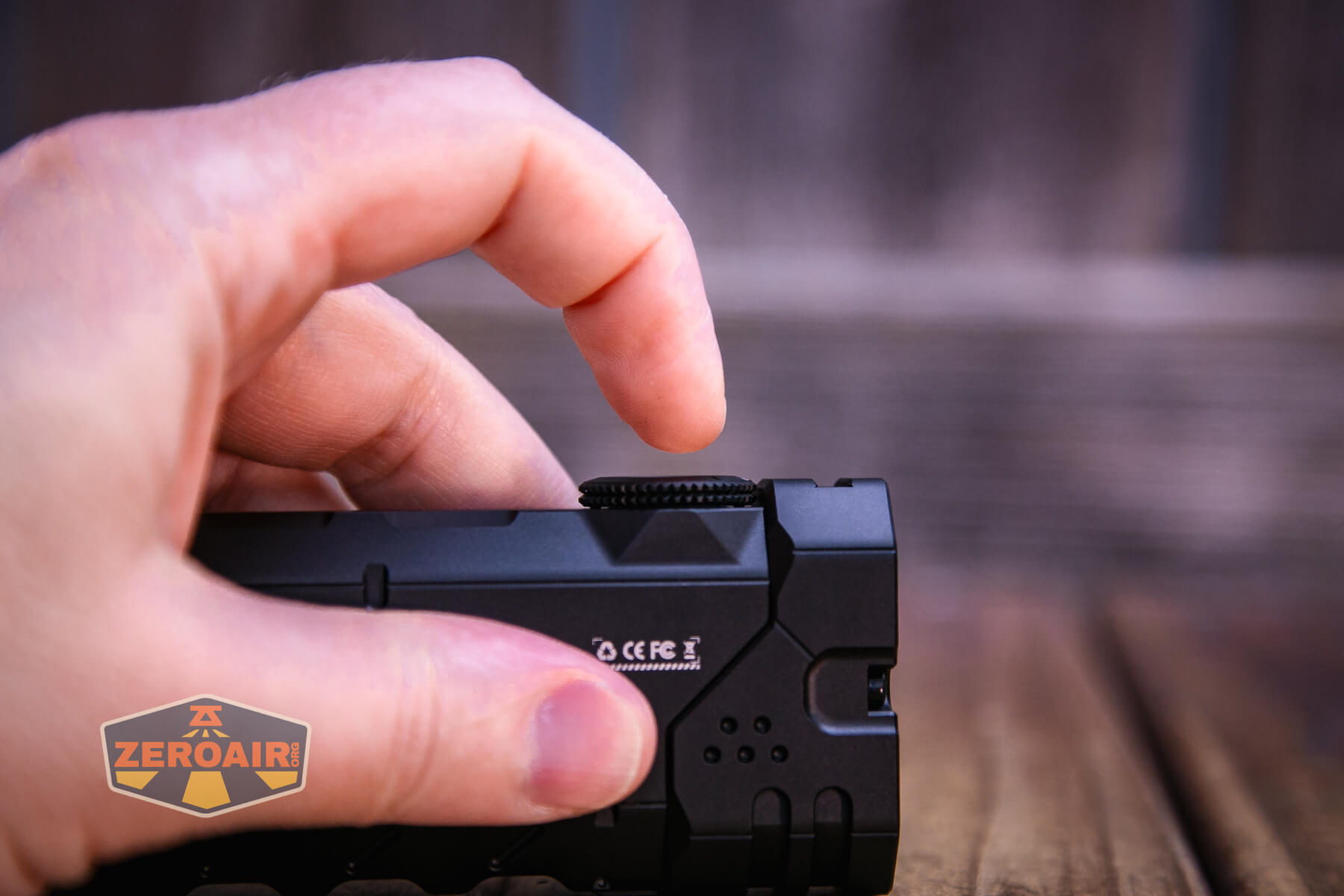
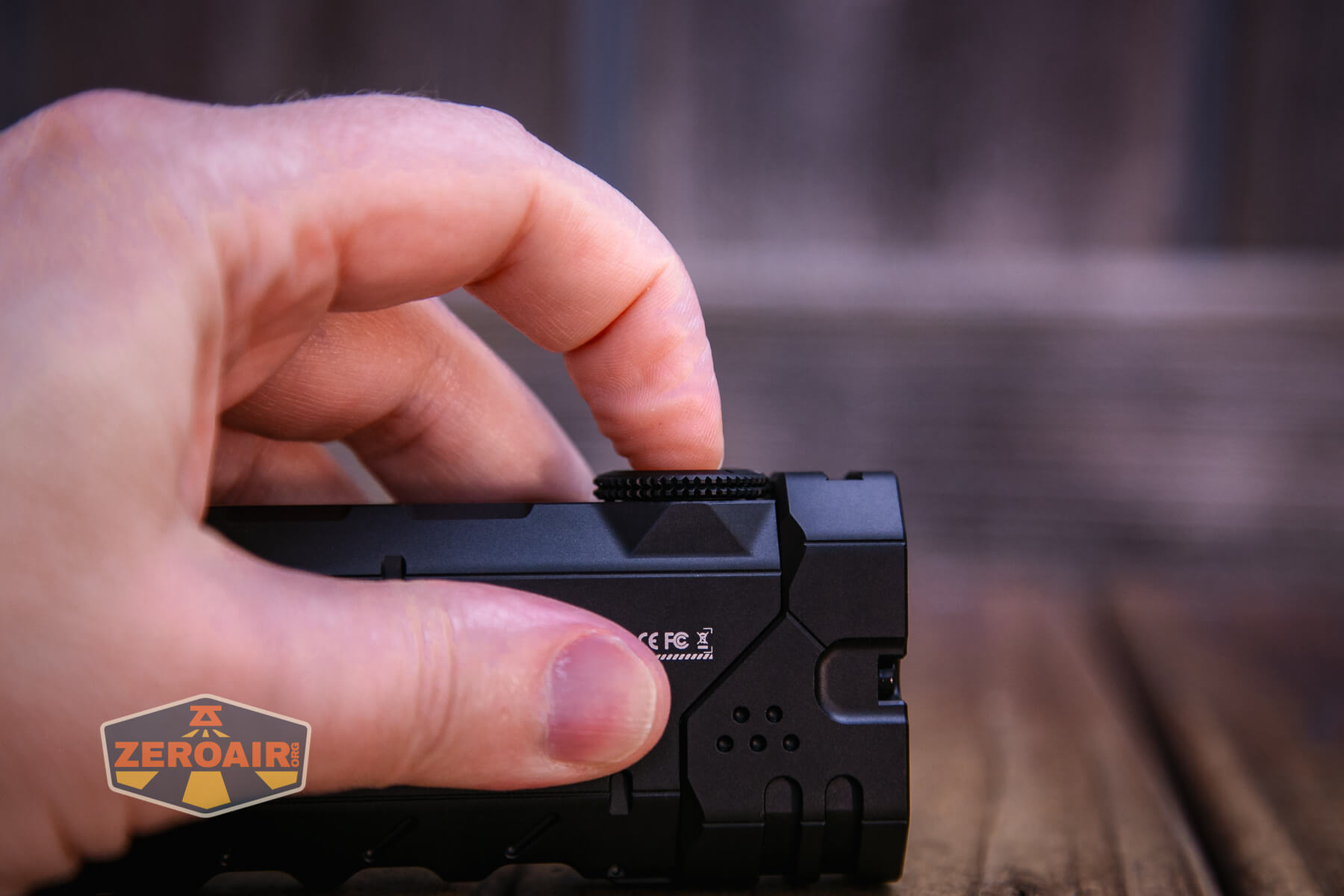
As stated above, there’s a rotary dial with four positions. You’ll want to rotate this dial to your output of choice, then follow the actions in the user interface table below! Note that the user interface for Spot and Flood seems to be the same.
One difference between this II Pro and the previous Pro is that the e-switch will work right away – no rotation of the dial necessary!
Here’s a user interface table! I think the II Pro and Pro have practically the same user interface, with the main (only?) differences being with the side light.
| State | Action | Result |
|---|---|---|
| Off | Click | On (Mode memory) |
| On | Click | Off |
| Off | Hold | Momentary Turbo (both emitters) |
| Rotary set to Floodlight or Spotlight Off |
Double click | Turbo (selected emitter(s)) |
| Rotary set to Floodlight or Spotlight On |
Hold | Mode advance (LMH only) |
| Rotary set to Floodlight or Spotlight Any |
Click 3x | Strobe (both emitters) |
| Rotary set to Floodlight or Spotlight Strobe |
Click then hold | SOS (reverse direction works too) |
| Rotary set to Special Mode Off |
Click | RGB COB On (Mode memory) |
| Rotary set to Special Mode Off |
Click 3x | Red-blue flash warning light mode |
| Rotary set to Special Mode
On |
Double click | Advance through Lighting options (Steady White > Steady Color > Fade in/out Color > Slide Color > Dash Color > Rainbow Slide) |
| Rotary set to Special Mode On |
Hold | Advance through Color options for specific lighting options (or advance through 4 lighting levels for COB White). |
| RGB on | Hold | RGB mode advance for that output style |
Various clicks can perform various things for the RGB levels. Suffice it to say that the RGB options are greatly increased for the Pro version. You can speed up the cycling of some RGB options. Many of the RGB options have low/medium/high, too. It’s pretty impressive!
Loop Gear SK-05 Pro Flashlight LED and Beam
There are two options here for output. One version uses Nichia 519a (probably only in the flood channel, but the manual doesn’t say that.) The version tested here uses Luminus SST25 at 6500K. The manual doesn’t state, but it appears to mean both flood and spot are Luminus SST25 emitters.
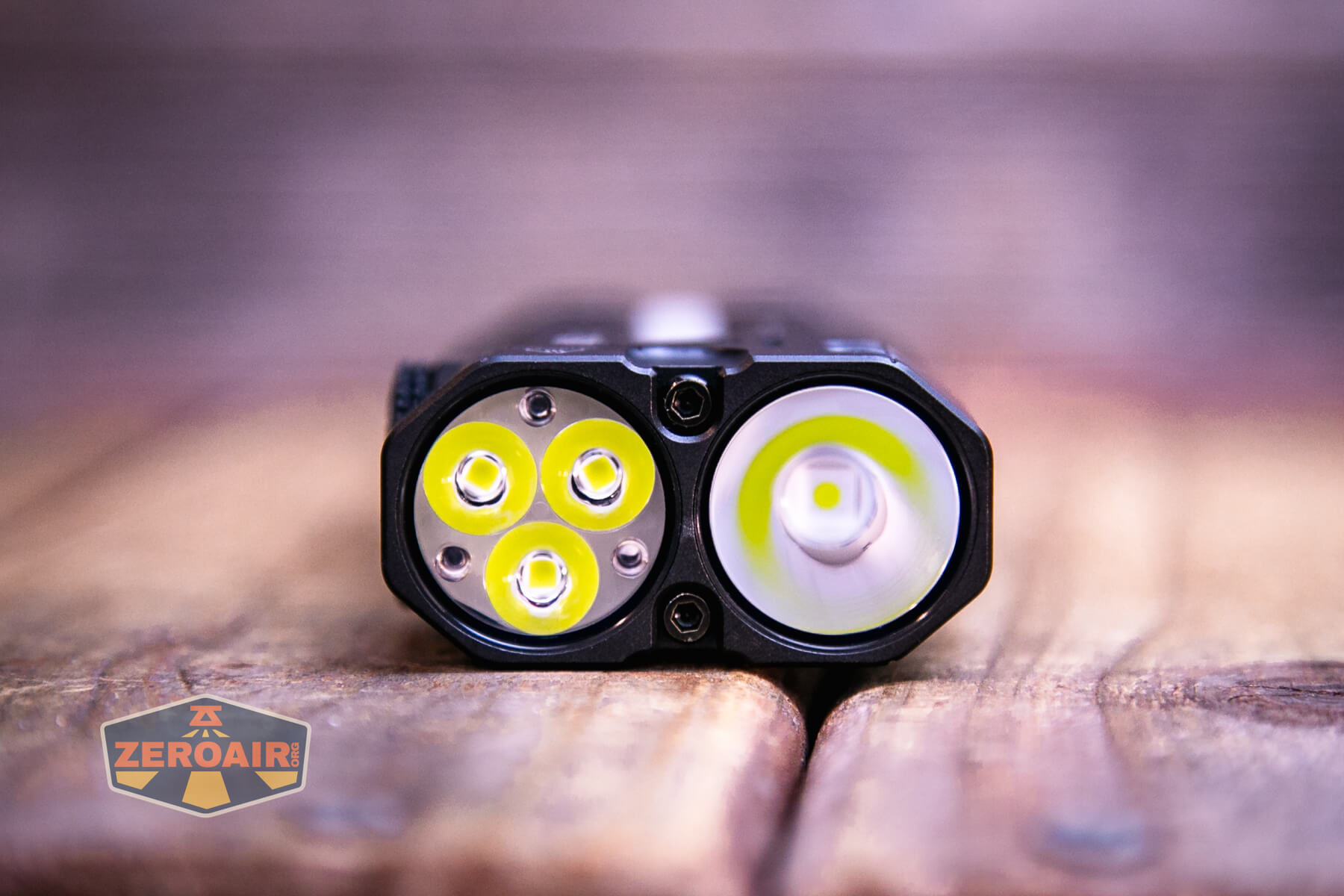
LED Color Report (CRI and CCT)
CRI and CCT are not mysteries – LoopGear claims that this light is 6500K, and that’s approximately right – I measure both flood and spot channels to be in that range. For both, the CCT is cool or very cool, and the CRI is low.
The last row is the side white output. A massive update for this COB white – these are high CRI emitters! So good job LoopGear, with this update!
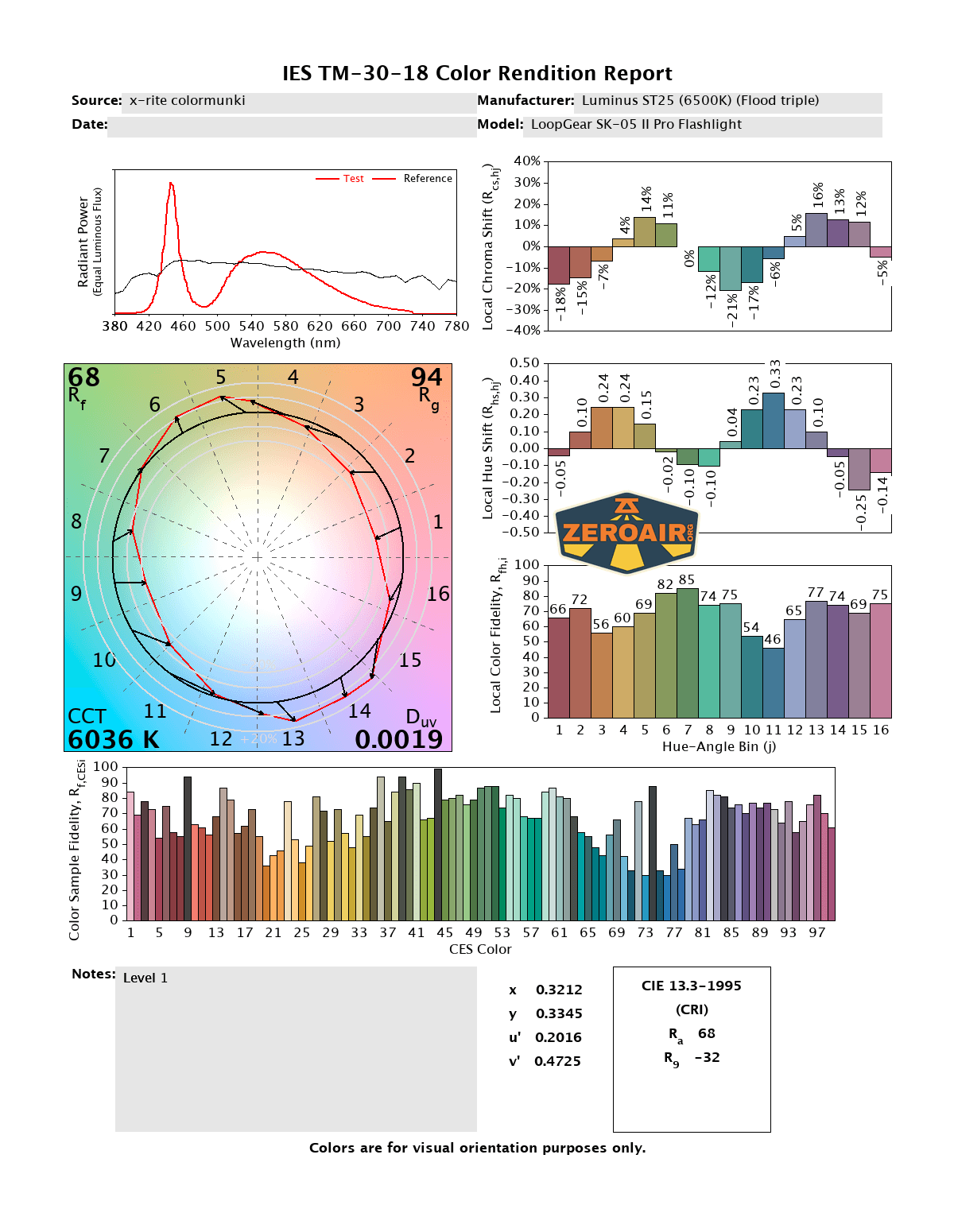
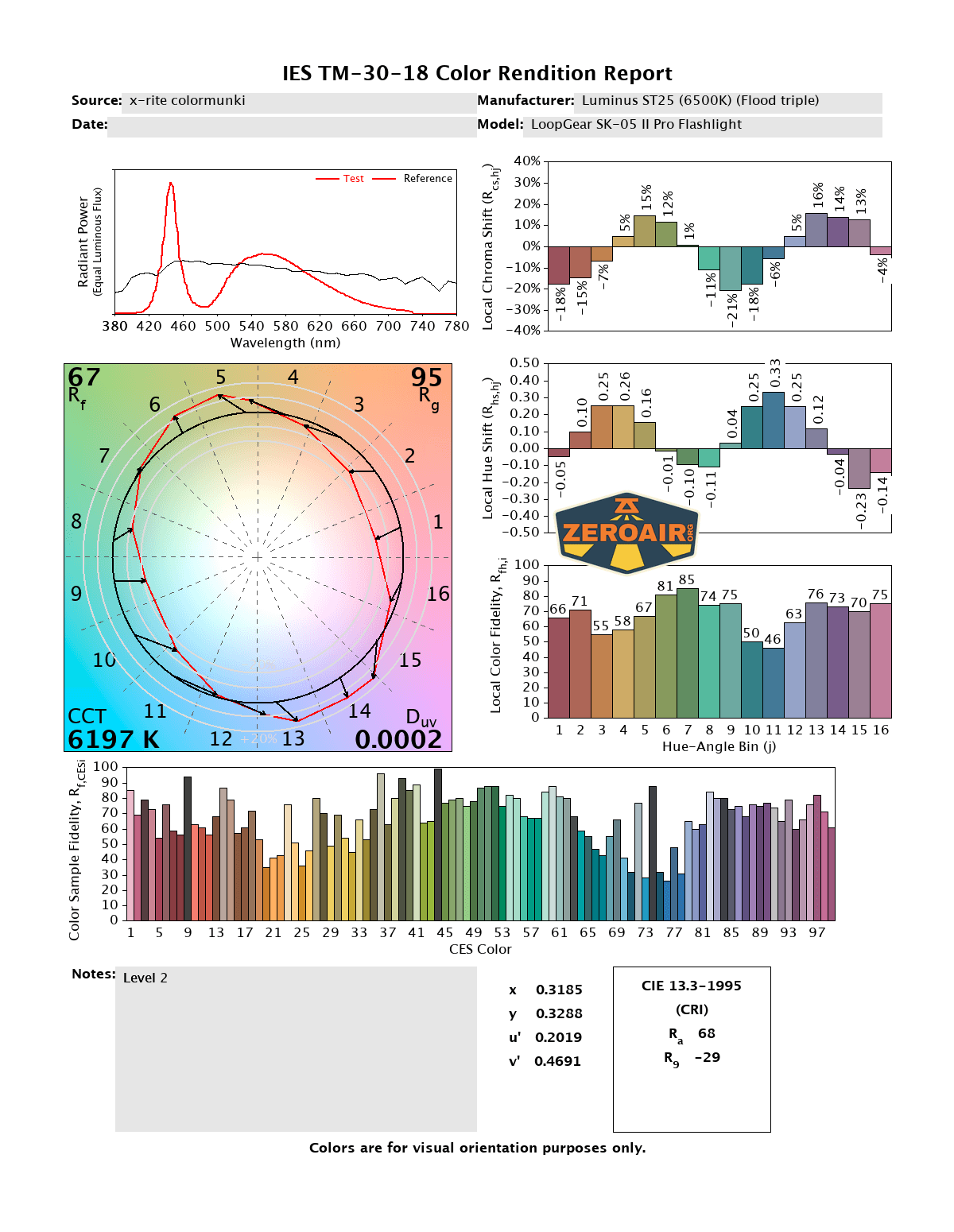
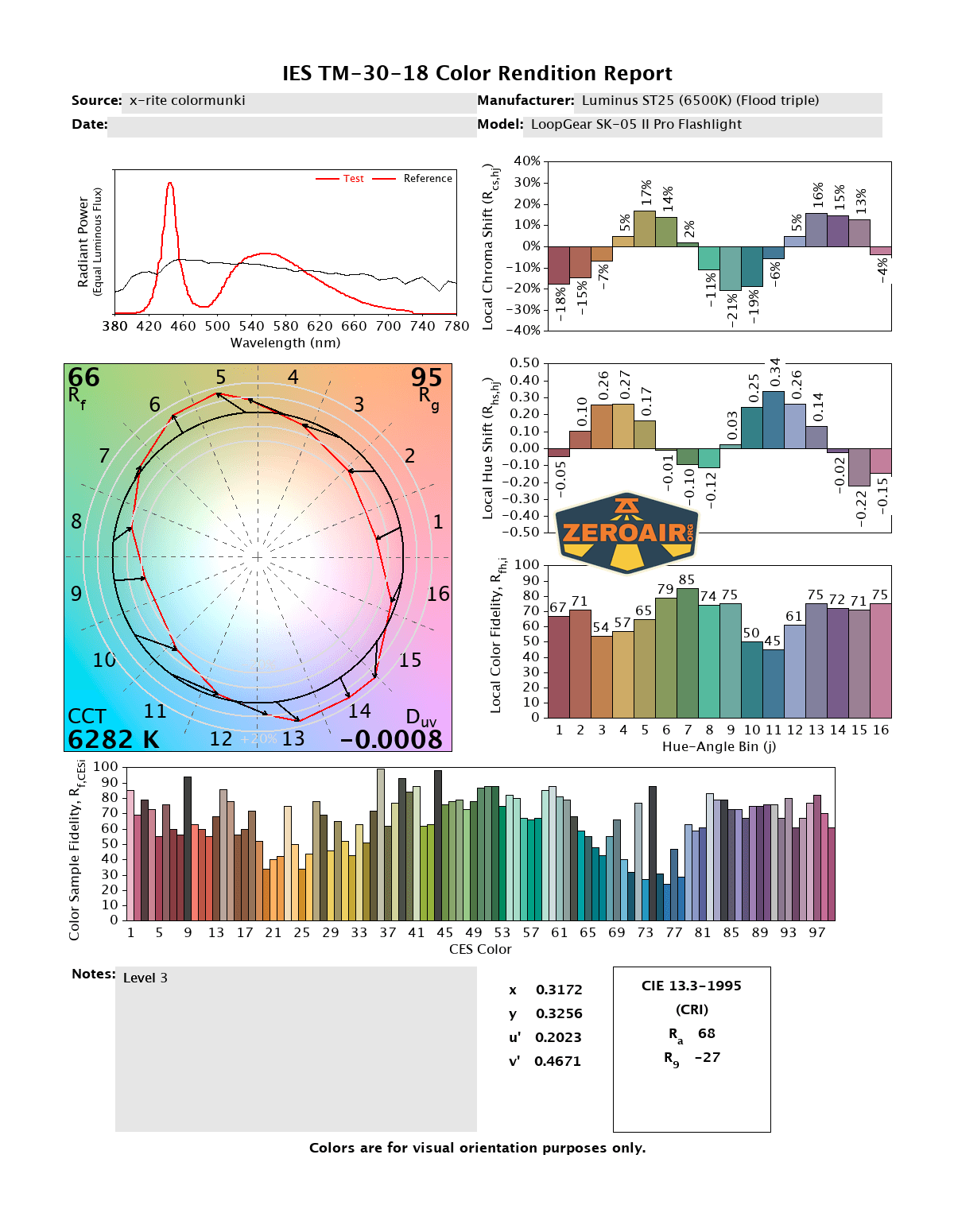
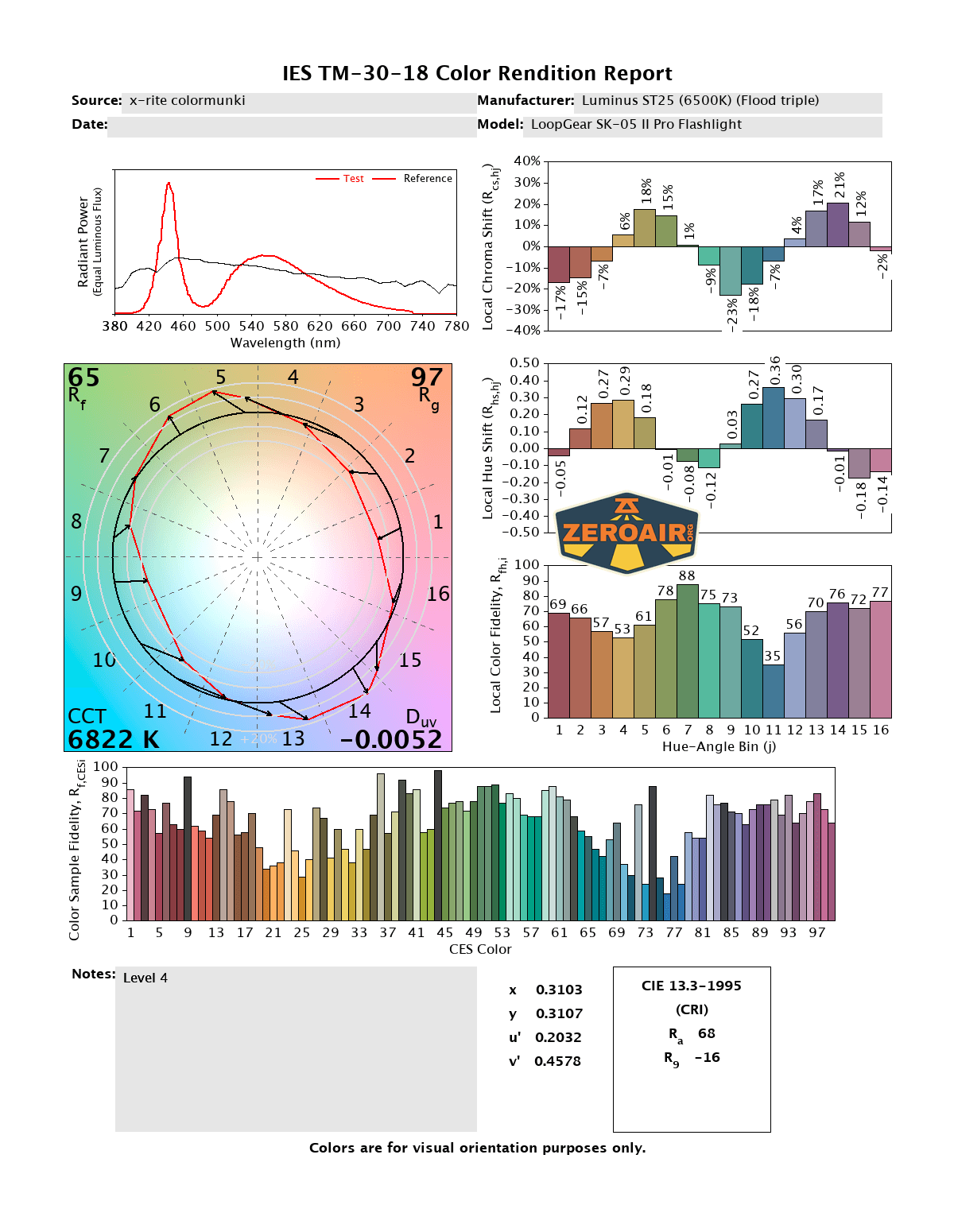
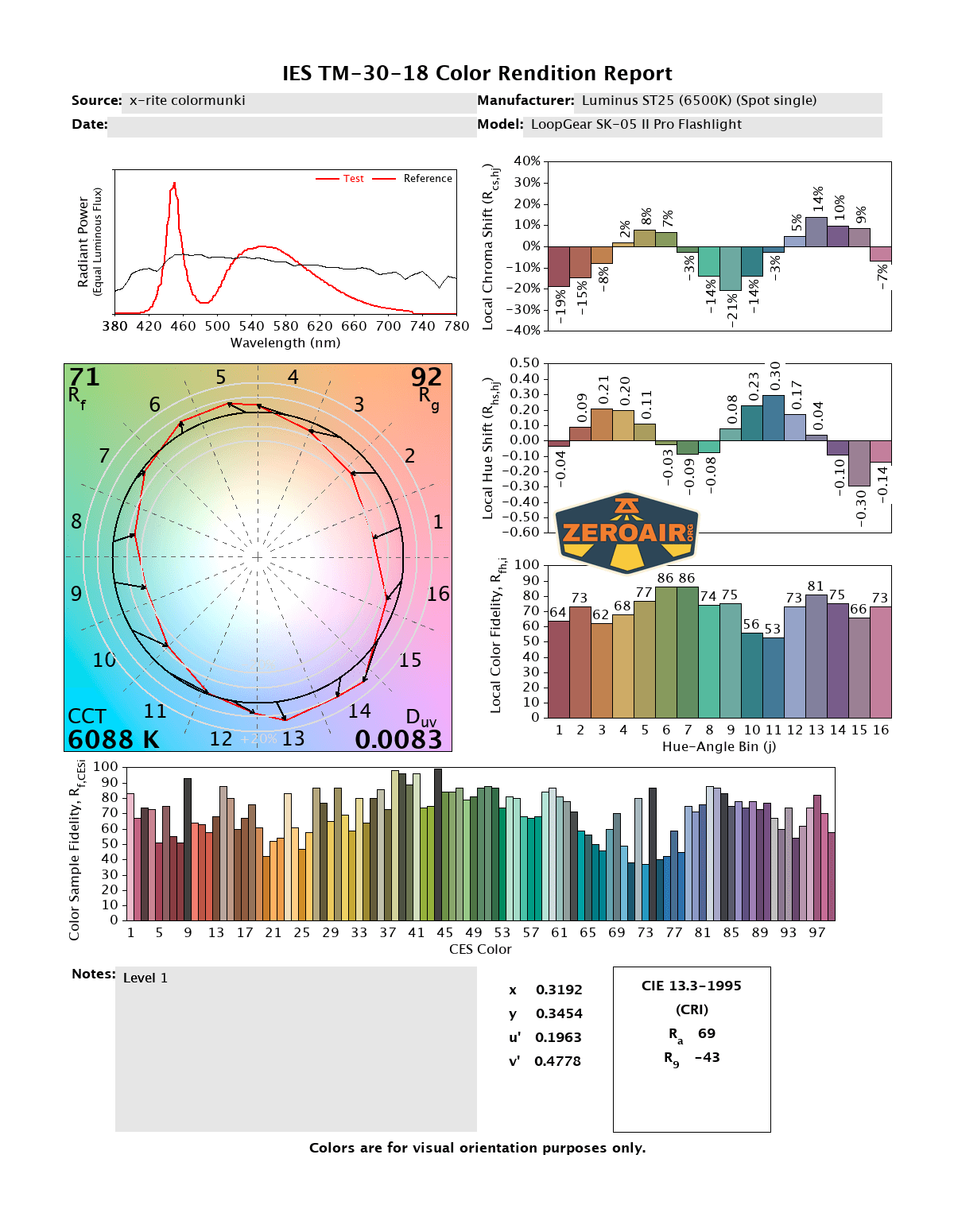
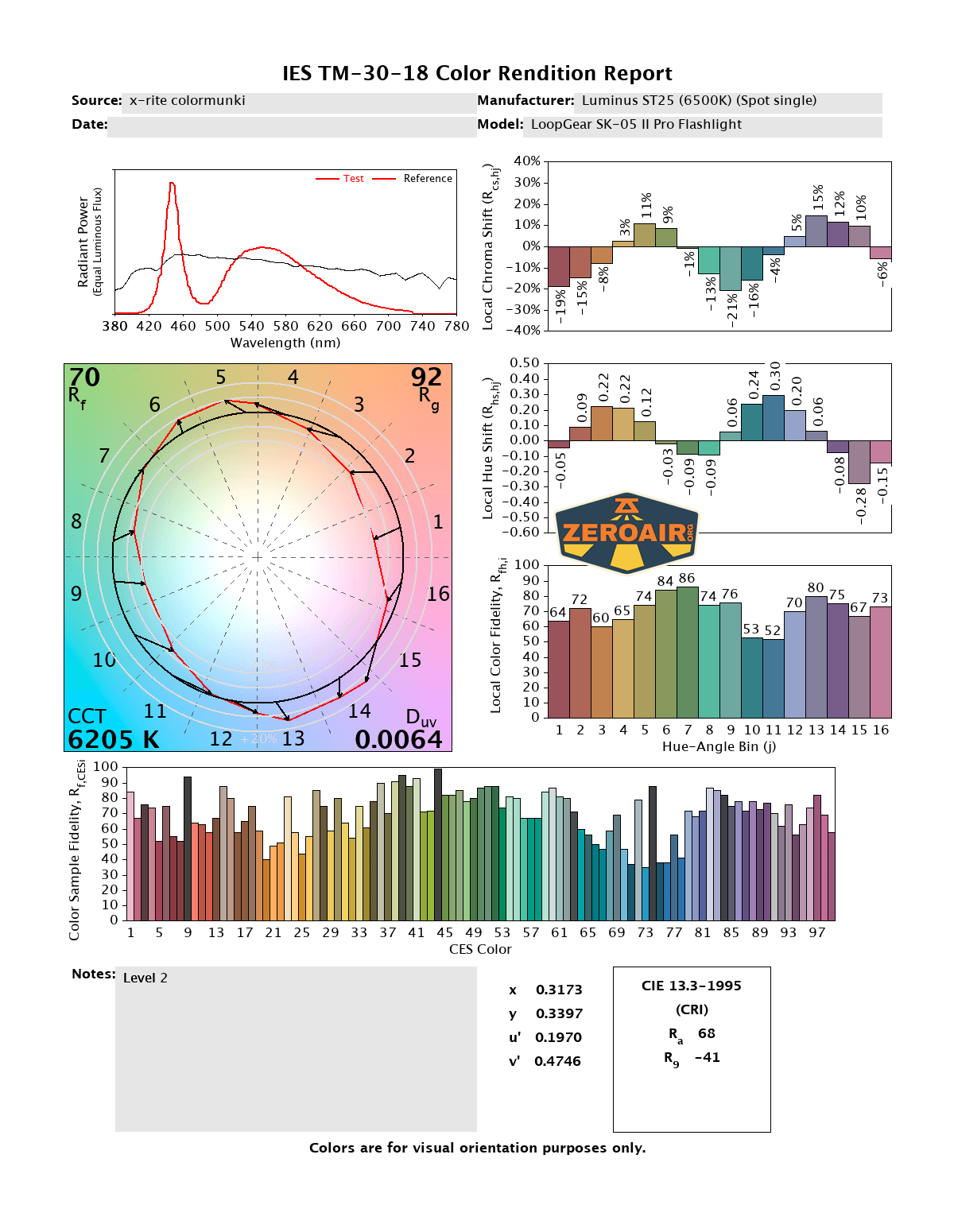
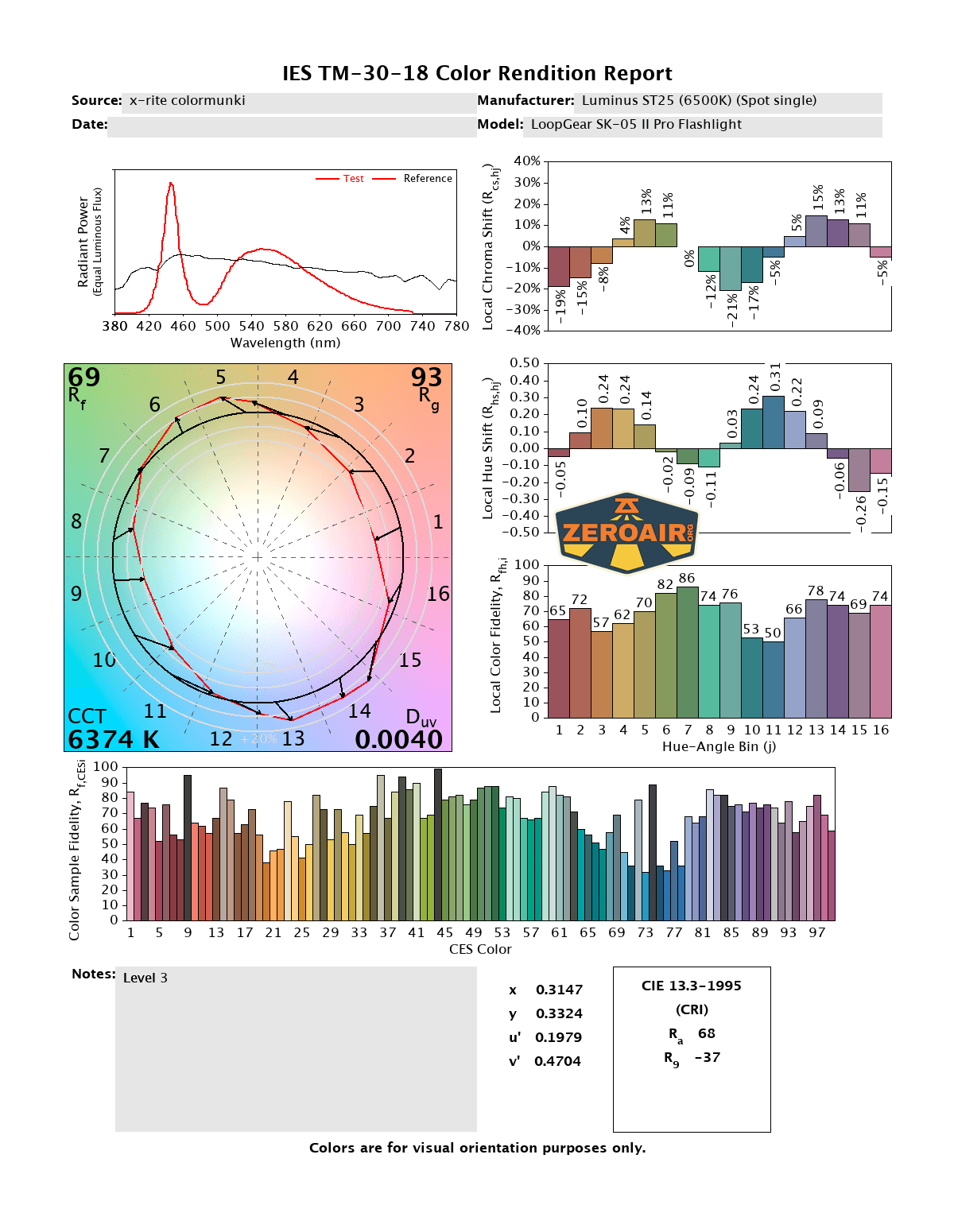
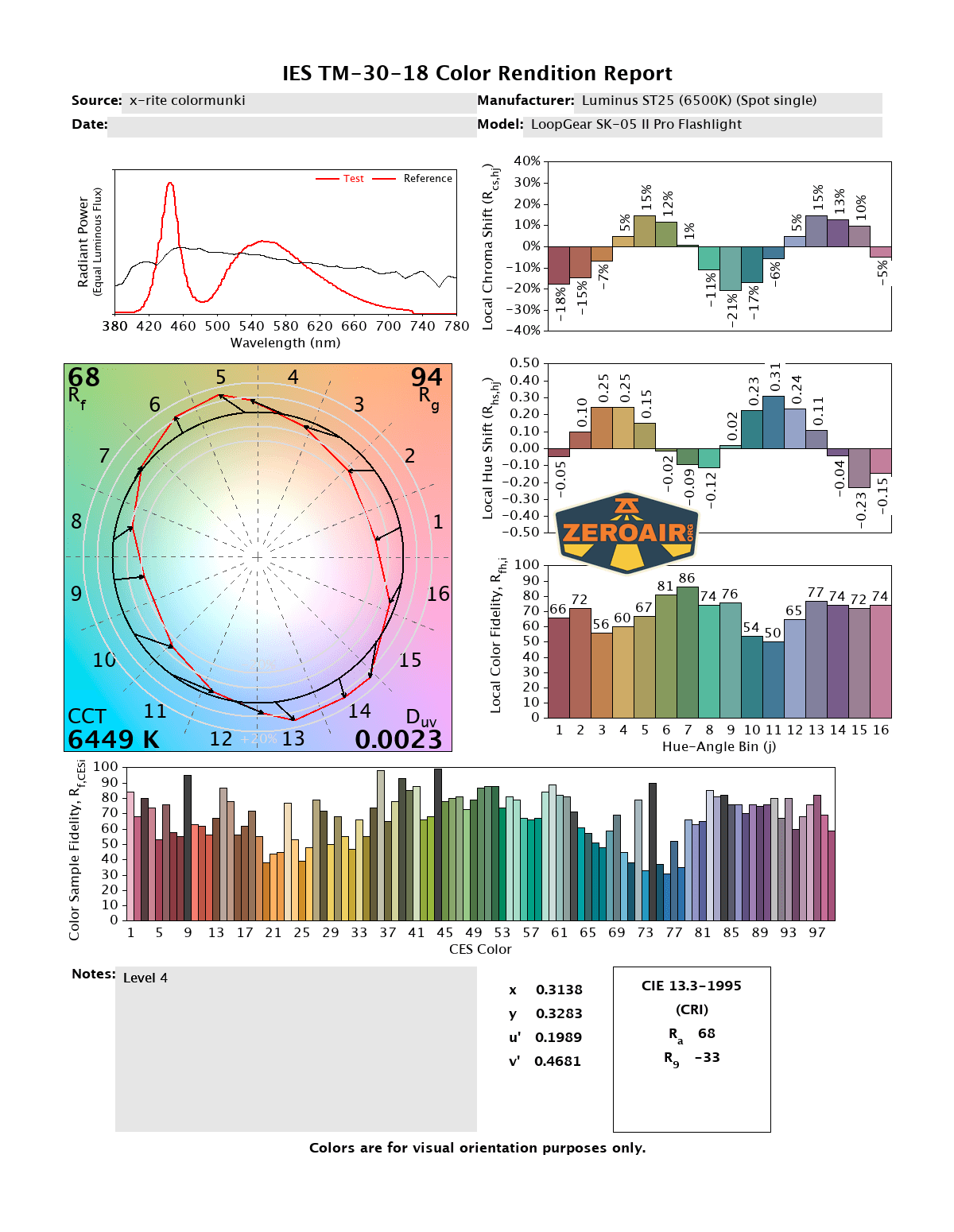
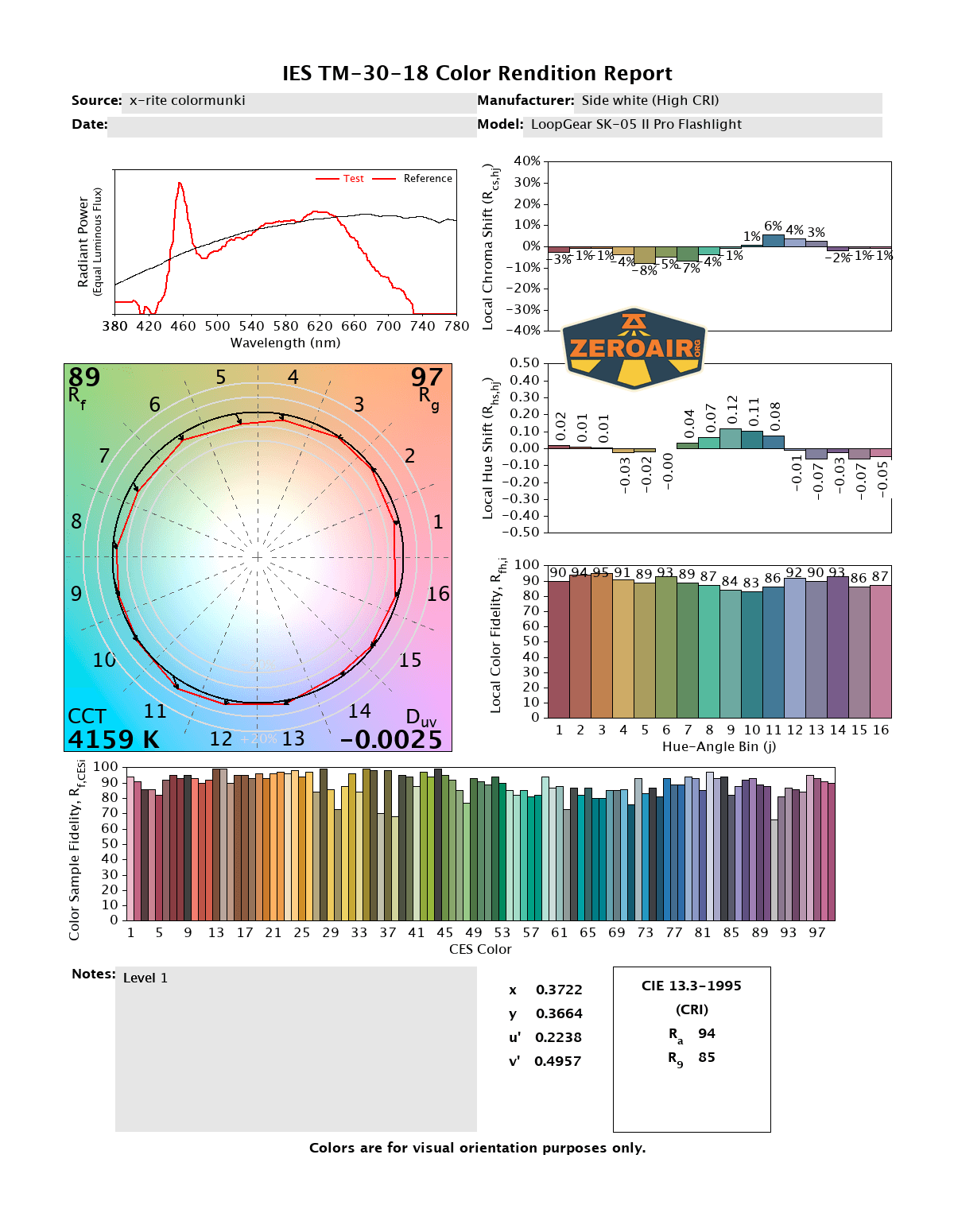
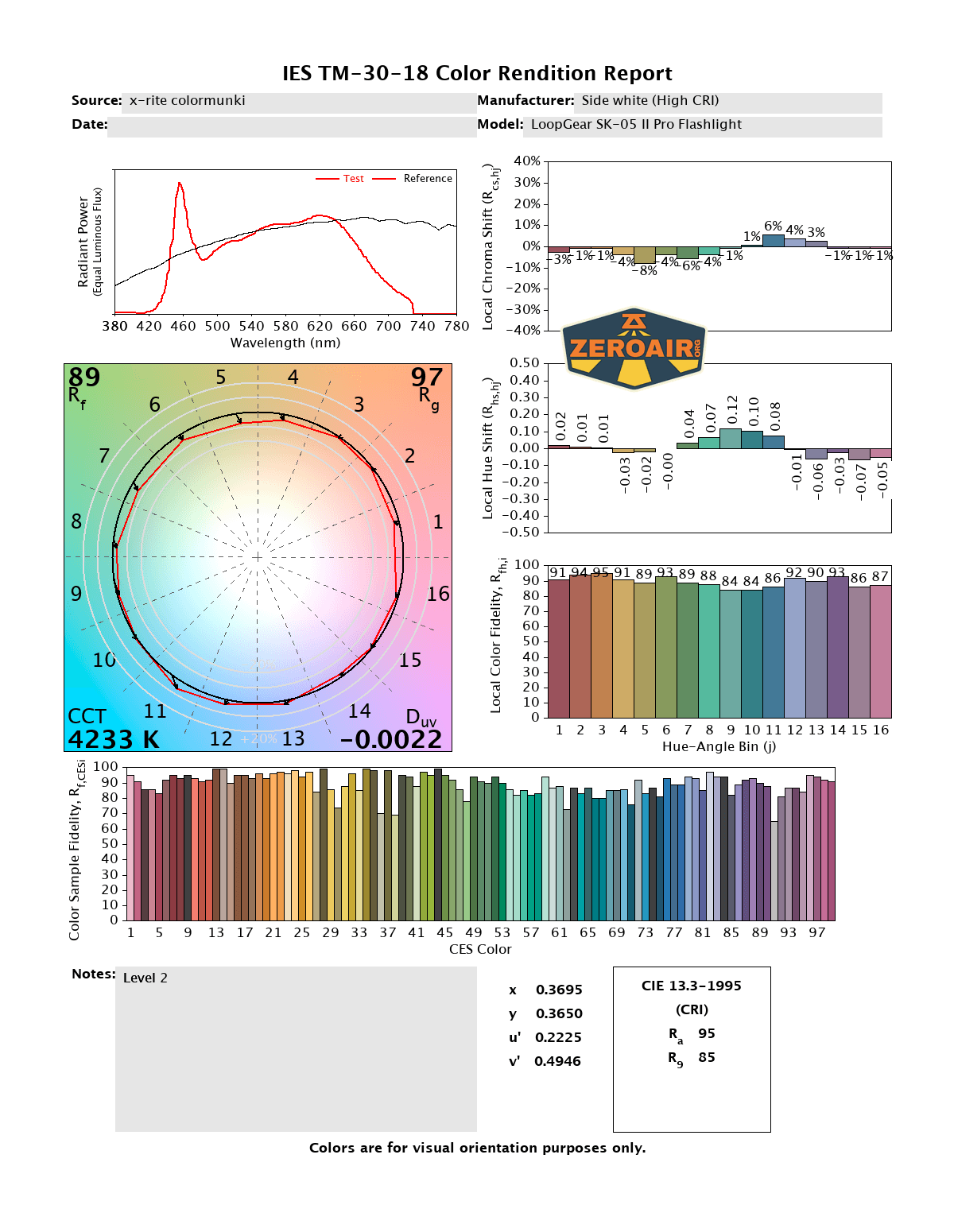
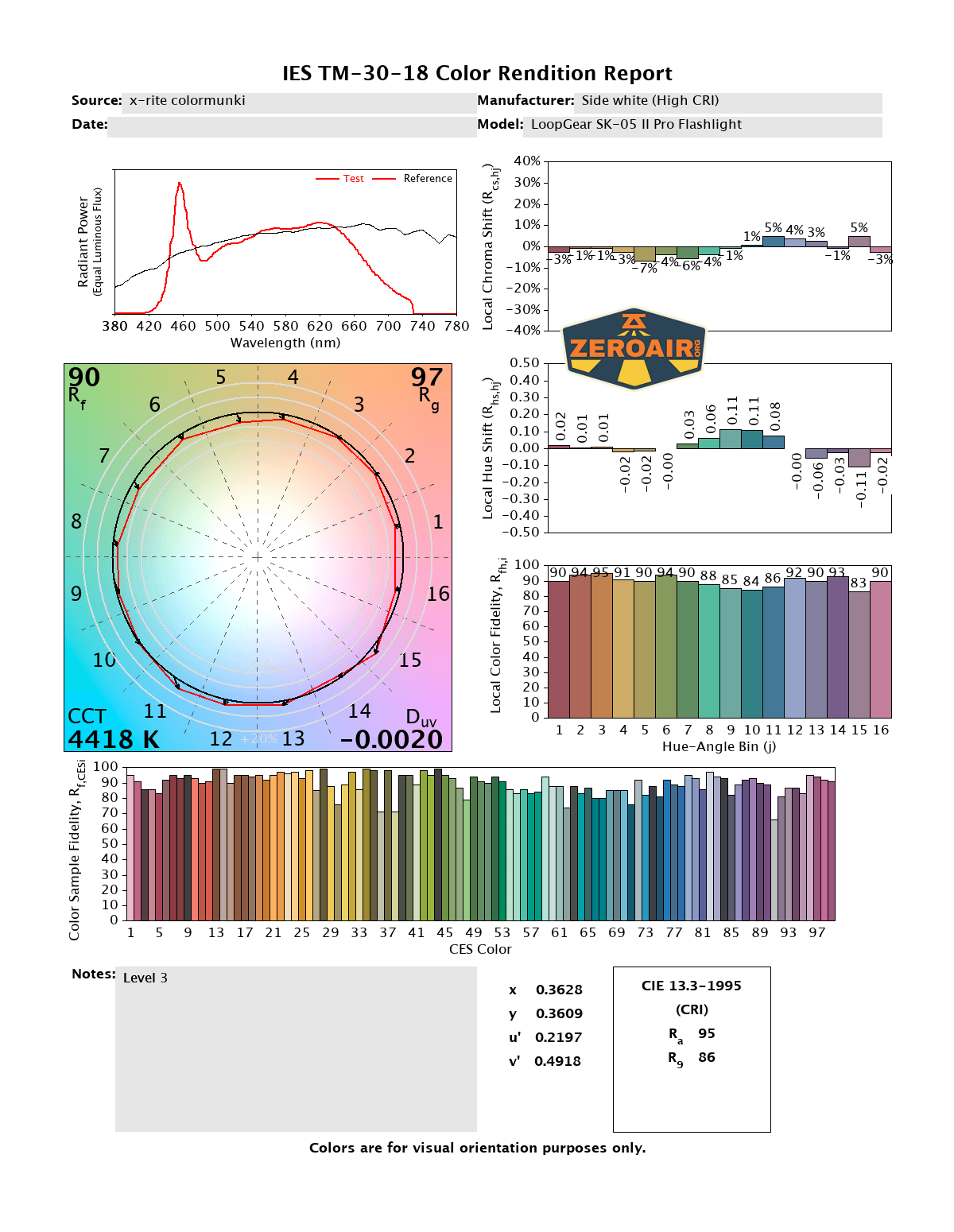
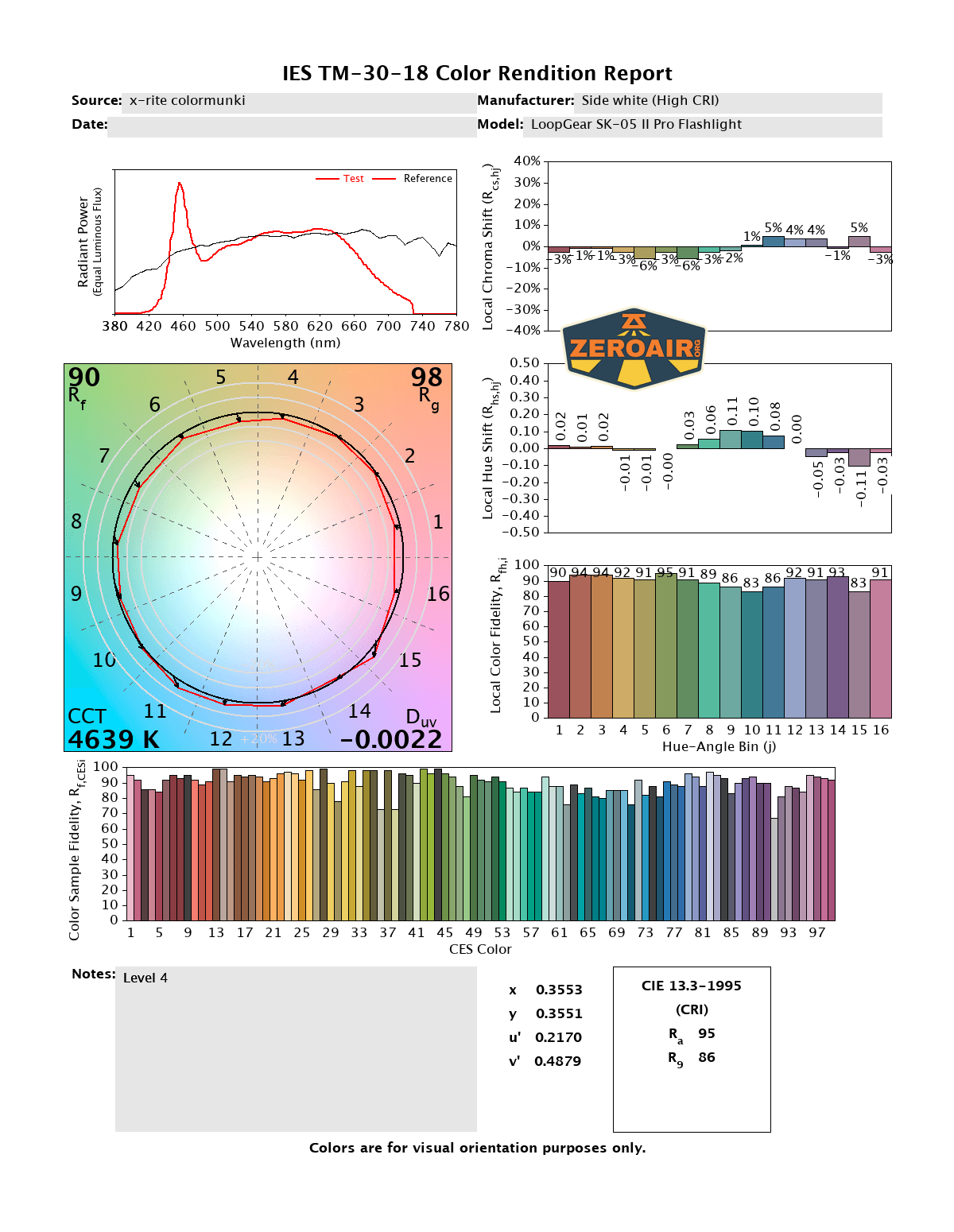
CCT (Correlated Color Temperature) refers to the measurement of the color appearance of light, expressed in Kelvins (K), which indicates whether the light is warm (yellowish) or cool (bluish). A lower CCT (below 3000K) is considered warm light, while a higher CCT (above 5000K) gives cooler, bluish light.
CRI (Color Rendering Index) is a measure of how accurately a light source renders colors in comparison to natural sunlight. Scored on a scale from 0 to 100, higher CRI values indicate that colors appear more true to life and vibrant, similar to how they would look under the sun.
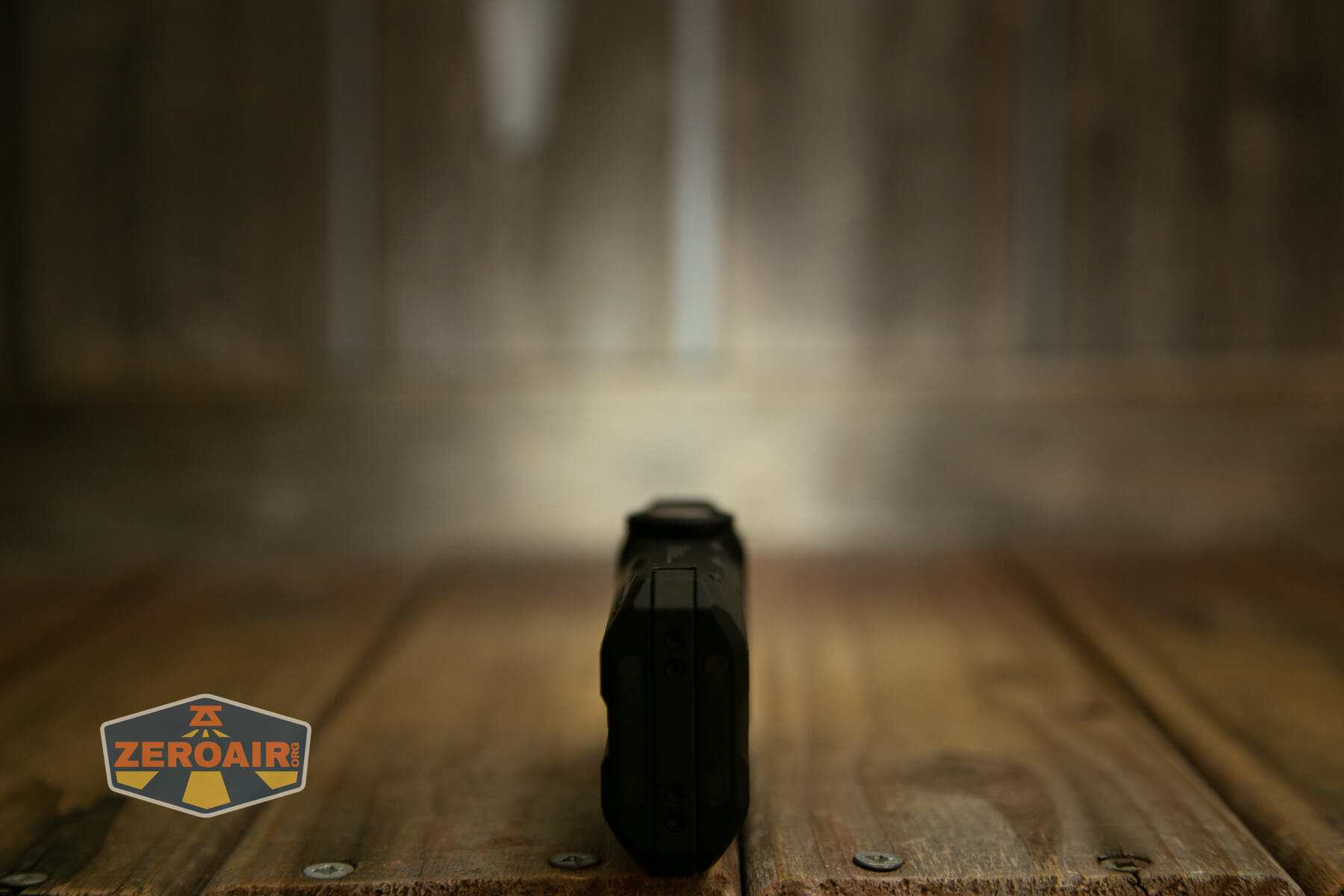
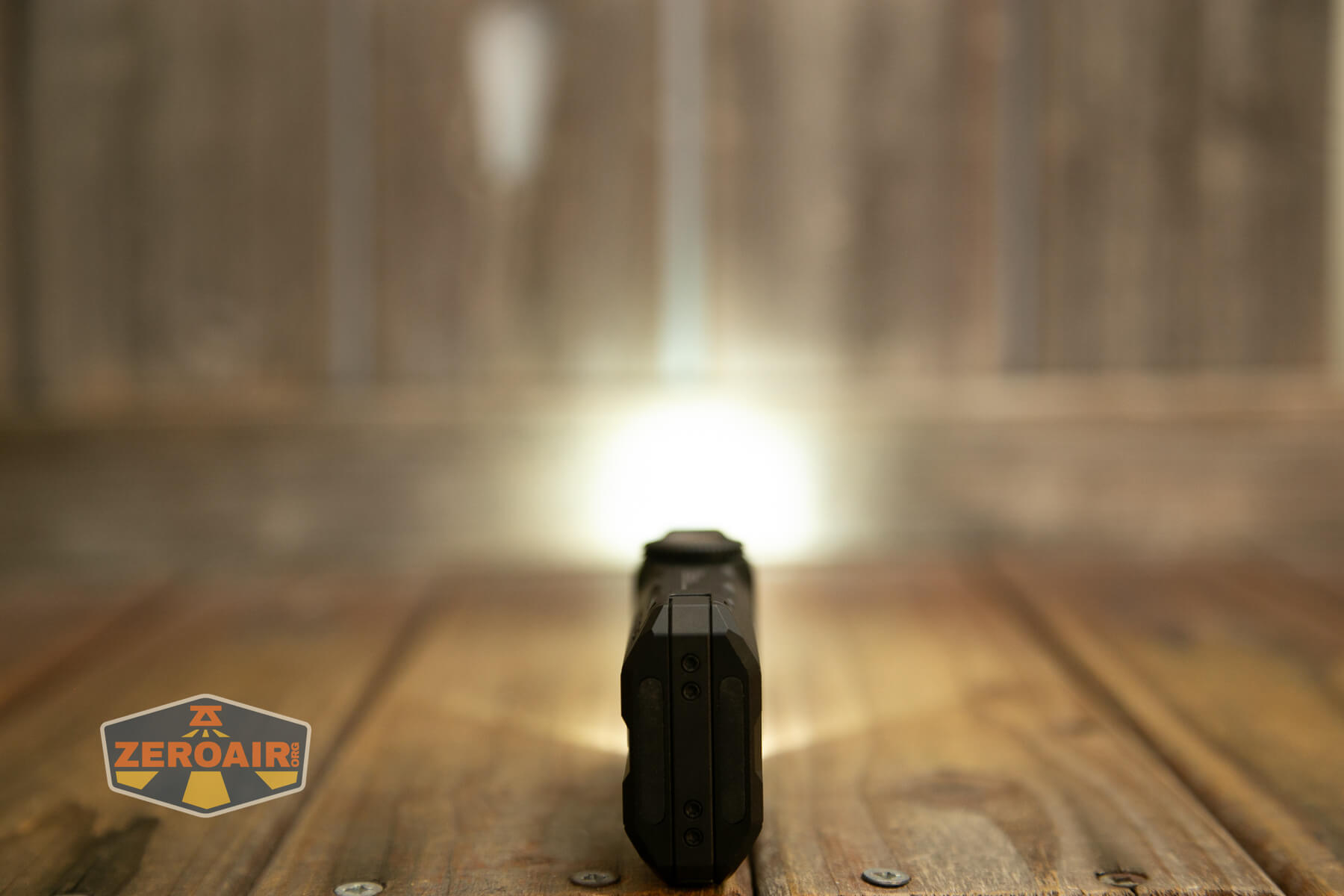
Beamshots
These beamshots always have the following settings: f8, ISO100, 0.3s shutter, and manual 5000K exposure. These photos are taken at floor level, and the beam hits the ceiling around 9 feet away.
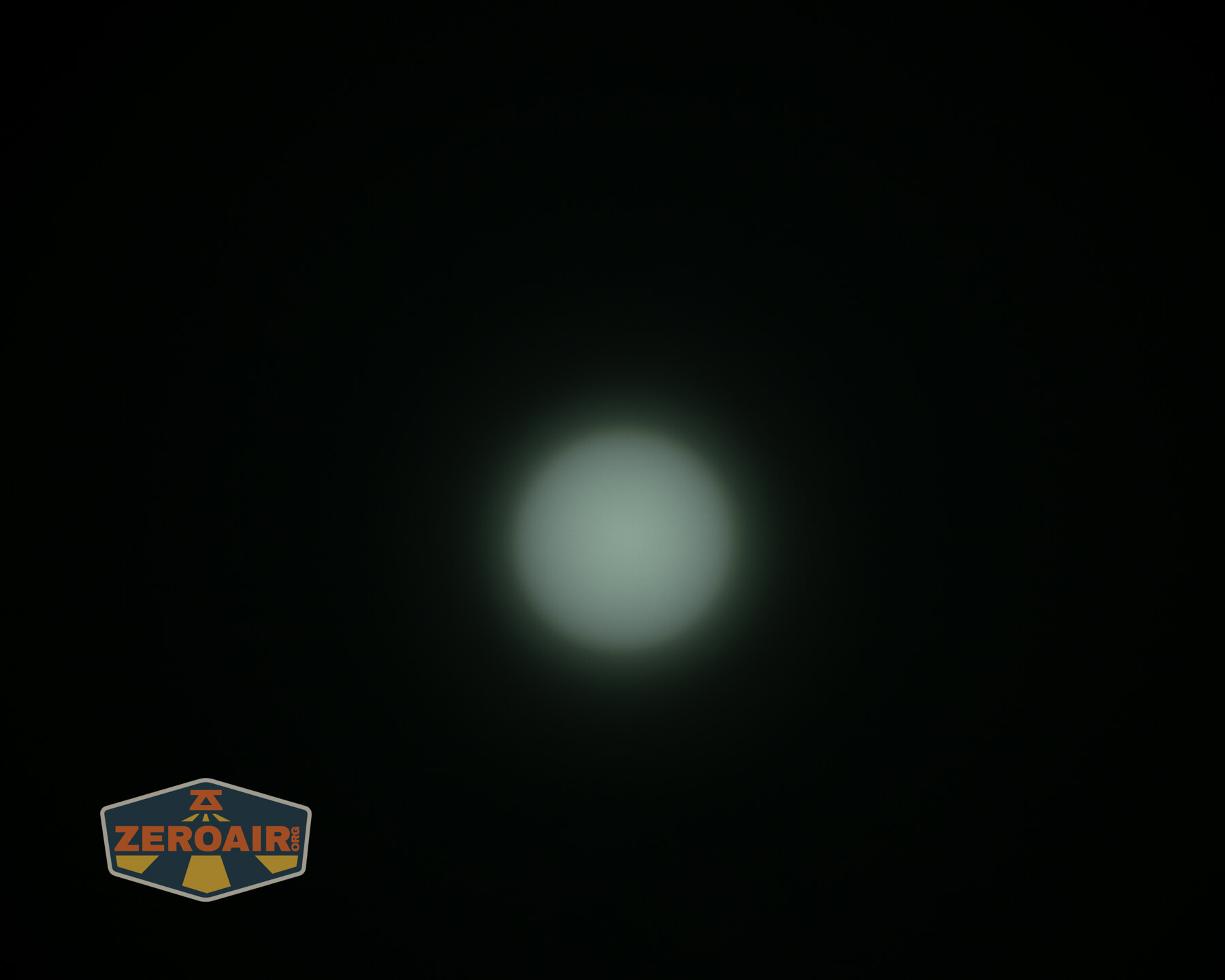
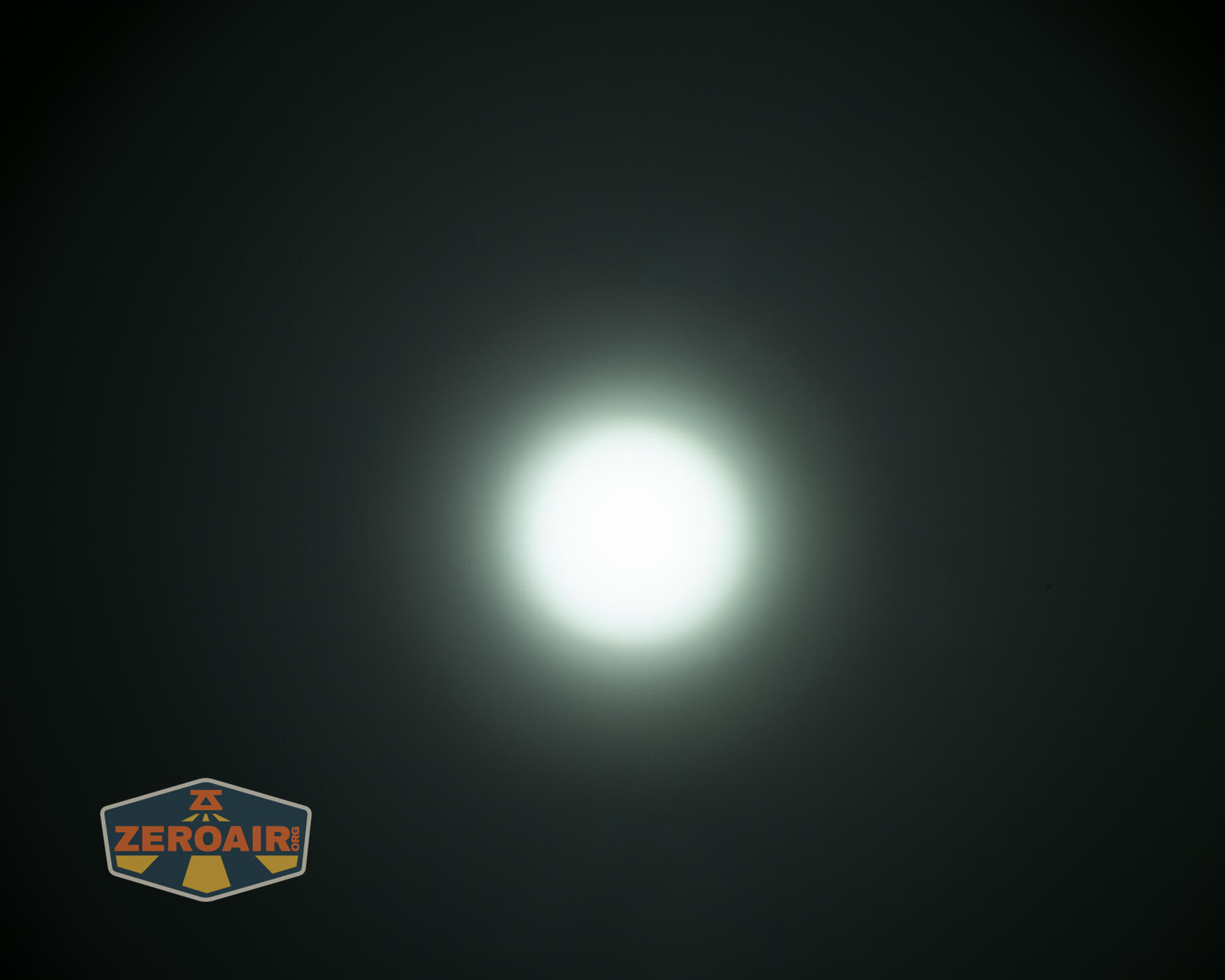
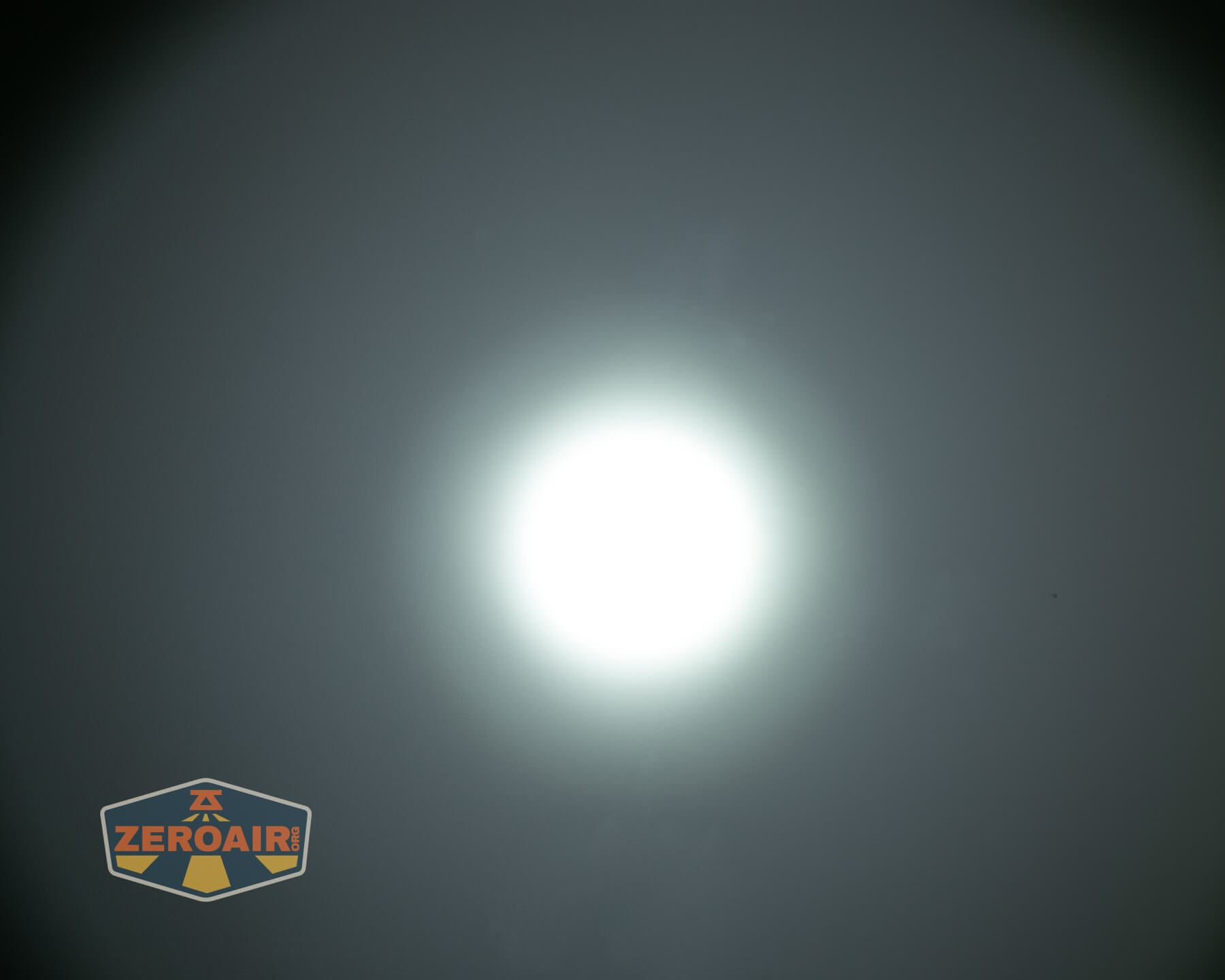
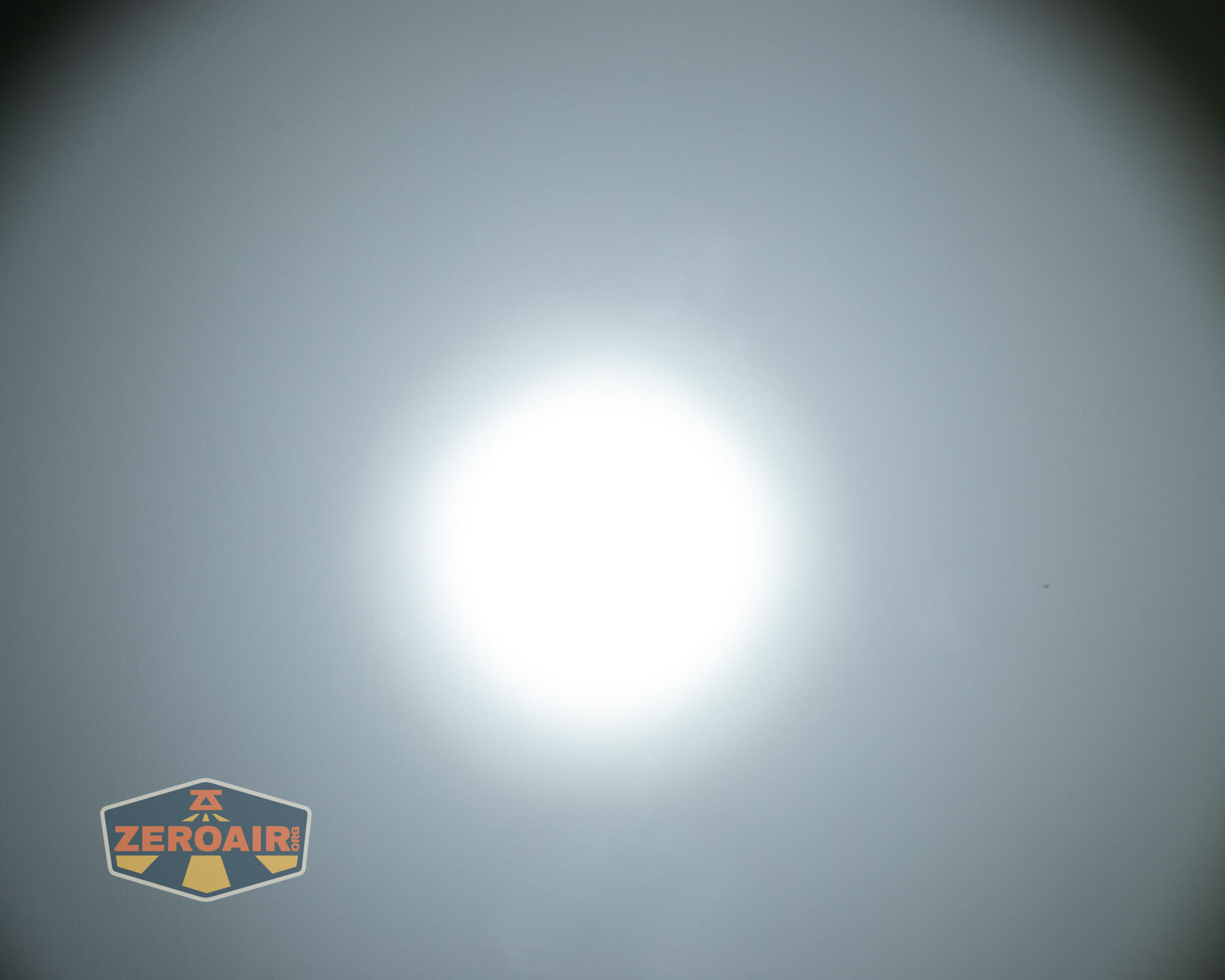
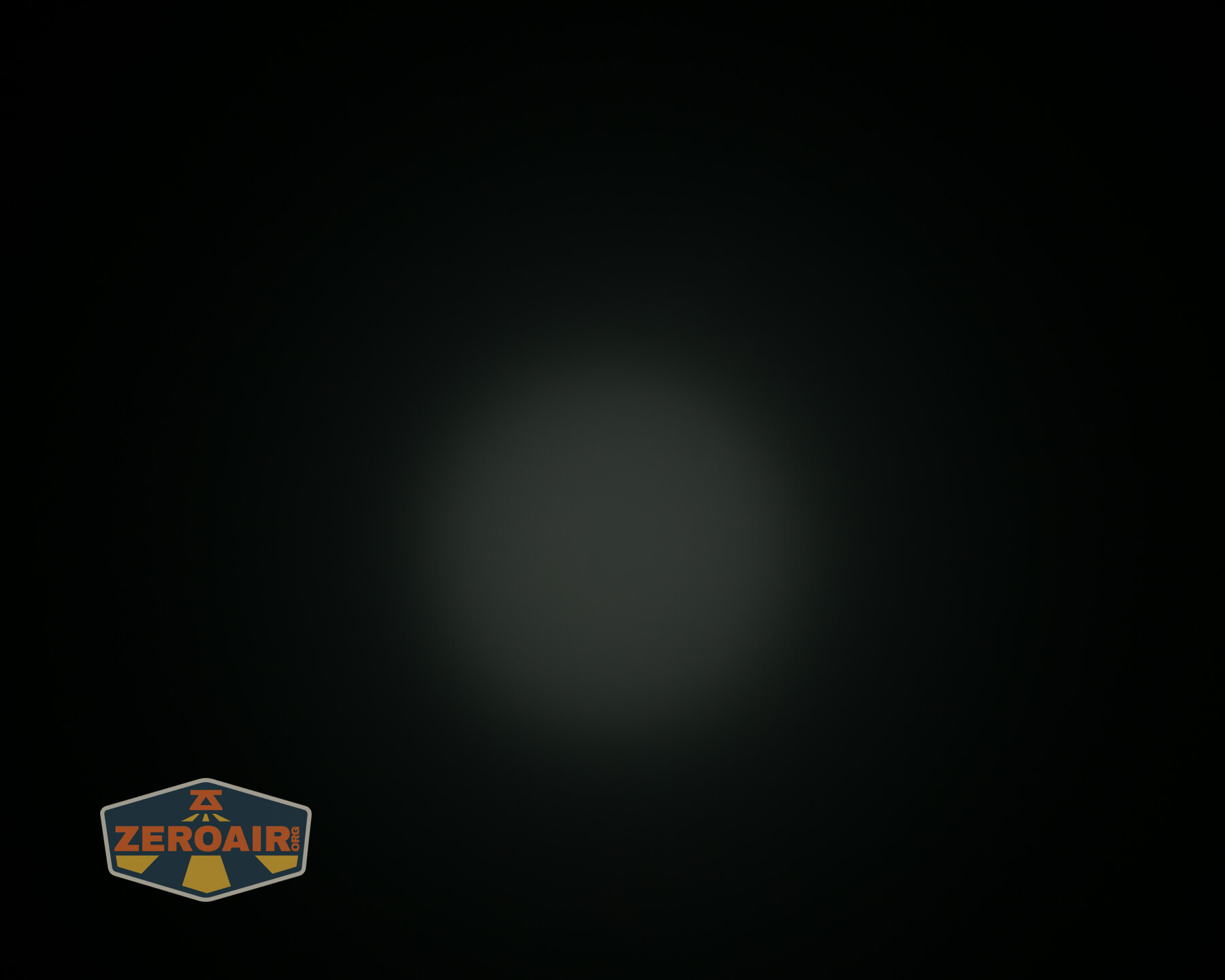
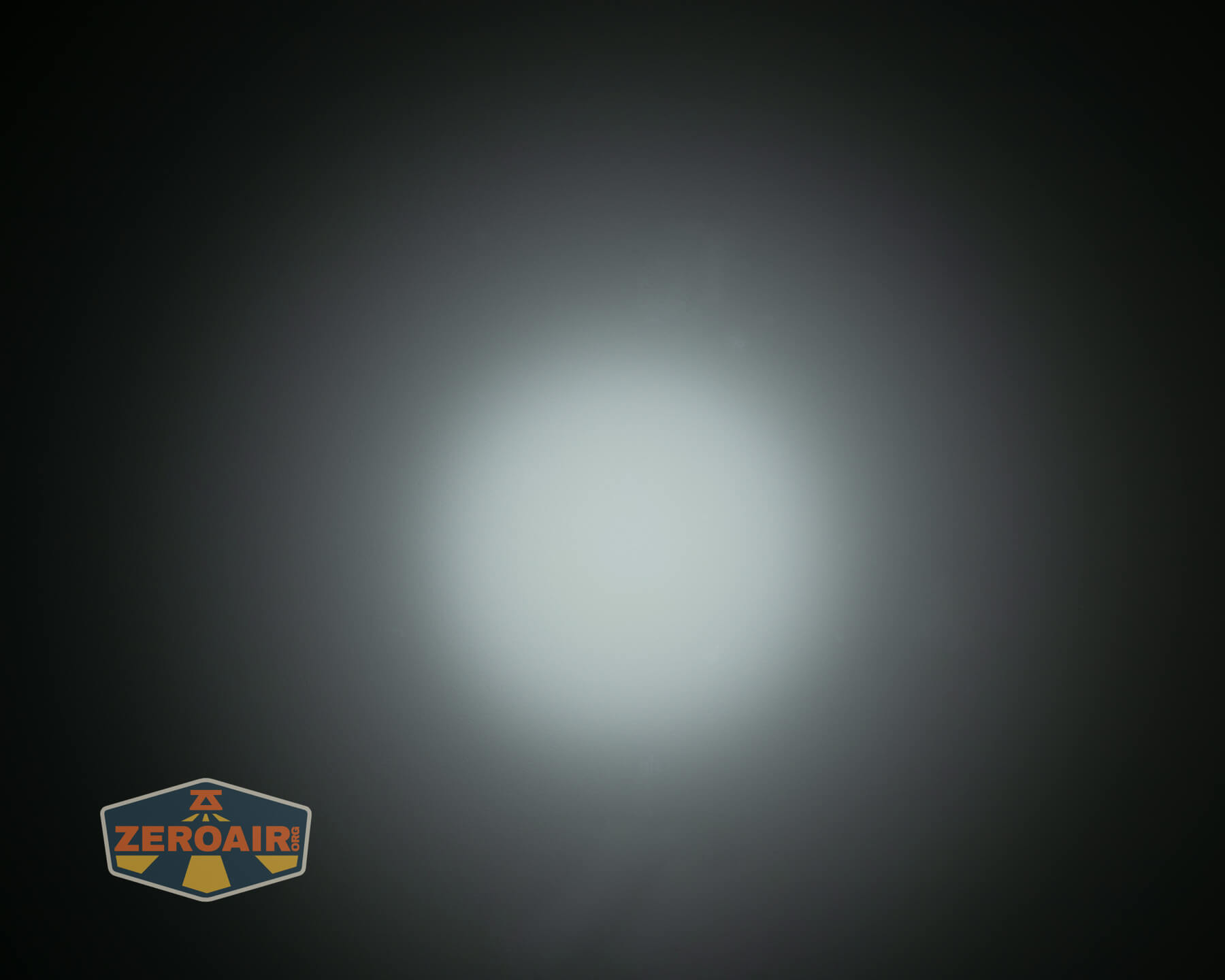
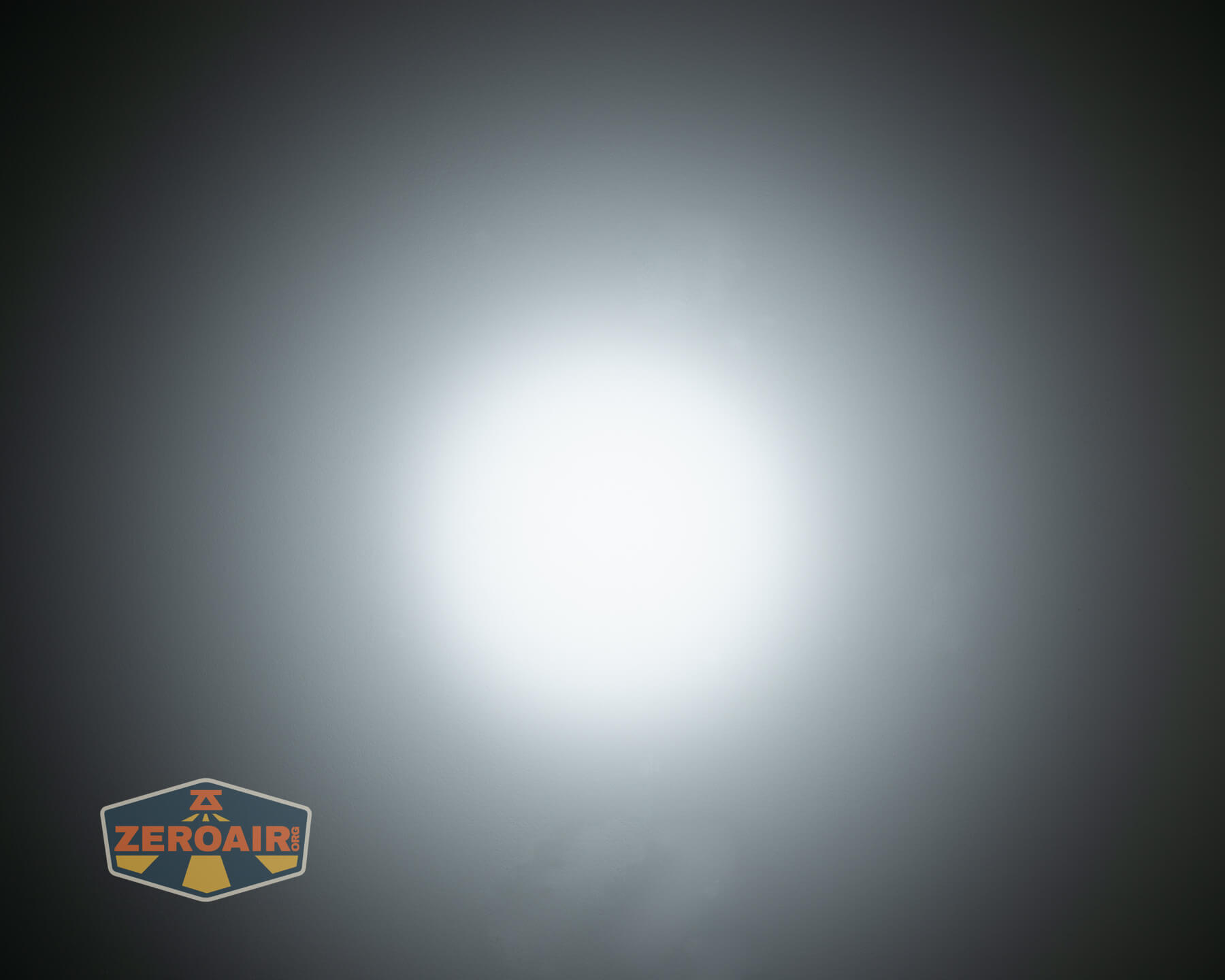





I did forget to grab a photo of turbo on both, but it looks practically like that last photo in the second row anyway.
Tint vs BLF-348 (KillzoneFlashlights.com 219b version) (affiliate link)
I keep the test flashlight on the left and the BLF-348 reference flashlight on the right. These photos are taken around 18 inches from the door.
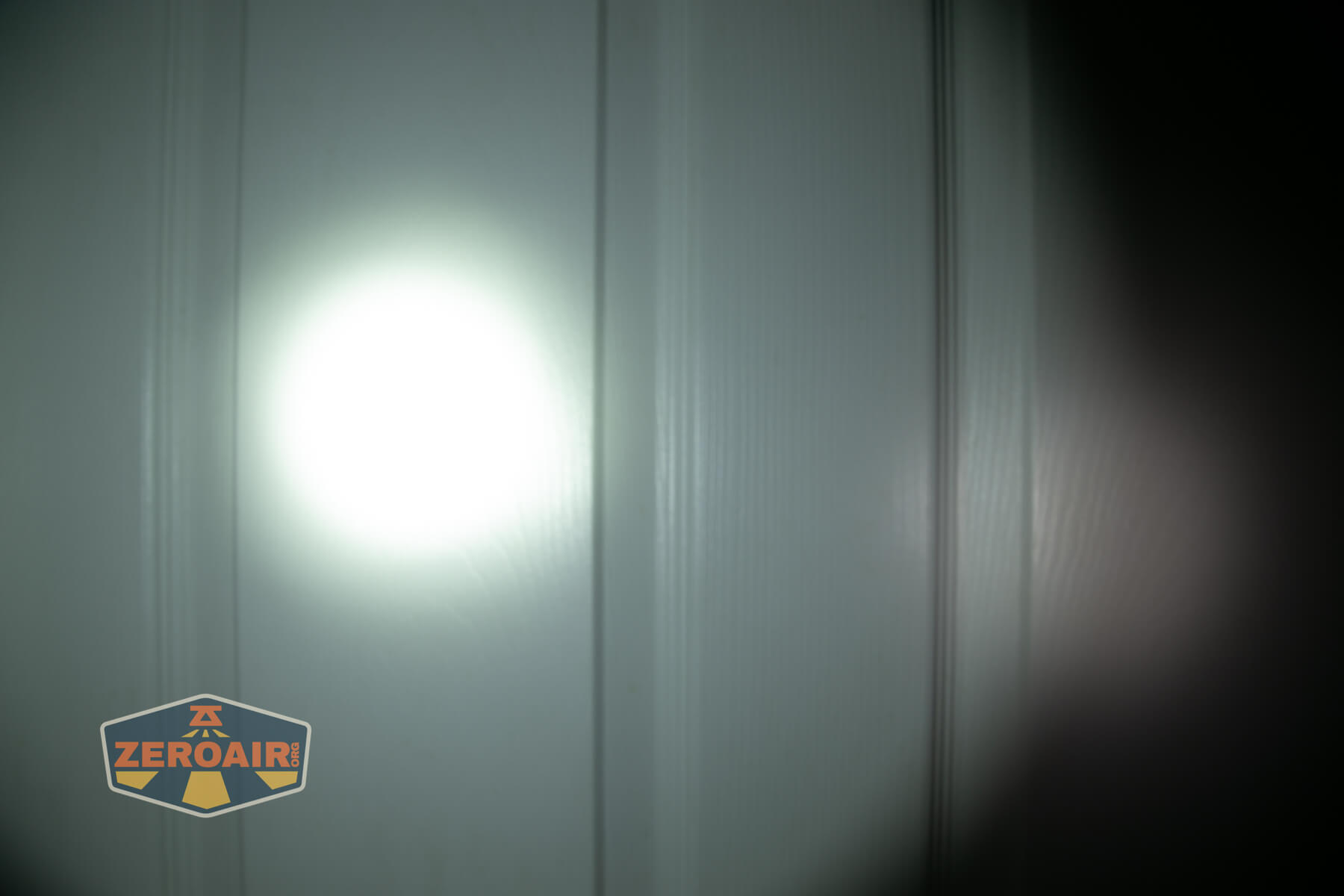



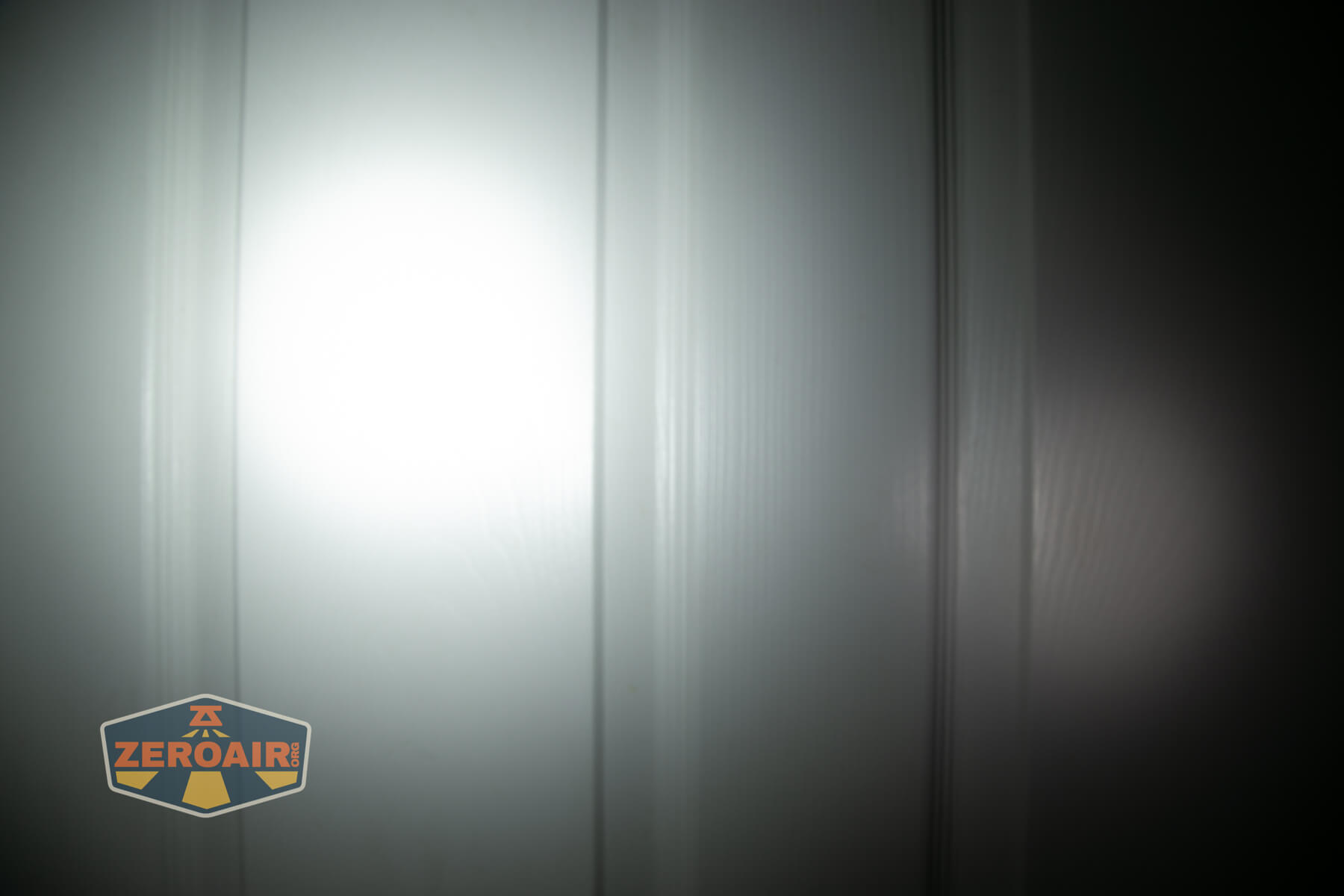



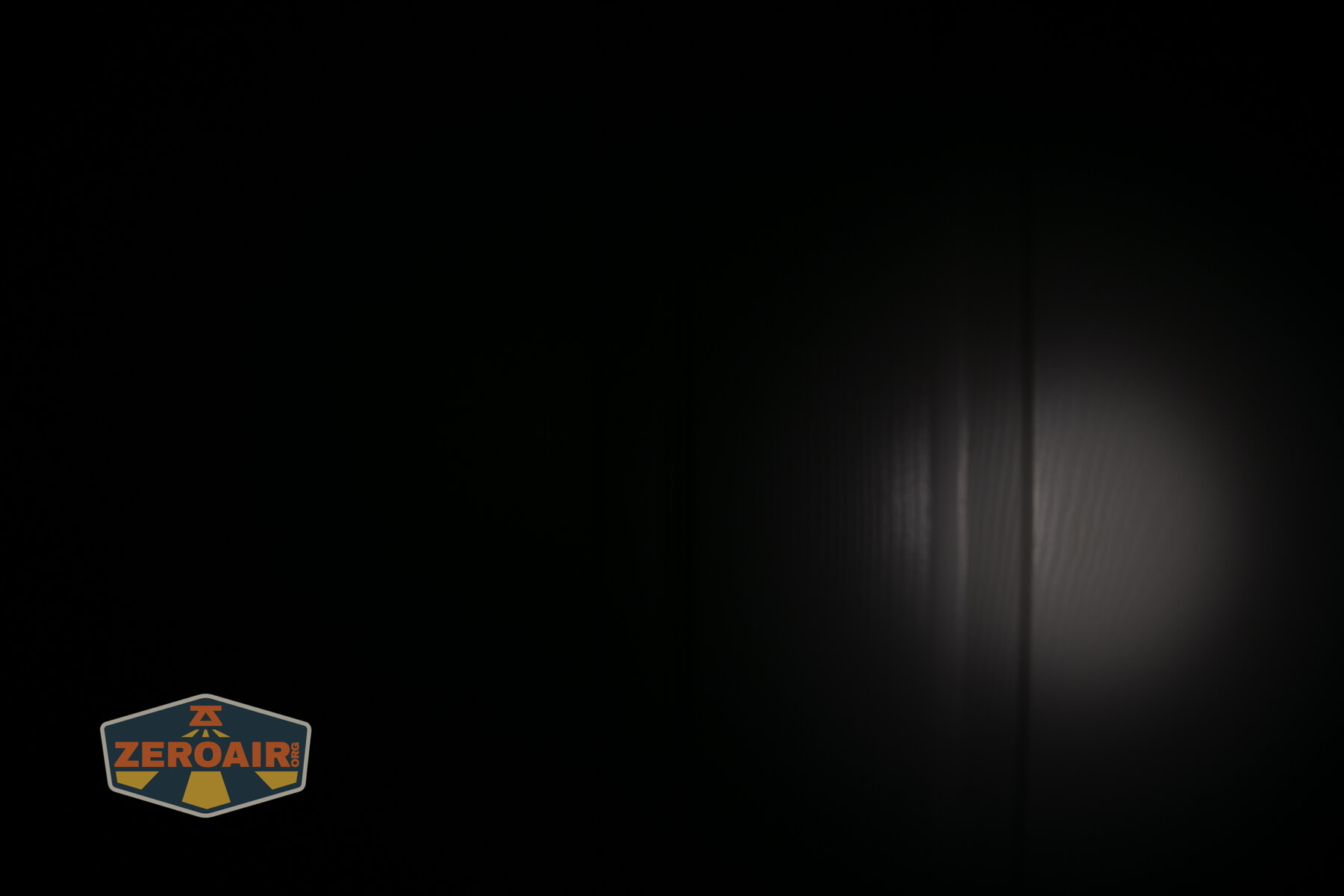
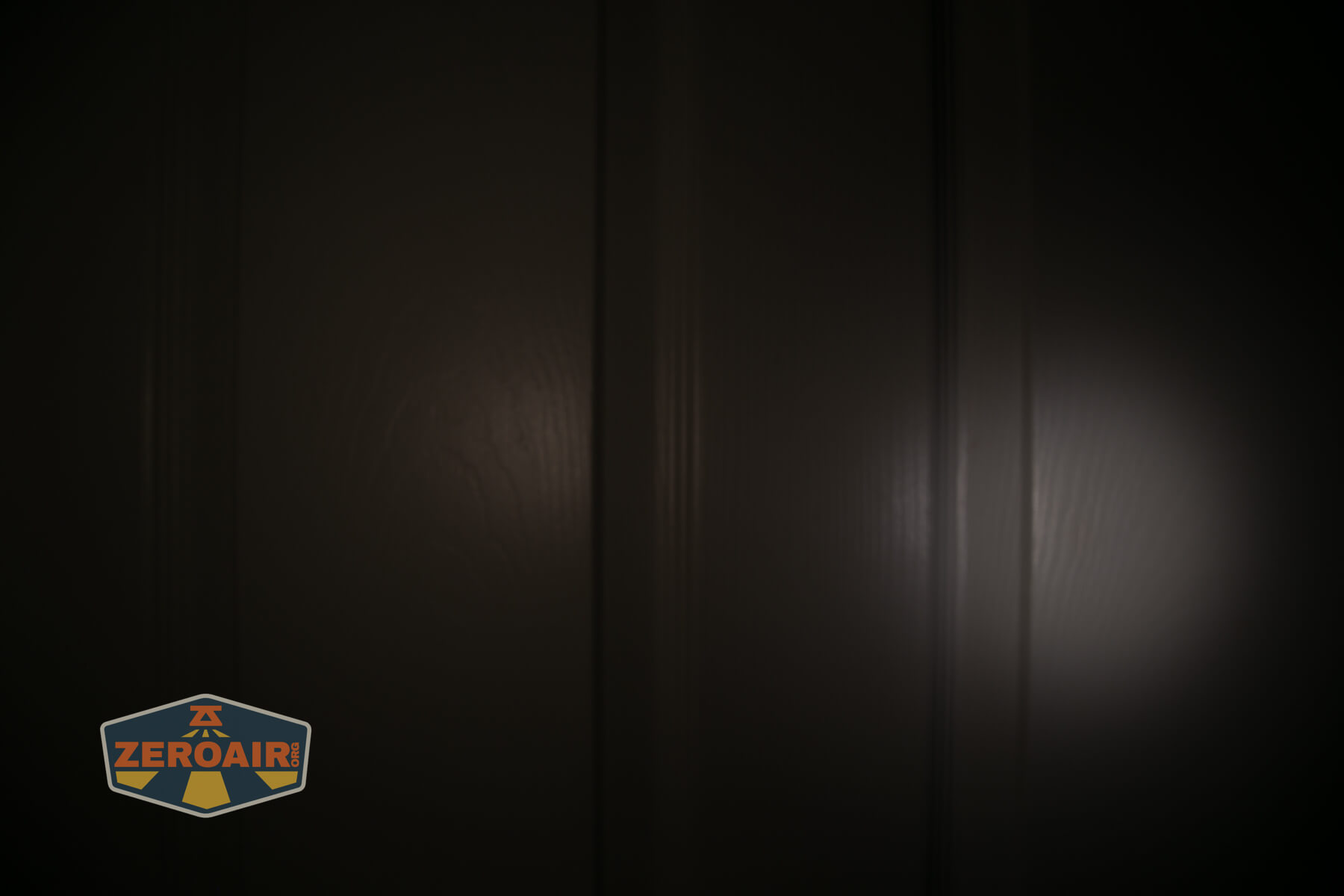
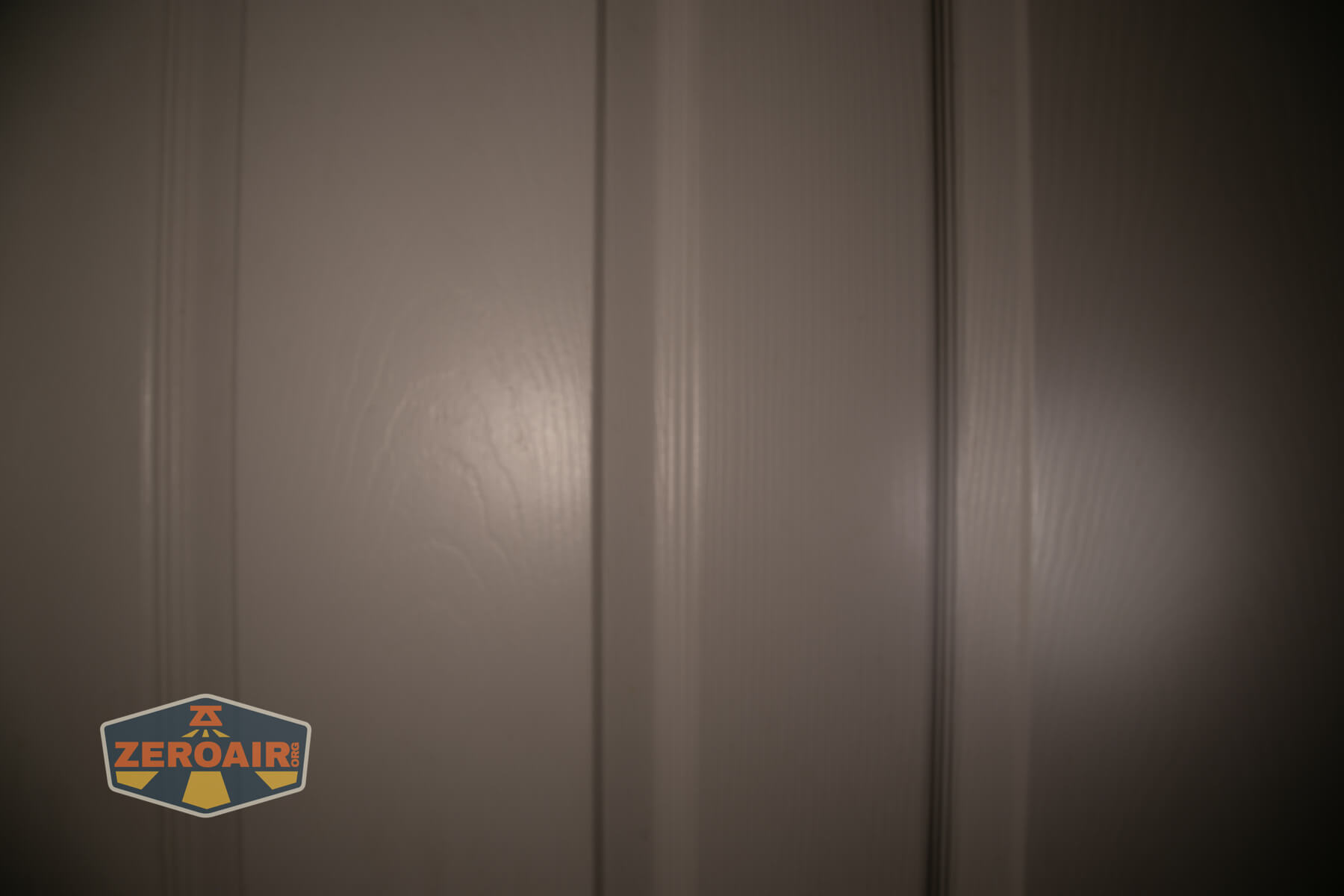
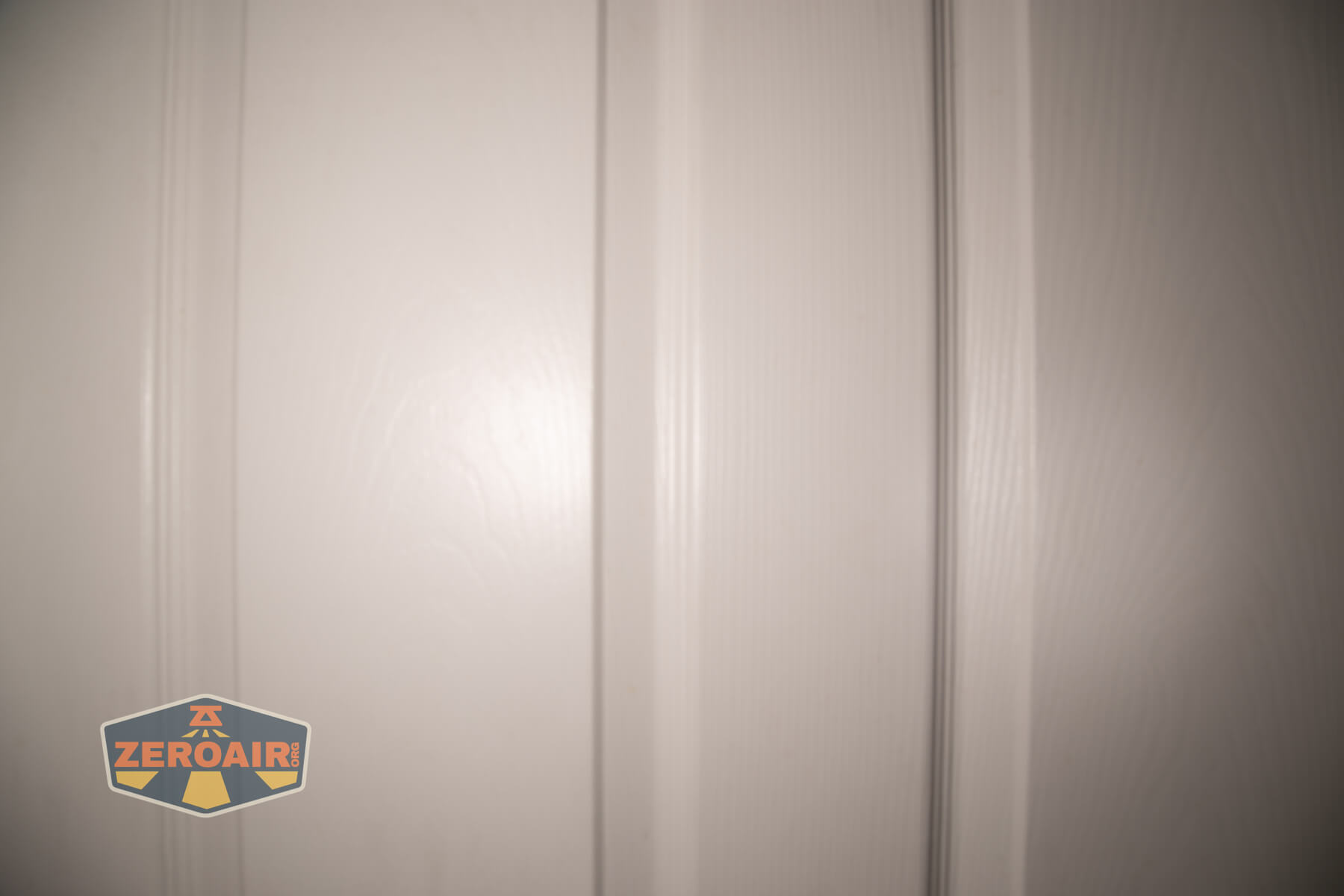

I compare everything to the KillzoneFlashlights.com 219b BLF-348 because it’s inexpensive and has the best tint!
Summary and Conclusion
The LoopGear SK-05 II Pro flashlight is surely a step up from the Pro SK-05. The updated high CRI COB light makes the LoopGear SK-05 II Pro flashlight a no-brainer if this is the first time you’re purchasing this style of light. If you already have one, should you upgrade? Well, this one is better! I’d opt for the Nichia version if you can get it, but either way, this is a fun light.
The Big Table
| LoopGear SK-05 II Pro flashlight | |
|---|---|
| Emitter: | Luminus SST25 (6500K) (Both) |
| Price in USD at publication time: | ? |
| Cell: | 2×18650 |
| Runtime Graphs | |
| LVP? | Yes |
| Switch Type: | E-Switch |
| Quiescent Current (mA): | ? |
| On-Board Charging? | Yes |
| Charge Port Type: | USB-C |
| Charge Graph | |
| Power off Charge Port | No |
| Claimed Lumens (lm) | Both: 5000 Flood: 3800 Spot: 2500 |
| Measured Lumens (at 30s) | Both: 3643 (72.9% of claim)^ Flood: 3279 (86.3% of claim)^ Spot: 2937 (117.5% of claim)^ |
| Candela per Lumen | Both: – Flood: 4.2 Spot: 17.8 |
| Claimed Throw (m) | Both: – Flood: 210 Spot: 410 |
| Candela (Calculated) in cd (at 30s) | Both: 1476lux @ 5.093m = 38285cd Flood: 738lux @ 4.604m = 15643cd Spot: 1292lux @ 5.728m = 42390cd |
| Throw (Calculated) (m) | Both: 391.3 Flood: 250.1 (119.1% of claim)^ Spot: 411.8 (100.4% of claim)^ |
| Claimed CCT | Both 6500 Flood: 6500 Spot: 6500 |
| Measured CCT Range (K) | Both – Kelvin Flood: 6000-6800 Kelvin Spot: 6100-6400 Kelvin |
| Item provided for review by: | LoopGear |
| All my LoopGear reviews! | |
^ Measurement disclaimer: Testing flashlights is my hobby. I use hobbyist-level equipment for testing, including some I made myself. Try not to get buried in the details of manufacturer specifications versus measurements recorded here; A certain amount of difference (say, 10 or 15%) is perfectly reasonable.
What I like
- Solid build quality
- Cells are easily accessible
- Side white lights updated to High CRI output!
- Uses standard flat-top cells
- Intuitive user interface
- RGB side options are fun!
- C to C charging works very well
- Can run off just one cell
What I don’t like
- Very cool white
- Low CRI
Notes
- This content originally appeared at zeroair.org. Please visit there for the best experience!
- Please use my Amazon.com referral link to help support zeroair.org!
- Please support me on Patreon! I deeply appreciate your support!