

FireflyLite E12C Flashlight Review
The FireflyLite E12C flashlight offers 12 of FireflyLite’s own FFL351A HI, 4000K, high CRI emitter! It runs a standard 21700 and offers USB-C charging.
Official Specs and Features
Here’s a link to the FireflyLite E12C flashlight product page.
Versions
Many versions of the FireflyLite E12C flashlight are available, including two different bodies – matte black (seen here) and one with a “golden rainbow coating.” Many emitter options are available, too – Different Nichia 519a, as well as Luminus SST20 and Osram CSLNM1. And, as seen here, the FFL351A HI.
Price
The FireflyLite E12C flashlight MSPR is $133, but the current going price is between $96 and $100. FireflyLite does seem to have some options with 21700, but the E12C product page doesn’t seem to have it. Check around the site for purchasing a reputable 21700.
What’s Included

- FireflyLite E12C flashlight
- Spare o-rings (2)
- Lanyard
- Charging cable
- Carry pouch
- Manual
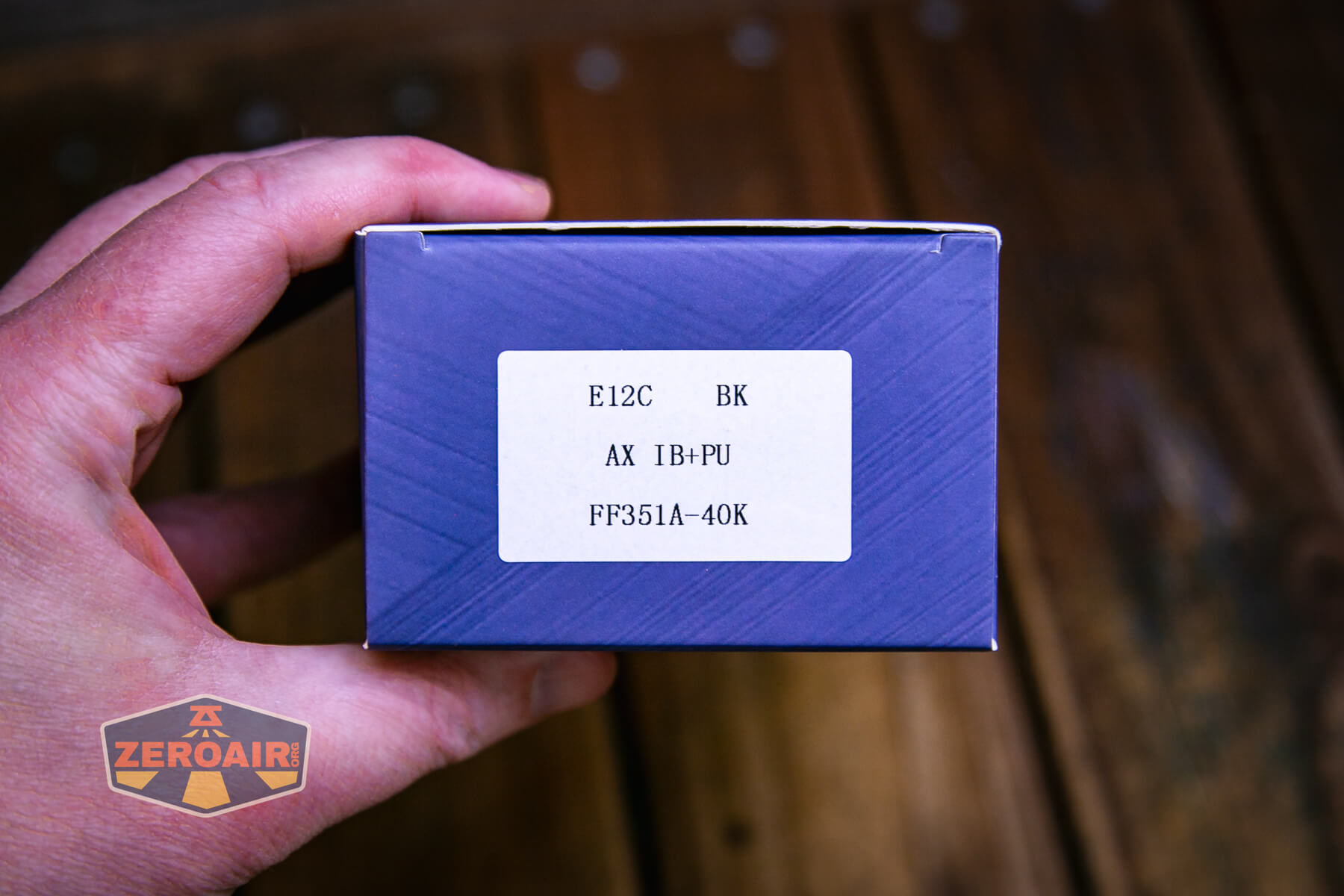
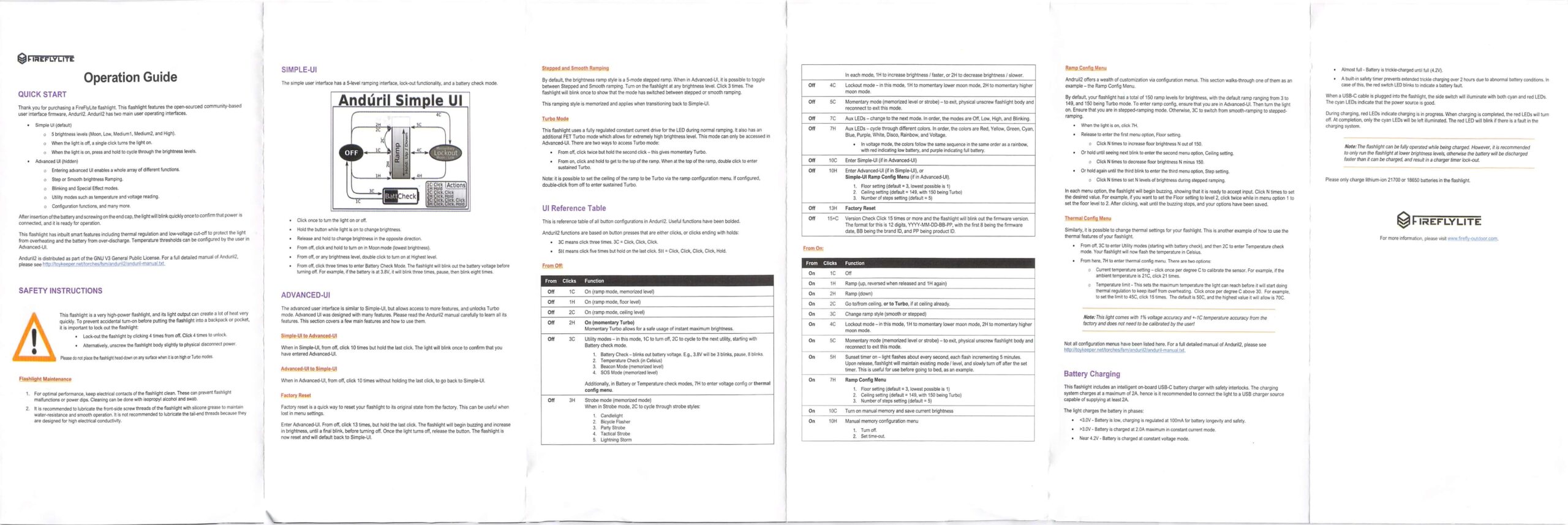
Package and Manual

Build Quality and Disassembly

I’ve had many FireflyLite lights (including some from what I suppose to be the “old brand”? – just “FireFlies.”) I like them for their innovative nature. Even this very light uses an emitter I’ve never seen before, and apparently made by FireflyLite.
The FireflyLite E12C flashlight has nice build quality. I appreciate the stainless bezel, and the threads on both ends of the cell tube are smooth.

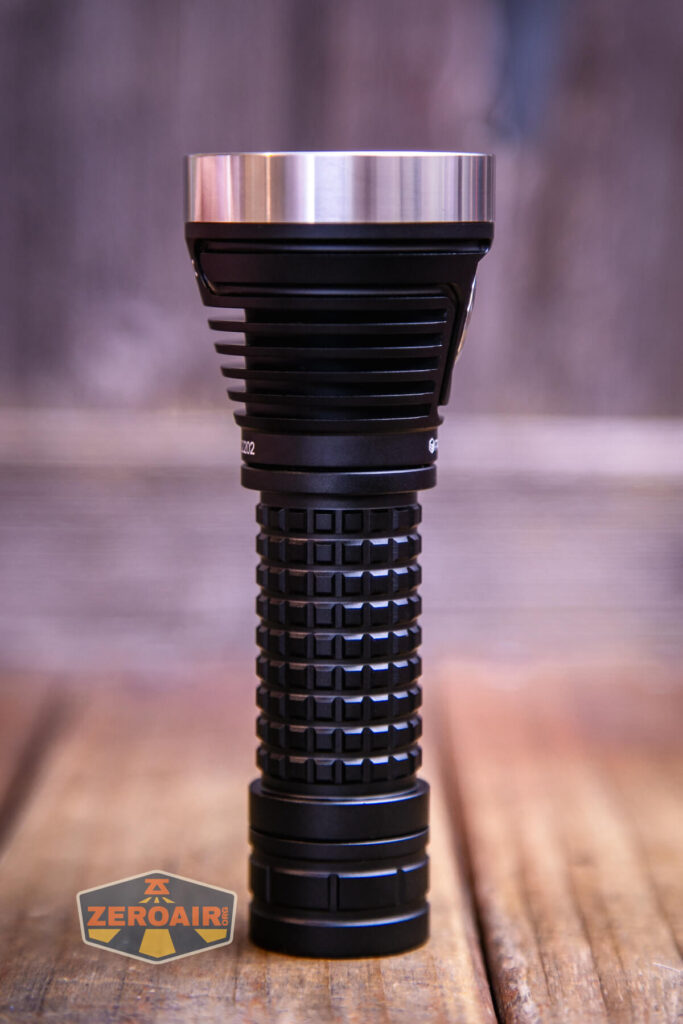


These two o-rings have been a problem for me, though – they always seem to get caught up in the threads, and I can see clearly why three extras are included.

Both the head and tail have nice beefy springs.


Charging on the cell is built into the cell tube, so the positive end of the cell isn’t exposed when the head is removed.

Size and Comps
I don’t see any official specs listed, but here are some approximate measurements from my micrometer.
Head diameter: 47.82mm
Tailcap diameter: 28.52mm
Body diameter:25.98mm
Length: 123.35mm
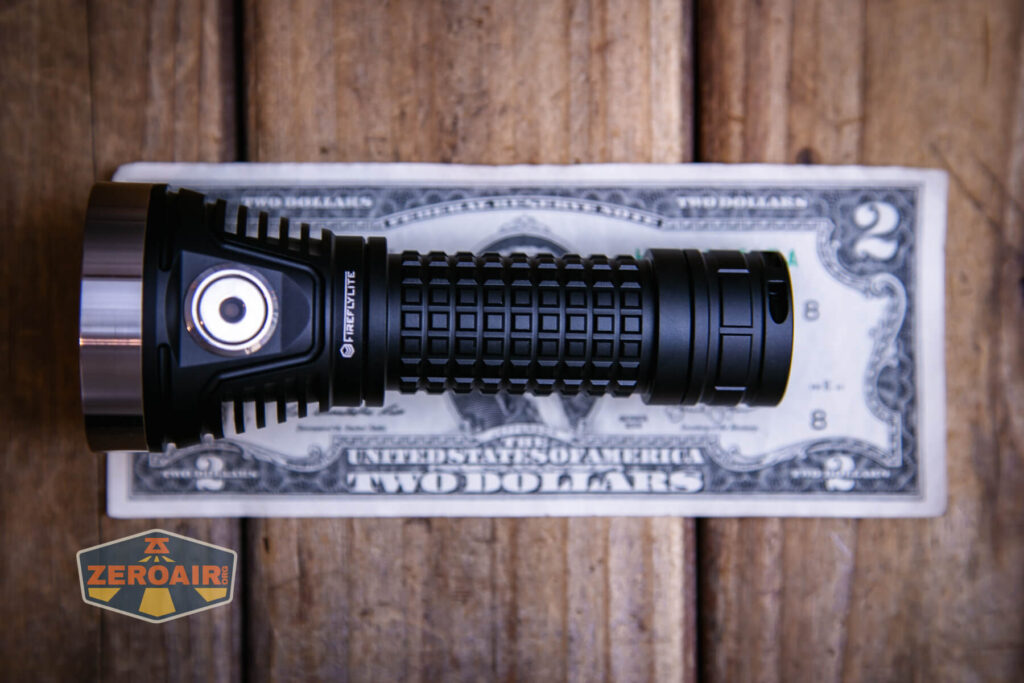

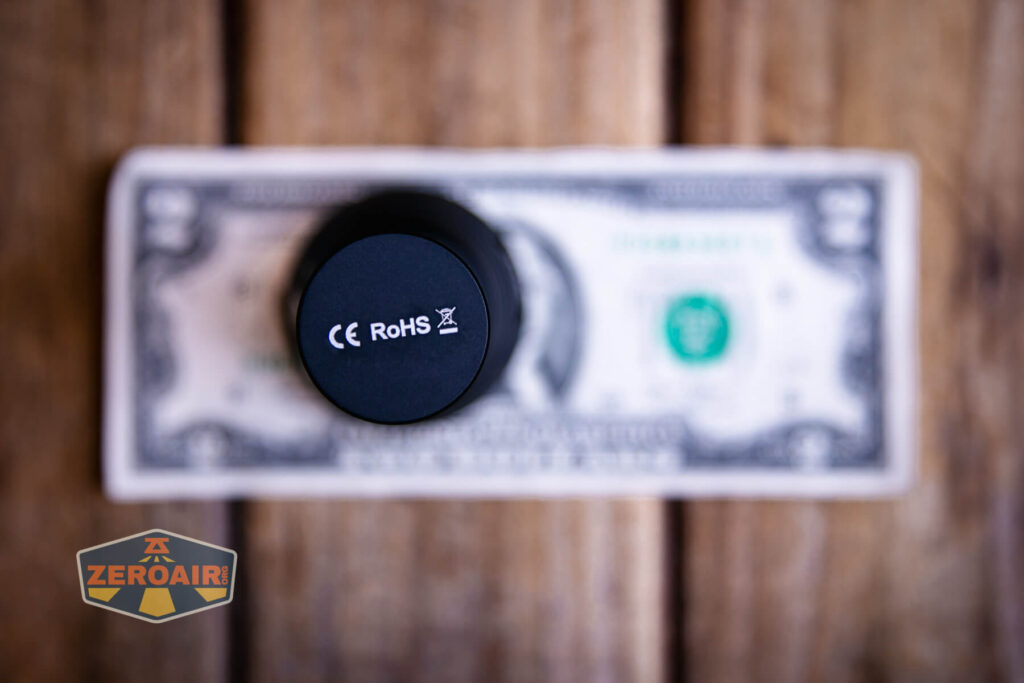
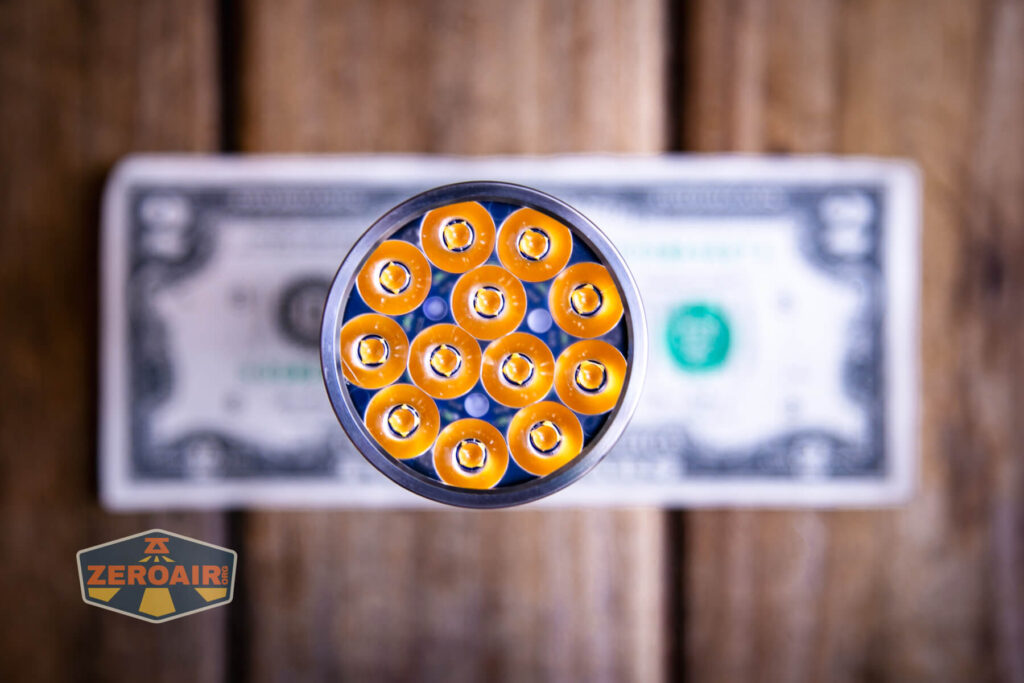
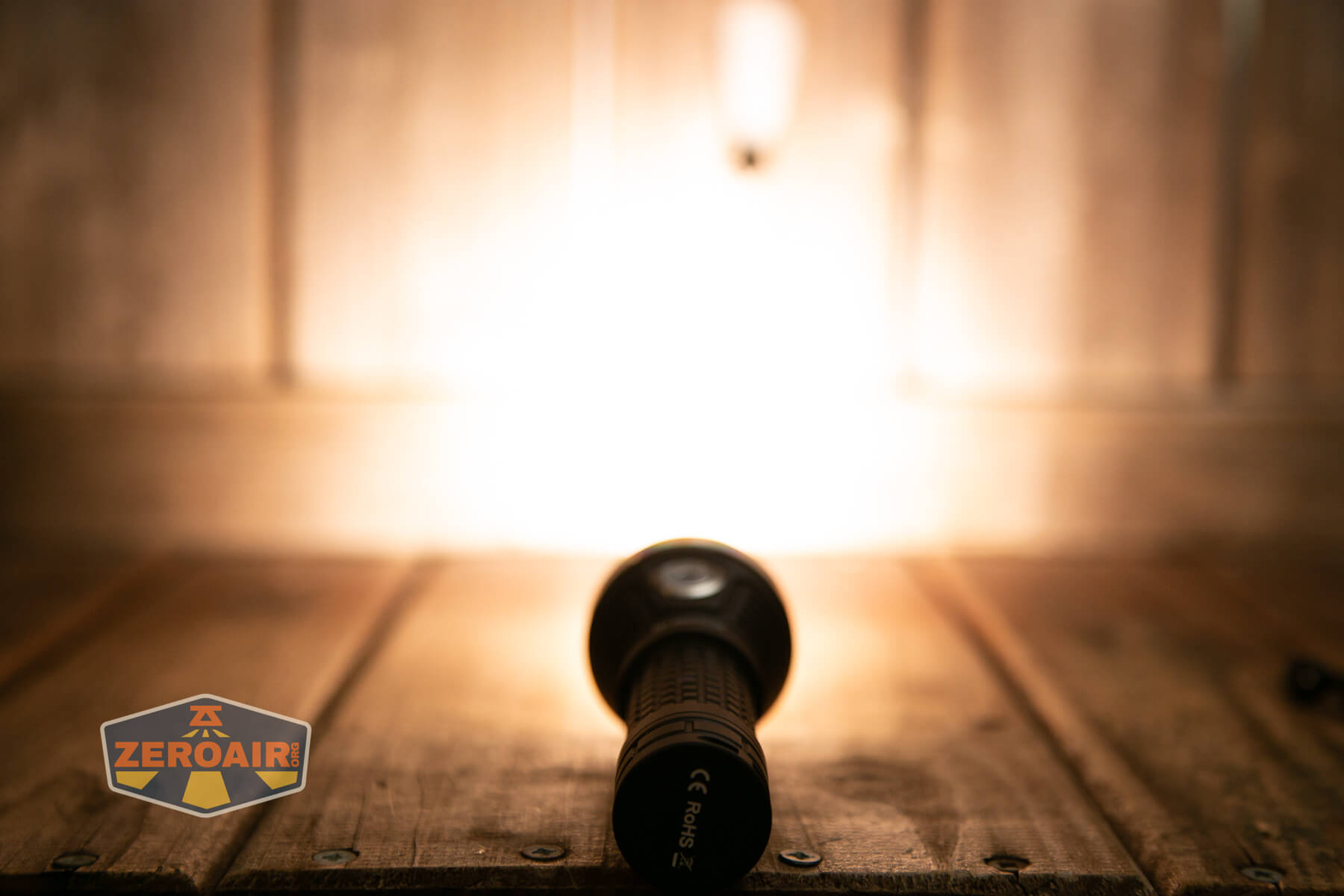
If the flashlight will headstand, I’ll show it here (usually the third photo). If the flashlight will tailstand, I’ll also show that (usually in the fourth photo).

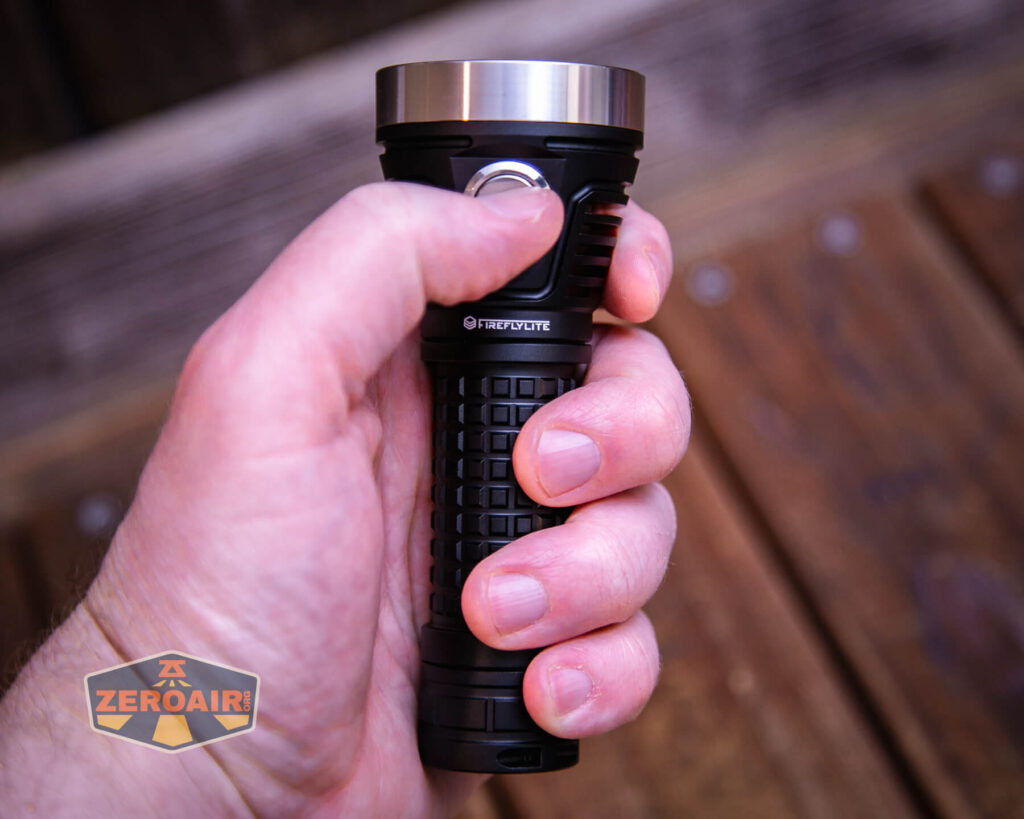
Here’s the test light with the venerable Convoy S2+. The version below is a custom laser-engraved Convoy S2+ host by GadgetConnections.com. I did a full post on an engraved orange host right here! Or go straight to GadgetConnections.com to buy your Convoy S2+ now!

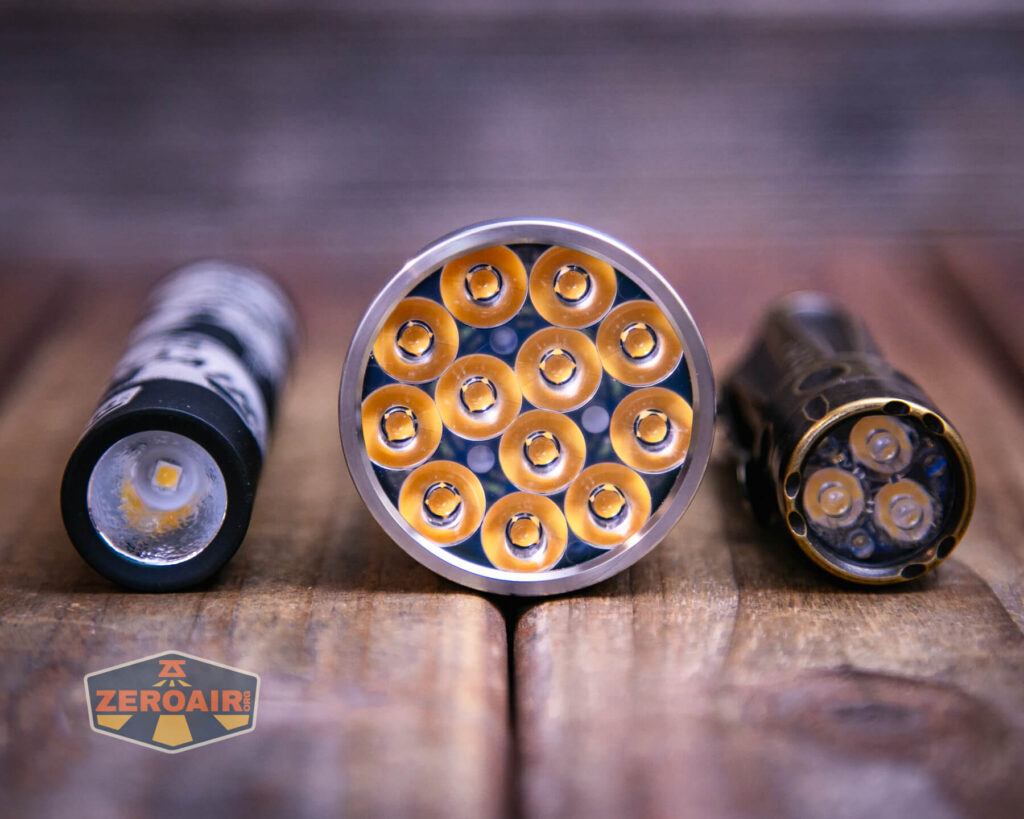
Also above is the light beside a TorchLAB BOSS 35, an 18350 light. I reviewed the aluminum version of that light in both 35 and 70 formats. I also reviewed that specific edition, the “Oveready BOSS FT Collector Vintage Brass” 35. I love it!
Retention and Carry
A number of options are included for carrying the FireflyLite E12C flashlight. First, I’ll mention the lanyard, which attaches through this hole in the tailcap.

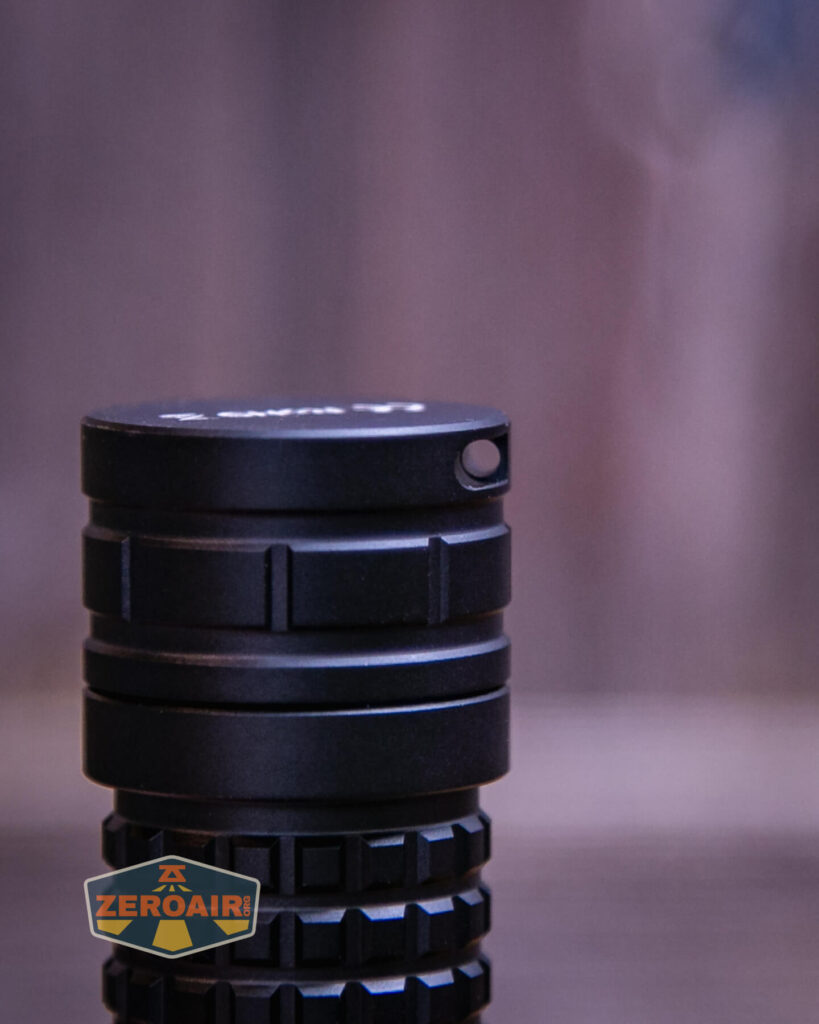
The lanyard is unusual – very feature-rich. Both ends have a metal hook and there’s a keychain loop option.

The tailcap also has a magnet. It’s a strong magnet, too, perfectly capable of holding the E12C.

Finally, there’s this pouch.

Power and Runtime
I have another FireflyLite in for testing that did include a cell, but for this test, I’ve used a Vapcell high-drain 21700. Output is nice and high, but only briefly.
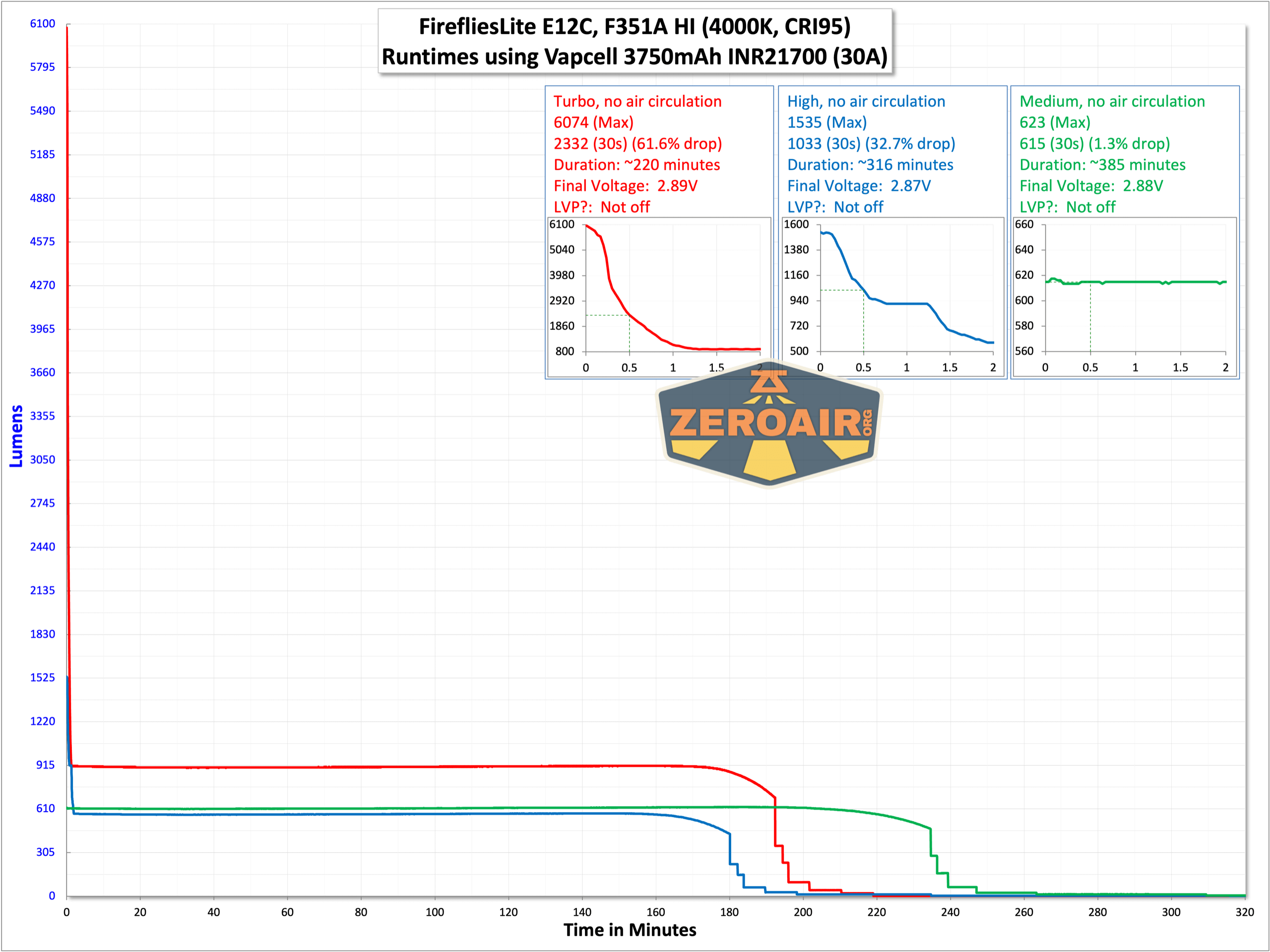
Turbo steps down very quickly and even at 30 seconds the light hasn’t really leveled-out. My impression about the E12C is that it could handle longer sustained output. I’d settle for a lower top-end (say, 3000 lumens) but for a minute or something.
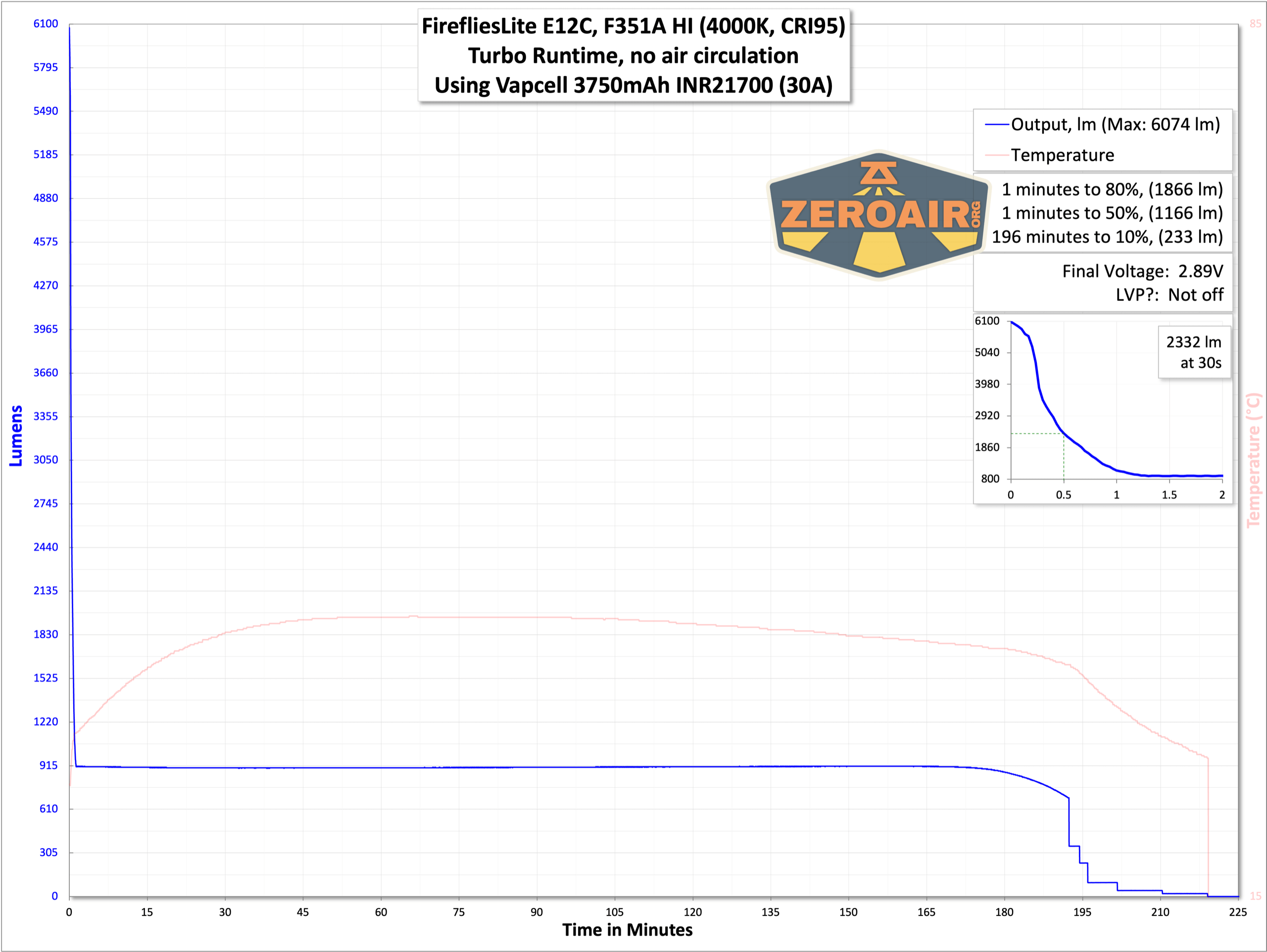
High (or the second highest output) also steps down fairly quickly.

The third highest mode, at least, doesn’t have a stepdown until the cell voltage drops.
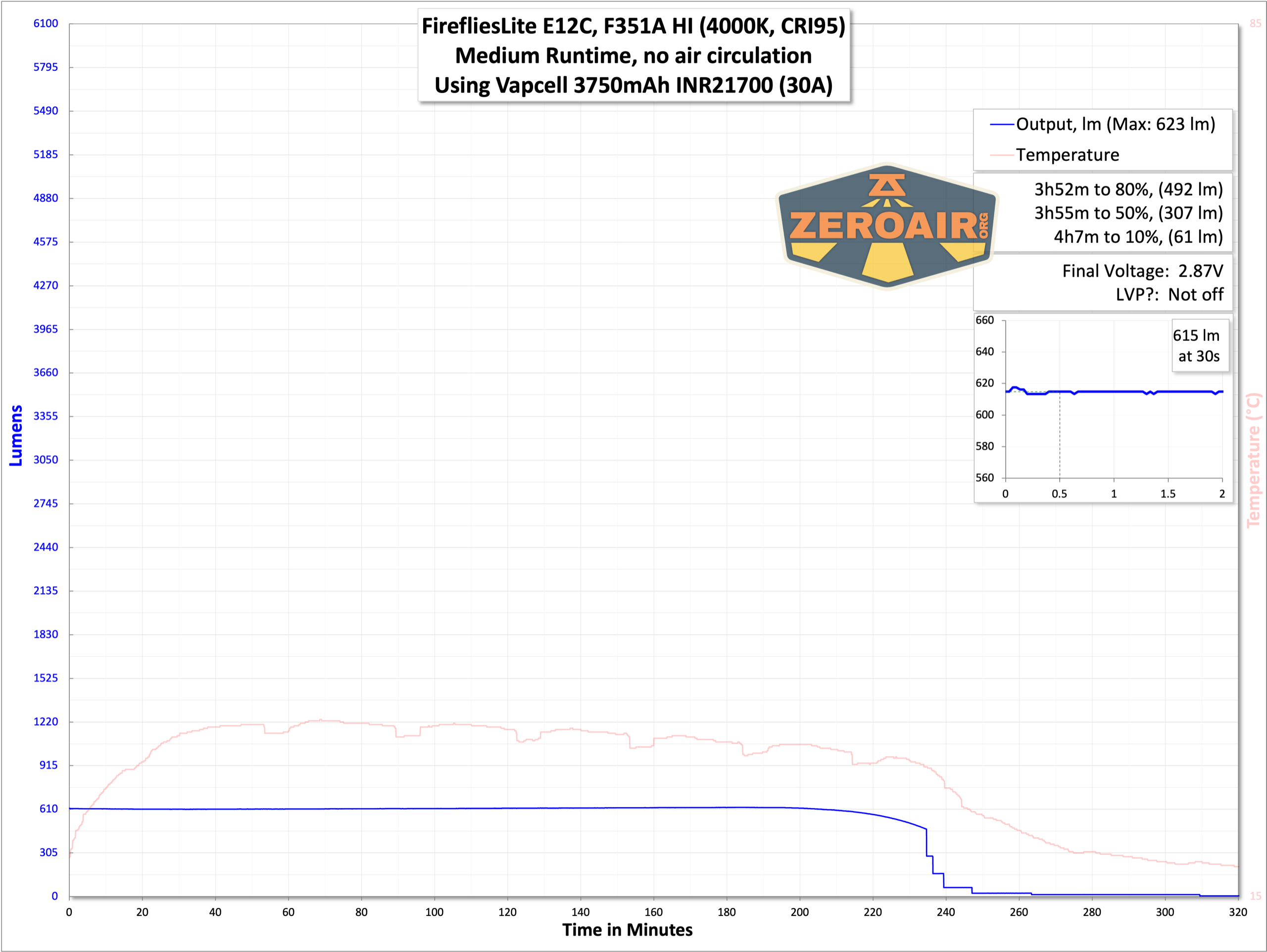
All the tested modes do exhibit low voltage protection.
Charging
The FireflyLite E12C flashlight offers onboard charging by way of a USB-C port on the positive end of the cell tube. You’ll need to remove the head fully in order to utilize the charging feature.
A charging cable is included – USB-C to USB-C.

Both C to C and A to C charging work just fine. The charging rate is fairly quick, peaking at around 3A with USB-C charging (at 5V).

While charging, there are a number of tiny LEDS on the positive end of the cell tube that will give a charge-level indication. When charging is complete, all four LEDs are lit.
Modes and Currents
| Mode | Mode Claimed Output (lm) | Claimed Runtime | Measured Lumens | Tailcap Amps |
|---|---|---|---|---|
| Turbo (Double click) | 7500 | – | 6074 (0s) 2232 (30s) |
>18 (depends on cell) |
| High (Highest Stepped) | – | – | 1535 (0s) 1033 (30s) |
5.20 |
| Medium | – | – | 623 | 2.36 |
| 3 | – | – | 192 | 0.71 |
| 2 | – | – | 55 | 0.22 |
| Low (Lowest stepped) | – | – | 1 | [low] |
Pulse Width Modulation
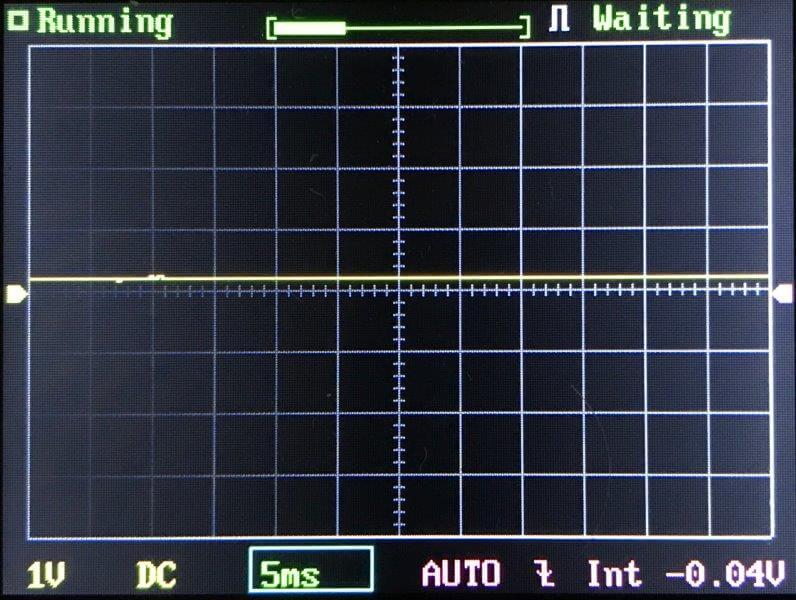
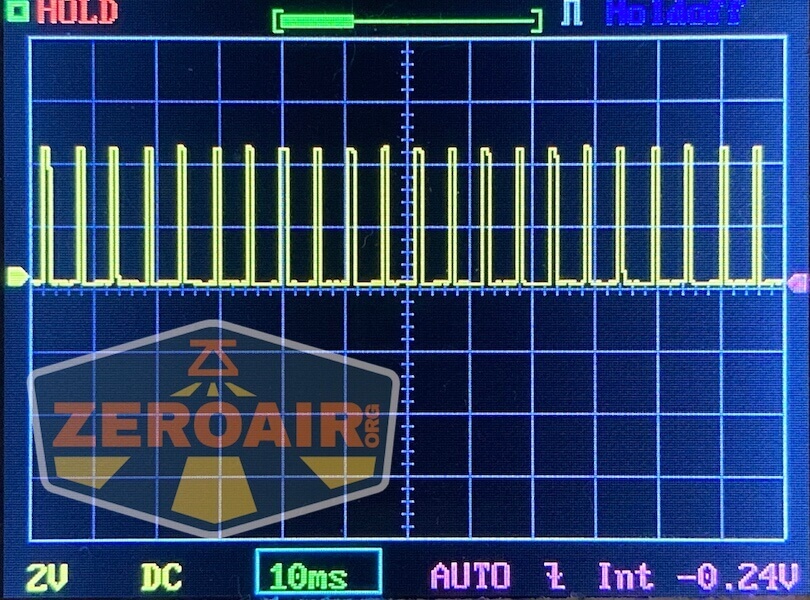
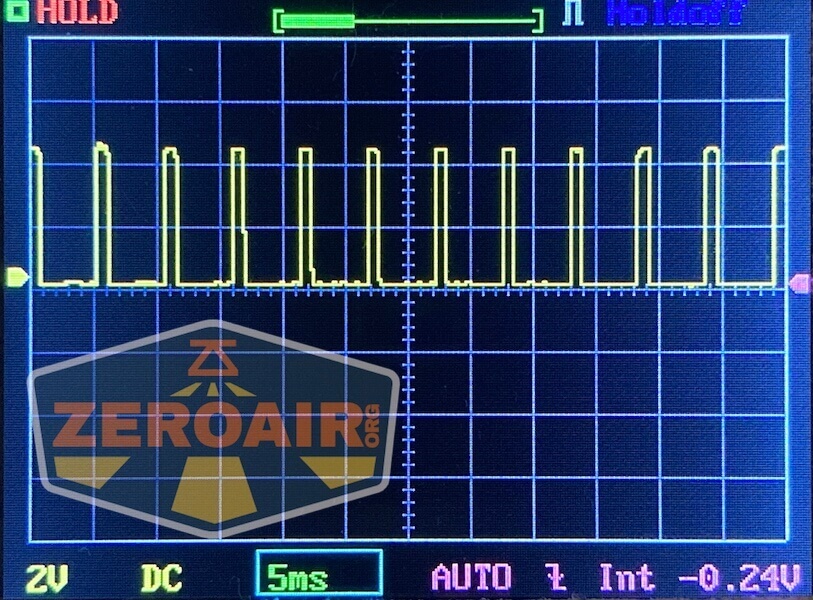
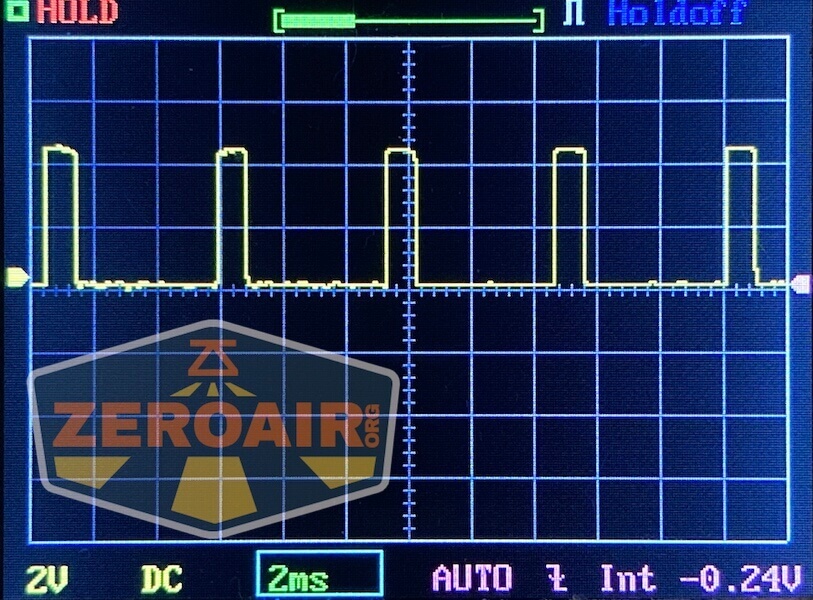
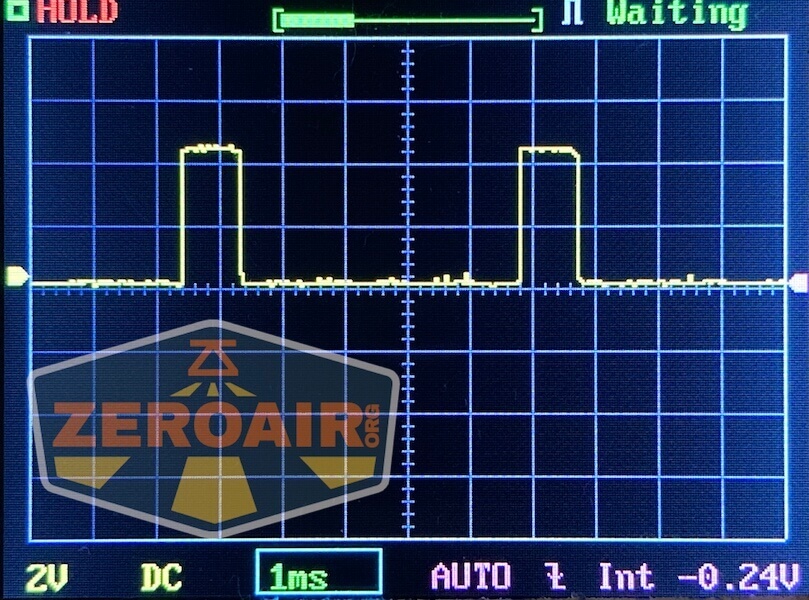
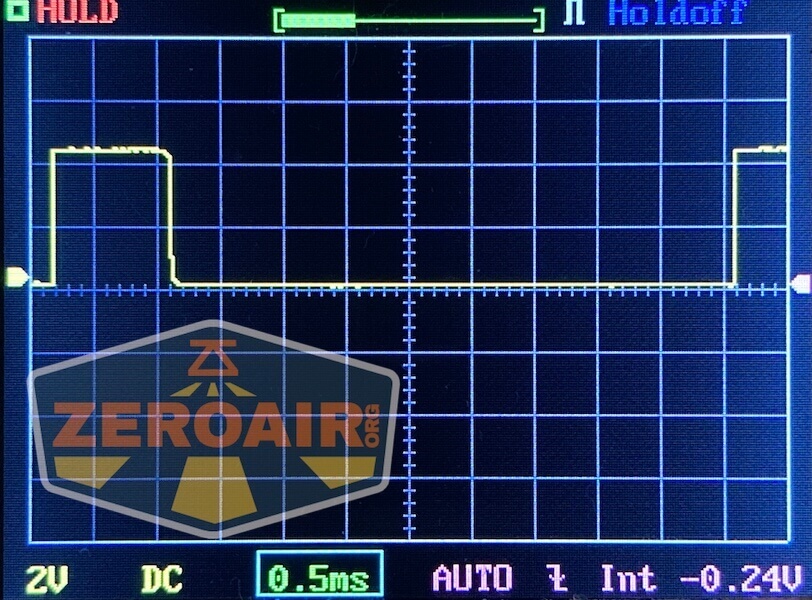
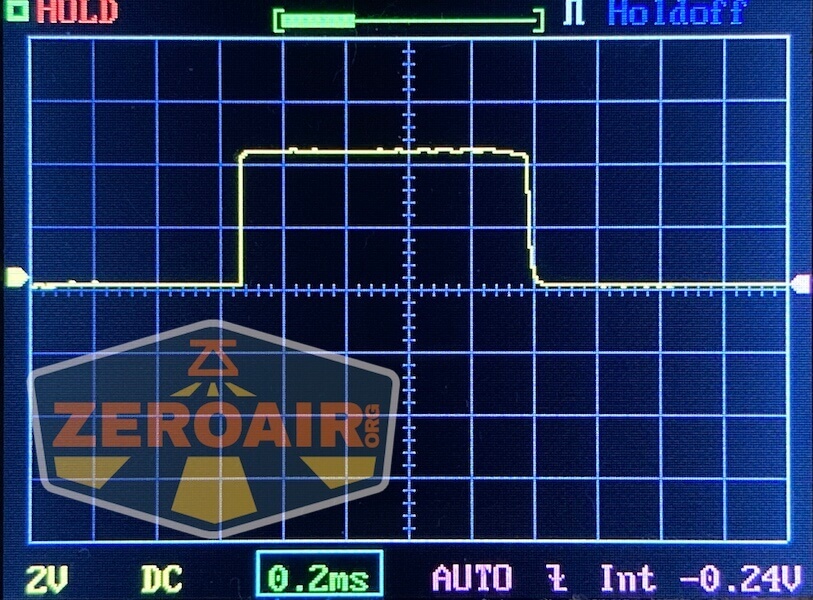
PWM is observed on all modes except the “double click Turbo” level.
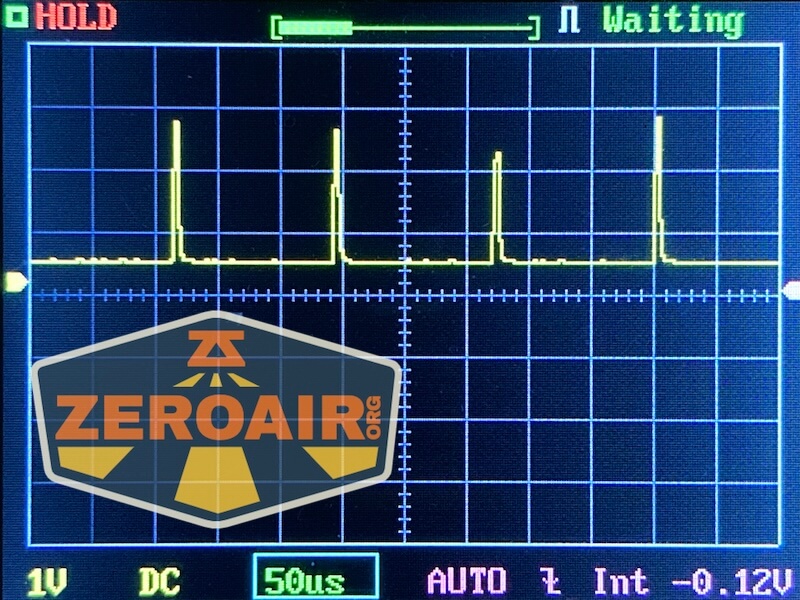

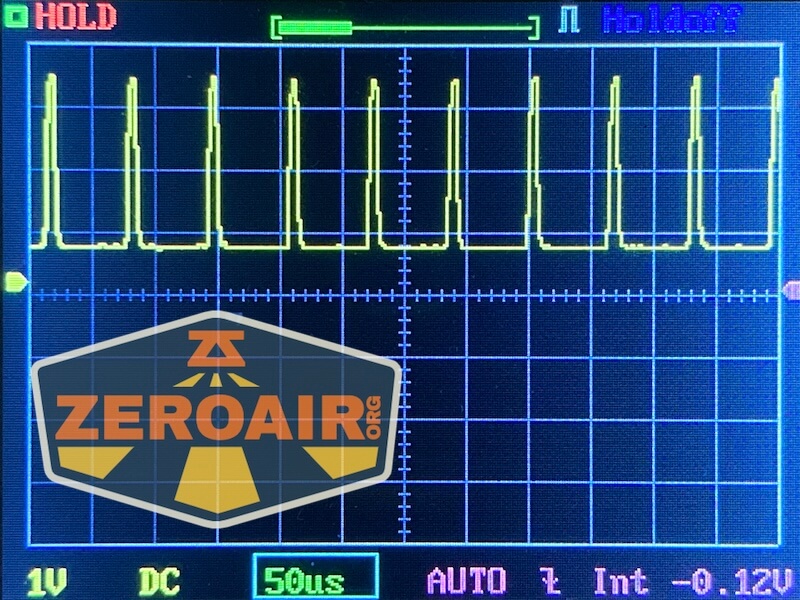
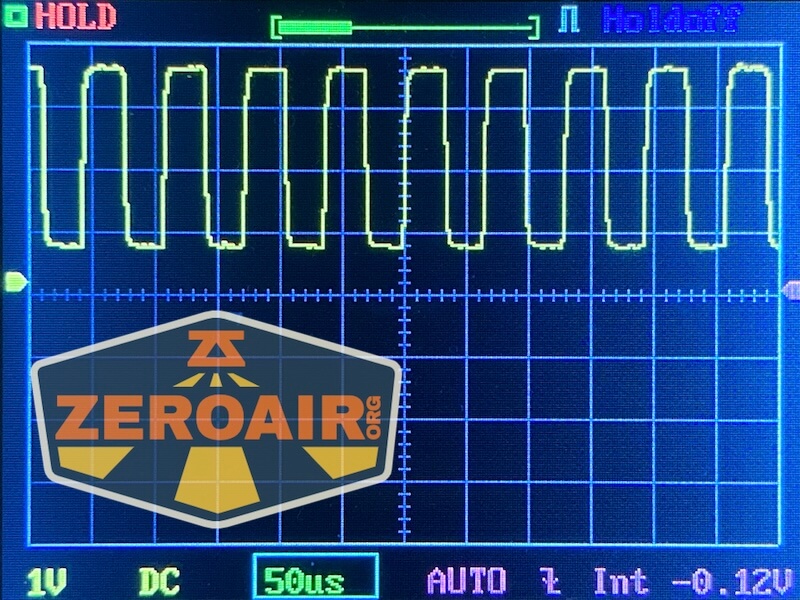
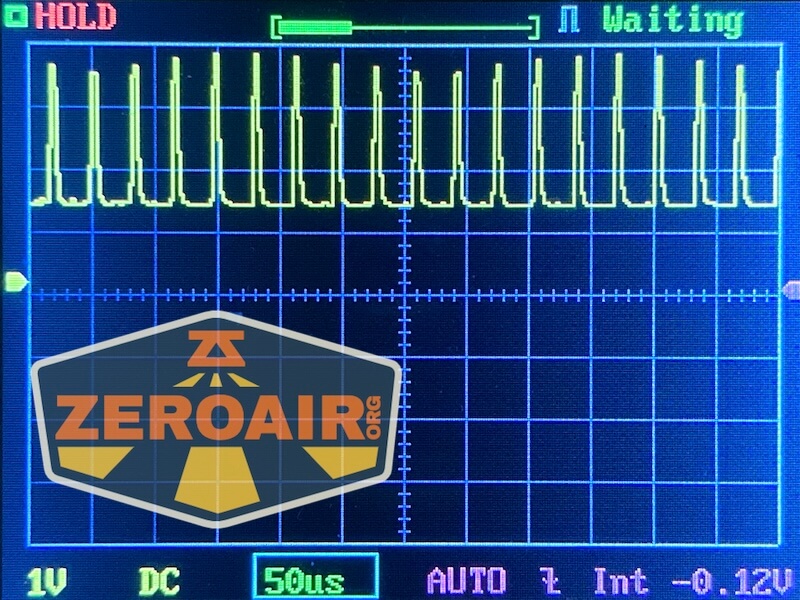
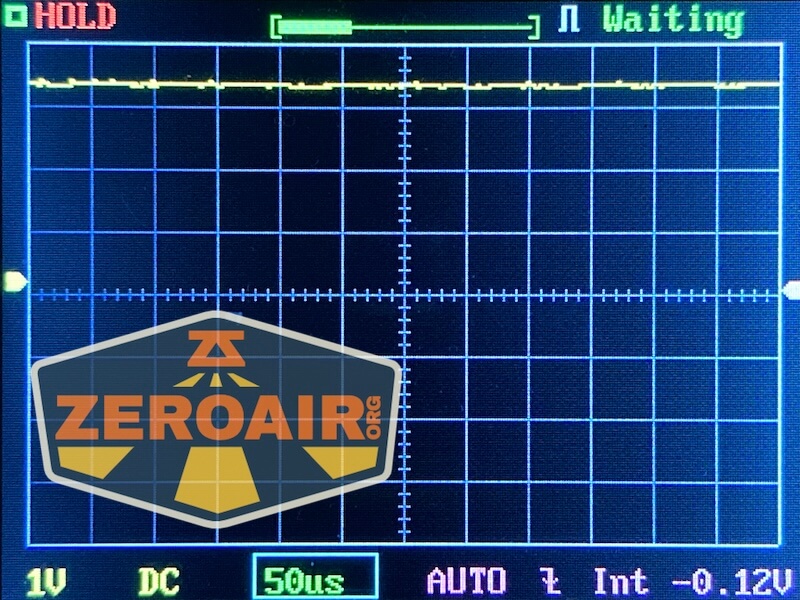
Here you can see a “baseline” – a chart with almost no light hitting the sensor. Then there’s the Ultrafire WF-602C flashlight, which has some of the worst PWM I’ve seen. It’s so bad that I used a post about it to explain PWM! Here are multiple timescales (10ms, 5ms, 2ms, 1ms, 0.5ms, 0.2ms) to make comparing this “worst” PWM light to the test light easier. That post also explains why I didn’t test the WF-602C at the usual 50us scale.
User Interface and Operation
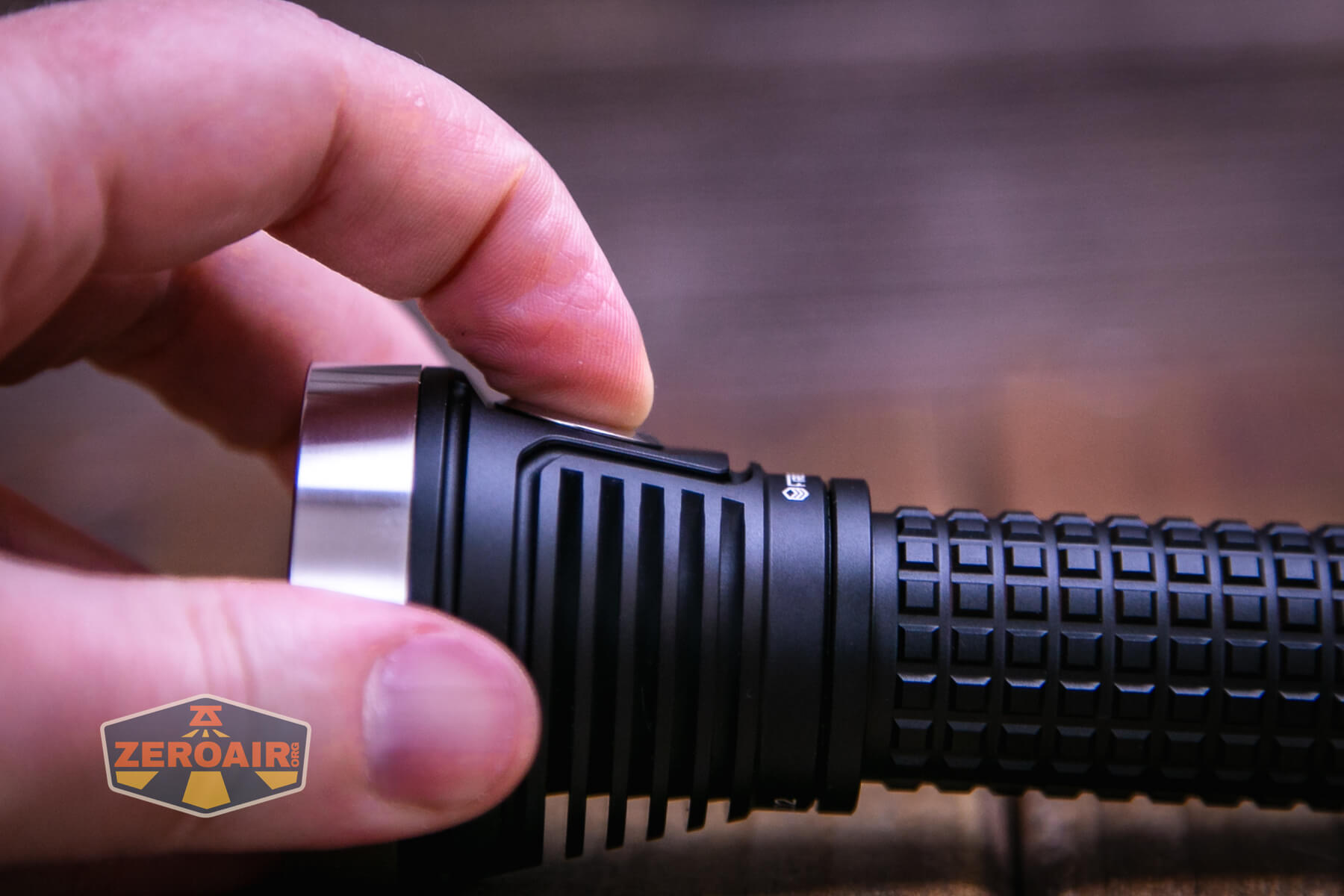
A single e-switch controls the FireflyLite E12C flashlight. It’s a nice metal switch with an indicating feature right in the middle.
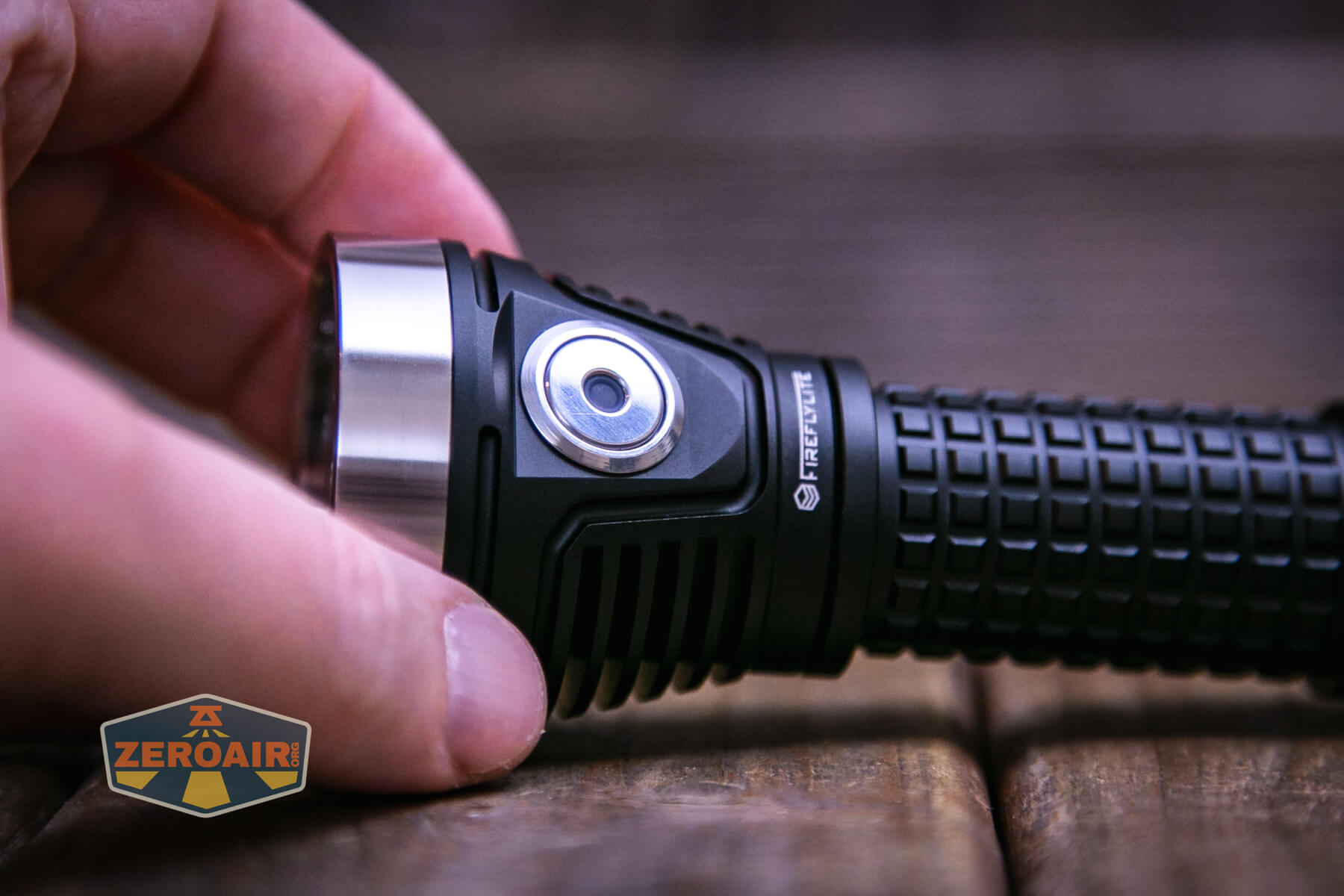
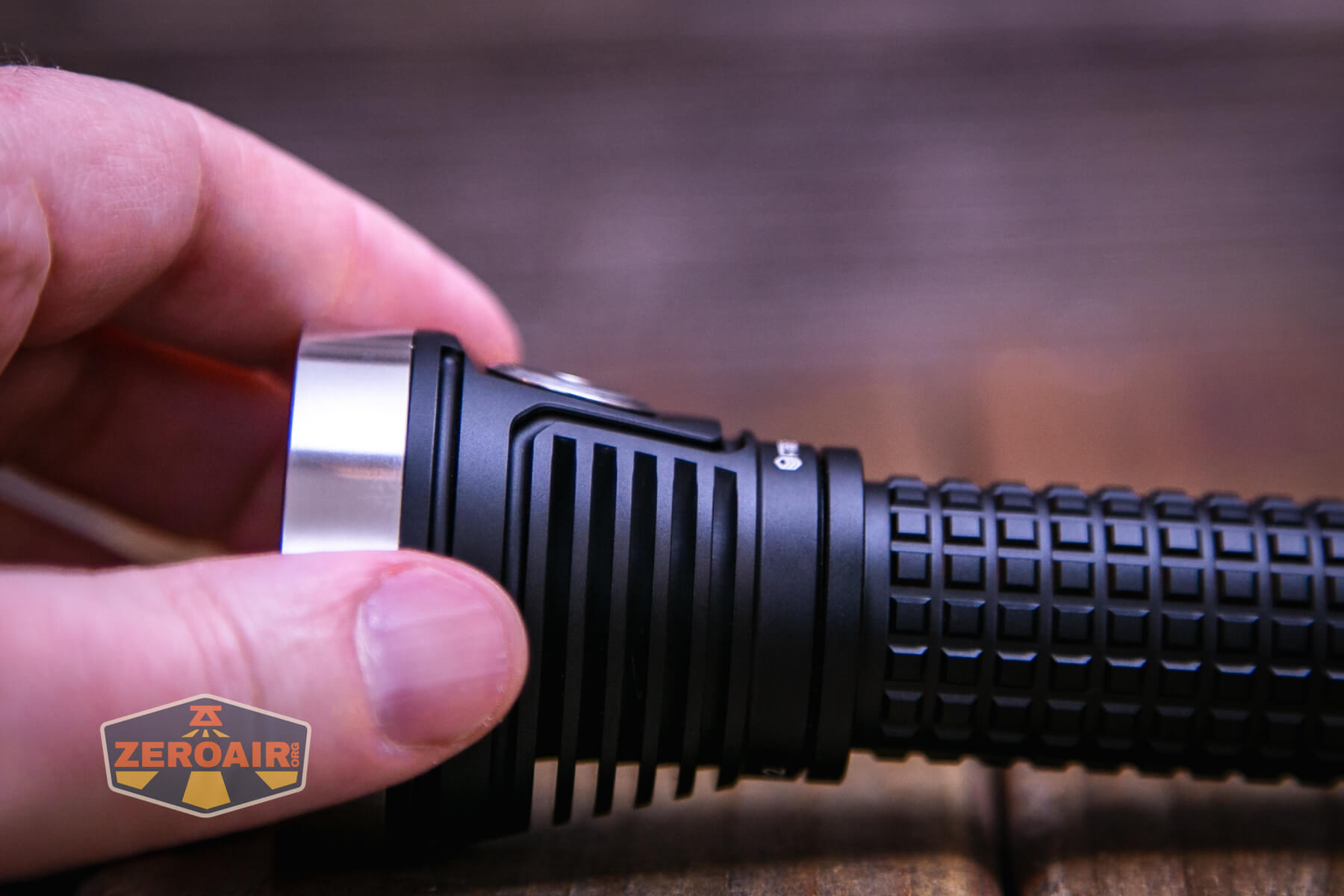
There’s a metal bezel around the switch too, which makes the whole experience of clicking the switch quite pleasant.
This light uses Andúril2, but it seems to be a modified version of Andúril2. All of the features seem present, but the stepped modes are limited to 5, and not the usual 9. You’ll see many series photos below with 6 or 7 photos – Turbo is not part of the “stepped” group, as it’s accessed only by double clicking. This is fine for my use case. I’m copying the table from a standard Andúril2 light, but there may be some other wrinkles in the E12C, too.
Here’s a user interface table! This table is directly from ToyKeeper’s Andúril2 manual, which you can view here:
http://toykeeper.net/torches/fsm/anduril2/anduril-manual.txt
I am putting this in a table here with ToyKeeper’s permission. Thanks, TK! This is so much better than me writing it because it’s more reliable, and I completely trust its accuracy (at least, if I can paste it accurately). I’m breaking it up a little differently than ToyKeeper did, though I certainly understand why it was done her way originally.
First, the table for Either User Interface. These actions work whether you’re in Simple or Advanced UI.
| State | Action | Result |
|---|---|---|
| Off | 1C | On (ramp mode, memorized level) |
| Off | 1H | On (ramp mode, floor level) |
| Off | 2C | On (ramp mode, ceiling level) |
| Off | 3C | Battcheck mode |
| Off | 4C | Lockout mode |
| Off | 13H | Factory reset (on some lights) |
| Off | 15+C | Version check |
| Ramp | 1C | Off |
| Ramp | 1H | Ramp (up, with reversing) |
| Ramp | 2H | Ramp (down) |
| Ramp | 3H | Tint ramping (on some lights) |
| Ramp | 3H | Momentary turbo (on lights without tint ramping) |
| Ramp | 4C | Lockout mode |
| Lockout | 1C/1H | Momentary moon (lowest floor) |
| Lockout | 2C/2H | Momentary moon (highest floor, or manual mem level) |
| Lockout | 4C | On (ramp mode, memorized level) |
| Lockout | 4H | On (ramp mode, floor level) |
| Lockout | 5C | On (ramp mode, ceiling level) |
| Batt check | 1C | Off |
A table for only Simple User Interface:
| State | Action | Result |
|---|---|---|
| Off | 2H | On (momentary ceiling level) |
| Off | 10H | Disable Simple UI |
| Ramp | 2C | Go to/from ceiling |
A table for only Advanced (aka “Full”) User Interface:
| State | Action | Result |
|---|---|---|
| Off | 2H | On (momentary turbo) |
| Off | 3H | Strobe mode (whichever was used last) |
| Off | 5C | Momentary mode |
| Off | 7C | Aux LEDs: Next pattern Switch LEDs: Next option |
| Off | 7H | Aux LEDs: Next color |
| Off | 10C | Enable Simple UI |
| Off | 10H | Simple user interface ramp config menu (1: floor, 2: ceiling, [3: steps]) |
| Ramp | 2C | Go to/from ceiling (or turbo if at ceil already) |
| Ramp | 3C | Change ramp style (smooth / stepped) |
| Ramp | 5C | Momentary mode |
| Ramp | 5H | Sunset timer on, and add 5 minutes |
| Ramp | 7H | Ramp config menu (1: floor, 2: ceiling, [3: steps]) |
| Ramp | 10C | Turn on manual memory and save current brightness |
| Ramp | 10H | Manual memory config menu (1: off, 2: set timeout) |
| Lockout | 7C | Aux LEDs: Next pattern |
| Lockout | 7H | Aux LEDs: Next color |
| Lockout | 10H | Auto-lock config menu (1: set timeout) |
| Strobe (any) | 1C | Off |
| Strobe (any) | 2C | Next strobe mode |
| Strobe (any) | 3H | Tint ramping (on some lights) |
| Strobe (any) | 5C | Momentary mode (using current strobe) |
| Candle | 1H/2H | Brighter / dimmer |
| Candle | 5H | Sunset timer on, add 5 minutes |
| Party strobe | 1H/2H | Faster / slower |
| Tactical strobe | 1H/2H | Faster / slower |
| Biking | 1H/2H | Brighter / dimmer |
| Lightning | 1H | Interrupt current flash or start new one |
| Batt check | 2C | Next blinky mode (Temp check, Beacon, SOS) |
| Batt check | 7H | Voltage config menu |
| Temp check | 1C | Off |
| Temp check | 2C | Next blinky mode (Beacon, SOS, Batt check) |
| Temp check | 7H | Thermal config menu |
| Beacon | 1C | Off |
| Beacon | 1H | Configure beacon timing |
| Beacon | 2C | Next blinky mode (SOS, Batt check, Temp check) |
| SOS | 1C | Off |
| SOS | 2C | Next blinky mode (Batt check, Temp check, Beacon) |
| Momentary | Any | On (until button is released) |
| Momentary | Disconnect power | Exit Momentary mode |
| Config menus | Hold | Skip current item with no changes |
| Config menus | Release | Configure current item |
| Number entry | Click | Add 1 to value for current item |
To be completely honest, I’m not entirely sure yet what’s the best way to tell if you’re in Simple user interface or Advanced UI. Based on what I see here and with the light in hand, I think the fewest-clicks way will be 3 clicks from on (technically “Ramp” in the table, but I think “On” is accurate.) This action – 3C from Ramp – in Advanced user interface will iterate smooth or stepped. In Simple UI, this action will do nothing. There are other ways, though. For example, double-clicking from the top of the ramp will either do nothing or go to Turbo. If it does nothing, then you’re in Simple. If it goes to 11, then you’re in Advanced. One more reliable way to check between Simple and Advanced is to enter Batt Check (3C from off) and then see what 2C does. In Simple, the light will just turn off. In Advanced, the light will go to the temperature check.
Another great way to tell, thanks to a reader is to see what the lowest level of ramping is. Advanced user interface has a quite low low. Simple user interface has a much higher “lowest level.”
LED and Beam
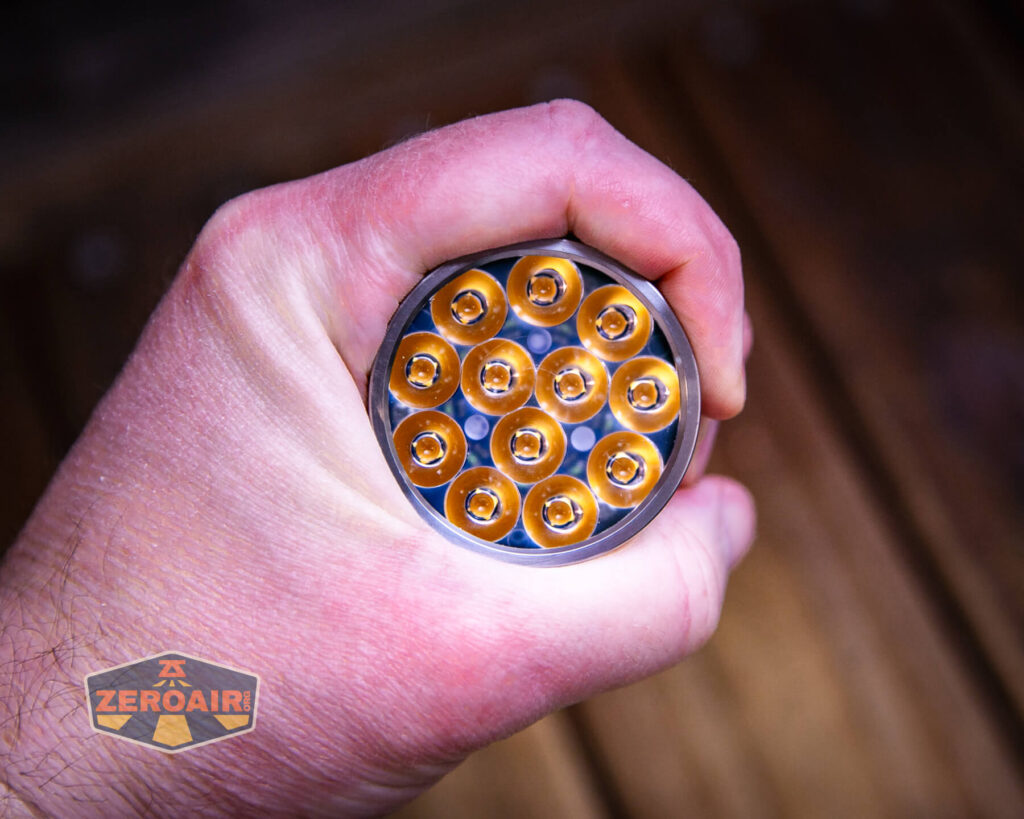
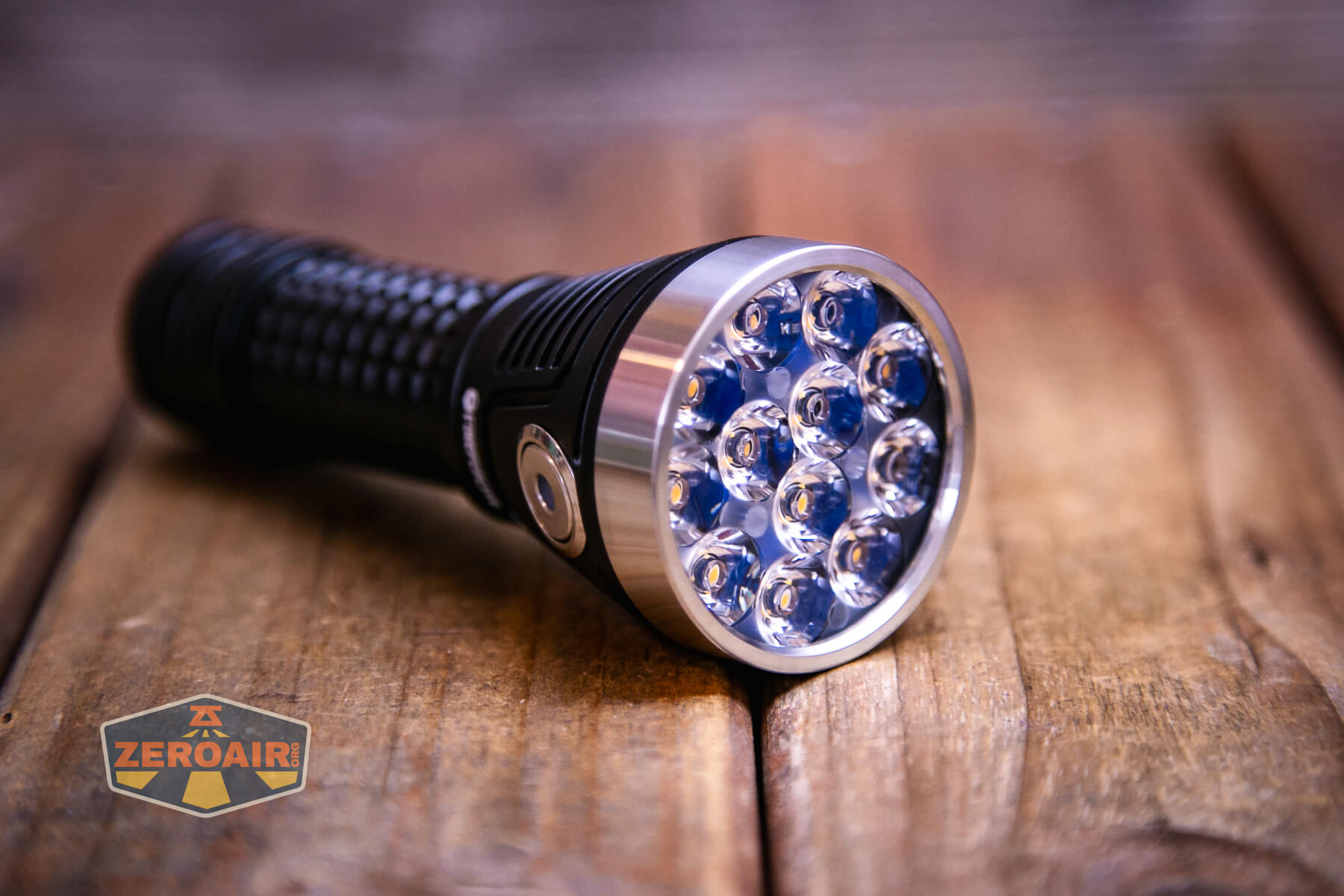
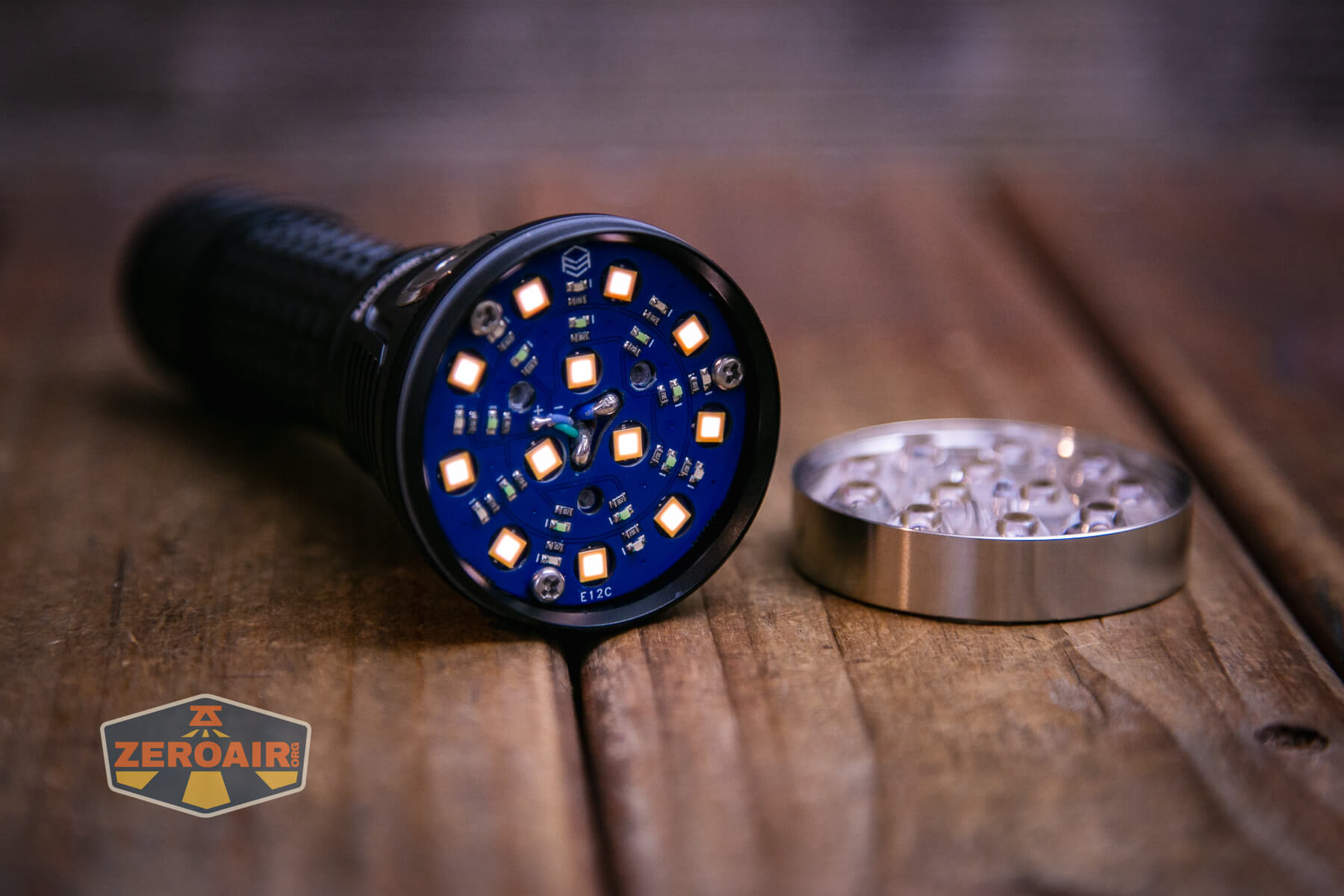
Seen below are 12 delicious FFL351A HI emitters. The “HI” means they’re “High Intensity” and do not have a dome. They’re nicely eggy to look at through the TIR.
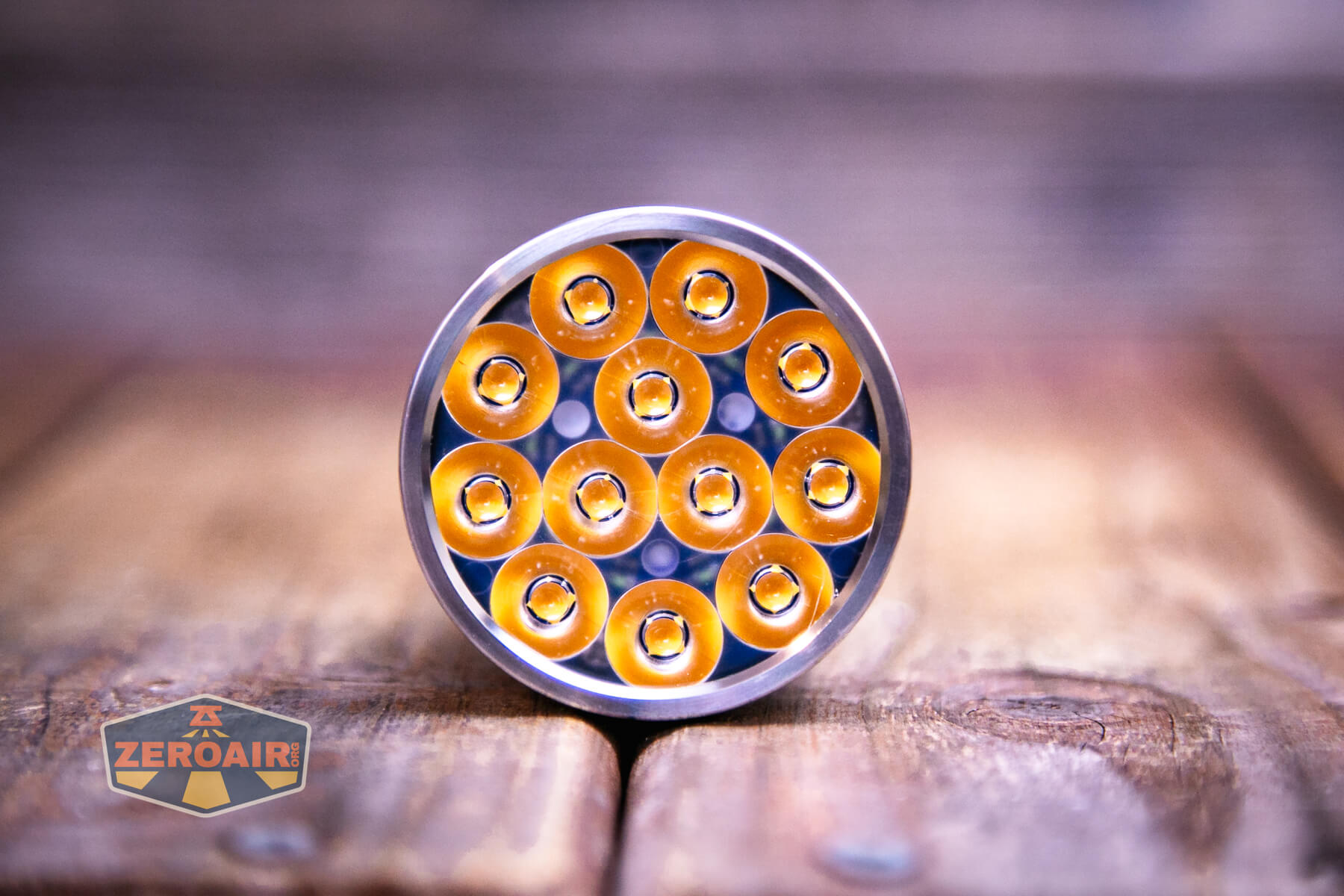
Unscrewing the bezel is simple, but do be careful to … not mess anything up. I don’t know what you might mess up, but there’s a lot going on under that TIR, and it has three legs. So don’t run those legs over any of the many emitters, for example.
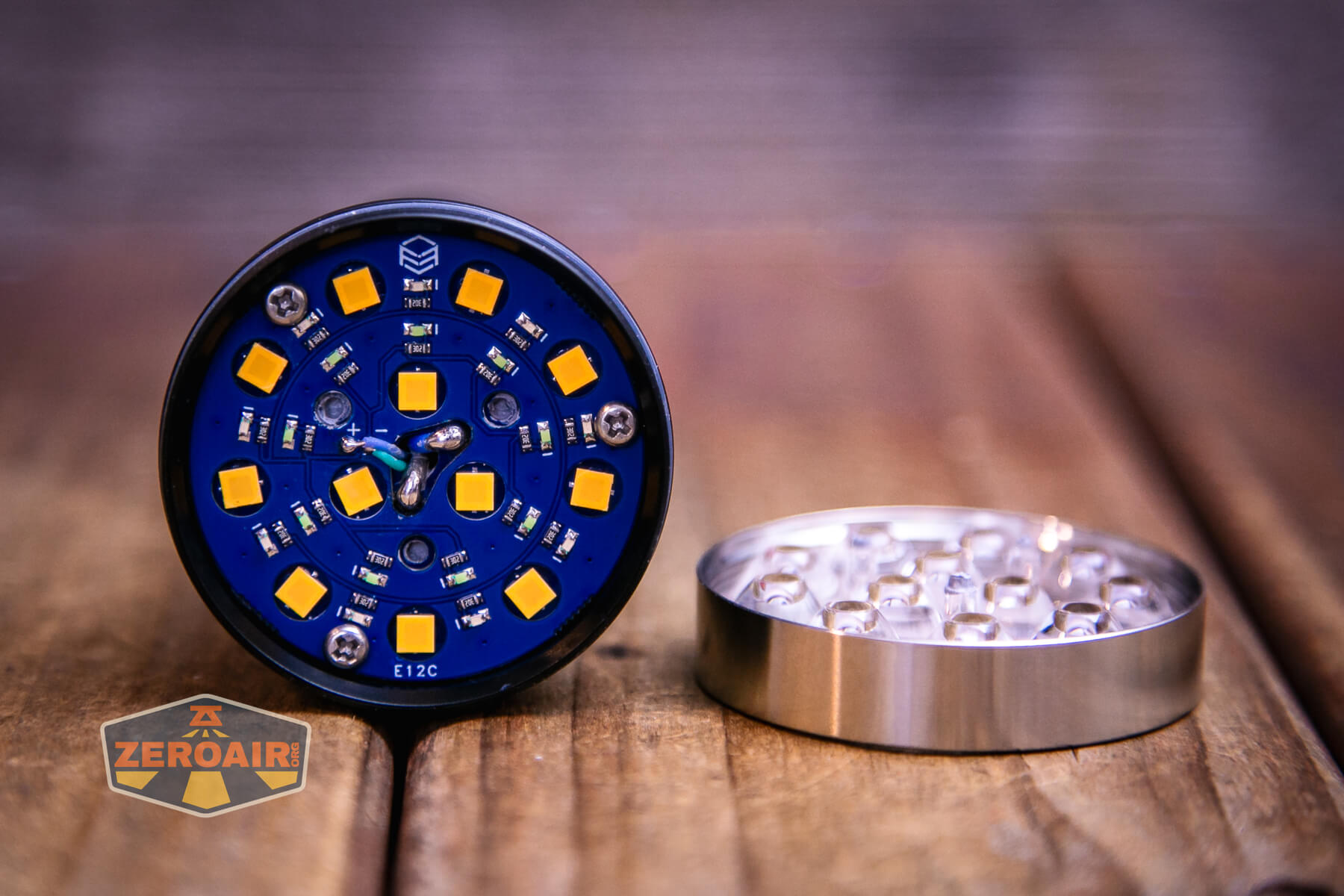
One thing I LOVE about this emitter from FireflyLite is that they are rosy! Too rosy? Nonsense…
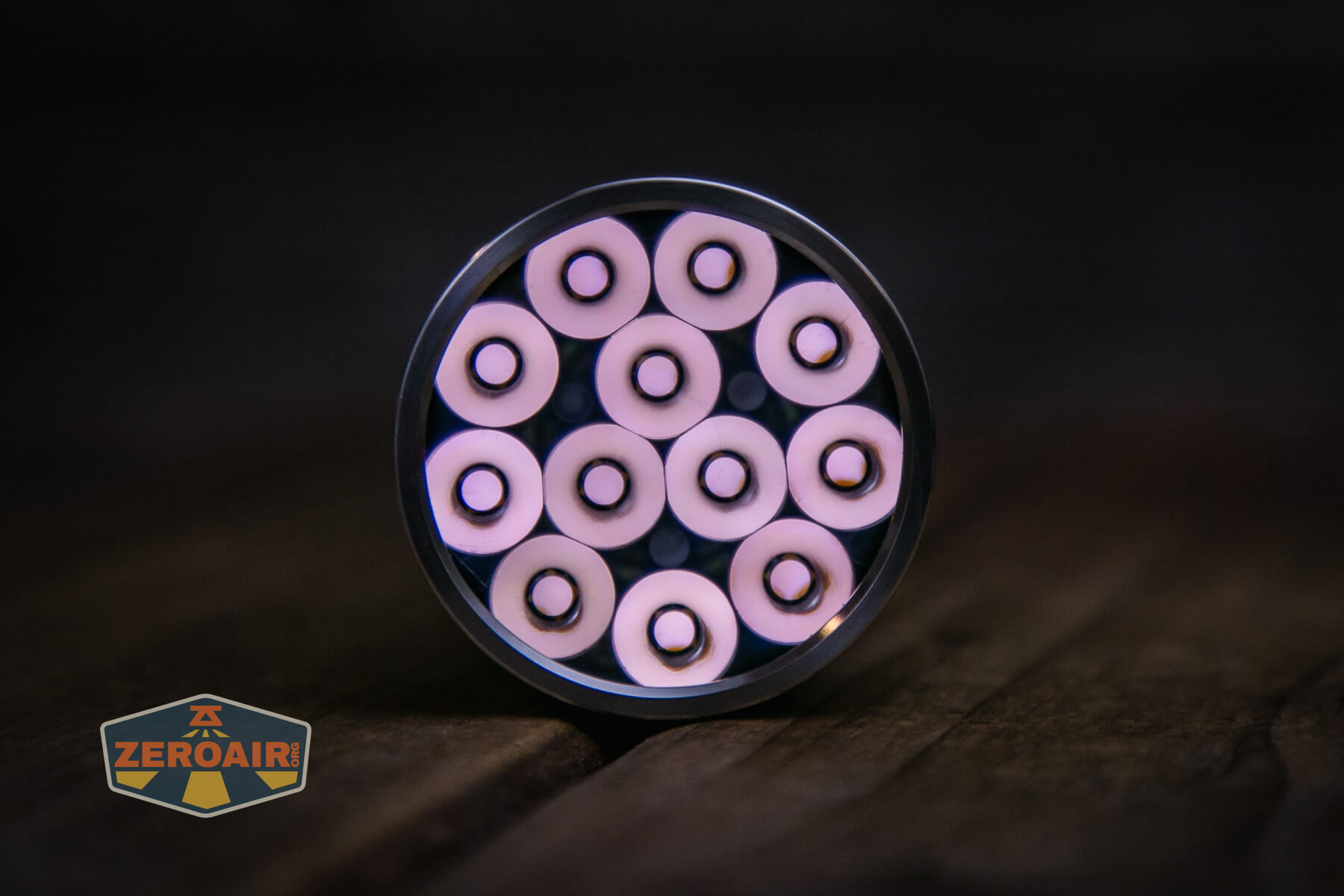
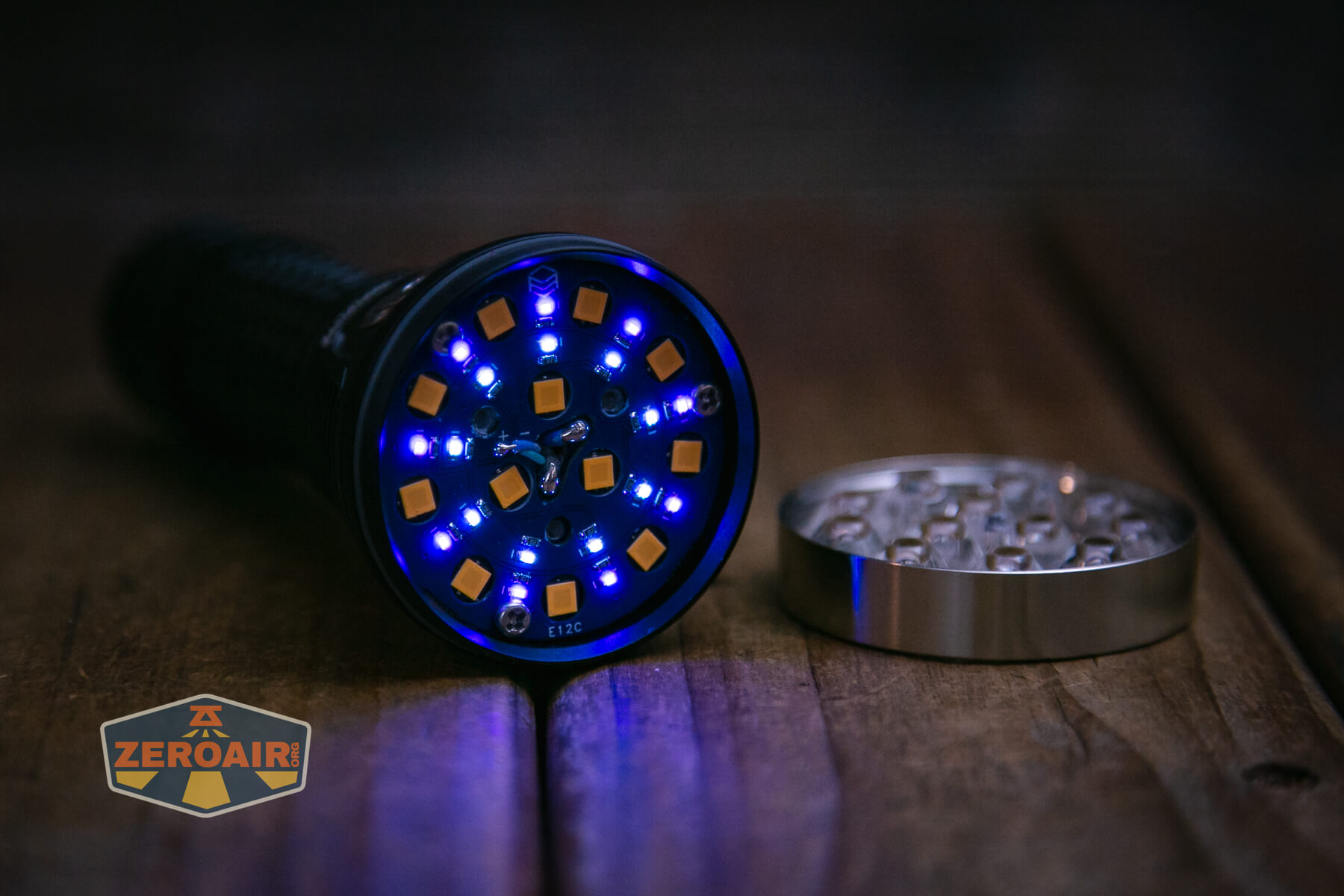
There are a LOT of secondary emitters, too. You can’t use the secondary emitters concurrently with the white emitters.
LED Color Report (CRI and CCT)
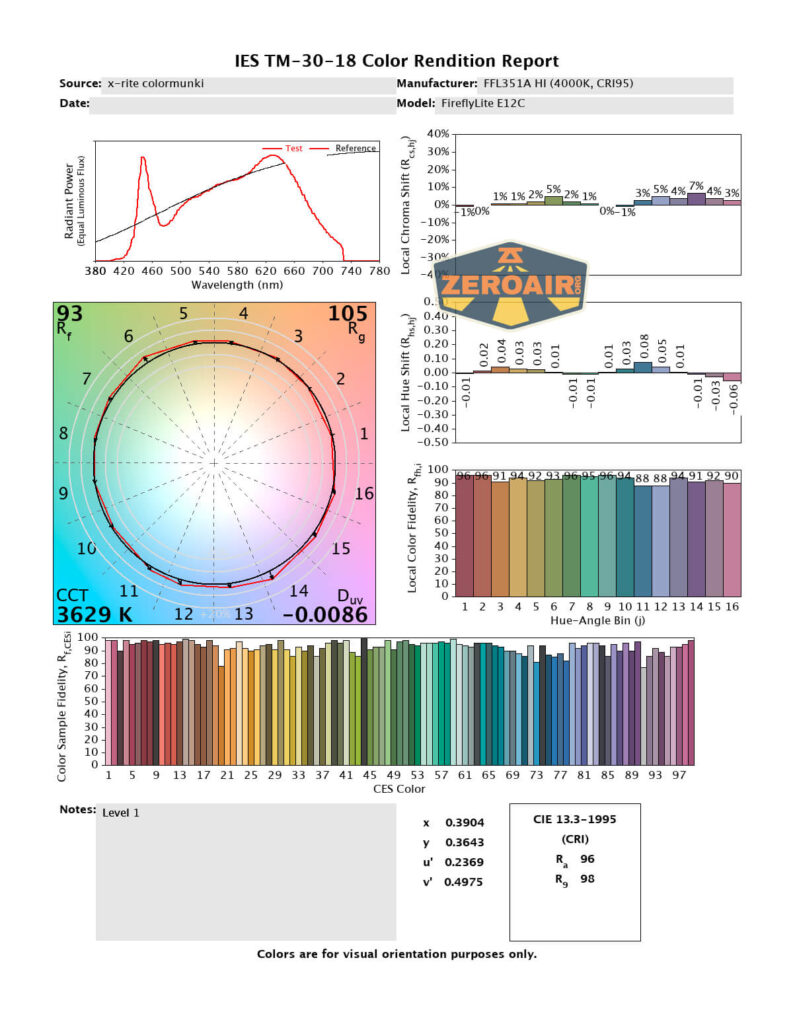
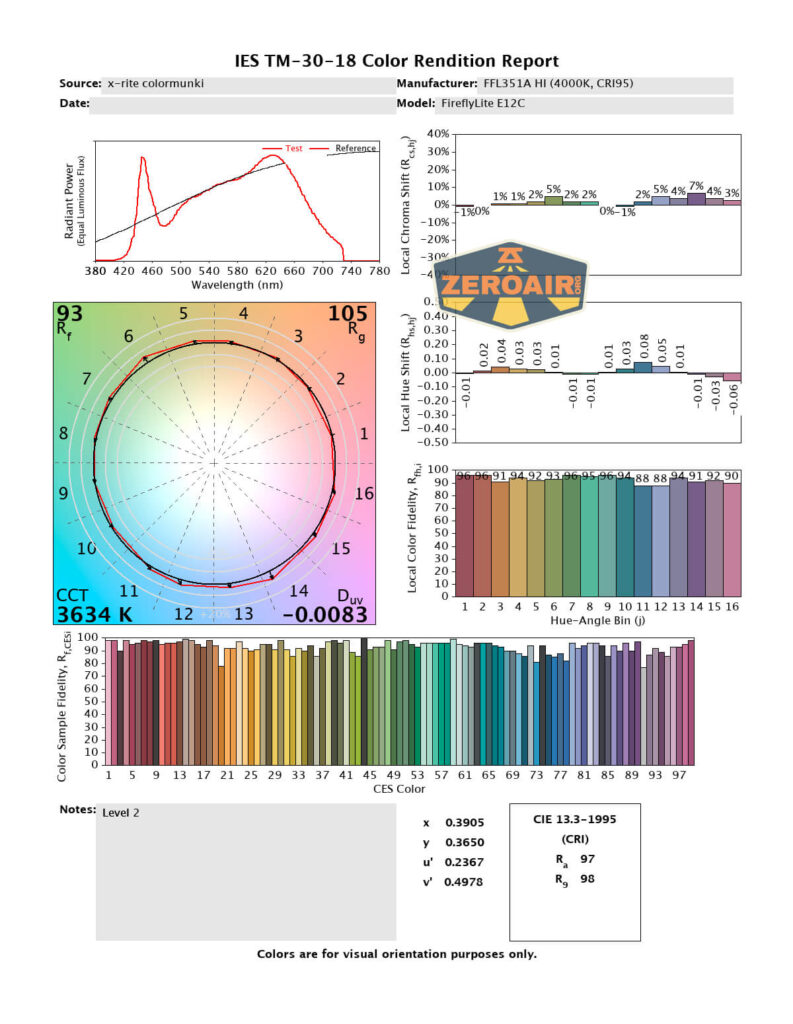
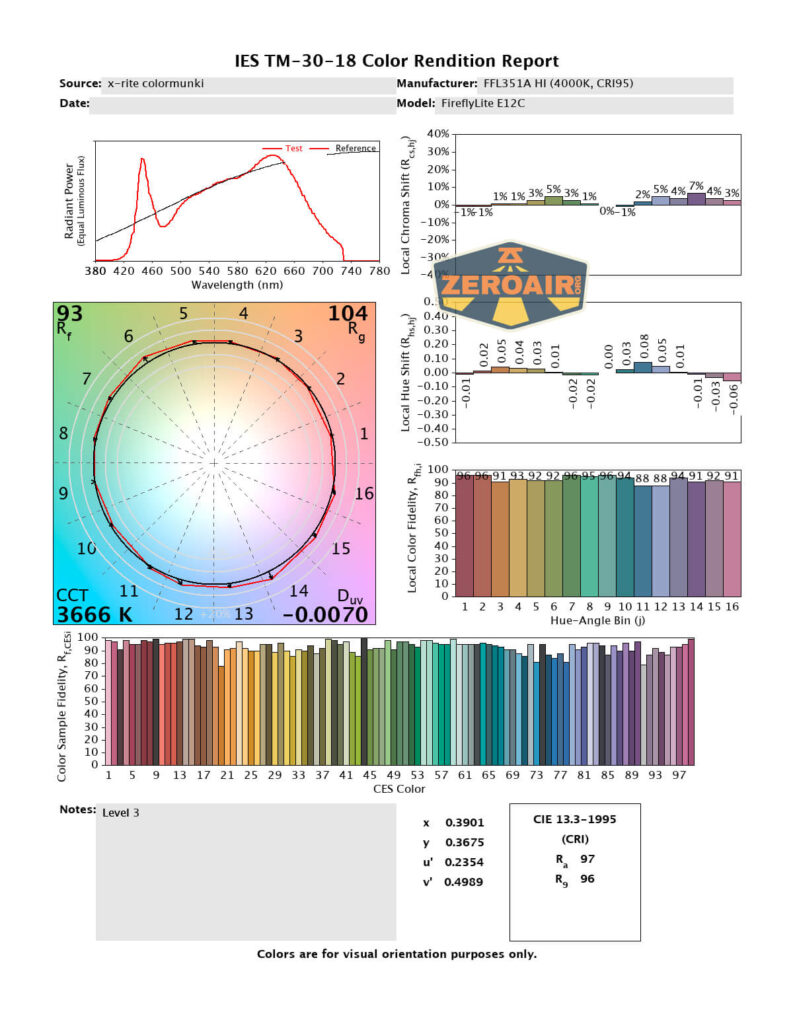
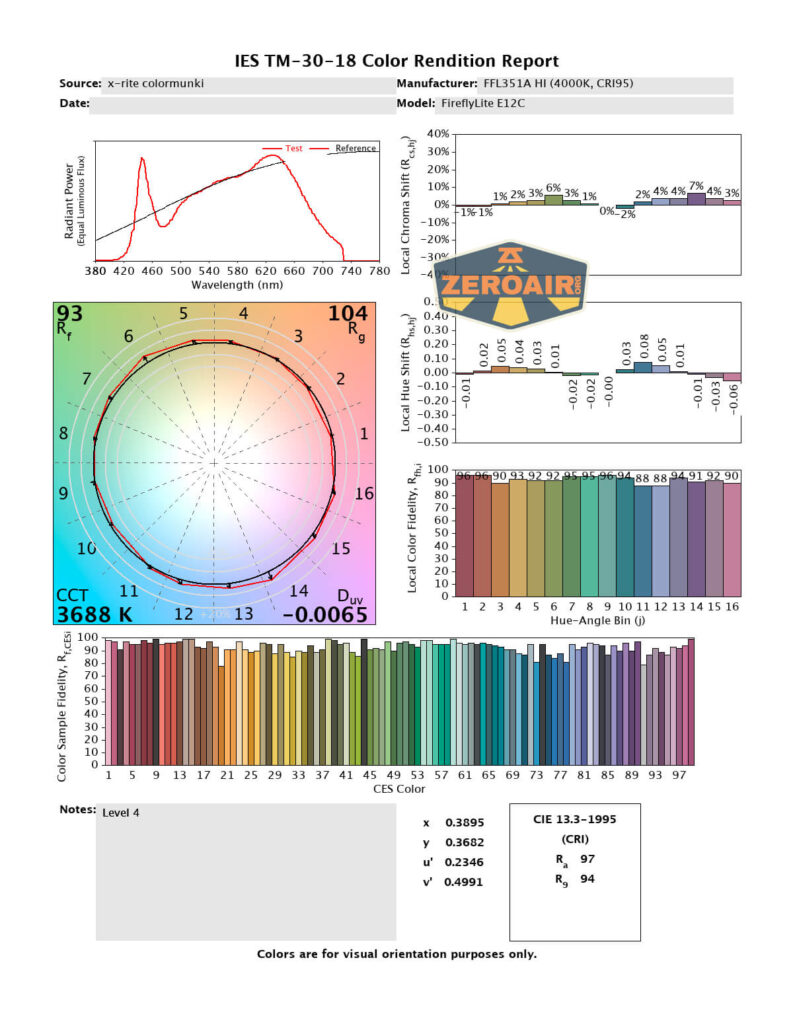
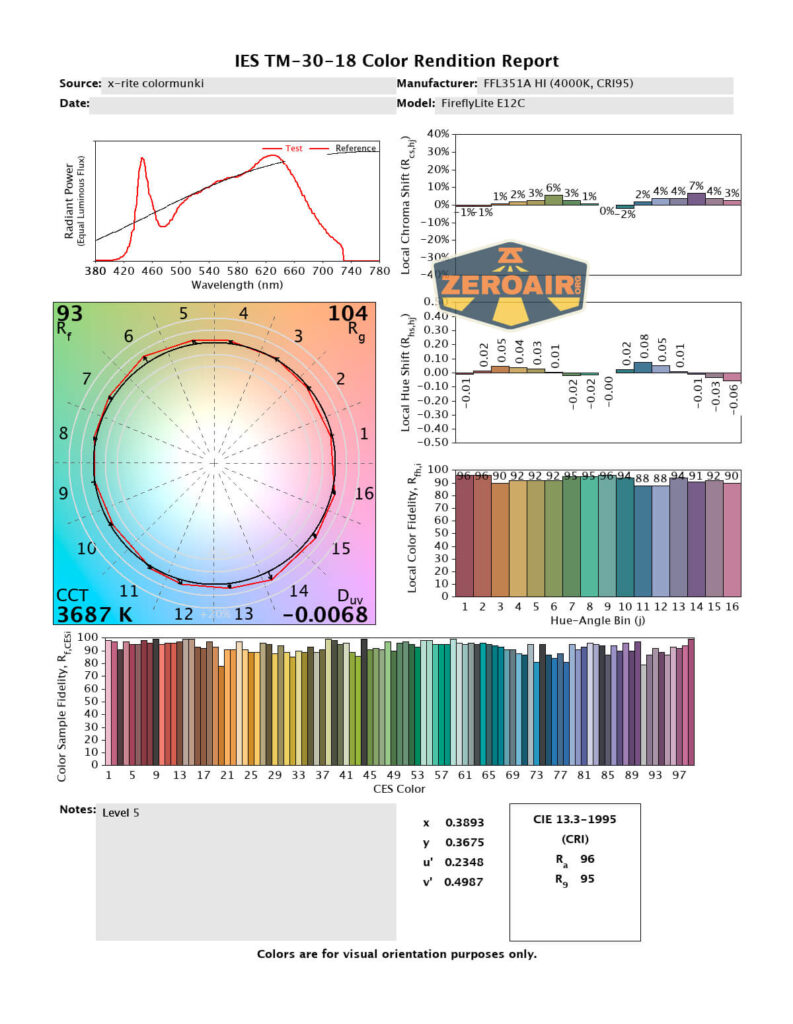
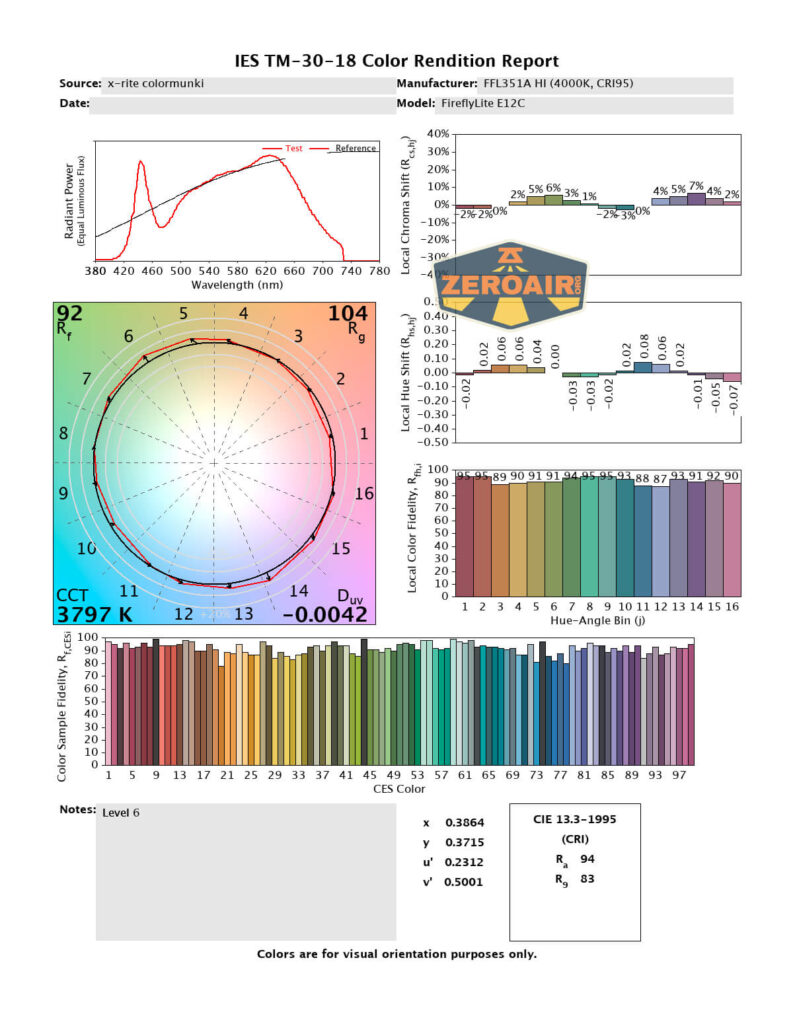
FireflyLite states this as a “4000K” light and that’s approximately what is seen here. They also call it “WW” which means “warm white” – the light measures more into the warm white, and that’s good! CRI is claimed as 95, and that’s met too. Turbo, where the light is driven so hard, does drift downward, but on average, the light measures 96 or better.
Beamshots
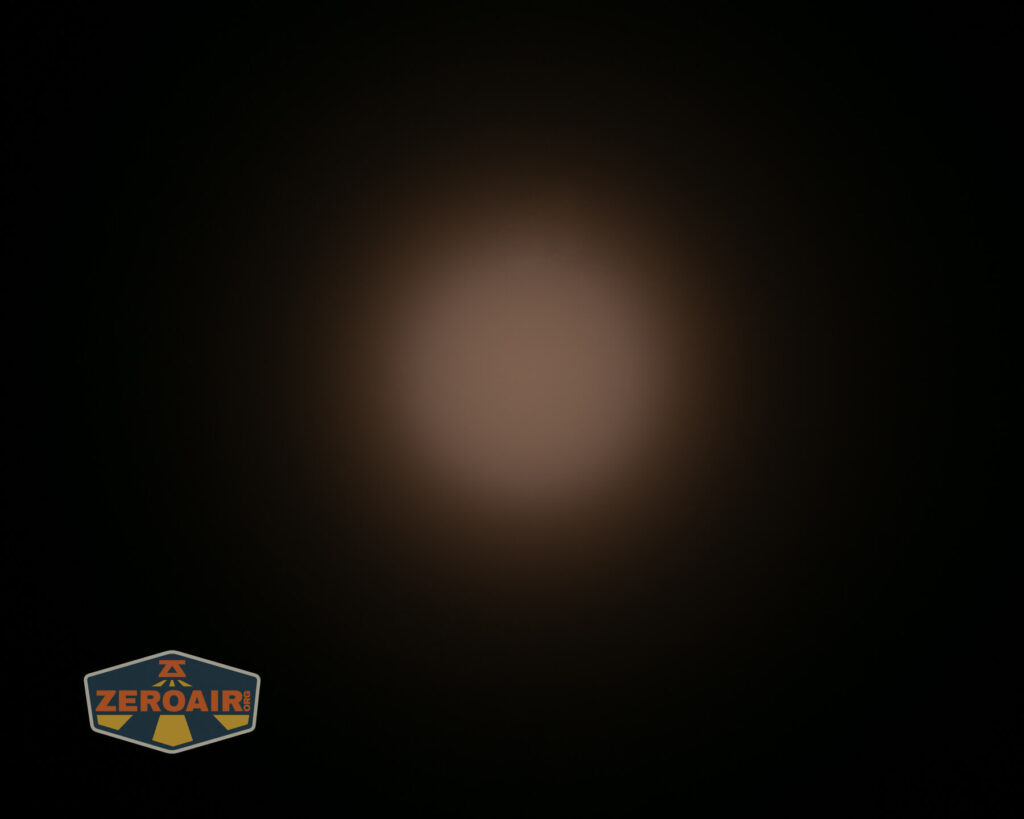
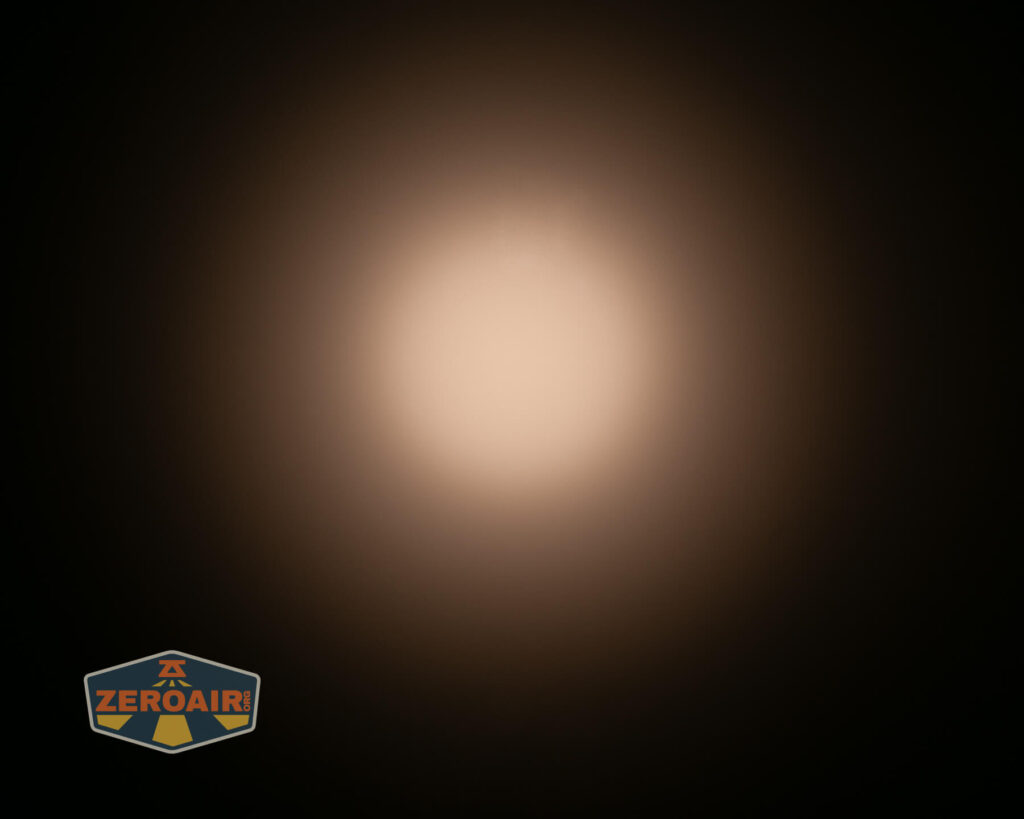
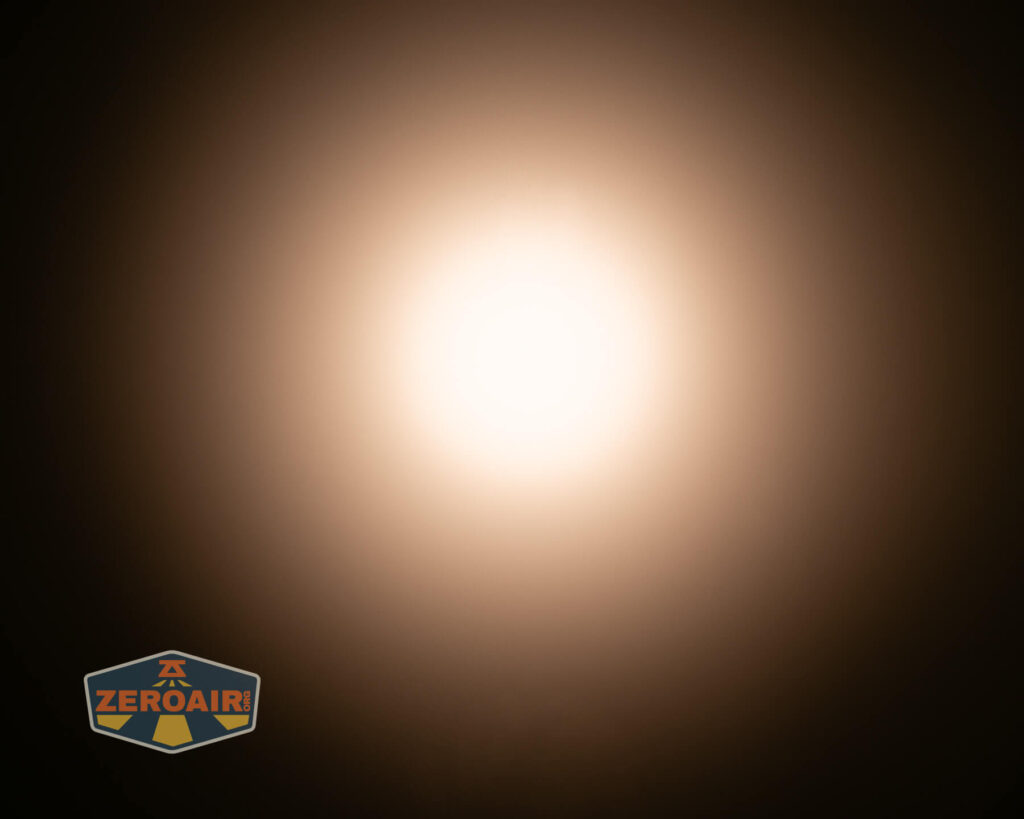
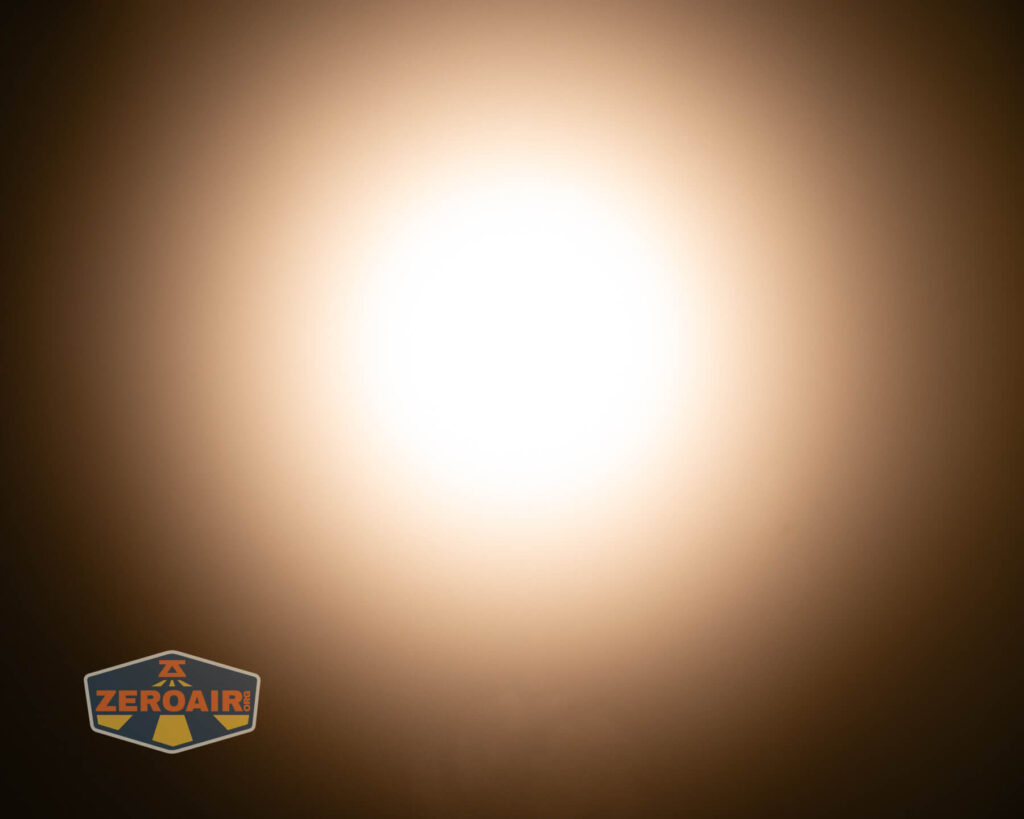
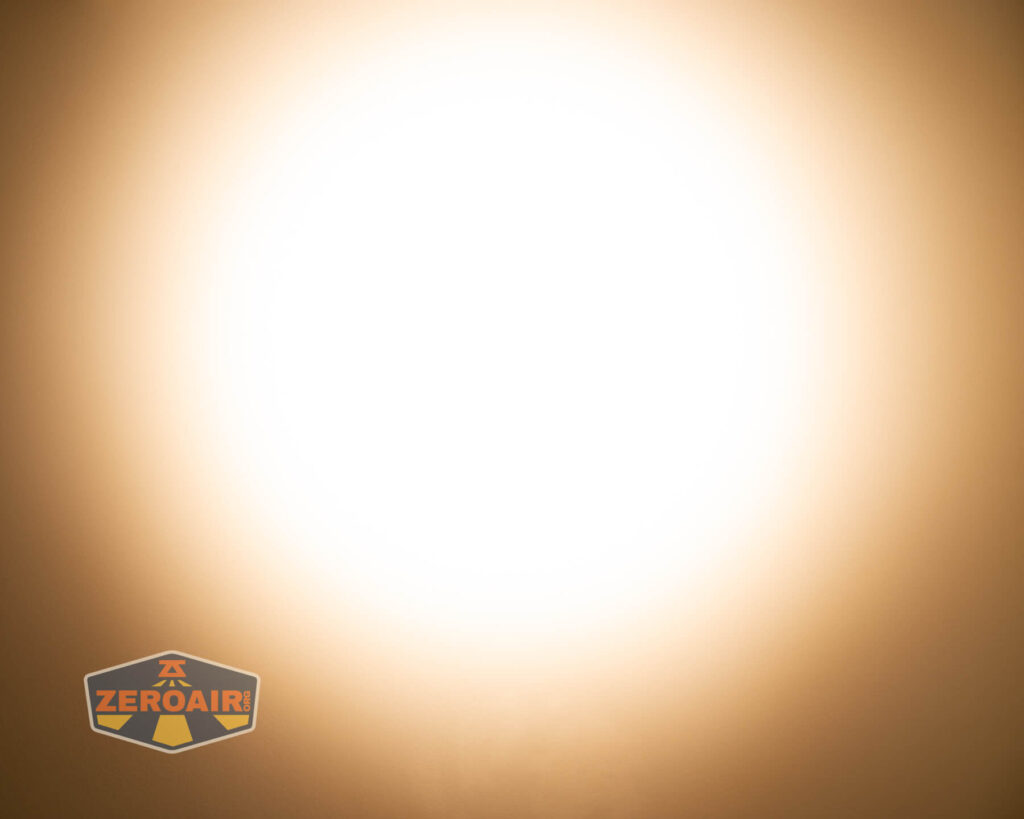
These beamshots always have the following settings: f8, ISO100, 0.3s shutter, and manual 5000K exposure. These photos are taken at floor level, and the beam hits the ceiling around 9 feet away.
The left-most photo below is the RGB option (sort of a random setting, nothing specific).


Tint vs BLF-348 (KillzoneFlashlights.com 219b version) (affiliate link)
I keep the test flashlight on the left and the BLF-348 reference flashlight on the right.
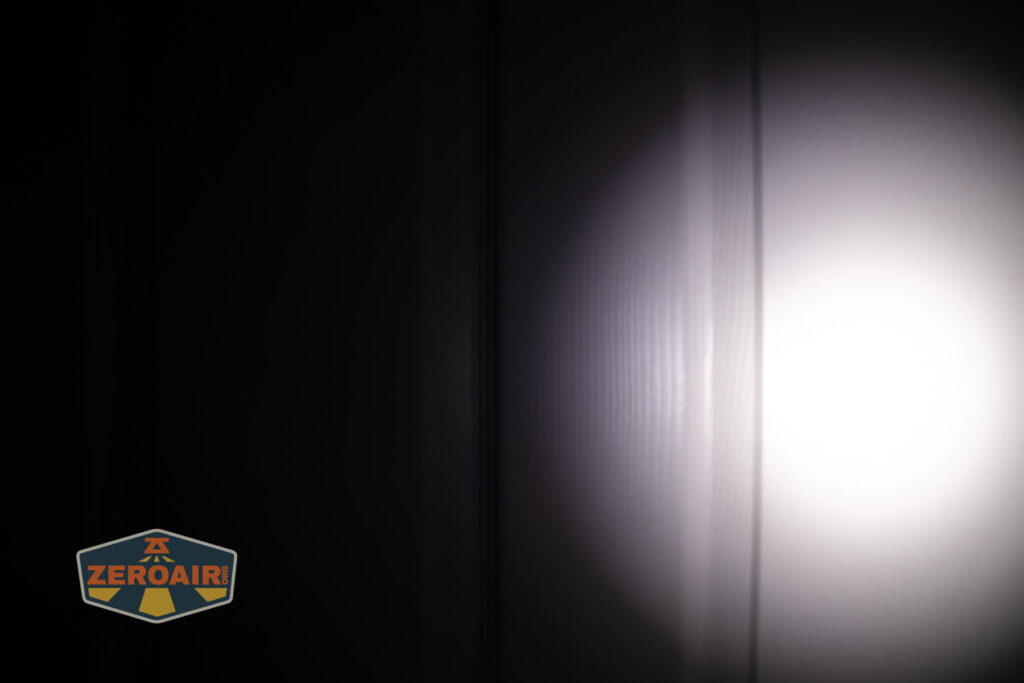

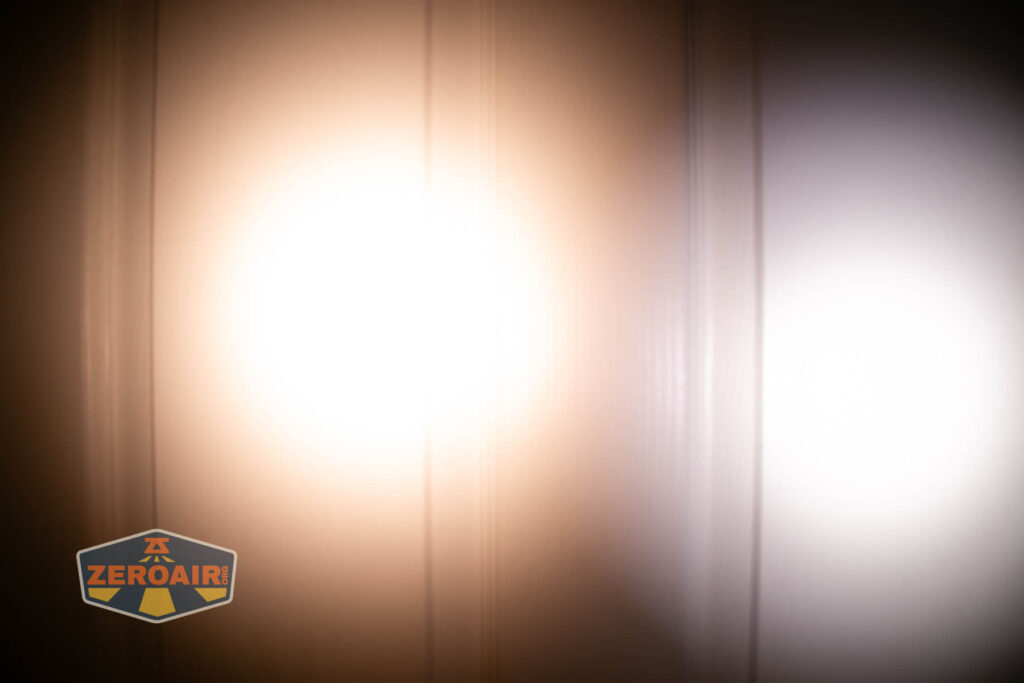
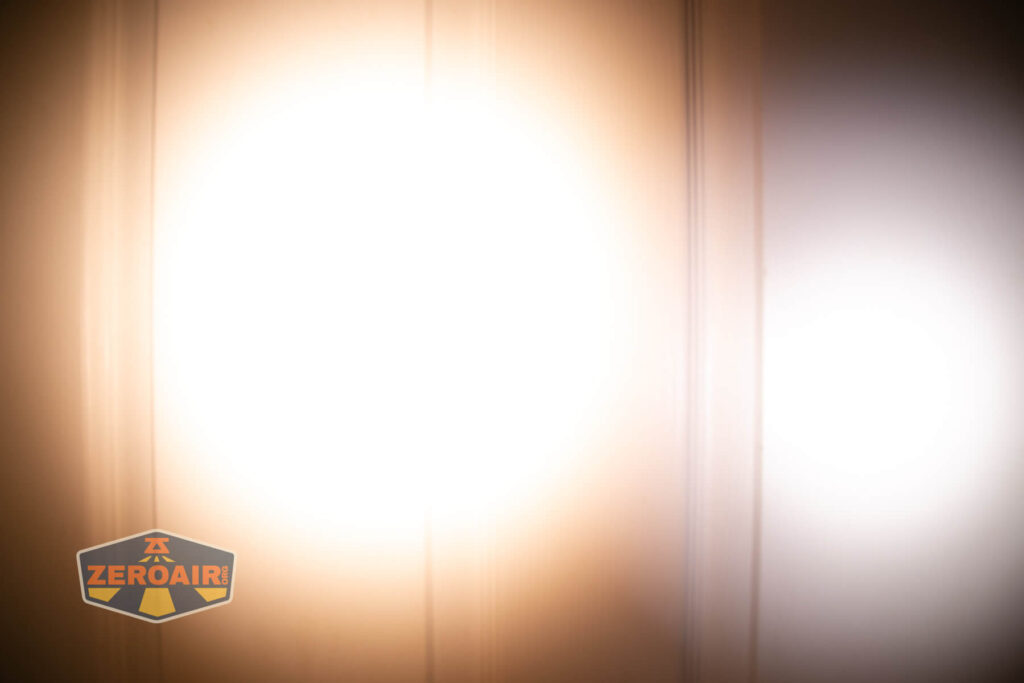

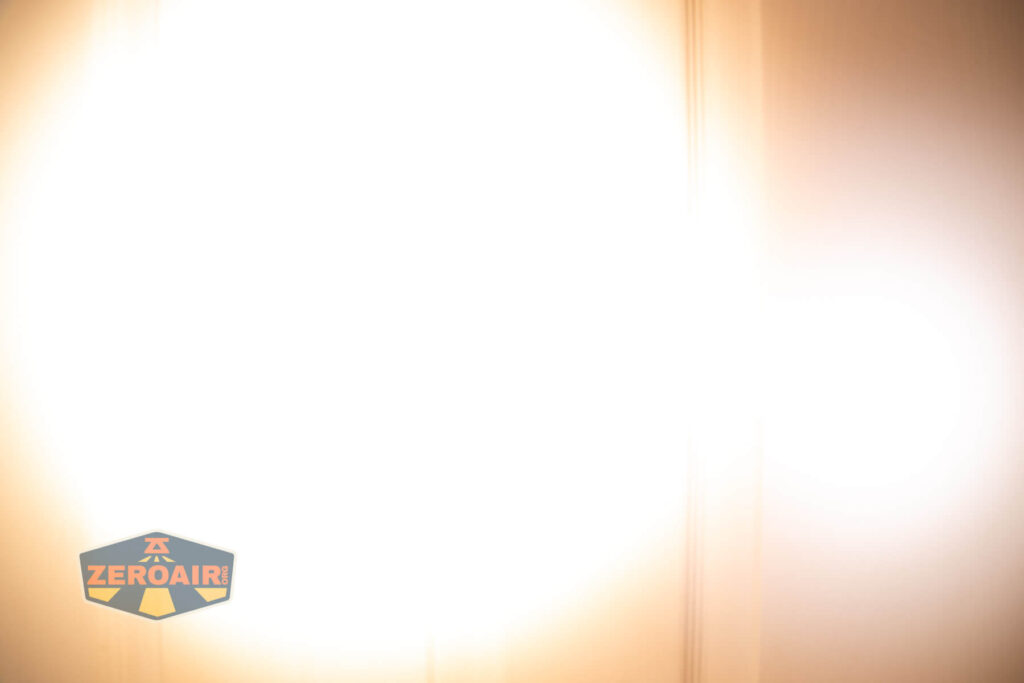

I compare everything to the KillzoneFlashlights.com 219b BLF-348 because it’s inexpensive and has the best tint!
Summary and Conclusion
I really like this emitter and the whole FireflyLite E12C flashlight, too. I have a fondness for domeless emitters (maybe for no reason in particular, but maybe because they’re awesome.) This one by FireflyLite is awesome, too. It does seem like the FireflyLite E12C flashlight is good, and probably better than FireflyLites of the past – at least I can say that there are zero issues with this one.
The Big Table
| FireflyLite E12C flashlight | |
|---|---|
| Emitter: | FFL351A HI (4000K, CRI95) |
| Price in USD at publication time: | $99.75 |
| Cell: | 1×21700 |
| Runtime Graphs | |
| LVP? | Yes |
| Switch Type: | E-Switch |
| Quiescent Current (mA): | ? |
| On-Board Charging? | Yes |
| Charge Port Type: | USB-C |
| Charge Graph | |
| Power off Charge Port | No |
| Claimed Lumens (lm) | 7500 |
| Measured Lumens (at 30s) | 2332 (31.1% of claim)^ |
| Candela per Lumen | 7.77 |
| Claimed Throw (m) | – |
| Candela (Calculated) in cd (at 30s) | 389lux @ 5.541m = 11943cd |
| Throw (Calculated) (m) | 218.6 (0s)
118.5 (at 30s, during the stepdown) |
| Claimed CCT | 4000 |
| Measured CCT Range (K) | 3600-3700 Kelvin |
| Item provided for review by: | Fireflylite |
| All my Fireflylite reviews! | |
^ Measurement disclaimer: Testing flashlights is my hobby. I use hobbyist-level equipment for testing, including some I made myself. Try not to get buried in the details of manufacturer specifications versus measurements recorded here; A certain amount of difference (say, 10 or 15%) is perfectly reasonable.
What I like
- This new emitter. It’s great!
- Warm white output
- High CRI
- Charging works great
- Stainless bezel
What I don’t like
- It’s not cheap – around $100
- Must remove whole head for charging (I’d just use a bay charger in this case)
- Massive stepdown on Turbo
Notes
- This content originally appeared at zeroair.org. Please visit there for the best experience!
- Please use my Amazon.com referral link to help support zeroair.org!
- Please support me on Patreon! I deeply appreciate your support!
Discover more from ZeroAir Reviews
Subscribe to get the latest posts sent to your email.
So did you set 65 or 70C thermal limit?
I tested the light with factory settings.
~900 lumens for ~3 hours out of an “only” 3750 mAh 21700 battery is super damn good. Especially from a ~4000 K LED. Can’t remember seeing anything similar.
What I don’t get is why there isn’t a light of this size that can’t sustain 1500 lumens for e.g. 2 hours. Maybe soon with more efficient emitters and 12 of them like this…
Good question. Actually not totally impossible, but rarely seen for sure: Found the Acebeam E75. Pretty much exactly 1500 lumens for 2 hours:
https://zakreviews.com/acebeam-e75.html
https://wolfgirlreviews.com/review/acebeam/e75/#runtime&gid=1&pid=60